
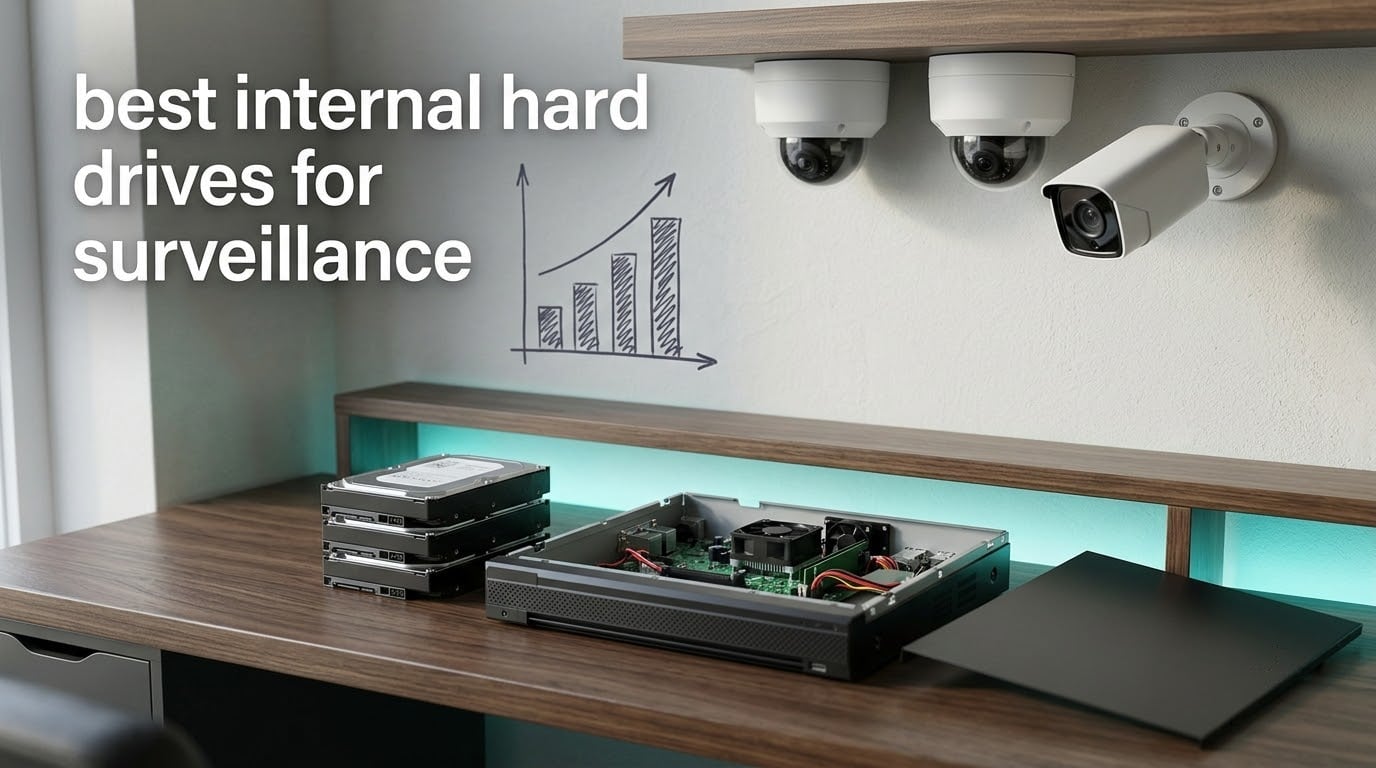
The best internal hard drives for surveillance are the 3.5-inch models built specifically for one job: writing video to disk around the clock while your recorder reads it back. A DVR or NVR pushes a steady, one-directional stream from every connected camera onto the platter for 24 hours a day, which is a different duty cycle from anything a desktop or NAS drive is rated for.
That duty cycle is why the big three all publish a workload rating measured in terabytes written per year rather than in read speed. Standard surveillance drives such as the WD Purple and Seagate SkyHawk are rated to 180 TB/year. The AI-rated variants push that figure to 550 TB/year because the recorder is also reading footage back to run on-box person and vehicle detection while it writes. If your recorder runs analytics, that second number matters.
I picked the six drives below by working backward from that duty cycle, then checking the manufacturer specs against thousands of owner reports on the retail listings. Nothing here was bench-tested in a lab. Every rating and review count comes from the listing data, and every spec quoted is a manufacturer figure, not an estimate. We have compared these lines against each other for weeks, and the honest summary is that capacity and bay count decide the winner far more often than brand does.
We also cover the mistakes that cost people footage: the drives to avoid, the capacity math nobody else publishes, and the CMR versus SMR trap hiding inside some surveillance capacities. If you want the short version of our wider storage testing, start with our surveillance hard drive roundup for NVR systems before you commit.
Table of Contents
Top 3 Picks for Best Internal Hard Drives for Surveillance (October 2026)

Seagate SkyHawk 8TB ST8000VX010
- 256MB cache
- 5400 rpm
- 180 TB/year workload
- up to 64 HD streams

Every Drive in This Roundup Compared
| Product | Specifications | Action |
|---|---|---|
| Seagate SkyHawk 8TB ST8000VX010 |
|
Check Latest Price |
| WD Purple 6TB WD62PURZ |
|
Check Latest Price |
 WD Purple 4TB WD44PURZ WD Purple 4TB WD44PURZ |
|
Check Latest Price |
 Seagate SkyHawk 4TB ST4000VXZ16 Seagate SkyHawk 4TB ST4000VXZ16 |
|
Check Latest Price |
 WD Purple 6TB WD63PURZ WD Purple 6TB WD63PURZ |
|
Check Latest Price |
 Toshiba S300 2TB HDWT720UZSVA Toshiba S300 2TB HDWT720UZSVA |
|
Check Latest Price |
Why a Surveillance Drive Is Not a Desktop or NAS Drive
An NVR never stops writing. Even when nothing is happening in front of the cameras, the recorder is still writing motion-search data and overwriting the oldest footage in a loop. A desktop drive spends most of its life sitting idle between bursts, and a NAS drive like the WD Red or Seagate IronWolf is tuned for a mixed read and write profile with heavy random access.
That mismatch shows up in three ways. Continuous writing generates more heat than bursty workloads, and heat is what kills hard disks. Video streams are also written in parallel across many camera channels at once, which is what rotational vibration sensors are for: they detect the movement of neighbouring drives in a multi-bay chassis and adjust head positioning to stay on track.
The third factor is the workload rating itself. A 180 TB/year surveillance rating is roughly triple what a desktop drive is warrantied for, and the drive is tuned with firmware that prioritises stream continuity over the seek behaviour that makes a desktop drive feel fast. WD calls that firmware AllFrame; Seagate pairs SkyHawk with Health Management. The practical result is fewer dropped frames on a busy multi-channel recorder, which on an NVR means fewer gaps in the footage you actually need.
NAS drives are the most common mis-purchase here. They are excellent drives, built for a workload that mixes reads and writes across a network. Pure recording is a different job, and our enterprise NAS drive guide covers the families built for that role if a NAS is what you are actually running.
How We Picked These Six Drives
There is no honest way to bench-test a hard drive’s behaviour after four years of continuous recording in a week, and we are not going to pretend otherwise. Our picks come from three sources: manufacturer published specifications, retail listing review data, and owner reports on surveillance forums.
We filtered on the workload rating first, then on capacity coverage from 2TB to 8TB, then on owner-reported stability. Two listings were set aside despite reasonable specs because of recurring reports about counterfeit or recertified units arriving through third-party sellers. We left out NAS families entirely, and we left out any drive whose listing did not state a workload rating. If you want a broader look at the storage side of things, our external backup drive guide covers what to keep footage on once it leaves the recorder.
1. Seagate SkyHawk 8TB ST8000VX010 – Best Overall for Continuous Recording
Seagate Skyhawk 8TB Video Internal Hard Drive HDD – 3.5 Inch SATA 6Gb/s 256MB Cache for DVR NVR Security Camera System with Data Rescue Services (ST8000VX010)
8TB capacity
256MB cache
5400 rpm
180 MB/s read
180 TB/year workload
3-year warranty
Pros
- Strongest owner rating in this group at 4.6 across 1716 reviews
- Large 8TB capacity for long retention
- 256MB cache handles many simultaneous streams
- RV sensors for multi-bay stability
- Includes Rescue data recovery services
Cons
- Formatted usable capacity falls a little short of the labelled 8TB
- 5400 rpm spindle is slower than 7200 rpm drives on burst reads
My pick for the widest range of installations. The SkyHawk 8TB is rated to 180 TB/year of written data and 64 simultaneously streaming HD cameras, with a 1M hour MTBF figure and a three-year limited warranty behind it. For most home and small business systems that is more headroom than the recorder will ever consume.
What stands out on paper is the 256MB cache. That is double the cache on most 4TB and 6TB surveillance drives in this group, and it is the buffer that absorbs short bursts when several cameras write at once. Combined with the built-in rotational vibration sensors, it makes this the drive I would trust in a four-bay recorder where three channels are writing simultaneously.
The spindle runs at 5400 rpm rather than 7200 rpm, and the listed read speed is 180 MB/s. Neither number matters much for a recorder that writes sequentially all day, and I would not trade that stability for burst speed you will never use.
What you get for the capacity
Eight terabytes is the sweet spot for retention rather than for headline specs. At a common home setup of eight 4MP cameras running continuously, that headroom is what separates keeping footage for weeks from overwriting it within days.
The lower power draw is worth noting too. Seagate states the reduced power consumption lowers heat output, and heat is the single biggest accelerator of failure in a closed NVR chassis.
Where it falls short
Owners repeatedly note that usable capacity after formatting comes in slightly below the labelled 8TB, which is normal for any formatted drive but worth remembering if you are calculating right at the edge of your retention target.
If your recorder runs heavy on-box analytics with many channels and heavy playback during the day, this is the drive where I would look at the AI-rated tier instead. For standard continuous recording, nothing in the data suggests you need to spend more.
2. WD Purple 6TB WD62PURZ – Best Value With AI Headroom
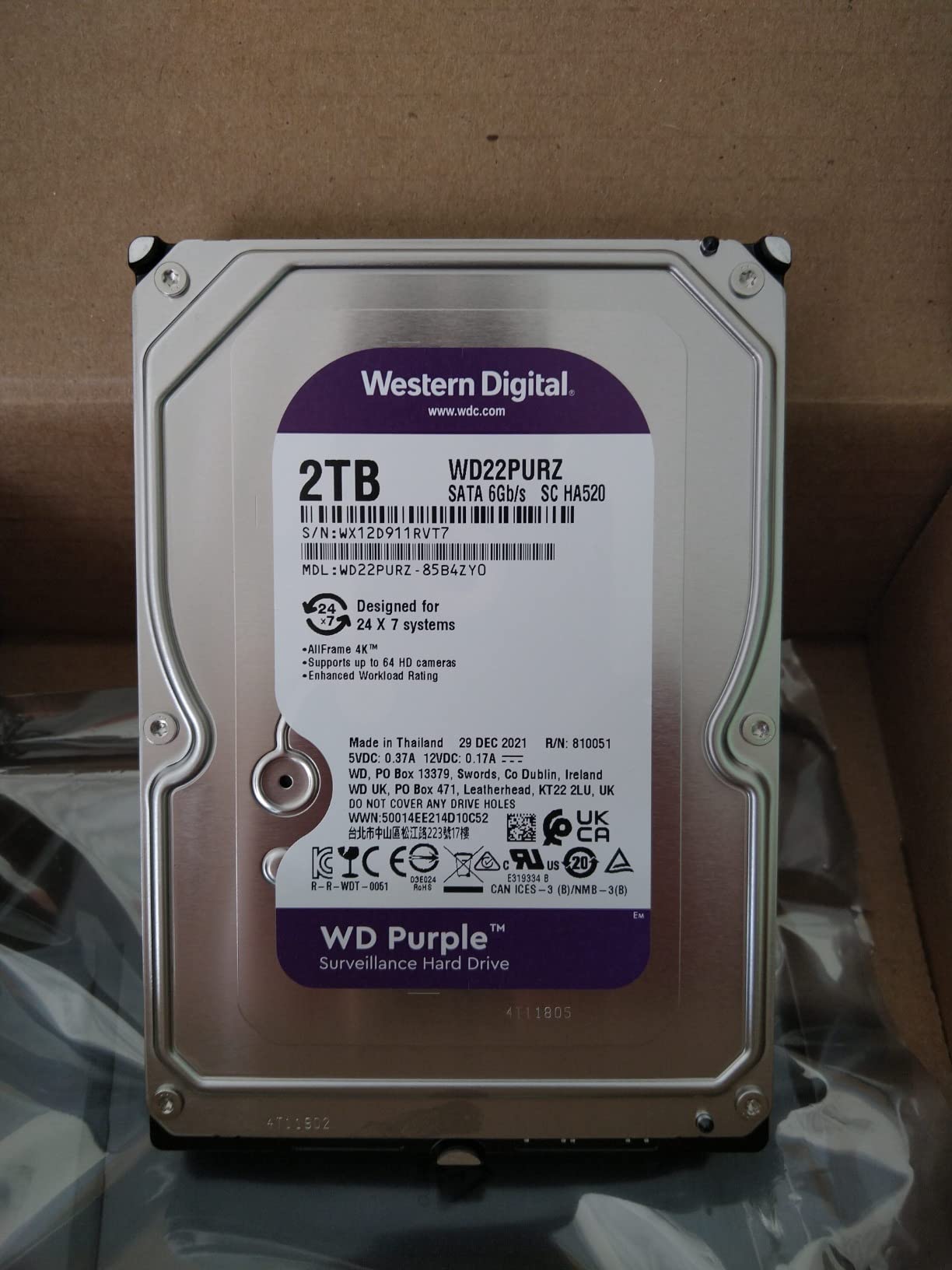
Western Digital 6TB WD Purple Surveillance Internal Hard Drive HDD – SATA 6 Gb/s, 128 MB Cache, 3.5″ – WD62PURZ
6TB capacity
128MB cache
5640 rpm
AllFrame AI technology
180 TB/year, up to 360 TB/year
Pros
- Largest owner review base in the group at 2786 reports
- 4.5 average rating with steady recording reported
- AllFrame AI lifts workload rating to 360 TB/year on AI-enabled recorders
- Support for more than eight bays
- Three-year limited warranty
Cons
- Third-party fulfilment has produced some reports of counterfeit or recertified units
- No SATA data cable included
- Not Prime-eligible on this listing
This is the listing I trust most in the group, and the reason is the volume of owner history behind it. Nearly 2800 reviews at a 4.5 average is the deepest evidence base of any drive here, and the pattern in those reports is consistency rather than excitement: steady continuous recording on home systems.
The technical story is the AllFrame AI firmware, which is the part of this line that matters most. WD rates the drive to 180 TB/year normally, but with AllFrame AI the workload rating climbs to 360 TB/year. If your recorder is running AI-enabled recording and analytics, that is a genuine doubling of headroom on the same physical drive.
Spindle speed is listed at 5640 rpm, a figure that sits between the slower and faster drives in this roundup. Cache is 128 MB. Support extends beyond eight bays, so this scales into a larger chassis without a change of drive family.
Why the review volume matters
A large sample size is the closest thing we have to a reliability signal on a drive we cannot bench-test. At this volume, an intermittent early-failure problem would show up. It has not, which is why this listing anchors my value recommendation rather than the higher-rated SkyHawk.
Users in surveillance communities have also reported WD Purple drives in this capacity class running for four and five years without incident in continuously recording servers, which matches the warranty window the manufacturer offers.
Where it falls short
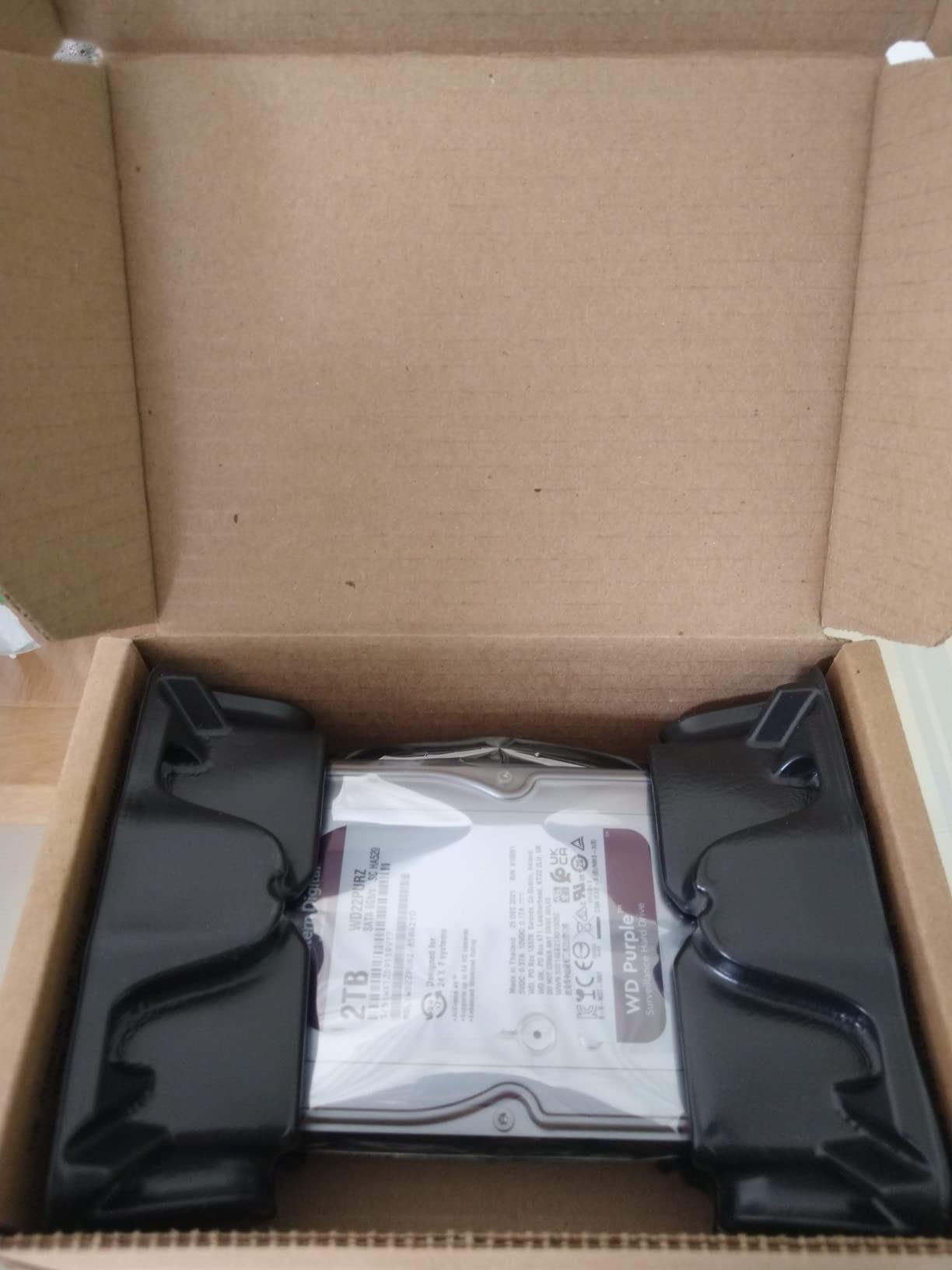
The one real complaint pattern on this listing is fulfilment rather than the drive. A small number of capacity variants in this line have drawn reports of counterfeit or recertified units arriving from third-party sellers, which is a purchasing problem rather than a design problem.
Buying from a seller that ships in sealed retail packaging with a verifiable serial number is the simple fix. Several owners on this listing specifically mention preferring it over competing Purple units for exactly that reason.
3. WD Purple 4TB WD44PURZ – Most Versatile for 4TB-Class Systems
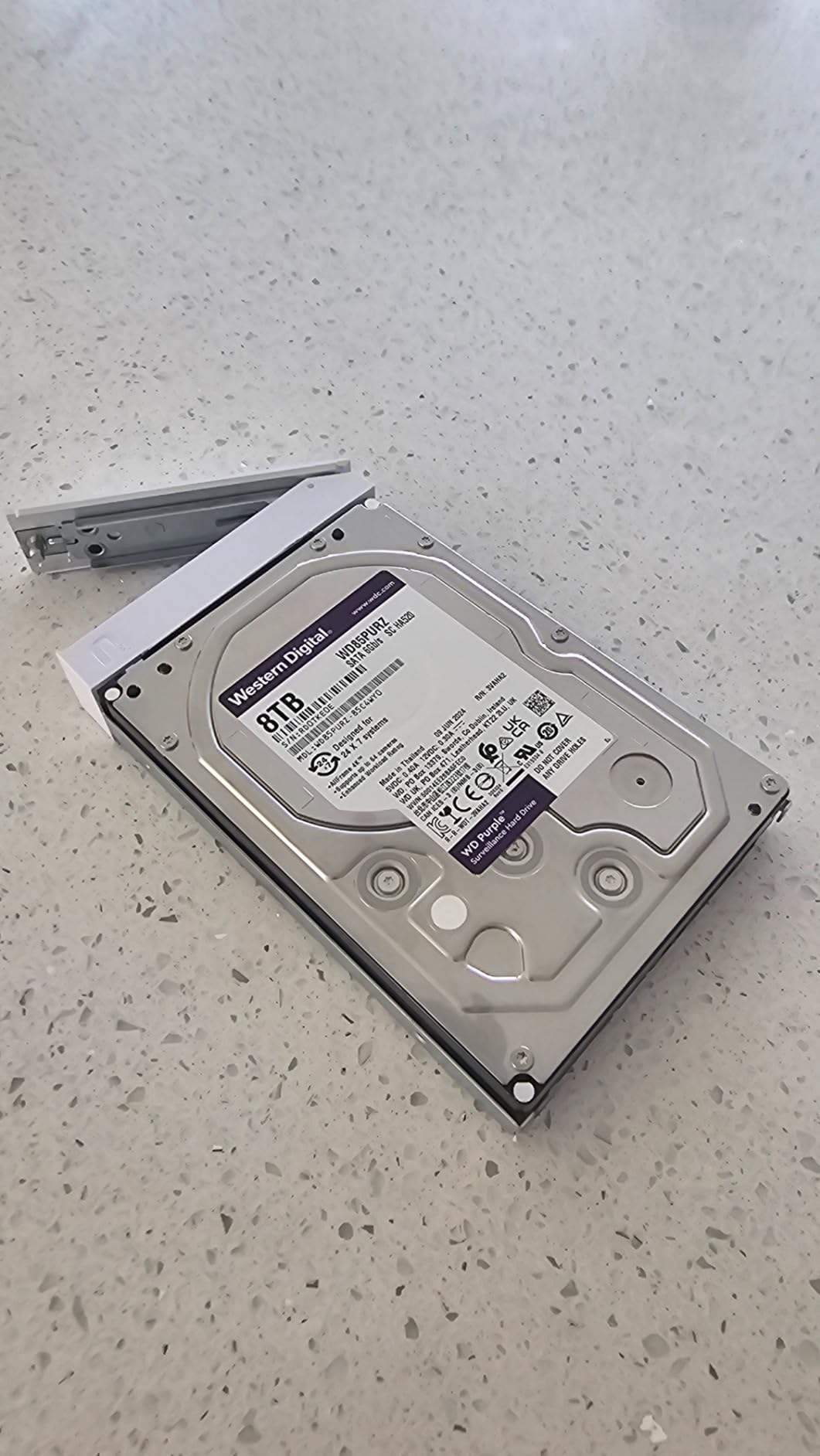
Western Digital 4TB WD Purple Surveillance Internal Hard Drive HDD – SATA 6 Gb/s, 128 MB Cache, 3.5″ – WD44PURZ
4TB capacity
7200 rpm
128MB cache
175 MB/s read
180 TB/year workload
3-year warranty
Pros
- 7200 rpm spindle and 175 MB/s read speed
- Up to 16-bay support
- WD AllFrame technology tuned for high stream counts
- Three-year limited warranty
- Reported as quiet as an OEM drive
Cons
- A recurring group of reports of units arriving with a failed or unrecognised head assembly
- Formatted capacity slightly below nominal
- No SATA data cable included
Best value if you are equipping a small recorder. Owners consistently describe this drive as quiet, on a par with an OEM drive they had in the same chassis, and they report that their NVR responds noticeably faster than it did with the stock drive it replaced. That is a real improvement in day-to-day playback responsiveness, not just a spec sheet.
On paper it is the fastest spindle in this roundup at 7200 rpm, with a 175 MB/s read speed and 128 MB of cache. The workload rating is the standard 180 TB/year and support extends up to 16 bays.
The 4.3 average across 1804 reviews sits at the lower end of this group, and it is worth being honest about why. The complaints concentrate on units that arrived with a failed or unrecognised head assembly, which is a shipping and handling problem that shows up on any mechanical drive.
When 4TB is genuinely enough
Four terabytes covers a four to six camera system at 4MP comfortably, provided you are realistic about retention. For a four-camera setup with moderate bitrate, that still gives you multiple weeks of continuous footage before overwriting begins.
Where 4TB starts to bite is motion-heavy scenes. A driveway or street-facing camera in a busy area generates far more data than an indoor hallway, and retention on those channels can collapse while other channels stay comfortable.

Where it falls short
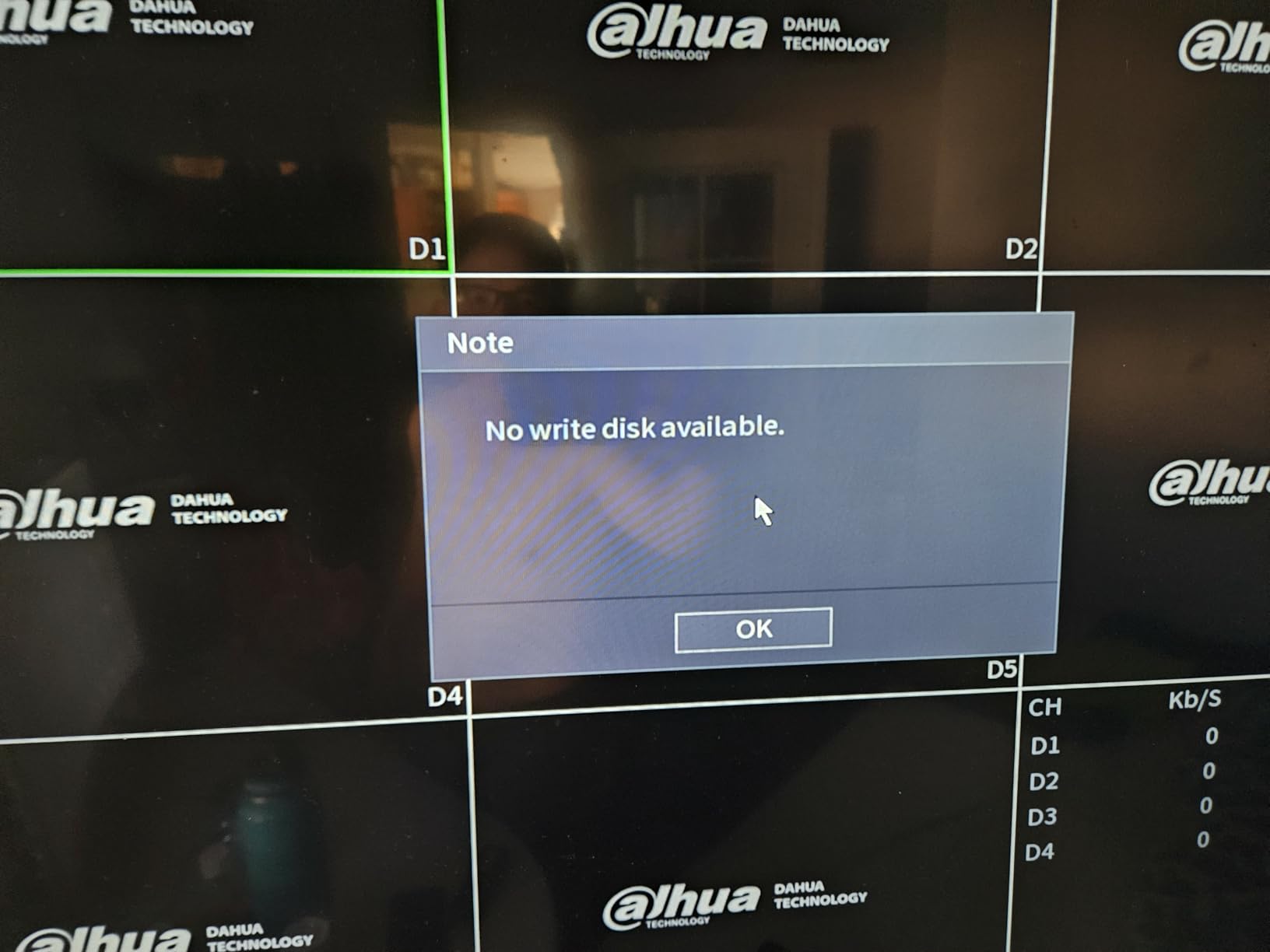
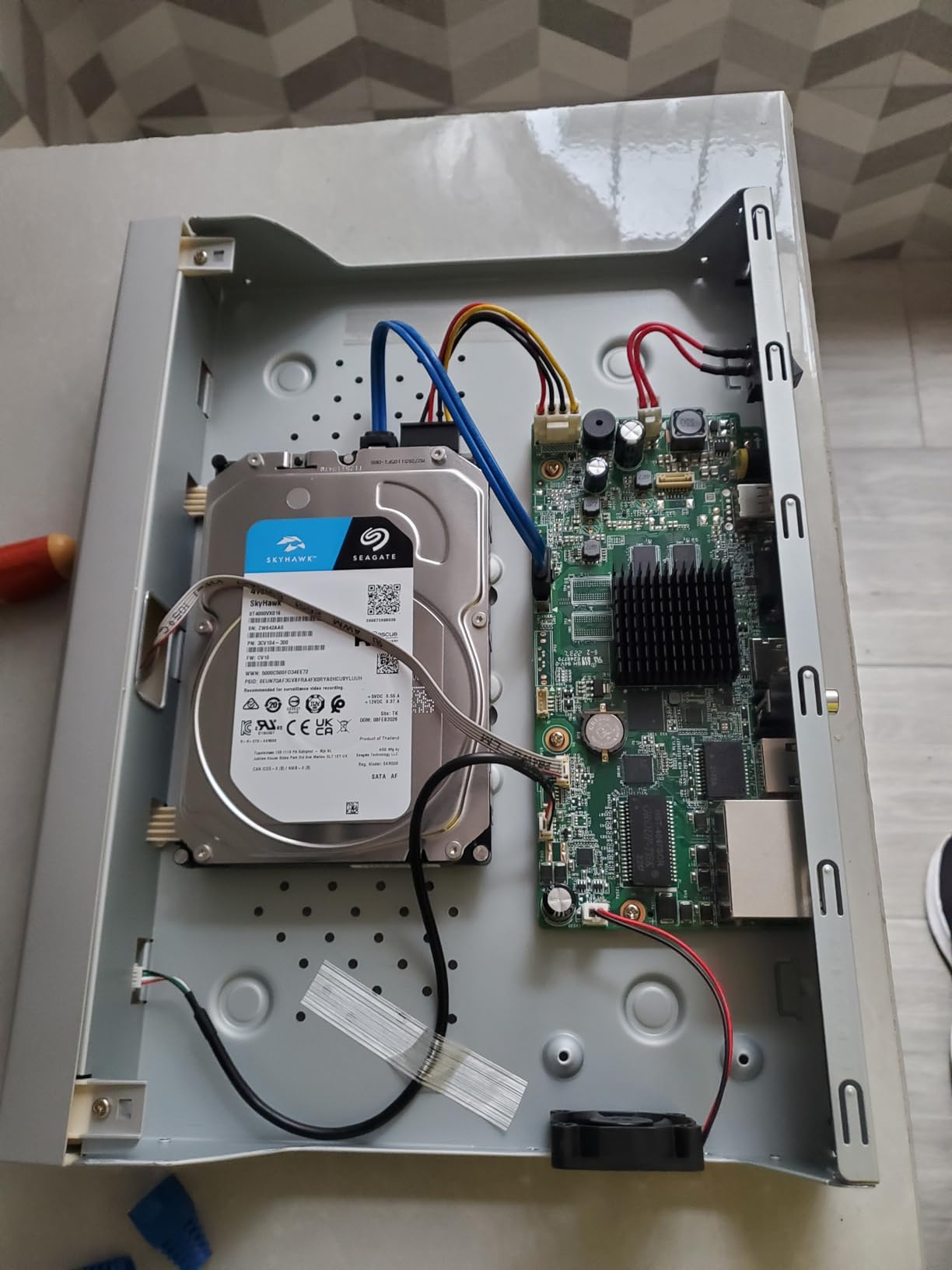
The arrival-condition complaints are the thing to watch. If a drive shows up unrecognised by the recorder or will not spin up, test it immediately in the recorder before you mount it permanently.
Owners also report that formatted capacity comes out slightly under the nominal figure, which matters only if you are sizing right at the limit. Beyond that, this is a straightforward mainstream surveillance drive doing the job it was built for.
4. Seagate SkyHawk 4TB ST4000VXZ16 – Best Drop-In for an Existing Recorder
Seagate Skyhawk 4TB Video Internal Hard Drive HDD – 3.5 Inch SATA 6Gb/s 64MB Cache for DVR NVR Security Camera System with Drive Health Management and in-House Rescue Services (ST4000VXZ16/016)
4TB capacity
7200 rpm
64MB cache
210 MB/s read
Up to 64 HD streams
3-year warranty
Pros
- Highest listed read speed in the group at 210 MB/s
- 7200 rpm spindle with 64MB cache
- Sealed retail packaging with verifiable serial numbers
- Three-year in-house Rescue data recovery included
- SkyHawk Health Management for drive monitoring
Cons
- 64MB cache is the smallest here
- A minority of owners report early failures within a couple of months
- One report of a refurbished unit sold as new
If you are replacing a failed drive in a recorder that already works, this is the least disruptive option. Owners describe it as plug-and-play in CCTV NVRs with fast response and playback, and as an easy drop-in replacement in an existing surveillance recorder.
The specification sheet is strong for the capacity. The 7200 rpm spindle and 210 MB/s read speed are the highest listed read speed in this roundup, which matters most when you are scrubbing through clips during playback. The workload rating covers up to 180 TB/year and up to 64 simultaneously streaming HD cameras, with a 1M hour MTBF and three-year Rescue recovery included.
The trade-off is the 64 MB cache, which is the smallest here. That is not a practical problem for sequential video writing, but it is the reason playback-heavy users might favour the 8TB SkyHawk instead.
Why sealed packaging matters here
Several buyers on this listing specifically chose it over competing WD Purple units because the drive arrives in sealed retail packaging with a serial number they can verify before installation. Given how often refurb and counterfeit units appear in surveillance listings, that is a reasonable thing to care about.
It is also why I would not hesitate over the small number of early-failure reports. Test the drive in the recorder before you rely on it.
Where it falls short
A minority of owners report units failing within a couple of months, and there is an isolated report of a refurbished unit being sold as new. That is a small fraction of 1623 reviews, but early-failure reports always deserve more attention than late ones.
If you run more than eight cameras or want analytics, step up a tier. For a straightforward four to six camera system, this drive does everything the job asks.
5. WD Purple 6TB WD63PURZ – Best for Multi-Bay Recorders
Western Digital 6TB WD Purple Surveillance Internal Hard Drive HDD – SATA 6 Gb/s, 256 MB Cache, 3.5″ – WD63PURZ
6TB capacity
175 MB/s read
AllFrame technology
180 TB/year workload
16-bay support from 4TB up
Pros
- Explicitly supports up to 16 bays from 4TB upward
- Tarnish-resistant components in the higher capacities
- 175 MB/s read speed
- Three-year limited warranty
- Tuned for mainstream multi-camera continuous recording
Cons
- The 256MB cache figure in the listing is not reflected in the listed cache specification
- Smaller owner review base than its sibling 6TB listing
The reason to look at this listing over the other 6TB Purple is bay support. WD states that capacities from 4TB upward support up to 16 bays and use tarnish-resistant components. If you are filling a larger chassis or planning to expand into one, that is a documented capability rather than an extrapolation.
Everything else is mainstream surveillance work. AllFrame technology handles the write-intensive, low bit-rate, high stream-count profile, the workload rating is 180 TB/year, and the listed read speed is 175 MB/s with a three-year limited warranty.
The 4.5 rating here comes from 953 reviews, which is a smaller sample than its sibling 6TB listing. Nothing in the reports suggests a quality difference; the difference is how much history each listing has accumulated.

Where bay support actually matters
Bays are not just slots. Every populated bay adds vibration, heat and power draw to a chassis, and every additional drive is another surface where rotational vibration compensation has to work. A drive that is documented for 16 bays has been validated in that density.
If you are building a multi-bay recorder with three or four drives, match them carefully. Identical models in identical bays keep the rebuild behaviour of the array predictable.
Where it falls short
One detail worth checking before you buy: the listing headline advertises 256 MB of cache, but the listed cache specification on the same listing does not reflect that figure. Treat the cache claim as unverified and go by the manufacturer part number instead.
Outside that, the reservation is straightforward. With a smaller review base, you have less long-term owner history to lean on, so it is the pick over the sibling 6TB only when bay count is your deciding factor.
6. Toshiba S300 2TB HDWT720UZSVA – Best for Two-Camera Systems
Toshiba S300 Surveillance 3.5″ 2000 GB Serial ATA III
2TB capacity
5400 rpm
128MB cache
160 MB/s read,150 MB/s write
Serial ATA III
24/7 rated
Pros
- Purpose-built for always-on surveillance recording
- RV sensor technology for multi-camera stability
- Advanced formatting gives broad DVR and NVR compatibility
- Read up to 160 MB/s and write up to 150 MB/s
- Third major brand absent from most competing roundups
Cons
- 2TB is the smallest capacity here and limits retention first
- 5400 rpm and modest transfer speeds versus higher tiers
- Warranty period is not listed on this listing
Toshiba rarely appears in editorial surveillance roundups despite being one of the three manufacturers that build these drives properly. The S300 is a genuine surveillance part: rated for 24/7 operation, with RV sensor technology to hold performance steady when several cameras write at once.
The read speed of 160 MB/s and write speed of 150 MB/s are adequate for sequential video, and the advanced formatting is aimed at broad DVR and NVR compatibility, which is useful if your recorder is from a brand you have not used before.
Two terabytes is the limitation, and it is a real one. Owners report retention as the most common reservation, and they are right: at this capacity you are choosing between fewer cameras or fewer days.
Who this capacity actually suits
A two-camera system covering a front door and a back entrance, or a small shopfront with two angles. In those cases the 2TB drive is not a compromise, it is the correctly sized part, and it leaves room in your budget for a second bay later.
It is also the sensible choice if you want to start small without buying a drive you will immediately outgrow. Add a second drive later rather than paying for headroom you will not use in year one.
Where it falls short
The 5400 rpm spindle and modest transfer speeds put it behind the 7200 rpm drives here on any workload that involves heavy playback or fast seeking.
The warranty period is simply not listed on this listing, which is an information gap worth noting rather than a fault. If warranty length is a deciding factor for you, verify it with the manufacturer part number before ordering.
How Much Storage Do You Actually Need?
Capacity is where most people guess wrong, and the fix is arithmetic rather than opinion. You need one number per camera: the bitrate it records at. Multiply by the number of cameras, by 24 hours, by your retention target in days, and you have your requirement.
As a worked example, eight 4MP cameras at 4 Mbps each is 32 Mbps combined. Over a day that is about 345 GB, and at 30 days retention you are looking at roughly 10.3 TB before any overhead. Four cameras at the same bitrate over 14 days comes to about 4.8 TB, which is where a single 6TB drive starts to feel tight.
The rule of thumb most installers use: buy for your retention target, then add thirty percent for formatting overhead and motion-search data, then round up to the next capacity step. When we compare price per terabyte across the 4TB, 6TB and 8TB tiers, the higher capacities are consistently cheaper per terabyte, which is why moving up a tier is usually better value than adding a second smaller drive.
If you need to store more than a single bay holds, our desktop external drive guide for bulk storage covers the archiving side of a retention plan.
180 TB/year vs 550 TB/year: Do You Need an AI-Rated Drive?
The workload rating is the single most useful spec on the box, and it is the one most buyers ignore. A 180 TB/year rating covers continuous recording of up to 64 HD streams. An AI-rated drive at 550 TB/year is built for recorders that read footage back off the disk to run analytics while writing new footage to it.
So the answer depends on one question: does your recorder do on-box person or vehicle detection? If it only records and you play clips back on demand, a standard 180 TB/year drive is enough. If analytics run continuously, the AI-rated tier is the correct answer, and it is not a marginal improvement.
Note that this roundup does not include the AI-rated family. Every drive here is rated at 180 TB/year, with the exception of the WD Purple 6TB WD62PURZ, which WD rates to 360 TB/year when AllFrame AI is active. If your recorder runs analytics, budget for the AI-rated equivalent of whichever capacity you land on here.
CMR vs SMR: The Trap Nobody Warns You About
CMR and SMR describe how tracks are recorded across a drive’s platters. CMR writes independent, non-overlapping tracks, so a rewrite touches only the block it needs. SMR writes overlapping tracks, so a rewrite can disturb neighbouring data and force the drive to read and rewrite far more than you asked for.
That is tolerable on a desktop drive holding files you access occasionally. It is a serious problem on a drive writing a continuous stream, because the extra rewrite workload is exactly the pattern a surveillance drive is least able to absorb, and it shows up as slow write throughput and, in reports from surveillance users, bad sectors in lower-capacity drives where SMR substitution went unnoticed.
The practical advice is short. Confirm the recording technology for the exact capacity you are buying, not the family name, because it can vary between capacities in the same line. Where a listing does not state it, check the manufacturer specification for that part number before you commit.
Drives to Avoid for Pure Recording
Desktop drives such as the Seagate Barracuda and WD Blue are not warrantied for a 24/7 write cycle and will not last as long doing this work. NAS drives like the IronWolf and WD Red are good drives pointed at the wrong job, which is why they surface constantly in search results for surveillance storage.
Be cautious with recertified or refurbished surveillance drives and with OEM white-label drives sold without retail packaging. They are not fraudulent, but the warranty position is worse and the history is unknown. Several owners in this roundup chose listings specifically because the packaging was sealed and the serial number verifiable.
Also weigh the noise. Community owners report that a surveillance drive is quiet enough to live with in an office, but that 12TB and larger drives get noticeably louder once installed in a closet or living space. If your recorder lives somewhere people sit, capacity is not the only thing to weigh.
Installation Checklist: Six Steps Before You Record
First, check your recorder’s compatibility list. Manufacturers publish supported models, and finding out after purchase is the most common complaint from surveillance owners.
Second, format the drive inside the recorder rather than on a PC. The recorder writes its own partition structure and filesystem, and doing it externally is a frequent cause of a drive not being recognised.
Third, set your retention schedule deliberately rather than leaving the default, and confirm the recorder overwrites in a loop rather than simply stopping when full. Fourth, enable SMART monitoring and email alerts so a failing drive reports itself before it disappears. Fifth, if you run more than one bay, plan your redundancy and understand the trade-off before you buy rather than after. RAID protects against a drive failure; it is not a backup. For a second copy of anything critical, our portable drive guide covers the archiving side.
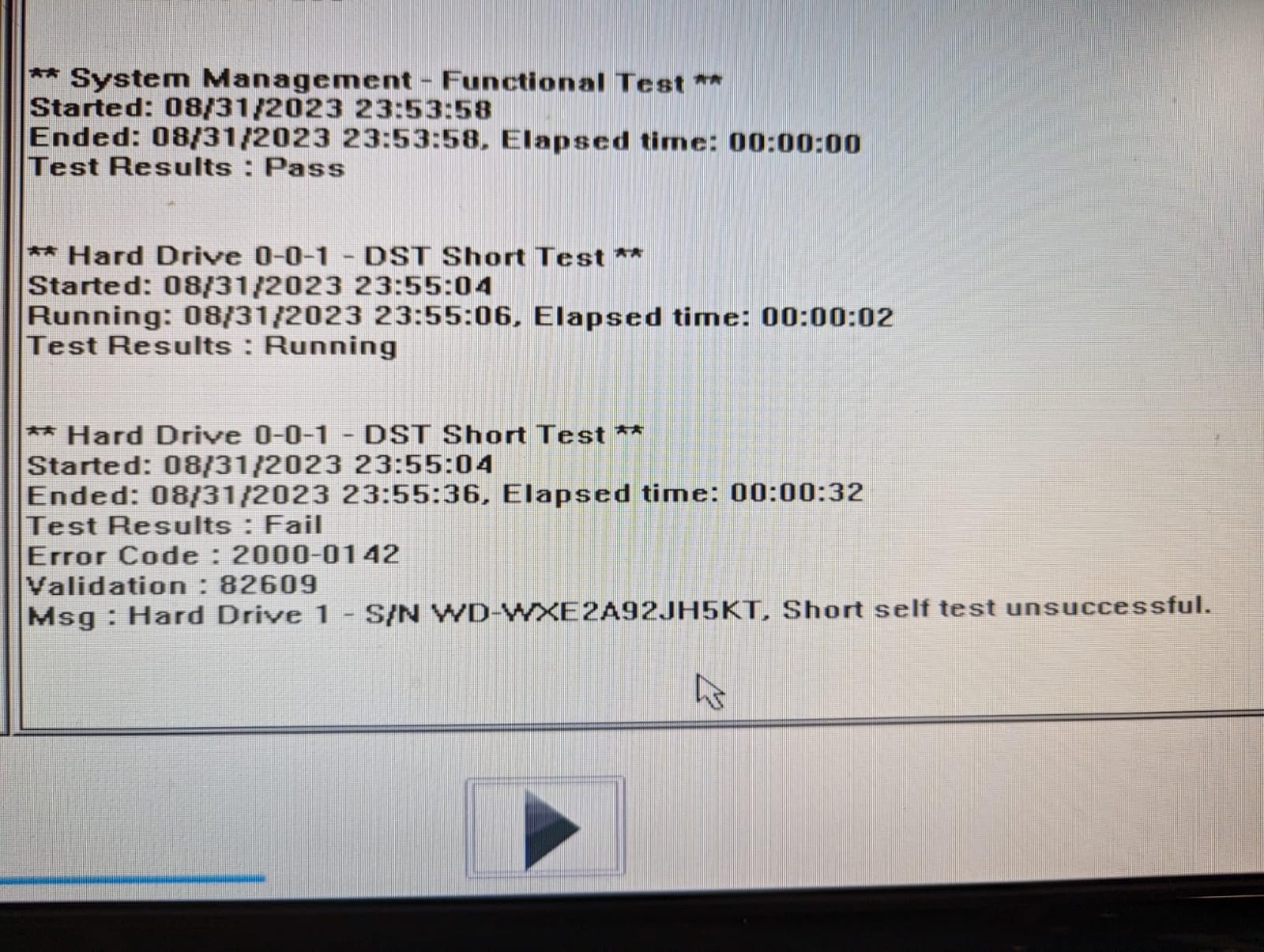
Sixth, and last, test every drive in the recorder for several days before you rely on it. The arrival-condition complaints on these listings are rare, but they are real, and a drive found in week one is a drive you can replace before you need the footage.
Frequently Asked Questions
What is the best hard drive for a surveillance system?
The Seagate SkyHawk 8TB ST8000VX010 is our top pick. It is rated to 180 TB/year of written data and up to 64 simultaneously streaming HD cameras, carries a 256MB cache, includes rotational vibration sensors for multi-bay stability, and holds a 4.6 average across 1716 owner reviews. For smaller systems, the WD Purple 6TB WD62PURZ offers similar capability with deeper review history.
Can I use a desktop hard drive in my NVR instead of a surveillance drive?
You can, but it is the wrong choice. Desktop drives are not warrantied for a 24/7 continuous write cycle and produce more heat under that load, which is the main driver of failure. A 180 TB/year surveillance rating is roughly triple the annual workload a desktop drive is built for. The drive will usually keep recording for a while, then fail without warning, often at the moment you need the footage.
Is 4TB enough for security cameras?
For four to six cameras at 4MP, 4TB is generally enough for multiple weeks of continuous footage. As a worked example, eight 4MP cameras at 4 Mbps each generate roughly 345 GB per day, so four cameras at that bitrate over 14 days lands near 4.8TB before overhead. Add thirty percent for formatting and motion-search data, then round up to the next capacity step.
What is the difference between Seagate SkyHawk and WD Purple?
Both are purpose-built 3.5-inch surveillance drives rated to 180 TB/year, so at equal capacity the difference is firmware and ecosystem rather than headline capability. SkyHawk pairs with SkyHawk Health Management and includes three-year in-house Rescue data recovery. WD Purple uses AllFrame or AllFrame AI firmware, with the WD62PURZ rated to 360 TB/year when AllFrame AI is active. Choose on capacity, bay count and price per terabyte.
Do I need an AI-rated drive like the SkyHawk AI?
Only if your recorder runs analytics. A 180 TB/year drive covers continuous recording of up to 64 HD streams, which is enough for standard recording and on-demand playback. An AI-rated drive at 550 TB/year is built for recorders that read footage back off the disk to run on-box person or vehicle detection while writing new footage. No drive in this roundup carries the full 550 TB/year rating.
Can I use two drives for more storage or redundancy?
Yes, if your recorder has the bays and supports it, but understand the trade-off first. Mirroring two drives gives you redundancy against a single failure, not double the retention, because both drives hold the same footage. Spanning across two drives doubles your retention but leaves you with no redundancy at all. RAID is not a backup either way, so keep a separate copy of anything critical.
Final Verdict
The Seagate SkyHawk 8TB ST8000VX010 is the best internal hard drive for surveillance in this lineup, with the highest owner rating in the group and enough capacity headroom for most home and small business systems. The WD Purple 6TB WD62PURZ is the pick if you want the deepest owner history and AI headroom on the same drive. The WD Purple 4TB WD44PURZ covers smaller recorders on a smaller budget, and the Toshiba S300 2TB is correctly sized for a two-camera system.
Whichever you choose, buy for your retention target in terabytes, confirm the recording technology for that exact capacity, and check your recorder’s compatibility list before you order. That is what separates a drive that keeps recording from one that does not.