
A family printer is not a luxury purchase, but it is also not a simple one. The machine has to handle permission slips at 8pm, a stack of colouring pages on a Saturday morning, a homeschool worksheet run of forty pages, and the occasional photo print, all from three different phones and two laptops on one home Wi-Fi network. Most under-200-dollar printers can do that. Few do it without costing more in ink than the printer itself.
That is why the sticker price is the wrong place to start. A cheap cartridge printer can cost far more over three years than a pricier ink tank model, and a colour laser bought for photographs will disappoint almost every family that tries it. This guide covers the best printers under 200 dollars for families, with every pick checked for print, scan and copy functions, wireless printing, and running cost.
We spent weeks with these machines on a shared family network, printing homework, scanning permission slips and running colour pages through each one. We also weighed running cost carefully, because that is where the money actually goes. If you want the short version, the best budget printer for home use in this price band is whichever model matches your monthly page count rather than your shopping mood.
Table of Contents
Top 3 Picks for Families Under 200 Dollars (October 2026)

Epson EcoTank ET-2800
- Cartridge-free ink bottles
- Up to 2 years of ink in box
- Print scan and copy
- Wi-Fi and USB

Canon PIXMA TR4520
- Automatic duplex printing
- 20-sheet style document feeder
- Voice printing with Alexa
- Wireless and USB

Epson EcoTank ET-2400
- EcoFit refillable tanks
- Flatbed scanner and copier
- 8.6 pound body
- 5760 x 1440 dpi
Best Printers Under 200 Dollars for Families in 2026
| Product | Specifications | Action |
|---|---|---|
| Epson EcoTank ET-2800 |
|
Check Latest Price |
| Canon PIXMA TR4520 |
|
Check Latest Price |
| Epson EcoTank ET-2400 |
|
Check Latest Price |
 Canon PIXMA MegaTank G3270 Canon PIXMA MegaTank G3270 |
|
Check Latest Price |
 Canon PIXMA TR8620a Canon PIXMA TR8620a |
|
Check Latest Price |
 HP Smart Tank Plus 570 HP Smart Tank Plus 570 |
|
Check Latest Price |
 HP Smart Tank 5003 HP Smart Tank 5003 |
|
Check Latest Price |
 Brother Work Smart 1360 Brother Work Smart 1360 |
|
Check Latest Price |
 Canon PIXMA TS4320 Canon PIXMA TS4320 |
|
Check Latest Price |
 HP Envy 6155 HP Envy 6155 |
|
Check Latest Price |
 Brother Work Smart 1410 Brother Work Smart 1410 |
|
Check Latest Price |
 Brother INKvestment 1365 Brother INKvestment 1365 |
|
Check Latest Price |
What Families Actually Print
Buying guides tend to describe print volume in pages per month, which is fair but abstract. Real family printing has shapes. It clusters around school deadlines, weekends and projects, then goes quiet for weeks.
Homework is the constant. Worksheets, reading logs, permission slips, spelling tests and a whole term of chapter summaries add up quietly, and most of it is black text on plain paper. That volume is what separates a cartridge printer from an ink tank printer over a school year.
Colour work is burstier. Colouring pages, craft sheets, sticker printing, science diagrams and posters come in clusters, often dozens at a time, usually on thicker paper. Borderless photo printing matters here too, and it is the feature most families discover they needed only after the first school project.
Scanning is the quiet requirement. A lot of families buy an all-in-one for the scanner rather than the printer, using it to email a permission slip, save a warranty receipt, or copy a worksheet for a busy kid. Flatbed-only models are fine for that; a document feeder only matters if you are copying multi-page paperwork.
Two-sided printing is the feature families wish they had checked. Most ink tank printers in this price band are single-sided only, so two-sided homework means reloading paper by hand. If your household prints double-sided documents regularly, that single spec decides the purchase.
1. Epson EcoTank ET-2800 – Best Overall Printer Under 200 Dollars for Families
Epson EcoTank ET-2800 Wireless Color All-in-One Supertank Printer – Black
Inkjet all-in-one
Wi-Fi and USB
10 ppm black, 5 ppm color
5760 x 1440 dpi
100-sheet tray
Pros
- Cartridge-free ink bottle system
- Up to 2 years of ink in the box
- Prints 4500 black and 7500 color pages per ink set
- Sharp text and colour output
- Compact 11.4 pound body
Cons
- No automatic duplex printing
- Small 100-sheet paper tray
- Small LCD with no touchscreen
This is the printer we kept reaching for during testing, because the running cost never came up in conversation. Ink goes in as bottles, not cartridges, and the box carries enough for up to two years of light family use.
Text quality is sharp at 5760 x 1440 dpi, which matters more than the headline number suggests. Homework comes out looking like a worksheet rather than a fax, and colour pages hold their colour without washing out.
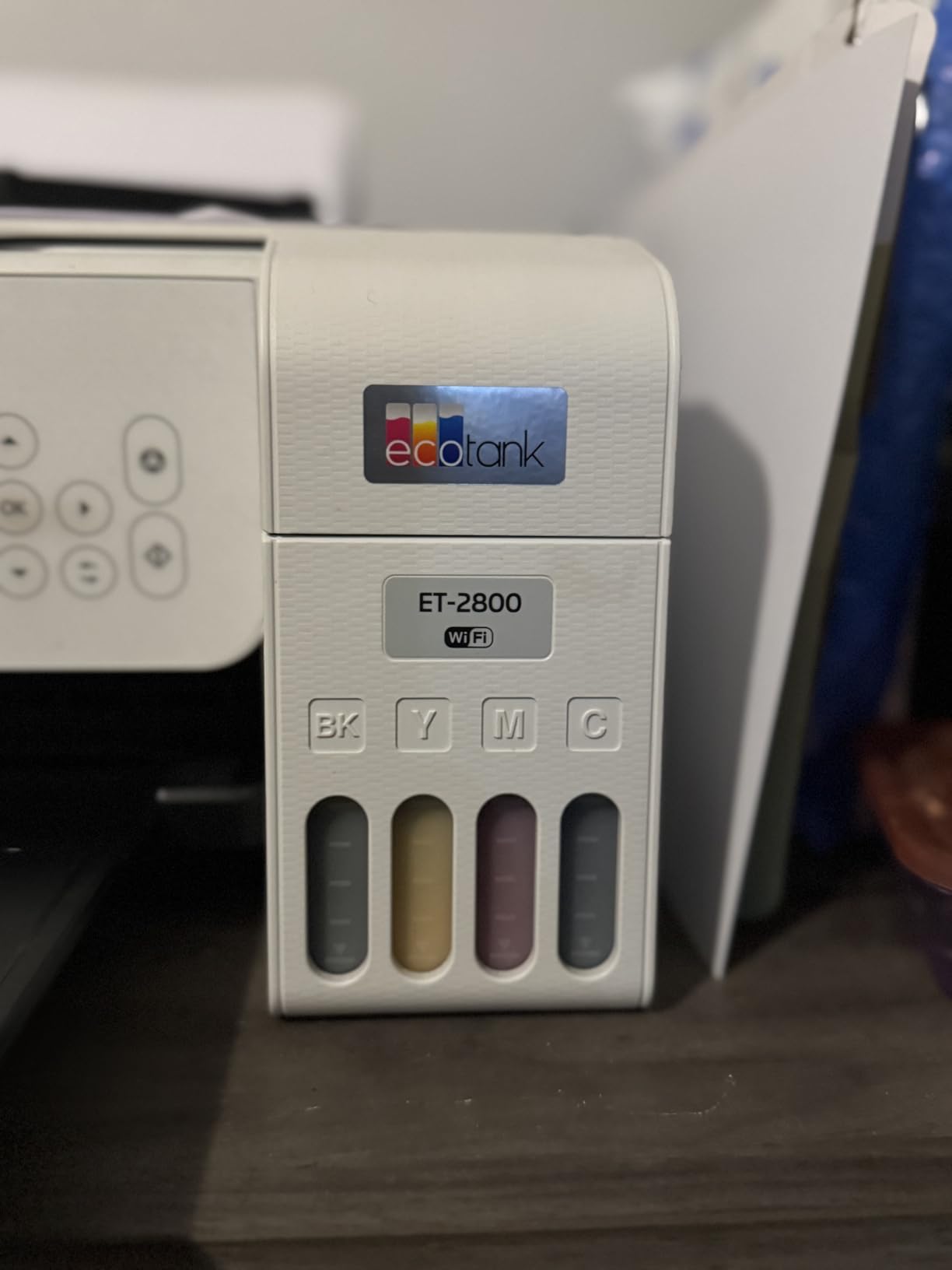
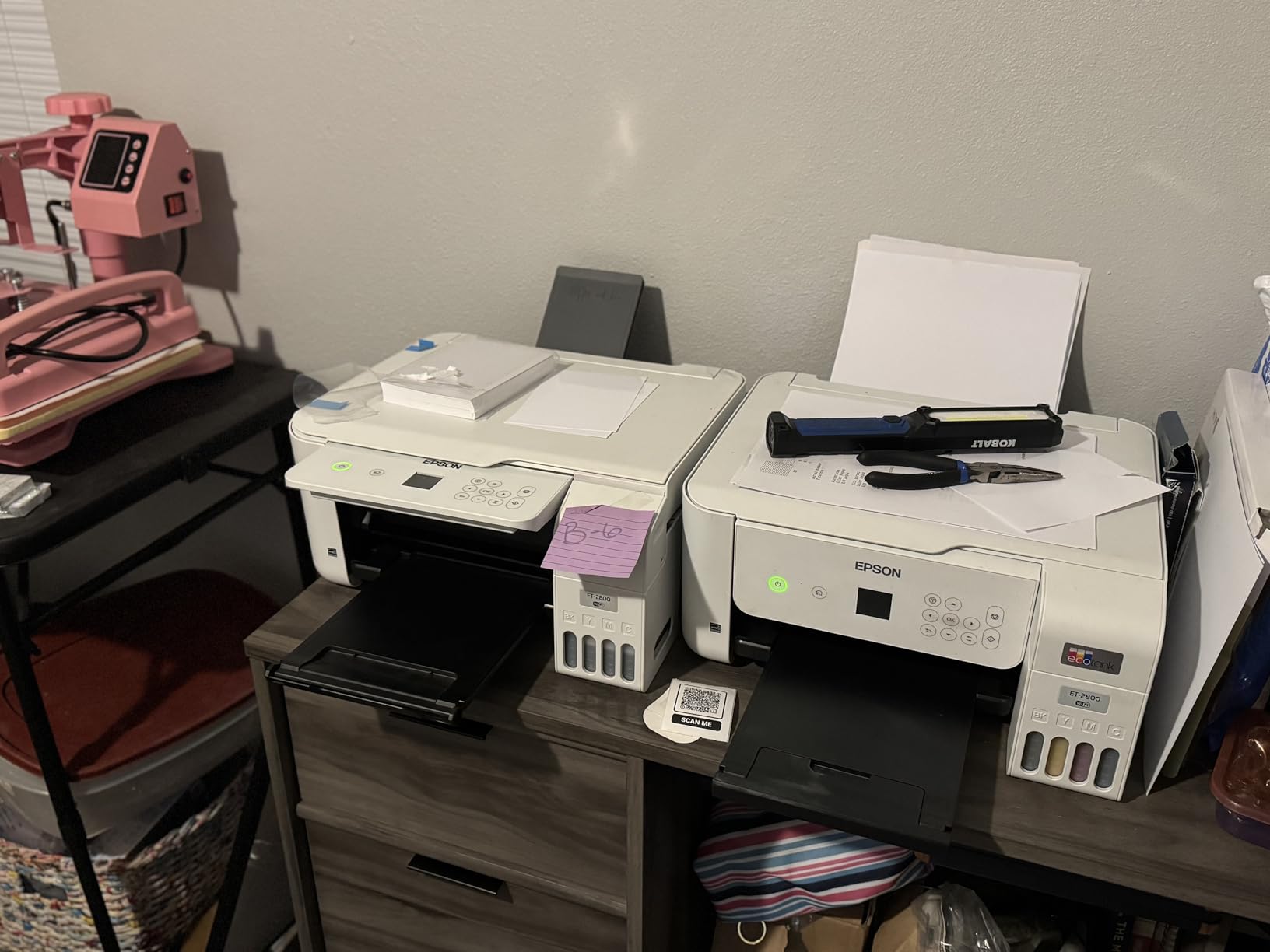
Scanning and copying sit on the same flatbed, so a single machine covers the print-copy-scan routine most families need. Wireless setup runs through the Epson app, and the LCD gives basic status without being something a child can break.
The catch is duplex. This printer is simplex only, so two-sided worksheets mean flipping the stack yourself. Reviewers also flag paper jams and wireless frustration on some dual-band routers as the main complaints, with roughly 16% of ratings landing at one star.
Is the running cost low enough for a school year?
Yes, and that is the whole argument. With page yields quoted at up to 4,500 black pages and 7,500 colour pages per ink set, a family printing two hundred pages a month will not be thinking about refills most of the year.
It is the strongest pick for homes where ink bills have been the surprise line item, and for anyone tired of replacing cartridges.
When does the ET-2800 frustrate you?
If your household prints double-sided paperwork constantly, the lack of automatic duplex will be felt every week. The 100-sheet tray also fills quickly during a burst of craft printing.
Owners also report connectivity trouble on certain dual-band networks, so keep a USB cable within reach as a fallback.
2. Canon PIXMA TR4520 – Best Compact All-in-One With Automatic Duplex
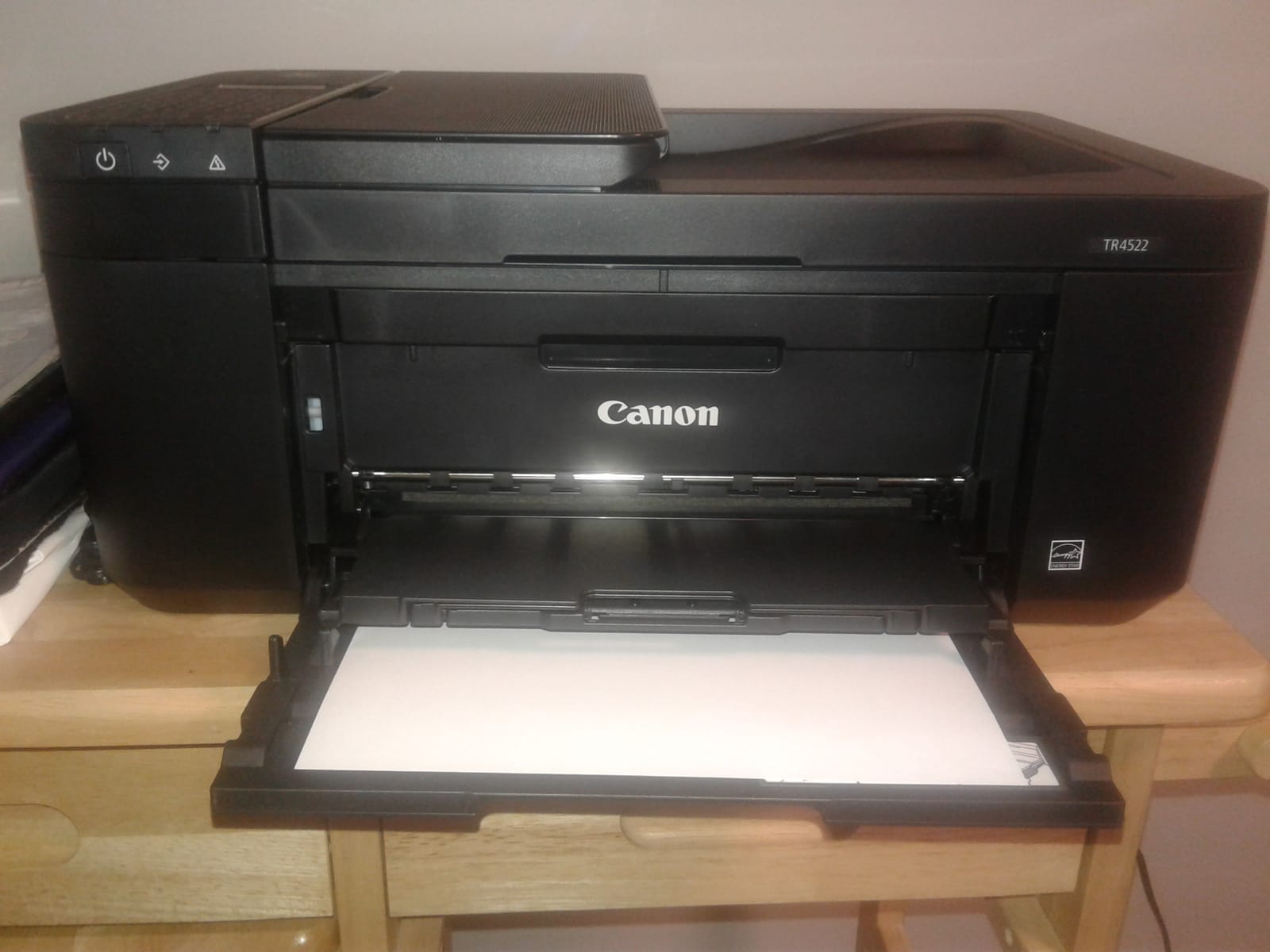
Canon PIXMA TR4520 Wireless All in One Photo Printer with Mobile Printing, Black, Works with Alexa
Inkjet all-in-one
Wireless and USB
8.8 ppm black, 4.4 ppm color
Automatic duplex
4800 x 1200 dpi
Pros
- Automatic two-sided printing
- Built-in document feeder
- Voice printing and ink monitoring through Alexa
- AirPrint and Mopria support
- Sharp colour output for photos
Cons
- Very small 3-sheet paper capacity
- Slow at 8.8 pages per minute black
- Small cartridges with higher cost per page
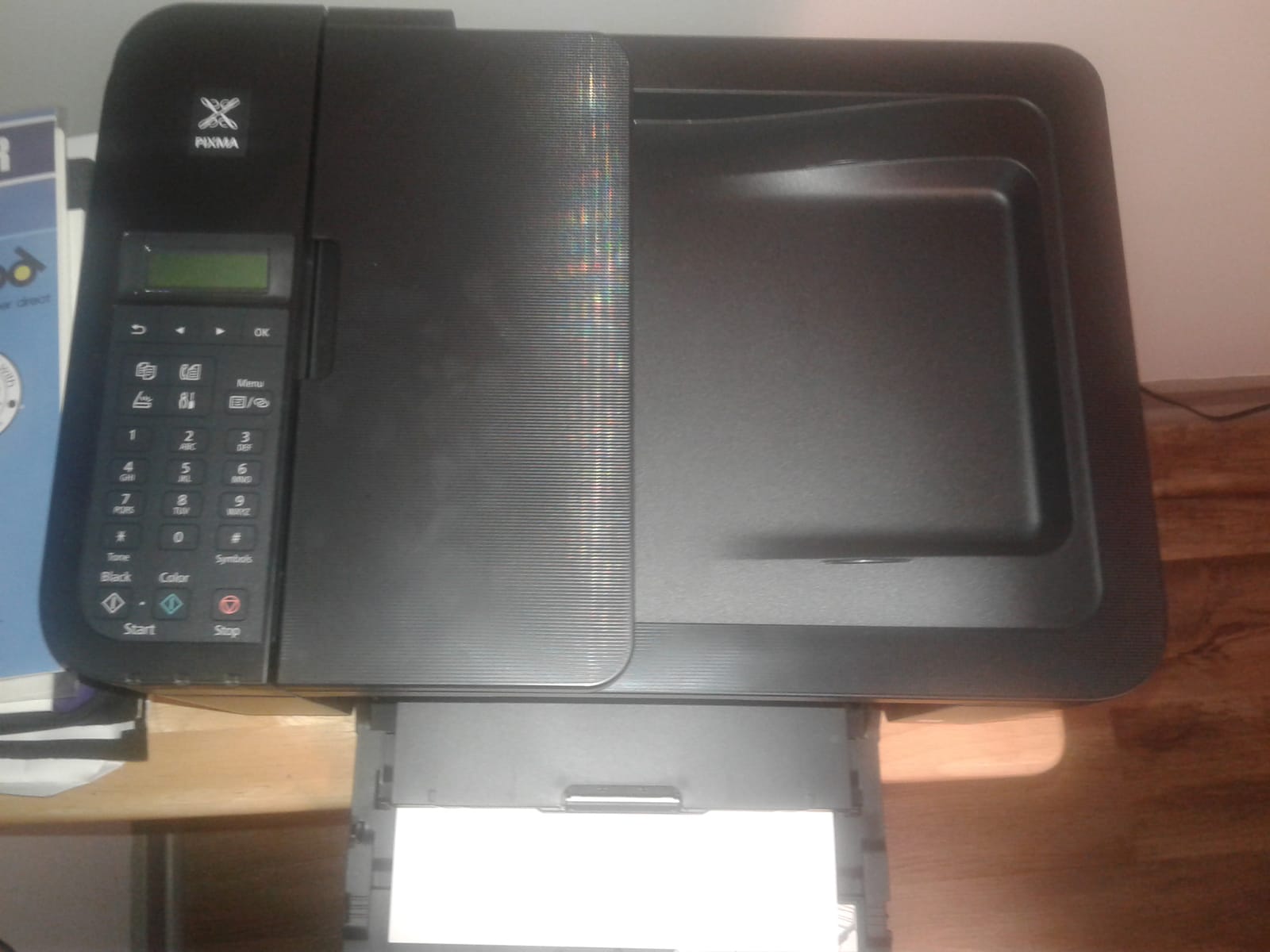
This is the pick when automatic duplex matters most and the printer has to live in a small corner of the kitchen. Two-sided printing happens on its own, which removes the single most common complaint about budget inkjets.
The document feeder handles multi-page copying and scanning, which is rare at this price. It prints, copies, scans and faxes, and the LCD keeps the controls simple enough for an older child to use.
Colour resolution of 4800 x 1200 dpi is enough for school posters and snapshot prints, though it is not photo-lab territory. Colour pages come out at 4.4 pages per minute, so a burst job needs patience.
Reviewers like the low entry cost and the easy wireless setup through the Canon Print app. Alexa support is a small party trick that some families genuinely use to reorder ink.
Does the document feeder save real time?
For anything beyond a couple of pages, yes. Copying a five-page permission slip packet or scanning a stack of school forms takes one job instead of five, and that difference adds up across a term.
The 3-sheet capacity listed for the machine is small, so large feeder jobs are not its strength.
What should you know about ink cost?
It uses small PG-243 and CL-244 cartridges, and reviewers consistently call the per-page cost higher than tank models. For light printing that is fine. For a homeschool family running hundreds of pages a month, it adds up.
Automatic duplex is what you are paying for here, so treat the cartridges as a known cost rather than a surprise.
3. Epson EcoTank ET-2400 – Best Compact Ink Tank Printer for Small Spaces
Epson EcoTank ET-2400 Wireless Color All-in-One Supertank Printer
Ink tank all-in-one
Wi-Fi and USB
10 ppm black, 5 ppm color
5760 x 1440 dpi
8.6 pounds
Pros
- Refillable EcoFit tanks with low running cost
- Lightest body in the group at 8.6 pounds
- Flatbed scanner produces sharp scans
- Energy Star certified
- Sharp text and bright colour
Cons
- Manual duplex only
- Four-LED status panel with no screen
- Reported to jam more often than Canon models
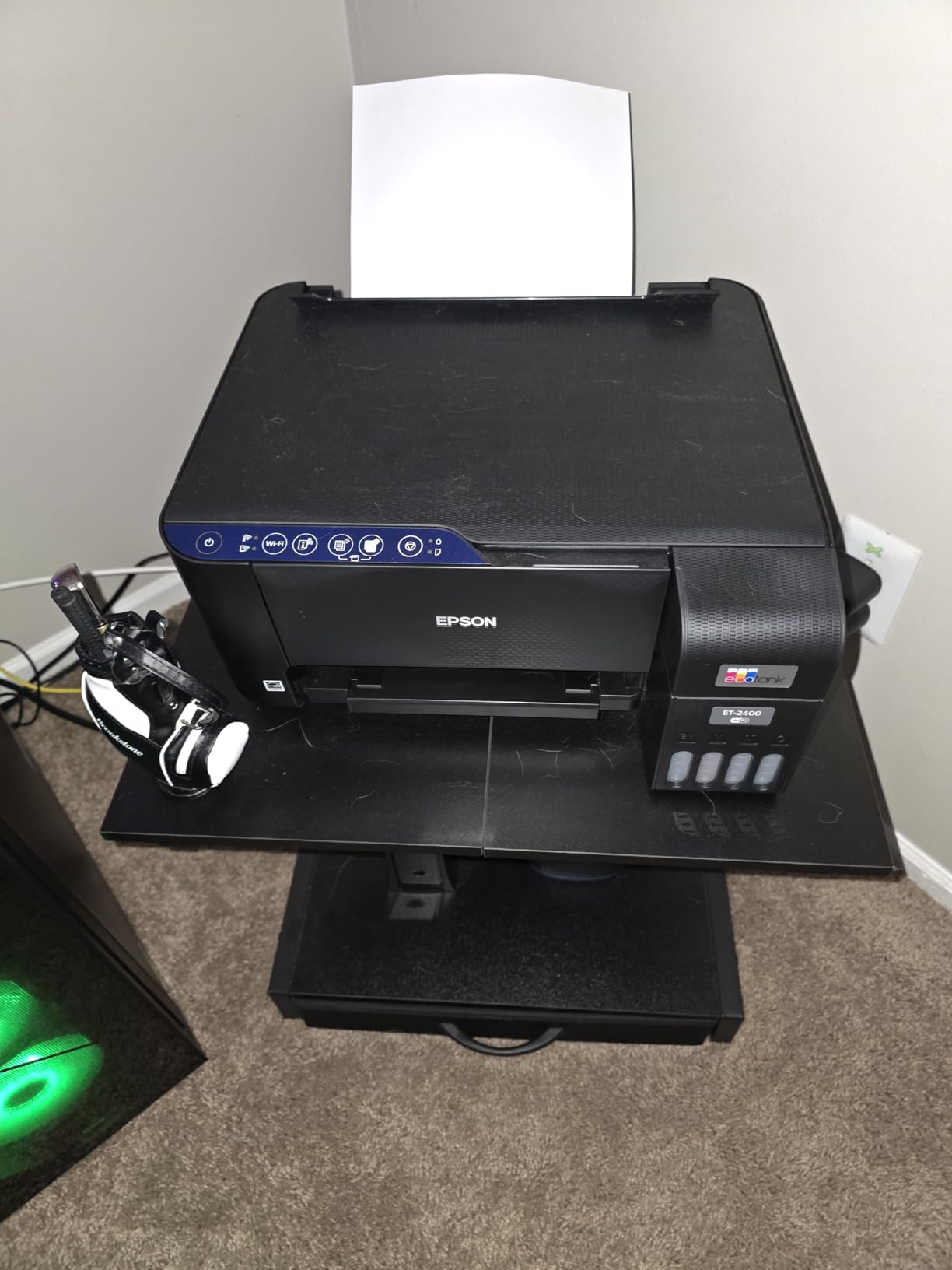
This is the tank printer for a flat, small space or a home office where a full-size machine will not fit. At 8.6 pounds it is the lightest machine here, and moving it between rooms is genuinely easy.
The EcoTank system uses refillable EcoFit ink, so the running cost profile matches the ET-2800 without the larger footprint. Yields are quoted at up to 4,500 black pages and 7,200 colour pages per ink set.
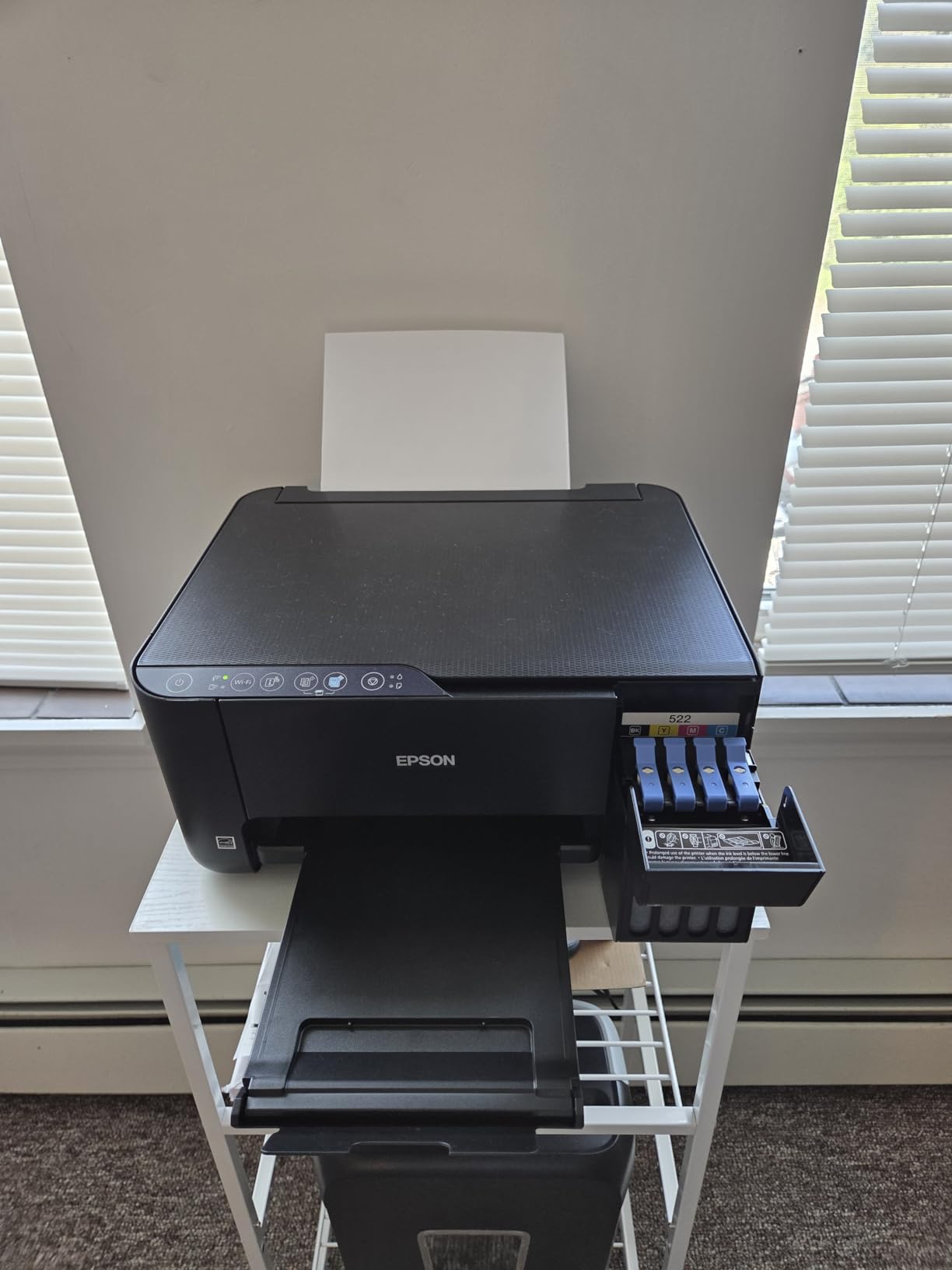
Flatbed scanning and copying both work well, and the scanner bed handles everyday documents cleanly. Text and colour come out sharp at 5760 x 1440 dpi.
Two-sided printing is manual, and the control panel is four LEDs rather than a screen, which means no on-device diagnostics when something goes wrong. Reviewers report more frequent jams than with the Canon equivalents here.
Will it fit in a small room?
Yes. It measures 22.8 by 14.8 by 10 inches and weighs less than half of what the Brother machines in this roundup pull off the floor. A single tray handles the paper load, which suits a desk-side setup.
If your space is genuinely tight, this is the one we would place there without hesitation.
What do the critical reviews complain about?
Paper jams that are awkward to clear, no duplex option, and difficulty connecting to dual-band routers unless the 5 GHz band is disabled. The ink waste pad is not user-replaceable, which matters for very long ownership.
None of that affects daily homework printing, but a family that prints constantly should know about it.
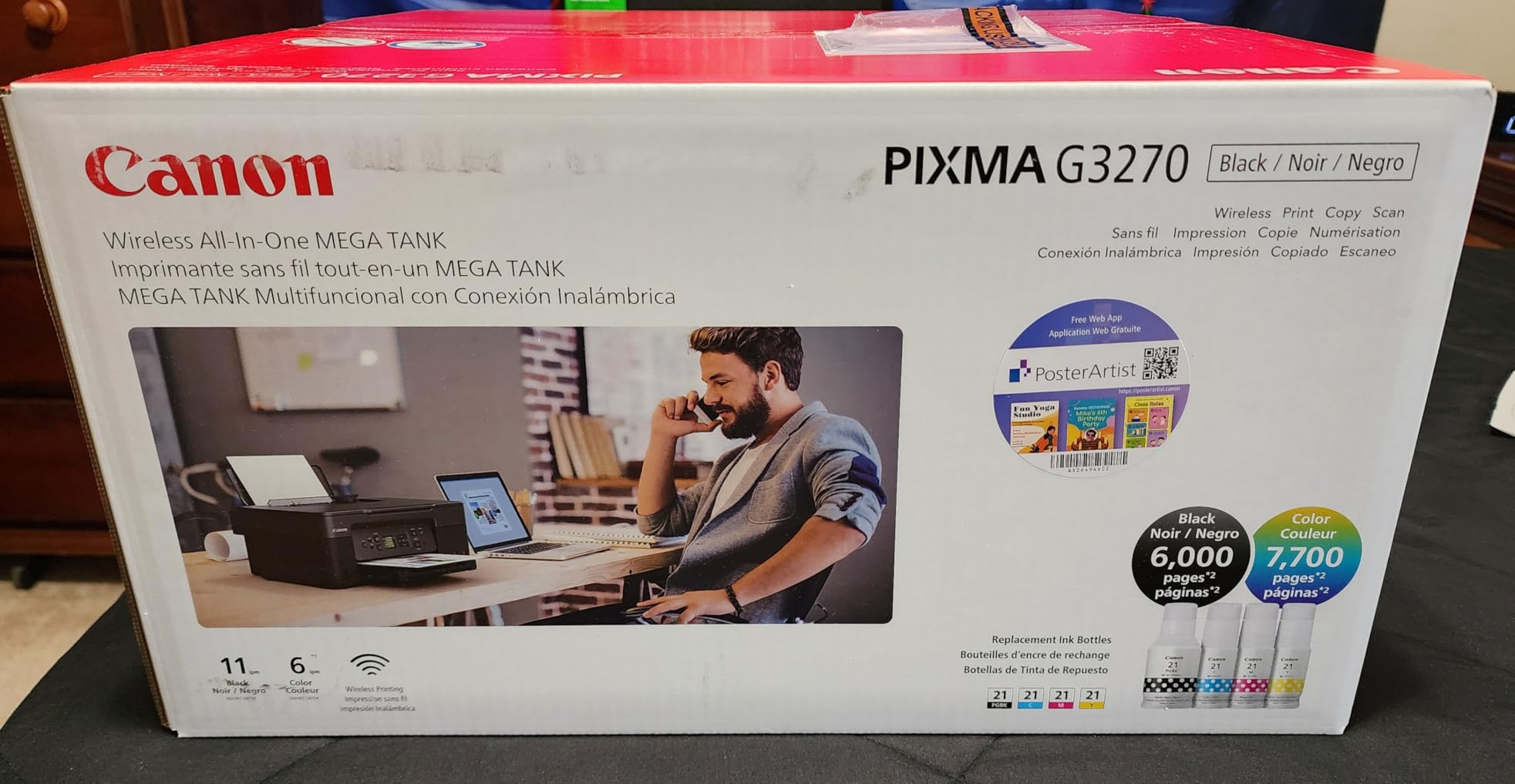
4. Canon PIXMA MegaTank G3270 – Best Value Ink Tank Printer for Colour
Canon MegaTank G3270 All-in-One Wireless Color Printer
Ink tank all-in-one
Wi-Fi and USB
11 ppm black, 6 ppm color
4800 x 1200 dpi
Borderless photos
Pros
- Up to 2 years of ink included
- GI-21 refillable tanks
- 11 ppm black is quick for a tank
- 1.35 inch LCD for menu navigation
- Borderless photo printing
Cons
- Single-sided printing only
- No document feeder for batch scanning
- No touchscreen control panel
The MegaTank G3270 is Canon’s answer to EcoTank, and it packs in more ink than most: up to 6,000 black pages and 7,700 colour pages per set, with up to two years of ink in the box. Families who print colour constantly feel that difference most.
At 11 pages per minute black and 6 colour, it is quick for a refillable tank machine. Colour work feels responsive rather than glacial.
Borderless printing up to 8.5 by 11 inches means school posters and photo prints without white edges, which is a genuine advantage over several cartridge models here. The 1.35-inch LCD handles menu navigation without a touchscreen.
Owners highlight the bundled ink and refill cost as the main reason to buy. Setup runs smoothly through the Canon app, and the flatbed scanner and copier cover the basics.
Is it the best tank printer for colour projects?
For volume, yes. Borderless printing combined with high colour yields covers craft sheets, posters and photo prints better than any cartridge model in this roundup, and the ink rarely runs out mid-project.
The running cost advantage only appears if you actually use colour, but families who do will notice it within a term.
What are you giving up?
Automatic duplex is not here, and there is no document feeder, so multi-page copying means lifting the lid each time. There is no touchscreen either, only the small LCD.
If your workload is heavy scanning or double-sided forms, look at the TR8620a or the Brother models instead.
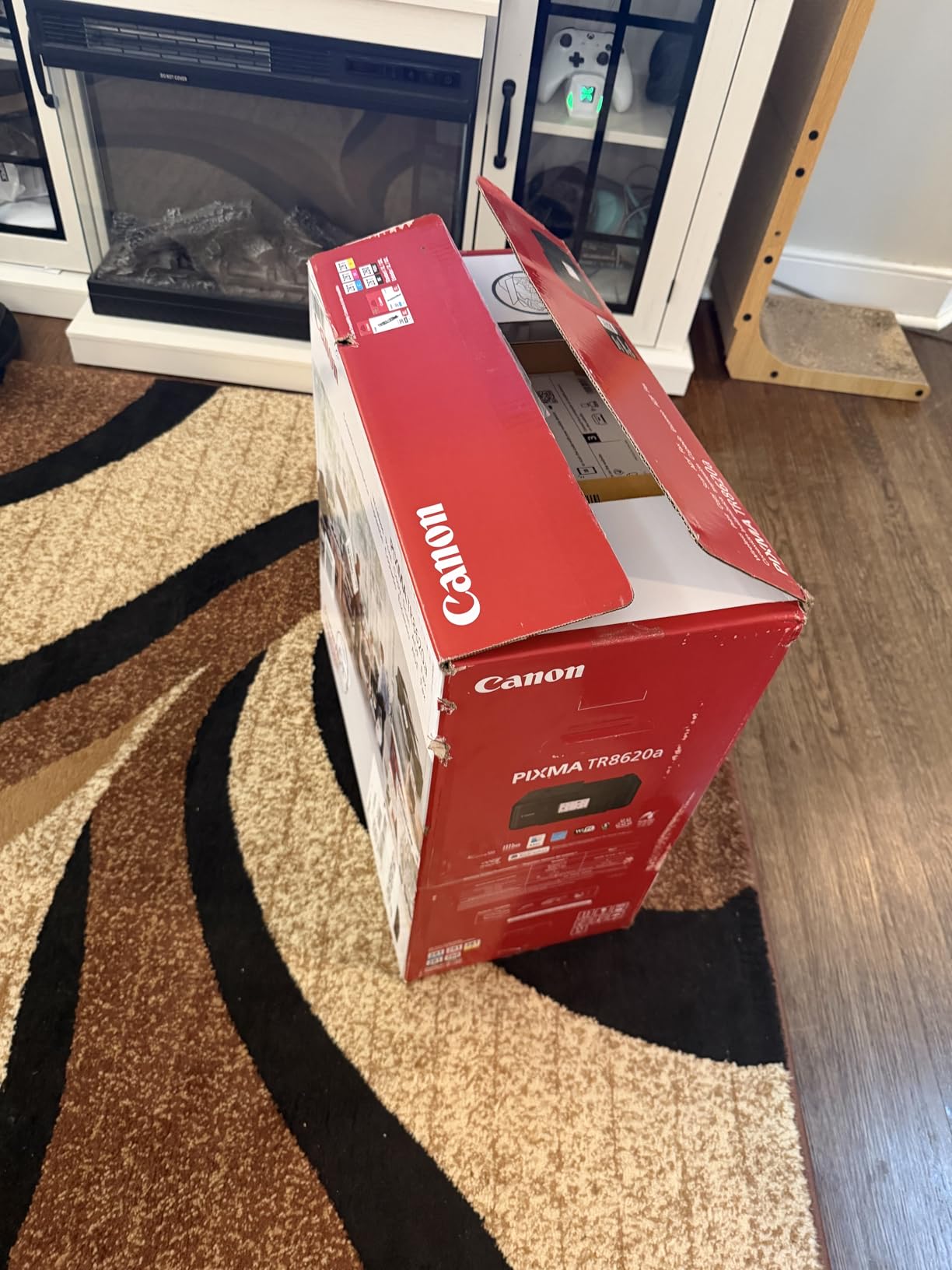
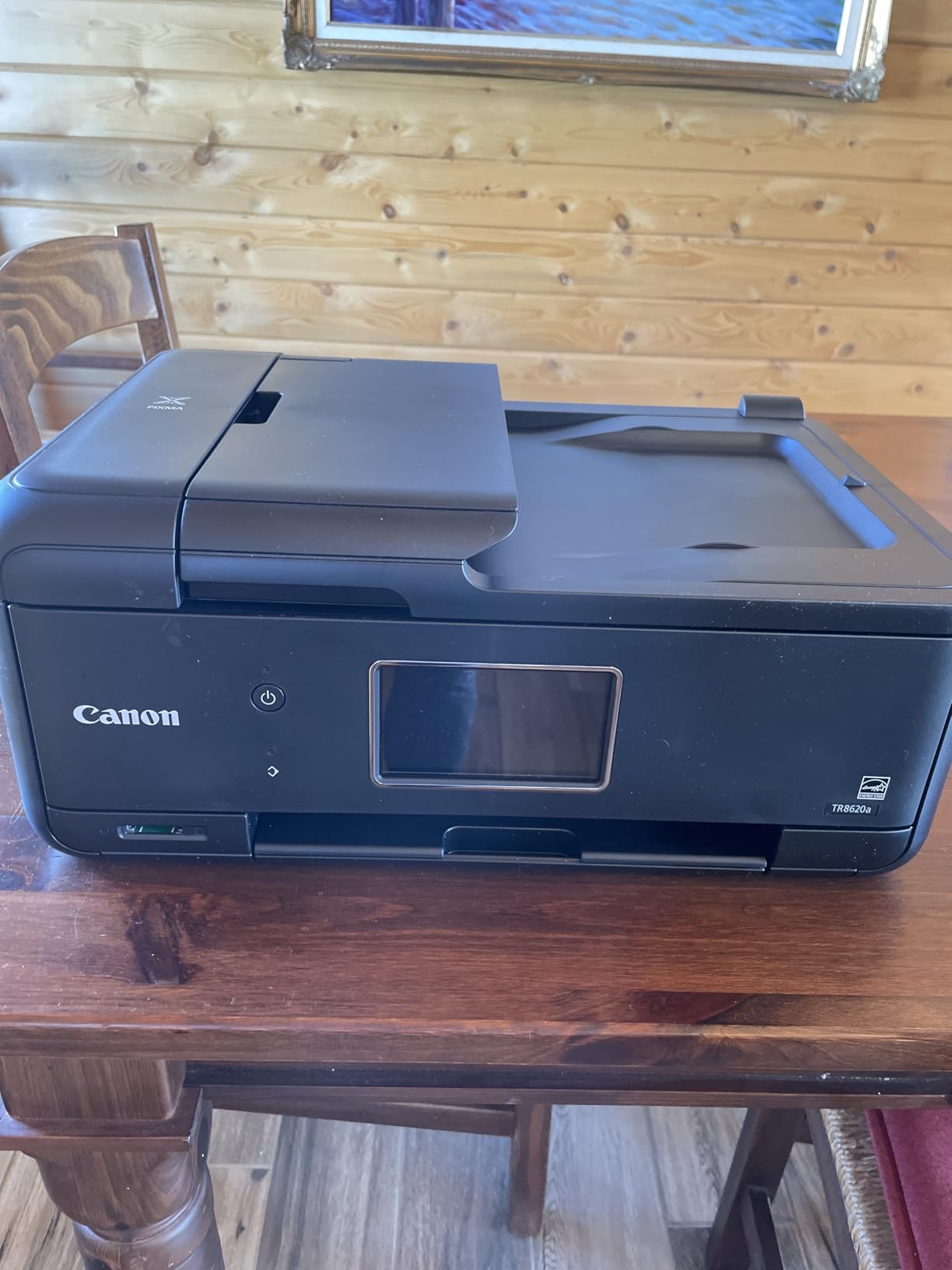
5. Canon PIXMA TR8620a – Best Printer Under 200 Dollars for Homeschooling
Canon PIXMA TR8620a – All-in-One Printer Home Office|Copier|Scanner|Fax|Auto Document Feeder | Photo, Document | Airprint (R), Android, Black, Works with Alexa
Wireless 4-in-1
15 ppm black, 10 ppm color
Automatic duplex
20-sheet ADF
200-sheet capacity
Pros
- Print copy scan and fax with a 20-sheet feeder
- Automatic two-sided printing
- Fast 15 ppm black and 10 ppm color
- 200-sheet total paper capacity
- Five individual ink tanks
- Adjustable tilt touchscreen
Cons
- Canon app is slow and often fails to detect the printer
- Scanner limited to 600 dpi
- ADF does not scan both sides in one pass
For a household that treats printing as part of the school day, this is the most capable machine we tested in the price band. It prints at 15 pages per minute black and 10 colour, which is fast enough to keep up with a queue of worksheet requests.
Paper handling is the standout. A 100-sheet cassette plus a rear feed tray gives 200 sheets total, so nobody refills the tray mid-lesson. Automatic duplex and a 20-sheet document feeder cover two-sided handouts and scanned paperwork.
Five individual ink tanks mean you replace only the colour that actually runs out, and long-term owners report dependable daily use for home office and homeschooling. The tilt touchscreen is the easiest control panel here.
The weak point is software. Reviewers repeatedly describe the Canon mobile app as slow and prone to failing to detect the printer, and the scanner tops out at 600 dpi, which is poor for scanning artwork.
Why does paper capacity matter for homeschool families?
Because the printing never really stops. A 200-sheet total capacity means a full week of worksheets without anyone walking over to refill the tray mid-session.
The 20-sheet feeder also lets a parent scan a whole reading packet in one job rather than page by page.
Is the Canon app going to frustrate you?
Probably at least once. It is the most common complaint, and connection reliability drops when the machine sits far from the router. Place it within a few metres of the router and most of the friction disappears.
Cheap-feeling plastic is the second complaint. At this price it is a reasonable trade for the feature set.
6. HP Smart Tank Plus 570 – Best Ink Tank for the Biggest Bundled Ink Allowance
HP Smart Tank Plus 570 Wireless All-in-One Ink Tank Printer with up to 2 Years of Ink Included (5HX14A)
Ink tank all-in-one
Wi-Fi
11 ppm black, 5 ppm color
4800 x 1200 dpi
Borderless prints
Pros
- Up to 2 years of ink included at 8000 color pages
- Mess-free bottle refill with no squeezing
- Flatbed scanner and copier included
- Good everyday print and scan quality
Cons
- No automatic duplex printing
- Poorly documented print head installation
- Wireless setup defaults to 5 GHz and often fails
This tank ships with the largest bundled colour allowance we saw: up to 8,000 colour pages or 6,000 black pages, which HP frames as up to two years of ink. For a family that prints a lot of colour, that head start matters.
Refilling is the easiest in this roundup. The bottles plug in and drain, with no squeezing and no spill risk if you follow the keys on top.
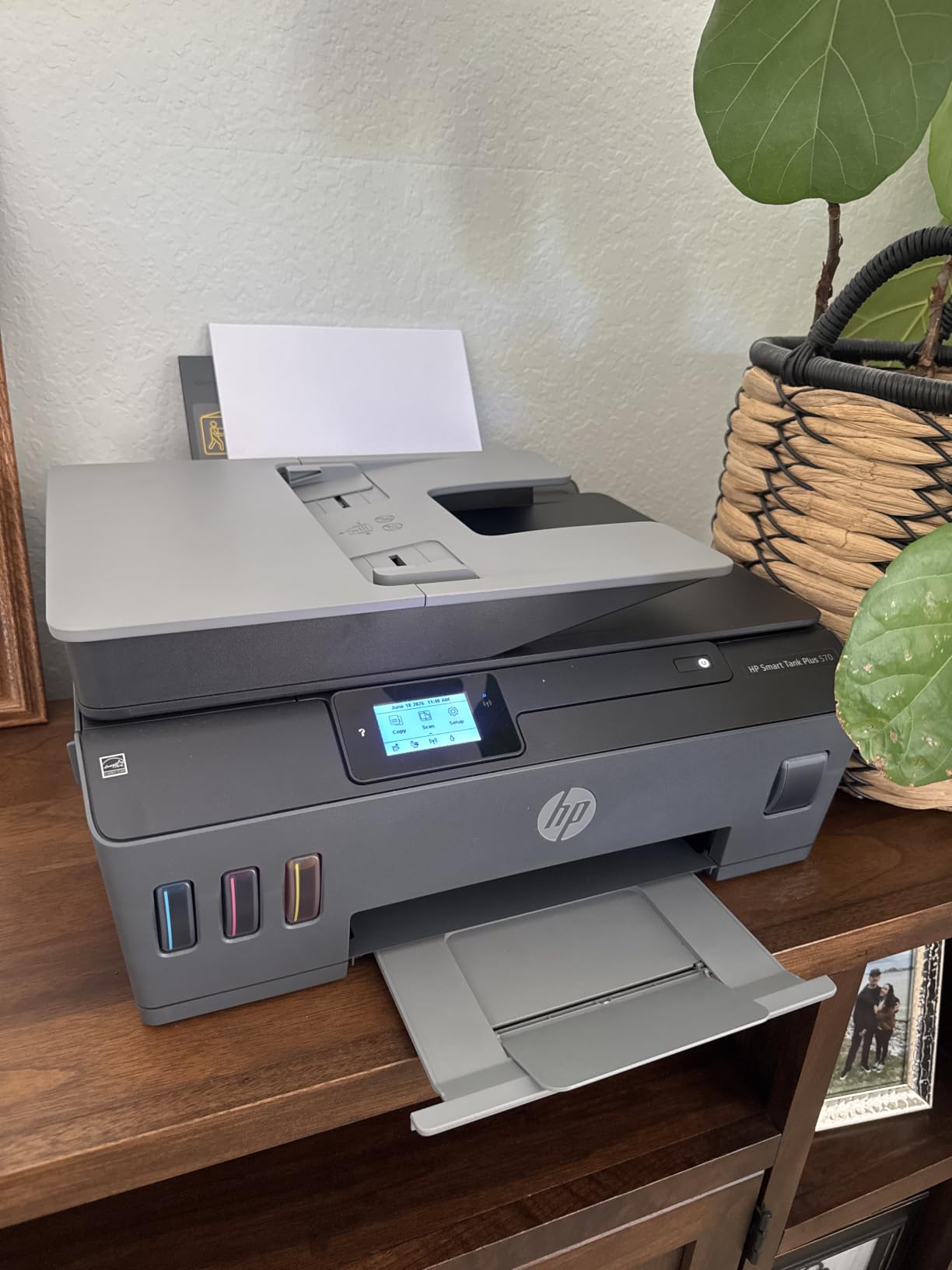
Print speed sits at 11 pages per minute black and 5 colour, and the flatbed handles copies and scanned documents without trouble. Borderless printing is supported for photos and craft work.
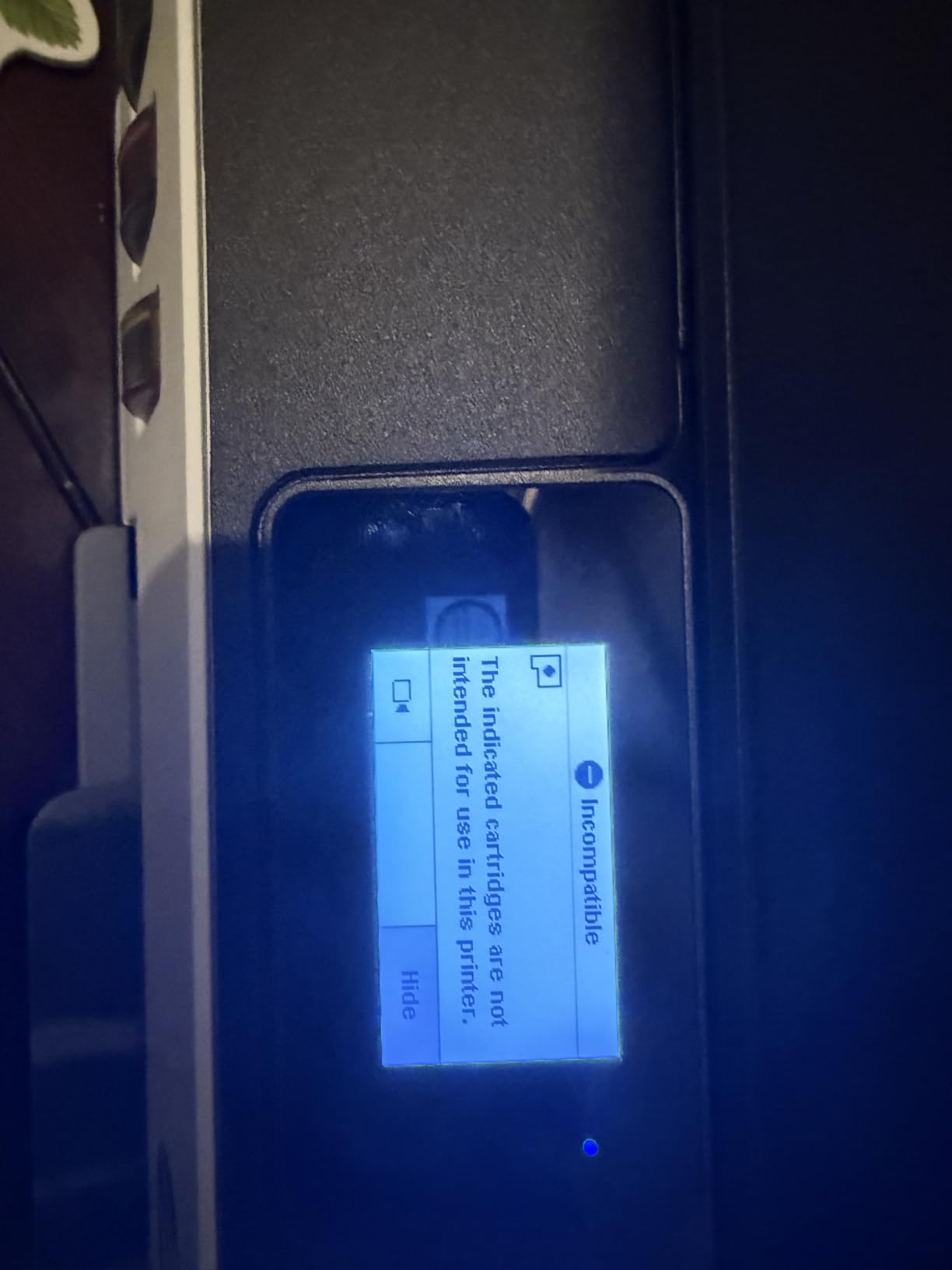
It is also the lowest-rated machine here at 3.8 stars, and the reasons are consistent. Print head installation is poorly documented, wireless setup defaults to 5 GHz and often fails, and some owners report early print head failures.
Is the bundled ink enough to skip the first refill?
For a typical family, yes. At up to 6,000 black pages or 8,000 colour pages, the in-box supply covers a normal first year without a refill purchase, which removes the most common early surprise.
That makes it a strong fit for households that would otherwise forget to order ink until a project is due.
Should you buy a printer with a 3.8-star rating?
Only if the ink allowance is genuinely useful to you. The build feels cheap, the LED status display gives vague errors, and there is no paper tray beyond an angled rear feed rack, so bulk printing is awkward.
Setup is the real risk. Expect to spend time on the 2.4 GHz band before the first print.
7. HP Smart Tank 5003 – Best Tank Printer for Printing from a Phone
HP Smart Tank 5003 Wireless All-in-One Ink Tank Printer, Scanner, Copier with up to 3 Years of Ink Included, Best-for-Home, Cartridge-Free Refillable, AI-Capable (9B2D3A)
Ink tank all-in-one
AirPrint ePrint and Mopria
10 ppm black, 5 ppm color
Manual duplex
Flatbed scanner
Pros
- Up to 3 years of ink included with 6000 pages
- AirPrint ePrint and Mopria support
- Mess-free bottle refill
- Compact 11.1 pound body
- Scan to PDF from the machine
Cons
- Manual duplex only
- No document feeder
- Modest 10 pages per minute black speed
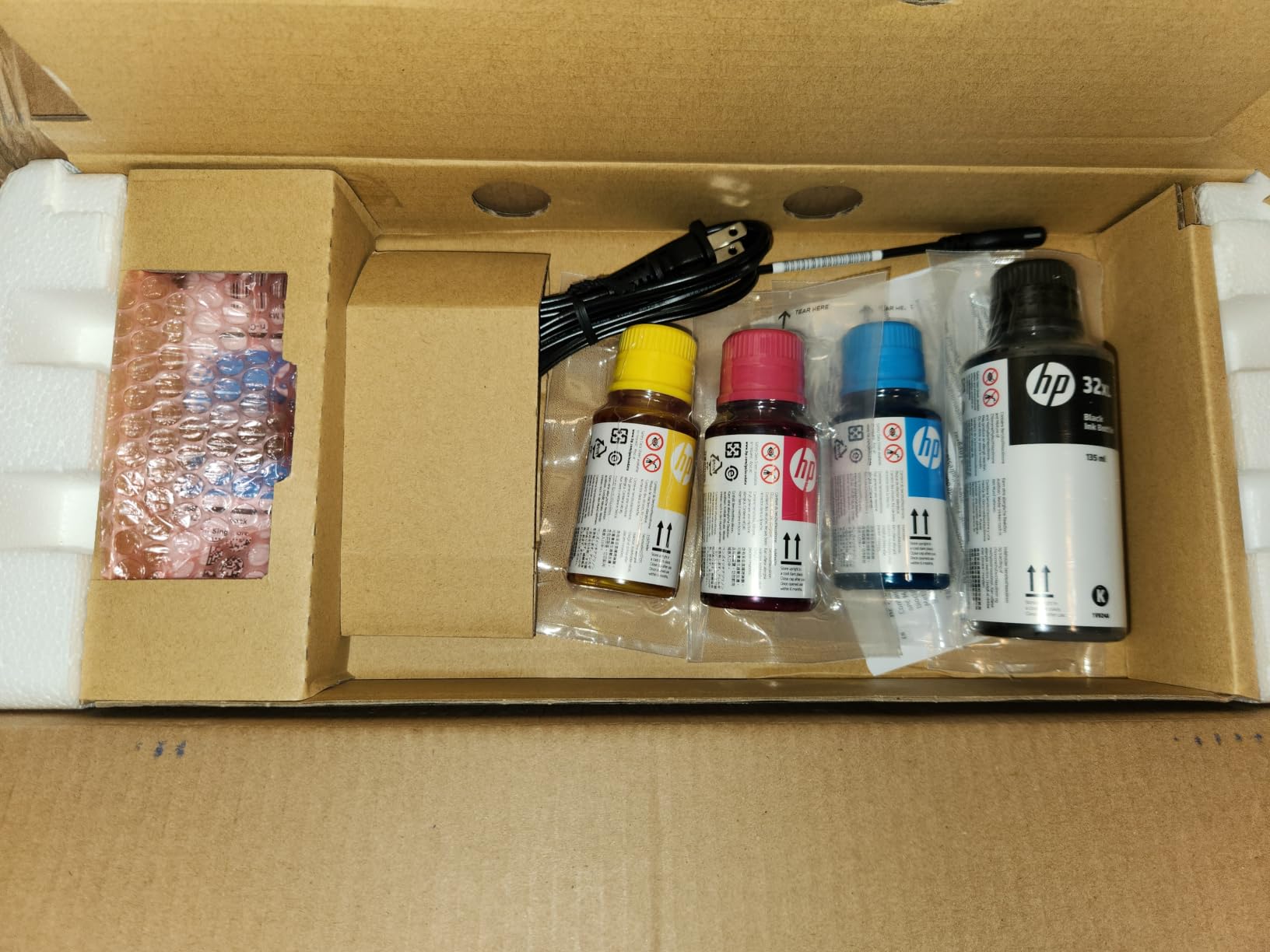
This is the newest model in the group, and its claim of up to three years of ink included is the strongest bundled supply on paper. It supports AirPrint, HP ePrint and Mopria, which means a phone can print without opening an app.
For kids who print from tablets and parents who print from a phone, that native mobile support is the feature that removes friction daily.
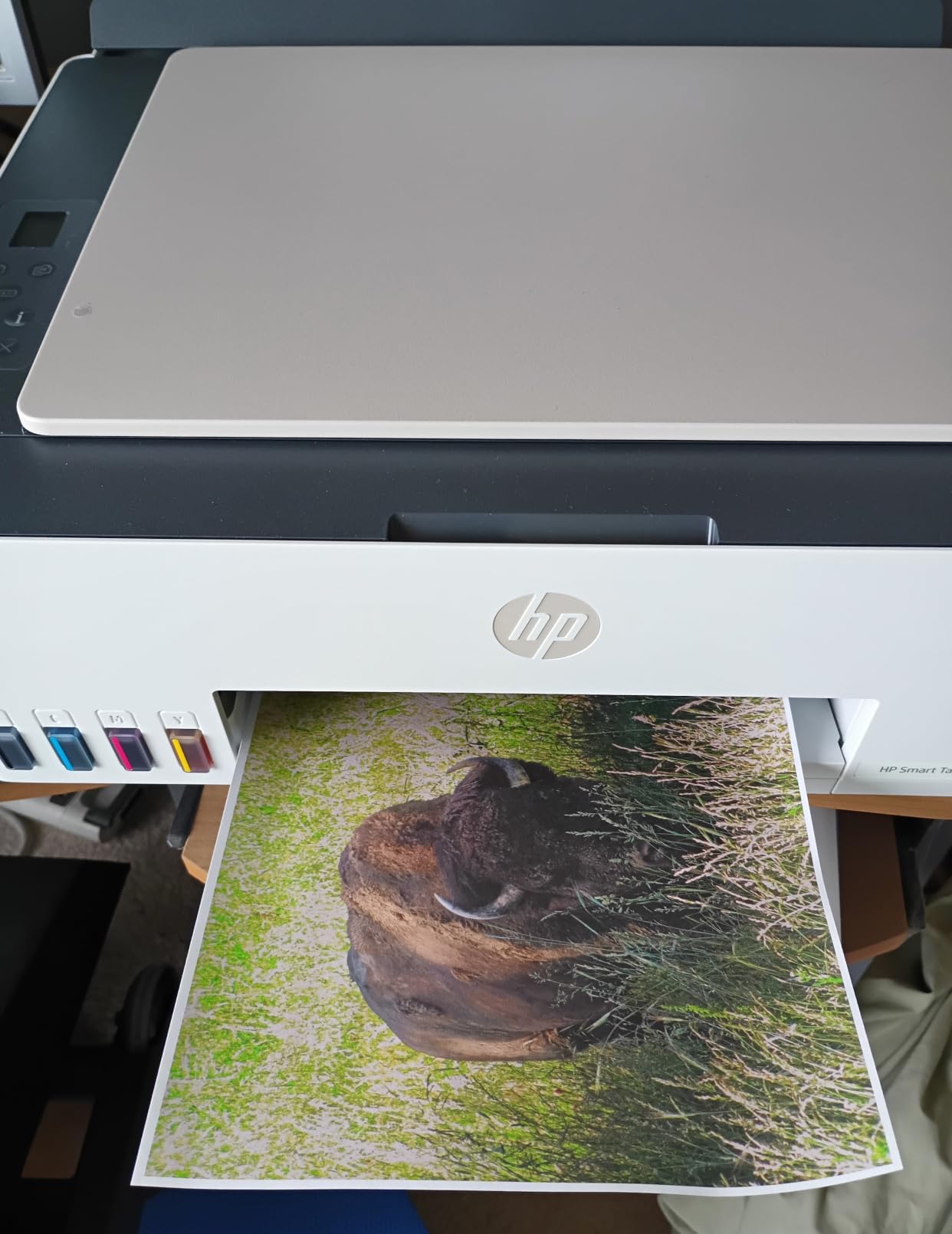
It is compact at 11.1 pounds, prints copies and scans, and supports borderless printing. Refills use the same plug-in-and-drain bottles as the 570.
The catch is the thin evidence base. With 226 reviews, there is not a long ownership history yet, and duplex is manual with no document feeder. Reviewers note the modest 10 pages per minute black speed.
Does it connect easily on a family Wi-Fi network?
Yes, mostly. AirPrint and Mopria mean most phones find it automatically once it is on the network, and scan-to-PDF works from the machine itself.
Because the review base is small, long-term reliability is not yet proven. Ask yourself whether you want the newest model or the proven one.
Is three years of ink realistic?
That figure assumes light family use, not heavy printing. Households that print daily will refill sooner, and duplex being manual means two-sided jobs take extra steps.
Treat the bundled ink as a generous starting point rather than a promise.
8. Brother Work Smart 1360 – Best Budget Printer With a 150-Sheet Paper Tray
Brother Work Smart 1360 Wireless Color Inkjet All-in-One Print, Scan, Copy
Inkjet all-in-one
Wi-Fi and USB
16 ppm black, 9 ppm color
Automatic duplex
150-sheet tray
Pros
- Automatic duplex with a 20-sheet document feeder
- Fast 16 ppm black and 9 ppm color
- 150-sheet paper tray
- 1.8 inch color display
- Cloud printing to Drive Dropbox Box OneDrive
Cons
- Cartridge running costs are higher than tank printers
- Heavy at 16.8 pounds
- No fax capability
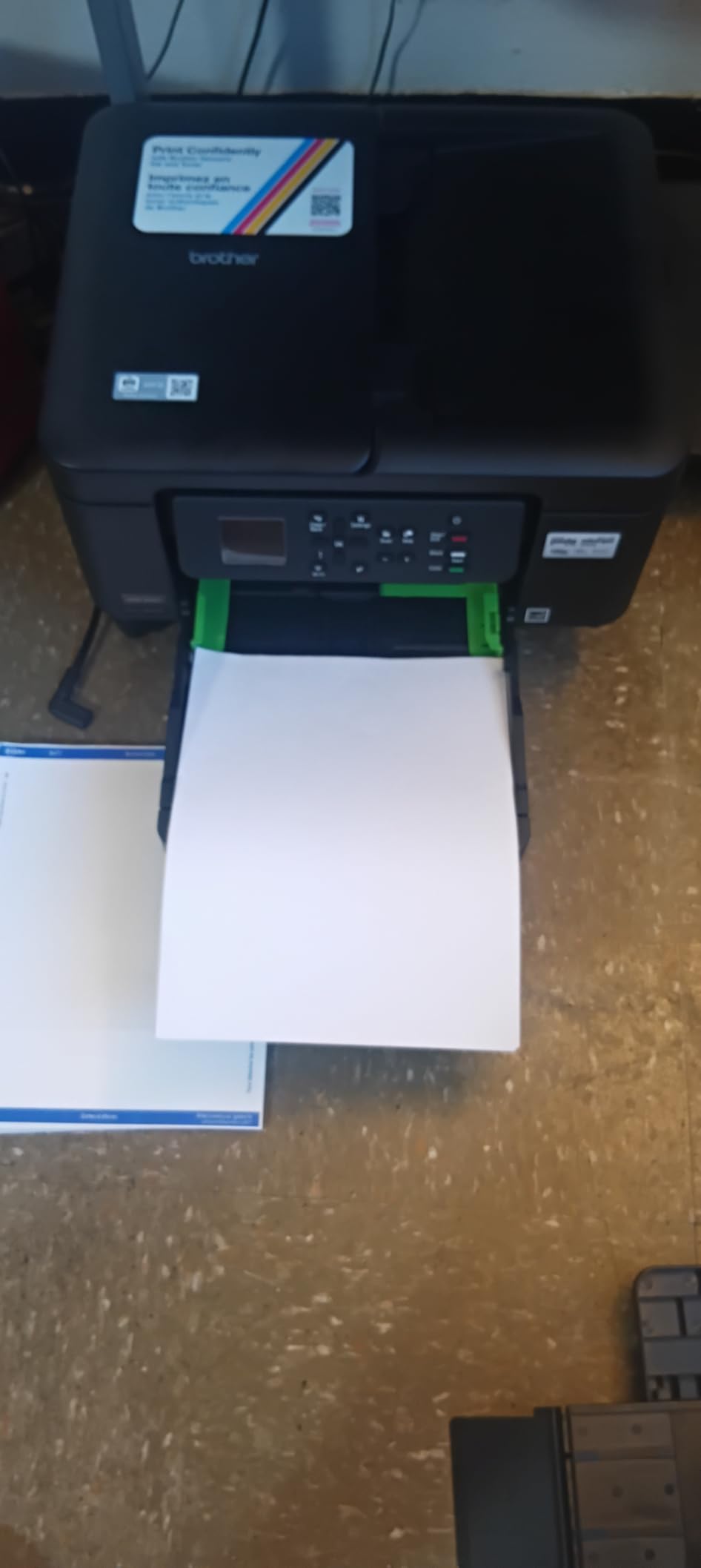
This Brother packs features into a budget body that most manufacturers reserve for higher tiers: automatic duplex, a 20-sheet document feeder and a 150-sheet paper tray. At this entry point, that combination is unusual.
Print speed is the fastest on black pages here at 16 pages per minute, with 9 colour, and first page out in about 6.2 seconds. Homework queues do not build up.
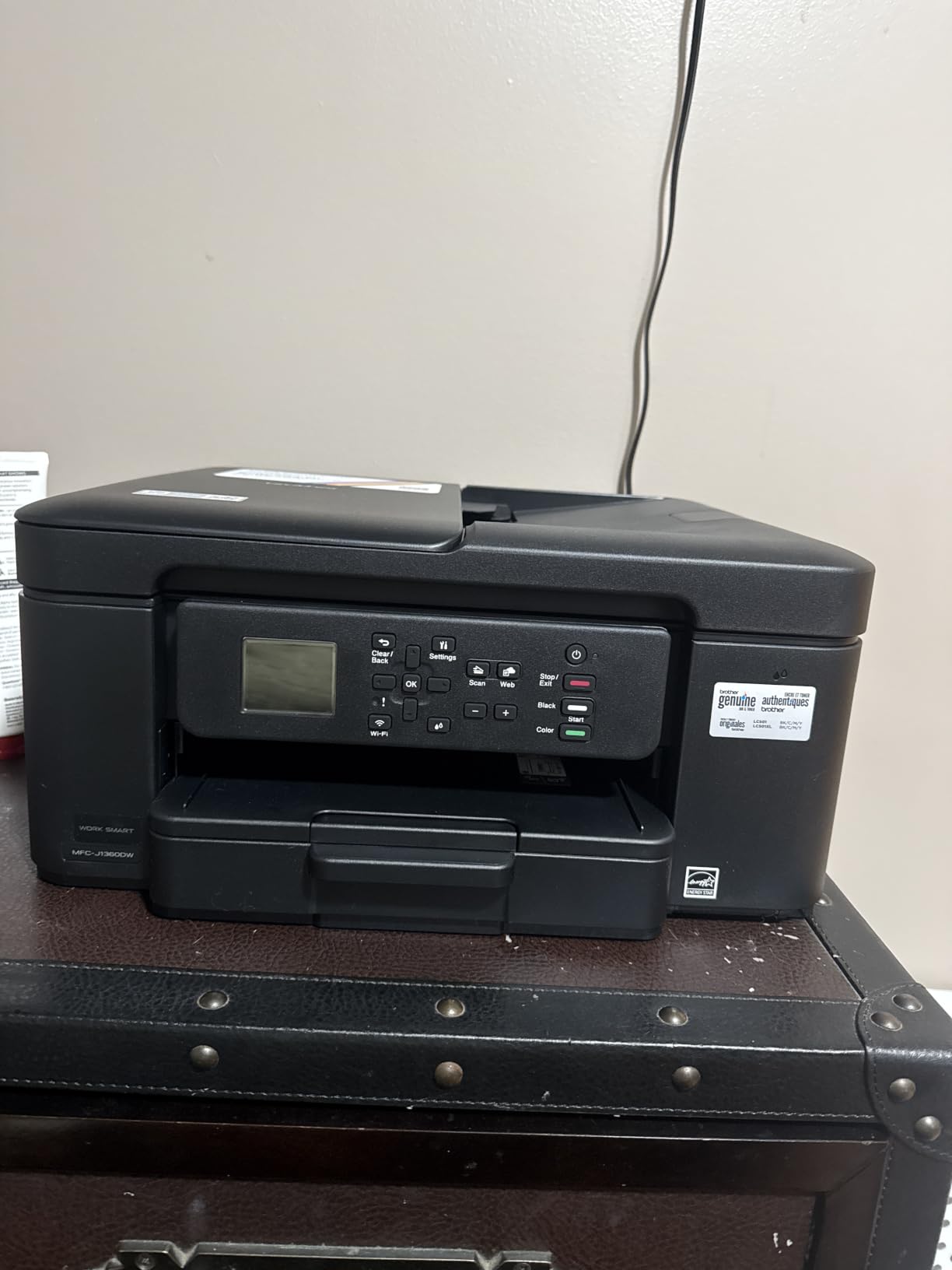
The 1.8-inch color display handles menu navigation without a phone, and cloud scanning to Google Drive, Dropbox, Box and OneDrive is supported through the Brother Mobile Connect app, including ink monitoring.
The trade-off is ink. It uses standard cartridges, so reviewers consistently flag higher running costs than tank printers, and the entry cartridges yield low page counts. It is also the heaviest body in this group at 16.8 pounds.
Is automatic duplex worth the higher ink cost?
For families printing double-sided handouts regularly, yes, because the paper saving is immediate and the time saving is large. For occasional printing where the tank machine is never refilled, the ink cost matters more.
It comes down to volume. Heavy printers should lean toward a tank; light printers can ignore the running cost.
What about reliability and paper jams?
Brothers tend to be robust machines, and the 150-sheet front tray is more reliable than a rear feed rack. The drawback is physical: 16.8 pounds makes this awkward to move between rooms.
No fax is included, which some families still need for school paperwork.
9. Canon PIXMA TS4320 – Best Budget Pick for Print, Copy and Scan
Canon PIXMA TS4320 – Wireless Color Inkjet Printer with Print, Copy, Scan
Inkjet all-in-one
Dual-band Wi-Fi
14 ppm black, 9 ppm color
Automatic duplex
3-year warranty
Pros
- Low entry price for a full print copy scan machine
- Automatic two-sided printing
- Dual-band Wi-Fi on 2.4 GHz and 5 GHz
- Fast 14 ppm black and 9 ppm color
- Borderless printing
- 3 year manufacturer warranty
Cons
- No document feeder so scanning is manual
- Genuine cartridges cost a lot relative to the printer
- Some users report Wi-Fi drop-off needing reinstallation
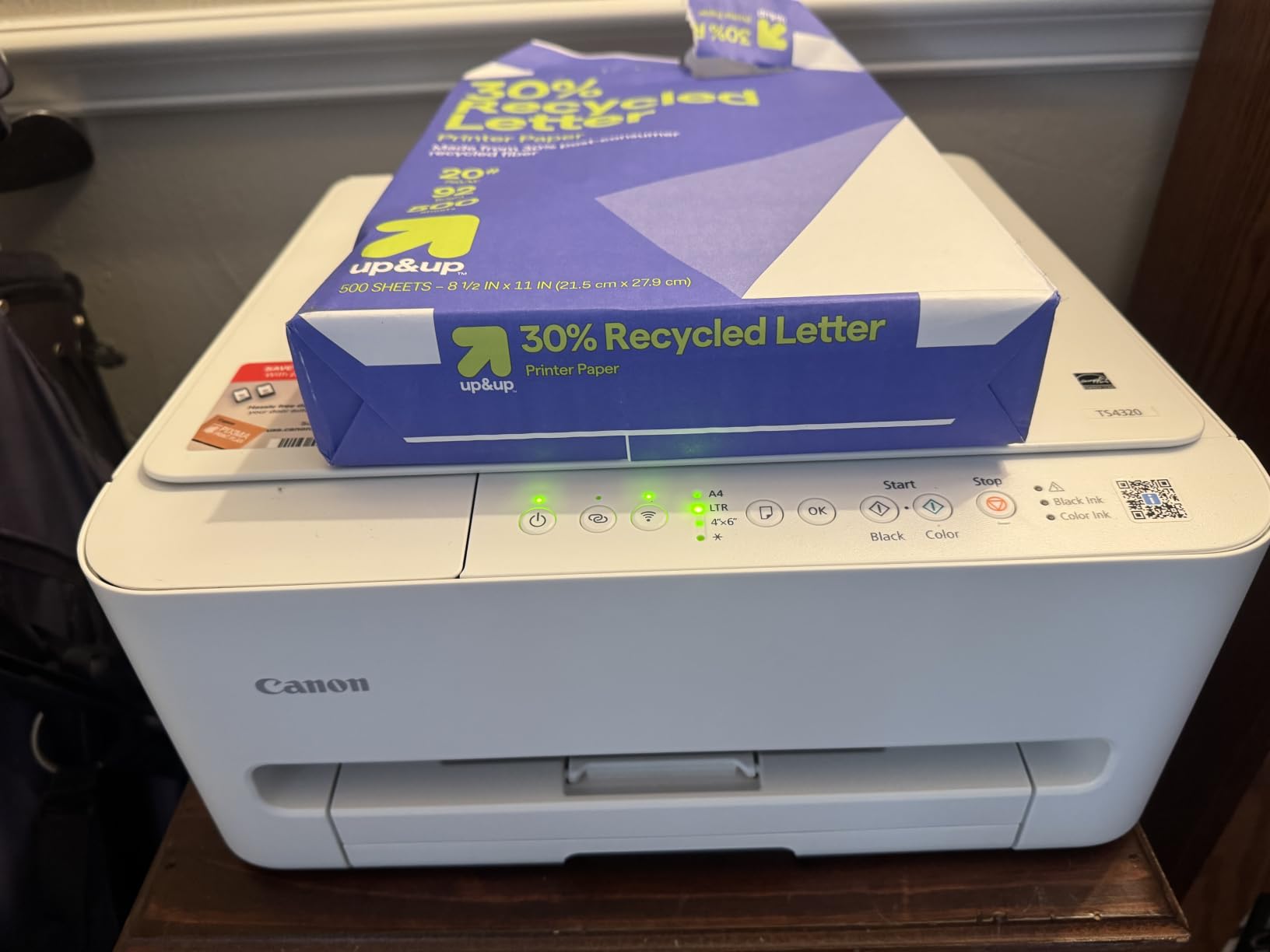
This is the pick for a family that needs a working print-copy-scan machine at the lowest entry point, and the three-year manufacturer warranty is the longest in this roundup by a full year.
Automatic duplex at this price is the standout spec. Most competing budget machines are single-sided, so two-sided homework comes out of the tray automatically.

Dual-band Wi-Fi on both 2.4 GHz and 5 GHz addresses the connection problems that plague several models here, and print speed reaches 14 pages per minute black with a first page in about 9.5 seconds.
Borderless printing works up to 8.5 by 11 inches. Support interactions with Canon are repeatedly praised, and 63% of ratings are five-star.
Why do connectivity complaints still appear?
Dual-band support does not prevent every drop-off. Some owners report the connection failing and needing a reinstall, and the two-cartridge hybrid ink system gives less precise colour gradation than four-ink machines.
Copy resolution is limited to 600 by 600 dpi, which is fine for a homework sheet and poor for a photo.
Is it cheap to run?
Not really. Genuine PG-295 and CL-286 cartridges cost a lot relative to the printer price, and this is the machine where sticker price and running cost diverge most sharply.
Buy it for the duplex feature and the warranty, and treat ink as a known budget line.
10. HP Envy 6155 – Best Printer Under 200 Dollars With a Colour Touchscreen
HP Envy 6155 Wireless All-in-One Color Inkjet Printer, Print, Scan, Copy, Duplex Printing Best-for-Home, 3 Month Trial of Instant Ink Included, AI-Capable (C2WR7A) Portobello
Inkjet all-in-one
Dual-band Wi-Fi
10 ppm black, 7 ppm color
Automatic duplex
2.4 inch touchscreen
Pros
- 2.4 inch color touchscreen for on-device control
- Dual-band Wi-Fi that resolves connection issues
- HP P3 true-to-screen colour for borderless photos
- Automatic duplex and a 100-sheet tray
- Page formatting that strips web page clutter
Cons
- No document feeder so scanning is manual
- Works only with HP 68 cartridges carrying original chips
- Instant Ink charges a monthly fee after the trial period
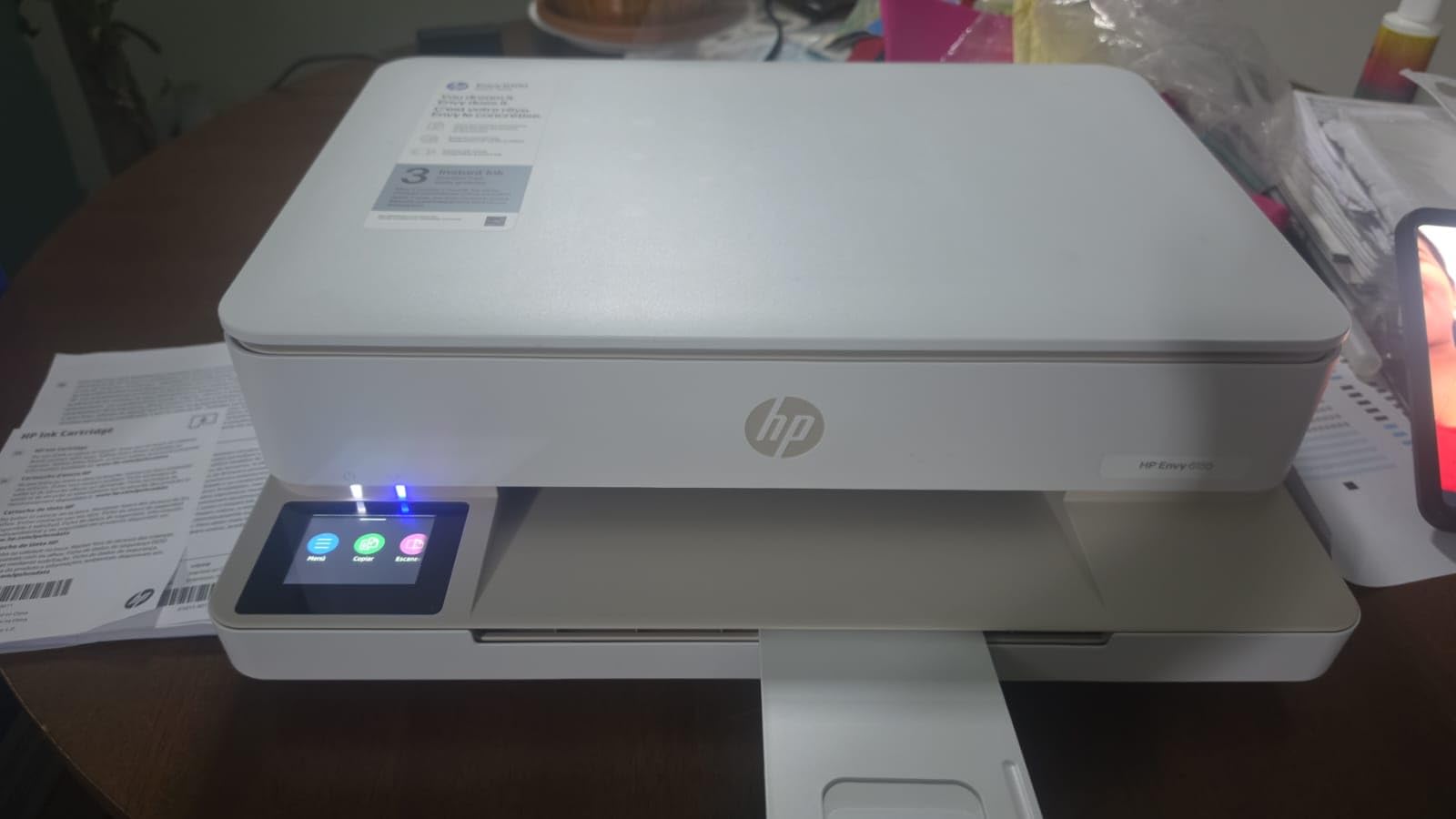
The strongest rating in this group is 4.2 stars, with a 69% five-star share, and the reason is the 2.4-inch color touchscreen. Setup, tray selection and ink levels are all handled on the machine rather than in an app.
Dual-band Wi-Fi is described as detecting and resolving connection issues on its own, which solves the problem that trips up most budget printers.
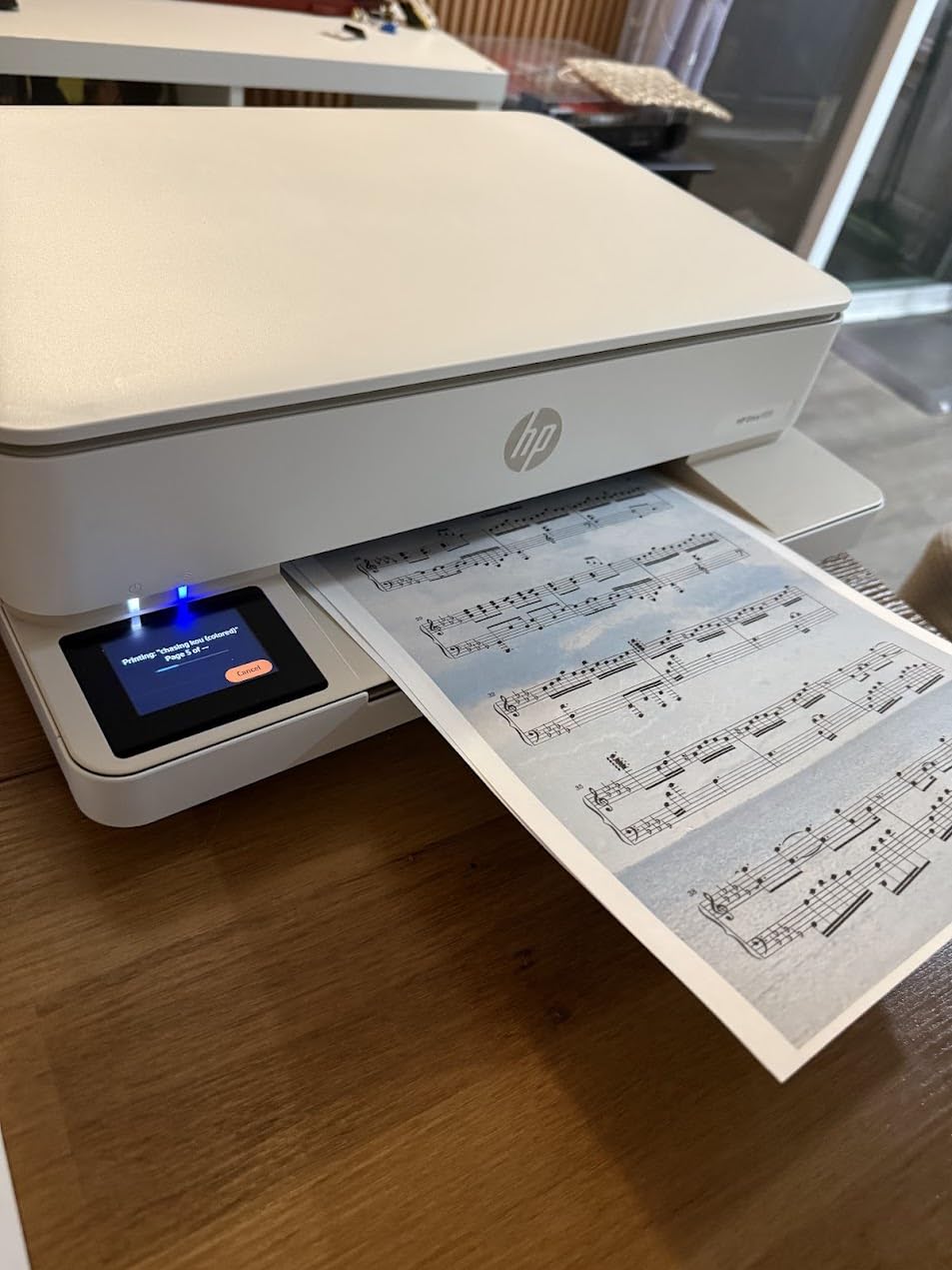
Automatic duplex and a 100-sheet input tray cover the core family needs, and HP P3 technology gives true-to-screen colour for borderless photos. The page formatting feature strips unwanted web and email content before printing.
Print speed is the slowest of the group at 10 pages per minute black and 7 colour, and there is no document feeder. Cartridges must carry original HP chips, and Instant Ink charges a monthly fee once the trial ends.
Is a touchscreen worth it for a family?
For homes where a parent or an older child handles the printer, yes. Choosing plain paper, checking ink and starting a scan without an app is a genuine daily convenience, and it avoids the software friction that dominates complaints elsewhere.
For a household that prints only from one laptop and never touches settings, it is a luxury.
What about the subscription pressure?
The three-month Instant Ink trial is free, and a monthly fee applies afterwards unless cancelled. That is the single thing to read before buying, because it changes how ink costs work.
Also note the chip restriction on HP 68 cartridges, which blocks third-party options. If you dislike subscription ink entirely, choose a tank printer instead.
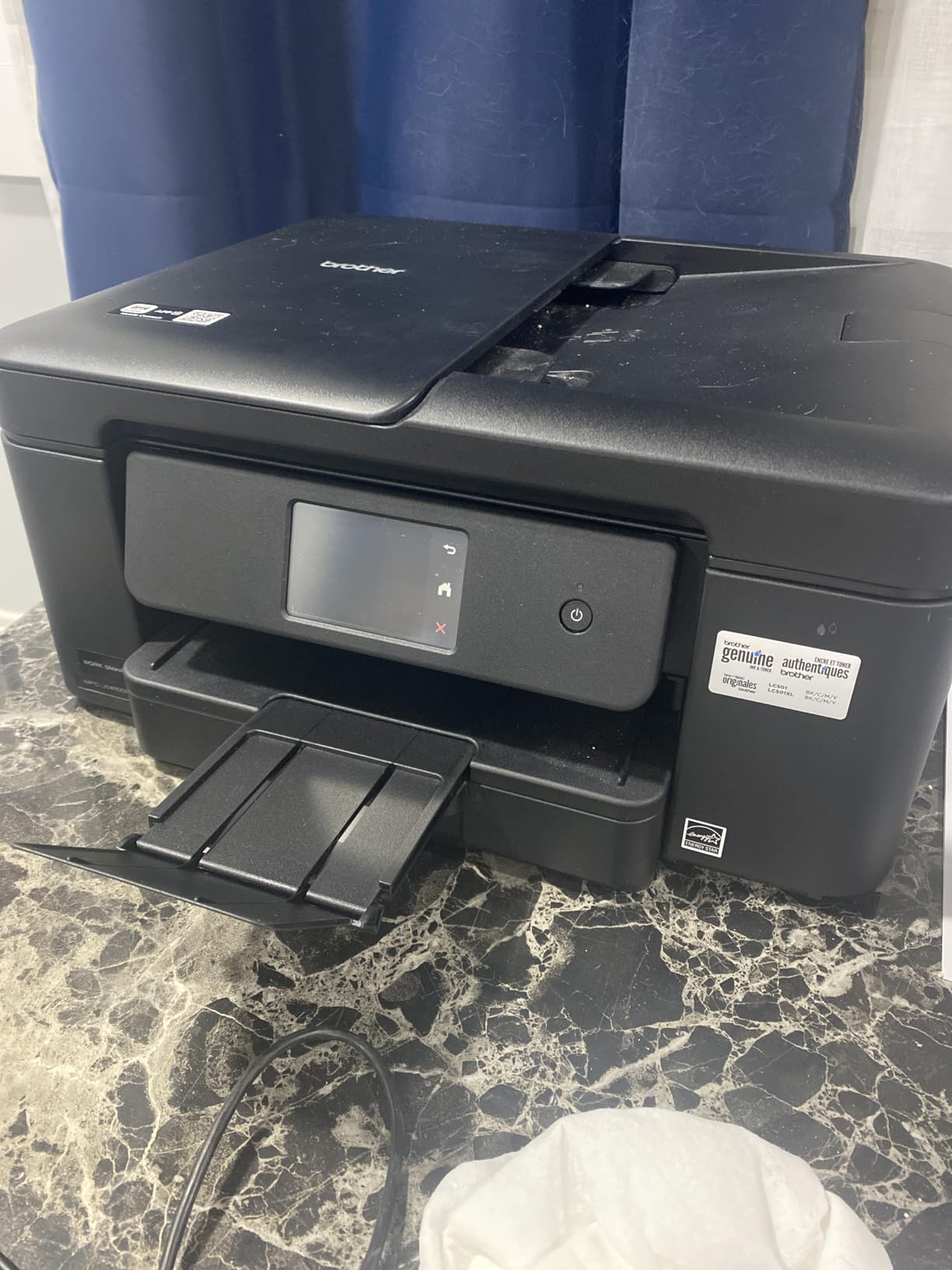
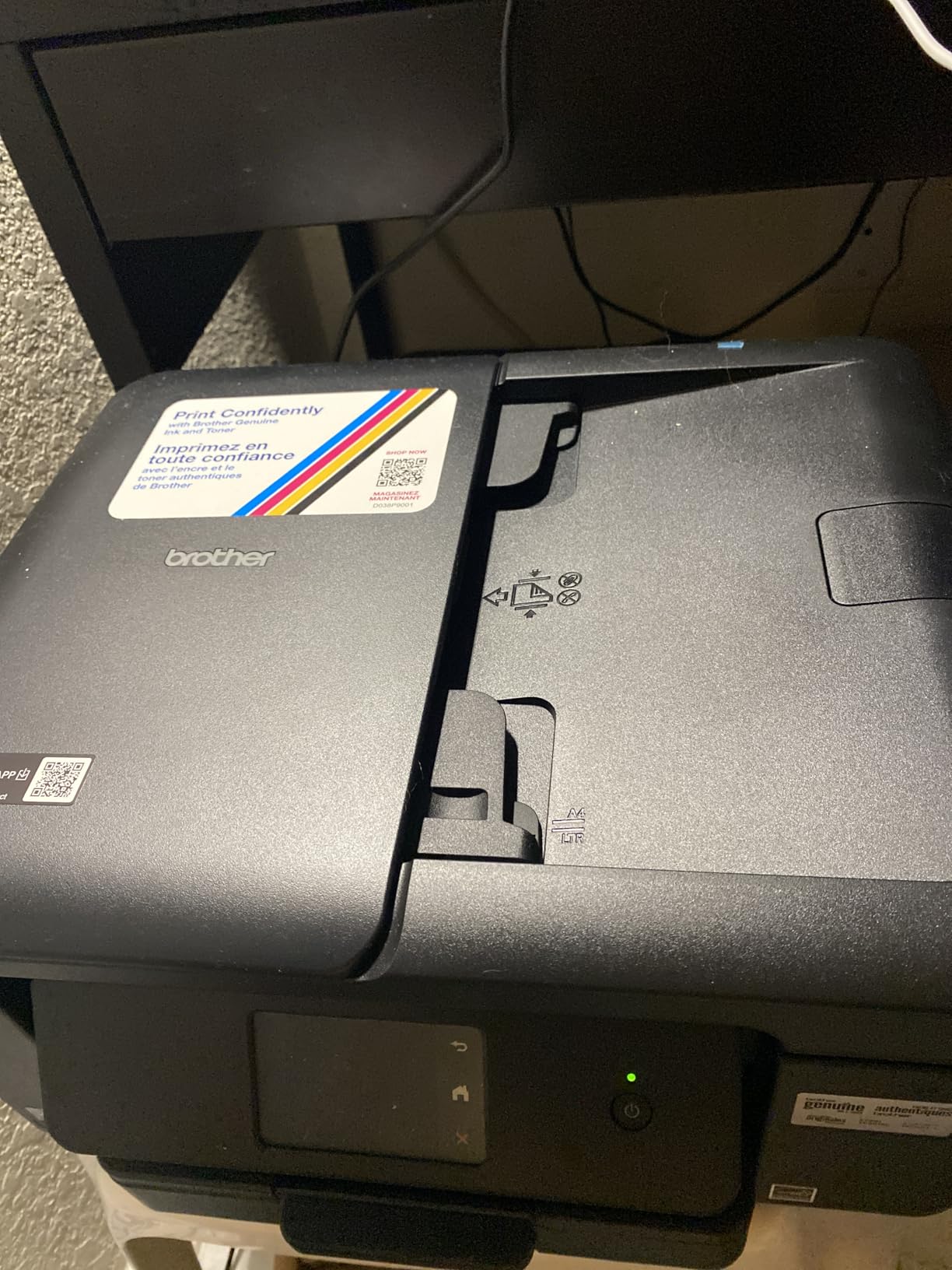
11. Brother Work Smart 1410 – Best for Fax, Feeder and Touchscreen Together
Brother Work Smart 1410 Wireless Color Inkjet All-in-One Printer with 2.7” Touchscreen and Automatic Duplex Printing | Includes Refresh Subscription Trial(1) (MFC-J1410DW)
Inkjet 4-in-1
Wi-Fi and USB
16 ppm black, 9 ppm color
Automatic duplex
20-sheet ADF
Pros
- Print copy scan and fax in one compact machine
- Fast 16 ppm black and 9 ppm color
- 20-sheet document feeder for multi-page jobs
- 150-sheet tray with media up to 8.5 x 14 inches
- 2.7 inch color touchscreen with cloud access
- Front-loading ink access
Cons
- Heaviest body in the group at 16.8 pounds
- Only a 1-year limited warranty
- Initial touchscreen setup can be non-intuitive
This is the Brother to buy if your family still sends fax documents for school or medical paperwork. It prints, copies, scans and faxes, and it adds a 2.7-inch color touchscreen with direct cloud app access.
Speed matches the fastest here at 16 pages per minute black and 9 colour, with a first page in about 6.2 seconds. The 20-sheet feeder and automatic duplex handle multi-page paperwork without babysitting.
Paper handling supports media up to 8.5 by 14 inches from a 150-sheet tray, and cartridges load from the front so ink changes do not mean moving the machine.
The friction is in setup. Reviewers describe the first touchscreen configuration as non-intuitive, and 14% of ratings are one-star. The one-year warranty is also shorter than some competitors.
Is fax capability still worth buying for?
For many families, yes, and it is rare at this price. Several school and healthcare forms still accept fax, and adding a separate fax machine costs more than the difference here.
If nobody in your home sends a fax, the TR4520 covers the same core functions for less.
How do the ink economics compare?
It uses Brother LC501 cartridges, and the firmware steers users firmly toward genuine ones. That keeps quality predictable but pushes running costs above tank printers, which matters for heavy families.
At 16.8 pounds it is also the heaviest machine here, so plan where it will live before it arrives.
12. Brother INKvestment 1365 – Best for High-Yield Cartridges and a Two-Year Warranty
Brother INKvestment 1365 Wireless Color Inkjet All-in-One Printer with Automatic Duplex Printing and 1.8” Color Display | Includes Refresh Subscription Trial(1) (MFC-J1365DW)
Inkjet all-in-one
Wi-Fi Wi-Fi Direct and USB
16 ppm black, 9 ppm color
Automatic duplex
20-sheet ADF
Pros
- High-yield 1200-page black and 500-page colour cartridges
- Front-loading 150-sheet cassette is dependable
- Automatic duplex with a 20-sheet document feeder
- 16 ppm black and 9 ppm colour
- Wi-Fi Direct prints without a router
- 2-year limited warranty
Cons
- Small 1.8 inch non-touch display
- Setup app is Wi-Fi first and awkward for network passwords
- Uses XL cartridges rather than bottled ink
This is the middle ground for families who dislike cartridges but do not want to handle bottles. The LC504 XL set includes a 1,200-page black cartridge and three 500-page colour cartridges, so ink lasts far longer than a standard cartridge set.
Speed is 16 pages per minute black and 9 colour, automatic duplex is included, and the 20-sheet document feeder handles batch copying.
The front-loading 150-sheet cassette is more reliable than a rear feed tray, and Wi-Fi Direct means kids can print from a phone without the printer ever touching your router. The 2-year limited warranty is the longest among the cartridge models here.
Setup is the weak point. The 1.8-inch non-touch display uses arrow-key navigation that is awkward for typing network passwords, and the app is Wi-Fi-first, which some families find tedious. A few reviews report cartridge recognition problems, particularly with cyan.
Is a two-year warranty worth something?
More than most buyers expect. Inkjets are the most likely part of a budget printer to fail, and a second year of cover reduces the risk of an early inkjet failure turning into a full replacement.
It is the one Brother in this roundup that beats its siblings on warranty length.
How does it compare with a tank printer over time?
XL cartridges cost more per page than refill bottles, so heavy families will still spend more on ink over a few years. The difference is convenience: no bottle handling and no priming step.
Pick this if your printing is moderate and cartridge simplicity matters to you.
Ink Tank vs Cartridge vs Laser: What It Really Costs Over Three Years
The cheapest printer in this roundup is not the cheapest to own. A cartridge machine priced at the bottom of the range uses small cartridges with low page yields, and the replacements arrive faster. A tank machine priced higher uses refillable bottles with quoted yields measured in thousands of pages.
Look at page yield as the honest comparison. The ET-2800 is quoted at up to 4,500 black pages and 7,500 colour pages per ink set. The HP Envy 6155 ships with setup cartridges of roughly 120 black pages and 75 colour pages. Both numbers come straight from the manufacturers.
Tank printers win on volume. Cartridge printers win on simplicity and price. Neither has cartridges or bottles that dry out when unused for months, which matters for households that print only in bursts.
Laser printers sit at the other end. They print text faster and cheaper per page, and toner does not dry out, which is why printer owners on r/printers and r/Printing repeatedly recommend them for text-heavy homes. Under 200 dollars, though, the colour laser options are limited and none of the models here is a laser, so a family wanting colour should stay with ink.
One warning worth repeating from those discussions: do not buy a colour laser expecting photographs. Laser colour is built for documents, not photos.
How to Choose a Family Printer Under 200 Dollars
Start with monthly volume. Below roughly 50 pages a month, a cartridge all-in-one with automatic duplex is the sensible buy. Between 50 and 200 pages, a tank printer pays for itself. Above 200 pages, running cost matters more than purchase price.
Next, decide on colour and photos. If school projects, crafts and stickers are part of the routine, prioritise borderless printing and four-ink colour. If it is homework only, a black-focused machine will be faster and cheaper to run.
Then check duplex. Most tank printers here are simplex only, while several cartridge all-in-ones include automatic two-sided printing. Two-sided homework is frequent enough that it deserves a deliberate decision.
Scan and copy needs are simpler than they look. A flatbed scanner handles a single page at a time, which is enough for a permission slip. Only add a document feeder if you copy or scan multi-page paperwork regularly.
Wireless setup deserves attention because it is the most common source of frustration. Dual-band models that support both 2.4 GHz and 5 GHz connect more reliably on modern routers, and Wi-Fi Direct is useful when guests need to print without your network.
Before you commit, think about the rest of the household. We round up home gear for the same reason we cover printers, whether you are comparing a food dehydrator or a shop vacuum, the useful question is always how the running cost compares over years, not just the sticker price.
Reliability: Which Budget Printers Have the Least Problems
The honest answer is that no budget printer is problem-free, but the failure patterns are predictable and mostly avoidable.
Paper jams cluster in machines with a thin rear feed rack and no proper tray, and in cartridges with chip problems. Machines with a front-loading cassette, such as the Brother INKvestment 1365, tend to feed more consistently.
Connectivity failures cluster around 5 GHz networks. Several HP models here default to 5 GHz and fail until forced onto 2.4 GHz, while the Canon TS4320 and HP Envy 6155 handle dual-band automatically.
Printhead clogs are the fear of light users, and the fix is simple. Print one page every few weeks during school holidays, and the risk drops sharply. There is also a similar reason to prefer laser for very sporadic text printing, since toner does not dry out.
Long-term owner reports carry more weight than spec sheets, and the recurring pattern in printer forums is that a machine kept in use and refilled properly outlasts one bought cheap and ignored.
Frequently Asked Questions
What is the best printer for household use?
For most households under 200 dollars, the Epson EcoTank ET-2800 is the strongest all-round choice. It prints, scans and copies over Wi-Fi, and its refillable ink tanks cut running cost sharply compared with cartridge models. If automatic two-sided printing matters more than ink cost, the Canon PIXMA TR4520 or Brother Work Smart 1360 are stronger fits.
What is the best family printer?
A good family printer handles homework, school projects and occasional photos from several devices on one network. The Epson EcoTank ET-2800 leads because of its low ink cost and wireless app control. Homes that print double-sided handouts should instead pick a model with automatic duplex, such as the Canon PIXMA TR8620a or the Brother Work Smart 1410.
Which budget printer is best for home use?
For light printing under about 50 pages a month, the Canon PIXMA TS4320 offers automatic duplex, dual-band Wi-Fi and a three-year warranty at a low entry point. For moderate to heavy printing, an ink tank model such as the Epson EcoTank ET-2800 or Canon PIXMA MegaTank G3270 keeps ink costs far lower over a school year.
Which printer has the least amount of problems?
Ink tank printers generally report fewer problems than cartridge models because there are no chips to fail and no cartridges to dry out. Among the models here, the Epson EcoTank ET-2800 and Canon PIXMA MegaTank G3270 have broad owner histories with the fewest recurring complaints. Most reported issues, such as jams and wireless drop-offs, are setup-related and avoidable.
Which printer is best for infrequent home use?
For a household that prints only a few pages a month, a tank printer such as the Epson EcoTank ET-2400 works well because it stays sealed and does not dry out. Print one page every few weeks during long breaks to keep the printhead healthy. Colour laser printers are the ideal for very light text printing, since toner does not dry, but colour laser output is poor for photos.
Conclusion
The best printers under 200 dollars for families fall into two clear groups. Ink tank models such as the Epson EcoTank ET-2800 and the Canon PIXMA MegaTank G3270 win on running cost, and they are the right default for most households. Cartridge all-in-ones with automatic duplex, led here by the Canon PIXMA TR4520 and the Brother Work Smart 1360, win on features for homes that print double-sided paperwork.
Start with your monthly page count, check the duplex spec, and buy for the workload you actually have. Whichever you choose, set up the Wi-Fi connection before school starts.