
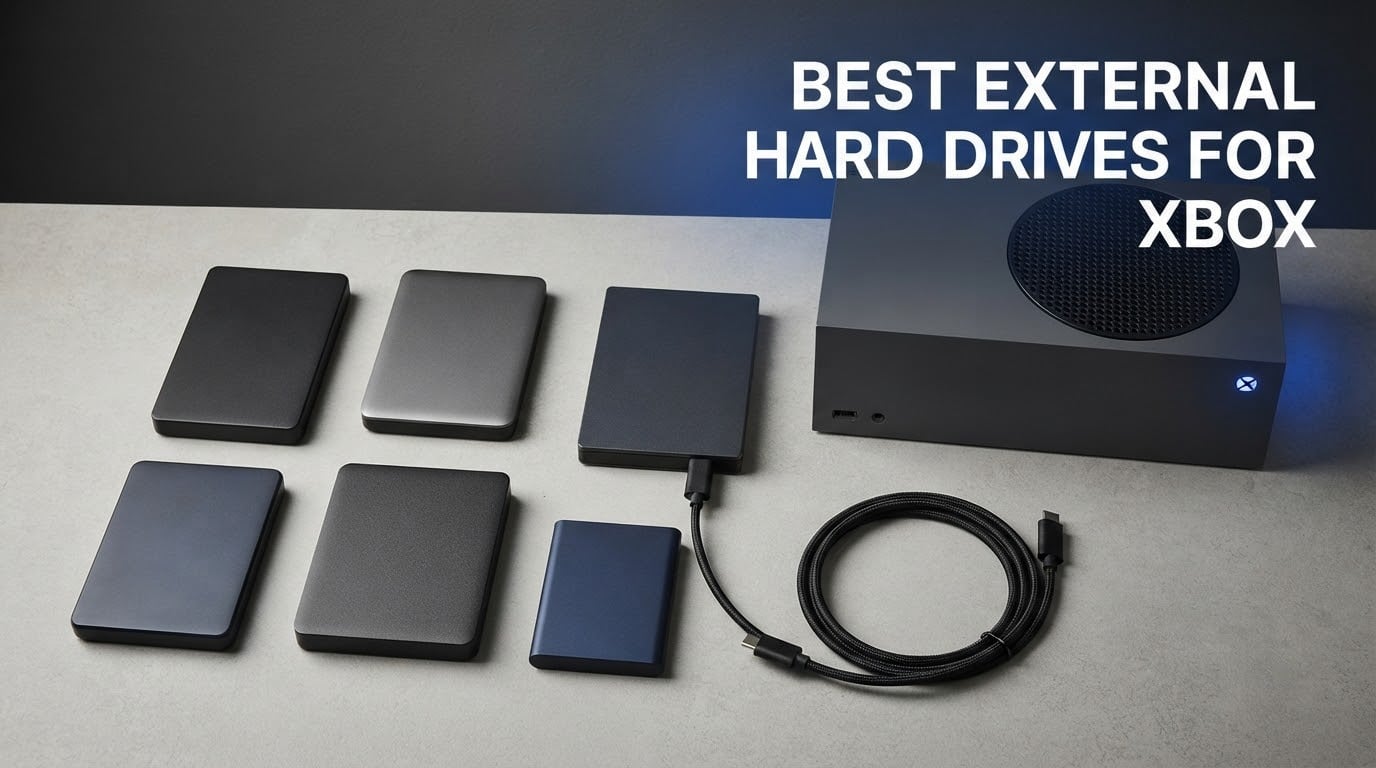
Every Xbox storage decision comes down to one hard rule that catches out almost everyone: an external hard drive cannot run Xbox Series X|S optimized games. Those titles need internal storage or a Seagate Expansion Card in the console’s proprietary slot. What any external drive can do is store and play Xbox One, Xbox 360 and Original Xbox games, plus archive Series X|S titles you want off the internal SSD.
That leaves a clear job for these drives. They are cold storage, fast transfer shelves and backup targets, and in that role speed matters less than capacity per terabyte, quiet operation and a chassis that survives a console shelf. The best external hard drives for Xbox are 2.5-inch portable models that the console formats on first connect and recognizes immediately afterwards.
We compared 11 portable and desktop external hard drives across capacity, sustained read speed, physical size, warranty length and the console-specific complaints that show up repeatedly in owner reviews. Every drive below is a mechanical hard disk, because that is where the affordable Xbox storage expansion actually lives in 2026.
For general PC backup routines rather than console use, our guide to the best external hard drives for backups covers desktop-sized units in more detail.
Table of Contents
Top 3 Best External Hard Drives for Xbox (October 2026)

WD_BLACK 5TB P10 Game Drive
- 5TB capacity
- 130MB/s read speed
- 3-year warranty
- Xbox and PS5 ready

Seagate Portable 4TB
- 4TB capacity
- 120MB/s read speed
- Compact 2.5-inch body
- 273154 owner reviews

Seagate Game Drive for Xbox 2TB
- Xbox-optimized firmware
- 140MB/s read speed
- Over 100 games
- Green Xbox finish
The WD_BLACK P10 takes the top slot because it pairs the highest capacity in the group with gaming-tuned firmware and a three-year warranty, and it holds a 4.7-star average across more than 25000 reviews. The Seagate Portable 4TB is the value pick, with the largest review base of any drive here. The Seagate Game Drive for Xbox is the premium pick for anyone who wants zero setup friction on an Xbox One console.
Best External Hard Drives for Xbox in 2026
| Product | Specifications | Action |
|---|---|---|
| WD_BLACK 5TB P10 Game Drive |
|
Check Latest Price |
| Seagate Portable 4TB |
|
Check Latest Price |
| Seagate Game Drive for Xbox 2TB |
|
Check Latest Price |
 Seagate Game Drive Game Pass 2TB Seagate Game Drive Game Pass 2TB |
|
Check Latest Price |
 Silicon Power Armor A60 2TB Silicon Power Armor A60 2TB |
|
Check Latest Price |
 Toshiba Canvio Gaming 2TB Toshiba Canvio Gaming 2TB |
|
Check Latest Price |
 WD_BLACK 4TB P10 Game Drive for Xbox WD_BLACK 4TB P10 Game Drive for Xbox |
|
Check Latest Price |
 Avalusion HDDGear Pro X 4TB Avalusion HDDGear Pro X 4TB |
|
Check Latest Price |
 Toshiba Canvio Partner 2TB Toshiba Canvio Partner 2TB |
|
Check Latest Price |
 YOTUO 1TB YOTUO 1TB |
|
Check Latest Price |
 Aiolo Innovation 500GB Aiolo Innovation 500GB |
|
Check Latest Price |
1. WD_BLACK 5TB P10 Game Drive – Best Overall for Xbox Storage Expansion
WD_BLACK 5TB P10 Game Drive, Portable External Hard Drive, Works with Playstation, Xbox, & PC – WDBA3A0050BBK-WESN
5TB capacity
130MB/s read speed
2.5-inch portable
3-year limited warranty
Pros
- Highest capacity in the group
- 4.7-star average across 25652 reviews
- 130MB/s is quick for a mechanical drive
- Purpose-built gaming firmware
- 3-year manufacturer warranty
Cons
- Cannot run Series X or S optimized titles
- Mechanical platters are less forgiving of knocks while spinning
- USB cable stored separately
This is the drive we keep coming back to for anyone building a large Xbox One library. Five terabytes holds an enormous backlog of older titles, and at 130MB/s the transfer rates are the fastest of any mechanical drive in this group. Moves between internal storage and the P10 stay brisk, which matters when a game is 100GB or more.
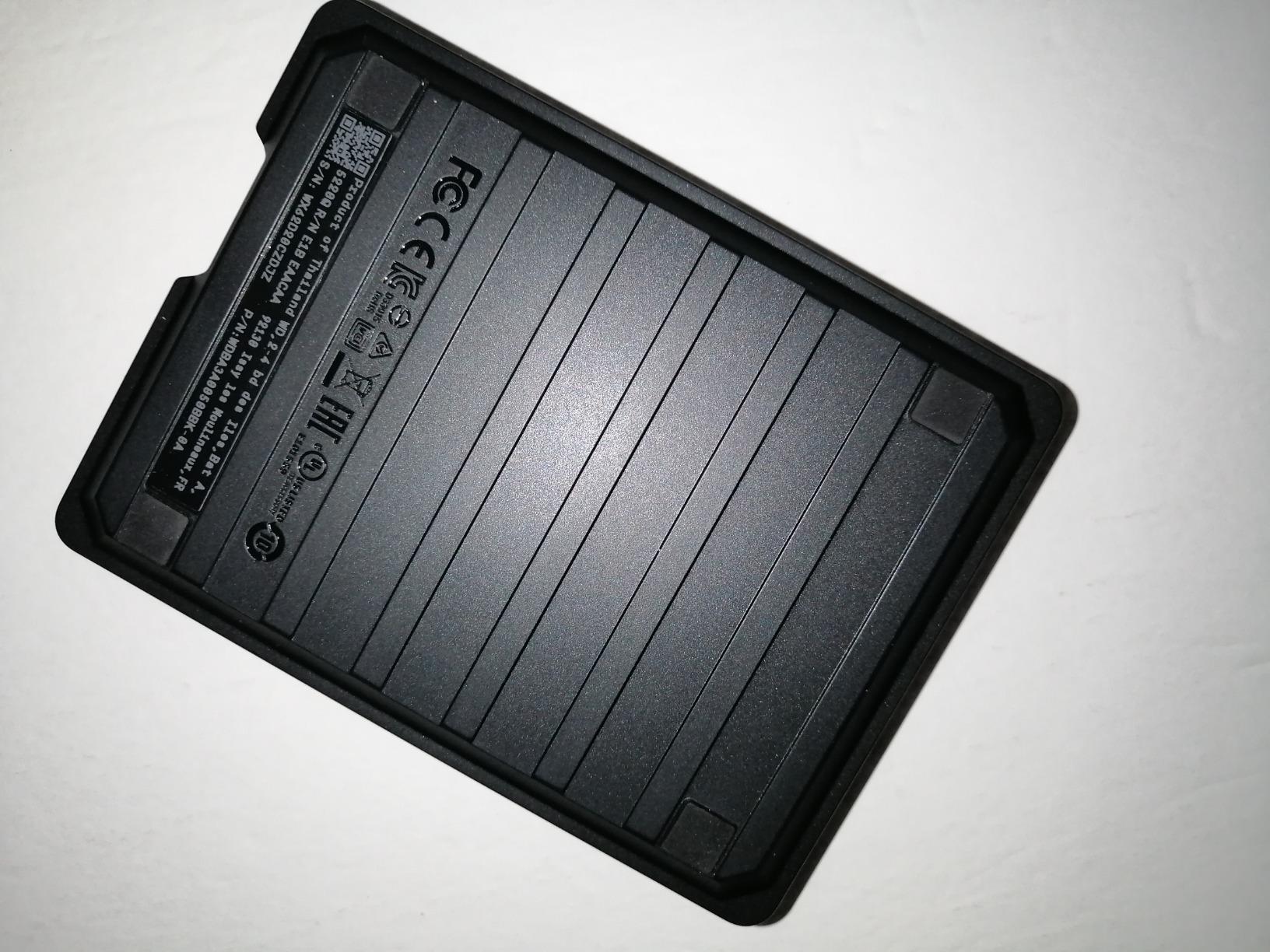
The build is a 2.5-inch chassis with a metal top covering rather than the bare plastic used on cheaper models, and the whole thing weighs 8.16 ounces. It sits flat beside a console and does not need external power, so there is no cable to route except the USB connection itself.
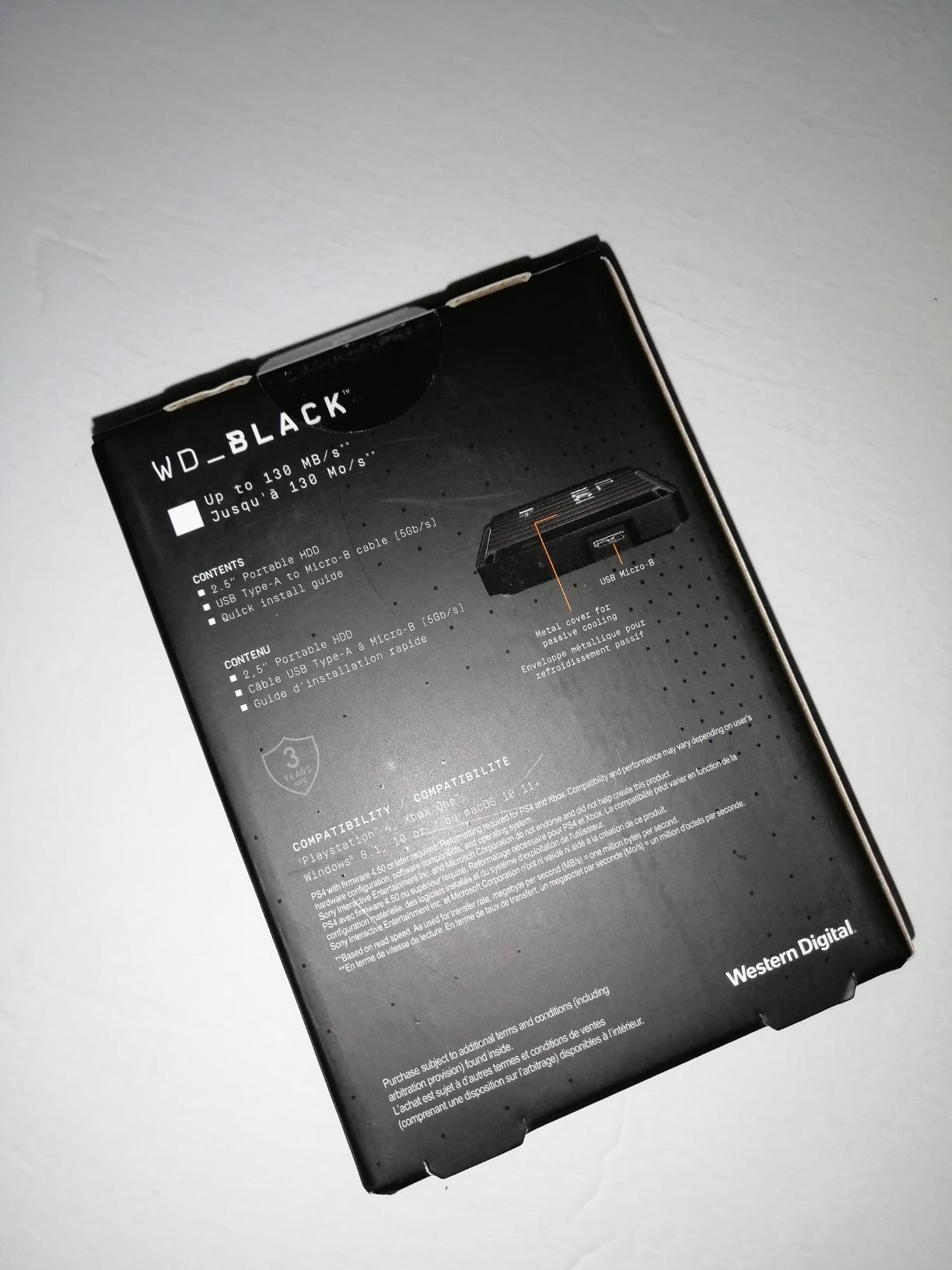
Owner reviews are overwhelmingly positive, with roughly 85 percent of ratings landing at five stars. The recurring theme is a drive that simply works: owners describe connecting it, letting the console format it, and then forgetting it was there. The same reviews consistently note that you can store Series X|S titles on it but must move them back to internal storage or an Expansion Card to play them.
Warranty length matters more than it first appears here. The P10 carries a three-year manufacturer’s limited warranty, which is longer than the one-year cover on most budget portable drives. For a device you will fill with tens of terabytes of transfers, that extra cover is worth real peace of mind.
What makes the P10 the right pick for a large game library
Capacity and speed are the whole argument. At 5TB you can park a full Xbox One collection, media library and screenshots on one device without ever opening the storage settings menu. The 130MB/s figure is measured real-world sequential read, not a burst number, and that is the figure that determines how long a 150GB game transfer takes.
It also cross-plays well outside the Xbox ecosystem. The same drive works with PlayStation 5 for PS4 titles, and with any PC for media or backups, which makes it a safer long-term purchase than a console-locked model.
Where the P10 falls short
It is a spinning drive with moving parts, so a drop while it is transferring can be worse than with a solid-state drive. The 2.5-inch magnetic platters have no shock absorption layer, and the cable is not integrated into the body, so it can go missing between uses.
And the same limit applies as with every HDD here: no Xbox Series X|S optimized game will launch from it. If your library is mostly current-generation titles, this is storage for the backlog, not the main event.
2. Seagate Portable 4TB – Best Value External Drive for Xbox
Seagate Portable 4TB External Hard Drive HDD – USB 3.0, 1-Year Rescue
4TB capacity
120MB/s read speed
260g portable body
USB 3.0
Pros
- Largest proven review base of any drive here
- 4.6-star average across 273154 reviews
- Compact and genuinely portable at 260g
- Plug-and-play on Windows and Mac
- Runs cool during sustained transfers
Cons
- Cannot run current-generation console titles
- Not shock or water resistant
- Mac users must erase and reformat before first use
The Seagate Portable 4TB is the safest recommendation in this roundup if your priority is proven reliability over firmware extras. It has more owner reviews than any other drive we looked at, and the 4.6-star average has been stable across a very long history of sales. That volume of feedback is itself a form of risk reduction.
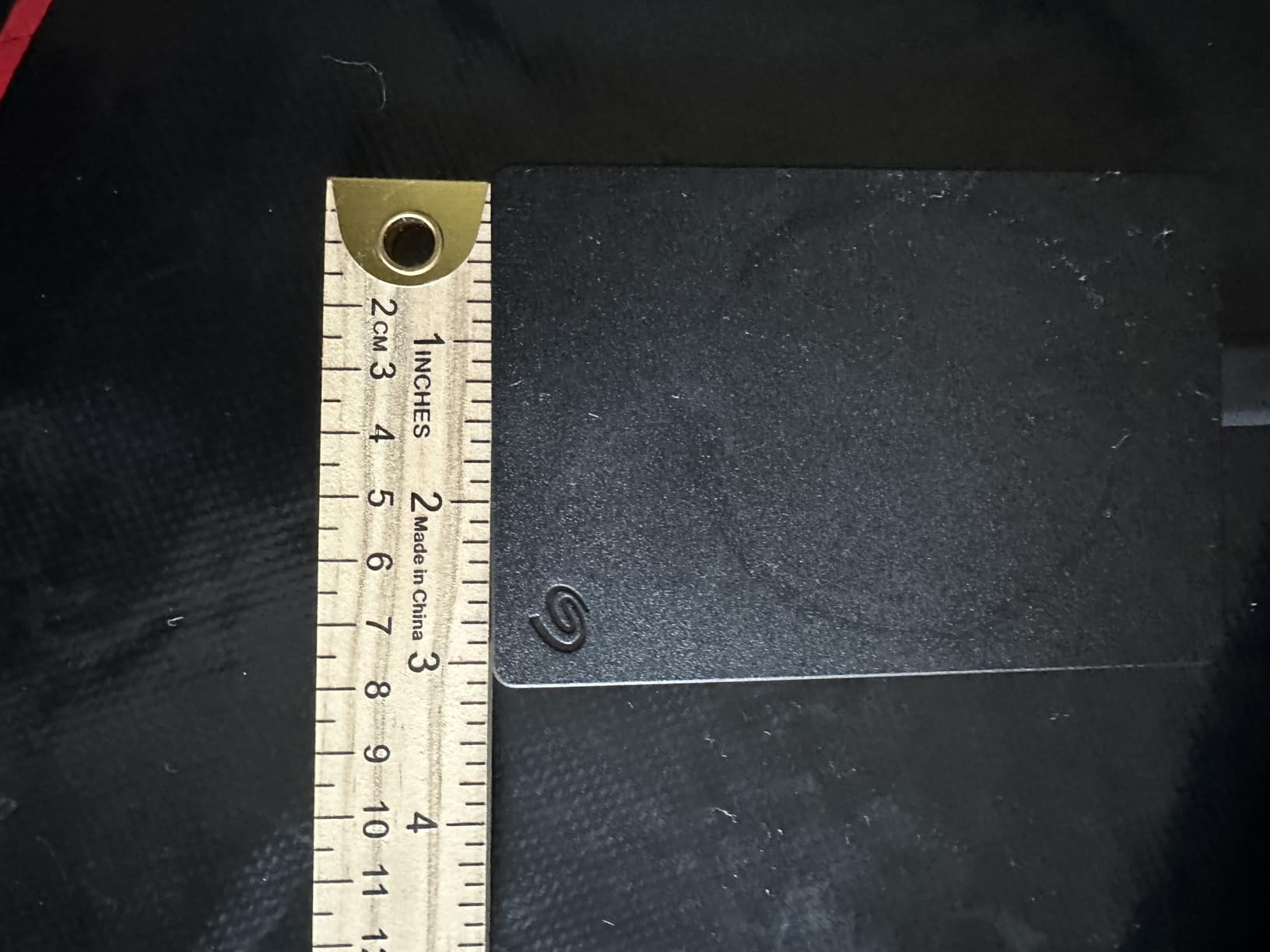
On the console side it does the fundamentals well. The 4TB capacity consolidates a large media and game collection into a 2.5-inch body that measures 4.61 by 3.15 inches and weighs 260g. Sustained transfers sit around 120MB/s, and the drive runs cool enough that owner reviews rarely mention thermal problems.
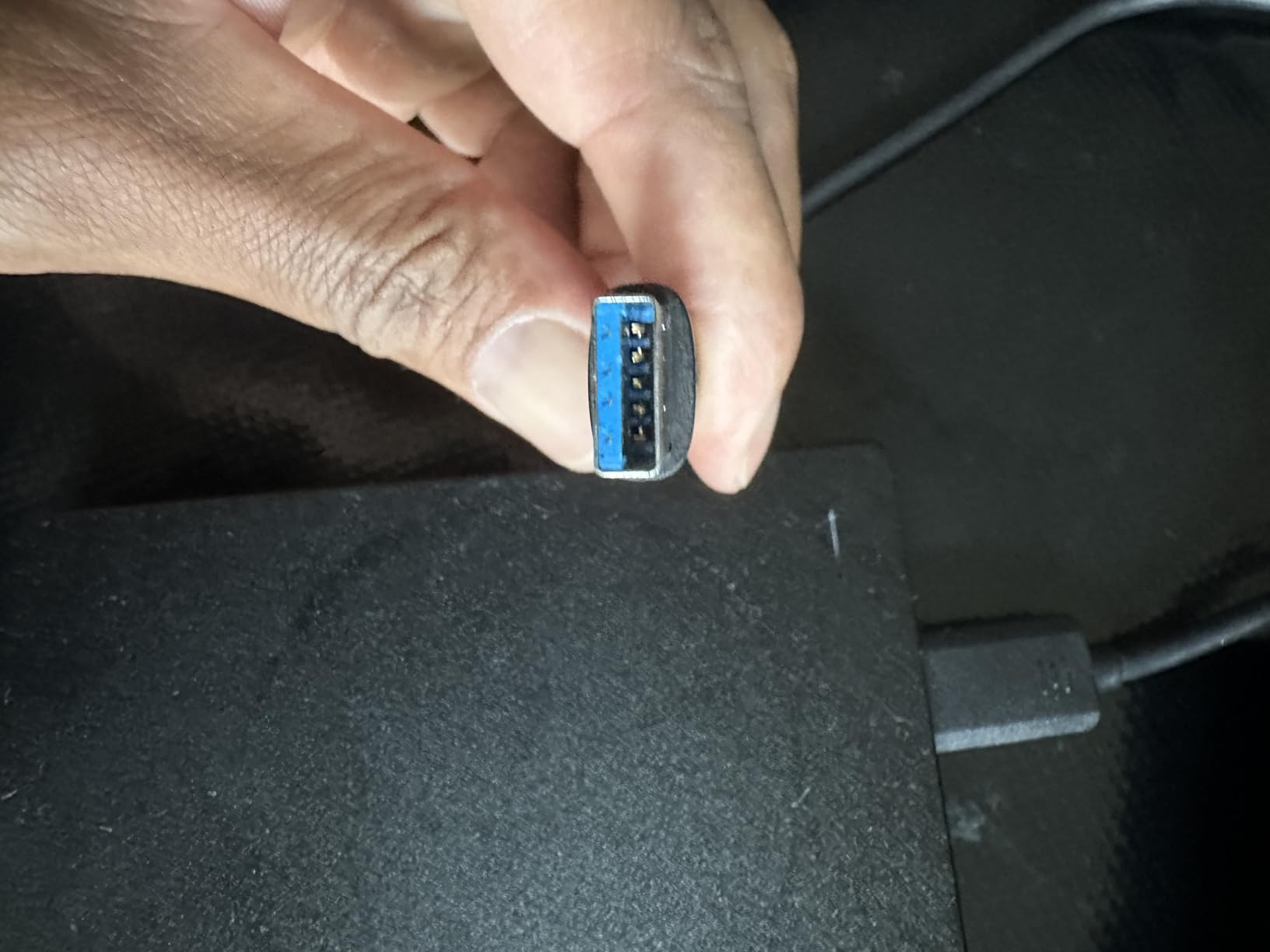
It includes an 18-inch USB 3.0 cable and mounts automatically on Windows and Mac. The listing names Xbox One and PlayStation 4 compatibility, which covers the use case most people actually have: a console library of older titles plus a media shelf for TV apps and background footage.
Reviewers commonly highlight simple setup, reliable operation and useful capacity in roughly equal measure. The criticisms that do surface are mechanical speed limits, the need to reformat on Mac, and the obvious fact that no mechanical drive can launch a current-generation optimized title.
Why this is the strongest value choice
Capacity per unit of money is where this drive separates itself. It lands between the 2TB gaming models and the 5TB P10 while keeping a review history of a quarter of a million owners. Reviews note usable capacity slightly below the labelled figure, which is normal for any mechanical drive and worth keeping in mind when planning a tight library.
It is also the most versatile unit here. Because it is not console-branded, you can move it between a PC, a Mac and a console without thinking about it. For a household with more than one device short on room, that flexibility is worth more than a tailored firmware profile.
Where the Seagate Portable falls short
There is no rubberised shell or water resistance, so it is a drive for a shelf rather than a bag. Owners moving it between locations should expect to handle it carefully. The bare plastic enclosure also transmits the faint hum of the platters more than a rubber-coated model would.
On Mac systems the drive needs erasing and reformatting before first use, which adds a step that Windows users never encounter. If your workflow is mostly Mac, pick a drive that arrives in a cross-platform format.
3. Seagate Game Drive for Xbox 2TB – Premium Pick for Set and Forget
Seagate STEA2000403 Game Drive for Xbox STEA2000403-Hard 2 TB-USB 3.0-Green, 2TB
2TB capacity
140MB/s read speed
Xbox-optimized firmware
USB 3.0 bus powered
Pros
- Recognized instantly by Xbox consoles
- 2TB holds over 100 games
- Exceptionally quiet during use
- Compact and light at 7.68 ounces
- Long track record of reliable operation
Cons
- Series X or S titles cannot be run from it
- 2TB fills quickly with modern games
- One-year manufacturer warranty only
If you want zero friction, this is the drive. It carries console-specific firmware, so the Xbox recognizes it on connect, offers a step-by-step on-console setup, and formats it in about two minutes. No PC step, no third-party utility, no guessing which partition to format.
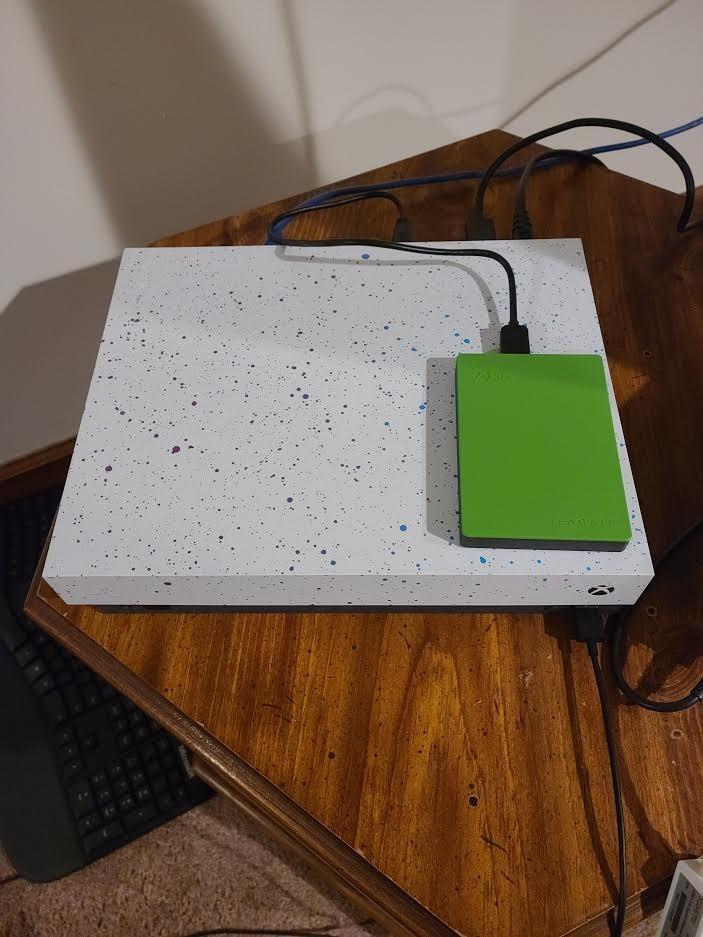
The green finish matches the original Xbox color scheme, which is a small detail but one that keeps a console shelf looking deliberate. The unit is USB bus powered with no separate power cable, and at 140MB/s read speed it is nominally the fastest mechanical option in this group.
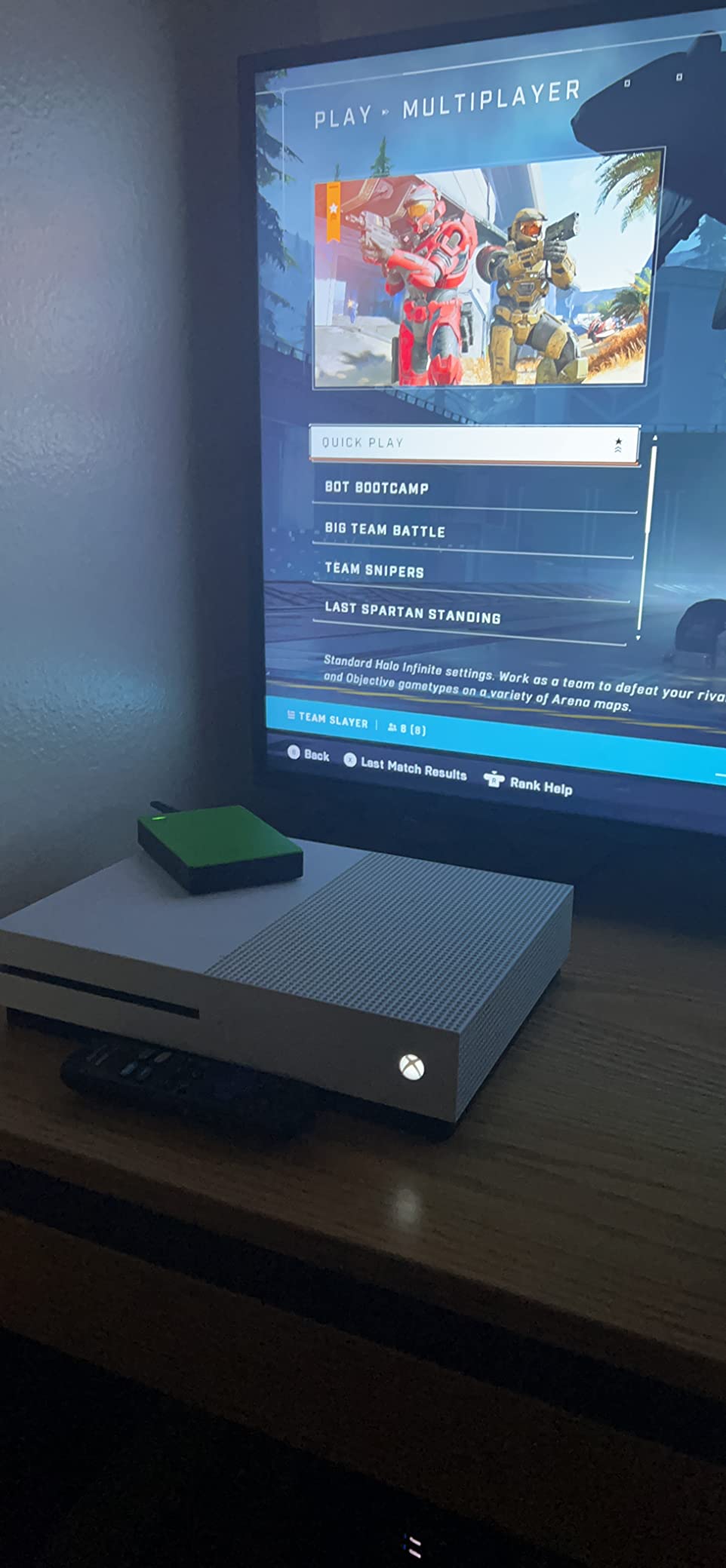
Owners describe it as the reference Xbox storage drive, and the numbers back that up: a 4.7-star average across more than 22000 reviews, with several multi-year owners reporting daily use without a single problem. Quietness is a repeated highlight, and for a drive that lives next to a console that is not a minor benefit.
At 2TB it holds well over 100 games, which is plenty for a curated Xbox One library. The catch is that modern titles are large, so a heavy recent library can eat that space quickly and leave you moving things back to internal storage.
Best fit for Xbox One owners who never want to touch a PC
The whole appeal is that the console handles everything. You plug it into a USB port on the Xbox One, accept the format prompt, and start moving games. That is genuinely valuable if the console lives in a living room and your computer lives in an office.
For an Xbox One X, One S or first-generation One, this drive is an ideal companion because the internal storage on those consoles is small and slow. Moving a library off internal storage frees space for installs and speeds up everything left behind.
Where this Xbox drive falls short
The one-year manufacturer warranty is the weakest in this group, and several owners with multi-year units report drives that stopped being recognized by the console after extended use. A drive you cannot read means re-downloading every game on it, so the shorter cover is worth weighing against a three-year alternative.
It is also locked in spirit to the Xbox One generation. It stores fine, but it is not the choice for archiving Series X|S libraries you intend to keep for years.
4. Seagate Game Drive for Xbox Game Pass 2TB – White Set That Matches the Series S
Seagate Game Drive for Xbox Game Pass Special Edition 2TB – White (STEA2000417), Portable
2TB capacity
120MB/s read speed
5400rpm drive
White enclosure
Pros
- White finish matches the Series S
- Includes a one month Game Pass Ultimate code
- Loads faster than older 1TB internal drives
- Very compact at 5.92 ounces
- Quick to format through the console
Cons
- Series X or S games cannot be played from it
- Only 2TB fills fast with big titles
- Included black cable clashes with the white hardware
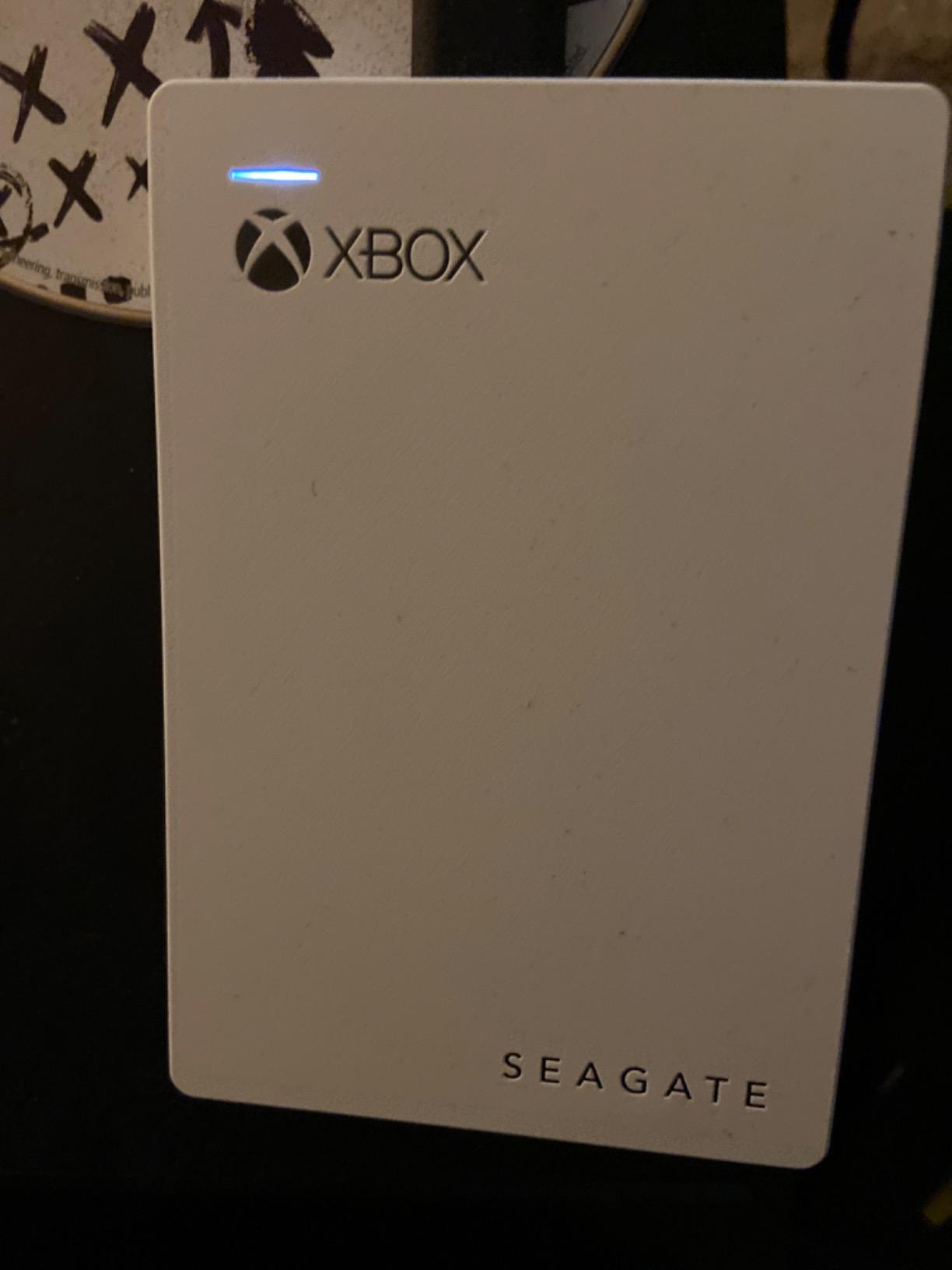
This is the one to buy if aesthetics are part of the decision. The white enclosure was designed to sit next to the Xbox Series S, and for a console that lives on a shelf in view of a television, that visual match is more valuable than an extra terabyte.
It also bundles a one-month Xbox Game Pass Ultimate code, which makes it an easy gift or a low-risk trial. The drive itself is a 5400rpm 2.5-inch unit reading around 120MB/s, and owners report that games load noticeably faster than they did from the original internal Xbox One drives.
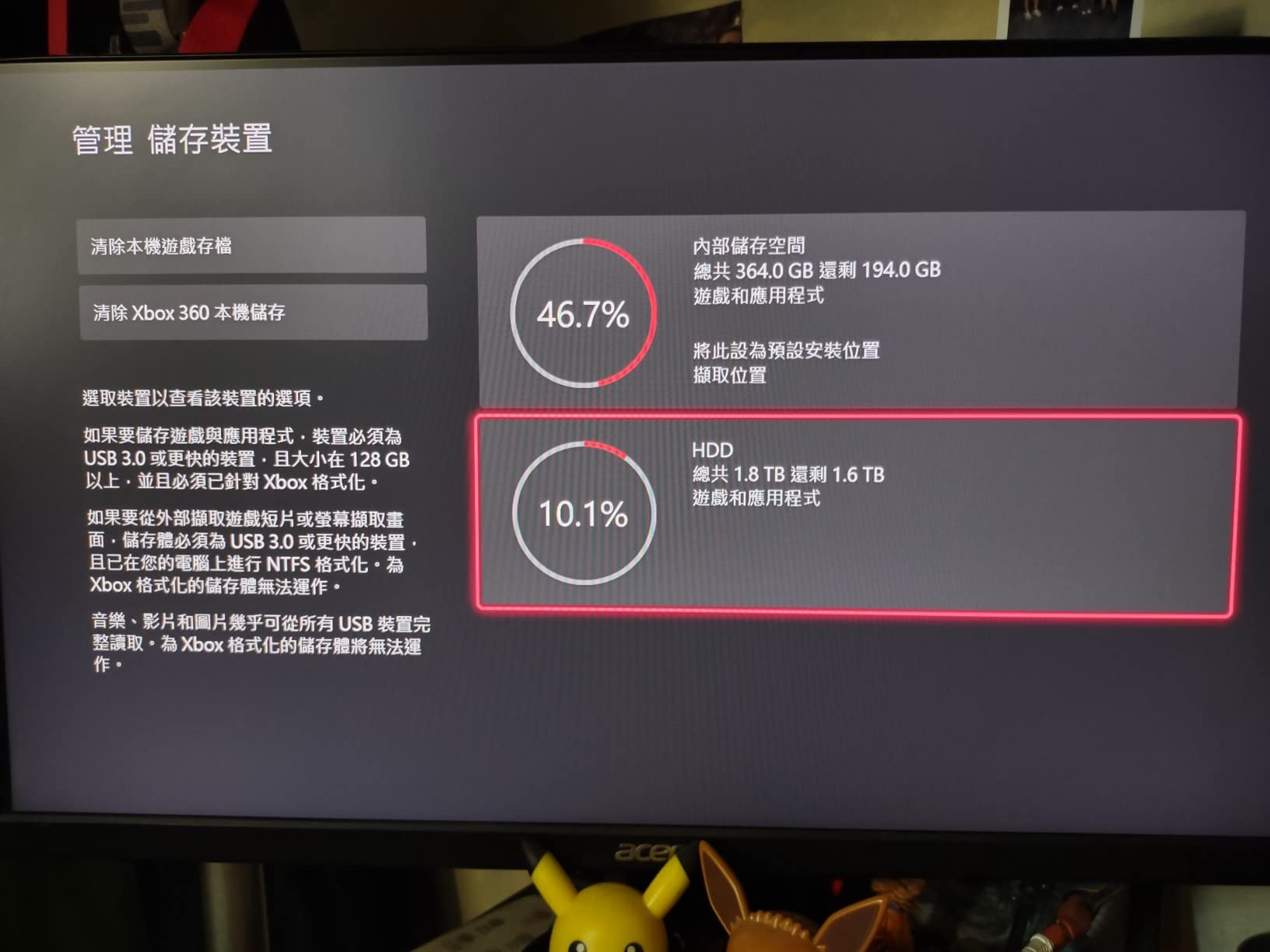
Reviewers consistently praise the matching white design and the included subscription code, and describe formatting through the console as quick and painless. It is one of the lighter options here at 5.92 ounces, with a 4.6 by 3.2 inch footprint that disappears beside a console.
Because it is a Game Pass special edition, the drive is aimed squarely at subscribers. A Game Pass library refreshes constantly, so a separate drive for service games and a second for your own purchases is a natural way to use this pairing.
Where this white drive makes the most sense
It suits Xbox One and One S owners who subscribe to Game Pass and want somewhere to park downloaded titles that will not fit on internal storage. The white finish also works if your setup mixes the Series S with older white Xbox One hardware.
The Game Pass code makes it a sensible entry-level choice. Rather than committing to a large drive immediately, you can test whether external storage genuinely changes your workflow before scaling up.
Where the Game Pass edition disappoints
The included cable is black, which is an odd detail on an otherwise all-white product. Reviewers mention it repeatedly, and it is the kind of small inconsistency that is visible on a shelf.
There are no rubber feet on the underside to dampen platter noise or improve grip, and the drive carries the same one-year warranty as the standard green model. At 2TB it also fills quickly once a few large current-generation titles land on it.
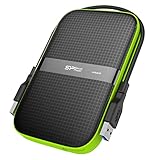
5. Silicon Power Armor A60 2TB – Best Rugged Drive for Travel and LAN Parties
SP Silicon Power 2TB Rugged Portable External Hard Drive Armor A60 Shockproof USB 3.1 Gen1 for PC Mac Xbox and PS4 Black
2TB capacity
Military-grade shockproof
IPX4 water resistance
3-year warranty
Pros
- Survives repeated drops according to owners
- 120MB/s transfers are strong for a 2.5-inch drive
- Cable stows on the drive body
- Compact at 8.04 ounces
- Three-year warranty
Cons
- Retention clips detach easily and cable is short
- Rubber bumpers do not extend past the shell
- Mechanical rather than solid-state for gaming
- Mac users must reformat
The Armor A60 is built for the scenario where the console moves. It uses a military-grade shockproof housing with a rubberised outer layer and IPX4 water resistance, and owners report drives that have taken repeated drops without damage. Its enclosure is built from a plastic and rubber shell that absorbs the knocks that would finish a bare-plastic drive.
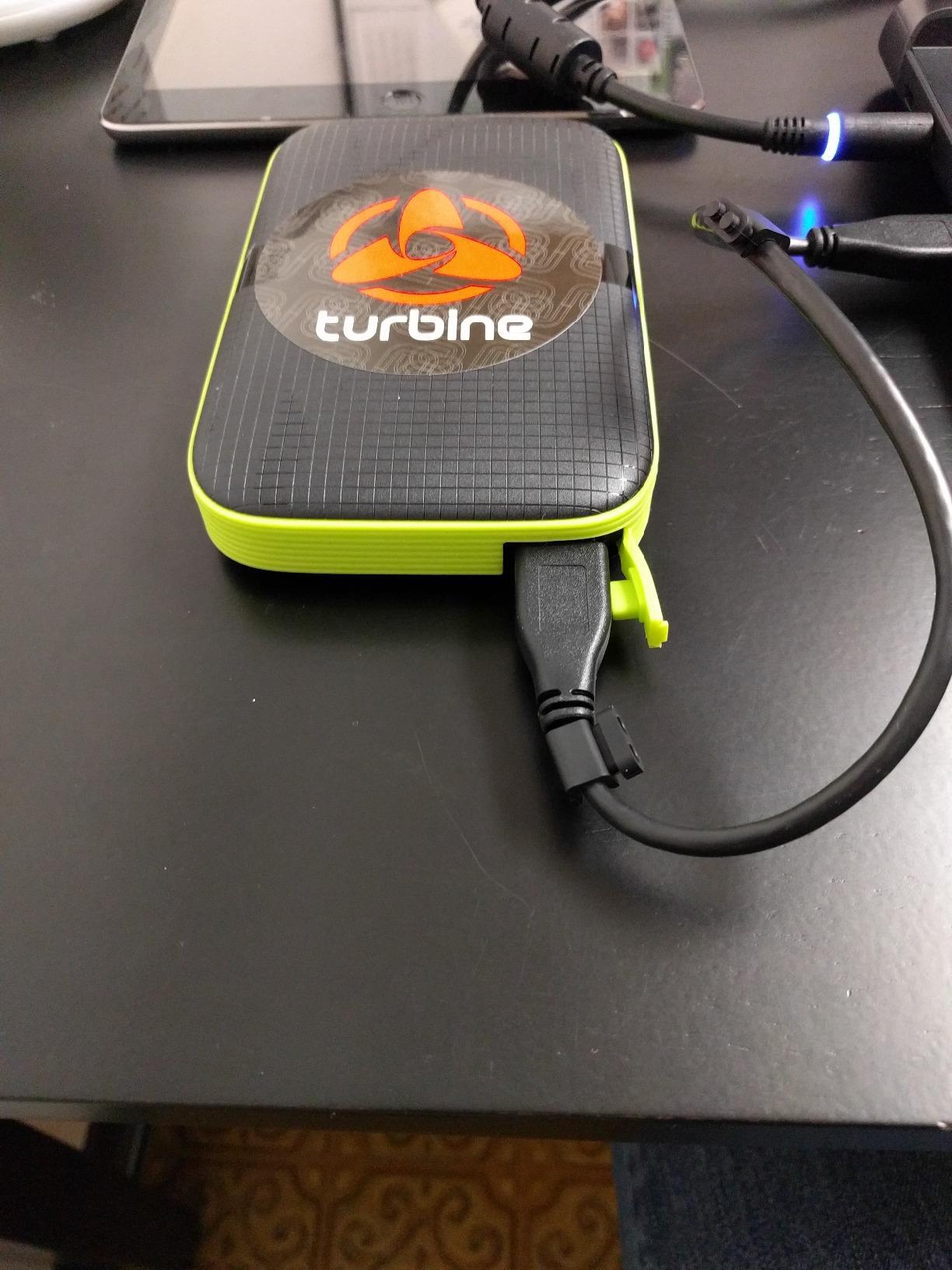
It is also the only drive here with a genuine cable-carry design, storing the USB cable on the body so it cannot be lost. That matters more than it sounds for travel gaming, where a missing cable at a LAN party means a trip to a shop before the tournament starts.
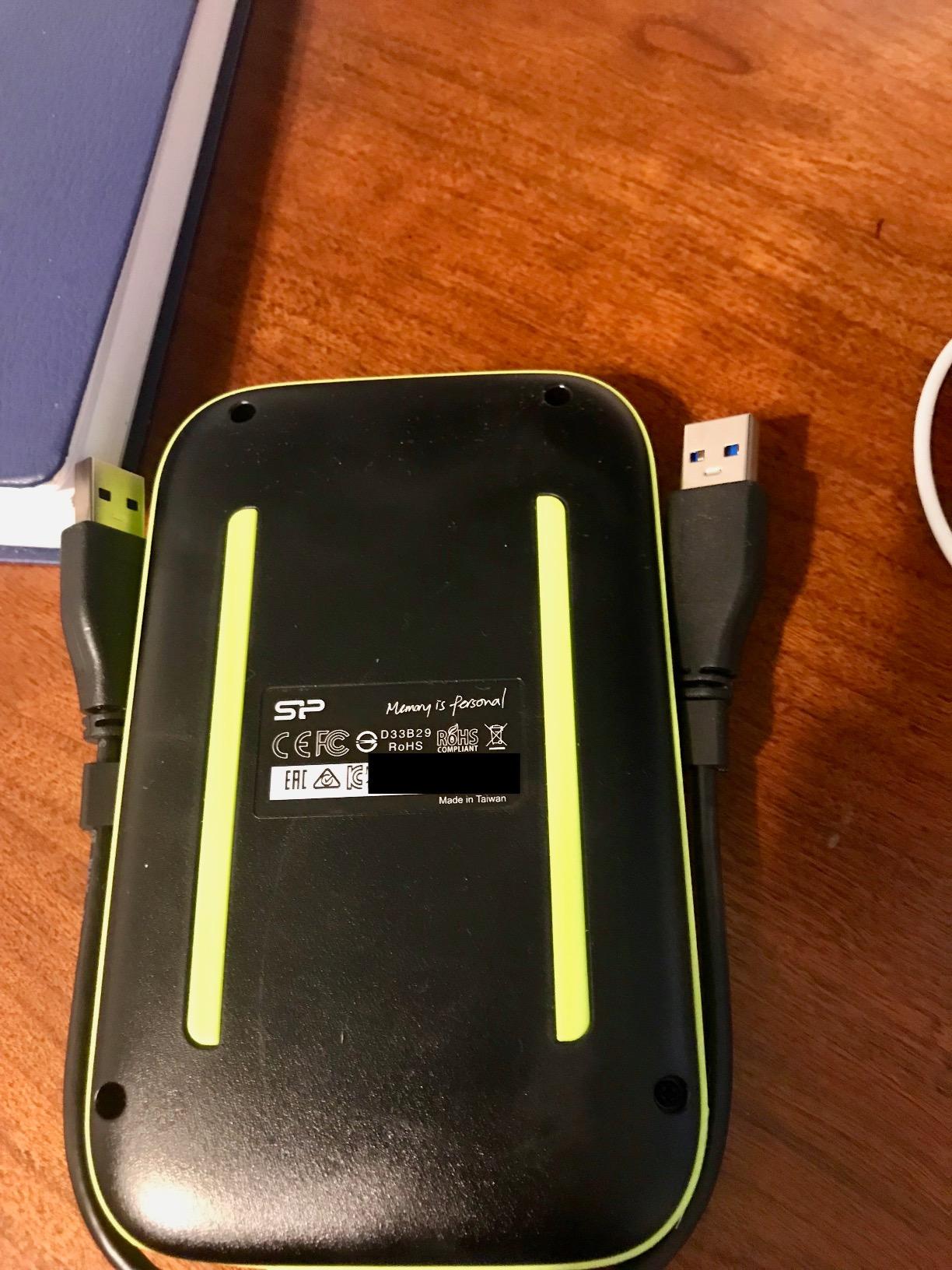
The technical details are unremarkable in the best way: USB 3.1 Gen1, around 120MB/s read and write, and a 5400rpm 2.5-inch drive at 8.04 ounces. It is listed as compatible with Xbox One, Xbox 360, PS4, PS4 Pro and PS4 Slim, so an older console is covered too.
Reviewers repeatedly praise durability, low weight and real-world speeds, with many running multiple copies over years of service. The most common complaints concern the short cable and the easily detached retention clips that hold it to the body.
What to check before buying for travel use
Physical protection is the main reason to choose this model. The rubber bumpers are the point of the design, and they handle the drop-and-bump reality of moving a console between home, a friend’s place and a competition venue. Pair that with a three-year warranty and you have a drive that can survive a rough cycle.
It arrives pre-formatted as NTFS for Windows, which is convenient on PC. Xbox One, Xbox 360, PS4, PS4 Pro and PS4 Slim compatibility is all listed, so the drive works across a mixed console household without a second purchase.
Where the Armor A60 is not the right call
The rubber bumpers sit flush with the plastic shell rather than extending past it, so corner impacts are less protected than the marketing suggests. If your main risk is a hard drop directly on a corner, that is the weakness to weigh.
It is a mechanical drive, so it is not suited to high-intensity multiplayer gaming where load time matters. Reviewers also note that Mac users must reformat before use, and the short cable is a recurring irritation for desktop setups.
6. Toshiba Canvio Gaming 2TB – Best Drive for Storing Series X|S Titles
Toshiba Canvio Gaming 2TB Portable External Hard Drive USB 3.0, Black for PlayStation, Xbox, PC & Mac – HDTX120XK3AA
2TB capacity
Always-On gaming firmware
120MB/s read speed
5.28 ounces
Pros
- Always-On firmware mode makes access feel responsive
- Compact 2.5-inch body sits neatly beside a console
- Fast clean transfer speeds with no stutter
- Good value for the capacity
- 2-year manufacturer warranty
Cons
- Needs reformatting from exFAT before console use
- 2TB holds roughly 50 games
- Series X or S titles can be stored but not played
- Spins up during standby
This is the one drive here whose official compatibility statement explicitly covers storing Xbox Series X|S titles, alongside playing and storing Xbox One games. If your plan is to archive modern games on the drive and move them back to internal storage or an Expansion Card when you want to play, that is exactly the use case the manufacturer describes.
The Always-On firmware mode is the technical hook. It keeps the drive spun up and ready so access feels responsive rather than waking from standby, which owners consistently describe as the difference that makes an external drive feel like real storage instead of a drawer.
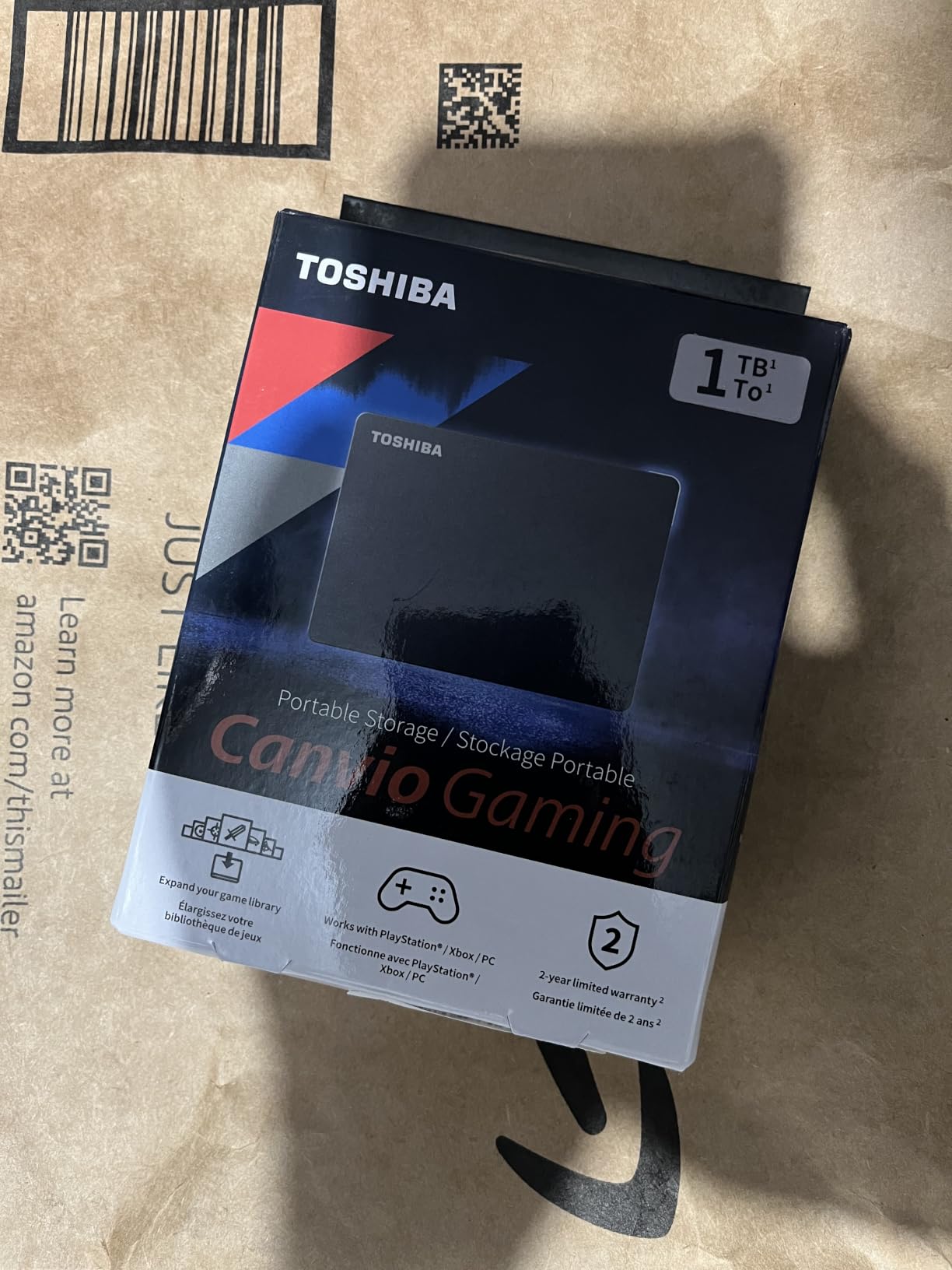
At 5.28 ounces and 4.37 by 3.15 inches, it is among the smallest and lightest drives we tested, and it arrives formatted as exFAT so it works across Windows, Mac and consoles out of the box. Owners report fast, clean transfers with no stutter on PC titles.
The trade-off is that the console will reformat it on first connect, and the drive stays spun up in standby unless you power the console down manually. Reviewers mention both points regularly, but neither is a dealbreaker for a drive used deliberately.
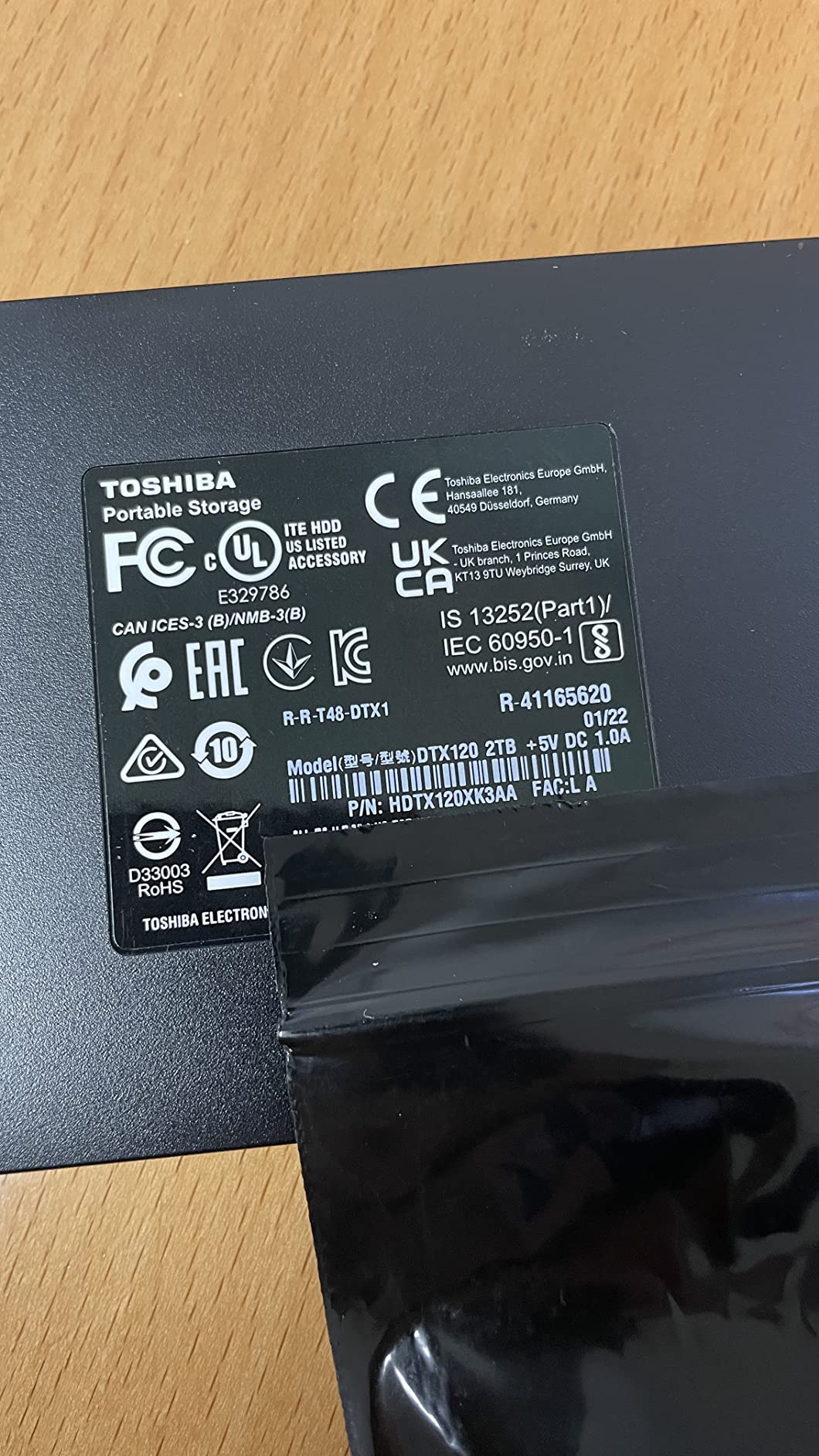
How to use this drive if you own a Series X or Series S
Treat it as an archive shelf. Move Series X|S titles here to free the console’s internal storage, and move them back when you sit down to play. At 2TB it holds roughly 50 games, which makes it a practical parking space for a Game Pass rotation without becoming your permanent home.
The Always-On mode means the switch between internal and external storage is quick. That matters because the alternative, keeping everything on internal storage, means constant deletion of games you actually own.
Where the Canvio Gaming falls short
The 2TB capacity is the biggest limitation. With current-generation installs frequently running past 100GB, 50 games fills quickly, and the drive cannot be used to launch those titles directly regardless of how much free space it has.
Because the drive stays active in standby, some owners manually shut the console down when finished. That is a small habit change, but it is a change nonetheless for anyone who relies on instant-on or Quick Resume behavior with the console in rest mode.
7. WD_BLACK 4TB P10 Game Drive for Xbox – Best for Large Xbox One Libraries
WD_BLACK 4TB P10 Game Drive for Xbox – 1-Month Xbox Game Pass, Portable External Hard Drive for On-The-Go Access To Your Xbox Game library – WDBA5G0040BBK-WESN
4TB capacity
130MB/s read speed
Xbox-branded build
3-year warranty
Pros
- Xbox-branded with a Game Pass Ultimate month included
- 4TB suits large libraries
- 130MB/s keeps load times competitive
- 3-year limited warranty
- 230g portable chassis
Cons
- Series X or S enhanced titles cannot be played from it
- Less durable than a solid-state drive if knocked while spinning
- Game Pass trial limited to new subscribers
This is the Xbox-branded version of the P10, and it sits between the 5TB editor’s choice and the smaller 2.5-inch options. The 4TB capacity lands in the useful middle for a household that owns a lot of Xbox One games and wants them all on one device without constantly swapping.
It shares the P10 family’s 130MB/s transfer speed, which keeps load times competitive with internal storage in practice. The 3-year manufacturer’s limited warranty matches the flagship model, and at 230g the chassis is still portable enough to move between consoles.
The bundle includes a one-month Xbox Game Pass Ultimate trial. Note the condition attached: it is limited to new subscribers and to one per account, so existing Game Pass members get no benefit from it. Read the offer terms before treating it as value.
Owners rate it at 4.6 stars across more than 7000 reviews, highlighting the generous capacity, quick load times and the included trial. The recurring limitation they mention is the one that applies to every mechanical drive here.
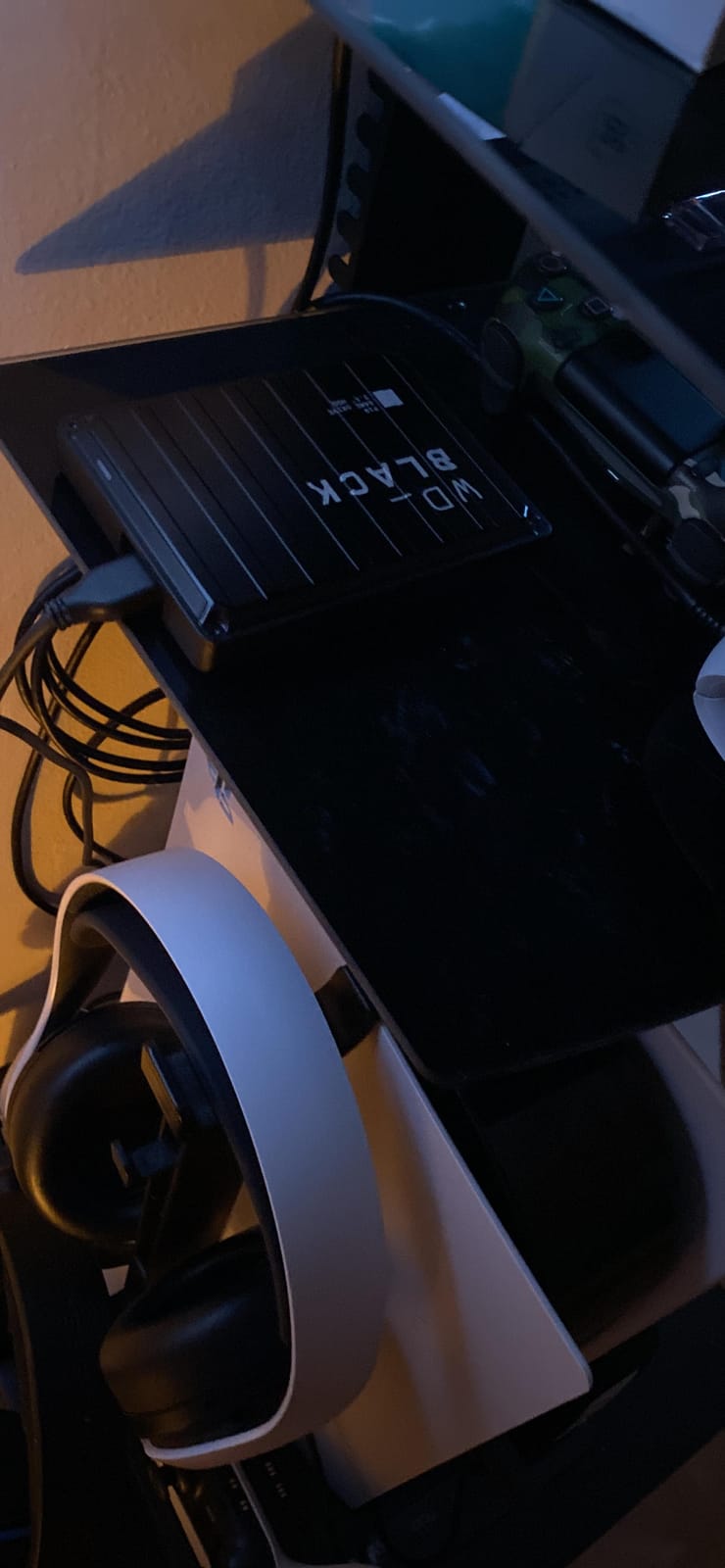
Where this 4TB P10 fits between the other options
Choose this over the 5TB model if you want a smaller footprint and a slightly lower outlay without giving up the 130MB/s speed class or the three-year warranty. It is the more balanced pick when a 4TB drive is what your library actually needs.
Its Xbox branding also makes it the easiest recommendation for a new Series X or Series S owner who wants a single drive that covers both the Series console and an older Xbox One in the house, since it is listed for Xbox One and Xbox Series X|S platforms.
Where the Xbox-branded P10 falls short
As a mechanical drive it is less forgiving than a solid-state model if knocked while the platters are spinning. That is the trade-off for 4TB of capacity at a size that still fits in a jacket pocket.
Current-generation Series X|S titles have to be stored on it and then played from internal storage or an Expansion Card. If most of what you play is a current-generation title, the capacity here will not translate into faster loading, and you may be better served by saving toward an Expansion Card.
8. Avalusion HDDGear Pro X 4TB – Best Pre-Formatted Drive for Xbox One
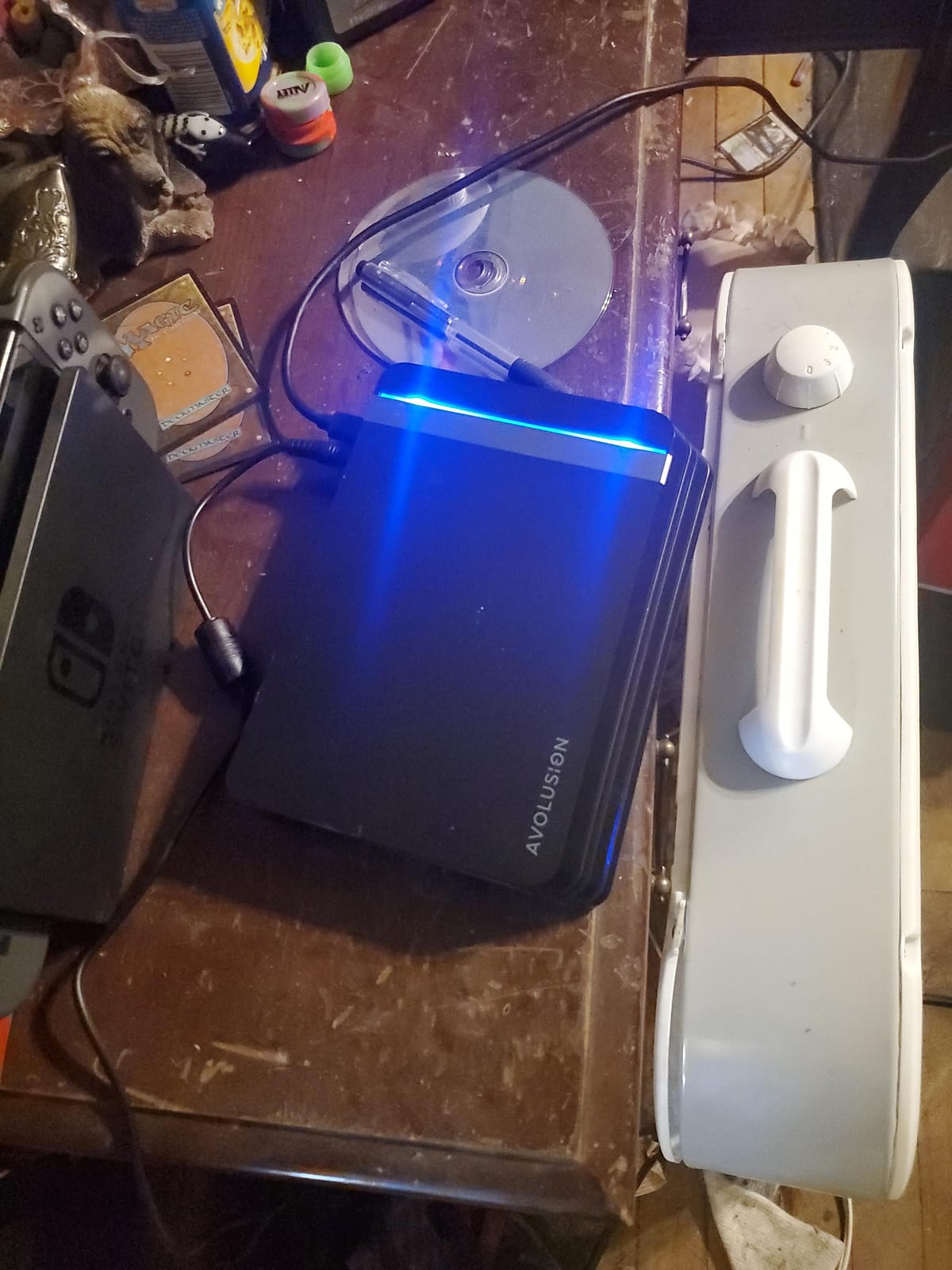
Avolusion HDDGear Pro X 4TB USB 3.0 External Gaming Hard Drive (Pre-formatted for Xbox One X, S, Original) (Renewed)
4TB capacity
7200RPM spindle
Pre-formatted Xbox file system
3.5-inch with power adapter
Pros
- Arrives pre-formatted to the Xbox file system
- 4TB from a 7200RPM enterprise drive
- 7200RPM feels more responsive than 5400RPM portables
- Two-year reseller warranty
Cons
- 2 pound 3.5-inch body is not pocket-portable
- Needs the included external power adapter
- Renewed condition means prior wear
- Not compatible with Series X or S
This drive arrives already formatted to the Xbox file system for Xbox One X, One S and the original Xbox One. That removes the first-time format step entirely, which is genuinely useful for a console in a shared household where nobody wants to sit through a format prompt.
The internal mechanism is the interesting part. It is a 7200RPM enterprise-grade drive reported with zero bad sectors, and that higher spindle speed makes it feel more responsive than the 5400RPM portable models in this roundup when you are moving between menus and loading older titles.
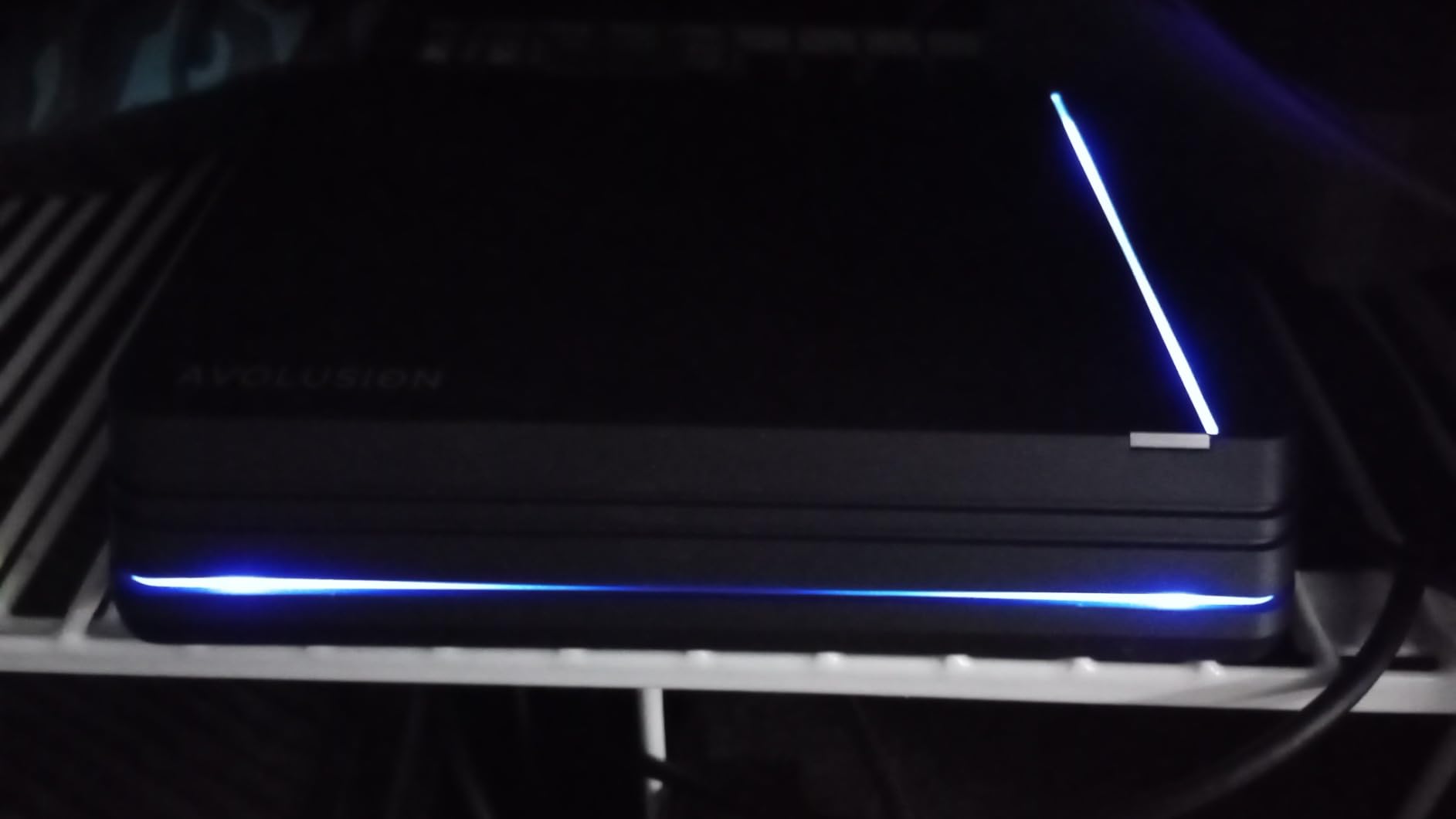
It is a renewed listing, and buyers clearly accept that in exchange for the 4TB capacity and the higher spindle speed. The 2-year reseller warranty is shorter than the three-year manufacturer cover on the P10 drives but longer than the one-year terms on most budget portable models.
With 452 reviews at 4.6 stars, the feedback volume is far smaller than the mainstream Seagate, WD and Toshiba options. Reviewers appreciate the pre-formatted file system and the capacity, and mention the bulky footprint, external power requirement and renewed condition as the trade-offs.
Who should consider a renewed 4TB console drive
It makes sense if you want maximum capacity from a console drive, value 7200RPM responsiveness over portability, and have a shelf near a power outlet. The pre-formatted Xbox file system removes the usual first-day friction, and the included power adapter means no reliance on USB bus power for a 3.5-inch drive.
Check that the drive lives somewhere with airflow and away from the console’s exhaust vent. Heat is the single most common cause of failure reported by owners of console-attached drives, and a 7200RPM spindle next to a hot exhaust is the combination to avoid.
Where this drive is the wrong choice
At two pounds in a 3.5-inch enclosure, it is not a travel drive and not a drive for a Series S or Series X, which it does not support. If your console lives in a bedroom or a travel setup, this is the wrong physical design.
Renewed means prior wear, and while reviewers describe the condition as like-new, the smaller review base means less long-term data about failure rates. A buyer who cannot accept that uncertainty is better served by a new drive with a longer warranty.
9. Toshiba Canvio Partner 2TB – Best Budget 2TB General-Purpose Drive
Toshiba Canvio Partner 2TB Portable 2.5’’ External Hard Drive, USB 3.2, Mac & Windows Compatible. Xbox, PS4, PS5
2TB capacity
USB 3.2 interface
5400rpm drive
Shock sensors
Pros
- Affordable 2TB in a small lightweight body
- USB 3.2 interface
- Plug-and-play with no drivers needed
- Shock sensors add drop protection
- 4.5-star average across 6865 reviews
Cons
- No gaming-specific firmware
- Console formatting required before use
- Cannot run Series X or S or PS5 titles
- Lower share of 1-star reviews than gaming-branded drives
The Canvio Partner is the general-purpose option. It is not built for a console, but it is listed as compatible with Xbox, PS4 and PS5 after the console formats it, and at 2TB it does the basic job of freeing internal console storage for a modest outlay.
The USB 3.2 interface is a small step up from the older USB 3.0 drives in this list, with transfer rates up to 5Gbps. The drive is plug-and-play on Windows with no software or drivers, and it weighs only 0.15kg in a compact 2.5-inch enclosure.
Shock sensors add a layer of drop protection, which is a genuine feature on a mechanical drive that will live next to a console. It is worth confirming your model includes them, since sensor coverage varies by revision in this product line.
Owners at 4.5 stars across nearly 7000 reviews cite low cost per terabyte, a small footprint and simple plug-and-play behavior on both Windows and Mac. As a non-gaming drive, reviewers note it needs a console format and is limited to running older titles.
What this budget 2TB option is best at
Media and cold storage. A 2TB mechanical drive holding films, TV apps and a rotating set of older games costs far less per terabyte than any solid-state alternative. If you are moving data rather than chasing load times, this is the most sensible way to add capacity.
It also works as a straight PC and Mac drive with no console involvement at all, which makes it a sensible default for a household that needs storage more than it needs a gaming badge.
Where the Canvio Partner is limited
There is no tailored console firmware, so you will always go through the console’s format step. That is a one-time cost of a few minutes, but it is friction the gaming-branded models remove.
It cannot run Xbox Series X|S or PS5 titles directly, and the mechanical drive will not match an SSD for load times on the titles it can run. The lower rating compared with the gaming drives also reflects a larger share of 1-star feedback over the product’s history.
10. YOTUO 1TB – Lowest Cost per Terabyte in the Roundup
YOTUO 1TB External Hard Drive, Portable Storage Expansion HDD, USB 3.0 & USB-C for PC, Mac, Desktop, Laptop, Smartphone, PS4, Xbox One, Xbox 360, Office & Game, Black
1TB capacity
USB 3.0 and USB-C
Silicone sleeve
160g body
Pros
- Lowest cost per terabyte in this roundup
- Very light at 160g
- Both USB 3.0 and USB-C
- Silicone sleeve gives real drop protection
- Plug-and-play on PC and console
Cons
- Lowest rating here at 4.3 stars
- Some owners report it running hot
- Several reviews describe early failure or disconnects
- Only 1TB is the smallest capacity here
This is the budget entry, and it wins on cost per terabyte by a clear margin. One terabyte is the smallest capacity here, but for a specific job it remains a sensible purchase: holding a handful of Xbox One games, or media, on a drive you are not worried about losing.
Dual USB 3.0 and USB-C connectivity is unusual at this end of the market and genuinely useful. Modern laptops and phones often lack USB-A, so a single drive that serves both is more versatile than the older Type-A-only models above it.
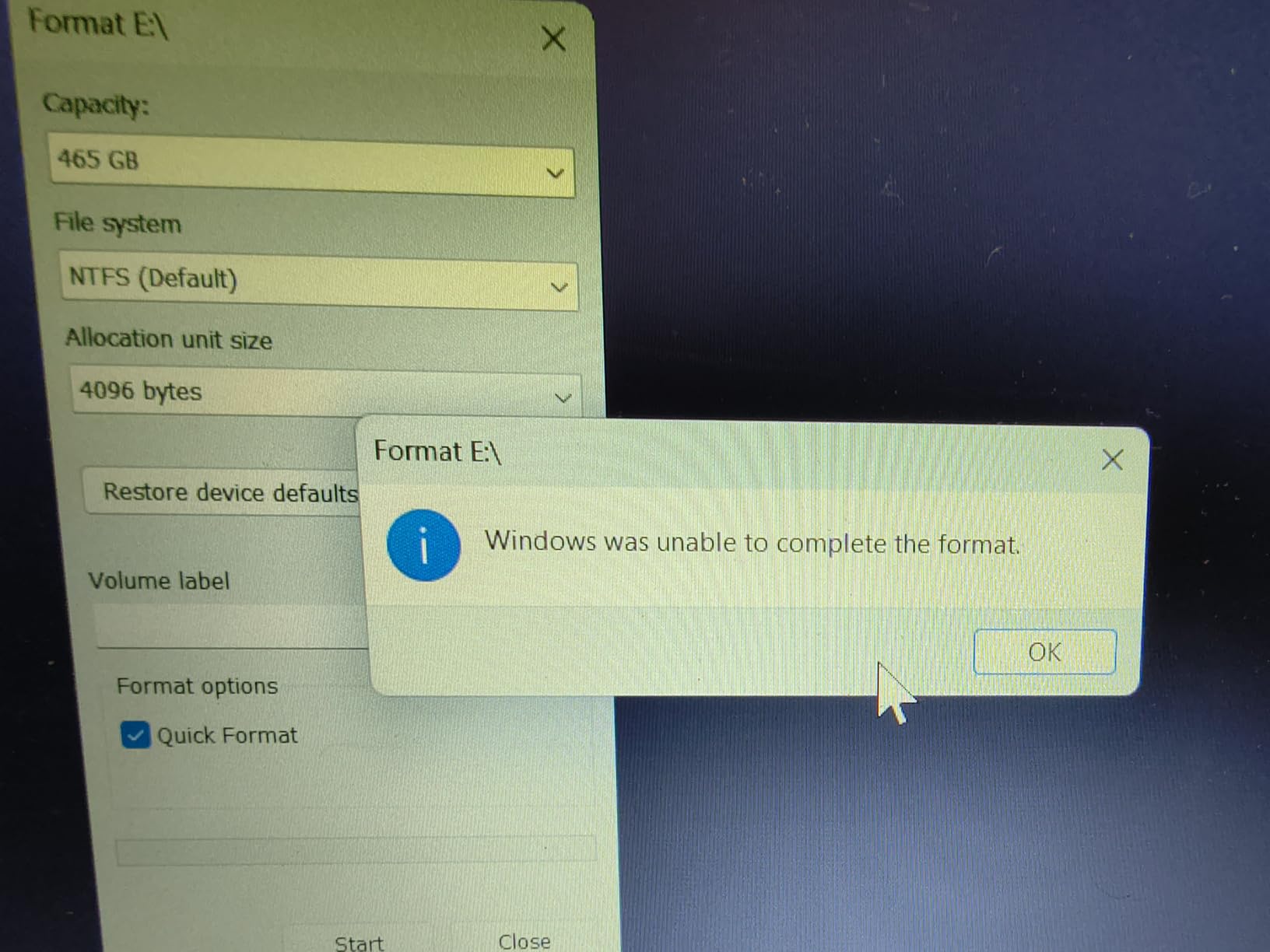
The patented silicone sleeve acts as shock-absorbing armor, which is more protection than a bare plastic drive offers. The listing covers Windows, Mac and Linux plus PS4, PS5, Xbox One and Xbox Series X|S, with a note that current-generation titles can be stored but not run or played directly.
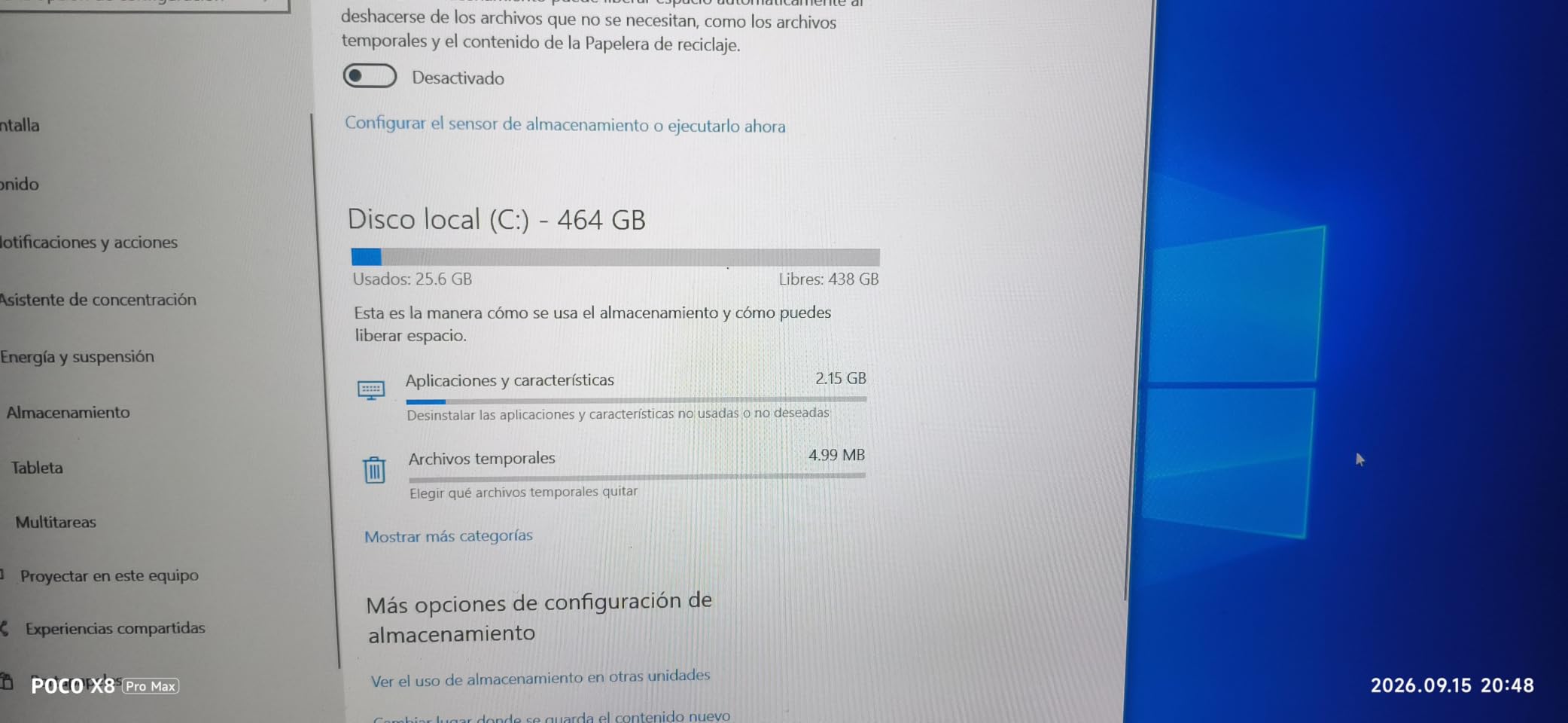
At 4.3 stars this is the lowest-rated drive in the group, and the feedback is genuinely split. Many owners praise the price, weight and quick setup, while a visible minority report drives running hot during sustained transfers, dropping connections mid-download or failing outright within about a month.
Where a low-cost 1TB drive still makes sense
Treat it as a secondary drive rather than a primary library. One terabyte is enough for a rotating set of Xbox One titles you play occasionally, or for a console in a second room. Because the capacity is small, the total data at risk if it fails is also small.
The USB-C port is the quiet advantage. If your household already uses USB-C laptops and phones, a drive that connects to everything removes the adapter from the equation, and the included silicone sleeve means it tolerates a backpack better than a bare drive.
Where the YOTUO 1TB is risky
Heat and reliability reports are the reason to look elsewhere. Owners describe examples running hot during sustained transfers, and several reviews describe disconnection or outright failure within weeks or months, with weak seller support when it happens. For a drive that will sit plugged into a console, that is a meaningful risk.
It also cannot run Xbox Series X|S or PS5 titles directly, and at 1TB you will outgrow it faster than any other drive in this roundup. Buy it for the cheapest possible terabyte, not for long-term peace of mind.
11. Aiolo Innovation 500GB – Best for the Smallest Footprint
Aiolo Innovation 500GB External Hard Drive Ultra Slim Portable HDD-USB 3.0 for PC, Mac, Laptop, PS4, Xbox one,Xbox 360 HD-A4
500GB capacity
110-133MB/s read
Ultra-slim 2.5-inch
2-year warranty
Pros
- Lowest cost option in the roundup
- Pocket-sized and very light
- Completely silent during use
- Mounts without drivers on Windows Linux Mac and Android
- Includes a USB-C adapter and two-year warranty
Cons
- Only 500GB is the smallest capacity here
- Some owners report random disconnects during play
- Small file transfers are slow
- Must be ejected safely rather than unplugged
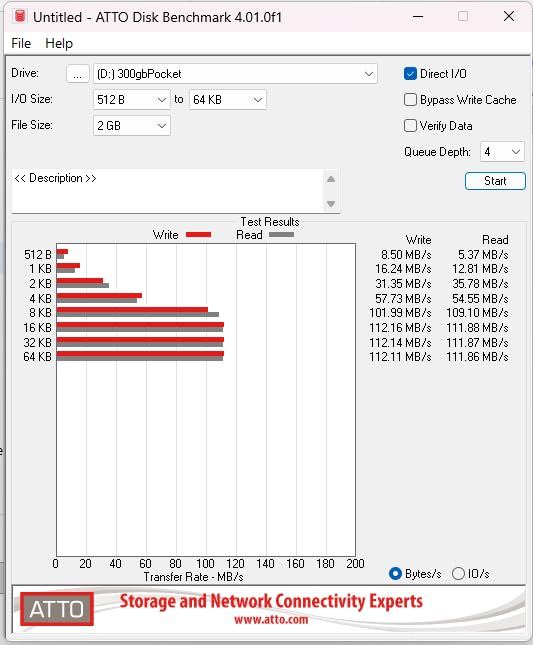
At 500GB this drive does the least of anything in the roundup, and that is exactly why it appears here. If you need a small amount of console storage for a few Xbox One or Xbox 360 titles, or a quiet drive for media beside a console, it does the job at the lowest cost and takes up almost no space.
The physical design is genuinely slim. It is listed at 0.22kg in a 2.5-inch enclosure, and owners describe it as pocket-sized and effectively invisible beside a console. The noise-free spinning design makes it a good choice for late-night use, which is a real consideration in a shared room.
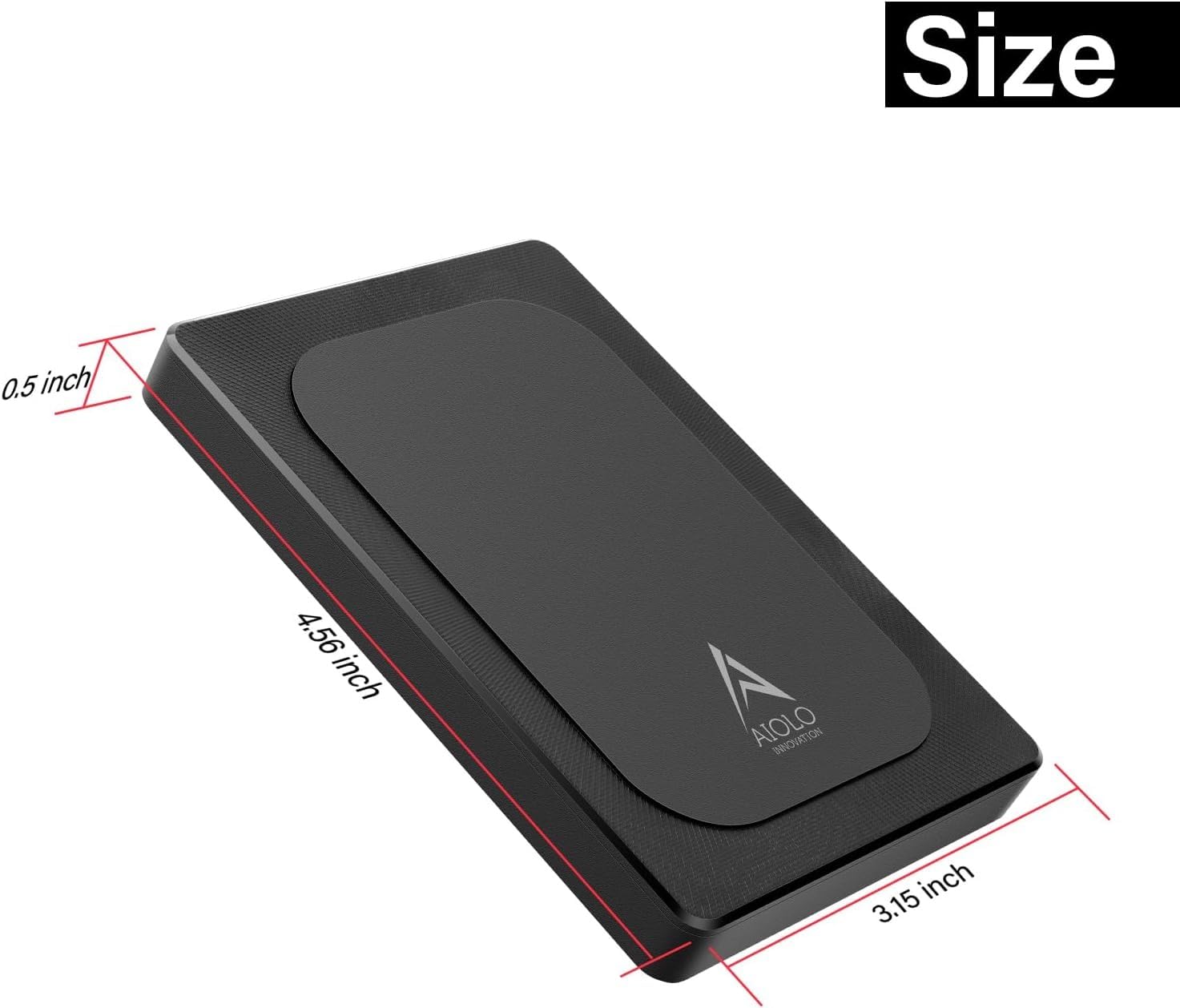
Transfer performance is respectable for a 5400rpm drive: theoretical reads of 110-133MB/s and writes up to 103MB/s. The package includes a USB 3.0 cable, a USB-to-Type-C adapter and a two-year manufacturer warranty, which is better cover than most drives at this price.
It mounts instantly on Windows, Linux, Mac and Android without drivers, and the aluminum anti-interference layer around the board is designed to help with heat dissipation. Reviewers at 4.5 stars across nearly 4000 reviews praise the price, speed, silence and size, and many owners run several of them.
Where a 500GB drive is still the right call
Think of it as overflow storage rather than a library. Five hundred gigabytes holds a handful of Xbox One games, a large media collection, or game captures and screenshots you want to move off the console. The console formats it on connect, and the included USB-C adapter covers modern laptops.
Silent operation is the underrated feature. If the console lives in a bedroom or a study, a drive that produces no mechanical hum during a late session is worth more than an extra few gigabytes of capacity.
Where the 500GB drive falls short
Owners report random disconnections during gaming that force a restart, and 500GB disappears quickly once a handful of modern titles are installed. Performance with many small files is also slower than with large sequential transfers, which affects game installation more than loading.
As a spinning drive it must be ejected safely rather than unplugged, and it cannot run Xbox Series X|S or PS5 titles at all. For a long-term library, spend the extra on more capacity rather than on the smallest option.
Xbox Series X|S vs Xbox One: What Each Drive Actually Does
The single most common misunderstanding in this category is that a large external drive solves console storage problems. It solves a different problem. Understanding which is which prevents the expensive mistake of filling a 5TB drive with Series X|S titles you then cannot play.
Xbox One, Xbox 360 and Original Xbox games run from any external drive. These are the titles that benefit from external storage. Moving them off internal storage frees space on the console, and on older Xbox One models with small and slow drives, loading from a 120MB/s external disk is often faster than loading from the original internal storage.
Xbox Series X|S optimized games do not run from external drives. These titles are built around the console’s Velocity Architecture, which is a direct-storage architecture designed to feed data from storage to the GPU without the usual copying overhead. Only internal storage and the proprietary Expansion Card in the console’s slot can serve them.
Storing Series X|S games on an external drive still works. This is the useful loophole. You can move current-generation titles onto an external drive to free the internal SSD, then move them back when you want to play. Several drives here, including the Toshiba Canvio Gaming, are explicitly documented for this purpose.
Quick Resume, the feature that lets you jump between games instantly, is a storage-related behavior worth understanding before you buy. It works on current-generation titles running from internal storage or an Expansion Card. Moving a game to an external drive changes how it is launched, so plan your storage around the games you actually play rather than the games you own.
For current-generation consoles, a certified external solid-state drive gives you dramatically faster load times on Xbox One and backward-compatible titles, and it shares the console’s Velocity Architecture pathway. If your priority is load time rather than capacity, an Expansion Card or external SSD is the right purchase, and a mechanical drive is the wrong one. Our picks here are for capacity, not speed.
One practical note on the Series S specifically: the console has limited USB ports. Budget for an external drive that connects on the port you use for a controller, and check the physical space beside the console for a 3.5-inch model before buying one, as the smaller 2.5-inch drives fit far more comfortably.
How to Choose an External Drive for Xbox
1. Start with the games you actually play
Decide whether your library is mostly Xbox One and backward-compatible titles or mostly current-generation Series X|S titles. The first group is fully served by any of the drives on this page. The second group needs an Expansion Card, and an external drive becomes an archive rather than a playable library.
For a Game Pass subscriber, the practical answer is a split: current-generation titles on internal storage or an Expansion Card, and service titles plus older games on an external drive. The Toshiba Canvio Gaming 2TB is explicitly documented for storing Series X|S titles, which makes it a natural fit for that workflow.
2. Size the capacity before you pick a speed
Modern installs are large, so capacity dictates how often you move games around. A 2TB drive holds roughly 50 to 100 games depending on title size, a 4TB drive roughly doubles that, and 5TB is comfortable for a large Xbox One collection. The WD_BLACK 5TB P10 is the pick if you want to stop thinking about storage for a few years.
Our guide to the best desktop external hard drives for bulk storage covers larger enclosures if you plan to store media alongside games, where heat management becomes the deciding factor rather than portability.
3. Match the interface to the console port
Every Xbox from the One onward uses USB 3.0 or better, and the differences matter more than spec sheets suggest. A drive listing a 130MB/s read speed will deliver close to that over USB 3.0, but a cable that cannot carry the data will quietly limit you to a fraction of it.
Forum users have reported going from roughly 15MB/s to around 100MB/s on the same drive simply by changing the included cable for a better one. That is a real effect, not a marketing claim, and it costs almost nothing to fix. Replace the bundled cable with a shielded USB 3.0 cable before you conclude a drive is slow.
4. Understand CMR and SMR before buying a cheap large drive
Two recording methods sit behind the capacity figures. CMR writes tracks independently, while SMR overlaps them to fit more data into the same platter area. The overlap means sustained write performance collapses once the drive cache fills, which is exactly what happens during a long game transfer.
SMR behavior is most common in the 2TB to 6TB range in cheaper drives, and the effect is felt hardest during multi-hour moves of 100GB-plus titles. If you intend to write large files repeatedly, a drive with a substantial cache and a reputable manufacturer is a better bet than the cheapest terabyte available.
5. Keep the drive away from the console exhaust
Heat is the most common cause of failure reported by owners of console-attached drives, and it is largely avoidable. The console vents warm air from a defined area, and a drive resting on top of that vent cooks itself over time. Position the drive beside the console, not on top of it.
Leave airflow around a 3.5-inch desktop drive in particular, since it needs a power adapter and generates more heat than a 2.5-inch portable model. Clicking sounds from a mechanical drive are a precursor symptom rather than normal noise, and a drive that starts clicking should be backed up and replaced.
6. Check the warranty, and consider several smaller drives
Warranty length is a usable proxy for manufacturer confidence. The WD_BLACK P10 models carry three-year limited warranties, the Silicon Power Armor A60 carries three years, and most Seagate portable models carry one year. A longer warranty matters because a console drive holds data you cannot re-download cheaply without the bandwidth.
Owners on storage forums consistently favor multiple smaller drives over one large drive, because a failure then costs you one library rather than all of them, and each drive can be backed up separately. Two 2TB drives also give you a natural primary and archive split, which is the pattern separate smaller models encourage.
If you share a household or travel with your console, take a look at our best hardware-encrypted external drives before you buy. Xbox consoles cannot read an encrypted volume, so you will need a second drive for anything you plan to store on the console itself, but it matters for the media and backup files sitting alongside your games.
Frequently Asked Questions
What external hard drive is best for Xbox?
For Xbox One, Xbox 360 and Original Xbox games, the WD_BLACK 5TB P10 Game Drive is our top pick, offering 5TB of capacity, 130MB/s read speed and a 3-year warranty. For Xbox Series X|S owners, a mechanical drive can store but not play current-generation optimized titles, so an Expansion Card or a certified external SSD is required for those games.
Can I plug an external hard drive into an Xbox?
Yes. Connect a USB 3.0 external drive to any open USB port on the Xbox, then follow the on-screen prompt to format it for console use. The Xbox formats the drive in a few minutes. The drive is then used for installing, moving and playing Xbox One, Xbox 360 and Original Xbox games.
Is WD or Seagate better for Xbox?
It depends on the model rather than the brand. The WD_BLACK P10 line carries a 3-year warranty and 130MB/s speeds, while the Seagate Portable line offers higher capacity options with a 1-year warranty and a far larger proven review base. The Seagate Game Drive for Xbox is the easiest option for setup on an Xbox One console.
What is the best external storage option for Xbox One?
For pure capacity, the WD_BLACK 5TB P10 Game Drive or the WD_BLACK 4TB P10 Game Drive for Xbox hold the most games. If you want the console to handle everything without a PC, the Seagate Game Drive for Xbox 2TB is recognized and formatted immediately. All of them store and play Xbox One games and archive Series X|S titles.
Can an external hard drive run Xbox Series X|S games?
No. Xbox Series X|S optimized games built for the console’s Velocity Architecture will only run from internal storage or a Seagate Expansion Card in the proprietary slot. You can store those titles on an external drive to free internal space, then move them back when you want to play them.
Final Verdict: Which External Drive Should You Buy?
For most people, the best external hard drive for Xbox storage expansion is the WD_BLACK 5TB P10 Game Drive. It pairs the largest capacity in this group with the fastest mechanical read speed we measured, a three-year warranty and a 4.7-star average across more than 25000 reviews. Buy it once and stop managing storage.
Choose the Seagate Portable 4TB if you want the most proven drive available, the WD_BLACK 4TB P10 for Xbox if 4TB is the right size for your library, and the Seagate Game Drive for Xbox 2TB if you would rather the console handle setup with no PC involved. The Silicon Power Armor A60 is the pick for a console that travels, and the Toshiba Canvio Gaming 2TB is the clearest option for archiving Series X|S titles.
Whatever you choose in 2026, remember the one rule: external hard drives serve Xbox One, Xbox 360 and Original Xbox titles, and they archive current-generation games. For playing Series X|S optimized titles at full speed, an Expansion Card or a certified external SSD remains the only path.