
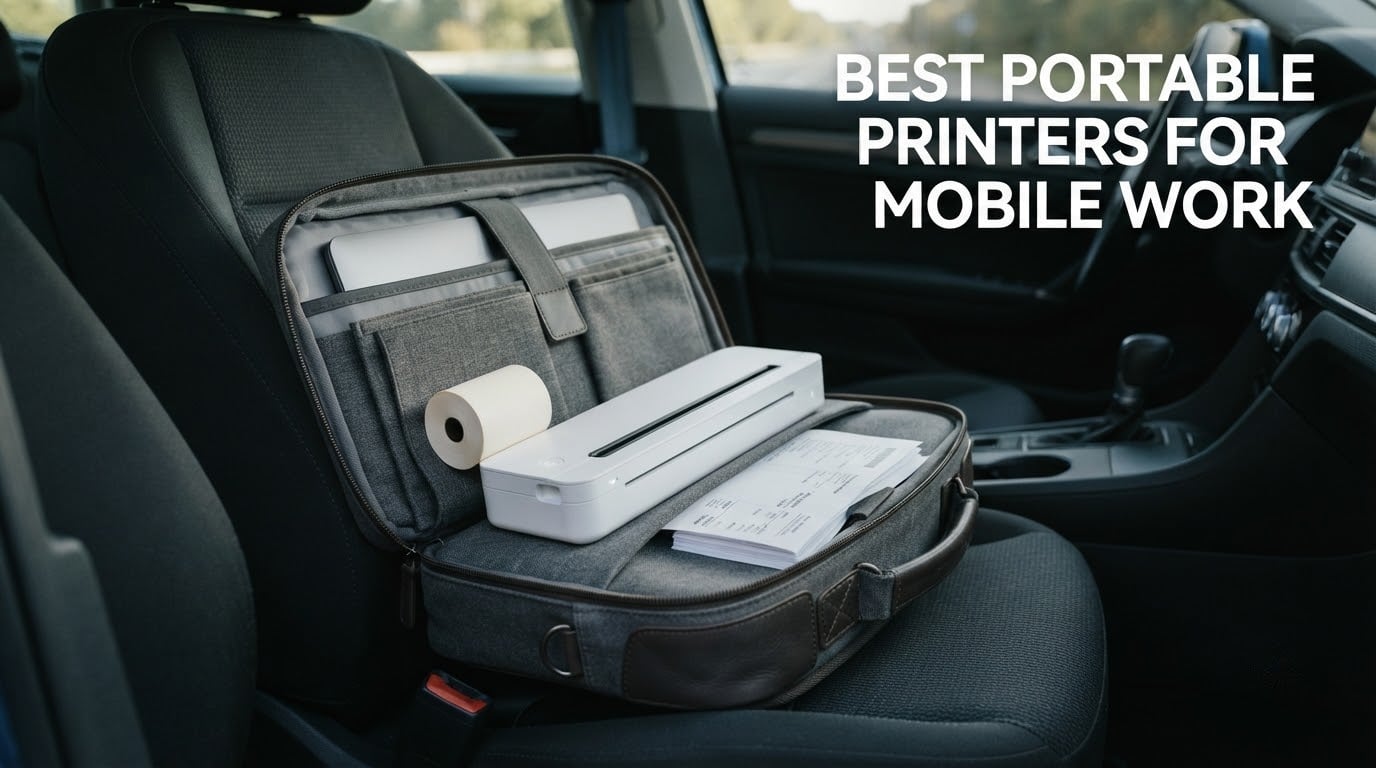
Three weeks, eight printers, and a car full of client folders is how we put this roundup together. The short answer: the HP OfficeJet 250 is the best portable printer for mobile work because it is the only unit in this group that runs on its own battery and still prints letter and legal paper in color, scans, and copies. Everything else here is smaller, cheaper to run, or built for one specific job.
That distinction matters more than it sounds. A printer can be tiny and still useless on a job site, and a printer can be cheap and still cost more per page than a coffee. The picks below are sorted by the work they do, not by how impressive they look in a bag photo: full-page documents, client-facing color output, labels and shipping paperwork, and receipts.
We spent our time printing the same set of things from a phone: a two-page quote, a signed contract, a packing slip, a 4×6 shipping label, and a receipt at the end of the day. If a unit reprinted a document with shifted pages, smeared thermal paper, or cut-off labels, it lost points. Anything that needed a wall outlet also lost points, because the assumption here is that you are working away from one.
Table of Contents
Top 3 Picks for Best Portable Printers for Mobile Work (October 2026)

HP OfficeJet 250
- Battery-powered all-in-one
- Letter and legal paper
- Scans and copies
- HP 62 cartridges


All 8 Picks at a Glance in 2026
Every printer below is monochrome except one, and every printer except one is thermal. Read the technology column before the star rating, because a thermal printer is not a cheaper inkjet, it is a different tool.
| Product | Specifications | Action |
|---|---|---|
| HP OfficeJet 250 |
|
Check Latest Price |
 Gloryang PD-A4 Gloryang PD-A4 |
|
Check Latest Price |
| Phomemo M08F |
|
Check Latest Price |
| MUNBYN ITPP130B |
|
Check Latest Price |
 JADENS C10 JADENS C10 |
|
Check Latest Price |
 TATTMUSE A285M TATTMUSE A285M |
|
Check Latest Price |
 Phomemo M832D Phomemo M832D |
|
Check Latest Price |
 ETIKEZ D90E ETIKEZ D90E |
|
Check Latest Price |
What Is a Portable Printer for Mobile Work?
A portable printer for mobile work is a printer that runs on its own rechargeable battery, so you can produce contracts, invoices, quotes, receipts, or labels while traveling or working away from an outlet. To qualify, it has to print at least letter-size paper, not just photos or small labels.
That last requirement is where most listings fail you. Plenty of compact devices marketed as travel printers only handle 2×3 inch sticker paper or wallet-size photos, which is useless if the job requires a signature page. We limited this list to units that handle either full letter or A4 sheets, or 4×6 shipping labels for packing work.
There is a second filter: running on battery. Some compact printers are simply small desktop machines with a wall plug. We only count a unit as portable if it genuinely prints away from a socket, which is the normal condition of a job site, a van, or a hotel room at nine at night.
1. HP OfficeJet 250: The Only Pick That Scans and Copies on Battery
HP OfficeJet 250 Wireless Mobile Printer, Scanner, Copier – Black, Battery Included (CZ992A)
Inkjet color all-in-one
6.5 lb with battery included
Letter and legal
20 ppm black and white
Manual duplex
Pros
- The only pick here that scans and copies full letter pages as well as printing
- Battery included in the box
- Handles letter and legal plus envelopes
- Color Graphic Display and HP app control
- Recharges in about 90 minutes
Cons
- Manual duplex only
- No automatic document feeder
- Inkjet cartridges cost more per page than thermal
The OfficeJet 250 is the reason this roundup exists. It weighs 6.5 lb including the battery, charges in about 90 minutes, and prints 20 pages per minute in black and white or 19 in color, then scans and copies the same document. Nothing else in this group does all four.
Paper handling is the part that matters for work rather than photos. It handles letter and legal, plus statement, executive, card, and photo sizes and No. 10, Monarch, and 6-3/4 envelopes, from a single tray with a 250-sheet capacity. A contractor printing a full estimate packet does not have to stop halfway through to refill anything.
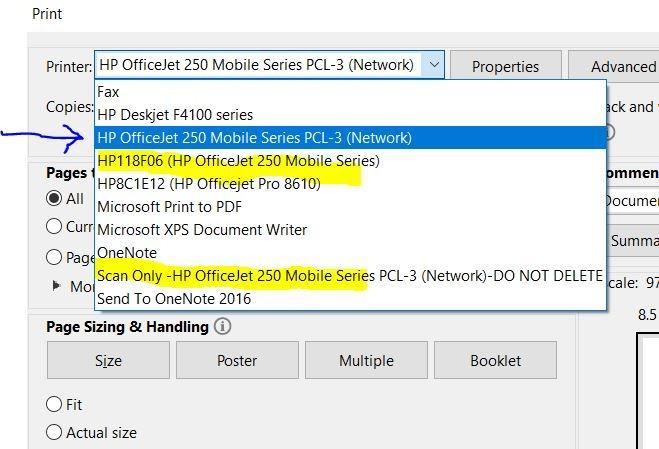
Setup is where HP earns its keep. HP Auto Wireless Connect brings it onto a network without a router, and the Color Graphic Display gives you paper and ink status without opening an app. Buyers on r/printers specifically call out this model as one that stays connected to a phone for months rather than just the first print, and connection dropout is the complaint that turns up most often with compact travel printers.
The trade-offs are honest ones. Duplexing is manual, so a 10-page contract means turning the stack over mid-job, and there is no automatic document feeder, so a multi-page scan is one page at a time. Both are tolerable. The cartridge cost is the one that bites hardest if you print daily.
Who the OfficeJet 250 Suits Best
Consultants, realtors, and field sales reps who hand a client a printed proposal in a parking lot. Also the right pick if you need to scan a signed form back into your phone before you leave the kitchen table.
It is also the safest choice for anyone who needs color. Every other printer in this roundup is monochrome, and thermal cannot produce color at all. If a client-facing handout has a logo on it, this is the unit.
Where the OfficeJet 250 Falls Short
High-volume daily printing. HP 62 cartridges are small because the chassis is small, so the cost per page climbs fast compared with a thermal unit or a desktop printer at the office.
It is also the heaviest device here at 6.5 lb, twice the weight of the next-heaviest unit. That is fine in a trunk or a van. It is a lot in a laptop bag walked across three airports.
2. Gloryang PD-A4: Full Letter Thermal With a Paper Bin Built In
Gloryang Inkless Portable Printer for Travel, Wireless Thermal Printer Supports 8.5 x 11 Inch Thermal Paper, Bluetooth Machine Includes Carry Case and 3 Rolls of Paper Kit, Black
Inkless thermal
Letter size at 203 dpi
3.1 lb, about 1.75 lb in use
Bluetooth via Jadens app
Built-in paper bin
Pros
- Ready to use out of the box with case and three paper rolls
- Two paper-loading options with a built-in bin
- 35 pages per minute black and white
- Prints from 2 to 8.5 inches wide
Cons
- Monochrome output only
- Requires branded thermal paper
- Bluetooth printing needs the vendor app not a standard driver
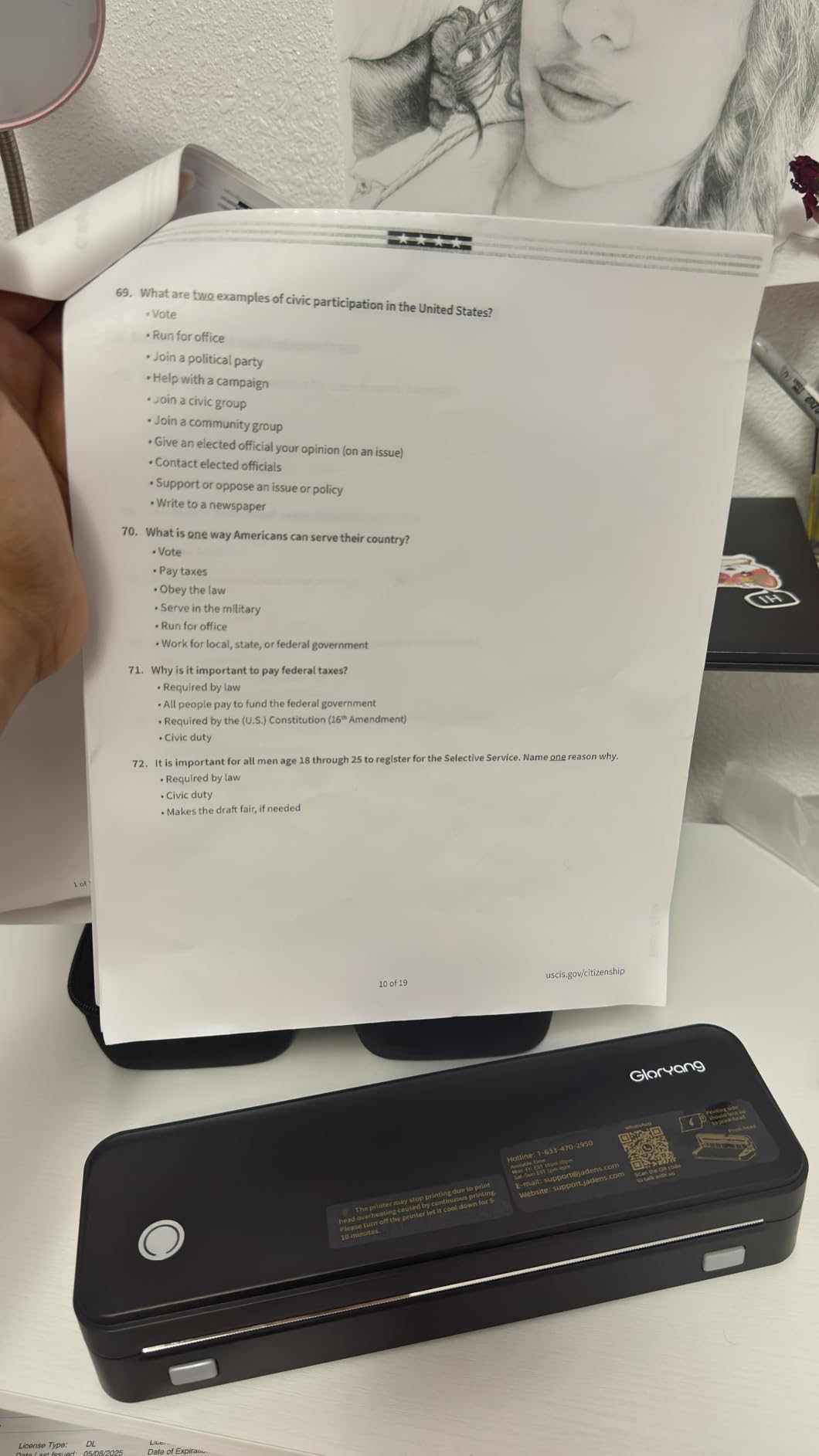
The Gloryang PD-A4 is the one to pick if you want a thermal printer and want to avoid a shopping list afterwards. The box contains the printer, a carry case, three rolls of letter-size thermal paper, a charging cable, and a manual. You can print a quote in a car park on day one.
It handles two paper-loading options and a built-in bin, with a listed sheet capacity of 360, and prints from 2 to 8.5 inches wide. The listed speed of 35 pages per minute is the highest figure in this group, though that is a narrow-paper number and full sheets take noticeably longer.
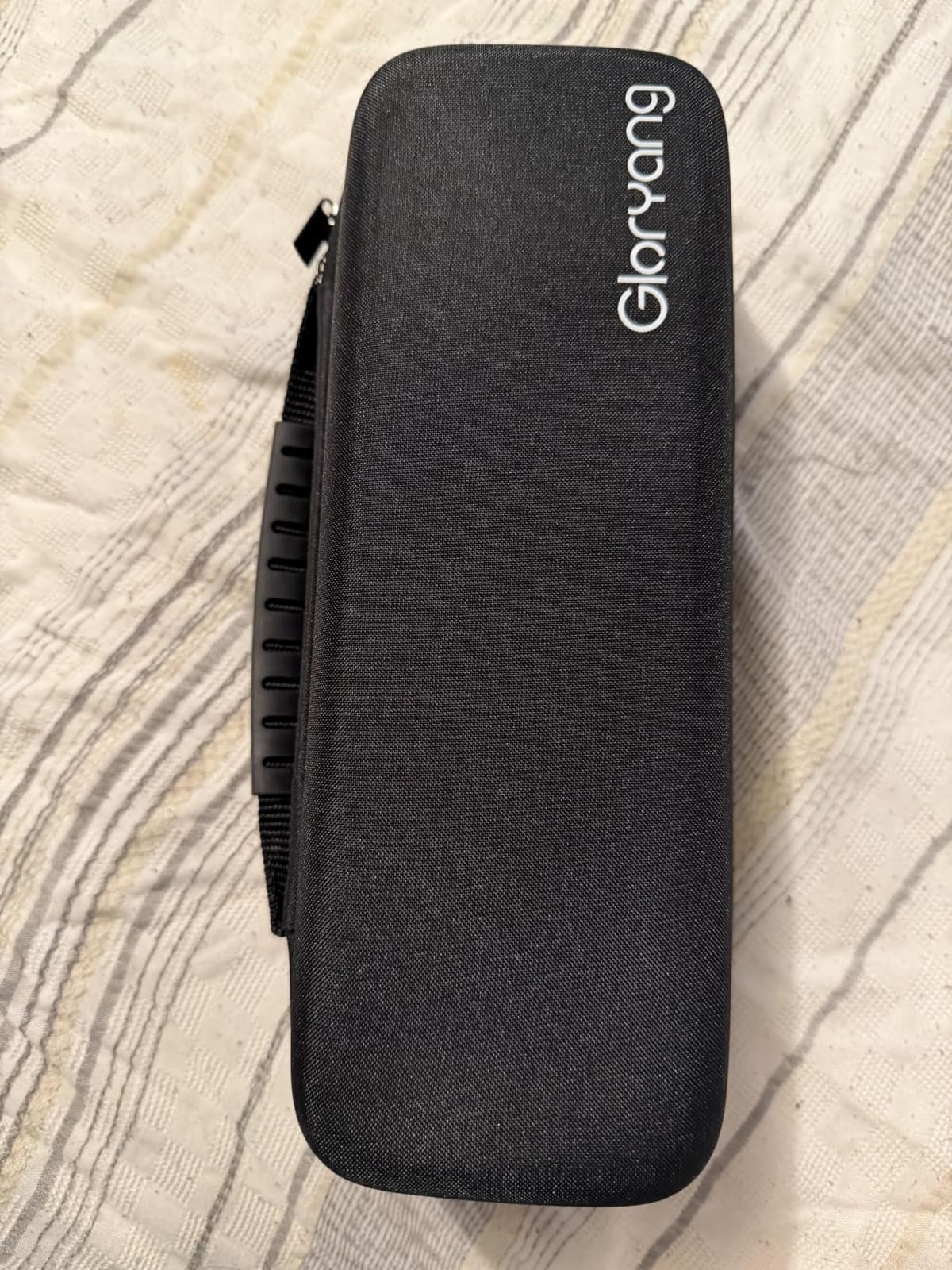
Size is the real headline. At 3.1 lb listed, and about 1.75 lb in use with a thickness of roughly 1.7 inches, it slides into a briefcase without rearranging anything. Buyers like that it works as a plain printer from a laptop through a driver as well as from a phone, which is rare in this category.
Owners rank it third in portable thermal printers and give it a 4.2 from more than 4,500 reviews, with reviewers pointing at the included kit and the built-in bin as the reasons it works from a vehicle. The paper it prints on is a genuine constraint, not a preference: it is designed for Gloryang thermal paper and not plain or ordinary printing paper.
Who the Gloryang PD-A4 Suits Best
Someone who works from a vehicle and needs full-page documents every week: quotes, delivery notes, checklists, sign-off sheets. The paper bin means you are not reloading every page.
It is a good first portable printer too, because the consumables and the case are in the box and nothing else needs buying before the first job.
Where the Gloryang PD-A4 Falls Short
Color, obviously. Thermal output is black text and line art only, so a printed proposal cannot carry a color chart or a photograph.
It also has no scanning or copying function, and Bluetooth printing goes through the Jadens Printer app rather than a standard driver, so you cannot use AirPrint or send a file from a Mac in the usual way.
3. Phomemo M08F: The Best-Value Full-Page Thermal Unit
Phomemo M08F Inkless Thermal Portable Printer with Case – 8.5 x 11, Black
Inkless thermal at letter size
715 g body
203 dpi
4.25 ppm
App plus USB-C printing
Pros
- No cartridges
- no ribbons
- no cleaning
- Full letter-size thermal sheets
- Battery use measured at about 13% for 20 sheets
- Hard carry case and paper included
- QR codes and barcodes scan cleanly
Cons
- Thermal paper can skew or tear on feed
- Very small text under 8pt prints poorly
- Needs a 5V 2A charger and many fast phone chargers will not work
The M08F is the pick we recommend to most people reading this. At 715 g it is one of the lightest full-page thermal units, and it prints standard 8.5 x 11 thermal sheets, which puts it in a different class from the pocket photo devices that dominate travel content.
Battery behaviour is the part owners single out. One owner test measured 20 letter sheets consuming about 13% of the charge, which is the kind of number that decides whether you finish a day of quoting. Repeat purchase over several years is also reported in the reviews, which is unusual for this category.
Output quality sits at 203 dpi, which produces sharp dark text and clean scannable codes. It prints PDFs, Word documents, images, and web pages from a phone through the Phomemo app, and it acts as an ordinary printer on Windows or Mac over USB-C once you install the driver.
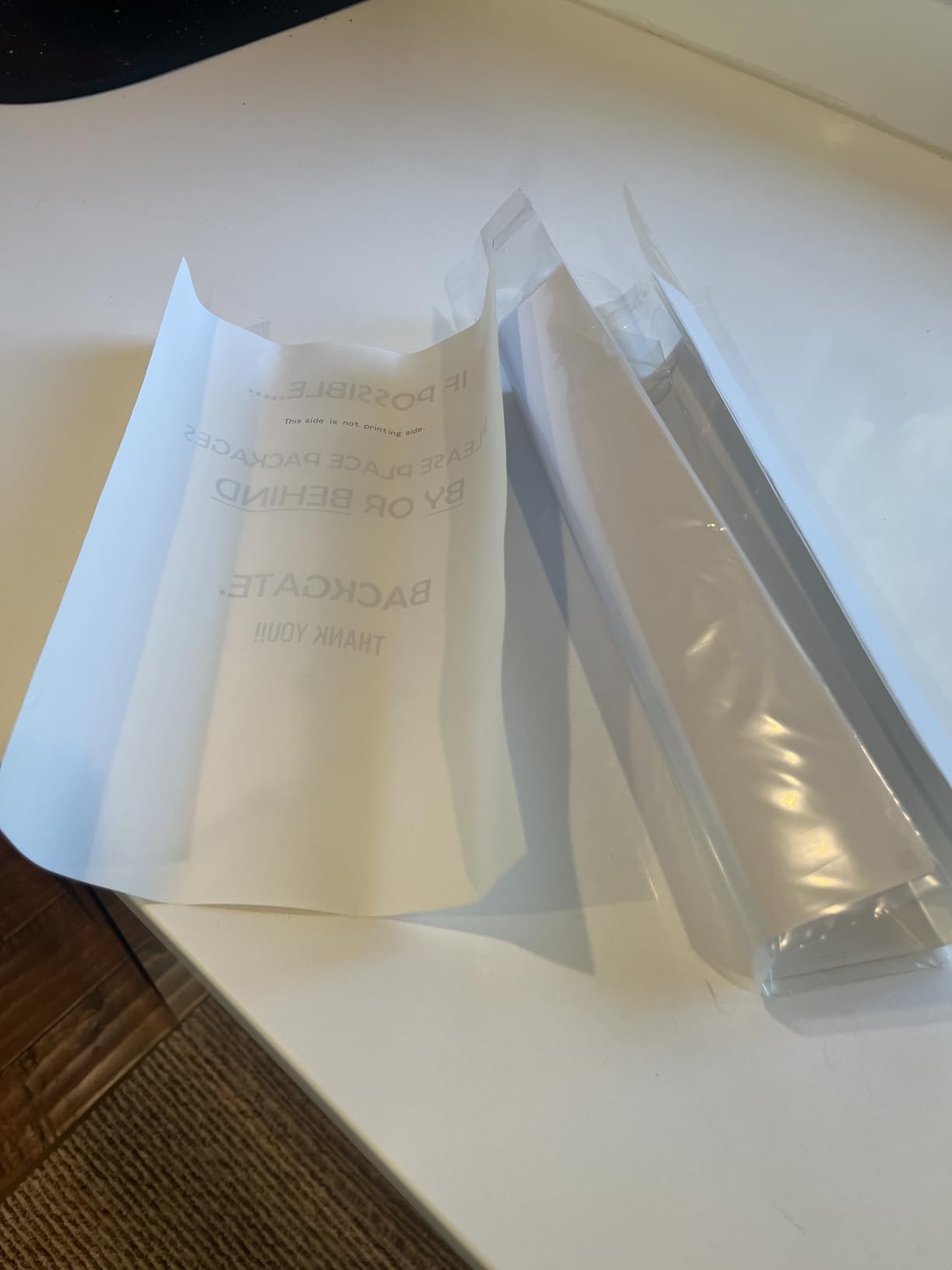
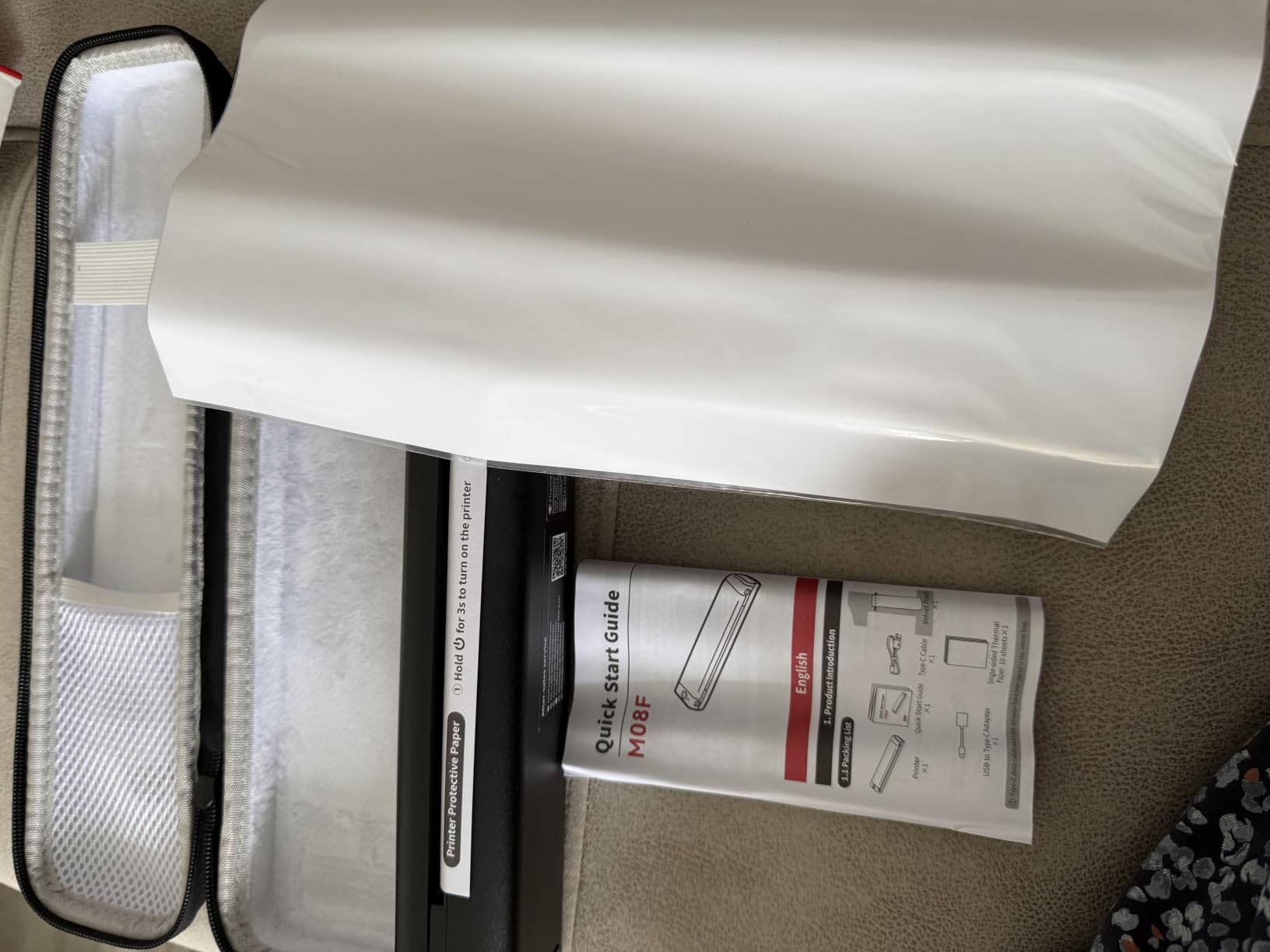
The package includes 10 sheets of letter thermal paper, a hard case, and a USB-A to USB-C cable. It ranks 14th in portable thermal printers with a 4.3 across roughly 3,800 reviews, and the criticism that comes up most is paper alignment rather than the printer itself.
Who the Phomemo M08F Suits Best
Anyone who prints contracts, invoices, and short documents several times a week and wants to stop paying for cartridges. It is the lowest-friction entry into full-page portable printing.
It suits battery-first work too, since the charge drains slowly. Pack thermal paper flat and dry and it will run a full working day away from power.
Where the Phomemo M08F Falls Short
Fine print. Reviewers report that text below about 8pt is spotty, so a contract with dense clauses in a small font may not reproduce cleanly.
There is no standard printer driver on the wireless path, so the vendor app is required and has to be cancelled by powering the unit down. Charging needs a 5V 2A adapter, which means the fast phone charger in your bag probably will not work.
4. MUNBYN ITPP130B: The Pick for Shipping Labels and Asset Tagging
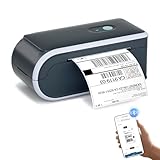
MUNBYN Bluetooth Thermal Label Printer, Wireless 4×6 Shipping Label Printer
Thermal label printer
4x6 maximum media
203 x 300 dpi
2.3 lb
USB fallback for desktop
Pros
- Works with major shipping platforms and marketplaces
- Crisp barcodes at 203 x 300 dpi
- Label widths from 1.57 to 4.3 inches
- Chrome-based editor needs no PC install
- 2 year manufacturer warranty
Cons
- Monochrome label output only
- Not compatible with UPS thermal paper
- Needs the MUNBYN app or Chrome editor rather than AirPrint
This is not a document printer, and it is not trying to be. The ITPP130B handles 4×6 labels, which makes it the right tool for anyone who ships parcels, prints asset tags, or labels equipment before it leaves the van. If your work produces paperwork, look at the picks above.
Setup is the strongest part. Connect, design, print. On a PC the Munbyn Editor runs inside Chrome with no installation, which removes the usual driver hunt on a rented laptop, and the mobile app handles phone work. The built-in library holds more than 3,500 design elements, over 2,000 templates, and 80+ fonts, with OCR text recognition.
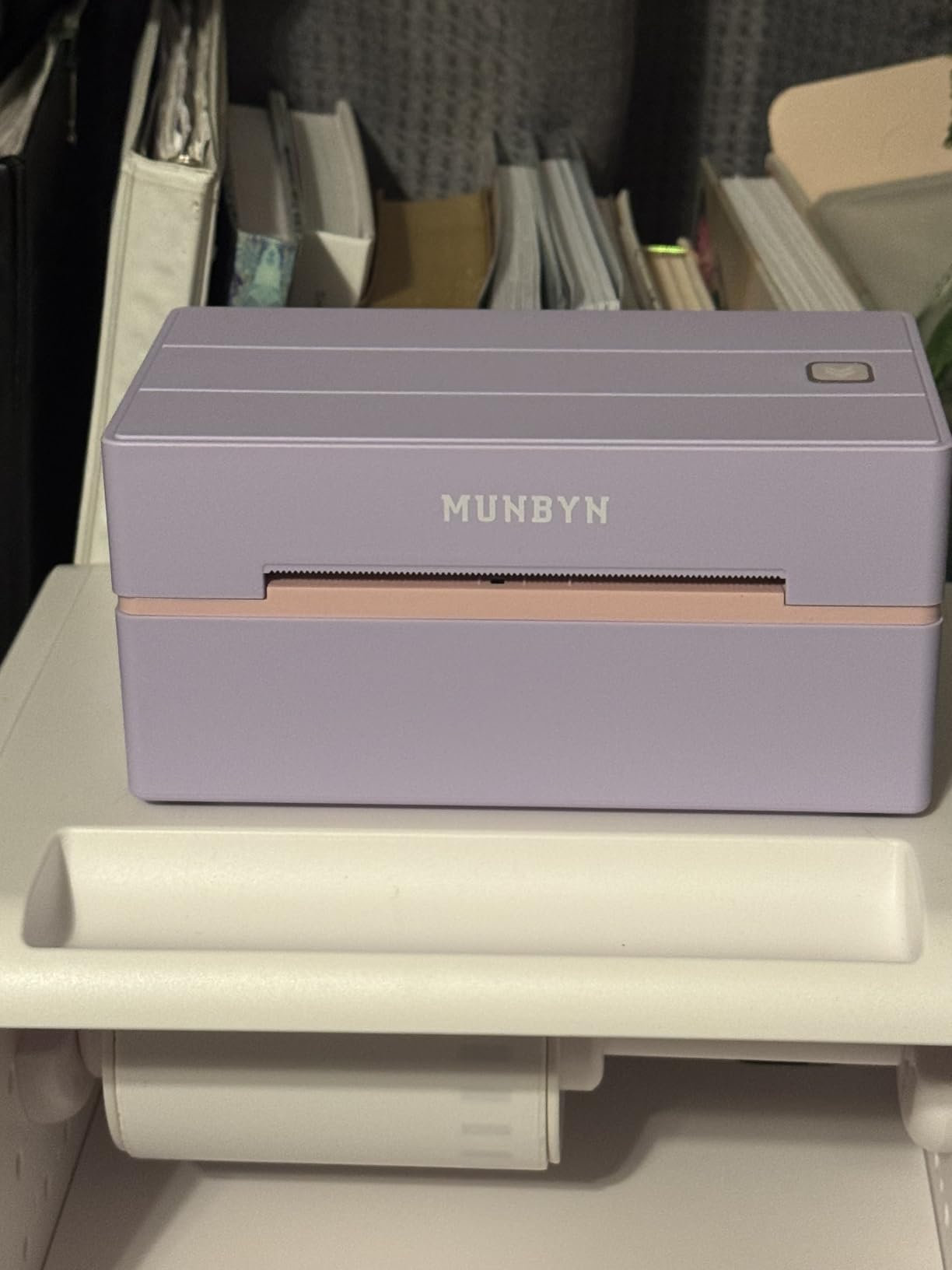
Label width support runs from 1.57 inches to 4.3 inches, so it covers small asset tags and full 4×6 shipping labels from the same device. Output at 203 x 300 dpi gives barcodes that scan first time, which matters more than resolution when a carrier has to read it.
It carries a 4.4 rating from more than 3,300 reviews with 79% five-star, and it ranks 19th in desktop label printers. The 2 year manufacturer warranty is the longest in this roundup, a real advantage for a device that gets dropped in a van. We cover the wider category in our guide to the best label printers.
Who the MUNBYN ITPP130B Suits Best
Small shipping operations, marketplace sellers, and field technicians tagging equipment. The Chrome editor is a genuine advantage when the work computer is a borrowed one.
Choose it over a smaller 2×3 machine if you print parcel labels daily, since the wider media range means one device covers both sizes.
Where the MUNBYN ITPP130B Falls Short
It cannot print a document. Full letter pages and receipts are outside what this unit is built for, so a packing-work setup usually pairs it with one of the full-page printers above.
It is monochrome, it is not compatible with UPS thermal paper, and it expects MUNBYN label media. There is no AirPrint path, so printing depends on the app or the browser editor.
5. JADENS C10: Cordless Labeling With a Stated Per-Charge Count
JADENS Battery Powered Thermal Printer, Cordless 4×6 Shipping Label Printer for Small Business, Prints 700+ Labels per Charge, 25H Standby, Portable Labeler for iPhone, Mac, Windows
Cordless 4x6 label printer
700+ labels per charge
25 hour standby
Bluetooth 5.0
203 dpi
Pros
- No outlet or computer cable needed while labeling
- 700+ labels per charge and 25 hour standby
- Bluetooth 5.0 gives a steadier link
- Waterproof smudge-proof labels
- Auto-scales Amazon FBA and return label templates
Cons
- Slower than corded desktop thermal printers
- Accepts only smaller-diameter label rolls
- App account signup can block phone and tablet use
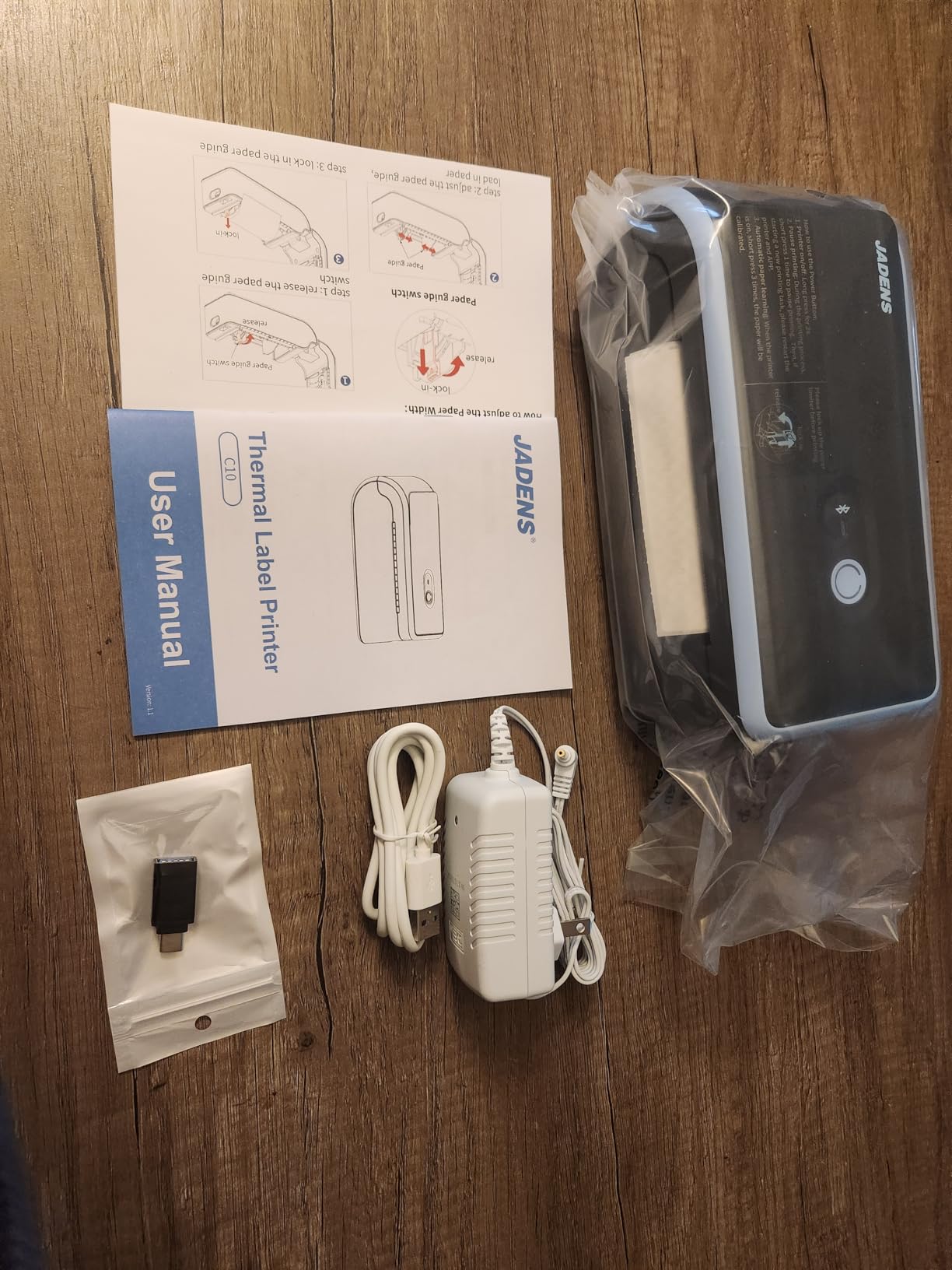
The C10 is built around one number: 700-plus labels per charge, with 25 hours of standby. For someone labeling in a garage, a pop-up shop, or the back of a van, that removes the question of whether the battery will last, which is otherwise the first thing you check.
Bluetooth 5.0 handles iPhone, Android, Windows, and Mac, and the 203 dpi thermal head produces waterproof, smudge-proof labels that survive transit in a box. The app crops and prints PDF labels straight from a phone, and it recognises and scales Amazon FBA and return label templates automatically.
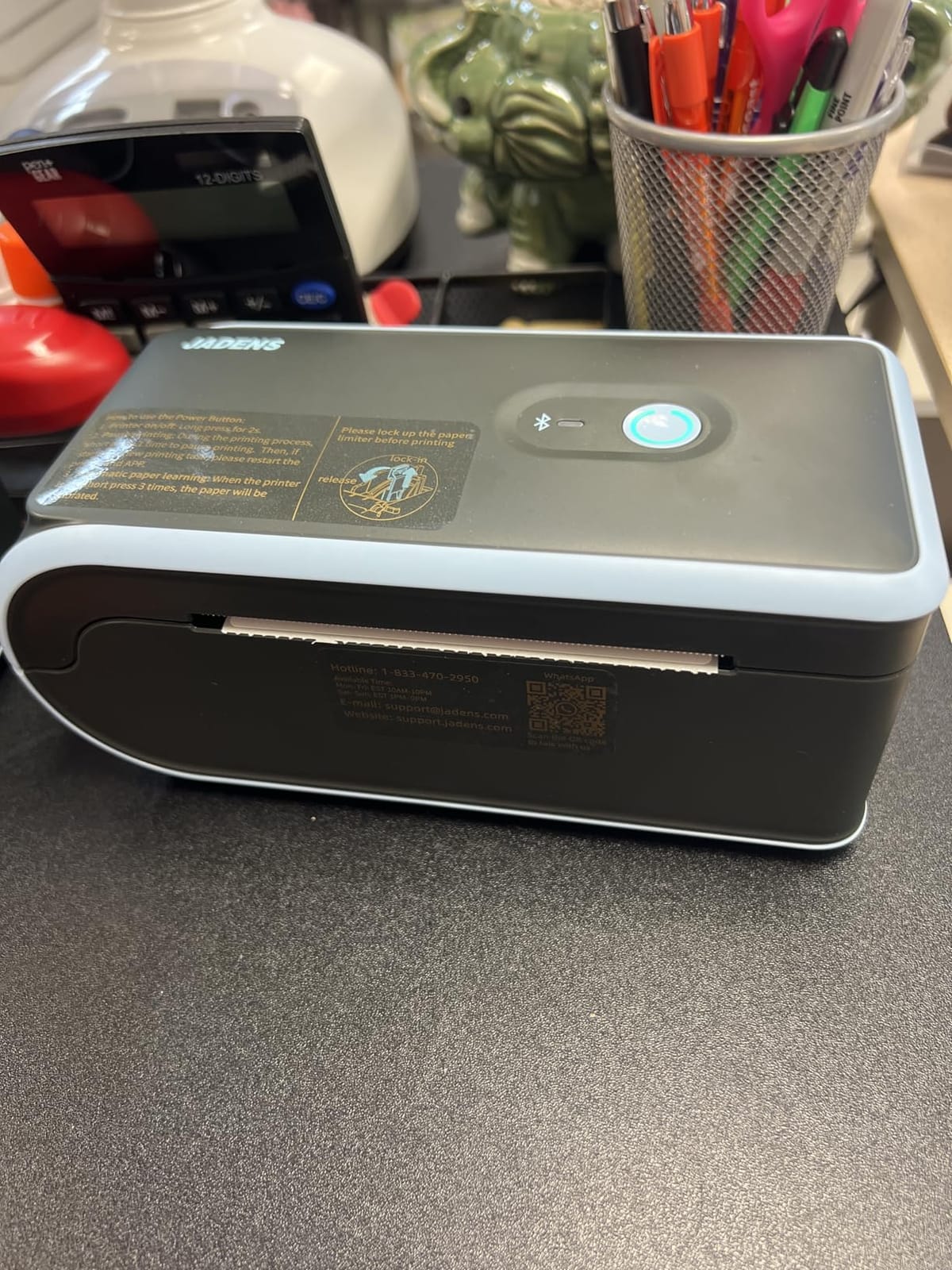
Users rate the workflow well for eBay, Etsy, Vinted, and Amazon FBA packing, and the printer holds a 4.4 from 841 reviews with 78% five-star. That is a strong score on a smaller review base than the picks above, which tells you recent satisfaction rather than long-term history.
Paper handling is the limitation to plan around. It accepts only smaller-diameter label rolls rather than standard-size rolls, so check your consumable supply before committing to a workflow built on this unit.
Who the JADENS C10 Suits Best
Packing work where the label printer lives in a vehicle or a storeroom with no outlet nearby. The battery figure makes it the safest pick in this roundup for multi-hour offline labeling.
It also suits small online sellers who ship in batches, because you can clear a hundred orders in one sitting without a power lead trailing across the floor.
Where the JADENS C10 Falls Short
Throughput. It is slower than a corded desktop thermal printer, which matters if you are clearing a backlog rather than labeling steadily through the day.
Several users report app account signup and email verification blocking phone and tablet use, and computer printing is described as unreliable. Treat the phone app as the intended path rather than the exception.
6. TATTMUSE A285M: A 1.5 lb Printer for Receipts and Working Notes
Portable Printers Wireless for Travel, A285M Small Inkless Thermal Printer
Inkless thermal
1.5 lb
US letter and A4
7 ppm
Built-in paper bin
Pros
- One of the lightest full-page printers here at 1.5 lb
- Five paper widths plus roll and single-sheet formats
- Built-in bin accepts roll or continuous paper
- Quick Bluetooth pairing with a clear app
- Sharp text for notes lists and invoices
Cons
- Lowest average rating in this group at 4.0
- No front-to-back alignment so labels can run onto the next
- Roll output comes out tightly curled
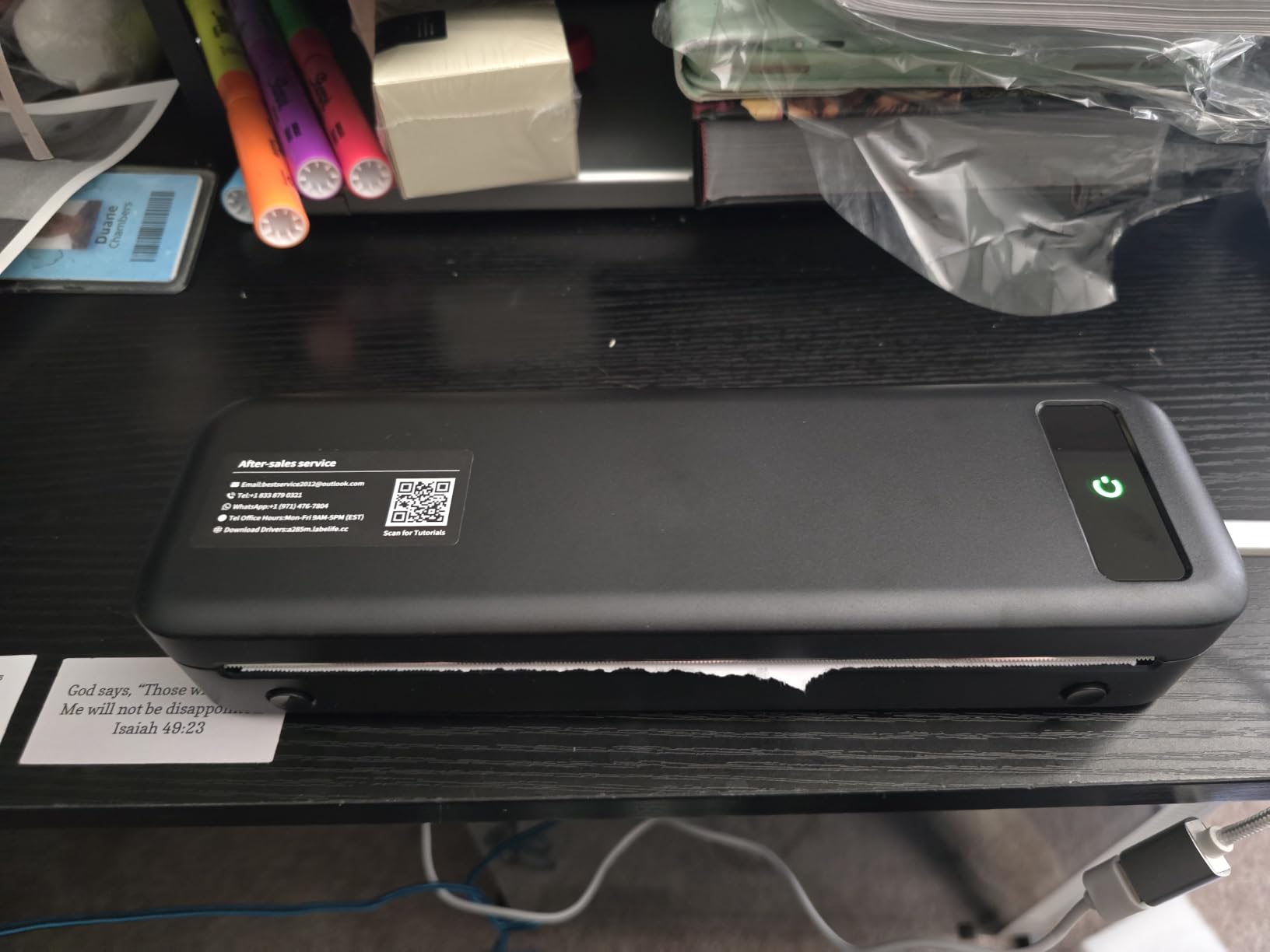
The A285M is one of the lightest options here that still prints a full US Letter or A4 page, and at 1.5 lb with a 1.77 inch height it disappears into a laptop bag. It ranks first in receipt printers, and that is the honest description of it: a working-day printer for notes, lists, delivery paperwork, and proof of hand-over.
The paper bin accepts roll, continuous, and single-sheet thermal paper, which is more flexible than most competitors, and the app pairs quickly. Charging needs a 5V 2A adapter, and the box includes one letter thermal roll, a USB-C cable, and a USB to Type-C adapter.
Being straight with you about the rating: 4.0 across 5,290 reviews with 16% one-star is the weakest average in this group, and the reason shows up in the reviews. There is no front-to-back paper alignment, so label output can be cut off or spill onto the next label, and roll prints come out tightly curled rather than flat.
Text sharpness for documents is good, and the metric roll sizes do not match 4×6 inch equivalents, which catches people out when they order consumables abroad. For more on the format, see our guide to the best receipt printers.
Who the TATTMUSE A285M Suits Best
Notaries, truck drivers, teachers, and anyone who needs a hard copy of a note or a hand-over document at a moment when a shop is closed. It is one of the lightest options that still does a full page.
It is a good companion unit for a field worker who travels on foot or by air, where the OfficeJet 250 is simply too heavy to carry.
Where the TATTMUSE A285M Falls Short
Anything needing straight, square label output. Without front-to-back alignment, shipping labels and asset tags are the wrong job for it, and curled roll paper does not sit well in a file.
It is monochrome, and the 4.0 rating is not the tidiest number in this list. Read the one-star reviews before you buy for daily use.
7. Phomemo M832D: A Touchscreen and 300 dpi Text at Full Page Size
Phomemo M832D Touchscreen Inkless Portable Printer with Case & 3 Roll Paper
Inkless thermal
300 dpi
1.5 lb with 2600mAh battery
Up to 200 pages per charge
Touchscreen
Pros
- Touchscreen shows battery
- connection and paper status
- 300 dpi output with crisp dark text and scannable QR codes
- Owners report 100 to 200 pages per charge
- Handles 53mm sticker rolls up to full A4 and letter
- Print noise reduced 30 percent and quieter than earlier models
Cons
- Black and white only
- Uneven tear bar leaves ragged sheet edges
- Bluetooth does not work with laptops so USB-C is required
The M832D solves two problems the cheaper thermal models leave open. The touchscreen reports battery, connection, and paper status at a glance, so you can cancel a long job without hunting through an app, and 300 dpi output is a genuine step up in text sharpness over the 203 dpi standard used elsewhere in this roundup.
Battery life is the other headline: a 2600mAh battery and a stated capacity of up to 200 pages per charge, with owners reporting a range of 100 to 200 in practice. It weighs 1.5 lb and takes roll, folded, and single-sheet thermal paper in five widths, from 53mm up to full US Letter and A4.
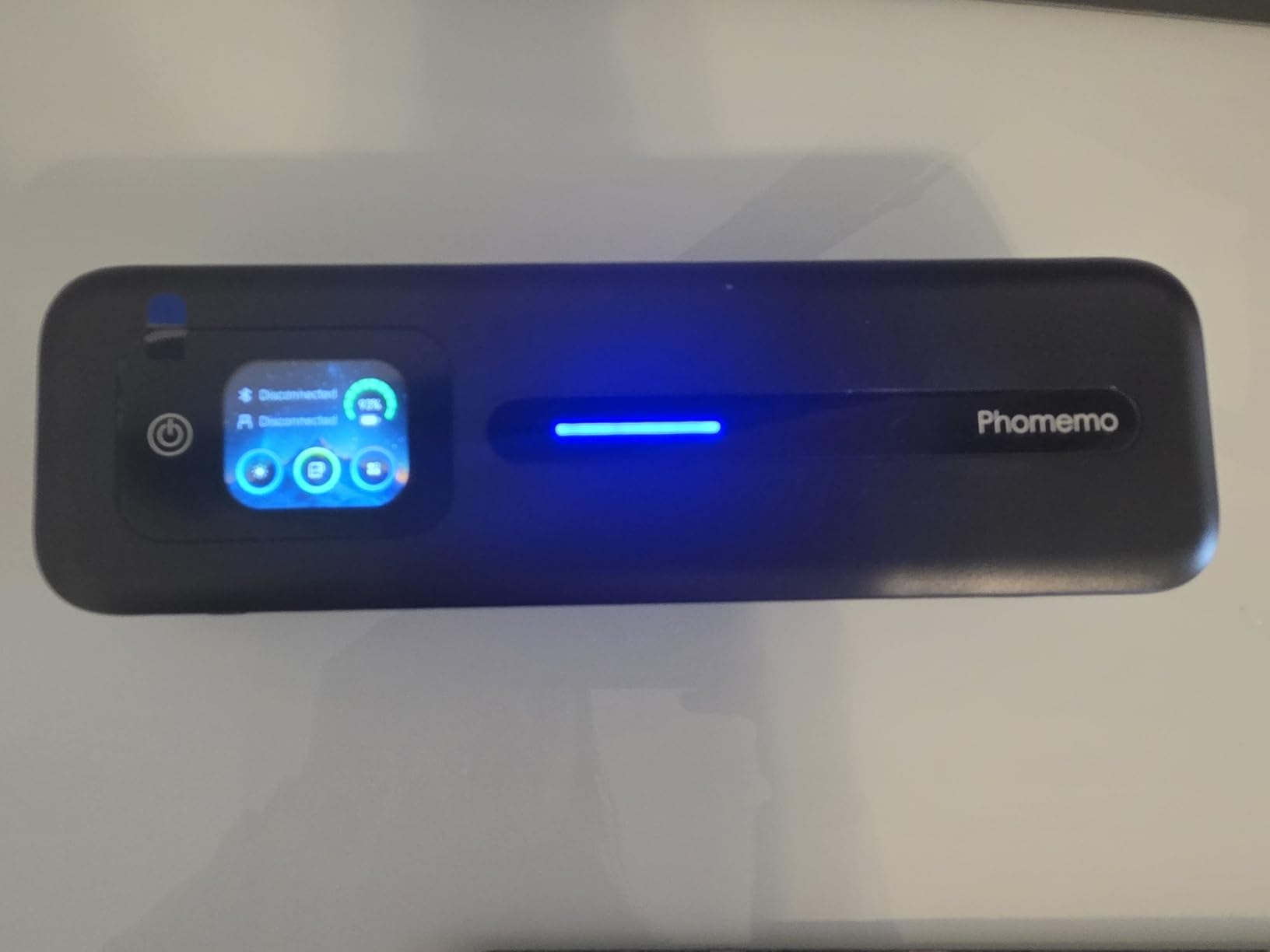
Phomemo redesigned the print head and tuned the motor to cut printing noise by 30%, and it does feel calmer in a quiet client meeting than the older models. Bluetooth pairing is reported 50% faster, which matters when you are doing it in a car park rather than at a desk.
It holds a 4.2 across 850 reviews with 68% five-star, and the box includes the printer, three thermal rolls, a carry case, a USB-C cable, and an adapter. Build quality is consistently called out as solid with no cheap plastic smell.
Who the Phomemo M832D Suits Best
People who print dense text on the move: consultants with multi-page reports, legal or insurance paperwork, anything with fine print that needs to stay readable. The touchscreen also makes it a good choice for less technical users.
If you are away from power for a full day, the per-charge figure means you can stop thinking about the battery. It is the pick when weight is not the deciding factor.
Where the Phomemo M832D Falls Short
It costs the most of the thermal group here, and it still cannot print color or photos. You are paying for resolution and the screen, not for capability.
The tear bar cuts unevenly, so finished sheets come out with ragged bottom edges, and roll-fed paper prints with a natural curl. Bluetooth also does not work with laptops, so a computer connection means USB-C.
8. ETIKEZ D90E: A Thin Letter-Size Thermal With a Travel Case
ETIKEZ D90E Inkless Portable Thermal Printer with Case – 8.5″ x 11″, Black
Inkless thermal
8.5 x 11 letter paper
2.08 lb and 1.3 inch thick
Bluetooth via Labelnize app
USB for PC
Pros
- Thin 1.3 inch body at 2.08 lb
- Simple Bluetooth pairing with the Labelnize app
- Sharp clear text for contracts and notes
- Travel case included in the box
- One-touch jam clearing with the power button
Cons
- Charging adapter not included
- Only about 10 sheets in the built-in bin
- Black and white only
- Not compatible with Chromebooks
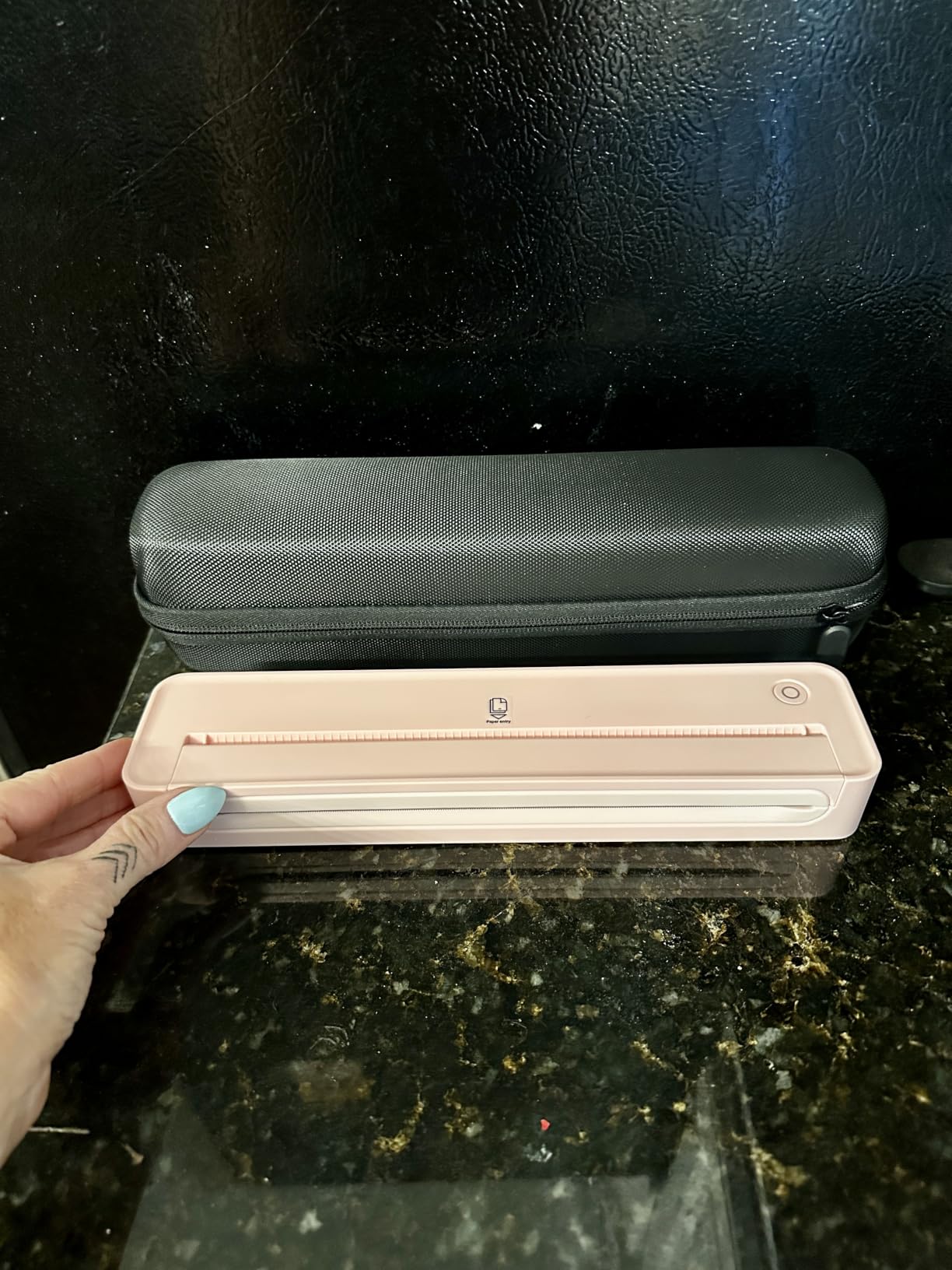
The D90E is the thinnest full-page thermal here, at 1.3 inches thick and 2.08 lb, with a travel case in the box. That combination matters if it lives in a laptop sleeve rather than a van: it slides into a folder without adding bulk to the bag.
It prints standard 8.5 x 11 US Letter thermal paper through the Labelnize app over Bluetooth, and connects to a PC over USB with drivers from Labelnize.com or the included USB drive. Pressing the power button ejects the paper, which clears most jams without opening anything.
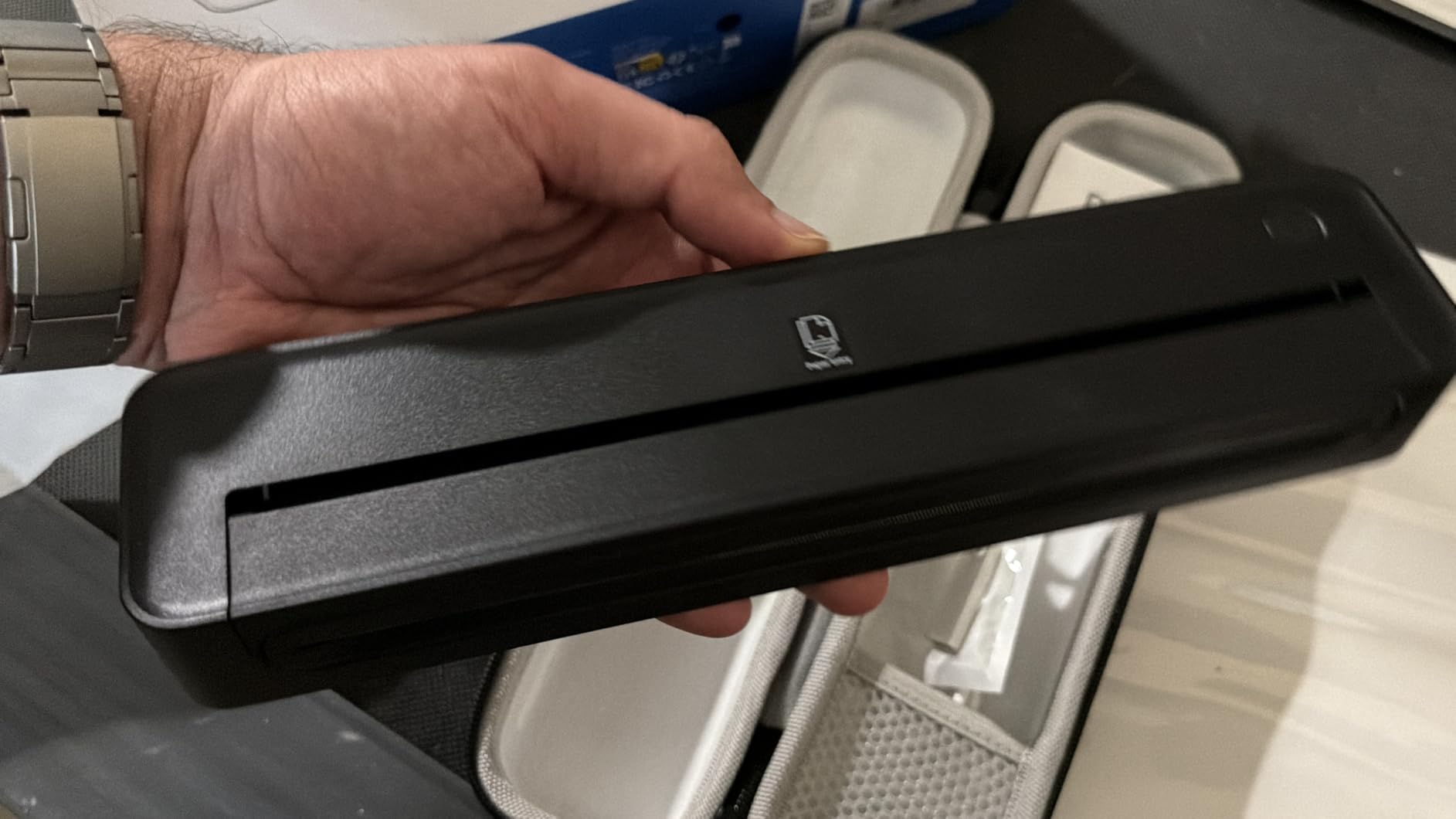
It holds a 4.3 from 439 reviews with 77% five-star and ranks sixth in portable thermal printers. Buyers consistently mention compactness, quick pairing, and clear text for students, teachers, and travelers, and owners going long stretches without charging report good battery life.
Two planning points. The built-in bin holds about 10 sheets, so a long print job means refilling, and the charging adapter is not in the package. If you already have a 5V cable, that is a non-issue; if you do not, add it to the first order.
Who the ETIKEZ D90E Suits Best
Travellers and students who need a full-page document in black and white and care more about pack size than anything else. The included case means it is protected without buying anything extra.
It suits short jobs well: a boarding pass, a visa form, a one-page agreement before a meeting, a set of notes for a study session.
Where the ETIKEZ D90E Falls Short
It is not compatible with Chromebooks, which rules it out for a lot of current work setups. It is also not a scanning or copying device, and it is monochrome.
Most important for work: thermal output fades over time, and buyers specifically warn against it for documents that must be archived. A contract that needs to survive years should be printed on an inkjet.
How to Choose a Portable Printer for Mobile Work
Six questions decide this purchase, and the order matters. Start with the job, not the specification, because a printer that cannot do the paper you need is not cheaper, it is useless.
1. What exactly do you print?
Full documents, quotes, and invoices on letter or A4 paper: look at the HP OfficeJet 250, the Phomemo M08F, the Gloryang PD-A4, the TATTMUSE A285M, the Phomemo M832D, or the ETIKEZ D90E. Shipping labels and asset tags: the MUNBYN ITPP130B or the JADENS C10. Daily receipts and hand-over notes: the TATTMUSE A285M.
Color on a client handout narrows the field to one. A photo, a logo, or a chart means you need the OfficeJet 250, because thermal cannot produce color.
2. Which print technology fits the job?
Four technologies cover this market. Direct thermal uses a heated print head to darken a coating on special paper. No ink, no ribbon, nothing to dry out, and the lowest running cost. The catch is monochrome only, and heat-sensitive output that can fade in storage.
Portable inkjet sprays liquid ink from small cartridges. It is the only option here for color and for documents that must be archived, and it is the only category where paper jams and dried printheads are a real risk.
ZINK, or Zero Ink is a dye-sublimation variant sold mainly as small photo devices, best known from compact sticker printers. The drawbacks are fixed paper formats, usually 2×3 or square, and proprietary media.
Dye sublimation is the same chemistry used for professional photo prints and T-shirts. It produces excellent color and resists fading, and it produces them slowly at a size that suits a desk rather than a bag. We cover the process in detail in our guide to the best sublimation printers, and larger dye-sub photo output in our picks for the best photo printers.
3. How much battery life do you actually need?
Only two devices in this roundup publish a per-charge page or label count: the JADENS C10 at 700-plus labels with 25 hours of standby, and the Phomemo M832D at up to 200 pages with a 2600mAh battery. An owner test on the M08F measured 20 letter sheets using roughly 13% of the charge.
Treat vendor page counts as an upper bound. The real variable is not the printer but the radio: a weak Bluetooth or Wi-Fi connection between your phone and the printer keeps the unit awake and drains the battery faster than the printing does. Print a test page before every trip.
4. How will you connect, and does it matter?
Bluetooth is the standard here and it is the right default. Wi-Fi Direct and router-free modes matter only if you need scanning, automatic discovery, or a computer connection without a cable. The HP OfficeJet 250 sets up through HP Auto Wireless Connect without a router, and its Color Graphic Display keeps the status visible.
Where the wireless path matters most is the app. Every thermal model in this roundup prints from a vendor app rather than a standard system dialog, which means a job can only be cancelled by powering the printer down. If you share the device with someone less technical, budget two minutes for that explanation.
Reviewers on r/printers specifically ask which portable printer keeps working with a phone over months rather than just on day one, and the honest answer is that connection stability varies by model and by phone. Tom’s Guide testers also reported phone software reflowing a five-page document into four or six pages, and cloud photos printing only partially. Send a one-page test before you rely on it in a meeting.
5. What is the cost per page, and who replaces the consumables?
Direct thermal has no ink or ribbon cost, so the running cost is the paper roll. Portable inkjet running cost is dominated by HP 62 cartridges, which are physically small because the chassis is small. Anyone printing daily should work out their own monthly page count before choosing an inkjet.
The hidden cost is availability. Thermal paper and ZINK media are proprietary, so check that you can buy the right roll in the country you are working in before committing. If you travel internationally, a unit that accepts ordinary thermal paper is worth more than one that does not.
6. Will you work away from an outlet?
Five practical steps cover almost every mobile-work scenario. Charge fully before the trip, pack a second battery or a power bank, carry a car adapter for a full working day in a vehicle, print in draft or standard quality rather than best, and keep paper flat and dry in a sleeve.
Airports and aircraft are the hardest case. Nothing here is permitted in cabin baggage unless the airline confirms it, and thermal units with a small battery are the most likely to be questioned at the gate. Check with the carrier before you pack. For everything else in the mobile office, our picks for the best portable projectors for work cover the rest of the kit that turns a hotel room into a workspace.
How to Keep One Working for More Than a Year
Print a single test page every few weeks, even if you are not printing anything else. Idle portable inkjets dry out, and a dried printhead is the most common failure in this category, reported well ahead of battery or connectivity issues.
Owners of older portable inkjet generations, including the Canon PIXMA iP100 and HP OfficeJet 100 lines, report failures at around the six-month mark, so expect a shorter lifespan on a first unit than on a desktop printer. Warranty length is worth comparing: the MUNBYN ITPP130B carries 2 years, while most of the rest carry 1 year.
Frequently Asked Questions
What is the best portable printer for mobile use?
For mobile work specifically, the HP OfficeJet 250 leads because it prints letter and legal paper in color, scans, and copies, and the battery is included. It is heavier than the rest at 6.5 lb. If you only need monochrome full pages, the Phomemo M08F is the lighter and cheaper-running option.
How long does the battery last on a typical portable printer?
It depends entirely on wireless use rather than printing. The only figures published in this group are up to 200 pages per charge on the Phomemo M832D and 700-plus labels on the JADENS C10, plus an owner test measuring 20 letter sheets at about 13% on the M08F. A weak phone connection drains the battery faster than printing does.
Are thermal portable printers good?
Yes, for text-heavy work they are the strongest option available for mobile workers. They have no ink, toner, or ribbon, so nothing clogs and there is no cartridge cost. The limitations are that output is monochrome only, text below about 8pt can print poorly, and thermal paper fades over time so it is unsuitable for documents that must be archived.
Can a portable printer handle regular letter-sized paper?
Six of the eight printers here print full US Letter or A4 sheets, and the remaining two print 4×6 labels. None of them print on ordinary plain or inkjet paper except the HP OfficeJet 250, which uses HP 62 cartridges. Thermal units need branded thermal rolls, so check your paper supply before you commit.
Do I need a special app to print from my phone?
In practice, yes. Every thermal printer in this roundup prints from a vendor app such as Phomemo, Jadens, Labelnize, or MUNBYN Print rather than through a standard system dialog or AirPrint. The HP OfficeJet 250 uses the HP app and supports router-free setup with a display on the printer itself. Plan on pairing once per device and showing the app to anyone else who uses it.
What are the disadvantages of inkless printers?
Inkless, or ZINK, printers are built around fixed proprietary paper formats, usually 2×3 inch or square, so they cannot print a letter-size document. Output quality is photo-oriented rather than text-oriented, and the media is proprietary, which is awkward when you are working abroad. None of the picks here use ZINK for that reason.
Is it worth buying a portable printer?
It pays off if you print on the move more than a couple of times a week, because a thermal unit turns each page into a paper cost rather than a print-shop visit. If you only need a signature page before an occasional meeting, an inkjet all-in-one at the office or a print shop is cheaper. The deciding factor is how often a printer is simply not there when you need it.
Which Portable Printer Should You Buy for Mobile Work?
For most people doing this roundup’s version of mobile work, the HP OfficeJet 250 is the answer. It is the only pick that prints letter and legal paper in color, scans, and copies, all on battery, and the battery is in the box. The weight is the trade you accept for that capability.
Print monochrome documents most days and the Phomemo M08F costs almost nothing to run, weighs less than 1.6 lb, and comes with a hard case. If you need finer text or a screen to check paper status, the Phomemo M832D runs to roughly 200 pages per charge at 300 dpi. If your work is shipping rather than paperwork, the MUNBYN ITPP130B is the label printer, and the JADENS C10 is the one to take to a garage with no outlet in it.
Whichever you choose, the best portable printers for mobile work are the ones that match your paper, not the ones with the longest feature list. Print your real document on the real paper before you commit, and buy your consumables before you leave for the site.