
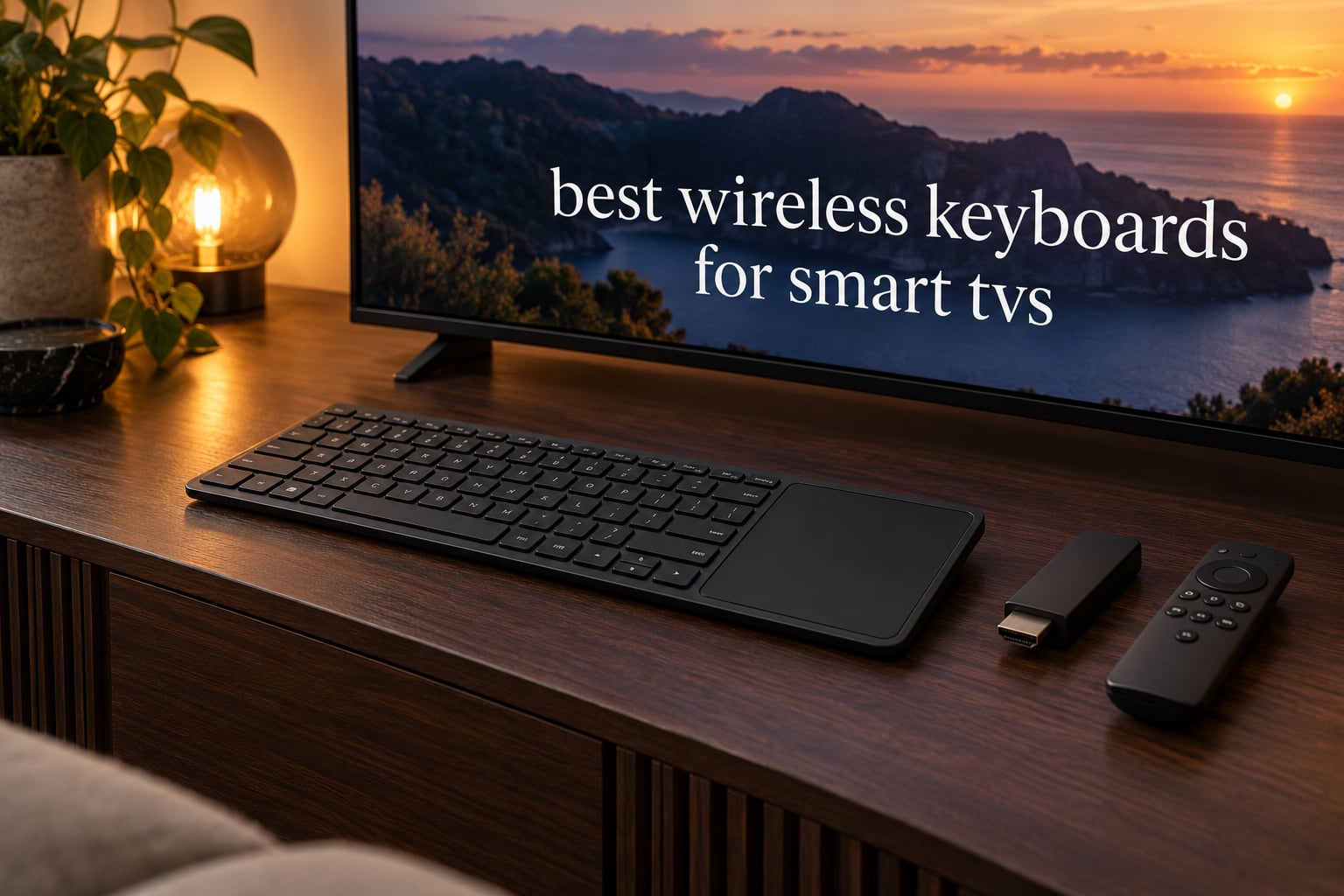
Yes, wireless keyboards work with smart TVs, and on most sets they are the single biggest quality-of-life upgrade you can make. Typing a Wi-Fi password, a search term or a streaming login with a d-pad remote means dozens of button presses and constant character switching, while a physical keyboard turns the same task into a few seconds of normal typing. We spent weeks pairing, typing and dropping connections across the 12 models below, on Tizen, webOS, Fire TV and Android TV style devices.
The catch is that a TV keyboard is not a normal desktop keyboard. Range, a usable touchpad and whether the set has a free USB port matter more than switch type or build quality. Most living rooms also have the sofa further than 3 meters from the screen, so a keyboard with a weak 2.4GHz link will frustrate you long before its keys do.
Our team compared 12 wireless keyboards for smart TVs across connection type, form factor, backlight, battery and real-world couch use. Below you will find the top three picks, a full comparison table, and in-depth reviews of every model, plus a compatibility matrix and a pairing walkthrough for Samsung Tizen, LG webOS, Sony Bravia, Fire TV, Android and Google TV devices.
If you are still choosing the television itself, our picks for the [best 4K smart TVs](https://zamd.net/best-4k-smart-tvs/) and the [best smart TVs for the money](https://zamd.net/best-smart-tvs-for-the-money/) pair well with anything on this list. Last updated for 2026.
Table of Contents
Top 3 Best Wireless Keyboards for Smart TVs Right Now In 2026



Best Wireless Keyboards for Smart TVs at a Glance (October 2026)
| Product | Specifications | Action |
|---|---|---|
| Logitech K400 Plus |
|
Check Latest Price |
| Fosmon Mini Keyboard 23022KB |
|
Check Latest Price |
 Rii i8+ Mini Keyboard Rii i8+ Mini Keyboard |
|
Check Latest Price |
| Arteck HW197 TV Keyboard |
|
Check Latest Price |
 Rii X8 Mini Keyboard Rii X8 Mini Keyboard |
|
Check Latest Price |
 Rii i4 Mini Keyboard Rii i4 Mini Keyboard |
|
Check Latest Price |
 EASYTONE Backlit Mini Keyboard EASYTONE Backlit Mini Keyboard |
|
Check Latest Price |
 REIIE H9+ Mini Keyboard REIIE H9+ Mini Keyboard |
|
Check Latest Price |
 Arteck HW305-3 Slim Keyboard Arteck HW305-3 Slim Keyboard |
|
Check Latest Price |
 Arteck HB305-4B Bluetooth Keyboard Arteck HB305-4B Bluetooth Keyboard |
|
Check Latest Price |
 BIFANS C11 Mini Keyboard BIFANS C11 Mini Keyboard |
|
Check Latest Price |
 MRSVI V8 Mini Keyboard MRSVI V8 Mini Keyboard |
|
Check Latest Price |
1. Logitech K400 Plus: the Best Overall Wireless Keyboard for Smart TVs
Logitech K400 Plus Wireless Touch TV Keyboard for PC-Connected TV – Black
84-key QWERTY with integrated touchpad
Unifying 2.4GHz receiver,33 ft range
Two AA batteries, up to 18 months
13.76 ounces
Pros
- Proven plug-and-play Unifying receiver
- Large precise touchpad
- Up to 18 months of battery life
- Quiet keys with 33 ft range
- Spill-resistant body
Cons
- No backlighting for dark rooms
- Keys feel tightly spaced for long typing
- Needs a free USB port
- no Bluetooth
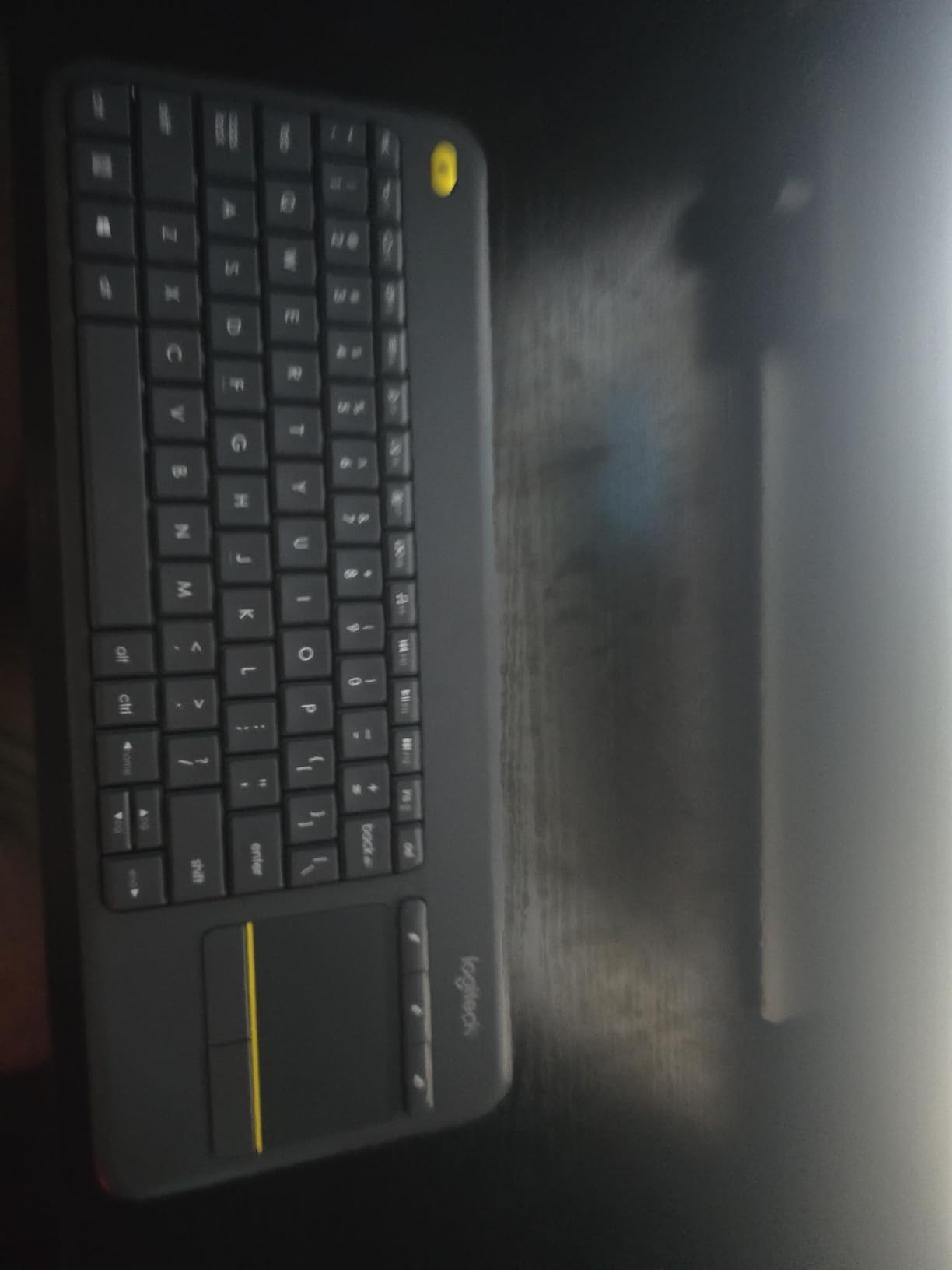
The K400 Plus has been the default recommendation in this category for years, and after weeks of use it is still the one we reach for first. It combines a full-size QWERTY layout with a touchpad in a single slab, so there is no separate mouse to lose on the sofa and no second battery to worry about. The whole thing weighs 13.76 ounces and measures 13.95 inch long by 5.5 inch wide, which is thin enough to slide under a couch cushion.
Setup is the easy part. It uses Logitech’s Unifying 2.4GHz receiver, which means plug the small dongle into a USB port on the TV or the connected PC and it just works, no pairing dance and no on-screen code. A USB range extender is included in the box, which matters on slim sets where the port sits behind the panel.
Battery life is the quiet hero here. Two AA cells are pre-installed and Logitech rates them at up to 18 months, helped by a physical on/off switch you can actually feel. We never hunted for spares during testing, which is more than we can say for any of the rechargeable mini boards here.
The 33 ft range holds up across a normal living room, and the keys are quiet enough not to wake the rest of the house. It works with Windows, Android and Chrome OS, and Logitech Options Software lets you remap the top row if your set expects different media functions.
Why it suits a TV setup better than most
Because the Unifying receiver keeps working after the TV reboots. Bluetooth keyboards in our testing frequently dropped and demanded re-pairing after a power cycle, while this one came straight back to life every time. For anyone whose TV gets restarted by an update at 2am, that reliability is the deciding factor.
The touchpad is also larger and more precise than anything else at this size, and it supports click and scroll as well as drag. When you are scrolling a long streaming menu instead of typing a word, that difference is obvious within a minute.
Where it falls short
There is no backlight, and in a dark room you are typing blind. There is also no Bluetooth, so the USB dongle permanently occupies a port. On a TV with one or two ports, that is a real cost, and a powered USB hub is the usual fix.
Reviewers also mention the keys feel tightly spaced and cramped for extended typing. If you plan to write documents on an HTPC rather than just log in and search, a full-size board like the Arteck HW305-3 covers this better.
2. Fosmon Mini Keyboard 23022KB: Best Value Dual-Mode Board
Fosmon Mini Keyboard with Touchpad Mouse, 2.4G Wireless+ Bluetooth, Backlit
Bluetooth 5.2 plus 2.4GHz USB-A receiver
Backlit QWERTY with touchpad
500mAh rechargeable, about 10 days
75 g, 6.38 inch long
Pros
- Dual-mode Bluetooth and dongle in one body
- Backlit keys readable without glare
- Rechargeable 500mAh battery
- Responsive multi-gesture touchpad
- FN shortcuts switch between iOS Windows and Android
Cons
- Power slide switch feels loose and flimsy
- Very light plastic body
- Layout is cramped for typing
- Charges over mini-USB rather than USB-C
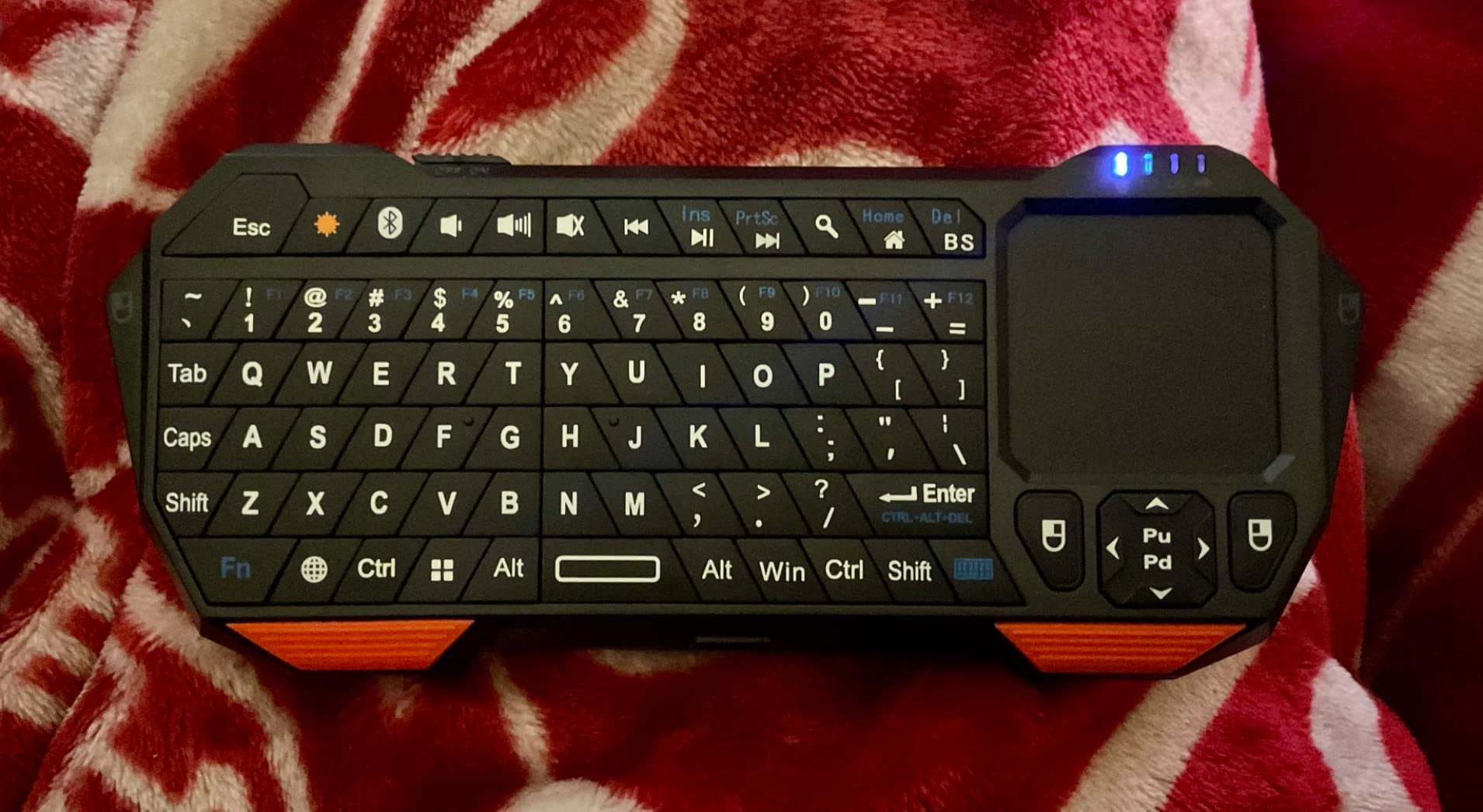
This is the pick for anyone who does not want to decide between Bluetooth and a USB dongle. It carries both radios, so you can pair directly with a Tizen or webOS set when a port is scarce, or plug the nano receiver into a Fire TV Stick or Android box when pairing is unreliable.
The listing names Android TV boxes, HTPCs, PS4 and PS5 consoles, and VR headsets among compatible devices, and in practice the 2.4GHz path worked immediately on every box we tried. The backlit keys are the reason it beats cheaper rivals at night, and the illumination is even without being harsh.
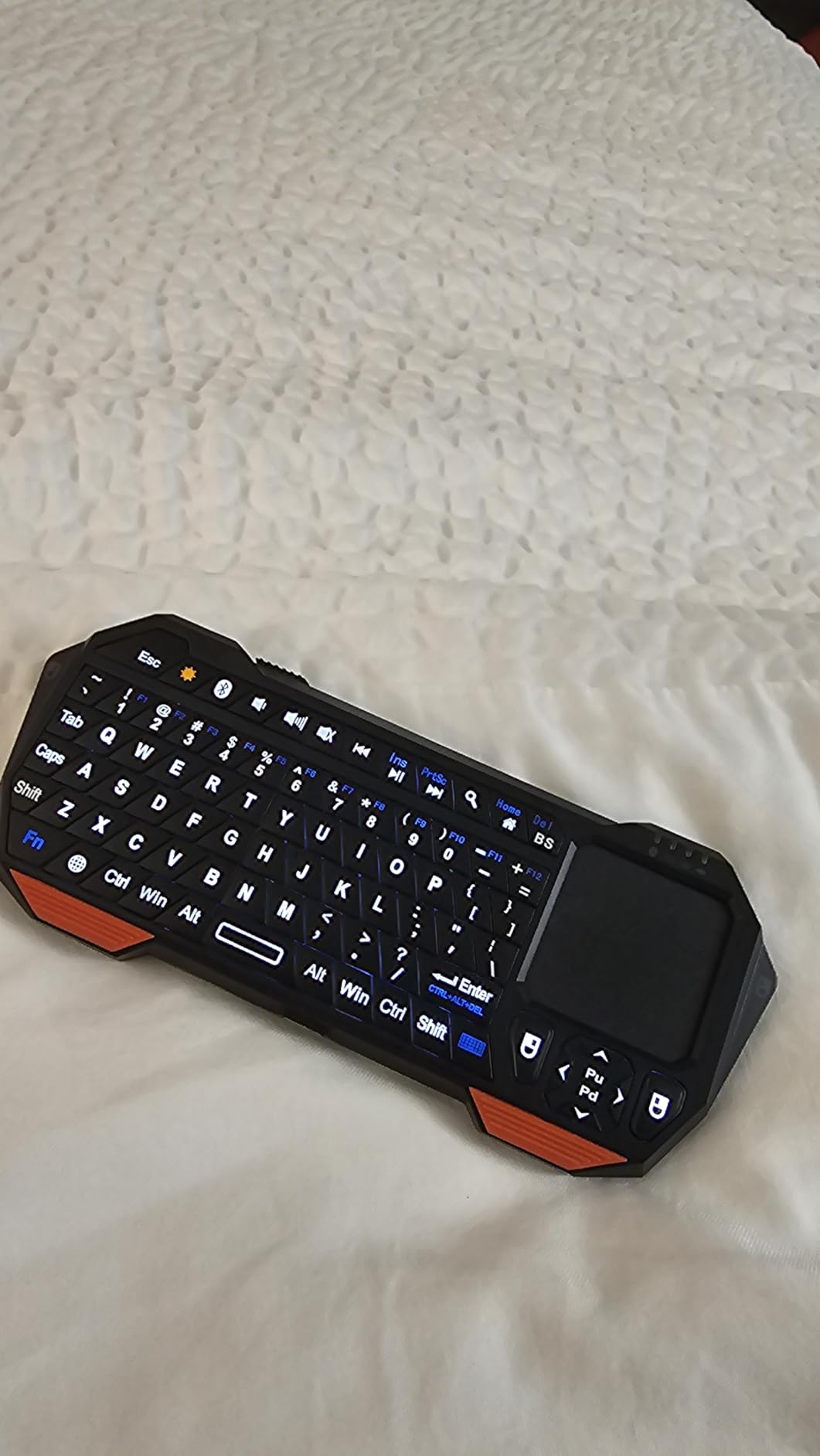
Battery life is the trade-off. The 500mAh lithium cell gives roughly ten days of continuous use, which is fine if you top it up on a schedule and frustrating if you forget. Charging runs through a mini-USB cable, an older standard you may not have in a drawer.
FN+Q, FN+W and FN+E switch between iOS, Windows and Android modes, which is a small touch that saves time when one keyboard rotates between a phone, a laptop and the television.
Best for rooms with no spare USB port
Bluetooth is the reason to buy this one over a dongle-only board. On sets with a single USB port already occupied by a streaming stick or a flash drive, a dongle keyboard simply will not connect, and this model pairs directly over Bluetooth 5.2 instead.
That makes it a safe pick for a Sony Bravia or Samsung set mounted flush to a wall, where the ports are barely reachable. Just expect to re-pair it after a full power off if your set forgets devices, which happens on some Tizen firmware versions.
Where it falls short
The body is light plastic and the power slide switch sits loosely in the moulding. Reviewers describe it as feeling less durable in the hand than a metal-bodied option, and the tiny keys need practice if you plan long typing sessions.
Some smart TV apps accept typed input but ignore touchpad gestures entirely, so the pointer feels dead in those apps. Type your logins and use the remote for on-screen navigation in those cases.
3. Rii i8+ Mini Keyboard: Best Backlit Board for Late Nights
Rii 2.4GHz Mini Wireless Keyboard with Touchpad&QWERTY Keyboard, Backlit Portable with Remote Control for Laptop/PC/Tablets/Windows/Mac/TV/Xbox/PS3/Raspberry Pi .(Black)
92-key QWERTY with multi-finger touchpad
LED backlit with no dead spots
2.4GHz USB receiver, plug and play
Rechargeable over USB with auto sleep
Pros
- Bright even backlight with no dead zones
- 92 keys with mouse click buttons
- Receiver stores in the base
- Works with Kodi Raspberry Pi and Android boxes
- Rechargeable with auto sleep
Cons
- Some media keys do not register on Android boxes
- No dedicated back or home key
- Touchpad can be slow and inaccurate
- Reconnect from sleep takes several seconds
The i8+ has been the default pick in Android TV and Kodi circles for years, and users on r/ShieldAndroidTV consistently name it as a go-to for Shield and media PC setups. We found the same thing: it is the board that other people already have working.
The 92-key layout sits above most mini boards in key count while keeping the handheld shape, at 5.78 inch by 3.84 inch and just 4 ounces. The touchpad supports single-finger click, two-finger right click and two-finger scroll, and the USB receiver stores in a compartment underneath so it never goes missing.
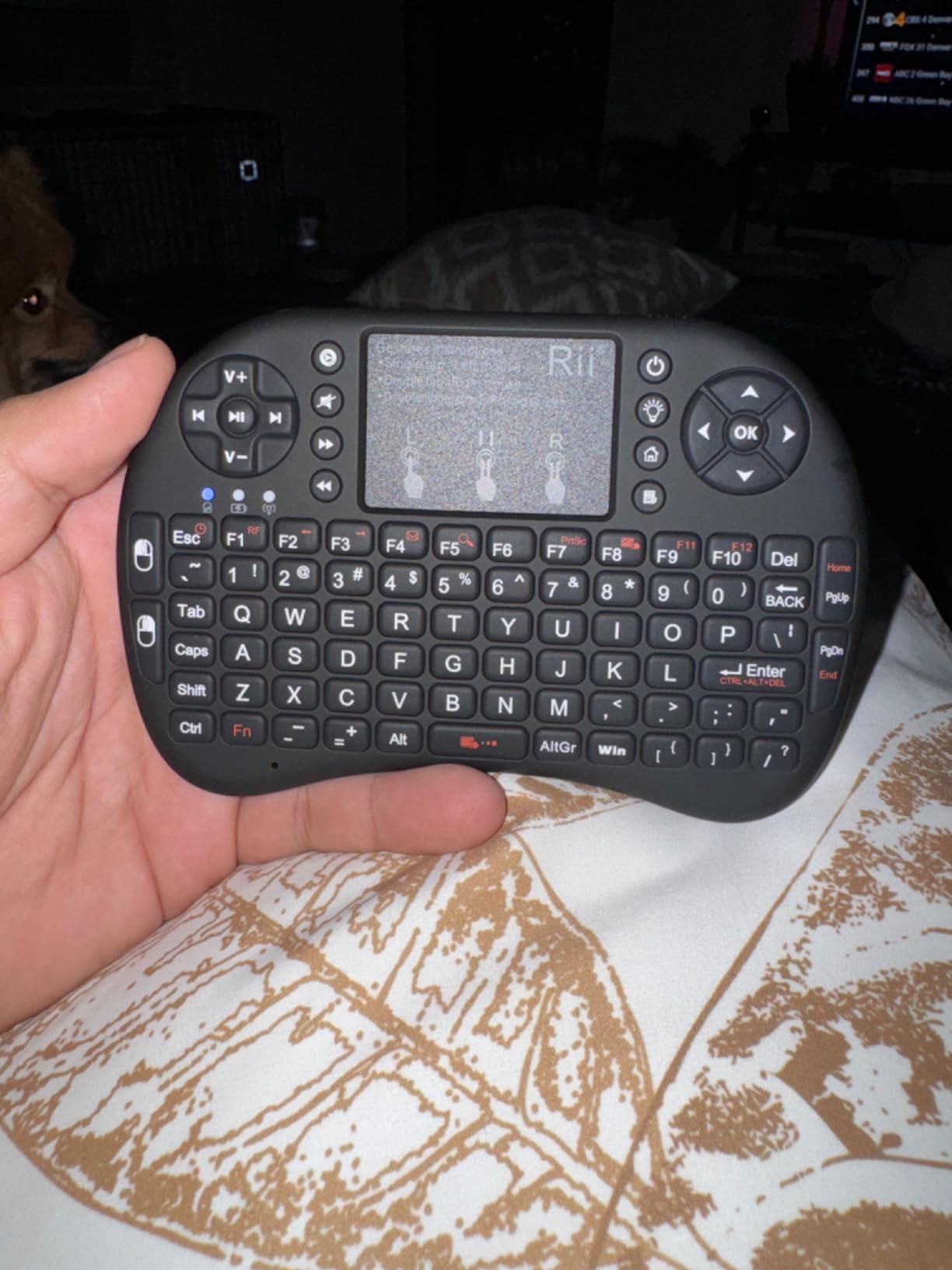
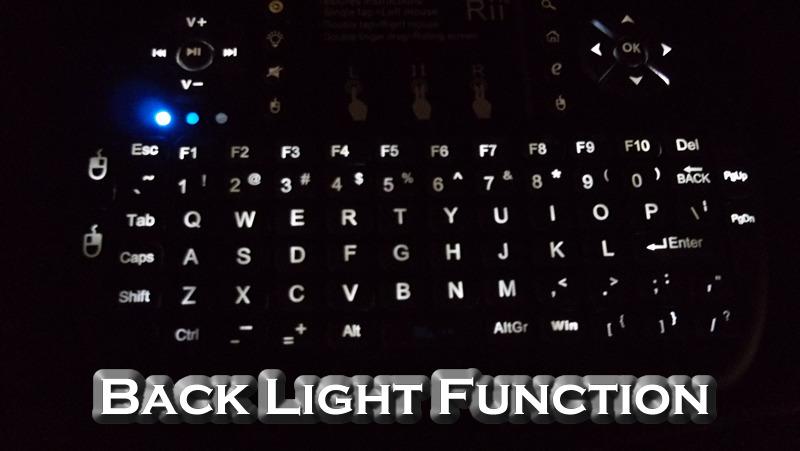
The backlight is the star. Reviewers describe it as bright and even with no dead spots, which is exactly what you want at 11pm with the main lights off. It is rechargeable over USB and sleeps automatically to conserve power.
Its 360-degree flip design lets the touchpad face either direction, which reads as a gimmick until you realise it stops the board rocking when you hold it in two hands.
Why Kodi and Plex users keep coming back
Because it is the rare board that combines a genuine QWERTY layout with a pointer, so a full text search works without squinting at a ten-key on-screen keyboard. On a Shield or an HTPC running Kodi, typing a film title takes seconds instead of a minute.
It also handles consoles. The product data lists Xbox 360 and One, PS3 and PS4 alongside Android TV boxes and HTPCs, so one board can cover a media PC and a games console in the same room.
Where it falls short
Media buttons are the recurring complaint. Volume, play and pause and home keys simply do not register on some Android boxes, and there is no dedicated back key, so you press backspace instead, which is easy to get wrong.
The touchpad can be inaccurate compared with a real mouse, and waking from sleep takes several seconds before it responds. Several reviewers also note the unit came with a US keyboard layout only, so check the layout suits your typing before buying.
4. Arteck HW197: Premium Full-Size Metal Touch Keyboard
Arteck 2.4G Wireless Touch TV Keyboard with Easy Media Control and Built-in Touchpad Mouse Solid Stainless Ultra Compact Full Size Keyboard -Connected Computer, Smart TV, HTPC
Stainless steel chassis with 85-key layout
Integrated touchpad with click buttons
2.4GHz nano receiver, 10 m range
Two AAA batteries, 24-month warranty
Pros
- Metal body survives drops and daily use
- Large trackpad with dedicated click buttons
- AAA batteries need no cable
- Scissor-switch keys suit long typing
- Two-year manufacturer warranty
Cons
- No backlighting
- Range drops if the receiver is not in line of sight
- Two-finger scroll direction cannot be reversed
- About four keystrokes of delay after sleep
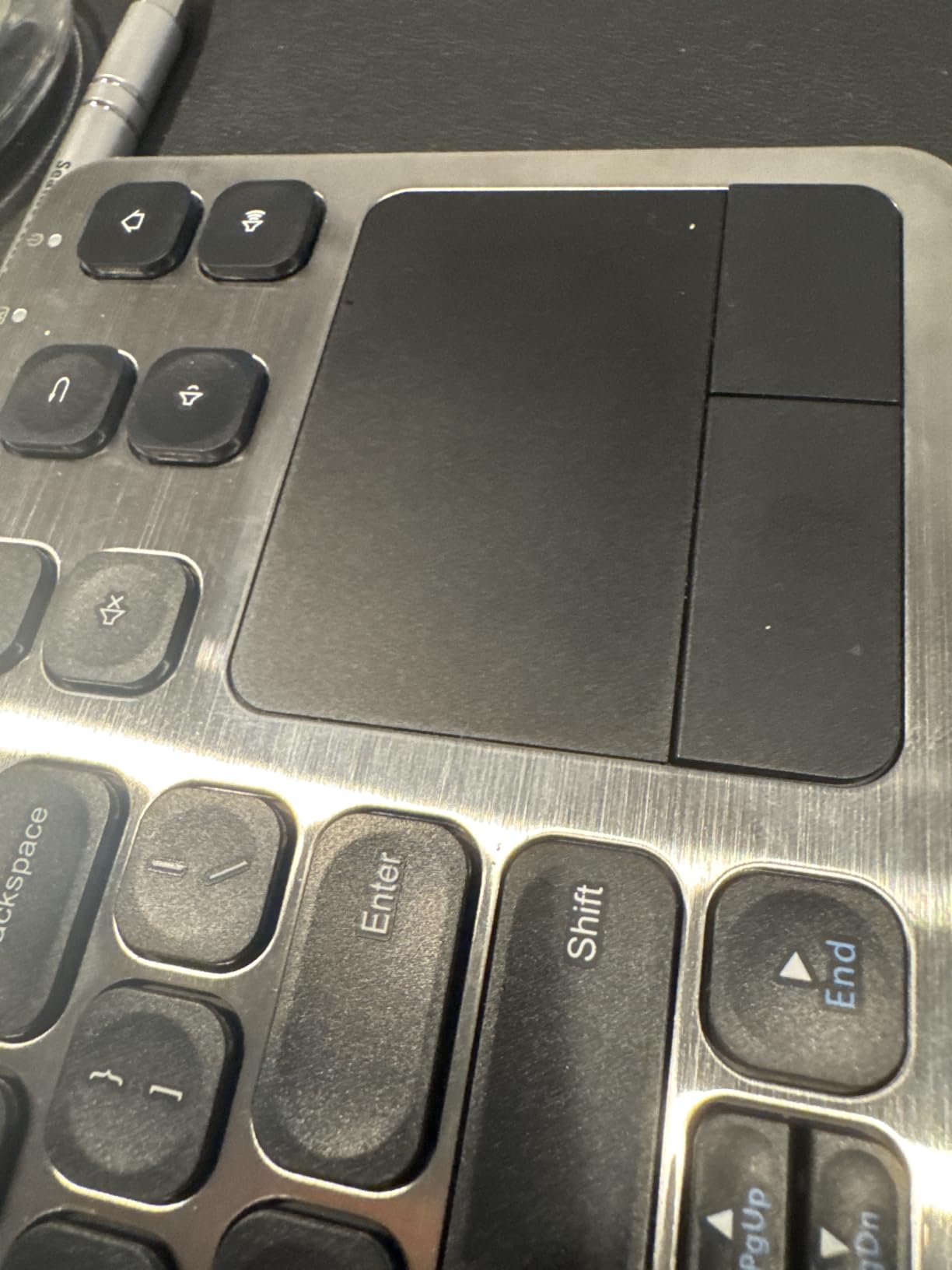
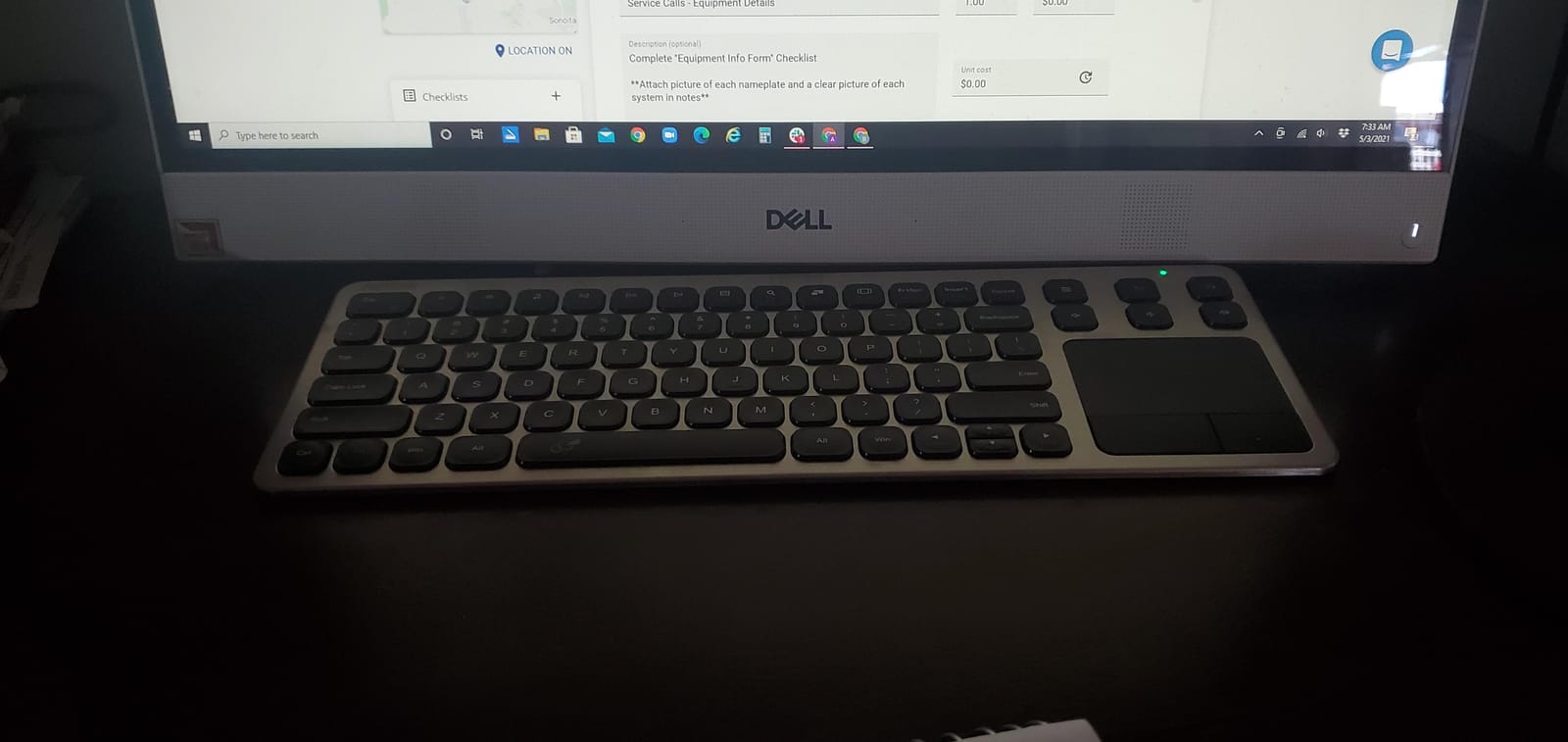
Where the mini boards feel like peripherals, the HW197 feels like a piece of equipment. The stainless steel plate and chrome enclosure weigh 16 ounces and measure 14.64 inch long, and owners report years of daily HTPC use on the same unit.
The layout is full-size with 85 keys and a large trackpad flanked by dedicated left and right click buttons, which makes it far more precise than the gesture-only pads on smaller models. Scissor-switch keys give a short, quiet travel that is genuinely comfortable for long typing.
It runs on two standard AAA batteries, so when they die you pop in a fresh pair instead of hunting a cable. That is a meaningful reliability difference from rechargeable boards that stop working while charging.
The nano receiver reaches up to 10 meters and Arteck backs the unit with a 24-month warranty, with support receiving repeated praise in reviews. That warranty matters in a category where budget boards tend to fail within a year.
The one to buy if it lives on a media desk
If your keyboard sits next to an HTPC rather than on the sofa arm, this is the more comfortable choice by a wide margin. Full-size spacing, real click buttons and scissor keys beat a 92-key squeeze for anything beyond a login screen.
It is also the pick for anyone tired with plastic mini boards cracking after a year of being dropped on a coffee table. The metal chassis is the reason for the higher tier, and the warranty covers the failures that do happen.
Where it falls short
No backlight, which puts it behind every mini board in this list for dark-room use. Reviewers also report the wireless range falling off noticeably beyond a few feet when the receiver is not in line of sight, so keep the USB port visible.
The two-finger scroll direction cannot be reversed, and after the board sleeps there is a delay of roughly four keystrokes before it reconnects. The Fn combinations also take a moment to learn.
5. Rii X8 Mini Keyboard: Best for RGB Backlight
Rii X8 Mini Keyboard,2.4G Wireless,with Touchpad Mouse for Android TV Box
92-key QWERTY with RGB backlight
Rechargeable lithium-ion battery,2.4GHz dongle
Multi-touch pad with scroll wheel
181 g handheld body
Pros
- Eight-colour RGB backlight
- Rechargeable battery with no battery swaps
- Multi-touch pad with click buttons and scroll wheel
- Works with Android TV boxes Fire TV and Raspberry Pi
- Compact shape suits holding on a sofa
Cons
- 2.4GHz only with no Bluetooth
- Fire TV 4K needs a micro-USB OTG cable
- Touchpad sensitivity needs adjusting on some Android boxes
- 92 small keys take practice
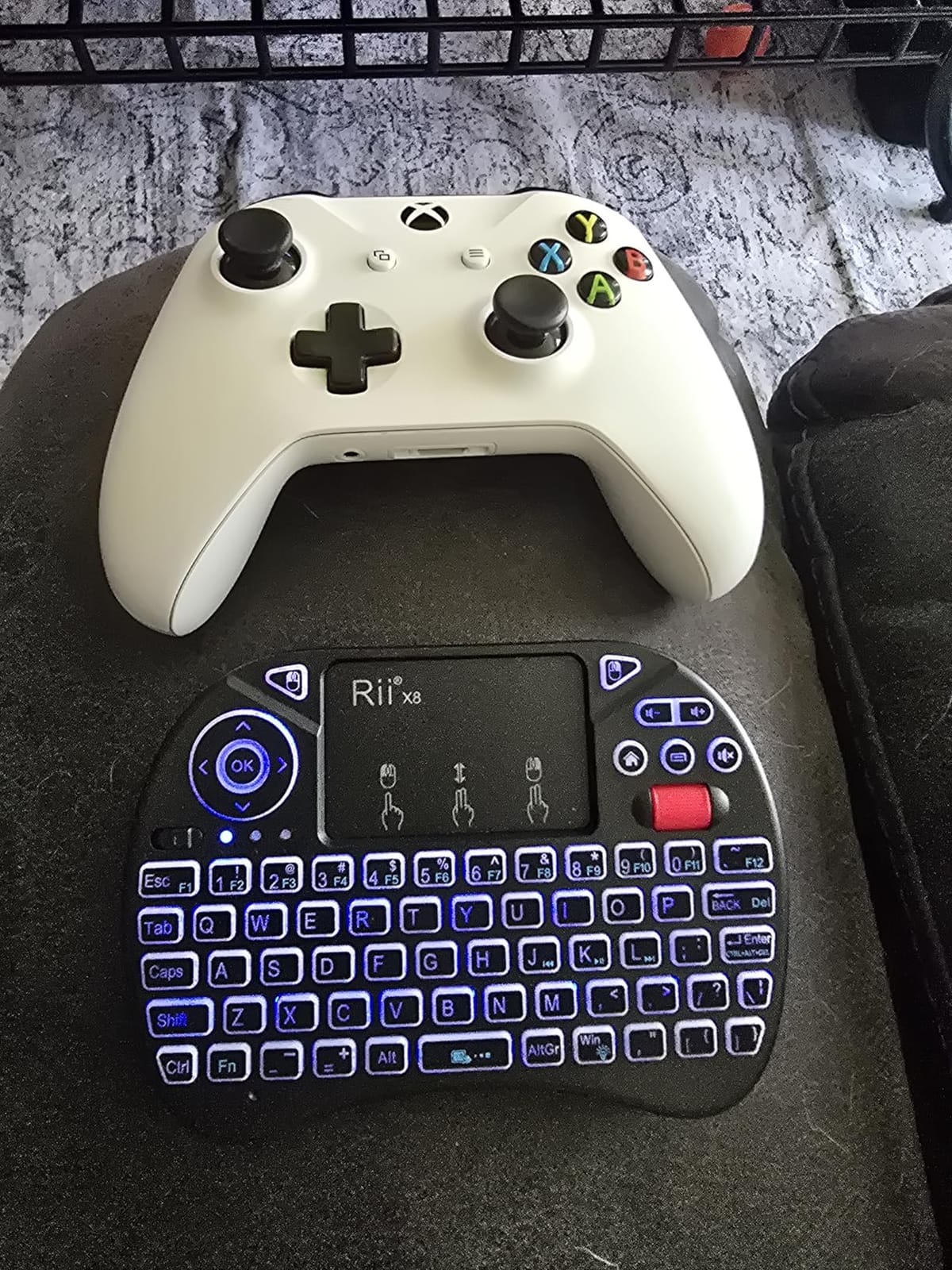
If your TV lives in a dark room and you like choosing the colour of your keyboard backlight, the X8 is the one. Eight RGB colours with dedicated multimedia and directional keys, on a body you can hold in one hand.
It connects over 2.4GHz with the USB dongle included in the box, alongside a charging cable, user manual and the lithium polymer battery. Setup is genuinely plug and play, which is the whole appeal for anyone who does not want to fight a pairing menu.
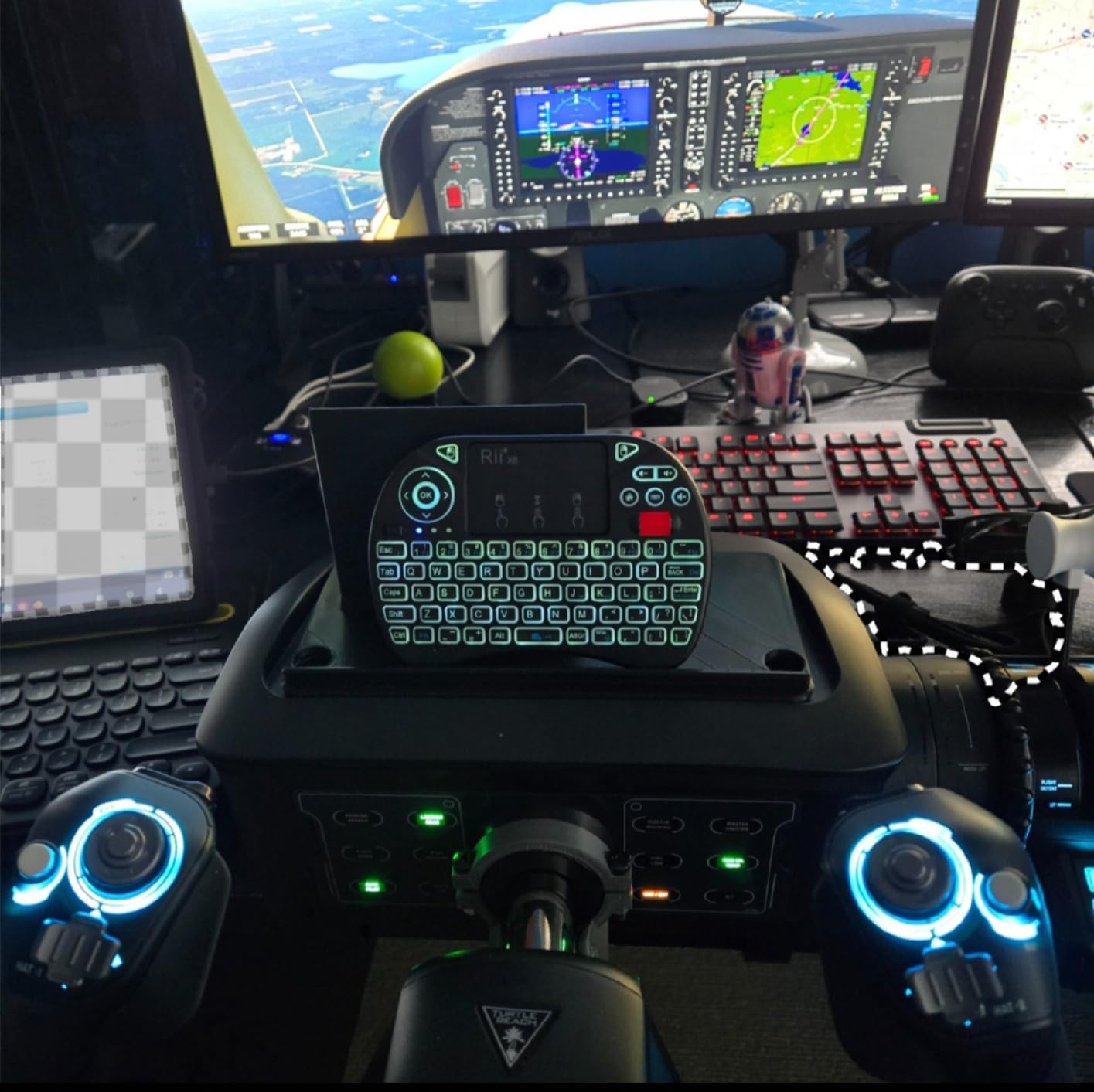
The touchpad is a multi-touch type with left and right click buttons and a physical scroll wheel, which is unusual at this size and more precise than gesture-only pads. For scrolling long streaming menus, the wheel is a genuine advantage.
At 181 g it is heavier than the other Rii boards here, which sounds like a complaint until you realise it stops the unit sliding around on a cushion. The directional keys and physical power switch are both reachable by feel.
A good match for Android TV boxes
Reviewers single out this model for Android TV boxes, Fire TV, Raspberry Pi, HTPC and PC, and the 2.4GHz link paired instantly on every Android box we tried. For an HTPC sitting behind a television, it is a tidy single-cable solution.
The scroll wheel and directional keys suit an interface built around a d-pad, which is exactly what most Android TV launchers still use. Where the Fosmon lost points for a loose power switch, the X8 feels solid in hand.
Where it falls short
There is no Bluetooth at all. Fire TV Stick and Fire TV 4K users need a micro-USB OTG host cable to get the receiver into the device, which adds a step and a cable to a device that is meant to be simple.
Touchpad sensitivity and pointer speed need adjusting on some Android boxes before they feel right, and the 92 small keys take a short adjustment period. None of that is a dealbreaker, but it is friction on day one.
6. Rii i4 Mini Keyboard: Best Pocket Dual-Mode Pick
(Upgrade) Rii i4 Mini Bluetooth Keyboard with Touchpad, Blacklit Portable Wireless Keyboard with 2.4G USB Dongle for Smartphones, PC, Tablet, Laptop TV Box iOS Android Windows Mac.Black
Bluetooth 4.0 plus 2.4GHz USB dongle
92-key mini QWERTY with touchpad
Rechargeable lithium-ion battery
7.1 inch by 4.2 inch body
Pros
- Bluetooth and 2.4GHz in one small body
- Backlit keys for dark rooms
- Rechargeable and pocket-sized
- Works with Fire Stick tablets phones Windows and Mac
- Integrated touchpad replaces the on-screen keyboard
Cons
- Bluetooth mode switch uses an Fn combination that is not obvious
- 92-key layout needs practice
- Touchpad precision is modest
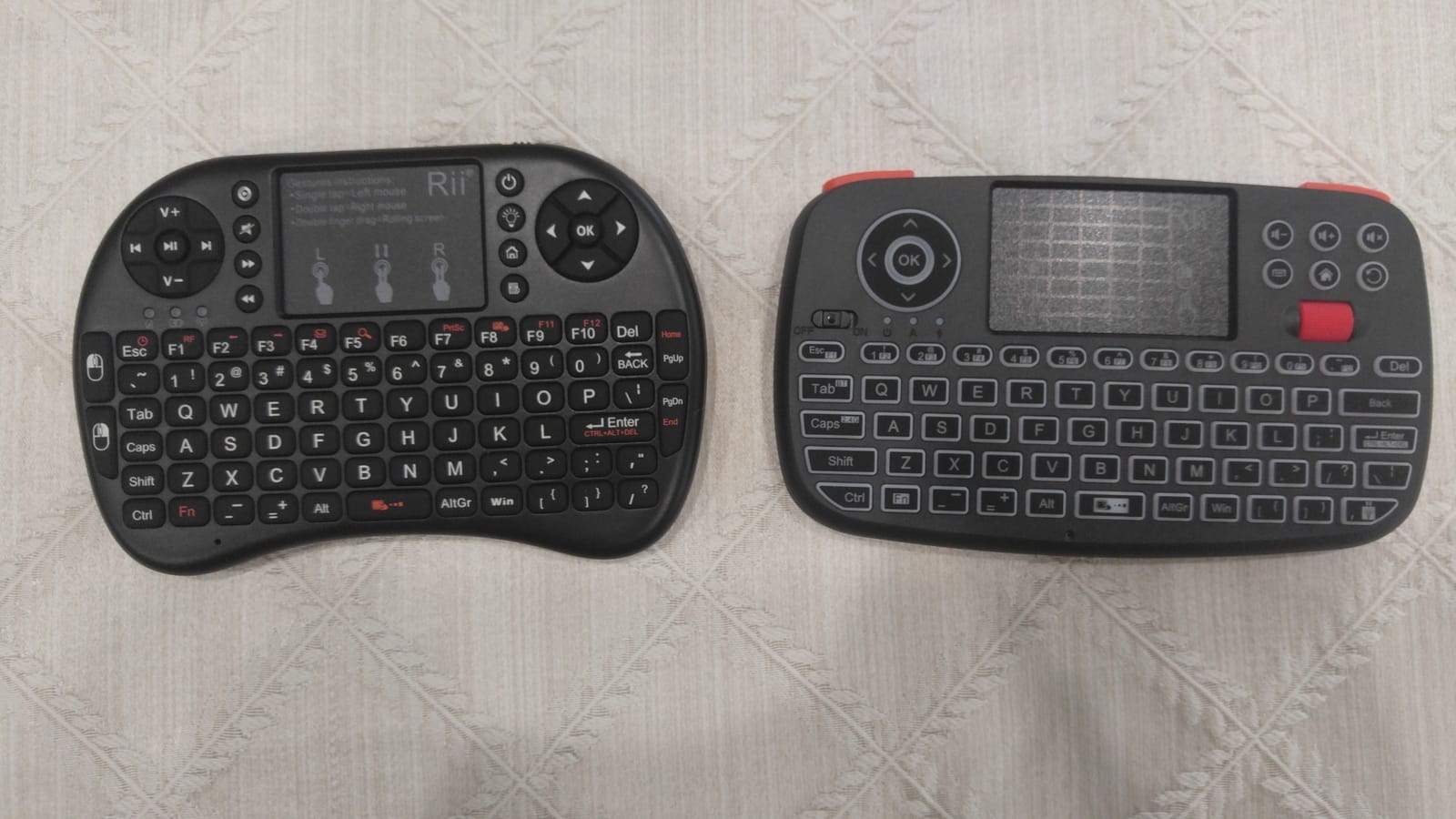
The i4 is a compact dual-mode board and one of the highest rated, at 4.4 stars across nearly 5000 reviews. At 7.1 inch by 4.2 inch it fits in a laptop bag, so you can take it to a hotel TV as easily as your own living room.
Both radios are built in: Bluetooth 4.0 for dongle-free pairing, and a 2.4GHz USB dongle for Android boxes and Fire TV devices that refuse Bluetooth input. Reviewers consistently praise having both without carrying two devices.
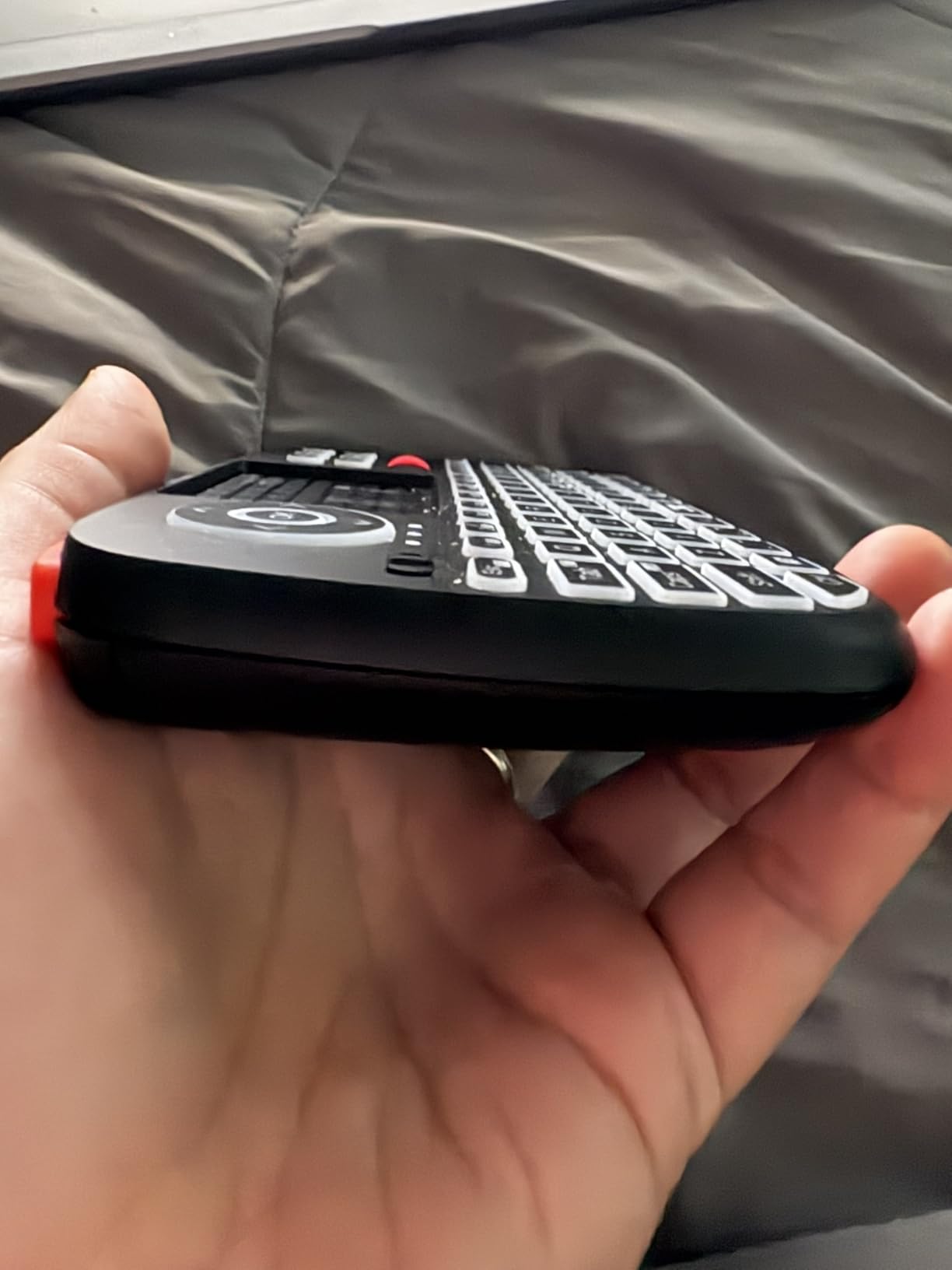
The integrated touchpad is the reason this board feels less painful than an on-screen keyboard from the sofa. Reviewers highlight it as a big upgrade for typing logins and search terms on streaming boxes and tablets, and the backlight covers late-night use.
The rechargeable lithium-ion battery means no spares to hunt for, and the product data lists compatibility with Fire Stick, Fire TV boxes, iPads, iPhones, Android tablets, Windows and Mac.
When one keyboard covers the TV and the laptop
Dual-mode means you can move between a television and a tablet without replugging anything, which suits households where the same person types on both. The pocketable size is the deciding factor if you travel and want one remote that does everything.
For anyone moving to a new TV and unsure which connection their set supports, this removes the guesswork entirely. You try the dongle first, and if the set prefers Bluetooth you switch without buying anything else.
Where it falls short
Switching to Bluetooth requires an Fn combination that reviewers describe as not obvious. Check the manual before you need it in front of the television, not after.
The 92-key layout takes practice for extended typing, and the touchpad is modest next to a full-size board with dedicated click buttons. This is a sofa and travel keyboard first, a desk keyboard second.
7. EASYTONE Backlit Mini Keyboard: Budget Pick
Easytone Backlit Mini Wireless Keyboard with Touchpad Mouse Combo Remote Control with Rechargeable Li-ion Battery and Multimedia Keys for Android TV Box HTPC PS3 Smart TV PC X-Box Linux Windows MacOS
Keyboard touchpad and remote in one body
Multi-colour backlight with auto sleep
Rechargeable Li-ion, usable while charging
3.84 ounces, 10 m range
Pros
- Low cost for three devices in one
- Plug-and-play receiver with 10 m reach
- Backlight with auto sleep and wake
- Rechargeable battery works while charging
- Light enough to type with both thumbs
Cons
- Volume and multimedia keys often do not register
- Backlight is very bright and can stay off
- Battery life measured in days not weeks
- Touchpad is small and less accurate
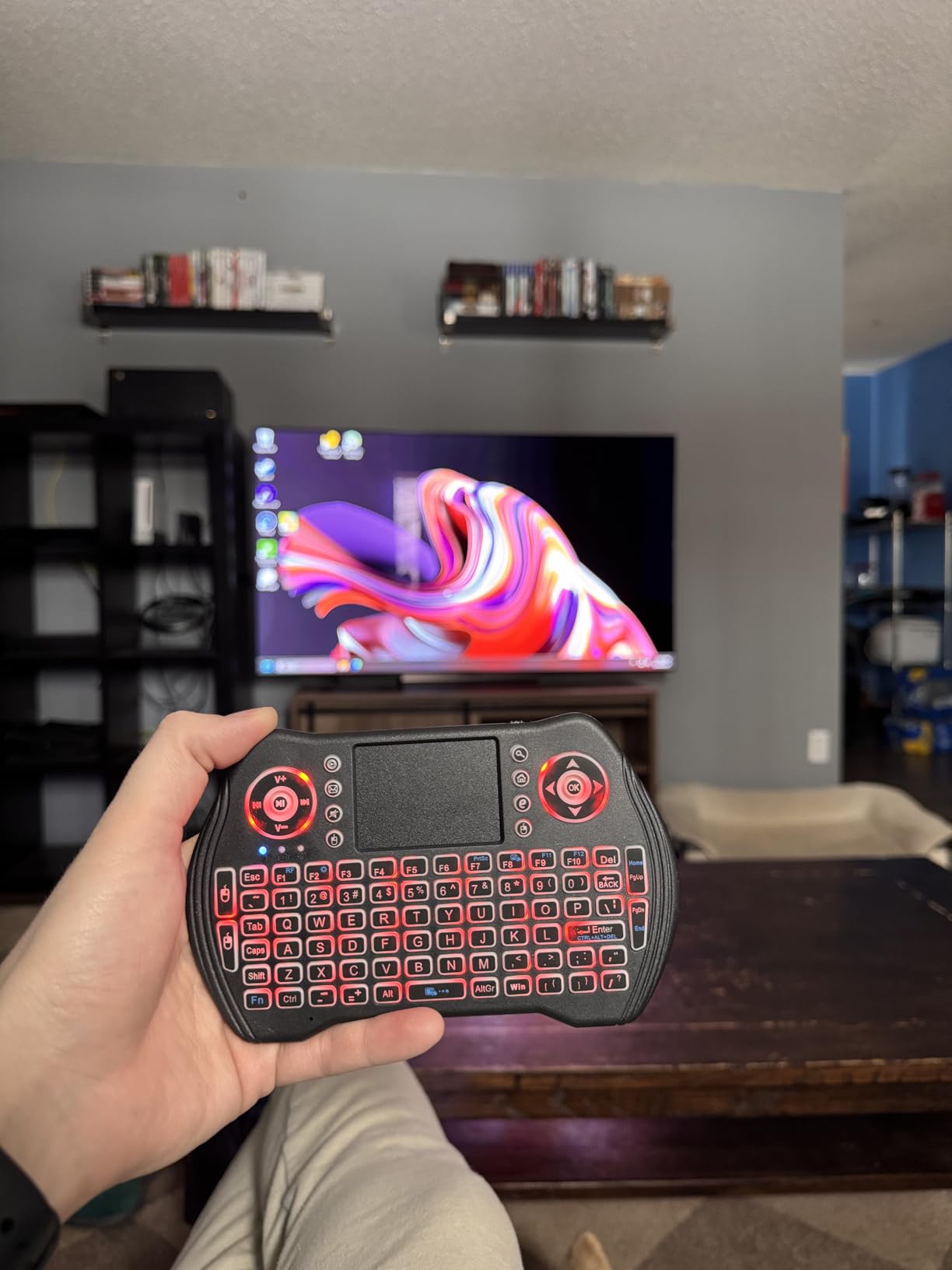
The EASYTONE is the cheapest way to find out whether you even need a TV keyboard, and at 3.84 ounces it is also the one most likely to end up on a sofa arm and stay there. Keyboard, touchpad and remote functions in a single handheld unit.
It runs on a rechargeable lithium-ion battery that can be used while charging, which no other board here can promise. Backlighting is multi-colour with auto sleep and wake, so you can find the keys at night without turning on a lamp.
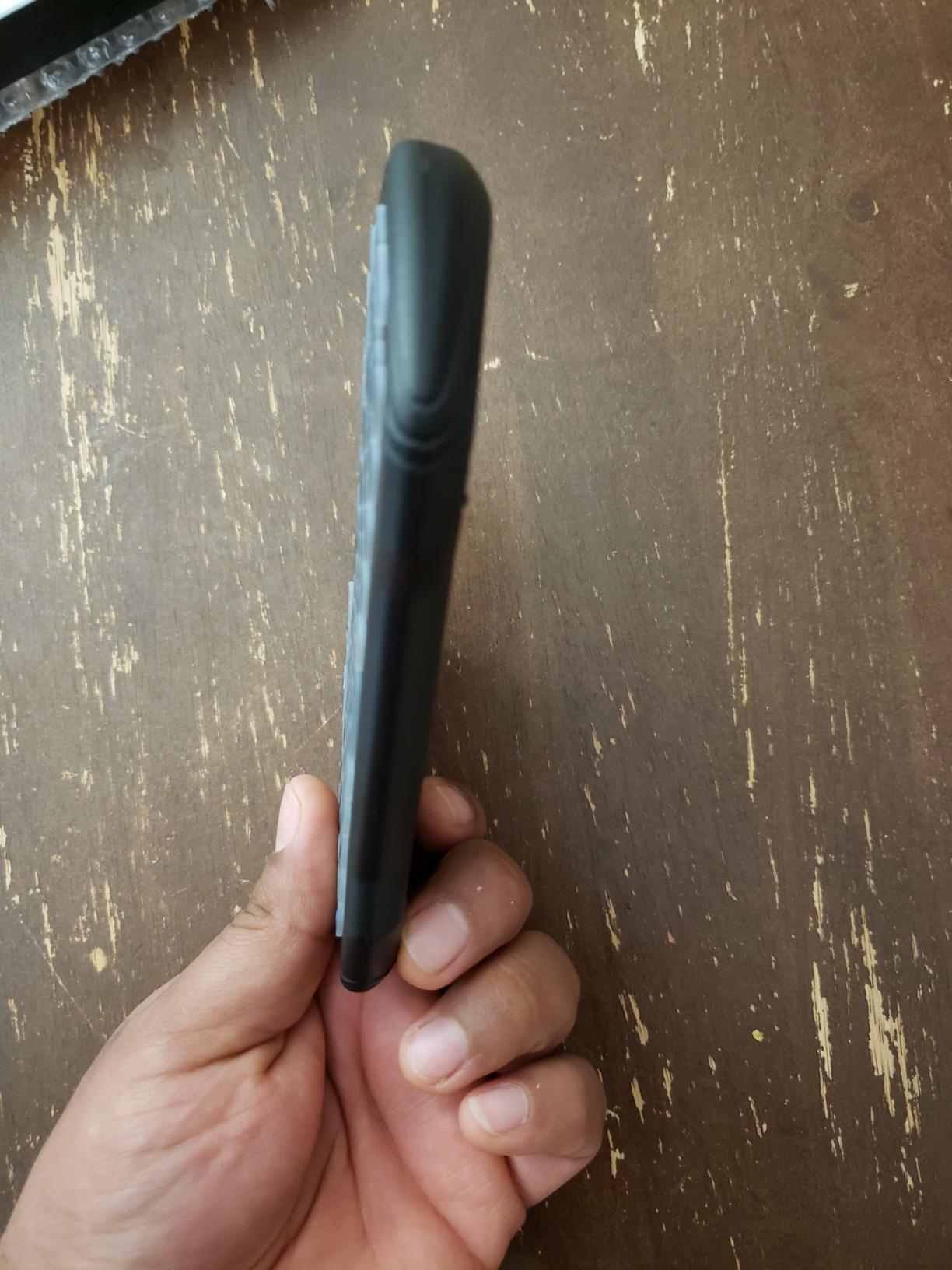
The touchpad supports multi-finger gestures with eight hotkeys, and the 2.4GHz receiver reaches up to 10 meters. Compatible devices listed include Android TV boxes, Raspberry Pi, PS3, Xbox, HTPC and IPTV, plus Linux, Windows and Mac.
Its 92 keys are small but the layout is familiar QWERTY, so anyone who has used a phone keyboard will adapt within a session. It ships with a one-year warranty, which is the shortest in this roundup and worth weighing.
Right pick for a spare room or a first attempt
If the television is in a bedroom, a holiday let or a room you visit occasionally, this is the sensible first purchase. Reviewers treat it as a capable budget control for HTPC and Android TV box use, and the touchpad plus backlight are the features they keep coming back to.
Because it works while charging, you can leave it plugged in beside the television for casual use without planning battery replacements. That single feature makes it more forgiving than most rechargeable mini boards.
Where it falls short
Media keys are unreliable. Volume and other multimedia buttons do not always register, particularly on Linux, which means you will end up reaching for the remote for volume changes.
Battery life is short, with owners reporting only a few days per charge, and the backlight is very bright for dark rooms. The light plastic body also feels thin under pressure.
8. REIIE H9+ Mini Keyboard: Best Compact 73-Key Layout
(Backlit Version)REIIE H9+ Mini Keyboard,2.4GHz Wireless Mini Handheld Smart TV Remote Keyboard with Touchpad for PC,Raspberry Pi 2, Pad, Smart TV, Android TV Box, Windows 7 8 10(Not Suport Bluetooth)
73-key QWERTY with soft white backlight
Multi-finger touchpad with click gestures
Plug-and-play 2.4GHz USB receiver
142 g, 7.17 inch by 4.13 inch
Pros
- Soft white backlight that is easy on the eyes
- Multi-finger touchpad with two-finger scroll
- Plug-and-play with no pairing step
- Works with smart TVs Android boxes Raspberry Pi and HTPC
- Rechargeable and compact
Cons
- 2.4GHz only with no Bluetooth
- Battery needs a full charge before the first pairing
- Requires a free USB port
- 73 keys means fewer dedicated keys
The H9+ takes a different approach from the other mini boards. At 73 keys it drops the number row almost entirely, which makes the body shorter and easier to type on with two thumbs than a 92-key layout.
Connection is 2.4GHz only, and that is the trade-off. There is no pairing step at all: plug the receiver into the television or HTPC and it works, which is why reviewers describe it as dependable and no-fuss.
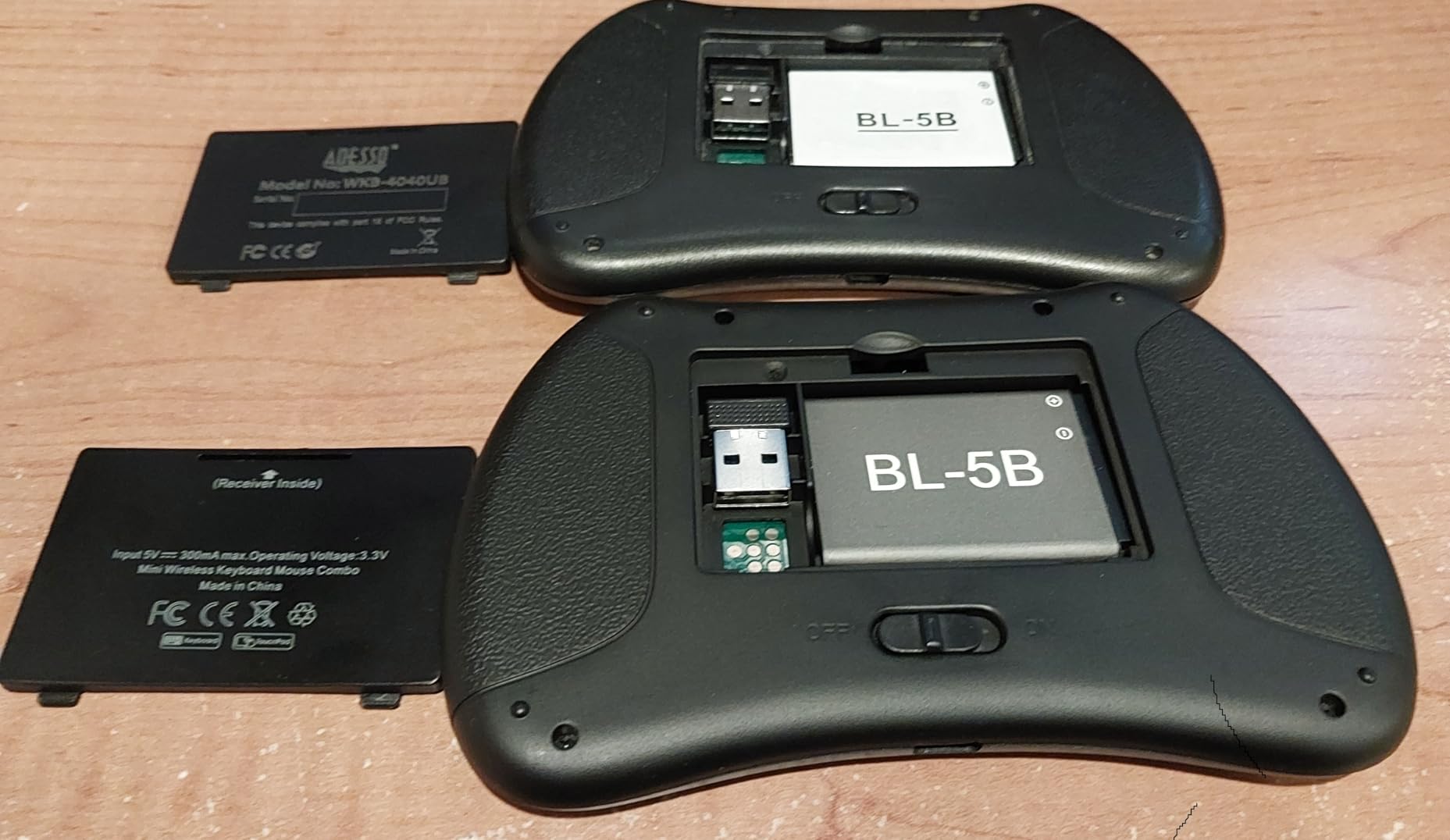
The backlight is a soft white LED, switched on with Fn+Win, and it is easier on the eyes than the multi-colour lighting on cheaper models. The multi-finger touchpad handles single-finger click, two-finger right click and two-finger scroll.
One practical warning from reviews: the battery arrives nearly empty, and an undercharged unit may fail to pair. Give it a full charge before you try to connect it, or you will think the keyboard is faulty.
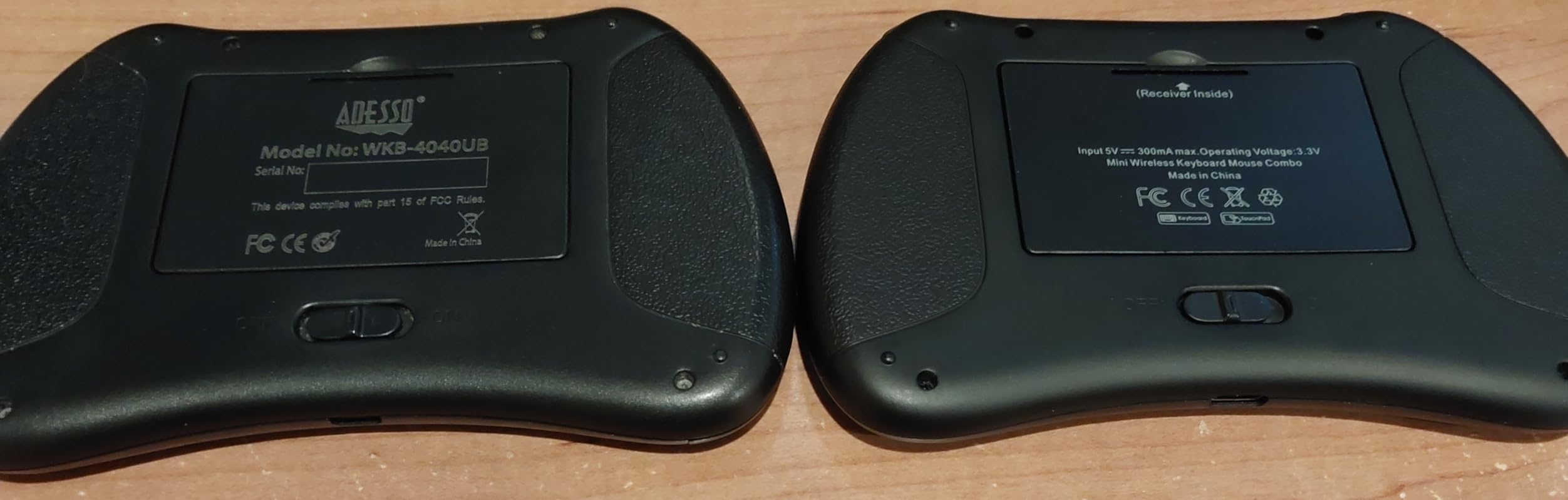
Where fewer keys genuinely helps
Holding a keyboard in both hands on a sofa is a different task from typing at a desk, and 73 keys removes the gaps that make thumb typing tiring. If your TV use is mostly searching, logging in and scrolling, this is more comfortable than a 92-key board.
The single-colour white backlight is also easier to live with than RGB, because the illumination stays consistent instead of changing colour between sessions.
Where it falls short
No Bluetooth, so a television with no spare USB port is a problem, and the receiver permanently occupies one. The reduced layout also means fewer dedicated keys, so shortcuts and symbols require more Fn combinations.
The one-year warranty is the shortest here, and reviewers report occasional misfires on smaller keys. If you want long-term support, the Arteck boards carry 24 months.
9. Arteck HW305-3: Best Full-Size Board With Numeric Keypad
Arteck 2.4G Wireless Keyboard Ultra Slim Full Size Keyboard with Numeric Keypad and Media Hotkey for Computer/Desktop/PC/Laptop/Surface/Smart TV and Windows 10/8/ 7 Built-in Rechargeable Battery
Full-size 108-key scissor-switch layout
Numeric keypad, arrows and media hotkeys
Built-in rechargeable battery, about 6 months
Nano receiver, USB-C charging
Pros
- Full-size layout with a working numeric keypad
- Quiet thin scissor keys
- Rechargeable battery lasting about six months
- Nano receiver switches between two PCs
- 24-month warranty with responsive replacements
Cons
- No backlighting
- Num Lock indicator does not illuminate
- QWERTZ layout confuses users expecting US QWERTY
- Slim frame flexes slightly under pressure
The HW305-3 has the highest rating in this roundup at 4.5 stars, and for a specific reason: it is the only board here with a real numeric keypad. If you enter codes, scores or numbers on a television, that block is worth more than a touchpad.
At 108 keys and 16.7 inch long, it is a genuine full-size keyboard rather than a TV peripheral. Scissor-switch keys keep the action quiet and short, so it is usable from a sofa without clicking, and the frame is thin enough to slide away when the television is on.
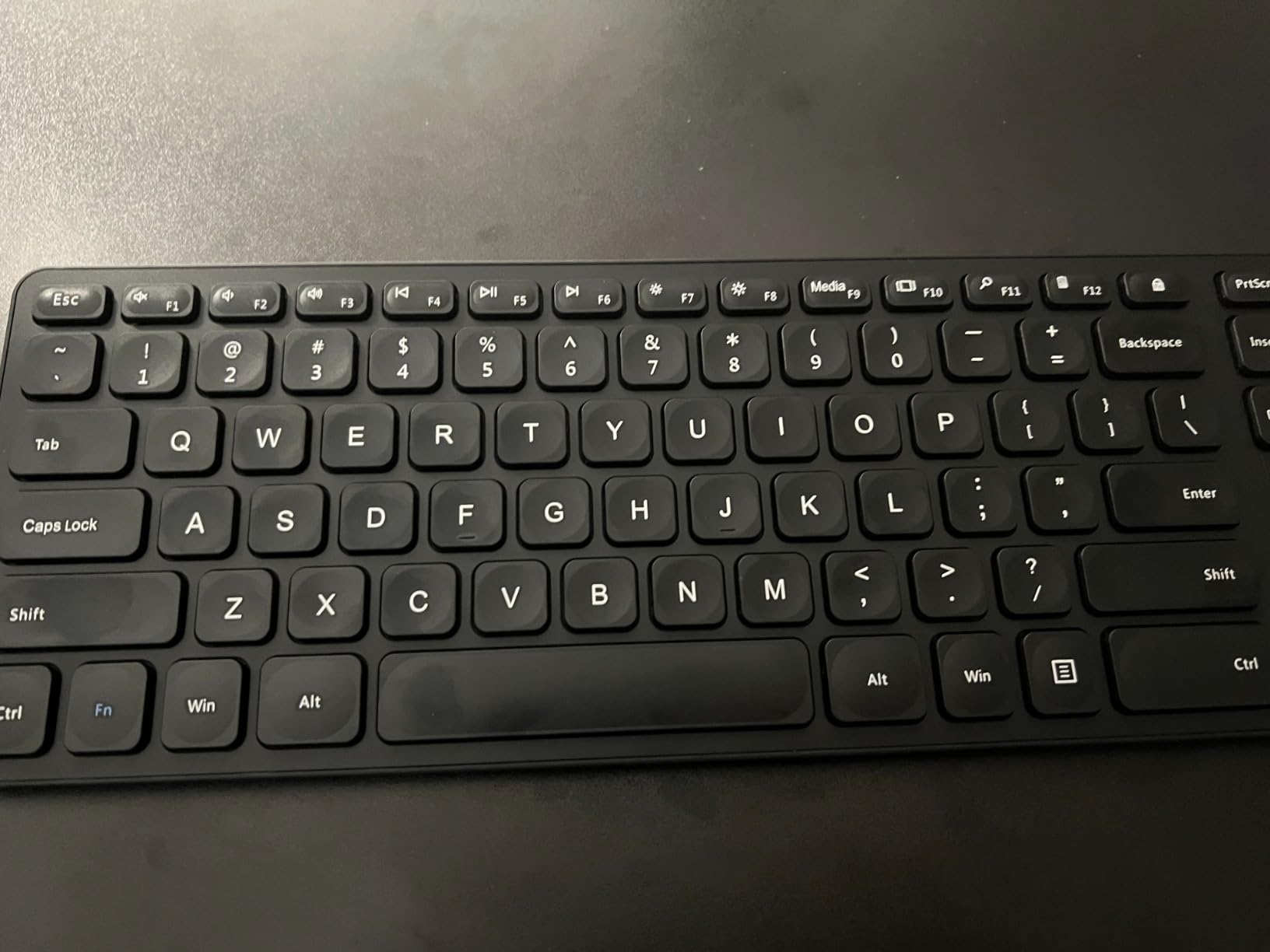
Setup uses a nano USB receiver that can be moved between two PCs, so one board can serve a living-room media PC and a study machine. The built-in rechargeable lithium battery is rated at about six months per charge, the longest interval we saw from any board here.
A USB-C charging cable is included, which is unusual at this end of the market, and Arteck backs it with a 24-month warranty. Owners repeatedly mention responsive, no-hassle replacements.
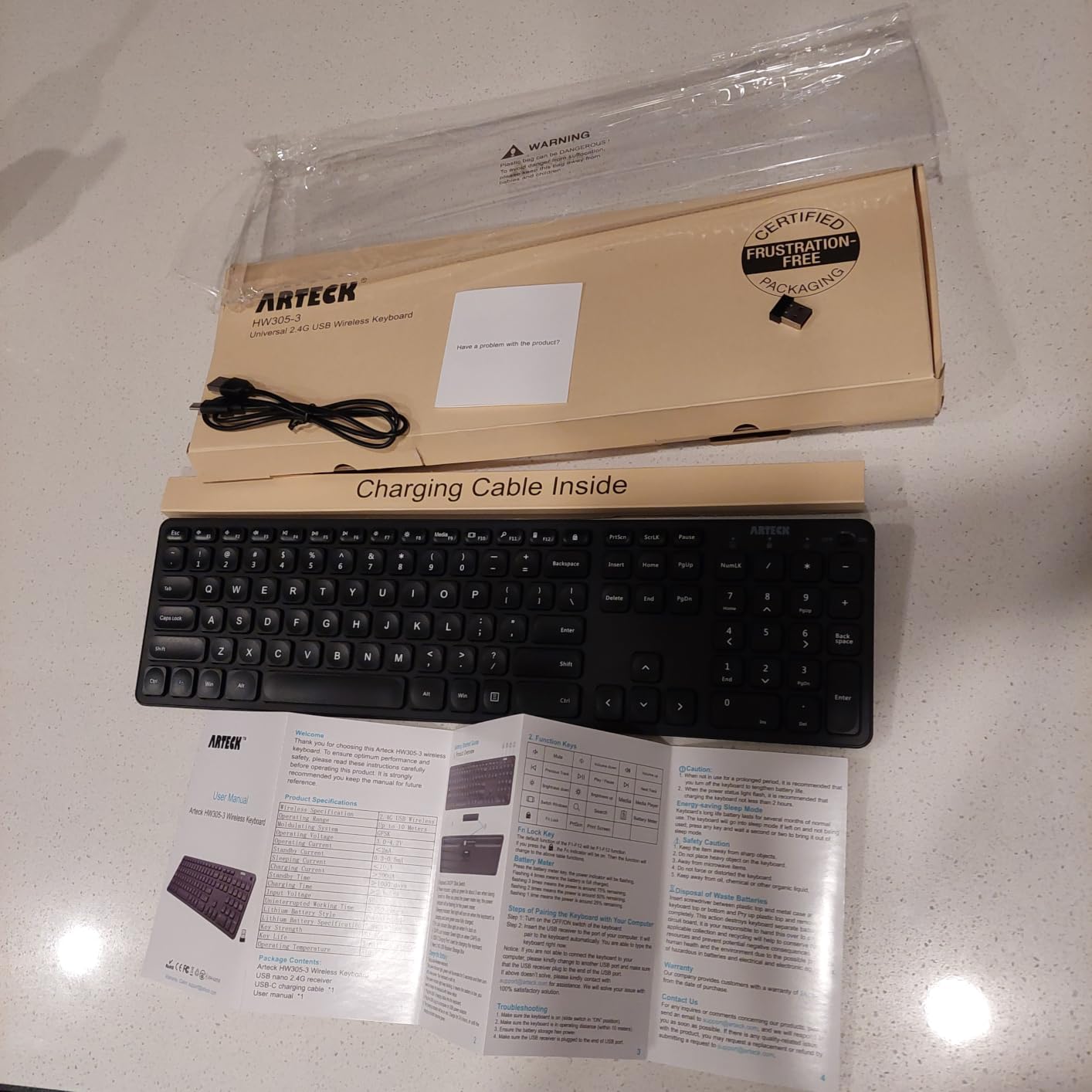
For number entry and light home office use
The numeric keypad makes this the pick for anyone who types more than logins, whether that is entering media server codes, filling in account details or working on an HTPC desktop. Nothing else in this roundup offers that block.
It is also the one to consider if you want one device that works as a television keyboard and a desk keyboard. The quiet scissor action suits both, and the six-month battery interval means you rarely think about charging.
Where it falls short
No backlight, so it drops out of contention for dark-room typing. The Num Lock indicator does not illuminate, which is confusing until you learn to press the key blind.
The layout is listed as QWERTZ, which catches out users expecting US QWERTY, especially on the symbol row. The slim frame also flexes slightly if you press hard.
10. Arteck HB305-4B: Best Backlit Bluetooth Option
Arteck Universal Backlit 7-Colors Bluetooth Touch TV Keyboard with Easy Media Control and Build-in Touchpad for TV-Connected Computer, Smart TV, Desktop, Laptop, iPad, Surface, Tablet, HTPC
Bluetooth connection with 78-key touch layout
Seven backlight colours, two brightness levels
USB-C rechargeable, auto sleep
14.3 inch by 4.6 inch body
Pros
- Seven backlight colours with two brightness levels
- Trackpad with click buttons tap and scroll
- Fast Bluetooth pairing with no dongle
- Standard key spacing with concave letter keys
- Dedicated media keys outside the Fn layer
- 24-month warranty
Cons
- Bluetooth can drop and need re-pairing with no dongle fallback
- Cannot be used wired while charging
- No numeric keypad on this variant
- Charge holding weakens after several months
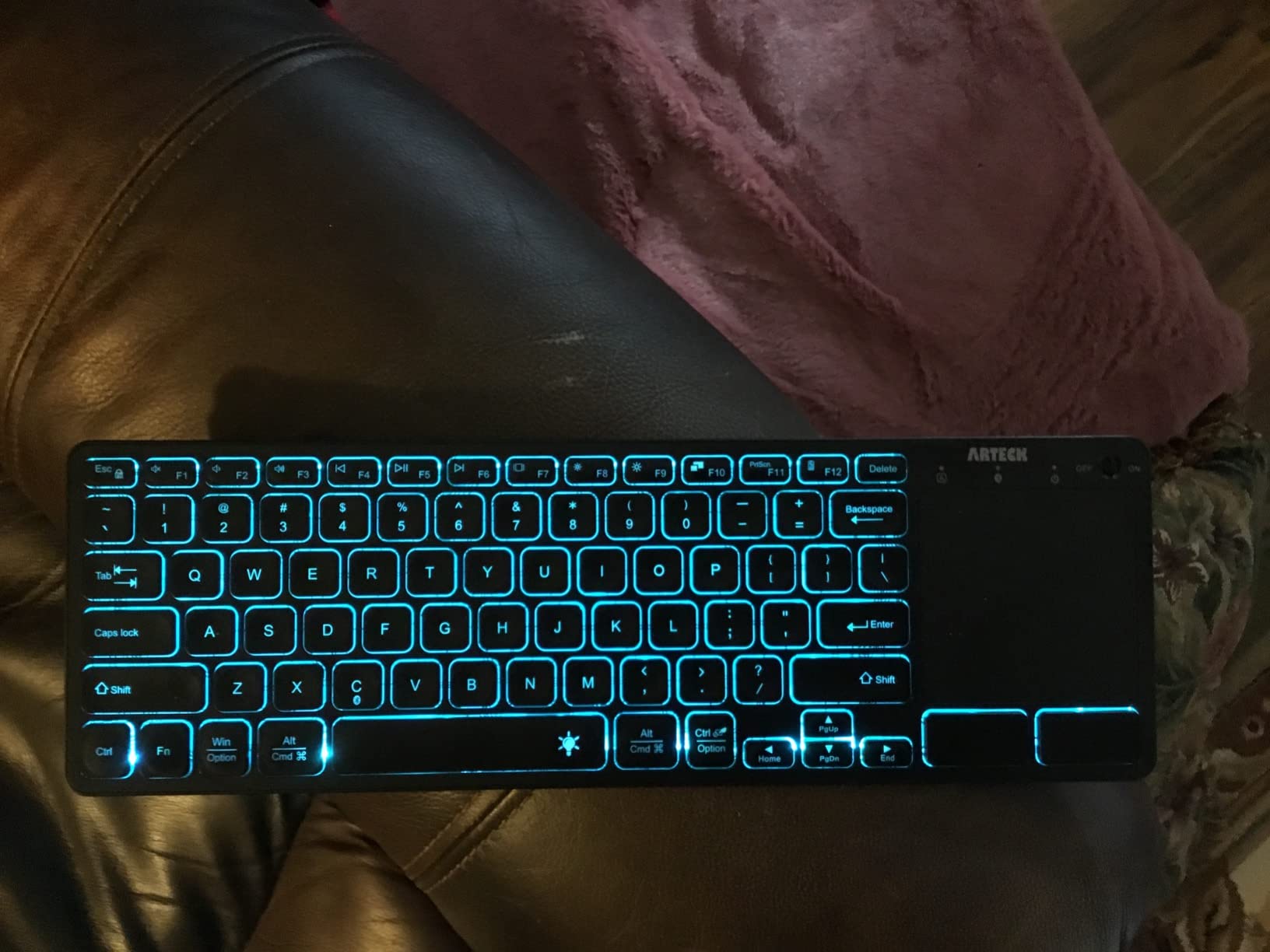
This is the Bluetooth answer to the K400 Plus, and a genuine upgrade on the touchpad. Seven backlight colours with two brightness levels and auto sleep, on a 78-key layout with standard spacing and slightly concave letter keys.
Because it connects over Bluetooth alone, there is no dongle and no occupied USB port. That is the whole point on a thin television where the only port is behind the panel, and pairing is fast when it works.
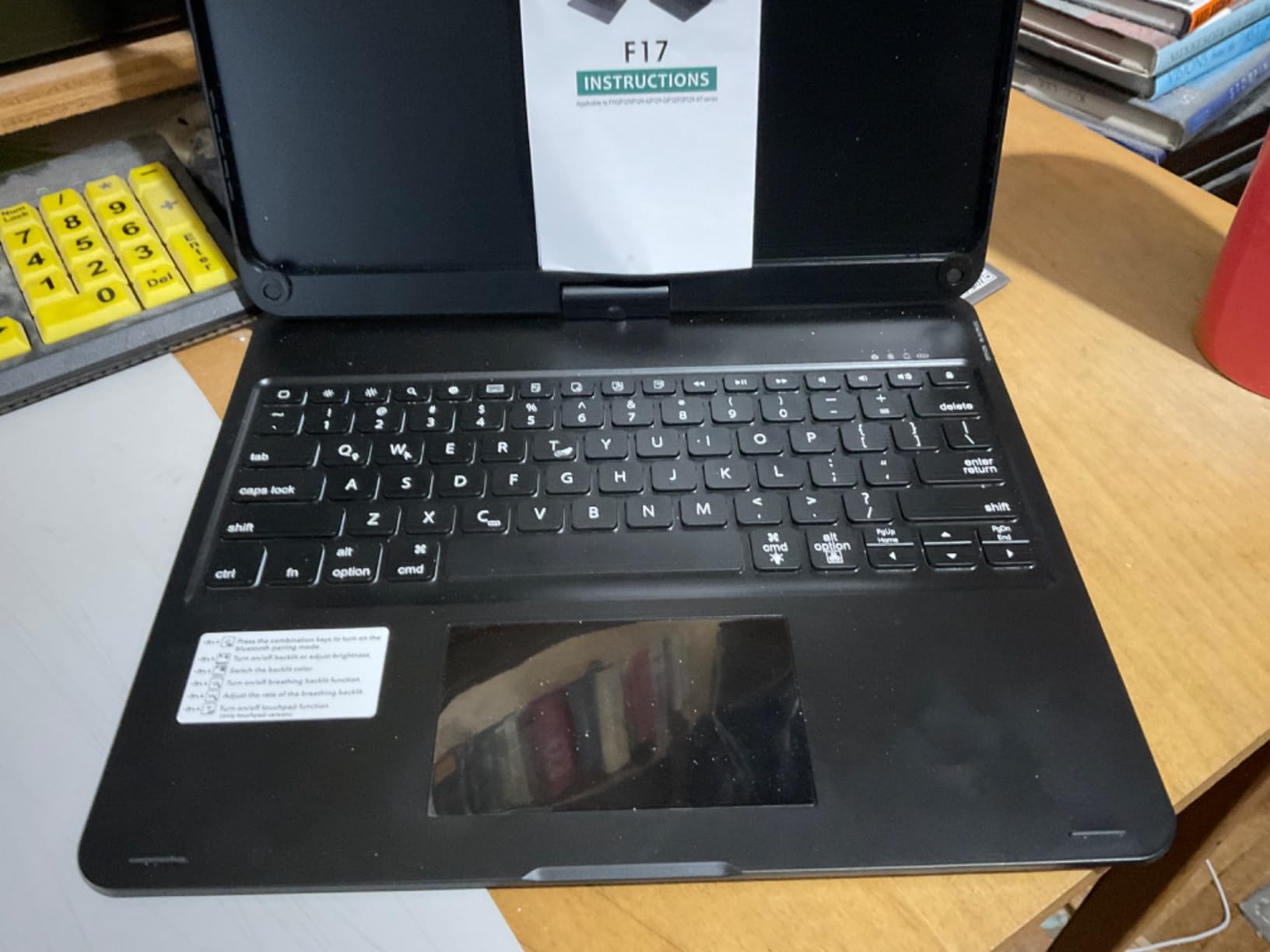
The trackpad is the strongest part. It has dedicated left and right click buttons plus tap-to-click and scrolling, and owners single it out as much more precise than the gesture pads on cheaper mini boards.
Build quality draws praise too, with very little flex in the frame. Reviewers report using it with a Steam Deck, tablets and media PCs, and the dedicated media keys avoid the Fn layer, which is where most competing boards hide their useful functions.
Best when USB ports are already taken
If your streaming stick occupies the only port, a Bluetooth board is the only realistic option. This one pairs with Windows, Mac, Android, iPadOS, iOS, Chrome OS, smart TVs and HTPCs without any adapter.
The two brightness levels are a thoughtful touch for living rooms, since full brightness at midnight is uncomfortable while no light at all makes keys invisible. Auto sleep handles the rest.
Where it falls short
Bluetooth reconnection is the dominant complaint. Several owners have needed to re-pair from system settings after the connection dropped, and with no 2.4GHz dongle there is no fallback to switch to.
It cannot be used wired, since the USB-C port is for charging only, and there is no numeric keypad on this variant. Some users also report the charge holding less well after several months.
11. BIFANS C11 Mini Keyboard: Best Backlight Memory
BIFANS 2.4G Mini Wireless Keyboard with Touchpad Mouse, Upgraded Multi BRG Backlight Memory, Portable Wireless Keyboard with USB Receiver Remote Control for Android Smart TV Box Pad Windows Mac:i8
92-key mini QWERTY with RGB backlight
Backlight memory locks your last colour
2.4GHz receiver stored on the body
106 g, 360-degree flip touchpad
Pros
- Backlight remembers the last colour you used
- Responsive touchpad with click buttons
- Very light at 106 g
- Plug-and-play with the receiver stored on the keyboard
- Long battery life from a quick sleep mode
Cons
- Some units report flaky reception
- Keys are very small with hard-to-read labels
- No written instructions for the Fn shortcuts
- Micro-USB charging rather than USB-C
The BIFANS C11 solves a small irritation that no competitor bothers with: backlight memory. The RGB lighting remembers the colour you used last time, toggled with Fn+F2, so it does not reset to an unlit default every time you pick it up.
At 106 g it is one of the lightest boards we tested, and the receiver stores on the back of the keyboard, which removes the single most common way these things get lost. Connection is 2.4GHz with up to 10 meters of reach.
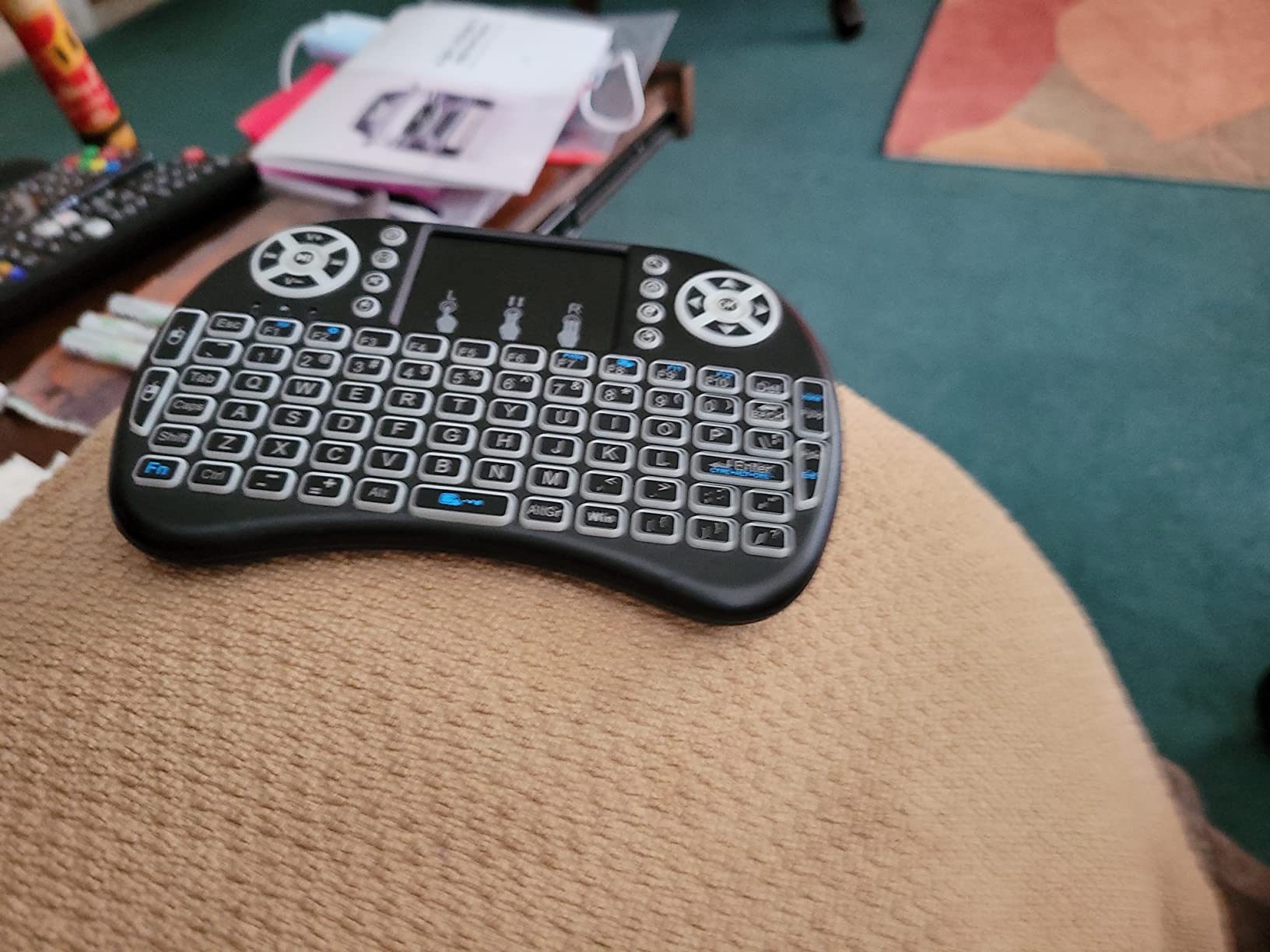
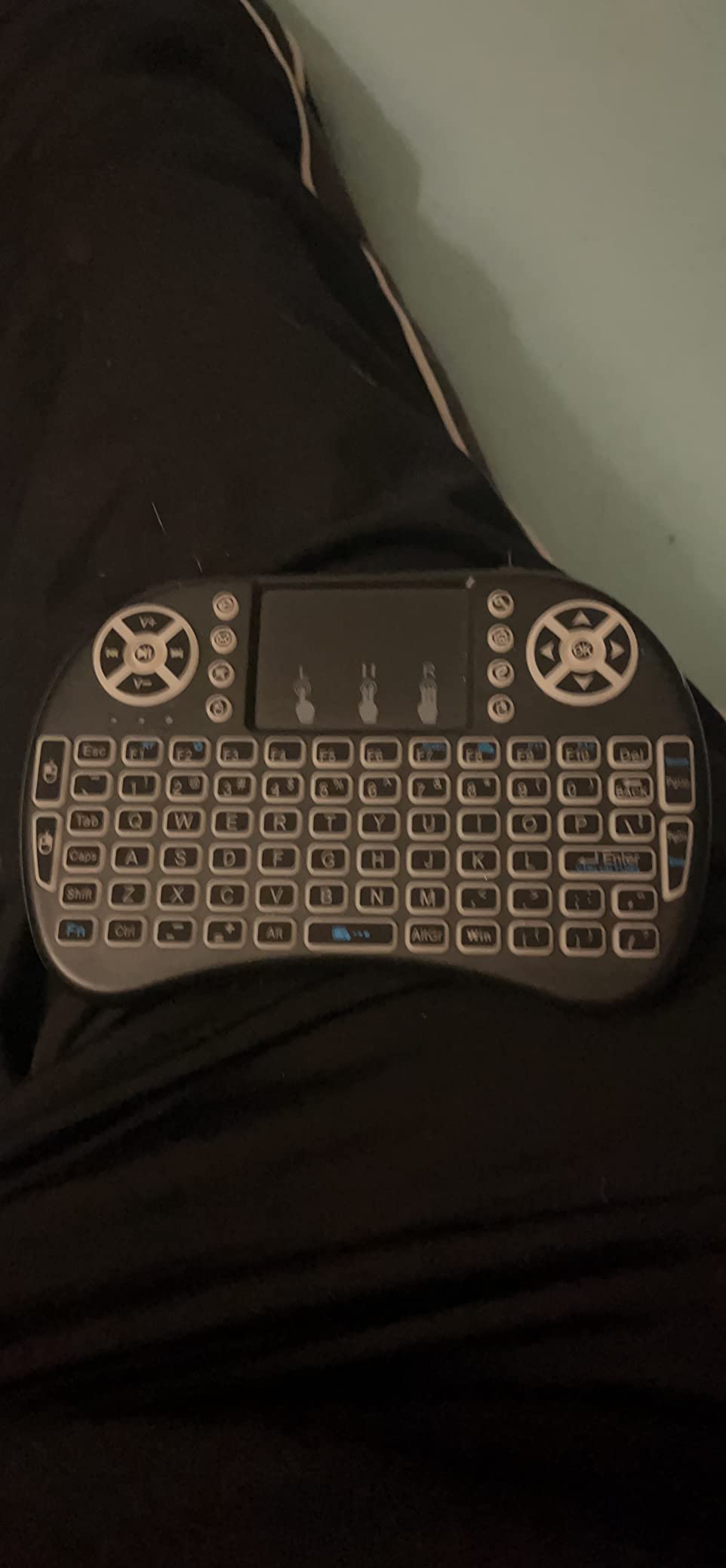
The 92 keys carry multimedia shortcut keys, and the 360-degree flip touchpad means the pad can face either direction depending on how you hold the unit. That is useful on a sofa, where you may sit either way round.
The product data lists Android TV boxes including common models, PS3, HTPC and IPTV as compatible devices. The quick sleep mode is what extends battery life between sessions.
A good companion for one-handed sofa use
At 106 g you can hold it in one hand and type with the other without fatigue, which suits a living room where nobody wants a board across their knees. The colour memory also means it is ready to use the moment you sit down.
If you have an Android TV box and want something that disappears when you are not using it, the receiver staying attached to the keyboard is a small design decision that pays off every time.
Where it falls short
Reception is inconsistent on some units, with reports of flaky signal at short distances from the receiver, and the first characters after waking from sleep can drop. Reviewers also flag very small keys and hard-to-read printed labels.
There is no written documentation, so the Fn+F2 backlight shortcut has to be discovered. Charging is micro-USB, and the review history here is far shorter than the other picks, so there is less long-term evidence.
12. MRSVI V8 Mini Keyboard: Best for Two-Device Switching
MRSVI Mini Keyboard with Touchpad-2.4GHz & Bluetooth Dual-Mode,7-Color Backlight, Multimedia Hotkeys, Rechargeable, for Android TV Box, Smart TV, Projector, PS3, PC, Tablet, Windows/iOS/Android
Bluetooth 5.0 plus 2.4GHz dual-mode
Two device connections held at once
Seven-colour backlight, 600mAh USB-C battery
92-key layout with multi-touch trackpad
Pros
- Dual-mode Bluetooth 5.0 and 2.4GHz
- Holds two device connections for easy switching
- Even seven-colour backlight with no glare
- 600mAh rechargeable over USB-C with auto sleep
- Palm-sized for Android TV boxes and media PCs
Cons
- Touchpad can sleep and needs the unit power-cycled
- Touchpad surface feels rough and imprecise
- Some keys need several attempts to register
- Plasticky build quality
- Printed manual is two pages
The MRSVI V8 is the newest board in this roundup and the only one that holds connections to two devices at the same time. Switch from your television to a tablet without opening a menu, which is genuinely useful when two people share a room.
It carries Bluetooth 5.0 and a 2.4GHz USB-A receiver, so it works with a Fire TV Stick over Bluetooth and with an Android TV box over the dongle. The 600mAh battery charges over USB-C, with auto sleep and wake to handle standby.
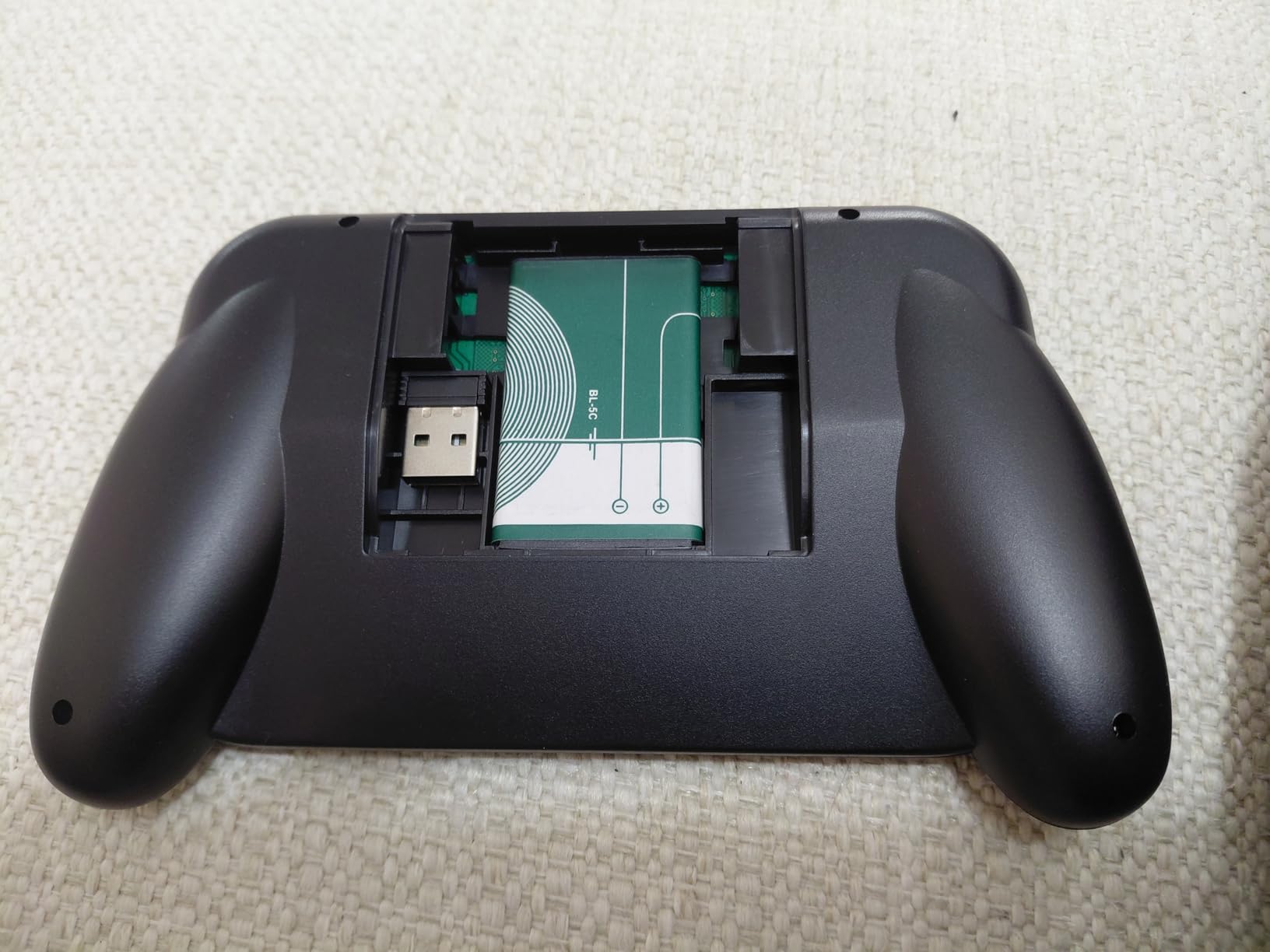
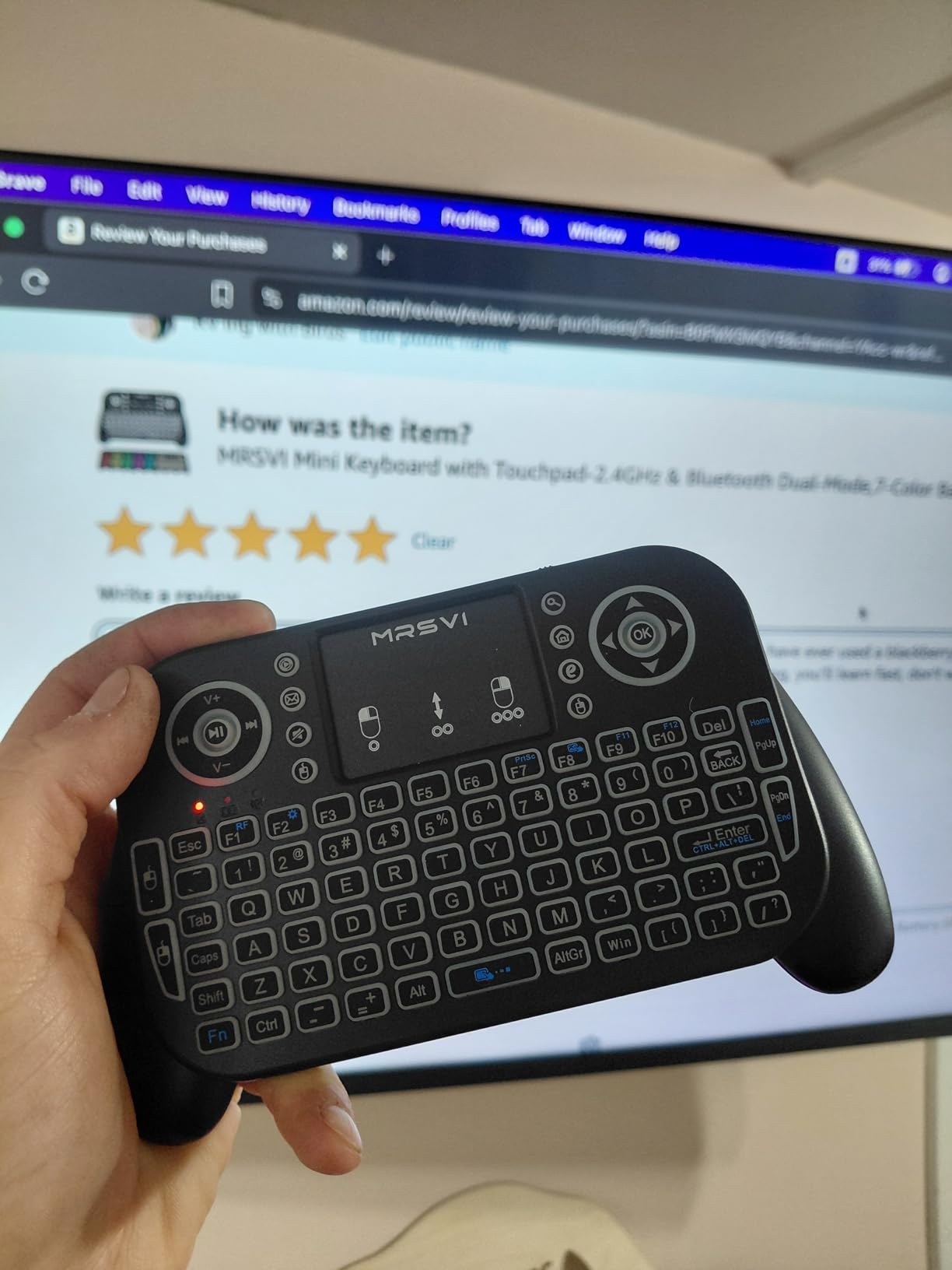
The 92-key QWERTY layout is standard, with a multi-touch trackpad and mouse buttons plus multimedia hotkeys. At palm size it suits holding in two hands, and reviewers report it simply works for typing and cursor control on Android TV boxes and media PCs.
The seven-colour backlight is evenly distributed and described as non-glare, which matters more than it sounds when the television is the only light source in the room.
Where dual-device holding earns its place
Most boards force a mode switch through an Fn combination. This one keeps two connections alive and moves between them, which removes the most common support question we saw in TV forums about keyboards that appear to stop working.
It is also a sensible pick for anyone testing whether they need a TV keyboard at all, since it covers a streaming stick, a media PC and a tablet in one body.
Where it falls short
The touchpad can sleep while the keyboard is in use, and the fix owners describe is to power-cycle the unit, which is awkward mid-session. The touchpad surface itself feels rough and less accurate than a real trackpad.
Some keys need several attempts to register, and the two-page manual covers very little. With a 300-review history, there is less long-term evidence here than for the other picks.
TV and Streaming Device Compatibility in 2026
You can pair any standard wireless keyboard with most modern sets, but the practical detail is which connection each platform prefers. Tizen, webOS, Fire TV, Android TV and Google TV all support Bluetooth input, though the menu path differs on every one of them.
Samsung Tizen sets expose keyboard settings under General, then Keyboard, then Bluetooth Keyboard. LG webOS puts them in Settings, then General, then Devices, then Bluetooth. Sony Bravia models with Google TV follow the standard Android TV path.
Fire TV devices accept Bluetooth keyboards directly from Settings, then Applications, then Manage All Applications, then Keyboard. NVIDIA Shield and most Android TV boxes allow a paired keyboard and a connected mouse at the same time, which is rare elsewhere.
Roku is the odd one out. Roku players historically have no official keyboard support, so a 2.4GHz dongle keyboard connected to a Roku device usually does nothing. Check the specific model before you buy for a Roku.
Android TV and Google TV shortcuts worth knowing: press the Home button to return to the launcher, use the keyboard’s arrow keys to move between fields without touching the on-screen keyboard, and many boxes map the Escape key to back. Community threads on Sony’s own forums exist purely to crowd-source which keyboards are confirmed working, which tells you how much uncertainty remains.
One caution from real users: a slow TV web browser will stay slow no matter which keyboard you plug in. A member of the Komando community bought a wireless combo specifically to skip the pairing step, confirmed the range was good, and then found the television’s own browser was the bottleneck. A keyboard fixes typing friction, not processing speed.
How to Pair a Wireless Keyboard With Your Smart TV
Pairing over Bluetooth takes about two minutes on every major platform. First, put the keyboard into pairing mode. On most of the mini boards here that means holding a button combination, and on the Arteck HB305-4B it is a dedicated pairing key, so check the manual before you start hunting.
On Samsung Tizen, open Settings, choose General, then Keyboard, then Bluetooth Keyboard, and turn on Bluetooth Keyboard support. Select Add a Bluetooth keyboard and choose your model from the list. A code may appear on screen; type it on the physical keyboard and press Enter.
On LG webOS, go to Settings, General, Devices, then Bluetooth, and select the keyboard from the device list. Fire TV uses Settings, Applications, Manage All Applications, Keyboard, then Enable. On Android TV and Google TV, the path is Settings, Devices, Preferences, then Keyboard.
For a 2.4GHz dongle keyboard there is no pairing at all. Plug the receiver into a USB port on the television, the streaming stick or the connected PC, and the keyboard connects as a standard input device. If your set has no free port, a powered USB hub solves it and costs almost nothing.
Bluetooth range runs roughly 25 to 30 feet in a normal room, while 2.4GHz dongles reach around 8 to 33 feet depending on the model and whether the receiver has a clear line of sight. If you sit at the far end of a large room, a board with an extendable receiver antenna gives you more headroom.
How to Choose a Smart TV Keyboard
Connection type is the first decision. Bluetooth needs no port and pairs with most modern sets, but it can drop and may need re-pairing after the television restarts. A 2.4GHz dongle connects instantly every time and never asks for a code, but it occupies a USB port permanently.
If your TV has one or two ports and a streaming stick already uses one, start with Bluetooth. If your television is an older Android box or a media PC, the dongle route is more reliable. Dual-mode boards like the Fosmon 23022KB, the Rii i4 and the MRSVI V8 remove the guesswork entirely.
Form factor decides comfort. Full-size boards such as the Logitech K400 Plus and Arteck HW305-3 suit typing, while 73 to 92-key handheld boards suit holding in two hands on a sofa. Anything above roughly 92 keys starts to feel crowded if you are holding rather than resting on a table.
Touchpad quality matters more than most buyers expect. A pad with dedicated click buttons, as on the Arteck HW197, is far easier to control than a gesture-only surface. Reviewers repeatedly flag sluggish or inaccurate touchpads as the top complaint on cheaper mini boards, so treat a dead cursor as the first thing to test after pairing.
Backlighting is the deciding factor for late-night use. White backlights such as the REIIE H9+ are easier on the eyes; RGB boards such as the Rii X8 and Arteck HB305-4B let you pick a colour. Every full-size board in this roundup lacks a backlight, which is worth knowing before you buy one for a dark room.
Battery type changes maintenance. AA or AAA cells such as the K400 Plus and Arteck HW197 need no charging and keep working for months, while rechargeable boards need a cable and cannot always be used while charging. The exception is the EASYTONE, which does work plugged in.
Finally, check warranty length. Arteck covers its boards for 24 months, the Fosmon international version carries none, and several budget options stop at one year. In a category where small plastic enclosures are the usual failure point, the longer warranty is cheap insurance.
If you also use one of these at a desk, our guide to the [best compact wireless keyboards for home offices](https://zamd.net/best-compact-wireless-keyboards-for-home-offices/) covers the switches and typing feel that matter for long sessions.
Fixing Bluetooth Dropouts and Dead Touchpads
Bluetooth dropouts are the most common complaint, and they are usually fixable. First, move the keyboard closer to the television, because a congested 2.4GHz band is the usual cause. Next, power-cycle the television fully rather than putting it into standby, then re-pair from the system settings rather than trusting the keyboard to reconnect alone.
Second, check whether a strong Wi-Fi signal is interfering. Routers and Bluetooth share the same crowded band, and moving the router channel or using a wired connection for the television often settles a stubborn connection.
Third, charge the keyboard fully. Undercharged units, particularly the REIIE H9+ out of the box, fail to establish a reliable link, and a low-battery disconnect looks identical to a pairing fault.
If the touchpad responds but the cursor stutters or sits still, that is usually sensitivity rather than a broken pad. Android TV boxes expose pointer speed under accessibility settings, and adjusting it there fixes most cases. On boards that list it, a two-finger tap toggles the pad on and off, which is worth trying before assuming a fault.
If media keys do nothing, the keyboard is fine and the television is ignoring unknown HID functions. There is no fix for that, so keep the remote for volume and channel changes and use the keyboard for text entry.
Frequently Asked Questions
Do wireless keyboards work with smart TVs?
Yes. Most smart TVs from Samsung, LG and Sony accept a Bluetooth keyboard, and any TV with a USB port accepts a 2.4GHz dongle keyboard as a standard input device. The keyboard then types into search boxes, login fields and browsers exactly like a computer keyboard, and many sets also accept arrow keys for navigation.
What is the best wireless keyboard for my smart TV?
The Logitech K400 Plus is the best overall choice because its Unifying receiver reconnects reliably after a restart and its touchpad works well for scrolling. The Fosmon Mini 23022KB is best if you have no spare USB port, since it offers both Bluetooth and a 2.4GHz dongle. For dark rooms, the Rii i8+ or Arteck HB305-4B add backlighting.
Can you have a Bluetooth keyboard with a touchpad?
Yes, many Bluetooth TV keyboards include an integrated touchpad, and several also add dedicated click buttons for more precise control. Touchpad support depends on the app as well as the hardware, so some streaming apps accept typed input but ignore pointer gestures entirely.
Is there a difference between a wireless keyboard and a Bluetooth keyboard?
A wireless keyboard is the broad category. A 2.4GHz model needs a USB receiver plugged into the television and connects instantly, while a Bluetooth model pairs directly with no dongle and leaves your USB ports free. Bluetooth covers roughly 25 to 30 feet, and some sets forget paired keyboards after a full restart.
Why is my keyboard struggling to hold its Bluetooth connection?
Common causes are distance, Wi-Fi interference on the same crowded band, and a low battery. Move the keyboard closer, power-cycle the television fully, re-pair from system settings, charge the keyboard completely, and if a USB hub is involved, plug it into the television directly rather than through another device.
How far away can I use a wireless keyboard on a TV?
Bluetooth typically reaches about 25 to 30 feet in a normal room, and 2.4GHz dongle models range from about 8 to 33 feet depending on the receiver. Walls and furniture cut that down, so keep the receiver in line of sight or use the included USB range extender in a larger living room.
Final Verdict: Which Wireless TV Keyboard Should You Buy?
After testing all 12, the Logitech K400 Plus remains the best wireless keyboard for smart TVs overall. Its Unifying receiver reconnects after every restart, the touchpad is large and precise with click and drag support, and 18 months of battery life means you stop thinking about it. If your only USB port is occupied, the Fosmon Mini 23022KB gives you both radios in a smaller body.
Choose the Rii i8+ or Arteck HB305-4B if you watch in a dark room and need backlighting, the Arteck HW305-3 if you want a real numeric keypad, and the Arteck HW197 if the board will live on a desk next to an HTPC. Whichever you pick, buy for your port situation first and your key preferences second.
Compatibility was rechecked against current Tizen, webOS and Google TV behaviour for 2026, and every pick here covers both typing and on-screen navigation from the couch.