
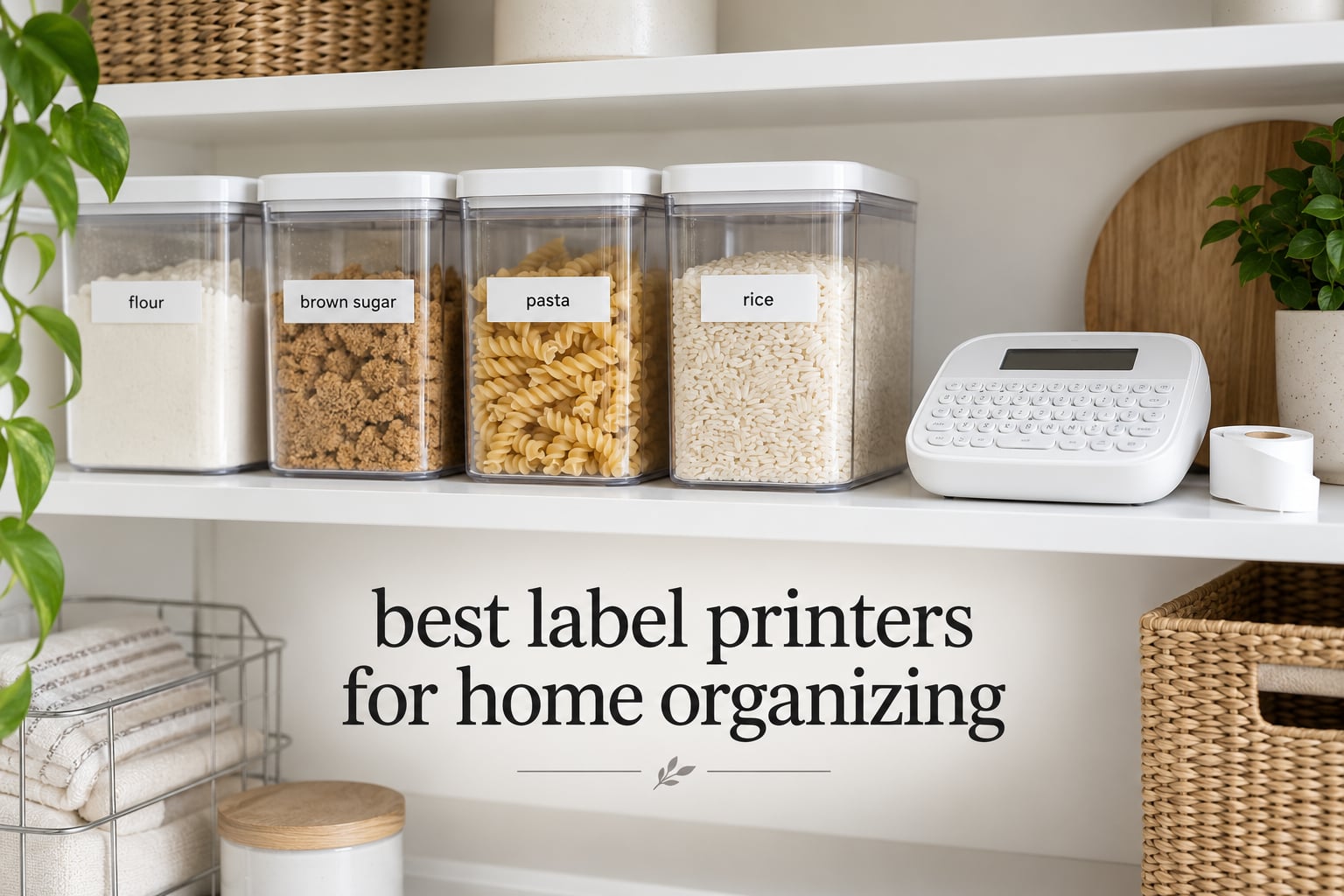
The best label printers for home organizing are the DYMO LetraTag 100H Plus for most households and the DYMO LabelManager 160 if you want a QWERTY keyboard with almost no tape waste. Both are standalone machines, so you type on the device itself and never touch an app. Below I compare nine options across the whole market, from pocket Bluetooth printers to Brother P-touch desktop models.
I spent the last two months labeling my own house: pantry bins, the junk drawer cable tangle, three toy categories per kid, holiday tubs and the garage shelving unit that had been a guessing game for years. The pattern showed up fast. What matters for home organizing is not feature count. It is whether the label survives a wet hands, a dishwasher, or a six-month trip to the attic, and whether you can make twenty of them in one sitting without fighting the machine.
That is why the ranking below is built around print stock, tape waste and total ownership cost rather than font libraries. If you also need labeling for a home office or small business setup, our picks for label printers for home offices and thermal label printers for small businesses cover the commercial end of the range.
Table of Contents
Top 3 Picks for Home Organizing (October 2026)

DYMO LetraTag 100H Plus
- Standalone machine with graphical preview screen
- Three tape styles in the box
- 5 font sizes and 8 box styles

DYMO LabelManager 160
- Computer-style QWERTY keyboard
- Very low tape waste per label
- Works with D1 tapes in three widths

Phomemo D30
- Phone-driven with a rechargeable battery
- 203 DPI direct thermal printing
- 4000+ icons and 1000+ templates in the app
Best Label Printers for Home Organizing in 2026
| Product | Specifications | Action |
|---|---|---|
| DYMO LetraTag 100H Plus |
|
Check Latest Price |
| Phomemo D30 |
|
Check Latest Price |
| DYMO LabelManager 160 |
|
Check Latest Price |
 Nelko P21 Nelko P21 |
|
Check Latest Price |
 NIIMBOT B1 NIIMBOT B1 |
|
Check Latest Price |
 Brother P-touch PT-D220 Brother P-touch PT-D220 |
|
Check Latest Price |
 SUPVAN E11 SUPVAN E11 |
|
Check Latest Price |
 Brother P-touch PT-D210 Bundle Brother P-touch PT-D210 Bundle |
|
Check Latest Price |
 Brother P-touch PT-H110 Bundle Brother P-touch PT-H110 Bundle |
|
Check Latest Price |
1. DYMO LetraTag 100H Plus Review: The Standalone All-Rounder
DYMO Label Maker Machine with 3 Tapes – 100H LetraTag Handheld, Includes 3 LT Label Tapes, Perfect for Home & Office Organization
5 font sizes and 8 box styles
Graphical preview display
Three LT tapes included
16 ounce body
Pros
- Works with no phone and no app
- Preview screen catches typos before you burn tape
- Three tape styles in the box including clear plastic
- Light enough to keep in a drawer and carry room to room
Cons
- Alphabetical keyboard slows down typing
- Box styles only work at the two smallest font sizes
- Adhesive is not especially strong
This is the machine I ended up keeping. I labelled the pantry, the utility closet and my parents’ kitchen in a single evening without opening a phone once, and the whole job took about ninety minutes including the sorting itself.
It is a handheld unit at 16 ounces, so it disappears into a drawer and comes out when needed. The 1/2-inch LT tape width is the sweet spot for household bins: big enough for a full word like “CANNED GOODS,” small enough for spice jars and cable bundles. Five font sizes and eight box styles give you room to work, and the auto-off function stops battery drain when you forget it on the counter.
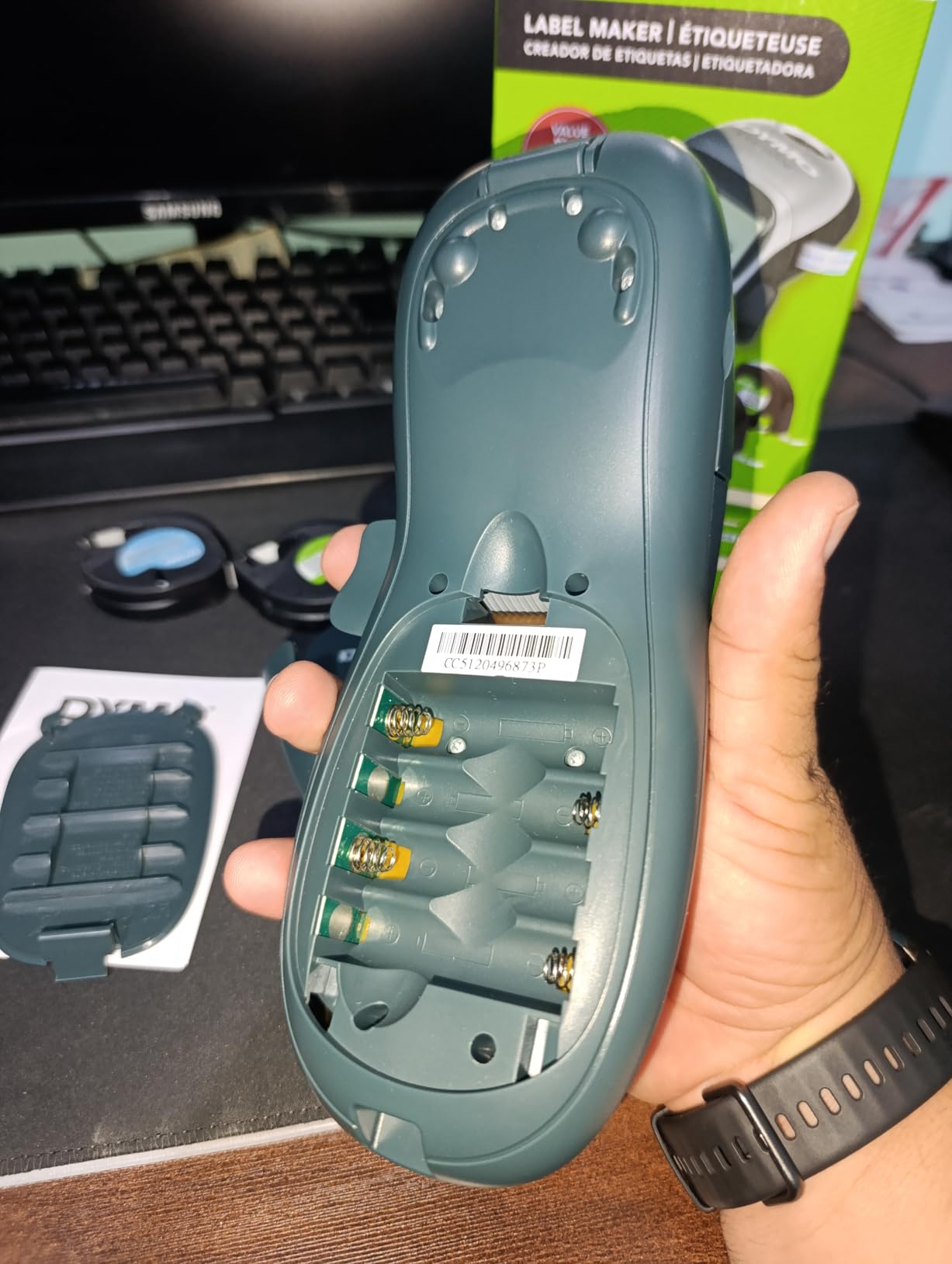
The box is what sells it for a first-time buyer. You get three tapes already loaded with different jobs: a paper cassette, a plastic cassette, and a clear cassette. I used the paper version on the inside of cardboard moving boxes and the plastic one on the pantry bins that get wiped down weekly. Owners report cartridges lasting years, and several mention keeping a unit for a decade or more.
The one thing that catches new users out is the keyboard layout. It is alphabetical, not QWERTY, so typing “LAMINATED” means hunting through letters rather than striking them in position. It is genuinely slower for anyone used to a computer keyboard. Some people prefer it for older children who have not learned QWERTY yet, which is a real constituency that the QWERTY models do not serve.
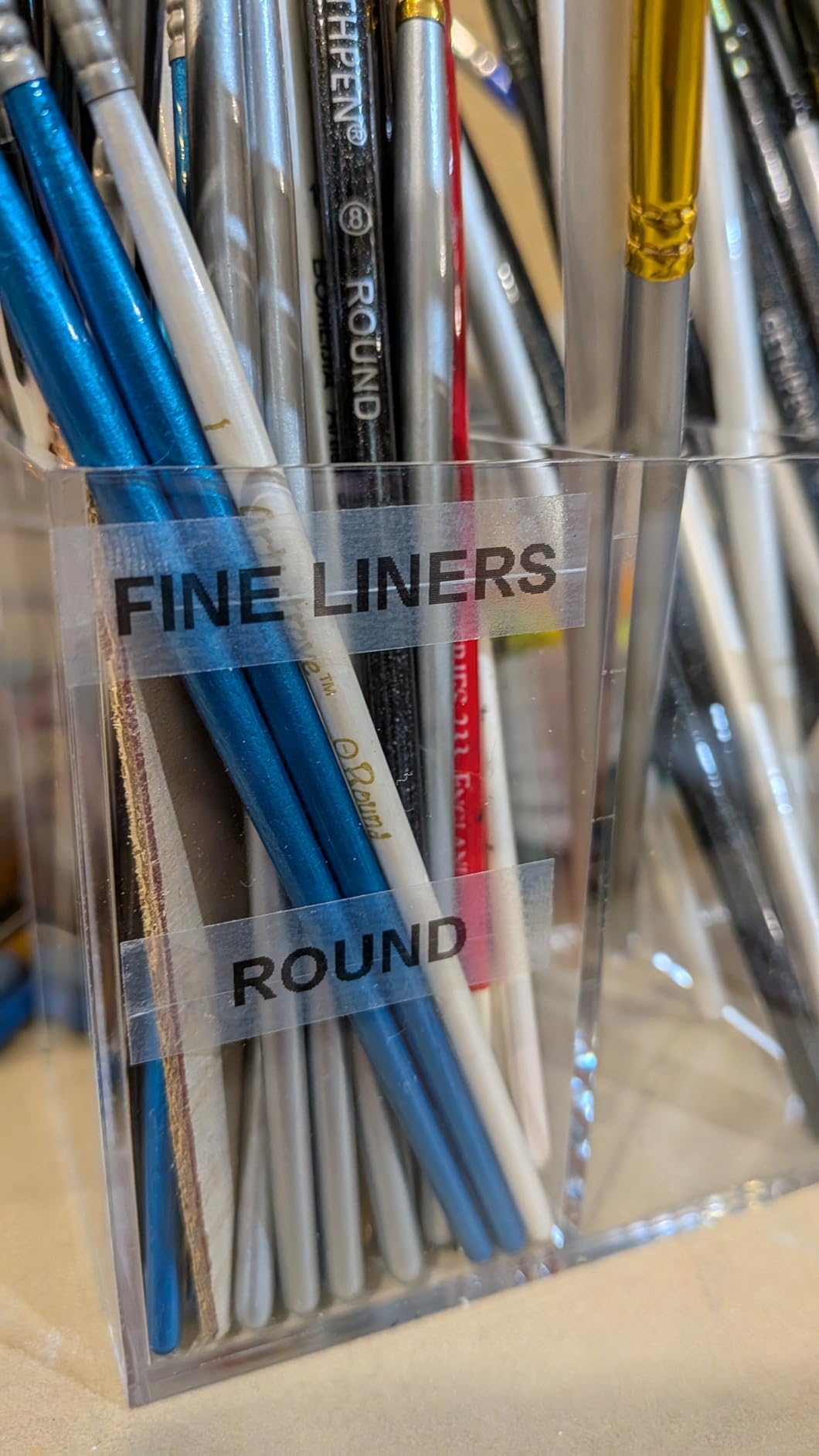
What your first labelling afternoon looks like with it
Short functional text on low-wear surfaces. Pantry bin fronts, closet shelves, toy baskets, storage tote lids and moving boxes are exactly what a 1/2-inch plain label is for. The preview display means a mistyped word never reaches the tape, which matters when you are doing a whole room in one go.
Because it needs no power outlet and no pairing, it is also the fastest machine to hand to a second person in the house. My partner picked it up mid-session with no instructions and was labelling cables within a minute.
What should send you to a different machine
Reviewers are consistent about two limits. Adhesive strength is modest, so on smooth vertical surfaces or in a humid garage the label can peel at the corner if you press the edges lightly. Press firmly along the full strip and it stays put for years.
The border and box style option only renders correctly at the two smallest font sizes. If you want a framed label with large text, the feature simply will not appear the way you expect. Durability complaints also show up in forums: one Facebook group member reported a Dymo LetraTag that did not last long before the screen failed, which is why that household ended up with two Brother machines instead. Our review sample is more positive on longevity, but treat the anecdote as a real risk on any device with a small LCD.
2. Phomemo D30 Review: Phone-Driven Pocket Printer
Phomemo D30 Label Maker Machine with Tape, Bluetooth Mini Label Printer
203 DPI thermal printing
160 g body with rechargeable battery
Print Master app with 1000+ templates
Bluetooth 4.0 and USB Type C
Pros
- Half the size and weight of traditional label makers
- Rechargeable battery removes disposable battery cost
- Handles both continuous and fixed-length tape
- App library covers OCR text
- barcodes and QR codes
Cons
- No standalone keyboard at all
- Prints black text only
- App dependency makes one-off labels slow
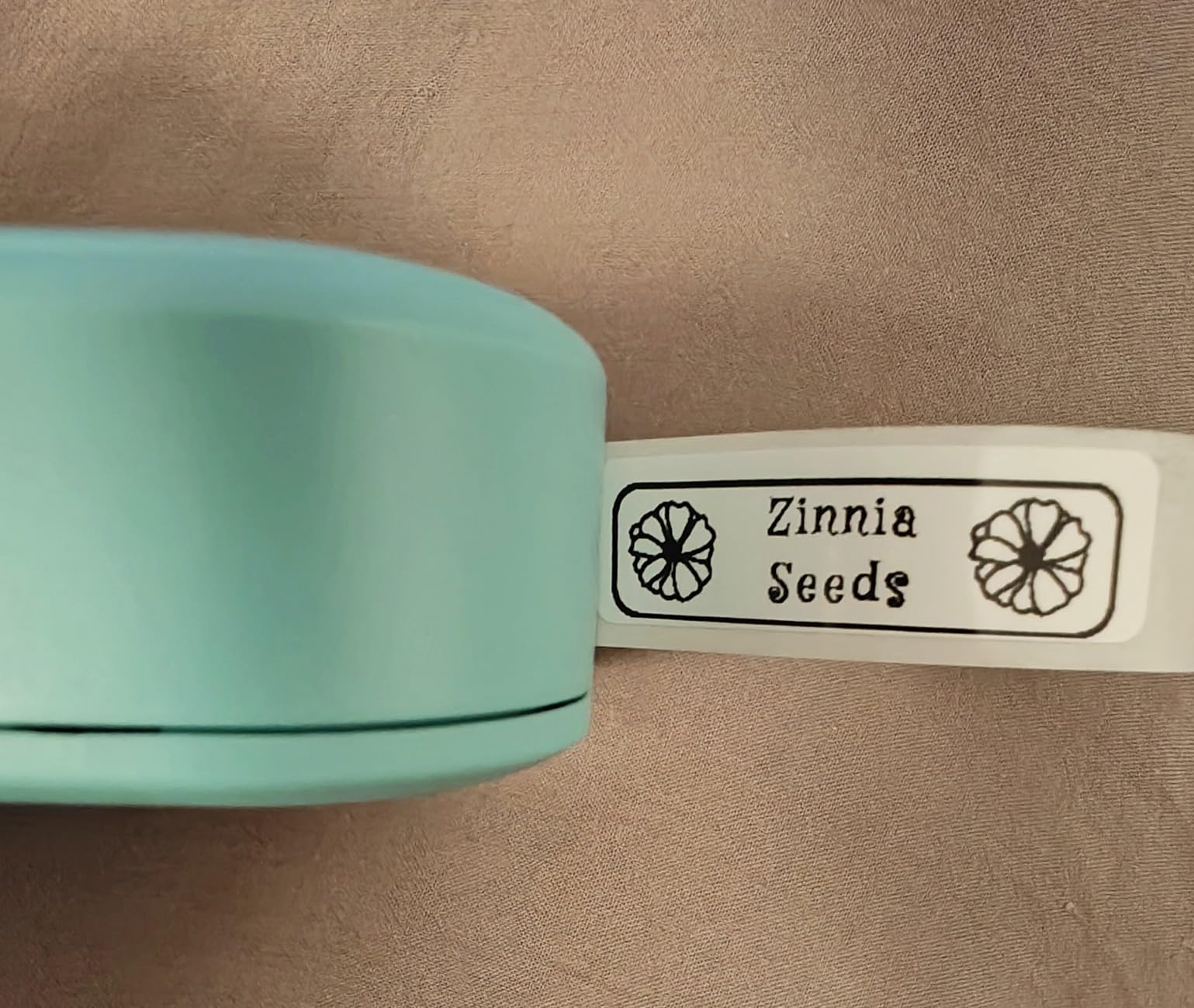
The D30 is the smallest thing on this list at 160 grams and it lives in my jacket pocket during organizing marathons. It pairs to a phone over Bluetooth and prints through the Print Master app, which carries 4000-plus icons, 800 borders, 600 fonts and 1000 templates.
Everything is direct thermal at 203 DPI, so there is no ink and no ribbon to run out. The upgraded version handles both continuous roll and fixed-length tape, which is a real advantage over pocket models limited to die-cut strips. A built-in rechargeable battery means you are not counting AAA cells every few labeling sessions.
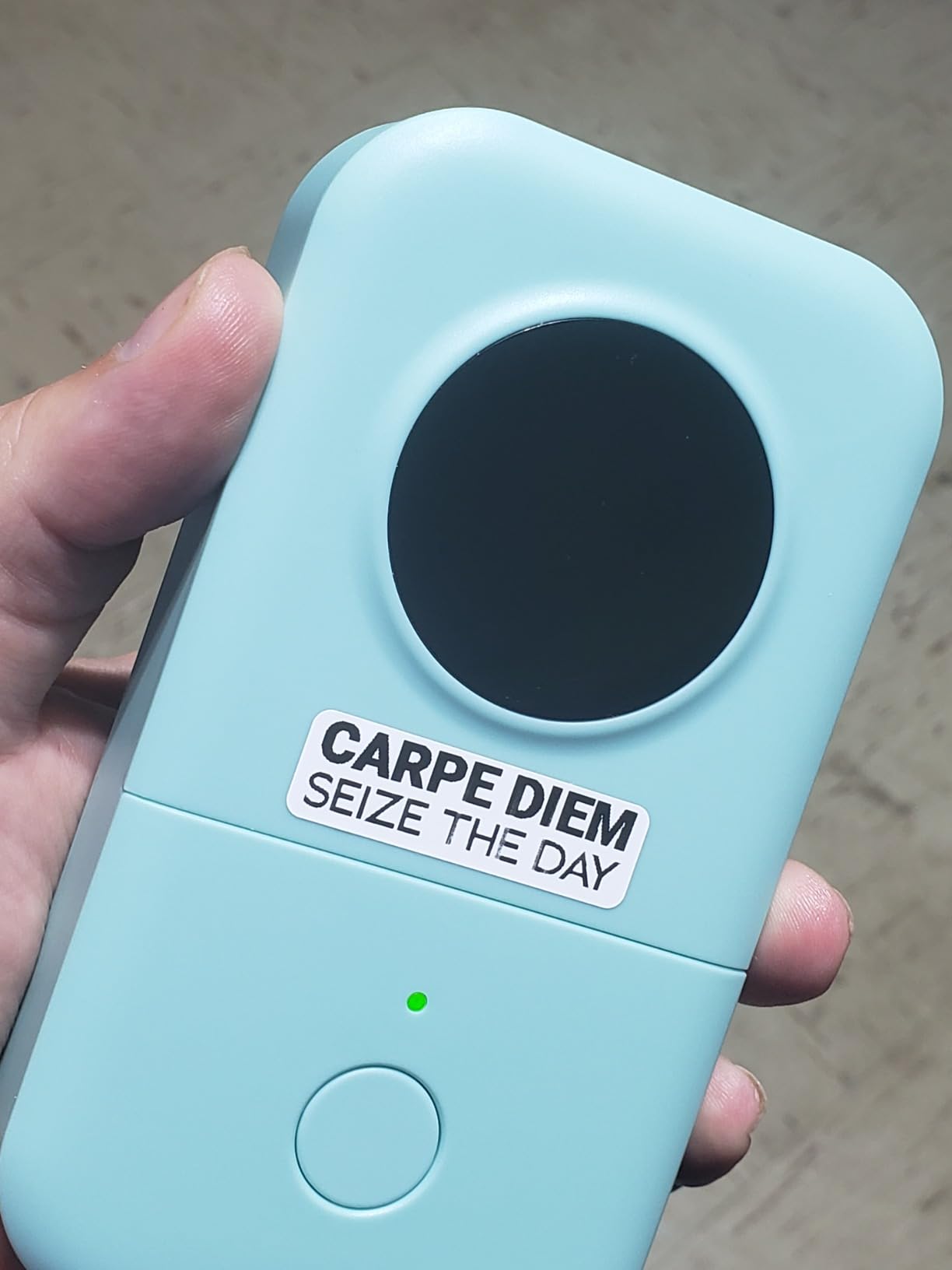
What impressed me most was the OCR text extraction. You photograph a handwritten list and the app pulls the text into label form, which turned a three-page pantry inventory into finished labels in minutes. Barcode and QR code generation plus Excel batch import handle larger jobs, such as labelling a whole garage shelf set from a spreadsheet.
Reviewers consistently use this machine for pantry, clothing and school organizing, which matches my experience. The direct thermal output is sharp and the app design tools are more capable than anything you will find on a standalone keyboard machine.
When a phone-first workflow pays off
Creative, one-off labelling where design matters more than speed. Clothing racks with icons, kids’ school supplies with pictures, party place settings and photo album captions all benefit from a template library that no keyboard machine here can match. If your organizing style is visual rather than purely functional, this is the strongest tool on the list.
It is also the easiest to carry between rooms and the easiest to hand to a teenager, since the phone app is already on their hand.
When the app workflow costs you too much time
There is no physical keyboard, so every label starts with unlocking a phone, opening an app and navigating menus. When I needed nineteen near-identical bin labels in a row, the keyboard machines finished before the app did. That single friction point is why this sits at number two for home use despite the huge review count.
Colour is also an illusion. The printer outputs black text only, and the coloured look on store shelves comes from patterned tape stock rather than ink. Forum owners weighing the budget tier frequently name NIIMBOT and Nelko alongside this model and report the same pattern: excellent value, monochrome output, no durability for anything that gets washed. More on that trade-off in the budget section of the buying guide.
3. DYMO LabelManager 160 Review: QWERTY Typing With Almost No Tape Waste
DYMO Label Maker LabelManager 160 Portable Label Maker, Easy-to-Use, One-Touch Smart Keys, QWERTY Keyboard, Large Display, for Home & Office Organization, Black
Computer-style QWERTY keyboard
20+ text formats and 200+ symbols
D1 tapes in 1/4, 3/8 and 1/2 inch
Side cutter button
Pros
- Type fast on a familiar keyboard layout
- Very low tape waste because text is set before cutting
- Plastic-coated labels resist water and smudging
- Simple type print cut sequence
Cons
- Very limited fonts and dated clip art
- No battery symbol graphics
- Awkward key spacing between rows
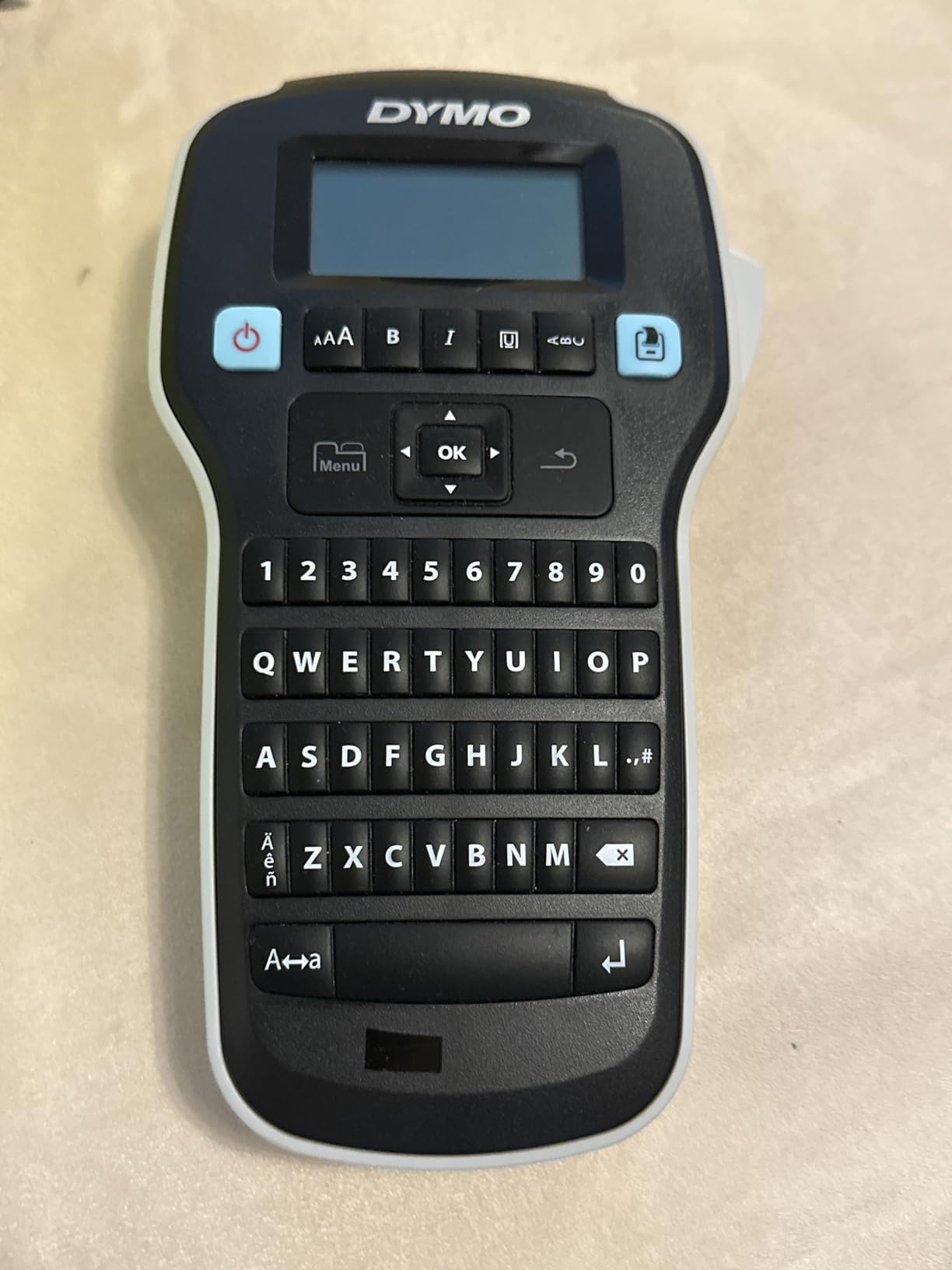
If you have ever typed on a laptop keyboard, you can operate this machine without reading instructions. The LabelManager 160 uses a full computer-style QWERTY layout, which is the single reason it beats the LetraTag on speed for anyone who labels in volume.
The efficiency story is the real differentiator. Because you set the full text before cutting, the machine does not feed out a long blank strip for every label. When I did a batch of forty bins, the waste was minimal compared with what a machine that prints first and cuts later leaves behind. Over months of use that difference adds up to real tape saved.
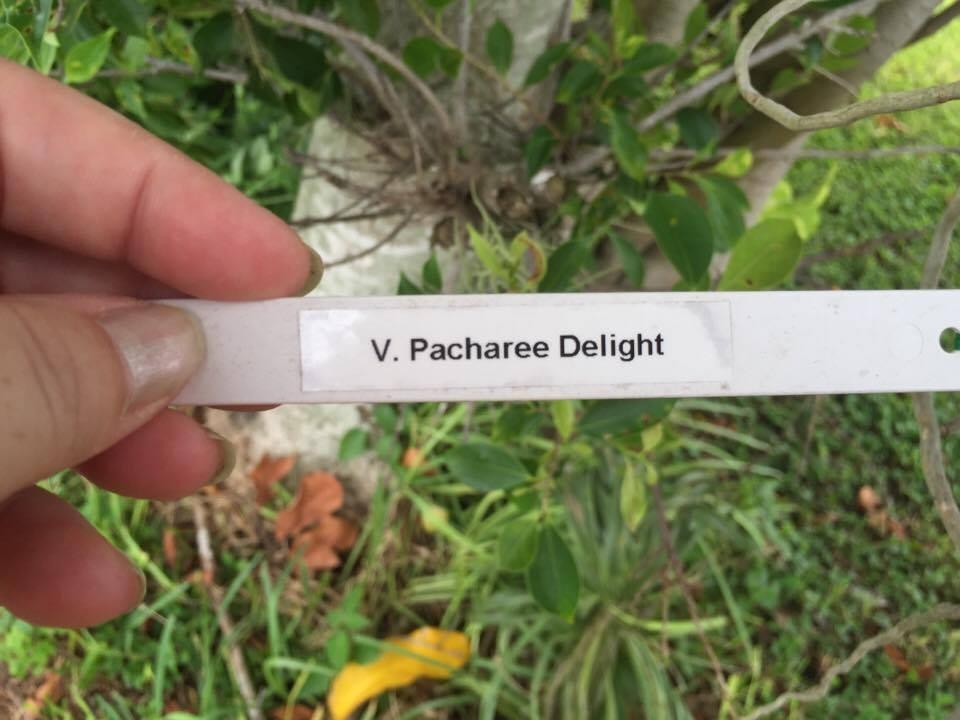
It works with DYMO D1 tapes in 1/4-inch, 3/8-inch and 1/2-inch widths, so you can use narrow cable labels on the same machine that prints bin fronts. The plastic-coated stock it uses resists water and smudging, and reviewers report print that does not fade or run after years of handling.
This is also the machine most often named as an upgrade target in forums. One recurring question in organizing communities asks whether to move up from a LabelManager 160, and the honest answer in our testing is that you only need to if font choice matters to you. Otherwise the 160 is already competent for most household labelling.
When typing speed decides the purchase
Repetitive, text-first labelling across many rooms. Pantry shelves, cleaning caddy bottles, closet rods, light switch plates and moving boxes all benefit from a machine you can type on quickly. The one-touch smart formatting keys handle bold and underline without digging through menus.
Because it runs on batteries with automatic switch-off, it stays in a drawer and comes out for a session rather than living on a counter plugged in.
When you will outgrow it in a year
The design library is thin by modern standards. Reviewers describe the clip art as dated and the font range as minimal, with no graphic symbols for batteries or recycling marks on the machine itself. If your organising style involves icons and colour coding, you will outgrow it quickly.
Key spacing between rows is also described as awkward by users, and it produces one label at a time rather than a run, which makes it a poor fit for a large batch job such as labelling an entire storage unit in a weekend. Owners often keep one for a decade or more, which tells you the durability story is solid even if the feature set is not.
4. Nelko P21 Review: Multilingual Templates for School Years
Nelko P21 Label Maker Machine with Tape, Bluetooth Label Printer, White
203 DPI BPA-free thermal printing
11.52 ounce body
QR codes and barcodes
One year warranty
Pros
- Compact and light enough for a school bag
- Rechargeable built-in battery
- App library covers 29 languages
- QR and barcode support suits school and home tracking
Cons
- Fixed label lengths only
- Black text only
- Not compatible with Google phones on Android 14
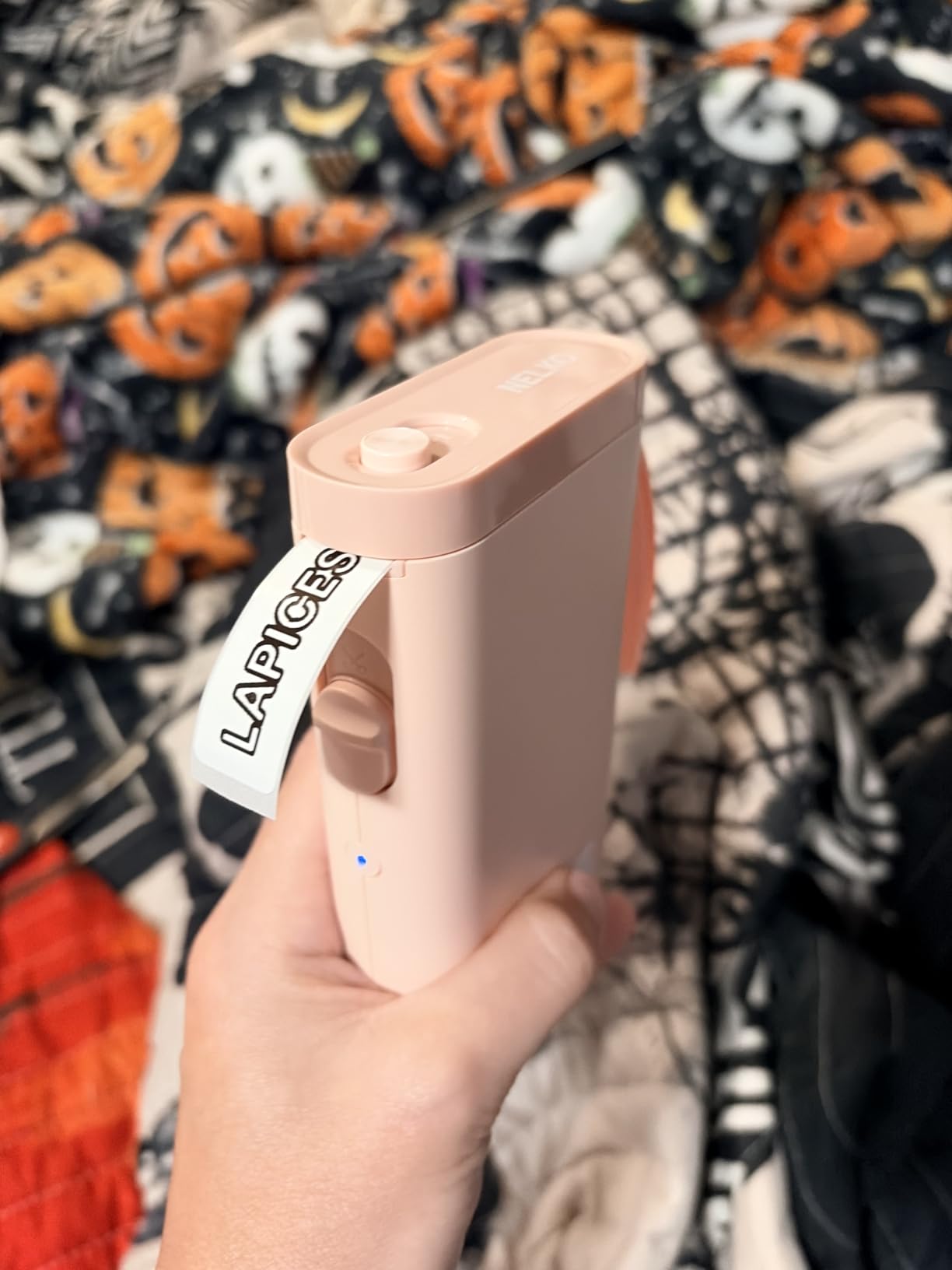
The P21 is the machine I would put in a child’s backpack rather than on a shelf. At 11.52 ounces it is half the bulk of a traditional label maker, and pairing takes four Bluetooth steps through the Nelko app.
Its distinguishing feature is language reach: 3600-plus icons, 700 borders, 5500 materials, 750 templates across 29 languages. If you are labelling school materials, lunch containers or a multilingual household, nothing else on this list matches that library at this weight.
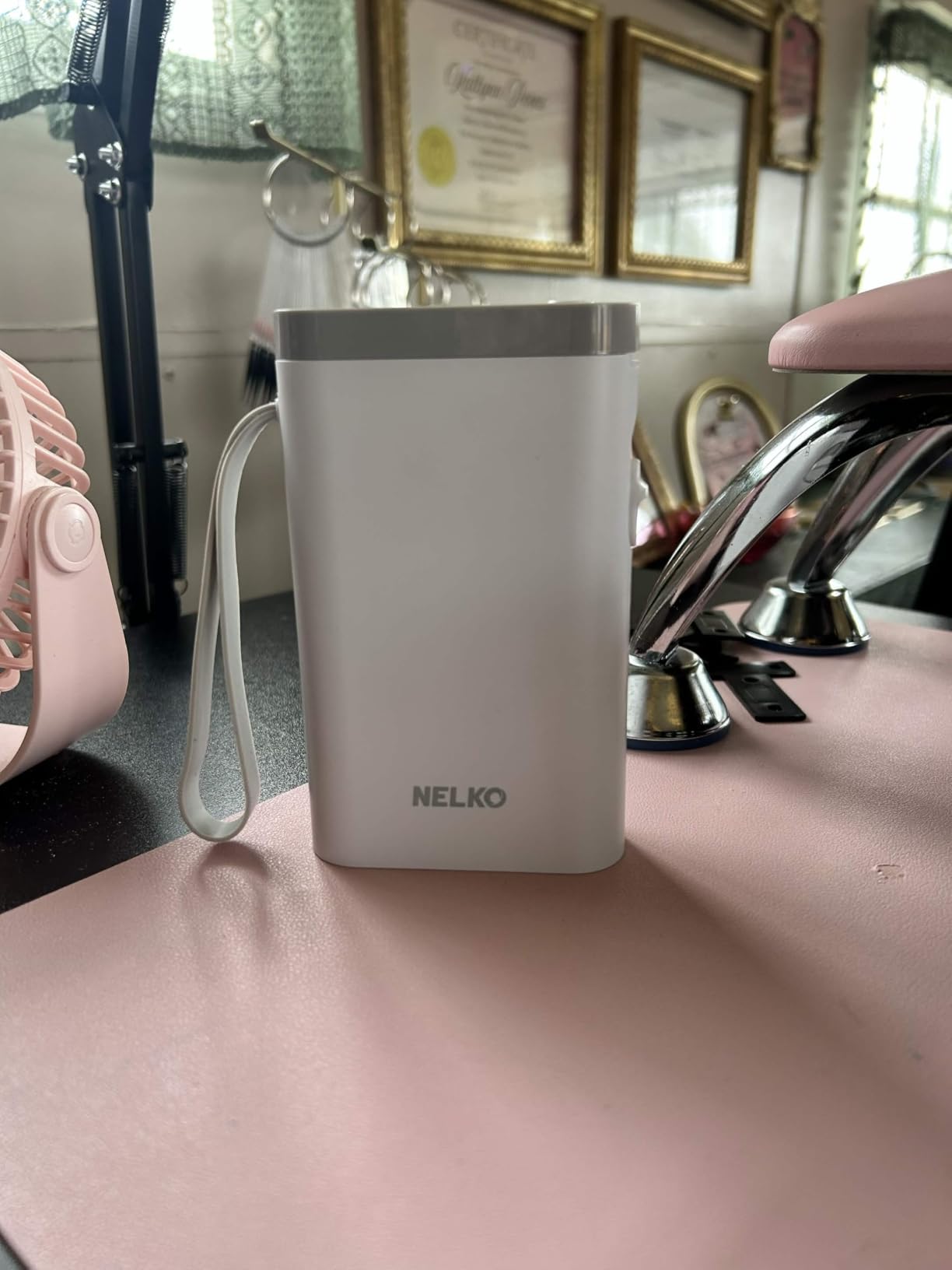
Reviewers commonly mention pantry bins and classroom storage as their main uses, and the fixed lengths of 14x40mm, 14x50mm and 14x75mm cover most of those jobs. The rechargeable battery means no battery drawer to raid mid-project.
Print quality at 203 DPI is clear and the inkless thermal process keeps running costs low. QR codes are a genuine home benefit: you can tag a storage box with a code that links to a photo of its contents or a maintenance note.
When it earns a place in a family
Family labelling where several people contribute, especially school-age children. A kid can relabel a toy bin without an adult present, and the icon library makes it easy for someone who cannot yet read to match the label to the box.
It also works well for a small-business-style home setup such as a craft stall or a moving inventory list, because the QR and barcode support handles identification better than plain text labels.
What to check before you buy
The tape format is fixed-length only. That rules out continuous rolls, which are the cheaper option for large runs of short labels, and it limits you to the sizes the manufacturer offers. Printers like the Phomemo D30 and SUPVAN E11 accept both formats and give you more flexibility over time.
Compatibility is the other catch. Reviewers report that it does not work with Google phones running Android 14, and it has no computer connection. Check your phone before buying. As with the other Bluetooth models here, output is black text only, with colour available solely through patterned tape.
5. NIIMBOT B1 Review: The Only 2 Inch Tape Here
NIIMBOT B1 Label Maker, 2Inch Bluetooth Label Printer for Home, Blue
Prints up to 2 inch wide tape
203 dpi inkless thermal
Rechargeable 1500 mAh battery
18 month limited warranty
Pros
- Widest tape format on this list by a wide margin
- App auto-detects label size
- Works with iOS
- Android and PC over USB
- Rechargeable battery with a 15 minute auto shutoff
Cons
- Not compatible with tablets
- Must be fully charged before first pairing
- Monochrome output only
Tape width is the spec people overlook and the NIIMBOT B1 changes the conversation. It prints up to 2 inches wide, which is roughly four times the width of most pocket models in this roundup. That single difference makes it the right tool for utility room shelving, large clear bins and any label you need to read from across a garage.
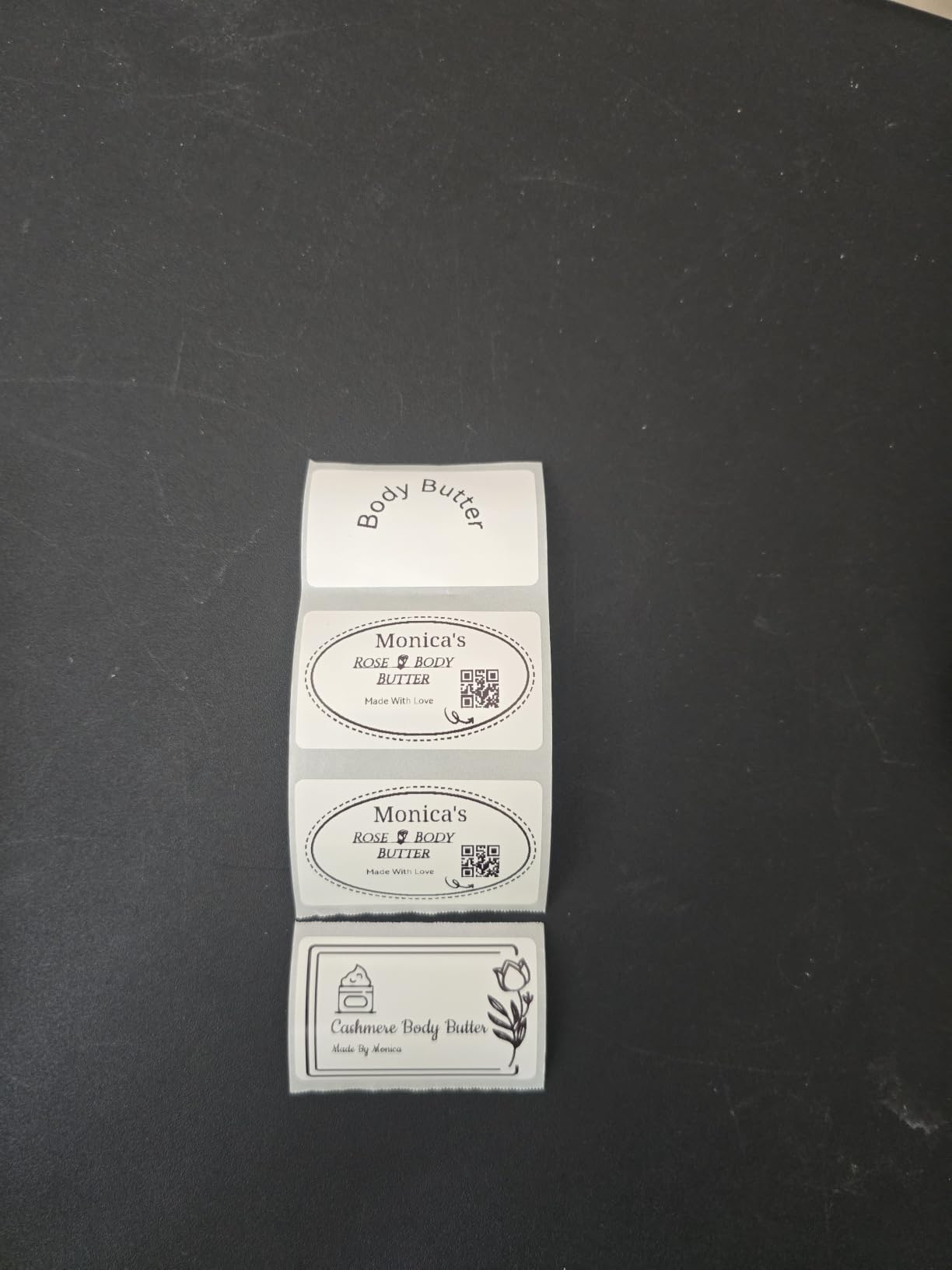
The app auto-detects the loaded label size, so there is no manual width setting to get wrong. It carries 30 fonts, 100 borders and 1500-plus symbols with multilingual support, and it works with iOS, Android and a PC over a USB cable once you install the driver.
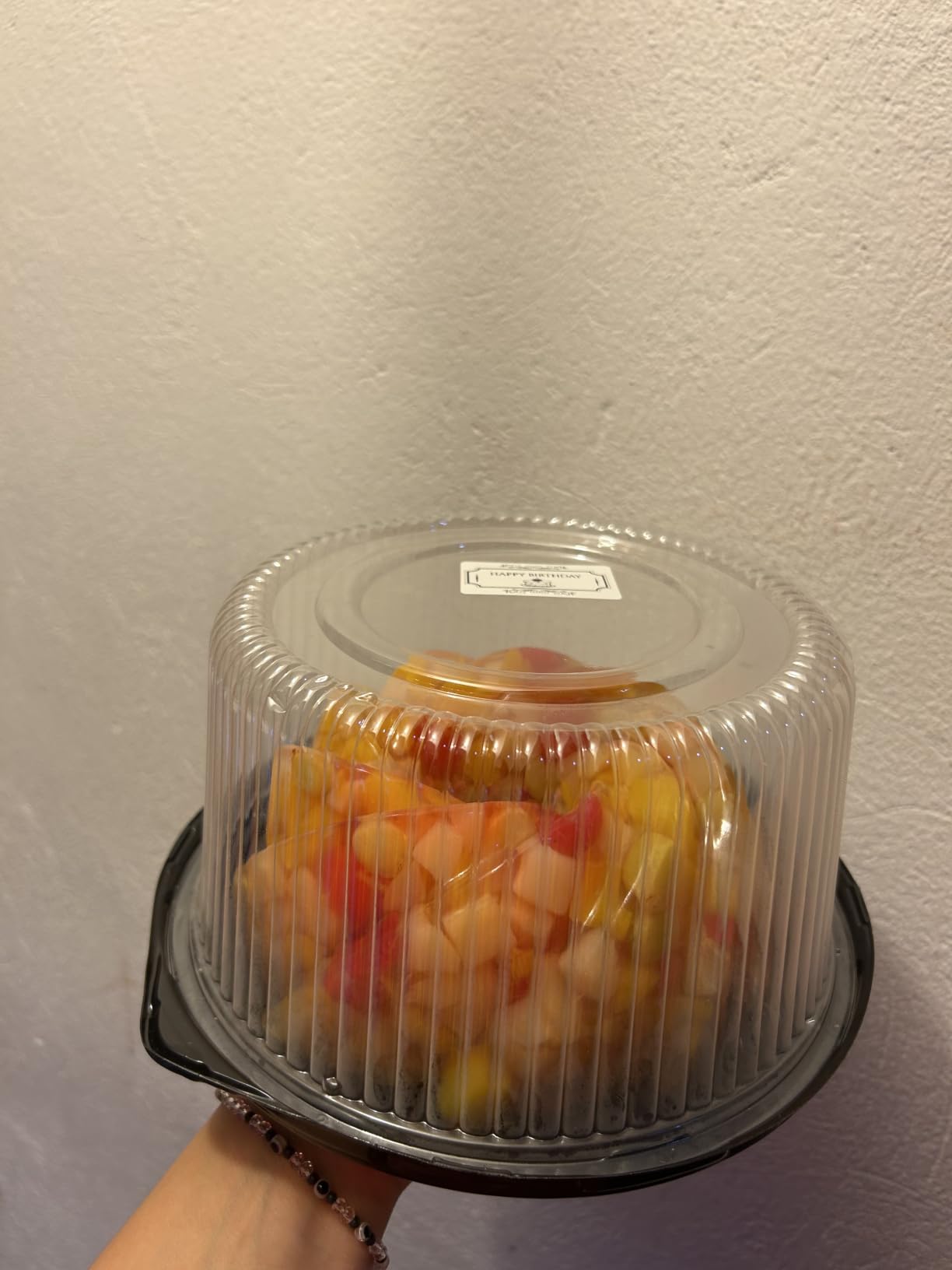
The 1500 mAh rechargeable battery with a 15-minute auto shutoff suits a busy organizing weekend, and the ABS body at 293 grams is sturdy enough to move between rooms without a case.
Two label rolls in the box get you started, and reviewers like that the output is noticeably larger and more readable than what tiny pocket machines produce. Budget Bluetooth models come up constantly in organizing forums, and this one is frequently named as a capable pick for larger text.
When wider tape is the deciding factor
Large-format labelling where the point is that the label reads instantly. Medicine and supplement bottles, wire marking runs in the garage, expiry date tracking on pantry goods and big clear storage bins are all jobs where narrow tape would force you to abbreviate everything.
It also gives you a fast path for batch work: type a short title, let the app handle the sizing, and print a stack you can peel and stick in one pass.
Where the setup trips people up
Tablet support is missing, which rules it out for a lot of people who edit labels on an iPad. Connection is also sensitive in ways reviewers single out: the machine needs a full charge before its first power-on or Bluetooth pairing can fail, which is an annoying quirk to discover on day one.
Like every other Bluetooth model here, it prints black text only. And while the wide format is a genuine advantage, if you label lots of cables and small jars, the width advantage disappears and you are simply using a larger machine. For that reason, the dedicated cable pick further down earns its place.
6. Brother P-touch PT-D220 Review: Design Choice Without an App
Brother P-Touch PTD220 Home/Office Everyday Label Maker | Prints TZe Label Tapes up to ~1/2 inch White
14 fonts, 11 styles, 99 frames
Up to 30 labels stored in memory
25 preset templates
Prints TZe tape up to 12mm
Pros
- Deep font and symbol library on the device
- Memory stores up to 30 labels for one-touch repeats
- Prints on laminated TZe tape that peels cleanly
- Bundled with a sample tape out of the box
Cons
- Limited to about 1/2 inch tape width
- Two lines of text maximum
- Runs on six AAA batteries
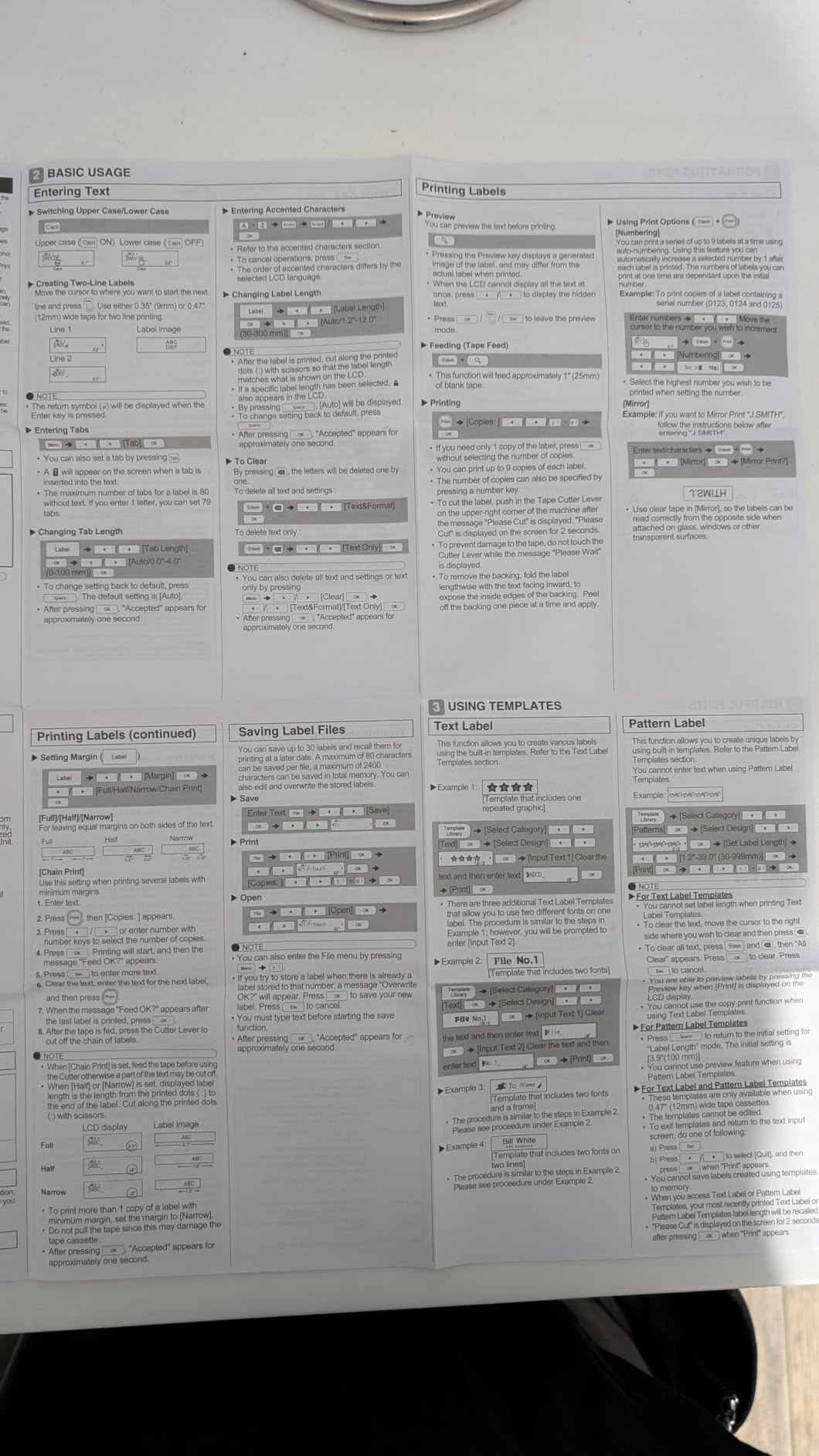
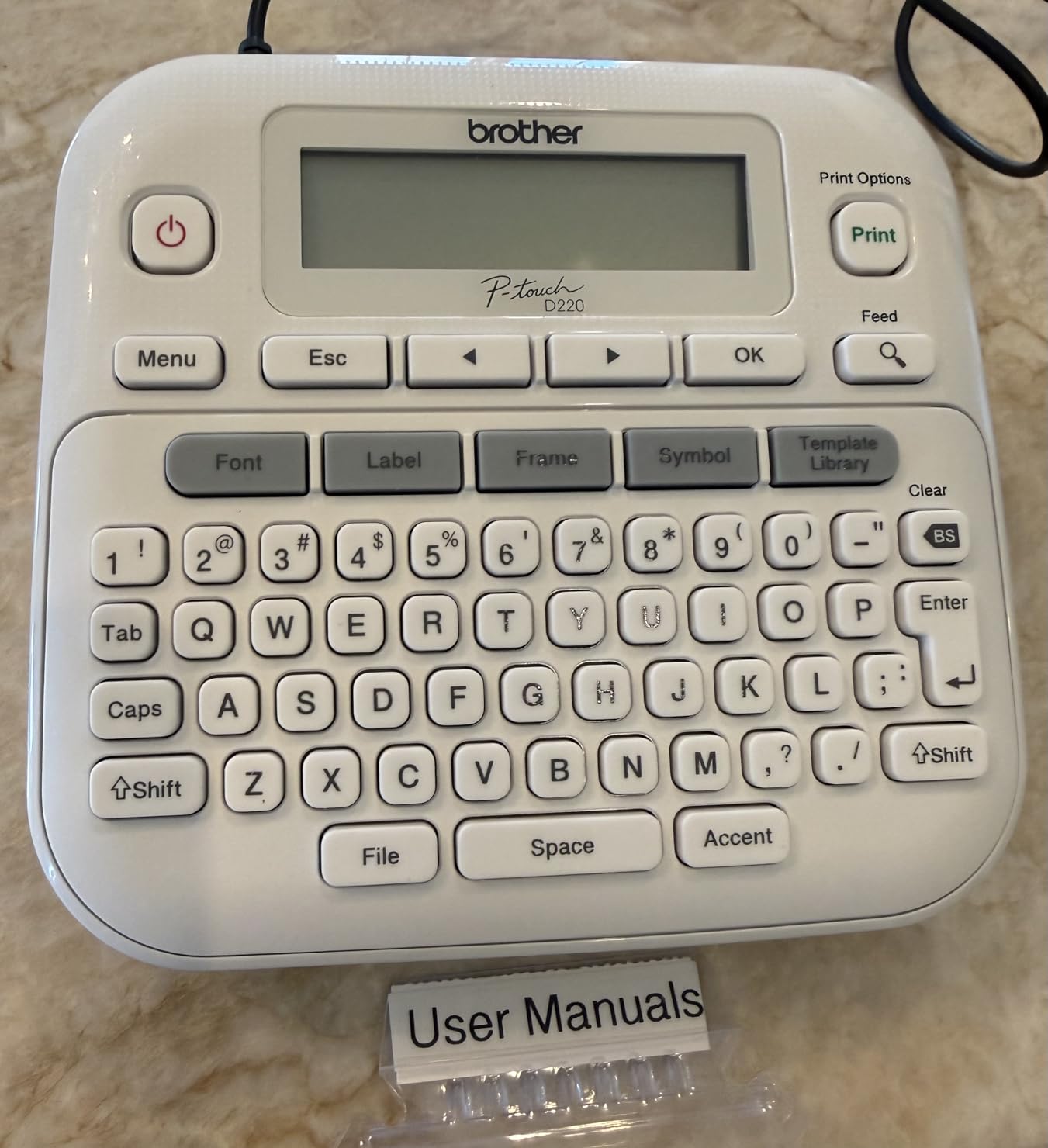
Brother built the PT-D220 for people who want design flexibility but refuse to open an app. It gives you 14 fonts, 11 font styles, 99 designer frames and more than 600 symbols directly on the machine, with a QWERTY keyboard so typing stays familiar.
The feature I did not expect to value as much as I do is the memory. It stores up to 30 frequently used labels, which means the bin you labelled last month reprints with one button press. For a labelling system with repeat categories like BEDROOM, KITCHEN and SEASONAL, that removes the single most tedious part of the job.
Print quality is the other reason to prefer Brother for permanent fixtures. It prints on genuine laminated TZe tapes up to 12mm wide, and those labels are easy to peel without tearing the backing, which is the quiet blessing you notice a year later when you are removing a bin’s contents.
Twenty-five preset templates handle common household labels without any setup, and the 2-year limited warranty is among the longest coverage offered by the standalone machines here.
Where the on-device library pays off
Room systems where consistency matters. If you commit to one font and one label layout across the pantry, nursery and garage, the memory and templates keep every bin looking identical, which is what makes an organizing scheme read as intentional.
It is also a strong second machine for a shared home, because you can store one person’s frequently used labels without disturbing the other’s.
Where the limits bite
The 12mm tape ceiling is restrictive. Anything wider than roughly a half inch is out of reach, so it cannot label a large clear bin face the way the NIIMBOT B1 does. It also prints two lines of text only, which limits long descriptive labels.
Power comes from six AAA batteries, and the optional AC adapter is sold separately. For a household that labels in long weekend sessions, six cells is a running cost and a small annoyance compared with a rechargeable machine. The control method is a push button with wired connectivity only, so there is no Bluetooth and no app, which is the trade you accept in exchange for the on-device library.
7. SUPVAN E11 Review: Keyboard and App in One Machine
SUPVAN E11 Keyboard & Bluetooth Label Maker Machine with 4 Tapes
0.2 inch print margins
Keyboard plus Bluetooth app editing
1200 mAh rechargeable battery
Eight ounce body
Pros
- Type directly on the keyboard or design in the app
- Minimal 0.2 inch margins cut tape waste
- Battery rated at up to one month per charge
- Accepts both continuous and die-cut tapes
- Four tapes included in the box
Cons
- App required for anything beyond basic typing
- Smartphone compatibility only
The E11 is the machine that made me rethink the divide between keyboard models and Bluetooth-only models. It has a physical keyboard for quick labels and an LCD screen, plus app editing over Bluetooth when you want a design. Neither of the two obvious camps had offered that combination at this size.
Its other selling point is the 0.2 inch print margin, roughly a fifth the size of what competitors leave blank. That is the answer to the most common complaint about label makers: leading blank margin waste. When I printed long pantry labels, the tape usage was noticeably lower than on machines that feed a generous empty strip before each label.
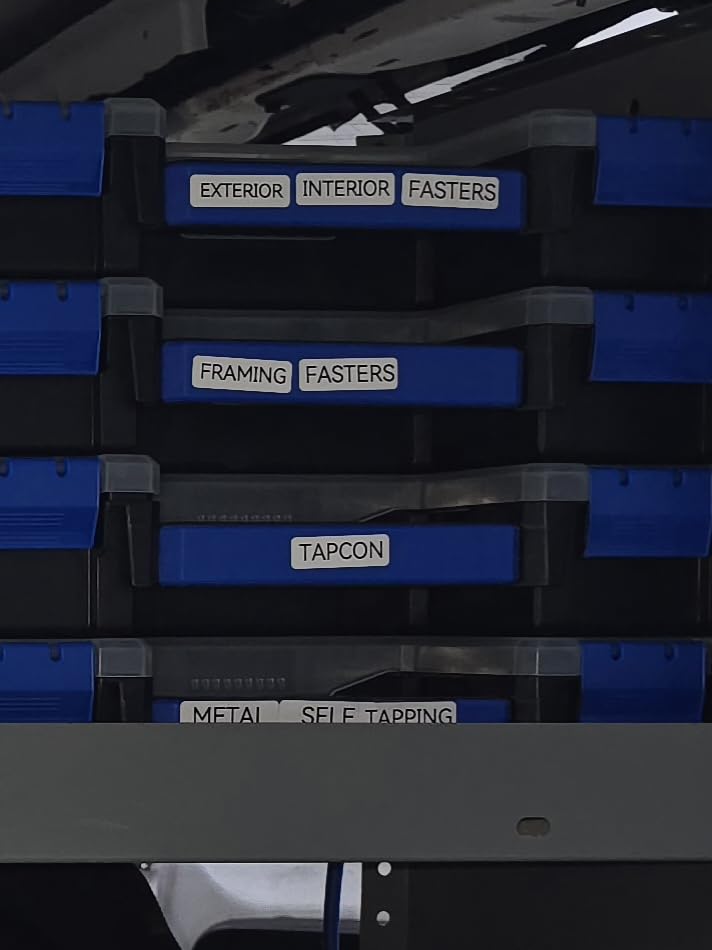
It accepts both continuous and die-cut label tapes, which removes the restriction that bothers me most about fixed-length-only pocket printers. The 1200 mAh battery is rated at up to a month of use per charge, and the body weighs 8 ounces.
The app carries 30 fonts, 50 frames, 660 icons and 17 languages. Four tapes are included, two continuous and two die-cut, so you can start labelling on day one.
When a hybrid workflow suits your household
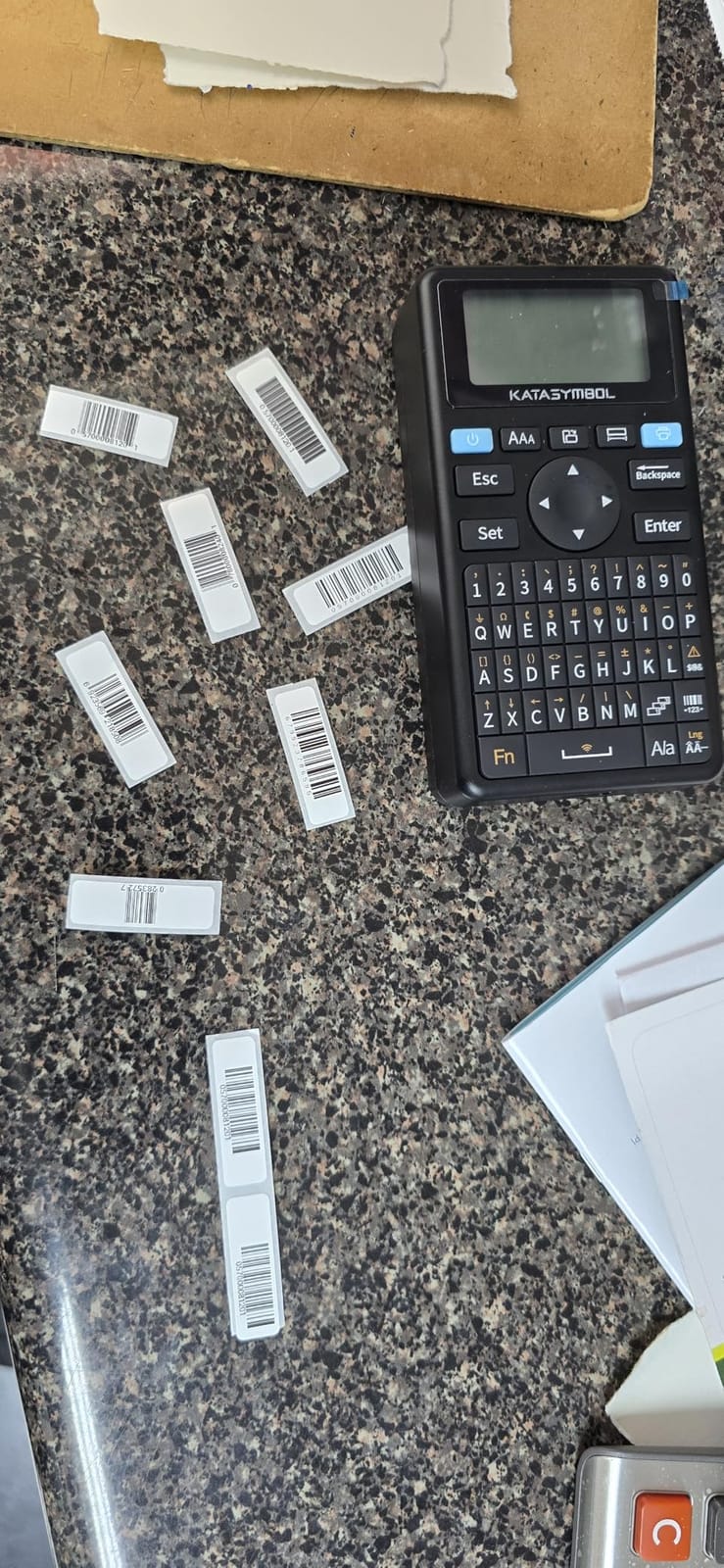
Mixed households. One person typing quick bin labels on the keyboard while another designs a colour-coded pantry scheme in the app is a workflow no other machine here supports, and it removes the usual family friction over who carries the phone.
The low margin setting is a genuine win for labelling with long text, such as expiry notes or a full inventory description on a storage box lid.
What to check before you buy
The app is still required for anything beyond basic typing, so it is not a fully standalone machine in the way the DYMO and Brother units are. It works with smartphones only, which excludes tablet-only households and anyone hoping to drive it from a laptop.
Review counts are the smallest on this list, so treat the feature claims with a little care. The warranty, though, is a 2-year manufacturer limited warranty, which matches the longest coverage we found among the standalone machines here and is a good sign for a machine in this price bracket.
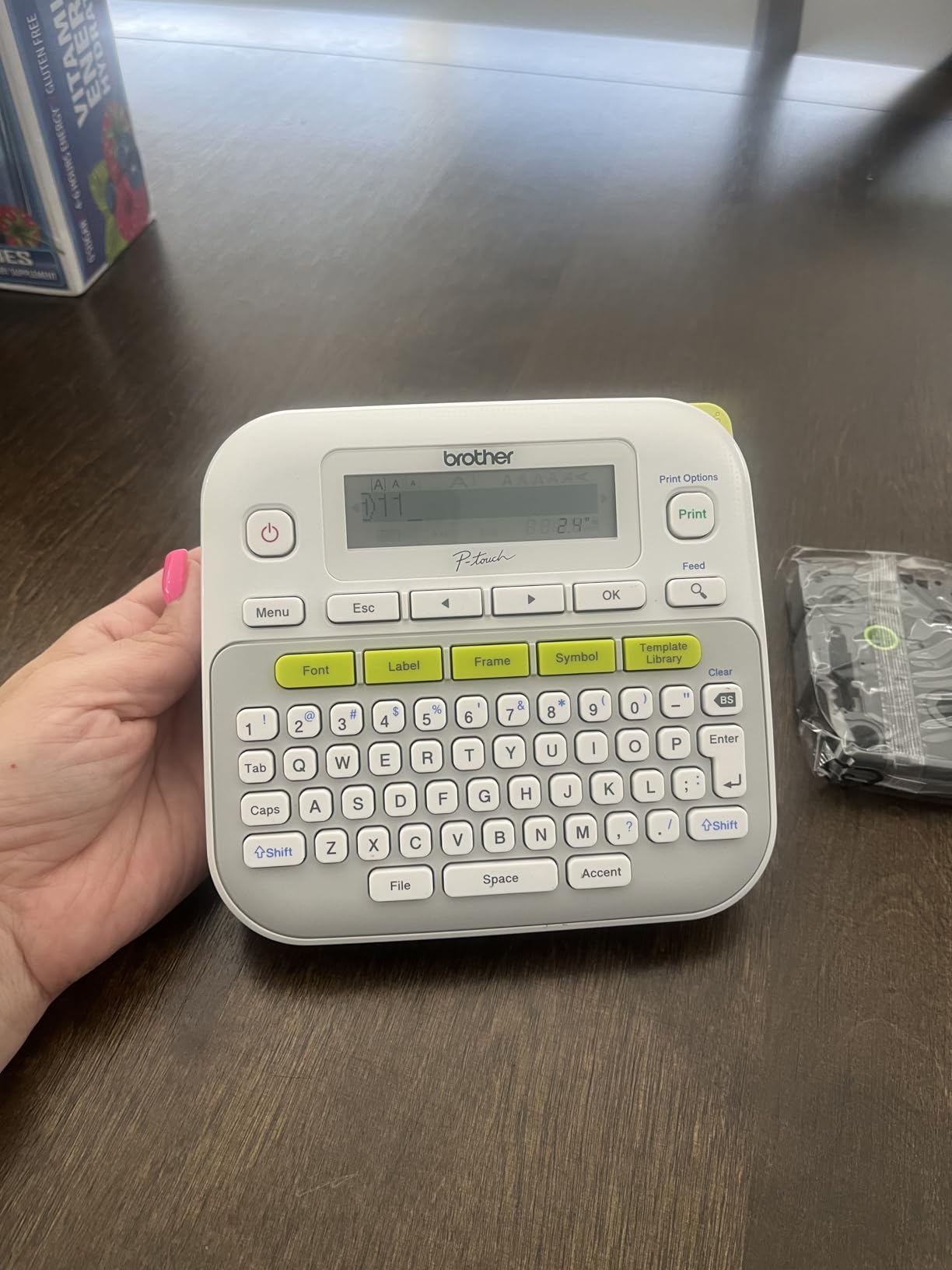
8. Brother P-touch PT-D210 Bundle Review: Four Widths and Four Tapes
Brother P-Touch, PTD210, Easy-to-Use Label Maker Bundle (4 Label Tapes Included), White, Small
Works with 12mm, 9mm, 6mm and 3.5mm tape
Preview display before printing
27 preset templates
Four tapes in the bundle
Pros
- Accepts four tape widths in one machine
- Preview screen prevents wasted tape on typos
- Deep library of fonts
- frames and symbols
- Four full-length tapes included so it works out of the box
Cons
- Most expensive machine in this roundup
- Needs six AAA batteries with the AC adapter sold separately
- No Bluetooth or app connectivity
The PT-D210 bundle is the most complete package in this roundup. It accepts 12mm, 9mm, 6mm and 3.5mm TZe tapes, so a single machine covers fine cable flags through to storage bin fronts, and the box includes one sample tape plus three full-length 12mm rolls.
That combination means it is usable the moment you open it, which matters if you are labelling a whole house in one weekend rather than gradually. I ran mine through a nursery and a garage without ordering a single refill in the first session.
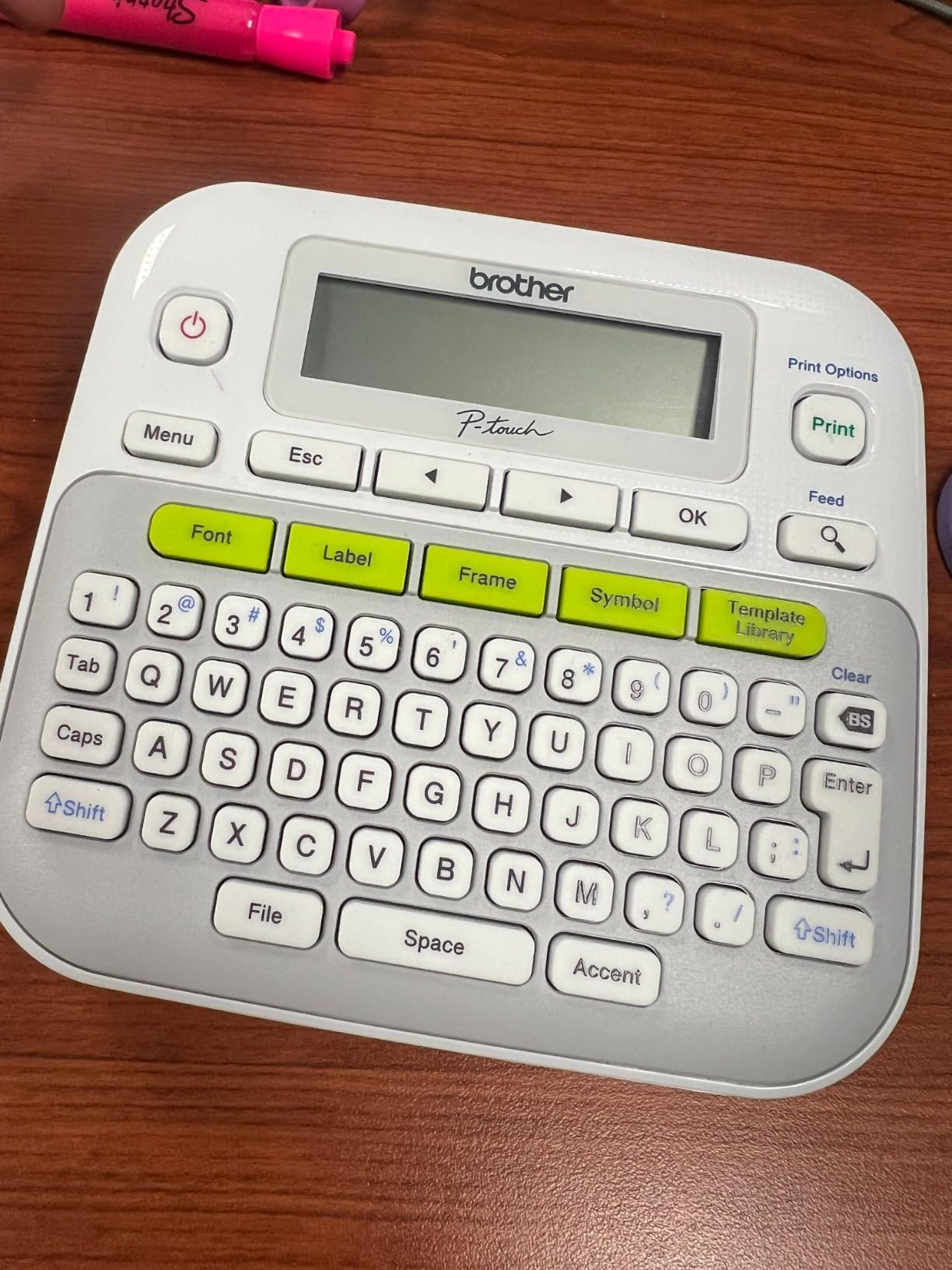
The preview display is the feature I missed most after going back to a machine without one. Seeing the label before it prints is the difference between a confident labelling session and a session spent peeling off mistakes.
Library depth is close to the PT-D220: 10 styles, 14 fonts, 98 frames, 600-plus symbols and 27 preset templates including pattern designs, all reachable through one-touch keys. Laminated TZe tape is water-resistant and fade-resistant, which is what you want in a kitchen or utility room.
When a bundled kit is the better buy
Whole-home projects. Having four tape widths on board means fine 3.5mm labels for cable runs sit in the same drawer as 12mm labels for pantry bins, so you are not swapping machines per room. That consolidation is the real argument for this bundle over a cheaper single-width unit.
It is equally a strong choice for a home office or a small workshop, though our picks for label printers generally cover that side more directly.
When your money is better spent elsewhere
It is the most expensive machine in this roundup, and you pay partly for the four tapes in the box rather than for hardware you cannot get elsewhere. If you already have TZe cassettes, the value case narrows sharply.
Power is six AAA batteries, with the AD-24 AC adapter sold separately, and there is no Bluetooth or app connectivity at all. Labels are created entirely on the device. That is a deliberate choice for anyone who wants a predictable, offline machine that does not depend on a phone pairing holding up on moving day.
9. Brother P-touch PT-H110 Bundle Review: Built for Cable Drawers
Brother P-Touch, PTH110BP, Easy Portable Label Maker Bundle (4 Label Tapes Included), White, Small
Dedicated cable labeling mode
QWERTY keyboard with preview display
Slim body at 14.4 ounces
Up to 15 labels stored in memory
Pros
- Cable labeling mode built for home tech
- Highest rating in this roundup at 4.7
- Slim body fits a laptop bag
- Laminated water-resistant TZe tapes
Cons
- Six AAA batteries
- no internal rechargeable cell
- Smaller 15 label memory than some Brother models
- Arabic not available on the machine
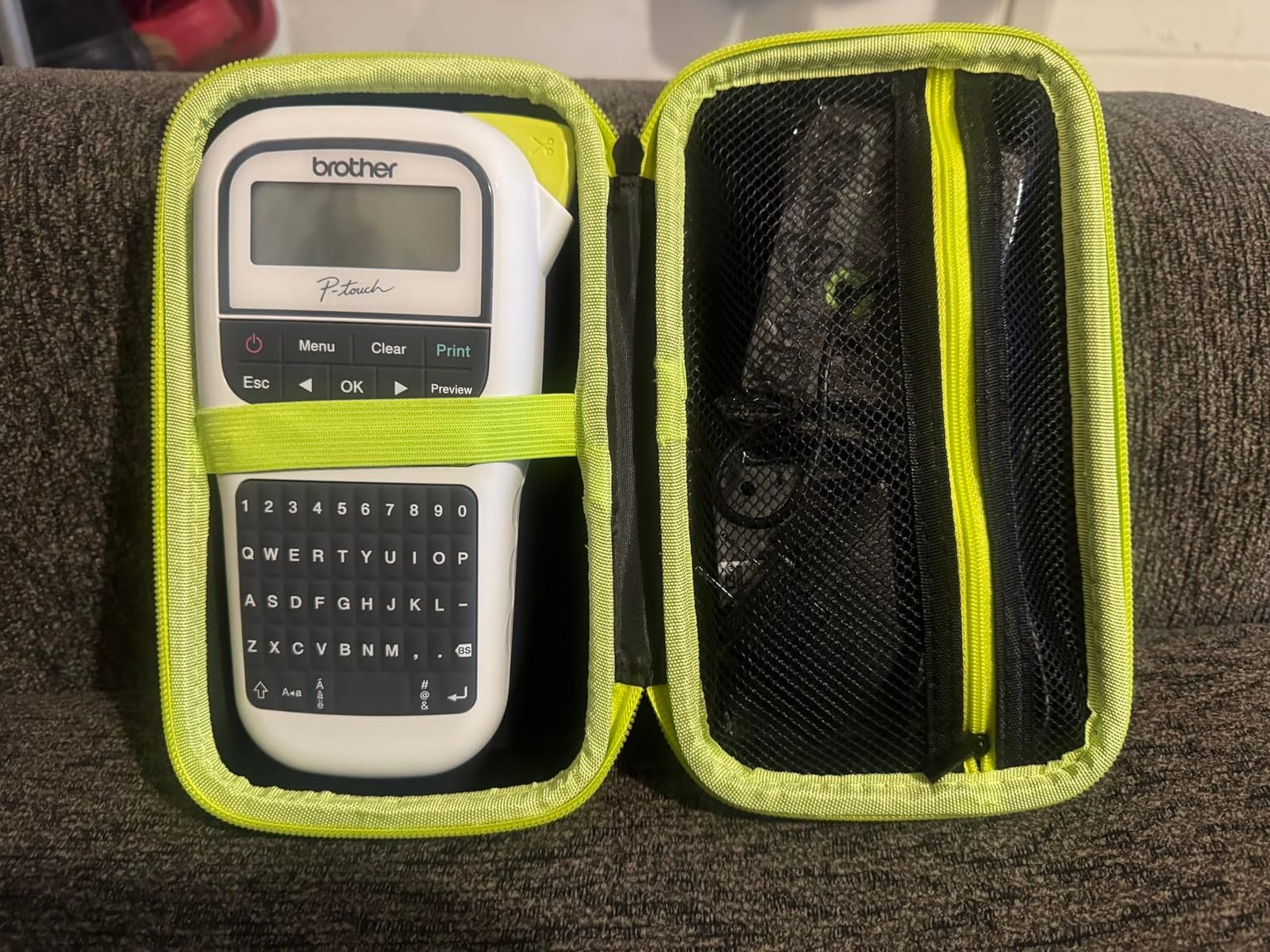
The PT-H110 is the one to buy if cables are a specific problem in your house. It carries a dedicated cable labeling mode, which wraps text and symbols around a cable run without the awkward manual sizing that other machines require. Home technology people ask about this job constantly in forums, and it is rarely well served.
It holds the highest average rating in this roundup at 4.7, and owners describe it as solidly built with a long service life. The body is 14.4 ounces and 4.3 by 8 by 2.2 inches, so it slips into a laptop bag for labelling gear at a friend’s house or a rental property.
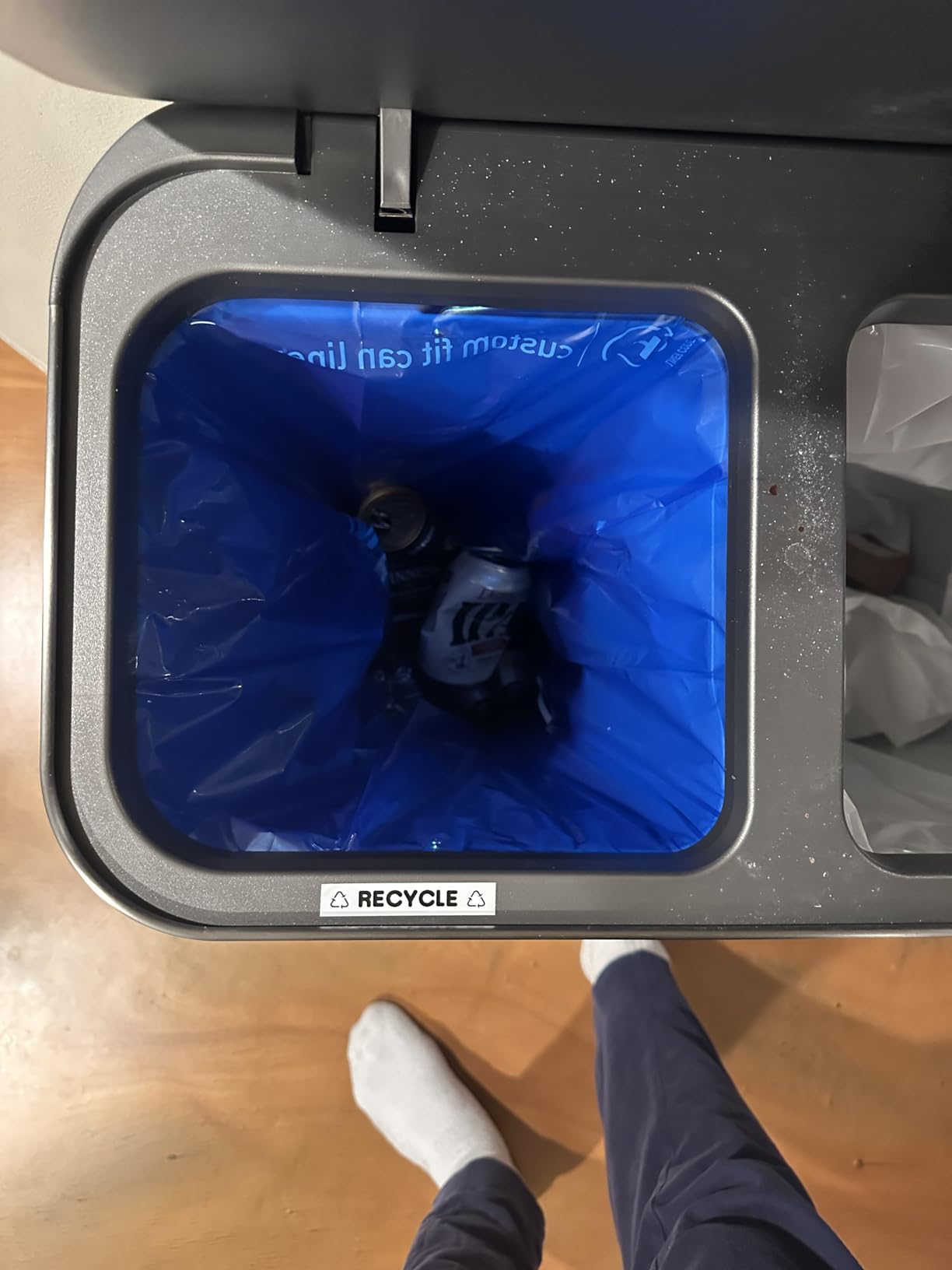
The QWERTY keyboard and preview display make it fast for the rest of the home too: switch plates, pantry jars, kids’ sports equipment and moving boxes all benefit from seeing the label before it prints. Memory stores up to 15 labels, which is smaller than the PT-D220 but more than enough for a repeat set of bin categories.
Laminated water-resistant TZe tape is the right stock for the junk drawer and utility closet, where damp and handling are the norm. Four tapes are included in the bundle: one sample plus three full-length 12mm rolls.
When cables decide the purchase
Cables, chargers and small electronics, where the dedicated mode and narrow 12mm laminated tape are exactly right. Users in networking communities also rely on this class of machine for structured cabling at home, and the water resistance matters in a garage or basement.
It works well as a travel companion too, both for labelling gear and for short-term rental or guest house setups where you want consistent labelling without hauling a desktop unit.
When a bigger Brother is the smarter buy
Power is six AAA batteries with no internal rechargeable cell, and the AC adapter is sold separately. Storage is the second constraint: at 14.4 ounces it holds less than the desktop Brother models, and it is also the second most expensive machine here, so you pay more for less capability unless cables are your main target.
One reviewer reported that Arabic is not available on the machine, which matters if you label a multilingual household. On feature depth it is the leanest Brother in this roundup with 3 fonts, 14 decorative frames and 250-plus symbols, against 14 fonts and 600-plus symbols on the PT-D220.
Room-by-Room Labeling Plan for a Home
Buying the right machine is half of it. The half people skip is deciding what to label and in what order, which is where a household labelling project either becomes a system or becomes forty lonely stickers. Here is the sequence that worked in my house, with the label width and stock each job actually needs.
The kitchen and pantry
Start here because it is the highest-visibility zone and it sets the visual standard. Use 1/2-inch tape for bin and container fronts so the text is readable from standing height. Laminated stock is worth the extra cost on anything inside a cabinet next to a sink or a stove, because steam and humidity are what kill plain paper labels first.
Label by category rather than by individual item: baking supplies, breakfast, canned goods, pasta and snacks. Six labels do the work of forty, and anyone in the household can return an item to the right place. Keep a spare roll of tape in the drawer with the machine so reprints happen in seconds rather than at the next shopping trip.
Cables and the junk drawer
This is the job most machines do badly. Use 3.5mm or 6mm fine tape and wrap the label around the cable rather than sticking it flat, since a flat label on a curved surface peels at the edges first. Print the function, not the brand: “TV HDMI”, “ROUTER LAN”, “VACUUM” is more useful a year later than the device name.
The Brother P-touch PT-H110 with its cable mode handles the geometry for you. If you use a Bluetooth machine instead, NIIMBOT B1 works well here because the 2-inch format can carry both text and a QR code linking to a photo of the cable’s other end.
Kids’ rooms and toy sorting
Sort first, label second. Four categories is usually the ceiling for what a child will maintain: books, building toys, soft toys and puzzles. Use 1/2-inch tape on the bin front at child eye level, and choose a font large enough to read without picking up the bin.
For a child who cannot read yet, icons matter more than words, which is the one place where a Bluetooth machine with a large icon library genuinely wins over every keyboard model. Keep labels off surfaces children chew, and press the full strip firmly, since that is the usual reason a label ends up in a carpet.
Garage, utility and workshop shelving
Plan shelf positions before printing, then label the shelf edge rather than the shelf itself so the label is visible when items are stacked in front of it. This is where a 2-inch format pays off: long bin names and dates need the width to avoid abbreviations nobody remembers two months later.
Adhesion is the deciding factor here. Textured plastic bins and metal racking need the label pressed across the whole strip, and any label that will see oil or dust should be laminated. Test a strip on one bin of each material before committing to a full reorganisation.
Holiday storage and move day
Seasonal containers are a labelling economy of their own: you label them once, then do nothing for a year. Use a date on every tub so the rotation is obvious, and label the lid rather than the side so you can find the right tub when they are stacked three deep.
Move day is the opposite case. Label four sides of every box with the destination room and a contents line, use the widest tape you have, and put one copy of the key on the outside of the first box in each room. Buyers with dedicated width can cover our 3D printers for home use guide alongside a labelling pass if you are also customising storage inserts.
How to Choose a Label Printer for Home Organizing
Five decisions matter more than any spec sheet, and each one can save you from the two failure modes buyers regret: a machine too narrow for the job, or a machine that needs a phone every time you want a label. Work through these in order.
1. Check the maximum tape width first
Every machine has a hard ceiling on roll width, and it is the first thing to verify. Anything at 1/2 inch or 12mm covers pantry bins, toy bins and closet shelving, which is most of a household. Going narrower suits cables and jars. Going wider, in the direction of the NIIMBOT B1 at up to 2 inches, is only worth it if you label large bins or shelving where text must be read at distance.
2. Decide between three device types
There are three categories, and confusing them is the most common buying mistake. Standalone machines, such as the DYMO LetraTag and the Brother P-touch models, have a keyboard and screen and work with no phone. Bluetooth-only devices, such as the Phomemo D30 and Nelko P21, have no keyboard and are driven entirely by an app. Hybrid machines, represented here by the SUPVAN E11, give you both.
My rule: if you will label in long sessions or want anyone in the household to use it, buy standalone. If your style is visual and occasional, Bluetooth-only is lighter, cheaper and more creative. If you are undecided, the hybrid covers both at the cost of requiring a phone for advanced design.
3. Brother versus Dymo
Three of the most common questions in this space are simply this comparison, and it deserves a straight answer. Both brands build excellent standalone machines. The difference is stock economics and screen-based workflow.
Brother’s TZe tapes are widely available, carry a laminate that resists water and fading, and cost less per roll than comparable Dymo D1 tapes. That is why two Brother models earn a place here. Dymo wins on minimalism and tape waste, since the LabelManager 160 sets text before cutting, and on the sheer size of its installed base, which shows in the review counts on the two machines ranked first and third here.
The recurring forum worry is Dymo durability. Owners have reported LetraTag units failing at the screen after a short period, and in our reading the Dymo machines here drew more hardware complaints while the Brother units drew more feature complaints. For a kitchen that gets wet, a laminate that survives handling is worth more than a longer feature list.
4. Match the stock to the surface
Adhesion failures are the fastest way to lose enthusiasm for labelling. On smooth glass and metal, press the label and keep it sealed from the edges inward. On textured plastic bins, expect a label to lift at a corner if you press only in the middle; the full strip needs firm contact. On fabric bins and curtains, standard adhesive struggles entirely and a fabric-safe tape is a separate purchase.
Non-porous surfaces such as glass jars and stainless steel also resist the paper-backed labels used in direct thermal machines more than laminate stock does. If a job involves moisture or scrubbing, pay for laminated tape even when a cheaper direct thermal roll would print the same words.
5. Count the tape cost and the waste
Machine cost is the smaller half of ownership cost. The recurring cost is tape, and it varies widely by brand and format. Proprietary cartridges cost more per roll, and the widest tapes cost more than narrow ones. Over a few years of steady household labelling, tape becomes the line item that separates a cheap machine from a cheap machine to own.
Tape waste is the second half of that equation, and it is a configuration problem rather than a fault. Machines that print then cut leave a leading blank margin before every label. Two fixes help: use a machine with small margins, such as the SUPVAN E11 at 0.2 inch, and print a chain of identical labels in one run so the carrier between them carries useful text rather than blank space.
What to skip
Skip embossing label makers. Users comparing them to thermal devices generally report the printer as faster, easier to update and far less tedious, and the plastic strips embossers produce cannot carry the quantity of text a household bin needs.
Skip unbranded units in the lowest price band with no stated print resolution or warranty. The honest budget tier on this list, the Nelko, Phomemo and NIIMBOT machines, each has a named manufacturer, a stated DPI and a stated warranty, and that accountability is worth more than the savings. Also skip colour ink-based label makers for plain household text, where a monochrome thermal line is faster to set up and cheaper to run.
Frequently Asked Questions
What is the best label maker for home organization?
The DYMO LetraTag 100H Plus is the best label maker for most homes because it works with no phone, prints on 1/2-inch tape and includes paper, plastic and clear cassettes in the box. For faster typing, the DYMO LabelManager 160 uses a QWERTY keyboard and wastes far less tape per label.
What is the best label maker for home use?
For everyday bin, pantry and closet labelling, choose a standalone machine with a keyboard rather than an app-driven Bluetooth model. The DYMO LetraTag 100H Plus and the Brother P-touch PT-D220 are the two strongest all-rounders, and both print on stock that resists kitchen humidity and handling.
Is Dymo or Brother better for home labeling?
Brother is the better value over time because TZe tapes are widely available and cost less per roll while resisting water and fading. Dymo is the better choice for minimal tape waste and a simpler workflow, since the LabelManager 160 sets the whole label before cutting. Both are excellent; pick based on tape cost in your area and how much water the labels will meet.
My Brother P-Touch label maker isn’t printing. What can I do?
First, check that the tape is loaded in the correct direction; a reversed cassette is the most common cause of a blank feed. Second, clean the print head with an alcohol swab, since a finger smudge causes faded or missing characters. Third, replace the batteries, as low cells often cause partial or garbled lines. Finally, on Bluetooth models, forget the device in your phone settings and pair it again from scratch.
Why is Dymo tape more expensive than Brother tape?
Both brands use proprietary cartridges, so you cannot buy third-party equivalents, and Dymo prices its wider D1 rolls higher than Brother prices comparable TZe rolls. Retail margin on cartridges is also higher because refills are bought repeatedly rather than once. The practical takeaway is that a household labelling on Brother TZe tape will spend noticeably less on refills over a few years.
Are cheap Bluetooth label makers worth it?
They are worth it for temporary labelling, cable marking and any bin whose contents change often. They are not worth it for anything that gets washed, soaked or handled heavily, because direct thermal black-only output fades and the adhesive on budget stock is weaker. Check your phone compatibility first, since some budget models exclude recent Android versions and tablets.
Final Verdict for Home Organizing
The DYMO LetraTag 100H Plus is the best label printer for home organizing overall: it runs standalone, prints on three tape styles out of the box and has the largest proven owner base here at 4.6 stars across more than 31000 reviews. Choose the DYMO LabelManager 160 instead if you type a lot of labels and want a QWERTY keyboard with almost no tape waste. Pick the Brother P-touch PT-H110 bundle for cable drawers, and move to a Bluetooth model such as the Phomemo D30 only when design creativity matters more than speed.
Start in one room, pick a category system, and print six labels before you print sixty. A labelling system that people actually maintain is worth more than a perfect one that lives in a drawer. Our picks for the wider printer market are collected in our guide to the best label printers.