
If you are building a new Intel Core Ultra desktop right now, the short answer is this: the ASUS ROG Maximus Z890 Hero is the best motherboard for Intel Core Ultra builds overall, the MSI MAG B860 Tomahawk WiFi is the one to beat on value, and the ASUS ProArt Z890-CREATOR WIFI is the pick for anyone who needs Thunderbolt 5 or 10Gb networking.
Everything on this list is an LGA 1851 board, which means every one of them accepts Core Ultra 200S processors on the same socket. The chipset decides the rest. Z890 is the full-fat option, B860 is the mainstream one, and H810 is the entry tier. All ten boards below are DDR5-only, so LGA 1700 memory is not an option.
We spent weeks reading spec sheets, review data and builder threads to put this roundup together, and the pattern that surprised us most was how much capability you get without stepping up to Z890. Memory overclocking, XMP profiles and a PCIe 5.0 x16 slot all survive on B860 boards. Only the CPU multiplier and BCLK are locked out.
If you are still deciding on the platform rather than the board, our broader Intel motherboard guide covers the older generations too, and our AMD Ryzen roundup is the honest alternative if socket longevity is your priority.
Table of Contents
Top 3 Picks for Intel Core Ultra Builds in 2026


All 10 Best Motherboards for Intel Core Ultra Builds (October 2026)
This table covers every board in the roundup, ordered from most capable to most compact. Read the chipset column first, because it is the single decision that shapes everything else.
| Product | Specifications | Action |
|---|---|---|
| ASUS ROG Maximus Z890 Hero |
|
Check Latest Price |
 ASUS TUF Gaming Z890-PLUS WiFi ASUS TUF Gaming Z890-PLUS WiFi |
|
Check Latest Price |
| ASUS ProArt Z890-CREATOR WIFI |
|
Check Latest Price |
 MSI MEG Z890 ACE MSI MEG Z890 ACE |
|
Check Latest Price |
 ASUS ROG Strix Z890-H Gaming WiFi ASUS ROG Strix Z890-H Gaming WiFi |
|
Check Latest Price |
 GIGABYTE Z890 AORUS Elite WIFI7 ICE GIGABYTE Z890 AORUS Elite WIFI7 ICE |
|
Check Latest Price |
 MSI MAG B860 Tomahawk WiFi MSI MAG B860 Tomahawk WiFi |
|
Check Latest Price |
 ASUS Prime Z890M-PLUS WiFi ASUS Prime Z890M-PLUS WiFi |
|
Check Latest Price |
 ASRock B860I WiFi 6E ASRock B860I WiFi 6E |
|
Check Latest Price |
 MSI MAG Z890 Tomahawk WiFi II MSI MAG Z890 Tomahawk WiFi II |
|
Check Latest Price |
1. ASUS ROG Maximus Z890 Hero: The Best Motherboard for Intel Core Ultra Builds
ASUS ROG Maximus Z890 Hero Intel® Z890 LGA 1851 ATX Motherboard, Advanced AI PC-Ready, 22+2+1+2 Stages, DDR5, WiFi 7, 3X PCIe® 5.0 M.2, Thunderbolt™ 4, USB Type-C®, AI Overclocking/Cooling/Networking
22+2+1+2 110A stages
3x PCIe 5.0 M.2
Thunderbolt 4
WiFi 7
8.1 lb
Pros
- 22+2+1+2 110A power stages for Core Ultra 9 class chips
- Three PCIe 5.0 M.2 slots alongside Thunderbolt 4 and WiFi 7
- Four DIMM slots supporting up to 192GB of DDR5
- AI Overclocking
- AI Cooling II and AI Networking II handle the setup work
Cons
- Tuning features add complexity for a first-time builder
- Heaviest board here at 8.1 lb so plan a roomy case
- Bundled software suite adds setup overhead
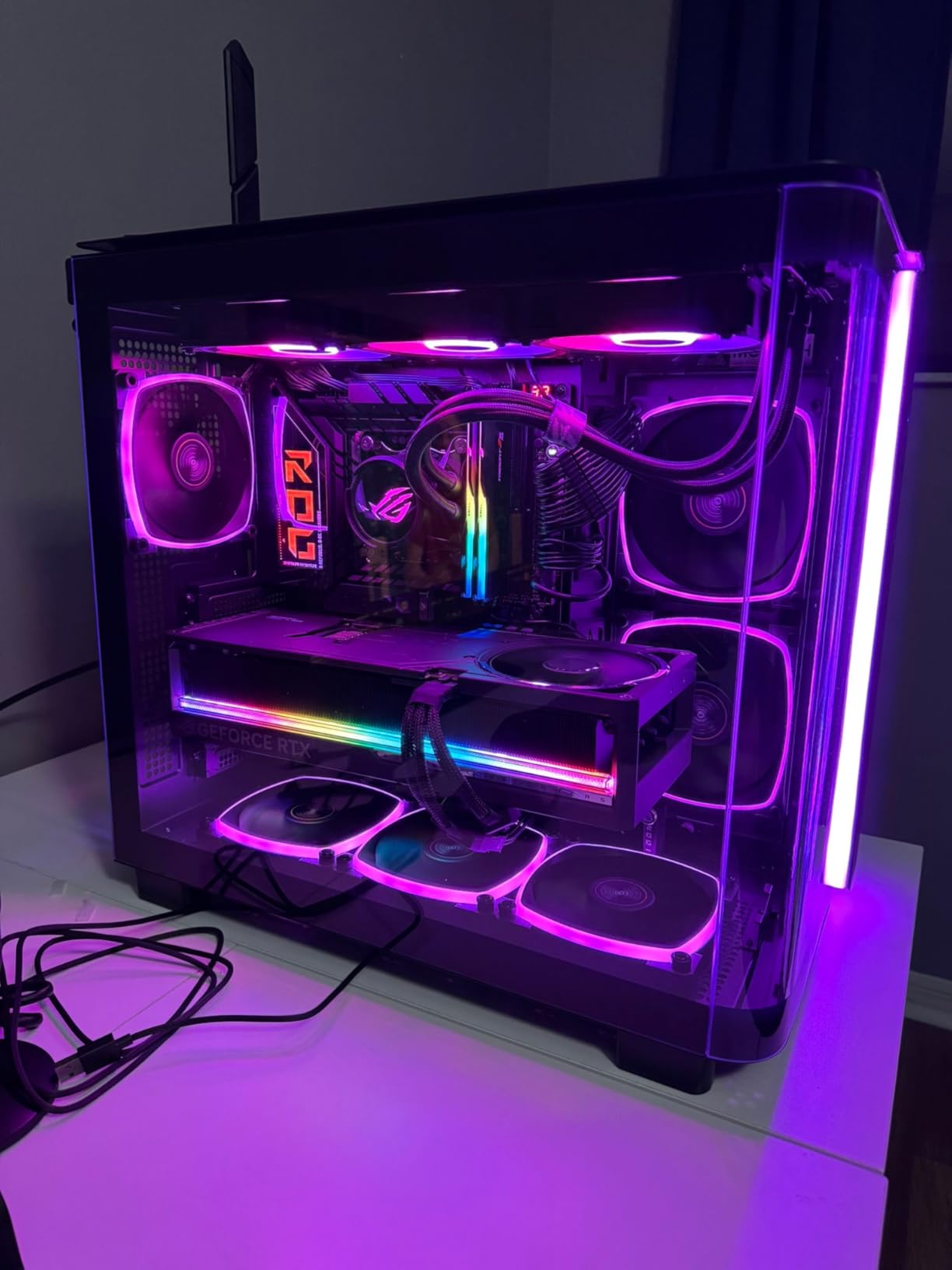
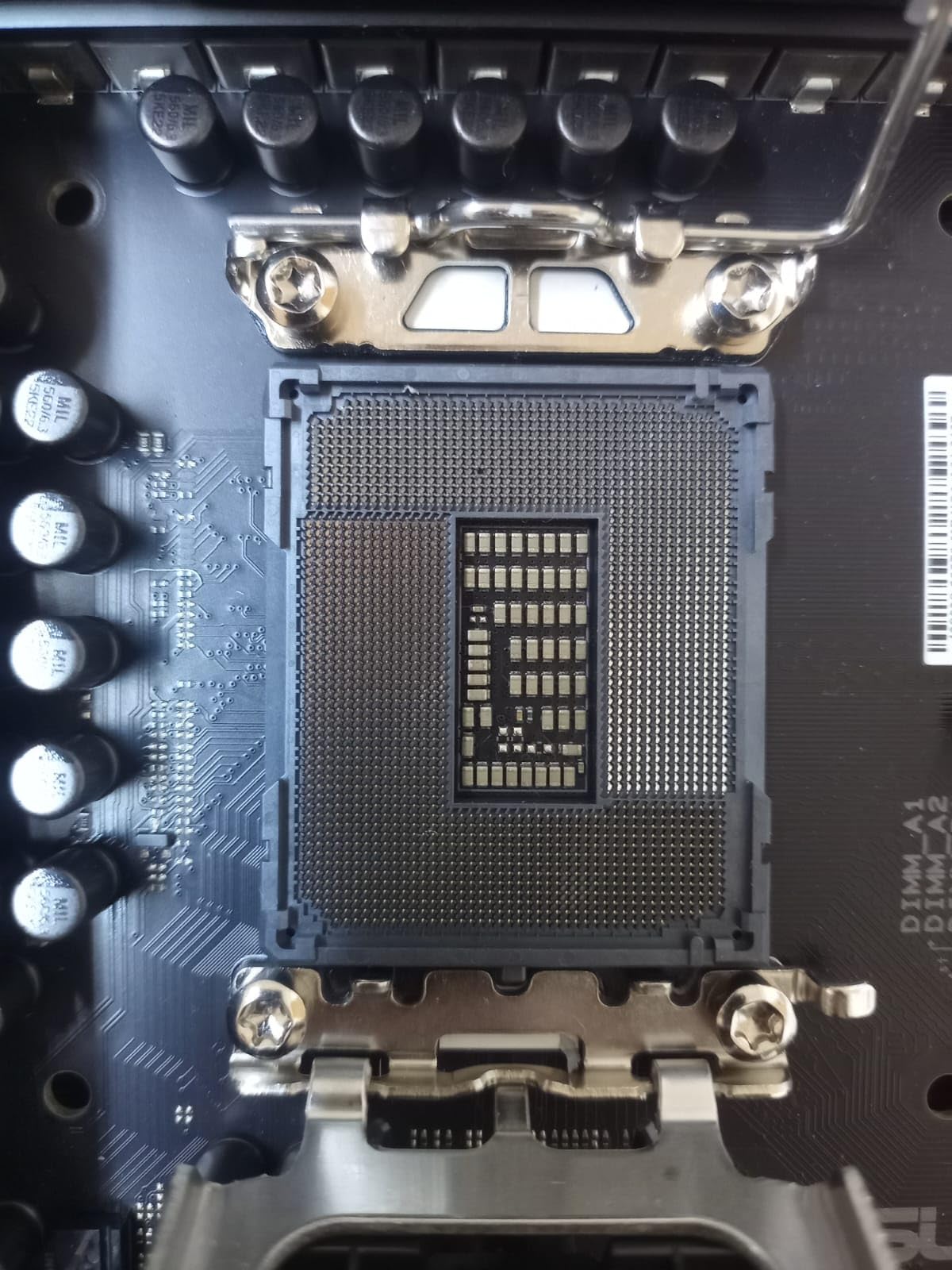
This is the board we end up recommending when someone asks for one answer. It carries a 22+2+1+2 stage power solution built on 110A stages for the VCore phases, with MicroFine alloy chokes and ProCool II connectors, and that headroom is what a Core Ultra 9 285K actually needs when it runs every core at boost.
Storage is where the Hero separates itself from the cheaper Z890 boards. Three of the four M.2 connectors are PCIe 5.0, so you can fill more than one slot with a Gen5 drive before you touch a Gen4 port. The other board in the top tier with this much Gen5 storage is several tiers more expensive.
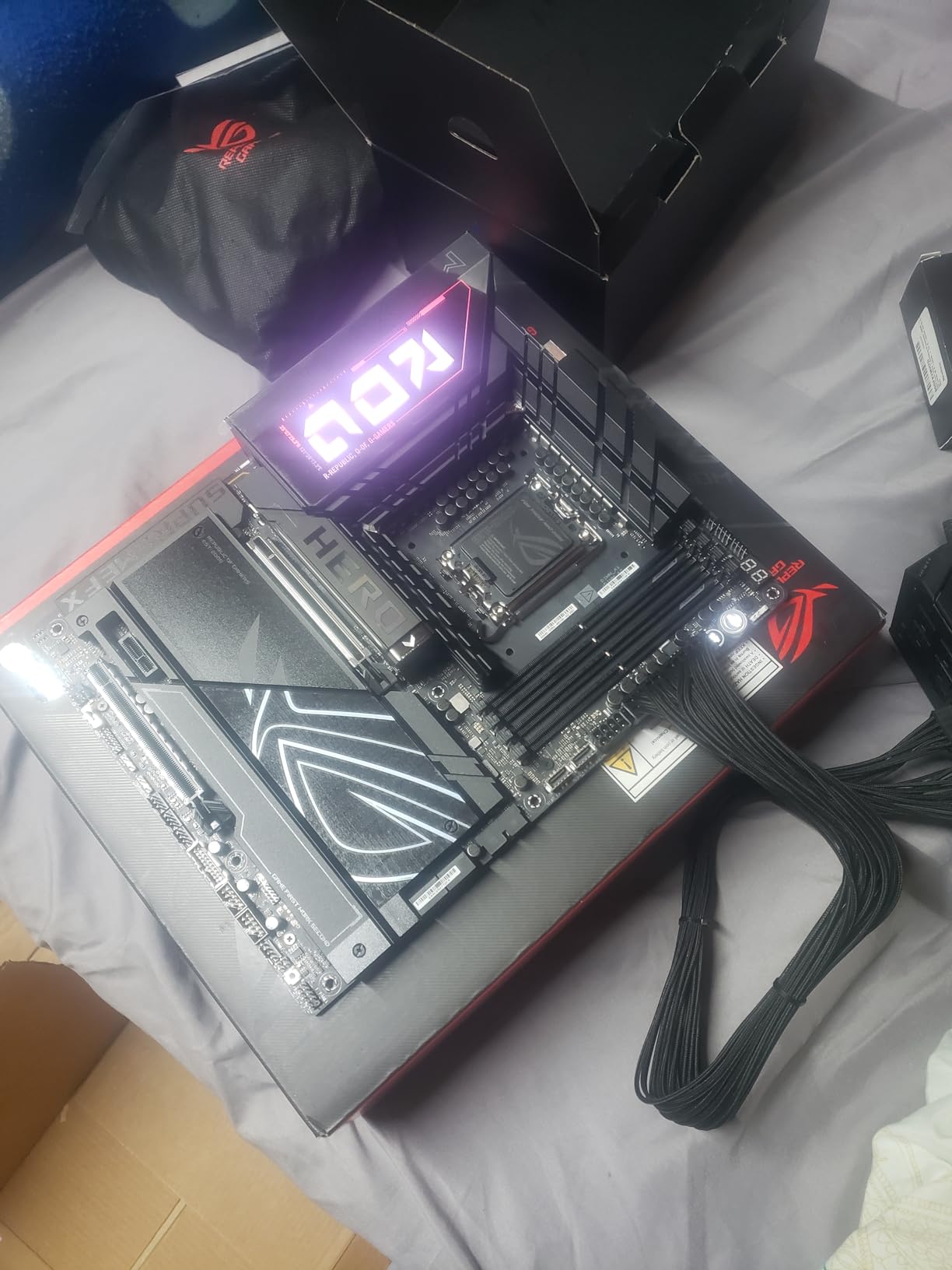
On the memory side you get four DIMM slots rated to 192GB, plus ASUS memory technologies that actually help: NitroPath DRAM routing, DIMM Fit for training profiles, and AEMP III for the memory controller. Owners consistently report the board simply works after enabling XMP, which is not something you can say for every board in this roundup.
The AI suite is a genuine convenience rather than a gimmick. AI Overclocking reads the silicon and proposes a starting point, AI Cooling II builds a fan curve, and AI Networking II tunes the adapter. For a first Core Ultra build that removes a surprising amount of the trial-and-error phase.
Why the Hero earns our top pick
Review data backs the recommendation. It holds a 4.4 average across 144 ratings, the widest review base of any board here, and the feedback is consistent: strong VRM, strong connectivity, and a BIOS that boots and trains memory without drama.
For a 285K at stock, a 265K with a mild all-core tune, or a system that doubles as a rendering or compilation machine, this is the board with the least to apologise for. The 8.1 lb weight does mean you want a full-tower or a case with a proper CPU cooler mount clearance.
Where the Hero is the wrong buy
If you are not going to touch power limits or memory tuning, the AI Overclocking suite and the 22-stage front end are insurance you are not collecting on. A well-cooled B860 board will run a 265K all day without drama.
It is also the heaviest board in the group and the widest in scope. If your case is micro-ATX, or if your build is a quiet workstation where the RGB and the software suite are distractions, keep reading.
2. ASUS TUF Gaming Z890-PLUS WiFi: The Mainstream Z890 With Four M.2 Slots
ASUS TUF Gaming Z890-PLUS WiFi Z890 LGA 1851 ATX Motherboard, Intel® Core™ Ultra Series 2 Ready, Advanced AI PC-Ready, 16+1+2+1 Stages, DDR5, PCIe® 5.0, Thunderbolt™ 4 Type-C®, 4X M.2, Wi-Fi 7, 2.5Gb
16+1+2+1 80A DrMOS
8-layer PCB
4x M.2
Thunderbolt 4 Type-C
Pros
- Balanced Z890 ATX layout with four M.2 slots and Thunderbolt 4
- 16+1+2+1 80A DrMOS on an 8-layer PCB
- Full VRM
- M.2 and PCH cooling with Fan Xpert 4
- Best-selling board in this roundup by Amazon rank
Cons
- Single ethernet port with no multi-gig option for NAS use
- Armoury Crate and AI Suite add clutter to a fresh install
- 14 percent of reviews are 1-star
The TUF Gaming Z890-PLUS WiFi is the board we would build around for a 265K gaming system that will also see some light content work. It gives you the full Z890 chipset, four M.2 connectors, Thunderbolt 4 and WiFi 7 in a board that is not trying to be a showpiece.
Power delivery comes from 16+1+2+1 80A DrMOS stages on an 8-layer PCB, with large VRM heatsinks plus dedicated M.2 and PCH heatsinks. That is a lot of metal for a mainstream chip, and it means the board stays quiet under sustained load without you adding a tower cooler for airflow over the VRM.
Connectivity is the real strength. Four M.2 slots, Thunderbolt 4 Type-C, WiFi 7 and 2.5Gb Ethernet give you almost everything a modern build wants, and Fan Xpert 4 with AI Cooling II handles the fan logic. It also ranks in the top 40 boards in its category on Amazon, which tells you how many people have made this exact choice.
The gripes are consistent across reviews and worth weighing. There is a single ethernet port, so a NAS-heavy builder will add a card. ASUS software is the other recurring theme, and the 1-star share of 14 percent is higher than we would like to see at this tier.
When the TUF makes sense
If you want Z890 for future flexibility but have no plan to run 300-watt multi-core loads, this is the board that gives you the chipset headroom without the flagship weight class. Four storage slots is the practical win over most Z890 ATX boards at this level.
It is also a comfortable fit for a 265K with a mid-range GPU, where the PCIe 5.0 x16 slot and the Gen5 M.2 connector do all the work you need.
When to pick something else
Planners who want a second 2.5Gb port or 5Gb+ networking for a home server should look at the ASUS ROG Strix Z890-H, which has 5Gb LAN. Those who want 10Gb should be reading about the ProArt or the MSI MEG.
If you dislike ASUS software entirely, the MSI boards in this roundup run a much lighter utility stack, and the difference is noticeable on a clean Windows install.
3. ASUS ProArt Z890-CREATOR WIFI: The Board With Thunderbolt 5 and 10Gb Networking
ASUS ProArt Z890-CREATOR WIFI Z890 LGA 1851 ATX Motherboard, Intel® Core™ Ultra Processor Series 2 Ready, 16+2+1+2 stages, PCIe® 5.0, DDR5, Thunderbolt™ 5 Type-C®, 10+2.5 Gb LAN, WiFi 7, 5x M.2, AI OC
Dual Thunderbolt 5
10Gb plus 2.5Gb LAN
5x M.2
16+2+1+2 stages
Pros
- Dual Thunderbolt 5 plus Thunderbolt 4 and dual 10Gb and 2.5Gb Ethernet
- Five M.2 slots with one PCIe 5.0 and four PCIe 4.0
- Understated styling with no gamer RGB
- Q-Latch
- Q-Release and BIOS FlashBack streamline assembly
Cons
- Some buyers report persistent DisplayPort and WiFi dropouts across BIOS versions
- Only 3 expansion slots on an ATX board
- Costly short of the ROG flagship
Three separate related searches on this topic ask for Thunderbolt 5, and this is the board that answers them. No other LGA 1851 board in our list gives you dual Thunderbolt 5 controllers alongside a Thunderbolt 4 port, which makes the ProArt the default choice for anyone running a Thunderbolt dock, a fast external NVMe array or a multi-monitor desk.
The networking story is equally creator-focused. A 10Gb port and a 2.5Gb port are both on board, so a NAS or a shared 10Gb switch is a cable rather than a shopping project. Dual ethernet is the first time in this roundup that you get that headroom on an ATX board.
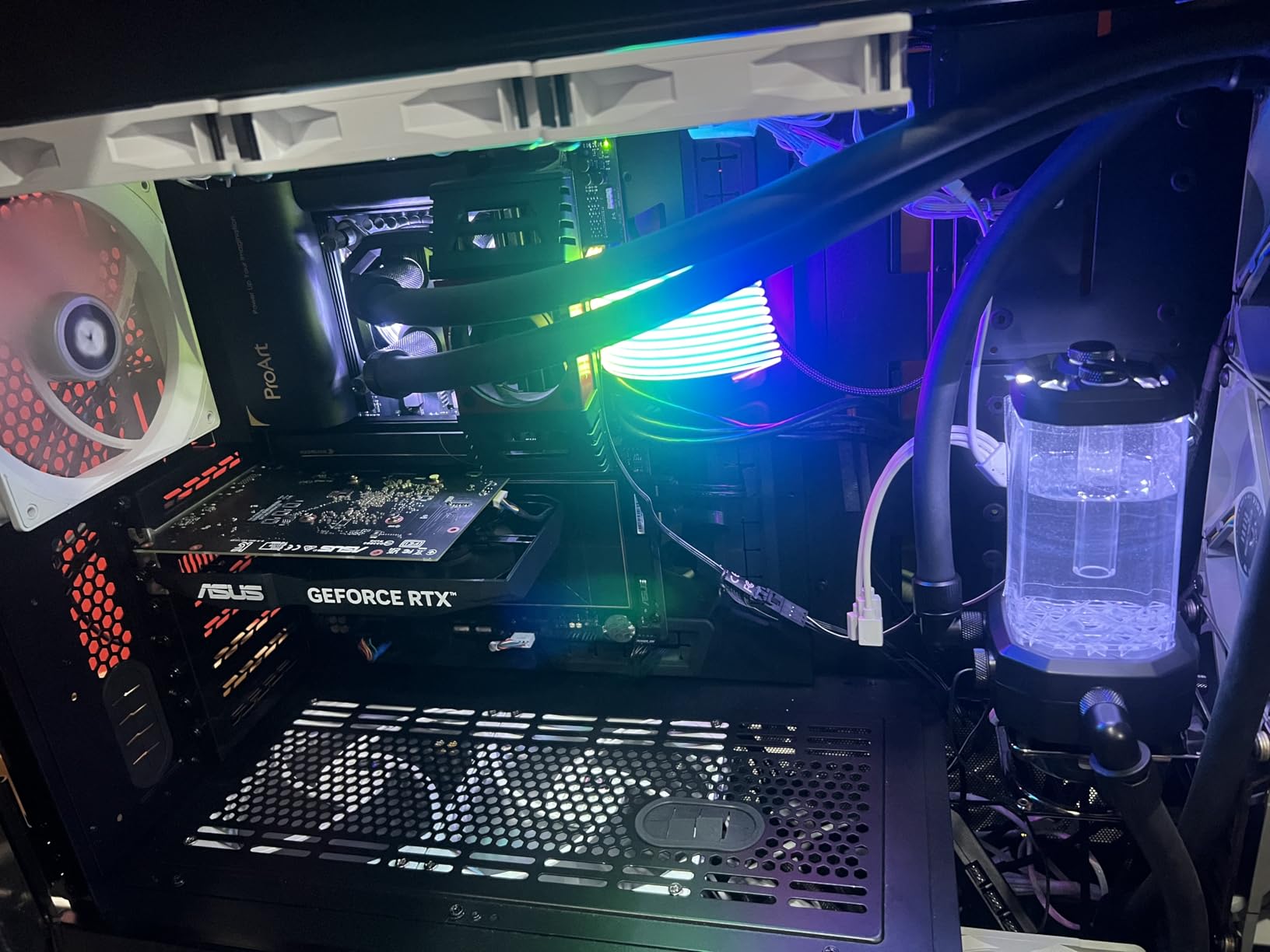
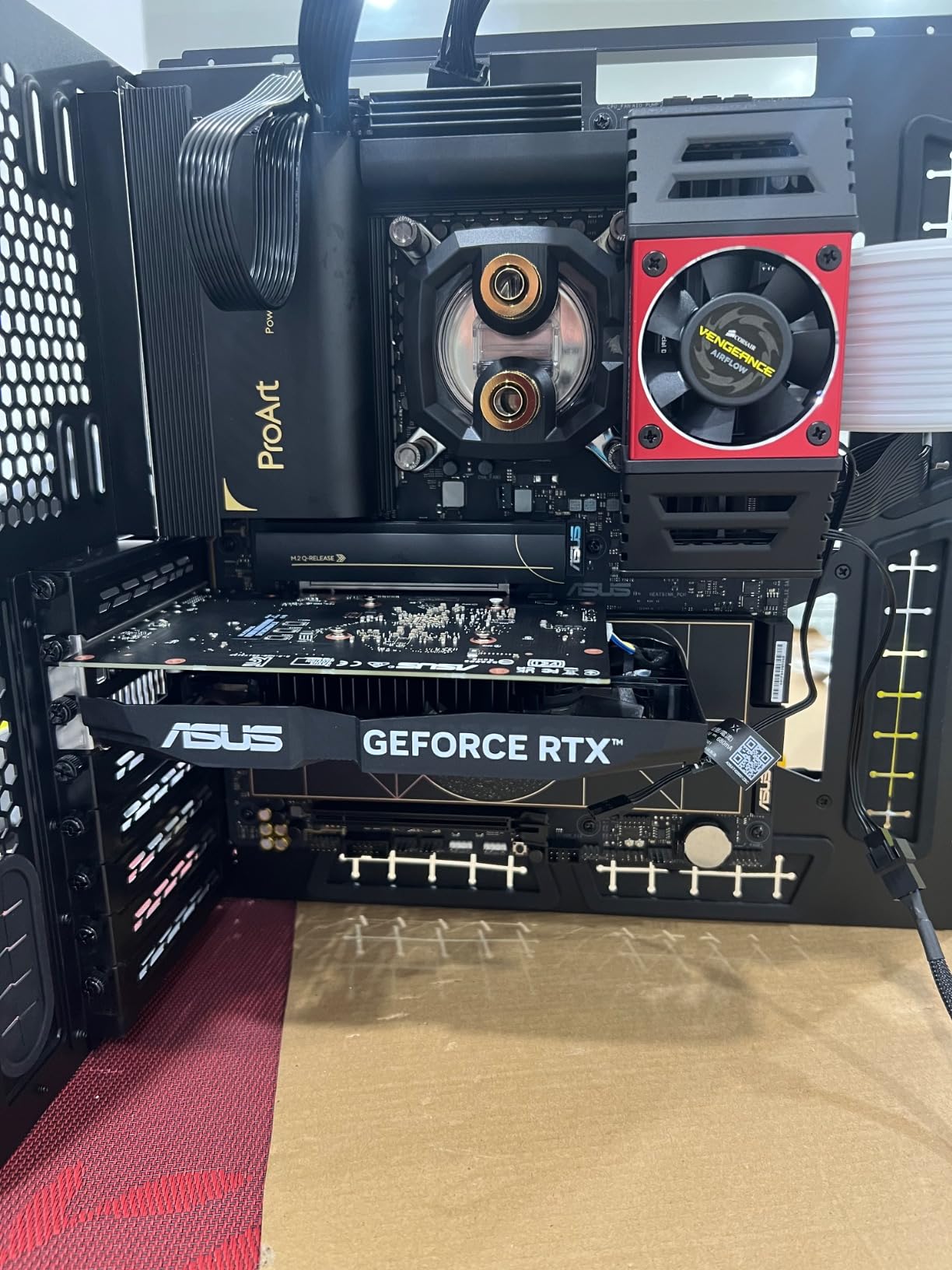
Storage is generous at five M.2 connectors, with one PCIe 5.0 slot and four PCIe 4.0 slots, plus a USB 20Gbps front-panel header. Power delivery uses 16+2+1+2 teamed stages with ProCool II connectors, which is more than a 265K asks for and adequate for a 285K at stock.
Assembly is the quiet strength. Q-Release Slim on the PCIe slot, Q-Latch on the M.2 connectors, Q-Slide, Q-Antenna and BIOS FlashBack cover the whole build, and the board ships with a restrained, unlit look that suits a studio desk better than a lit tower.
Who should buy the ProArt
Video editors, photographers and anyone moving footage between machines should take this one. Thunderbolt 5 plus 10Gb plus five storage slots is a combination you will not find again on LGA 1851 at this class, and the ProArt Creator Hub with Pantone colour management is a genuine working tool rather than filler.
It is also the board to consider if you plan to keep a workstation for years. Thunderbolt 5 docks and 10Gb switches are both early in their adoption, and having both ports on the board means you do not need to replace it later.
What to watch out for
A small minority of buyers report DisplayPort output and WiFi faults that persisted across BIOS versions and board replacements. That is worth factoring in if your workflow depends on video output from the motherboard rather than from the graphics card.
There are only three expansion slots, so a machine needing a legacy card, a capture card and an extra NIC at once will run out of room. And if you only need one Thunderbolt port for a dock, this is more board than the job requires.
4. MSI MEG Z890 ACE: The Enthusiast Board With 10Gb LAN
MSI MEG Z890 ACE Gaming Motherboard (Support Core Ultra Series 2 Intel Processors, LGA 1851, DDR5, PCIe 5.0, M.2, SATA, 10Gbps LAN, USB Type-C, Wi-Fi 7, Bluetooth 5.4, Thunderbolt 4, ATX)
24+1+2+1 DRPS with 110A SPS
10G Super LAN
WiFi 7 320MHz
256GB DDR5
Pros
- 24+1+2+1 DRPS design with 110A stages for Core Ultra 9 headroom
- 10Gb LAN plus WiFi 7 on a 320MHz channel
- 256GB maximum memory with 9200 MT/s class support
- Thunderbolt 4 Type-C and Bluetooth 5.4
Cons
- Highest priced board in this roundup on a 63 review base
- Only 7 USB ports listed
- faintest Amazon best-seller rank in the group at number 397
The MEG Z890 ACE is the enthusiast answer here. The Ultra Power Plus design runs 24+1+2+1 phases with 110A Smart Power Stages and MSI’s OC Engine, which is the biggest power delivery package in the roundup and the one we would pair with a 285K running unlimited power limits.
Where it separates from the ASUS flagship is the network. A 10G Super LAN port plus WiFi 7 on the new 320MHz channel, rated up to 5.8Gbps transmission, means this board serves a NAS builder and a gaming build at the same time, which the ROG Maximus Z890 Hero does not.
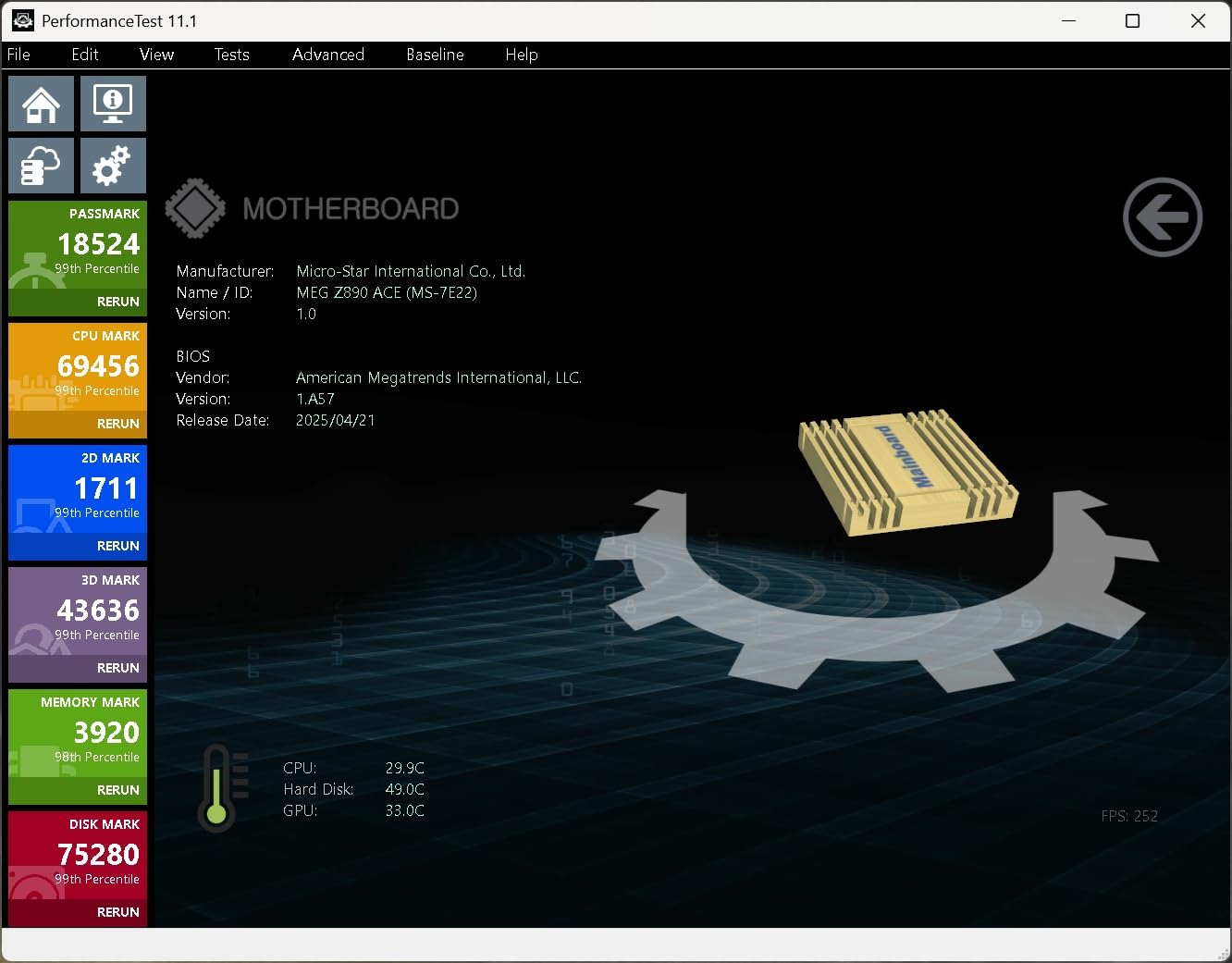
Memory is generous too. Four DIMM slots support up to 256GB, and the listed 9200 MT/s class speed puts it among the faster memory layouts in the group. Thunderbolt 4 Type-C and Bluetooth 5.4 round out a rear I/O that is modern without being fussy.
The reservation is the evidence base. Sixty-three ratings is the second-smallest review count here, and at this price you are asking buyers to take a fairly thin track record on faith. The board performs as described, but the confidence interval around it is wide.
Where the ACE earns its place
Pair it with a 285K and a 3090 or 4090 class card, set generous power limits, and you have a platform that does not ask for a second upgrade. The VRM is sized for the case where every core is loaded for hours, not just for a 30-second benchmark run.
It is also the sensible enthusiast choice when you want 10Gb LAN and do not want to carry a full ROG board’s software stack to get it.
Where it does not
If you are running a 265K at stock, the phase count and the 10Gb port are both beyond what the build will use, and the price premium is real. The ASUS ProArt gives you similar creator connectivity at a lower outlay.
Only 7 USB ports are listed for a board at this level, which is a genuine limitation for a desk with several peripherals and a dock. Check the count against your actual setup before committing.
5. ASUS ROG Strix Z890-H Gaming WiFi: The Best Fit for a 265K or 285K Gaming Rig
ASUS ROG Strix Z890-H Gaming WiFi Z890 LGA 1851 ATX Motherboard, Intel® Core™ Ultra Series 2 Ready, Advanced AI PC-Ready, 16+2+1+2 Stages, DDR5, 5Gb LAN, WiFi 7, 4X M.2, PCIe 5.0, USB Type-C®, AI OC
22+2+1+2 110A stages
5Gb LAN
4x M.2
PCIe 5.0
Pros
- 22+2+1+2 stage VRM comparable to the ROG Maximus Hero
- 5Gb LAN plus WiFi 7 is the fastest wired networking here
- Handles a Core Ultra 9 with high-speed DDR5 without stability issues
- Tool-less M.2 slots and clear labelling ease first-time assembly
Cons
- Armoury Crate and ASUS bloatware resist full removal
- Only one USB 3.2 header on the board
- Rear 3.5mm audio output sounds weaker than USB audio
This board is the value version of the Hero’s power delivery. The same 22(110A)+2(90A)+1(90A)+2(80A) stage layout appears here, with ProCool II connectors, MicroFine chokes and premium capacitors, at a price that undercuts the flagship by a wide margin.
What you get that most competitors in this roundup do not is 5Gb LAN. For a machine that also pushes files around a home network, that port is a genuine upgrade over 2.5Gb, and it is the fastest wired option we found across all ten boards.
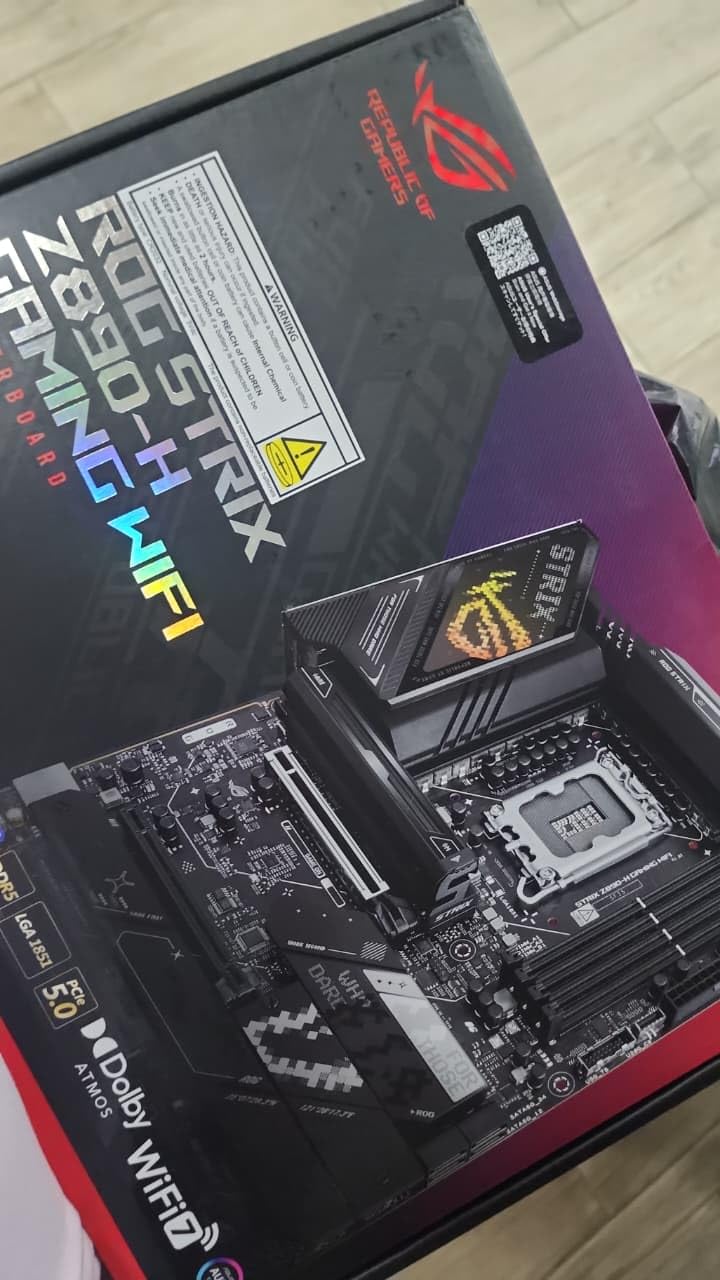
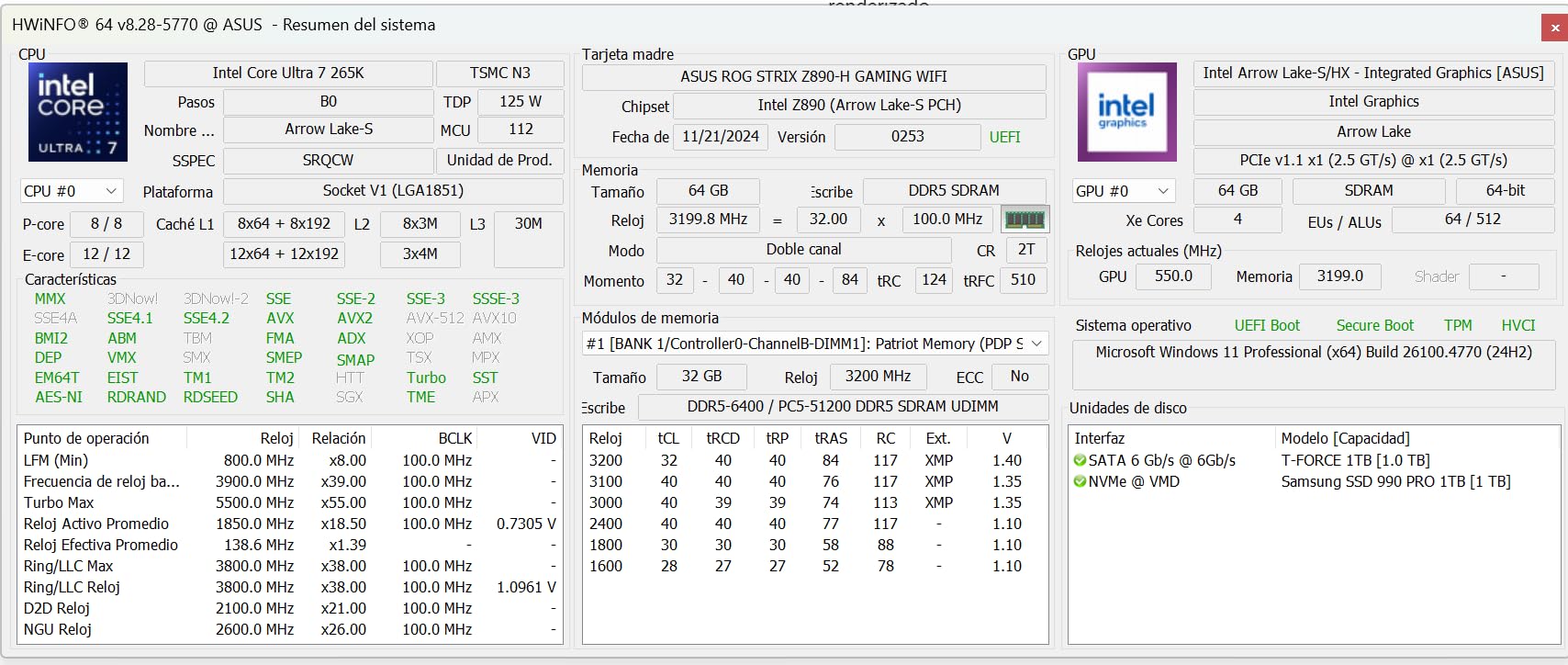
Owners report pairing it with high-end graphics cards and Core Ultra 7 or 9 chips without hitting stability or thermal issues, and the BIOS reportedly arrives stable with one-click overclocking options already present. Tool-less M.2 slots and clear slot labelling make the first assembly far less intimidating.
It also ranks in the top 15 boards in its category on Amazon, so the demand signal is strong even though the formal review count is 58. That combination of sales volume and a 4.4 average is the most convincing reason to look here first for a gaming build.
Why gaming builders should start here
For a 285K gaming system, this is the balance point. You get flagship-tier VRM capacity, 5Gb networking, WiFi 7, four M.2 slots and PCIe 5.0, and you skip the flagship price and the software complexity that comes with it.
The one-click overclocking options also mean a builder who wants a modest bump does not have to learn a full tuning menu. Set the profile, test, and move on.
The ASUS software problem
Armoury Crate and its related utilities are the dominant complaint in the reviews, and several buyers describe them as difficult to fully uninstall. Plan to spend twenty minutes removing what you do not want before you install your drivers and game.
There is also only one USB 3.2 header on the board, so a case with front USB-C or extra ports may need an expansion card. And the rear 3.5mm audio output is reported as weaker than the same audio over USB, which matters if you are not using a headset.
6. GIGABYTE Z890 AORUS Elite WIFI7 ICE: The Best White Board for a Themed Build
GIGABYTE Z890 AORUS Elite WIFI7 ICE Intel Core Ultra (Series 2) LGA 1851 Motherboard, ATX, DDR5, 3X M.2, PCIe 5.0, Thunderbolt 4, WIFI7, 2.5GbE LAN, EZ-Latch
16+1+2 80A power stages
White ICE finish
4x M.2
5 year warranty
Pros
- Stable and fast with Core Ultra 7 265K and 270K on boost
- Five year manufacturer warranty is the longest here
- Thunderbolt 4 and WiFi 7 at this tier
- EZ-Latch and EZ-Debug Zone speed up assembly
Cons
- Some units need a manual BIOS flash before first boot and XMP may not enable
- Only 12 ports listed
- Control Center reportedly auto-selects bundled antivirus
- A few buyers report Windows instability after a Control Center update
White-themed builds are where this board earns its place. The ICE finish is a genuine white rather than a silver-grey, and it is one of very few LGA 1851 options where the whole board matches the rest of a themed case, cooler and GPU rather than being a dark board in a white chassis.
Power delivery is 16+1+2 stages using 80A Smart Power Stages, protected by VRM Thermal Armor, and the M.2 slots sit under Thermal Guard heatsinks. That is adequate for a 265K and for a 285K at stock power limits, though it is not the board we would choose for unlimited power limits.
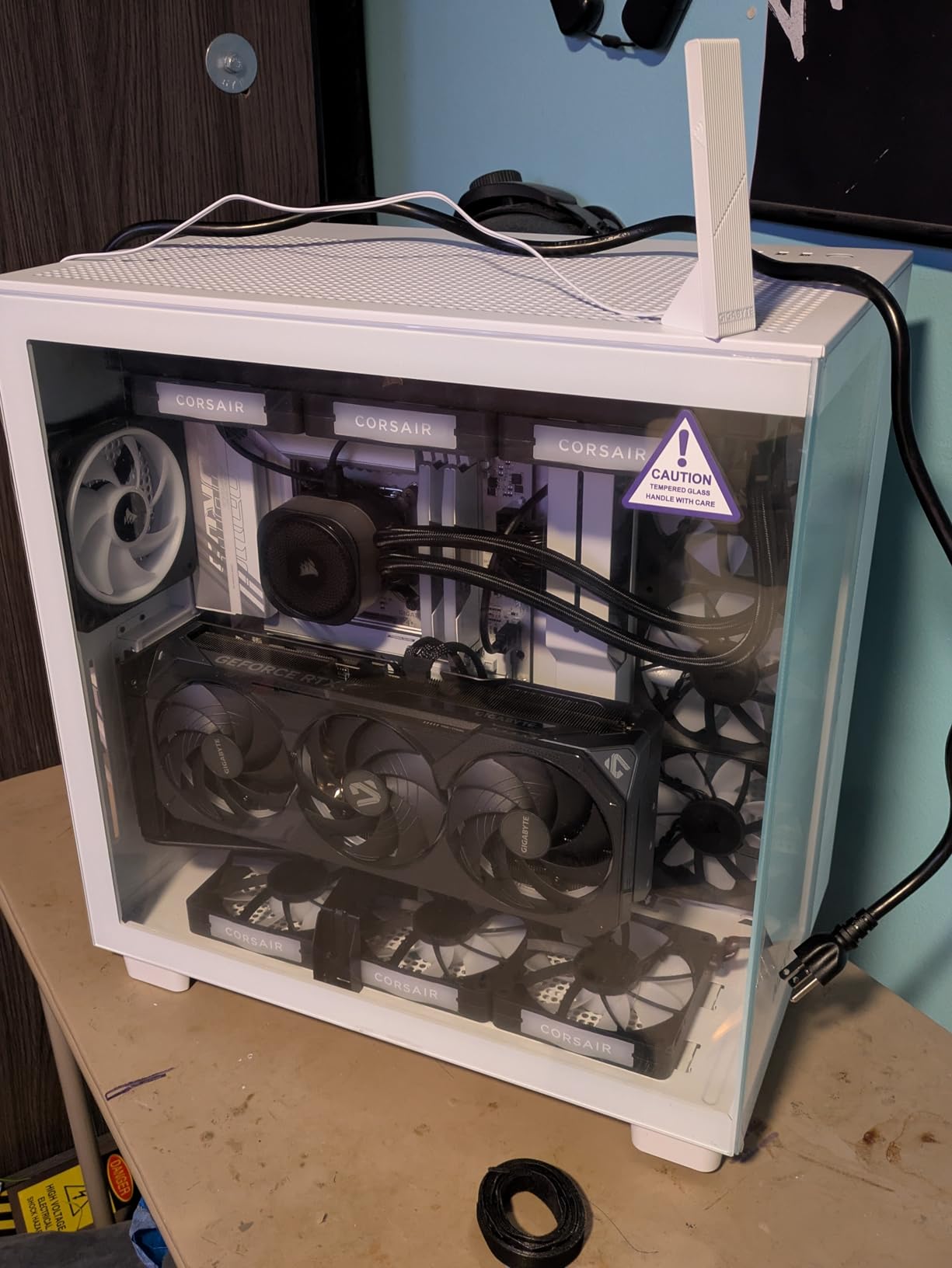
Connectivity covers the bases with four M.2 slots, PCIe 5.0, Thunderbolt 4, front USB-C and WiFi 7 over 2.5Gb LAN. The DIY features are the ones we like most: M.2 EZ-Latch, PCIe EZ-Latch, WIFI EZ-Plug and an EZ-Debug Zone with labelled codes for POST diagnosis.
The five year manufacturer warranty is the longest in this roundup, which matters more than usual on a board where the finish is a selling point. Reviewers also report stable, fast behaviour with a Core Ultra 7 265K on the F20 BIOS.
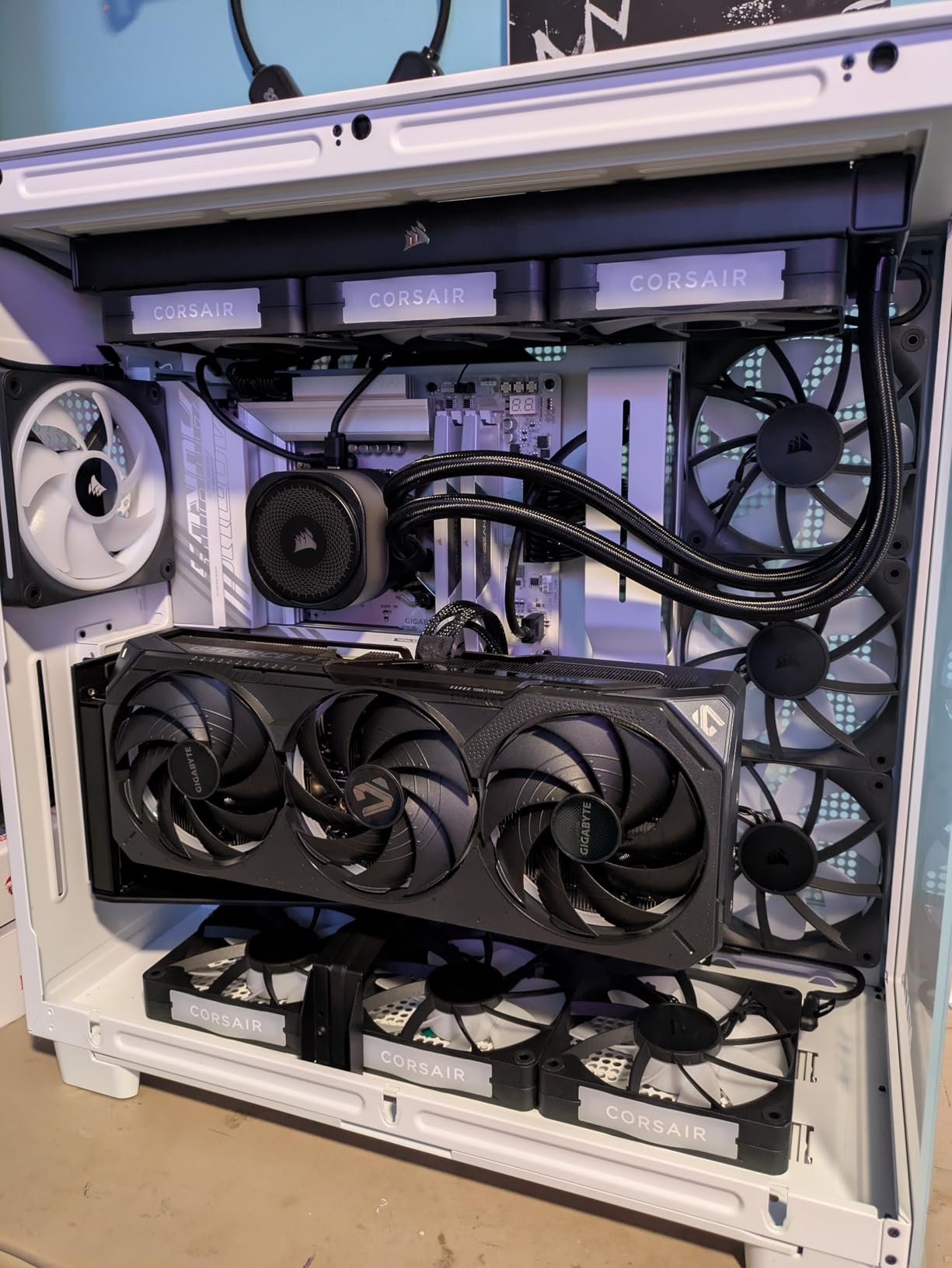
Why the ICE stands out
Forum feedback consistently frames GIGABYTE’s BIOS as functional but with more friction than ASUS or MSI, particularly around automatic XMP profile behaviour, and first-time builders reportedly do not notice the difference. For a white build the finish is the deciding factor, and this board delivers it with a warranty behind it.
The EZ-Debug Zone is a small thing that saves real time. When a POST fails, the labelled LEDs tell you which stage stalled instead of leaving you swapping parts blind.
The GIGABYTE software caveat
The shared Control Center application is the dominant source of complaints. Buyers report it auto-selecting bundled Norton antivirus during updates, and a few report Windows instability and crashes following a Control Center update, so treat the utility as optional rather than essential.
There is also a real BIOS logistics point: some units arrive needing a manual flash before first boot, and XMP profiles may not enable until it is done. Use a board with BIOS FlashBack if you are not comfortable with that step, or confirm the board ships with a BIOS that supports your CPU stepping.
7. MSI MAG B860 Tomahawk WiFi: The Best Motherboard for Intel Core Ultra Builds on a Budget
MSI MAG B860 Tomahawk WiFi Motherboard, ATX – Supports Intel Core Ultra Processors (Series 2), LGA 1851 – DDR5 Memory Boost 9200+ MT/s OC, 1 x PCIe 5.0 x16, 1 x M.2 Gen5, 5G LAN, Wi-Fi 7
B860 chipset
FROZR GUARD cooling
1x M.2 Gen5 plus 2x Gen4
5G LAN
Pros
- Lowest priced 800-series ATX board here while still offering 5G LAN and WiFi 7
- 4.5 star average with 79 percent five-star ratings
- BIOS resets CMOS automatically if a memory overclock fails
- FROZR GUARD VRM and M.2 shielding handle sustained load
Cons
- B860 chipset means no CPU multiplier overclocking
- Single PCIe expansion slot and three M.2 connectors
- One buyer reported Bluetooth and WiFi not working after a BIOS update
- Slow BIOS navigation and lengthy POST reported
The Tomahawk is the board that comes up in builder threads when people ask what a Core Ultra 250K Plus or 265K build should sit on. It holds a 4.5 average with 79 percent five-star ratings, and for once that is not a thin review base talking, because 34 ratings at 4.5 is a consistent signal rather than a fluke.
For the money you get 5G LAN, WiFi 7 with Bluetooth 5.4, Thunderbolt 4 Type-C with display output, and 7.1 HD Audio with Audio Boost. On networking alone this is a better-equipped board than several more expensive Z890 options in this roundup.
Forum consensus in r/buildmeapc repeatedly points at the MSI MAG B860 Tomahawk WiFi as the reference point for B860 value, with builders recommending it instead of paying for Z890 they will not use. That is the exact argument this board wins.
Why B860 costs you nothing here
The B860 lock is limited to the CPU multiplier and BCLK. Memory overclocking is open, and the four DDR5 DIMM slots use Memory Boost isolated circuitry rated at 9200+ MT/s in a 1DPC 1R configuration. XMP is available, and the BIOS will reset CMOS automatically if a memory overclock fails, which is a genuinely thoughtful safety net.
Storage is one Gen5 x4 slot at 128Gbps plus two Gen4 x4 slots at 64Gbps, all under EZ M.2 Shield Frozr II covers. The single PCIe 5.0 x16 slot carries Steel Armor II, so a heavy graphics card is supported properly.
What you give up, and who should skip it
Two things. You cannot tune the CPU multiplier or BCLK, so a 285K stays on stock behaviour. And there is only one PCIe expansion slot, so multi-GPU or an add-in capture card plus a second NIC is not happening.
The BIOS itself draws repeated complaints for slow menu navigation and long POST times, which matters more than it sounds if you are new to PC building. If your build needs more than three M.2 connectors, the MSI MAG Z890 Tomahawk WiFi II in this list is the direct upgrade path.
8. ASUS Prime Z890M-PLUS WiFi: The Best Micro-ATX Z890 Board
ASUS Prime Z890M-PLUS WiFi Z890 LGA 1851 mATX Motherboard, Intel® Core™ Ultra Series 2 Ready, Advanced AI PC-Ready, 10+1+2+1 80A Power Stages, DDR5, PCIe® 5.0, USB Type-C®, 3X M.2, Wi-Fi 7, 2.5Gb LAN
10+1+2+1 80A stages
6-layer PCB
6 SATA ports
2.5Gb LAN
Pros
- Micro-ATX Z890 with a PCIe 5.0 M.2 slot and 2.5Gb LAN
- Six SATA ports
- more than any other board in this roundup
- Pre-mounted I/O shield plus BIOS FlashBack
- Compact 9.6 by 9.6 inch footprint for smaller cases
Cons
- 10+1+2+1 80A stages are the weakest VRM here
- 6-layer PCB is thinner than the 8-layer alternatives
- Only 27 reviews and a 4.0 average
- Listing reports just 4 numbered ports
Getting Z890 with a PCIe 5.0 M.2 slot into a micro-ATX case usually means compromising on something. This board compromises on VRM size, which is a reasonable trade for a Core Ultra 5 or a 265K on default power limits, and not a good trade for a 285K running unlimited limits.
The layout is 10+1+2+1 80A DrMOS stages with ProCool connectors on a 6-layer PCB, cooled by large VRM heatsinks and a PCH heatsink. Six SATA ports is the highest count in this roundup, which matters if you are adding hard drives for a media server or a small NAS.
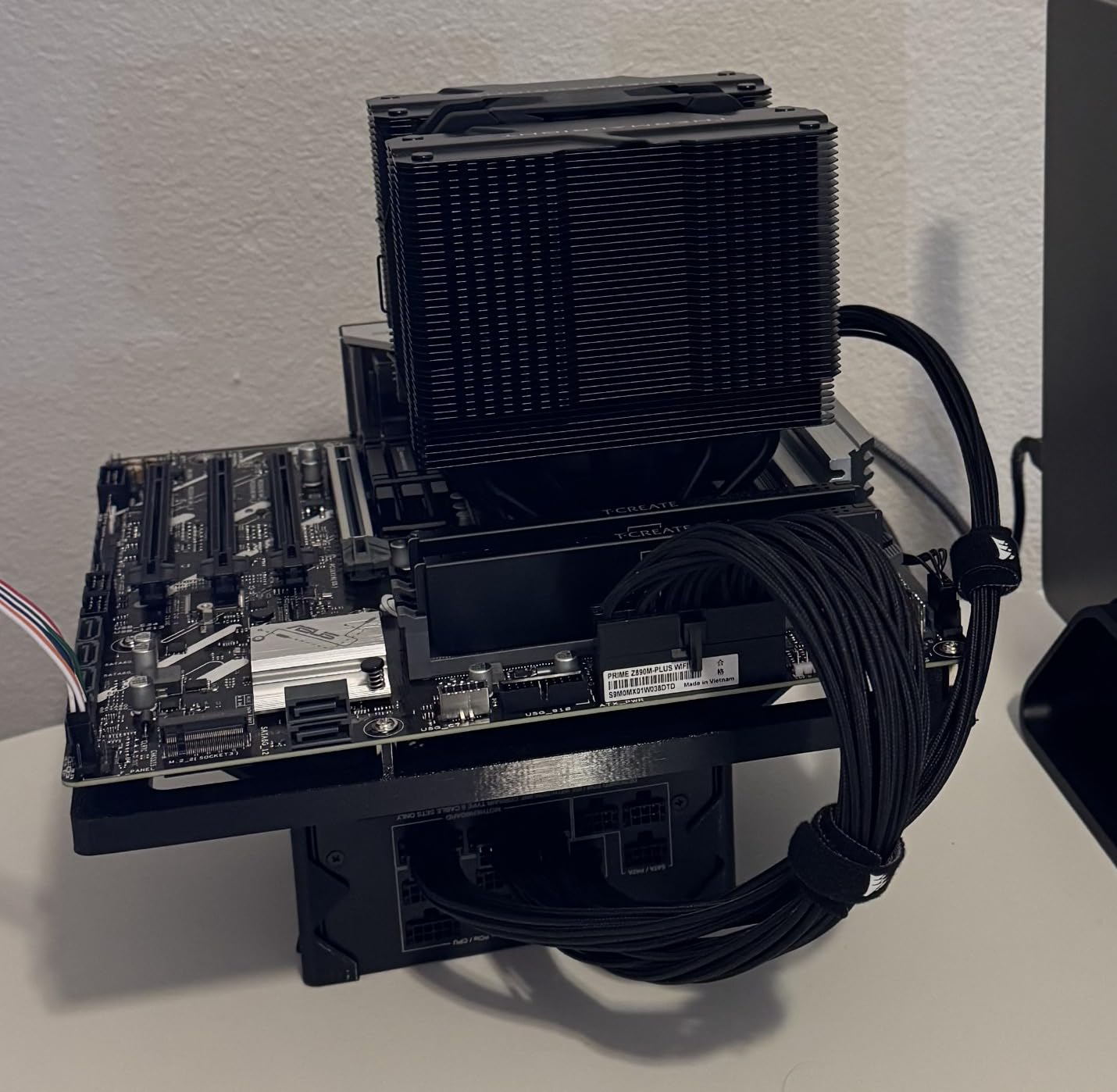
Connectivity is better than the phase count suggests. You get one PCIe 5.0 M.2 and two PCIe 4.0 M.2 slots, USB 20Gbps Type-C with DisplayPort Alt Mode on the rear, a front-panel USB 5Gbps Type-C header, and a header for Thunderbolt on USB4, so you can add a controller later.
Networking is WiFi 7 on ASUS’s Q-Antenna with Realtek 2.5Gb Ethernet. Assembly is handled by a pre-mounted I/O shield, BIOS FlashBack with its own LED, Q-LED Core diagnostics and three addressable Gen 2 RGB headers if you want lighting.
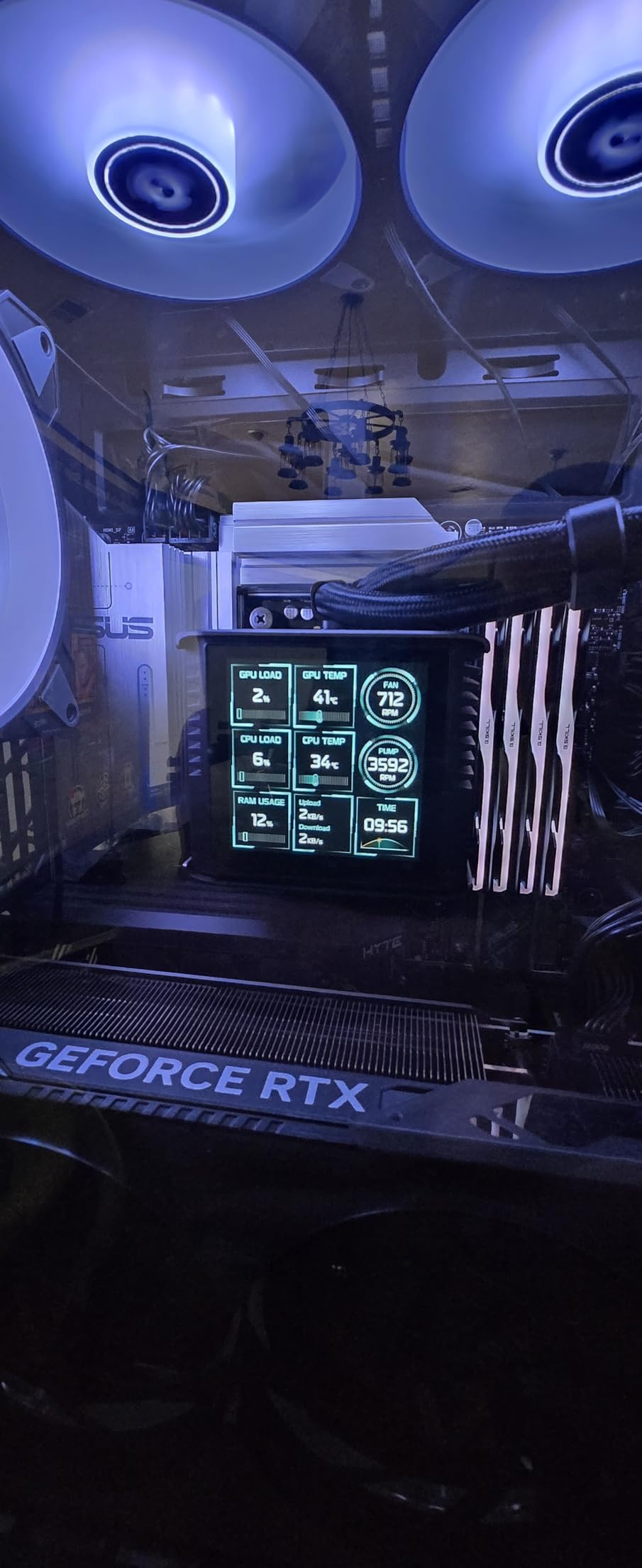
Why micro-ATX builders should care
A 9.6 by 9.6 inch footprint fits cases that will not take a full ATX board, and it still leaves room for three M.2 drives. For a small workstation or a compact gaming box, that combination is rare at this chipset level.
The USB4 header is the detail that raises it. Boards without one lock you into whatever the manufacturer chose, and adding Thunderbolt later means a PCIe card in a slot you may not have.
When the VRM becomes the limit
Ten 80A stages on a 6-layer PCB is the thinnest power delivery in the roundup, and reviews flag it as the main drawback for exactly that reason. A Core Ultra 9 running long multi-core renders will find it sooner than a gaming system will.
Review depth is also the thinnest here at 27 ratings with a 4.0 average and 17 percent one-star, and the listing reports only 4 numbered ports, so confirm rear I/O against your needs before buying. If you want small and you want VRM headroom, the ASRock B860I is the other compact option to weigh.
9. ASRock B860I WiFi 6E: The Best Mini-ITX Board for a Small Form Factor Build
ASRock Intel Core Ultra B860 LGA1851 B860I WiFi 6E DDR5 8933 MHz 128GB M.2 Mini ITX Motherboard SATA3 6.0 Gb/s PCIe 5.0
Mini-ITX B860
2x DDR5 up to 8933+ OC
BLAZING M.2 Gen5
ALC1220 audio
Pros
- Most affordable LGA 1851 board in the roundup for small builds
- Dual network ports remove the need for an add-in NIC
- DDR5 speeds up to 8933+ OC from just two DIMMs
- Realtek ALC1220 7.1 channel audio codec
Cons
- Only 2 DIMM slots and a 128GB memory ceiling
- Mini-ITX gives a single PCIe slot so a discrete GPU rules out any expansion card
- Screw-based M.2 and WiFi antenna mounts instead of tool-less latches
- Some units arrived without display output or failed UEFI POST
The B860I is the board that makes a small Core Ultra build practical. It runs a 4.5 average across 26 ratings, which is a small sample but a clean one, and the value it delivers is in reaching LGA 1851 at all without a full ATX footprint.
Power comes from an 8+1+1+1+1 phase design using Smart Power Stages for VCore, GT and SA. That is a modest design, and it suits a Core Ultra 5 class chip well. Reviewers report a 225K under full load with comfortable temperatures, which is the workload this board is designed around.
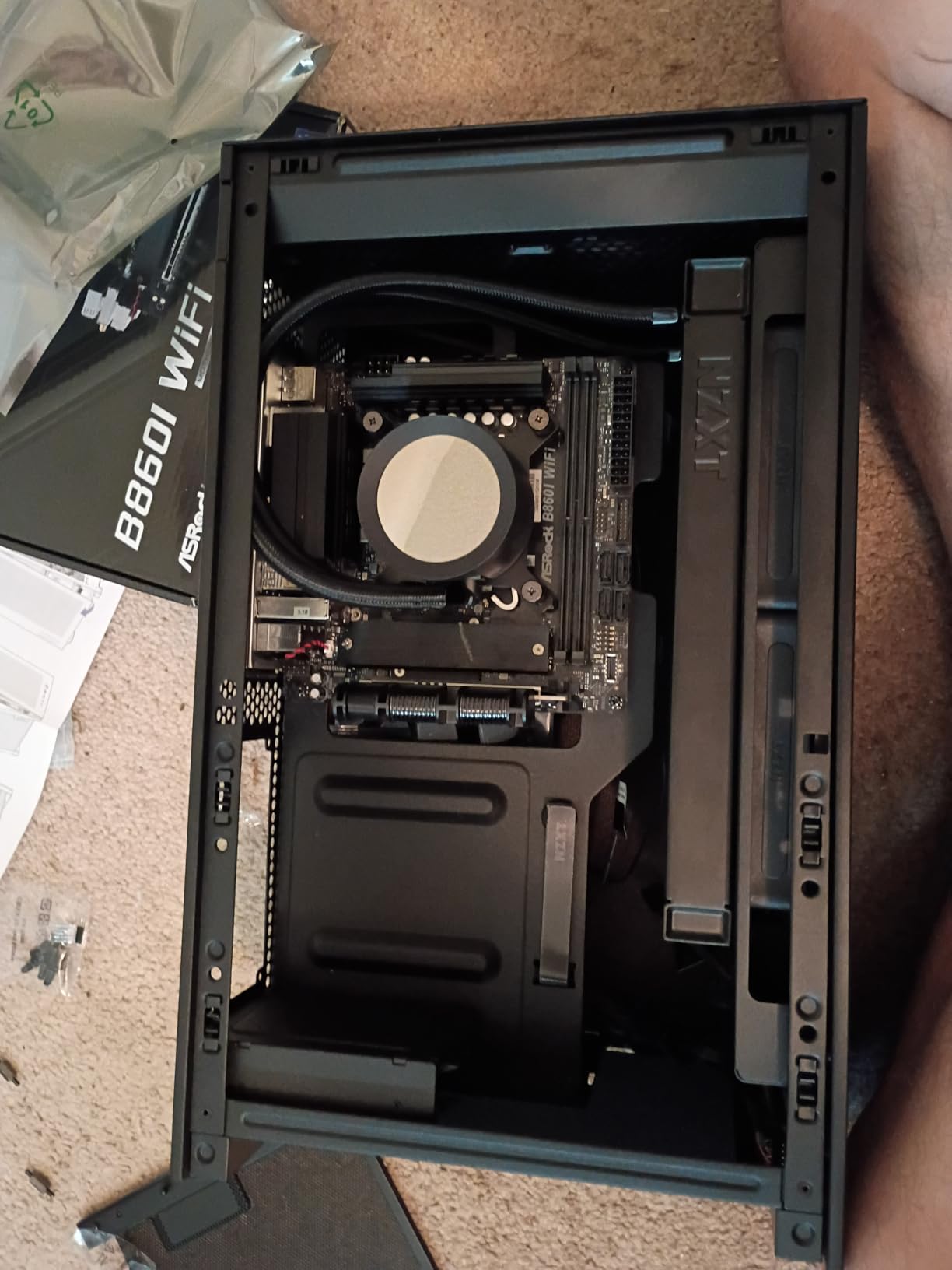
Two DIMM slots are both a limitation and an advantage in a small build. Memory caps at 128GB, but running two high-speed sticks instead of four is exactly how you reach 8933+ MT/s on this platform, and the layout leaves more room for a compact cooler and a full-length graphics card.
Connectivity is better than the size suggests. A BLAZING M.2 slot at PCIe Gen5 x4, four SATA ports, HDMI plus DisplayPort output, and both 2.5Gb Ethernet and WiFi 6E on board, so you do not need an add-in network card.
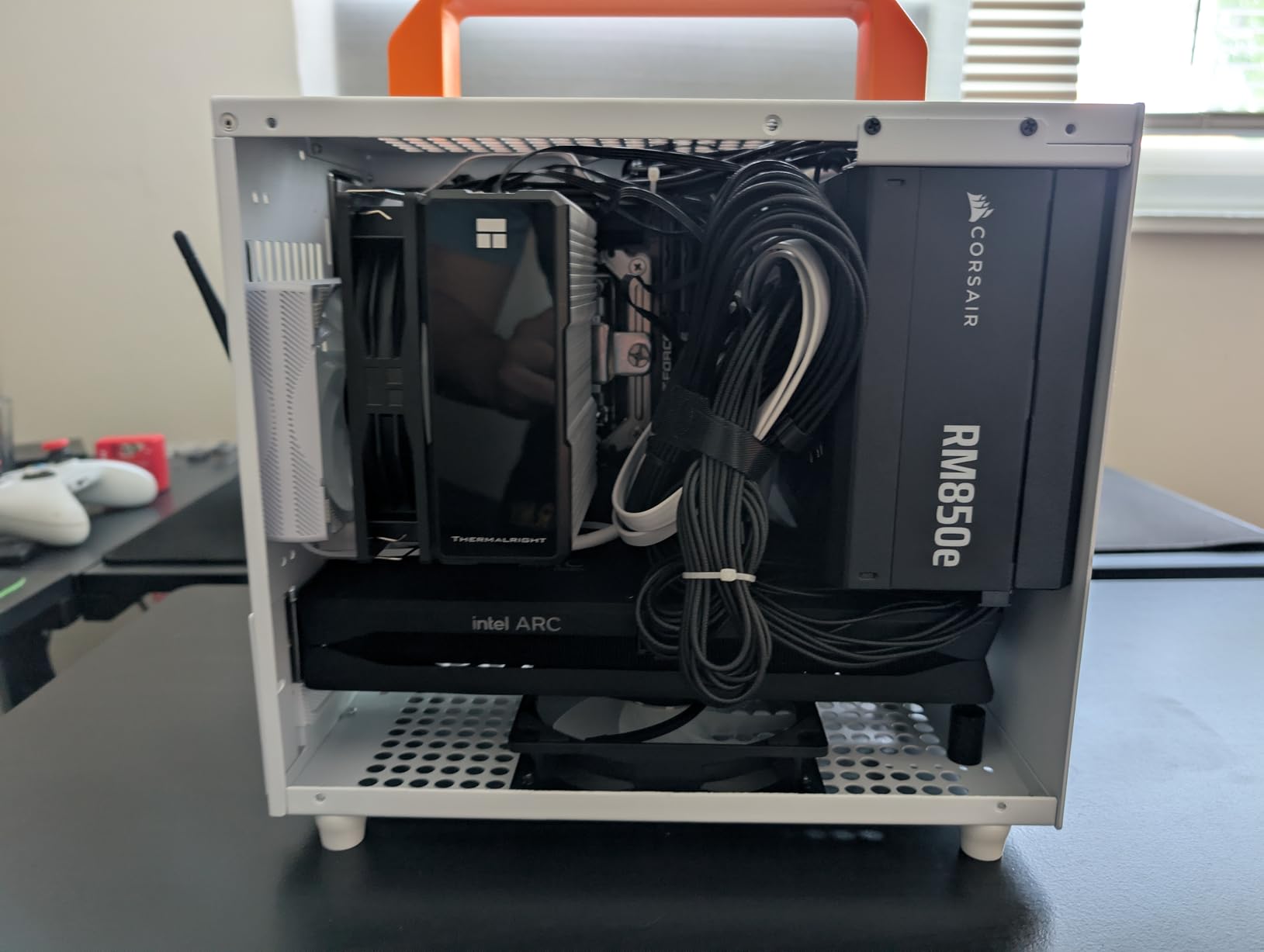
What the Mini-ITX form factor buys you
A Mini-ITX board changes the whole build. Cases become dramatically smaller, cooler options widen, and a discrete GPU in a compact case is the classic reason to go this route. The trade is that you get one PCIe slot, so add-in cards are off the table once a GPU is installed.
For a dedicated gaming box or a small workstation that streams and records, that is exactly the right trade. The ALC1220 codec with Nahimic Audio also gives you real 7.1 channel output on a board that would usually settle for stereo.
Where the constraints bite
Two DIMMs and 128GB is a hard ceiling. If your plan involves a lot of virtualised memory, a large video project held in system RAM, or plans to add more later, the four-slot boards are the only future-proof option on LGA 1851.
Assembly is also more manual than it is on the ASUS and GIGABYTE boards here. M.2 and WiFi antenna mounts use screws rather than tool-less latches, and a small number of buyers reported units arriving with no display output or failing UEFI POST, so factor in a possible return.
10. MSI MAG Z890 Tomahawk WiFi II: The Best Board for Four M.2 Slots
MAG Z890 Tomahawk WiFi II Motherboard, ATX – Supports Intel Core Ultra Processors (Series 2), LGA 1851 – DDR5 Memory Boost 4 x DDR5 (9200+ MT/s OC), 1 x PCIe 5.0 x16, 1 x M.2 Gen5, 5G LAN, Wi-Fi 7
Intel Z890 chipset
16 Duet Rail VRM
4x M.2 with 1 Gen5
5G LAN
Pros
- Z890 chipset with 9200+ MT/s memory support and up to 256GB of DDR5
- Four M.2 connectors with one Gen5 and three Gen4
- 5G LAN plus WiFi 7 and Bluetooth 5.4
- Thunderbolt 4 Type-C with display output
Cons
- Only 8 USB ports
- the leanest rear I/O in the roundup
- Smallest review base here at 24 ratings with 21 percent one-star
- 16 Duet Rail VRM is less capable than the 22-phase ASUS boards
- Single PCIe expansion slot beyond the main x16
This Tomahawk refresh is the Z890 answer for anyone whose real requirement is storage rather than tuning. Four M.2 connectors, one Gen5 x4 and three Gen4 x4, with double-sided EZ M.2 Shield Frozr II covers the full board, which is more than every other ATX Z890 option in this list.
Networking matches the MSI B860 Tomahawk at 5G LAN, WiFi 7 and Bluetooth 5.4, plus Thunderbolt 4 Type-C with display output. Memory is four DIMM slots at 9200+ MT/s and up to 256GB.
Why pick this over the B860 Tomahawk
Two reasons, and they are specific. The Z890 chipset gives you the CPU multiplier and BCLK if your build is a K-series chip you intend to tune, and the fourth M.2 slot means a four-drive storage array without a PCIe expansion card.
Cooling is the quiet plus. FROZR GUARD with 7W/mK MOSFET thermal pads, choke pads, an extended heatsink, a chipset heatsink and a 3A combo-fan header is a complete thermal package for a 265K or a 285K at stock limits.
The thin spots in this board
Rear I/O is the weak point. Eight USB ports and ten total is the leanest layout in the roundup, so count your peripherals and your dock needs before buying. The 16 Duet Rail Power System VRM also sits below the 22-stage ASUS designs, so an unlimited-power-limit 285K is not its comfort zone.
Evidence is thin as well, with 24 ratings and 21 percent one-star, the smallest and one of the more critical review bases here. Treat it as a capable board with a short track record, and verify the BIOS supports your exact CPU stepping out of the box.
Z890 vs B860 vs H810: Which Chipset Do You Actually Need?
Pick Z890 if you plan to change the CPU multiplier or the BCLK, or if you need more high-speed USB4 and Thunderbolt controllers than the cheaper chipsets offer.
Pick B860 if you are running a K-series Core Ultra chip at stock and have no intention of manual overclocking. B860 still supports memory overclocking and XMP, and it still gives you a PCIe 5.0 x16 slot and a Gen5 M.2 connector on most boards.
Pick H810 only when the build is genuinely budget-first and you can accept a thinner feature set. H810 is the entry point into the LGA 1851 socket, and most of the boards on that chipset trade away one or both of the Gen5 storage slot and the second high-speed networking controller.
The practical separator most people miss is the DMI link. Z890 pairs the CPU with a wider chipset link, so add-in cards and multiple M.2 drives behind the chipset get more headroom. On B860 the link is narrower, and that is where you feel it when you saturate several Gen4 drives at once. In gaming, none of this shows up. In a machine that streams and captures while exporting a 4K timeline, it can.
One more thing worth stating plainly, because forum threads keep circling it: a K suffix on the CPU is not a reason to buy Z890. Overclockers on overclock.net report that loosening BIOS power limits to defeat throttling is common practice, and doing that on a board with a thin VRM heatsink exposes the real weakness rather than hiding it. Buy the chipset you need for the tuning you plan to do, not the one that matches the badge on the processor box.
Which LGA 1851 Board Matches Your Core Ultra CPU?
Most People Also Ask questions on this topic are CPU-specific, so here is the mapping without the guesswork.
Core Ultra 5 245K and similar non-K parts: a B860 board such as the MSI MAG B860 Tomahawk WiFi is more than enough. The power draw is modest, memory overclocking is open, and you keep the money for a better GPU.
Core Ultra 5 250K Plus: still a B860 or entry Z890 board. If you already own an LGA 1851 board, check the CPU support list before buying a new one, because a BIOS update is often all a Plus-generation chip needs.
Core Ultra 7 265K: Z890 if you want headroom, B860 if you do not. The ASUS ROG Strix Z890-H Gaming WiFi pairs the same 22+2+1+2 stage layout as the Hero with a lower price and a 5Gb LAN port.
Core Ultra 9 285K: the ASUS ROG Maximus Z890 Hero or the MSI MEG Z890 ACE. Both carry 110A power stages and heatsinks sized for sustained multi-core load, which is exactly the case where a thin 80A design starts to make noise.
Any Plus-generation 200S chip on an existing board: confirm the CPU stepping in the board’s supported CPU list. We have covered the update path in more detail further down.
What to Look for in an LGA 1851 Motherboard
Eight criteria decide whether a board suits you, in roughly the order they matter.
1. Size the VRM to the chip, not the phase count. Phase count alone is a poor quality signal, and builders who only read the number end up overpaying. Look at amperage per phase and heatsink mass together. The 22+2+1+2 layouts using 110A stages in this roundup are sized for a 285K under load, while 10+1+2+1 80A designs are comfortable for a 265K on default limits.
2. Match the chipset to your tuning plans. B860 keeps memory overclocking and XMP open and locks only the CPU multiplier and BCLK. Z890 costs more and gives you CPU and BCLK tuning plus a wider DMI link and more high-speed USB controllers.
3. Verify M.2 slot speed before you buy. Marketing counts rarely distinguish Gen5 x4 from Gen4 x4 or from shared-bandwidth connectors. Boards advertising four or five M.2 slots frequently have exactly one Gen5 slot behind the CPU, with the rest running at Gen4. Check the slot-by-slot specification, not the total.
4. Confirm the Thunderbolt version. Thunderbolt 4 is 40Gbps and widely available on LGA 1851. Thunderbolt 5 is 80Gbps bidirectional and much rarer, appearing here on the ASUS ProArt Z890-CREATOR WIFI with dual controllers. Thunderbolt 4 tracks the model tier more than the chipset, so you cannot infer it from Z890 versus B860.
5. Check the network ports against your workflow. A 2.5Gb port is fine for most builds. If you run a NAS or a home server, 5Gb or 10Gb changes your experience, and only a few boards here carry them. The ProArt and the MSI MEG Z890 ACE offer 10Gb, and the ROG Strix Z890-H and both Tomahawks offer 5Gb.
6. Read the BIOS update history. Every board in this roundup supports Core Ultra Series 2, but a Plus-generation chip or a newer stepping may need a flash. Boards with BIOS FlashBack or Q-Flash Plus let you update from a USB stick without a working CPU, which matters if you buy the board first.
7. Count DIMMs, not just capacity. Two-DIMM boards like the ASRock B860I reach higher memory speeds more easily and cap at 128GB. Four-DIMM boards cap higher on capacity and are easier to upgrade gradually, but four modules rarely hit the same speed as two.
8. Match the form factor to the case. ATX gives slots and cooling headroom, micro-ATX fits more cases and still takes a full-length GPU, and Mini-ITX gives the smallest chassis at the cost of one expansion slot. Measure before you order, especially with tall VRM heatsinks and 8.1 lb boards.
Once the board is picked, the rest of the build matters too. Our ultra wide monitor roundup is a reasonable next stop if you are pairing a new Core Ultra system with a wider panel.
LGA 1700 to LGA 1851: Coolers, Memory and BIOS Gotchas
Moving from an older Intel build is where most upgrade plans go wrong, so here is the compatibility checklist.
CPU cooler mounting. The mounting hole spacing carries over from LGA 1700, which builders consistently report as the good news. The contact frame does not carry over, so a cooler designed only for LGA 1700 may sit wrong even though the holes align. Check that your cooler kit lists LGA 1851 support before you buy, and confirm whether the backplate needs replacing.
Memory. LGA 1851 is DDR5 only. Your LGA 1700 DDR4 sticks will not fit, and DDR5 from an LGA 1700 board generally will not be validated here. Treat this as a full memory purchase, and prefer a two-DIMM kit over four.
BIOS before first boot. Install the board, leave the CPU and RAM out, and flash the BIOS with the CPU support list open on your phone. A board with BIOS FlashBack or Q-Flash Plus is the safe choice if the CPU you have is newer than the shipped BIOS. Several boards in this roundup, the GIGABYTE AORUS Elite WIFI7 ICE among them, can need a manual flash before XMP will apply.
Plus-generation chips on an existing board. A Core Ultra 200S Plus chip frequently works in a board you already own after a BIOS update. Check the supported CPU list for your exact part number before assuming a new board is required.
Do not confuse socket generations when shopping. Listings for Intel motherboards still return plenty of LGA 1200 Z490 and Z590 boards, which are physically incompatible with Core Ultra processors. Always confirm LGA 1851 in the specification before ordering.
Frequently Asked Questions
What is the best motherboard for Intel Core Ultra 7 265K?
The ASUS ROG Maximus Z890 Hero is our pick for a Core Ultra 7 265K, with 22+2+1+2 110A power stages, three PCIe 5.0 M.2 slots, Thunderbolt 4 and WiFi 7. If you will not tune the CPU multiplier, the MSI MAG B860 Tomahawk WiFi is the value choice, since B860 still allows memory overclocking and XMP.
What is the best motherboard for Intel Core Ultra 9 285K?
For a Core Ultra 9 285K, the ASUS ROG Maximus Z890 Hero is the safest recommendation, because its 22+2+1+2 stage design at 110A per VCore phase has headroom for sustained multi-core boost. The MSI MEG Z890 ACE is the alternative if you want 10Gb LAN in the same build, and both carry Z890 for CPU and BCLK tuning.
What is the best motherboard for Intel processors?
For Intel Core Ultra desktop processors, the answer depends on the chipset. Z890 is the full option for CPU and BCLK overclocking and wider high-speed I/O, B860 is the mainstream pick that still supports memory overclocking, and H810 is the entry tier. Every one of them uses the LGA 1851 socket and DDR5 memory only.
Is B860 enough for gaming with a Core Ultra processor?
Yes. B860 locks the CPU multiplier and BCLK, but it does not reduce gaming performance, because that limit is silicon-side. Gaming builds run identically on B860 and Z890 boards at stock settings, and XMP memory profiles remain available. The visible difference is expansion and storage bandwidth on heavier multi-drive setups.
Does B860 support memory overclocking and XMP?
B860 does support memory overclocking and XMP profiles. The chipset only removes CPU multiplier overclocking and BCLK tuning, so a board like the MSI MAG B860 Tomahawk WiFi still runs 9200+ MT/s memory through Memory Boost isolated circuitry. Most builders also report that its BIOS resets CMOS automatically if a memory overclock fails.
Will my LGA 1700 CPU cooler fit LGA 1851?
Often, but check first. The mounting hole spacing carries over from LGA 1700, so many brackets align, but the contact frame is different and a cooler sold only for LGA 1700 may not seat correctly. Confirm the cooler kit explicitly lists LGA 1851 support, and check whether the backplate must be replaced.
Which LGA 1851 motherboard has Thunderbolt 5?
The ASUS ProArt Z890-CREATOR WIFI is the board in this roundup with Thunderbolt 5, and it carries two Thunderbolt 5 controllers plus a Thunderbolt 4 port. Most other LGA 1851 boards, including every B860 model here, top out at Thunderbolt 4. Thunderbolt 5 availability follows the model tier rather than the chipset.
Do I need to update the BIOS before building a new Core Ultra PC?
Only if your CPU is newer than the BIOS the board shipped with. Boards with BIOS FlashBack or Q-Flash Plus let you flash from a USB stick before installing a processor, and several boards here, including the GIGABYTE Z890 AORUS Elite WIFI7 ICE, can need a manual flash before XMP profiles apply. Always check the supported CPU list for your part number.
Which LGA 1851 Motherboard Should You Buy in 2026?
Start with the ASUS ROG Maximus Z890 Hero if you are pairing a 285K with serious work and want flagship power delivery, three Gen5 storage slots and the widest review base in this roundup. It is the best motherboard for Intel Core Ultra builds in 2026 for a reason, and the evidence behind it is the strongest of the ten.
Buy the MSI MAG B860 Tomahawk WiFi if you are running a 250K Plus or 265K at stock and would rather spend the difference on a graphics card. It carries the highest average rating in the roundup, includes 5G LAN, and keeps memory overclocking open. The MSI MAG Z890 Tomahawk WiFi II is the same idea plus a fourth M.2 slot and the Z890 chipset.
For Thunderbolt 5 or 10Gb networking, the ASUS ProArt Z890-CREATOR WIFI has no rival here. For a white build, the GIGABYTE Z890 AORUS Elite WIFI7 ICE is the board that matches, with a five year warranty behind it. For small cases, the ASUS Prime Z890M-PLUS WiFi covers micro-ATX and the ASRock B860I covers Mini-ITX.
One last note on longevity: Intel has not committed to the socket-lifespan guarantee AMD has given AM5, so treat LGA 1851 as a platform that will see a refresh. That argument matters more if you are weighing the AMD route, which we cover separately in our Ryzen motherboard roundup. Whatever you choose, update the BIOS before the first boot and check the CPU support list for your exact part number.