
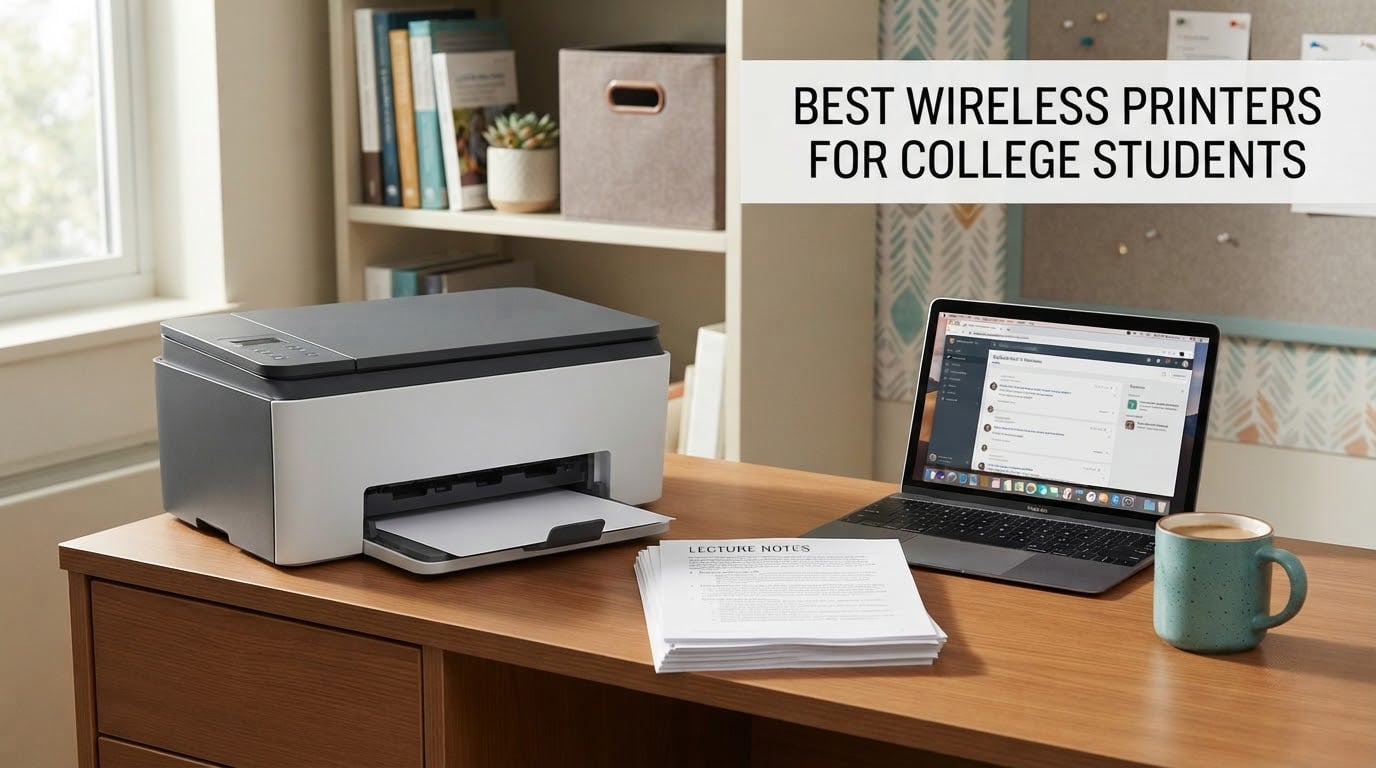
Choosing the best wireless printers for college students comes down to one number most product pages never show you: what a page costs to print. A machine that looks cheap on move-in day can cost more over four years than a pricier tank printer that ships with years of ink in the box. Our top pick, the Epson EcoTank ET-2800, wins on that math and on the sheer size of its owner feedback base, with more than 18,000 ratings behind it. For the lowest sticker price and the smallest desk footprint, the Canon imageCLASS LBP6030w is the one to look at first.
Before we get into models, the honest question every buyer should ask: does your school already cover this? Most universities give students a printing quota through the library, and that quota is free at the point of use. If your coursework is a few readings a week and nothing needs colour, that quota is genuinely enough, and buying a printer means owning a machine that collects dust between semesters. Buy your own printer anyway if you print outside library hours, if any course needs colour, if you need borderless photos for a design portfolio, or if you would rather not queue at 11pm the night a deadline lands.
We spent weeks putting eight machines through the questions students actually ask on forums: what does a refill cost, does the ink dry out over a summer, will it hold a dorm Wi-Fi network, and does it fit on a shelf. This roundup covers budget inkjets, tank-fed printers, and monochrome and colour laser models from HP, Canon, Epson and Brother, so there is a sensible pick whether your dorm desk is 12 inches deep or your apartment has a spare shelf.
If your laptop is the other thing on this year’s list, our guide to the best laptops for college students covers the machines students pair with these printers most often. And if your project needs a transfer to shirt or mug rather than paper, the best sublimation printers we tested are a completely different category of machine.
Table of Contents
Top 3 Best Wireless Printers for College Students in 2026
These three cover the most common student situations: lowest cost per page, best feature set for document-heavy work, and the best cheap-to-run colour option.

Epson EcoTank ET-2800
- Cartridge-free ink tanks
- Up to 4500 black and 7500 color pages per ink set
- Wireless and USB
- Flatbed scanner

Canon PIXMA TR8620a
- 20-sheet automatic document feeder
- Automatic duplex printing
- Wireless print copy scan fax
- Tilting touch display

Canon MegaTank G3270
- Refillable ink tanks
- Up to 6000 black and 7700 color pages per ink set
- Wireless print copy scan
- 100-sheet paper capacity
Quick Comparison: Wireless Printers for College Students (October 2026)
The table below puts all eight machines side by side so you can match a printer to your page volume, your colour needs and your shelf space in one pass.
| Product | Specifications | Action |
|---|---|---|
| Epson EcoTank ET-2800 |
|
Check Latest Price |
| Canon PIXMA TR8620a |
|
Check Latest Price |
| Canon MegaTank G3270 |
|
Check Latest Price |
 Brother DCP-L2640DW Brother DCP-L2640DW |
|
Check Latest Price |
 Brother Work Smart 1360 Brother Work Smart 1360 |
|
Check Latest Price |
 Brother HL-L2460DW Brother HL-L2460DW |
|
Check Latest Price |
 Canon imageCLASS LBP6030w Canon imageCLASS LBP6030w |
|
Check Latest Price |
 HP Smart Tank 5003 HP Smart Tank 5003 |
|
Check Latest Price |
1. Epson EcoTank ET-2800 – Best Overall for Low Cost Per Page
Epson EcoTank ET-2800 Wireless Color All-in-One Supertank Printer – Black
Ink tank system
Up to 4500 black and 7500 color pages per ink set
Wi-Fi and USB
5760 dpi
Pros
- Cartridge-free tanks make color printing far cheaper per page than cartridge models
- Up to two years of ink ships in the box
- Print copy and scan in one compact unit
- Wi-Fi and USB with app-based control
Cons
- Simplex only so double-sided essays need manual flipping
- No automatic document feeder so multi-page scanning is flatbed work
- Epson recommends genuine ink to protect print quality and warranty
This is the printer I keep coming back to for students who print colour more than a handful of times a month. Epson’s refillable tank design removes the cartridge entirely, and the manufacturer states up to 4,500 black pages or 7,500 colour pages from a single ink set. The machine is rated at 10 pages per minute in black and 5 in colour, with a 100-sheet tray and a flatbed scanner for copies.
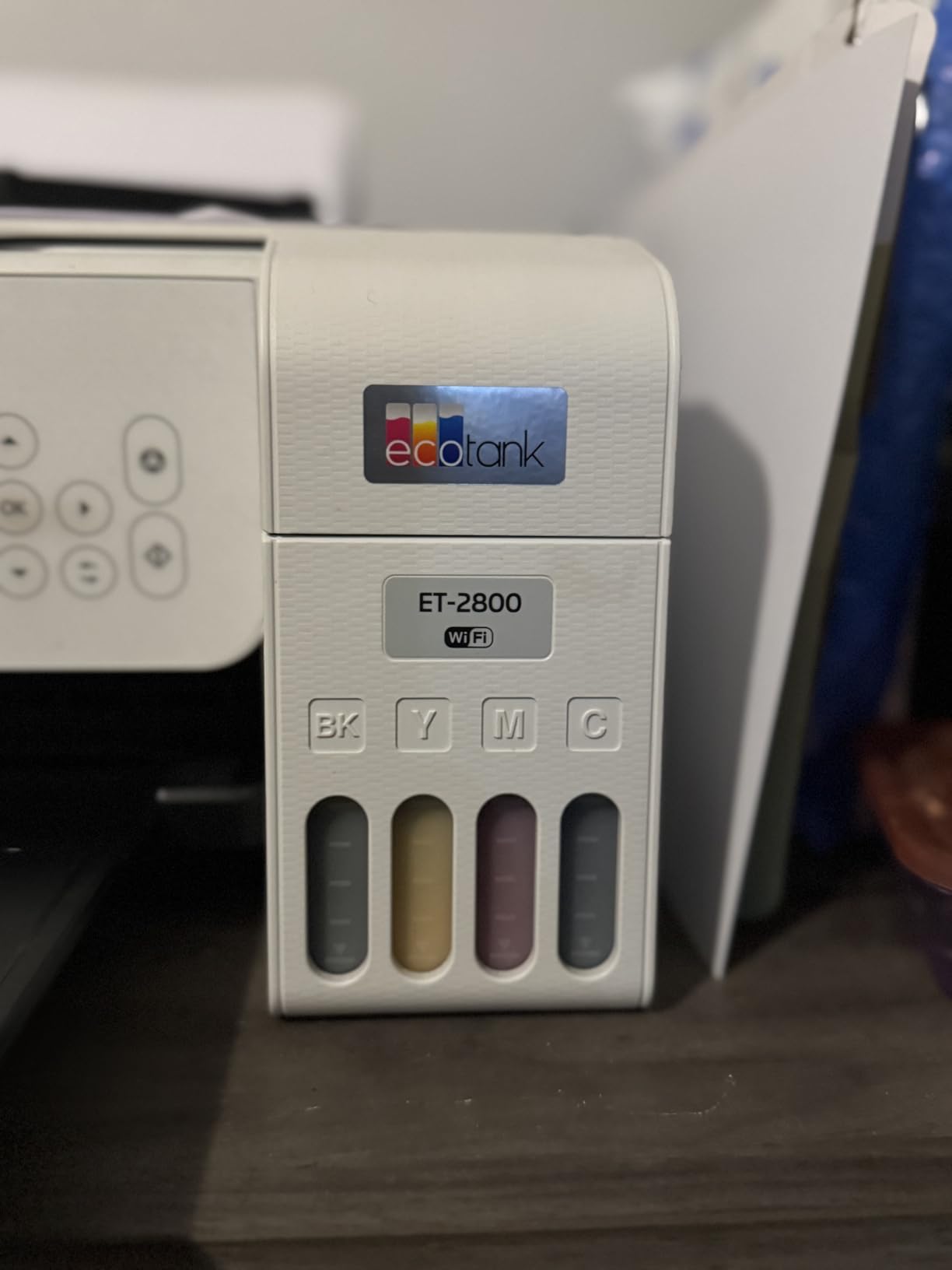
The dimensions are the surprise here. At 22.8 inches wide but only 10 inches tall and 14.8 inches deep, with a 12-watt power draw, it is not a huge machine for what it does. Reviewers consistently report straightforward Wi-Fi setup and clean colour output, and the 18,000-plus ratings behind it make it the most thoroughly owner-tested machine in this roundup.
Two omissions shape who should buy it. There is no automatic duplex, so every two-sided document is manual work, and there is no automatic document feeder, so a 20-page handout becomes 20 flatbed trips. The inkjet print head also uses heat-free Micro Piezo technology, which is a point in its favour for reliability.
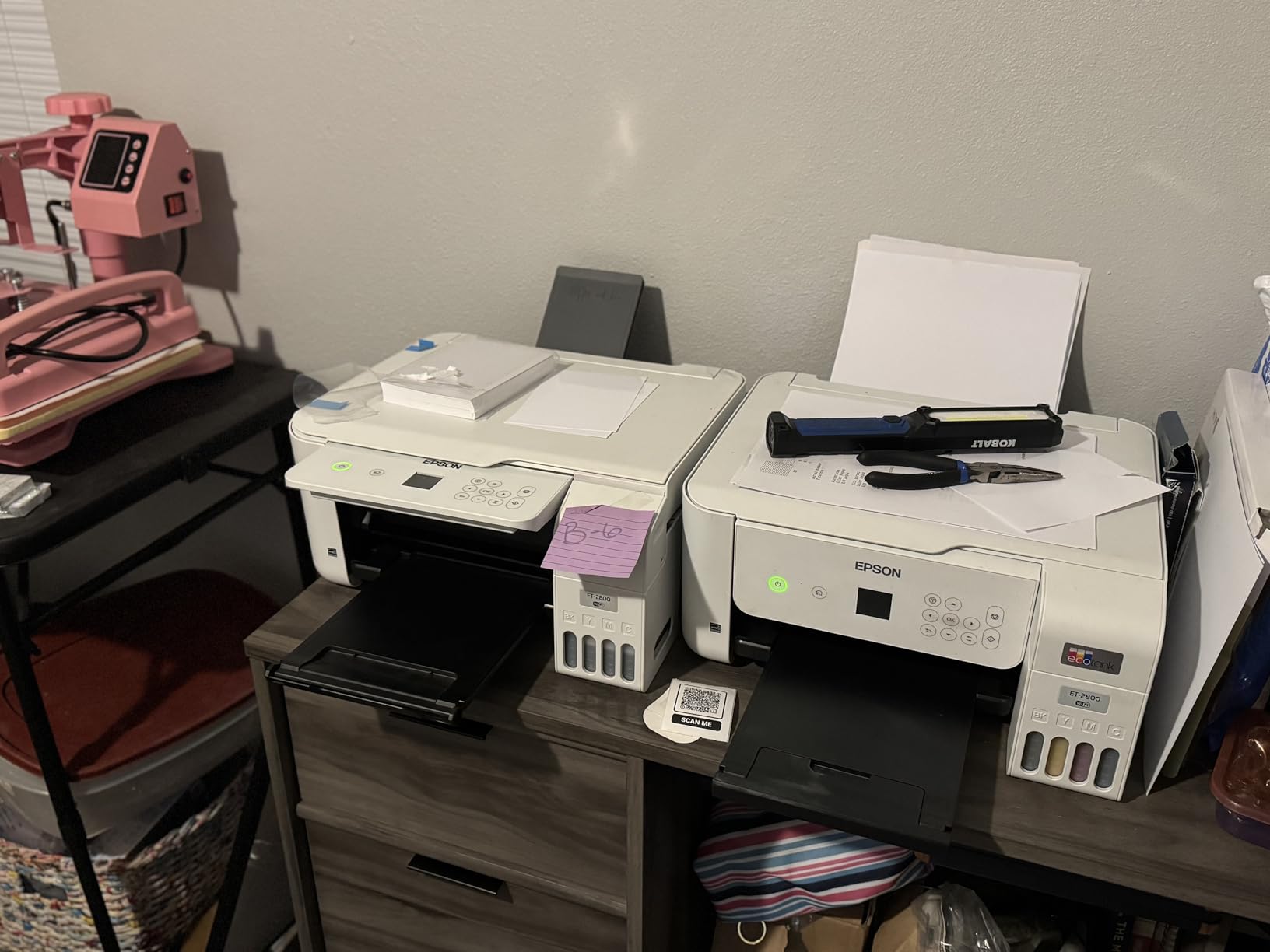
What you get per refill and what a year of printing costs
The economics are the whole argument for this machine. Because you buy ink by the bottle rather than by the cartridge, a colour page costs a fraction of what it does on a cartridge inkjet, and the box itself ships with up to two years of ink. Students printing colour-heavy lab sheets, presentation slides and posters will feel this most.
The catch is refill discipline. Epson explicitly recommends genuine ink, and third-party fluid is not covered by the one-year limited warranty, so cheap refills can quietly trade away quality and support.
Who should skip the ET-2800
Skip it if your coursework is mostly long black-and-white essays and printed reading lists. Manual duplex and a missing ADF make it a poor fit for a student who prints 40-page papers, and it will be slower than any laser machine here. If your workload is document-heavy and monochrome, look at the laser picks further down.
2. Canon PIXMA TR8620a – Best All-in-One With a Document Feeder and Duplex
Canon PIXMA TR8620a – All-in-One Printer Home Office|Copier|Scanner|Fax|Auto Document Feeder | Photo, Document | Airprint (R), Android, Black, Works with Alexa
Wireless 4-in-1 print copy scan fax
20-sheet ADF
Automatic two-sided printing
15 ppm black
Pros
- Print copy scan and fax in one unit with a 20-sheet document feeder
- Automatic duplex cuts paper use on long essays
- Tilting touch display with on-printer controls
- Individual ink tanks so only the empty colour is replaced
Cons
- Canon mobile app reported slow and prone to printer-not-found errors
- ADF is single-sided so double-sided originals need manual flipping
- Lighter-feeling plastics than earlier PIXMA models
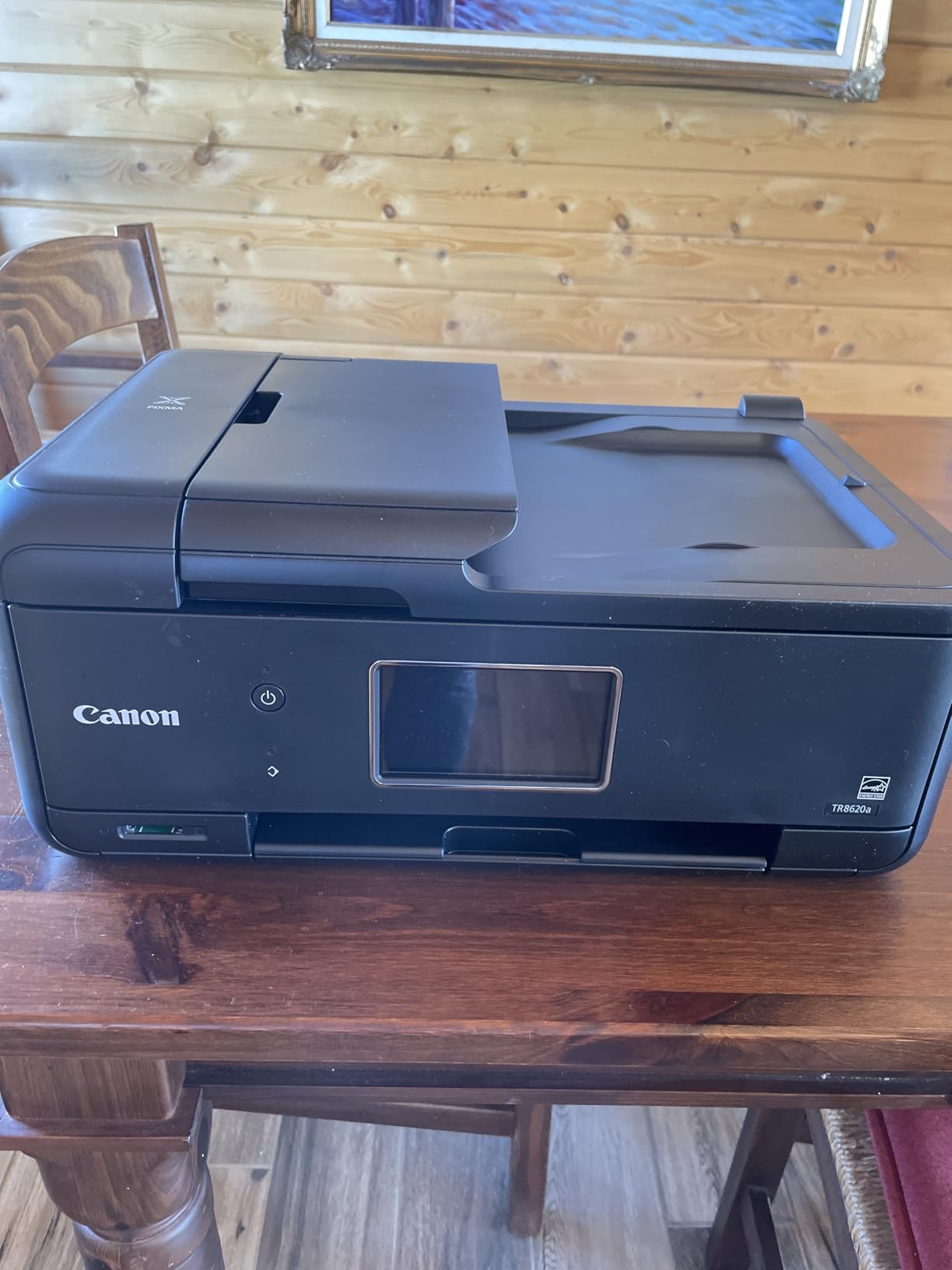
This is the most complete machine in the roundup for document work. It prints, copies, scans and faxes, and that fax function still matters for anyone dealing with medical or administrative paperwork. Print speed is 15 pages per minute in black, with automatic two-sided printing and a 20-sheet automatic document feeder for scanning and copying.
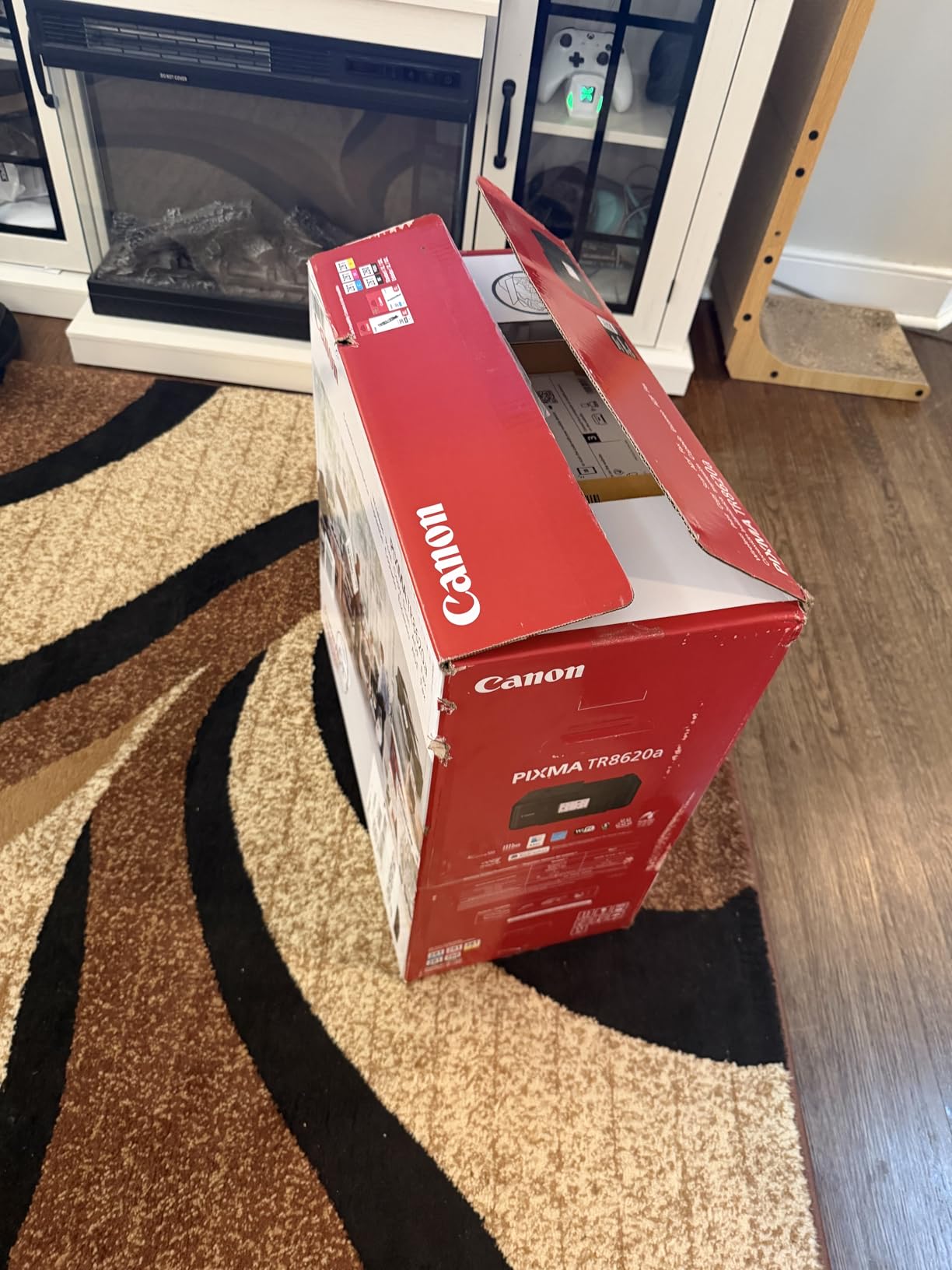
Paper handling is the best in the group: 100 sheets in the front cassette plus 100 in the rear feed, a 1,000-page duty cycle, and borderless printing up to 8.5 by 11 inches. Five individual ink tanks mean a dead magenta does not cost you black, cyan and yellow too. The tilting touch display is a small thing that matters when you are standing over a dorm desk at midnight.
It is also the heaviest inkjet here at 17.4 pounds and the bulkiest at 17.3 inches wide. Measure the shelf before you commit, and expect that weight when you move it at the end of the year.
Why the document feeder matters more than the screen
The ADF is the feature that changes daily use. Hand a nursing placement form, a signed consent sheet or a 15-page seminar paper to the feeder and it handles the batch without supervision. With a flatbed-only unit, that same job becomes a slow, repetitive physical task.
Be aware of one limitation before you rely on it. The feeder reads single-sided sheets only, so a double-sided original still has to be flipped by hand and fed twice.
What could frustrate you
The most persistent complaint is software, not hardware. Reviewers describe the Canon mobile app as slow and prone to printer-not-found errors, which is irritating precisely when you are printing from your phone instead of your laptop. If you can connect over Wi-Fi once and mostly print from a laptop, this matters little.
Borderless photo printing on 4-by-6 paper is also reported as unreliable in some photo-editing workflows, so this is a coursework printer rather than a photo printer.
3. Canon MegaTank G3270 – Best Rated Colour Printer for Heavy Ink Users
Canon MegaTank G3270 All-in-One Wireless Color Printer
Refillable ink tanks
Up to 6000 black and 7700 color pages
Wireless print copy scan
1.35-inch LCD
Pros
- Lowest running cost in this roundup for color-heavy use
- Up to two years of ink included in the box
- Wireless print copy and scan in one unit
- Broad media support including square and borderless formats
Cons
- Single-sided printing only with no automatic duplex
- No automatic document feeder so scanning uses the flatbed
- App-based control beyond the small 1.35-inch LCD
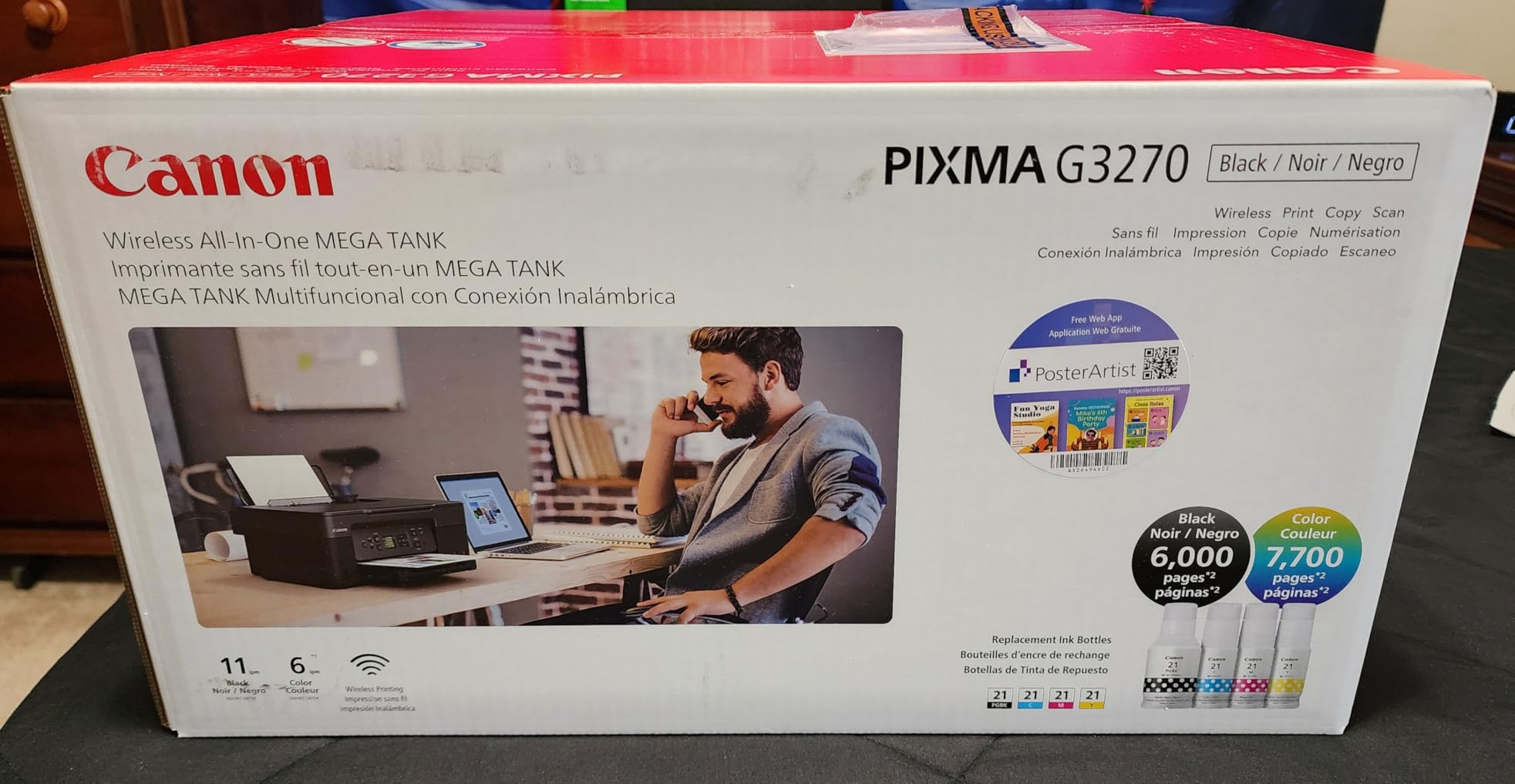
On running cost per page, this is the strongest pick in the group. Canon states up to 6,000 black-and-white pages or 7,700 colour pages from one ink set, and the box ships with up to two years of ink. If you judge cost per page rather than sticker price, this is the number that matters.
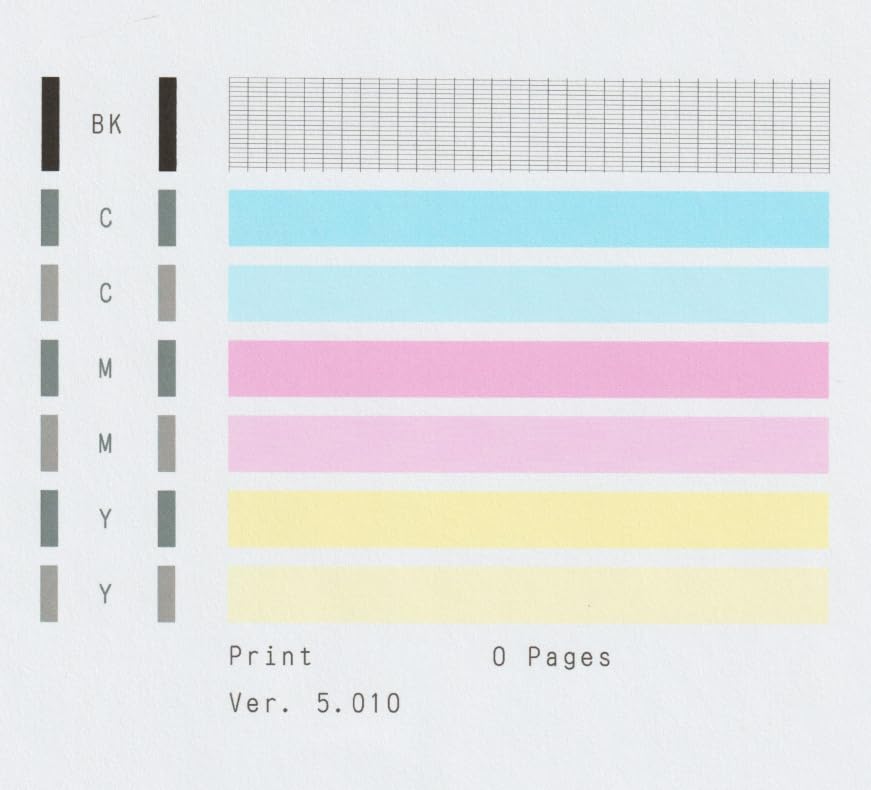
It is a wireless print, copy and scan machine rated at 11 pages per minute in black, with a 100-sheet paper capacity and a 1.35-inch square LCD for status checks. Media support is unusually broad for a tank printer, covering square formats at 3.5 and 5 inches, 4-by-6, 5-by-7, 7-by-10, letter, legal and envelopes.
Control is app-based, which is fine if you are already printing from a phone and frustrating if you are not. The 13.2-pound body and 16.4-inch width are manageable, but the 21.9-inch depth is the largest measurement in this roundup, so plan the desk space carefully.
Is a tank printer worth it for a student who prints in bursts
Yes, if colour is part of your week. A tank printer stores ink in refillable reservoirs, so there is no cartridge chip deciding when to declare itself empty, and the per-page cost of colour sits well below cartridge models. The included ink alone covers a large share of a first-year printing load.
The trade-off is feature simplicity. This machine prints single-sided only and has no automatic document feeder, so it suits someone printing many short colour documents far better than someone collating long submissions.
Who should look elsewhere
Skip it if your degree is print-heavy monochrome. None of that tank ink advantage applies if you only ever print black, and you would be paying for colour capability you will not use. A monochrome laser machine gives you lower black-page cost, far faster output and automatic duplex.
Also consider the depth. At 21.9 inches this needs a real desk, not a dorm shelf corner.
4. Brother DCP-L2640DW – Best Monochrome Laser All-in-One
Brother DCP-L2640DW Wireless Compact Monochrome Multi-Function Printer, Copy, Scan, Duplex, Mobile Printing
Monochrome laser 3-in-1
36 ppm print speed
Automatic duplex
50-page ADF and 250-sheet tray
Pros
- 36 ppm monochrome output handles large reading-list batches fast
- Automatic duplex printing cuts paper use in half
- 50-page ADF makes scanning and copying hands-free
- Dual-band 2.4GHz and 5GHz Wi-Fi plus Ethernet and USB
Cons
- Wi-Fi setup can fail repeatedly and needs persistence
- Scan-to-PC workflow reportedly freezes and needs a restart in some cases
- Firmware password prompts are confusing and the default label can be blank
If you print essays, theses and reading lists, this is the machine I would buy. It is a monochrome laser print, copy and scan unit rated at 36 pages per minute, with automatic duplex and a 50-page automatic document feeder. Toner does not dry out between semesters, which is the single biggest practical advantage for burst printing.
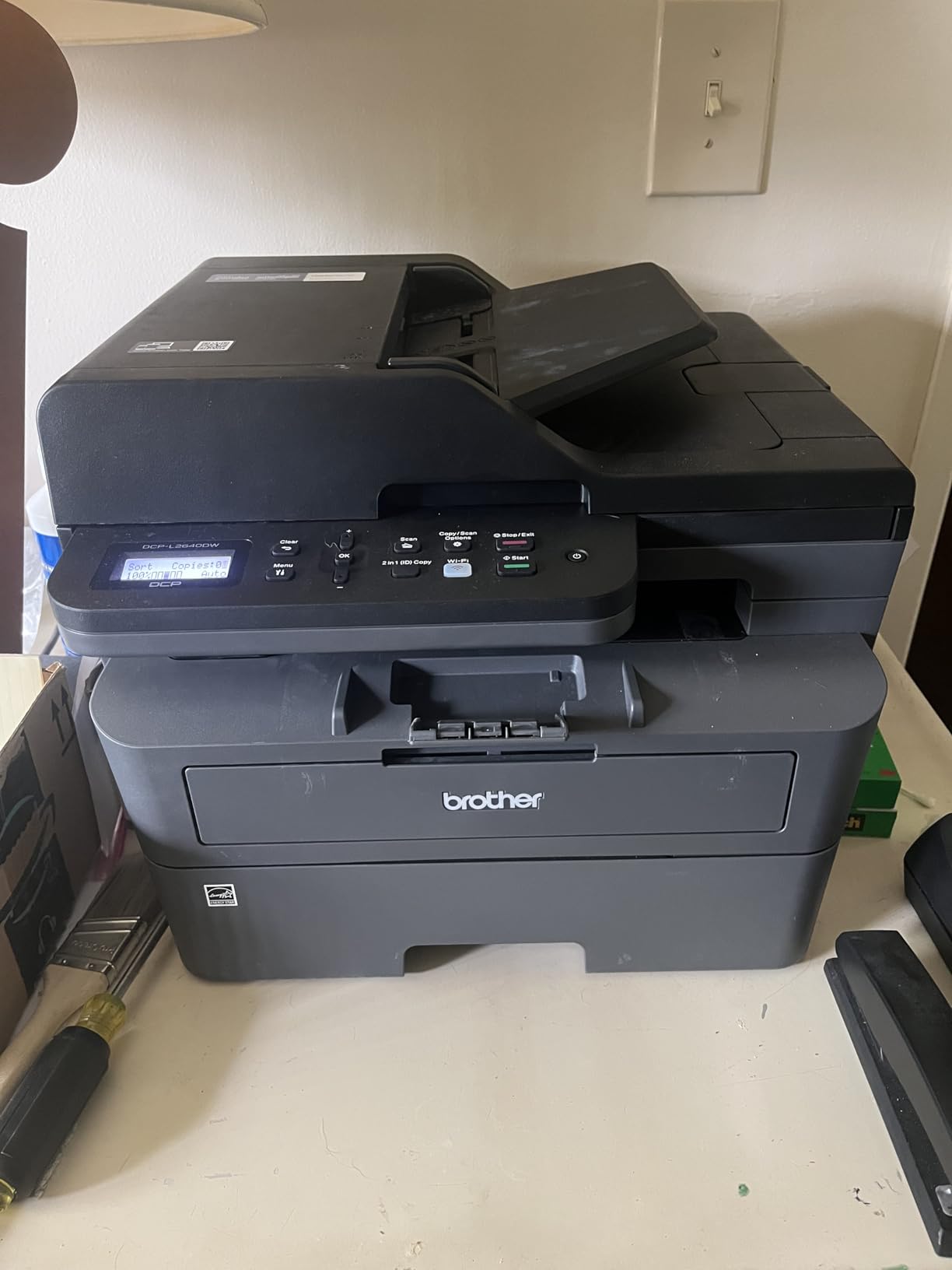
Connectivity is the best-specified in this roundup: dual-band wireless on both 2.4GHz and 5GHz, plus Ethernet and USB. Dual-band matters in dorm buildings, where a 2.4GHz-only printer competing with dozens of neighbouring routers is the most common cause of dropped jobs. First page prints in 8.5 seconds, and the paper tray holds 250 sheets.
The Brother Mobile Connect app handles remote printing, supply ordering and toner tracking, and reviewers note it also works reliably under Linux alongside Windows.
It is also the heaviest and largest machine here at 25 pounds and 16.1 by 15.7 by 12.5 inches. Two people carrying it up a dorm stairwell is not a joke.
Dual-band Wi-Fi and why it solves dorm connection problems
Most dorm routers broadcast on both 2.4GHz and 5GHz. A printer that only speaks 2.4GHz shares that crowded band with every neighbouring room, and the result is stalled jobs and constant reconnection. Dual-band hardware lets you put the printer on whichever band is quieter, and Ethernet is there as a fallback if the wireless route refuses to settle.
Scan speed is a secondary plus at up to 23.6 pages per minute in black, with up to 50 copies per run.
Where users report friction
The setup is where the complaints sit. Reviewers report Wi-Fi that fails repeatedly on first attempt, confusing firmware password prompts where the default password label can appear blank, and a scan-to-PC workflow that freezes and requires a restart. Several users add that Brother support resolves these once contacted, which is worth knowing before you rule the machine out.
The on-device menu is also awkward for scanning compared with the app, so budget a few minutes of setup time rather than assuming it works out of the box.
5. Brother Work Smart 1360 – Best Budget Inkjet With Duplex and an ADF
Brother Work Smart 1360 Wireless Color Inkjet All-in-One Print, Scan, Copy
Wireless color print copy scan
Automatic duplex
20-sheet ADF
150-sheet tray, 1.8-inch screen
Pros
- Automatic duplex plus a 20-sheet document feeder at a budget price point
- 16 ppm black print speed is fast for the class
- 150-sheet tray is larger than most rivals at this level
- Cloud printing to Google Drive Dropbox Box and OneDrive
Cons
- Inkjet cartridge running costs far exceed tank and laser alternatives
- Rated 3.9 stars with a 19 percent one-star share
- The 20-sheet ADF is single-sided only and starter cartridges are low-yield
Most budget inkjets give you one function well. This one gives you three features you rarely find together: automatic duplex printing, a 20-sheet automatic document feeder, and a 150-sheet paper tray. It prints at up to 16 pages per minute in black and 9 in colour, at 1200 by 6000 dpi maximum resolution.
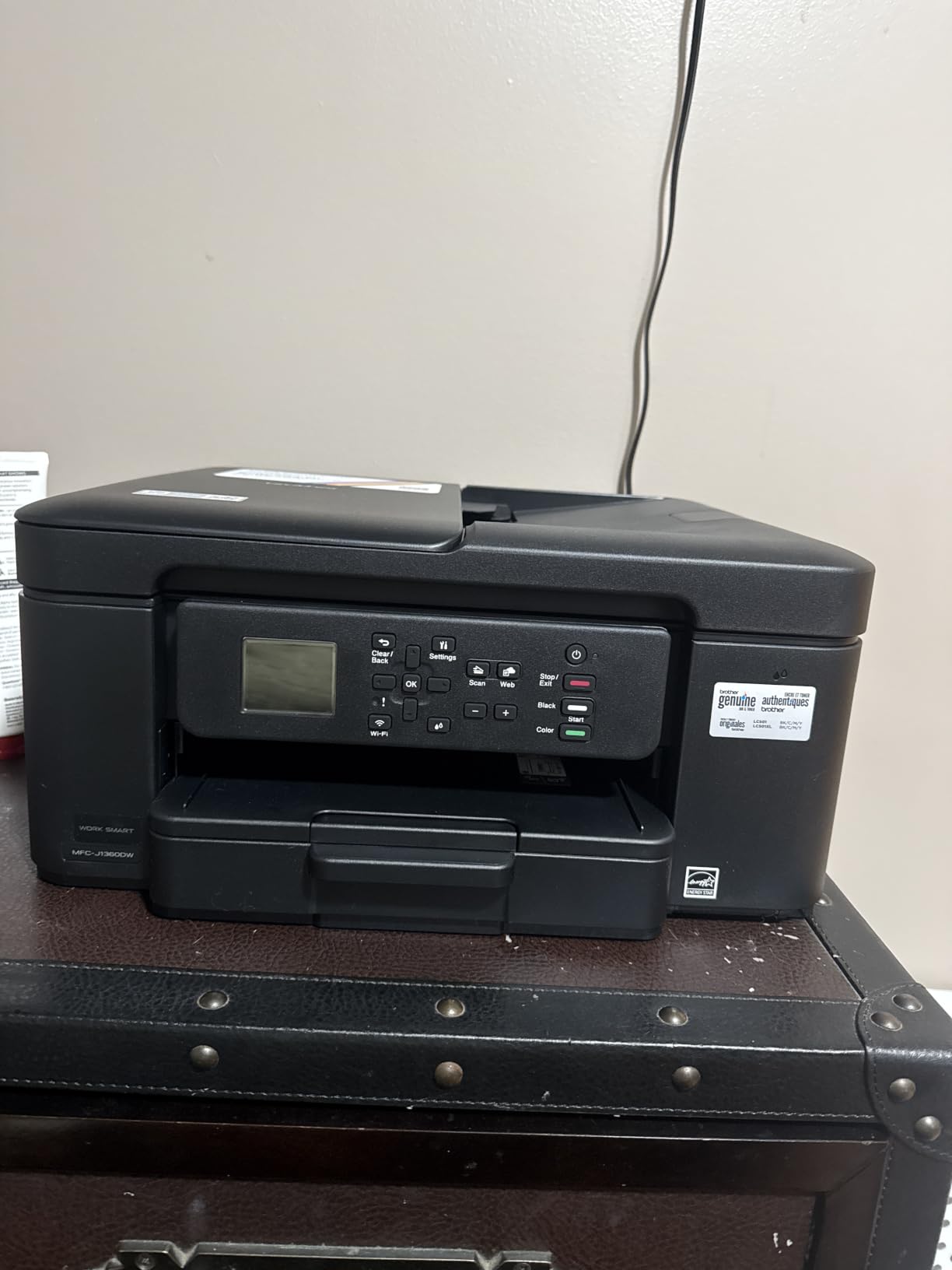
The 1.8-inch colour display is used for more than status checks. You can scan directly to Google Drive, Dropbox, Box and OneDrive from the panel, and the Brother Mobile Connect app includes a Page Gauge feature that estimates remaining ink from print history. That is a more useful answer to the running-cost problem than guessing.
Its footprint is friendly for a dorm, at 15.4 inches wide, 13.5 deep and only 7.2 tall. The trade-off is cartridge ink, and it is a real one for anyone printing often.
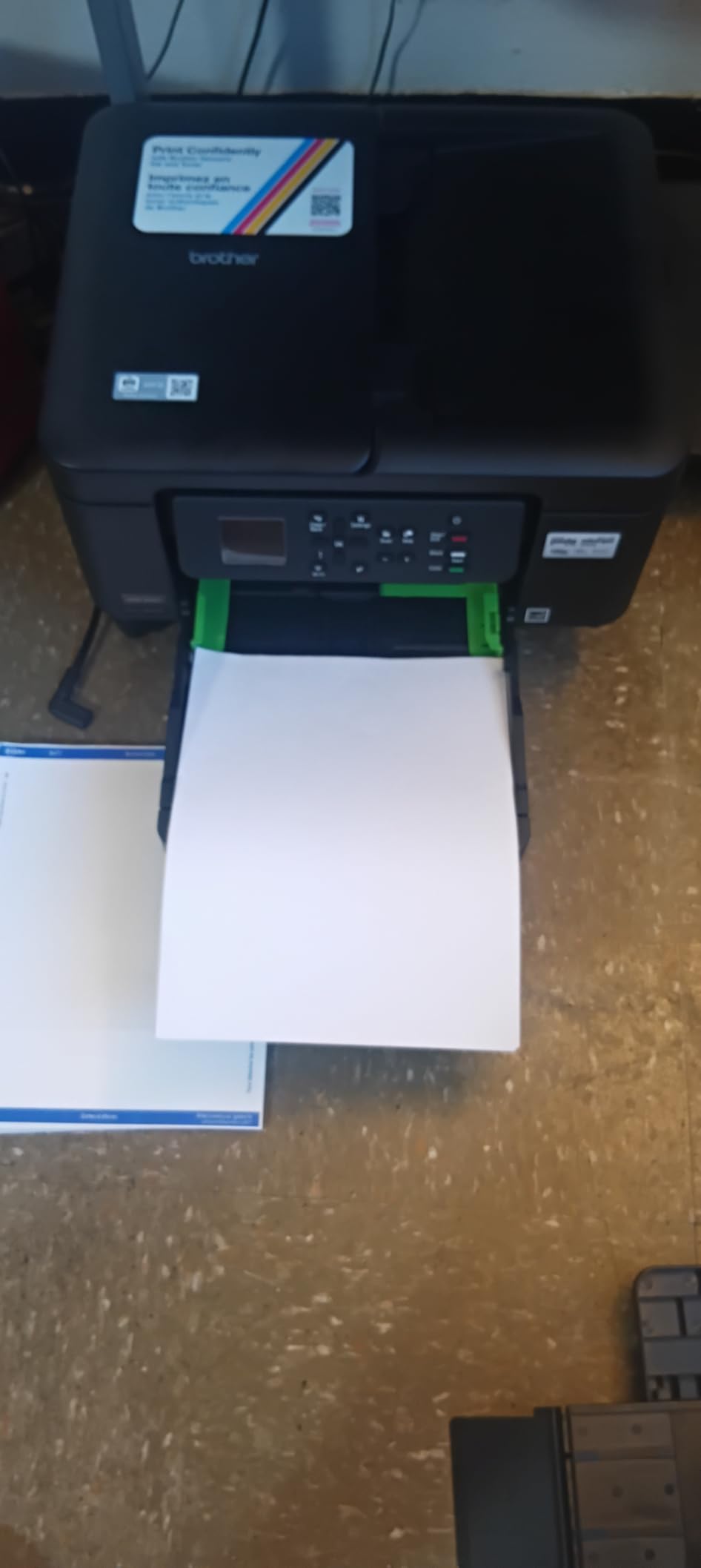
What this pick gives you that cheaper inkjets do not
Automatic duplex is the headline. Every other budget all-in-one on the market forces you to flip the stack by hand for a two-sided handout, and on a term paper that is a genuine time cost. The ADF means a multi-page assignment scans in one go, and the 150-sheet tray means you refill twice a term rather than weekly.
Cloud scanning from the display panel is the quiet bonus, useful when a signed form needs to become a PDF you can email from a phone.
The running-cost reality check
This one sits near the bottom of the group on owner feedback at 3.9 stars, with a 19 percent one-star share, and the reason is cost per page. Starter cartridges are typically low-yield, and replacement cartridges are the expensive part of any inkjet. If you print a few pages a week it is fine; if you print a colour project every week, the maths turns against you fast.
The ADF also reads single-sided sheets only. Verify your course load before buying this as your only machine.
6. Brother HL-L2460DW – Best Laser Printer for High Page Volume
Brother HL-L2460DW Wireless Compact Monochrome Laser Printer with Duplex, Mobile Printing, Black & White Output | Includes Refresh Subscription Trial(1), Works with Alexa
Monochrome laser up to 36 ppm
Automatic duplex
250-sheet tray plus manual feed slot
Dual-band Wi-Fi
Pros
- Fast 36 ppm monochrome output with automatic duplex for low-paper printing
- Toner cost per page far below inkjet ink for draft-heavy students
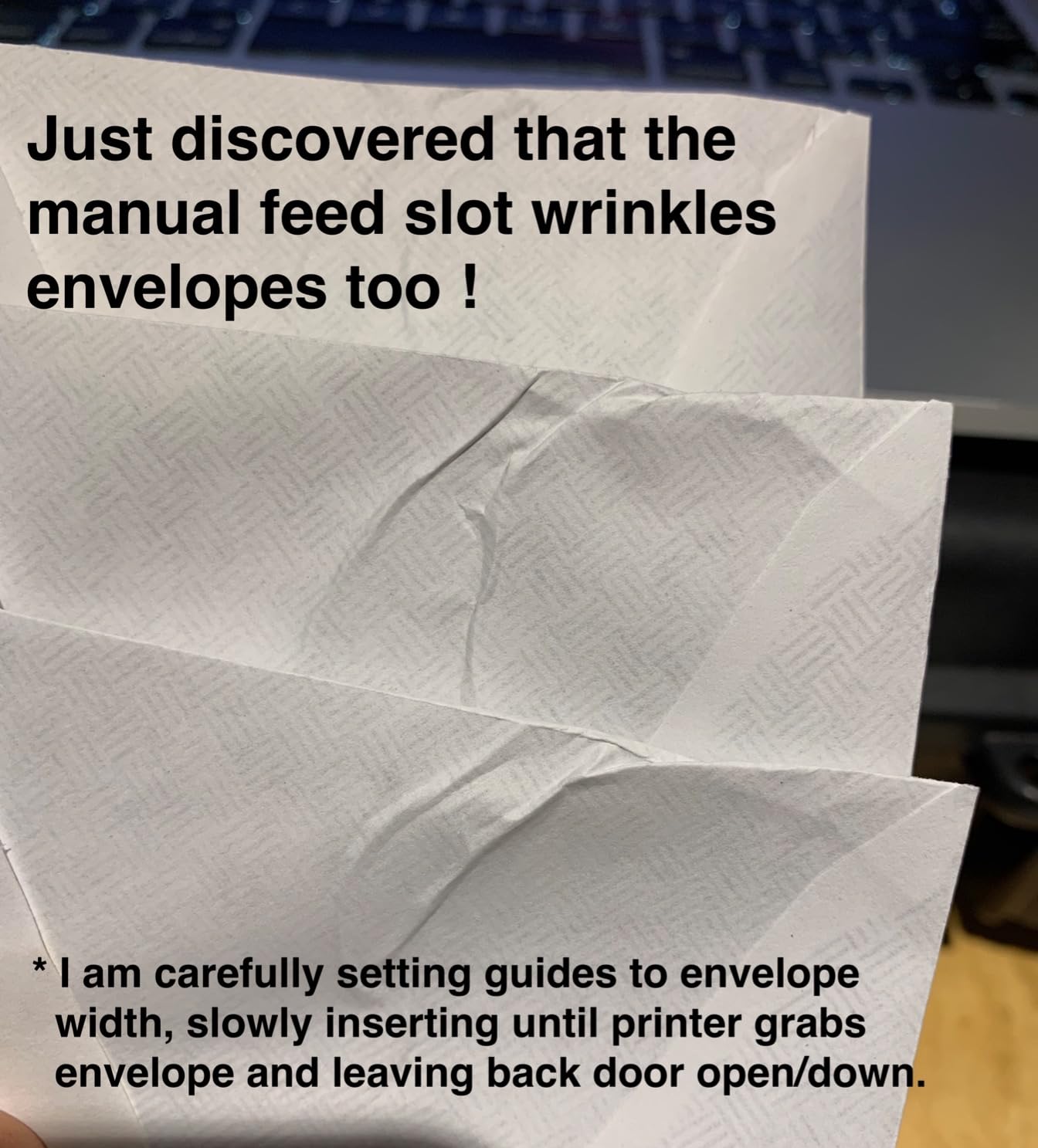
- 250-sheet tray plus a manual slot for envelopes and specialty paper
- Compact 15.6-pound body with dual-band wireless
Cons
- Print-only with no scanner or copier
- Monochrome output means colour work needs a second machine or a print shop
- Bundled Refresh EZ trial can generate surprise overage charges
This is the fastest route to finished pages in this roundup. It prints monochrome at up to 36 pages per minute with automatic duplex, first page out in 8.5 seconds, at up to 1200 by 1200 dpi. The 250-sheet tray means a full ream plus change sits in the machine, and a manual feed slot handles envelopes and specialty paper.
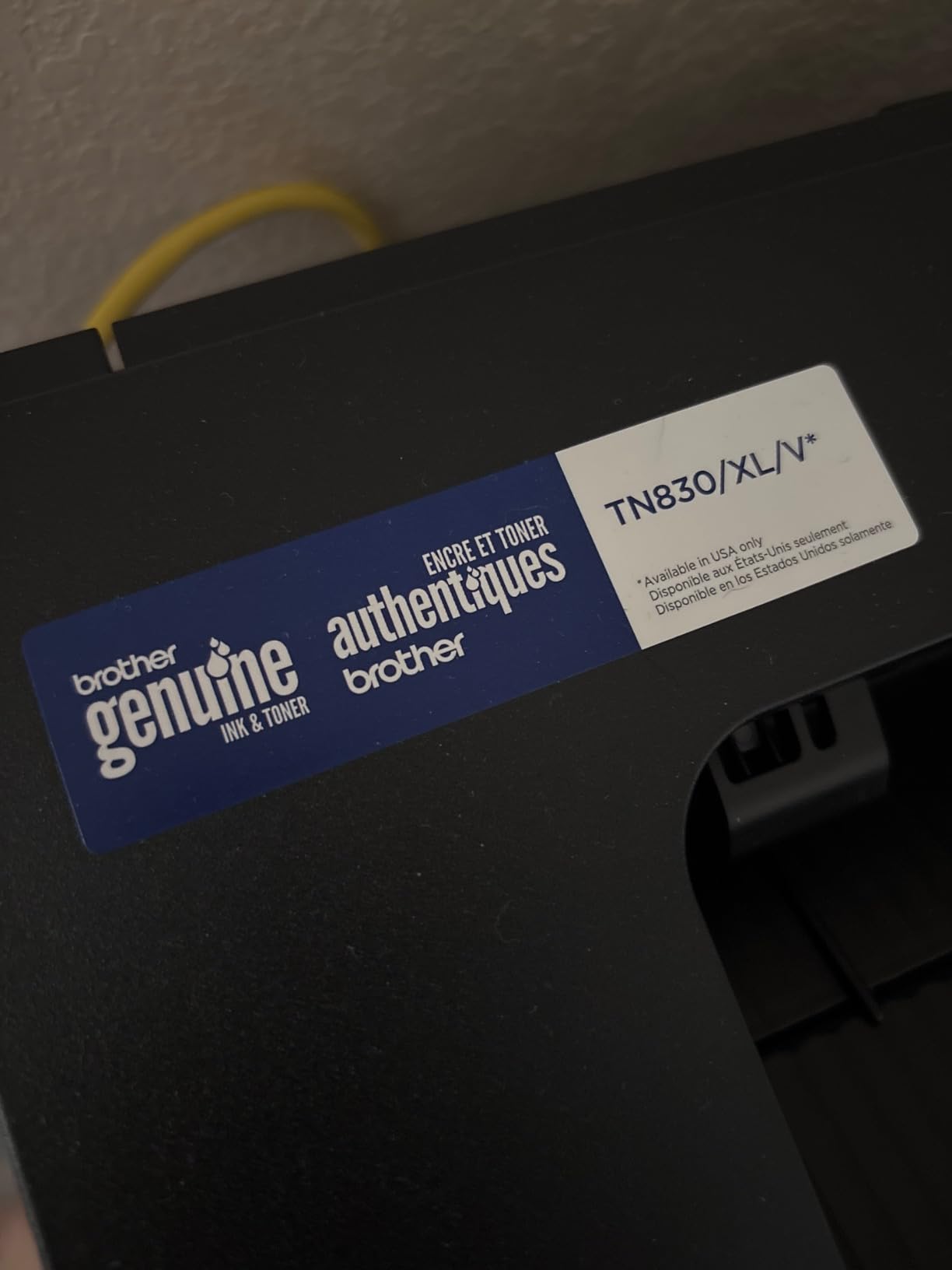
Connectivity matches the Brother laser MFP: dual-band 2.4GHz and 5GHz wireless, plus Ethernet and USB, all managed through the Brother Mobile Connect app. It uses TN830 or higher-yield TN830XL toner, and the starter cartridge is rated at roughly 700 pages at 5 percent coverage. Reviewers report it working on both Windows and Linux.
At 14.2 by 14 by 7.2 inches and 15.6 pounds, it is one of the more portable options here despite the speed, and the one-year limited warranty is backed by free support for the life of the printer.
When print-only is the right call
Skip the scanner and you save desk space, weight and money, and in return you get faster prints and cheaper pages. For a student whose entire printing life is text, a scanner is dead weight and a copier button is decoration. The 7.2-inch height is genuinely shelf-friendly, unlike most all-in-ones.
Automatic duplex on a laser at this level is unusual and matters for a student trying to keep paper costs down.
The subscription trap to check before you buy
Reviewers flag one specific problem: the bundled Refresh EZ Print free trial. Some users report enrolling without realising it and later receiving page overage charges. Check the subscription terms at setup, and if you have no idea how many pages you will print, opt out of the trial.
Also plan for the fact that it is monochrome. Colour coursework means a second device or a campus print shop.
7. Canon imageCLASS LBP6030w – Best Small Wireless Printer for a Dorm Shelf
Canon imageCLASS LBP6030w – Monochrome Single-Function Wireless Compact Wireless Laser Printer, 1 Year Limited Warranty, 19 PPM, White – Print Only
Compact monochrome laser at 19 ppm
Wi-Fi and USB
150-sheet tray
Canon Toner 125 with 1600 page yield
Pros
- Smallest footprint here at 9.8 by 14.3 by 7.8 inches
- Lightweight at 11 pounds and easy to move between terms
- Drops under 2 watts in Energy Saver mode for a shared room
- Toner does not dry out between semesters
Cons
- No automatic duplex and no manual duplex support at all
- Print-only with no scanner or copier
- Lowest rated pick here at 3.8 stars with a 600 dpi maximum resolution
Size is the whole case for this one. At 9.8 inches deep, 14.3 wide and 7.8 tall, and 11 pounds, it is the most compact machine in the roundup, and it still manages 19 pages per minute with an 8-second first page. For a dorm shelf or a shared room where two people need access, footprint often matters more than features.
It is a wireless monochrome laser with a 150-sheet tray and a 1,600-page yield Canon Genuine Toner 125 cartridge, which spreads replacement cost thinly. It draws under 2 watts in Energy Saver mode, a small consideration in a room where electricity and heat are shared with a roommate.
It ranks at the bottom of this group on owner feedback, at 3.8 stars with a 19 percent one-star share, and the rating reflects an older print engine rather than a bad machine.
The duplex trade-off you need to accept
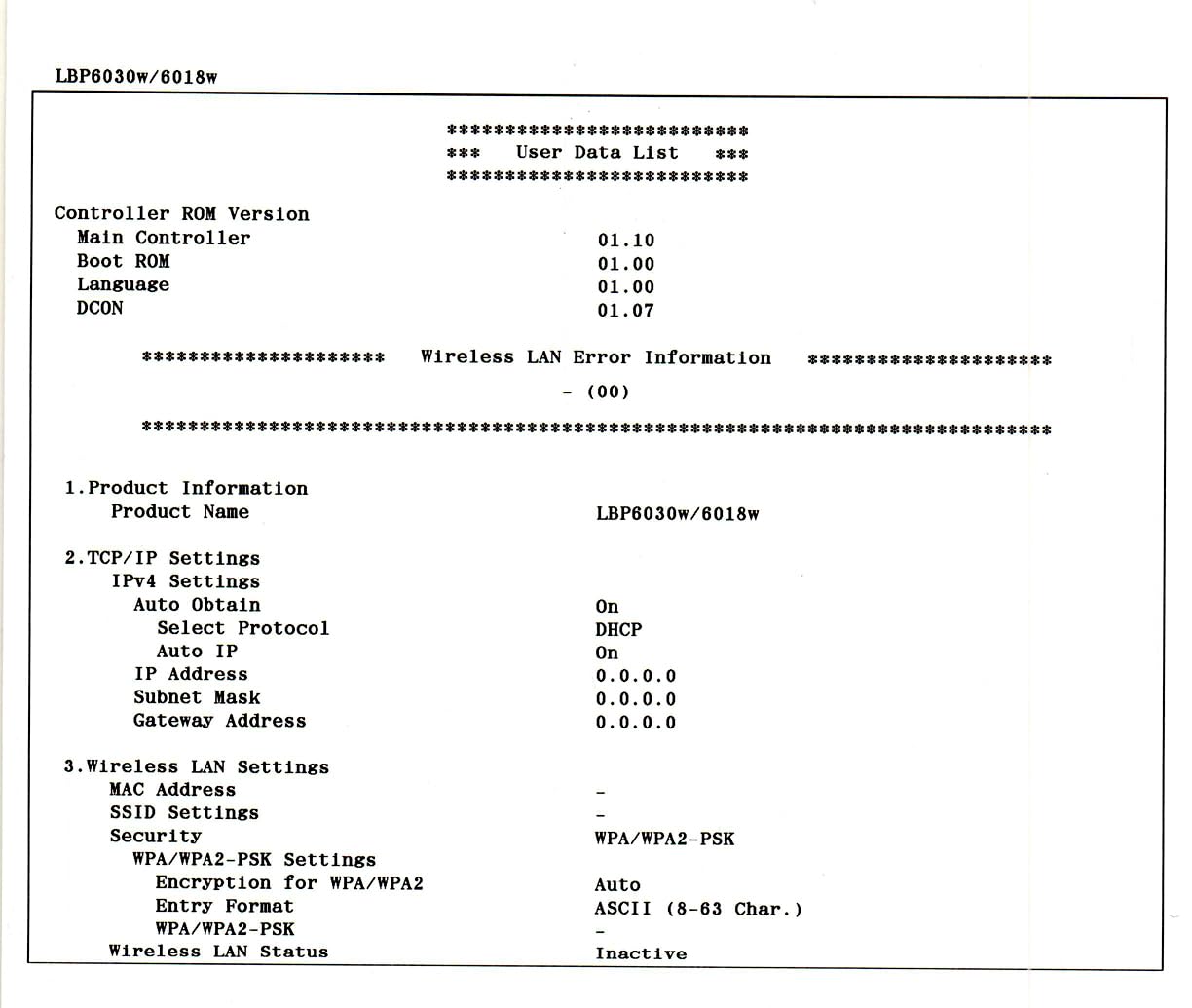
This printer has no duplex capability at all, which means no automatic two-sided printing and no driver-assisted manual duplex. Every two-sided handout means re-feeding the sheet by hand, and a 20-page term paper becomes 20 careful flips. That is the single biggest reason to choose something else.
The maximum print resolution of 600 dpi is also dated. Text looks clean, but this is not a machine for photographs or detailed diagrams.
Why students keep recommending it anyway
Two reasons outlast the missing features. The physical size is genuinely the smallest here, and toner cannot dry out, so a machine that sits unused for a summer will still print in September. If your workload is single-sided reading lists and you have 12 inches of shelf, that combination is hard to beat.
It is also print-only, which means fewer moving parts to fail.
8. HP Smart Tank 5003 – Best Wireless Printer for iPad and Phone Printing
HP Smart Tank 5003 Wireless All-in-One Ink Tank Printer, Scanner, Copier with up to 3 Years of Ink Included, Best-for-Home, Cartridge-Free Refillable, AI-Capable (9B2D3A)
Ink tank all-in-one
Up to 3 years of ink included
AirPrint and Mopria support
Flatbed scanner
Pros
- Cartridge-free tank with up to three years or 6000 pages of ink in the box
- Mess-free refill where bottles plug in and drain without squeezing
- AirPrint Mopria HP ePrint and Print Anywhere all supported
- Shallow 6.19-inch height and 11.1-pound weight suit small desks
Cons
- Manual duplex only with driver support required
- Slow 21-second first page and modest 10 ppm black output
- Flatbed scanner with no automatic document feeder and a small review base
This is the pick if you print from an iPad or phone and never open a laptop. It lists AirPrint, Mopria, HP ePrint and Print Anywhere, which is the broadest wireless support in this roundup, plus USB. AirPrint means iPhones and iPads print with no app at all, and Mopria does the same job for most Android devices.
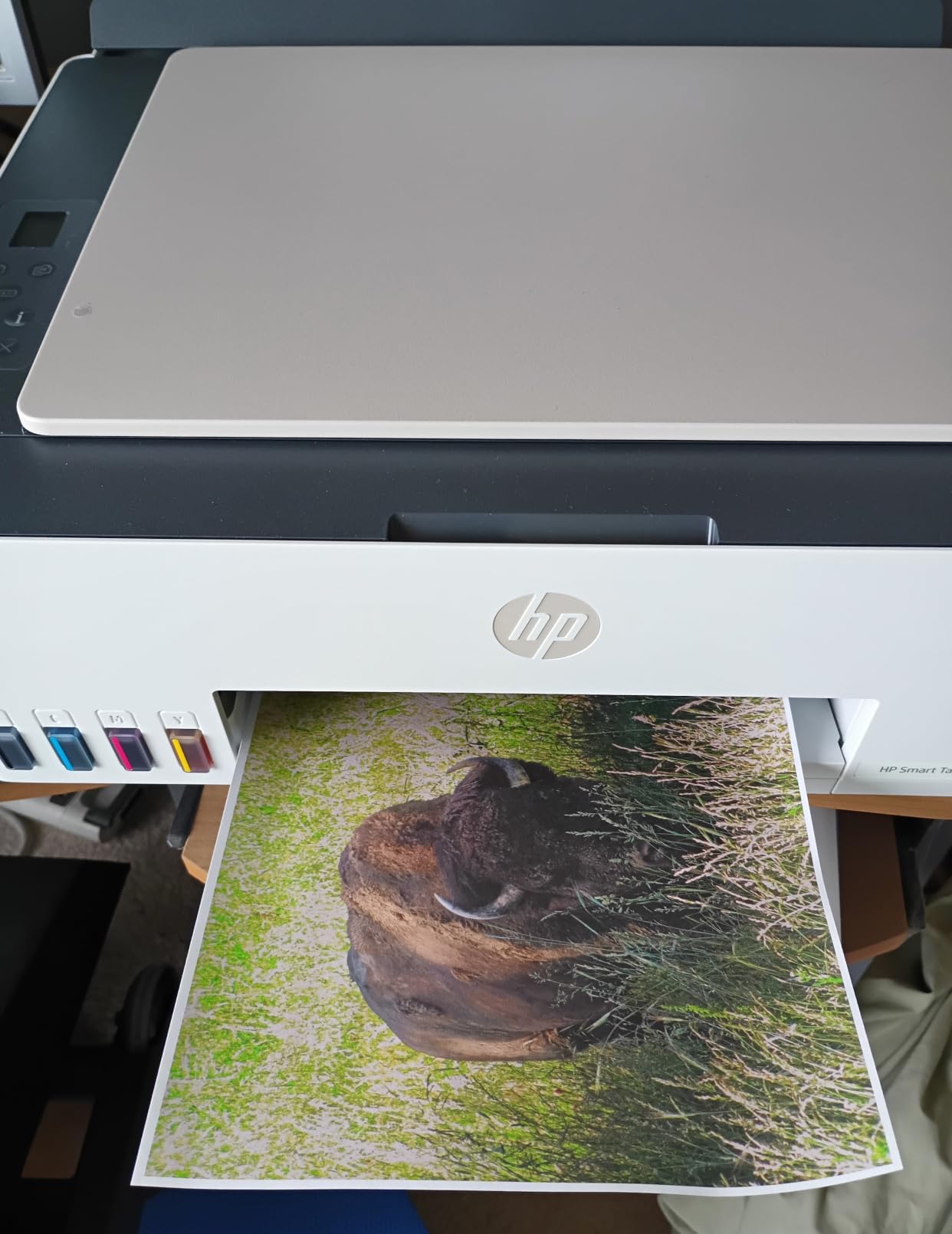
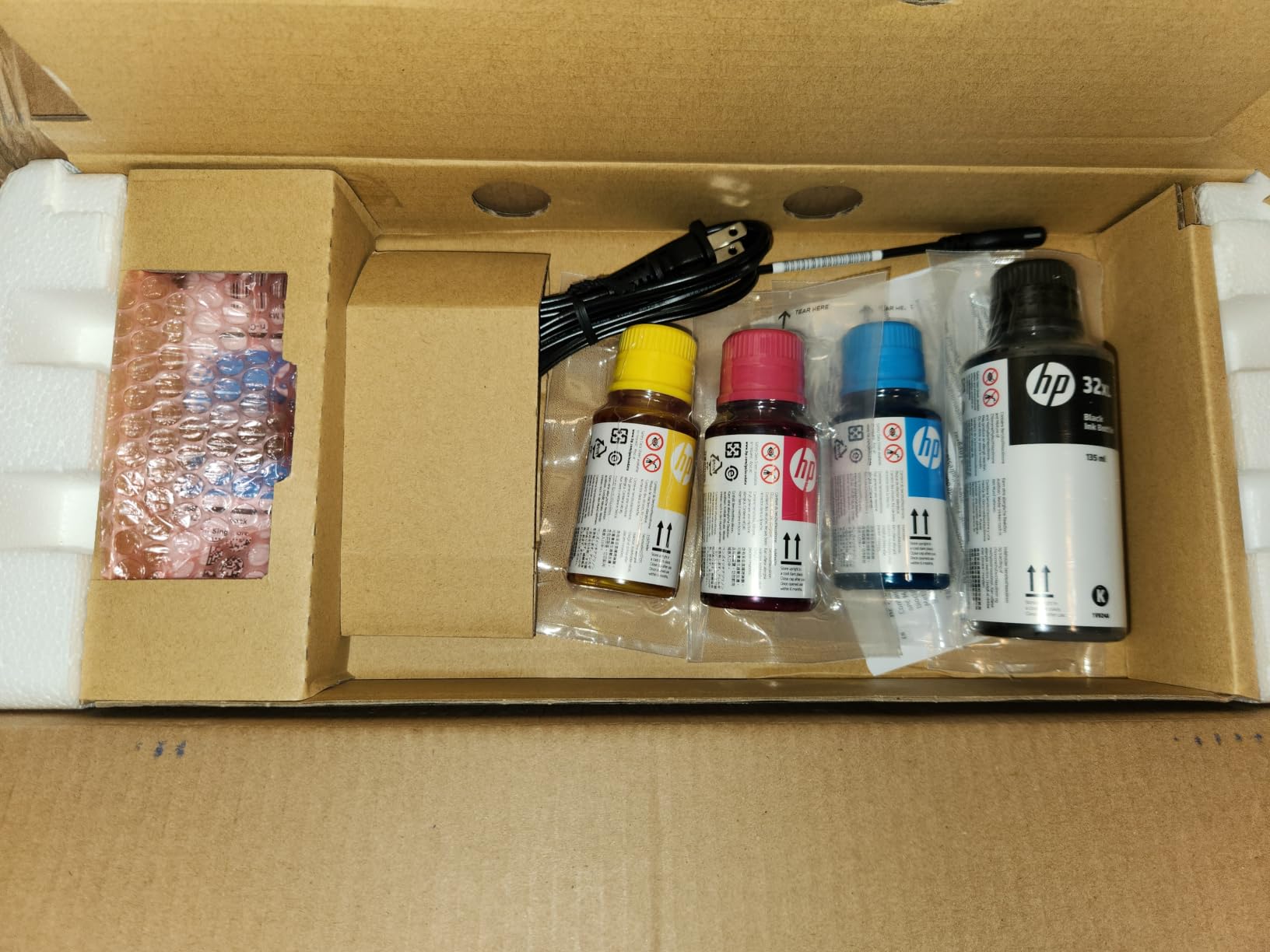
The ink economics are the selling point. HP states up to three years or 6,000 pages of ink in the box, and refilling means plugging bottles into the cartridge-free tank and letting them drain, with no squeezing and no spill risk. It prints, copies and scans, handles borderless printing, and resolves colour at up to 4800 by 1200 optimised dpi.
Its shape suits a dorm. At 17.11 inches wide, 14.23 deep and only 6.19 tall, with a 100-sheet tray, it is the flattest machine here, which matters more than footprint on a low shelf.
Its warranty runs one year or 30,000 pages, whichever comes first.
Why AirPrint and Mopria decide the phone-printing question
AirPrint is a print protocol built into iOS and macOS. When a printer supports it, it appears in the share sheet on your iPhone and iPad and you never install anything. Mopria does the equivalent job on Android, which is why printers that support both cover students regardless of device. Several picks in this roundup only appear through a manufacturer’s app, and an app that is slow to load is an app you will not use at midnight.
The HP app is the one route on this machine where you get ink level and reorder functions too.
The limitations to weigh first
Duplex is manual and needs driver support, the scanner is flatbed-only with no automatic document feeder, and the first page takes about 21 seconds at a modest 10 pages per minute in black. Speed is the trade for the ink economics.
One more caveat worth stating plainly. This is the newest model here with only 226 ratings, so it has far less long-term owner feedback than the machines above it. The specification sheet is reassuring; the years of real-world reports are not there yet.
Inkjet vs Laser for College Students: Which Should You Buy?
Laser is the right choice for black-and-white printing, inkjet is the right choice for colour, and tank printers are the compromise most students end up buying by accident. The deciding factor is not the sticker price but the cost per page across four years.
Laser printers use powdered toner sealed in a cartridge, so nothing can dry out in the print head. They are faster, they handle paper better, and black pages cost a fraction of inkjet ink. They do one thing: black text. If your coursework is monochrome, a laser machine is the correct answer.
Cartridge inkjets are cheap to buy and expensive to run. Ink sits in a print head with a tiny nozzle, and if the machine sits unused through summer, the ink can dry at the nozzles. Reviewers describe the resulting streaking as the single most common inkjet complaint, and it tends to appear in the first week of a new term.
Tank-fed printers, which includes the Epson EcoTank, Canon MegaTank and HP Smart Tank models above, remove the cartridge problem by holding ink in refillable reservoirs fed by bottles. They deliver the lowest colour cost per page of anything here and carry a large amount of ink in the box.
The general rule: black text, laser. Colour, tank. Rare colour and low volume, a cartridge inkjet with a page-yield app.
Inkjet Dry-Out: The Problem Nobody Mentions
Inkjet dry-out is the failure mode that catches new students most often, because it appears the first time you need the printer after months of not using it. Users on college forums describe waking up to streaks, gaps in letters or a machine that will not recognise its own cartridges, usually in week one of term.
The cause is simple. Ink is water-based, and a print head with water-based ink sitting unused for eight weeks can dry at the nozzles where the ink meets air. A laser printer has no equivalent problem, because toner is powder sealed inside a cartridge.
If you own an inkjet and plan to leave it idle over summer, run a full-colour test page once a month. It takes ninety seconds and it is the difference between a five-minute head clean and a machine that needs servicing.
Laser printers sidestep the issue entirely, which is why the forum consensus consistently leans laser for students who print in bursts rather than steadily. That is also why the two laser picks in this roundup carry the automatic document feeder and duplex features that make a busy semester bearable.
What to Look for in a Dorm-Friendly Wireless Printer
Measure the space, check the Wi-Fi band, then look at the document features. Those three checks eliminate most wrong purchases before you start reading specifications.
Footprint comes first. Depth is the measurement people ignore, and it is the one that decides whether a printer sits on your desk or lives in a corner. The Canon imageCLASS LBP6030w is 9.8 inches deep, while the Canon MegaTank G3270 runs to 21.9 inches deep, which is a completely different piece of furniture.
Height matters more than people expect on a shared shelf. The HP Smart Tank 5003 stands 6.19 inches tall and the Brother Work Smart 1360 sits at 7.2 inches, both of which fit under a typical dorm shelf, where a tall all-in-one with a rear feed tray often will not.
The Wi-Fi band is the second check. Dorm buildings are crowded at 2.4GHz. A printer that supports only 2.4GHz will compete with every neighbouring room, while a dual-band machine can sit on whichever band is quieter. The Brother laser models here support both 2.4GHz and 5GHz, and the Canon LBP6030w and the inkjets here are Wi-Fi only.
Third, decide whether you need a document feeder and automatic duplex. A duplex-enabled machine prints both sides of an essay without you flipping anything, and an ADF turns a 20-page scan into one job. Among the inkjets in this roundup, the Brother Work Smart 1360 is the only one with both features.
Fourth, look at paper capacity. A 100-sheet tray means refilling roughly twice a term for a typical student, while a 150 or 250-sheet tray means refilling far less often. None of these machines have a second paper tray, so capacity is the number to compare.
Fifth, check mobile support. AirPrint and Mopria let you print from a phone with no app installed. That single feature decides whether your iPad is a real printing device or just a screen you have to email files to.
Lastly, check ink cost per page before you check anything else. Divide what a refill or cartridge costs by how many pages it prints, then compare across printers. It is the one calculation that determines your real four-year spend.
Setting Up a Wireless Printer in a Dorm Room
Six steps cover almost every dorm setup problem, and most connection failures come down to the first two.
First, connect the printer to the 2.4GHz network before you move it. If your dorm router broadcasts both bands, join the 2.4GHz SSID from the printer’s own setup screen or from your phone’s hotspot during setup, because many consumer printers cannot select a band themselves.
Second, place the printer within about 15 feet of the router and away from metal furniture, microwaves and thick walls. Signal strength, not printer quality, causes most stalled jobs in shared buildings.
Third, set it up from your phone rather than your laptop using the manufacturer’s app. The app walks through joining the network and assigning a name, and it usually works faster than hunting for an IP address from a laptop.
Fourth, expect a captive portal. If your dorm network asks you to sign in through a browser window before the internet works, open that window on any device connected to the same network and complete it first.
Fifth, print one test page from your phone before you leave the room. On iOS, use the share sheet and AirPrint. On Android, look for Mopria or the manufacturer app. If the phone prints, your laptop will.
Sixth, install the app properly if the printer has one, because firmware updates fix most later connection complaints. If the Wi-Fi pairing fails repeatedly, a firmware and factory reset usually clears it.
If your network only broadcasts on 5GHz, a consumer printer may never appear. That is a network configuration limit, not a fault in the machine, and it is worth checking your dorm’s network settings before you buy anything.
How to Save Money on Printing in College
Six habits cut printing costs more than any printer choice, and they work on every machine in this roundup.
Print in draft mode by default. Draft mode uses less ink and less toner, and for lecture notes the difference is invisible.
Turn on duplex for anything longer than one page. It halves paper use immediately, and four of the picks here have automatic duplex rather than manual flipping.
Put four PDF pages to one sheet before printing. Readouts, lecture slides and datasets are all readable at that scale, and one sheet replaces four.
Read the whole PDF before you send it. Previewing each page in the print dialog is the cheapest check there is, and it is also the fastest way to catch a blank final page.
Reuse single-sided paper. Keep a stack of anything printed on one side and feed it back in for handouts, drafts and revision notes.
Set a page budget per course at the start of term. Knowing you have a fixed quota makes the running-cost question concrete, and it tells you whether you needed the tank printer or would have been fine with a cheap laser.
Frequently Asked Questions
What is the best printer for a college student?
The Epson EcoTank ET-2800 is the strongest all-round choice because its refillable tanks make colour pages far cheaper than cartridges and it ships with up to two years of ink. For monochrome-heavy work, the Brother DCP-L2640DW is faster, adds automatic duplex and a 50-page document feeder, and its toner cannot dry out between semesters.
What is the difference between a WiFi printer and a wireless printer?
They are the same thing in practice. Wireless simply means the printer connects without a cable, and Wi-Fi is the most common way it does that. Bluetooth is the other wireless option, but it only works when your phone and the printer are in direct range of each other, so it cannot replace Wi-Fi for a dorm setup.
What is the best small printer for a dorm room?
The Canon imageCLASS LBP6030w is the most compact at 9.8 inches deep by 14.3 inches wide by 7.8 inches tall and 11 pounds. The HP Smart Tank 5003 is the flattest at 6.19 inches tall, and the Brother Work Smart 1360 measures 15.4 by 13.5 by 7.2 inches. Check depth as well as width, because depth is what decides whether it fits.
Do I even need a printer in college?
Check your library quota first. If your workload is a few readings a week with no colour, the free campus quota is usually enough and a printer becomes dead weight sitting through summer. Buy your own if you print outside library hours, need colour for coursework, or would rather not queue at 11pm the night a deadline lands.
Is inkjet or laser better for college students?
Laser is better for black-and-white printing because toner does not dry out, output is faster and pages cost less. Inkjet is better for colour, and a tank-fed inkjet such as the Epson EcoTank or Canon MegaTank gives the lowest colour cost per page. Students who print only in bursts, such as exam season, get the most from laser for that reason.
Why will my wireless printer not connect to dorm Wi-Fi?
The most common causes are congestion on the 2.4GHz band and physical distance from the router. Connect the printer to the 2.4GHz network during setup, place it within about 15 feet of the router and away from metal, then complete any captive portal sign-in through a browser before printing. A firmware update and factory reset clears most persistent pairing failures.
Conclusion: Which Wireless Printer Should You Buy in 2026?
Start with your page volume and your colour needs, not the sticker price. For the best wireless printers for college students in 2026, the Epson EcoTank ET-2800 is the pick we recommend most often because its ink tanks give the lowest colour cost per page and it carries the largest owner feedback base in the group. The Canon PIXMA TR8620a wins on document handling with a 20-sheet feeder and automatic duplex, and the Brother DCP-L2640DW is the answer for anyone printing mostly black text who wants speed and reliability across a summer.
Pick the tank printer if colour matters, a laser if black text is your workload, and check the depth of the machine against your shelf before anything else. If you want the rest of your dorm setup sorted, our microscope guide for students and compound microscope picks for biology students cover the other kit most first-years buy in the same week.