
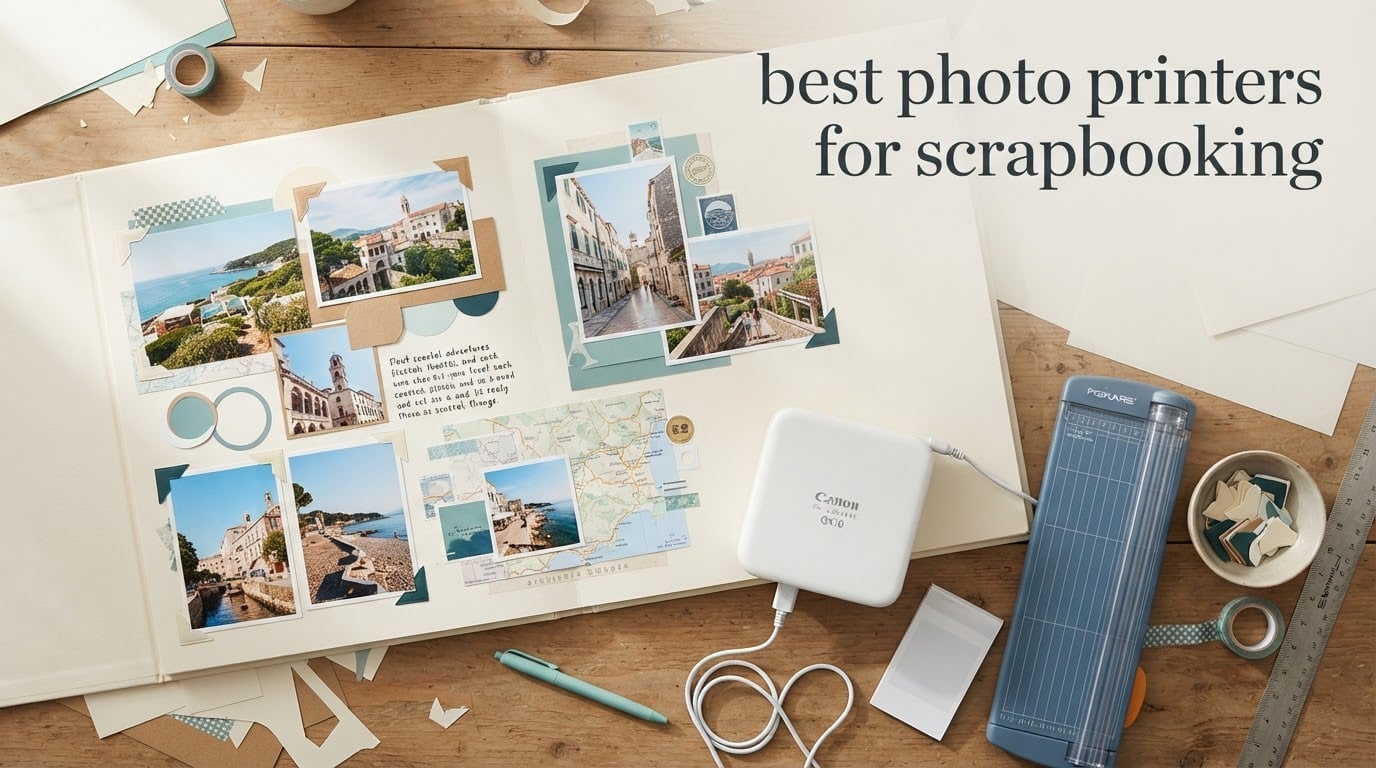
The Canon Ivy 2 is the best photo printer for scrapbooking overall, because its peel-and-stick Zink prints drop straight onto a page with no glue, no photo corners and no trimming. Most scrapbookers do not need a printer that makes one perfect photo. They need one that makes a lot of small photos fast, prints them the size the layout wants, and does not fight them on color.
That is the difference between this guide and the portable photo printer roundups that already rank for this topic. Those rank cameras and pocket projectors. This one starts from a scrapbook page: the 2×2 pocket grid, the 4×4 grid, the 4×6 block, the full-bleed background. Print size is the first decision, not an afterthought.
We compared ten photo printers across four technologies: dye-sublimation, Zink zero-ink, inkjet, and one print-and-cut machine. Our criteria were print size options for a scrapbook page, whether the output carries its own adhesive, how color holds up on skin tones, running cost per print, and how long each one takes to spit out a photo while you are mid-project.
If you want the wider picture on output quality across formats, our guide to the best photo printers overall covers the desktop side of the market too.
Table of Contents
Top 3 Best Photo Printer Picks for Scrapbooking in 2026

Canon Ivy 2 Mini Printer
- 2x3 peel-and-stick Zink prints
- No cartridges
- Optimized skin tones
- Bluetooth 5.0

Canon SELPHY CP1500
- 4x6 at 300x300 dpi
- Also prints sticker sheets
- Glossy semi-gloss satin finishes
- Wi-Fi with memory card slot

Liene M100 4×6 Printer
- 4x6 dye-sublimation
- 100 sheets and 3 cartridges included
- Built-in Wi-Fi hotspot
- Five devices at once
All 10 Photo Printers for Scrapbooking Compared (October 2026)
| Product | Specifications | Action |
|---|---|---|
| Canon Ivy 2 |
|
Check Latest Price |
| Canon SELPHY CP1500 |
|
Check Latest Price |
| Liene M100 |
|
Check Latest Price |
 KODAK Dock Plus KODAK Dock Plus |
|
Check Latest Price |
 Liene Pearl K100 Liene Pearl K100 |
|
Check Latest Price |
 KODAK Step KODAK Step |
|
Check Latest Price |
 Nelko PP01 Nelko PP01 |
|
Check Latest Price |
 KODAK Mini 2 Retro KODAK Mini 2 Retro |
|
Check Latest Price |
 Liene PixCut S1 Liene PixCut S1 |
|
Check Latest Price |
 YOTON Photo Printer YOTON Photo Printer |
|
Check Latest Price |
1. Canon Ivy 2: the best photo printer for scrapbooking overall
Canon Ivy 2 Mini Photo Printer, Print from Compatible iOS & Android Devices, Sticky-Back Prints, Pure White
2x3 Zink sticky-back prints
Zero ink, no cartridges
Bluetooth 5.0
About 50 seconds per print
Pros
- Peel-and-stick backing skips photo corners and glue tape
- No cartridges means nothing dries out between projects
- Improved skin tone and contrast rendering
- At 145 g it fits a scrapbooking tote or a travel bag
Cons
- 2x3 is small for a full page hero photo
- Zink paper cost climbs fast on big albums
The Ivy 2 wins this list for one reason: the backing. Every print comes with a peelable adhesive layer, so once you decide where a photo goes on the page, you peel and press. That removes the single most fiddly step in scrapbooking, which is positioning a small photo square under a corner or a strip of glue tape while your fingers are covered in paper residue.
It uses Zink technology, meaning there is no ink cartridge at all. Color develops from dye crystals already sitting in the paper. For a scrapbooker who prints in bursts every few weeks, that matters more than it sounds, because an inkjet left sitting for months can clog and an inkjet cartridge left open can dry out.
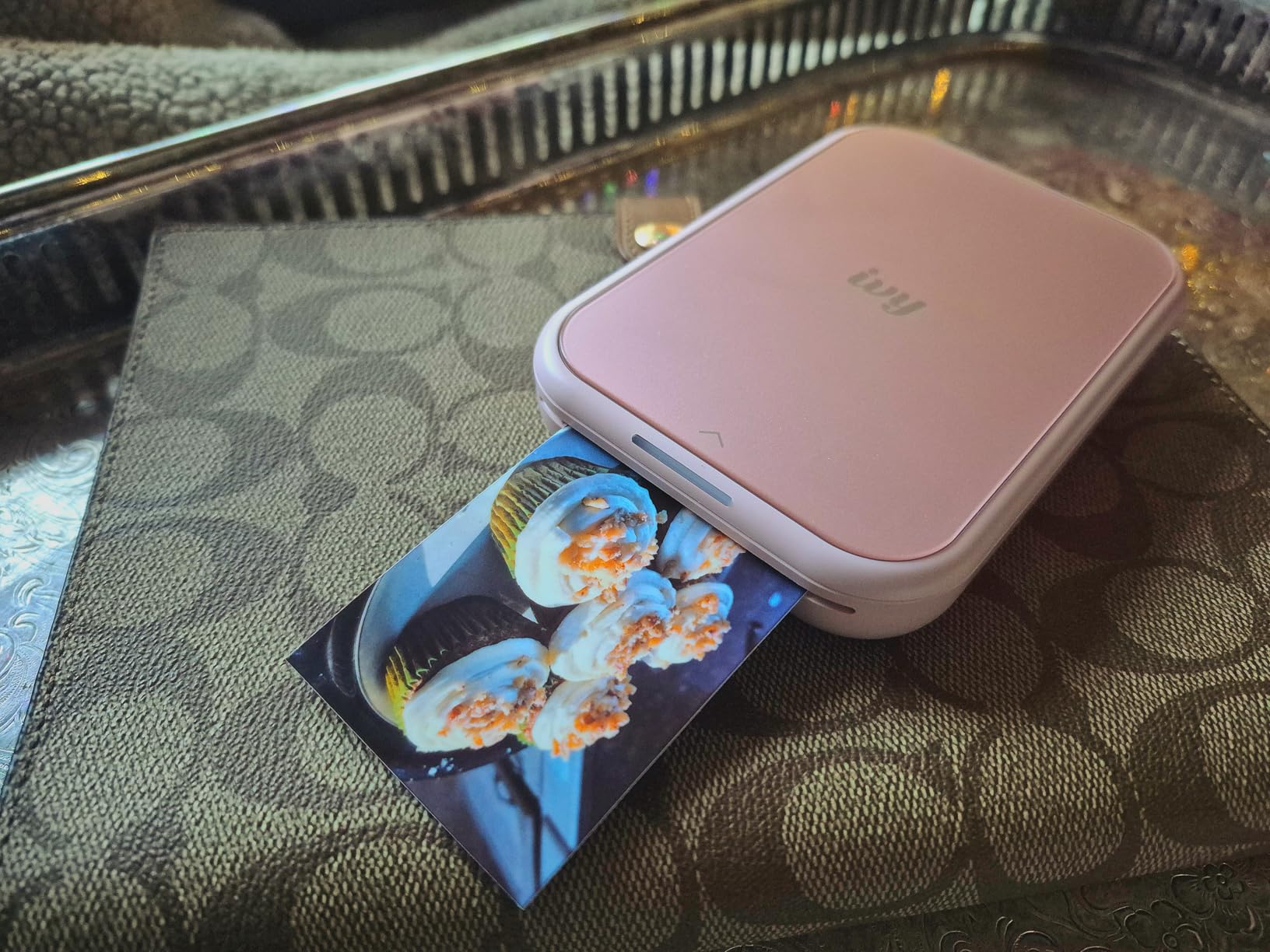
Output is 2×3 inch at up to 313×512 dpi, and Canon reworked the color pipeline on this version, skin tones in particular. Scrapbooks are mostly made of people, so that is the improvement that mattered most here.
Pairing is Bluetooth 5.0 through the Canon Mini Print app, with a first print in about 50 seconds. The app also handles borders and basic edits, which is enough for a layout where the photo is a supporting element rather than the hero.
What it handles well on a scrapbook page
A 2×3 print drops into a 2×2 pocket page grid without any trimming, and four of them tile neatly into a standard 6-inch block. That makes the Ivy 2 the natural choice for pocket scrapbookers and for bulk album work where you are mounting a hundred photos, not twenty.
Because each print is self-adhesive, it also works well for junk journaling, planner spreads, and travel memory books where you are building pages away from a desk.
Where it falls short
It cannot print anything larger than 2×3 inch, so a title photo or a full-page background is simply not its job. And the Zink paper refill cost is the real limit on album volume. If you are printing several hundred photos for a year-in-review, the running cost adds up fast.
2. Canon SELPHY CP1500: the pick for sharp 4×6 print quality
Canon Selphy CP1500 Wireless Compact Photo Printer (Black) Bundle with KP-108IN Color Ink Paper Set (108 Sheets of 4×6 Paper + 3 Ink Cartridges) + 6-Slot Memory Card Holder + More
4x6 borderless at 300x300 dpi
108 sheets
Also prints sticker sheets
Wi-Fi and memory card slot
Pros
- Four paper sizes from one machine
- Including adhesive sticker sheets alongside plain paper
- Borderless 4x6 prints fill most of a scrapbook title block
- Bundle includes 108 sheets and three ink cartridges
Cons
- Ink-and-paper sets add ongoing cost
- Inkjet media can dry if the printer sits unused
The SELPHY CP1500 is the one here that behaves like a small photo lab. It prints borderless 4×6 photos at 300×300 dpi in 16.7 million colors, and the bundle we looked at includes a 108-sheet paper and ink set plus three cartridges. Out of the box you have enough media to finish a chunk of a year-in-review album.
It handles more than one paper format, which is unusual at this size. Alongside standard 4×6 it accepts 2.1×3.4 inch adhesive sticker sheets, so a single page can mix a mounted title photo with peel-and-stick pocket prints.
Input options are unusually flexible for a compact unit. A memory card slot and a USB port mean you can print from a camera card without a phone in the loop, and built-in Wi-Fi handles iOS and Android through the SELPHY Layout app. The LCD lets you pick the surface finish before printing: glossy, semi-gloss, or satin.
That finish choice is genuinely useful on a scrapbook page. Glossy photographs better, satin takes a matte look that sits under a sheet of vellum without glare, and semi-gloss is the middle option most people land on.
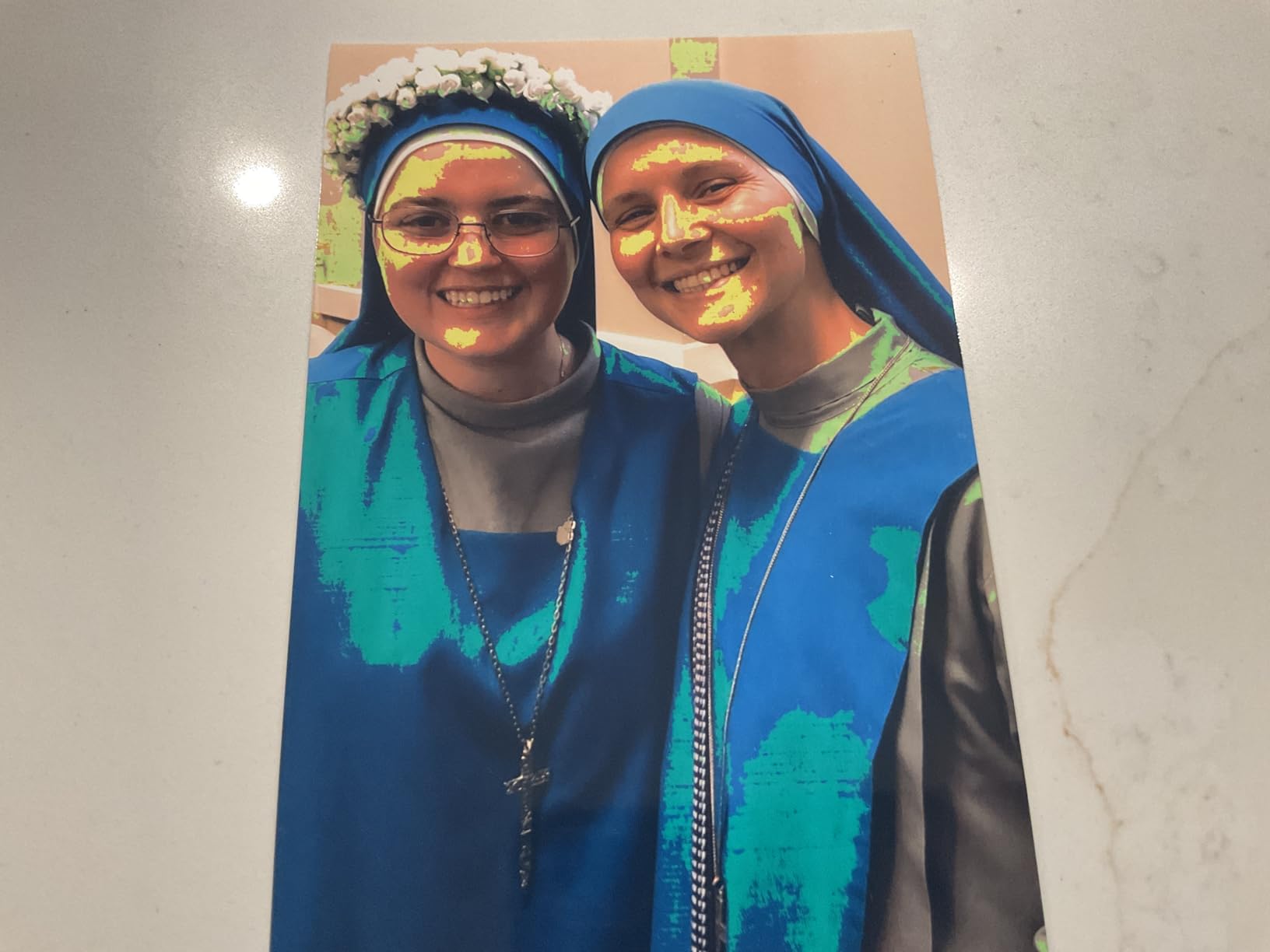
Print size that fits a real layout
Borderless 4×6 is the classic scrapbook photo size. Four of them tile a 12×12 page edge to edge with no visible margin, which is exactly how most title blocks and full-page collage grids are built.
The sticker sheet option covers the other half of the problem, the small accent photos that would otherwise need ten seconds of corner placement each.
Where it falls short
It is inkjet, so it uses ink-and-paper cartridge sets and running cost climbs with volume. The media can also dry out if the printer sits for months between sessions, which is common for someone who scrapbooks seasonally rather than weekly. It is a desktop machine rather than a bag companion.
3. Liene M100: the pick for high-volume 4×6 album runs
Liene M100 4×6” Photo Printer, Phone Printer 100 Sheets & 3 Cartridges, Full-Color Photo, Portable Instant Photo Printer for iPhone Android, Thermal Dye Sublimation, Wi-Fi Picture Printer 100 Papers
4x6 dye-sublimation at 300x300 dpi
100 sheets and 3 cartridges
Built-in hotspot for 5 devices
Pros
- Bundle includes 100 sheets and three color cartridges
- Dye-sublimated output is laminated and water resistant
- Own hotspot means no need to join the household network
- Handles Windows
- Mac
- iOS and Android
Cons
- Proprietary cartridges and paper limit off-brand options
- Print head needs periodic cleaning
The M100 is the volume play. The box includes 100 sheets of 4×6 paper and three color cartridges, which removes the awkward first month where you own a printer and nothing to feed it. For a recap album or a year-in-review, that head start is worth more than a feature list.
Technology is thermal dye-sublimation at 300×300 dpi. Dye is driven into the paper rather than sprayed on top, then the print is effectively sealed, which is why the output resists water, scratches and fingerprints. A laminated 4×6 photo can be handled on a page that gets opened and closed constantly without clouding or smudging.
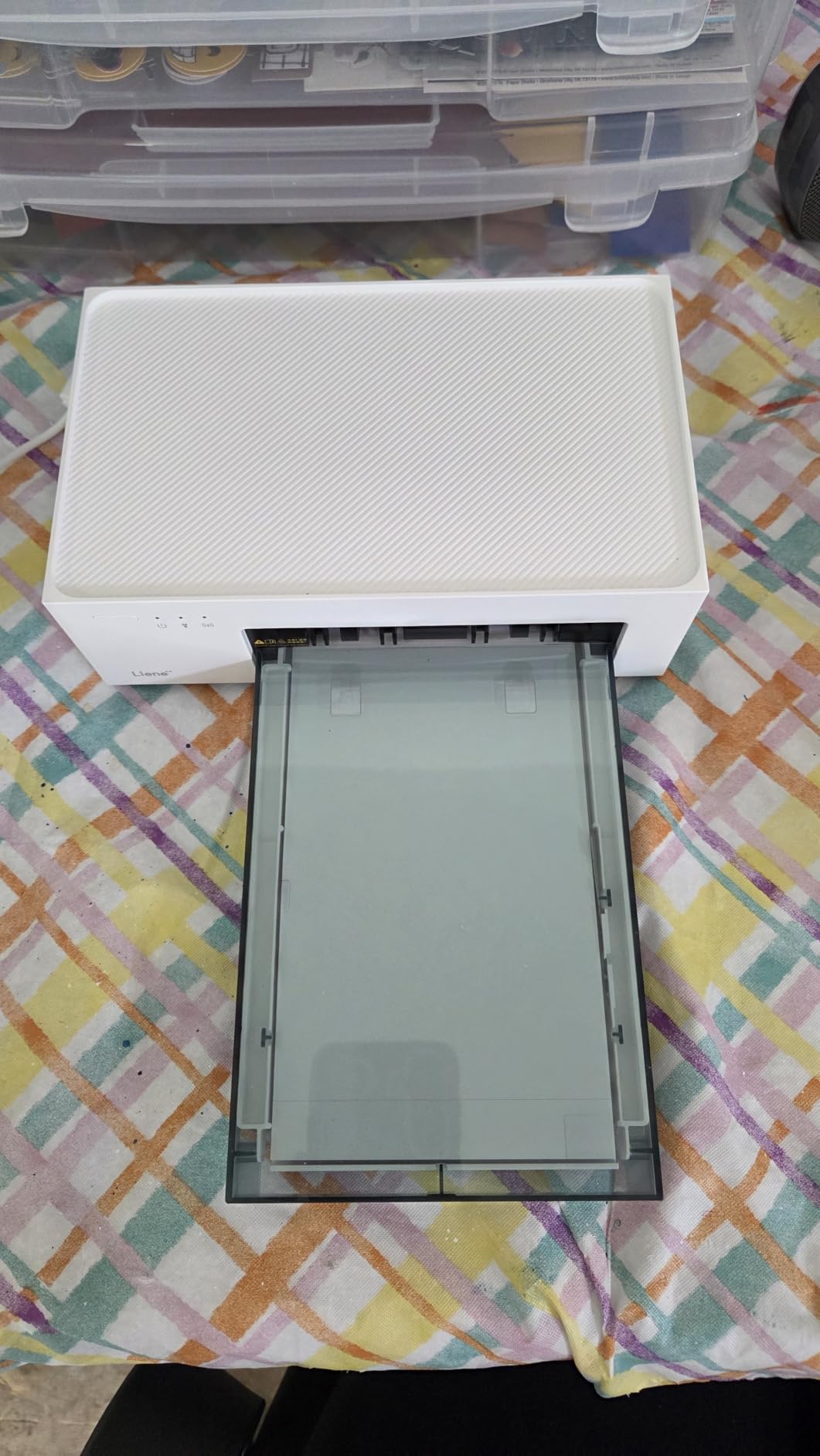
Connectivity is the underrated part. The printer runs its own hotspot and supports up to five simultaneous devices, so several family members can queue prints to the same album session without cables, without pairing, and without joining the same Wi-Fi network. Windows, Mac, iOS and Android are all supported.
The app adds square borders, filters, contrast and brightness controls, plus ID and visa photo printing if you need those for a school project or a travel document.
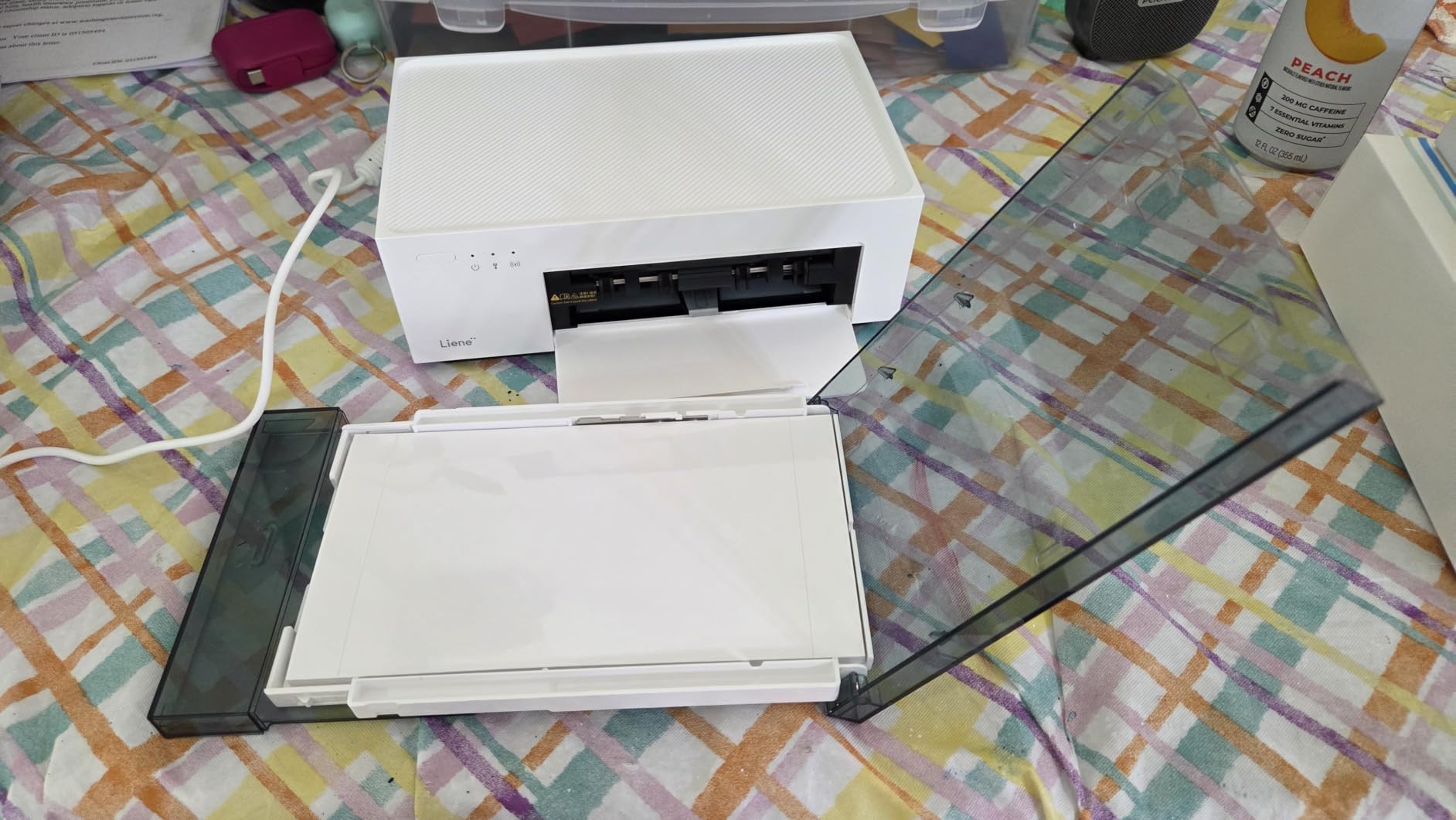
Best case for bulk printing
This is the machine to pick when the album needs a hundred-plus photos. The laminated output takes a lot of handling, and the bundle means your media arrives in one place rather than three separate orders to finish one project.
Four 4×6 prints tile a 12×12 page cleanly, and the laminated surface means mounted prints can go on a page with heavy embellishment where a matte inkjet photo might scuff.
Where it falls short
Consumables are proprietary, so cartridges and paper are Liene-only and that limits off-brand refill options for people trying to cut album costs. The print head needs periodic cleaning when you see smudges on output. If you print rarely, cartridges can dry out in the machine, so keep spare sets sealed until you need them.
4. KODAK Dock Plus: a 4×6 pick that charges your phone while it prints
KODAK Dock Plus 4×6 Photo Printer, Smartphone Docking, 4PASS, 50 Sheets
4x6 4PASS dye sublimation
Integrated charging phone dock
Bluetooth from iOS and Android
Pros
- Dock holds and charges the phone during the print
- 4PASS adds a clear lamination over three color layers
- Largest review base of any 4x6 pick here
- Compact desktop footprint
Cons
- Four-pass printing is comparatively slow
- Paper jams sometimes require pulling the tray and cartridge
- Tiny printed instructions
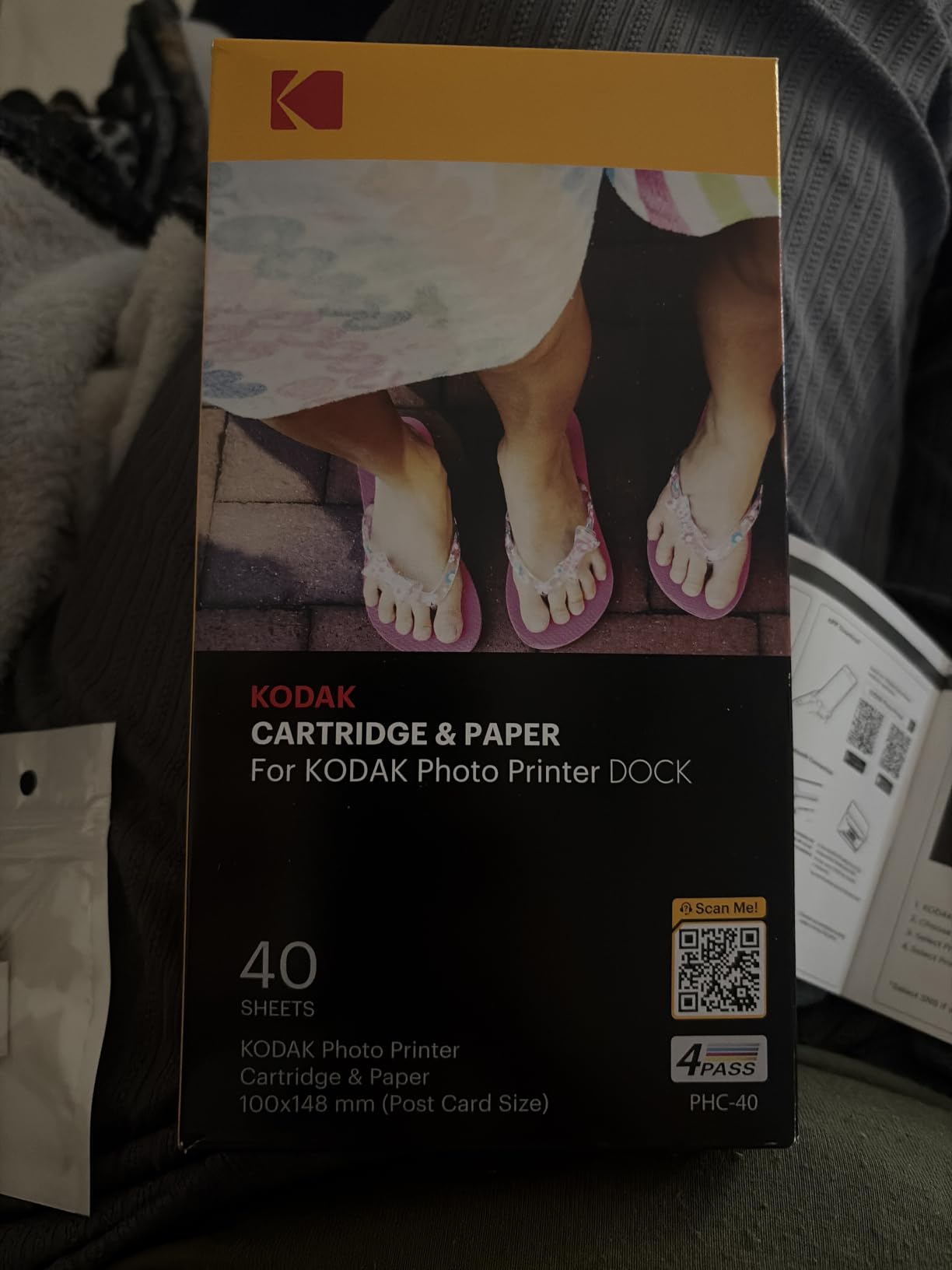
The Dock Plus solves a small problem that shows up more than you would expect: your phone battery dying halfway through an album session. The printer has an integrated dock that holds and charges the phone while it prints, so the screen stays on, the connection stays alive, and you never lose a queue mid-project.
Print quality is genuine 4PASS dye-sublimation. Three color layers are laid down in sequence and then a clear lamination is applied on top. The result resists fingerprints, water and fading, and takes roughly 55 seconds per 4×6 print.
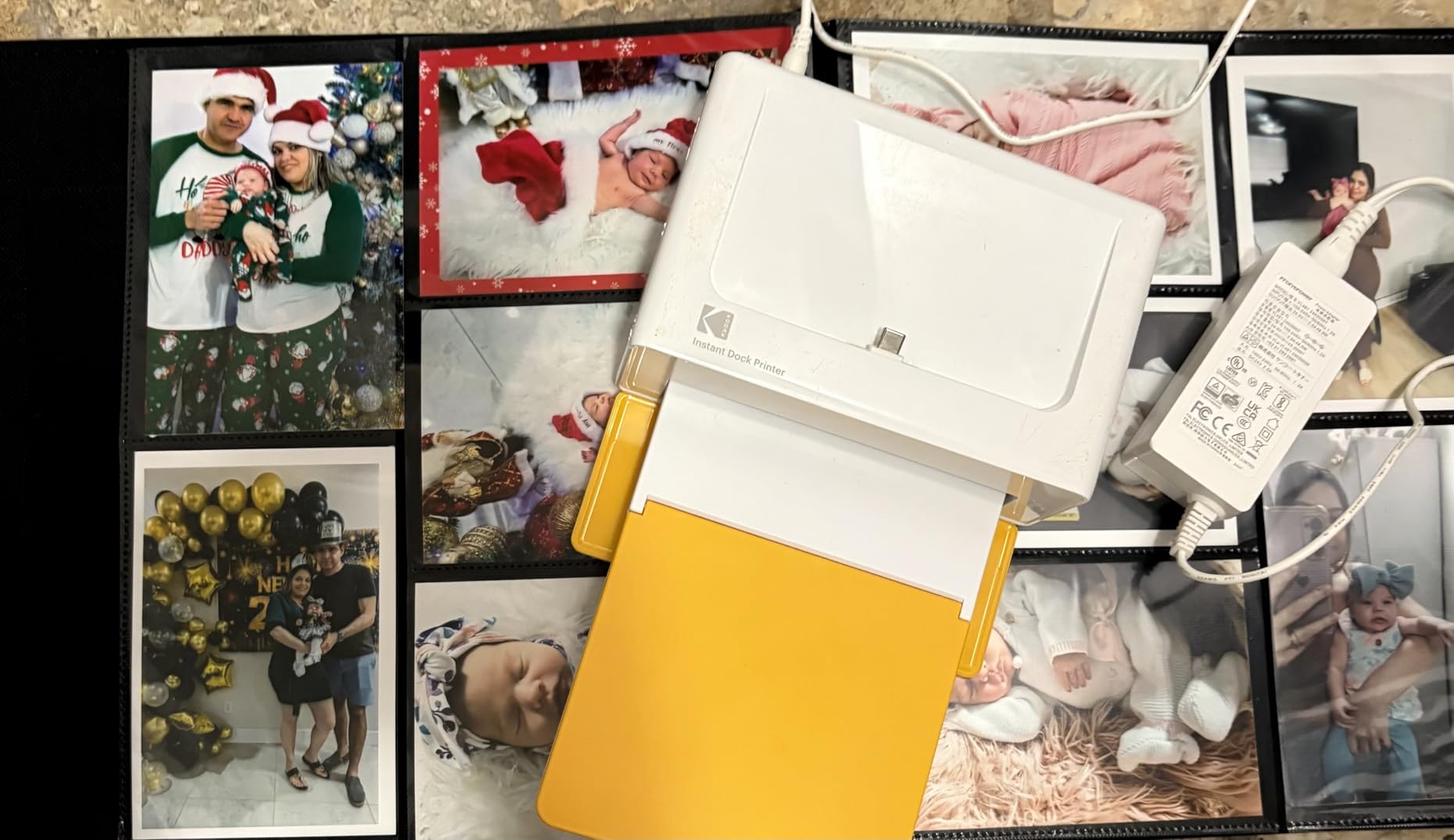
Setup is the part reviewers praise most. Power it on, connect over Bluetooth, and print. The KODAK Photo Printer app handles editing, cropping and customisation on both iOS and Android, and the 50-sheet output capacity means you are not refilling between every page.
With close to 20,000 reviews behind it, this has the longest review history of any 4×6 option in the group. That matters when you are committing a decade of family photos to a machine you expect to still work years from now.
Who this suits
Anyone building a big album in one sitting, or anyone who uses their phone heavily as a photo archive. Dock-and-print means no re-pairing, no phone sleeping, no lost uploads at photo 80 of 200.
The laminated output also suits kids albums and travel books, where pages get handled a lot and moisture is a real risk.
Where it falls short
Four passes per photo put it among the slower printers here at roughly 55 seconds, and that adds up when you are printing in volume. Some users report paper jams that require pulling the tray and cartridge, plus occasional Bluetooth pairing or paper-detection trouble after months of use. The printed instructions are also tiny and skip much of the app workflow.
5. Liene Pearl K100: a strong pick for junk journaling and planners
Liene Pearl K100 2×3” Photo Printer, Mini Instant Portable Color Picture Printer Bundle 50 Zink Adhesive Paper, Bluetooth 5.2 Compatible w/iOS & Android Small Phone Sticker for iPhone Smartphone White
2x3 Zink adhesive prints
Bluetooth 5.2 with no Wi-Fi needed
30 prints per charge
Pros
- Thick adhesive paper that can be repositioned after peeling
- Works with no Wi-Fi network on trips and camps
- Surface film resists water and dust
- Prints rated not to fade for about 10 years
Cons
- Refill paper packs are comparatively expensive
- Battery drains fast during heavy use
- App printing only with limited region availability
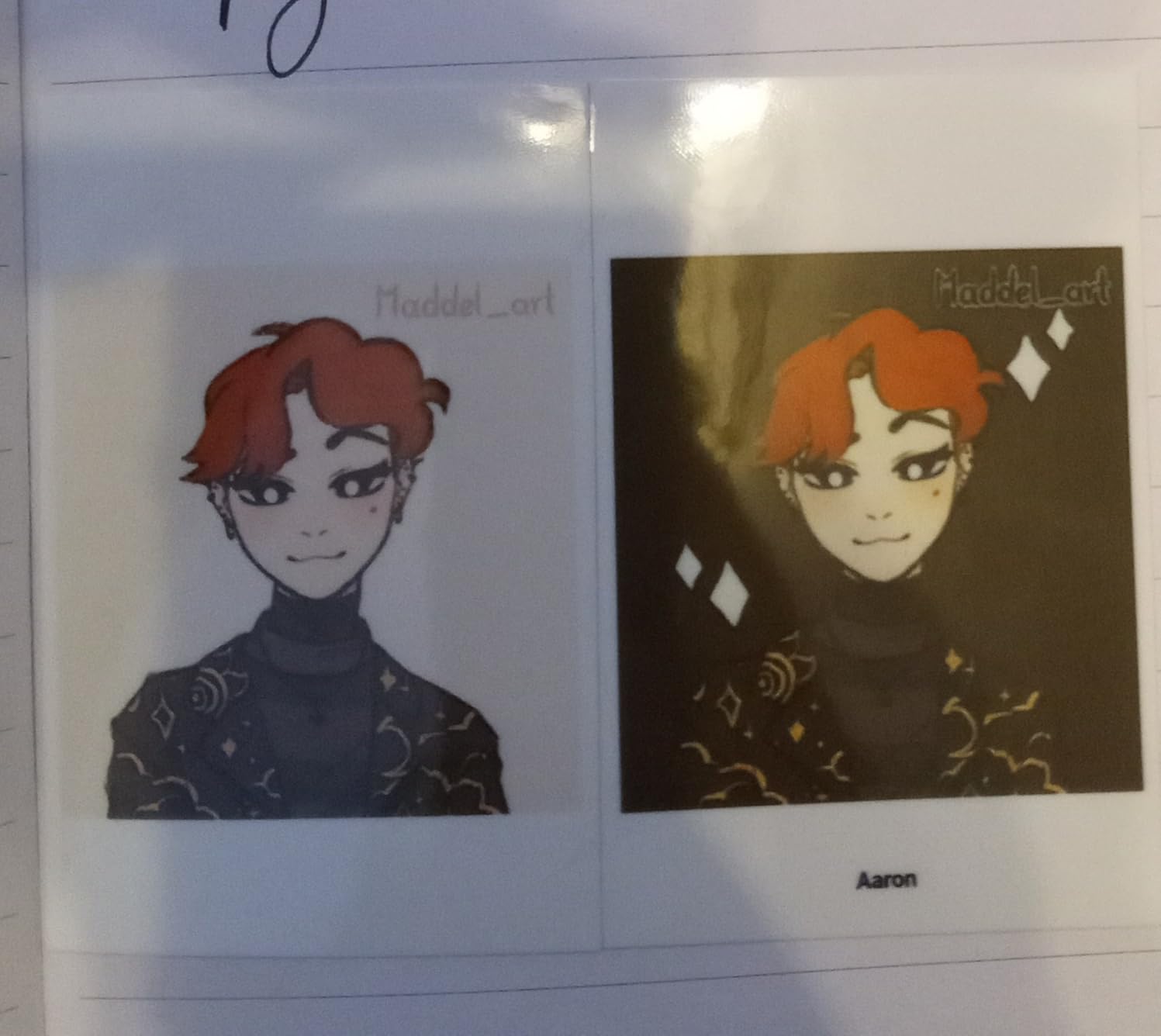
If your pages are journal spreads rather than 12×12 sheets, the Pearl K100 is the machine to look at. The bundle includes an extra 50 sheets of 2×3 Zink adhesive paper with a heavier paper weight than most, and the adhesive is strong enough that you can peel a print off, reposition it, and press it back down without tearing or leaving residue.
That repositionability is the detail that matters on a junk journal, where you are laying out a spread before you commit. You can audition three photos in the same spot and keep the right one.
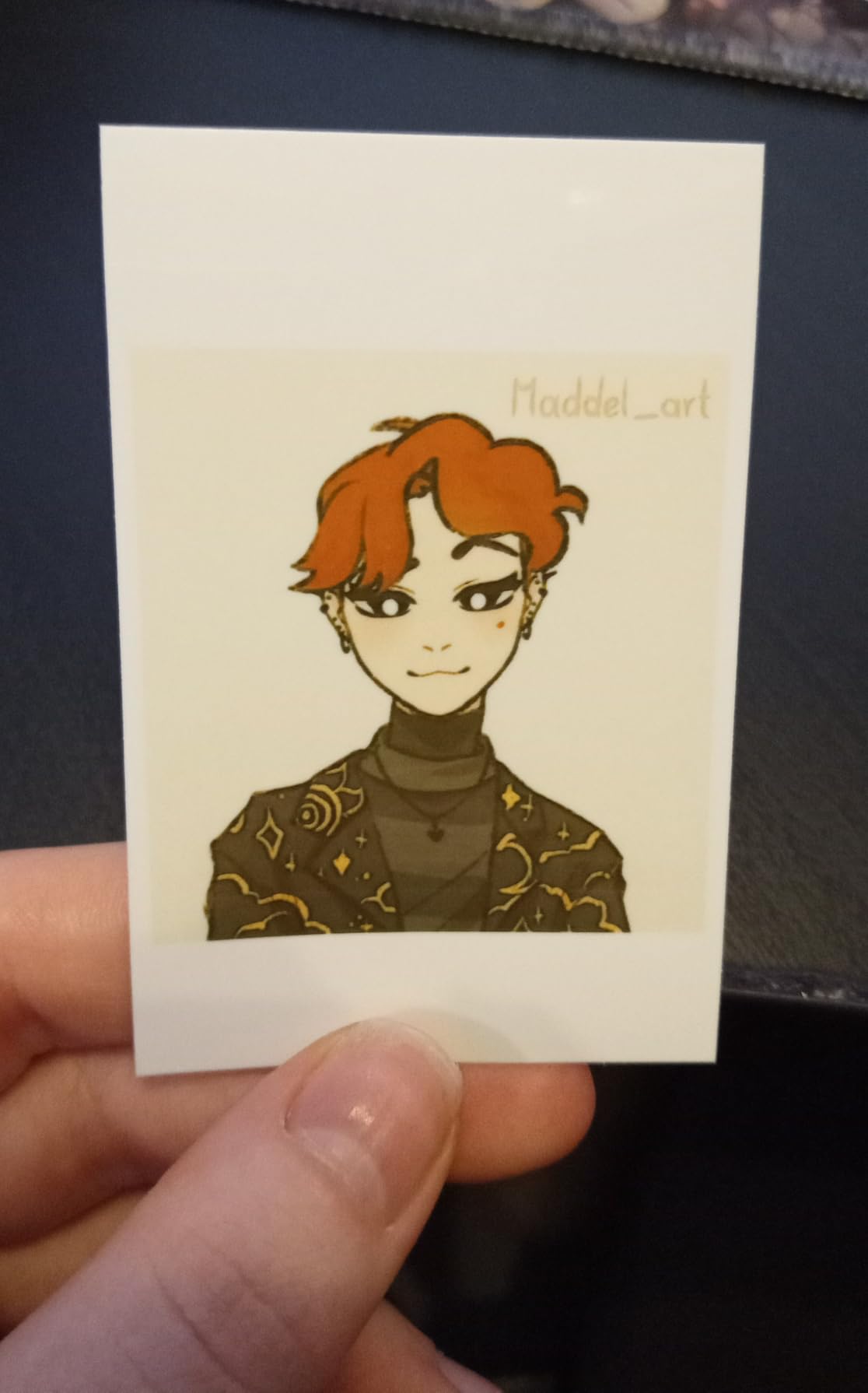
Connectivity is Bluetooth 5.2 with no Wi-Fi network required, which is a real advantage outdoors, at a craft market, or anywhere the household router is not. A sliding cover makes loading the paper roll simple, and one charge covers about 30 wireless prints over USB-C.
The surface film improves water and dust resistance, and the manufacturer rates the prints as holding color for about ten years. It also accepts mono paper, which is genuinely useful for black-and-white layouts that would otherwise need a filter.
Matching a journal spread
A 2×3 print fits comfortably in one corner of an A5 journal spread, so two across and one down leaves room for writing, tape and washi. That is the standard junk journal collage arrangement, and this printer fills it without any cropping.
Inkless Zink printing also means no print-head wear, which suits someone who prints every few days rather than in seasonal bursts.
Where it falls short
Refill paper is comparatively expensive, so cost per photo is the highest complaint in this section. The battery drains fairly quickly during heavy use, and some users see occasional yellow tint, faint streak lines, or the occasional misprint. Printing happens only through the Liene app, which has limited region availability.
6. KODAK Step: the pick for printing on location
KODAK Step Instant Smartphone Photo Printer, Portable Mini Color Wireless Mobile Printer, Zink 2×3” (5.1×7.5 cm) Sticky-Back Photos, Bluetooth Compatible with iOS & Android Devices, Editing App, White
Bluetooth or NFC from iOS and Android
Zink 2x3 sticky-back paper
Resists moisture and smudges
Pros
- Under a pound and fits a bag or jacket pocket
- Bluetooth and NFC pairing is quick
- Zero-ink paper resists moisture and smudges
- About 25 prints per full charge
Cons
- 2x3 output is small and lower resolution than 4x6 dye-sub
- Adhesive works best on smooth scrapbook paper
The Step weighs under a pound and still produces a real colour photo. It goes in a bag without a conversation, which is what makes it useful at a reunion, on a trip, or at a craft fair booth where you hand a printed photo to a guest before they leave.
Output is Zink 2×3 sticky-back paper with dye crystals embedded in the sheet, so there is no cartridge to carry and nothing to spill. The paper is described as resistant to moisture, rips, tears and smudges, and about 25 photos come out of one full charge of the built-in lithium-ion battery.
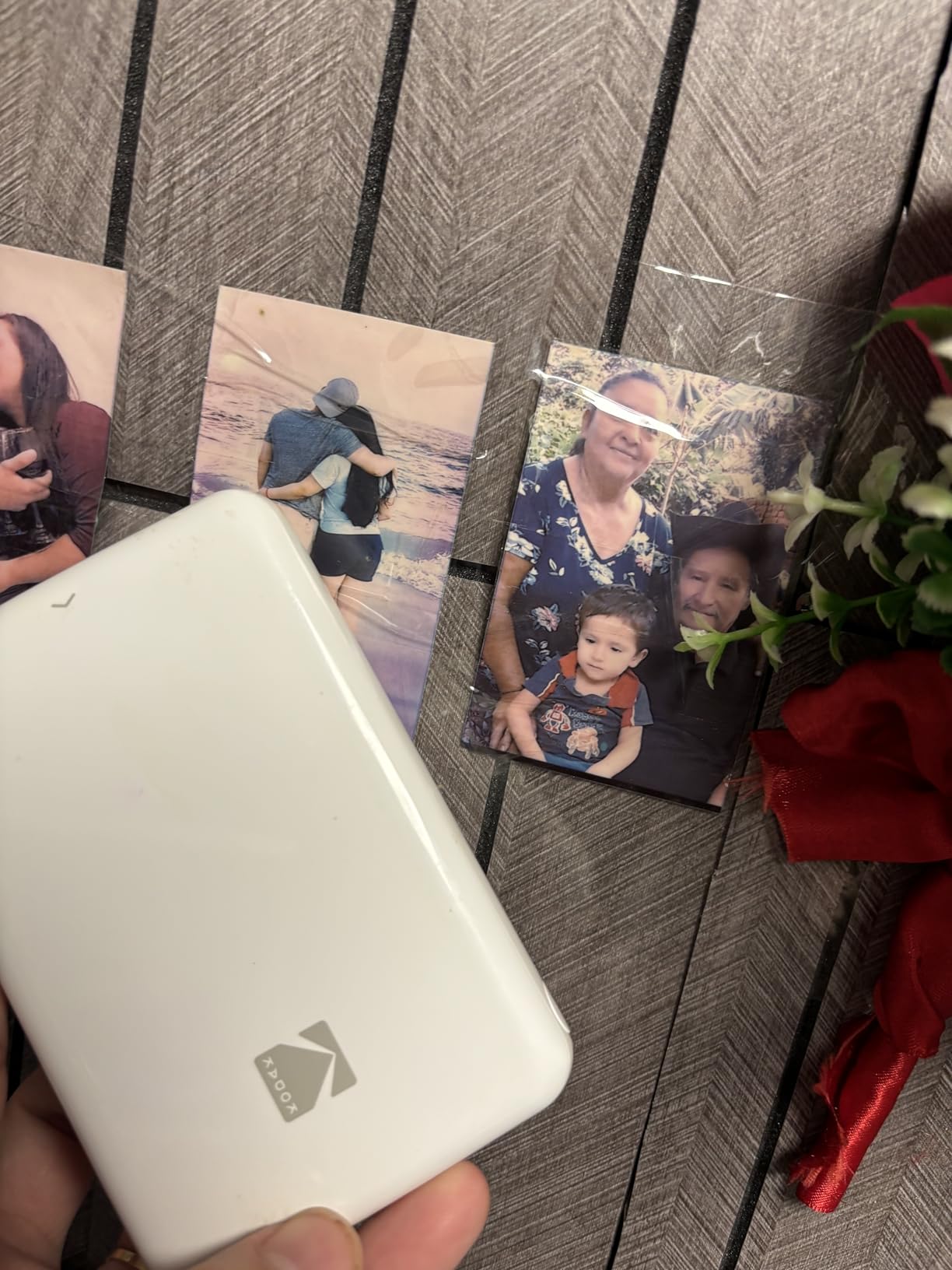
Pairing runs over Bluetooth or NFC with the KODAK app, and the editing app includes collages, filters, borders, stickers and text. With more than 20,000 reviews behind it, it is the most widely used pocket printer in this group.
Initial page print time is listed at about 60 seconds, so it is not a machine you print 100 photos into at once. It is a machine for printing the moment you take the photo.
Where it earns its place
Event printing is the use case. Party favours, wedding guest prints, a school project, a trip journal filled the same evening. Nothing else on this list gets a photo into someone’s hand that fast.
The 2×3 format also suits pocket scrapbook pages and small memory keeping cards where a larger photo would not fit the grid.
Where it falls short
2×3 prints are smaller and lower resolution than what a 4×6 dye-sublimation machine produces, so it is not the choice for a hero photo. The adhesive backing also works best on smooth surfaces and can be awkward on heavily textured scrapbook paper, so test a sheet on your actual scrapbook paper before committing a page.
7. Nelko PP01: strong fine detail in a 2×3 sticker printer
Nelko PP01 Photo Printer, 2×3 Portable Photo Printer, Mini Printer, White
2x3 inkjet with 600 DPI
Sticky-backed paper
Up to 80 prints per cartridge
Pros
- 600 DPI is the highest resolution among the 2x3 printers here
- Each cartridge prints up to 80 full-colour photos
- Sticky-backed output resists water and smudging
Cons
- Inkjet heads can clog if the printer sits idle
- Cartridges add a running cost Zink printers avoid
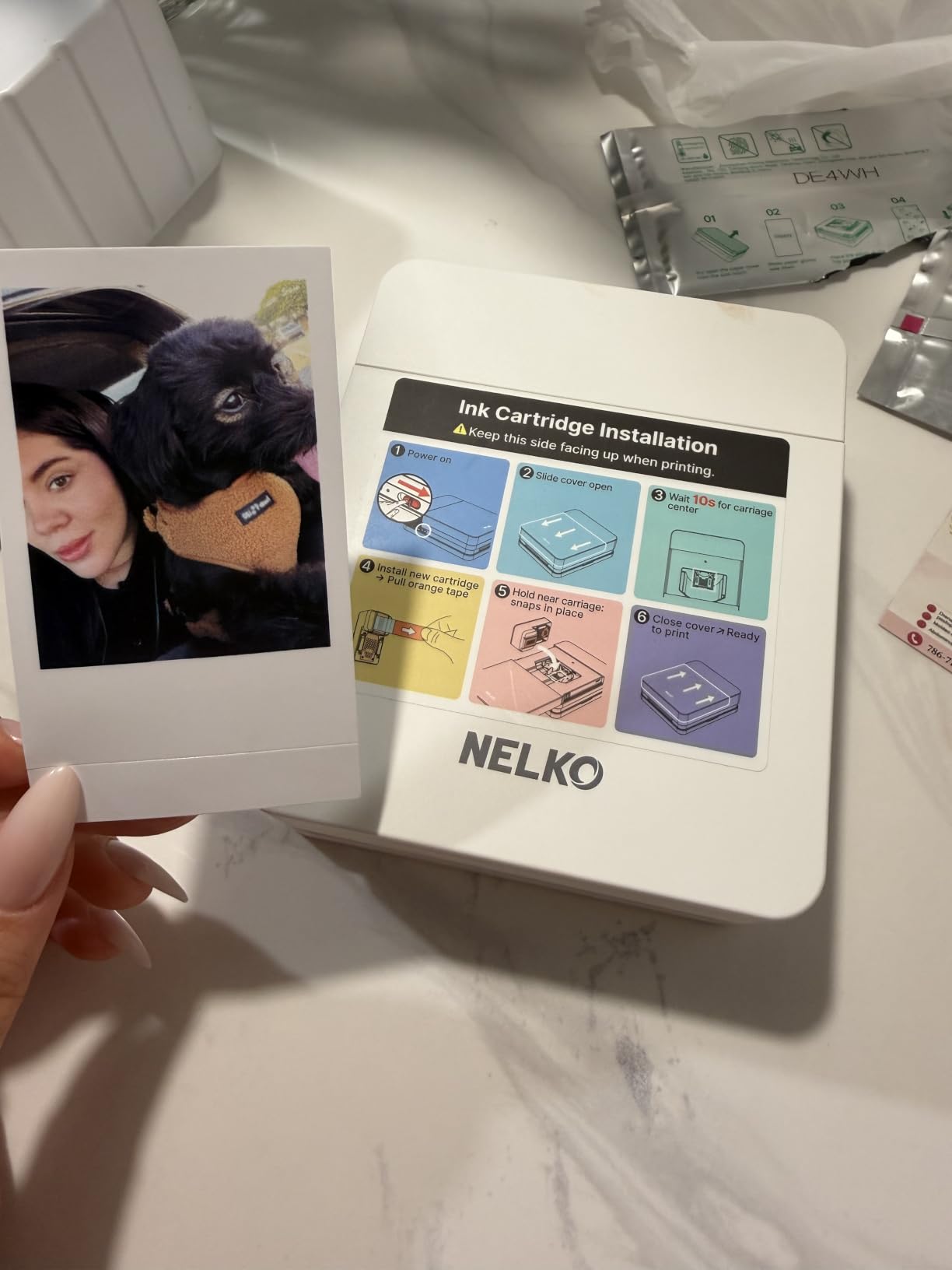
Every other pocket printer here uses Zink or dye-sublimation. The Nelko PP01 is a true inkjet at 2×3 inch, and its selling point is 600 DPI resolution, well above what a Zink sheet manages at the same size. That difference shows up as fine detail that holds up when you crop a group photo down to two faces and enlarge it on a page.
It prints onto sticky-backed paper that is described as smudge-proof, water-resistant and tear-resistant. The cartridge math is the other headline: each ink cartridge is rated for up to 80 full-colour 2×3 photos, which works out lower per print than most zero-ink rivals once the paper is counted.
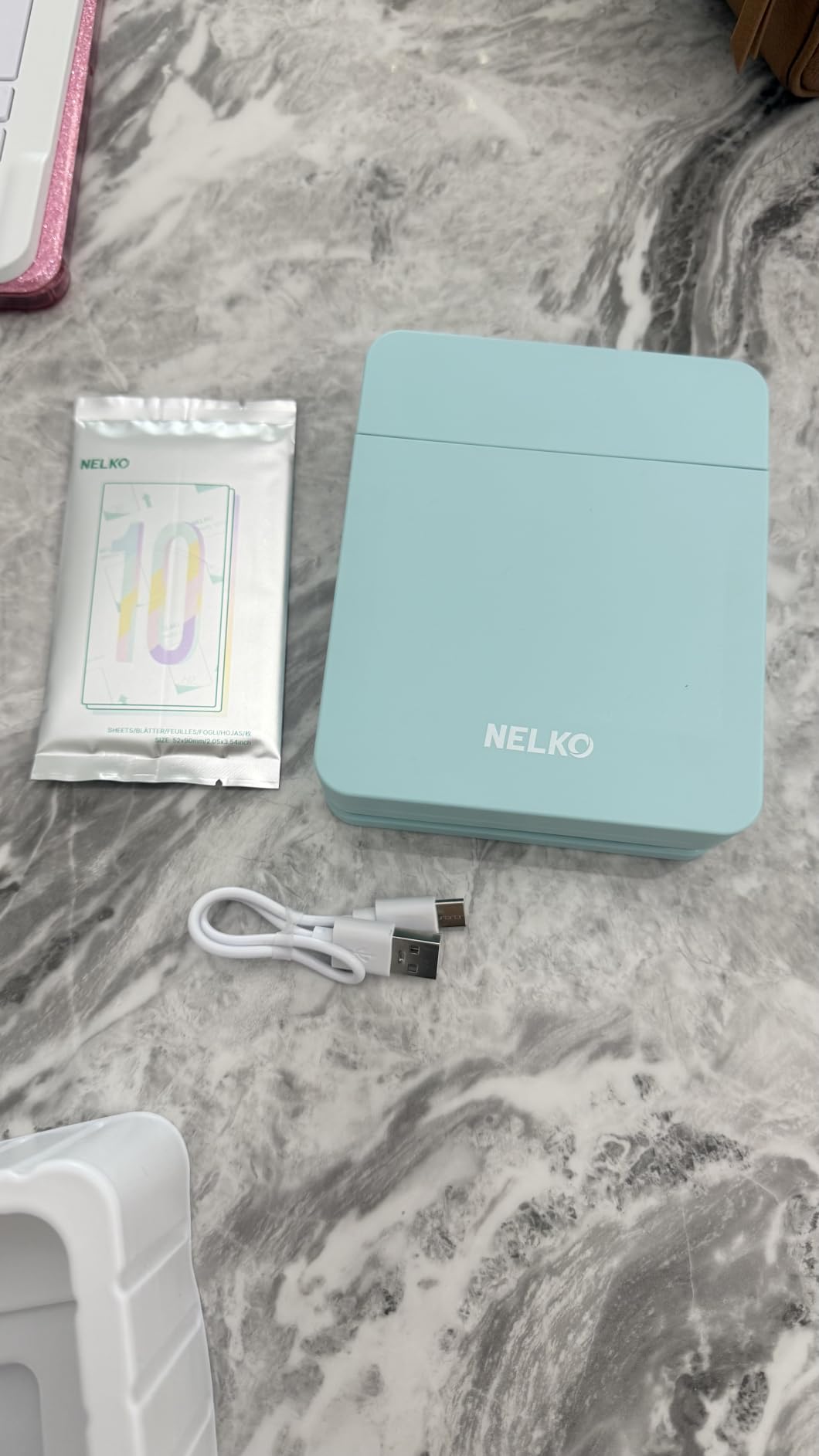
The body is 0.6 pounds and roughly the size of a paperback, so it fits a school bag or a travel pouch. The Nelko app is built for scrapbook work specifically, with frames, filters, borders, stickers, text, collage layouts and AI image editing.
Bluetooth printing works from iOS and Android. A USB charging cable is included in the box, and the wall adapter is not, so plan for that if you are buying it as a gift.
When inkjet beats Zink
Resolution is the whole argument. On a page where the photo is small but cropped tight, 600 DPI holds facial detail that a Zink print at the same size softens. For portraits, group photos and anything with text in the frame, that difference is visible on the finished page.
The per-cartridge print count also makes running cost easier to budget than a Zink machine once you are past a hundred or so photos.
Where it falls short
Inkjet print heads can clog if the printer sits idle, and unlike a Zink unit it needs manual cleaning attention after a gap in use. Cartridges also add a recurring consumable cost that zero-ink competitors avoid entirely. The listed media size is 45×60 millimetres, so confirm your layout works with 2×3 inch prints before you build around it.
8. KODAK Mini 2 Retro: the Most Versatile for 2×3 dye-sublimation
KODAK Mini 2 Retro 2×3 Portable Photo Printer, 4PASS, 38 Sheets, White
2.1 x 3.4 inch 4PASS dye-sub
About 55 seconds per print
Bluetooth from iOS and Android
Pros
- Dye-sublimation quality and lamination at a pocket size
- Anti-fingerprint and water-resistant output
- Weighs 255 g and fits a hand or bag
- 38 sheets and four cartridges in the bundle
Cons
- Lowest rating in this lineup at 4.1
- Cartridges must be swapped periodically
- Limited to 2x3 output with no 4x6 pages
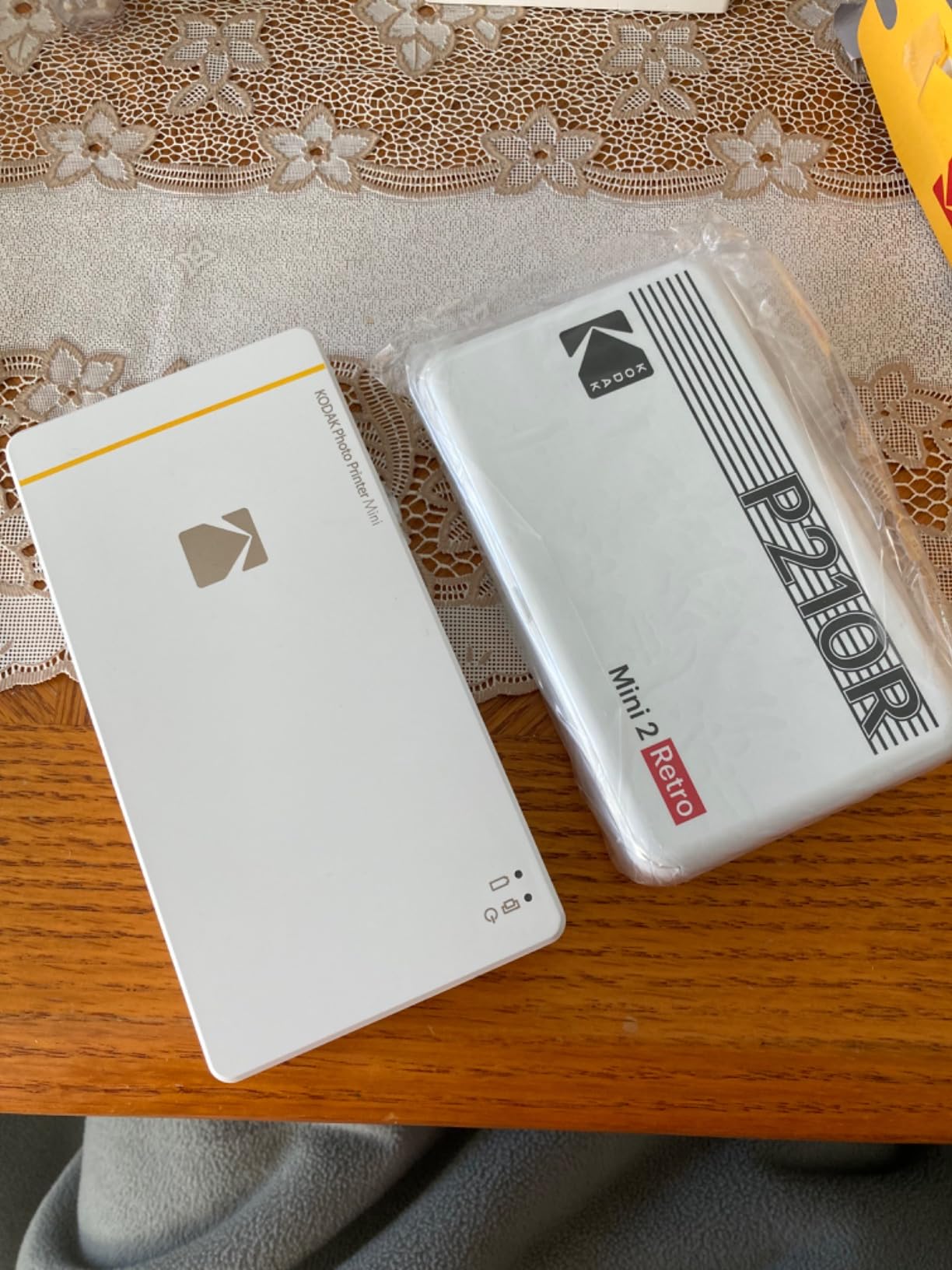
The Mini 2 Retro puts dye-sublimation into a body you can hold in one hand at 255 grams. Output is 2.1×3.4 inch rather than a full 4×6, which is roughly credit-card size and sits neatly in a pocket page or a wallet-style memory keeping card.
It uses the same genuine 4PASS process as the larger Kodak dock, laying down three color layers plus a clear protective coat in about 55 seconds. Those prints resist fingerprints, water and fading, so a page that gets handled stays looking clean.
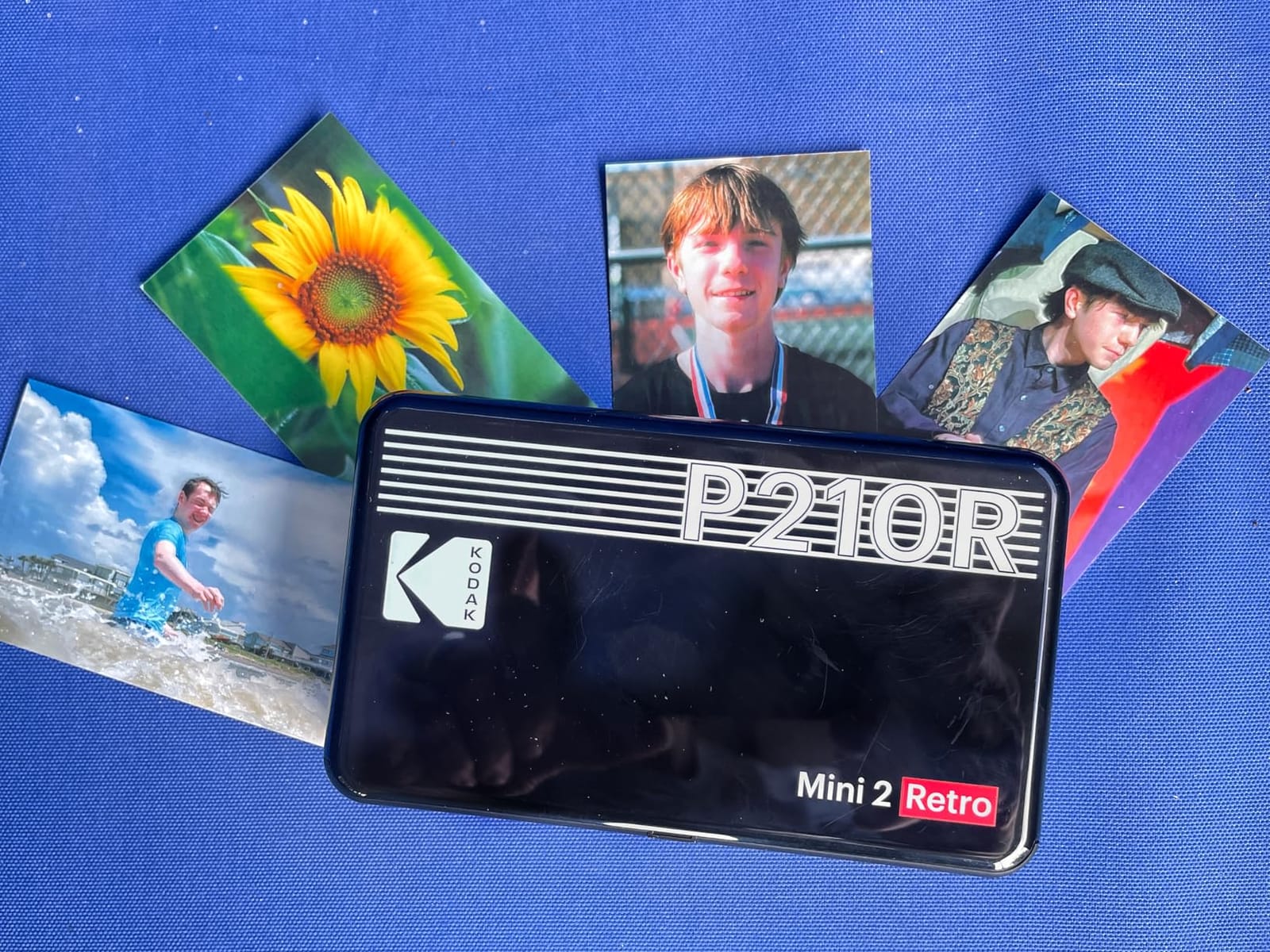
The bundle is generous for an entry-level machine: printer, four cartridges, 38 sheets of photo paper, a USB-C cable and a guide. Bluetooth printing from the KODAK app handles editing and cropping on both iOS and Android, and output capacity is 30 sheets.
For someone starting their first album, or someone who wants a second machine for craft fairs while a bigger printer lives at a desk, that bundle matters.
Where the money goes
Dye-sublimation at this size is the value argument. Zink 2×3 printers match the convenience but not the laminate, and 4×6 dye-sub units are physically larger. If you want sealed, smudge-resistant pocket prints without moving up to a 4×6 machine, this is the route to that finish.
Credit-card-sized prints also open up layouts the square format cannot: long horizontal strips, tall vertical columns, and single-photo focal spots on an otherwise empty page.
Where it falls short
It carries the lowest average rating in this group at 4.1, with a 13 percent one-star share, so expect more gripes than the Canon units. Cartridges must be swapped periodically and that raises the per-photo cost, and the 2×3 ceiling means it cannot handle a 4×6 layout at all. Our take on the broader thermal-transfer category is covered in our dye-sublimation roundup.
9. Liene PixCut S1: a print-and-cut machine for die-cut scrapbook pieces
Liene PixCut S1 Color Sticker Printer & Cutting Machine – All-in-One Sticker Maker for DIY Crafts, Custom Labels & Gifts. Thermal Dye-Sublimation Photo Printer, 300 DPI, Precise AI Auto-Cutting
Print and cut in one step
300 dpi dye-sublimation
4x6 and 4x7 media
AI edge cutting
Pros
- Replaces a separate printer and a separate cutting machine
- AI image extraction cuts around subjects automatically
- Four-layer sublimation laminates the print as it goes
- 50000+ free images and 10000+ templates with no subscription
Cons
- Heaviest and least portable option in this lineup
- Higher one-star share reflecting early unit and app issues
This is the odd one out. Every other printer on this list gives you a rectangle. The PixCut S1 prints and cuts in a single pass, which means die-cut labels, shaped badges and outline stickers come out already finished. For a scrapbook full of hand-cut silhouettes, that is a genuine workflow change rather than a spec bump.
Output is 300 dpi thermal dye-sublimation in 16.7 million colors, and it works on 4×6 photo paper and 4×7 sticker paper. Four layers of dye-sublimation laminate the sheet during printing, so the resulting stickers are waterproof and scratch-resistant rather than paper-thin vinyl.
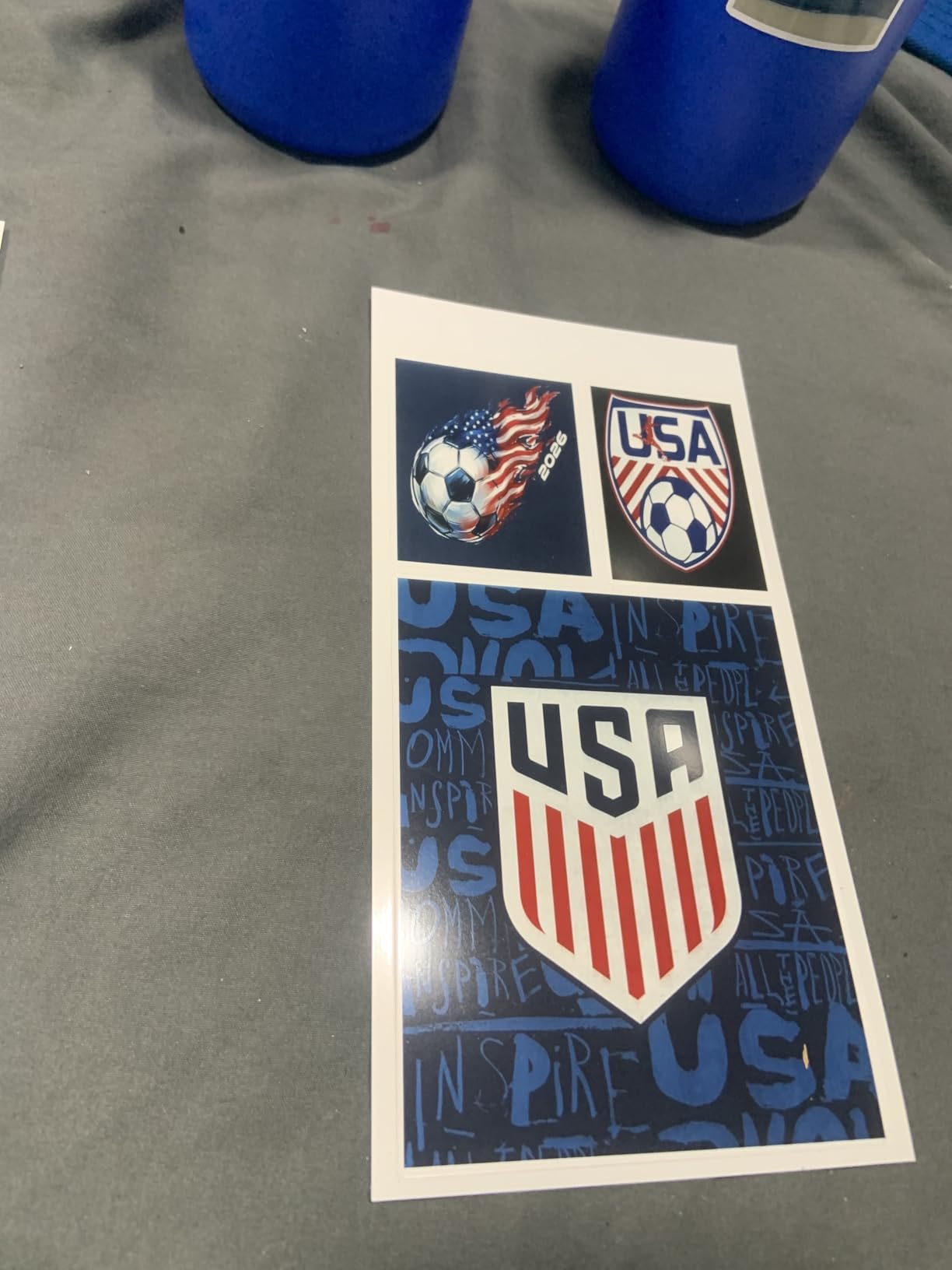
The cutting is the interesting half. AI image extraction isolates a subject from its background and the blade follows the edge. The blade comes pre-installed, and the box includes photo paper, sticker paper, a photo sticker cutter ink cartridge and 18 sheets to start.
The app library is unusually deep for this category: more than 50,000 images, fonts and elements plus over 10,000 templates, with no subscription attached. Connection is Bluetooth from a phone, tablet or laptop on iOS and Android.
Who this is for
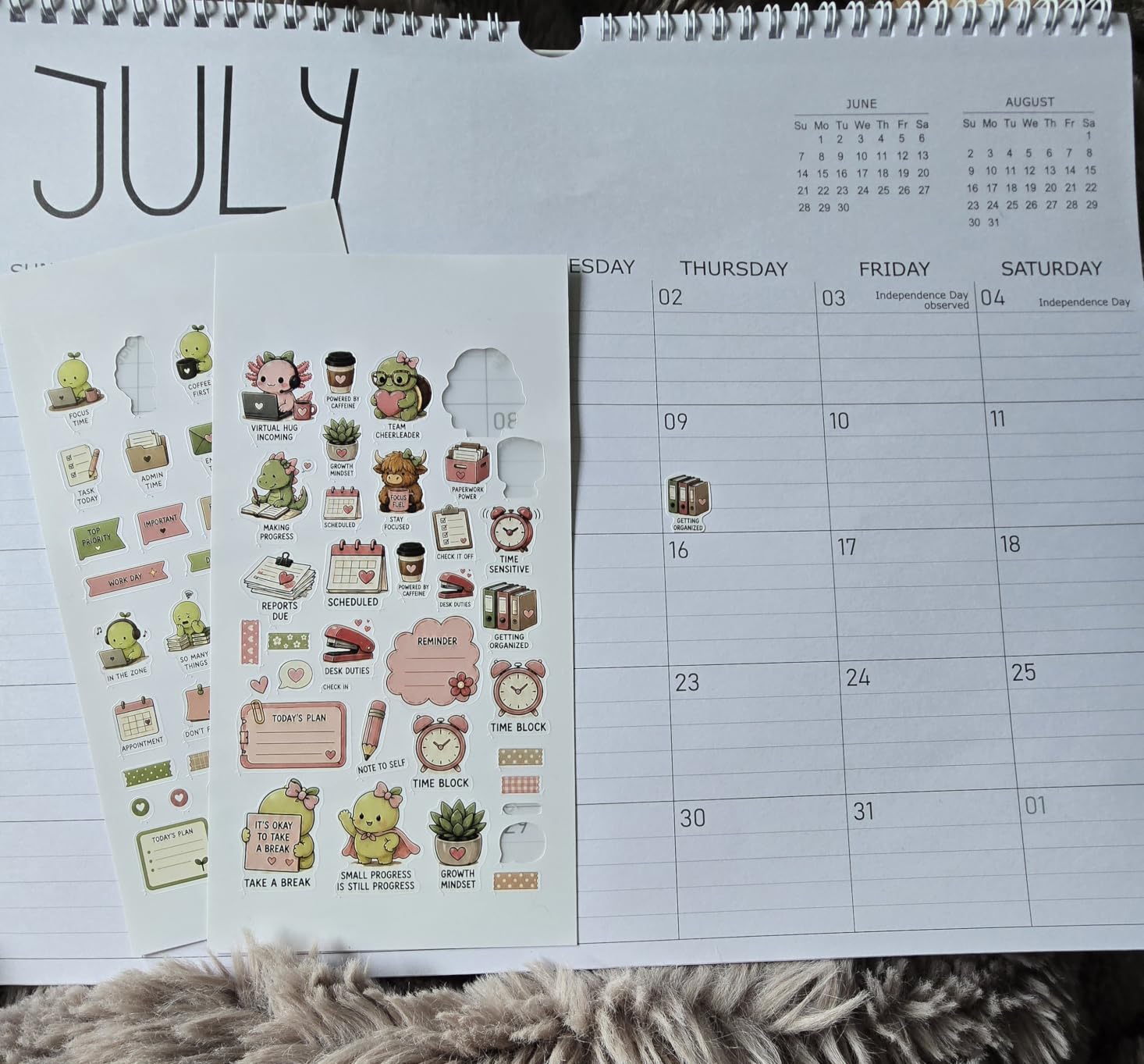
If you paper craft, make cards, or run a small sticker business, this replaces two machines. Die-cut flowers, silhouettes and labels that would take a separate cutter and a vinyl plotter become a phone edit and a print.
Because the cut follows the printed edge, you also get a clean white border option typical of sticker sheets, which suits journaling pages as well as scrapbook pages.
Where it falls short
It is the heaviest machine here at 6.2 pounds and it stays on a desk. It is also among the picks with a higher one-star share at 11 percent, which points to early-unit and app issues rather than to the concept. And if all you need is plain rectangular photos, this is far more machine than the job requires.
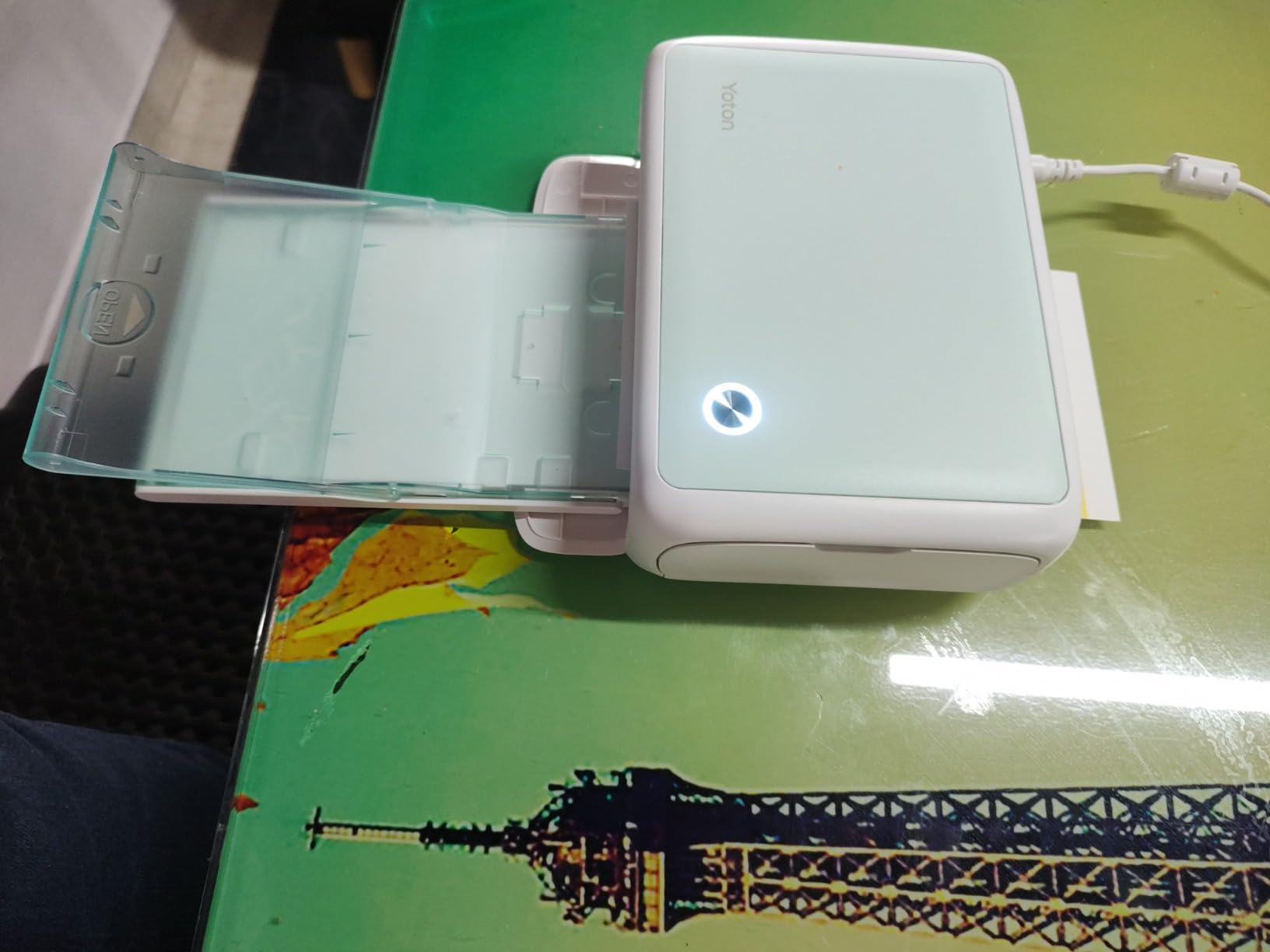
10. YOTON Photo Printer: a compact 4×6 option for batch runs
YOTON Photo Printer, Picture Printer with 54 Sheets (4″x6″) & 1 Ink Ribbon
4x6 dye-sublimation at 300x300 dpi
54 sheets and one ribbon
Wi-Fi from phone or PC
Pros
- Prints many photos in a row without overheating
- Automatic protective layer resists water and fingerprints
- Compact 7.1 x 4.9 x 2.2 inch body fits a scrapbook corner
- Ribbon rated for 40 to 50 photos
Cons
- No Mac support
- Wi-Fi setup needs a 2.4 GHz network and asks for broad permissions
- Some users must re-pair each session
- Modest ribbon capacity
The YOTON is a small 4×6 dye-sublimation printer aimed squarely at someone printing a lot in one go. Reviewers note that it runs many prints in a row without overheating, which is exactly the behaviour you want when mounting photo after photo for a recap album.
Quality is 300×300 dpi with smooth color transitions, and an automatic lamination makes output resistant to water, scratches and fingerprints. The comparison reviewers draw is to a full-size photo printer, which is a fair one for dye-sub output.
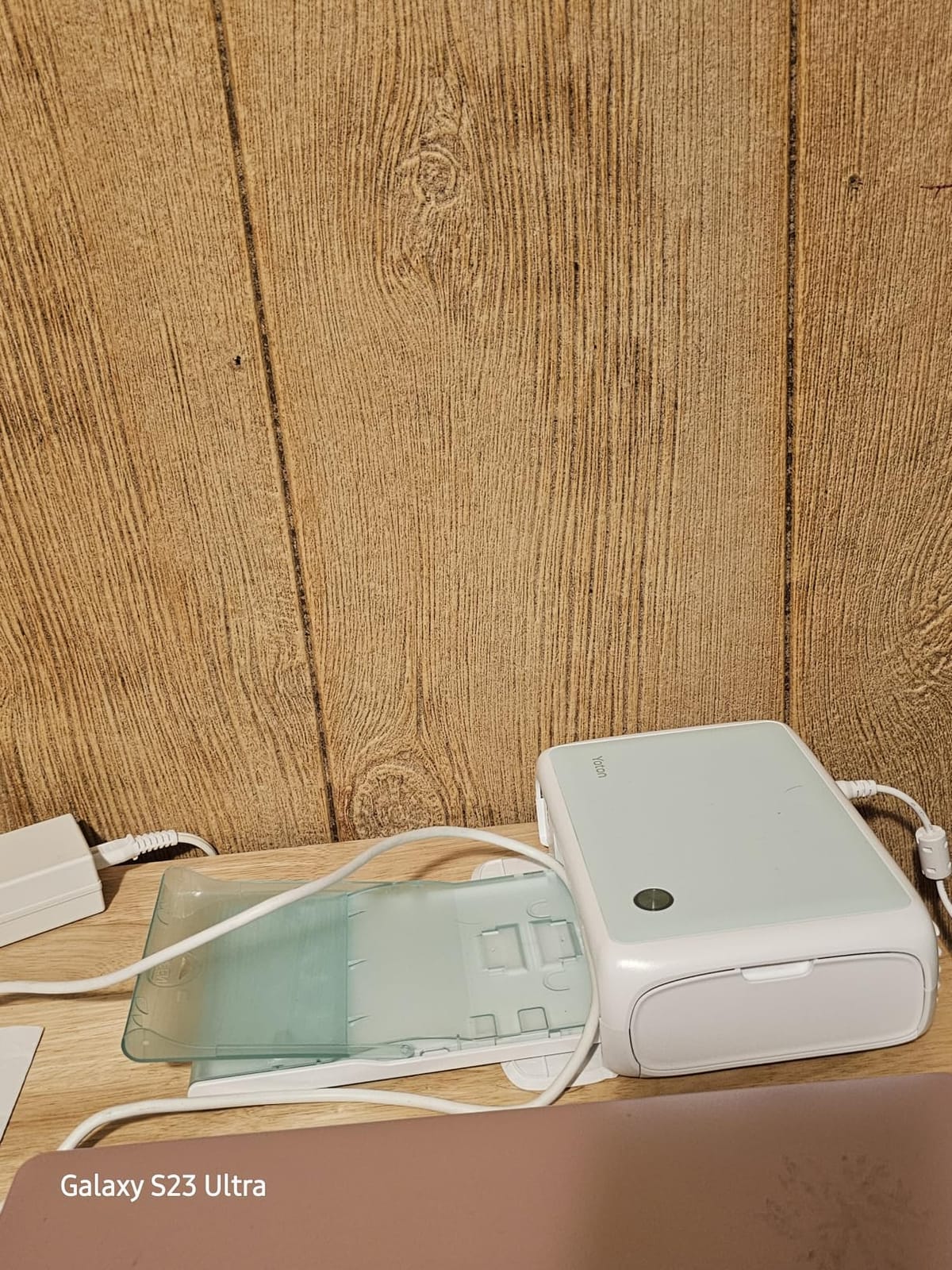
It arrives ready to print with 54 sheets of photographic paper, one ink ribbon rated for 40 to 50 photos, a cassette and an AC charger. That is enough media to finish a small album without a second order. The paper cassette holds 54 sheets at a time.
Editing happens in the app: brightness adjustment, filters, borders, collage layouts, ID photo options and sticker templates. Wi-Fi printing works from a smartphone or PC.
Throughput and page fit
At 972 grams and roughly the footprint of a paperback, it is compact enough to live on a craft desk rather than a home office. Four borderless 4×6 prints tile a 12×12 page without a visible margin.
The ribbon math is straightforward. One ribbon covers 40 to 50 photos, so budgeting an album means counting ribbons rather than cartridges.
Where it falls short
There is no Mac support, which reviewers call an odd omission for a Wi-Fi printer. Setup needs a 2.4 GHz network and the app requests broad permissions, and some users have to forget and re-pair the printer in the app each session. First print time is listed at 90 seconds, the slowest here, and ribbon capacity is modest enough that high-volume printing costs add up.
How to Choose a Photo Printer for Scrapbooking in 2026
Start from the page, not the printer. A pocket scrapbook, a 12×12 album, a junk journal spread and a stack of handmade cards all want different print sizes, and no machine on this list covers every one. Decide which format you will actually build in, then pick the technology that serves it. If you also scan old prints to digitise a family archive, our photo scanner guide covers that half of the workflow.
Dye-sublimation, Zink, inkjet and instant film explained
Dye-sublimation drives cyan, magenta and yellow dye from a ribbon into the paper, then lays a clear protective layer over the top. The result is a laminated, water- and fingerprint-resistant print that will not smudge when a page is handled. It is a strong fit for mounted 4×6 photos and for albums that get opened often. The cost is a proprietary ribbon or cartridge per print run.
Zink uses no ink at all. Dye crystals are already embedded in the paper and are developed by the printer, so there is nothing to clog, spill or dry out. Zink machines are the simplest to carry around, and most produce adhesive-backed prints you peel and press. The trade-off is lower per-print resolution and less saturated color than dye-sublimation at the same size.
Inkjet sprays liquid ink through a micro-piezo head. It gives the widest paper handling and the highest resolution of any technology here, and it is the only route to large formats, but the media is not sealed, so it smudges if handled while wet and fades faster than a laminated print.
Instant film exposes light onto a film cartridge and develops a print with a retro white border. It suits aesthetic projects and event printing, where the look matters more than per-photo cost. Our broader look at printing on fabric and other substrates sits in the sublimation printer guide.
Match print size to your scrapbook page layout
Here is the mapping that gets asked about most often, because print size decides the layout more than any other spec.
A 2×3 inch print drops into a 2×2 pocket page without trimming, and four of them tile a 6-inch block on a 12×12 page. A 2.1×3.4 inch print is roughly credit-card size, which suits tall vertical columns, long horizontal strips and wallet-style memory keeping cards. A 4×4 print fills a single quadrant of a 4-up grid with room left for a title.
A borderless 4×6 is the standard scrapbook photo. Four of them tile a 12×12 page edge to edge, and one makes a strong title-block anchor. A 5×7 leaves a visible margin on a 12×12 page, which many people use deliberately for a framed look. A 12×12 print is a full-page background, and none of the machines on this list produces one: reaching that size requires a desktop photo inkjet, which is a different buying decision entirely and one we cover in our guide to photo printers for creators.
Sticker-back prints or paper prints
Adhesive-backed prints remove a step. You peel, position and press, and you skip photo corners and glue tape entirely. That is the main argument for the Ivy 2, the Pearl K100 and the KODAK Step.
Two cautions. Adhesive performs best on smooth paper, so test a sheet on heavily textured card paper before you commit a page. And adhesive does not replace corners on a page that will be pulled apart or handled constantly, where a corner lets you remove the photo cleanly later.
Paper prints mounted with corners or tape give you more permanent placement and better edge definition. They also take up more room on the page because you need a margin for the corner.
What running cost does to a whole album
Cost per print is the number that matters at volume, and it is the number competitors rarely publish consistently. Work it out as the price of your media divided by the number of prints that media produces.
Zink machines carry no cartridge cost but the paper is the whole expense, so cost per print is simply the paper pack price divided by the sheet count. Dye-sublimation machines split the cost across a ribbon or cartridge and a paper pack, so divide the combined cost of one set by the photos it yields. Inkjet machines add the cartridge to the paper, and the Nelko PP01 is the clearest example here because its cartridges are rated at up to 80 photos each.
Before you commit, count the prints your project actually needs. A year-in-review album of 200 photos is a different buying decision from a 20-page mini album, and the answer changes which machine is the value pick.
Color accuracy and skin tones
Scrapbooks are mostly people, so skin tone rendering matters more here than it does for a gallery print. The Zink machines vary most, and owners of earlier generations commonly report that prints come out more intense than the screen and need adjusting in the app. Expect to tune brightness and contrast once per batch and stick to it.
Dye-sublimation output is generally more neutral out of the box and holds detail in shadows, which is why it reads as more accurate on family group photos. Test one print from each machine with the same source image before committing to a full album run.
Frequently Asked Questions
What is the best photo printer for scrapbooking?
The Canon Ivy 2 is the best photo printer for scrapbooking overall because it prints 2×3 inch Zink photos with a peel-and-stick adhesive backing, so you can place photos on a page with no glue and no photo corners. It needs no ink cartridges, prints in about 50 seconds over Bluetooth 5.0, and handles skin tones well.
What is the best portable printer for scrapbooking?
The KODAK Step is the lightest option we tested, weighing under a pound and printing Zink 2×3 sticky-back photos over Bluetooth or NFC. One full charge produces about 25 prints, which makes it the practical pick for printing at events, on trips, or anywhere you cannot bring a charger.
What is the best sticker printer for scrapbooking?
The Canon Ivy 2 leads on peel-and-stick prints at 2×3 inch, and the Liene Pearl K100 is the pick if you want thicker adhesive paper you can reposition after peeling. Both use Zink zero-ink technology, so there are no cartridges to dry out between projects.
What is the best photo print size for a scrapbook?
A borderless 4×6 inch print is the standard for a 12×12 scrapbook page, because four of them tile edge to edge with no visible margin. Use 2×3 or 2.1×3.4 inch prints for pocket pages, journal spreads and accent grids, and 4×4 prints for a four-up grid with room for a title.
Is the Canon SELPHY worth it for scrapbooking?
The Canon SELPHY CP1500 is worth it if your layouts are built around 4×6 photos, since it prints borderless at 300×300 dpi and also accepts 2.1×3.4 inch adhesive sticker sheets from the same machine. It uses ink-and-paper sets rather than zero-ink paper, so running cost rises with volume.
Do portable photo printers need ink or cartridges?
It depends on the technology. Zink machines like the Canon Ivy 2, Liene Pearl K100 and KODAK Step use no ink at all, because dye crystals are embedded in the paper. Dye-sublimation and inkjet machines use a ribbon or cartridge, so store cartridges sealed between projects to keep them from drying out.
The Verdict for Scrapbookers in 2026
The Canon Ivy 2 takes the overall spot among these best photo printers for scrapbooking, because self-adhesive prints solve the placement problem that slows every project. For 4×6 layouts, the Canon SELPHY CP1500 handles both paper and sticker formats in one machine, while the Liene M100 covers bulk album runs with its large starter bundle. Build your layout first, then pick the printer that matches it.