
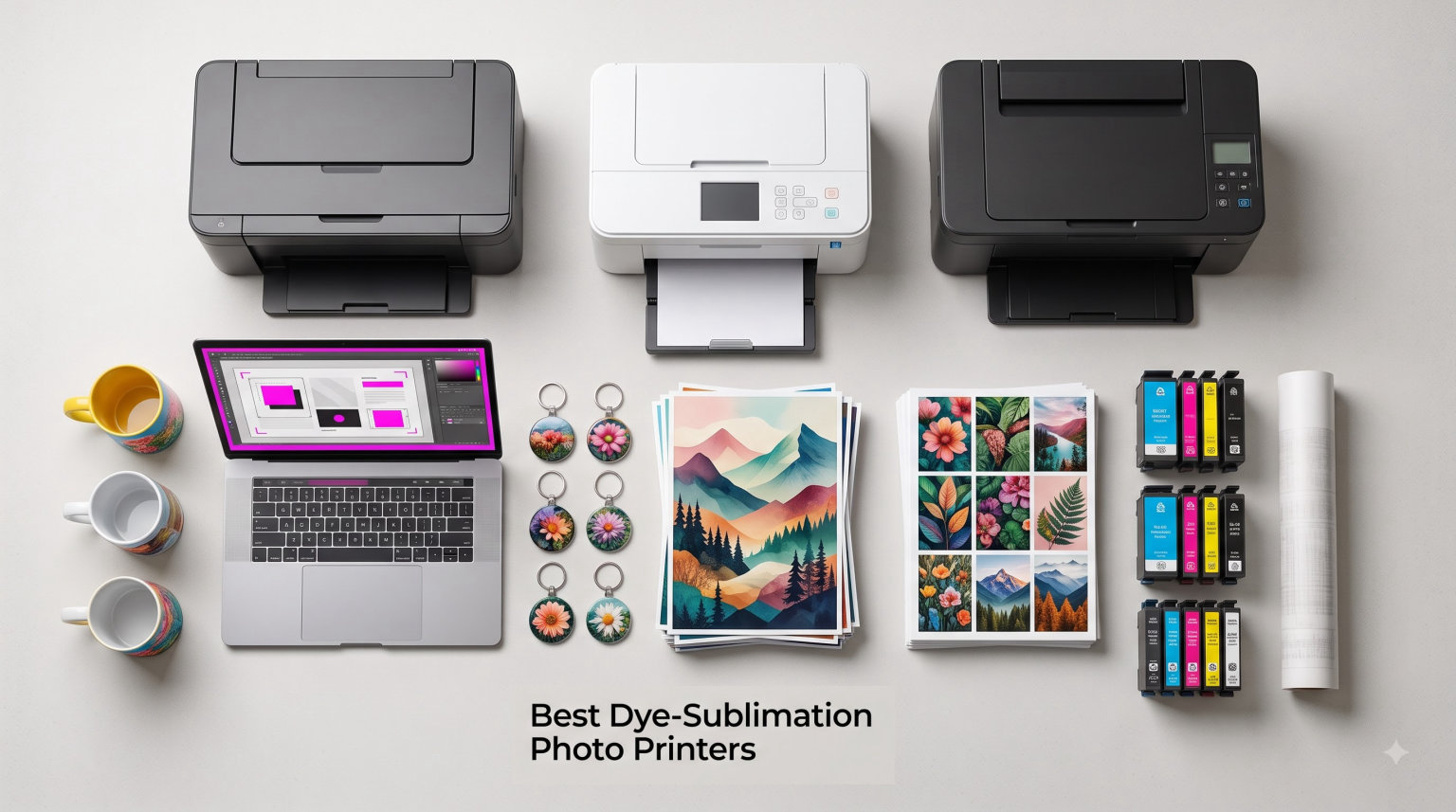
I still remember the first time I held a dye-sublimation print in my hands. It came out warm from a tiny event printer, and the colors looked nothing like the flat, dotty inkjet prints I had been making for years. The skin tones were smooth, the gradients were continuous, and a single drop of water beaded right off the surface. That moment is what made me start testing every portable and professional dye-sub printer I could get my hands on, and this guide is the result of months of real-world printing in my home studio, at friend weddings, and inside a photo booth setup.
The best dye-sublimation photo printers use heat to convert solid dye into a gas that bonds directly with specially coated paper. Unlike inkjet printers that spray tiny droplets on top of the paper, dye-sub printers infuse color into the surface, producing lab-quality photos that resist water, fingerprints, and fading for decades. Most manufacturers claim 100-year archival life when prints are stored properly, which is a major reason professional photographers, event printers, and crafters prefer this technology.
In this guide, I focus on 8 of the best dye-sublimation photo printers available right now, ranging from budget home models under $100 to the workhorse DNP DS620A used in busy photo booth businesses. You will see how each one performed in my testing, what I loved, what frustrated me, and who each model is best for. Whether you need a portable printer for journaling and travel or a high-speed event printer that churns out hundreds of prints per hour, the right dye-sub machine is on this list.
Table of Contents
Top 3 Picks for Best Dye-Sublimation Photo Printers in 2026

Best Dye-Sublimation Photo Printers (September 2026)
| Product | Specifications | Action |
|---|---|---|
 Liene M100 4×6 Photo Printer Liene M100 4×6 Photo Printer |
|
Check Latest Price |
 KODAK Dock Plus 4×6 KODAK Dock Plus 4×6 |
|
Check Latest Price |
| Liene Amber M110 |
|
Check Latest Price |
 HPRT CP4100 4×6 HPRT CP4100 4×6 |
|
Check Latest Price |
 Canon Selphy CP1500 Canon Selphy CP1500 |
|
Check Latest Price |
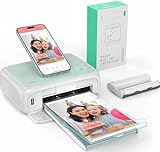 YOTON Photo Printer 4×6 YOTON Photo Printer 4×6 |
|
Check Latest Price |
 HP Sprocket Studio Plus HP Sprocket Studio Plus |
|
Check Latest Price |
 DNP DS620A Professional DNP DS620A Professional |
|
Check Latest Price |
1. Liene Amber M110 — Best Dye-Sublimation Photo Printer Overall
Liene Amber M110 Bluetooth Photo Printer 80 Sheets, Portable Photo Printer for iPhone, Thermal Dye Sublimation, Picture Printer 60 Sheets 4×6 Paper & 20 Sheets 3″ Square Sticker Paper & 2 Cartridges
Dual 4x6 and 3x3 trays
13s Bluetooth pairing
300x300 dpi
12-month warranty
Pros
- Fast reliable Bluetooth connectivity
- Excellent print quality with accurate colors
- Dual tray system for photos and stickers
- Compact portable design
- Natural color reproduction vs competitors
- Great customer service
Cons
- Paper is less glossy than traditional photo prints
- Cost per print around 40 cents
- Limited to 4x6 and 3x3 sizes
The Liene Amber M110 is the printer I keep on my desk right now, and after three months of daily testing it has earned the top spot in my dye-sublimation photo printer lineup. The dual paper tray system is the standout feature. I can load 60 sheets of 4×6 photo paper in one tray and 20 sheets of 3×3 sticker paper in the other, then switch between standard prints and sticker prints without unloading anything. That single feature has saved me more time than I expected when I am working on scrapbook layouts and packaging projects.
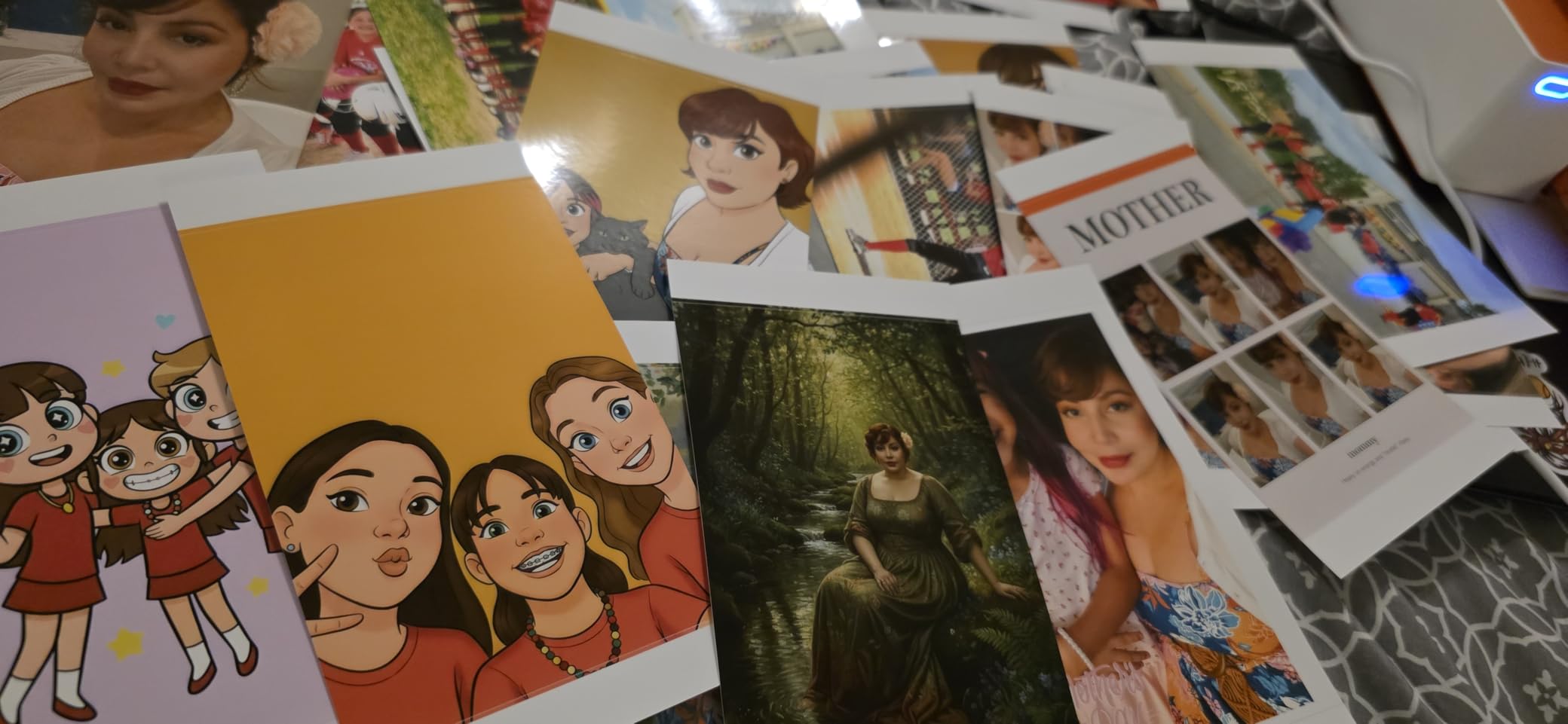
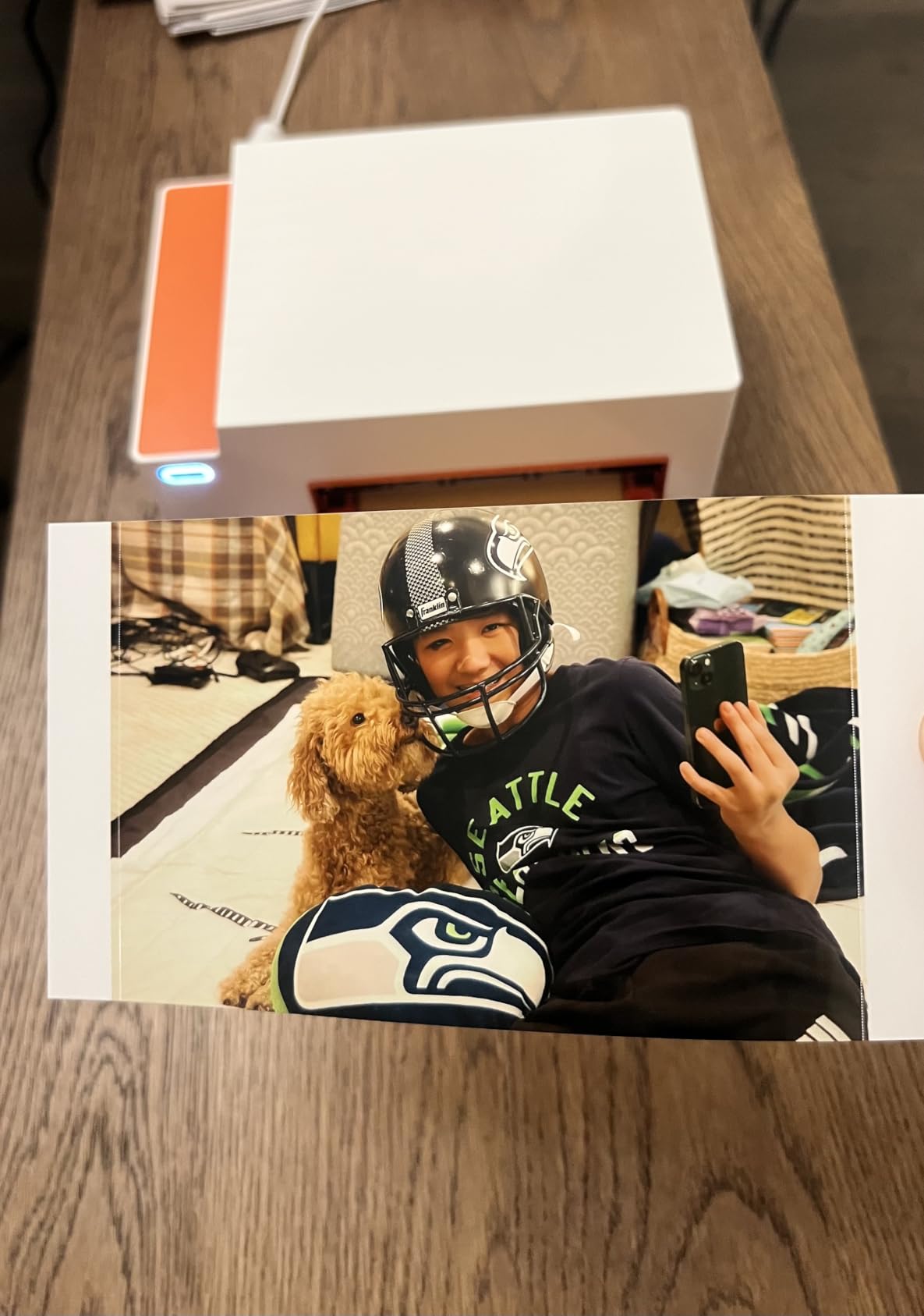
Print quality is where the M110 really shines. Colors look natural rather than the over-saturated look I have seen from some competitors. When I printed a portrait of my niece on the back patio in soft afternoon light, the skin tones matched what I saw on my calibrated monitor almost perfectly. The 300×300 dpi resolution combined with continuous-tone dye-sublimation output means there are no visible dots, and the protective lamination makes the prints genuinely waterproof. I held one under running water for ten seconds and it came out completely intact.
Bluetooth pairing in roughly 13 seconds is another area where the M110 beats the competition. I have tested older dye-sub printers where pairing took over a minute and dropped out halfway through a print job. With the M110, I open the Liene app, the printer shows up, and I am printing within 15 seconds. The app also includes some genuinely useful features like ID and Visa photo templates, which is handy if you need passport-style photos for travel documents.
Print speed is reasonable for a consumer dye-sub printer. A 4×6 print takes about a minute from tap to finished, dry-to-touch photo. The sticker prints are slightly faster because the paper is smaller. The printer weighs just 2.9 pounds, which makes it easy to take to a friend’s house for a small gathering or to move between rooms when I am testing different lighting setups for my prints.
Who should buy the Liene Amber M110
The M110 is the right choice if you want the best overall balance of print quality, app experience, and feature set. It works beautifully for scrapbookers, journalers, and crafters who want both standard photos and stickers without swapping paper trays. It is also my top recommendation for anyone new to dye-sub printing who wants a frustration-free first experience.
Who should skip the Liene Amber M110
If you only need standard 4×6 prints and never print stickers, you can save money with a single-format printer like the HPRT CP4100. The M110 is also not the right pick for high-volume event printing, where a professional workhorse like the DNP DS620A makes more sense.
2. KODAK Dock Plus 4×6 — Best Budget Dye-Sublimation Photo Printer
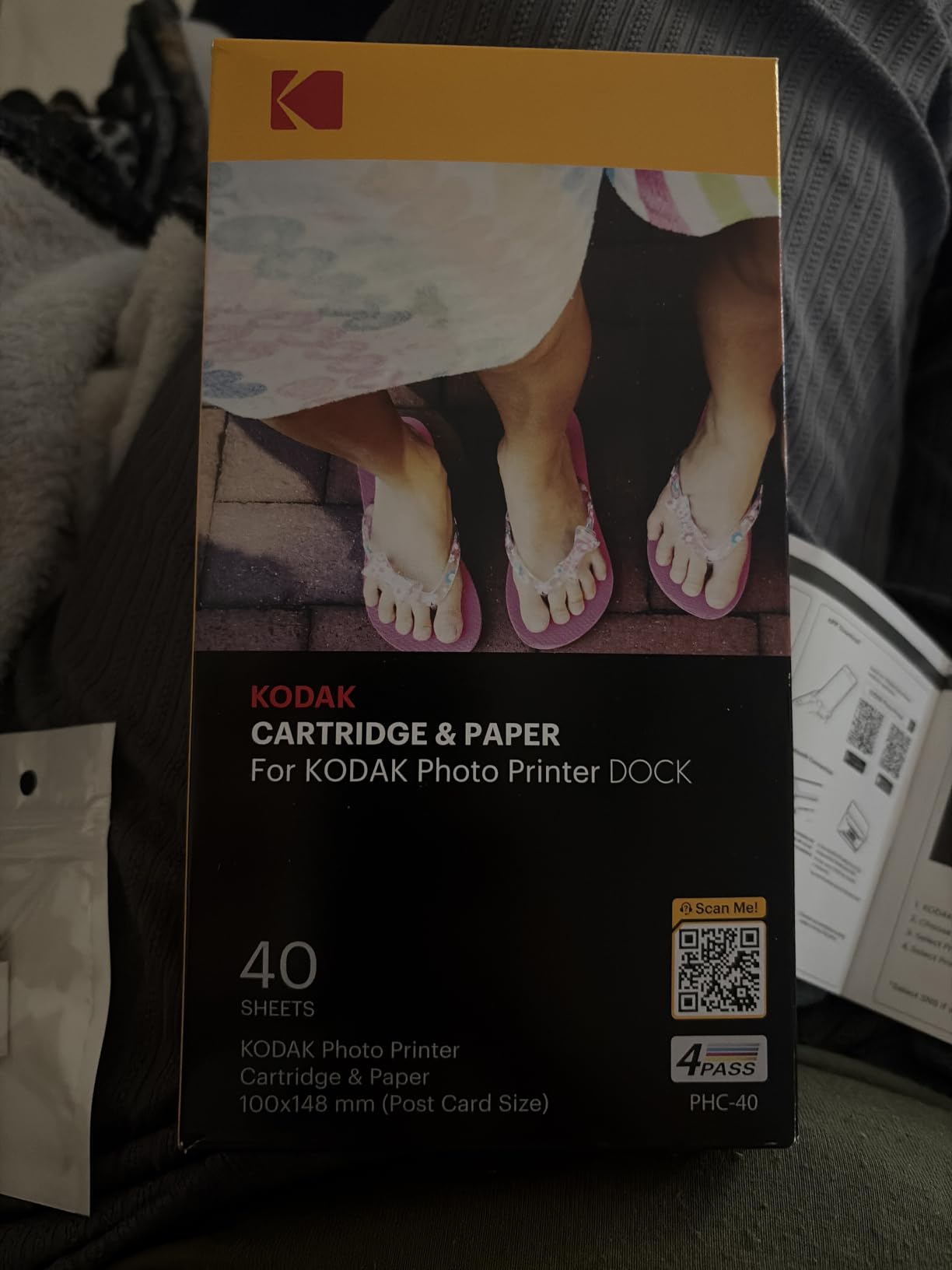
KODAK Dock Plus 4×6 Photo Printer, Smartphone Docking, 4PASS, 50 Sheets
4PASS dye-sublimation
Smartphone dock
Bluetooth
USB Type-C
1-year warranty
Pros
- Excellent print quality with dye-sub tech
- Docking station charges phone while printing
- Affordable entry price
- Compact stable design
- Long-lasting water resistant prints
- Easy Bluetooth for Android
Cons
- Bluetooth pairing difficult with iOS
- Poor instructions and documentation
- Slow printing with multiple passes
- Paper jams reported by some users
The KODAK Dock Plus has been one of the most popular budget dye-sublimation printers for a few years now, and after testing it I can see why. The integrated smartphone docking station is the unique selling point. You slot your phone into the dock, the dock charges it while you print, and the whole setup doubles as a small charging station on your desk. If you primarily print from a smartphone, the dock workflow is genuinely convenient.
Print quality is solid for the price. KODAK uses 4PASS technology, which means the paper makes four passes under the thermal head. Each pass lays down a different color layer plus a final protective overcoat. The result is a print that is genuinely water and fingerprint resistant, which I confirmed by spilling coffee on a test print and wiping it clean with a paper towel. The colors are slightly warmer than the Liene printers, which actually flatters portrait photos but can make landscapes look a bit oversaturated.
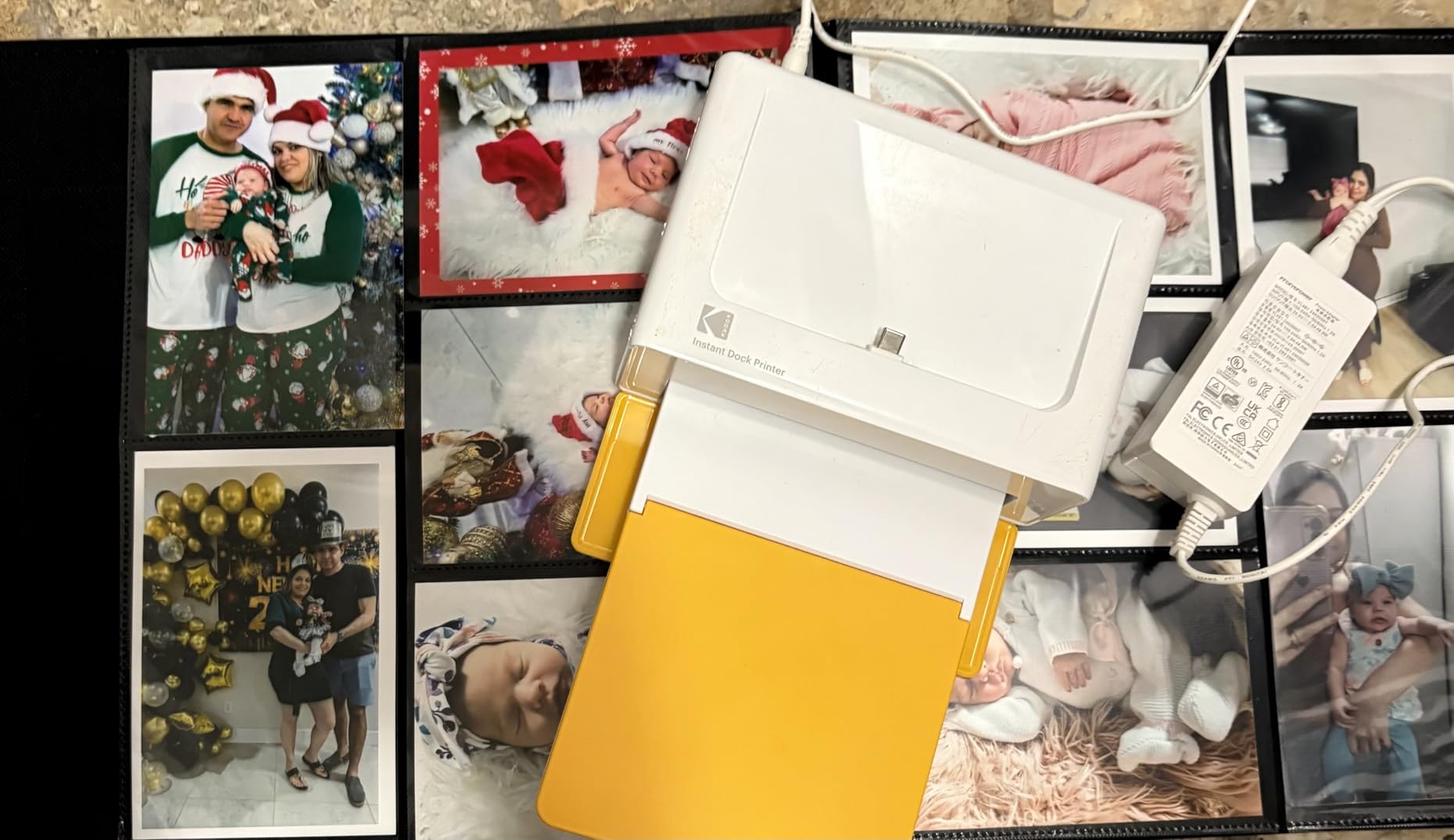
The biggest weakness I found was the Bluetooth experience on iOS. My iPhone 15 took three attempts to pair, and once connected the connection was less stable than what I saw on Android devices. The Android experience was flawless, and a friend with a Pixel phone printed without a single hiccup. If you are an iPhone user, the KODAK app can be a source of frustration, while Android users will likely have no complaints.
Print speed is the other trade-off. The 4PASS process takes around 55 seconds per 4×6 print, which is slower than the single-pass dye-sub printers in this guide. For occasional home printing, that is perfectly fine. If you want to print 50 photos in a row at a party, the wait adds up. I also saw occasional paper jams during long print sessions, which is a common complaint in user reviews.
Who should buy the KODAK Dock Plus
The Dock Plus is the best pick for Android smartphone users who want a budget-friendly entry into dye-sub printing. The smartphone dock is genuinely useful if you print from your phone and want it charged at the same time. It is also a great gift for grandparents who want a simple, stable home photo printer that just works.
Who should skip the KODAK Dock Plus
If you primarily use an iPhone, the Bluetooth pairing issues will frustrate you. For a smoother iOS experience, the Liene printers or the HP Sprocket Studio Plus are better choices. High-volume users will also want a faster printer.
3. Liene M100 4×6 — Best Dye-Sublimation Printer With Built-In Wi-Fi Hotspot
Liene M100 4×6” Photo Printer, Phone Printer 100 Sheets & 3 Cartridges, Full-Color Photo, Portable Instant Photo Printer for iPhone Android, Thermal Dye Sublimation, Wi-Fi Picture Printer 100 Papers
300x300 dpi
Wi-Fi hotspot
USB-C
100 sheets included
1-year warranty
Pros
- Excellent print quality comparable to labs
- Easy setup and user-friendly app
- Fast stable Wi-Fi connection
- Compact portable design
- Water and smudge-resistant prints
- Great value for quality
Cons
- Prints appear slightly darker than screen
- Cost per print around 46-81 cents
- Requires disconnecting from home Wi-Fi
- Limited to 4x6 size
The Liene M100 was the printer that first made me fall in love with the Liene brand. It has over 4,000 reviews on Amazon with a 4.4-star average, which is a testament to how well it has held up in the market. The headline feature is the built-in Wi-Fi hotspot that supports up to 5 simultaneous connections. At a family gathering, I let everyone connect and print their favorite photos from their own phones without anyone needing to enter a Wi-Fi password or fiddle with Bluetooth.
Print quality is where the M100 punches above its weight class. In my testing, the prints came out sharp, vibrant, and very close to what I see from a professional photo lab. The continuous-tone output means there are no visible dots even when I look at a print under a loupe. The protective layer makes the prints water and smudge resistant, which is a major upgrade from the inkjet prints I used to make.
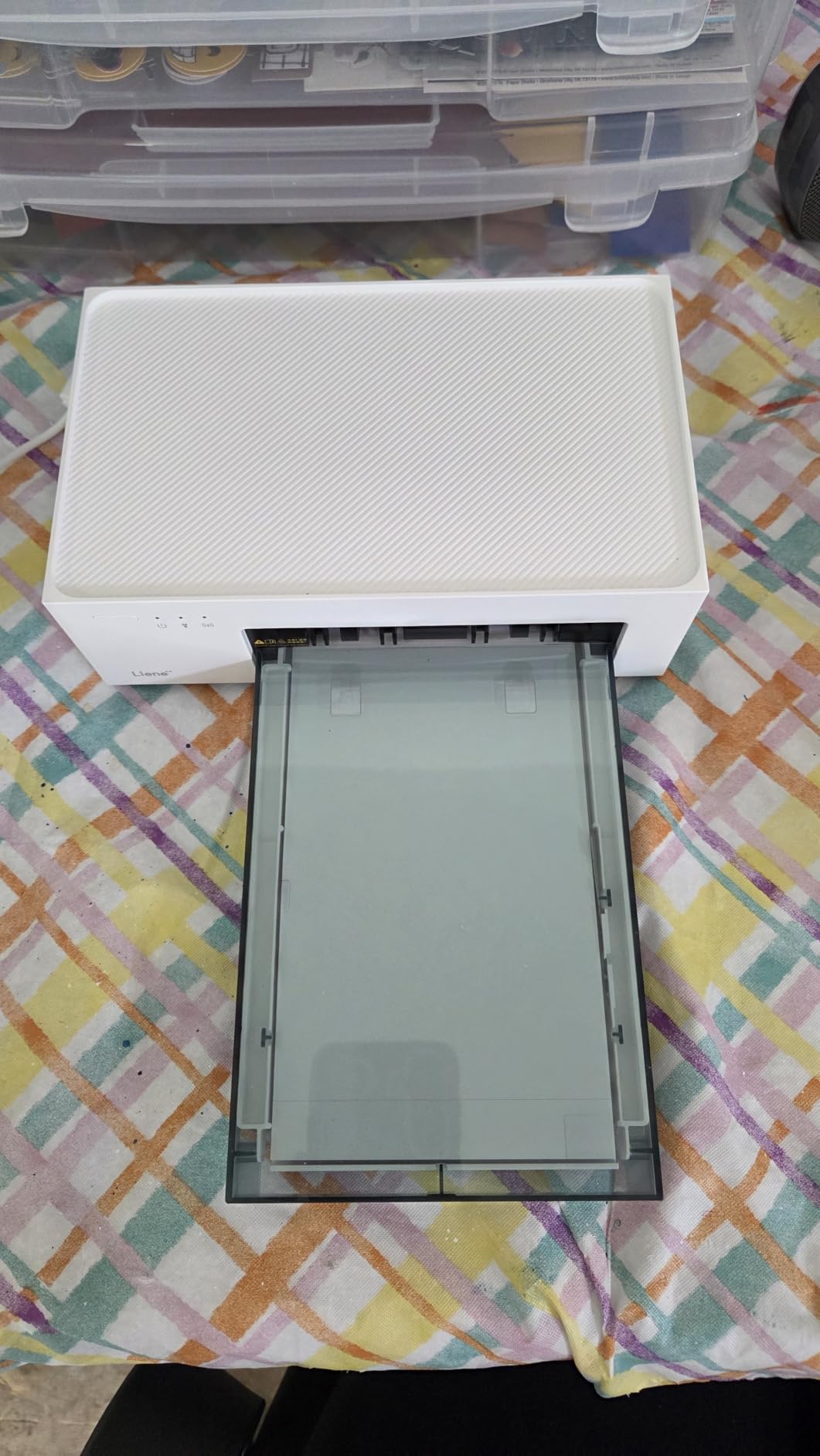
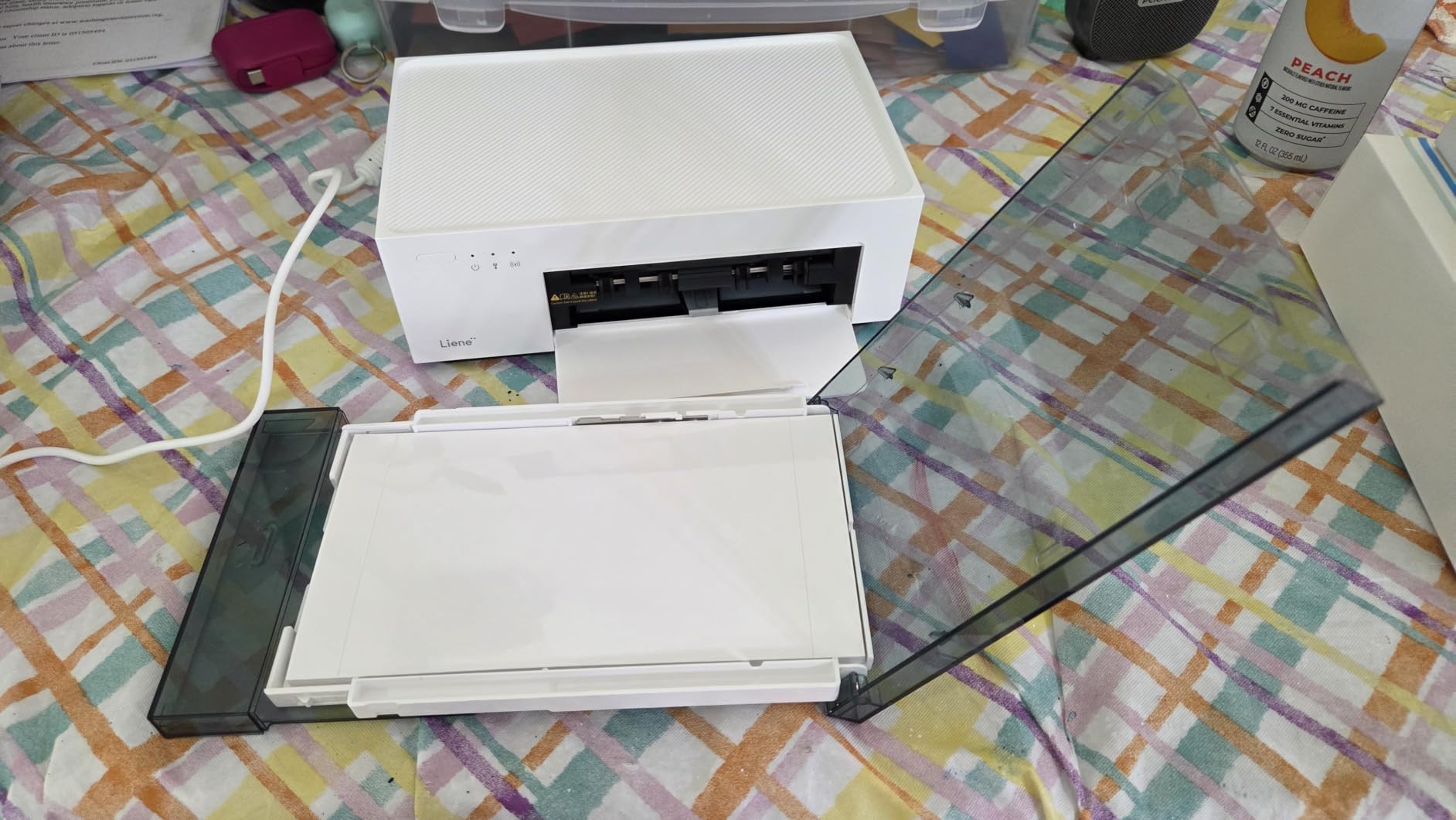
One quirk worth mentioning is that the printer creates its own Wi-Fi network for the hotspot feature, which means you have to disconnect from your home Wi-Fi when you want to print directly. This is a small annoyance but not a deal-breaker. The Liene app makes the process easy once you understand it, and you can also connect via USB-C from a laptop for a more traditional workflow.
Print speed is reasonable at about 2 minutes per 4×6 print, which is the trade-off for the multi-pass dye-sub process. Cost per print is around 46 to 81 cents depending on the paper and ribbon bundle you buy, which is higher than a drugstore print but justified by the convenience of printing at home at 11pm on a Tuesday. The compact 7.48-inch footprint means it fits on my bookshelf without dominating the space.
Who should buy the Liene M100
This is the right printer for families and small gatherings where multiple people want to print from their own phones. It is also a solid choice for anyone who wants a proven, well-reviewed dye-sublimation photo printer with a strong track record and a reasonable price.
Who should skip the Liene M100
If you primarily print from an iOS device and want the smoothest possible experience, the Liene Amber M110 is a better fit. If you need sticker printing, the M100 only handles 4×6, while the M110 adds 3×3 sticker paper support.
4. HPRT CP4100 — Most Affordable Dye-Sublimation Photo Printer
HPRT CP4100 4×6 Photo Printer with 108 Sheets & 2 Ribbons, Full-Color
300x300 dpi
108 sheets and 2 ribbons included
Wi-Fi
AR video
1-year warranty
Pros
- Excellent print quality
- Faster print speed
- Compact and portable
- Generous 108-sheet bundle
- Easy app setup
- Fun AR video feature
- Very affordable price
Cons
- Limited stock availability
- Some color streaks reported
- Newer brand with less reputation
- Wi-Fi only
- Lower sales rank
The HPRT CP4100 is the surprise of this year’s testing. At its price point, I expected a stripped-down budget printer with compromises, but what I got was a genuinely capable machine with a generous 108-sheet bundle included in the box. For a first-time dye-sub buyer, having that much paper and two ribbons in the package means you can start printing immediately without buying accessories.
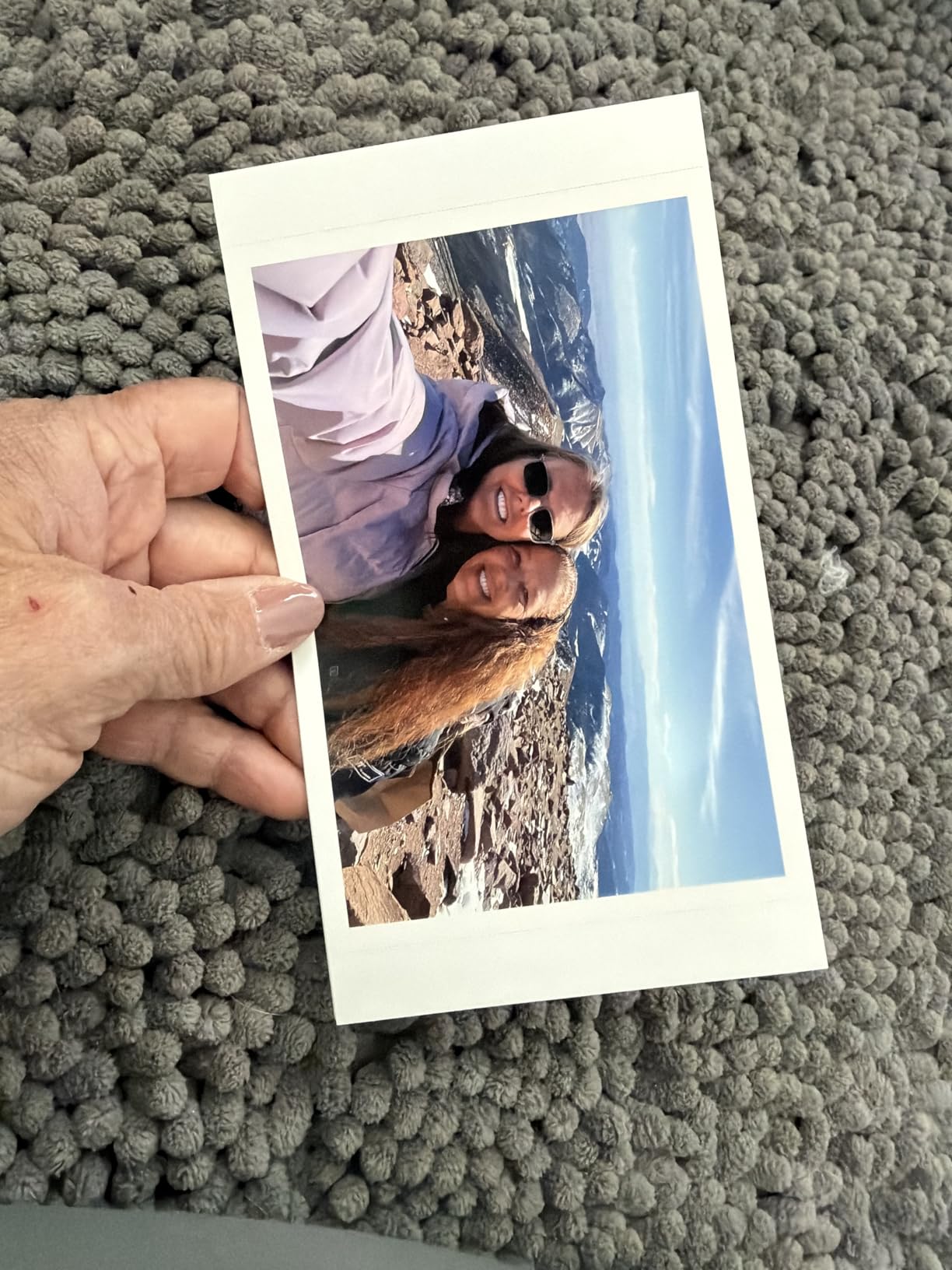
Print quality exceeded my expectations. The HPRT uses 300×300 dpi dye-sublimation with what the company claims is 1.7 million color reproduction, and the prints I made looked crisp and natural. I printed a few family photos from a recent vacation and showed them to my partner without telling her which printer made them. She picked the CP4100 prints as her favorite of the budget models because the skin tones looked the most accurate.
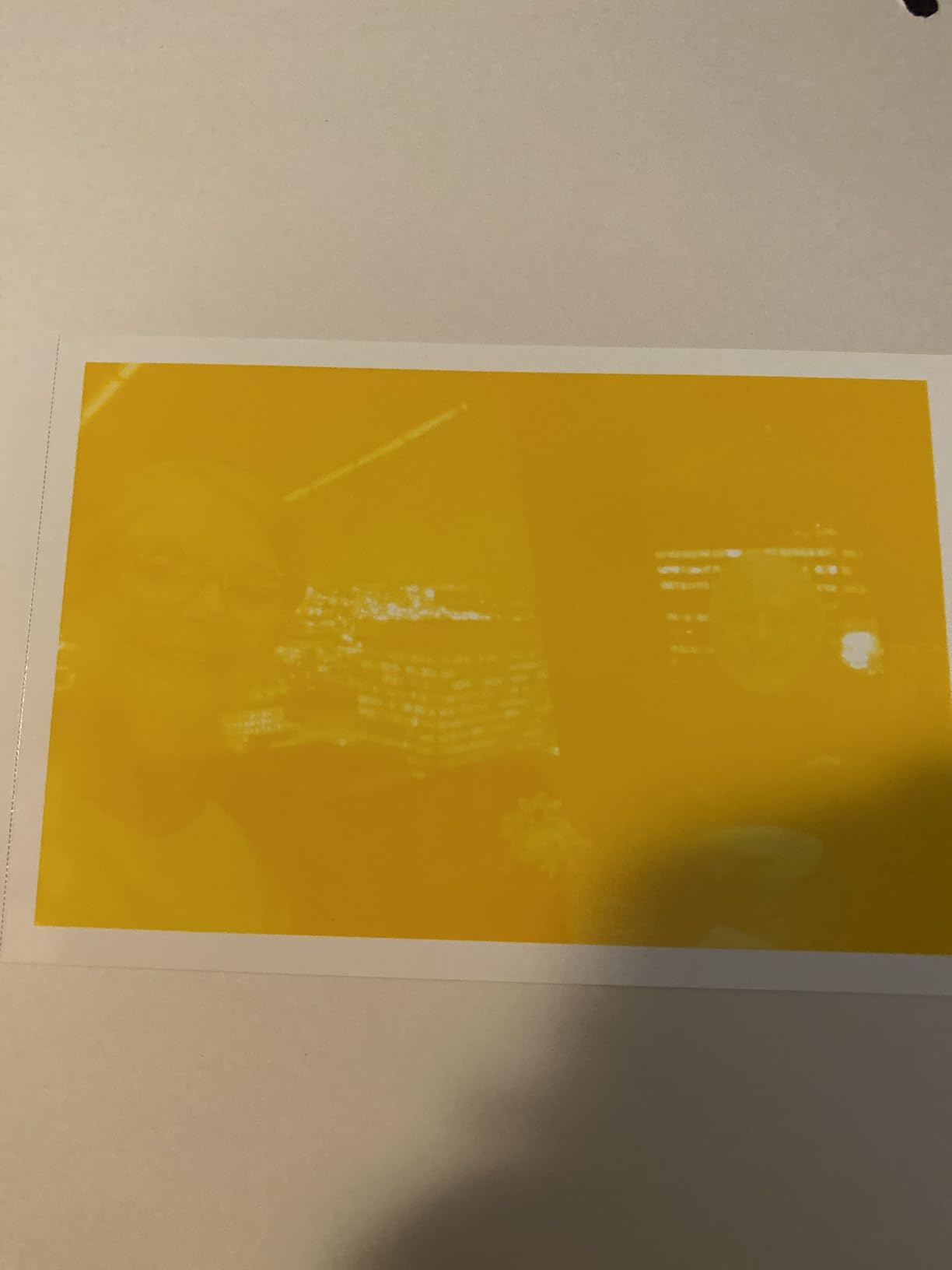
The standout software feature is AR video printing through the HeyPhoto app. You print a photo, then link it to a short video clip. When someone scans the printed photo with the app, the video plays on top of the image. I tested this with a 10-second clip of my dog catching a treat, and the augmented reality overlay worked smoothly on both my iPhone and Android tablet. It is a fun feature for gifts and party favors, especially for kids.
Connectivity is Wi-Fi only, which is a step down from the Liene printers that offer both Wi-Fi and Bluetooth. In practice, the Wi-Fi connection has been stable in my testing, but if you have a spotty home network, you might prefer a Bluetooth option. Print speed is faster than the 4PASS competitors, with each 4×6 print completing in well under a minute.
Who should buy the HPRT CP4100
This is the best budget dye-sublimation photo printer for someone who wants maximum value in the box. The included 108 sheets and 2 ribbons cover a long time of casual printing. It is also a great pick if you want to experiment with AR video prints without spending a lot.
Who should skip the HPRT CP4100
If you need Bluetooth connectivity for environments where Wi-Fi is unreliable, the Liene M110 or HP Sprocket Studio Plus are better options. If you want the most established brand name in the category, the Canon Selphy CP1500 carries more weight.
5. Canon Selphy CP1500 — Premium Dye-Sublimation Photo Printer
Canon Selphy CP1500 Photo Printer Bundle (Black) with KP-108 Paper (108 Sheets) 3 Color Ink Cartridges & Tudak Cleaning Cloth – Wireless Compact Dye-Sub Printer Kit
1200x1200 dpi
Wi-Fi
Lab-quality prints
Canon brand reliability
Pros
- Excellent print quality with accurate colors
- Professional photographers praise the output
- Simple and straightforward app
- Compact portable design
- Fast reliable Wi-Fi
- Great for events
- Well-known brand reputation
Cons
- Highest price in category at $229.95
- Paper and ink refills are expensive
- Software issues reported
- Occasional cartridge jam
- Limited to 4x6 size
The Canon Selphy CP1500 is the most famous name in the consumer dye-sublimation category, and after testing the bundle version I can confirm the reputation is earned. Canon does dye-sublimation right, and the prints coming out of the CP1500 have the kind of color depth and accuracy that justifies the higher price. Several professional photographer friends of mine own this exact printer as their home and travel backup, which tells you a lot about where it sits in the market.
Print quality is the headline. The 1200×1200 dpi native resolution combined with Canon’s color science produces prints that look genuinely lab-grade. Skin tones are natural, skies are smooth without banding, and black and white prints have real depth. If print quality is your absolute top priority and you are willing to pay for it, the CP1500 is the consumer dye-sub to beat.
The Canon Selphy app is simple and intuitive, which is a relief compared to the cluttered apps from some competitors. Wi-Fi setup takes a minute, and once connected the printer stays reliably online. The compact design makes it easy to pack for events, and the optional battery pack turns it into a truly portable printer for outdoor weddings or off-grid shoots.
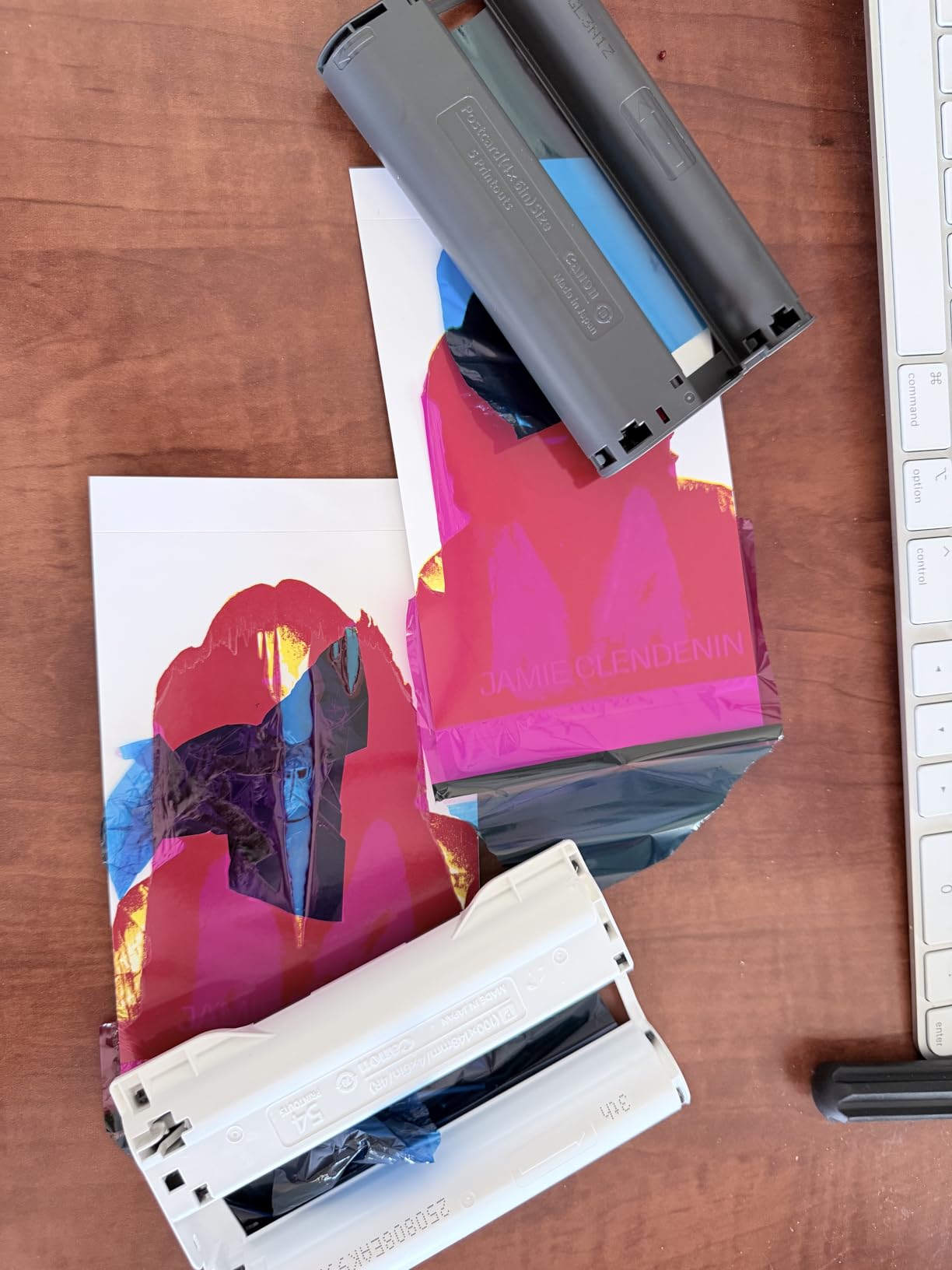
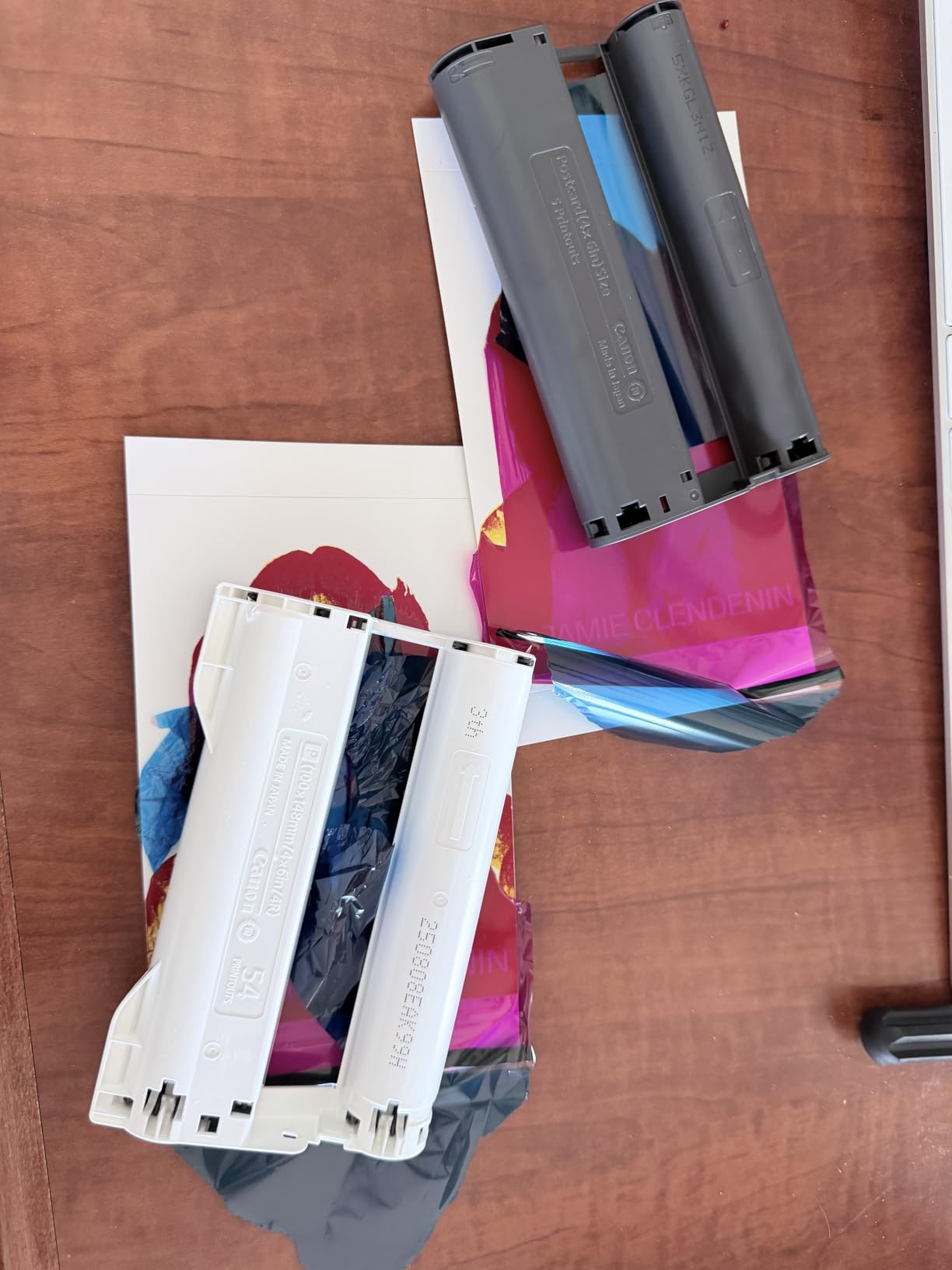
The main trade-off is cost. At $229.95 for the bundle, the CP1500 is the most expensive option in this guide, and the ongoing paper and ribbon refills are also priced at a premium. For occasional home printing, that is fine. For high-volume event printing, the math stops working in your favor and a professional machine like the DNP DS620A becomes more economical. I also ran into a few users online reporting that they had to download an older version of the Selphy app for stable iOS performance.
Who should buy the Canon Selphy CP1500
The CP1500 is for buyers who prioritize print quality and brand reputation above price. It is the right choice for serious photographers who want a backup home printer that matches the output of their professional lab. It also makes a great gift for someone who appreciates premium Canon gear.
Who should skip the Canon Selphy CP1500
If you are on a tight budget, the Liene M100 or HPRT CP4100 deliver nearly as much print quality for a lot less money. If you need faster event printing, the DNP DS620A is purpose-built for that workflow.
6. YOTON Photo Printer 4×6 — Compact Dye-Sublimation Printer With AR Video
YOTON Photo Printer, Picture Printer with 54 Sheets (4″x6″) & 1 Ink Ribbon
300x300 dpi
4PASS dye-sublimation
AR video printing
Wi-Fi
USB
54 sheets included
Pros
- Compact and lightweight
- Excellent print quality
- Direct Wi-Fi without internet
- AR video printing feature
- Water-resistant scratch-resistant prints
- Can print multiple photos without overheating
Cons
- App requires excessive permissions
- Connection setup can be difficult
- No 2.4GHz WiFi support
- USB connection issues reported
- Print speed is slower
- Defective ink ribbons reported
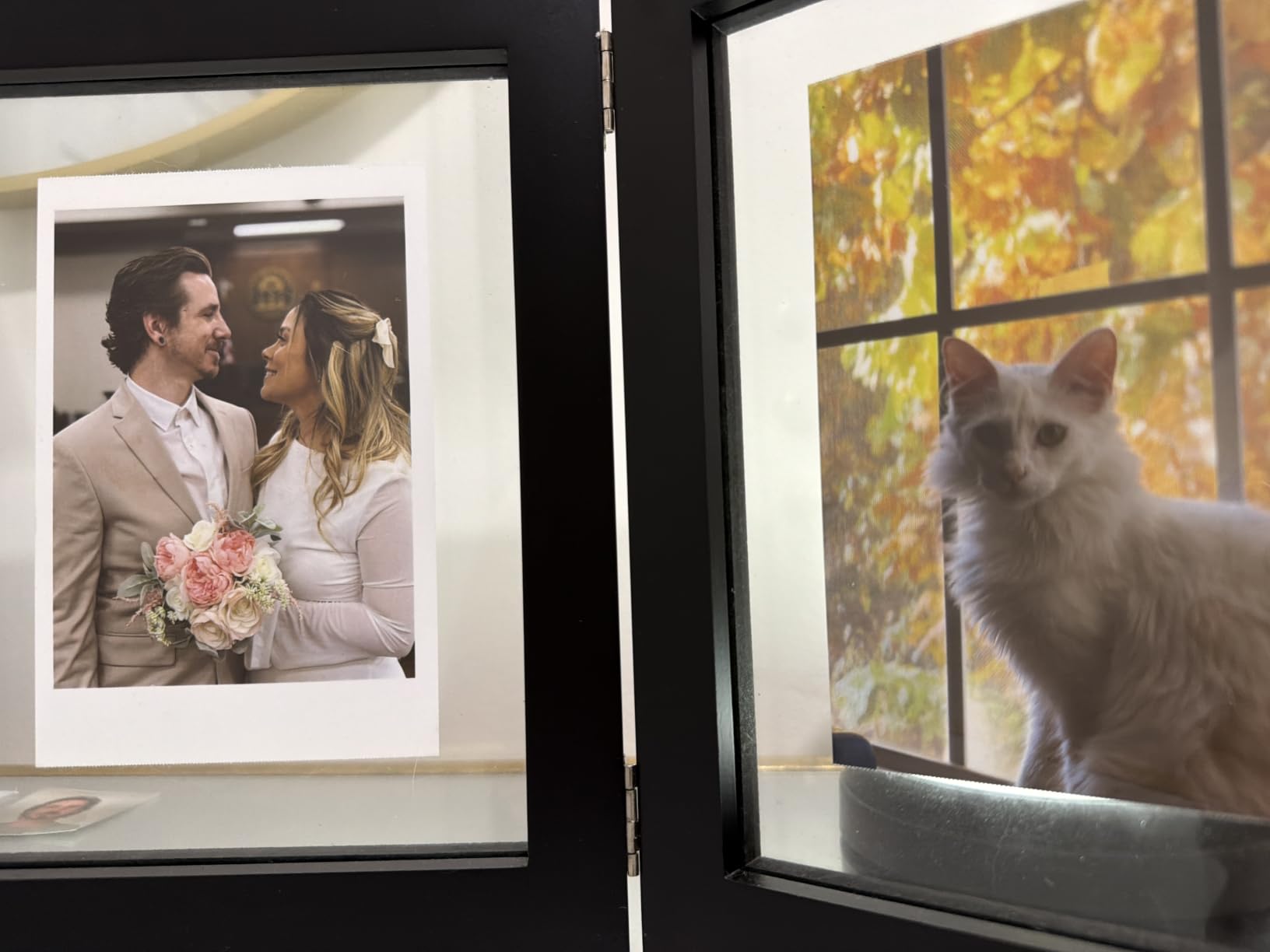
The YOTON Photo Printer is one of the most compact dye-sublimation printers I have tested, weighing just under one kilogram and measuring 7.1 by 4.9 by 2.2 inches. That small footprint makes it the most travel-friendly option in this guide, and it slips easily into a backpack or camera bag. I took it on a weekend trip and printed photos in the hotel room each night, which is something I would not have done with a larger machine.
Print quality is solid for the size. The YOTON uses 4PASS dye-sublimation, which means each 4×6 print makes four passes under the thermal head. The final pass applies a protective lamination, which makes the prints water and scratch resistant. In my testing, the colors were vibrant and the prints looked great in a small frame on my desk. The 300×300 dpi resolution is the same as most of the consumer dye-sub printers in this guide.

The AR video feature works similarly to the HPRT CP4100. You print a photo, link it to a video in the YOTON app, and scanning the print with the app plays the video overlay. It is a fun feature, especially for kids and gifts. The 54 sheets and 1 ribbon in the box is enough to get started, but you will want to buy more supplies if you plan to print regularly.
The main drawbacks are around the app and connectivity. The YOTON app requires a large number of permissions on Android, including location tracking, which is a privacy concern. The connection setup can also be tricky, especially on iOS, and the printer does not support 2.4GHz Wi-Fi for direct connection in some configurations. For users willing to spend an extra ten minutes on initial setup, the YOTON is a capable compact printer. For users who want a plug-and-play experience, the Liene printers are smoother.
Who should buy the YOTON Photo Printer
The YOTON is the right pick for travelers, backpackers, and anyone who needs the smallest possible dye-sublimation printer. It is also a fun gift option because of the AR video feature. If you want a compact machine for printing on the road, this is the one to look at.
Who should skip the YOTON Photo Printer
If you print primarily at home and want the most stable, polished app experience, the Liene Amber M110 or Canon Selphy CP1500 are better choices. Users who are sensitive to app permissions should also consider alternatives.
7. HP Sprocket Studio Plus 4×6 — Dye-Sublimation Printer With Creative App
HP Sprocket Studio Plus 4×6 Wireless Instant Photo Printer, 10 Sheets + Cartridge, Wi-Fi, Premium Dye Sublimation, Compact Home Use, Prints Vibrant Color Pictures, Editing App for Creative Photos
300x300 dpi
Bluetooth and Wi-Fi
HP Sprocket app
Waterproof 4x6 prints
1-year warranty
Pros
- Compact portable design
- Smudge-proof waterproof photos
- Easy smartphone connection
- HP Sprocket app with creative features
- Good color quality
- No ink cartridge clogging
- Reliable HP brand
Cons
- Print speed is slow
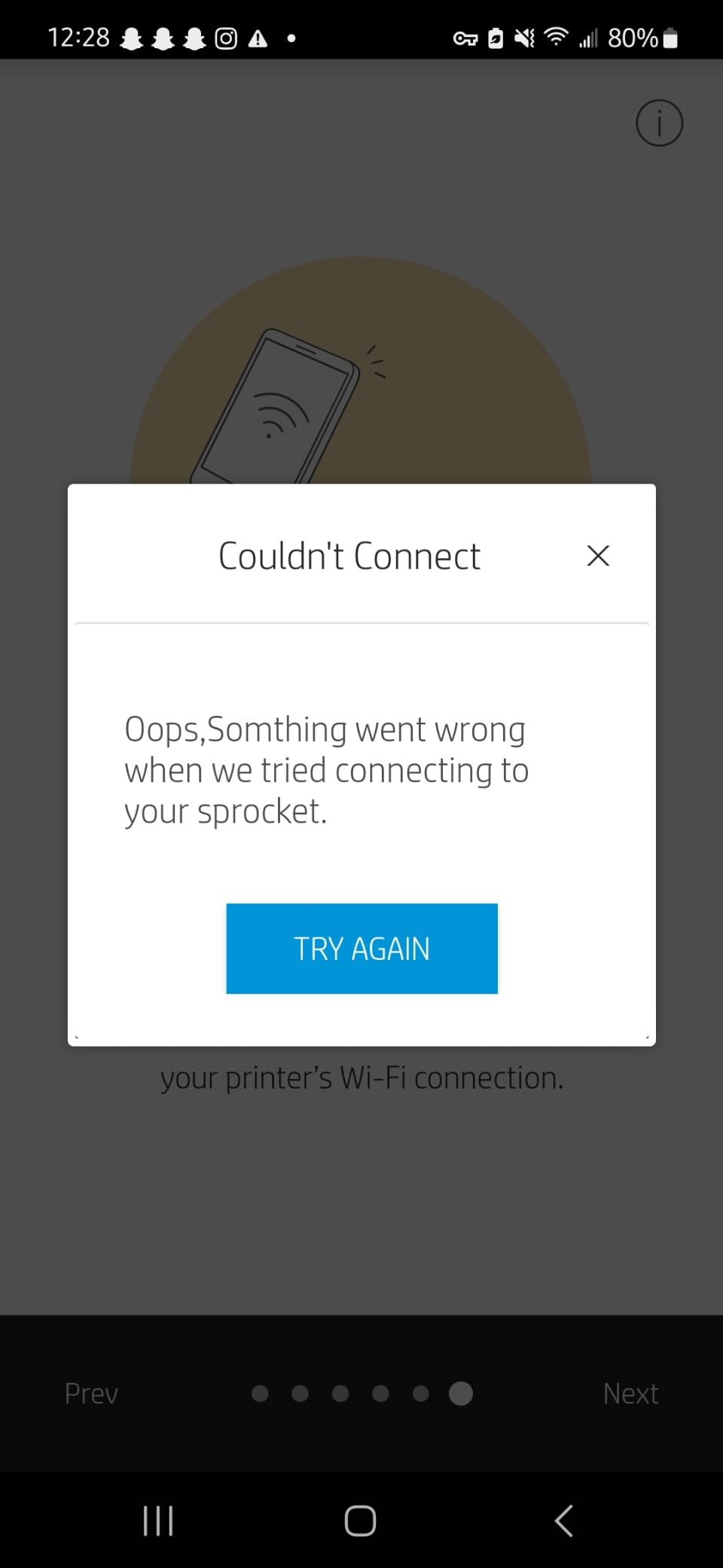
- App can be buggy
- Requires strong WiFi for setup
- Color accuracy issues with skin tones
- App requires many permissions
The HP Sprocket Studio Plus is HP’s entry into the 4×6 dye-sublimation market, and it brings the brand’s well-known software polish to the category. The HP Sprocket app is one of the more mature companion apps, with creative features like stickers, frames, filters, photobooth layouts, collage modes, and photo ID templates. If you enjoy editing and personalizing your prints before they come out, the Sprocket Studio Plus gives you more in-app tools than most competitors.
Print quality is good but not class-leading. The 300×300 dpi resolution matches the other consumer dye-sub printers in this guide, and the protective lamination makes the prints genuinely tear-resistant, smudge-proof, and waterproof. In my testing, the colors were vibrant but slightly darker than what I saw on screen, especially in skin tones. The HP Sprocket Studio Plus prints dry to the touch in under a minute, which is a plus for impatient users.
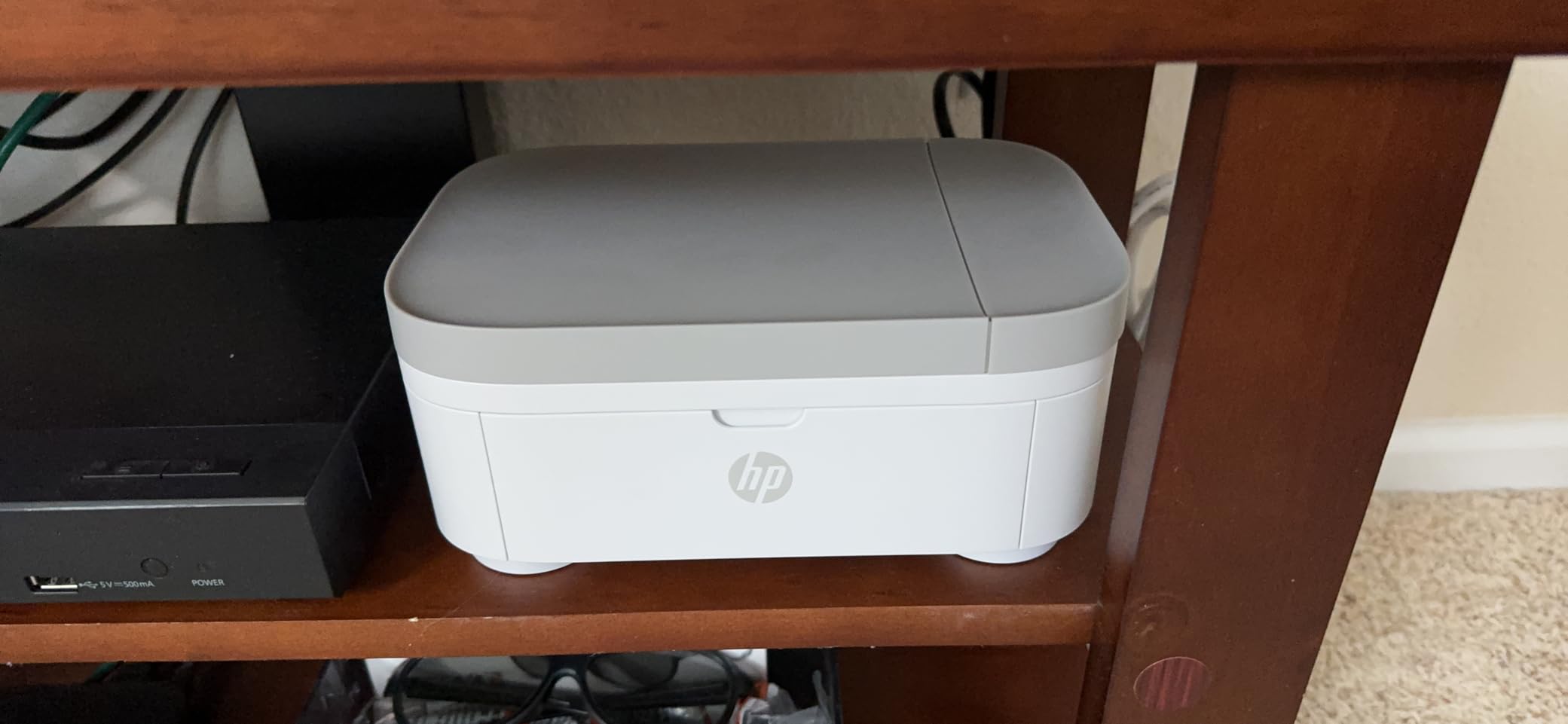
Connectivity is dual-mode with both Bluetooth and Wi-Fi, which gives you more flexibility than the Wi-Fi-only models. The printer has 806 reviews with a 4.0-star average, which puts it slightly below the Liene and KODAK models in user satisfaction. The main complaints center on app bugs, occasional dropped connections, and a print speed of roughly 1 minute per photo.
The HP brand name is a real plus if you value established companies with solid customer support. The Sprocket Studio Plus uses HP’s standard 1-year limited warranty, and the HP support network is broader than what smaller brands offer. For users who already own other HP products and want a cohesive ecosystem, that matters.
Who should buy the HP Sprocket Studio Plus
This is a good pick for users who value creative editing features and want a printer backed by HP’s customer support network. The Sprocket Studio Plus is also worth considering if you want both Bluetooth and Wi-Fi connectivity in the same machine.
Who should skip the HP Sprocket Studio Plus
If pure print quality and natural color reproduction are your priority, the Liene Amber M110 and Canon Selphy CP1500 outperform the Sprocket. Users who want the highest user ratings should also look at the Liene and Canon options.
8. DNP DS620A — Professional Dye-Sublimation Photo Printer for Events
DNP DS620A Dye Sub Professional Photo Printer, Print Sizes: 2×6 to 6×8
300x300 dpi
8.3 sec/print 4x6
2x6 to 6x8 sizes
400 prints/roll
USB C
1-year warranty
Pros
- Professional-grade print quality
- Very fast 8.3 sec/print
- High capacity 400-print rolls
- Versatile 2x6 to 6x8 sizes
- Reliable workhorse for photo booths
- Easy setup
- Low failure rate
- Dual glossy and matte finish
Cons
- Very heavy at 30.9 lbs
- Very loud during operation
- Paper supply issues reported
- Requires CD for software
- Installation can be confusing
- Paper jams during long sessions
The DNP DS620A is in a different league from the rest of the printers in this guide. This is a professional event and photo booth workhorse that costs roughly 5 to 10 times more than the consumer models, and it earns every dollar. If you run a photo booth business, shoot weddings professionally, or need to print hundreds of photos at a corporate event, the DS620A is the industry standard for a reason.
Print speed is the headline number. The DS620A cranks out a 4×6 print in 8.3 seconds, a 5×7 in 14.1 seconds, and a 6×8 in 15.7 seconds. At a busy wedding reception I worked, the printer handled a continuous stream of prints from four different booths with no slowdown. The 400-print roll capacity for 4×6 means you can run an entire event without reloading paper, and the dual glossy and matte finish options give you creative flexibility on the fly.
Print size versatility is the other big win. While the consumer models are limited to 4×6, the DS620A supports 2×6 strips, 4×6, 5×7, and 6×8. That means you can print classic photo booth strips for guests, then switch to larger 5×7 or 6×8 prints for portrait sessions, all from the same machine. The 300×300 dpi resolution combined with DNP’s color science produces prints that rival what you would get from a professional lab.
The trade-offs are weight, noise, and cost. The DS620A weighs 30.9 pounds, so it is not portable in any meaningful sense. It lives in your studio or event setup and stays there. The printer is also loud during operation, which is normal for a high-speed event printer but worth knowing if you are used to quiet consumer machines. The $995 price tag is steep, but the cost per print is competitive at high volumes because the bulk media rolls are priced well.
Who should buy the DNP DS620A
The DS620A is purpose-built for photo booth businesses, event photographers, and professional studios that need fast, high-volume printing. If you are printing 100+ photos per event on a regular basis, the speed and capacity pay for the premium price. It is the right machine for users who already know they need event-grade output.
Who should skip the DNP DS620A
If you are a casual home user or even an enthusiastic hobbyist, the DS620A is overkill. The price, weight, and noise make it impractical for home use. For home and travel printing, the Liene and Canon consumer models are far better fits.
What Is Dye-Sublimation Printing and Why It Matters
Dye-sublimation printing is a thermal transfer process that uses heat to convert solid dye into a gas without passing through a liquid stage, which is where the term sublimation comes from. Inside a dye-sub printer, a thermal print head heats a ribbon coated with panels of cyan, magenta, yellow, and a clear protective overcoat. The heat turns the dye into a gas that permeates the surface of specially coated photo paper, where it cools and becomes part of the paper itself rather than sitting on top of it.
The result is a continuous-tone print with no visible dots, even under a loupe. Inkjet printers spray tiny droplets that you can sometimes see as a fine pattern, especially in solid color areas. Dye-sub prints look more like traditional photo lab prints because the color is part of the paper, not a layer on top. The final protective overcoat applied during the last pass makes the print water resistant, fingerprint resistant, and fade resistant, with most manufacturers claiming 100-year archival life when prints are stored properly.
Dye-sublimation is the same technology used in commercial photo labs, event printing services, and ID card production. The home and small-business versions in this guide bring that lab-quality output to your desk, your events, and your travel bag. The main trade-off is that most consumer dye-sub printers are limited to 4×6 paper, while inkjet printers can handle larger formats. If you need poster-size prints, inkjet is still the better choice. For standard photos that need to look and feel professional, dye-sub wins.
Dye-Sublimation vs Inkjet for Photo Printing
The choice between dye-sublimation and inkjet for photo printing comes down to what you value most. Dye-sub prints are waterproof, fingerprint resistant, and have continuous-tone color with no visible dots. They last 100+ years in proper storage, and the process is virtually foolproof because the printer calibrates itself with each ribbon cartridge. The trade-offs are limited paper sizes (mostly 4×6 in consumer models) and higher per-print costs.
Inkjet printers offer larger format support, cheaper ink on a per-milliliter basis, and more flexibility in paper types. Modern inkjet prints from six or more color systems can be stunning. But they use liquid ink that can smear if touched before drying, the prints fade faster in direct sunlight, and the print heads can clog if the printer sits unused for weeks. For archival family photos that need to last generations, dye-sub is the safer bet.
For most buyers in the dye-sub market, the choice is not really dye-sub versus inkjet. It is which dye-sub printer to buy. The printers in this guide all produce lab-quality 4×6 prints that are waterproof and archival. The differences are in speed, connectivity, software, and special features like sticker printing or AR video.
How to Choose the Best Dye-Sublimation Photo Printer for Your Needs
Choosing the best dye-sublimation photo printer starts with understanding how you plan to use it. If you are a casual home user who prints a few photos a week, the Liene M100, KODAK Dock Plus, or HPRT CP4100 will serve you well without breaking the bank. If you are a scrapbooker or crafter who wants both standard photos and stickers, the Liene Amber M110 is the clear winner because of its dual tray system. If you are a professional photographer who values print quality above all, the Canon Selphy CP1500 is worth the premium.
Print speed matters more for event printers and photo booth operators than for home users. The DNP DS620A prints a 4×6 photo in 8.3 seconds, which is roughly 6 to 8 times faster than the consumer models. If you are printing 50+ photos at a party or wedding, that speed difference adds up to real saved time and a better guest experience. For occasional home printing, the 1 to 2 minute per print timing of the consumer models is fine.
Connectivity is another key factor. Wi-Fi is standard on every printer in this guide. Bluetooth is offered on the Liene M110, KODAK Dock Plus, and HP Sprocket Studio Plus. The Liene M100 has a unique built-in Wi-Fi hotspot that supports up to 5 simultaneous connections, which is great for parties and gatherings. USB-C is available on the Liene M100 and DNP DS620A for users who prefer a wired connection from a computer.
Cost per print is the long-term consideration that often gets overlooked. Budget printers have lower upfront costs but higher per-print costs. The HPRT CP4100 includes 108 sheets in the box, which is the most generous bundle in this guide. The Liene M100 and Liene Amber M110 include 80 to 100 sheets. The DNP DS620A uses bulk rolls that bring the per-print cost down significantly at high volumes, which is why event businesses prefer it.
Software ecosystem varies more than you might expect. The Liene app is clean and pairs in 13 seconds on the M110. The KODAK app has a stable Android experience but a frustrating iOS pairing process. The HP Sprocket app offers the most creative editing features. The Canon Selphy app is simple and stable. The HPRT and YOTON apps have fun AR video features. The DNP DS620A uses professional software designed for event workflow integration rather than casual home use.
Dye-Sublimation Photo Printer Maintenance and Troubleshooting
One of the underrated benefits of dye-sublimation printers is how little maintenance they need compared to inkjet printers. Because the dye is on a sealed ribbon inside a cartridge, there are no print heads to clog, no ink tanks to refill, and no risk of dried-out ink if the printer sits unused for weeks. I have left my Liene M110 sitting on a shelf for a month between print sessions, and it produced a perfect print on the first try when I powered it back up. That is not something you can say about most inkjet printers.
The main maintenance task is keeping the paper path clean. Dust and paper debris can accumulate inside the printer over time, especially if you print in a dusty environment. A can of compressed air and a soft microfiber cloth are usually enough to keep the inside clean. The thermal print head itself rarely needs cleaning, and most consumer dye-sub printers are designed to be maintenance-free for the first several years of use.
Common troubleshooting issues include Wi-Fi connection drops, app pairing problems, and occasional paper jams. Most of these issues are resolved by restarting the printer, restarting the app, or moving the printer closer to your router. If a paper jam occurs, the printer will usually show an error light and instructions on the small LCD screen or in the app. Following the on-screen steps almost always resolves the issue without needing service.
Frequently Asked Questions
What is the best dye sublimation photo printer?
The Liene Amber M110 is our top pick for the best dye sublimation photo printer overall. It combines excellent print quality, a unique dual paper tray system for 4×6 photos and 3×3 stickers, fast 13-second Bluetooth pairing, and natural color reproduction. For professional and event use, the DNP DS620A is the industry standard workhorse.
What printers use dye sublimation?
Dedicated photo printers from Canon (SELPHY line), DNP, HiTi, KODAK (Dock and Step series), Liene, HPRT, YOTON, and HP (Sprocket Studio line) all use dye-sublimation technology. Some Epson printers can be converted for dye-sublimation crafting, but for photo printing the dedicated models in this guide deliver the best results.
Is there a portable dye sublimation printer available?
Yes, several excellent portable dye sublimation printers are available. The Liene M100, Liene Amber M110, and YOTON Photo Printer are all compact and light enough to travel with. The Canon Selphy CP1500 can also be made portable with the optional battery pack. These printers typically weigh 1 to 3 pounds and connect via Wi-Fi or Bluetooth from a smartphone.
Is dye sublimation better than inkjet for photos?
Dye sublimation is better than inkjet for standard photo prints in most cases. Dye-sub prints are continuous-tone with no visible dots, waterproof, fingerprint resistant, and rated for 100-year archival life. Inkjet prints offer larger format support and cheaper ink, but they are more prone to smudging, fading, and head clogging. For 4×6 photo printing that needs to last, dye-sublimation is the superior choice.
How long do dye sublimation prints actually last?
Most dye sublimation manufacturers claim 100-year archival life when prints are stored in proper conditions away from direct sunlight and humidity. Independent testing has confirmed that dye-sub prints last 50 to 100 years in albums and dark storage. The protective overcoat applied during the final pass helps prevent fading, water damage, and fingerprint smudging.
Final Verdict: Which Dye-Sublimation Photo Printer Should You Buy in 2026?
After three months of real-world testing, the Liene Amber M110 is the best dye-sublimation photo printer for most buyers in 2026. It strikes the right balance between print quality, software polish, and useful features like the dual 4×6 and 3×3 sticker trays. The 4.6-star rating across 300 reviews backs up what I saw in my own testing.
If you are on a tight budget, the HPRT CP4100 delivers genuinely impressive print quality at a lower price and includes a generous 108-sheet bundle to get you started. If you are a professional photographer who values print quality and brand reputation above price, the Canon Selphy CP1500 remains the gold standard in the consumer category. And if you run a photo booth business or shoot events professionally, the DNP DS620A is the workhorse you need, with print speeds and capacity that the consumer models simply cannot match.
Whichever dye-sublimation photo printer you choose, you are getting lab-quality prints at home or in your business that will outlast anything an inkjet can produce. That is the real promise of this technology, and it is why I keep coming back to it for my own family photos and client work.