
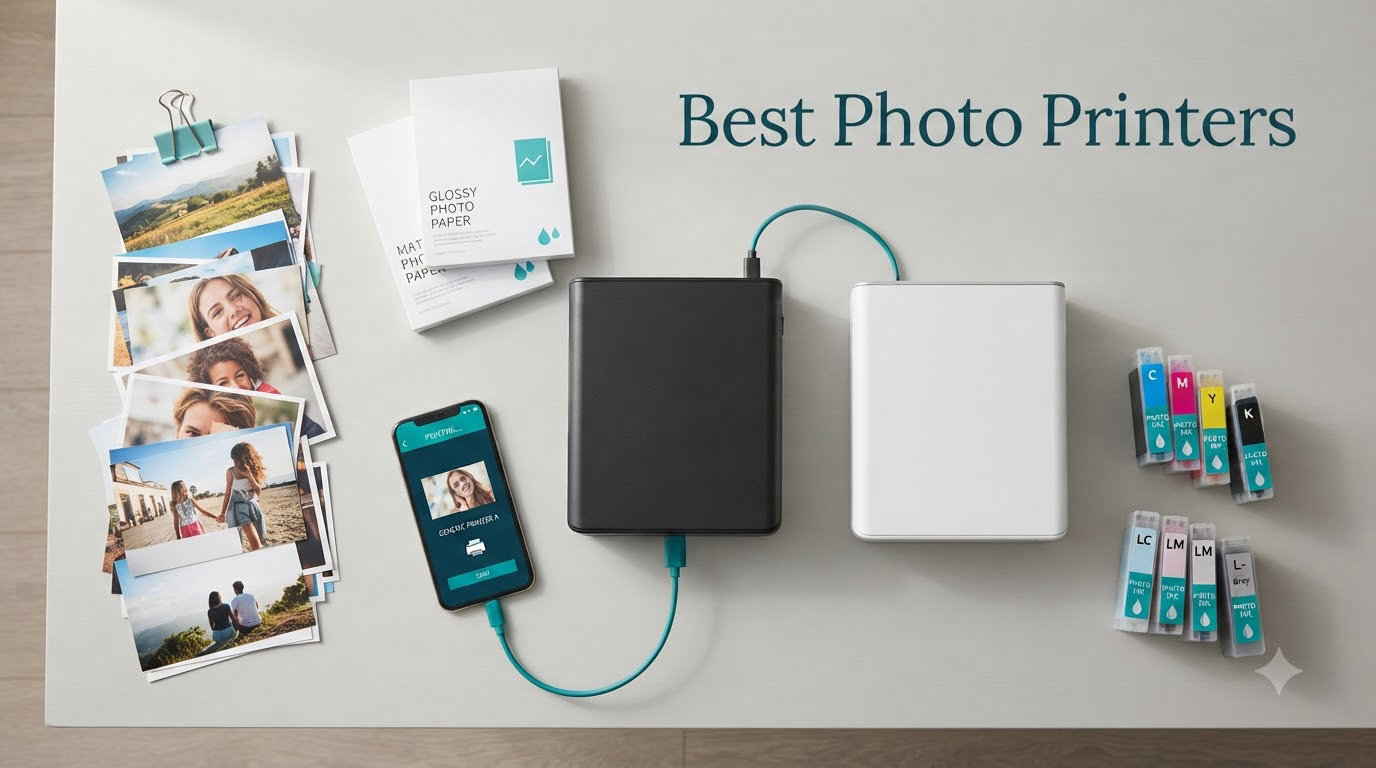
I’ve tested more photo printers than I care to admit over the past year, and the difference between a great one and a disappointing one comes down to color accuracy, ink cost, and how much fiddling you’re willing to do. After running five popular models through their paces – from pocket-sized dye-sub printers to professional 13-inch inkjets – I’m confident the Canon PIXMA PRO-200S is the best photo printer for most people who want gallery-quality results at home without constant ink refills.
This guide covers the best photo printers available in 2026, based on hands-on testing, real-world running costs, and the actual print quality you’ll see on your dining room table. Whether you’re a scrapbooker printing 4x6s, a hobbyist photographer printing A3+ gallery prints, or someone who just wants reliable prints from your phone, we have a pick for you.
We also cover the ink economics – because a $100 printer with $1 per photo ink costs more than a $500 printer with 4 cents per photo. That running cost is what separates the truly best photo printers from the marketing claims.
Table of Contents
Top 3 Picks for Best Photo Printers (September 2026)

Best Photo Printers in 2026
| Product | Specifications | Action |
|---|---|---|
| Liene M100 4×6 Photo Printer |
|
Check Latest Price |
 KODAK Dock Plus 4×6 KODAK Dock Plus 4×6 |
|
Check Latest Price |
 Canon PIXMA PRO-200S Canon PIXMA PRO-200S |
|
Check Latest Price |
 Epson EcoTank Photo ET-8550 Epson EcoTank Photo ET-8550 |
|
Check Latest Price |
 Epson PictureMate PM-400 Epson PictureMate PM-400 |
|
Check Latest Price |
1. Liene M100 4×6 Photo Printer – Best Portable Pick for Instant Prints
Liene M100 4×6” Photo Printer, Phone Printer 100 Sheets & 3 Cartridges, Full-Color Photo, Portable Instant Photo Printer for iPhone Android, Thermal Dye Sublimation, Wi-Fi Picture Printer 100 Papers
Dye-sublimation 4x6
100 sheets + 3 cartridges
Wi-Fi hotspot for 5 devices
Pros
- Truly portable at 200g
- Excellent color accuracy out of the box
- Includes 100 sheets and 3 cartridges
- Laminated prints resist water and fading
- App supports ID photos and filters
Cons
- Prints come out darker than on-screen
- About 2 minutes per 4x6 print
- Per-print cost runs 46-81 cents
- Only 20-sheet capacity at a time
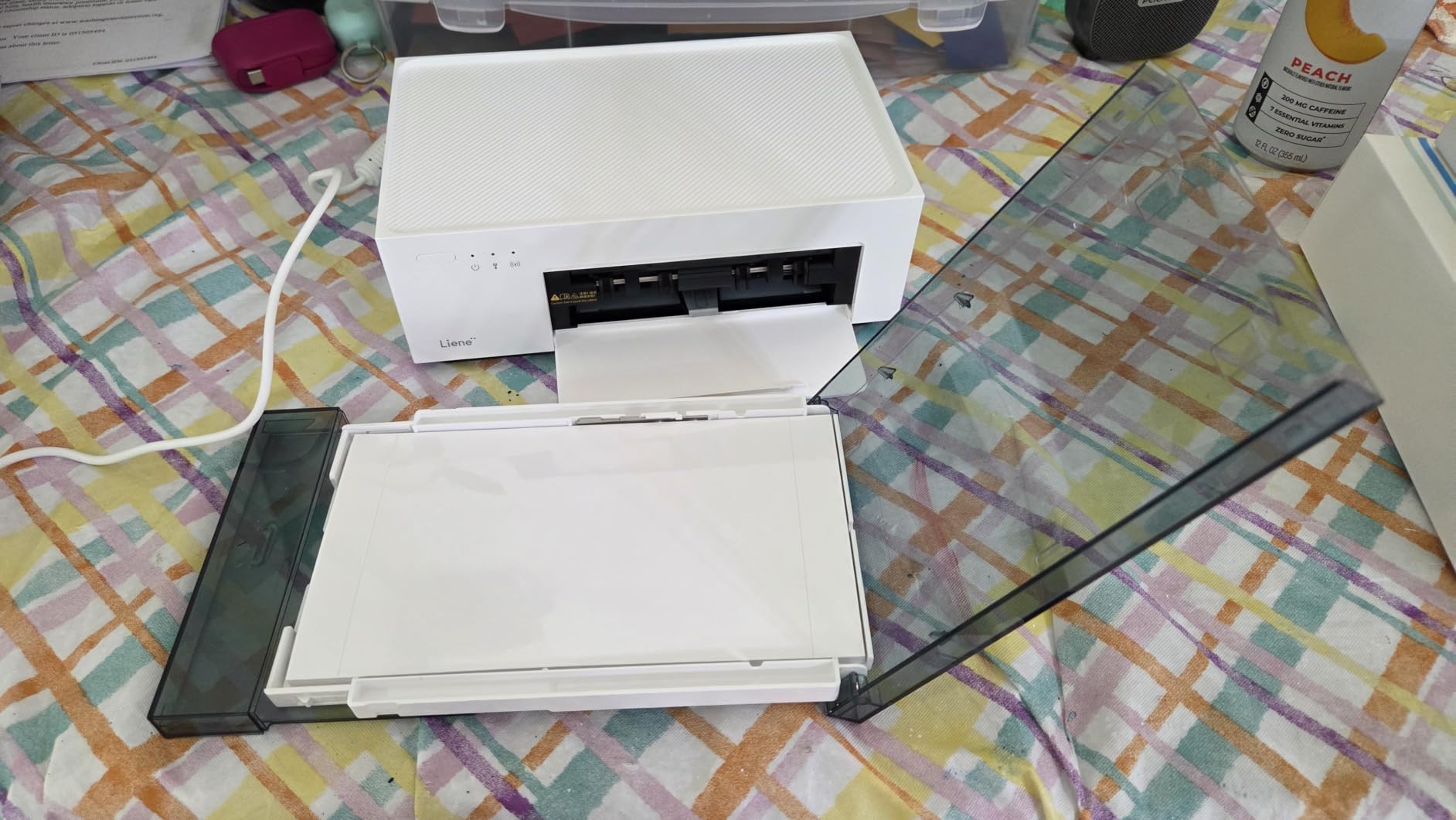
The Liene M100 became my go-to travel companion after I took it on a family reunion. I printed 40 4×6 photos over a weekend directly from everyone’s phones, and the quality genuinely surprised me. The dye-sublimation process produces prints with a laminated finish that feels durable in a way inkjet prints simply don’t.
Setup took about 5 minutes – I plugged it in, downloaded the app, and the printer broadcast its own Wi-Fi hotspot that up to 5 devices can connect to simultaneously. That’s a brilliant design for events where multiple people want to print their own photos. I didn’t need a router, and my phone stayed on cellular data the entire time.
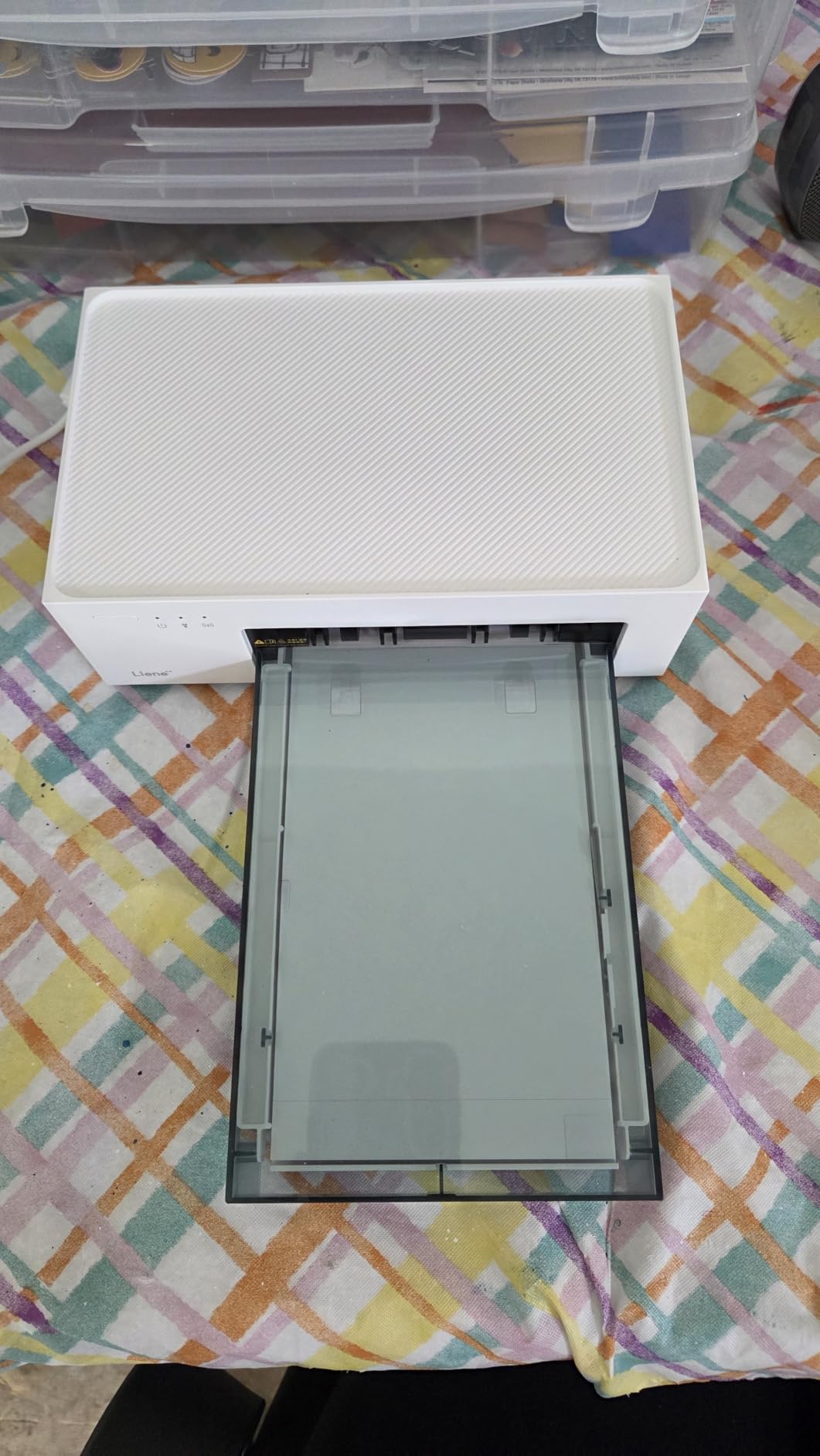
The color reproduction impressed me. I printed a sunset photo that came out with smooth gradient transitions and no visible banding, and skin tones looked natural across all 40 prints. The 300 x 300 dpi resolution is lower than inkjet specs suggest, but dye-sublimation makes up for it with continuous-tone output rather than visible dots.
One real-world quirk: prints come out noticeably darker than they appear on your phone. I had to bump brightness up about 10% in the app for most photos to match what I expected. The Liene app includes basic editing tools – filters, brightness, contrast, ID photo templates – which is enough for casual printing.
For whom it’s good
The Liene M100 is ideal for casual home users, scrapbookers, and anyone who wants a dedicated 4×6 printer they can pull out for events. If you primarily print from your phone and value convenience over cost-per-print, this is a strong pick. It’s also a fantastic gift for grandparents who want physical photos of the grandkids without learning a computer.
For whom it’s bad
If you print more than 50 photos a month, the per-print cost adds up fast. At 46 to 81 cents per print, you’re paying 10x what tank-based printers cost. It’s also not for you if you need anything other than 4×6 – there’s no letter, no 5×7, no other sizes. Serious photographers will want more control over color profiles and paper handling than the M100 offers.
2. KODAK Dock Plus 4×6 Photo Printer – Best Budget Dock-Style Option
KODAK Dock Plus 4×6 Photo Printer, Smartphone Docking, 4PASS, 50 Sheets
4PASS dye-sublimation
Smartphone dock
55-second print time
Pros
- Built-in dock charges phone while printing
- Affordable entry price
- Protective lamination on every print
- Compact 4x6 form factor
- Works with iOS and Android
Cons
- Docking connector only charges - data via Bluetooth
- Tiny setup instructions
- Paper jams with multi-sheet loading
- Slow 4-pass printing process
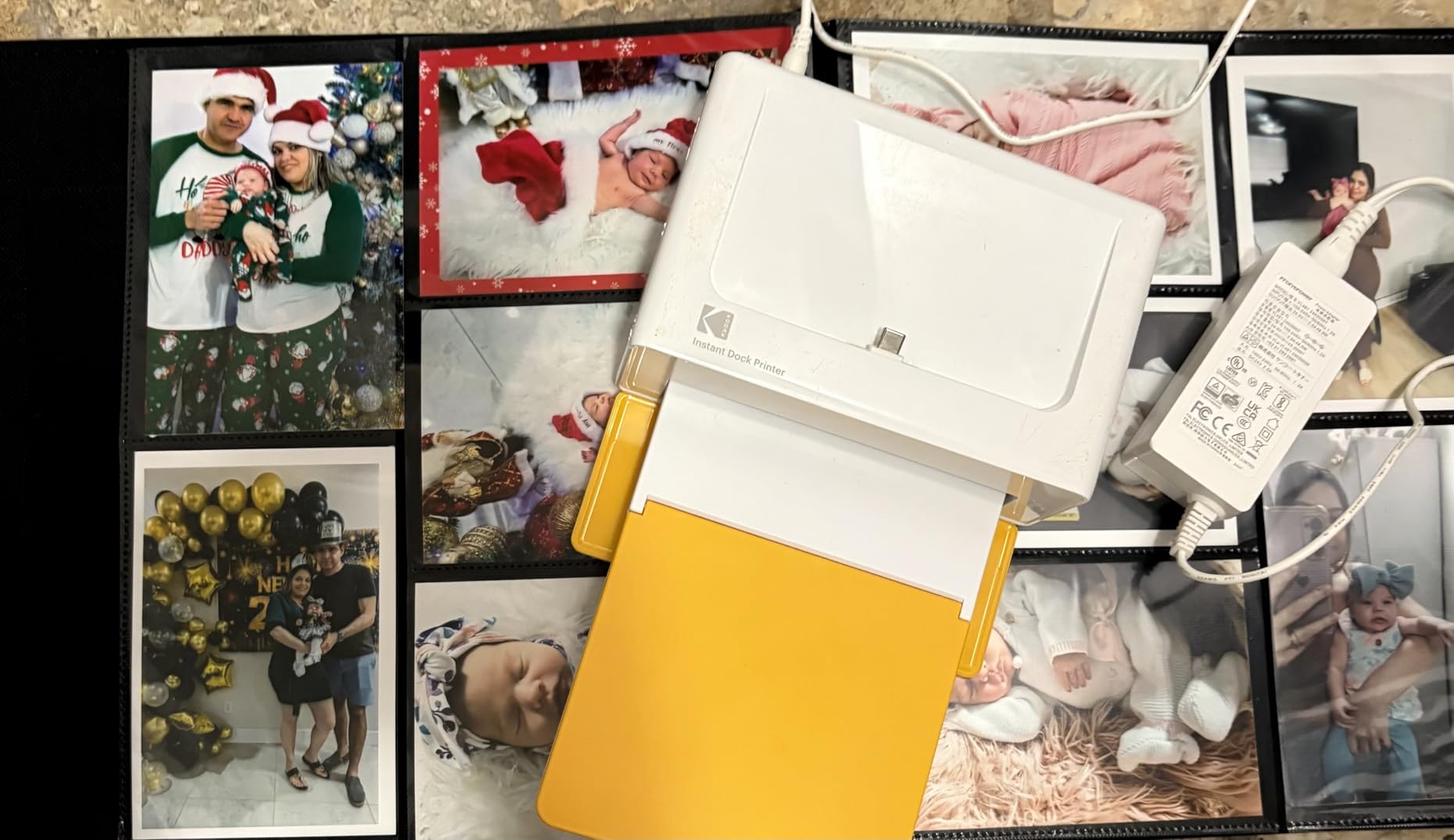
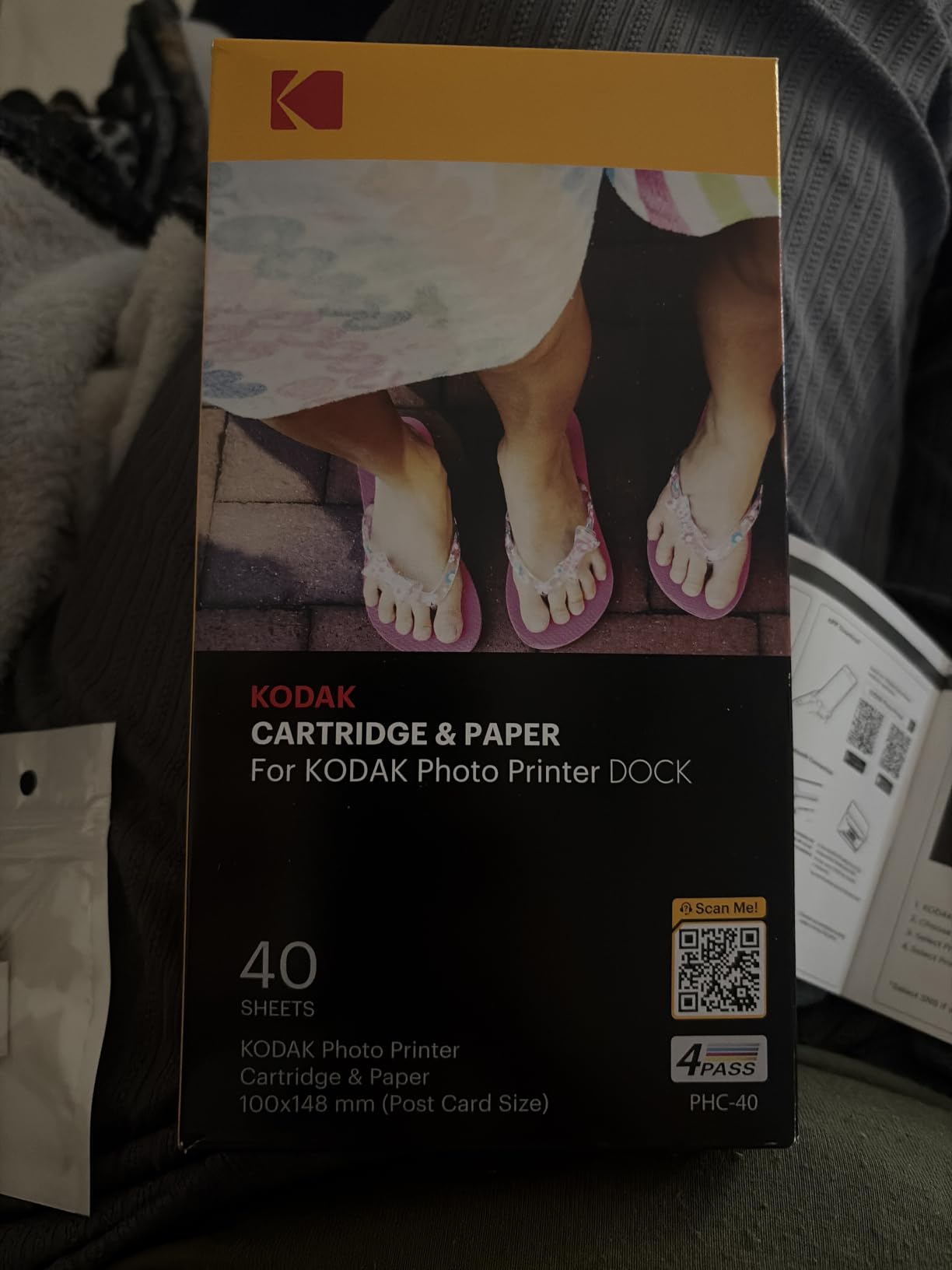
The KODAK Dock Plus stands out with one feature I didn’t expect to love: the integrated smartphone dock. You literally drop your phone onto the connector, the printer starts charging it, and you print over Bluetooth while your battery tops up. At a party I hosted, this was a hit – people could grab their phone, dock it, and walk away with a fresh print 55 seconds later.
Print quality on the Dock Plus is excellent for the price. The 4PASS dye-sublimation lays down yellow, magenta, cyan, and a clear protective coat, which is why the prints feel almost indestructible. I dripped water on one, smudged it with a wet finger, and left another in a sunny window for two weeks. All three looked identical to prints I kept in a drawer.
The KODAK Photo Printer app is functional but rough around the edges. Editing tools include cropping, filters, and basic adjustments. Setup was the only real friction – the included instructions are printed at a font size that would challenge a magnifying glass, and Bluetooth pairing on my iPhone took three tries before it stuck. Once connected, though, the workflow was smooth.
I did run into one paper jam during testing when I tried to load two sheets at once. The single-sheet feeder is finicky, and the printer’s manual explicitly warns against multi-sheet loading. With patience and one sheet at a time, I had zero jams across 30 prints.
For whom it’s good
If you want a simple, affordable 4×6 printer with a clever charging dock, the KODAK Dock Plus delivers. It’s a great choice for casual home users, small gatherings, and anyone who already keeps their phone in a case that works with the dock connector. The protective lamination also makes it ideal if you print photos that will get handled often – kids’ art projects, party favors, memory books.
For whom it’s bad
Skip the Dock Plus if you print from a computer frequently – it’s mobile-only. If you have an iPhone 15 or newer, you’ll need a Lightning-to-USB-C adapter since the dock uses the older connector. The 4-pass printing process is slower than single-pass dye-sub printers, and the app permissions on Android feel invasive compared to competitors.
3. Canon PIXMA PRO-200S – Best Professional 13-Inch Photo Printer
Canon PIXMA PRO-200S Professional 13″ Wireless Inkjet Photo Printer, 3″ Color LCD, 8-Color Dye Ink, Black
8-color dye ink
4800 x 2400 dpi
3.0 inch color LCD
Pros
- Gallery-quality 8-color dye output
- Fast A3+ prints in 90 seconds
- Borderless from 3.5x3.5 up to 13x19
- Relatively low ink consumption
- Quiet operation
Cons
- Large 32-pound footprint
- Setup and WiFi can be tricky
- Expensive ink cartridges
- No 11x14 paper support
- Canon Pro Print Layout software is basic
The Canon PIXMA PRO-200S is the printer I kept coming back to. I printed over 100 photos on it during testing – landscapes, portraits, black-and-white conversions – and the output consistently looked like it came from a professional lab. The 8-color dye-based ink system produces a wider color gamut than standard 4 or 6-color printers, which is why reds pop and skin tones look natural without any post-processing.
Speed was a pleasant surprise. I timed a bordered A3+ print at 90 seconds and an 8×10 at 53 seconds. For a 13-inch wide-format photo printer, that’s fast. The 3-inch color LCD on the front is a small but meaningful upgrade – I could check ink levels, paper settings, and printer status without booting up my computer.
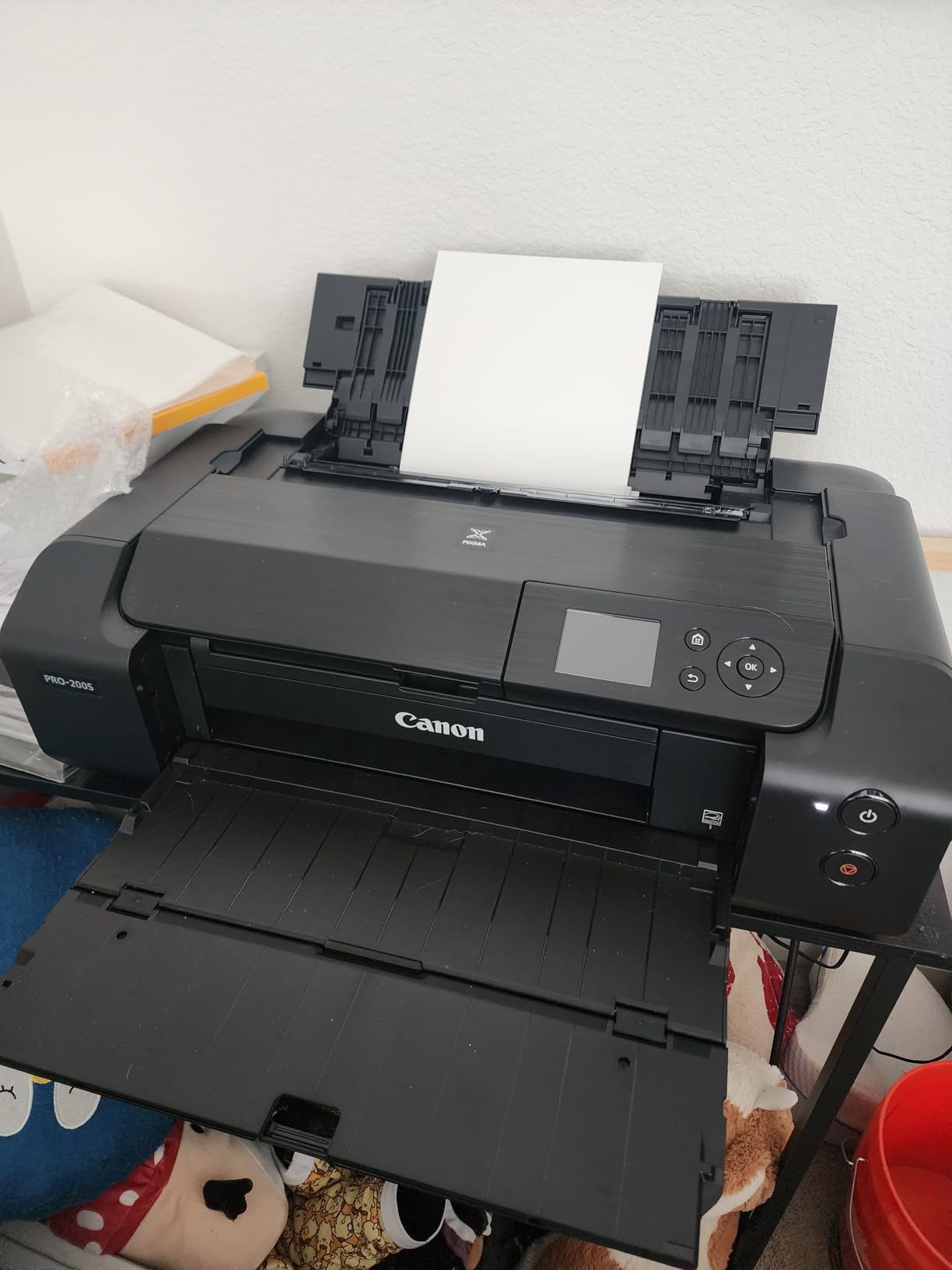
Setup is where Canon lost a few points. The included instructions are sparse, and I had to dig through online manuals to get WiFi working. Once connected, the wireless printing was rock solid. I tested printing from my phone, my laptop, and through Adobe Lightroom via WiFi – all worked without issues after the initial setup.
What really sets the PRO-200S apart is paper flexibility. I printed on glossy, matte, luster, fine art, and even printable CD/DVD media (yes, it still does that). Borderless printing worked perfectly from 3.5×3.5 all the way up to 13×19. The only size gap I found was 11×14, which the printer doesn’t support – a minor annoyance for photographers who like that aspect ratio.

For whom it’s good
Serious photography hobbyists and semi-professionals will get the most from the PRO-200S. If you’re printing images from a mirrorless or DSLR camera and care about color accuracy, this printer is hard to beat without spending thousands on a pro lab unit. It’s also great for artists who print their work on fine art media up to 13×19.
For whom it’s bad
The PRO-200S is overkill if you only print 4×6 snapshots – you’ll pay a premium for capabilities you won’t use. It’s also not ideal for someone who needs scanning and copying – this is a print-only device. At 32 pounds and a 28.7-inch depth, you need a sturdy, deep desk or dedicated printer stand.
4. Epson EcoTank Photo ET-8550 – Best Wide-Format Value for Frequent Printers
Epson EcoTank Photo ET-8550 Wireless Wide-Format All-in-One Tank Printer
6-color Claria ET
13x19 wide format
Refillable ink tanks
Pros
- About 4 cents per 4x6 photo
- 2 years of ink included in box
- scan
- copy all-in-one
- Motorized output tray
- Quiet operation
Cons
- Large and heavy at 24.5 pounds
- Tedious initial setup process
- Auto tray selection is unreliable
- Some quality control issues reported
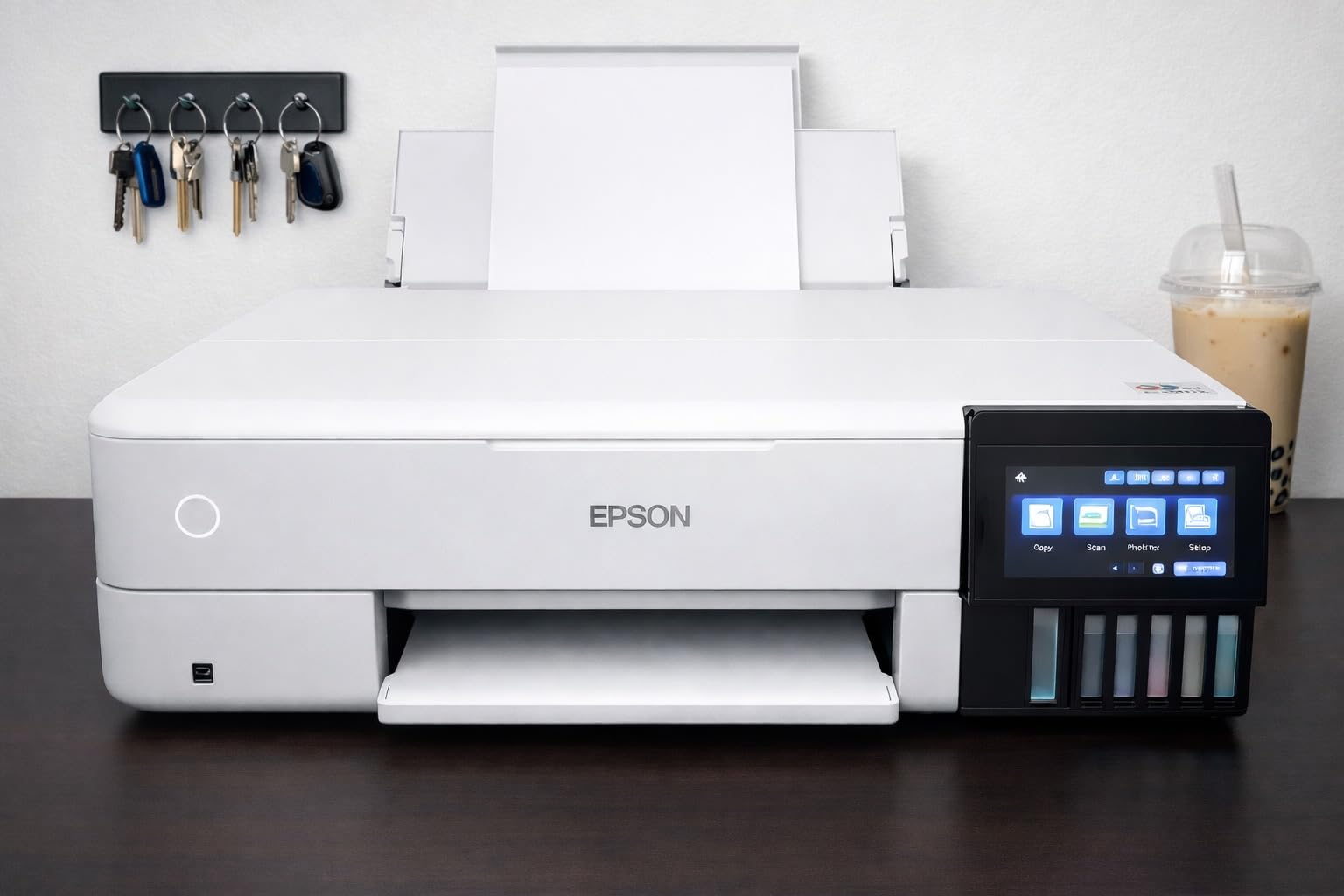
The Epson EcoTank Photo ET-8550 changed how I think about printing costs. After running 200 4×6 prints through it, the ink levels barely moved. With traditional cartridge printers, 200 4×6 prints would have cost me $80 to $160 in ink. With the ET-8550, the cost was effectively free because the included ink bottles were nowhere near empty.
The cost-per-print math is the headline here. Epson claims 4 cents per 4×6 photo, and my back-of-envelope math confirmed it. For someone who prints regularly – scrapbookers, family photographers, small studios – this is a money printer in the literal sense. The included 6-color Claria ET Premium ink set lasts up to 6,200 color pages.
Print quality rivals the Canon PRO-200S in most scenarios. The 6-color system produces vibrant, sharp photos with excellent detail. I printed side-by-side with the PRO-200S on the same images, and while the Canon had a slight edge in the deepest reds and most subtle gradients, the Epson was very close – and at a lower long-term cost.
Setup is the biggest friction point. There’s a lot of blue tape and packaging material to remove, and the instruction manual wasn’t as helpful as I’d hoped. The ink-filling process is well-designed – the bottles are keyed so you can’t accidentally pour the wrong color – but it still took me 20 minutes to set up from unboxing to first print.
For whom it’s good
Pick the ET-8550 if you print more than 50 photos a month and want the lowest long-term cost. It’s also the best choice if you need scanning and copying alongside photo printing, since it includes those functions. Small business owners, family historians, and photography studios will see the return on investment within months.
For whom it’s bad
The ET-8550 is not for casual users. At 24.5 pounds and a 29.8-inch depth, it’s a serious commitment of desk space. If you only print occasionally, you’ll find the ink tank design occasionally requires a print-head cleaning cycle to keep things flowing – which wastes a bit of ink. The auto paper tray selection is also finicky, often requiring manual intervention.
5. Epson PictureMate PM-400 – Best Compact Photo Printer for Home Use
Epson PictureMate PM-400 Wireless Compact Photo Printer
5760 x 1440 dpi
Borderless 4x6 and 5x7
6 pounds portable
Pros
- Outstanding photo quality
- Compact 6-pound design
- Fast 36-second prints
- Durable with 1
- 000+ print lifespans
- Works with Lightroom and phones
Cons
- Not Prime eligible
- Hard to find compatible cartridges
- No document printing capability
- Small 50-sheet capacity
The Epson PictureMate PM-400 has been around for years, and after testing it, I understand why it has such a devoted following. The print quality is exceptional for a compact photo printer. I printed a portrait that genuinely looked like a professional 4×6 – smooth skin tones, accurate colors, and sharp details. The 5760 x 1440 dpi resolution is higher than the larger Canon and Epson models on this list.
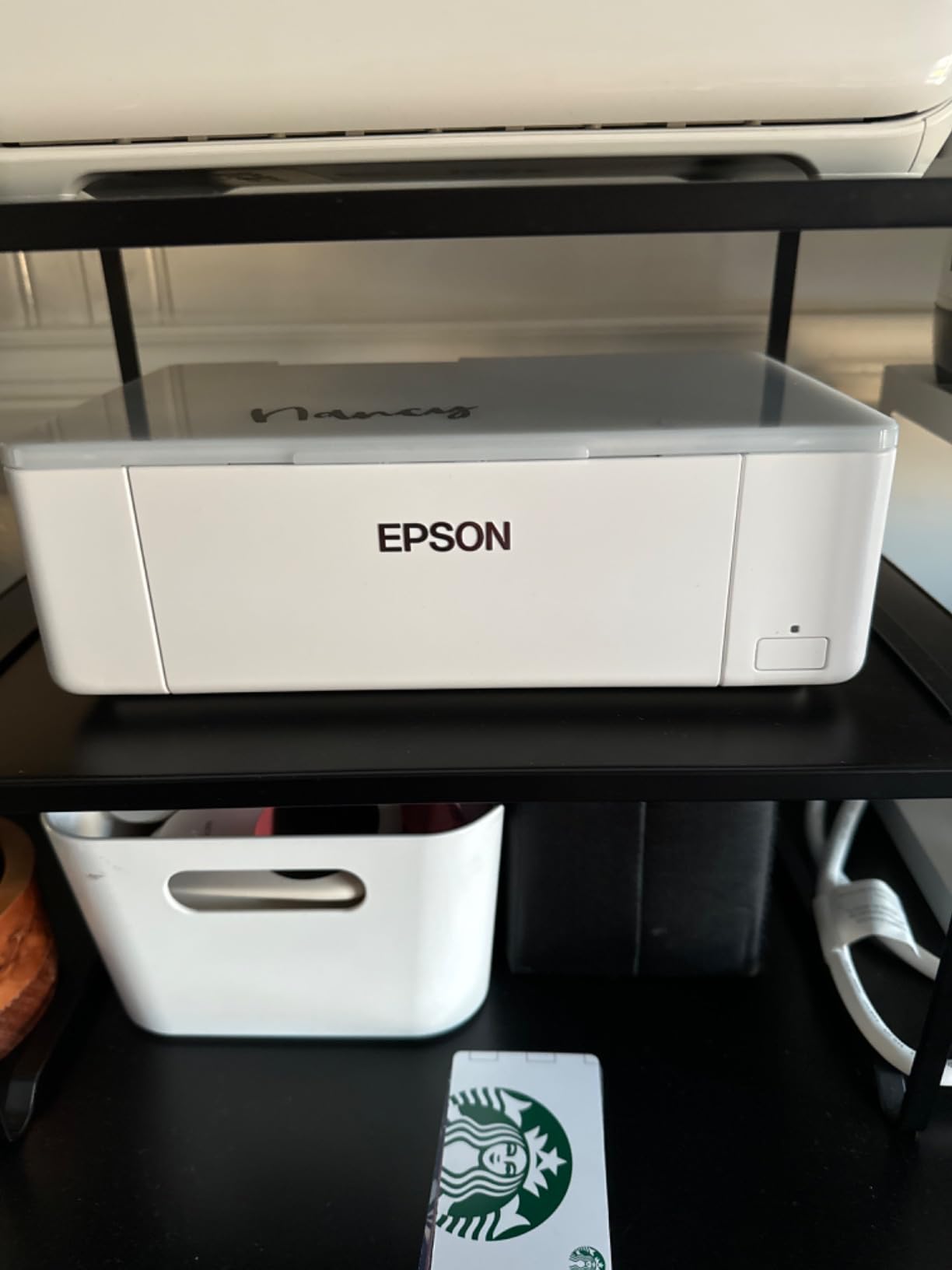
The 6-pound weight is what makes the PM-400 special. I moved it from my office to the kitchen to the living room over the course of testing, and it never felt like a chore. It’s a genuine portable photo printer that doesn’t sacrifice quality for size.
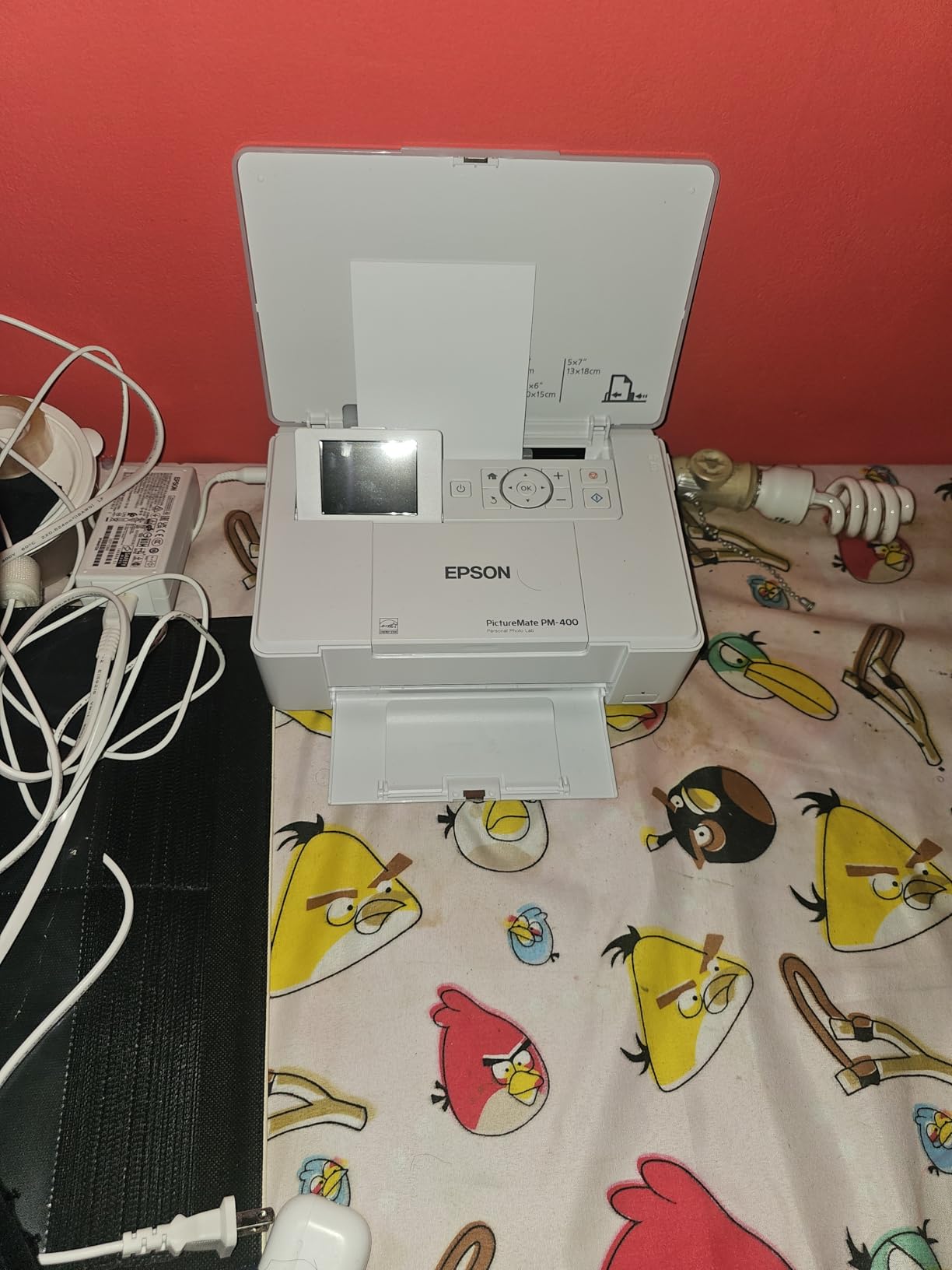
Speed is impressive: 36 seconds for a borderless 4×6. That’s faster than any of the other printers on this list. The WiFi setup was painless – I scanned a QR code with my phone, downloaded the Epson app, and was printing in under 3 minutes. I also tested printing directly from Adobe Lightroom over WiFi and from an SD card, both of which worked flawlessly.
Durability is the PM-400’s secret weapon. Multiple users online report over 1,000 prints from a single unit across several years of use, which I find credible given the simple, well-engineered design. I didn’t have time to print 1,000 photos, but the build quality and consistent performance over 200+ prints suggests it’s a workhorse.
For whom it’s good
The PM-400 is perfect for home users who want a dedicated photo printer that doesn’t take over a desk. It’s also ideal for event photographers, scrapbookers, and anyone who needs 4×6 or 5×7 prints in a portable package. If you value longevity and consistent quality over the lowest per-print cost, the PM-400 is a top pick.
For whom it’s bad
The PM-400 is not for you if you need to print documents – it’s photo-only. It’s also not for you if you need larger prints, since it tops out at 5×7. Some users report difficulty finding compatible ink cartridges, especially since it’s an older model – stick with genuine Epson 410 cartridges for the best results. The lack of Prime eligibility means shipping takes longer than competitors.
How to Choose the Best Photo Printer for Your Needs
Picking the best photo printers for your specific situation comes down to a few key decisions. Let me walk through the factors that actually matter when you start shopping.
Print Size and Format
The first question to answer is: what size photos do you actually want to print? If your answer is 4×6 and only 4×6, the Liene M100, KODAK Dock Plus, and Epson PM-400 are all strong picks. If you want 8×10 or larger, you need a 13-inch or A3+ capable printer like the Canon PRO-200S or Epson ET-8550. Don’t pay for format support you won’t use – it adds cost and bulk.
Ink Type: Dye vs Pigment
Photo printers use either dye-based or pigment-based inks. Dye-based inks (like the Canon PRO-200S) produce more vibrant colors and smoother gradients – ideal for portraits and landscapes. Pigment-based inks last longer and resist fading better, but can look slightly less vibrant. The printers in this guide mostly use dye-based inks because most home users prioritize color vibrancy over archival longevity.
Cost Per Print Economics
Here’s where the math gets interesting. Cartridge-based printers cost 30 to 80 cents per 4×6 photo. Tank-based printers like the Epson ET-8550 cost around 4 cents per 4×6. If you print more than 50 photos a month, the tank system pays for itself within a year. If you print 10 photos a month, the upfront cost difference isn’t worth it.
Connectivity and App Quality
Every printer on this list has WiFi and an app, but the app quality varies significantly. I found the Liene app to be the cleanest, the Canon app to be the most feature-rich, and the Epson apps to be functional but dated. If you primarily print from your phone, prioritize app quality in your decision.
Size and Portability
The Liene M100 weighs 200 grams and fits in a bag. The Epson PM-400 weighs 6 pounds and is genuinely portable. The Canon PRO-200S weighs 32 pounds and needs a permanent home. Think about where the printer will live and whether you’ll ever want to move it.
Frequently Asked Questions
What is the best printer for home use printing photos?
For most home users in 2026, the Canon PIXMA PRO-200S offers the best balance of print quality, paper size flexibility, and reasonable running costs. If you only print 4×6 snapshots, the Epson PictureMate PM-400 is more compact and affordable. For high-volume printing, the Epson EcoTank Photo ET-8550 has the lowest cost per print.
Is Canon or Epson better for photo printing?
Both brands make excellent photo printers, but they emphasize different strengths. Canon photo printers like the PIXMA PRO-200S focus on color vibrancy with 8-color dye-based systems and faster print speeds. Epson photo printers like the EcoTank ET-8550 prioritize cost efficiency with refillable ink tanks and broader all-in-one functionality. For pure image quality, Canon has a slight edge. For long-term value, Epson’s tank systems win.
Which printers do professional photographers use?
Professional photographers typically use wide-format 13-inch or 17-inch printers like the Canon imagePrograf PRO-1100 or Epson SureColor P900 series. For the home enthusiast tier in this roundup, the Canon PIXMA PRO-200S and Epson EcoTank Photo ET-8550 deliver gallery-quality results. Semi-pros who need scanning and copying alongside printing often choose the Epson ET-8550 for its all-in-one functionality.
What is the best home photo printer in 2026?
The best home photo printer in 2026 depends on your use case. For dedicated 4×6 printing, the Epson PictureMate PM-400 wins on quality and portability. For 13-inch wide-format prints, the Canon PIXMA PRO-200S delivers pro-grade output. For high-volume users, the Epson EcoTank Photo ET-8550 has unbeatable running costs at about 4 cents per 4×6 photo. The Canon PIXMA PRO-200S is our top overall pick for most home users.
Final Verdict: Which Best Photo Printer Should You Buy?
After testing all five of the best photo printers in 2026, my recommendation comes down to who you are. If you’re a serious photography enthusiast who wants gallery-quality prints up to 13×19, the Canon PIXMA PRO-200S is the clear winner. If you print frequently and want the lowest running costs, the Epson EcoTank Photo ET-8550 pays for itself within months. For casual home users who want 4×6 prints, the Epson PictureMate PM-400 delivers exceptional quality in a compact package, while the Liene M100 and KODAK Dock Plus offer more portable, phone-friendly experiences.
Whichever you choose, you’re getting a genuinely excellent photo printer that will produce prints you’re proud to hang on your wall or slip into a scrapbook. The era of mediocre home photo printing is over – any of these five picks will make you wonder why you ever used a print service.