
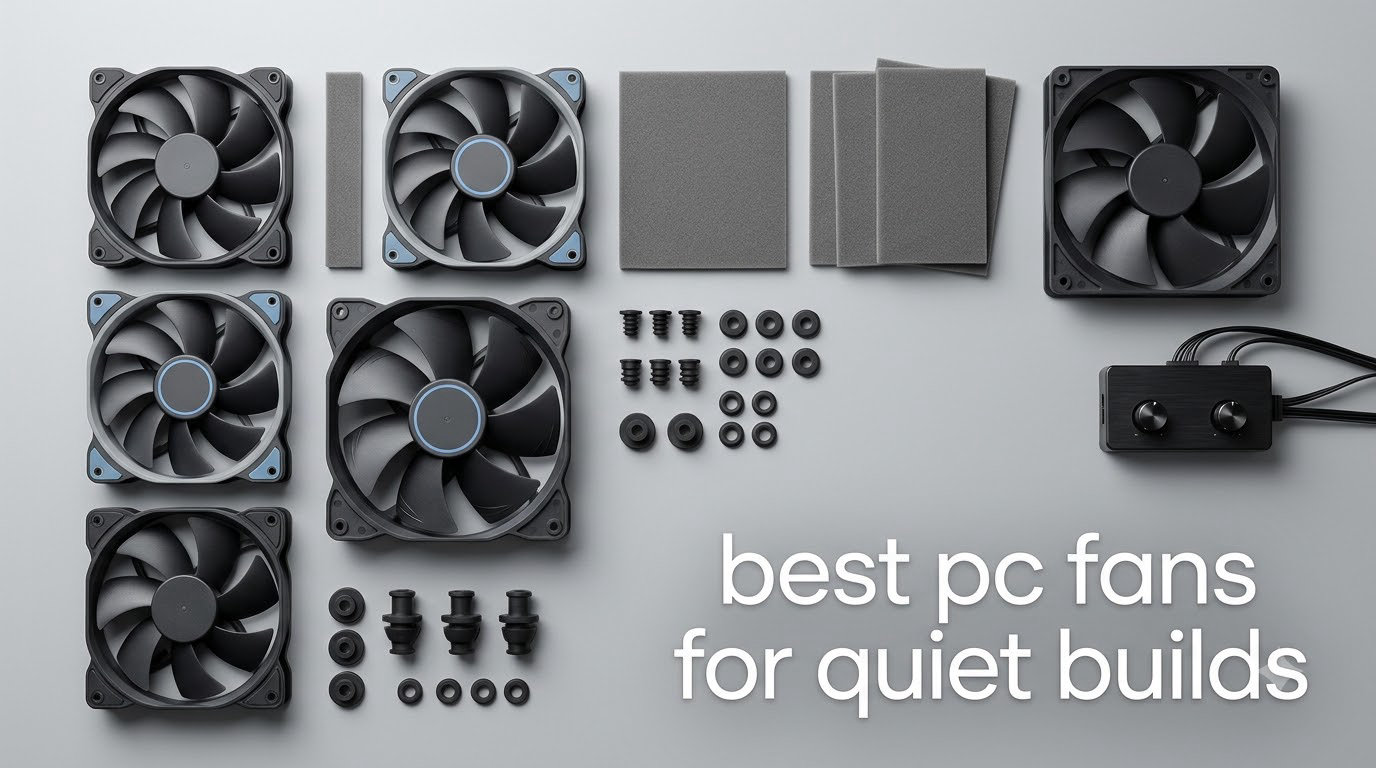
Most builds are not loud because the fans are bad. They are loud because the fans are spinning faster than the job requires. The three models I keep coming back to when someone asks for the best pc fans for quiet builds are the Noctua NF-A12x25 PWM for overall quietness, the ARCTIC P12 if you are filling a whole case on a budget, and the Noctua NF-A14 PWM when your case has 140mm mounts and you want airflow without the whine. All three publish a noise ceiling in the quietest tier of this guide, under 26 dB(A) or 0.3 Sone, and all three can be dialled down far below that with a sane fan curve.
I have spent more time than is reasonable swapping fans between test rigs, and the pattern holds every time. Noise tracks RPM far more tightly than it tracks brand or price. Two fans with almost identical dB(A) printouts can sound completely different at 700 RPM, because that headline number is measured at full speed with the fan pinned to maximum.
That single fact is why I built this guide the way I did. Instead of ranking by the number on the box, I ranked by what each fan delivers at the speeds a quiet build actually runs at, how much static pressure it has when you push it through a radiator or a dense heatsink, and what it costs you in cable management and header headaches. I did not run lab-grade acoustic measurement, so treat the dB(A) and sone figures below as manufacturer ratings at maximum speed rather than as readouts from a sound meter.
What I did do was cross-check every rating against thousands of customer reviews and the recurring advice on forums like r/buildapc and Tom’s Hardware, where the same consensus shows up again and again: bigger fans at lower RPM win, PWM control matters more than any spec sheet, and the noise floor at idle is what you actually live with. If your priority is matching a themed case instead, our RGB case fan picks cover that angle separately.
Table of Contents
Top 3 Picks for Quiet PC Fans

Noctua NF-A12x25 PWM
- 22.6 dB(A) max
- 102.1 m3/h airflow
- 2000 RPM
- Anti-vibration mounts included

Noctua NF-P12 redux-1700
- 25.1 dB(A) max
- 120.2 m3/h airflow
- 1700 RPM
- Pressure-optimised blades

Noctua NF-A14 PWM
- 24.6 dB(A) max
- 140.2 m3/h airflow
- Only 1500 RPM needed
- Low-Noise Adaptor included
All 10 Best PC Fans for Quiet Builds (October 2026)
Every fan below is a 12V 4-pin PWM unit unless noted, and every one is designed for a build where noise matters. The Key Features column lists what actually differentiates each model, not a restatement of the marketing copy.
| Product | Specifications | Action |
|---|---|---|
| Noctua NF-A12x25 PWM |
|
Check Latest Price |
| Noctua NF-P12 redux-1700 PWM |
|
Check Latest Price |
| Noctua NF-A14 PWM |
|
Check Latest Price |
 ARCTIC P12 ARCTIC P12 |
|
Check Latest Price |
 ARCTIC P12 Slim PWM PST ARCTIC P12 Slim PWM PST |
|
Check Latest Price |
 be quiet! Silent Wings Pro 4 be quiet! Silent Wings Pro 4 |
|
Check Latest Price |
 be quiet! Pure Wings 3 be quiet! Pure Wings 3 |
|
Check Latest Price |
 Thermalright TL-C12C X3 (3-Pack) Thermalright TL-C12C X3 (3-Pack) |
|
Check Latest Price |
 CORSAIR RS140 (2-Pack) CORSAIR RS140 (2-Pack) |
|
Check Latest Price |
 NZXT F120Q NZXT F120Q |
|
Check Latest Price |
1. Noctua NF-A12x25 PWM – Best Quiet Fan Overall
Noctua NF-A12x25 PWM, High-Performance Quiet Fan 120mm
120x120x25mm 4-pin PWM
Max 2000 RPM
102.1 m3/h
Max 22.6 dB(A)
6-year warranty
Pros
- Lowest published noise ceiling in this group at 22.6 dB(A)
- Strong static pressure for radiators and AIO coolers
- Anti-vibration mounts and radiator gasket included
- Low-Noise Adaptor caps peak speed at 1700 RPM
- Six-year manufacturer warranty
Cons
- Higher cost than entry-level 120mm alternatives
- Available only in the signature brown and beige colourway
- One fan per pack
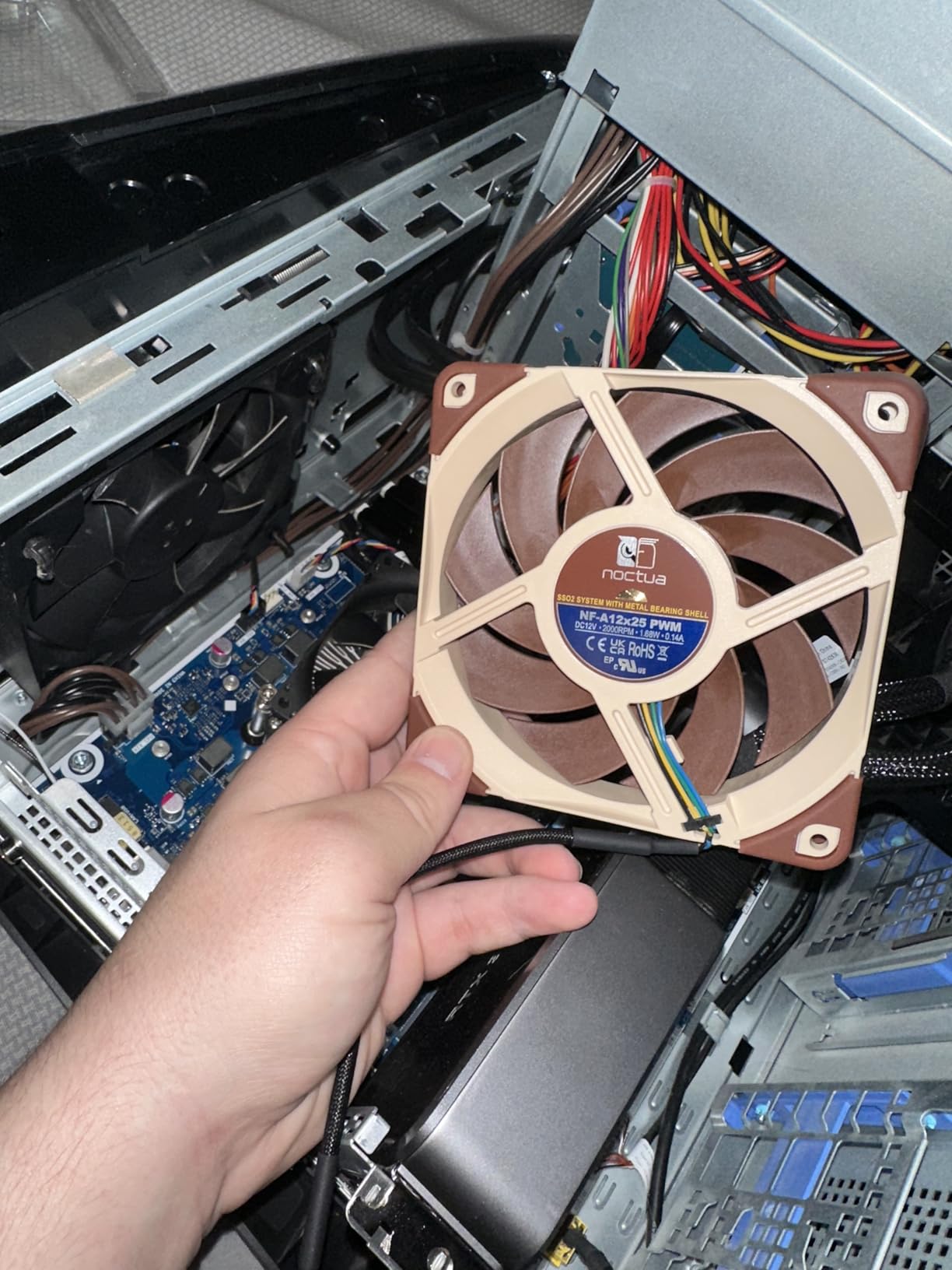
This is the fan I install first in any build where noise is the priority. The headline figure is 22.6 dB(A) at up to 2000 RPM, with 102.1 m3/h of airflow, and that combination is what makes it so useful. It is quiet at the top end and it has enough pressure behind it that you do not have to run it screaming to push air through a radiator.
What gets missed is the accessory kit. You get anti-vibration mounts, a radiator gasket, an extension cable and a y-cable for running two PWM fans off one header. That is everything you need for a clean install, and you do not have to buy a single extra part.

Across 7,543 reviews the rating sits at 4.9 with 94 percent of those reviews at five stars. Owners consistently describe it as the reference point for quiet 120mm cooling, and the praise centres on near-silence under a normal fan curve rather than at maximum output. Multiple builds report it dropping CPU and GPU temperatures once it replaces the thinner fans that come with cases and graphics cards.
The physical design matters more than the spec sheet suggests. The AAO frame, the Flow Acceleration Channels pressed into the inner blade surface and the tight 0.5 mm tip clearance all reduce the amount of air that spills past the blade tips. Less spill means less turbulence, and turbulence is where most fan noise is actually made. The Sterrox LCP blade material and metal-reinforced hub are there for the same reason: they stop the frame and hub from resonating.
What you get at idle versus at full speed
Set this fan on a curve that holds around 600 to 800 RPM below 50C and it becomes very hard to hear from a normal sitting distance. Reviewers describe it as inaudible at those speeds. The 22.6 dB(A) figure only describes what happens when you pin it to 2000 RPM, which is a condition you should rarely create in a quiet build.
Use the Low-Noise Adaptor if you want a hard ceiling. It caps the maximum at 1700 RPM and, more usefully, it stops the curve from spiking under a transient load that lasts three seconds. Short spikes are where most people notice fan noise, because your ear is already tuned to the quiet baseline.
Where it falls short
The colourway is the practical annoyance. If your build is black and white, brown and beige fans are visible through a side panel no matter how well everything else is coordinated. Noctua does not change this, so plan the layout with it in mind or accept the mismatch.
The cost also sits well above the budget tier. That is defensible for a single exhaust fan on a tower that people look at, but for filling six positions the per-fan math stops making sense. My rule is to spend on the two fans doing the most work and economise on the rest.
2. Noctua NF-P12 redux-1700 PWM – Best Value Quiet Fan
Noctua NF-P12 redux-1700 PWM, Quiet Fan 120mm
120x120x25mm 4-pin PWM
Max 1700 RPM
120.2 m3/h
Max 25.1 dB(A)
1.08 W
Pros
- Largest review pool of any fan here at more than 20000
- Pressure-optimised blades handle radiators and restrictive filters
- Very low 1.08 W power draw
- Strong noise-to-performance ratio under a tuned curve
- Six-year manufacturer warranty
Cons
- Anti-vibration mounts and Low-Noise Adaptor sold separately
- No lighting or colour options
This is the fan I recommend when someone needs to fill a case and does not want to think about it. It has more reviews than any other product on this list at over 20,000, a 4.8 average, and it moves 120.2 m3/h, which is actually more airflow than the NF-A12x25 while running at a lower 1700 RPM ceiling.
The blade design is pressure-optimised, which sounds like marketing until you put it on a radiator or a finned heatsink where the fan is pushing against resistance rather than into open space. That is the situation where most fans lose their composure, and this one holds up.
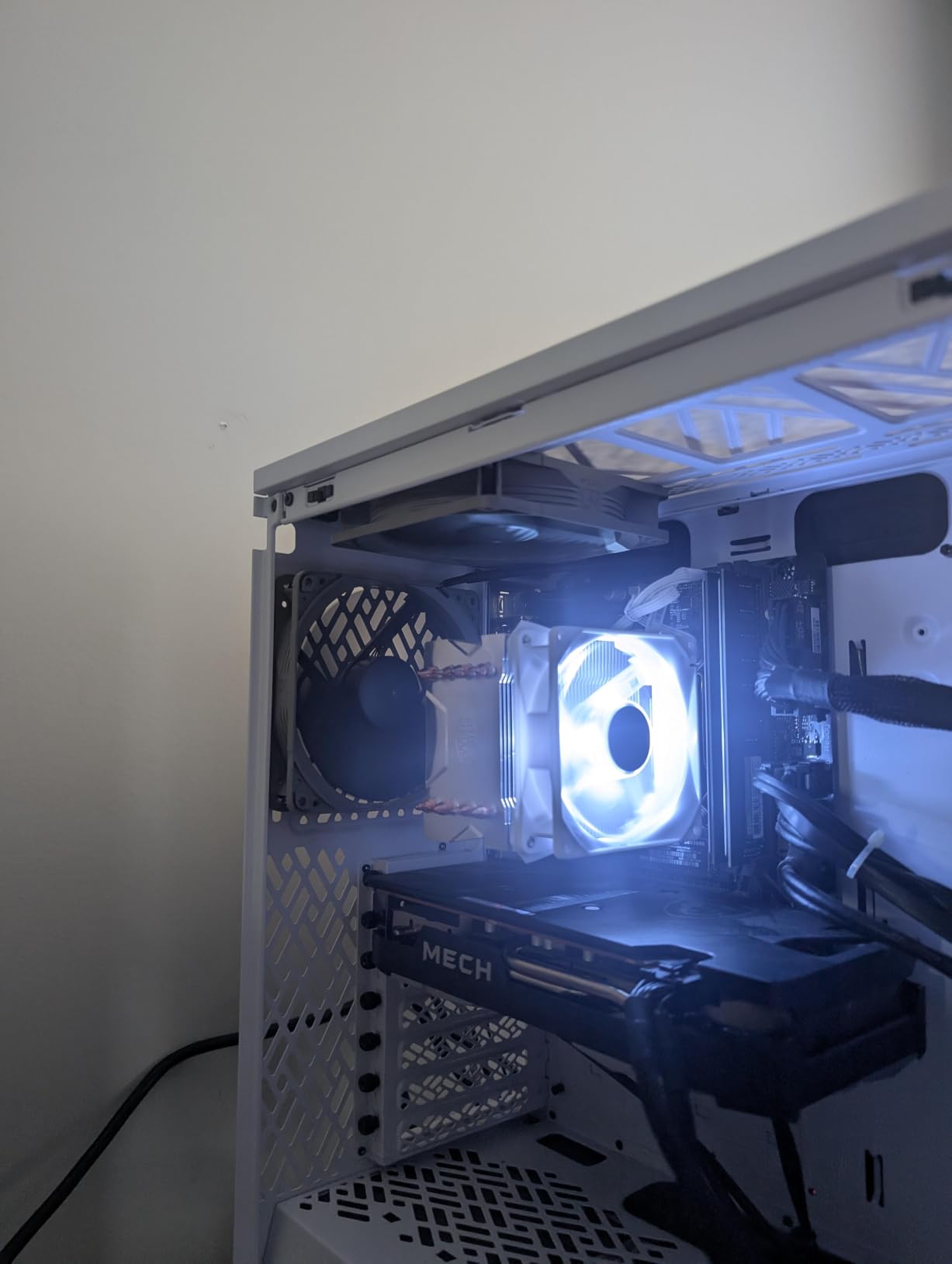
What you give up for that low price is the accessory kit. The redux line ships without anti-vibration mounts and without the Low-Noise Adaptor, and both are available separately if you want them. Budget around ten minutes and some extra cable routing to fit the pads properly, because screwed-down corners on a thin plastic frame transmit vibration straight into the case panel.
The other thing worth knowing is where it gets loud. Reviewers consistently draw the line at around 1200 RPM. Below that it stays quiet on a normal curve; above it you will hear it clearly in a quiet room. That is a fair trade, because the whole point of this fan is that you run it slow enough to stay under that line.

How it compares to the NF-A12x25
The redux moves more air on paper but tips over into audible territory sooner, because the frame and blade geometry is tuned for pressure rather than for silence. If your priority is pure noise floor, the NF-A12x25 is the better answer. If your priority is cooling a dense heatsink on a modest budget, the redux is the better answer.
Both share the same bearing philosophy, the same 4-pin PWM control and the same six-year warranty, so the longevity risk is identical. Neither has lighting, and neither comes in anything but the Noctua colourway.
Where it falls short
No anti-vibration hardware in the box is the main one. It sounds minor until you realise those pads are what separate a hum from a whisper on a thin steel panel. Budget for the add-on if the case is not acoustically damped.
The 25.1 dB(A) figure is also higher than the NF-A12x25, so if you are comparing two fans for a single quiet position rather than a full case, this is not the pick. It comes into its own when you need six of them working at once.
3. Noctua NF-A14 PWM – Best 140mm Fan for Quiet Builds
Noctua NF-A14 PWM, High-Performance Quiet Fan 140mm
140x140x25mm 4-pin PWM
Max 1500 RPM
140.2 m3/h
Max 24.6 dB(A)
Low-Noise Adaptor
Pros
- Largest airflow figure here at 140.2 m3/h from a 1500 RPM ceiling
- Flow Acceleration Channels plus AAO frame cut turbulence
- Anti-vibration mounts and Low-Noise Adaptor included
- Square frame fits standard 140mm radiator mounts
- Reported to lower CPU and GPU case temperatures
Cons
- Higher cost than mainstream 140mm fans
- 1500 RPM ceiling versus 2000 RPM on some rivals
- Brown and beige colourway only
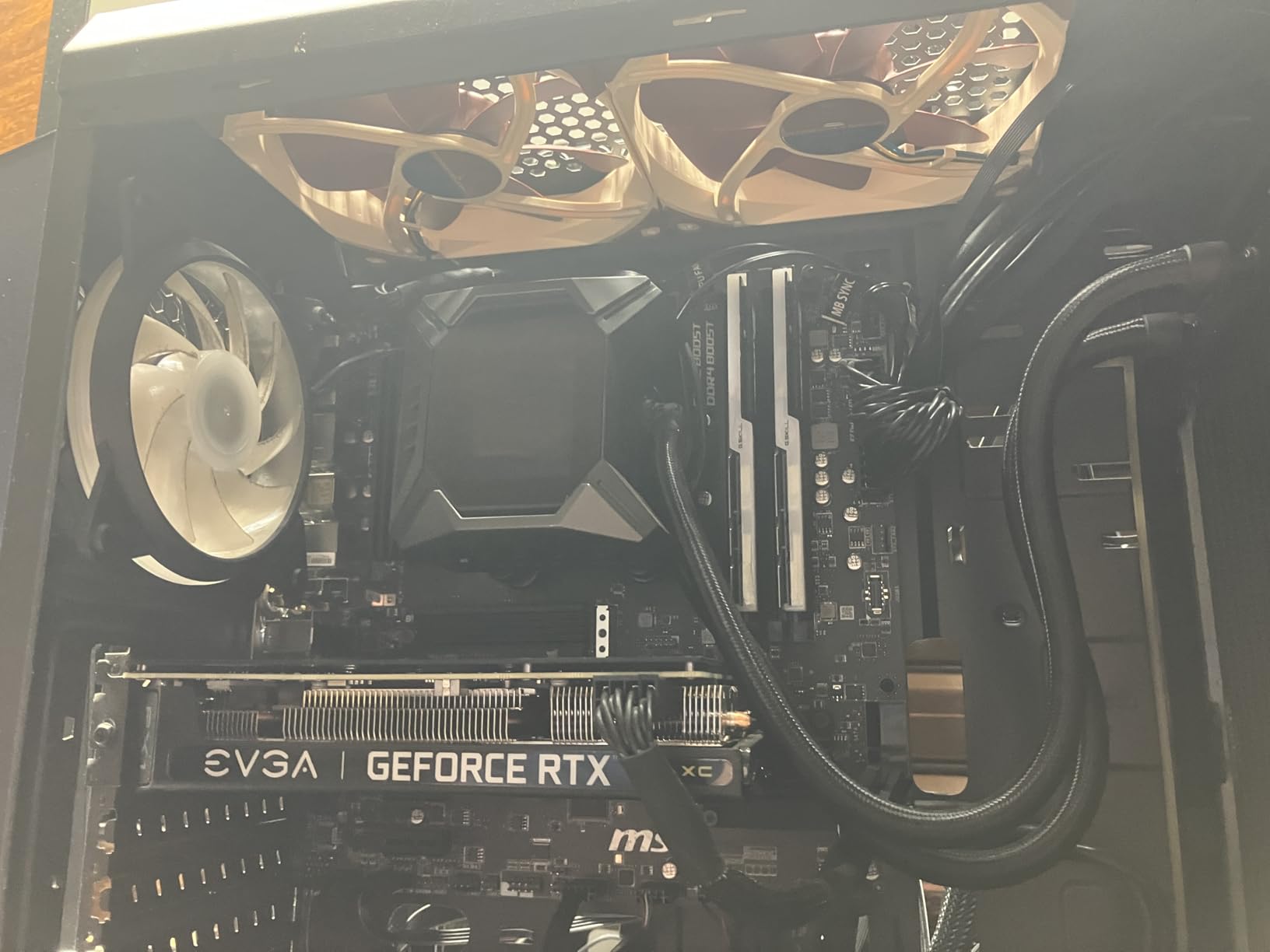
Here is the argument for 140mm fans in one sentence: more air moved at a lower speed. This fan tops out at 1500 RPM and still moves 140.2 m3/h, which is more than either 120mm Noctua on this list manages. Lower RPM is the single biggest lever you have on noise, so a fan that needs fewer revolutions for the same cooling job wins by a wide margin.
Reviewers treat it as the quiet 140mm benchmark. At around 600 RPM idle it is described as effectively inaudible, and it stays comparatively smooth even as it approaches its 1500 RPM ceiling. Multiple builds report measurable temperature drops after swapping out thinner case fans, because you can run a smaller number of them at a lower speed instead of fighting the airflow with four.
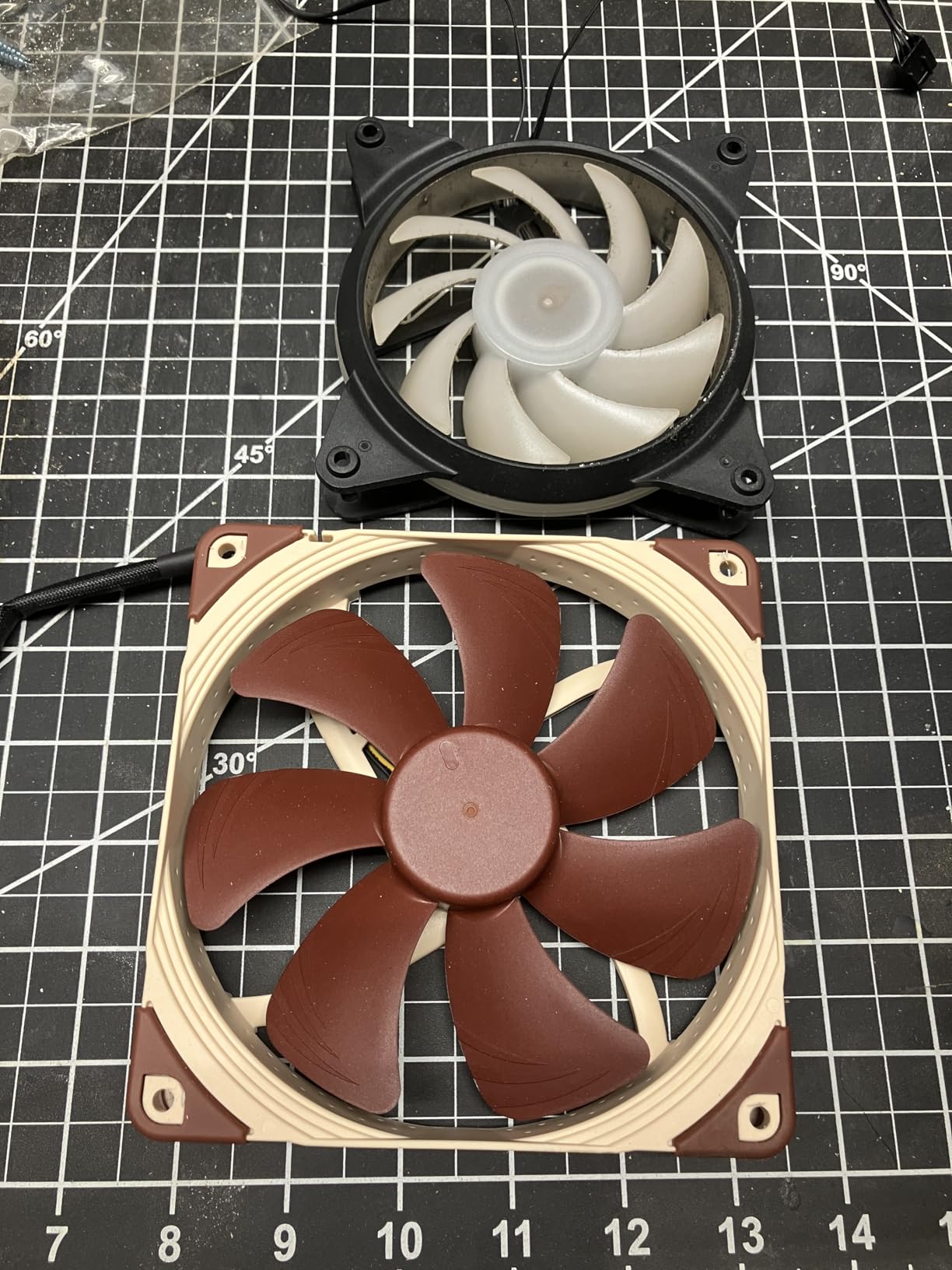
The square frame is a practical advantage rather than a styling one. It lines up with standard 140mm radiator mounts, which means mounting it on a 280mm AIO radiator needs no adapters and no improvisation. The accessory bundle again includes anti-vibration mounts, fan screws, the Low-Noise Adaptor, an extension cable and a y-cable.
Build quality follows the same pattern as the rest of the range: fibre-glass reinforced PBT, Flow Acceleration Channels moulded into the blades and the AAO frame to dampen resonance between the rotor and the housing. More than 150,000 hours of MTTF is stated, backed by a six-year warranty.
When 140mm beats 120mm
It beats 120mm when the case has 140mm mounts and the workload is real, such as a 280mm radiator, a tall air cooler or a high-power GPU in a densely packed tower. The airflow advantage is not marginal, and it lets you run a slower fan for the same result.
It does not beat 120mm when your case only takes 120mm, or when you are filling a small form factor chassis with nothing but 120mm positions. Check your mounting holes before you commit, because a 140mm fan in a 120mm slot is scrap.
Where it falls short
The 1500 RPM ceiling is a genuine limit on a hot day with a demanding load. Some 120mm rivals spin to 2000 RPM or more and will out-pull it in a worst case. In a build designed around quiet operation that almost never happens, which is why I still rate it as the better choice.
At the top of its range the motor becomes audible. That is normal for a fan this size, but it means the 24.6 dB(A) figure is not the whole story. What matters is the sound at 600 to 900 RPM, and that is where this fan is at its very best.
4. ARCTIC P12 – Best Budget Case Fan
ARCTIC P12 – PC Fan, 120 mm Fan, PC Case Fan, Pressure-optimised
120x120x25mm 3-pin DC
Max 1800 RPM
56.3 CFM
0.3 Sone
2.2 mmH2O
Pros
- Very low cost per fan makes filling a whole case practical
- 2.2 mmH2O static pressure suits radiators and heatsinks
- Fluid Dynamic Bearing with oil capsule resists lubricant leakage
- Reported as effectively silent with no noticeable vibration
- Six-year warranty
Cons
- 3-pin DC connector means no PWM speed control
- Some motherboards do not read the tach signal
- Screws bite into the plastic frame rather than threading cleanly
This is the fan that gets recommended most often in the budget threads, and the reason is straightforward. It costs little, it moves 56.3 CFM, and it holds 2.2 mmH2O of static pressure, which is enough for a radiator or a dense heatsink. At 4.7 stars across 4,938 reviews it carries far more owner feedback than any other low-cost pick here, which makes its noise reputation easy to verify.
The Fluid Dynamic Bearing with an oil capsule is the underrated part. It is designed to be as quiet as a sleeve bearing while lasting considerably longer, and it is backed by a six-year warranty. Sleeve-bearing fans from budget lines are the ones that start ticking and rattling within a couple of years, which is a poor trade in a build you chose specifically for quietness.
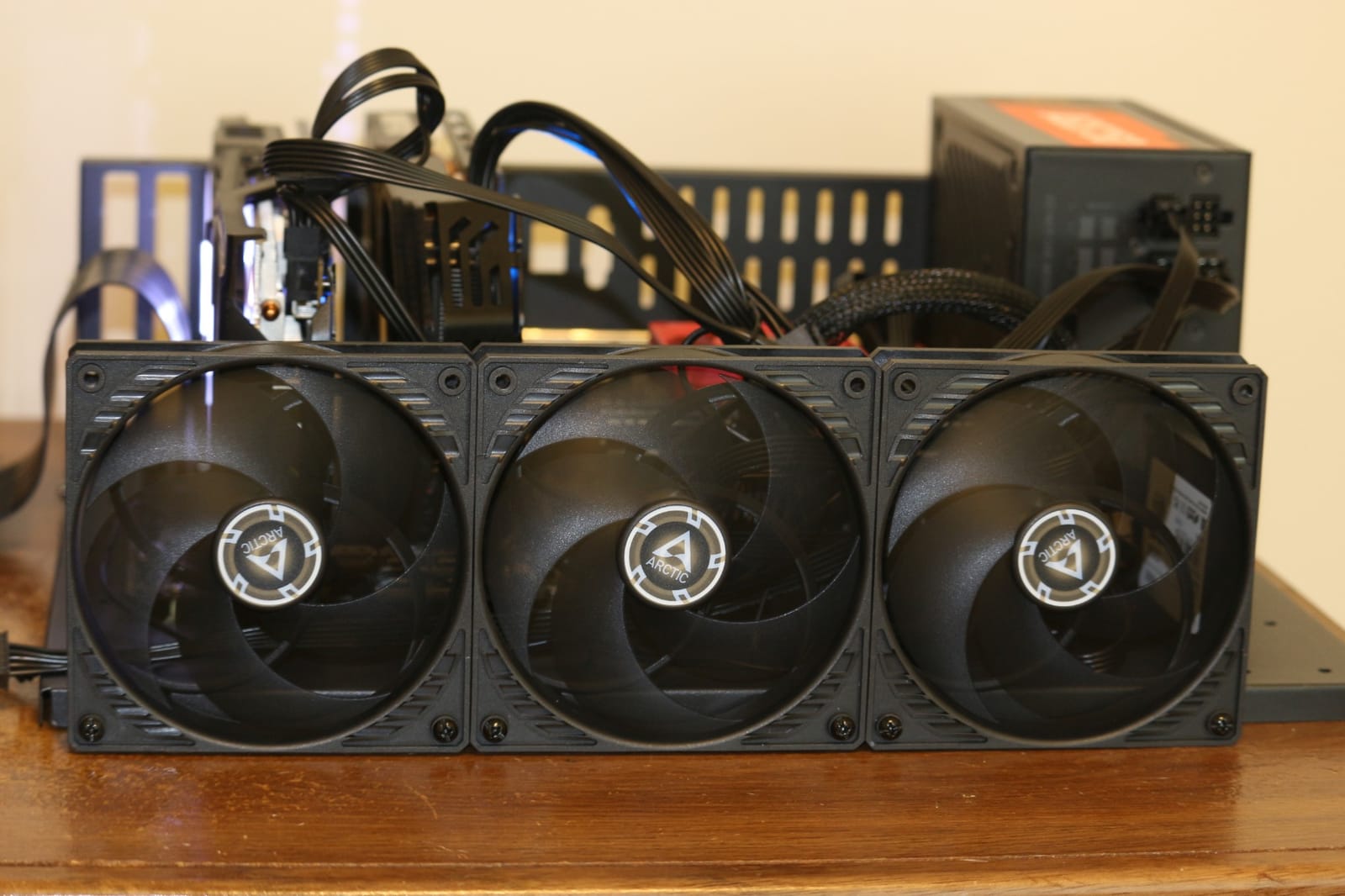
The catch is the connector. This is a 3-pin DC model, which means there is no PWM wire and no direct speed control. On a modern motherboard it will still run, and the fan curve will usually manage it, but you are relying on voltage regulation rather than pulse-width modulation. That control is coarser and less predictable, and it is the single most common reason people end up back on the noise problem.
If your motherboard exposes a DC mode for that header, use it. If it only offers PWM, the fan will still respond, but expect wider steps between speeds and less control at the bottom of the range where quiet builds live.
Where this fan makes the most sense
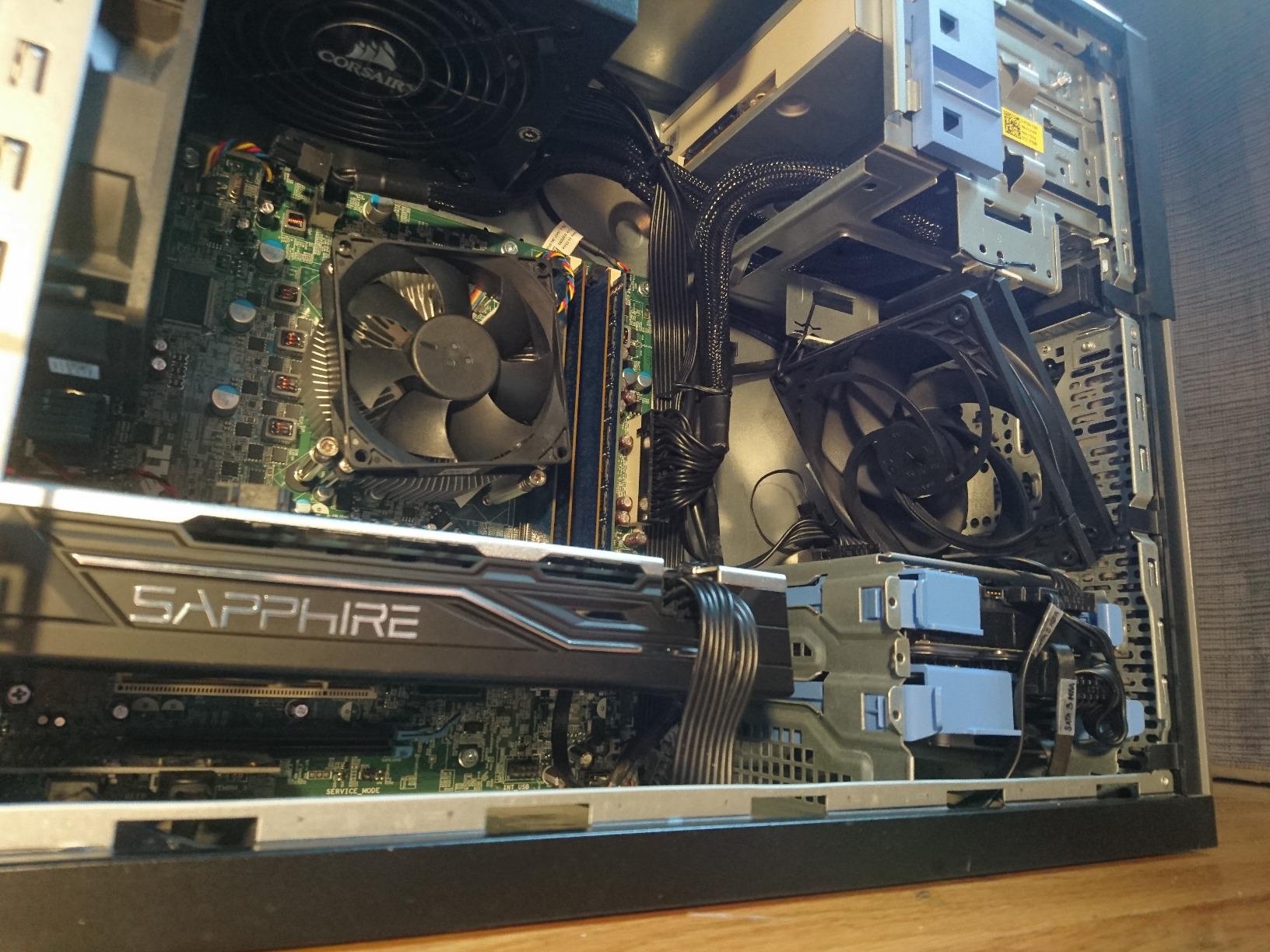
It makes the most sense in quantity. If you are replacing six or eight fans across two intake positions and two or three exhaust positions plus a radiator, the per-fan cost is what decides the build budget, and this is the fan that keeps the total manageable while still moving real air.
It also works well as a radiator fan. Pressure-optimised blades plus 2.2 mmH2O of static pressure is a solid combination for pushing air through a fin stack, and several reviewers confirm it holds up on radiators and heatsinks as well as it does in open case positions.
Where it falls short
Losing PWM control is the real cost. Fine-grained speed control is what lets a fan disappear at idle, and without it you are limited to whatever curve your board provides for a DC header. If your board handles DC mode well this is a non-issue. If it does not, expect the fan to hunt slightly between steps.
Some buyers also report that the tach signal is not detected on every motherboard, which shows up as a header reading zero RPM in monitoring software even while the fan is clearly spinning. And the mounting screws bite into the plastic frame rather than threading cleanly, so do not overtighten them.
5. ARCTIC P12 Slim PWM PST – Best for Small Form Factor Builds
ARCTIC P12 Slim PWM PST – PC Fan, 120 mm Fan, Pressure-optimised
120x120x15mm 4-pin PWM
300-2100 RPM
58.62 m3/h
0.3 Sone
1.33 mmH2O
Pros
- Only 15 mm thick
- which solves tight SFF and slim radiator clearances
- 4-pin PWM with a wide 300 to 2100 RPM control range
- Light at 85 g and drawing just 1.44 W
- Quiet 0.3 Sone operation at moderate speeds
- Six-year warranty
Cons
- Less total airflow than a standard 25 mm 120mm fan
- 1.33 mmH2O static pressure is lower than the full-size P12
- Thickness means it cannot replace a full-height fan where clearance exists
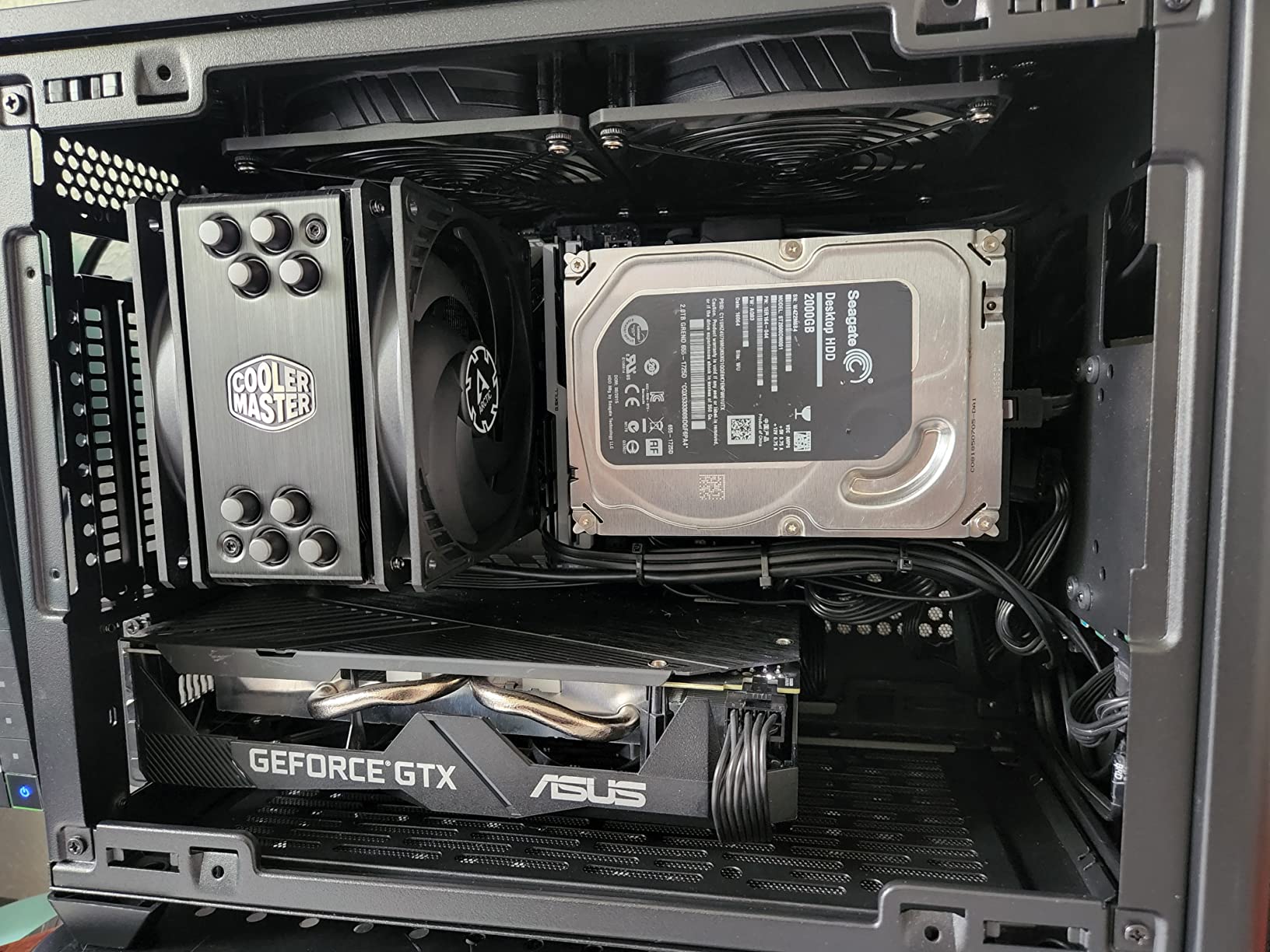
Compact builds do not have a noise problem, they have a clearance problem, and this fan exists to solve it. At 15 mm thick it fits positions where a standard 25 mm fan physically will not sit, and unlike the 3-pin ARCTIC P12 it brings full 4-pin PWM control with a wide 300 to 2100 RPM range.
That combination matters more than the modest performance numbers. In an ITX or small form factor case, the ability to run the fan slowly and smoothly is worth more than extra airflow you never use, because in tight chassis the fan often has less room to move air anyway. The 4.6 average across 3,457 reviews reflects that trade-off honestly rather than disappointing anyone.
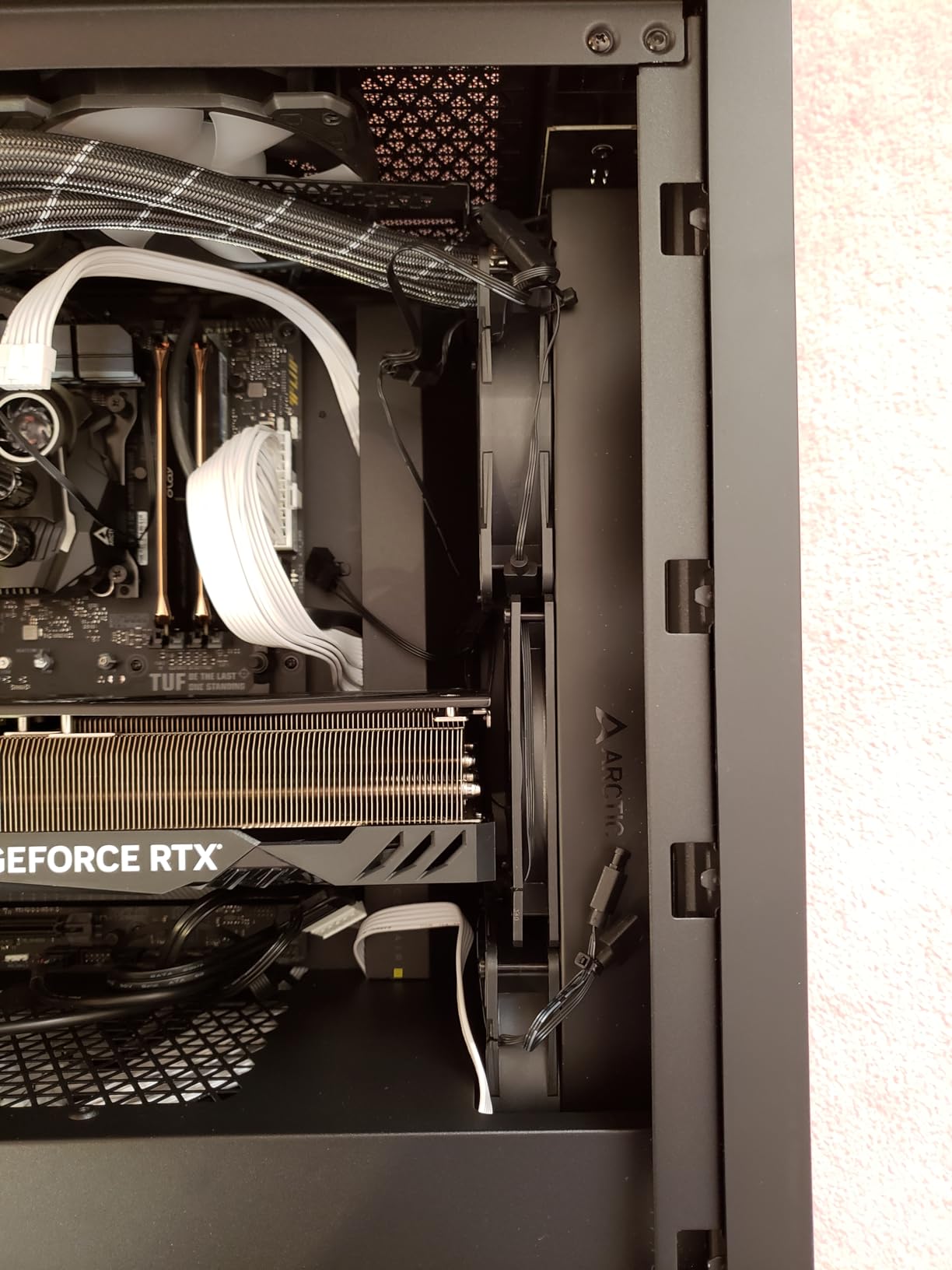
PST is the other half of the appeal. PWM Sharing Technology lets you wire several of these together behind a single 4-pin header, which solves the header shortage that every small board seems to have. In a chassis with two or three fan mounts and one usable header, that is the difference between a clean build and a nest of splitters.
Static pressure of 1.33 mmH2O is respectable for a slim fan and adequate for a slim radiator or a modest heatsink. It is not enough for a thick fin stack, and pairing it with high-restriction cooling in a small case will push your temperatures up until the curve ramps the fan back up.
How to fit it well
Measure before you buy and measure twice. The 15 mm profile gives you an extra 10 mm of clearance over a standard fan, which is often the difference between a build that closes and one that does not. It also means less total airflow for the same RPM, so pair it with good case intake rather than expecting it to move air through a dense heatsink alone.
Use the PST wiring rather than a splitter cable where you can. Splitters add cable bulk near the fan, restrict the intake path in tight cases and are a known source of connector rattle that gets misdiagnosed as a failing fan.
Where it falls short
The airflow figure is lower than the full-size P12, 58.62 m3/h against 95.7 m3/h for the standard model, and the static pressure drops from 2.2 mmH2O to 1.33 mmH2O. In a large open case you would be leaving performance on the table for no benefit.
There is also no point buying it where a full-height fan already fits. If your case takes 25 mm fans, use 25 mm fans and get the airflow and pressure you are paying for anyway.
6. be quiet! Silent Wings Pro 4 – Best for Dark Builds
be quiet! Silent Wings Pro 4 140mm PWM High-Speed Gaming PC Case Fan, Black
140x140x25mm 4-pin PWM
Up to 2400 RPM
97.4 CFM
Three-mode speed switch
Pros
- Black finish that blends into dark builds
- Three onboard speed modes let you cap the maximum RPM
- Very quiet up to roughly 1000 RPM
- 6-pole motor with fluid-dynamic bearing for smoothness
- Rubber corner mounts damp vibration
Cons
- Clearly loud above roughly 2000 RPM
- One of the more expensive 140mm options
- One-year warranty versus six years from some rivals
- No lighting
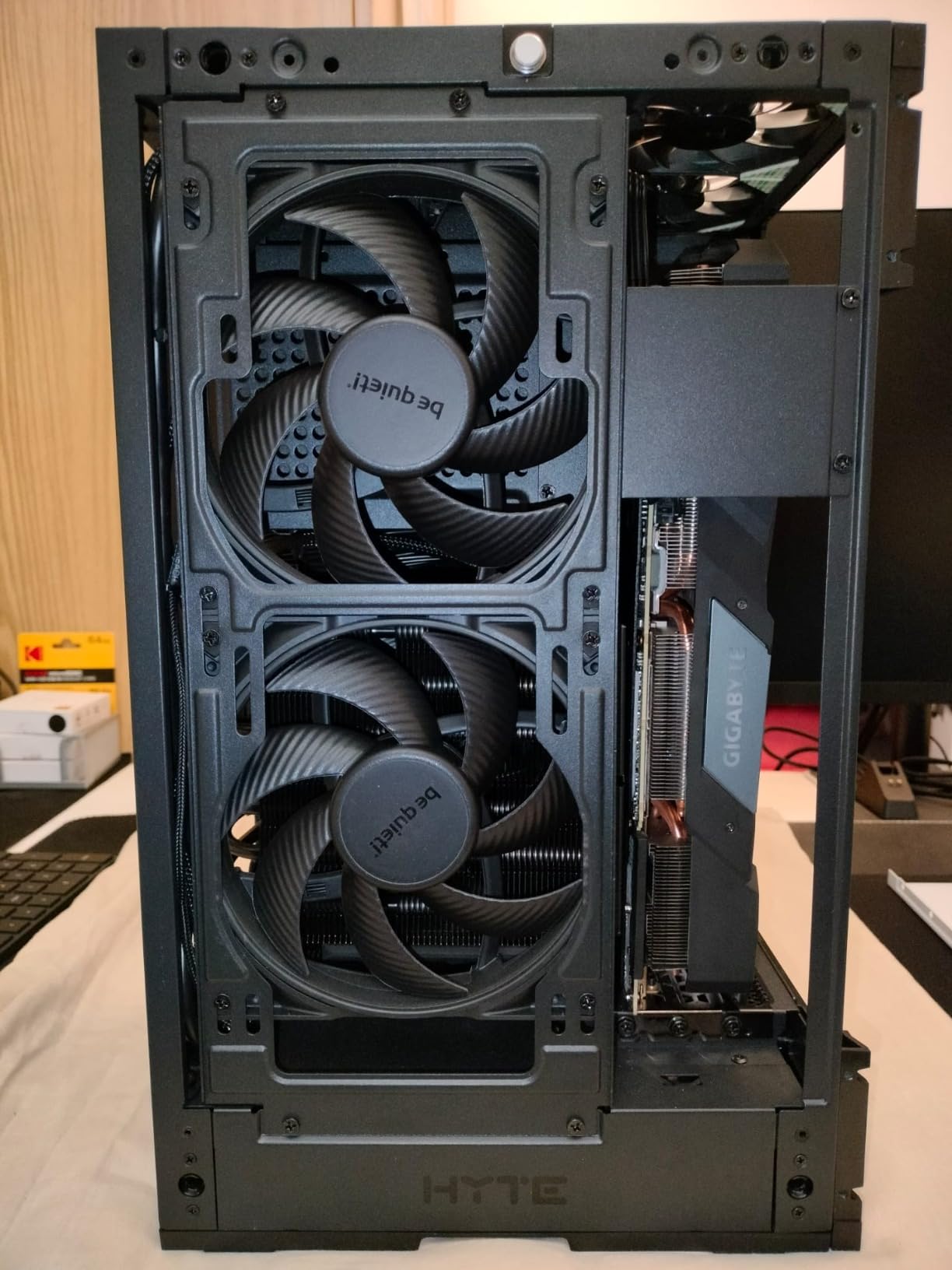
Most of this list is beige, brown or plain black plastic. This is the 140mm fan built specifically for an all-black build, and that turns out to matter to more people than any spec difference. It moves 97.4 CFM from a 140mm frame and holds up well on radiators and heatsinks thanks to the funnel-shaped frame outlet and tight tip clearance.
The feature I find most useful is the three-position speed switch on the fan itself. It sets the maximum PWM speed to medium, high or ultra-high, which means you can physically cap the ceiling at a quieter level and remove the risk of a fan curve spike. In a quiet build that is worth more than the extra top-end headroom you give up.
The motor is a six-pole design with a fluid-dynamic bearing, which is a quieter and smoother architecture than the four-pole motors used in older budget fans. More poles means more incremental torque steps, so the rotation is less steppy and produces less tonal noise as it changes speed. Braided cables and rubber corner mounts help both with damping and with keeping the install tidy.
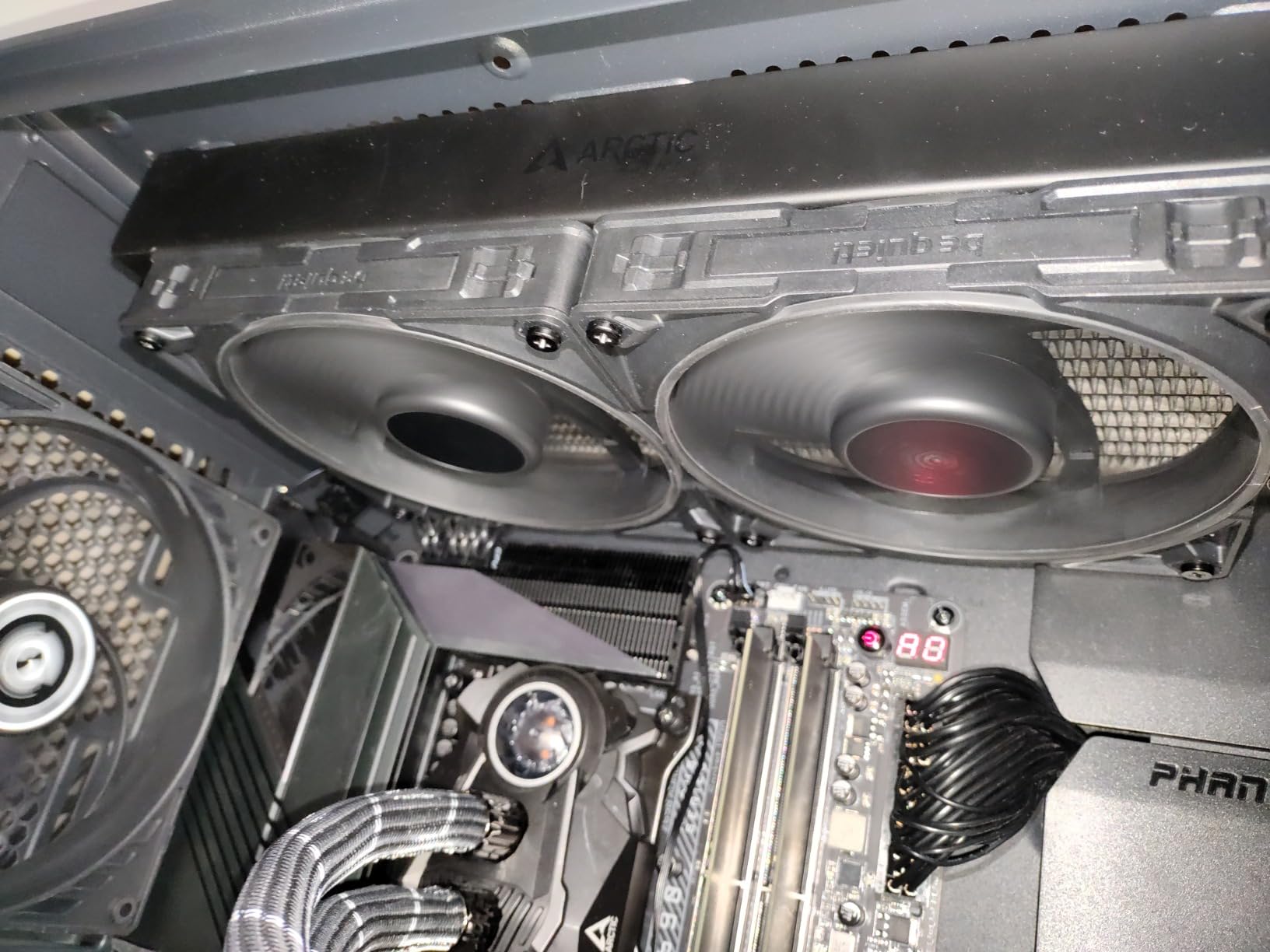
Reviewers place it comparable to a Noctua NF-A12x25 up to about 1000 RPM, with this fan taking over above that point at the cost of noise. That is a fair summary. Reviewers also report temperature drops of roughly 5C in mATX builds after replacing thinner case fans.
When to use the speed switch
Set it to medium if the build is quiet-build focused. It caps the maximum and prevents the fan curve from ever pushing the fan into the range where it becomes audible. Set it to high or ultra-high only if you are mounting it on a radiator in a hot case and need the headroom on a bad day.
The switch is a physical setting rather than a software one, which means it survives a BIOS reset and it works even if your curve is badly configured. For a build that has to stay quiet without you touching it again, that reliability is valuable.
Where it falls short
Noise above roughly 2000 RPM is the honest drawback. It is a performance fan with a quiet low end, not a quiet fan with performance on tap. If your case runs warm or your CPU cooler is a large tower, you may find it living near the top of its range more often than you would like.
The one-year warranty is also notably short against the six-year covers offered by several rivals on this list. For a fan you expect to run for the life of the build, that is a real consideration, and the cable and corner-mount accessories are good but not exceptional.
7. be quiet! Pure Wings 3 – Best for Near-Silent Idle
be quiet! Pure Wings 3 120mm Silent PWM Computer Case Fan, Maximum Airflow
120mm 4-pin PWM
Max 1600 RPM
49.9 CFM
25.5 dB(A)
80,000 h rifle bearing
Pros
- Very low minimum RPM supports genuinely inaudible idle running
- Seven airflow-optimised blades deliver solid airflow for the class
- Rubber corners dampen case vibration
- Mounting hardware included in the box
- Good value next to premium equivalents
Cons
- No anti-vibration pads included
- No RGB lighting option
- No PWM hub or radiator screws in the box
- Two-year warranty is short for the category
This is the fan I point people toward when the build lives in a bedroom and the machine spends most of its life at idle. The single most important number here is not the 25.5 dB(A) ceiling. It is how low the fan will run before the curve gives up on it, because in a quiet build the minimum speed is what you hear for 20 hours a day.
At a 1600 RPM maximum it moves 49.9 CFM, which is less than most of the others on this list. That is the correct trade for this use case. A smaller airflow figure means you can sit at a lower RPM and still move the air you need, and lower RPM is where the noise lives.
Reviewers consistently describe it as nearly inaudible on a normal fan curve while still moving enough air to drop drive and SSD temperatures by a degree or three. That is the payoff of a fan that will sit at low speed without stalling or buzzing, which is a real problem with some cheaper models.
The bearing is a long-life rifle bearing rated to 80,000 hours, which is below the 150,000 hours claimed by the Noctua models but comfortably above the sleeve bearings that dominate the cheapest options. The seven-blade design is there to reduce noise while keeping airflow up, and the frame outlet is shaped for radiator use.
Setting the curve for this fan
Start low and climb slowly. Set a minimum around 300 to 400 RPM and let the curve hold there until roughly 55C before it begins to move. Because the maximum is only 1600 RPM, you have plenty of headroom to absorb a hot day without the fan ever reaching the range where it becomes loud.
Watch for buzz at the very bottom of the range. A handful of users report low-speed buzz on some models, and it is usually fixed by raising the minimum slightly or by adding anti-vibration pads, since the buzz is often the frame vibrating against the case rather than the motor.
Where it falls short
The box does not include anti-vibration pads, a PWM hub or radiator screws. For a single case fan that is fine. For a full build you will want to source those separately, and the anti-vibration pads in particular make a noticeable difference on thin panels.
The two-year warranty is short for the category, and there is no lighting variant at all, so it will not serve a themed build. At 637 reviews the feedback pool is also thinner than the Noctua and ARCTIC models, so treat the consensus more cautiously.
8. Thermalright TL-C12C X3 – Best for ARGB Lighting
Thermalright TL-C12C-S X3 CPU Fan 120mm ARGB Case Cooler Fan, 4pin PWM Silent Computer with S-FDB Bearing Included, up to 1550RPM Cooling Fan(3 Quantities) (TL-C12C X3)
3 x 120mm 4-pin PWM
1550 RPM plus or minus 10 percent
66.17 CFM
S-FDB bearing
ARGB
Pros
- Three 120mm fans in one pack at a fraction of premium fan cost
- Sealed Fluid Dynamic Bearing smooths blade rattle
- S-FDB design addresses the blade wobble that shows up in lifting mode
- Low 0.20 A current draw with up to 55 cm of cable
- ARGB lighting with up to 17 effect modes on the -S model
Cons
- Not silent at the 1550 RPM maximum
- Frame corners reported to crack during mounting
- One review reported a cracked frame and a damaged fan on arrival
- No five-pack option
Lighting is where quiet builds usually compromise, and this pack is the compromise worth making. Three 120mm ARGB fans, each with a sealed Fluid Dynamic Bearing, rated at 1550 RPM with 66.17 CFM of airflow and a 1.53 mmH2O air pressure figure.
The bearing is the interesting part rather than the lights. S-FDB is an evolution of the standard fluid dynamic design that is intended to stop blade shaking, which is the rattle that makes cheap fans sound broken. On a fan that is spinning slowly most of the time in a quiet build, a stable rotor is what allows the low end to actually be quiet.
Wiring is straightforward. Up to 55 cm of cable per fan supports PWM series control, and the 0.20 A current draw means you can comfortably chain three of them behind a single header on a board that supports it. Check your motherboard’s total current budget for the header before assuming, since three fans at 0.20 A each is right at the limit of some boards.
Users describe these fans as near-silent on a normal curve and capable of dropping case temperatures a few degrees over the thinner fans that come with cases and graphics cards. The ARGB side supports up to 17 lighting modes and syncs through the motherboard header.
Does lighting cost you noise
On paper, no. Lighting does not change airflow or RPM, and the 25.6 dB(A) figure is not a lighting-adjusted measurement. What actually changes is perception. A fan with lit blades is read as louder by ear, and a spinning RGB hub draws attention in a dark room even when the acoustic output is identical.
My advice is to set the lighting to a slow, low-brightness mode and let the fan run at a low RPM. The combination of a dim effect and a slow fan will make the build look calm rather than busy, and you stop noticing the spinning.
Where it falls short
Quality control is the recurring negative. A small minority of reviews report cracked frames and one damaged fan on arrival, and the frame corners are described as fragile during mounting. Handle them by the centre rather than screwing hard into the corners, and inspect each fan before installing.
It is also not quiet at the 1550 RPM maximum. For a build where noise is the first priority, run it well below that ceiling on a tuned curve and it behaves very differently.
9. CORSAIR RS140 – Best for Daisy-Chain Wiring
CORSAIR RS140 140mm PWM Fans – Daisy-Chain Connection – Low-Noise – Magnetic Dome Bearing – Dual Pack – Black
2 x 140mm 4-pin PWM
Max 1700 RPM
95.5 CFM
3.46 mmH2O
AirGuide vanes
Pros
- Daisy-chain connection lets several fans run from one 4-pin PWM header
- Highest static pressure in this group at 3.46 mmH2O
- AirGuide anti-vortex vanes concentrate airflow on hot components
- Magnetic Dome Bearing reduces friction and noise
- Five-year manufacturer warranty
Cons
- 36 dB maximum is high for a quiet build
- Odd fan counts require a separate purchase
- Takes 5.4 W for the pair
Be honest about where this fan sits. At a 36 dB maximum it is not among the quietest options in this guide, and if you run it near its 1700 RPM ceiling you will hear it. What it does exceptionally well is airflow and pressure, so it earns its place when you are fighting a radiator or a restrictive intake rather than filling open, well-ventilated positions.
The 3.46 mmH2O static pressure figure is the highest of the ten models here, and paired with 95.5 CFM of airflow that is a lot of cooling capability from a 140mm frame. Corsair’s AirGuide anti-vortex vanes are moulded into the intake to focus the air column toward the components you care about instead of letting it swirl.
The wiring is the part that earns the badge. These daisy-chain together and can be controlled through a single 4-pin PWM connector, which removes the splitter clutter that causes rattle and restricts airflow in tight builds. If your motherboard has fewer headers than you have fans, that single feature can matter more than any acoustic difference.
The Magnetic Dome Bearing is a magnetic-assisted design that reduces friction at the spindle, which lowers both noise and wear compared with a plain sleeve bearing. It is backed by a five-year warranty, a shorter term than the six-year covers offered by the Noctua and ARCTIC models.
When a high-pressure fan is the right call
Static pressure is what lets a fan push air through a restriction. Radiators, dense tower heatsinks, mesh filters and front-mounted intakes all qualify. When your case is fighting the fan, the fan needs pressure, and a high-pressure model at a moderate RPM can be quieter than a low-pressure model screaming to move the same volume.
That is the argument for this fan specifically. Mounted on a 280mm radiator in a restrictive mid-tower, running around 900 to 1100 RPM, it can hold temperatures that would force a weaker 140mm fan well past 1500 RPM. Running slower wins.
Where it falls short
The 36 dB maximum is the deal-breaker for a strict quiet build, and no amount of good bearings changes that figure. If you are building a machine that sits next to you on a desk all day, pick something with a ceiling in the mid-20s instead.
The pack is a dual pack, so an odd number of fans means buying a separate single unit. At 5.4 W for the pair it also draws more power than several quieter rivals, which is a minor point at desktop levels but worth noting for a small form factor build on a limited supply.
10. NZXT F120Q – Best for Matching an NZXT Case
NZXT F120Q – 120mm Quiet Airflow PC Case Fan – Black
120mm 4-pin PWM
Max 1700 RPM
25.1 dB(A)
Chamfered frame
FDB to 60,000 h
Pros
- Chamfered frame and nine sickle blades produce a focused airflow column
- Fluid dynamic bearings rated to 60000 hours
- PWM control lets the fan sit at very low noise on a curve
- Black finish matches NZXT case hardware and other branded parts
- Works as either intake or exhaust
Cons
- Modest static pressure against radiator-focused 120mm rivals
- 3.36 W draw is higher than some quieter alternatives
- Two-year warranty
- Smaller review pool than the Noctua and ARCTIC models
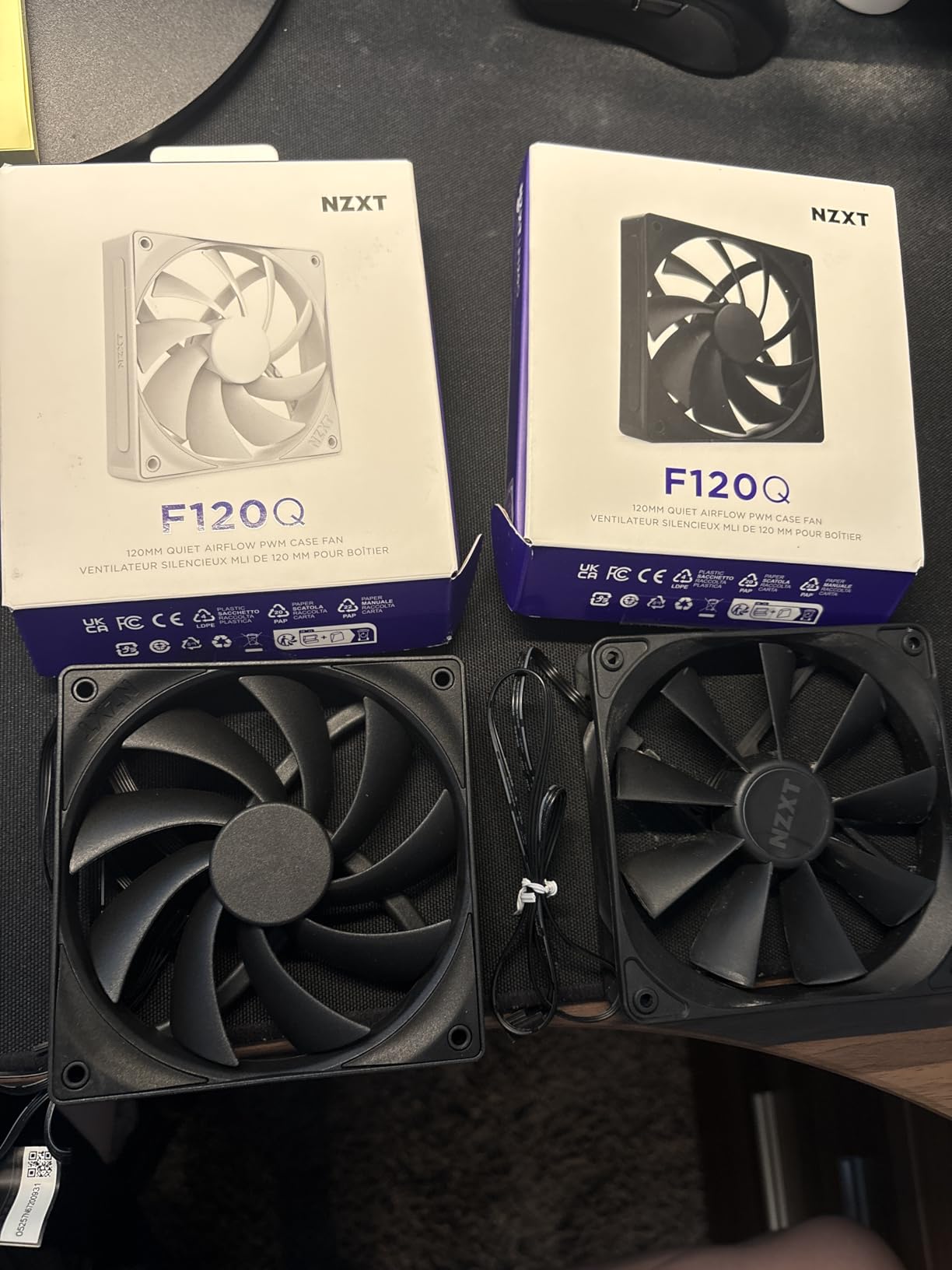
This is the spec-sheet pick rather than the enthusiast pick, and that is fine. It runs to 1700 RPM with a 25.1 dB(A) ceiling, uses a chamfered frame and nine sickle-style blades, and comes with PWM control so your fan curve can bring it down as low as it needs to go. For a themed build the visual match is the deciding factor.
The chamfered frame is a genuine design choice rather than styling. It narrows the outlet so the exiting air is concentrated into a defined column that travels further into the case, instead of dispersing immediately. Combined with the small gap between blade edge and frame, it maximises the spinning area and reduces turbulence.
Fluid dynamic bearings are rated to 60,000 hours here, which sits in the middle of the field. That is comfortably better than a sleeve bearing and below the 80,000 and 150,000 hour figures some rivals claim, so expect a replacement cycle on a very long-lived build.
At 444 reviews the feedback pool is the smallest of the ten models here, so treat the consensus more carefully. Buyers who want to match NZXT case styling while keeping noise down appreciate the PWM control and the finish, and there is little complaint about noise at low speeds.
When a themed pick makes sense
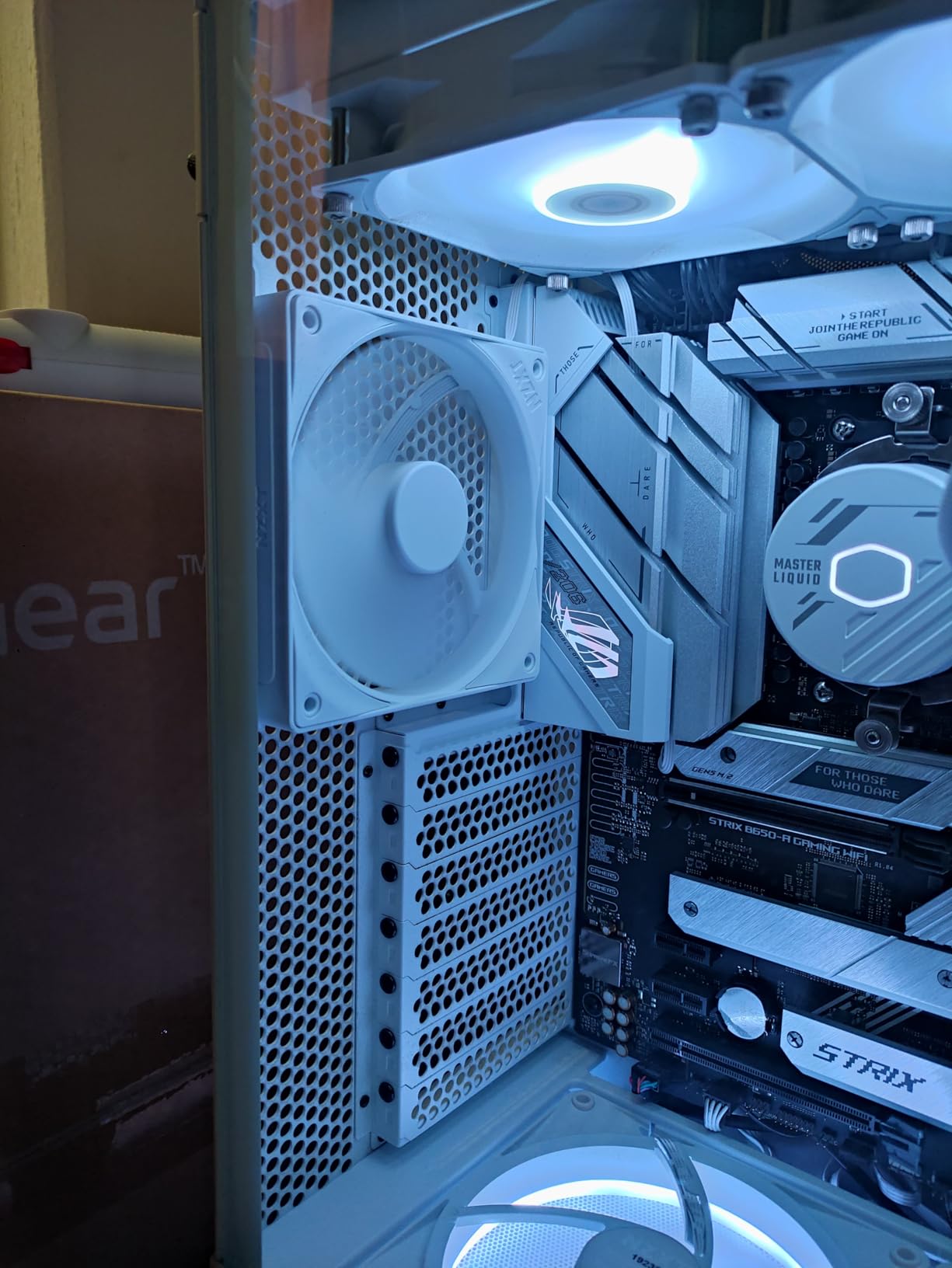
If your case, cooler and lighting are all from one brand, a mismatched fan is the thing people notice first. In that situation the fan becomes part of the design and the noise trade-off is negotiated inside the existing build rather than from a blank sheet.
It also works well as a general case fan in an open, well-ventilated chassis. The focused airflow column is useful for feeding a component downstream, and the black finish disappears against most dark cases.
Where it falls short
Static pressure is the limitation. There is no published mmH2O figure for this fan, and its airflow-focused blade design is not aimed at pushing through a radiator or a dense heatsink. Use it in open positions and let a higher-pressure model handle radiators.
The 3.36 W draw is higher than several quieter alternatives, and the two-year warranty is short for the category. If your priority is purely acoustic and the theme does not matter, one of the Noctua models will serve you better.
How to Choose PC Fans for Quiet Builds
Most buying guides start with noise rating, and that is the wrong place to start. The rating is real, but it describes one specific condition: maximum speed, full power, measured at some distance the vendor chose. Two manufacturers measuring at different distances produce numbers you cannot compare. Start instead with the job the fan has to do, then read the noise figure as a description of its ceiling rather than its typical output.
Why 140mm at low RPM beats 120mm at high RPM
Noise rises steeply with rotational speed, and it rises faster than airflow does. A fan pushing more air while turning slower is doing the same work with less acoustic energy, which is why the Noctua NF-A14 PWM moves more air at 1500 RPM than the NF-A12x25 PWM does at 2000 RPM. Bigger blades move more air per revolution. Fewer revolutions for the same volume means less noise.
This is the single most repeated piece of advice in the quiet-build community and almost none of it appears in affiliate roundups. If your case offers 140mm mounts and a 140mm fan can do the job, take it. Fewer fans spinning at lower RPM means less noise and often better temperatures, because the airflow is no longer being fought for.
Reading dBA against sone
dBA is decibels measured on the A-weighted scale, which approximates how a human ear responds across frequencies. It is the most common fan specification and the one most often quoted in reviews. Sone is a perceptual loudness unit, where one sone is roughly equivalent to 40 dB(A) at 1 kHz, and it is a better representation of perceived loudness because it accounts for how sensitive the ear is at different pitches.
Both appear in the list above: the ARCTIC fans are rated in sones at 0.3 Sone, the Noctua and be quiet! models in dB(A). You cannot convert between them meaningfully across brands because the test conditions differ. Treat a 0.3 Sone rating and a 22.6 dB(A) rating as roughly the same tier of quietness and nothing more precise than that.
Airflow against static pressure
CFM, or cubic feet per minute, is how much air a fan moves in open space. mmH2O, millimetres of water column, is how much pressure it can generate to push that air through a restriction. A radiator, a dense heatsink or a mesh filter is a restriction, and if your fan only has good CFM you will end up running it faster to compensate, which brings the noise back.
For an open case position, look at CFM. For a radiator, look at mmH2O first and airflow second. The CORSAIR RS140 is the clearest example on this list: 3.46 mmH2O is the highest static pressure of the ten, and that is why it suits a radiator even though its noise ceiling is the highest too.
Bearing type and how long it stays quiet
The bearing decides how long a quiet fan stays quiet. Sleeve bearings are the cheapest and the most common in low-cost fans, and they are the ones that start ticking, rattling and developing a wobble within a couple of years. That failure is especially frustrating in a build you chose for silence, because the noise appears long after you stopped thinking about it.
Fluid dynamic bearings, used by ARCTIC, NZXT and be quiet!, add an oil capsule that keeps the rotor centred and lasts considerably longer. Sealed fluid dynamic bearings, used by Thermalright, add further refinement aimed at blade stability. Magnetic-assisted designs such as the Corsair Magnetic Dome Bearing reduce spindle friction again. Wherever you see a six-year warranty on this list, expect a bearing that is designed to last rather than to be replaced.
PWM, DC and header sharing
A 4-pin PWM fan is controlled by pulse-width modulation, which gives you smooth, continuous speed adjustment. A 3-pin DC fan has no speed control wire and relies on the motherboard varying voltage, which is coarser and can hunt between steps. In a quiet build PWM is worth paying for, because the bottom of the speed range is where your machine spends most of its life.
Headers are the other practical constraint. Most boards supply two or three, which is rarely enough. PST, as used by the ARCTIC P12 Slim PWM PST, and Corsair’s own daisy-chain system let several fans run behind one header without splitters. Splitters work, but they add cable bulk near the intake, restrict airflow in tight cases and are a known source of connector rattle that people often misdiagnose as a dying fan.
Clearance and fitment
Measure before you buy. A standard 120mm fan is 25 mm thick, a slim 120mm fan is 15 mm, and a 140mm fan is also 25 mm but needs 140mm mounting holes. Small form factor cases, side-mounted radiators and slim radiator positions are where the fitment problems appear, and the ARCTIC P12 Slim PWM PST exists for exactly those positions.
Case design also affects which fan is quietest. A restrictive front intake or a poorly routed interior forces every fan to work harder. Reducing the resistance the fan is fighting lowers the noise without changing the fan at all, which is why improving case airflow is often a bigger win than upgrading the fans themselves. Pair the fan changes with your motherboard and case choices and you will get further than chasing a spec sheet: our AMD Ryzen motherboard picks and Intel motherboard picks both have plenty of fan headers and header sharing options.
How to Tune Fan Curves for a Near-Silent Idle
New fans will not make your build quiet on their own. A fan running at a fixed speed is a fan that is either too fast in the morning or too slow on a hot afternoon. The curve is what converts a quiet fan into a quiet build, and it takes about fifteen minutes in BIOS.
Most motherboards let you build a curve from a table of temperature points and RPM values, typically five points from 20C to 70C. Start by entering BIOS and finding the fan control section, which is usually under Hardware Monitor, HW Monitor, or Advanced.
Set your lowest point at roughly 300 to 400 RPM at 20C. That is low enough to be inaudible for most fans on this list. Then add points around 45C, 55C, 65C and 75C, raising RPM gradually so the curve stays flat for as long as possible. Flat curves are quiet curves. Every RPM you add earlier in the curve is RPM you are hearing at idle.
For a silent office build, hold around 400 RPM until 55C, then climb to about 900 RPM by 70C. That keeps everything near the bottom of the range while still giving the case real headroom on a bad day. Set the CPU and case fan curves to the same profile at first, then adjust case fans slightly higher if the intake gets warm.
Two details make a noticeable difference. First, enable the CPU temperature offset or drop the fan target temperature by a few degrees, which buys a large amount of extra cooling headroom from case fans. Second, look for a fan-stop or zero-RPM mode in BIOS. Several boards will fully stop case fans at a set temperature, which makes a bedroom PC completely silent at idle. If you use it, keep at least one exhaust fan running to avoid drawing air through a powered-off intake.
Finally, check the curve under real load rather than trusting it in BIOS. Play the game or run the workload that actually heats your machine, watch the temperatures, and adjust. A curve tuned for a desktop is often too aggressive for a gaming machine and too timid for a workstation.
Quieting a Build Beyond the Fans
Swapping fans is where most people start and where most of the improvement comes from, but it is not the whole job. Two other sources regularly surprise people.
The power supply is the first. Most quality units ship with a semi-fanless mode that keeps the PSU fan stopped until internal load demands airflow. If your PSU runs its fan continuously at low RPM you are hearing a small, fast-spinning fan with no reason to be running at all. Enabling fanless mode, where the option exists, is close to a free improvement and it is repeated constantly as an easy win in quiet-build threads.
The second is the case itself. Thin steel panels resonate, and a fan screwed directly into a thin panel transfers vibration straight into the surface, which radiates noise across a far wider area than the fan itself produces. Anti-vibration pads at all four corners, and acoustic foam on the side panel facing the intake, address this directly. It is a small change with a disproportionate effect, and it explains why the fans with pads in the box often seem quieter than their ratings suggest.
Coil whine is the exception. It comes from electrical components under load and no fan or case change will remove it. If you hear a high-pitched whine that does not track fan speed, do not keep swapping fans. Higher-quality components and a different power supply are the only real fixes.
One last piece of triage advice: replace the fans that come with your graphics card before anything else. Across the forum threads on this topic, the single most common finding is that the bundled graphics card cooler is the loudest part of an otherwise well-built machine. Nothing you do to the case fans will make that go away. If your build has an internal GPU fan, it is worth checking whether an aftermarket card or an undervolt would be a bigger improvement than new case fans.
Frequently Asked Questions
What are the quietest fans on a PC?
The quietest 120mm fan in our comparison is the Noctua NF-A12x25 PWM, rated at 22.6 dB(A) at its 2000 RPM maximum. For 140mm, the Noctua NF-A14 PWM moves 140.2 m3/h at only a 1500 RPM ceiling, which makes it quieter in practice because it turns less. On a budget, the ARCTIC P12 at 0.3 Sone fills a case quietly and cheaply. In all cases the noise you actually hear depends far more on the RPM your fan curve sets than on the headline rating.
What type of fan is quietest?
The quietest fans are large-diameter units with a fluid dynamic or magnetic-assisted bearing, running well below their maximum RPM. A 140mm fan at 700 RPM produces less noise than a 120mm fan at 1500 RPM because it moves more air per revolution. Bearings matter for longevity rather than first impressions: sleeve bearings are quiet until they start ticking, while fluid dynamic bearings stay smooth for years. Within any type, PWM control is what lets you hold a low speed.
How do I stop my PC fan from making noise?
Follow these steps. First, enter BIOS and open the fan control section, usually under Hardware Monitor. Second, set the lowest curve point to 300 or 400 RPM at 20C. Third, add temperature points at 45C, 55C, 65C and 75C, climbing gradually so the curve stays flat for as long as possible. Fourth, enable CPU temperature offset or drop the fan target temperature by a few degrees. Fifth, enable zero-RPM or fan-stop mode for case fans if your board supports it, keeping one exhaust fan running. Sixth, enable semi-fanless mode on the power supply. Finally, test under a real workload rather than trusting the curve in BIOS.
How many dB is a computer fan?
A good quiet case fan is usually rated between 20 and 26 dB(A) at maximum speed, and a strong airflow fan may reach 36 dB(A). Those ratings describe full speed, so your build will be much quieter in practice because the fan curve keeps most fans below their maximum. As a reference point, a quiet bedroom sits in the low 30s dB(A), so fans rated in the low 20s will disappear into the background when run slowly. Note that manufacturers measure at different distances, so figures are not directly comparable between brands.
Is 45 dB loud for sleeping?
Yes, 45 dB(A) is loud for a machine beside a bed. Sustained sound at that level is clearly audible once the room is quiet, and fans spinning fast enough to produce it will wake some sleepers. The fans in this guide are rated in the 22 to 26 dB(A) range at maximum speed, and a tuned fan curve keeps them well below that in normal use. If your build is loud at idle, the problem is usually the fan curve rather than the fans themselves.
Are larger fans quieter than smaller ones?
Yes, for the same airflow job a larger fan runs at a lower RPM, and noise climbs faster with speed than airflow does. A 140mm fan at 700 RPM can do the work of two 120mm fans running well past 1400 RPM, moving similar air for less sound. That is why the Noctua NF-A14 PWM, with a 1500 RPM ceiling and 140.2 m3/h of airflow, is quieter in use than most 120mm fans despite a similar rated maximum. Check mounting holes first, because a 140mm fan needs 140mm positions.
Conclusion
There is no single winner for the best pc fans for quiet builds, because the right choice depends on how many you need, what you are cooling and how much you care about the colour of the frame. The Noctua NF-A12x25 PWM is the one I recommend most often and the one I would buy first, because it pairs the lowest rated noise figure here with the static pressure to handle a radiator, and the accessory kit is already in the box.
Match it with the NF-A14 PWM wherever your case takes 140mm, since bigger fans at lower RPM are the quietest lever available. For a budget fill, the ARCTIC P12 is the proven pick, and the ARCTIC P12 Slim PWM PST solves tight small form factor clearances while adding the PWM control the 3-pin version lacks. When your priority is a themed build rather than raw acoustics, our vertical GPU mount guide covers the other half of a clean-looking system.
Whichever fan you choose, the tuning matters more than the model. Set a low minimum RPM, keep the curve flat for as long as possible, enable semi-fanless mode on the power supply and add anti-vibration pads. Do those four things and most builds that people call loud stop being loud.