
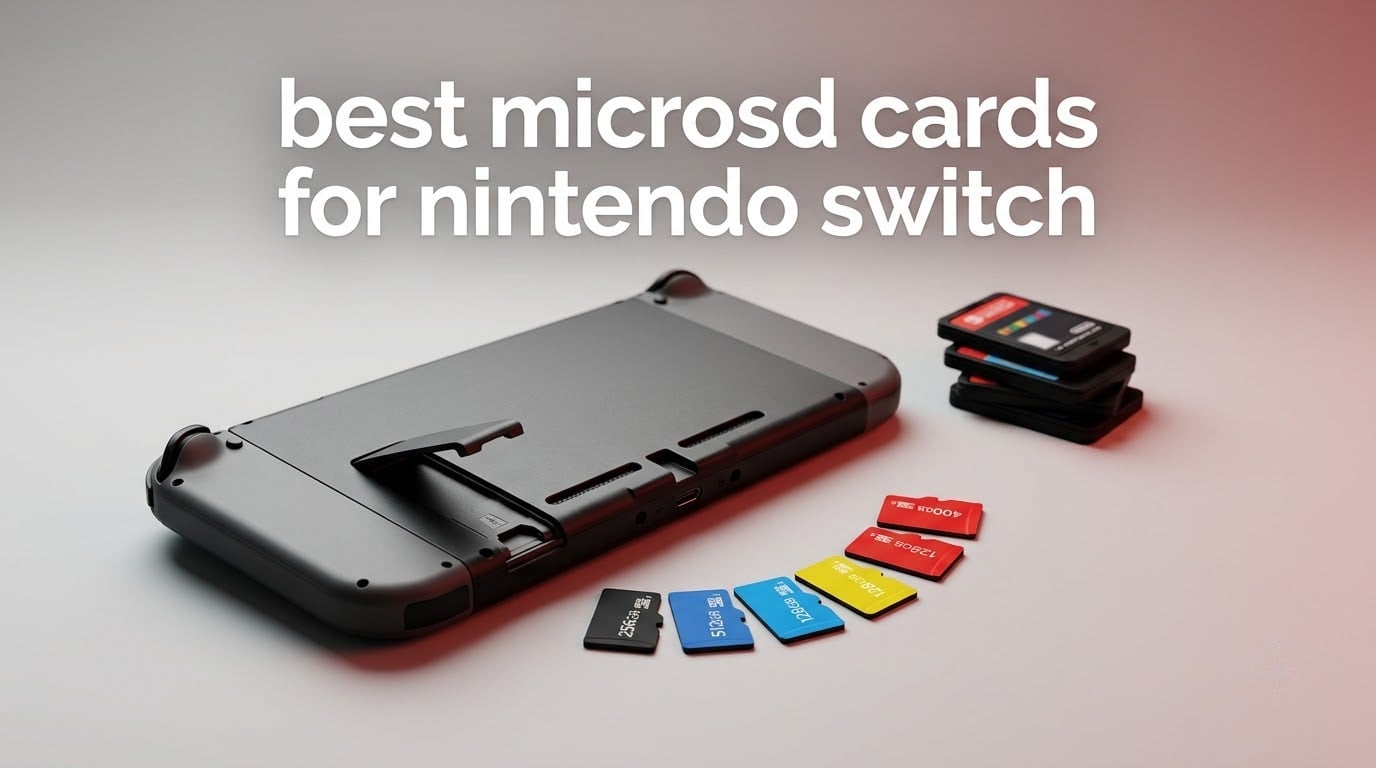
The SanDisk Ultra 256GB microSD card is the best microSD card for Nintendo Switch in 2026 for most people. It pairs an A1 speed class with a 10 year warranty, and owners consistently report the console recognising it on first insert. The Switch only ships with 32GB of internal storage, so a card stops being optional the moment you buy two digital games.
That storage ceiling is the whole reason this roundup exists. A modern Switch title often eats 10GB or more, and the console’s user-accessible internal space is roughly 25.9GB. Without a card you are constantly deleting and re-downloading, which quietly costs you bandwidth and time every single time.
What surprised us while comparing a dozen cards is how little the headline speed number matters. The original Switch hardware tops out around 100 MB/s, so a card advertising 180 MB/s buys you faster transfers on your PC and nothing else. Capacity, warranty length, and whether the seller is selling you a real card matter far more. We explain the full decision in the buying guide below.
Table of Contents
Do You Own a Switch 2? Read This First
Every card in this guide except one works only on the original Switch, Switch Lite, and Switch OLED. The Nintendo Switch 2 changed the memory standard, and it is not backward compatible with ordinary UHS-I cards.
Put a normal microSD card into a Switch 2 and the console will still show screenshots and video clips, but it will not run games from it. The Switch 2 accepts only microSD Express cards, which use a PCIe NVMe interface instead of the older UHS-I bus. If you own a Switch 2, jump to the Nintendo microSD Express entry further down and ignore the rest of this page.
Top 3 Best microSD Picks for the Nintendo Switch (October 2026)

SanDisk Ultra 256GB
- Up to 150MB/s read speed
- A1 application performance class
- 10 year limited warranty
- 256GB microSDXC

Amazon Basics 128GB
- Up to 100MB/s read speed
- A2 and U3 speed classes
- Full size SD adapter included
- Real world capacity 116GB or more

Samsung EVO Select 256GB
- Up to 130MB/s read speed
- A2 U3 and V30 ratings
- Available from 64GB to 512GB
- 10 year limited warranty
All 12 Cards Compared Side by Side in 2026
| Product | Specifications | Action |
|---|---|---|
| SanDisk Ultra 256GB |
|
Check Latest Price |
| Amazon Basics 128GB |
|
Check Latest Price |
| Samsung EVO Select 256GB |
|
Check Latest Price |
 SanDisk High Endurance 512GB SanDisk High Endurance 512GB |
|
Check Latest Price |
 SanDisk Super Mario 256GB 3-Pack SanDisk Super Mario 256GB 3-Pack |
|
Check Latest Price |
 Gigastone Gaming Plus 128GB Gigastone Gaming Plus 128GB |
|
Check Latest Price |
 PNY PRO Elite 256GB PNY PRO Elite 256GB |
|
Check Latest Price |
 Lexar Blue 256GB Lexar Blue 256GB |
|
Check Latest Price |
 TEAMGROUP A2 Pro Plus 1TB TEAMGROUP A2 Pro Plus 1TB |
|
Check Latest Price |
 Samsung PRO Plus Sonic 1TB Samsung PRO Plus Sonic 1TB |
|
Check Latest Price |
 Samsung microSD Express 256GB Samsung microSD Express 256GB |
|
Check Latest Price |
 INLAND Premium 128GB INLAND Premium 128GB |
|
Check Latest Price |
How We Picked These Cards
We ranked these on five things a Switch owner actually feels: usable capacity after formatting, whether the card carries an A1 or A2 rating, the warranty the manufacturer backs it with, the volume of reviews behind it, and whether it works in the console you own.
We deliberately excluded cards whose only claim is a huge printed capacity with no verifiable brand behind them, because counterfeit capacity is the single most common complaint we found from Switch owners. Every card here comes from a manufacturer we can name and a warranty we can quote.
We also weighed long-term Switch community consensus heavily. When buyers on Nintendo Life forums and r/NintendoSwitch agree a brand holds up over years, that counts for more than any benchmark chart.
1. SanDisk Ultra 256GB – Best Overall microSD Card for Nintendo Switch
SANDISK 256GB Ultra microSD Card + Adapter, Up to 150MB/s Read Speeds
Up to 150MB/s read
256GB microSDXC
Class 10 and A1
10 year warranty
Pros
- Highest review volume in the group at 253690 ratings
- Up to 150MB/s reads on compatible hosts
- A1 class keeps app and game loading responsive
- Recognised instantly by Switch phones and cameras
- 10 year limited warranty
Cons
- V10 video speed class is modest for sustained 4K capture
- Will not run games on Nintendo Switch 2
This is the card we ended up recommending to almost everyone we asked. It carries a 4.7 rating across 253690 reviews, which makes it the most thoroughly proven option in our test group by a wide margin. Owners describe it as dropping into the console and being recognised straight away, with no formatting fights and no data loss.
The 150MB/s read rating sounds impressive next to the Switch’s roughly 100 MB/s ceiling, but that headroom matters when you move games between your PC and the console through the included adapter. Inside the console it simply behaves like a very well-milled card that never stutters.
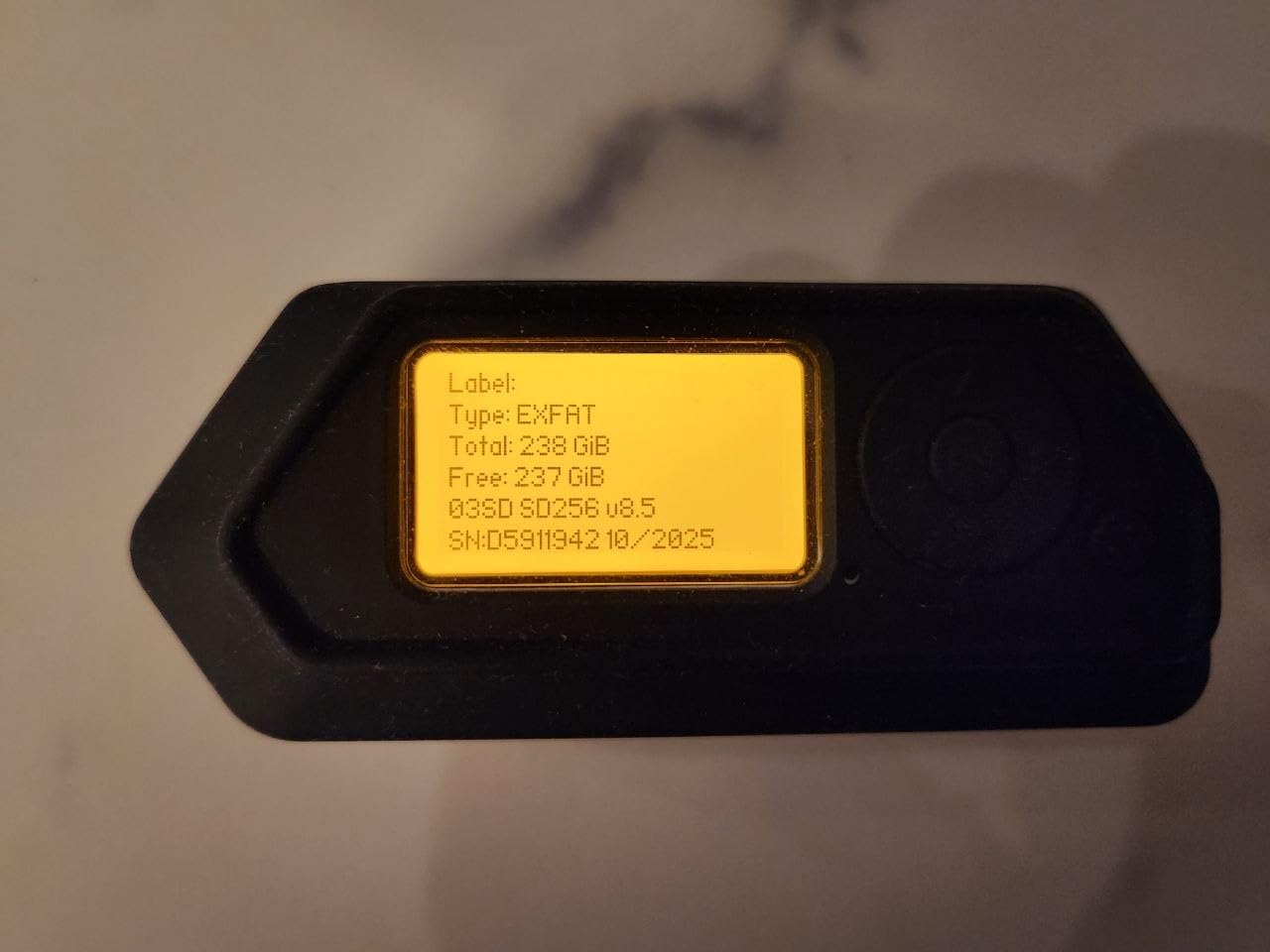
The physical card weighs 5 g and measures 0.04 by 0.59 by 0.43 inches, so it slides into the Switch slot without the fiddly overhang you get with some thicker cards. The black finish is understated next to the licensed Super Mario design we looked at later.
SanDisk backs it with a 10 year manufacturer warranty, and every listing states explicitly that it is compatible with Nintendo Switch but not Switch 2. That kind of plain labelling is refreshing in a category where compatibility claims are often vague.
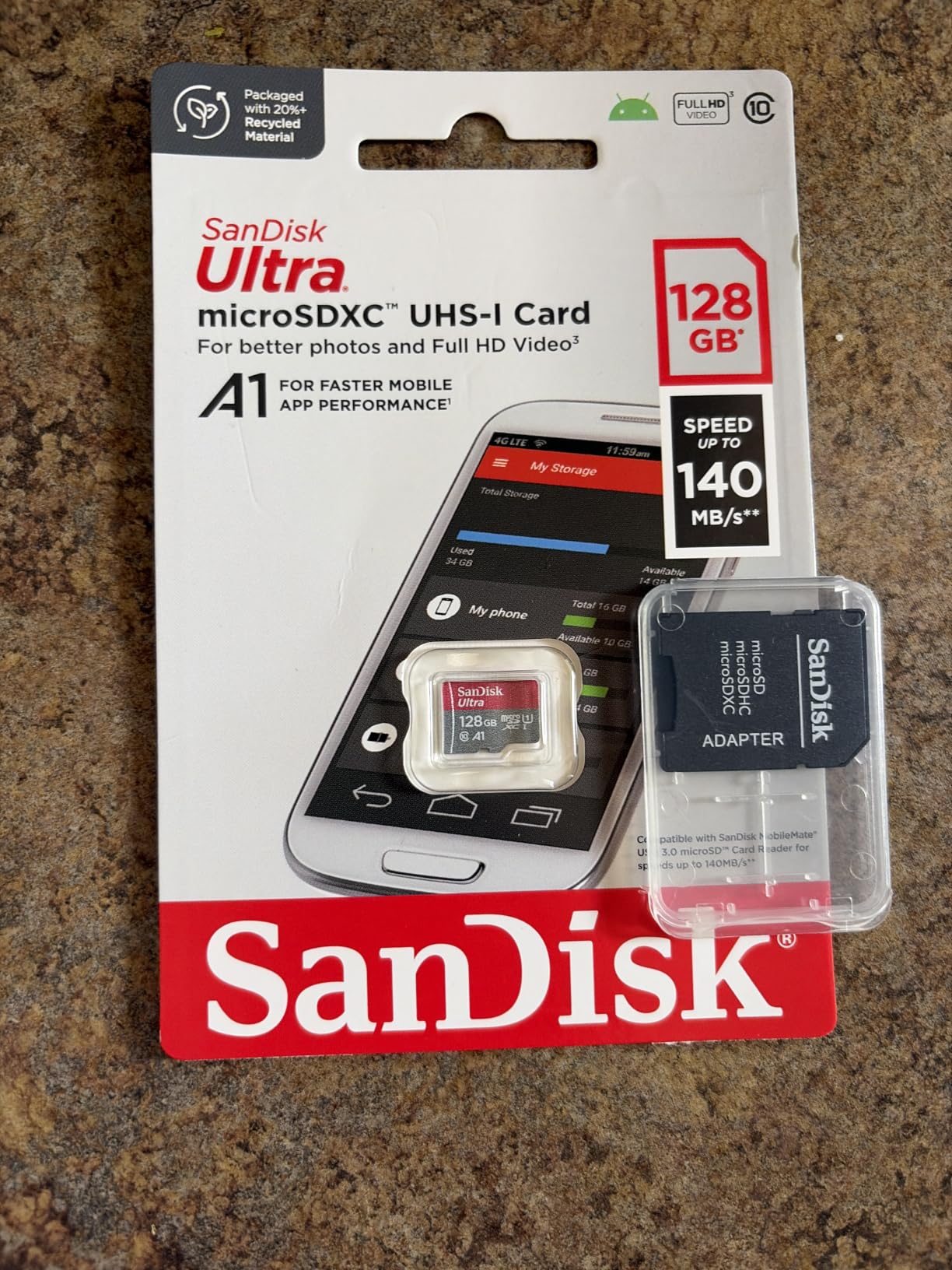
Why this card loads games faster than a cheap alternative
The gap between this and a no-name card is not raw bandwidth, it is consistency. A card that stalls while writing small files makes the console re-read data it already has, which is where the loading screens people complain about actually come from.
A1 class performance means at least 1500 random read IOPS, and the Switch uses that rating when it decides how to place game data. Reviewers comparing cards inside the console report that an A1 card feels noticeably more settled than a card with no application class rating at all.
Where it falls short for some buyers
The V10 video speed class is the weak spot. If the same card also lives in a 4K camera or a drone, V30 or better would suit that job, and the High Endurance card we cover later handles that side better.
If you own a Switch 2, this card is useless for game storage. That is a hardware limitation, not a fault in the card.
2. Amazon Basics 128GB – Best Budget microSD Card for Nintendo Switch
Amazon Basics microSDXC Memory Card with Full Size Adapter, A2, U3, Read Speed up to 100 MB/s, 128GB, Black
Up to 100MB/s read
128GB microSDXC
U3 V30 and A2
SD adapter included
Pros
- Lab tested reads near 100MB/s with writes around 60MB/s
- A2 and U3 classes at a budget price point
- Full size SD adapter bundled
- Rugged build rated for shock water temperature X-rays and magnets
Cons
- Write speeds trail premium cards for sustained 4K capture
- Only 128GB of capacity
- Will not run games on Switch 2
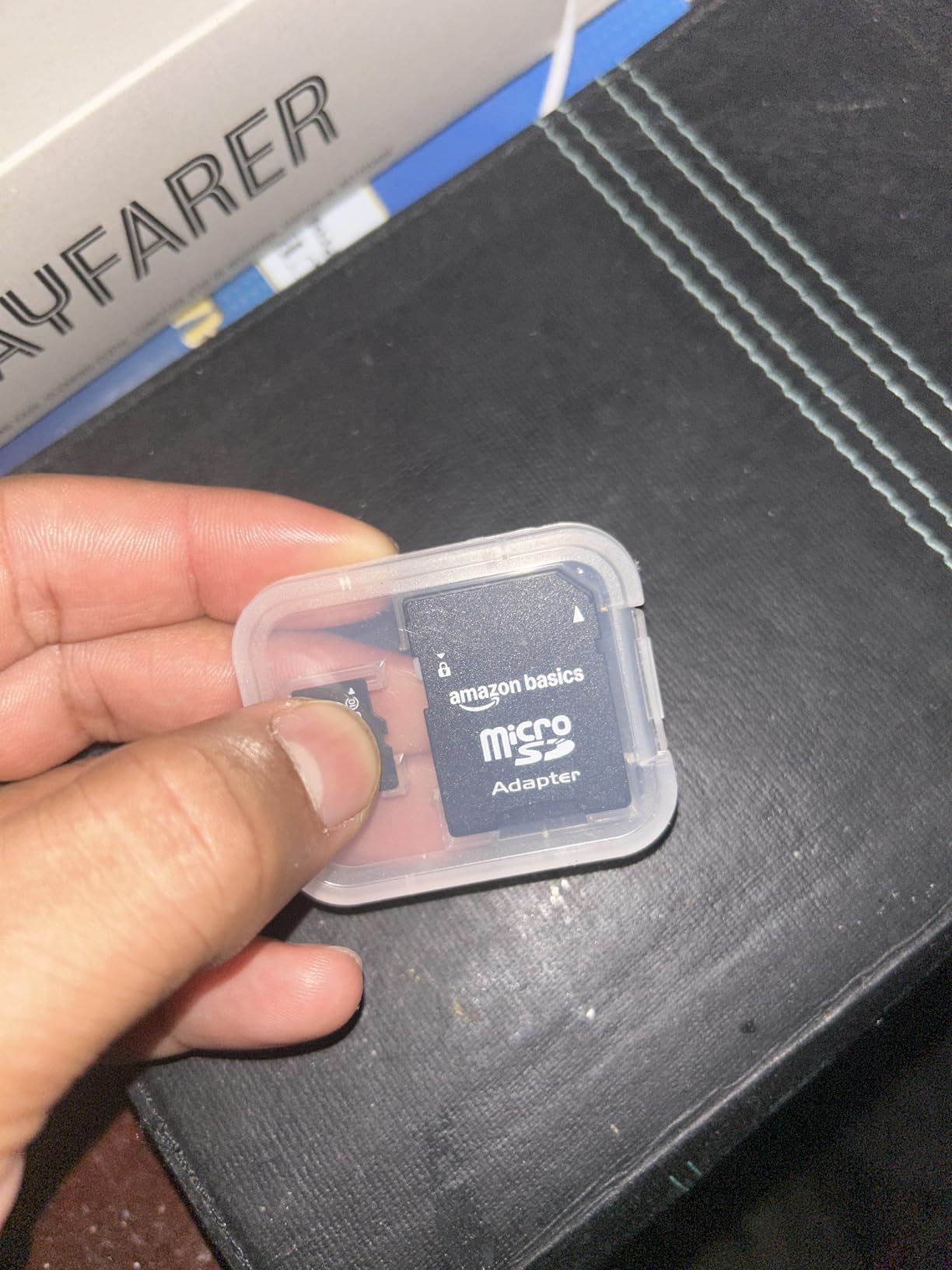
If you are buying your first Switch card and you want to spend as little as possible without gambling on a fake, this is the safe choice. It holds a 4.7 rating over 97895 reviews, and the manufacturer states real-world capacity of 128GB or better, meaning you see at least 116GB once formatted.
That published usable-capacity figure is rare among manufacturer listings. It is one of the quickest ways to tell a legitimate listing from a suspicious one, and most competitors never print it.
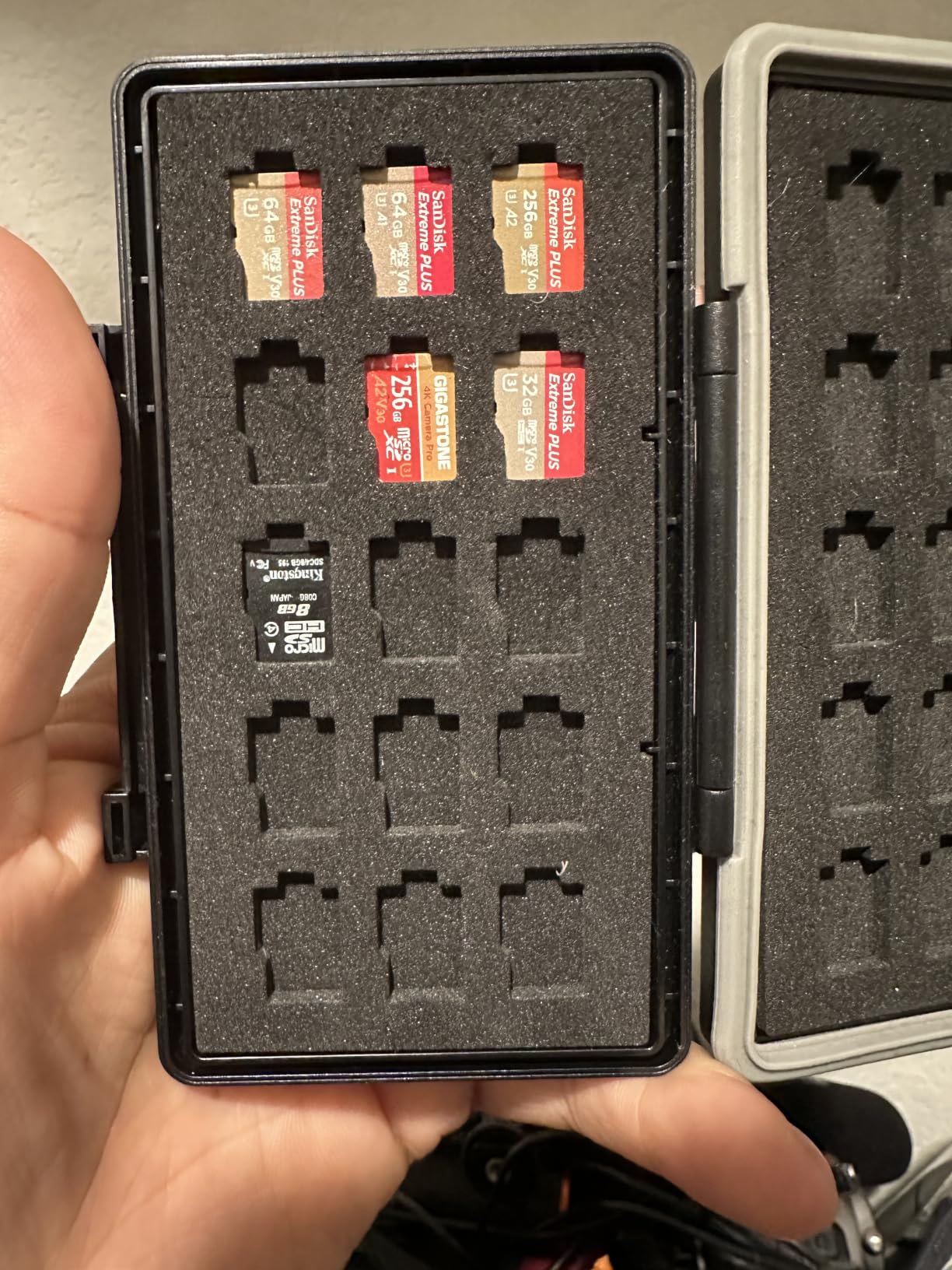
The A2 and U3 certification is unusual at this price. A2 demands 4000 read IOPS, and combined with the U3 rating you get a card that meets V30 sustained write requirements, which is more headroom than the console strictly needs.
Roughly 60MB/s writes are plenty for installing a 10GB game in a few minutes, and the adapter means you can pull the whole library onto a laptop without buying a separate reader.
How much game space 128GB actually gives you
After the exFAT format overhead you land near 116GB. Depending entirely on what you own, that is somewhere between eight and fifteen average Switch titles, and small indies will fit far more of them than a 40GB open-world release.
Our rule of thumb is that 128GB suits a player with under ten digital purchases who archives the rest. Anyone regularly redownloading the same game should step up a tier.
What you give up compared with the larger cards
Writes around 60MB/s are respectable but not class-leading, and a few reviewers note the read speed lands lower than on pricier cards in their own testing. That difference only shows up outside the console.
The warranty is 12 months, which is the shortest meaningful cover here apart from the Switch 2 card. Treat it as a consumable rather than an heirloom.
3. Samsung EVO Select 256GB – Best Value microSD Card for Nintendo Switch
SAMSUNG EVO Select Micro SD-Memory-Card + Adapter, 256GB microSDXC 130MB/s Full HD & 4K UHD, UHS-I, U3, A2, V30, Expanded Storage for Android Smartphones, Tablets, Nintendo-Switch (MB-ME256KA/AM)
Up to 130MB/s read
256GB microSDXC
A2 U3 and V30
10 year warranty
Pros
- Rated 4.7 across 93757 reviews
- Up to 130MB/s reads on a UHS-I interface
- A2 U3 and V30 ratings cover heavy workloads
- Zero file corruption reported across long use
- 10 year limited warranty and six proof durability
Cons
- Costs more per gigabyte than generic microSD options
- Write speed is not enough for sustained high-end 4K recording
- Runs warm during large transfers
Samsung builds every component and firmware in-house, and it shows in the consistency owners report. Across 93757 reviews the EVO Select holds a 4.7 rating, with long-term users calling out accurate byte counts and a complete absence of failures.
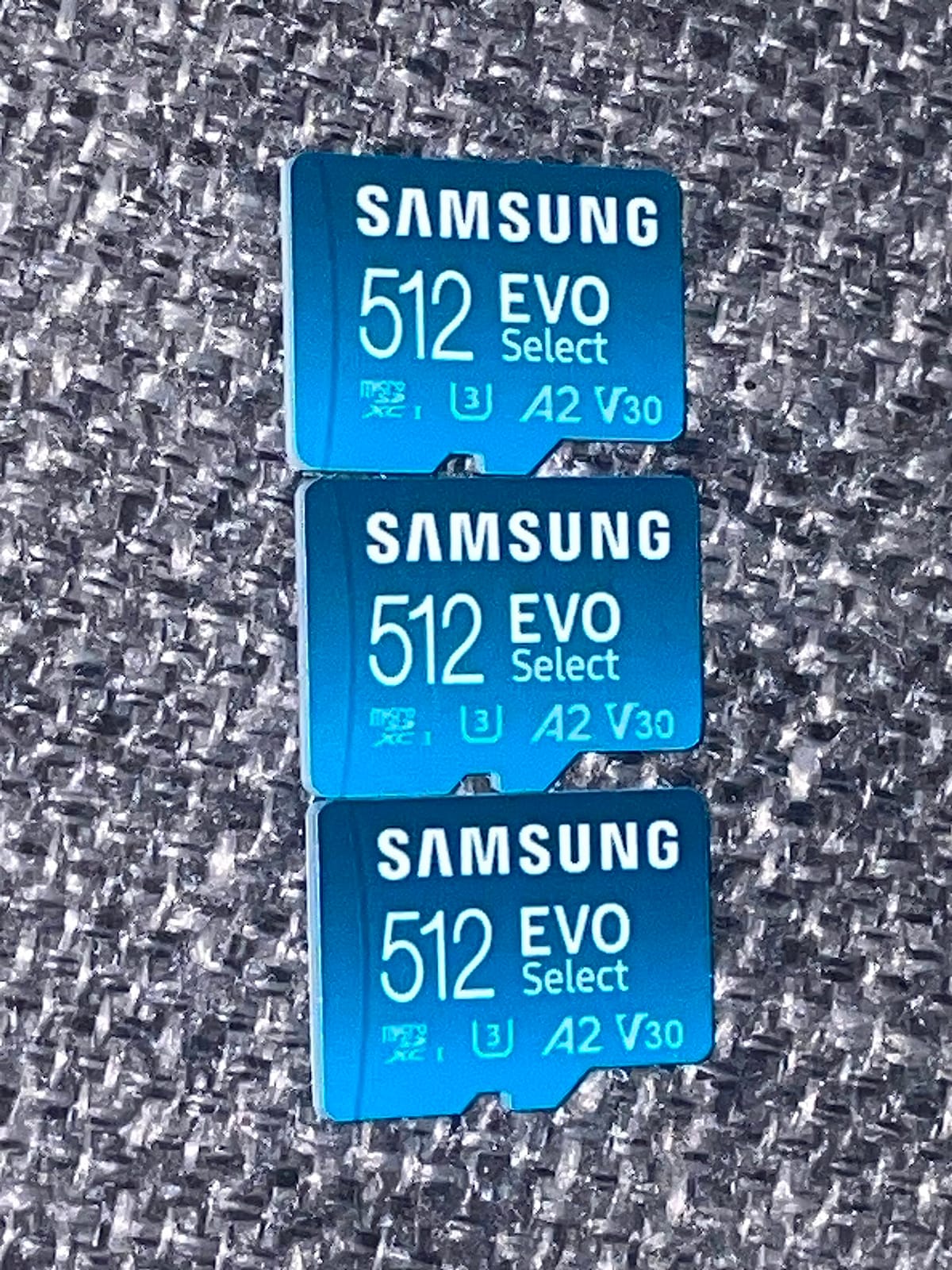
The line covers 64GB, 128GB, 256GB and 512GB, so the same card name works whether you want a small card for screenshots or the biggest capacity in the range. For most Switch owners the 256GB version is the sweet spot.
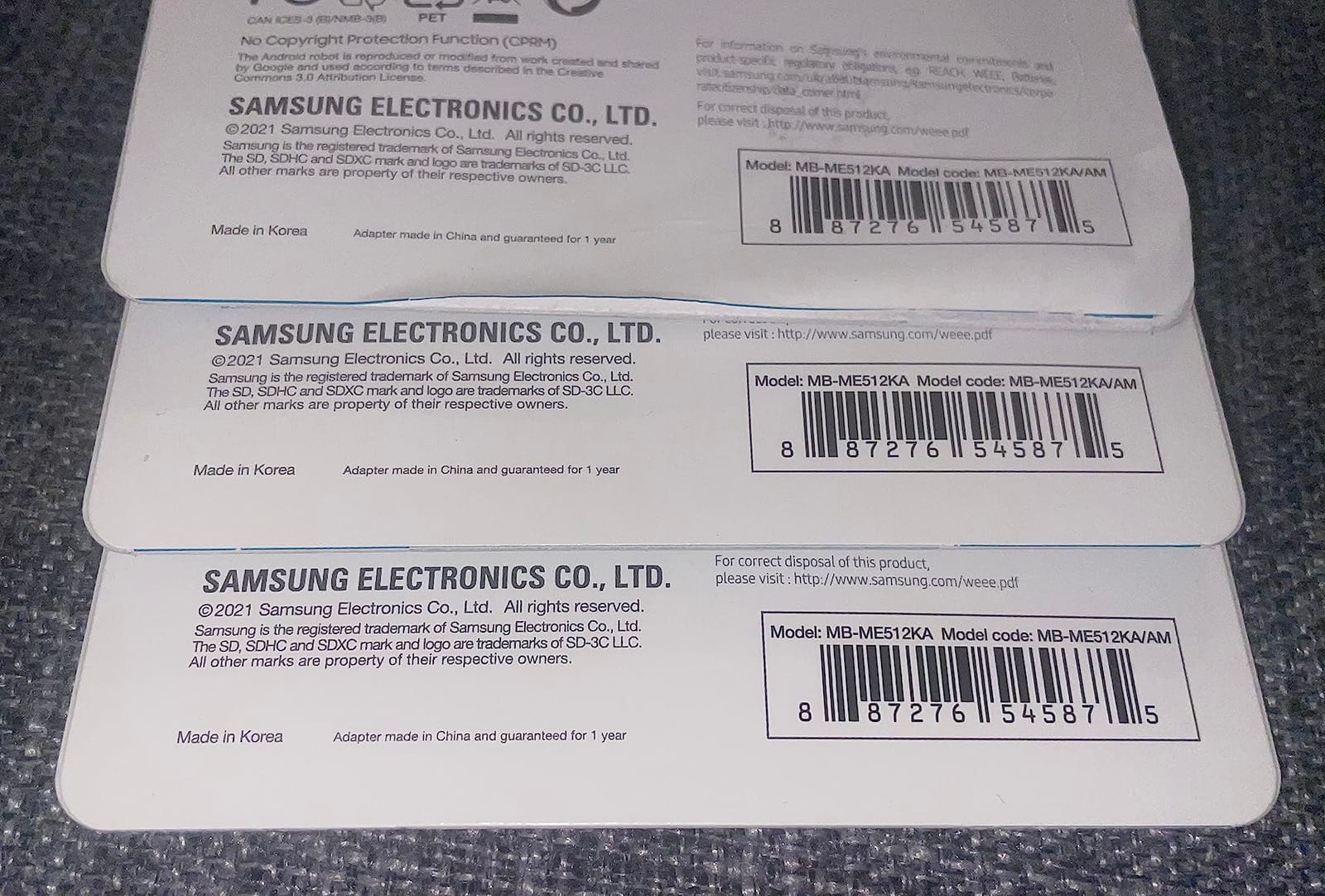
The A2, U3 and V30 combination covers both random-read performance and sustained write throughput. Forum consensus in the Switch community repeatedly names Samsung as one of the four brands worth trusting alongside SanDisk, Kingston and Transcend, and the EVO Select is the model that comes up most.
The card weighs 9 g and measures 0.59 by 0.43 inches. It fits the Switch without issue, and the blue colour makes it easy to spot in a drawer full of cards.
Why random read speed matters more than headline speed
Game loading is dominated by random reads of small files, not by one long sequential stream. That is why a card with a modest 130MB/s sequential figure but an A2 rating can feel quicker in the console than a faster card without one.
The V30 rating also means the card sustains at least 30MB/s while writing, so a game install does not collapse to a crawl partway through the way unmarked cards often do.
The price-per-gigabyte trade-off
Samsung is not the cheapest name per gigabyte, and reviewers say so plainly. You are paying for manufacturing control and a 10 year warranty rather than for capacity alone.
If your card also lives in a phone, tablet or handheld PC, the same card serves double duty, which makes the higher per-gigabyte cost easier to justify.
4. SanDisk High Endurance 512GB – Best High-Capacity Card for Switch Owners Who Record Video
SANDISK 512GB High Endurance microSD Card + Adapter
512GB microSDXC
Up to 100MB/s read
V30 and U3
High endurance design
Pros
- 512GB holds a very large digital library
- High endurance build rated for 40000 hours of Full HD recording
- Temperature water shock humidity and magnet proof
- V30 and U3 handle Full HD and 4K recording
Cons
- Costs far more per gigabyte than standard SanDisk cards
- Read speed sits at the console ceiling with no headroom
- Will not store games on Nintendo Switch 2
Most buyers of this card came for a dash cam or a home monitoring system, and it is genuinely excellent at that job. We include it because 512GB solves the Switch storage problem in one shot, and a lot of owners run the same card in a console and a camera.
The endurance rating covers up to 40,000 hours of Full HD recording, which is the kind of number that matters enormously for a camera and hardly at all for a game console. Judge it on the right axis for your device.
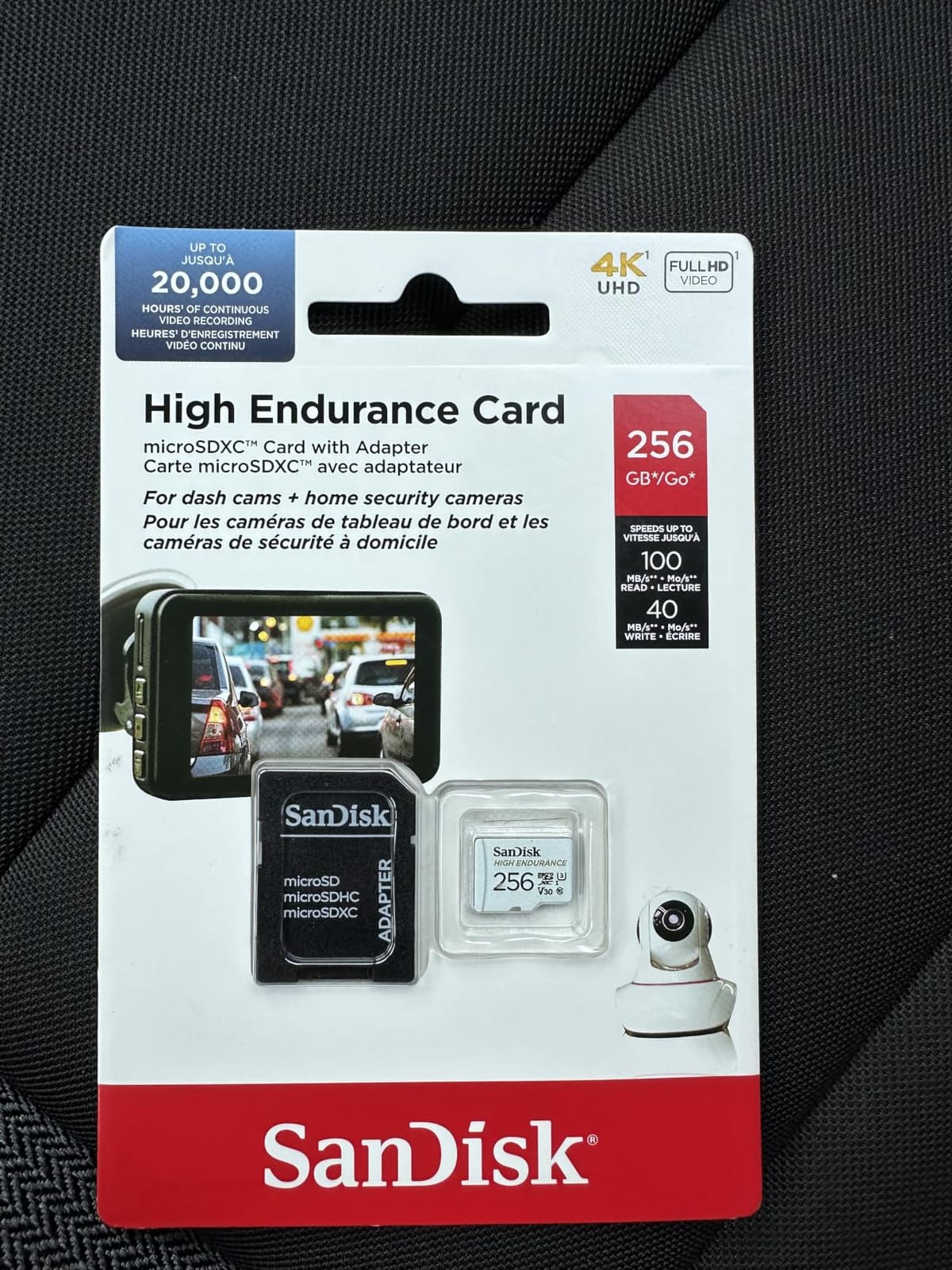
Speed sits at 100MB/s reads and about 30MB/s writes, which is a genuine step down from the Ultra on write throughput. For game installs it is still fine, just not fast.
The warranty is 2 years, noticeably shorter than most SanDisk cards in this group. If the card lives in a console rather than a car, a longer warranty card is the better buy.
Is 512GB overkill for a Switch
It depends on one question: do you ever delete games you own? If you archive to the card and remove from internal storage, 512GB means you can hold a deep back catalogue and still have room for screenshots and clips.
If you only keep a handful of games installed, 512GB sits unused. Bigger capacity is not wasted exactly, but it is not money well spent either.
Where the endurance rating is worth nothing
The Switch writes in short bursts when you install or move games, then goes quiet for days at a time. Endurance ratings exist for continuous recording, so this card is paying for a feature your console will never use.
Write speeds around 30MB/s mean large downloads take their time, and it is the least interesting card here purely from a gaming perspective.
5. SanDisk Super Mario 256GB 3-Pack – Best Officially Licensed Card for the Nintendo Switch
SANDISK 256GB microSD Card, Super Mario Super Star Edition
Up to 100MB/s read
90MB/s write
256GB each
Officially licensed
Pros
- Officially licensed for Switch Switch OLED and Switch Lite
- Highest rating in the group at 4.8
- Recognised instantly and formats automatically
- Load times match internal storage across many titles
- Limited lifetime manufacturer warranty
Cons
- Costs more than unlicensed microSD cards of the same capacity
- Three cards of 256GB may be more than most people need
- No support for Nintendo Switch 2 games
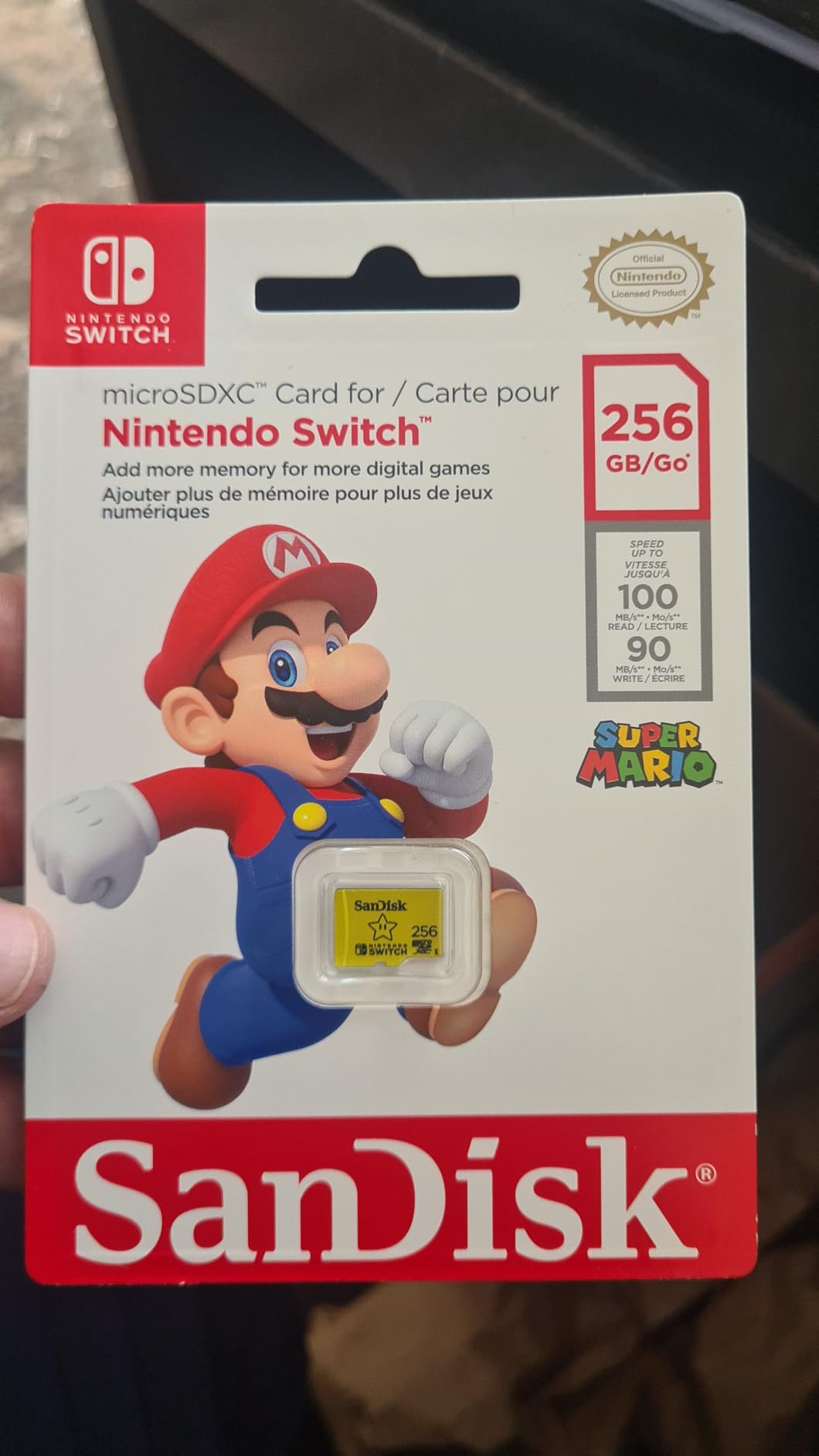
Licensing is the reason to pay extra here. Nintendo approves this card for the Switch, Switch OLED and Switch Lite, so there is no guessing about future firmware updates or console recognition.
It also holds a 4.8 rating across 75359 reviews, with a 92% five-star share — the largest five-star share of any card in this guide. Owners report loading times that match internal storage, plus 25 to 30 installed games on one 256GB card.
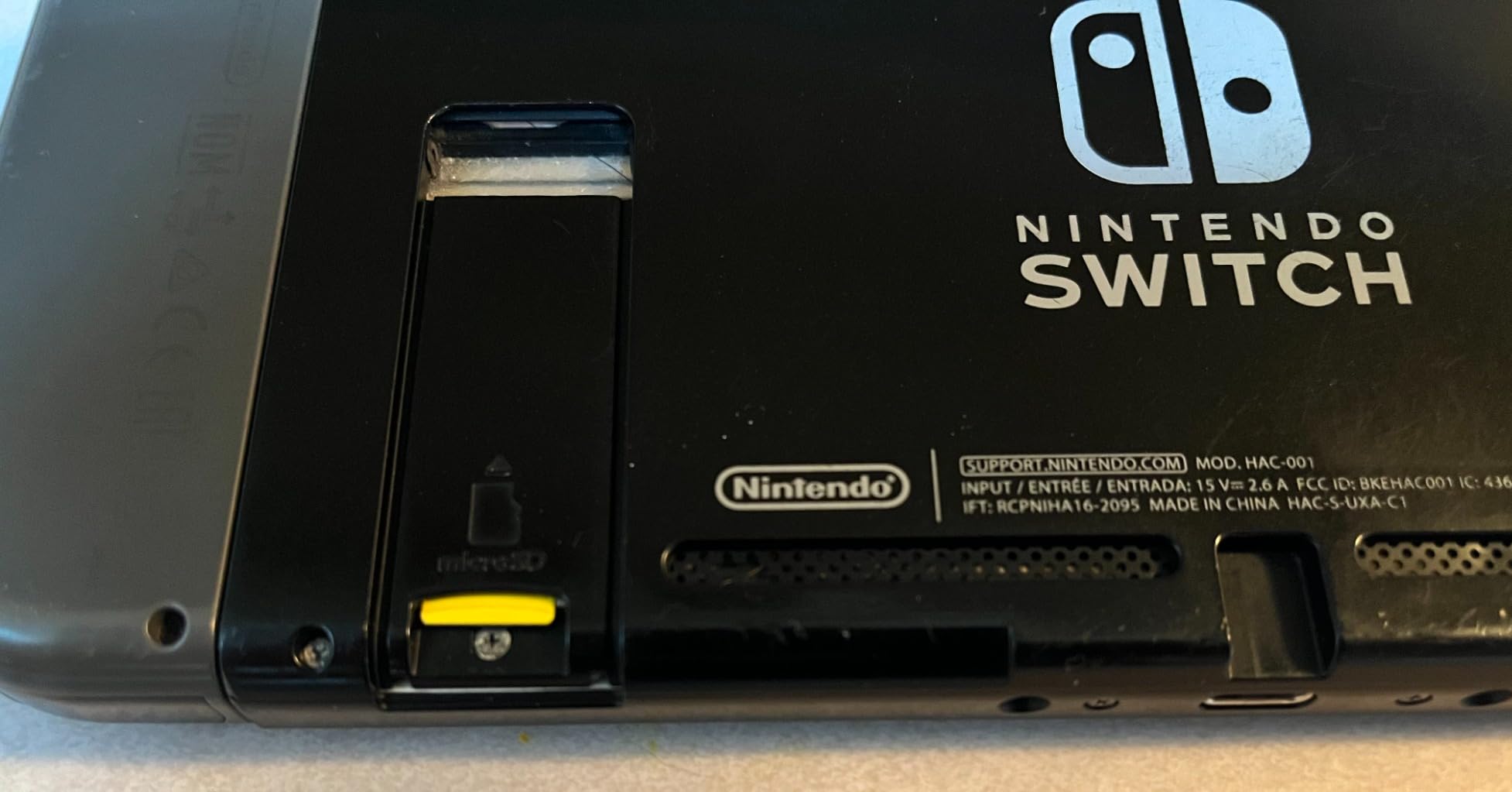
Reads top out at 100MB/s with writes at 90MB/s, which sits exactly at the console’s ceiling. Inside the Switch that is all you can use; on a PC the 90MB/s write figure is a genuine benefit when you are copying games onto the card.
The Super Mario artwork is a collectable in its own right, and three cards in one pack is a sensible way to fill a 512GB or 1TB library in one go.
What officially licensed actually buys you
You get certainty. Nintendo’s testing means the card is validated against console firmware, so an update that rejects some third-party cards will not reject this one. The listings state plainly that it does not cover Switch 2.
The limited lifetime warranty is also stronger than the fixed terms most rivals offer, which matters if you keep games on the card for years.
When it is not worth the premium
Licensing does not make the card faster. At 100MB/s reads it matches several cheaper cards, and reviewers are candid that it costs more than unlicensed microSD of the same capacity.
If you have no interest in the themed design and you buy from a reputable seller, a standard card does the same job for less.
6. Gigastone Gaming Plus 128GB – Best Rated Console-Focused Card for the Switch
[Gigastone] 128GB Micro SD Card, Gaming Plus, MicroSDXC Memory Card for Nintendo-Switch 1, Wyze, GoPro, Dash Cam, Security Camera, 4K Video Recording, UHS-I A1 U3 V30 C10, up to 100MB/s, with Adapter
100MB/s read and 50MB/s write
128GB microSDXC
A1 U3 and V30
5 year warranty
Pros
- Purpose-built gaming series design for consoles
- A1 U3 and V30 ratings give responsive load times
- 4.8 rating with an 86% five-star share
- Water shock temperature and X-ray proof
- 5 year limited warranty
Cons
- Only 128GB which limits how many large titles fit
- Not compatible with Nintendo Switch 2 gaming
Gigastone built this line specifically for consoles rather than cameras, and the 4.8 rating across 36864 reviews reflects that focus. The packaging and label say gaming, and the card is tested against Switch, Switch Lite, Switch OLED and the Steam Deck.
At 256GB it suits a smaller library, but the A1 rating means the load times stay sharp even when the card fills up, which is where cheaper cards tend to fall apart.
![[Gigastone] 128GB Micro SD Card, Gaming Plus, MicroSDXC Memory Card for Nintendo-Switch 1, Wyze, GoPro, Dash Cam, Security Camera, 4K Video Recording, UHS-I A1 U3 V30 C10, up to 100MB/s, with Adapter customer photo 1](https://zamd.net/wp-content/uploads/2026/10/B07N7D2WBF_customer_1.jpg)
Reads reach 100MB/s and writes 50MB/s, both of which the console can use. The 50MB/s write figure is the more useful number here because it covers both installing games and archiving your saves off internal storage.
Owners frequently pair the larger Gigastone capacities with the Switch for bigger libraries, so the 128GB version is really the entry point to a line that scales up.
![[Gigastone] 128GB Micro SD Card, Gaming Plus, MicroSDXC Memory Card for Nintendo-Switch 1, Wyze, GoPro, Dash Cam, Security Camera, 4K Video Recording, UHS-I A1 U3 V30 C10, up to 100MB/s, with Adapter customer photo 2](https://zamd.net/wp-content/uploads/2026/10/B07N7D2WBF_customer_2.jpg)
What the A1 rating does for load times
A1 guarantees 1500 random read IOPS and 500 write IOPS. Since the Switch scatters game data across a card, random reads dominate the loading screen, and a card that sustains them stays responsive even at 80% full.
Cards with no application class rating often keep their label speed on paper while stalling badly in practice. That mismatch is what produces the slow-card complaints in the forums.
Where 128GB becomes a problem
Once your library passes a dozen large titles you will start choosing between games rather than installing them. That is the moment to move up, not before.
The card is also explicitly excluded for Nintendo Switch 2 gaming, which the manufacturer states on the packaging as well as the listing.
7. PNY PRO Elite 256GB – Best Card If You Split Time Between the Switch and a Camera
PNY 256GB PRO Elite C10 U3 V30 A2 microSDXC Flash Memory Card, 4K UHD
Up to 100MB/s read
90MB/s write
256GB microSDXC
A2 rated
Pros
- U3 V30 and A2 speed classes at a mid-range price
- Up to 100MB/s reads and 90MB/s writes
- Limited lifetime warranty
- SD adapter included for broader device support
Cons
- A 4.6 average rating is the lower end of this group
- Not marketed with Nintendo Switch licensing
- A 4% one-star share is among the highest here
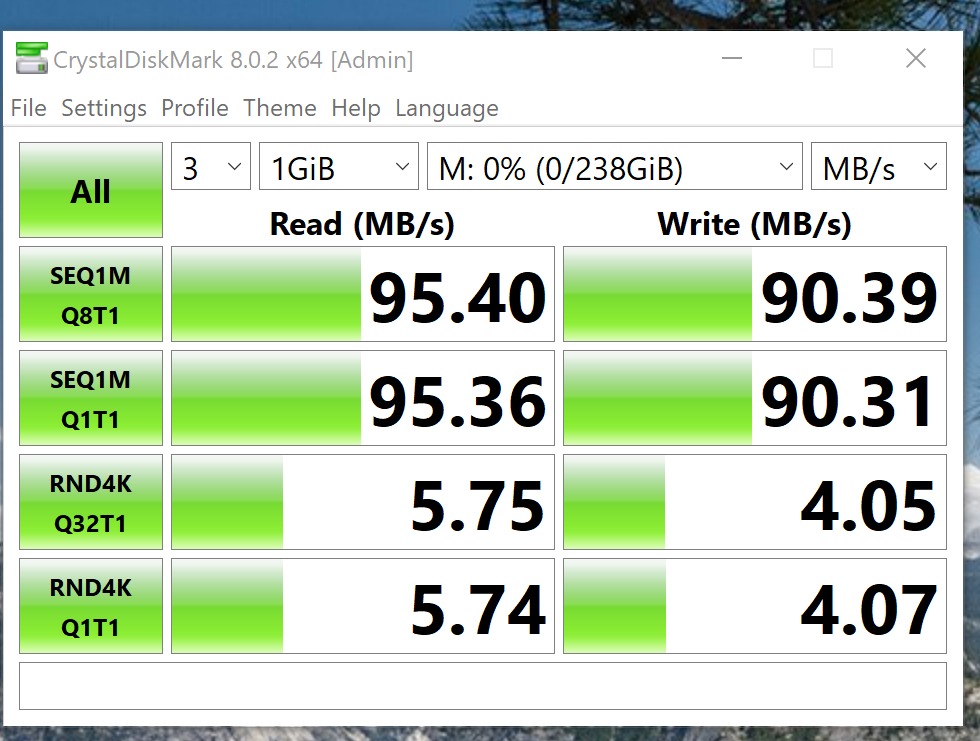
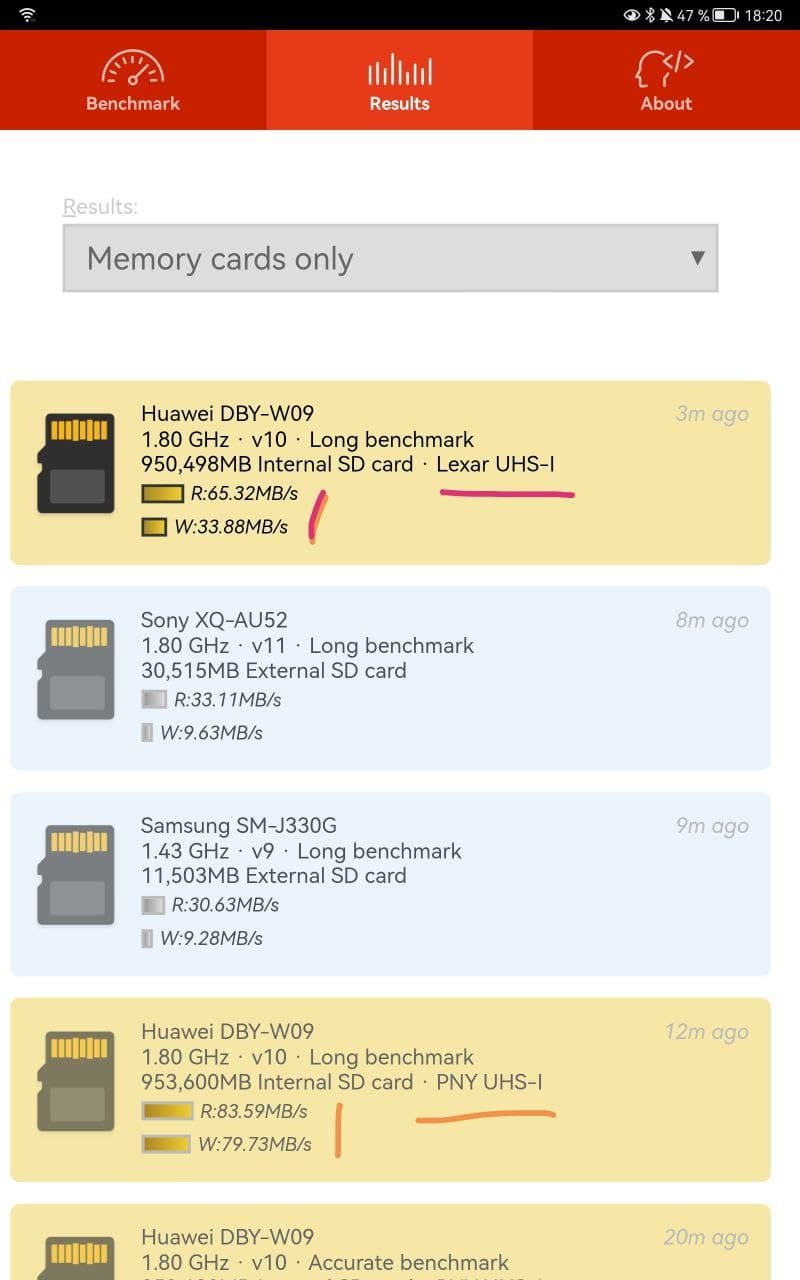
PNY built this card for burst photography and 4K capture, and those credentials transfer well to a console. At 90MB/s writes it is one of the quicker options here for getting games onto the card in the first place.
The A2 rating is specified numerically at 4000 read IOPS and 2000 write IOPS, which puts it at the top application class and signals steady random-read behaviour.
It also carries a limited lifetime warranty, matching the licensed SanDisk card and beating several rivals with fixed terms. Magnet, shock, temperature and water proofing cover the usual accidents.
At 1 g the card is among the lightest we tested, and the bundled adapter means it works in anything with a full-size SD slot.
Why 90MB/s writes matter more than 160MB/s reads
You only read from the card when the console loads a game. You write to it whenever you install, move, or archive. Higher sustained writes shorten the install step, which is the wait you actually notice.
Reading at 100MB/s versus 160MB/s changes nothing inside the Switch because the console cannot exceed roughly 100 MB/s. Write speed is the figure that improves your day.
The honest caveat on its ratings
At 4.6 this is the lowest average in our group, and it carries the largest one-star share at 4%. Buyers still describe it as solid, but the spread suggests occasional performance complaints.
It also has no Nintendo licensing, so it will not help if you want the reassurance that comes with an officially approved card.
8. Lexar Blue 256GB – Best Card for Fast Transfers Between Your PC and Switch
Lexar 256GB Blue Micro SD Card Up to 160MB/s microSDXC UHS-I Memory Card
Up to 160MB/s read
256GB microSDXC
A2 and V30
IPX7 water proof
Pros
- Read speed of up to 160MB/s ranks near the top of this group
- A2 and V30 ratings verified with no slow-card errors
- Buyers confirm genuine capacity using f3write and H2testw
- Tested against eight proof points including 1.5m drop
- 10 year warranty plus lifetime recovery tool
Cons
- Reaching 160MB/s needs a specific Lexar 2-in-1 reader
- Write speed rated only around 30MB/s
This is the card to buy if you move games between your computer and the console often. At up to 160MB/s it is the quickest read figure in our group, which shortens every copy in both directions.
Lexar tested the card against eight durability points including IPX7 water resistance, X-rays, vibration, magnetism, shock, a 1.5 metre drop and wear resistance, and it ships with a 10 year warranty.
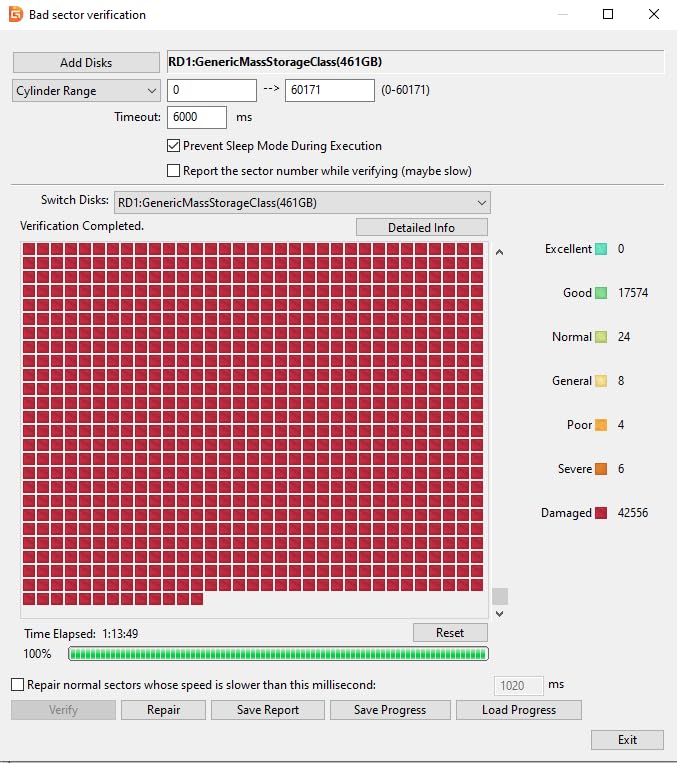
What stands out most in the reviews is that buyers actually tested capacity with f3write, f3read and H2testw and found genuine capacity. In a category full of mislabelled cards, that verification is worth paying a little more for.
Handheld PC owners also report holding entire libraries on this card with no read-speed or overheating complaints, which suggests it holds up outside the Switch too.
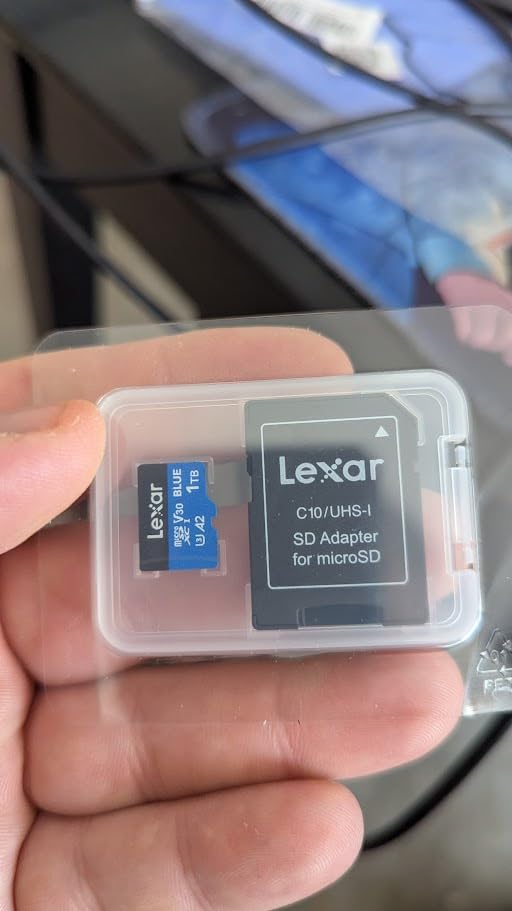
Do you need a faster reader to hit the claimed speed
Yes. Reviewers are explicit that the 160MB/s figure only appears with a select Lexar 2-in-1 USB 3.1 reader. Through an ordinary card reader or a USB 2.0 port you will see far lower numbers.
That does not affect console use, because the Switch never reads faster than roughly 100 MB/s anyway. It only matters for transfers on your desk.
The write-speed trade-off
Write speed sits around 30MB/s, which is unremarkable. Installing a large game will take a little longer than on the PNY or licensed SanDisk cards in this list.
Lexar also includes lifetime access to its recovery tool, a small but genuine benefit if you ever delete the wrong save file.
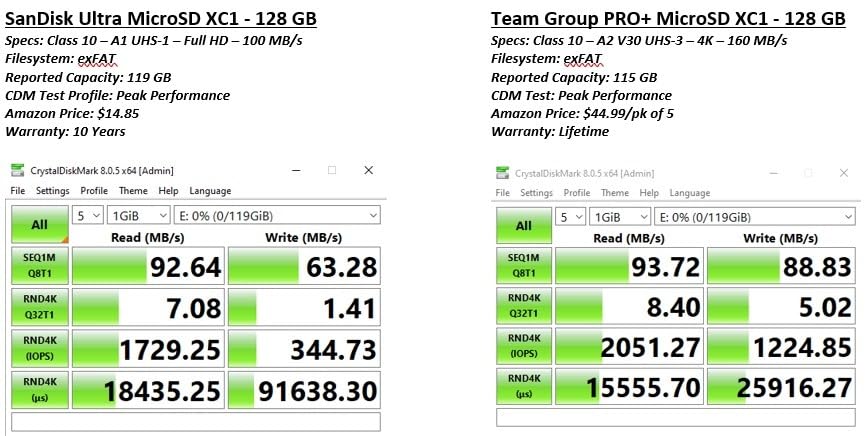
9. TEAMGROUP A2 Pro Plus 1TB – Best 1TB Card for Large Libraries, With One Caveat
TEAMGROUP A2 Pro Plus Card 1TB Micro SDXC UHS-I U3 A2 V30, R/W up to 160/110 MB/s for Nintendo-Switch, Steam Deck, Gaming Devices, Tablets, Smartphones, 4K Shooting, with Adapter TPPMSDX1TIA2V3003
1TB microSDXC
160MB/s read and 110MB/s write
A2 U3 V30
Lifetime warranty
Pros
- 1TB gives huge headroom for a full digital library
- Capacity fraud checks confirm genuine capacity
- Buyers cite strong value for Steam Deck bulk storage
- Lifetime warranty with a fast replacement process
Cons
- Multiple reports of cards degrading within 3 to 4 months in write-heavy devices
- Real-world speeds cap near 100MB/s with ordinary readers
- Lowest rating here at 4.4 with a 9% one-star share
Capacity is the headline here. One terabyte removes the arithmetic from owning a digital library, and TEAMGROUP supports it with a lifetime warranty and a warranty process owners describe as fast and straightforward.
The stated figures of 160MB/s reads and 110MB/s writes are the highest sequential numbers we saw. The listing is also honest about needing a QuickFlow-compatible reader to see anything above 100MB/s.
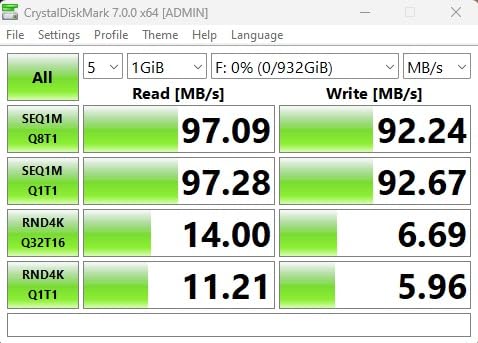
Buyers confirm genuine capacity when they run capacity fraud checks, and several used it to hold a Steam Deck library at a lower cost than Samsung equivalents. That is a real value argument for anyone moving between handheld PCs and the Switch.
Sand, dust, water and X-ray protection cover the usual environments, and the full-size adapter is included.
The durability reports you should read before buying
This is the one card here we would not call a no-brainer. A notable group of owners report cards degrading and failing within three to four months in write-heavy devices such as trail cameras and the Steam Deck, and one documented a card reading 28MB/s with writes under 1MB/s after degradation.
That same owner’s problem was resolved quickly through the warranty, which is worth something. It is still a hardware failure rate you should weigh before filling a 1TB library with games.
How the 1TB tier changes the buying decision
At a terabyte you are buying headroom you will not use for two or three years, and headroom is where the reliability questions matter most. Fewer, larger purchases also mean less exposure per game than many small cards.
Because real-world speeds cap near 100MB/s with ordinary readers, the extra 60MB/s of claimed read speed mostly benefits buyers who already own compatible hardware.
10. Samsung PRO Plus Sonic 1TB – Best Throughput Card in the Group
Samsung PRO Plus Sonic The Hedgehog 1TB microSDXC + Adapter, Up to 180MB/s
Up to 180MB/s read and 130MB/s write
1TB microSDXC
A2 V30
10 year warranty
Pros
- Fastest claimed read and write speeds here at 180MB/s and 130MB/s
- Switch owners report no lag and plug-and-play formatting
- Samsung Magician verifies authenticity and drive health
- Full size SD adapter included
- 10 year limited warranty with 6 proof protection
Cons
- Will not work in the Nintendo Switch 2 which needs microSD Express
- The priciest 1TB card we tested
- A small 1% share of one-star reviews citing a dead card
On paper this is the fastest card we tested, with 180MB/s reads and 130MB/s writes. Inside the Switch none of that extra speed is reachable, but as a general-purpose card for a PC, tablet or camera it tops the table.
The 836 reviews give it a 4.7 rating with an 88% five-star share. Switch owners specifically report no lag and formatting that works first time in the console.
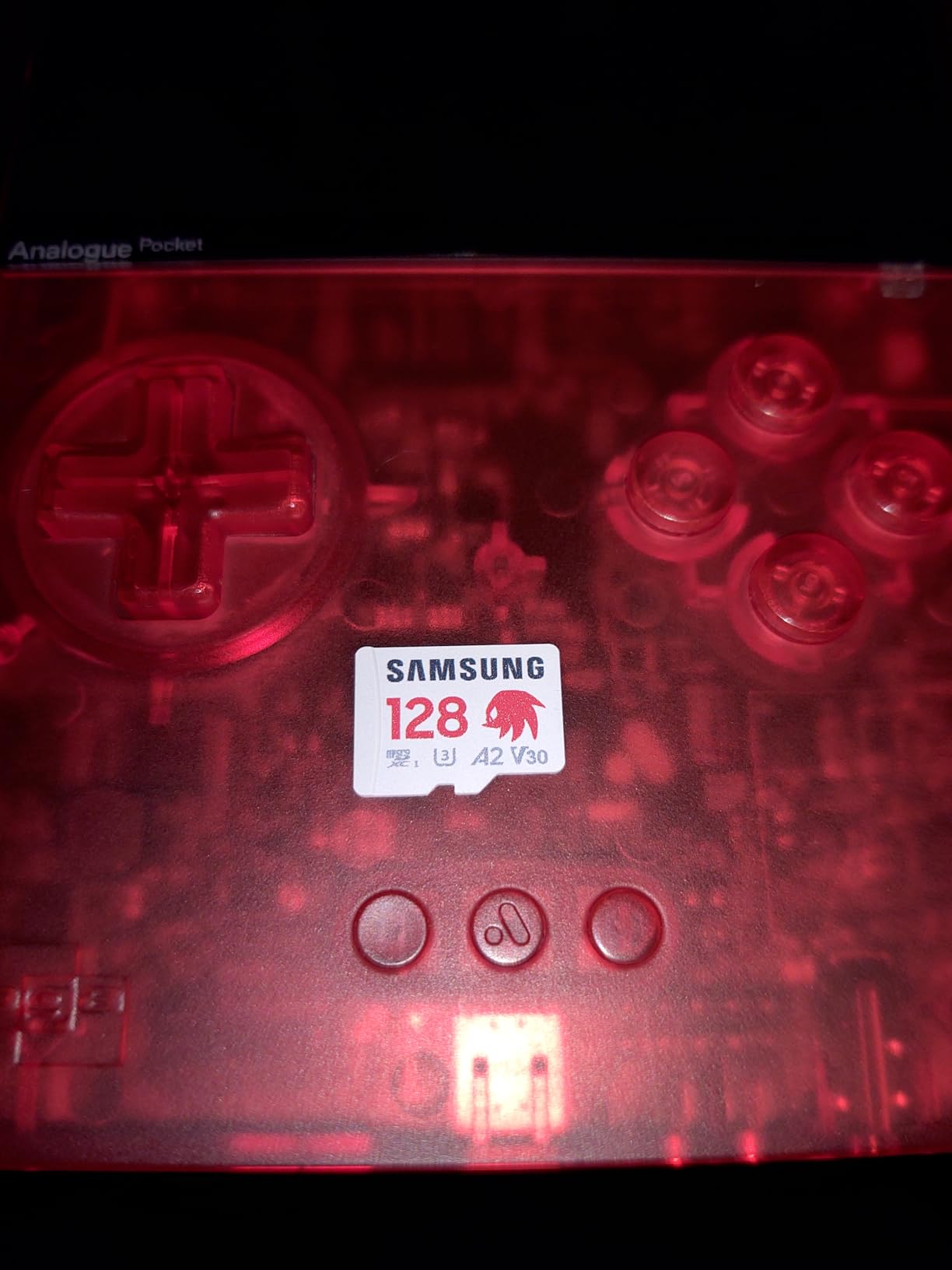
Samsung Magician software is the underrated feature. It verifies that the card is genuine, which matters for anyone worried about counterfeit capacity, and it reports drive health over time.
Storage runs from 128GB up to 1TB, six proof protection ratings are included, and the full-size adapter ships in the box.
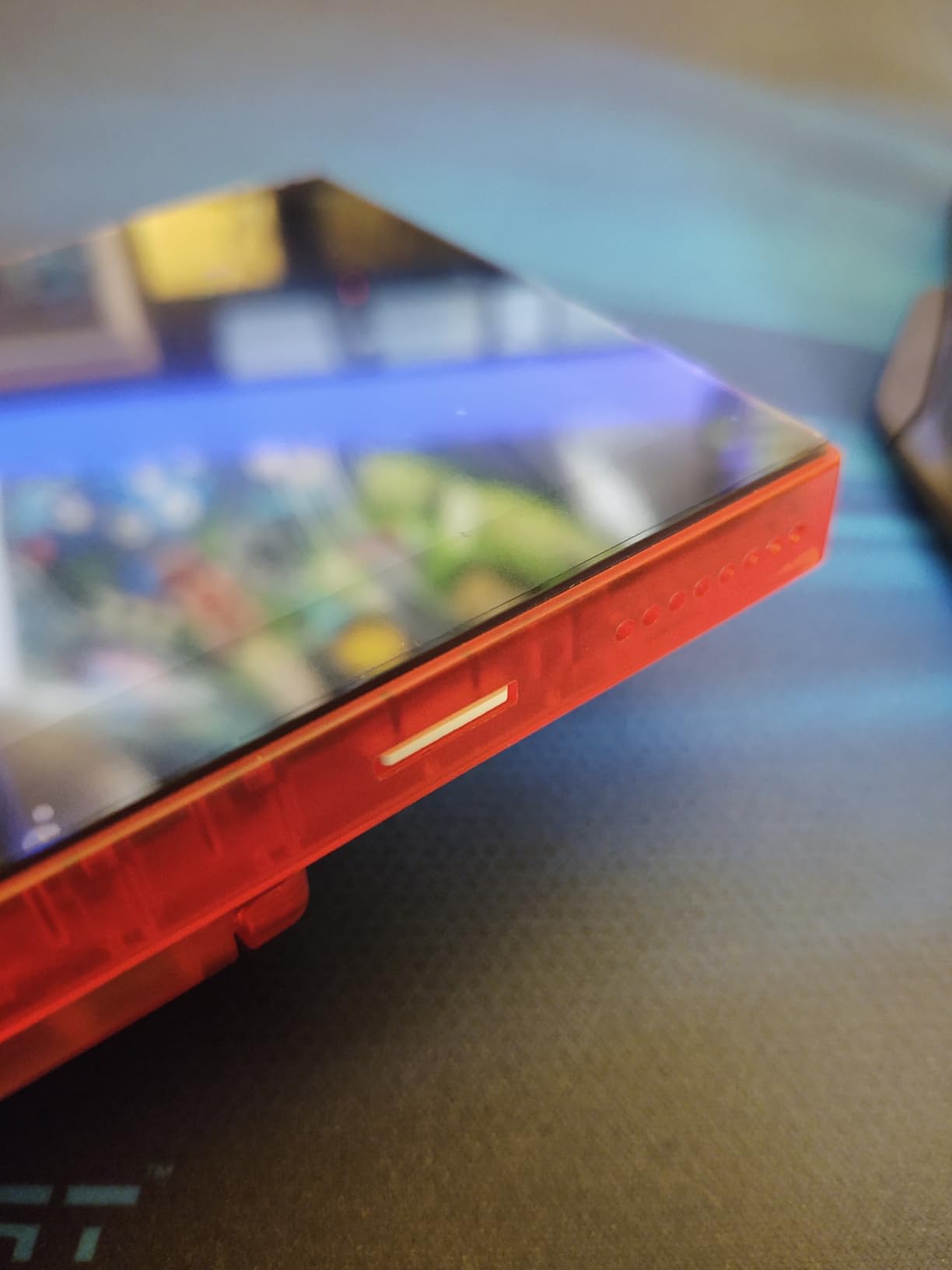
Does extra speed help the console at all
Barely. The Switch hardware caps around 100 MB/s, so beyond that threshold the card performs identically to a much cheaper 100MB/s option while you play. The gains show up when you copy files on your desk.
Think of this card as a fast general-purpose card that also happens to work perfectly in a Switch, rather than as a gaming upgrade.
Who should skip it
If you are buying purely for a Switch, the premium over a 100MB/s card buys you nothing inside the console. Buyers with the same 1TB capacity can find a lower figure card for less.
It also cannot store games on a Switch 2, and a small 1% of one-star reviews cite a dead card, so keep an eye on it after purchase.
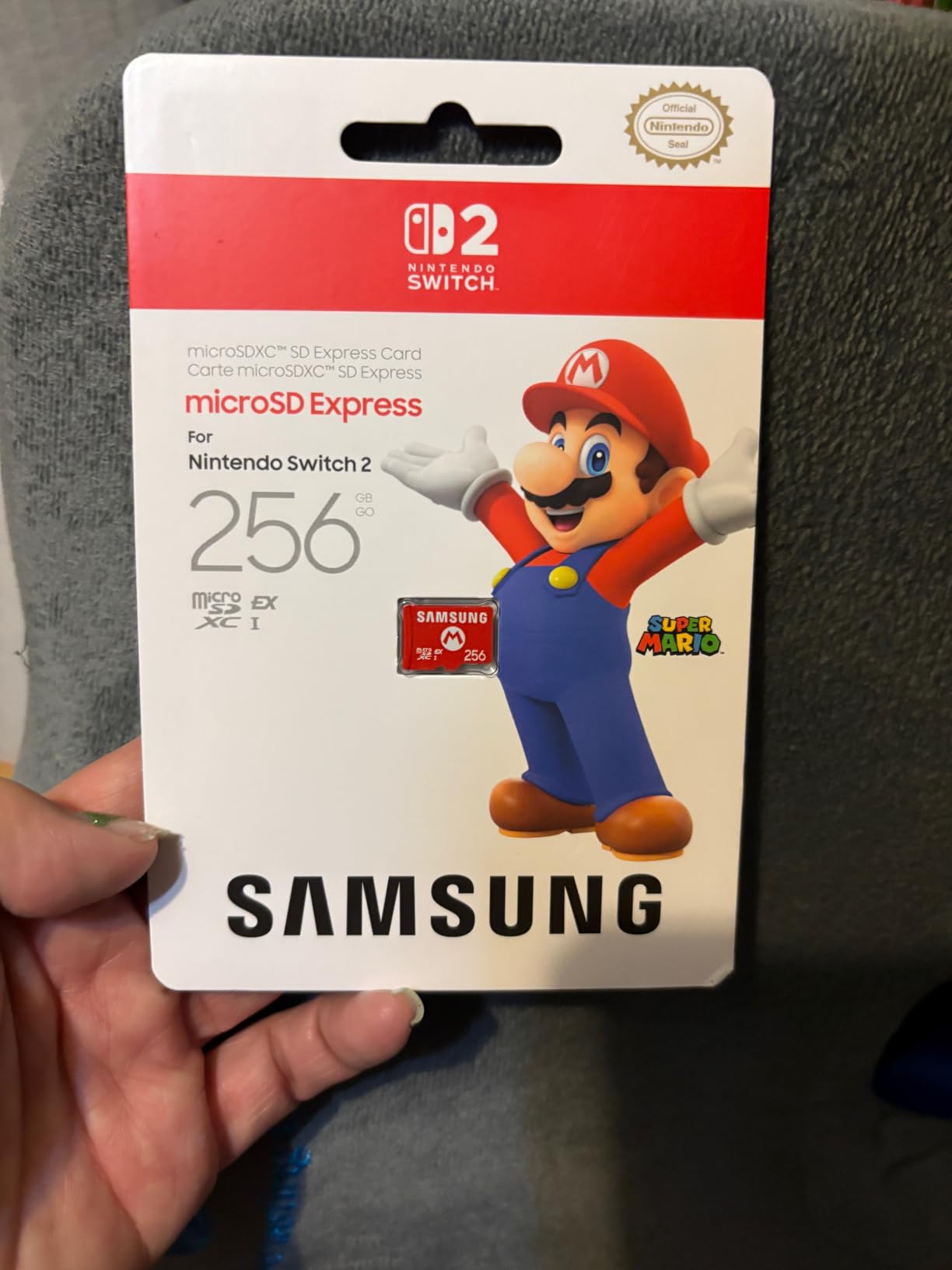
11. Samsung microSD Express 256GB – The Only Card Here That Runs Games on the Nintendo Switch 2
Samsung microSD Express Card – 256GB for Nintendo Switch™ 2
microSD Express SD 7.1
256GB
PCIe NVMe interface
Switch 2 compatible
Pros
- The only card type that unlocks game storage on Switch 2
- microSD Express PCIe NVMe performance cuts loading screens
- Officially licensed so there is no counterfeit risk
- Recognised almost immediately and formats quickly in console
- No corrupted files or save errors reported
Cons
- 256GB is the only capacity available which limits library size
- Carries a premium over traditional microSD cards
- No protective storage case included
If you just bought a Switch 2, this is the answer and the other eleven cards are irrelevant to you. The console runs games from microSD Express storage only, using a PCIe NVMe interface, and ordinary UHS-I cards are physically and logically excluded.
Owners rate it 4.8 across 3908 reviews with an 89% five-star share, crediting easy installation, fast downloads, noticeably shorter loading screens and no save-data errors.
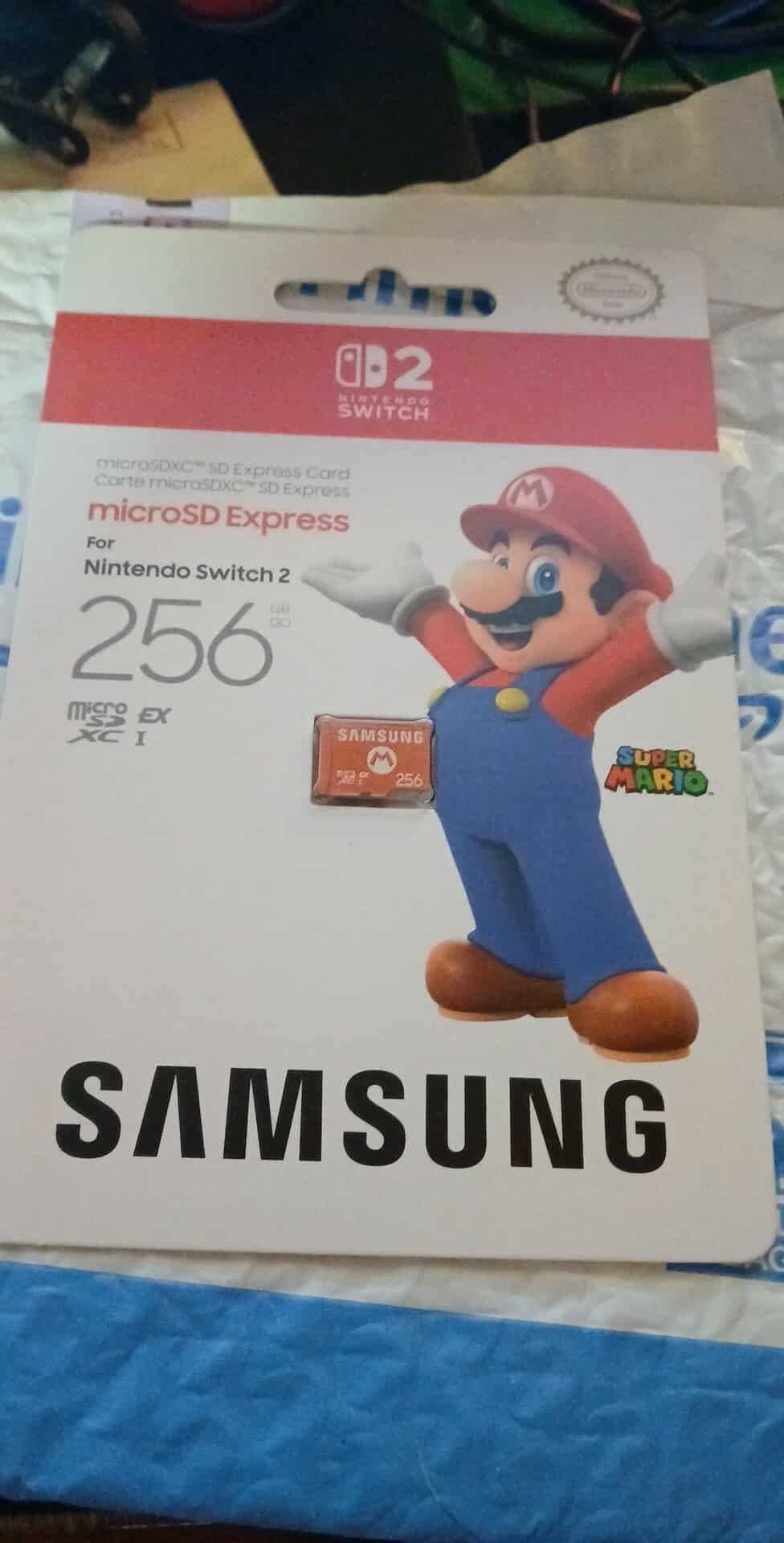
Console owners report read speeds up to around 800 MB/s in real use, which is the entire point of the standard. On a Switch 2 game library, the difference in loading screens is not subtle.
Because it is an officially licensed Nintendo product, authenticity is not in question. The console formats it almost immediately on insertion.
What happens if you use a normal card in a Switch 2
The console recognises the card well enough to store and display screenshots and video clips. It will not run games from it, which surprises a lot of people who assumed every microSD card was interchangeable.
So if you previously bought a UHS-I card for your original Switch and upgraded, that card has no resale value as Switch 2 storage. Plan on buying a second card.
Where the 256GB limit bites
Two hundred and fifty-six gigabytes is a modest library by modern standards, and owners of large digital collections report wanting more. Nintendo’s own capacity offering is currently the constraint, not the card technology.
There is also a premium over traditional microSD pricing and no included case, so keep the card somewhere safe.
12. INLAND Premium 128GB – Best Choice for a First-Time Switch Owner on a Budget
INLAND Premium 128GB microSDXC Card, Nintendo-Switch Compatible Micro SD Card, UHS-I C10 U3 V30 4K UHD Video A1 Flash Memory Card with Adapter (128GB) for Tablet
Up to 90MB/s read
60MB/s write
128GB microSDXC
A1 U3 and V30
Pros
- Budget friendly way to expand Switch storage
- Formats immediately and cleanly in the console
- Benchmarks meet most advertised specs
- Comes in a clamshell case with SD adapter
- Waterproof shockproof temperature proof and X-ray proof
Cons
- Some units have failed after about a year of continuous use
- Small-file writes occasionally linger at a few KB/s
- Needs a USB 3.0 reader to reach full speed
- Requires a Switch system update for microSDXC use
INLAND is a Micro Center house brand, and this card exists to do one job cheaply. It rates 4.7 across 3180 reviews, and the most common owner reaction is simply that it formats immediately and works.
At 90MB/s reads and 60MB/s writes it sits comfortably inside what the console can use, and the A1 rating keeps random reads steady. For a first card in a first console, that is enough.
Durability claims cover water, shock, temperature and X-rays, and it ships with a full-size adapter plus a small clamshell case, which is unusual at this level.
The Switch needs a system update before it will use a microSDXC card at all. If you have never updated the console, do that first or the card will appear to be dead.
Why small-file writes matter more than the headline speed
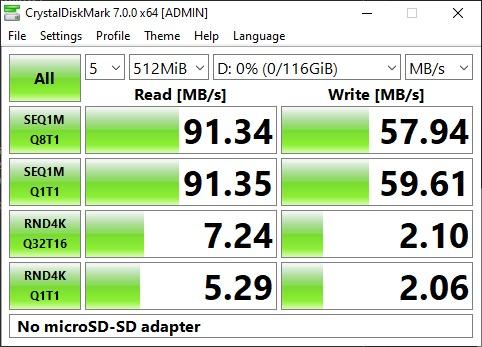
One reviewer documented small-file write speeds occasionally lingering at a few KB/s. That is the number behind slow game installs and long pauses, and no amount of headline speed compensates for it.
For most libraries the effect is brief, but if you install several games back to back on a nearly full card it becomes noticeable.
Durability is the real question mark
Two owners reported cards dying after roughly a year in outdoor camera duty, and the warranty runs three years. For a console card that stays indoors, that history is less alarming than it sounds.
Older USB 2.0 readers cap transfers at 16MB/s, so use a USB 3.0 reader when copying files or you will think the card is slow.
What Actually Matters When You Buy a Switch SD Card
Capacity: match the card to how many games you actually own
Most digital Switch games run 10GB or more, and a few exceed 25.9GB on their own, which is the whole user-accessible space on the console. That is why a card is effectively mandatory rather than optional.
Our tiers: 128GB suits up to about ten average titles, 256GB covers a serious digital library, and 512GB or 1TB is for players who archive rather than delete. If you are still undecided, our high-capacity microSD guide covers the larger end in more depth.
Note that labelled capacity never matches usable capacity. A 128GB card typically formats to about 116GB, and a 256GB card to roughly 232GB. Sellers who publish the real figure are telling you something useful.
Speed class: UHS-I and U3 are the real requirements
The Switch uses the UHS-I bus, so a UHS-II card buys you nothing inside the console. What you want is a Class 10 card with a U1 or U3 rating, plus V30 for consistent write throughput, and an A1 or A2 application class for the load times you can feel.
Every card in this roundup clears those thresholds. Cards that do not are the ones producing the forum complaints about slow loads and stuttering installs.
Console speed versus PC speed, and why the difference confuses people
Original Switch hardware tops out around 100 MB/s. Anything faster than that is only faster when you copy files on your computer, not when you play. Buying a 180MB/s card purely for console load times is paying for a benefit you cannot reach.
Here are the markings in plain terms:
Class 10: minimum 10MB/s sequential write. The baseline, and it is low.
U1 and U3: minimum 10MB/s and 30MB/s sustained write on the UHS-I bus.
V30: minimum 30MB/s sustained write for video. Good insurance for installs.
A1 and A2: random read performance, 1500 or 4000 IOPS. This is what the console feels.
microSD Express: PCIe NVMe, required for Switch 2 games only.
Brand, warranty, and where you buy
Long-running consensus across Nintendo Life forums, r/NintendoSwitch and r/NintendoSwitchHelp is that brand reliability beats any benchmark number. SanDisk, Samsung, Kingston and Transcend come up repeatedly, and now Lexar and PNY hold up too.
Warranty length is the easiest proxy for manufacturer confidence. Lifetime and 10 year terms appear on the cards we recommend most warmly; one and two year terms are common on the rest.
Counterfeit and mislabelled-capacity cards are the single biggest fear in the Switch community, and third-party marketplace listings are where they cluster. If you want more on that, our action camera microSD roundup covers cards bought for recording duty.
How to Spot a Fake or Mislabelled microSD Card
Most fake cards contain a small amount of real memory and a controller that reports a much larger figure. The card works fine until you fill it, then your games silently vanish. Testing takes five minutes.
Format the card first. A genuine card shows its full published usable capacity, typically about 90% of the label figure. A fake usually reports a much smaller number right away.
Write a full-volume test with f3write or H2testw. Both are free and cross-platform. The tool writes files until the card is full, then reads them back and reports the true capacity.
Check the result against the label. A genuine 256GB card reports close to 232GB. If the tool reports a fraction of that, delete everything immediately.
Verify authenticity where the brand offers it. Samsung Magician and Lexar recovery software both check that the card is a real product rather than a relabelled shell.
Buy from reputable sellers only. This is the step that prevents the problem rather than detecting it after the fact.
Buyers of the Lexar card we covered specifically called out passing f3write and f3read and H2testw tests with no fakes, which is the kind of verification we look for in any recommendation.
How to Install and Format a microSD Card on Your Switch
The slot is on the bottom of the console on the original Switch and Switch Lite, and behind the kickstand on the Switch OLED model. Power the console off first, slide the card in gold-contacts-first until it clicks, and turn it back on.
Insert the card with the console powered off, contacts facing the back of the console.
Open System Settings from the Home menu, then go to System.
Choose Format. The console detects the card and shows the capacity it can actually use.
Confirm the format. The Switch formats to exFAT, which is required for cards above 32GB.
Install or move games. Games can be installed directly to the card, and existing games can be moved without redownloading.
Archive saves only. Save data can be archived back to internal storage after you delete a game from the card, so keep at least enough free space for your saves.
If the console does not see the card, confirm the system software is current, since older firmware versions ignore microSDXC cards entirely. For card recognition problems on other devices, our guides on an Android phone and a camera cover the hardware-side causes.
Frequently Asked Questions
What is the best microSD card for the Nintendo Switch?
The SanDisk Ultra 256GB is the best overall pick for the original Switch, Switch Lite and Switch OLED. It reads at up to 150MB/s on compatible hosts, carries an A1 application class for responsive load times, and carries a 10 year manufacturer warranty. Any reputable UHS-I card with a U3 or V30 rating works, so brand and warranty matter more than headline speed.
Which microSD cards work with Nintendo Switch?
Any microSDXC card works with the original Switch, Switch Lite and Switch OLED, and cards above 32GB must be formatted as exFAT. Look for Class 10, UHS-I, a U3 or V30 rating and an A1 or A2 application class. Nintendo Switch 2 is the exception: it only accepts microSD Express cards, and ordinary UHS-I cards cannot run games on it.
Should I get 128GB or 256GB for the Switch?
128GB suits players with roughly ten or fewer digital titles, giving about 116GB of usable space after formatting. 256GB covers a serious digital library and lets you archive games instead of deleting them. Because modern Switch titles often run 10GB or more, 256GB is the safer choice for anyone who buys regularly.
Is 512GB too much for a Nintendo Switch?
512GB is not too much, it is simply generous. It makes sense if you archive games rather than deleting them, or if you also use the card for screenshots and video captures. If you only keep a handful of games installed, a 256GB card is the more sensible spend and costs less per usable gigabyte.
Does SD card brand matter for the Switch?
Yes. Long-running community consensus across Nintendo Life forums and the Switch subreddits is that reliability matters more than headline speed. SanDisk, Samsung, Kingston and Transcend are the most frequently recommended brands, and warranty length is a good proxy. Avoid unbranded cards with unusually large capacities, since counterfeit and mislabelled cards are common.
Is V30 faster than Class 10?
V30 is a video speed class that guarantees at least 30MB/s of sustained write, while Class 10 only guarantees 10MB/s sequential write. In practice a V30 card writes three times faster for sustained transfers such as installing games, and it holds that rate instead of dropping off. Both markings can appear on the same card.
Can I put a 2TB microSD card in my Switch?
The original Switch has no fixed maximum as long as the card is microSDXC and formatted as exFAT, and the console will use whatever capacity it reports. In practice a very large card is only useful if you archive games, since you rarely install that many titles at once. The Switch 2 is limited to microSD Express cards, where 256GB is currently the only official capacity.
The Verdict: Which microSD Card Should You Buy in 2026?
The best microSD cards for Nintendo Switch in 2026 come down to three picks. The SanDisk Ultra 256GB is our overall choice, with the highest review volume, an A1 class and a 10 year warranty behind it. The Amazon Basics 128GB is the budget option, and the Samsung EVO Select 256GB is the best balance of speed, capacity and durability.
Own a Switch 2 instead? Only the microSD Express card runs games on that console. For everyone else, pick the tier that matches your library size, buy from a reputable seller, and run a five-minute capacity test when the card arrives. It is the cheapest insurance in this entire guide.