
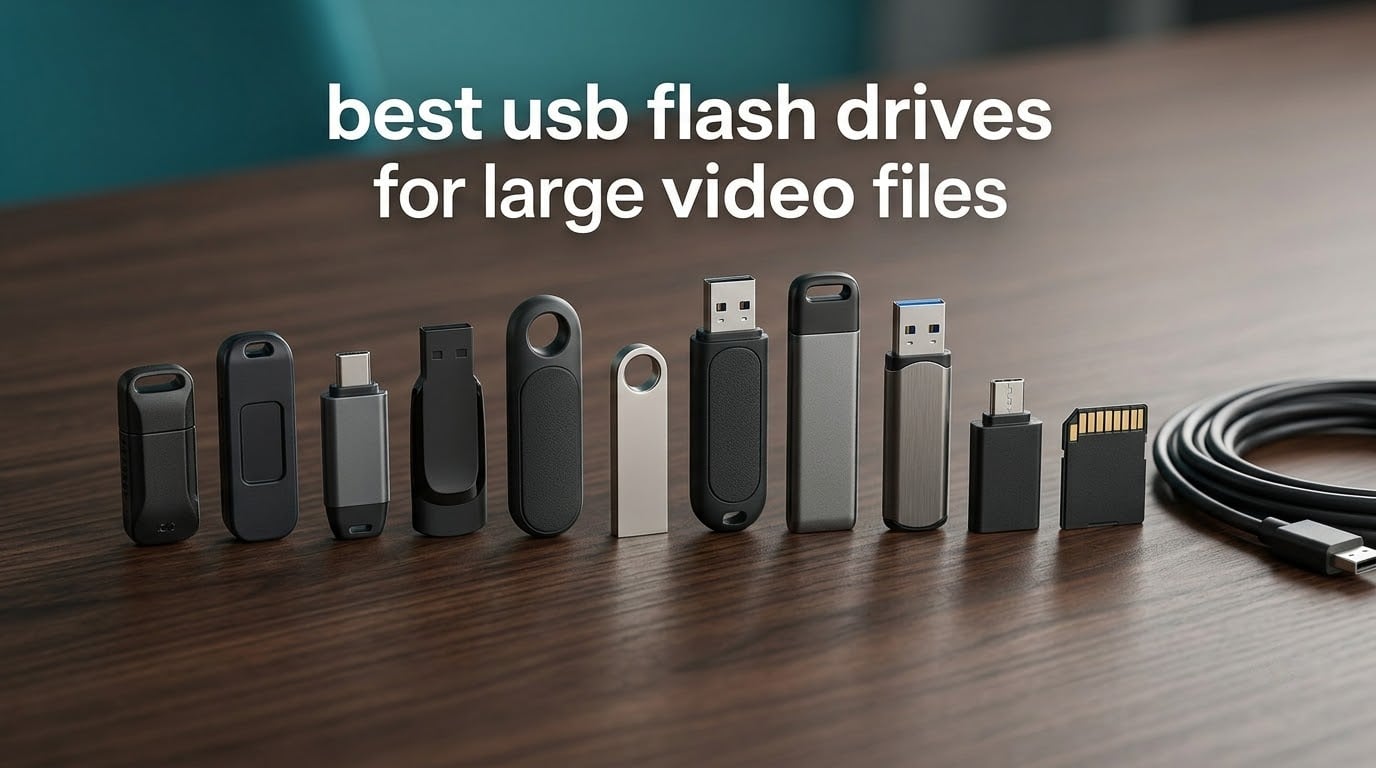
If you are moving multi-gigabyte video files, two numbers decide the purchase: how many GB the drive holds and how fast it sustains a write. Advertised read speed is close to irrelevant for footage, because copying footage is a write operation on the sending machine and a read on the receiving one.
Our picks for 2026 below cover the three situations that actually come up. The SanDisk Ultra Flair 1TB is the one we hand to people moving a full shoot. The PNY Turbo Attache 3 512GB covers bulk transfers with a connector that cannot be lost. The Samsung Type-C 512GB handles footage that starts on a phone or tablet.
We looked at 12 flash drives with real owner feedback behind them, then grouped them by footage volume and workflow rather than by price. Every capacity, interface, speed rating and warranty below comes from the manufacturer listing and from what buyers report after real transfers. Storage pricing has moved sharply, so check the live listing before you buy.
If you want the wider picture first, our guide to USB flash drives for fast transfers covers the connector and port side of things in more depth.
Table of Contents
Top 3 Picks for Best USB Flash Drives for Large Video Files (October 2026)

All 12 Picks at a Glance in 2026
Every drive in the list below is a genuine branded product with a published capacity, a stated interface and owner feedback we could check. The two columns worth reading first are the sustained write behaviour, which is what footage copying depends on, and the capacity, which decides how much of a shoot fits before you have to go home.
| Product | Specifications | Action |
|---|---|---|
 SanDisk Ultra Flair 1TB SanDisk Ultra Flair 1TB |
|
Check Latest Price |
 PNY Turbo Attache 3 512GB PNY Turbo Attache 3 512GB |
|
Check Latest Price |
| Samsung Type-C 512GB |
|
Check Latest Price |
 SSK 2TB Dual USB-C and USB-A SSK 2TB Dual USB-C and USB-A |
|
Check Latest Price |
 TEAMGROUP C175 1TB TEAMGROUP C175 1TB |
|
Check Latest Price |
 SSK 1TB SSD-Style Thumb Drive SSK 1TB SSD-Style Thumb Drive |
|
Check Latest Price |
 SanDisk Extreme PRO 2TB Dual Drive SanDisk Extreme PRO 2TB Dual Drive |
|
Check Latest Price |
 Lexar JumpDrive D400 512GB Lexar JumpDrive D400 512GB |
|
Check Latest Price |
 PNY PRO Elite V3 2TB Type-C PNY PRO Elite V3 2TB Type-C |
|
Check Latest Price |
 SanDisk Ultra Fit 1TB SanDisk Ultra Fit 1TB |
|
Check Latest Price |
 Centon DataStick Pro 1TB Centon DataStick Pro 1TB |
|
Check Latest Price |
 PNY Duo Link V3 2TB PNY Duo Link V3 2TB |
|
Check Latest Price |
1. SanDisk Ultra Flair 1TB – the drive we trust with a whole shoot
SANDISK 1TB Ultra Flair, USB-A Flash Drive, Up to 150MB/s Read Speeds
1TB capacity
USB-A
USB 3.2 Gen 1
150MB/s read
5-year warranty
Pros
- 1TB holds a full shoot without swapping
- Metal housing feels durable in a pocket
- Password protection for unreleased footage
- Over 211000 owner reviews to draw on
Cons
- Write throughput well below the 150MB/s read figure
- Metal body runs warm on long transfers
- No keyring loop
- so it is easy to lose
This is the drive we hand to people moving a full shoot off a card and then onto someone else’s machine. At 1TB, a day of 4K footage fits without a mid-shoot swap, and the USB-A plug means it works on essentially any laptop or desktop made in the last decade.
The number on the box is 150MB/s read. Owners report writes landing much lower, in the 50-60MB/s range, and that gap matters more than the headline figure. Copying footage off a card writes to the drive, so you are living in the write number the whole time you are offloading.
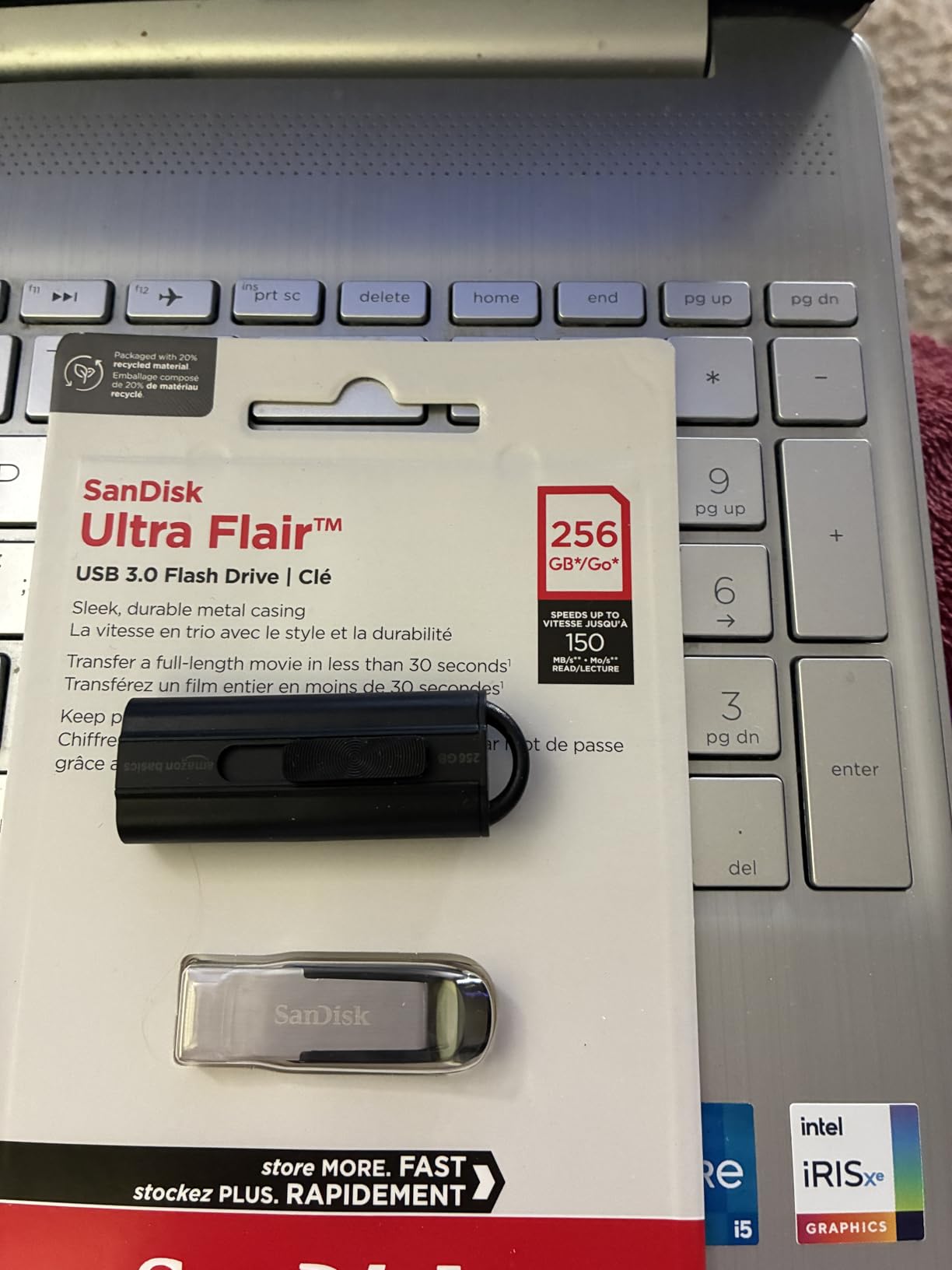
At that sustained write rate, a 30GB offload takes roughly eight to ten minutes. A 60GB card takes closer to twenty. That works on set but it is not a drive to edit from.
Buyers consistently like the metal housing, which survives a pocket or a glove better than the plastic sticks, and the plug-and-play behaviour on both Windows and Mac. The same metal is the reason it warms up during long transfers.
What this drive is genuinely good for
It is a handoff drive. You shoot, you offload, you hand the stick to an editor or a client. At 1TB there is room for several shoot days without erasing, which is the relief anyone who has lost footage to a full card will recognise.
What this drive is bad for
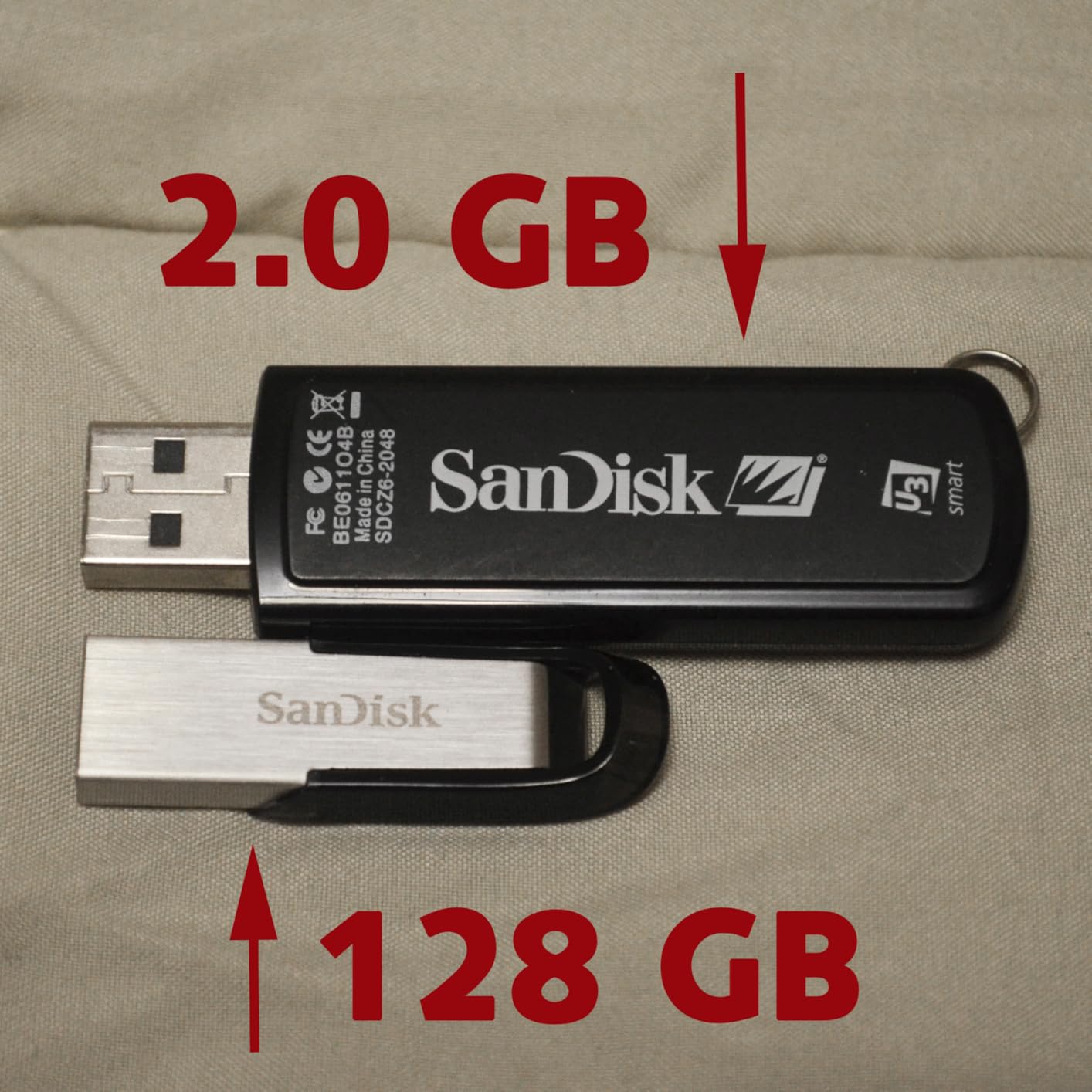
It is a poor editing scratch disk. Reading a timeline from a drive that writes at 50-60MB/s will feel sluggish once you are dealing with 4K streams, and the compact metal body has no loop or ring, so it disappears into a bag more easily than you would like.
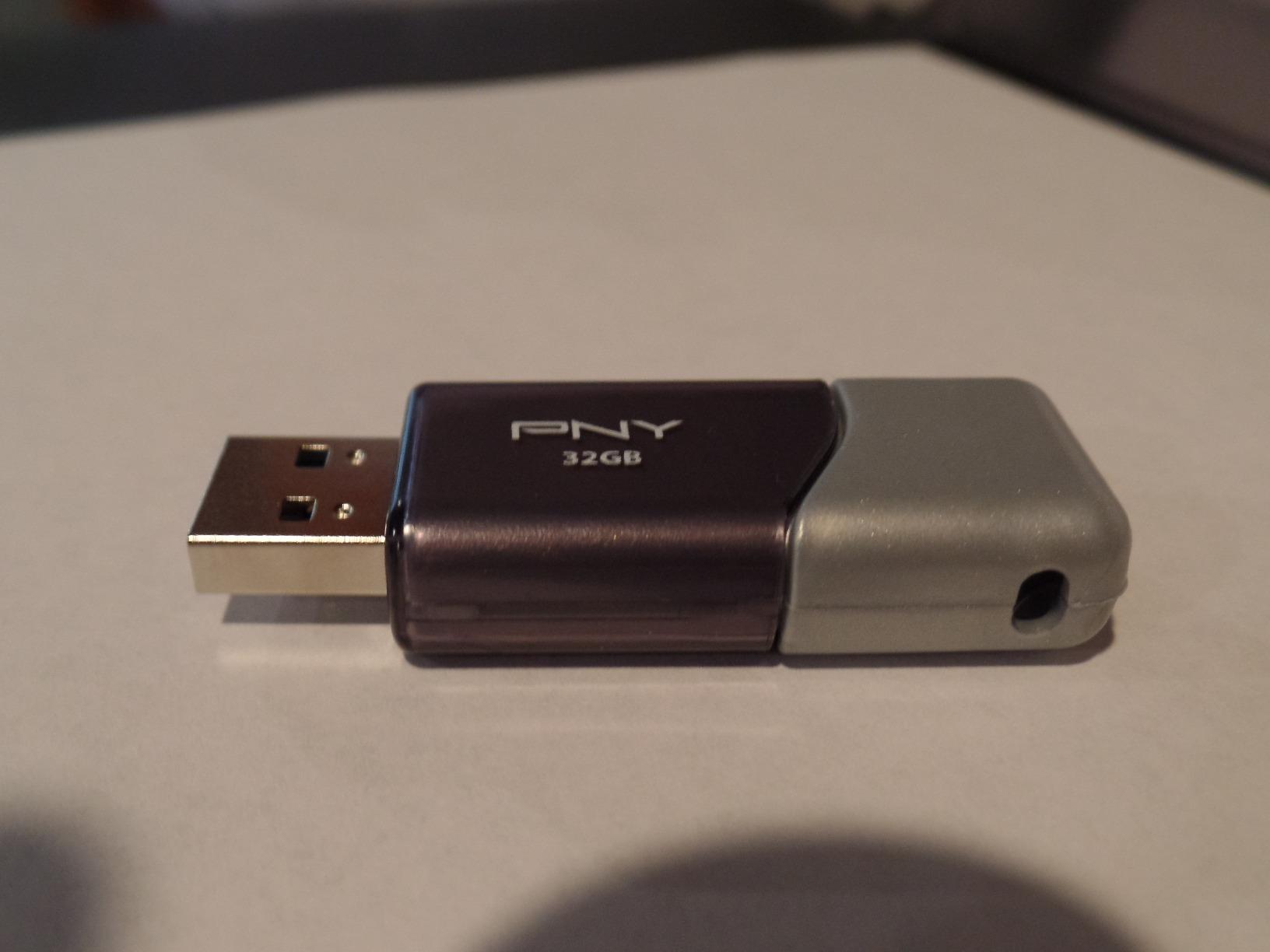
2. PNY Turbo Attache 3 512GB – capless slider, 512GB, no lost cap
PNY 512GB Turbo Attaché 3 USB 3.2 Flash Drive
512GB capacity
USB-A
USB 3.2 Gen 1
100MB/s read
1-year warranty
Pros
- Capless slider removes the lost-cap problem
- 512GB suits a shoot week of media
- Lightweight enough to keep on a keychain
- Backwards compatible with USB 2.0
Cons
- 100MB/s read is modest for bulk footage
- Sliding collar can stick on some drives
- One-year warranty is the shortest here
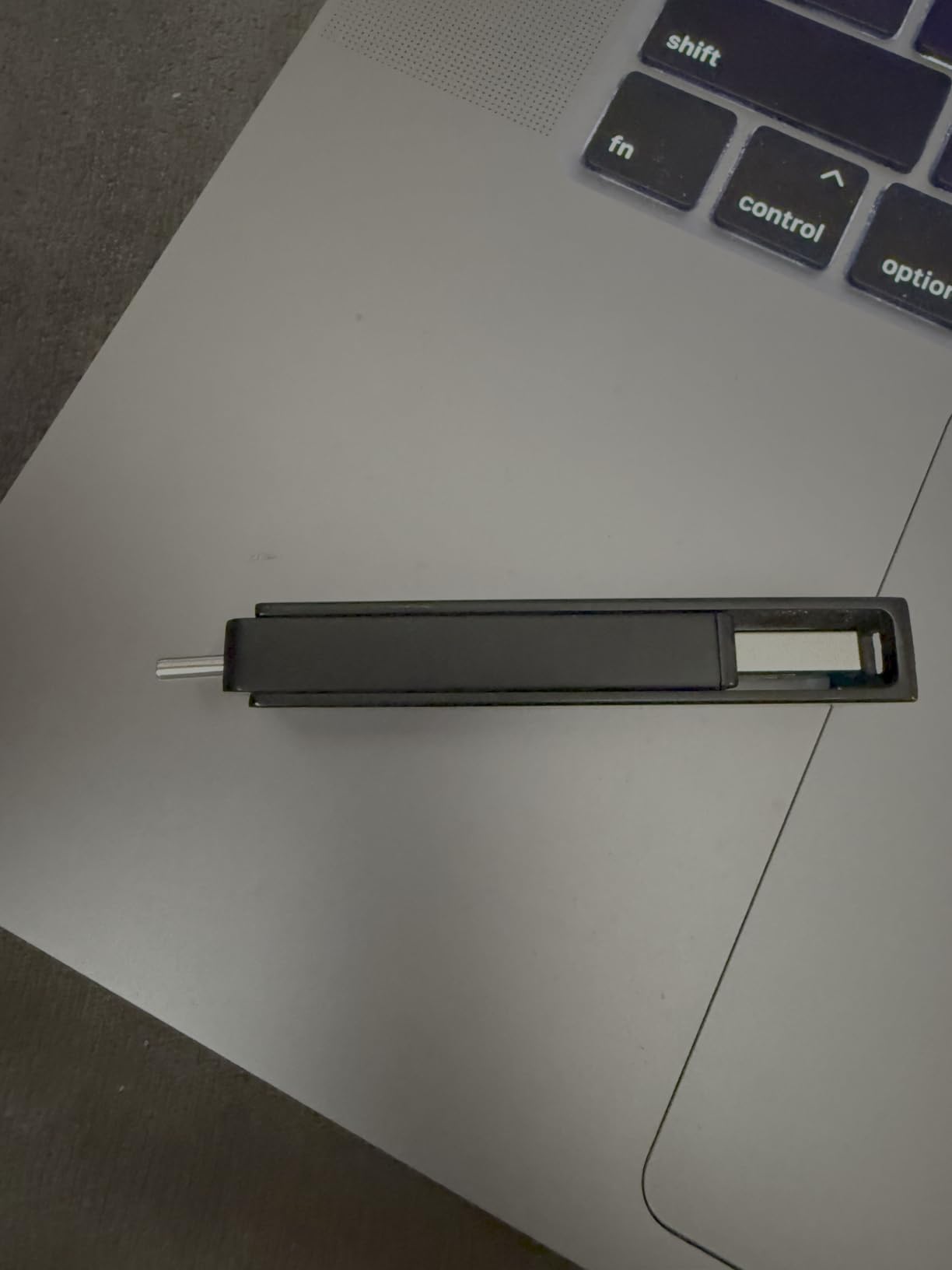
The Turbo Attache 3 solves a problem nobody advertises: lost caps. The connector slides into the body and stays there, so there is no small plastic piece to fish out of a bag liner.
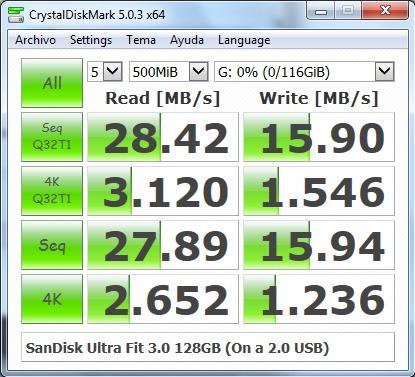
It is a 512GB drive rated at 100MB/s read, and buyers running Linux imaging tests report figures nearer 120MB/s in practice. That is enough to move a card of 4K footage in a reasonable break, as long as you are not in a hurry.
The slider is not perfect. A minority of owners report the collar sticking or sliding open on its own inside a pocket, which is the one flaw in an otherwise tidy design. Check it when you unbox it.
One thing to weigh before a long shoot is the warranty. This drive carries a single year, the shortest in the group, and a warranty is what stands between a failed drive and lost footage.
What this drive is genuinely good for
It is a bulk transfer drive for a working shoot. If you are moving cards to a laptop or a shared drive at the end of each day, 512GB and a sliding connector cover the job without any ceremony.
What this drive is bad for
It is not a dual-interface drive, so USB-C-only laptops mean carrying an adapter. And at 100MB/s it sits in the slower half of this list, which you will feel on a 100GB copy.
3. Samsung Type-C 512GB – a USB-C stick that writes well on big transfers
Samsung Type-C USB Flash Drive 512GB, USB 3.2 Gen 1, Up to 400MB/s
512GB capacity
USB-C
USB 3.2 Gen 1
400MB/s read
5-year warranty
Pros
- Sustained writes around 75-80MB/s on large transfers
- Reversible USB-C plugs straight into phones and tablets
- Water
- shock
- temperature and x-ray resistant
- Five-year manufacturer warranty
Cons
- Coin-sized body and loose cap are easy to lose
- Might not clear a port on a phone in a thick case
- Writes fall to 60-65MB/s on short bursts
- Overheats on very long reads
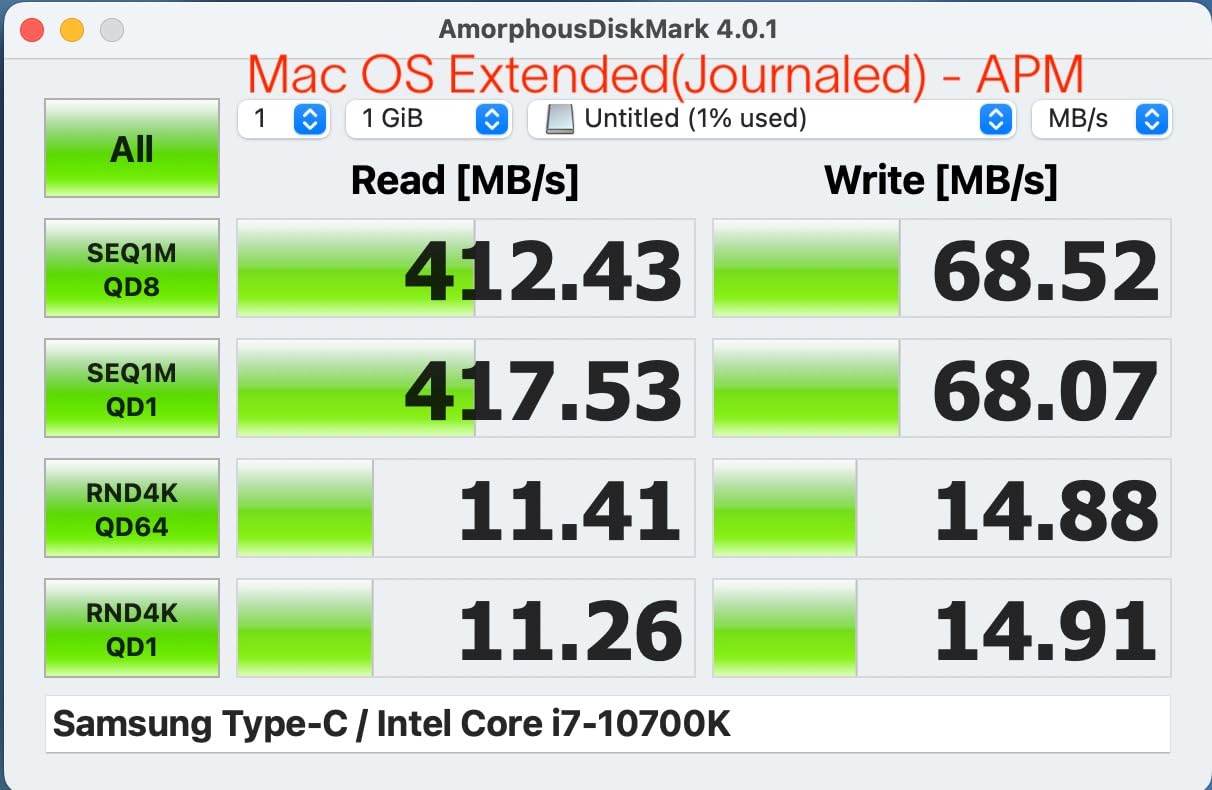
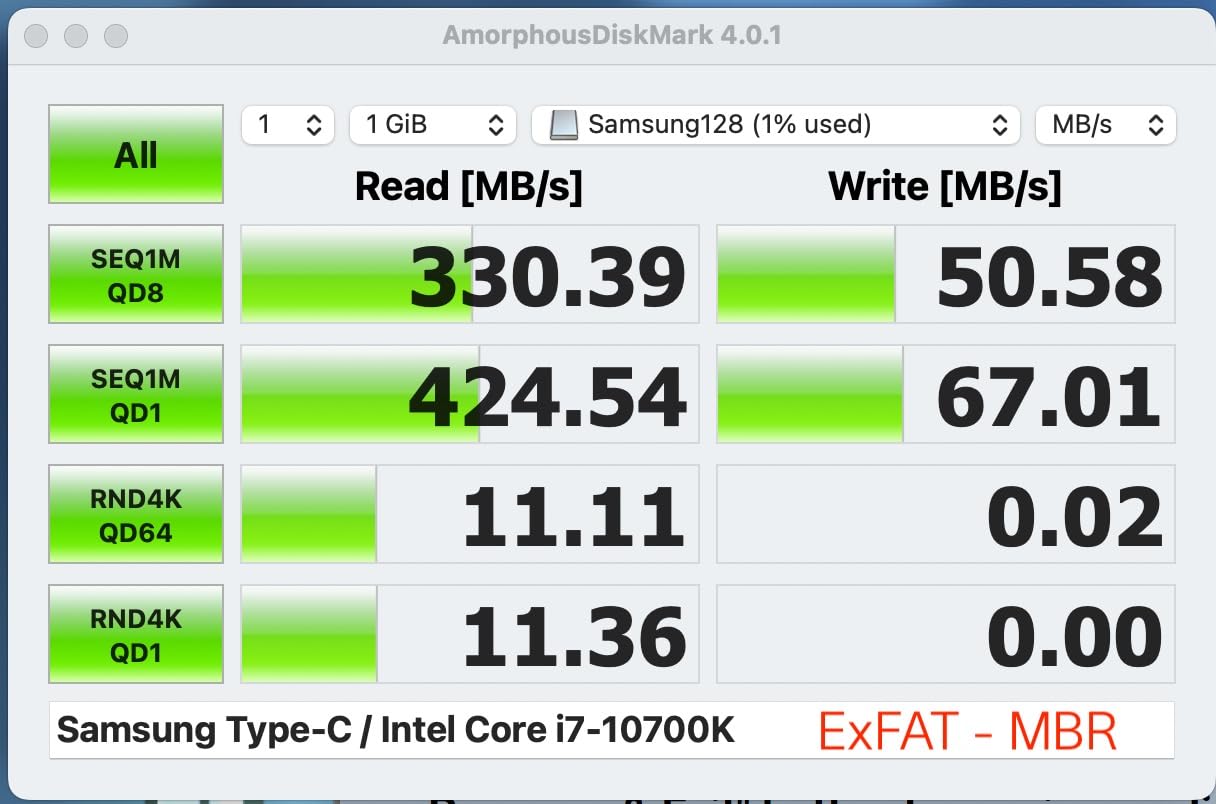
The headline on this one is 400MB/s read, but the number that matters for footage is the write. Owners report sustained writes around 75-80MB/s on very large transfers, which is a write figure few sticks in this class can show once the cache has filled.
That matters because the USB-C connector goes straight into a phone, tablet or USB-C laptop with no adapter. If your footage starts on a phone rather than a camera, this is the drive that removes the friction.
Samsung rates this one as water, shock, temperature and x-ray resistant, and backs it with a five-year manufacturer warranty. For a drive that lives in a bag on location, that combination is worth more than raw speed.
The one behaviour to plan around is heat. Owners report that the drive overheats on very long reads and can drop a transfer after 75-80GB. If you are moving more than that in one go, split the copy.
What this drive is genuinely good for
It is the offload drive for a phone or tablet shooter. The connector fits without an adapter, the write figure holds up on long copies, and Samsung rates it as water, shock, temperature and x-ray resistant.
What this drive is bad for
It is tiny, with a removable cap that has no tether, and it may not clear a port opening on a phone in a thick case. Test the fit on your own device before you rely on it in the field.
4. SSK 2TB Dual USB-C and USB-A – big capacity with a real controller
SSK 2TB USB C Flash Thumb Drive up to 550MB/s Dual USB C+A Memory Stick
2TB capacity
USB-C and USB-A
USB 3.2 Gen 2x2
550MB/s read
3-year warranty
Pros
- Measured sequential reads above 550MB/s
- Random write near 400MB/s is unusual for a stick
- 2TB in a body with both connector types
- Zinc alloy shell with covers on both ends
Cons
- Runs warm on extended video transfers
- Insertion can feel stiff in laptop ports
- No Lightning-port compatibility
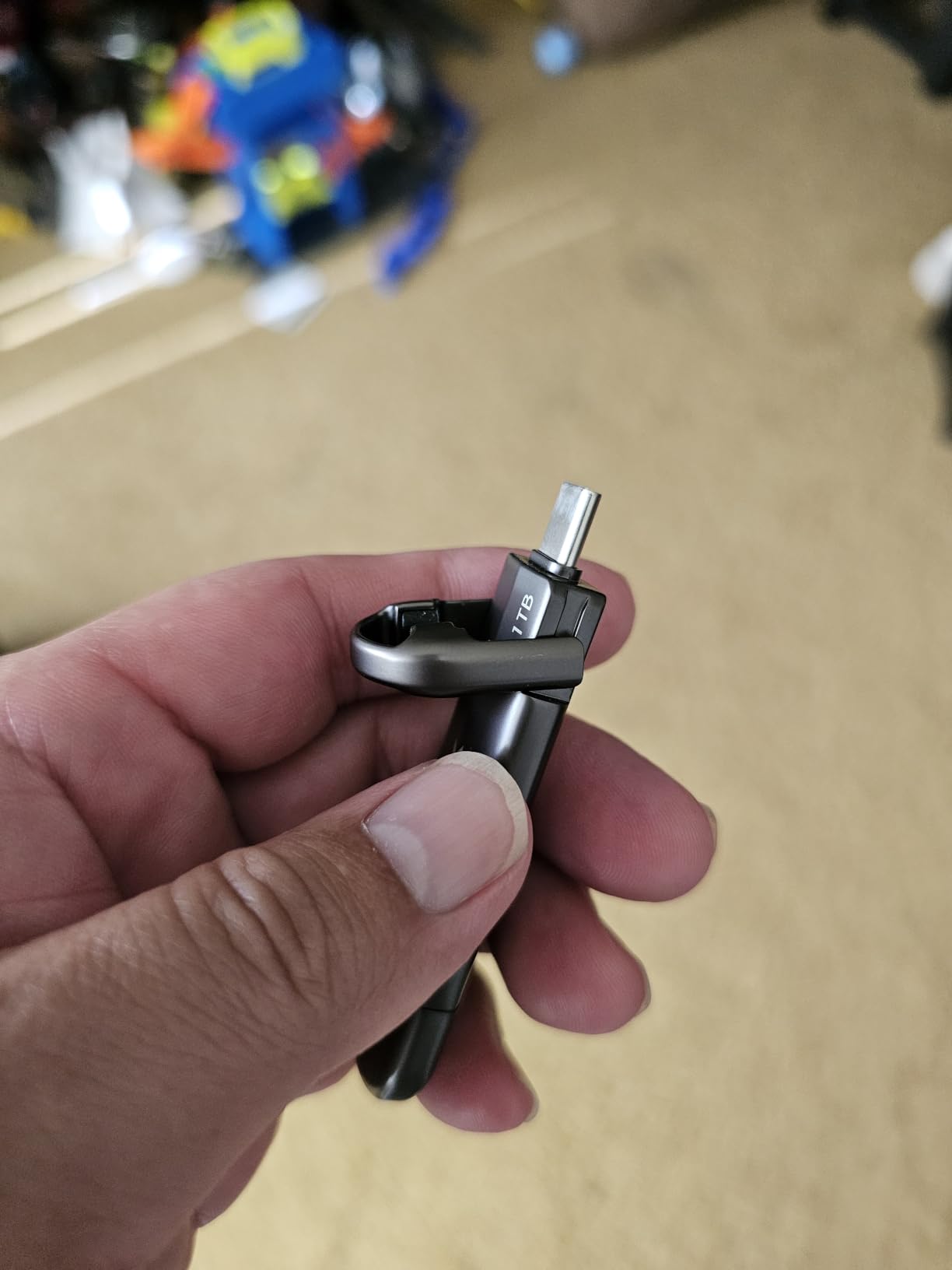
Two terabytes in a stick is the headline here, but the part that changes your workflow is the second connector. One end is USB-C, the other is USB-A, so the same drive moves footage between a modern laptop and an older desktop without an adapter in your bag.
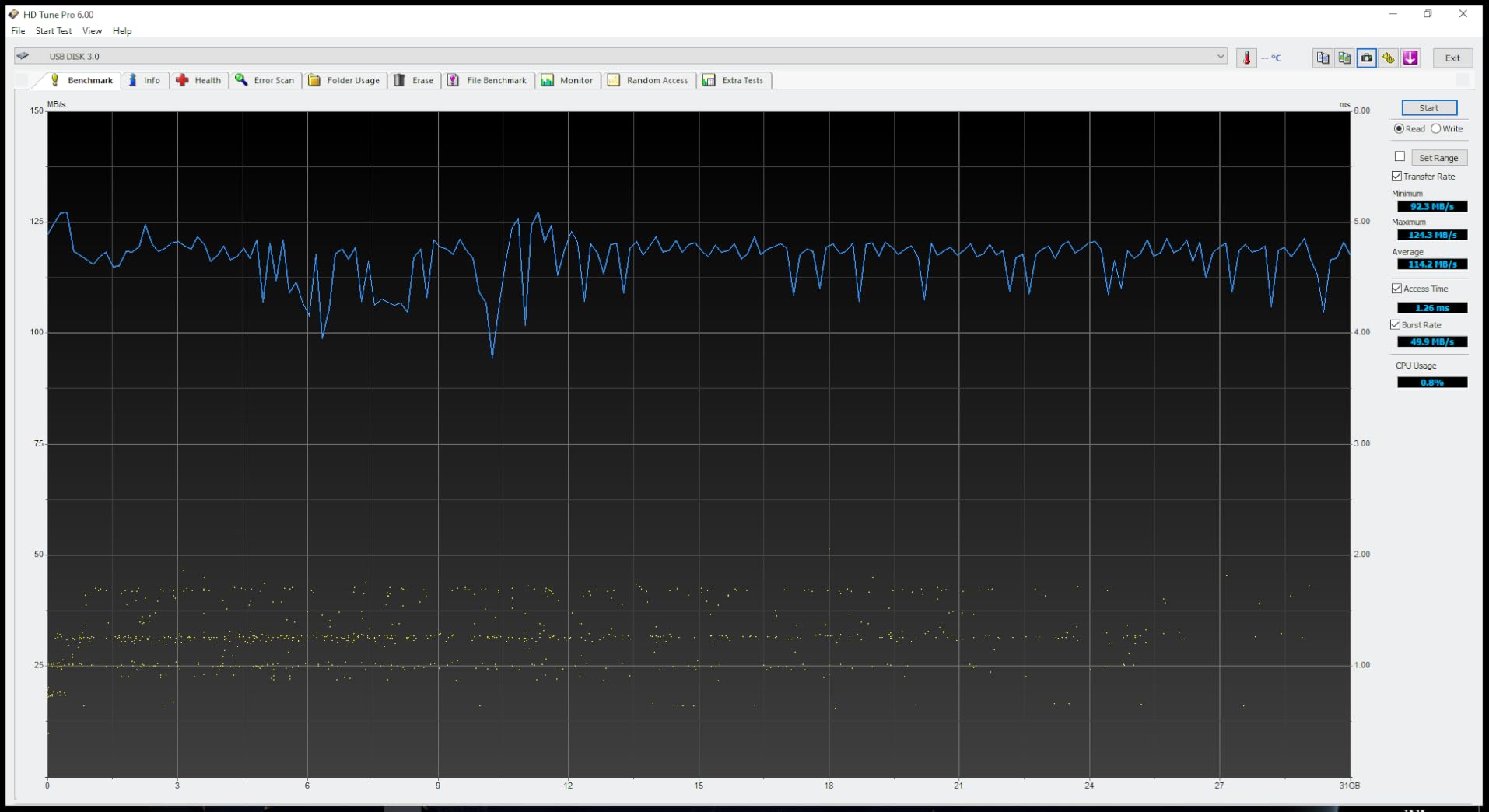
Benchmarking owners confirm the 550MB/s read claim and report random writes near 400MB/s, which is unusually strong for a flash drive. That is a stick that behaves more like a small SSD than a memory stick.
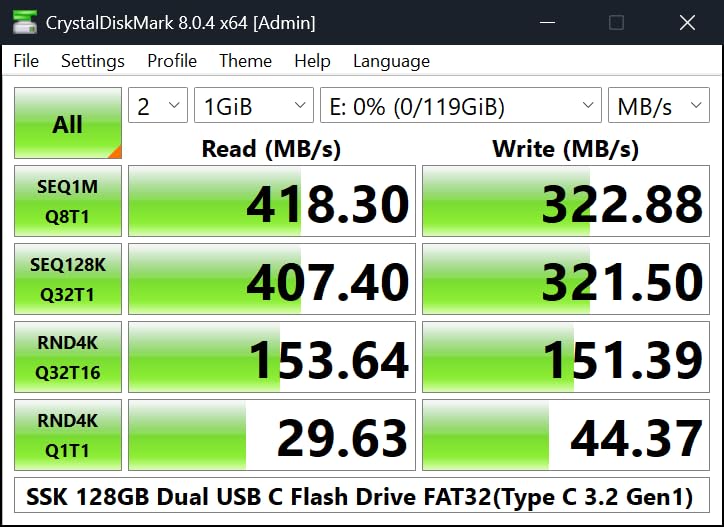
It arrives formatted as exFAT, which is exactly what you want for video, and it works with phones, tablets, TVs and consoles. A keychain pouch is included.
Heat is the recurring complaint, along with a stiff insertion feel in laptop ports. Both are minor next to the capacity, but worth knowing before you buy a second one.
What this drive is genuinely good for
It is an archive and handoff drive for someone who does not want to come home. Two terabytes holds an entire multi-week shoot, and the dual connectors mean you can hand the same stick to a client on a USB-C laptop or an older machine at the edit suite.
What this drive is bad for
It will not work with a Lightning port, so older iPads and iPhones are out. And the zinc alloy body runs warm during long transfers, which is the same thermal ceiling every high-speed stick here shares.
5. TEAMGROUP C175 1TB – the lifetime-warranty terabyte stick
TEAMGROUP C175 1TB USB 3.2 Gen 1 (USB 3.1/3.0) Read 100MB/s Flash Thumb Drive, External Data Storage Memory Stick Compatible with Computer/Laptop/Desktop/PC Matte Black TC17531TBB01
1TB capacity
USB-A
USB 3.2 Gen 1
100MB/s read
Lifetime warranty
Pros
- Lifetime warranty and cap-loss-free streamlined body
- Plug and play
- hot swap and power saving
- Reliable enough for portable OS installs and bootable utilities
- 1TB of capacity for a media library or archive
Cons
- 100MB/s read is slow for bulk video
- Some drives had the outer shell separate
- Sync operations can hang for minutes on big datasets
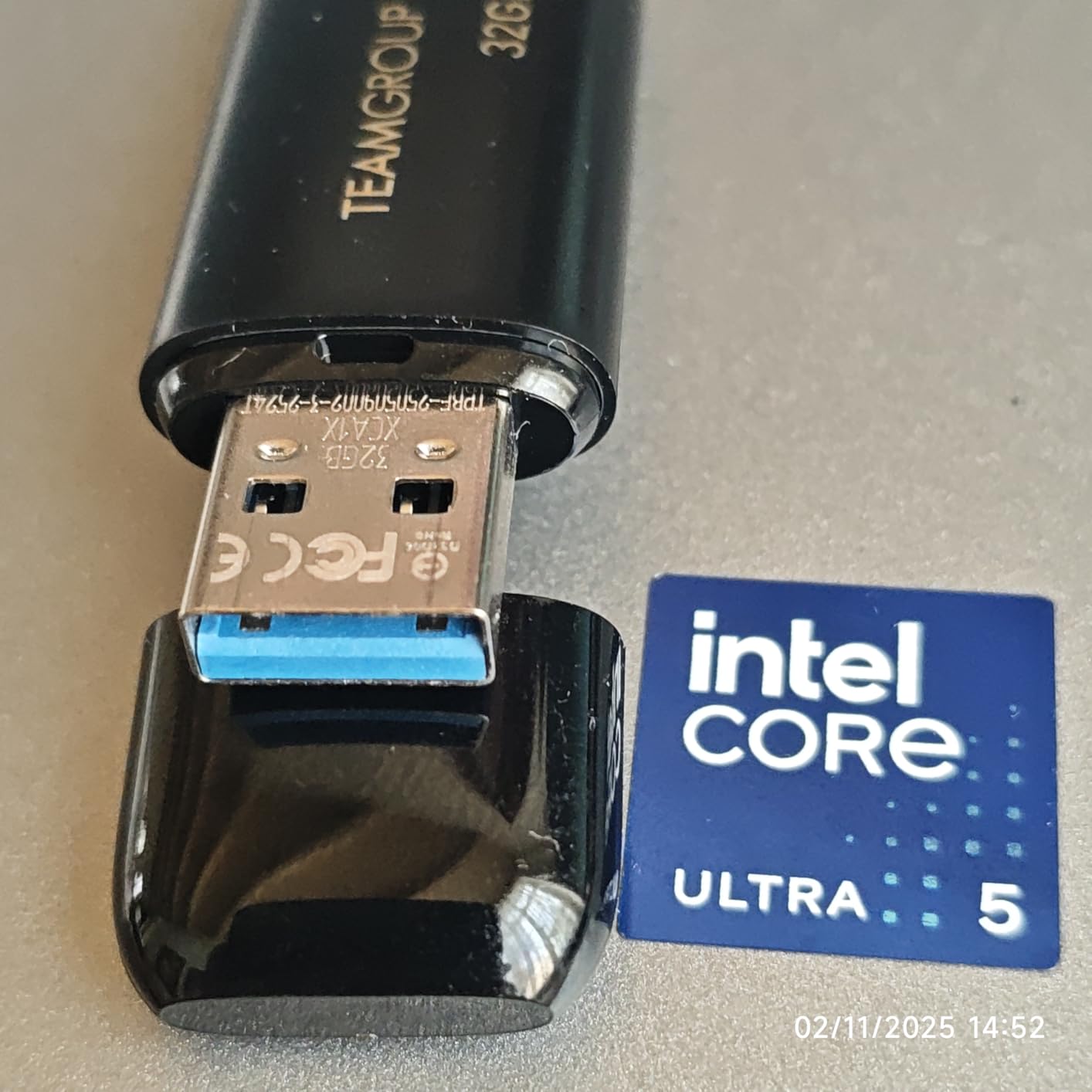
The C175 is the straightforward answer to how to carry a terabyte in a pocket. One terabyte of capacity, a 100MB/s read rating, and a lifetime manufacturer warranty behind it, which is a longer commitment than most of the premium sticks here offer.
Buyers treat it as an everyday storage drive, a place to keep a media library, and a reliable target for OS images and bootable utilities. The cap-loss-free body means there is nothing small to lose.
Performance reviews are clear-eyed about the limit. 100MB/s is slow for bulk video, and a small but vocal group report the outer shell separating from the internal electronics, plus sync operations that stall for several minutes on large datasets.
Neither complaint is universal, and neither is disqualifying for a backup drive. They matter if this is going to be your only copy of anything.
What this drive is genuinely good for
It is a backup and archive drive. Keep a finished project on it, carry a library of rushes to a meeting, or use it as a bootable recovery drive. The lifetime warranty and the slim body are the reasons to pick it.
What this drive is bad for
It is not a fast offload drive. If a 100GB copy is a routine part of your day, the wait will be obvious, and the reported sync hangs on large datasets will test your patience at the worst moment.
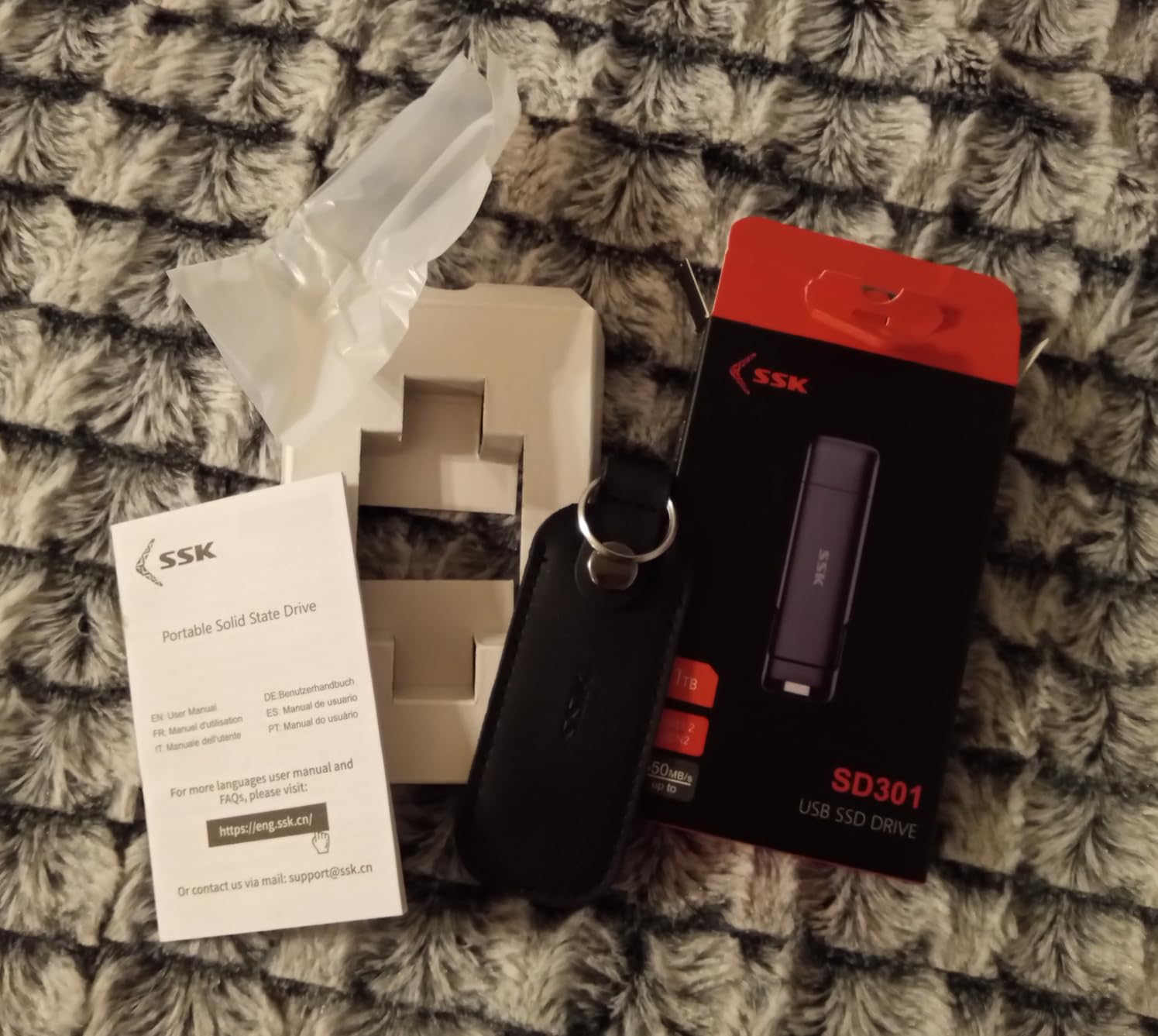
6. SSK 1TB SSD-Style Thumb Drive – steady speed without a cache cliff
SSK 1TB External SSD Drive up to 550MB/s Dual USB C+A 3. 2 Thumb Drive
1TB capacity
USB-C and USB-A
USB 3.2 Gen 2
550MB/s read
3-year warranty
Pros
- Sustained read and write above 400MB/s with no DRAM cache limit
- Genuine 1TB in a small SSD-style body
- Zinc alloy housing with covers on both connectors
- Keychain pouch included
Cons
- Metal casing gets hot during sustained writes
- Transfer speed drops as the drive warms
- Body can be too wide for phones in rugged cases
Most flash drives are fast for the first few gigabytes and then settle back once the write cache fills. This one does not, according to owners, who report sustained read and write speeds of 400MB/s or more with no DRAM cache limit in the way.
For footage, that is the property that matters most here. A drive that holds 400MB/s on the last file of a 60GB folder behaves the same as one that hits 400MB/s on the first.
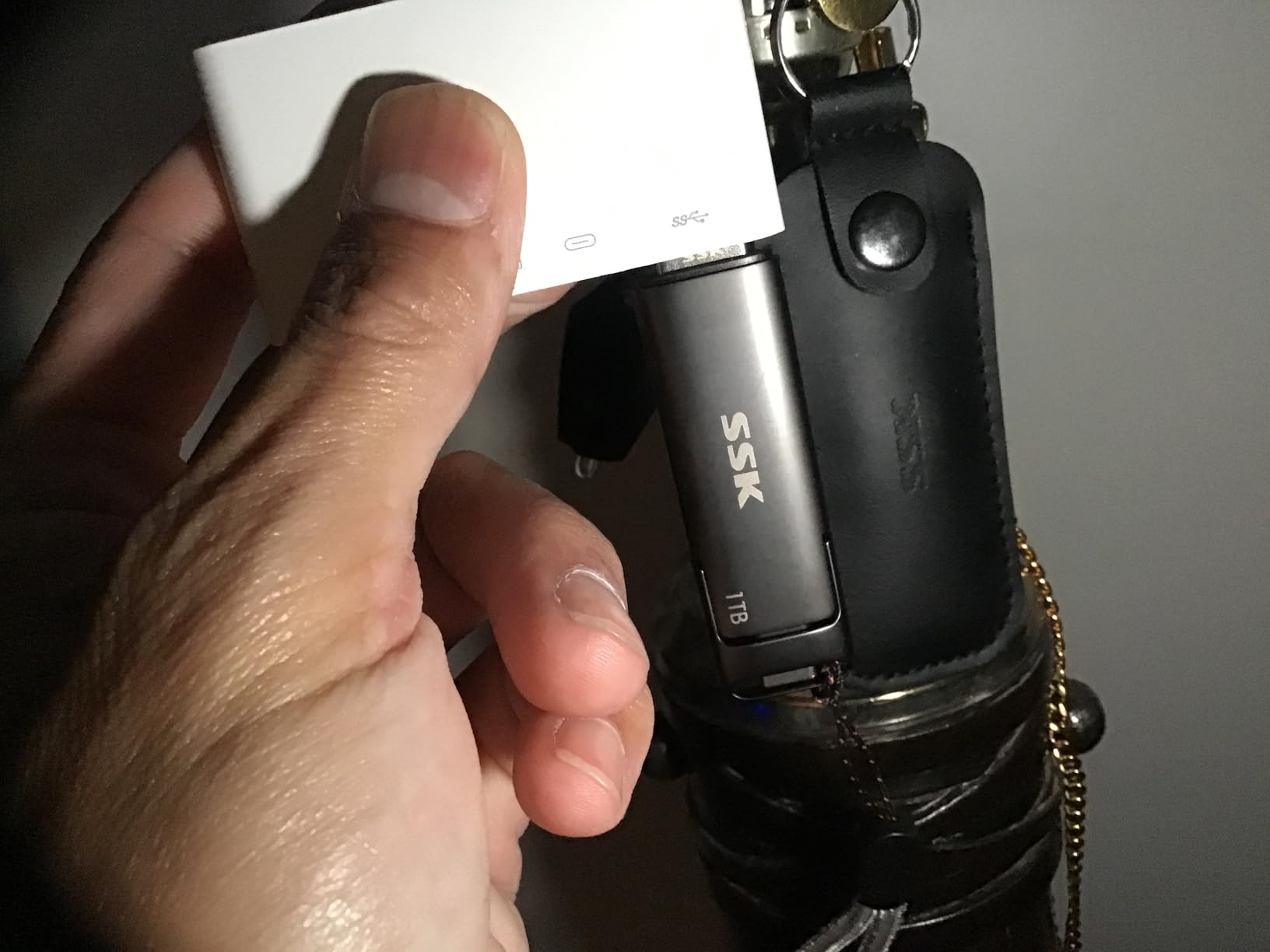
It comes formatted as exFAT by default, has a hinged cover on the USB-C end and a removable cap on the USB-A end, and includes a keychain pouch. The zinc housing is a step up in feel from the plastic sticks at the same capacity.
The tradeoff is thermal. Owners report the casing getting hot during sustained writes and transfer speed dropping as it warms, so a very large copy is still better done in segments with a pause.
What this drive is genuinely good for
It is the stick to pick if you regularly copy whole cards of 4K or 8K footage and the wait is the part that annoys you. Steady throughput means your copy time is predictable, which is what a shoot schedule actually needs.
What this drive is bad for
It will not fit into some phone or tablet ports, particularly with a rugged case on. And the warm-running housing is a fair reason to break a long transfer into two sessions rather than one.
7. SanDisk Extreme PRO 2TB Dual Drive – dual-interface speed for 4K and 8K
SANDISK 2TB Extreme PRO Dual Drive, USB-C+USB-A, Up to 1000MB/s Read Speeds
2TB capacity
USB-C and USB-A
USB 3.2 Gen 2
1000MB/s read
900MB/s write
Pros
- Rated up to 1000MB/s read and 900MB/s write
- 2TB holds 4K and 8K footage plus project backups
- Dual connectors with a click-lock slider
- Metal build described as very rugged
- Works with Mac
- Android
- PlayStation and PC
Cons
- Gets uncomfortably hot during use
- USB-C port stability reported as finicky
- Weighs 22.68g and has no connector covers
- High cost per gigabyte against conventional flash drives
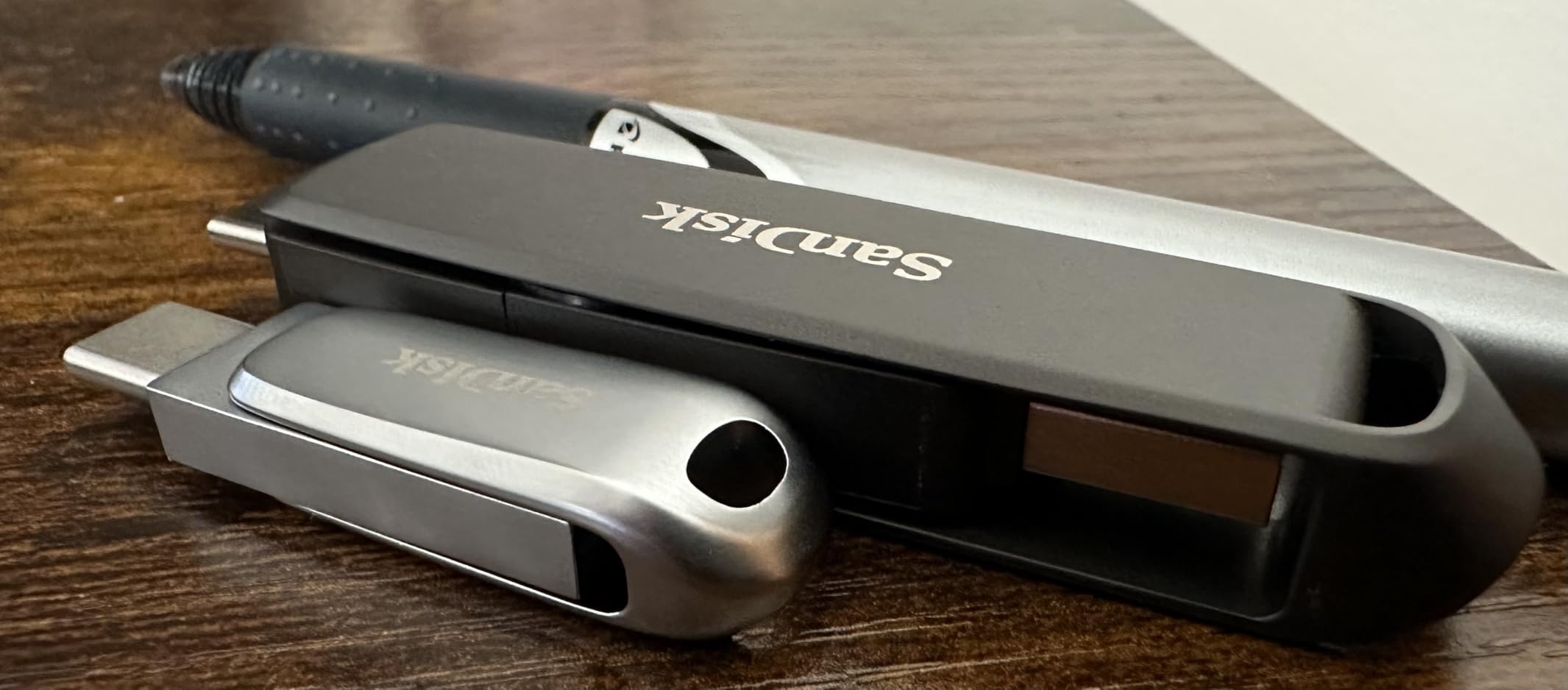
This drive carries a 900MB/s write rating, the highest in the roundup, alongside 1000MB/s reads and two terabytes of capacity with both USB-C and USB-A on the same body. The click-lock slider is a small detail that stops the usual accidental half-insertion.
Owners report near-external-SSD transfer speeds and describe the metal build as extremely rugged. It is a common favourite for DJ libraries, streaming and large media offloads for a reason.
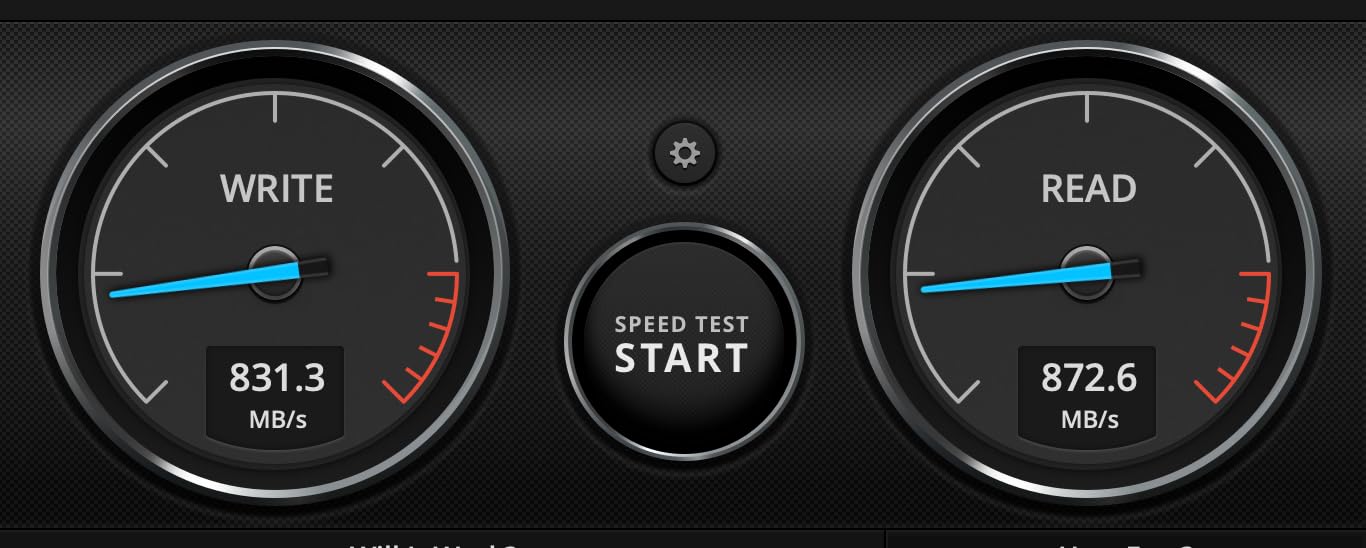
You need a USB 3.2 Gen 2 host port to see anything close to the ratings. In a 5Gbps port the drive is limited by the port, not the drive, and no amount of patience changes that ceiling.
Heat is the most common reservation, with owners describing it as uncomfortably hot to the touch during use. At 22.68g it is one of the two heaviest sticks here, and it has no covers on either connector.
What this drive is genuinely good for
It is for people who move serious volume in one session. A full shoot of 8K footage, or a library you want to keep fast and portable, fits without the copy becoming the bottleneck.
What this drive is bad for
It is the wrong tool if you just need somewhere cheap to park a finished archive. The cost per gigabyte is far higher than a 1TB conventional stick, and the weight plus missing connector covers make it less suited to a keyring or a crowded laptop port.
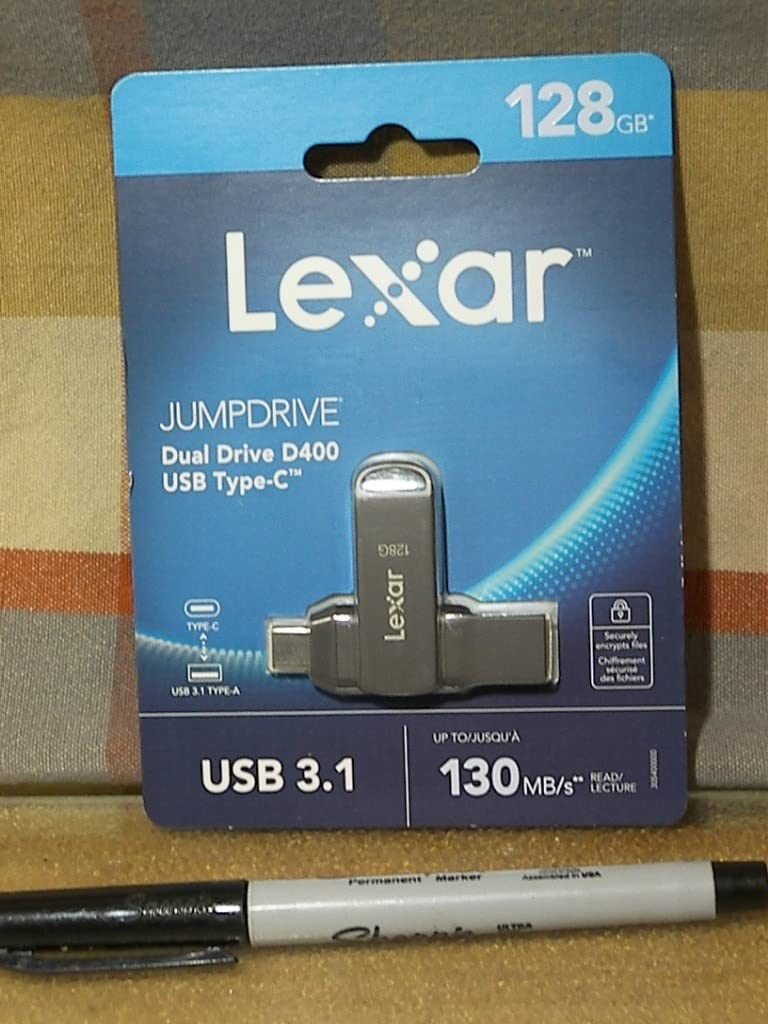
8. Lexar JumpDrive D400 512GB – dual connectors and a five-year warranty
Lexar 512GB JumpDrive D400 Dual Flash Drive, 170MB/s Read, USB-C/A, USB 3.2
512GB capacity
USB-C and USB-A
USB 3.2 Gen 1
170MB/s read
5-year limited warranty
Pros
- Dual USB-C and USB-A in one drive
- Consistent read and write for the class
- Metal housing resists cracking
- Works with Android phones
- PCs and Macs
- Five-year limited warranty
Cons
- Swivel housing can separate if carried loose on a keychain
- Not the fastest option for large 4K transfers
- Bundled software cuts usable capacity by roughly 12GB
The D400 puts a USB-C and a USB-A connector on the same 512GB drive and backs it with a five-year limited warranty. For a stick that will hold unreleased footage, that combination of dual interface and long cover is the pitch.
Rated read and write are both 170MB/s, which owners describe as consistent for this class of drive. It is a middle of the road speed, fast enough for a card offload without being a bottleneck on bigger jobs.
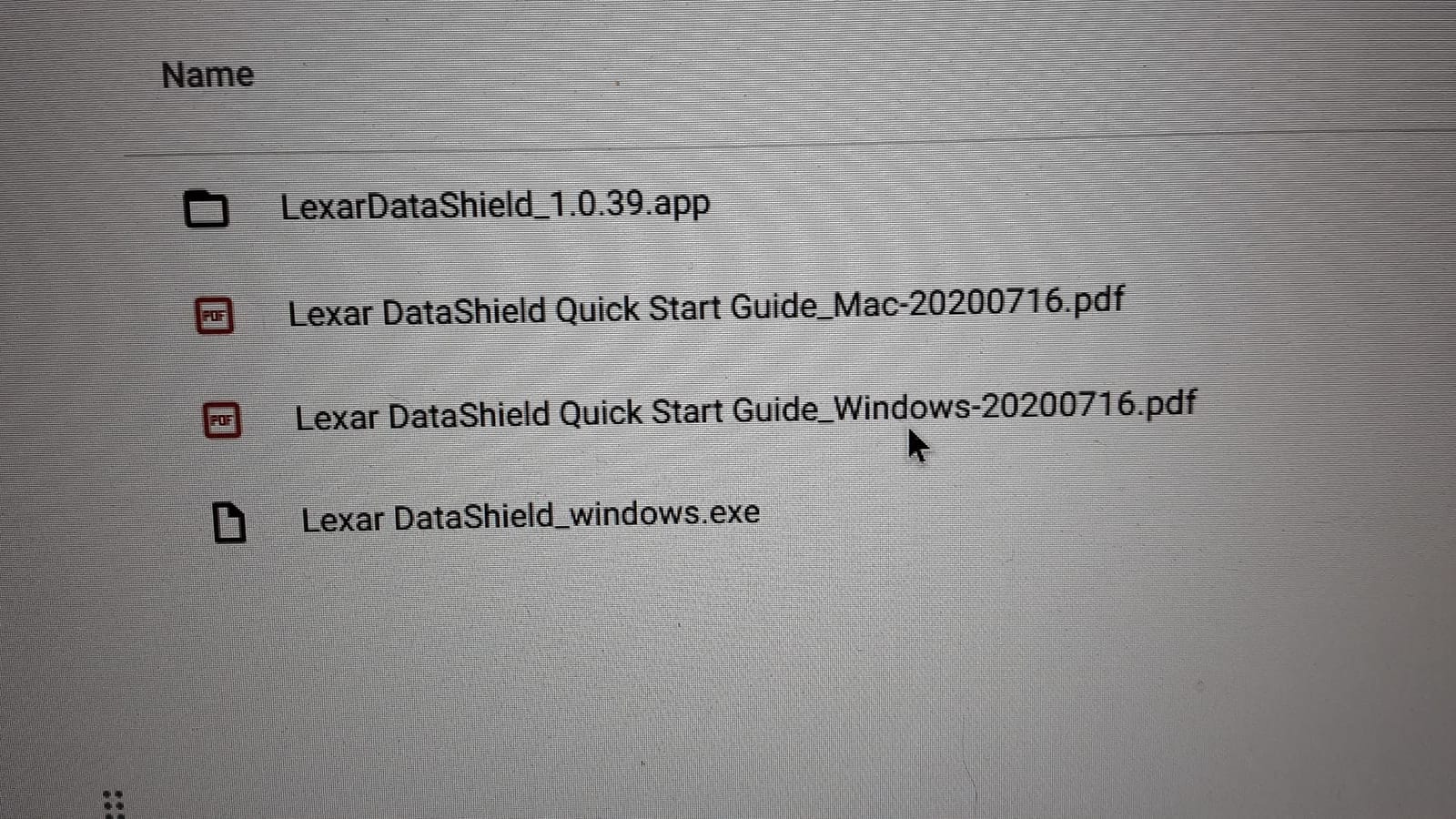
Two things to know before you fill it. The swivel housing can separate from the internals if the drive is carried loose on a keychain, and the preinstalled Lexar software reduces usable capacity by roughly 12GB, which matters when you are planning a shoot by capacity.
Our guide to encrypted USB drives for security covers the software side if client footage needs protecting at rest.
What this drive is genuinely good for
It is a delivery drive for an editor or client who works across both USB-C and USB-A machines. The five-year warranty also makes it a reasonable choice for anyone whose footage is not backed up anywhere else.
What this drive is bad for
It is not the fastest option for large 4K transfers, and the swivel joint is a weak point on a drive that lives in a bag. If your workflow is a daily 100GB copy, look at one of the sustained-speed drives instead.
9. PNY PRO Elite V3 2TB Type-C – pure USB-C speed for modern laptops
PNY 2TB PRO Elite V3 Type-C USB 3.2 Gen 2 Flash Drive
2TB capacity
USB-C
USB 3.2 Gen 2
1000MB/s read
800MB/s write
Pros
- Rated up to 1000MB/s read and 800MB/s write
- 2TB suits movies
- high-resolution photos and 4K video
- Premium metal design
- Works with Type-C iPhones
- iPads and Android devices with no app
Cons
- Smaller pool of owner feedback than the established picks
- Type-C connector may not clear thick device cases
- Two-year limited warranty
- High cost per gigabyte for the speed tier
This is the pure USB-C option at the top of the list. No sliding part, no cap, no adapter. The connector is reversible and rated for 1000MB/s read and 800MB/s write across a 2TB capacity.
It works with Type-C iPhones, iPads and Android devices with no app, which makes it the simplest handoff option if your client is on current hardware. It is also backwards compatible with USB 3.0 and USB 2.0 machines.
The honest caveat is the feedback pool. With 340 owner reviews this drive has less history behind it than the picks above, so you are trusting the spec sheet and the PNY name rather than a long record of real transfers.
Heat and case fit are the usual trade-offs in this speed class, exactly as they are on the other high-speed sticks here. The warranty is two years, which is shorter than the five-year covers on the Samsung and Lexar drives.
What this drive is genuinely good for
It suits a USB-C-only workflow. If your laptop, your phone and your client machine all have one port type, a dedicated Type-C drive removes the adapter from the kit entirely.

What this drive is bad for
It is a single-connector drive, so any USB-A machine needs an adapter. And if you are moving footage you cannot afford to replace, a two-year warranty is thinner cover than you would want.
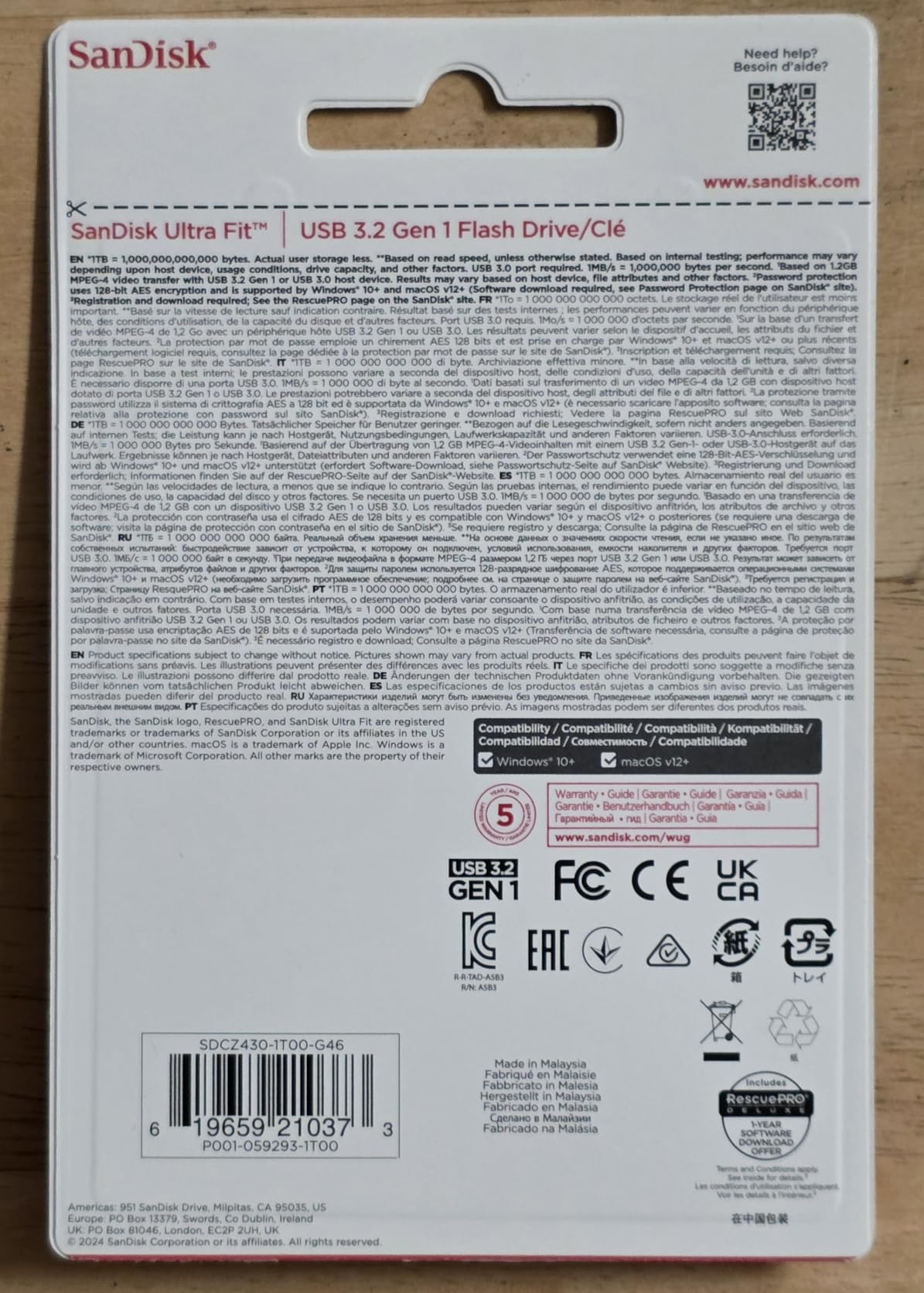
10. SanDisk Ultra Fit 1TB – small enough to stay plugged in
SANDISK 1TB Ultra Fit, USB Type-A Flash Drive, Up to 400MB/s Read Speeds
1TB capacity
USB-A
USB 3.2 Gen 1
400MB/s read
5-year warranty
Pros
- Near 400MB/s read speeds in a body this small
- Low-profile plug-and-stay design that will not snag
- 1TB for large video files and photo libraries
- Plays 4K from a smart TV directly off the drive
- 128-bit AES password protection available
Cons
- All-plastic build is delicate and unsuited to a keyring
- Very easy to lose with no loop or ring
- Runs hot during sustained transfers
- A few drives reported with near-zero write speed
The Ultra Fit is built to stay in a port. At 1.28g and just over an inch long, it sits flush enough to stay in a laptop or television without snagging on anything in a bag.
Owners like that it delivers close to the 400MB/s read rating, and that it streams 4K playback directly from a smart TV. It is a common choice for extending laptop storage permanently rather than as a carry-around.
There is a specific complaint worth taking seriously: a small number of owners report near-zero write performance on their drive. Write speed is the number that governs footage, so test a copy early and inside the return window rather than trusting the box.
Heat during long transfers is reported too, and an all-plastic body is not what you want in a field kit. Keep it in a port or a pocket, not on a keyring.
What this drive is genuinely good for
It is a permanent storage extension and a media drive for a television. If the drive is going to live plugged in, its small size and 400MB/s read make it the natural pick.
What this drive is bad for
It is a poor field drive. No loop, no ring, all plastic and easily lost, and the reported write-speed outliers make it a risk for footage that has no second copy.
11. Centon DataStick Pro 1TB – a light aluminium backup stick
1TB DataStick Pro by Centon, USB 3.2 Gen1 Flash Drive Memory Stick for Storage and Backup
1TB capacity
USB-A
USB 3.2 Gen 1
Lightweight aluminium body
Backup and storage
Pros
- 1TB for documents
- music
- photos and video backups
- Lightweight aluminium casing in a classic form factor
- Backwards compatible with USB 2.0
- Works with PC
- Mac and USB-C via an adapter
Cons
- USB-A only
- so Type-C laptops need an adapter
- Aluminium body warms up during long transfers
This is a plain, dependable 1TB drive in an aluminium body. It is the drive you buy when you need somewhere to keep a copy and do not need it to be fast.
It runs USB 3.2 Gen 1 and is backwards compatible with USB 2.0, so it will work on older machines without complaint. The classic form factor suits a drawer in a camera bag.
Being USB-A only is the catch. If your working laptop is Type-C, you need an adapter in the kit, which adds the one point of friction this otherwise simple drive avoids.
Owners also note the aluminium body warming during long transfers, the same pattern as the other metal-bodied drives in this roundup. It is not a problem for a weekly backup and it is a problem for a daily 60GB copy.
What this drive is genuinely good for
It is a second copy. Keep a finished project or a season of footage on it, hand it to someone who needs the files and not the speed, and forget about it until you need it.
What this drive is bad for
It publishes no specific read or write figure, which tells you most of what you need to know. If your day involves large transfers, the adapter requirement is the first sign of the wrong tool.
12. PNY Duo Link V3 2TB – dual connectors with Gen 2 ratings
PNY 2TB Duo Link V3 USB 3.2 Gen 2 Type-C & Type-A OTG Flash Drive
2TB capacity
USB-C and USB-A
USB 3.2 Gen 2
1000MB/s read
800MB/s write
Pros
- Rated up to 1000MB/s read and 800MB/s write
- 2TB for large video libraries
- Dual USB-A and USB-C removes the need for adapters
- Metal swivel body with a firm click detent
- Works with iPhone 15 and newer iPads plus Android
Cons
- Sustained speeds settle near 380-400MB/s rather than 1000MB/s
- Swivel always leaves one connector exposed
- Heavier than most drives
- Some drives may not be recognised by smart TVs
The Duo Link V3 is the other dual-connector 2TB option, and it behaves differently from the Extreme PRO. Buyers report speeds that measure at or above the claim on large single-file writes, which is the case that matters for one big video.
It is a metal swivel body with a firm click detent, and it works with iPhone 15, third generation iPad and newer, and Android devices. The two-year limited warranty is shorter than the lifetime cover on the SanDisk Extreme PRO.
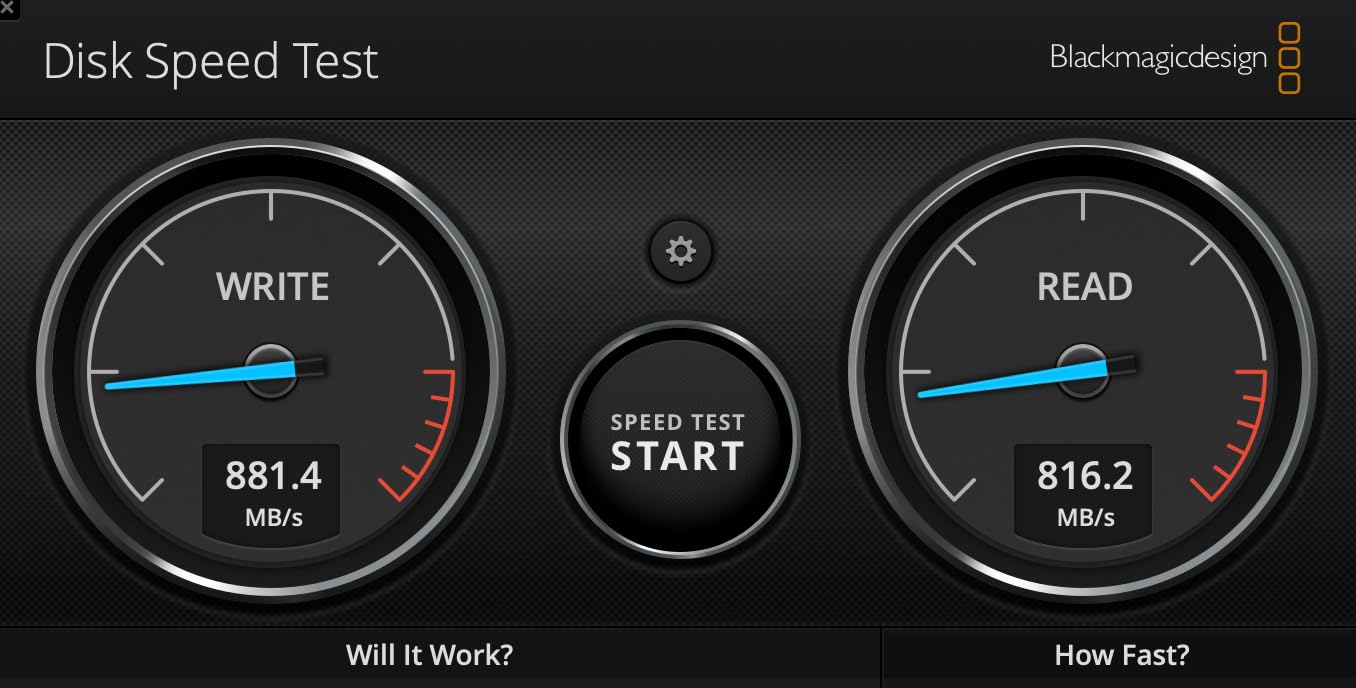
The 1000MB/s figure is a buffered burst. Reviewers are clear that real sustained speeds settle around 380-400MB/s, so treat the headline as a ceiling rather than a working number. If sustained throughput is what you are buying for, the SSK drives further up this list are the steadier choice.
The swivel always leaves one connector exposed, and the joint can feel wobbly. Heat from a nearby exhaust is also reported to slow it down, which is worth remembering in a cramped edit suite.
What this drive is genuinely good for
It suits a mixed-device kit. Dual connectors, 2TB, and compatibility with current Apple and Android hardware make it a straightforward client handoff drive when you do not want to explain adapters.
What this drive is bad for
It is heavier than most flash drives, which can matter on side-facing ports, and the swivel design leaves a connector open in a bag. Some drives are also not recognised by smart TVs for playback.
How to Choose a USB Flash Drive for Large Video Files in 2026
Most buying guides start with read speed because it is the biggest number on the box. For video that is the wrong place to start. Copying footage writes to the drive, so sustained write speed is the figure that decides how long you wait, and capacity is the figure that decides whether the footage fits at all.
How much video actually fits on each capacity
The arithmetic is simple once you have a bitrate. A clip recorded at 100 Mbps generates roughly 45GB per hour, at 50 Mbps about 22GB, and at 20 Mbps closer to 9GB. Divide the drive’s usable capacity by the per-hour figure and you have your answer.
A 256GB drive formatted exFAT gives you roughly 256GB to play with, since exFAT overhead is minimal. At 100 Mbps that is about five and a half hours of footage. At 50 Mbps it is about eleven hours, and at 20 Mbps you get closer to 28.
A 512GB drive doubles those numbers to roughly eleven hours at 100 Mbps, twenty-two at 50 Mbps and fifty-six at 20 Mbps. A 1TB drive holds about 22 hours at 100 Mbps or 45 hours at 50 Mbps, and a 2TB drive reaches roughly 45 hours at 100 Mbps.
The practical rule is simpler than the table. Buy for two to three shoot days of your heaviest bitrate, then round up. Buyers who consistently report full drives were the ones who sized for the best day rather than the average one.
Sustained write speed is the number that matters
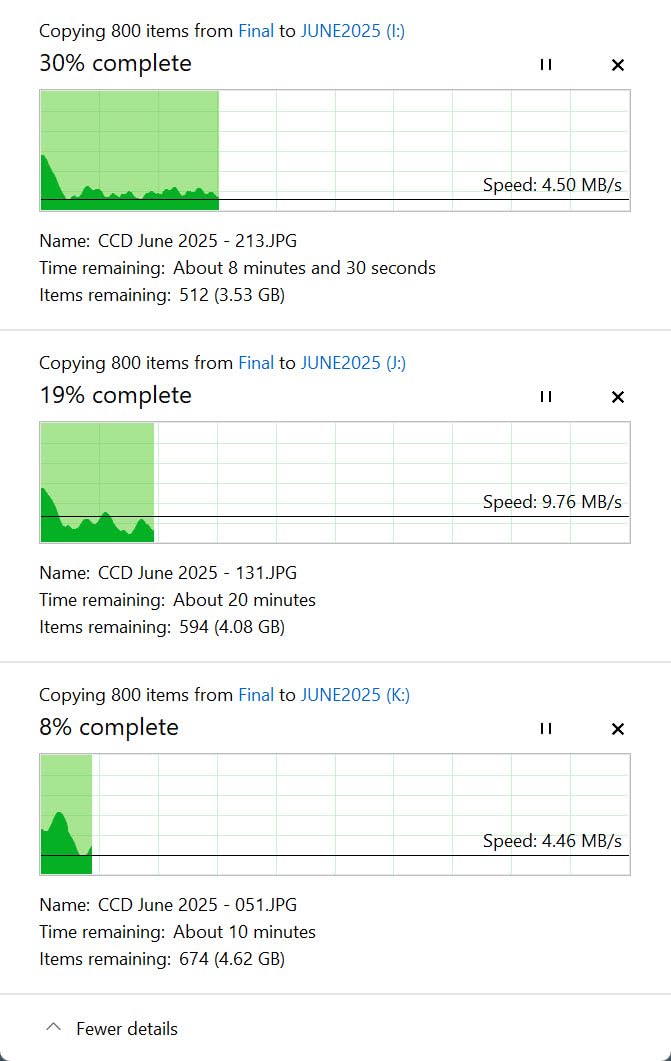
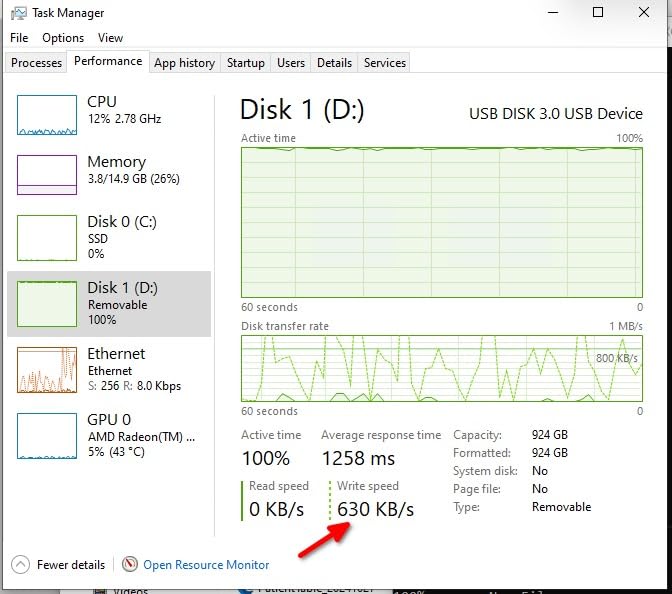
Advertised speed is burst speed. A flash drive can absorb a short write at several hundred megabytes per second while its cache is empty, then settle to a much lower figure once that cache fills. Copying 60GB of footage is not a short write, so the settled number is your real speed.
For copying 4K footage, 40MB/s of sustained write is the practical floor, and 100MB/s or more keeps the wait short. For editing directly off the drive you want 400MB/s or higher, and that is where the SSD-style sticks earn their place.
To estimate your copy time, divide total gigabytes by sustained MB/s and then multiply by roughly 1.1 for overhead. 60GB at 50MB/s is about 22 minutes. 60GB at 400MB/s is about three. The gap between those two numbers is the whole reason to spend more.
exFAT vs FAT32 vs NTFS and the 4GB file limit
FAT32 cannot store a single file larger than 4GB. That limit is why people hit an error trying to copy a long camera clip onto a stick that clearly has room left. Formatting the same drive as exFAT removes the ceiling entirely, with no practical penalty.
exFAT is the right default for video. It is supported on Windows and macOS, it has no 4GB per-file limit, and its overhead is small. NTFS is a fine alternative on Windows but macOS can only read it, not write to it, so it is the wrong choice for footage that has to move between platforms.
Format the drive before you rely on it, not after a failed copy. On Windows, right-click the drive in File Explorer, choose Format, select exFAT, and give it a name. On a Mac, use Disk Utility and choose ExFAT. Allow a minute for a 1TB drive to complete.
USB 2.0 vs USB 3.2 Gen 1 vs Gen 2 vs Gen 2×2
USB 2.0 tops out around 30MB/s in practice, which is too slow to be worth using for footage. A 60GB offload at that rate takes well over half an hour, and a USB 2.0 port will happily run a fast drive at that speed without telling you why.
USB 3.2 Gen 1 is the 5Gbps class and covers most of the sticks in this roundup. USB 3.2 Gen 2 is 10Gbps, and drives rated 500MB/s or more need it. Plug one of those into a Gen 1 port and you will lose more than half the speed, because the port is the limit.
USB 3.2 Gen 2×2 is the 20Gbps class, used by the SSK 2TB drive here. It needs a host port that supports it, and older machines will quietly run it at the slower rate instead.
USB-A, USB-C or dual-interface
USB-A drives work on almost anything and need no adapter. USB-C drives are reversible and fit current laptops, phones and tablets, but they will not fit a USB-A port without one. Dual-interface drives carry both ends and remove the adapter question entirely.
If your working machine is Type-C only, a USB-A drive means carrying an adapter forever. If you hand drives to clients and editors with mixed machines, dual-interface is the least friction. Our companion guide to flash drives for fast transfers covers port and connector details further.
One physical note: wide SSD-style sticks and short connectors can block the port next to them. Check your laptop’s port spacing before committing to a bulky body.
How to verify a new drive is not overstated
Overstated-capacity drives are a real problem, particularly at 1TB and above bought from unfamiliar sellers. Our step-by-step guide to fixing a USB flash drive that shows the wrong capacity covers the symptoms in full.
The routine itself is short. Format the drive and compare the reported usable capacity against the label. Then fill it past the claimed size with a few large files and read them back. A drive that reports the right number but fails to hold the data is the failure mode that matters.
Do all of this inside the return window. It takes ten minutes and it is the difference between finding out now and finding out on location with a card full of unreleased footage.
When a flash drive is the wrong tool
Once you need more than 1TB, or you want to edit directly off the drive, a portable SSD is the better buy. The crossover is capacity plus workflow, not price. Editors on forums describe running multi-terabyte external SSDs for camera masters and VFX exchanges, and that is where those jobs have moved.
Flash drives also have a fixed write endurance. They are built for handoff and archive, not for repeated write-and-rewrite cycles across a project timeline. Using one as scratch space shortens its life and slows it down as the controller manages wear.
So keep a flash drive for what it does well: moving footage, handing it over, and keeping a spare copy. Use a portable SSD for the timeline, the cache and the long-term working set.
Frequently Asked Questions
How many 4K videos can I store on a 256GB flash drive?
A 256GB drive formatted exFAT holds about five and a half hours of 4K footage recorded at 100 Mbps, roughly 11 hours at 50 Mbps, and close to 28 hours at 20 Mbps. Each one-hour clip at 100 Mbps is about 45GB, so you would fit around five of those. Format the drive exFAT, because FAT32 cannot hold any single file over 4GB.
What transfer speed is needed for 4K video?
At least 40MB/s of sustained write is the practical floor for copying 4K footage, and 100MB/s or more keeps waits short. You need sustained write rather than the burst number on the box, because a multi-gigabyte copy outlasts the write cache. For editing directly off the drive, look for 400MB/s or higher sustained throughput.
Do I need exFAT for large video files?
Yes, use exFAT for video on a flash drive. FAT32 has a 4GB limit on any single file, so a long camera clip simply will not copy and you get an error even when the drive reports free space. exFAT removes that limit, works on both Windows and macOS, and has very low formatting overhead. NTFS is fine on Windows but macOS cannot write to it.
Is USB 2.0 fast enough for 4K video?
No. USB 2.0 delivers roughly 30MB/s in practice, which turns a 60GB offload into a wait of more than half an hour. It also hides a bigger problem: plugging a fast USB 3.2 Gen 2 drive into a USB 2.0 port will run it at the slow port speed, so check the port label before you copy a shoot.
Are flash drives being phased out?
They are being displaced for editing, not for transfer. Portable SSDs take over once you need more than 1TB, want to edit directly off the drive, or need a working set that gets rewritten daily. Flash drives still win for handoff, client delivery and cold archive because they are small, cheap per gigabyte and need no power beyond the port.
Our Verdict for 2026
The best USB flash drives for large video files in 2026 come down to two numbers. Capacity decides whether the shoot fits, and sustained write speed decides how long you stand there waiting. Read speed is a nice-to-have that most of the marketing budget goes to anyway.
Take the SanDisk Ultra Flair 1TB for a handoff drive you can trust with a whole shoot. Take the PNY Turbo Attache 3 512GB if you want 512GB of capacity without a lost cap. Take the Samsung Type-C 512GB if your footage starts on a phone. For a full multi-week archive with both connectors, the SSK 2TB is the one.
Format everything exFAT before you rely on it, and test a new drive inside the return window. Once you pass 1TB or want to edit from the drive itself, move up to a portable SSD and keep the flash drive for what it does best.