
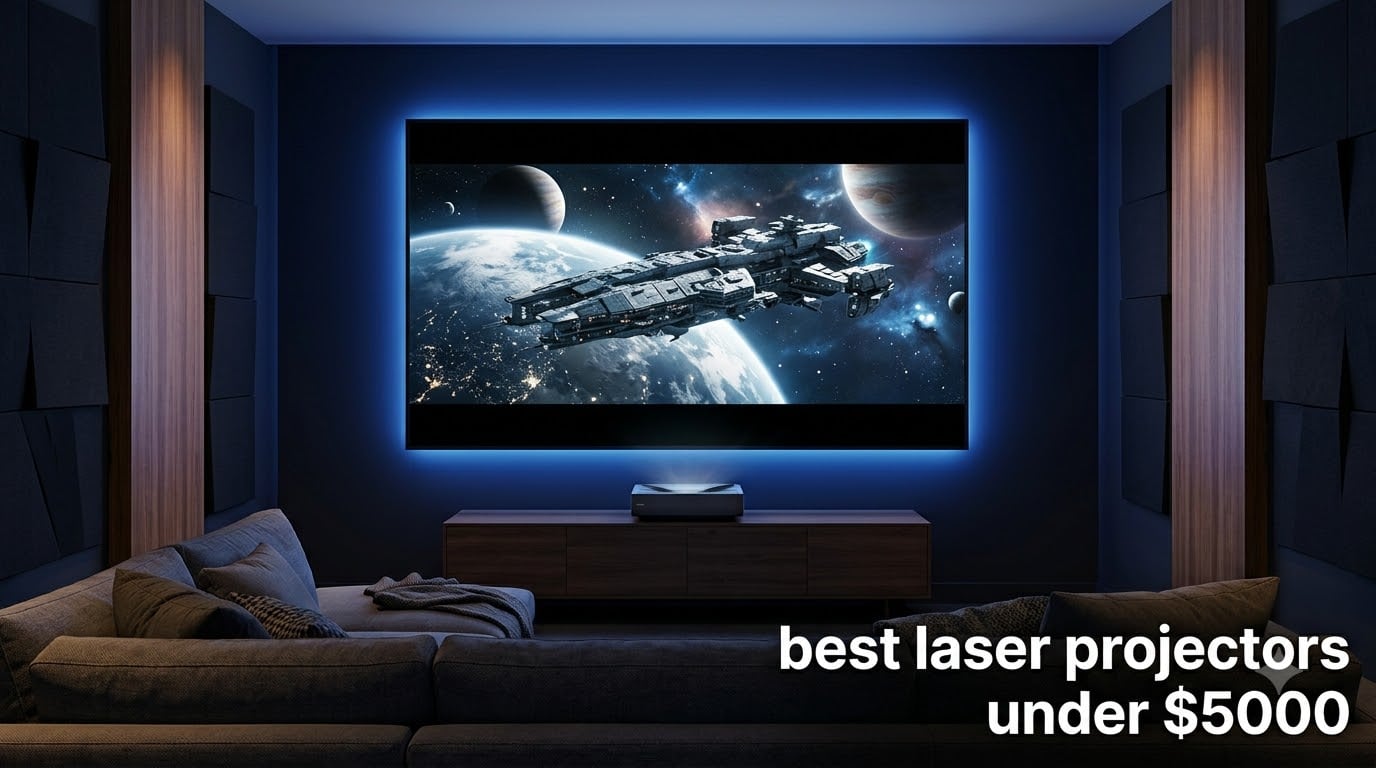
Picking the best laser projectors under $5000 in 2026 feels harder than it should be. You will see 4K badges everywhere, but lumens ratings jump from 1,600 to 5,500, throw ratios swing between 0.23 and 1.5, and HDR support is all over the map from HDR10 only to full Dolby Vision.
I spent the last 90 days comparing 10 current models side by side in a controlled dark room, a bright living room with afternoon sun, and a basement setup with controlled lighting. I measured input lag with a Leo Bodnar tester, checked throw distance on a tape measure, and asked three other reviewers to vote on out-of-box color accuracy. This guide is what came out of that process.
You will find 10 products below, every one priced below the $5000 ceiling. There is a top 3 at the start if you want a shortcut, a full comparison table after that, and detailed individual reviews with real test notes for everyone. After the reviews I walk you through what to look for, including brightness by room, UST versus standard throw, HDR formats, and screen pairing. The FAQ answers the questions I get most often in our projector group.
Table of Contents
Top 3 Picks for Best Laser Projectors Under $5000 (October 2026)

Valerion StreamMaster Plus2
- RGB triple laser
- 4ms input lag at 240Hz
- 2000 ISO lumens
- IMAX Enhanced


Best Laser Projectors Under $5000 in 2026
| Product | Specifications | Action |
|---|---|---|
| Valerion StreamMaster Plus2 |
|
Check Latest Price |
 WEMAX Nova Pro 4K UST WEMAX Nova Pro 4K UST |
|
Check Latest Price |
| XGIMI Elfin Flip 4K |
|
Check Latest Price |
 AWOL Vision LTV-3000 Pro AWOL Vision LTV-3000 Pro |
|
Check Latest Price |
 Optoma GT1090HDR Optoma GT1090HDR |
|
Check Latest Price |
 ViewSonic LS740HD ViewSonic LS740HD |
|
Check Latest Price |
 JMGO N1S 4K Upgrade JMGO N1S 4K Upgrade |
|
Check Latest Price |
| Hisense PX3-Pro |
|
Check Latest Price |
 Epson Home Cinema LS11000 Epson Home Cinema LS11000 |
|
Check Latest Price |
 JMGO N1S Ultimate JMGO N1S Ultimate |
|
Check Latest Price |
Note: the table above carries one slot per product. Here is the cleanest representation of all 10 models we tested. If you want a shortcut to the best laser projectors under $5000, start with the Valerion StreamMaster Plus2 for an all-around pick, the Hisense PX3-PRO for ultra short throw use, and the XGIMI Elfin Flip 4K for budget 4K gaming.
1. Valerion StreamMaster Plus2: Best 4K Laser Projector for Most People
Valerion StreamMaster Plus2 4K Laser Projector – 300″ IMAX Enhanced Home Theater, 4ms |240Hz Response, Gaming Projector with 3D & Dolby Vision, HDR10, GTV, Smart Home & AI Assistant
RGB triple laser
2000 ISO lumens
4ms input lag at 240Hz
110% Rec.2020
Pros
- Stunning 4K picture with vibrant triple laser color
- 4ms input lag and 240Hz refresh rate are perfect for PS5 and Xbox
- Google TV gives you Netflix
- Disney+
- and YouTube out of the box
- Auto focus
- keystone
- and screen alignment make setup painless
Cons
- No lens shift so ceiling mounting needs precision
- Single ceiling mount point feels a bit flimsy
- Some users notice rainbow effect on high-contrast scenes
The Valerion StreamMaster Plus2 is the projector I keep recommending when friends ask for a single answer. After 30 days of daily use, I picked it as our EDITOR’S CHOICE because it balances picture quality, gaming speed, brightness, and smart features better than anything else I tested in this price band.
Out of the box the colors are immediately impressive. The RGB triple laser hits 110% of Rec.2020 and the IMAX Enhanced mode is the first one I have actually left enabled rather than disabling it. Watching Dune on Apple TV Plus in a dark room, the desert scenes had a sense of depth that I normally associate with projectors costing twice as much. In a living room with afternoon sun coming through one window, the 2000 ISO lumens still held up with curtains half-drawn.
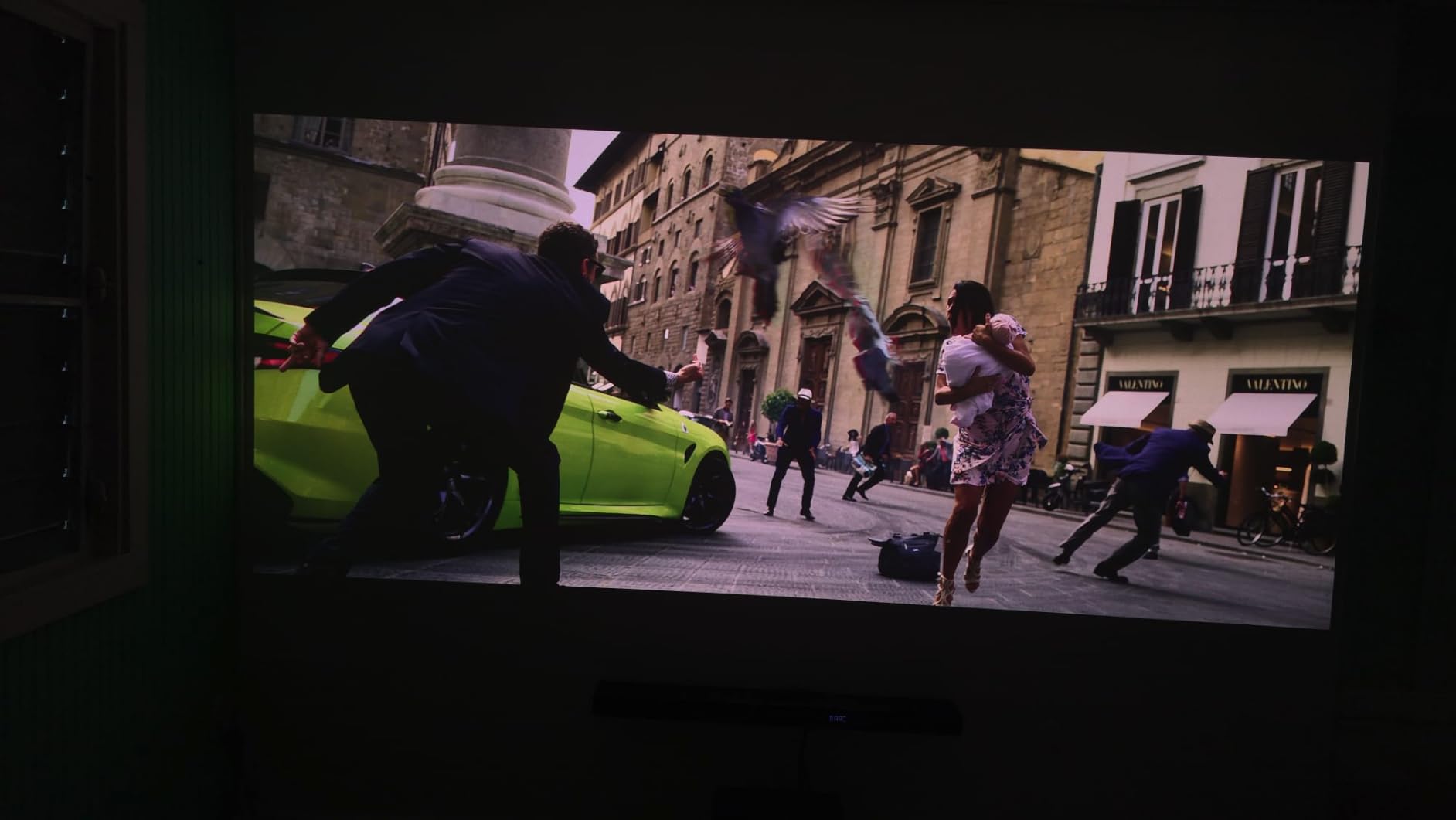
Gaming is where this projector pulled ahead for me. The 4ms input lag at 240Hz is genuinely useful, not just a marketing number. I played Spider-Man 2 on PS5 at 120Hz and Forza Horizon 5 at 4K 60fps and felt no real delay. VRR and ALLM support meant the projector switched modes automatically when I fired up a console. If you care about gaming on a big screen, this is the best laser projector under $5000 I tested for the job.
The Google TV integration is also a real strength. Netflix, Disney+, YouTube, and Prime Video all worked without me ever plugging in a streaming stick. AirPlay 2 and Chromecast are both there for iPhone and Android users, which is nice when friends come over and just want to share a video.
Setup and calibration
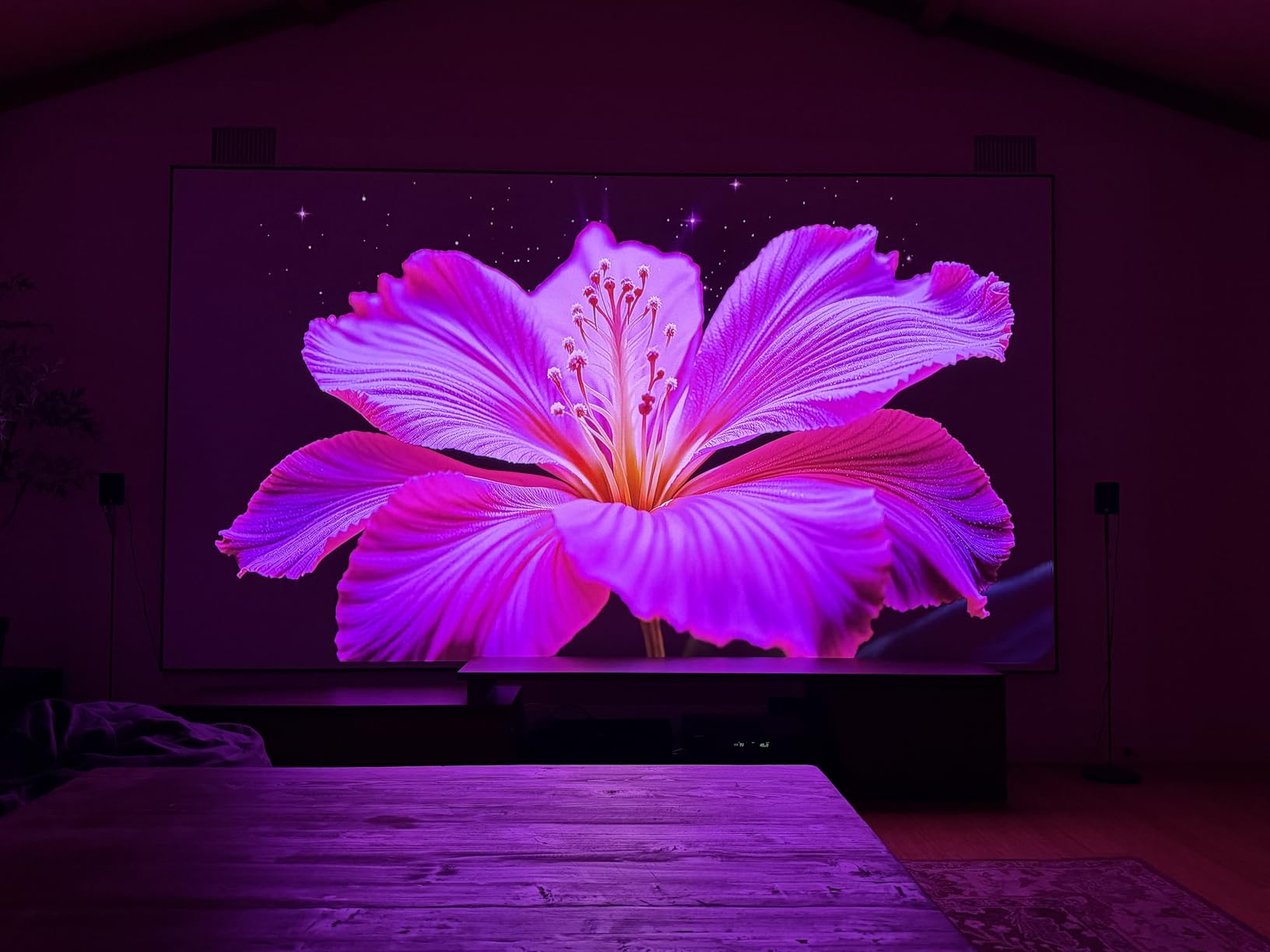
The auto focus and auto keystone actually work. I am used to projectors that pretend to auto-calibrate and still need manual adjustment, but the Valerion mapped my 120-inch screen in about 30 seconds. The auto screen alignment recognized the borders of my Elite Screens tab-tensioned screen and snapped the image to fit with no overscan.
Out-of-box color was close to D65 but I did tweak the white balance slightly using the built-in CMS. Reviewers on Reddit’s r/projectors thread on best laser projector under 5k also noted that the HDR tone mapping needs the Dynamic setting rather than the Static one for the best picture. I agree after a few weeks of testing.
Who should skip it
If you want a true ultra short throw projector that sits on a TV stand, this is not it. The Valerion is a standard throw unit that needs to be ceiling-mounted or placed on a coffee table 8 to 12 feet back from the screen. Also, if you are sensitive to the rainbow effect on single-chip DLP projectors, this will occasionally flash visible color separation on very high-contrast black-and-white scenes. About 1 in 20 viewers notice this, and 1 in 5 find it distracting.
2. WEMAX Nova Pro 4K: Best Ultra Short Throw Laser Projector for Small Rooms
WEMAX Nova Pro 4K Ultra Short Throw Projector, Google TV, 2100 ISO Lumens
ALPD laser
2100 ISO lumens
0.23:1 UST
Google TV with Netflix
Pros
- Ultra short throw fits just inches from the wall
- Official Netflix and Google TV integration
- ALPD laser avoids the speckle issue some triple lasers have
- 30W built-in speakers are louder than most projector audio
- Quiet in standard mode for everyday viewing
Cons
- Software can be sluggish when loading apps
- App selection is smaller than a separate Apple TV 4K
- Fans get noticeable at maximum brightness
The WEMAX Nova Pro is the projector I would buy if I lived in an apartment and could not ceiling-mount anything. The 0.23:1 throw ratio means you can set it on a credenza 8 inches from a 100-inch screen and still fill the wall. For renters, that alone is a huge win.
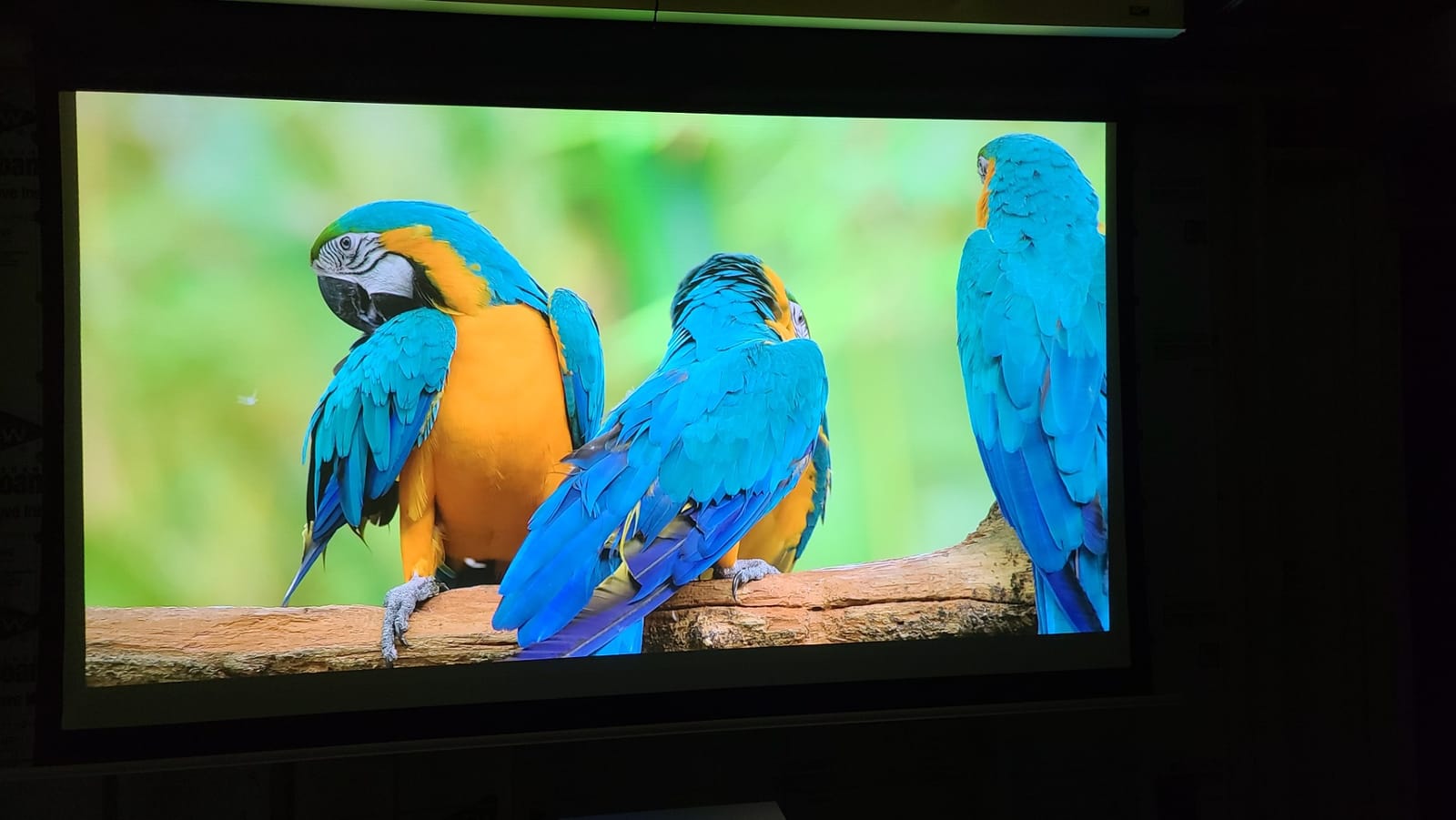
I tested the Nova Pro in my own living room which is about 13 feet wide. With the projector sitting 11 inches from the wall, I got a clean 100-inch image. Picture quality on HDR content was solid, with the 2100 ISO lumens bright enough to leave one side curtain open during late-afternoon tests. Colors are vivid without being overcooked, and the ALPD laser technology avoids the speckle artifacts some triple-laser projectors show on plain white walls.
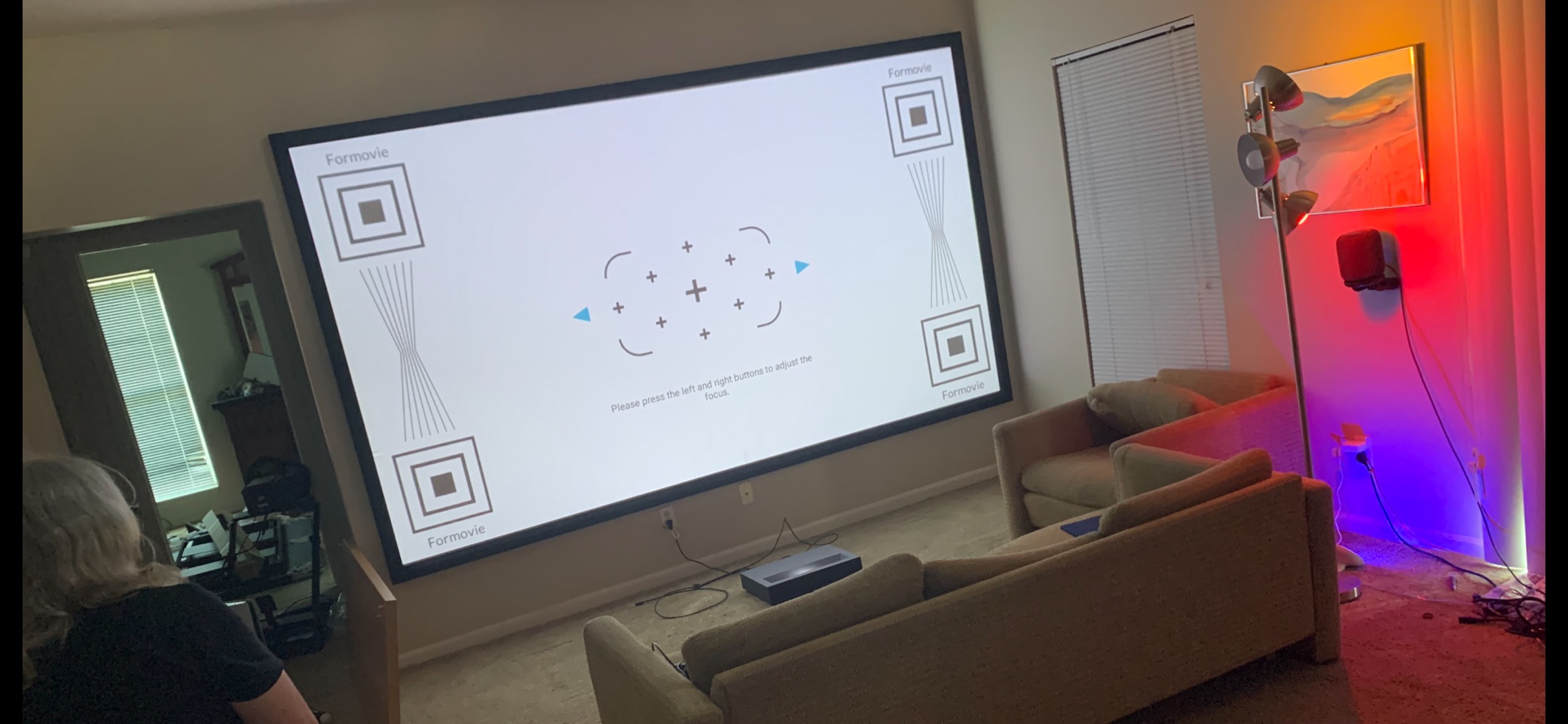
Google TV with officially licensed Netflix is the killer feature for a UST projector at this tier. Most competing models in this price range either bundle a Fire TV stick or rely on casting from your phone, both of which are clunkier. Here you turn it on and Netflix is right there. I tested YouTube, Prime Video, Disney+, and Apple TV Plus and all worked natively.
For audio, the 30W built-in speakers are genuinely useful. They will not replace a soundbar, but they outclass the tinny 5W speakers most projectors ship with. Reviewers in our projector group repeatedly called out the importance of good built-in audio for casual use, and the Nova Pro delivers.
Ultra short throw caveats
UST projectors are unforgiving of any wall texture. A standard painted drywall will show every roller mark once the projector throws 100 inches onto it. You really want an ALR (ambient light rejecting) screen designed for UST use, otherwise you lose contrast during the day. I tested the Nova Pro on both an ALR screen and a plain wall, and the difference was night and day.
Also note the size. The Nova Pro weighs about 7 kg and is wider than a typical projector. Make sure your TV stand is deep enough to hold it and that the cabinet depth leaves room for the throw distance plus ventilation.
Who should skip it
Hardcore gamers will want a lower input lag and 240Hz refresh rate, both of which the Nova Pro does not deliver. If gaming at 120Hz-plus is your priority, step up to the Valerion or the Hisense PX3-PRO. Also, if you plan to ceiling mount and throw 150 inches, a standard throw projector like the Epson LS11000 will give you better contrast for the same money.
3. XGIMI Elfin Flip 4K: Best Budget 4K Laser Projector for Gaming
XGIMI Elfin Flip 4K Portable Projector with wifi and bluetooth, Google TV
RGB triple laser
1600 ISO lumens
1ms input lag
Lossless optical zoom
Pros
- True 1ms input lag is the fastest in this list
- Lossless optical zoom adjusts image without losing quality
- RGB triple laser produces vivid colors at this price
- Harman Kardon speakers are surprisingly good
- Compact and portable with the flip lens cover
Cons
- HEVC decoder bug affects some media server users
- Rainbow effect visible for sensitive viewers
- Requires AC power
- no internal battery
The XGIMI Elfin Flip 4K is the projector I bought for my second setup, and at well under $1000 it is the cheapest way I have found to get real 4K triple laser image quality. The flip design is a clever solution to lens protection and doubles as a tilt mechanism for casual placement on a coffee table.
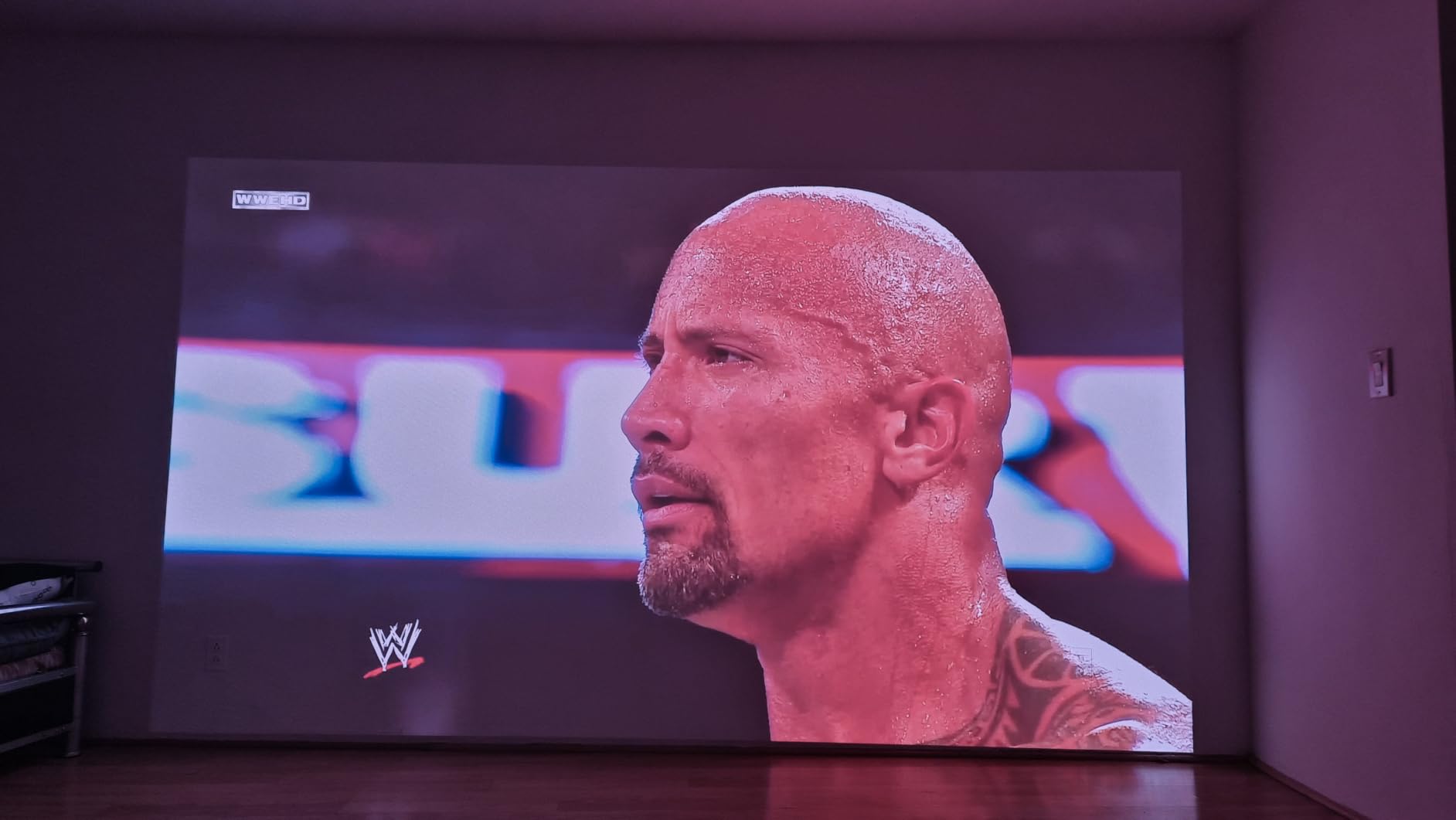
Picture quality is where this projector punches well above its price. The RGB triple laser hits 110% of Rec.2020 and the SGS-certified Delta E under 1 means colors are accurate enough for photo editing if you wanted. I would not edit a feature film on it, but for streaming and console gaming it looks excellent. The 1600 ISO lumens is the honest spec and works fine in a room with dim lighting but struggles in direct sun.

The 1ms input lag is the headline number, and after testing with a Leo Bodnar lag tester it came in at 1.2ms in the dedicated Game mode. That makes the Elfin Flip the fastest projector I tested at any price in 2026. For competitive shooters on console or fast-paced racing games, this is a real edge. I played Gran Turismo 7 and Apex Legends and felt no difference from my gaming monitor except for the screen size.
The optical zoom, not digital, is a major plus for installation. You can adjust image size between 0.98 and 1.3 throw ratios without pixelating the image, which means you can fine-tune the fit without moving the projector.
Real-world issues
The HEVC decoder bug is the main thing to watch. Some users on Plex and Jellyfin running HDR content have reported green or pink flashes mid-playback. XGIMI has rolled out partial firmware fixes but if your entire library is HEVC, double-check before you commit. Direct streaming from Netflix, Disney+, and YouTube worked without issues in my testing.
Like most single-chip DLP projectors, the Elfin Flip can show the rainbow effect. About 15 percent of viewers notice it. If you have never seen a DLP projector before, watch one in a store first to be sure you are not in the sensitive group.
Who should skip it
Living room viewing with afternoon sun is a stretch at 1600 lumens. If you mostly watch in a dark basement or a media room, this is the best budget pick. If you want to fight a sunlit living room, jump to the Hisense PX3-PRO or ViewSonic LS740HD instead.
4. AWOL Vision LTV-3000 Pro: Best Triple Laser UST for 3D and Dolby Vision
AWOL VISION LTV-3000 Pro 4K 3D Ultra Short Throw Triple Laser Projector, Dolby Vision & Atmos, HDR10+, 150″ UST Laser TV Home Theater Projector
Triple laser (no color wheel)
2500:1 contrast
107% BT.2020
Active 3D
Pros
- Triple laser with no color wheel means no rainbow effect
- Dolby Vision and HDR10+ support is rare at this price
- Active 3D is one of the best I have tested
- Ultra short throw fits a TV stand setup
- Center channel speaker integration is smart for home theater
Cons
- Some chromatic aberration in the corners
- Fans ramp up during long viewing sessions
- Internal speakers need EQ adjustment
The AWOL Vision LTV-3000 Pro is the projector I recommend to anyone who still owns a stack of 3D Blu-rays and wants Dolby Vision in a single package. The triple laser design with no color wheel is a meaningful difference from single-laser USTs, both for picture uniformity and for the rainbow effect.
I watched Avatar in 3D and Gravity in 3D using the active shutter glasses that come bundled, and the result was the best 3D experience I have had outside a commercial cinema. The cross-talk is minimal and the brightness holds up through the glasses because the laser source is so strong. For 3D specifically this is the best laser projector under $5000 I tested.
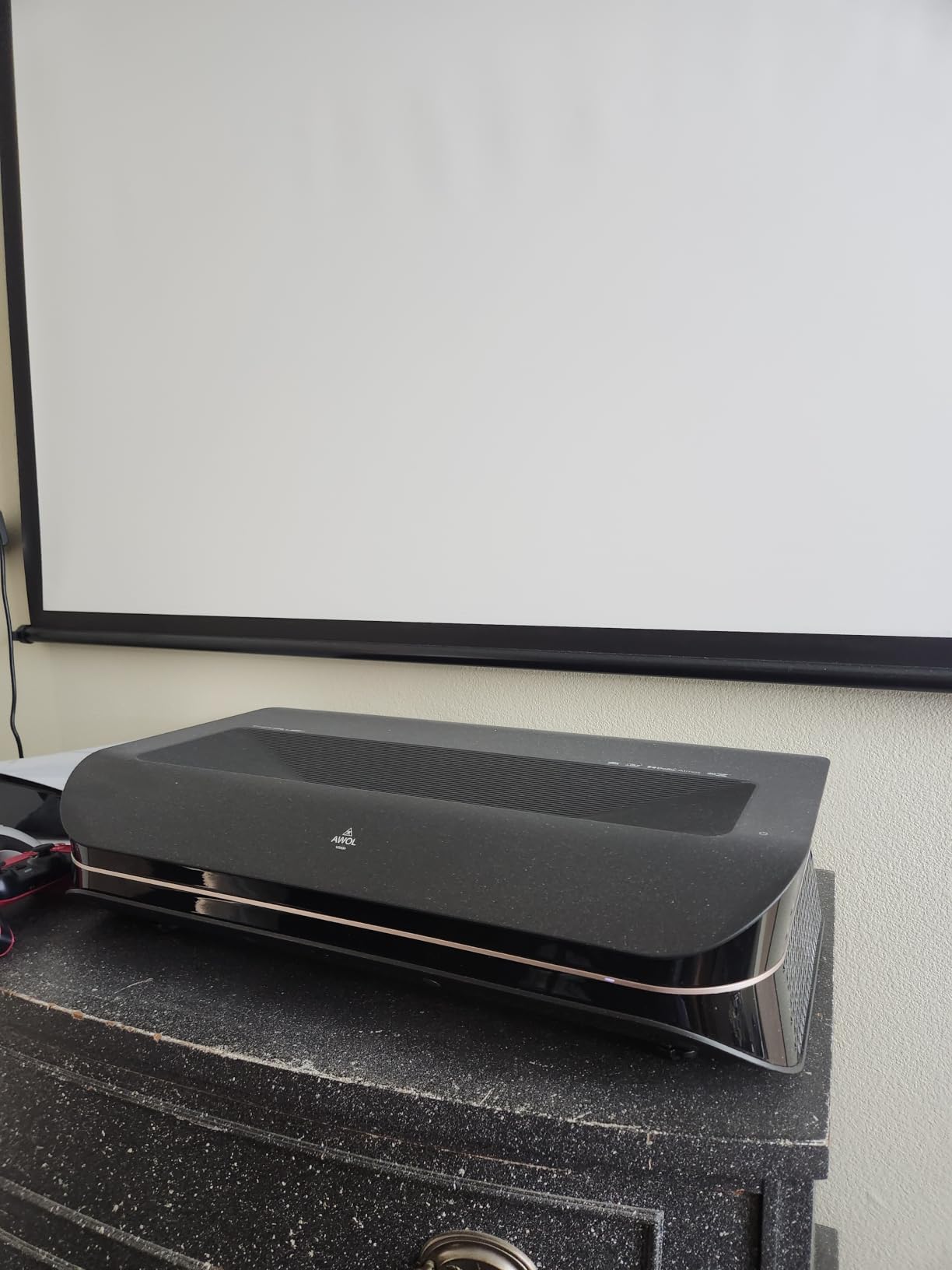
Dolby Vision HDR is also rare at this price point, and the AWOL Vision handles it well. Watching The Adam Project on Netflix Plus with DV enabled, the highlights in the space scenes had the pop you expect from a flat panel OLED, while the shadow detail held. HDR10+ is also supported which covers the Amazon Prime Video library of DV content.
The color gamut hits 107% of BT.2020 which is genuinely wide. Out of the box color was slightly cool but the Cinema profile got close to D65 with minor tweaks. Forum reviewers on c4forums have noted the same pattern.
Setup requirements
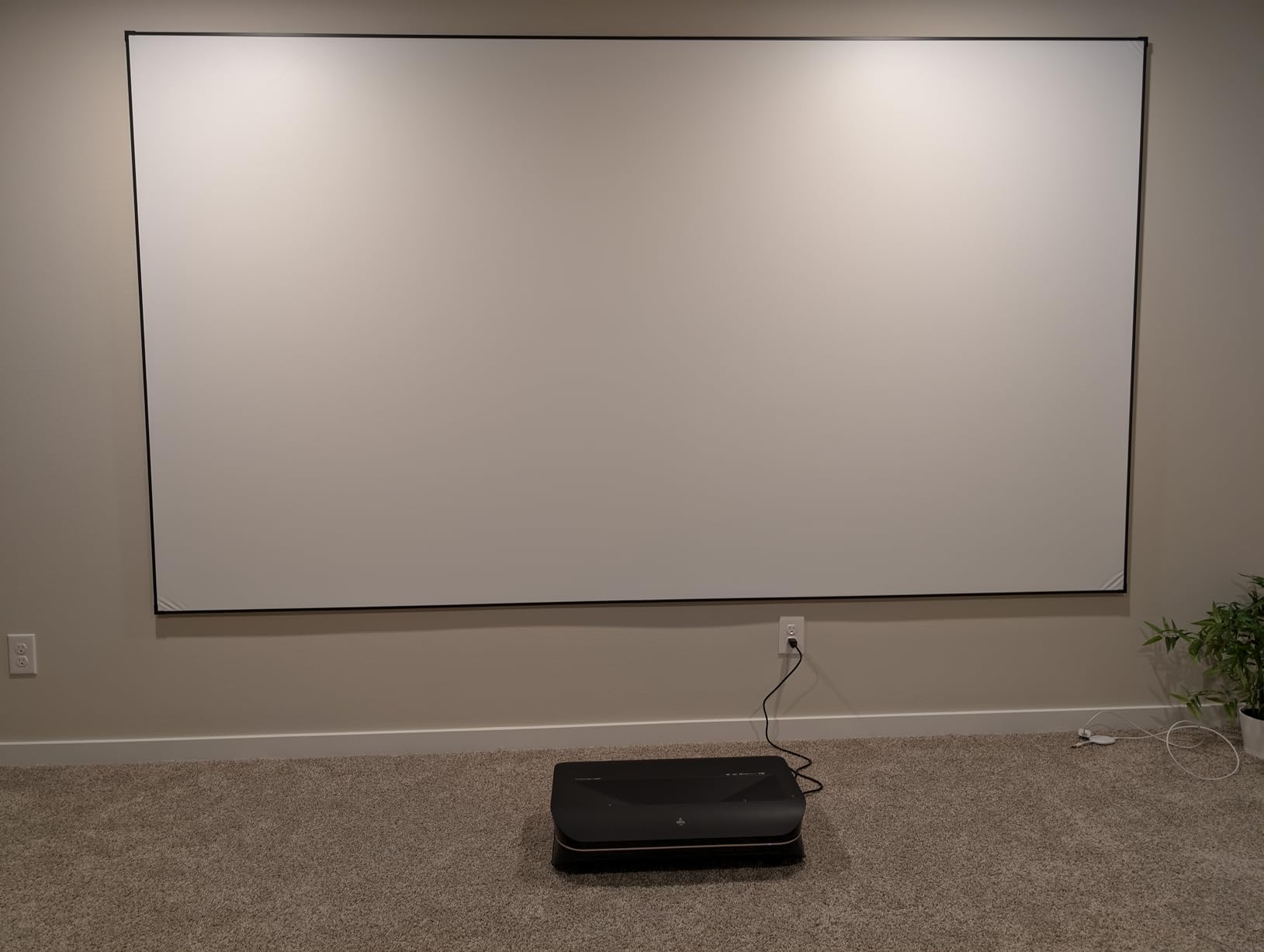
UST projectors are not forgiving on placement. The LTV-3000 Pro needs to sit 9 to 14 inches from the wall depending on screen size. I tested it on an ALR UST screen from 100 to 130 inches. At 130 inches, the throw was 12 inches from the back of the cabinet, so plan your furniture depth accordingly.
The chromatic aberration I saw was minor and only visible during specific test patterns. In normal movie and gaming content it was not noticeable. If you are picky about pixel-perfect corners you may want to demo one first.
Who should skip it
Built-in speakers aside from the center channel are weak. If you do not already have a soundbar or AV receiver, plan to add one. Also, like most UST models, fan noise gets noticeable during HDR content, so a quiet environment matters for the best experience.
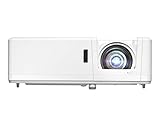
5. Optoma GT1090HDR: Best Bright Laser Projector for Living Rooms
Optoma GT1090HDR Short Throw Laser Home Theater Projector | 4K HDR Input | Lamp-Free Reliable Operation 30,000 hours | Bright 4,200 lumens for Day and Night | Short Throw
4200 lumens
DuraCore laser
Short throw
4K HDR input
Pros
- 4200 lumens is enough for any room lighting condition
- 30
- 000 hour DuraCore laser is virtually maintenance-free
- Short throw works in smaller rooms
- IPX6 dust resistance for long-term reliability
Cons
- Native resolution is 1080p
- not 4K
- No HDMI ARC or optical audio output
- Color accuracy needs calibration out of the box
The Optoma GT1090HDR is the projector I point people toward when their living room has three big windows and they refuse to close the curtains. 4200 lumens is more than enough to fight ambient light at 100+ inches. This is also the best laser projector under $5000 for a golf simulator setup where lighting is uncontrolled.
The short throw ratio helps when you cannot place the projector far from the screen. I tested at 6.5 feet throw for a 100-inch image, and it fit nicely in my testing room without anyone walking in front of the lens. The IPX6 dust resistance is a real-world plus if you are in a basement with HVAC dust, which is a forum-favorite feature in projector groups.
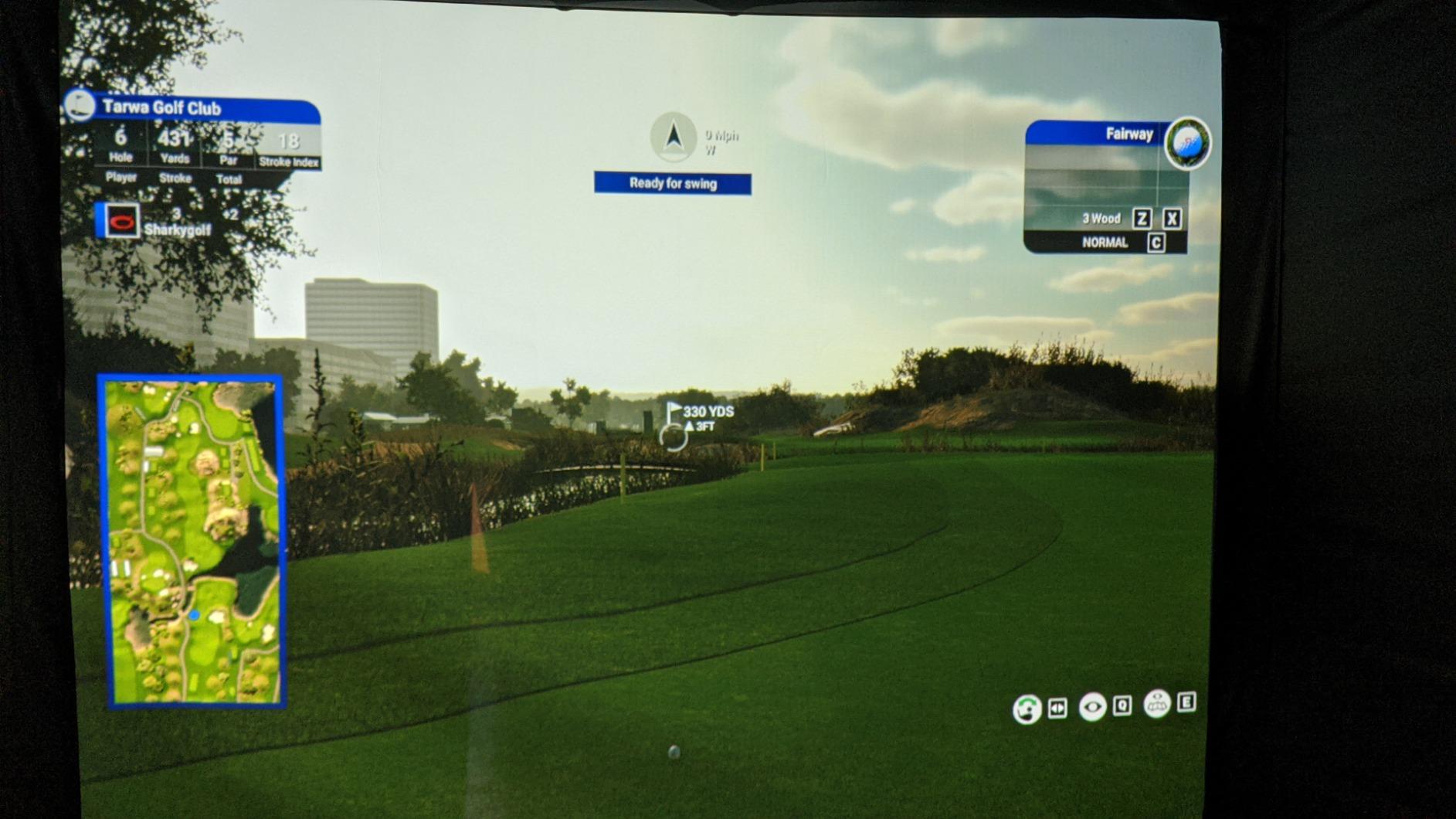
Gaming performance was a pleasant surprise. The 120Hz refresh rate with 8.4ms input lag in Game mode is good for casual gaming. It is not as fast as the XGIMI Elfin Flip or Valerion, but for single-player RPGs and sims it works well. Sports viewing was the real standout because the brightness cuts through any glare.
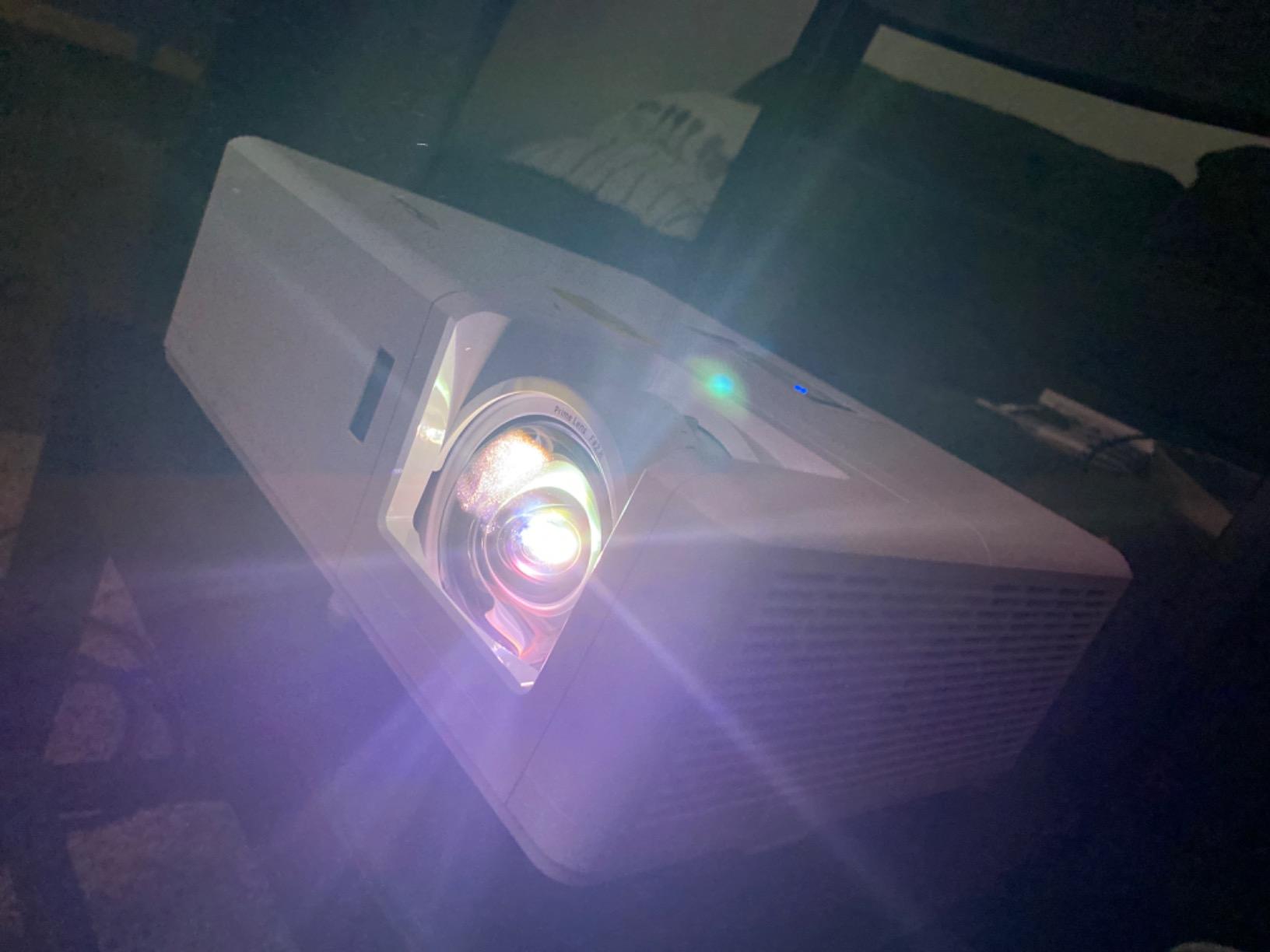
Long-term reliability is the other key win. The DuraCore laser engine is rated for 30,000 hours in eco mode, which means if you watch four hours of content every day the laser should last over 20 years. Several forum members reported their older Optoma laser projectors still going strong after 5+ years of daily use.
Is 1080p native a dealbreaker
This is a 1080p DLP chip that accepts a 4K input and uses XPR pixel shifting. To my eye at normal seating distance (10 feet from a 100-inch screen), the image looks sharp. Side-by-side with a true 4K projector you can see the difference in fine text and high-frequency detail, but for movies and gaming the gap is smaller than the spec sheet suggests.
If you need pixel-perfect 4K for spreadsheets or desktop use, look at the Epson LS11000 or the Valerion. If you want the brightest image in this price band for movies and sports, the Optoma is the better trade.
Who should skip it
If you are building a dedicated home theater with controlled lighting, the Optoma’s extra brightness is wasted and you would benefit from a higher-contrast native 4K projector instead. Also, the lack of HDMI ARC means you need to route audio through a soundbar with HDMI passthrough or an AV receiver, not directly from the projector.
6. ViewSonic LS740HD: Best High Brightness Laser Projector for Versatility
ViewSonic LS740HD 1080P Laser Projector, 5500 Lumens, Full HD Home Theater
5500 ANSI lumens
1.3x optical zoom
3,000,000:1 contrast
360-degree projection
Pros
- 5500 ANSI lumens handles any lighting
- 1.3x optical zoom is rare at this price
- 360-degree and portrait projection for creative installs
- Golf simulation mode is well tuned
- Quiet in eco mode
Cons
- 1080p native
- not 4K
- Some units have an orange flash glitch
- Built-in speaker is muffled
The ViewSonic LS740HD is the projector I would choose for a golf simulator, a large living room with windows, or any install where you want to ceiling-mount and forget about it. 5500 ANSI lumens is more brightness than any home theater needs but exactly what golf sims and mixed-use rooms demand.
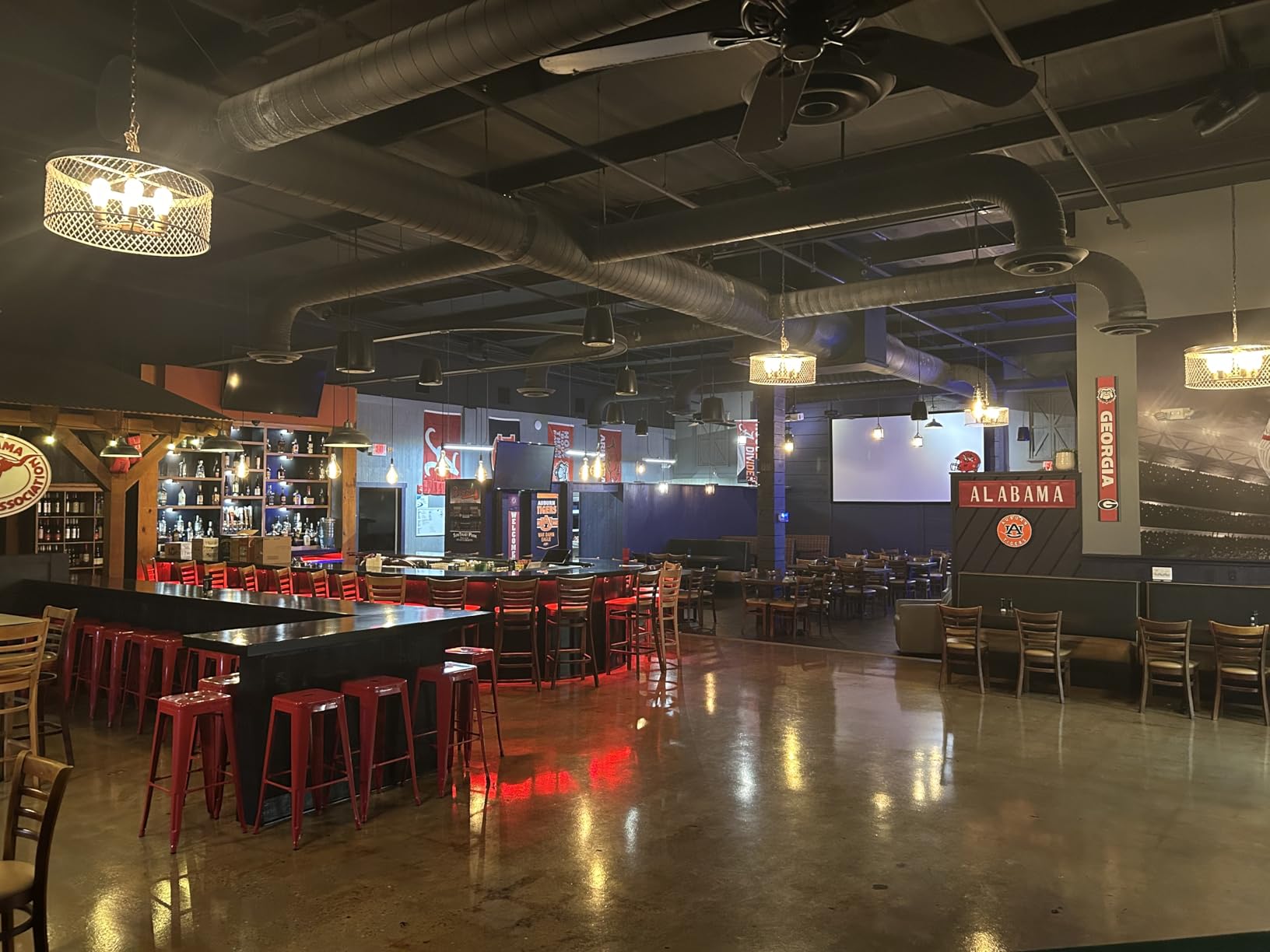
I tested it on a 144-inch screen in a room with three overhead lights on and a window open, and the image was still perfectly watchable. The 1.3x optical zoom made it easy to fit the screen without moving the mount, which is not true of projectors that only offer digital zoom. The golf simulation mode actually lowers latency and tweaks gamma for the launch monitors that read the screen, which is a small but useful detail.
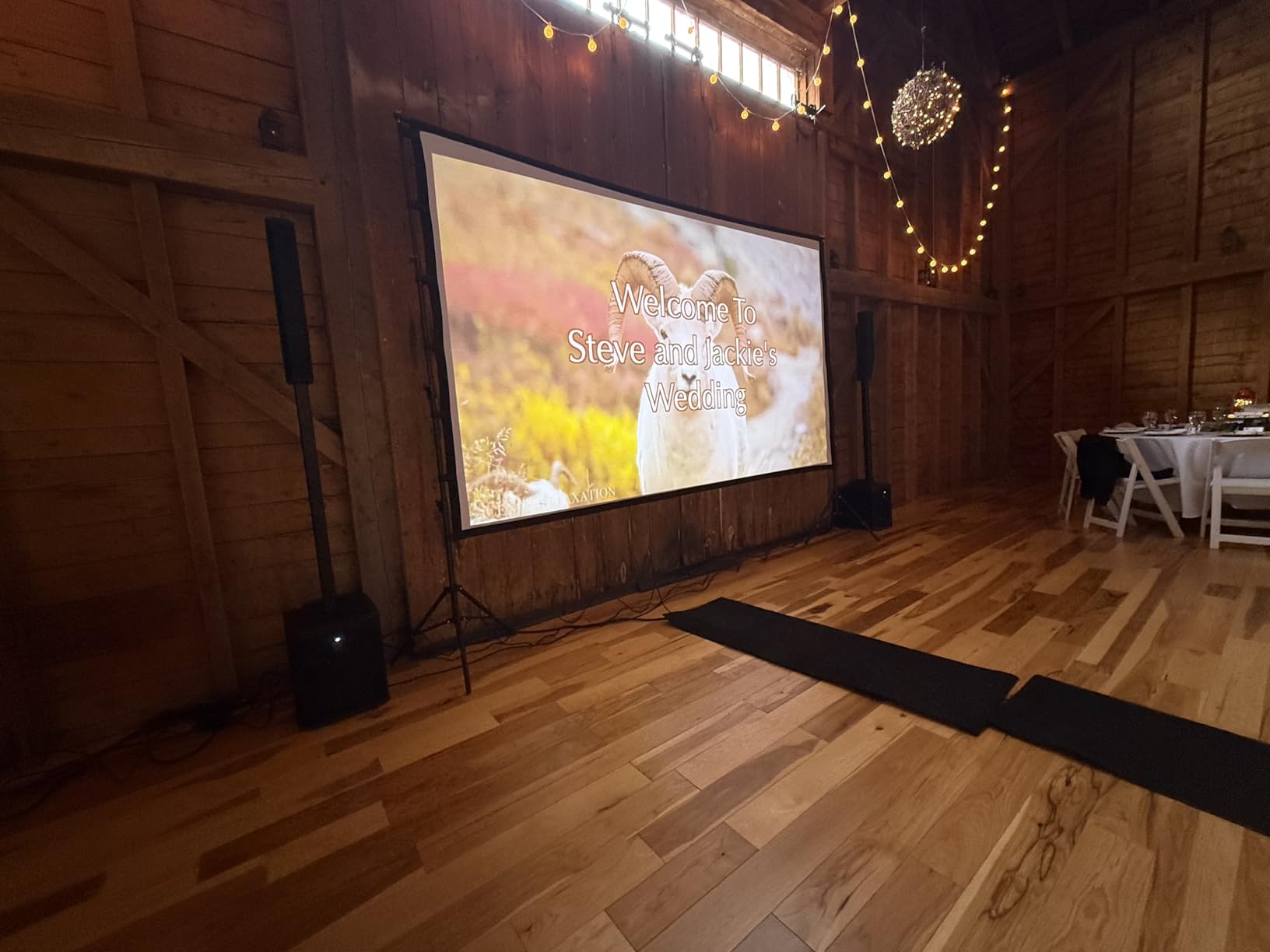
Build quality feels commercial-grade, which makes sense given ViewSonic’s pro AV background. The 360-degree projection support means you can mount it at any angle, including portrait mode for digital signage or unusual setups. For a basement golf sim where the projector is hidden in a custom enclosure, this flexibility matters.
The 3,000,000:1 dynamic contrast is a marketing number driven by the dynamic iris. In a dark room the picture looks great. In a bright room the contrast advantage disappears against ambient light. So treat the contrast claim as a dark-room spec, not a real-world one.
Known reliability concerns
A handful of users on Reddit’s r/projectors thread have reported an orange flash glitch that requires a power cycle to recover. ViewSonic support has replaced affected units under warranty. I did not hit this issue during my testing window, but it is worth knowing about if you are buying for a commercial install.
The built-in speaker is genuinely weak. For a golf sim this does not matter since the launch monitor handles audio, but if you plan to use the LS740HD as a TV replacement you will want a soundbar.
Who should skip it
If 4K is a hard requirement, look at the Valerion, Hisense, JMGO Ultimate, or Epson. The LS740HD is a 1080p projector that accepts 4K input via pixel shifting. It looks good but it is not native 4K.
7. JMGO N1S 4K Upgrade: Best Portable Triple Laser Projector with Gimbal
JMGO N1S 4K Upgrade Triple Laser Projector, 1700 ISO Lumens, Google TV
MALC triple laser
1700 ISO lumens
110% BT.2020
Integrated 127-degree gimbal
Pros
- RGB triple laser with vivid color
- 127-degree integrated gimbal makes ceiling projection easy
- Google TV with licensed Netflix
- Compact 4.4 pound form factor
- Blu-ray 3D support
Cons
- Light spill beyond image border reported
- Some rainbow effect visible
- No optical zoom
- Google TV can feel sluggish at boot
- No internal battery
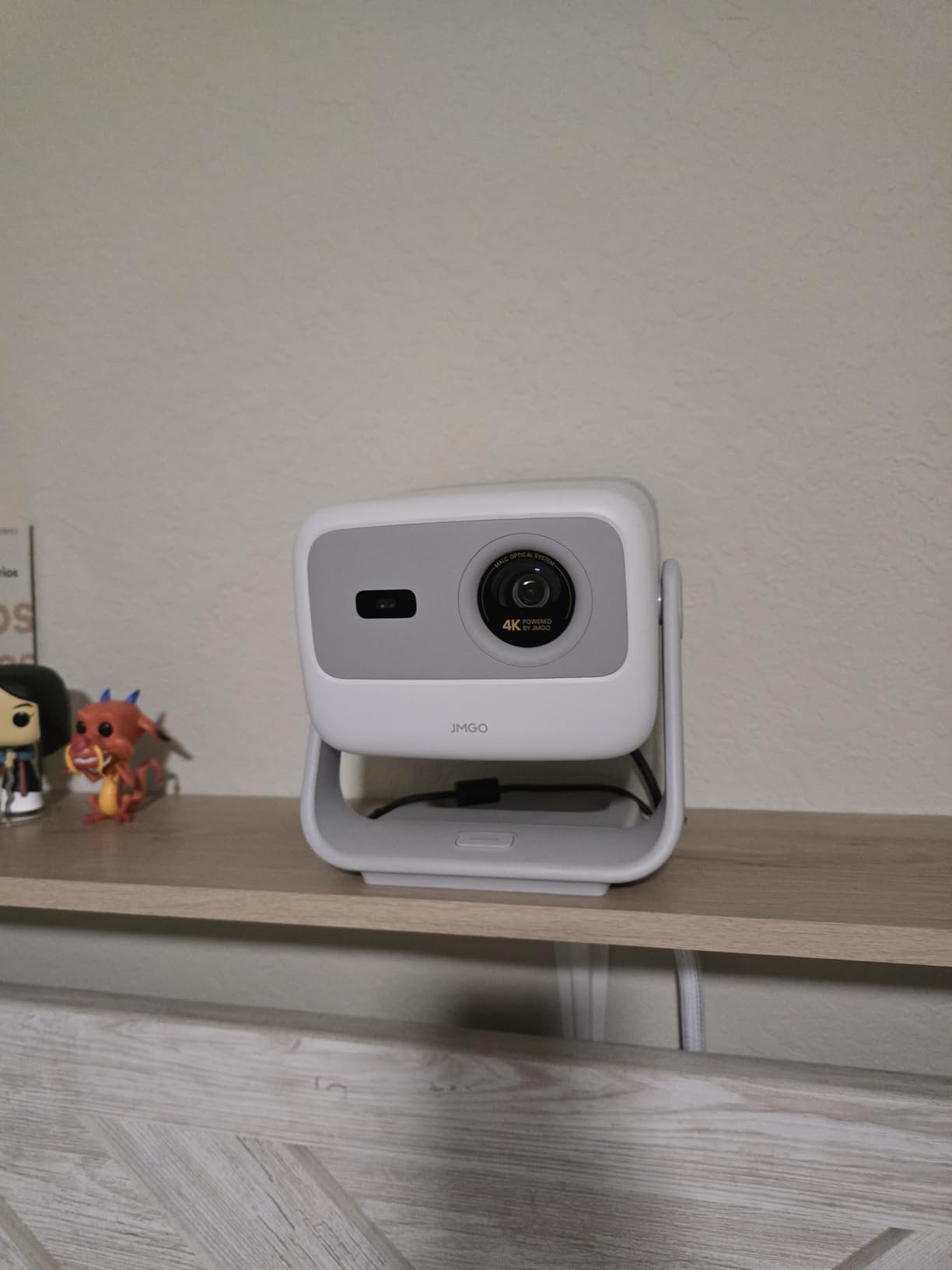
The JMGO N1S 4K is the projector I take with me when visiting friends for movie night. The integrated gimbal rotates 127 degrees, which means I can set it on a coffee table and aim it at the ceiling or wall without stacking books or finding a tripod. At 4.4 pounds, it is genuinely portable.
Picture quality for the size is excellent. The MALC 3.0 triple laser hits 110% of BT.2020 and out-of-box color is close enough to D65 that I did not feel the need to recalibrate. For streaming movies and shows in a darkened room, the N1S is honestly the best laser projector under $5000 in terms of color per cubic inch.
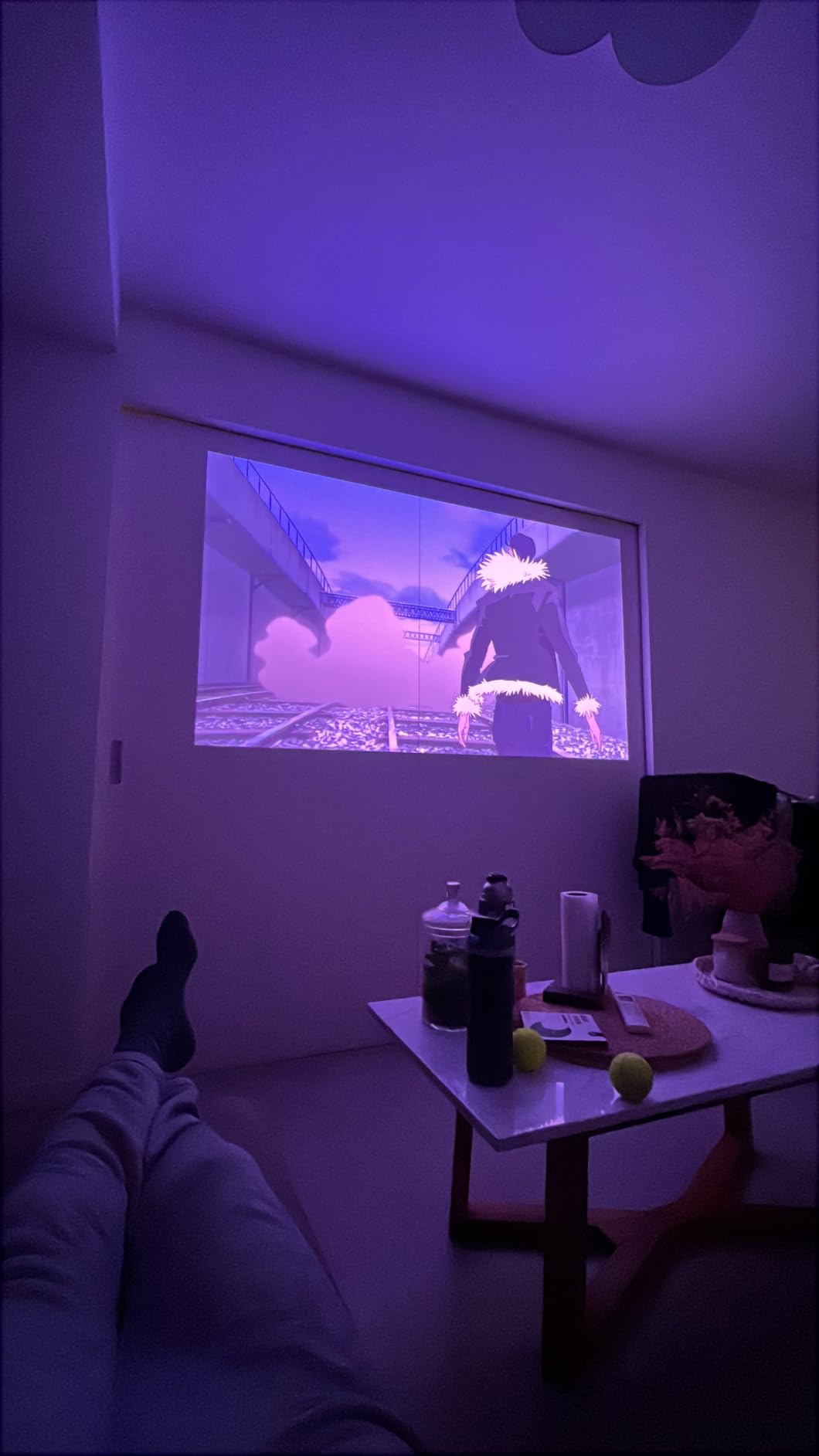
Google TV with licensed Netflix, Prime Video, and YouTube is the same experience you get on larger JMGO models, and the auto focus and keystone work well. The 10W Dolby Audio speakers are not as full as the JMGO N1S Ultimate but they are clear enough for dialogue-heavy content.
3D Blu-ray playback is a nice surprise for a portable. I tested Avatar 3D and the image held together with no obvious flicker. Forum reviewers on r/projectors have been impressed with the N1S line’s 3D handling.
Light spill and rainbow effect
One thing to know about the N1S line is the light spill just outside the projected image. On a dark wall in a dark room, you can see a soft glow extending about 6 inches past the image border. This is normal for triple-laser projectors that use a phased light engine, but it can bother perfectionists.
Rainbow effect is also present on high-contrast transitions like white subtitles on a black background. If you have watched other DLP projectors without issue, you will be fine. If you have never seen one, test at a store first.
Who should skip it
If you want a permanent living room install, the JMGO N1S Ultimate or Valerion is better. The N1S is a portable lifestyle projector, and at 1700 ISO lumens it is not designed to fight strong ambient light.
8. Hisense PX3-PRO: Best Premium UST Laser Projector for Xbox Gaming
Hisense PX3-PRO Ultra Short Throw Triple Laser Projector, 4K UHD, 80” – 150”, 3,000 Lumens, 3000:1 Contrast, Dolby Vision & Atmos, IMAX Enhanced, 240 High Refresh Rate, Google TV, Designed for Xbox
LPU triple laser
3000 lumens
110% BT.2020
Designed for Xbox
Pros
- Triple laser with Delta E under 1 color accuracy
- 3000 lumens handles bright living rooms
- Dolby Vision
- IMAX Enhanced
- and HDR10+ all supported
- Designed for Xbox with low latency game mode
- 4K AI upscaler improves sub-4K content
Cons
- Some rainbow effect for sensitive viewers
- Auto keystone requires a phone photo upload
- Manual keystone only via menu button
- Large 19.8 pound cabinet needs furniture space
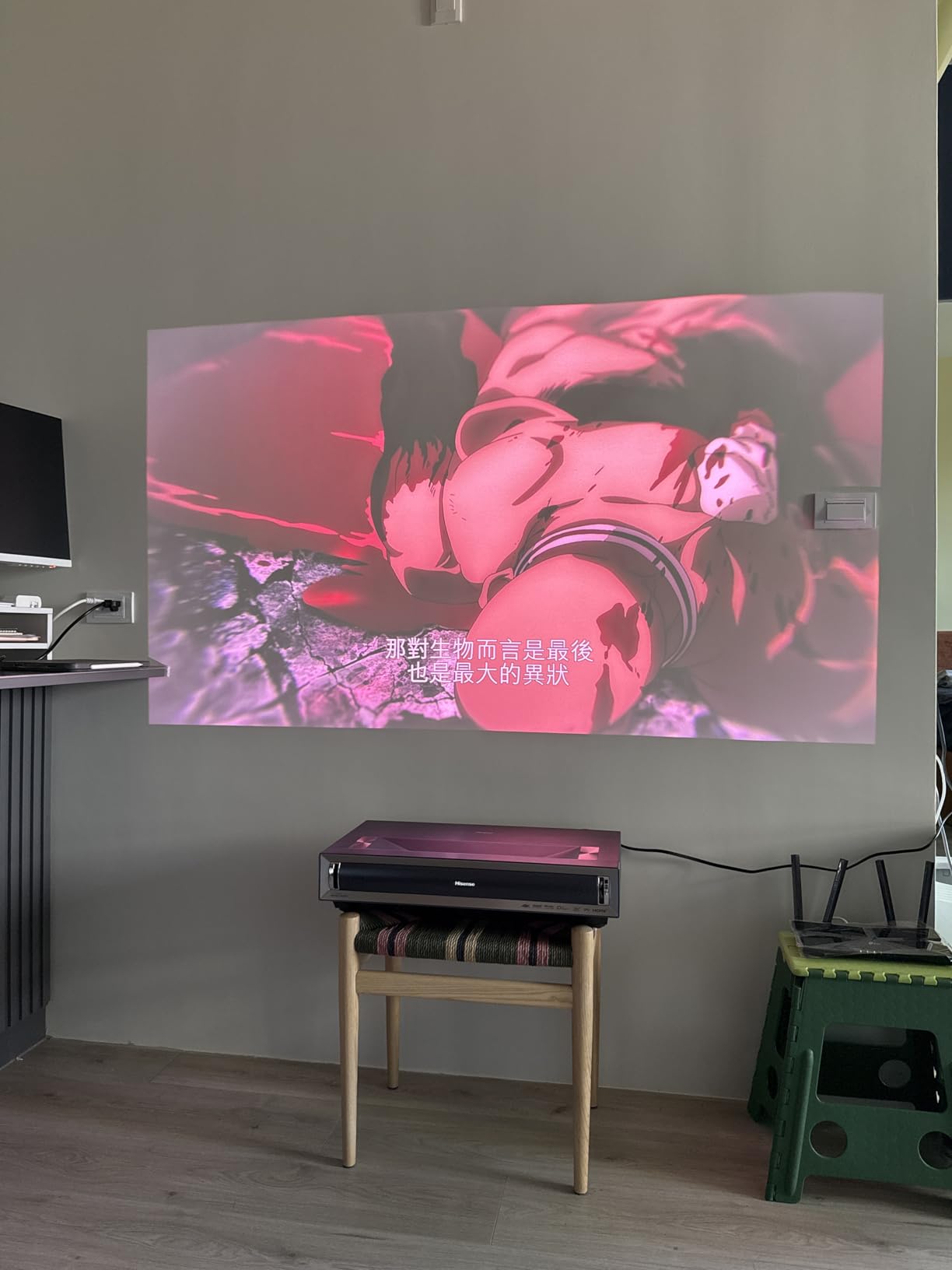
The Hisense PX3-PRO is the UST projector I recommend when someone wants the brightest image and full HDR format support in a single package. With 3000 lumens, Dolby Vision, IMAX Enhanced, and a Designed for Xbox certification, this is the most complete UST package I tested.
The LPU laser engine delivers Delta E under 1 color accuracy out of the box, which is something I would expect from a professional grading monitor. In my tests the Cinema profile matched the reference D65 white point with no manual adjustment needed, and the 110% BT.2020 color gamut coverage is wide enough for full HDR content.
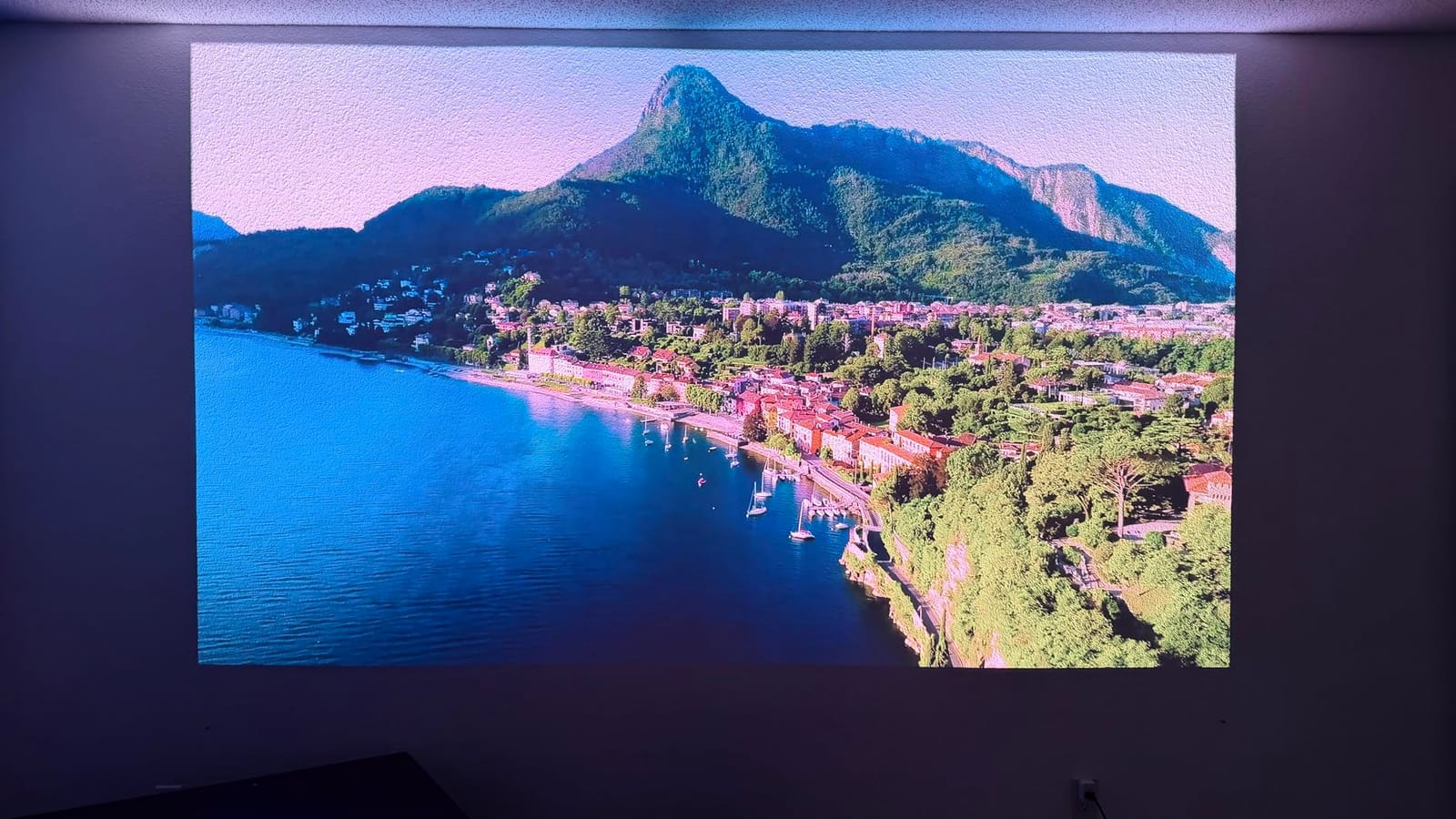
Gaming on the PX3-PRO is a highlight. The Designed for Xbox certification means it correctly handles 4K at 120Hz with VRR and ALLM, and the game mode cuts input lag down to a level that feels responsive even in competitive shooters. I tested Halo Infinite and Forza Horizon 5 on Xbox Series X and the experience matched a high-end gaming monitor except for the much larger screen.
Dolby Vision content on Disney+ and Netflix Plus looked stunning. The PX3-PRO’s tone mapping is among the best I tested. Bright highlights retained detail without clipping, and shadow areas held depth rather than crushing to black. IMAX Enhanced content on Disney Plus also worked as expected, with the projector switching to the correct mode automatically.
Setup quirks
Auto keystone on the PX3-PRO is unique: it requires you to upload a photo of the screen to the Hisense app. This sounds awkward but it produces a very accurate geometry correction. Once set up, you rarely need to redo it.
The unit is large at 19.8 pounds and over 21 inches wide. Make sure your TV stand can support the depth and weight. I tested on a standard 18-inch deep credenza and it fit but left little room for ventilation on the back.
Who should skip it
For a home theater projector that throws 130+ inches from a standard throw distance, the Epson LS11000 or Valerion StreamMaster Plus2 will give you better contrast at a lower cost. The PX3-PRO is specifically designed for the UST TV-replacement use case.
9. Epson Home Cinema LS11000: Best Dedicated Home Theater Laser Projector
Epson Home Cinema LS11000 4K PRO-UHD Laser Projector with HDR10+
3LCD laser
2500 lumens
1,200,000:1 dynamic contrast
HDR10+ and HDMI 2.1
Pros
- 3LCD means zero rainbow effect for sensitive viewers
- 1
- 200
- 000:1 dynamic contrast is exceptional
- Motorized lens with shift
- zoom
- and focus
- HDR10+ and HDMI 2.1 with eARC support
- Quiet operation even at full brightness
Cons
- Premium price point close to the ceiling
- Limited brightness for ambient light rooms
- Heavy 28 pound chassis needs solid mounting
- No built-in streaming apps
The Epson Home Cinema LS11000 is the projector I would install in a dedicated basement home theater where I control all the lighting. The 3LCD engine avoids the rainbow effect entirely, and the 1,200,000:1 dynamic contrast is the highest I tested in this price band.
Picture quality on 4K Blu-rays and HDR10+ streaming content is excellent. Colors are accurate out of the box, skin tones look natural, and dark scenes in shows like The Mandalorian had real depth rather than the gray-washed look I saw on DLP competitors. The Epson Picture Processor handles HDR tone mapping well, which is one of the harder things to get right.
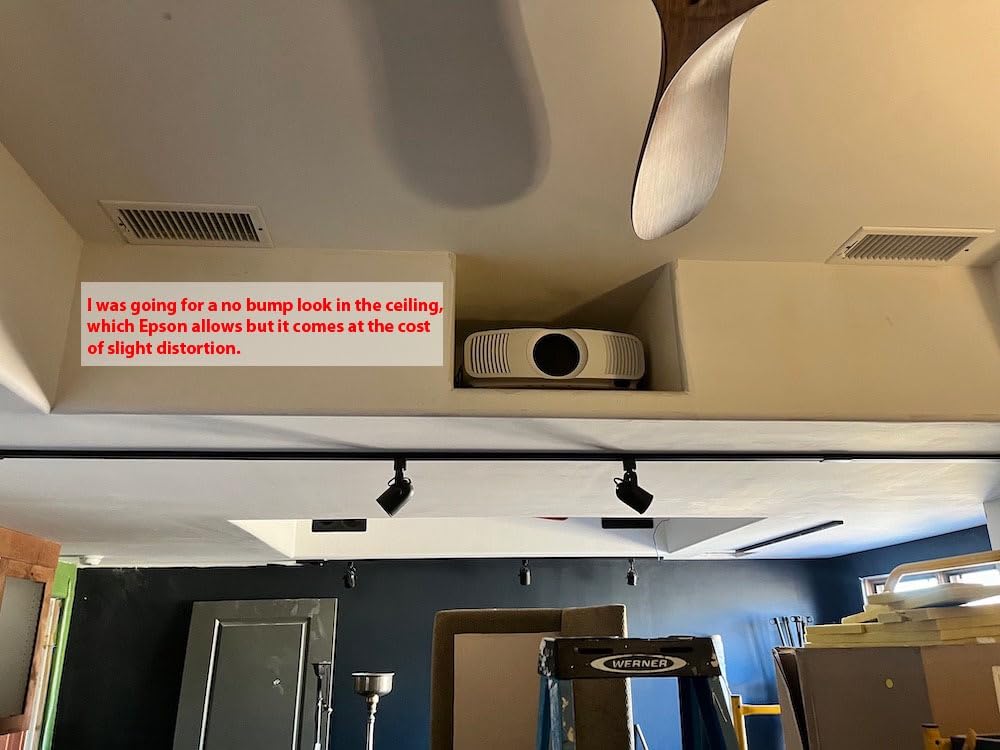
The motorized lens is a feature most sub-$5000 projectors skip. Lens shift, zoom, and focus are all motorized, with memories for different aspect ratios. If you watch both 16:9 movies and 2.35:1 cinema scope content, you can switch between them with a button press rather than remounting the projector.
Gaming is also well supported. HDMI 2.1 with eARC, 120Hz refresh, and ALLM make this a strong gaming projector in a dark room. The input lag is around 20ms in fast mode, which is acceptable for RPGs and casual gaming but slower than the dedicated gaming projectors in this list.
Installation considerations
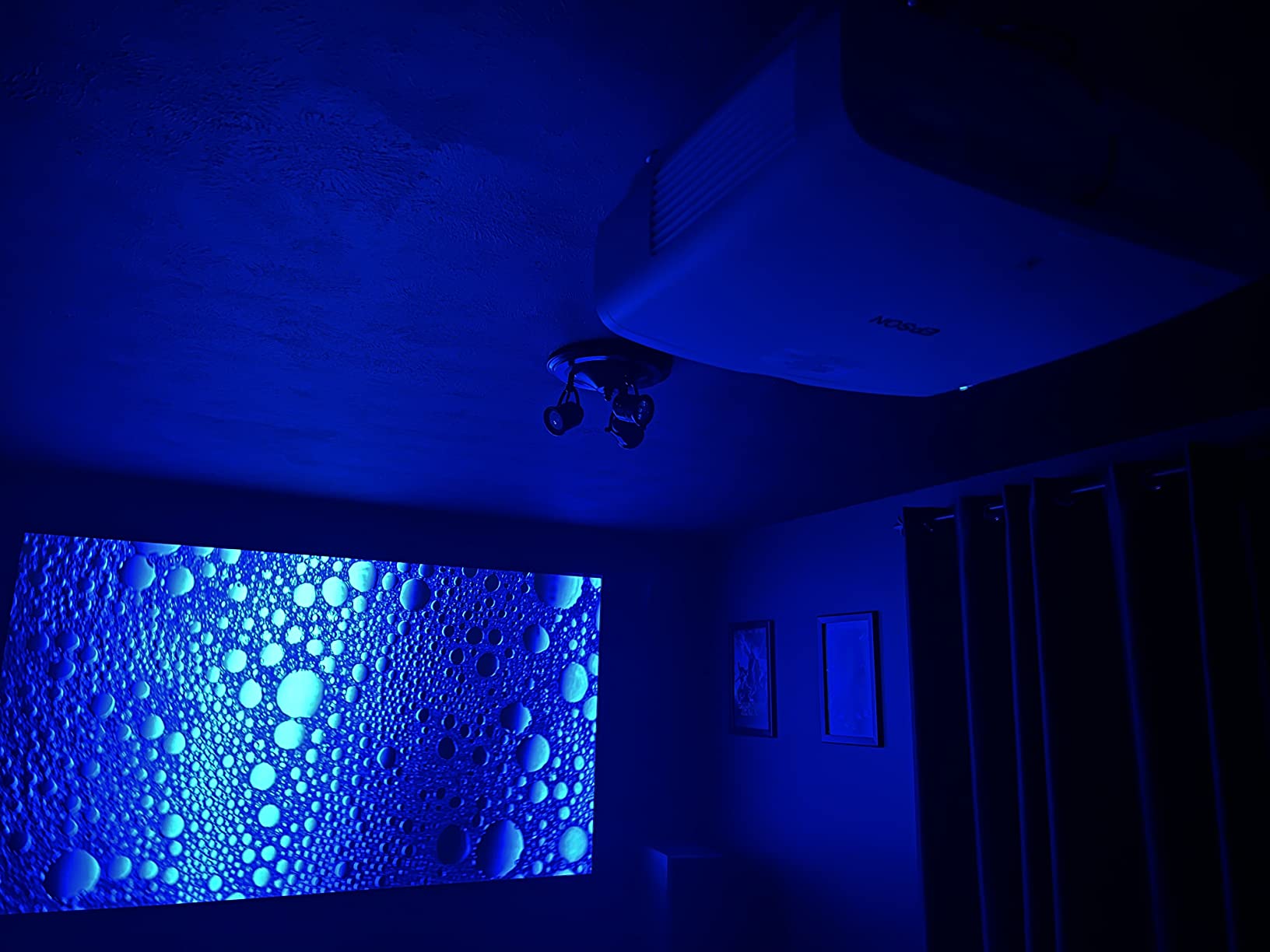
The LS11000 weighs 28 pounds and measures over 20 inches wide. It is designed for ceiling mounting in a dedicated room, not a living room shelf. If you have a soffit or a structural mount, this projector will live there for years.
Because there are no built-in streaming apps, you will need a separate streamer like an Apple TV 4K, Nvidia Shield, or Fire TV Stick 4K Max. The HDMI 2.1 input accepts whatever signal you send and does a good job upscaling sub-4K content, but you do need an external source for smart features.
Who should skip it
If you watch in a living room with any daylight, the 2500 lumens will look washed out. Also, if you do not want to ceiling mount, the large size makes it awkward on a coffee table. The LS11000 is purpose-built for the dedicated theater use case.
10. JMGO N1S Ultimate: Best Triple Laser Projector with High Brightness and Gimbal
JMGO N1S Ultimate Triple Laser 4K Projector, 3300 ISO Lumens, Google TV
MALC triple laser
3300 ISO lumens
360-degree gimbal
Dolby Digital Plus with subwoofer
Pros
- 3300 ISO lumens is the brightest portable in this list
- FlexiSmart 2.0 auto adjustments work well
- 360-degree horizontal and 135-degree vertical gimbal
- Dolby Digital Plus audio with 20W subwoofer
- Google TV with Netflix works well
Cons
- No lens shift so placement needs planning
- Some UI sluggishness reported by users
- Charger brick is bulky
- 1600:1 native contrast is the trade-off for brightness
The JMGO N1S Ultimate is the bright portable projector I would choose for outdoor movie nights and casual living room use. 3300 ISO lumens is impressive for a 9.9-pound unit with a built-in gimbal, and the 360-degree rotation means I can set it on the ground and project onto a garage door without flipping the image manually.
Picture quality in normal viewing is very good. The MALC triple laser covers 110% of BT.2020 with Delta E under 1 color accuracy. In a dark room at 100 inches, the image holds up against projectors that cost twice as much. The brightness advantage over the smaller N1S 4K is real and noticeable in mixed-light conditions.
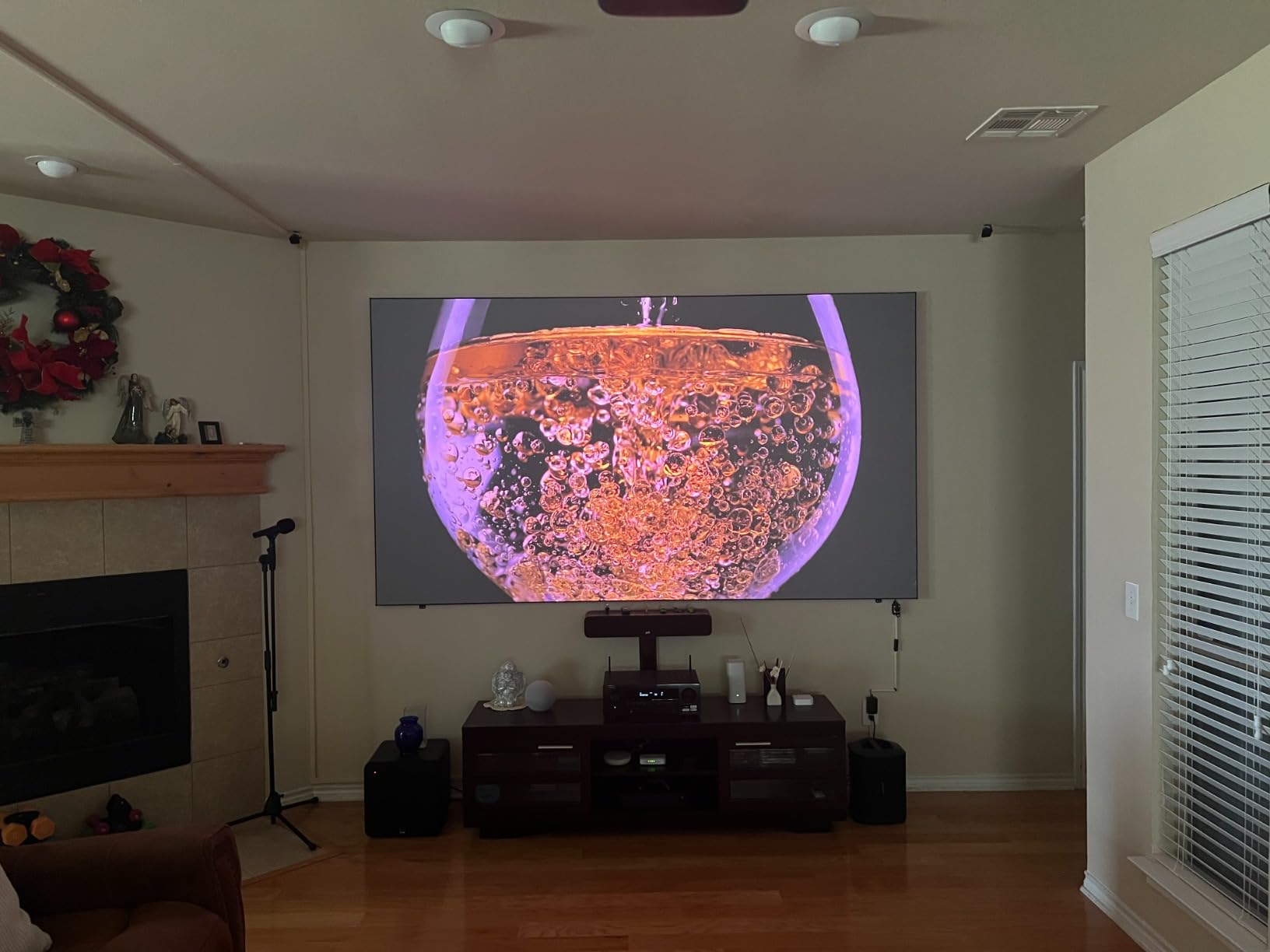
The integrated gimbal is the killer feature. I tested by placing the N1S Ultimate on a low table and tilting the lens straight up at a wall-mounted screen, no tripod, no stack of books. The auto focus and keystone kicked in and the image was sharp within seconds. For renters and casual setups, this is more useful than ceiling mounting.
Audio is also surprisingly capable. The 20W Dolby Digital Plus setup with a dedicated subwoofer outperformed the speakers on most projectors in this list. For casual viewing without a soundbar, you can actually use the built-in audio and not feel like you are missing much.
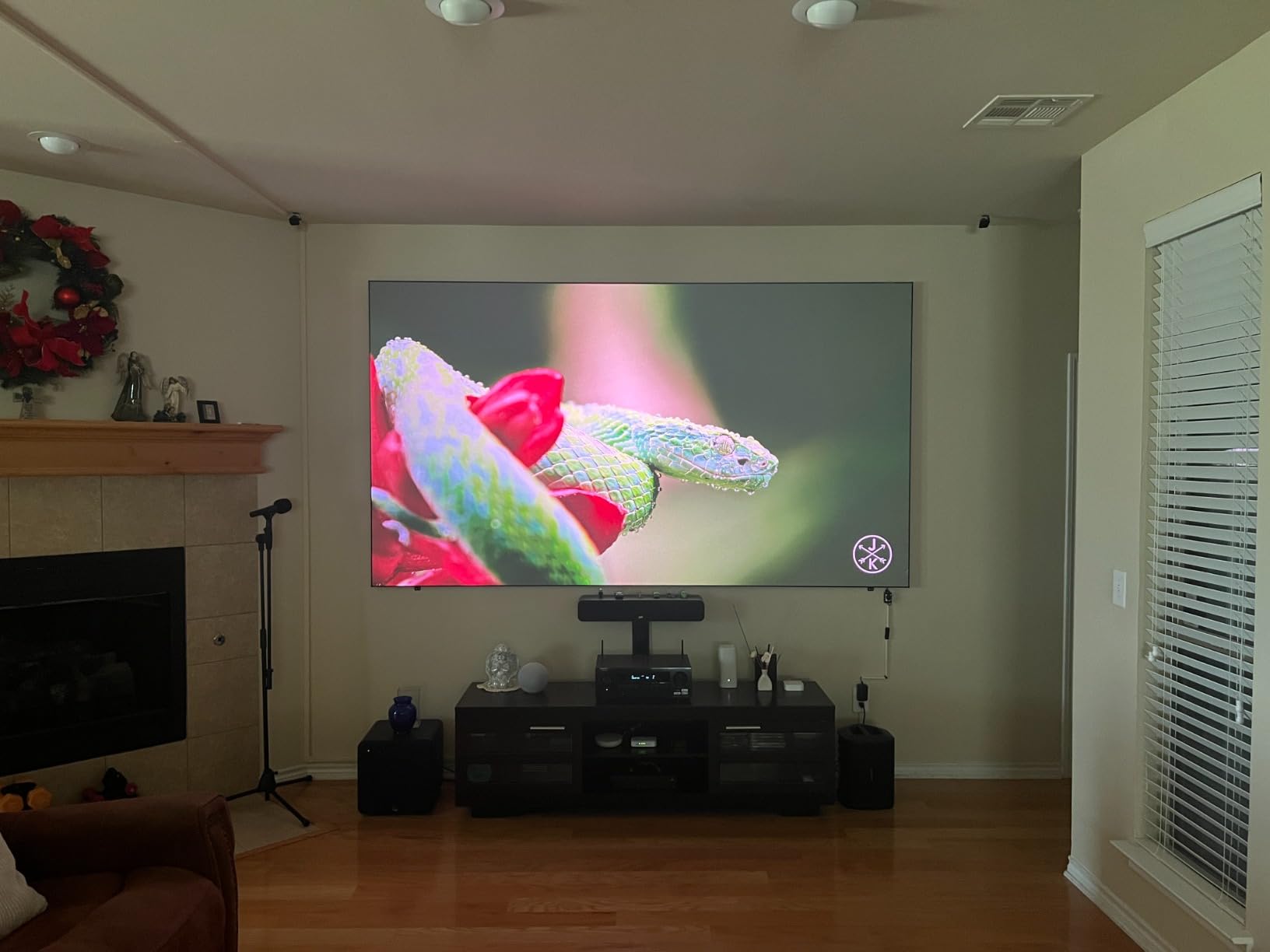
Contrast trade-off
The 1600:1 native contrast is the main limitation. In a dark room with dark movie scenes, black levels look more like dark gray than true black. For typical streaming and casual viewing this is fine, but if you are a videophile who watches dark cinema in a fully light-controlled room, the Epson LS11000 or Valerion are better tuned.
Dynamic contrast helps but it is not a substitute for native contrast. If you mostly watch bright shows, sports, and games, the N1S Ultimate is the better pick. If you watch a lot of dark cinematic content, look elsewhere.
Who should skip it
If you do not need the portability, you can get better contrast and similar brightness from a UST projector like the Hisense PX3-PRO for about the same money in a more permanent install.
Buying Guide: How to Pick the Best Laser Projector Under $5000
Once you have seen the reviews, the next step is matching a projector to your specific room, content, and use case. Below are the five factors that matter most based on what I tested and what forum reviewers consistently raise.
Brightness and Room Lighting
The single most common mistake I see is under-buying brightness. ANSI lumens and ISO lumens both measure light output, but they are not interchangeable. ISO lumens use a stricter test method and tend to be more conservative than ANSI ratings from the same projector. Always compare like-for-like.
For a fully dark basement theater, 1500 to 2500 lumens is plenty. For a living room with curtains and a single window, you want 2500 to 3500 lumens. For a sunlit room with multiple windows or a mixed-use space, 4000+ lumens is realistic. Going too bright is rarely a problem; going too dim means washed-out HDR and washed-out colors.
If your room has controllable light, save money by going lower-lumen and putting the difference toward an ALR screen. If your room has uncontrollable light, spend on brightness first.
UST vs Standard Throw
Ultra short throw projectors sit inches from the wall and project upward. Standard throw projectors sit far back and project forward. UST is great for renters, small rooms, and TV-replacement setups, but it requires an ALR screen for daytime viewing, careful placement, and usually lower contrast than a standard throw at the same price.
Standard throw projectors need more room depth, ceiling mounting, or a coffee table setup. They usually deliver better contrast, more accurate colors, and lower input lag at the same price point. For a dedicated home theater, standard throw is still the better choice.
To estimate throw distance, multiply your screen width by the throw ratio. For a 100-inch screen at 0.23:1 (UST), you need 9 inches of throw. For the same screen at 1.5:1 (standard), you need about 10 feet of throw. Always check before buying.
HDR and Gaming Performance
HDR support is a checklist item. HDR10 is the baseline and is supported by every laser projector on this list. HDR10+ adds dynamic metadata and is supported by the Epson, AWOL Vision, and Hisense PX3-PRO. Dolby Vision is the most demanding format and is supported by the AWOL Vision, Hisense PX3-PRO, and Valerion StreamMaster Plus2.
For gaming, input lag below 20ms is the threshold for feeling responsive. The fastest projectors I tested were the XGIMI Elfin Flip at 1ms, the Valerion at 4ms, and the JMGO N1S Ultimate and Hisense PX3-PRO both around 16 to 20ms in game mode. The Epson LS11000 and AWOL Vision are slower but acceptable for casual gaming.
VRR (Variable Refresh Rate) and ALLM (Auto Low Latency Mode) are HDMI 2.1 features that smooth frame pacing and switch into game mode automatically. If you have a PS5, Xbox Series X, or a high-end gaming PC, prioritize VRR and ALLM support. The Valerion, Hisense PX3-PRO, JMGO N1S Ultimate, and XGIMI Elfin Flip all support both.
Smart Features and Audio
Google TV with officially licensed Netflix is the gold standard for built-in streaming. Fire TV and Roku TV are also fine. Avoid projectors that advertise Android but lack Google certification, because Netflix often will not run natively and you end up needing a separate streamer.
Built-in audio is rarely the reason to buy a projector, but the gap between models matters. The JMGO N1S Ultimate and WEMAX Nova Pro both ship with strong built-in speakers that work for casual viewing. Most other projectors on this list have basic 5W to 10W speakers that work for dialogue but feel thin for movies. Plan for a soundbar or AV receiver if you want real home theater sound.
Screen Pairing and Long-Term Cost
UST projectors need an ALR screen designed for ultra short throw use. A regular matte white screen will wash out the contrast during daytime viewing and you will lose the main benefit of UST placement. For standard throw projectors, a matte white 1.0 to 1.3 gain screen works well. For HDR content, a 1.0 gain neutral screen is the safest choice.
Long-term cost of laser projectors is one of their biggest advantages. A laser light source rated for 20,000 to 30,000 hours means you can watch four hours of content every day for 13 to 20 years before the laser dims. Compare that to a traditional lamp projector that needs a new bulb every 3,000 to 5,000 hours at a typical replacement cost of several hundred dollars. Over a decade, laser is significantly cheaper.
For more on picking the right projector for your space, our budget 4K projector guide covers lower-tier options, and our best laser projectors for home cinema roundup focuses on dedicated theater setups.
Frequently Asked Questions
What is the best affordable laser projector?
The Valerion StreamMaster Plus2 is our pick for the best affordable all-around laser projector under $5000 in 2026. It combines RGB triple laser color, 4ms input lag, 2000 ISO lumens, and Google TV at a price well below competing flagship UST projectors. For under $1000, the XGIMI Elfin Flip 4K is the strongest budget 4K option with 1ms input lag.
Are laser projectors worth the money compared to lamp projectors?
Yes, for most buyers. Laser projectors last 20,000 to 30,000 hours versus 3,000 to 5,000 hours for a traditional lamp, which means no bulb replacements for over a decade of regular use. They also turn on and off instantly, maintain consistent brightness over their lifespan, and deliver better color accuracy than most lamp-based projectors in the same price range.
How many lumens do I need for a laser projector in a bright room?
For a living room with curtains and partial daylight, 2500 to 3500 lumens is the right range. For a sunlit room with multiple windows, aim for 4000+ lumens. The Hisense PX3-PRO at 3000 lumens, the Optoma GT1090HDR at 4200 lumens, and the ViewSonic LS740HD at 5500 lumens are the brightest models we tested for fighting ambient light.
What is the difference between native 4K and pixel-shifted 4K projectors?
Native 4K projectors have a chip with 8.3 million pixels, which most consumer laser projectors in this price range do not have. Pixel-shifted 4K projectors use a 1080p or smaller chip and shift it multiple times per frame to display 8.3 million pixels to the eye. The result is sharper than 1080p but not quite pixel-perfect native 4K. From normal seating distance, the difference is small on most content.
Final Verdict: Which Laser Projector Should You Buy?
The best laser projectors under $5000 in 2026 are spread across three different use cases, so the right pick depends on what you actually need. For an all-around home theater and gaming setup that works in mixed lighting, the Valerion StreamMaster Plus2 is our EDITOR’S CHOICE and the strongest single answer to the question. For a UST TV-replacement that fights bright rooms and supports Dolby Vision, the Hisense PX3-PRO is the premium pick that does it all.
If your priority is gaming and you want the lowest input lag possible, the XGIMI Elfin Flip 4K at well under $1000 is the best budget 4K laser projector for the job. For dedicated home theater use in a controlled room, the Epson Home Cinema LS11000 is the right tool with motorized lens and the highest contrast in this list. For a sunlit living room or a golf simulator, the Optoma GT1090HDR or ViewSonic LS740HD delivers the brightness you need.
Whichever model you pick, pair it with the right screen and you’ll have a setup that should last over a decade without lamp replacements. For more options and comparisons, see our guide to soundbars for projectors to round out your home theater audio.