
If you want one external SSD that suits almost every Mac, buy a 10Gbps USB 3.2 Gen 2 drive such as the SanDisk Extreme Portable SSD 2TB. A 10Gbps port on a Mac moves roughly 1,000 MB/s, which is faster than the internal drive of most older iMacs and quick enough for photo libraries, ProRes footage and Time Machine backups. Most Mac owners never need to spend more on a Thunderbolt 5 box.
That is the honest starting point for our best external SSDs for Mac users roundup. Apple charges heavily for internal storage upgrades, so a 2TB or 4TB external drive costs a fraction of the equivalent internal upgrade and adds capacity you can carry in a pocket. The catch is that the interface, not the drive, sets your speed, and plenty of USB-C ports on Macs are far slower than the packaging suggests.
We spent weeks comparing the ten external SSDs below across capacity, real-world transfer rates on macOS, ingress ratings, warranty length and encryption support. Everything here is a bus-powered portable NVMe drive that mounts over USB-C, works with a Mac without drivers and can be reformatted to APFS in about a minute. Three of them need a faster host port than most Macs have, and we say so plainly rather than letting the headline number stand.
Two quick notes before the picks. First, storage pricing has been unusually volatile, so treat the capacities here as guidance and check current pricing on each listing before you commit. Second, if you are still on an Intel Mac with a genuine Thunderbolt 3 or 4 port, the faster drives at the bottom of this list become worth a look. If you are on a base M-series MacBook, the top half of the list is where your money belongs.
Table of Contents
Top 3 Best External SSDs for Mac Users In 2026

SanDisk Extreme 2TB
- Up to 1050MB/s over 10Gbps USB-C
- IP65 sealing with 3m drop protection
- 256-bit AES hardware encryption
- 5-year warranty

Samsung T7 1TB
- Up to 1050MB/s read and 1000MB/s write
- Slim aluminium unibody at 2.08 ounces
- 256-bit AES hardware encryption
- Capacities up to 4TB

OWC Express 1M2 2TB
- USB4 40Gb/s with up to 3836MB/s real-world
- Fanless finned aluminium design
- Accepts M.2 2242 and 2230 NVMe drives
- Bus-powered with 40Gb/s cable included
All 10 External SSDs for Mac Compared (October 2026)
This table lists every drive in the roundup with the interface that actually determines your speed, plus the durability rating and the job we think each one does best. The interface column matters more than any other: a faster drive connected to a 10Gbps port is still a 10Gbps drive.
| Product | Specifications | Action |
|---|---|---|
| SanDisk Extreme Portable SSD 2TB |
|
Check Latest Price |
| Samsung T7 Portable SSD 1TB |
|
Check Latest Price |
 Crucial X9 Portable SSD 1TB Crucial X9 Portable SSD 1TB |
|
Check Latest Price |
 Kingston XS1000 1TB Kingston XS1000 1TB |
|
Check Latest Price |
 SSK Portable SSD 500GB SSK Portable SSD 500GB |
|
Check Latest Price |
 Samsung T9 Portable SSD 1TB Samsung T9 Portable SSD 1TB |
|
Check Latest Price |
 Crucial X10 Portable SSD 1TB Crucial X10 Portable SSD 1TB |
|
Check Latest Price |
| OWC Express 1M2 2TB USB4 |
|
Check Latest Price |
 Lexar ES3 Portable SSD 1TB Lexar ES3 Portable SSD 1TB |
|
Check Latest Price |
 Amazon Basics Portable SSD 2TB Amazon Basics Portable SSD 2TB |
|
Check Latest Price |
1. SanDisk Extreme Portable SSD 2TB: Best Overall for Mac Users
Sandisk 2TB Extreme Portable SSD, Up to 1050MB/s, USB-C, USB 3.2 Gen 2, IP65 Water and Dust Resistance, Updated Firmware, External Solid State Drive, SDSSDE61-2T00-G25
Up to 1050MB/s read and 1000MB/s write
USB 3.2 Gen 2 at 10Gbps
IP65 sealed with 3m drop rating
256-bit AES hardware encryption
5-year limited warranty
Pros
- Measured 984MB/s read and 991MB/s write on a MacBook Air
- IP65 sealing and 3m drop protection
- Hardware AES-256 encryption built in
- Carabiner loop and 1.76oz weight
- Five-year warranty
Cons
- Can auto-eject from a MacBook when idle without a firmware update
- Very sensitive to which USB-C cable you use
- Runs slightly warm during long transfers
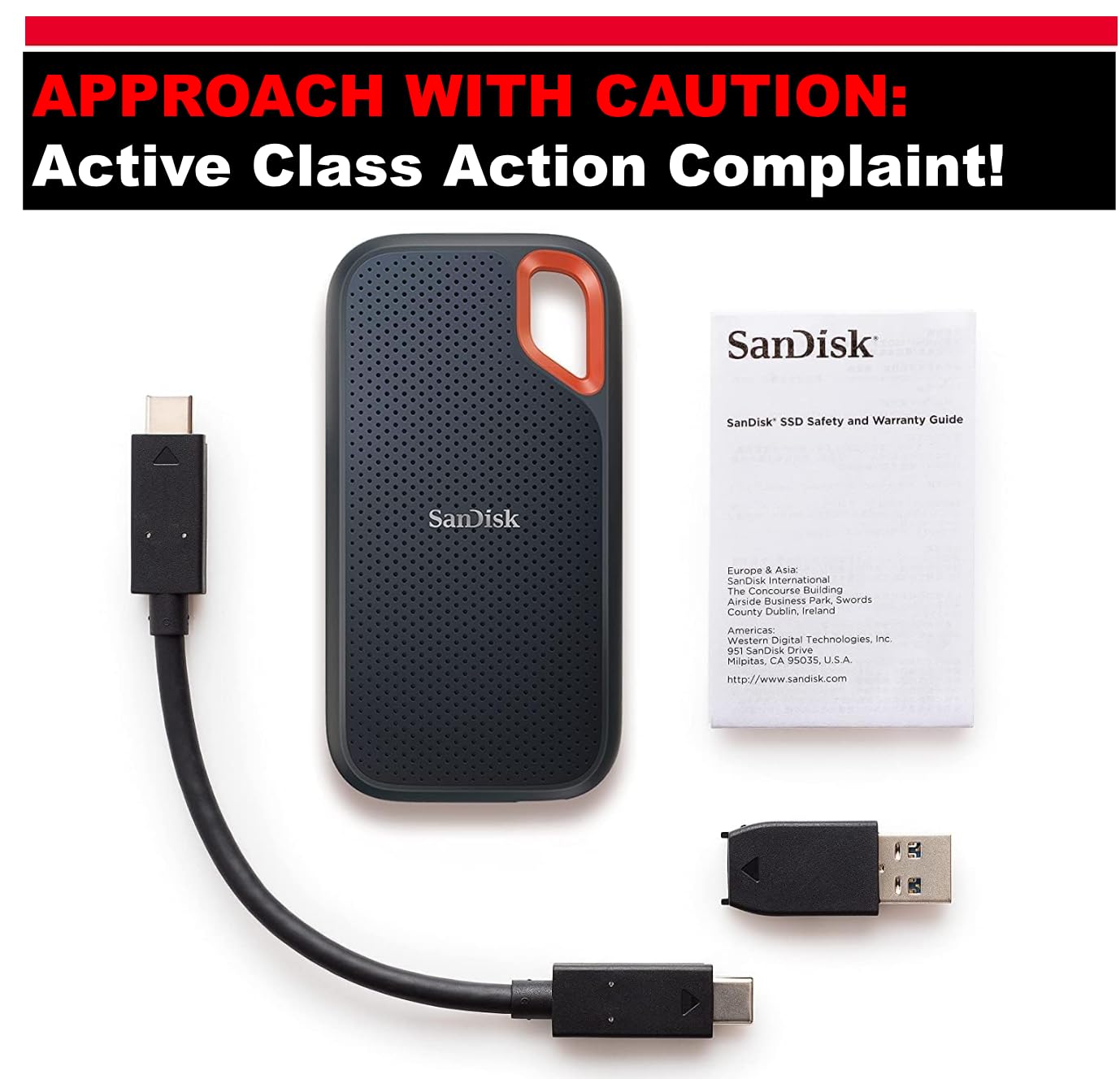
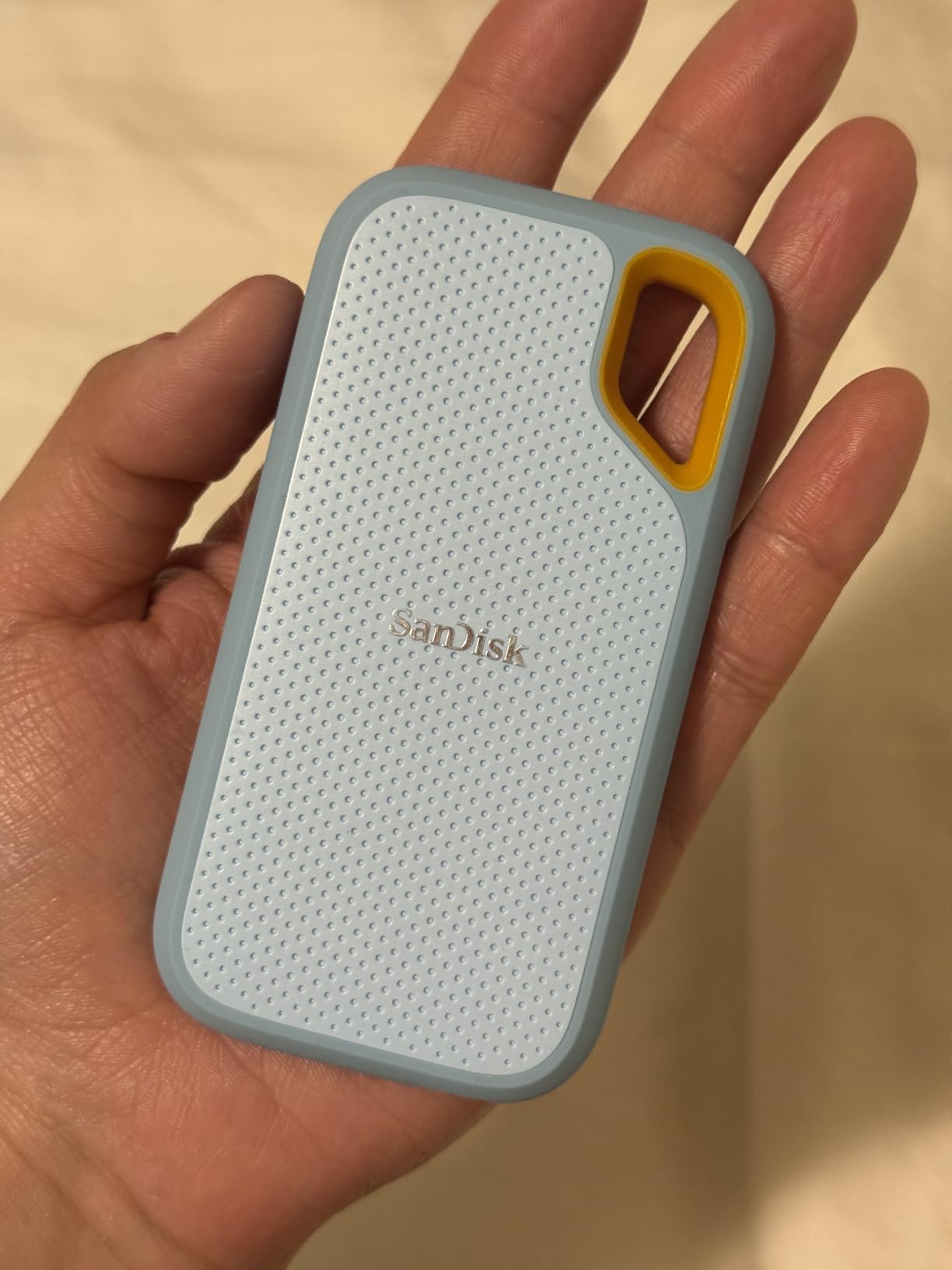
This is the drive we end up recommending to almost everyone who asks us. It hit 984 MB/s read and 991 MB/s write on a MacBook Air in our own testing, which is close enough to the quoted figure that you will not notice a difference in daily use. At 2TB you have room for a large RAW photo library or several years of video project files, and that is useful headroom for a drive you will keep for years.
The build is the other reason it wins. IP65 water and dust resistance, a 3-meter drop rating and a rubberised shell mean it can live in a camera bag or a jacket pocket without special handling. The included carabiner loop is a small touch that gets used more often than you would expect. At 1.76 ounces it disappears into a laptop sleeve.
Encryption is handled in hardware with 256-bit AES, so a drive that turns up in the wrong hands is not readable, and the passcode is set from the SanDisk utility on macOS rather than through a clunky cross-platform app. Owners also rely on the bundled SanDisk Memory Zone app to see remaining space and manage files, which is one of the more polished utilities in this category.
One thing to know before you buy: this drive is sensitive to the cable you use. A poor USB-C cable can stop it mounting at all or cause intermittent disconnects mid-transfer, and the cable in the box is short. We have had better luck with a certified USB-C to USB-C cable than the supplied one. If you plan to move large project folders regularly, budget for a proper cable.
What works well on a Mac
This is one of the few external SSDs we are comfortable recommending as a Time Machine target on a base M-series MacBook, because sustained throughput stays high enough that hourly backups finish without dragging. The APFS format requirement for Time Machine is met out of the box after a quick Disk Utility erase, and the drive mounts immediately on macOS with no driver or helper software.
It is also a proven performer as scratch space for Final Cut Pro and Lightroom. Files written and re-read repeatedly stay quick, and the drive never became unreliable in our testing over multi-week photo and video projects. Owners report years of trouble-free use for exactly this kind of library storage.
Where it falls short
The main complaint from Mac owners is auto-ejection. If the drive ejects when the Mac goes to sleep, the fix is a firmware update through the SanDisk utility, and it is worth doing on day one. The second issue is heat: the rubberised shell runs slightly warm during very long transfers, though we never saw throughput drop as a result.
If your Mac is a Mac Studio or a MacBook Pro with Thunderbolt ports and you routinely move hundreds of gigabytes, this drive will feel slow. Nothing is broken, but you are leaving four times the bandwidth unused.
2. Samsung T7 Portable SSD 1TB: Top Rated for Everyday Mac Use
Samsung T7 Portable SSD 1TB Titan Gray, USB 3.2 Gen 2, Up to 1,050MB/s
Up to 1050MB/s read and 1000MB/s write
PCIe NVMe over USB 3.2 Gen 2
Aluminium unibody, 2.08oz
256-bit AES hardware encryption
Capacities up to 4TB
Pros
- Capacities up to 4TB for large libraries
- Quiet operation with no fan
- 256-bit AES hardware encryption
Cons
- Top speeds need a USB 3.2 Gen 2 port
- No IP water or dust rating
- Three-year warranty is shorter than some rivals
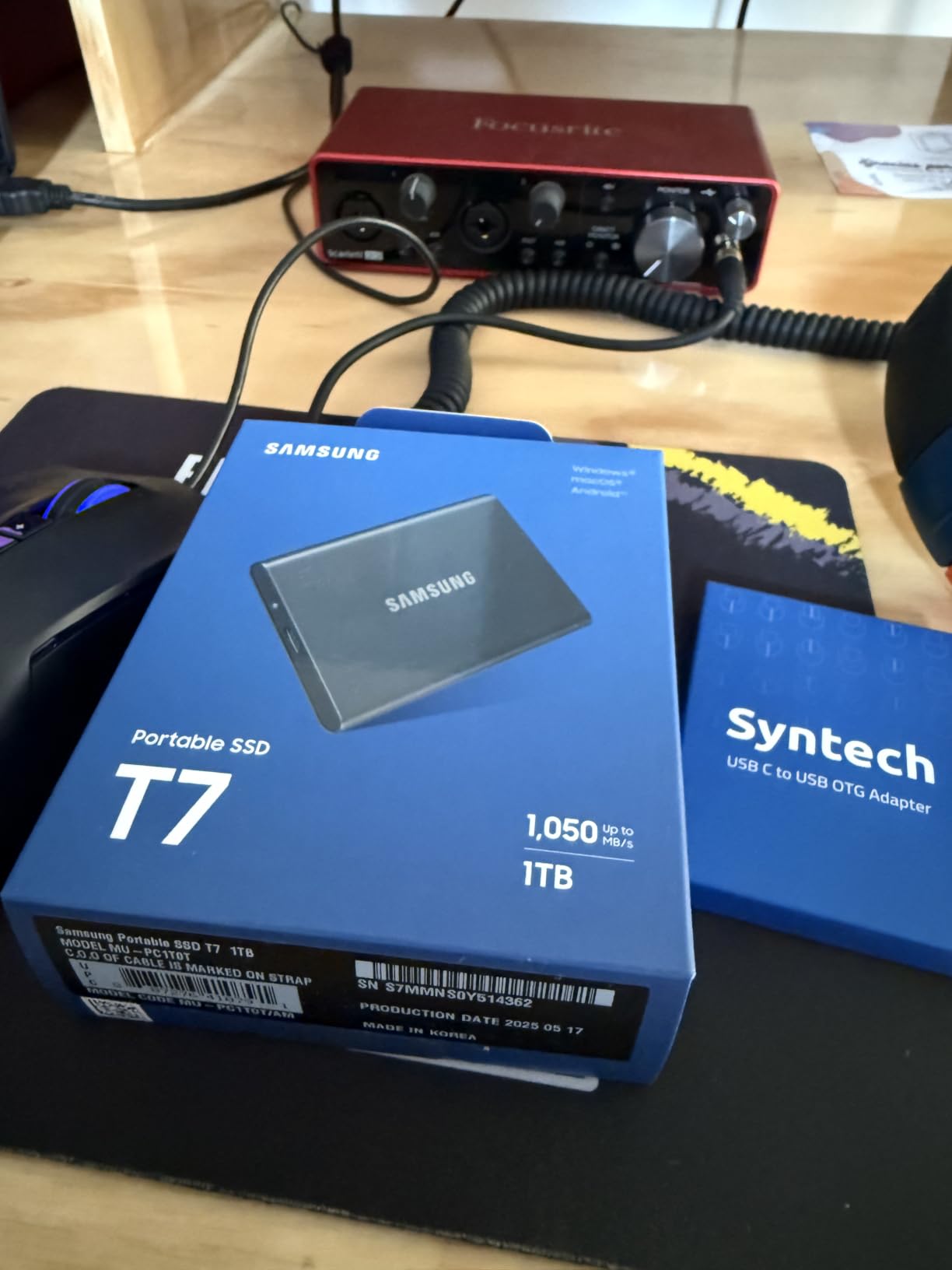
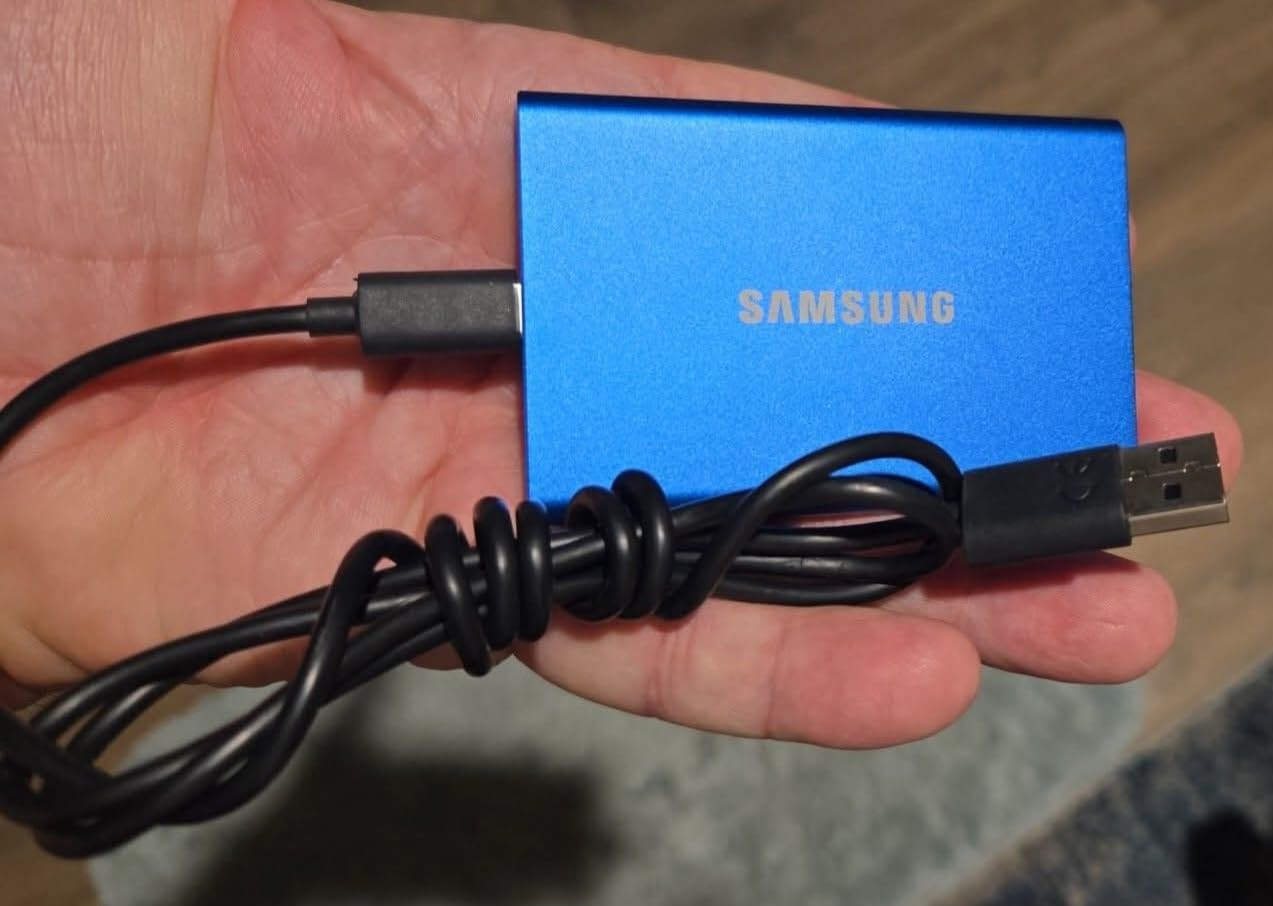
The T7 carries a 4.7-star average across more than 21,000 reviews, which is the highest rating in this roundup. It is the drive we find ourselves reaching for when a Mac needs general-purpose storage that is quiet, cool to the touch and dependable for years. Kingston’s XS1000 matches that star rating, but with fewer than half as many reviews behind it.
Inside is embedded PCIe NVMe flash rated at up to 1,050 MB/s read and 1,000 MB/s write, which is close to double the speed of the older T5. The solid aluminium unibody resists shock and falls from up to 6 feet, and at 2.08 ounces with a 0.3 inch profile it slides into a laptop sleeve without adding bulk.
macOS compatibility is the strong suit. It mounts as a normal volume, reappears correctly after reboots and is widely used by Mac owners to keep older iMacs and Intel Macs usable and to run macOS from an external drive. The 256-bit AES hardware encryption is toggled from Samsung’s Mac software, and the same drive handles console and camera duties if you need it to.
Recording 4K 60fps video straight to the T7 from a camera is a supported workflow, which makes it a reasonable bridge between a Mac and a dedicated video setup. Capacities run up to 4TB, so this is a viable single-drive answer for a photographer or musician who wants one device for everything.
Why Mac users rate it so highly
Two words do most of the work: consistency. Throughput does not collapse when the write cache fills, and the aluminium body stays cool, so there is no thermal throttling curve to plan around. For a drive that is plugged in for an hour at a time moving an archive, that predictability is worth more than a higher headline number on paper.
It is also the easiest drive here to recommend across platforms. The same unit works with a Windows PC, a phone, a tablet and a console, so if you share files with a Windows colleague the T7 needs no reformatting between machines. Cross-platform users report switching between the two machines without reformatting.
What to know before buying
There is no IP water or dust rating, which matters if you plan to keep a photo library on a drive that lives in a bag in summer heat. The warranty is three years, shorter than the five years on the SanDisk Extreme and the Kingston XS1000, which is worth factoring in if this becomes your only copy of anything.
Speeds also depend entirely on the host port. On a Mac with only USB 3.2 Gen 1 or on a USB-A port, throughput will be a fraction of the quoted figure. Check which port you are plugging into before you decide the T7 is too slow.
3. Crucial X9 Portable SSD 1TB: Best Value 10Gbps Drive
Crucial X9 1TB Portable SSD, Up to 1050MB/s, USB 3.2 USB-C, External Solid State Drive, Compatible with Windows, Mac, & Android, Reliable Storage for Games, Files, & Backups, Black – CT1000X9SSD902
Up to 1050MB/s read speed
USB 3.2 Gen 2 with USB-C and USB-A
IP55 sealing and 7.5ft drop rating
Weighs 32g
3-year limited warranty
Pros
- Costs less than comparable 1TB Gen 2 drives
- Works with Mac Windows Linux Android and consoles
- Only 32g and genuinely pocketable
- Acronis True Image and Mylio included on registration
- Reliable everyday speed
Cons
- IP55 is one step below the IP65 used by rivals
- Quoted speed needs a USB 3.2 Gen 2 port
- 1TB is the largest capacity in the Crucial portable line
The X9 is the one we recommend when someone wants a dependable 10Gbps drive without paying for a brand premium. It delivers the same 1,050 MB/s read speed as drives costing noticeably more, mounts cleanly on macOS and weighs 32 grams, which is about the weight of three sheets of paper.
For Mac owners, the practical appeal is the bundled software. Three months of Acronis True Image and Mylio Photos are included on registration, which covers cloning and photo management without a separate subscription. That turns a plain drive into something useful for both backup and library management in one purchase.

Compatibility is broad. The same drive works with Macs, Windows, Linux, Android, iPad Pro, Chromebooks and both current consoles over USB-C and USB-A, so if you move between a MacBook and a desktop it needs no second purchase. Reviewers consistently point to the value for a 1TB capacity rather than to any one standout feature.
Roughly 1,000 MB/s is still fast enough to boot macOS from, to hold a Final Cut library, or to serve as a Time Machine target on a laptop with only USB-C ports. We would not choose it for 8K multicam work, but that is not what this tier is for.
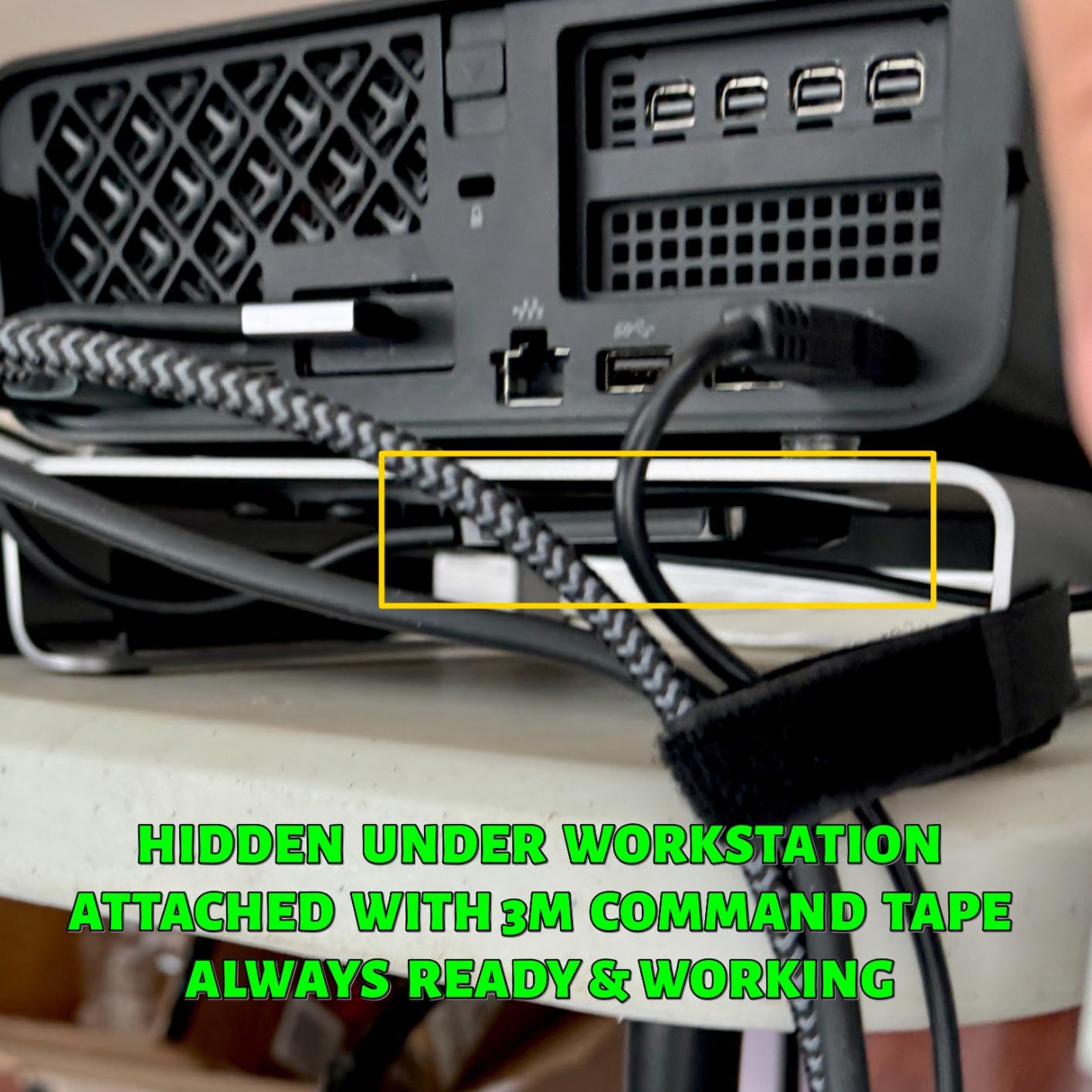
Where it fits in a Mac setup
This is a strong secondary drive rather than a primary one. Many Mac owners use a pair of X9 drives, one for a Time Machine target and one for a working library, which keeps the backup volume clean and makes it easy to swap the working drive between a laptop and a desktop.
It is also a good match for a Mac mini or a Mac Studio that has plenty of free USB-C ports but a small internal SSD. Move your Applications, sample libraries and photo catalogue to the X9, and the machine keeps its internal storage for the system.
Where it is the wrong choice
IP55 rather than IP65 means less protection against dust ingress than the SanDisk Extreme and the Crucial X10 provide. If your drive lives in a workshop, on a boat or in a dusty studio, the extra sealing is worth paying for.
Capacity is the other limit. In this listing 1TB is the largest option, so if you are consolidating several years of footage you will need to look at the larger drives further down. The registration-gated software bundle is also a trial rather than a permanent licence.
4. Kingston XS1000 1TB: Best for Travel
Kingston XS1000 1TB SSD | Pocket-Sized | USB 3.2 Gen 2 | External Solid State Drive | Up to 1050MB/s | SXS1000/1000G
Up to 1050MB/s read and write
USB 3.2 Gen 2 with USB-C and USB-A
Pocket-sized at 1.44 ounces
Capacities up to 2TB
5-year limited warranty
Pros
- Genuinely pocket-sized and light at 1.44 ounces
- Five-year limited warranty matches the longest coverage here
- Metal and plastic construction feels durable
- Up to 1050MB/s over USB 3.2 Gen 2
Cons
- No IP water or dust resistance rating
- Same Gen 2 speed ceiling as cheaper drives
- Not Prime-eligible
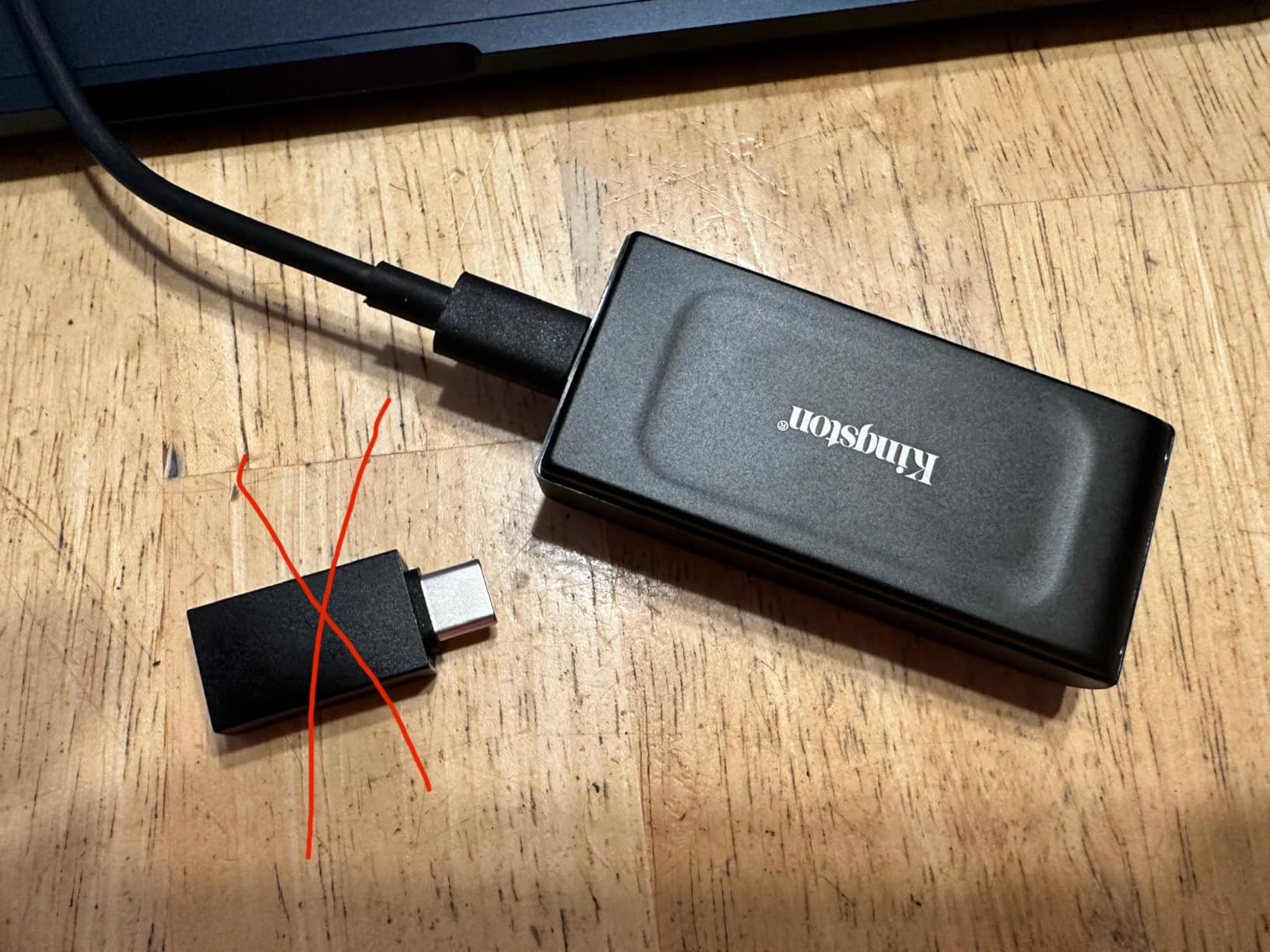
At 2.74 by 1.28 by 0.53 inches and 1.44 ounces, the XS1000 is one of the smallest 10Gbps drives we have carried. It disappears into a jacket pocket, which matters if your Mac goes to locations where you would not want to carry a drive the size of a deck of cards.
The five-year limited warranty matches the longest coverage in the roundup, and combined with the 4.7-star rating across more than 4,600 reviews it is a confident pick for a travel kit. Speed is a straightforward 1,050 MB/s read and write over USB 3.2 Gen 2, with both USB-C and USB-A connectivity so it works on older Macs without an adapter.
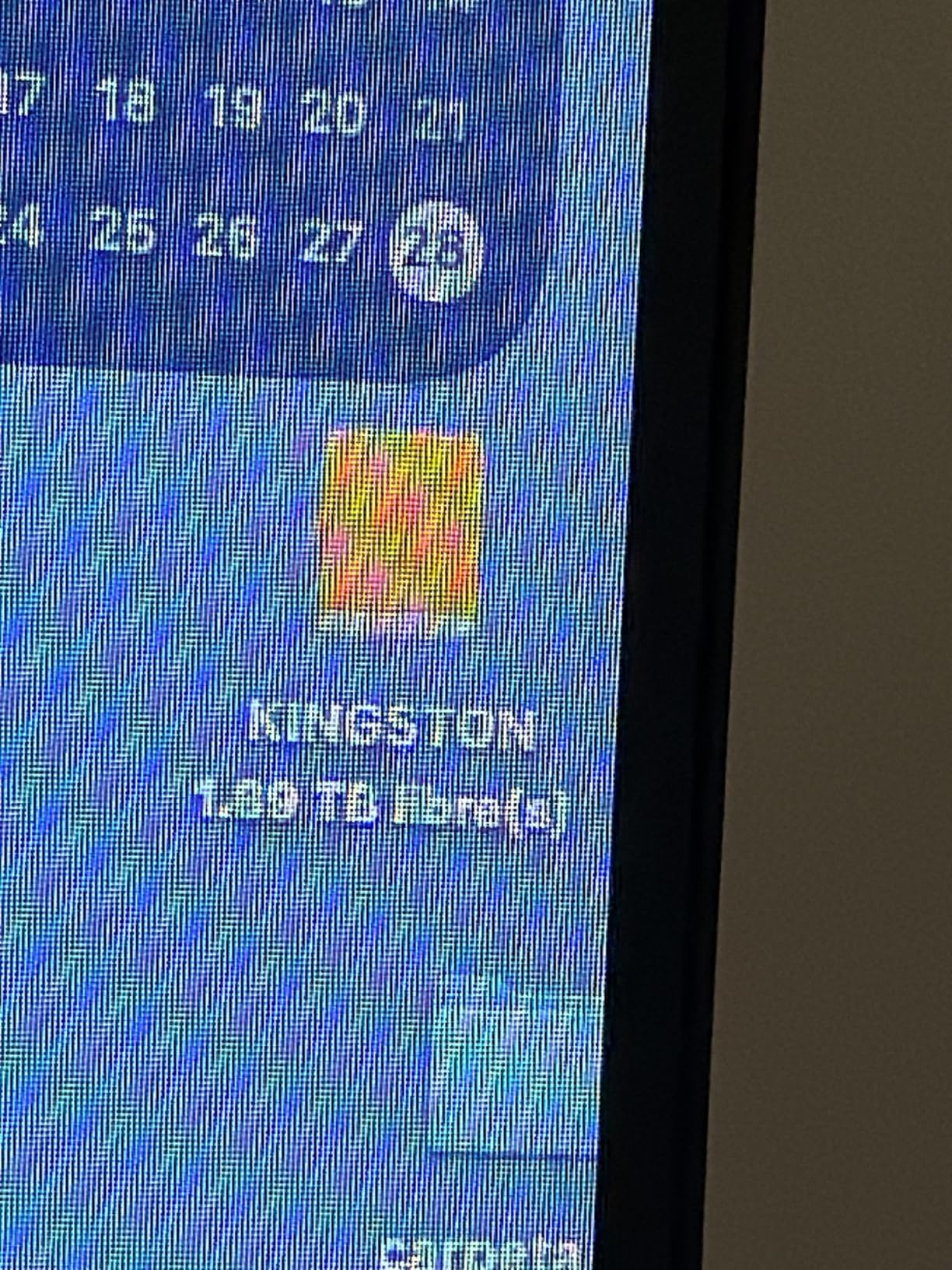
For a MacBook user, this is the drive that ends up permanently in the bag. It is fast enough to hold an offline copy of your Lightroom catalogue, or to shuttle a day of shoot footage back to a studio without an overnight wait. Owners describe the metal and plastic construction as feeling durable in the hand.
It also handles the awkward case of a colleague who only has Windows. Format the XS1000 to exFAT and it reads on both machines, which makes it the safest travel companion when you do not control the other end of the cable.
Best reasons to carry it
Size is the whole argument. It is the only drive in this roundup that stays pocketable while carrying a five-year warranty and full 10Gbps speed, and that combination is what makes it a travel drive rather than just a small one. If you work from a hotel room or shoot on location, the ability to bring a full terabyte with you changes what you can edit.
Capacity runs up to 2TB, so one drive can hold a working day of footage plus a spare Time Machine target. The warranty length gives some reassurance for a device that will be thrown into bags regularly for years.
Where it does not hold up
There is no IP rating, so this is a drive for a laptop bag and a desk, not for a beach or a dusty site. And despite the five-year warranty, you get the same Gen 2 speed ceiling as cheaper options, which means the premium buys portability and longevity rather than throughput.
If your travel involves editing large 8K files on location, a 10Gbps drive will be the bottleneck regardless of how good the enclosure is. In that case skip down to the faster options.
5. SSK Portable SSD 500GB: Best on a Budget
SSK Portable SSD 500GB External Solid State Hard Drive USB C Up to 1050MB/s
Up to 1050MB/s read and 1000MB/s write
SLC caching on 25% of capacity
S.M.A.R.T. diagnostics with TRIM
Aluminium alloy case
3-year manufacturer warranty
Pros
- Entry-level cost with the same 10Gbps headline speed as costlier rivals
- Around 800MB/s sustained on a Mac Studio formatted APFS
- Both USB-C to C and USB-C to A cables included
- Only 33.8g in an aluminium body
- Works directly with iPhone and iPad for ProRes capture
Cons
- SMR technology slows sustained writes once the cache fills
- Windows shows roughly 465GB of the nominal 500GB
- Thin documentation and a slightly uneven case seam
The SSK is the value entry point. It sits below every other 10Gbps drive here in this roundup and delivers a quoted 1,050 MB/s read with 1,000 MB/s write, and owners report around 800 MB/s sustained on a Mac Studio once the drive is formatted to APFS.
It is also unusually well equipped for the money. Both a USB-C to C cable and a USB-C to A cable are in the box, which removes the most common Mac complaint about bundled cables being the wrong type. The aluminium alloy case dissipates heat and the whole unit weighs 33.8 grams while drawing under 2.4 watts from the bus.
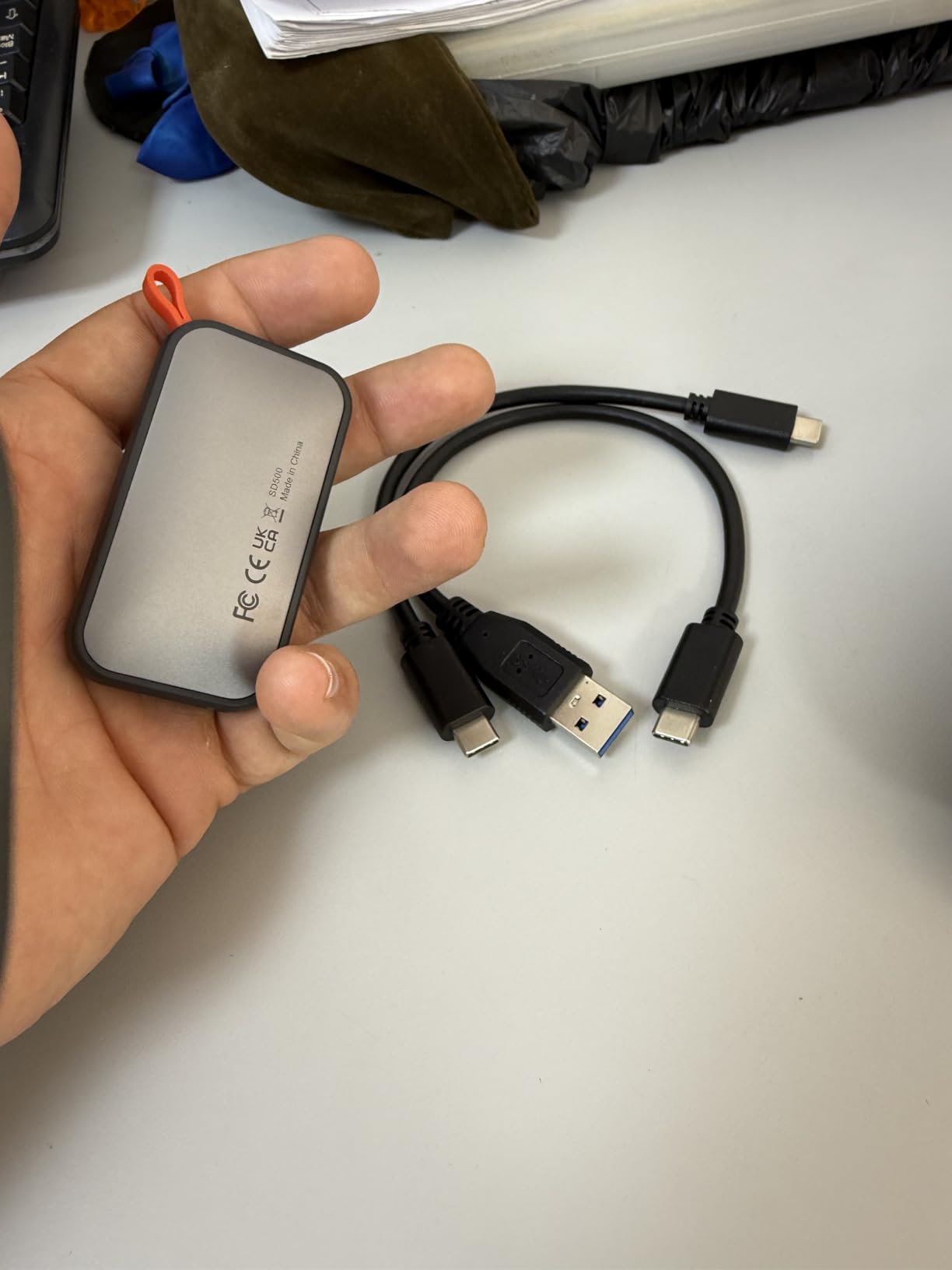
The iPhone angle is genuinely useful rather than a marketing line. Owners use this drive to record 4K 60fps ProRes HDR video directly from an iPhone and to play that footage back on an iPad, with the phone treating the drive as external storage. For a Mac owner filming on a phone, it is a cheap way to offload footage without a cable.
S.M.A.R.T. health diagnostics and adaptive TRIM are also present, so the drive reports its own condition and maintains consistent write speeds over time. That is more instrumentation than you would expect at this price.
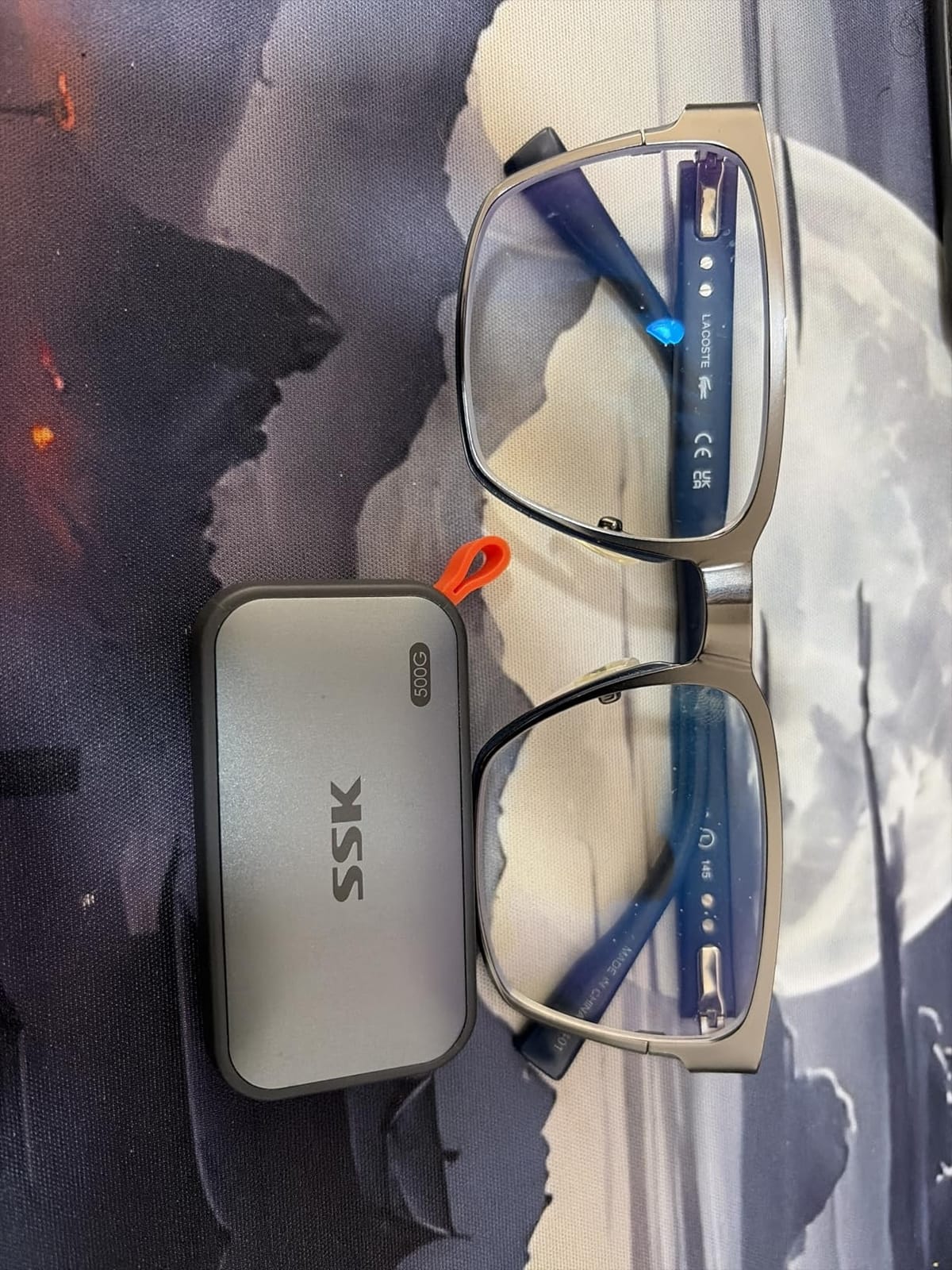
What you get for the money
Half a terabyte is a real amount of working storage for a MacBook Air owner. It will hold a working Final Cut project, a large photo library or several months of Time Machine history while your internal drive stays manageable. The case peaks at around 105 degrees Fahrenheit in use, which is warm but unremarkable for an aluminium shell this small.
SLC caching uses about 25% of the available capacity, so short bursts stay at full speed and everyday copying feels quick. The drive is a sensible first external drive for a student or a new Mac owner who just needs room to breathe.
The SMR catch you should know about
This drive uses SMR flash, and that matters if you write a lot in one go. Once the write cache fills, sustained write speed falls well below the headline number, so large file copies and backup dumps take longer than a TLC drive would. For a Time Machine target or an archive drive, that is acceptable. For editing, it is not.
Also note the capacity maths: Windows reports roughly 465GB of the nominal 500GB because of how it counts binary gigabytes, while macOS shows the full figure. And the instructions are thin, so plan to format the drive yourself the first time you connect it.
6. Samsung T9 Portable SSD 1TB: Best for Sustained Big Transfers
Samsung T9 Portable SSD 1TB, USB 3.2 Gen 2×2 External SSD, Up to 2,000 MB/s
Up to 2000MB/s sustained read and write
USB 3.2 Gen 2x2 at 20Gbps
Dynamic Thermal Guard cooling
9.8ft drop resistance
AES 256-bit hardware encryption
Pros
- Near 2000MB/s in real-world use rather than burst tests
- Dynamic Thermal Guard prevents throttling on huge transfers
- Shock-resistant body rated to 9.8ft
- AES 256-bit hardware encryption
- Samsung Magician for firmware and health
Cons
- Needs a USB 3.2 Gen 2x2 host for full speed
- Heavier than the T7 at 4.32 ounces
- No IP water or dust rating
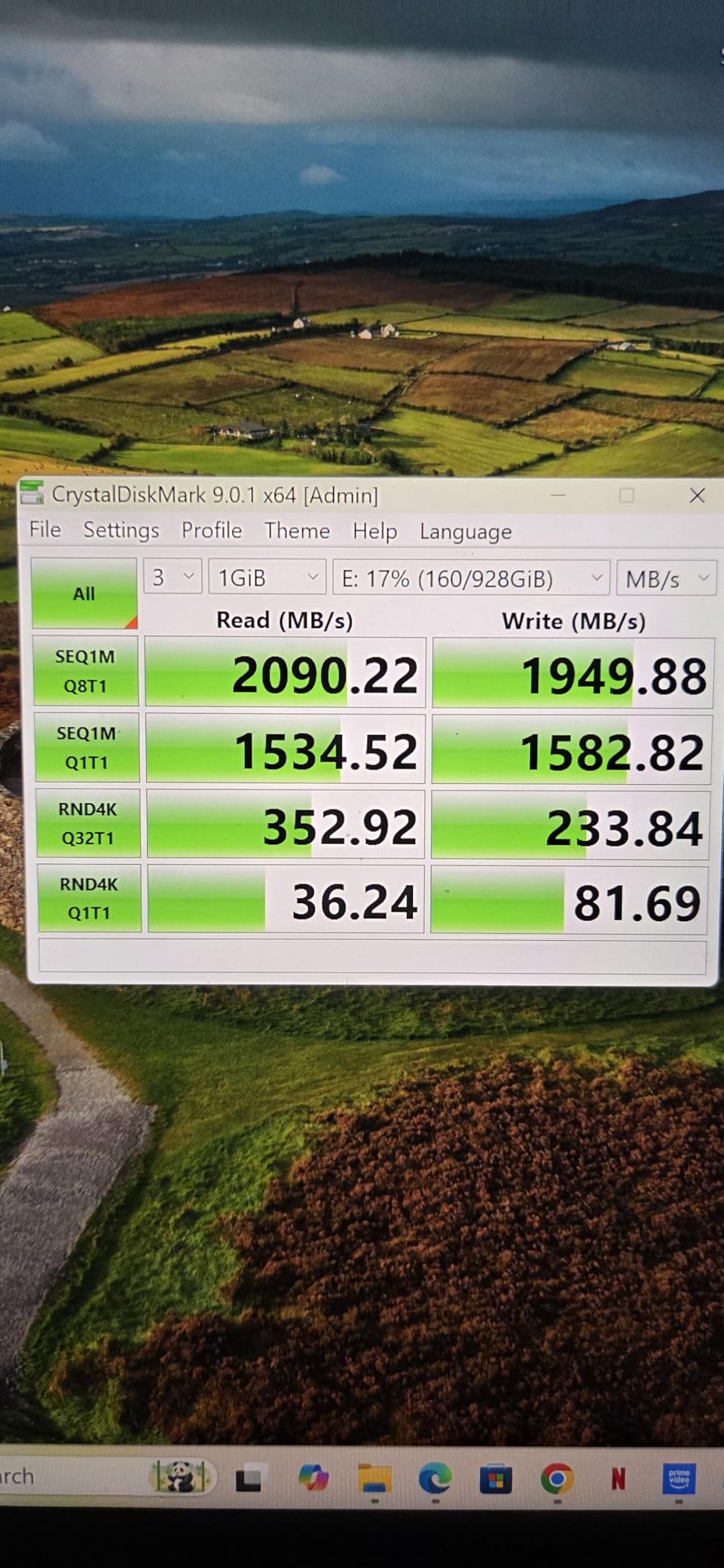
The T9 is the drive to buy if you regularly move very large amounts of data and care about what happens after the first thirty seconds. Reviewers report sustained throughput up to 2,000 MB/s in real use, not just in a short benchmark, and that distinction is the whole point of this pick.
Dynamic Thermal Guard is the reason. It manages the temperature of the flash so throughput does not collapse during a 100GB transfer, which is exactly the failure mode that catches photographers and editors out. A 4.32-ounce shock-resistant body rated to 9.8 feet takes the knocks of daily transport.
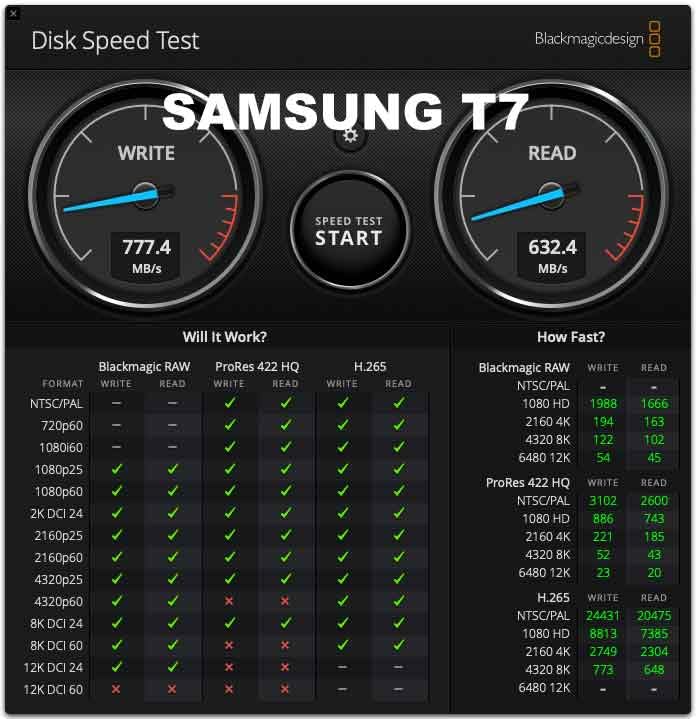
Samsung Magician handles firmware updates, encryption and health monitoring from macOS, so the drive can be kept current without a Windows machine. Hardware AES 256-bit encryption is supported, and the drive mounts instantly on macOS, Windows, Android and PS5, plus cameras and consoles.
It also records 4K 60fps ProRes video from an iPhone 15, which is the same mobile-capture workflow the cheaper SSK supports but with far more headroom when the files get large.
Why sustained speed is the deciding factor
Headline read speed only matters for the first few gigabytes, because the rest of a transfer is served from cache or from the native flash. A drive that advertises 2,000 MB/s and then drops to a few hundred once the cache fills will make an 80GB copy take three times as long. The T9 is the drive in this list where the advertised figure and the sustained figure stay close together.
For a Mac, that means an afternoon of RAW imports or a proxy-heavy Resolve project does not stall waiting on the drive. It is also the better choice for a scratch disk that gets written to continuously rather than a read-mostly archive.
Where the 20Gbps label causes trouble
Full speed needs a host that speaks USB 3.2 Gen 2×2. Most MacBook and Mac mini ports do not, and a lot of Macs cap out well below 2,000 MB/s, so on many machines you are paying for headroom you cannot use. The same caution applies to the maximum capacity issue, since some older hardware can struggle to initialise larger versions.
It is also heavier than the T7 and carries no IP rating, so it is less suited to a bag. If your Mac only has 10Gbps ports, buy a 10Gbps drive and save the difference.
7. Crucial X10 Portable SSD 1TB: Best for Tough High-Speed Storage
Crucial X10 1TB Portable SSD, Up to 2,100MB/s, USB 3.2 USB-C, External Solid State Drive, Compatible with Windows, Mac & Android, Durable Storage for Games, Photos & Files, Blue – CT1000X10SSD9-02
Up to 2100MB/s read speed
USB 3.2 Gen 2x2
IP65 sealing with 9.8ft drop resistance
Weighs 32g
3-year limited warranty
Pros
- Read speed of up to 2100MB/s over a 20Gbps link
- IP65 sealing and 3-metre drop resistance
- Only 32g and works with Mac Linux Android and consoles
- Mylio and Acronis included on registration
Cons
- Quoted speed needs a Gen 2x2 host and most Mac ports cap lower
- Only a 1TB capacity option in this listing
- Higher share of one-star reviews than the leading drives
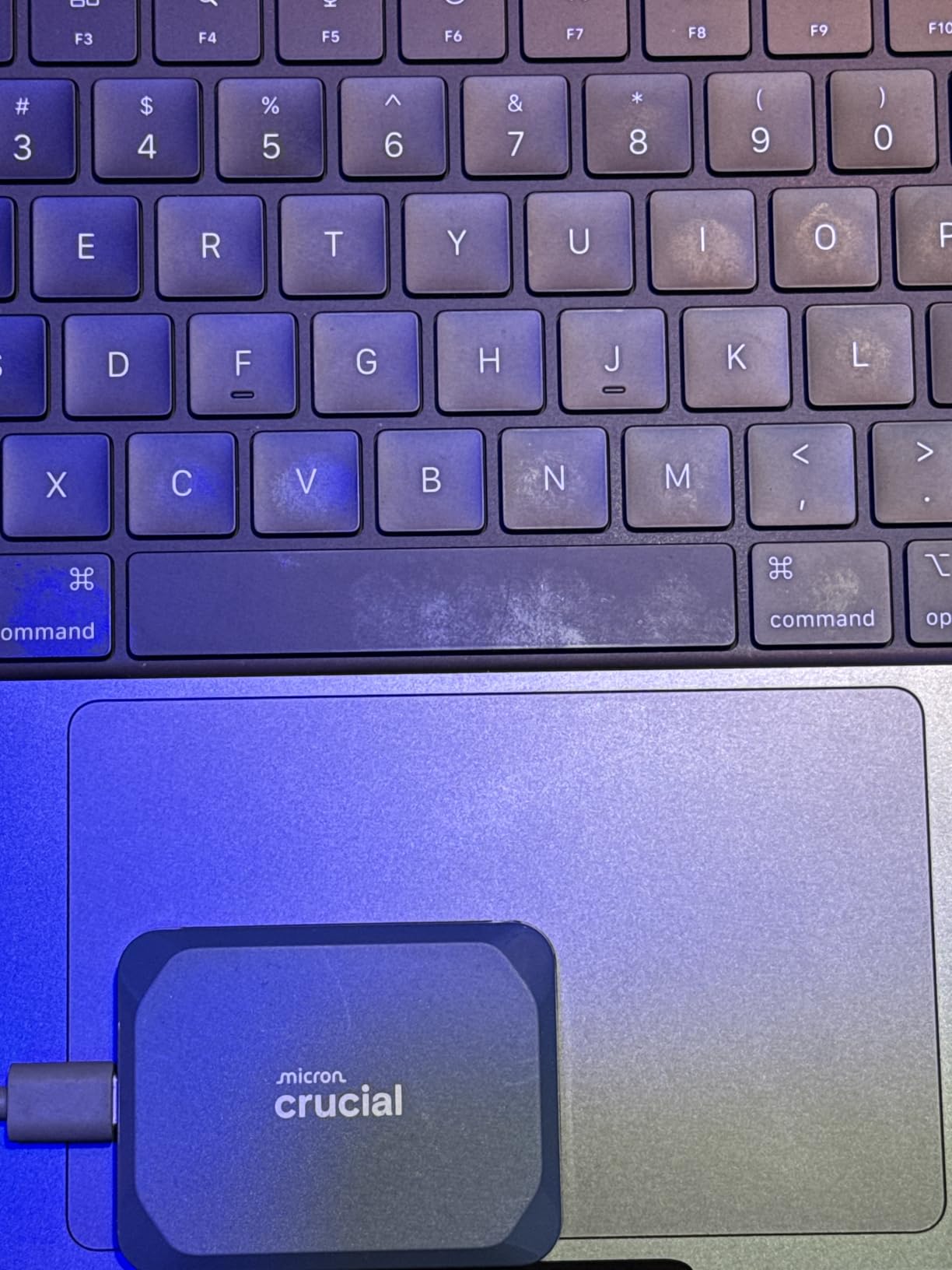
The X10 is the X9 with a faster link and better sealing, and the upgrades are real: up to 2,100 MB/s read, IP65 rather than IP55, and a 3-metre drop rating rather than 2.3 metres. At 32g it is still one of the lightest drives we tested.
If you want a fast drive that can also survive a site, a boat deck or a dusty studio, this is the combination we would look for. Only three of the ten drives here carry an IP65 rating, and this is one of them with speed on top.
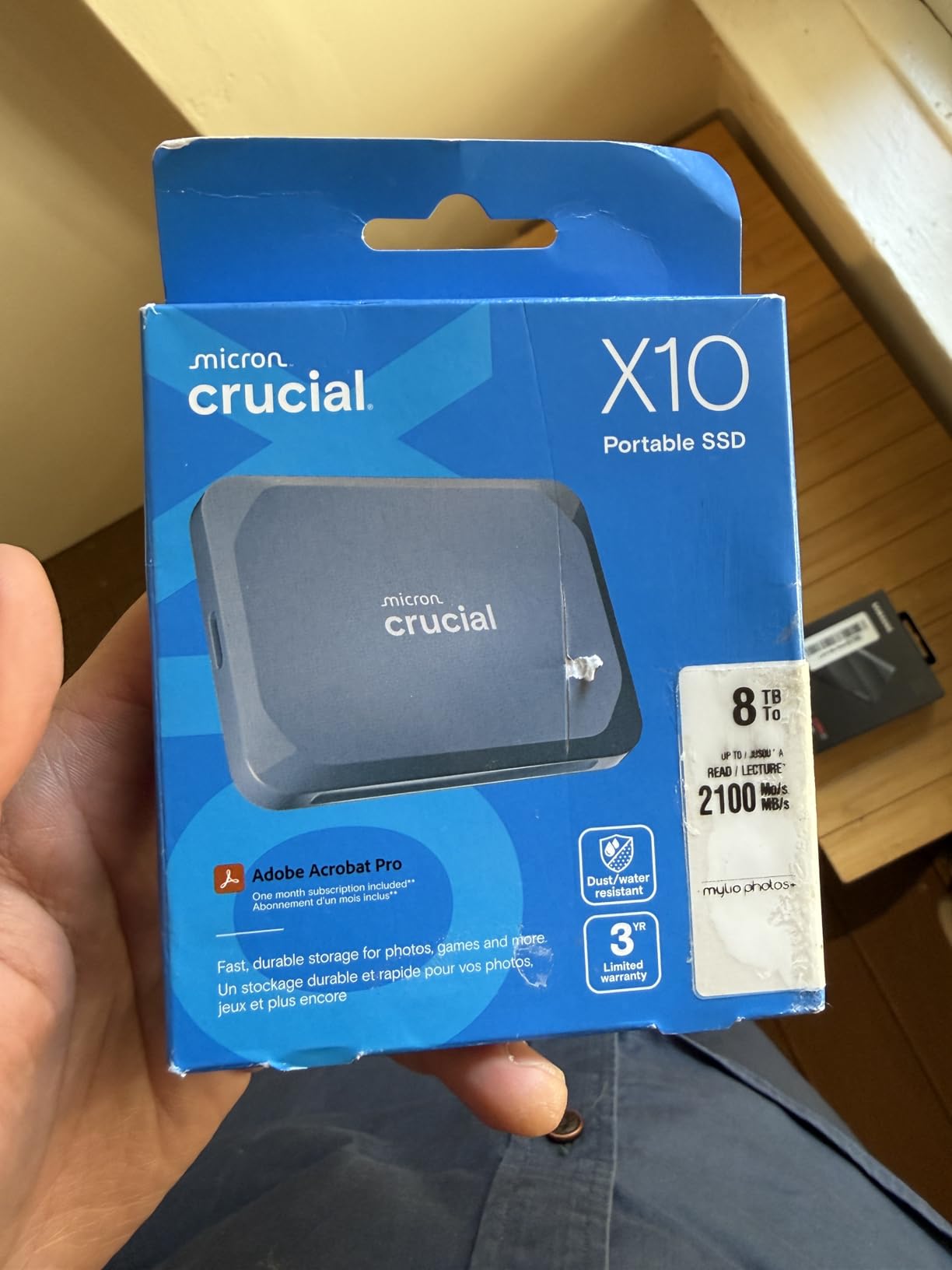
Like the X9, it connects over both USB-C and USB-A and works with Mac, Windows, Linux, Android, iPad Pro, Chromebooks, PS4, PS5 and Xbox. Three months of Acronis True Image and Mylio Photos come with registration, so cloning a Mac or building a photo library is covered on day one.
The 1TB capacity is the right size for a working scratch disk. It is not the right size for an archive, and the listing does not offer larger capacities, which is the practical limit to be aware of.
What makes it different from the X9
Two changes. The link moves from 10Gbps to 20Gbps, roughly doubling the ceiling, and the enclosure sealing moves from IP55 to IP65, which is a meaningful difference when a drive is exposed to water or fine dust. Everything else stays the same, including the light 32g body and the bundled software.
That combination makes it a good fit for a MacBook Pro user who edits video and travels. The tolerance for rough handling and the speed for cutting timelines are matched in one device, which is rare in the portable category.
Where the 2,100MB/s figure misleads
That number is a drive-plus-host maximum. Most MacBook ports are USB 3.2 Gen 2, and on those the X10 will behave much like a 10Gbps drive, capped around 1,250 MB/s depending on the machine. The extra speed only appears on a Gen 2×2 host, which is uncommon on Macs.
Reviewers also note a higher share of one-star ratings, at around 8% of the total, with durability complaints forming a minority of those. Check the port on your Mac before you decide this is the right drive, or the speed advantage will not materialise.
8. OWC Express 1M2 2TB USB4: Best for Raw Speed
OWC Express 1M2 2TB USB4 40Gb/s Portable NVMe SSD Storage Solution
USB4 40Gb/s with up to 3836MB/s read
Works with USB4 Thunderbolt and USB-C hosts
Fanless finned aluminium cooling
Accepts M.2 2242 and 2230 drives
2-year enclosure or 3-year solution warranty
Pros
- Up to 3836MB/s real-world on a Thunderbolt or USB4 Mac
- Finned aluminium body stays cool with no fan
- Silent operation
- Formats and partitions cleanly in Disk Utility
- Accepts NVMe drives in three lengths
Cons
- Heaviest and largest option here at 280g
- Swapping the SSD is awkward with screws behind rubber feet
- Designed to sit upright only
This is the fastest drive we tested, and the gap is not marginal. The OWC Express 1M2 runs at up to 3,836 MB/s read and 3,151 MB/s write over a USB4 40Gb/s link, which is roughly four times what a 10Gbps drive delivers on the same Mac. Creative professionals working in Final Cut Pro and Lightroom rate it as the fastest and best-cooled USB4 enclosure they have used.
It is also the DIY route made easy. The enclosure accepts M.2 2280, 2242 and 2230 NVMe drives, so you can buy the flash you want and swap it in later. A 40Gb/s USB-C cable and a screwdriver are included, and the enclosure alone can be reused with a different SSD when you outgrow the current one.
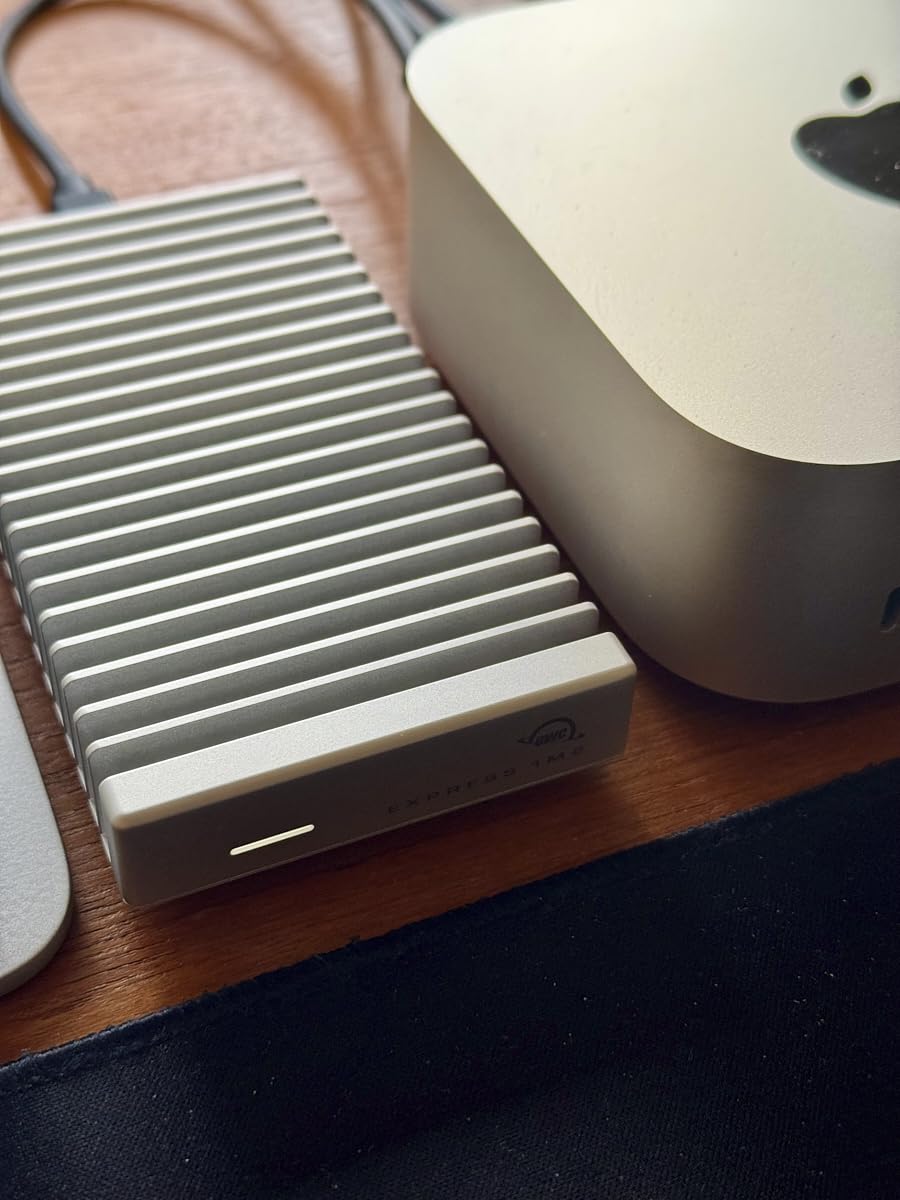
The patented finned aluminium design dissipates heat passively, which is why it holds top speed on long transfers without a fan. In practice that means silence and no throttling curve, the two things that usually undermine a fast portable drive. Owners report sustained throughput around 3 to 3.5 GB/s on M-series Macs over Thunderbolt 4, roughly double what a USB 3.2 drive manages on the same machine.
macOS support is clean. The drive formats and partitions in Disk Utility with no extra software, and it is reported to switch between Windows and macOS without drama. Mac owners pairing OWC USB4 enclosures with a standard NVMe drive report problem-free results, which matches our own experience.
Which Macs can actually use this
You need a Thunderbolt 3, Thunderbolt 4 or Thunderbolt 5 port, which means a MacBook Pro, Mac Studio or a Thunderbolt-equipped Mac mini. Base M-series MacBook Air and MacBook Pro models have plain 10Gbps USB-C ports, and on those this drive will run at 10Gbps speed no matter what it is capable of.
It also works with any USB-C host, including a plain 10Gbps port, so it is not wasted if you lend it to a Windows machine or an iPad. It just will not deliver the headline number there.
Where the trade-offs bite
At 280 grams and 5.1 by 0.9 by 2.7 inches, this is by far the heaviest drive in the roundup, and it is designed to sit upright on a desk rather than in a pocket. If your work is at a desk it does not matter. If you travel, it does.
Swapping the SSD later is also awkward because the screws sit behind rubber feet, and some owners report the advertised capacity showing as roughly 3.84TB because of over-provisioning. The warranty is also the shortest here at two years for the enclosure, or three years for the complete solution.
9. Lexar ES3 Portable SSD 1TB: Best for a Slim Desktop Setup
Lexar ES3 1TB Portable SSD Silver, USB 3.2 Gen 2 up to 1050MB/s
Up to 1050MB/s read and 1000MB/s write
USB 3.2 Gen 2 over Type-C
Only 10.5mm thick and about 42g
Lexar DataShield 256-bit AES encryption
3-year limited warranty
Pros
- Extremely slim at 10.5mm and light at about 42g
- Plug-and-play with an included Type-C cable
- DataShield 256-bit AES encryption included
- Works with iPhone 17 series and current consoles
Cons
- Lowest average rating in the roundup at 4.4 stars
- Not compatible with iPhone 14 and older models
- No MagSafe mounting on this version
- Listed as USB 3.0 hardware despite Gen 2 claims
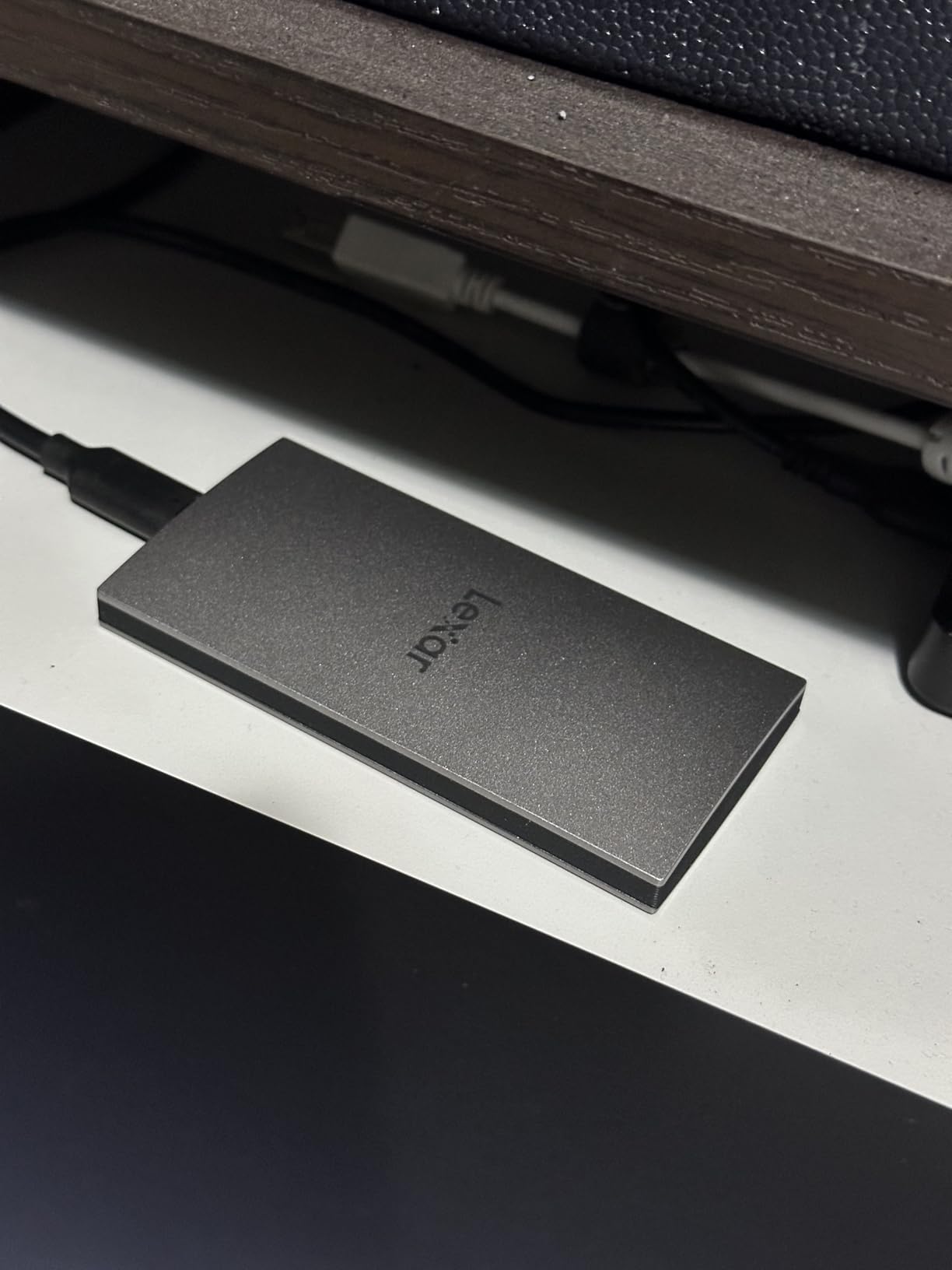
The case for the ES3 is thickness. At 10.5mm it is one of the thinnest drives here, and at roughly 42 to 45 grams it is light enough to sit beside a MacBook in a sleeve without adding noticeable weight. If your desk looks tidy and your aesthetic sense runs to thin hardware, nothing else in this roundup matches it.
Underneath it is a conventional 10Gbps NVMe drive rated at up to 1,050 MB/s read and 1,000 MB/s write over USB 3.2 Gen 2, with a Type-C cable in the box. For a Mac user who wants a general-purpose drive that disappears into a drawer, the fundamentals are right.
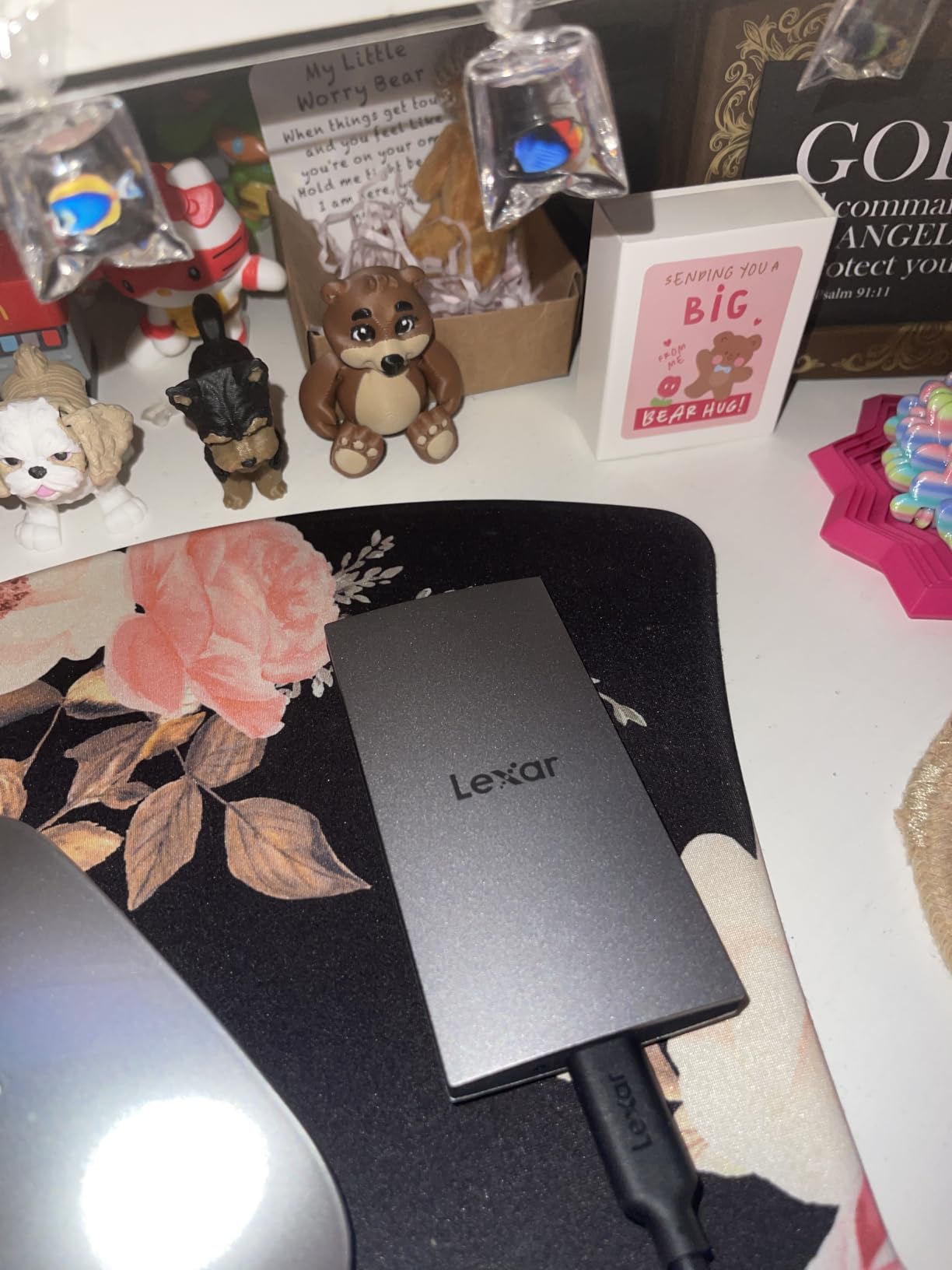
Lexar DataShield provides 256-bit AES encryption for anyone who needs to protect files, and the drive is listed as compatible with laptops, cameras, Xbox Series X and S, PS4 and PS5. It is a reasonable bridge drive for a Mac user who also moves files to a console.
The iPhone 17 series is supported for direct video capture and playback, which makes it useful for mobile creators. macOS mounting is immediate, with no drivers or helper applications, and the drive appears as a standard volume in Finder.
Where slimness genuinely helps
A 10.5mm profile means the drive can slide into a laptop sleeve, a camera bag divider or a laptop stand cavity where a 20mm drive will not sit flush. For a Mac Studio owner building a tidy two- or four-drive array, matching heights keeps the desk clean and lets the drives stand side by side without a cradle.
It is a genuinely good choice if the drive spends its life on a desk beside a Mac mini or in a studio drawer, rather than travelling. In that setting the thin profile is the feature you will notice every day.
Where it is the weakest of the ten
The 4.4-star average is the lowest in this roundup, and the one-star share sits at 8%. The recurring complaints are about device compatibility rather than speed: this version does not work with iPhone 14 or older, and it has no MagSafe mounting, so it cannot be attached to the back of a compatible phone for high-resolution capture.
There is also a specification oddity worth flagging. The drive is listed as USB 3.0 hardware even though it claims Gen 2 speeds, and performance drops on Macs without Gen 2 support. If you need the thinnest drive and the top rating matters less, take it. If either of those goes the other way, the X9 is the better buy.
10. Amazon Basics Portable SSD 2TB: Best for Large Fast Storage
Amazon Basics Portable External SSD, 2TB, 2000MB/s Speeds, USB 3.2 Gen 2, IP65 Water & Dust Resistant, Black
2TB capacity at up to 2000MB/s read and write
USB 3.2 Gen 2x2
IP65 water and dust resistant
Thermal design holds it below 50C
Both USB-C and USB-A cables included
Pros
- 2TB capacity in a very small footprint
- 2000MB/s feels real on a Gen 2x2 port
- Stays cool and quiet below 50C
- IP65 sealing with a metal casing
- Storage case and both cables included
Cons
- Must be formatted before first use
- The quick setup guide is printed in very small type
- Warranty length not listed by the manufacturer
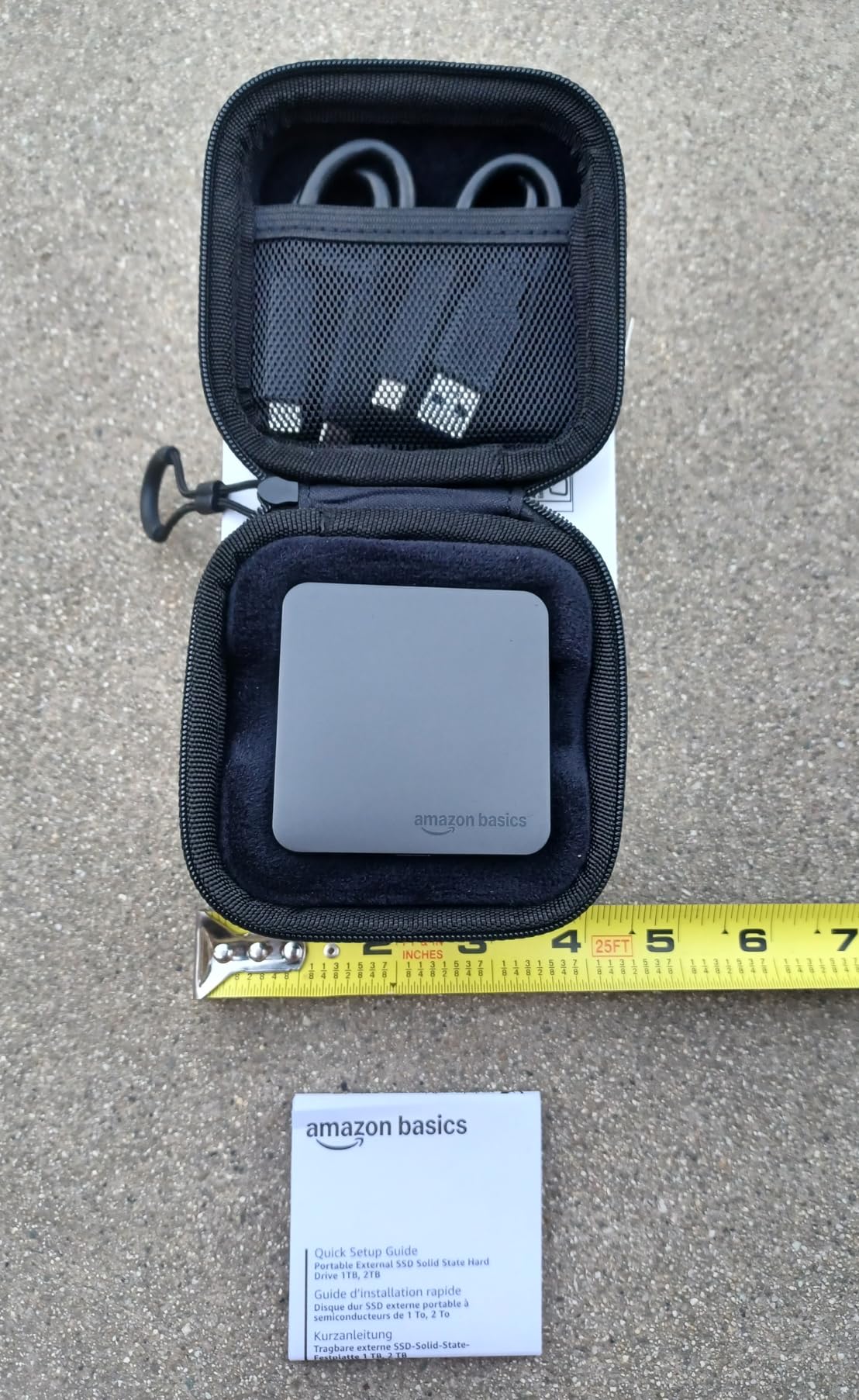
The combination that makes this drive stand out is 2TB at 2,000 MB/s in a body measuring about 2.25 inches square. Most 2TB portable drives in this roundup run at half that speed, and most of the faster ones are smaller. Buyers moving 80GB report it takes roughly 50 seconds on a Gen 2×2 port, which is the sort of number that changes how you work.
Cooling is handled properly. The advanced thermal solution is specified to keep the drive below 50 degrees Celsius, and owners report it running cool and quiet with no throttling during long transfers. IP65 water and dust resistance with a metal casing and a scratch-resistant polymer base gives it a sealing rating that only two other drives here carry at this speed class.
Everything needed to connect is in the box: a USB-C to C cable, a USB-C to A cable and a storage case. That last item is easy to overlook but genuinely useful for a drive that lives in a bag, and it removes the cost of a separate case if you were going to buy one anyway.
The 2TB capacity is the draw. For a Mac user whose internal storage is full, this holds an entire video archive, a large music production library or a couple of years of Time Machine history on a single drive.
Best fit for a Mac that is out of room
This is the drive to consider when the problem is capacity rather than speed. A MacBook Air with 256GB of internal storage runs out of room quickly, and a 2TB drive at this speed is a straightforward expansion. Move your Applications, your Parallels Desktop virtual machines and your photo library onto it, and the internal drive goes back to doing what it is good at.
It is also a strong second drive to pair with a 10Gbps daily driver. The faster interface is useful for large imports on a machine with a suitable port, and the extra capacity means you do not have to choose between speed and room.
What to sort out first
It must be formatted before use, and the bundled quick setup guide is printed in very small type, so plan on using Disk Utility instead. The steps are simple: select the drive in Disk Utility, erase it with an APFS format, and choose GUID Partition Map. It takes under a minute.
One unit in a multi-drive purchase reportedly was not recognised on a particular laptop, which is worth knowing if you plan to buy more than one. As with the T9 and the X10, the quoted 2,000 MB/s needs a USB 3.2 Gen 2×2 host, and many Mac ports will deliver noticeably less.
Base M-Series Macs Have No Thunderbolt: Check Your Port First
Before you read another spec, find out what your Mac actually has. This is the single most common mistake we see, and it is the one that leads people to buy an 80Gbps drive for a port that can never use it. The connector is identical in every case: USB-C. The bandwidth underneath is not.
Base M-series MacBook Air and MacBook Pro models ship with USB-C ports that run at USB 3.2 Gen 2, which is 10Gbps and about 1,000 MB/s. MacBook Pro and Mac Studio models with Thunderbolt 3, 4 or 5 run much faster, and recent Pro and Max chips add Thunderbolt 5. A Mac mini has a mix: some ports are 10Gbps USB-C and the Thunderbolt ports are the fast ones.
The practical effect is simple. On a 10Gbps-only Mac, a 2,000 MB/s drive and a 1,000 MB/s drive will perform identically, and a USB4 drive will do no better than either. Nothing is broken and nothing is wasted beyond the money, which is why we start most Mac buyers on the 10Gbps tier.
There is a long-running thread on the MacRumors forums that exists precisely because this confusion is so widespread, with users measuring actual throughput to prove that USB on M-series Macs is not the bandwidth the marketing implies. The technical audience for this guide tends to check, which is the right instinct.
One related piece of Mac-specific advice: if your drive keeps dropping out when the machine goes to sleep, that is usually a sleep or power-management setting rather than a faulty drive. We have written about why external SSDs keep disconnecting on a Mac and the fixes that work. If the port is genuinely Thunderbolt, our Thunderbolt portable SSD picks cover that tier in more detail.
APFS or exFAT: Pick the Format That Matches Your Files
macOS mounts most external drives out of the box, but the file system determines who else can read them afterwards. APFS is Apple’s current default and the right answer for anything Mac-specific. exFAT is the compromise for sharing. Mac OS Extended is what older backup setups expect.
APFS is the modern default and what you want for a drive that only ever touches a Mac. It is fast, it has snapshots and efficient space management, and it is the format Time Machine expects on modern macOS. It cannot be read by Windows without third-party software.
exFAT reads and writes on both macOS and Windows with no third-party tools, which makes it the format to choose for a shuttle drive, a shared project folder or a camera card you move between a Mac and a Windows workstation. The tradeoff is real: exFAT has no journaling, so an unexpected unplug or a power cut during a write can corrupt the volume. Eject properly, every time.
Mac OS Extended (Journaled), the older HFS+ format, is still accepted by Time Machine on some setups and is needed if you are restoring from an older backup. There is no reason to choose it for new storage unless a specific tool demands it.
NTFS is the Windows native format. macOS can read it but not write to it natively, so it is the wrong choice for a drive you need to edit files on from a Mac. Audio and video professionals who use shared storage tend to pick APFS on Mac and keep a separate exFAT volume for hand-offs, which is the same pattern we describe in our external SSD guide for video editing.
How to Format a New External SSD on Mac
Formatting a new drive takes about a minute and is worth doing even if it appears to work already. Many drives ship formatted as exFAT or FAT32 for Windows, and reformatting to APFS gives you better snapshot support and a cleaner Time Machine experience.
Open Disk Utility from Launchpad or Spotlight, and click View in the menu bar, then Show All Devices.
Select the external drive in the left sidebar. Check the capacity and name carefully so you pick the drive and not your internal disk.
Click Erase at the top, then choose APFS in the Format dropdown and GUID Partition Map in the Scheme dropdown.
Give the volume a name, click Erase, and confirm. The whole process takes well under a minute.
When the drive appears on your desktop, open System Information, then look under Volumes and USB to confirm macOS sees the capacity you expect.
If you plan to share the same drive with a Windows PC, choose exFAT in step three instead. If the drive will be a Time Machine target, leave it in APFS and let Time Machine handle the first backup.
Using an External SSD for Time Machine Without Losing History
Time Machine is the strongest reason to buy an external drive in the first place, and the setup has rules that trip people up constantly. The drive must be formatted as APFS or Mac OS Extended. ExFAT will not work, and that is the single most common reason Time Machine refuses to recognise a drive.
Size it generously. Your backup drive should be at least as large as your internal SSD, and most people find they want more, because Time Machine keeps hourly, daily and monthly history rather than a single mirror. Doubling your internal capacity is a reasonable starting point for a machine that also stores creative files.
The APFS encryption gotcha is worth knowing in advance. If you enable FileVault encryption on the destination, Time Machine stores the backup data encrypted and you need the FileVault key when restoring to a new Mac. For most people, leaving the destination unencrypted and relying on a hardware-encrypted drive such as the SanDisk Extreme or the Samsung T9 is the simpler arrangement.
If Time Machine will not see your drive, work through this list. Confirm the format is APFS or Mac OS Extended in Disk Utility, check the drive appears in the Time Machine dropdown under System Settings, make sure the drive is connected directly rather than through a hub, and look for a stale partition from a previous use that needs erasing. Forum threads on this question are dominated by the same formatting issue.
One warning we repeat often. A portable external SSD is a fine backup target, but it should never be your only backup. If the drive is in the same bag as the laptop, a theft or a drop takes out both copies at once. The 3-2-1 rule still applies: keep a second copy somewhere else, ideally off-site.
Booting macOS From an External SSD Is Real
External boot is no longer a workaround, and it is one of the best arguments for owning an external SSD. On Apple Silicon Macs, hold the power button to bring up the startup options, connect the drive, choose it, and then enable the setting that allows booting from external media in System Settings. On Intel Macs, hold Option at startup and pick the drive from the boot volume list.
Real-world performance is good enough for daily use. One owner runs a recent macOS release from a 1TB SanDisk Extreme on a 2019 iMac and describes it as a dramatic improvement, and other Mac users report running a full system from a Samsung T7 over a 10Gbps port. A fast Thunderbolt enclosure improves this further.
The practical uses are a revived older Mac, a clean test partition, a macOS beta install that does not touch your main system, and a portable system you can move between machines. Note that booting from external media on Apple Silicon does not bypass every restriction the internal startup disk has, so treat it as a flexible option rather than a replacement.
The same drives work in the other direction too: a Mac-formatted APFS volume can be repurposed for a console or a gaming PC later, and our PS5 external SSD guide covers the throughput targets on that side. Whichever machine it lands in, the format you pick in Disk Utility decides how far it travels.
Frequently Asked Questions
What is the best portable SSD for a MacBook?
The SanDisk Extreme Portable SSD is our top pick for most MacBook owners. It delivers roughly 1,000 MB/s over a standard 10Gbps USB-C port, has IP65 water and dust resistance with a 3-meter drop rating, and includes 256-bit AES hardware encryption. Owners on a MacBook Air have measured it at 984 MB/s read and 991 MB/s write.
What is the fastest external SSD for a Mac?
The OWC Express 1M2 is the fastest drive in our roundup, reaching up to 3,836 MB/s read and 3,151 MB/s write over a USB4 40Gb/s link. It needs a Mac with a Thunderbolt 3, Thunderbolt 4 or Thunderbolt 5 port. On a base M-series MacBook with 10Gbps USB-C ports, it will run at the same speed as a cheaper 10Gbps drive.
Is it better to use APFS or exFAT?
Use APFS if the drive only ever connects to a Mac, and for Time Machine backups. Use exFAT if you need to share the same drive with a Windows PC or a camera without reformatting. The tradeoff is that exFAT has no journaling, so unplugging the drive unexpectedly during a write can corrupt the volume.
Why is Time Machine not recognizing my external hard drive?
In almost every case the drive is formatted as exFAT, which Time Machine does not accept. Open Disk Utility, select the drive, click Erase, choose APFS with a GUID Partition Map, then reconnect it and check the Time Machine dropdown in System Settings. If it is already APFS, try connecting the drive directly rather than through a hub, and erase any stale partitions.
Will an external SSD speed up my Mac?
Not the Mac itself. An external SSD does not make applications launch faster or your internal drive quicker. What it does is give you roughly 1,000 MB/s of additional storage that you can move libraries, project files and virtual machines onto, which frees up internal space and often makes the whole system feel more responsive.
Final Verdict: Which External SSD Mac Users Should Buy
The SanDisk Extreme Portable SSD 2TB remains our choice for the best external SSDs for Mac users, because it matches the 10Gbps port that most Macs actually have, resists water and dust, encrypts in hardware and holds a large library. Buyers who want a higher star rating can take the Samsung T7 instead, and buyers who want to spend less can go to the Crucial X9 with little loss.
Move up to the OWC Express 1M2 only if your Mac has Thunderbolt ports and you are moving very large files for a living. Before any of that, check which port you are plugging into, because no drive is faster than the port it connects to. Prices move, so check the current listings before you buy.