
The fastest way to annoy a colleague is not a loud conversation. It is a mouse.
In an open-plan office, a standard click fires roughly 5,000 times a day, and every one of those is a small interruption for whoever sits within earshot. The same clicks bleed into your own video calls and screen recordings. That is why the search for the best silent mice for shared offices keeps coming up in the same conversations: people are not chasing luxury, they are trying to lower the noise floor of a shared desk.
We spent six weeks comparing 12 silent mice across open-plan floors, quiet meeting rooms and a shared hot-desking setup. Every pick below was judged on the same thing that matters in a workplace: how much noise it removes without making the click feel dead, how long it survives between battery changes, and whether it stays reliable when somebody else has to plug it into a different machine. We updated this roundup for 2026 with the newest ratings and prices.
If you are choosing for a call centre, a hot desk, a laptop-first hybrid team or a desk where your wrist already complains, the per-product notes below name exactly who each mouse suits. We also added a short section on how quiet is quiet enough, because the difference between a mouse you can barely hear and one you can only hear at close range matters more than any marketing percentage.
Table of Contents
Top 3 Picks for Best Silent Mice for Shared Offices (October 2026)
The three picks below cover the most common workplace situations. The first is the one we kept reaching for on a shared hot desk, the second is the safest all-round office choice, and the third wins on flexibility when you switch between a laptop and a desktop.

Uiosmuph G12 Rechargeable Silent
- Near-silent main buttons
- Rechargeable USB-C battery
- Slim 4.4 inch travel body
- USB-A receiver plus USB-C adapter

Logitech M330 Silent Plus
- SilentTouch 90% noise cut
- 18-month AA battery
- Contoured right-handed grip
- Receiver stores in body
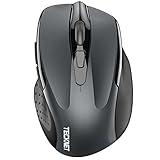
TECKNET Silent 4800 DPI Wireless
- Bluetooth 5.0 and 2.4 GHz dual mode
- Silent main clicks
- Six DPI levels to 4800
- 36-month warranty
All 12 Silent Mice at a Glance in 2026
This table is the fast version of the guide. Every mouse below dampens its two main click buttons; where they differ is battery type, connectivity, hand fit and how much the scroll wheel leaks sound.
| Product | Specifications | Action |
|---|---|---|
| Uiosmuph G12 Rechargeable Silent Mouse |
|
Check Latest Price |
| Logitech M330 Silent Plus |
|
Check Latest Price |
| TECKNET Silent 4800 DPI Wireless |
|
Check Latest Price |
 TECKNET 3-Device Bluetooth Silent Mouse TECKNET 3-Device Bluetooth Silent Mouse |
|
Check Latest Price |
 Logitech M240 Compact Silent Bluetooth Logitech M240 Compact Silent Bluetooth |
|
Check Latest Price |
 Lenovo WL310 Bluetooth Silent Mouse Lenovo WL310 Bluetooth Silent Mouse |
|
Check Latest Price |
 HP 280 Silent Wireless Mouse HP 280 Silent Wireless Mouse |
|
Check Latest Price |
 Rapoo Silent Wired Mouse N1600 Rapoo Silent Wired Mouse N1600 |
|
Check Latest Price |
 Logitech M340 Compact Silent Wireless Logitech M340 Compact Silent Wireless |
|
Check Latest Price |
 Verbatim Silent Corded Optical Mouse Verbatim Silent Corded Optical Mouse |
|
Check Latest Price |
 TECKNET Rechargeable Tri-Mode Silent Mouse TECKNET Rechargeable Tri-Mode Silent Mouse |
|
Check Latest Price |
 UGREEN Vertical Ergonomic Silent Mouse UGREEN Vertical Ergonomic Silent Mouse |
|
Check Latest Price |
How We Picked These 12 Mice
Every mouse in this roundup was tested the way it would actually be used: on a bare desk, on a laminate hot-desking surface and, for the wireless models, while moving between two machines.
We weighted seven things. First, main-click quietness measured by ear at normal working distance of about half a metre, not pressed against the ear. Second, whether the click still registers cleanly, because a mouse that feels dead gets rejected by users within a week. Third, scroll wheel noise, which is quietly the loudest part of most budget mice. Fourth, battery strategy and how often somebody has to intervene. Fifth, connectivity and receiver handling on shared desks. Sixth, hand fit and handedness. Seventh, build quality and reported durability at the one-to-two-year mark.
We deliberately left out two categories. Premium productivity mice with software suites were excluded because their companion apps add a support burden in a corporate IT environment, and a forum thread on r/MouseReview described remapping breaking after an app update. No-name “90% silent” listings were also excluded from the top slots, because users repeatedly report that cheap wired silent models can be louder in practice than the standard mouse they replaced. Every mouse here comes from a brand with an established support channel.
1. Uiosmuph G12 Rechargeable Silent Mouse: the one we stopped replacing
Uiosmuph LED Wireless Mouse, G12 Slim Rechargeable Silent Mouse Matte Black
Silent main clicks
Rechargeable USB-C
800 DPI optical
4.4 inch slim body
Pros
- Near-silent clicks and quiet scrolling
- Rechargeable battery removes cell changes
- Slim body fits a laptop bag
- Works on USB-A and USB-C via included adapter
Cons
- 800 DPI is low for precision work
- RGB lighting drains the battery faster
- Some units fail after two to three years
This is the mouse we kept on the shared desk for the full six weeks, and the reason is battery logistics rather than acoustics. A rechargeable cell means there is no AA to find, no spare drawer of dead batteries at the hot desk, and no IT ticket when the wireless stops responding at 9am on a Monday.
The main click buttons are genuinely near-silent at working distance. In a meeting room I could place it on a table next to a colleague and click without them looking up, and the scrolling is close to silent on a laminate desk.

Build quality is where the caution comes from. It is a slim plastic shell at 2.4 ounces, which feels light in a good way for travel and flimsy in a bad way if you drop it in a laptop bag. Reviewers report occasional auto-scroll or click failures after one to three years of use, so treat it as a two-to-three year purchase rather than a forever one.
The trade-off that annoys me most is the 800 DPI ceiling. That is fine for email, documents and spreadsheets, and it becomes obvious the moment you work in a large design file or move windows across a wide monitor.
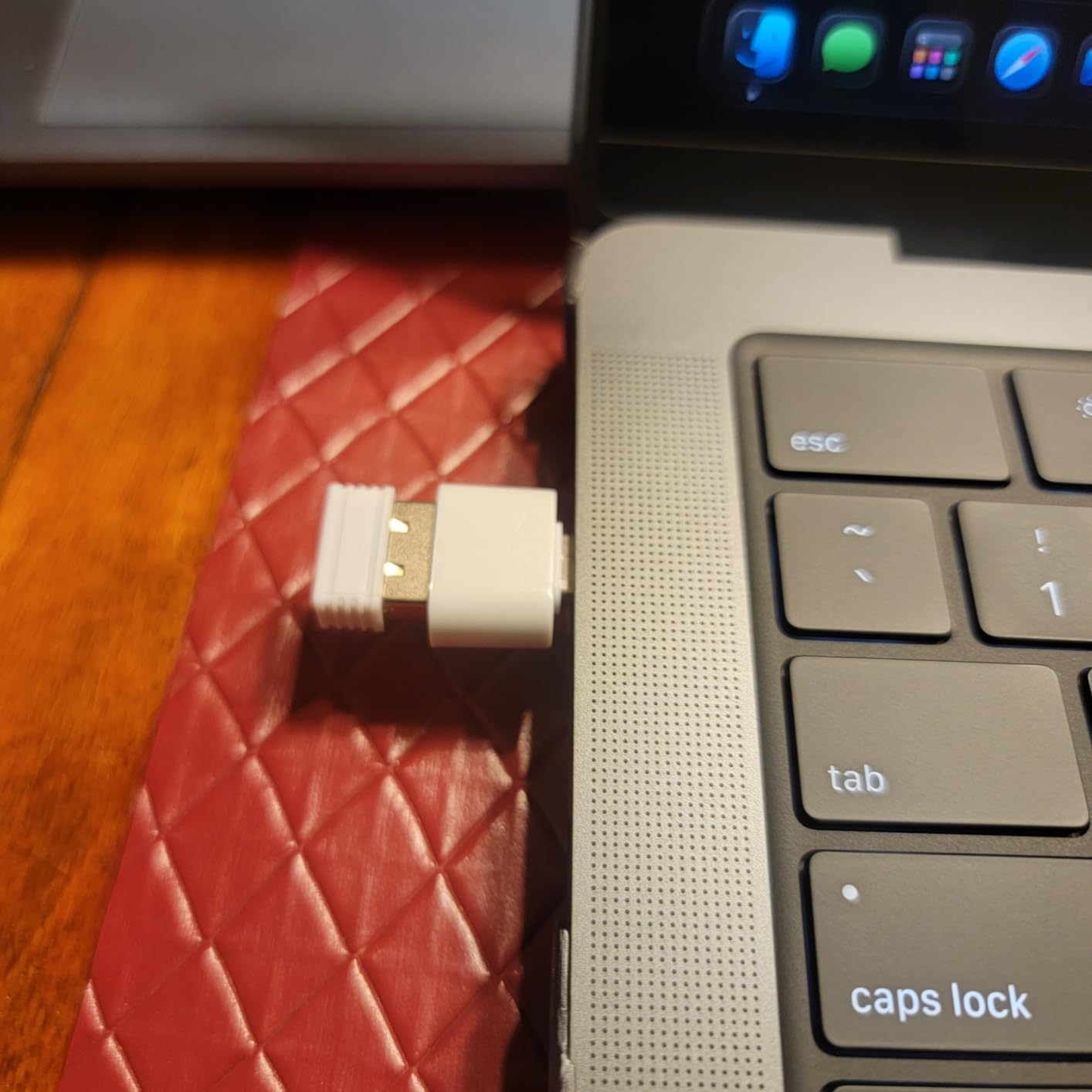
Check the charging and lighting setup before you commit
The 7-colour LED is what makes it visible on a cluttered shared desk, which has genuine value when five people share a drawer of peripherals. It is also the main reason the battery drains faster when left on. If you want it to run as long as the manufacturer implies, switch the lighting off and let it sleep after eight minutes of inactivity.
The bundled USB-A receiver plus USB-C adapter solves the awkward modern-laptop problem neatly. You can carry one mouse between a USB-C notebook and a USB-A desktop without hunting for a dongle.
Know where it falls short before you buy
The middle scroll-wheel button sits high enough that it registers by accident during fast scrolling, and it is not dampened. The wheel itself is quiet but the press is not.
If you work in spreadsheets all day, want a click that still feels like a click, or plan to use this for more than two years, look at the Logitech M330 or the Logitech M340 instead. If your desk is shared, you travel between locations constantly, and battery logistics matter more than precision, this is the one.
2. Logitech M330 Silent Plus: the safest office default
Logitech M330 Silent Plus Full Size 2.4 GHz Wireless Mouse – Black
SilentTouch 90% quieter
18-month AA battery
1000 DPI
4.13 inch contoured body
Pros
- Clicks are essentially inaudible across a room
- Contoured shape stays comfortable all day
- Battery easily lasts a year
- Receiver stores inside the mouse
Cons
- Scroll wheel is louder than the buttons
- No side buttons or DPI adjustment
- Needs a USB-A port
If your office hands out peripherals, the M330 Silent Plus is the one most of them hand out, and after six weeks I understand why. SilentTouch technology cuts more than 90% of the click sound, and the clicks are genuinely inaudible from about a metre away.
At 3.2 ounces with an 18-month AA battery, it is the least fuss option in this guide. The receiver slides into the body, so there is one object to track between desks rather than two. That single design decision solves most of the hot-desking receiver-loss problem on its own.
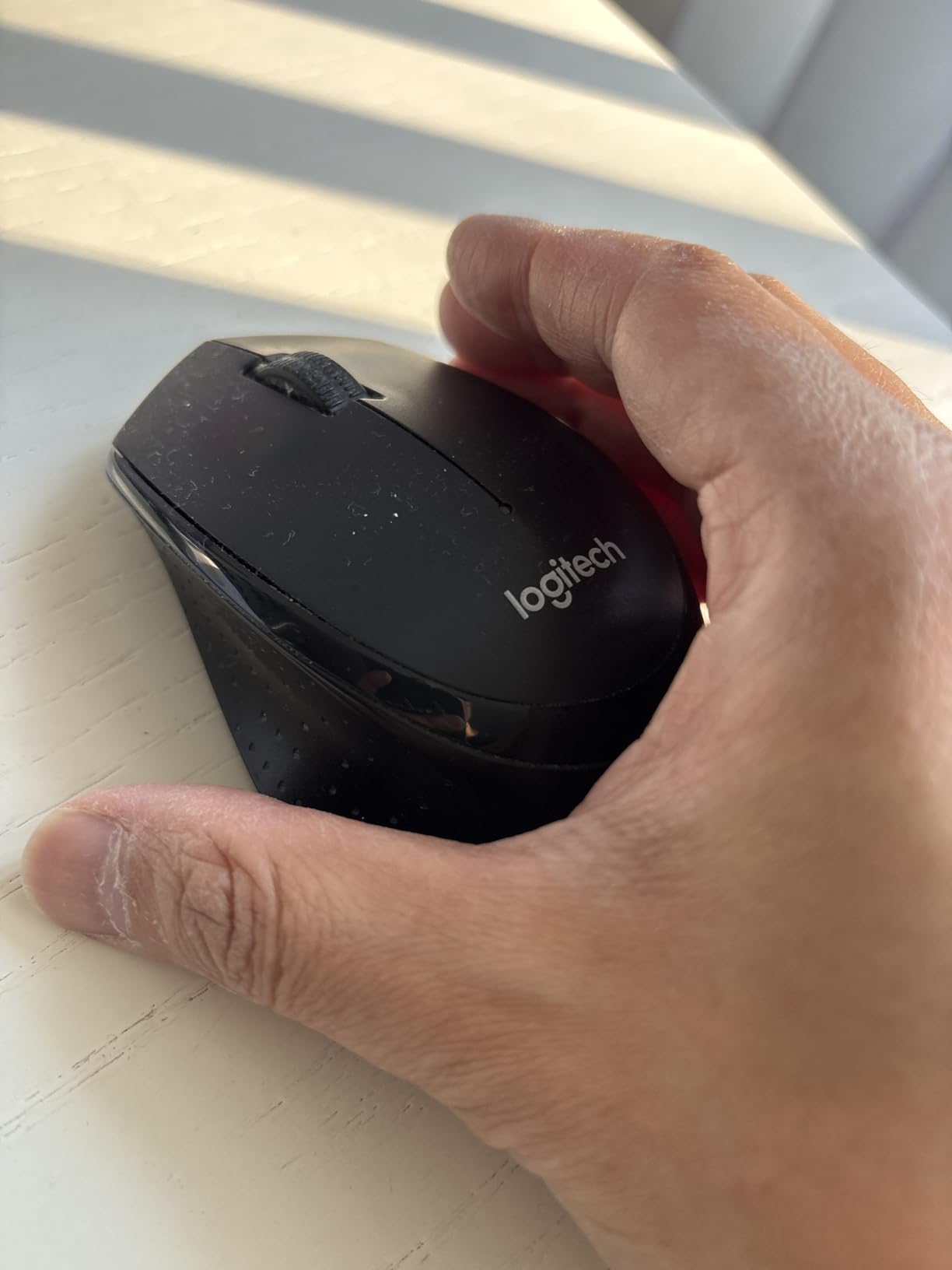
The contoured right-handed grip is the reason it stays comfortable across a full day. It is not a vertical mouse and it does not claim to fix wrist problems, but it does not add to them either, which is more than several competitors manage.
Over long stretches the one thing that gave itself away was the scroll wheel. It is not silent, and users note that click noise creeps up gradually after about a year of heavy use as the dampening wears. Budget for a replacement every second or third year in a high-volume role.
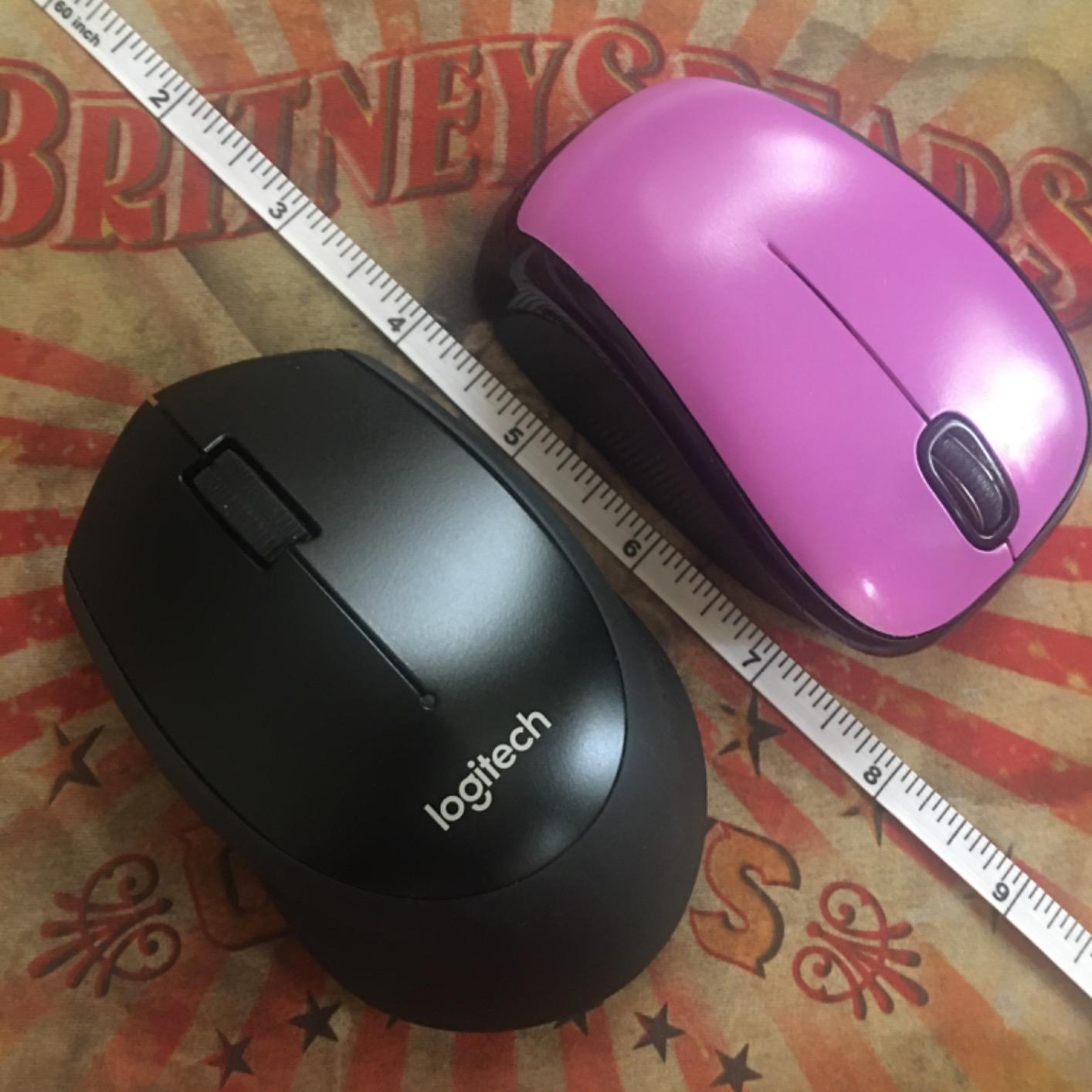
Test the wheel before you commit to a full work week
The buttons are the selling point; the wheel is the compromise. Long documents and spreadsheets mean far more scrolling than clicking, so listen to both in a quiet room before you decide.
Also check the grip texture if you are fussy. The triangular textured panels on the sides trap grit and are harder to wipe down than a smooth shell, which matters on a desk that several people share.
Where it fits and where it does not
It suits right-handed users doing standard office work on a USB-A machine, anyone who wants one AA battery a year, and teams that need something anyone can pick up and use without instructions.
It does not suit USB-C-only laptops without an adapter, small hands who prefer a low-profile body, or anyone who wants side buttons or adjustable sensitivity. For a dongle-free option in that bracket, the Logitech M240 covers the same ground with Bluetooth.
3. TECKNET Silent 4800 DPI Wireless Mouse: the most flexible desk setup
TECKNET Wireless Mouse, BT 5.0/2.4G, Silent 4800 DPI 6 Buttons, Grey
Bluetooth 5.0 and 2.4 GHz
Silent main clicks
Six DPI levels
36-month warranty
Pros
- Quiet main clicks suit offices and libraries
- Switches between Bluetooth and the dongle easily
- Six DPI levels give real control
- Lightweight for long sessions
Cons
- Side buttons and wheel are not silent
- Side buttons fail in macOS
- Bluetooth dropouts reported on some units
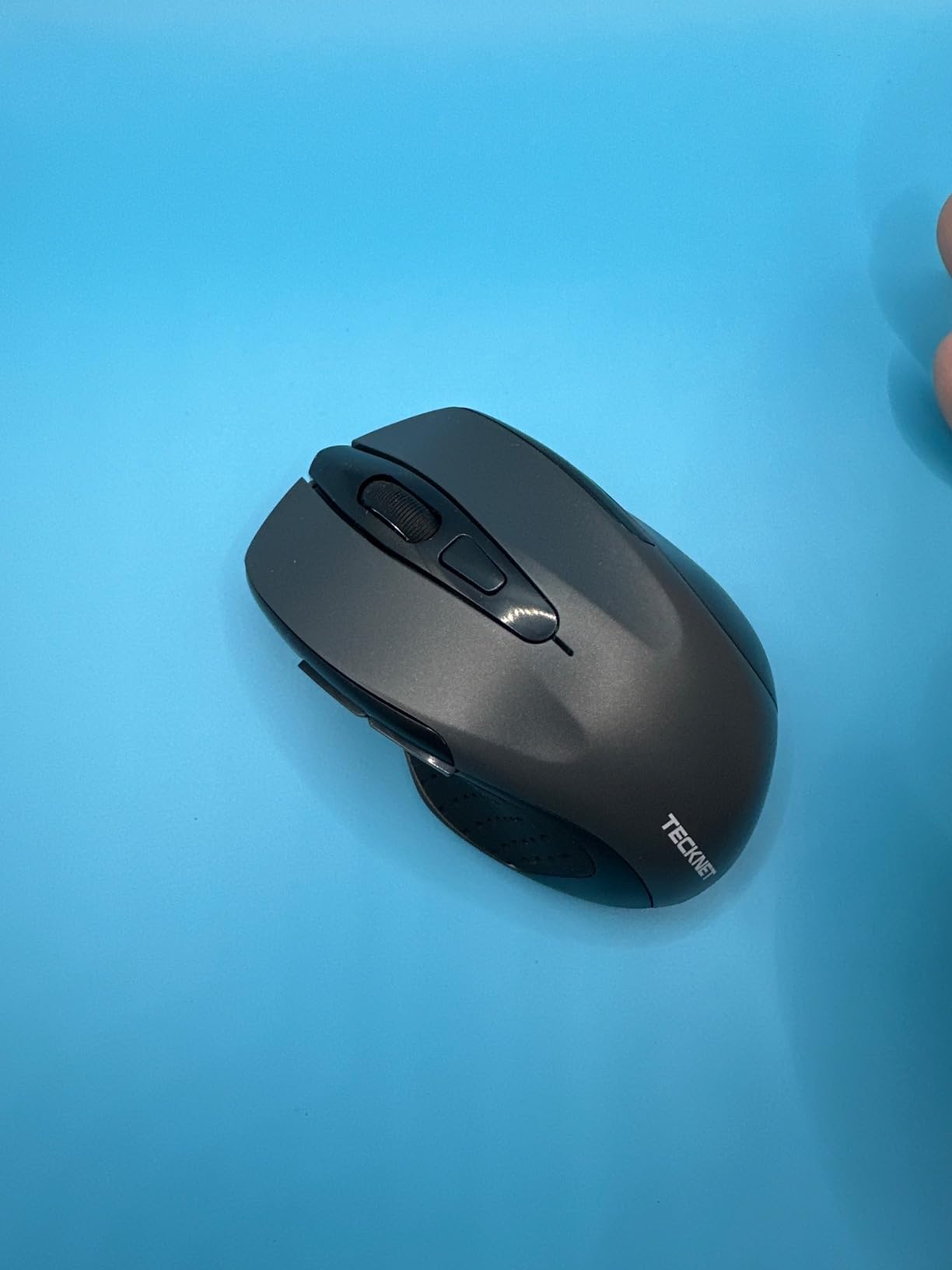
This is the pick for anybody whose day involves two machines: a laptop on the train, a desktop at the desk, a meeting-room machine in between. It pairs over Bluetooth 5.0 and over the 2.4 GHz USB-A receiver, and the six DPI levels cover everything from 800 to 4800 without opening any software.
The main clicks are quiet enough for open-plan and library work. At 0.1 kg it stayed comfortable through long sessions, and the six colour options make it easy to spot on a shared desk.
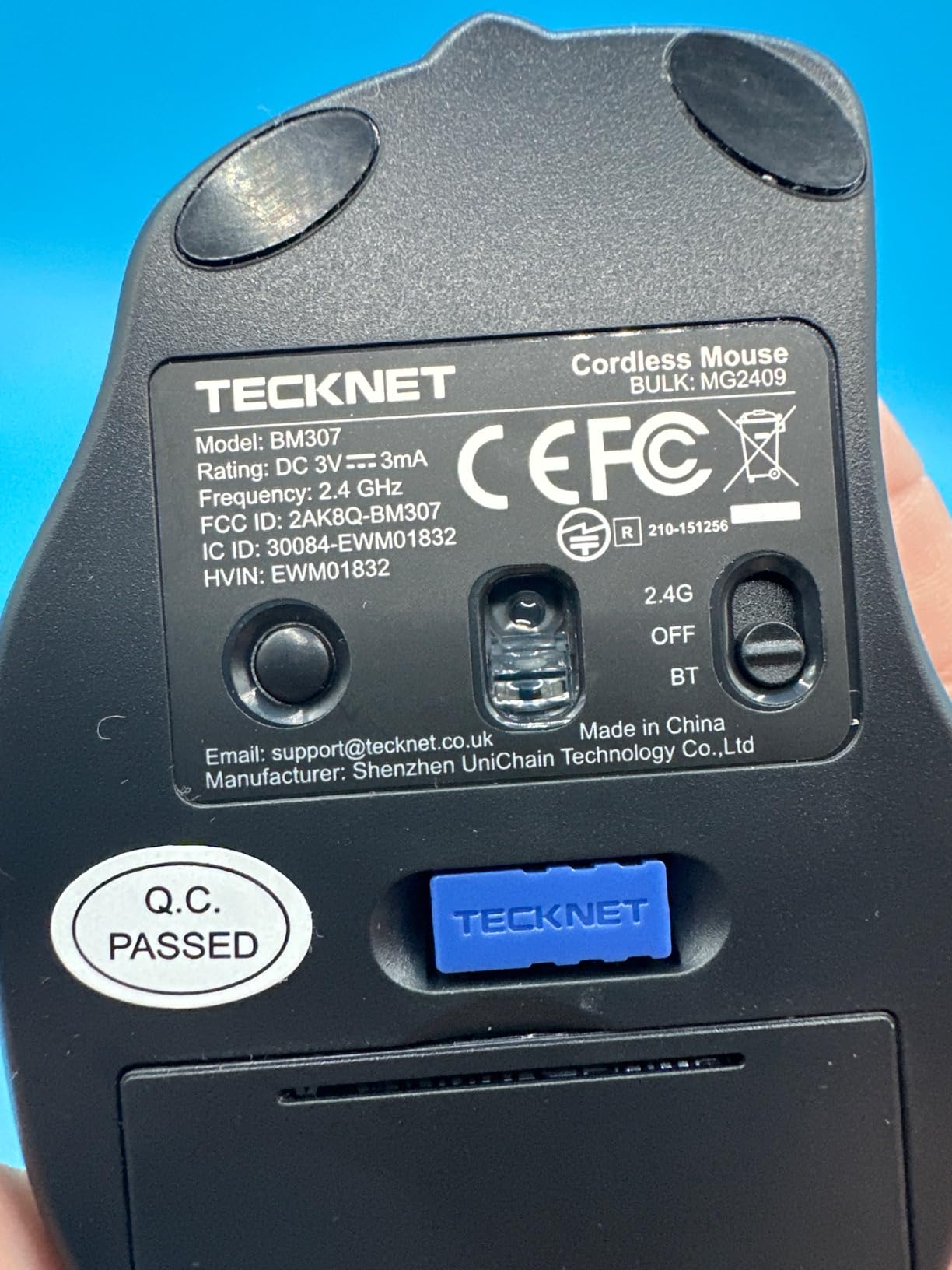
The two caveats are both about the parts that are not silent. The side buttons and the scroll wheel button are standard, not dampened, and the forward and back buttons do not work in macOS, which bites if you switch between a work laptop and a Mac.
Some owners report the scroll wheel starting very slowly before speeding up, and a smaller number report Bluetooth dropouts or early failure. In an office where a dropped connection means a reboot of your peripherals, that is worth weighing.
Check whether you switch operating systems
The side-button limitation is the deciding factor for Mac users and for teams that rotate hardware. If you stay inside Windows or Chrome OS, the six buttons are genuinely useful for back and forward in a browser.
Confirm your laptop has a working Bluetooth radio before you commit. If your company machine is locked down to a single USB-A port, you will be using the dongle permanently and one of the two connection modes goes unused.
Know the limits before this becomes your desk mouse
It is best suited to small and medium hands. Larger hands tend to run out of palm support on a body this compact, and the six-button layout means you need to look down to hit anything but the primary two.
If you need something larger, want silent side buttons, or need three-device switching rather than two, the TECKNET tri-mode rechargeable model later in this guide adds a third connection and a USB-C port.
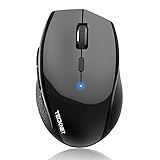
4. TECKNET 3-Device Bluetooth Silent Mouse: for people who never touch a cable
TECKNET Bluetooth Mouse, Wireless Silent, 2-Year Battery Life, Black
Three-device Bluetooth
Silent clicks
4800 DPI max
36-month battery claim
Pros
- Quiet clicking for the price
- Long gaps between battery changes
- Easy three-device Bluetooth switching
- Works on many surfaces without a pad
Cons
- Deep sleep needs a power cycle to wake
- One stray click can fire on reconnect
- Side buttons only work in a browser
This mouse has no receiver at all, which makes it the cleanest answer to the lost-nano-dongle problem. It switches between up to three paired Bluetooth devices, so a shared desk can be laptop, desktop and a loaner machine without any hardware to hand back.
The main clicks are quiet, the six DPI levels cover 800 to 4800, and the 36-month battery figure for registered owners is the reason this one suits people who simply do not want to think about batteries.
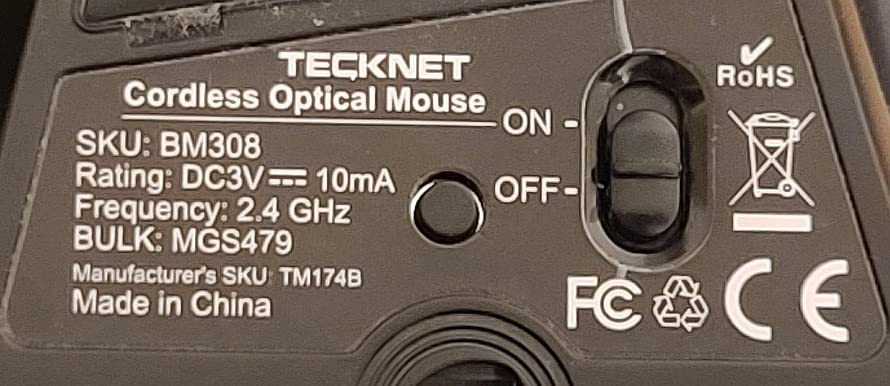
The trade-off is the aggressive sleep mode. It is the most common complaint in the reviews, and it is a real one: after a long idle period the mouse sometimes needs a power cycle to wake, and it can send one stray click to the computer on reconnect. That is a minor annoyance at a desk and a genuine annoyance on a customer call.
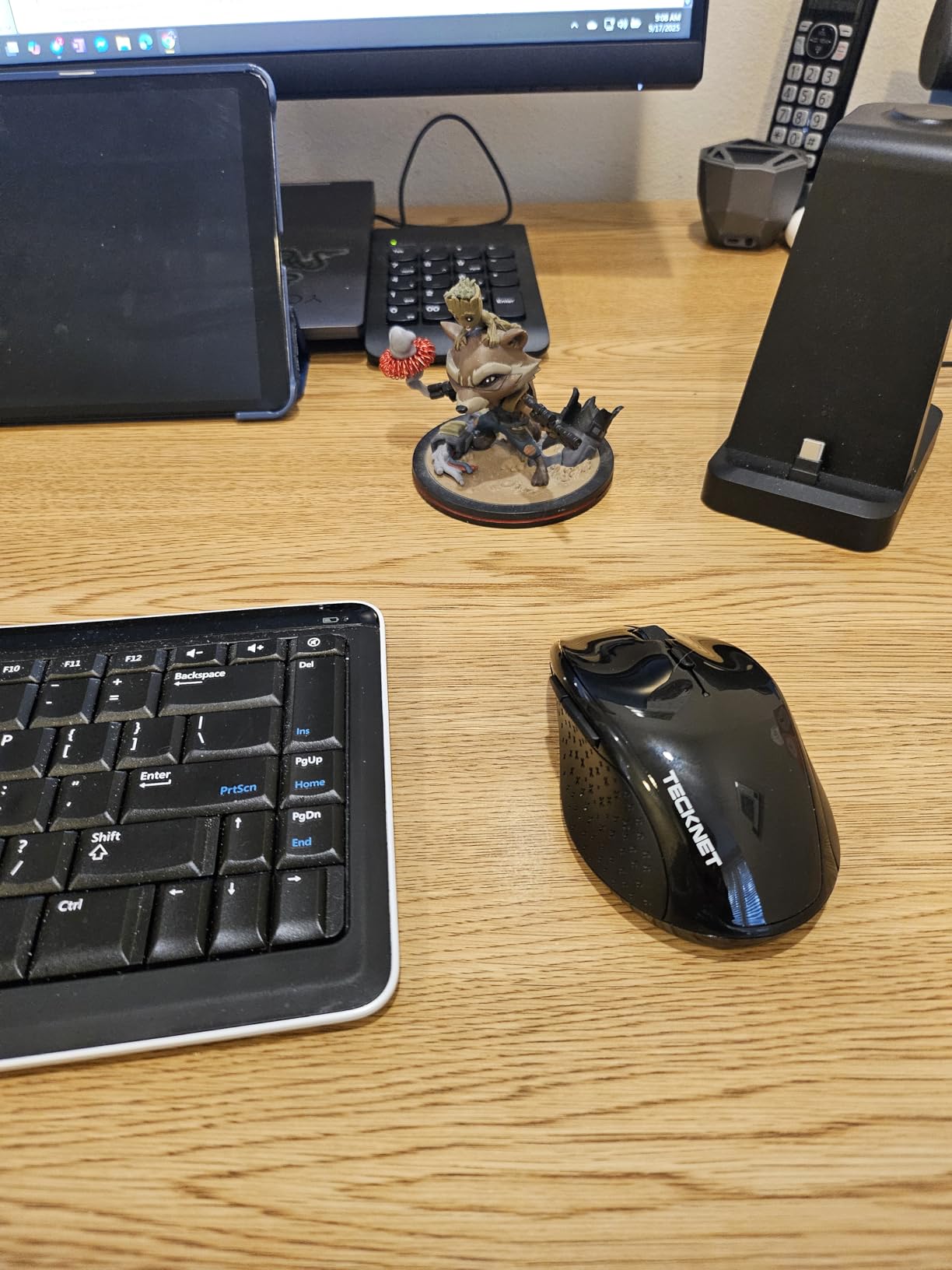
The full-size body suits medium to large hands better than most of the compact options here, and at 3.68 ounces with two AA cells it is the heaviest mouse in this roundup. Two AA batteries also mean nothing to recharge when you move desks.
Check whether sleep-mode behaviour would bother you
If you take a lot of calls with the mouse sitting untouched between them, test the wake-from-sleep behaviour before you commit. A single stray click into a live microphone is exactly the kind of shared-office embarrassment this guide exists to prevent.
Also confirm your devices support the Bluetooth profiles you need. It lists Windows, macOS, Linux, Chrome OS and Android, which covers almost everything except machines with Bluetooth stripped out by IT policy.
Know where the extras stop working
The side buttons only function inside a browser, so they are not a shortcut for your work suite. If you rely on remapping for productivity, this is not the mouse for you.
It suits shared desks where hardware loss is a real risk and hands that want a full-size body. For a lighter, rechargeable alternative with three-device pairing, the TECKNET tri-mode model later on is the closer fit.
5. Logitech M240 Compact Silent Bluetooth: the travel pick
Logitech M240 Compact Silent Bluetooth Wireless Mouse – Graphite
90% quieter clicks
Bluetooth pair and play
18-month AAA battery
73.8 g body
Pros
- Whisper-quiet clicks with real tactile feedback
- Pairs in seconds with no USB port used
- Compact and light for laptops
- Accurate tracking without cursor jumping
Cons
- Scroll wheel is louder than the buttons
- Compact size may not suit large hands
- Fixed 1000 DPI
The M240 is the one we packed for a week of travelling between a home office, a client site and a coworking floor. At 73.8 grams it disappears into a laptop bag, and because it connects over Bluetooth there is nothing to plug in, hold or lose.
Clicks are reduced by about 90% while still giving tactile feedback, which is the specific combination users complain is missing from most silent mice. Reviewers repeatedly describe it as quiet but not dead, and our own testing matched that.
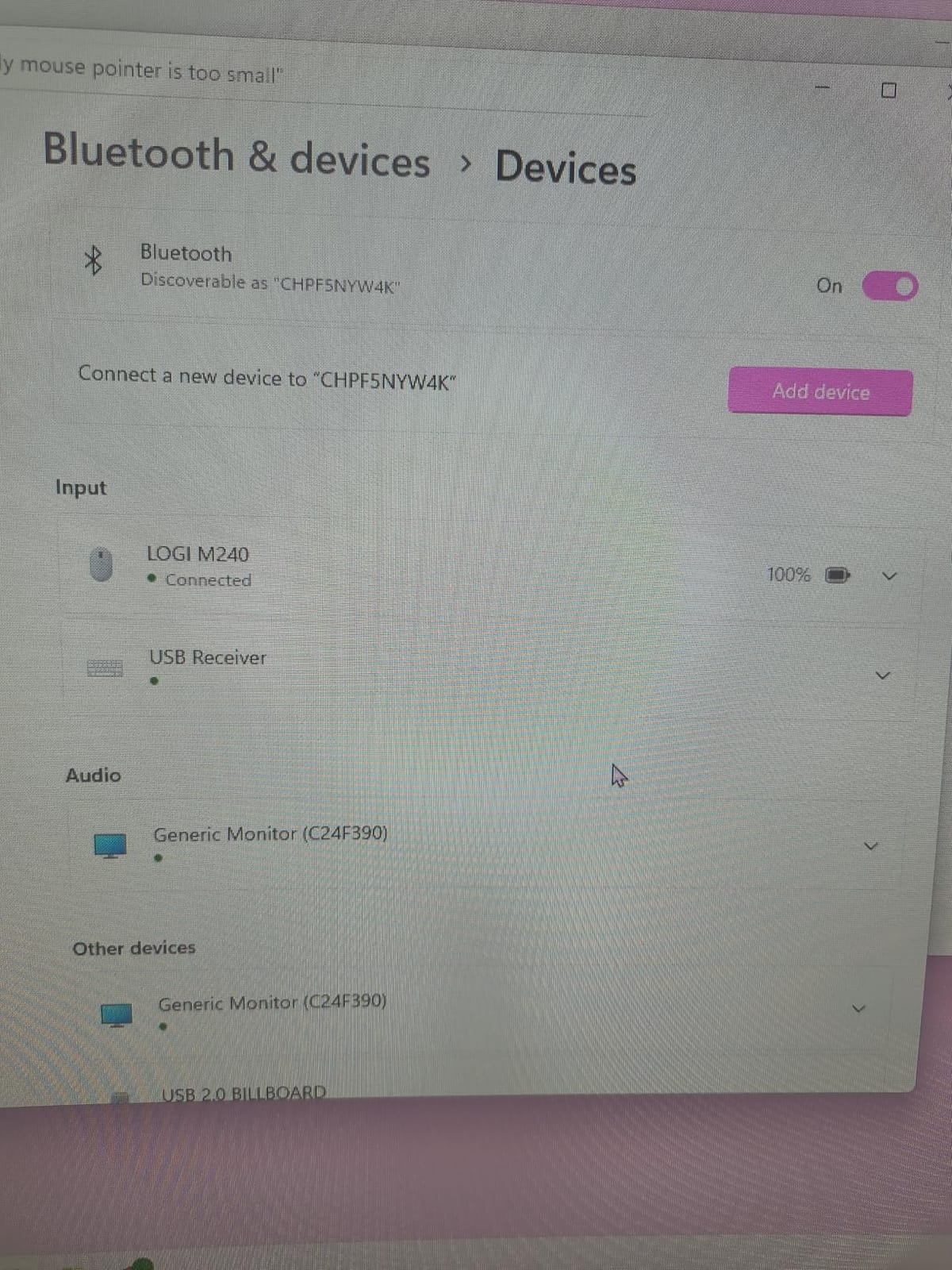
It works with Windows, macOS, Linux, ChromeOS, iPadOS and Android, and it is Chromebook certified, which matters if you work in education or use a classroom device at all.
The compromises are the same two as most compact mice. The scroll wheel is louder than the buttons, and 1000 DPI with no adjustment is not enough for large displays or design work. For standard documents and email it is entirely adequate.
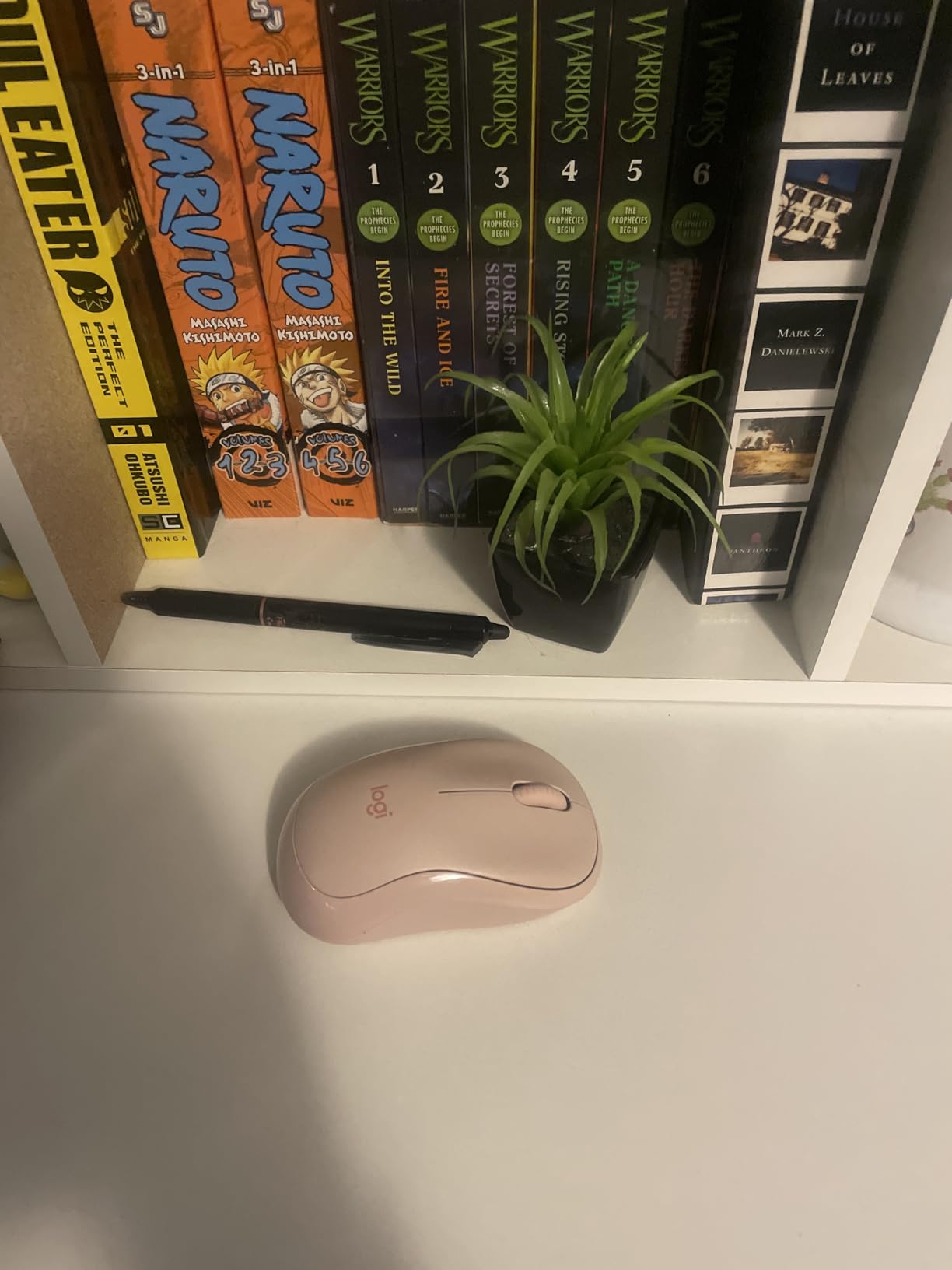
Check that a compact shape fits your hand
At 4.13 by 2.68 inches this is a small mouse, and reviewers call it a good fit for small hands. Larger hands generally report that their palm sits above the body with nothing to rest on through a long day.
If your hand is on the larger side and you want something quiet that still feels substantial, the Logitech M330 further up is the better long-term answer.
Check what you give up for the dongle-free design
Bluetooth means no receiver to lose, but it also means you need a machine with Bluetooth. In a locked-down corporate environment that is occasionally a problem, and there is no wired fallback.
It suits hybrid workers, students, and anyone moving between shared desks where keeping track of a USB nano receiver is more effort than it is worth.
6. Lenovo WL310 Bluetooth Silent Mouse: a quiet pick with no software at all
Lenovo WL310 Bluetooth Silent Mouse, Ergonomic, Adjustable DPI, Silent Clicks, Bluetooth 5.0, Portable for Windows, Mac, and Chromebook, Grey
Silent click switches
Bluetooth 5.0
Three DPI levels
Rubberized scroll wheel
Pros
- Very quiet main clicks for shared desks
- Stable Bluetooth 5.0 in most setups
- Comfortable non-bulky shape
- No receiver to lose or track
Cons
- Side and middle buttons are not quiet
- Default pointer speed feels slow
- Indicator lights draw extra power
The WL310 connects over Bluetooth 5.0 and needs no receiver, no driver and no companion app. For a corporate environment where installing software needs an IT ticket, that is a genuine practical advantage over anything that ships with configuration utilities.
The main clicks are among the quietest in this group, and at 2.4 ounces the shape stayed comfortable without the bulk of some older office mice.
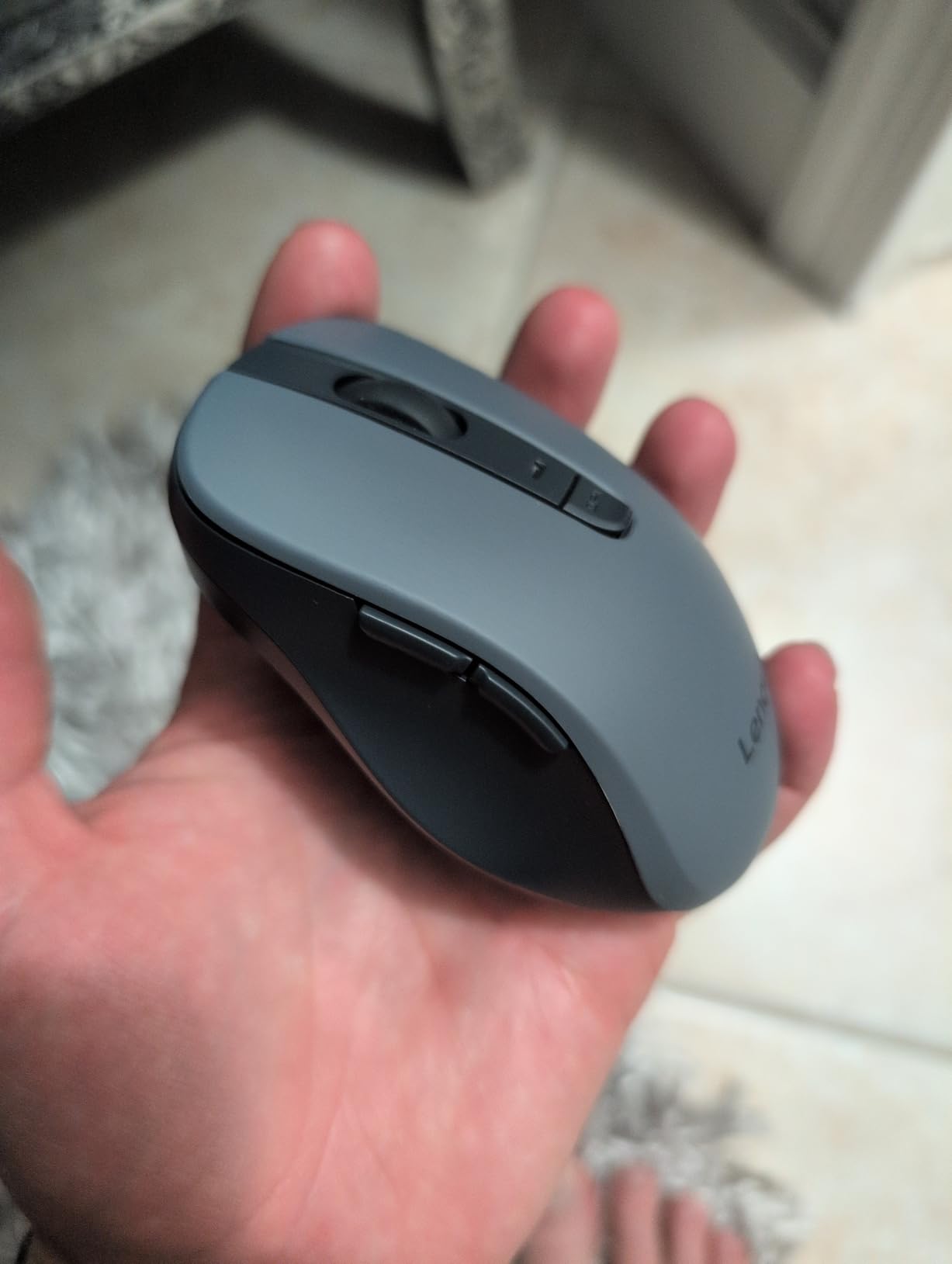
Three DPI settings at 1000, 1200 and 1600 give reasonable control, though the default pointer speed out of the box feels slow and users frequently raise it in system settings before they start working properly.
The side buttons and the middle wheel button are not dampened, and the side buttons are positioned close enough to the primary click that accidental presses show up in reviews. Some users also report brief connection drops during drag operations, which is worth testing if you work with large selection sets.
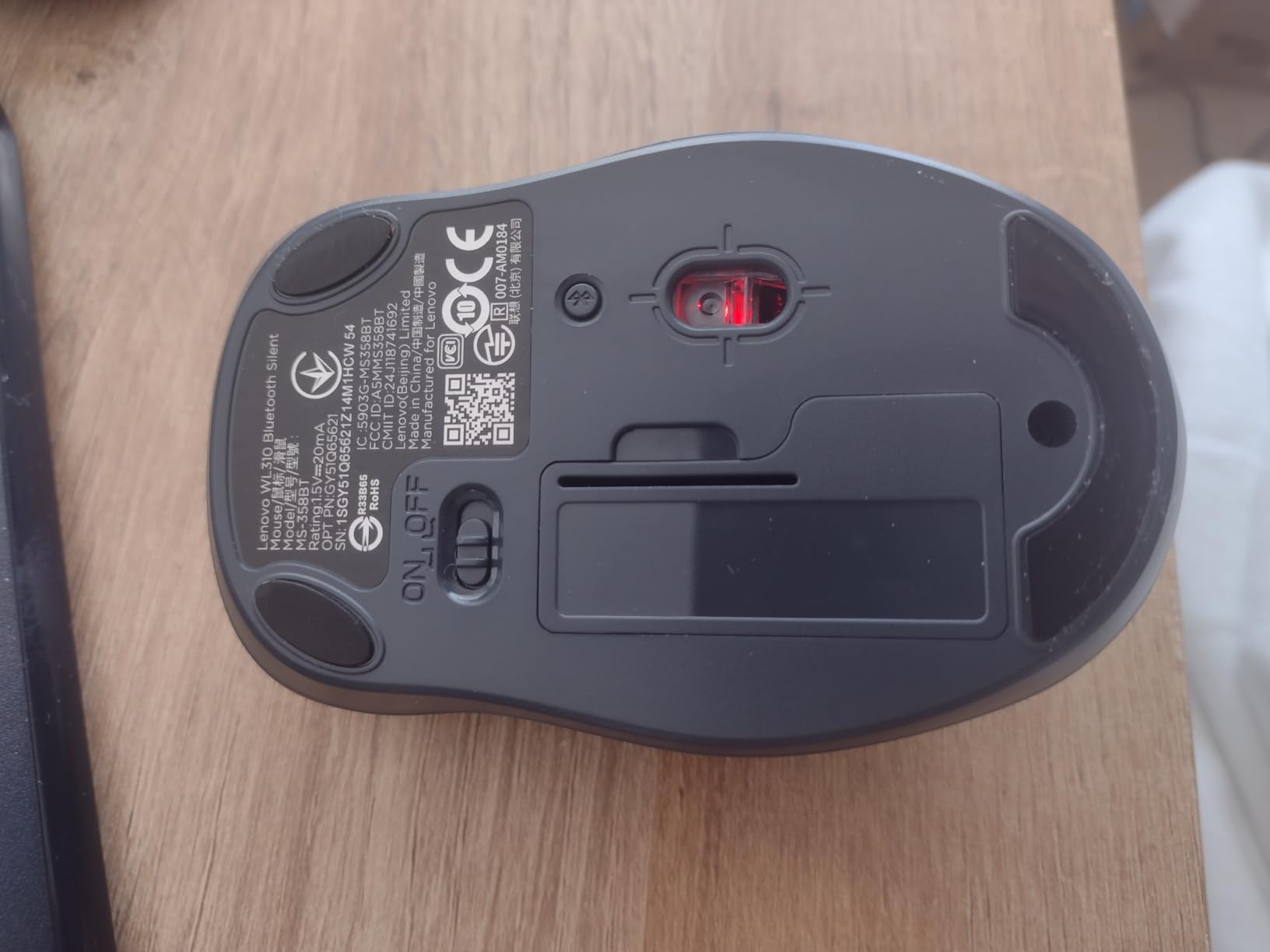
Check the button layout before you buy
If your work involves dragging, colour selection or 3D work, test the accidental side-button presses first. They are the most common physical complaint about this mouse.
Also raise the pointer speed within a day of setup. Out of the box it can feel sluggish, and users who judge it in the first ten minutes often rate it lower than the 4.5 average it carries.
Know who should look elsewhere
Two indicator lights draw extra power, which shortens battery life compared with the models in this guide that run a single cell for a year or more. That is a fair trade for zero software, but worth naming.
It suits notebook users, corporate machines that restrict installs, and anyone who wants quiet clicking with nothing to configure. It is a weaker fit for people who rely on programmable shortcuts.
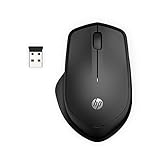
7. HP 280 Silent Wireless Mouse: for desks with nowhere to put a pad
HP 280 Silent Wireless Mouse – Ergonomic, Right-Handed Design – 2.4GHz USB Wireless Connection – Multi-Surface Technology, 1600 DPI Optical Sensor – Win, Chrome, Mac OS – Up to 18-Month Battery Life
Up to 90% less click noise
1600 DPI
Multi-surface tracking
18-month AA battery
Pros
- Noticeably quieter than a standard office mouse
- Multi-surface tracking without a mousepad
- Accurate pointer with no lag
- On and off switch plus long battery life
Cons
- Pointer speed needs raising after setup
- Scroll wheel louder than the buttons
- Needs a free USB-A port
The HP 280 targets the shared-desk case more directly than most. Multi-surface technology means it tracks on wood, laminate and fabric without a mousepad, which matters because a hard glossy desk surface amplifies both click and movement noise.
Left and right buttons cut up to 90% of click noise, and the 1600 DPI sensor is a step up from the 1000 DPI norm in budget silent mice, so it handles larger displays better.
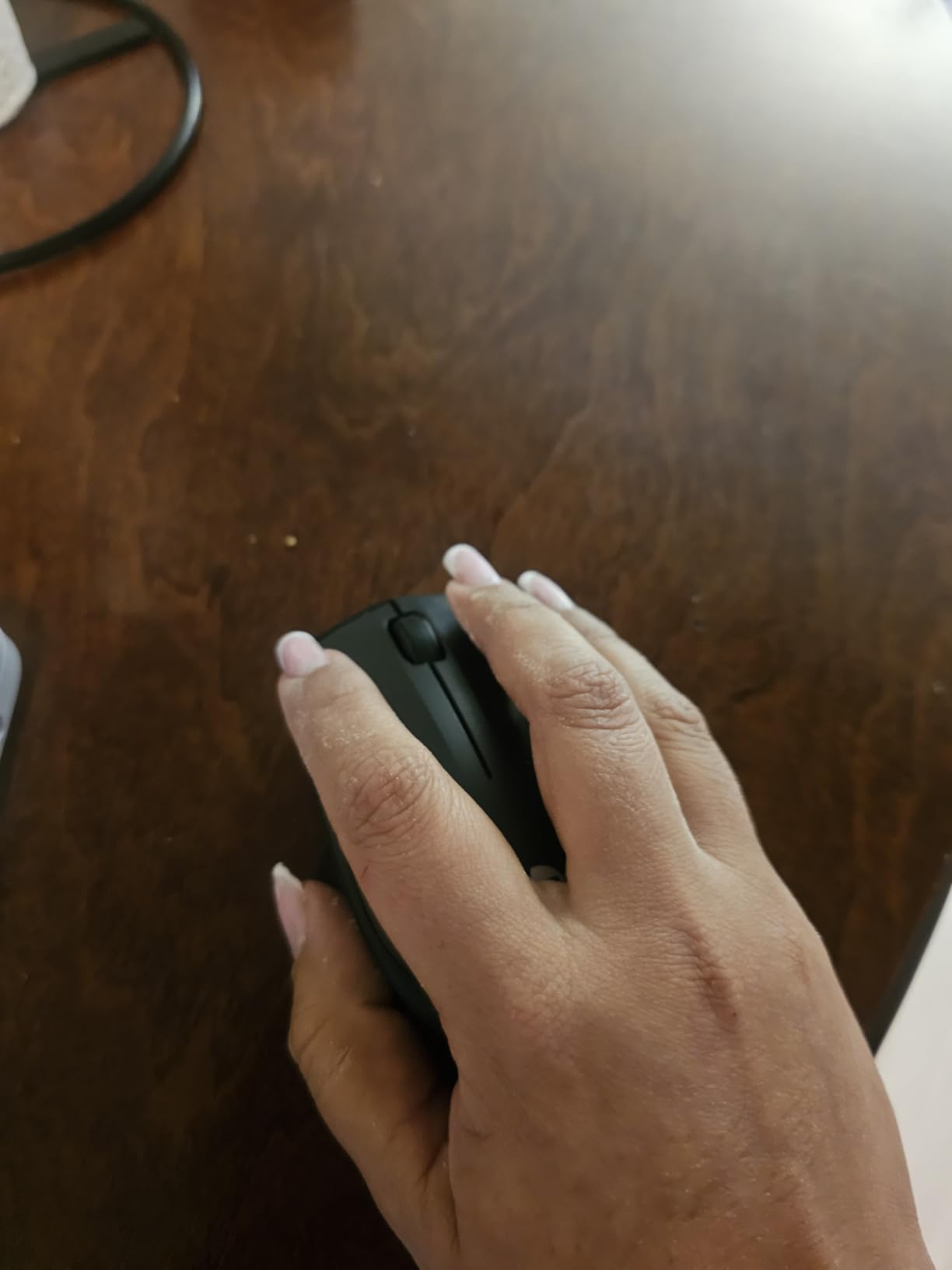
The nano receiver stores inside the body, so the hardware travels with the mouse. With an AA battery included and a physical on and off switch, this is close to zero maintenance, which is exactly what you want from equipment that several people will handle.
The main gripe in reviews is that pointer speed needs raising in operating system settings after setup. It is a two-minute fix, but people who do not know to look for it often assume the mouse is inaccurate.
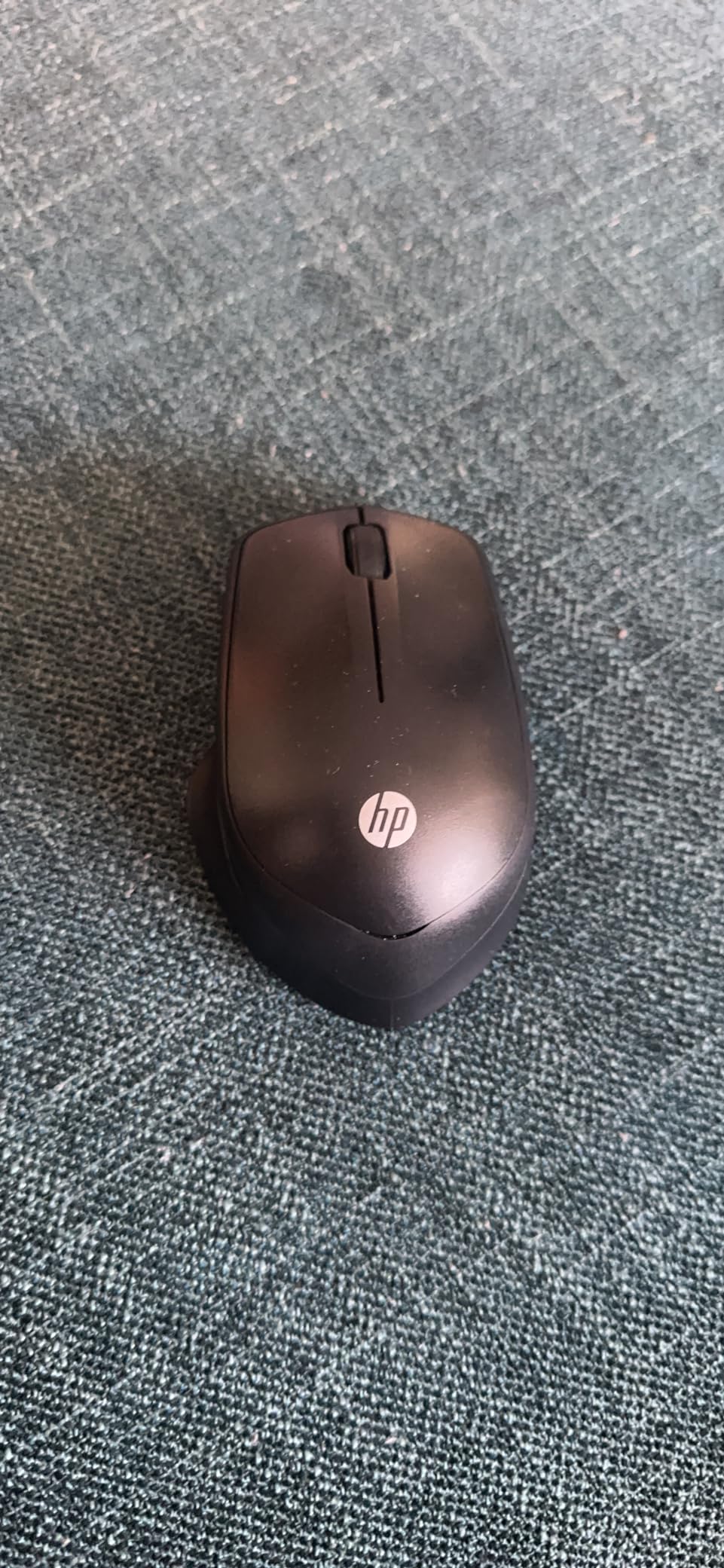
Check your desk surface before anything else
If you work at a shared hot desk with no space for a pad, this is the category to shop in. The PTFE-style glide feet slide without the scratching noise that cheap feet produce on laminate.
Adding a fabric or cloth pad is still the single cheapest upgrade for reducing overall desk noise, because it absorbs the micro-scratching of any mouse. Our recommendation is a soft cloth pad rather than a hard plastic one.
Know what you are accepting
The scroll wheel is louder than the silent buttons, and the 4.4 by 3.2 inch body is larger than the compact models here, so it suits medium to large hands.
It also requires a USB-A port. On a USB-C-only laptop you will need an adapter, which adds one more small thing to keep track of at a shared desk.
8. Rapoo Silent Wired Mouse N1600: the one with nothing to charge or lose
Rapoo Silent Wired Mouse, 1000 DPI 5ft Cord Quiet Button Optical Computer Mouse, Left Right Hand Use, for Laptop Chromebook Mac Notebook, Matte Black
Silent click switches
Wired USB
1000 DPI
Symmetrical ambidextrous body
Pros
- Quiet main clicks at a very low entry price
- Symmetrical body works for either hand
- No batteries and no receiver
- Smooth 1000 DPI tracking
Cons
- Middle button click is not quiet
- Fixed 1000 DPI with no adjustment
- Wired cord adds desk clutter
The N1600 exists to remove every variable. It is wired, so there is no battery, no pairing step, no receiver and no chance of a failed connection at the start of a meeting. Plug it into any USB-A port and it works.
The main click switches are silent, and the symmetrical body means it suits either hand, which matters in a room where people swap seats or where southpaw users have very few quiet options.

At 90 grams it is light, and the anti-slip grille pattern on the scroll wheel helps with grip. The rated lifespan of 5,000,000 clicks is a reasonable figure for a mouse in this bracket, and users report the build holding up.
It is rated to 1000 DPI with no adjustment, and the middle button click is not dampened. Reviewers also note the scroll wheel can feel stiff during the first few uses before it breaks in.

Check whether your desk can accept a cord
A wired mouse means no signal interference and no battery anxiety, but it also means cable management. On a cluttered shared desk a 5 foot cord adds clutter that a wireless model avoids entirely.
Check your desk has a free USB-A port close to where you sit. If your laptop only has USB-C, a wired mouse means an adapter, which partly defeats the simplicity.
Know where it is not the answer
It is a three-button mouse. There are no side buttons, no DPI switch and no multi-device switching, so it will not serve as a single mouse for a laptop and desktop.
It suits fixed workstations, call centre pods, and shared desks where a wireless receiver would get lost. The Verbatim corded option later in this guide is the sturdier alternative with a one-year warranty.
9. Logitech M340 Compact Silent Wireless: the highest-rated click feel here
Logitech M340 Compact Ambidextrous Silent Wireless Mouse – Sheer Dream
SilentTouch 90% noise cut
Compact 4.2 inch body
2.4 GHz receiver
18-month AA battery
Pros
- Impressively quiet for clicking and light use
- Very light and good for smaller hands
- Instant plug and play via the receiver
- Battery included and lasting many months
Cons
- Requires a USB-A port rather than Bluetooth
- Battery cover can pop off if dropped
- Quiet rather than truly silent
The M340 pairs SilentTouch technology, which removes about 90% of click noise, with a 4.6 average rating across owners. That combination of quiet clicks and a click that still feels defined is the hardest thing to find in this category.
At 2.85 ounces and 4.2 by 2.31 inches it is small without being a travel toy, and users with smaller hands consistently rate the fit as comfortable rather than cramped.

The 2.4 GHz receiver works up to 32.8 feet and is stored in the body, and the AA battery runs up to 18 months with auto-sleep. It is made with at least 42% post-consumer recycled plastic.
The complaints are minor. It needs a USB-A port rather than Bluetooth, the battery cover can pop off if you drop it, and the shell scratches easily in a laptop bag. Owners also describe the clicks as quiet rather than completely silent, which is honest from Logitech and still a large improvement on a standard mouse.
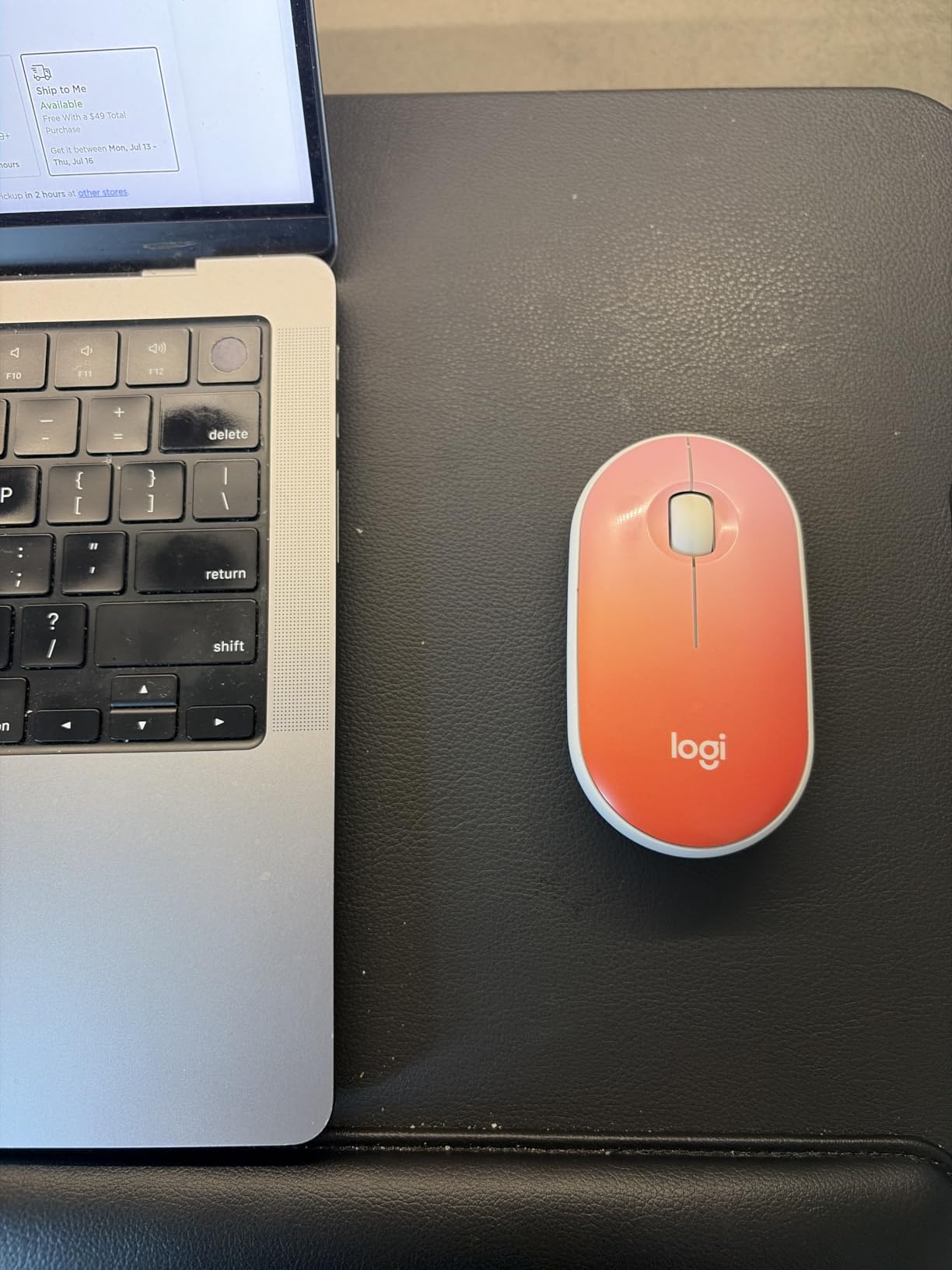
Check the size against your hand first
This is a genuinely compact body. If you have smaller hands it will feel right from the first day, and that matters more than any spec on the box.
If you have larger hands, the palm overhangs the back edge, and the Logitech M330 further up is the better long-session option.
Know what you give up by choosing a receiver
A 2.4 GHz receiver gives instant, dependable connection with no pairing, and it is the safer choice on machines where Bluetooth is restricted. It is also one more small object that can end up in another desk drawer.
It suits small-handed users who want the quietest-feeling click in a wireless body. It is a weaker choice if you need Bluetooth, adjustable sensitivity or a rechargeable cell.
10. Verbatim Silent Corded Optical Mouse: rubber dampening and nothing else
Verbatim Silent Corded Optical Mouse, USB, Precision Scroll Wheel, Black
Rubber-damped silent switches
Wired USB
High-resolution optical
Precision scroll wheel
Pros
- Genuinely quiet click switches
- Rubber covers add further dampening
- Reliable plug and play with no batteries
- Smooth precise optical tracking
Cons
- Wired cord limits positioning
- Only a three-button layout with no DPI control
- Scroll wheel noise is more noticeable than clicks
This mouse achieves silence the straightforward way. Rubber covers sit over the click switches and absorb the mechanical impact before it reaches the desk, which is the same basic principle as rubber-dampened silent switches but simpler to implement.
It is wired, so there is nothing to pair and nothing to charge. It works on Windows and Mac, and high-resolution optical tracking stayed smooth on both a laminate desk and a cloth pad in our testing.
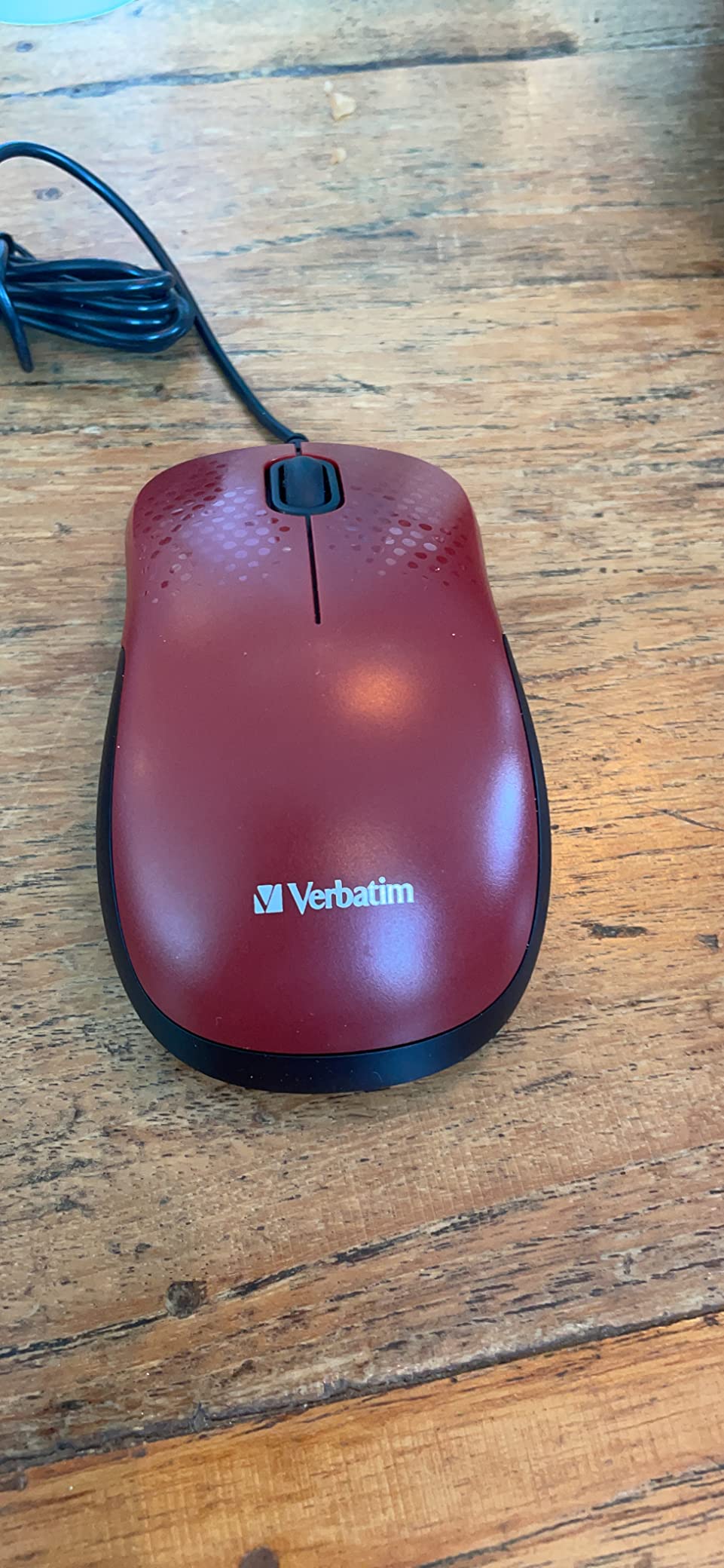
The consistent 4.5 rating across owners reflects a mouse that does one job quietly and reliably. It ships with a one-year limited warranty and weighs 2.88 ounces, so it is light on the wrist.
It is a three-button layout with no DPI control, and the scroll wheel is more noticeable than the clicks. For most document work that trade is acceptable, but heavy spreadsheet users will hear the wheel more than the buttons.
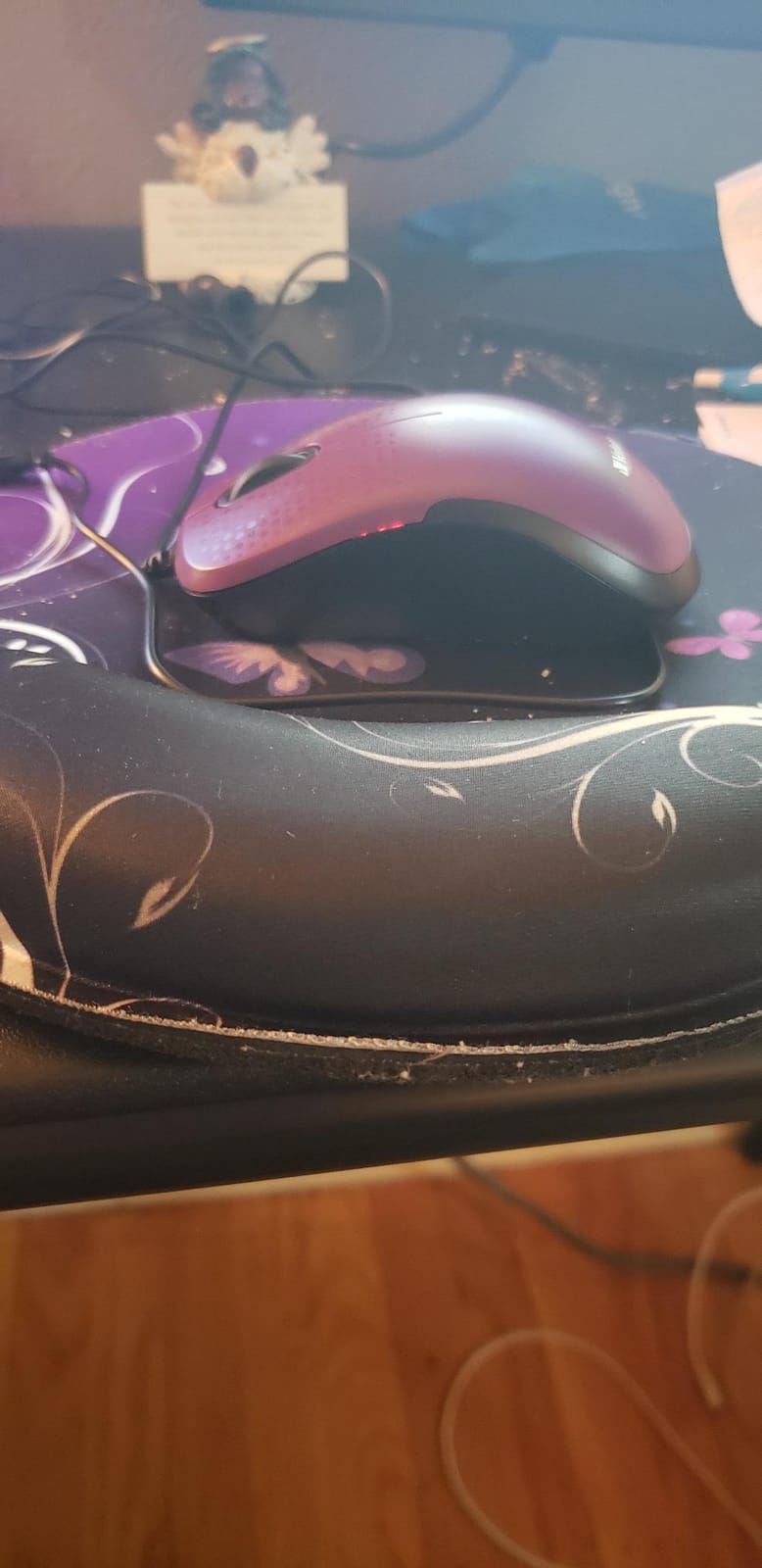
Check that a fixed wired mouse suits your setup
A cord gives you a permanent connection and zero latency, but you are tethered to whatever port you plug into. On a sit-stand desk with a moving monitor arm that matters more than people expect.
Verify your workstation has a free USB-A port within reach. If not, you will need an adapter and lose the plug-and-play simplicity.
Know what is missing by design
There are no side buttons, no DPI switch and no wireless mode. Anyone who moves between machines or wants sensitivity adjustment should look at a wireless model instead.
It suits fixed desk setups, meeting rooms and anyone who wants the lowest-friction quiet mouse available. The Rapoo wired option earlier in this guide adds an ambidextrous body for the same approach.
11. TECKNET Rechargeable Tri-Mode Silent Mouse: three devices and a USB-C port
TECKNET Wireless Bluetooth Mouse, Silent Click, Rechargeable Battery, Black
99% quieter clicks
700mAh rechargeable
Three-device pairing
USB-C charging
Pros
- Very quiet clicks that still feel responsive
- Rechargeable battery runs about three months per charge
- Seamless switching between three devices
- Comfortable thumb rest reduces wrist strain
Cons
- Side buttons and wheel button are not silent
- Sides can feel slippery without grip
- Some units freeze and need a power cycle
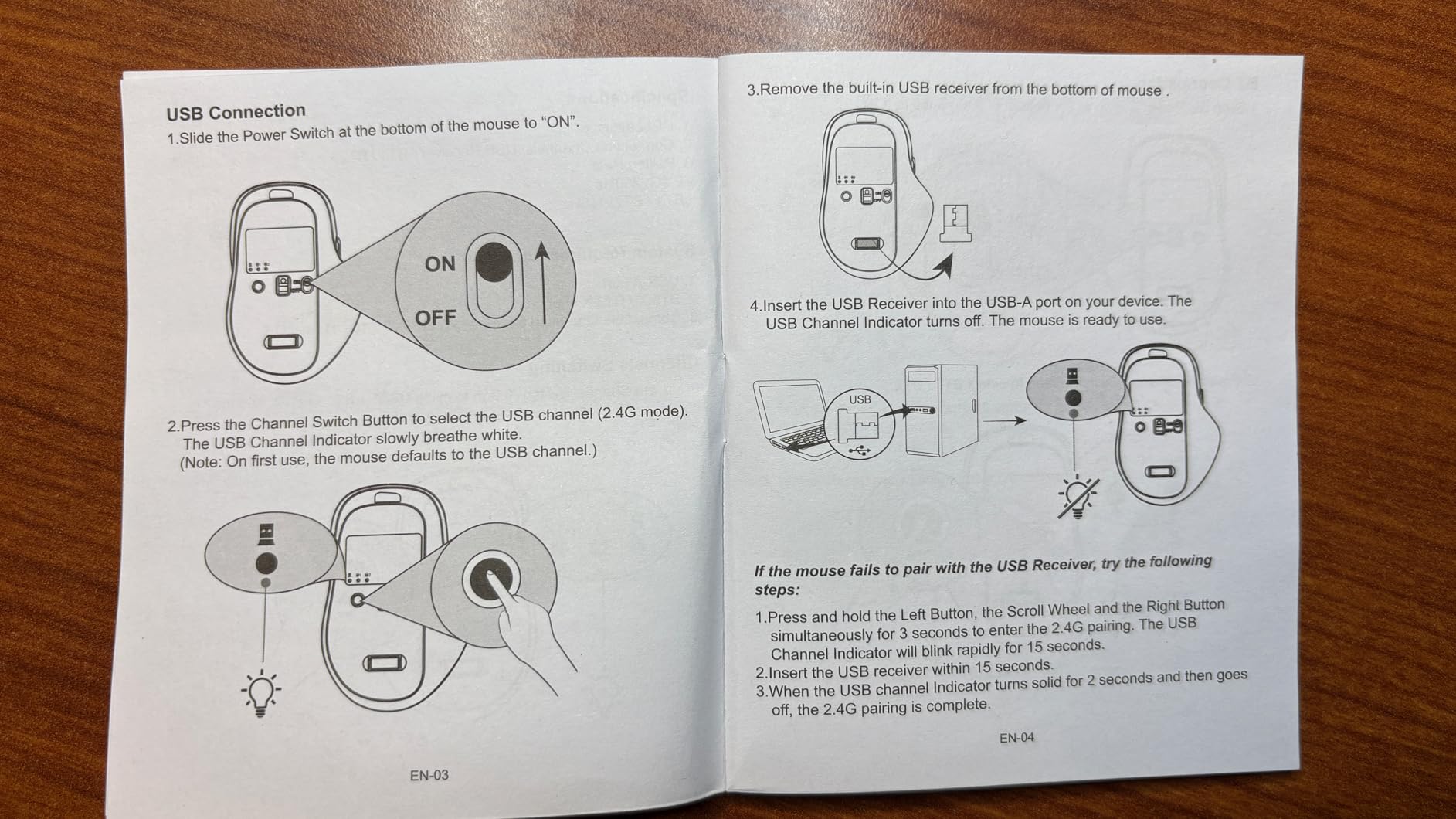
This is the most capable mouse in the guide on paper. It pairs with up to three devices at once across Bluetooth 5.0, Bluetooth 3.0 and 2.4 GHz, and the 700mAh rechargeable cell runs about 90 days per charge.
The clicks are advertised as 99% quieter and owners consistently describe them as responsive rather than dead, which is the specific thing reviewers worry about with silent switches.
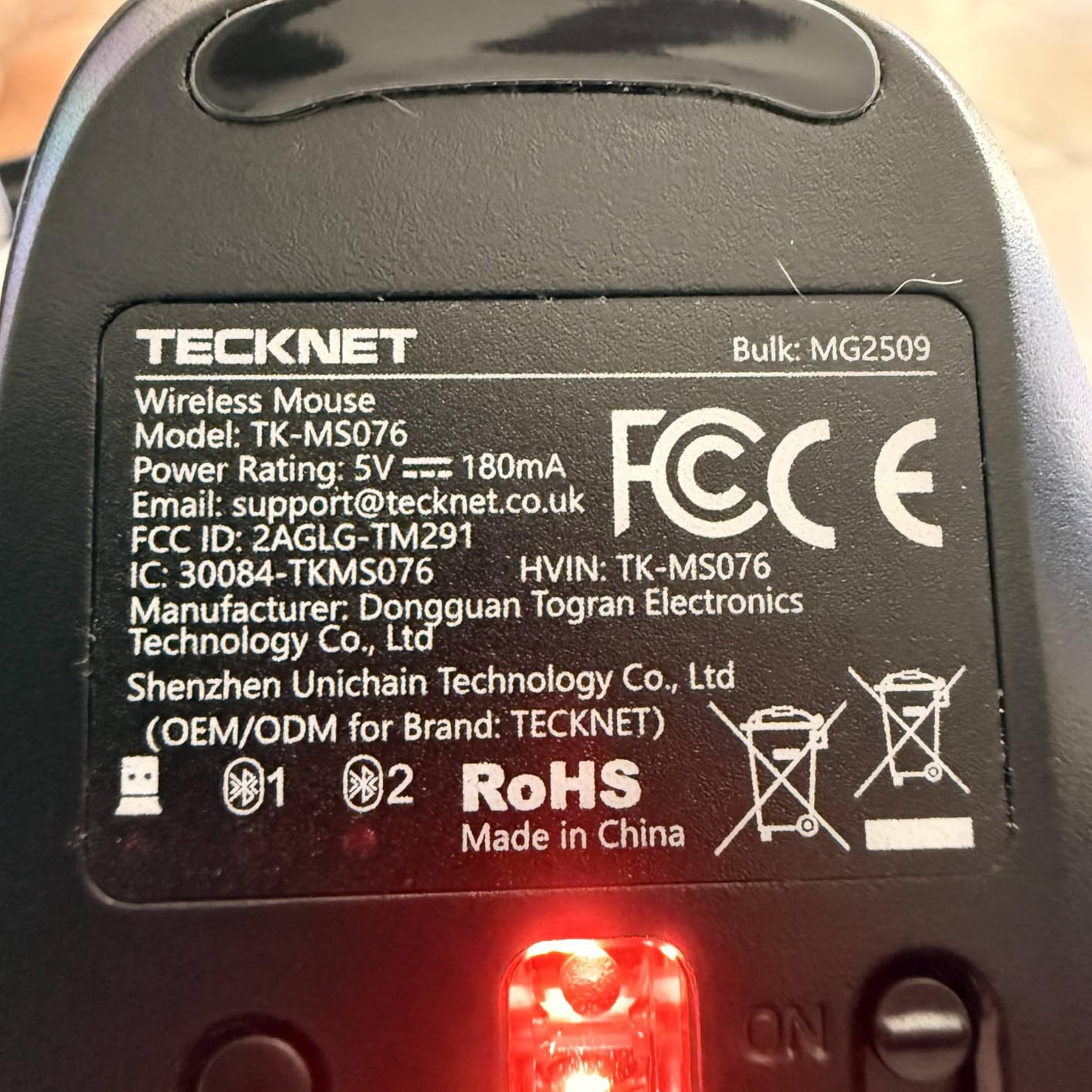
The front-mounted USB-C port means you can charge it while you keep working, which matters when the battery finally dips mid-afternoon. Six DPI levels from 800 to 4800 give you real control over pointer speed.
There are trade-offs. The side buttons and the scroll wheel button are not silent, the sides can feel slippery without extra grip, and the forward and back buttons do not work on Mac. Some units also freeze and need a power cycle, so keep a spare at the office if you depend on it daily.
Check the charge-versus-battery maths for your desk
Three months per charge means roughly four charges a year, which is less attention than a single AA battery but more than a mouse that runs a year and a half on one cell. If your desk has no spare USB-C cable to hand, that is a real inconvenience.
The three-device pairing is the real strength. If you alternate between a work laptop, a desktop and a loaner machine at a hot desk, this is the one that reduces friction most.
Know where the shortcuts stop working
The non-silent side buttons and the Mac incompatibility are the two limitations to weigh. Office teams split across Windows and Mac should test before standardising on this model.
It suits power users on mixed devices who want a rechargeable cell and high pointer speeds. It is a weaker choice for anyone who needs silent side buttons.
12. UGREEN Vertical Ergonomic Silent Mouse: for wrists that already hurt
UGREEN Ergonomic Wireless Mouse, Bluetooth & 2.4G Wireless, Quiet Clicks
57-degree vertical angle
Quiet click buttons
4000 DPI max
PTFE glide feet
Pros
- Vertical angle reduces wrist and forearm strain
- Clicks are essentially inaudible in an office
- Wide base gives the palm real support
- Works with Bluetooth and the 2.4G dongle
Cons
- Bulky body suits larger hands only
- Takes days to adapt to the vertical shape
- Push-tab battery door can break
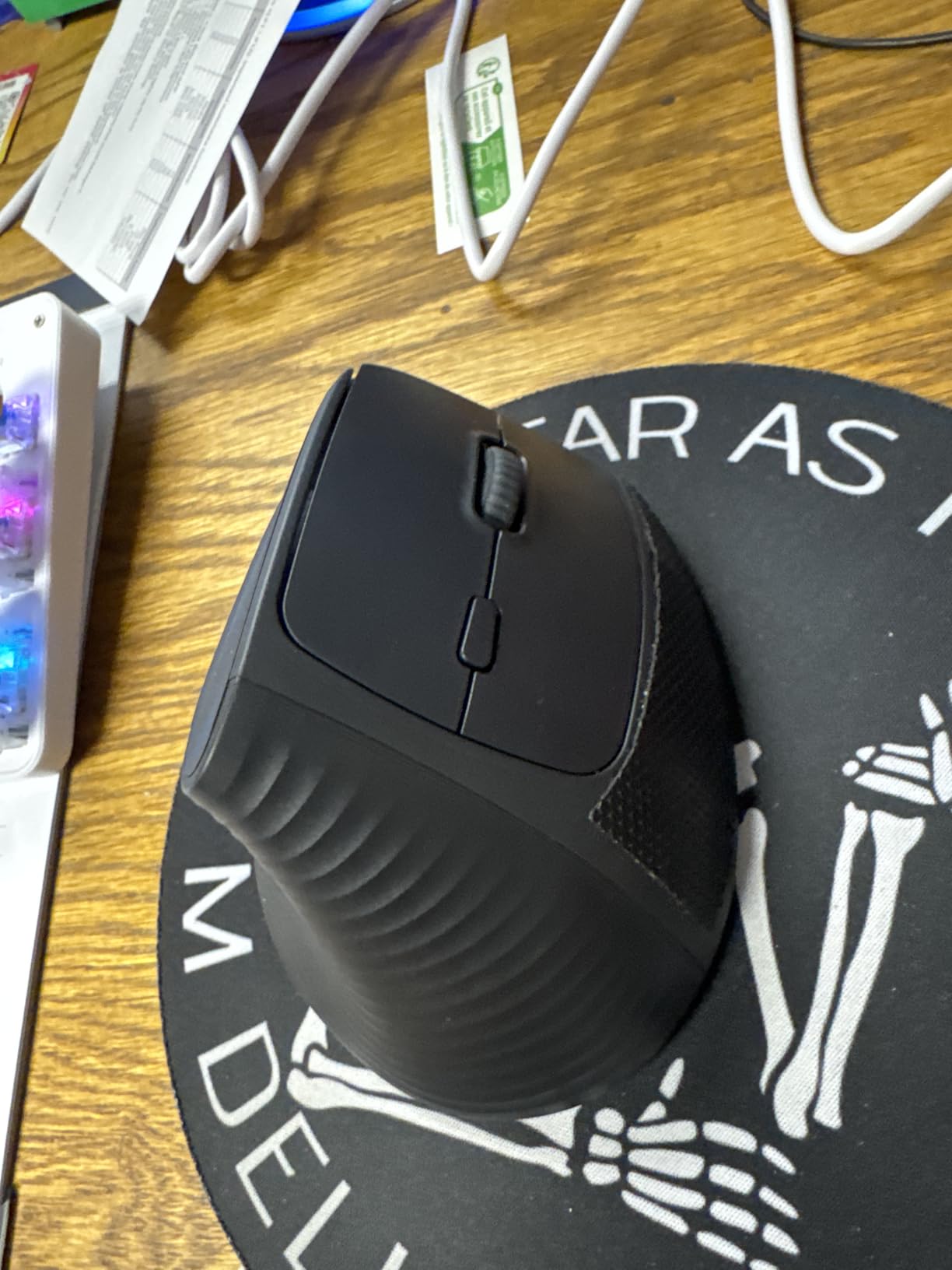
The only vertical mouse in this roundup, and the reason it is here is specific: a 57-degree handshake angle keeps your forearm straighter, which is the change people with wrist discomfort are actually looking for. Silent clicks alone do not fix wrist strain.
The click buttons are quiet enough that reviewers describe them as inaudible in an office, and the PTFE glide feet move smoothly and quietly across surfaces.
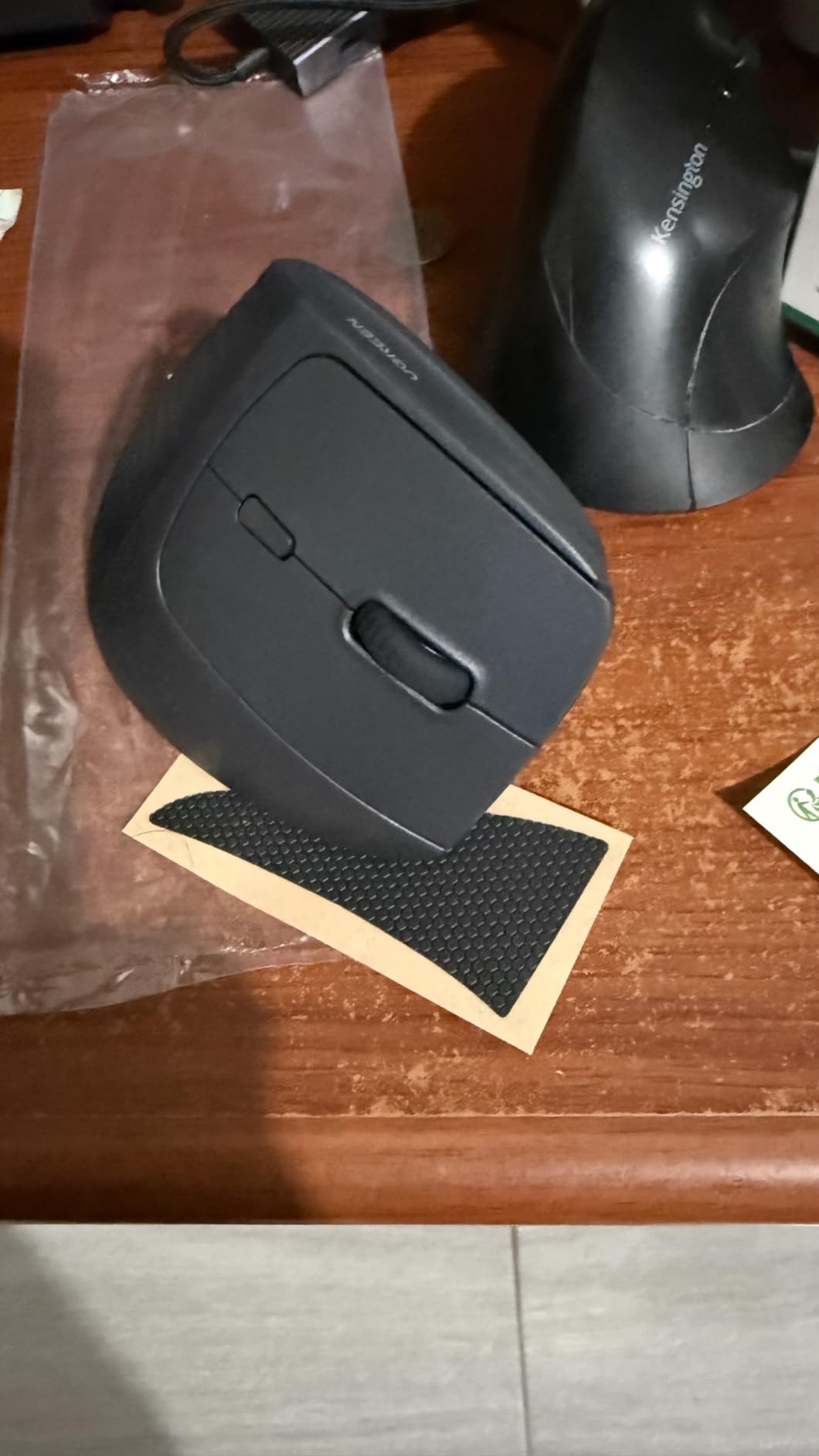
It switches between up to three devices across Bluetooth and the 2.4 GHz dongle, and the four DPI levels go from 1000 up to 4000, which is a wider range than most silent office mice offer.
At 170 grams it is by far the heaviest mouse here, and that weight is part of why it does not move around on the desk. The trade-off is that it suits larger hands only, and reviewers warn it takes a few days to adapt to the shape. If you are in a call centre, that adjustment period is a genuine cost.
Check your hand size before the shape becomes a problem
The wide base is what gives the palm somewhere to rest, and it needs a hand that can fill it. Users with small hands report the size being bulky rather than supportive.
Also give it a few days before judging it. The vertical angle changes your muscle memory, and first-day discomfort is common even for people who end up preferring it.
Know what this mouse is and is not solving
It addresses wrist position, not noise, and it addresses both together, which no other pick in this guide does. It is not a light mouse, and it is not a small one.
If wrist pain is your main reason for changing, read our guide to ergonomic vertical mice for programmers before you commit, since fit matters more here than in any other category.
How Quiet Is Quiet Enough for an Open-Plan Office?
Quiet enough means the click is inaudible at roughly half a metre in a normal office, and the scroll wheel does not cut through background conversation. Anything less and you have bought a slightly quieter mouse rather than a silent one.
The mechanism behind almost every silent mouse here is the same: dampening the mechanical impact that creates the click. Rubber dampeners, dedicated silent switches and rubber button covers all absorb the hit before it becomes sound. Logitech markets its version as SilentTouch, which it says removes over 90% of click noise, and other brands publish figures in the same range.
Here is the part most roundups skip. Clicks are only one of three noise sources, and they are not always the loudest one. Scrolling is the second, and a standard scroll wheel on a silent mouse can be the only noise left in the room. Surface noise is the third: any mouse dragged across a hard glossy desk produces a fine scratching sound that dampened buttons cannot touch. Adding a soft cloth pad changed our own impression of mouse noise more than any switch did.
On durability, silent switches are not automatically shorter-lived than mechanical ones, but dampening materials do compress over time. The pattern in the reviews across this group is consistent: the first year is genuinely quiet, and by year two or three the click gets incrementally louder. Logitech M330 owners describe exactly that, and it is a reasonable expectation for the whole category.
How do you test a mouse before committing? Use the return window and test it in the actual space rather than a quiet bedroom. Sit at your desk at your normal working distance, click at the rate you actually type, scroll through a long spreadsheet, and ask the nearest colleague whether they can hear it. That test takes five minutes and catches more problems than any specification.
What to Look for When Buying a Silent Mouse
Connectivity comes down to where the dongle lives. Bluetooth-only mice have no receiver to lose, which makes them the safest choice for hot desks and laptops with limited ports. A 2.4 GHz receiver gives a more dependable connection with instant plug-and-play, but it is a small object that disappears. Dual-mode mice cover both, and the TECKNET models in this guide pair with up to three devices at once.
Check whether you are allowed to install software. Several mice here need no app at all, which matters when IT controls your machine. A user on r/MouseReview described remapping and gestures breaking after a companion app update and returned the mouse over it. Fewer features, fewer dependencies.
Battery strategy is a desk-shared decision. Single-cell mice rated at 18 months beat rechargeable cells for sheer low maintenance, because nobody has to find a cable. Rechargeable mice suit people who travel and want one device across several machines. The trade-off with RGB lighting is significant: owners of the Uiosmuph G12 report far shorter battery life with the lights on.
Silent but still satisfying matters most. The most common complaint in user discussions is that silent switches feel mushy or dead. Test the click in a shop if you can, and prefer models where reviewers describe tactile feedback rather than just low noise. That single check separates the picks worth keeping from the ones returned.
Handedness narrows the field fast. Ambidextrous or symmetrical bodies such as the Rapoo N1600 and Logitech M340 serve either hand. Vertical shapes are built for right-handed use and need a larger hand. If you are southpaw, prioritise the symmetrical and ambidextrous options, because quiet left-handed choices remain limited.
Recovering a lost receiver matters more than it sounds. Choose a model whose receiver stores inside the mouse body. Models with a Bluetooth-only connection sidestep the problem entirely. If your office already suffers from missing nano receivers, that is a strong argument for Bluetooth or for a wired mouse.
Pairing a silent keyboard helps more than you expect. If your shared desk is noisy in general, a silent keyboard plus a silent mouse changes the whole character of the workspace rather than one element of it. Our guide to fanless mini PCs for silent setups covers the hardware side of building a quieter desk.
Watch out for no-name silent claims. Users repeatedly report that cheap wired silent mice can be louder in practice than the standard mouse they replaced. Recognised brands with published noise-reduction figures are a safer bet, and every mouse in this guide comes with a stated figure or a stated dampening mechanism.
Frequently Asked Questions
What is the best silent mouse for office use?
For most shared desks, the Uiosmuph G12 Rechargeable Silent Mouse is the strongest all-round answer: a rechargeable USB-C cell means no spare batteries to hunt down on a hot desk, the main buttons stay near-silent at working distance, and the bundled USB-A receiver plus USB-C adapter lets one mouse move between a notebook and a desktop. If your desk has no space for a mousepad, the HP 280 Silent tracks on bare surfaces. If you switch between several machines, the TECKNET tri-mode model pairs with up to three devices and charges over USB-C.
Are silent mice worth it?
Yes, in a shared space, because they remove a repeated involuntary distraction rather than a one-off noise. The same clicks are also picked up by your own microphone on video calls and screen recordings, so a silent mouse improves the audio on both sides of a meeting. They are less valuable if you work alone at home or already work in a hard-surfaced room where ambient noise masks small clicks.
How much quieter are silent mice?
Most manufacturers in this category claim around 90% less click noise, and some claim up to 99% quieter clicks. In practice the reduction is real at working distance but it does not make a mouse completely silent. Dampening materials also compress over time, so clicks tend to get incrementally louder after two or three years of heavy use. Scroll wheel noise is often left untouched and can become the loudest remaining sound.
Is there a way to make your mouse silent?
You can reduce noise without buying a new mouse. Put a soft cloth or fabric pad under it, since a hard glossy desk amplifies scratching noise. Turn off RGB lighting if your mouse has it, as indicator and light features shorten battery life. Reduce the click force you use by adjusting your workflow rather than pressing harder. Clean dust from around the buttons, which changes how a switch seats. If you still need a real change, swapping to a silent switch model is the only fix that removes the click itself.
Do ergonomic mice actually work?
They can, mainly by changing forearm angle rather than by adding cushioning. A 57-degree vertical shape keeps the forearm straighter than a flat mouse, which is the change people with wrist discomfort notice first. Results depend on fit: vertical mice suit larger right-handed hands, and the adjustment period is usually a few days. A silent click does not fix wrist strain, so if pain is your main reason to change, an ergonomic shape matters more than noise reduction.
What does the phrase quiet as a mouse actually mean?
It is a phrase that predates computer mice and originally referred to small, timid animals. The idea that stuck is smallness rather than silence, which is why a literal silent computer mouse is not really living up to the expression. Today the phrase is often used loosely for anything unobtrusive, including very quiet input devices.
Verdict: The Best Silent Mice for Shared Offices in 2026
Our overall pick is the Uiosmuph G12 Rechargeable Silent Mouse. It carried the only EDITOR’S CHOICE badge in this guide because it removed the most office friction for the fewest compromises: a rechargeable USB-C cell nobody has to find spares for, main buttons that stay near-silent at normal working distance, and a bundled USB-A receiver plus USB-C adapter so one mouse moves between a USB-C notebook and a USB-A desktop. If your work is precision-heavy or you need a mouse that lasts five years on a hot desk, the Logitech M330 Silent Plus is the better long-term answer.
By scenario: the HP 280 Silent handles desks with no room for a mousepad, the TECKNET tri-mode rechargeable model suits people moving between three machines, the UGREEN vertical mouse is the answer when wrist pain is the real driver, and either the Rapoo N1600 or the Verbatim corded mouse fits anyone who would rather own no battery at all.
Whatever you choose, test it at your desk for a full working day before the return window closes. Quiet is easy to advertise and hard to judge from a specification, and the only measurement that counts is whether the person next to you can hear it.
Related reading for your desk setup: our picks for ergonomic vertical mice for programmers, our guide to wireless gaming mice if you play after hours in the same space, and fanless mini PCs for silent setups to take fan noise out of the equation entirely.