

The Redragon K617 is the best compact keyboard for small desks because it costs little, measures 12.2 inches wide, and gives you 61 keys plus hot-swappable switch sockets. Compact keyboards come in three main sizes: 60% (no arrow keys, no function row), 65% (arrow keys, still no function row), and 75% (arrow keys and a function row).
That last detail matters more than any spec sheet. On a desk under about 48 inches wide, the keyboard is usually the single largest block of usable surface in front of you. Moving from a full-size board to a 65% typically hands back roughly 3 to 4 inches of width, and moving to a 60% gives back a bit more. That reclaimed strip is where the mouse goes, or where a notebook, a coffee cup, or a monitor arm base finally finds a home.
I have spent the last two years cycling boards across a 44-inch studio desk, a dorm desk that is basically a plank, and a shared home office where noise matters. Twelve compact boards went through that rotation for this guide, and the differences between them are mostly about layout adjustment, sound, and how much desk width you actually give up.
If you also want a wireless-only shortlist for a shared office, my guide to compact wireless keyboards for home offices covers that angle separately. For gaming desks, the rest of the setup matters too, and compact gaming PCs for small spaces covers the tower side of a tight build.
Table of Contents
Top 3 Best Compact Keyboards for Small Desks in 2026

All 12 Compact Keyboards at a Glance (October 2026)
Every board below is wired at minimum, and most are wireless-capable. The key count is the fastest way to work out whether a layout will fight you.
| Product | Specifications | Action |
|---|---|---|
| Redragon K617 60% Hot-Swap RGB |
|
Check Latest Price |
 DIERYA DK63 60% Wireless DIERYA DK63 60% Wireless |
|
Check Latest Price |
 Lumsburry 87-Key Compact Lumsburry 87-Key Compact |
|
Check Latest Price |
 GEODMAER 68-Key 65% Wired GEODMAER 68-Key 65% Wired |
|
Check Latest Price |
 Pauroty 60% Wireless Mechanical Pauroty 60% Wireless Mechanical |
|
Check Latest Price |
 Snpurdiri 60% Membrane Snpurdiri 60% Membrane |
|
Check Latest Price |
 Aula WIN60 HE Magnetic Switch Aula WIN60 HE Magnetic Switch |
|
Check Latest Price |
 RK ROYAL KLUDGE RK68 RK ROYAL KLUDGE RK68 |
|
Check Latest Price |
 HyperX Alloy Origins 65 HyperX Alloy Origins 65 |
|
Check Latest Price |
 Keychron K3 Version 2 Low-Profile Keychron K3 Version 2 Low-Profile |
|
Check Latest Price |
 Logitech G Pro X 60% Logitech G Pro X 60% |
|
Check Latest Price |
 Womier DK75 75% Wireless Womier DK75 75% Wireless |
|
Check Latest Price |
What Are Smaller Keyboards Called? 60%, 65% and 75% Explained
A compact keyboard is any board that drops keys you rarely use to shrink the case. The names come from a percentage of a full-size 104-key layout, so a 60% board keeps about 61 keys and a 75% board keeps about 84.
60% (61 to 68 keys): No numpad, no function row, usually no arrow keys or navigation cluster. Widest savings. A 60% board measures roughly 11 to 12 inches across.
65% (66 to 68 keys): Adds a dedicated arrow cluster, usually by compressing the right-hand keys. Roughly 13 to 13.9 inches wide. This is the sweet spot for most people.
75% (82 to 87 keys): Adds a full function row back on top. Roughly 12 to 13 inches wide but noticeably deeper. This is the layout that feels closest to a full-size board without the numpad.
96% (98 to 104 keys): Full-size key count packed tighter, with a numpad. Wide, so it does very little for a small desk.
TKL (87 keys): Tenkeyless, a full-size board minus the numpad. Frees up about 3.5 inches of width versus full-size but keeps the function row and nav cluster.
Full-size (104 keys): The baseline. Typically 17.5 to 18 inches wide.
Against that 18-inch full-size baseline, a 75% board reclaims roughly 5 to 6 inches of width and about 2 inches of depth, a 65% board around 4 to 5 inches of width, and a 60% board roughly 6 inches. The mouse is the reason that width matters: every inch the keyboard gives back is an inch your hand travels less to reach it.
One caveat on those numbers. Brands measure the case differently, and a 65% board with a smushed arrow cluster is often narrower than a 75% board despite holding more keys. Check the listed width against your actual desk before buying, especially if you use a monitor arm with a wide base or a full-length wrist rest.
1. Redragon K617 Review: Our Best Compact Keyboard for Small Desks
Redragon K617 Wired 60% Compact Hot-Swap RGB Gaming Mechanical Keyboard
61 keys at 12.2 inches wide
Hot-swappable red linear switches
20 RGB presets, USB-C detachable
Pros
- Widest desk-space gain of any 60% board here
- Hot-swappable sockets take 3-pin and 5-pin switches
- Switches rated for 50 million keypresses
- Light at 9.6 ounces so it travels easily
Cons
- No arrow or navigation keys
- Factory red switches are loud and clacky
- Lightweight ABS case feels thin next to metal boards
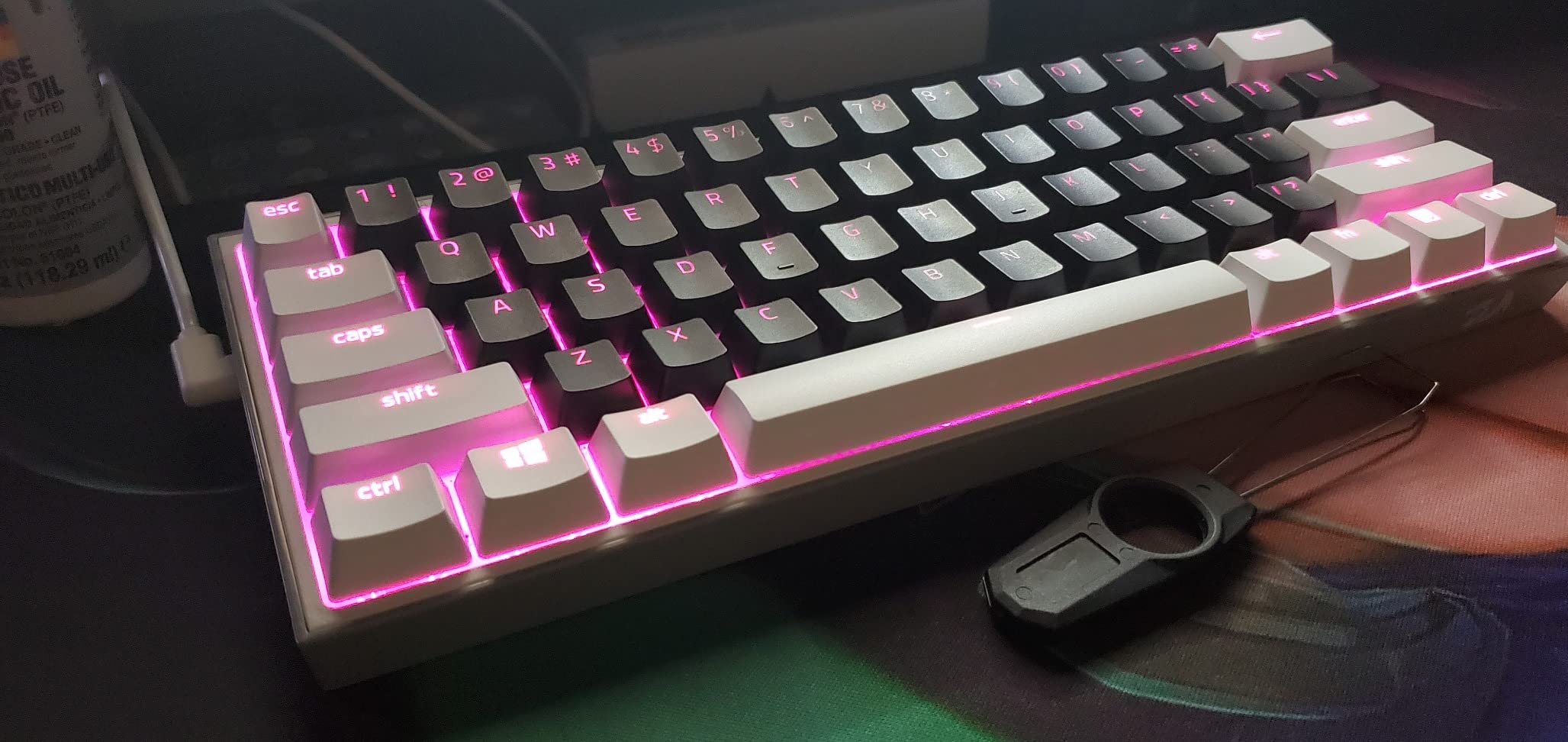
The K617 has stayed on my desk the longest out of anything in this guide. At 12.2 by 5.31 inches it takes up almost no width, and the whole board weighs 9.6 ounces, so moving it to a couch or a hotel desk takes seconds.
What makes it a genuinely good first mechanical board is the hot-swap PCB. Sockets accept almost any 3-pin or 5-pin switch without a soldering iron, which turns a cheap board into a platform you can keep for years. I swapped the factory reds for silent linears in about ten minutes with the included keycap puller.
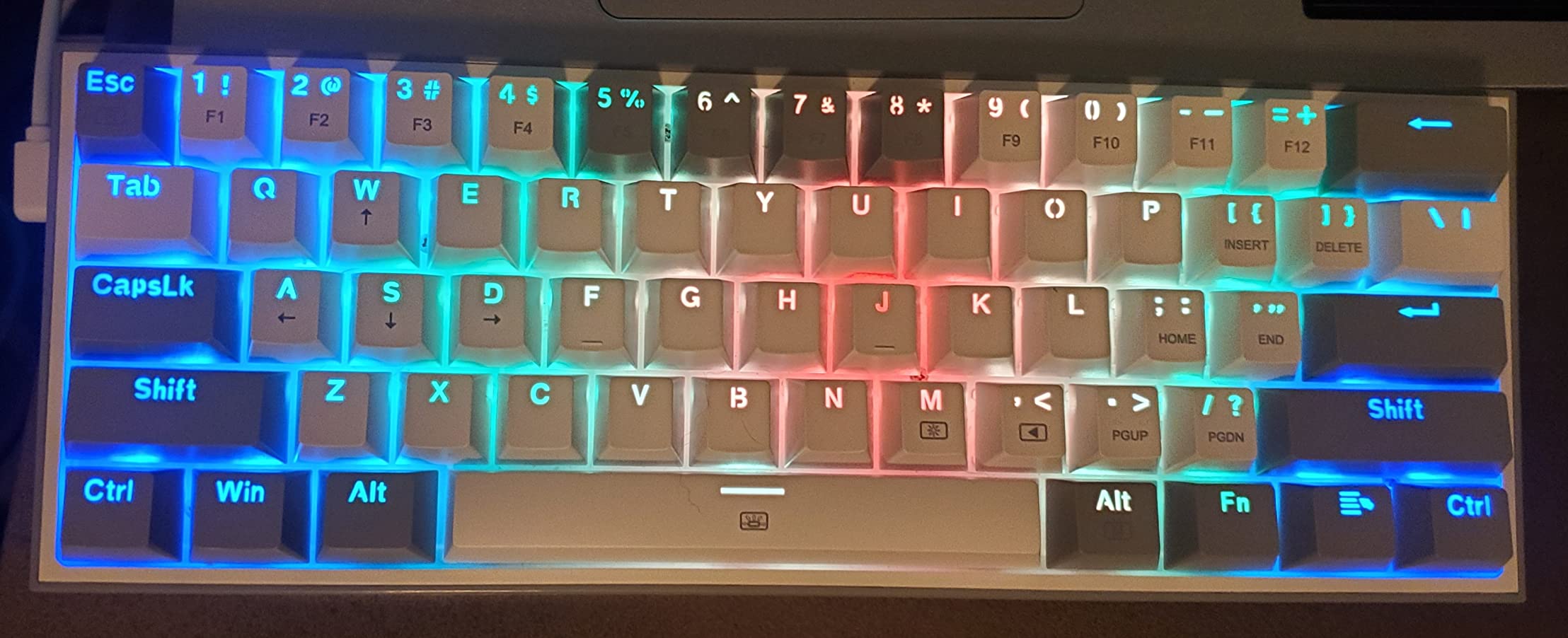
The 20 RGB presets with adjustable brightness and flow speed are driven by a small software utility, and macro keybindings live in the same place. The red linear switches are rated for 50 million keypresses, which is more than most people will type in a lifetime.
The honest catch is the 60% layout. There are no arrow keys, no Delete, no navigation cluster, and no function row, so everything lives behind an Fn layer. Reviewers consistently call this the biggest adjustment curve in the roundup. The second catch is sound: the factory reds are audible and a little clacky, which is fine at midnight and less fine in a shared room.
Is the 60% layout hard to learn?
Give it two weeks of deliberate practice. The one change that makes it click fastest is remapping the layer so Delete, Home, and End sit under your right hand where they would on a full-size board.
Once that muscle memory lands, you stop noticing the missing keys. Reviewers who gave it a month rarely went back to a larger layout for typing.
Should you buy the K617 or spend more?
Buy it if your desk is small, your budget is tight, and you want to learn the mechanical hobby without a large first purchase. The hot-swap sockets mean you can upgrade switches later for the cost of a switch set.
Move up to the RK68 or a 65% board instead if you use arrow keys all day for editing, or if you cannot stand the factory red switches and do not want to open the case.
2. DIERYA DK63 Review: The Best Value Compact Wireless Keyboard
DIERYA DK63 60% Wireless Mechanical Gaming Keyboard | Bluetooth/2.4G/Wired | RGB Backlit Compact 63 Keys Mini Office Keyboard | with Red Switch | for Windows Laptop PC Gamer Typist-White
63 keys with FN arrow layer
2.4GHz, Bluetooth 5.0 and wired
3000mAh battery, about 90 hours
Pros
- Tri-mode connectivity in a small body
- 3000mAh battery rated around 90 hours with the backlight off
- 45g custom linear switches are smooth and quiet
- 18 RGB modes with 16.8 million colors
Cons
- Bluetooth dropouts and pairing problems reported
- Question mark key moved out of its usual spot near Shift
- Spacebar sounds hollow versus the rest
The DK63 measures 11.53 inches wide and carries 63 keys, so it gives up almost as much desk width as a 60% board while still giving you an FN-layer arrow cluster. That combination is rare at this end of the market.
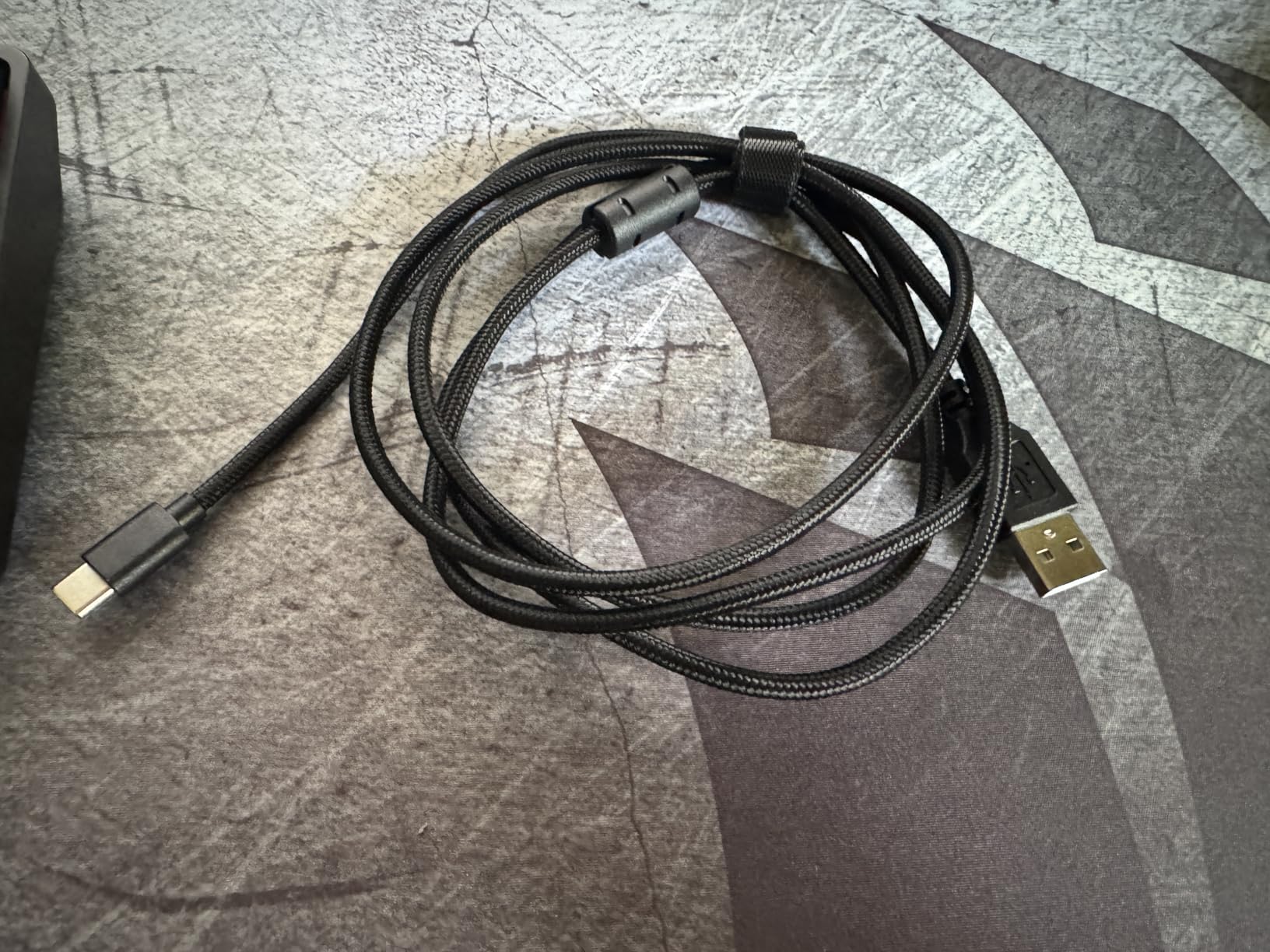
Connectivity is the real headline. It switches between a 2.4GHz receiver, Bluetooth 5.0, and a wired USB-C connection, and it lists Linux, macOS, and Windows as supported. On a small desk, going wireless means one fewer cable running to the back edge where you cannot see it.
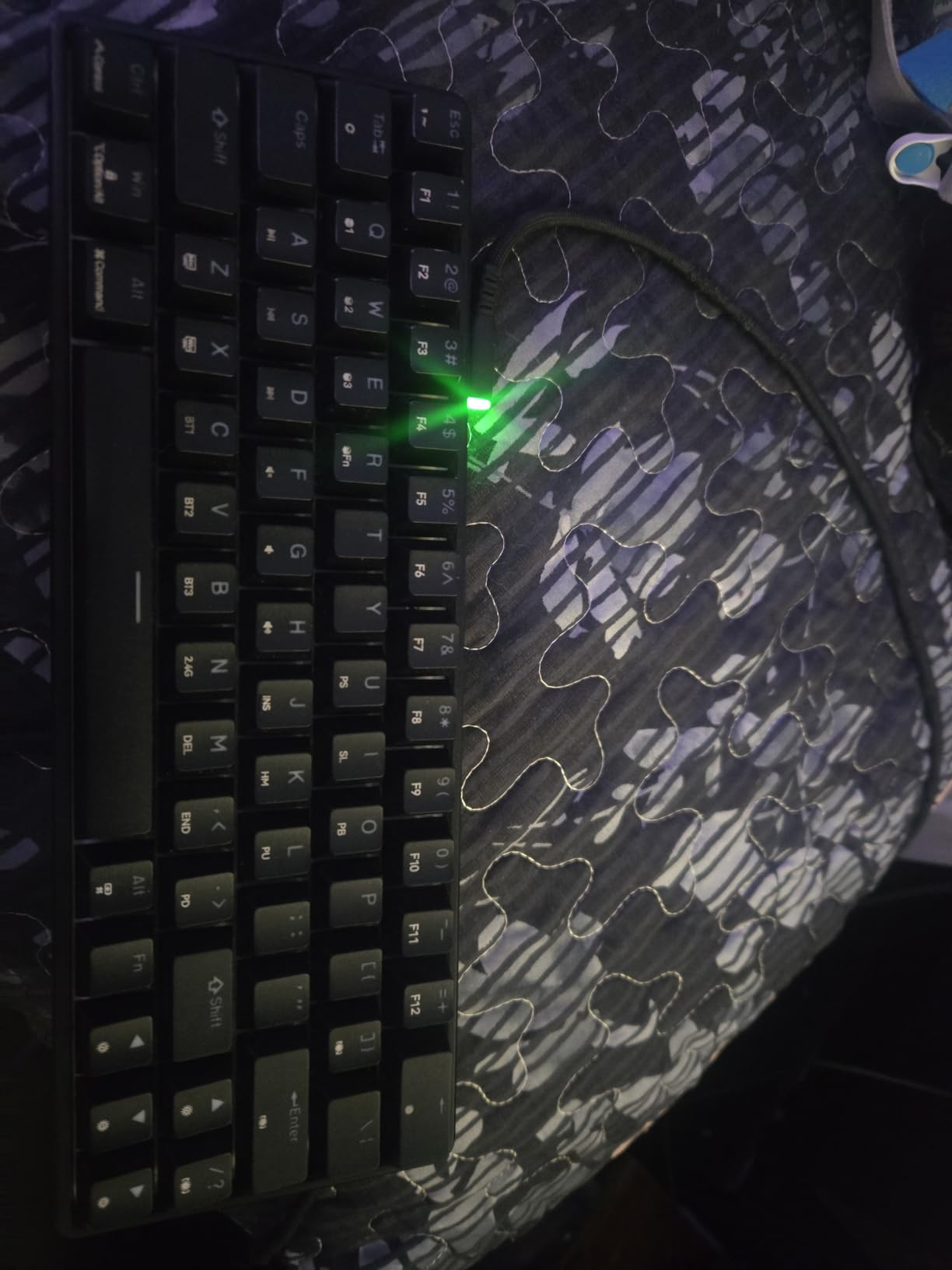
The 3000mAh battery is quoted at roughly 90 hours with the backlight off and up to 360 hours on standby. The custom 45g linear red switches are rated for 60 million presses and are noticeably quieter than the K617 factory reds.
The weakness is reliability, and reviewers are direct about it: some owners report Bluetooth dropouts, pairing problems, and units that stop powering on entirely and end up used as wired keyboards. The question mark key also sits to the right of the Shift key on the bottom row, which is a genuine adjustment issue rather than a preference.
How good is the battery in daily use?
With the backlight off it comfortably outlasts a working week between charges. Turn the RGB on permanently and that number collapses, so budget for a weekly top-up if you like lighting.
The 18 lighting modes look good for the money, and the software for macro and lighting customization is a small Windows utility rather than a browser-based driver.
Who should pick the DK63 instead of the K617?
Pick the DK63 if your desk has no easy cable route, you switch between a laptop and a desktop, or noise is a factor in your room. The 45g linears are the quietest factory switches in this roundup.
Stay on the K617 if Bluetooth reliability is non-negotiable for you, or if you want a dedicated arrow cluster you can reach without a modifier.
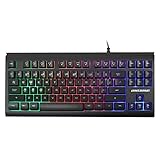
3. Lumsburry 87-Key Compact Keyboard Review: Best on a Tight Budget
Lumsburry Computer Keyboard, 87 Keys Compact Wired USB Keyboard
87 keys, no numpad, 14.37 inches wide
Rainbow LED backlight
1.45m detachable USB cable
Pros
- Genuinely low cost for a full F-row board
- Compact 87-key layout without a side numpad
- Adjustable rainbow backlighting with light modes
- 12 multimedia shortcut keys
- Plug-and-play with no driver
Cons
- Membrane typing feel is soft rather than mechanical
- Key legends can feel slippery over time
- Compact body still leaves a fairly wide desk footprint
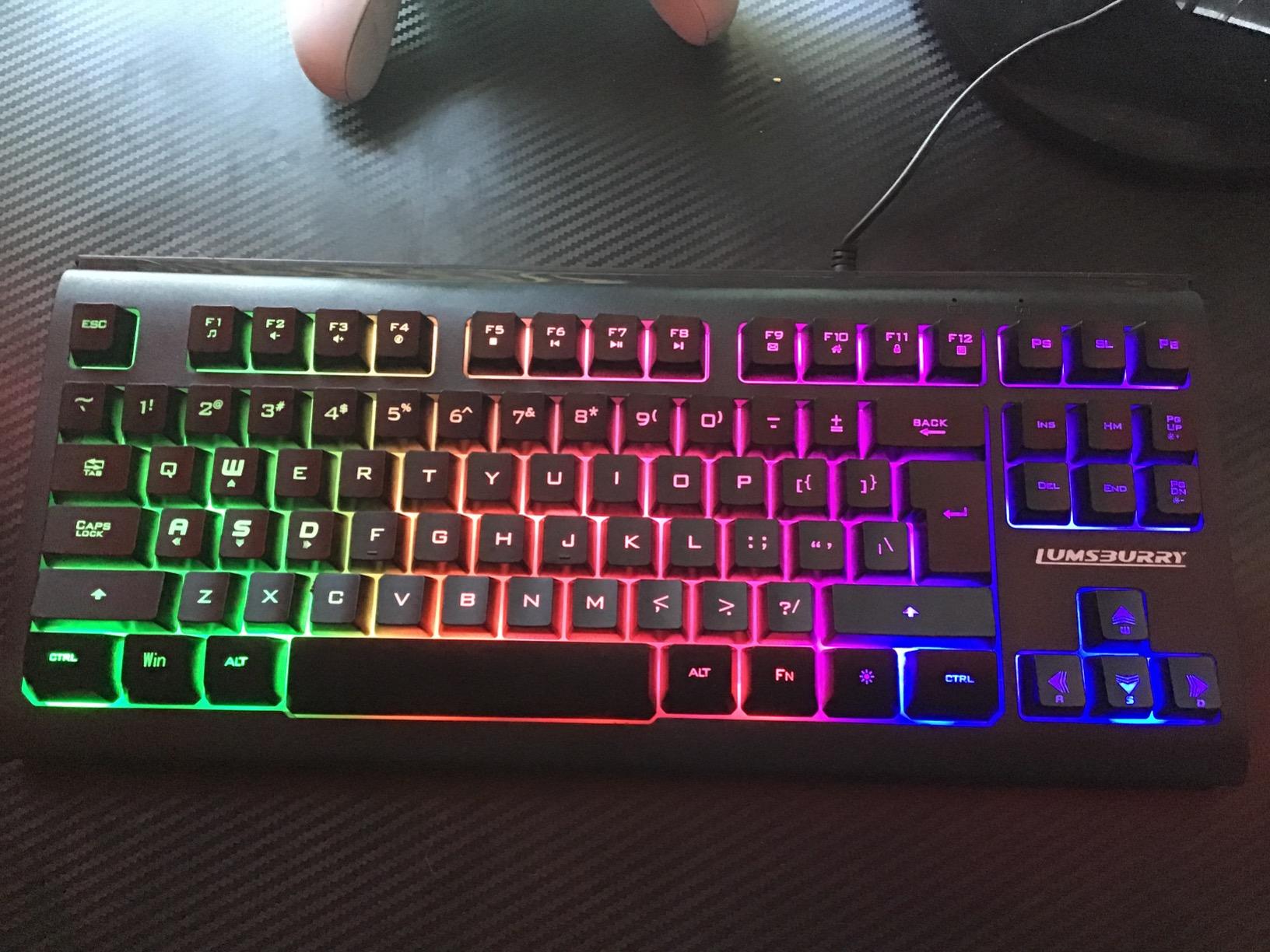
If you want a function row, arrow keys, and a full navigation cluster without spending real money, this is the board. At 14.37 by 6.3 inches it is not the smallest thing here, but dropping the numpad still reclaims meaningful width on a modest desk.
It is a membrane board, not a mechanical one. The light, cushioned feel is closer to a laptop keyboard than to the click of the K617, and there is no switch to pull out or swap. In exchange the cost drops to a level where the risk of a bad first purchase is tiny.
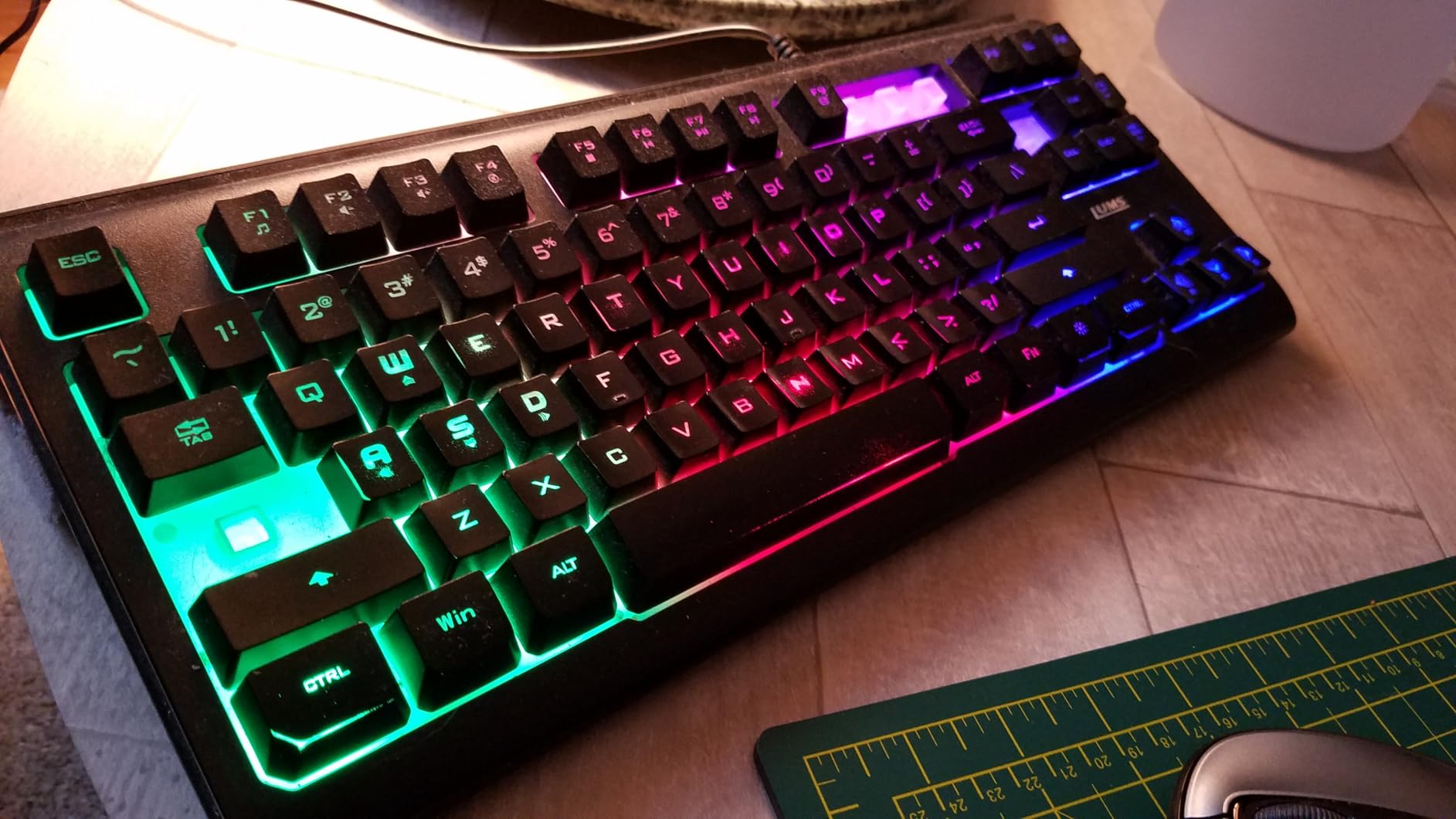
The rainbow LED backlight has adjustable brightness and multiple light modes, which is a nice touch at this cost. Twelve multimedia shortcut keys sit along the top row, and the grip-coated laser-etched keycaps are more durable than they look.
Setup takes seconds. It ships with a 1.45m USB cable and needs no driver at all, so it works the same on a Windows machine and on a Mac once the layout is switched in software.
Is a membrane board good enough for daily work?
Yes, for writing, browsing, and spreadsheets. If you type eight hours a day and prefer the sharper mechanical feedback, move up to the HyperX or RK68 instead. Reviewers are clear that the light feel is the main complaint.
The absence of a numpad is the other recurring note. Anyone doing heavy data entry will miss it.
Who is this board actually for?
Students, dorm rooms, first-time buyers, and anyone who needs a full F-row and navigation keys on a desk that cannot take a full-size board. It also packs easily for transport.
It is a poor fit for enthusiast modding, since there are no hot-swap sockets and no remapping firmware to speak of.
4. GEODMAER 68-Key Review: Best Compact Keyboard With Real Arrow Keys
GEODMAER 65% Gaming Keyboard, Wired Backlit Mini Keyboard, Ultra-Compact Anti-Ghosting No-Conflict 68 Keys Membrane Gaming Wired Keyboard for PC Laptop Windows Gamer
65% layout, 68 keys with arrow cluster
Detachable Type-C cable
26-key anti-ghosting
Pros
- Keeps separate arrow keys and Delete
- 26-key no-conflict anti-ghosting
- Lockable Win keys stop accidental inputs
- Brightness and breathing speed adjustable via FN
Cons
- Spacebar is loud
- hollow and squeaky
- Non-letter keys are harder and louder than letter keys
- Membrane feel is rubbery rather than crisp
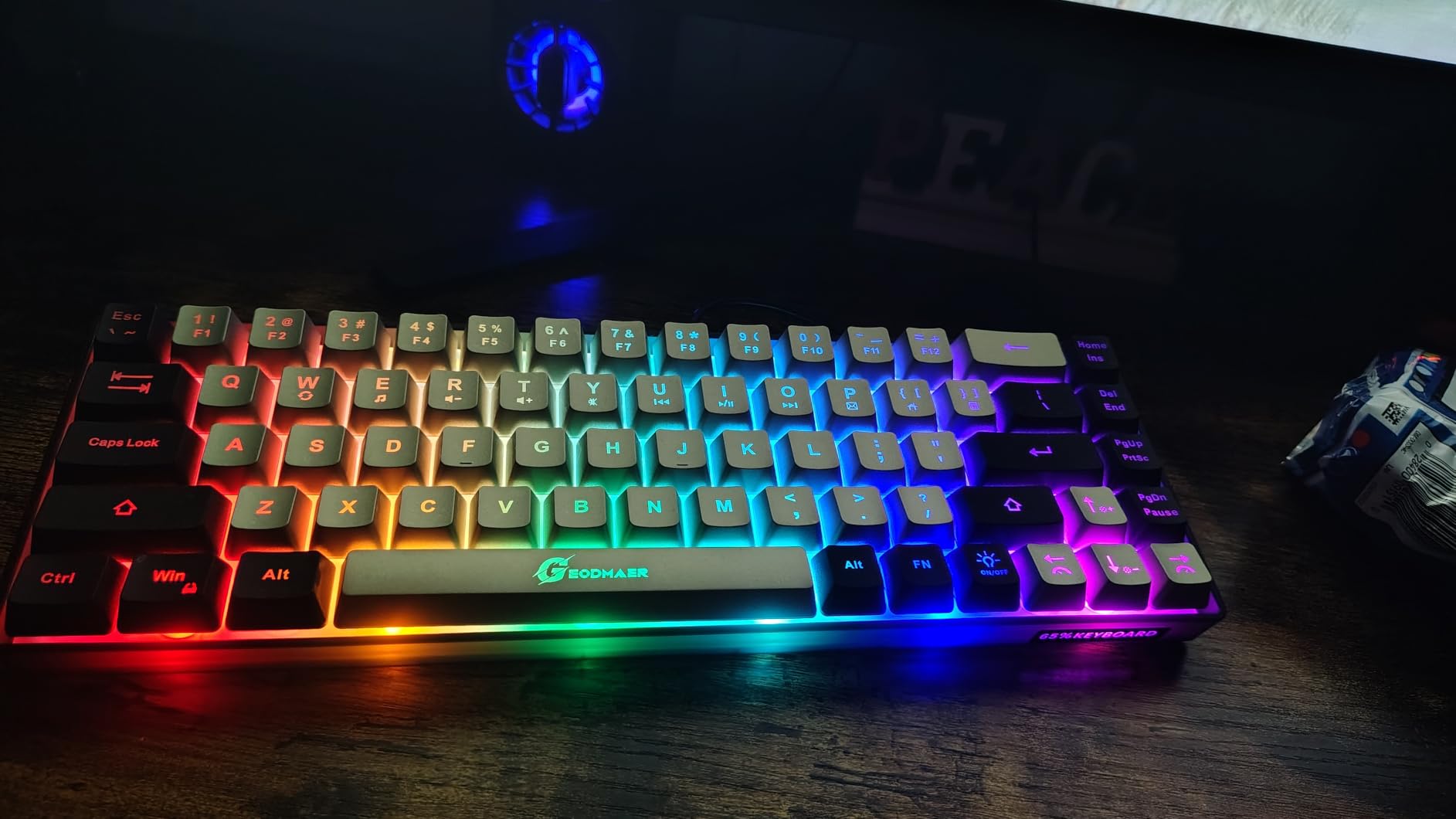
The GEODMAER is a 65% board, which is the size tier I recommend to anyone who does not want to relearn navigation. You keep separate arrow keys, Delete, and a full Home/End/Page cluster. Only the function row is missing.
Connection is a wired detachable Type-C cable, which is a genuine advantage on a cluttered small desk: no dongle to lose and no battery to think about. The 26-key no-conflict support covers more simultaneous inputs than a typical cheap board, and the Win keys lock out so an errant elbow cannot open a menu mid-document.
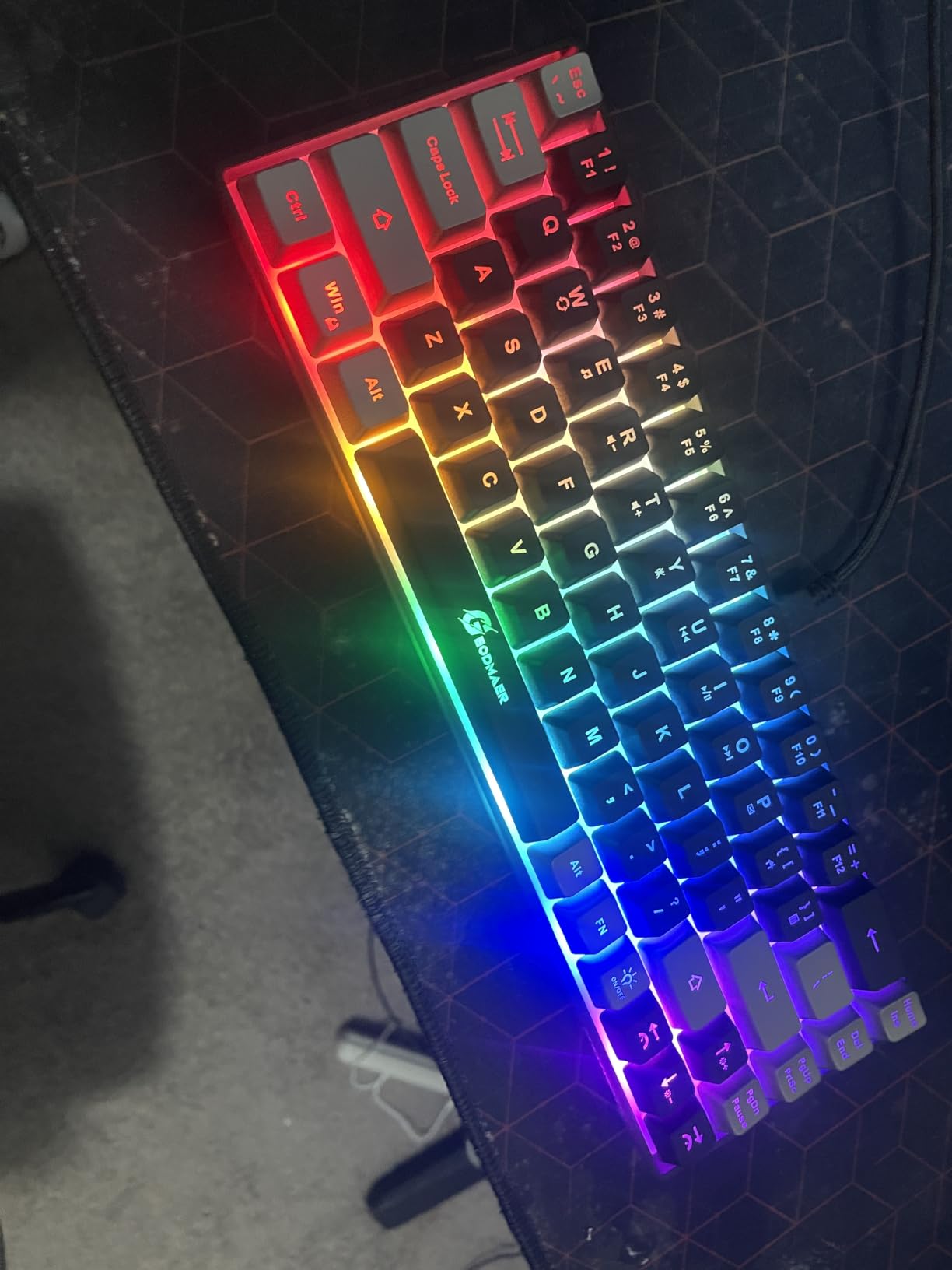
Backlight brightness and the breathing-mode speed both adjust through Fn shortcuts, and the listing rates a keystroke lifespan above 10 million with UV-treated keycaps. It carries a three-year manufacturer warranty, which is unusual at this price.
The spacebar is the recurring complaint. Multiple owners describe it as loud, hollow, springy, and squeaky while the letter keys are quiet. That makes it a poor pick for a shared room despite the quiet typing it gets credit for elsewhere.
Does it feel like a mechanical keyboard?
Not really. These are membrane keys with an imitation-mechanical feel and light force, which is why the cost sits so low. They are perfectly serviceable for office work and casual gaming.
The anti-ghosting is the real spec worth knowing. If you play games that need several held keys at once, 26-key no-conflict is more headroom than most membrane boards offer.
Should you buy it over a mechanical 65%?
Buy it if you need arrow keys on a small desk and the lowest possible cost. The GEODMAER is a solid first board for a shared or family desk where nobody will be customizing switches.
Skip it if sound quality matters to you, or if you expect to try tactile and linear switches later. The RK68 is the mechanical alternative at a similar tier.
5. Pauroty 60% Wireless Mechanical Review: Best for Multi-Device Setups
60% Wireless Mechanical Gaming Keyboard, Clicky Blue Switch RGB Backlit
61 keys, 12.2 inches wide
2.4GHz, two Bluetooth channels, wired
1600mAh rechargeable battery
Pros
- Four connection modes including two Bluetooth channels
- Works across PC
- Mac
- iPad and Xbox
- Clicky blue switches give clear tactile feedback
- 16 RGB modes with per-key customization
- Charges and runs at the same time
Cons
- Clicky blue switches are loud in shared rooms
- 60% layout means Fn for everything but letters
- Plastic case with soldered switches
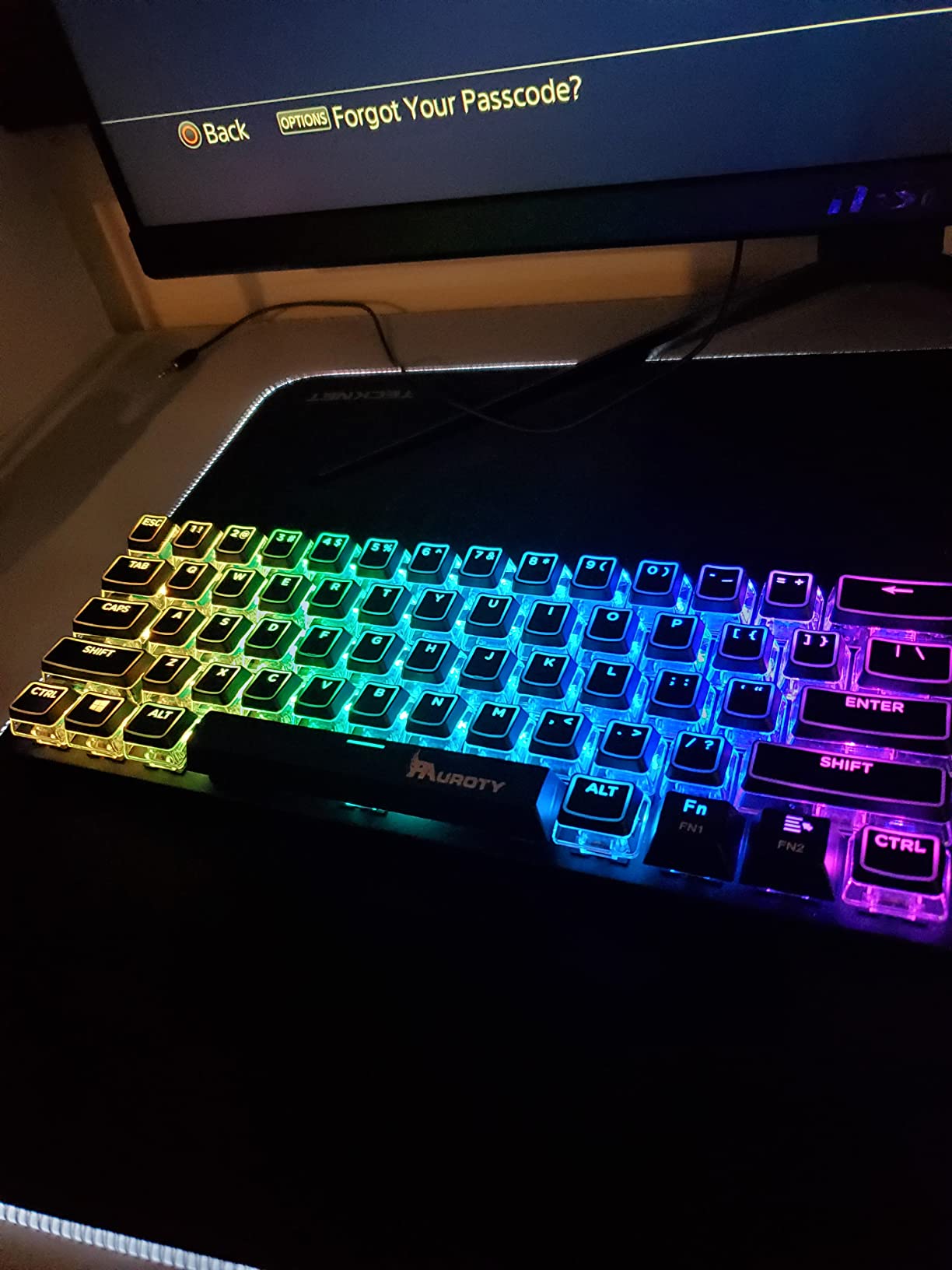
The Pauroty covers more pairing options than anything else in this list. You get a 2.4GHz receiver, two separate Bluetooth channels, and wired USB-C, and the listing names PC, Mac, Xbox, and iPad as compatible devices. That flexibility is exactly what a shared desk needs.
At 12.2 by 5.43 inches it is the same footprint class as the K617, so it saves the same desk width. The battery is a 1600mAh rechargeable unit with around 10 hours of continuous use and 360 hours of standby, and a foldable stand lets you change the typing angle.
The clicky blue switches are the loudest choice here. They give fast, unmistakable tactile feedback, which some typists love, but reviewers flag the noise as disruptive in office and shared environments. RGB customization covers 16 modes, 8 colors, and 6 brightness levels with per-key control.
Because the switches are soldered into a plastic case, this is a sealed board. There are no hot-swap sockets, so the switch feel is whatever it is out of the box.
Is it good for a laptop-and-desktop desk?
That is the ideal case. Store the desktop layout on one Bluetooth channel and the laptop on the other, and switching is a couple of key combinations rather than a replug.
If you only ever use one machine, the extra channels go unused, and the K617 or DK63 would serve you better for the money.
How noisy is it really?
Loud. Clicky blue switches produce an audible clack on every press and a deeper thock on the larger keys. In a private room that is a non-issue. Next to someone else, choose the DK63 or the Womier DK75 instead.
None of the four modes are fast enough for competitive FPS play, so treat this as a work and casual-gaming board.
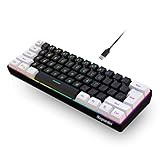
6. Snpurdiri 60% Review: Best Compact Keyboard for Carrying Around
Snpurdiri 60% Wired Gaming Keyboard, Small RGB Backlit Membrane Gaming Keyboard, Ultra-Compact Mini Waterproof Keyboard for PC Computer Gamer White and Black
61 keys at 11.5 by 4 inches, 14.24 ounces
Wired Type-C, water resistant
6 backlight effects in 8 colors
Pros
- Very compact 11 by 5 inch 60% body
- Water-resistant build tolerates spills
- Wired Type-C is reliable with no battery or pairing
- Works on both Windows and Mac
Cons
- Membrane switches mean no hot-swap or customization
- No function row or arrow keys
- Acrylic case feels light and plasticky
At 11.5 by 4 inches and 14.24 ounces, the Snpurdiri has a very small footprint. It is the one I would actually put in a laptop bag, because it takes up almost no room and needs no charging.
The wired Type-C connection is a practical choice for a carried board. There is no pairing step, no battery drain in transit, and no dongle to lose. The listing also rates it water resistant, which matters more than it sounds in a shared kitchen-table workspace.
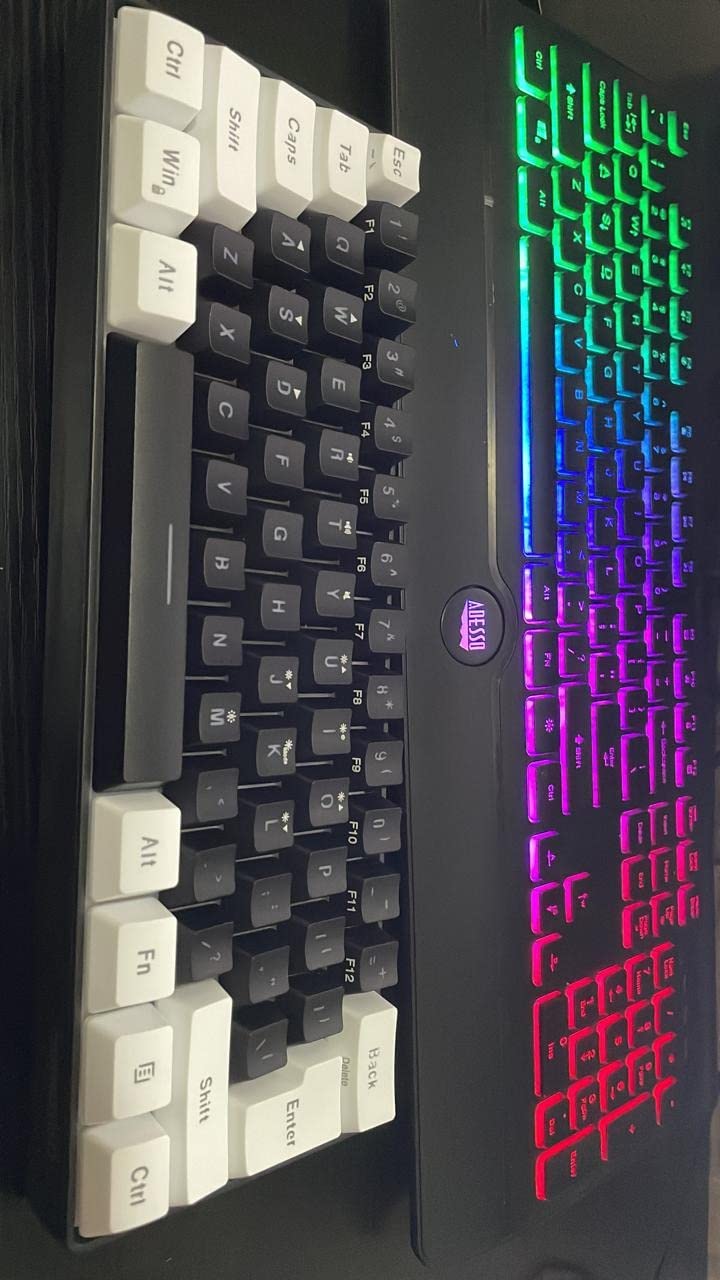
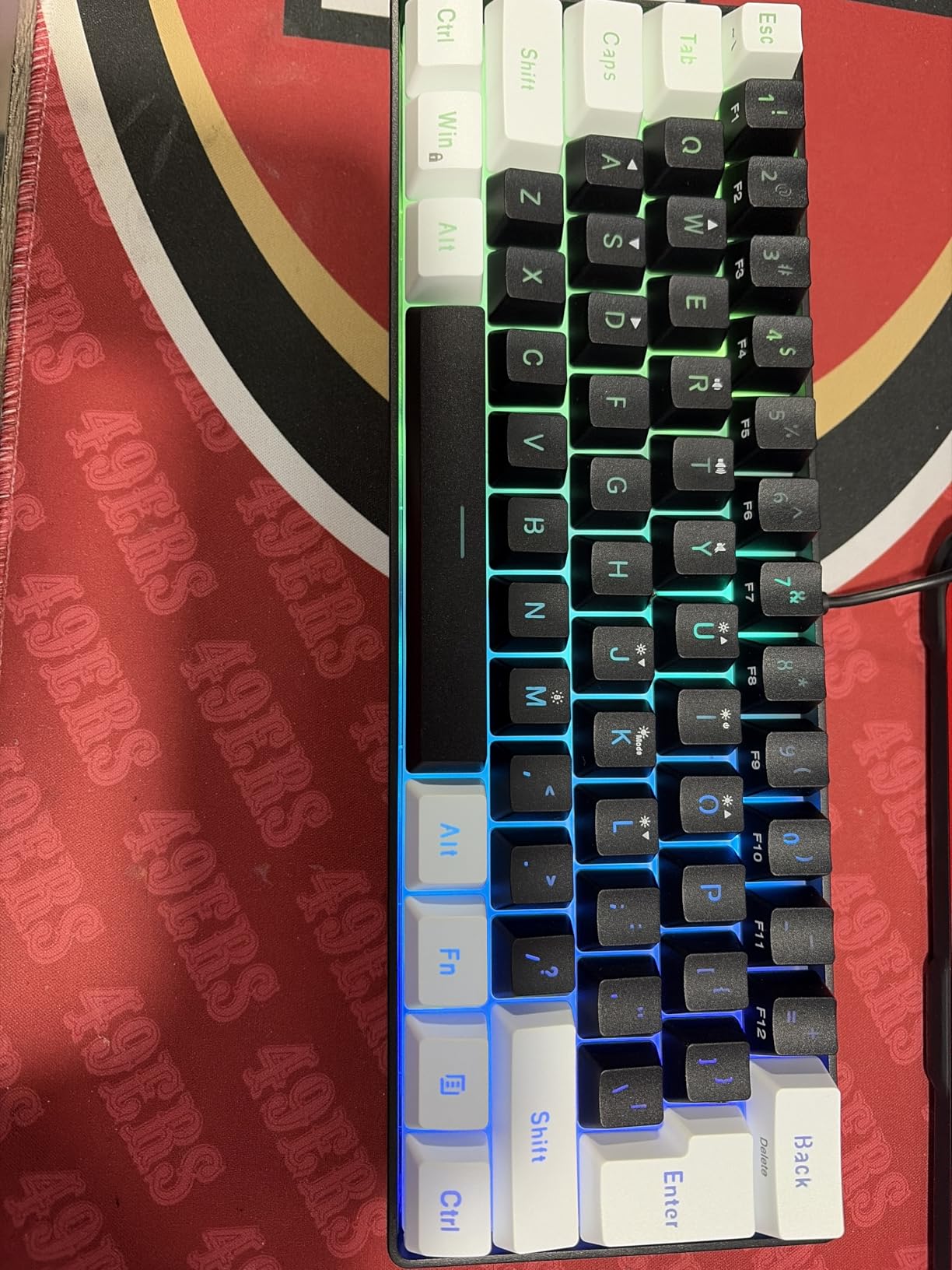
Keycap height is higher than on a membrane board you might expect, and the Enter key is full size, which gives it a more mechanical-looking feel than the price suggests. The RGB backlight offers 6 effects across 8 colors in a black-and-white colorway.
There is no hot-swap and no switch customization of any kind, since these are membrane keys. The acrylic enclosure is light and does not feel premium, but it does not flex under normal typing.
Is a 60% membrane board worth it for travel?
Yes, if your main reason for typing away from a desk is writing and email. It weighs almost nothing, it works instantly, and it costs very little.
If you want to game on it or type for hours at a café, the K617 is a better use of money because it is mechanical and hot-swappable.
What do you lose compared with a 65%?
Arrow keys, navigation keys, and the function row all disappear, so every shortcut needs an Fn combination. That is the same trade-off as the K617, without the hot-swap sockets.
The reward is 4 inches of depth against boards that use 5.3 to 6.3 inches, which matters on a shallow standing desk where a wrist rest will not fit.
7. Aula WIN60 HE Review: Best Compact Keyboard for Competitive FPS
Aula WIN60 HE – 60% Mechanical Gaming Keyboard Wired, Magnetic Switch Hot Swappable, Adjustable Actuation Rapid Trigger Mode, 8000 Hz Polling Rate, RGB Small Keyboard 60 Percent Compact Design for PC
Hall Effect magnetic switches
8000Hz polling, 0.02mm step
61 keys at 11 by 5 inches
Pros
- Hall Effect switches with genuine rapid trigger
- 8000Hz polling rate
- Adjustable actuation via a browser driver
- Thocky sound and a sturdy frame for a budget board
Cons
- Browser driver is unpolished compared with paid software
- Factory keycaps are widely criticised as cheap
- Some users report ghost inputs on single keys
- Windows only
- no console support
The WIN60 HE is the only board here with Hall Effect magnetic switches, an 8000Hz polling rate, and a rapid trigger step distance of 0.02mm. Those three together are the reason competitive FPS players should look here first.
Adjustable actuation lets you set how early a key fires, which is the feature that separates magnetic boards from everything else in this list.
Reviewers frequently benchmark it against Wooting 60HE builds costing several times more and find the actuation feel and sound comparable. The 11 by 5 inch footprint is narrow, so it belongs on a tiny desk.
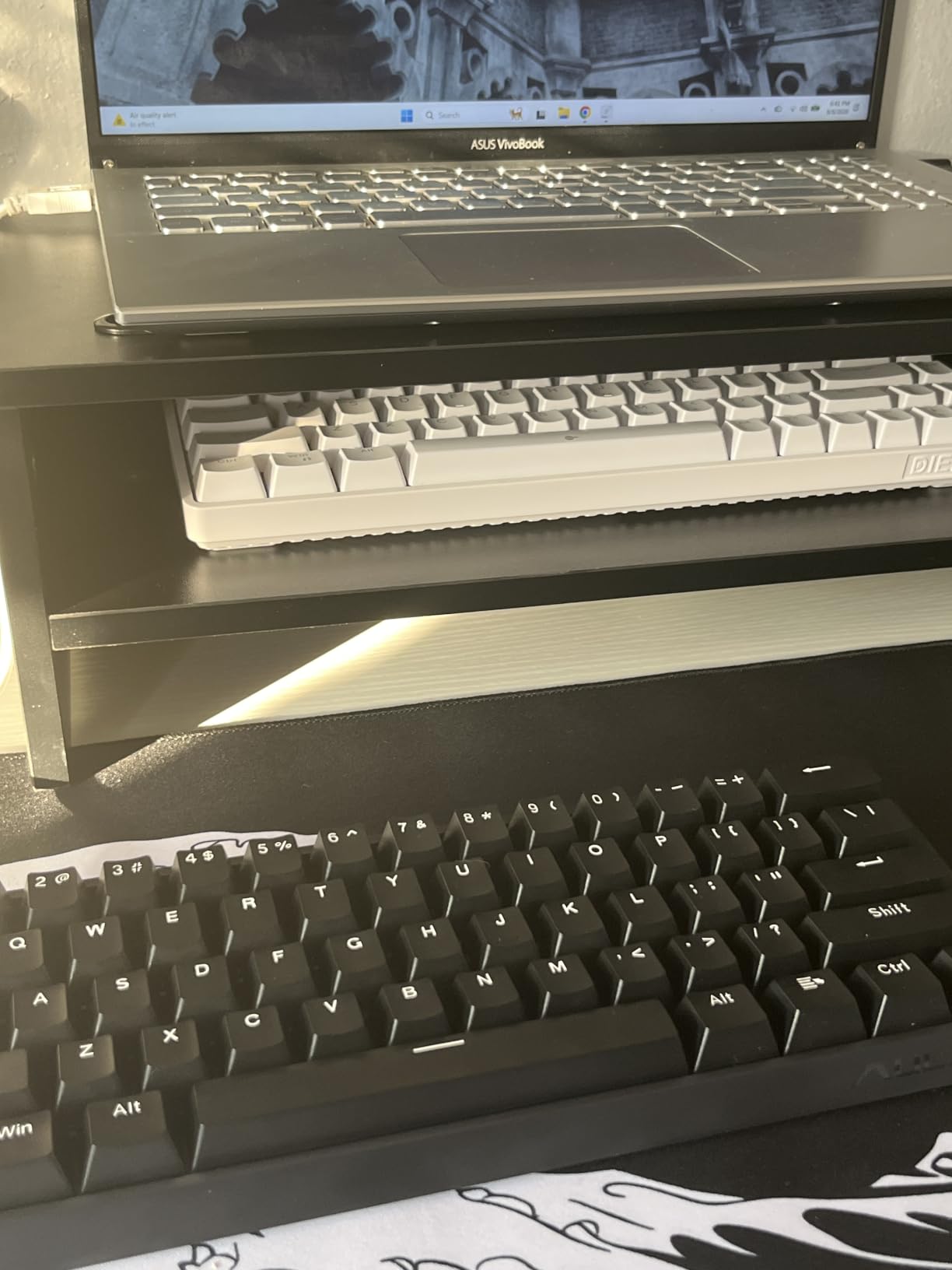
The sound profile is thocky and satisfying rather than clicky, and the frame feels sturdy for a plastic chassis. Configuration happens in a web-based driver, so there is no bulky software to install on a machine with little free storage.
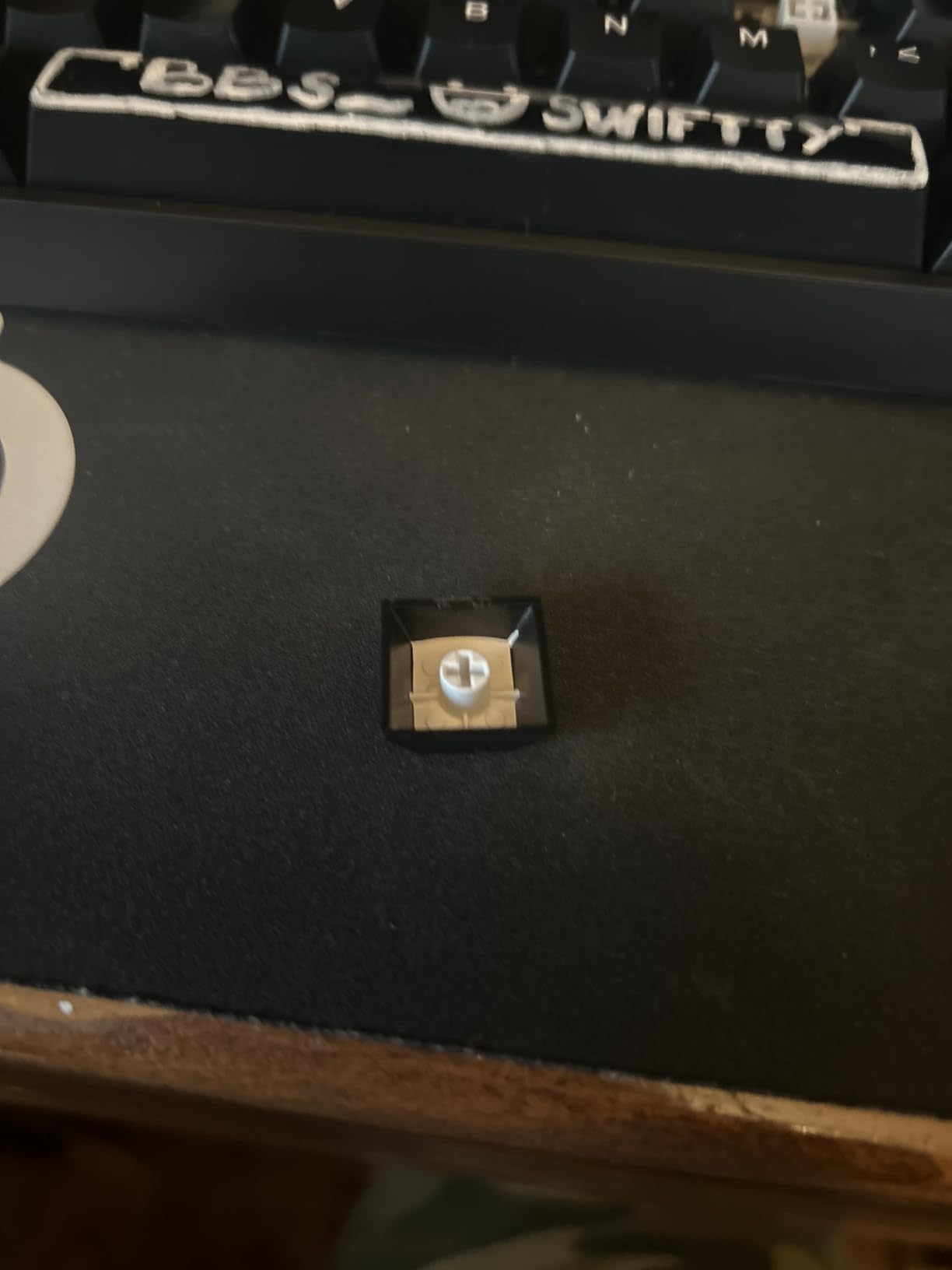
That driver is also the main complaint: reviewers call it finicky and unpolished next to premium competitors. Factory keycaps are criticised across the board and many users replace them immediately. Some owners also report ghost or repeated inputs on individual keys, and the listing confirms Windows-only compatibility.
Does rapid trigger actually help?
Yes, in shooters where short taps matter. The key fires as soon as it moves a set distance rather than waiting for a full press and release, so fast taps register cleanly. Set the actuation point in the driver before you play.
Rapid trigger does nothing for you in document editing or strategy games. Judge it on build quality and how it feels under your hands instead.
Is it worth it as an everyday board?
Only if you game. The Windows-only support rules out console use, and the 6-month warranty is the shortest here. As a pure typing board the sound is pleasant but the keycaps are a weak point.
If you play shooters, this is the clear pick. If you mostly write, the RK68 or the Keychron K3 are better all-rounders.
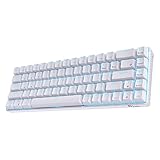
8. RK ROYAL KLUDGE RK68 Review: Best Budget Hot-Swap Starter
RK ROYAL KLUDGE RK68 Wireless Hot Swappable 65% Mechanical Keyboard Gaming
65% layout, 68 keys with arrow keys
Bluetooth 5.0 and USB-C wired
Factory foamed and lubed
Pros
- Hot-swappable 3-pin and 5-pin sockets
- Factory lube and foam make it sound good unmodified
- 65% layout keeps dedicated arrow keys
- Three saved device profiles
- Sturdy build for the money
Cons
- Single-color blue LED instead of RGB
- No function row
- so four Fn shortcuts up top
- Battery longevity concerns after about a year
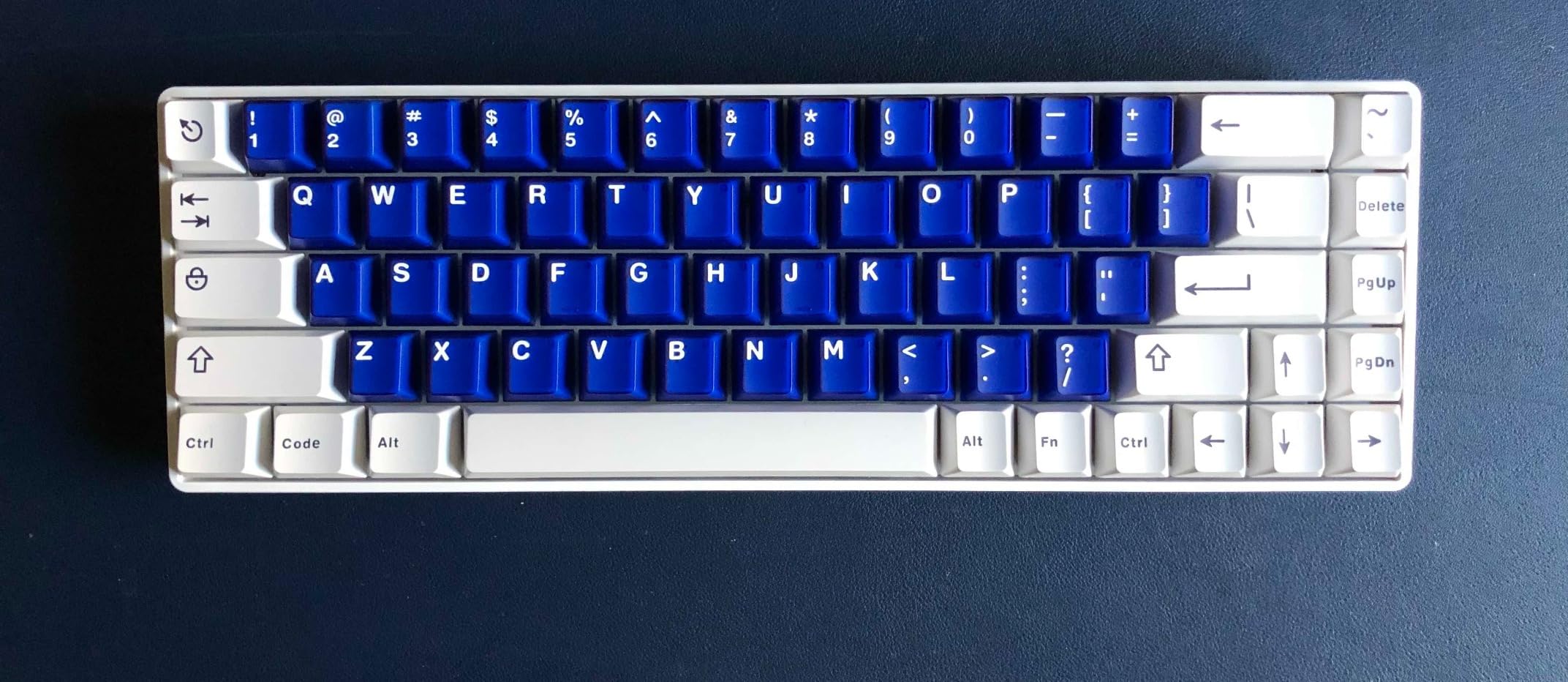
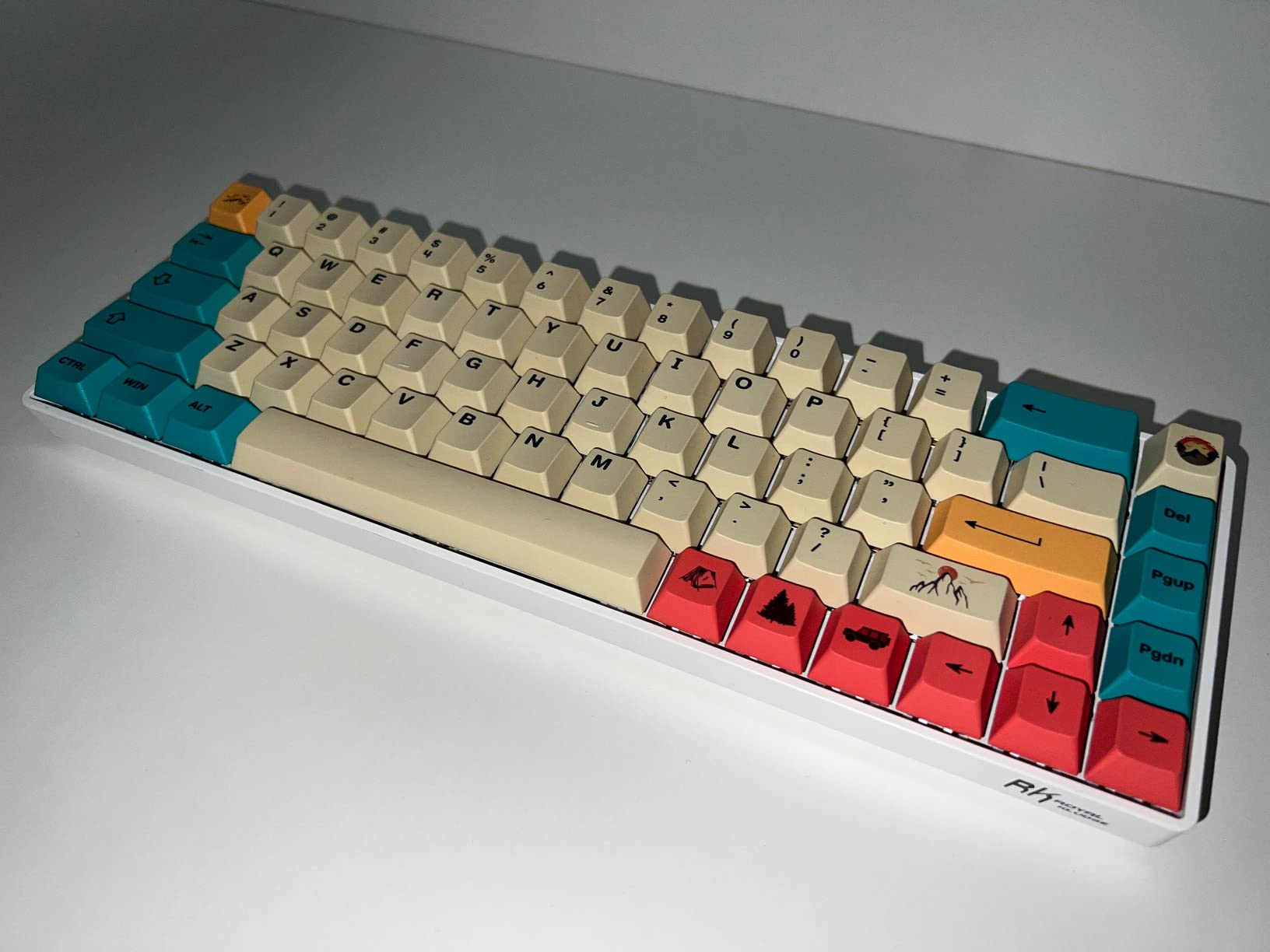
The RK68 is the mechanical answer to the GEODMAER. It is a 65% board at 13.86 by 5.94 inches, so it keeps dedicated arrow keys, and the hot-swappable PCB accepts 3-pin and 5-pin switches straight out of the box.
What stands out is that it arrives foamed and lubed, including the stabilizers. Most budget boards need that work done by the owner before they sound decent, so the spacebar and shift keys are usable from day one.
Connectivity is Bluetooth 5.0 plus USB-C wired, with three device profiles switched through Fn combinations and reliable pairing across PC, Mac, and Linux. The 1450mAh battery takes roughly 3 to 4 hours to recharge and lasts about 13 hours on the lightest backlight setting.
There is no 2.4GHz dongle, and the backlight is single-color blue LED rather than RGB. Some owners also report input lag when the battery runs low, plus degradation of the battery after about a year.
Is a 65% layout better than 60% for most people?
For most, yes. Arrow keys and a right-hand control cluster mean you keep document navigation without an Fn layer, and the 13.86 inch width still reclaims several inches against a full-size board.
The non-standard bottom row, where the right Shift is shorter, is the adjustment people notice first. Two weeks of practice covers it.
Should you buy the RK68 or the HyperX Alloy Origins 65?
Choose the RK68 if you want to change switches later or tune the sound yourself. Choose the HyperX if you want a finished product with no modding intent and better keycaps out of the box.
Both are 65% boards with arrow keys. The RK68 is wireless; the HyperX is wired USB-C with wider console support.
9. HyperX Alloy Origins 65 Review: Best for PBT Keycaps and Consoles
HyperX Alloy Origins 65 – Mechanical Gaming Keyboard – Compact 65% Form Factor – Linear Red Switch – Double Shot PBT Keycaps – RGB LED Backlit – NGENUITY Software Compatible,Black
65% layout, 65 keys with arrow keys
Double-shot PBT keycaps
Aluminum plate, USB-C
Pros
- Double-shot PBT keycaps resist shine and wear
- Aluminum alloy plate gives a solid feel
- Linear HyperX Red switches suit fast typing
- RGB lighting with clean effects
- Wide console compatibility over USB-C
Cons
- Not hot-swappable
- so switch changes need soldering
- Heavier and less portable than plastic 65% boards
- NGENUITY software adds a setup step
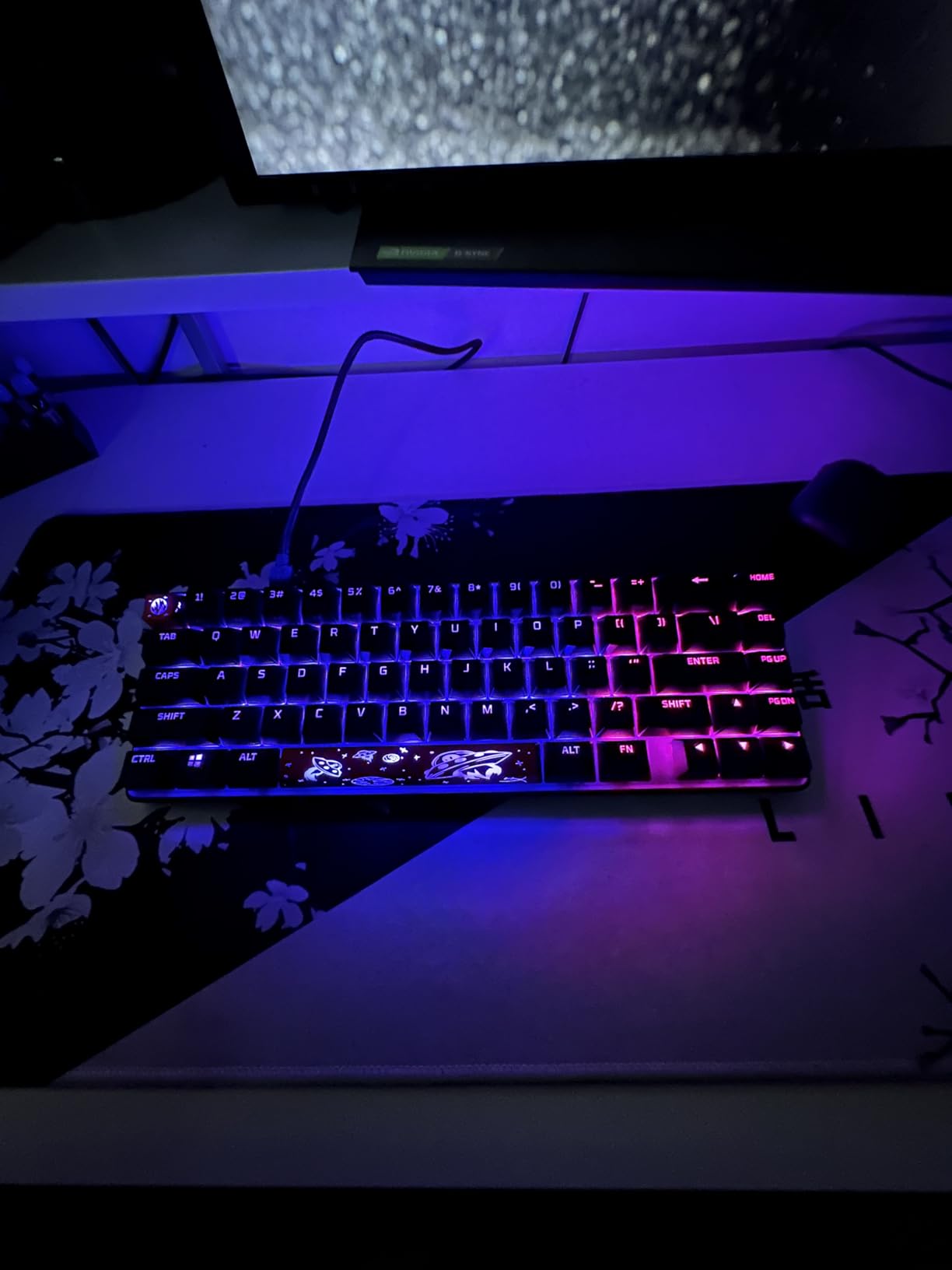
The Alloy Origins 65 is the pick when you want something that looks and feels finished rather than hobbyist. At 13.7 by 5.7 inches and 2.3 pounds, it is a solid 65% board with an aluminum alloy plate instead of plastic.
The double-shot PBT keycaps are the reason to choose it over cheaper 65% boards. PBT does not develop the greasy shine that ABS caps pick up within months, so the legends and texture stay the same after a year of daily use.
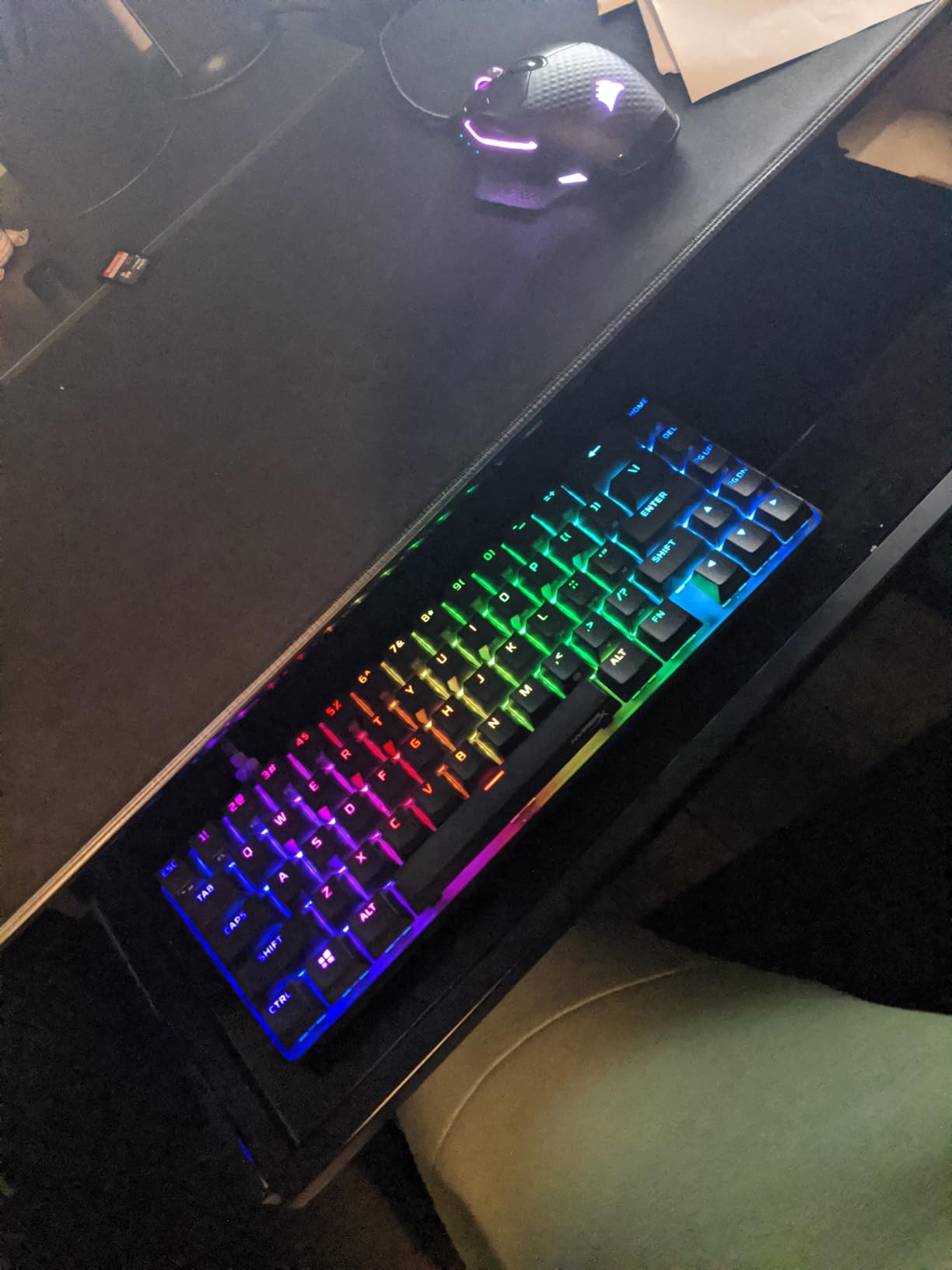
Linear HyperX Red switches suit fast typing and fast gaming, and the RGB backlighting is bright with clean effects controlled through NGENUITY software. The box includes alternative Esc and Spacebar keycaps, which is a small touch that tells you who the board is aimed at.
Consoles are supported over USB-C, with PlayStation and Xbox listed as compatible devices, which is rare at this tier. The trade-offs are that switches are soldered rather than hot-swappable, the board is heavy and not portable, and NGENUITY adds an extra step for lighting and macros.
Is PBT really better than ABS keycaps?
Yes for long-term use. ABS develops a shine on the keytops and the legends wear down under heavy typing. PBT is denser and more textured, so it resists both.
The difference is invisible on day one and obvious after six months of daily work.
Who should skip it?
Skip it if you like experimenting with switches, since there are no hot-swap sockets and changes mean a soldering iron. Also skip it if you plan to move the keyboard between rooms.
For a fixed desk and long daily typing, the plate weight and PBT caps make this a board built for years of use.
10. Keychron K3 Version 2 Review: Best Low-Profile Compact Keyboard
Keychron K3 Version 2 QMK 75% Wireless Low-Profile Mechanical Keyboard
75% low-profile layout, 84 keys
Only 0.87 inches tall, 500g
Bluetooth 5.1 plus USB-C, QMK
Pros
- Extremely thin at 0.87 inches and light at 500g
- Tactile brown low-profile switches
- Open-source QMK firmware with web-based remapping
- Mac and Windows keycaps included
- Switches between three paired devices
Cons
- White-only backlight with no RGB
- Shallow travel needs a lighter touch
- Plastic underside reduces the premium feel
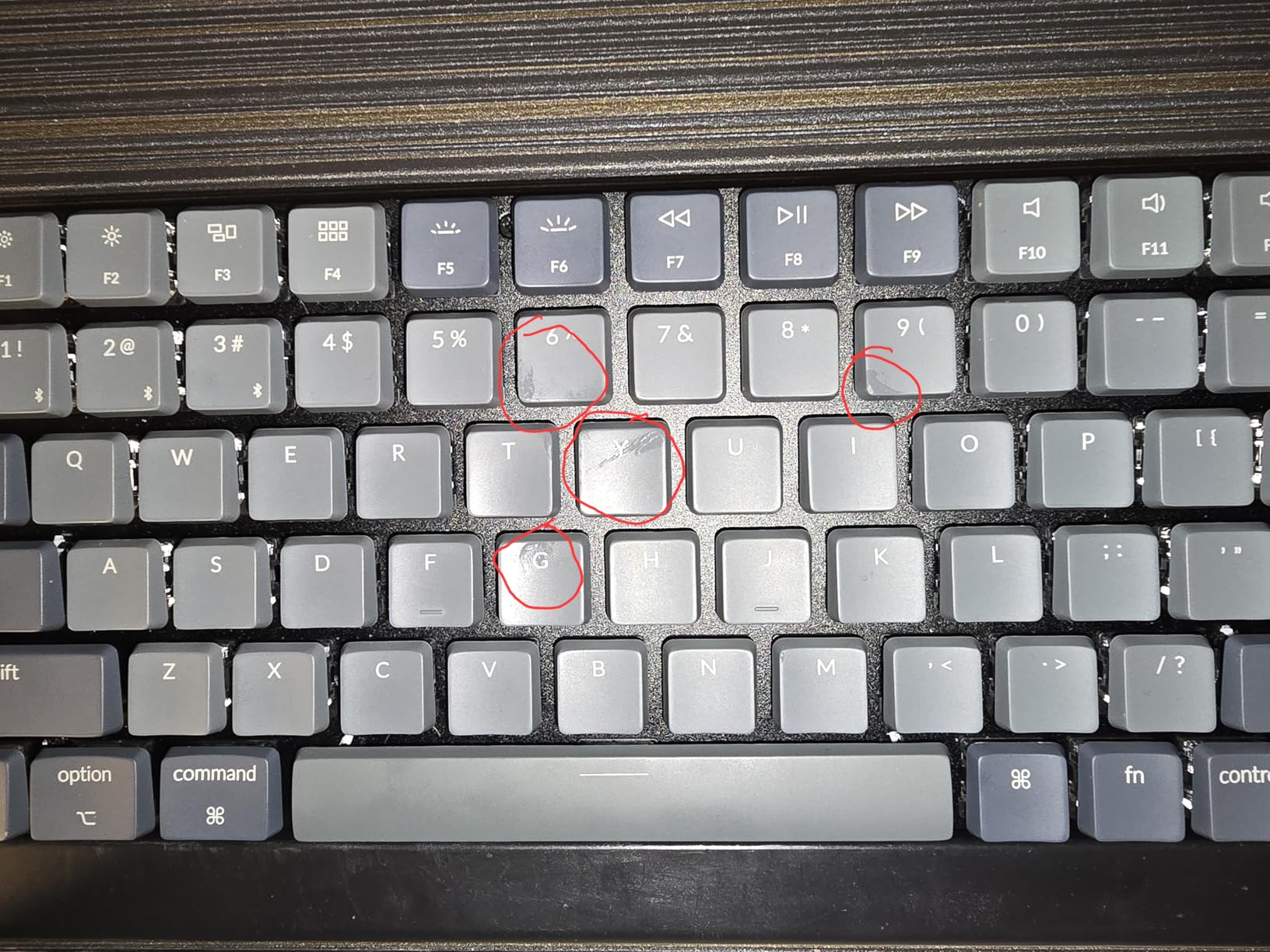
The K3 is the board I recommend when a wrist rest is not an option. At 0.87 inches tall it is the thinnest board here, and its low-profile switches put less strain on your wrists than full-height mechanicals.
It is a 75% layout, so you get 84 keys including a function row and arrow keys in only 12.05 by 4.57 inches. That depth figure is roughly an inch shallower than the 65% boards above it, which is real money on a shallow desk.
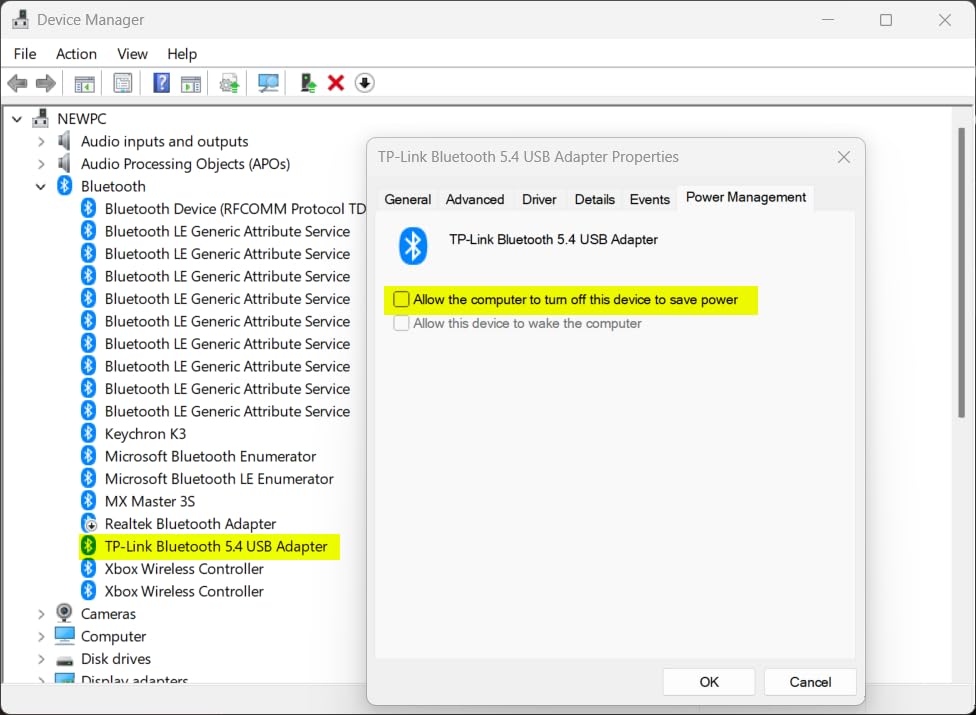
The Keychron Brown low-profile tactile switches give a pleasant typing feel, and the QMK firmware lets you remap, add macros, and create layers through the Keychron Launcher web app. Mac and Windows keycaps are both included, which solves the layout-switching problem most boards ignore.
Bluetooth 5.1 handles three paired devices and pairing is stable. The reinforced aluminum top frame over a plastic base keeps it feeling solid. The backlight is white LED only, with no RGB.
Is a low-profile keyboard good for typing?
It feels closer to typing on a laptop than a full-height mechanical board, which some people like and some find shallow. The tactile bump on the browns is clear enough to register without a loud click.
At 500 grams it is easy to carry between setups.
Should you buy the K3 for programming?
Yes. The QMK firmware is the reason. Deep remapping and custom layers mean you can build a shortcut layer for your editor without touching the operating system, and three paired devices let you move between a work laptop and a home machine.
The one requirement is a USB port you can reach. At 12.05 inches wide it is compact but not tiny.
11. Logitech G Pro X 60% Review: Best Compact Keyboard for Wireless Gaming
Logitech G PRO X 60% Wireless Gaming Keyboard (Tactile Optical) – Black
61 keys, 60% layout
LIGHTSPEED 1ms wireless, Bluetooth, wired
GX optical tactile switches
Pros
- 1ms wireless response over the LIGHTSPEED receiver
- Standard key spacing preserves touch typing memory
- Dual-shot PBT keycaps with a matte finish
- Volume roller and media controls
- Semi-hard carrying case included
Cons
- G HUB software is heavy and has no Linux version
- Optical switches are loud on the larger keys
- Soldered switches with no hot-swap
- Tactile bump is hard to tell apart from the linear version
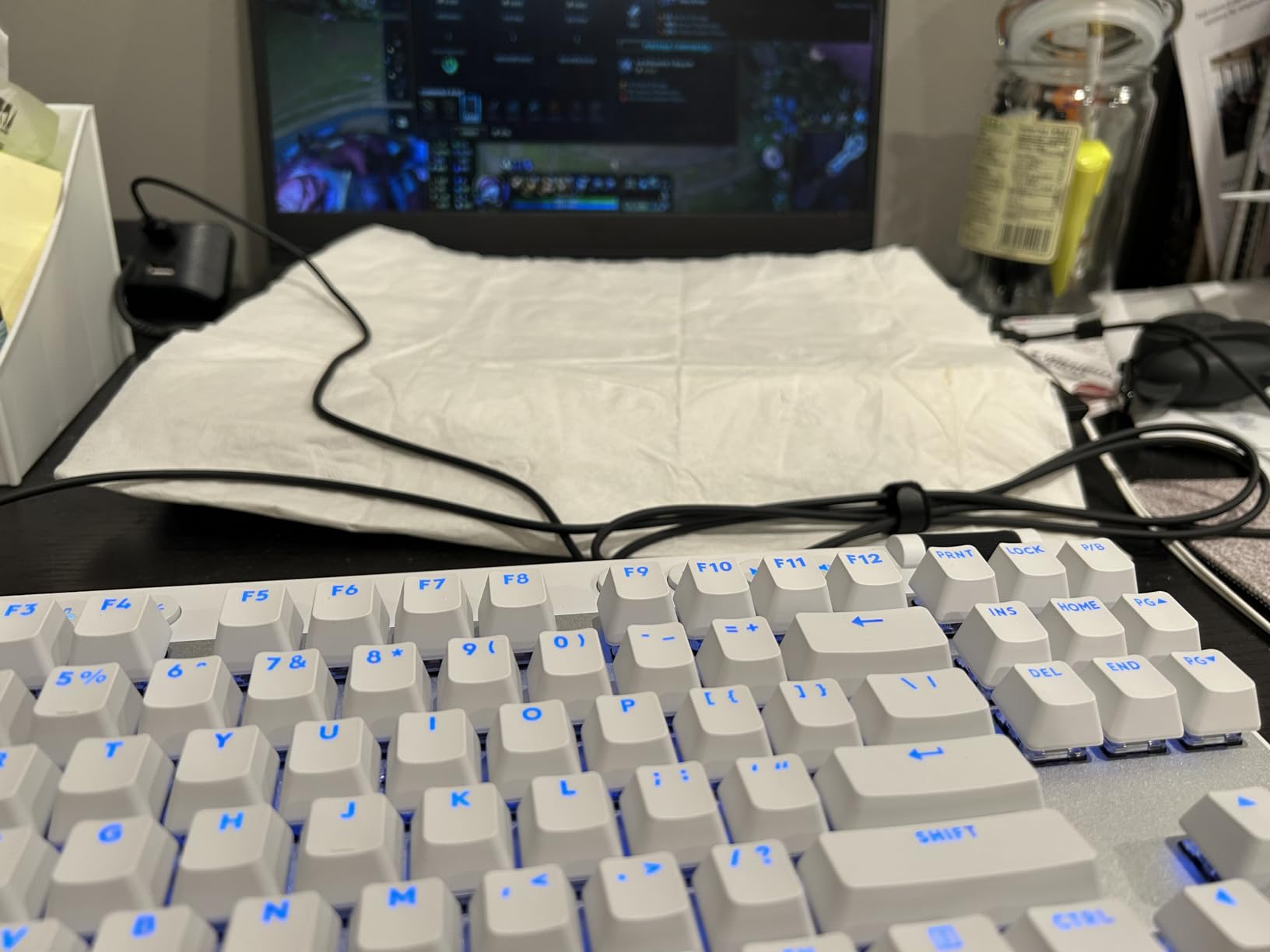
The G Pro X is a fast wireless board. LIGHTSPEED wireless claims 1ms response, and reviewers consistently report rock-solid wireless reliability with no dropouts during play, which is the usual failure point for gaming keyboards.
It is a 61-key 60% board with standard key spacing, which matters more than it sounds. Most compact gaming boards use smaller, non-standard caps; this one keeps normal widths, so your touch typing survives the switch to 60%.
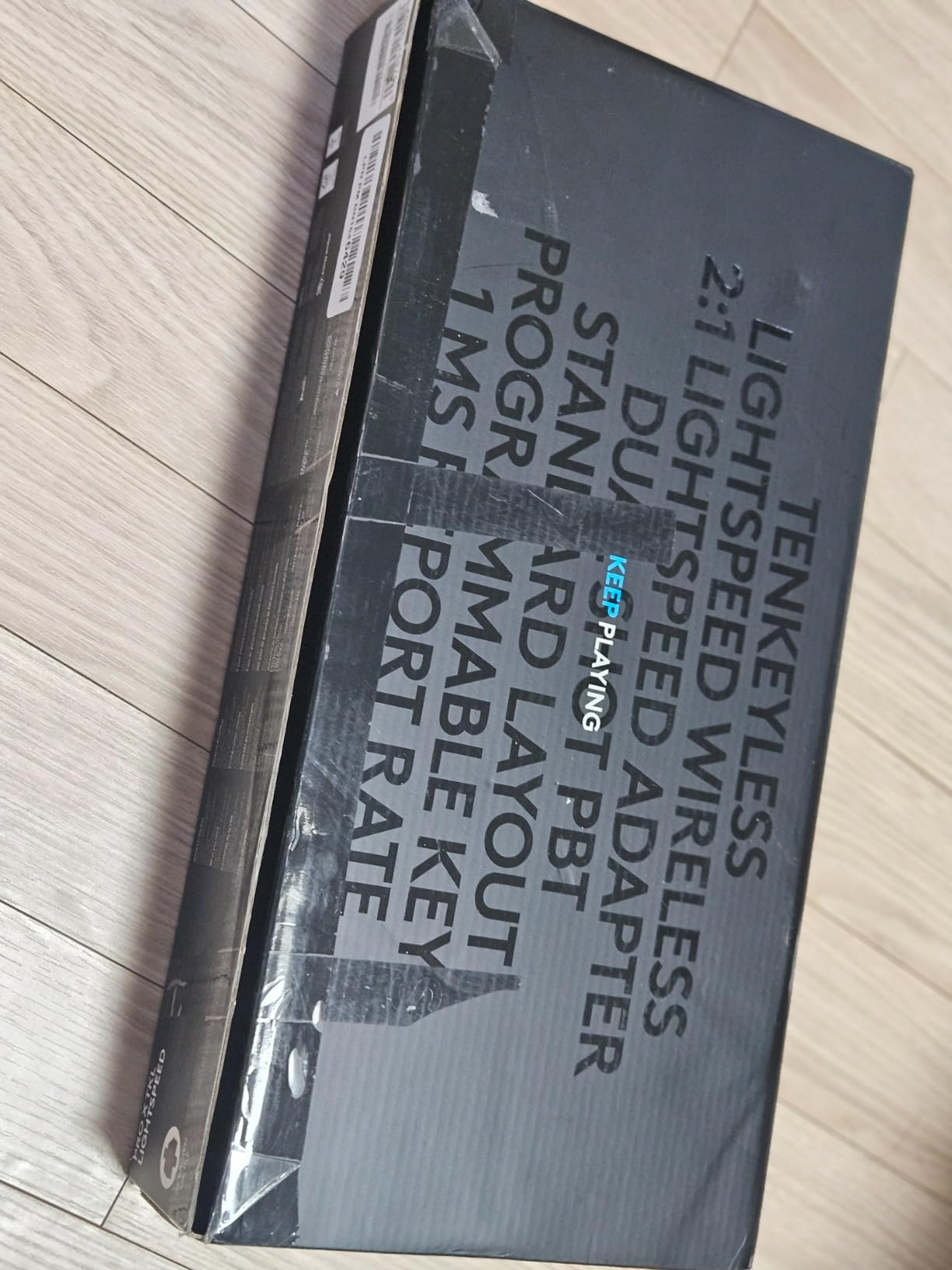
The GX optical tactile switches have zero debounce delay and actuate consistently. Dual-shot PBT keycaps have a matte finish that resists fingerprint smudges, and the volume roller is far more usable than a clicky dial. A semi-hard carrying case is included for tournaments and travel.
The downsides are software and acoustics. G HUB is heavy, adds startup delay, has no Linux version, and full per-key remapping only works on the rapid trigger variant. The switches are soldered, so GX optical switches are the only option. They are also noticeably loud on the spacebar, shift, and Enter.
Is it worth buying for competitive play?
Yes if wireless is essential, for instance in a tournament hall where a cable would be a trip hazard. The 1ms latency is the lowest wireless figure on this list and the connection holds.
If you play shooters at a desk, the Aula WIN60 HE offers magnetic switches and rapid trigger, which change how the game registers inputs rather than just how fast the signal travels.
Can you remap it?
Partially. Five customizable layers exist through KEYCONTROL, but the FN key is hardcoded and does not register with the operating system, which limits workarounds. G HUB is required for anything beyond basic lighting.
The board is also not user-serviceable, so there is no path to foam, gasket mounting, or weight mods.
12. Womier DK75 Review: Best Quiet Compact Keyboard for Shared Desks
Womier DK75 75% Wireless Gaming Keyboard, Creamy Computer Keyboards, Pink
75% layout with function row
Silent membrane switches
4000mAh battery, OLED and knob
Pros
- Exceptionally quiet typing for shared rooms and late nights
- 4000mAh battery with charge-while-you-type
- OLED status display and rotary knob
- Reliable switching between Mac
- iMac
- tablet and PC
- PBT keycaps and a sturdy housing
Cons
- Membrane switches feel mushy next to mechanicals
- Limited key rollover for fighting-game inputs
- Keycaps are not shine-through
- so legends stay dark
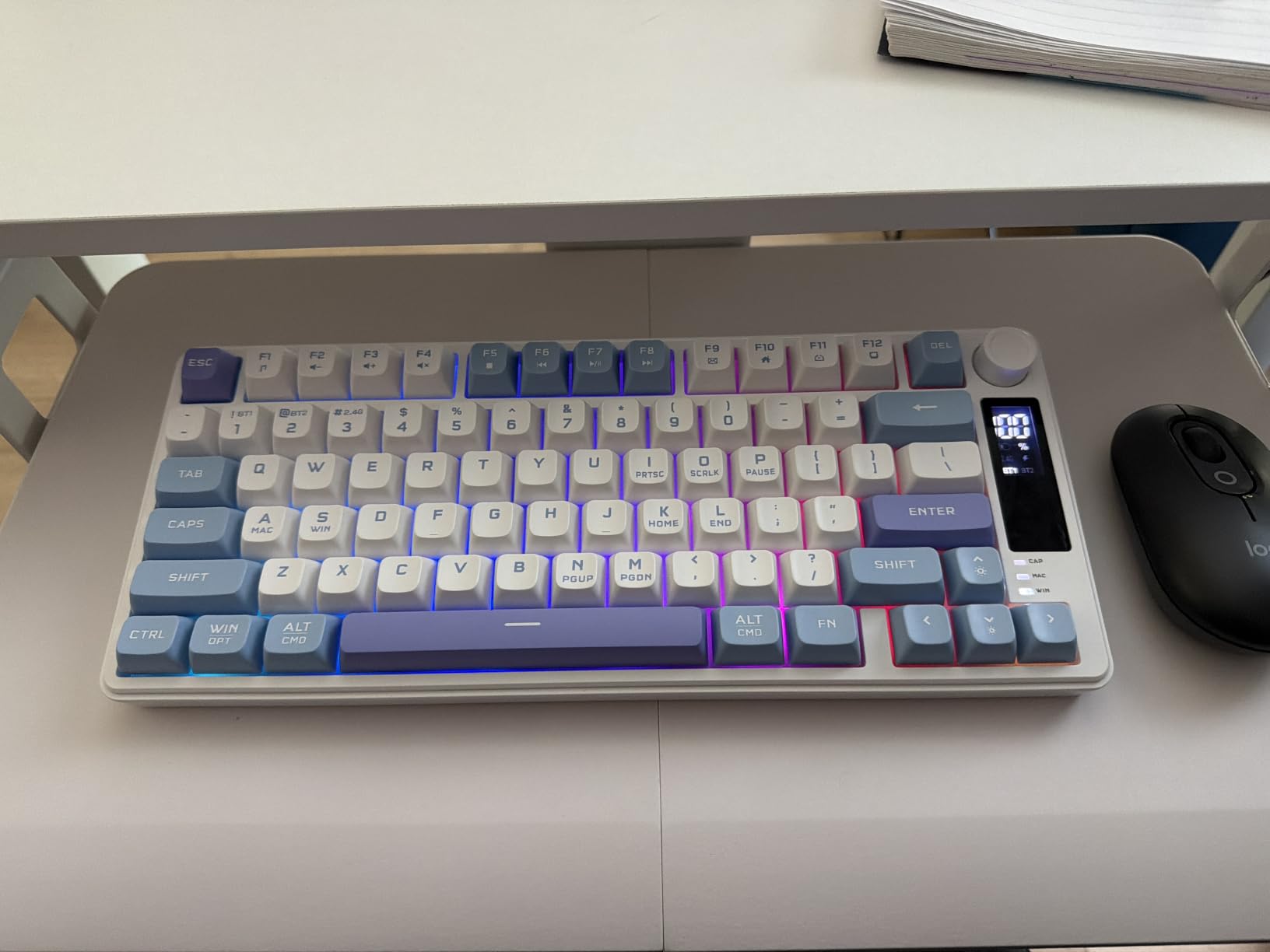
The Womier DK75 is the board I recommend for an open-plan office or a studio apartment where a mechanical clack would be a problem. Its silent membrane switches produce almost no bottom-out noise, and reviewers describe the board as one of the quietest they have typed on at this price.
It is a 75% layout, so you keep the function row and arrow keys in a compact body. Tri-mode connectivity covers 2.4GHz, Bluetooth 5.0, and USB-C wired, with reliable switching between Mac, iMac, tablet, and PC.
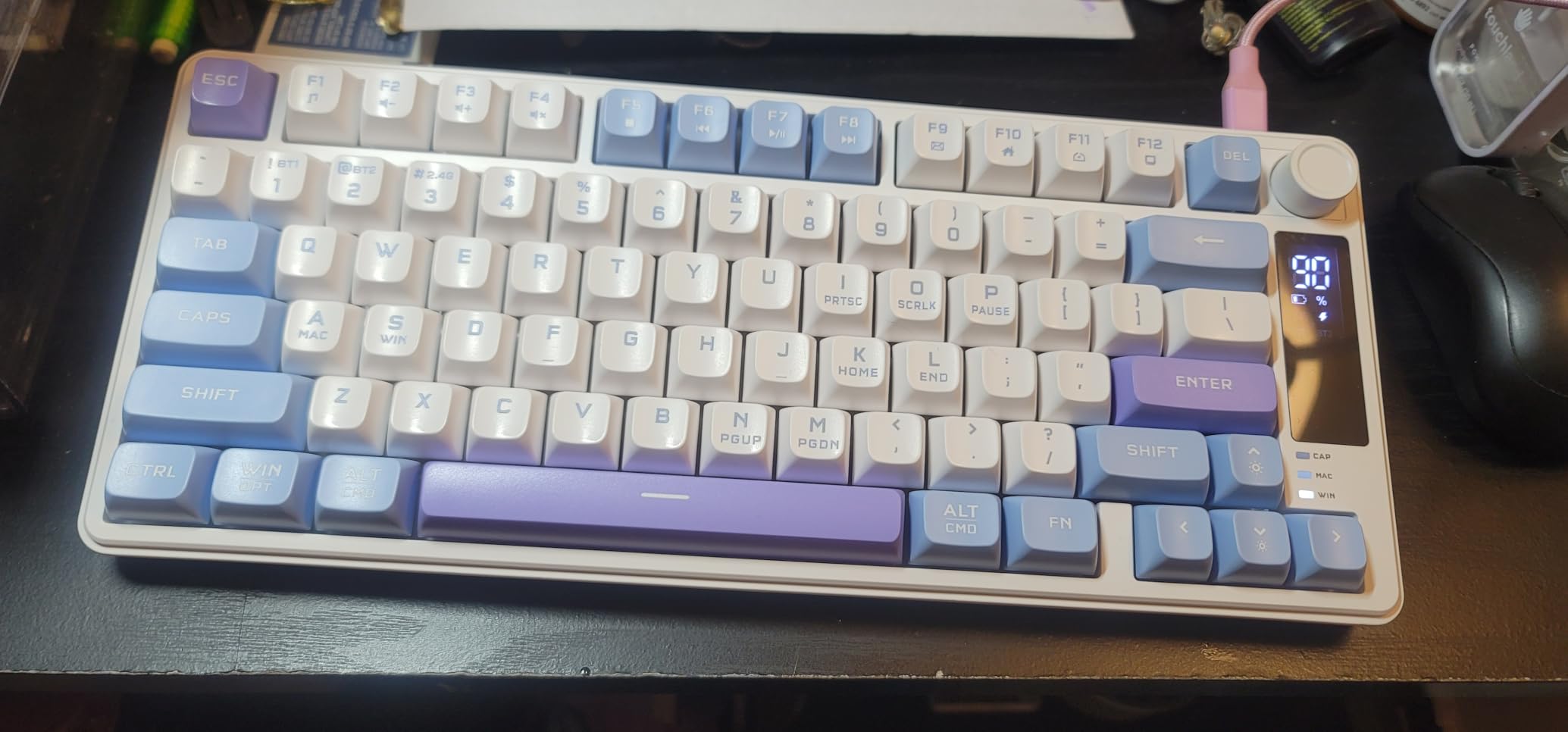
The extras are unusual at this price: an OLED status screen showing battery, connection mode, and caps lock, plus a rotary knob for volume and lighting brightness. The 4000mAh battery charges fast and can be used while charging, and a foldable two-position kickstand sets the typing angle.
The compromises are real. Membrane switches feel mushy next to a mechanical board, key rollover is limited enough to matter in fighting games, and the keycaps are not shine-through, so the legends do not light up. It is also bulkier and heavier than other wireless boards here.
How quiet is it in practice?
Quiet enough to type full sentences next to someone on a call. Membrane keys return before the bottom of the stroke, so there is almost no impact noise to carry across a room.
The only mechanical-style sound left is the faint rattle of the case, which the sturdy housing largely absorbs.
Is a 75% layout worth the extra depth?
If you use F-keys or a function row, yes. Those keys move to an Fn layer on 60% and 65% boards, and hitting that combination constantly is tiring over a full week.
For pure text entry with no shortcuts, a 65% board gives you back about an inch of depth for the same function. Our wireless compact keyboard roundup compares that trade-off across more tri-mode boards.
How We Picked
Twelve boards went through the same rotation across three desk sizes: a 44-inch studio desk, a dorm-room desk barely wider than the monitor, and a shared home office. Every board was typed on for at least a week before any judgement was written down.
Our criteria, in the order they mattered:
Desk footprint. Measured case width and depth, not the marketing name, because a 65% board can be wider than some 75% boards.
Layout tolerance. How much adjustment a first-time compact user needs, especially the loss of arrow keys and the non-standard bottom row.
Typing feel and sound. Whether the board is quiet enough for the environment it will live in, and whether the spacebar and shift keys sound like the rest of the board.
Connectivity. Wired reliability, Bluetooth stability over days rather than hours, and whether a dongle is required.
Adjustability. Hot-swappable sockets, remapping firmware, and Mac/Windows keycap support.
Rating and review volume. Owner reports of Bluetooth failure, ghost inputs, and battery degradation carried real weight in the ordering.
A few terms appear throughout this guide and are worth defining once. Hot-swappable switches sit in sockets on the PCB so you can pull them out with a puller instead of soldering. QMK and VIA are open-source firmware options that let you remap keys, add layers, and set macros through a browser rather than a packaged app. Keycap profile describes the shape and height of the cap, and PBT versus ABS describes the plastic, where PBT resists shine. North-facing switches point the LED at the top of the cap so shine-through legends light unevenly, while south-facing ones light evenly. Gasket mount suspends the plate on flexible strips to soften sound and feel, against tray mount, where the plate is screwed straight to the case. Tri-mode means USB-C wired, Bluetooth, and a 2.4GHz dongle in one board.
What to Consider Before Buying a Compact Keyboard for a Small Desk
Which size tier you actually need. Measure your desk width first. A 60% board reclaims the most space but costs you arrow keys, navigation keys, and the function row. A 65% gives arrow keys back. A 75% adds the function row but is deeper. If you use spreadsheet shortcuts, a function row, or cursor movement daily, the extra inch of depth is worth it.
The non-standard bottom row. Most 65% boards shorten the right Shift to make room for the up arrow. On a TKL board the Page Up, Page Down, Home, and End keys sit above the arrows rather than in a right-hand column. Neither is wrong, but both feel strange for the first week. Test one in a shop if you can.
Typing angle on a shallow desk. Full-height mechanical keyboards run 1.5 to 1.8 inches tall at the back, which usually means a wrist rest. On a small desk a wrist rest can cost you two inches of usable mouse space. Low-profile boards like the Keychron K3 solve this at 0.87 inches, and the Womier DK75’s kickstand gives you a shallower angle than a fixed-foot board.
Wireless versus wired. Wireless removes a cable running to the back of a desk you cannot reach, which is the single neatest change on a cluttered small desk. The trade-offs are charging, Bluetooth pairing reliability, and latency. If you need sub-millisecond response, the LIGHTSPEED receiver on the Logitech G Pro X is the fastest option here. If you want the fewest problems, a wired Type-C board like the GEODMAER needs nothing at all.
Noise. Blue clicky switches are always the loudest option here. Red linears are moderate. Silent membrane switches are the quietest. On a shared desk, the Womier DK75 or the DIERYA DK63 are the two that colleagues will not hear from across the room.
Mac or Windows. Most compact boards ship with Windows legends only. The Keychron K3 includes Mac and Windows keycaps, and the DIERYA DK63 lists macOS support natively. If you switch machines, check the keycaps before you buy rather than after.
Who Should Skip a Compact Keyboard
If you need a number pad every day. Finance, accounting, data entry, and CAD work all live on the numpad. Dropping it means reaching for arrow keys, which is slower for hours of continuous use. A TKL board gives up the numpad without giving up the function row, but it does not solve a cramped desk as well as a 65% does. Pick a full-size board and solve the space problem with a monitor arm instead.
If you rely on a function row. Print screen, F5 for refresh, function keys for switching windows in spreadsheets and design tools. On 60% and 65% boards these sit behind an Fn combination, and using them all day is genuinely tiring.
If you need large legends or a light key press. Users with limited vision or reduced hand strength often do better with a full-size board with large printed keys and low force. A compact board’s smaller legends and Fn layers work against that.
If you share a desk in a room where wireless matters. Two people pairing to the same Bluetooth profile on a board with limited saved devices causes conflict every morning. Wired boards avoid the problem entirely.
If anti-cheat software blocks unfamiliar input drivers. The Aula WIN60 HE relies on a web-based driver for actuation settings, and the Logitech G Pro X depends on G HUB. Competitive games generally allow these, but check your title’s current policy before committing to either.
Frequently Asked Questions
What are smaller keyboards called?
Smaller keyboards are named by the percentage of a full-size 104-key layout they keep. A 60% board has about 61 keys with no function row or arrow keys, a 65% board adds a dedicated arrow cluster, and a 75% board adds the function row back. All three drop the number pad.
What is the best compact keyboard for a small desk?
The Redragon K617 is our best overall pick for a small desk. It measures 12.2 inches wide, weighs 9.6 ounces, and has hot-swappable switch sockets so you can change the feel later without soldering. If you need wireless, the DIERYA DK63 is the alternative.
What are the disadvantages of mini keyboards?
The main disadvantages are losing the number pad, losing the function row on 60% and 65% layouts, and relearning navigation on a non-standard bottom row. Bluetooth models add battery charging and possible pairing dropouts, and membrane versions feel soft rather than crisp to type on.
How many keys does a 65% keyboard have?
A 65% keyboard typically has between 66 and 68 keys. It keeps the full letter block, a dedicated arrow cluster, and a right-hand control column, while removing the number pad and the function row. Most models reach the missing F-keys through an Fn layer.
Do I lose my function row on a 75% keyboard?
No. A 75% keyboard keeps a full function row, which is the main difference between it and a 60% or 65% board. What it still removes is the number pad and the navigation cluster, and it is usually deeper than a 65% board.
Is a 60% keyboard hard to get used to?
Most people need one to two weeks of deliberate practice. The transition is hardest for the first few days because arrow keys, Delete, and Home all move to an Fn layer. Remapping that layer to match a full-size board speeds the process up noticeably.
Conclusion
The best compact keyboards for small desks split cleanly by situation. Buy the Redragon K617 if you want the most desk space back and plan to learn hot-swappable switches. Buy the DIERYA DK63 if a cable-free desk matters more than perfect Bluetooth reliability. Buy the GEODMAER or the RK68 if you need arrow keys without paying for a larger board.
For thinner builds where a wrist rest will not fit, the Keychron K3 is the one to beat. For shared rooms, the Womier DK75 stays quiet. For shooters, the Aula WIN60 HE and the Logitech G Pro X handle very different competitive needs.
Whatever you pick, measure your desk and your monitor arm base before ordering. Every board in this 2026 roundup will give back width you cannot get back later, and the right size tier is the one that fits your shortcuts without them.