
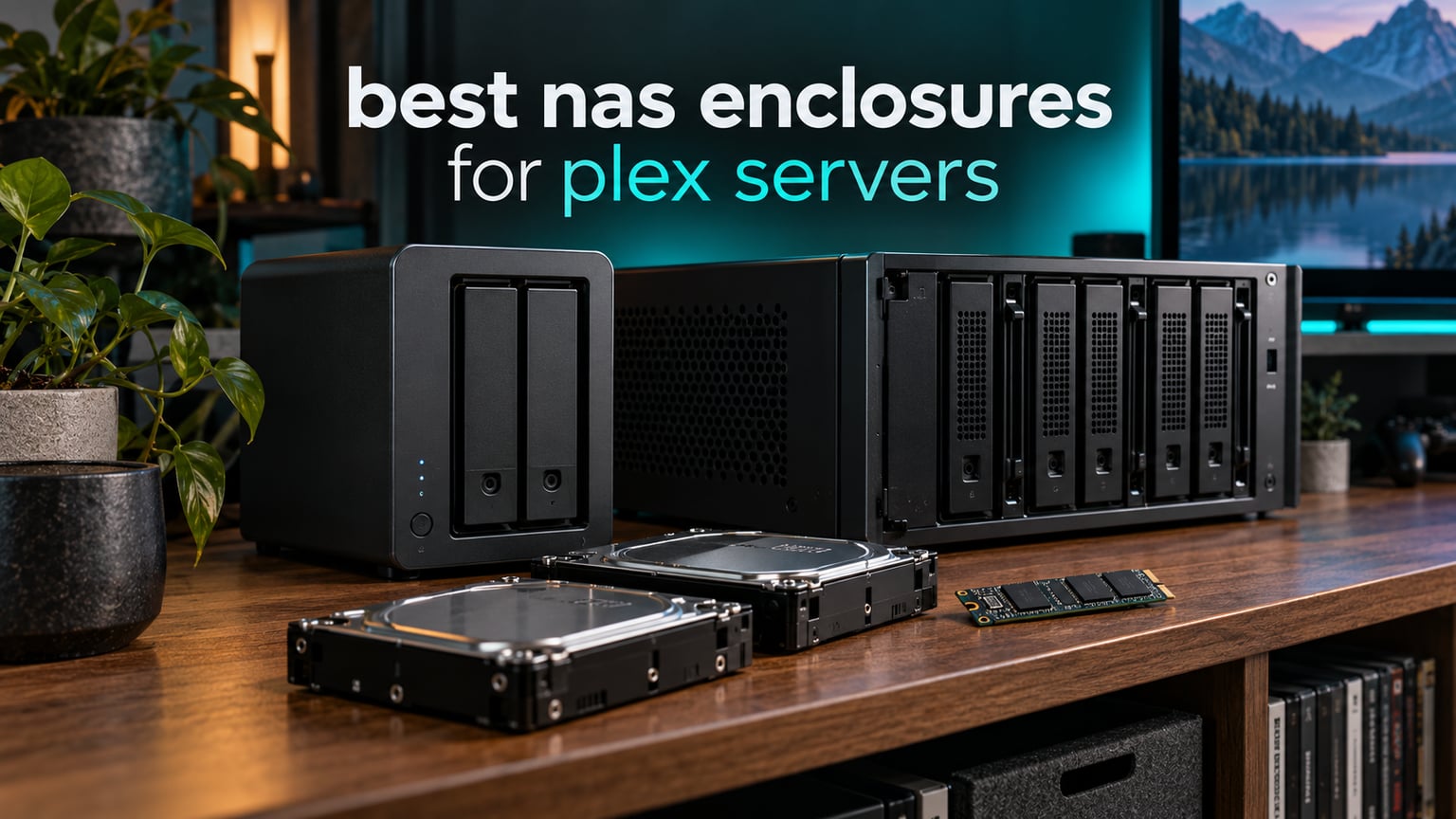
Choosing the best NAS enclosures for Plex servers comes down to one question: will the box you pick actually stream what your family watches, or will it sit there re-encoding video while everyone waits? I’ve built and rebuilt enough Plex boxes to know that the enclosure you buy sets the ceiling on everything above it — CPU, memory and network all have to fit the shell you choose.
Here’s the thing most roundups skip. A NAS enclosure is not always a finished NAS. Some products are turnkey network-attached boxes that boot their own operating system and run Plex directly. Others are empty chassis that wait for a Mini-ITX board, a processor and drives you supply, with TrueNAS, Unraid or OpenMediaVault doing the work. Both are legitimate answers to the same question, and they serve very different households.
I went through all ten products in this guide with the same checklist: what CPU sits inside, whether the integrated graphics can hardware-transcode HEVC and H.265, how many bays you get, what the network hardware can sustain, and whether you have to supply the brain yourself. What follows is the shortlist, then a walk through of each option, then a buying guide that ties it back to your own library.
One quick note before we start. Plex only unlocks hardware transcoding for subscribers to Plex Pass, and even then the CPU matters. If your clients all direct play, a modest box handles almost anything. If you’re serving 4K HDR to several rooms at once, the processor is the whole ballgame. We cover that in detail further down.
Table of Contents
Top 3 Picks for Best NAS Enclosures for Plex Servers (October 2026)

Synology DS223
- Turnkey 2-bay NAS
- Runs Plex Media Server out of the box
- 2-year warranty
- Quiet metal chassis

UGREEN DXP2800 2-Bay
- Intel N100 quad-core
- 8GB DDR5 and dual NVMe slots
- 2.5GbE networking
- Runs Docker and VMs

UGREEN DH2300 2-Bay
- Simplest setup of the group
- 1GbE and 4GB onboard RAM
- AI photo tagging
- Up to 125MB/s transfers
The DS223 earns the top spot because it removes every decision from the buyer’s side. You order it, add two drives, install Plex from Package Center, and it streams. Nothing to research about board support or boot media.
The DXP2800 is the transcoding pick. An Intel N100 with Quick Sync in a two-bay aluminum chassis gives you a lot of headroom for 4K work, and the two M.2 slots let you add fast cache or app storage. The trade-off is setup friction, which reviewers mention often.
The DH2300 is the on-ramp. It will not run Plex in Docker and it caps out at 1GbE, so it is not the box for a busy 4K household. For a first library that mostly direct plays, it does the job without complexity.
All 10 NAS Enclosures for Plex Compared in 2026
| Product | Specifications | Action |
|---|---|---|
| Synology DS223 2-Bay |
|
Check Latest Price |
| UGREEN DXP2800 2-Bay |
|
Check Latest Price |
| UGREEN DH2300 2-Bay |
|
Check Latest Price |
 TERRAMASTER D4-320 4-Bay TERRAMASTER D4-320 4-Bay |
|
Check Latest Price |
 JONSBO N5 12+4 Bay Case JONSBO N5 12+4 Bay Case |
|
Check Latest Price |
 JONSBO N3 8+1 Bay Case JONSBO N3 8+1 Bay Case |
|
Check Latest Price |
 JONSBO N2 5+1 Bay Case JONSBO N2 5+1 Bay Case |
|
Check Latest Price |
 Synology DS225+ 2-Bay Synology DS225+ 2-Bay |
|
Check Latest Price |
 Rosewill RSV-L4500U 4U 15-Bay Rosewill RSV-L4500U 4U 15-Bay |
|
Check Latest Price |
 KCMconmey 4+1 Bay DIY Case KCMconmey 4+1 Bay DIY Case |
|
Check Latest Price |
A note on reading that table: the first three are finished computers, and the last seven are enclosures. The TerraMaster D4-320 sits in between, since it is a direct-attached box rather than a network device. Rows nine and ten are bare chassis that need a motherboard, CPU, memory and operating system before Plex can run at all.
Direct Play vs Hardware Transcoding: What Plex Actually Needs
Direct play means the file reaches your TV untouched. The NAS reads bytes and pushes them, and the CPU barely wakes up. This is the ideal state, and a modern box like the Synology DS225+ can direct play a great deal of 4K content if the file format matches what the client wants.
Direct stream is a middle ground. Plex copies the file and remuxes it into a container the client accepts, which changes little more than the wrapper. Still cheap on the processor.
Transcoding is the expensive one. Plex re-encodes every frame, usually down to a lower bitrate, and that work is what eats a low-power CPU. Subtitles in formats your TV cannot render force a transcode even when the video itself would have played fine. HDR content on an SDR television does the same thing.
Hardware transcoding moves that work to the integrated graphics in an Intel processor, which is what Quick Sync does. Plex Pass is required, and Plex has to be pointed at the right device path in Docker setups. Once it works, the same processor that could barely handle one software transcode will handle several hardware ones. That is why the processor detail matters more than the bay count when transcoding is on the table.
The practical takeaway: audit the worst client in your house first. If the lowest-powered device plays your library cleanly, buy storage. If not, buy processor.
1. Synology DS223: The Easiest Way to Get Plex Running
Synology DS223 Home & Office Backup Hub – Centralize Files, Protect Data & Monitor Property (2-Bay Diskless NAS)
2-bay metal NAS
1280 g weight
9.15 in D x 4.25 in W x 6.5 in H
2-year warranty
Pros
- Runs Plex Media Server directly from Package Center
- Simplest setup path in this roundup
- Centralizes files from computers phones and external drives
- Automated scheduled backup to multiple destinations
- IP camera monitoring with motion alerts
Cons
- Two-bay capacity limits future expansion
- Diskless chassis means drives are purchased separately
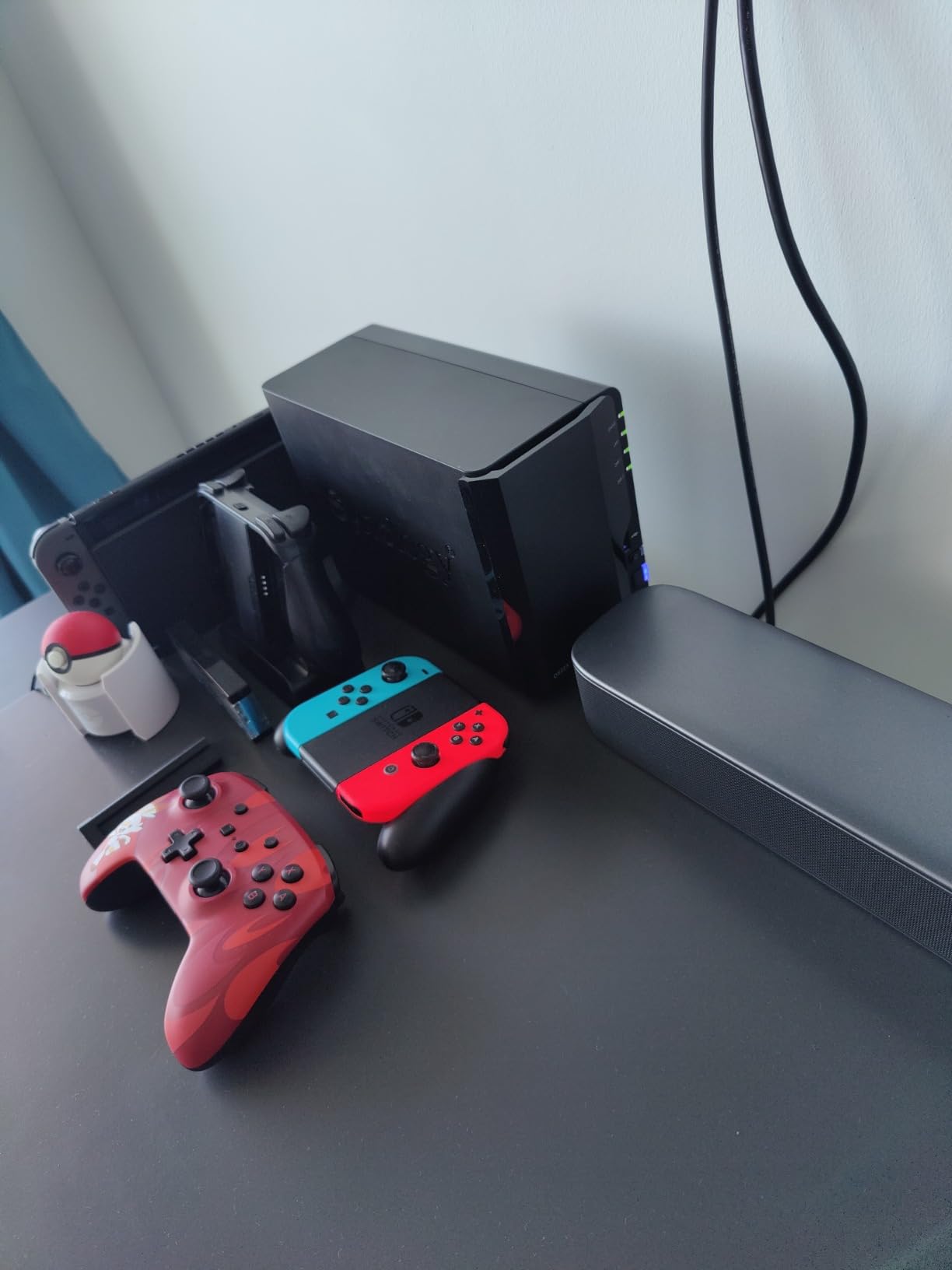
I picked this one for anyone who wants Plex working tonight rather than this weekend. The DS223 boots Synology’s own operating system, and Plex installs from the package manager with no container work and no boot drive to prepare. For a first server, that removes every step where beginners get stuck.
It is a compact metal box, 1280 g and roughly the size of a paperback stack, with two tool-free bays. The reviews describe consistent praise for setup simplicity and dependable scheduled backups, and the rating distribution is unusually favorable, with 82 percent five-star shares from 581 reviews.
Backups are the part Synology keeps winning people over. The box handles scheduled jobs to external drives and cloud destinations, plus file sync across Macs, PCs and phones, and version control on shared documents. Owners running small businesses use it for exactly this rather than for media.
The honest limitation is capacity. Two bays means RAID 1 mirroring and no growth path beyond a larger pair of drives. If your library is still growing fast, plan on replacing this box within a few years rather than expanding it.
Who this suits
This suits households that want one device to handle streaming, photo backup and phone backup without reading a forum post first. The learning curve is close to a router’s, and the two-year warranty is backed by Synology’s support and continuing software updates.
If you want a single box to organize everything, including IP cameras with motion alerts and remote viewing, the software side is the strongest argument for this model.
Who should skip it
Skip it if your library is 4K-heavy and you expect multiple simultaneous streams. The DS223 handles direct play well but has limited headroom for transcoding, and users report it working fine for direct play while struggling with 4K transcodes.
Skip it if you plan to run Docker containers, virtual machines or a Jellyfin setup. Those are simply not what this class of hardware is for.
2. UGREEN DXP2800: Best Hardware for 4K Transcoding in a Two-Bay Box
UGREEN NAS DXP2800 2-Bay for Advanced Home Users, Remote Workers & Creators
Intel N100 quad-core
8GB DDR5 and dual M.2 slots
2.5GbE networking
Up to 80TB raw capacity
Pros
- Intel N100 Quick Sync handles Plex transcoding
- 2.5GbE plus dual NVMe slots for speed
- Aluminum chassis runs quietly
- UGOS Pro is approachable for first-time owners
- Major step up from cloud-style drives
Cons
- Setup documentation is thin for network configuration
- Chassis can amplify drive vibration
- Diskless so drives and SSDs are separate purchases
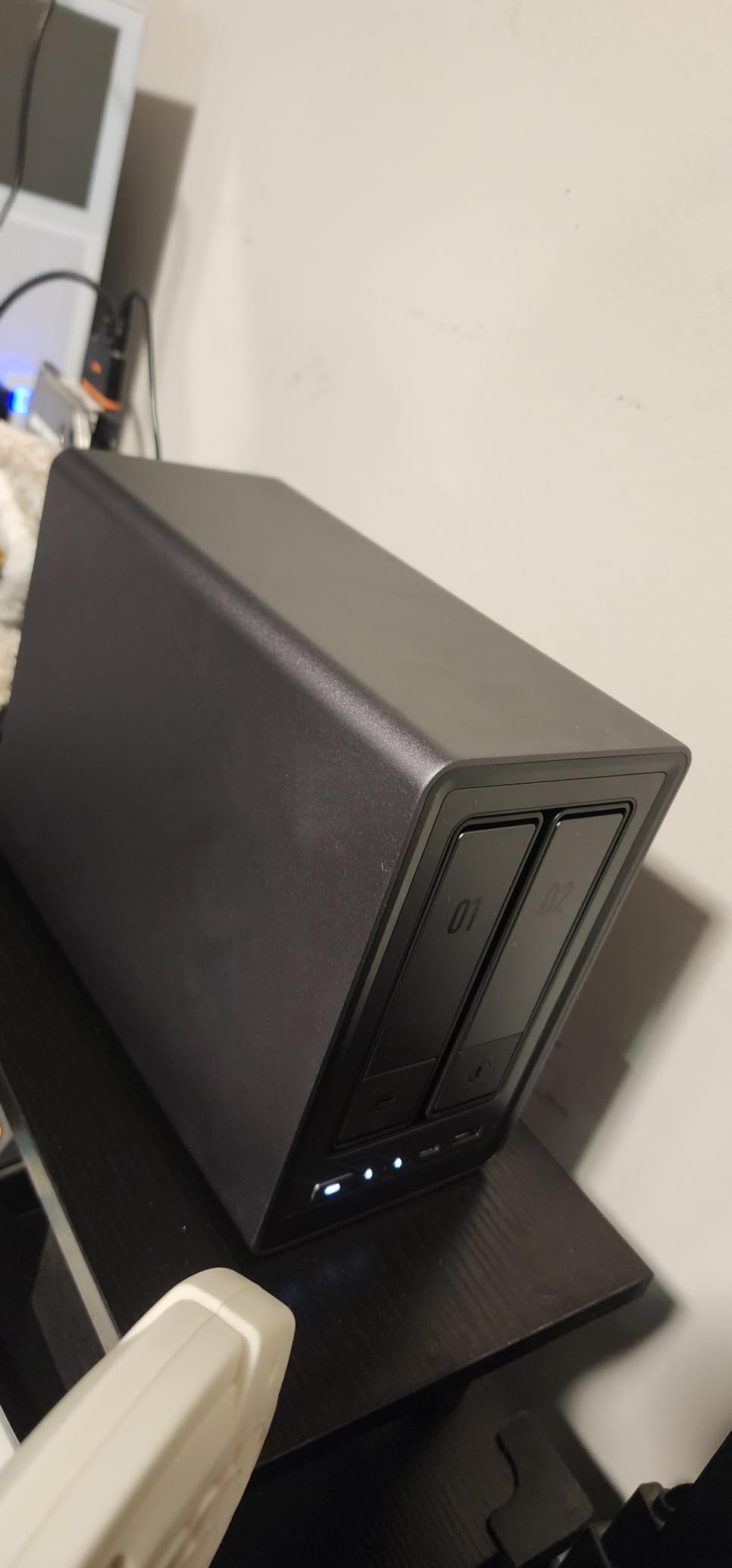
This is the box I recommend when transcoding is not optional. The Intel N100 carries Quick Sync, so hardware transcoding of 4K HEVC happens on the integrated graphics instead of the CPU cores. Across 918 reviews, owners call it the strongest value home media server in its class, with repeated mentions of Plex and Immich performance.
The 2.5GbE port matters more than most buyers expect. Large 4K files saturate 1GbE long before they saturate this, and the dual M.2 NVMe slots give you somewhere to put fast cache or an apps volume without touching the hard drive bays. Eight gigabytes of DDR5 ships on board.
Beyond Plex, the Docker and virtual machine support opens up a lot. People pair it with Immich for photo management or run other containers alongside the media server. For a home lab that also wants to be a Plex box, that combination is rare at this size.
Be aware of two practical complaints in the reviews. Documentation is thin, so the network configuration can be confusing the first time through. And the chassis can transmit drive vibration during heavy sustained writes, which is audible in a quiet room.
Who this suits
This suits anyone with 4K content who wants several streams running without the CPU stalling. It also suits people who want Docker or virtual machines on the same box, which none of the two-bay turnkey alternatives here offer.
If you plan remote streaming to family or travel with typical uploads, the processor headroom buys you room to adjust quality settings later.
Who should skip it
Skip it if you need zero-configuration software. UGREEN’s UGOS Pro is straightforward but noticeably lighter on walkthroughs than Synology’s, and the most repeated complaint in the reviews is precisely the setup guidance.
Skip it if drive noise in a living space would bother you, or if you need more than two bays without replacing the whole unit later.
3. UGREEN DH2300: The Simplest Box to Own
UGREEN NAS DH2300 2-Bay for Beginners & Personal Users, Phone Backup
2-bay plastic NAS
1GbE with 125MB/s transfers
4GB on-board RAM
Up to 64TB unified storage
Pros
- Approachable design aimed at first-time buyers
- One-time cost replaces cloud subscription fees
- AI photo organization for faces and objects
- Layered privacy with RAID modes and 2FA
- Certified against TUV SUD ETSI EN 303 645
Cons
- No Docker or virtual machine support
- Plex cannot run via Docker on this model
- 1GbE port caps transfer speed
- No built-in Wi-Fi
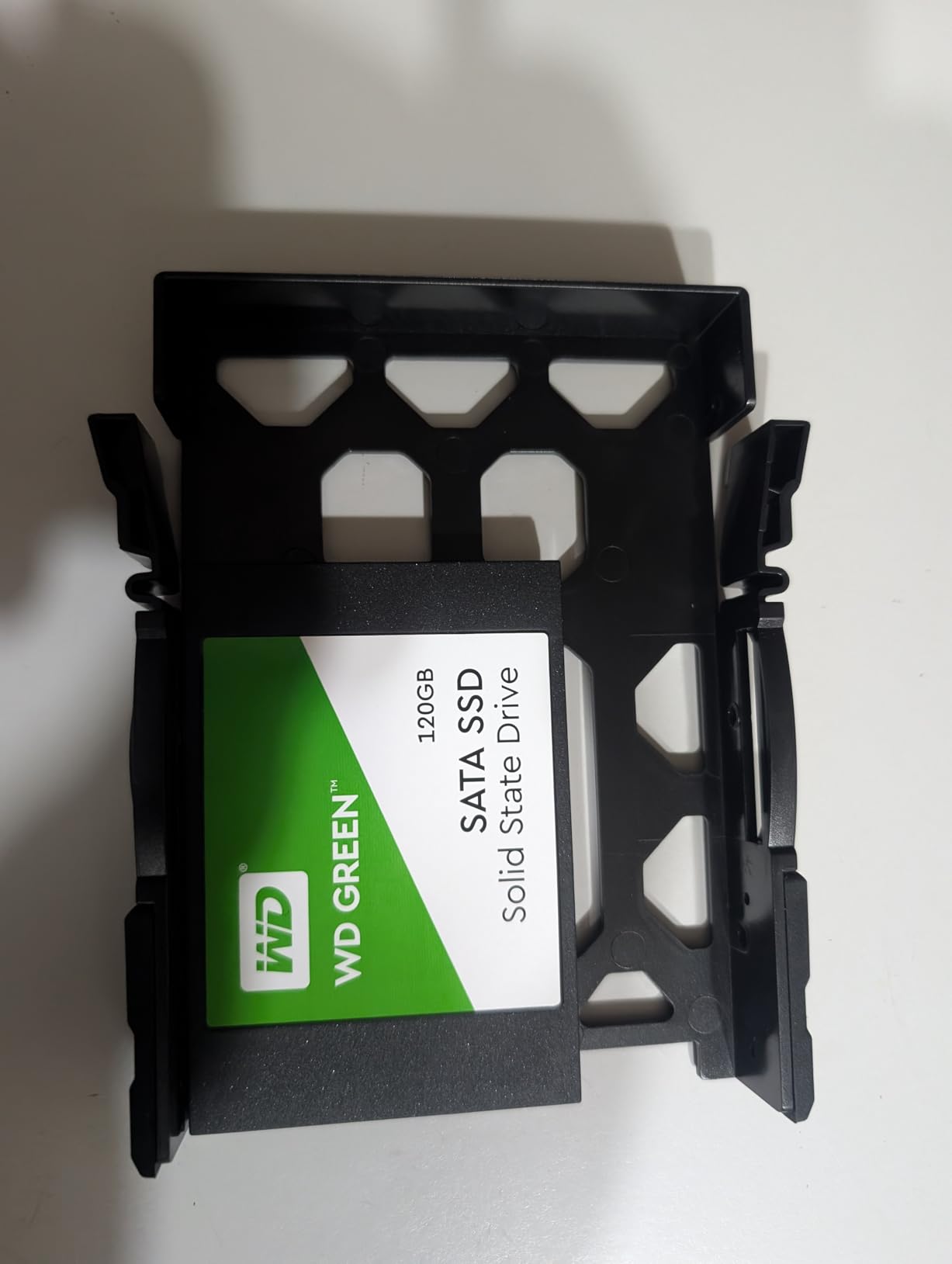
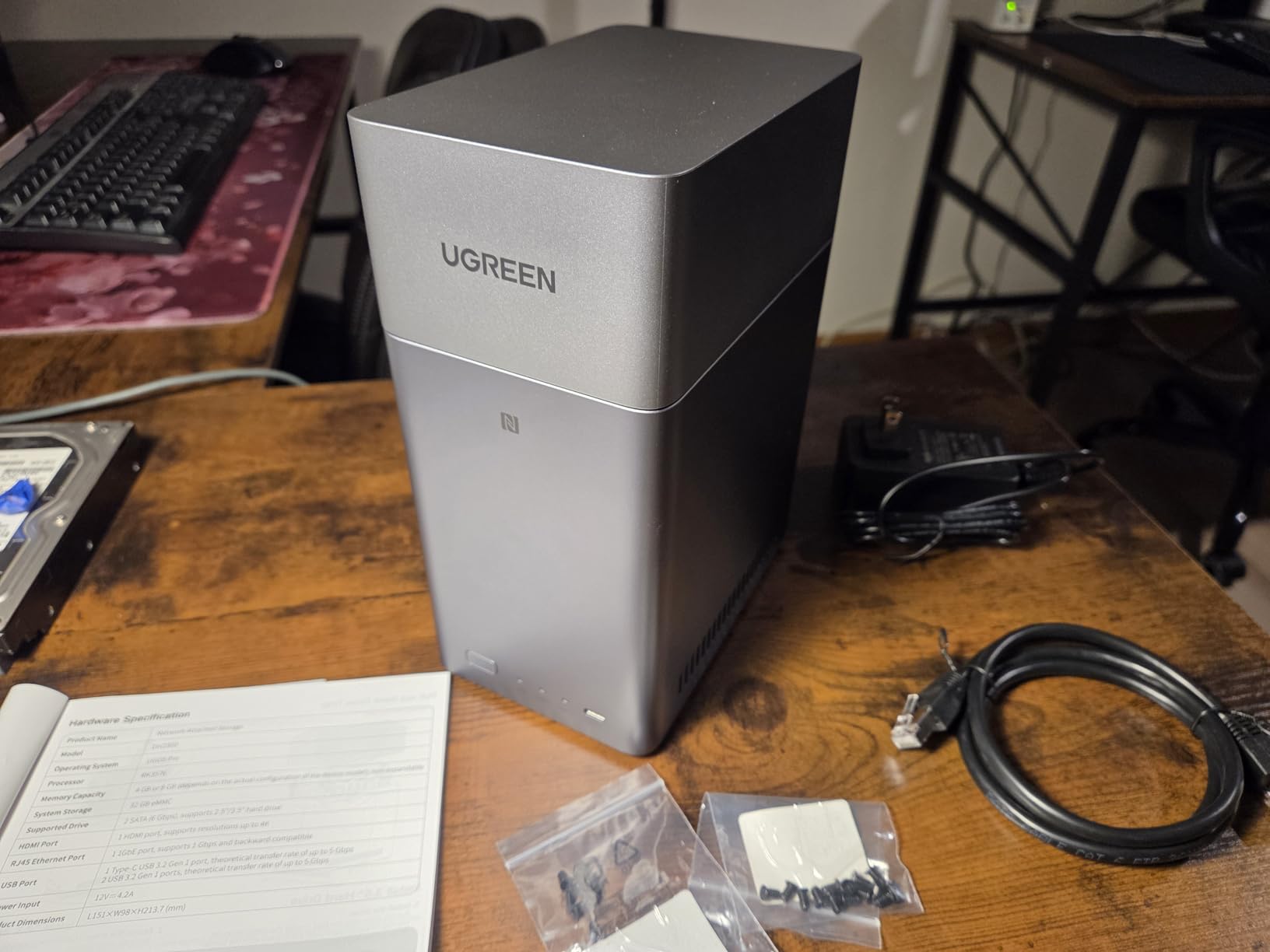
The DH2300 is the box to buy when the priority is moving off cloud storage without a project. It runs its own NAS operating system with no container layer to configure, and the interface leads with backup, sync and photo management rather than enthusiast features. That focus is the point.
Owners in the reviews highlight the practical relief of replacing a recurring subscription with a one-time purchase, plus steady 1GbE transfers up to 125MB/s. The AI photo tools tag faces, locations, objects and duplicates, which matters more to some households than transcoding does.
Security is handled thoughtfully for an entry-level box, with RAID modes, two-factor authentication and encrypted transfers. The hardware passed the TUV SUD ETSI EN 303 645 mark, which is the European consumer IoT cybersecurity standard.
What it will not do is run containers. There is no Docker, no virtual machines and no SAN manager, and reviewers are clear that Plex cannot be run through Docker on this model. Plex itself installs as an application, but without Quick Sync from an Intel part you are relying on the CPU.
Who this suits
This suits first-time NAS owners whose library is mostly direct play and whose main goal is family backup. If you want one device to hold photos, documents and a modest movie collection, the feature set lines up well.
It also suits anyone who wants a small, light box, at 2 kg, that does one job instead of five.
Who should skip it
Skip it if 4K transcoding is anywhere in your plan. The 1GbE port is a hard ceiling, and without a hardware transcode path the CPU carries the whole load.
Skip it if you want to run Plex in a container, or if you plan to add services like Immich, Home Assistant or anything else container-based.
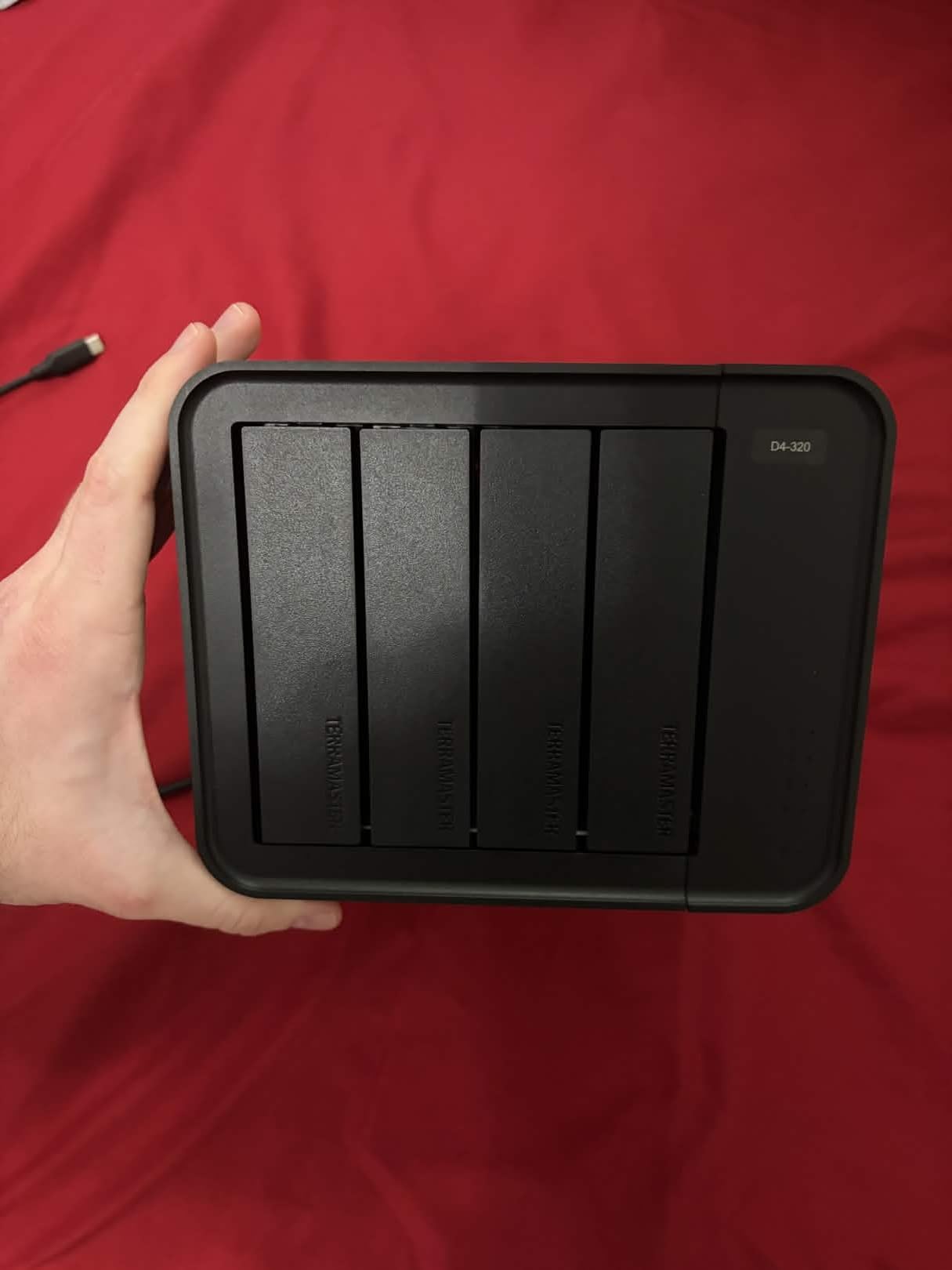
4. TERRAMASTER D4-320: Four Bays Without the Network Layer
TERRAMASTER D4-320 External Hard Drive Enclosure 4-Bay (Diskless)
4-bay USB 3.2 Gen 2 enclosure
Under 21 dB(A) in standby
1.3 pounds
2-year warranty
Pros
- Dedicated USB controller per bay
- Tool-free hot-swappable trays
- Quiet temperature-controlled fan
- Plug-and-play on Mac Windows and Linux
- Up to 1016 MB/s aggregate throughput
Cons
- Direct-attached storage rather than a network NAS
- Included power supply may be weak for four enterprise drives
- Thin plastic shell transmits drive noise
- Sparse documentation for combining drives
This is the odd one out, and that is a feature. The D4-320 is a direct-attached storage enclosure, not a network device. You plug it into the computer running Plex, and it behaves like an external drive array with four individually addressed bays. It shows up in DIY NAS builds for that reason.
The engineering is better than the category average. Each bay has its own USB controller, so all four drives can run at full speed without sharing one bus. The push-lock trays are tool-free and hot-swappable, and the temperature-controlled fan with sound-absorbing panels keeps standby noise under 21 dB(A).
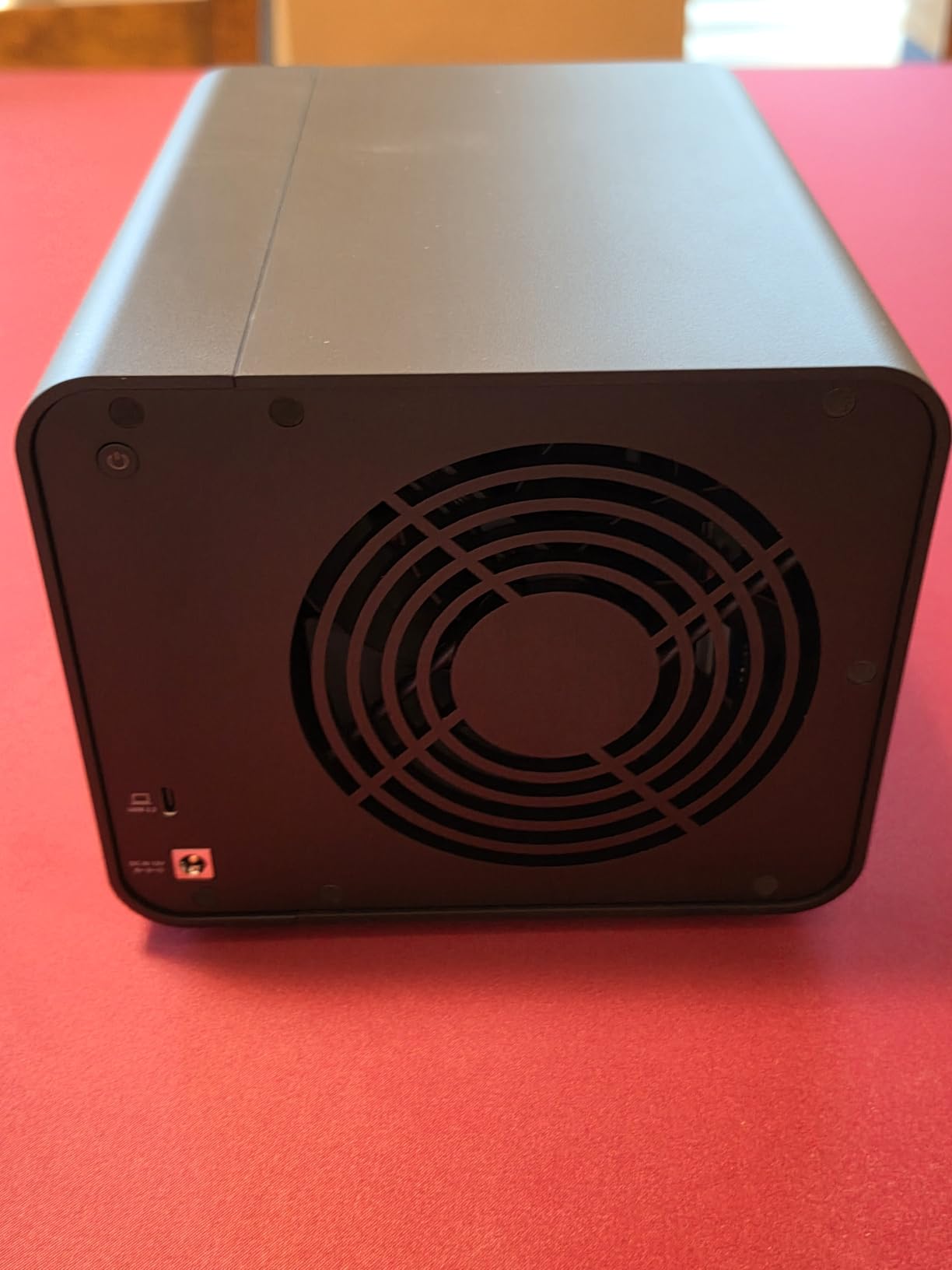
Two issues come up repeatedly. The bundled power supply has been reported as too weak to spin up four high-power enterprise drives simultaneously, so a stronger supply is a common upgrade. The thin plastic shell also passes drive read and write noise straight through in a quiet room.
There is no RAID function built in at all. You get four independent disks, and any combining happens in the host operating system, which reviewers say is thinly documented.
Who this suits
This suits a two-box architecture: a small PC or Mini-ITX build running Plex, with this sitting alongside as the storage layer. If you want a separate transcoding machine and separate bulk storage, four hot-swappable bays is generous.
It also suits anyone adding a second tier of cold storage to an existing setup without adding another full NAS operating system.
Who should skip it
Skip it if you want a standalone server. It will not appear on your network on its own, and Plex will not start without a host computer to run on.
Skip it if you need redundancy. With no RAID function, a failed drive means whatever it held is gone unless the host system handles it.
5. JONSBO N5: Twelve Bays for a Serious Home Build
JONSBO N5 NAS Pc Case, E-ATX,12HDD+4SSD Drive Bay GPU HP Host, Supports Max. 4 GPU,E-A.TX(330mm) MB/ATX PSU Supports, with 3 Fans Built-in, 8 Slots PCI, Solid Wood Veneer Computer Case,Home Server
12 HDD and 4 SSD bays
E-ATX and up to 4 GPUs
9.37 kg
2-year warranty
Pros
- Handles 12 hot-swap 3.5-inch drives plus four 2.5-inch SSDs
- Highest average rating in this lineup at 4.7 stars
- Removable top cover and removable 4-bay cage
- Solid walnut veneer suits a living space
Cons
- Front bay count drops from 12 to 8 with long power supplies
- A full 12-bay load demands careful power supply sizing
- Large and heavy chassis needs real shelf or rack space
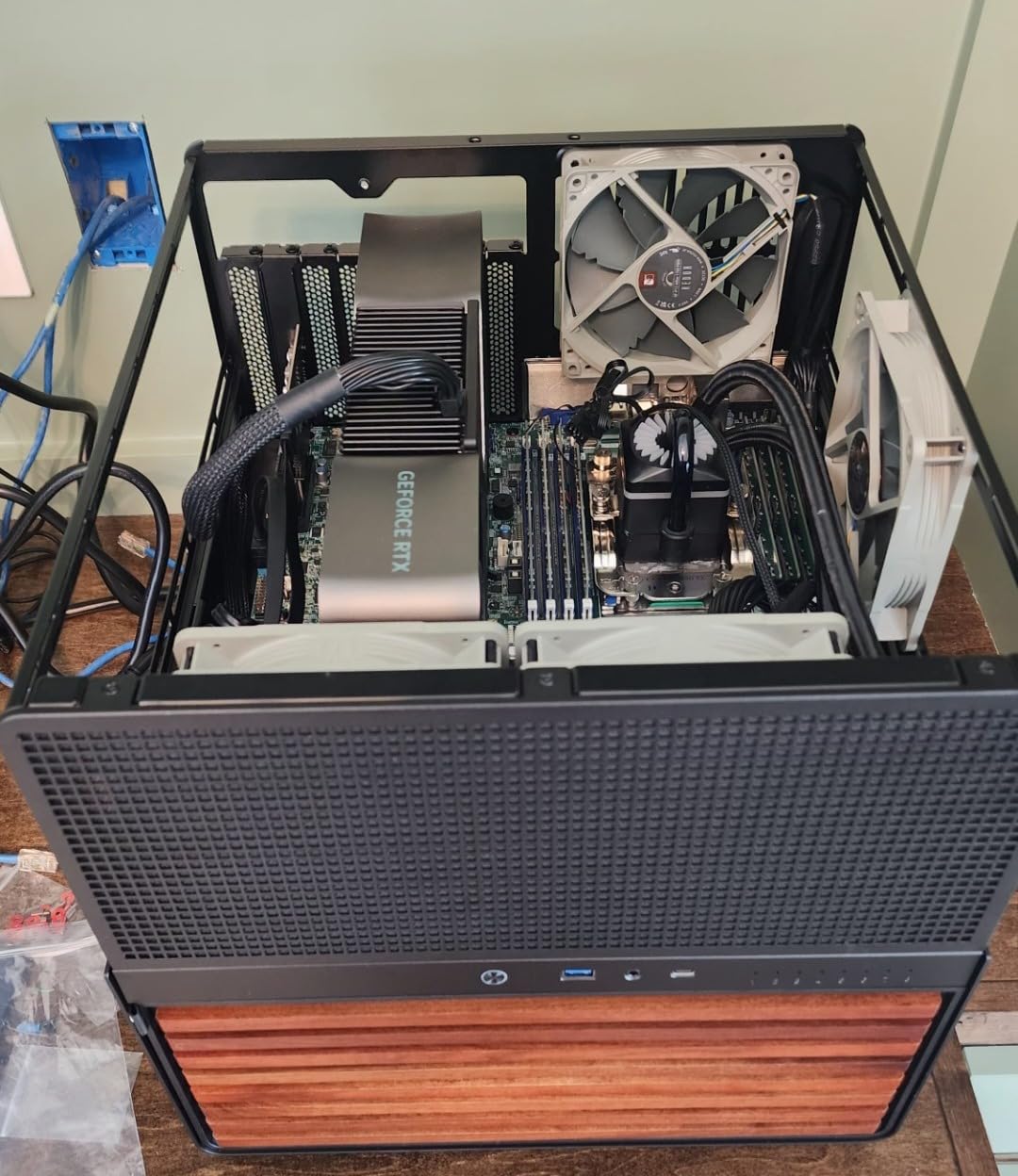
The N5 is for the person whose library has outgrown small boxes. It holds 12 hot-swap 3.5-inch hard drives plus four side-mounted 2.5-inch SSDs, takes extended ATX motherboards, and offers eight PCI expansion slots and room for up to four GPUs. For a Plex box that also runs virtual machines or a home lab, that headroom is unusual.
At 4.7 stars from 119 reviews with 78 percent five-star ratings, it holds the highest average rating in this lineup. Builders cite the drive capacity, the flexible board and GPU support, and the fact that the walnut veneer makes it look at home in a living room rather than a closet.
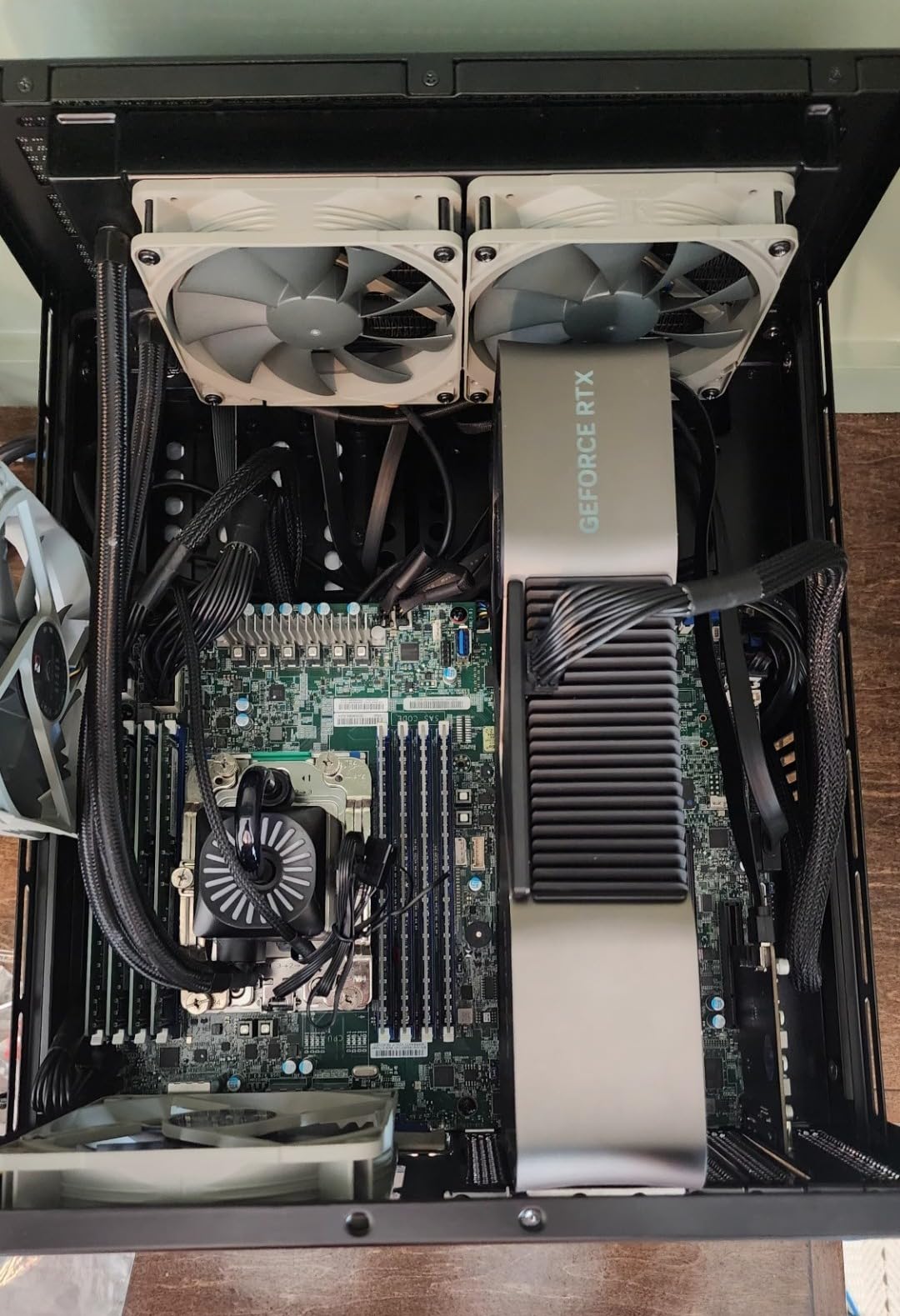
You supply everything inside it: motherboard, processor with integrated graphics, memory, storage and a boot drive. That freedom is the appeal for anyone who wants a dedicated transcoding processor paired with large storage, and the removable four-bay drive cage makes adding disks far less painful than a bare chassis usually allows.
Plan the power supply carefully. A 170mm-or-longer unit pushes the front bay count down from 12 to 8, and a full load of spinning drives demands real wattage. The chassis itself weighs 9.37 kg, so the furniture it sits on needs to hold it.
Who this suits
This suits someone planning a decade of storage, or a household combining a large Plex library with backups, surveillance and containers on a single machine. The 12+4 layout means you can run big hard drives in the front and fast SSDs alongside.
It also suits anyone who wants the aesthetics to match, since the wood-accented panel was clearly designed to be visible.
Who should skip it
Skip it if you want a plug-and-play server. You are buying a case, not a computer, and every component still has to be chosen and installed.
Skip it if shelf space or noise matters. This is a full tower that weighs 9.37 kg on its own, and spinning drives in quantity make noise.
6. JONSBO N3: Eight Bays in a Mini-ITX Footprint
JONSBO N3 Mini-ITX NAS PC Chassis, ITX Computer Case, 8HHD+1-SSDD isk Bays NAS Mini Aluminum with Steel Plate Case, Built-in 2x10cm Fan, Power Support: SFX105mm, Support 130mm CPU Cooler
8 HDD and 1 SSD bays
Mini-ITX with SFX power supply
3.9 kg
130mm cooler limit
Pros
- Eight 3.5-inch bays plus one 2.5-inch SSD bay
- Server-grade hot-swap backplane included
- Built-in dual 10cm fans cool the drive cage
- Aluminum and steel build feels premium
- Front USB 3.0 and Type-C with audio
Cons
- Mini-ITX only with just two PCI slots
- Requires a 105mm SFX power supply
- CPU cooler height limited to 130mm
- Tight interior complicates cable routing
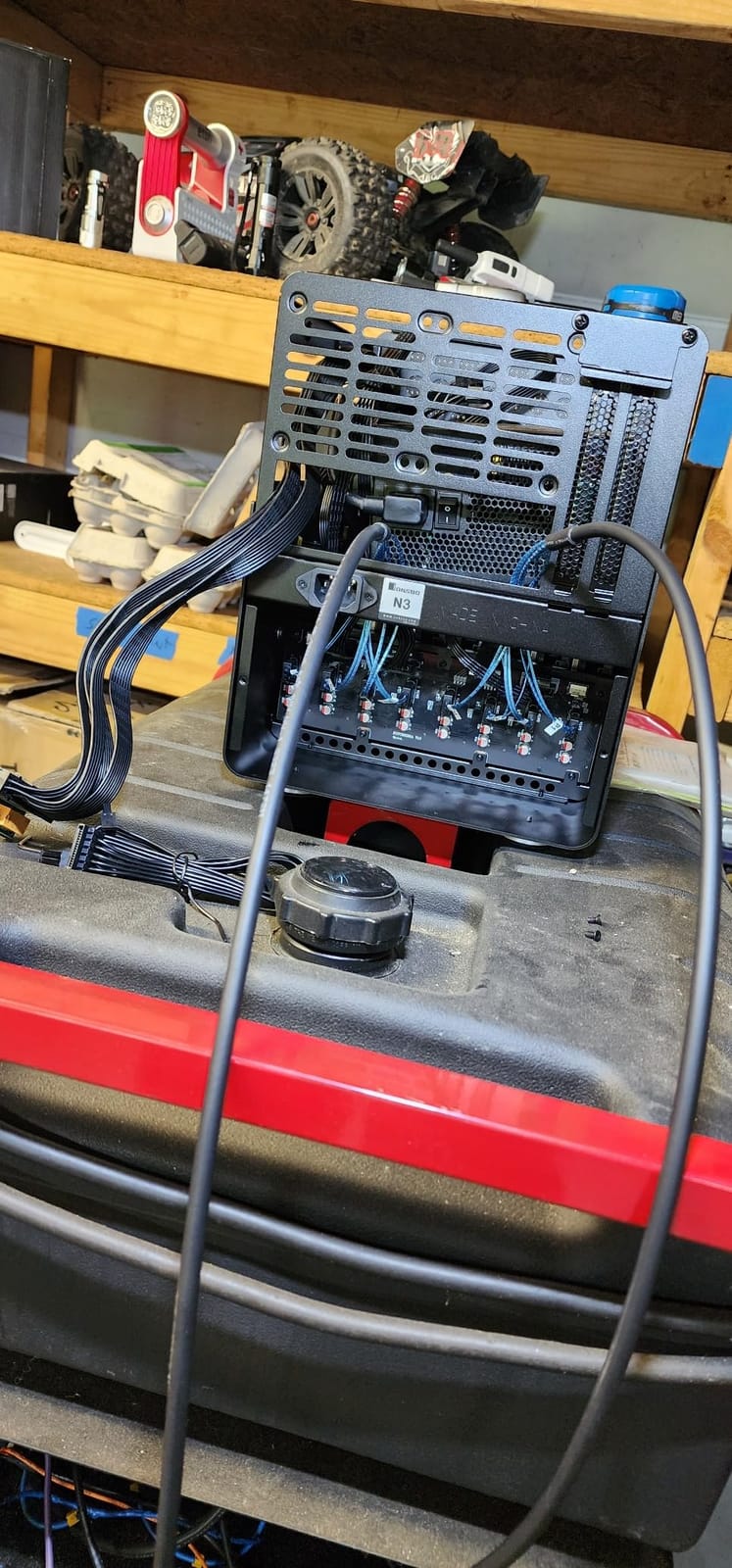
The N3 answers a specific problem: how do you get a lot of bays into something small enough for a living space. Eight 3.5-inch bays plus one 2.5-inch SSD bay in a Mini-ITX chassis is an unusual ratio, and the removable multi-disc pull-out structure with a standard server-grade hot-swap backplane means you can add or swap drives without rebuilding the system.
Owners building compact TrueNAS and homelab systems praise the metal build and the price point, with 75 percent five-star ratings. The built-in dual 10cm fans sit directly in the hard drive compartment, which is where airflow actually matters in a case this dense.
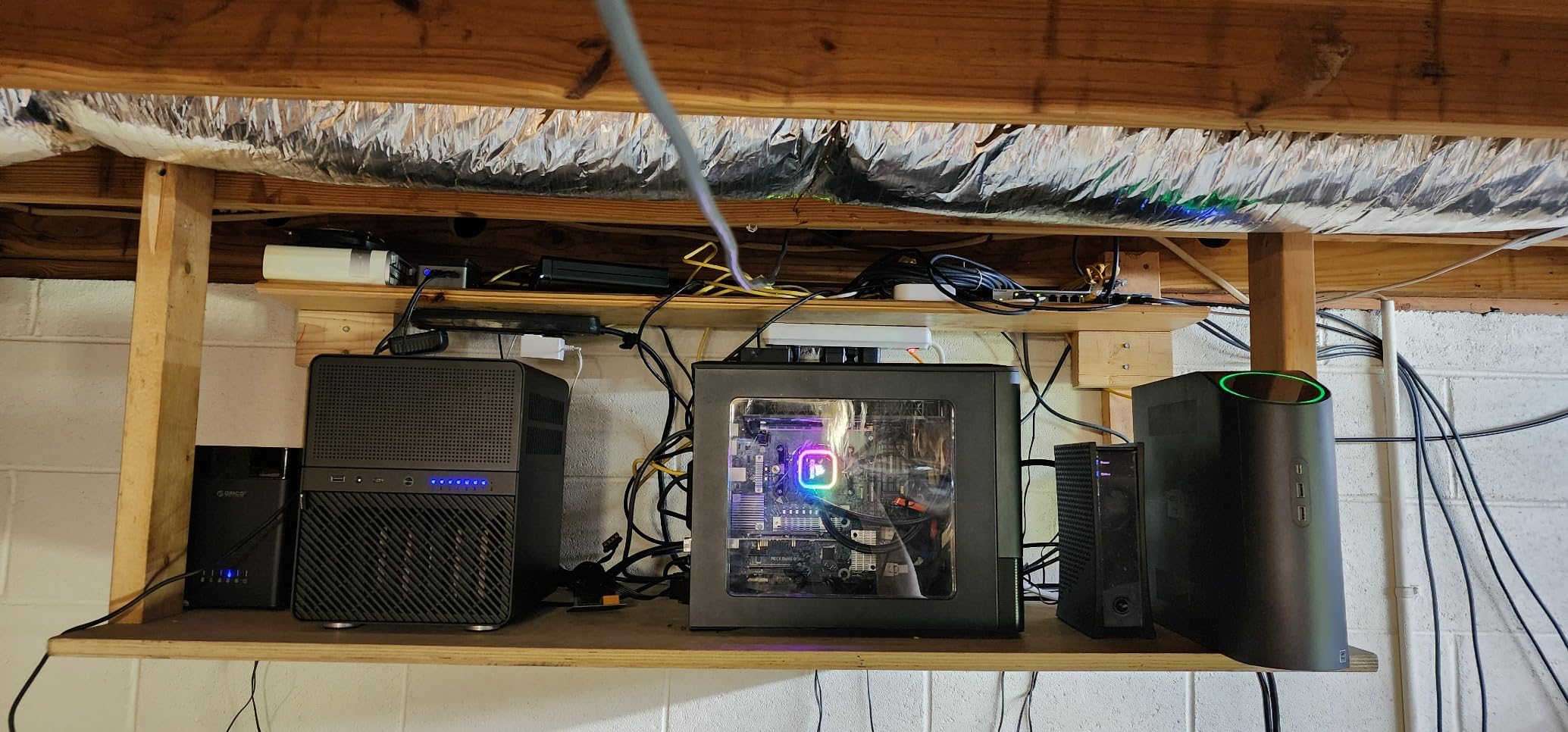
The constraints are all Mini-ITX constraints. Two PCI expansion slots, a 105mm SFX power supply and a 130mm CPU cooler limit, and a small interior that can be awkward for cable routing between the backplane and rear fan. Plan the parts list before you buy the case, not after.
For Plex specifically, a low-power Mini-ITX board with an Intel processor is the natural pairing. You get Quick Sync for hardware transcoding and eight bays of storage in a small footprint.
Who this suits
This suits TrueNAS or Unraid builders who want serious drive density without a full tower. Eight hot-swap bays in a small enclosure is a good match for a ZFS pool or a large mirrored pair plus hot spares.
It also suits anyone who already knows they want a Mini-ITX build and wants a chassis designed for it rather than adapted to it.
Who should skip it
Skip it if you need more than two expansion slots, a full-size power supply, or a tall tower cooler. Those are hard limits, not preferences.
Skip it if this is your first server. Building a Mini-ITX system means choosing the operating system, the boot drive and the install process yourself.
7. JONSBO N2: Five Bays for the Compact ITX Build
JONSBO N2 Black NAS ITX Case 5+1 Disk Bays Mini Aluminum Case, Built-in 12cm Fan, SFX Power Bite (L150mm Max.), Support 65mm CPU Cooler, Integrated Upper Cover Removable,Black
5 HDD and 1 SSD bays
Mini-ITX with SFX power supply
3.65 kg
197mm low-profile GPU limit
Pros
- Five 3.5-inch drives plus one 2.5-inch SSD in a small footprint
- Brushed aluminum with clean cable paths
- Fits common ITX NAS boards such as the CWWK i3-N305
- Widely used for TrueNAS and Jellyfin RAIDZ2 builds
Cons
- Stock 12cm fan is thin and noisy and the grill makes it louder
- No fan control header for the rear exhaust
- Tight spacing complicates SATA cable routing
- CPU cooler height limited to 65mm
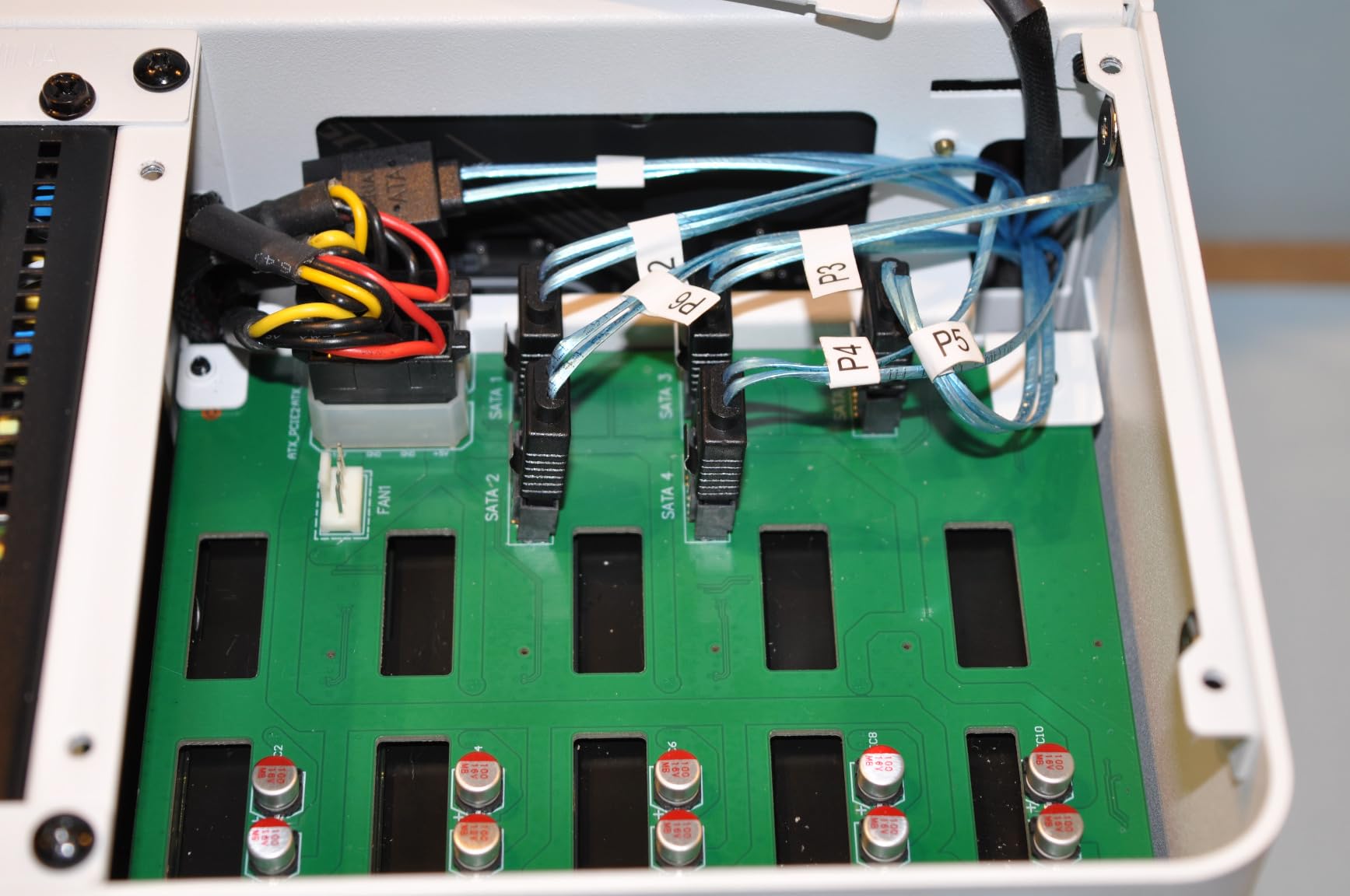
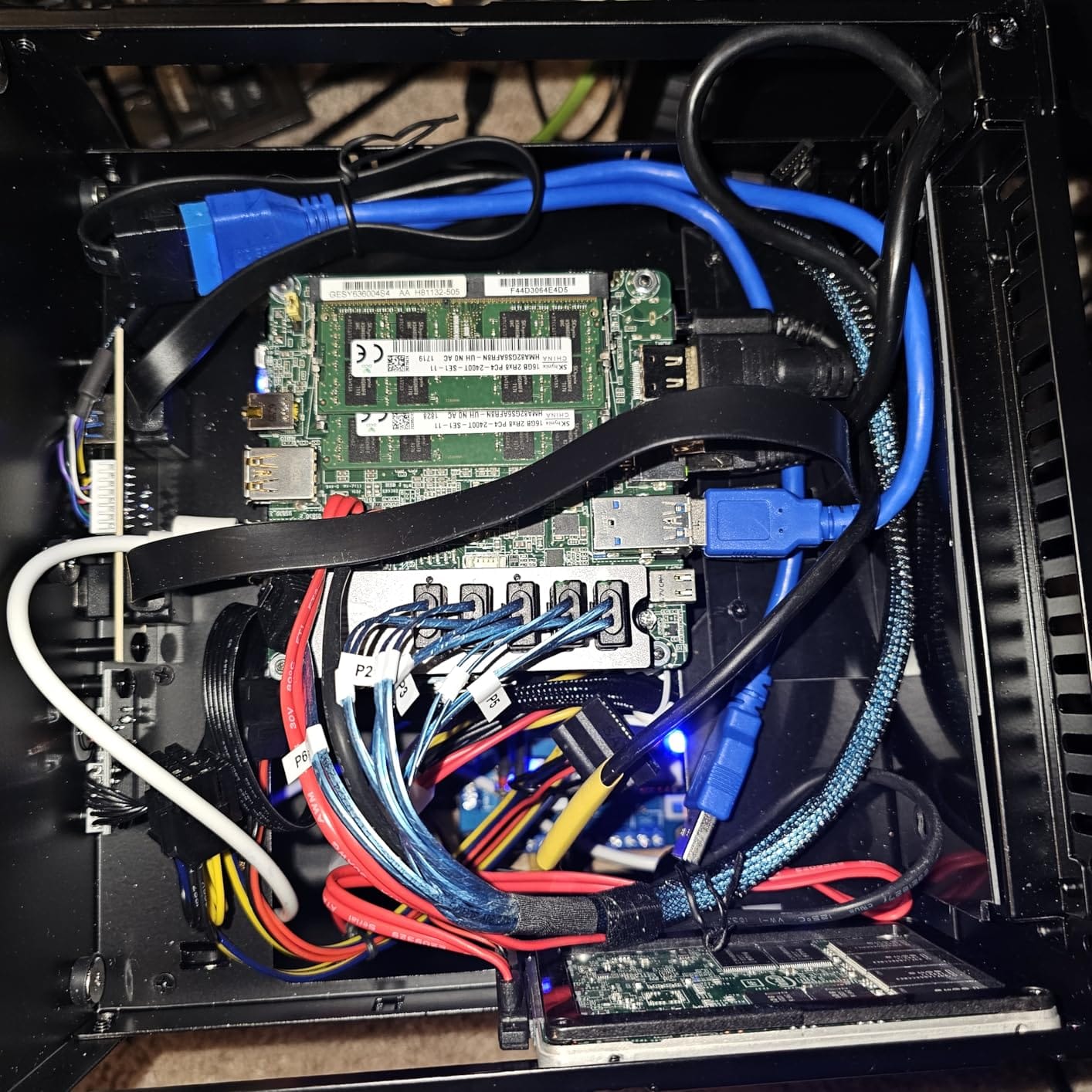
The N2 sits between a small NAS box and a proper server chassis. Five 3.5-inch hard drive bays plus one 2.5-inch SSD bay, brushed aluminum throughout, and a footprint measured in single-digit inches. Builders use it for compact TrueNAS and Jellyfin systems, often with RAIDZ2 across the five drives.
It fits boards people actually build Plex servers on, including common Mini-ITX NAS boards such as the CWWK i3-N305. With a 197mm low-profile single-slot GPU allowed, you can add a card for extra network ports without abandoning the small case.
Nearly every review flags the same two things. The stock 12cm fan is thin and noisy, and the mesh grill amplifies it, so a Noctua swap is close to standard practice. The rear exhaust also has no fan control header, so it runs at full speed unless you reroute it.
Cable routing between the backplane and the rear fan is tight, and the CPU cooler limit of 65mm rules out most tower coolers. Some ITX boards with side-facing SATA connectors will not fit at all, so verify your board before ordering.
Who this suits
This suits a builder who wants five hot-swap bays in something that fits on a desk. The ITX board options with integrated Intel graphics give you Quick Sync hardware transcoding, which is exactly what Plex wants from a small box.
It also suits anyone planning to run Jellyfin alongside Plex, since the same hardware works for both.
Who should skip it
Skip it if noise is critical. You will be replacing the fan regardless, and that adds a build step to an otherwise simple chassis.
Skip it if you want room to grow past five drives. Going up means a different case, not more bays in this one.
8. Synology DS225+: Synology Software With a Transcoding-Capable CPU
Synology DS225+ Private Cloud Media Server – Stream, Back Up Photos & Share Files, Intel CPU for Hardware Transcoding (2-Bay Diskless NAS)
Intel CPU with hardware transcoding
282 MB/s transfer speeds
1300 g
3-year warranty
Pros
- Polished guided DSM interface is the easiest NAS software here
- Intel processor supports hardware transcoding for 4K streaming
- Fast transfers reported up to 282 MB/s
- Smooth migration from older Synology units
- Supports up to 30 IP cameras with AI detection
Cons
- Some reports of DSM installation failing with third-party drives
- Third-party compatibility limits some features
- Two-bay chassis caps capacity at two drives
- Constrained memory and drive upgrade paths
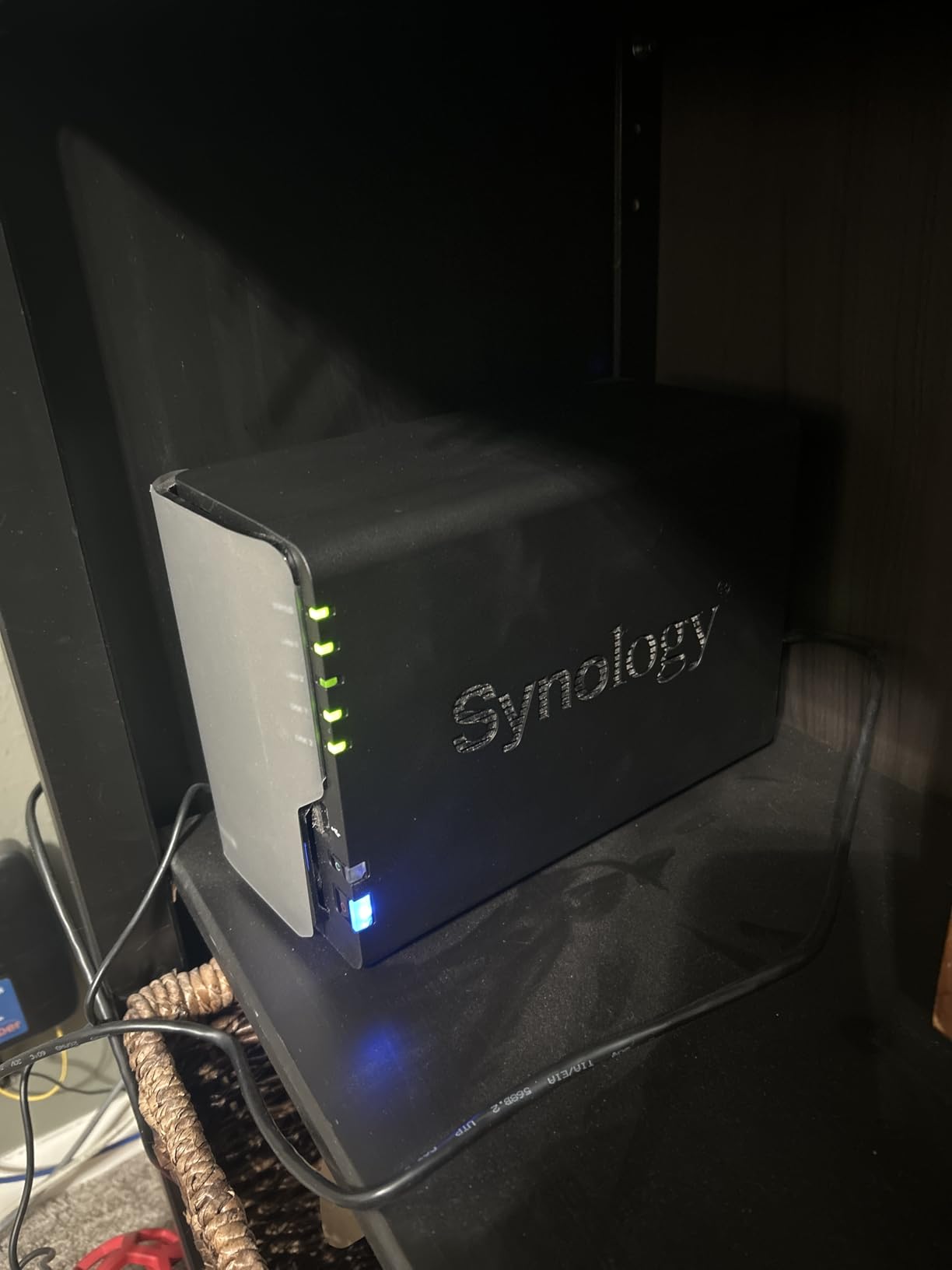
The DS225+ is the middle ground between the DS223 and a bare-metal build. It keeps the DSM interface that Synology is known for, but pairs it with an Intel processor that supports hardware transcoding for 4K media. For people who want Synology’s software without giving up 4K streaming, that combination is the reason to choose it.
Owners report transfers up to 282 MB/s over the network, and the reviews highlight the guided DSM experience, reliable backups and Plex capability, with 81 percent five-star ratings across 226 reviews. There is also a documented migration path from older Synology units that preserves data, settings and credentials.
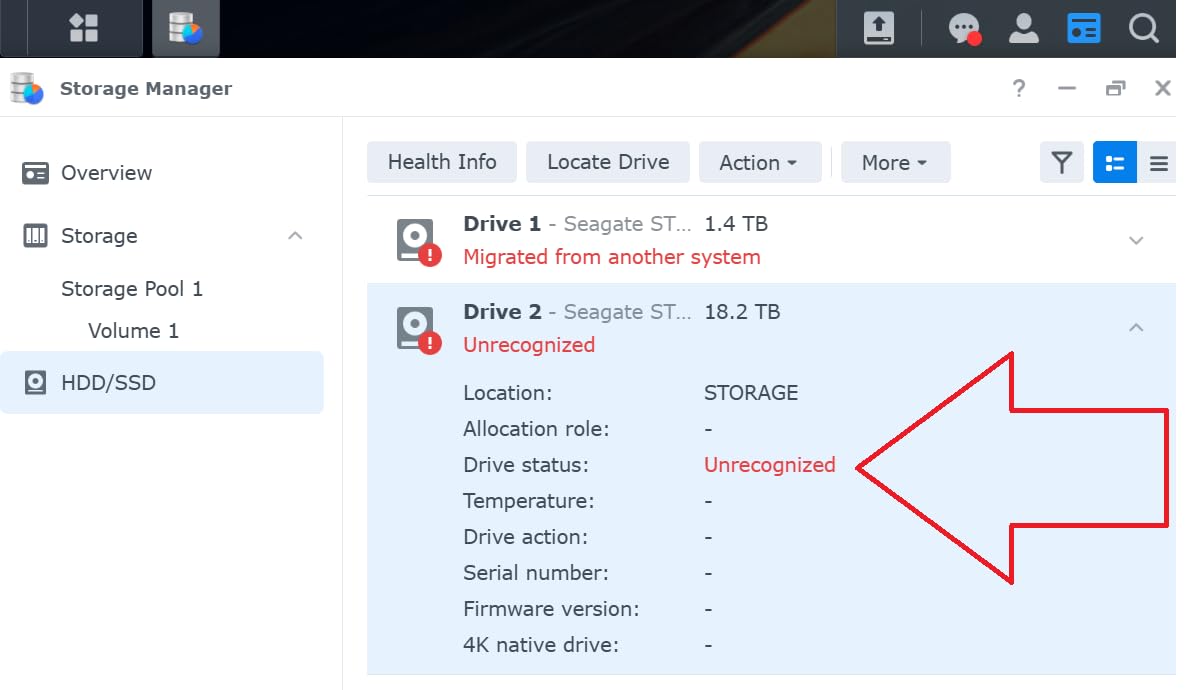
The most common complaint in the critical reviews is third-party drive compatibility. Some users report DSM installation failing to complete with non-Synology drives, and restrictions on third-party drives can limit access to some features. Buying supported drives removes that entire class of frustration.
Surveillance support is a genuine bonus, with room for up to 30 IP cameras with AI detection and instant alerts. The capacity ceiling is still two drives though, and the upgrade paths for memory and storage are constrained by the chassis.
Who this suits
This suits a household that streams real 4K content but wants a guided interface rather than a self-built system. The hardware transcoding support means the processor can handle 4K streams that would choke the DS223.
It also suits existing Synology owners moving up a generation, since the migration path is smooth and keeps credentials intact.
Who should skip it
Skip it if you want to use lower-cost third-party drives. That compatibility friction is the one issue owners raise repeatedly, and it does not go away.
Skip it if you need more than two bays, or if you want to run containers and virtual machines alongside Plex.
9. Rosewill RSV-L4500U: Fifteen Bays in 4U Rack Space
Rosewill 4U Server Chassis Rackmount Case | 15 3.5″ HDD Bays | E-ATX Compatible | 6 Front 120mm Fans, 2 Rear 80mm Fans | 2X USB 3.0 | Front Panel Lock and Key | Silver/Black – RSV-L4500U
15 internal 3.5-inch bays
4U rackmount chassis
31.1 pounds
E-ATX support
Pros
- Fifteen internal drive bays for very high capacity
- Eight pre-installed cooling fans protect drives
- Seven PCI slots and E-ATX support leave room to grow
- Front panel LEDs show power drive and LAN status
- Front panel lock with key included
Cons
- Bulky 4U form factor needs real rack space
- Shorter one-year manufacturer warranty
- Older platform with dated front panel connectivity
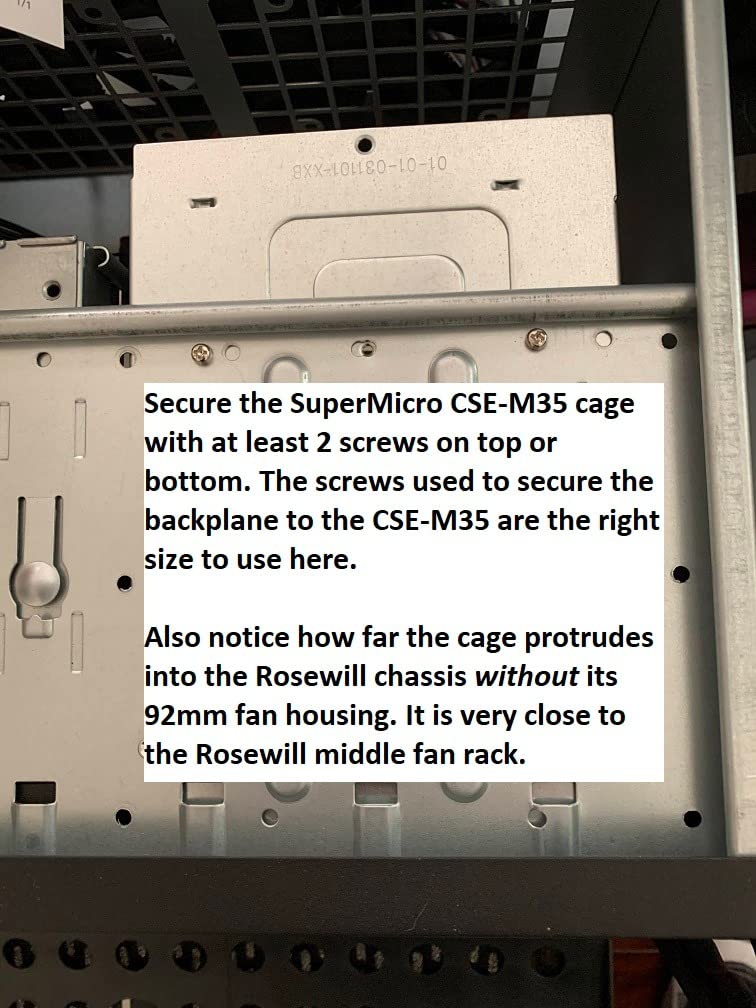
When storage capacity is the goal rather than convenience, the RSV-L4500U puts fifteen 3.5-inch drive bays in a 4U rackmount chassis. It is not a NAS and not a Plex server, but it is the enclosure in this group that lets you build the largest array, with extended ATX support and seven PCI expansion slots to grow into.
Cooling is handled at the chassis level with eight pre-installed fans, including front and middle 120mm units and rear exhaust. For a full load of spinning drives in a 4U space, that fan count is the difference between a stable array and a hot one.
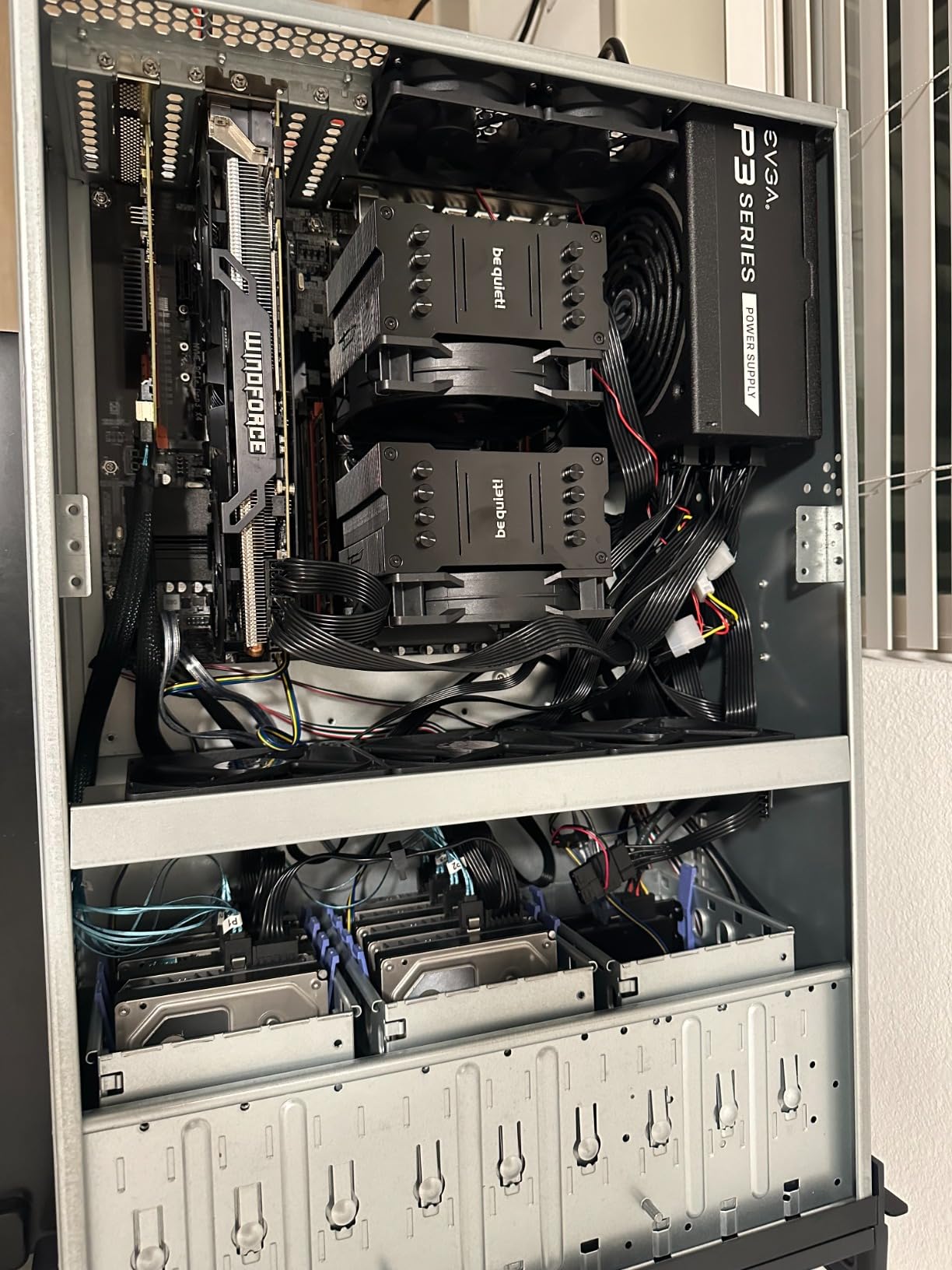
Rackmount builders value the bay count and the front panel details: LED indicators for power, hard drive and LAN status, plus a lock and key so the enclosure is secure in a shared space. Two USB 3.0 ports on the front handle direct connection during setup.
The rating of 4.2 reflects the design’s age. The one-year manufacturer warranty is the shortest here, the front panel connectivity is dated next to newer cases, and at 31.1 pounds it needs a proper rack rather than a shelf.
Who this suits
This suits someone already running a home lab or small studio rack who needs bulk storage for a very large Plex library, archives or video editing scratch. Fifteen bays in 4U is a genuinely different scale from the desktop boxes in this guide.
It also suits anyone who wants the security of a lockable front panel in a shared or multi-user space.
Who should skip it
Skip it if you do not have a rack. The physical footprint and weight are real, and the one-year warranty leaves you without much support if something fails.
Skip it if you want a simple path to Plex. You would be assembling an entire server, and there are simpler enclosures for that.
10. KCMconmey 4+1 Bay: The Lowest-Cost Way Into a DIY Build
KCMconmey 4 + 1 Bay DIY NAS Case, 4 x 2.5″ / 3.5″ Tray + 1 x 2.5″ Internal Bay. MB ITX. PSU Flex. Front USB 3.0 8cm Chassis Fan Hot Swap Backplane. Network Attached Storage Private Cloud Enclosure.
4 trays plus 1 internal 2.5-inch bay
Mini-ITX, Flex or 1U PSU
3.18 kg
1-year warranty
Pros
- Lowest cost hot-swap DIY chassis in this group
- Four 2.5 or 3.5-inch trays plus an internal bay
- Hot-swap backplane and two front USB 3.0 ports included
- Flex and 1U power supply flexibility
- Alloy steel construction
Cons
- Lowest average rating in the group at 4.0 stars
- Mini-ITX motherboards with a single full-height PCIe slot
- Basic single-fan cooling for a multi-bay chassis
- Only 47 percent five-star ratings
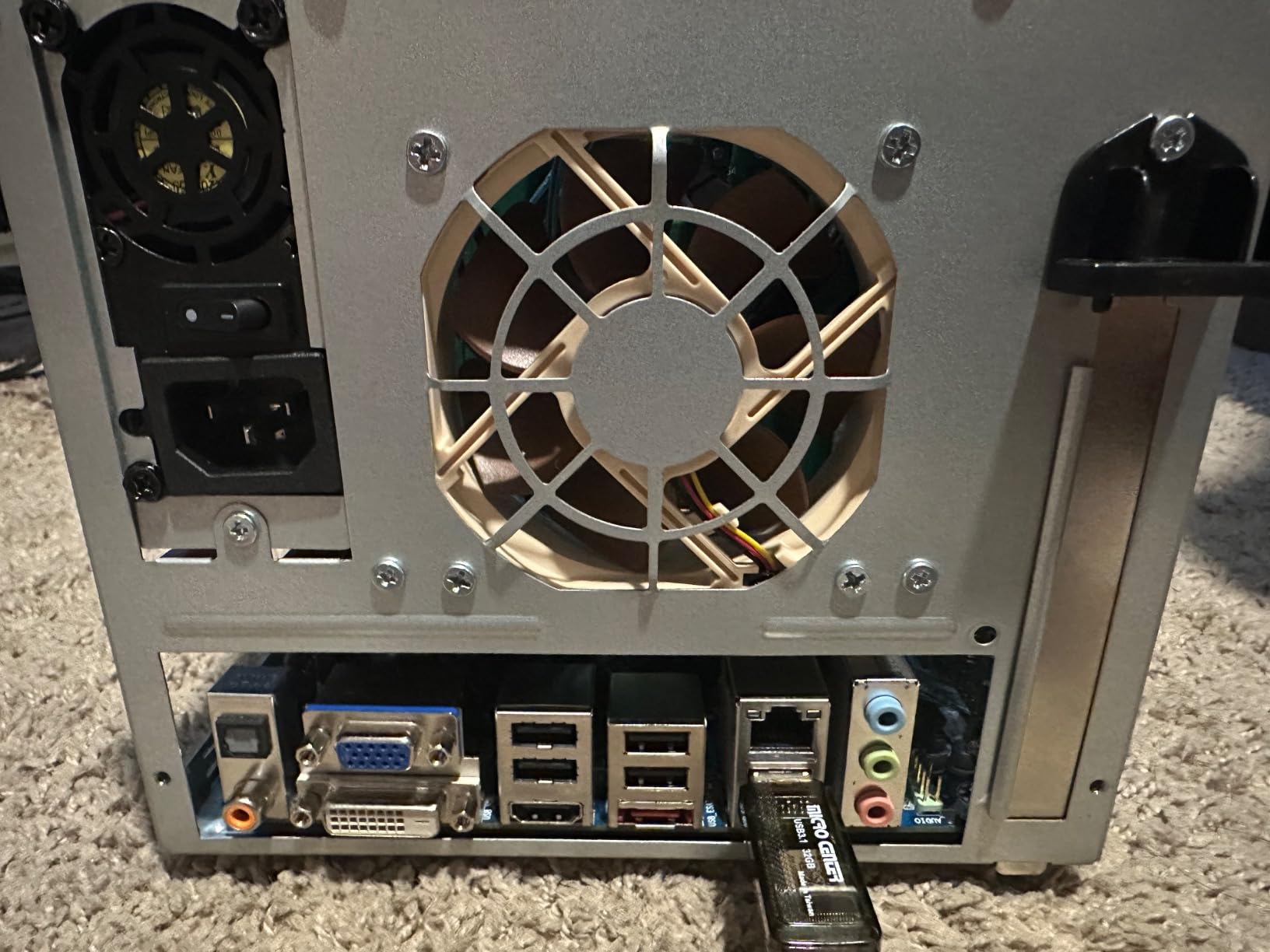
This is the entry point for building your own Plex server rather than buying a finished one. You get four 2.5 or 3.5-inch trays plus an internal 2.5-inch bay, a hot-swap backplane and two front USB 3.0 ports, in an alloy steel chassis that accepts Mini-ITX boards along with Flex or 1U power supplies.
It sits at the bottom of this roundup on rating, at 4.0 stars from 104 reviews with a 47 percent five-star share. That reflects modest finish compared with the aluminum competitors, not a functional problem. Buyers looking for the cheapest path into a DIY NAS report getting the tray count and backplane they expected.
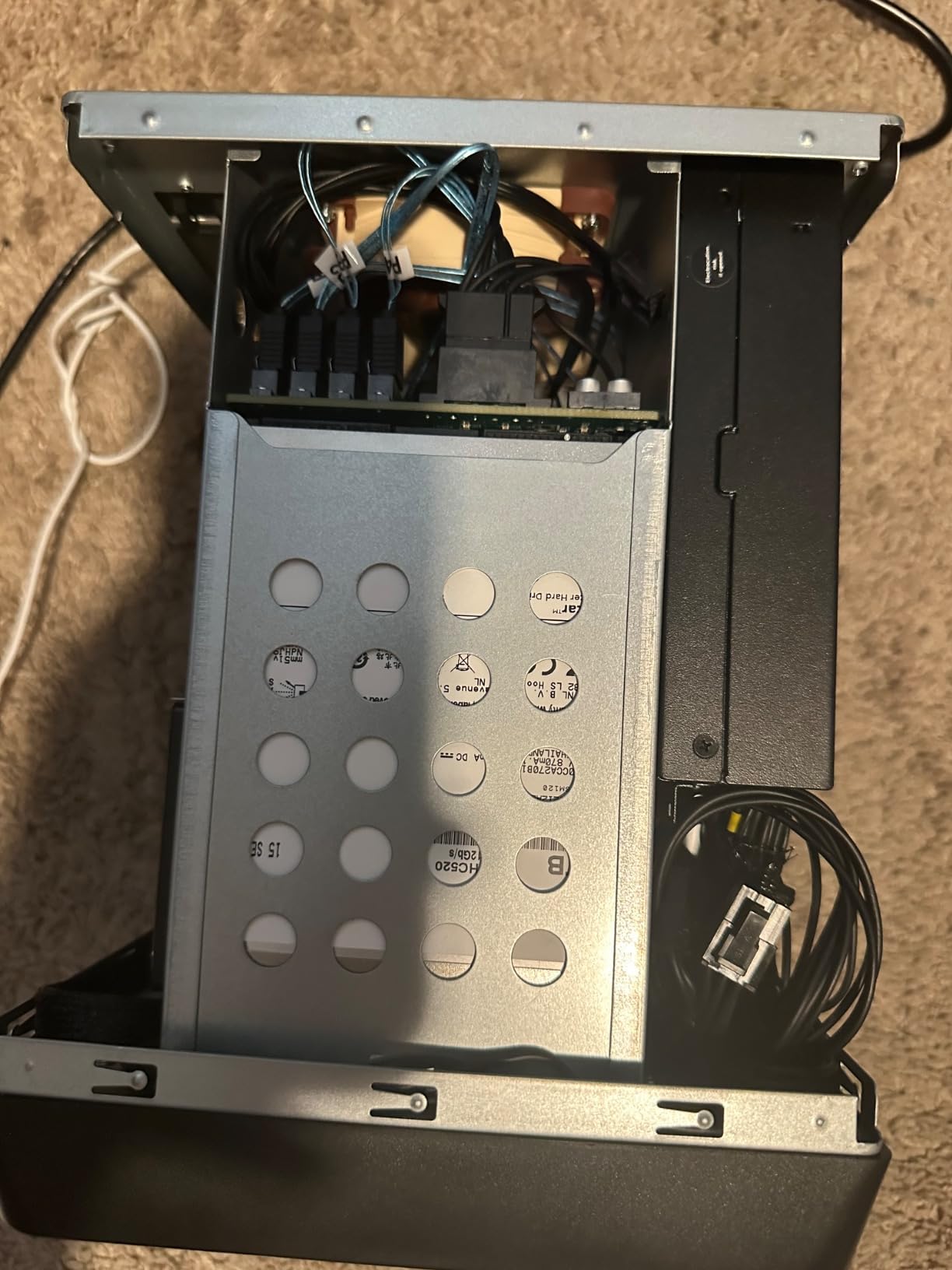
Cooling is the compromise. A single pre-installed 80mm chassis fan is thin coverage for four spinning drives in a compact enclosure, so plan to add fans or accept higher drive temperatures under sustained load.
Expansion is also tight, with one full-height single-slot PCIe card. That is usually enough for a network card, but it rules out adding a GPU alongside other expansion, so choose a motherboard with the integrated graphics you need for transcoding.
Who this suits
This suits a first-time builder who wants to learn the route rather than buy a black box. Four bays with a hot-swap backplane is a reasonable first array, and the low cost of the chassis leaves more of the budget for a processor with integrated graphics.
It also suits anyone who needs a specific unusual power supply format, since it accepts both Flex and 1U units.
Who should skip it
Skip it if build quality matters to you. The rating spread shows a wider variance than the metal enclosures, and the one-year warranty is the shortest here.
Skip it if you plan more than four drives or more than one expansion card. Both limits are structural.
How to Choose a NAS Enclosure for a Plex Server in 2026
1. Match the processor to your transcoding load
Start with the weakest device in your household, not the strongest. If an older smart TV direct plays your 4K files, almost any box on this list works and you can optimize for capacity instead. If it does not, you need a processor with Quick Sync, and that rules out several entry-level options.
Intel processors with integrated graphics are the safe bet because Plex recognises Quick Sync broadly. Community discussion consistently favours checking the exact model rather than the brand, since support varies generation to generation. The Intel N100 in the DXP2800 and the Intel part in the DS225+ are both confirmed hardware transcoding paths.
Remember that Plex Pass is required for hardware transcoding. Without it, the processor handles everything in software, and the same chip that managed several hardware streams will struggle with one.
2. Pick RAID 1, RAID 6 or SHR based on bay count
With two bays, RAID 1 is the only sensible choice. You get a mirror, you lose half your raw capacity, and rebuilding a failed drive means reading every remaining bit. Above two bays, RAID 6 gives better protection than RAID 5 because it survives two simultaneous failures, at the cost of more parity overhead.
Synology’s SHR is worth considering if you may grow later, since it lets you add drives of a different size without rebuilding the entire array. If your enclosure is a bare chassis, you can use ZFS with RAIDZ2 or RAIDZ3 for similar protection.
Whichever you pick, RAID is not a backup. It protects against drive failure, not against deletion, ransomware or a fire.
3. Choose network speed deliberately
A single 4K remux can push well past what 1GbE sustains, which is why boxes like the DXP2800 with 2.5GbE feel faster even on the same hard drives. If you are streaming 4K to multiple rooms, or copying large libraries onto the NAS, 2.5GbE is the practical minimum on a wired network.
10GbE only pays off if your client devices and switches support it end to end, which is why we have covered those options separately in our guide to 10GbE NAS enclosures for creators. Otherwise the port sits idle.
Wi-Fi is the real bottleneck in most homes. A NAS on 1GbE wired will feed a wireless client far more reliably than a faster NAS can.
4. Budget memory according to what the server does
For a direct play library, the included memory is usually enough. For transcoding, Docker containers or virtual machines alongside Plex, 8GB is a sensible floor and 16GB or more gives room to grow. The enclosure matters here because bare chassis let you choose the memory outright, while turnkey NAS boxes often limit it.
If you plan to add NVMe caching or run containerized services, read our NVMe NAS device guide before settling on a chassis with no M.2 slots.
Two-box architecture deserves a mention. Many people run a small Mini-PC with an Intel N100 or i3 for Plex and a NAS purely for storage, which decouples transcoding capacity from drive bays. Our picks for mini PCs for Plex media servers cover that side.
5. Decide between a turnkey NAS and a DIY enclosure
Turnkey boxes such as the DS223, DXP2800, DH2300 and DS225+ boot their own operating system, update themselves and have support behind them. You add drives and install Plex. The trade-off is a fixed hardware ceiling and, for Synology, drive compatibility rules.
DIY enclosures like the JONSBO cases, the Rosewill chassis and the KCMconmey box let you choose the processor, memory, networking and operating system. You get more performance per unit of money and full control, but you handle the build, the boot drive and the updates yourself.
Our guides to 4-bay NAS enclosures for Plex and NAS devices for home media servers cover both routes in more depth.
6. Migrate an existing Plex library without losing your history
Moving to a new server is the step most guides skip. The trick is that Plex stores its database separately from your media files, so if your media stays on the drives, the server is what moves. Back up the Plex data directory first, then install Plex on the new machine, point it at the same library path, and let it rebuild its database from the media.
Watch states, play counts and user ratings live in that database, not in the video files. Restoring the database directory onto the new server is what preserves them. Synology units in this list have a documented migration path that carries data, settings and credentials across.
Large libraries also need a metadata backup plan. The Plex database is not part of your media, so schedule it alongside your file backups rather than assuming RAID covers it.
7. Consider Jellyfin if you want no subscription
Some of the frustration people report with Plex is tied to Plex Pass, particularly around hardware transcoding. Jellyfin offers hardware transcoding without a paid tier, which is why it comes up constantly in home lab communities. Several of the DIY enclosures in this guide are more commonly seen running Jellyfin or both servers side by side.
Neither is a wrong answer. Plex has the broader client ecosystem and simpler remote access; Jellyfin has no subscription and more flexibility for self-hosters. You can run both on the same hardware, and the DXP2800 is the box in this group most often configured that way.
Frequently Asked Questions
Which NAS is best for transcoding 4K content on Plex?
The UGREEN DXP2800 is the pick here because its Intel N100 processor provides Quick Sync hardware transcoding alongside 2.5GbE networking and dual M.2 NVMe slots. The Synology DS225+ is the alternative if you want that same transcoding capability inside Synology’s guided DSM software. Both need a Plex Pass subscription to unlock hardware transcoding.
How do I put Plex on a NAS?
Install the NAS operating system first and add your drives, then open the app store or package center on the NAS and install Plex Media Server. On Synology units this is a single install from Package Center. On UGREEN units the Plex app installs the same way, while containerized Docker installs need the correct hardware device path passed through for transcoding to work.
Is a NAS good for Plex, and is one worth it?
A NAS is good for Plex because it stays on continuously, protects media with RAID redundancy, and streams to any device on your network or remotely. It is worth it if you own a large library or stream regularly, since it replaces keeping a desktop computer running and removes recurring cloud storage subscriptions. It is less worthwhile for a handful of files you could stream from a service.
Which Synology NAS is best for a home Plex server?
The DS225+ is the better fit for 4K streaming because its Intel processor supports hardware transcoding and transfers reach up to 282 MB/s. The DS223 is the easier and cheaper starting point for households that mostly direct play and want simple backup, sync and camera features. Both are two-bay units, so capacity is capped at two drives.
How much storage do I need for a Plex server?
Plan on roughly 1.3 to 1.5 times your current library size per copy so you have room to add media without immediate expansion. Higher quality 4K files average much larger than 1080p, so a 4-bay enclosure or a 12-bay DIY chassis gives you far more growth headroom than a two-bay unit. Remember that RAID 1 halves raw capacity and RAID 6 costs more in parity overhead.
What is the best rack mountable NAS for Plex?
The Rosewill RSV-L4500U is the rackmount option in this guide, providing 15 internal 3.5-inch drive bays in a 4U chassis with eight pre-installed cooling fans and E-ATX support. It is an enclosure rather than a finished NAS, so you supply the motherboard, processor with integrated graphics and operating system. Check the depth and weight against your available rack space before ordering.
Final Verdict: Which NAS Enclosure Fits Your Plex Library
If you want the shortest path to a running Plex server, the Synology DS223 is the choice. It is the one on this list where you add drives, install an app, and start watching, with the smoothest software and a two-year warranty behind it. That simplicity is what earns it the top spot among the best NAS enclosures for Plex servers in 2026.
If your library is 4K and you plan several streams at once, go with the UGREEN DXP2800. The Intel N100 handles hardware transcoding, 2.5GbE keeps large files moving, and the NVMe slots add room to grow. Accept the thinner documentation and you get far more headroom than any two-bay turnkey box here.
If you are comfortable building, the JONSBO N5 and N3 give you the most bays and the most control over the processor, at the cost of choosing the operating system yourself. Weigh that against the turnkey options honestly, because the extra performance is real but so is the setup time.
Whichever route you take, start by auditing the weakest client device in your house. That single check tells you whether to buy storage or buy processor, and it prevents the most common disappointment with any of these systems.