
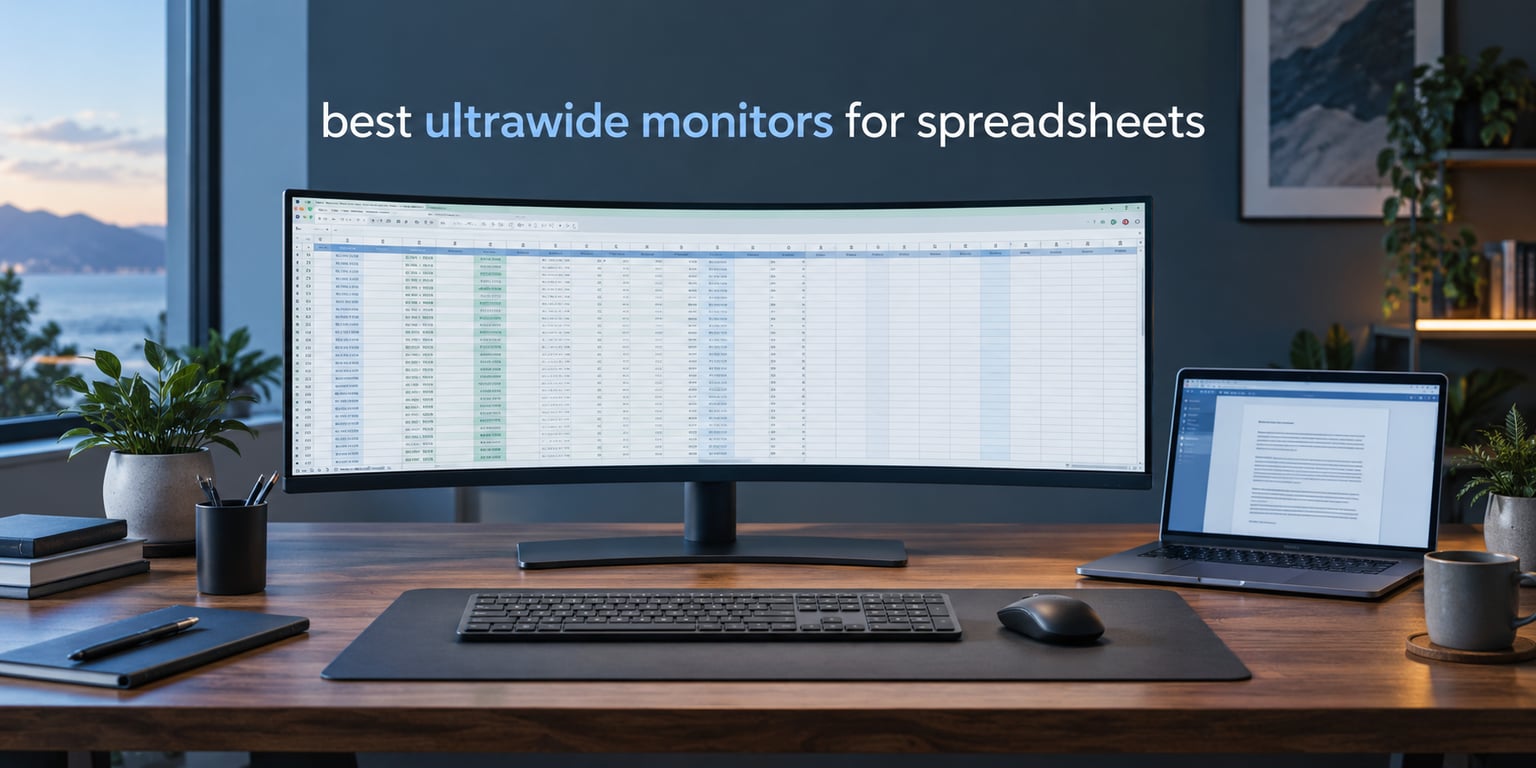
The best ultrawide monitors for spreadsheets are 34-inch 3440×1440 panels and 49-inch 5120×1440 super-ultrawides, because spreadsheet work runs horizontally and every extra column of width removes a horizontal scroll or a second application window. A 21:9 screen shows roughly a third more columns than a 27-inch 16:9 panel, and a 32:9 screen replaces two 27-inch monitors without a bezel gap down the middle.
That is the whole case, and the rest is detail. Which detail matters depends on whether you sit eight hours in Excel, whether you dock a laptop with one cable, and whether your desk is deep enough for a 49-inch panel. We read the specs, the review histories and the ownership reports for ten of the strongest options on the market, and we ranked them on the things that actually change your day: columns visible at 100 percent scaling, whether grid lines stay legible off-centre, port selection, stand adjustment and blue-light handling.
If your budget is the first filter rather than the last, we have dedicated roundups for the best ultrawide monitors under 500 and the best ultrawide monitors under 300. The picks below cover the full range from entry-level 34-inch panels to business-grade 49-inch super-ultrawides.
Table of Contents
Top 3 Best Ultrawide Monitors for Spreadsheets In 2026


All 10 Picks at a Glance (October 2026)
| Product | Specifications | Action |
|---|---|---|
| Samsung ViewFinity S50GC 34 inch |
|
Check Latest Price |
 Z-Edge 49 inch DQHD Z-Edge 49 inch DQHD |
|
Check Latest Price |
| Dell S3425DW 34 inch |
|
Check Latest Price |
 SANSUI 34 inch UWQHD SANSUI 34 inch UWQHD |
|
Check Latest Price |
 LG 34WR55QK-B 34 inch LG 34WR55QK-B 34 inch |
|
Check Latest Price |
 Samsung S95UA 49 inch Samsung S95UA 49 inch |
|
Check Latest Price |
 Philips 346E2CUAE 34 inch Philips 346E2CUAE 34 inch |
|
Check Latest Price |
 Sceptre C345B 34 inch Sceptre C345B 34 inch |
|
Check Latest Price |
 INNOCN 49C1R 49 inch INNOCN 49C1R 49 inch |
|
Check Latest Price |
 Deco Gear 49 inch DQHD Deco Gear 49 inch DQHD |
|
Check Latest Price |
1. Samsung ViewFinity S50GC 34 Inch — The Best Ultrawide Monitor for Spreadsheets Overall
SAMSUNG 34″ ViewFinity S50GC Series Ultra-WQHD Monitor, 100Hz, 5ms, HDR10, AMD FreeSync, Eye Care, Borderless Design, PIP, PBP, LS34C502GANXZA, 2023, Black
3440x1440 at 21:9
100Hz refresh
300 cd brightness
3000:1 contrast
10.8 pounds
Pros
- More than a thousand ratings from spreadsheet and office users
- Two full windows side by side with no bezel gap
- Ambient light sensor adjusts brightness automatically
- PBP shows two sources at native resolution
- Lightest 34-inch unit here at 10.8 pounds
Cons
- Stand has no height adjustment so a monitor arm is often needed
- VA panel shifts colour at sharp side angles
- Source switching needs multi-press OSD navigation
I put this one first because it is the model that spreadsheet users keep coming back to, and the review history backs that up: 1095 ratings averaging 4.4 from owners who describe it as suited to spreadsheets, office documents and code editors. The 3440×1440 panel at 21:9 is the configuration most people mean when they say an ultrawide monitor for spreadsheets, and at 100 percent Windows scaling it shows about a third more default-width Excel columns than a 27-inch 2560×1440 screen without pushing cell text below a readable size.
The dual-window behaviour is what wins the day. PBP splits the panel into two native-resolution halves with no bezel to align, which is a clean replacement for two physical monitors when you want the raw data grid on one side and a browser or report on the other. 100Hz also makes scrolling a long reconciliation sheet noticeably smooth, which matters during a fast Ctrl+End jump across a large export.
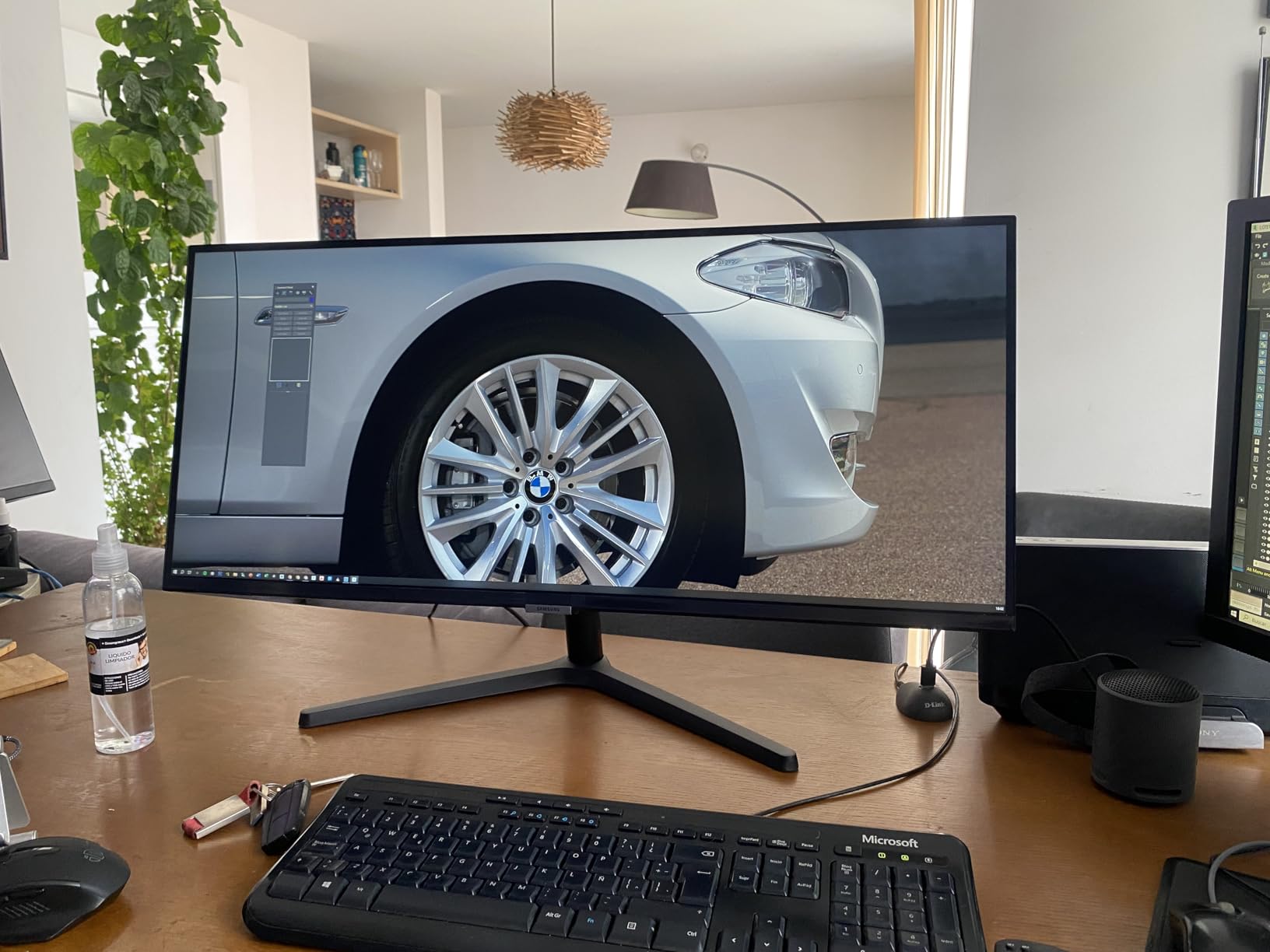
Two details separate it from the other 34-inch panels here. The ambient light sensor adjusts brightness automatically as the day moves from a bright office to an evening desk, which pairs well with the Eye Saver Mode and flicker-free backlight for long sessions. And at 10.8 pounds it is the lightest 34-inch unit among these ten, which matters when you are swapping desks or re-angling a panel for someone else.
Connectivity is deliberately plain: 2x HDMI 2.2 and 1x DisplayPort 1.2, with both HDMI and DisplayPort cables in the box. There is no USB-C, no built-in hub and no KVM, so laptop users are carrying a dongle. For a docked desktop accountant with a fixed tower, that is an unimportant gap. For someone swinging between a work laptop and a personal machine all week, it narrows the appeal considerably.
Who the Samsung ViewFinity S50GC suits
This is the pick for anyone whose day is eight to ten hours of grid work in Excel, Google Sheets or an ERP export, and who wants one dependable panel instead of two that need bezel alignment. The eye-care package and the automatic brightness sensor are aimed straight at all-day users, and the review base shows long-term ownership rather than first-week impressions.
It also works well as a second screen for someone keeping a full audit trail beside a document window. PBP and PIP are both present, the borderless design keeps the visual field continuous across the split, and the 3000:1 contrast ratio keeps faint grid lines visible against the cell background in a bright room.
Where the Samsung ViewFinity S50GC frustrates people
The stand is the first complaint in the reviews: tilt only, with no height adjustment, so many owners add a monitor arm. That is a real extra purchase, and on a curved 34-inch panel you also lose the factory curve alignment if you swap bases quickly.
Second, the VA panel shifts colour and contrast when you view it from sharp side angles. Sit centred and text is clean; swivel far to one side while reading a formula bar and it washes out slightly. If your seating position is off-centre relative to the desk, check this panel before committing.
2. Z-Edge 49 Inch DQHD — Best Rated Super Ultrawide for Maximum Column Visibility
Z-Edge 49 inch Ultrawide Curved Computer Monitor, DQHD 5120×1440, 165Hz
5120x1440 at 32:9
165Hz refresh
350 cd brightness
1500R curve
1ms MPRT
Pros
- 4.5 average from 770 ratings with 82 percent five-star
- Built-in KVM drives two machines from one keyboard and mouse
- PIP and PBP for simultaneous input sources
- Integrated dual speakers free up desk space
- 165Hz keeps large data ranges scrolling smoothly
Cons
- Draws up to 120 watts which is high for office use
- Setup instructions and button navigation are not intuitive
- Full refresh rate may need separately sourced cables
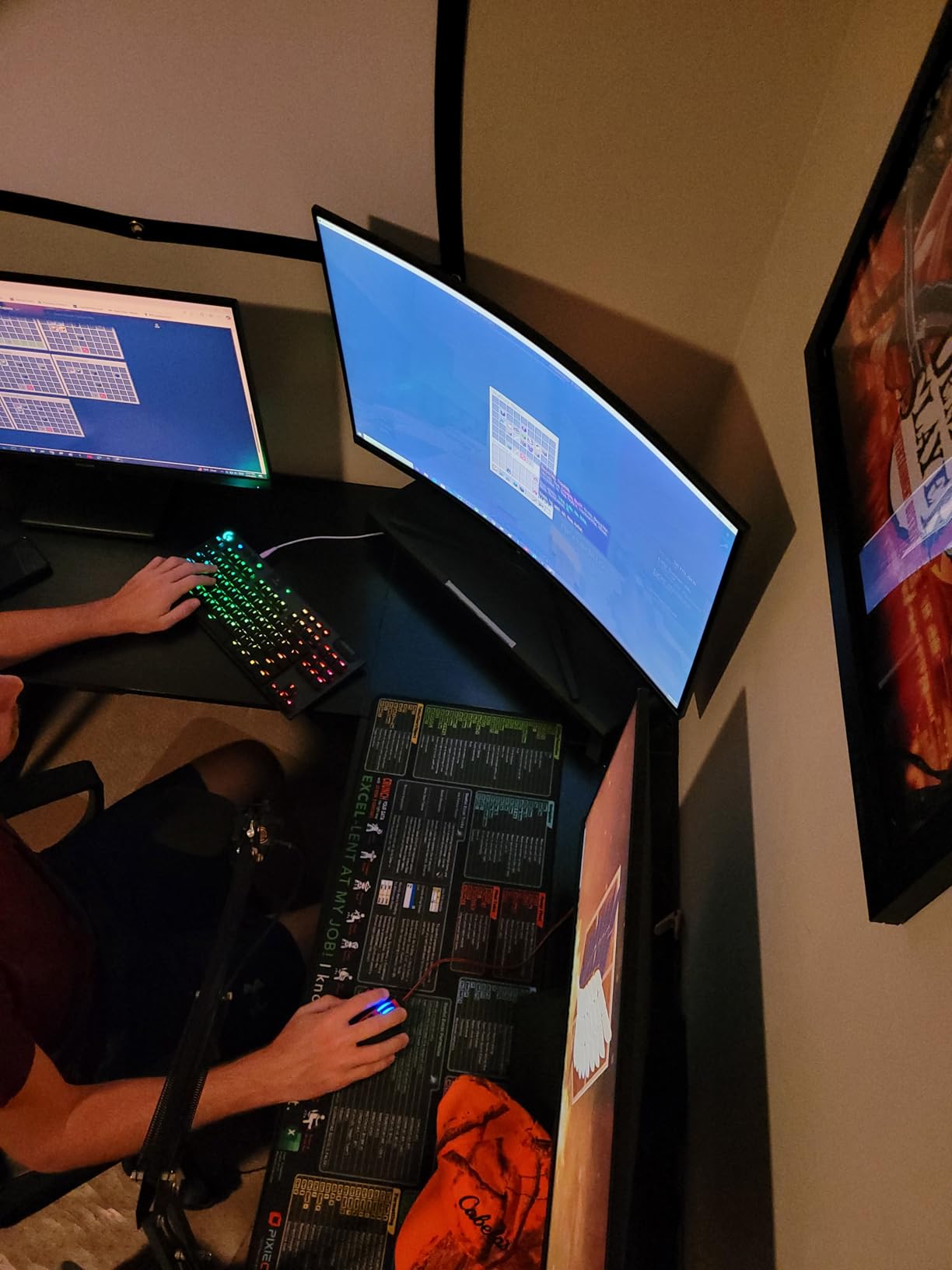
If the question is simply how many columns you can see at once, this is where the list tops out. 5120×1440 across a 32:9 panel is the digital equivalent of two QHD monitors with no bezel between them, which means a full year of data, a wide reconciliation matrix and a browser side by side without a single horizontal scroll.
It also carries a 4.5 average from 770 ratings with 82 percent five-star, matching the top rating among the 49-inch panels here. Owners point at the wide continuous workspace, accurate colour for the money and straightforward plug-and-play behaviour. 165Hz over HDMI 2.1 or DisplayPort 1.4 with 1ms MPRT response means scrolling a very large data range stays fluid even outside gaming.
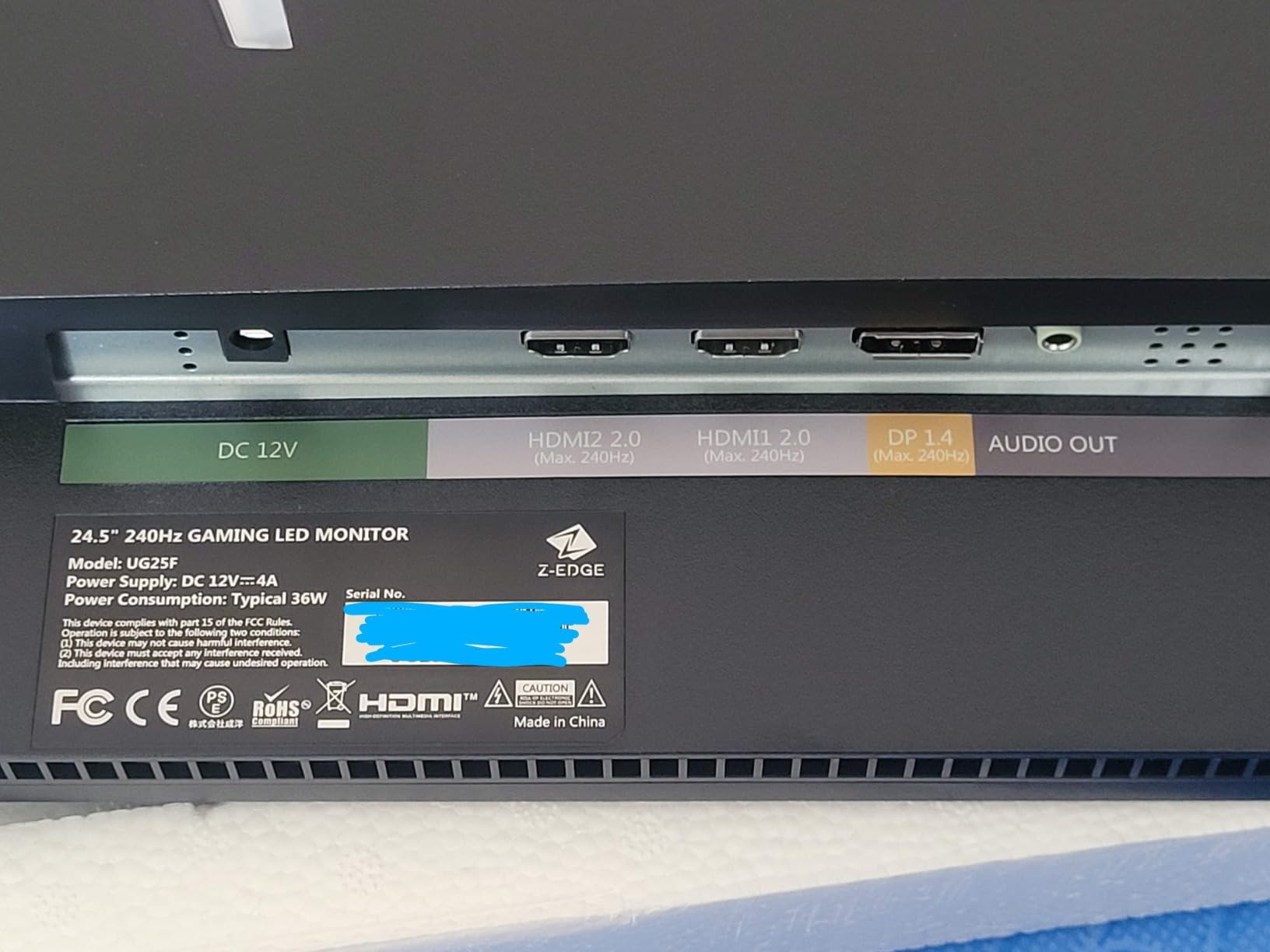
The connective tissue is the built-in KVM switch, which lets one keyboard and one mouse move between a work desktop and a laptop, or between two terminals, without a second peripheral stack. PIP and PBP handle sources from separate devices, and the integrated dual speakers mean you do not need separate desktop audio at a shared workstation.
Spreadsheet scrolling is the action you repeat thousands of times a day, and 165Hz keeps cell rows from smearing during a fast Ctrl+End jump or an autofill drag down a long column. The panel runs at 350 cd brightness with 3000:1 contrast and 100 percent sRGB coverage.
Who the Z-Edge 49 Inch suits
Analysts, traders and operations staff who build multi-tab models with dozens of open workbooks will get the most out of this panel. At 49 inches the physical width means you can see an entire model tab plus a monitoring sheet at 100 percent scaling, which is the specific thing a dual 27-inch setup does badly when the bezel splits a formula across the middle.
It also suits shared or hot-desk setups that run Windows and a laptop in parallel, thanks to the KVM and multi-source modes. Owners report accurate colour out of the box, which matters for anyone reviewing conditional formatting or chart colour coding as part of the spreadsheet workflow.
Where the Z-Edge 49 Inch frustrates people
Power draw is the honest catch: up to 120 watts, the highest figure of the ten panels here. On a desk running all day that is a running cost worth noticing, and it is one more reason the panel is not an automatic choice for pure office work.
Setup documentation and the physical button navigation draw repeated criticism, so budget time to configure it properly rather than assuming it works out of the box. Reaching the advertised top refresh rate may also require cables you have to source separately, and the stand needs care when you attach a 49-inch panel.
3. Dell S3425DW 34 Inch — Best for Laptop Users Who Want One Cable
Dell 34 Monitor S3425DW, WQHD VA, 120Hz, FreeSync Premium, Eye Comfort
3440x1440 at 21:9
120Hz refresh
USB-C 65W charging
ComfortView Plus
20.7 pounds
Pros
- Single USB-C cable with up to 65W power delivery
- Reviewers replacing dual 16:9 setups call it simpler and bezel-free
- Text clarity praised for office and spreadsheet work
- ComfortView Plus cuts blue light to 35 percent or less
- Height and tilt adjustment with a tool-free stand
Cons
- Limited port selection with no DisplayPort
- VA panel is weak for colour-critical graphical work
- Built-in speakers distort at higher volumes
The Dell is the one I recommend to hybrid workers who dock a laptop every morning and undock every evening. One USB-C cable carries video, data and up to 65W of charging, so the desk goes from a two-cable mess to a single plug at the end of the day. Reviewers repeatedly recommend it as a hub monitor for spreadsheets, programming and MacBook use, and one owner specifically praises it for handling large spreadsheets.
At 120Hz with FreeSync Premium and a 0.03ms response time, it also scrolls more smoothly than the 100Hz office panels in this list. That 3000:1 contrast and 99 percent sRGB with 95 percent DCI-P3 coverage means faint grid lines hold up, and the ComfortView Plus blue-light reduction to 35 percent or less is aimed at the all-day grid sessions this roundup is about.
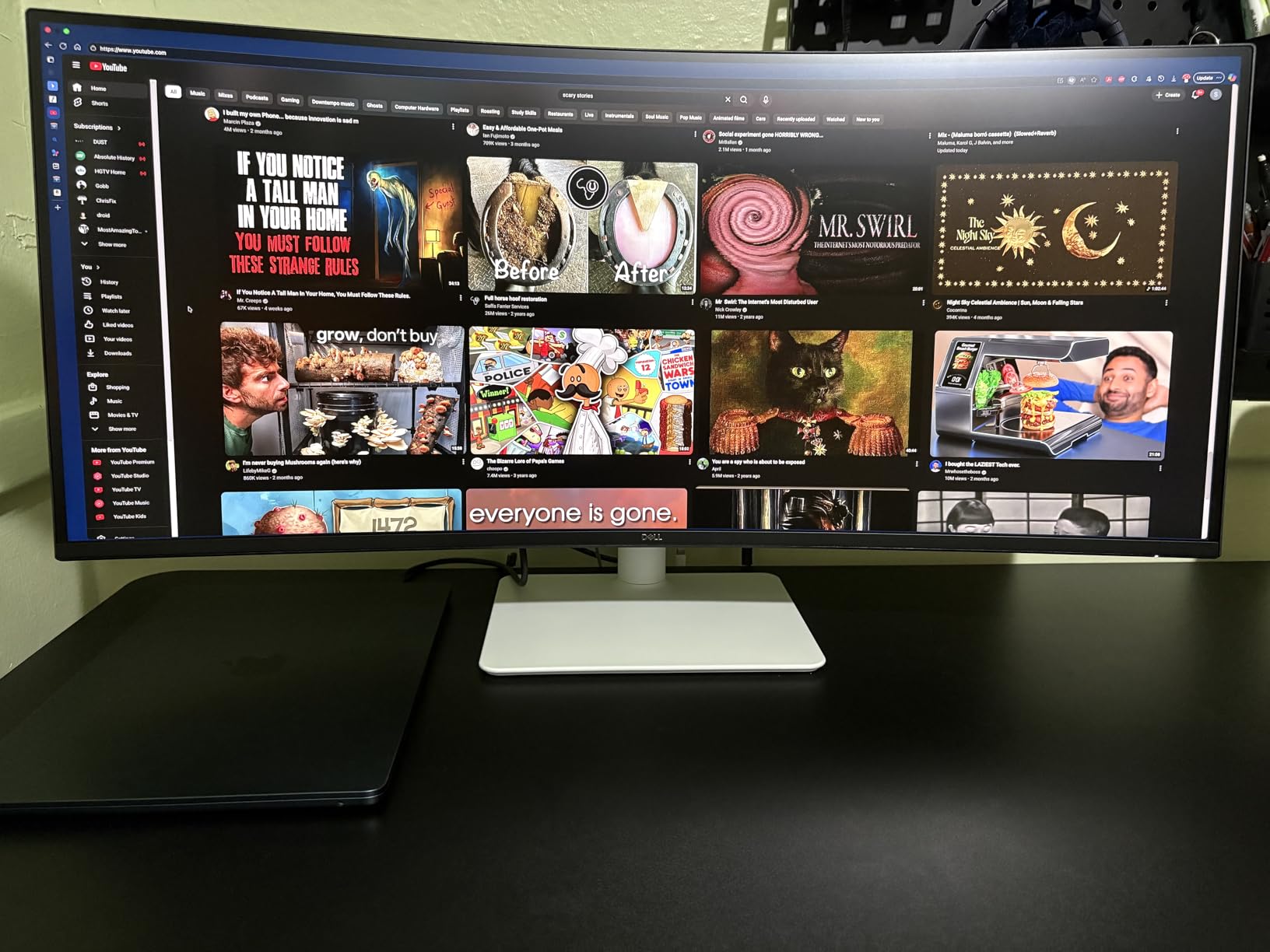
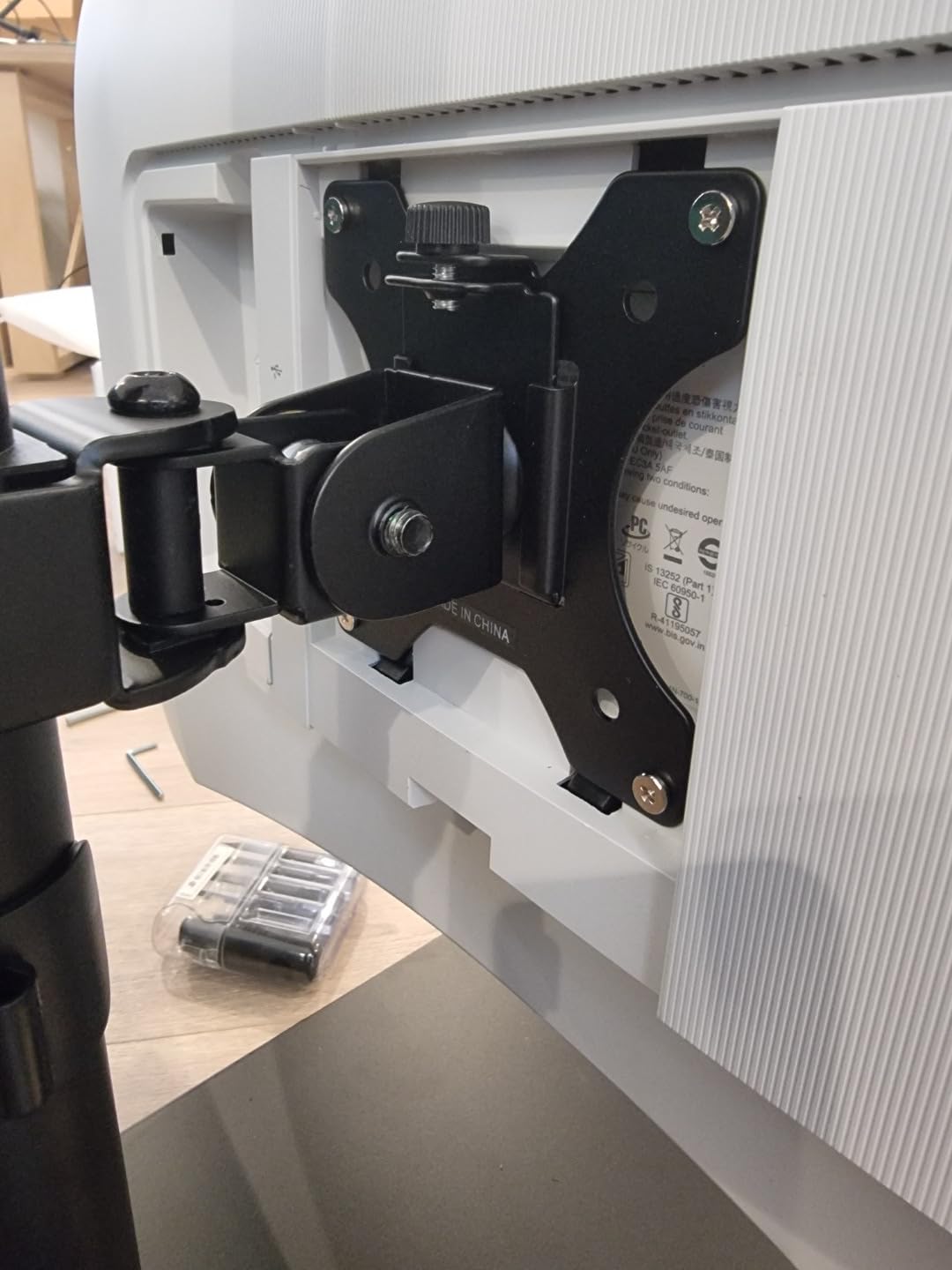
Several reviewers describe the switch from a dual 16:9 setup as simpler and bezel-free, which matches the forum consensus that a 34-inch panel handles most Excel and finance work as a single screen. The stand offers height and tilt adjustment, and assembly is tool-free, so you can get the panel at eye level without an arm.
Port selection is the weak point. The review set calls it limited compared with older Dell 34-inch curved models, with no DisplayPort, so your input options are HDMI and USB-C with four USB ports total. That is fine for a single laptop plus a hub. It is a constraint for anyone running a desktop with a dedicated GPU alongside a second machine.
Who the Dell S3425DW suits
Laptop-first workers, MacBook users and anyone who values text clarity over panel speed will like this one. The matte finish, 178-degree viewing angles and ComfortView Plus package keep long text sessions readable, and USB-C charging removes the charger from the desk entirely.
It is also a good first ultrawide for an office replacing two 16:9 screens, because the height-adjustable stand means you can position it properly without extra hardware, and Dell’s Advanced Exchange Service is praised by reviewers when problems do occur.
Where the Dell S3425DW frustrates people
No DisplayPort is a genuine limitation for a productivity monitor in 2026. PC builders accustomed to a dedicated GPU output will want one for high refresh and for a multi-input setup, and the absence means an adapter or a different cable in some desk arrangements.
The built-in speakers are described as distorted at higher volumes, so treat them as confirmation tones rather than a media solution. One owner also reported a unit arriving with a stand that could not hold the panel level, which is a handling fault rather than a design flaw but worth knowing about at delivery.
4. SANSUI 34 Inch UWQHD 200Hz — Best Value for Spec Hungry Spreadsheet Users
SANSUI 34-Inch Curved Gaming Monitor UWQHD 3440 x 1440P 200Hz Ultrawide
3440x1440 at 21:9
200Hz refresh
1ms OD response
sRGB 131 percent
1500R curve
Pros
- Entry-level 3440x1440 with up to 200Hz refresh
- 131 percent sRGB and 96 percent DCI-P3 coverage
- Blue light filter for long evening sessions
- Lightweight 7.01 kg chassis with anti-glare finish
- PIP and PBP support
Cons
- Tilt-only stand with no height or swivel adjustment
- Sharpness and edge colour need manual tuning out of the box
- Bundled 1.5m HDMI cable caps refresh rate below 200Hz
Nobody buys a monitor for the refresh rate, but 200Hz changes how a fast Ctrl+Down through a 20000-row export feels, and this panel pairs that with a 1ms response time. At 3440×1440 with sRGB 131 percent and DCI-P3 96 percent coverage, it is a specification-for-price outlier, and the 4745 ratings it has drawn make it the most widely owned panel among these ten.
Users describe it as an exceptional ultrawide for programming with many tabs open, and that translates directly to spreadsheet work with several workbooks plus a browser plus a terminal. The anti-glare matte finish keeps reflections out of the way in a lit office, and the blue light filter handles the late-evening end of the day.
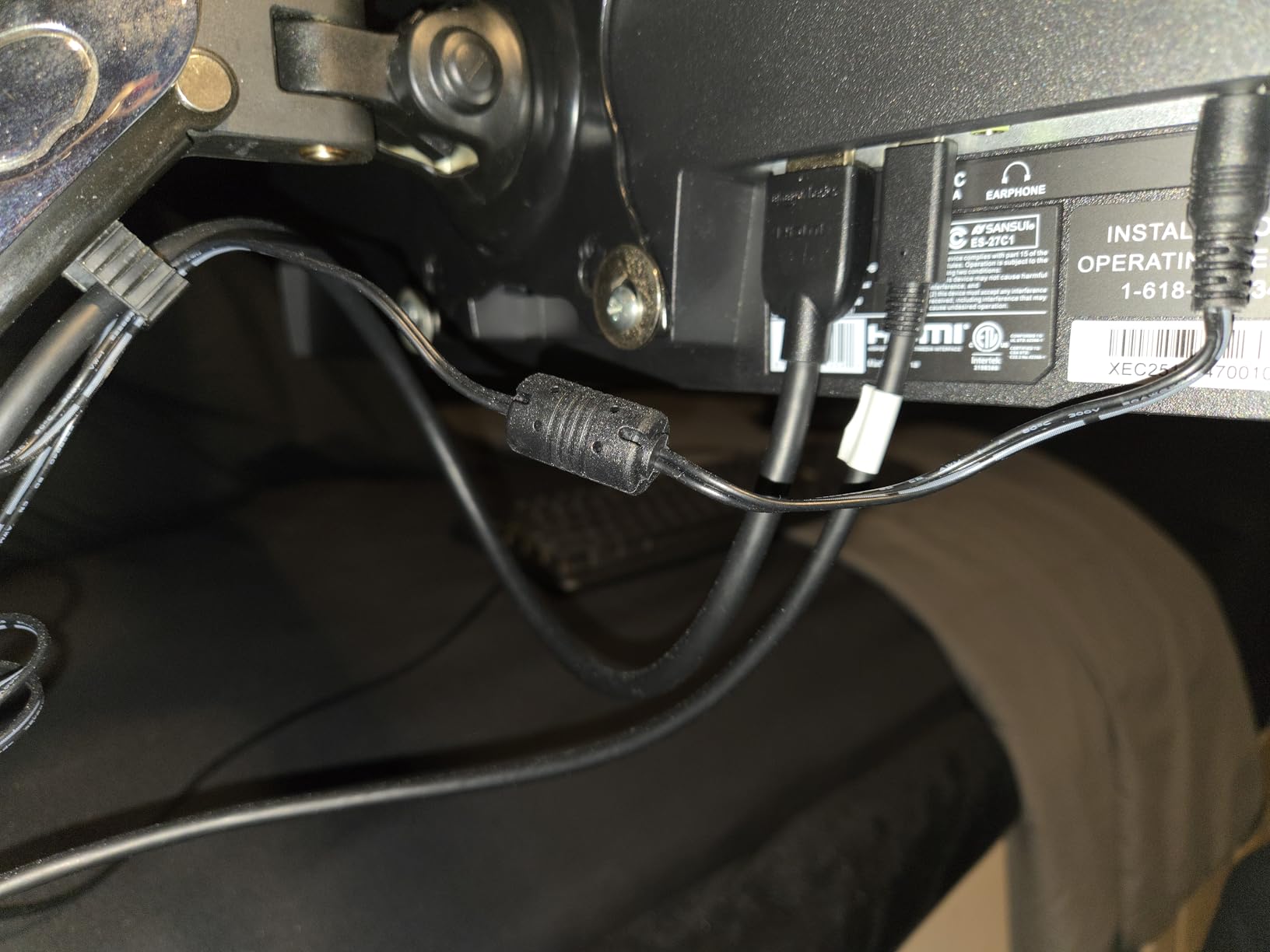
There is no noticeable tearing or flickering once FreeSync is enabled, according to the reviews, and PIP and PBP are supported for two-source work. Connectivity is DP 1.4 and 2x HDMI 2.1 with VRR, plus PIP/PBP, a blue light filter and a Kensington lock with VESA 100×100 mounting.
The critical practical note: the bundled cable is a 1.5m HDMI lead that caps the panel well below its 200Hz ceiling. If you plan to scroll heavy data ranges all day and want the speed this panel is capable of, buy a DisplayPort 1.4 cable at the same time. Out-of-box sharpness and edge colour also need manual tuning, so give it twenty minutes before judging it.
Who the SANSUI 34 Inch suits
This is the value pick for someone who wants more pixels and faster scrolling per unit of spend, and who is comfortable adjusting a monitor once and leaving it alone. The 1500R curve is mild enough that vertical grid lines stay straight when you are reading down a column.
It also suits mixed office and evening use, since the AI blue-light reduction and crosshair-style assists are built in. The warranty terms are generous too, with a 30-day money-back and replacement window plus lifetime technical support.
Where the SANSUI 34 Inch frustrates people
The tilt-only stand is the most repeated complaint in the reviews, and for a 34-inch curved panel most people will want height adjustment at some point. Budget for a monitor arm if you are shorter or taller than average, or if you share the desk. Sharpness and edge colour also need manual tuning out of the box, so spend twenty minutes with the OSD before judging the panel.
Reliability is the third concern. One detailed review documents power-board failures on more than one example alongside a weak support response, and there is no built-in speaker despite the product imagery. If uptime matters more than refresh rate, pick a brand with a longer warranty such as the Philips below.
5. LG 34WR55QK-B 34 Inch — Best for Two Sources on One Screen
LG 34WR55QK-B 34-inch UltraWide WQHD (3440 x 1440) Curved Computer Monitor, 100Hz, 5ms, HDR10, Reader Mode, HDMI, DisplayPort, USB Type-C, Tilt/Height Adjustable Stand, Black
3440x1440 at 21:9
100Hz refresh
65W USB-C charging
3000:1 contrast
15.2 pounds
Pros
- 4.6 average from 241 ratings
- USB-C with up to 65W power delivery for single-cable laptop use
- Picture-by-Picture for two input sources on one screen
- Reader Mode reduces blue light for long reading sessions
- Three-sided virtually borderless design
Cons
- 100Hz refresh is modest for high-refresh 49-inch rivals
- VA viewing angles require a centred seating position
- One-year parts and labour warranty
The LG has the highest average rating of the ten panels here at 4.6, with 241 ratings and 81 percent five-star, and the strongest single answer to a specific problem: showing two machines at once without two monitors. Picture-by-Picture sits two inputs side by side, so you can keep a desktop running a live reconciliation while a laptop holds a client email or a reporting model.
For spreadsheet work the core panel does the fundamentals well. 3440×1440 at 21:9, 300 cd brightness, 3000:1 contrast and 99 percent sRGB coverage, with HDR10 on paper and FreeSync adaptive sync. The USB-C port delivers up to 65W, so a laptop docks and charges over the same cable, and OnScreen Control handles workspace splitting.
Reader Mode reduces blue light for long reading sessions. The height and tilt adjustable stand is an advantage over the fixed stands on some rivals here, and the three-sided virtually borderless design keeps the two PbP halves visually continuous.
Connectivity covers the bases with 2x HDMI, 2x USB, DisplayPort and a headphone jack. Pixel pitch is listed at 0.23mm and viewing angles at 178 degrees on a matte finish, and the whole unit weighs 15.2 pounds, which is manageable if you reposition it.
Who the LG 34WR55QK-B suits
Hybrid workers and small teams running a desktop plus a laptop in parallel will get the most from Picture-by-Picture. The USB-C charging removes a cable from the desk, and the adjustable stand means you can set the panel at eye level without buying an arm.
It is also a strong first ultrawide for anyone who wants the 21:9 ratio and does not care about gaming refresh rates. Owners report loving the ratio and not going back to dual monitors, which is the common pattern in owner discussions.
Where the LG 34WR55QK-B frustrates people
100Hz is modest next to the 165Hz and 200Hz panels in this list. That is irrelevant for stationary grid work, but noticeable if the same screen handles fast action later in the day.
The VA panel means viewing angles matter more: sit centred and text renders consistently, lean to one side and it shifts. On a wide curved panel you will find yourself moving more than you expect, so check your seating position. The warranty is a single year of parts and labour, short against the three years on the Samsung 49-inch and four on the Philips.
6. Samsung S95UA 49 Inch — Best for Business and Corporate Deployments
Samsung 49” Business Curved Ultrawide Dual QHD Computer Monitor, USB-C, DisplayPort, HDMI, 120Hz, VESA DisplayHDR 400, Built-in Speakers, Height Adjustable Stand, Eye Care, LS49C954UANXZA, 2024
5120x1440 at 32:9
120Hz refresh
USB-C 90W charging
1000R curve
400 cd brightness
Pros
- Monitor and docking station combined with 90W USB-C charging
- Gentlest 1000R curve of the 49-inch panels here
- True two-monitor productivity width on one panel
- DisplayHDR 400 with built-in speakers
- Three-year warranty with dedicated B2B support
Cons
- Top of the price range among the 49-inch options
- 32.2-pound chassis that is awkward to reposition
- 5ms response time trails the faster 49-inch options
This is the corporate choice, and it is the pick that makes the buying decision an IT decision rather than a desk-side one. Buyers treat it as a premium business display, with 247 ratings at 4.5 and 79 percent five-star, and the value proposition is the three-year warranty with a dedicated B2B support call centre rather than any single spec.
The dual QHD width at 5120×1440 gives genuine two-monitor productivity on a single panel, so a rollout across a finance or analytics team means one device per desk instead of two. USB-C with 90W charging is the highest power delivery figure among the ten panels we looked at, so it handles a full-size laptop without a separate charger.
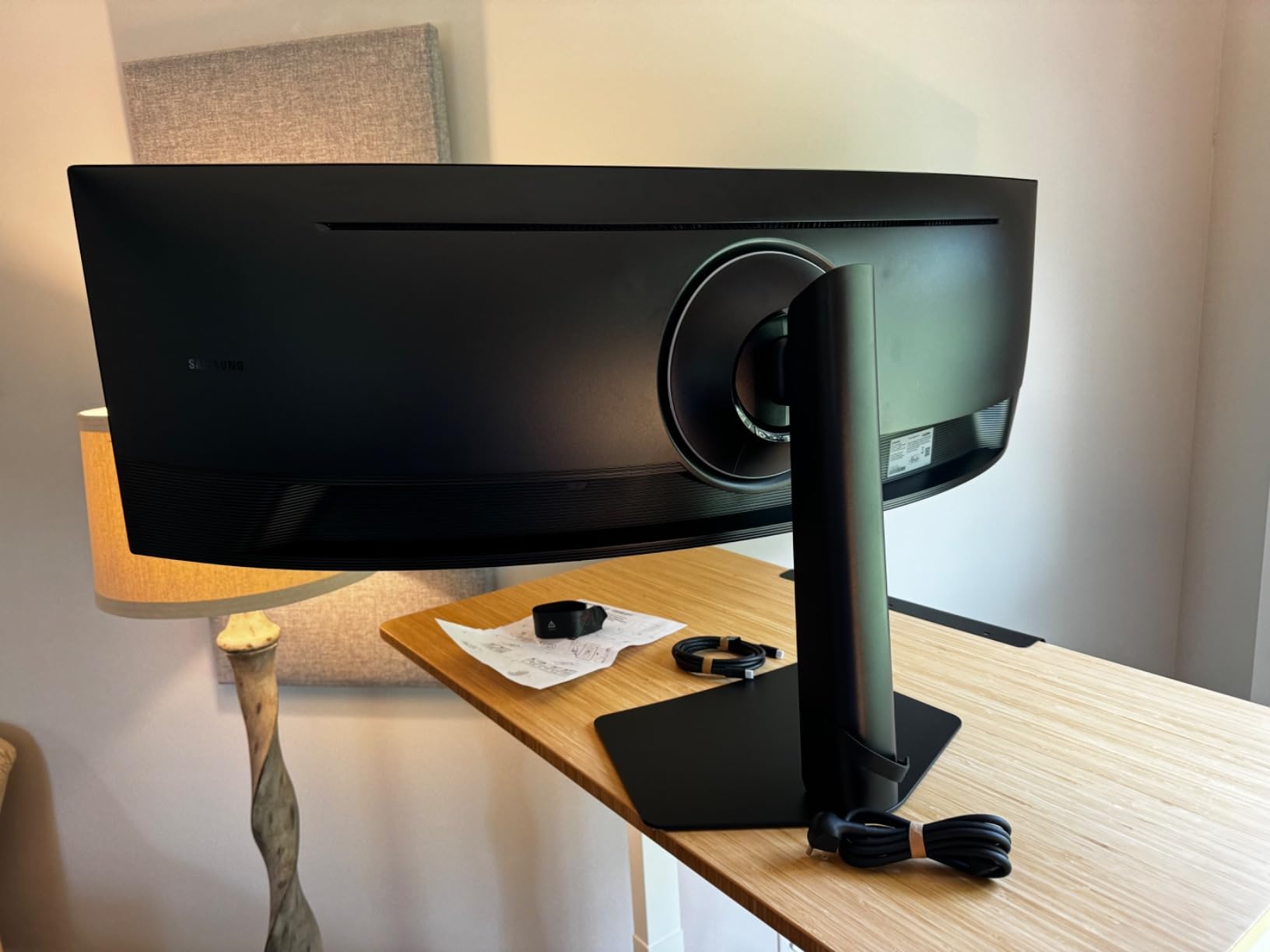
The 1000R curve is the gentlest here, which matters on a 49-inch surface where a tighter radius stretches vertical grid lines toward the edges. At 49 inches you are reading text at the far corners, and a gentle curve keeps columns straighter for as long as possible. Brightness is 400 cd with VESA DisplayHDR 400 and 3000:1 contrast.
Connectivity is business-grade: DisplayPort, 2x HDMI, USB, USB-C and Ethernet, with a DisplayPort cable, power cord and USB-C cable in the box. Eye Care features and a height adjustable stand with wall mount support round out a package built for a fixed desk.
Who the Samsung S95UA suits
Finance teams, operations departments and research groups that need one screen to replace two are the core audience. The Ethernet port means a thin-client or zero-laptop setup can run without a separate network cable, and the 90W charging covers the heaviest laptops.
Anyone who struggles with neck strain on very wide panels will appreciate the gentler curve. Three years of coverage and dedicated business support reduce the risk of a large-format panel being an awkward line item to defend.
Where the Samsung S95UA frustrates people
It sits at the top of the price range in this roundup, and for a home office that spend needs justifying against buying a 34-inch and a good monitor arm. Reviewers report that the premium is accepted by enterprises rather than challenged, which is a fair signal about who it suits.
The 32.2-pound chassis is heavy and awkward to reposition, and it measures 22.38 inches deep with the stand attached, so desk depth is a real constraint. A 5ms response time also trails the gaming-focused 49-inch options, which shows up on fast scrolling if you are used to 165Hz.
7. Philips 346E2CUAE 34 Inch — Best Warranty Cover for Long-Term Ownership
Philips 34 Inch Curved Computer Monitor UWQHD 100Hz USB-C PD VA, 346E2CUAE
3440x1440 at 21:9
1500R VA curve
1ms MPRT
5 USB ports
4-year warranty
Pros
- 121.3 percent sRGB coverage and a 1500R curved panel
- 4-year manufacturer warranty is unusually long for this class
- Built-in USB hub with five ports for peripherals
- Swivel adjustment and VESA mounting
Cons
- Glossy finish picks up reflections in bright rooms
- 100Hz refresh rate is modest
- 27.8-pound chassis makes repositioning awkward
Four years of manufacturer coverage is longer than the three years on the Samsung 49-inch and the single year on the LG, and five USB ports mean a keyboard, mouse, external drives and a card reader all connect to the monitor rather than to a hub taking desk space.
The panel behind it is a 1500R curved VA running 3440×1440 at 100Hz and 300 cd, with 1ms MPRT response and FreeSync adaptive sync.
Ultra Wide-Color technology delivers 121.3 percent sRGB coverage against the 99 percent most office panels claim, which matters if you use colour to tag statuses in a spreadsheet.
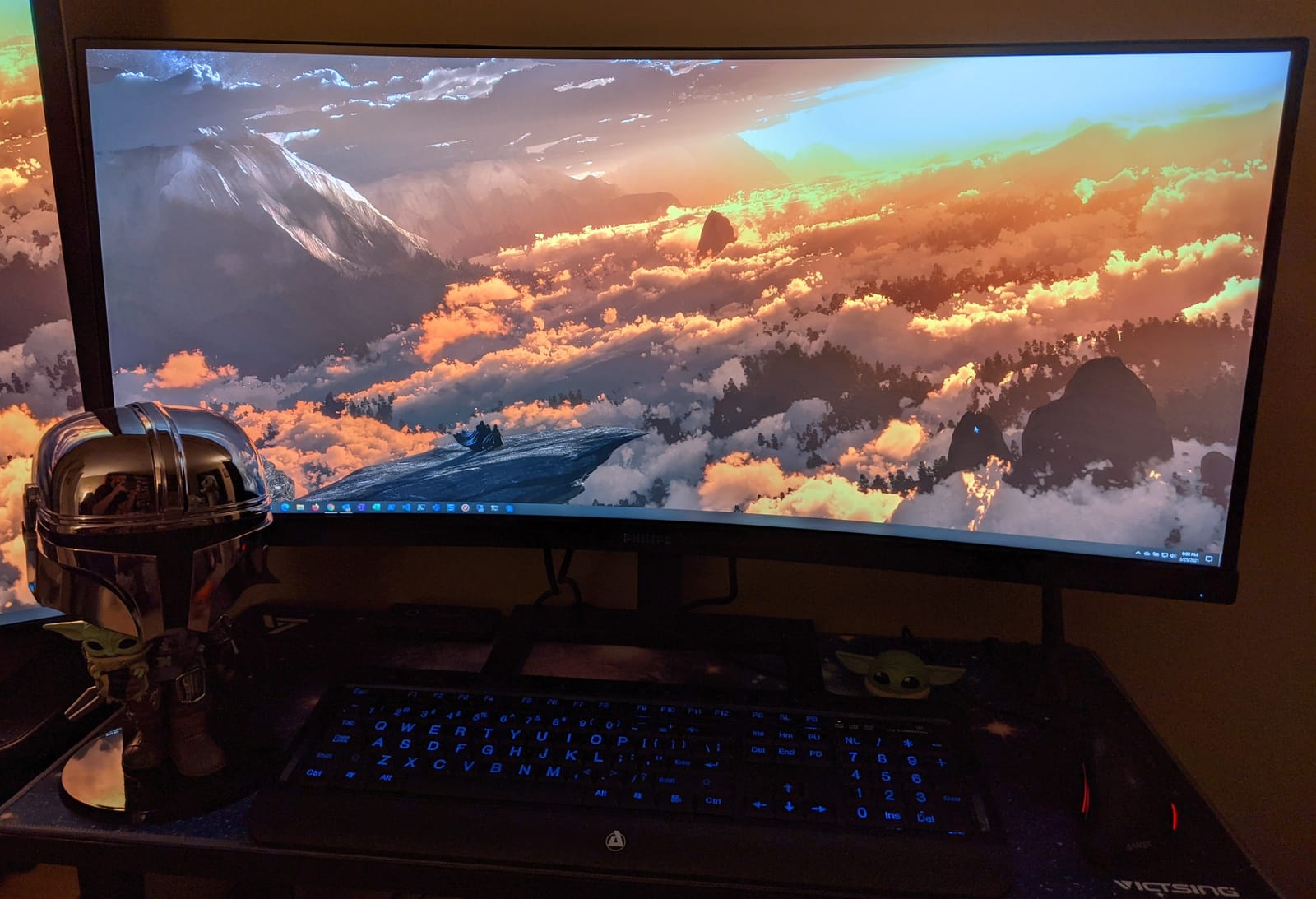
Swivel adjustment and VESA mounting give you more positioning freedom than the fixed stands on several rivals in this list, and USB-C with Power Delivery drives and charges a laptop over one cable. Viewing angles are listed at 178 degrees.
With 633 ratings at a 4.2 average and 67 percent five-star, this is described as a dependable workhorse: buyers value the docking, the hub and the colour accuracy over gaming speed. The 67 percent five-star share sits below the other office-focused models here, and the 9 percent one-star share mostly reflects build weight and the glossy finish.
Who the Philips 346E2CUAE suits
Anyone keeping a monitor for several years gets real value from a four-year warranty, particularly if the panel will run eight hours a day. If you work in a bright room you may prefer a matte finish, but the hub and warranty pull this model into contention for shared desks and hot-desking.
Colour-coded spreadsheets benefit from the wider gamut, and the port selection makes it easy to connect two machines while keeping the desk tidy. The 100Hz refresh is sufficient for grid work, where nothing on screen moves quickly.
Where the Philips 346E2CUAE frustrates people
The glossy screen finish is the clear weak point. It picks up reflections from windows and overhead lights, which is awkward in a bright office and annoying at night when a lamp sits opposite the screen.
Weight is the other issue: 27.8 pounds is heavy for a 34-inch panel, so repositioning is a two-person job or a firm grip. If you plan to move the monitor between desks often, choose a lighter model.
8. Sceptre C345B 34 Inch — Budget Pick With More Than Expected
Sceptre 34-Inch Curved Ultrawide WQHD Monitor, 3440 x 1440, R1500, Up to 180Hz/165Hz, DisplayPort x2, 100% sRGB, 1ms, Built-in Speakers, Black (C345B-QUT168 Series)
3440x1440 at 21:9
Up to 180Hz
100 percent sRGB
R1500 curve
400 cd brightness
Pros
- Entry-level 3440x1440 at up to 180Hz refresh
- 100 percent sRGB coverage with sharp image quality
- Dual DisplayPort inputs plus HDMI for multi-machine setups
- PBP and PIP modes without limits
- Downward-facing ports keep cable routing tidy
Cons
- Bundled HDMI cable caps the panel at roughly 100Hz
- OSD input switching is clunky and can drop the display
- Panel variance at this tier
- with some dead pixels reported
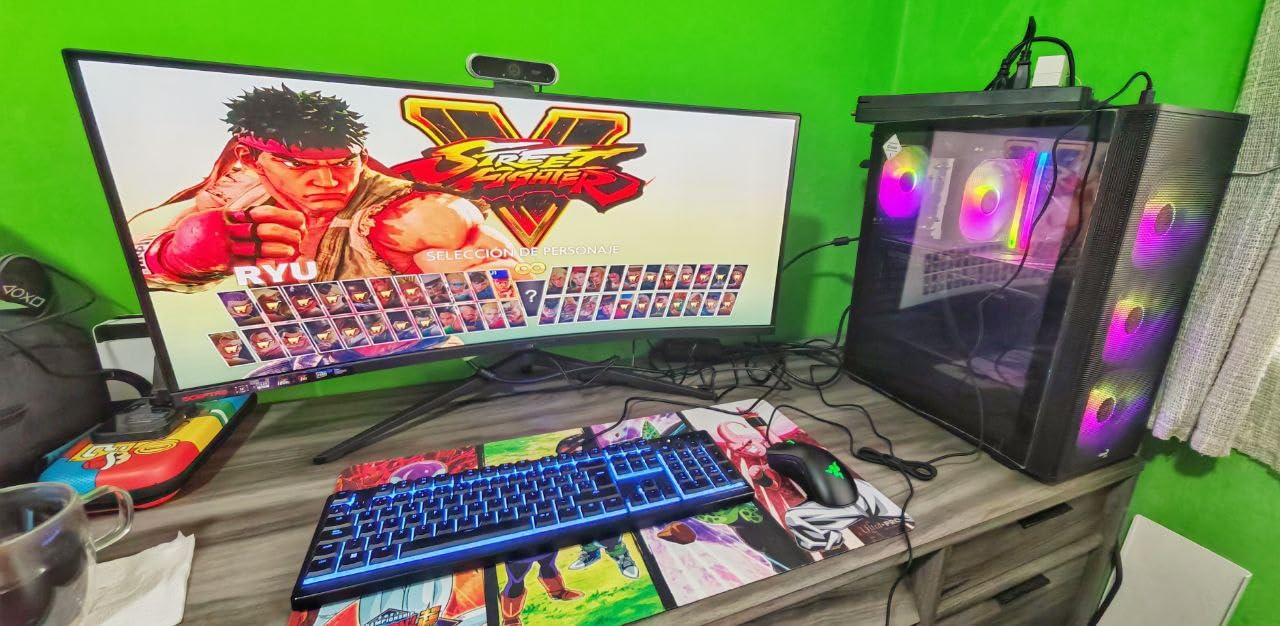
The Sceptre is the entry point that still gets you the resolution that matters for column count: 3440×1440 at 21:9, which is where spreadsheet columns start multiplying. At 303 ratings averaging 4.4 with 71 percent five-star, it is widely recommended as the budget ultrawide for a home office, where people often run a pair of them.
The specification sheet is generous for the tier: up to 180Hz refresh with 1ms MPRT response, FreeSync Premium, 400 cd brightness and 100 percent sRGB coverage on a matte finish. The R1500 curve is gentle enough that reading straight down a column does not pull the grid lines.
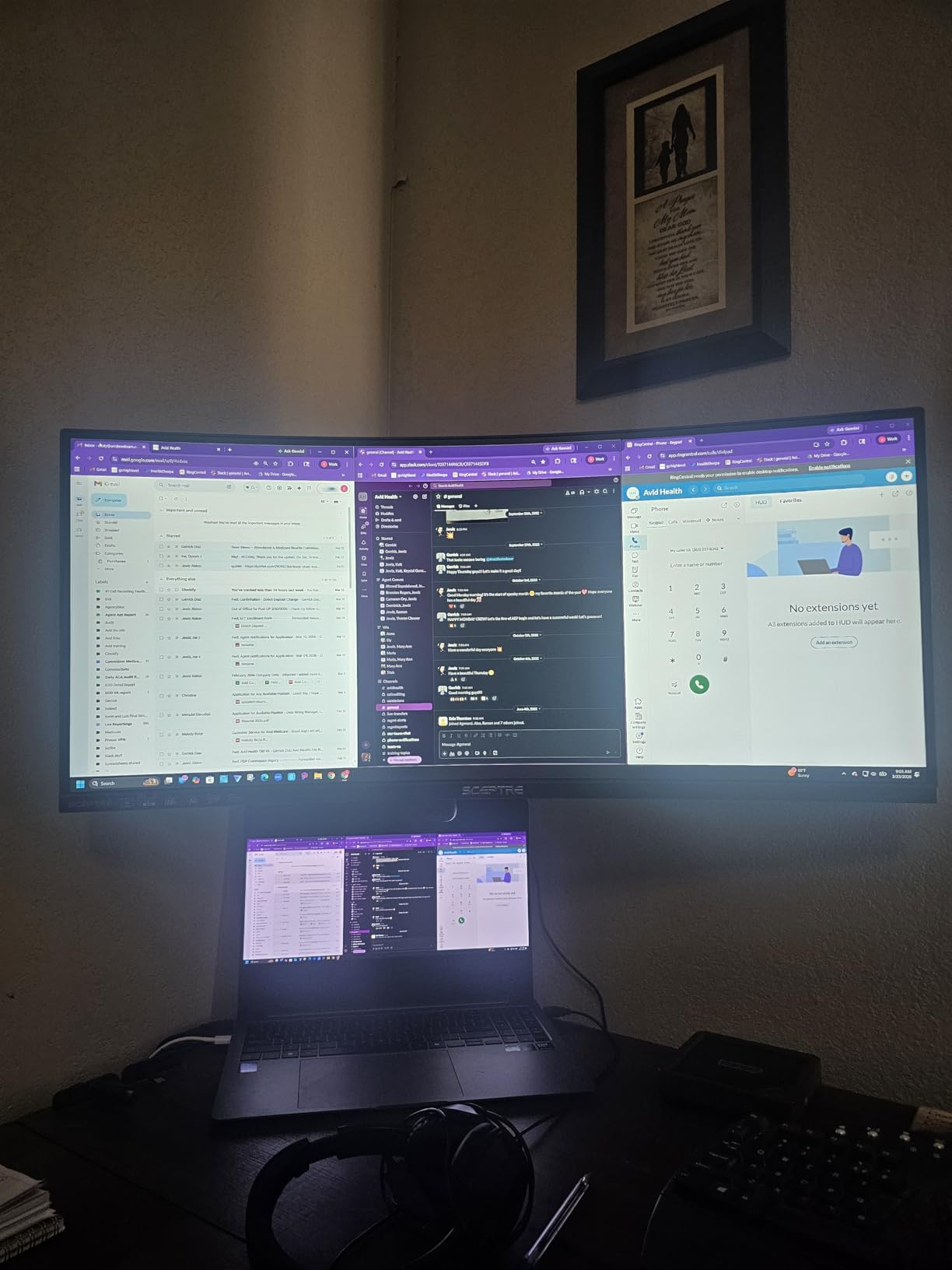
Two DisplayPort inputs plus HDMI make it straightforward to run a desktop and a laptop, and PBP and PIP work without stated limits. Downward-facing ports and a centre-bottom OSD keep cable routing tidy, and the luminous backcover LED is a minor desk-aesthetic plus.
Two practical notes before you commit. The bundled HDMI cable caps the panel at roughly 100Hz, so buy a DisplayPort cable to reach the advertised rate. And OSD input switching between two connected systems is the weakest part of the product, described as clunky and capable of dropping the display.
Who the Sceptre C345B suits
Students, first-time ultrawide buyers and anyone setting up a shared or dual-desk setup will find this the practical entry point. You get the 3440×1440 column advantage, which is the core of the spreadsheet case, without paying for features you may never use.
Sceptre support is worth noting too: one owner reported a fault resolved with a replacement unit within a week. For a budget purchase that responsiveness matters more than the spec sheet extras.
Where the Sceptre C345B frustrates people
HDR looks poor under Windows 11 on this panel, so treat HDR as off rather than as a benefit. Input switching is unreliable for two-machine setups, which narrows its appeal for hybrid workers.
Some panels arrive with dead pixels, and one owner reported a total failure at five months. The 9 percent one-star share is a reminder that a budget panel carries more variance than a business-grade one. If you want warranty cover measured in years rather than months, the Philips is the alternative.
9. INNOCN 49C1R 49 Inch — Best Port Selection on a Super Ultrawide
INNOCN 49″ Curved Monitor Ultrawide Gaming 5K2K 120Hz 32:9 QHD 5120 x 1440P Computer Monitor, R1800, 99% sRGB, HDR400, USB Type C, DisplayPort, HDMI, Built-in Speakers, Height/Tilt Adjustable – 49C1R
5120x1440 at 32:9
120Hz over DP 1.4
1800R curve
USB-C 65W
RJ45 Ethernet
Pros
- 5120x1440 at up to 120Hz over DP 1.4 with Adaptive Sync
- RJ45 Ethernet and USB-B for two-machine setups
- USB-C 65W charging plus DP 1.4 and HDMI 2.1
- 1800R curve keeps columns straight at the edges
- Built-in speakers reduce desk clutter
Cons
- Glossy screen finish is prone to reflections
- Software and button controls are not clearly documented
- 9 percent one-star share suggests panel consistency complaints
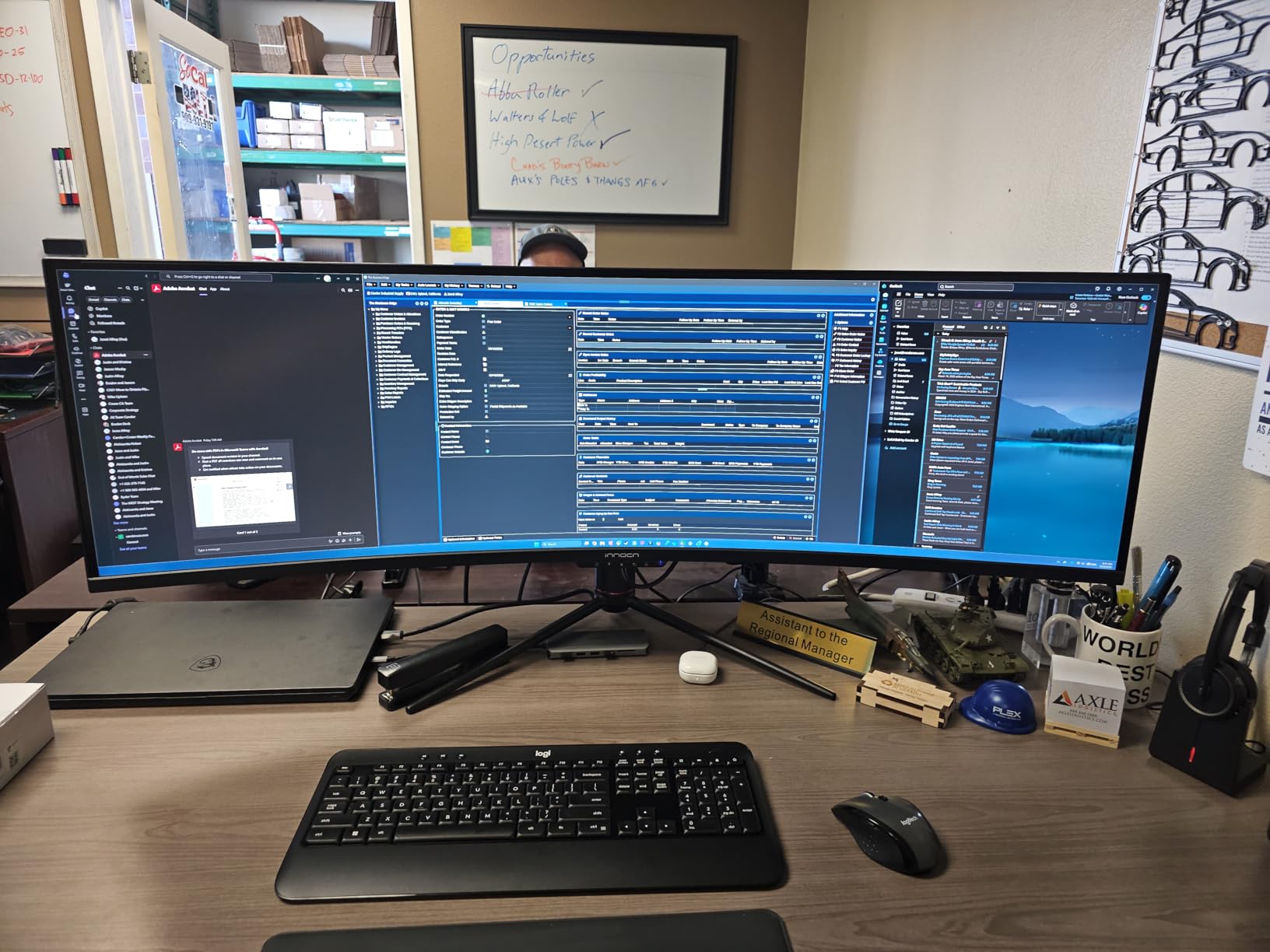
Where the other 49-inch panels here give you USB-C and video, the INNOCN gives you a small network switch as well. RJ45 Ethernet, USB-B for KVM-style switching, two USB-A, DisplayPort 1.4, HDMI 2.1 and a 65W USB-C port, all in a 49-inch chassis. For a desk where a thin client or a second machine connects directly, that removes a dongle.
The panel is a 32:9 VA at 5120×1440 running up to 120Hz over DP 1.4, with HDR400, 99 percent sRGB coverage and 3000:1 contrast at 400 nits brightness. The 1800R curve is gentler than the 1500R designs used by most 49-inch rivals here, which for grid work is a genuine advantage: the flatter surface keeps columns straighter toward the corners of a very wide screen.
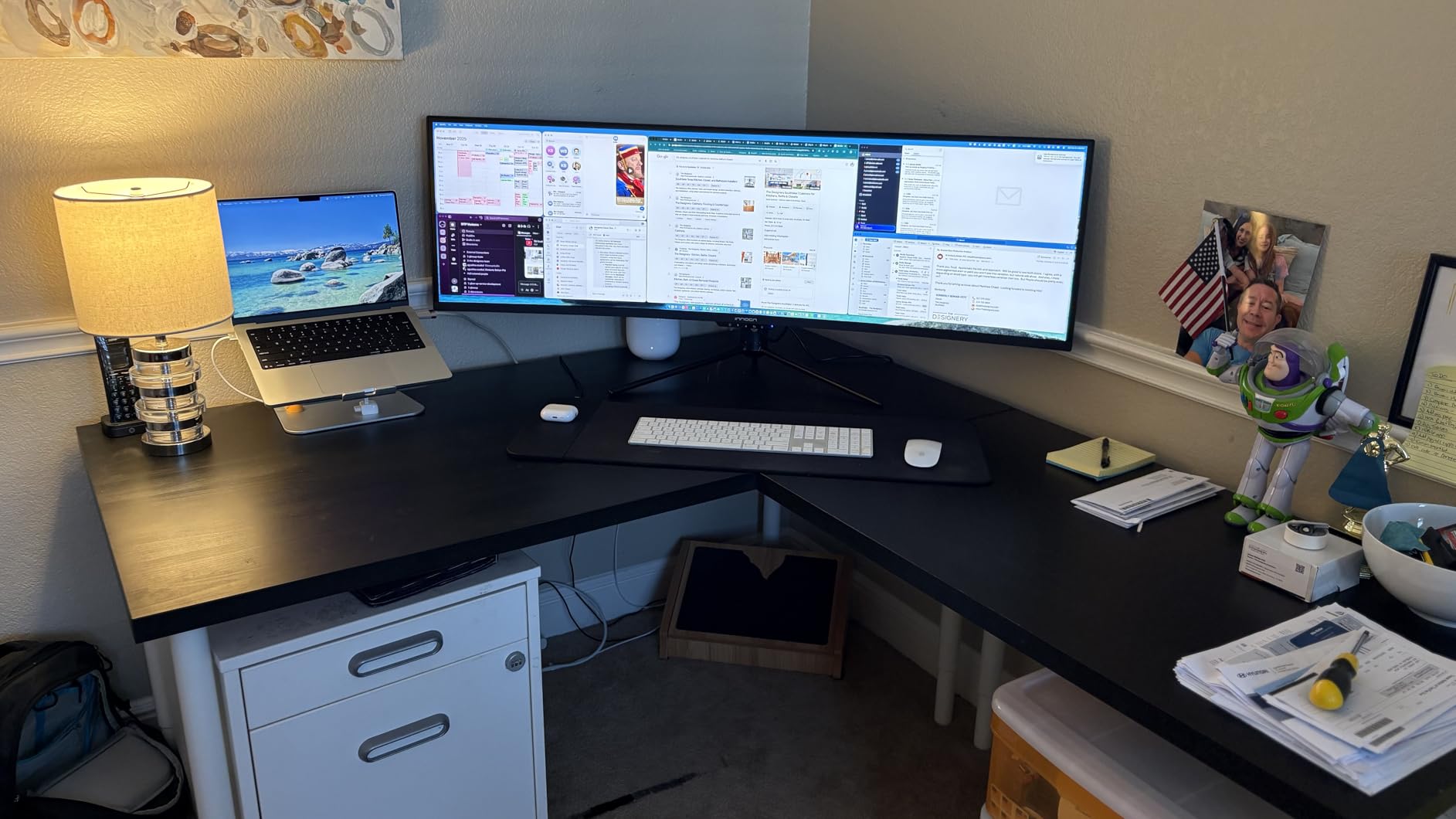
PIP and PBP split-screen modes let you work from two sources at once, and built-in speakers reduce desk clutter. The stand supports tilt, swivel and height adjustment, which is more than several rivals at this size offer, and 178-degree viewing angles help when you are not dead-centre.
Ratings sit at 4.2 across 568 reviews with mostly positive value sentiment, tempered by a 9 percent one-star rate. The glossy finish is the recurring practical complaint, showing reflections in bright rooms, and the software and button controls are not clearly documented enough to configure quickly.
Who the INNOCN 49C1R suits
Analysts who also maintain a wired network connection, or anyone running a desktop and a docked laptop from one panel, will value the port load most. The USB-B port makes it a straightforward two-machine setup without an external switch.
The gentle 1800R curve suits anyone sensitive to distortion on wide panels, and the 400-nit brightness handles a sunlit office better than the 300 cd panels in this roundup.
Where the INNOCN 49C1R frustrates people
The glossy finish picks up reflections, so in a sunlit room you will be fighting glare all day. That is the single biggest reason we would not default to this panel for office use.
Controls are not clearly documented, which costs you time at setup, and there is a measurable share of panel consistency complaints. Some buyers also report slower return processes with lesser-known brands, so check the warranty route before ordering rather than after.
10. Deco Gear 49 Inch DQHD — Best for Driving Two Machines From One Desk
Deco Gear 49 Inch Curved Ultrawide Monitor, 5120×1440 Dual QHD 32:9 1500R VA Display, HDR400, 120Hz, Adaptive Sync, 1ms MPRT, USB-C 65W PD, KVM, PIP/PBP, Gaming & Workstation Setup, for PC & Laptop
5120x1440 at 32:9
120Hz refresh
400 cd brightness
KVM switch
1500R curve
Pros
- 5120x1440 canvas replaces a dual-monitor setup on one panel
- Built-in KVM switch drives two machines from one keyboard and mouse
- USB-C 65W power delivery handles laptop docking in one cable
- PIP and PBP show multiple sources simultaneously
- HDR400 and 100 percent sRGB coverage
Cons
- No built-in speakers despite the desk footprint
- Draws up to 105 watts
- 12 percent one-star share reflects quality-control complaints
The Deco Gear is built around one idea: two machines, one screen, one set of peripherals. The built-in KVM switch means one keyboard and mouse control two computers, and PIP plus PBP let you see a spreadsheet from your desktop beside a reporting sheet on a laptop.
The 32:9 panel delivers 5120×1440 at 120Hz on a 1500R VA with HDR400, 100 percent sRGB and 3000:1 contrast at 400 cd brightness. Buyers frame it as a workstation replacement for two physical monitors, with KVM, USB-C power delivery and PIP/PBP as the deciding features.
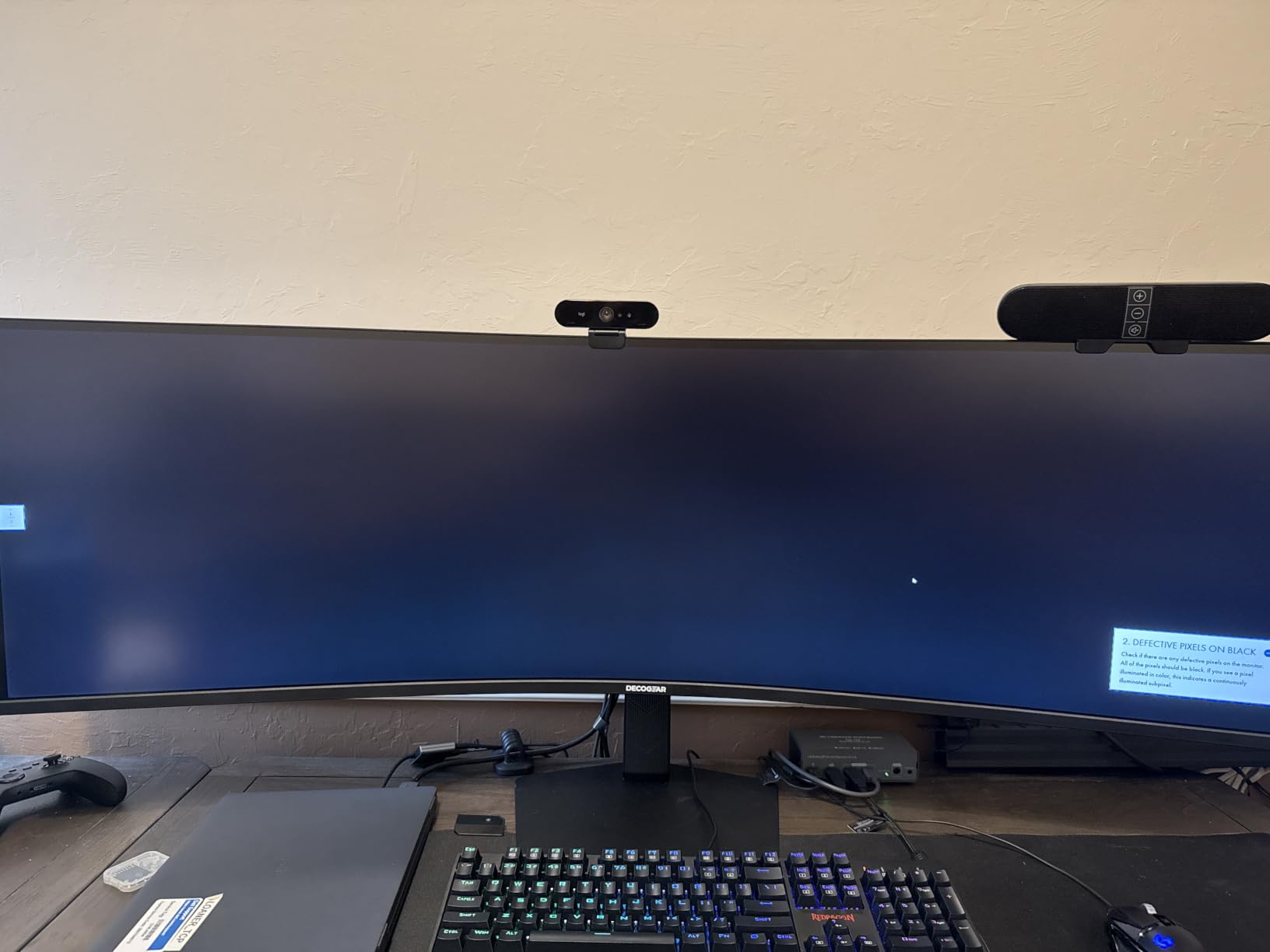
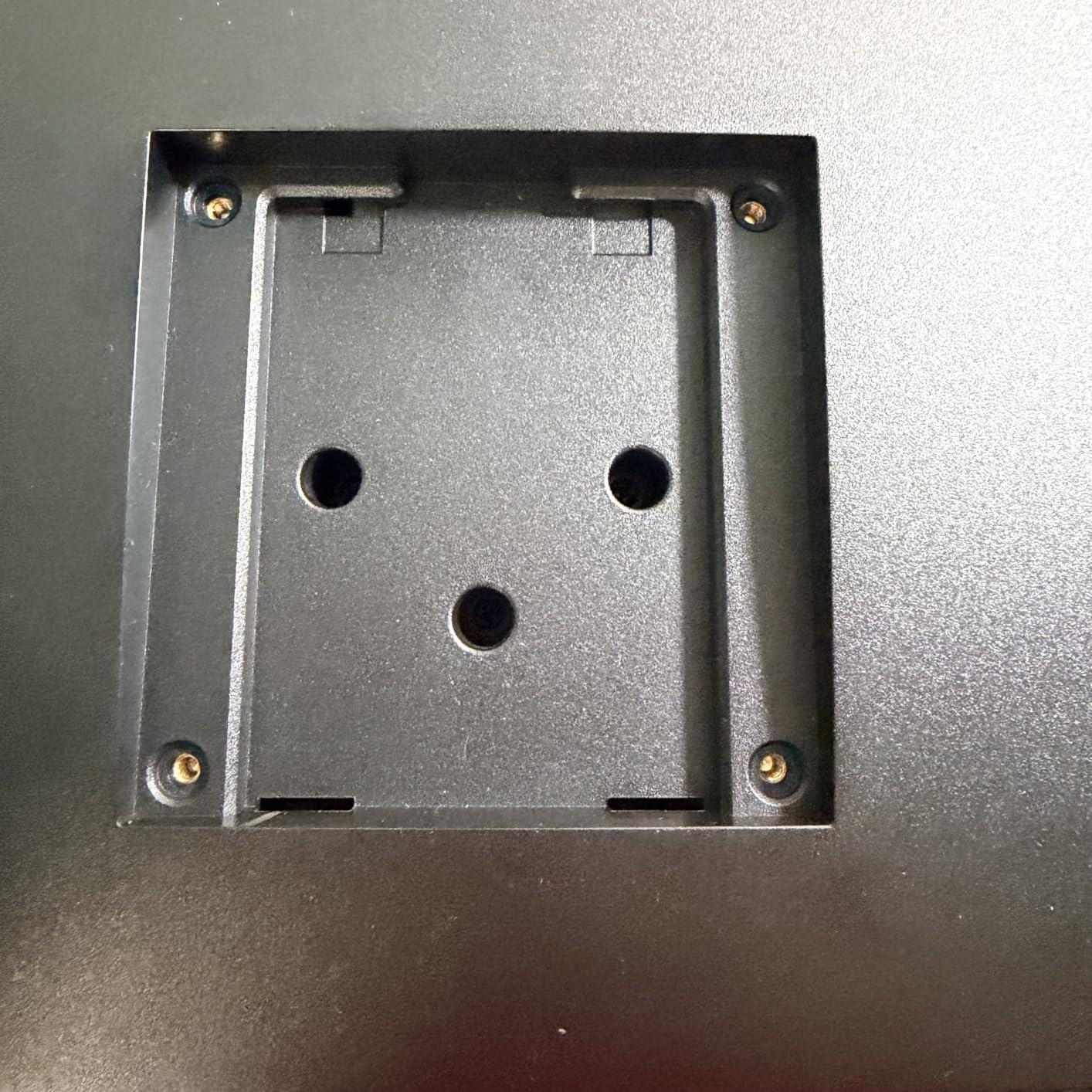
Port selection is thorough for a 49-inch: HDMI, DisplayPort, USB-C, USB-A, USB-B and audio out, with a height, tilt and swivel adjustable stand. 178-degree viewing angles and 1ms MPRT response keep scrolling responsive across a very wide surface.
The quality record is the reason this sits at the bottom of the list rather than higher. A 4.2 average comes with a 12 percent one-star share, roughly double the 9 percent reported by some rivals, pointing to panel and stand quality inconsistency. There are no built-in speakers despite the size of the desk footprint.
Who the Deco Gear 49 Inch suits
Anyone running a work machine and a personal machine from one desk will get the most out of the KVM switch. Terminals, a desktop and a laptop, or two separate systems for different clients, all become manageable on one panel.
It also suits people building out a wide desk who want contrast for reviewing dark-themed dashboards alongside spreadsheets, with 3000:1 contrast and HDR400 at 400 cd brightness.
Where the Deco Gear 49 Inch frustrates people
The 12 percent one-star rate is the honest concern. Quality-control inconsistency on a large panel means a higher chance of a return, and large-format returns are more disruptive than swapping a small monitor.
Power draw reaches 105 watts, second only to the Z-Edge among the panels here, and there are no built-in speakers despite the desk footprint. At 46.7 inches wide with a 10.9-inch depth, it also demands a genuinely deep desk and a monitor arm plan before you unbox it.
How We Picked the Best Ultrawide Monitors for Spreadsheets
Every roundup on this topic lists the same generic productivity benefits. We wanted to judge these ten on measurable spreadsheet outcomes instead, so we filtered on five criteria in this order:
Horizontal pixel count at 100 percent scaling. Width is the only spec that directly adds columns. We compared usable desktop resolution rather than headline inches.
Text and grid-line legibility. Matte versus glossy finish, viewing angles, contrast ratio, and whether the panel holds small text when you are not dead-centre.
Scrolling behaviour. Refresh rate and response time matter for the one action you repeat thousands of times: moving through a large data range.
Connectivity and power. USB-C power delivery, KVM support, PIP and PBP, and enough ports to avoid a permanent dongle.
All-day comfort and stand adjustment. Blue-light reduction, automatic brightness, flicker-free backlight, and whether the stand can be positioned at eye level.
Ratings and review counts were used as a confidence signal, not as the ranking itself. A panel with thousands of ratings and a mediocre average tells you more about long-term reliability than a small sample of perfect scores.
Why Ultrawide Beats Two Monitors for Spreadsheet Work
Spreadsheets are horizontal documents. Every extra column removes a horizontal scroll or a second window, and horizontal movement is where most of the wasted time in reconciliation work goes. A 21:9 panel shows about 33 percent more columns than a 16:9 screen of the same height, which on a default-width Excel grid is roughly eight to ten additional columns.
Dual monitors solve this badly. Two bezels means a formula can be split across the join, so you either scroll, align the two displays carefully or accept a dead zone in the middle. One owner group describes the ultrawide replacing dual 24-inch Dell monitors successfully for the large majority of Excel and finance work, and owners of 34-inch LG panels report the same thing about never returning to two screens.
The exception is when you need genuinely separate documents on separate physical screens, such as a dense dashboard and a very wide model, and you want to angle each panel. Otherwise one wide panel is simpler to manage, cheaper to mount and cleaner on the desk.
If you want to see how resolution tiers change the maths, our guides on budget 34-inch options under 400 and the cheapest 3440×1440 picks under 250 break down the same spreadsheet criteria at the entry end of the market.
Resolution, Scaling and Text Sharpness
3440×1440 is the resolution that made ultrawides viable for office work. It is usually called UWQHD or WQHD, and it is neither 2K nor 4K in the strict sense. In plain terms it is a 1440p panel stretched horizontally, giving 3440 pixels across and 1440 down.
5120×1440 is the super-ultrawide tier, usually paired with a 49-inch diagonal and a 32:9 ratio. It approximates two 27-inch 1440p monitors side by side with no bezel gap, and it is the only configuration among these ten that shows two complete documents at once at full detail.
The trade-off nobody mentions is scaling. A 34-inch 3440×1440 panel has a lower pixel density than a 27-inch 2560×1440 monitor, so text and grid lines can look small out of the box. The fix is Windows display scaling at 125 or 150 percent, but that gives back much of the width advantage you bought the ultrawide for. This is the most common complaint in owner discussions and the reason we check the readability of small text carefully.
A second, less obvious issue: a 40-inch 3440×1440 panel has lower pixel density than a 34-inch panel of the same resolution, so the same settings produce softer text. If you want larger text and more width at once, either accept the scaling trade-off or move up to 5120×1440, where the extra pixels offset the extra physical size. Our coverage of ultrawides at the lowest price points shows what 3440×1440 looks like at the entry end.
Panel Type and Size Tiers for Spreadsheet Grids
Most 34-inch and 49-inch ultrawides use VA panels, and for spreadsheets that is a reasonable compromise. VA gives you the 3000:1 contrast that keeps faint grid lines visible against a white background, at the cost of narrower viewing angles, where text shifts when you are not centred. IPS panels render text more consistently off-axis but typically deliver lower contrast, which makes grid lines less distinct.
OLED deserves a caution for grid work specifically. Spreadsheet cells, formula bars and toolbar rows are static content sitting in the same place for hours, which is exactly the pattern that causes burn-in over time. For a screen that will display a static model all day, IPS or VA is the safer panel family.
On size, 34 inches at 3440×1440 is the community sweet spot for office work and the size most reviewers recommend, with warnings against going larger unless the desk is deep enough. 38-inch and 40-inch panels are chosen specifically for the extra spreadsheet width. 49 inches maximises visible columns but demands a deep desk, frequent head movement and, for many people, more neck strain from looking at the outer thirds.
Measure your desk before a 49-inch purchase. The 49-inch models here measure 46.7 to 46.8 inches wide with stands roughly 10.9 inches deep, and smaller desks under about 120cm cannot host them comfortably.
Also note that a 34-inch curved monitor is about 32 inches wide and 18 to 22 inches tall on its stand, which is a useful check against your desk depth.
Desk Space, Mounting and All-Day Comfort
Stand adjustment is the detail that decides whether you keep a monitor for years. Several of the models here come with tilt-only stands and no height adjustment, which means adding a monitor arm later. If you are short, tall, or share the desk, buy a panel with height adjustment such as the LG, Dell, INNOCN or Philips, or budget for an arm from the start.
For blue light and flicker, the relevant features are a low blue light mode, a flicker-free backlight, and ideally an ambient light sensor. The Samsung ViewFinity S50GC combines an ambient light sensor with Eye Saver Mode, the Dell adds ComfortView Plus reducing blue light to 35 percent or less, and the SANSUI includes a blue light filter alongside AI assists. None of these replace a sensible desk setup, but across a full day of grid work they reduce fatigue.
Refresh rate is more relevant to spreadsheets than most buyers expect, though not for the reason they think. Scrolling a long data range is the most repeated motion in the day, and rates above 100Hz keep cell rows from smearing during fast jumps. Below that threshold, 60Hz panels do feel noticeably rougher during an autofill drag.
Finally, built-in speakers are worth treating as confirmation tones only. Reviewers of these models describe them as distorted or buzzier at volume, so plan on external audio if you take calls from the same desk.
Frequently Asked Questions
What is the best monitor for spreadsheets?
The best ultrawide monitors for spreadsheets are 34-inch 3440×1440 panels, which show roughly a third more columns than a 27-inch 16:9 screen while keeping cell text legible at 100 percent scaling. For maximum visible columns, a 49-inch 5120×1440 super ultrawide shows two full documents at once. Refresh rate and blue-light handling matter less than width for grid work.
What is the best 34-inch UltraWide monitor for office work?
Among 34-inch options, the Samsung ViewFinity S50GC stands out for all-day spreadsheet use with its ambient light sensor, flicker-free Eye Care mode and 1095 ratings from owners. Laptop users who want one cable should consider the Dell S3425DW, which delivers video, data and up to 65W of charging over USB-C.
What is the best 49 inch UltraWide monitor for office work?
The Z-Edge 49 inch DQHD is the strongest all-round 49-inch pick for spreadsheets, rated 4.5 across 770 reviews with a built-in KVM switch and 165Hz refresh. Businesses that need warranty cover and 90W laptop charging should look at the Samsung S95UA. Measure your desk depth before buying, since 49-inch panels are about 47 inches wide.
What is the best monitor size for office productivity?
For most office work, 34 inches at 3440×1440 is the recommended size. It replaces two standard monitors without a bezel gap, fits a normal desk and keeps text sharp. Move up to 49 inches at 5120×1440 only if your desk is deep enough, since very wide panels cause more head movement and neck strain over a full workday.
Is 3440×1440 considered 2K or 4K?
3440×1440 is neither 2K nor 4K. It is a 1440p panel stretched horizontally, often called UWQHD or WQHD, and it sits well below a 4K panel in total pixel count. Its advantage for spreadsheets is width rather than sharpness, which is why 5120×1440 exists as the super-ultrawide tier for users who need even more columns.
Which is better for work, a 27-inch or a 34-inch monitor?
A 34-inch ultrawide is better for spreadsheet work because it shows about 33 percent more columns than a 27-inch 16:9 monitor and holds two windows side by side without a bezel. A 27-inch remains preferable if your desk is small, if you need two separate angled screens, or if you want larger text without changing display scaling.
Final Verdict for Spreadsheet Work
For most people reading this, the answer is a 34-inch 3440×1440 panel, and the Samsung ViewFinity S50GC is the one we would put on the desk. It has the largest ownership history in the roundup, an ambient light sensor and flicker-free backlight for long sessions, and picture-by-picture for two sources. The Dell S3425DW is the alternative when you dock a laptop every day and want one cable instead of a hub.
Buy a 49-inch 5120×1440 super ultrawide only when you genuinely need two documents visible at once, and only after measuring your desk. The Z-Edge is the best of that group on rating and features; the Samsung S95UA is the one to buy through a business budget. Adjust Windows scaling to 125 or 150 percent on whichever you choose, then judge it on a real week of grid work.