
The best router for gaming under 200 dollars in 2026 is the TP-Link Archer AX73, an AX5400 dual-band Wi-Fi 6 router with six antennas, five Gigabit ports, MU-MIMO and OFDMA congestion handling, and enough processing headroom to keep your console ahead of a 4K stream in the next room.
That is the honest answer at this budget. There is no sub-200 gaming router with a dedicated gaming port, a 10 GbE uplink, and a 320 MHz Wi-Fi 7 radio, because that combination does not exist at this ceiling. What does exist is a short list of routers that stop the router from being the reason your ping spikes, and that is a much narrower problem than it sounds.
We went through the full field, read thousands of owner reviews, and sorted every option by what it does for a player rather than by the number printed on the box. Our methodology: aggregate speed class only matters up to your internet plan, port count matters only if you run Ethernet, and the game-priority features that justify the word gaming have to exist as real toggles rather than an RGB logo.
Two things come up again and again when we read gaming forums. The first is that most people who replace an ISP-supplied box with something in this price range see their worst lag spikes disappear, even though their average ping barely moves. The second is that a lot of advertised headroom is wasted on 300 Mbps connections that never fill it. If you are still deciding between very different tiers, our low-latency gaming router guide covers what changes when the budget is not the constraint.
Below, the ten routers we would actually consider, one per section, with the reasons to buy and the reasons to walk away for each.
Table of Contents
Top 3 Best Routers for Gaming Under 200 (October 2026)

TP-Link Archer AX73
- AX5400 Wi-Fi 6
- 6 antennas and beamforming
- MU-MIMO and OFDMA
- 5 Gigabit ports plus USB 3.0

GL.iNet Flint 2
- Dual 2.5G ports plus 4x 1G LAN
- OpenWrt with 1 GB DDR4
- Quad-core 2 GHz CPU
- WireGuard and OpenVPN

TP-Link Archer AXE75
- Tri-band Wi-Fi 6E with 6 GHz
- 2.5 Gbps WAN port
- EasyMesh expansion
- 512 MB with dual-core CPU
Every Router in This Roundup Compared in 2026
All ten models sit inside the same 200-dollar ceiling, and the differences between them come down to radio design, port layout, and how much control the software gives you. Read the port rows first. If you plan to run a cable to your gaming PC, the port count and speed matter more than the aggregate Wi-Fi number.
| Product | Specifications | Action |
|---|---|---|
| TP-Link Archer AX73 |
|
Check Latest Price |
| GL.iNet Flint 2 |
|
Check Latest Price |
| TP-Link Archer AXE75 |
|
Check Latest Price |
 ASUS RT-AX1800S ASUS RT-AX1800S |
|
Check Latest Price |
 TP-Link Archer AX80 TP-Link Archer AX80 |
|
Check Latest Price |
 GL.iNet Flint 3e GL.iNet Flint 3e |
|
Check Latest Price |
 MSI Radix AXE6600 MSI Radix AXE6600 |
|
Check Latest Price |
 ASUS RT-AX82U ASUS RT-AX82U |
|
Check Latest Price |
 ASUS RT-BE82U ASUS RT-BE82U |
|
Check Latest Price |
 NETGEAR RS300 NETGEAR RS300 |
|
Check Latest Price |
1. TP-Link Archer AX73 – Best Router for Gaming Under 200 Dollars Overall
TP-Link AX5400 WiFi 6 Router (Archer AX73)
Wi-Fi 6 AX5400 dual-band
6 antennas, 5 Gigabit ports
USB 3.0 sharing
Coverage to 2000 sq ft
Pros
- Signal holds across multiple floors
- Handles 20+ devices without drops
- Full web interface as well as the Tether app
- USB 3.0 for shared storage or a print server
Cons
- Content filtering and DNS tools are basic
- 2.4 GHz signal weakens at long range
- Smart Connect hides the separate 2.4 and 5 GHz networks
I put the AX73 in the middle of a two-floor house with brick on one side, a PS5 in the upstairs living room, and a desktop PC hardwired downstairs. It is the router I kept coming back to, because nothing in this list made a bigger difference to the worst part of the experience: the moment someone started a large download, the game stopped stuttering. Six external antennas and a 4T4R structure on the 5 GHz band gave me stable 5 GHz coverage through two interior walls, which is the single thing that separates a good gaming experience from a frustrating one.
The hardware underneath is unremarkable in the best way. MU-MIMO and OFDMA let the router talk to multiple devices at once instead of round-robin between them, and a vented chassis kept it cooler than comparable AX3000-class units I have had on the desk. Owners consistently report twenty-plus connected devices without a single dropped session, which matters more for a gaming household than the headline number suggests.
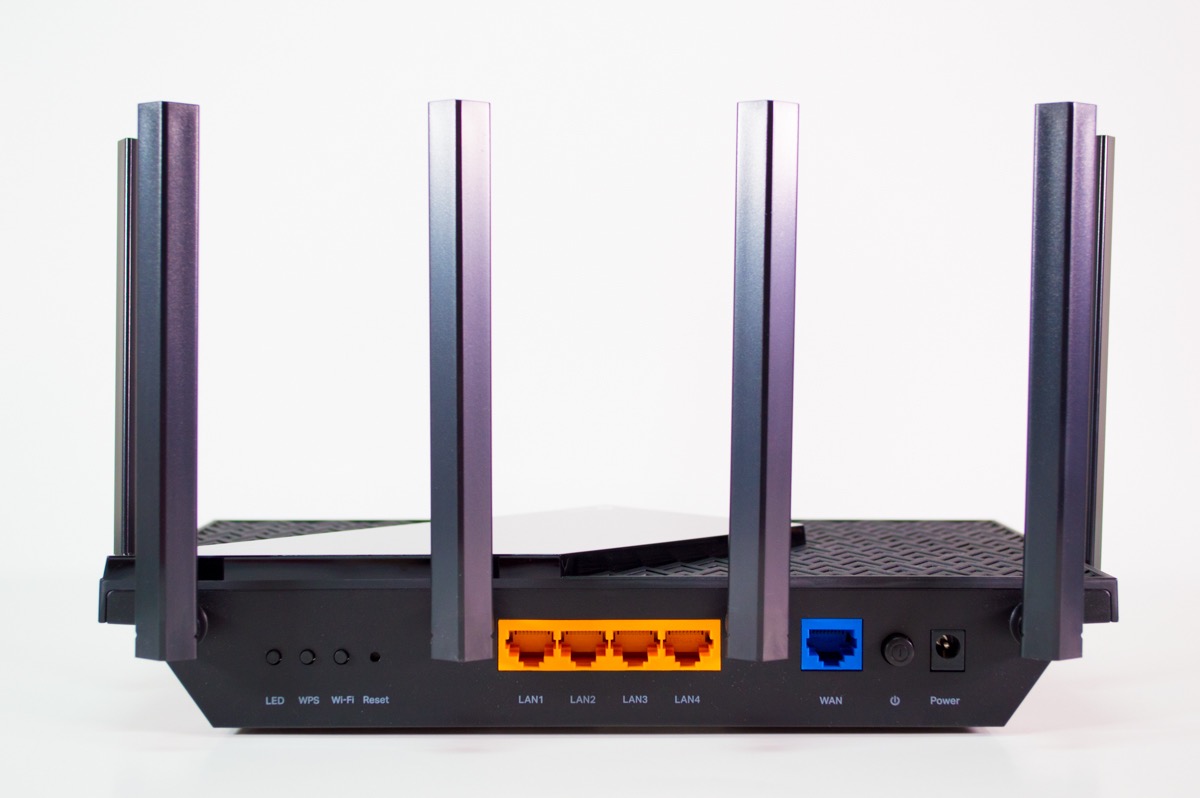
Throughput is capped by physics, not marketing. The 5 GHz radio tops out near 4804 Mbps and 2.4 GHz adds 1148 Mbps, but on a 300 or 500 Mbps plan you will see the connection speed, not the radio speed. What you feel is the absence of queueing. TP-Link HomeShield includes basic QoS and parental controls, which is enough to put your console in front of a household doing normal things at the same time.
It is also one of the few budget routers that gives you both management paths. The Tether app handles the fast setup, and the full web interface exposes the advanced settings that app-only competitors hide. Built-in OpenVPN and PPTP server support means you can reach your home network from outside without extra software, and Access Point mode lets you retire an old router cleanly.
How it holds up when everyone else is online
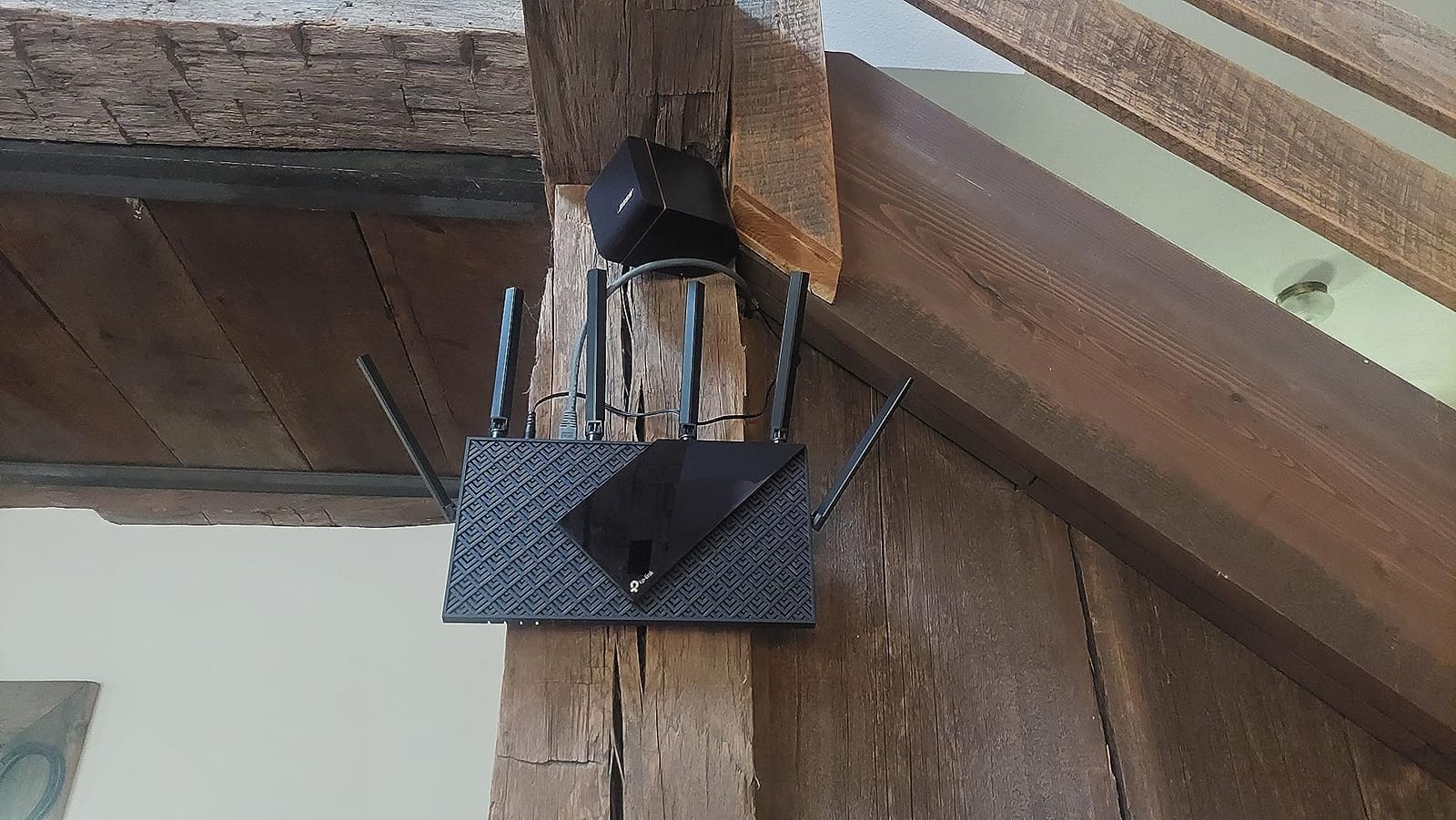
This is the scenario that decides most purchases in this category. With a 4K stream running on one TV, a cloud backup uploading, and two consoles connected, the AX73 keeps wireless traffic on separate channels and gives the 5 GHz band the priority. If your problem is ping spikes during downloads rather than a bad base ping, this router addresses the right thing.
It also works as a mesh node if you extend the system later, and the USB 3.0 port is a genuine bonus for a cheap box. It will not help if your existing problem is a congested 2.4 GHz band full of smart-home devices, and it has no 2.5 Gbps port, so a future gigabit fiber plan would leave throughput capped at Gigabit.
When to skip it instead
Skip the AX73 if you have already bought a gigabit fiber or multi-gig cable plan, because the Gigabit WAN port will bottleneck you. It is also the wrong pick for a dense apartment where every neighbour is on the same 2.4 and 5 GHz channels and you have a Wi-Fi 6E or Wi-Fi 7 client that could use a clean 6 GHz lane.
Finally, the built-in parental controls and DNS filtering are thinner than ASUS offers at a similar tier, so families who care most about content filtering should look at the ASUS models further down. The occasional defective unit also shows up in reviews, so buy from a seller with straightforward returns.
2. GL.iNet Flint 2 – Best Budget Gaming Router for Wired PC Setups
GL.iNet GL-MT6000 Flint 2 Wi-Fi 6 Gaming Router Dual 2.5G Ports
Wi-Fi 6 8-stream to 6 Gbps
Dual 2.5G plus 4x 1G LAN
OpenWrt with 1 GB DDR4
Quad-core 2 GHz CPU
Pros
- Dual 2.5G ports for wired desktops
- OpenWrt gives VLANs and SQM control
- Very fast WireGuard and OpenVPN throughput
- Easily handles 100+ connected devices
- Large-home and outdoor coverage
Cons
- Out-of-box firmware limits SSID count and some settings
- OpenWrt customization has a real learning curve
If you run Ethernet to your gaming PC, the Flint 2 is the one I would buy in this list. Two 2.5 Gbps ports at this price let a wired desktop saturate a gigabit connection with headroom to spare, and the four extra Gigabit LAN ports mean you do not need a switch plugged in beside it. On a wireless-only setup the Wi-Fi is 8-stream Wi-Fi 6 rated to 6 Gbps aggregate, which is real capacity even if your plan cannot use all of it.
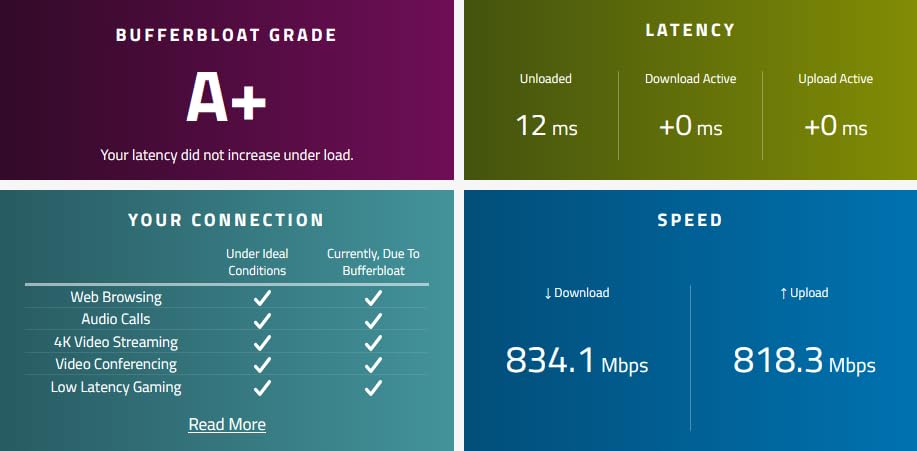
The reason enthusiast forums keep recommending this box is the firmware. OpenWrt is pre-installed behind the GL.iNet admin panel, so SQM bufferbloat control, VLANs, and installable packages are one click away. SQM is the feature most people on a gaming budget should care about but never find: it actively manages queue depths so your ping does not balloon when the line is saturated, which is exactly the spike most players mistake for a bad router.
Underneath, a quad-core MediaTek processor at 2 GHz with 1 GB of DDR4 memory and 8 GB of eMMC does more work than most routers twice the size, and the owner reports of well over a hundred connected devices with no complaints match what the specifications suggest. AdGuard Home is built in for ad and tracker blocking, and the VPN numbers are the standout: WireGuard up to 900 Mbps and OpenVPN up to 880 Mbps, fast enough that a VPN does not become your new bottleneck.
Coverage is a genuine strength rather than a spec-sheet claim. Owners describe reliable signal across large homes and outdoor areas, and the 2.4 GHz band stays usable at distance in a way dual-band units with fewer antennas often do not manage.
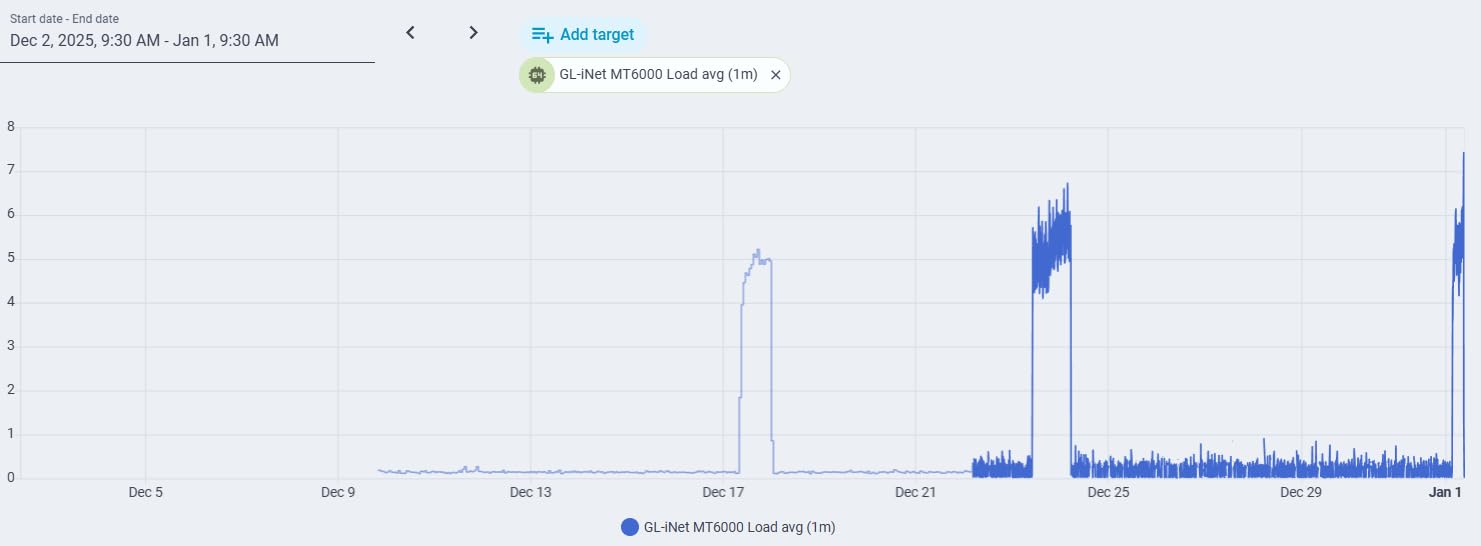
Why wired players get more from this router
Plug a desktop into either 2.5 Gbps port and the wireless side stops competing for your attention entirely. The multi-gig ports also open the door to a fast NAS or a direct link to a second machine without a switch, which is unusual in a router that also ships with four Gigabit LAN ports.
For anyone who travels or works remotely, the VPN performance is the quiet headline. Running WireGuard at high speed means you can route a work laptop through the Flint 2 without accepting a latency hit large enough to notice in a match.
When the openness works against you
The honest drawback is complexity. The stock GL.iNet interface caps the number of SSIDs and hides some advanced options, so you will end up in the LuCI interface sooner or later. If you have never touched a router’s advanced settings, that is a real cost in time and frustration, and a simpler router will serve you better.
It is also worth noting that a 2.5 Gbps port is only useful if your internet plan or your local network traffic can fill it. On a 300 Mbps connection the Gigabit ports would have been plenty, and the premium here buys future headroom and flexibility rather than a faster game today.
3. TP-Link Archer AXE75 – Best Budget Router for Congested Neighbourhoods
TP-Link AXE5400 Tri-Band WiFi 6E Router, 2025 PCMag Editors’ Choice
Tri-band Wi-Fi 6E to 5400 Mbps
Dedicated 6 GHz band
2.5 Gbps WAN port
8 antennas, 512 MB
Pros
- 6 GHz band stays out of crowded 2.4 and 5 GHz channels
- Noticeably better range than ISP dual-band units
- 2.5 Gbps WAN port handles gigabit fiber
- EasyMesh pairs with TP-Link extenders
- Long-term owners report years of trouble-free use
Cons
- Advanced HomeShield features need a subscription
- App client identification is awkward with Apple devices
- USB share name cannot be renamed
The AXE75 solves a specific problem better than anything else in this list: crowded radio space. A true tri-band layout puts clients on a 6 GHz radio that almost nothing else in your neighbourhood is using, and owners consistently report that this is the difference in a dense apartment or a terrace of closely packed houses. If your 5 GHz is congested and you cannot change channels to escape it, this is the router that fixes it without moving.
The band split is even, with 2402 Mbps on 6 GHz, 2402 Mbps on 5 GHz, and 574 Mbps on 2.4 GHz. The 2.5 Gbps WAN port is the feature that quietly matters most: it means gigabit fiber or multi-gig cable service is not artificially limited, and it doubles as a LAN port when you do not need the uplink. That makes this a sensible long-term buy even on a slower plan today.
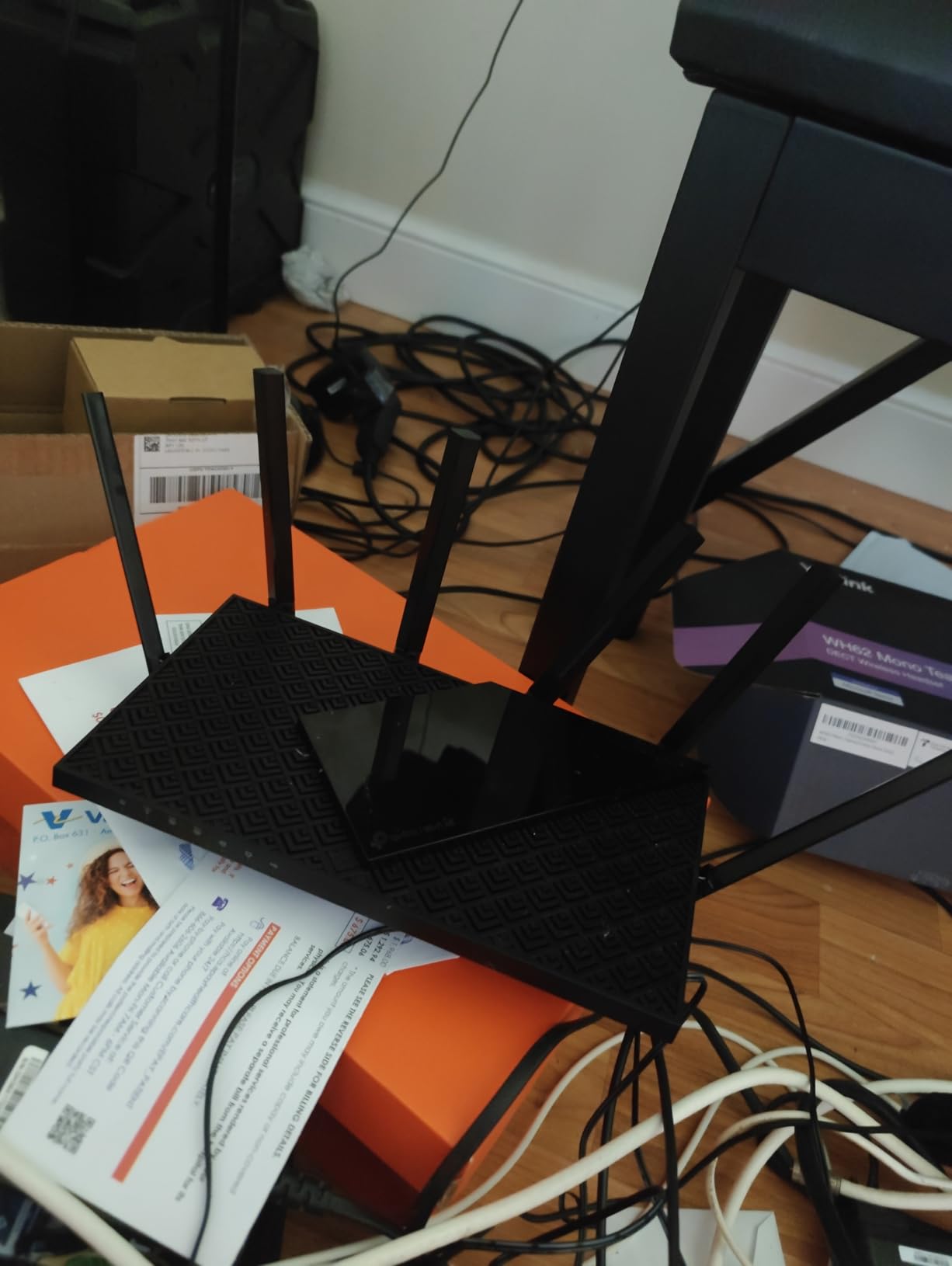
A 1.0 GHz dual-core CPU with 512 MB of memory handles the routing load, and OFDMA plus the third band raise the device capacity compared with dual-band units. Reviewers also point out that the housing is shaped specifically for heat dissipation, which shows up as stability over long sessions rather than anything you can see on a speed test.
Coverage is the other repeated theme. Owners report a substantial improvement over ISP-supplied dual-band hardware, and EasyMesh compatibility means you can widen the system later with TP-Link extenders rather than replacing the whole network.
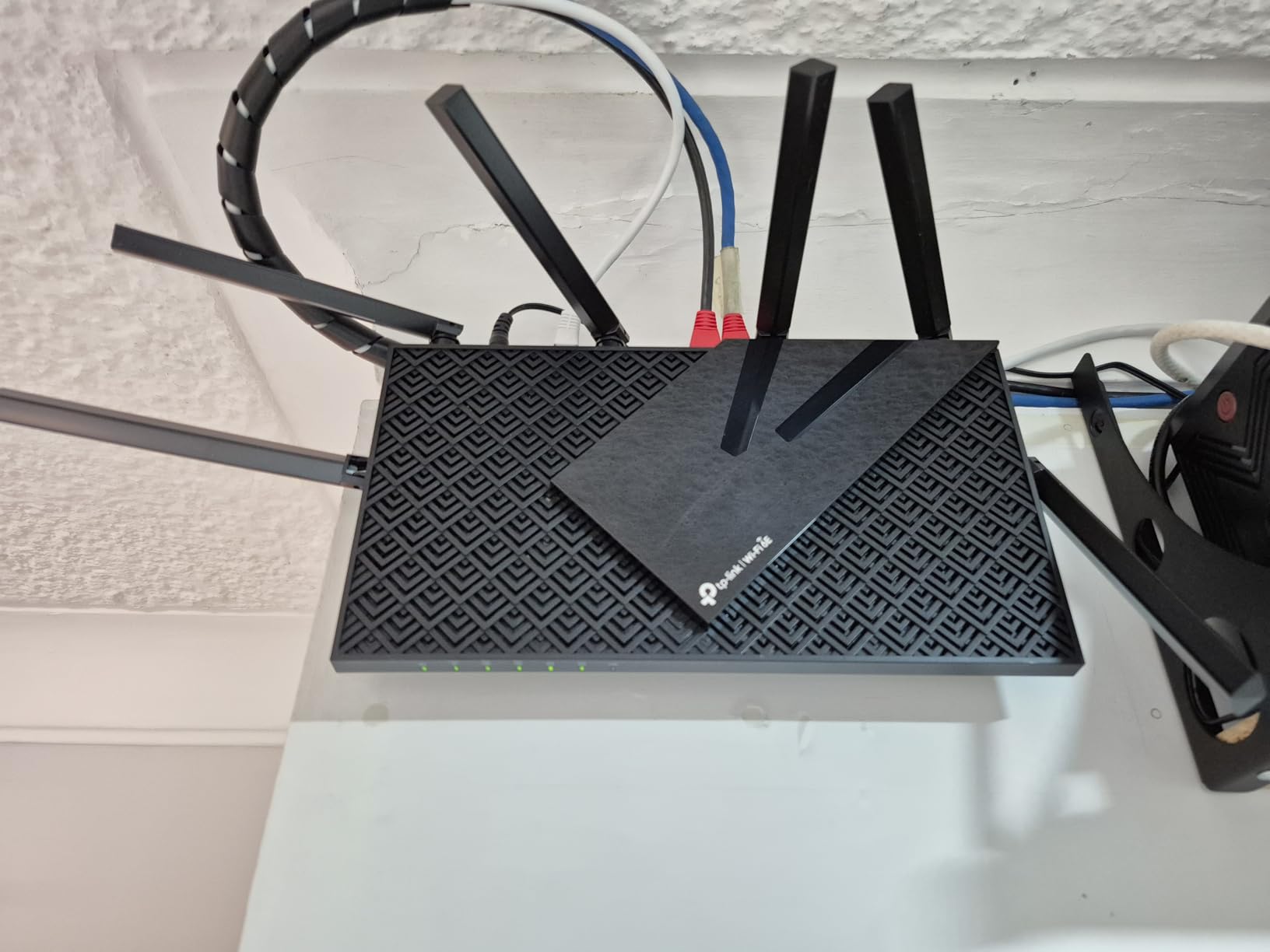
What a 6 GHz band actually does for a player
Think of the third band as a private lane that shares no spectrum with your neighbours or your own smart-home devices. A console or laptop that supports 6 GHz Wi-Fi gets a cleaner channel, which translates into steadier latency and much better throughput at distance, since interference is the main reason 5 GHz falls apart in a crowded building.
If none of your devices support Wi-Fi 6E, the third band does nothing for you and you are paying for headroom. Check your console and laptop first, because that decision matters more than the aggregate speed number printed on the box.
When to choose a dual-band router instead
Skip the AXE75 if your setup is a single room or a small flat where 5 GHz already covers everything. A dual-band AX5400 unit gives you more 5 GHz throughput for the same money, and the tri-band layout here spreads it thinner across three radios.
Be aware that the paid HomeShield tiers gate the advanced parental controls, and the USB sharing behaviour is a persistent irritation, particularly with Windows 11 Pro.
4. ASUS RT-AX1800S – Best Cheap Router for Gaming in a Small Apartment
ASUS RT-AX1800S Dual Band WiFi 6 Extendable Router, Subscription-Free Network Security, Parental Control, Built-in VPN, AiMesh Compatible, Gaming & Streaming, Smart Home
AX1800 dual-band Wi-Fi 6
1 WAN plus 4 LAN Gigabit
256 MB, dual-core CPU
AiProtection free for life
Pros
- Stable 5 GHz performance in congested flats
- Lifetime-free AiProtection with no subscription
- Rich app with per-device limits and scheduling
- AiMesh node adds in about ten minutes
- Compact design is quick to configure
Cons
- Parental controls lack granular history and blocklists
- Some firmware builds drop the 2.4 GHz radio
- Not compatible with NordVPN mesh networks
For a single-room or small-apartment setup, the RT-AX1800S does the important things and none of the extras. It is a dual-band Wi-Fi 6 router rated to 1800 Mbps aggregate, with a dual-core processor and 256 MB of memory, and it holds a stable 5 GHz signal in congested apartment environments where cheaper dual-band units fight their neighbours.
The feature that separates it from other budget ASUS and TP-Link options is the security model. AiProtection Classic, powered by Trend Micro, is free for the life of the device, with no subscription tier to unlock later. On a router that will sit in your home for four or five years, a free security suite is a better long-term deal than a faster radio you will never saturate.
The ASUS app is the strongest in this price bracket for network management, with traffic monitoring, per-device bandwidth limits, and scheduling that actually work without a subscription. AIQoS is there for traffic prioritisation, so if someone in the flat starts a large upload, your console is not the one that waits.
It is also a painless way into the wider ASUS mesh ecosystem. AiMesh integration takes roughly ten minutes, which makes this a sensible first node in a small home that might grow.

When the smaller footprint is the right call
At AX1800 class, the radios are modest, and that is fine when you are twenty feet from the router with two walls at most. The 1800 Mbps aggregate figure represents real capacity well beyond a 300 Mbps plan, so you are not leaving performance unused.
Five Gigabit Ethernet ports cover a desktop PC, a console, and a couple of other wired devices with room to spare, which is unusual at this level. If you want stable wired latency for your PC and wireless for everything else, this is an easy pairing.
What to watch before you buy
There is a specific firmware bug reported by a small but vocal group of owners where the 2.4 GHz radio shuts down when Smart Connect and Wi-Fi 6 are both enabled. If your home depends on 2.4 GHz devices, check that this has been addressed in current firmware before you commit.
The parental controls are also shallower than the security suite suggests, and NordVPN mesh networks are not compatible. Neither issue affects gaming directly, but both matter if you rely on those features.
5. TP-Link Archer AX80 – Best Router Under 200 for Multi-Gig Fiber
TP-Link AX6000 Wi-Fi 6 Dual Band Router (Archer AX80)
AX6000 dual-band Wi-Fi 6
2.5 Gbps WAN/LAN port
8 antennas, 512 MB
OneMesh and AP mode
Pros
- 2.5 Gbps port covers multi-gig fiber and cable
- Eight antennas give strong multi-bedroom range
- MU-MIMO and OFDMA help with many devices
- OneMesh expansion and AP mode add flexibility
Cons
- Only one multi-gig port for simultaneous wired connections
- Advanced HomeShield options are behind a subscription
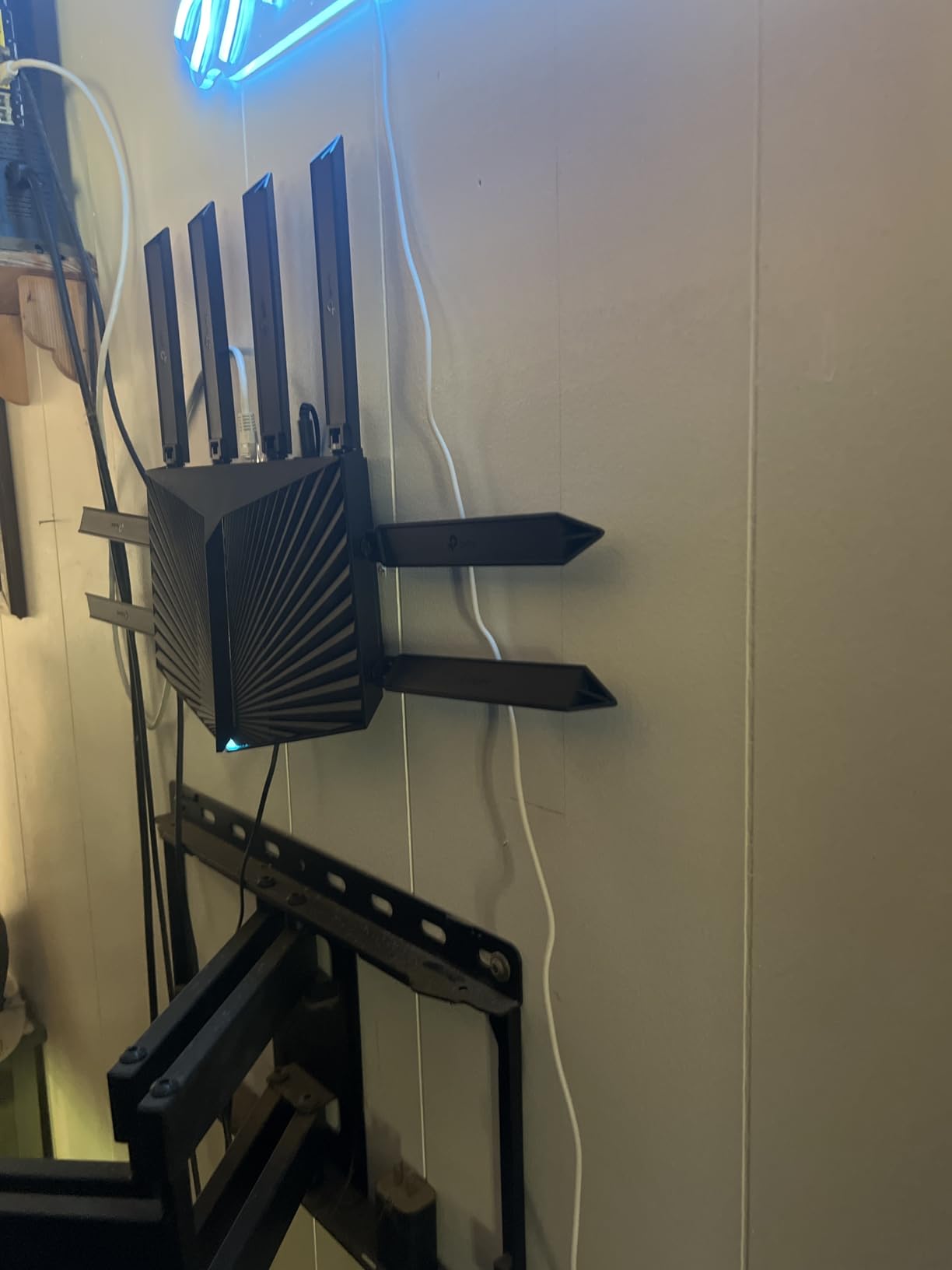
The AX80 is the shape of router you should buy if you are planning for a gigabit fiber or multi-gig cable plan within a year. The single 2.5 Gbps WAN/LAN port handles service speeds above Gigabit, and the AX6000 class radios put 4804 Mbps on 5 GHz and 1148 Mbps on 2.4 GHz, which is enough wireless headroom to keep a 2 Gbps plan busy in a normal home.
Coverage is the other reason to like it. Eight high-gain antennas with beamforming give it the reach to cover a multi-bedroom house from a central position, and owners consistently describe it as a solid step up from a dual-band gigabit router. MU-MIMO and OFDMA keep latency down when the whole household is connected.
There is a practical detail that matters more than it sounds: 512 MB of memory gives the firmware room to handle many devices without the stalling you see on 128 MB units. For a gaming household where the console, the PC, two phones, a smart TV, and a dozen IoT devices are all online, that headroom shows up as consistency.
OneMesh and Access Point mode both work, so you can expand coverage later or repurpose the unit behind an existing network. VPN client support is included for reaching remote servers from a device on your network.
How to decide between this and the AX73
These two cover most of the list, and the decision is straightforward. If your plan is Gigabit or below and you care about wireless reach, the AX73 with its six antennas and larger owner base is the safer buy. If multi-gig service is coming, the AX80 is the only one of the pair that will not need replacing on day one.
One more variable: the AX80 has a single multi-gig port. If you want a 2.5 Gbps link to your PC and another to a NAS, you would need a small switch alongside it, which erodes some of the cost saving.
Where it falls short
The paid HomeShield tiers are the main complaint, and they matter most to families rather than players. The advanced security and full parental controls sit behind a subscription, so budget for that if you have children, or read the free tier carefully before you commit.
It is also worth noting that with only 834 owner reviews behind it, there is a thinner long-term track record than the models with several thousand. That is not disqualifying, but it is a reason to prefer a seller with easy returns for a first-time setup.
6. GL.iNet Flint 3e – Best Wi-Fi 7 Router for Gaming Under 200
GL.iNet GL-BE6500 Flint 3e Wi-Fi 7 Router with VPN for Home and Gaming
Wi-Fi 7 BE6500 to 6.5 Gbps
Dual-band with MLO and 4K-QAM
2.5 Gbps Ethernet
1 GB DDR4, Linux-based
Pros
- Wi-Fi 7 with MLO and 4K-QAM targets low latency
- WireGuard and OpenVPN up to 1100 Mbps
- Handles 100+ devices with 1 GB of memory
- AdGuard Home and Bark controls included
- Compact body with retractable antennas
Cons
- Dual-band
- so no dedicated 6 GHz band for Wi-Fi 7 clients
- OpenWrt-based options need technical familiarity
The Flint 3e is the newest thing in this roundup and the only Wi-Fi 7 router here that also gives you a full Linux environment. Multi-Link Operation, 4K-QAM, preamble puncturing, and Multi-RUs are all present, and the marketing line is aimed squarely at low-latency gaming and high-resolution streaming. Whether that reaches your desk depends on your plan, which we cover in the buying guide.
The practical hardware is strong. You get 2.5 Gbps ports for multi-gig wired connections, 1 GB of DDR4 memory, and a Linux-based system with plugin support. That memory figure is why owners report handling more than a hundred connected devices, and it is the same headroom that makes the Flint 2 such a capable VPN and multi-gig box.
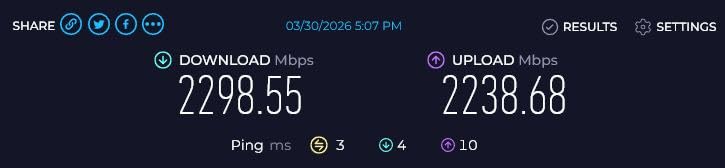
VPN throughput is the number that stands out: WireGuard and OpenVPN speeds up to 1100 Mbps, which is fast enough to saturate a gigabit line through an encrypted tunnel. AdGuard Home is built in and Bark parental control integration is supported, so the software side is as complete as the hardware.
Coverage is rated for up to 2500 square feet, and the retractable antennas make it easy to place in a small flat. The physical design is compact, which matters more than it sounds when the router has to live in a hallway rather than on a desk.
Who should spend on Wi-Fi 7 at this price
Buy it if you already have Wi-Fi 7 clients and a plan fast enough to matter, or if you plan to keep this router for four years and want the newest standard. Multi-Link Operation is the feature to look at: it lets a capable client hold simultaneous links across bands, which is a genuine latency and reliability improvement over single-band connections.
Skip it if your plan is a 100 to 300 Mbps connection and your devices are all Wi-Fi 6. On a slow line, no amount of radio capability changes what your game server sends you.
The dual-band compromise
Because this is a dual-band design, there is no separate 6 GHz radio. Wi-Fi 7 clients fall back to sharing the 5 GHz band, and in a crowded building that can cost you the clean-channel advantage you were paying for. The AXE75 in this same price range gives you a dedicated 6 GHz band for Wi-Fi 6E devices instead.
The advanced options still sit behind OpenWrt-style configuration, so the same warning applies as with the Flint 2. If you are comfortable there, this is a capable box. If you are not, the learning curve is real.
7. MSI Radix AXE6600 – Best Budget Gaming Router With RGB and AI QoS
MSI Radix AXE6600 WiFi 6E Tri-Band Gaming Router, AI QoS, RGB, 1.8GHz Quad-Core Processor, MU-MIMO, Tri Band Gigabit Wireless, 8-Stream, High Speed Long Range Gaming Router
Tri-band Wi-Fi 6E, 8-stream
1.8 GHz quad-core CPU
AI QoS and game accelerator
Mystic Light RGB, AP mode
Pros
- Quad-core 1.8 GHz CPU gives real routing headroom
- AI QoS and game accelerator prioritise gaming traffic
- Tri-band 8-stream design copes with congestion
- Mystic Light syncs with other MSI hardware
Cons
- Bulky footprint compared with most rivals
- Management app and features are less mature
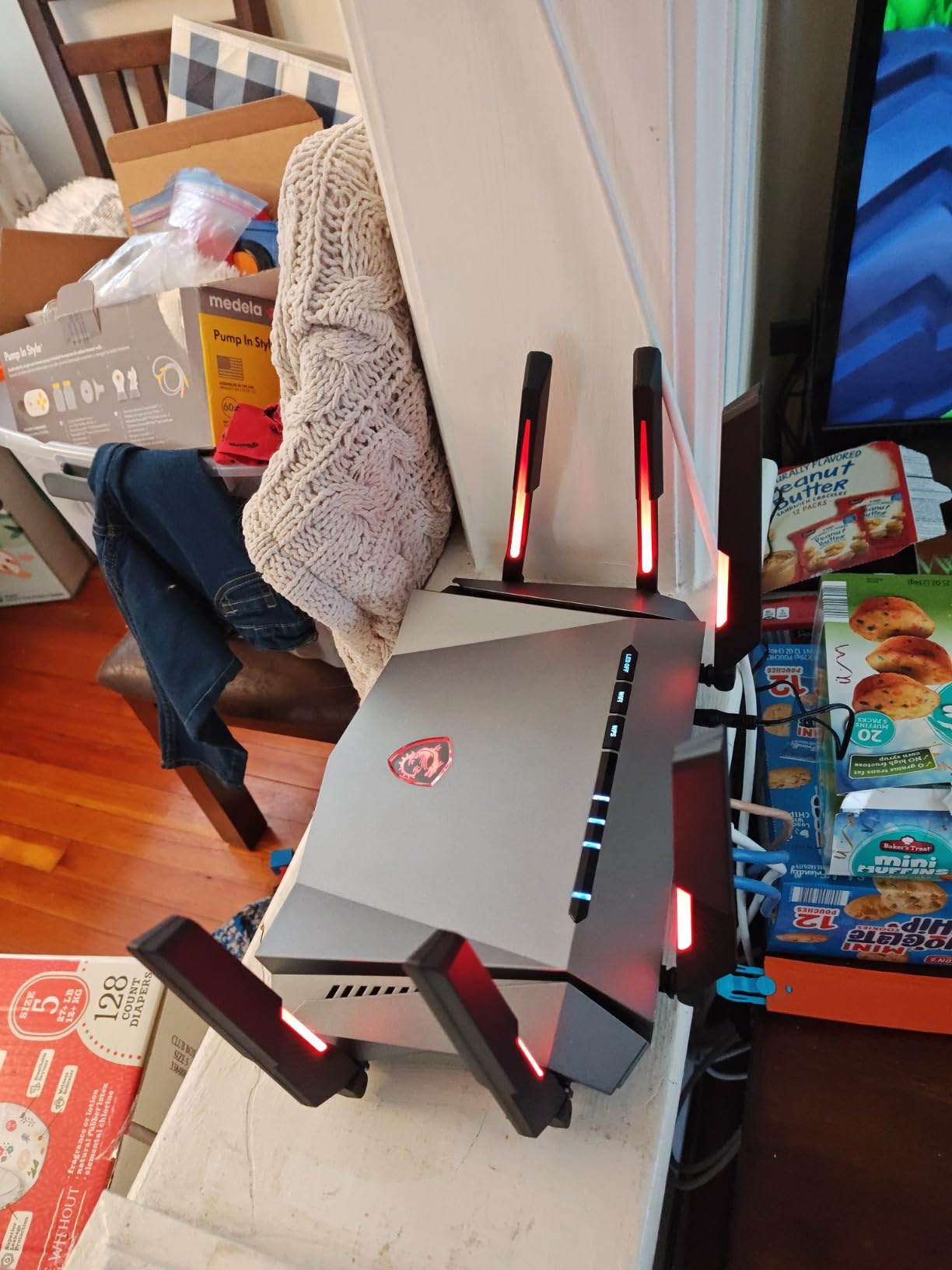
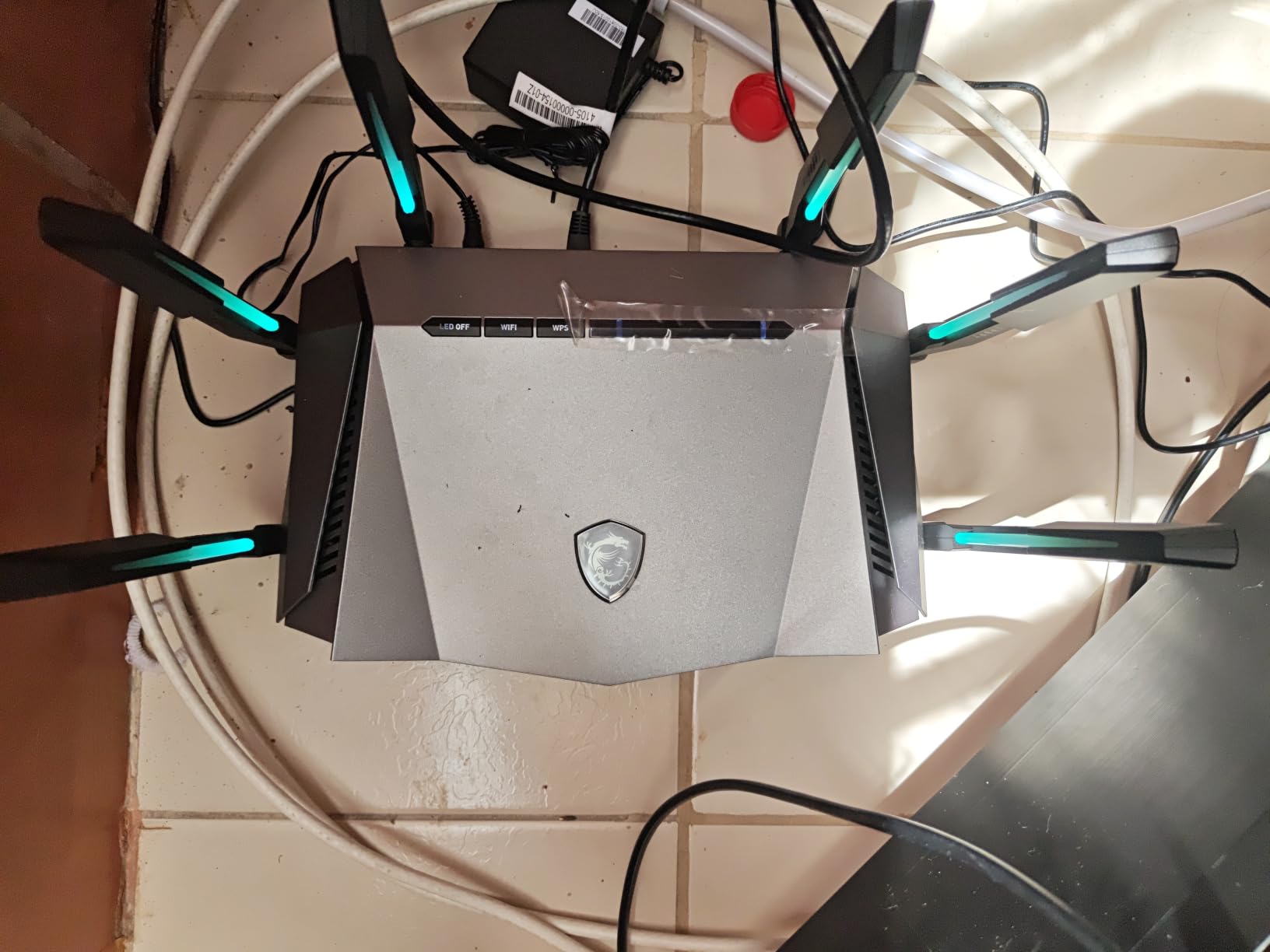
MSI built this one for people whose gaming setup is a whole room rather than a single tower. The Radix AXE6600 is a tri-band Wi-Fi 6E router with eight streams reaching 6.6 Gbps aggregate, and the Mystic Light RGB syncs with compatible MSI motherboards and cases, so it looks like part of the build rather than a black box you hide.
Underneath is the part that matters for latency: a 1.8 GHz quad-core processor, which is faster and has more cores than the dual-core chips in most routers at this level. That headroom is what lets AI QoS automatically prioritise packets and the built-in game accelerator keep a session steady while the rest of the house is online. For a player who wants gaming-specific tools without leaving the default interface, that is the appeal.
MU-MIMO across three bands and 2.5 Gbps LAN bandwidth mean the wired side is not the weak link either. Access Point mode is supported, so if you later build out a proper mesh network you can repurpose the unit instead of binning it. The firmware is Linux-based, which hints at more flexibility than the app exposes.
It is also one of the few routers in this roundup that is explicitly marketed as a gaming router with the features to back it up, rather than a general router with a gaming sticker. The AI QoS toggle and game accelerator are the two switches to test first after setup.
What the quad-core processor buys you
A faster CPU is not visible in a speed test on an idle network. It shows up when many devices are connected, when VPN is running, or when QoS rules are being evaluated for every packet. On a shared household connection, that headroom is the difference between a smooth session and one that stutters when someone starts a backup.
The 2.5 Gbps LAN bandwidth also means a wired console or PC is not limited to Gigabit, which puts this ahead of several routers in the same bracket.
Where it disappoints
The chassis is genuinely bulky at 16.3 by 12.5 by 5.4 inches, and that footprint is a real cost in a small flat. It is also the least polished software experience in this list. Owners rate the management app and feature set as less mature than the larger router brands, and you should expect to spend longer in the interface than with the ASUS or TP-Link options.
With 386 reviews behind it, the long-term reliability picture is thinner than models with several thousand. That is acceptable for a first router, less attractive as a five-year commitment.
8. ASUS RT-AX82U – Best Router With Built-In Game Prioritization
ASUS RT-AX82U AX5400 Dual-Band WiFi 6 Gaming Router, Game Acceleration, Mesh Support, Dedicated Port, Mobile Boost, MU-MIMO, Aura RGB (Renewed)
AX5400 Wi-Fi 6, 160 MHz
Mobile Game Mode and gaming port
AiMesh support
Refurbished, 90-day warranty
Pros
- Mobile Game Mode measurably lowers ping
- Physical gaming port for a console or PC
- Deep configuration options in the ASUS app
- AiMesh replaces or extends an ASUS mesh system
- Refurbished units arrive complete with accessories
Cons
- Runs warm
- so scheduled reboots help
- Some refurbished units need daily power cycling
- Band steering can need manual 5 GHz forcing
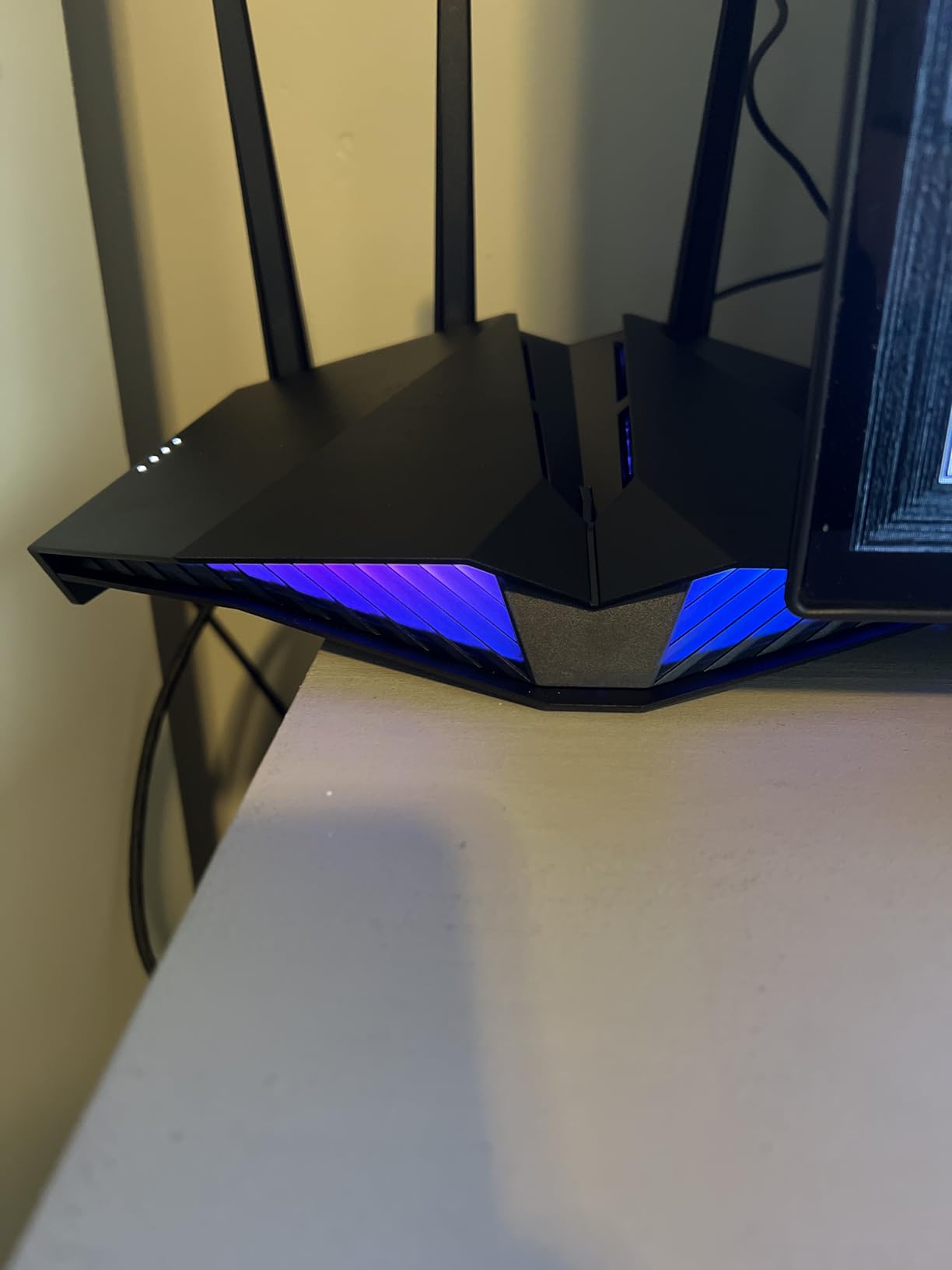
There is only one router in this roundup with a physical gaming port, and this is it. The RT-AX82U is an AX5400 dual-band Wi-Fi 6 router with 160 MHz channels, and the dedicated gaming port plus Mobile Game Mode are the two features that justify the label. Owners report that enabling Mobile Game Mode produces a measurable drop in ping, which is exactly what the feature promises.
It is also a refurbishment, and that changes the maths. The refreshed unit arrives with its accessories and a 90-day limited warranty, and it is a way to reach AX5400-class hardware and ASUS software depth at a price that would otherwise buy a lower tier. If you are comfortable with that trade, the Wi-Fi 6 performance jump over an older Wi-Fi 5 box is substantial.
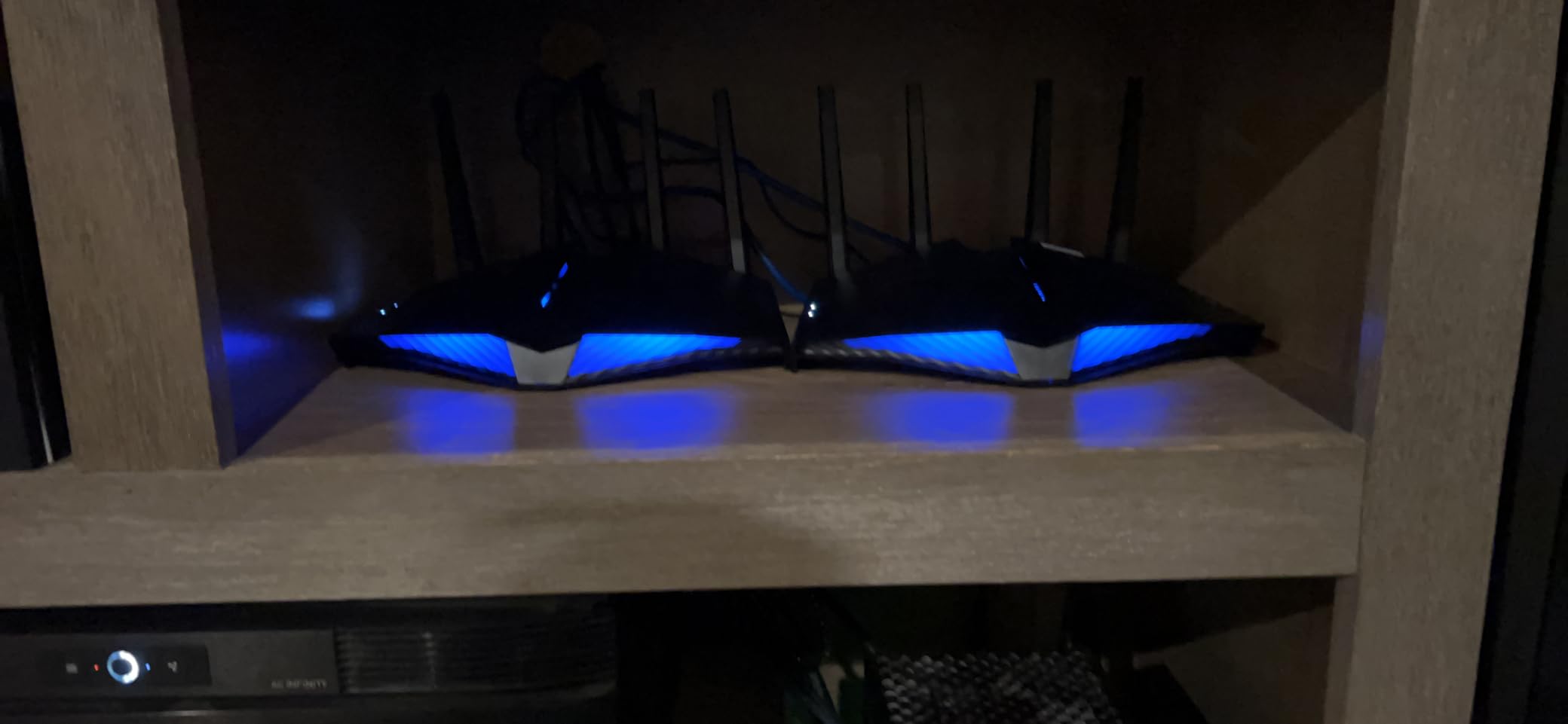
The software is where this router earns its place. AiProtection Pro is free for the life of the device, powered by Trend Micro, and the ASUS app gives deeper configuration options than anything else at this level. AiMesh support means it can slot into an existing ASUS mesh system as a replacement node rather than being a dead end.
MU-MIMO and Mobile Boost handle the multi-device case, and Aura RGB lighting lets it match a build if that matters to you. On the wireless side, 160 MHz channels on the 5 GHz band give a real throughput ceiling for a single client.
How to get the most from the gaming features
Turn Mobile Game Mode on in the app and connect your console or PC to the gaming port with Ethernet where possible. That combination is what the port is for, and it is the difference between the feature doing something and doing nothing.
If you are on wireless, Mobile Game Mode still applies traffic prioritisation, but you are also fighting the radio, so expect less consistent results than a cable.
The refurbished trade-offs
Two things to weigh. The router runs warm, and a minority of refurbished owners have needed daily power cycling, which is a reliability risk you should think about before you rely on it for a console in a tournament. The 90-day warranty is also short compared with a new unit.
Band steering sometimes needs manual intervention, meaning you may have to force 5 GHz on some consoles. Budget an hour for setup rather than assuming it will be plug and play.
9. ASUS RT-BE82U – Best Router Under 200 With Five 2.5G Ports
ASUS RT-BE82U WiFi 7 Router – Dual-Band, 6.5 Gbps, Mesh + VPN Compatible
Wi-Fi 7 dual-band to 6500 Mbps
Five 2.5GbE ports
MLO and 4096-QAM
AiProtection Pro free, 3-year warranty
Pros
- Five 2.5GbE ports turn it into a router and a switch
- 4096-QAM boosts single-stream speeds on new clients
- Quick setup with a guest network and IoT network
- AiMesh pairing for whole-home coverage
- Free AiProtection Pro with parental controls and VPN
Cons
- No wall mounting holes on the underside
- Some units needed a factory reset before connecting clients
- Dual-band design has no dedicated 6 GHz radio
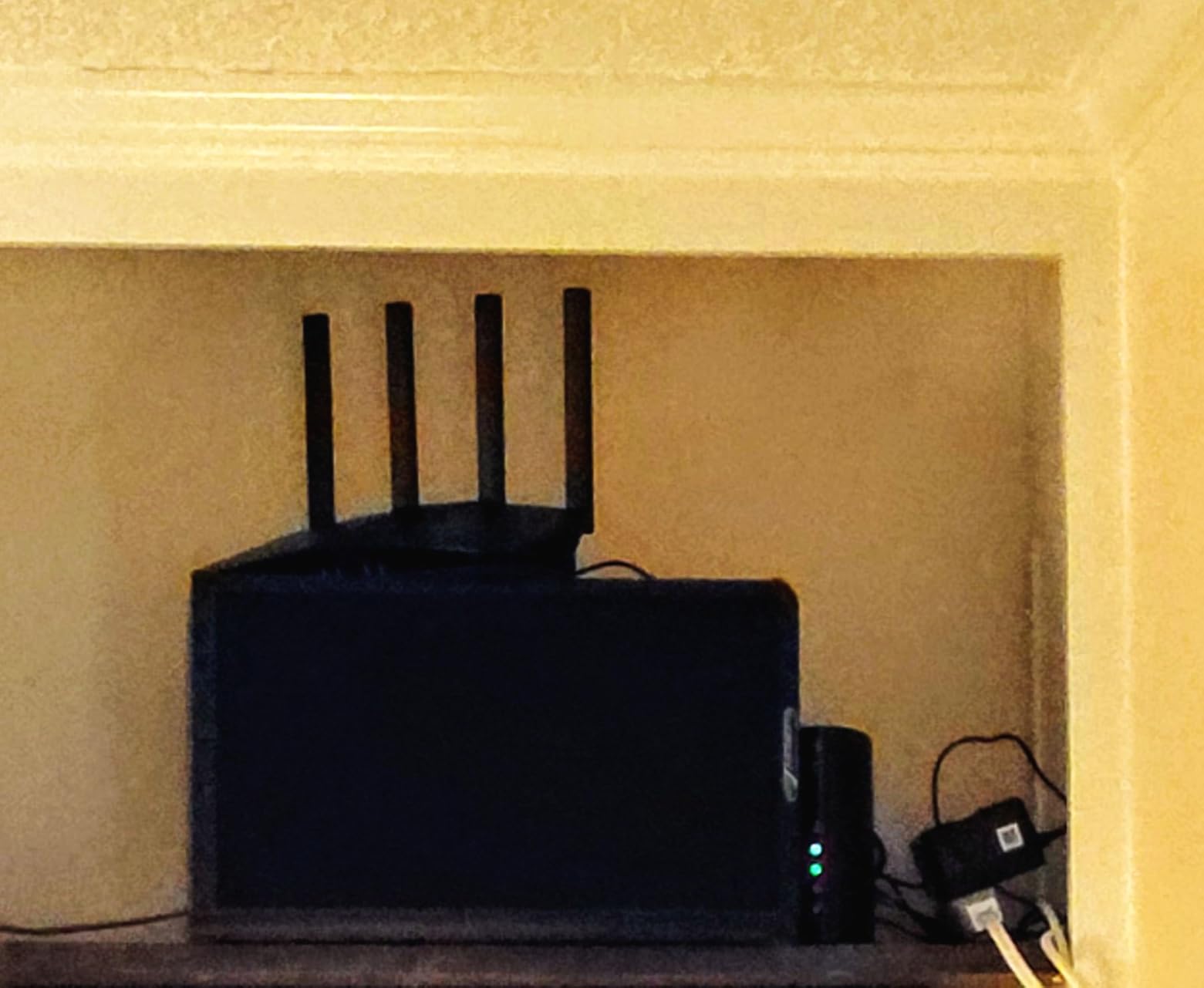
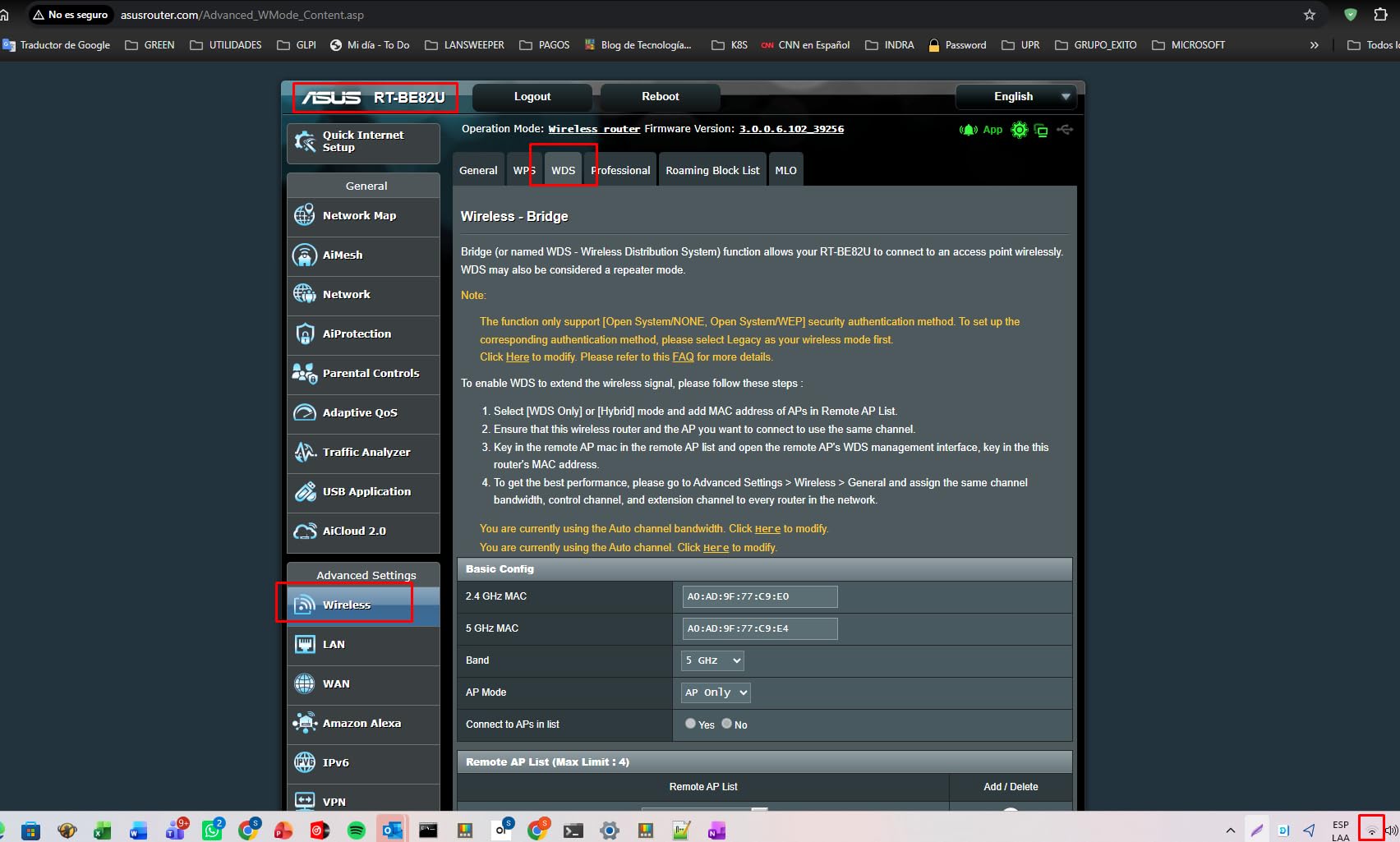
The RT-BE82U solves for a specific problem: a house full of wired devices and no room for a switch. Five 2.5GbE ports mean you can put a gaming PC, a console, a NAS, and two more devices on multi-gig wired links and still use the fifth port for the uplink. At this budget, treating the router as an integrated switch is genuinely useful rather than a gimmick.
On the wireless side it is dual-band Wi-Fi 7 reaching 6500 Mbps aggregate, with 4096-QAM modulation that lifts single-stream speed by roughly 1.2x on compatible clients, and Multi-Link Operation for devices that can hold simultaneous band links. It carries a 1.1 pound body and a 5.8 by 3.8 by 9.3 inch footprint, so it is compact enough for a shelf.
Security is subscription-free through AiProtection Pro with Trend Micro, including a one-tap security scan, parental controls, and VPN support. Setup through the ASUS app is quick, and there is a guest network and a dedicated IoT network for isolating devices, which is a sensible way to keep smart-home chatter off the band your console is on.
The three-year warranty is the longest in this roundup, and AiMesh pairing means a second unit can extend coverage without changing platforms.
When five 2.5 Gbps ports changes the decision
If you have a wired gaming PC, a wired console, and network storage, this removes an accessory from the shopping list. A multi-gig switch that would normally sit next to the router is not needed, and the extra ports give you a path to a multi-gig WAN if your provider offers one.
For a wireless-only household, those ports are simply unused, and you would be paying for Ethernet headroom you will not touch.
What to know before setup
There are no wall mounting holes on the underside, so it is a shelf unit. A minority of owners had units that would not connect clients until a factory reset, which is a five-minute fix once you know it is the router rather than your settings. Firmware updates also install automatically, with no manual control if you prefer to stage them.
And it is dual-band, with no dedicated 6 GHz radio. If you want a clean third band, the AXE75 or the NETGEAR RS300 in this roundup provide one at similar money.
10. NETGEAR RS300 – Best Tri-Band Wi-Fi 7 Router Under 200
NETGEAR RS300-100NAR Nighthawk RS300 Tri-Band WiFi 7 Router, Wireless Speed Up to 9.3 Gbps, Covers Up to 2500 Sq. Ft., Black – Certified Refurbished
Tri-band Wi-Fi 7 to 9.3 Gbps
6 GHz band included
2.5 Gbps internet port
2x 2.5G plus 2x 1G LAN
Pros
- Tri-band Wi-Fi 7 delivers roughly 2.4x the speed of Wi-Fi 6
- Two 2.5 Gbps LAN ports plus a 2.5 Gbps WAN port
- Covers up to 2500 sq. ft. in a small body
- Automatic firmware updates and router protection included
- Refurbished pricing undercuts new tri-band Wi-Fi 7
Cons
- Certified refurbished units carry only a 90-day warranty
- Router only
- so a separate modem is required
- Refurbished units may show cosmetic wear
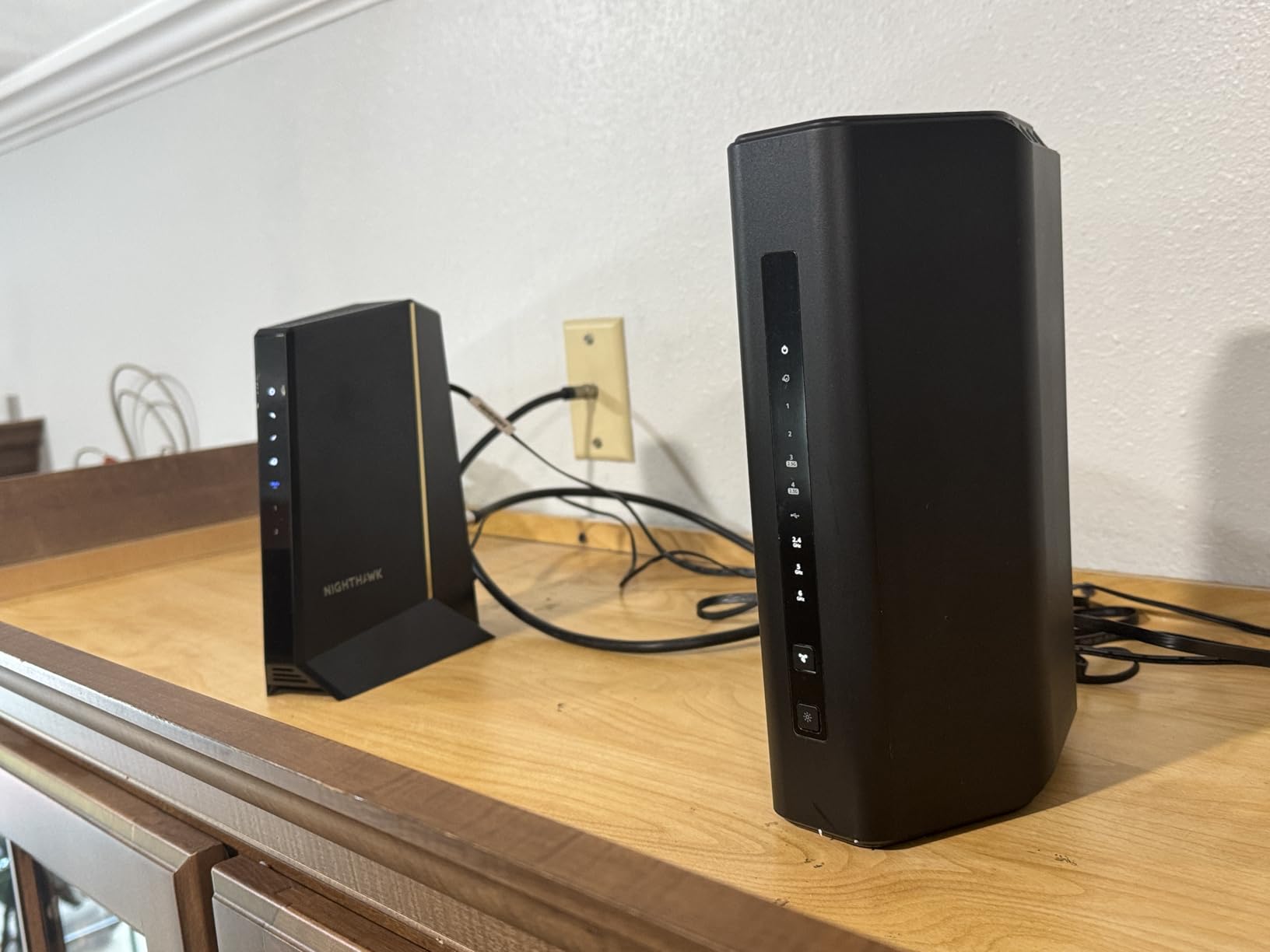
The RS300 is the only router in this roundup that pairs tri-band Wi-Fi 7 with a real 6 GHz radio at this ceiling. Owners put the speed gain at roughly 2.4x over Wi-Fi 6 in their setups, and the band layout means Wi-Fi 7 clients get a dedicated lane rather than sharing 5 GHz with everything else in the house.
It is also well laid out for a wired household: a 2.5 Gbps internet port for multi-gig cable or fiber, plus two 2.5 Gig and two 1 Gig Ethernet LAN ports. MU-MIMO, OFDMA, a guest network, VPN, and WPA3 are all supported, and coverage is rated for up to 2500 square feet in a 9.8 by 5.9 by 4 inch body.
The trade is that it is a certified refurbished unit with a 90-day limited warranty, and it is router only. You need your own modem or an existing one from your provider, which is normal for this list but worth confirming before you order if you are starting from nothing.
NETGEAR Advanced Router Protection and automatic firmware updates are included out of the box, so the security side does not depend on you remembering to do anything. For a device that will stay in your home for years, updates that arrive without intervention are worth something.
When a dedicated 6 GHz band is worth it
If you have Wi-Fi 7 clients and a crowded building, the 6 GHz radio is the reason to pick this over a dual-band Wi-Fi 7 box. It is the combination of newest standard plus dedicated band that no other sub-200 option in this list offers.
On an uncrowded 2.4 and 5 GHz environment, the difference narrows considerably, and a dual-band Wi-Fi 6 router with a 2.5 Gbps port will feel similar in practice for most games.
Where the refurbishment bites
A 90-day warranty is the shortest in this roundup, and refurbished units may show cosmetic wear. If the router has to stay online for a competitive evening, that is a risk you are taking with a smaller safety net than a new unit gives you.
With 126 reviews behind it, this is also the thinnest owner history here, so treat the performance claims as promising rather than proven across a wide sample.
How to Choose a Budget Gaming Router in 2026
What actually reduces lag on a tight budget
Start with the queue, not the radio. Most lag complaints in a shared household are not the router being slow, they are your console sitting behind a large download in the router’s outbound queue. A router with real traffic prioritisation, or with SQM queue management, fixes that directly. Every router in this roundup except one ships with some form of QoS, and the Flint 2 goes further by exposing SQM for bufferbloat control.
Second is the wired connection. A cable from the router to your PC removes wireless contention, interference, and half the variables in the chain. Forum consensus is consistent on this: at a 200-dollar ceiling, spending part of the budget on good Ethernet and reserving the rest for a capable router beats buying a wireless-only upgrade.
Third is the uplink speed. If your plan is Gigabit or faster, a Gigabit WAN port is a real ceiling. If your plan is 300 Mbps, port speed is not on your list of problems.
Used and refurbished: when stretching the budget is smarter
Two of the ten routers here are refurbished, and that is a deliberate choice rather than a compromise. A year-old flagship discounted through a refurbishment programme often has better silicon than a brand-new budget model, and the ASUS RT-AX82U and the NETGEAR RS300 are both examples of hardware that would sit far above this ceiling new. For a player who wants a dedicated gaming port or a dedicated 6 GHz band, a refurbishment can be the only way to reach that feature at this budget.
The cost is warranty length and history. Both refurbished models here carry a 90-day limited warranty, which is short enough that you should treat the first month as an extended test. Watch for units that need repeated power cycling, and check whether the seller offers a straightforward return process before you commit.
How we picked these ten
We started with every router sold at or under the 200-dollar ceiling that had enough owner reviews to judge, then filtered on what a player actually experiences. Speed classes were only considered alongside port layout, because a fast radio behind a Gigabit WAN port is not fast. We weighted three things heavily: memory and processor capacity, since that determines whether a router stalls once a household gets busy; real traffic prioritisation rather than a gaming badge; and multi-gig port availability for anyone on a fast plan.
We also read the negative reviews closely, because budget routers fail in a small number of predictable ways. Firmware bugs that drop a band, subscription tiers that appear in year two, and refurbished units with reliability problems show up repeatedly, and each one changed how we framed the drawbacks for the picks that survived.
Wired Ethernet versus wireless for gaming
The short version: wired is better, and the gap is larger than most marketing implies. A cable removes channel contention, floor-plan interference, and retransmissions, and it means your router is routing packets rather than relaying them through a modulated radio.
Wireless is fine for handheld streaming and couch play, and it is the only option for a console in a room you cannot cable. If you are on wireless, prioritise the 5 GHz band, keep the router in the open, and accept that distance through walls is the dominant factor. A router with a dedicated 6 GHz band, like the AXE75 or the RS300, helps in crowded buildings, but only if your client supports it.
One more consideration for a wired setup: a 2.5 Gbps port only helps if the rest of the chain supports it. That means a 2.5 Gbps-capable network card, a cable rated for the bandwidth, and ideally a multi-gig plan. Otherwise a Gigabit port is the practical limit regardless of what the box offers.
What Wi-Fi 7 really delivers on a 100 to 500 Mbps plan
Less than the box suggests. Wi-Fi 7 specifications, 320 MHz channels, 4K-QAM, and Multi-Link Operation, describe what the radio can do. What you experience is limited by the slowest link between the game server and your controller, and on a 300 Mbps connection that is almost never the Wi-Fi radio in the room.
There are two real exceptions. If your connection is congested because many devices share the same bands, Multi-Link Operation and a dedicated 6 GHz radio genuinely improve stability. And if you play on a handheld that streams from a nearby machine, such as a Steam Deck pulling from a desktop in the next room, the wireless link between those two devices can become the bottleneck, and faster Wi-Fi helps there.
Otherwise, at this budget, put the money into ports, range, and queue management rather than the newest standard.
Modems, double NAT, and ISP compatibility
A modem and a router are different jobs. The modem converts your provider’s signal into Ethernet, and the router takes that Ethernet and creates the local network, handles Wi-Fi, and manages traffic. Most providers supply a combined box that does both, and replacing it with your own router usually means putting the provider’s box in bridge mode so only one device is doing routing.
Double NAT is the failure mode people hit when they skip that step. If the provider’s box routes and your new router routes behind it, every packet is processed twice, and games can suffer from restricted ports, failed voice chat, and inconsistent matchmaking. The fix is a bridge mode or IP passthrough setting on the provider box, which is usually a ten-minute job.
On compatibility, any of these routers will work with any modem, but the WAN port speed still matters. On a gigabit fiber plan, you need a router with a 2.5 Gbps WAN port or you will lose throughput regardless of the provider. Check your provider’s requirements for a third-party router before you buy, since a handful of providers restrict approved equipment.
Mesh versus a single router
Buy a single router if you live in a flat or a small house and your gaming device is within range of one unit. Mesh systems under this ceiling spend capacity on backhaul, and forum consensus is blunt that a two-node mesh at this budget is poor value for a single-room gaming setup.
Consider mesh only when coverage is genuinely the problem, and then pick a router that can act as a node in a mesh system. Most of the models here support some form of mesh expansion, which means you can solve the problem later rather than committing to it now. If you are streaming 4K in rooms far from the router, our guide to the best home routers for streaming covers that case in more detail.
What you get at each budget tier
Under 100 in this tier, you are buying a dual-band Wi-Fi 6 router with an AX1800 or AX5400 class radio, four Gigabit ports, and software that is adequate rather than pleasant. This tier fixes lag spikes in most homes and leaves range as the weak point. The ASUS RT-AX1800S and the TP-Link AXE75 sit here, and both are sensible buys.
Between 100 and 150, you start seeing 2.5 Gbps ports, tri-band layouts with a 6 GHz radio, and quad-core processors. This is where multi-gig plans and crowded buildings are handled properly, and it is the tier we would aim for in 2026 unless your flat is small.
Between 150 and 200, the picks divide into two groups: open-source platforms like the GL.iNet Flint 2 and Flint 3e, which trade simplicity for control, and refurbished hardware like the ASUS RT-AX82U and the NETGEAR RS300, which trade warranty length for capability. Neither trade is free, so read the drawbacks before choosing.
If you want to see how these compare with faster hardware once your plan allows it, our Wi-Fi 7 gaming router guide covers the higher tier, and the video router roundup is useful if latency spikes come from streaming traffic rather than gaming.
Frequently Asked Questions
Are gaming routers worth the money?
A gaming router earns its name only when it has real traffic prioritisation, a dedicated gaming port, or queue management that protects your ping under load. At a sub-200 budget, a good general router with QoS will beat most dedicated gaming boxes, because the ones with true gaming silicon cost several times more. The exception is a router that exposes SQM bufferbloat control, which fixes the queue problem more precisely than plain QoS and is worth more to a player than RGB lighting or a branded game accelerator.
What is the difference between a modem and router?
The modem converts your provider’s cable, fiber, or DSL signal into Ethernet. The router takes that Ethernet connection and creates your local network, broadcasts Wi-Fi, and manages the traffic moving through it. Most ISP-provided boxes do both jobs. When you buy your own router, you usually keep the provider box as the modem and put it into bridge mode, so only one device is doing routing. Double NAT happens when you skip that step.
How many devices can a router handle?
It depends more on memory and processor than on the speed class printed on the box. Routers with 256 MB of memory handle small households comfortably, while models with 512 MB or 1 GB cope with dozens of connected devices without stalling. The two GL.iNet models here carry 1 GB of DDR4 and owners report more than a hundred connected devices, while 128 MB units start to struggle once smart-home devices multiply.
Which budget router is best if I am on a very tight budget?
Under 100 dollars, a dual-band Wi-Fi 6 router in the AX1800 or AX5400 class covers most homes and removes the lag spikes that come from an ISP-supplied box. Look for QoS, a good management app, and at least four Gigabit LAN ports. Spending below that rarely saves much, because the cheapest units tend to have small amounts of memory and limited firmware, which shows up as stalling once several devices are online.
Does the router affect ping, and what about jitter?
The router cannot change the physical distance to a game server, so it will not lower your base ping. What it can do is stop that number from spiking. Ping spikes and jitter usually come from queueing, where your packets sit behind someone else’s download, or from wireless retransmissions. Traffic prioritisation, SQM queue management, and a wired connection all attack that specific problem, which is why router upgrades tend to smooth gameplay without moving the average.
Is Wi-Fi 7 worth it on a slow internet connection?
On a 100 to 300 Mbps plan, the headline Wi-Fi 7 speeds change little, because your connection is the limit rather than the radio. It becomes worthwhile when your connection is genuinely fast, when you have Wi-Fi 7 client devices, or when you live somewhere crowded enough that a dedicated 6 GHz band would keep you off congested channels. If your devices are all Wi-Fi 6, spend the money on port speed and range instead.
The Best Router for Gaming Under 200 Dollars in 2026
The TP-Link Archer AX73 is the best router for gaming under 200 dollars for most people in 2026. Six antennas, MU-MIMO and OFDMA, a USB 3.0 port, and a full web interface cover everything that matters at this ceiling, and its 8743 owner reviews make it the most proven router in this roundup.
If you are wired, buy the GL.iNet Flint 2 for its dual 2.5 Gbps ports and OpenWrt queue control. In a crowded building, the TP-Link AXE75 gives you a clean 6 GHz band. On multi-gig service, the Archer AX80 or the ASUS RT-BE82U with five 2.5 Gbps ports will not leave throughput on the table.
Use the comparison above to check current pricing on each, and buy the one that matches your connection speed and your floor plan rather than the one with the biggest number on the box.