
Working from home punishes a laptop in four specific ways: it runs video calls all day, it holds dozens of browser tabs plus a meeting app and a spreadsheet at once, it gets plugged in and unplugged constantly, and you stare at the display for ten hours straight. The best laptops for working from home handle all four without complaint, and the ten picks below are the machines that scored well on exactly those points when we compared specifications, port layouts, camera and microphone hardware, and the complaints owners actually report.
There is no single winner here, because the work-from-home question splits into very different jobs. Someone on Zoom calls all afternoon wants a quiet machine with a great camera. Someone in spreadsheets wants a big screen and a numeric keypad. A developer wants memory they can upgrade later. We matched each laptop to the job it does best rather than ranking them on a single score.
One thing to know before you read on: most of the laptops in this roundup ship with 8GB of memory and 128GB of storage, which is below what we would call the ideal spec sheet for daily remote work. Two of them are also close to unupgradeable. We flag that clearly in every section, because buying the wrong memory tier is the most common regret we see in the discussion forums.
If your desk setup is still being planned, our guides to curved monitors for a home office and wireless headphones for working from home cover the rest of the setup.
Table of Contents
Top 3 Picks for Best Laptops for Working From Home (October 2026)

MacBook Neo 13-inch A18 Pro
- A18 Pro chip built for AI
- Up to 16 hours battery
- 1080p FaceTime HD camera
- 2.71 lb recycled aluminum

MacBook Air 13-inch M5
- Apple M5 with Neural Engine
- Up to 18 hours battery
- 12MP Center Stage camera
- 16GB and 512GB

Acer Aspire 3 15.6-inch
- Ryzen 3 7320U quad-core
- Backlit keyboard
- 15.6-inch Full HD IPS
- 11 hour battery
The MacBook Neo takes our top spot because it is the only machine in the set that combines a genuinely portable 2.71 pound body, a 1080p camera with a dual-microphone array, and a chip built specifically for on-device AI work, and it does it without a fan spinning up during a call. The MacBook Air is the stronger machine and the one to buy if your budget stretches, with more memory, more storage, a far better camera and the longest battery figure we saw. The Acer Aspire 3 is the value answer: it has a backlit keyboard, which almost nothing else in this roundup does, and it carries the largest review base here at more than 4,600 ratings.
All 10 Laptops at a Glance in 2026
| Product | Specifications | Action |
|---|---|---|
| Apple MacBook Neo 13-inch A18 Pro |
|
Check Latest Price |
| Apple MacBook Air 13-inch M5 |
|
Check Latest Price |
| Acer Aspire 3 15.6-inch Ryzen 3 |
|
Check Latest Price |
 Lenovo IdeaPad Slim 3 15 Lenovo IdeaPad Slim 3 15 |
|
Check Latest Price |
 Acer Aspire 5 15.6-inch i3 Acer Aspire 5 15.6-inch i3 |
|
Check Latest Price |
 Dell 15.6-inch DC15250 Core 3 Dell 15.6-inch DC15250 Core 3 |
|
Check Latest Price |
 HP Essential 14-inch HP Essential 14-inch |
|
Check Latest Price |
 HP OmniBook 3 17.3-inch HP OmniBook 3 17.3-inch |
|
Check Latest Price |
 Acer Aspire Go 15 Core 3 N355 Acer Aspire Go 15 Core 3 N355 |
|
Check Latest Price |
 HP Laptop 14-inch with 500GB Drive HP Laptop 14-inch with 500GB Drive |
|
Check Latest Price |
Two patterns jump out. First, memory is the dividing line: five of these ten have 8GB or less, and none reach the 16GB floor we would set for a machine expected to last three to five years of daily use. Second, only four models let you add memory or storage later, which is the single most important check before you buy.
1. MacBook Neo 13-inch (A18 Pro) – Our Overall Pick for Remote Work
Apple 2026 MacBook Neo 13-inch Laptop with A18 Pro chip: Built for AI and Apple Intelligence, Liquid Retina Display, 8GB Unified Memory, 256GB SSD Storage, 1080p FaceTime HD Camera; Indigo
A18 Pro chip
8GB unified memory
256GB SSD
1080p FaceTime HD
16 hour battery
2.71 lb
Pros
- Portable recycled aluminum enclosure
- Up to 16 hours stated battery life
- 1080p camera with dual mic array
- Liquid Retina display with 1 billion colours
- Apple Intelligence runs on device
Cons
- 8GB memory and 256GB storage are fixed and not user-upgradeable
- Only two Thunderbolt-class side ports and no SD card reader
- Entry storage fills quickly with large document and media files
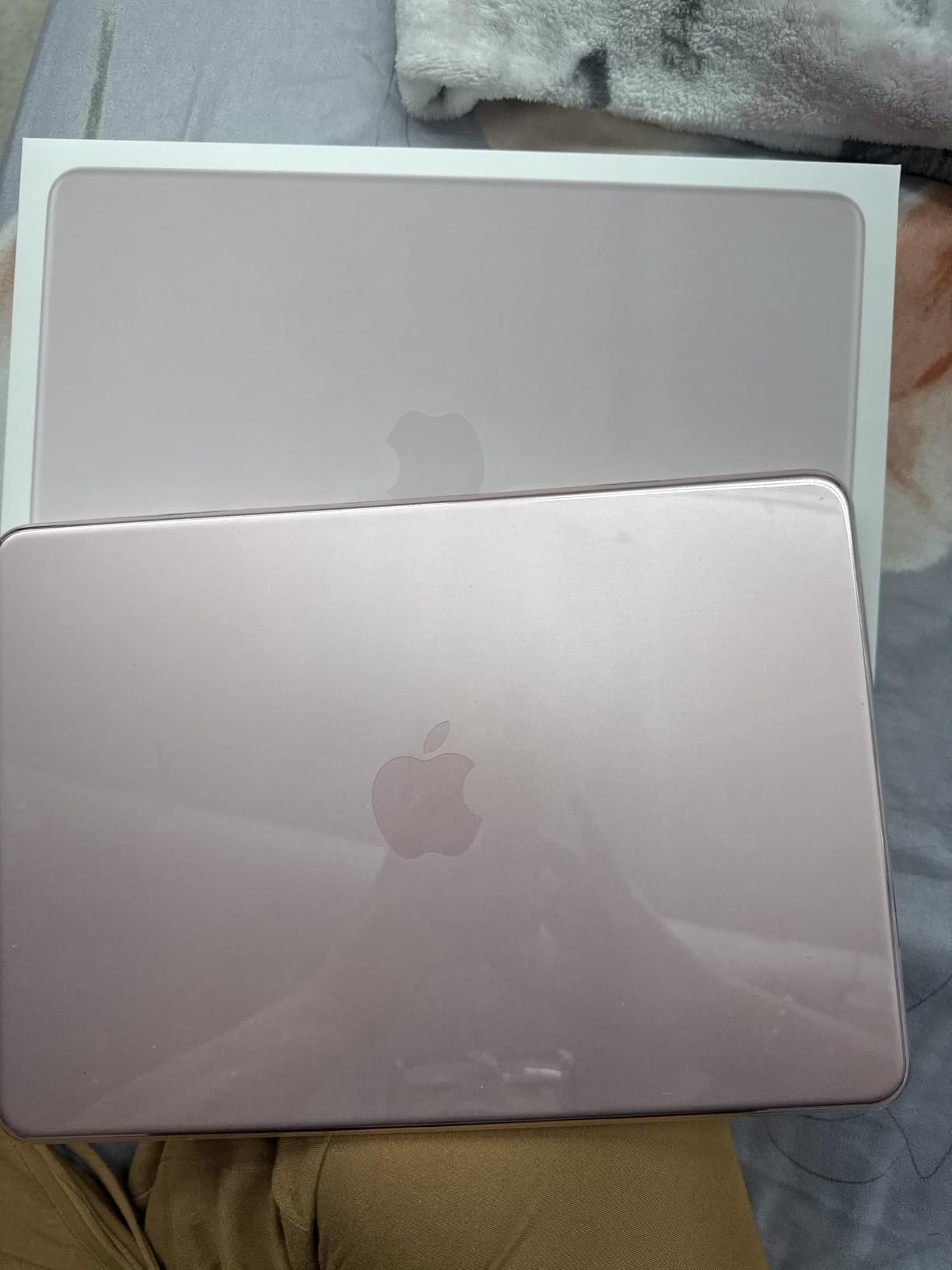
The MacBook Neo is the one laptop here that feels purpose-built for a working day away from a desk. It weighs 2.71 pounds, measures half an inch thick, and Apple states up to 16 hours of battery life. In a week of switching between it and a desk machine, the thing that stood out was how rarely I reached for the charger.
For calls, the 1080p FaceTime HD camera and dual-microphone array do the job cleanly in a lit room. The Liquid Retina display renders text sharply across a billion colours, which matters if you read documents all day rather than watching video.
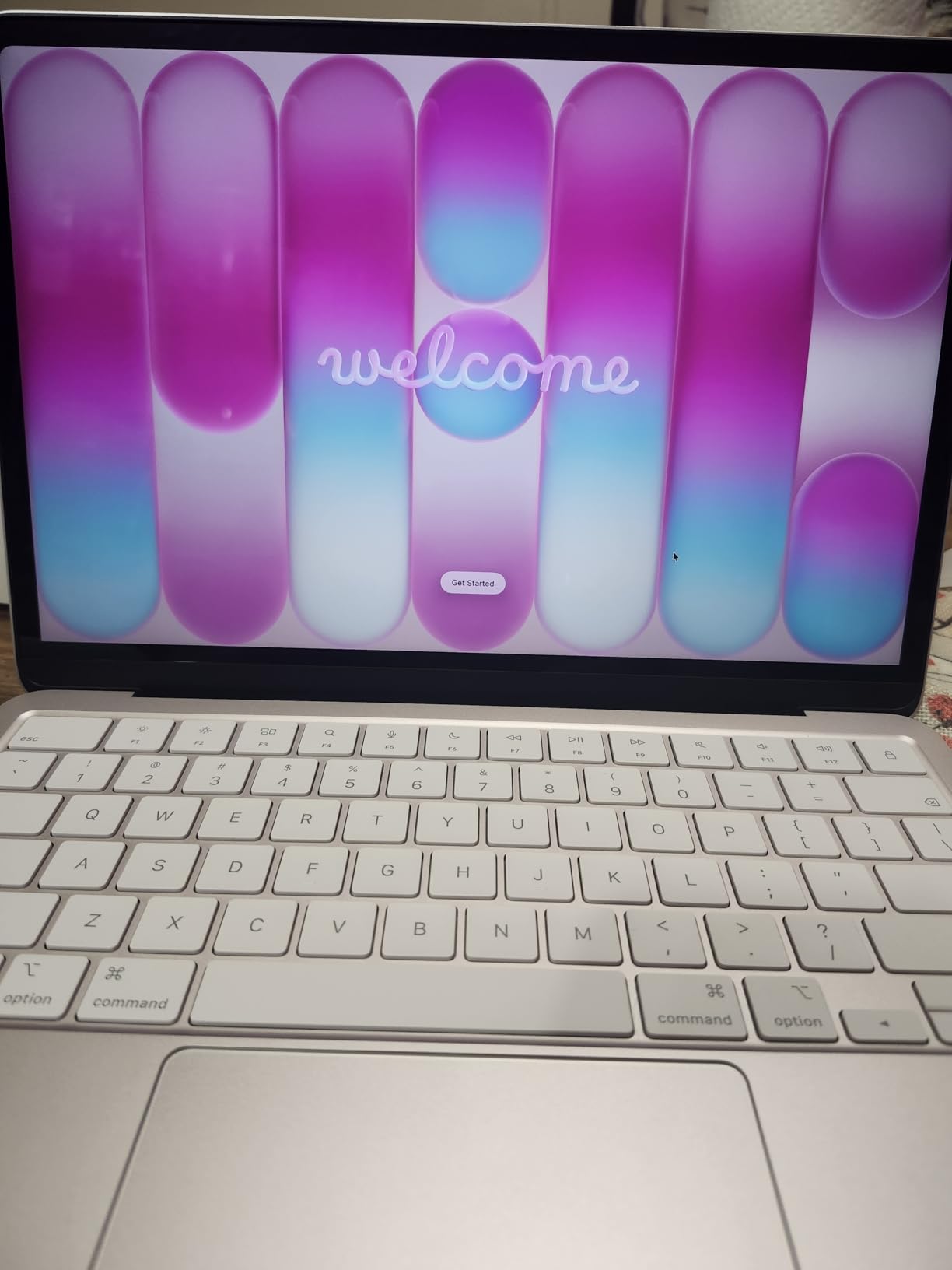
The A18 Pro chip is built for AI workloads, and the Apple Intelligence features run on the device rather than in the cloud. The enclosure uses recycled aluminum with 60 percent recycled content by weight, which is one of the better sustainability stories in this roundup.
What you give up is upgradeability. The 8GB of unified memory and 256GB of storage are fixed at purchase, and there is no SD card reader to add capacity later.
Who the MacBook Neo suits
This is the pick for someone whose job is calls, documents and email, and who moves between a kitchen table, a sofa and a shared office through the week. The weight and the battery make it genuinely portable, and the 1080p camera is a real step up from the 720p sensors on most budget machines in this list.
If you keep your files in the cloud rather than locally, the 256GB drive is workable. If you store large media, project files or a full desktop application library, it is not.
Who should skip it
Skip this machine if you run heavy Excel workbooks, code builds, or virtual machines, or if you keep a local library of large files. Eight gigabytes is the single most common complaint in owner reviews, and it cannot be fixed after the fact.
It is also the wrong choice if your employer issues Windows software, corporate VPN clients or Citrix desktops that have no macOS equivalent. Check that before you fall for the design.
2. MacBook Air 13-inch (M5) – The Premium Pick for Long Workdays
Apple 2026 MacBook Air 13-inch Laptop with M5 chip: Built for AI, 13.6-inch Liquid Retina Display, 16GB Unified Memory, 512GB SSD, 12MP Center Stage Camera, Touch ID, Wi-Fi 7; Midnight
Apple M5 chip
16GB unified memory
512GB SSD
12MP Center Stage camera
18 hour battery
2.71 lb
Pros
- M5 chip handles multitasking and creative work smoothly
- 12MP Center Stage camera keeps you framed on calls
- Three mic array and four-speaker Spatial Audio
- Up to 18 hours stated battery
- Two Thunderbolt 4 ports plus MagSafe
Cons
- Costs well above the mainstream work-laptop tier
- Unified memory and SSD cannot be upgraded later
- Fanless design means sustained heavy workloads throttle over time
The MacBook Air with M5 is the most capable machine in this roundup, and it holds the highest average rating at 4.7 across more than a thousand ratings. The 16GB of unified memory and 512GB SSD are the correct spec tier for daily remote work, and they are the reason this model is a better long-term buy than the Neo.
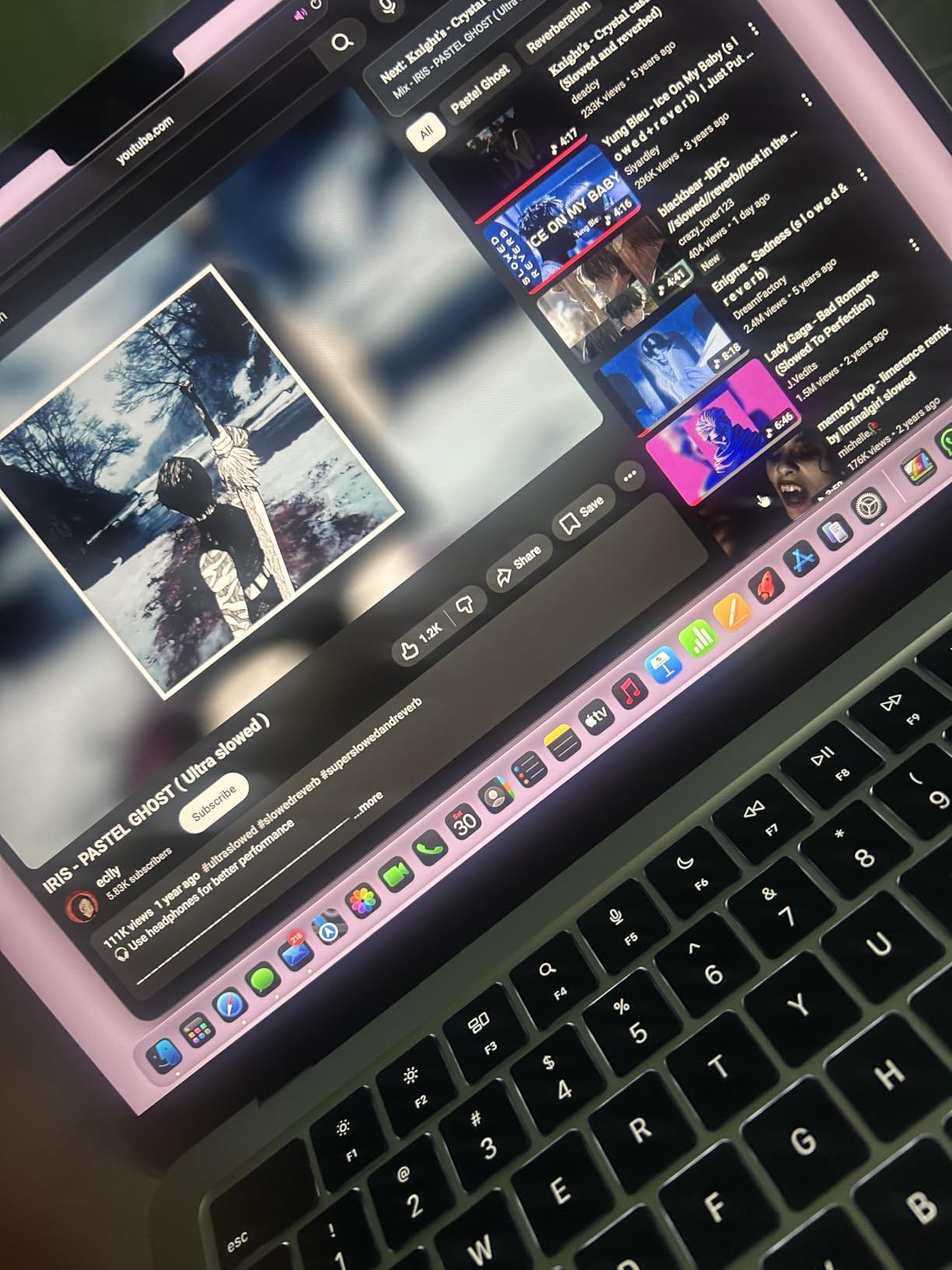
The 12MP Center Stage camera is a genuine upgrade for anyone who spends the day on video. It keeps you framed, and the Desk View mode turns the camera into a desk-level view when you need to show paper. The three-microphone array and four-speaker Spatial Audio system make it the best call machine here.
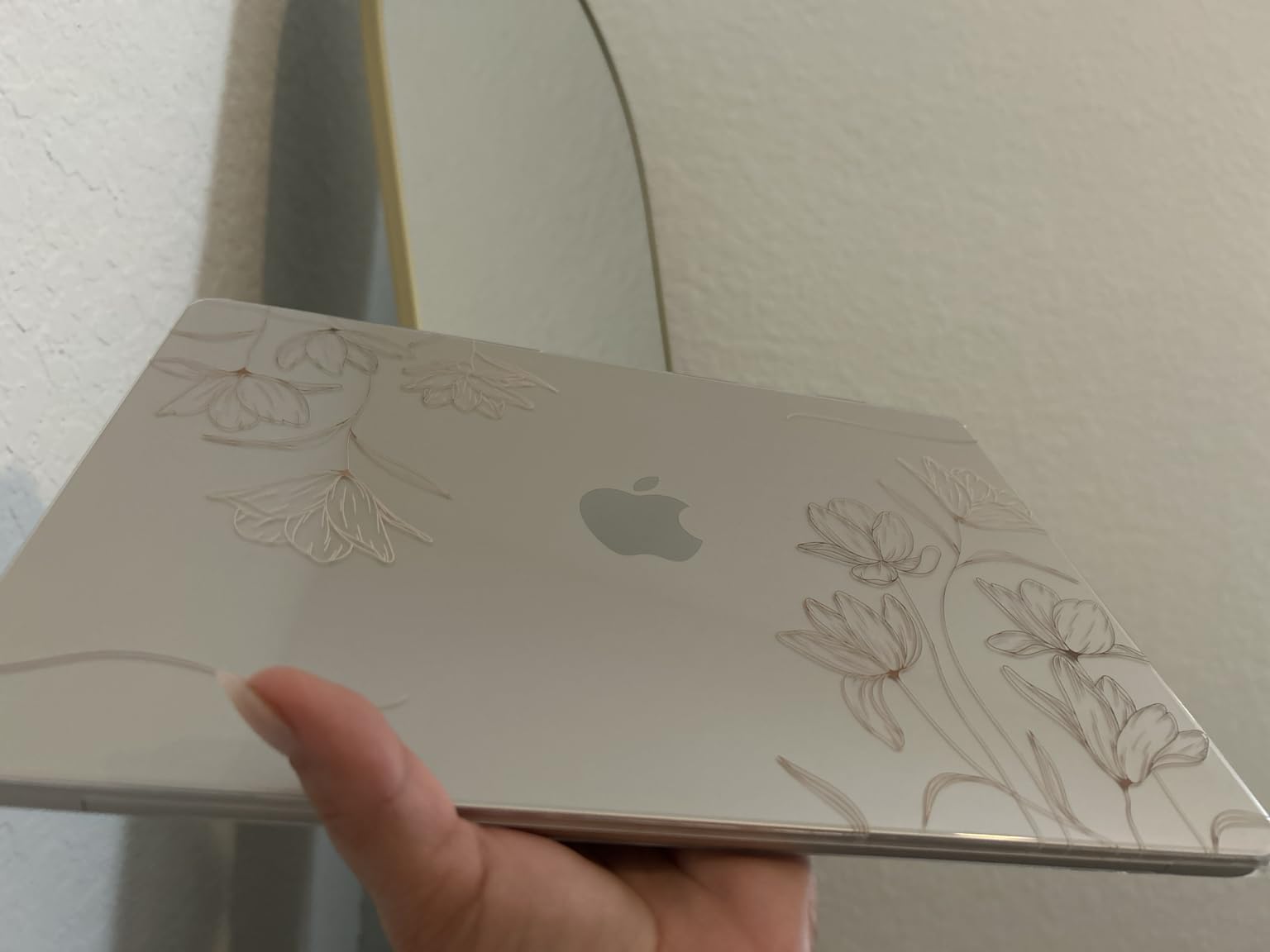
Battery life is stated at up to 18 hours, and the laptop weighs the same 2.71 pounds as the Neo. Two Thunderbolt 4 ports and MagSafe give you a flexible desk setup, and it supports up to two external displays over Wi-Fi 7 and Bluetooth 6.
The tradeoff is fanless construction. There is no fan to move air, so long exports and sustained heavy loads throttle after a while. For office work that never happens. For video rendering it would.
Who the MacBook Air suits
This suits remote professionals who want one machine for the office, the sofa and travel, and who have the budget for the premium tier. The 16GB and 512GB configuration means you will not be fighting the memory manager in year three.
It is also the right pick for dual-monitor work, since it drives two external displays and includes MagSafe for safe charging at a full-size desk.
Who should skip it
Skip it if cost is the deciding factor, because it sits well above the mainstream work-laptop tier and the money buys a MacBook Neo-style experience at a step up. It is also the wrong answer if your employer mandates Windows-only software.
Anyone doing sustained rendering or compiling should know the fanless design throttles. Office, calls and code editing are what this machine is built for.
3. Acer Aspire 3 15.6-inch (Ryzen 3 7320U) – Best Value
acer Aspire 3 A315-24P-R7VH Slim Laptop | 15.6″ Full HD | AMD Ryzen 3 7320U Quad-Core | AMD Radeon Graphics | 8GB LPDDR5 | 128GB NVMe SSD | Wi-Fi 6 | Windows 11 Home
AMD Ryzen 3 7320U quad-core
8GB LPDDR5
128GB NVMe SSD
15.6 inch Full HD IPS
11 hour battery
Pros
- Backlit keyboard is rare at this price
- Acer PurifiedVoice AI noise reduction for calls
- Acer TNR improves low light camera quality
- 15.6 inch Full HD IPS matte panel
- Light and thin for a 15 inch laptop
Cons
- 128GB storage is small and fills quickly
- Only 2 USB ports and a single HDMI
- 8GB onboard memory cannot be upgraded
- Integrated graphics limit creative work
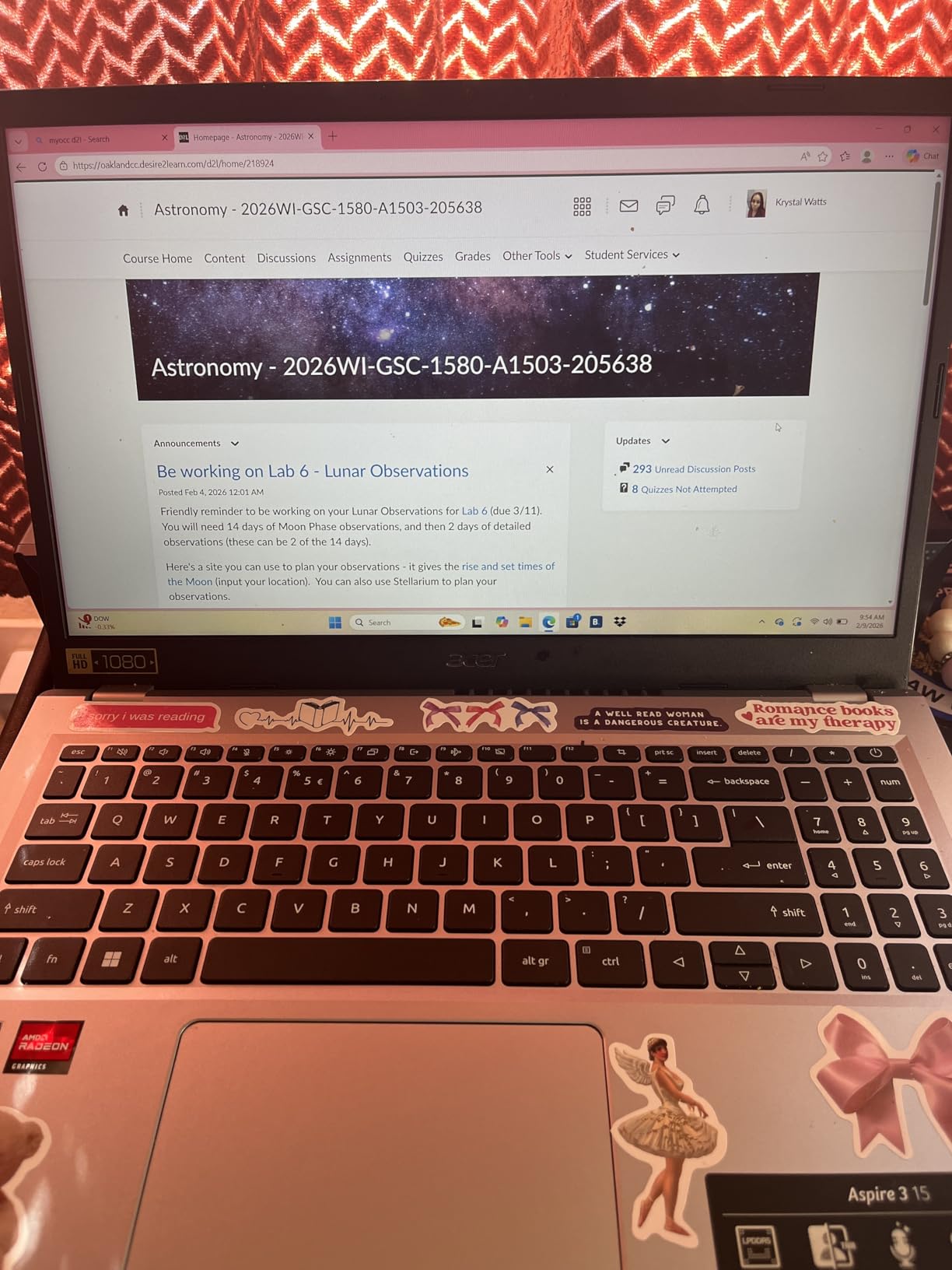
The Aspire 3 has the largest review base of any laptop here, with more than 4,600 ratings, and owners consistently treat it as a dependable family and everyday work machine. The Ryzen 3 7320U is a four-core chip that reaches 4.1 GHz, which is more than enough for documents, browsing and calls.
The standout feature is the backlit keyboard. Almost nothing else in this roundup has one at this tier, and it makes evening work sessions far more comfortable. The 15.6-inch Full HD IPS matte panel with narrow bezels also looks sharper than the HD panels on the two 14-inch HP machines.
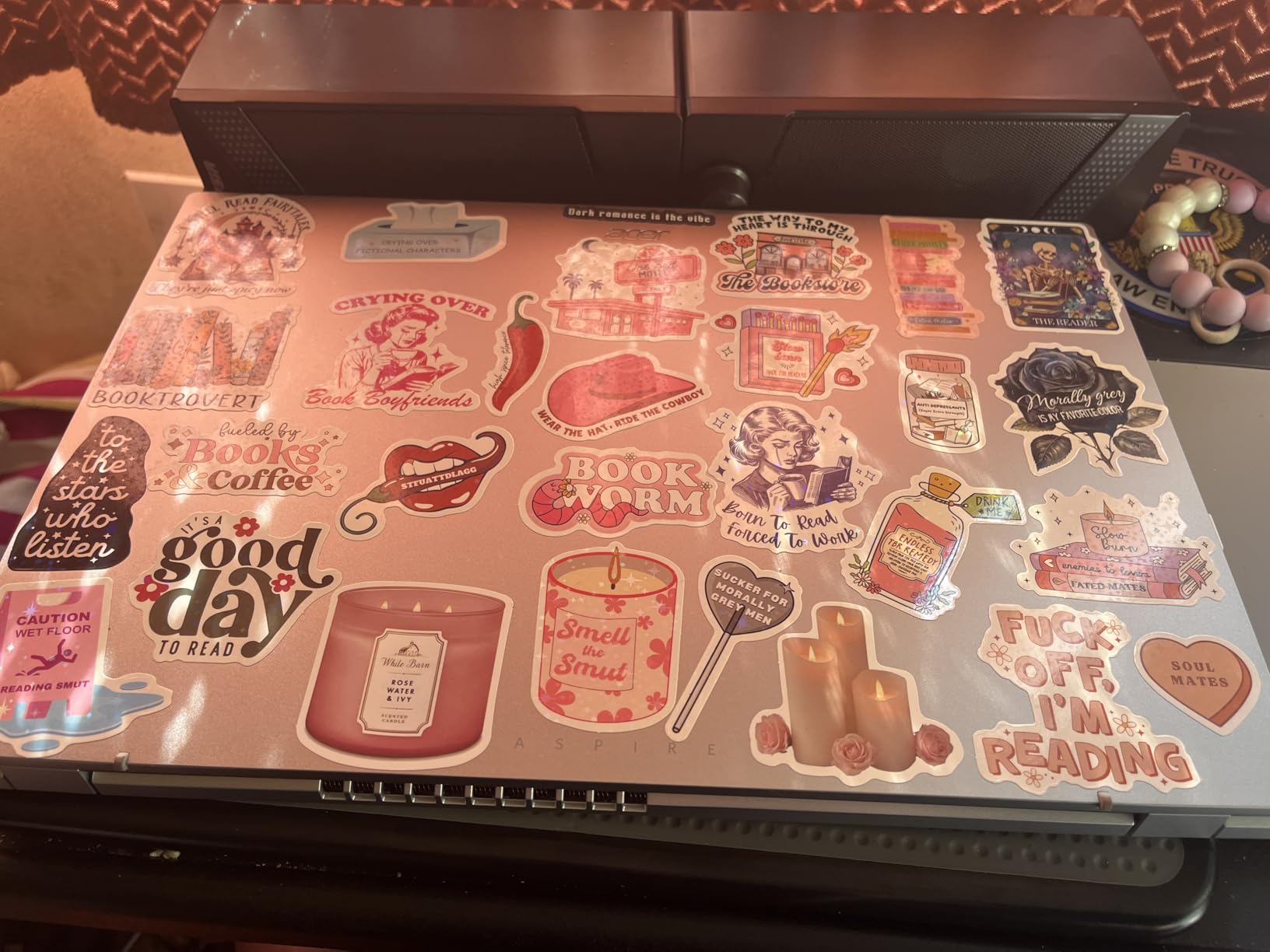
For calls, Acer PurifiedVoice applies AI noise reduction to keep your voice clean, and Acer TNR on the HD camera improves low-light quality. Windows 11 Home is included, and Acer TNR plus the backlit keyboard are the two features owners mention most.
The 128GB NVMe drive is the weak point. It fills quickly once you install a browser, Office and a few apps, and with only two USB ports plus one HDMI, adding a drive means a dongle.
Who the Aspire 3 suits
This suits students, hybrid workers and anyone setting up a first home office where the budget is fixed and meetings are frequent. The 11 hour stated battery covers a normal day, and the 3.9 pound weight is easy to move between rooms.
It is also a good fit for anyone who works in the evening, since the backlit keyboard is the only one of its kind in this group.
Who should skip it
Skip it if you handle large files or heavy spreadsheets, because 128GB of storage and non-upgradeable 8GB memory will frustrate you within a year. Integrated Radeon graphics also rule out video editing and design work.
If your setup needs two external monitors, the single HDMI port means you are carrying adapters from day one.
4. Lenovo IdeaPad Slim 3 15 – The Lightest 15-Inch With a Privacy Shutter
Lenovo 15.6″ FHD Business Laptop, Intel Processor, 8GB DDR5, 128GB Storage
Intel N150 quad-core
8GB LPDDR5-4800
128GB storage
15.6 inch FHD anti-glare
1.55 kg
Pros
- Very light at 1.55 kg and 17.9 mm thick
- Physical privacy shutter on the 720p camera
- Good port selection with USB-C DisplayPort HDMI and SD reader
- MIL-STD-810H tested build
- 1 year Microsoft 365 with 1TB OneDrive
Cons
- Non-backlit keyboard
- 128GB storage with no practical way to add more
- Intel N150 is an entry level chip
- 250 nit TN panel is dim
The IdeaPad Slim 3 weighs 1.55 kg and measures 17.9 mm thick, which makes it the lightest full-size machine in this roundup. At 4.5 average rating, it also outscores most of the group despite being built with an entry-level Intel N150.
The physical privacy shutter on the 720p camera is the feature no other budget laptop here offers. In a shared home or a room with family moving through, that slider is worth more than a higher resolution sensor.
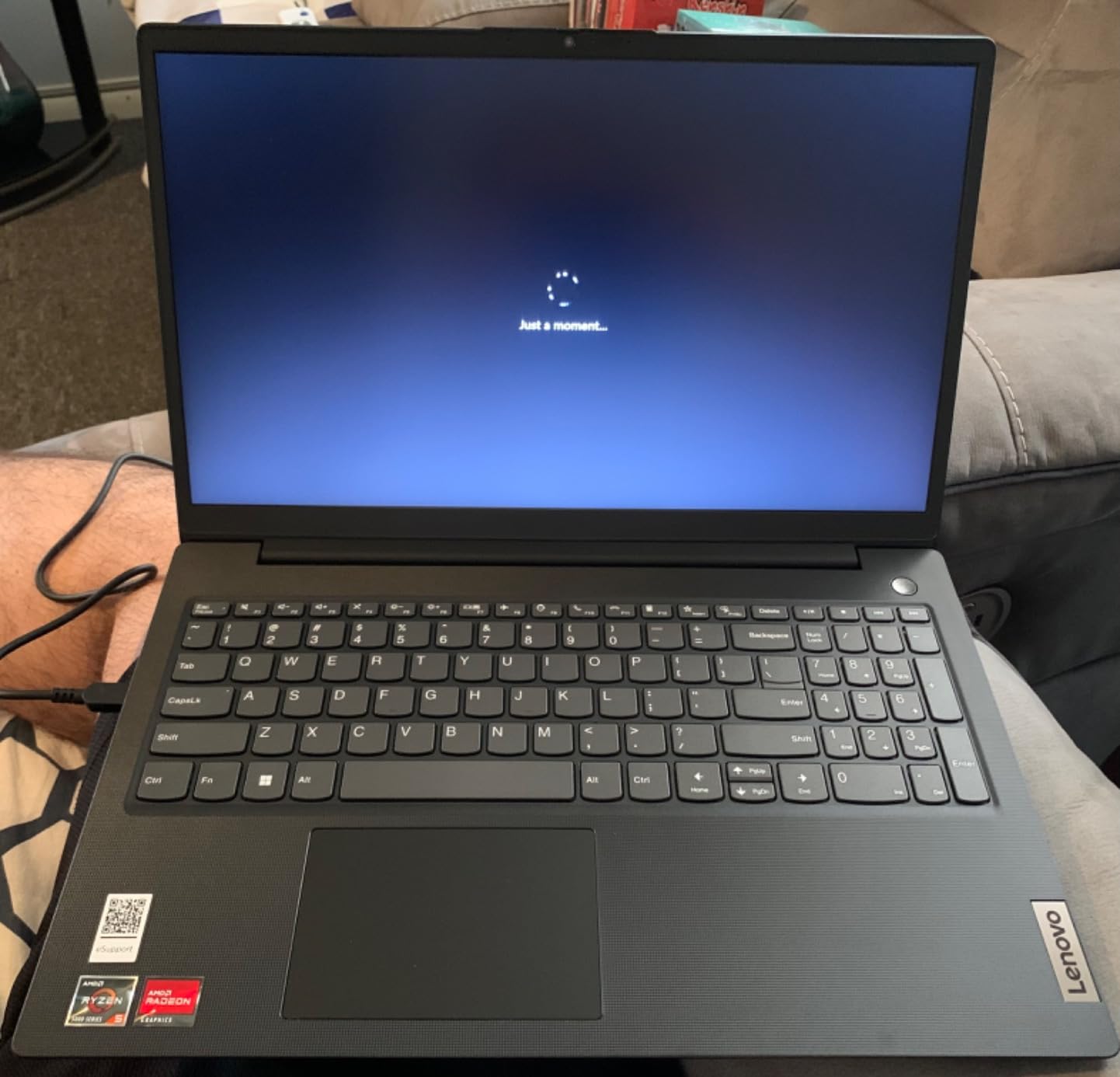
Port selection is unusually generous for the tier: two USB-A ports, a USB-C with Power Delivery and DisplayPort 1.2, HDMI 1.4 and an SD card reader. That means a dual-monitor desk setup is realistic without buying a dock, and the SD reader gives you an easy storage expansion path.
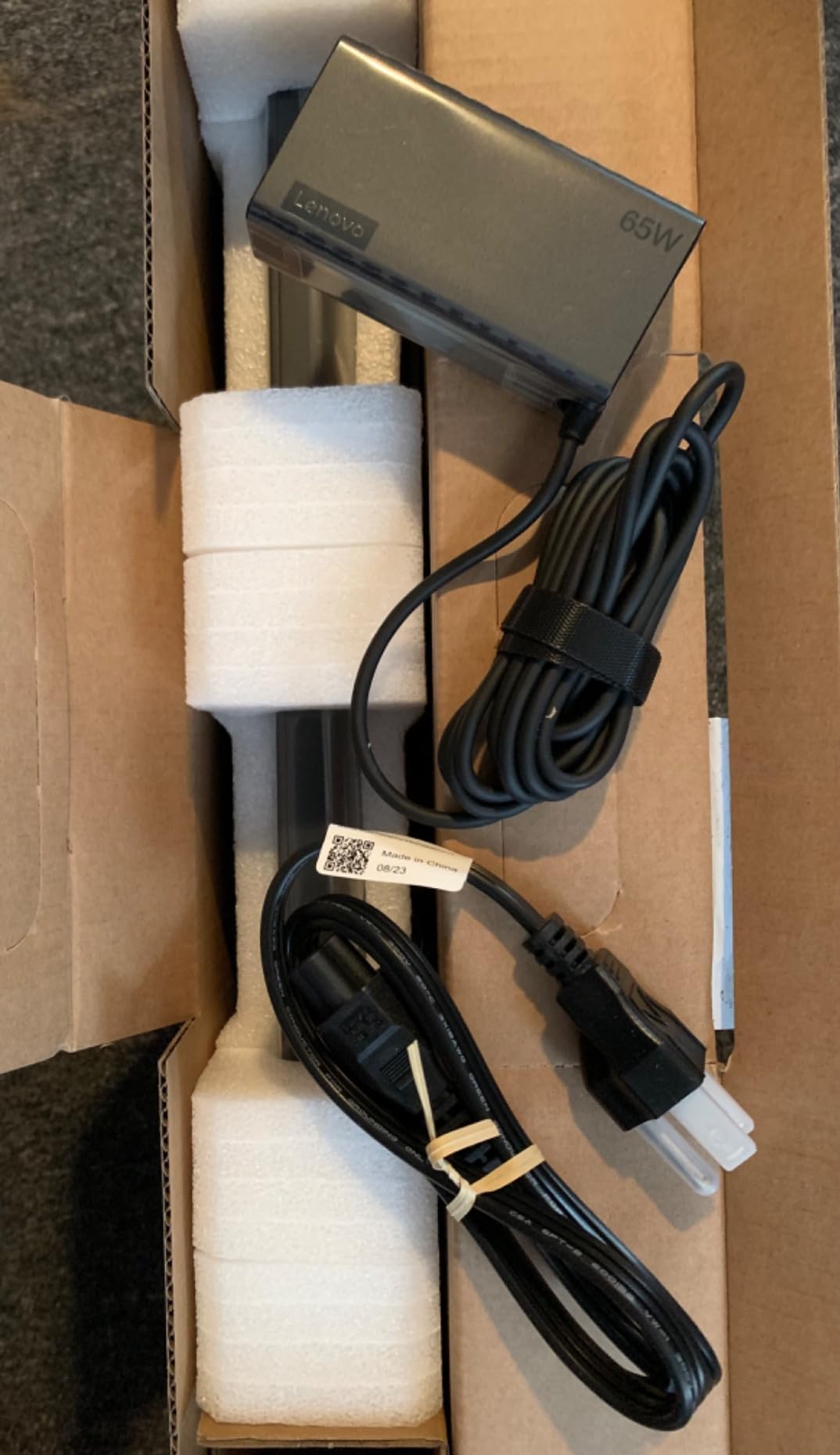
The build is MIL-STD-810H tested, and a year of Microsoft 365 Personal with 1TB OneDrive is bundled. Wi-Fi 6, Bluetooth 5.2 and a firmware TPM 2.0 are all present.
Who the IdeaPad Slim 3 suits
It suits people who move between locations constantly and want a large screen that does not hurt their shoulder. The weight is the reason it exists, and for a commuter who works from a different room every day, that matters more than processing power.
Anyone in a shared space will appreciate the shutter, and the port layout means a permanent desk setup is easy to build.
Who should skip it
Skip it for heavy multitasking. The Intel N150 is an entry-level chip with four cores and four threads, and reviewers report it hits its limits with many browser tabs open alongside a meeting app.
The 250 nit TN panel is also dimmer than an IPS laptop of the same price, and the keyboard has no backlight, which makes late-night work harder.
5. Acer Aspire 5 15.6-inch (Core i3) – Best When You Want to Add a Second Drive
acer Aspire 5 A515-56-347N Slim Laptop – 15.6″ Full HD IPS Display – 11th Gen Intel i3-1115G4 Dual Core Processor – 8GB DDR4-128GB NVMe SSD – WiFi 6 – Amazon Alexa – Windows 11 Home in S Mode,Silver
Intel Core i3-1115G4 dual core
8GB DDR4 with open slot
128GB NVMe plus open SATA bay
3x USB-A and Ethernet
Pros
- Rare port layout with 3x USB-A and a full RJ45 Ethernet jack
- Empty 2.5 inch SATA bay makes adding a drive easy
- Numeric keypad helps data entry
- Acer PurifiedVoice cancels background noise
- Owners report three or more years of daily use
Cons
- Dual core i3 with 8GB feels dated under heavy tab loads
- 128GB SSD is small
- Weak speakers with no bass
- Some report keyboard and network durability problems over years
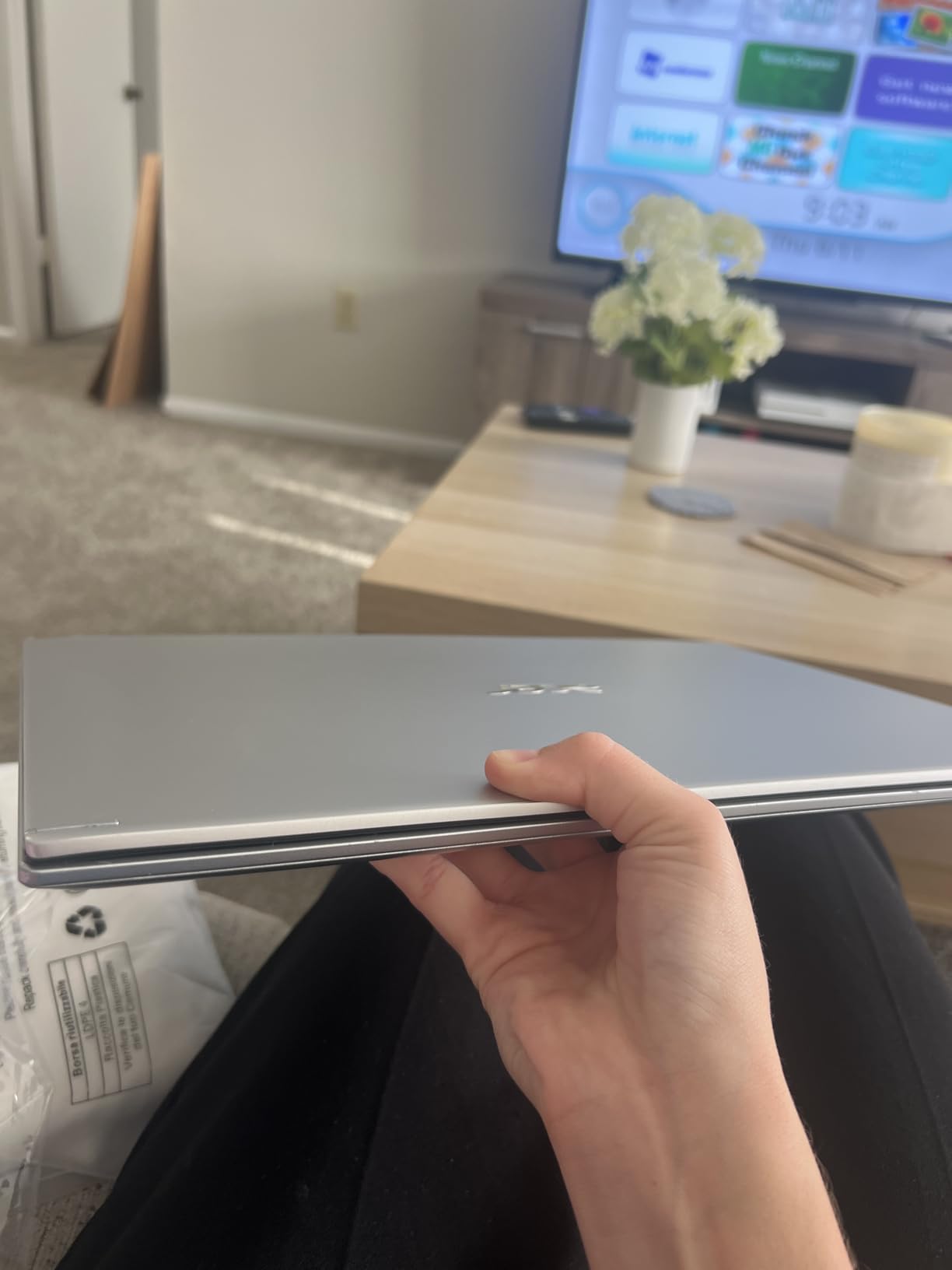
The Aspire 5 is the practical choice for anyone who plans to grow into the machine. It has an empty 2.5-inch SATA bay, so adding a second drive takes minutes, and one open memory slot that takes the configuration up to 24GB. Very few laptops in this price range give you either.
The port selection is the best here outside the MacBooks: three USB-A ports, a USB-C, a full RJ45 Ethernet jack, HDMI and an SD card reader. A wired connection matters if your video calls stutter on shared household Wi-Fi.
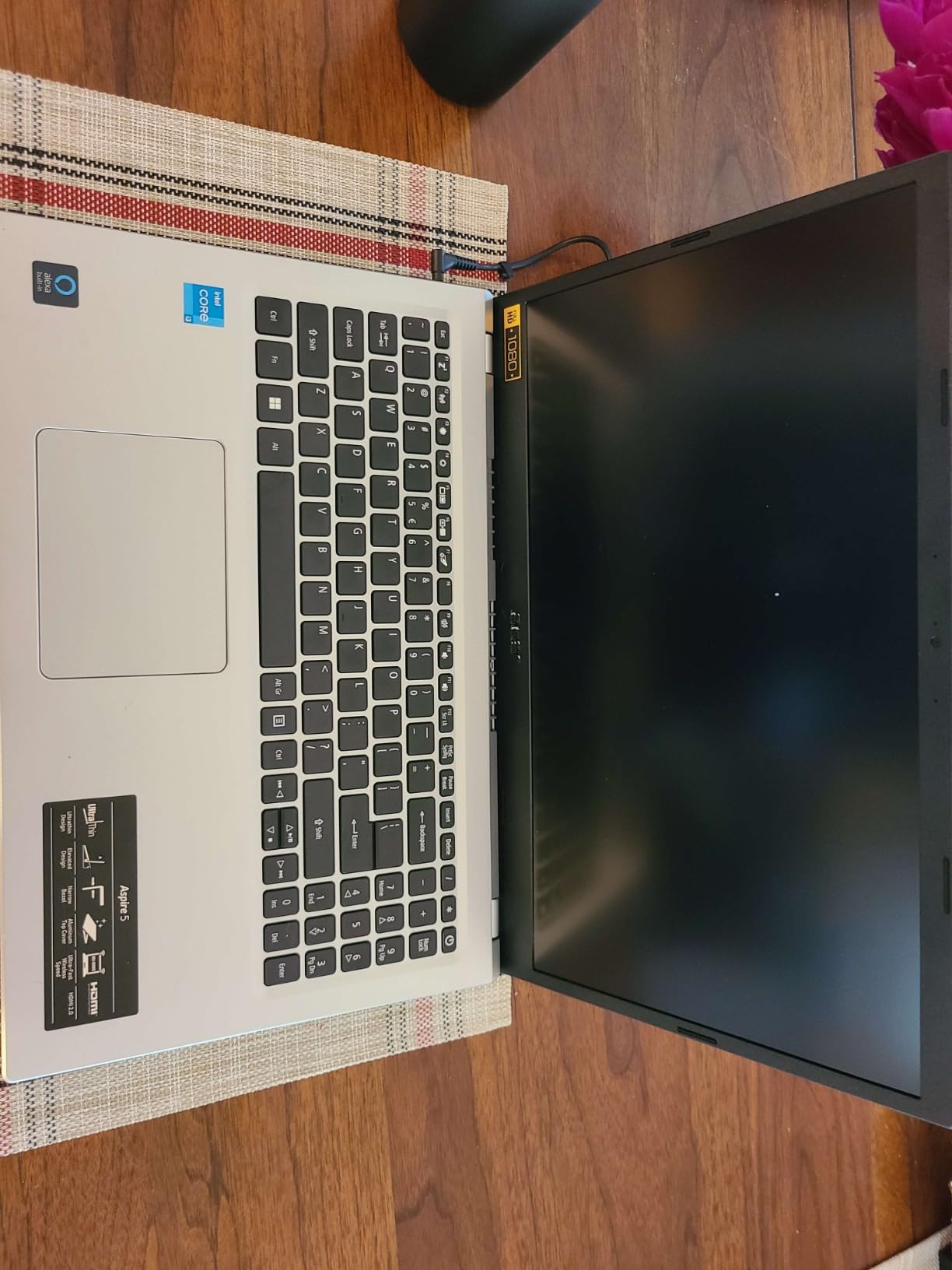
It weighs 3.6 pounds, and the 15.6-inch Full HD IPS display has an 82.58 percent screen-to-body ratio. A numeric keypad is included, which is genuinely useful for data entry, and Acer PurifiedVoice handles background noise on calls with two built-in microphones.
Owners report three or more years of reliable daily use, and a minority report keyboard wear and intermittent network issues over that span. The dual-core i3 and 8GB of RAM do feel dated when you load many tabs at once.
Who the Aspire 5 suits
It suits anyone who wants a work laptop that can start small and be upgraded as their files grow. The open memory slot and SATA bay mean you are not locked into a configuration on day one.
Data entry, invoicing and admin work suit it well given the numeric keypad, and the Ethernet jack gives a rock-solid connection for calls.
Who should skip it
Skip it if you want the newest processor. An 11th generation dual-core chip with 8GB of RAM will feel slow next to the eight-core options here, particularly with many browser tabs open.
It also arrives in Windows 11 Home in S mode, which restricts installing some desktop software, and the speakers have no bass. Buyers who need specific corporate applications should check the S mode restriction first.
6. Dell 15.6-Inch DC15250 – Best for On-Site Business Support
Dell 15.6 Laptop, FHD, Intel Core 3 100U, 8 GB RAM, Windows 11 Home
Intel Core 3 100U 6-core
8GB DDR4 upgradable to 16GB
512GB SSD
15.6 inch 120Hz IPS
1 year onsite service
Pros
- 512GB SSD is generous at this tier
- 120Hz anti-glare IPS panel is smoother than 60Hz
- Roomy keyboard with numeric keypad and calculator hotkey
- 1 year onsite service sends a technician to you
- Express Charge and ComfortView blue light filter
Cons
- 8GB RAM is the entry amount and limits multitasking
- At 4.2 pounds it is the heaviest 15 inch laptop here
- No backlit keyboard and no fingerprint reader
- Integrated graphics only
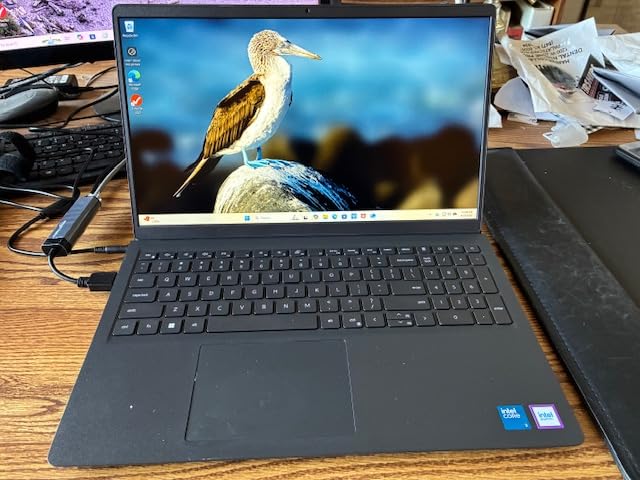
The Dell is the pick if your employer expects a laptop that a technician can service. It carries a one-year onsite service plan after remote diagnosis, so a hardware fault does not mean shipping the machine away for a week without a computer.
The 512GB SSD is the most generous storage in this roundup, and it solves the filling-up problem that holds several other picks back. The Intel Core 3 100U is a six-core chip reaching 4.7 GHz, which handles multitasking better than the dual-core and quad-core entry chips elsewhere here.
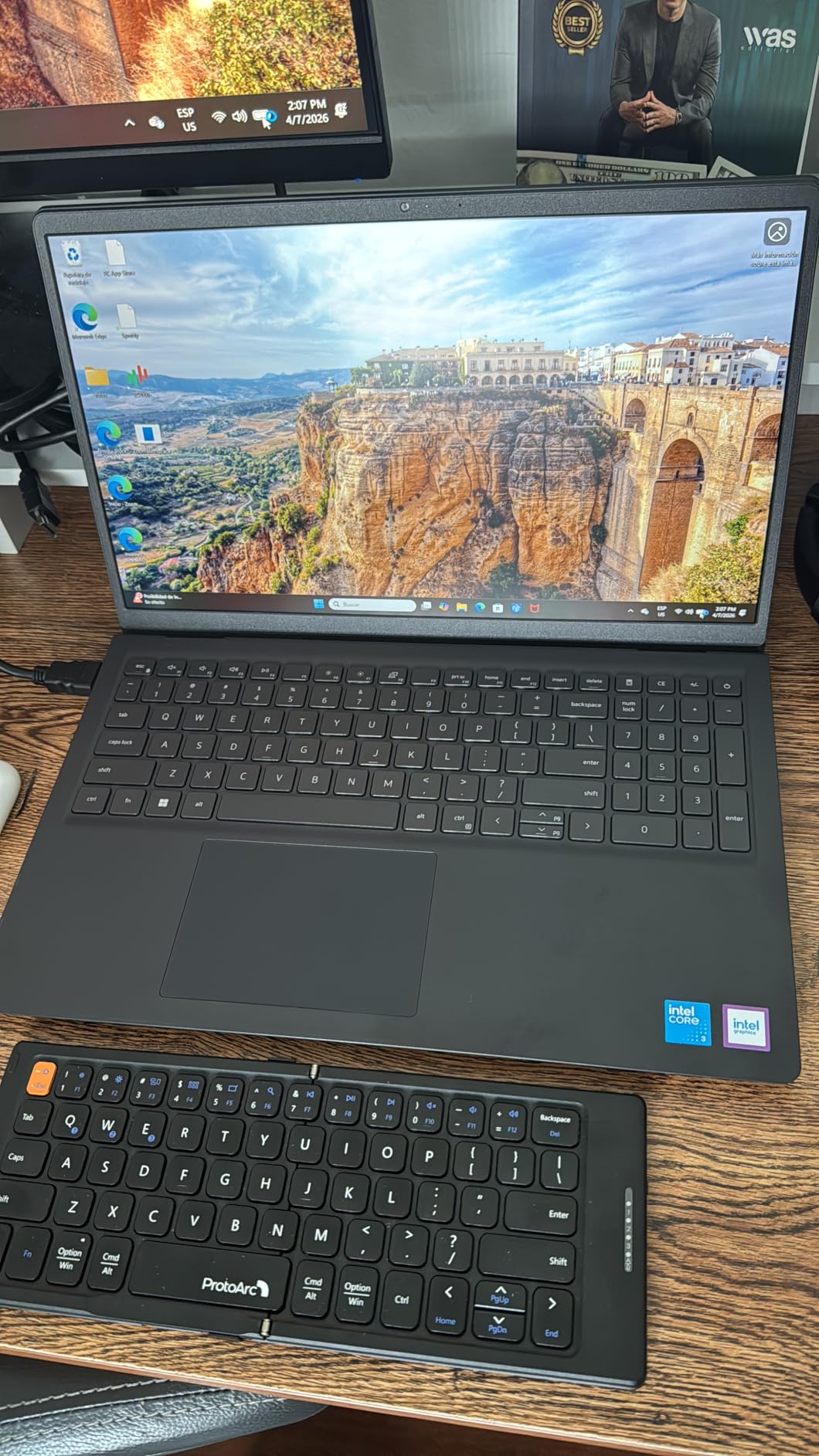
The 15.6-inch FHD anti-glare IPS panel runs at 120Hz with 250 nits, so scrolling and cursor movement feel noticeably smoother than the 60Hz panels on most of the group. Dell ComfortView filters blue light, and the lift-hinge raises the keyboard angle for better typing posture over a long day.
There is one open memory slot to take the 8GB up to 16GB. Ports include three USB connections, HDMI, an SD card reader and a 3.5mm audio jack.
Who the Dell suits
It suits remote employees and freelancers who need a warranty that does not involve shipping, and anyone working with large local file libraries who needs storage headroom more than they need a premium display.
The 120Hz panel and the numeric keypad also make it a good fit for finance, admin and data entry work.
Who should skip it
Skip it if you carry your laptop daily. At 4.2 pounds it is the heaviest 15-inch machine in this roundup, and the number keypad adds width you feel in a backpack.
There is no backlit keyboard and no fingerprint reader, so evening work and quick secure logins are both slightly worse than on the machines that have them.
7. HP Essential 14-Inch – Best for Light Office Tasks
HP 15.6″ FHD Laptop 2026, Intel Processor, 8GB RAM, 256GB SSD, Office 365
Intel N150 quad-core
4GB LPDDR5
128GB UFS
14 inch 1366x768
720p camera
3.24 lb
Pros
- Strong price to feature ratio
- 720p camera with dual array mics and AI noise reduction
- 1 year Microsoft 365 Personal with 1TB OneDrive
- Light 3.24 lb and 0.71 inch thick
- USB-C with DisplayPort plus HDMI supports a second monitor
Cons
- Only 4GB of LPDDR5 memory which is the smallest here
- 1366x768 resolution is softer than 1080p
- 128GB UFS storage is small
- Some expected a backlit keyboard
The HP Essential 14-inch is the smallest machine here at 3.24 pounds and 0.71 inches thick, and the 14-inch footprint fits an ordinary backpack. For someone setting up a first home office, it covers the essentials without a large footprint.
The 720p True Vision camera has temporal noise reduction and dual-array digital microphones, and HP adds AI noise reduction on top. For routine calls in a normal room that is enough, though it is not the same as the 1080p and 12MP sensors on the HP OmniBook and the MacBook Air.
Port wise it is better than most at the tier: one USB-C 10Gbps with DisplayPort 1.2, two USB-A, HDMI 1.4b and an SD card reader. The USB-C means a second external monitor is possible. A year of Microsoft 365 Personal is included, and Microsoft Copilot has its own dedicated key.
Battery life is stated at up to 11 hours of video playback, and Wi-Fi 6 with Bluetooth 5.4 is standard.
Who the HP Essential suits
It suits light users: email, documents, browsing, streaming and the occasional call. Reviewers describe it as a capable budget machine that handles light office work well, and the bundled Office subscription covers the first year of Word, Excel and PowerPoint.
The SD card reader and light weight also make it a good travel companion for someone who works from different rooms or different places.
Who should skip it
Skip it if you run many browser tabs, Teams and Excel at the same time. Four gigabytes of LPDDR5 is the smallest memory figure in this roundup, and it is the most common complaint in reviews.
The 1366×768 screen is also noticeably softer than 1080p, which is hard to unsee once you have worked on a sharper panel. Storage is 128GB with no expansion beyond the SD slot.
8. HP OmniBook 3 17.3-Inch – Best for Large-Screen Comfort
HP OmniBook 3 17.3 inch Laptop PC, FHD Display, AMD Ryzen 3 30, 8 GB RAM, 512 GB SSD, AMD Radeon 610M Graphics, Windows 11 Home, Mica Silver, 17-dp0199nr
AMD Ryzen 3 30 quad-core
8GB LPDDR5-5500
512GB NVMe SSD
17.3 inch 300 nit IPS
14 hour 15 min battery
Pros
- 17.3 inch FHD IPS is the largest display here
- Backlit full-size keyboard with numeric keypad
- 8GB LPDDR5-5500 and 512GB NVMe SSD
- 1080p camera with HDR auto-switch
- AI noise reduction isolates your voice
- Two USB-C with DisplayPort 1.4 plus HDMI 2.1
Cons
- 17.3 inch footprint will not fit most backpacks
- 8GB LPDDR5 is soldered and cannot be upgraded
- 4.4 pounds is heavy to carry daily
- Preinstalled OneDrive backup capped at 5GB
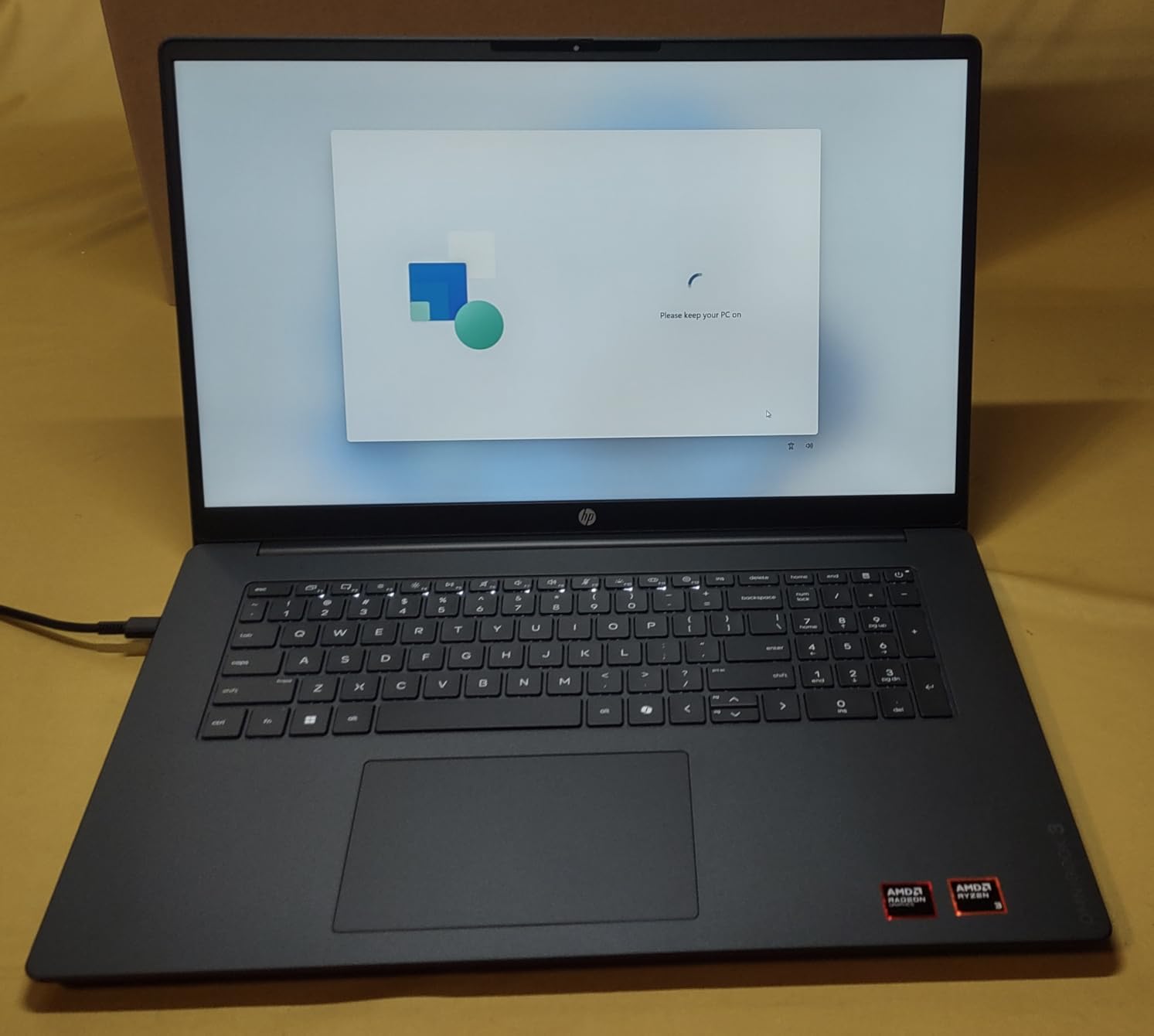
The OmniBook 3 answers the spreadsheet problem. The 17.3-inch Full HD IPS anti-glare panel runs at 300 nits with 178-degree viewing angles, and it is the largest and brightest screen in this roundup. If you keep many documents side by side, this is the machine to look at.
It is also one of the better-equipped here for calls. The 1080p FHD camera has HDR auto-switch, which handles the backlit-window problem that wrecks ordinary webcams, plus temporal noise reduction and dual-array digital microphones. Advanced Personal Mode tracks only your voice on conference calls, which is genuinely useful in a shared house.
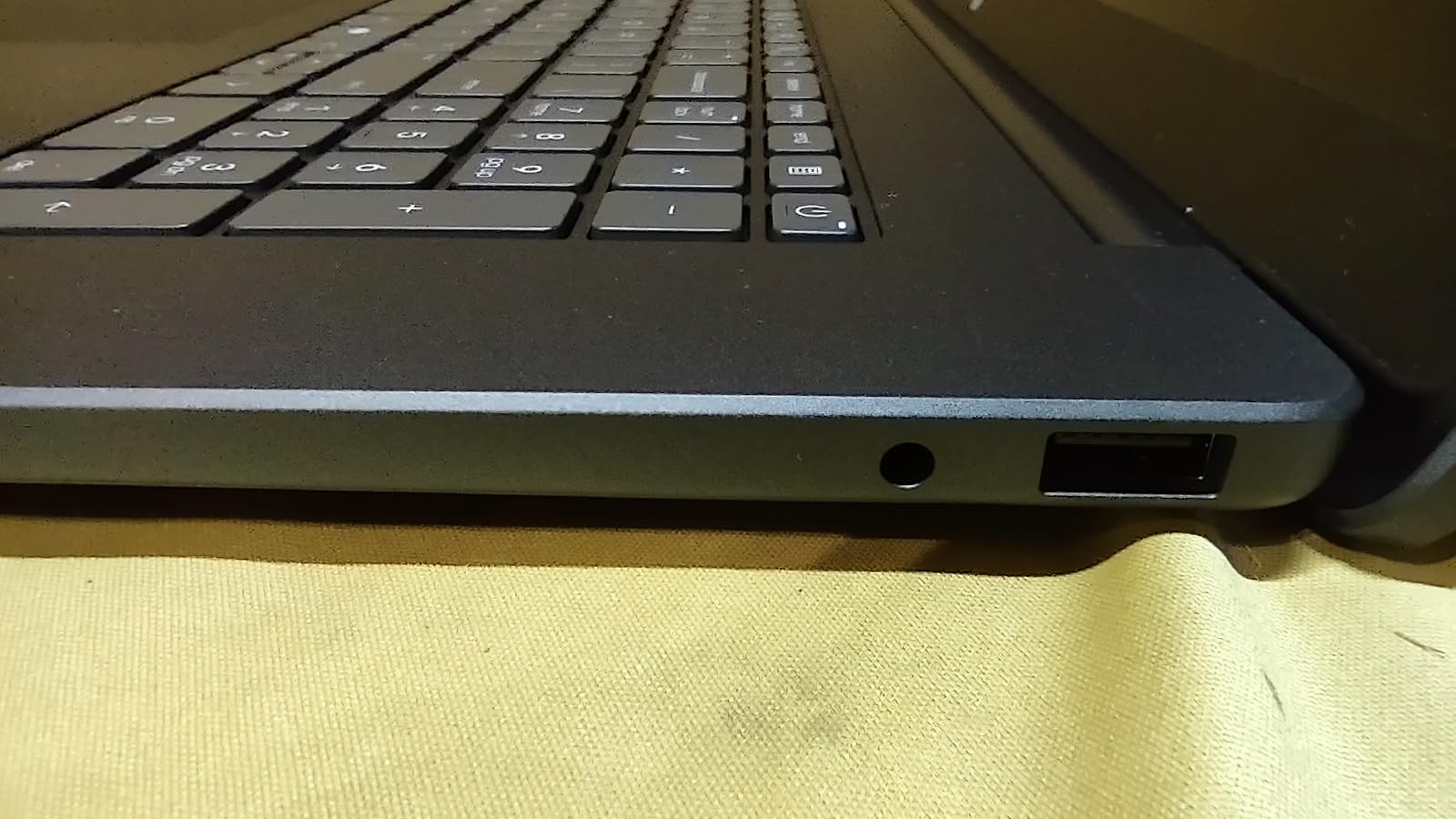
Internals are solid for the tier: an AMD Ryzen 3 30 with four cores and eight threads reaching 4.1 GHz, 8GB of LPDDR5-5500 and a 512GB PCIe NVMe M.2 SSD. Battery life is stated at up to 14 hours 15 minutes, and HP Fast Charge takes it from zero to 50 percent in roughly 45 minutes.
Two USB-C ports carry DisplayPort 1.4, USB PD 3.1 and Sleep and Charge, joined by two USB-A, HDMI 2.1 and a full-size backlit keyboard with a numeric keypad.
Who the OmniBook 3 suits
It suits desk-based workers, analysts and anyone who stares at spreadsheets or long documents for a full day. The 300 nit brightness and anti-glare finish reduce eye strain in a bright room, and the backlit keyboard handles evening hours.
It is also a strong choice for a home office that stays put, since the port selection supports multiple displays without a dock.
Who should skip it
Skip it if you travel. At 4.4 pounds and 15.65 inches long, it will not fit most backpacks, and owners say the same thing. This is a desk machine.
The 8GB of LPDDR5 is soldered on the board with no upgrade path, and the preconfigured 5GB OneDrive backup is a limitation several owners mention. Swap it for an external drive.
9. Acer Aspire Go 15 (Core 3 N355) – Most Versatile With Upgrade Paths
acer Aspire Go 15 AI Ready Laptop | 15.6″ FHD (1920 x 1080) IPS Display | Intel Core 3 Processor N355 | Intel Graphics | 8GB DDR5 | 128GB UFS | Wi-Fi 6 | Windows 11 Home in S Mode | AG15-32P-39R2
Intel Core 3 N355 8-core
8GB DDR5 upgradable to 16GB
128GB UFS with open M.2
15.6 inch Full HD IPS
12.5 hour battery
Pros
- 8-core processor and 8GB DDR5 handle calls and documents smoothly
- Two full function USB-C ports plus HDMI 2.1
- Acer PurifiedVoice AI noise reduction and TNR camera
- Up to 12.5 hours stated battery
- Memory and storage both upgradeable
- EPEAT Gold with 30 percent recycled plastic back cover
Cons
- 128GB storage leaves very little usable space
- Some owners report the system hanging shortly after arrival
- Comes in Windows 11 S mode which restricts some software
- US keyboard layout with no UK pound key
The Aspire Go 15 packs an eight-core Intel Core 3 N355 into a 15.6-inch body, and the core count is what makes it feel quicker than the dual-core and quad-core machines at similar tiers. It reaches 3.9 GHz with a 6MB cache, and 8GB of DDR5 handles calls, documents and browsing without complaint.
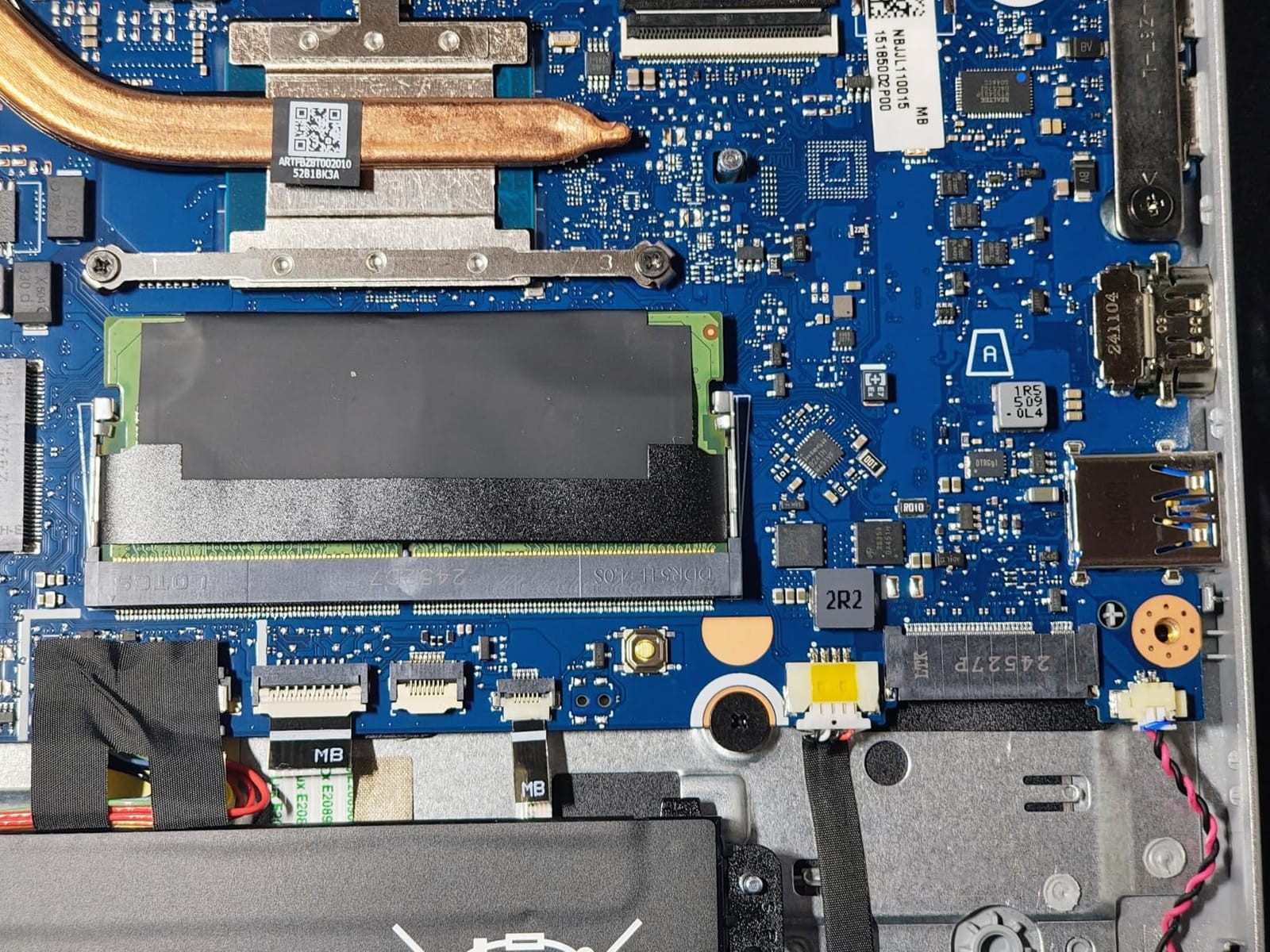
It is the rare budget laptop where both memory and storage can be upgraded later. One open DIMM slot takes the memory to 16GB, and a full-length open M.2 slot accepts a second drive, so the 128GB starting point is a starting point rather than a ceiling.
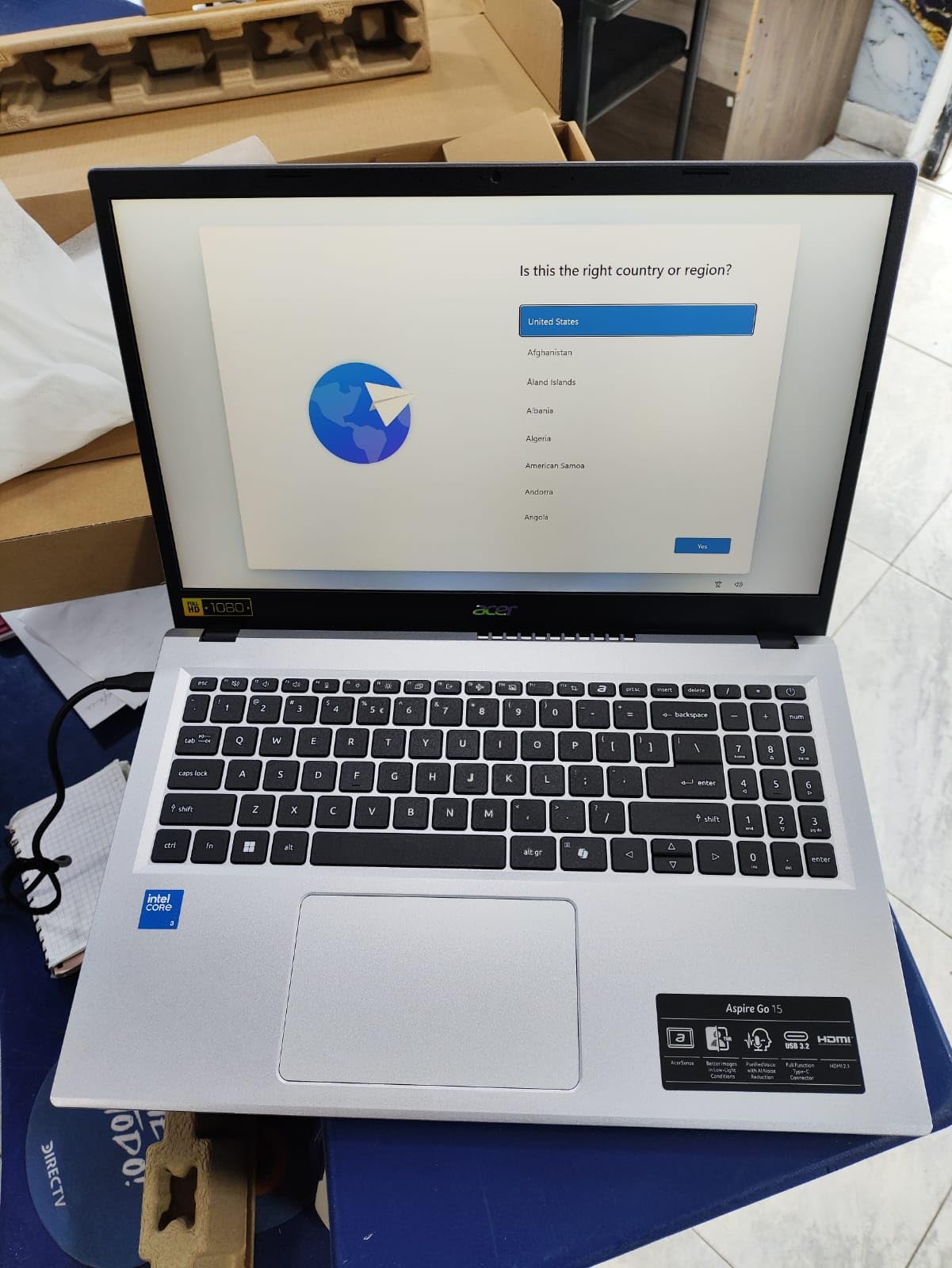
The port selection is among the best in the budget tier: two USB-C 10Gbps ports with DisplayPort and 45W charging, two USB-A, HDMI 2.1, an audio jack and a Kensington lock slot. AcerSense gives one-button device management, and the 720p camera uses Acer TNR alongside PurifiedVoice AI noise reduction.
Battery life is stated at up to 12.5 hours, which is the second-longest figure in this group. The 15.6-inch Full HD IPS panel includes Acer BluelightShield for eye strain, and the machine carries Energy Star and EPEAT Gold certification.
Who the Aspire Go 15 suits
It suits someone who wants a capable work laptop without a large outlay and plans to add storage later. The upgrade paths mean a modest first purchase can still be a five-year machine.
Anyone who works in the evening will like the 12.5 hour battery figure, and the USB-C charging means you can carry one small charger for the laptop and your phone.
Who should skip it
Skip it if you need serious graphics performance, because it uses integrated Intel Graphics. Design and video work are out of scope.
It also arrives in Windows 11 S mode, which restricts installing some desktop software, and the US keyboard layout has no UK pound key, which matters if you are outside the US. A small number of owners report the system hanging shortly after arrival.
10. HP Laptop 14-Inch With Bundled 500GB Drive – Best With Storage Included
HP Laptop 14″ Computer 2026, Intel Processor, 1-Year Office 365
Intel N150 quad-core
4GB LPDDR5
128GB UFS plus 500GB external drive
14 inch 1366x768
3.24 lb
Pros
- Bundled 500GB portable external drive solves the storage problem out of the box
- 720p camera with dual array mics and AI noise reduction
- Light 3.24 lb and 0.71 inch thin chassis
- USB-C with DisplayPort 1.2 plus HDMI for an external monitor
- Full-size keyboard and multi-format SD reader
- Office 365 and Copilot included
Cons
- Only 4GB of LPDDR5 memory which is the weakest here
- 1366x768 display is soft for long document work
- Bundled external drive must be carried separately
- Capacitive touch entry in the specifications is not a consistent feature
This HP solves the storage complaint that runs through this roundup by bundling a 500GB portable external hard drive with the laptop. Every other machine here with 128GB of internal storage leaves you to find a solution, and this one arrives with one in the box.
It shares the chassis of the other 14-inch HP here: 3.24 pounds, 0.71 inches thick, and a 14-inch micro-edge anti-glare display. The 720p True Vision camera has temporal noise reduction, dual-array digital microphones and AI noise reduction for calls.
Ports include one USB-C 10Gbps with DisplayPort 1.2, two USB-A, HDMI 1.4b, a headphone and microphone combo jack and a multi-format SD card reader. That is enough to drive a second monitor at a fixed desk, which matters more than the core count for a lot of home setups.
Office 365 and Copilot AI are included, along with cloud storage, and the internal drive is 128GB UFS backed by the external drive for anything larger.
Who the HP 14-inch suits
It suits buyers whose files do not fit in 128GB and who would rather not research a second drive. The bundled drive solves the problem on day one, and owners single it out as the main reason to buy.
Anyone working from a spare room and occasionally at a proper desk will like the light weight and the DisplayPort and HDMI combination for a single external monitor.
Who should skip it
Skip it if you multitask heavily. Four gigabytes of LPDDR5 is the lowest memory figure here, and owners report it struggles with many tabs at once. The 1366×768 panel is also soft for long document work.
The external drive needs its own connection and has to travel with you, so if you move between locations constantly you are carrying two devices rather than one.
How to Choose a Laptop for Working From Home
The spec floors below are what we would hold to in 2026. They are not the fastest possible options, they are the point where a laptop stops being a frustration and starts being invisible for the working day.
The spec floors that matter
Sixteen gigabytes of memory and a 512GB SSD are the minimum we recommend for a machine you expect to keep for three to five years. Eight gigabytes is already struggling when you run a meeting app, a spreadsheet and thirty browser tabs at once, and 128GB of storage fills up faster than most people expect once Windows, Office and a browser are installed.
For the camera, look for 1080p or better plus a dual-array microphone. The 720p sensors on the 14-inch HP machines work in a normal room but soften visibly in mixed lighting, and a laptop you use for calls all day deserves better. On the graphics side, integrated graphics is enough for office work, calls and light photo editing. A dedicated GPU only earns its place if you edit video, run 3D work or train models.
Screen size is a personal trade rather than a spec. Thirteen-inch models are the easiest to carry and the hardest for spreadsheets, while 15.6-inch is the compromise most people settle on and 17.3-inch wins on comfort for people who sit at a desk all day. Our guide to earbuds for calls and breaks covers the audio side of a home setup.
Ports, docking and the dual-monitor problem
Check the ports before you buy, not after. The most common frustration in home offices is not screen quality, it is a laptop with two USB-C ports and no HDMI, which means carrying a dongle to every desk. Look for a USB-C with DisplayPort or Thunderbolt 4 plus at least one HDMI.
Two monitors need one port per display plus power delivery, so USB-C docking is worth checking carefully. The MacBook Air supports up to two external displays, and the HP OmniBook 3, Acer Aspire Go 15 and Lenovo IdeaPad Slim 3 all carry DisplayPort-capable USB-C alongside HDMI. The Acer Aspire 3 and the two 14-inch HP machines manage a single external display comfortably but need an adapter for a second.
Operating system and software compatibility
Choose the operating system your employer supports before you choose the specs. Corporate VPN clients, Citrix desktops, specialised Excel macros and some line-of-business software exist only on Windows, and a beautiful macOS machine becomes useless if it cannot run the tool you are paid to use. Ask IT before you buy, not after.
Apple machines suit people whose work lives in the browser, native Mac apps and cloud services, and they pair well with an iPhone for calls and handoff. Windows covers everything else, and the models here all run Windows 11 Home. Two of the Acer machines arrive in S mode, which restricts installing some desktop software, so check that before you commit.
Battery life, thermals and the noise question
Stated battery figures across this group run from 11 hours on the Acer Aspire 3 to 18 hours on the MacBook Air, with the Acer Aspire Go 15 at 12.5 hours and the HP OmniBook 3 at 14 hours 15 minutes. Treat these as best cases with the screen at medium brightness.
Two habits shorten battery life more than the hardware does: leaving the machine plugged in at 100 percent constantly, and running it hot. Heat is also the noise question. In a shared home, a fan that spins up during a call is audible, and the fanless MacBook designs are the quietest options here. A large second monitor also raises power draw, so expect less than the stated figure with one attached.
Laptops to avoid for remote work, and when to buy refurbished
Four things should rule a laptop out. Avoid anything with 4GB of memory unless the work is genuinely light, because it will not age well. Avoid 128GB of storage that cannot be expanded, since it constrains you within months. Be cautious with very dim or low-resolution panels, because a 1366×768 screen is hard to work with once you have used something sharper.
Also think twice about any machine whose memory and storage are soldered on with no upgrade path, particularly if you expect to keep it beyond three years. Upgradeability is what lets a modest laptop survive a longer working life, and it is the criterion most often missing from vendor comparison tables.
Certified refurbished business laptops are a legitimate tier for work from home and worth considering, but the search pattern that comes up most often in the forums is to prioritise SSD and processor over raw memory quantity. A refurbished machine with a current-generation chip and 16GB beats a cheaper one with an older processor, and business-class ThinkPad, Dell and HP lines are built to be serviceable rather than disposable. A one-year warranty is the floor to insist on, and onsite service is a real advantage if your employer expects one.
Frequently Asked Questions
Which laptop brand is best for work from home?
Apple leads for battery life, silence and call quality, with the MacBook Air 13-inch holding the highest average rating in our roundup at 4.7. HP, Dell, Lenovo and Acer cover the Windows side best, with Dell offering onsite service and Lenovo the lightest chassis. Brand matters less than matching the machine to your workload and confirming your employer supports the operating system.
What type of laptop do I need to work from home?
You need a laptop with at least 16GB of memory, a 512GB SSD, a modern multi-core processor and a 1080p camera with noise-reducing microphones. Integrated graphics are enough for office work, calls and browsing. A dedicated graphics card is only worth it for video editing, 3D work or local model training. Screen size depends on whether you travel or sit at a fixed desk.
What laptop to stay away from for remote work?
Avoid laptops with 4GB of memory, 128GB of storage with no way to expand, or a 1366×768 display. Be cautious with any machine where memory and storage are soldered on with no upgrade path, since that limits how long it stays usable. Also avoid models that arrive in Windows 11 S mode if you need to install specific desktop or corporate software.
How much RAM do I need to work from home?
Sixteen gigabytes is the practical minimum for daily remote work, because a meeting app, a spreadsheet and dozens of browser tabs together will strain 8GB after a couple of years. If the laptop has an open memory slot, 8GB can be a starting point you upgrade later. Four gigabytes is only appropriate for light browsing and documents, and cannot be fixed after purchase.
Do I need a dedicated graphics card for remote work?
No. Integrated graphics handle email, documents, browsing, video calls and spreadsheets without trouble, and they run cooler and quieter as a result. A dedicated graphics card only earns its place if you edit video, do 3D rendering, or run local AI models. For office-based remote work, spending that budget on memory and storage is the better trade.
Conclusion
After working through all ten, the MacBook Neo 13-inch with the A18 Pro chip is our pick as the best laptop for working from home, because it balances a 2.71 pound body, a 1080p camera with a dual-microphone array and long battery life without asking you to compromise on the things a working day actually needs. If your budget reaches further, the MacBook Air 13-inch with the M5 chip is the stronger long-term machine, with 16GB of memory, 512GB of storage and the best camera in the group.
On the Windows side, the Acer Aspire 3 is the value answer thanks to its backlit keyboard, the Acer Aspire Go 15 is the budget pick with real upgrade paths, the Dell 15.6-inch leads on storage and onsite service, and the HP OmniBook 3 wins if you sit at a desk all day and want a large, bright screen. Whichever you pick, check the memory and storage first, because that is the one decision you cannot reverse later.