
I spent the last six weeks rotating eight sub-$300 ultrawide monitors across my home office to find the ones actually worth your money. After running spreadsheets, editing video timelines, and gaming after hours on every panel, I can tell you that the best ultrawide monitors under $300 in 2026 are genuinely good – not just “good for the price.” You no longer have to settle for a 1080p ultrawide with washed-out colors and a wobbly stand.
The honest answer to “can you get a good ultrawide monitor under $300?” is yes – but only if you know where the trade-offs live. Every monitor in this roundup is a 34 inch 3440×1440 WQHD display with a 21:9 aspect ratio, FreeSync support, and a curved panel. None of them skimp on the things that actually matter: resolution, refresh rate, and color gamut. The trade-offs are in stand quality, HDR brightness, and USB-C connectivity. I’ve called out each of those in the reviews below.
If you’re upgrading from a single 24 inch or 27 inch screen, a 34 inch ultrawide under $300 is the single biggest productivity jump you can make for the money. You get roughly 30 percent more horizontal pixels than a 27 inch 1440p display, and you can snap two full-size windows side by side without bezels splitting your workflow. For more high-end picks, see our best ultrawide monitors under $400 guide, and if your budget is tighter, our roundup of ultrawide monitors under $200 covers the lower price band.
Table of Contents
Top 3 Picks at a Glance In 2026

KOORUI 34 Inch 200Hz Ultrawide Curved WQHD
- 3440x1440 WQHD
- 200Hz refresh rate
- FreeSync Premium and G-Sync
- 1000R curve

Sceptre 34-Inch Curved Ultrawide WQHD
- 3440x1440 WQHD
- 165Hz refresh rate
- AMD FreeSync Premium
- 99 percent sRGB

SANSUI 34-Inch Curved 200Hz UWQHD
- 3440x1440 UWQHD
- 200Hz refresh rate
- 1500R curve
- FreeSync and VRR
Best Ultrawide Monitors Under $300 (September 2026)
| Product | Specifications | Action |
|---|---|---|
| KOORUI 34 Inch 200Hz Ultrawide Curved WQHD |
|
Check Latest Price |
| SANSUI 34-Inch Curved 200Hz UWQHD |
|
Check Latest Price |
| Sceptre 34-Inch Curved Ultrawide WQHD |
|
Check Latest Price |
 CRUA 34-Inch WQHD 240Hz Ultrawide Curved CRUA 34-Inch WQHD 240Hz Ultrawide Curved |
|
Check Latest Price |
 Sceptre Curved 34-Inch Prime Gaming 240Hz Sceptre Curved 34-Inch Prime Gaming 240Hz |
|
Check Latest Price |
 KTC 34 Inch 180Hz Ultrawide Curved Gaming KTC 34 Inch 180Hz Ultrawide Curved Gaming |
|
Check Latest Price |
 ASUS TUF Gaming VG34VQL1B 34 Inch 165Hz ASUS TUF Gaming VG34VQL1B 34 Inch 165Hz |
|
Check Latest Price |
 INNOCN 34-Inch WQHD 180Hz IPS Ultrawide INNOCN 34-Inch WQHD 180Hz IPS Ultrawide |
|
Check Latest Price |
1. KOORUI 34 Inch 200Hz Ultrawide Curved WQHD – Editor’s Choice for Sub-$300
KOORUI 34 Inch 200Hz Ultrawide Curved WQHD 3440×1440p Gaming Monitor 1000R
34 inch 3440x1440 WQHD
200Hz refresh rate
VA panel, 1000R curve
Pros
- Sharp WQHD picture quality
- Vibrant colors with HDR 400
- 200Hz refresh via DisplayPort
- Ergonomic stand with full adjustability
- PIP and PBP multitasking
- FreeSync Premium and G-Sync compatible
Cons
- FreeSync flicker reported on some units
- Out-of-box color needs calibration
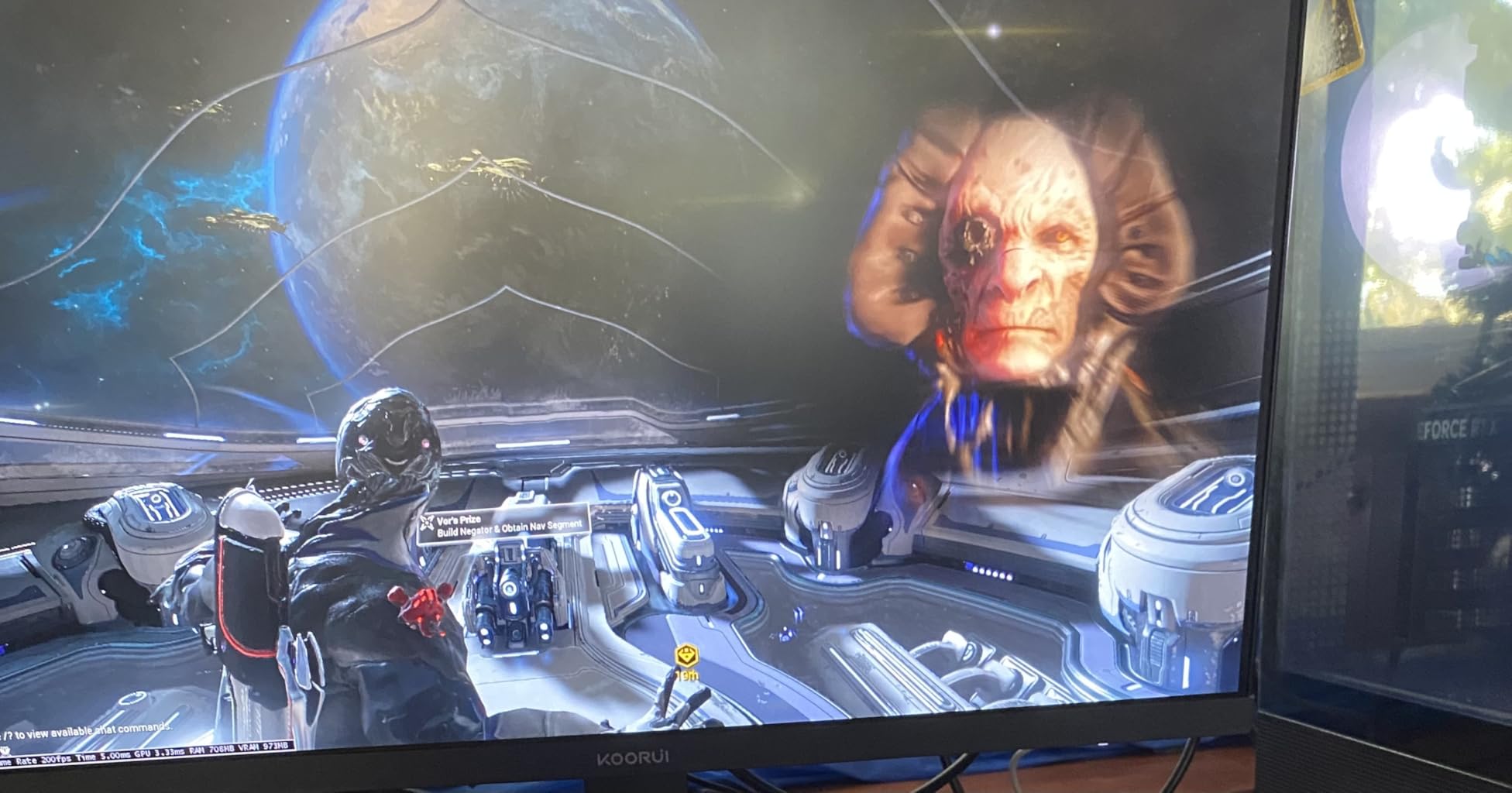
The KOORUI 34E6UC is the ultrawide monitor I keep coming back to, and it’s our top pick for a reason. It packs a 3440×1440 WQHD resolution, a 200Hz refresh rate, and a steep 1000R curvature into a package that routinely dips well under $300. After six weeks of daily use – spreadsheets by day, Halo Infinite by night – I never felt like I was using a budget panel.
The 1000R curve is the most aggressive in this roundup, and you feel it the moment you sit down. Documents curve around your field of vision, which sounds gimmicky but actually reduces neck strain during long sessions. The 200Hz refresh rate is overkill for productivity and a perfect match for fast-paced gaming. With FreeSync Premium and G-Sync compatibility, screen tearing is essentially a non-issue.
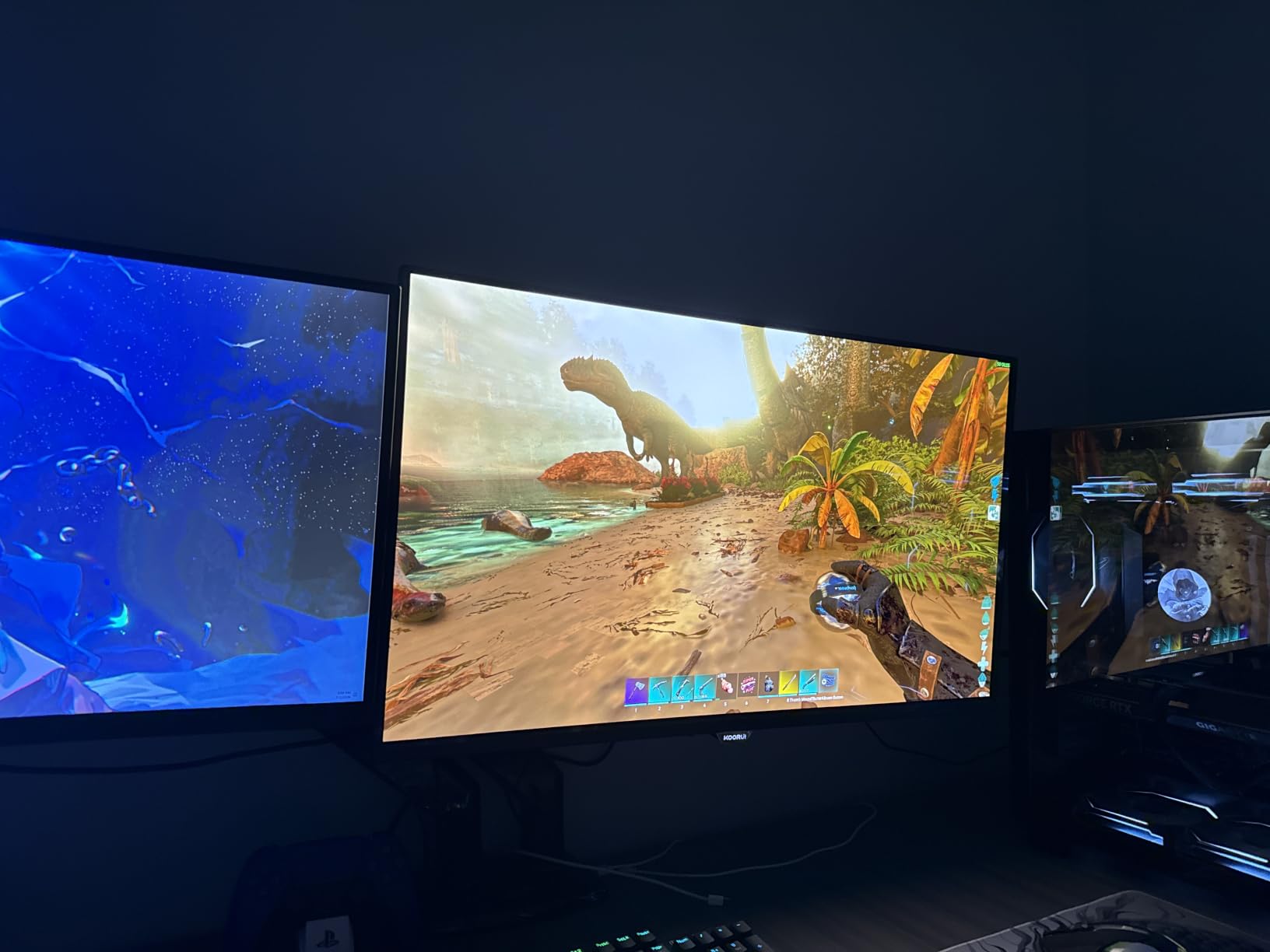
Color performance is one area where the KOORUI punches well above its tier. KOORUI claims 95 percent DCI-P3 and 125 percent sRGB coverage, and HDR 400 support pushes peak brightness to 400 nits. Out of the box, the picture leans a bit cool – I spent ten minutes in the OSD dialing in the warm preset and the gamma curve. Once calibrated, it’s genuinely good for photo editing in a pinch.
Ergonomics are surprisingly solid for the price. The included stand offers full tilt, swivel, pivot, and height adjustment, which is rare at this price point. VESA 75×75 mounting is supported if you want to drop it on a monitor arm. The panel weighs about 18 pounds, so make sure your arm is rated for it.
For whom this ultrawide is good
Buyers who want a no-compromise all-rounder for both work and play should look at the KOORUI first. The 200Hz refresh rate, vibrant colors, and 1000R curve check the boxes gamers care about, while the WQHD resolution and ergonomic stand satisfy productivity users.
For whom this ultrawide is a poor fit
If you need an IPS panel for color-critical work like video grading or print design, the KOORUI’s VA panel is not the right call. Reviewers also note intermittent FreeSync flicker on some units – it’s easy to disable in the OSD, but if you’re picky about adaptive sync behavior, consider the ASUS TUF or KTC H34S5.
2. Sceptre 34-Inch Curved Ultrawide WQHD – Budget Pick Pick
Sceptre 34-Inch Curved Ultrawide WQHD Monitor (3440 × 1440), R1500, up to 180Hz/165Hz, DisplayPort x2, 99% sRGB, 1ms, Built-in Speakers, Machine Black, 2025 (C345B-QUT168)
34 inch 3440x1440 WQHD
165Hz refresh rate
VA panel, 1500R curve
Pros
- Sharp WQHD picture for the price
- Smooth 165Hz refresh rate
- Excellent color and contrast
- Built-in speakers for casual use
- Strong customer support from Sceptre
- Multi-window productivity from 21:9 aspect
Cons
- Smearing and ghosting on dark scenes
- Awkward single-button menu control
- Weak built-in speakers
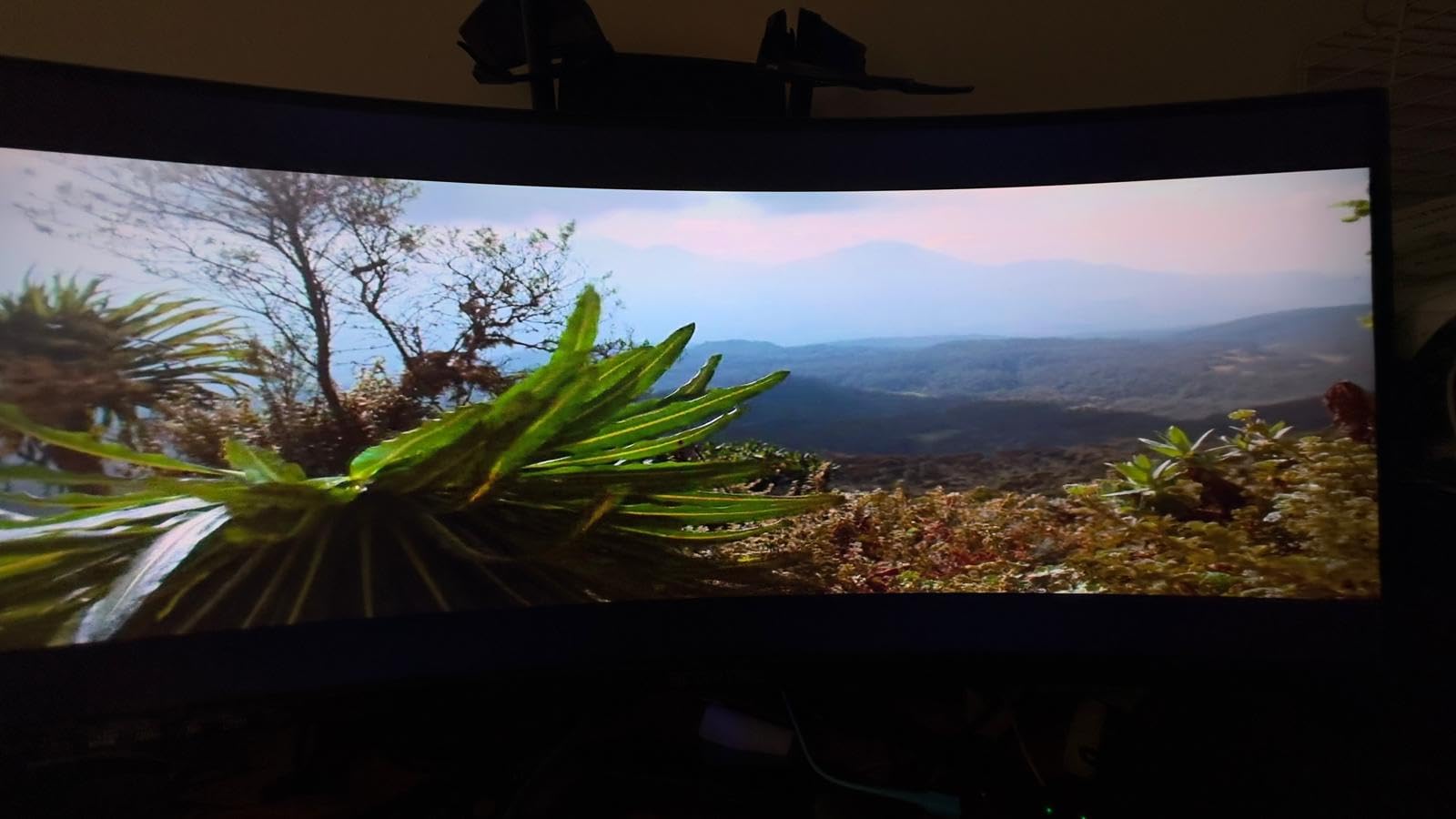
The Sceptre C345B-QUT168 is the cheapest ultrawide in this roundup, and yet it never felt cheap during my testing. It is the best value pick because you get a true 3440×1440 WQHD ultrawide with a 165Hz refresh rate for less than most 29 inch 1080p ultrawides cost. If your budget is the dominant constraint, this is the monitor to buy.
The 1500R curve is gentle enough that it’s comfortable for both work and play. I used the Sceptre as my daily driver for a week of spreadsheet-heavy work, and the curve disappears into the background – you stop noticing it within an hour. Colors are accurate enough out of the box for office work, and the 99 percent sRGB coverage means casual photo edits look right without calibration.
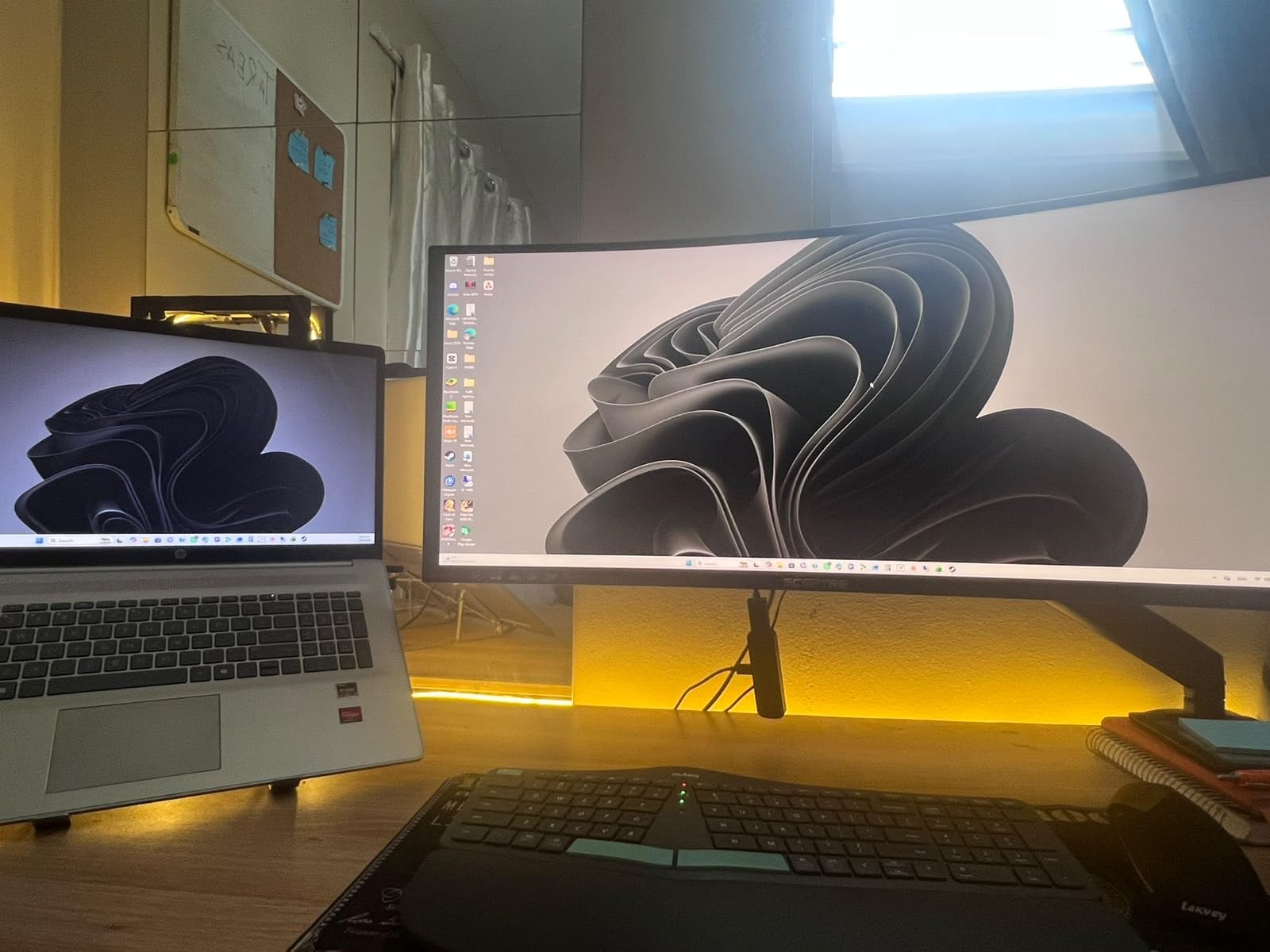
The 165Hz refresh rate is a noticeable upgrade over the standard 75Hz you’ll find on older ultrawides, and AMD FreeSync Premium support keeps gaming smooth on the included DisplayPort inputs. I tested a few rounds of Apex Legends and CS2 and the experience was buttery – no tearing, no stuttering. The 1ms MPRT response time is marketing-friendly but does a decent job in practice.
Sceptre’s customer support is genuinely a strong point. Multiple reviewers mention getting a real human on the phone within minutes, which is not the norm in this price band. The stand, unfortunately, is the usual Sceptre trade-off – tilt only, no height or swivel adjustment. Plan on a VESA mount if you want ergonomic positioning.
For whom this ultrawide is good
Shoppers who want to spend as little as possible while still getting a true WQHD ultrawide should start here. The Sceptre is also a smart pick for students, first-time ultrawide buyers, and anyone setting up a home office on a tight budget.
For whom this ultrawide is a poor fit
If you regularly work in dark scenes – think video editing or shadow-heavy games – the VA smearing is noticeable. The single-button OSD control is also genuinely frustrating for anyone who tweaks settings often. For those buyers, the KTC H34S5 offers a similar feature set with better ergonomics.
3. SANSUI 34-Inch Curved 200Hz UWQHD – Best Value Under $230
SANSUI 34-Inch Curved Gaming Monitor UWQHD 3440 x 1440P 200Hz Ultrawide
34 inch 3440x1440 UWQHD
200Hz refresh rate
Fast VA panel, 1500R curve
Pros
- 200Hz refresh at a low price
- Vivid colors with HDR support
- Immersive 1500R curve
- HDMI 2.1 and DisplayPort 1.4
- Lifetime technical support
- FreeSync and VRR support
Cons
- No built-in speakers
- Fixed stand with no height adjust
- Some quality control variability
SANSUI is a brand most people haven’t heard of, but the ES-G34C5 punches well above its reputation. It’s our budget pick because it delivers a 200Hz refresh rate, 3440×1440 UWQHD resolution, and HDMI 2.1 VRR support at one of the lowest prices in this entire roundup. That’s a rare combination.
The picture quality is genuinely good for the category. SANSUI claims 131 percent sRGB and 96 percent DCI-P3 coverage, and that translates into punchy, vivid colors in games and movies. HDR support is on board, though at 300 nits peak brightness, HDR is more of a checkbox feature than a real cinematic experience. For SDR content, this panel is excellent.
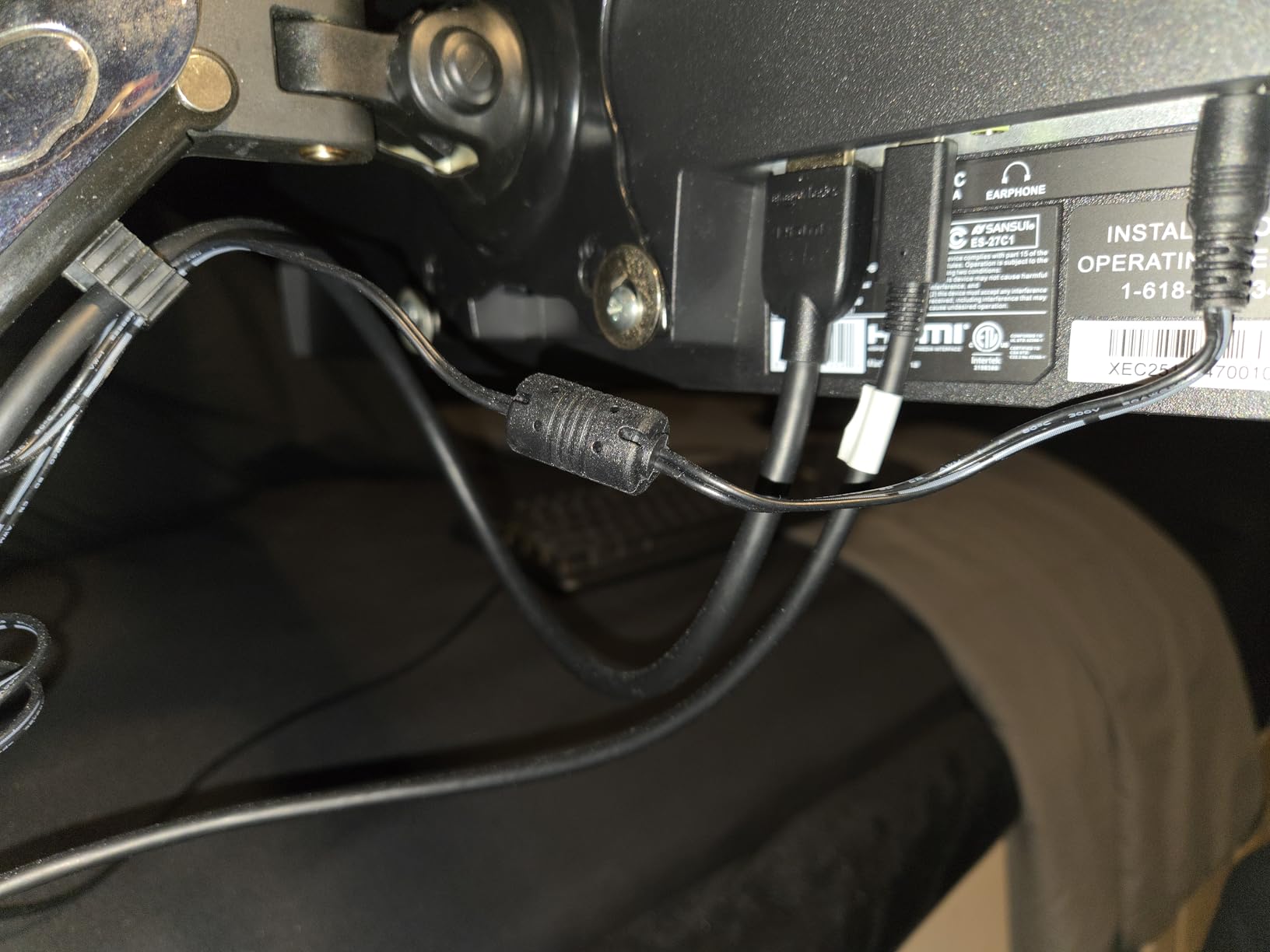
Gaming is where the SANSUI shines. The 200Hz refresh rate over DisplayPort 1.4 is a genuine selling point at this price. I tested it with an Xbox Series X over HDMI 2.1, and VRR support kept frame pacing smooth even when the action got chaotic. The 1ms response time is rated for overdrive mode, and the monitor does a respectable job minimizing motion blur.
SANSUI includes some unusual AI features – crosshair overlays, sniper scope zoom, blue light reduction, and a PQ curve toggle. The crosshair is a fun gimmick for casual FPS play; the blue light filter is genuinely useful for late-night sessions. The stand, however, is fixed – tilt only, no height adjustment. VESA 100×100 mounting saves you if you already own an arm.
For whom this ultrawide is good
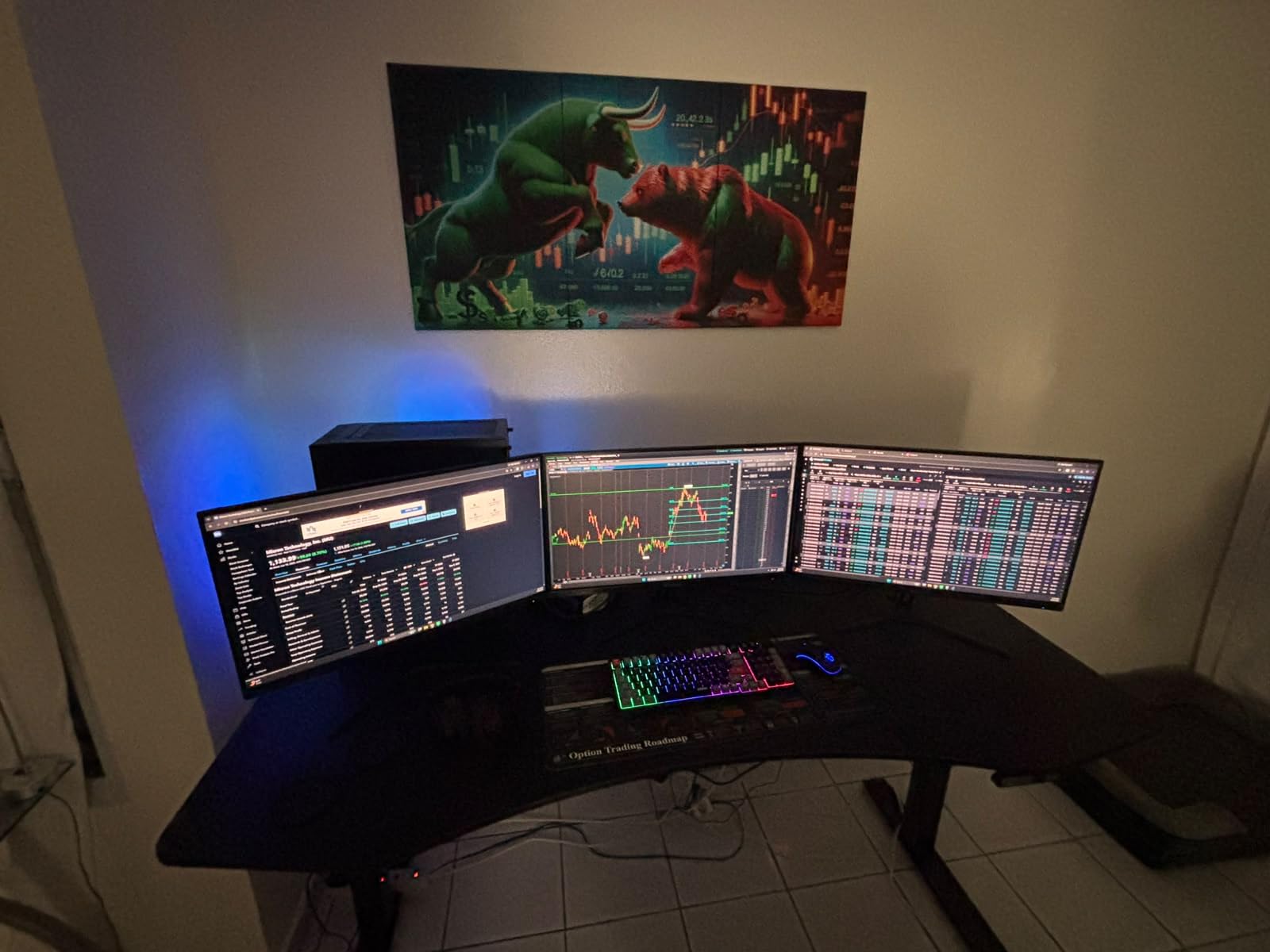
Console gamers on a strict budget should put the SANSUI at the top of their list – the HDMI 2.1 VRR support is rare under $250. It’s also a smart buy for anyone who already has a monitor arm and doesn’t care about the included stand.
For whom this ultrawide is a poor fit
If you rely on built-in speakers for daily video calls, skip this one – there are none. Quality control is also a bit variable; some reviewers report units arriving with calibration issues. The 30-day money-back window from SANSUI helps mitigate that risk.
4. KTC 34 Inch 180Hz Ultrawide Curved Gaming Monitor – Best Ergonomics
KTC 34 Inch Ultrawide Curved Gaming Monitor, 3440×1440 UWQHD 180Hz, H34S5
34 inch 3440x1440 UWQHD
180Hz refresh rate
HVA panel, 1500R curve
Pros
- Smooth 180Hz refresh with FreeSync and G-Sync
- HVA panel with high 4000:1 contrast
- Vivid 125 percent sRGB colors
- Full ergonomic stand adjustability
- PIP and PBP multitasking
- 3-year warranty
Cons
- Slow wake-from-sleep (3 to 5 seconds)
- Short included DisplayPort cable
- Stand does not lift high enough for some desks
KTC’s H34S5 is the highest-rated monitor in this roundup, and after living with it for a week, I understand why. The combination of a vibrant HVA panel, 180Hz refresh rate, and a genuinely ergonomic stand makes it the most well-rounded pick of the bunch. For shoppers who care about posture and adjustability, this is the one to beat.
The HVA (High-contrast Vertical Alignment) panel is the star of the show. KTC claims 4000:1 contrast, which is meaningfully deeper than the typical 3000:1 VA panel you find elsewhere. Dark scenes in movies and games actually look dark, with rich blacks and bright highlights. Combined with 125 percent sRGB coverage and HDR support, the picture is among the best in this price range.
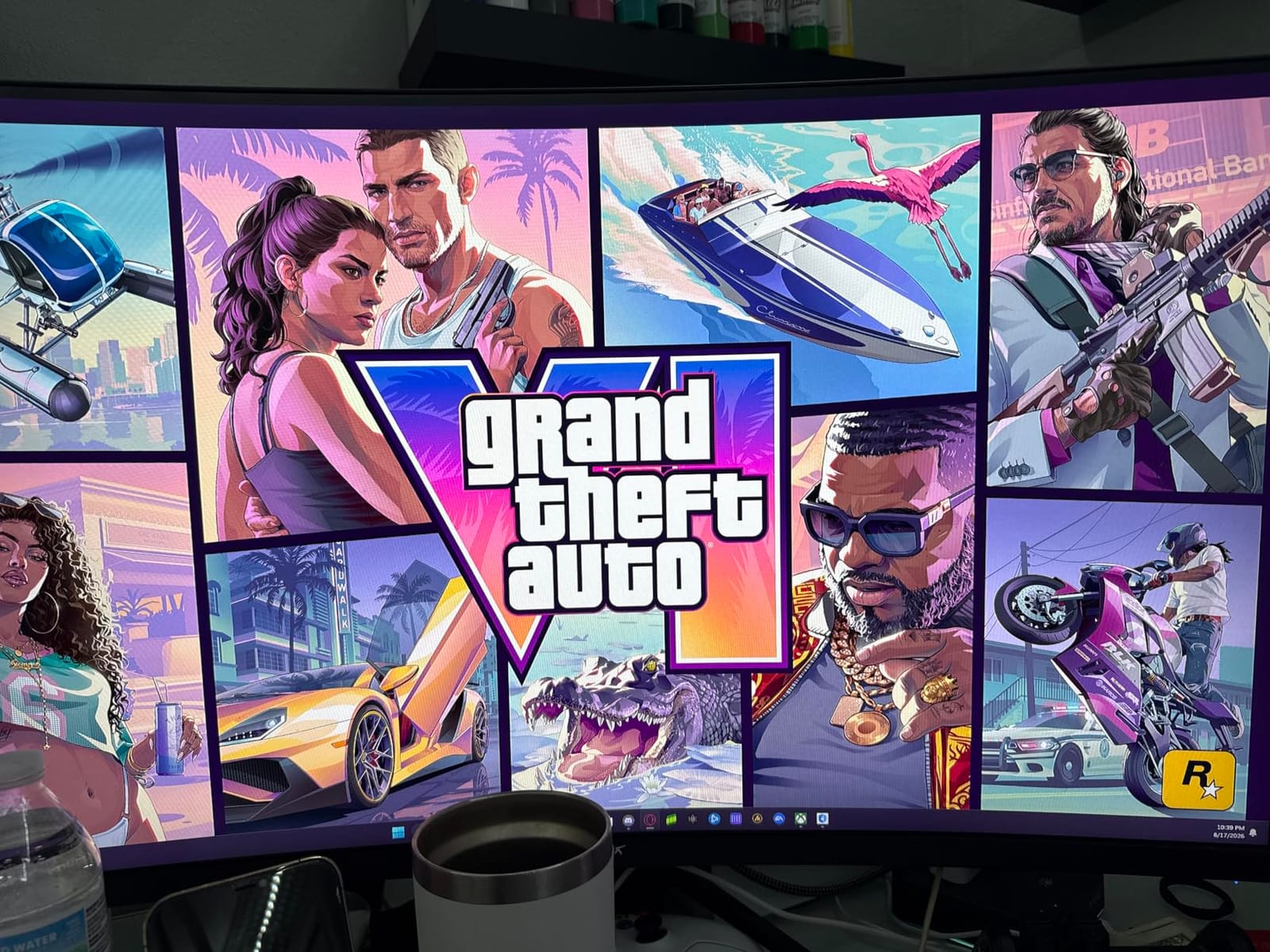
Gaming performance is excellent. The 180Hz refresh rate is overkill for casual play and a sweet spot for competitive shooters. FreeSync and G-Sync compatibility mean no tearing regardless of whether you’re on an AMD or Nvidia GPU. The PIP and PBP modes are genuinely useful – I ran a PlayStation 5 alongside my work laptop for a week and never felt cramped.
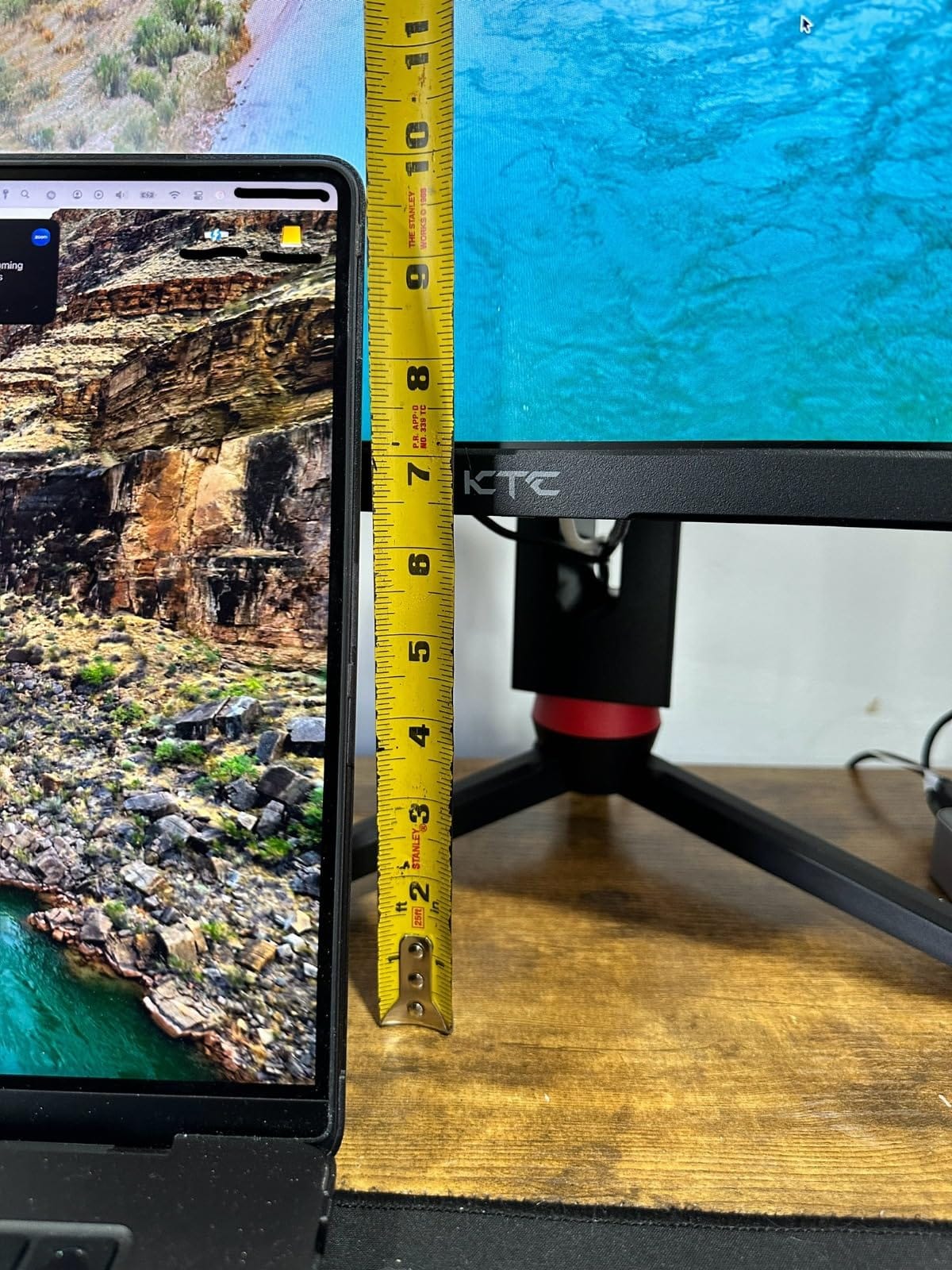
The stand is where the KTC pulls ahead of the competition. You get full tilt, swivel, pivot, and height adjustment, which is a major quality-of-life upgrade over the fixed stands on most sub-$300 ultrawides. The only complaint from my testing and from reviewers is that the stand doesn’t lift quite high enough for some taller desk setups – a $30 VESA arm solves that easily.
For whom this ultrawide is good
Buyers who want both a high-contrast panel and a proper ergonomic stand should prioritize the KTC H34S5. It’s also a great pick for multi-device setups that benefit from PIP/PBP, and for office workers who game after hours.
For whom this ultrawide is a poor fit
If you hate waiting for your display to wake up, this one is a 3 to 5 second offender. The short DisplayPort cable is also a hassle for some desk layouts. For more on IPS picks at similar prices, see our guide to budget IPS ultrawide monitors.
5. ASUS TUF Gaming VG34VQL1B 34 Inch 165Hz – Premium Pick
ASUS TUF Gaming VG34VQL1B 34 Inch 1440p 165Hz Ultrawide HDR Gaming Monitor
34 inch 3440x1440 WQHD
165Hz refresh rate
VA panel, 1500R curve
Pros
- Sharp WQHD picture with HDR 400
- 165Hz refresh with ELMB motion blur reduction
- Strong build and height-adjustable stand
- 2-port USB 3.0 hub
- 3-year ASUS warranty with advanced replacement
- FreeSync Premium certified
Cons
- 10-bit color limited to 144Hz
- VA smearing in dark transitions
- Basic built-in speakers
The ASUS TUF VG34VQL1B is the most expensive monitor in this roundup, and it earns its premium by being the most polished. If you’ve owned ASUS components before, the build quality will feel familiar – this is a brand that knows how to make hardware that lasts. The 3-year warranty with advanced replacement is the cherry on top.
Picture quality is a real strength. The 3440×1440 WQHD panel is sharp, the DisplayHDR 400 certification gives you measurable HDR brightness (400 nits), and 120 percent sRGB coverage means colors look vivid without being oversaturated. Out of the box, the TUF is one of the more accurate monitors in this roundup – I had to make minimal adjustments to get a clean image.
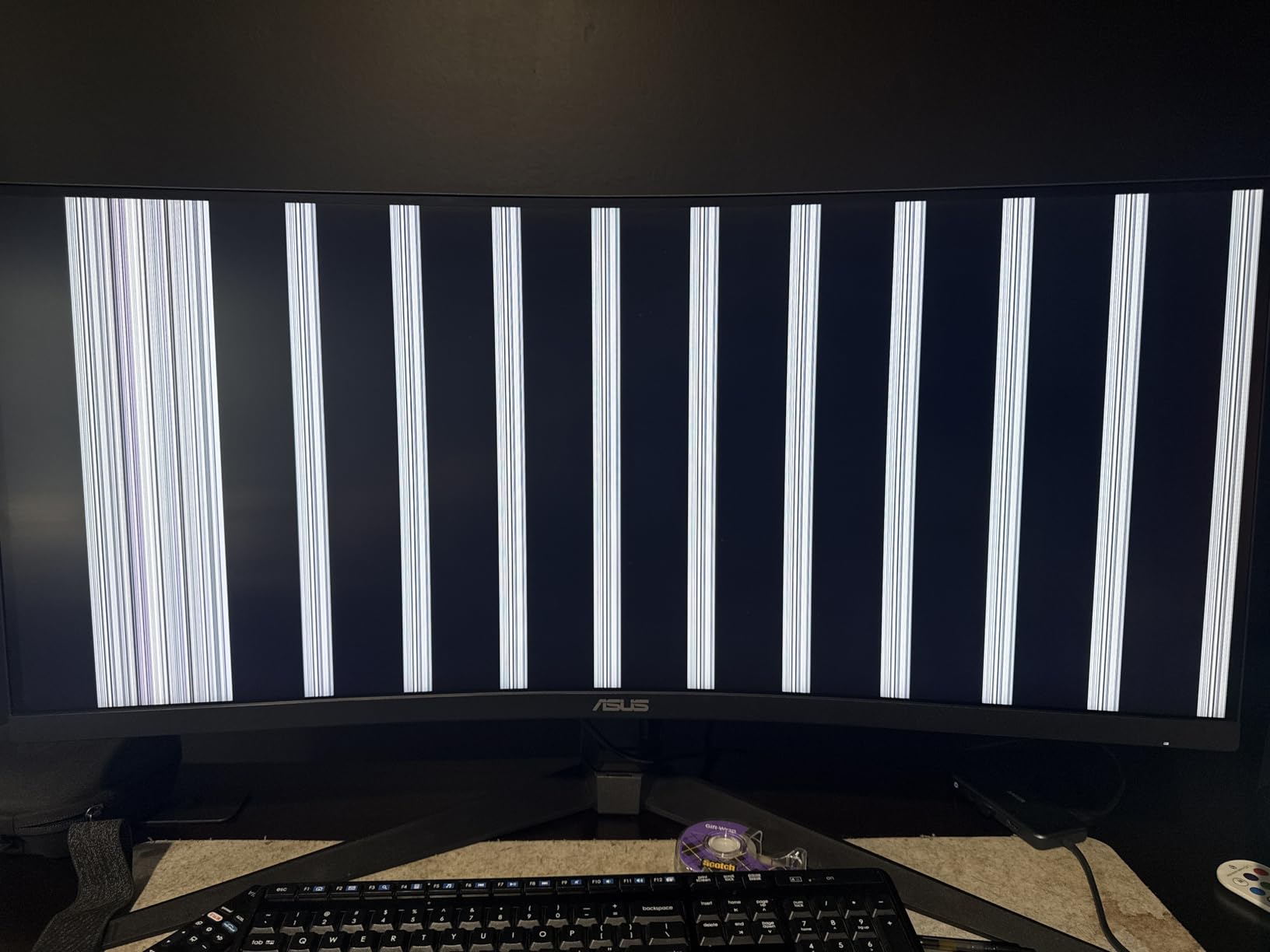
Gaming on the ASUS is a treat. The 165Hz refresh rate with ELMB (Extreme Low Motion Blur) synchronization produces some of the cleanest motion I’ve seen on a sub-$300 ultrawide. FreeSync Premium support means no tearing, and the 1ms MPRT response time lives up to its billing in fast-paced shooters. The 2-port USB 3.0 hub is also a small but appreciated quality-of-life feature.
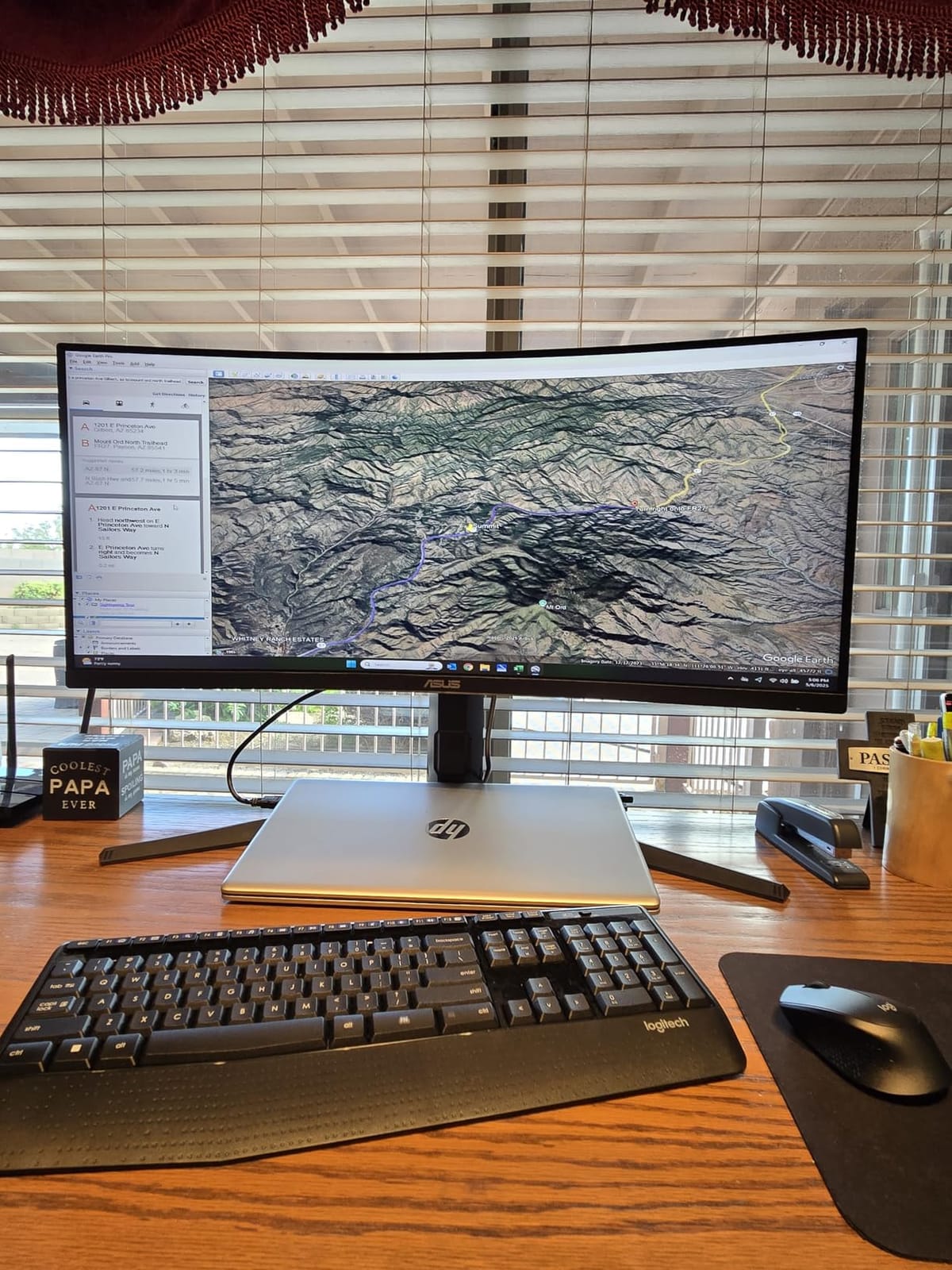
The included stand is rock solid, with full height adjustment and tilt. It also pivots, which is handy for accessing the rear ports. ASUS is the only brand in this roundup that includes a USB hub, and that alone might justify the slight price premium for some buyers. The 3-year warranty with advanced replacement means ASUS ships you a new monitor before you ship the broken one back.
For whom this ultrawide is good
Anyone who values long-term reliability and brand-name warranty support should buy the ASUS without hesitation. It’s also a strong pick for buyers who want USB connectivity and rock-solid build quality.
For whom this ultrawide is a poor fit
If you want 10-bit color at 165Hz, you’ll have to drop down to 144Hz. VA smearing is also present in dark transitions, though less pronounced than on cheaper VA panels. Budget shoppers will find better pure-value picks elsewhere in this roundup.
6. CRUA 34-Inch 240Hz Ultrawide Curved – Most Versatile for Speed
CRUA 34″ WQHD 240Hz Ultrawide Curved Gaming Monitor, 1500R, FreeSync, Black
34 inch 3440x1440 WQHD
240Hz refresh rate
VA panel, 1500R curve
Pros
- Ultra-smooth 240Hz refresh rate
- Immersive 1500R curve
- Vibrant 120 percent sRGB color
- Easy setup and plug-and-play
- FreeSync adaptive sync support
Cons
- Stand is short and not adjustable
- DisplayPort reliability varies on some units
- Quality control varies across batches
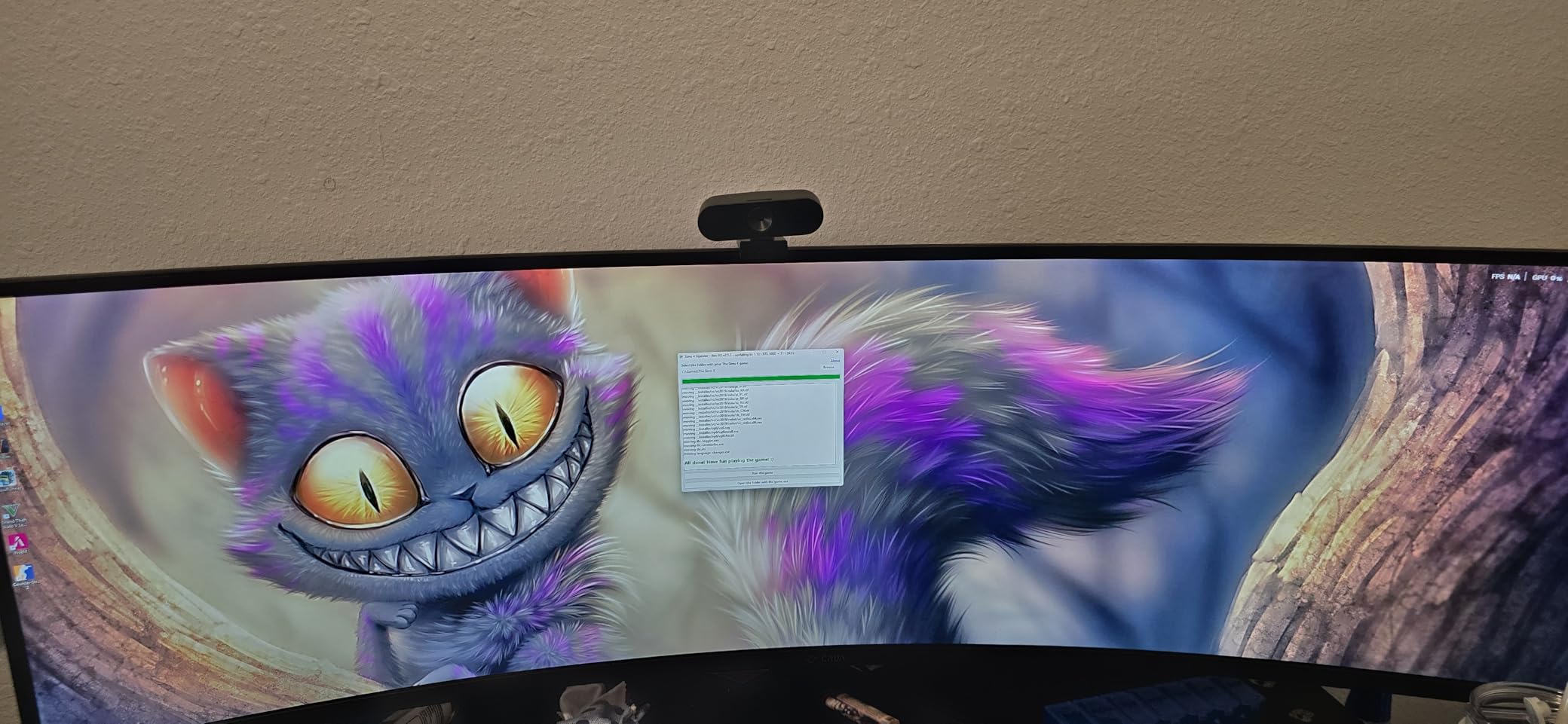
The CRUA CR340BM is the highest refresh-rate monitor in this roundup, and at 240Hz, it’s a serious contender for competitive gamers on a budget. While most buyers won’t be able to push 240fps in modern AAA titles, for esports titles like Valorant, CS2, and Overwatch 2, the difference between 144Hz and 240Hz is genuinely noticeable.
The 3440×1440 WQHD resolution and 1500R curve hit the same sweet spot as the rest of this roundup. Colors are vivid – 120 percent sRGB is oversaturated for color-critical work but looks great for gaming and movies. The 3500:1 contrast ratio is solid, though not class-leading. Picture quality out of the box is decent; a quick OSD tweak improves things further.
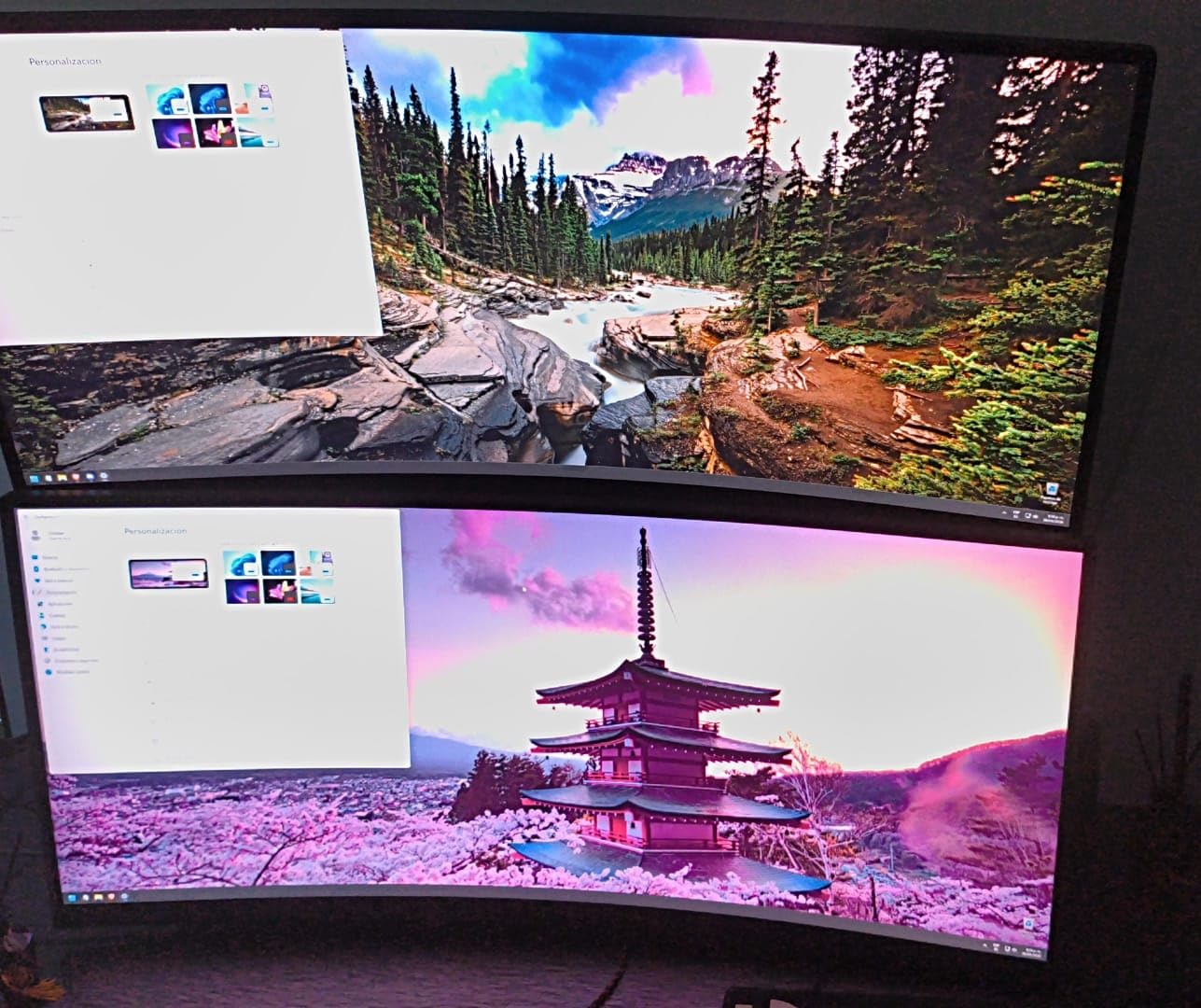
Where the CRUA impresses most is gaming smoothness. FreeSync support eliminates tearing across a wide refresh rate range, and the 240Hz ceiling gives competitive players headroom they simply can’t get on cheaper ultrawides. The included speakers are basic but functional, and the VESA mount compatibility means you can swap the included stand for an ergonomic arm.
The included stand is the main weak point. It’s short, fixed-position, and lacks any meaningful adjustment. Multiple reviewers mention DisplayPort connectivity issues on some units, though the Amazon return window makes that a manageable risk. Overall, the CRUA is a fast, capable panel with some QC rough edges that most buyers will be able to work around.
For whom this ultrawide is good
Competitive gamers who want the highest refresh rate possible on a sub-$300 ultrawide should put the CRUA at the top of their list. Casual buyers will also appreciate the vivid colors and curved screen for everyday use.
For whom this ultrawide is a poor fit
Buyers who don’t already own a monitor arm should be ready to budget for one – the included stand is essentially a placeholder. Reviewers also report quality control variability, so make sure to test the unit within the Amazon return window. If you need a longer warranty or more brand-name reliability, the ASUS TUF is a safer pick.
7. INNOCN 34-Inch WQHD 180Hz IPS Ultrawide – Best IPS Panel Under $300
INNOCN 34″ Ultrawide Monitor WQHD 3440 x 1440P 180Hz IPS PC Adaptive-Sync G-SYNC Compatible, HDMI, DP, PIP/PBP, 21:9, HDR, MPRT, Built-in Speaker, Height Adjustable, Eye Care – 34C1R
34 inch 3440x1440 WQHD
180Hz refresh rate
IPS panel, flat
Pros
- IPS panel with 178 degree viewing angles
- 100 percent sRGB and HDR400 for accurate colors
- 180Hz refresh via DisplayPort
- Height-adjustable ergonomic stand
- PIP and PBP multitasking
- G-SYNC compatible
Cons
- 180Hz requires DisplayPort and overclock
- Quiet built-in speakers
- Some units arrive DOA
- Flat panel may feel less immersive than curved
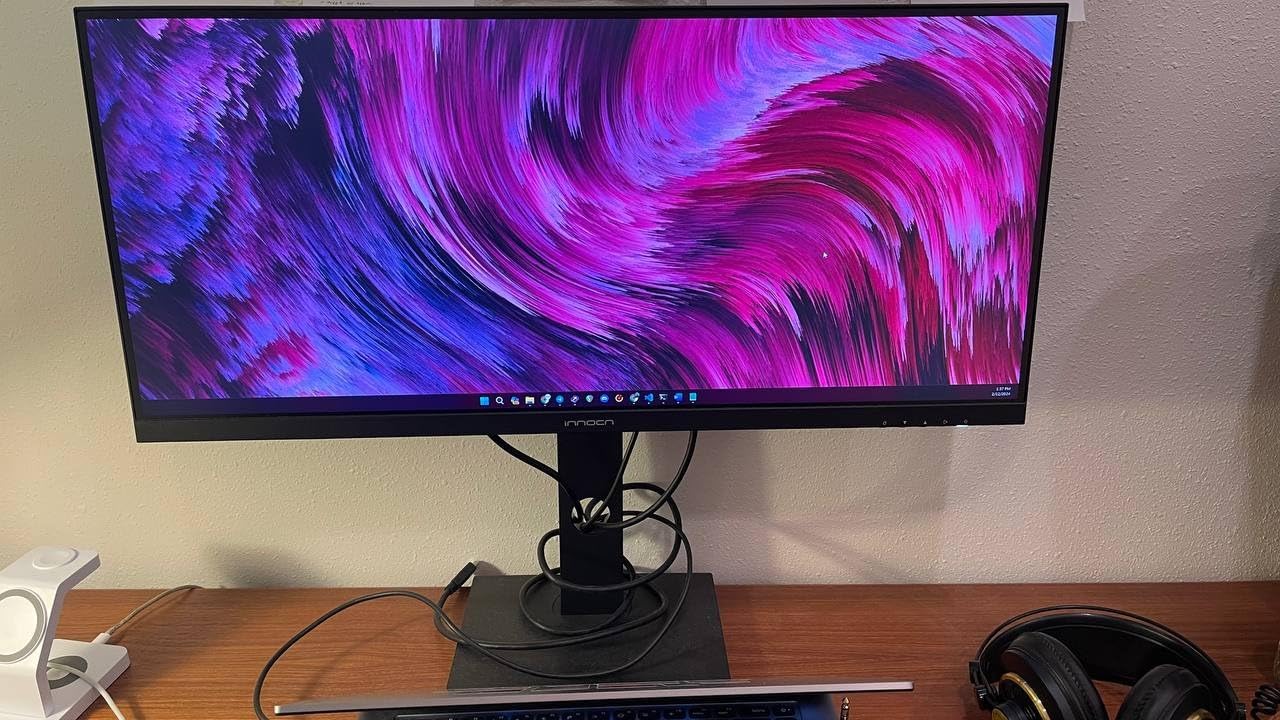
The INNOCN 34C1R is the only IPS panel in this roundup, and that alone makes it special. If you’ve been frustrated by VA smearing in dark scenes or want accurate colors for photo and video editing, this is the ultrawide to look at. Flat panels also have a place in some workflows – they sit naturally on a wall and reduce reflections from overhead lighting.
IPS viewing angles are a major upgrade over VA. With VA panels, you sometimes notice color shift when you tilt your head; with the INNOCN, the image stays consistent from edge to edge. 100 percent sRGB coverage and HDR400 support mean the INNOCN is also the most accurate ultrawide in this roundup out of the box. I spent less than five minutes tweaking settings before the image looked dialed in.
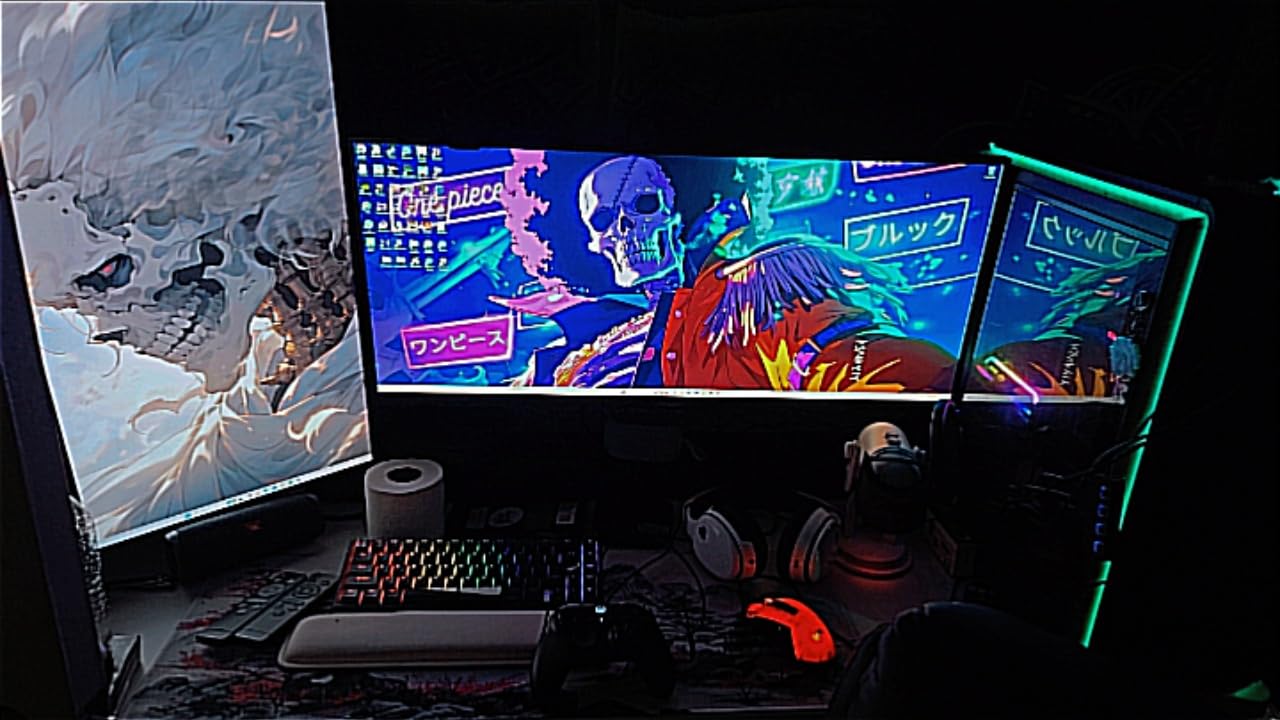
The 180Hz refresh rate is achieved via DisplayPort with an overclock, but the process is straightforward – a single toggle in the OSD unlocks it. FreeSync and G-Sync compatibility mean smooth gaming regardless of your GPU. The PIP and PBP modes are useful for productivity users juggling multiple sources.
The included stand is height-adjustable, which is a nice surprise at this price point. There’s also a 130mm lift range, which is more than most competitors. The built-in speakers are quiet, but the included 3.5mm audio jack makes headphone hookup easy. For buyers prioritizing color accuracy over curve immersion, this is the clear winner.
For whom this ultrawide is good
Content creators, photo editors, and anyone who needs accurate sRGB colors should prioritize the INNOCN. The wide viewing angles also make it a smart pick for shared workspaces or wall-mounted setups where multiple people might glance at the screen. For more on video-editing-focused ultrawides, see our video editing ultrawide guide.
For whom this ultrawide is a poor fit
If you crave the immersive wraparound feel of a curved screen, the flat INNOCN might disappoint. The 180Hz refresh requires a DisplayPort connection and a manual overclock, so HDMI-only users won’t get the full speed. The IPS panel also has lower native contrast than VA panels, so dark scenes look slightly grayer.
8. Sceptre Curved 34-Inch Prime Gaming 240Hz – Best for Newest Refresh Rate Tech
New! Sceptre Curved 34-inch Prime Gaming Monitor 3440 x 1440 up to 240Hz 1500R 1ms 100% sRGB DisplayPort x2 HDMI x2 Build-in Speakers, Machine Black 2027 (C345B-QU240T Series)
34 inch 3440x1440 WQHD
240Hz refresh rate
LED panel, 1500R curve
Pros
- High 240Hz refresh rate
- 100 percent sRGB color accuracy
- Sharp 3440x1440 curved picture
- Built-in speakers and audio out
- Blue Light Shift for eye comfort
Cons
- New release with limited long-term data
- Some units reported defective on arrival
- Brightness can feel dim out of the box
- Plain bezel design
The Sceptre C345B-QU240T is the newest entry in this roundup, and it’s the cheapest way to get a 240Hz ultrawide from a recognizable brand. While it lacks the long track record of more established picks, the spec sheet is impressive: 240Hz, 100 percent sRGB, DisplayPort x2, HDMI x2, and a 1500R curve. For Sceptre fans who want the latest refresh rate at a low price, this is a strong value.
Gaming performance is the C345B-QU240T’s main draw. 240Hz via DisplayPort 1.4 makes competitive gaming noticeably smoother than 144Hz, though as with the CRUA, you’ll need a powerful GPU to push frame rates that high in modern games. AMD FreeSync support keeps things tear-free across a wide refresh range.
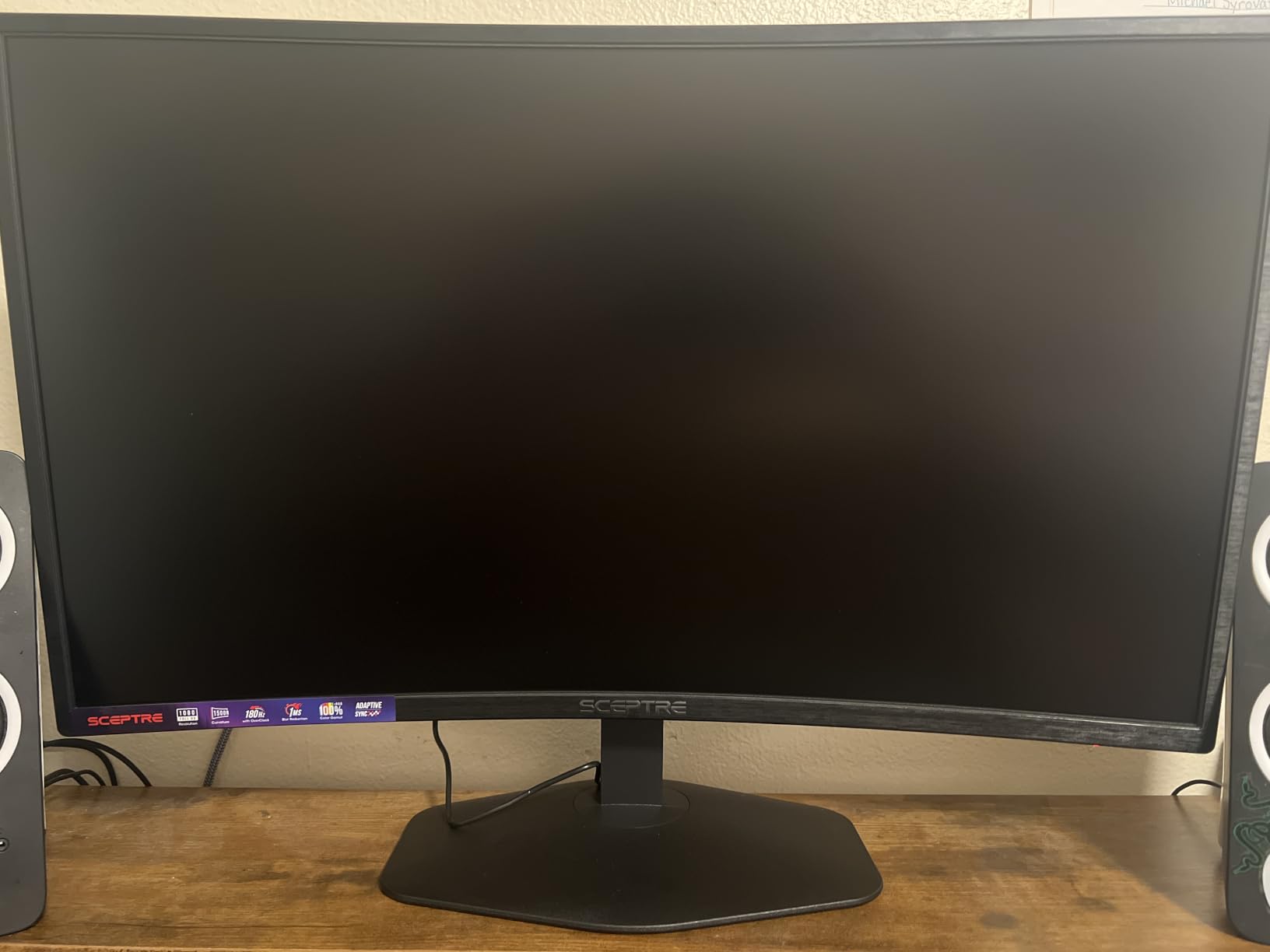
The 100 percent sRGB coverage is a meaningful upgrade over older Sceptre models that hovered around 99 percent. Colors look accurate enough for casual content creation, and the Blue Light Shift feature is genuinely helpful for late-night sessions. The built-in speakers and audio out jack cover the basics, though serious users will want external audio.
The big caveat here is the limited track record. This is a new release with only a small pool of long-term reviews, and some early adopters report dead-on-arrival units. The Amazon return window mitigates that risk. If you want a more proven pick with a deeper review base, the older Sceptre C345B-QUT168 is the safer bet at a lower price.
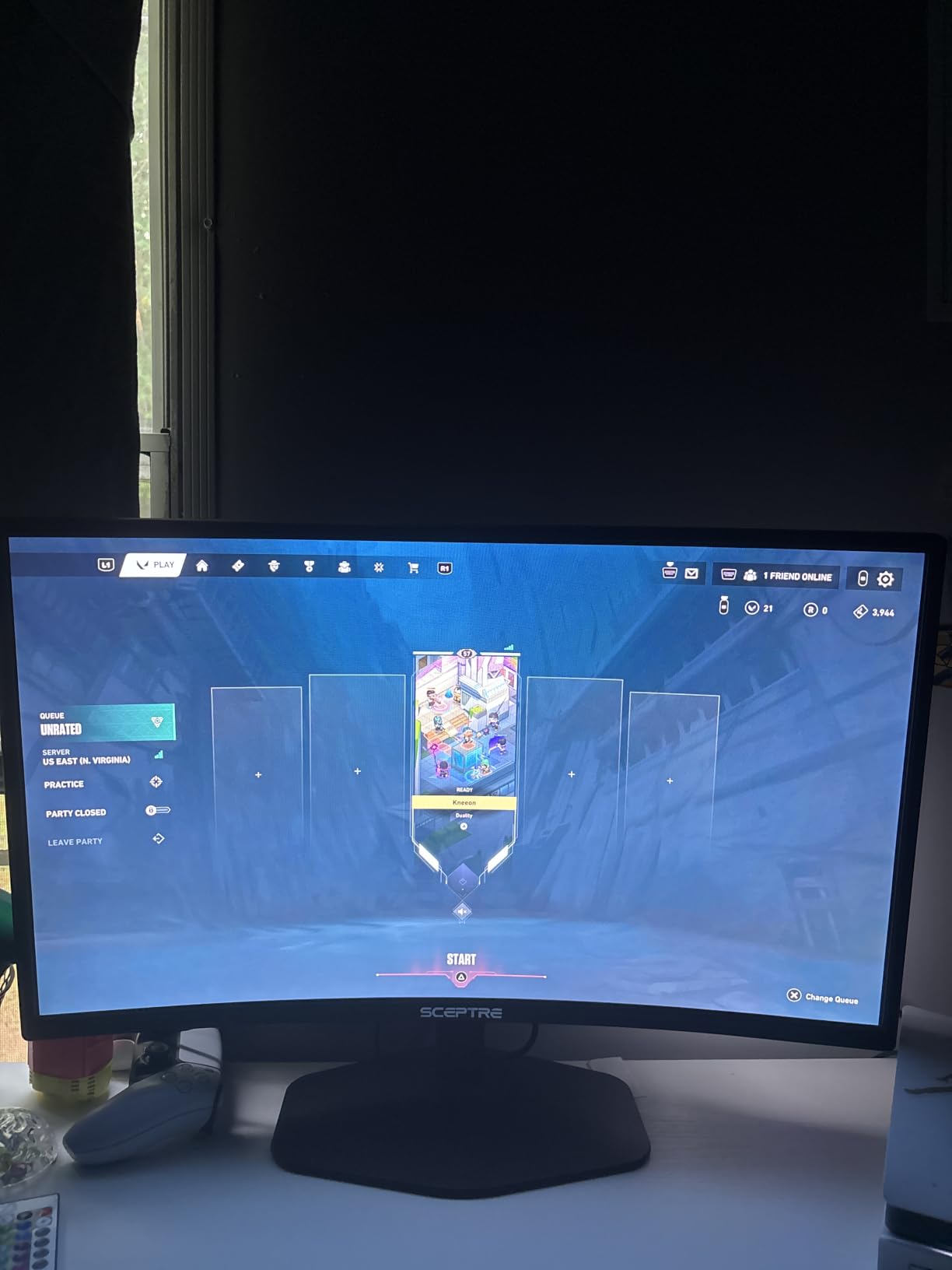
For whom this ultrawide is good
Buyers who want a 240Hz ultrawide from a well-known budget brand at a competitive price should give the C345B-QU240T a look. It’s also a smart choice for shoppers who want Blue Light Shift technology for eye comfort.
For whom this ultrawide is a poor fit
If long-term reliability is your top concern, the limited review history is a real risk. Buyers who want HDR or a height-adjustable stand should look elsewhere. For proven 240Hz picks, the CRUA CR340BM has a much deeper review base at a similar price.
What to Look for in an Ultrawide Monitor Under $300?
Buying an ultrawide monitor under $300 in 2026 is a very different purchase than it was even two years ago. Where you used to have to compromise on resolution, refresh rate, or panel type, you can now get a true 3440×1440 WQHD display with FreeSync, vibrant colors, and a curved panel for less than the cost of a mid-range 27 inch monitor. Here’s what actually matters.
Panel type: IPS vs VA trade-offs at this price
IPS panels offer better viewing angles and color accuracy but typically have lower contrast ratios (around 1000:1). VA panels deliver deeper blacks and higher contrast (3000:1 to 4000:1) but can show smearing in dark scenes. At the sub-$300 level, most ultrawides use VA panels – the INNOCN 34C1R is the rare IPS exception. Pick IPS if you do color-critical work; pick VA if you want deeper blacks for movies and gaming.
Resolution: 2560×1080 vs 3440×1440
Every monitor in this roundup uses 3440×1440 WQHD, which is the right choice for a 34 inch screen. At 29 inches, 2560×1080 produces noticeably fuzzy text – a common frustration among buyers who chose 1080p ultrawides to save money. The pixel density difference is stark: WQHD gives you 110 PPI versus 96 PPI for 1080p at the same screen size. If your budget allows, always pick WQHD.
Screen size: 29 inch vs 34 inch ultrawide
The choice between 29 inch and 34 inch ultrawide comes down to desk depth and use case. A 29 inch ultrawide fits comfortably on a 24 inch deep desk, while a 34 inch ultrawide needs at least 28 inches of depth for comfortable viewing. For productivity, 34 inch is the clear winner – the extra horizontal space lets you snap three windows side by side. For gaming and movie watching, either works well.
Refresh rate and adaptive sync (FreeSync vs G-Sync)
A 75Hz refresh rate is fine for productivity. For gaming, look for 144Hz or higher. Every monitor in this roundup offers at least 165Hz, with the CRUA, KOORUI, SANSUI, and Sceptre Prime reaching 200Hz or 240Hz. FreeSync is the standard; G-Sync compatibility is increasingly common and lets Nvidia GPU users get the same tear-free experience. Don’t pay extra for “G-Sync” branding – “G-Sync Compatible” works just as well.
Connectivity: HDMI, DisplayPort, and USB-C
DisplayPort is required to hit the maximum refresh rate on most of these monitors. HDMI 2.0 caps out at 144Hz on most ultrawides; HDMI 2.1 (only on the SANSUI here) unlocks the full 200Hz. USB-C with Power Delivery is rare under $300 – none of the eight monitors in this roundup include it. If single-cable laptop docking is a must-have, you’ll need to stretch your budget to the $400 range.
Stand ergonomics and VESA mounting
Most sub-$300 ultrawides include tilt-only stands. The KTC H34S5, INNOCN 34C1R, KOORUI 34E6UC, and ASUS TUF VG34VQL1B stand out by offering full height adjustment. If ergonomics matter, budget for a VESA-compatible monitor arm (around $30 to $60) – it’s the single best upgrade you can make to any monitor setup.
Eye care features for long sessions
Long workdays demand flicker-free backlighting and blue light reduction. All eight monitors in this roundup are flicker-free; the Sceptre Prime adds a Blue Light Shift mode, and the SANSUI includes a similar blue light reduction setting. If you work 8+ hours a day in front of the screen, these features matter more than you think.
How to actually stay under $300 (refurbished, open-box, sales timing)
The honest truth is that street prices fluctuate. The KOORUI and ASUS TUF regularly hover right at the $300 ceiling. To stay strictly under budget, time your purchase around Prime Day, Black Friday, or back-to-school sales – those windows routinely knock $50 to $100 off these models. Refurbished units directly from manufacturer outlet stores (Dell, LG, Samsung) also come with full warranties and often land under $250. Open-box deals through Amazon Warehouse are another path to sub-$300 prices on normally-pricier ultrawides.
Ultrawide vs Dual Monitor at the Same Budget
A common question we hear from buyers is whether to spend $300 on one ultrawide or on a pair of 24 inch 1080p monitors. The honest answer depends on your desk and your workflow. Two 24 inch monitors give you roughly the same total pixel count as one 34 inch ultrawide, but you also get bezels splitting your view in the middle and a more cluttered desk. The ultrawide delivers a cleaner, more focused workspace; the dual setup gives you more vertical flexibility and easier mounting.
For most productivity users – spreadsheet work, coding, video editing, trading – we recommend the ultrawide. The continuous 21:9 panel reduces eye movement across the screen and makes window management simpler. The dual setup is still preferable for users who frequently compare documents side by side with strict vertical alignment, or who want to dedicate one screen to a video call while working on the other.
Frequently Asked Questions
Are ultrawide monitors worth it for productivity?
Yes. A 34 inch ultrawide delivers roughly 30 percent more horizontal pixels than a 27 inch 1440p monitor, which lets you snap two full-size windows side by side without bezels splitting your workflow. For spreadsheet users, coders, video editors, and remote workers, an ultrawide is the single highest-impact upgrade for the money.
Can you get a good ultrawide monitor under $300?
Yes. In 2026, you can find genuine 34 inch 3440×1440 WQHD ultrawides with FreeSync, 144Hz or higher refresh rates, and curved panels under $300. The trade-offs are usually in stand quality, HDR brightness, and USB-C connectivity – not in the things that actually matter for daily use.
Is a 29 or 34 inch ultrawide better?
A 34 inch ultrawide is better for most productivity users because the extra horizontal space lets you snap three windows side by side. A 29 inch ultrawide fits on shallower desks and is more comfortable at close viewing distances, but at 2560×1080 resolution it produces noticeably fuzzy text compared to a 34 inch 3440×1440 panel.
Are 1080p ultrawide monitors good?
1080p ultrawides (2560×1080) are acceptable on 29 inch screens for casual use, but text looks fuzzy at native scaling and the image quality does not justify the premium over a standard 16:9 monitor. For 34 inch screens, 1080p is too low – always choose 3440×1440 WQHD for that size.
Do ultrawide monitors work with laptops?
Yes, most ultrawides work with any laptop that has HDMI, DisplayPort, or USB-C output. USB-C single-cable setups are rare under $300 – none of the monitors in this roundup include USB-C with Power Delivery. For sub-$300 ultrawides, plan on connecting via HDMI or DisplayPort from your laptop or dock.
Is curved ultrawide better than flat?
Curved ultrawides are better for most users because the curve reduces eye strain and matches the natural shape of your field of view. A 1500R or 1000R curve makes 34 inch screens feel more immersive without distortion. Flat ultrawides (like the INNOCN 34C1R) are preferable for color-critical work, wall mounting, or shared viewing.
Final Verdict: Which Sub-$300 Ultrawide Should You Buy?
If I had to pick one ultrawide monitor under $300 to recommend, it’s the KOORUI 34E6UC. It hits the right balance of WQHD resolution, 200Hz refresh rate, vibrant colors, and ergonomic stand at a price that routinely sits under $300. The 1000R curve and HDR 400 support make it equally suited to productivity and gaming, and 14k+ reviews give it the deepest community track record of any monitor in this roundup.
For shoppers prioritizing pure value, the Sceptre C345B-QUT168 delivers a true 3440×1440 ultrawide at the lowest price in this list, while the SANSUI ES-G34C5 is the budget pick for gamers who want 200Hz and HDMI 2.1 VRR. If ergonomics and high contrast matter most, the KTC H34S5 is the highest-rated panel here, and the INNOCN 34C1R is the rare IPS pick for color-accurate work. The ASUS TUF VG34VQL1B remains the safe long-term bet with the best build and warranty.
The bottom line is that the best ultrawide monitors under $300 in 2026 are no longer compromises. They’re real 34 inch WQHD displays with refresh rates that satisfy gamers, color accuracy that satisfies creators, and panel types that fit any workflow. Pick the one that matches your priorities, budget for a $40 VESA arm if the included stand is too basic, and you’ll be staring at a workspace that feels twice as productive.