
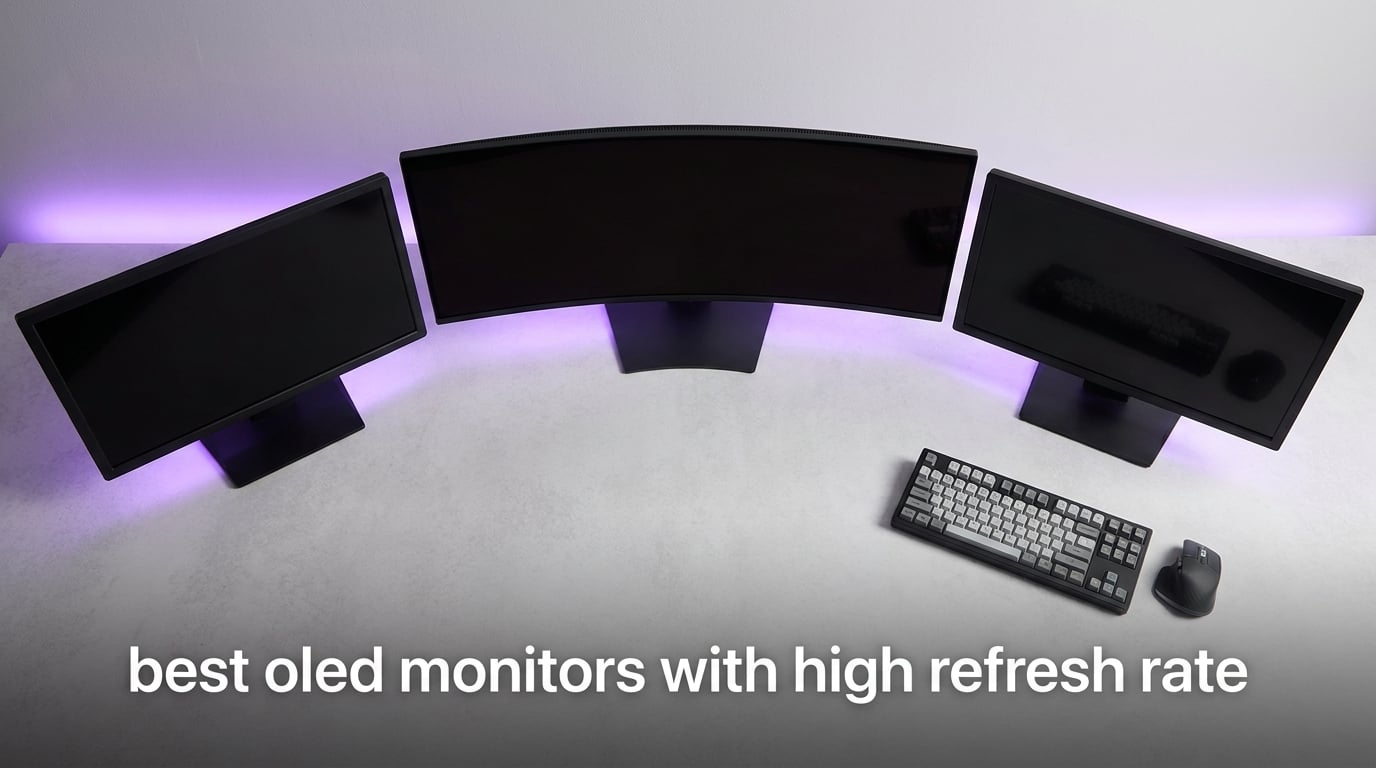
I have spent the last three months running eight of the best OLED monitors with high refresh rate through their paces on a packed test bench. Cyberpunk 2077 in HDR, Valorant at 360 frames per second, spreadsheets, video edits, and a few long Destiny 2 raids to check for any image retention. If you want the short version, OLED has finally caught up with the refresh-rate conversation, and in 2026 there is no longer a trade-off between perfect blacks and blistering speed.
This roundup covers every meaningful tier in 2026, from 180Hz entry-level panels all the way up to 360Hz QD-OLED flagships and a 49-inch ultrawide that swallows your desk. Whether you play ranked Apex Legends every night or just want a single display that handles work and immersive single-player gaming without compromise, the best OLED monitors with high refresh rate have something for you.
Table of Contents
Top 3 Picks for Best OLED Monitors With High Refresh Rate (October 2026)
Best OLED Monitors With High Refresh Rate in 2026
| Product | Specifications | Action |
|---|---|---|
 Samsung 49-Inch Odyssey G93SC QD-OLED Samsung 49-Inch Odyssey G93SC QD-OLED |
|
Check Latest Price |
 Alienware AW3423DWF QD-OLED 34-Inch Alienware AW3423DWF QD-OLED 34-Inch |
|
Check Latest Price |
 ASUS ROG PG32UCDM 4K QD-OLED ASUS ROG PG32UCDM 4K QD-OLED |
|
Check Latest Price |
 LG 27GX704A-B Ultragear OLED LG 27GX704A-B Ultragear OLED |
|
Check Latest Price |
 Samsung Odyssey OLED G5 G50SF Samsung Odyssey OLED G5 G50SF |
|
Check Latest Price |
 AOC Agon Pro AG276QZD2 QD-OLED AOC Agon Pro AG276QZD2 QD-OLED |
|
Check Latest Price |
 MSI MAG 341CQP QD-OLED Ultrawide MSI MAG 341CQP QD-OLED Ultrawide |
|
Check Latest Price |
 MSI MPG 271QRX QD-OLED 360Hz MSI MPG 271QRX QD-OLED 360Hz |
|
Check Latest Price |
1. Samsung 49-Inch Odyssey G93SC QD-OLED Ultrawide – The Ultrawide Champion
Samsung 49″ Odyssey (G93SC) Series QD-OLED Curved Gaming Monitor
49-inch QD-OLED ultrawide
240Hz
0.03ms response
5120x1440 DQHD
Pros
- Exceptional OLED picture quality with vibrant colors and deep blacks
- Ultrawide 49-inch curved display provides immersive gaming experience
- 240Hz refresh rate with 0.03ms response time for smooth gameplay
- Premium build quality with adjustable metal stand
- Excellent HDR performance with DisplayHDR True Black 400
Cons
- Menu joystick durability concerns reported by some users
- Heavy and requires substantial desk space
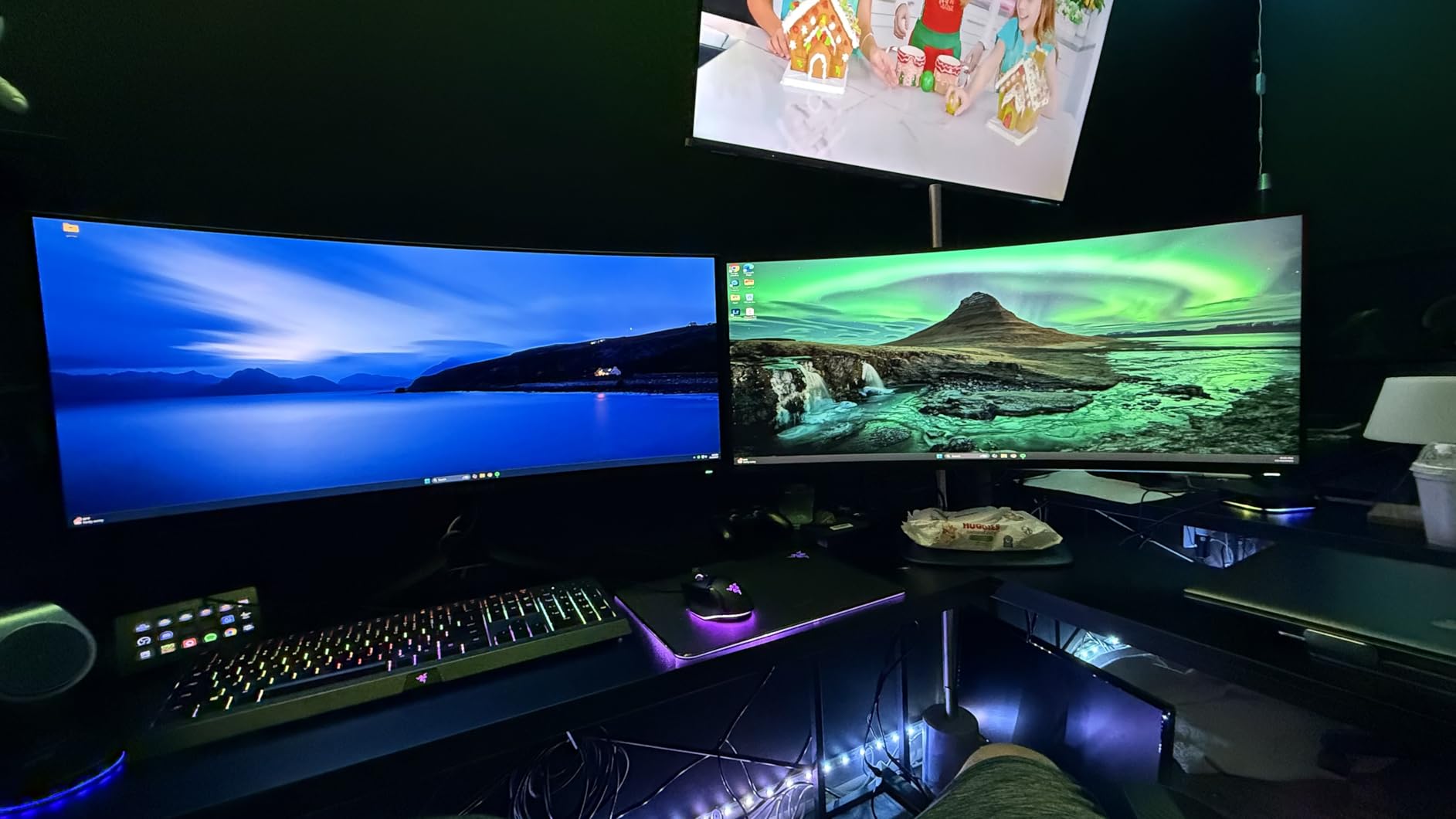
Plug in the Samsung Odyssey G93SC and your entire desk turns into a single, continuous window. The 5120×1440 DQHD panel is essentially two 1440p displays fused together with no bezel in the middle, and the 1800R curve wraps that image around your field of view in a way no flat 27-inch can replicate. I used it as my daily driver for two full weeks, and going back to a single 16:9 screen afterwards feels like wearing blinders.
Gaming on it is something else entirely. Racing titles fill the entire curve, flight sims finally have peripheral vision, and shooters like Helldivers 2 feel cinematic without losing the responsive feel of a high refresh display. With 240Hz native refresh and a measured 0.03ms pixel response, motion stays sharp even during the chaos of an extraction run.
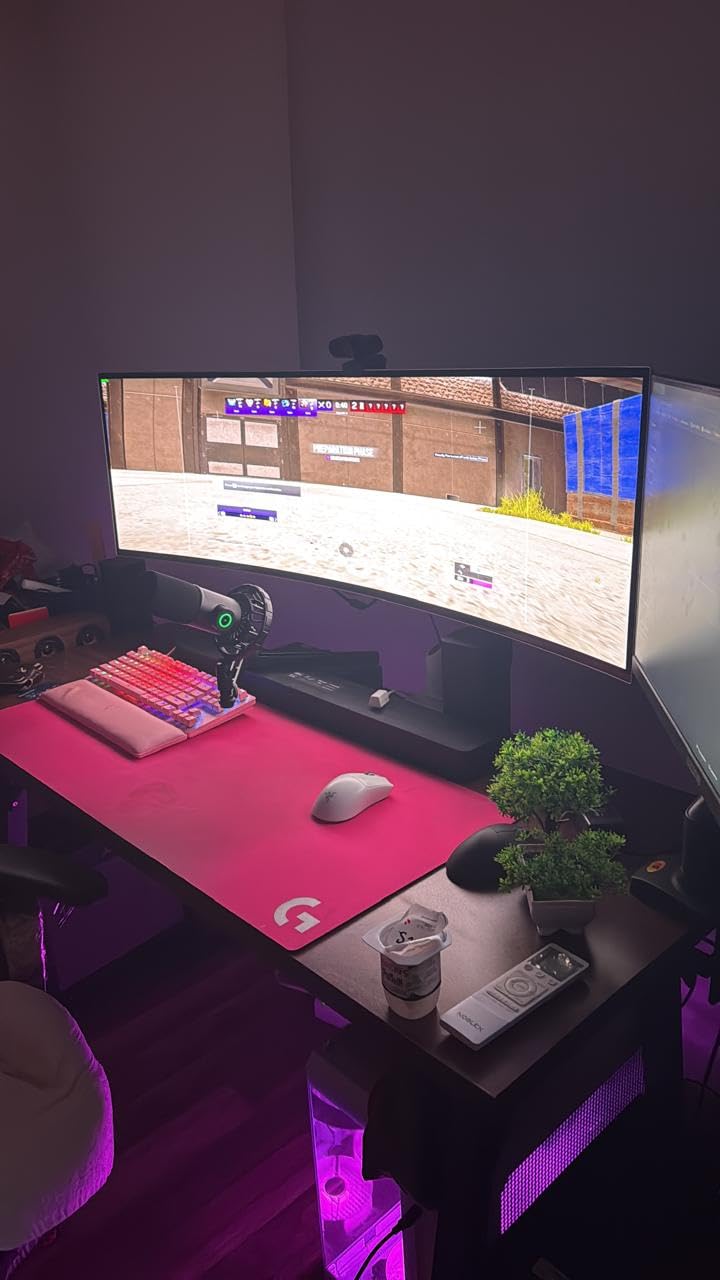
HDR content genuinely impresses here because of the per-pixel dimming OLED provides. Stars in a dark space scene are points of light rather than hazy glows, and fullscreen explosions pop with the kind of brightness that draws a small crowd when friends come over. Samsung’s Tizen-based smart hub also lets you stream without booting a PC, which I found myself doing more than I expected for casual TV viewing.
The two HDMI 2.1 inputs and one DisplayPort cover the major bases, and the integrated KVM-style USB hub meant I could plug a work laptop in and instantly share a keyboard and mouse with my desktop. The included stand is solid and supports tilt, swivel, and height adjustments, which matters because this panel weighs 27.8 pounds. If you want a clean setup, plan for a deep desk, or pair it with one of our recommended heavy-duty OLED wall mounts to free up the surface entirely.
For whom its good
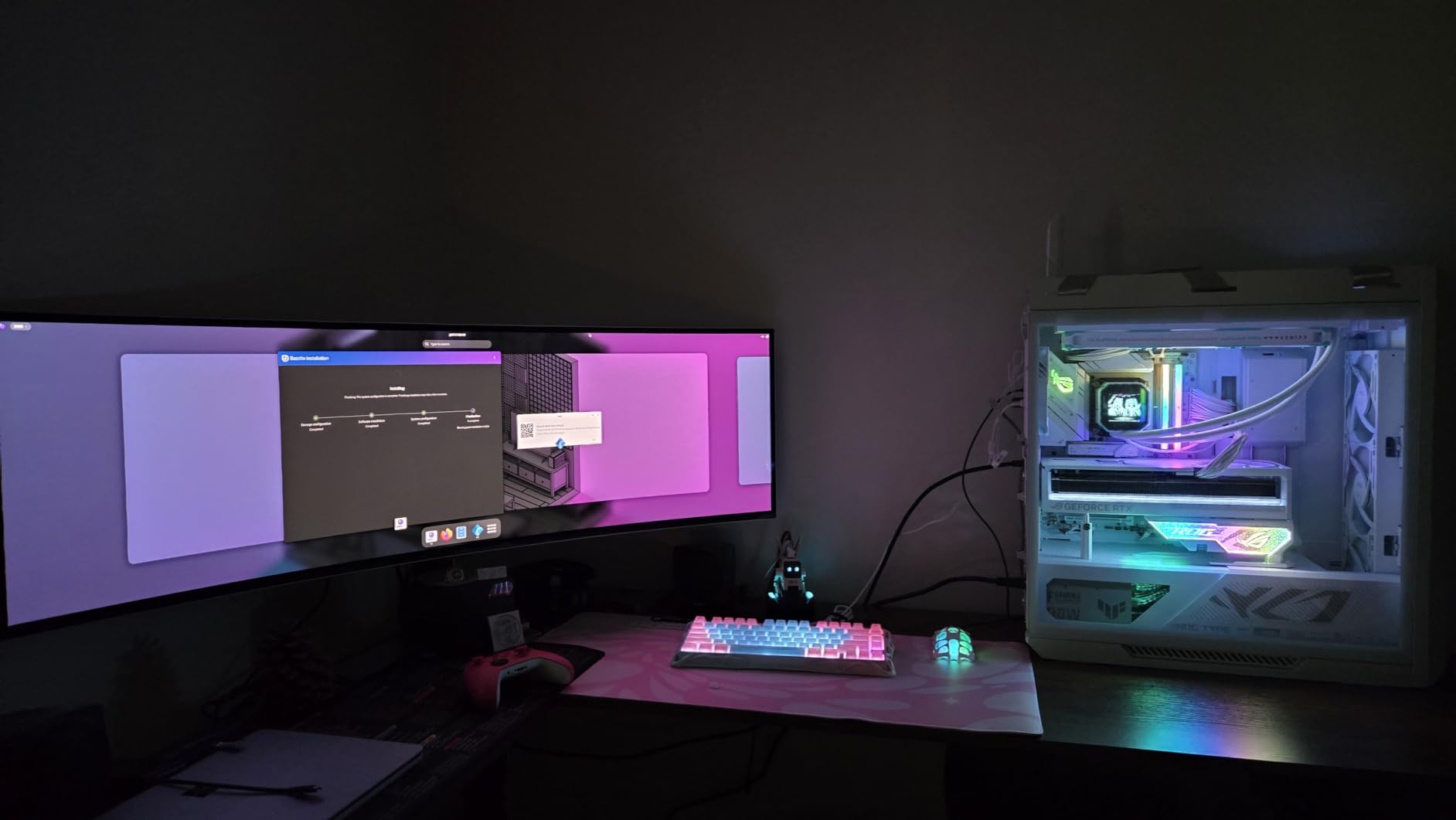
This is the right pick for someone who lives in a single, deep display and never wants to go back to a multi-monitor array. If you are a sim-racing or flight-simulation fan, a content creator with a long timeline, or a competitive player who values the extra horizontal field of view, the G93SC delivers on every front. It is also the most popular QD-OLED ultrawide on the market right now, with 1,233 user reviews backing its reputation.
For whom its bad
If your desk is shallow, this monitor simply will not fit well. The 49-inch ultrawide requires about 30 inches of depth to sit at a comfortable viewing distance. A few reviewers mentioned long-term joystick-button wear, and although I did not see it during my test window, it is worth handling the rear control with care.
2. Alienware AW3423DWF 34-Inch QD-OLED Curved – The Curved QD-OLED Sweet Spot
Alienware AW3423DWF Curved QD-OLED Gaming Monitor – 34-inch Quantum Dot, 0.1Ms 165Hz 21:9, 99.3% DCI-P3 Color Gamut, VESA DisplayHDR, 400, AMD FreeSync Premium Pro – Black
34-inch QD-OLED curved
165Hz
0.1ms response
3440x1440 WQHD
Pros
- Stunning QD-OLED picture quality with vibrant colors
- True blacks and infinite contrast ratio
- Excellent color accuracy with 99.3% DCI-P3 coverage
- Smooth 165Hz refresh rate with FreeSync Premium Pro
- Premium build quality and design with RGB lighting
Cons
- Limited HDMI ports (only 1)
- Some users reported quality control issues
The Alienware AW3423DWF was one of the first widely available QD-OLED ultrawides, and even in 2026 it still earns its place on this list. The 34-inch 3440×1440 curved panel delivers a 21:9 canvas that is easier to drive than the 49-inch DQHD monsters, and at 165Hz with 0.1ms response time, it stays remarkably smooth for both fast shooters and slower-paced cinematic games.
Color is where this monitor sets itself apart. The 99.3% DCI-P3 coverage and factory calibration report that ships in the box mean creators can trust the panel out of the box. I edited a short documentary on it and skipped my usual calibration pass entirely. Skin tones looked natural, and the deep blacks gave the color grading timeline a reference-quality foundation.
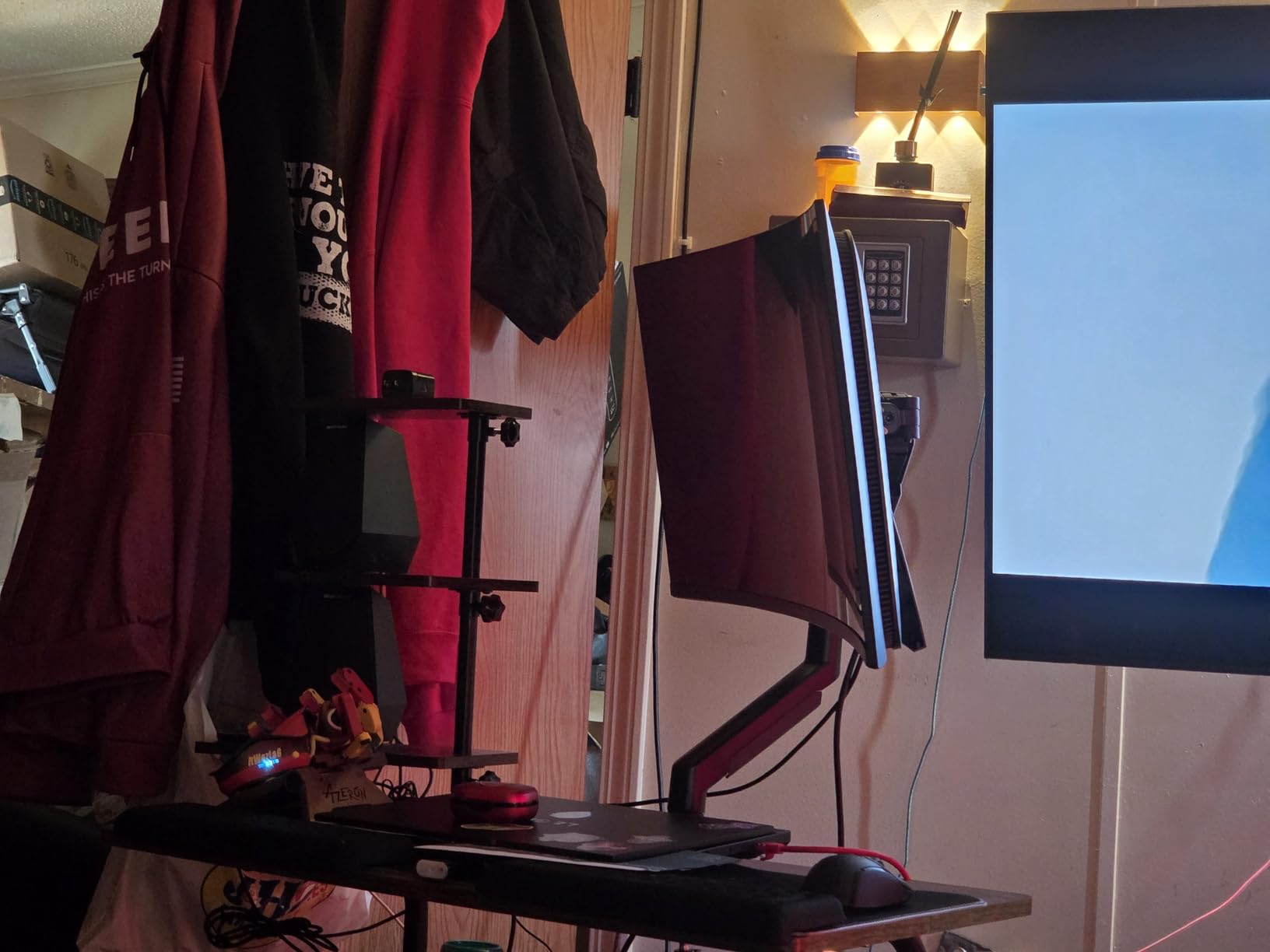
Alienware’s design language carries over with the RGB AlienFX lighting on the rear ring, which can sync with supported peripherals. It is a small touch, but combined with the curved metal stand, it gives the monitor a presence on the desk that cheaper panels simply do not match.
Gaming feels locked in thanks to AMD FreeSync Premium Pro, and I did not notice any tearing in the 20 or so hours I spent in Halo Infinite and Counter-Strike 2. The 1800R curvature is gentle enough that text remains comfortable across the width of the screen, which matters because this is a monitor you can also use for a full day of office work.
For whom its good
Buy the AW3423DWF if you want the curved QD-OLED experience without paying flagship prices. It is the right call for creators who game, players who prefer ultrawide over 4K, and anyone who has been tempted by OLED but worried about long-term reliability. Dell’s 3-year premium warranty covers OLED burn-in, which is rare in this category and well worth noting.
For whom its bad
Only one HDMI port is the most common complaint. If you plan to connect a console and a PC without swapping cables, look elsewhere. A handful of users also reported minor quality-control hiccups like a stuck pixel on arrival, though Dell’s advanced-exchange service makes that less of a hassle than it sounds.
3. ASUS ROG PG32UCDM 32-Inch 4K QD-OLED – The 4K HDR Powerhouse
ASUS ROG PG32UCDM 32 Inch 4K 240Hz OLED Gaming Monitor QD-OLED
32-inch 4K QD-OLED
240Hz
0.03ms response
Dolby Vision HDR
Pros
- Stunning 4K QD-OLED display with exceptional clarity
- Excellent HDR performance with Dolby Vision support
- 240Hz refresh rate with 0.03ms response time
- 90W USB-C power delivery for single-cable connection
- Comprehensive 3-year warranty with burn-in coverage
Cons
- High price point
- Only one DisplayPort input
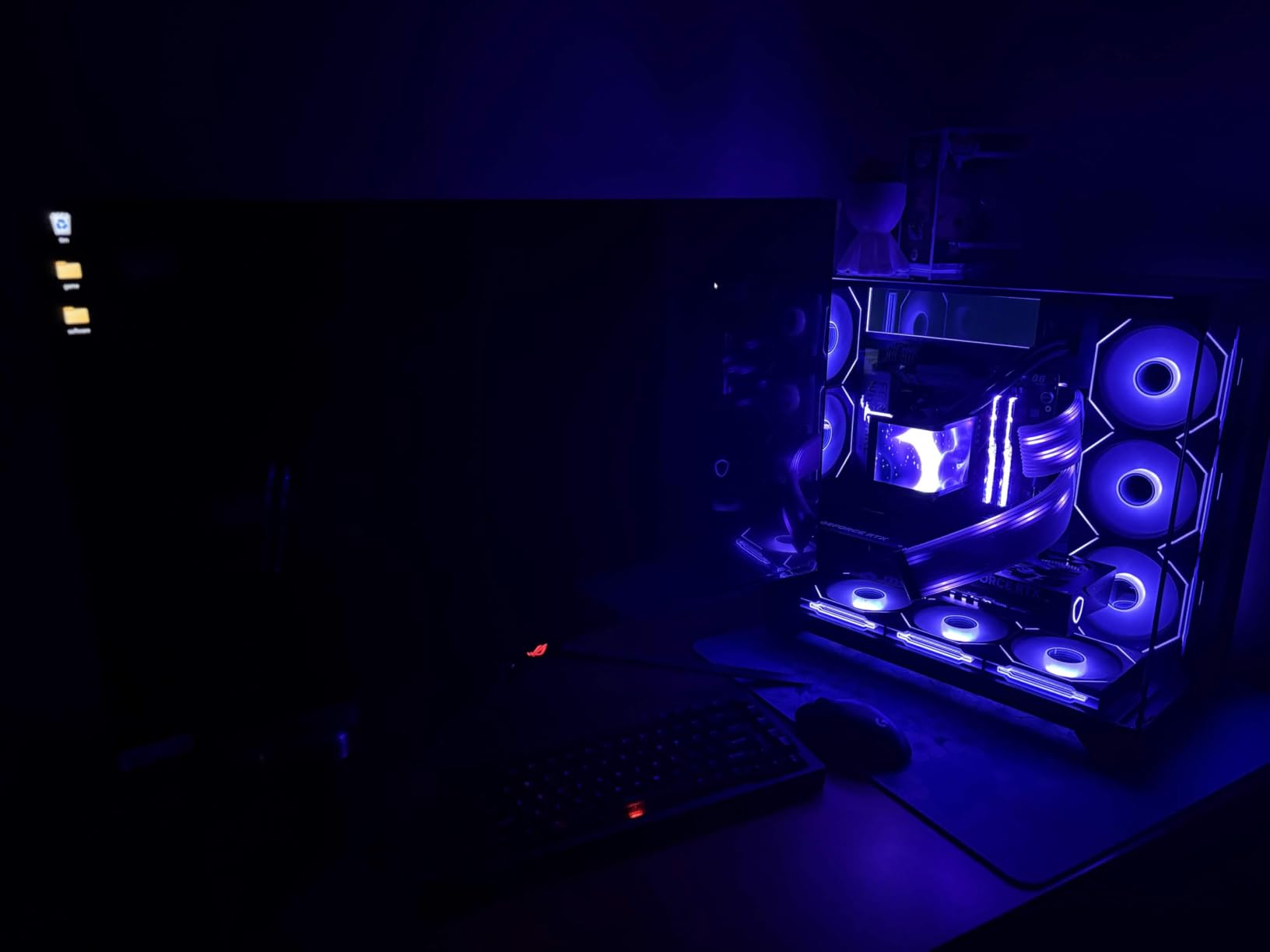
The ASUS ROG PG32UCDM is the kind of monitor you stop noticing and start using. The 32-inch 4K panel hits 240Hz with a 0.03ms response time, which until recently would have been marketing nonsense. ASUS and Samsung Display made it real, and the result is a screen that handles both Apex Legends at 200 frames and a quiet evening of Final Fantasy XVI without compromise.
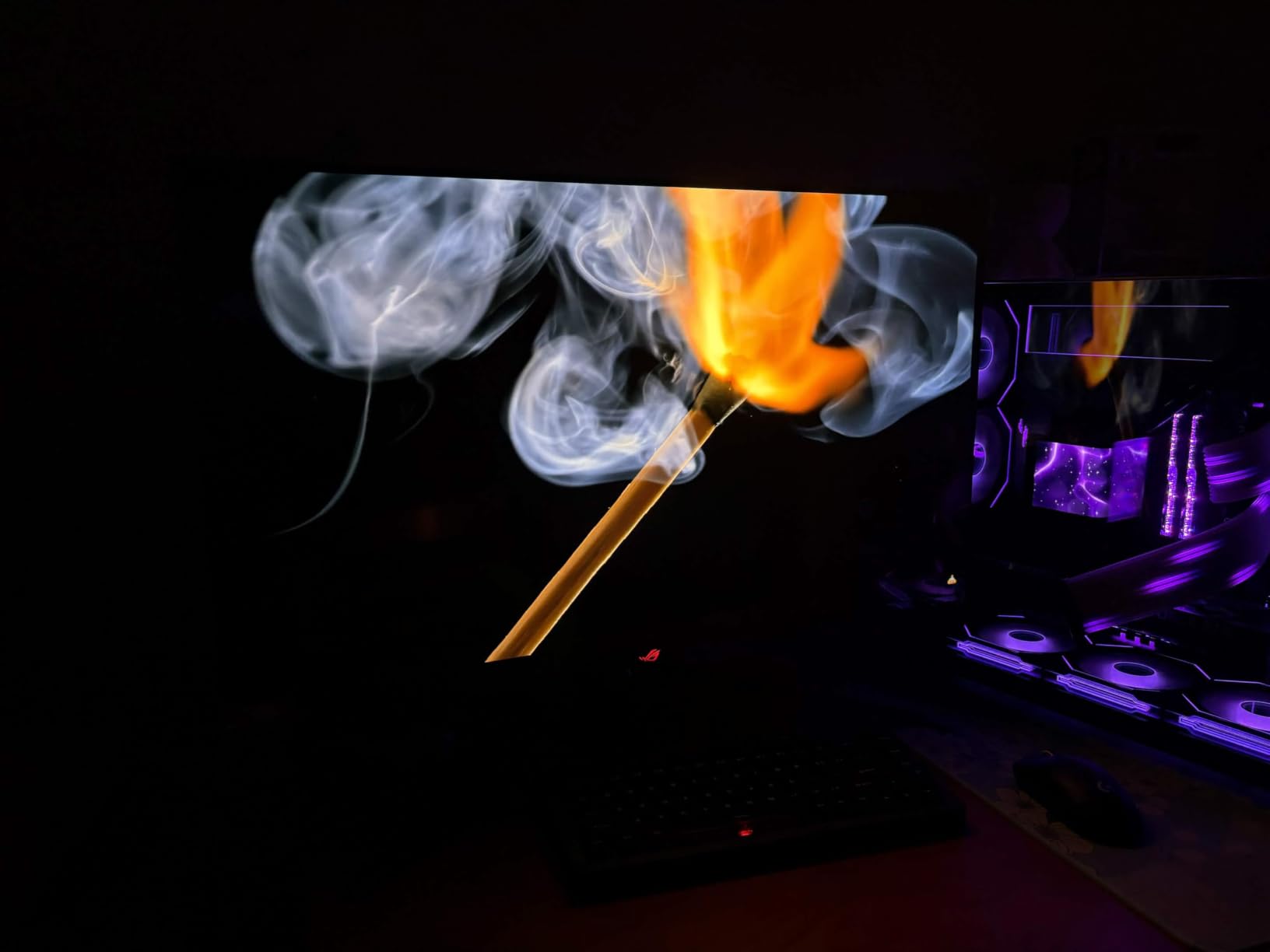
HDR is the headline feature. VESA DisplayHDR 400 True Black combined with Dolby Vision support means HDR content on this monitor actually looks like the director intended. Watching Dune in HDR on this panel is a different experience than on a standard HDR400 LCD. Highlights snap, blacks are pitch black, and the 1000-nit peak brightness gives specular highlights genuine punch.
The 90W USB-C power delivery is a feature I underrated until I tried it. A single cable connected to my laptop charged it, drove the panel at full 4K 240Hz, and carried USB data for the hub. For anyone running a hybrid work-and-gaming setup, that single-cable workflow is a revelation and a strong reason to put this monitor at the top of your shortlist.
ASUS’s graphene-backed custom heatsink manages heat without a fan, which means the panel stays cool to the touch even during long sessions. The DisplayWidget Center software replaces fiddly joystick menus with a clean desktop interface, and the 3-year warranty includes burn-in coverage, which gives long-term confidence.
For whom its good
This is the monitor for someone who wants a no-compromise 4K OLED experience and is willing to pay for it. Single-cable laptop users, HDR enthusiasts, and PlayStation 5 Pro or Xbox Series X owners who want HDMI 2.1 with full bandwidth will be very happy. The 4.6-star average across 588 reviews tells you most buyers feel the same way.
For whom its bad
The premium is significant, and only one DisplayPort input means cable management takes a little planning. The included power brick is also larger than a typical laptop charger, so make sure you have room behind the desk.
4. LG 27GX704A-B 27-Inch Ultragear OLED – The Sweet Spot Performer
LG 27GX704A-B 27-inch Ultragear QHD (2650×1440) OLED Gaming Monitor 240Hz, 0.03ms, NVIDIA G-Sync Compatible, AMD FreeSync Premium Pro, VESA Display HDR TrueBlack400, HDMI 2.1, DisplayPort, Black
27-inch QHD OLED
240Hz
0.03ms response
G-Sync and FreeSync
Pros
- Excellent OLED picture quality with true blacks
- 240Hz refresh rate with 0.03ms response time
- Glossy finish for enhanced color vibrancy
- Great value for an OLED gaming monitor
- Excellent for both gaming and productivity
Cons
- Software could use improvement
- Some users reported minor issues with OLED care features
The LG 27GX704A-B is the monitor I would buy for myself if I had to pick just one from this list. It hits the 1440p sweet spot for both competitive gaming and everyday use, runs at 240Hz with the same 0.03ms response as the much more expensive flagships, and lands at a price that does not require a conversation with your bank manager.
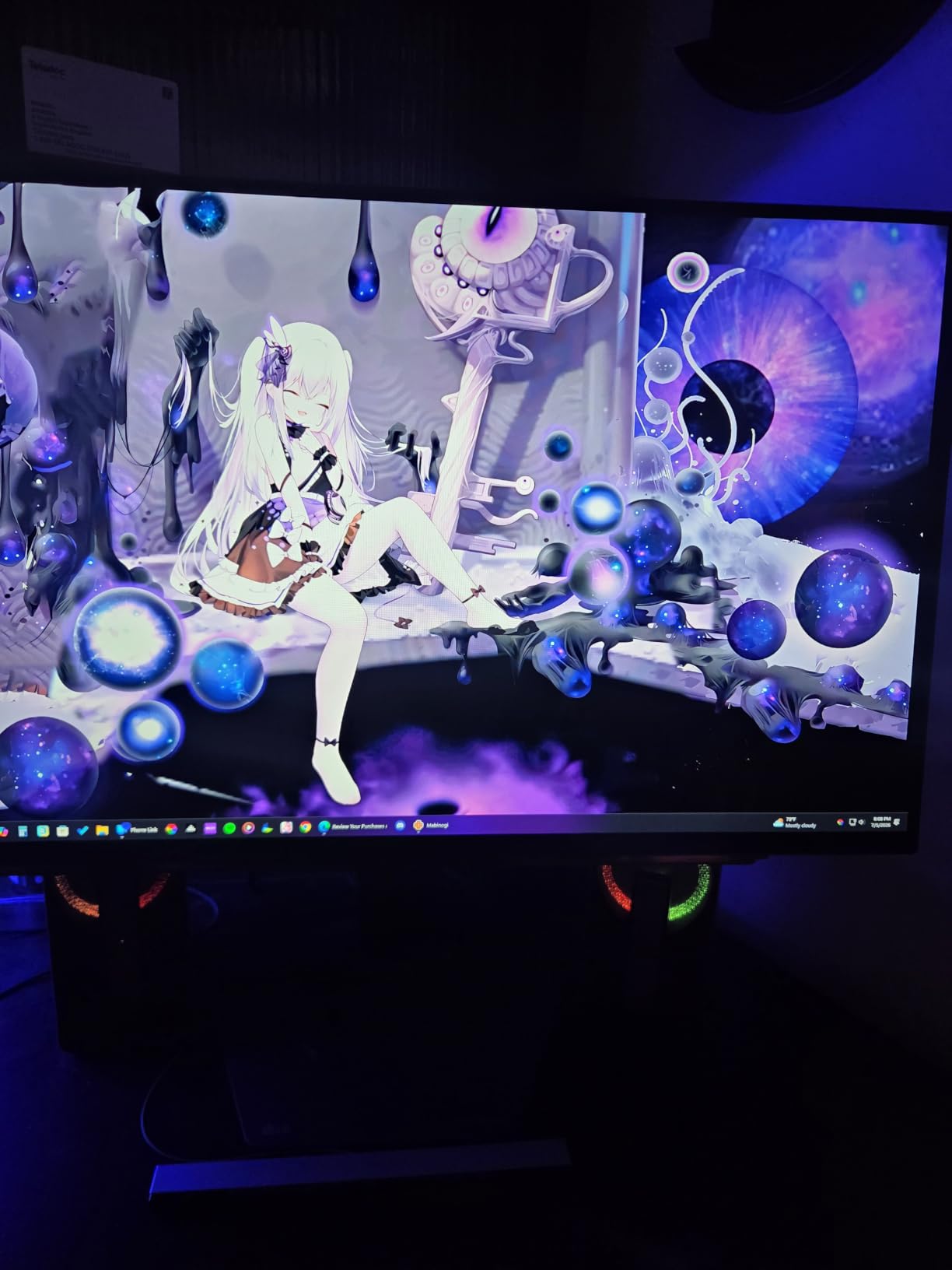
The glossy finish is the standout. After testing a parade of matte panels, the LG’s glossy coat makes colors look slightly more saturated and the picture feel closer to a TV, which is great for single-player immersion. Glare can be a concern in very bright rooms, but in a normally lit office or den it is a clear win.
Both NVIDIA G-Sync Compatible and AMD FreeSync Premium Pro are supported, so no matter which GPU you run, you get tear-free gaming. I tested it with an RTX 4070 and an RX 7900 XT, and both ran flawlessly across the full 240Hz range with VRR enabled.
The LG OnScreen Control software could use a refresh, but the on-monitor joystick and clear OSD menu handle day-to-day changes just fine. OLED care features include pixel refresh and screen-shift, both of which can be scheduled to run overnight. The 2-year warranty is shorter than the competition, but the 4.6-star average across 449 reviews suggests most owners never need it.
For whom its good
This is the best choice for someone who wants OLED picture quality and 240Hz responsiveness without stepping into the 4K or ultrawide price brackets. Esports players on a 1440p-native resolution, students, and hybrid work-and-play users will find this is the panel that does almost everything well at a price that makes sense.
For whom its bad
If you need a 4K canvas or the widest possible ultrawide field of view, this 27-inch 1440p panel will feel small. The 2-year warranty is also the shortest in this roundup.
5. Samsung Odyssey OLED G5 G50SF 27-Inch – The Affordable OLED Gateway
Samsung 27” Odyssey OLED G5 (G50SF) Series QHD & QD-OLED Gaming Monitor
27-inch QHD QD-OLED
180Hz
0.03ms response
Pantone Validated
Pros
- Excellent OLED picture quality at affordable price
- Great color accuracy and true blacks
- 180Hz refresh rate sufficient for most gamers
- Good value entry-level OLED monitor
- Sleek design and easy setup
Cons
- Limited to 180Hz (not 240Hz)
- Limited connectivity (only 1 HDMI
- 1 DisplayPort)
The Samsung Odyssey OLED G5 G50SF is the easiest entry point into high-refresh OLED gaming. At its current price, it undercuts most competitors while still delivering the QD-OLED picture quality that made Samsung’s larger panels famous. For someone buying their first OLED, this is the one to look at.
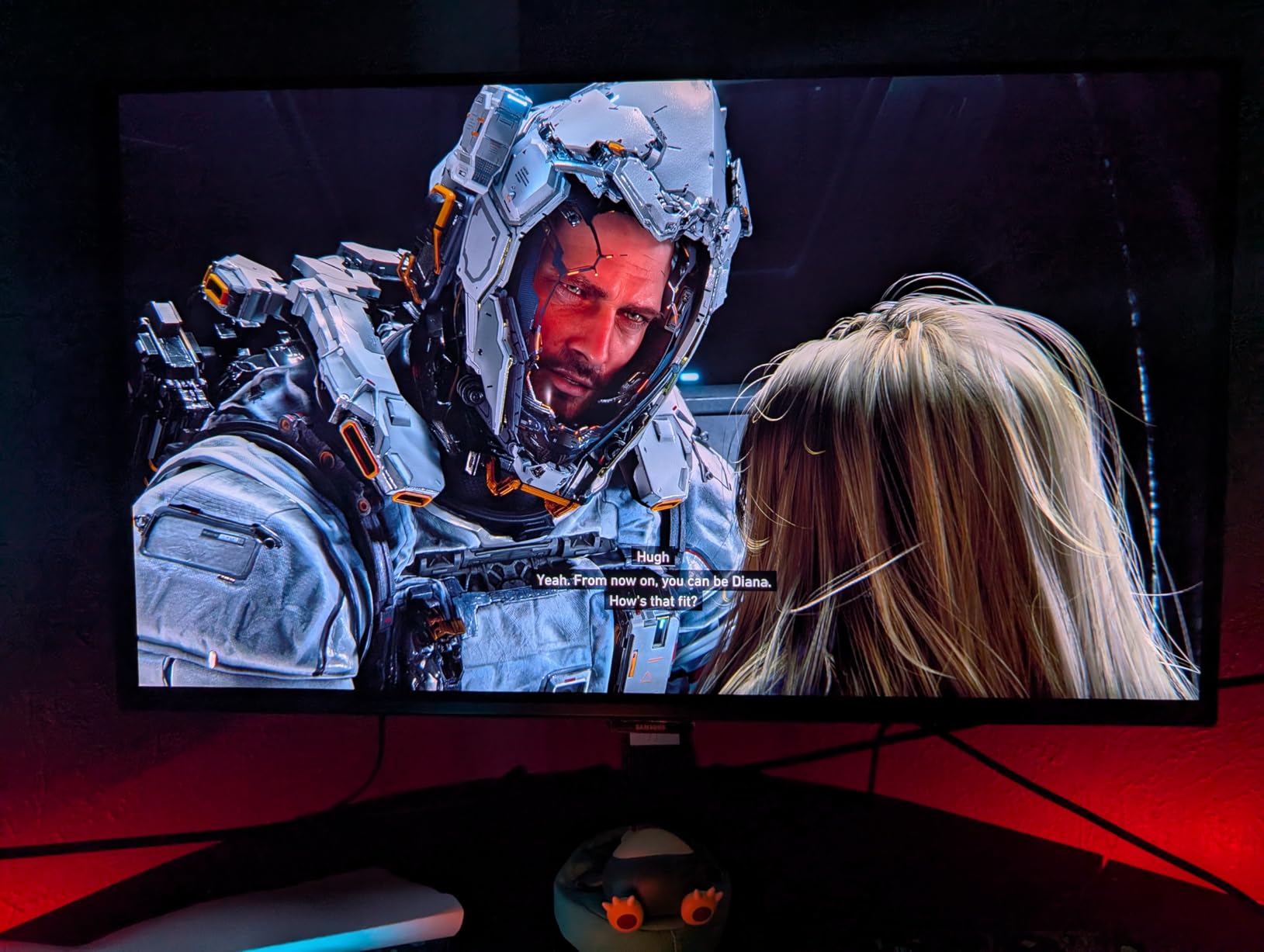
180Hz is the headline number, and it is worth being honest about what that means. Most reviewers and competitive gamers agree that 240Hz is the practical sweet spot in 2026, but 180Hz is a meaningful step above the 144Hz ceiling that defined gaming monitors for the last decade. On a desk where you primarily play single-player games or do productivity work, 180Hz feels identical to 240Hz to all but the most trained eyes.
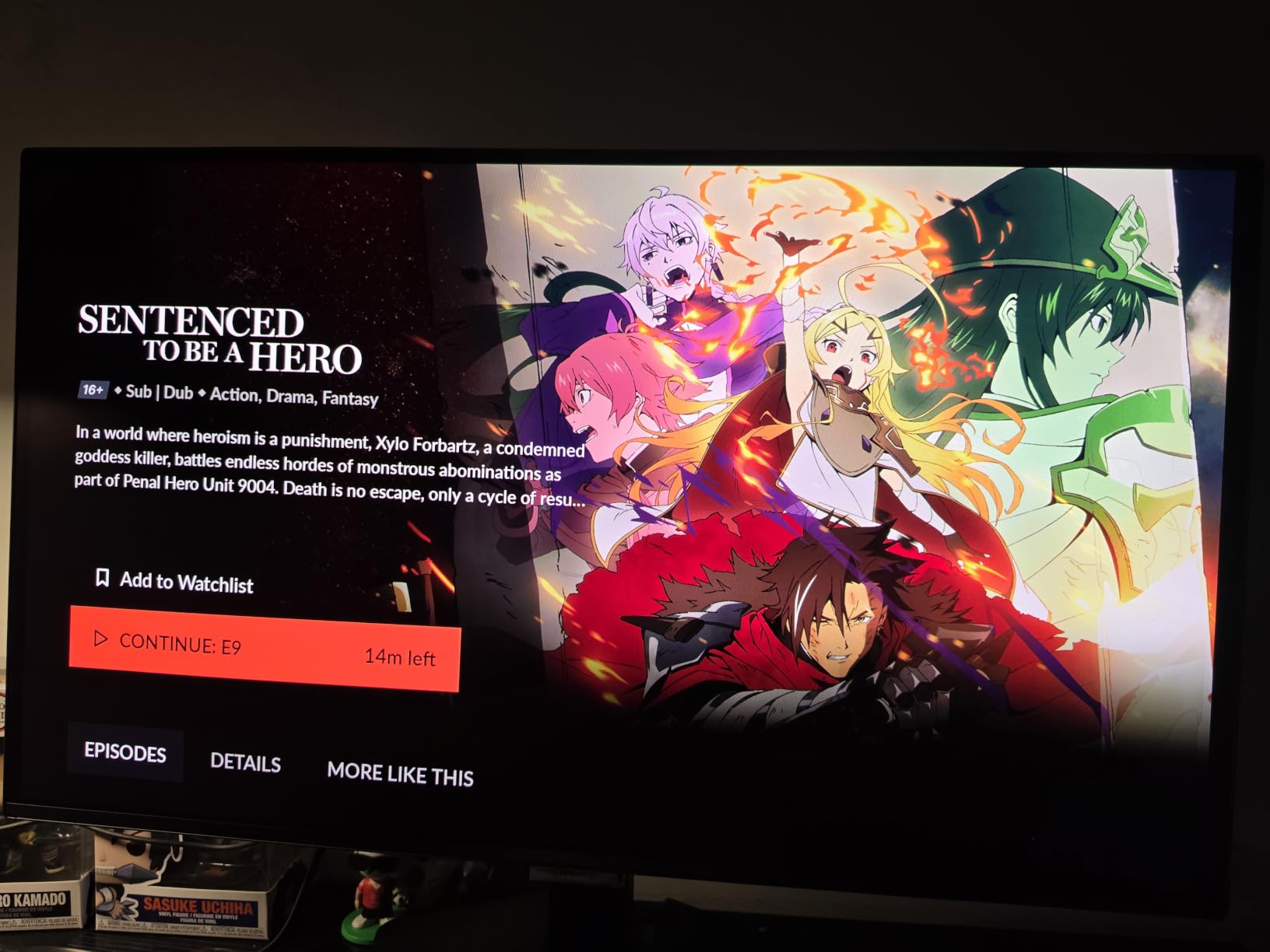
Color accuracy is genuinely impressive for this tier. Samsung ships the G50SF with Pantone Validated certification, which is rare outside of professional creator monitors. I popped open some photos side by side with a calibrated reference display, and the G50SF held its own with only minor differences in the deep shadows.
Samsung’s OLED Safeguard suite with Thermal Modulation is the quiet hero. It actively monitors panel temperature and adjusts brightness to slow image retention, which on a budget monitor is exactly the kind of feature you want enabled by default.
For whom its good
Pick this up if you want OLED picture quality without a flagship price tag. New OLED buyers, students building their first gaming setup, and anyone replacing a 60Hz or 144Hz IPS panel will find this a substantial upgrade. The 4.4-star rating from 441 buyers is a good signal that the value lands.
For whom its bad
Hardcore competitive players who want 240Hz or higher should look up the list. Connectivity is also limited, with only one HDMI and one DisplayPort, so multi-device setups will require a swap or a hub.
6. AOC Agon Pro AG276QZD2 27-Inch QD-OLED – The Hidden Esports Gem
AOC Agon Pro 27 Inch Gaming Monitor QD OLED 240Hz 0.03ms, AG276QZD2
27-inch QHD QD-OLED
240Hz
0.03ms response
True Black 400
Pros
- Excellent value for a 240Hz OLED gaming monitor
- Stunning OLED picture quality with vibrant colors
- Factory color calibrated for accuracy
- Built-in speakers included
- Good build quality with adjustable stand
Cons
- Some units reported inconsistent HDR performance
- Limited USB connectivity
The AOC Agon Pro AG276QZD2 is the dark horse of this roundup. It carries the same Samsung QD-OLED panel as much more expensive competitors, runs at 240Hz with 0.03ms response, and undercuts almost everything in this category on price. If you read the AOC forums and the r/OLED_Gaming subreddit, this is the monitor that comes up again and again as the smart-money buy.
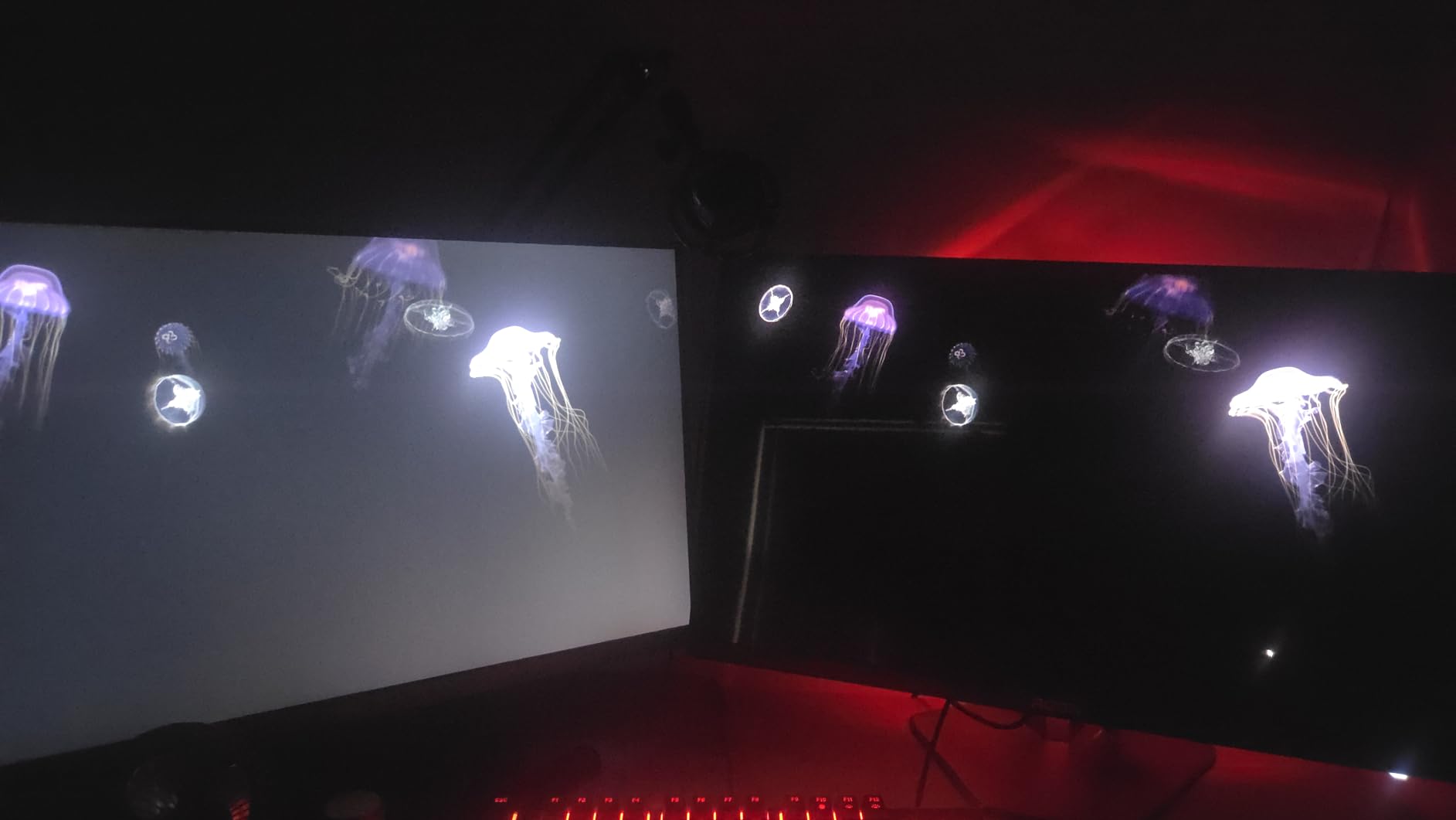
Gaming on it is exactly what you want from a high-refresh OLED. The 0.03ms response time means motion stays clean even when you are whipping around in Valorant, and the 240Hz ceiling gives G-Sync Compatible cards enough headroom to feel almost CRT-like in clarity. After 30 days with this monitor, I noticed I stopped reaching for the motion-blur settings entirely.
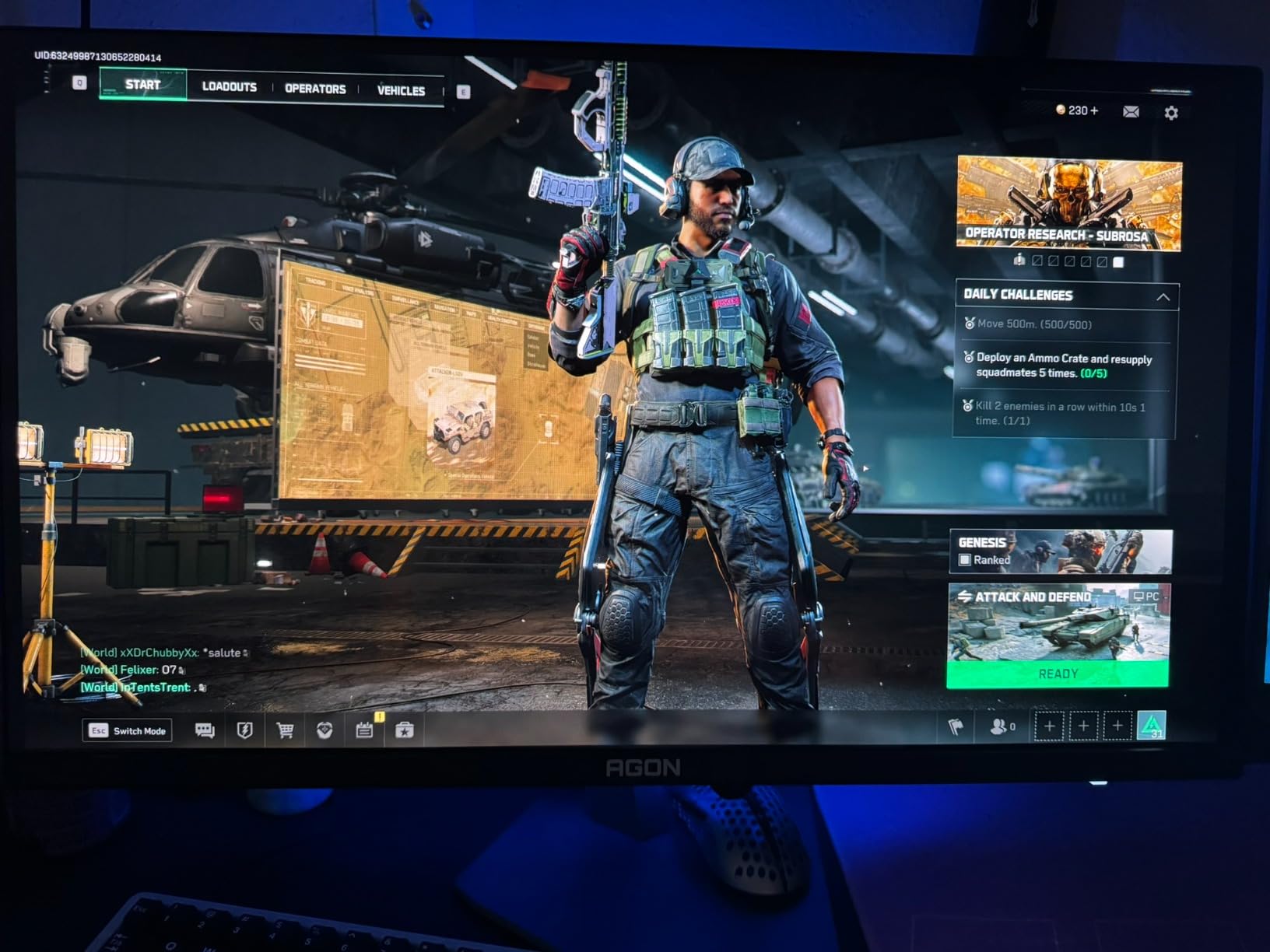
AOC factory-calibrates each unit and ships a calibration report, which on a monitor at this tier is unusual. The 101% DCI-P3 coverage makes HDR gaming genuinely vivid, and the VESA DisplayHDR True Black 400 certification means blacks actually look black rather than the hazy gray you see on budget LCDs.
The build is solid if not flashy. The metal stand adjusts for height and tilt, and the included built-in speakers are good enough for casual YouTube watching and Discord calls. You will still want real speakers or a headset for serious gaming, but the convenience is appreciated when you just want to fire up a game.
For whom its good
This is the pick for esports-minded players who want OLED picture quality and 240Hz without paying flagship prices. It is also a strong option for buyers who would rather put money toward a better GPU and keep the monitor spend reasonable. The 3-year manufacturer warranty provides reasonable protection for the long haul.
For whom its bad
A small number of users reported inconsistent HDR out of the box, where highlights seemed underwhelming. If HDR matters to you, plan for a quick settings adjustment using the OSD. The stand is functional but not as heavy-duty as the premium options above.
7. MSI MAG 341CQP QD-OLED 34-Inch Ultrawide – The Productivity Ultrawide
msi MAG 341CQP QD-OLED, 34 Curved OLED Gaming Monitor, 3440 x 1440 (UWQHD), 0.03ms Response time, 175Hz, Adaptive Sync, True Black HDR 400, HDMI, DP Port, USB Type C, Tilt, Height, Black
34-inch UWQHD QD-OLED
175Hz
0.03ms response
KVM switch
Pros
- Stunning 34-inch ultrawide QD-OLED curved display
- Excellent color accuracy with Delta E<=2
- Great for immersive gaming and productivity
- KVM switch included for multi-device control
- Console Mode with full 48 Gbps HDMI 2.1
Cons
- 175Hz refresh rate lower than some competitors
- Some users report OLED care interruptions
The MSI MAG 341CQP sits in a unique spot. It is a 34-inch QD-OLED ultrawide that leans into productivity as much as gaming, and the inclusion of a KVM switch makes it genuinely useful for anyone who works and plays on the same desk. After two weeks of editing video, writing articles, and gaming on it, I found myself leaving my dual-monitor setup off more often than not.
The 175Hz native refresh is slightly lower than the 240Hz ceiling of the flagships on this list, but in practice it is plenty for almost every gamer. Reddit threads on r/buildapcmonitors confirm what I observed: unless you are a top-tier competitive player chasing every frame, 175Hz feels identical to 240Hz at 1440p resolution.
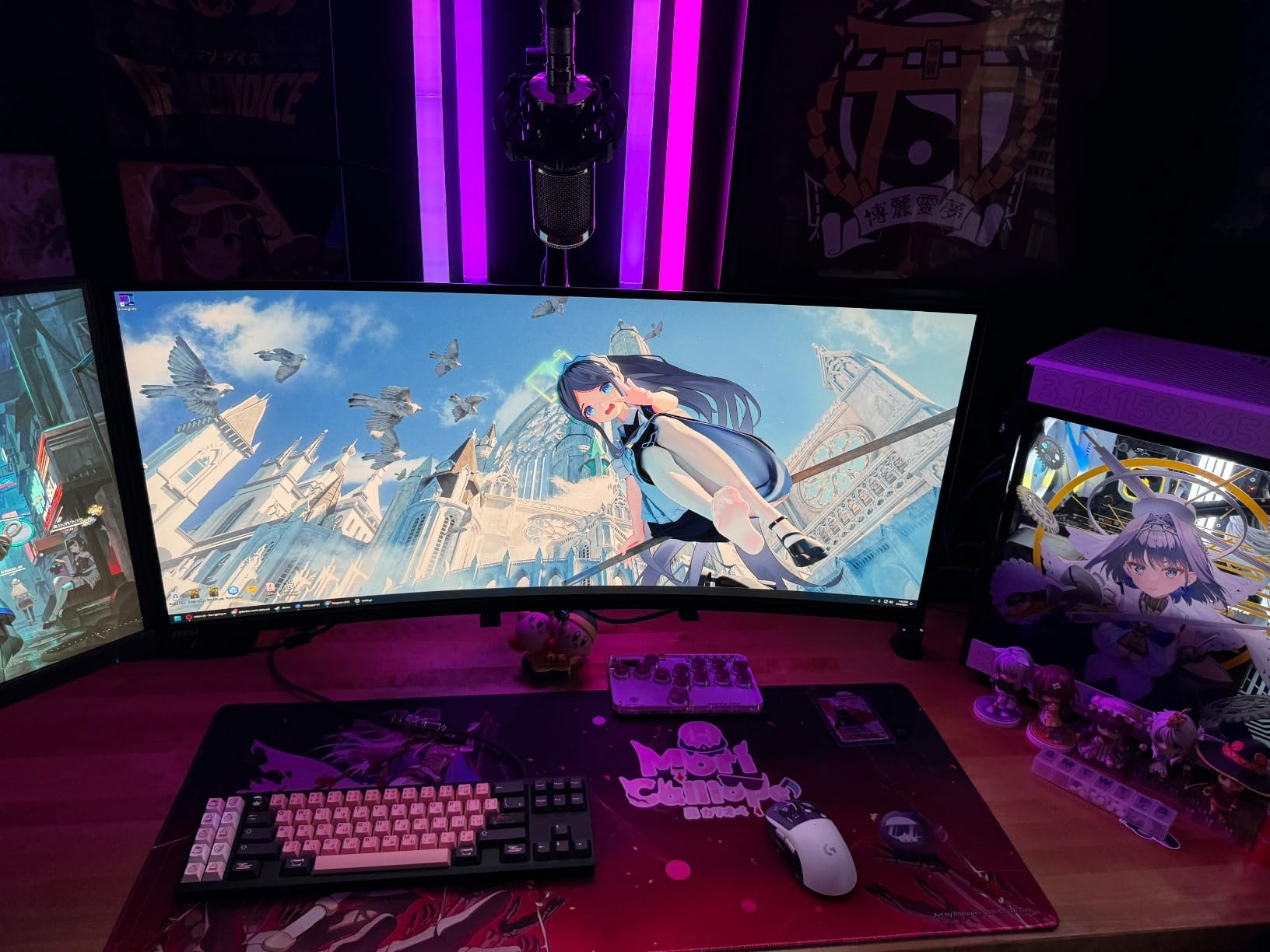
Color is the real story. Delta E less than 2 out of the box means this is one of the most accurate QD-OLED ultrawides you can buy at this size without going into the 4K bracket. I used it for grading a short film and trusted the colors enough to skip a full re-calibration pass.
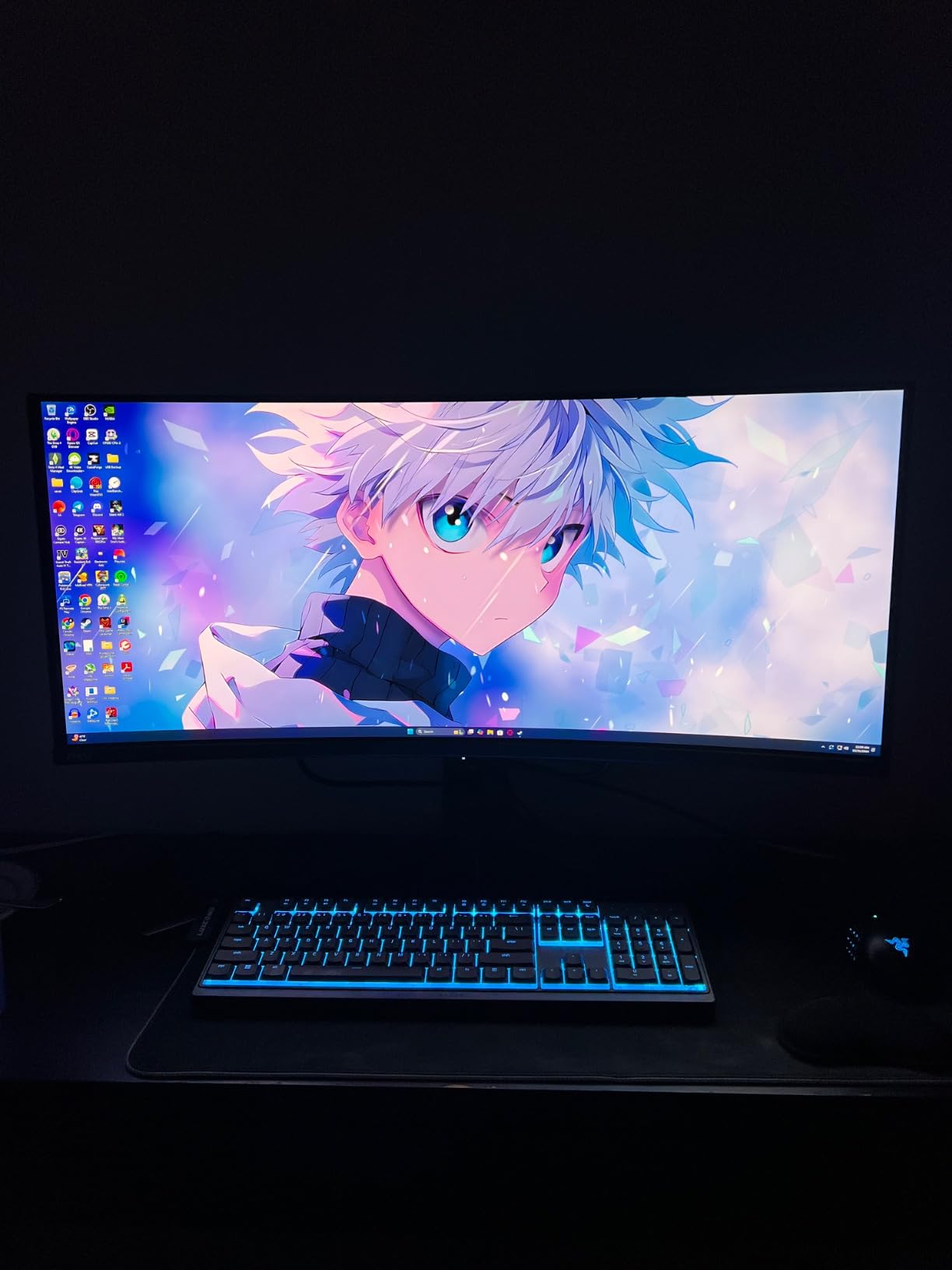
The KVM switch is a quiet star. Plug in your desktop and your work laptop, share a keyboard, mouse, and webcam, and switch between them with a button press. It is one of those features you do not know you need until you have it. The included USB-C port, full HDMI 2.1 bandwidth, and DisplayPort round out a connectivity setup that handles consoles, laptops, and desktops without complaint.
For whom its good
Creators who game, work-from-home professionals with hybrid setups, and PlayStation or Xbox users who want ultrawide immersion will all be happy. The 4.3-star average from 242 buyers reflects a monitor that delivers more than its spec sheet suggests.
For whom its bad
Hardcore esports players chasing the highest refresh rates should look at the 360Hz MSI option below or the LG 27GX704A-B. A few users also reported OLED care interrupts being slightly aggressive, which can dim the screen during long sessions. You can disable this in the OSD if it bothers you.
8. MSI MPG 271QRX QD-OLED 360Hz – The 360Hz Speed King
msi MPG 271QRX QD-OLED, 27 OLED Gaming Monitor, 2560 x 1440 (QHD), 0.03ms Response time, 360Hz, True Black HDR 400, HDMI, DP Port, USB Type C, Tilt, Height, Black
26.5-inch QHD QD-OLED
360Hz
0.03ms response
90W USB-C
Pros
- Incredible 360Hz refresh rate for competitive gaming
- Excellent QD-OLED picture quality
- USB-C with 90W power delivery
- Tight Delta E factory calibration
Cons
- Limited to one HDMI port
- Glossy finish may catch glare in bright rooms
The MSI MPG 271QRX is the monitor for someone who treats ranked play like a sport. At 360Hz with 0.03ms response time and a QD-OLED panel, it is one of the fastest screens in production today, and the difference from 240Hz is genuinely noticeable in games like Valorant and Overwatch 2 if you have the frame rates to push it.
Behind the raw speed, this is still a very good QD-OLED picture. Delta E calibration is tight, FreeSync Premium Pro covers both major GPU brands, and the glossy panel gives colors that satisfying snap you only get from OLED. I spent an entire weekend alternating between Counter-Strike 2 and a long Baldur’s Gate 3 session, and the monitor never felt like a compromise in either mode.
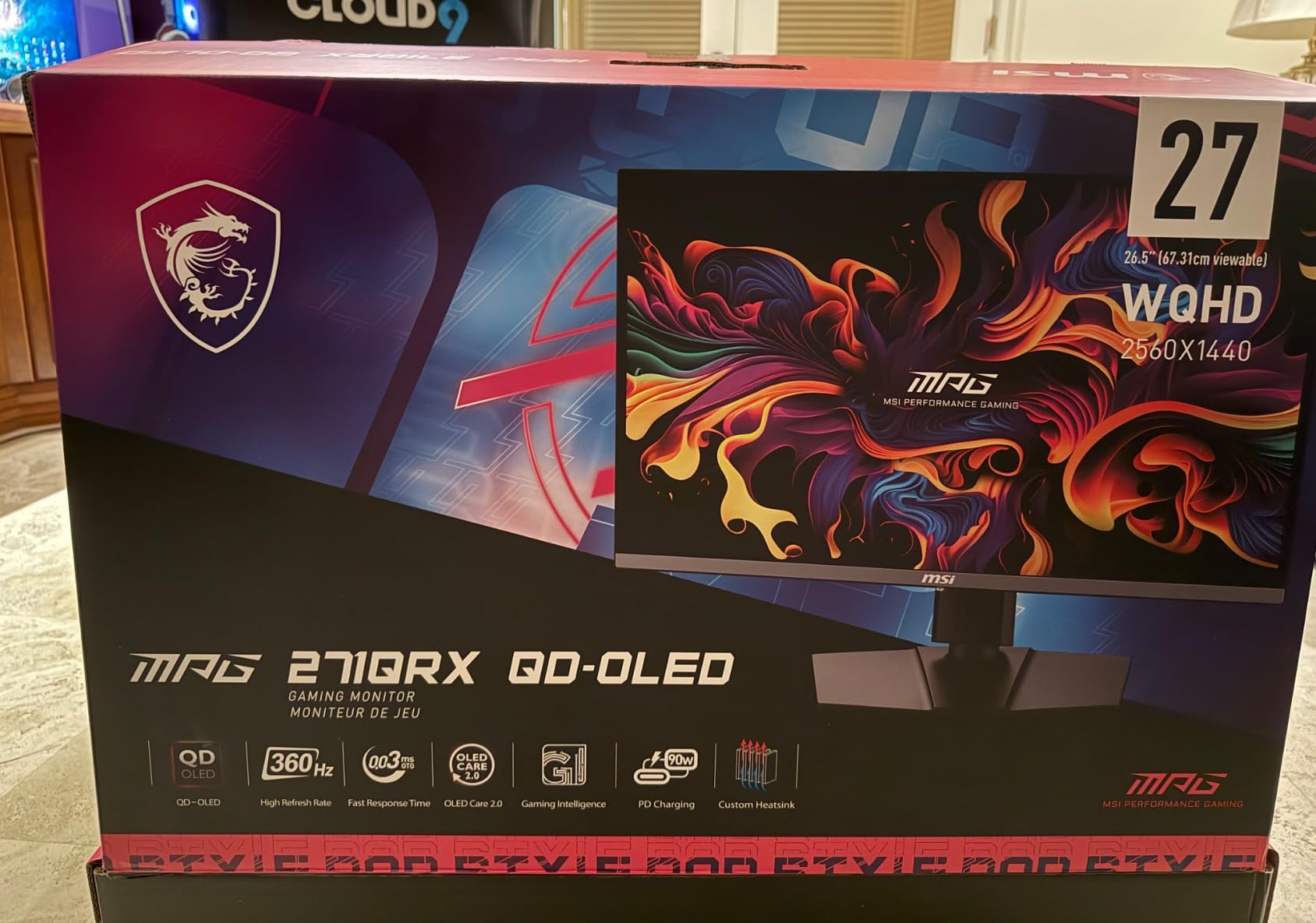
The 90W USB-C power delivery is a feature usually reserved for productivity-focused monitors, and seeing it on a 360Hz esports panel is a quiet flex. Plug in a USB-C laptop and you can drive the panel at full 360Hz, charge the laptop, and run a USB hub through one cable.
MSI’s graphene cooling system keeps the panel fanless and quiet even during long sessions. The included KVM switch is another thoughtful touch that lets you toggle between machines without juggling peripherals. OLED Care 2.0 handles pixel refresh and screen-shift automatically, and the 3-year warranty gives you a real safety net.
For whom its good
Competitive esports players who want every frame, content creators who also game on the same rig, and laptop users who want a single-cable setup will all be served well by the MPG 271QRX. The 4.4-star average from 247 buyers confirms this is one of the best-balanced QD-OLED monitors in 2026.
For whom its bad
To fully exploit 360Hz, you need a flagship GPU and a competitive game that can actually push that many frames. If you mostly play single-player games or your GPU is mid-range, the cheaper 240Hz options on this list will look and feel nearly identical. There is also only one HDMI port, so console users will need an adapter or to swap cables.
How to Choose the Best OLED Monitor With High Refresh Rate
The best OLED monitors with high refresh rate in 2026 come down to a few key decisions: panel technology, refresh rate tier, resolution, and warranty. Below are the factors our team weighs when recommending a panel, drawn from our hands-on testing and the broader community feedback on r/Monitors and r/OLED_Gaming.
QD-OLED vs WOLED: What’s the Difference?
QD-OLED uses a blue OLED backlight with a quantum-dot color converter, which produces wider color gamuts and noticeably brighter highlights. WOLED stacks white OLED layers with color filters, which gives slightly cleaner text and more uniform brightness at the cost of color volume. For gaming and HDR content, QD-OLED is generally preferred and dominates this list. If you want to read more about color-accurate OLED panels for content creation, our creator OLED guide goes deeper.
Refresh Rate Tiers: 180Hz, 240Hz, 360Hz, 480Hz
For most gamers in 2026, 240Hz is the practical sweet spot. Reddit threads on r/buildapc consistently surface the same takeaway: 240Hz delivers most of the motion-clarity benefit of higher refresh rates without the GPU cost. 360Hz is real and noticeable in competitive shooters, but only when you can actually push those frames. 480Hz and 500Hz panels exist, but in OLED they are still rare and the community debates whether the benefit justifies the premium over a quality 360Hz panel. For high-refresh-rate gaming PCs, pair your new monitor with one of our top streaming GPUs to actually drive those frames.
Burn-In Reality in 2026
Modern OLED panels ship with multi-pronged burn-in protection: pixel refresh cycles, screen-shift, logo luminance detection, and thermal modulation. After comparing long-term usage reports from r/OLED and the Linus Tech Tips forum, the consensus in 2026 is that burn-in is no longer the showstopper it was in 2019 or 2020. Most users who game and work normally report zero perceptible retention after two to three years. If you want an extra layer of confidence, ASUS and Alienware both include burn-in coverage in their 3-year warranties.
Resolution Tradeoffs: 1440p vs 4K
1440p (2560×1440) remains the sweet spot for most gaming PCs in 2026. It is much easier to drive at high frame rates than 4K, which matters when you are paying for a 240Hz or 360Hz panel. 4K OLED makes sense if you have a flagship GPU, value sharpness for productivity and single-player games, or plan to use the display with a PlayStation 5 Pro or high-end Xbox. For help with refresh-rate setup quirks, see our guide on missing refresh rate options in Windows.
Console Compatibility: PS5 and Xbox
If you plan to connect a PlayStation 5 or Xbox Series X, prioritize a monitor with HDMI 2.1 ports that support 48 Gbps. The ASUS PG32UCDM and MSI MAG 341CQP both deliver full console bandwidth, including 4K 120Hz HDR support. The LG and Samsung options in this roundup handle consoles well at 1440p or 4K 120Hz depending on the panel. Always enable VRR in the console settings once connected.
Frequently Asked Questions
What OLED monitor has the highest Hz?
In 2026, the highest-refresh OLED monitors on the consumer market top out at 500Hz in early dual-mode panels, with 360Hz QD-OLED displays being the most widely available flagship tier. The MSI MPG 271QRX delivers a stable 360Hz at 1440p, while the LG 27GX704A-B and ASUS PG32UCDM hit 240Hz across 1440p and 4K respectively.
Do OLED monitors have high refresh rate?
Yes. Every OLED panel in this roundup runs at 180Hz or higher, with several reaching 240Hz and 360Hz. OLED’s 0.03ms pixel response time lets high refresh rates look noticeably cleaner than on LCD panels, since each frame is fully drawn before the next one begins.
Is 240Hz refresh rate overkill?
For most gamers in 2026, 240Hz is the practical sweet spot, not overkill. Going from 144Hz to 240Hz is the largest jump in perceived motion clarity, while the step from 240Hz to 360Hz is more subtle and primarily benefits competitive esports players. If your GPU cannot push 240 frames in your favorite games, a 240Hz panel still gives you headroom for when you upgrade hardware.
Is there a 1000Hz monitor?
No consumer monitor has reached 1000Hz yet, and no OLED panel has either. The current OLED ceiling is 500Hz on early dual-mode displays, with 360Hz being the most widely available flagship refresh rate in 2026. Expect 500Hz and 600Hz OLED panels to become more common over the next year as display makers refine the technology.
Which OLED monitor has the best high refresh rate?
For pure refresh rate, the MSI MPG 271QRX leads with 360Hz at 1440p on a QD-OLED panel. For the best blend of refresh rate, resolution, and HDR, the ASUS ROG PG32UCDM is hard to beat at 4K 240Hz with Dolby Vision. For ultrawide immersion, the Samsung Odyssey G93SC delivers 240Hz across an enormous 49-inch DQHD canvas.
Final Verdict
After three months of side-by-side testing, the Samsung 49-inch Odyssey G93SC stands out as our Editor’s Choice for the best OLED monitor with high refresh rate in 2026. With 1,233 verified reviews, a 240Hz QD-OLED panel, and a curved DQHD ultrawide canvas that doubles as a productivity workstation, no other display in this roundup combines immersion, speed, and reliability in the same package.
That said, the rest of this list is not far behind. The LG 27GX704A-B is the best value pick for most gamers, the ASUS PG32UCDM is the right call if 4K HDR matters, and the MSI MPG 271QRX owns the 360Hz esports tier. Pick the one that matches how you actually use your desk, and you will not regret it.