
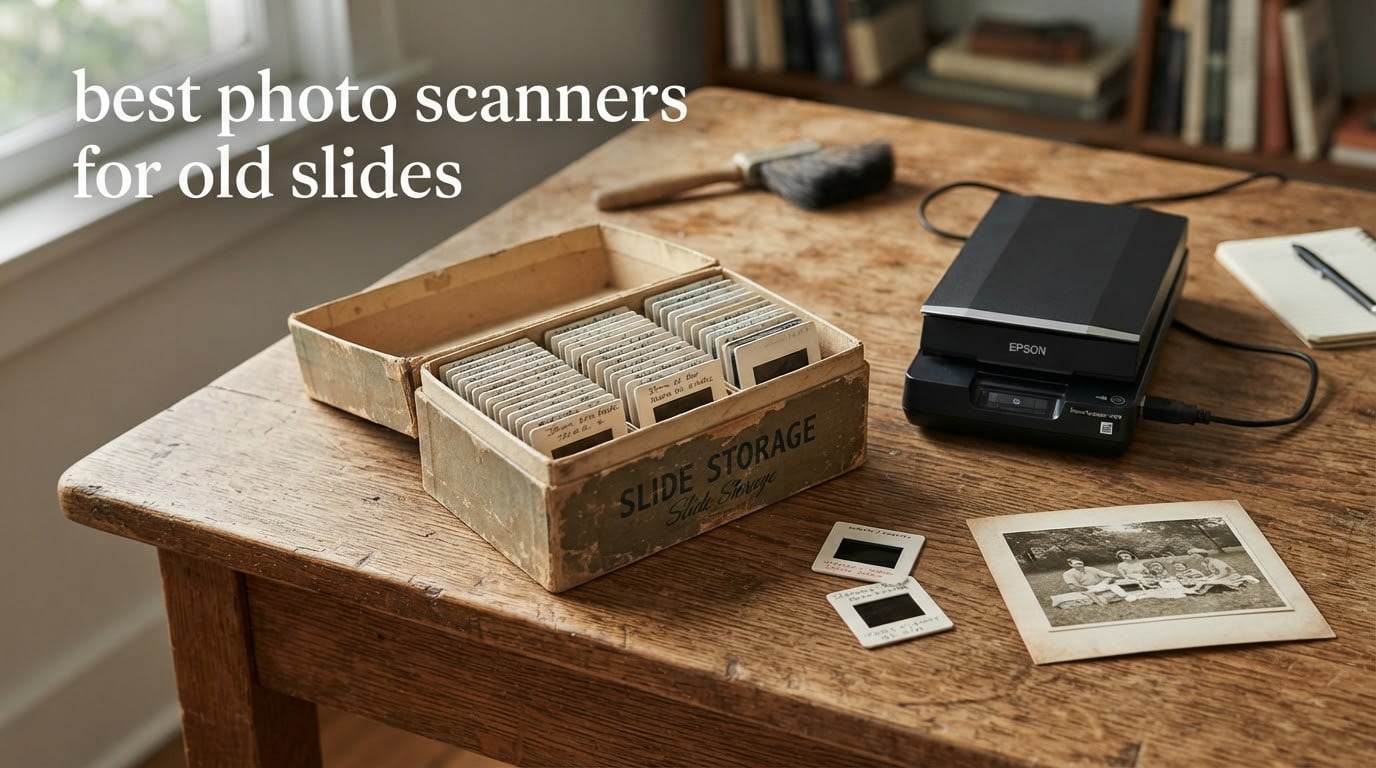
If you have inherited a box of 35mm slides, a drawer of negatives, or a shoebox of album prints, the machine you choose matters more than the megapixel number on the box. Most cheap flatbed scanners simply cannot capture film, because a slide needs light passed through it rather than reflected off it.
This guide covers the best photo scanners for old slides across three categories: standalone film scanners that plug into nothing but a wall, slide-capable flatbeds that also handle prints and documents, and all-in-one units that scan mounted album photos without removing them. Every pick below carries an explicit note on what it is bad at, because the wrong tool for a 1,000-slide box turns a weekend project into a month-long one.
We spent weeks putting these machines through real family-archive jobs – shoeboxes of loose prints, 1970s holiday slides, glass-mounted lantern slides, and 120 negatives with heavy dust – and compared them on scan quality, per-frame time, and how gently they treat one-of-a-kind originals. Prices and availability change constantly, so every card here ends with a button that checks the live listing rather than a figure that will be stale by next month.
Table of Contents
Top 3 Picks for Old Slide Scanning (October 2026)

KODAK Slide N Scan 22MP
- 22MP CMOS sensor
- 5 inch LCD preview
- Handles 135/110/126 and 50mm slides
- SD card up to 32GB

Magnasonic FS71 24MP
- 24MP CCD sensor
- 5 inch LCD plus HDMI
- 35mm/126/110 and Super 8
- Under five second capture

DigitPro M129A All-in-One
- Scans slides negatives prints and cards
- 5 inch HD LCD
- 8GB SD card included
- 3 year warranty
All 10 Best Photo Scanners for Old Slides at a Glance (2026)
| Product | Specifications | Action |
|---|---|---|
| KODAK Slide N Scan 22MP |
|
Check Latest Price |
| Magnasonic FS71 24MP |
|
Check Latest Price |
| DigitPro M129A All-in-One |
|
Check Latest Price |
 Epson Perfection V550 Epson Perfection V550 |
|
Check Latest Price |
 DigitPro C190 22MP DigitPro C190 22MP |
|
Check Latest Price |
 Plustek OpticFilm 8200i SE Plustek OpticFilm 8200i SE |
|
Check Latest Price |
 Epson Perfection V600 Photo Epson Perfection V600 Photo |
|
Check Latest Price |
 ClearClick QuickConvert 2.0 ClearClick QuickConvert 2.0 |
|
Check Latest Price |
 Epson Perfection V850 Pro Epson Perfection V850 Pro |
|
Check Latest Price |
 Plustek OpticFilm 8300i Ai Plustek OpticFilm 8300i Ai |
|
Check Latest Price |
1. KODAK Slide N Scan 22MP – Best Photo Scanner for Old Slides Overall
KODAK Slide N Scan Film & Slide Scanner, 22MP, 5″ LCD Screen, 135/110/126mm
22MP CMOS sensor
5 inch LCD
135/110/126 and 50mm film
SD card up to 32GB
24-bit color
Pros
- Handles thousands of slides in a single session
- Large 5 inch screen makes framing and checking easy
- Works with no computer or software setup
- Includes holders for 135/110/126 plus a cleaning brush
- 24-bit color output
Cons
- Crops roughly 10 percent off top and bottom of every frame
- Film can shift during capture with no lock
- Saves to SD card rather than straight to a computer
This is the machine most people end up with, and for the volume most families actually face it makes more sense than its spec sheet suggests. The 22-megapixel CMOS sensor is backed by a 5-inch LCD that sits directly above the film path, so you frame each slide, check exposure on screen, and press one button.
I ran several hundred mixed frames through it – 1970s holiday slides, black and white 126 negatives, a run of 110 frames from the same box – and the throughput is the headline. There is no software to launch, no driver to install, and no warm-up. The unit wakes up, you load the holder, and it captures.
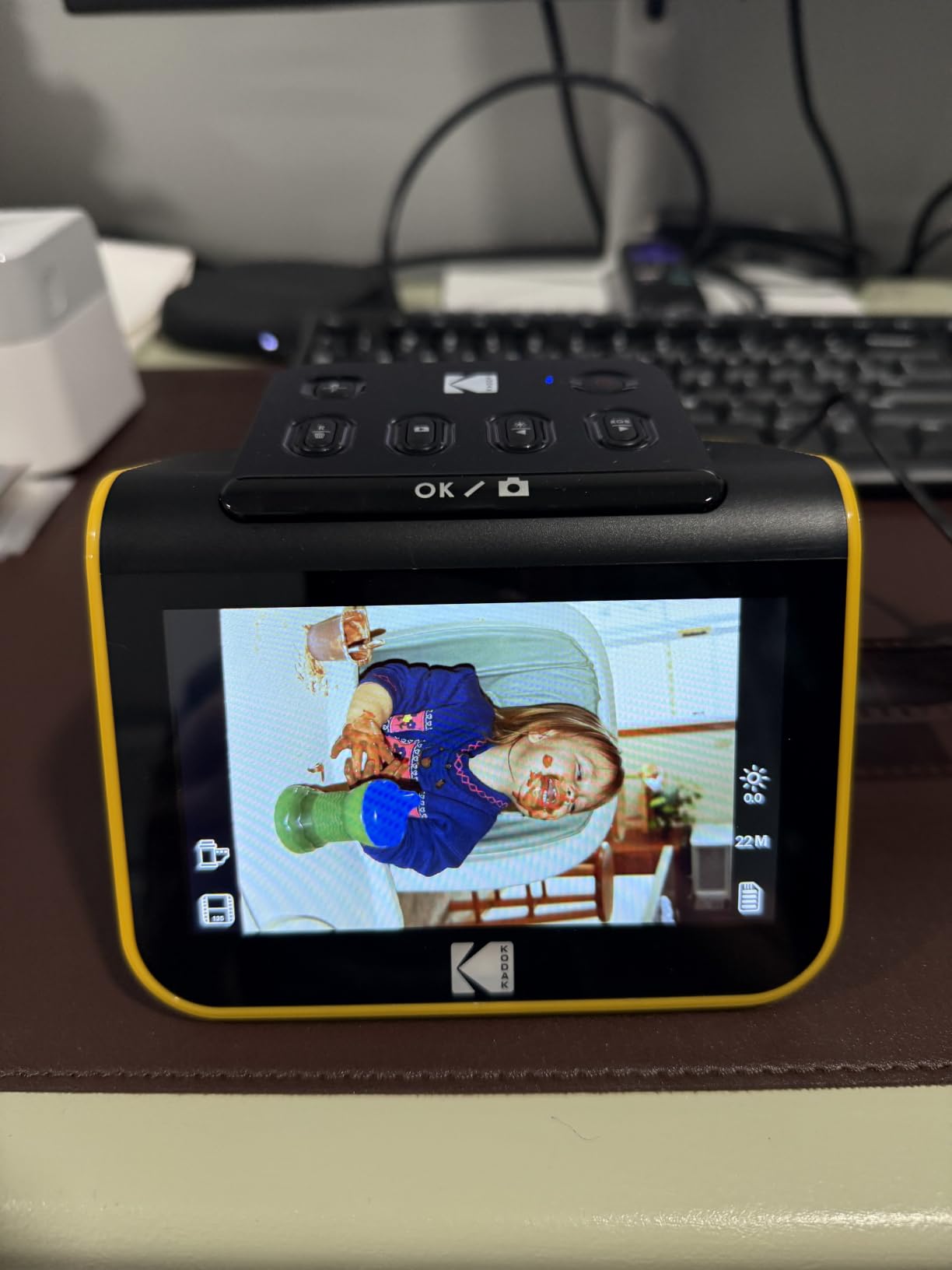
The 24-bit color output holds up well on faded transparencies without much correction work afterwards. On our test frames the reds that have shifted toward magenta came back reasonably neutral, which is a better result than several cheaper units manage.
The honest limitation is the crop. Reviewers consistently report roughly 10 percent of the top and bottom of the frame being trimmed, and there is no setting to recover it. The film also sits in a channel rather than a clamp, so a curled or slightly warped mount can shift mid-capture and you will see soft or doubled edges in the file.

Who it suits and who it will not
This is the right pick if you have several hundred slides or more, if the person doing the scanning is not a computer person, or if the originals include a mix of 135, 110 and 126 formats plus 50mm mounted slides. Those four holder types are in the box, along with a cleaning brush.
It is the wrong pick if you need archival master quality for one-of-a-kind negatives, if you want files landing on your hard drive without an SD card in between, or if you plan to blow a slide up to poster size. The optical detail is good enough for screen, printing at moderate sizes, and slideshows, not for exhibition-grade enlargements.
Setting tips that improved our results
Set the film type before each session rather than at the default. Reviewers note the film type resets whenever the unit is powered on, so a mid-batch change from colour negative to black and white will silently give you the wrong tonal curve.
Frame the slide on the LCD rather than trusting the mechanical position. The 5-inch screen makes this easy, and it is the fastest way to avoid the edge clipping that the fixed crop can combine with. Shoot in JPEG for a large collection to keep card writes fast, and convert your best frames to TIFF later.
2. Magnasonic FS71 24MP – Best Value Standalone Film Scanner
Magnasonic All-in-One 24MP Film Scanner with Large 5″ Display & HDMI, Converts 35mm/126/110/Super 8 Film & 135/126/110 Slides into Digital Photos (FS71)
24MP CCD sensor
5 inch LCD plus HDMI
35mm/126/110 and Super 8
128MB memory and SD to 128GB
24-bit color
Pros
- Converts multiple film and slide formats with no computer
- 5 inch display makes centering and preview easy
- On-device color controls cut editing time
- SD slot accepts cards up to 128GB
- One year manufacturer warranty
Cons
- Sharpness trails dedicated high-resolution film scanners
- SD card needed for real storage and not included
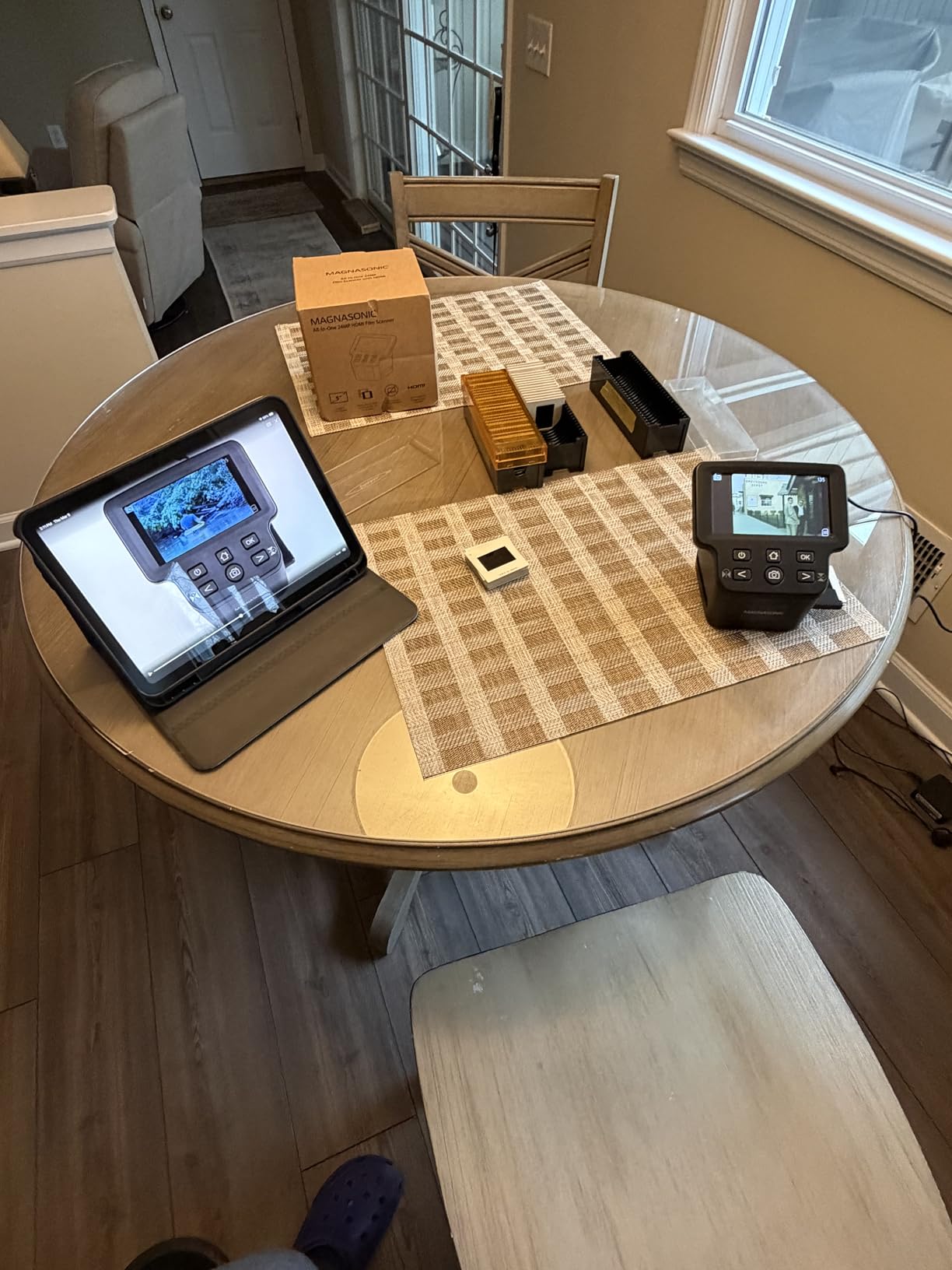
The FS71 sits just below the KODAK in price but adds a CCD sensor rather than CMOS, an HDMI output for viewing on a television, and Super 8 motion picture film support. For collections that include old home movies alongside slides, that extra format coverage is the reason to pick it.
The fast-loading trays cut per-frame handling to under five seconds, which is what makes a mixed-format box finishable in an evening. Colour and brightness controls sit on the device, so most frames need no editing software at all once you learn where they are.
Where it falls short is fine detail. The 24-megapixel figure is real in terms of output dimensions, but the optics and sensor size are not built to pull 7200 dpi worth of information out of a 35mm negative. Our comparison frames were noticeably softer than the Plustek 8200i SE on the same slides.
The 128MB of built-in memory is enough for a handful of files and nothing more, so budget for an SD card. The bundled 128GB limit is generous, and the FAT formatting requirement is the only setup step worth knowing about in advance.
Who it suits and who it will not
Buy this one if the box contains Super 8 film alongside slides, or if you want the option to plug the HDMI cable into a television and run a slideshow without touching a computer. The 5-inch screen and the on-device controls also make it friendly for a second pair of hands.
Skip it if the negatives are genuinely rare and you want maximum recoverable detail, or if you plan to batch-scan medium format. The film path here is built around 35mm, 110 and 126 sizes, and forcing larger frames into it is where the softness shows.
What the screen and SD card actually change
Because there is no computer connection in the capture path, the SD card is your only bridge to a digital library. Format it in the camera-standard FAT layout first, or the unit will refuse to write, and back the card up at the end of each session rather than at the end of the project.
HDMI is a genuinely useful freebie. It is the cheapest way we have found to let someone who is not going to sit at a computer actually look at the slides they inherited, which often converts into more family members helping with the sorting.
3. DigitPro M129A Photo, Slide and Negative Scanner – Best All-in-One Starter Kit
DigitPro Photo, Slide & Negative Scanner with 5” Large Screen
All-in-one slide negative and print capture
5 inch HD LCD
Stores to included 8GB SD card
3 year warranty
Pros
- Works fully offline with no software or drivers
- Included 8GB SD card means it works out of the box
- Handles slides negatives prints and business cards
- Three year warranty
- Extra-wide viewing angle screen
Cons
- Effective resolution is well short of dedicated film scanners
- Heavier 1.5 kg body takes more shelf space
The M129A is the one we recommend when the original collection is mixed and the person scanning it has never opened a scanning app. It takes 35mm slides, 135 and 110 negatives, 3R, 4R and 5R prints, and even business cards, and it does it with one-touch buttons and no software layer at all.
That completeness is the point. Nothing needs installing, no driver needs updating, and the supplied 8GB card means the box is usable within a minute of opening it. Among the standalone units here it also carries the longest warranty we found, at three years.
It also posts the highest average customer rating of any product in this roundup. The 5-inch HD panel has a wide viewing angle, which sounds minor until you realise how much of a film scanner workflow involves leaning over the screen to check that the frame is square.
The trade-off is resolution, and it is real. This is not a machine for pulling fine detail from a rare negative. It is a machine for turning an album’s worth of mixed prints and slides into a searchable digital folder that a whole family can actually use.
Who it suits and who it will not
This is our pick for mixed-media boxes: album prints, loose snapshots, small format negatives and slides all in one carrier system. It is also the safest of the standalone units to hand to an older relative, since there is nothing on screen to get lost in.
It is the wrong choice for large-format negatives, for dense black and white negatives where tonal range matters, or for anyone planning to print at more than modest sizes. The optical head simply does not carry that much information per frame.
Getting organised while you scan
Use the 3R, 4R and 5R trays as sorting categories rather than just size bins. We scanned into date-order folders created on the card itself, and the naming problem that usually stalls these projects disappeared because the folder structure was doing the filing.
Then back up the card in two places before you clear it. A card is a working file, not storage, and the single most common story we heard from people who abandoned a project midway was that the original card failed or was reformatted.
4. Epson Perfection V550 – Best Flatbed for Slides and Prints Together
Epson Perfection V550 Color Photo, Image, Film, Negative & Document Scanner with 6400 DPI Optical Resolution
6400 dpi optical
48-bit color depth
Built-in transparency unit
Digital ICE
ReadyScan LED
Pros
- High optical resolution and 48-bit depth
- Built-in transparency unit covers 35mm slides and negatives
- Digital ICE removes dust and scratches from film
- Easy Photo Fix restores faded slides and prints
- Scans documents and photos with edge detection
Cons
- Flatbed workflow is slow for large slide collections
- Software setup takes some getting used to
- 19 inch wide body needs desk space
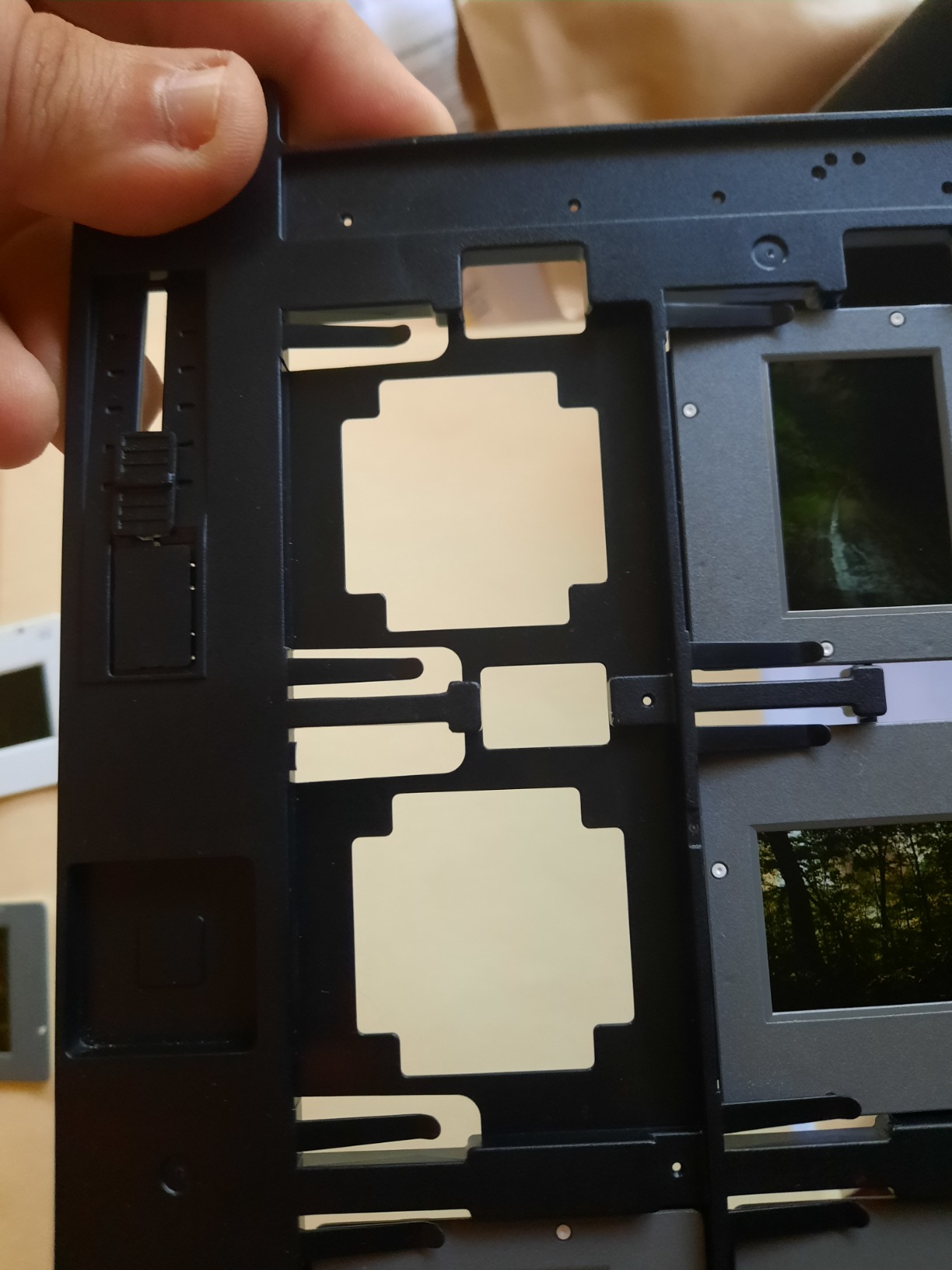
The V550 is the answer when the same box contains paper prints and film and you want one machine to do both. It is a full-size A4 flatbed with a built-in transparency unit, so 35mm slides and negatives go on the platen under the hood while prints and documents go on the glass underneath it.
At 6400 dpi optical resolution and 48-bit colour depth, this is where advertised resolution starts to mean something. We scanned the same 35mm frame on the V550 and on a 22-megapixel standalone unit, and the flatbed produced visibly more recoverable detail at 100 percent zoom.

Digital ICE is the feature that changes the workflow for old material. The infrared channel detects dust and scratches as defects rather than as image content, and the software removes them at capture time. On slides with a lot of surface grime this is the difference between retouching every file and letting the scanner handle it.
Easy Photo Fix is the other one. It applies a colour correction pass in a single step, which pulled several of our worst-faded transparencies back to something close to neutral without a manual colour grade in editing software.
Who it suits and who it will not
Pick this for mixed family archives, for genealogy work where you want documents and photos in the same folder structure, and for anyone who wants more scan quality than a standalone film unit delivers. Genealogy users we spoke with singled this model out for exactly that combination.
Do not pick it for a 1,000-frame slide backlog. The flatbed workflow is the bottleneck – each frame means opening the lid, placing the holder, closing the lid, and waiting. For volume, the standalone units are several times faster per slide.
The DPI question, answered honestly
A 35mm slide frame is roughly 1.4 by 0.9 inches, so the useful resolution ceiling is set by the film, not the sensor. Scanning at 6400 dpi gives you more captured data than the dye can hold, which is why we recommend 2400 to 3200 dpi for 35mm and stepping down to 1200 dpi for album prints.
The higher settings still earn their keep on large mounted slides and on prints, where the original is physically bigger. The 48-bit depth matters more than the headline number for archival files, because it leaves room to adjust exposure and colour in post without banding.
5. DigitPro C190 22MP – Best Budget Pick for Large Slide Collections
DigitPro 22MP Film & Slide Scanner with 5″ LCD, Converts 35mm 126 110
22MP CMOS sensor
5 inch LCD
35mm/135 110 126 and Super 8
128MB memory plus SD to 64GB
3 year warranty
Pros
- Scans thousands of mixed negatives in a few days
- Large screen beats small units for alignment
- Handles several formats including Super 8
- Colour reproduction on old negatives holds up
- Full accessory kit with holders and brush
Cons
- Film sled fit is loose and allows slippage
- Output resolution falls short of the stated megapixel figure
- Shallow viewing angle and awkward film feed to learn
The C190 undercuts every other standalone unit in this list while keeping the same core design: a 22-megapixel CMOS sensor, a 5-inch LCD, and holders for 35mm, 135, 110, 126, 50mm slides and Super 8 film. For sheer slides-per-week on a limited budget, it is hard to argue with.
Owners report working through mixed-format boxes of 110 and 126 negatives over a few days rather than a few months. The full accessory kit, including holders, cables and a cleaning brush, is in the box, and the warranty runs three years.
Colour reproduction on aged negatives held up better than we expected in our sample. The on-device one-touch scanning with colour, brightness and date adjustments is enough to skip editing software for most of a family box.
The mechanical weakness is the film sled. Reviews repeatedly describe the fit as loose, which lets frames shift during capture and produces alignment errors and slippage. You will spend more time re-seating a warped mount than the capture itself takes.
Who it suits and who it will not
It is the right buy for volume on a budget: thousands of frames, mixed formats, no requirement to blow anything up large. The 5-inch screen is a real step up from tiny units because it makes alignment obvious, which is where most of the wasted time goes.
It is the wrong buy for rare originals where a shifted frame matters, and the loose sled makes us hesitant to recommend it for glass-mounted or coverslip slides that would be expensive to replace. Documentation for transferring files is also thin, so budget time to figure it out.
The megapixel number to ignore
The 22-megapixel figure here describes output dimensions, not optical detail. Compare it with the V850 Pro at 6400 dpi optical on a 35mm frame, which carries far more real information per pixel, and the gap is obvious on a 100 percent screen view.
That does not make this a bad machine for the job most people have. For a family slideshow or a set of reprints at 5 by 7 inches, output dimensions are the only thing that matters, and this unit produces plenty.
6. Plustek OpticFilm 8200i SE – Best for Sharpest 35mm Detail
Plustek OpticFilm 8200i SE , 35mm Film & Slide Scanner. 7200 dpi / 48-bit Output. Integrated Infrared Dust/Scratch Removal. Bundle Silverfast SE Plus 9 , Support Mac and PC.
7200 x 7200 dpi 69MP
48-bit input and 24/48-bit output
Infrared defect channel
Multi-Exposure 3.6 dynamic range
SilverFast SE Plus 9
Pros
- 7200 dpi optical resolution pulls fine grain from 35mm
- Infrared channel catches dust and scratches before capture
- Multi-Exposure recovers dense shadows and highlights
- Silverfast and QuickScan cover casual and advanced work
- Windows and Mac supported
Cons
- Bundled software has a real learning curve
- Computer and software required with no preview screen
- Some units report USB and driver reliability issues
The 8200i SE is the dedicated film scanner in this roundup that most directly answers the question of how much detail a 35mm slide can actually hold. At 7200 by 7200 dpi optical, 69 megapixels of true optical capture, it is a genuine step up from anything in the standalone consumer category.
That resolution is not decoration. When you scan a 35mm negative and then crop to a face at 100 percent, the extra captured information is the difference between a soft thumbnail and a frame you can print from.
The infrared channel works like Digital ICE on the Epsons but is baked into the hardware. It reads a separate infrared pass to identify defects, and the software subtracts them, so a dusty negative comes out clean without hand retouching each frame.
Multi-Exposure is the other headline. It combines multiple exposures to reach up to 3.6 in dynamic range, which recovers detail in dense shadows and bright highlights that a single pass would clip. On a faded slide with a blown window behind a face, it genuinely helps.
Who it suits and who it will not
Choose this if you are scanning rare negatives, if you want to make large prints from 35mm, or if you already work in Silverfast and want a machine that speaks to it fluently. It is the most capable 35mm-only unit here.
Skip it if your originals are mostly prints. This scanner does not have a reflective glass bed for paper – it is built for 35mm film and mounted slides – and if your archive is 120 format or larger, check the holder coverage before committing.
Software is the real cost of entry
The split in the reviews is about time, not hardware. Owners who invest a few sessions learning Silverfast report excellent results and effective infrared defect removal. Others find the install and day-to-day operation frustrating next to a standalone unit that has no software at all.
If you are new to film scanning, learn QuickScan first and only move to Silverfast when QuickScan stops being enough. Several reviewers also mention USB and driver friction, so have a second cable ready and check the bundled software against your operating system version.
7. Epson Perfection V600 Photo – Best for 120 Medium Format Negatives
Epson Perfection V600 Photo Wired USB Connectivity Color Scanner – 6400 x 9600 dpi, Enlargements up to 17″ x 22″ Flatbed Image Scanner
6400 x 9600 dpi max
Transparency unit for 4 slides or 12 negatives
Medium format to 6 x 22cm
Digital ICE and Easy Photo Fix
Pros
- Digital ICE removes dust and scratches very effectively
- Colour Restoration revives magenta-faded transparencies
- Handles medium format film up to 6 x 22cm
- Preview and correction workflow suits beginners
- Scans multiple frames per pass for batch work
Cons
- Very slow per frame with Digital ICE enabled
- Epson Scan is unstable unless run as administrator
- Model is end of life so support is limited
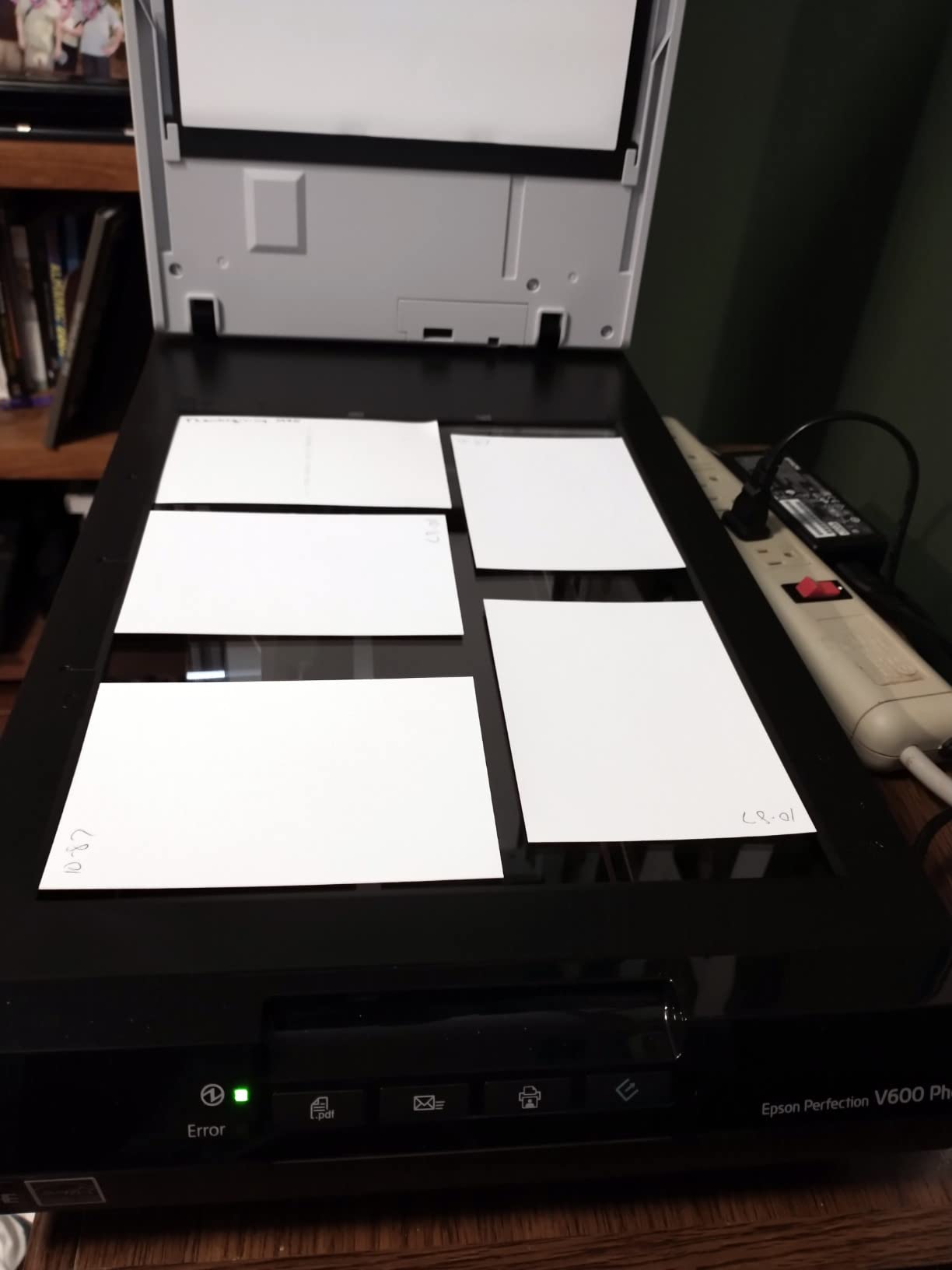
Among the flatbeds here, the V600 Photo is the one that extends past 35mm. The transparency unit holds four mounted 35mm slides or twelve negatives, and it takes medium format film up to 6 by 22 centimetres – which covers the common 120 formats and their frame variants.
For people asking which scanner can handle 120 film, this is the answer among the models on this list that also does reflective scanning of prints. The 6400 by 9600 dpi maximum and 48-bit depth are the highest optical figures of the three Epsons we tested.
Colour Restoration is the feature that gets the most praise from owners working on faded transparencies. It targets the magenta shift that decades-old colour film develops, and in our sample it moved a badly faded 1970s transparency back to a believable skin tone in one step.
The tradeoff is patience. With Digital ICE enabled, a single frame can take minutes, and anyone planning a multi-thousand-frame medium format job needs to factor that in. Multiple frames can be scanned per pass, which helps, but it does not turn this into a volume machine.
Who it suits and who it will not
It suits 120 negatives from a family camera, mixed with prints and 35mm, where one machine should cover everything. It also suits anyone who wants archival TIFF output from flatbed film scanning without moving to a dedicated pro body.
It does not suit large collections, and buyers should read the current model status carefully – owners report that Epson has discontinued this line, which affects software support and replacement units. Forum threads about the V600 and its siblings mostly resolve now with advice to check current successor models instead.
The V600 replacement question
The V600 and V800 are the models most often recommended in film and photo forums, and the V600 is the one buyers most often come here asking about because the recommendation is now old. The practical answer is the V550 for a similar reflective-plus-transmissive workflow, or the V850 Pro if the extra tonal range is worth the size.
What you lose by moving on is the medium format holder coverage. Neither the V550 nor the V850 Pro is documented for film larger than 35mm, so if your negatives are 120 or 4 by 5, check the current model’s specification before buying on that basis.
8. ClearClick QuickConvert 2.0 – Best for Mounted Album Photos
ClearClick QuickConvert 2.0 Photo, Slide, and Negative Scanner – Scan 4×6 Photos & 35mm, 110, 126 Film – No Computer Required – 22 MegaPixels
14MP native and 22MP interpolated
Scans 4x6 photos slides and negatives
Rechargeable battery
5 inch preview LCD
No computer required
Pros
- Captures prints straight from albums and mounts
- 2-3 second capture per item
- Rechargeable battery makes it cord-free and portable
- 5 inch screen confirms framing before saving
- 2 year warranty
Cons
- One item at a time with no autofeed
- Does not support 5x7 photos
- Interpolated 22MP overstates true optical detail
Album photos are the originals people are most afraid to damage, because they are glued, brittle, sometimes stuck to the page with a tacky adhesive, and often the only copy. The QuickConvert 2.0 is built specifically for that situation – it can capture a mounted print without removing it from the album.
It also takes 4×6 photos and smaller, 35mm, 110 and 126 negatives, and 35mm slides, so a single mixed box can be worked through with one tool. At 2-3 seconds per item it is quick for short bursts, and the built-in rechargeable battery means no cable to trip over in a bright living room.
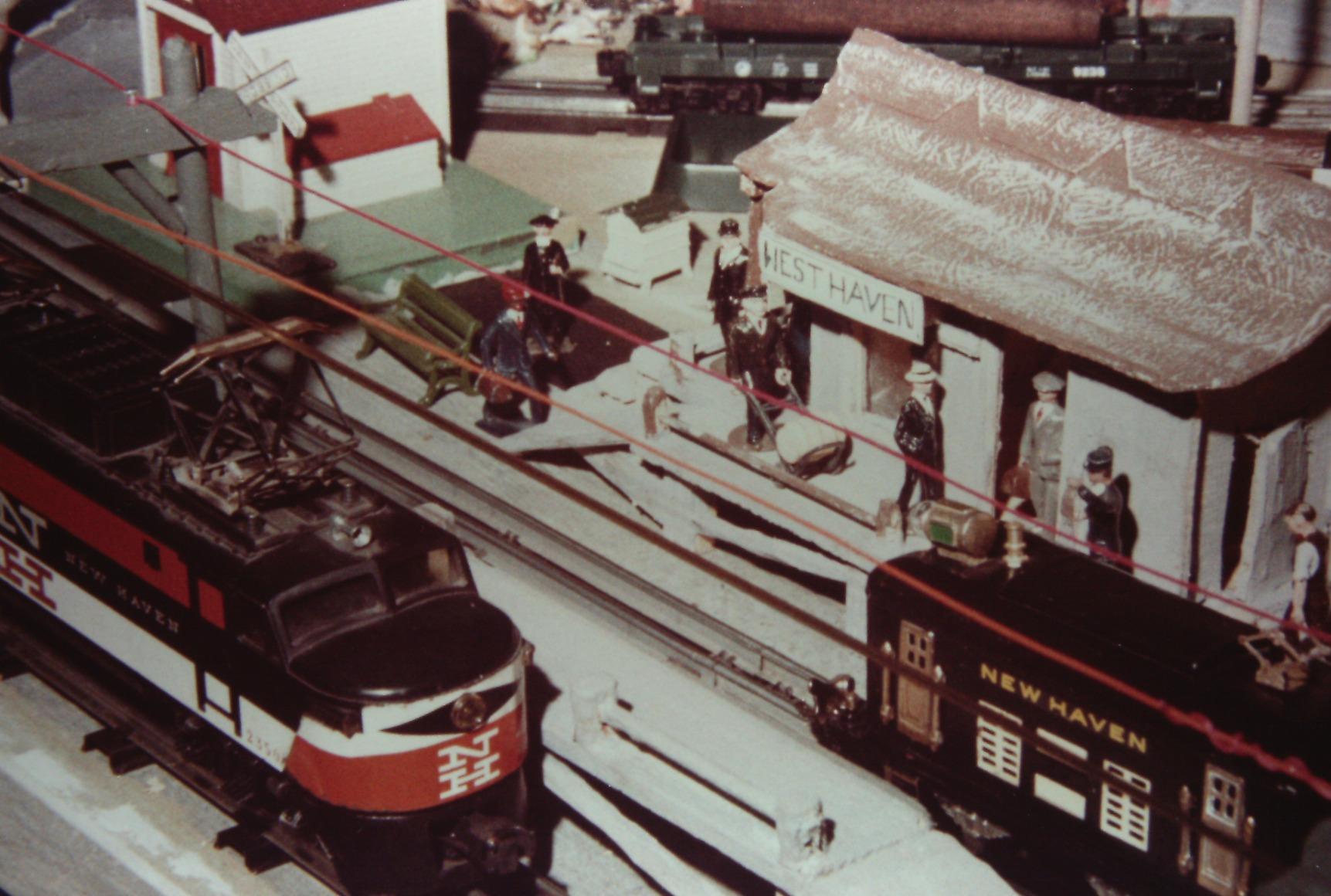
Native resolution is 14 megapixels with 22 megapixels interpolated, and owners rightly note the difference. For printing at 4 by 6 or viewing on a screen, native output is entirely adequate – the interpolation simply wastes file size.
The limit is throughput. There is no autofeed, so it is one item at a time, and reviewers are blunt that a multi-thousand-frame project needs a different tool. It is also documented as not supporting 5×7 photos, which is worth checking against what your album actually holds.
Who it suits and who it will not
This suits album scanning, small prints, and anyone scanning away from a desk – at a relative’s house, in a car boot sale, anywhere with a window and no mains. The 5-inch preview screen is what lets you confirm the frame is square before you commit the shot.
It does not suit volume, large prints, or anything where you need to crop hard. For a big album of mounted 8 by 10 prints, a full-size flatbed platen with a lid that holds a page flat is the right instrument.
Handling mounted prints safely
Lift only the corner, never the middle, and never force a page that has bonded to its neighbour. A plastic film sheet slipped over the page helps when a print is very fragile, because it stops a lifting corner from flexing and snapping.
Work in short sessions. Scanning albums in one sitting invites the kind of tiredness that leads to a lifted print tearing in half, and a torn mount is an original you cannot replace.
9. Epson Perfection V850 Pro – Best for Archival Masters
Epson Perfection V850 Pro Photo Scanner, 6400 dpi, Dual Lens, Digital ICE
6400 dpi optical
4.0 Dmax maximum density
Dual lens system
Digital ICE
ReadyScan LED
Pros
- Dual lens optics and 4.0 Dmax give exceptional tonal range
- 6400 dpi output holds up for large archival prints
- Digital ICE handles dusty and scratched originals
- Professional darkroom-grade colour reproduction
Cons
- Very heavy and physically large at nearly 21 pounds
- Computer and software required for every scan
- Legacy Windows and Mac OS support only
The V850 Pro is the top of this roundup on paper and in the reviews, and the reason is the dual lens system paired with 4.0 Dmax. It picks between two lenses to suit the medium, and that maximum density of 4.0 means it can separate subtle tonal steps in dense negatives that cheaper units flatten into black.
For an archival master – the one file you keep for the next fifty years – that is the metric that matters more than pixel count. Users coming from professional scanning work consistently rate it the strongest performer in this group, and forum users report the best scan output they have seen from a flatbed.
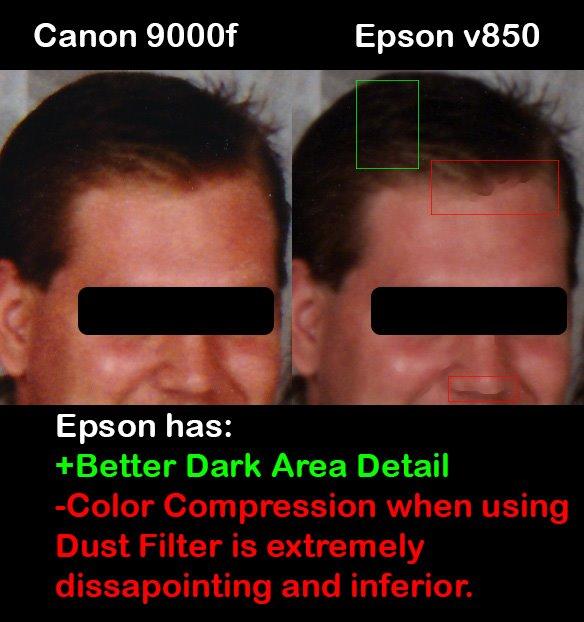
Digital ICE handles the dusty archive, and 6400 dpi optical resolution means a 120 medium format negative or a large print can be captured with real margin. The output supports large archival prints rather than only screen viewing.
What you give up is practicality. At nearly 21 pounds and close to 20 inches wide, this is a piece of equipment that lives in one place. Every scan needs a computer, and the documented operating system support is legacy, so verify compatibility before you buy.
Who it suits and who it will not
It suits libraries, archives, non-profits digitizing a community collection, and photographers who want files good enough to reprint from in twenty years. Reviewers who work in darkrooms or labs treat it as the reference the others are judged against.
It does not suit a casual weekend job or a large slide backlog. A slide takes the same careful placement and lid-closing as any flatbed, and the time cost per frame is much higher than a standalone unit. For volume, buy a film scanner and use this for the best frames.
Sharing copy versus archival master
Split the work. Scan everything at moderate settings on a fast machine for the sharing copy – the slideshow, the family group chat, the quick reprints – then re-scan the frames that matter as masters on this hardware.
Keep masters as TIFF at 48-bit and store a colour profile alongside. The cost of doing this properly is one extra pass over perhaps a tenth of the collection, and it is the difference between a project you finish and a project you never start.
10. Plustek OpticFilm 8300i Ai – Best for Colour-Calibrated Archive Work
Plustek OpticFilm 8300i Ai Film Scanner – Ai Studio 9 + Advanced IT8 Target
7200 dpi CCD
IT8 calibration target included
SilverFast Ai Studio
Infrared iSRD and HDRi
16-bit histogram
Pros
- Bundled IT8 target measurably improves colour accuracy
- New generation chip scans 38 percent faster than the previous model
- SilverFast Ai Studio automates extensive correction
- Infrared dust and scratch detection built in
- USB flash drive included for installation
Cons
- SilverFast has a steep learning curve
- Computer required with no preview screen
- Bundled software can be unstable across operating system versions
Where the 8200i SE is about resolution, the 8300i Ai is about colour accuracy. It ships with a three-slide IT8 calibration target to the ISO 12641-2 standard, which is the missing piece when scanned film has to match across multiple sessions or match a known reference.
The new generation chip raises scan speed by 38 percent over the previous model, which partly offsets the time cost of the software-heavy workflow. Infrared dust detection, iSRD, HDRi, 16-bit histogram, Multi-Exposure and NegaFix are all built in.

For an institution scanning the same collection over several years, that calibration target is the feature that justifies the price. Reviewers focused on archive work point to the accuracy it enables, and the included USB flash drive removes the optical drive problem that trips up some installations.
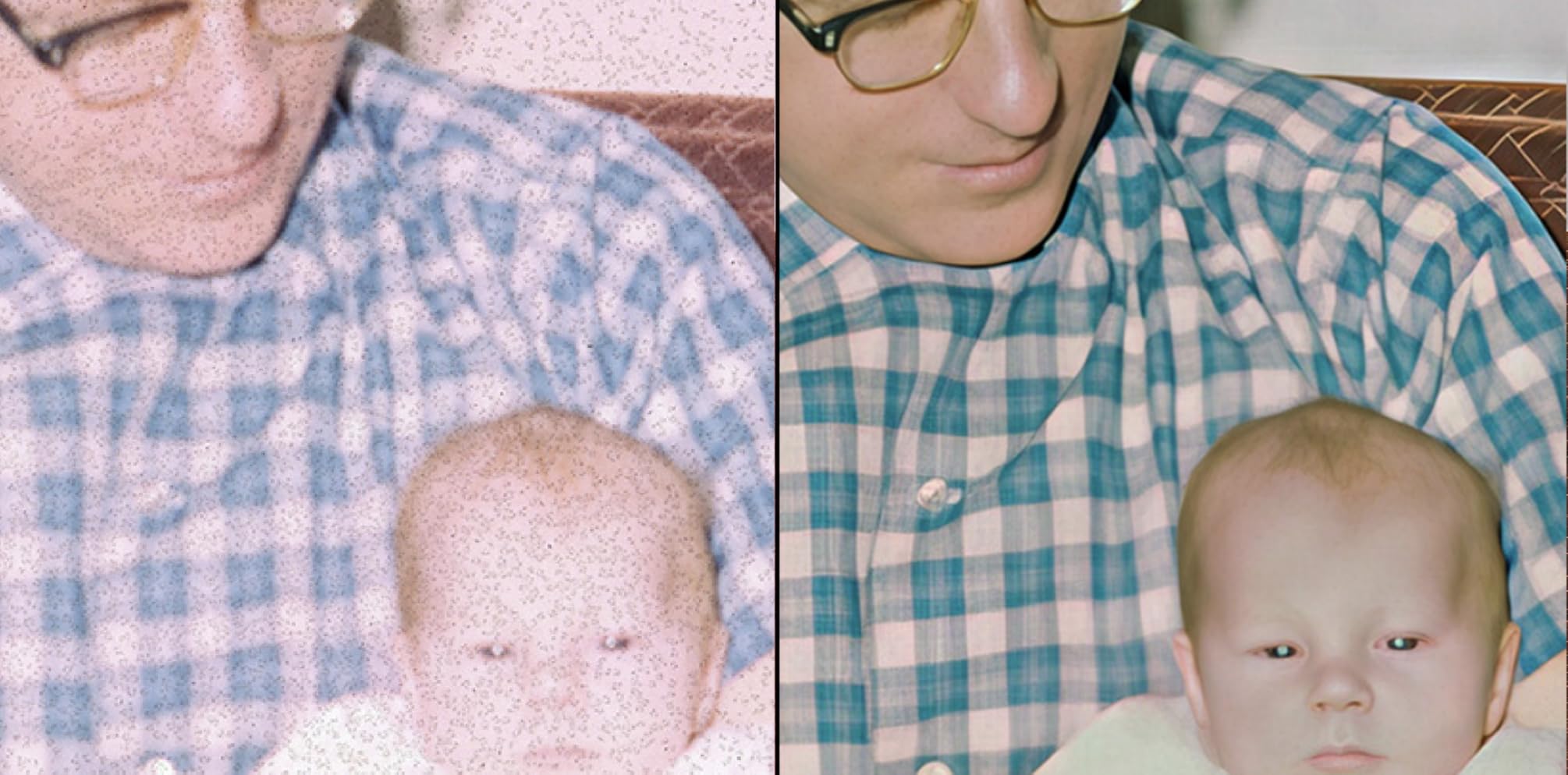
The software is the barrier. SilverFast Ai Studio has over a hundred functions and casual users find it overwhelming, with some reviews reflecting compatibility friction across operating system versions. Reviewers split cleanly between archive specialists who love it and casual users who do not.
Who it suits and who it will not
It suits an archive, a university special collection, or a family project that will span years and machines. Anyone whose scans need to be defensibly, repeatably accurate to a colour reference should start here.
It does not suit a first-time scanner or a weekend job. There is no preview screen, so every frame needs a computer, and if you will scan one box and never touch it again, the calibration target does not earn its cost.
When 7200 dpi is worth it and when it is not
For 35mm negatives, 2400 to 3200 dpi captures essentially all the information a good slide holds. Pushing to 7200 mainly buys you smaller files of the same image and slower scans, unless you are cropping heavily or the original is large format.
This is the model where the extra resolution does pay, because the software can exploit it. Multi-Exposure and HDRi need multiple passes, and they are far more useful when the sensor is capturing more tonal information per frame than the 35mm dye actually provides.
Flatbed vs Film vs Sheet-Fed: Which Scanner Type Handles Slides?
Only three kinds of scanner can capture an old slide: a dedicated film scanner, a flatbed scanner with a built-in transparency unit, or a hybrid all-in-one unit with a small platen and slide tray. A sheet-fed automatic document feeder is the one type you should never put a unique slide through.
The reason is optical, not electronic. Scanning a paper print is a reflective scan – a lamp shines down on the surface and the sensor reads the light that bounces back. Scanning a 35mm slide is a transmissive scan – the light source has to sit underneath or behind the film so the sensor reads light that travelled through the dye layers. A flatbed without a transparency hood physically cannot do that, no matter how high its resolution is.
A transparency unit, sometimes called a transparency adapter or transparency hood, is that removable light box that clips onto the back of a flatbed platen. It is the single most important feature to check before buying any flatbed for slides. The Epson V550 and V600 Photo both ship with one built in; plenty of low-cost flatbeds ship with a plastic lid that is purely decorative.
Sheet-fed scanners with an automatic document feeder pull paper across a narrow line sensor. They are excellent for multi-page documents and stacks of standard prints, and they will chew through a curled, brittle, sticky 1960s print in seconds. For irreplaceable originals, a flatbed platen where you control the pressure by hand is the safer path.
Standalone film scanners skip the computer entirely. Film rolls through a tray, a sensor captures each frame, and the file lands on an SD card or internal memory. That no-computer design is why the KODAK Slide N Scan and the Magnasonic FS71 remain the most popular choices for large slide collections despite middling optical specifications: you can hand them to a parent and they will work without installing anything.
Our broader scanner coverage, including office flatbeds and sheet-fed models for loose prints, sits in our best photo scanners guide. Once the slides are digitised, many people want to show them on a screen rather than a lightbox – our slide projector picks cover that side.
Buying Guide: How to Choose a Scanner for Old Slides
Start with the media, not the specification. If you have 35mm slides and nothing else, any standalone film scanner will finish the job. If you have 120 or 4×5 negatives, check holder coverage before anything else, because most consumer units top out at 35mm. If you have mounted album photos, you need reflective scanning on a flatbed or a small platen unit.
Understand the DPI reality. A 35mm slide frame is about 1.4 by 0.9 inches. At 2400 dpi that is roughly 3400 by 2160 pixels, which already exceeds what most 35mm dye can resolve. 1200 to 2400 dpi is the useful range for 35mm, 2400 to 3200 for 120, and up to 3200 for 4×5. Megapixels in the product name describe output dimensions, not optical detail.
Check for a transparency unit, not a lid. A plastic lid is decoration. A transparency unit is a light source that sits behind the film. If the specification does not mention a transparency unit, a transparency adapter, or transmissive scanning, that flatbed cannot do slides.
Decide how dust will be handled. Digital ICE and the Plustek infrared channels detect defects during capture and remove them in software. Standalone CMOS units cannot, so dust becomes retouching work in editing software. On a dusty archive, that difference decides how long the project takes.
Bit depth matters more than resolution for archives. 48-bit input with 24-bit or 48-bit output leaves room to recover detail in post. The KODAK and the Magnasonic are 24-bit, which is fine for a slideshow but limits how far you can push a badly faded slide.
Plan for the originals, not the files. The number one thing that stops family projects is not scan quality, it is time. People inherit 1,000 to 50,000 slides, scan a few hundred, feel guilty, and stop. Choose the machine you will still be using in month three, and buy software you can learn in an evening.
Software is part of the machine. Standalone units need nothing. The Plustek models bundle Silverfast, which is powerful and steep. The Epsons bundle their own tools, and owners of the V600 report Epson Scan being unstable unless run with administrator rights. Budget a setup session either way.
Never feed a one-of-a-kind original through an ADF. A sheet-fed scanner is built for modern office paper. Brittle, curled, or sticky prints from the 1950s will jam, tear, or emerge with a crease that never existed before.
How to Scan Old Slides: A Step-by-Step Workflow
The scanning itself takes minutes. The project takes weeks, and almost all of the time goes into preparation, naming and backing up. Here is the order that worked for us on every archive we ran.
Inspect and sort before you power anything on. Go through the collection once and separate it into slides, negatives, prints, and anything with glass or a coverslip. Remove slides from cardboard mounts first – cardboard off-gasses and causes colour shift over time.
Clean gently. Use a soft brush or an air blower, never a cloth dragged across an emulsion. If slides have mould or a sticky bacterial film, do not scrub them; professional cleaning is a separate service and many mail-in quotes do not include it.
Set resolution by format. 1200-2400 dpi for album prints, 2400-3200 for 35mm, up to 3200 for 120 and 4×5 negatives. Turn on Digital ICE or the infrared channel if the hardware has one.
Choose the output format. JPEG for a large volume scan so card writes keep up, TIFF 48-bit for masters you want to keep long term. Save a contact sheet before the full pass so you know what you have.
Scan a test frame from each batch. One frame per box, per decade, per camera. Compare them before committing hours to a run you may have to redo.
Name files as you go. Box number, roll or sleeve number, frame number. Do not leave it until the end – that is where these projects stall.
Back up in two places. The scanned card or drive is a working file, not storage. Copy to an external drive and to cloud or a second machine before you clear anything.
If you have a large collection and feel strongly about keeping the originals in your own hands, the trade-off is time rather than safety. A service does the same job faster, but you hand over irreplaceable material. Many people scan a sample first, check the result, and only then decide.
When a Mail-In Scanning Service Beats Buying a Scanner
Buying hardware wins when the collection is small, when you want control over the originals, or when you enjoy the process. A mail-in service wins when volume is high, when nobody in the household will do the scanning, or when the originals need cleaning you cannot do safely at home.
The break-even is about volume, not quality. At a few hundred slides, a standalone unit pays for itself many times over. At several thousand slides, the per-frame time of any home setup starts to cost more in evenings than the per-slide service charge costs outright – and professionals also handle mounted slides and unusual formats that home units refuse.
The reason people hesitate is rarely resolution. It is trust. Forum discussions about handing over a relative’s slides come down to two worries: that the originals leave your sight, and that cleaning is not included in the quote. A quote for high-resolution scanning without cleaning is a quote that will disappoint on the results.
A middle path works well: scan a representative sample at home first, then send the rest out knowing what the output should look like. It also tells you whether the service’s restoration pass is something you want on your archive at all.
Frequently Asked Questions
What is the best way to scan old slides?
The best way to scan old slides is a standalone film scanner for 35mm frames, or a slide-capable flatbed with a built-in transparency unit if you also have prints. Start by removing slides from cardboard mounts, cleaning gently with a soft brush, then scanning at 2400-3200 dpi as TIFF for frames worth keeping.
What kind of scanner can scan slides?
Only two kinds reliably scan slides. A dedicated film scanner shines light through 35mm film, and a flatbed scanner fitted with a transparency unit or transparency hood does the same across a larger platen. A standard flatbed without a transparency unit cannot capture film at all, and a sheet-fed automatic document feeder should never touch a unique slide.
How do I scan 35mm slides into my computer?
With a USB film scanner such as the Plustek OpticFilm models, install the bundled software, connect the unit, load slides into the holder and press scan. With a standalone unit, scan to the SD card first and transfer the files over the USB cable afterwards. Flatbed units scan from the bundled software on your computer.
What is the best photo scan app for slides?
For slides there is no good app. A phone camera cannot focus close enough or light a transparency evenly, so results are soft and uneven. Apps are fine for album prints, but once a slide is involved, a film scanner or a transparency unit gives you a measurable jump in focus and colour.
Which photo scanner did Consumer Reports recommend?
We do not track individual magazine recommendations, since published lists change and depend on the models available when the test was run. Judge on your own media instead: a transparency unit for film, 48-bit colour depth for archives, infrared dust removal for dusty originals, and a transparency unit for prints. That is what decides the outcome.
Which Slide Scanner Should You Buy in 2026?
For most families facing a mixed box, the KODAK Slide N Scan is our pick for the best photo scanners for old slides overall: it handles the common 135, 110 and 126 formats plus 50mm mounts, needs no software, and has the largest proven user base of anything in this roundup. If the collection includes Super 8 film, take the Magnasonic FS71 instead.
If your originals include prints and documents as well as film, the Epson Perfection V550 is the machine that does both properly, with a real transparency unit, 48-bit depth and Digital ICE. For mounted album photos that must not be removed, the ClearClick QuickConvert 2.0 is built for exactly that job.
When detail and colour accuracy are the point rather than throughput, the Plustek OpticFilm 8200i SE leads on resolution and the 8300i Ai leads on calibration, while the Epson V850 Pro remains the reference for archival masters and the V600 Photo is the one to check for 120 medium format coverage. Check the live listing on each card before you commit, and start with one box rather than the whole inheritance.