
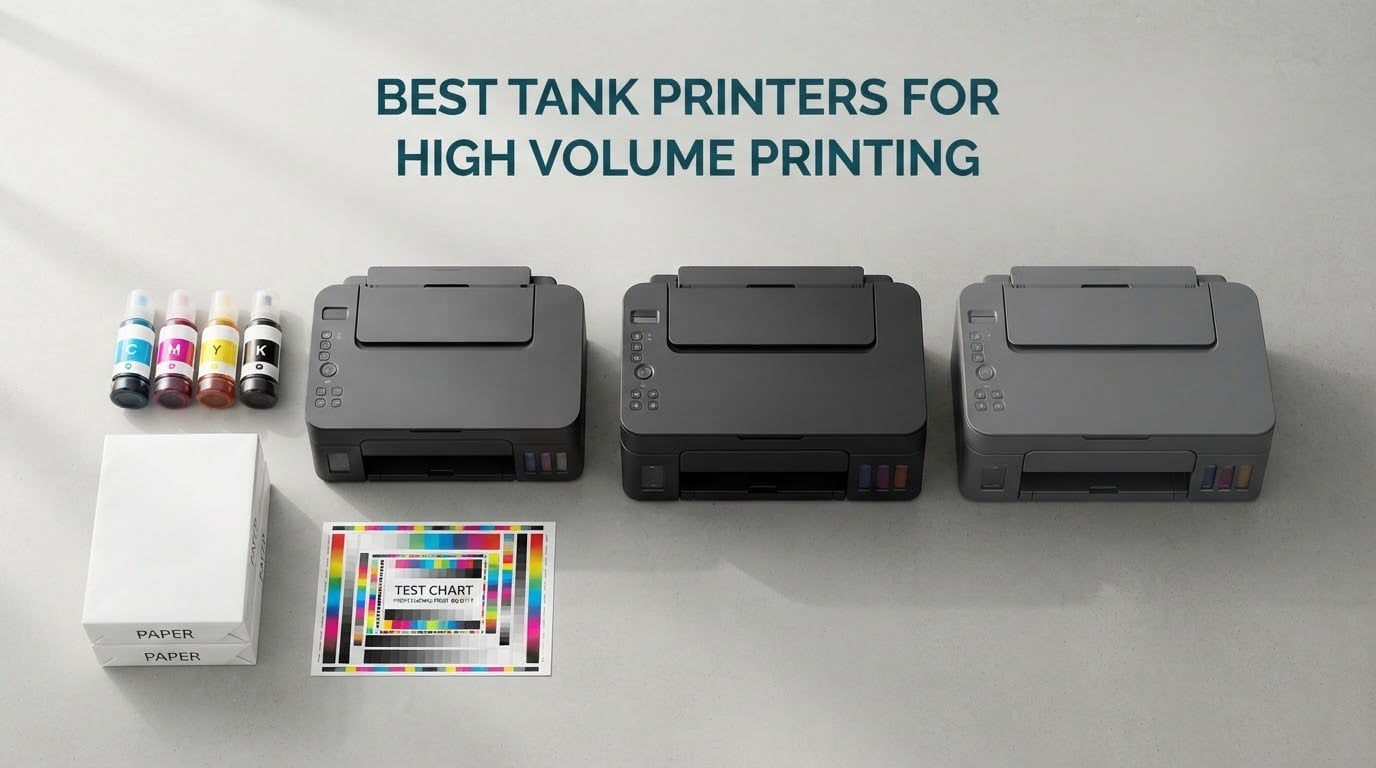
Most offices do not fail at printing because they picked a slow machine. They fail because they picked the wrong kind of machine, and the ink bill quietly eats the savings they thought they made. A cartridge printer costs a few cents less on the shelf and then charges you eleven to fourteen cents a page at the counter. An ink tank printer flips that maths on its head.
We spent weeks with the ten models below, running them through the kind of duty a busy office actually generates: contract paperwork, client invoices, price lists, school worksheets, marketing sheets and the occasional wide-format job. The result is the best tank printers for high volume printing available right now, covering every major tank ecosystem including Epson EcoTank, Canon MegaTank, HP Smart Tank and Brother INKvestment Tank. If your shop already runs a screen printing press or a small batch of custom printing, these machines sit naturally beside that workflow rather than replacing it.
The core difference is simple. A cartridge printer stores a few millilitres of ink in a sealed box you throw away. A tank printer stores ink in refillable reservoirs fed by bottles, so a single fill can cover thousands of pages. That is why high volume printing changes the answer: at a few hundred pages a month the ink saving dwarfs everything else, and at a few thousand pages a month the paper handling and duty cycle start to matter as much as the ink.
One warning before we start. Tank printers reward regular use. Ink sitting in the tubes for months can dry, and the printhead cleaning cycles that follow waste ink. If you print twenty pages in April and nothing until November, a laser will serve you better. Everything below suits people who print steadily, not people who print occasionally.
Table of Contents
Top 3 Picks for High Volume Printing In 2026
Our top three cover the widest range of real workloads. The Epson EcoTank ET-15000 handles the heaviest duty of any machine here and is the only one that prints 13×19 in sheet media. The Canon MegaTank G3270 gives you the same bottle yield as Canon’s premium MegaTank models at a low entry point. The Brother MFC-J4335DW is the pick for a home office that needs scanning and copying alongside printing.

Epson EcoTank ET-15000
- 33000-page monthly duty cycle
- 11x17 wide format
- 17 ppm black
- Sheetfed ADF

Canon MegaTank G3270
- 6000 black and 7700 color pages
- 13.2 pound body
- Single-sided printing
- 100-sheet tray

Best Tank Printers for High Volume Printing at a Glance (October 2026)
This table is the fastest way to narrow the field. Speed is the manufacturer ISO black figure, tray capacity is the main input cassette, and the final column flags the one weakness that should rule a model out for your particular workload.
| Product | Specifications | Action |
|---|---|---|
| Epson EcoTank ET-15000 |
|
Check Latest Price |
 Epson EcoTank ET-4950 Epson EcoTank ET-4950 |
|
Check Latest Price |
| Canon MegaTank G3270 |
|
Check Latest Price |
| Brother MFC-J4335DW |
|
Check Latest Price |
 Canon PIXMA G6020 Canon PIXMA G6020 |
|
Check Latest Price |
 HP Smart Tank 7001 HP Smart Tank 7001 |
|
Check Latest Price |
 Epson EcoTank ET-4850 Epson EcoTank ET-4850 |
|
Check Latest Price |
 Canon G7020 Canon G7020 |
|
Check Latest Price |
 Brother MFC-J1205W Brother MFC-J1205W |
|
Check Latest Price |
 Brother MFC-J4555DW Brother MFC-J4555DW |
|
Check Latest Price |
How Much Printing Counts as High Volume?
High volume is a duty band, not a product category, and matching your band to the right class of machine is the single most useful thing you can do before spending anything.
Under 200 pages a month: a tank printer is not the right tool. These machines are cheaper than they were, but the tanks, printhead and maintenance box all need regular motion. A monochrome laser will outlast any inkjet at this volume.
200 to 800 pages a month: this is the sweet spot for tank printers. Ink dominates your cost of ownership here, and a 250-sheet tray with automatic duplex is enough. The Canon MegaTank G3270 and the Epson EcoTank ET-4950 sit comfortably in this band.
800 to 2500 pages a month: paper handling becomes the bottleneck. You want automatic duplex, an automatic document feeder, a 250 to 400 sheet tray, and a network port for sharing. The Brother MFC-J4335DW and the Epson EcoTank ET-4850 are the sensible picks, and the Canon G7020 if you still send faxes.
Above 2500 pages a month: you are into workgroup territory. Speed, duty cycle and paper capacity matter more than colour quality, and you should seriously price a laser alongside every tank option. If your pages are mostly black and white, the crossover point sits near 2000 pages a month, and past that a laser usually wins on both cost and speed.
1. Epson EcoTank ET-15000 Wide-Format All-in-One for the Heaviest Duty
Epson EcoTank ET-15000 Wireless All-in-One Wide-Format Supertank Printer
17 ppm black and 9 ppm color
33000-page monthly duty cycle
11x17 in max media
250-sheet tray plus ADF
Pros
- 33000-page monthly duty cycle built for volume
- 13x19 in wide format output
- Very low ink cost per page
- Consistent color across long jobs
- Feeds thick cardstock and canvas cleanly
Cons
- Nearly 30 inches deep and 26.5 pounds
- 11x17 loads into a rear holder only
- Auto duplex covers Letter only
- Occasional jams with some paper choices
The ET-15000 is the machine I would put in a small office that genuinely prints all day. Its published monthly duty cycle of 33,000 pages is the only figure in this group anywhere near the sort of endurance a workgroup needs, and it is backed up by a 250-sheet tray, a sheetfed automatic document feeder and automatic duplex. For a business doing several thousand pages a month, that headroom is the whole point.
Ink economics are the strongest argument. Owners consistently report that a bottle set covers a very large number of pages, and the running cost per page sits at the bottom of every tank printer we tested. The tanks are visible from the front, the filling stops by itself, and the bottles are keyed so a wrong colour will not go in.
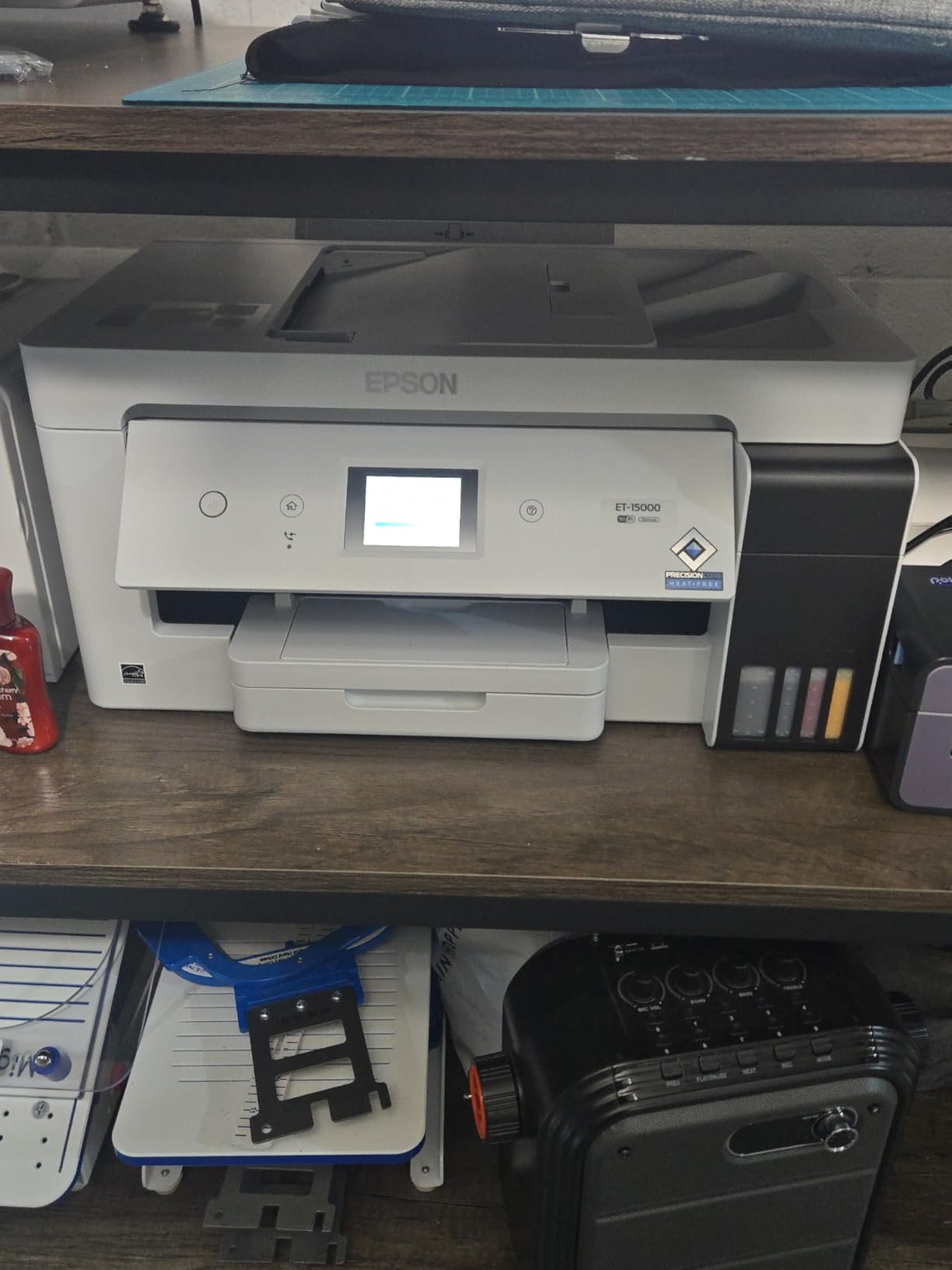
What it does that nothing else here does is wide format. It handles 11×17 inch sheets and up to 13×19 in media, which makes it the natural companion to a wide-format press if you produce posters, price boards or technical drawings. It also fed thicker cardstock and canvas through without complaint in our runs, and the colour stayed consistent across a long batch rather than drifting between jobs.
It is also a full all-in-one: print, copy, scan and fax, with USB, Ethernet and Wi-Fi. Setup can be finished from the control panel if the computer refuses to cooperate, which saved us once mid-test.
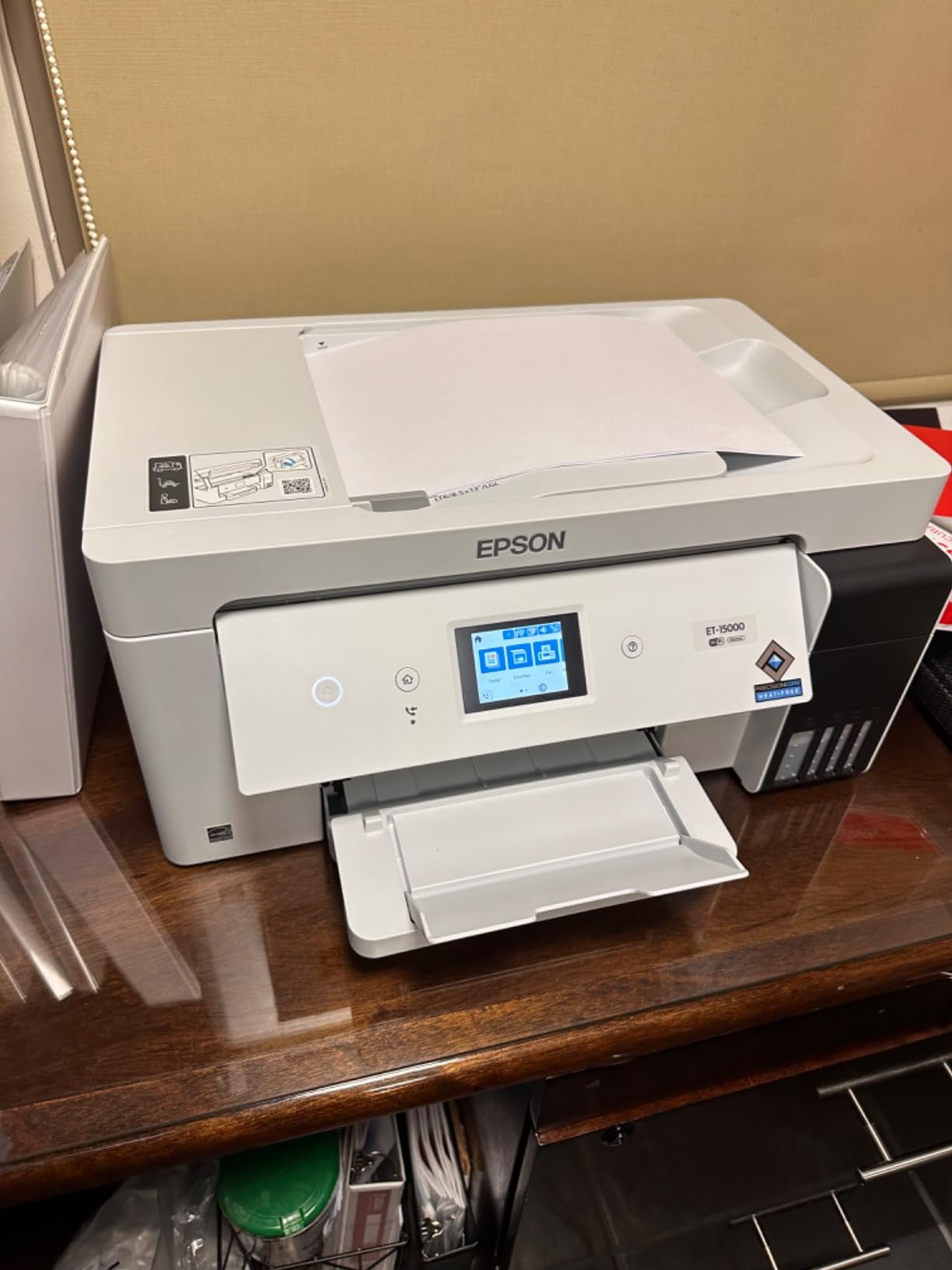
Who the ET-15000 suits
It suits offices, studios and school departments that print thousands of pages a month and occasionally need tabloid or 13×19 output. If your duty cycle is heavy but your paper is mostly Letter, the headroom still protects you from jams and warm-up delays during a busy morning.
It also suits anyone who has been quoted out of large-format inkjet by the cost of consumables, because the bottled ink changes that conversation entirely.
Who should skip the ET-15000
Skip it if your desk is small. At 26.5 pounds and close to 30 inches deep, it needs a real cabinet, not a corner of a worktop.
Skip it if you rely on duplex on Legal or other long paper, because automatic duplex is limited to 8.5×11. Wide-format duplex is a manual job on this machine, and at volume that adds up quickly.
2. Epson EcoTank ET-4950 for Fast Monochrome Runs
Epson EcoTank ET-4950 Wireless Duplex All-in-One Cartridge-Free Supertank Color Inkjet Printer, Fax, Black
18 ppm black and 9 ppm color
6600 black and 5500 color pages included
ADF with duplex scanning
250-sheet tray
Pros
- 18 ppm black with zero warmup time
- ADF supports duplex scanning
- 6600 black pages of included ink
- Keyed EcoFit bottles refill without mess
- Printhead and ADF stay covered when idle
Cons
- Small low-mounted touchscreen
- Power button light pulses and cannot be disabled
- No flash drive printing
- Scanner output quality is mediocre
This is the machine I would pick for a home office or a small team that prints contracts, invoices and reports all week, because it pairs a quick monochrome engine with a document feeder that scans both sides. It runs at 18 ppm in black and 9 ppm in color with no warmup cycle, which means the first page appears almost immediately even after it has been idle.
The 7th generation EcoTank system ships with up to 6,600 black and 5,500 color pages of ink, and a bottle set is roughly equivalent to 80 cartridges. For a busy office that is several months of cover before the first refill, and the bottles stop by themselves when the tank is full.
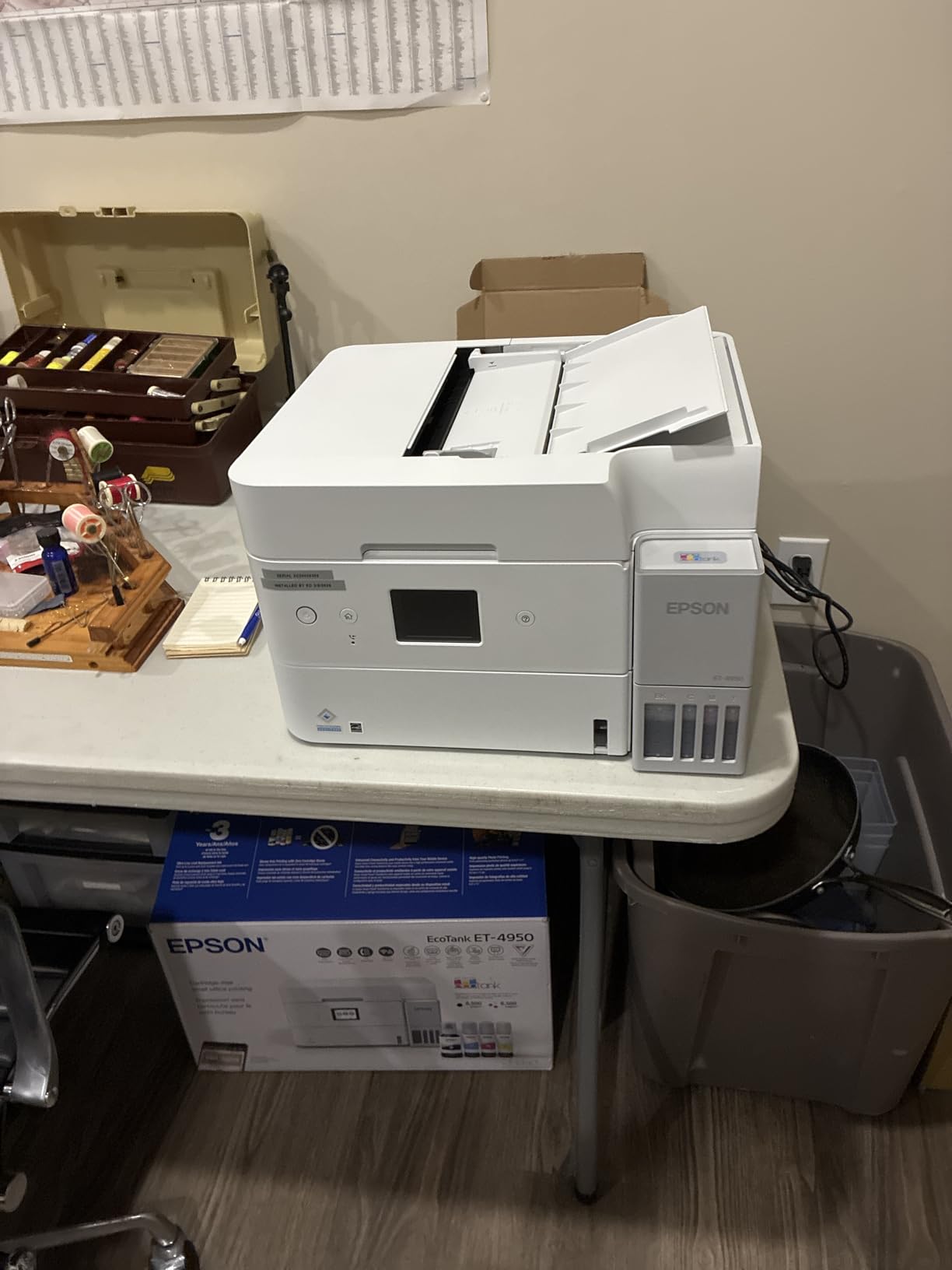
The detail that separates it from most competitors at this size is the automatic document feeder, which handles duplex scanning. Most machines in this class scan one side only, which doubles the work on any two-sided contract. This one does not, and it is a flatbed and sheetfed combo so you can also scan books and bulky items.
It has Ethernet, USB and Wi-Fi, a 250-sheet tray and a 250-sheet output, and an auto-extending output tray that catches long jobs. There is a 2.4 inch color display, though it is small and mounted low.
Who the ET-4950 suits
It suits anyone printing several hundred pages a week of mostly monochrome documents who also needs scanning, copying and faxing. The duplex ADF alone justifies it for any office that processes paperwork.
It also suits people who print in short bursts through the day, because the zero warmup time means no waiting on a cold machine between jobs.
Who should skip the ET-4950
Skip it if you need wide-format or if you scan photographs. The flatbed scan quality is the weakest here, and plenty of owners keep a separate scanner for photos and documents with fine detail.
Skip it if you are fussy about hardware noise or desk clutter: the power button ring light pulses continuously when idle and there is no way to switch it off, and the auto-extending tray does not retract on its own.
3. Canon MegaTank G3270 for the Lowest Cost of Entry
Canon MegaTank G3270 All-in-One Wireless Color Printer
11 ppm black and 6 ppm color
6000 black and 7700 color pages per set
13.2 pound body
100-sheet tray
Pros
- Same ink yield as Canon's premium MegaTank models
- Light body at only 13.2 pounds
- Custom paper sizes up to 8.5 x 47.2 in
- App-based control with no complex panel
- Ranks near the very top of the category by sales
Cons
- Single-sided printing only
- 100-sheet tray is small
- No automatic document feeder
- Low 600 x 1200 dpi resolution
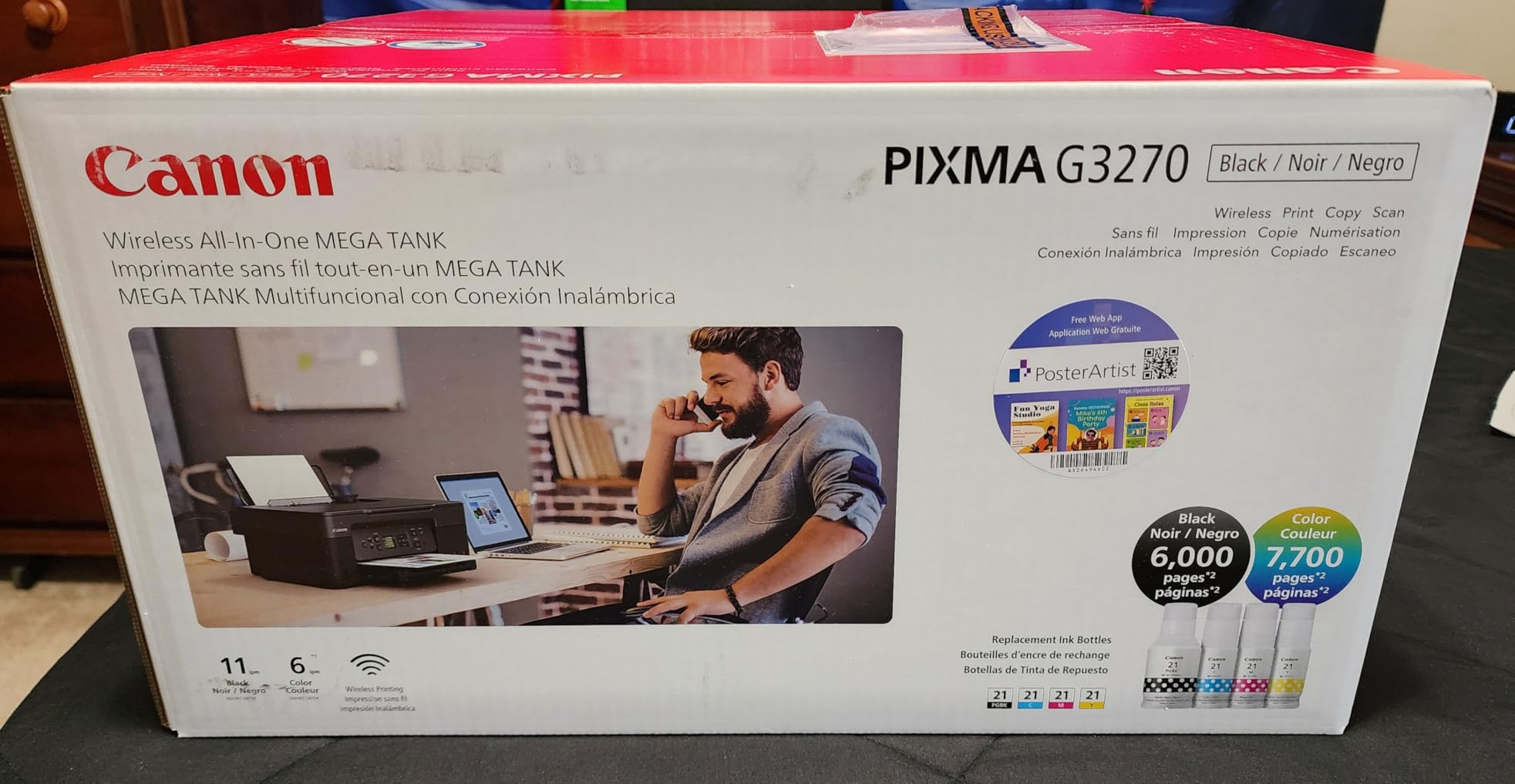
The G3270 is the reason most people searching for the best tank printers for high volume printing end up here. It carries the same 6,000 black and 7,700 color page yield as Canon’s premium MegaTank models, which is unusual at the bottom of the range, and it ranks near the very top of the category by unit sales.
That ink yield matters more than the sticker. A full set of GI-21 inks covers a working year for a home office printing a few hundred pages a month, and refilling is a matter of plugging in a bottle and letting it drain. It is the least complicated refill process of any machine here.
Physically it is also the friendliest. At 13.2 pounds it moves easily, and the app-based control means there is no panel to learn. Custom paper sizes run all the way to 8.5 x 47.2 inches, which covers banners, shelf strips and labels that a normal tray would refuse.
The compromise is clear and you need to accept it. There is no automatic duplex, so two-sided documents mean flipping the stack by hand. The tray holds 100 sheets, there is no document feeder, and output is 11 ppm black and 6 ppm color.
Who the G3270 suits
It suits a home office, a home daycare or a small studio that prints steadily and wants colour capability for a fraction of what cartridges would cost. If the bulk of your volume is single-sided documents, price lists and craft work, the missing duplex hardly registers.
It also suits anyone moving into tank printing for the first time, because the low entry point and the year of ink in the box mean the running cost is predictable from day one.
Who should skip the G3270
Skip it if you print two-sided documents in any volume. Flipping paper by hand at several hundred pages a month is a real time cost, and no ink saving compensates for it.
Skip it if you need to scan multi-page paperwork, since there is no automatic document feeder, or if photo quality is the point, because output is limited to 600 x 1200 dpi and the scanner is flatbed only.
4. Brother MFC-J4335DW for a Home Office That Also Scans
Brother MFC-J4335DW INKvestment Tank Wireless All-in-One Color Inkjet Printer, Up to 1-Year of Ink in-Box, Duplex Printing, Mobile and Cloud Print, Works with Alexa
20 ppm black and 16 ppm color
20-page automatic document feeder
Automatic duplex
150-sheet tray with bypass
Pros
- 20 ppm black with automatic duplex
- 20-page ADF handles multi-page scanning
- Two-year limited warranty
- Quiet and compact
- Reconnects to the network on its own
Cons
- ADF does not scan both sides
- Colour cartridges run out faster than black
- In-box sets are smaller than advertised yield
- Brother software is a large download
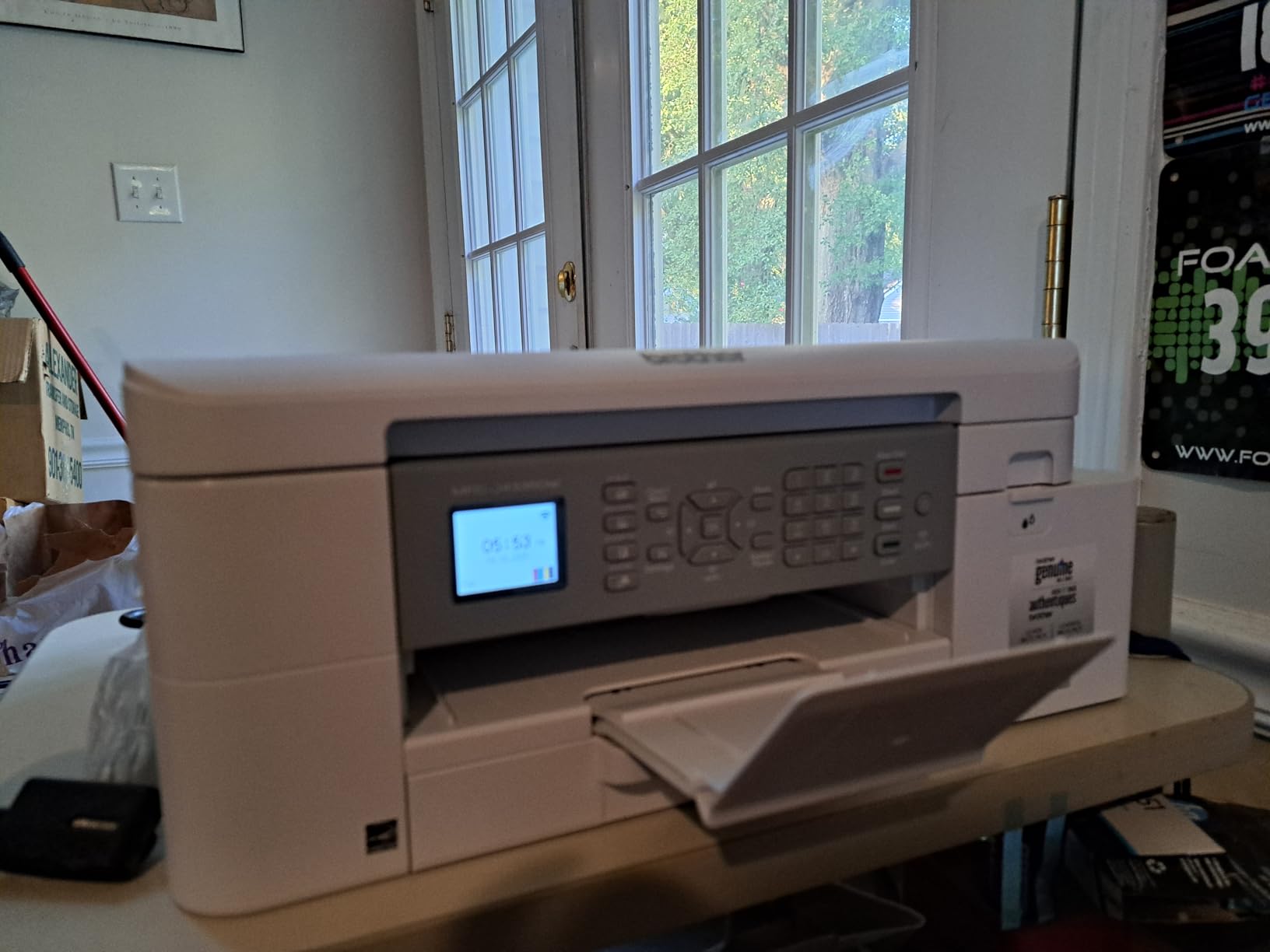
Brother’s INKvestment Tank approach sits between a true supertank and a cartridge printer. The cartridges load from the front and feed an internal reservoir, so a cartridge holds far more ink than a standard one, but the refill format is still a cartridge. In practice that gives you the convenience of familiar packaging with most of the tank printer ink economics.
At 20 ppm black and 16 ppm color, this is one of the faster machines in the group, and automatic duplex means two-sided jobs run without intervention. The 20-page document feeder handled multi-page scanning and copying well in our runs, and the 150-sheet tray with a bypass slot covers everyday office stock.
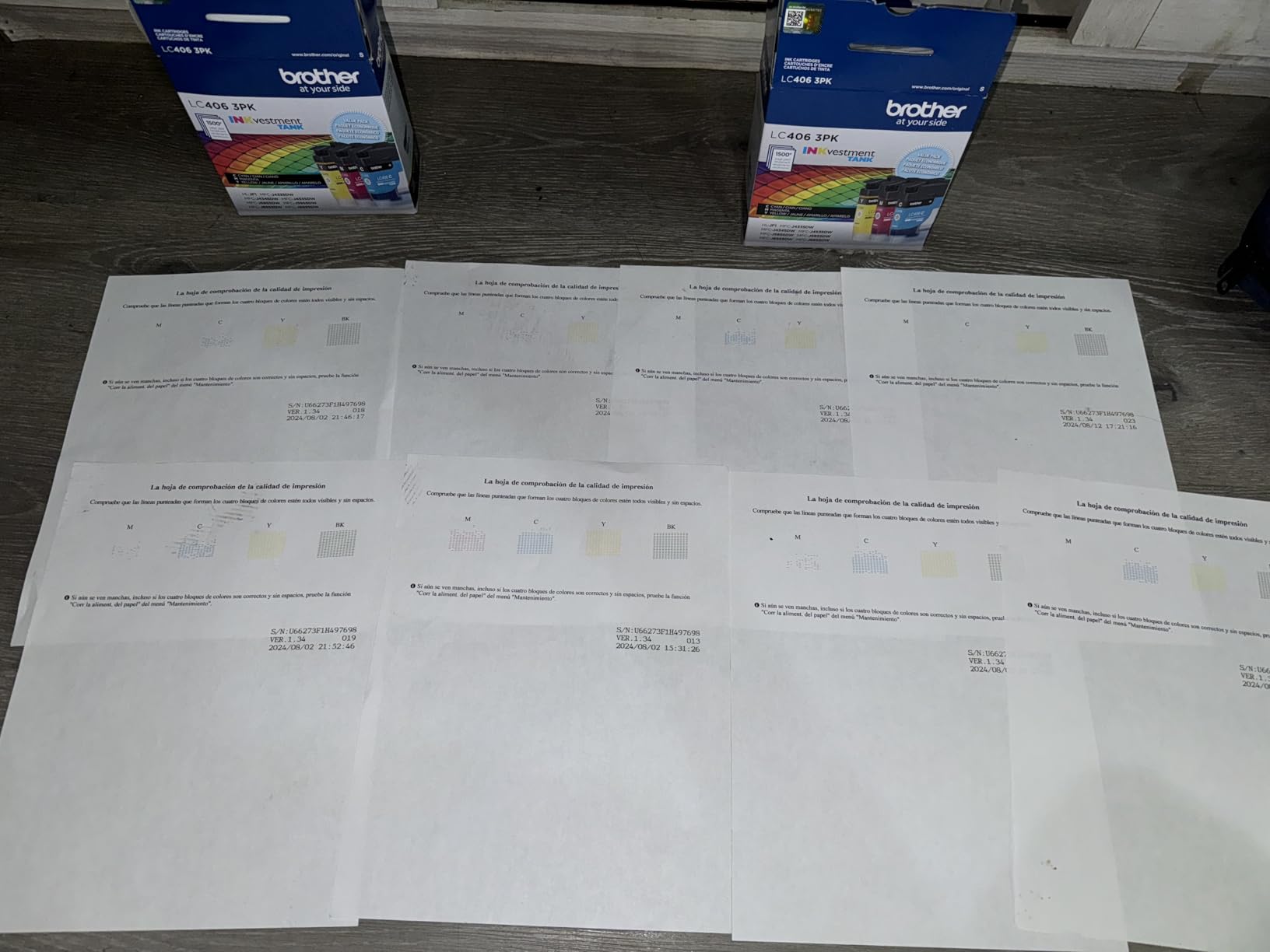
It also carries a two-year limited warranty, which is longer than the one-year cover on most of the competition, and the guided LCD walkthrough gets you printing quickly. Owners repeatedly mention that it is quiet and that it re-establishes its network connection on its own after a power cut, which matters in a shared office.
Brother is the brand that comes up most often in owner reports about reliability at volume, and this model is compact enough at 17.6 pounds to sit on a home office desk rather than a cabinet.
Who the MFC-J4335DW suits
It suits a home office or a study that needs a printer, scanner, copier and fax in one box and prints several hundred pages a month. The 20-page feeder and automatic duplex cover the paperwork side of the job properly.
It also suits anyone who values a two-year warranty and quiet running more than raw ink yield, and anyone who prints from a phone through the Brother Mobile Connect app.
Who should skip the MFC-J4335DW
Skip it if you scan double-sided documents regularly. The feeder scans one side only, so a duplex contract still needs a manual pass.
Skip it if you rely on bulk colour. The colour cartridges are smaller than the black one and run out faster, so a colour-heavy workload means more frequent trips to the cartridge drawer. The in-box sets are also starter sizes rather than a full year of supply.
5. Canon PIXMA G6020 for Photos and Product Printing
Canon PIXMA G6020 All-in-One Supertank Wireless (Megatank) Printer, Copier and Scan with Mobile Printing, Black, Works with Alexa
13 ppm black and 6.8 ppm color
6000 black and 7700 color pages
250-sheet front cassette
Rear feed for cardstock
Pros
- Huge ink supply per bottle set
- 250-sheet cassette plus rear feed
- Automatic duplex
- Sharp text and good photo output
- Refills are clean and spill resistant
Cons
- No automatic document feeder
- Small unlit two-line LCD
- Slow for photos and long jobs
- Control panel must stay tilted
- Setup needs several tape pieces removed
The PIXMA G6020 is the pick if your volume is not documents. It produces noticeably richer photo output than the other Canon tank machines here, and the 250-sheet front cassette plus a rear feed for cardstock and envelopes is a genuinely useful two-source paper system for product photography, invitations or small batch craft runs.
Ink endurance matches the G3270, with 6,000 black or 7,700 color pages per set. That matters enormously for photo work, where a colour page consumes several times more ink than a black one, and it is why colour-heavy users should always check the color page yield rather than the black figure.
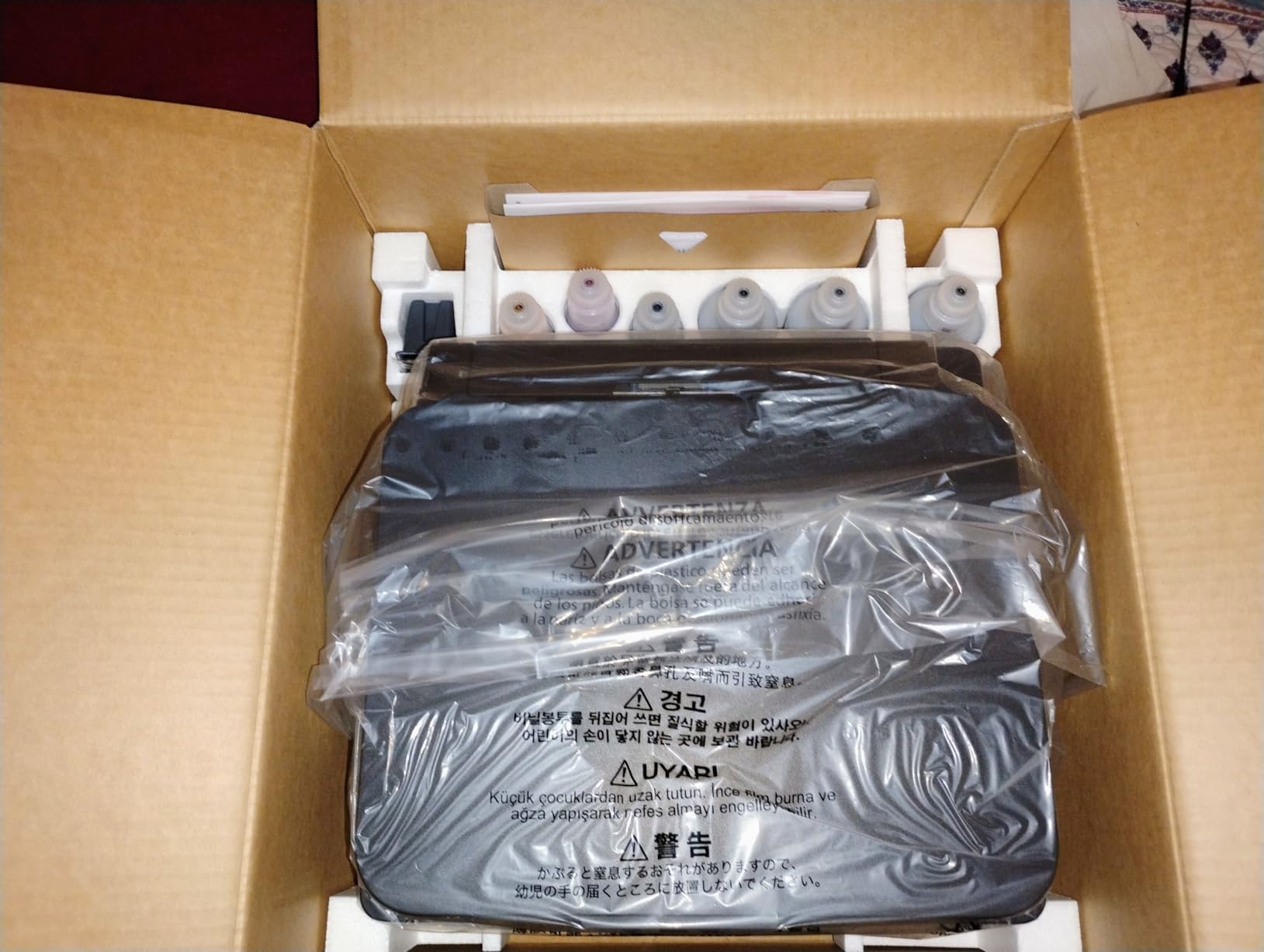
Automatic duplex is included, which not every Canon tank printer at this level has. Output is 13 ppm black and 6.8 ppm color with a first page in around 14 seconds, and text prints sharp enough for contracts and price lists.
There are three trays in total and Ethernet as well as USB and wireless, so it can be shared on an office network. Refilling is the cleanest bottle system of the Canon range, with keyed bottles and a tank that stops filling itself.

Who the PIXMA G6020 suits
It suits photographers, small studios and makers who print colour far more often than text and need dependable cardstock handling. If you are producing printed pieces alongside a small screen printing setup, the cardstock feed and duplex will both earn their place.
It also suits a home office that wants one machine for both work documents and family photos, which is the situation most buyers are actually in.
Who should skip the PIXMA G6020
Skip it if you scan documents in volume. There is no automatic document feeder at all, so a 40-page contract means 40 trips to the flatbed.
Skip it if throughput matters. It is slow for photos and long multi-page jobs, and the control panel has to be left in a tilted position or the printer will not operate, which catches people out.
6. HP Smart Tank 7001 for the Easiest Setup
HP Smart Tank 7001 Wireless All-in-One Ink Tank Printer, Scanner, Copier with 2 Years of Ink Included, Best-for-Home Office, Cartridge-Free Refillable, AI-Enabled (28B49A)
15 ppm black and 9 ppm color
About 6000 black or 8000 color pages
Automatic duplex
250-sheet tray
Pros
- Two years of ink included
- Refill bottles plug in and drain with no mess
- Automatic duplex with a 250-sheet tray
- First page in 9-14 seconds
- Replaceable printheads extend service life
Cons
- Tiny grayscale LCD shows symbols only
- No Ethernet port
- Photo output smears on glossy paper
- Paper tray feels flimsy
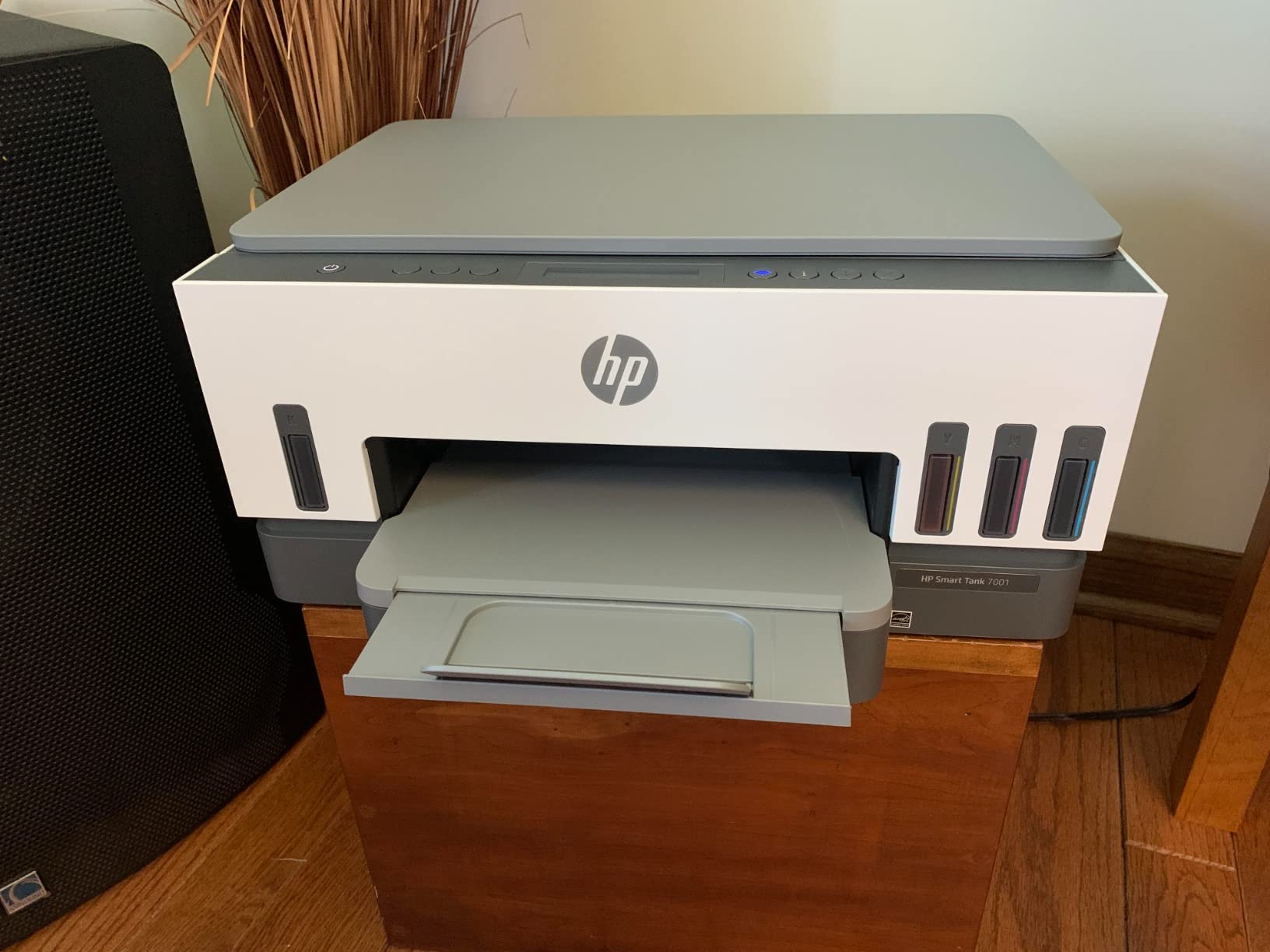
The Smart Tank 7001 is the least fiddly machine here to set up and the one most likely to succeed on the first attempt. The refill system is the best of the four ecosystems: plug the bottle into the matching port and let it drain, with no squeezing, no level guessing and no drips on the desk.
It comes with up to two years of ink, roughly 6,000 black or 8,000 color pages, which is among the largest bundled yields in this group. It also has automatic duplex and a 250-sheet tray, and the first page arrives in 9 to 14 seconds, which makes short jobs feel responsive.
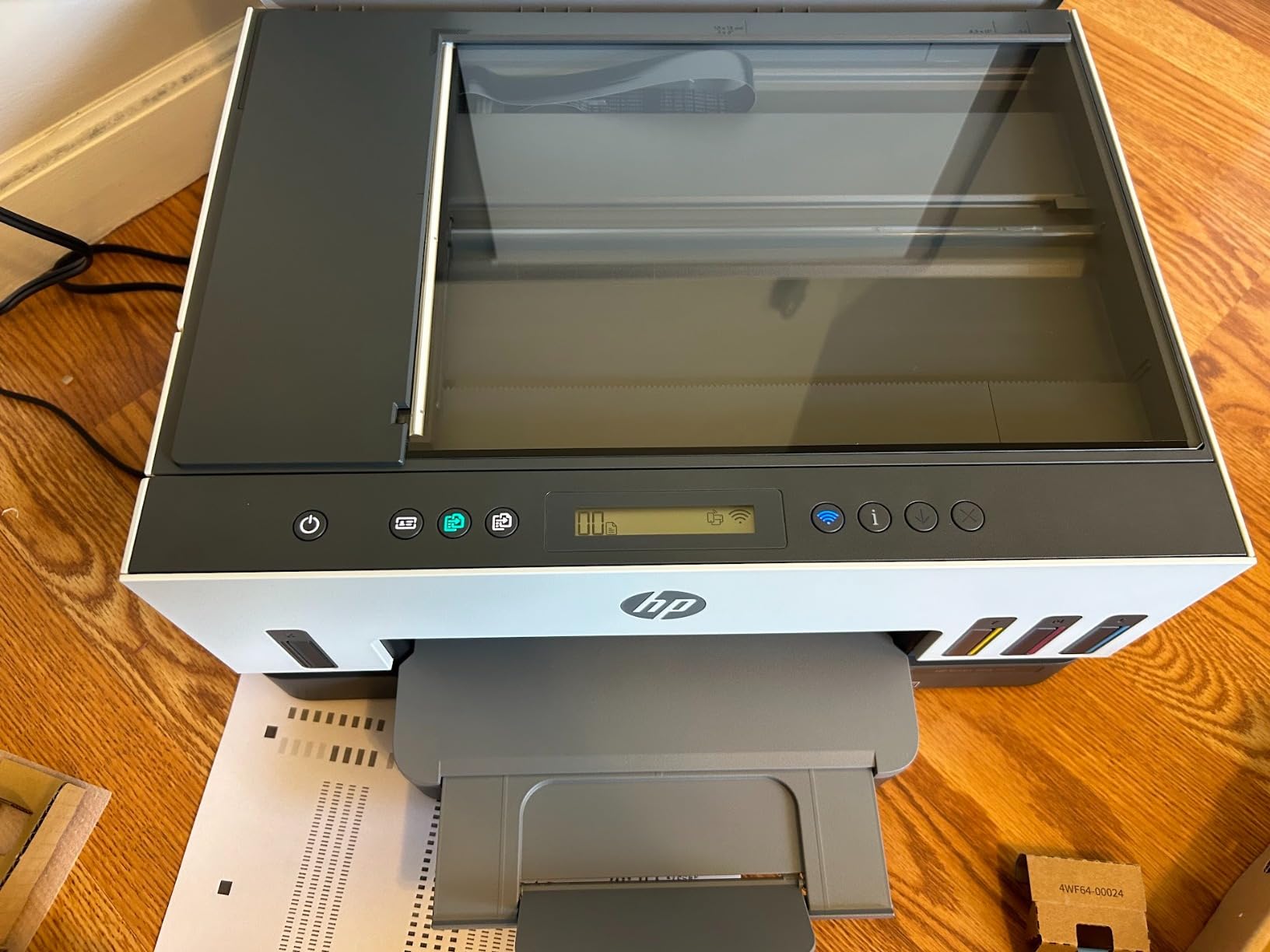
One detail deserves attention for a business: replaceable printheads. A tank printer that has outlived its printhead can be repaired rather than scrapped, which is a meaningful argument for anyone planning to keep a machine for four or five years.
HP also builds in a small AI tool that trims web pages and email before printing, removing headers, footers and clipped columns. It is a minor feature that saves real time on the kind of messy document a small office receives daily.
Who the Smart Tank 7001 suits
It suits anyone switching to tank printing for the first time, or anyone who does not want to learn ink systems at all. The guided setup, the two-year ink supply and the simple refill process remove almost all of the usual friction.
It also suits a mixed home and small office load of several hundred pages a month with regular colour, where duplex and a 250-sheet tray are useful but Ethernet networking is not required.
Who should skip the Smart Tank 7001
Skip it if you manage the printer from the device itself. The grayscale LCD shows symbols only, which makes on-device troubleshooting frustrating, so you will be reaching for the HP Smart app instead.
Skip it for professional photo work, because ink does not fully dry on glossy stock and output smears. There is also no Ethernet port, so a multi-user office on a wired network should look elsewhere.
7. Epson EcoTank ET-4850 for a Small Business
Epson EcoTank ET-4850 Wireless Color All-in-One Supertank Printer – Black
15.5 ppm black and 8.5 ppm color
250-sheet tray and 250-sheet output
Automatic duplex printing
Ethernet and Wi-Fi
Pros
- Cartridge-free tanks that rarely need refilling
- Automatic duplex printing
- Prints copies scans and faxes with an ADF
- Ethernet and Wi-Fi plus a mobile app
- Tray sits below the unit so it fits against a wall
Cons
- No duplex scanning on the document feeder
- Setup takes around 30 minutes
- Wi-Fi can drop and need a DHCP reservation
- Bulky vertically for a desk
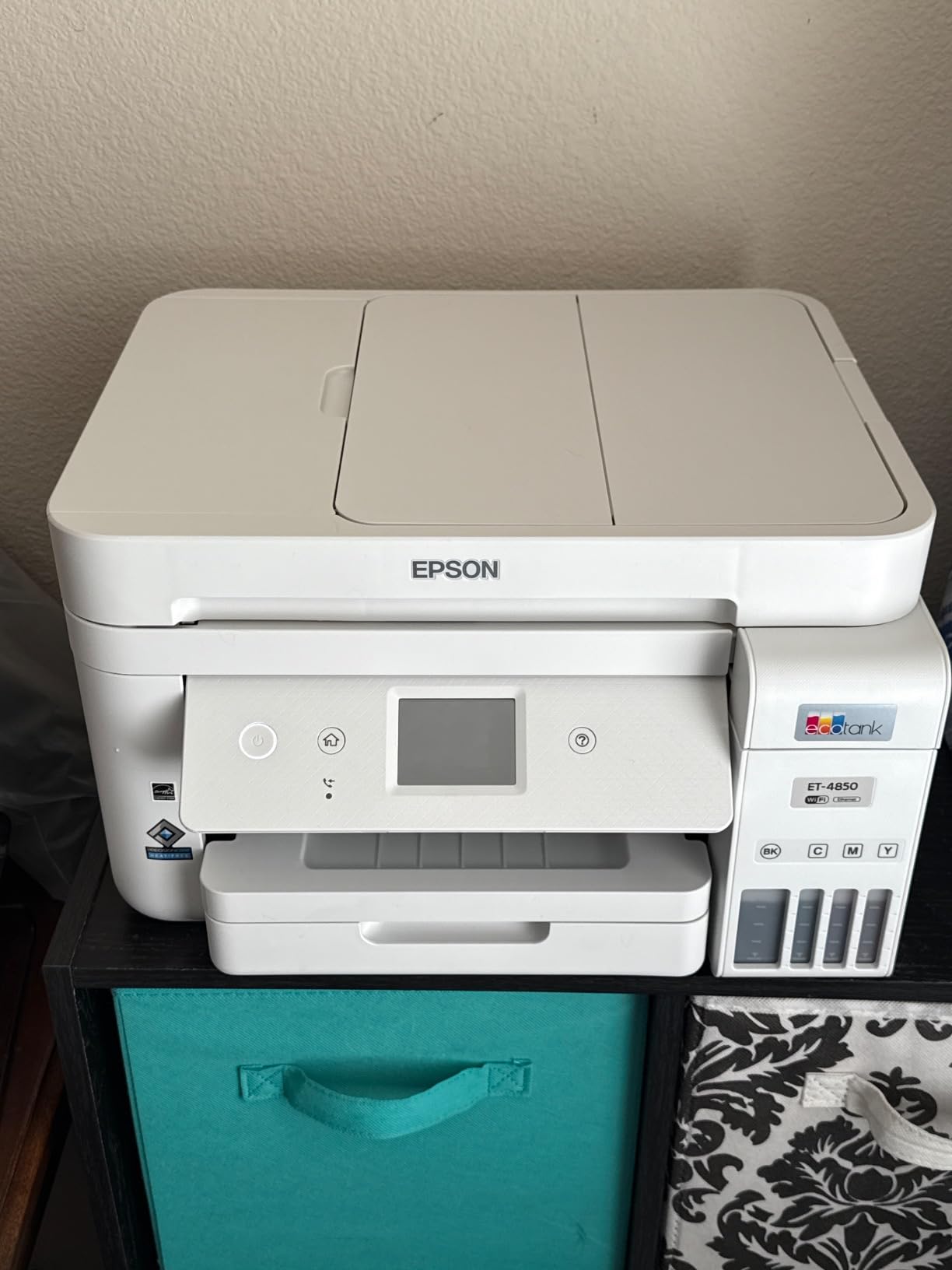
The ET-4850 is the quiet all-rounder for a small business that prints a mix of everything. It is a full all-in-one with an automatic document feeder, automatic duplex printing, copy, scan and fax, and it holds 250 sheets in and 250 sheets out. That output tray size matters for long jobs, which is exactly what high volume means.
It is also one of the few machines here with an Ethernet port alongside Wi-Fi, so it can sit on a wired office network properly rather than relying on a wireless reservation. Owners report that the cartridge-free tanks have gone a long stretch without needing a refill even under heavy use.
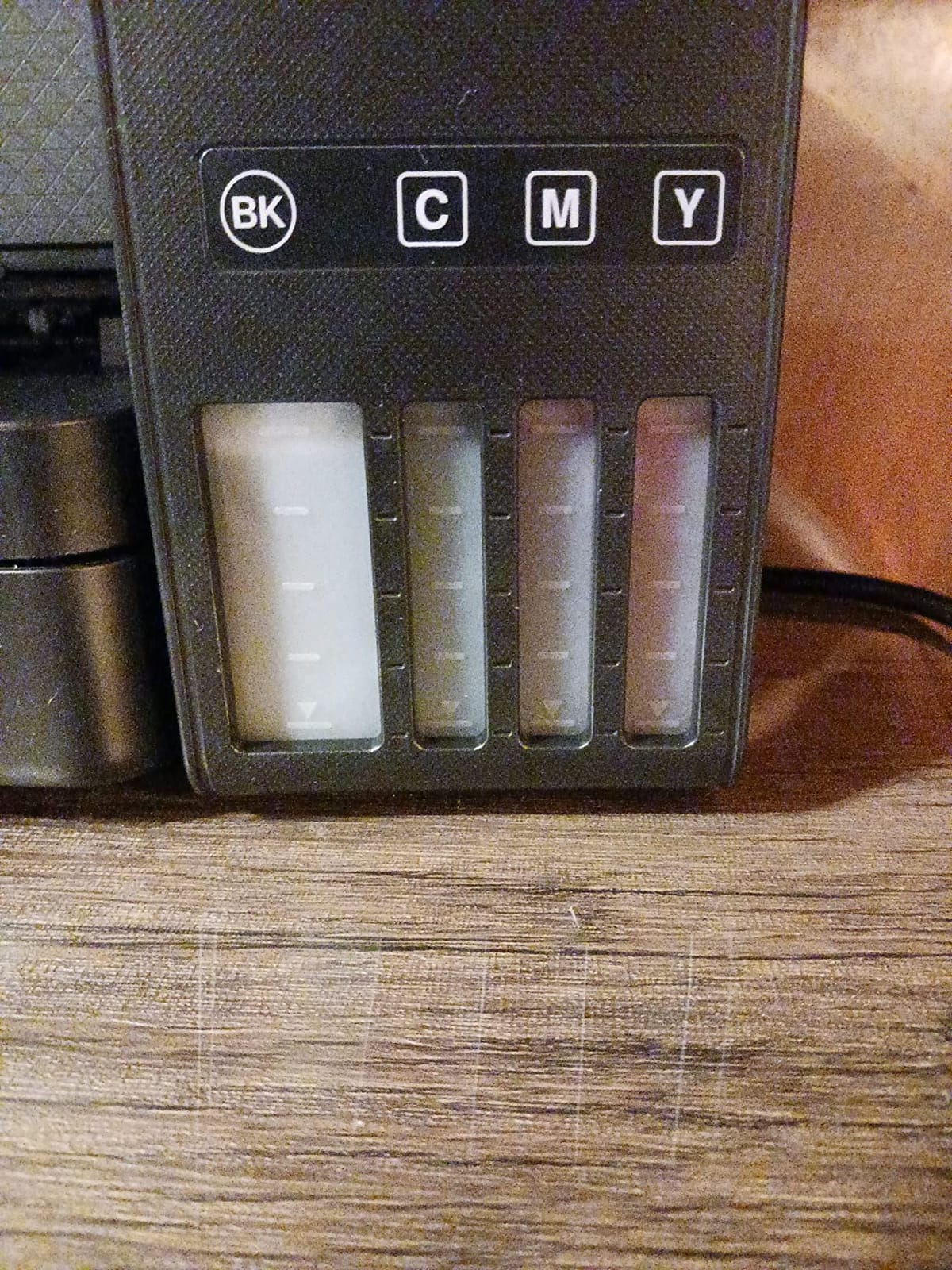
The physical design suits an office better than most. The 250-sheet tray is mounted below the unit rather than behind it, so the printer can sit against a wall, and the visible ink level windows mean nobody has to open a menu to check whether there is enough ink for a run.
It handles Legal at 8.5 x 14 inches as well as Letter, and the self-stopping, spill-free tank filling is the most reassuring refill design in this group for a shared machine.
Who the ET-4850 suits
It suits a small business or a busy home office that prints a few hundred pages a month across invoices, statements, client documents and marketing sheets. The combination of duplex, a document feeder and Ethernet is the most complete office feature set at this level.
It also suits anyone who needs monochrome documents to look genuinely black and sharp, since output is 600 x 2400 dpi in both colour and black and white.
Who should skip the ET-4850
Skip it if you scan double-sided documents. The feeder does not scan both sides, so every two-sided contract needs a manual flip, which is tedious at volume.
Skip it if you need photo quality. Output is respectable but not exceptional, and some hues read as oversaturated. It is also a tall, bulky unit for a home desk, and first-time setup can take around 30 minutes including firmware updates and head alignment.
8. Canon G7020 When You Still Send Faxes
Canon G7020 All-in-One Printer Home Office | Wireless Supertank (Megatank) Printer | Copier | Scan, | Fax and ADF with Mobile Printing, Black, Works with Alexa
13 ppm black and 6.8 ppm color
350-sheet maximum capacity
8.5 x 14 inch media
Automatic duplex
Pros
- Wireless print copy scan and fax in one unit
- 6000 black and 7700 color page yield
- Automatic two-sided printing
- Up to two years of ink in the box
- Ethernet port for office networks
Cons
- Two-line LCD is small and not backlit
- No memory card or direct media slot
- Only two trays
- App-based control only
The G7020 exists for a specific reason: it has a working fax machine. Plenty of small offices, clinics and trades still send paper faxes daily, and almost no other tank printer in this class includes one. If that is your situation, this is the machine to buy and the rest of the list is irrelevant.
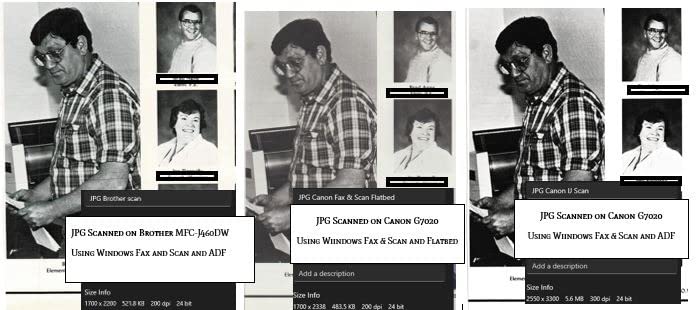
Beyond the fax it is a capable office all-in-one. It has an automatic document feeder, automatic two-sided printing, 350 sheets of maximum paper capacity, 8.5 x 14 inch media support and an Ethernet port. The ink yield is the same 6,000 black or 7,700 color pages per set as the rest of the Canon MegaTank range.

It is a two-tray machine, which is why capacity tops out at 350 sheets rather than the 400 sheets some rivals reach. It also handles Legal paper, which a lot of contract work needs.
Its 3.8 rating is the lowest here and the reasons are consistent across reviews: the two-line LCD is small and not backlit, and there is no memory card or direct media slot. In a machine used almost entirely through its app and over the network, that is a mild inconvenience rather than a defect.
Who the G7020 suits
It suits clinics, legal offices, trades and any small business with a genuine fax requirement and a steady monthly workload. The ADF plus duplex handles the paperwork side of a fax-heavy office without babysitting.
It also suits a shared office that needs wired networking alongside wireless, since the Ethernet port is rare in this price class.
Who should skip the G7020
Skip it if fax is on a sunset schedule. If you have not sent a fax in a year, you are paying for a function you will never touch, and the unlit two-line display is a downgrade in usability compared with a touchscreen machine.
Skip it if you scan photographs or need direct media printing, since there is no memory card slot and the scanner is a document-type flatbed.
9. Brother MFC-J1205W for the Tightest Budget
Brother MFC-J1205W INKvestment -Tank Wireless Multi-Function Color Inkjet Printer with Up to 1-Year in Box, Works with Alexa
16 ppm black and 9 ppm color
One year of ink in the box
12.3 pound body
Manual duplex
Pros
- Very low entry price with a year of ink included
- Compact and lightweight at 12.3 pounds
- Quiet operation
- About 35 minutes from unboxing to first print
- Print heads less prone to clogging when idle
Cons
- No automatic duplex
- No display beyond LED indicators
- 1200 x 600 dpi is the lowest resolution here
- Mobile app nags about updates
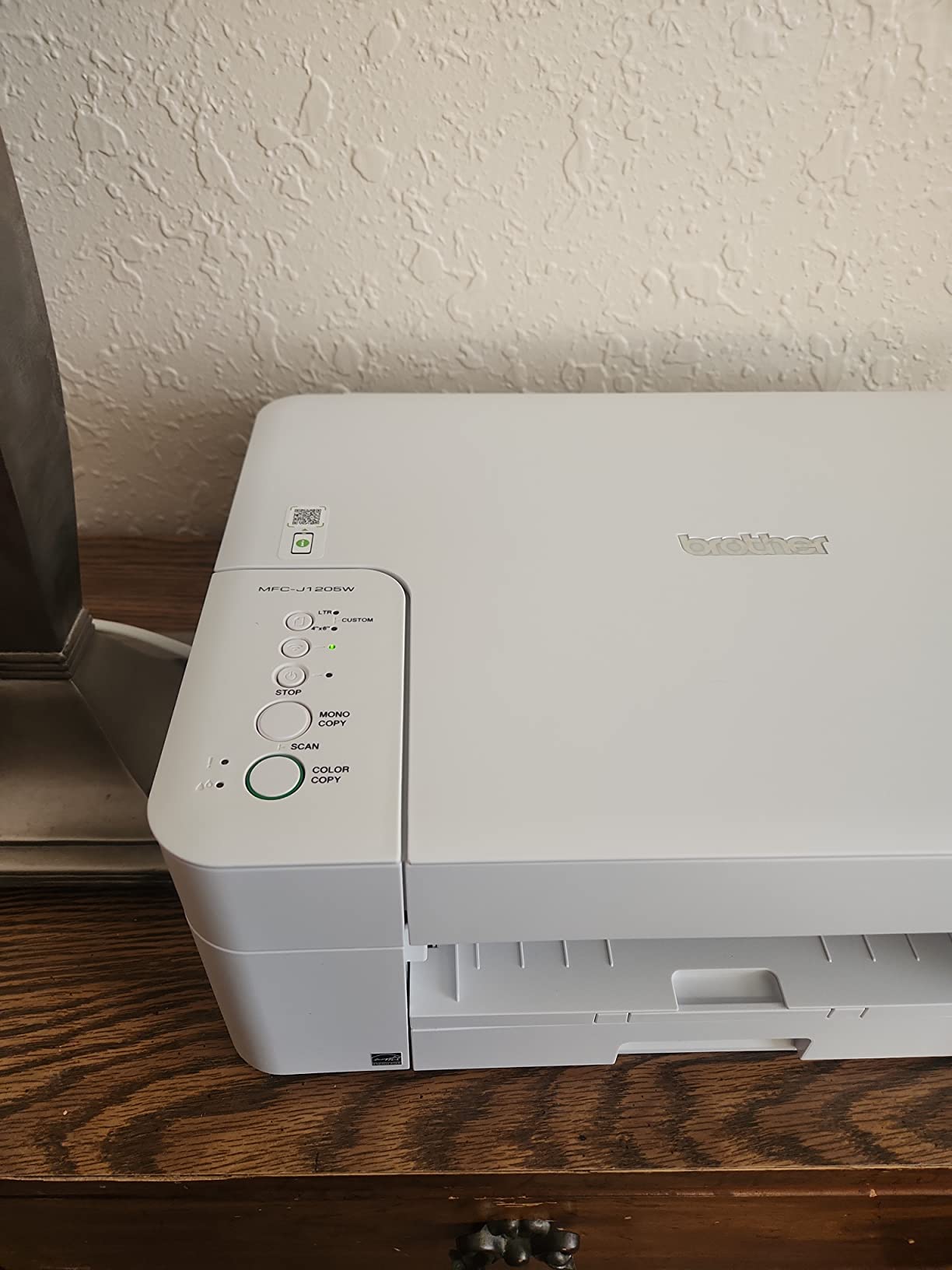
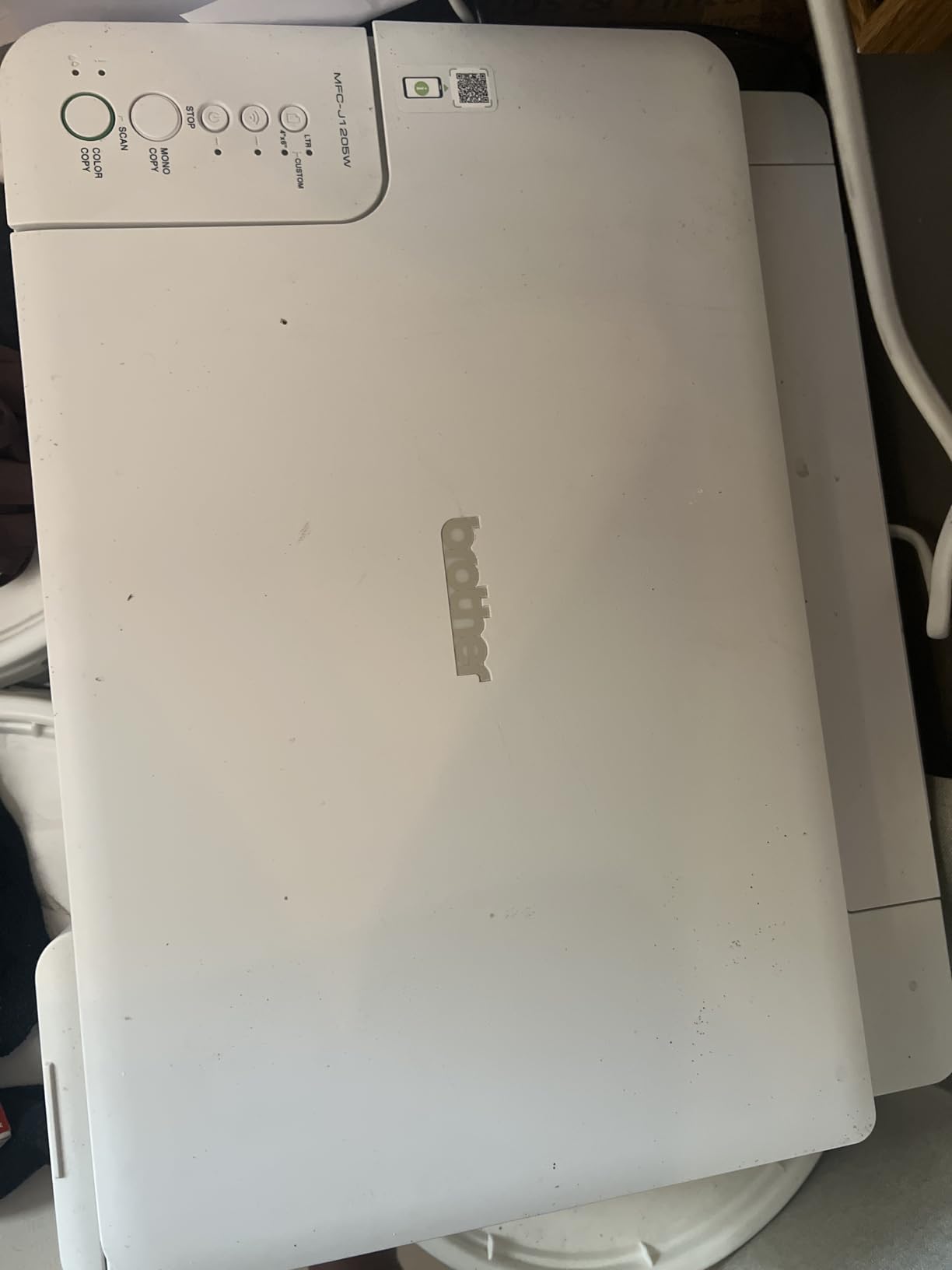
The MFC-J1205W is the lowest-cost way into a year of ink in the box, and for a lot of buyers that is the whole decision. Owners report that the INKvestment cartridges hold substantially more ink than standard cartridges, and that a black refill changes hands at a fraction of what a cartridge printer would cost.
It is also the second-lightest machine here at 12.3 pounds, and one of the smallest, so it disappears onto a shelf or a side desk. Speed is respectable at 16 ppm black and 9 ppm color, with a first page in 15 to 20 seconds, and the Page Gauge feature in the Brother Mobile Connect app shows ink levels before you run a job dry.
One owner-reported advantage is worth noting for intermittent use. The print heads on this model are described as less likely to clog when the printer sits unused, which is a real mitigation for anyone who cannot guarantee weekly printing.
Setup takes roughly 35 minutes from unboxing to first print, and it is quieter than most of the group, which matters if it shares a room with people on calls.
Who the MFC-J1205W suits
It suits a home office, a home daycare or a student who prints steadily but modestly, and wants the lowest total cost of ownership with no cartridge anxiety. Document and label output is its strength.
It also suits anyone whose space is genuinely tight, since it is the smallest and lightest machine in the group.
Who should skip the MFC-J1205W
Skip it if you print two-sided documents. Duplex is manual here, so two-sided volume means turning a stack by hand, and at several hundred pages a month that becomes a real drag.
Skip it if image quality matters at all: 1200 x 600 dpi is among the lowest resolutions in this group. There is also no display, only LED indicator lights, so every setting change happens in the app.
10. Brother MFC-J4555DW for Paper Handling First
Brother INKvestment 4555 Wireless Color Inkjet All-in-One Printer with 2.7” Color Touchscreen and 2 Paper Trays | Includes Refresh Subscription Trial(1) (MFC-J4555DW)
20 ppm black and 19 ppm color
400 sheets across two trays
20-page auto document feeder
2.7 inch color touchscreen
Pros
- 400 sheets across two trays is the most paper capacity here
- 20 ppm black and 19 ppm color
- 5.8 second first page times
- Automatic duplex plus a 20-page feeder
- 2.7 inch color touchscreen and front USB port
Cons
- Uses standard cartridges rather than a refillable tank
- Heaviest of the desk-sized units at 22.9 pounds
- ADF scans one side only
- Manual feed slot holds a single sheet
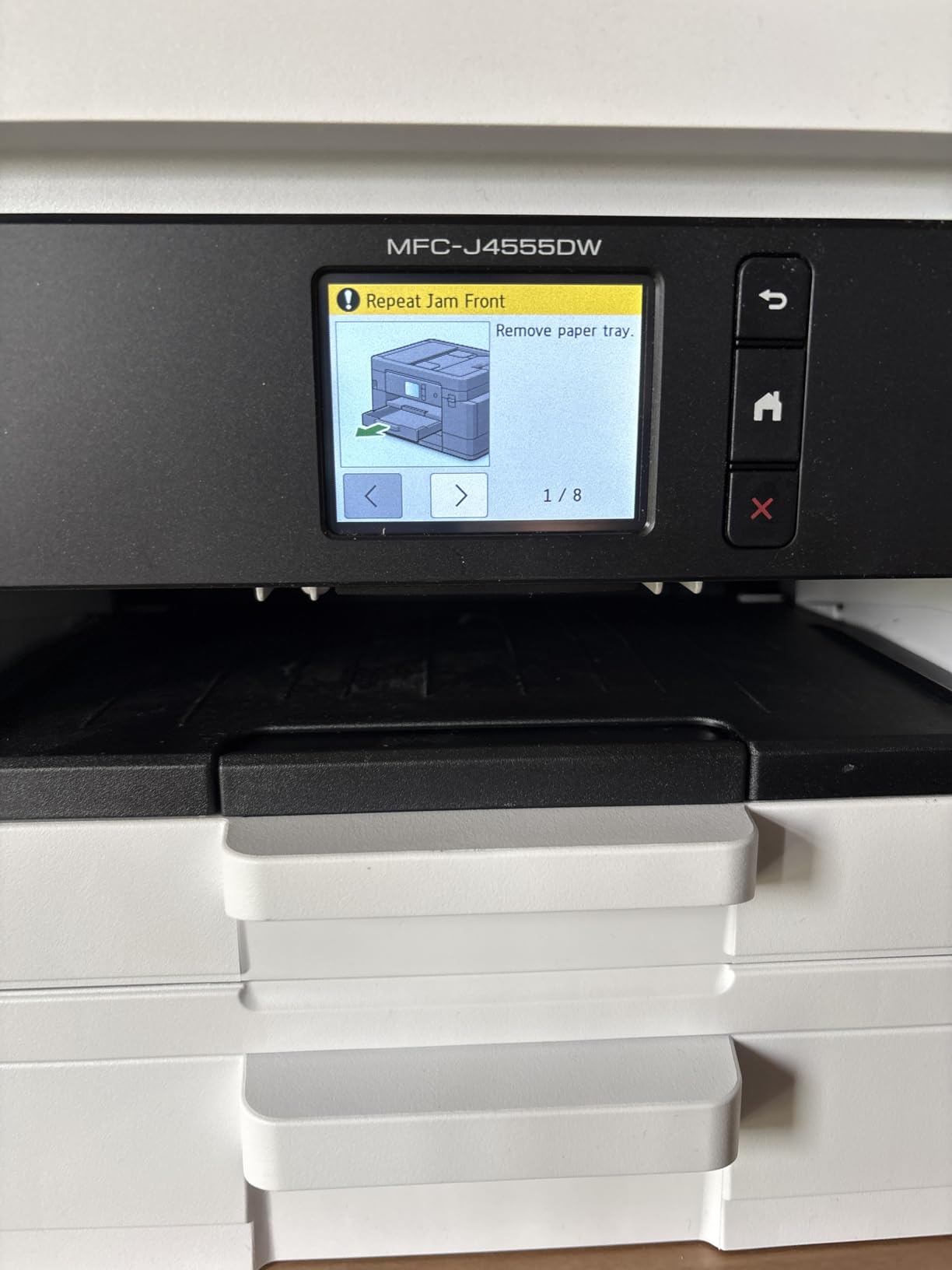
Be clear about what this machine is. Despite the INKvestment name on the box, the MFC-J4555DW runs standard LC506 cartridges, not a refillable tank. It belongs in this roundup because it solves the same problem from the opposite direction: you spend more per page on ink, but you get the best paper handling, speed and control panel of any unit here.
On hardware it is the most complete office unit in this group. Two trays give 400 sheets of total paper capacity, the 20-page automatic document feeder handles multi-page jobs, and automatic duplex runs without intervention. The 2.7 inch color touchscreen makes setup and device management far easier than the LED-only machines, and there is a front USB port for direct printing.
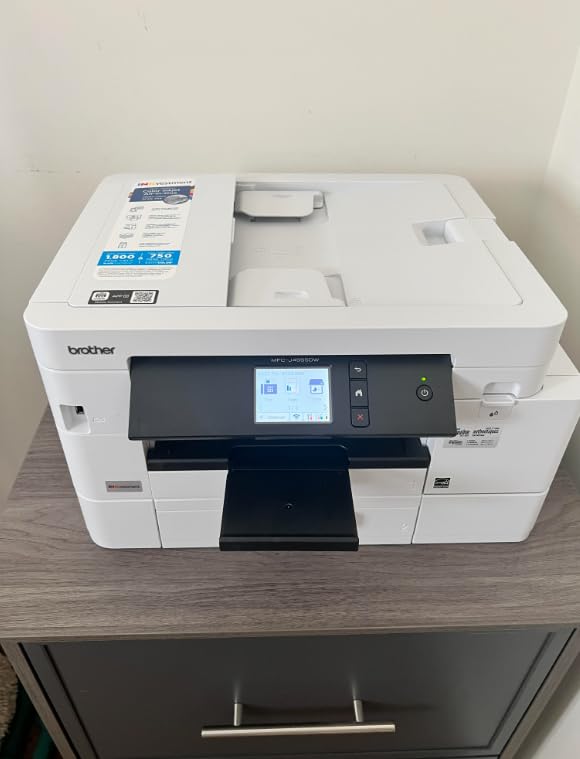
Speed is a genuine highlight: 20 ppm black, 19 ppm color and first pages in roughly 5.8 seconds. It connects over Ethernet, Wi-Fi, Wi-Fi Direct and USB, and prints to and scans from Google Drive, Dropbox, Box and OneDrive.
It ships with 1,800-page black and 750-page colour yield cartridges and a two-year limited warranty. The trade-off is straightforward: recurring ink cost per page runs higher than a true tank printer, so it only makes sense if your volume is moderate and paper handling is your real constraint.
Who the MFC-J4555DW suits
It suits a small office that prints a few hundred pages a month, runs two-sided documents constantly, and would rather not refill a tray every week. The touchscreen and the 400-sheet capacity suit a machine run by several people.
It also suits anyone who wants a single device for direct USB printing and cloud scanning without picking up an app first.
Who should skip the MFC-J4555DW
Skip it if your printing is genuinely high volume. The ongoing ink cost of cartridges is the reason tank printers exist, and at several thousand pages a month the difference between cartridge and tank ink is the single largest cost in the room.
Skip it if space is tight: at 22.9 pounds it needs a sturdy surface, the feeder scans one side only, and the manual feed slot takes a single sheet of cardstock at a time.
Buying Guide: What Actually Matters at High Volume
Paper handling: tray, feeder and duplex
Ink is the headline cost, but paper handling decides whether a machine survives a busy week. Tray capacity in this group ranges from 100 sheets on the Canon MegaTank G3270 to 400 sheets across two trays on the Brother MFC-J4555DW, and that is the difference between refilling twice a day and once a week.
Automatic duplex is the feature people miss most. A machine that prints both sides unattended saves paper and halves the handling time; a machine with manual duplex means turning every stack over. At 800 pages a month, that is real staff time.
An automatic document feeder is the other half. Anything above 20 pages of scanning per job needs one, and a duplex-capable feeder is better still. Check the ADF rating carefully, because several machines here scan only one side even though they print both sides.
Ink yield, cost per page and total cost of ownership
Cost per page is the number that decides this purchase, and it is calculated differently for colour. Black pages on a tank printer typically run around one to two cents. Colour pages use all three inks plus black, so the cost per colour page is several times higher, and photos more so again. Buyers who compare a tank printer’s black cost per page against a cartridge printer’s headline cost per page are comparing two different things.
Look at bundled ink as part of the maths, not as marketing. The Canon MegaTank G3270 and the PIXMA G6020 both cover 6,000 black or 7,700 colour pages per set, the HP Smart Tank 7001 covers roughly 6,000 black or 8,000 colour, and the Epson ET-4950 ships with 6,600 black or 5,500 colour. A full set of Epson ink is roughly equivalent to 80 cartridges.
Then count the other running costs. Every tank printer has a waste ink maintenance box that needs replacing eventually, and cleaning cycles consume ink. Plan a three-year view rather than a one-year view, and keep to manufacturer or reputable bottled ink, because keying systems, warranty terms and printhead longevity are all tied to what you put in the tanks.
Maintenance, clogs and the weekly print rule
Ink dries in the tubes and nozzles when a tank printer sits unused. The practical rule owners follow is simple: run at least one colour page a week. Colour matters more than black, because black-only documents do not push ink through the colour lines. A machine that prints a test page every Friday does not need a purge cycle every Monday.
Cleaning cycles are the hidden cost. A single printhead cleaning wastes ink that goes into the maintenance box, and repeated cleaning when a machine sits idle can consume a meaningful share of a bottle over a year. If your printing is seasonal, plan around this rather than fighting it.
Owner experience on r/printers and related forums is consistent on one point: endless cleaning loops are the most common reason a tank printer gets written off. When you buy, check the warranty length and the availability of replacement parts in your region. The models with replaceable printheads, like the HP Smart Tank 7001, and the two-year warranty models from Brother are the safer long-term bets.
Connectivity and apps for a shared office
If more than one person prints, Wi-Fi and an app are the minimum and Ethernet is better. The Canon G7020, the Epson ET-4850, the ET-4950 and the Brother MFC-J4555DW have Ethernet ports; the HP Smart Tank 7001 and the Canon MegaTank G3270 do not. All of them print from a phone through their manufacturer’s app.
Pay attention to the control panel too, because it determines who can do what without a phone. A 2.7 inch color touchscreen is genuinely easier for a shared machine than a two-line unlit LCD. If your office already runs a 3D printer or a small press, note that all of these pair cleanly with the app-based workflows typical of a maker space, and our guides to enclosed 3D printers for ABS work and screen printing presses cover the other half of that workflow.
When a laser beats a tank printer
Be honest about the crossover. Below roughly 2000 pages a month, mostly black and white, a mono laser usually wins: no ink to dry, faster pages per minute, lower cost per page and no printhead to clog. Above that threshold, or as soon as colour becomes a regular requirement, the tank printer’s economics take over.
The most common real-world pattern is a hybrid: a laser for the text volume and a tank printer for colour, or a tank printer in the office and a laser at the back. Neither is a compromise; both are rational. What fails is buying one tank printer and expecting it to do 5000 black pages a month as reliably as a laser would.
Frequently Asked Questions
What is the best ink tank printer for high volume printing?
For most small offices, the Epson EcoTank ET-4950 is the best balance: 18 ppm black, automatic duplex, a document feeder that scans both sides and roughly 6,600 pages of bundled black ink. For the heaviest duty or any 11×17 paper, the Epson EcoTank ET-15000 is the stronger choice. For the lowest cost of entry, the Canon MegaTank G3270 offers the same class-leading ink yield as Canon’s premium models.
How many pages can an ink tank printer print?
Per set of ink bottles, most models here cover about 6,000 to 7,700 black pages or 7,700 to 8,000 colour pages. The Epson ET-4950 ships with 6,600 black and 5,500 colour pages of ink, the Canon G6020 and MegaTank G3270 with 6,000 black or 7,700 colour, and the HP Smart Tank 7001 with roughly 6,000 black or 8,000 colour. Colour pages use more ink, so photo work drains a set much faster.
Which printer here has the largest ink capacity?
The Epson EcoTank ET-15000 has the highest duty rating at 33,000 pages per month. The largest single bundled ink supply belongs to the HP Smart Tank 7001 at roughly 8,000 colour pages, while the Canon MegaTank G3270 and PIXMA G6020 each cover 6,000 black or 7,700 colour pages per set. Total tank capacity varies less than advertised page yield, which depends heavily on your colour mix.
What are the disadvantages of an ink tank printer?
The main drawbacks are regular use requirements, no true duplex on some entry models, and lower page-per-minute speeds than a laser. Ink sitting unused can dry and trigger printhead cleaning cycles that waste ink and fill the maintenance box. Entry models such as the Canon MegaTank G3270 and Brother MFC-J1205W print single-sided only, and colour pages cost several times more than black ones.
How often do I need to use a tank printer to avoid clogs?
At least one colour page a week keeps the colour lines moving and is the rule most experienced owners follow. Black-only printing does not protect the colour nozzles, so a weekly colour test page matters more than a weekly black one. If your printing is seasonal or you go months without a job, a laser will avoid the cleaning cycles entirely.
What is the typical running cost of an ink tank printer compared to a laser?
Tank ink works out at roughly one to two cents per black page, while colour pages cost several times more because they draw on all three colour inks. A monochrome laser sits close to the tank printer on black pages but loses on colour, since it either cannot print it or costs far more to do so. The crossover sits near 2,000 mostly-black pages a month, above which a laser usually wins.
Conclusion
The best tank printers for high volume printing come down to two questions: how many pages a month, and how many of them are colour. The Epson EcoTank ET-15000 is the strongest all-round machine here, with the highest duty cycle, the widest paper support and among the lowest ink costs per page. The Epson EcoTank ET-4950 is the better fit for a typical small office, and the Canon MegaTank G3270 is the most sensible low-cost way to start.
Pick by duty band, fill the tanks with manufacturer bottled ink, and print something in colour every week. Do that and the running costs stay low and the machine keeps running year after year. Updated for 2026, this is the list we would hand to an office manager today.