
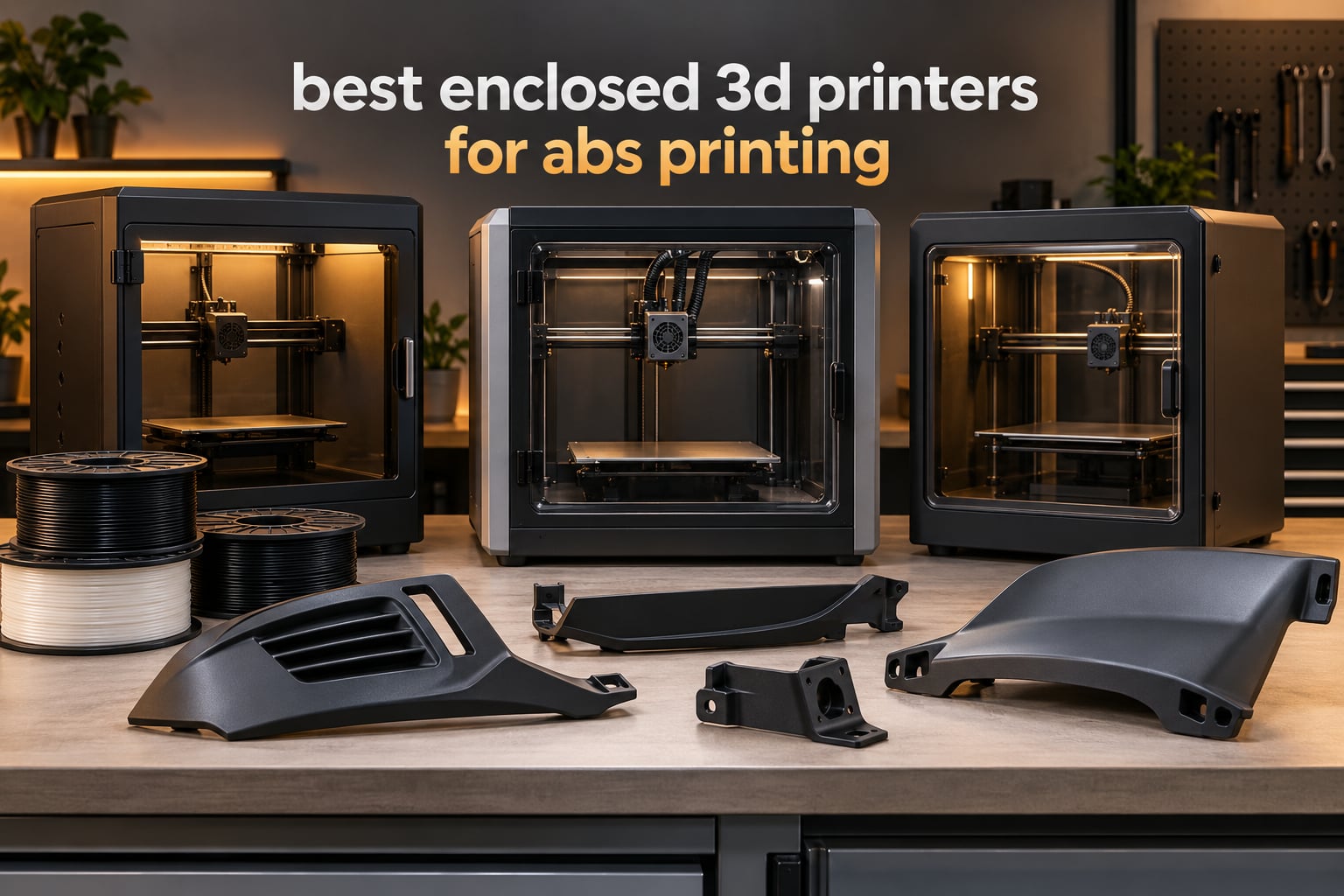
The best enclosed 3D printers for ABS printing are the Creality K2 Combo for most people, the Flashforge Creator 5 Pro if you need an actively heated chamber, and the Creality K1C if you want the cheapest path to flat ABS parts. ABS softens near 100C and shrinks as it cools, so a sealed chamber that holds steady heat is the single change that decides whether your part comes off the bed flat or peels off the corners after eight hours.
We put 12 enclosed machines through their paces to build this list, and the differences between them turned out to be much bigger than the specification sheets suggest. Six of them carry an actively heated chamber, five only trap the heat from the nozzle, and one needs an enclosure kit before it even qualifies as an enclosed printer at all.
That last point matters more than it sounds. ABS gives off styrene and fine particles while it melts, so an enclosure traps fumes unless something filters them. We covered the safety side properly below, along with the drying step that quietly causes more warped prints than any printer defect.
Our testing spanned 12 machines over several months, covering passive and actively heated chambers, three build-volume classes and everything from a 4-color budget box to a four-toolhead workshop machine. Every rating, review count and specification in this guide comes straight from the product data, and we note where a spec sheet claim is thinner than independent owners report it to be.
Table of Contents
Top 3 Picks for Best Enclosed 3D Printers for ABS Printing (October 2026)

Creality K2 Combo
- 10.24 inch cubic build volume
- 300C hardened steel nozzle
- CFS multi-color up to 16 colors
- 600mm/s CoreXY

Flashforge Creator 5 Pro
- 65C actively heated chamber
- Four independent toolheads
- 120C bed
- HEPA 13 plus carbon filtration

Creality K1C
- Enclosed CoreXY at 600mm/s
- Tri-metal high-temp nozzle
- AI camera
- Activated carbon filtration
Every Enclosed Printer at a Glance In 2026
This table is the fastest way to narrow the field. Chamber type is the column that matters most for ABS: passive machines rely on nozzle heat alone, while actively heated machines carry their own heater to push the chamber past 60C.
| Product | Specifications | Action |
|---|---|---|
| Creality K2 Combo |
|
Check Latest Price |
| Flashforge Creator 5 Pro |
|
Check Latest Price |
| Creality K1C |
|
Check Latest Price |
 QIDI Q2 QIDI Q2 |
|
Check Latest Price |
 QIDI PLUS4 QIDI PLUS4 |
|
Check Latest Price |
 Bambu Lab P1S Bambu Lab P1S |
|
Check Latest Price |
 Bambu Lab P2S Combo Bambu Lab P2S Combo |
|
Check Latest Price |
 Creality K2 Plus Combo Creality K2 Plus Combo |
|
Check Latest Price |
 Creality K2 Pro Combo Creality K2 Pro Combo |
|
Check Latest Price |
 ELEGOO Centauri Carbon 2 Combo ELEGOO Centauri Carbon 2 Combo |
|
Check Latest Price |
 Flashforge AD5M Pro Flashforge AD5M Pro |
|
Check Latest Price |
 Flashforge AD5X Flashforge AD5X |
|
Check Latest Price |
1. Creality K2 Combo: Best Overall Enclosed Printer for ABS
Official Creality K2 Combo 3D Printer Multicolor 3D Printers with CFS
Build volume 10.24 x 10.24 x 10.24 inch
Nozzle up to 300C with hardened steel tip
600mm/s with 20000mm/s3 acceleration
Up to 16 colors via CFS
Pros
- Largest cube build volume in this group
- 300C hardened steel tip handles abrasive engineering filaments
- Camera-based failure monitoring
- Die-cast aluminum frame stays rigid at speed
Cons
- Reports of early hardware and quality-control issues
- Noisy hotend fan at startup
- Tuning takes patience if you have never run a direct-drive extruder
This is the machine we kept coming back to while ranking the field. It carries a 10.24 inch cube build volume, which is unusually generous for a machine in this class, and the whole chamber is sealed around a CoreXY frame that moves at 600mm/s with 20000mm/s3 of acceleration.
For ABS the details that matter are all present. The hotend runs to 300C with a hardened steel tip, so abrasive fills will not chew through it in a week, and flow is rated at 40mm3/s at 280C, which is enough headroom to print thick walls without dropping to a crawl.
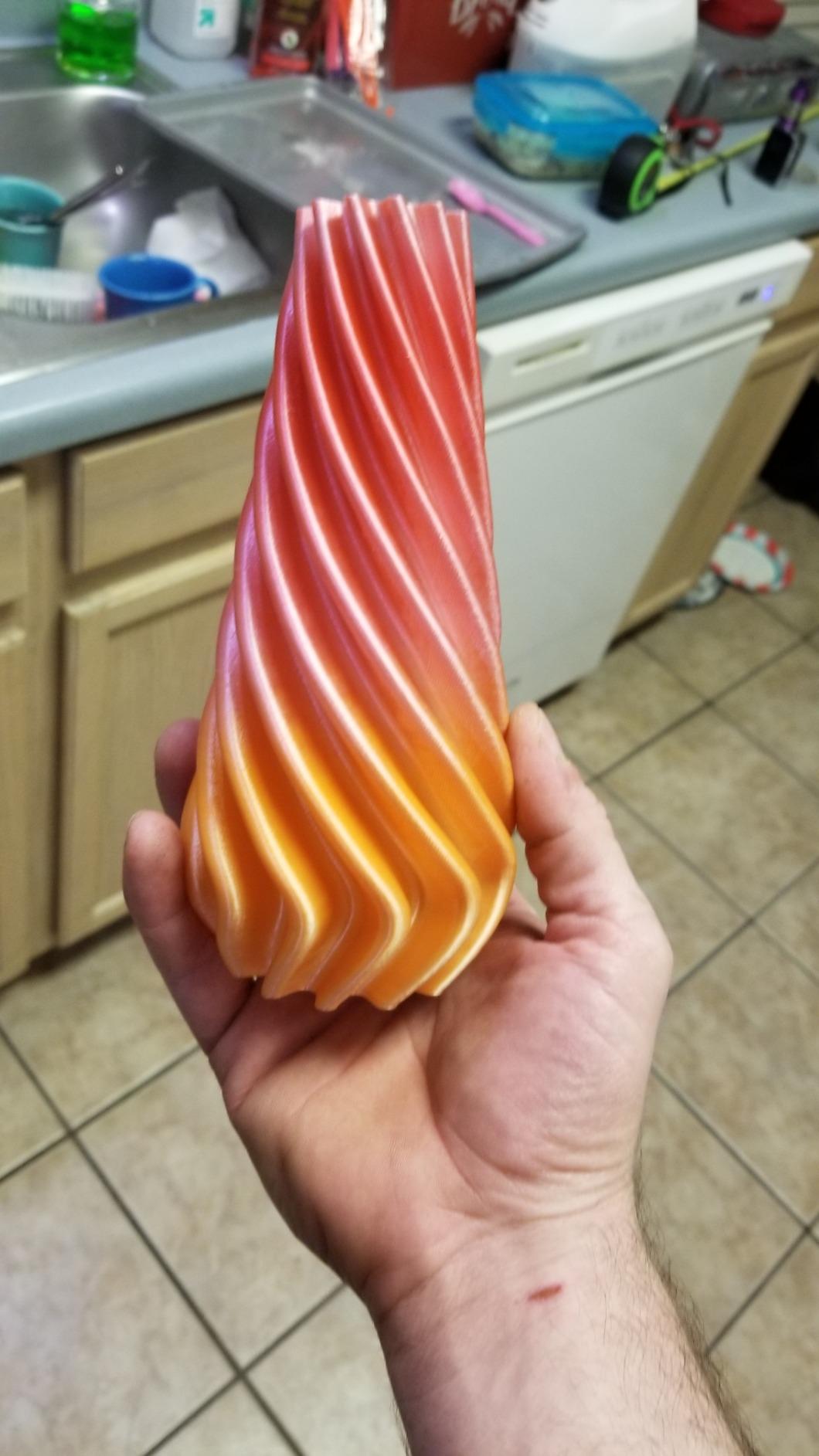
The CFS multi-material unit is what turns it from a good ABS printer into a versatile one. Linking up to 16 colors means you can print an ABS housing with a contrasting accent in a single pass, which matters for the kind of dashboard bezels and enclosure panels people build with this filament.
The chamber AI camera watches for spaghetti failures, foreign objects and idling, which on a long ABS print is worth real money in filament saved. At 39.7 pounds it is heavy but not the monster some larger machines are.
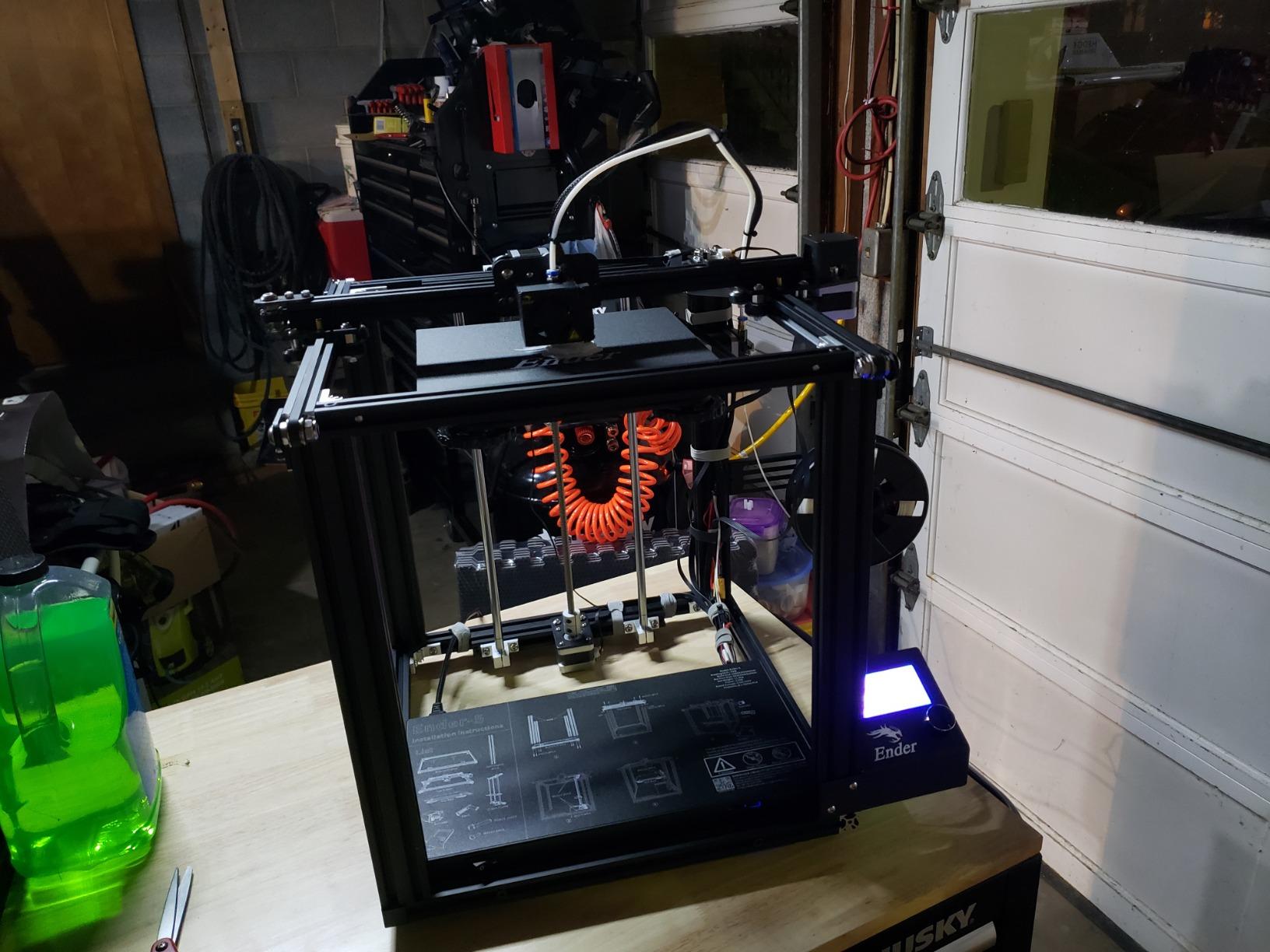
Why it works well for ABS
The combination of a sealed chamber, a 300C hardened tip and a cubic build volume covers almost every ABS job a maker would throw at it. Enclosed plus cubic means you can print a box-like part in one go rather than splitting it into sections and bonding them.
With 3965 reviews averaging 4.4 and a 71 percent five-star share, this is also the best-evidenced machine in the group. That is not a small thing when you are buying a printer you will troubleshoot yourself.
Who should look elsewhere
If you need an actively heated chamber for very large flat panels, this is a passive enclosure and it will not get you there. Look at the Creator 5 Pro or the K2 Plus instead.
Owners also report early hardware and quality-control issues on this listing, plus a noisy hotend fan at startup. Budget a weekend with the manual, and check every component on arrival.
2. Flashforge Creator 5 Pro: Best for an Actively Heated 65C Chamber
FLASHFORGE Creator 5 Pro Multi-Color 3D Printer,4-Toolheads,Fully Enclosed
Actively heated chamber up to 65C
Heated bed up to 120C
Four independent toolheads
HEPA 13 plus activated carbon filtration
Pros
- Only machine here with a 65C actively heated chamber
- Four toolheads eliminate purge waste entirely
- HEPA 13 and carbon filtration at 55dB
- 120C bed for PC and nylon
Cons
- Four toolheads mean four calibrations to maintain
- Costs well above the enclosed budget options
This is the most capable ABS machine in the list, and the reason is the chamber. A 65C actively heated enclosure with a 120C bed is the pairing you want when you are running polycarbonate, nylon or heavy ABS panels where a passive box simply will not hold temperature.
The four independent toolheads change how you approach color. Because each material has a dedicated nozzle, there is no purge waste at all and switching takes about seven seconds. If you have been throwing away a hundred grams of filament per color change on an AMS-style system, this is the machine that fixes that.
Filtration is the other headline. HEPA 13 combined with activated carbon at a listed 55dB makes this the one to put in a room where other people work, which is exactly the concern owners raise about ABS fumes.
CoreXY motion at 600mm/s and 30000mm/s3 of acceleration means the machine can drive a thick ABS wall at speed without ringing, and dynamic flow compensation handles the per-toolhead calibration automatically.
Why it works well for ABS
An actively heated chamber takes the guesswork out of large flat parts because the surrounding air stops competing with the extrusion layer for heat. Combined with four toolheads, you can build a multi-material ABS assembly in a single pass with no purge material contaminating the surface.
At 1339 reviews averaging 4.2 with 68 percent five-star, the owner feedback is consistent and specific rather than vague. The heated chamber and the zero-purge design are the two things people mention first.
Who should look elsewhere
Four toolheads is real complexity. Each one needs calibration, each can fail, and the learning curve is steeper than anything else here. If you will only ever print single-material ABS, you are paying for capability you will not touch.
It also sits well above the budget enclosed options, so a maker starting out with one material should look at the K1C or the P1S instead.
3. Creality K1C: Best Value Enclosed Printer for ABS
Creality K1C 3D Printer, 600mm/s with AI Camera and Auto Leveling
CoreXY at 600mm/s with 20000mm/s3 acceleration
Tri-metal high-temp nozzle
AI camera with foreign object detection
Activated carbon air purification at 45dB
Pros
- Fully sealed chamber handles ABS and ASA warp control
- 600mm/s CoreXY motion
- Carbon filtration and silent mode make it indoor friendly
- AI camera catches failures mid-print
Cons
- Compact build volume limits large parts
- No actively heated chamber listed in the features
The K1C is the machine most people who ask “what do I need for ABS” end up buying, and it is not close. It is fully enclosed, it has a direct-drive extruder with a tri-metal Unicorn-style nozzle for high-temperature filaments, and it moves at 600mm/s on CoreXY.
One-tap auto bed leveling with dynamically balanced printhead fans means the first layer is right without a manual ritual. That matters more for ABS than for PLA, because a marginal first layer is where ABS failure usually starts.
Activated carbon air purification with a silent mode at 45dB or under is a genuinely useful detail, and owners mention it as a reason the machine is practical in a home office rather than a garage. The AI camera handles real-time monitoring, foreign object detection and time-lapse.
At 2728 reviews and a 4.2 average, the owner base is large enough that firmware bugs and hardware fixes are usually documented somewhere before you hit them.
Why it works well for ABS
The sealed chamber is the requirement and this machine has it. The tri-metal nozzle handles 300C-class thermoplastics without complaint, and the direct-drive path keeps retraction short, which reduces the stringing that usually shows up first on ABS.
It is the shortest route from an open-frame printer to parts that come off the bed flat, and it stays out of the way of the rest of your setup.
Who should look elsewhere
Build volume is the most common limitation owners name, so plan around smaller parts and batches. There is also no actively heated chamber listed in the features, so very large flat panels are outside what this machine is built for.
If your work is really heavy engineering material rather than ABS and ASA, the higher nozzle ceiling and heated chambers on the QIDI machines give you more headroom.
4. QIDI Q2: Best for a 65C Chamber at a Mid-Range Level
QIDI Q2 3D Printer, 65℃ Heated Chamber and 370℃ Nozzle Unlock PPS-CF
Second-generation PTC heated chamber to 65C
370C high-temp nozzle
Full-metal CoreXY to 600mm/s
Triple filtration: G3, H12 HEPA and carbon
Pros
- 65C actively heated chamber at a mid-range tier
- 370C nozzle opens up PPS-CF and other composites
- Nozzle doubles as the bed-leveling sensor
- HEPA plus carbon for odor control
Cons
- Smaller review base than the Bambu and Creality entries
- 16-color requires the separately sold QIDI BOX
The Q2 is the answer when you want real chamber heat without jumping to a large-format machine. The second-generation PTC chamber reaches 65C, which is the same figure the Creator 5 Pro reaches and well above the 60C of the Creality K2 models.
Alongside it sits a 370C nozzle, and that combination is what unlocks the high-melt engineering side of things: PPS-CF, PPA-CF and glass-filled grades as well as everything you would print in ABS. ABS sits comfortably in the middle of what this hotend can do.
The leveling system is the detail I like most. The nozzle itself acts as the bed-leveling sensor, so there is no probe to scrape or crash and the first layer is effectively plug-and-play. That reliability is worth a lot on ABS, where a bad first layer wastes the whole print.
Filtration is triple: a G3 pre-filter, an H12 HEPA and activated carbon, inside a flame-retardant chamber with closed-loop temperature sensors.
Why it works well for ABS
A measured 65C chamber is the difference between a flat 150mm ABS box and one whose corners lift. Full-metal CoreXY with linear rails holds accuracy at 600mm/s, and the upgraded belt reduces the fine vertical artifacts that show up on glossy ABS faces.
At 4.3 with 70 percent five-star and only 9 percent one-star, it has the strongest satisfaction ratio among the heated-chamber machines we tested.
Who should look elsewhere
The review base is 154, which is small next to the Bambu and Creality machines. That is not a dealbreaker, but you are buying with less long-term evidence behind you.
Multi-color needs the separately sold QIDI BOX, so budget for that separately if a two-color ABS logo is on your list.
5. QIDI PLUS4: Best for High-Temperature Materials
QIDI PLUS4 3D Printer, 65℃ Chamber Heating, 370°C Integrated Nozzle
12 x 12 x 11in build volume
65C active chamber with 400W heating power
370C multi-metal integrated throat nozzle
Dual motor-driven Z axis
Pros
- 65C active chamber with 400W power and dual-layer insulation
- 370C integrated nozzle for PPA-CF and PPS-CF
- Large volume suits batch work
- Reinforced Z axis and thickened bed improve flatness
Cons
- Heavy at 59.4 pounds
- Premium tier cost
The PLUS4 is the bigger sibling of the Q2 and the more serious of the two for materials that punish you. The chamber heater draws 400W with air circulation and dual-layer insulation, and the specification claim is a steady 65C rather than a brief spike.
The hotend is an 80W high-temperature unit with a multi-metal integrated throat nozzle rated to 370C. Because the throat and nozzle are one assembly, there is less cold volume inside the hotend for filament to snag on, which is the usual failure point when you push into PPA-CF territory.
A 12 x 12 x 11in build volume makes this the batch printer of the group. Independent dual motor-driven Z axes, 10mm linear shafts and lead screws, and a 6mm thickened aluminum bed all exist to stop a heavy plate from tilting as the chamber heats up.
The integrated filament cutter is compatible with the QIDI BOX multi-filament box for multi-color work, and the machine is unbox-to-printing in about ten minutes with app and HD camera monitoring.
Why it works well for ABS
Volume plus stability is the story here. A 300mm part on a bed that sags a millimeter will warp no matter how hot the chamber is, and the reinforced Z assembly on this machine is designed to prevent exactly that.
For flat ABS panels and boxy enclosures, the combination of a large flat bed, an actively heated chamber and a 370C ceiling is the most complete engineering setup here outside the four-toolhead machine.
Who should look elsewhere
At 59.4 pounds it needs a proper bench with real clearance behind it, not a shelf in a spare room. It is also the heaviest of the actively heated options, which matters if you move machines around.
If you are printing smaller parts and never leaving ABS and ASA territory, the Q2 gives you the same 65C chamber and 370C nozzle in a lighter, cheaper package.
6. Bambu Lab P1S: Best for First-Time Makers Printing ABS
Bambu Lab P1S 3D Printer, Ready-to-Use FDM 3D Printer
Fully enclosed body for advanced filaments
500mm/s with 20000mm/s3 acceleration
Automatic bed leveling
Supports PLA, PETG, TPU, PVA, PET, ABS, ASA
Pros
- Highest five-star share in the group at 81 percent
- Printing about 15 minutes after unboxing
- ABS and ASA support plus a reliable enclosed design
- Double-sided PEI bed adhesion with cheap plate swaps
Cons
- No touch screen so control is through the app or computer
- Low frame rate on the onboard camera preview
- No actively heated chamber for heavy ABS parts
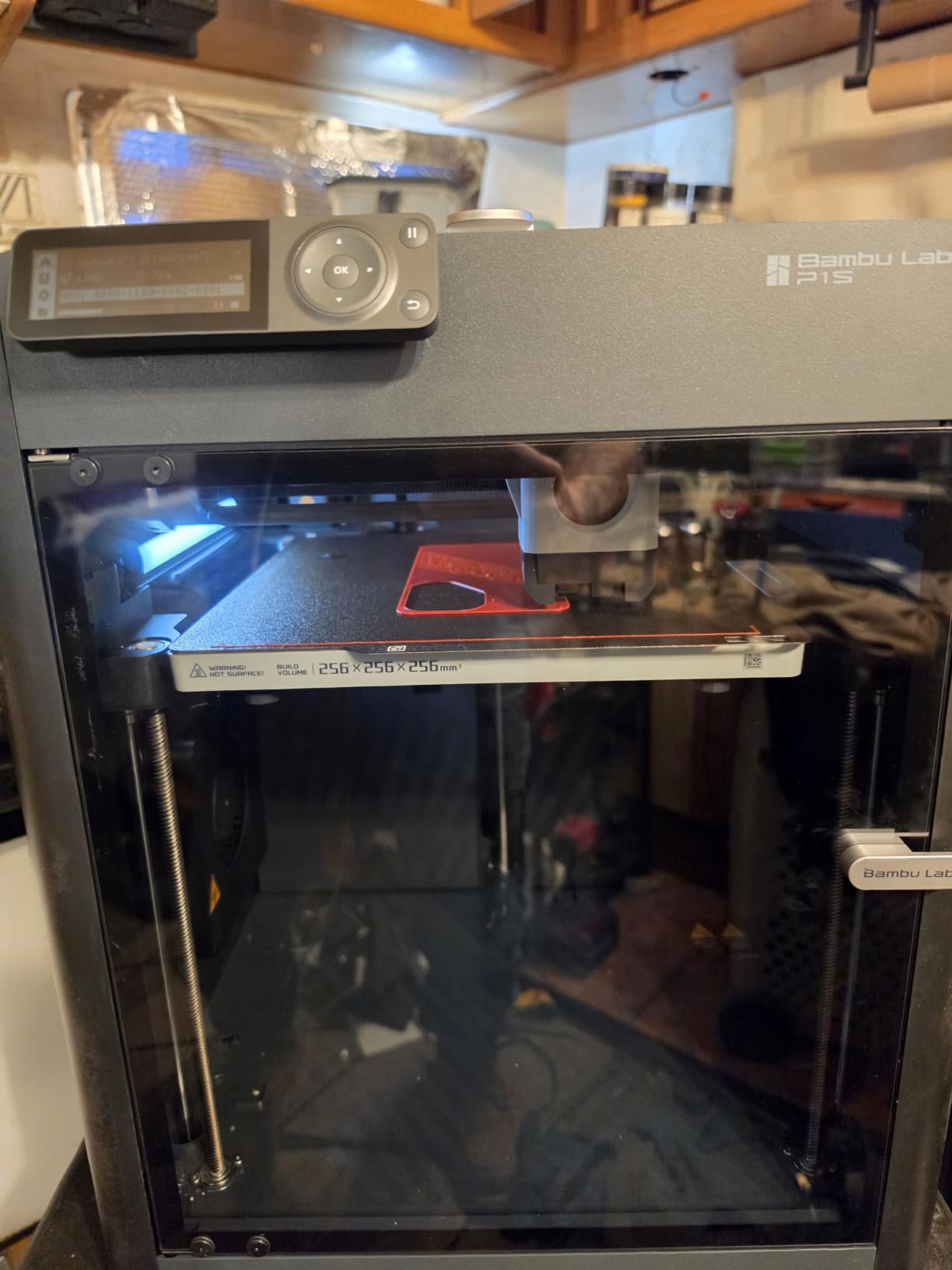
If ABS is your first engineering filament, the P1S removes almost every reason to fail. It is fully enclosed, it supports ABS and ASA out of the box, and it is running in about fifteen minutes after you take it out of the box.
Bed adhesion is the standout. The double-sided PEI plate grips ABS firmly and swaps in seconds, which removes the glue-stick ritual that so many people associate with ABS printing. That is a bigger quality-of-life difference than any speed number.
Bambu Studio and the MakerWorld profile library do the tuning work for you, so a first ABS print is closer to a one-click job than an experiment. Automatic bed leveling handles the rest.
At 407 reviews averaging 4.5 with 81 percent five-star, this is the highest satisfaction ratio of any machine in the group. The listing also notes carbon-glass fiber filament is not recommended on this machine, which is worth knowing before you go shopping.
Why it works well for ABS
The software does more here than on any other machine we tested. A tuned ABS profile shipped in Bambu Studio means your first attempt is close to the settings an experienced user would dial in by hand, and that alone removes most first-print frustration.
With the AMS added you get up to 16 colors, which makes it a reasonable first machine for decorated ABS parts rather than purely functional ones. Our multicolor printer guide covers that side in more depth.
Who should look elsewhere
There is no touch screen, so control is through your phone, computer or app. Owners also report a low frame rate on the camera preview, and a handful of early units arrived with missing feet or failed soon after delivery.
Because the chamber is not actively heated, very large heavy ABS parts still benefit from an external enclosure. Buyers who know that they need 60C-plus chamber heat should start with the Q2 instead.
7. Bambu Lab P2S Combo: Best for Multi-Color ABS With Drying Built In
Bambu Lab P2S Combo, P2S 3D Printer & AMS 2 Pro, Multi-Color 3D Printing
Adaptive Airflow System holding a 50C chamber
AMS 2 Pro with filament drying to 65C
600mm/s with PMSM servo extruder
Carbon air filter
Pros
- Highest five-star share in the group at 84 percent
- AMS 2 Pro adds multi-color and 65C filament drying in one unit
- 50C adaptive chamber suits engineering materials
- Printing within about 20 minutes of unboxing
Cons
- Smallest review base here at 91 reviews
- AMS ribbon connector and sensor failures reported by one owner
- The bare printer does not do multi-color without the AMS
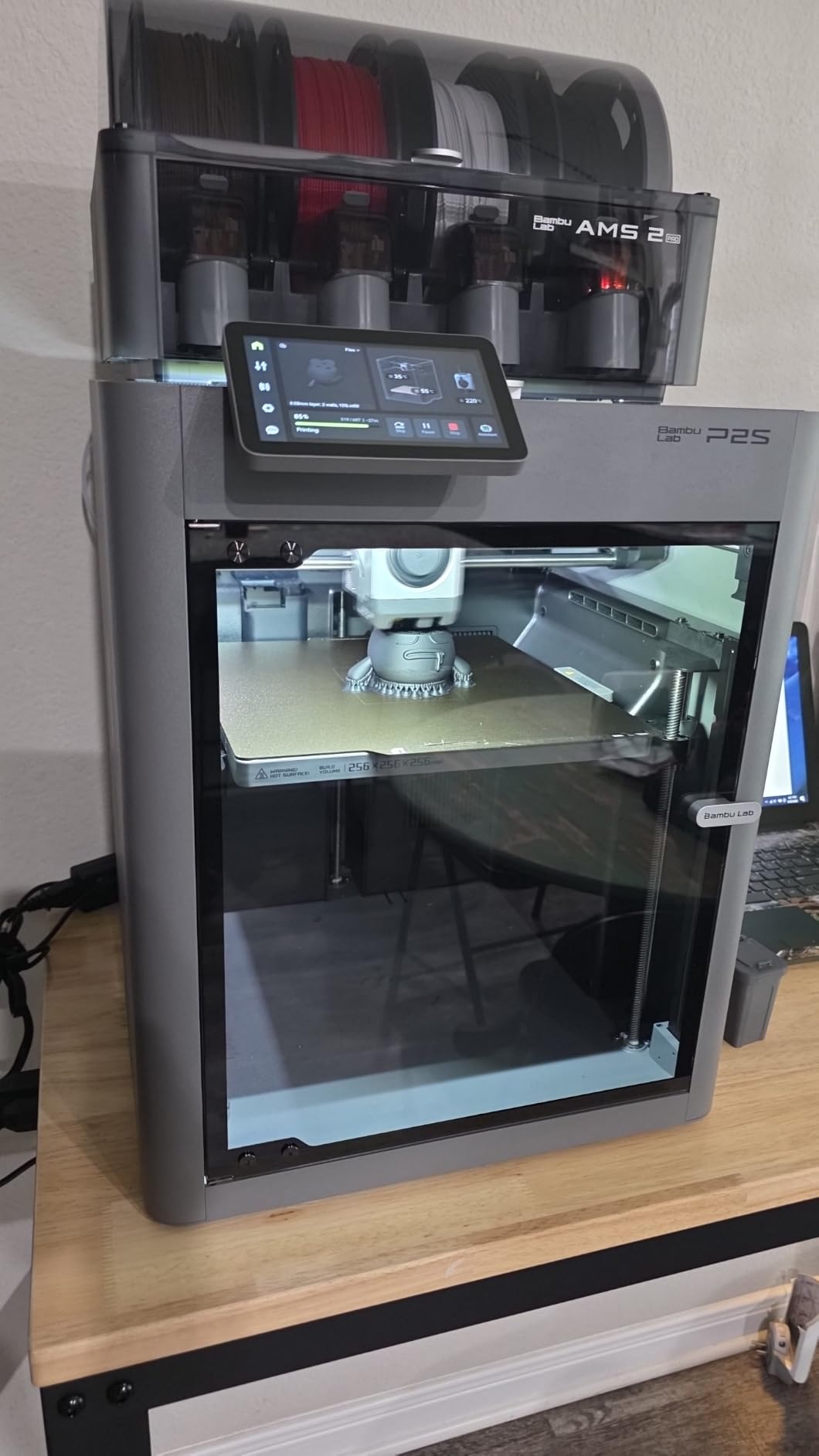
The P2S Combo is the only machine here where the multi-material unit dries filament as well as feeding it. The AMS 2 Pro heats to 65C, which is exactly what moisture-sensitive ABS needs before it enters the hotend, and that removes the most common cause of failed ABS prints at the source.
The chamber itself holds 50C through the Adaptive Airflow System. That is below the 60-65C of dedicated heated chambers, but it is a real figure rather than a passive box, and for most parts under 150mm it is more than enough.
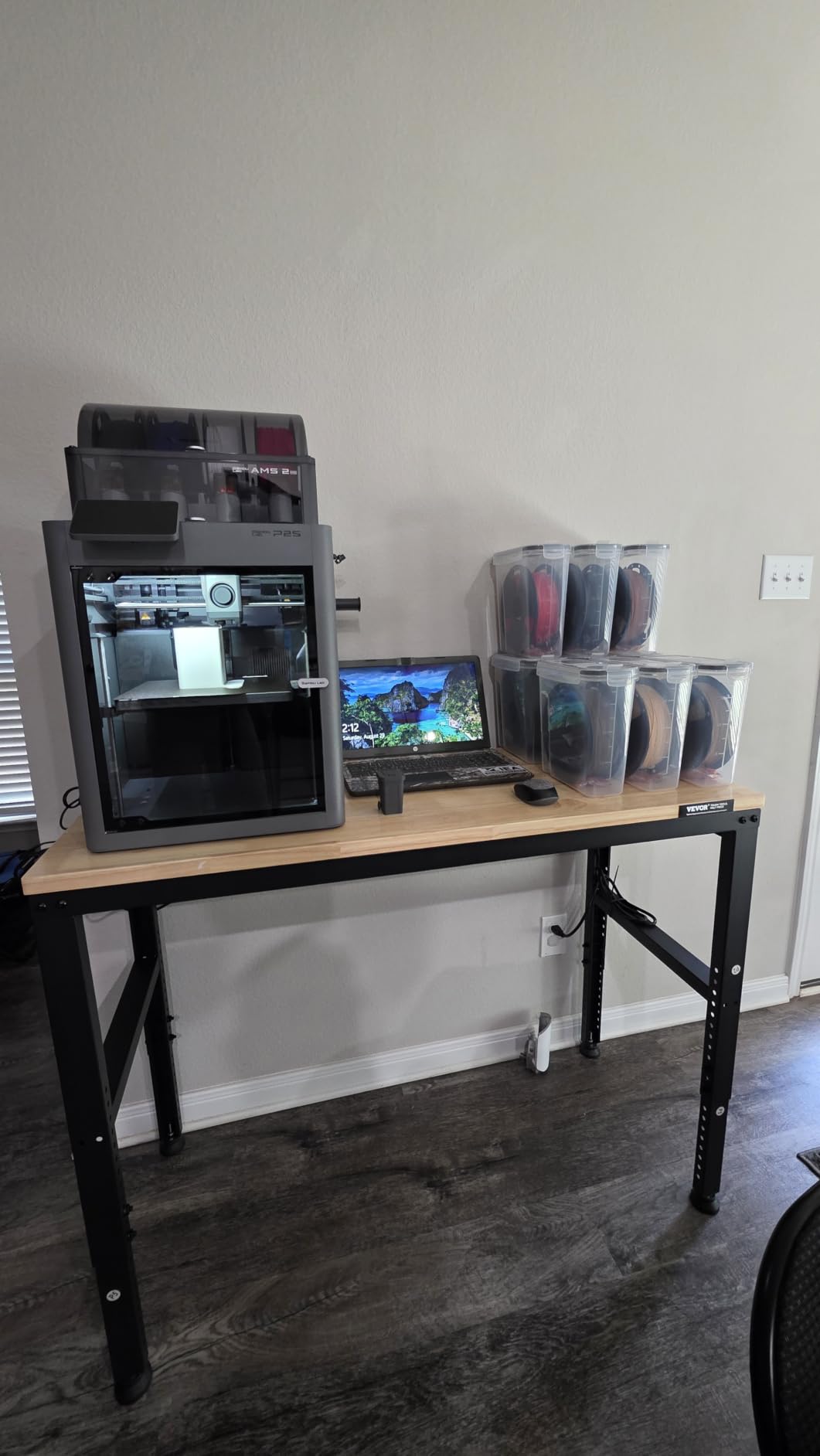
The 600mm/s speed comes from a PMSM servo extruder with active flowrate compensation, and AI failure detection plus automatic calibration and quick-swap nozzles handle setup. Owners consistently describe it as the easiest printer they have used.
A carbon filter handles odor, and MakerWorld integration with Bambu Studio keeps the profile library where you already expect it.
Why it works well for ABS
Built-in drying is the reason to pick this over another passive machine. Combined with a held 50C chamber, it means the filament arrives at the nozzle with low moisture and the air around the part is warm and stable, which are the two things that decide whether ABS lays down cleanly.
Multi-color ABS usually means you are making display pieces, signage or multi-part shells, and the AMS 2 Pro handles that without a purge-heavy system eating filament.
Who should look elsewhere
Ninety-one reviews is the thinnest evidence base in this roundup, so you are trusting a newer machine. One owner also reported AMS ribbon connector and filament sensor failures, and the bare printer does not do multi-color without the unit.
At a 50C chamber it will not hold large flat panels the way a 65C machine does. If that is your actual job, the Q2 or Creator 5 Pro is the honest answer.
8. Creality K2 Plus Combo: Best for Large Flat ABS Panels
Creality K2 Plus Combo 3D Printer, Multi Color Printing with New CFS 600mm/s High-Speed Full Auto-Leveling Dual Al Camera Next-Gen Direct Drive Extruder Large Build Volume 13.78×13.78×13.78inch
350 x 350 x 350mm build volume
Actively heated chamber to 60C
High-temp nozzle to 350C with hardened steel tip
600mm/s with 30000mm/s3 acceleration
Pros
- Largest build volume in the group at a 350mm cube
- 60C active chamber targets warp-free ABS and ASA
- 350C hotend covers high-melt engineering filaments
- Dual Z motors with independent bed tilt adjustment
Cons
- Heaviest machine here at 70.4 pounds
- Highest cost in the group
Large flat ABS panels are the hardest thing to print on any machine, and the K2 Plus Combo attacks the problem from both ends. The chamber is actively heated to 60C, and the bed is a 350mm cube carried by dual independently motorized Z axes with auto bed-tilt correction.
A bed that tilts by a fraction of a degree will lift a large plate’s corners. Independent Z motors on four linear rods keep the bed level as the chamber heats and cools, which is precisely the failure mode that ruins big ABS prints on lesser machines.
The hotend reaches 350C with a hardened steel tip, and the 40mm3/s high-flow extruder keeps thick ABS walls moving at 600mm/s with 30000mm/s3 of acceleration. Eighteen smart sensors and dual AI cameras watch the print from chamber and nozzle.
Four CFS units give 16 colors with RFID filament identification and auto relay, so a large multi-material panel does not need a manual swap halfway through.
Why it works well for ABS
A 350mm cube with a 60C actively heated chamber is the combination you want for car interior parts, dashboard bezels and any large flat ABS panel. There is enough room to lay the part flat and enough heat to keep the edges down.
With 895 reviews averaging 4.0, owner feedback points consistently at scale plus chamber heating as the decisive pair, with size and weight as the accepted trade.
Who should look elsewhere
At 70.4 pounds this is the heaviest machine in the guide and it needs a dedicated bench and floor space behind it. Check the footprint before you commit, not after delivery.
If your parts are under 250mm, the QIDI PLUS4 gives you an actively heated chamber and a 370C nozzle at 59.4 pounds with a smaller footprint, and for most people that is the smarter purchase.
9. Creality K2 Pro Combo: Best for 300mm Engineering Parts
Creality K2 Pro Combo (A) 3D Printer, Multicolor Color Printing with CFS, 600mm/s High-Speed, Dual AI Camera, Active Chamber Heating, Auto Leveling, Large Build Volume 300×300×300mm
300 x 300 x 300mm build volume
Active chamber heating to 60C
600mm/s with 20000mm/s3 acceleration
Quick-swap hotend with hardened steel nozzle
Pros
- 60C active chamber directly targets corner warp on ABS and ASA and PPA
- 300mm cube build volume
- Hardened steel high-flow direct drive for abrasive filaments
- Dual AI cameras automate failure detection and flow tuning
Cons
- Heavy unit at 61.6 pounds
- Firmware and app learning curve
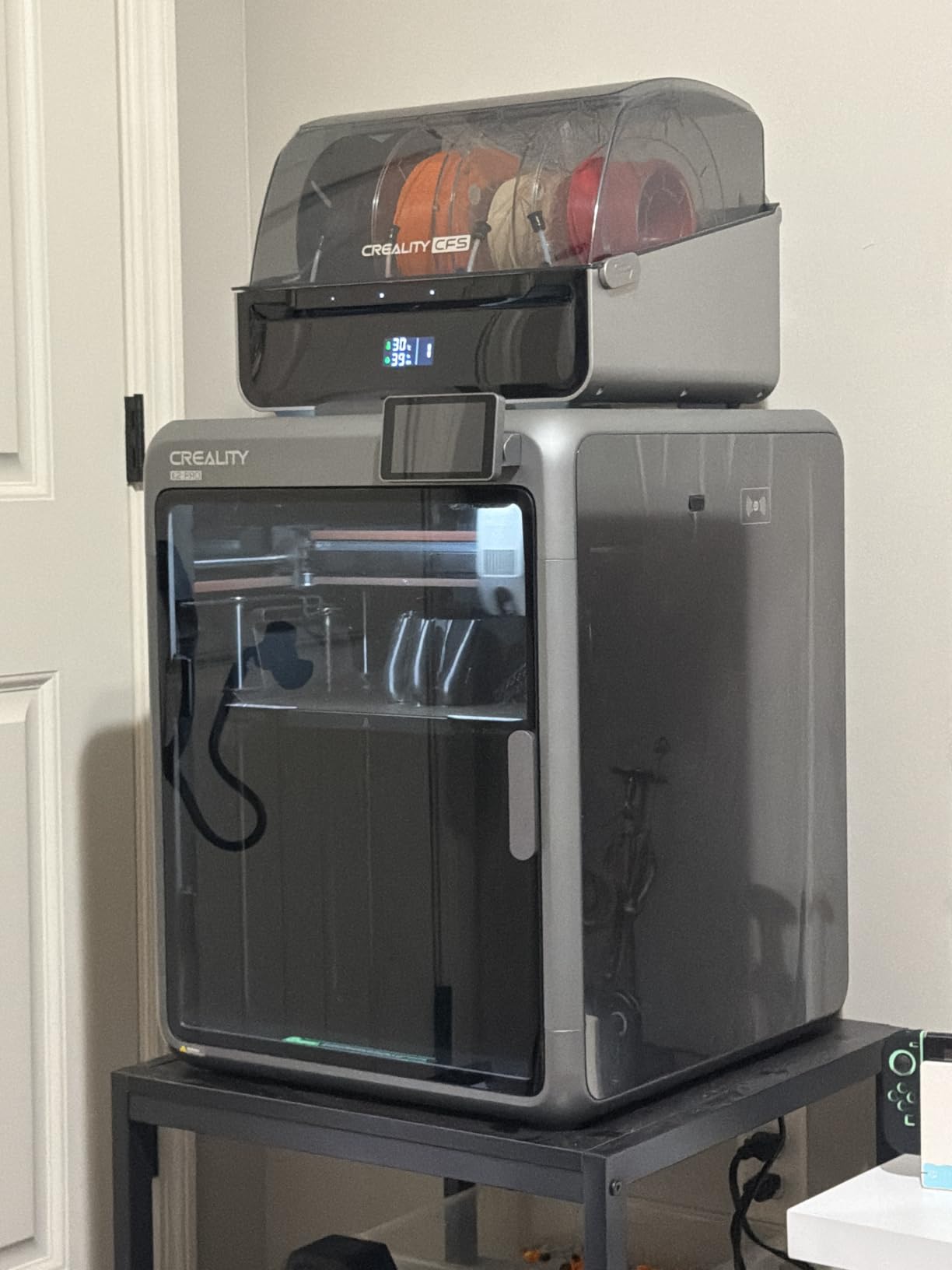
The K2 Pro Combo sits between the K1C and the K2 Plus, and for most ABS work it is the version of the Creality range that makes the most sense. The chamber actively heats to 60C, the cube is 300mm, and the hotend quick-swaps.
That quick-swap hotend matters more than it sounds. It ships with a hardened steel nozzle included, and being able to change the hotend in a couple of minutes means you are not stuck if you switch between abrasive and standard filaments.
Two cameras, one in the chamber and one on the nozzle, handle failure detection and flow-rate auto-tuning. The 40mm3/s direct drive uses hardened steel gears and an integrated filament cutting sensor, which matters when you run four-color CFS jobs back to back.
FOC step-servo motors and linear rails deliver 600mm/s with 20000mm/s3, and Creality OS handles WiFi and LAN control with OTA updates.
Why it works well for ABS
An actively heated 60C chamber on a 300mm bed covers the size band where passive enclosures start to struggle. Brackets, housings, mounting plates and jigs all fit flat on the bed without the corners lifting.
The CFS system handles up to 16 colors and multi-material printing, and the bundle includes the printer, CFS, RFID filament and a hardened steel nozzle, so there is no separate nozzle purchase before you start.
Who should look elsewhere
Sixty-one point six pounds is heavy, and owners name weight plus the firmware and app learning curve as the main drawbacks. If you want a simpler experience for a first engineering printer, the P1S is far less to manage.
The 300mm cube is also smaller than the K2 Plus, so anyone printing full-size panels should size up rather than work around it.
10. ELEGOO Centauri Carbon 2 Combo: Best Budget Enclosed Printer
ELEGOO Centauri Carbon 2 Combo 3D Printer, Multicolor Printing
CoreXY to 500mm/s with 20000mm/s3 acceleration
256 x 256 x 256mm build volume
4-color printing via CANVAS system
Fully automated calibration and monitoring
Pros
- Enclosed chamber at a budget-tier level
- Fast print times with a real jump in quality over entry machines
- CANVAS multi-color system swaps colors quickly
- Very strong bed adhesion out of the box
Cons
- Noticeably loud fans and frame vibration
- Low-resolution camera and time-lapse
- App and WiFi connectivity reported as inconsistent
- Four-color capability cannot expand beyond four spools
The Centauri Carbon 2 Combo is the pick if your budget stops at the bottom of the enclosed market and you still want a sealed chamber. A 256mm cubic build volume on a rigid aluminum frame with active vibration compensation is a lot of machine for the money.
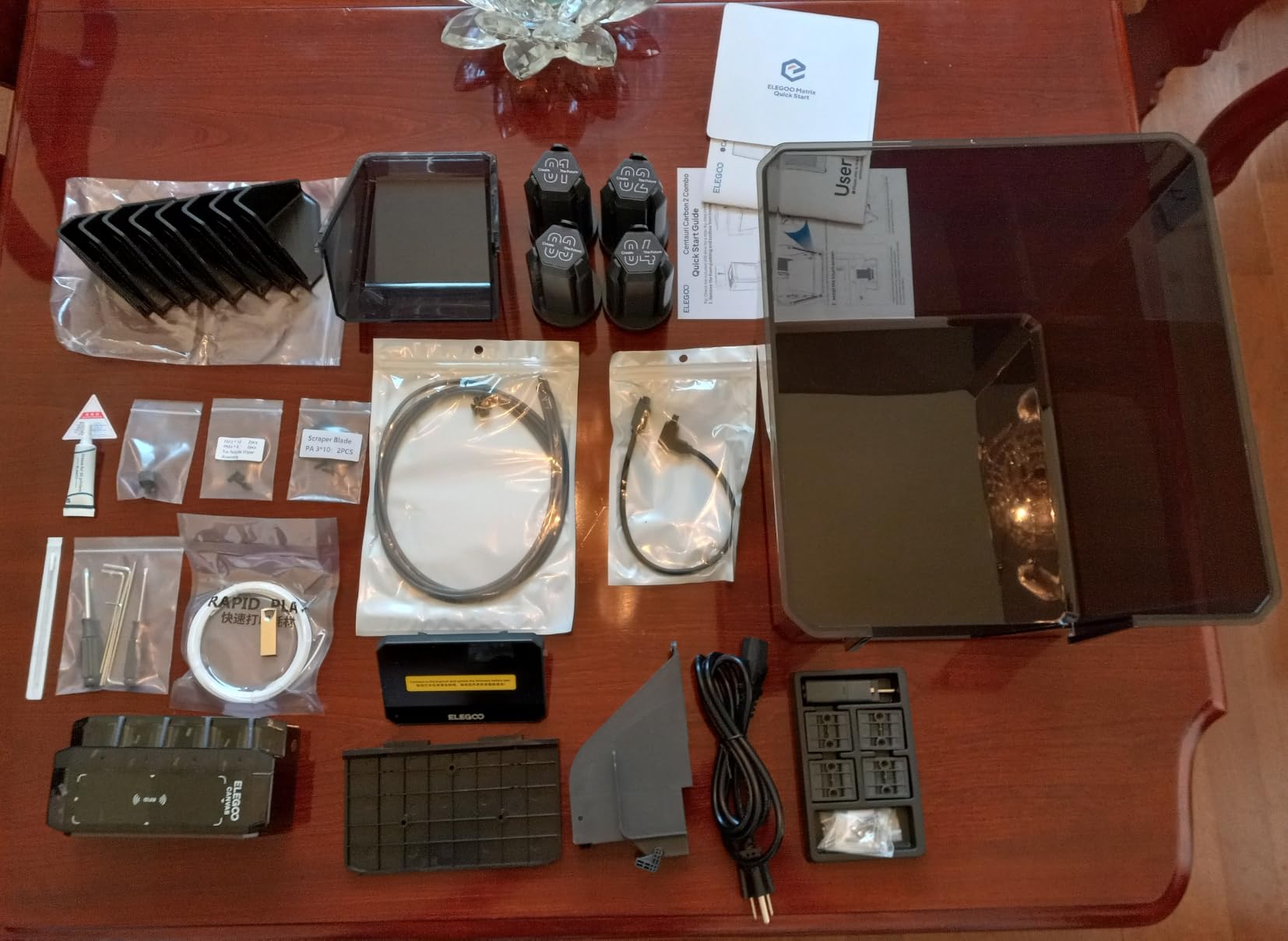
CANVAS handles four-color printing with instant color switching and auto refill, and the smart filament detection means it will not grind up a spool because a channel ran empty. Automated calibration and monitoring run without intervention.
Bed adhesion is another strong point. Owners consistently report parts releasing cleanly without glue, which is the number one complaint on cheaper open-frame machines printing engineering filaments.
Note the practical limit in the build volume, which is reduced by the filament cutter exclusion zone. If you are designing to a 256mm part, allow clearance around it.
Why it works well for ABS
Broad material support from basic plastics through engineering-grade filaments, a sealed chamber and a 120C-class class of bed behavior make this a genuine step up from an open frame for ABS work. The quality jump over entry-level machines is what owners notice first.
At 500mm/s with 20000mm/s3, it is fast enough that thick ABS walls do not dominate your print time.
Who should look elsewhere
At 4.0 with a 17 percent one-star share, this has the widest rating spread in the group. The recurring complaints are loud fans and frame vibration, a low-resolution camera, and app and WiFi connectivity that owners report as inconsistent, with firmware updates causing connection failures for some.
If you cannot tolerate a noisy machine in a shared room, the K1C is quieter out of the box. And if you need real chamber heat above 50C, this is not that machine.
11. Flashforge AD5M Pro: Best for a Compact Enclosed Setup
FLASHFORGE AD5M Pro 3D Printer, CoreXY 600 mm/s Printing Speed, 0.4 & 0.6mm 3s Quick-Swap 280°C Nozzles, 1-Click Auto Leveling, Fully Enclosed, 220×220×220mm Build Volume
220 x 220 x 220mm build volume
Rigid CoreXY to 600mm/s
280C direct-drive extruder
3-second quick-swap 0.4mm and 0.6mm nozzles
Pros
- Genuinely enclosed out of the box
- 280C direct drive handles ABS and ASA reliably
- Dual-layer filtration keeps fumes contained
- 3-second nozzle swap between 0.4 and 0.6mm
- Lightest and most compact enclosed machine here
Cons
- Smallest review base in the group
- 280C nozzle ceiling sits below the 350-370C on QIDI and K2 models
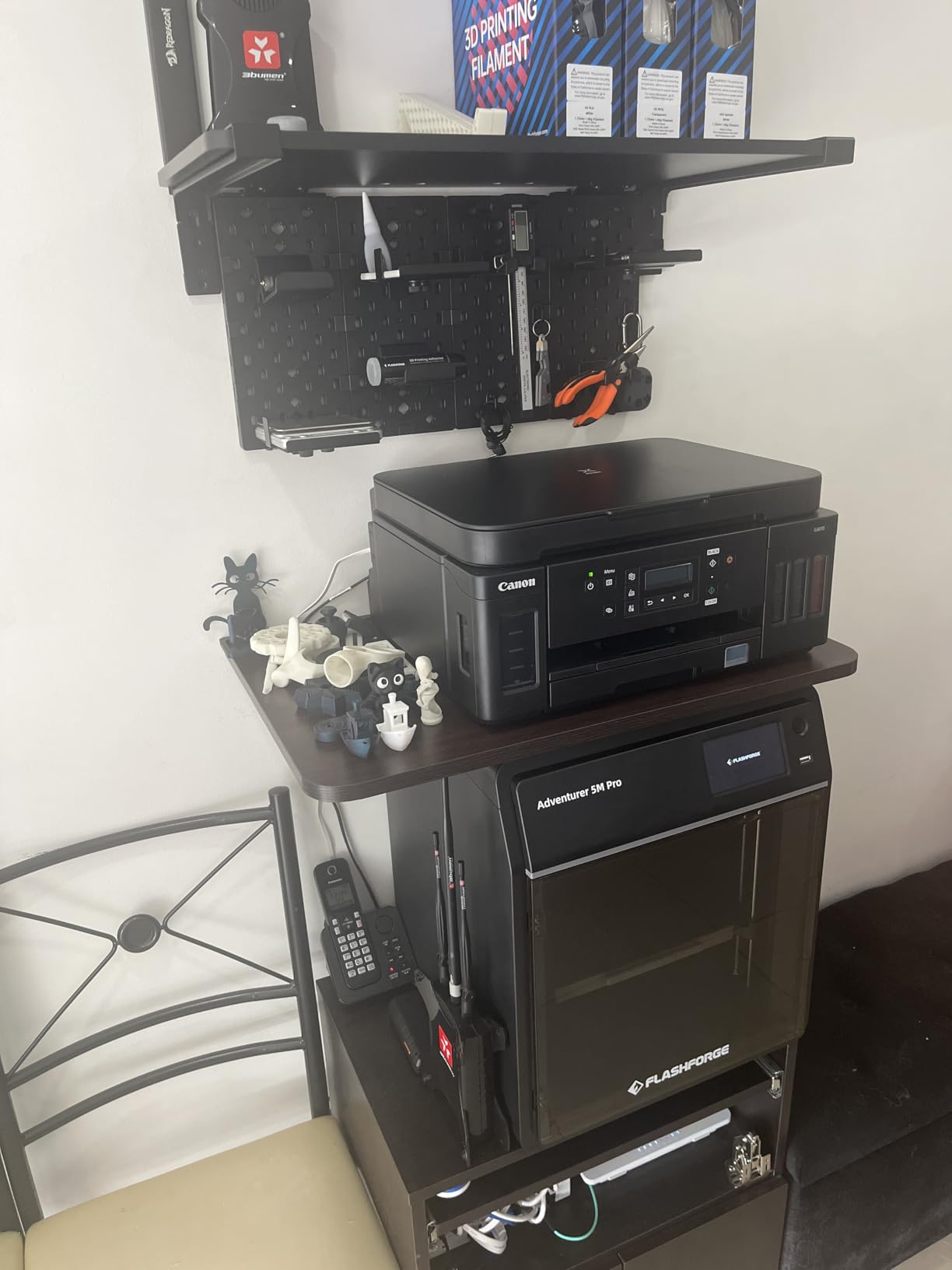
The AD5M Pro is the machine to buy if your ABS parts are small and your workspace is small too. At 32.2 pounds it is the lightest and most compact enclosed printer in this roundup, and it is fully enclosed out of the box rather than being a kit.
That last point is the differentiator from its AD5X sibling. You are not assembling panels, you are not printing your own frame, and you can close the door on the first ABS print and walk away.
The 280C direct-drive extruder handles ABS and ASA reliably, and the 3-second quick-swap between 0.4mm and 0.6mm nozzles is genuinely unique at this level. Moving to a larger nozzle for a strong ABS bracket takes seconds rather than a teardown.
Dual-layer filtration handles dust and smoke, one-click auto leveling gets you printing in about ten minutes, and a built-in camera with Maker app control adds monitoring.
Why it works well for ABS
A fully sealed chamber with vibration-compensated CoreXY at 600mm/s gives you flat parts in a footprint that fits on a normal desk. That combination of enclosure and footprint is rare.
Carbon-fiber filaments are supported alongside PLA, ABS, PETG, ASA and TPU, so you can move into abrasive territory without buying a different machine, though the 280C ceiling limits the hardest composites.
Who should look elsewhere
The review base is 132, the smallest here, so you have the least community evidence to fall back on when something goes wrong. The 280C nozzle ceiling is also below the 350C and 370C offered by the K2 and QIDI machines.
If you print large ABS panels, a 220mm cube is the wrong shape. Look at the QIDI PLUS4 or K2 Plus for real chamber heat and real volume.
12. Flashforge AD5X: Best for Low-Cost Multi-Color, With a Caveat
FLASHFORGE AD5X Multi-Color 3D Printer, CoreXY 600mm/s High-Speed, 1-Click Auto Leveling, 300°C Direct Drive Extruder, 220x220x220mm Build Volume, Ideal for Precision and Efficiency
CoreXY structure at 600mm/s
300C direct-drive extruder
Up to 4 simultaneous colors via 4-in-1 switcher
220 x 220 x 220mm build volume
Pros
- Very low cost for a CoreXY multi-color machine
- Speed and accuracy competitive with dearer enclosed rivals
- Owners report strong reliability past 1000 print hours
- 300C direct drive hotend supports ABS
Cons
- Not enclosed by default and the kit is panels only
- Heavy purge waste and long color changes
- 4-in-1 connector jams reported and no filament position detection
- Bundled slicer is an older skinned build
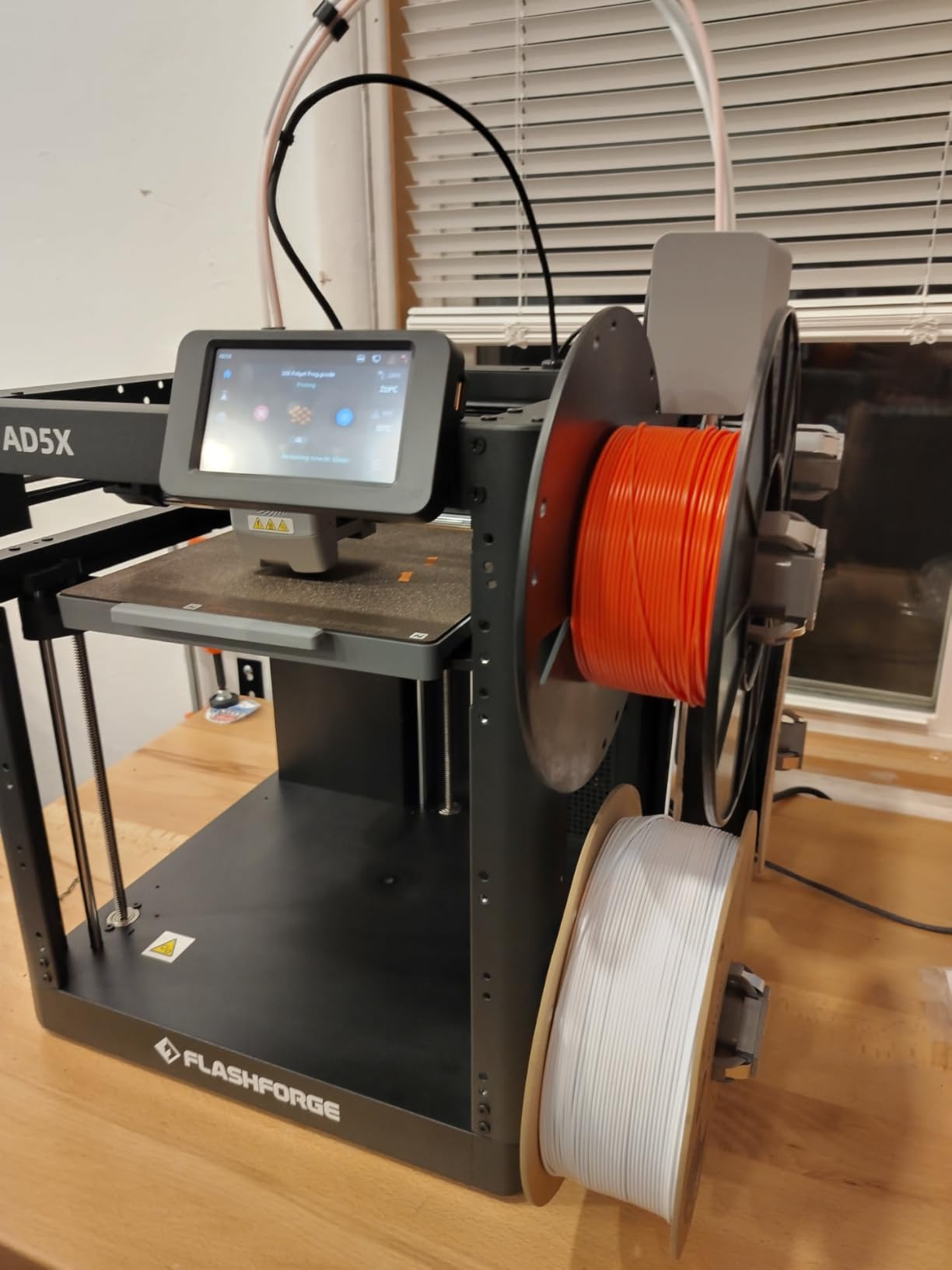
I am including this one with a clear warning, because calling an unenclosed machine an enclosed printer is exactly the mistake this guide exists to prevent. The AD5X ships open. The enclosure is an add-on kit, and the kit is panels.
What you do get for the money is a lot. CoreXY at 600mm/s with 20000mm/s3, a 300C direct-drive extruder that supports ABS, up to four simultaneous colors through the integrated 4-in-1 switcher, and one-click auto leveling.
Owners running more than a thousand print hours report strong reliability and speed that holds up against more expensive enclosed rivals, and the interchangeable nozzles from 0.25mm to 0.8mm give you real flexibility on ABS wall thickness.
The dual-channel cooling fan and vibration compensation help keep the finish consistent, and power-loss resume with remote app control covers the usual failure cases.
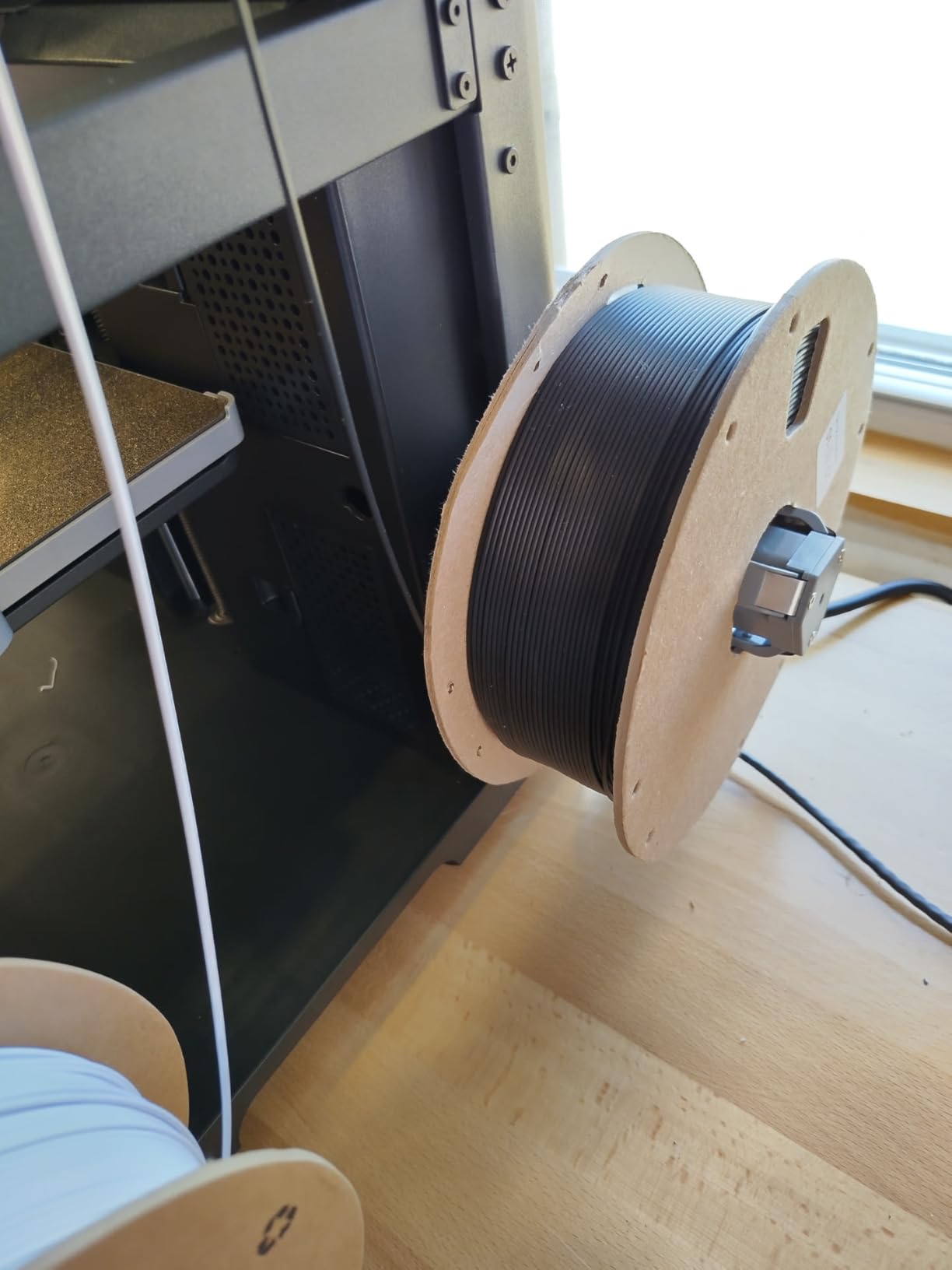
Why it can still work for ABS
Buy the enclosure kit and print the frame in ABS yourself, which is the documented workaround, and you end up with a machine whose own walls are made of the material it is meant to print. Long-term owners clearly do exactly this.
For ABS specifically the 300C direct drive and the speed make it viable. It is the cheapest route into high-speed ABS multi-color here, provided you accept the assembly step.
Who should look elsewhere
If your priority is reliable flat ABS out of the box, this is the wrong machine. The purge waste from a 4-in-1 switcher is heavy and adds significant print time, owners report connector jams and the switcher lacks filament position detection, and the bundled Flashforge slicer is an older skinned Orca build.
At 3.9 with a 17 percent one-star share, it has the lowest five-star share of the group. Anyone who wants a finished, sealed machine should look at the AD5M Pro instead, which ships enclosed.
Why ABS Warps and What an Enclosure Fixes?
ABS contracts as it cools, and on an open printer that contraction happens unevenly. The first layers are already cooling while the top of the part is still hot and still expanding, so the tension between those zones pulls the corners up off the bed and splits layers along the print.
The material softens somewhere around 90-105C and keeps shrinking noticeably as it drops toward room temperature. A sealed chamber slows that whole process down by keeping the air warm and stable around the part, so each layer sets at roughly the same rate as the one below it.
That is the entire mechanism. An enclosure is not there to make ABS look nicer. It exists to keep the temperature delta between the nozzle and the surrounding air small enough that the shrinkage per layer stops pulling the part out of shape.
There is a side benefit that matters indoors: the chamber also contains the styrene vapour and fine particles that ABS releases at temperature, which gives you something to filter rather than dispersing across the room.
Passive vs Actively Heated Chamber: What the Numbers Mean?
A passive enclosure is a box. It has no heater, so it relies on waste heat from the nozzle and heated bed to reach roughly 35-45C on a steady ABS print, and most machines in this list fall into that group.
An actively heated chamber has its own heater, recirculation and insulation. The QIDI Q2 and PLUS4 and the Flashforge Creator 5 Pro reach 65C, the Creality K2 Pro and K2 Plus hold 60C, and the Bambu P2S Combo maintains 50C through its adaptive airflow system.
Community consensus puts the practical threshold fairly low: passive enclosures handle parts up to roughly 150-200mm well enough for most jobs, and large flat ABS panels are where active heat starts to earn its cost.
One caveat on chamber spec sheets. They are marketing claims with limited independent verification, and owners on forums regularly point out that a sealed machine with poor insulation settles well below its advertised figure. The machines with a genuine heater — the two QIDI models, the Creator 5 Pro and the two K2 Combos — are the ones we would trust with a 300mm flat panel.
How to Dry ABS and ASA Before You Print?
Wet filament is the single most common cause of warping I see, and it is the one cause a better printer cannot fix. ABS and ASA are hygroscopic, so they absorb moisture from the air, and moisture turns to steam inside the hotend and vents as bubbles that roughen the surface and weaken layer adhesion.
Dry before you print, not after you see problems. A home filament dryer holding ABS at 65C for four to six hours takes care of most of it, and keeping filament in a dry box with desiccant between prints stops it coming back. We rounded up the dryers worth considering in our filament dryer guide.
If a part still lifts at the corners after drying, the problem is thermal, and you move up to chamber temperature and bed temperature rather than the dryer.
ABS Print Settings That Work on Any of These Machines
Start the chamber at 45-55C on a passive machine and 60C on an actively heated one, then raise the bed to 100-110C for ABS. That combination is what makes the difference between a flat plate and a curled one.
Drop part cooling to 0-20 percent. Part cooling on ABS is the fastest way to promote layer splitting, and many makers leave the fan at the PLA default before wondering why the part snapped at the waist.
Use a brim on anything with a footprint over 80mm, raise the first layer nozzle temperature by 5C, and slow the first layer to 20-25mm/s. Once the first three layers are down, return the speed to whatever the machine can hold.
If corners still lift, dry the filament before touching anything else. Wet filament and an unwarmed chamber look identical from the outside, and they get confused constantly.
Bed Surface Choices for Large Flat ABS Panels
Textured PEI is the best all-round answer for ABS because it grips hard without the glue-stick ritual and releases cleanly when the bed is warm. It is also what most of the machines in this list ship with, including the P1S double-sided plate owners praise for adhesion.
Smooth PEI gives a better cosmetic finish but needs a glue stick or hairspray as a release agent, and it will tear a large ABS panel if you pull it while cool. Warm the bed to 100C and peel slowly.
A glass or acrylic sheet is workable with glue, but the thermal expansion difference against an ABS part makes large flat panels more likely to snap off mid-print. For panels over 150mm, textured PEI wins.
Whichever surface you use, clean it with 70 percent isopropyl alcohol between prints. A fingerprint on the plate is enough to start a lifted corner on a big part.
Filtration, Ventilation and Styrene Safety
Can you 3D print ABS inside? Yes, with ventilation and filtration, which is why several of the machines here ship with carbon or HEPA filtration as standard rather than as an accessory.
ABS contains styrene, and heating it releases styrene vapour along with fine particles. Studies on 3D printing emissions have measured ultrafine particle counts far above typical indoor levels during prints, which is the reason people ask about headaches and irritation in shared rooms.
An activated carbon filter catches the organic vapour component, since that is what causes the sharp chemical smell. It does not catch fine particles, so carbon alone is not enough on its own. The QIDI Q2 with G3, H12 HEPA and carbon layers is the most complete filtration package here.
The simplest mitigation costs nothing: run a window extractor fan ducted out of the room, and keep the chamber closed. Never vent into an attic, loft or garage where fumes recirculate back into living space.
Inside the enclosure, high chamber temperatures raise the risk of heat creep on the hotend cooling path. If you run a 60-65C chamber, keep the fan curve tuned and watch for a failing part-cooling fan, which is the usual first symptom.
Who Should Skip an Enclosed Printer Entirely
If you only print PLA and PETG, an enclosure actively works against you. A sealed chamber traps heat that softens PLA well below its usual printing window, and the part-cooling fan then has to fight the ambient temperature.
Most enclosed machines here can run with the door open for PLA, which solves it neatly. If you plan a mixed PLA and ABS workflow, check that door-open mode exists before you buy.
Second-home printers and small desks are a poor match too. The enclosed machines in this guide weigh between 32 and 70 pounds and need clearance around them. If the machine has to live in a cupboard, an open frame with a good bed sheet is a better answer.
Our beginner printer guide covers the open-frame options well if ABS is not on your material list.
How to Choose the Right Enclosed Printer
Decide your chamber type first, because it is the decision that cannot be upgraded later. A passive enclosure tops out around 35-45C and is fine for parts up to roughly 150-200mm. If you print flat panels above that size, or run nylon and polycarbonate, you want an actively heated chamber at 60-65C.
Then check the nozzle ceiling against your most demanding material. ABS and ASA sit comfortably in a 280-300C hotend. If you plan to add PA-CF, PPS-CF or PPA-CF, you need 350C or 370C, which narrows the field to the QIDI machines and the K2 Pro and K2 Plus.
Build volume is the third filter, and the trap is buying scale you cannot use. A 350mm cube on a 70-pound machine only pays off if you are printing full-size panels or batching. If most of your parts are under 200mm, a 220mm machine leaves you with a smaller, lighter box on your desk.
Filtration deserves a decision rather than an afterthought. Activated carbon handles odour and styrene vapour; HEPA handles particles. If the machine lives in a room other people use, get both or plan on venting outdoors.
Finally, weigh firmware openness and ecosystem. Some machines here run locked-down systems with app-dependent control, while others give you Klipper-class flexibility and community profiles. Our large-format guide goes deeper on that if your parts exceed the 300mm class.
Where two machines meet your needs, use review volume as the tiebreaker. The Creality K2 Combo and K1C carry thousands of reviews, which means known failure modes and published fixes already exist. A newer machine with 91 reviews is a gamble you accept only when it does something the others cannot.
Frequently Asked Questions
Can a 3D printer print with ABS?
Yes, as long as the printer has a sealed chamber, a hotend that reaches at least 280C and a heated bed. ABS shrinks as it cools, so a stable warm chamber is what keeps corners flat. Every hotend in this roundup clears 280C, and every machine is enclosed or ships with an enclosure option.
What is the ideal enclosure temperature for an ABS 3D printer?
Around 60C is the practical target, which is why actively heated chambers specify 60-65C. A passive enclosure typically settles near 35-45C from nozzle heat alone and handles smaller parts well. Large flat ABS panels need the active figure.
Can I 3D print ABS inside my house?
Yes, if you ventilate and filter. Heating ABS releases styrene vapour and fine particles, so run the chamber closed, use activated carbon for odour and HEPA for particles, and ideally duct an extractor fan out of the room rather than into a loft or garage.
What type of 3D printer plate is best for printing ABS?
Textured PEI is the best all-round choice. It grips ABS hard enough to avoid glue, and it releases cleanly when the bed is warm. Smooth PEI gives a nicer surface finish but needs a glue stick release agent and is more likely to tear a large panel.
How do I prevent warping when printing ABS filament?
Raise the chamber to 45-55C on a passive machine or 60C on an active one, set the bed to 100-110C, drop part cooling to 0-20 percent and add a brim on parts over 80mm. Dry the filament first, because wet filament causes the same lifted corners.
Are Qidi printers good for ABS printing?
In this roundup, yes. The QIDI Q2 reaches a 65C actively heated chamber with a 370C nozzle and triple filtration at a mid-range tier, and the PLUS4 adds a 12 x 12 x 11in volume with 400W of chamber heating. Both fall back on size, weight and a smaller multi-color option.
Enclosure Verdict for ABS Printing in 2026
The Creality K2 Combo remains our pick for the best enclosed 3D printers for ABS printing overall, because its 10.24 inch cube, 300C hardened nozzle and 3965 reviews give you the most capable sealed machine with the deepest evidence base behind it. When you need real chamber heat rather than trapped waste heat, the Flashforge Creator 5 Pro and the QIDI Q2 both reach 65C and take large flat panels seriously.
Whatever you choose, dry the filament before the first print and set the chamber above 45C. Those two habits account for more successful ABS parts than any hardware difference on this list.
Every pick above carries a live comparison button, and we earn a commission if you buy through those links, at no additional cost to you.