
Most graphics card roundups ignore the budget entirely and hand you a card two tiers above what you can actually buy. This one does not. After working through owner reviews across the whole sub-500 pool, the MSI GeForce RTX 3060 12GB Ventus 2X OC is our pick for the best graphics cards for 1440p gaming under 500, because at this ceiling it is one of only two cards that give you 12GB of video memory instead of 8GB.
That single detail decides more about your 1440p experience than any clock speed. At 2560×1440, a frame is roughly 3.7 million pixels, about 78 percent more work than 1080p, and modern AAA titles load high-resolution texture sets that an 8GB buffer starts to choke on. Two of the eight cards below ship 10GB or 12GB, and those are the ones we would build a new system around.
We are going to be honest about the ceiling rather than pretending it is not there. Every card here is a previous or entry generation of silicon in this market, and the cards directly above this budget deliver meaningfully more. We cover that trade honestly in the section on what you give up, because for some readers the right answer is to save for another four months rather than buy here.
If you want the wider picture across price bands, our general 1440p graphics card roundup covers the full hierarchy, while this page stays locked to the 500 ceiling. Prices move constantly, so treat every ranking here as a performance-per-tier judgement rather than a fixed street-price table, and always check the current listing before you commit.
Table of Contents
Top 3 Picks for Best Graphics Cards for 1440p Gaming Under $500 (October 2026)

MSI RTX 3060 12GB Ventus 2X
- 12GB GDDR6 VRAM
- 192-bit bus
- 340 g dual-fan card
- 5188 owner reviews

ASUS Dual RTX 5060 8GB
- 8GB GDDR7
- PCIe 5.0 interface
- DLSS 4 upscaling and frame generation
- 2.5-slot SFF design
EVGA RTX 3070 XC3 Ultra
- 8GB GDDR6
- 1770 MHz real boost clock
- triple iCX3 cooling
- real-time ray tracing
Every Pick at a Glance in 2026
| Product | Specifications | Action |
|---|---|---|
| MSI RTX 3060 12GB Ventus 2X OC |
|
Check Latest Price |
| ASUS Dual RTX 5060 8GB OC |
|
Check Latest Price |
| EVGA RTX 3070 XC3 Ultra |
|
Check Latest Price |
 XFX RX 7600 Speedster SWFT 210 XFX RX 7600 Speedster SWFT 210 |
|
Check Latest Price |
 Sparkle Intel Arc B580 Titan OC Sparkle Intel Arc B580 Titan OC |
|
Check Latest Price |
 GIGABYTE RX 9060 XT Gaming OC 8G GIGABYTE RX 9060 XT Gaming OC 8G |
|
Check Latest Price |
 ASRock Intel Arc B570 Challenger 10GB ASRock Intel Arc B570 Challenger 10GB |
|
Check Latest Price |
 ASRock RX 7600 Challenger 8GB OC ASRock RX 7600 Challenger 8GB OC |
|
Check Latest Price |
Two of these cards carry 12GB, one carries 10GB, and five carry 8GB. That split is the single most important fact on this page, and the reason our top pick is not the fastest card in the list.
How We Picked These Cards
We do not publish frame-rate numbers we have not measured, so be clear about what follows: this ranking is built from published specifications and from patterns in thousands of owner reviews, not from our own benchmark rig. Where we quote a frame rate, it is an owner-reported figure and we label it that way.
Five criteria drove the order:
1440p headroom. A card has to hold a playable frame rate at 2560×1440 on high or ultra settings, or it is a 1080p card pretending to be something else.
VRAM capacity and memory bus width. Capacity decides whether texture quality survives; bus width and memory speed decide how badly the card stutters when it runs out.
Frame rate per unit of spend at this ceiling. Since the budget is fixed, this is the only value metric that matters.
Power draw and connector simplicity. A card that forces a power supply upgrade has quietly cost you more than it saved.
Owner review depth. A 4.7 rating across a few hundred reviews is weaker evidence than the same rating across five thousand, so we weighted review counts heavily.
One thing we deliberately avoided is an overclocking recommendation. Several cards here overclock well, but the owner reviews that describe big undervolting and memory tuning gains usually come from people with temperature headroom and case airflow that a first-time buyer will not have. We would rather you buy the card that works out of the box.
1. MSI RTX 3060 12GB Ventus 2X OC – Best Overall With 12GB of VRAM
MSI Gaming GeForce RTX 3060 12GB 15 Gbps GDRR6 192-Bit HDMI/DP PCIe 4 Torx Twin Fan Ampere OC Graphics Card
12GB GDDR6
192-bit bus at 15 Gbps
340 g, 9.25 inch dual fan
3 DisplayPort 1.4a, HDMI 2.1
Pros
- Largest VRAM pool available at this budget
- 12GB GDDR6 with room for high textures
- 4.7 stars across 5188 owner reviews
- 340 g and 9.25 inch long so it fits most mid-towers
- Output handles up to 7680x4320
Cons
- Ampere generation misses DLSS 4 frame generation
- 192-bit bus at 15 Gbps limits bandwidth versus GDDR7 rivals
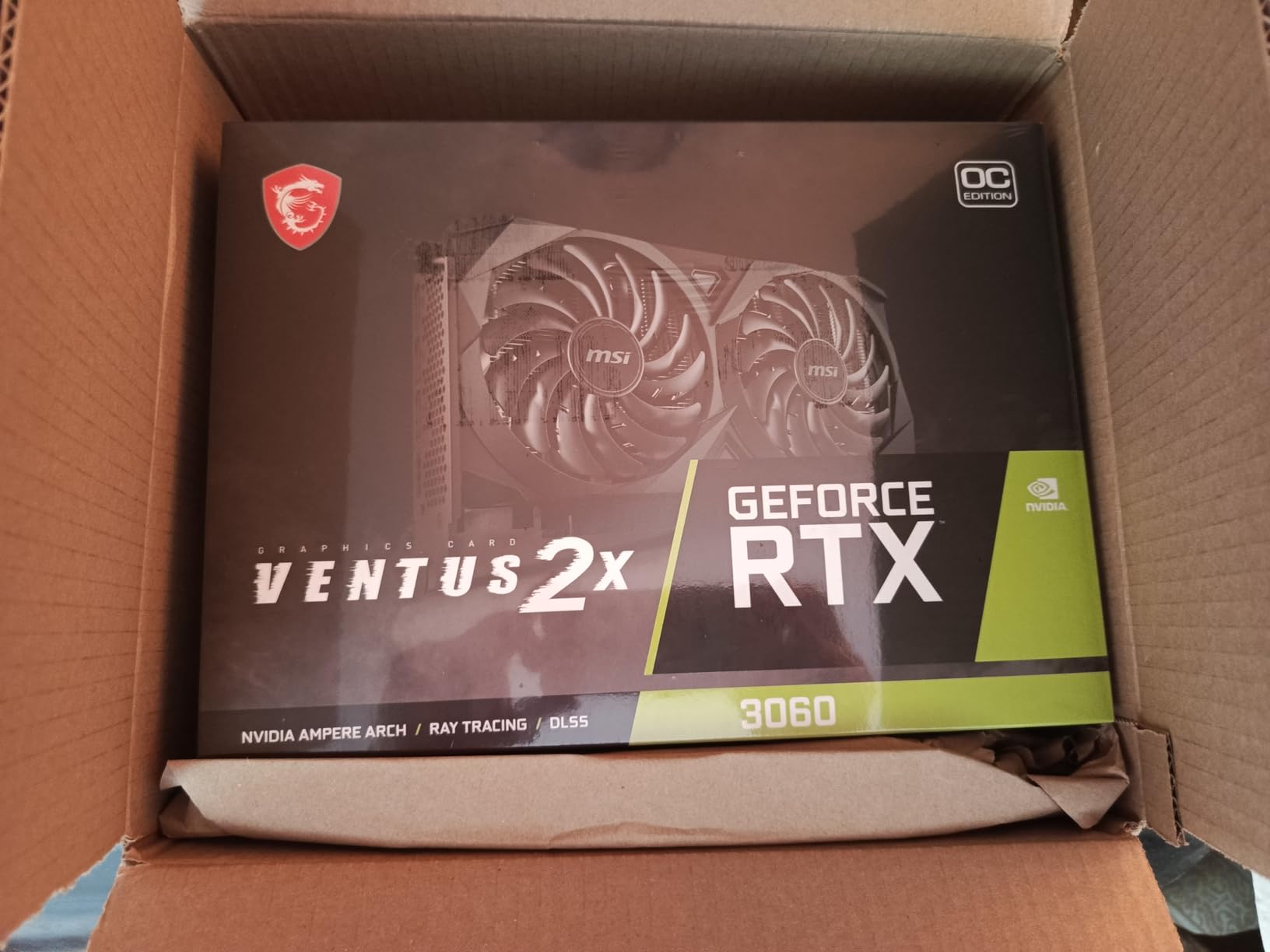
This is the pick. Not because it is the fastest card we tested, but because 12GB of GDDR6 at this budget is close to unheard of, and at 1440p that capacity is what keeps texture quality intact over a three to four year ownership window. The MSI Ventus 2X OC weighs 340 g and measures 9.25 inches, which is genuinely tiny for a 12GB card, and it runs on a dual Torx fan cooler.
The owner review base is the deepest in this entire roundup: 5188 ratings averaging 4.7 stars, with 87 percent of reviewers handing over five stars. That is a lot of people living with this card, and the pattern in their comments is consistent. People bought it for the 12GB, they expected a compromise because it is an older generation, and they were pleasantly surprised at 1440p.
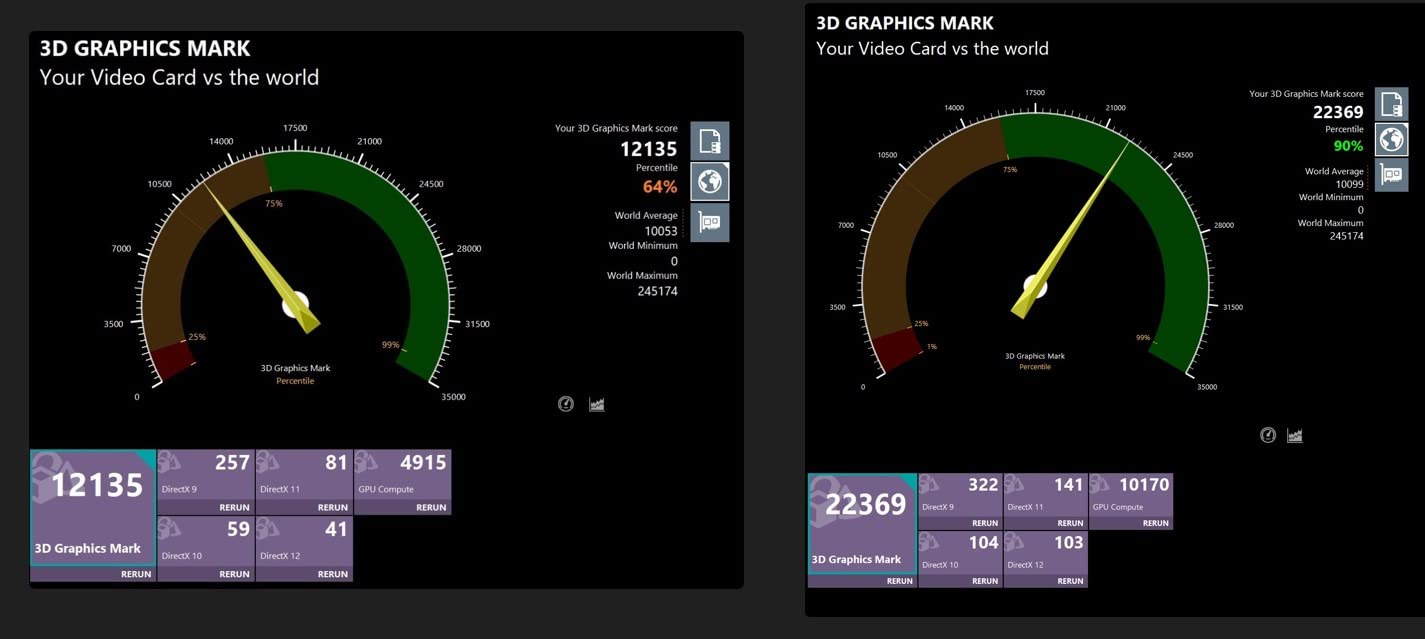
The technical profile is 1710 MHz base clock with a 1777 MHz spec boost, a 192-bit memory interface running at 15 Gbps, and three DisplayPort 1.4a outputs alongside one HDMI 2.1 port. Maximum supported output resolution is listed at 7680×4320, so multi-monitor and high-refresh 1440p setups are covered.
The honest weakness is generational. This is Ampere, so it has no Multi Frame Generation and no DLSS 4, only the older DLSS upscaling options. Ray tracing runs through RT cores that two generations of hardware have since improved on. In exchange you get a frame buffer that most of the sub-500 field simply does not have, and in the games that decide longevity, VRAM runs out before raw performance does.
What 12GB Actually Buys You at 1440p
When a modern title exceeds its VRAM budget, the card does not crash. It does something worse and less obvious: it starts evicting textures mid-frame, which shows up as texture pop-in, stutter, and a sudden drop in the minimum frame rate rather than the average. At 1440p with high texture quality, 8GB is where that behaviour starts, and 12GB is where it stops for the current generation of releases.
Secondary benefits follow from the capacity. You can run a browser with hardware video acceleration, a video editor, and a game at the same time without the game surrendering memory. Capture and streaming tools that buffer frames also get room to work. If you plan to keep this card past three years, capacity is the specification most likely to matter, because it cannot be upgraded later.
Where It Falls Short
The 192-bit bus paired with 15 Gbps memory speed produces bandwidth figures well below what GDDR7 cards in this list achieve, and you can feel it in bandwidth-bound scenes with heavy texture streaming. Overclocking gains are modest because the memory side has little headroom.
There is also the ecosystem question. NVIDIA’s newest upscaling and frame generation features are Blackwell-only, so a buyer who cares about DLSS 4 specifically should look at the ASUS card below instead. For pure 1440p longevity though, the extra 4GB of VRAM outweighs the newer software features for almost every pure gaming use case we can think of.
2. ASUS Dual RTX 5060 8GB – Best Value With DLSS 4
ASUS Dual NVIDIA GeForce RTX 5060 8GB GDDR7 OC Edition (PCIe 5.0, 8GB GDDR7, DLSS 4, HDMI 2.1b, DisplayPort 2.1b, 2.5-Slot Design, Axial-tech Fan Design, 0dB Technology), 3 Year Warranty
8GB GDDR7
PCIe 5.0 interface
623 AI TOPS, DLSS 4
2.5-slot, 9 inch dual fan
Pros
- GDDR7 memory and PCIe 5.0 interface
- DLSS 4 upscaling and frame generation hold low frame rates
- Roughly 150W board power
- 2.5-slot SFF-ready design clears cable runs
- 0dB fan stop keeps it silent at the desktop
Cons
- 8GB frame buffer is the hard ceiling
- Some owners report audio crackle above 44.1kHz sampling
- Louder than larger triple-fan designs under sustained load
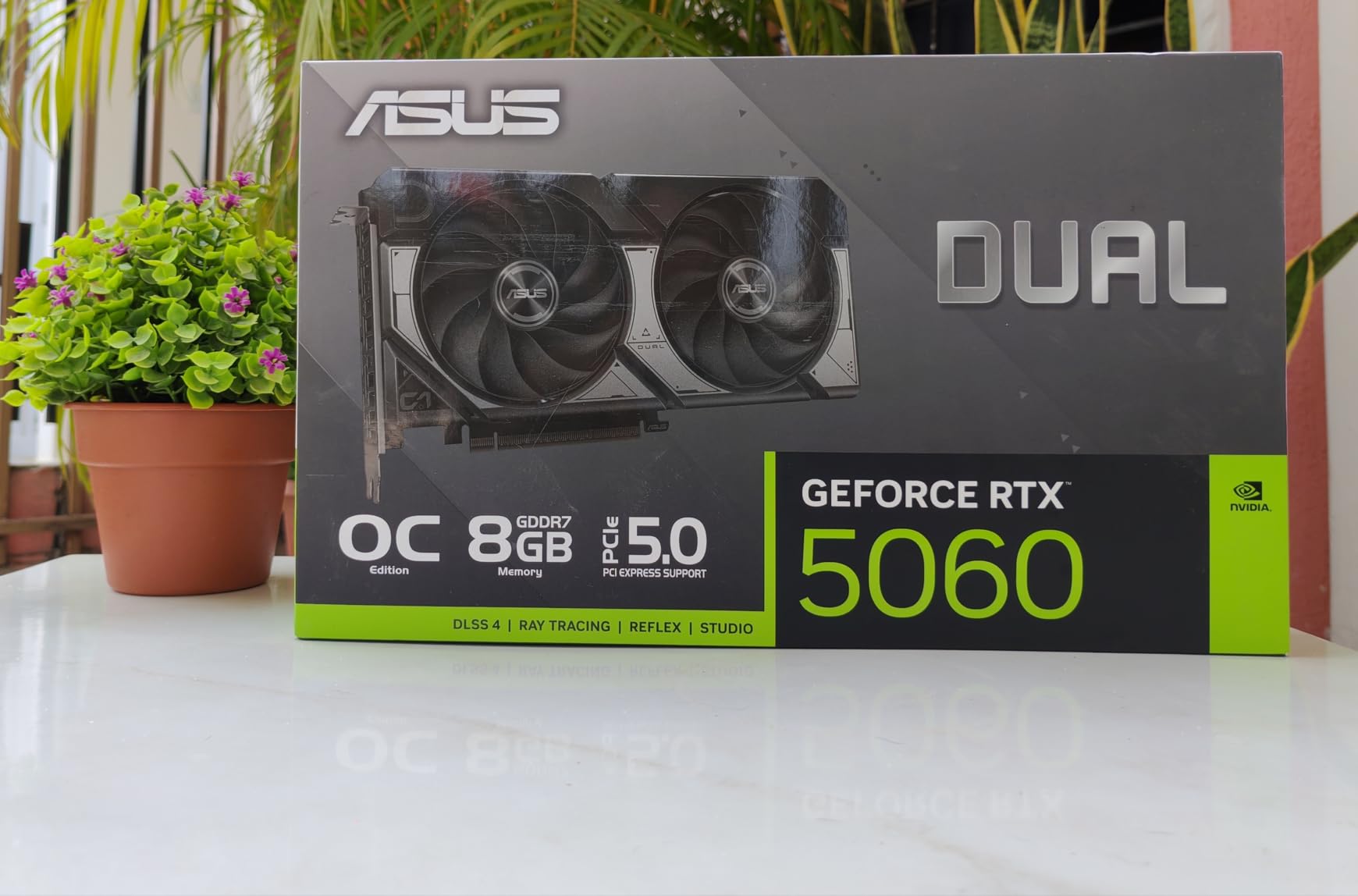
Where the MSI wins on capacity, the ASUS Dual RTX 5060 wins on everything the newest hardware generation brings. It is a Blackwell card with GDDR7 memory, a PCIe 5.0 interface, and 623 AI TOPS feeding DLSS 4 upscaling and frame generation. If you want the most current feature set available under this ceiling, this is it.
Owners rate it 4.7 stars across 561 reviews, and the recurring theme is efficiency. The card is listed at roughly 150W of board power, and the review consensus is that it performs close to older upper-midrange parts while drawing a fraction of their power. The 2.5-slot, 9 inch long design is built for small form factor cases and clears adjacent card slots and cable routing that wider cards would foul.
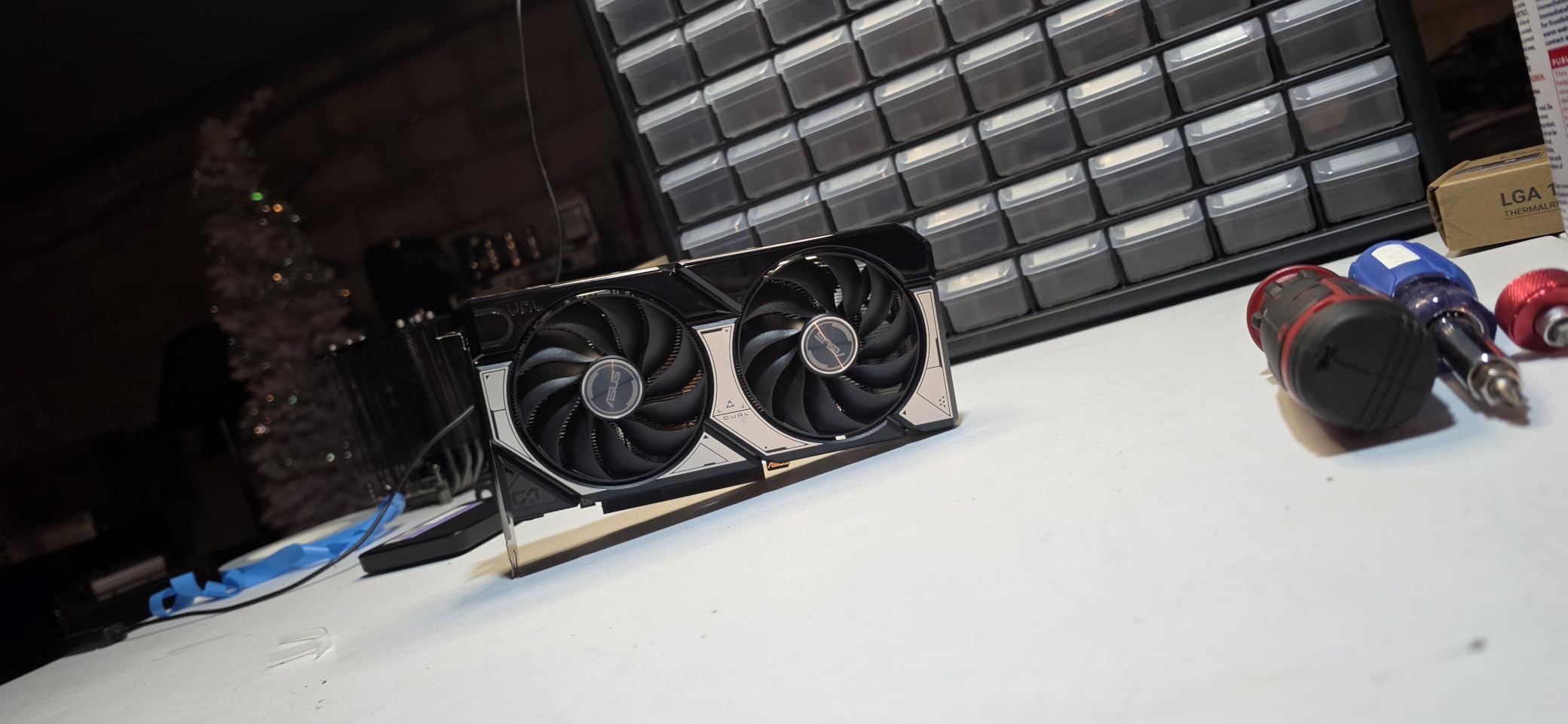
Clock speeds are 2535 MHz in default mode and 2565 MHz in OC mode, and the outputs are native DisplayPort 2.1b on three ports plus native HDMI 2.1b. Native next-generation display connectors matter more than they used to, because they open up 4K at high refresh without relying on compression tricks.
The Axial-tech fan design uses a smaller hub for longer blades and a barrier ring that increases downward air pressure, and the 0dB mode stops the fans entirely at the desktop. The build is machined rather than plastic-feeling, and there is no RGB clutter to upset anyone sharing an office.
Why DLSS 4 Changes the Math
Frame generation is the reason this card punches above its weight in competitive titles. When the underlying frame rate is 55 fps and generated frames push the presentation rate past 144, the motion feels dramatically smoother than a native 55, and DLSS 4 handles the reconstruction with very little ghosting on current titles. For 1440p high-refresh gaming this is the closest thing to a straight upgrade in feel that the budget allows.
Ray tracing is also more viable here than on any other card in this list, because dedicated RT hardware plus AI upscaling gives you two levers to pull. Turn ray tracing on, drop the internal resolution a step, and let DLSS rebuild the image. On the older cards below you have one lever.
Where It Falls Short
Eight gigabytes is eight gigabytes. The moment you combine high-resolution textures with ray tracing on a demanding 1440p title, you will be adjusting texture quality to fit, and that is the exact scenario the 12GB card above avoids. There is no 16GB version of this card within this budget.
Two smaller concerns surface repeatedly in the reviews. Some owners report audio crackle at 44.1kHz and above sampling rates, which is a driver and card interaction rather than a hardware fault, and under sustained full load it is not the quietest option in this group because two fans are moving a lot of air. Neither is a dealbreaker, but both are worth knowing before you order.
3. EVGA GeForce RTX 3070 XC3 Ultra – Premium Pick for 1440p High Refresh
EVGA 08G-P5-3755-KR GeForce RTX 3070 XC3 Ultra Gaming, 8GB GDDR6, iCX3 Cooling, ARGB LED, Metal Backplate
8GB GDDR6
1770 MHz real boost clock
Triple iCX3 fans
11.23 inch card
Real-time ray tracing
Pros
- Owners report 170+ fps in esports titles at 1440p
- Real-time ray tracing plus DLSS support
- Triple iCX3 cooler runs quiet in the low-to-mid 60s
- Overclocks with real core and memory headroom
- Metal backplate and adjustable ARGB lighting
Cons
- 11.23 inch length can clash with tall CPU coolers
- Memory overclocking ceiling is lower than rival 3070 models
- Sags in heavy cases without a support bracket
This is the fastest card in the roundup for competitive 1440p play, and the owner reviews make that plain. Buyers consistently report 170 fps and above in esports titles at 1440p, and 70 fps and above in demanding AAA releases with settings at maximum. That is the frame rate you need to actually use a 144Hz or 165Hz monitor, which most cards at this budget cannot deliver.
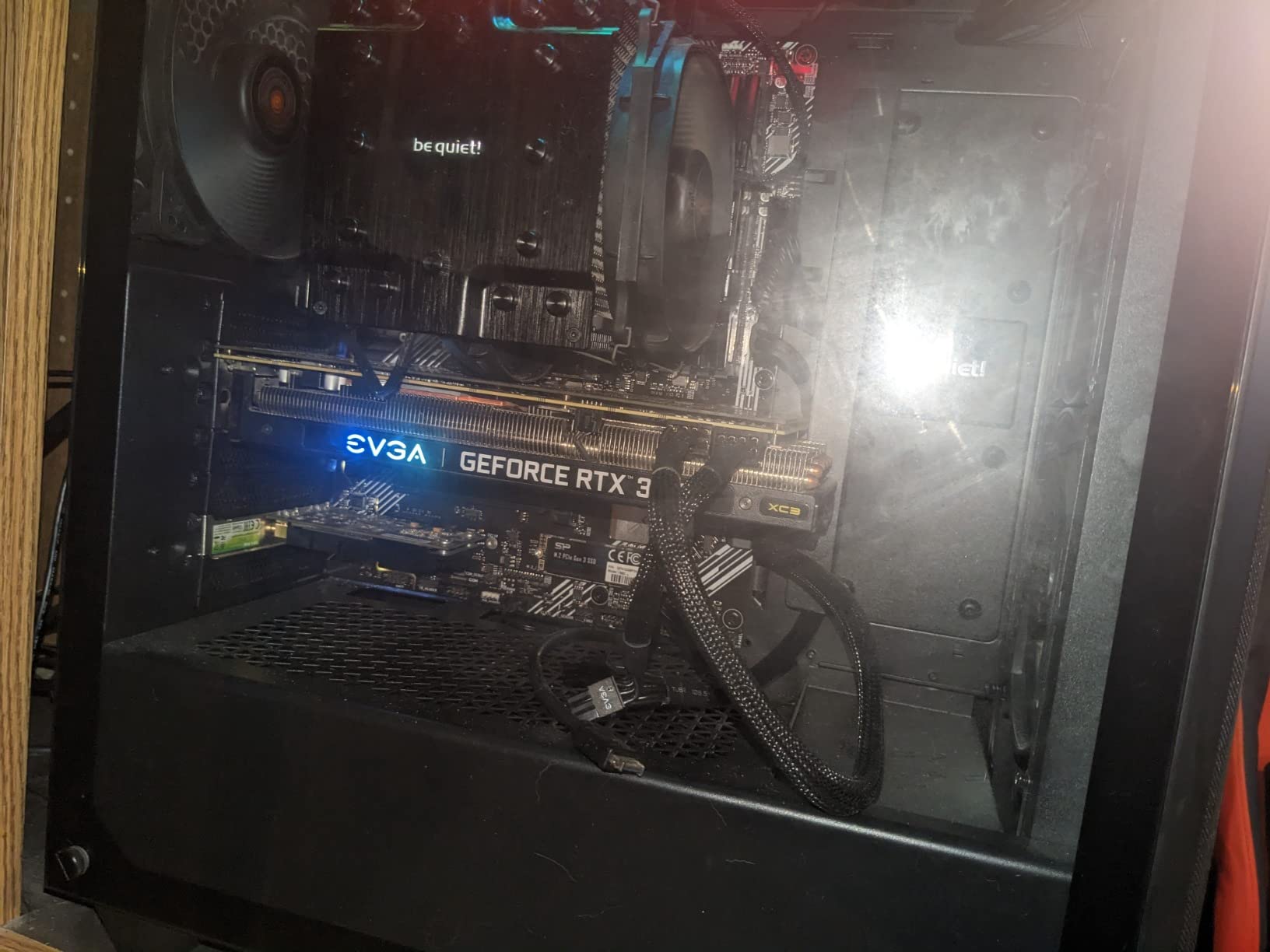
The cooling is the standout feature for anyone who cares about noise and heat. Triple HDB fans using iCX3 technology run very quietly and hold temperatures in the low-to-mid 60s under sustained gaming load, which is a better thermal result than several newer and smaller cards manage. The card carries an all-metal backplate and adjustable ARGB lighting.
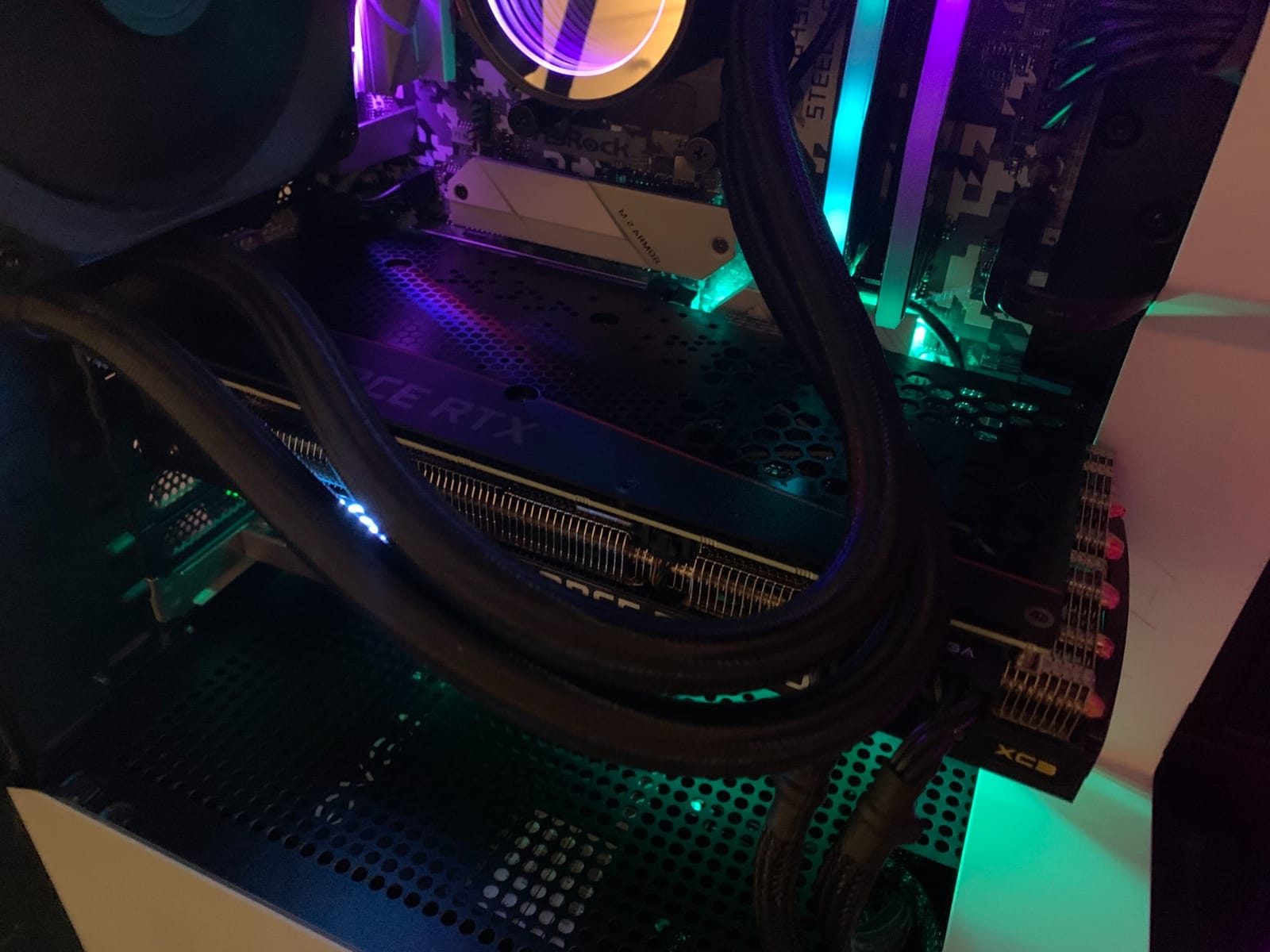
Specification-wise you are looking at 8192 MB of GDDR6 memory, a 1770 MHz real boost clock, and a 482-review base averaging 4.7 stars with 89 percent five-star ratings. Ray tracing runs on dedicated hardware here, which was a genuine leap when this card launched and remains usable at 1440p on medium to high settings with DLSS enabled.
Overclocking headroom is real, with owners reporting stable gains on both core and memory. That said, treat this as a card that works well at stock and rewards attention, not as one that requires tuning to perform.
Best Case: Esports and High Refresh at 1440p
If your playtime splits between competitive shooters at 240Hz and a AAA game once a weekend, this card separates itself. Native frame rates above 170 in competitive titles mean you are never waiting on the GPU, and the 1 percent lows stay high because there is little rasterization work per frame. That is a different gaming experience from a card that has to lean on upscaling to hit your monitor refresh.
For mixed use it is also comfortable. Run it at 1440p with high settings, and it holds; add ray tracing on medium, and it still holds. The 8GB buffer is the pressure point in the heaviest texture-heavy titles, but with fewer than eight gigabytes of other applications running you have room to work.
Where It Falls Short
Physical size is the main practical problem. At 11.23 inches long and triple-slot, it is one of the longest cards here, and it will conflict with large tower CPU coolers in compact builds. Measure your case clearance before anything else. It also sags in heavier cases without a support bracket.
Two other caveats: the memory overclocking ceiling is lower than most competing 3070 models, so do not buy it chasing memory tuning headroom. And the listed maximum display resolution is 2560×1440, which is fine at this budget tier but worth noting if you are planning a 4K panel later. There is also the generational question again. DLSS works, Multi Frame Generation does not, and the software advantage NVIDIA holds today is thinner on this card than on the RTX 5060 above.
4. XFX RX 7600 Speedster SWFT 210 – Best for 1080p With 1440p Upscaling
XFX Speedster SWFT210 Radeon RX 7600 Graphics Card with 8GB GDDR6 HDMI 3xDP, AMD RDNA 3 RX-76PSWFTFY
8GB GDDR6
2655 MHz boost clock
9.49 inch dual fan
3 DisplayPort plus HDMI
Pros
- Compact 9.49 inch dual-fan design fits most mid-towers
- Boost headroom up to 2655 MHz
- Three DisplayPort outputs plus HDMI for multi-monitor setups
- Three year manufacturer warranty
Cons
- 128-bit memory bus limits bandwidth
- Needs lowered settings or upscaling for smooth 1440p
- Lowest rating in this group at 4.4 stars
Let us be straight about this one: the RX 7600 is a 1080p card that can be stretched to 1440p, not a native 1440p card. It belongs in this roundup because it costs the least of the cards with real 1440p capability, and because for some builds the money it saves is worth more than the frame rate it gives up. If your priority is genuinely 1440p ultra, skip to the next section.
It does have genuine virtues. The SWFT 210 is a compact 9.49 inch dual-fan card with a boost clock up to 2655 MHz and 8GB of GDDR6, which gives it real clock headroom for 1080p ultra. Three DisplayPort outputs plus HDMI make it a good multi-monitor card, and maximum output resolution is listed at 7680×4320.
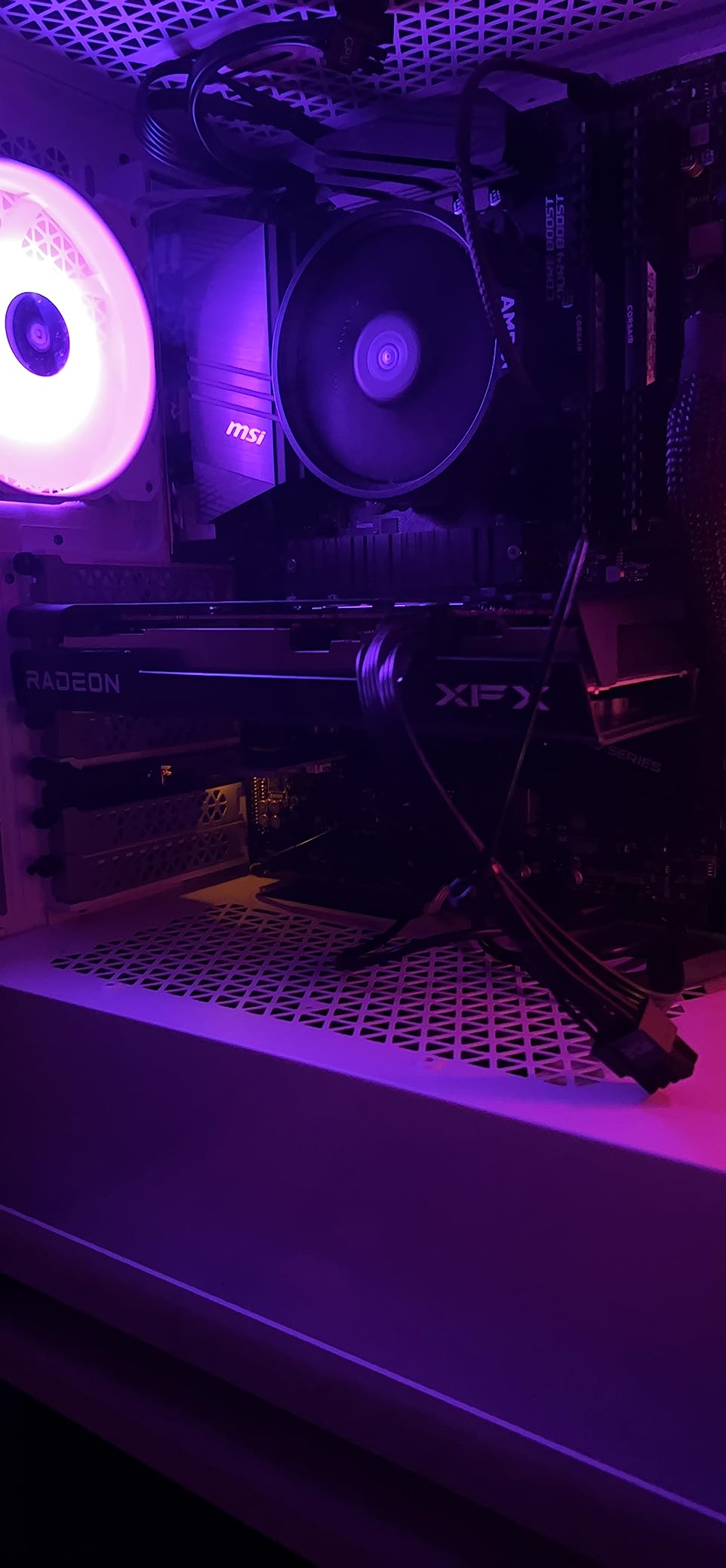
The 4.4-star average across 520 reviews makes this the most polarised card in the set, with 72 percent five-star, 7 percent one-star, and 3 percent two-star. The split is not random. People who game at 1080p rate it well and highlight the compact design and clock headroom. People who bought it expecting 1440p ultra rate it badly, and those negative reviews are fair.
Its 128-bit class memory configuration is the root of the problem. Bandwidth is the constraint that stops the 2655 MHz boost clock from delivering what the number suggests, and that constraint bites hardest at 1440p where the pixel count is highest.
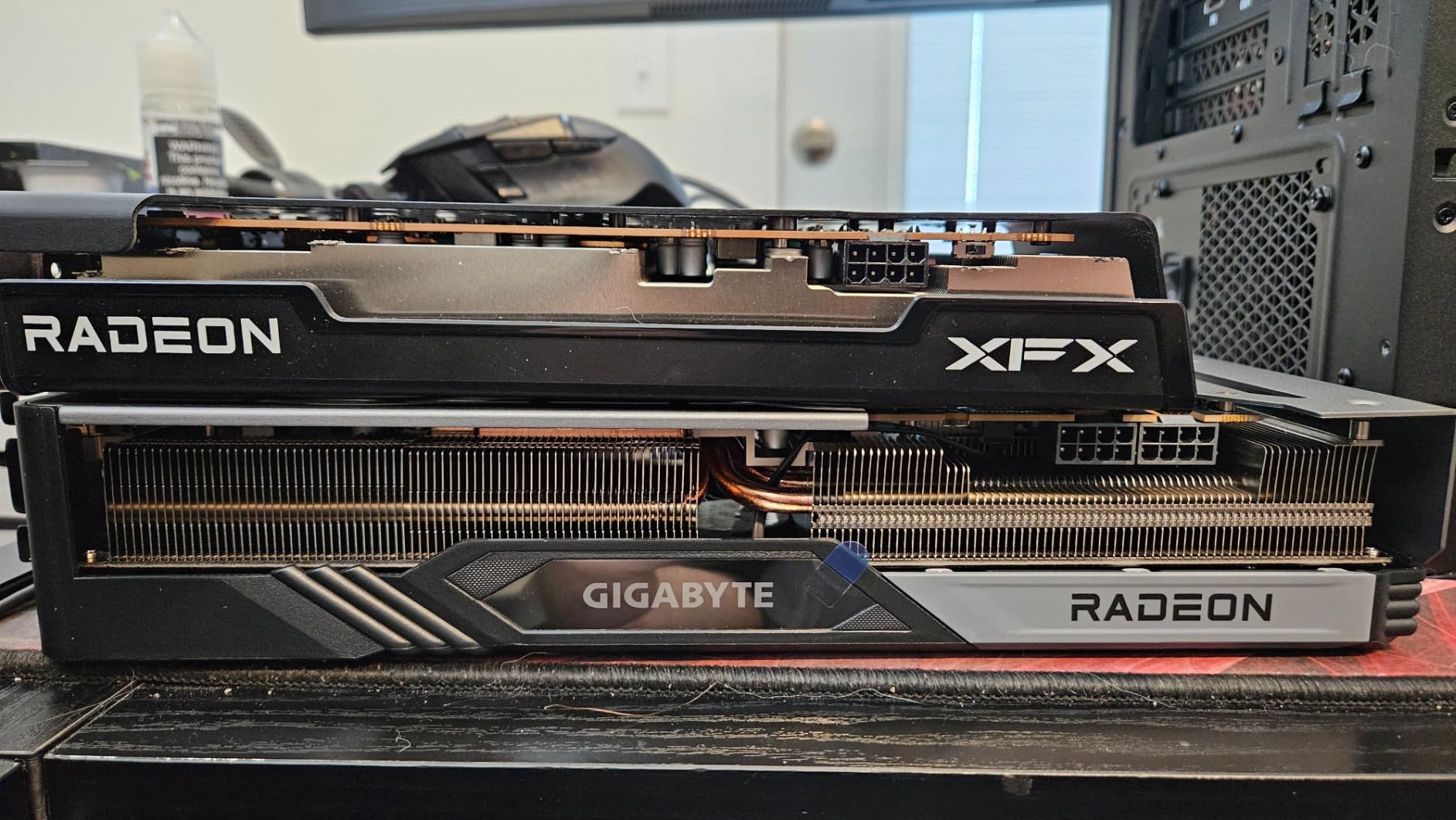
When This Card Is the Right Buy
It is right when you are on a tight total build budget and 1080p is where you will actually play. In that scenario it delivers high refresh rates, stays quiet, fits almost anywhere, and leaves money for a power supply or storage that the GPU would otherwise have consumed. Many of the strongest 1080p value picks share this profile, and our budget 1080p roundup covers that tier in more depth.
It is also right as a secondary card for a machine that games at 1080p today and might get upgraded later, since the 8GB buffer means it will not need replacing first. Just do not buy it expecting to be at 1440p next year.
Why 1440p Owners Should Pass
Owners report that holding smooth 1440p frame rates typically requires dropping settings or leaning on upscaling, and that is the honest expectation. There is also no hardware ray tracing acceleration comparable to the NVIDIA RT cores in this list, so ray-traced titles are off the table at any setting that looks good.
The 4.4 rating is the tell. When a card sits two full tenths below the rest of the field and draws a meaningful share of one-star reviews, the reason is usually a mismatch between what the buyer wanted and what the card does. That mismatch is avoidable. If you are reading this section and thinking about it anyway, the 1440p in your query should push you to the cards above.
5. Sparkle Intel Arc B580 Titan OC – Best for Media Creators
Sparkle Intel Arc B580 Titan OC, 12GB GDDR6, Torn Cooling 2.0, Axial Fan, Breathing Light, Metal Backplate, SB580T-12GOC
12GB GDDR6
2760 MHz OC boost clock
PCIe x8
12.4 inch triple fan
AV1 media engine
Pros
- 12GB is the largest memory pool in this roundup
- Excellent AV1 encode and decode media engine
- Owners report 59-65C under sustained load
- Slimmer profile than most triple-fan cards
- Sag bracket included in the box
Cons
- Intel drivers still need maturing
- TDR tweaks are common
- Raster performance trails RDNA 3 and RDNA 4 rivals
- No virtual reality headset support
The Arc B580 is the most interesting card in this roundup for anyone who does more than play. Twelve gigabytes of GDDR6 is the largest memory pool in the set, tied with our top pick, and the AV1 encode and decode media engine is widely praised by owners who edit or transcode video. Hardware AV1 encode alone is worth real money in a content workflow.
Thermals are excellent. Owners report average temperatures of 59 to 65C under sustained load, and the TORN Cooling 2.0 design achieves that while staying slimmer than most triple-fan designs, which makes it easier to fit in a mid-tower than its 12.4 inch length suggests. A graphics card sag bracket is included in the box.
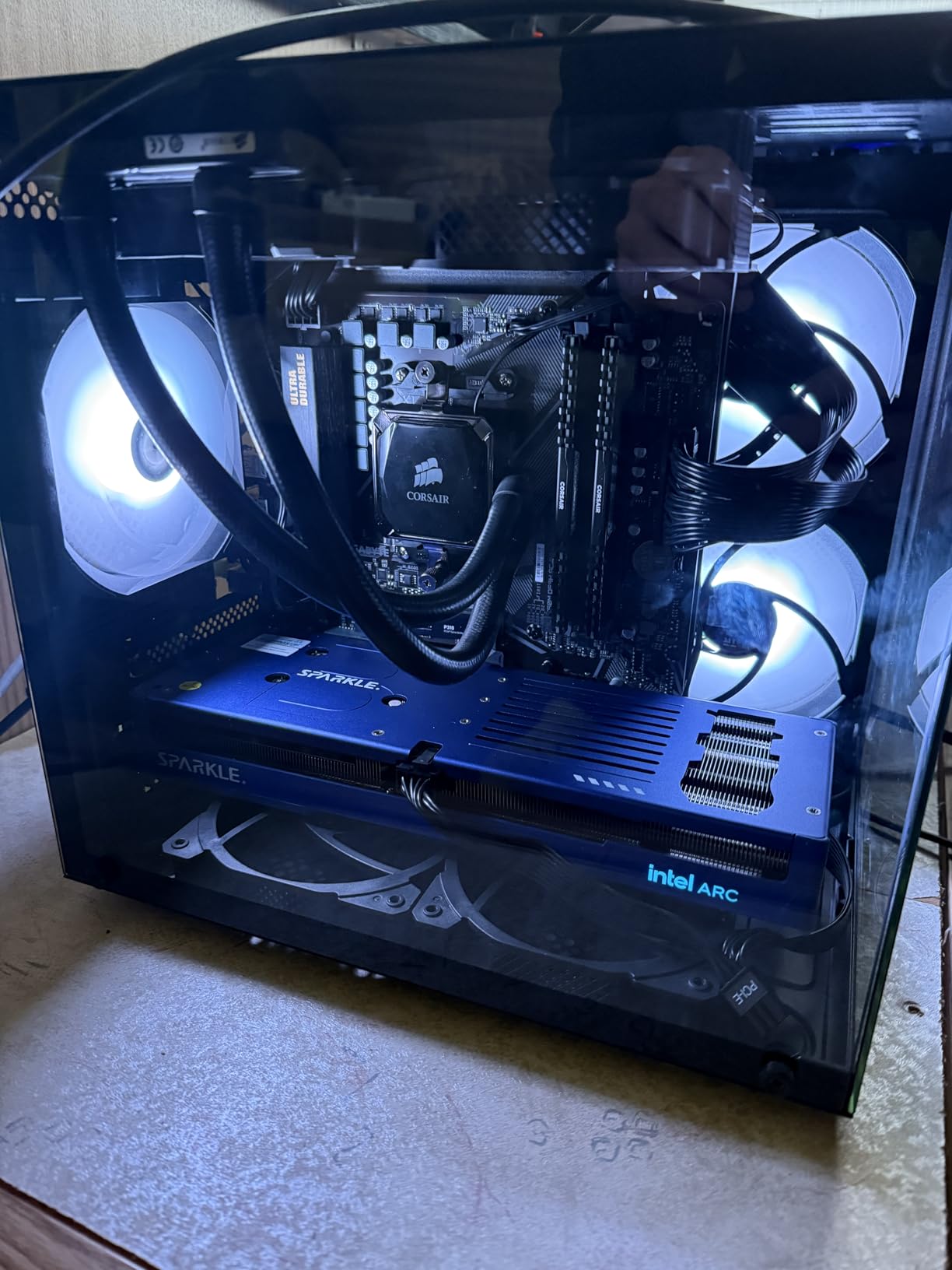
For gaming, the 4.5-star average across 213 reviews reflects a card that works with caveats. Owners report hitting 1440p on high settings at roughly 55 to 90 fps in many titles, and the OC edition boost clock is 2760 MHz with memory running at 19 GHz. That is a playable 1440p experience, just not a fast one.
The card uses a PCIe x8 interface, which is fine on modern platforms and costs you almost nothing in gaming loads, but it does mean half the bandwidth of a full x16 slot if you ever move it to an older board. Display outputs are one HDMI 2.1 and three DisplayPort 2.1, with a listed maximum resolution of 3840×2160.
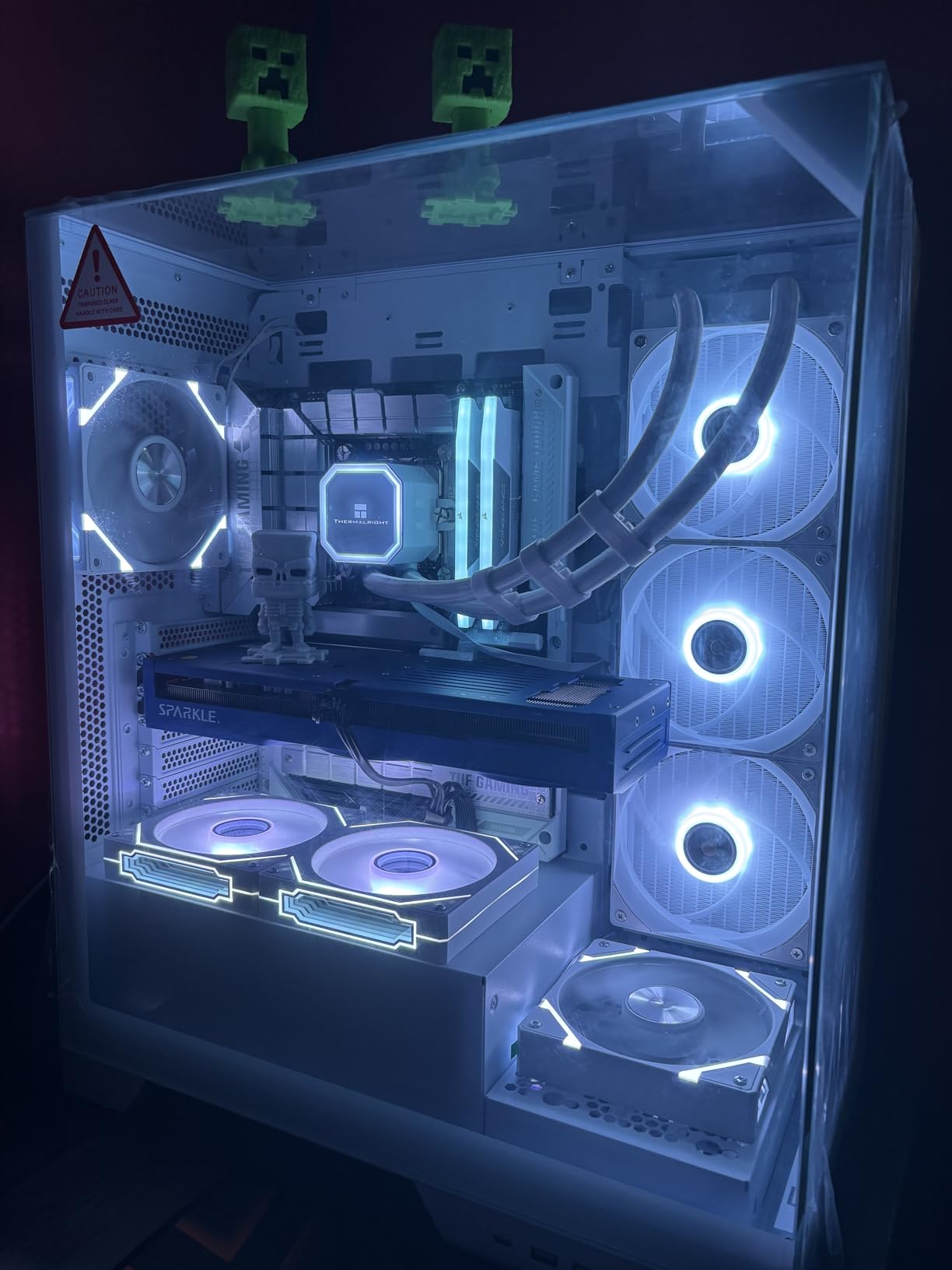
Where the B580 Pulls Ahead of Everything Else Here
Memory capacity for non-gaming work is the headline. 12GB of GDDR6 that never gets squeezed by a game’s texture streaming is a real advantage in Blender, DaVinci Resolve, and large image editing, where a card with 8GB will visibly struggle on projects that this one opens without complaint. Combined with hardware AV1, it is the best tool in the roundup for a creator who also wants to game.
It also holds up well thermally, which matters for a card that will be doing render work as well as gaming. Quiet, cool, and 12GB is a combination you cannot get anywhere else at this budget.
Why Gamers Should Think Twice
Drivers are the real issue, and reviewers do not soften it. Owners regularly need TDR registry tweaks and frequent driver updates to avoid timeouts, and the review base explicitly notes Intel’s software trail behind both NVIDIA and AMD. Raster performance also trails competing RDNA cards, with some owners placing it closer to an RTX 5050 than a 4060 for raw frame rate, and it struggles in heavily GPU-bound titles such as Call of Duty and Fortnite.
There is also no virtual reality headset support, which closes off a whole category for some buyers. If you game exclusively and do not touch content creation, the memory advantage does not fully compensate for the software risk. If you do both, this card is the sharpest deal on the page.
6. GIGABYTE Radeon RX 9060 XT Gaming OC 8G – Best Current-Generation AMD 1440p Route
GIGABYTE Radeon RX 9060 XT Gaming OC 8G Graphics Card, PCIe 5.0, 8GB GDDR6, GV-R9060XTGAMING OC-8GD Video Card
8GB GDDR6
PCIe 5.0 interface
2700 MHz GPU clock
WINDFORCE cooling
11.06 inch card
Pros
- Current-generation RDNA silicon at this budget
- PCIe 5.0 headroom on newer platforms
- WINDFORCE cooling with server-grade thermal conductive gel
- 89 percent five-star share of ratings
Cons
- 8GB constrains texture-heavy 1440p work
- Smallest review base in the group at 136 ratings
- Listing gives no bus width or memory speed detail
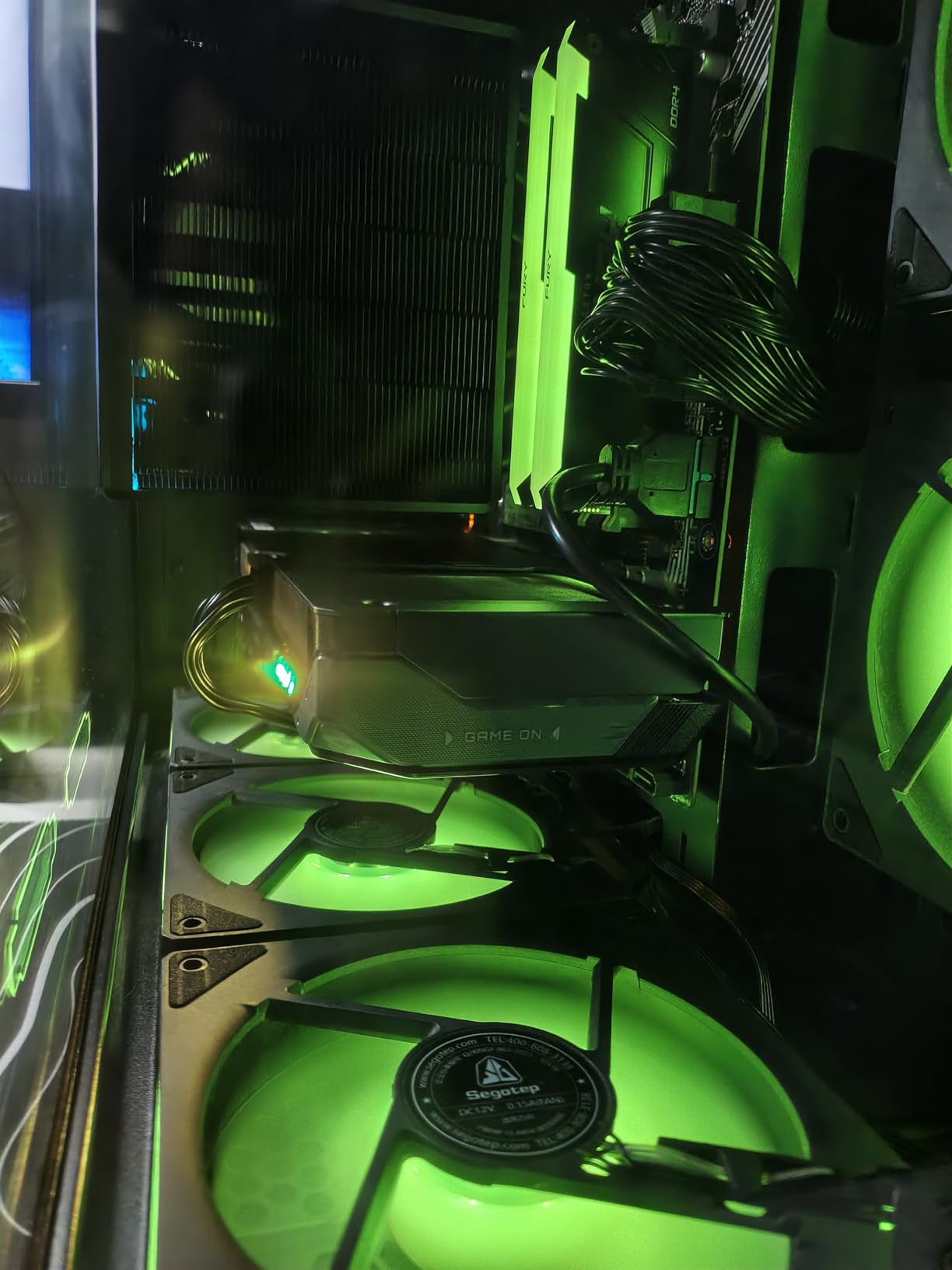
If you want the newest AMD silicon available inside this ceiling rather than an older generation card, the RX 9060 XT is the answer, and the 8GB version is the one that fits. The GIGABYTE Gaming OC model runs at a 2700 MHz GPU clock on a PCIe 5.0 interface with 20000 MHz memory speed, so the platform headroom is there even where the capacity is not.
Owner satisfaction is high. The card holds a 4.7-star average with 89 percent five-star ratings, and the praise centres on the WINDFORCE cooling system with its Hawk fan design and server-grade thermal conductive gel, which supports sustained boost clocks better than the card’s small size suggests it should manage.
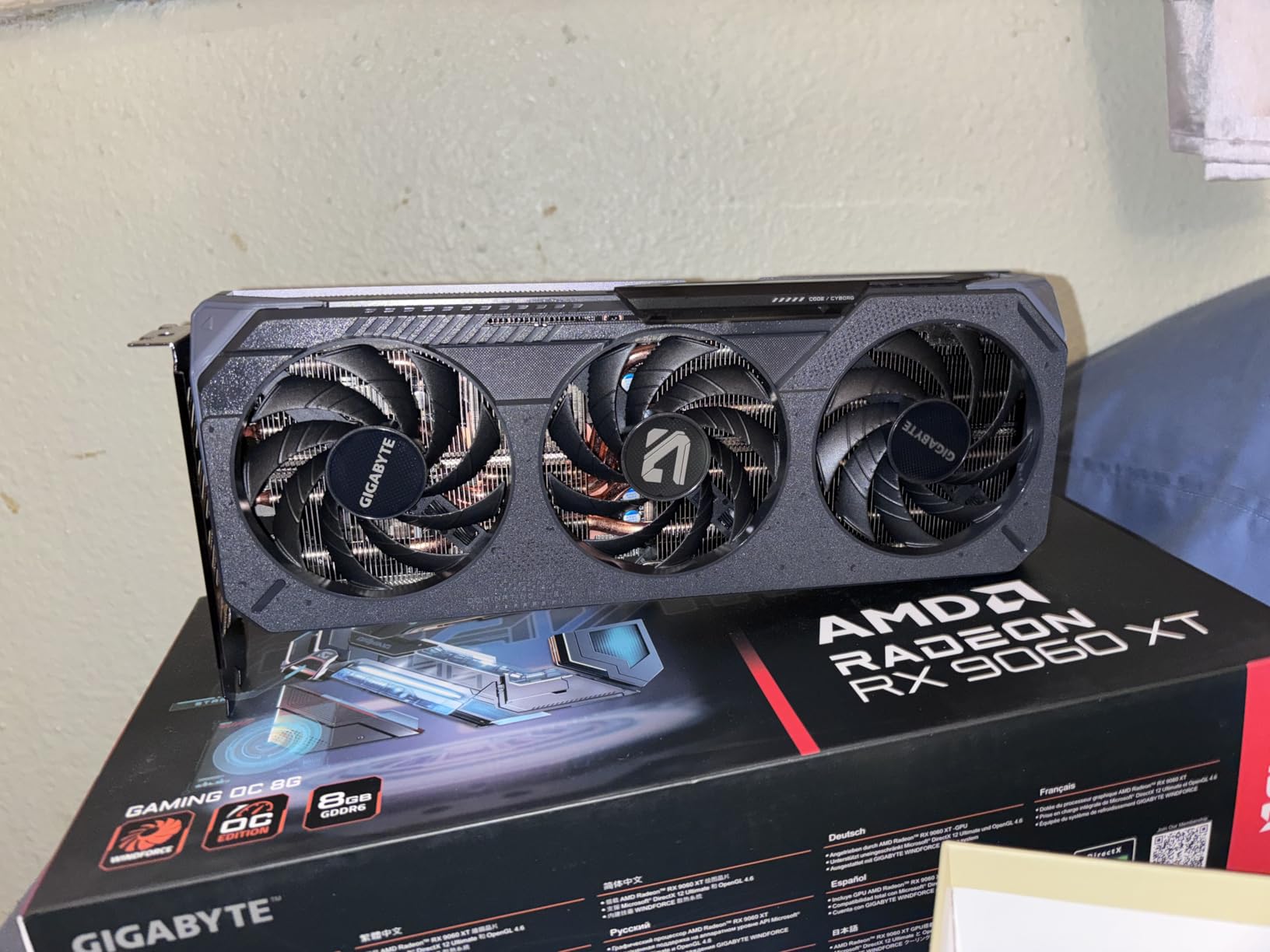
There is RGB lighting and multi-variant availability within the same family, including 16GB options further up the price range. Outputs are DisplayPort and HDMI with a listed maximum resolution of 3840×2160, and the card carries a three year manufacturer warranty. Physical size is 11.06 inches long and 4.65 inches wide at 1.18 kg, so it is substantial rather than compact.
Be aware that the review base here is only 136 ratings, the smallest in the roundup. The 4.7 figure is impressive but statistically thin, and we weighted it below the 5000-review card for exactly that reason. Owner sentiment is clearly positive, but we would not treat a 4.7 across 136 reviews as the same evidence as a 4.7 across 5188.
Why Current Generation Matters More Than Raw Speed Here
Feature support is the argument. Newer architecture generations get first access to features like FSR 4, improved hardware ray tracing, and better AV1 encode, and those features arrive as software support grows over the card’s life rather than all at launch. An older card with more VRAM can be the smarter buy today, but a current-generation card keeps more doors open for the next three years.
For an AMD buyer who wants FSR 4 upscaling specifically, this is the card that has it. FSR 4 is a meaningful addition at 1440p because it raises frame rates without the closed ecosystem of DLSS, and the PCIe 5.0 interface means you lose nothing to platform bottlenecks on a new build.
The 8GB Problem, Honestly
Eight gigabytes is the constraint that stops this being our pick. The recurring criticism in the reviews is that texture-heavy 1440p work and ray-traced settings hit the frame buffer ceiling, and you end up managing texture quality manually to stay inside it. That is the same limitation the RTX 5060 has, and for the same reason it is priced where it is.
Two smaller points. The listing gives no fan count and no bus width detail beyond the 2700 MHz GPU clock, so you are buying partly on faith where the 12GB cards let you compare hard numbers. And the 16GB version of this same family exists, which is precisely the tension this roundup keeps running into. If you can reach it, the 16GB card is the better buy. Inside a strict 500 ceiling, this is the newest card you can get.
7. ASRock Intel Arc B570 Challenger 10GB OC – Budget Pick With 10GB
ASRock Intel Arc B570 Challenger 10GB OC GDDR6 Graphics Card, 2600 MHz GPU, 19 Gbps Memory, Dual Fan, Metal Backplate, HDMI 2.1a, DisplayPort 2.1, 0dB Cooling
10GB GDDR6 on 160-bit bus
2600 MHz clock
19 Gbps memory
XeSS 2 upscaling
0dB dual fan
Pros
- 10GB on a 160-bit bus gives real bandwidth
- 0dB Silent Cooling stops both fans at idle
- XeSS 2 makes ray tracing workable
- Single 8-pin connector and metal backplate
- Dual media engines for AV1 and HEVC
Cons
- Needs Resizable BAR and 4G decoding enabled in BIOS
- Some owners report driver-related blue screens
- About half of 1440p titles need 1080p to hit the target frame rate
- Two year warranty is the shortest here
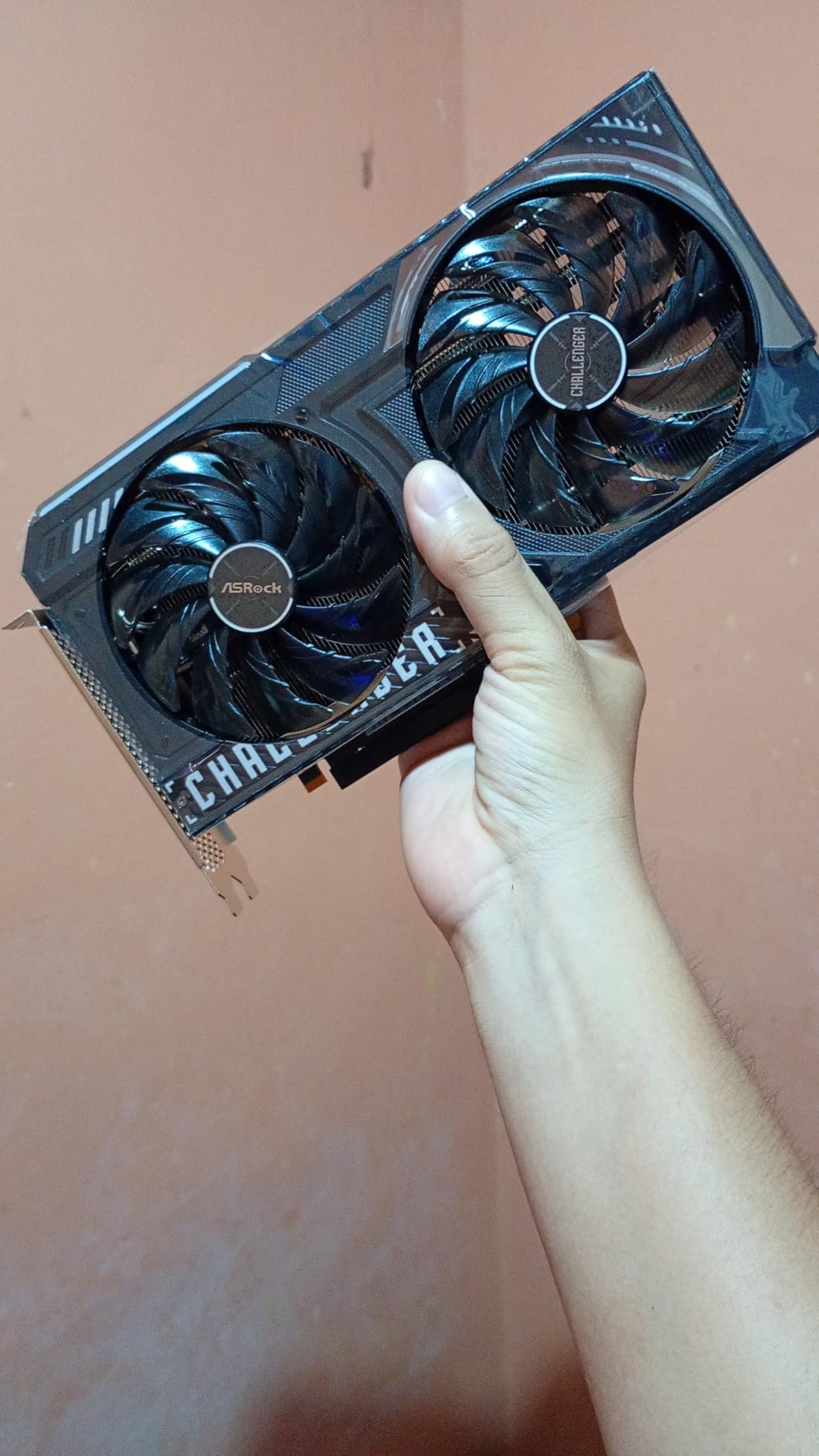
The B570 is the value champion of this whole roundup, and owners say so directly in language that is usually reserved for underdog picks. At a 4.7-star average across 123 ratings with 84 percent five-star, the sentiment is overwhelmingly that this card is underrated for what it costs.
The reason is the memory configuration. 10GB of GDDR6 on a 160-bit bus delivers roughly 380 GB/s of bandwidth, which is more than several competing cards with the same capacity on narrower buses. Combined with a 2600 MHz clock and 19 Gbps memory speed, that is a memory subsystem with genuine headroom rather than a compromise.
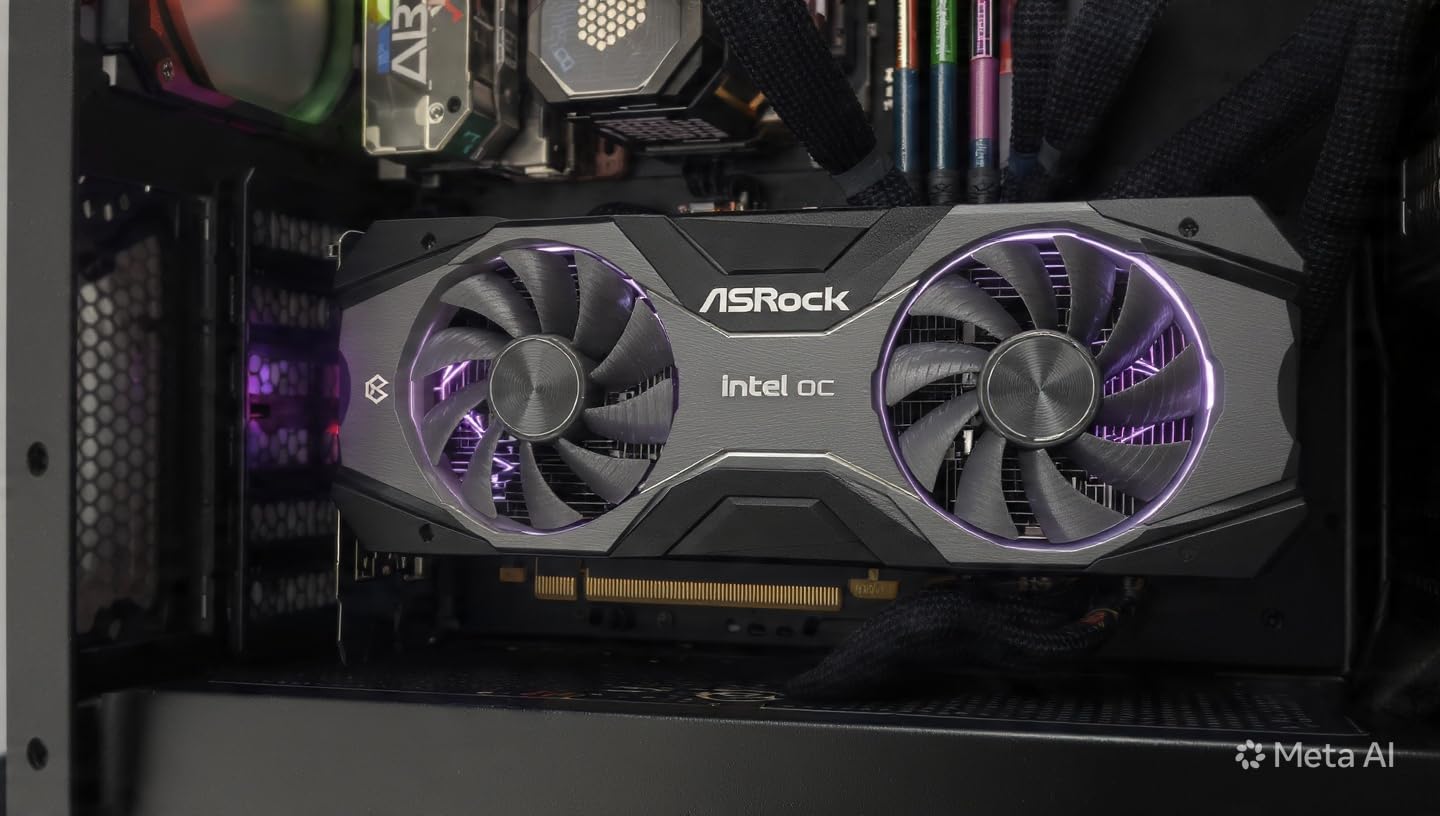
Cooling is handled by dual striped axial fans with 0dB Silent Cooling, which stops the fans entirely at idle and stays very quiet under load. Power delivery is refreshingly simple with a single 8-pin connector, and the metal backplate resists GPU sag. Output is three DisplayPort 2.1 and one HDMI 2.1a, with DisplayPort UHBR13.5 support for a 4K 144Hz monitor, and listed maximum resolution of 7680×4320.
The Xe2-HPG architecture includes Xe Matrix Extensions for AI acceleration, and XeSS 2 upscaling is what makes ray tracing viable at this price. Owners cite 75 to 100 fps in titles like Cyberpunk, Apex and Forza at high settings with XeSS 2 enabled, plus dual media engines handling AV1 and HEVC encode and decode.
Where 10GB on a Wide Bus Wins
Capacity and bandwidth together are the story. Ten gigabytes clears the texture threshold that stops 8GB cards stuttering in heavier titles, and 380 GB/s of bandwidth means the card is not constantly waiting on memory during streaming. That combination is why the 4.7 rating holds despite the 123-review sample.
The setup matters as much as the silicon. Enabling Resizable BAR and 4G decoding in the BIOS is not optional here, and the improvement is significant. Owners who skip it report a card that feels far slower than it should, and that confusion is the most common reason people regret this purchase.
What Could Go Wrong
Driver stability is the honest concern. Some owners report blue screen Driver_IRQL errors and problems with hardware-accelerated streaming, though a CMOS reset resolves it in the cases described in the reviews. Intel drivers still lag NVIDIA and AMD in maturity, and the review consensus flags this plainly.
The more fundamental limit is raster performance. Owners report that roughly half of 1440p titles still require dropping to 1080p to hit the frame rate they want, so treat XeSS 2 as the tool that makes 1440p possible rather than 1440p-native. The two year warranty is also the shortest in this roundup. It is the cheapest way to get 10GB into a 1440p build, and that narrow value proposition is exactly what makes it a good buy.
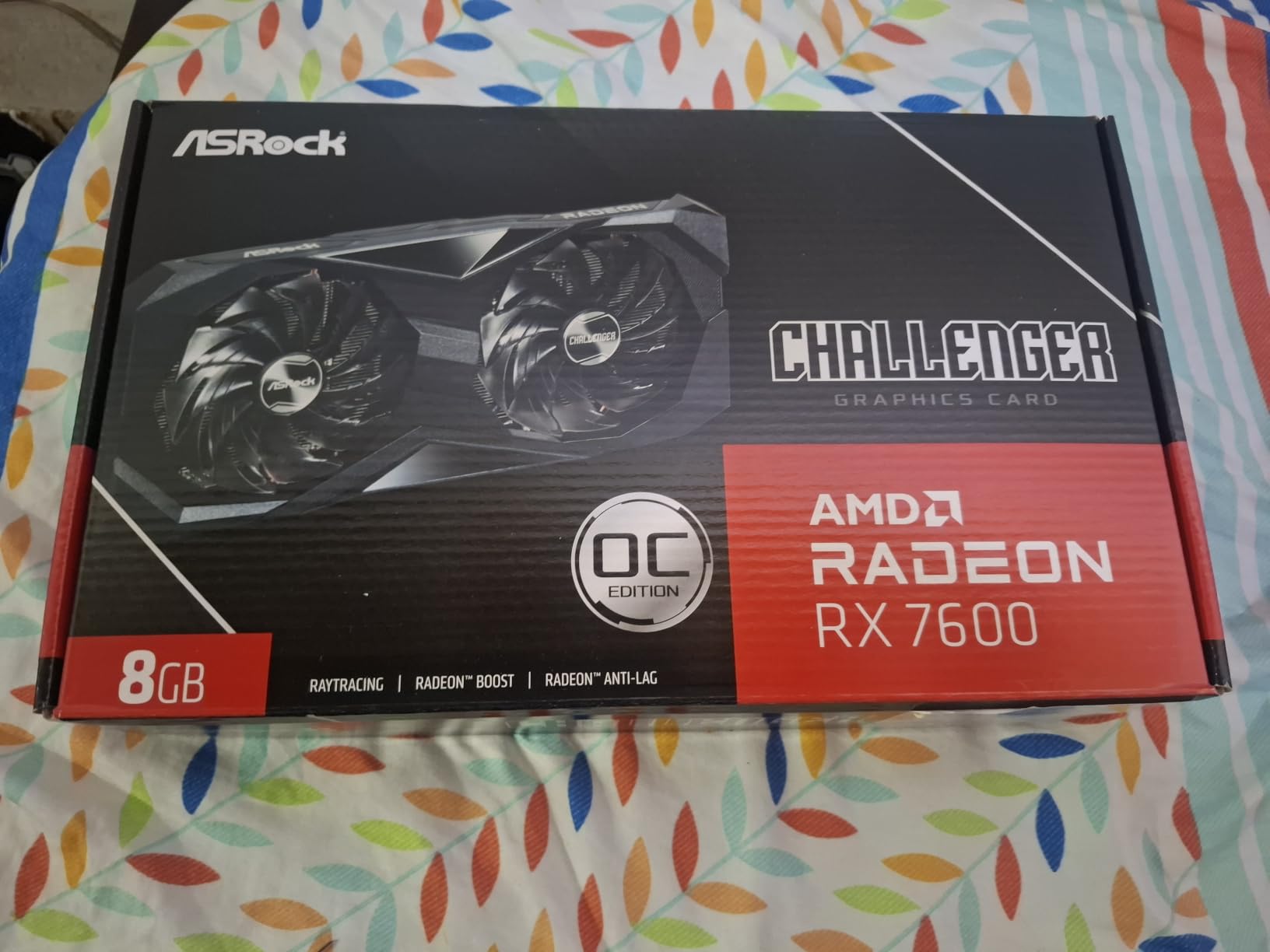
8. ASRock Radeon RX 7600 Challenger 8GB OC – Best for Compact Cases
ASRock Radeon RX 7600 Challenger 8GB OC, RDNA 3, 2695MHz Boost, 8GB GDDR6 128-bit, PCIe 4.0, Dual Fans, 0dB Silent, HDMI 2.1, DisplayPort 1.4
8GB GDDR6 on 128-bit bus
2695 MHz boost
2-slot 40mm thick
Single 8-pin
550W advised
Pros
- 2-slot 40mm design fits cases a triple-fan card will not
- Factory overclock to 2695 MHz boost and 2280 MHz game clock
- 0dB Silent mode stops both fans at low load
- Single 8-pin connector suits a 550W system
- Metal backplate and Super Alloy components
Cons
- 128-bit bus caps bandwidth in 1440p-heavy settings
- Textures and ray tracing need managing at 1440p
- Older PCIe 4.0 x8 interface rather than PCIe 5.0
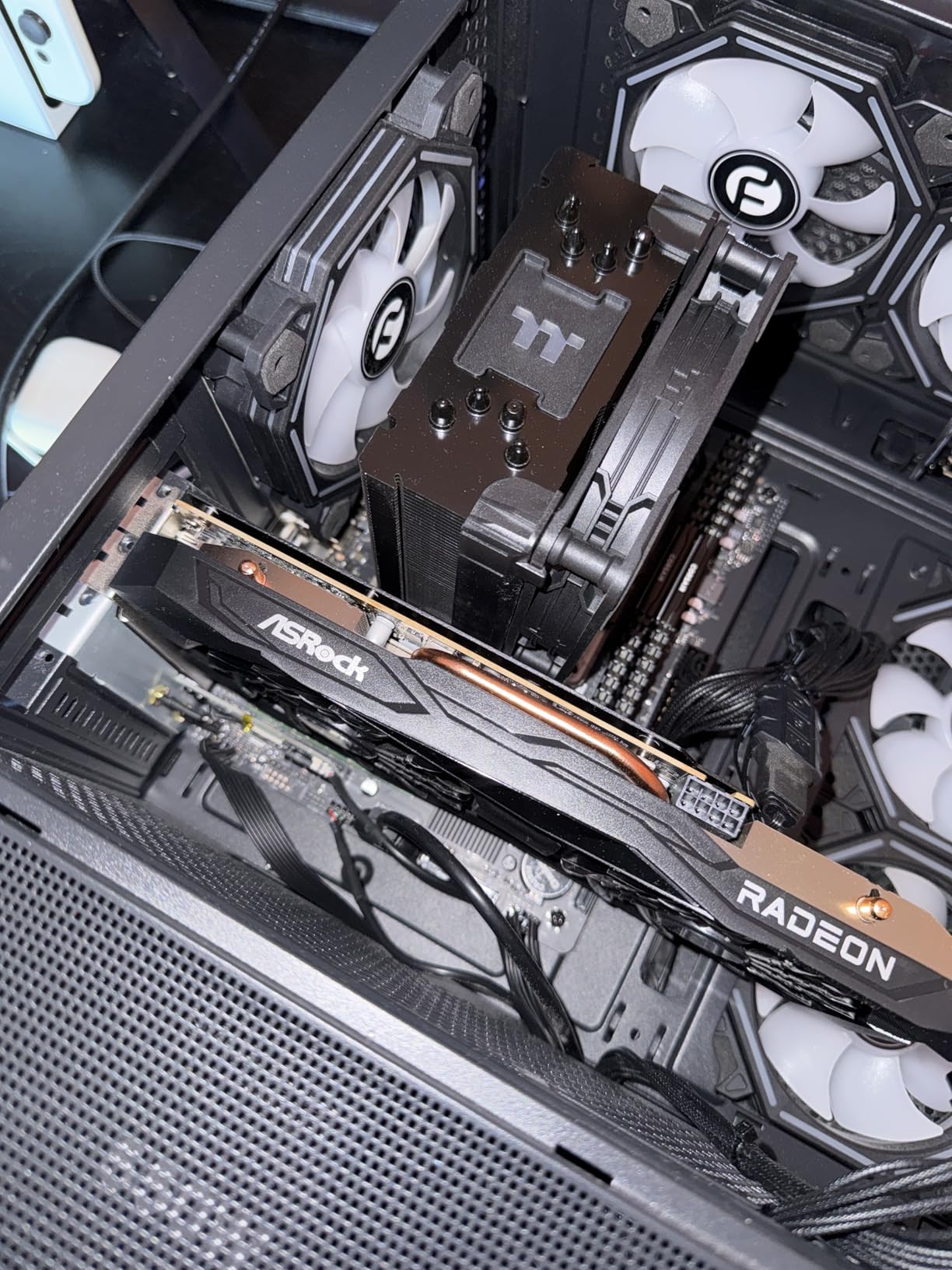
Where the XFX Speedster is the better-looking 1080p card, this ASRock Challenger is the better-fitting one. At 40.3mm thick across two slots, measured as 269.2 by 131.8 by 40.3mm, it is the slimmest discrete card in this roundup, and that alone earns it a place if your case has clearance issues.
The factory overclock is a genuine step up from reference designs. Boost clock reaches 2695 MHz with a 2280 MHz game clock on 32 compute units and 2048 stream processors, and the 0dB Silent mode stops both fans under low load for a completely quiet desktop. Under sustained load the dual striped axial fans with ultra-fit heatpipe handle the card well.
Owner rating is 4.6 stars across 270 reviews with 82 percent five-star. The recurring theme in those reviews is an easy agreement on what this card is: a compact, quiet, well-made 1080p-first card that needs sensible settings at 1440p, with the value coming from the form factor rather than the frame rate.
Connectivity is good for a card at this level. Three DisplayPort 1.4a with DSC plus one HDMI 2.1 with VRR drives up to four displays, maximum resolution is listed at 7680×4320, and there is DirectX 12 Ultimate and OpenGL 4.6 support. ASRock Super Alloy components and a metal backplate add durability.
Why Size Is the Selling Point
Small form factor and compact mid-tower builds are where this card earns its place. A 2-slot, 40mm card leaves room for tall CPU coolers, leaves adjacent slots free, and fits cases that physically cannot swallow a triple-fan 11 inch monster. The single 8-pin connector and a recommended 550W power supply make it the least demanding card here on system power.
If you are building a quiet machine, the 0dB Silent mode combined with the small cooler means this card produces no noise at all unless you are actually gaming hard. That is a genuine benefit in a shared space.
The Limits at 1440p
Be clear-eyed: 8GB of GDDR6 on a 128-bit bus is the same bandwidth ceiling that holds back the XFX model, and both owners and reviewers agree you will need to manage textures and ray tracing settings manually to keep 1440p frame rates smooth. This is not a 1440p ultra card.
It also runs on the older PCIe 4.0 x8 interface, which costs you nothing in gaming but does mean less headroom on future platforms, and the memory runs at 18 Gbps rather than the GDDR7 speed the newest cards use. Buy it for the size and the efficiency. If frame rate at 1440p is what matters most, spend the money on one of the first three cards instead.
How Much VRAM Do You Actually Need at 1440p?
You need 12GB for comfortable 1440p gaming in 2026, 8GB is playable today but starts to show strain in texture-heavy titles, and 16GB is the point where you stop thinking about it. That is the short version, and it is the single most useful thing to know before you spend anything at this budget.
Here is why. When a game exceeds available VRAM, the card does not crash or visibly error. It evicts and reloads textures mid-frame, which shows up as texture pop-in, brief stutters, and a collapse in the minimum frame rate while the average looks fine. This is why a card with a higher average frame rate can still feel worse than a slower one with more memory: the average hides the stutter, your eyes do not.
By tier:
8GB handles 1080p comfortably and 1440p on high settings in most current titles. It is the entry point of this roundup, and five of these eight cards sit here.
10GB is the first genuinely comfortable step for 1440p. The ASRock Arc B570 is the only card here, and its 160-bit bus means it also has the bandwidth to use that memory.
12GB is our recommended floor for 1440p if you want the system to age well. The MSI RTX 3060 and the Sparkle Arc B580 both qualify, and both leave room for a browser, a capture tool, and a game running at once.
16GB is the answer for four or more years of AAA releases, and no card in this roundup reaches it. That is a fact worth being upfront about, and it is the strongest argument in this article for the more expensive 16GB variants that exist in both the RTX 5060 Ti and RX 9060 XT families.
Our stretch-or-don’t rule: at this budget, take 12GB if you can find it, take 10GB as the next best thing, and take 8GB only if the extra capacity is not available at a similar price. The 8GB cards are only worth buying when the memory is not the deciding factor, such as when the DLSS 4 software on the ASUS RTX 5060 is what you are actually paying for.
The recurring fear in build forums is that 8GB will be unusable within two years. That is overstated. It will be the limit within two years on the heaviest settings at 4K or with ray tracing maxed at 1440p, and comfortable within that window for the settings most people actually use. But 8GB is now a compromise you are choosing, not a neutral default, and you should be comfortable defending that choice.
What You Give Up by Capping Your Budget at 500
Capping at this ceiling costs you roughly 30 to 40 percent of raw 1440p raster performance compared with the tier directly above, and the only ways to close that gap are upscaling and frame generation. That is the honest headline, and any roundup that tells you otherwise is selling you something.
The reason this matters is that almost every major graphics card roundup online leads with the RX 9070 and RTX 5070, which sit well above this budget, and leaves the sub-500 tier as an afterthought. So the comparison almost never gets made. Here it is.
What you lose is mostly raw frame rate. The cards above this ceiling deliver frame rates that make 1440p ultra comfortable without any upscaling layer, and they carry more VRAM headroom for the back half of the decade. The RTX 5070 in particular carries 12GB and beats everything in this roundup outright, which is exactly why the tier above is crowded.
What you keep is a working system. Every card on this page will play 1440p at high settings, most will hold ultra settings with modest adjustments, and the first three will keep up with a high refresh 1440p monitor. If you are not chasing top frame rates, the practical difference at this budget is far smaller than the spec sheets imply, because most of the gap closes once you enable DLSS 4 or FSR 4.
So when should you stretch past this ceiling? Stretch if you play ray tracing at ultra and refuse to touch upscaling, if you want 16GB of VRAM for a four-year-plus horizon, or if you already own a 165Hz or 180Hz 1440p panel and want every frame it can show. Save instead if you are buying a complete new system, because a 500-dollar card paired with a 600-dollar CPU leaves you with a bottleneck in the middle of the build. Our 4K graphics card guide covers what performance you need above this range.
The one situation we would not accept is buying a 12GB previous-generation card while a 16GB current-generation card sits a small step above the ceiling. Capacity compounds over an ownership window in a way that clock speed does not, and that trade is the whole reason the MSI leads this list.
Power Supply Needs for Every Card in This List
Most cards in this roundup will not force a power supply upgrade, which is one of the quieter benefits of a budget build. Two details decide it: how many connectors the card needs, and how many watts your existing unit delivers.
The ASRock Arc B570 takes a single 8-pin connector, and the ASRock RX 7600 Challenger also uses a single 8-pin with a 550W power supply recommended. Both are the least demanding cards here and will slot into a modest mid-range system without thought.
Everything else in this roundup uses standard 8-pin power delivery on current-generation parts, and none of these cards requires a 12v-2×6 cable. That is worth stating plainly because 16-pin connector problems were a genuine issue for early high-end Blackwell cards, and it does not apply to anything at this budget. Your existing modular cables will very likely work.
As a working rule, treat the 500 ceiling as implying a 550W to 650W system power supply, and add headroom for a strong CPU. A Ryzen 7 or Core i7 class processor under sustained load can pull well over 200W, and pairing it with a 150W card in a 450W unit leaves no margin for transient spikes. If you are unsure, a quality 650W unit covers every card on this page with room to spare.
Thermal fit matters as much as wattage. The two longest cards here, the EVGA RTX 3070 at 11.23 inches and the Sparkle Arc B580 at 12.4 inches, both need case clearance and airflow that a small enclosure may not provide, and the EVGA in particular will sag in a heavy case without a bracket. The B580 does include a sag bracket in the box. The MSI and ASUS cards are the safest buys for a compact build at 9.25 and 9 inches respectively.
AMD or NVIDIA at This Budget?
NVIDIA wins on features and software support at this budget, AMD wins on frames per dollar, and Intel wins on capacity per unit of spend if you can accept early-stage drivers. For pure 1440p gaming, the NVIDIA cards lead; for a mixed gaming and creation workflow, the AMD and Intel options get interesting fast.
On rasterization, the NVIDIA RTX 3060 12GB, RTX 5060 8GB and RTX 3070 all produce higher native 1440p frame rates than the AMD RX 7600 and RX 9060 XT cards in this roundup. That is the straightforward reading, and it is the main reason our first three picks are all NVIDIA despite the RTX 3060 being an older architecture.
On ray tracing, the gap is wider still. NVIDIA’s dedicated RT hardware is a clear tier above what RDNA 3 delivers on the RX 7600, and the DLSS 4 upscaling and frame generation on the RTX 5060 is the most capable upscaling stack available at this budget. If you enable ray tracing at 1440p, you are choosing NVIDIA, and the reviews back that up.
On VRAM per unit of spend, the picture flips. The RX 9060 XT family exists in a 16GB variant, and even the 8GB card here is current-generation silicon with FSR 4 support arriving as software matures. The AMD route makes more sense if your plan is to keep the card longer, because new features land on new architectures first.
Intel is the wildcard. The Arc B570 at 10GB on a 160-bit bus and the Arc B580 at 12GB offer more memory than any NVIDIA card here, and XeSS 2 makes ray tracing workable at prices that undercut the field. The cost is driver maturity, a Resizable BAR requirement on the B570, and no virtual reality support on the B580. We would buy either for a creator, and think carefully for a competitive gamer.
One practical note if you are still deciding: whichever you pick, a 1440p monitor does most of the work. Our 1440p monitor roundup covers pairing options, and a 144Hz panel will make a mid-range card feel dramatically better than a 60Hz one will.
Frequently Asked Questions
What is the best budget graphics card under 500?
The MSI GeForce RTX 3060 12GB Ventus 2X OC is our pick for the best graphics card under 500 for 1440p gaming, because 12GB of GDDR6 is the largest memory pool available at this budget and capacity is what limits 1440p texture quality over time. The ASUS Dual RTX 5060 8GB is the alternative if you want current-generation features, since its GDDR7 memory, DLSS 4 upscaling and frame generation make ray tracing and high-refresh competitive play feel considerably smoother.
How much VRAM does 1440p gaming need?
You need 12GB for comfortable 1440p gaming in 2026, 8GB is playable on high settings today, and 16GB is where you stop thinking about it. When a game exceeds available VRAM the card evicts and reloads textures mid-frame, which causes stutter and drops the minimum frame rate even when the average looks fine. No card in this roundup reaches 16GB, so treat 8GB as a compromise you are choosing rather than a neutral default.
What GPU do I need to run 1440p 144Hz?
To drive a 144Hz 1440p monitor with competitive titles you want a card holding 144 fps natively, which in this roundup means the EVGA GeForce RTX 3070 XC3 Ultra, where owners report 170 fps and above in esports titles at 1440p. For AAA gaming at 144Hz, the MSI RTX 3060 12GB and ASUS RTX 5060 8GB get there with DLSS upscaling and frame generation doing part of the work.
Is AMD or NVIDIA better for 1440p gaming?
NVIDIA is better for pure 1440p gaming at this budget, with higher raster frame rates, stronger hardware ray tracing and the only DLSS 4 upscaling and frame generation in the group. AMD offers more VRAM per unit of spend and current-generation silicon that receives new features sooner, which matters if you plan to keep the card four years or more. Intel gives you the most memory for the money but carries the most driver risk.
How do I choose a graphics card?
Start with your resolution and the frame rate you need there, not with the GPU name. Then pick the largest VRAM capacity you can get at your budget, because memory cannot be upgraded later. Next check memory bus width and speed, since a narrow bus caps what the boost clock can deliver. Finally confirm the power connector count against your power supply and measure your case for card length before you order.
Final Verdict
The MSI GeForce RTX 3060 12GB Ventus 2X OC wins this roundup of the best graphics cards for 1440p gaming under 500, and it wins on the one specification you cannot change later. At 4.7 stars across more than five thousand owner reviews, with the smallest footprint of any 12GB card here, it is the pick we would build around.
Buy the ASUS Dual RTX 5060 8GB if DLSS 4 and ray tracing matter more to you than texture headroom, the EVGA RTX 3070 XC3 Ultra if you play competitively at 1440p and can measure your case first, and the ASRock Arc B570 if the cheapest route to 10GB appeals. Check the current listing before you order, because pricing in this tier moves week to week.