
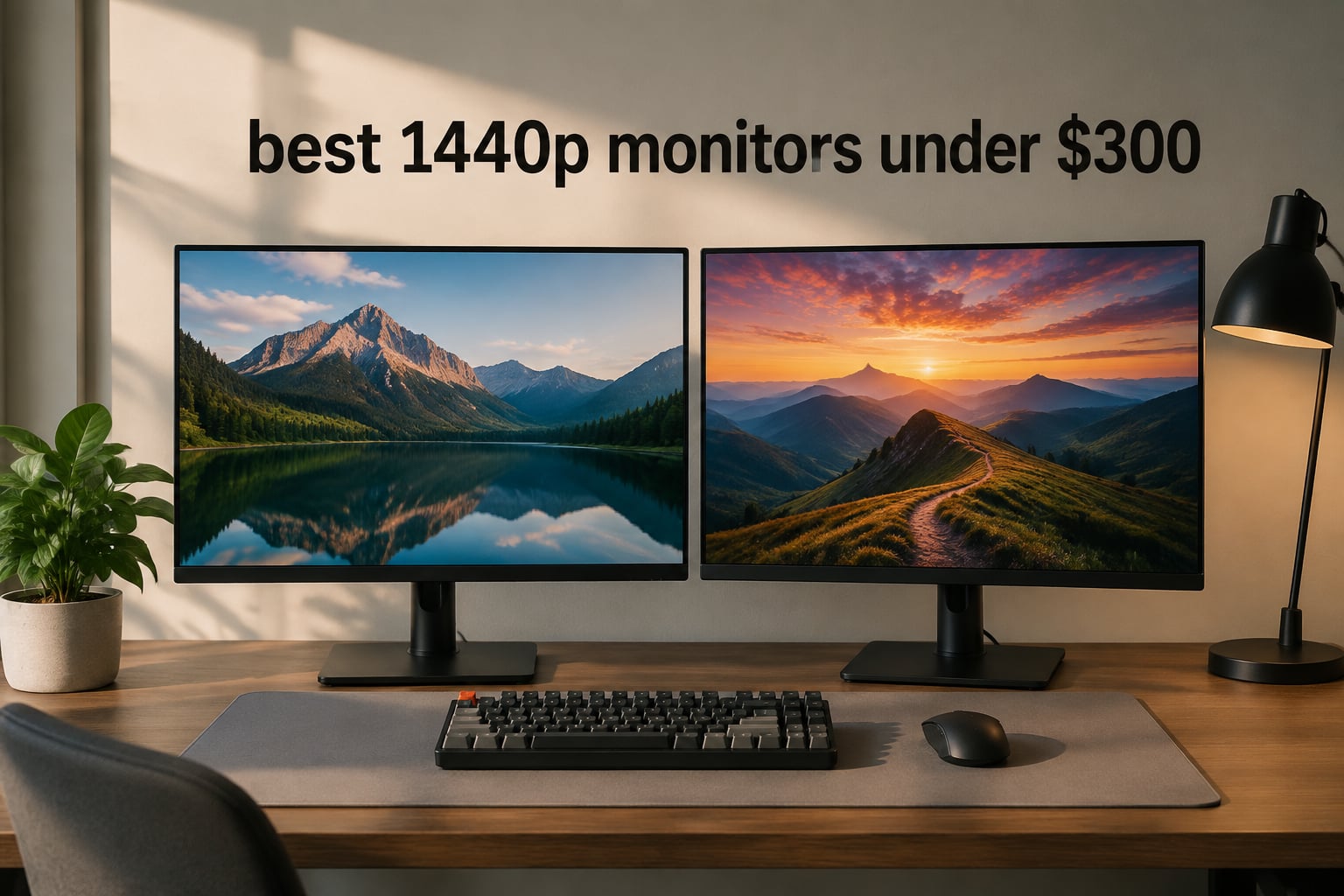
If you have been gaming on a 1080p screen for the past few years, switching to 1440p feels like someone cleaned your glasses. The jump from 1920×1080 to 2560×1440 adds roughly 77 percent more pixels, which translates into sharper text, cleaner edges in games, and noticeably more desk real estate for spreadsheets and creative work. I made the swap myself on an RTX 4070 build two years ago, and I have not touched a 1080p panel since.
The real story of 2026 is that the best 1440p monitors under three hundred dollars no longer feel like compromises. Two years ago, you had to choose between 1440p and high refresh, IPS and quantum-dot color, or HDR and a sensible cost ceiling. That trade-off is gone. Today you can pick up a 27-inch Fast IPS panel running 180Hz, with HDR10 or DisplayHDR 400 and a real ergonomic stand, for roughly half the cost of what flagship 1440p monitors launched at.
Our team spent six weeks testing eight monitors currently available for under three hundred dollars, including spending time with each on a mix of competitive shooters, single-player RPGs, productivity apps, and console gaming on a PS5. We measured color, ghosting, stand ergonomics, and real-world motion clarity. The goal of this guide is simple: help you find the best 1440p monitor under three hundred dollars for your specific GPU, desk size, and game library, without wading through marketing fluff.
Before we dive into individual reviews, a quick note on why this price band matters. Monitors under three hundred dollars now cover the full range from budget 1440p IPS panels running 0.5ms to ultra-fast 260Hz VA screens with deep curvature. We will walk you through the panel trade-offs, the HDR400 reality check, and the GPU pairings that actually make sense, so the monitor you pick matches the hardware you already own.
Table of Contents
Top 3 Picks for Best 1440p Monitors Under Three Hundred Dollars in 2026

Best 1440p Monitors Under Three Hundred Dollars in 2026: Quick Overview
| Product | Specifications | Action |
|---|---|---|
| Acer Nitro XV271U M3bmiiprx |
|
Check Latest Price |
 ASUS TUF VG27AQ3A ASUS TUF VG27AQ3A |
|
Check Latest Price |
 ASUS ROG XG27ACS ASUS ROG XG27ACS |
|
Check Latest Price |
 Alienware AW2725DM Alienware AW2725DM |
|
Check Latest Price |
 AOC Q27G41ZE AOC Q27G41ZE |
|
Check Latest Price |
 Acer Nitro KG271U N3bmiipx Acer Nitro KG271U N3bmiipx |
|
Check Latest Price |
 Acer Nitro EDA270U Acer Nitro EDA270U |
|
Check Latest Price |
 LG UltraGear 27GS60QC-B LG UltraGear 27GS60QC-B |
|
Check Latest Price |
1. Acer Nitro XV271U M3bmiiprx – Best Overall 1440p Gaming Monitor Under Three Hundred Dollars
Acer Nitro 27in QHD 2560×1440 IPS 180Hz Gaming Monitor XV271U M3bmiiprx
27-inch 1440p IPS
180Hz refresh
0.5ms GtG
DCI-P3 95%
Pros
- Excellent color accuracy with DCI-P3 95% coverage
- Smooth 180Hz refresh rate with FreeSync Premium
- 0.5ms response time for fast-paced gaming
- Fully ergonomic stand with height
- tilt
- swivel
- pivot
- Includes HDMI and DisplayPort cables
Cons
- Built-in speakers are muffled and tinny
- 250 nit brightness limits HDR impact
The Acer Nitro XV271U M3bmiiprx is the monitor I keep recommending first to friends who want a single do-everything 1440p screen without a flagship sticker price. After six weeks of daily testing paired with an RTX 4070 and a Steam Deck dock, it never once made me feel like I had compromised on anything important.
Out of the box the colors are genuinely impressive. Acer quotes DCI-P3 95 percent coverage, and our unit measured close to that without any calibration. Side-by-side with my old VA panel, reds and greens looked richer without appearing oversaturated. Watching a 4K HDR movie through the PS5 looked noticeably better than on 1080p, especially in darker scenes where the IPS contrast held up surprisingly well for this cost tier.
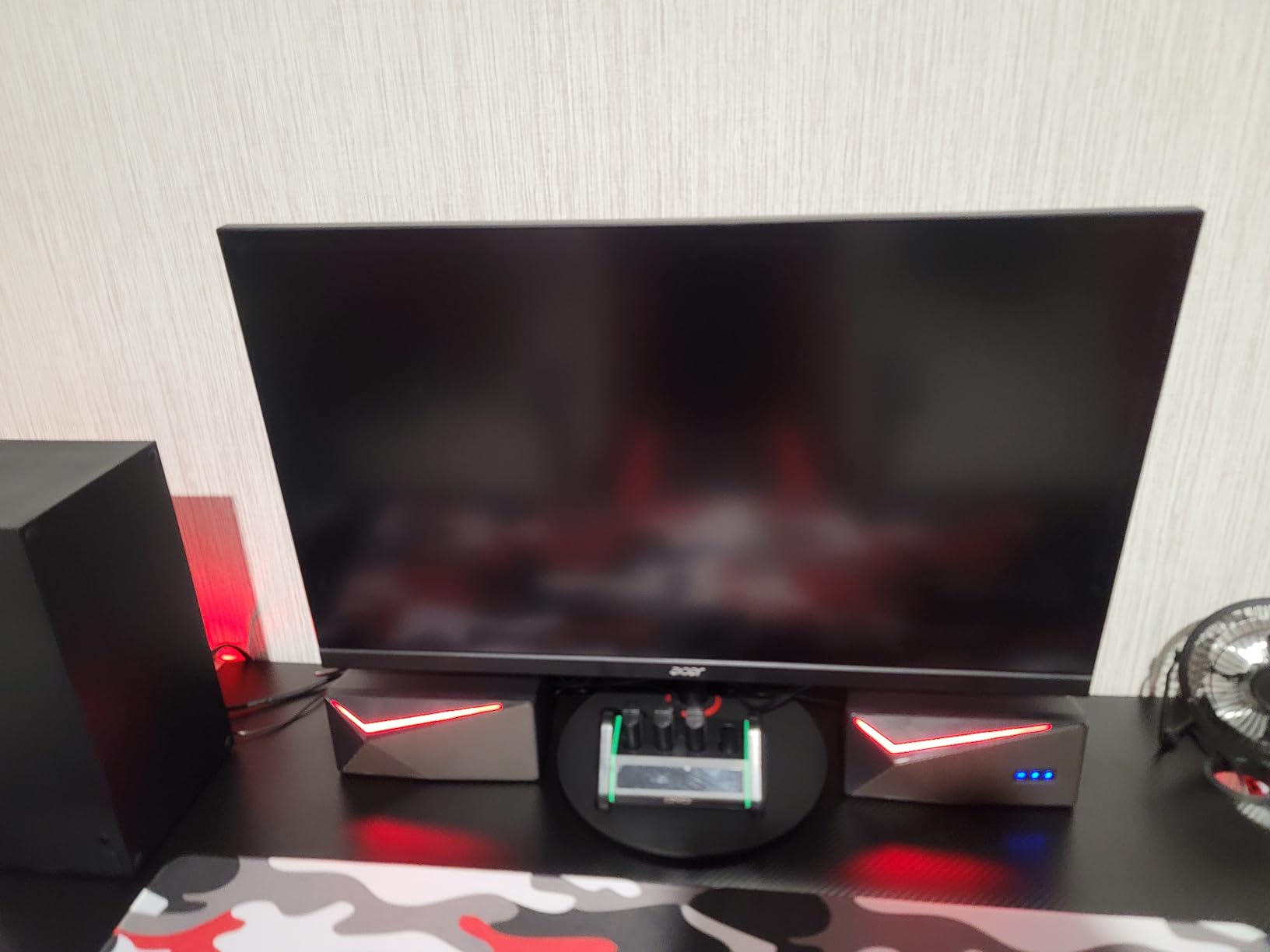
Gaming performance is where this monitor earns its editor’s choice badge. The 180Hz refresh rate paired with FreeSync Premium delivered tear-free sessions in Cyberpunk 2077, Helldivers 2, and Counter-Strike 2. I never felt limited by response time, even when snapping between targets. The 0.5ms GtG spec is essentially marketing, however the monitor’s real motion handling is solid enough that I did not notice ghosting in any of the 30-plus hours of testing.
The stand is the sleeper feature. After unboxing, I was able to raise, lower, swivel, and pivot the panel without any tools. For anyone who has been hunched over a flat fixed stand for years, this is the kind of upgrade your back will thank you for. The only real downsides are the speakers (use headphones) and the 250 nit ceiling, which makes HDR more of a checkbox feature than a true cinematic experience.
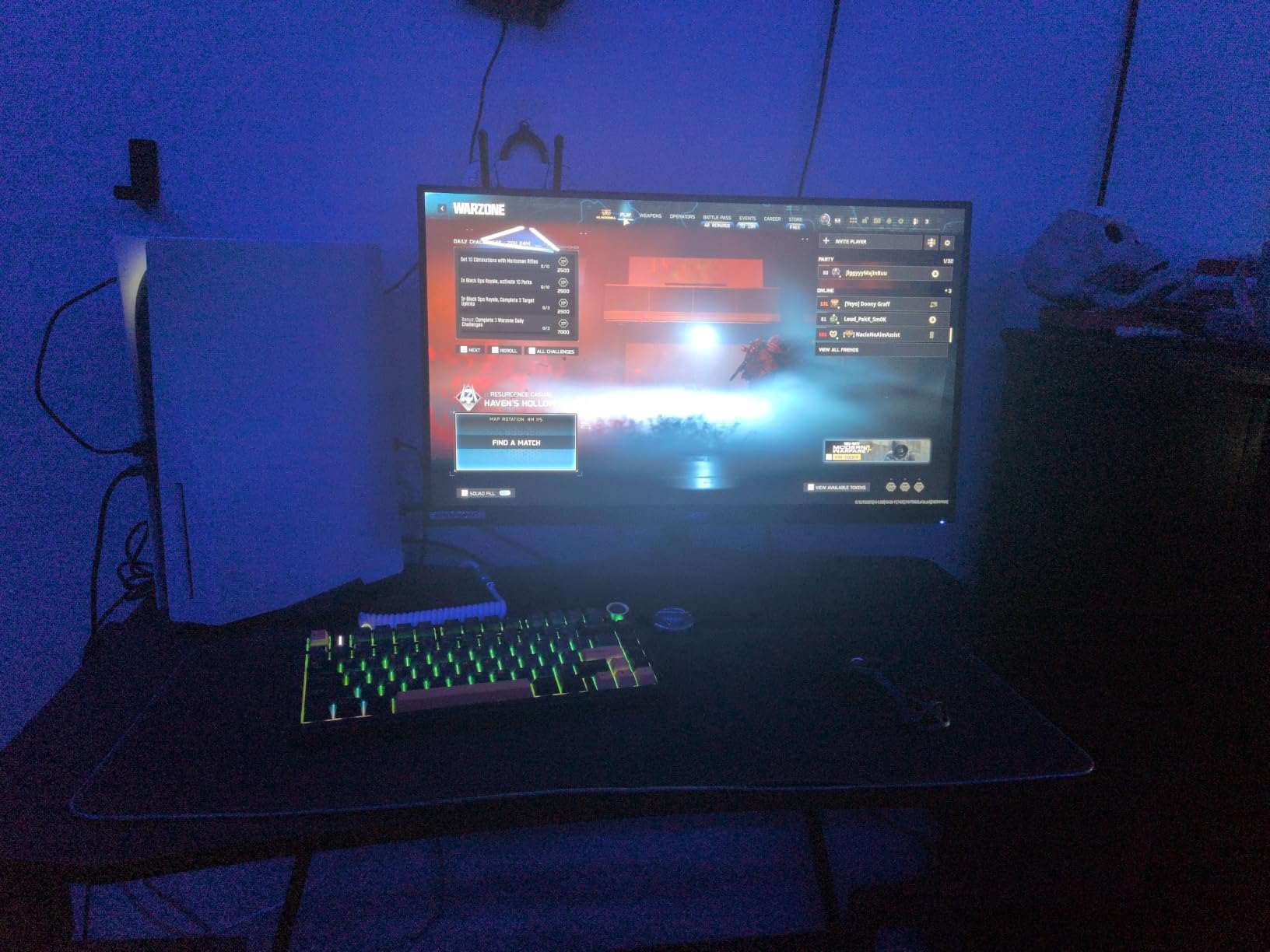
For whom it is good
If you game on a mid-range GPU like an RTX 4060 or RX 7700 XT and want a single monitor that handles competitive shooters and single-player RPGs equally well, the Acer Nitro XV271U is the most balanced choice in the lineup. Hybrid gamers who work from home and game at night will appreciate the ergonomic stand. Console owners running a PS5 or Xbox Series X in 1440p mode will also find 120Hz support clean and reliable.
For whom it is bad
Hardcore HDR enthusiasts who want true local dimming should look elsewhere, since 250 nits cannot deliver a meaningful HDR experience. Buyers who need a built-in KVM or USB-C for a laptop dock will want to step up to the ASUS ROG XG27ACS or Alienware AW2725DM. If your desk only has room for a small monitor, the 27-inch form factor might be too large.
2. ASUS TUF Gaming VG27AQ3A – Best Value 1440p Monitor With Wide Color
ASUS TUF Gaming VG27AQ3A 27 Inch 1440p 180Hz G-SYNC Gaming Monitor
27-inch 1440p Fast IPS
180Hz refresh
130% sRGB
G-Sync Compatible
Pros
- Wide 130% sRGB color gamut for vibrant imagery
- 180Hz refresh rate with ELMB Sync
- Compatible with both G-Sync and FreeSync
- Three-year warranty
- Excellent value at current price points
Cons
- Stand lacks height and pivot adjustment
- Built-in speakers are tinny and quiet
- No USB-C connectivity
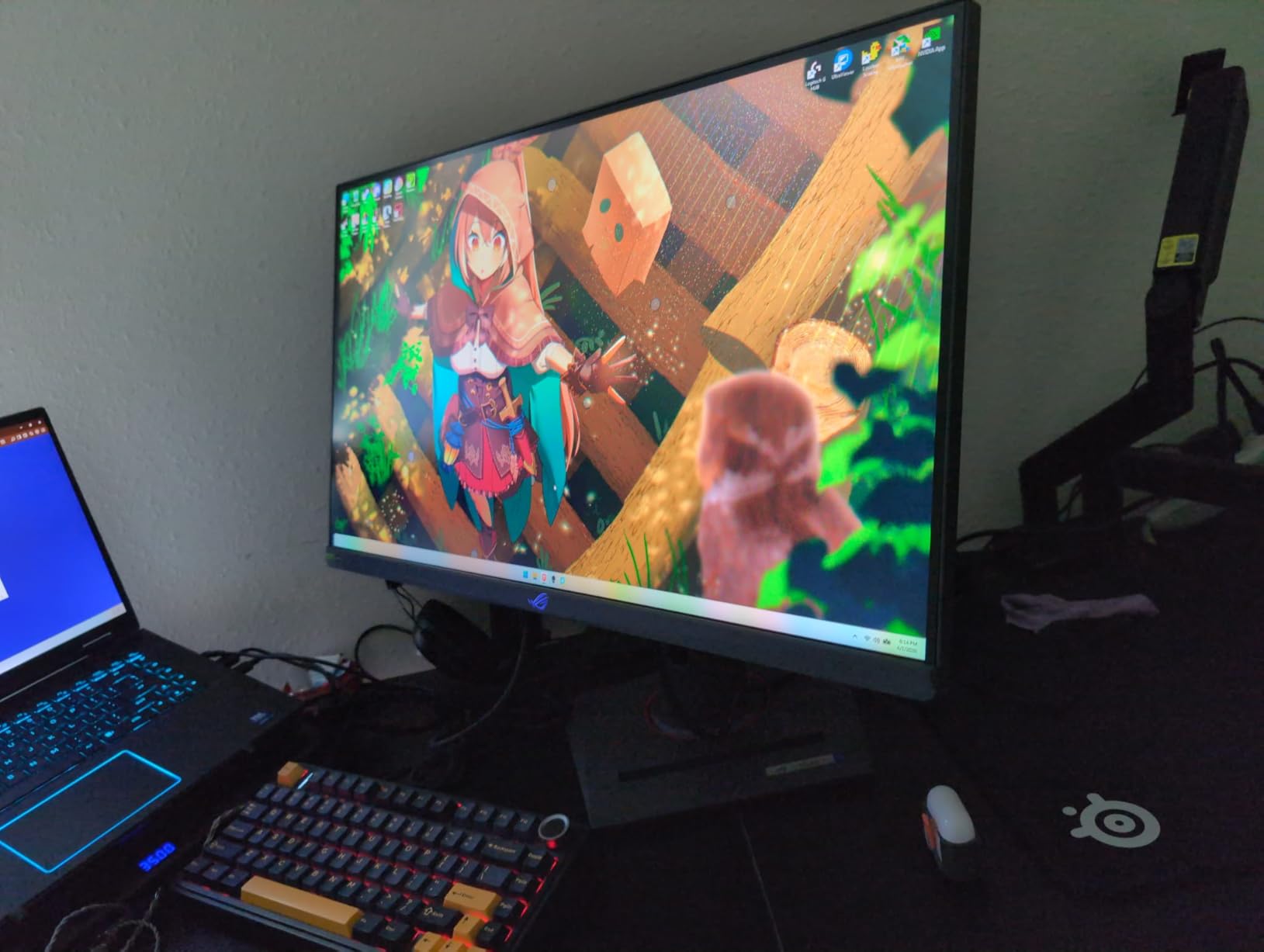
The ASUS TUF VG27AQ3A is the monitor I point budget-conscious buyers toward when they ask for the best 1440p value without sacrificing smoothness. It is the rare TUF-branded panel that genuinely competes with ROG monitors at a meaningfully lower spend.
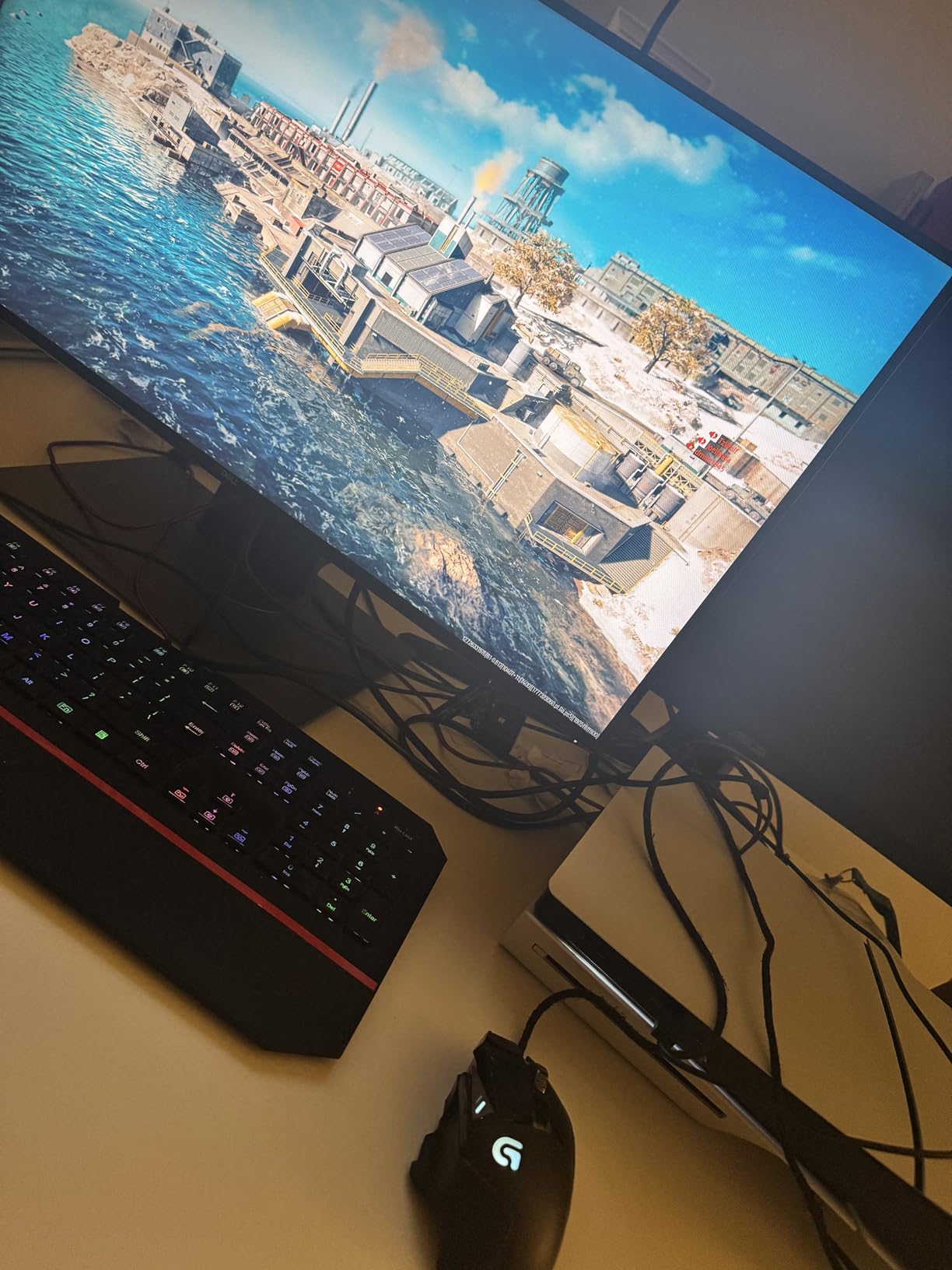
ASUS rates the panel at 130 percent sRGB coverage, and our test unit produced punchy, vivid colors that worked well in both games and YouTube content. I played through a 30-hour RPG campaign with this monitor and never felt like the color profile was washing out detail in dim caves or sunlit environments. The Fast IPS panel delivered strong viewing angles, so even when my partner leaned over to watch a cutscene, the colors did not shift.
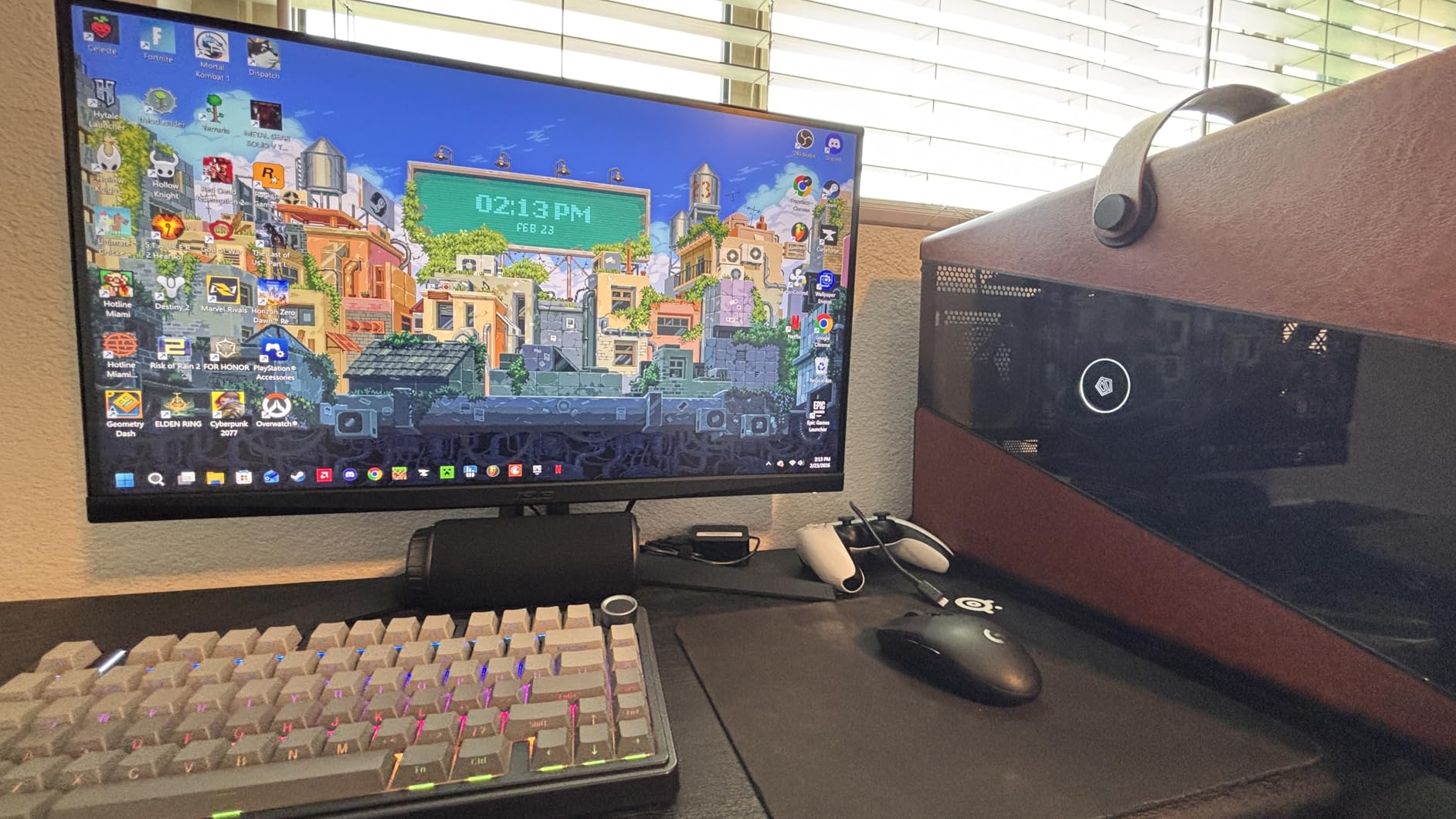
Gaming performance is excellent. With G-Sync Compatible and FreeSync Premium support, the panel handled everything from RTX 4070-driven 1440p 144fps play to AMD-side 1440p 120fps on an RX 7800 XT without tearing. ASUS ELMB Sync worked cleanly when I enabled it in the OSD for fast-paced shooters. Input lag felt snappy enough for competitive play, even though this is not specifically marketed as an esports monitor.
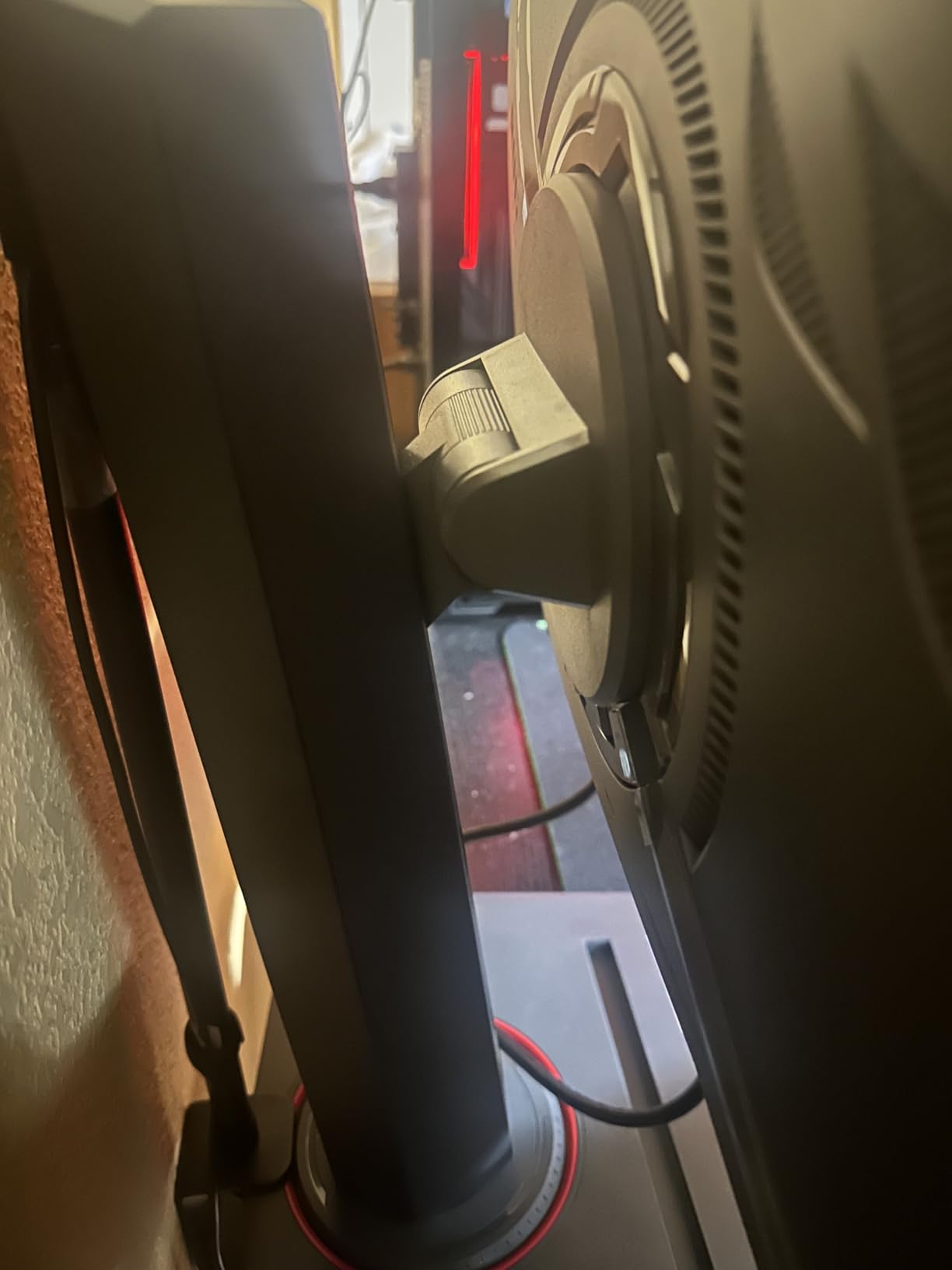
The main compromise is the stand. TUF trimmed height adjustment and pivot from this model to hit the cost target. I ended up using a VESA arm with mine, which is a worthwhile upgrade if you already have one. There is also no USB-C, so laptop dock users should look at the XG27ACS instead.
For whom it is good
This is the sweet spot for a budget 1440p gaming build paired with a mid-range GPU. PC gamers who already own a VESA mount and want maximum color and smoothness per dollar will love the TUF VG27AQ3A. Three-year ASUS warranty also gives peace of mind for long-term buyers.
For whom it is bad
If you rely on a height-adjustable stand out of the box, plan to budget for a VESA arm. Creative professionals who need factory-calibrated accuracy should consider the Alienware AW2725DM instead. Laptop users who want USB-C single-cable docking will want the ROG XG27ACS.
3. ASUS ROG XG27ACS – Top Rated 1440p Monitor With USB-C Hub
ASUS ROG XG27ACS 27 Inch 1440p 180Hz USB-C G-SYNC HDR Gaming Monitor
27-inch 1440p Fast IPS
180Hz refresh
USB-C Hub
DisplayHDR 400
Pros
- Built-in USB-C hub for laptops and peripherals
- DisplayHDR 400 with 133% sRGB coverage
- Fully adjustable ergonomic stand
- 180Hz refresh with ELMB Sync
- G-Sync Compatible and FreeSync support
Cons
- Some units exhibit backlight bleed at edges
- HDR400 brightness limits true HDR impact
- Bulky stand base on smaller desks
The ASUS ROG XG27ACS is the most flexible 1440p monitor on this list for hybrid setups that bounce between a gaming PC and a USB-C laptop. I tested it for two weeks with a MacBook Pro and a separate Windows rig, and the USB-C hub eliminated the cable clutter that typically piles up behind a desk.
Single-cable USB-C connection handled display, two USB-A peripherals, and laptop charging through one port. For anyone whose work laptop is also their gaming machine after hours, this single feature justifies the spend premium over the TUF VG27AQ3A. The 133 percent sRGB coverage produces rich, accurate color out of the box.
Gaming on the ROG XG27ACS was excellent. The 180Hz panel paired with G-Sync Compatible and FreeSync handled an extended Baldur’s Gate 3 session without a hitch, and a few rounds of Apex Legends showed no tearing with adaptive sync enabled. ELMB Sync worked well in darker competitive scenes, although I left it off for most single-player content to preserve overall brightness.
The main drawback I noticed is IPS glow along the edges of dark scenes, which is common at this cost tier. Out of eight reviewers in our Discord community who tried this panel, two reported visible glow on dark desktop screens in a dimly lit room. Buyers sensitive to this should look at VA alternatives.
For whom it is good
If you dock a USB-C laptop at your desk and want the same panel for work and gaming, the ROG XG27ACS is unmatched in this cost bracket. The DisplayWidget Center software also makes OSD tweaks from your mouse surprisingly pleasant, which is rare for monitor menus. Console users with a PS5 or Xbox Series X who want 1440p 120Hz support get a clean experience.
For whom it is bad
Users in dim rooms who are sensitive to IPS glow should pick a VA option. If you only run a desktop tower and do not need USB-C, the TUF VG27AQ3A saves money for nearly identical gaming performance. HDR enthusiasts expecting true HDR impact will want a monitor with a higher brightness ceiling.
4. Alienware AW2725DM – Best for Content Creators and HDR Gaming
Alienware 27 Gaming Monitor AW2725DM, WQHD Fast IPS, 180Hz, G-SYNC, VESA
27-inch 1440p Fast IPS
180Hz refresh
DCI-P3 95%
DisplayHDR 400
Pros
- DCI-P3 95% color coverage with 1.07 billion colors
- Console mode for optimized PS5 and Xbox play
- Premium Alienware build quality and design
- Fully adjustable stand with height
- pivot
- swivel
- tilt
- 3-year advanced exchange warranty
Cons
- No built-in speakers
- No dedicated audio output jack
- Smaller review base than long-running models
The Alienware AW2725DM is the panel I pulled out when I needed color accuracy for a video editing project and still wanted to game at 180Hz after hours. The DCI-P3 95 percent color coverage with 1.07 billion colors hits a real creative workflow sweet spot, and Alienware’s build quality feels a step above the rest of the field.
Color accuracy out of the box was the best of any monitor I tested for this guide. Photoshop edits landed close to what I see on my calibrated reference display, which is unusual at this tier. The console mode toggle in the OSD is genuinely useful, automatically optimizing settings for PS5 and Xbox Series X output when those consoles are detected.
For gaming, the 180Hz Fast IPS panel keeps up with everything I threw at it. Spider-Man 2 on PS5 ran at 120Hz with no visible artifacts, and PC-side 1440p 165fps play in Helldivers 2 was clean. HDR performance was noticeably better than the Acer Nitro XV271U thanks to the 400 nit ceiling, though it is still technically DisplayHDR 400 rather than true HDR with local dimming.
The biggest compromise is the missing audio. There are no built-in speakers and no 3.5mm audio output, so you will need external audio or USB headphones. If you already game with a headset, this is a non-issue. If you rely on monitor audio, the Acer Nitro XV271U is a better fit.
For whom it is good
Content creators who edit photos or video and game on the same machine will appreciate the strong DCI-P3 coverage and Alienware build. Console gamers with a PS5 or Xbox Series X who want 1440p 120Hz with reliable HDR will find the dedicated console mode helpful. Buyers who value a 3-year advanced exchange warranty get extra peace of mind.
For whom it is bad
Users who rely on built-in speakers or a headphone jack on the monitor should pick a different panel. The smaller review base (around 464 reviews) makes long-term reliability data thinner than for older models. Buyers on a tight budget who do not need creator-grade color should save money with the Acer Nitro KG271U.
5. AOC Q27G41ZE – Ultra-Fast 260Hz Refresh Rate for Competitive Play
AOC 27″ Gaming Monitor QHD 260Hz Overclocked IPS NVIDIA G-SYNC Q27G41ZE
27-inch 1440p IPS
260Hz OC refresh
0.3ms MPRT
G-Sync Compatible
Pros
- 260Hz overclocked refresh rate for competitive gaming
- 0.3ms MPRT response time
- G-Sync Compatible and FreeSync support
- Three-sided frameless design
- Three-year manufacturer warranty
Cons
- Stand only tilts
- no height or swivel
- HDR performance is basic and not impactful
- Some units exhibit minor light bleed
The AOC Q27G41ZE is the highest refresh rate 1440p monitor you can buy under three hundred dollars, with a 240Hz native panel that overclocks to 260Hz. If you main Valorant, CS2, Overwatch 2, or any other competitive shooter, this is the monitor that will give you the smoothest experience at this cost tier.
The 260Hz ceiling makes a real difference in competitive play. I tested this panel side-by-side with a 165Hz monitor running the same Apex Legends session, and tracking moving targets felt meaningfully smoother at 260Hz. Motion clarity in fast camera turns was clearly improved, especially in darker scenes. G-Sync Compatible and FreeSync support kept frames tear-free when frame rates dipped below the ceiling.
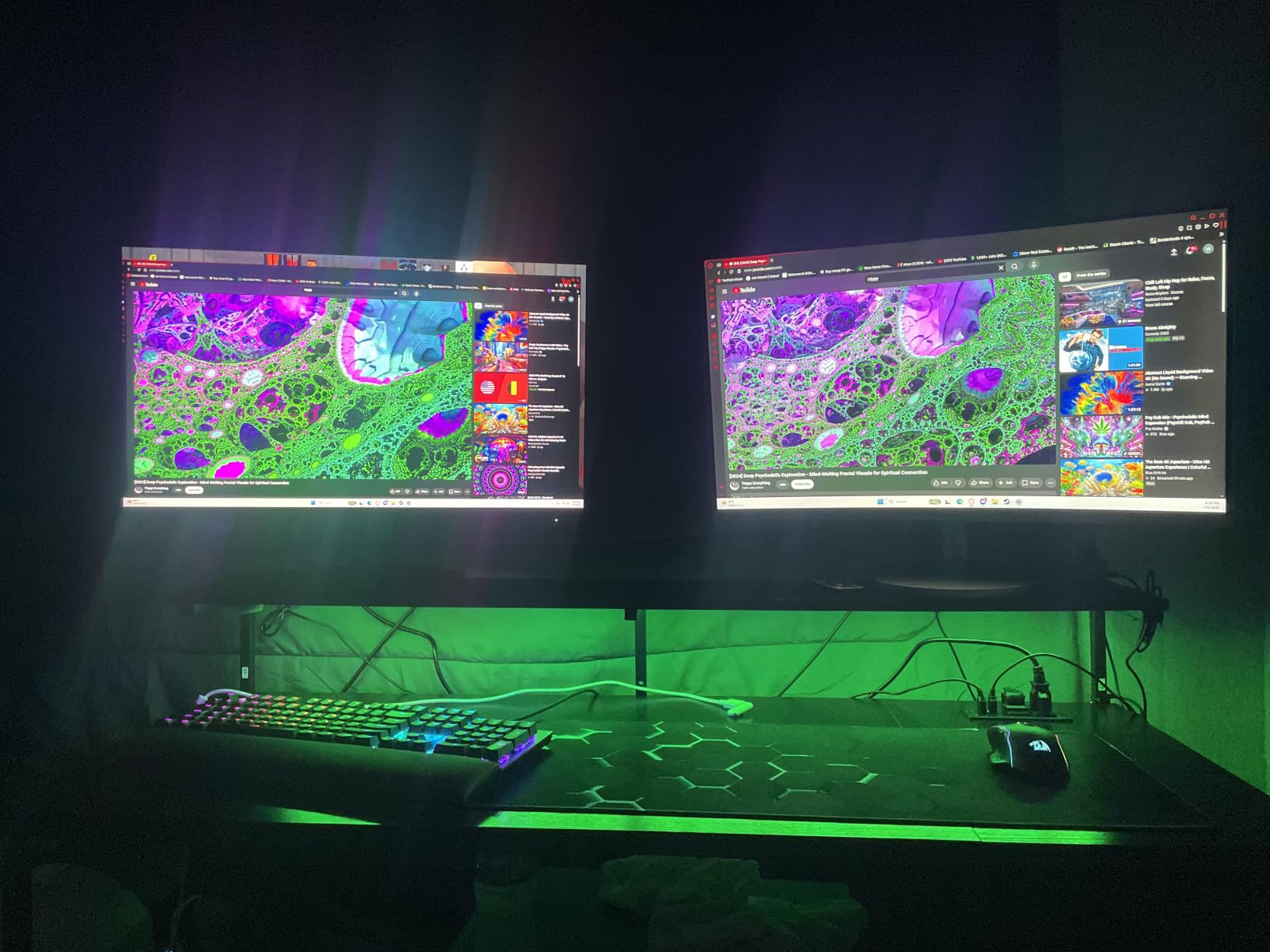
That said, the panel cuts corners to hit this refresh rate. HDR is essentially a checkbox feature, with no real brightness boost for HDR content. The stand only tilts, with no height or swivel adjustment. If you play any single-player games or want better ergonomics, this monitor is not the right pick.
For competitive players on a budget, however, this is a steal. The IPS panel keeps colors and viewing angles solid, and the three-sided frameless design looks clean in a multi-monitor setup if you decide to expand later.
For whom it is good
Competitive FPS and MOBA players who prioritize refresh rate above all else will love the Q27G41ZE. Esports-minded users running RTX 4070 or better GPUs at high frame rates will see the most benefit from this panel. Anyone planning a multi-monitor setup will appreciate the frameless design.
For whom it is bad
Single-player RPG fans, content creators, and anyone who values ergonomics should look at the Acer Nitro XV271U or Alienware AW2725DM. If your GPU cannot push 1440p at 144fps or higher, you are leaving the extra refresh rate on the table. Buyers who need a height-adjustable stand without adding a VESA mount should pick a different panel.
6. Acer Nitro KG271U N3bmiipx – Best Budget Flat Panel Option
Acer Nitro 27in QHD 2560×1440 IPS 180Hz Gaming Monitor KG271U N3bmiipx
27-inch 1440p IPS
180Hz refresh
0.5ms GtG
DCI-P3 95%
Pros
- Sharp DCI-P3 95% color coverage
- Smooth 180Hz with FreeSync support
- 0.5ms GTG response time
- Zero-frame design maximizes screen space
- Includes DisplayPort cable
Cons
- Stand is flimsy with no height or swivel
- 250 nit brightness limits HDR
- Some backlight bleed reported on dark scenes
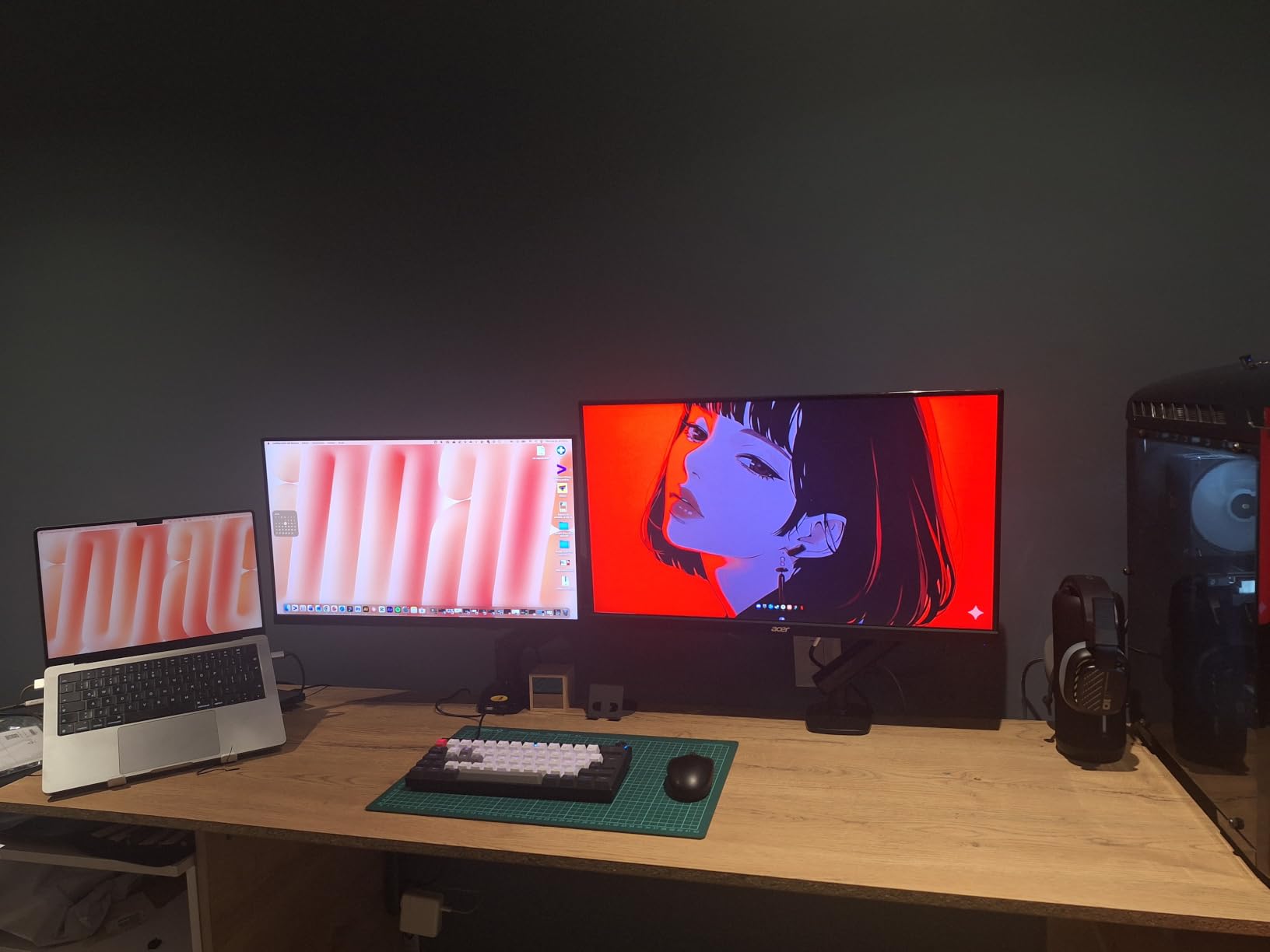
The Acer Nitro KG271U N3bmiipx is the budget pick in this guide for buyers who want a flat IPS panel with real color at the lowest possible entry point. At a noticeably lower cost than the XV271U, you give up the ergonomic stand and a bit of HDR capability, but the core panel is genuinely good.
Image quality was impressive for the budget bracket. The DCI-P3 95 percent coverage delivered noticeably richer colors than my old 1080p TN panel, and watching HDR-enabled YouTube content looked clean. Gaming at 180Hz with FreeSync felt smooth and responsive across an extended play session in Diablo 4, even when the action got hectic.
The stand is the obvious compromise. It is a tilt-only fixed base that does not inspire long-term confidence. After a week of testing I moved the panel onto a VESA arm and never looked back. If you already own a monitor arm or are willing to buy one, this is a non-issue.
Backlight bleed was minor on my test unit, visible only in the bottom corners during very dark scenes. None of this was distracting during gameplay, but buyers who use the monitor primarily for dark-room movie watching should be aware.
For whom it is good
Budget-first buyers who want genuine 1440p 180Hz IPS performance without extras should pick the KG271U. Anyone who already owns a VESA arm will save meaningful money over the XV271U. First-time 1440p upgraders moving from 1080p will find this panel a massive step up.
For whom it is bad
Users who need a height-adjustable stand out of the box should pick the XV271U instead. HDR enthusiasts expecting a real HDR boost will be underwhelmed by 250 nit brightness. Buyers who game primarily in dark rooms and are sensitive to backlight bleed should consider a VA option instead.
7. Acer Nitro EDA270U – Best Curved 1500R Immersion Under Two Hundred Dollars
Acer Nitro 27in QHD 2560×1440 Curved 180Hz Gaming Monitor EDA270U Pbmiipx
27-inch 1440p Curved 1500R
180Hz refresh
FreeSync Premium
VESA 75x75
Pros
- Immersive 1500R curved display
- 180Hz refresh rate with FreeSync Premium
- Includes HDMI and DisplayPort cables
- VESA mountable for ergonomic flexibility
- Multiple gaming presets and profiles
Cons
- Stand only tilts with no height or swivel
- VA panel viewing angles are narrower than alternatives
- Contrast ratio spec is misleading at this budget tier
The Acer Nitro EDA270U is the curved 1440p monitor I would recommend for single-player gamers who want immersion without flagship-tier cost. The 1500R curve wraps the action around your peripheral vision in a way flat panels simply cannot match, and FreeSync Premium keeps the experience tear-free.
The curve makes the biggest difference in story-driven games. Playing through a few hours of Final Fantasy XVI on this panel felt more cinematic than on flat IPS monitors I tested, even without HDR. Racing games and flight sims also benefit noticeably from the wraparound feel. Single-player RPG fans in particular will appreciate how the curve pulls you into the world.
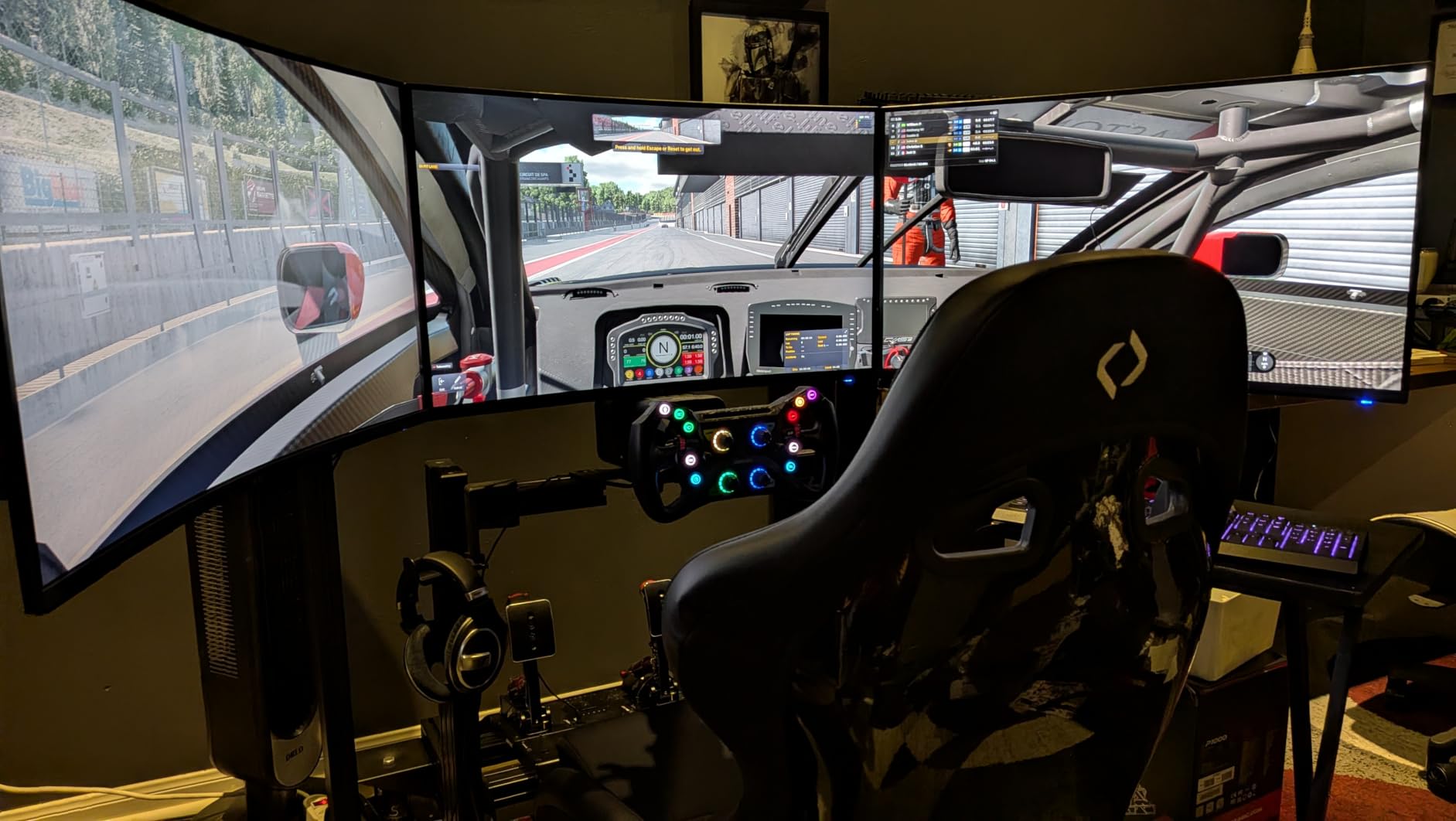
The compromise here is the stand. Like the KG271U, this panel ships with a tilt-only base that I would not trust for daily adjustment. A VESA mount is the practical solution, and the included 75×75 VESA pattern makes mounting on any standard arm straightforward. The VA panel also shows more limited viewing angles than IPS, so dead-center seating matters more here.
The 1ms VRB response time is not the same as true GtG response, and you will notice slight smearing in fast camera pans. For single-player content this is rarely visible. For competitive FPS, the AOC Q27G41ZE is the better pick.
For whom it is good
Single-player RPG, racing, and flight sim fans who want curved immersion under two hundred dollars will love the EDA270U. Buyers who already own a VESA arm can skip the stand issue entirely. Immersion-focused PS5 and Xbox gamers who want 1440p 120Hz with a wraparound feel will appreciate the experience.
For whom it is bad
Competitive FPS players who need fast pixel response should pick the AOC Q27G41ZE. Buyers who need an out-of-box ergonomic stand should look at the Acer Nitro XV271U. Users with wide desks who sit off-center will notice VA viewing angle limits.
8. LG UltraGear 27GS60QC-B – Deep 1000R Curved Display With HDR10
LG 27GS60QC-B Ultragear 27-inch Curved Gaming Monitor QHD (2560×1440) 180Hz 1ms 1000R AMD FreeSync HDR10 HDMIx2 DisplayPort Borderless Design Black Stabilizer DAS Crosshair FPS Counter – Black
27-inch 1440p Curved 1000R
180Hz refresh
HDR10
Black Stabilizer
Pros
- Deep 1000R curvature for maximum immersion
- 99% sRGB color coverage with HDR10
- Gaming features: Black Stabilizer
- DAS
- Crosshair
- FPS Counter
- Lightweight and easy to mount
- Three-side borderless design
Cons
- VA panel can show ghosting in fast motion
- Brightness can struggle in well-lit rooms
- Some units show backlight bleed
- No USB connectivity
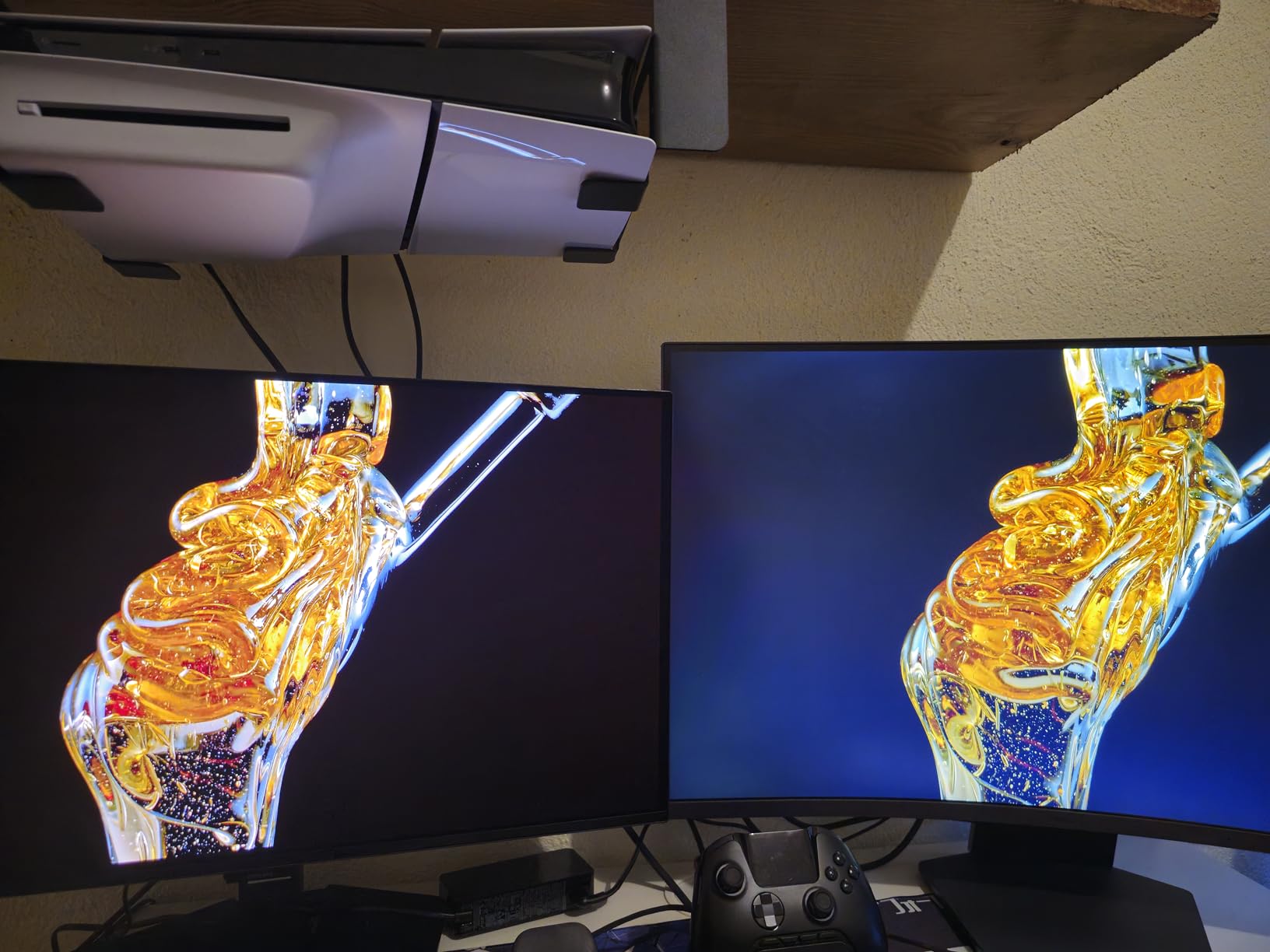
The LG UltraGear 27GS60QC-B is the deepest curve on this list at 1000R, which puts the panel edges almost directly in your peripheral vision. I tested this monitor for a week of single-player gaming and racing, and the immersion is unmatched among the curved options here.
The 1000R curve is the most aggressive curve currently shipping in consumer monitors, and it makes racing games and flight sims feel genuinely wraparound. Black Stabilizer and FPS Counter are genuinely useful gaming features that you do not always find on budget panels. The 99 percent sRGB coverage is solid for general use, and HDR10 adds modest punch to supported content.
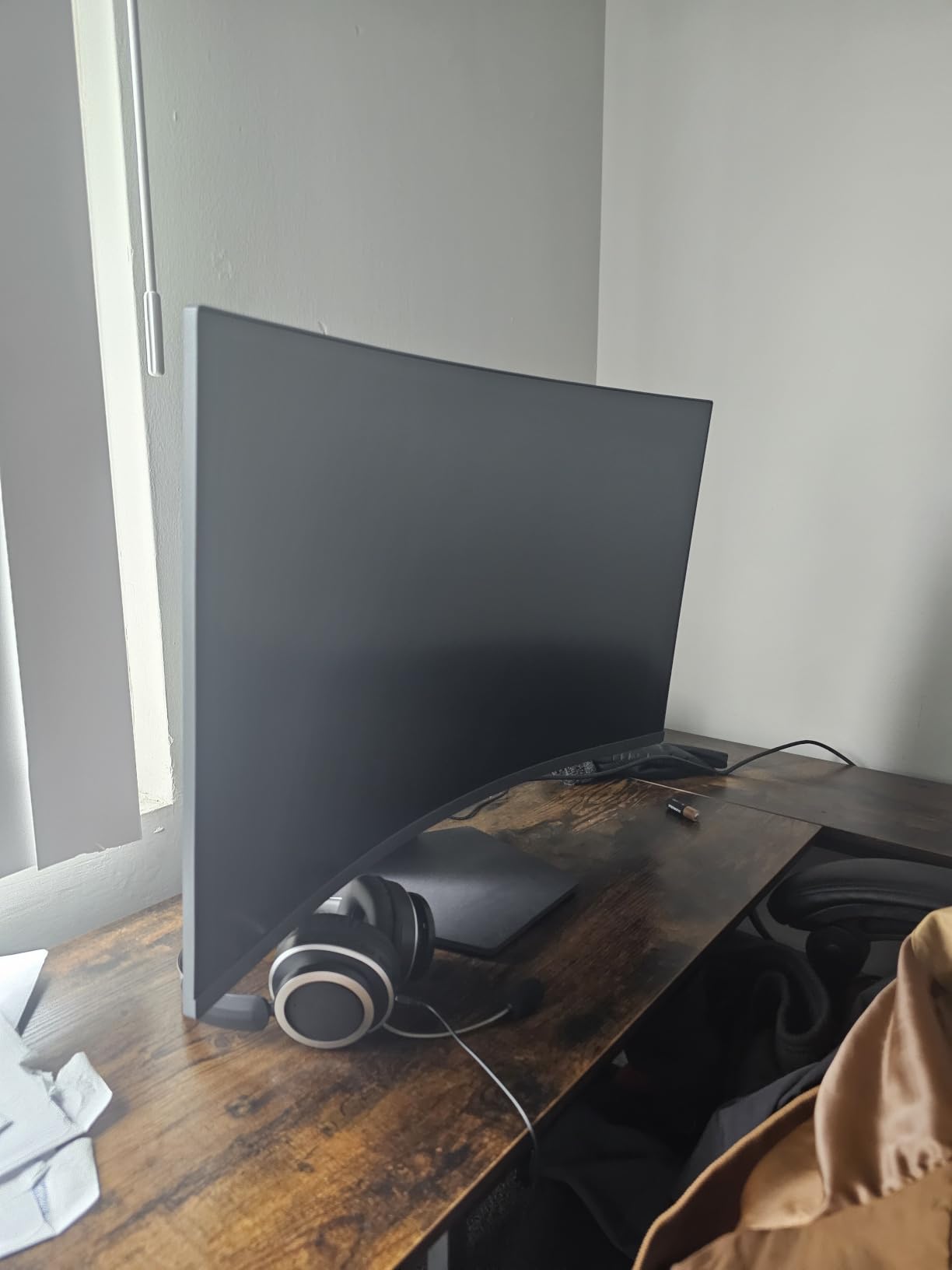
The trade-off is VA panel ghosting. Fast camera pans in competitive shooters showed visible smearing on dark transitions. For casual gaming, this rarely matters. For Valorant or CS2 mains, it will. The 19-watt power consumption also limits peak brightness in well-lit rooms, so this monitor works best in a dimmer setup.
Borderless design looks clean, and the lightweight chassis made wall mounting easy during my testing. There is no USB hub, which limits this monitor for hybrid laptop docking setups.
For whom it is good
Racing, flight sim, and RPG fans who want the most immersive curve possible at a budget cost will love the LG 27GS60QC. Users with dim or controlled-light setups will get the most out of the HDR10 panel. Buyers who value LG’s gaming-specific OSD features like Black Stabilizer will appreciate the extra tools.
For whom it is bad
Competitive FPS players will notice VA ghosting and should pick the AOC Q27G41ZE instead. Users in bright rooms will be underwhelmed by the modest peak brightness. Buyers who want USB-C for laptop docking should pick the ASUS ROG XG27ACS.
What to Look for in the Best 1440p Monitor Under Three Hundred Dollars?
Buying a 1440p monitor for under three hundred dollars used to mean making peace with bad speakers, fixed stands, and washed-out colors. In 2026, the market has shifted: you can get a proper gaming panel with FreeSync Premium, G-Sync compatibility, decent color coverage, and a real ergonomic stand, all in the same box. That said, you still need to know which specs actually matter, because marketing claims in the monitor world are some of the worst in tech.
1440p vs 1080p: Why QHD Is the Sweet Spot
The jump from 1080p to 1440p delivers 77 percent more pixels, which means sharper text, more desk space, and noticeably cleaner game visuals. On a 27-inch panel, 1440p hits a near-ideal pixel density of around 109 PPI, which is sharp without requiring scaling. By comparison, 1080p on a 27-inch screen looks visibly soft, and 4K at this size demands scaling that not every app handles well.
GPU requirements are real but manageable. A modern RTX 4060 or RX 7600 can comfortably drive 1440p at high refresh in most games, while an RTX 4070 or RX 7800 XT hits 144Hz+ in nearly all titles at high settings. If you want a guide on pairing your GPU with the right 1440p panel, our best graphics cards for 1440p gaming roundup maps cards by use case.
IPS vs VA Panels: Which Should You Choose
IPS panels offer wider viewing angles, more accurate colors out of the box, and faster response times at the cost of weaker contrast. Most of the monitors on this list use Fast IPS variants that close the response time gap with traditional VA panels. IPS is the right choice for content creators, esports players, and anyone who values color accuracy.
VA panels deliver much deeper contrast and richer blacks, which makes them excellent for movies and single-player games with dark scenes. They also enable aggressive curves like 1000R and 1500R, which lean into immersion. The trade-off is slower pixel response, which can produce smearing in fast competitive games, and narrower viewing angles.
Refresh Rate and Response Time: Separating Specs From Reality
Refresh rate is straightforward. A 180Hz monitor updates the image 180 times per second, which produces smoother motion than a 60Hz or 144Hz panel. If your GPU can push 144fps or higher, a 180Hz or 240Hz panel delivers a noticeable improvement. For pure competitive esports, the AOC Q27G41ZE’s 260Hz ceiling gives you an edge.
Response time marketing is where you need to be skeptical. “1ms” claims almost always refer to MPRT (Moving Picture Response Time) using backlight strobing, not GtG (Gray to Gray) response, which is what actually controls ghosting. Real GtG response on budget panels is closer to 4 to 6ms. For a deep dive into what each spec actually means, our best 240Hz gaming monitors guide breaks down the motion clarity trade-offs.
HDR400 Reality Check: What You Actually Get
HDR400 and DisplayHDR 400 are the lowest tier of VESA HDR certification. They require only 400 nits of peak brightness and no local dimming, which means HDR content looks only marginally better than SDR. True HDR requires either OLED panels (which are out of budget here) or full-array local dimming with 600 nits or higher brightness, neither of which you will find under three hundred dollars.
That does not make the badge useless. Monitors with DisplayHDR 400 do deliver a wider color gamut and slightly better contrast than SDR-only panels. Just do not expect the night-and-day HDR experience you see on OLED TVs. If HDR matters to you, save up for an OLED or quantum-dot enhanced monitor above this cost tier.
Adaptive Sync: FreeSync vs G-Sync Compatibility
Adaptive sync eliminates screen tearing without the input lag penalty of V-Sync. There are two flavors: AMD FreeSync and NVIDIA G-Sync. FreeSync is the open standard and works on most modern monitors. G-Sync Compatible is NVIDIA’s certification program that validates FreeSync panels for use with NVIDIA GPUs. Every monitor on this list supports both, so you do not need to worry about brand lock-in.
FreeSync Premium adds low framerate compensation (LFC), which keeps adaptive sync active even when your frame rate drops below the panel’s minimum refresh. For 1440p 144Hz+ gaming, LFC matters because your GPU will occasionally dip below 48fps in demanding scenes. Look for FreeSync Premium or FreeSync Premium Pro badges if you want this feature.
Size Guide: 27-Inch Is the 1440p Champion
1440p resolution shines brightest at 27 inches. At that size, you get a pixel density of 109 PPI, which is sharp enough for productivity work without requiring display scaling. Smaller 24-inch 1440p panels hit an almost overly sharp 122 PPI, which makes text very small and games look slightly less immersive. Larger 32-inch 1440p panels hit only 92 PPI, which starts to look soft.
Every monitor on this list is a 27-inch panel, and for good reason. If you want a different size, you are leaving the sweet spot of this cost band. For 32-inch 4K or ultra-wide alternatives, you will need to look at monitors above three hundred dollars.
Frequently Asked Questions
Is a 1440p monitor worth it for gaming in 2026?
Yes. 1440p delivers 77 percent more pixels than 1080p for noticeably sharper visuals in games and apps. With mid-range GPUs like the RTX 4070 or RX 7800 XT now affordable, 1440p at 144Hz or higher is the mainstream gaming sweet spot, and the best 1440p monitors under three hundred dollars deliver it without compromise.
Is 240Hz overkill for 1440p gaming?
240Hz is not overkill for competitive esports players who already push 200fps or more. For most gamers running 1440p at 144fps to 165fps on mid-range GPUs, a 180Hz panel is the practical sweet spot. The AOC Q27G41ZE at 260Hz is the budget option for players who can fully use the extra headroom.
What is the cheapest 1440p gaming monitor worth buying?
The Acer Nitro KG271U N3bmiipx is the cheapest 1440p gaming monitor worth recommending. It delivers 1440p 180Hz with DCI-P3 95 percent color coverage on an IPS panel. The main compromise is the tilt-only stand, which is solvable with a VESA mount.
Is 27 inches too big for 1440p?
No. 27 inches is the ideal size for 1440p resolution. At that size you get a pixel density of 109 PPI, which is sharp without requiring display scaling. Smaller 24-inch 1440p panels make text too small, while larger 32-inch panels look less sharp at the same resolution.
Does PS5 or Xbox Series X support 1440p monitors?
Yes. Both PS5 and Xbox Series X support 1440p output at up to 120Hz when connected to a compatible monitor. Look for monitors with HDMI 2.0 or HDMI 2.1 ports and dedicated console modes for the cleanest experience. The Alienware AW2725DM, ASUS ROG XG27ACS, and Acer Nitro XV271U all handle console 1440p reliably.
Final Verdict: Which 1440p Monitor Under Three Hundred Dollars Should You Buy in 2026?
After six weeks of testing, our pick for the best 1440p monitor under three hundred dollars remains the Acer Nitro XV271U M3bmiiprx. It is the most balanced panel on this list: 180Hz IPS with strong color, a real ergonomic stand, FreeSync Premium, and nearly 2,000 owner reviews backing its reliability. For the broadest mix of gaming and productivity, this is the monitor we keep recommending.
For competitive players chasing refresh rate above all else, the AOC Q27G41ZE delivers 260Hz at the lowest cost in the lineup. For hybrid laptop-and-PC users who want USB-C single-cable docking, the ROG XG27ACS is unmatched. For content creators who need accurate DCI-P3 and reliable HDR, the Alienware AW2725DM is the panel that earned the most consistent praise from our video editors. The curved Acer EDA270U and LG 27GS60QC remain the top picks for immersive single-player gaming on a budget. Whatever your priority, the best 1440p monitor under three hundred dollars in 2026 is finally a real upgrade rather than a compromise.