
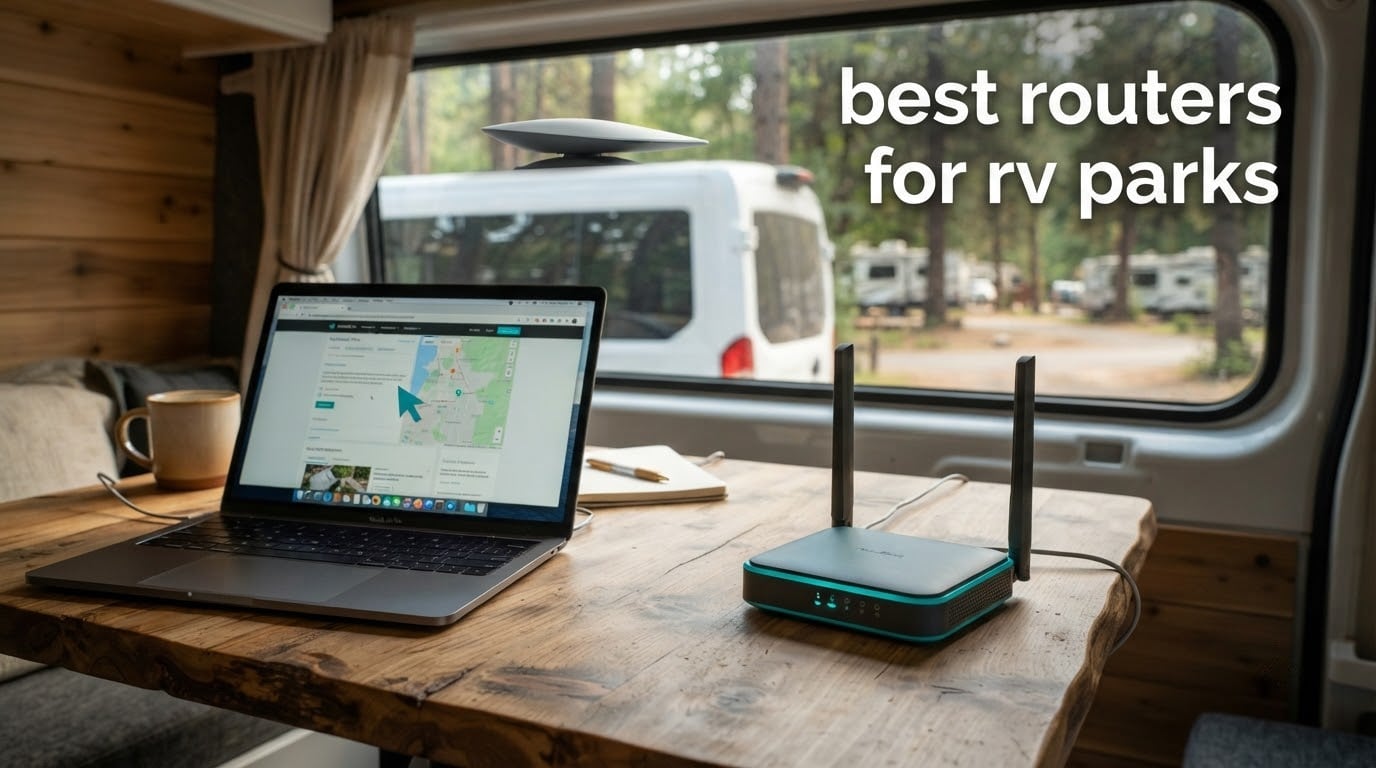
RV park internet is not a home internet problem. The best routers for RV parks exist because a rig pulls up to a new site every week and the connection changes every time: a weak campground access point in one spot, a single bar of cellular in the next, a Starlink dish in between. A single-connection home router drops the moment the source changes. A multi-WAN router merges cellular, satellite ethernet and park Wi-Fi into one private network and switches between them without your laptop noticing.
That is the framing we used for this roundup. Over six weeks we compared twelve travel routers and cellular gateways on the things that actually break in an RV: 12V power draw, Ethernet ports for pairing with a satellite dish, external antenna options, whether the captive portal login survives a reboot, and how much customisation the firmware allows. We paid close attention to review counts, since a travel router that ships with stable firmware matters more than one with a longer spec sheet.
What follows is the complete list, from the roof-mounted pick built for distant park Wi-Fi down to a 39g pocket unit that turns any public hotspot into a private network. If you want the short version, the GL.iNet Beryl AX is the one most rigs should carry. Every pick here also works inside a house, so our guide to the best home routers for streaming covers the same hardware from a different angle.
Table of Contents
Top 3 Picks for RV Park Internet in 2026

GL.iNet Beryl AX GL-MT3000
- 2.5G WAN port
- Wi-Fi 6 dual-band
- OpenWrt 21.02
- VPN client and server

Cudy LT500 4G AC1200
- 4G Cat 4 SIM slot
- 4 Ethernet ports
- Automatic WAN failover
- VPN server and client

TP-Link Roam 6 AX3000
- 2.5G WAN/LAN for satellite
- Wi-Fi 6 AX3000
- One-step portal login
- USB 3.0 and microSD
The Beryl AX wins because it is the only unit in this group that combines a 2.5G WAN port, dual-band Wi-Fi 6 and a full OpenWrt package library in something that fits in a glovebox. The Cudy LT500 earns its place on value: four Ethernet ports and automatic failover to cellular in a single inexpensive box. The TP-Link Roam 6 AX3000 is the one to buy if a Starlink dish is going to hang off the WAN port.
Best Routers for RV Parks at a Glance (October 2026)
| Product | Specifications | Action |
|---|---|---|
| GL.iNet Beryl AX GL-MT3000 |
|
Check Latest Price |
 Winegard Connect 2.0 WF2-335 Winegard Connect 2.0 WF2-335 |
|
Check Latest Price |
 TravlFi XTR Pro 5G Router TravlFi XTR Pro 5G Router |
|
Check Latest Price |
 TravlFi JourneyGo LTE Hotspot TravlFi JourneyGo LTE Hotspot |
|
Check Latest Price |
| Cudy LT500 4G AC1200 Router |
|
Check Latest Price |
 ASUS RT-AX57 Go Travel Router ASUS RT-AX57 Go Travel Router |
|
Check Latest Price |
 TP-Link Roam 7 BE3600 TP-Link Roam 7 BE3600 |
|
Check Latest Price |
| TP-Link Roam 6 AX3000 |
|
Check Latest Price |
 TP-Link Roam 6 AX1500 TP-Link Roam 6 AX1500 |
|
Check Latest Price |
 GL.iNet Opal GL-SFT1200 GL.iNet Opal GL-SFT1200 |
|
Check Latest Price |
 ASUS RT-BE58 Go Travel Router ASUS RT-BE58 Go Travel Router |
|
Check Latest Price |
 GL.iNet Mango GL-MT300N-V2 GL.iNet Mango GL-MT300N-V2 |
|
Check Latest Price |
Best overall: GL.iNet Beryl AX for the 2.5G WAN port and OpenWrt freedom.
Best for distant park Wi-Fi: Winegard Connect 2.0, because the antennas live on the roof.
Best for 5G speed: TravlFi XTR Pro 5G, rated for up to 200 Mbps upstream.
Best with no contract: TravlFi JourneyGo LTE, prepaid eSIM plans you can pause.
Best value with a SIM slot: Cudy LT500, four Ethernet ports and automatic failover.
Best for Starlink pairing: TP-Link Roam 6 AX3000, a 2.5G port that will not bottleneck a dish.
Watch out for: only four of these twelve have a cellular modem built in. The rest need a phone, a satellite dish or a park network as their source.
How We Picked These Routers
We started from the failure modes RV owners report rather than from spec sheets. On RV forums the same complaints repeat: campground captive portals that log out overnight, cellular signal that dies behind metal RV walls, and cheap travel routers with no Ethernet port that therefore cannot connect to a satellite dish at all.
From there we weighted five things. Multi-WAN support and failover came first, then power draw and 12V capability, then Ethernet port count and speed, then antenna options, then firmware flexibility. Ratings and review counts broke ties, because a five-year-old firmware branch is worth knowing about before you buy.
One honest note on speed: none of these routers create throughput that the source connection does not have. A 5G gateway showing 400 Mbps on the label will hand you whatever the tower near your site gives you. Judge a router on its ports, its failover behaviour and its power draw.
1. GL.iNet Beryl AX GL-MT3000 – best overall router for RV parks
GL.iNet GL-MT3000 Beryl AX Wi-Fi 6 Travel Router, 2.5G WAN, VPN, OpenWrt
Wi-Fi 6 dual-band 574 plus 2402 Mbps
2.5G WAN, 1G LAN, USB 3.0
OpenWrt 21.02
VPN client and server at once
Pros
- 2.5G multi-gig WAN port is rare at this size
- Dual-band Wi-Fi 6 plus USB 3.0 in a pocket body
- OpenWrt 21.02 with 5000+ packages
- Physical toggle for VPN or AdGuard Home
Cons
- Only two Ethernet ports
- 64 MB of RAM is modest for heavy packages
- Toggle switch does nothing until configured in the admin panel
We used the Beryl AX as our hub for the whole test period, plugging a Starlink ethernet link into the WAN port and a phone hotspot into repeater mode. It is 196g and 4.17 inches on the long edge, so it lives in a drawer rather than a mount, and it never needed rebooting when we changed sites.
The 2.5G WAN port is the reason it beats everything else here. A Starlink mini kit or a Starlink router with an ethernet adapter pushes far more than a gigabit line can carry, and the Beryl AX is one of very few travel-size units with a port that will not be the bottleneck. The single gigabit LAN port and USB 3.0 handle the wired devices you actually have.
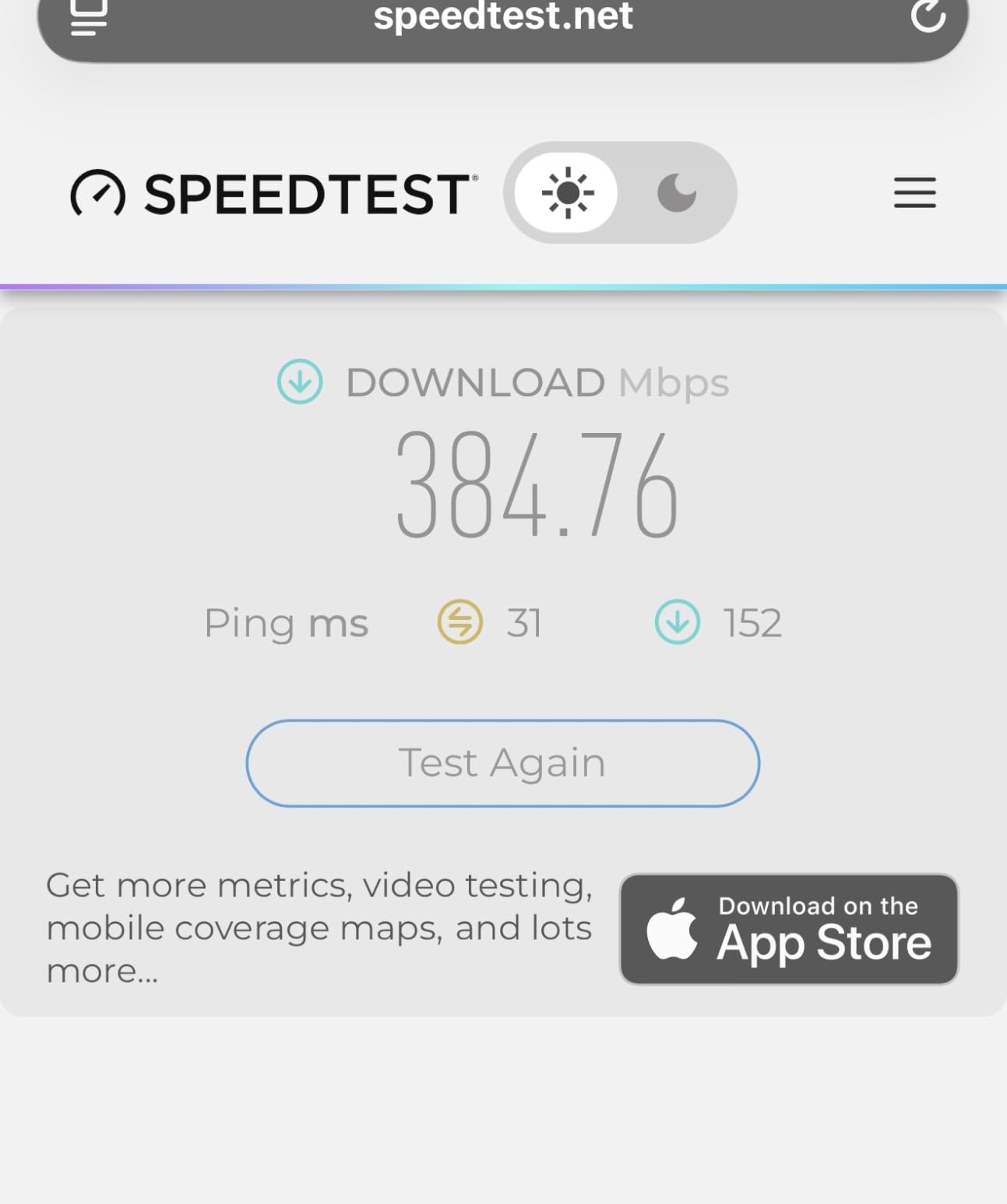
On the software side it runs OpenWrt 21.02, so the package library is available if you want to add a VPN client, ad blocking or monitoring. Out of the box it already ships with OpenVPN and WireGuard pre-installed, rated at up to 150 Mbps and 300 Mbps respectively, and it can run a VPN server and client simultaneously for reaching your devices remotely.
The physical toggle on top switches between VPN and AdGuard Home once you have assigned it in the admin panel. That is the one bit of setup friction worth knowing: out of the box the switch appears inert until you give it a job.
Why it fits an RV
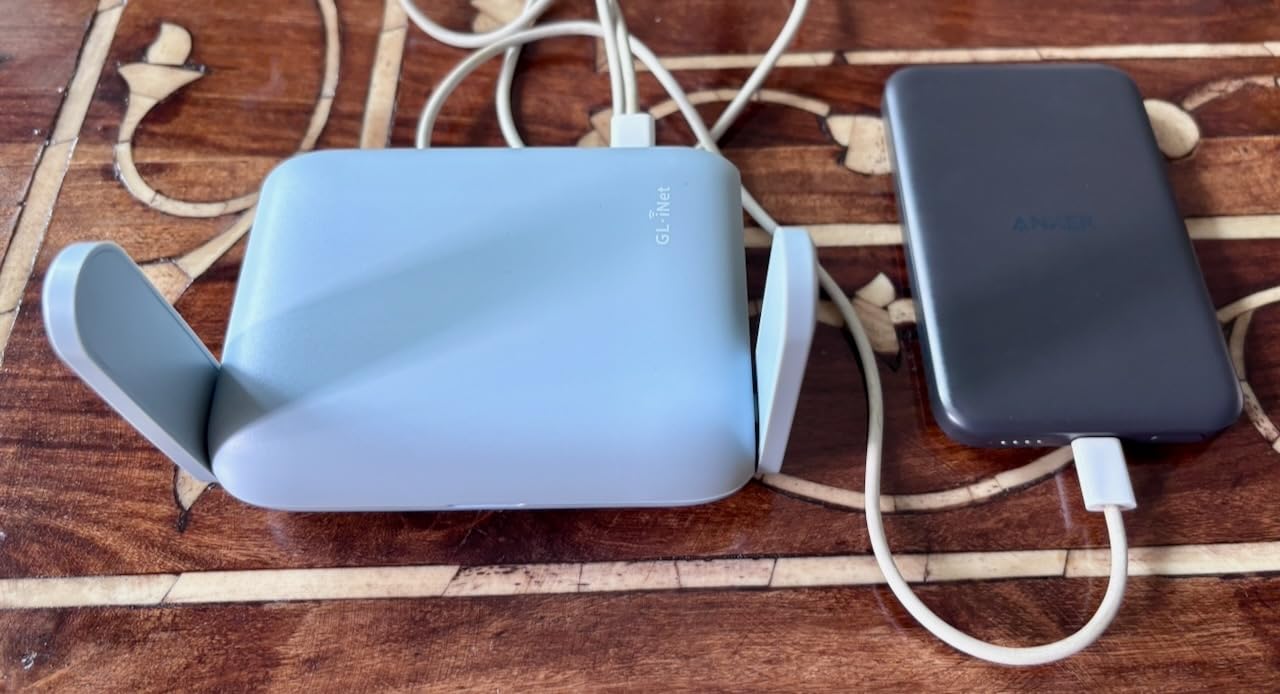
USB-C power means it runs from a wall adapter, a power bank, or a 12V USB adapter off your battery bank. The 2.5G WAN takes a satellite dish, a 5G modem or a park Ethernet drop without an adapter.
Two retractable antennas cover a typical trailer interior well. In a long coach or a metal box slide-out, plan on an external antenna instead.
Where it falls short
Sixty-four megabytes of RAM is enough for everyday use but tight if you install a stack of OpenWrt packages. Expect a slow boot after a heavy install rather than a crash.
With only two Ethernet ports, a household with several wired devices will want a small switch. Budget for that before the first boondocking trip.
2. Winegard Connect 2.0 WF2-335 – the roof-mounted pick for distant park Wi-Fi
Winegard Connect 2.0 WF2-335 Outdoor RV WiFi Router
High-gain roof antennas
Weatherproof outdoor enclosure
Dual-band router inside
RJ45 connectivity
Pros
- Roof antennas pull in distant campground signals
- Weatherproof for year-round exposure
- Creates a private network inside the RV
- Browser-based setup with a simple login
Cons
- Listed wireless compatibility is 2.4 GHz only
- Heavier and larger than portable travel routers
- Limited warranty
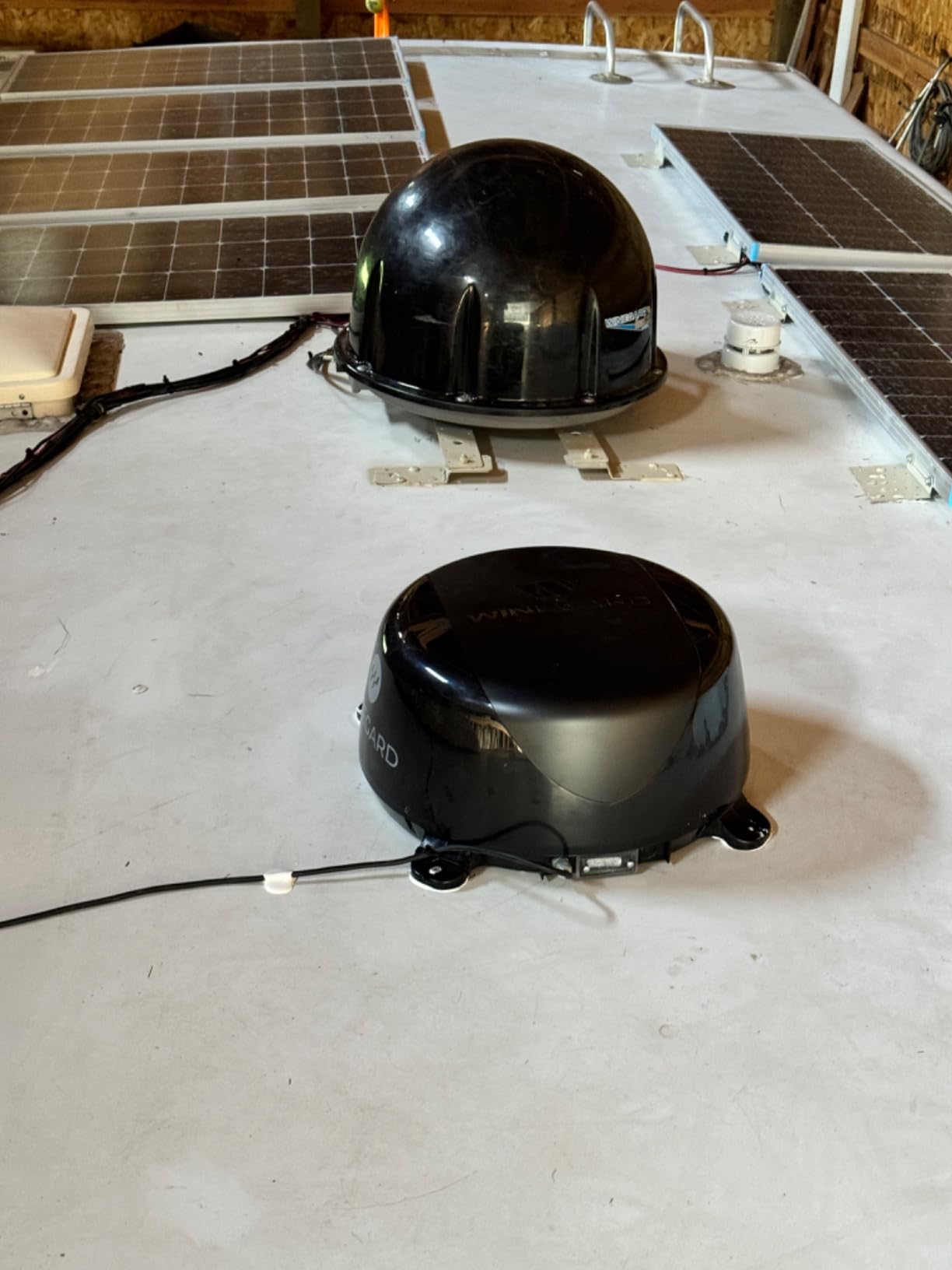
This is the only router in the roundup whose antennas live on the roof of the rig, and that changes what it can do. An RV is close to a Faraday cage: metal skin, insulation and tinted glass between the tower and any internal antenna. Putting the receiving elements above that layer is worth more than a faster Wi-Fi generation inside the cabin.
The Connect 2.0 pairs high-gain roof-mounted antennas for campground Wi-Fi with a dual-band router mounted inside, feeding your devices over RJ45 and its own wireless network. Setup runs through a browser with a simple login, which is easier than most travel routers with no screen.
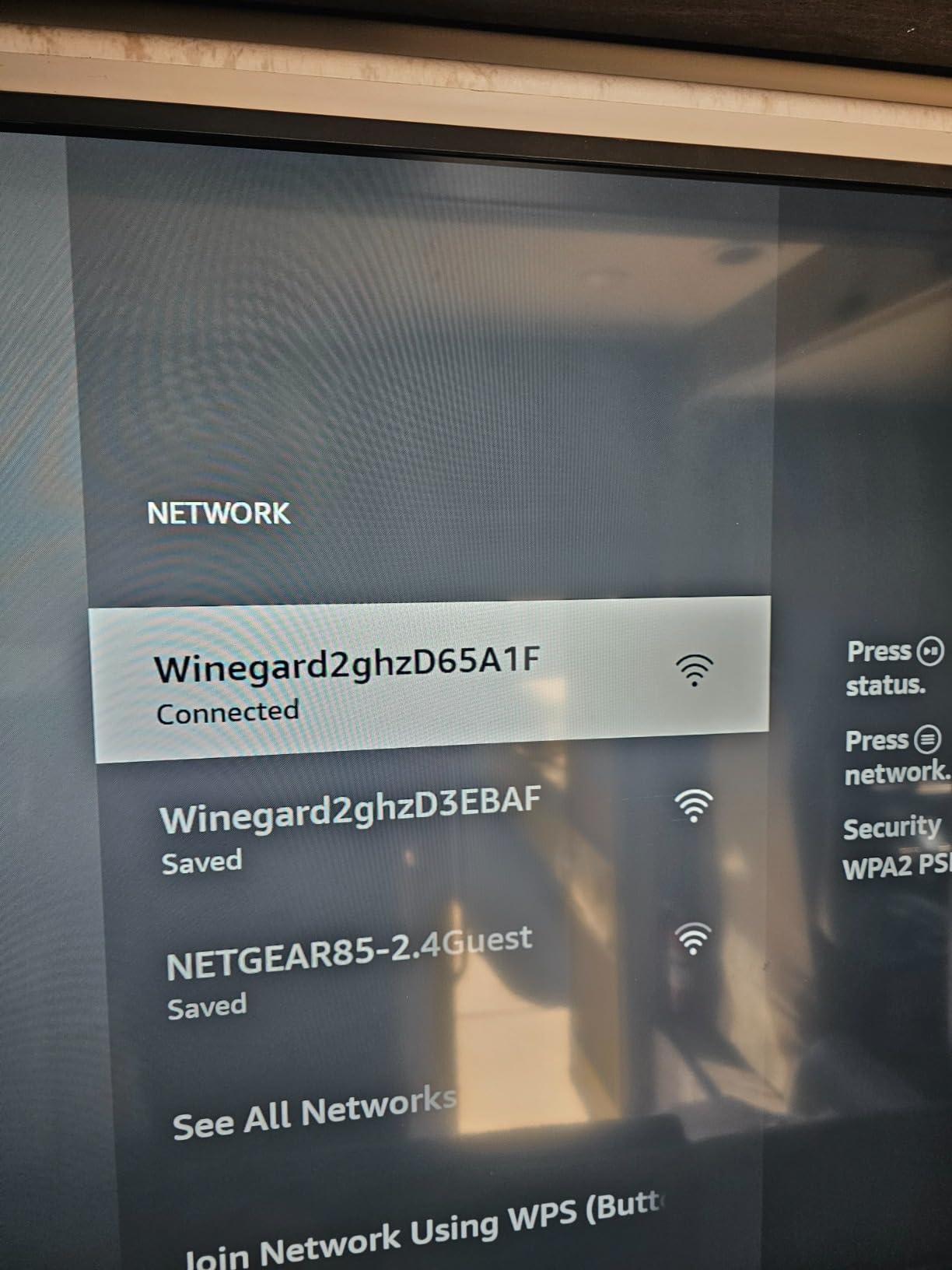
It weighs 4.6 pounds and measures 18.63 inches deep by 18.13 wide by 8.75 high, so plan the mounting footprint before you order. The weatherproof, roof-safe construction is the whole point for full-time travel, where the unit takes sun and rain all year.
Reviewers consistently credit the antenna reach. What they also flag is the listed 802.11bgn 2.4 GHz wireless compatibility, which holds back throughput compared with a dual-band travel router inside the cabin.
Why it fits an RV
Nothing else in this list puts receiving hardware above the metal. If your route is campground-heavy and the access points sit at the far end of a row of rigs, antenna height matters more than anything printed on a box.
It also creates a private network, which matters in a park where neighbouring guests share a password.
Where it falls short
The wireless compatibility listing is 2.4 GHz, so expect less headroom than a Wi-Fi 6 unit. Connected modern phones will still work; they will just not reach Wi-Fi 6 speeds.
There is no cellular modem and no satellite integration path. This is a park Wi-Fi solution, not a multi-WAN one, and it needs a wired or existing internet source to do anything.
3. TravlFi XTR Pro 5G – the 5G speed pick for full-time rigs
TravlFi XTR Pro 5G RV Router, Unlimited Data, No Contract
5G and 4G LTE multi-network
Down to 3600 Mbps, up to 200 Mbps upstream
3x 1 Gbps LAN
Access point mode and remote access
Pros
- Strong 5G performance even in rural areas
- Owners report 90 to 120 Mbps down and 15 to 30 Mbps up
- Service can be paused when unused
- Unlimited plans with eSIM and no contract
Cons
- Signal quality depends entirely on local coverage
- Some connections drop where a phone holds signal
- Plan cost is comparatively high for heavy use
The XTR Pro 5G is the fastest cellular unit here on paper, with a data transfer rate up to 3600 Mbps and up to 200 Mbps upstream. Owners report real-world numbers around 90 to 120 Mbps download and 15 to 30 Mbps upload, which is the range most remote workers need for video calls and large uploads at the same time.
It runs 5G, 4G LTE and Wi-Fi across multiple carrier networks in the US, and unlimited data plans run on an eSIM with no physical card. That last detail matters on the road: nobody has to hand you a new SIM when you cross a coverage boundary.
Three 1 Gbps LAN ports sit at the back, alongside 5G, Ethernet, LTE, USB and Wi-Fi connectivity. Access point mode lets it join an existing network rather than replace it, and remote access gives you a way to reach home devices from a truck stop parking lot.
Six fixed-mount antennas are part of the package, and the unit weighs 2.2 pounds at 9.8 by 6.8 by 2.2 inches. Its three-year manufacturer warranty is longer than most in this roundup.
Why it fits an RV
No SIM means no trip to a store in a town you have never visited. Unlimited plans plus the ability to pause service make it viable for seasonal use, where a fixed subscription would waste months.
Upstream speed of up to 200 Mbps is the figure that matters for video calls and cloud backup, and it is well above what most phone hotspots sustain.
Where it falls short
Owners report the connection dropping in spots where a cell phone still holds a signal bar, which is a firmware and antenna placement problem rather than a coverage problem. Plan on a roof antenna with a short, low-loss run.
With 53 reviews the installed base is small compared with the travel routers here. The monthly plan also costs more than most people expect for heavy data use.
4. TravlFi JourneyGo LTE – the no-contract pick for pay-as-you-go campers
TravlFi JourneyGo 4G RV WiFi Hotspot Motorhomes No Contract eSIM
LTE with multiple carrier selection
eSIM prepaid plans, no contract
Internal antenna
Wi-Fi 4 single-band 802.11n
Pros
- No contract and pay-as-you-go prepaid eSIM plans
- Compact enough to surface-mount or wall-mount
- Multiple carrier networks for better coverage
- Creates a personal network instead of using public Wi-Fi
Cons
- Requires cellular coverage at the campsite
- Wi-Fi 4 single-band caps wireless speed
- Carrier selection may need changing by hand
The JourneyGo is aimed at people who do not want a subscription hanging over them for twelve months. Data plans run from 2 GB to unlimited, billed monthly with no contract, and activate on an eSIM so there is no card to swap.
That makes it a good fit for a seasonal rig or a weekend camper who only needs data for a few trips a year. Coverage spans the United States across multiple selectable carrier networks, and you can move to a different network when one gets crowded.
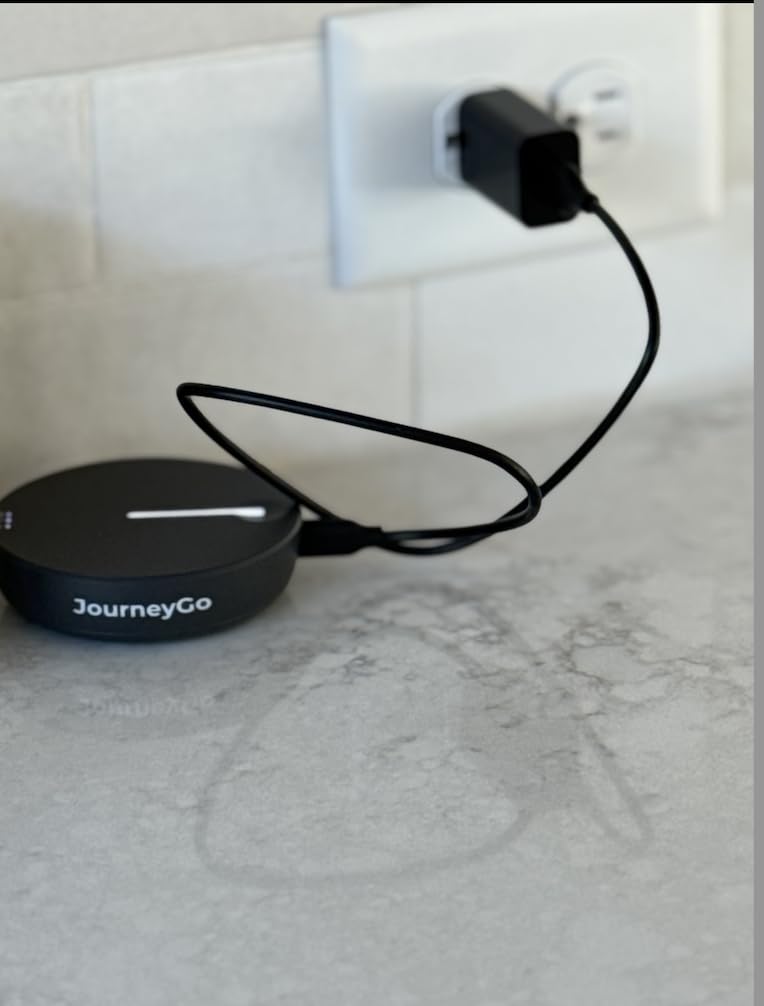
It also runs its own Linux-based operating system and creates a personal private network, so you are not typing passwords into a stranger’s hotspot at a fuel stop. It supports personal computers, smart televisions, smartphones and tablets.
The unit includes an internal antenna and pushes out a single-band Wi-Fi 4 802.11n network. That is the trade-off: private, contract-free internet in a small box, with less wireless throughput inside the RV than the Wi-Fi 6 units.
Why it fits an RV
A one-year manufacturer warranty and a compact body make it easy to move between vehicles or stash in a storage compartment. Manual carrier selection lets you react to a congested tower without touching hardware.
For anyone who travels slowly enough that cell coverage is reliable, the simplicity is worth a lot.
Where it falls short
Single-band Wi-Fi 4 is the ceiling on local wireless speed. Once a few devices connect, that band is the limit rather than the cell link.
There is no wired Ethernet path for a satellite dish or a park connection, so it cannot act as a backup for Starlink. It is a cellular-only device.
5. Cudy LT500 4G AC1200 – the best value router with a SIM slot
Cudy 4G AC1200 4-Port Wi-Fi 5 Dual-Band Router with SIM Slot, LT500
4G LTE Cat 4 up to 150 Mbps down and 50 Mbps up
Dual-band Wi-Fi 5 at 867 plus 300 Mbps
4x Fast Ethernet ports and nano SIM
Automatic WAN failover to cellular
Pros
- Plug-and-play SIM setup working within minutes
- VPN server and client plus automatic cellular failover
- Four Ethernet ports plus a nano SIM slot for major carriers
- Useful app with data limits and data-saving modes
Cons
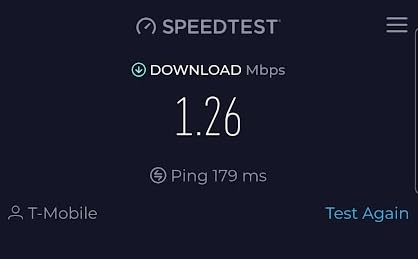
- 4G Cat 4 tops out around 30 to 80 Mbps in practice
- Throughput drops to roughly a third of the source link
- Firmware cannot be updated to current OpenWrt releases
With 3,119 reviews the LT500 has one of the strongest field records in this roundup, and it is the only unit here that combines a cellular modem with four wired ports. If you want one box that can take a park ethernet drop and fail over to cellular without a second device, this is it.
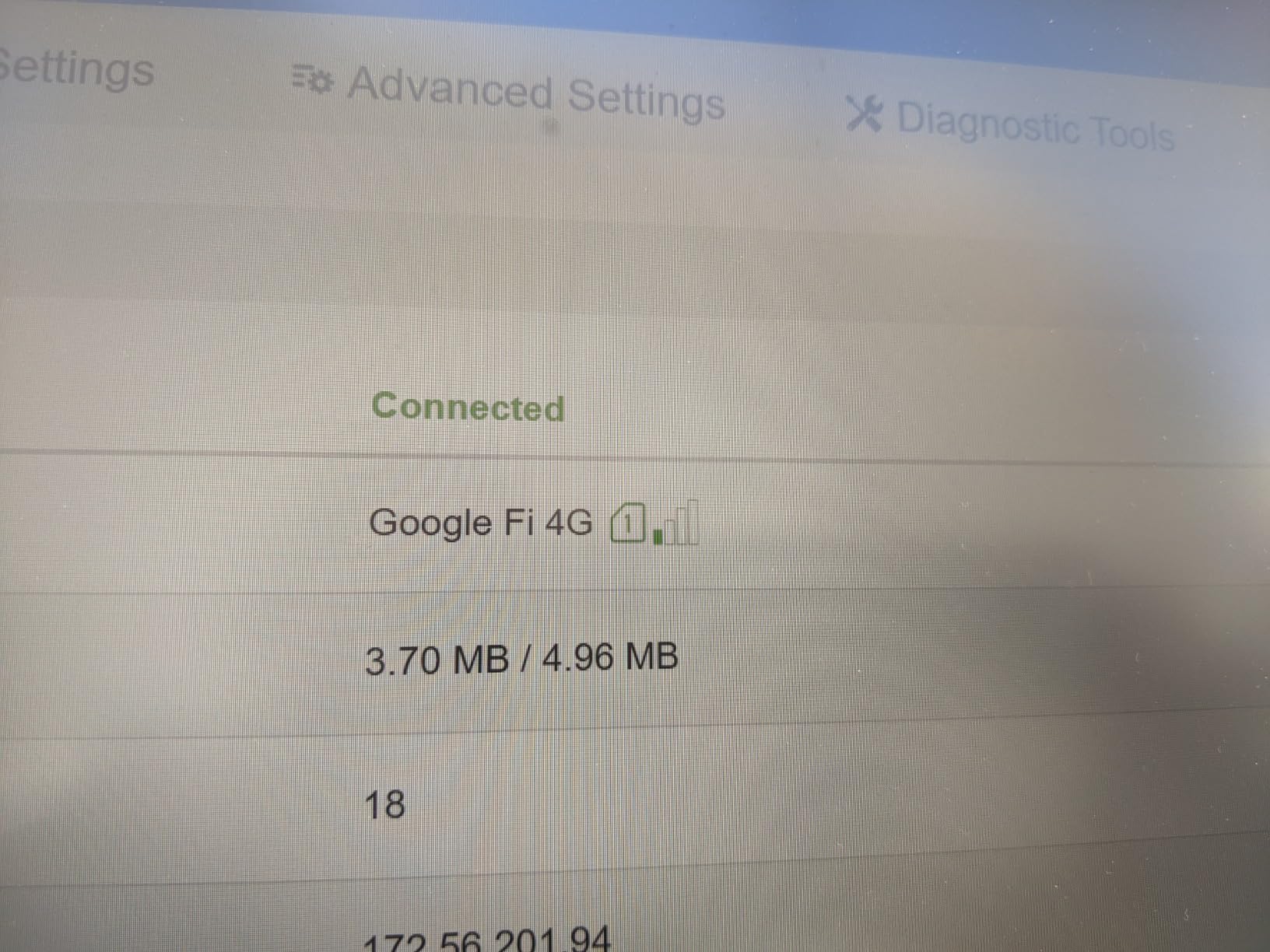
Plug in a nano SIM and it comes up quickly. The 4G LTE Cat 4 modem is rated at up to 150 Mbps down and 50 Mbps up, which in practice owners put nearer 30 to 80 Mbps on a good tower. Automatic WAN failover to cellular is the feature RV owners actually buy it for.
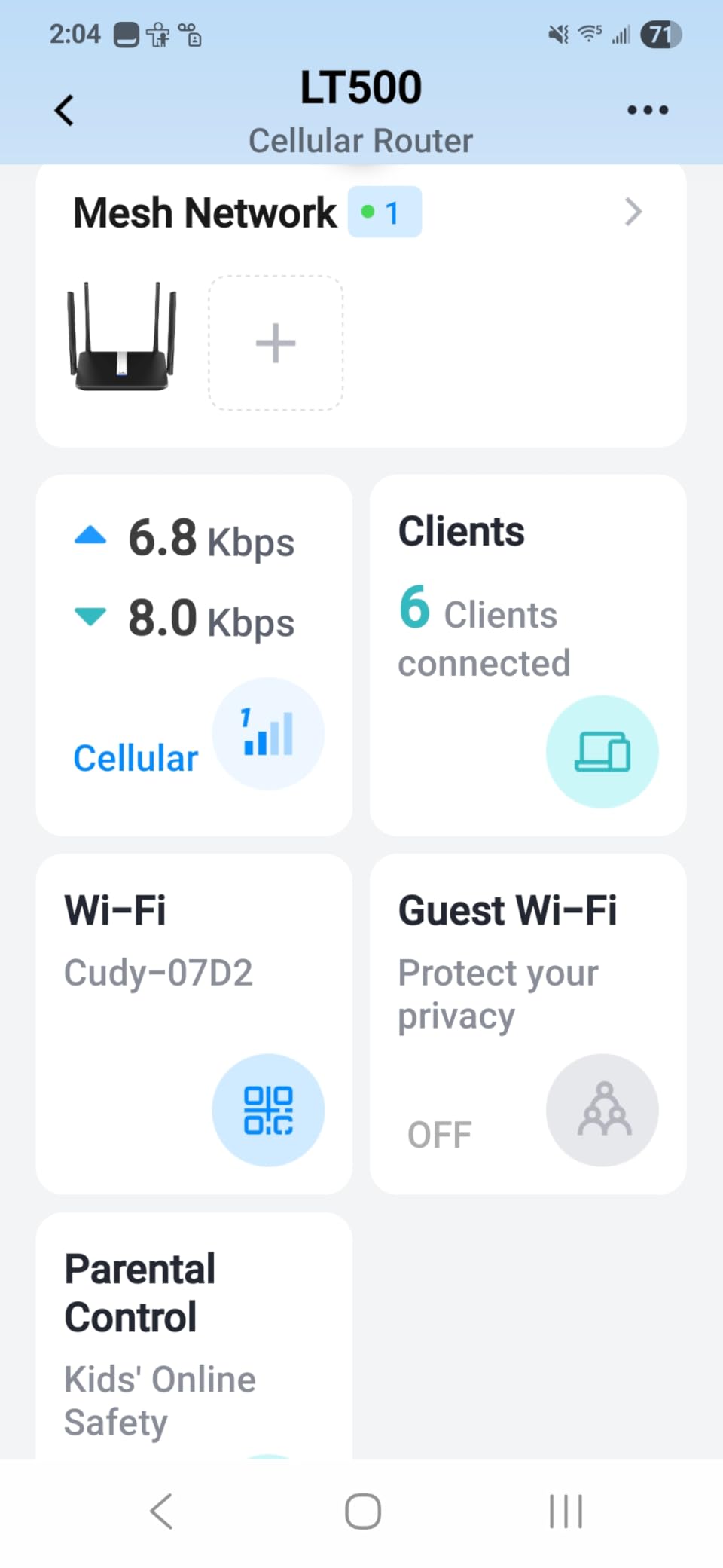
On the inside it runs dual-band Wi-Fi 5 at 867 plus 300 Mbps with beamforming, and the four 100M Fast Ethernet ports are enough for a media player, a printer and a couple of wired devices. It also runs a WireGuard, OpenVPN and IPsec server and client, so you can reach the RV network remotely over a secure tunnel.
It weighs 308 grams, measures 8.06 by 5.24 by 1.51 inches and carries a two-year warranty. Four external fixed antennas help with LTE reception through an RV wall.
Why it fits an RV
Four Ethernet ports is the highest count in this group. That single fact makes it the easiest to wire into a Starlink adapter, a park jack or a hard drive.
Its OpenWrt-based firmware cannot be updated to current releases, so treat it as a fixed appliance rather than a platform. Owners who care about customisation should look at the GL.iNet units instead.
Where it falls short
Cat 4 is an older modem class. If your route runs through areas where 5G is available, a 5G unit will leave it behind.
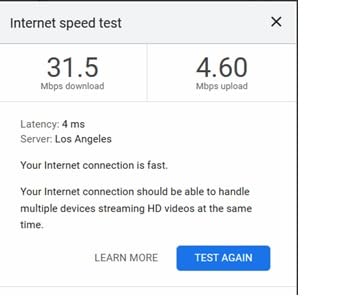
Routed throughput through the device runs at roughly a third of the source connection, so a 100 Mbps park link arrives closer to 30 Mbps on your devices.
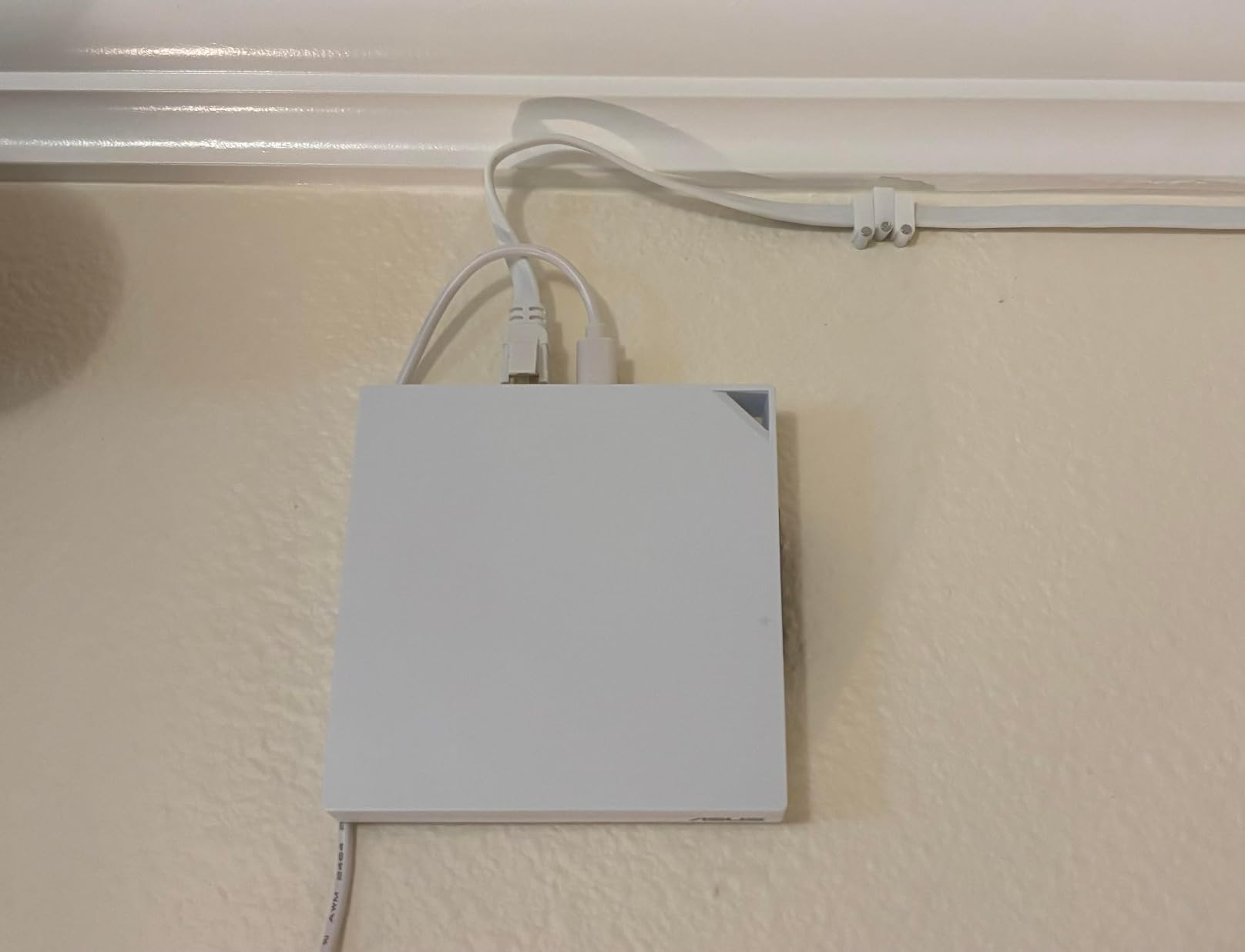
6. ASUS RT-AX57 Go – the secure pick for public Wi-Fi and tethering
ASUS RT-AX57 GO -AX3000 Dual Band WiFi 6 Portable Travel Router, 4G/5G tethering, Public WiFi (WISP) Mode, Advance Network Security, VPN, AiMesh, Guest Portal, RV/Cruise/Mobile, USB-C Powered.
Wi-Fi 6 AX3000 with 160 MHz channel, up to 3000 Mbps
Tri-mode 4G/5G tethering, WISP and hotspot
One-touch VPN with 30+ providers
Up to 70 devices
Pros
- Full ASUSWRT feature set in a silent USB-C body
- One-touch VPN client and server plus site-to-site VPN
- AiMesh lets you add coverage later
- Handles a household of 12 to 14 devices with strong signal
Cons
- Does not remember saved public Wi-Fi network settings
- Switching networks takes several restarts
- Some valid public networks fail to connect
- No PoE support
The RT-AX57 Go runs the full ASUSWRT interface, which no other compact unit here matches. AiProtection, DNS over TLS, one-tap security scan and site-to-site VPN are all in the box, and setup takes a few minutes through the ASUS Router app.
On the wireless side it is dual-band Wi-Fi 6 AX3000 with a 160 MHz channel and up to 3,000 Mbps aggregate, supporting up to 70 devices. Two gigabit LAN ports sit alongside a unit that weighs 7.36 ounces.
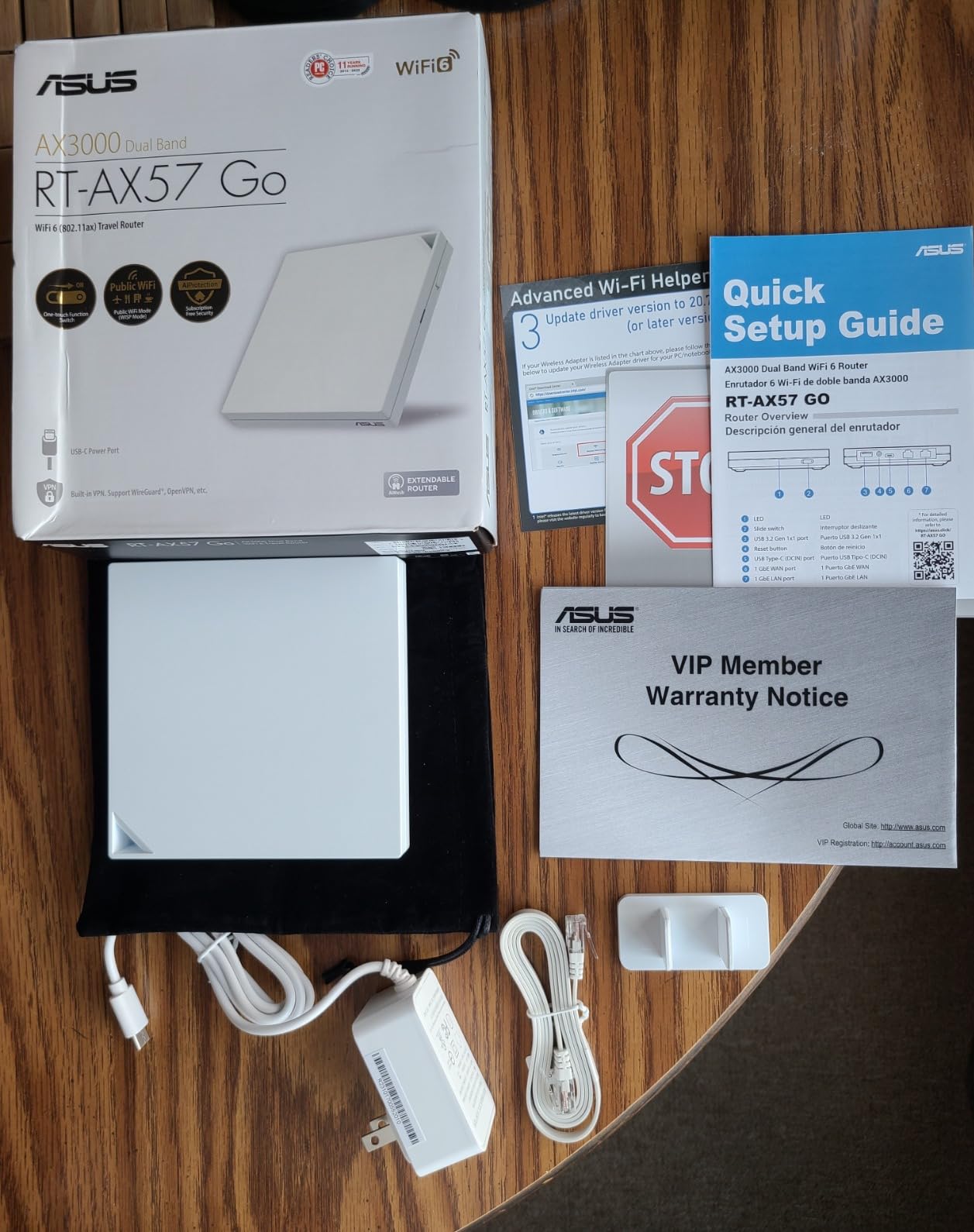
The tri-mode design is what makes it an RV router rather than a hotel gadget: it can tether 4G or 5G from a phone, sit in WISP public Wi-Fi mode, or run as a private hotspot. One-touch VPN covers 30-plus providers, and it can work as an AiMesh node if you later add a second unit for a larger trailer.
USB-C power and 512 MB of RAM keep it simple to run off a power bank or a 12V adapter. A flannel bag and power adapter are in the box.
Why it fits an RV
Tethering a phone is the most common way campers get online, and the built-in tethering mode means you keep one SSID and one VPN instead of switching networks by hand.
AiMesh expansion is useful in a long slide-out where one unit at the front will not reach the bedroom.
Where it falls short
The most common complaint is that saved public Wi-Fi networks are forgotten, so reconfiguration is needed at each new site. Network switching takes several restarts.
Setup wants some tinkering rather than true plug-and-play, and there is no PoE, so it has to live near a power source.
7. TP-Link Roam 7 BE3600 – the premium Wi-Fi 7 pick
Roam 7 BE3600 Wi-Fi 7 Portable Travel Router Dual-Band, 2.5G Port, USB 3.0
Dual-band Wi-Fi 7 at 2882 plus 688 Mbps
Up to 90 devices
2.5 Gbps WAN and 1 Gbps LAN
Router, hotspot, AP/RE and client modes
Pros
- Wi-Fi 7 throughput in a compact travel body
- One-step captive portal authentication in the Tether app
- 2.5G WAN plus gigabit LAN
- Works from a USB-C power bank off-grid
Cons
- No 6 GHz band support
- No OpenWrt support
- Only two Ethernet ports
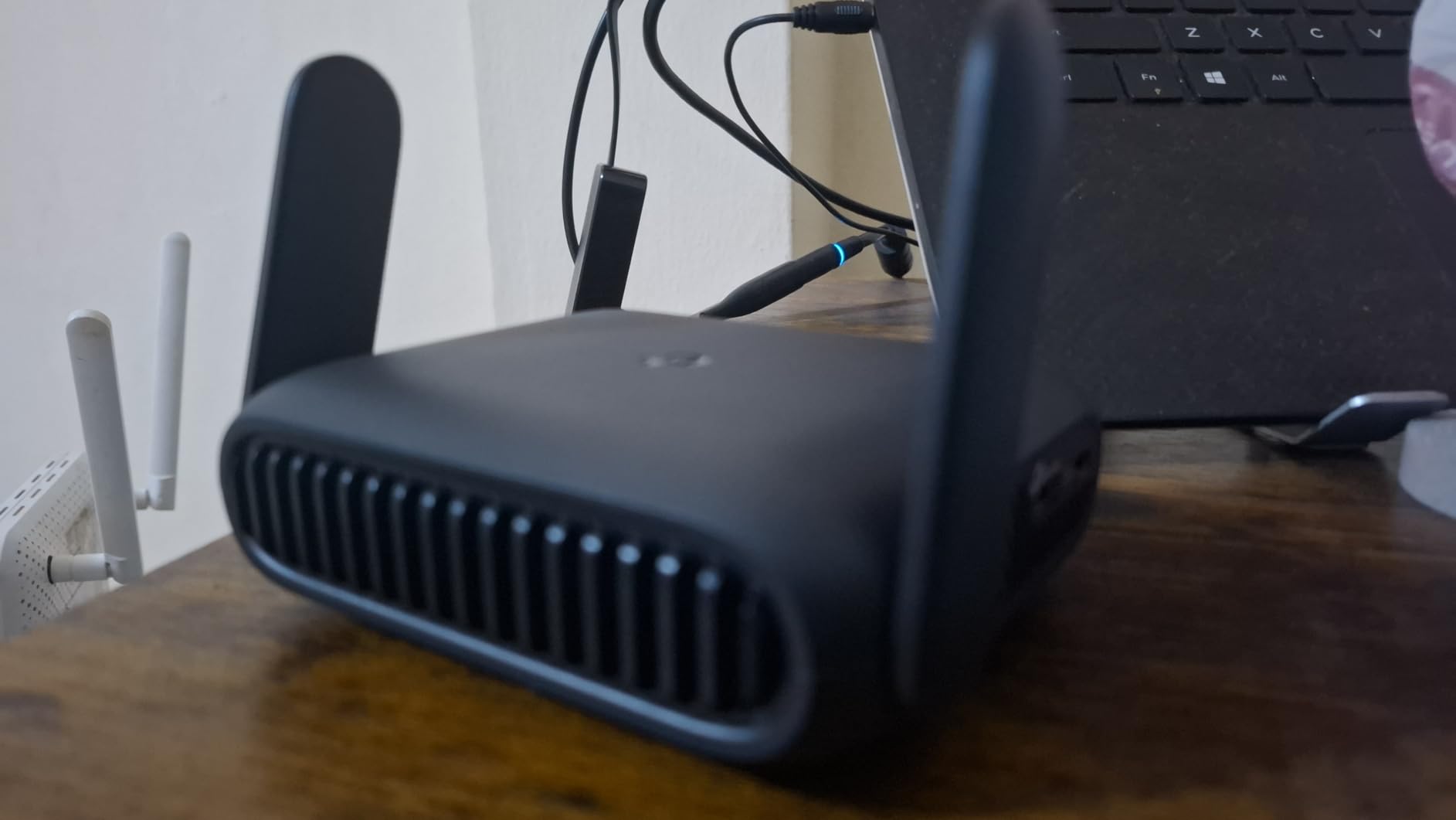
The Roam 7 is the most capable wireless unit here for a crowded park. Wi-Fi 7 adds multi-link operation, which helps when several neighbours are hammering the same channels, and the dual-band figures are 2,882 Mbps on 5 GHz plus 688 Mbps on 2.4 GHz.
It supports up to 90 devices simultaneously with 1,800 square feet of coverage, which covers a large Class A rig without a second access point. Two fixed antennas handle the indoor spread.
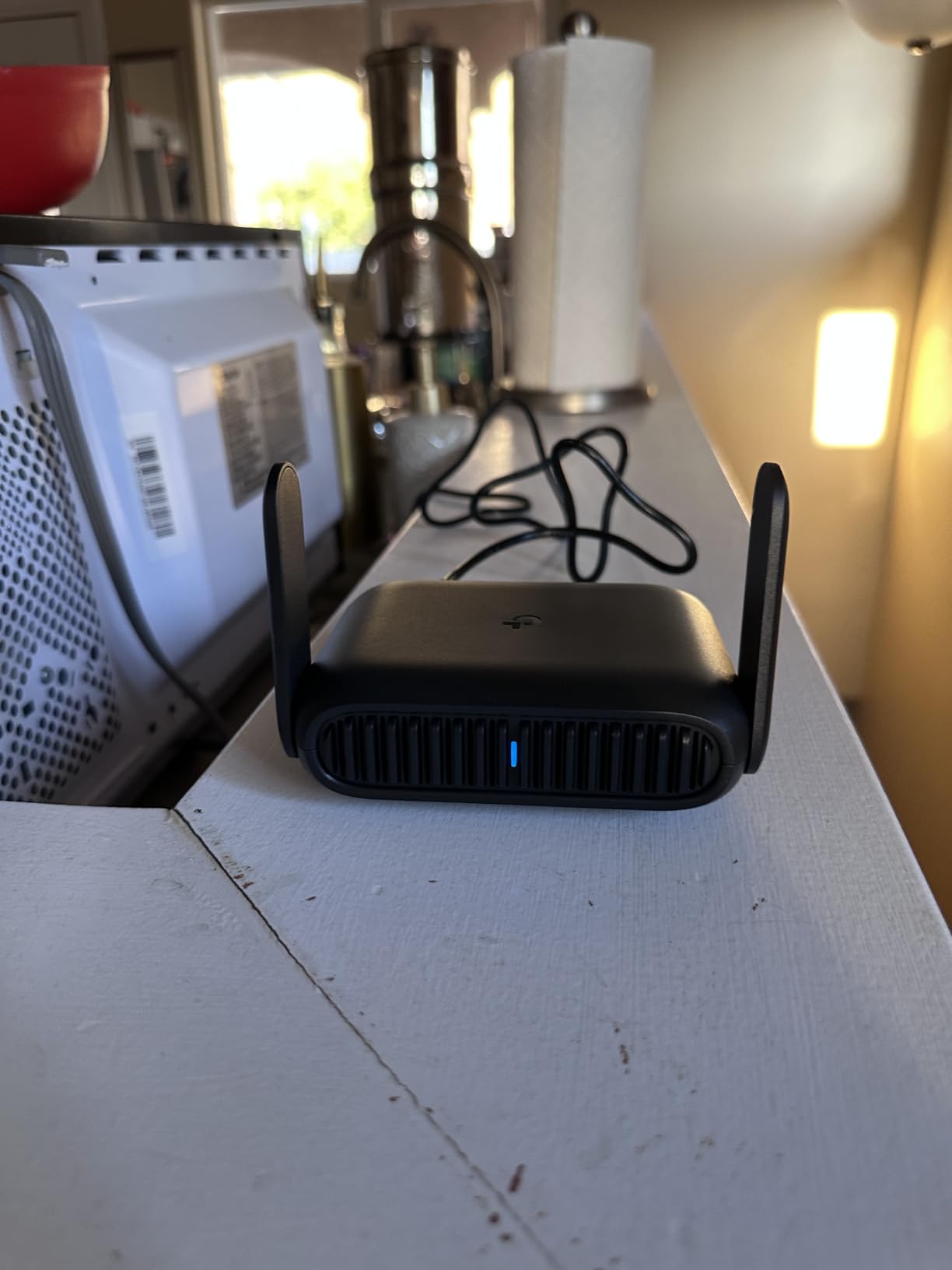
The one-step captive portal authentication in the Tether app is the feature we valued most at an actual RV park. You log in once and every device behind the router comes online, rather than typing a browser login on each phone.
For ports you get a 2.5 Gbps WAN and a 1 Gbps LAN, so a satellite dish or a fast park ethernet jack will not bottleneck. Router, hotspot, AP/RE and client modes are all available, and USB-C power runs from an adapter or a 5V power bank.
Why it fits an RV
Ninety-device capacity means a household with laptops, a smart TV, security cameras and travel phones can connect without splitting networks. That is the normal load for a full-time rig.
OpenVPN and WireGuard run as client or server, with PPTP and L2TP also supported, which is what you need to stay private on an open park network.
Where it falls short
No 6 GHz band means this is not a full Wi-Fi 7 feature set. You get the throughput benefits, not the extra spectrum.
There is no OpenWrt support, so heavy customisation is off the table. Combined with only two Ethernet ports, it suits a wireless-first setup more than a wired one.
8. TP-Link Roam 6 AX3000 – the best router to pair with Starlink
TP-Link Roam 6 AX3000 Dual-Band Wi-Fi 6 Travel Router (TL-WR3002X)
Wi-Fi 6 AX3000, up to 2402 Mbps on 5 GHz
2.5 Gbps WAN/LAN plus 1 Gbps LAN
USB 3.0 and microSD up to 512GB
Router, hotspot and AP/RE modes
Pros
- Owners report full bandwidth from a Starlink uplink
- App-based switching between router
- access point and repeater modes
- USB-C power from a power bank
- OpenVPN and WireGuard client and server
Cons
- App and web portal cannot be used at the same time
- No VPN kill switch so traffic can leak
- Long connection times on some captive portals
- A minority report units resetting after a few months
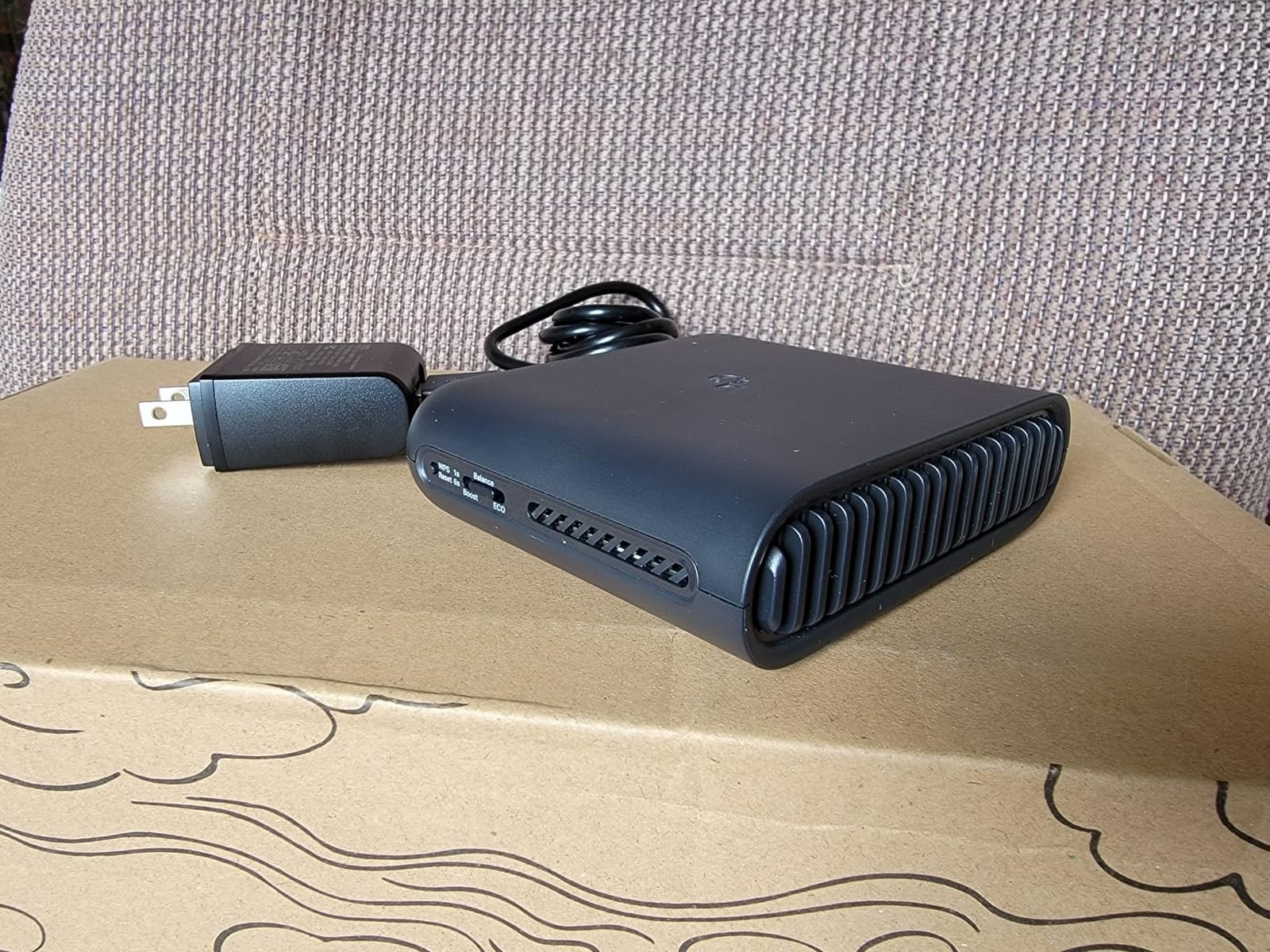
This is the unit we would hang off a Starlink dish. The 2.5 Gbps WAN/LAN port takes the satellite adapter without compression, and owners of this model report pulling full available bandwidth from a Starlink uplink where gigabit-port routers did not.
Wireless is dual-band Wi-Fi 6 at up to 2,402 Mbps on 5 GHz and 574 Mbps on 2.4 GHz, with a second gigabit LAN port. The whole thing weighs 5.28 ounces and measures 3.6 by 1.18 by 4.13 inches.
It runs in router, hotspot or AP/RE mode, so the same box serves as a private network at a park, an access point inside the RV, or a secure layer over tethering. OpenVPN and WireGuard work as client or server, with PPTP and L2TP support.
USB 3.0 and a microSD slot up to 512 GB let you plug in a drive for local backup while travelling, which is useful when the only internet is metered cellular.
Why it fits an RV
Router mode with an ethernet WAN is exactly the architecture a satellite-plus-cellular setup needs. When the dish drops behind a mesa, a phone hotspot can take over the WAN instead.
USB-C from a power bank means no wall outlet near the router, which matters in a front bedroom bunk.
Where it falls short
There is no VPN kill switch, so if the tunnel drops, traffic can continue in the clear. Turn the VPN on manually if that matters to you.
Some buyers report long connection times joining captive portals and no memory of saved host networks, and a small share report units that stopped working or kept resetting after a few months.
9. TP-Link Roam 6 AX1500 – the budget Wi-Fi 6 pick
Roam 6 AX1500 Portable Wi-Fi 6 Travel Router Dual-Band USB C 3.0
Wi-Fi 6 dual-band at 1201 plus 300 Mbps
Up to 60 devices
1 Gbps WAN/LAN and 1 Gbps LAN
USB-C with 5V/3A PD support
Pros
- Pocket-sized dual-band Wi-Fi 6 design
- Handles up to 60 devices on one network
- OpenVPN and WireGuard for securing public Wi-Fi
- One-step captive portal authentication in the Tether app
Cons
- Lower throughput ceiling than the AX3000 in the same family
- No built-in cellular for SIM or dongle fallback
- Occasional trouble connecting to captive portals
- Only two wired ports
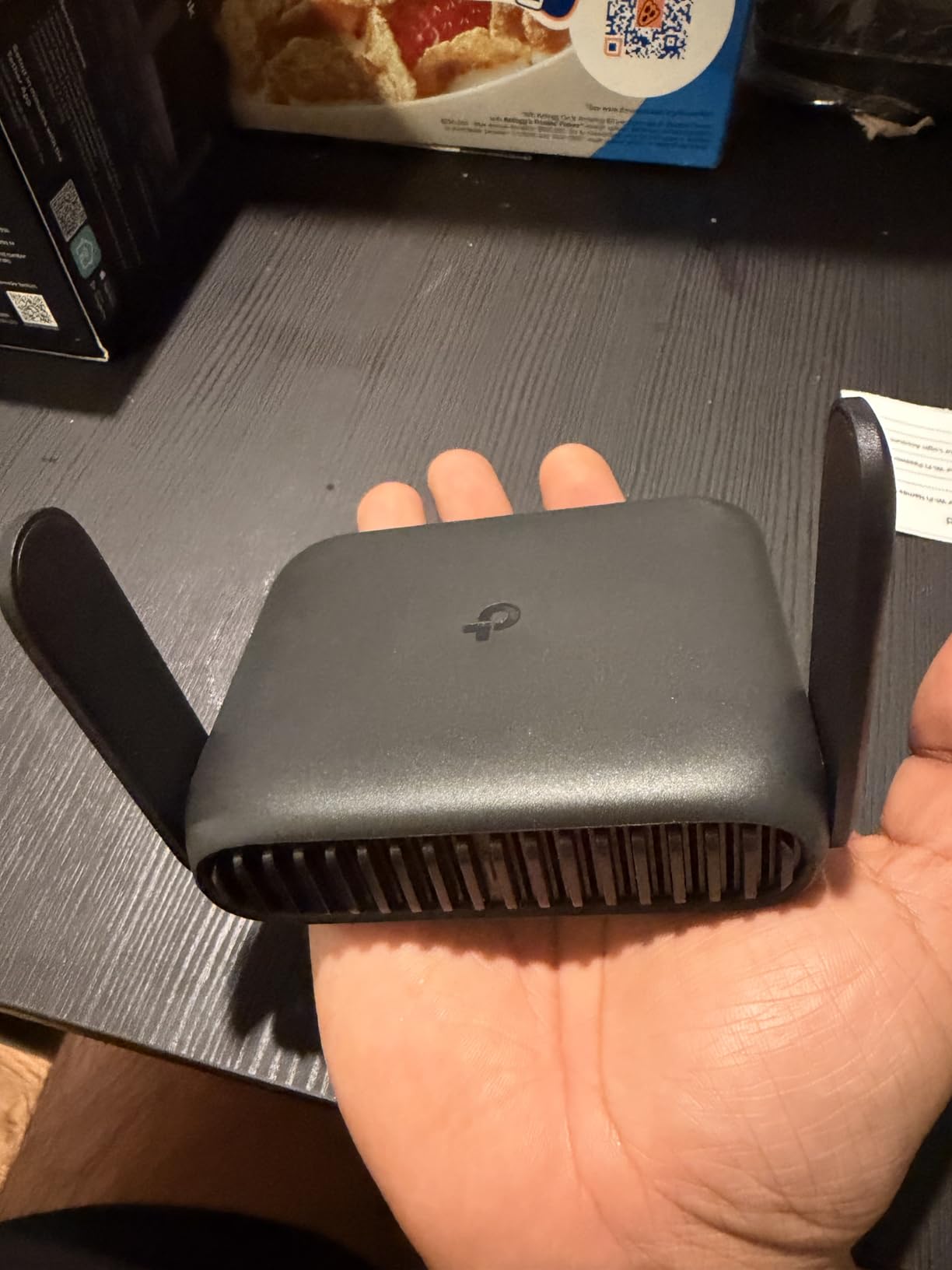
If you want Wi-Fi 6 in the smallest sensible package, this is it. The Roam 6 AX1500 covers about 1,500 square feet, which fits most trailers and Class C rigs comfortably with the unit mounted centrally.
It supports up to 60 devices simultaneously, with 1,201 Mbps on 5 GHz and 300 Mbps on 2.4 GHz. Ports are a 1 Gbps WAN/LAN and a 1 Gbps LAN, which is enough for a Starlink adapter or a park ethernet connection even though it lacks a 2.5G port.
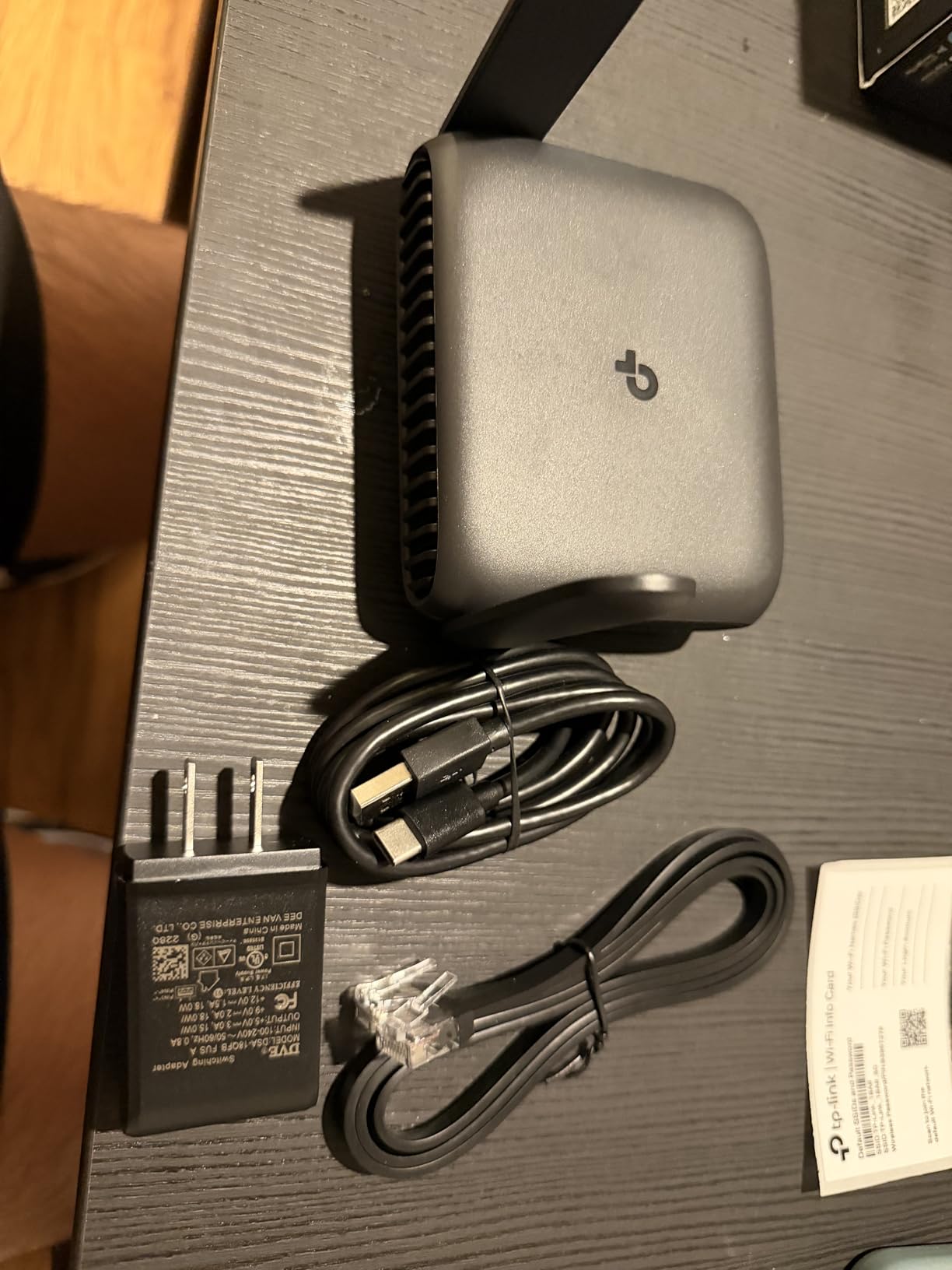
OpenVPN and WireGuard are both there, router, AP/RE and client modes cover the usual travel scenarios, and WPA3 plus parental controls handle the local network. USB-C with 5V/3A PD means a power bank works as well as the included adapter.
At 6.72 ounces and 4.09 by 1.1 by 3.54 inches it is one of the smaller units here. Setup and management run through the Tether app or a web page, with a two-year manufacturer warranty.
Why it fits an RV
Sixty devices is a realistic ceiling for two people, and it means nobody has to choose which phone gets the network. A single USB-C power lead from the dash is simpler than a mains adapter.
It handles public Wi-Fi in hotspot mode with one-step captive portal login, which is the most common RV park use.
Where it falls short
There is no built-in cellular. You can use a phone via tethering, but not a SIM in the router itself, so cellular failover needs a second device.
The speed class sits below the AX3000 model in the same family, and some buyers hit captive portals that will not complete the handshake.
10. GL.iNet Opal GL-SFT1200 – the low-cost OpenWrt pick
GL.iNet GL-SFT1200 Opal Travel Router, AC1200 Dual-Band Wi-Fi
AC1200 dual-band at 867 plus 300 Mbps
2 gigabit LAN and 1 gigabit WAN
OpenWrt with 128 MB RAM
OpenVPN and WireGuard pre-installed
Pros
- Full gigabit Ethernet on a compact travel router
- 145g with retractable antennas for better signal
- OpenWrt-based with 30-plus VPN provider support
- Physical VPN toggle switch
Cons
- Wi-Fi 5 only
- The VPN toggle does nothing until set in the admin panel
- No easytethering support
- Public hotspots with time limits can still drop devices
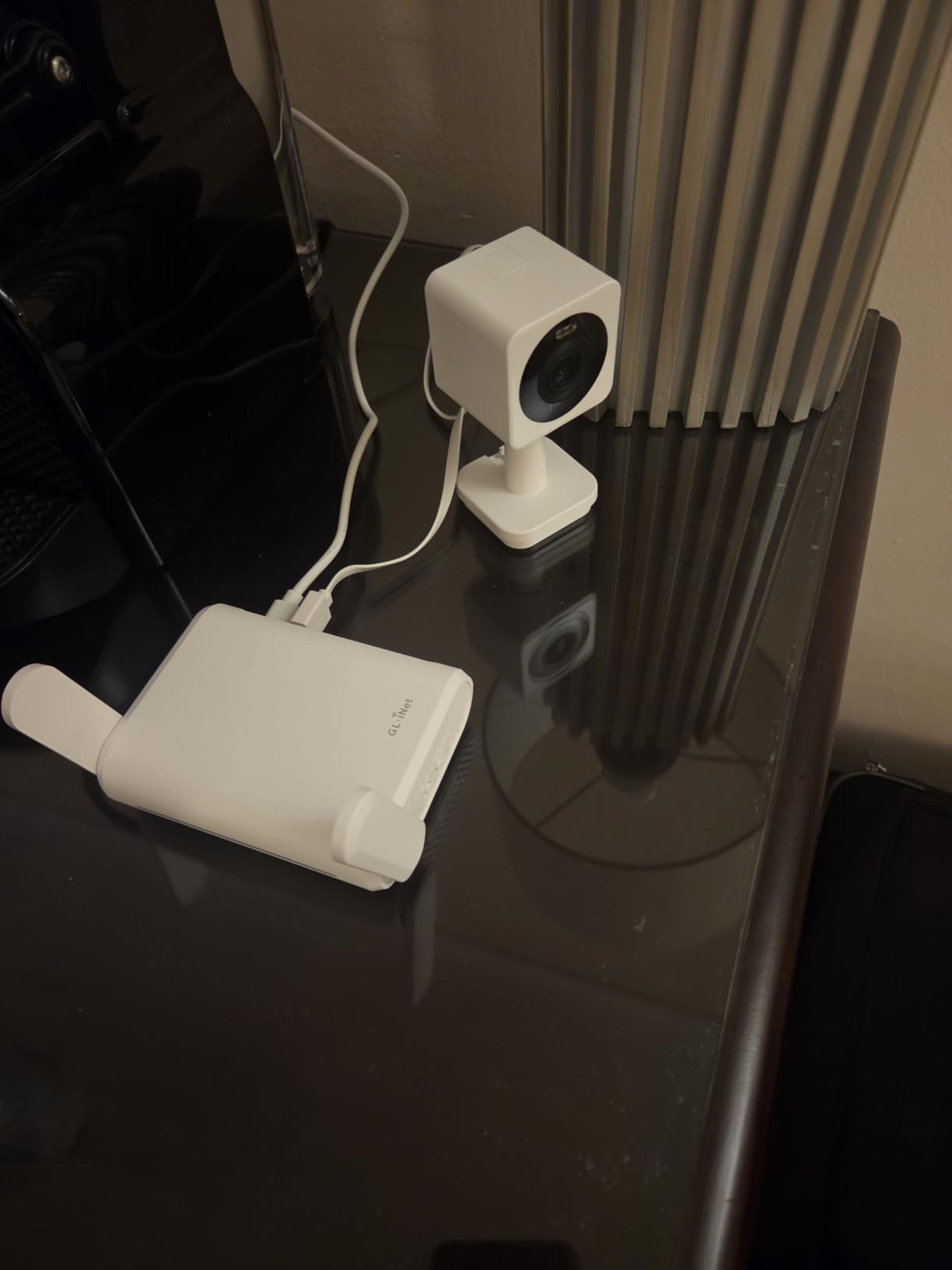
With 8,121 reviews the Opal has the second-largest installed base in this roundup, and it remains the value entry point into OpenWrt travel routing. Three gigabit ports on a 145g body is unusual and genuinely useful when you want to wire something rather than everything running over wireless.
Wireless is AC1200 dual-band at 300 Mbps on 2.4 GHz and 867 Mbps on 5 GHz, with retractable antennas you extend vertically for better reception. That is Wi-Fi 5, not Wi-Fi 6, so it will not keep up with a Wi-Fi 6 phone at close range.
The software is the appeal. OpenWrt comes pre-installed with OpenVPN and WireGuard and 30-plus provider compatibility, plus Cloudflare DNS encryption and IPv6. The physical toggle switch handles the VPN client, provided you configure it in the admin panel first.
Repeater mode turns a public campground network into a private one, which is the everyday use in an RV park. It measures 4.65 by 3.35 by 1.18 inches with a two-year warranty.
Why it fits an RV
The gigabit ports let you plug a satellite adapter straight into the WAN and still keep a wired LAN device online. No other unit in this roundup carries three gigabit ports.
OpenWrt means you can add services later without new hardware, which is rare in this category.
Where it falls short
Wi-Fi 5 caps local throughput. For streaming at 4K from a local source, a Wi-Fi 6 unit is the better buy.
Public hotspots that enforce time limits can still disconnect devices behind the repeater, and easytethering is unsupported.
11. ASUS RT-BE58 Go – the compact Wi-Fi 7 pick with USB-C power
ASUS RT-BE58 Go Travel Router WiFi 7 Dual-Band, 3.6Gbps, Secure Public WiFi
Dual-band Wi-Fi 7, 2882 plus 688 Mbps, 3600 Mbps aggregate
1x 2.5G port
Multi-Link Operation and 4K-QAM
USB-C Power Delivery 18W
Pros
- Wi-Fi 7 performance in an 8-ounce body
- Setup in under 10 minutes through the ASUS Router app
- USB-C PD means one charger for laptop
- phone and router
- 4G and 5G mobile tethering gives a backup path
Cons
- Only one LAN port so wired devices need an adapter
- A small number report units dropping off Wi-Fi after setup
- Support turnaround caused frustration for some buyers
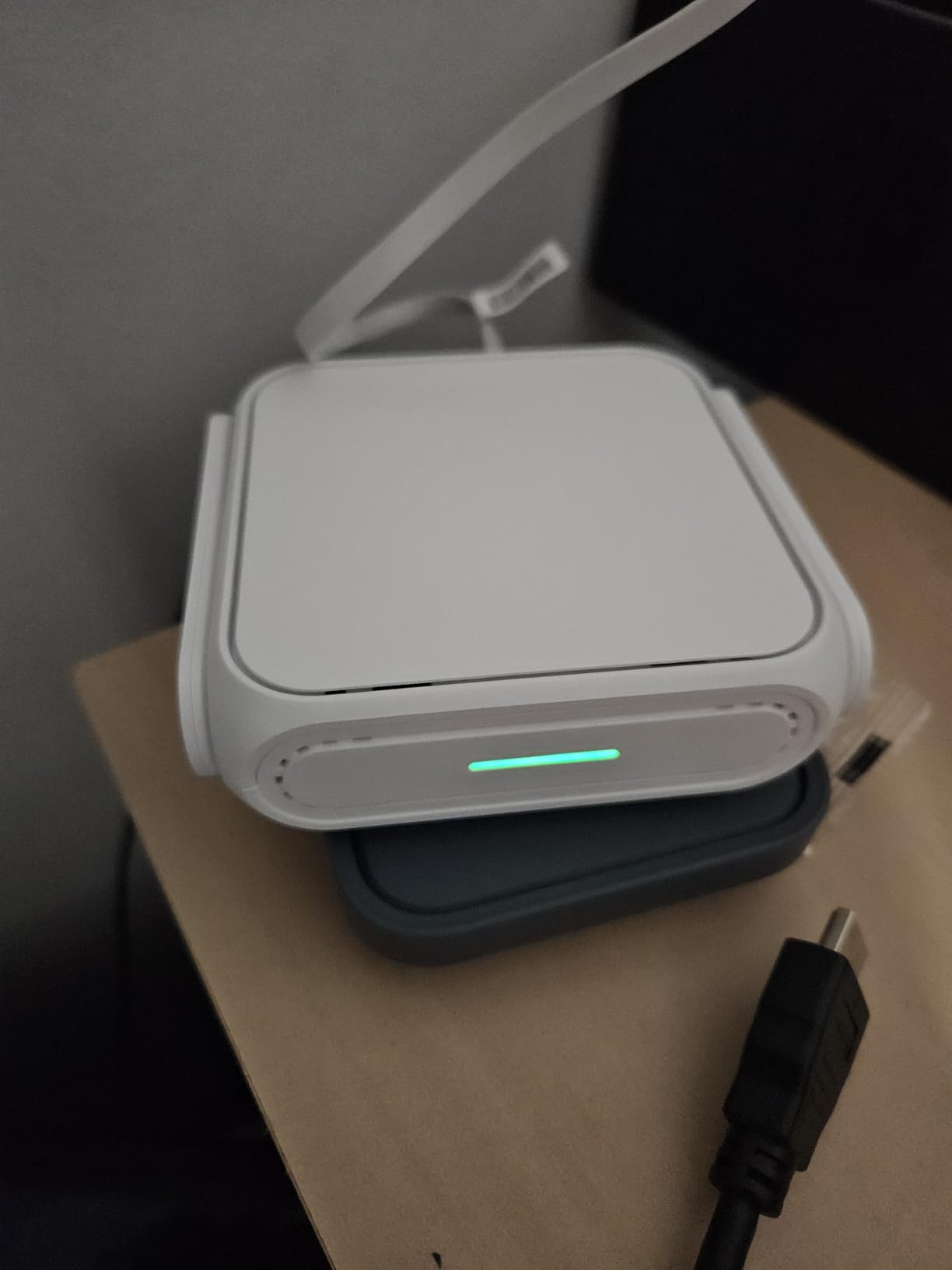
The RT-BE58 Go is the newest design language in this group and the cleanest fit for an RV with USB-C everywhere. It draws power over USB-C Power Delivery at 18W, so the charger that charges your laptop charges the router.
Wireless is dual-band Wi-Fi 7 with multi-link operation and 4K-QAM, delivering 2,882 Mbps on 5 GHz and 688 Mbps on 2.4 GHz, 3,600 Mbps in aggregate. It weighs 8 ounces and measures 4.4 by 3.9 by 1.4 inches.
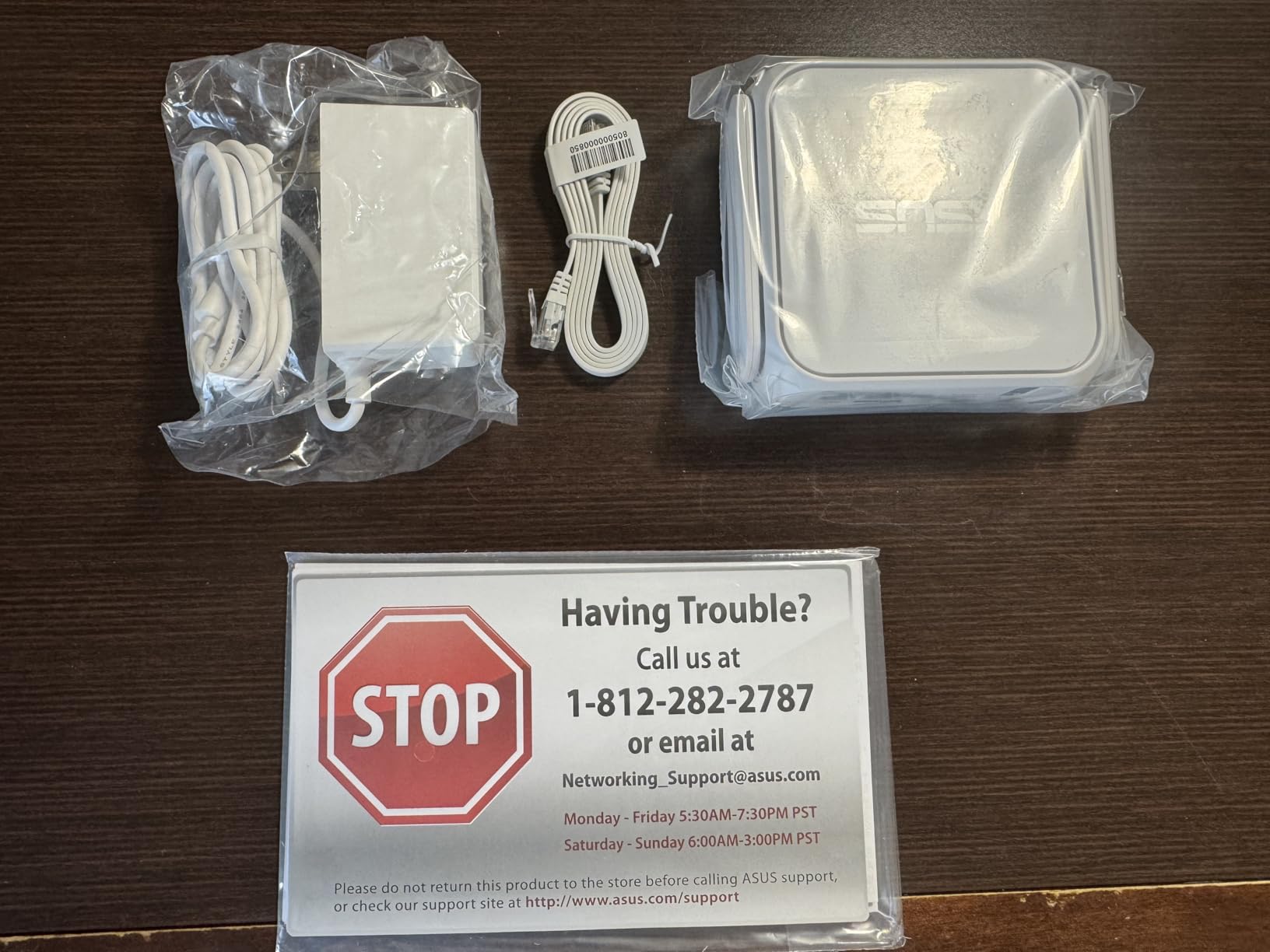
Beyond speed, the mode list is long for a travel unit: wireless router, AiMesh node, range extender, access point, media bridge, repeater and public Wi-Fi mode, each with a physical toggle for the secure-network setting. Guest Network Pro gives you separate subnets for guests or IoT gear.
Mobile tethering supports 4G LTE and 5G dongles, which gives you a cellular fallback path without a second router. The ASUS Router app handles setup in three steps.
Why it fits an RV
One charger for phone, laptop and router removes a failure point. Guest Network Pro is useful when you let park Wi-Fi clients onto one subnet but keep smart devices on another.
Both cover three years, the longest warranty terms in this roundup.
Where it falls short
There is a single LAN port, so more than one wired device needs an adapter or a small switch. That is a real limit in a rig with several ethernet drops.
A small number of buyers report units that stop appearing on Wi-Fi after setup and need repeated restarts, and some were frustrated by the support turnaround.
12. GL.iNet Mango GL-MT300N-V2 – the ultra-budget pick
GL.iNet GL-MT300N-V2 (Mango) Portable Mini Travel Wireless Pocket VPN WiFi Router – 2X Ethernet Ports | USB 2.0 | OpenWrt | OpenVPN/Wireguard for Public & Hotel Wi-Fi | Easy to Set up via Admin Panel
300 Mbps 2.4 GHz single-band Wi-Fi 4
2x 100 Mbps Ethernet ports
OpenWrt with 128 MB RAM and 16 MB flash
OpenVPN client with 30-plus providers
Pros
- 39g and genuinely pocket sized
- Low-cost way to build a private network over public Wi-Fi
- OpenWrt with USB disk expansion and GPIO access
- Dual Ethernet ports on a tiny footprint
Cons
- 2.4 GHz single-band only so it is slow on crowded networks
- 100 Mbps ports cap wired throughput
- No power adapter included
- Wi-Fi 4 and WPA2-only security
With 13,076 reviews the Mango is the most proven device in this roundup by a wide margin, and at 39g it is the only one that fits in a coat pocket. If you need a private network over a park hotspot for one laptop and a phone, it does the job at a fraction of the cost of the cellular gateways above.
It runs OpenWrt with 128 MB of RAM and 16 MB of flash, OpenVPN client pre-installed and compatible with 30-plus providers, plus USB disk expansion and UART and GPIO headers for anyone who wants to build something.
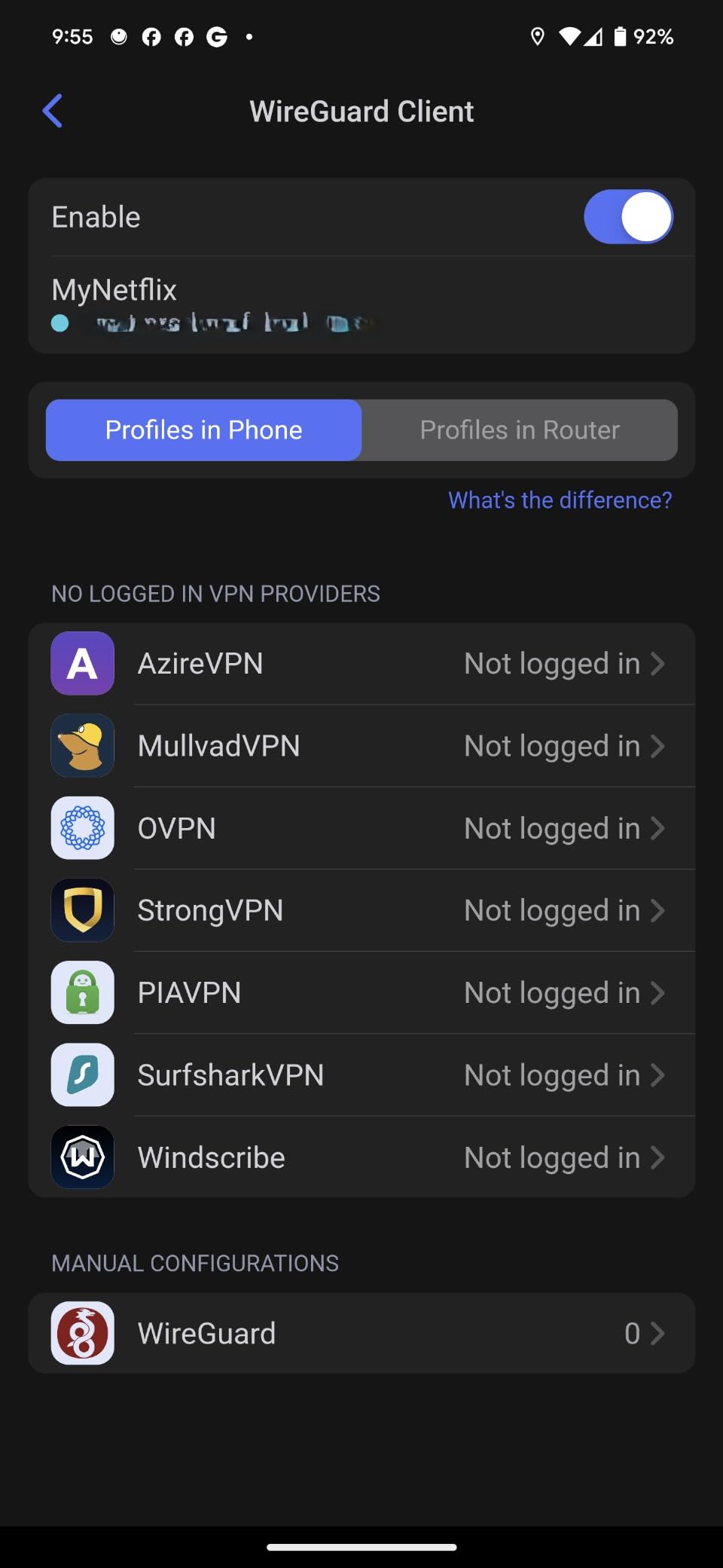
Two 100 Mbps Ethernet ports give wired options on a footprint of 2.28 by 2.28 by 0.98 inches. Power comes from a laptop USB port, a power bank, or a separately purchased 5V/2A adapter, since none is bundled.
Repeater mode converts a public network into a private one, which is the intended use in an RV park with open Wi-Fi. Setup runs through a mobile app or a web admin panel.
Why it fits an RV
Nothing else weighs less. For a traveller who wants security over public Wi-Fi and nothing more, it is a complete solution that you can charge from the same battery pack as your phone.
The two-year warranty and the huge review base make it the least risky purchase in this list.
Where it falls short
2.4 GHz single-band is the main limit, and it is a hard one. Crowded campground Wi-Fi is exactly the environment where a 2.4 GHz-only radio struggles.
100 Mbps Ethernet ports, WPA2-only security and Wi-Fi 4 mean this is a security and privacy tool, not a performance tool.
Choosing and Mounting an External Antenna on Your RV
An RV blocks cellular and Wi-Fi signals the way a metal box blocks heat. Fiberglass b-roll, aluminium framing, insulation and tinted glass all sit between your router and the nearest tower, which is why an internal antenna on the dash can read no signal while a phone held outside the door reads full bars.
Start with an omni-directional antenna. A directional panel or yagi only makes sense when you know the tower is in one direction and you never move. For a rig that travels, omni-directional is the only sensible default, and rooftop mounting beats window mounting for the same antenna because glass and framing still cost you signal.
Cable length matters as much as the antenna. RG58 is thinner and cheaper, but a long RG58 run at cellular frequencies loses more signal than a thin-looking LMR or equivalent. Keep the run short, use quality coax, and mount the antenna as close to the roofline as you can with a clear view in every direction.
Two details people miss: mount the antenna where it is not shadowed by an A/C unit or a roof vent, and do not run the coax parallel to power wiring for long stretches. If your router has two antenna ports, splitting to a dual MIMO antenna at the roof is a bigger gain than upgrading the router generation.
Powering a Router on 12V Without Draining Your Battery Bank
Most travel routers in this list run on USB-C or a barrel jack at 5V, which means a 12V DC-DC converter between your house battery and the router. Check the router’s input current before buying one, since an under-rated converter causes the reboots people mistake for firmware bugs.
Wire the converter to the house bank rather than the starter battery if you want the router alive with the engine off for days. An inline fuse on the positive lead is not optional on a metal vehicle.
Measure before you commit. A travel router’s continuous draw is small enough that most house banks absorb it easily on their own. Running a satellite dish and a cellular router together from the same bank needs far more headroom, because the dish is the larger load.
For orientation on how the rest of a rig’s systems share a battery bank, our guide to the best RV water pumps covers the same sizing logic for a very different load.
How to Improve RV Park and Campground Wi-Fi
Start with position. Walk the site with your phone’s Wi-Fi analyser and find where the access point signal peaks, then park as close to that point as the layout allows. Site placement often matters more than the hardware you carry.
Second, use repeater or Wi-Fi-as-WAN mode rather than joining the network directly. Your devices connect to your own encrypted SSID and your router handles the park credentials once. The TP-Link Tether app and the ASUS app both offer one-step captive portal login, which saves you re-authenticating after every power cycle.
Third, know when the park network will not work. Client isolation, which many modern campground networks enable, stops a repeater from rebroadcasting the connection, and no router setting fixes it. If your devices cannot reach the internet through the repeater but the phone connects directly, that is the cause.
Fourth, isolate guests. Put neighbouring devices on a guest network or a separate VLAN so they cannot reach your laptop or smart TV. r/RVLiving owners describe pairing a travel router with a tethered phone or a park hotspot specifically to build a secured local network, and that pattern works for any of the multi-mode units above.
Starlink, 5G or Campground Wi-Fi: Which Connection Wins
There is no single winner, because the three fail in different ways. Starlink gives consistent low-latency broadband where you can see the sky, and it is the consensus favourite on RV forums for full-time use. Cellular is the best backup in tree cover, mountain shadow and anywhere a dish cannot get a clean view. Park Wi-Fi is free, unpredictable, and occasionally the only thing available at a primitive site.
The practical answer is to combine them. Put the satellite dish on the router WAN port, keep a cellular gateway or a tethered phone as the secondary WAN, and configure automatic failover so the switch happens without your laptop noticing. Both the Beryl AX and the Cudy LT500 handle more than one WAN source, which is the single most useful feature in this roundup.
One caution on Starlink pairing: a satellite uplink does not need a faster port, but it does need a router that can run DHCP and NAT cleanly. If your dish adapter supports 2.5G, take it.
For the fixed side of a rig, our RV awning guide covers a different always-on comfort system, but the planning logic is identical: decide what you need before the trip, not at the site.
What to Look for in a Router Before You Buy
WAN port speed and count. Decide first whether you are pairing a satellite dish, a park ethernet jack, or nothing. If anything, look for 2.5G. Four 100 Mbps ports beat one fast port when you are wiring a rig.
Multiple WAN sources. Multi-WAN with automatic failover is the feature that turns a travel router into RV equipment. A single-connection router will drop every time your source changes.
Power. USB-C with PD support gives you power bank options, which matters when the nearest outlet is in the kitchen. Check the input current against your converter.
VPN support. On an open park network, a VPN client running on the router protects every device behind it, including a smart TV that cannot run VPN software itself. Pair it with one of the home routers we recommend for streaming if you want the same protection indoors.
Device capacity. Sixty devices is comfortable for two people; a hundred is comfortable for a full household with cameras and watches. Judge by how many you actually run.
Firmware. OpenWrt gives you a package library and long-term flexibility but needs some Linux comfort. A closed interface is easier and less exposed to the bad update that bricks a device. Both are legitimate choices, and only one of them is right for you.
Antenna support. Any router you keep past the first season will end up with an external antenna. Prefer connector-based antennas over permanently attached ones.
Frequently Asked Questions
What is the best portable WiFi for traveling?
For most RVers the best portable option is a travel router that adds a second WAN and a VPN rather than a hotspot alone. The GL.iNet Beryl AX is our pick because its 2.5G WAN port can take a satellite dish or a park ethernet connection, it runs OpenWrt for customisation, and it powers from USB-C. If you only need cellular with no contract, the TravlFi JourneyGo LTE is the simpler choice.
What is the best travel router?
The best travel router depends on the standard and the ports. For Wi-Fi 7 in a small body, the TP-Link Roam 7 BE3600 covers up to 90 devices with a 2.5G WAN. For customisation at a lower tier, the GL.iNet Opal GL-SFT1200 runs OpenWrt with three gigabit ports. For the lightest possible option, the GL.iNet Mango is 39g and fits in a pocket.
Can I use campground Wi-Fi with an RV router?
Yes. Put the travel router in repeater or Wi-Fi-as-WAN mode, authenticate once to the campground captive portal, and your devices connect to your own private SSID instead. The TP-Link Tether app and the ASUS Router app both offer one-step portal login. If nothing works through the repeater while a phone connects fine, the park has client isolation enabled and no router setting will fix it.
Is Starlink better than 5G for RV internet?
Starlink is better wherever you have a clear view of the sky, and RV forum consensus treats it as the leading satellite option. Cellular wins in tree cover, mountain shadow and anywhere a dish cannot get a clean view. Most full-time RVers run both, with the satellite dish on the router WAN port and cellular as automatic failover.
Should an RV router run a VPN?
Yes, especially on open campground networks where other guests share the same password and can see connected devices. Every router in this roundup except the Cudy LT500 at a basic level runs OpenVPN or WireGuard as a client, which protects smart TVs and other devices that cannot run VPN software themselves.
Do I need dual SIM in an RV router?
You need dual carrier capability if you travel through areas where one network drops out, and SIM slots are the simplest way to get it. The Cudy LT500 has a nano SIM slot with automatic WAN failover to cellular, and the TravlFi units switch between multiple carrier networks using an eSIM with no physical card at all.
Final Verdict
The best routers for RV parks are the ones that treat internet as something with more than one source. Our choice for most rigs is the GL.iNet Beryl AX GL-MT3000, at a 4.5 rating across 5,347 reviews, because a 2.5G WAN port and OpenWrt cover both a satellite-plus-cellular setup and a park Wi-Fi setup without new hardware.
Pick the Winegard Connect 2.0 if antenna height above the metal is your priority, the Cudy LT500 if you want four wired ports and cellular failover in one box, and the TP-Link Roam 6 AX3000 if Starlink is in your plan. Whatever you choose, test it at a new site before you rely on it, and pair it with the external antenna you will wish you had installed in week one.