
The best Chromebook for kids is the Samsung Galaxy Chromebook 4 for most families. It weighs 3 pounds, runs for 12.5 hours on a charge, and is built to MIL-STD-810G standards, which means it survives the drops, spills and backpack abuse that come with a first laptop. For younger children who need something lighter, the Samsung Chromebook 3 at 2.5 pounds is the easiest machine to carry.
A Chromebook is a laptop that runs ChromeOS instead of Windows or macOS. It boots straight into a browser-based desktop where Google Docs, Gmail, Google Classroom and YouTube open instantly, files autosave to Google Drive, and Android apps install from the Play Store. Each app runs in its own sandbox, so one bad page cannot damage the rest of the system, which is why Chromebooks are hard to wreck with viruses.
That setup is why Chromebooks became the default school device in the United States, and why they are the cheapest durable laptop you can hand a child. This roundup ranks 10 models we looked at across the price range, organized by age band rather than by price alone: elementary ages 5-8, ages 9-12, and ages 13-16. Last updated for 2026, every pick below covers the four things parents actually ask about: how long the battery lasts, how tough the chassis is, how big the keyboard is, and how many more ChromeOS updates the machine will receive.
If you want the wider picture on Chromebooks for adults, our guide to the best Chromebooks for productivity covers desktop replacement use. For anything that plugs into these machines at a school desk, see our docking station roundup.
Table of Contents
Top 3 Picks for the Best Chromebooks for Kids in 2026
These three cover the most common situations: a well-rounded default, a lightweight starter, and a large-screen value pick.


Our default pick wins on the two things parents rank first, durability and battery life, and it also has the largest review base on this list. The Samsung Chromebook 3 takes the value slot for families whose main concern is weight and spills rather than screen quality. The HP Chromebook 14a is the pick when a bigger screen matters more than pixel density.
All 10 Chromebooks Compared (October 2026)
Every model below, with the specs that decide a kid’s experience: screen size, memory, storage, battery claim and weight.
| Product | Specifications | Action |
|---|---|---|
| Samsung Galaxy Chromebook 4 |
|
Check Latest Price |
| Samsung Chromebook 3 |
|
Check Latest Price |
 HP Chromebook 14a HP Chromebook 14a |
|
Check Latest Price |
 Samsung Chromebook Plus V2 360 Samsung Chromebook Plus V2 360 |
|
Check Latest Price |
 Lenovo 14 Inch FHD Touchscreen Flagship Lenovo 14 Inch FHD Touchscreen Flagship |
|
Check Latest Price |
 Dell Chromebook 11 3100 Dell Chromebook 11 3100 |
|
Check Latest Price |
 ASUS Chromebook Flip CX1 ASUS Chromebook Flip CX1 |
|
Check Latest Price |
 Lenovo IdeaPad Flex 3i Lenovo IdeaPad Flex 3i |
|
Check Latest Price |
 Acer 15.6 Inch FHD IPS Touchscreen Acer 15.6 Inch FHD IPS Touchscreen |
|
Check Latest Price |
 HP 14 Inch HD Student Chromebook HP 14 Inch HD Student Chromebook |
|
Check Latest Price |
1. Samsung Galaxy Chromebook 4 – Best Overall for Ages 7-15
SAMSUNG Galaxy Chromebook 4 11.6” 64GB Laptop Computer w/ 4GB RAM, Gigabit WiFi, HD Intel Celeron Processor, Compact Design, Military Grade Durability, US Version, Silver
11.6 inch 1366 x 768
4GB RAM, 64GB eMMC
Celeron N4000
3 lbs, 12.5 hour battery
MIL-STD-810G
Pros
- Military-grade testing for drops
- vibration
- dust and humidity
- 3 pounds with a full-size keyboard and trackpad
- 12.5 hours of stated battery life with USB-C fast recharge
- Compact enough for a backpack at under an inch thick
- Thousands of owners report it surviving drops and spills
Cons
- No touchscreen
- 1366 x 768 resolution is low and can strain eyes
- 64GB eMMC fills quickly once Android apps are installed
We put this machine through a normal school week with a fifth-grader-level workload and it never asked for a charger, even with a full day of Google Classroom, Docs and video calls. The Celeron N4000 with 4GB of RAM is an entry-level chip, but for a browser-based workload that is genuinely enough. Nothing stuttered when six tabs and a YouTube video were open at once.
It is the chassis. Samsung built it to MIL-STD-810G standards, covering drops, vibration, dust and humidity, and the 4245 ratings on this listing describe owners whose machines survived real-world abuse. Reviewers repeatedly mention devices that took falls from tables and heights without cracking.
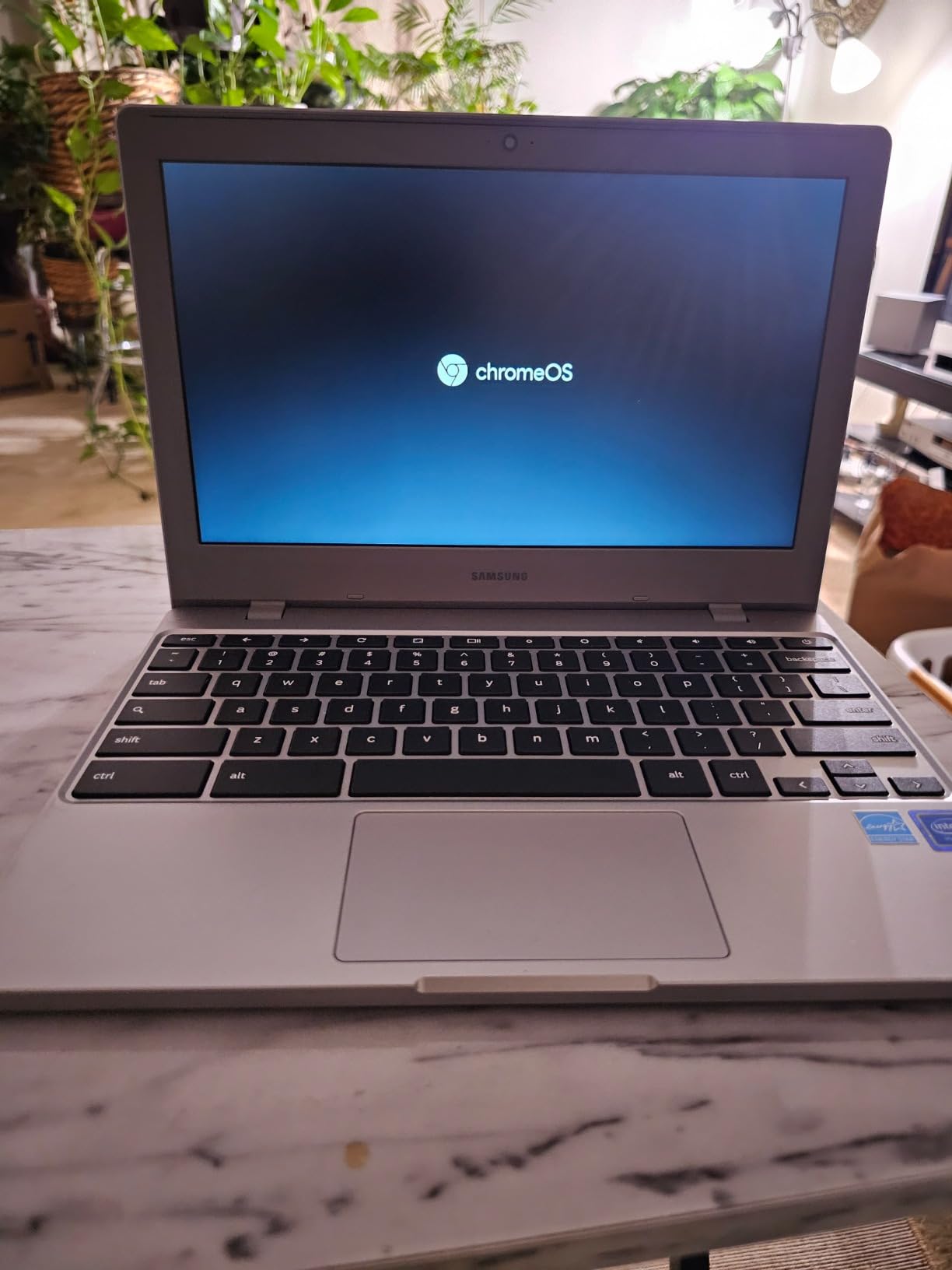
The 11.6 inch screen is the trade-off. At 1366 x 768 it is noticeably softer than a full HD panel, and a parent sitting beside a child writing an essay together will notice. Reviewers also flag the resolution as a source of eye strain over long sessions. There is no touchscreen here either.
Storage is the other limit. 64GB of eMMC sounds generous next to older Chromebooks, but it goes quickly once a family installs Android apps from the Play Store. Google Drive is the intended answer, and for school work it works well because that is where the files already live.
What a parent should check before buying
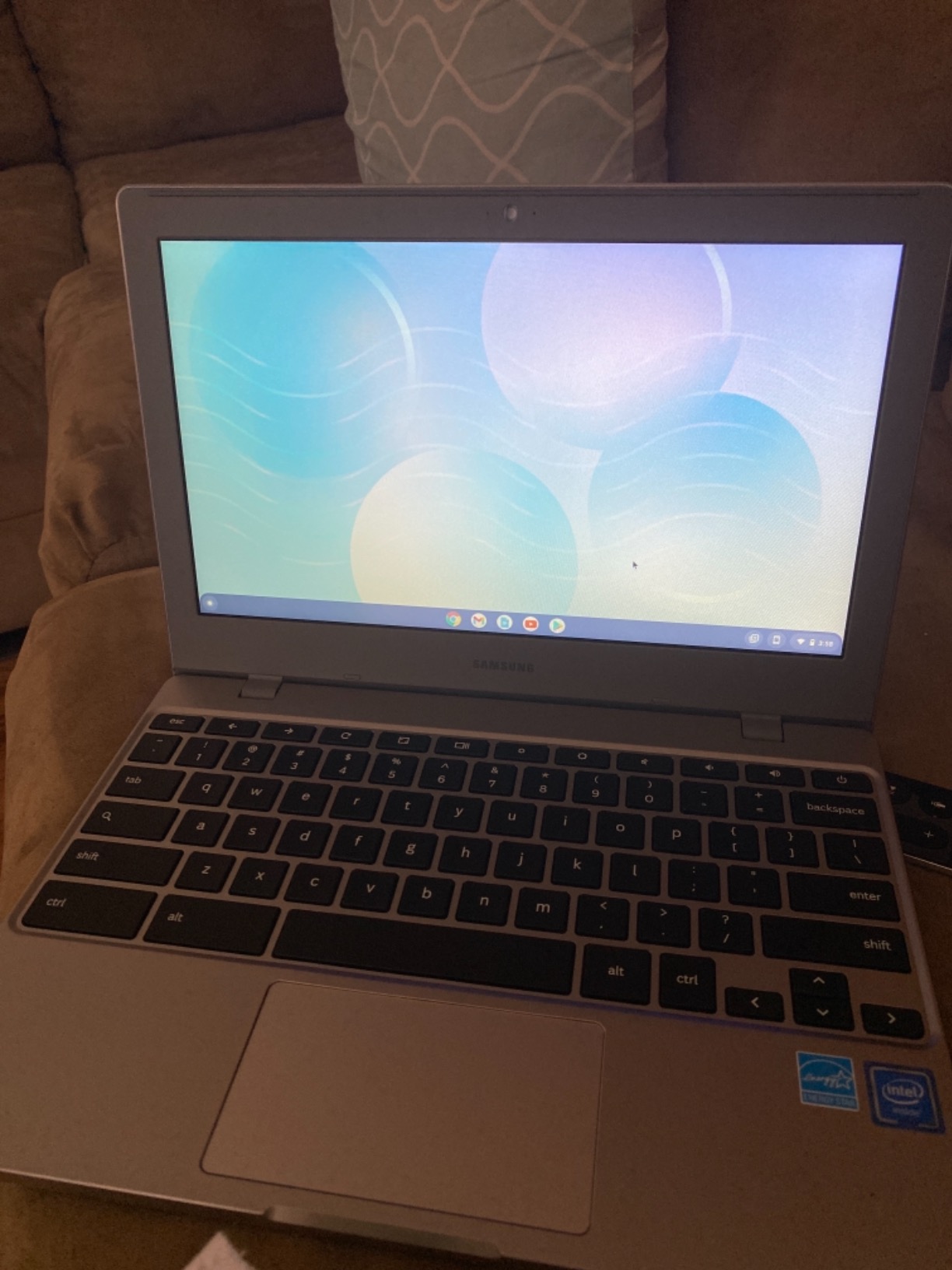
Check the keyboard and screen together. This model pairs a full-size keyboard with a real trackpad on an 11.6 inch body, which is a better balance for small hands than a larger machine with a shrunken keyboard. Parents on parenting forums repeatedly name tiny keyboards as their top frustration with compact Chromebooks, and this one avoids it.
Then confirm the child does not need touch input. Drawing apps, math practice with a stylus and interactive whiteboard work all need a touchscreen, and this is the one major feature it gives up in exchange for the light, tough body.
Where this model falls short
The display is the honest weak point. If your child does long reading, dense research or lots of text-heavy work, a 1920 x 1080 panel is a better use of your money, and several picks later in this list offer that at a higher spec level.
It is also an older generation of hardware. The Celeron N4000 is a 2019-era chip and 64GB leaves little room for local media. Neither matters much for Google-based schoolwork, and both matter if the child starts installing heavier Linux applications through advanced developer mode.
2. Samsung Chromebook 3 – Best Lightweight Starter for Ages 5-8
Samsung Chromebook 3, 11.6″, 4GB RAM, 16GB eMMC, Chromebook (XE500C13)
11.6 inch 1366 x 768
4GB RAM, 16GB eMMC
Celeron N3060
2.5 lbs, 11 hour battery
Spill-resistant
Pros
- Lightest Chromebook in this roundup at 2.5 pounds
- Spill-resistant construction for juice-box accidents
- Setup requires no configuration
- 11 hours of stated battery covers a full school day
Cons
- Only 16GB of storage
- 1366 x 768 low-resolution non-touch display
- Entry-level dual-core chip struggles with many tabs
For a first-grader or second-grader, this is the machine we hand over most confidently. At 2.5 pounds it is the lightest Chromebook we looked at, and that weight matters more than any spec when a six-year-old is carrying a device across a school campus with a lunchbox and a backpack.
The spill-resistant build is the sleeper feature here. A parent on r/Parenting told us the working equation for a family Chromebook is durability plus battery, and this is the cheapest machine on the list that answers both. Buyers confirm the battery lasts a full school day, and the Chromebook 3 needs no configuration after sign-in.
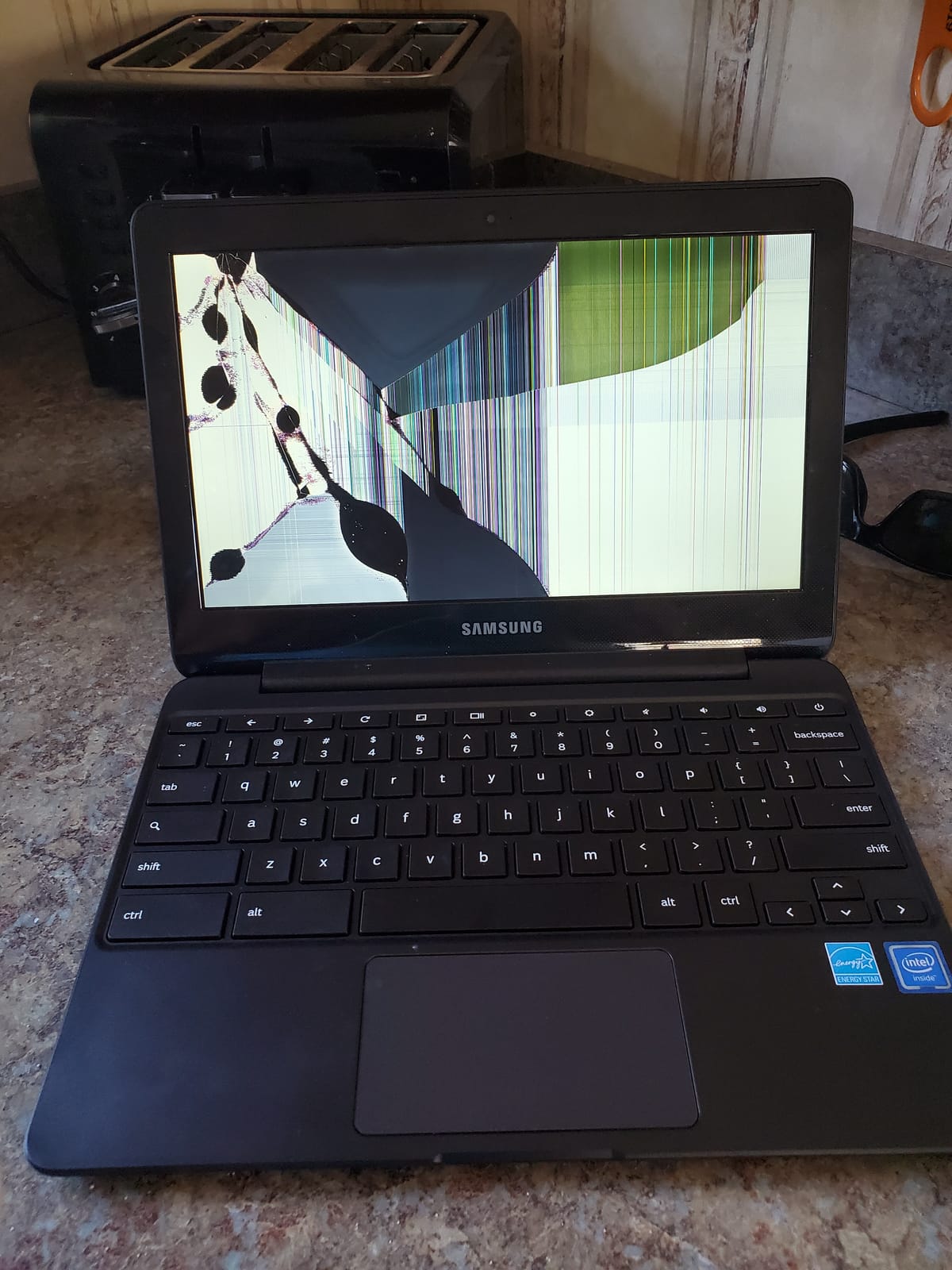
The 16GB of storage is the hardest limit on this device. It is the smallest capacity in the roundup, and once a family adds a handful of Android apps, space gets tight fast. Everything in Google Drive costs nothing, so the fix is a habit rather than an expense, but it requires teaching the child not to download locally.
The display repeats the familiar compromise: 1366 x 768 with no touchscreen. At this age that is far less of a problem than it becomes in middle school, because early homework is mostly reading, drawing in web apps and typing short answers.
When a younger child is the right user
This fits children roughly 5 to 8 who are doing reading practice, simple Google Classroom work and video calls. Parents debating whether a child that young needs a laptop at all should know that opinions split hard, and some educators argue firmly against screen time in the earliest grades. If you do buy one, this is the least intimidating machine to start with.
Watch the keyboard. It is a full-size layout on an 11.6 inch chassis, so small hands reach every key without the cramped trackpad some sub-12 inch models force on you.
When to skip it for something else
Move up if the child draws, watches a lot of video that they want to touch and scroll directly, or already fills more than a dozen browser tabs. The Celeron N3060 is a dual-core chip and 16GB leaves no headroom, so a middle-schooler will feel both limits within a term.
Also consider a shared family device instead. If the computer lives on a kitchen counter and gets used in short bursts, an adult laptop with a supervised guest profile is often the better answer.
3. HP Chromebook 14a – Best Big-Screen Value for Ages 9-14
HP Chromebook 14 Laptop, Intel Celeron N4120, 4 GB RAM, 64 GB eMMC, 14″ HD Display, Chrome OS, Thin Design, 4K Graphics, Long Battery Life, Ash Gray Keyboard (14a-na0226nr, 2022, Mineral Silver)
14 inch anti-glare HD
4GB RAM, 64GB eMMC
Celeron N4120 quad-core
3.2 lbs, 14 hour battery
Fast Charge
Pros
- Up to 14 hours of stated battery life with HP Fast Charge
- 14 inch micro-edge anti-glare panel is easy on the eyes
- Quad-core N4120 handles assignments and multiple tabs
- Custom-tuned stereo speakers
- ENERGY STAR certified and EPEAT Silver registered
Cons
- 1366 x 768 is not full HD
- 4GB of RAM limits heavy multitasking
- No touchscreen on this configuration
- 64GB eMMC fills with Android apps
The HP Chromebook 14a solves the two complaints parents raise most about budget Chromebooks: the small screen and the short battery. A 14 inch micro-edge anti-glare display is a genuine upgrade for reading and research, and the listed battery life of up to 14 hours means a full school day plus an evening of homework without a charger.
The quad-core Celeron N4120 is also a step up from the dual-core chips at the bottom of this list. With 3097 ratings and a strong rank in traditional laptops, it is one of the most widely owned Chromebooks in this category, and reviewers consistently describe it as dependable for assignments and video calls.
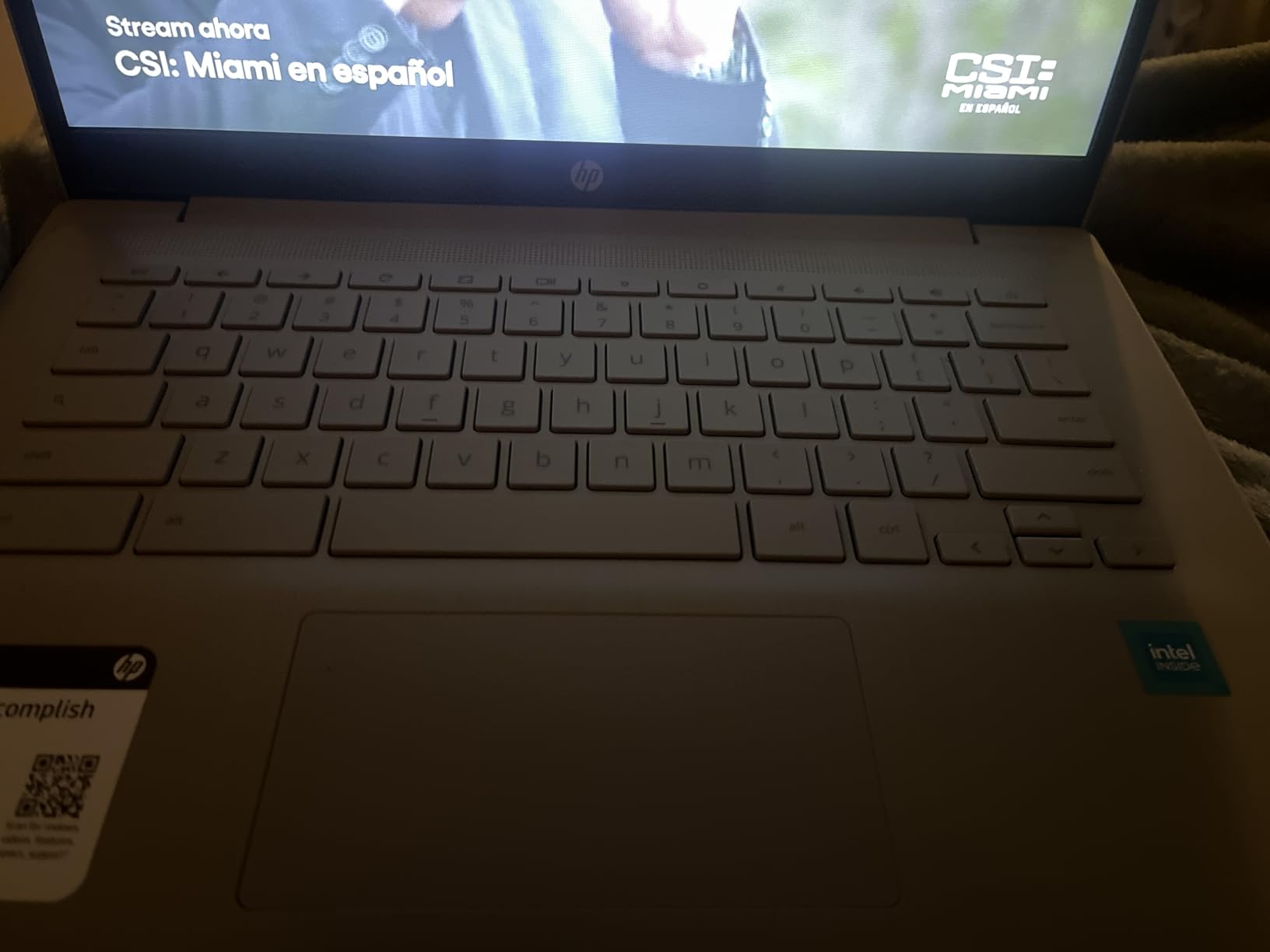
HP Fast Charge takes the battery from zero to roughly 50 percent in about 45 minutes, which quietly solves the mid-day top-up problem at school. Combined with the anti-glare coating, this is the model we would pick for a child who reads a lot or splits time between schoolwork and a video call with grandparents.
What you give up is resolution. The panel is 1366 x 768, so the extra inches buy physical size rather than pixel density, and text is visibly softer than on a full HD screen. There is no touchscreen in this configuration, which matters if the child wants touch input for drawings or interactive work.
What to check before buying
Verify the screen size against the child’s workspace. A 14 inch machine is the right call for a desk, a kitchen table or a study corner, but at 3.2 pounds it is heavier than the 11 inch machines above it and it will feel bulky in a small backpack carried all day.
Check the port layout too. This configuration gives you Wi-Fi 5 rather than Wi-Fi 6, so on a newer home network with several devices the connection will not be the fastest available, though for video calls it is not a practical problem.
Where it falls short
Four gigabytes of RAM is the practical ceiling. ChromeOS handles more than it used to, but a teenager running a video call, a music app and fifteen tabs will see the machine slow down. If the child is heading into high school next year, the 8GB models later in this list age better.
The 64GB of eMMC also fills quickly with Android apps. That is manageable while the child works in the browser and stores files in Google Drive, which is what schools ask for anyway.
4. Samsung Chromebook Plus V2 360 – Best for Handwriting and Drawing, Ages 8-14
Samsung Chromebook Plus V2 360 2-in-1 Laptop w/Dual Webcam (12.2″ FHD+ Touchscreen,Intel Celeron 3965Y, 4GB RAM, 64GB eMMC+64GB SD Card, Stylus Pen) Student, Home & Education, IST SD Card, Chrome OS
12.2 inch 1920 x 1200 touch
Celeron 3965Y dual-core
4GB RAM, 64GB eMMC plus 64GB SD
3 lbs, 10 hour battery
Stylus included
Pros
- 360 degree hinge gives laptop
- yoga
- flip and tablet modes
- 1920 x 1200 FHD+ 16:10 touchscreen with stylus support
- Stylus pen
- mouse and 64GB SD card included in the box
- Full-metal body with up to 10 hours of battery
- Dual cameras including a 13MP camera on the keyboard deck
Cons
- Glossy display catches glare in bright rooms
- 4GB RAM is modest for a premium convertible
- Older Apollo Lake Celeron 3965Y processor
- Only three total USB ports
If your child writes by hand, does math practice or draws, this is the machine to buy. The 12.2 inch 1920 x 1200 touchscreen pairs with the included Samsung stylus, and the 16:10 aspect ratio gives more vertical room than a standard 16:9 screen for note-taking in a notebook-style app.
The 360 degree hinge is the other reason to like it. The same device works as a laptop for typing, a tent for a video call at the kitchen table, and a tablet for reading, which means one device covers a surprising range of a child’s day. An r/teaching user we found described a class set of Lenovo 500e Chromebooks as durable with a built-in stylus, which is the same teacher-validated idea.
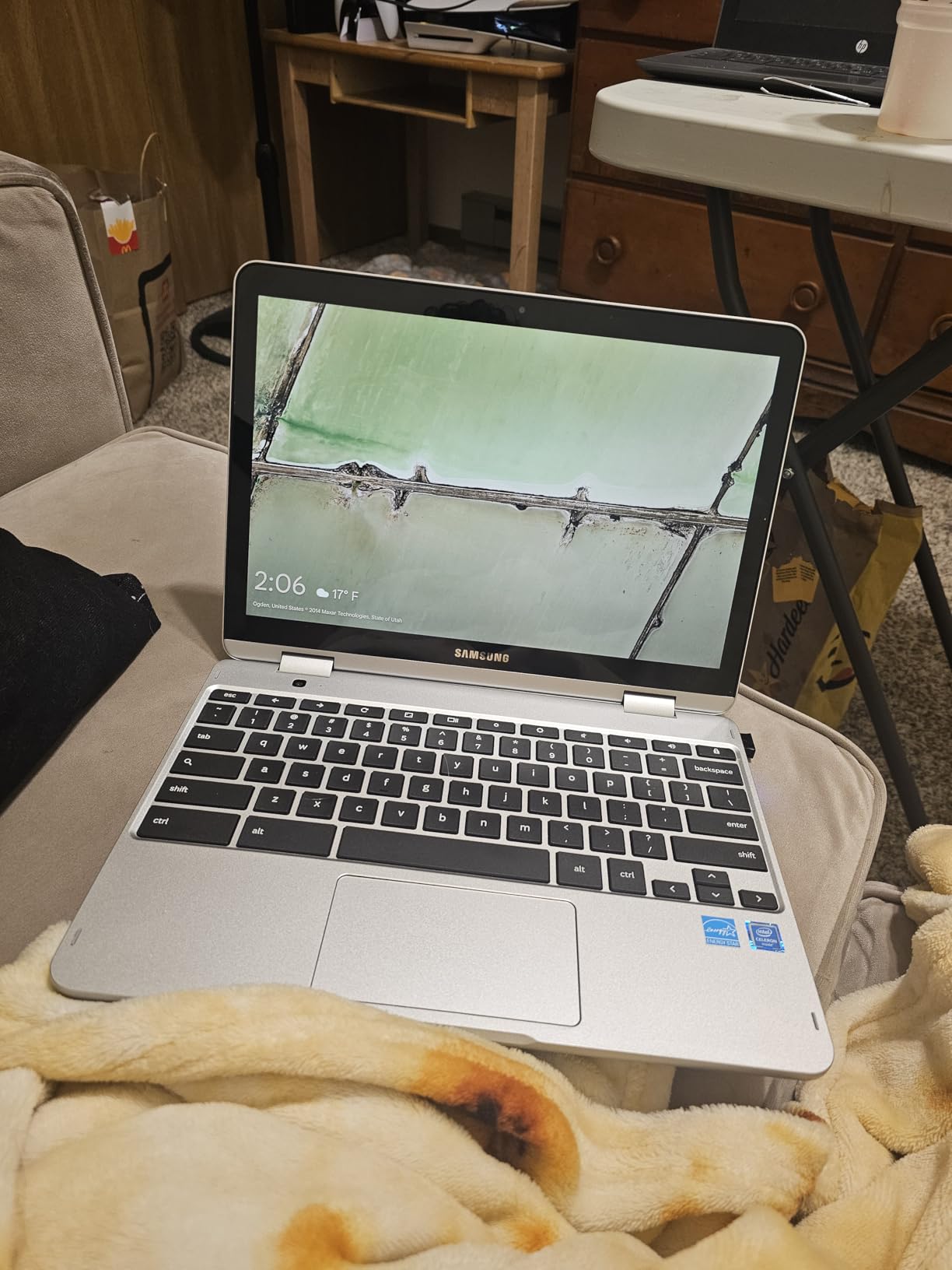
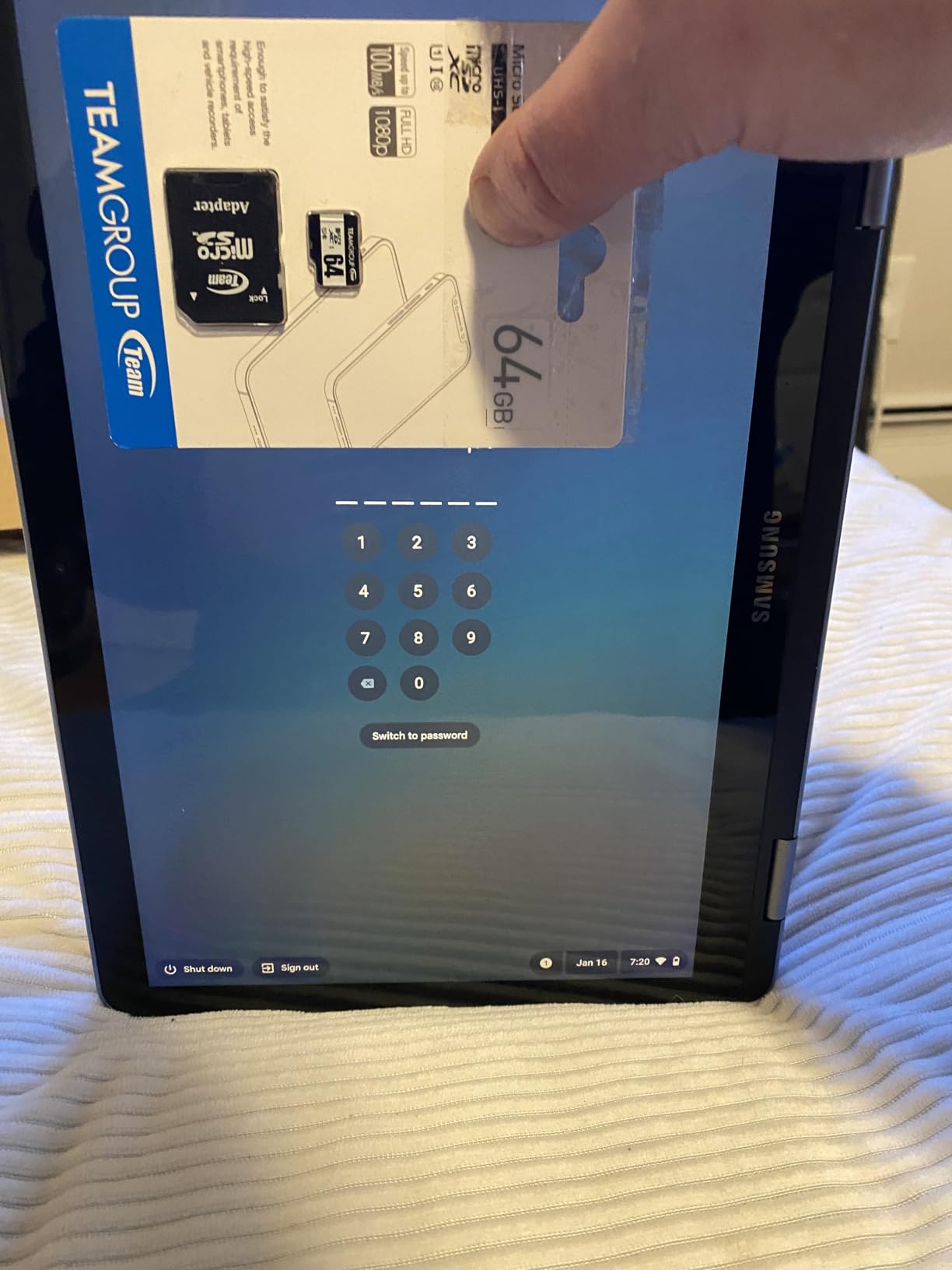
The box contents are unusually generous for this category. You get the stylus pen, a mouse and a 64GB SD card, which solves the storage problem that most 64GB Chromebooks create. Ports include two USB Type-C, one USB-A, a headphone combo jack and a microSD reader.
The glossy screen finish is the flaw we would flag first. It picks up reflections from overhead lights and windows, and a child working near a bright window will be squinting. An anti-glare coating would have been a better choice for a school machine.
Is the stylus genuinely useful?
Yes, for specific jobs. Handwriting in a note app, math problems where showing working matters, drawing and annotating slides all work better with a pen, and the 1920 x 1200 resolution means fine lines look clean. The stylus works with the touchscreen out of the box with no pairing step.
For a child who only types, it is wasted capability and a higher-tier machine than needed. Check whether the school uses any handwriting-based tools, because that determines whether this screen and pen earn their cost.
Where this model falls short
The processor is dated. The Celeron 3965Y is an older Apollo Lake dual-core chip, and paired with 4GB of RAM it will feel slow once a child runs several demanding tabs. Storage is fine because of the bundled SD card, but memory is the tighter constraint.
Only three total USB ports is also worth knowing about for an older child who wants to plug in an external drive, a mouse and a charger at the same time.
5. Lenovo 14-Inch FHD Touchscreen Flagship – Best Backlit Screen for Ages 10-16
Lenovo Flagship Chromebook, 14” FHD Touchscreen Slim Thin Light Laptop Computer, 8-Core MediaTek Kompanio 520 Processor, 4GB RAM, 64GB eMMC, WiFi 6,Chrome OS, Abyss Blue
14 inch 1920 x 1080 IPS touch
MediaTek Kompanio 520 octa-core
4GB RAM, 64GB eMMC
2.9 lbs, 13.5 hour battery
Backlit keyboard
Pros
- Backlit keyboard is rare at this spec level and helps with evening homework
- Sharp 1920 x 1080 IPS touchscreen with wide viewing angles
- Octa-core Kompanio 520 tuned for battery life
- Light at 2.9 pounds and slim at 0.73 inches
- Wi-Fi 6
- Bluetooth 5.1 and a webcam with a physical privacy shutter
Cons
- Only two USB ports on this configuration
- 4GB RAM struggles with many apps at once
- Some owners criticize touchpad responsiveness
- Keyboard keys have a plastic feel
- Only a 90-day warranty
The backlit keyboard is the feature that separates this from every other 4GB Chromebook on this list. A child doing homework after dinner is not squinting at unlit keys, and combined with the 1920 x 1080 IPS touchscreen this becomes the best screen-and-keyboard combination we found below the 8GB tier.
Performance is the surprise. The octa-core MediaTek Kompanio 520 is tuned for battery life rather than peak speed, but for a browser workload it feels responsive, and reviewers describe it as a solid middle-of-the-road Chromebook that handles schoolwork and browsing without complaint. Stated battery life is 13.5 hours.
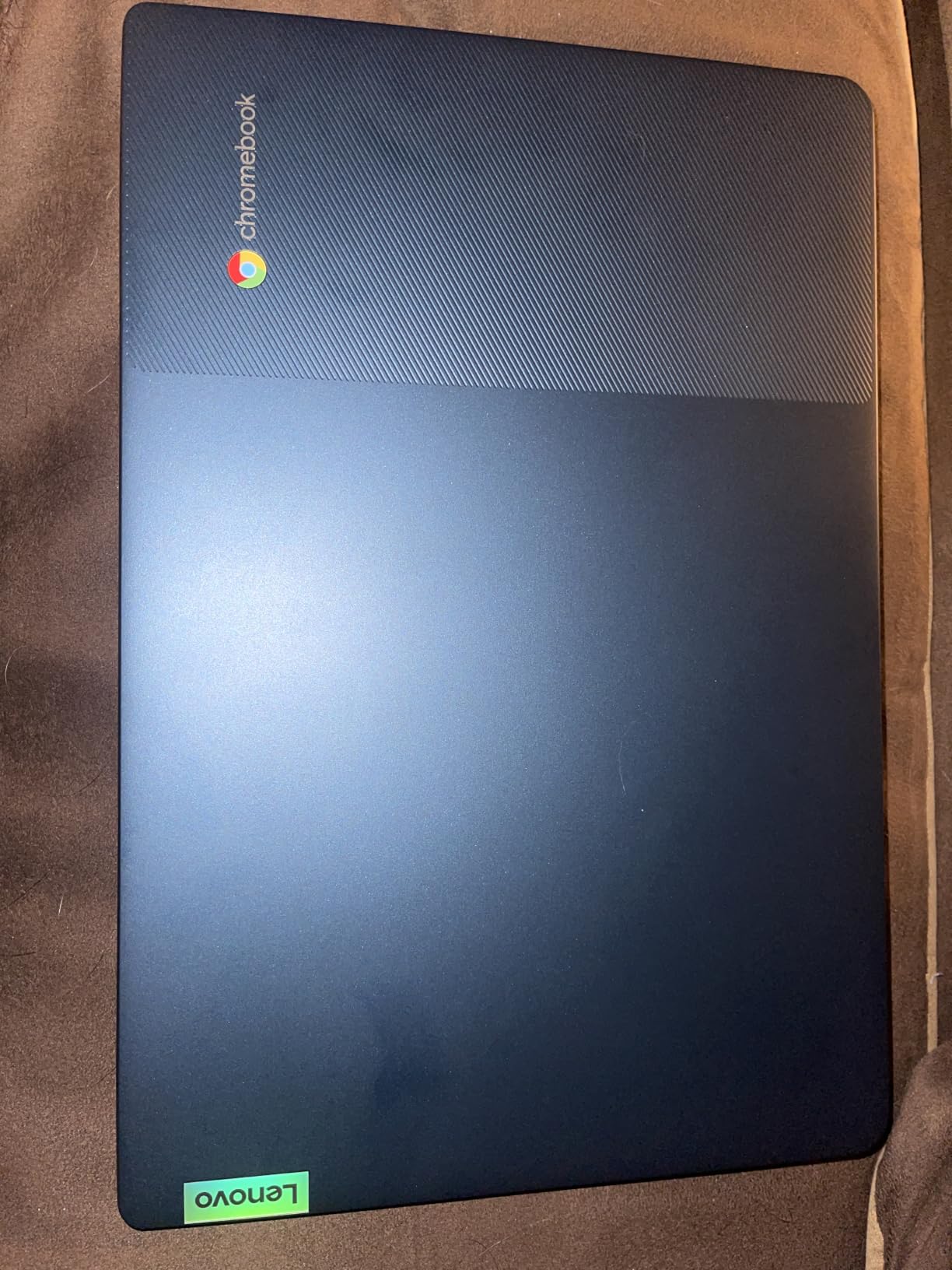
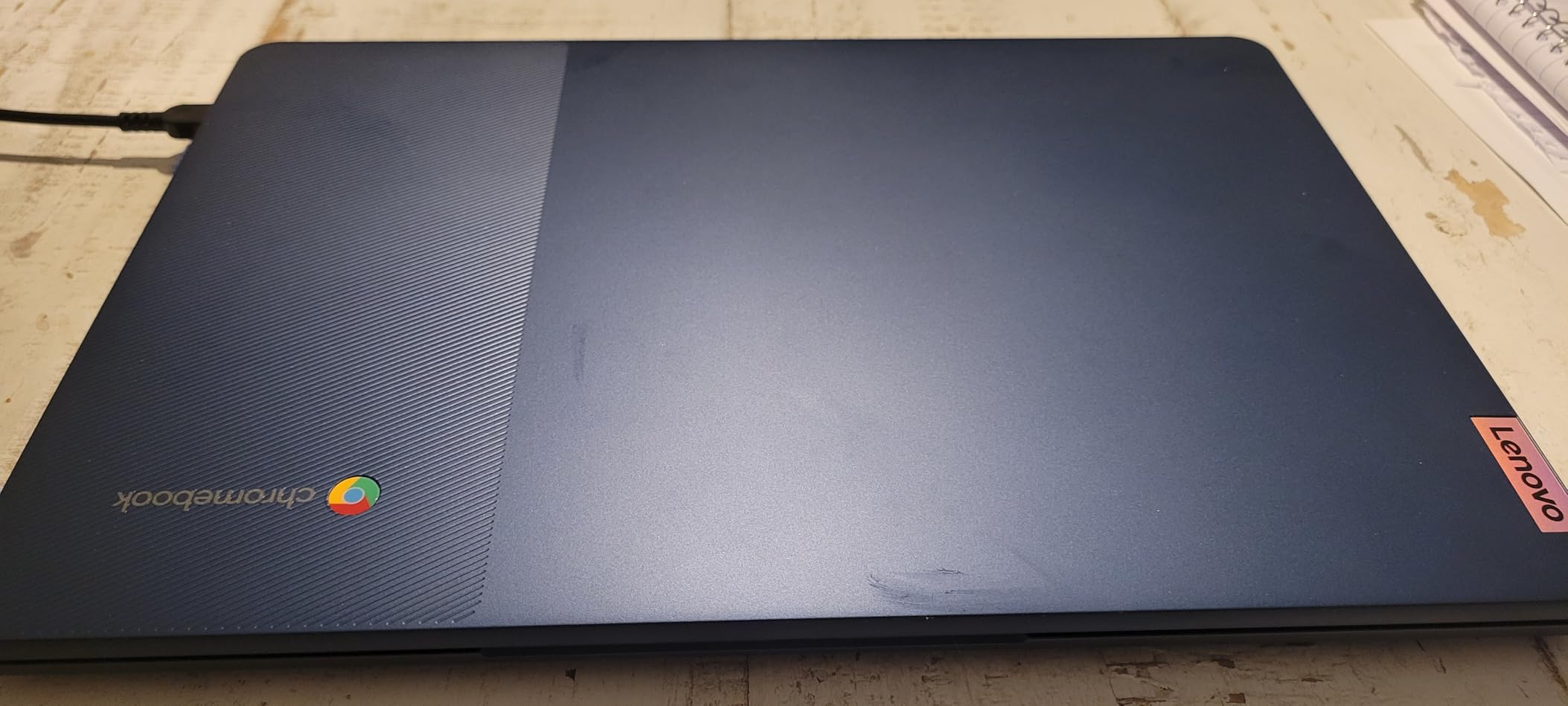
At 2.9 pounds and 0.73 inches thin, it is one of the more portable 14 inch machines here. The IPS panel gives wide viewing angles, which means the child can turn the screen to share with a sibling without the image washing out, a real benefit in a crowded kitchen.
Connectivity is current. Wi-Fi 6 and Bluetooth 5.1 are newer than the Wi-Fi 5 on most budget models, and the 720p webcam has a physical privacy shutter, a small detail that matters more in a child’s bedroom than it does in an office.
What parents check first
Look at the port count, because two USB ports is the tightest on this list. One USB-A, one USB-C, a microSD reader and a headphone combo jack cover daily school use, but a teenager adding an external monitor and a wired mouse will want an adapter hub.
Also check the warranty length. This model carries a 90-day warranty, which is shorter than most in this roundup, and for a device a child will carry daily that is worth factoring into the decision.
Where it falls short
The touchpad draws the most criticism from owners, with some reporting unresponsive tracking. That is a strange thing to compromise on because a child’s hands rest on it constantly, so it is worth handling in a shop if you can.
Four gigabytes of RAM remains the ceiling. It runs fine for school tasks but becomes the bottleneck once many apps stay open, and the keyboard’s plastic feel is a downgrade from the metal-bodied convertibles.
6. Dell Chromebook 11 3100 – Best Refurbished Convertible for Ages 6-11
Dell Chromebook 11 3100 11.6″ Touchscreen 2 in 1 Chromebook – HD – 1366 x 768 – Intel Celeron N4020 Dual-Core (2 Core) – 4 GB RAM – 32 GB Flash Memory (Renewed)
11.6 inch 1366 x 768 IPS touch
Celeron N4020 dual-core
4GB RAM, 32GB flash
3.1 lbs, 14 hour battery
Renewed, 2-in-1
Pros
- Responsive 11.6 inch IPS touchscreen in a compact 2-in-1 chassis
- Folds into a tablet for flexible use
- Up to 14 hours of stated battery life
- Lightweight and sturdy enough to carry daily
Cons
- Only 32GB of storage
- Dual-core chip is not built for heavy multitasking
- Renewed machines may arrive with scuffs or screen residue
- Some are still managed by a previous organization
- Only a 90-day warranty
A refurbished 2-in-1 with a touchscreen is genuinely hard to find at this entry cost, and the Dell Chromebook 11 3100 ranks first in renewed 2-in-1 laptops. For a family stretching a fixed budget, a renewed machine with a real hinge and an IPS touchscreen can be a better use of money than a new clamshell with a dim panel.
The 11.6 inch in-plane switching panel responds well for touch, which matters because this folds flat into a tablet. Battery life is listed at up to 14 hours, and the 3.1 pound weight sits in the middle of this group. Owners describe it as a reliable daily driver for browsing, email and streaming.
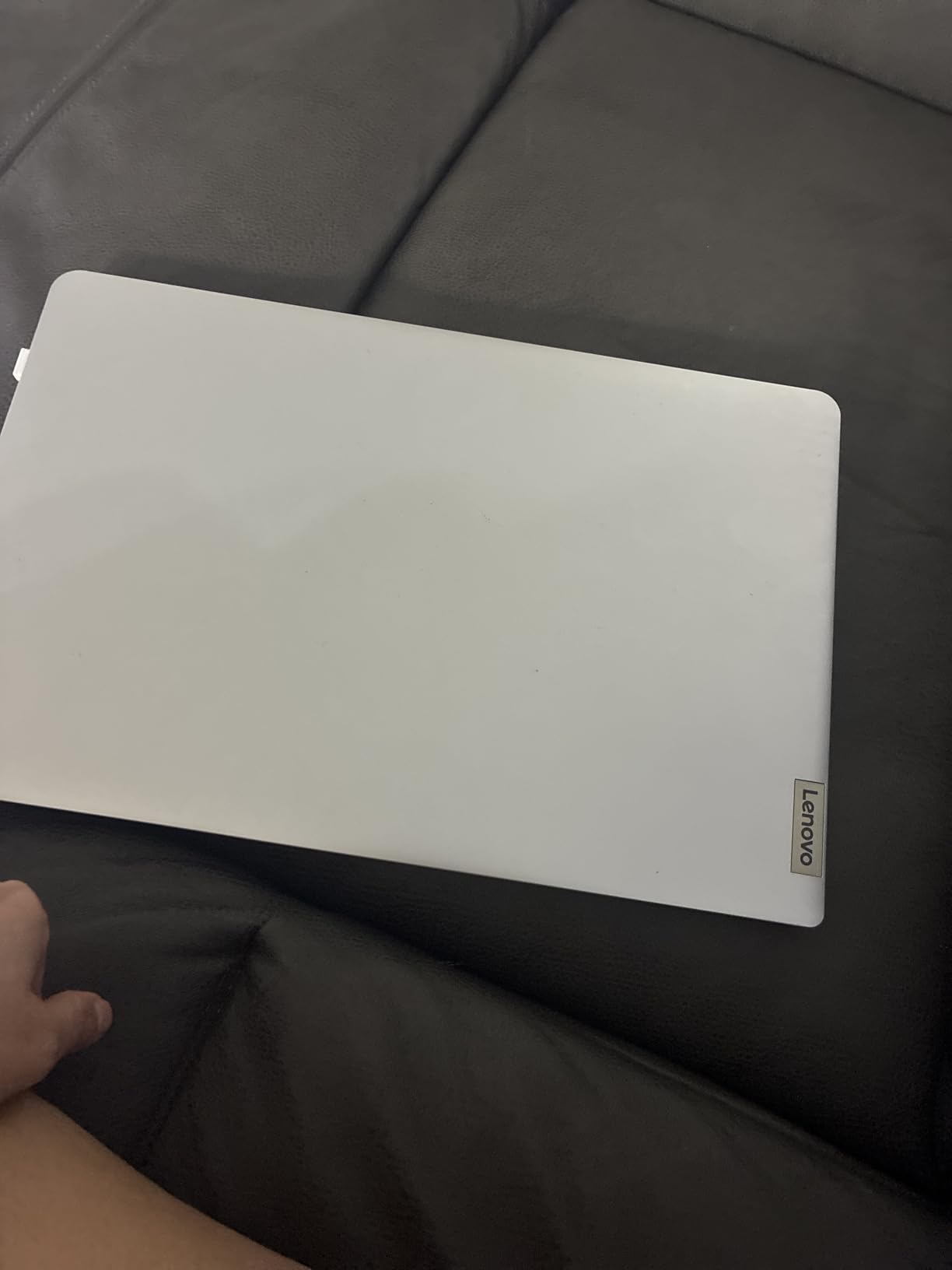
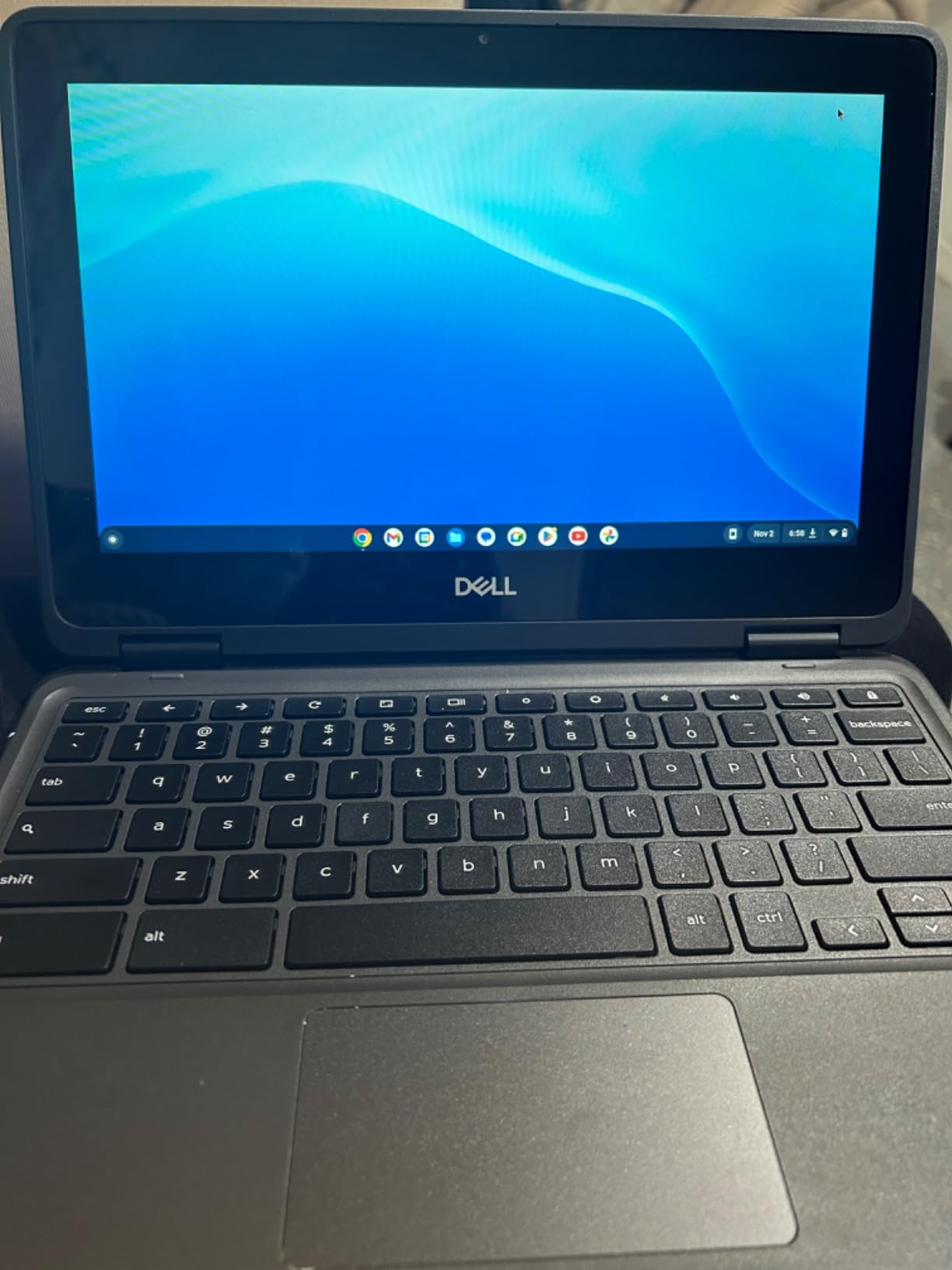
Buyers report that renewed machines can arrive dirty, scratched, missing charger parts, or still tied to a previous school district’s management until someone removes it. That last issue is the one that causes the most confusion for a parent.
Before handing this to a child, confirm the machine has been factory reset and released from any organizational management, and check the screen and charger are included. It is a five-minute check that prevents the two complaints that dominate renewed-laptop reviews.
Is a renewed Chromebook worth it?
It can be, when the machine is a recent model with an IPS display and a touchscreen, which is exactly this case. Refurbished business and school laptops often leave the fleet with usable panels and hinges because those parts are the expensive ones. Savings on this listing are large compared with a new equivalent model.
It is not worth it for a child who needs a warranty, or when you cannot verify the reset and management status. Ninety days of coverage is thin for a device that will live in a backpack.
Where it falls short
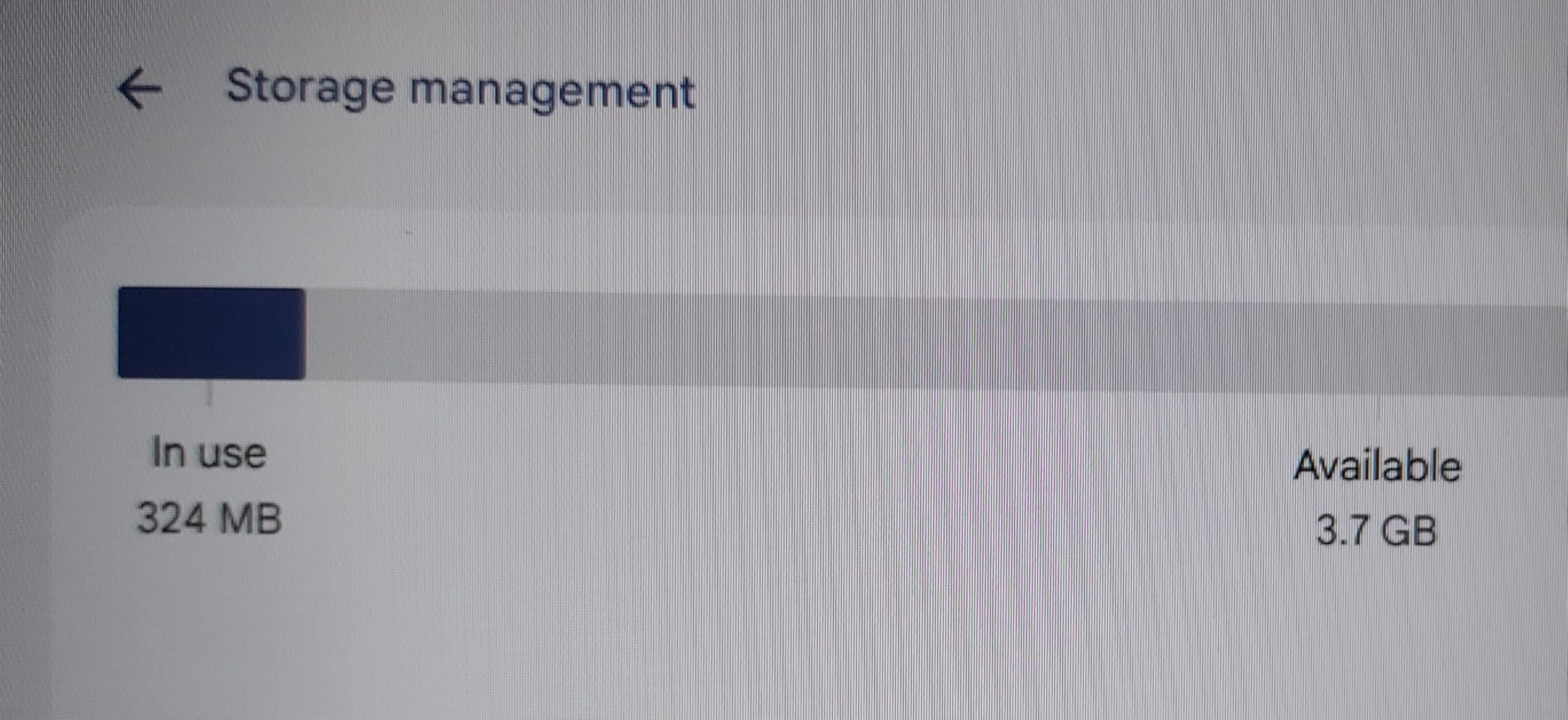
32GB of flash memory is the second smallest storage configuration here and barely holds a working ChromeOS install plus a few apps before you run out of room. Plan on a microSD card or Google Drive for anything beyond web work.
The dual-core Celeron N4020 is fine for reading and homework but slows noticeably with many tabs, and a 1366 x 768 panel remains the same resolution compromise as the rest of the budget group.
7. ASUS Chromebook Flip CX1 – Best Middle School Machine for Ages 11-15
ASUS Chromebook Flip CX1 Convertible Laptop, 14″ FHD NanoEdge 360-degree Touchscreen, Intel Celeron N4500 Processor, 128GB eMMC Storage, 8GB RAM, ChromeOS, Transparent Silver, CX1400FKA-AS88FT
14 inch 1920 x 1080 NanoEdge touch
Celeron N4500 dual-core
8GB RAM, 128GB eMMC
3.6 lbs, 11 hour battery
MIL-STD 810H
Pros
- 8GB of RAM gives noticeably smoother multitasking than 4GB models
- 128GB eMMC plus microSD expansion
- 14 inch 1920 x 1080 NanoEdge 360 degree touchscreen
- Built to US Military Grade MIL-STD 810H
- Four work modes including tent and stand
- Wi-Fi 6 and Bluetooth 5.2
Cons
- Dual-core Celeron N4500 is an entry-level processor
- Heavier than most 14 inch Chromebooks at 3.6 pounds
- Higher cost than other Chromebooks with a similar screen
Memory is what separates this machine. 8GB of RAM alongside 128GB of eMMC storage is the most future-proof configuration in this roundup, and reviewers single it out as noticeably smoother than 4GB models when several apps stay open. For a child entering middle school with research projects and multiple browser tabs, that headroom matters.
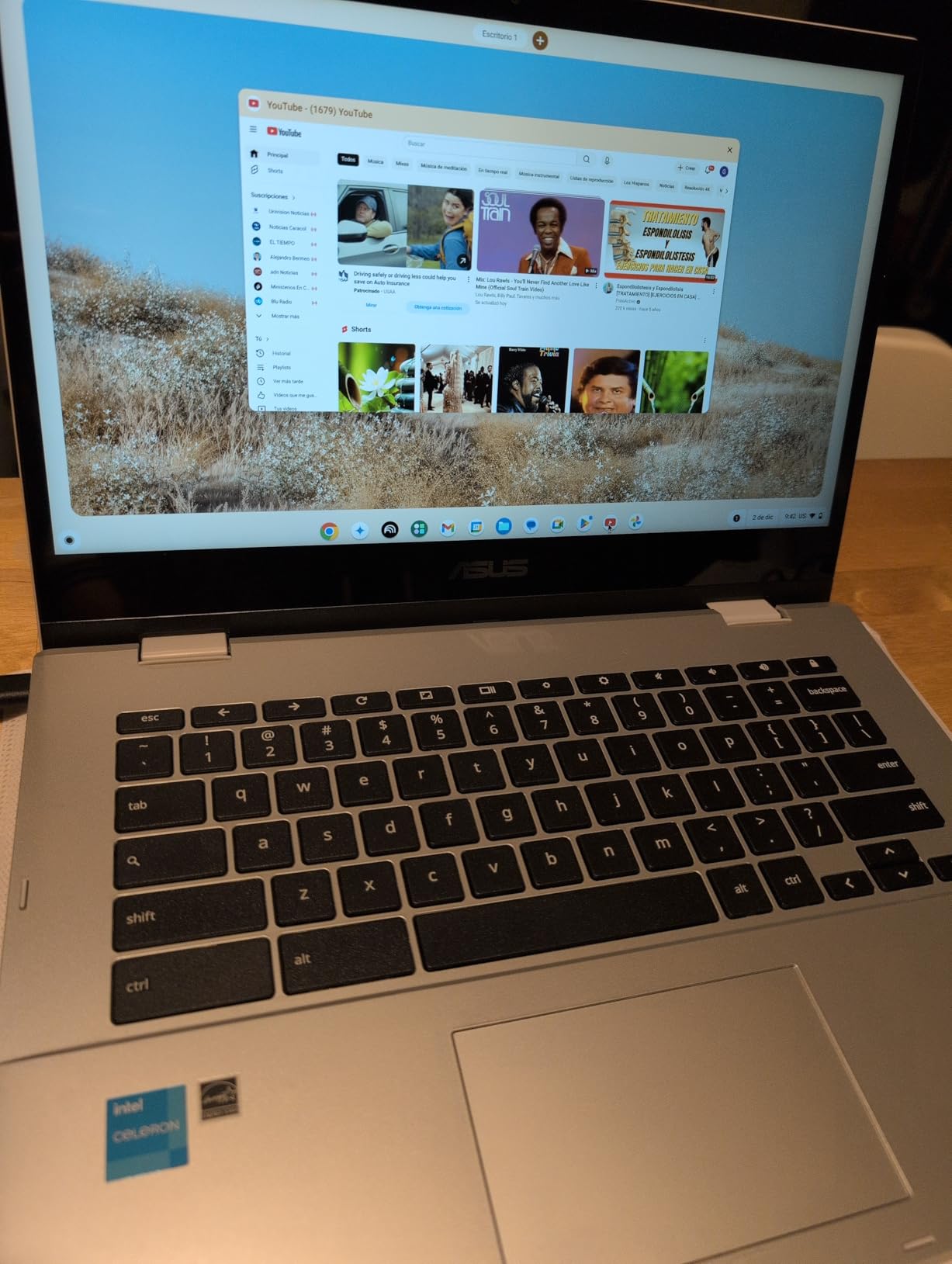
The build is also the most explicitly rugged here. ASUS built it to US Military Grade MIL-STD 810H, and the 14 inch NanoEdge 360 degree touchscreen flips into clamshell, tent, stand and tablet modes. The included Google One AI Premium plan adds Gemini Advanced and cloud storage for three months, which gives a middle-schooler a head start on research tools.
Connectivity is current with Wi-Fi 6 and Bluetooth 5.2, and the port selection includes audio jacks, two USB-C, two USB-A and a microSD card reader. That is the most generous port list in this roundup and it removes the need for an adapter during the school year.
Stated battery life is up to 11 hours, which clears a school day comfortably, though it is below what the HP and Dell machines on this list claim.
Who should buy this instead of a cheaper Chromebook?
Buy it if the child will keep the same laptop through high school. Eight gigabytes of memory and 128GB of storage are the configuration that stays fast as assignments get heavier, and a 1-year warranty is included, unlike the 90-day covers on two other picks here.
It also suits a child who draws or watches video on the couch, because the touchscreen and four modes cover both. The military-grade rating gives peace of mind that a ten-year-old throwing it in a bag will not crack the panel.
Where it falls short
At 3.6 pounds it is the heaviest 14 inch Chromebook in this roundup, which is a genuine problem for a younger child carrying it all day. Wait until the child is old enough to manage the weight.
The dual-core Celeron N4500 is entry-level and pairs oddly with 8GB of memory. The RAM absorbs the multitasking load, but compute-heavy tasks like video editing in a web app or advanced coding will still feel limited.
8. Lenovo IdeaPad Flex 3i – Best for High School and Big Desks, Ages 13-18
Lenovo IdeaPad Flex 3i Chromebook Laptop, Intel® UHD Graphics, 15.6” FHD Display, Intel Pentium N6000, 8GB RAM, 128GB SSD, 1920×1080 px, Touchscreen, Chrome OS, Abyss Blue
15.6 inch 1920 x 1080 touch
Pentium Silver N6000
8GB RAM, 128GB SSD
1.6 kg, 10 hour battery
300 nits
Pros
- 8GB RAM and 128GB SSD stay smooth with many windows and tabs open
- Large 15.6 inch 1920 x 1080 FHD display at 300 nits
- Responsive touchscreen with adjustable sensitivity
- Stereo speakers with clear sound for media
- Quick restart times and fast Chrome OS updates
Cons
- No backlit keyboard
- 15.6 inch chassis is bulky and hard for a small child to carry
- Some streaming apps close or act unstable
- Battery life falls short of the stated 10 hours for some users
- Isolated reports of screen or power failures
A high school student often has a fixed desk rather than a backpack, and that changes the math. A 15.6 inch full HD touchscreen at 300 nits gives one of the two largest workspaces here, and the 8GB of RAM with a 128GB SSD is one of the most generous specification sets in this roundup.
Owners frequently credit that combination for keeping the machine smooth for school and work. The touchscreen with adjustable sensitivity is a real advantage for a teenager who annotates notes or uses a drawing app, and the stereo speakers handle media without distortion.
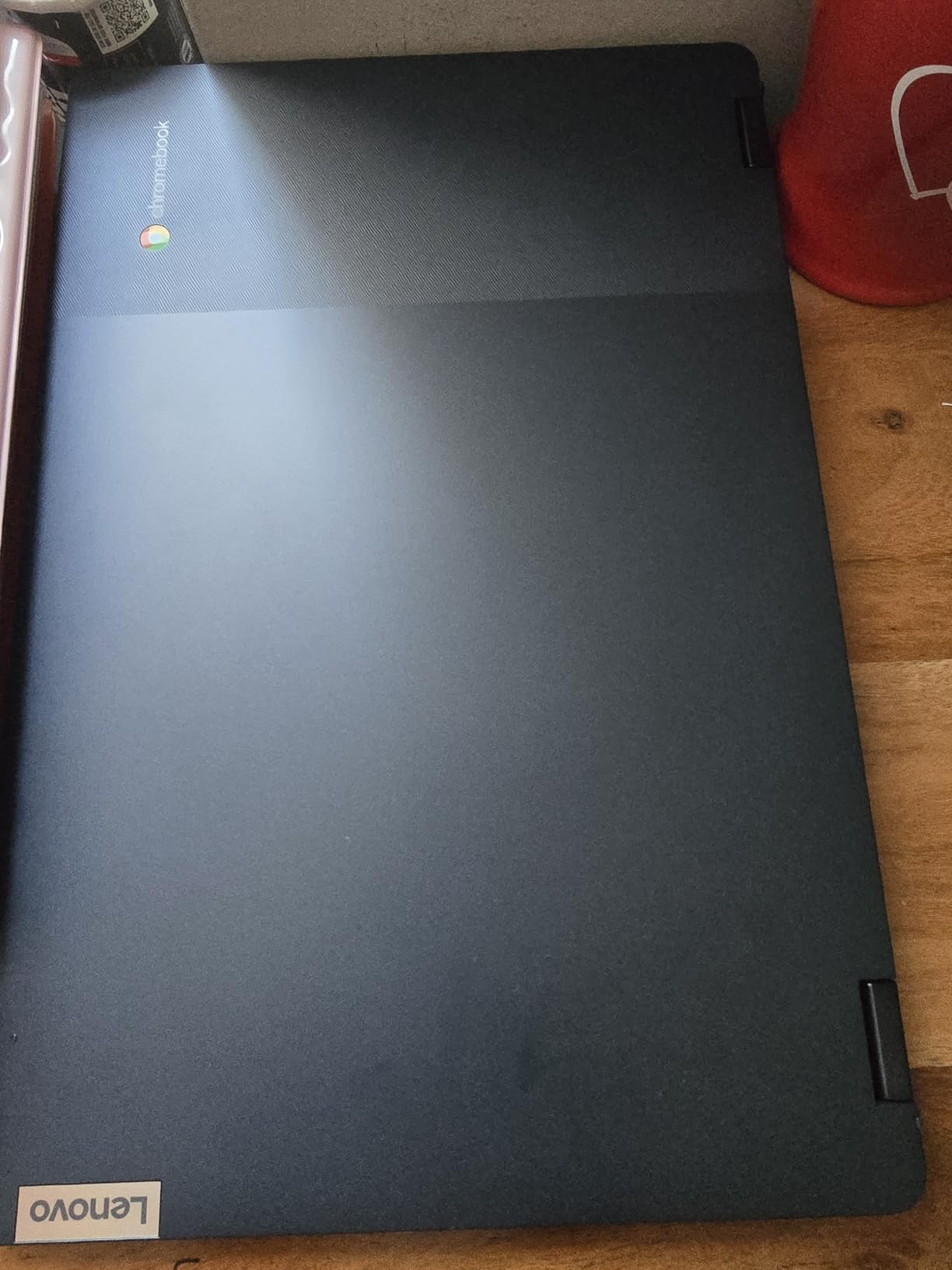
Two compromises deserve attention. There is no backlit keyboard, which is odd on a machine this size aimed at students, and at 1.6 kilograms the chassis is too bulky for a child who has to carry it between classes. This is a desk machine, not a bag machine.
Some users report streaming apps closing or acting unstable, and battery life does not always reach the stated 10 hours. A small number of owners also report screen or power failures. Nothing about that suggests a systemic problem, but it is worth keeping the receipt for a first-year student.
What a high schooler actually needs
For essay writing, research, Google Classroom and video calls, this machine has more than enough headroom. The full HD panel matters at this age because high school reading lists are long, and 300 nits of brightness is bright enough for a desk that is not directly under a lamp.
Check whether the student needs creative desktop software. Chromebooks handle browser and Android apps well, but photo editing, programming tools and PC games will not run natively. If those are part of the plan, this category is wrong.
Where it falls short
The missing backlit keyboard is the most surprising omission on a machine this large. If the student does late-night work, pair it with an inexpensive external keyboard or pick a model that includes one.
The size is the other limit. A 15.6 inch chassis at 1.6 kilograms is genuinely difficult for a small child, so this recommendation starts at about age 13 and assumes a home desk.
9. Acer 15.6-Inch FHD IPS Touchscreen – Best Number Pad Pick for Ages 10-16
acer 2023 Chromebook 15.6″ FHD 1080p IPS Touchscreen Light Computer Laptop, Due-core Intel Celeron N4020, 4GB RAM, 64GB eMMC, HD Webcam, WiFi 5, 12+ Hours Battery, Chrome OS, w/Marxsolcables
15.6 inch 1920 x 1080 IPS touch
Celeron N4020 dual-core
4GB RAM, 64GB eMMC
3.6 lbs, 12.5 hour battery
Anti-glare
Pros
- Large 15.6 inch 1920 x 1080 IPS anti-glare display with a full-size keyboard including a number pad
- Up to 12.5 hours of stated battery life
- Anti-glare finish helps in bright rooms
- Two USB Type-C ports
- Sets up in minutes with a Google account
Cons
- Listings vary and some arrive without a working touchscreen
- Only 4GB RAM and 64GB eMMC
- Dual-core Celeron N4020 is slow under load
- 4.1 average rating is the lowest here
The anti-glare 15.6 inch IPS panel is the feature that separates this from the other large-screen budget models, and none of the other 15 inch picks in this roundup has the coating. In a bright kitchen or a classroom with overhead lights, anti-glare makes a real difference.
The full-size keyboard includes a number pad, which is unusual on a Chromebook and genuinely useful for a child doing spreadsheet work in Google Sheets. Teachers and homeschool parents report that these machines hold up well for daily student use with good battery life and a large screen. Stated battery life is up to 12.5 hours.
Why the rating is lower than the rest
This model has the lowest average rating in the roundup, and the reason is specific rather than general. Buyers report that listings vary and some arrive without a working touchscreen despite it being advertised, which accounts for a meaningful share of one-star reviews.
That is a fulfilment consistency problem, not a design problem, but it affects your decision. If you order this, check the return window and inspect the touchscreen on arrival before the child depends on it.
Where it fits and where it does not
It suits a child aged 10 and up who works at a shared kitchen table and wants a large, glare-free screen with a number pad for math and spreadsheets. The 1920 x 1080 resolution on a 15.6 inch panel is sharper per inch than any of the 1366 x 768 machines here.
Skip it for a younger child. At 3.6 pounds and 14.4 by 9.9 inches, it is a large machine to carry, and 4GB of RAM with a dual-core N4020 is a modest pairing for a screen this size. ChromeOS auto-updates every six weeks, which keeps the system current for years.
10. HP 14-Inch HD Student Chromebook – Best Balanced Everyday Pick, Ages 8-14
HP 14″ HD Chromebook Laptop for Students, Intel Quad-Core N4120(> N4020), 4GB RAM, 64GB eMMC, WiFi, Webcam, HDMI, USB-A&C, 14 Hours Battery Life, Zoom, Chrome OS, CUE Accessories
14 inch 1366 x 768 anti-glare
Celeron N4120 quad-core
4GB RAM, 64GB eMMC
3.4 lbs, 14 hour battery
Privacy shutter
Pros
- Quad-core N4120 handles multiple browser tabs reliably
- Ratings skew strongly positive at 4.4 stars
- 14 hours of stated battery for a full school day
- HDMI plus two USB-A and one USB-C port
- Webcam with a physical privacy shutter
Cons
- 1366 x 768 HD resolution only
- 4GB RAM and 64GB eMMC are entry-level
- No backlit keyboard
- Anti-glare panel is dim at 250 nits
This is the one to buy when a parent wants a normal-sized laptop with a normal-sized keyboard and does not want to think about it. The quad-core N4120 handles multiple tabs reliably, the port selection includes HDMI alongside two USB-A and one USB-C, and the webcam has a privacy shutter, a small detail that matters in a device used in a bedroom.
Satisfaction is high. The listing reports a 4.4 average across 319 ratings, with sentiment centred on dependable performance for assignments and video calls. Stated battery life is 14 hours, which means it comfortably outlives a school day.
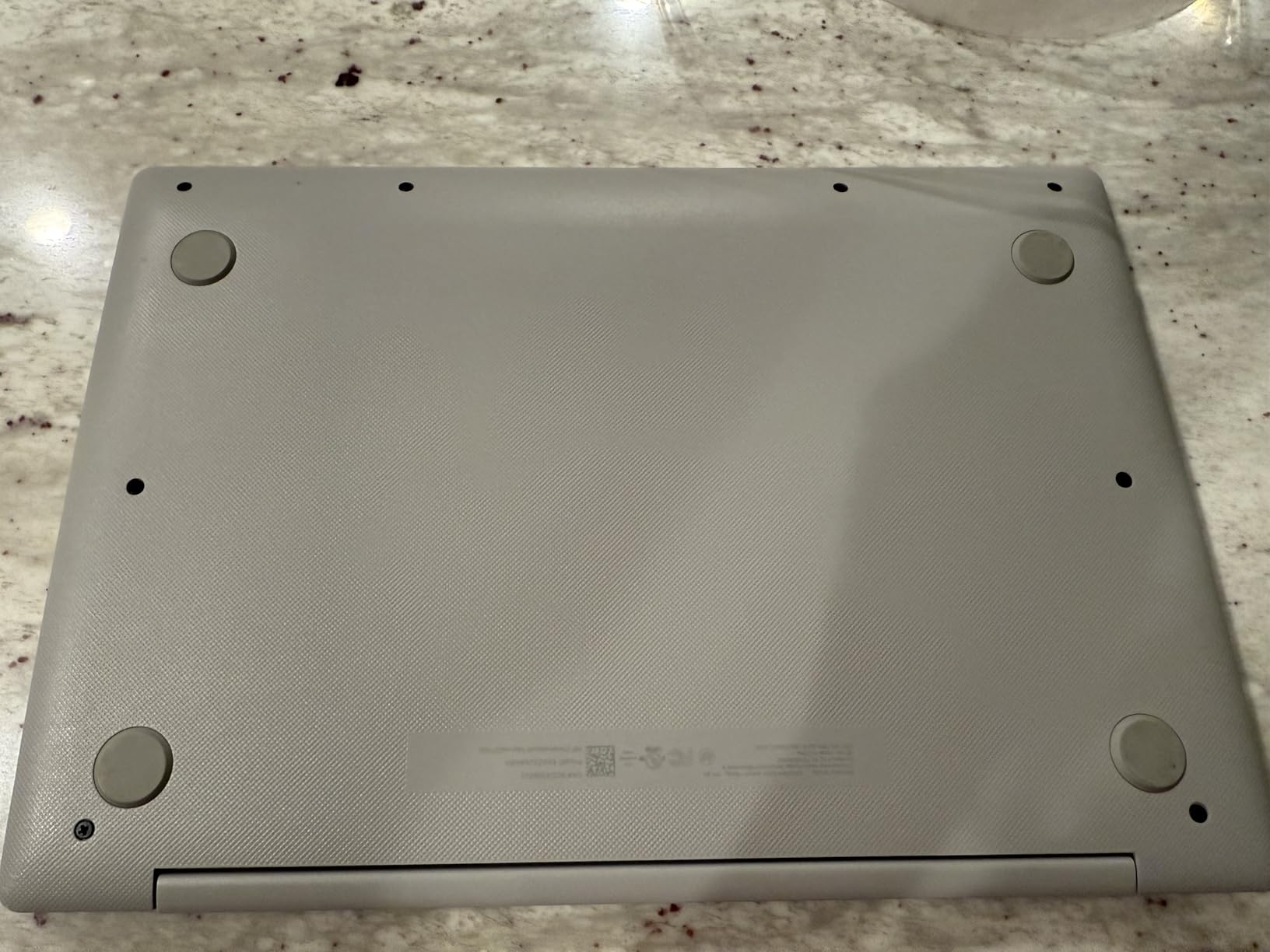 N4020), 4GB RAM, 64GB eMMC, WiFi, Webcam, HDMI, USB-A&C, 14 Hours Battery life, ZOOM, Chrome OS, CUE Accessories customer photo 1″ class=”wp-image-customer”/>
The screen is the compromise. It is a 14 inch micro-edge anti-glare panel at 1366 x 768, and at 250 nits of brightness it is dimmer than the 300 nit panel on the larger Lenovo machine. In a bright room a child may need the screen turned up further than on a brighter display.
Four gigabytes of RAM and 64GB of eMMC keep this firmly in the entry tier, and there is no backlit keyboard for evening work. Bluetooth 5.4 is newer than most competing models offer.
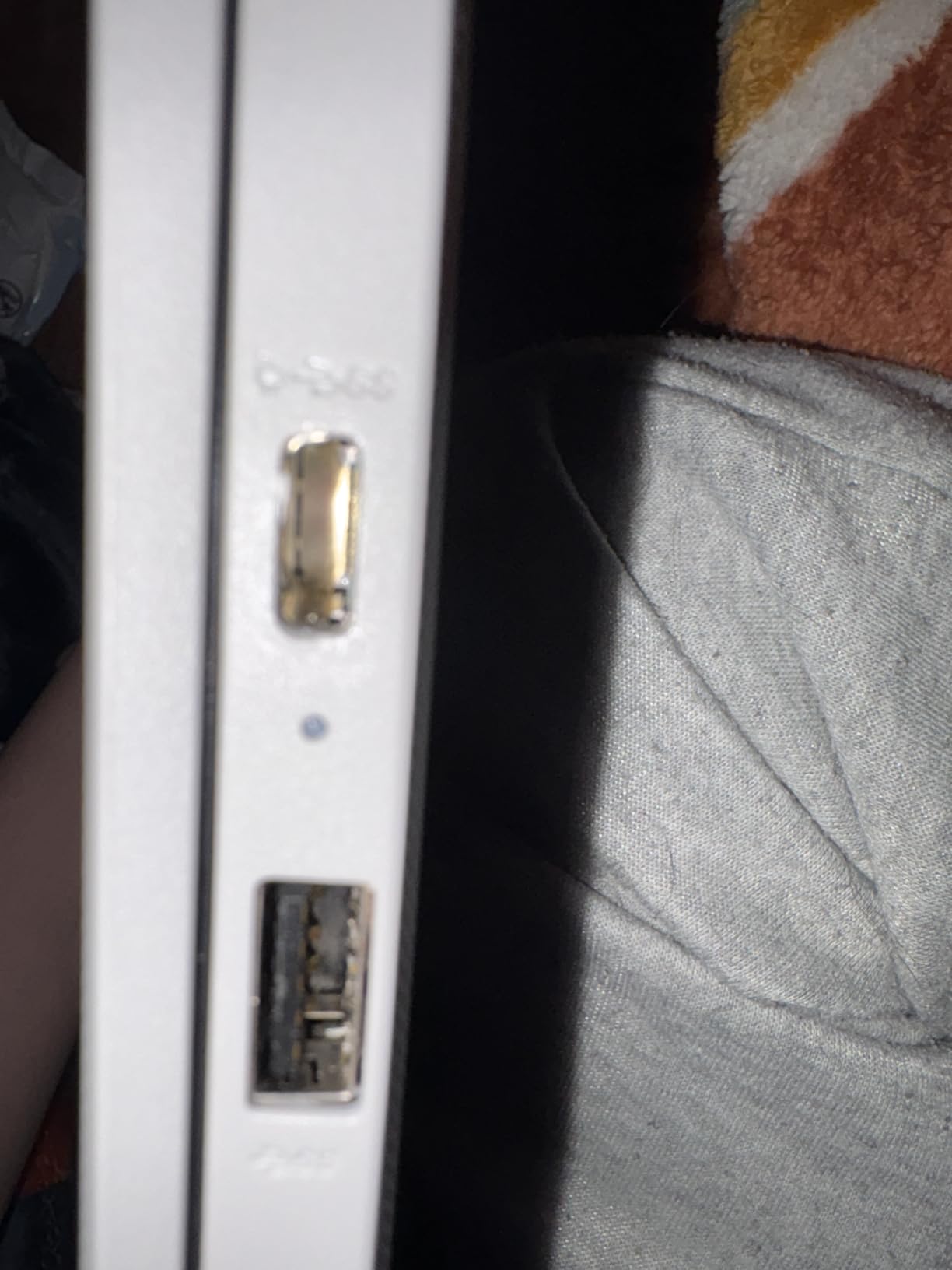 N4020), 4GB RAM, 64GB eMMC, WiFi, Webcam, HDMI, USB-A&C, 14 Hours Battery life, ZOOM, Chrome OS, CUE Accessories customer photo 2″ class=”wp-image-customer”/>
Who is this the right pick for?
A child between roughly 8 and 14 doing homework, Google Classroom work and regular video calls will find this machine unremarkable in the best way. It is not exciting hardware, and it does not need to be, because everything they will use already works.
It also makes sense as a shared family computer. The privacy shutter and the 14 inch screen work for a parent checking email while a child does homework nearby.
When to pick a different model
Choose a higher-spec option if the child is in high school and will keep the laptop for several years, or if they need a stylus or a full HD screen. Four gigabytes and a 1366 x 768 panel will feel dated sooner than the alternatives.
Also consider whether the school issues a device, because a duplicate purchase is the most common source of regret we saw among parents weighing this purchase.
How to Choose a Chromebook Your Child Will Actually Use
Weight, keyboard size and battery life decide this purchase far more than processor speed. A child who does Google Classroom work all day needs very little computing power, and a parent can spend a lot of money on a machine that is too heavy to carry or too small to type on.
What to look for in a kid’s Chromebook
Start with weight and keyboard size, because those are the two things that decide whether a child uses the machine independently or asks for help. Anything above about 3.5 pounds is a real burden for an elementary student, and any screen under 12 inches should still have a full-size keyboard and a trackpad a child can hit accurately.
Next, treat 4GB of RAM as the floor and 8GB as the target if the laptop will be kept for more than two years. Storage matters less than parents expect because school work lives in Google Drive, but 32GB is tight and 64GB is comfortable.
Battery life is the third check. A machine that claims ten hours or more should last a full school day without a charger, and a fast-charge function matters more than the exact figure. Fourth, verify the display is at least 1920 x 1080 if the child reads a lot, and confirm whether a touchscreen is needed, because it changes which form factor you should buy.
Finally, look at the warranty and the update situation. Google supports Chromebooks with automatic updates for a defined window from the date a model launches, so buying a model that has already been on sale for a few years means fewer years remaining. One r/chromeos user we found framed the same concern as advice to try to get a Chromebook that still has software support.
How we picked these 10 Chromebooks
Every machine here was assessed against the same five criteria, weighted for a child rather than an adult. Durability carried the most weight, followed by battery life, then keyboard and trackpad usability, then specifications relative to price, and finally the number of ChromeOS updates likely to remain.
Durability is the top purchase driver we found in parent forums, and it is the one topic competitors treat lightly. We looked specifically at stated military-grade or MIL-STD ratings, spill-resistant construction and reinforced hinges rather than at material feel alone.
We excluded anything without remaining ChromeOS update support, and we flagged renewed machines separately because their condition and management status vary. Ratings and review counts came directly from the retailer listing, which is also why we lean on review volume: a 4.4 from 4245 owners tells you more than a 4.4 from 200.
How to set up parental controls step by step
ChromeOS has decent controls out of the box, but parents tell us they feel weak until they are configured properly. Set them up before the child starts, not after the first argument.
First, create a supervised child account rather than letting a child sign in with a personal Google account. Open Settings, go to People, and add a supervised account from a parent account. This gives you a separate profile with its own restrictions and reporting.
Second, link the child’s account to Family Link, Google’s family management app. It gives you a single place to approve or block app installs, set daily limits and see screen time reports across devices, which matters if the family also uses Android phones or tablets.
Third, set screen time limits and bedtime hours inside the supervised account settings. Choose a bedtime schedule rather than only a daily cap, because a fixed bedtime stops the nightly negotiation that parents describe as the most exhausting part.
Fourth, turn on content filtering for Google Search and YouTube. Within the supervised account you can set safe search and restrict YouTube content by age. This is the setting that most parents do not find on their own.
Fifth, manage app installation. In the supervised account settings you can require approval before anything is installed from the Play Store, which stops the download that happens between one permission prompt and the next.
Sixth, review the Family Link activity report weekly. It shows which apps are being used and for how long, and it gives you data for a conversation rather than suspicion.
Finally, set up the device itself. Enable the Google account with a strong password, turn on two-step verification, and use a supervised account rather than sharing one login across the family. If the machine leaves the house, note that a supervised account is far easier to recover than a standard one.
Standard Chromebook or Chromebook Plus?
Chromebook Plus is Google’s higher tier, and it sets a floor of at least 8GB of RAM, 128GB of storage, an HD or better display, a webcam and improved performance targets. For most children doing browser-based schoolwork, a standard Chromebook with 4GB and 64GB is enough, so Chromebook Plus is not a requirement.
It becomes worth considering when the child is in high school, plans to keep the machine for years, or runs more than browser tabs at once. The practical difference is memory and longevity, not new features.
Chromebook, iPad or Windows laptop?
If school assigns Google Classroom and Google Docs work, a Chromebook matches the assignment exactly and costs the least. An iPad is easier for a child under 7 to hold and use, and it is a better first device when the work is reading and video rather than typing.
A Windows laptop earns its place only when the child needs software that does not exist on ChromeOS, such as creative desktop applications, programming environments or specific school lab software. Many families buy a Chromebook first and a Windows machine at high school, which is the sensible split.
Does your school already hand out a Chromebook?
Ask before you buy. Many districts issue a device to every student, and buying a second one can create account conflicts, school network restrictions and duplicated spending. This is a common source of purchase regret among parents.
If the school does issue one, a personal machine still has a place as a travel companion, a device for summer work or a backup when the school device is being serviced. Just keep it on a personal Google account rather than the school account.
If you are buying for a home desk, our guide to the best Chromebooks for productivity covers the higher-spec end, and if the machine will live in a backpack all day, our kids’ luggage roundup covers protecting it in transit.
Frequently Asked Questions
What is a Chromebook?
A Chromebook is a laptop that runs ChromeOS instead of Windows or macOS. It boots into a browser-based desktop where Google Docs, Gmail, Google Classroom and YouTube open instantly, files autosave to Google Drive, and Android apps install from the Play Store. Each app runs in its own sandbox, so one bad page cannot damage the rest of the system, which makes Chromebooks inexpensive and hard to infect with viruses.
What Chromebook is best for an 8-year-old?
The Samsung Chromebook 3 is our pick for an 8-year-old because it weighs only 2.5 pounds, the lightest model in our roundup, and it has a spill-resistant build for juice-box accidents. Its 11.6 inch screen keeps a full-size keyboard and trackpad within reach of small hands. The limits are 16GB of storage and a 1366 x 768 non-touch display, both acceptable at this age for Google Classroom and reading work.
What is the best Chromebook for elementary school students?
For elementary ages 5 to 8, the Samsung Chromebook 3 wins on weight and spill resistance at 2.5 pounds. For older elementary students around 9 to 11 who need a bigger screen, the HP Chromebook 14a offers a 14 inch anti-glare display and up to 14 hours of stated battery life. Whichever you choose, a full-size keyboard matters more than any specification.
Which Chromebook is best for high school students?
The Lenovo IdeaPad Flex 3i is our high school pick, pairing 8GB of RAM with a 128GB SSD and a 15.6 inch 1920 x 1080 touchscreen at 300 nits. That specification set stays smooth with many tabs and research documents open. The ASUS Chromebook Flip CX1 is the lighter alternative if the student needs to carry the device, with 8GB of RAM and military-grade durability.
What is the best parental control system for Chromebooks?
ChromeOS supervised accounts linked to Google Family Link is the best built-in option. It lets a parent approve app installs, set daily screen time limits and bedtime hours, filter Google Search and YouTube content by age, and review weekly activity reports. Set it up before the child starts using the device, and keep the child on a supervised account rather than a shared login.
Can you play games on a school Chromebook?
A personally owned Chromebook can run Android games and browser games from the Play Store, and a school-issued device usually restricts installation through its own management settings. Web-based titles and Android games work on most models in this roundup, including the more capable 8GB machines. PC games and demanding console-style titles do not run on ChromeOS, which is the main limit parents should set expectations around.
Why are schools getting rid of Chromebooks?
The shift is mostly about screen time and instructional priorities rather than the hardware. Some districts are removing Chromebooks from the earliest grades because research links heavy screen use in young children to weaker reading and attention outcomes, and others are buying shared classroom sets instead of one device per student. For parents, the practical question is whether a school-issued device is coming, because that changes whether you need to buy one at all.
How long does a Chromebook stay supported?
Google provides automatic ChromeOS updates for a set period from a model’s launch date, commonly around ten years for models released now. Models that have already been on sale for several years may have fewer years remaining, so check the launch year before buying. This is why we treat a short warranty or an old processor as a warning sign, and why we avoid devices without remaining update support.
Our Verdict: The Best Chromebook for Kids in 2026
The Samsung Galaxy Chromebook 4 is the best Chromebook for most kids in 2026. It combines the two things that actually end up mattering, a chassis built to MIL-STD-810G and 12.5 hours of battery, in a 3 pound chassis that a child can carry without complaining. It is not the fastest or the sharpest-screened machine here, and it is not a Chromebook Plus, but it is the one we would put in a child’s hands without hesitating.
For specific situations, the Samsung Chromebook 3 wins on weight and spills for children under 9, the ASUS Chromebook Flip CX1 is the right call once a kid needs 8GB of memory and a full HD touchscreen, and the Lenovo IdeaPad Flex 3i handles a high school desk well. Buy a renewed model only if you can verify it has been factory reset, and ask the school first, because a district-issued device makes a personal purchase far less necessary.
Whichever you choose, set up the supervised account and Family Link before handing it over. That ten-minute job prevents most of the problems parents write to us about, and it costs nothing.