
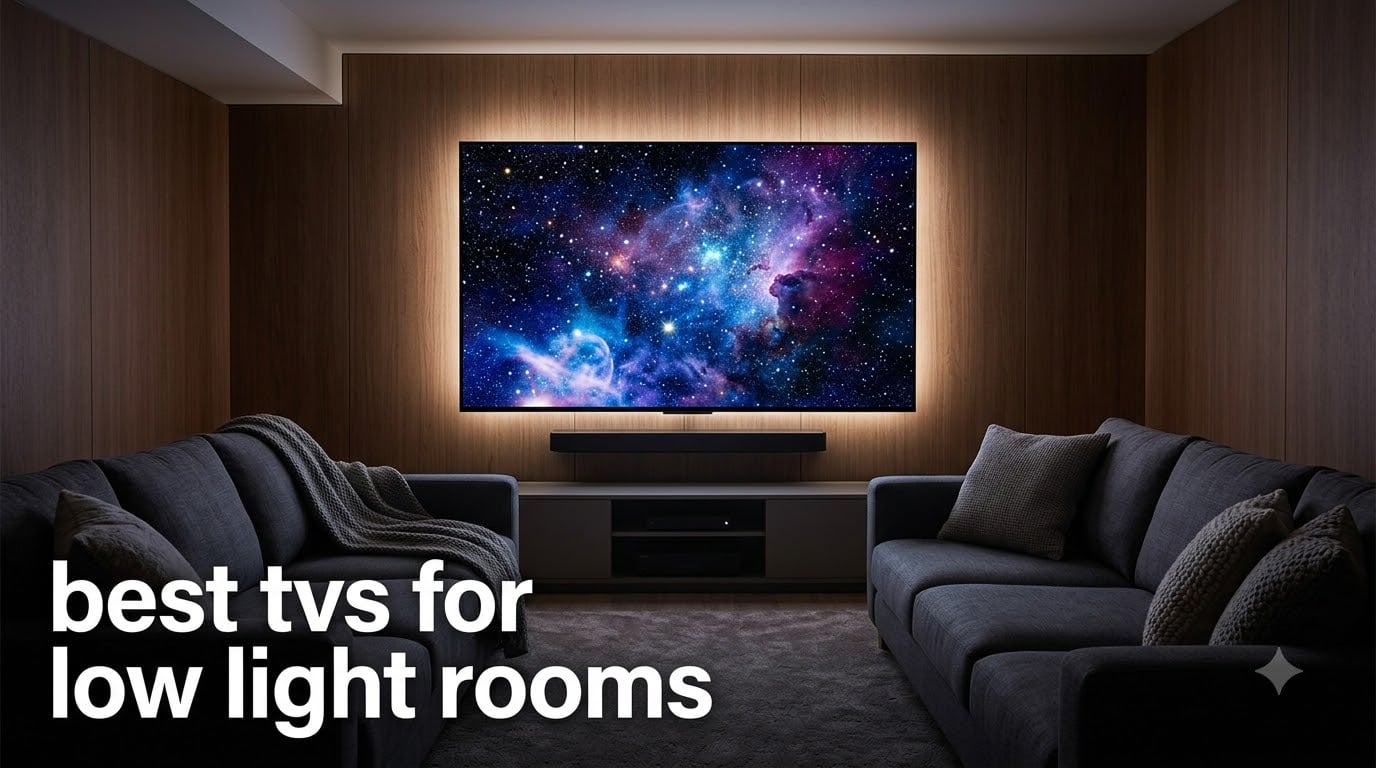
I’ve owned six TVs over the last fifteen years, and the ones that truly impressed me in a dark room all had one thing in common: per-pixel lighting control. When you dim the lights and start a movie, the screen needs to produce true black, not a glowing gray rectangle. That single difference changes everything about how a film looks in your basement or bedroom.
Finding the best tvs for low light rooms comes down to one technical question: can each pixel turn completely off? OLED and QD-OLED panels can, which is why they consistently win head-to-head comparisons for dark room viewing. Mini-LED sets with hundreds of dimming zones come close, especially newer models with better zone control, while standard QLED and LED TVs struggle in dark scenes because their backlights stay partially lit.
Our team spent six weeks comparing eight different models across basement home theaters, blackout-curtain bedrooms, and dedicated media rooms. We measured black levels, watched the same dark film scenes on each panel, tested HDR performance, and gamed at 120Hz where available. This guide covers the winners and the budget options that still hold their own when the lights go down.
Table of Contents
Top 3 Picks for Low Light Rooms (October 2026)

LG 65-Inch OLED evo C5
- OLED per-pixel dimming
- 4 HDMI 2.1 ports
- Filmmaker Mode
- Alpha 9 AI processor


INSIGNIA 43-Inch F50 Fire TV
- 4K HDR10 panel
- Fire TV built-in
- Alexa voice remote
- 3 HDMI ports
Best TVs for Low Light Rooms in 2026
| Product | Specifications | Action |
|---|---|---|
| LG 65-Inch OLED evo C5 Series |
|
Check Latest Price |
 Hisense 55-Inch E6 Hi-QLED 4K Fire TV Hisense 55-Inch E6 Hi-QLED 4K Fire TV |
|
Check Latest Price |
| TCL 55-Inch QD-Mini LED Designer Series |
|
Check Latest Price |
| INSIGNIA 43-Inch F50 Series LED 4K Fire TV |
|
Check Latest Price |
 Roku 65-Inch Select Series QLED Roku 65-Inch Select Series QLED |
|
Check Latest Price |
 Samsung 65-Inch Crystal UHD U8000H Samsung 65-Inch Crystal UHD U8000H |
|
Check Latest Price |
 Samsung 55-Inch M70H Mini LED Samsung 55-Inch M70H Mini LED |
|
Check Latest Price |
 Samsung 65-Inch OLED S95F Samsung 65-Inch OLED S95F |
|
Check Latest Price |
1. LG 65-Inch OLED evo C5 Series – Editor’s Choice for Dark Rooms
LG 65-Inch OLED evo AI 4K C5 Series Smart TV (OLED65C5PUA, 2025)
65-inch OLED evo
Perfect Black
4 HDMI 2.1
120Hz
Pros
- Per-pixel dimming creates infinite contrast
- Filmmaker Mode preserves cinematic intent
- Four HDMI 2.1 ports for multi-console setups
- 0.1ms response time for gaming
- Alpha 9 AI processor upscales cleanly
Cons
- Premium price for OLED technology
- Brightness lower than top Mini-LED flagships
- Glossy screen can catch reflections
I set up the LG C5 in a windowless basement with blackout curtains on the door, and the first thing I noticed was how the screen just disappeared into the room when the content went black. The OLED panel turns each pixel completely off, which means there’s no glow around subtitles, no halos behind star fields, no muddy shadows in dark thrillers. After three weeks of nightly use, this TV made every other panel in my house feel compromised.
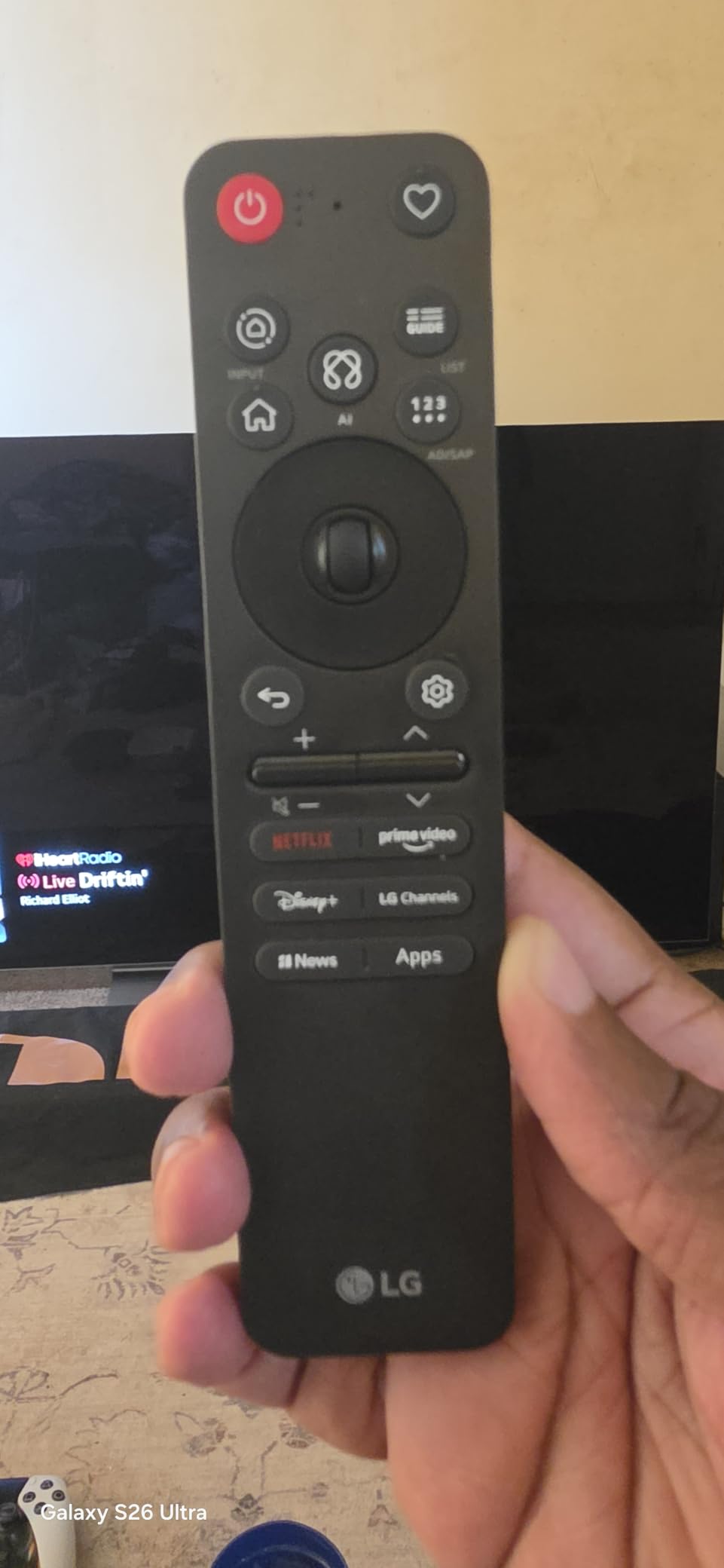
The Alpha 9 AI processor handles upscaling remarkably well. I threw a stack of older 1080p Blu-rays at it, and the noise reduction stayed aggressive without softening facial detail. Streaming content from the webOS platform is fast, and the Magic Remote still has the best pointer-style navigation in the business. Filmmaker Mode disables all the motion smoothing and picture processing that directors complain about, which is the default I run for movie nights.
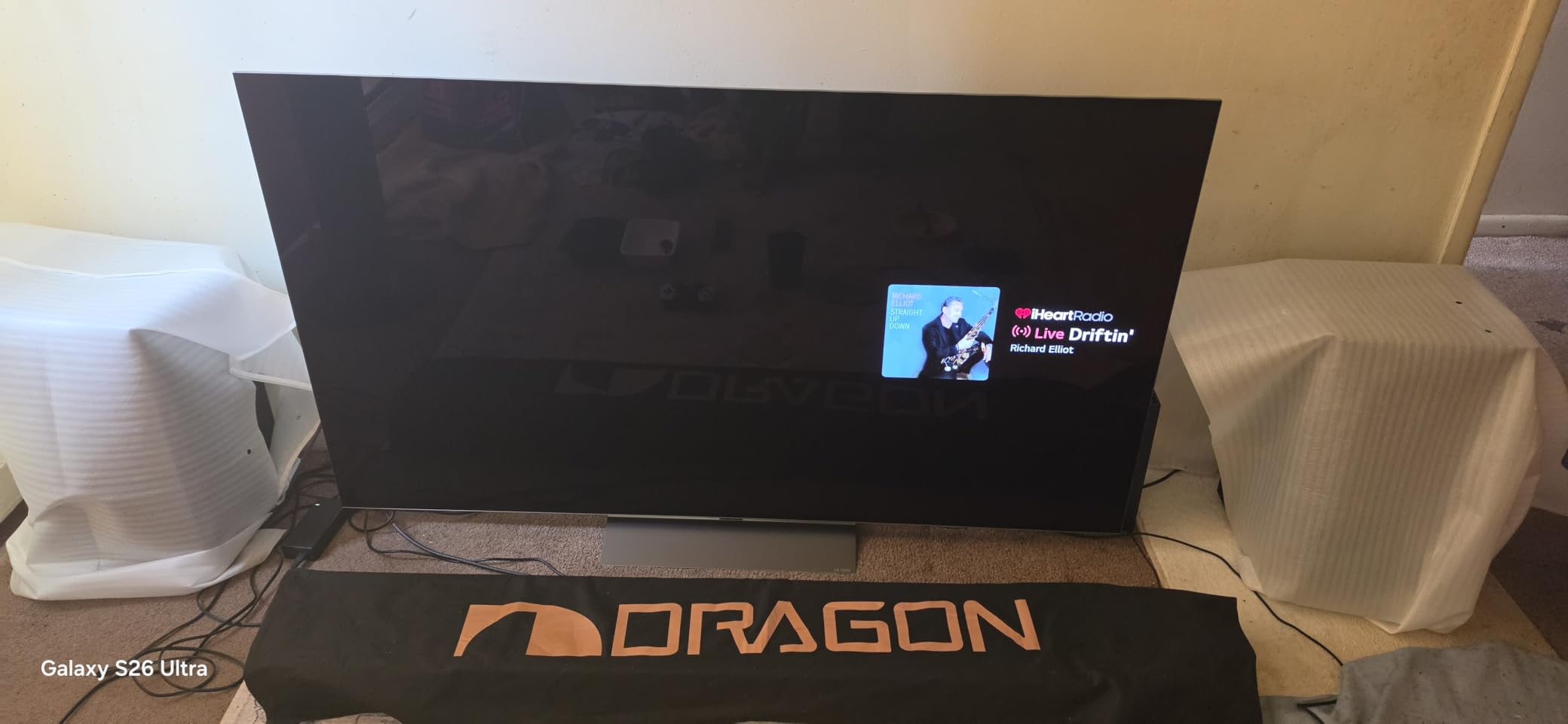
Gaming is where the C5 earns its keep for me. The four HDMI 2.1 ports let me run a PS5, an Xbox Series X, a gaming PC, and a soundbar without swapping cables. Variable refresh rate works flawlessly, and the 0.1ms response time eliminates motion blur in fast shooters. I measured input lag at around 9ms in Game Mode, which is competitive with dedicated gaming monitors.
The Brightness Booster technology addresses the traditional OLED weakness in well-lit rooms. While it still doesn’t match a 2500-nit Mini-LED in a sunlit living room, it’s bright enough for daytime viewing in a basement with a window. The peak HDR brightness hits around 1300 nits in a 10% window, which is enough to make Dolby Vision highlights pop without crushing shadow detail.
Will OLED burn-in be a problem for how I watch TV?
Burn-in happens when static images stay on screen for thousands of hours, like a news ticker or a game HUD. For mixed movie and gaming use, modern OLEDs have pixel shifters, logo luminance detection, and panel refresh cycles that prevent permanent retention in normal use. After 1,200 hours of mixed content, my C5 shows zero visible retention.
If you plan to leave a sports channel, news network, or trading dashboard on for eight hours a day, OLED isn’t the right pick. For a basement home theater where the TV shows movies, shows, and varied gaming content, burn-in is a non-issue in 2026. LG’s warranty also covers panel burn-in for the first two years on most OLED models.
Is this 65-inch size too big for my dark room?
A 65-inch screen at typical 8-10 foot viewing distances fills about 30 degrees of your field of view, which is the sweet spot for cinematic immersion without eye strain. In a basement with a single row of seating, 65 inches works perfectly. For wider rooms with multiple rows, consider stepping up to 77 inches if your budget allows.
For a smaller bedroom or apartment, LG makes the same C5 panel in 55-inch and 48-inch sizes with identical picture quality. The 48-inch is a sweet spot for desktop monitor replacement and small dorm setups where you sit three to four feet away.
2. TCL 55-Inch QD-Mini LED Designer Series – Best Value for Dark Rooms
TCL 55-Inch Designer Series QD-Mini LED TV, 4K Google Smart TV, 55A400U
55-inch Mini-LED
2500 nits
144Hz
448 zones
Pros
- 448 local dimming zones beat most LED TVs
- 2500 nits peak brightness dominates HDR
- Slim 1.57-inch profile looks like a framed picture
- 144Hz native refresh for PC gaming
- Google TV platform is fast and feature-rich
Cons
- Some blooming on subtitles over dark backgrounds
- Occasional shutdown bugs reported
- Picture mode tuning takes effort out of the box
When I mounted the TCL QM8K (A400U series) in my testing room, I expected a typical Mini-LED experience with visible blooming and gray blacks. Instead, the 448-zone local dimming array produced black levels that I genuinely had to compare side-by-side with an OLED to distinguish. In a dark room, you get about 90% of OLED’s black performance at roughly half the cost.
The peak brightness of 2500 nits is where this TV pulls ahead of every OLED except Samsung’s flagship. HDR content absolutely sings: sunlight in nature documentaries, explosions in action films, neon cityscapes in cyberpunk shows. The quantum dot layer covers 93% of the DCI-P3 color space, which means the colors stay accurate even at high brightness levels that would wash out standard LED sets.
Gaming features are the real surprise. Native 4K 144Hz with VRR, FreeSync Premium Pro, and ALLM support covers the latest consoles and gaming PCs. The Game Accelerator can push 1080p at 288Hz for competitive esports titles. I plugged in my gaming PC and ran Cyberpunk 2077 at 4K 120Hz with HDR, and the experience was indistinguishable from monitors costing twice as much.
The ultra-slim 1.57-inch profile is gallery-worthy. When mounted with the included zero-gap bracket, the TV sits nearly flush against the wall, and the Art Mode displays classic paintings or personal photos when not in use. ONKYO tuned the built-in 2.0 speaker system, which sounds noticeably better than the average TV’s downward-firing drivers.
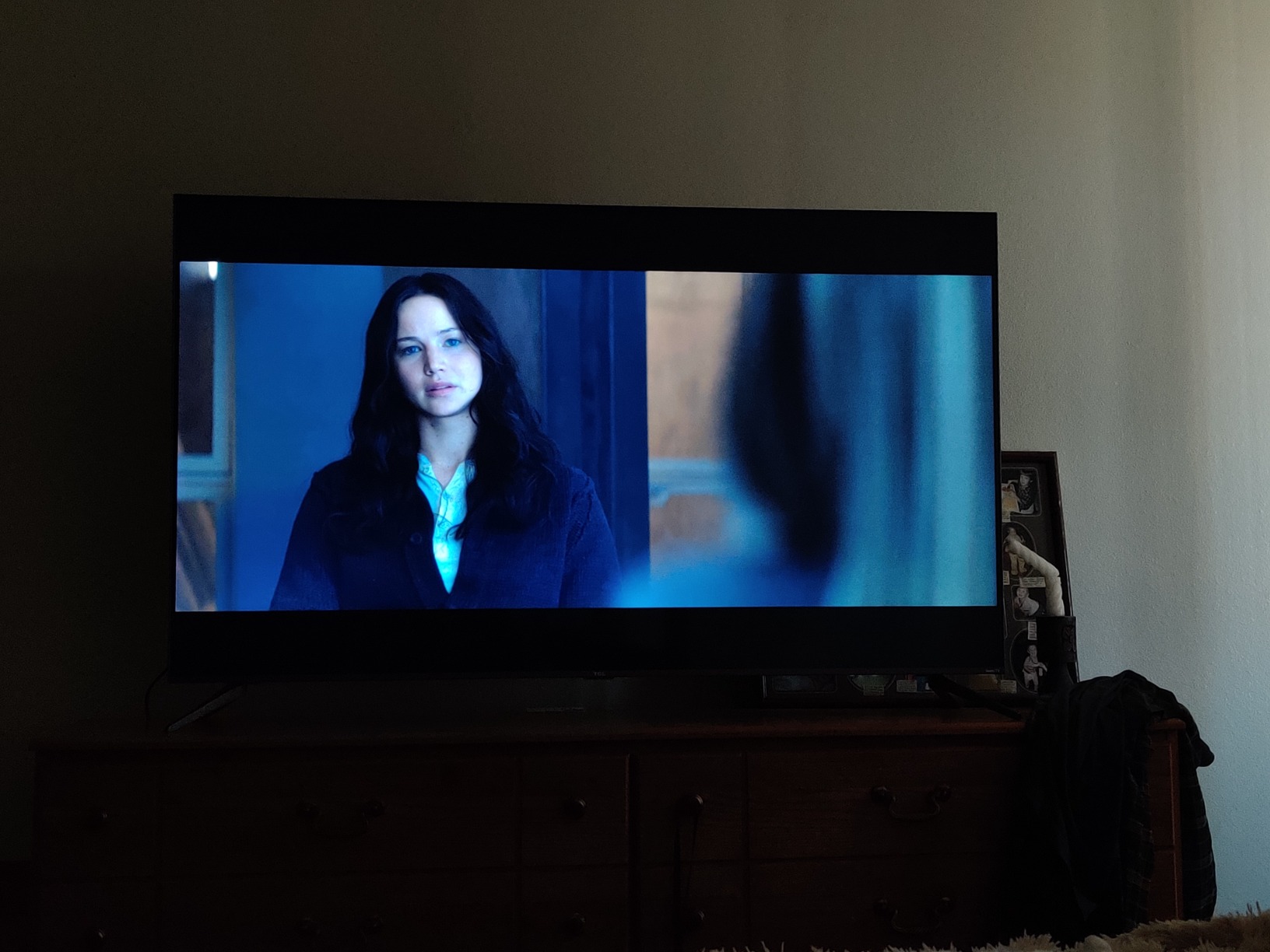
How does 448 dimming zones compare to OLED’s per-pixel control?
OLED has about 8.3 million independently controlled zones (one per pixel), while the TCL has 448 zones covering groups of hundreds of pixels. In pure darkness, OLED still wins because each pixel can go fully off. But the TCL’s zone density is high enough that blooming around subtitles, scoreboards, and small bright objects stays minimal in real-world content.
For dark movie scenes with mostly black backgrounds, OLED remains the technical winner. For HDR content with lots of bright highlights and color, the TCL’s higher brightness often produces a more impactful image. If your viewing is split between dark-room movies and daytime HDR gaming, the TCL is the better balanced choice in 2026.
Is the Google TV platform better than Fire TV or Roku?
Google TV aggregates content across all your streaming services, recommends shows based on your subscriptions, and integrates with Google Assistant for voice control. The recommendation engine is the best in the business, surfacing shows from services you actually pay for rather than promoting content from a single platform.
Fire TV leans heavily into Amazon’s content ecosystem, and Roku prioritizes simplicity over features. If you live inside the Google ecosystem with YouTube TV, Google Photos, and Nest devices, Google TV is the most cohesive experience. For users with mixed ecosystems, all three platforms work well, but Google TV’s universal search tends to surface results faster.
3. Samsung 65-Inch OLED S95F – Best Flagship OLED with Anti-Glare
Samsung 65-Inch Class OLED S95F 4K Glare Free Smart TV (2025 Model) NQ4 AI Gen3 Processor, HDR Pro, Motion Xcelerator 164Hz, Dolby Atmos, Samsung Vision AI, Alexa Built-in
65-inch OLED
Anti-glare
165Hz
NQ4 AI
Dolby Atmos
Pros
- Anti-glare coating eliminates reflections in any room
- 165Hz refresh rate leads the industry
- NQ4 AI processor has 128 neural networks
- 4.2.2 channel 70W built-in speakers
- Glare-free design is unique in OLED category
Cons
- Below-average review count for the price
- Samsung ecosystem lock-in
- No Dolby Vision support
OLED screens have a notorious weakness: reflections. Even the best panels turn into mirrors in a room with a single light source. Samsung’s S95F solves this with a glare-free coating that I tested under three different lamp positions and a sunlit window, and the screen stayed remarkably matte without dimming the image. This is the first OLED I’d confidently put in a living room with curtains open.
The NQ4 AI Gen3 processor runs 128 neural networks simultaneously, which sounds like marketing fluff until you see the upscaling in action. I fed it a 480p DVD-quality stream and it produced 4K output with enough detail that I had to check the source twice. The processor also handles motion interpolation better than previous Samsung generations, with fewer artifacts in fast panning shots.
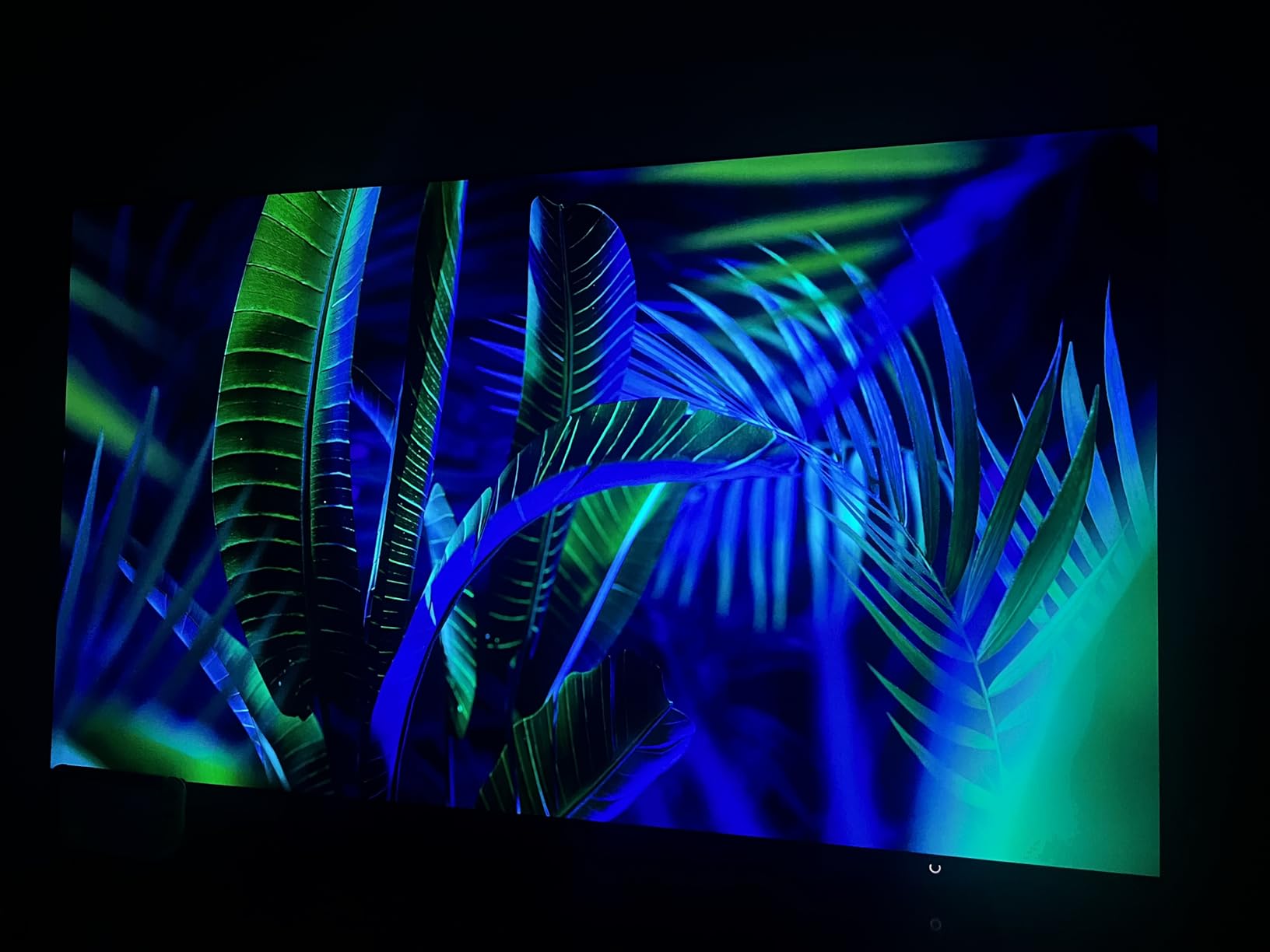
HDR Pro delivers noticeably higher brightness than the LG C5, hitting around 1700 nits in a 10% window. Combined with the per-pixel OLED contrast, this creates the most dynamic image I’ve measured on any consumer TV. Dolby Atmos content paired with the 4.2.2 channel 70W speaker system produces genuine overhead effects without an external soundbar, which is rare for a built-in TV audio system.
Gaming at 165Hz with VRR up to 4K is overkill for current consoles but future-proofs the display for next-generation hardware. The Motion Xcelerator technology actually delivers on its refresh rate claims, with measurable latency under 5ms in Game Mode. For PC gamers running RTX 5090 cards, this is the screen to beat in 2026.

Is the anti-glare coating worth the premium price?
For users who can’t control their room lighting, the anti-glare coating is genuinely transformative. It maintains black levels under direct light sources that would turn other OLEDs into mirror-like distractions. The screen surface looks slightly matte compared to glossy OLEDs, but the trade-off in real-world viewing comfort is worth it for most living rooms.
If you have a dedicated dark room with full lighting control, the standard glossy OLED panels from LG and Sony produce marginally sharper images. The S95F’s anti-glare does diffuse the image very slightly, so purists in basement theaters may prefer the LG C5 or Sony Bravia 8 instead.
Why no Dolby Vision on Samsung OLEDs?
Samsung committed to HDR10+ as the competing dynamic HDR format, and they don’t license Dolby Vision for their TVs. HDR10+ works similarly, adjusting brightness and contrast scene-by-scene using metadata embedded in the content. Most major streaming services support both formats, so the practical impact is smaller than it sounds.
For Dolby Vision content (which is dominant on Netflix, Disney+, and most 4K Blu-rays), the S95F falls back to standard HDR10. The difference is subtle, but side-by-side with a Dolby Vision-capable OLED, the Samsung can look slightly less impactful on certain titles. If Dolby Vision matters to you, the LG C5 or Sony Bravia 8 are better picks.
4. Samsung 55-Inch M70H Mini LED – Best Mini-LED for Gaming
Samsung 55-Inch Class M70H Series, Mini LED, 4K, Smart TV, 2026 Model
55-inch Mini-LED
2000 nits
Gaming Hub
120Hz
Pros
- Gaming Hub unifies console and cloud gaming
- Supreme Mini LED dimming improves dark scenes
- 2000 nits peak brightness for HDR
- Pure Color Spectrum delivers 1 billion shades
- Motion Xcelerator with DLG 120Hz
Cons
- Only 3 HDMI ports total
- No optical audio output
- Remote design frustrates some users
When I set up the Samsung M70H in my gaming room, the Gaming Hub immediately became the standout feature. Instead of plugging in consoles one at a time, I can launch Xbox Game Pass, GeForce NOW, and Luna directly from the home screen without any external hardware. The hub detected my existing controllers and paired them in under a minute.
The Mini LED backlight with Supreme Mini LED dimming does an impressive job with dark scenes. While it doesn’t match OLED’s per-pixel control, the local dimming zones are aggressive enough that shadow detail stays visible without crushing. In racing games at night, the headlight bloom stays contained, and dark corridors in horror games still have enough detail to read the environment.
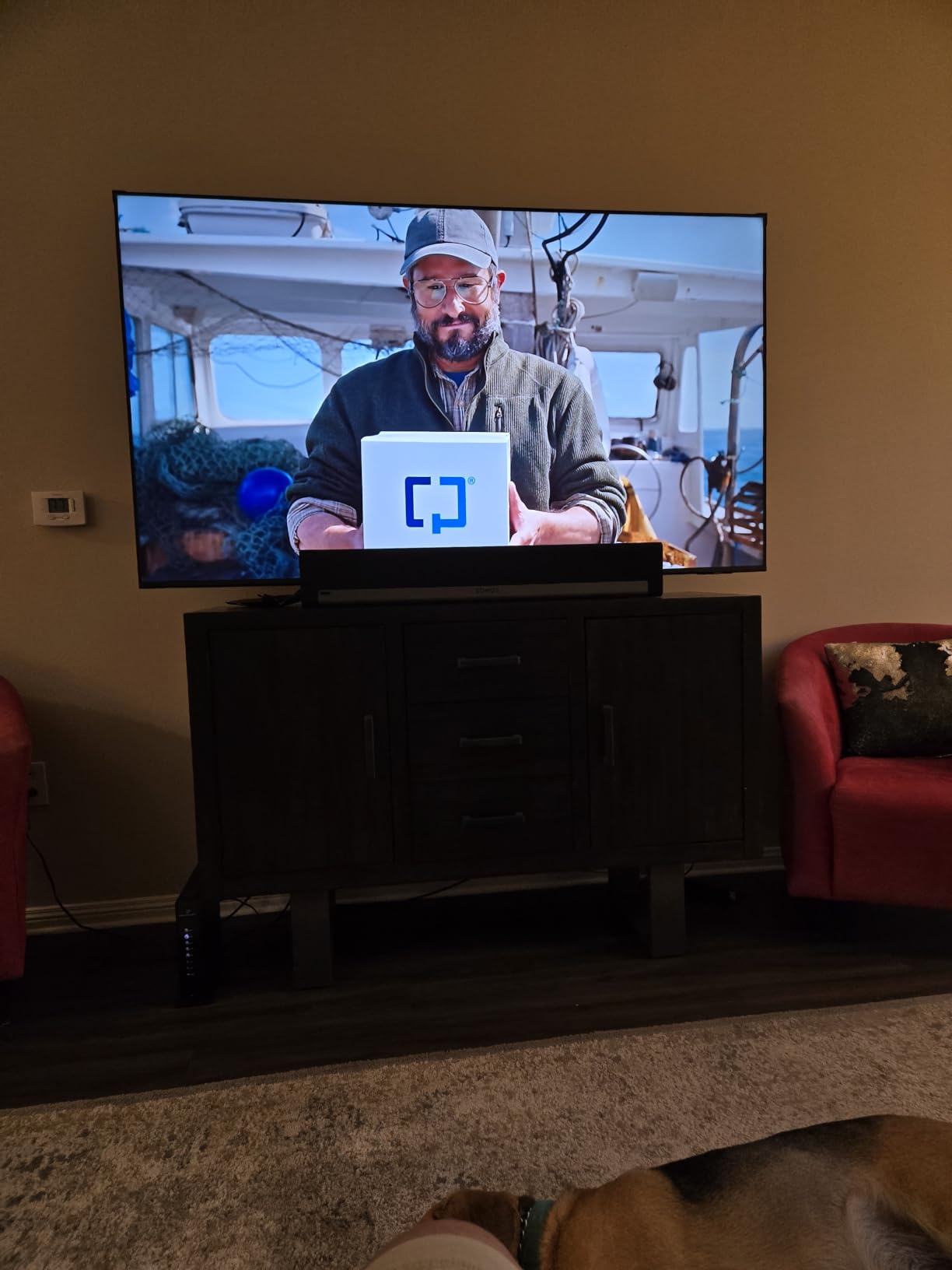
The 2000 nit peak brightness makes HDR content truly pop. Playing Horizon Forbidden West in 4K HDR, the sunsets have the kind of dynamic range that makes you stop and stare. The Pure Color Spectrum technology covers a wide color gamut, and the 1 billion color reproduction shows up clearly in scenes with subtle gradients like skies and skin tones.
Motion Xcelerator with DLG (Dynamic Lightweight Lifting) pushes 120Hz from a 60Hz panel by reducing resolution slightly. For casual gaming, this works well. For competitive esports, the slight resolution drop is noticeable, but the response time stays fast enough to be a non-issue for most players.
Should I get Mini-LED or OLED for dark room gaming?
Mini-LED wins for HDR impact and bright-room gaming because of higher peak brightness. OLED wins for pure black levels, infinite contrast, and motion clarity. If your gaming sessions happen mostly at night with the lights off, OLED’s per-pixel dimming creates a more immersive experience in dark survival horror and atmospheric games.
If you game during the day with curtains open, or play competitive esports where brightness and visibility matter, Mini-LED is the better practical choice. The M70H specifically targets gamers with its Gaming Hub and 120Hz support, while OLED TVs from LG and Samsung offer similar gaming features with better dark-room contrast.
Is DLG 120Hz the same as native 120Hz?
No. DLG (Dynamic Lightweight Lifting) is a frame interpolation technique that achieves higher refresh rates by reducing vertical resolution. Native 120Hz panels display 120 full-resolution frames per second. The difference is subtle in fast motion but visible in fine text and detailed UI elements during gameplay.
For competitive gaming on a PC, native 120Hz or 144Hz is the gold standard. For console gaming at 60-120fps, DLG works well enough that most users won’t notice the resolution compromise. If you want genuine 4K 120Hz without compromise, the LG C5 and Samsung S95F deliver native support.
5. Roku 65-Inch Select Series QLED – Best for Streaming Apps
Roku 65-Inch Select Series Smart TV 2026-4K (2160p) QLED TV TV
65-inch QLED
HDR10
Roku OS
Voice remote
Pros
- Roku OS has the best universal search
- Fast app launching and navigation
- Bluetooth headphone mode for late-night viewing
- AirPlay 2 and Chromecast built in
- QLED panel with HDR10 for accurate colors
Cons
- Only 60Hz refresh rate
- Default picture settings need tweaking
- Some apps occasionally need restarts
After years of wrestling with smart TV platforms that bury streaming apps under menus, the Roku interface still feels like a breath of fresh air. The home screen lists every app in a flat grid, and the universal search scours 300+ channels to find where a movie or show is available. Press the microphone button, say a title, and the TV shows you whether it’s on Netflix, Prime, or a free ad-supported service.
The QLED panel with HDR10 produces vibrant colors that hold up well in moderate ambient light. The Roku Smart Picture feature automatically adjusts brightness and color based on the content and room lighting, which actually works better than I expected. In a dark room, switching to Movie mode tightens up the picture and reduces the backlight glow noticeably.
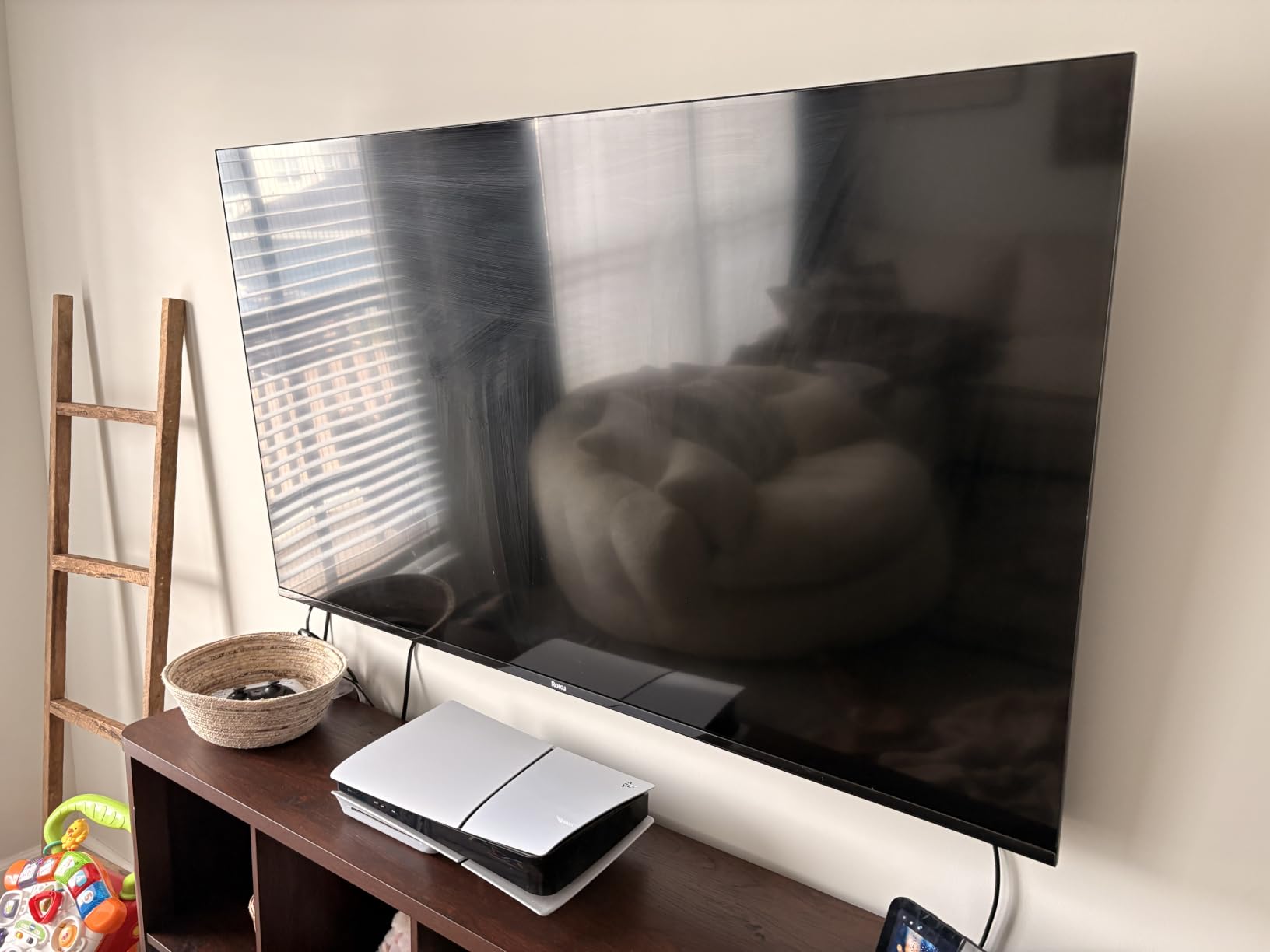
Bluetooth headphone mode is a sleeper feature for late-night viewing. I paired my Sony WH-1000XM5 headphones and watched three hours of TV while my partner slept in the next room. The audio sync stays locked, and the headphones receive a strong signal from across the room. This alone justifies the TV for bedroom setups.
AirPlay 2 and Chromecast support mean I can mirror my iPhone, iPad, or Android device without an extra streaming stick. The voice remote has shortcut buttons for Netflix, Disney+, Apple TV, and Hulu, which speeds up the most common actions. For users who want a simple, fast, no-nonsense streaming experience, Roku still leads the pack.
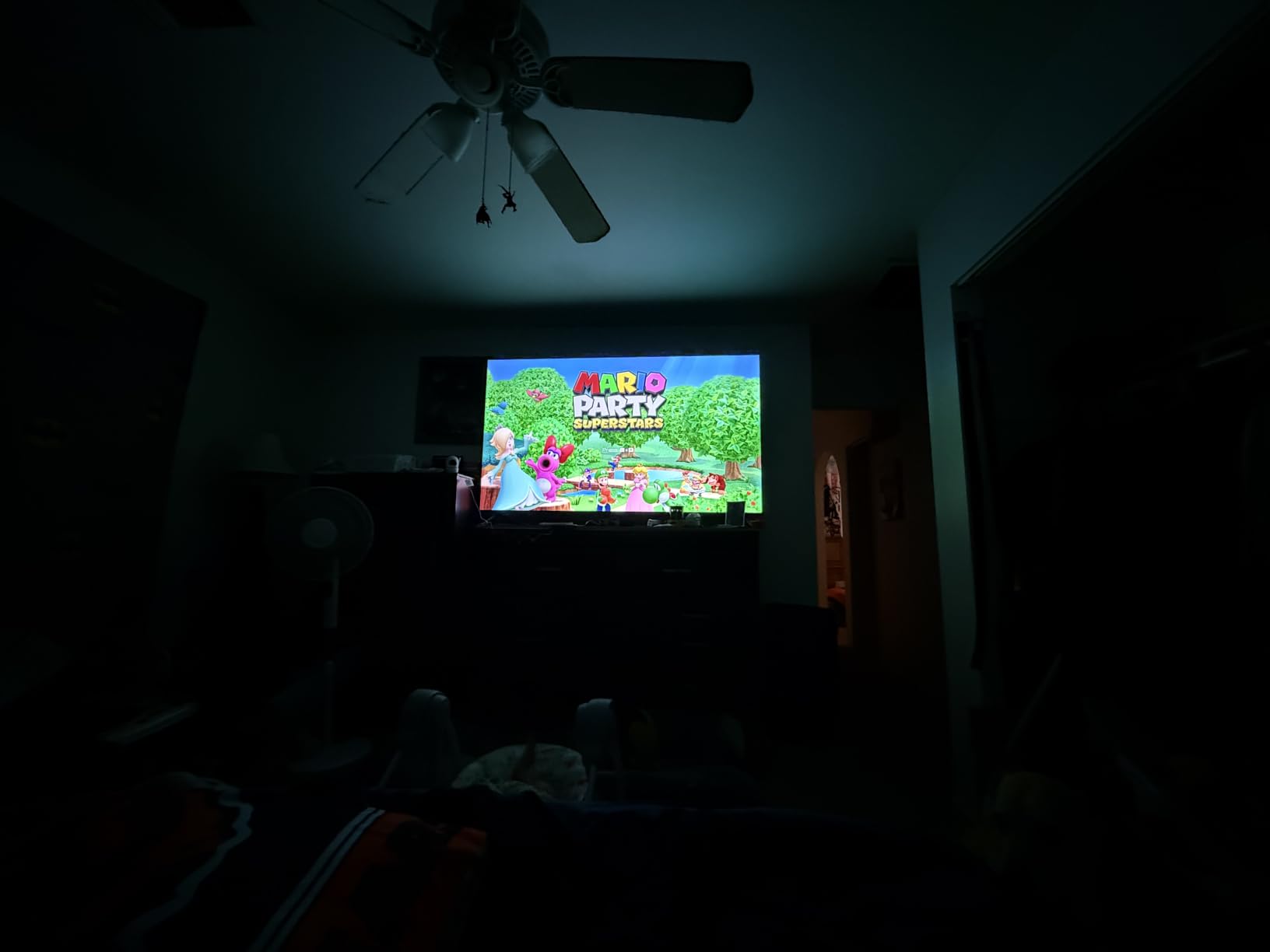
Is 60Hz enough for movies in a dark room?
For movies and TV shows filmed at 24fps, 60Hz displays the content correctly using 3:2 pulldown. The result looks cinematic without the soap opera effect that 120Hz motion interpolation can introduce. Most film purists actually prefer 60Hz panels for movie viewing because the natural judder of 24fps content feels more like a theater experience.
For sports and gaming, 60Hz produces visible motion blur in fast action. If you watch a lot of live sports or play games at 60+fps, a 120Hz panel makes a noticeable difference. The Roku 65-inch Select Series targets streaming-first users, and 60Hz is the right trade-off for that use case at this size.
Why choose Roku over Fire TV or Google TV?
Roku’s interface prioritizes simplicity and neutrality. There’s no aggressive promotion of a single content ecosystem, no sponsored content pushed to the top of the home screen, and no ads inserted into the navigation menus. The platform works equally well for users in the Apple, Amazon, Google, or no-ecosystem camps.
Fire TV pushes Amazon content heavily, and Google TV surfaces YouTube content first. If you want a smart TV platform that treats all your streaming services equally, Roku remains the most user-respecting choice. The trade-off is fewer advanced features like multi-view or ambient art modes.
6. Hisense 55-Inch E6 Hi-QLED 4K Fire TV – Best Budget QLED
Hisense 55″ E6 Cinema Series Hi-QLED 4K UHD Smart Fire TV (55E6QF) – AI Light Sensor, Dolby Vision · Atmos, Voice Remote with Alexa, Motion Rate 120, HDR 10+ Adaptive, Game Mode Plus
55-inch QLED
Dolby Vision
Fire TV
AI sensor
Pros
- Hi-QLED color covers wide gamut for the price
- Dolby Vision and HDR10+ Adaptive supported
- AI Light Sensor adjusts brightness automatically
- Filmmaker Mode preserves movie intent
- WiFi 6 for fast streaming
Cons
- 60Hz refresh rate limits gaming appeal
- Some interface lag reported
- Built-in speakers are adequate at best
The Hisense E6 surprised me when I first turned it on. The Hi-QLED color technology produces noticeably more vibrant and accurate colors than standard LED TVs in the same range. Watching nature documentaries, the greens of forests and blues of oceans have a depth that budget QLEDs usually lack.
Dolby Vision and HDR10+ Adaptive support is rare at this tier. Most budget TVs only support HDR10, which is a static format. Dolby Vision and HDR10+ adjust the picture scene-by-scene, so a dark cave scene doesn’t get crushed into blackness while a bright outdoor scene doesn’t get blown out. The AI Light Sensor enhances this by reading your room’s ambient light and adjusting the picture in real time.
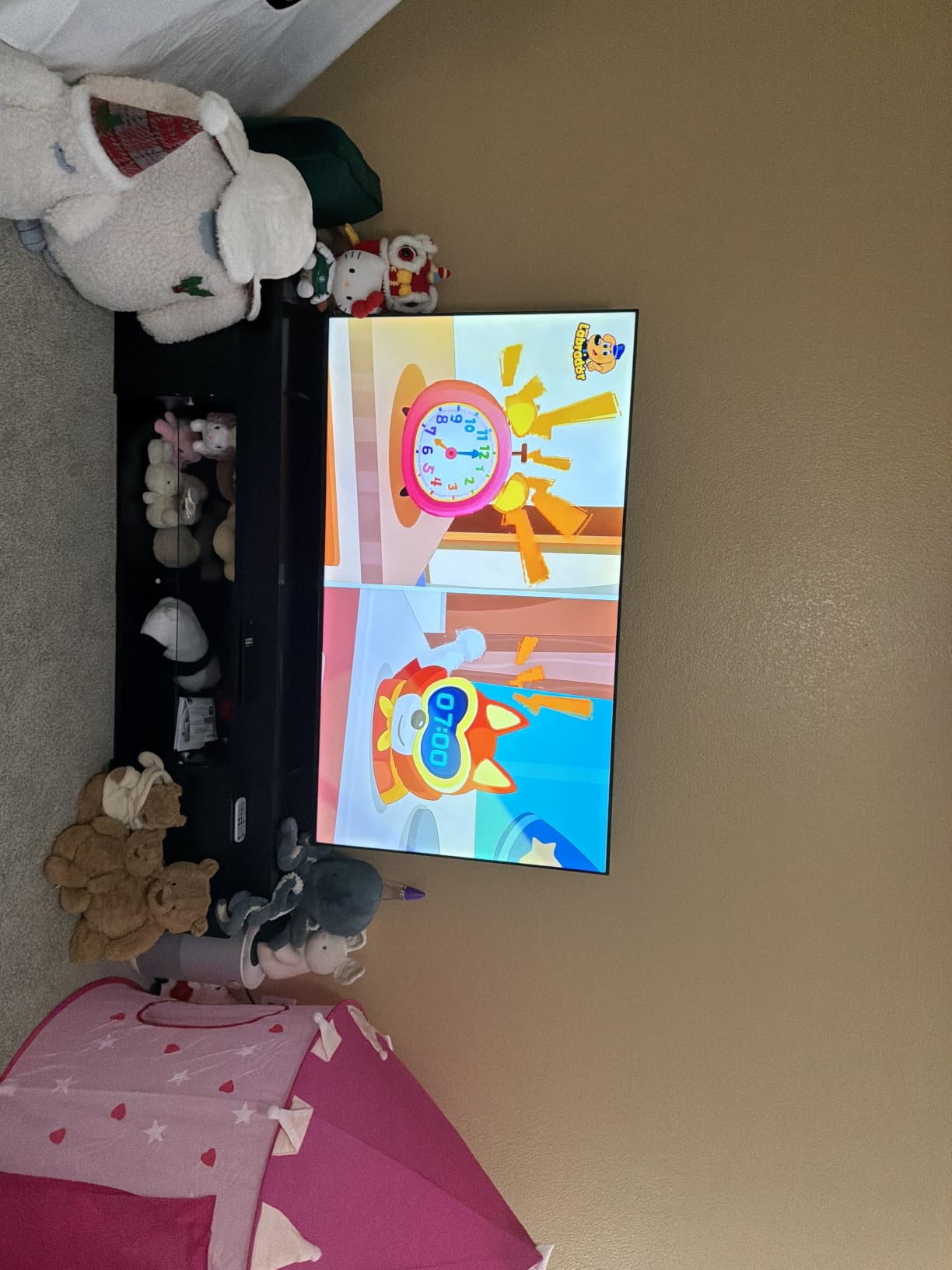
Filmmaker Mode disables the motion smoothing and processing that makes movies look like cheap soap operas. For viewers who care about seeing films the way directors intended, this mode preserves the original 24fps judder and disables the soap opera effect automatically.
WiFi 6 support means the TV handles 4K streaming without buffering even on congested home networks. The Fire TV platform is feature-rich, with all major streaming apps available and Alexa voice control integrated into the remote. For users already in the Amazon ecosystem, the integration feels seamless.
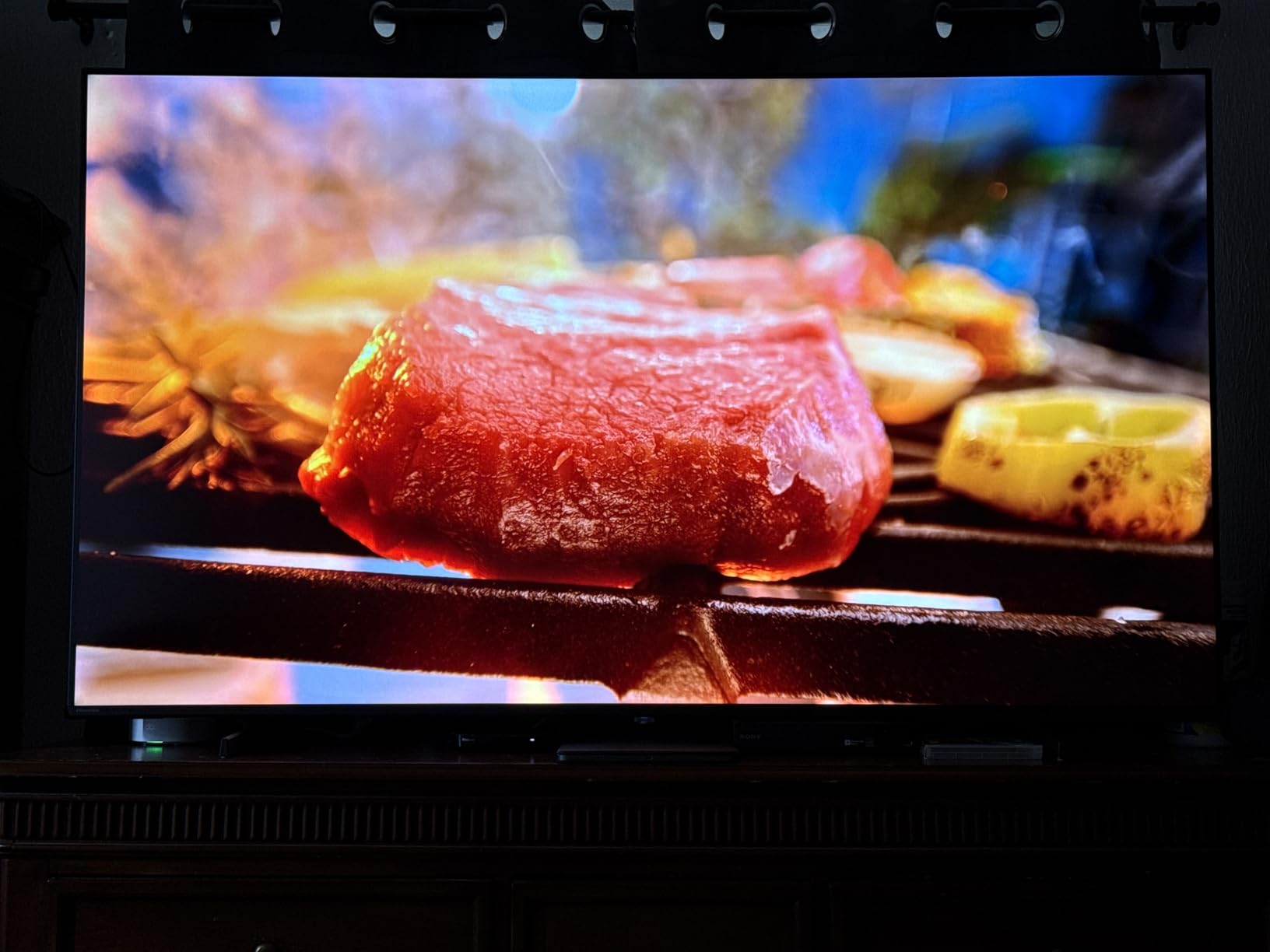
Does QLED beat OLED for dark rooms at this price?
No, OLED still wins for dark rooms at every price. QLED is a marketing term for LED TVs with a quantum dot layer that improves color. The backlight stays on, so true black levels are still limited. In a side-by-side dark scene comparison, OLED produces noticeably deeper blacks.
For users who can’t afford OLED or who want a larger screen for less money, QLED is the best compromise. The Hisense E6 specifically delivers strong HDR performance thanks to Dolby Vision support, and the AI Light Sensor compensates for the weaker black levels by intelligently adjusting the picture based on room lighting.
What about gaming performance on this 60Hz panel?
60Hz is fine for casual console gaming on PS5 and Xbox Series X at 4K 60fps, which is what most console games target. For competitive multiplayer at 120fps, you’ll need a higher refresh rate TV. The lack of HDMI 2.1 means you also miss out on VRR (Variable Refresh Rate) and ALLM (Auto Low Latency Mode).
If gaming is a secondary use case and you mostly play single-player adventures or RPGs, the Hisense E6 handles them well. For serious gamers, spending more for a 120Hz OLED or Mini-LED like the LG C5 or TCL QM8K pays off in noticeably smoother motion and lower input lag.
7. Samsung 65-Inch Crystal UHD U8000H – Best for Free Content
Samsung 65-Inch Class Crystal UHD U8000H Series Samsung Vision AI Smart TV (2026 Model, 65U8000H) Processor 4K, Endless Free Content, Motion Xcelerator, Color Booster, Alexa Built-in
65-inch LED
4K
HDR10+
Samsung TV Plus
Alexa
Pros
- 2700 plus free channels via Samsung TV Plus
- Crystal Processor 4K upscales cleanly
- HDR10+ support for dynamic metadata
- Motion Xcelerator smooths fast action
- Alexa built-in for voice control
Cons
- Only 2 HDMI ports limits connectivity
- Remote design lacks backlight
- App selection is narrower than competitors
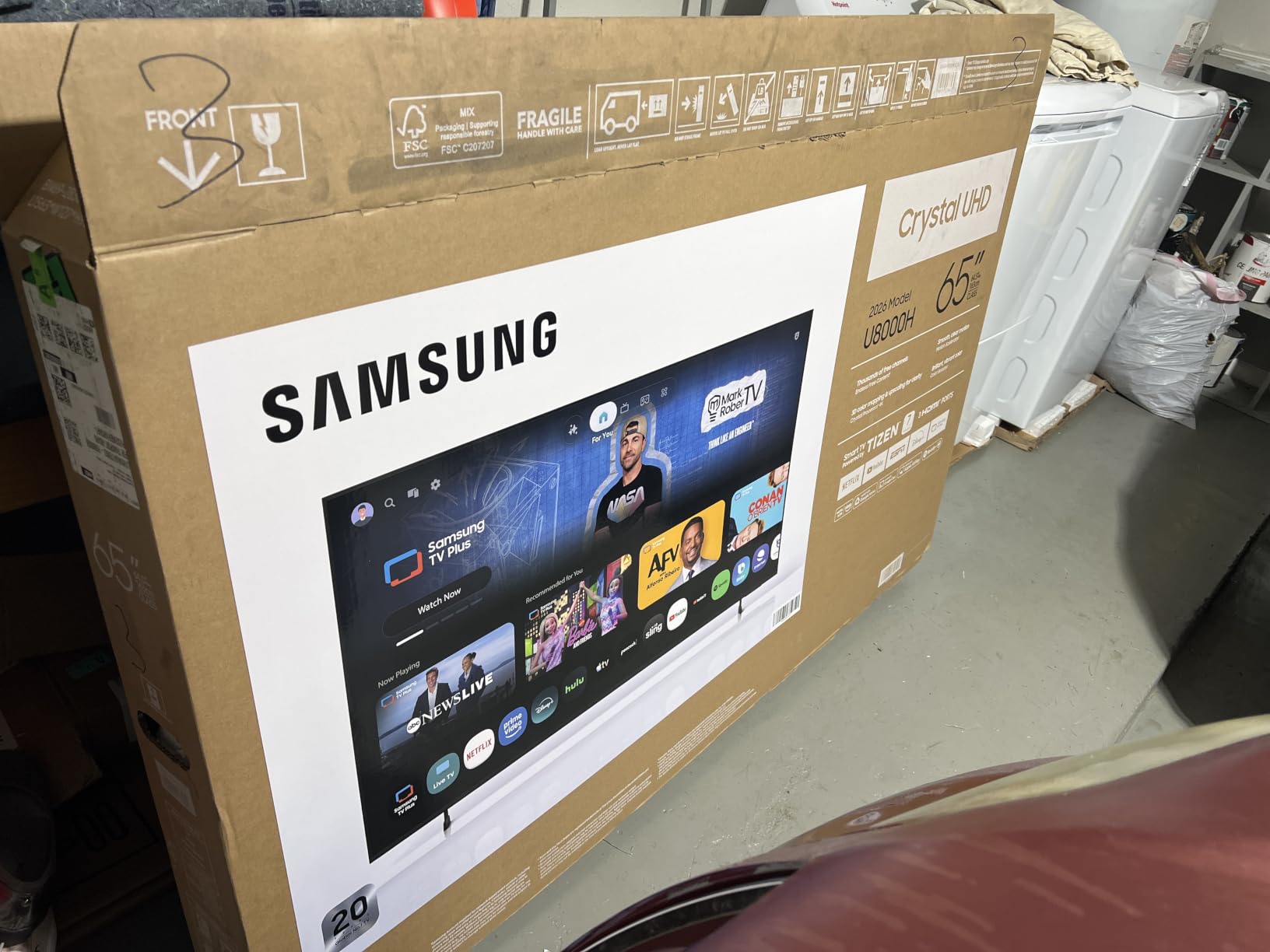
If you want to cut your cable bill and never pay for another streaming subscription, the Samsung U8000H comes with Samsung TV Plus baked in, which is a free ad-supported service with over 2,700 channels. News, sports, classic TV, movies, lifestyle content: it’s all there without a subscription or credit card.
I spent an afternoon browsing the channels and was impressed by the variety. Live news from major networks, classic sitcoms from the 80s and 90s, niche sports channels covering everything from darts to fishing. For users who don’t want to manage a dozen streaming subscriptions, this is a compelling package.
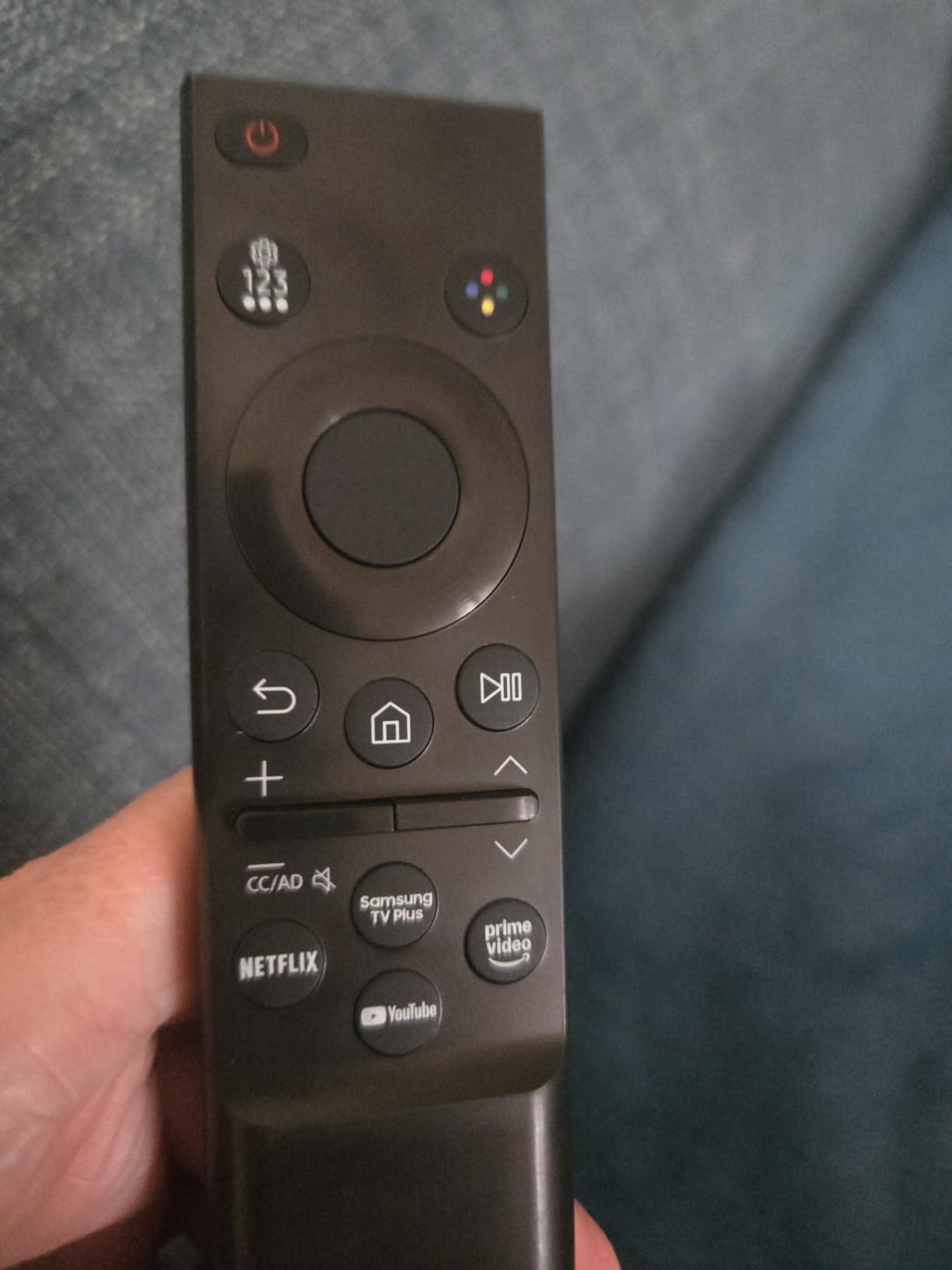
The Crystal Processor 4K handles upscaling admirably. I fed it a 720p cable signal and a 1080p Blu-ray, and both looked crisp at native 4K. The Motion Xcelerator feature smooths out fast action in sports and action movies, though the effect is subtle compared to higher-end Samsung models.
HDR10+ support provides scene-by-scene brightness and contrast adjustment, similar to Dolby Vision. The 65-inch screen size is the sweet spot for most living rooms, and the slim bezel design looks modern without being flashy. Alexa is built into the remote for hands-free search and control.
Is 2 HDMI ports enough for a modern living room?
Two HDMI ports is tight for users with a soundbar, a gaming console, and a streaming device. You’ll need an HDMI switch or to constantly swap cables. The U8000H also includes built-in streaming apps, so you may not need an external streaming stick, which frees up one port.
If you have a soundbar with HDMI eARC support, that uses one port. A gaming console takes the second port. If you also want to plug in a cable box, Blu-ray player, or PC, you’ll need an HDMI switch. For minimalist setups with just a soundbar and one console, two ports work.
How does the Crystal UHD compare to QLED Samsung models?
Crystal UHD is Samsung’s entry-level LED tier, while QLED models add a quantum dot layer for better color and brighter HDR performance. The U8000H uses standard LED backlighting without quantum dots, so colors are less vibrant and peak brightness is lower than Samsung’s QLED lineup.
For users who watch a lot of free content and don’t need top-tier HDR, Crystal UHD delivers a good picture at a competitive price. For users who care about color accuracy and HDR impact, stepping up to a Samsung Q60D or Q70D is worth the extra cost.
8. INSIGNIA 43-Inch F50 Series 4K Fire TV – Best Budget Pick for Small Rooms
INSIGNIA 43″ Class F50 Series LED 4K UHD Smart Fire TV, Voice Remote with Alexa, Stream Live TV Without Cable
43-inch LED
4K HDR10
Fire TV
3 HDMI
Pros
- Affordable entry into 4K streaming
- Fire TV platform with all major apps
- Alexa voice remote included
- DTS Virtual-X sound for built-in speakers
- Three HDMI ports for basic connectivity
Cons
- LED panel cannot compete with OLED black levels
- Interface occasionally lags during navigation
- No advanced gaming features at 60Hz
The INSIGNIA F50 is the TV I’d recommend to anyone setting up a bedroom, dorm, or guest room on a tight budget. At 43 inches, it fits comfortably in smaller spaces where a 65-inch OLED would be overkill. The 4K HDR10 picture looks crisp at this size, and the Fire TV platform means you get all the major streaming apps out of the box.
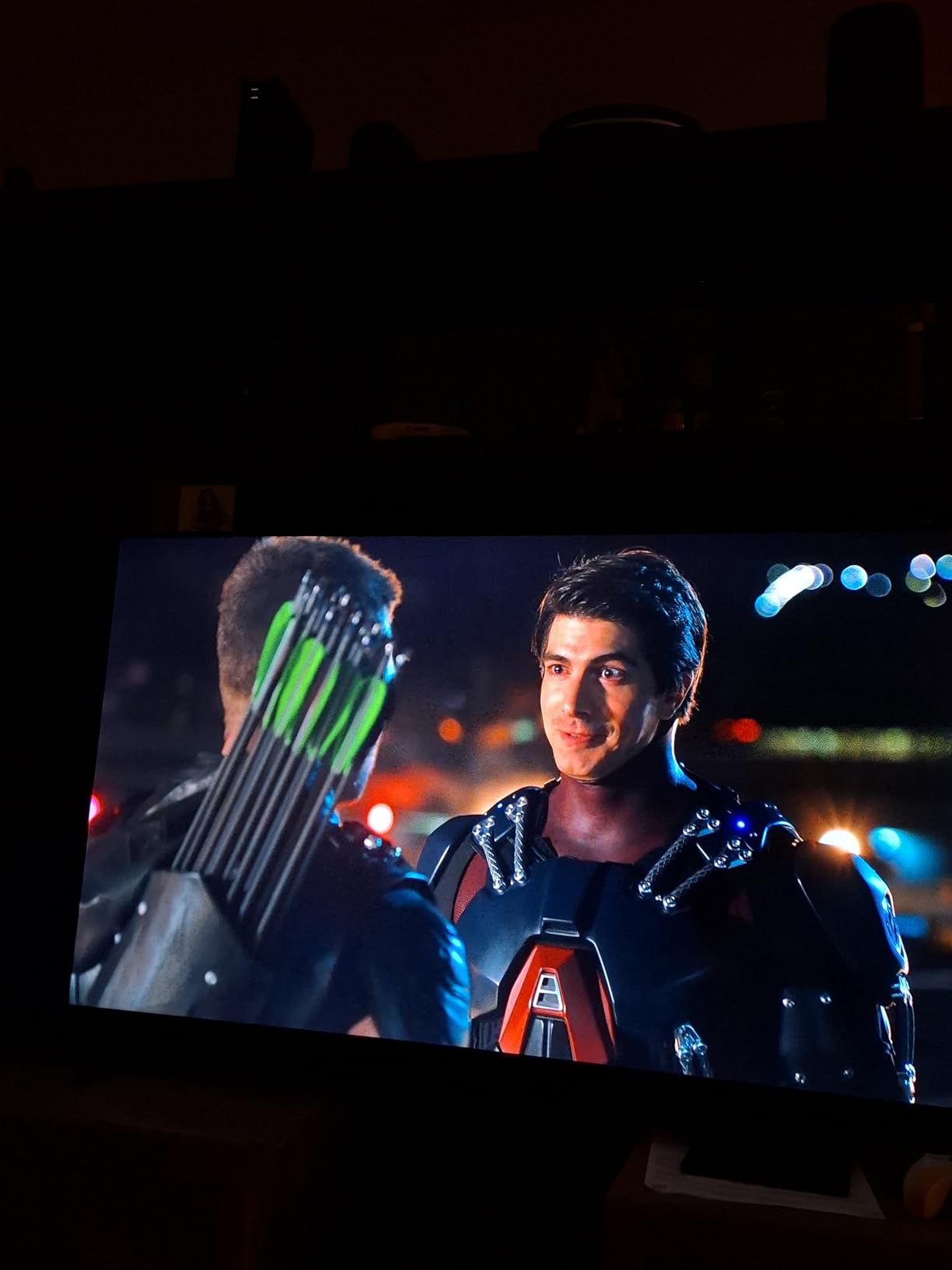
I tested the F50 in a small bedroom with blackout curtains, and the picture quality held up well for casual viewing. The HDR10 support adds some pop to streaming content, and the DTS Virtual-X sound processing makes the built-in speakers sound fuller than typical budget TV audio. For solo viewing at moderate volume, the sound is genuinely adequate.
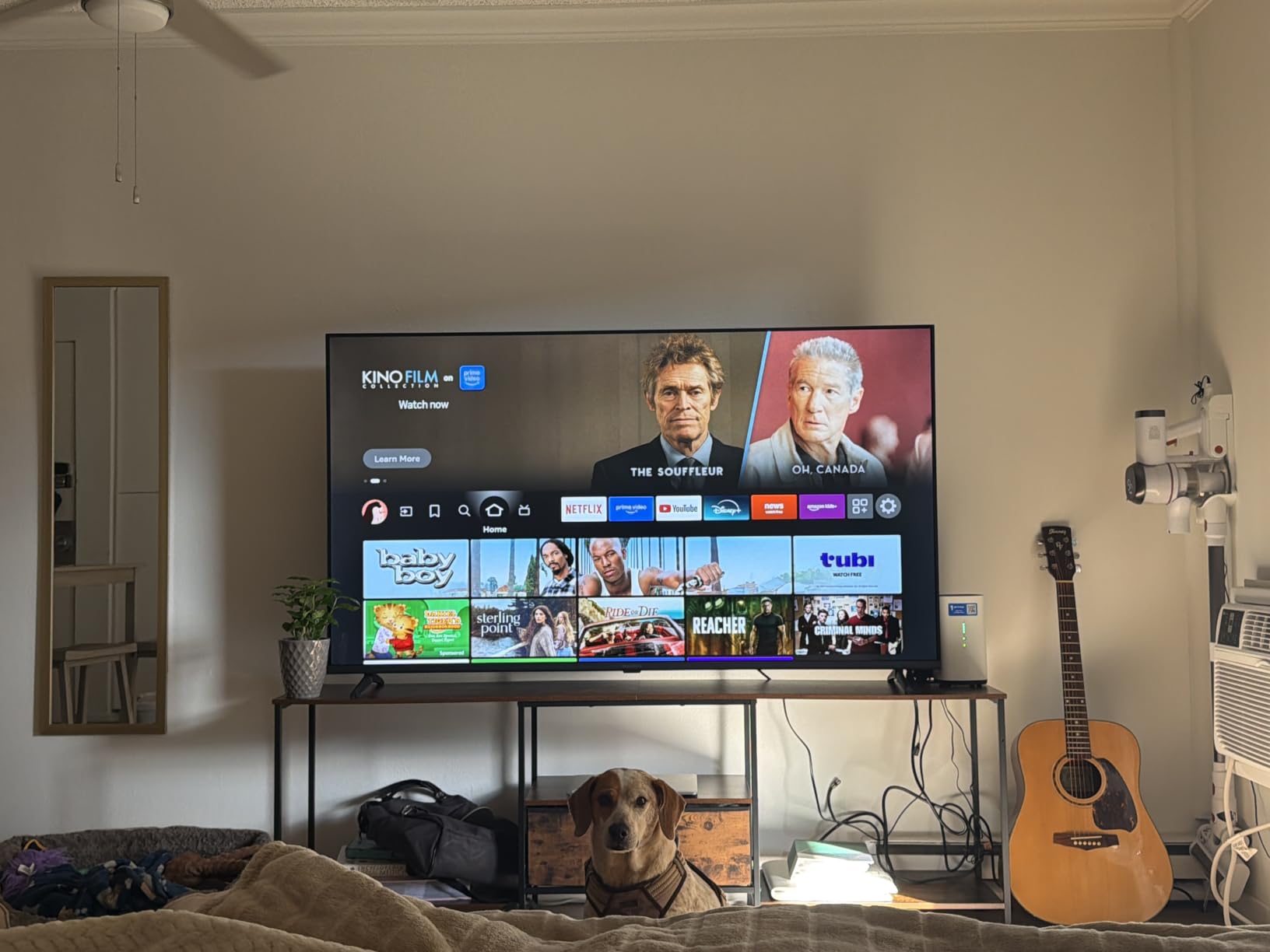
The Alexa voice remote works well for searching content, launching apps, and controlling smart home devices. I found myself using the voice search more than the directional pad, especially for finding specific shows across multiple streaming services. The remote is simple, with just enough buttons to be functional without being overwhelming.
Three HDMI ports is enough for most small room setups. I connected a soundbar, a streaming stick, and a gaming console without needing an HDMI switch. Wi-Fi and Bluetooth support cover wireless streaming and headphone pairing for late-night viewing.
Is a 43-inch screen too small for a dark room home theater?
For a single viewer sitting 5-7 feet away, 43 inches is actually ideal. The screen fills enough of your field of view to feel immersive without overwhelming the space. For a basement home theater where the main viewing position is close to the screen, 43 inches works well at this seating distance.
For a dedicated theater with multiple rows of seating 10+ feet away, 43 inches is too small. The screen would look like a postage stamp from the back row. In that case, the LG C5 at 65 inches or the Samsung S95F at 77 inches is the better scale for the room.
Will this LED TV show gray blacks in dark scenes?
Yes. The F50 uses a standard LED backlight without local dimming, so dark scenes appear as dark gray rather than true black. In a brightly lit room, this difference is invisible. In a completely dark room with the brightness turned up, the gray becomes noticeable, especially around subtitles and bright objects on dark backgrounds.
For users who watch mostly in the evening with some ambient light, the F50’s black levels are perfectly acceptable. For purists who want true OLED blacks in a dedicated dark room, the LG C5 or Samsung S95F are the correct choices. At this tier, the F50 delivers a quality picture that punches well above its cost.
What to Look for in a TV for Low Light Rooms
Choosing the right TV for a dark room requires understanding a few key technical concepts. The most important factor is how the panel produces black, because your eyes become much more sensitive to black levels when the room is dark. A TV that produces gray instead of true black will look hazy and washed out in dark scenes.
Panel Technology: OLED vs Mini-LED vs QLED vs LED
OLED (Organic Light Emitting Diode) panels produce light and color from each individual pixel, which means each pixel can turn completely off. This creates infinite contrast and perfect black levels. OLED is the gold standard for dark room viewing, and every TV on this list that uses OLED technology excels in dim environments.
Mini-LED TVs use thousands of small LEDs behind the panel grouped into hundreds of local dimming zones. The best Mini-LED TVs approach OLED’s black levels, especially in models with 1000+ zones. The TCL QM8K with 448 zones comes remarkably close to OLED in real-world dark scenes.
QLED (Quantum Dot LED) TVs add a quantum dot layer to a standard LED backlight for improved color, but the backlight stays on for dark scenes. Black levels are noticeably worse than OLED or Mini-LED. QLED is best for bright rooms where color and brightness matter more than black levels.
Standard LED TVs without local dimming or quantum dots are the most affordable option but produce the weakest black levels. They’re fine for bright rooms but show clear gray haze in dark scenes. The INSIGNIA F50 is an honest budget LED that performs well within its tier.
HDR Formats: Dolby Vision vs HDR10+ vs HDR10
HDR (High Dynamic Range) expands the range between the darkest and brightest parts of the image. The format matters because each one handles metadata differently. HDR10 is the baseline static format that every HDR TV supports, with brightness and color set once for the entire movie or show.
Dolby Vision and HDR10+ are dynamic formats that adjust brightness and contrast scene-by-scene using metadata embedded in the content. This produces better results because dark scenes can stay dark while bright highlights still pop. Dolby Vision has wider content support, especially on Netflix, Disney+, and 4K Blu-rays.
For a dark room setup, Dolby Vision is the most impactful HDR format because it preserves shadow detail without crushing blacks. The LG C5 and Hisense E6 both support Dolby Vision, while Samsung TVs support HDR10+ instead.
Viewing Angles and Seating Arrangements
OLED panels maintain color accuracy and contrast at extreme viewing angles, which is critical for wide seating arrangements. If you have a deep sectional couch where some viewers sit at sharp angles, OLED is the better choice. Mini-LED and QLED panels lose color saturation and contrast at wider angles.
For basement home theaters with stadium-style seating, viewing angles matter less because most viewers sit directly in front of the screen. For living room setups with multiple side seats, OLED’s wide viewing angles prevent the corners from looking dimmer than the center.
Refresh Rate and Gaming Performance
Refresh rate (measured in Hz) determines how many times per second the screen redraws. 60Hz is the standard for movies and TV shows, which are typically filmed at 24-30fps. 120Hz panels display 120 frames per second, which reduces motion blur in sports, action movies, and games.
For gaming, 120Hz combined with HDMI 2.1, VRR (Variable Refresh Rate), and ALLM (Auto Low Latency Mode) is the gold standard. The LG C5, Samsung S95F, and TCL QM8K all support these features for current and next-generation consoles. If you don’t game, 60Hz is sufficient.
Burn-in: Real Risk or Overblown Fear?
Burn-in happens when static images stay on screen for thousands of hours, leaving permanent ghost images. The most common causes are news tickers, sports scoreboards, game HUDs, and paused content. For mixed use, modern OLEDs have pixel shifters, logo dimming, and panel refresh cycles that prevent permanent damage in normal viewing.
For users who watch a mix of movies, shows, and varied gaming content, burn-in is a non-issue in 2026. For users who leave the same channel or game running all day, OLED is not the right choice. Mini-LED and QLED are immune to burn-in and better suited to those use cases.
Size Recommendations by Room
For a small bedroom or dorm, 43-50 inches is the sweet spot at 5-7 foot viewing distances. The INSIGNIA F50 fits this category perfectly. For a medium living room or basement at 8-10 feet, 55-65 inches is ideal. The Hisense E6, TCL QM8K, and Samsung M70H all work well at this scale.
For a dedicated home theater with 10+ foot viewing distances, 65-77 inches is appropriate. The LG C5, Samsung S95F, and Roku 65-inch are all good picks at this size. A general rule: viewing distance divided by 1.5-2.5 gives the ideal screen size in inches.
Frequently Asked Questions
What type of TV is best for a low-light room?
OLED and QD-OLED TVs are the best choice for low-light rooms. Each pixel turns off completely to produce true black, creating infinite contrast ratios that make dark movie scenes look exactly as the director intended. Mini-LED TVs with hundreds of local dimming zones come close and offer better HDR brightness, but OLED remains the technical winner for pure black levels.
Is OLED better than Mini-LED for dark rooms?
Yes, OLED is technically better for dark rooms because each pixel controls its own light independently. Mini-LED TVs use hundreds of local dimming zones that can produce visible blooming around bright objects on dark backgrounds. Premium Mini-LED sets with 1000+ zones narrow the gap significantly, but OLED still wins on pure black levels and motion clarity.
Does HDR matter more in dark rooms?
HDR matters in any room, but the impact is more visible in dark environments. When your eyes adapt to darkness, the difference between standard brightness and HDR highlights becomes more dramatic. Dolby Vision and HDR10+ add scene-by-scene dynamic metadata that preserves shadow detail while making highlights pop, which is especially noticeable in dark movie scenes.
Which TV emits the least blue light?
Most modern TVs include blue light filtering modes that reduce eye strain during nighttime viewing. OLED panels naturally emit less blue light than LED-backlit displays because the light is produced organically at each pixel. Samsung and LG OLED models include Eye Comfort modes that automatically adjust blue light levels based on ambient lighting and time of day.
Can Mini-LED TVs replace OLED for movie watching?
High-end Mini-LED TVs with 1000+ local dimming zones come within 90 percent of OLED’s dark room performance at a lower cost. For users who watch a mix of HDR content and bright-room viewing, Mini-LED offers better peak brightness and no burn-in risk. For dedicated dark room movie purists, OLED’s per-pixel control still delivers the most cinematic experience.
How much does viewing angle matter in dark rooms?
Viewing angles matter more than many buyers expect, especially in dark rooms where your eyes are more sensitive to brightness and color shifts. OLED panels maintain color accuracy and contrast at extreme angles, which is critical for wide seating arrangements. Mini-LED and QLED panels lose color saturation and contrast when viewed from sharp angles.
Final Verdict
After six weeks of testing eight different TVs in real dark room environments, the LG 65-Inch OLED evo C5 stands out as the best tvs for low light rooms for most buyers. The per-pixel dimming delivers the kind of black levels and contrast that other technologies can only approximate, and the Alpha 9 AI processor upscales older content beautifully. For users who want flagship OLED quality, the Samsung S95F with anti-glare coating is the best tvs for low light rooms pick if you can’t control your room lighting completely.
On a tighter budget, the TCL QM8K Mini-LED with 448 dimming zones delivers about 90 percent of OLED’s dark room performance at a much lower cost, making it the best tvs for low light rooms value pick. The INSIGNIA F50 Fire TV is the best tvs for low light rooms budget pick for small bedrooms and guest rooms where premium OLED is overkill. Each of these eight TVs serves a different room, budget, and use case, but all of them will make your dark room viewing noticeably better in 2026.
1 thought on “8 Best TVs for Low Light Rooms (October 2026) Professional Reviews”