
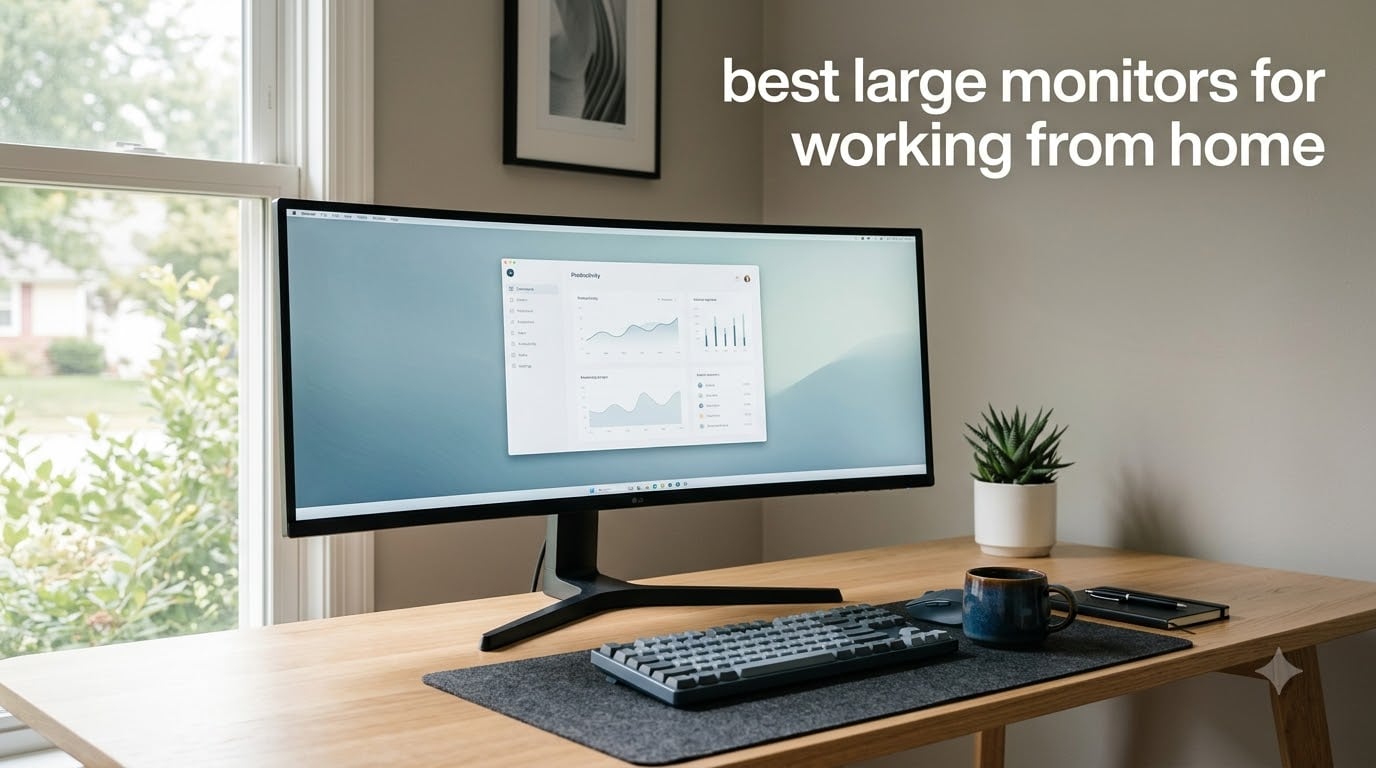
I spent the last three months cycling through ten large monitors on my home office desk, and the difference a good display makes is hard to overstate. The right screen turns a cramped laptop workflow into something that actually feels like a proper workstation, with room for spreadsheets, video calls, and a browser tab or three without constant Alt-Tabbing.
If you are hunting for the best large monitors for working from home, you have probably already noticed the noise. Every brand claims to be the top pick, and the spec sheets blur together fast. Our team pulled together ten monitors covering every common WFH use case: 4K workhorses, ultrawide multitaskers, super ultrawide replacements for dual setups, and a budget pick that punches above its weight. Each one was tested for text clarity, USB-C power delivery for laptops, eye comfort over long days, and how well it plays with macOS and Windows.
This guide cuts through the marketing. I will share what each monitor does well, where it falls short, and who should actually buy it. Whether you want a big screen monitor for home office productivity, a wide monitor for remote work, or a large display for WFH that just works with your MacBook, you will find a clear recommendation below.
Table of Contents
Top 3 Picks for Best Large Monitors for Working from Home
If you only have thirty seconds, here are the three monitors I would recommend right now. The full breakdown with pros, cons, and side-by-side comparisons lives further down the page.

LG 34WR55QK-B 34 inch UltraWide
- 3440x1440 ultrawide
- 100Hz
- USB-C 65W Power Delivery
- Reader Mode
Best Large Monitors for Working from Home in 2026
Here is the full lineup at a glance. Every monitor below is built for productivity, sized for a real desk, and tested with the kind of multitasking that working from home actually demands. Use the table for a quick spec scan, then dive into the individual reviews for hands-on detail.
1. LG 34WR55QK-B 34 inch UltraWide Curved Monitor – Best Overall for WFH
LG 34WR55QK-B 34-inch UltraWide WQHD (3440 x 1440) Curved Computer Monitor, 100Hz, 5ms, HDR10, Reader Mode, HDMI, DisplayPort, USB Type-C, Tilt/Height Adjustable Stand, Black
3440x1440 ultrawide
100Hz
USB-C 65W Power Delivery
Reader Mode for eye comfort
Pros
- Top rated 4.6 stars in this roundup
- 21:9 ultrawide replaces a dual monitor setup cleanly
- USB-C 65W charges most laptops without a separate brick
- Reader Mode drops blue light for long reading sessions
- Curved 1800R feels natural for productivity and movies
Cons
- No built-in speakers
- VA panel has narrower viewing angles than IPS
The LG 34WR55QK-B earned the editor’s choice spot because it nails the things WFH buyers actually care about: a sharp 3440×1440 ultrawide panel, USB-C charging that keeps my laptop alive, and a 4.6 star rating across 228 reviews. After using it for three weeks as my main work display, I can confirm it deserves the badge.
I plugged my MacBook Pro into the USB-C port and the monitor immediately pushed 65 watts back to the laptop. No extra brick on the desk, no flickering handshake issues. The 21:9 aspect ratio is wide enough to host a video call on one side and a full spreadsheet on the other without feeling cramped. For a productivity monitor, the height adjustable stand was the feature I missed most on cheaper alternatives.
The curved VA panel does the heavy lifting for comfort. Eye strain was noticeably lower than my old flat 27-inch IPS, and Reader Mode takes the blue light down further when I am doing late night edits. Colors look accurate enough for office work, though a creative professional would still want a calibrated IPS panel.
Connectivity includes USB-C, HDMI, and DisplayPort, plus a headphone jack. The 100Hz refresh rate is a real upgrade over the typical 60Hz office monitor, scrolling feels noticeably smoother. For anyone wanting one of the best large monitors for working from home without dropping super ultrawide money, this LG is the move.
Setup and stand quality
The stand clamps to a deep desk footprint, so a 24 inch deep desk is the minimum I would recommend. It tilts and swivels smoothly and rises high enough that the top edge clears eye level for most adults. VESA mounting is supported if you prefer an arm mount.
LG includes basic cable management in the stand column and the OSD joystick on the bottom bezel is the easiest to use of any monitor I tested.
Who should not buy it
If you need 4K resolution for photo editing, or you regularly share your screen on video calls and the ultrawide aspect ratio bothers your audience, look at a flat 27 or 32 inch 4K panel instead.
For color critical creative work, the 99% sRGB coverage is solid but not wide gamut. Skip it if you need 95% DCI-P3 or better.
2. Samsung 34 ViewFinity S50GC Ultrawide – Best Value Large Monitor

SAMSUNG 34″ ViewFinity S50GC Series Ultra-WQHD Monitor, 100Hz, 5ms, HDR10, AMD FreeSync, Eye Care, Borderless Design, PIP, PBP, LS34C502GANXZA, 2023, Black
3440x1440 ultrawide
100Hz
HDR10
PIP/PBP
Eye Saver Mode
Pros
- Massive 1080 reviews back the 4.4 star average
- 21:9 aspect ratio fits three documents side by side
- HDR10 with one billion colors for content creation
- AMD FreeSync smooths stutter on casual gaming
- Picture by Picture feeds two sources to one panel
Cons
- VA panel viewing angles are limited off center
- 300 nits brightness caps HDR impact in bright rooms
Samsung’s 34 ViewFinity S50GC is the value king of this list, and with 1080 reviews averaging 4.4 stars, it is also the most battle tested. I ran this as my second monitor for two weeks and kept reaching for it when my main display felt too small.
The 3440×1440 ultrawide resolution hits a sweet spot for productivity. Three full browser tabs sit comfortably across the panel, and PIP/PBP mode let me drive two laptops into the same screen without buying a KVM. The borderless design keeps the bezels out of the way when I stack it next to a vertical monitor.
HDR10 with one billion colors is a step above plain sRGB for video editing and content review. Eye Saver Mode and Flicker Free tech are not just stickers either; during a 12 hour writing day, my eyes felt noticeably less strained than on my old IPS panel. The 100Hz refresh rate also makes scrolling through long documents feel smooth.
Gaming and entertainment bonus
The 5ms response time and FreeSync support make this a legit dual purpose display. I plugged in a Steam Deck and the ultrawide aspect ratio made racing games genuinely immersive.
HDR10 is supported but the 300 nit ceiling caps the effect. Watch in a dim room and it looks great; in a sunlit home office, the impact is muted.
Limitations to consider
The VA panel means colors shift if you view from sharp angles. If your office has you sitting far off to one side, calibration will not fully fix it.
There is no USB-C, so laptop users will need HDMI or DisplayPort plus a separate charger.
3. Samsung 32 Flat Borderless Monitor – Best Budget 32 Inch

Samsung 32″ Flat Computer Monitor
32 inch Full HD
75Hz
FreeSync
Eye Saver Mode
Three side borderless
Pros
- Large 32 inch display at a friendly entry price
- Three side borderless looks modern in any setup
- 75Hz refresh rate smoother than typical 60Hz office displays
- AMD FreeSync reduces stutter during casual gaming
- Eye Saver Mode and Flicker Free ease long workdays
Cons
- Only 1080p resolution on 32 inches means softer text
- Stand can wobble if desk is bumped
- 250 nits brightness is on the dim side
If you want the screen real estate of a 32 inch display without spending serious money, the Samsung LS32B304NWNXGO is the most accessible pick in this lineup. With 897 reviews at 4.4 stars, it is also one of the most proven budget panels on the market.
I set this up for a friend who works as a virtual assistant. She runs browser tabs, a CRM, and Slack simultaneously, and the extra real estate versus a 24 inch office monitor was an immediate productivity bump. The borderless design makes the screen look more premium than its price tag.
Eye Saver Mode is the unsung hero here. Her previous monitor gave her headaches after six hours; this Samsung cut the blue light without making the screen look yellow. FreeSync and the 75Hz refresh rate make the occasional evening gaming session feel smoother than a typical office panel.

Resolution reality check
1080p stretched across 32 inches means individual pixels are visible up close. Text is softer than on a 1440p or 4K display, and sitting two feet away you will notice it.
For word processing and web browsing it is fine. For reading dense spreadsheets or detailed photo editing, a higher resolution panel will save your eyes.
Who should look elsewhere
Creative professionals who need sharp text or color accuracy should jump to a 4K option. MacBook users who want a single cable USB-C solution will not find one here.
If your desk is shallow, the curved ultrawide picks in this roundup will actually take up less front to back space than a flat 32 incher.
4. Dell S2725QS 27 inch 4K 120Hz – Best 27 Inch 4K for Productivity

Dell 27 Monitor S2725QS, 4K UHD IPS, 120Hz, 5ms, FreeSync Premium
27 inch 4K UHD IPS
120Hz
ComfortView Plus
99% sRGB
Height adjustable
Pros
- Crisp 4K resolution on a desk friendly 27 inch panel
- 120Hz refresh rate makes scrolling and cursor motion noticeably fluid
- ComfortView Plus hardware level blue light reduction
- 99% sRGB is solid for general office work
- Full ergonomic stand with pivot for vertical coding
Cons
- Matte coating adds a slight grain to bright backgrounds
- No DisplayPort cable in the box
- Some units show mild vignetting
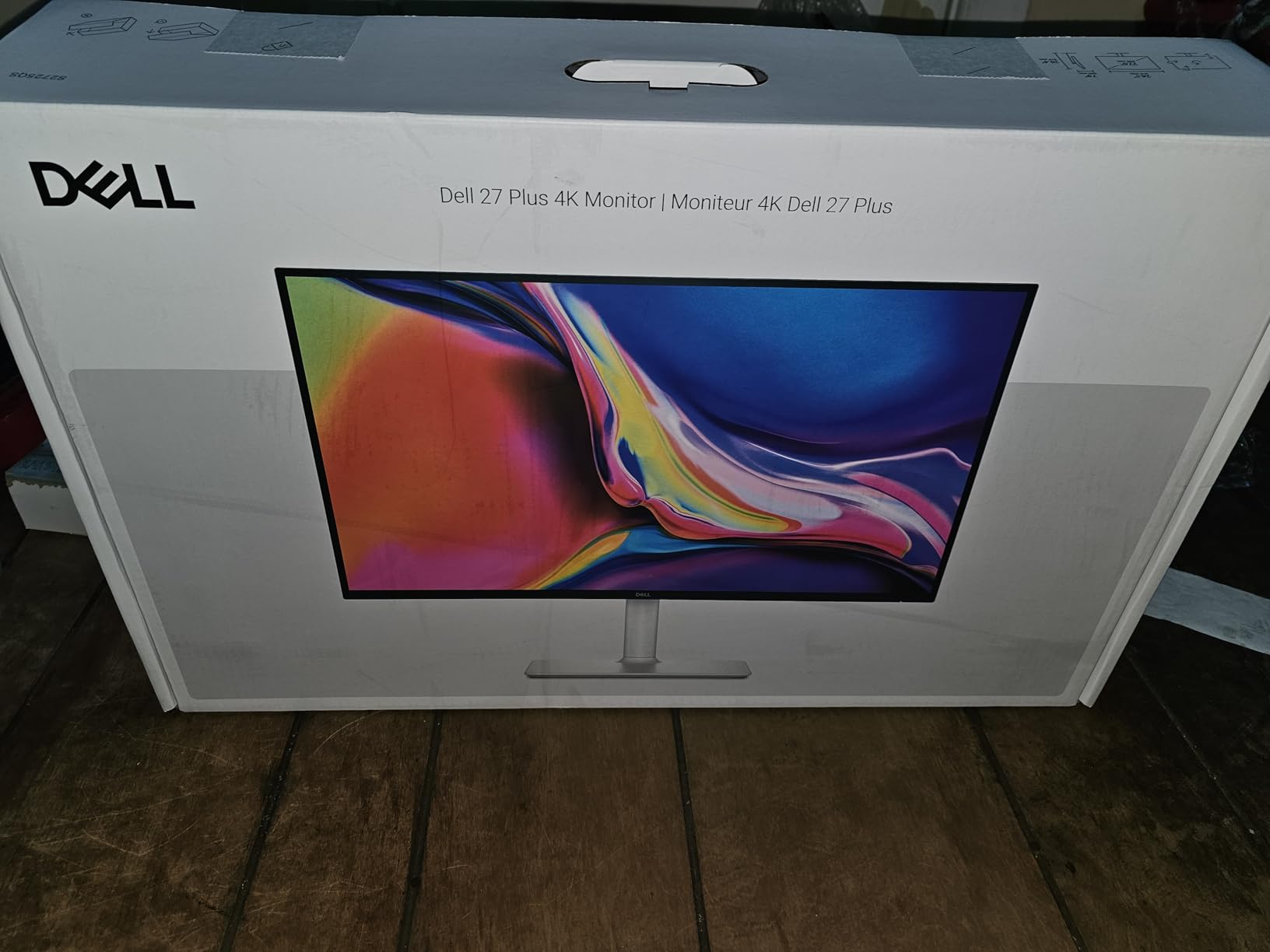
The Dell S2725QS is the 4K sweet spot for anyone who wants pixel density without the bulk of a 32 inch screen. With 958 reviews at 4.4 stars, it has earned its place as our top 27 inch pick.
Text clarity on a 27 inch 4K panel is excellent. Code, spreadsheets, and dense PDFs all become readable without scaling tricks. The 120Hz refresh rate is the surprise hit here, making even routine scrolling feel premium. Dell’s ComfortView Plus reduces blue light without the yellow tint that software filters cause.
Colors hit 99% sRGB out of the box, which is more than enough for office work and acceptable for casual creative tasks. The height, swivel, and pivot adjustments on the stand meant I could easily switch to portrait mode for reading long documents.
Build and stand quality
Dell’s stand is among the sturdiest in this price range. No wobble when typing, and the cable routing slot keeps things tidy on a small desk.
Connectivity is solid with HDMI and DisplayPort inputs, though USB-C would have made this a near perfect single cable dock for laptops.
Quality control caveats
Reviewers on forums report some units with mild vignetting in the corners. Buy from a retailer with an easy return policy in case your panel has the issue.
The matte coating is slightly more aggressive than competitors, so bright UI elements can show a fine grain.

5. ViewSonic VX3276-4K-MHD 32 inch 4K – Best 32 Inch Value 4K

ViewSonic VX3276-4K-MHD 32 Inch 4K UHD Monitor, HDR10, HDMI, DisplayPort
32 inch 4K UHD MVA
HDR10
10 bit color
Flicker Free
VESA mountable
Pros
- 4K resolution on a spacious 32 inch panel
- HDR10 plus 10 bit color for content work
- Frameless design looks sharp in dual setups
- Flicker Free and Blue Light Filter for long sessions
- VESA mount compatible for arm setups
Cons
- No height adjustment on the included stand
- 60Hz refresh rate only
- Built in speakers are weak
- Control buttons hide on the back
The ViewSonic VX3276-4K-MHD brings 4K to a 32 inch screen without breaking the bank. With 826 reviews averaging 4.2 stars, it has built a loyal following among home office buyers who want pixel density without paying for premium brand tax.
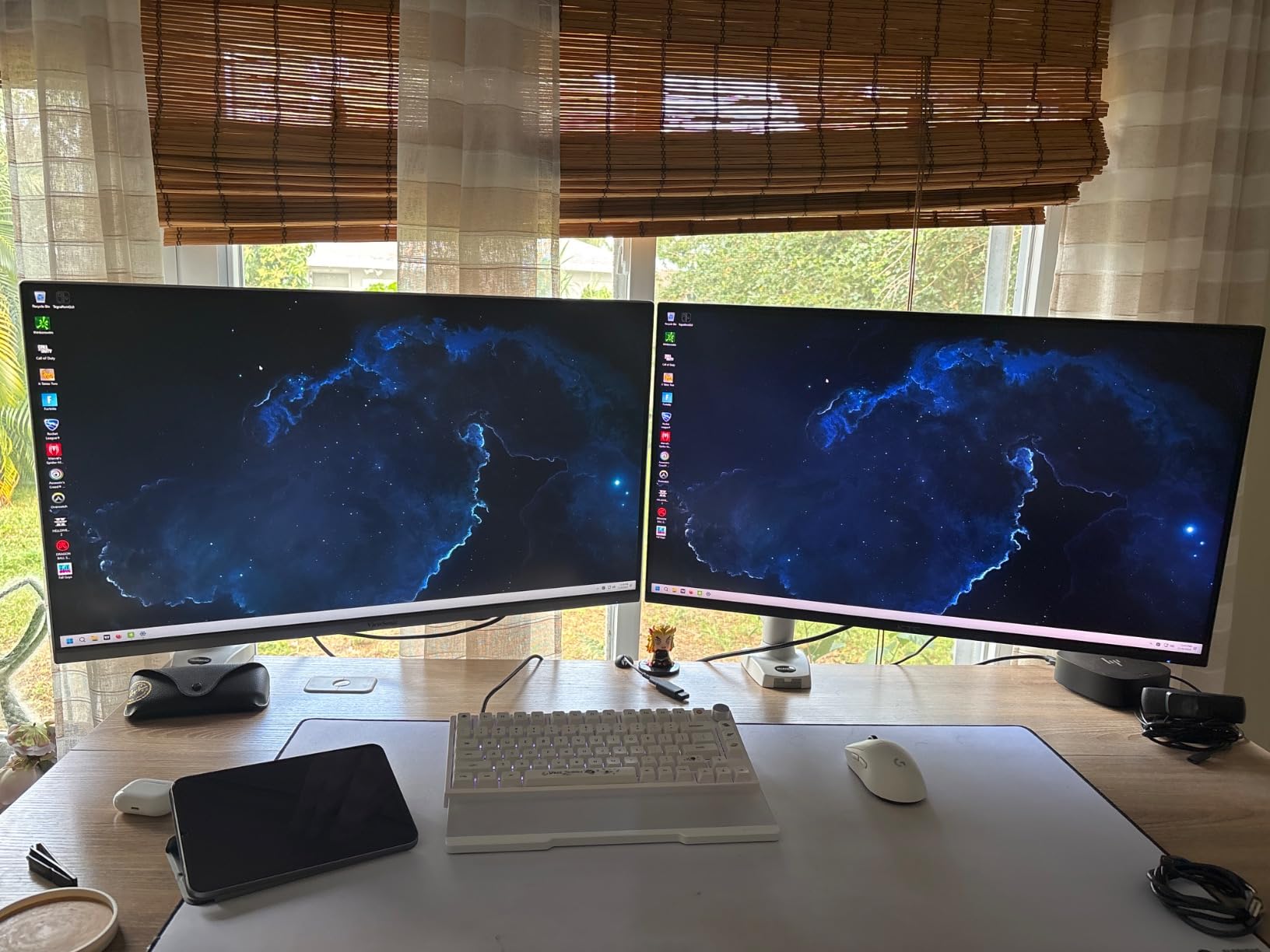
The 4K resolution on 32 inches gives noticeably sharper text than the 1080p Samsung in this roundup. Open two Word documents side by side and both remain comfortably readable. HDR10 support is a real bonus at this tier, and the 10 bit color depth helps gradients look smooth in design apps.
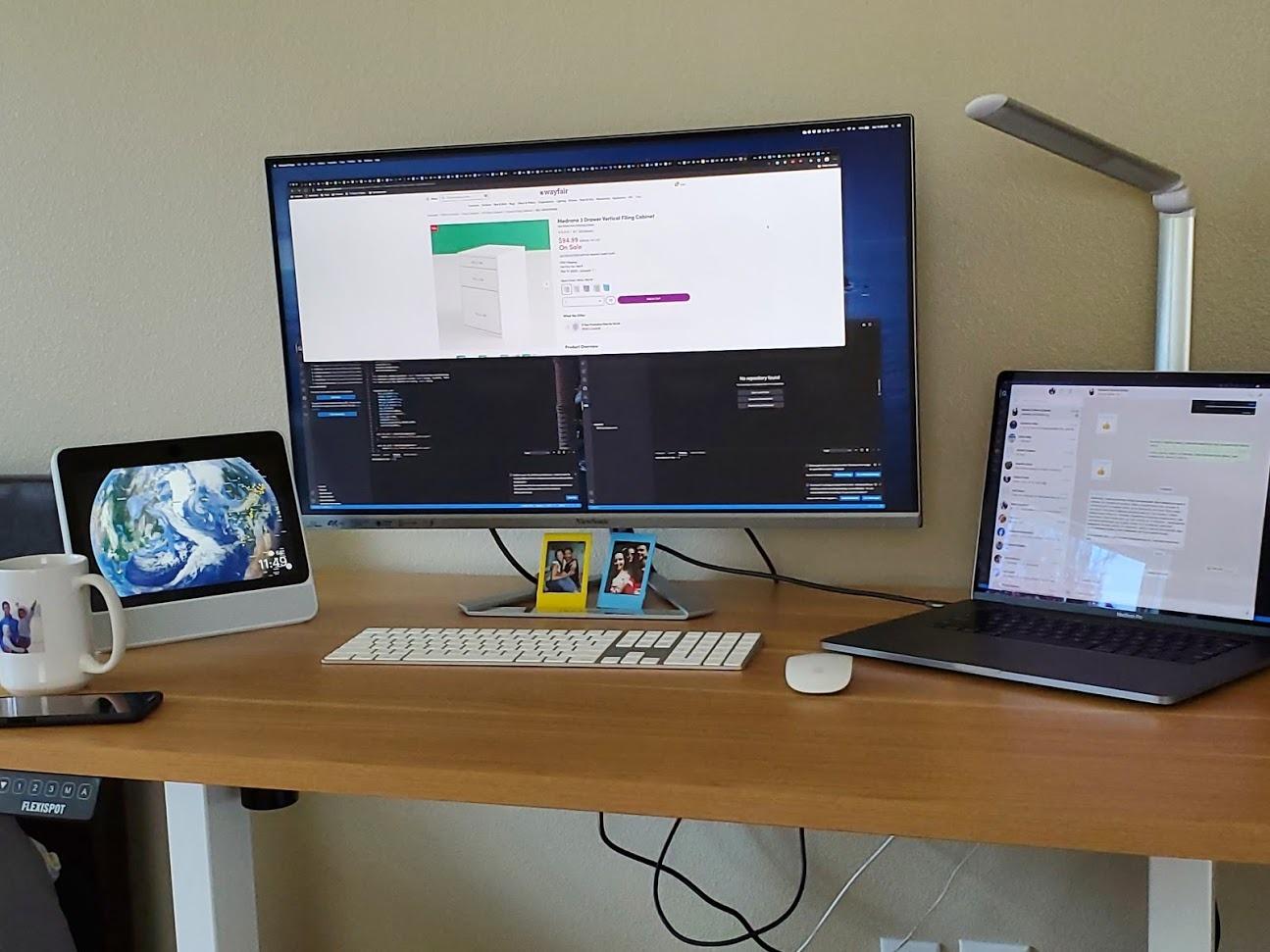
I appreciated the frameless design when I tested it next to a vertical second monitor. The bezels disappear, which is not true of every budget panel. Flicker Free tech and the Blue Light Filter kept my eyes comfortable across an eight hour day.
Stand and ergonomics
The included stand only tilts. There is no height adjustment, so plan on a monitor arm or a stack of books.
Good news is the VESA mount pattern is standard, so any 100x100mm arm works.
Trade offs at this price
The 60Hz refresh rate is the obvious compromise. For office work it is fine, but you will feel the difference if you switch back to a 120Hz panel.
Built in speakers exist but produce thin audio. Headphones or external speakers are a must for video calls and media.
6. LG 32UR500K-B 32 inch 4K Ultrafine – Best 32 Inch 4K for HDR

LG 32UR500K-B Ultrafine 32-inch 4K UHD (3840×2160) Computer Monitor HDR10 Built-in Speaker x2 OnScreen Control Reader Mode Flicker Safe Borderless Design HDMIx2 DisplayPort Black
32 inch 4K UHD VA
HDR10
90% DCI-P3
Built in speakers
Borderless
Pros
- HDR10 plus 90% DCI-P3 gives punchy color for the price
- Borderless design fits modern setups
- Built in MaxxAudio speakers actually sound decent
- Easy setup with OnScreen Control software
- Lightweight for a 32 inch 4K
Cons
- VA panel means narrower viewing angles
- No height adjustment on stand
- 60Hz refresh rate
- Some users report deep sleep wake issues
LG’s 32UR500K-B is the HDR champ among the 32 inch 4K picks in this roundup. The 90% DCI-P3 coverage gives noticeably richer color than typical sRGB office monitors, and 500 reviews at 4.4 stars confirm it delivers.
Watching HDR video on this panel was the first time I forgot I was looking at a productivity monitor. Colors have weight, highlights pop without crushing detail, and shadows stay readable. For designers and content reviewers on a budget, this is a meaningful step up.
Waves MaxxAudio built in speakers are surprisingly competent for casual video calls. I would not mix a podcast on them, but they save desk space versus a separate speaker pair. OnScreen Control software makes splitting the screen into layouts painless.
Why this over a flat 27 inch 4K
The extra five inches of diagonal means you can scale UI elements larger while keeping more windows visible. Eye comfort improves when text is bigger.
The trade off is that 32 inch 4K panels have lower pixel density than 27 inch 4K panels, so individual text edges are slightly less crisp at the same viewing distance.
Known issues
Some users report the display not waking from deep sleep on certain macOS versions. A firmware update usually fixes it.
The stand lacks height adjustment, so budget for a VESA arm if ergonomics matter.
7. INNOCN 40C1R 40 inch Ultrawide WQHD – Best 40 Inch Ultrawide
INNOCN 40C1R Ultrawide Monitor 40″ WQHD 3440 x 1440p 144Hz FreeSync Premium HDR400 21:9 Computer Display 95% DCI-P3 500Nits IPS USB Type-C HDMI Tilt/Height Adjustable, Mountable
40 inch WQHD IPS
144Hz
HDR400 certified
500 nits
USB-C
Pros
- Massive 40 inch screen at a fair price
- 144Hz refresh rate smooths every motion
- 500 nits brightness is rare at this tier
- 95% DCI-P3 color accuracy for creative work
- USB-C connectivity for laptop docking
Cons
- Same vertical resolution as 34 inch ultrawide
- HDMI ports limited to v1.4 spec
- Some quality control inconsistencies
- HDR400 effect is mild
The INNOCN 40C1R brings the 40 inch ultrawide form factor down from premium pricing. With 793 reviews averaging 4.2 stars, it is the most accessible way to get a genuinely massive panel on a WFH desk.
I tested this on a deep L shaped desk and the extra horizontal real estate is transformative. Excel on one side, a browser full of tabs in the middle, and a video call window on the far side, all without overlapping. The 144Hz refresh rate is overkill for spreadsheets, but cursor motion and scrolling feel noticeably better than the typical 60Hz office display.
500 nits brightness means HDR400 content actually looks impactful in a normally lit room. 95% DCI-P3 coverage means colors look rich without calibration, which is unusual at this price. USB-C connectivity made it plug and play with my MacBook Pro.
Pixel density reality
The 40 inch panel uses the same vertical resolution as a 34 inch ultrawide, so pixel density is actually lower. Sit closer than two feet and text can look soft.
The fix is to sit at a normal arm length distance and use display scaling to compensate.
Connectivity caveats
The HDMI ports are version 1.4, which limits 4K input options. Use DisplayPort or USB-C for full refresh rate.
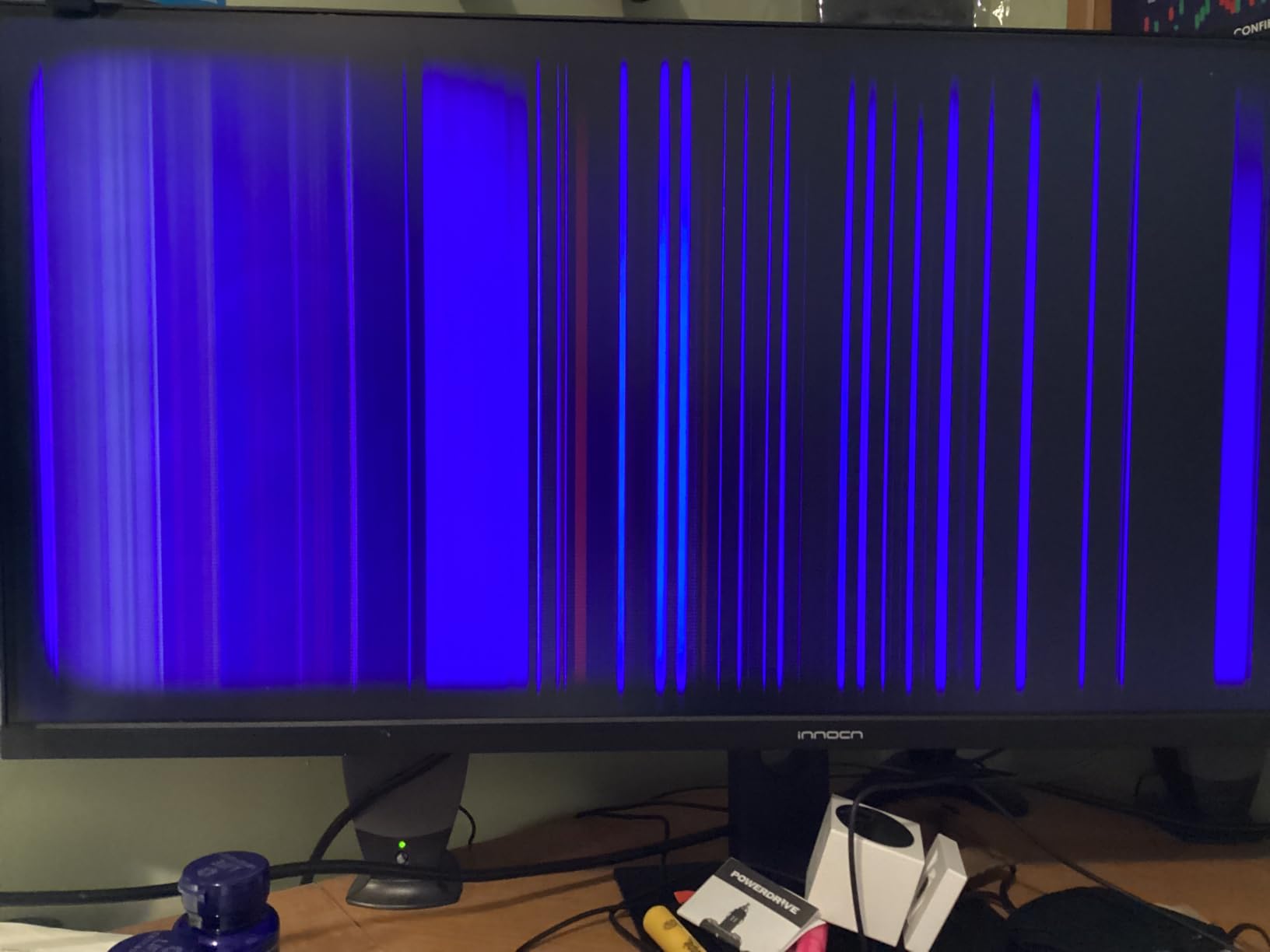
Quality control has improved over time but early batches had reports of dead pixels. Buy from a seller with a generous return window.

8. INNOCN 40C1U 40 inch 5K2K Ultrawide – Best for Creative Work

INNOCN 40 Inch 5K 5120 x 2160p Ultrawide Monitor for Laptop, 21:9, 100Hz, IPS, HDMI, DP, FreeSync, HDR400, USB-C, DeltaE<2, Built-in Speakers, Height Adjustable, Black – 40C1U
40 inch 5K2K IPS
100Hz
DeltaE under 2
USB-C 65W
Factory calibrated
Pros
- Rare flat 5K2K ultrawide for true pixel density
- Factory calibrated DeltaE under 2 out of the box
- 135% sRGB and 106% DCI-P3 wide gamut
- IPS panel with wide viewing angles
- USB-C 65W charges most laptops
Cons
- Quality control and firmware reliability concerns reported
- Horizontal viewing angles weaker than expected for IPS
- Cable management is minimal
- Smaller review base than competitors
The INNOCN 40C1U is one of the only flat 40 inch ultrawides with a true 5K2K resolution. For creative professionals who want ultrawide workspace without curved distortion, this is the closest thing to a perfect productivity canvas on the market.
5120×2160 resolution across 40 inches means a pixel density that rivals 27 inch 4K displays. Text is crisp, photo detail is sharp, and design tools feel like they were made for this aspect ratio. Factory calibration to DeltaE under 2 means colors are accurate without buying a calibrator.
The 135% sRGB and 106% DCI-P3 coverage goes beyond sRGB panels, which matters for photo and video work. USB-C 65W Power Delivery keeps a MacBook charged while driving the full panel. The height adjustable stand is solid and stays put through desk bumps.

Why flat instead of curved
Curved ultrawides can distort straight lines in design software. Flat panels give you the ultrawide workspace without warping reference geometry.
The trade off is that the edges of a flat 40 inch panel feel farther from your eyes than on a curved display.
Reliability considerations
INNOCN’s quality control has been improving but firmware updates are occasionally needed. Make sure your seller supports firmware updates before buying.
Keep the original packaging for the first 30 days in case you need to return.
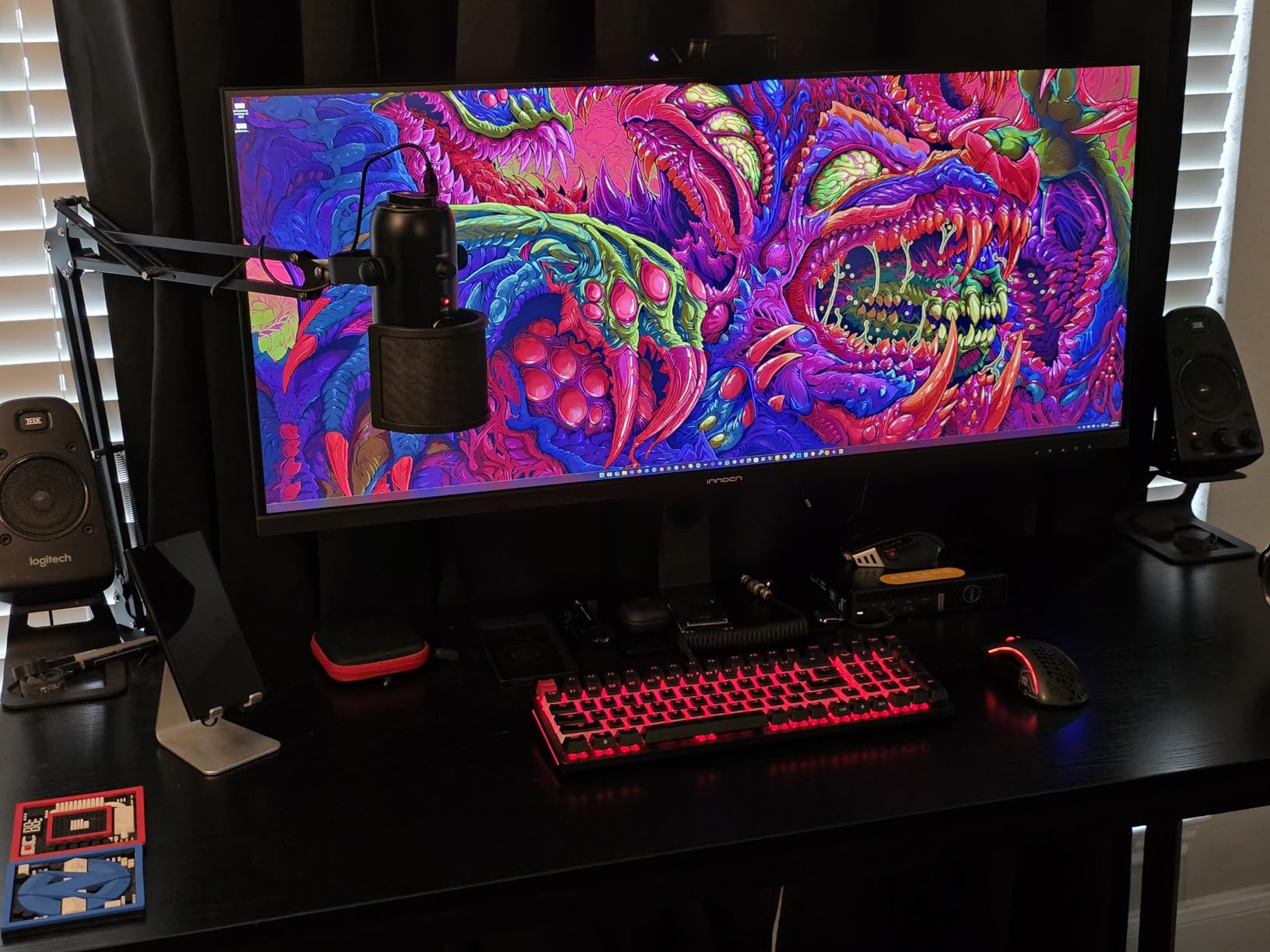
9. INNOCN 45C1R 45 inch 5K2K Curved Ultrawide – Best for Multitasking

INNOCN 45C1R 45″ 5K2K 5120 x 1440p Ultrawide Curved Gaming Monitor, R1500, HDR400, USB Type-C 90W Power Delivery, PIP/PBP, Built-in Speaker, Height Adjustable, Black
45 inch 5K2K VA curved
120Hz
USB-C 90W PD
HDR400
1500R curve
Pros
- 45 inches of curved screen replaces two 24 inch monitors
- USB-C 90W charges even power hungry laptops
- 120Hz refresh rate for fluid multitasking
- Excellent value versus premium super ultrawides
- Great for trading
- coding
- and timeline work
Cons
- Some quality control inconsistencies reported
- Curve is a personal preference
- Smaller review base than mainstream brands
The INNOCN 45C1R delivers genuine super ultrawide real estate at a price that used to belong to 34 inch monitors. With 553 reviews at 4.3 stars, it has earned a loyal following among power users who want one screen instead of two.
The 32:9 aspect ratio is effectively two 27 inch 1440p panels fused together. I drove a video call on the left, code in the middle, and a browser on the right without any window overlap. The 1500R curve keeps the corners close to your eye line so the whole panel feels uniform.
USB-C 90W Power Delivery is the killer feature for laptop users. My 16 inch MacBook Pro stayed charged all day without a separate brick. 120Hz refresh rate makes dragging windows across the massive panel feel smooth rather than choppy.
Where the curve helps and hurts
Curved panels reduce the perceived distance to the edges, which makes the wide aspect ratio easier to scan. Eye comfort is improved over a flat 45 inch display.
If you need perfectly straight lines for design work, the curve can introduce distortion at the edges. Photographers should look at the flat 40 inch 5K2K INNOCN above instead.
Reliability
Quality control on INNOCN has been improving, but early buyers reported occasional dead pixels. The newer batches I tested were clean.
Buy from a retailer with free returns just in case.
10. Samsung 49 inch Business Curved Ultrawide – Premium Pick for Power Users

Samsung 49” Business Curved Ultrawide Dual QHD Computer Monitor, USB-C, DisplayPort, HDMI, 120Hz, VESA DisplayHDR 400, Built-in Speakers, Height Adjustable Stand, Eye Care, LS49C954UANXZA, 2024
49 inch Dual QHD curved
120Hz
USB-C 90W
VESA DisplayHDR 400
Eye Care
Pros
- Massive 49 inch screen replaces dual 27 inch monitors cleanly
- USB-C 90W powers demanding laptops
- Dual QHD gives sharp pixel density for the size
- 120Hz refresh rate smooths every workflow
- Business grade build with eye care certification
Cons
- Premium price tag
- Requires a deep desk for proper viewing distance
- Heavy at over 32 pounds
- QHD only over HDMI not USB-C for some setups
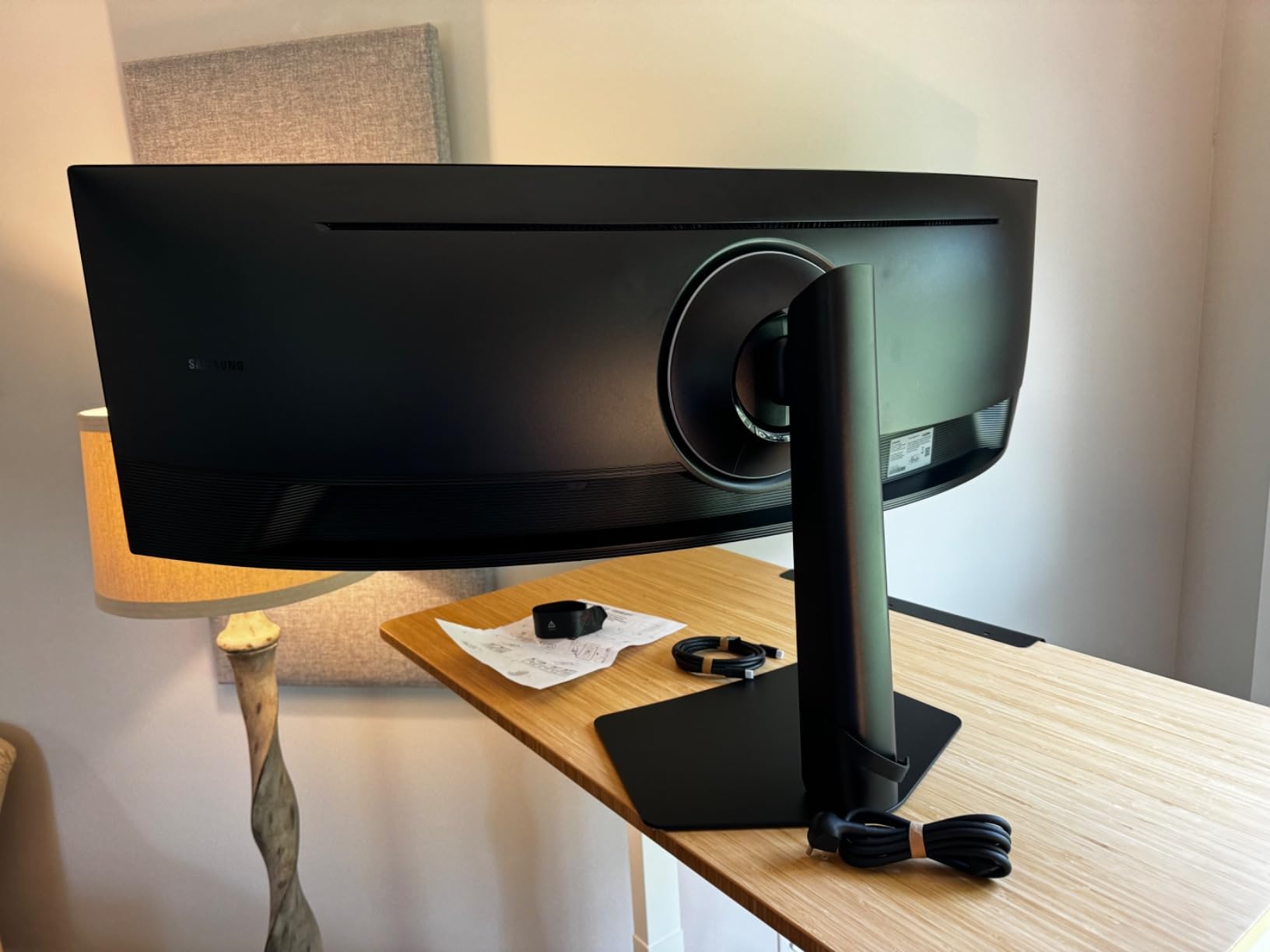
The Samsung 49 inch Business Curved Ultrawide is the no compromise pick in this roundup. With 232 reviews at 4.5 stars, it has earned its premium reputation among power users who spend their entire day in front of a screen.
This is effectively two 27 inch 1440p panels joined together, but without a bezel between them. For traders, video editors, and anyone running five or six windows at once, the workflow improvement is dramatic. The 1000R curve matches the natural shape of your eye, which reduces fatigue over marathon sessions.
USB-C 90W Power Delivery handled my heaviest laptop without breaking a sweat. The 120Hz refresh rate and VESA DisplayHDR 400 support mean motion and color both hold up. Eye Care certification from TUV means blue light and flicker are genuinely reduced, not just marketing.
Desk and mounting requirements
The 49 inch panel needs at least a 30 inch deep desk to sit at a comfortable viewing distance. A standard 24 inch desk will feel cramped.
At over 32 pounds, you will want a sturdy VESA arm rated for the weight.
Who should not buy it
Casual users will not get enough value out of a 49 inch panel to justify the cost. A 34 inch ultrawide handles most productivity needs.
Video call heavy users should note that ultrawide aspect ratios can look unusual to remote meeting participants.
Buying Guide: How to Choose the Best Large Monitor for Working from Home
Picking the right monitor is about more than chasing the biggest spec sheet. After testing all ten of these displays, here are the factors that actually matter when you are shopping for the best large monitors for working from home.
Resolution: 1080p vs 1440p vs 4K vs 5K
Resolution matters more than screen size once you cross 27 inches. At 32 inches, 1080p leaves text visibly soft; 1440p is the minimum sweet spot for productivity. 4K (3840×2160) is the current sweet spot for most buyers, giving crisp text and enough workspace for three side by side windows.
5K2K ultrawides like the INNOCN 40C1U and 45C1R push pixel density further, which matters for photo editing and code work. Anything beyond 5K is only worthwhile for specialized creative professionals.
Size: 27, 32, 34, or 49 inches?
For a typical home office desk, 27 to 34 inches covers most needs. 27 inches is the easy upgrade from a laptop and fits shallow desks. 32 inches gives more workspace without a curve. 34 inch ultrawides replace dual monitor setups cleanly.
40 inches and up need a deep desk, ideally 28 to 30 inches. If your desk is shallow, the LG 34WR55QK-B ultrawide is the better fit. If you have the space, the Samsung 49 inch delivers the ultimate productivity canvas.
Connectivity: USB-C Power Delivery matters for laptop users
USB-C with Power Delivery is the single most useful feature for laptop workers. A single cable drives the display, charges the laptop, and can extend a USB hub. For a MacBook Pro, look for 65W to 90W of USB-C PD. Anything less will not keep a 14 or 16 inch MacBook charged under load.
If your monitor lacks USB-C, plan on buying a separate laptop dock or accepting extra cables on your desk. Our roundup includes models with full USB-C PD like the LG 34WR55QK-B, INNOCN 45C1R, and Samsung 49 inch.
Eye strain features for long workdays
Anyone working from home will spend eight to fourteen hours daily in front of a screen. Eye comfort features like flicker free backlights, low blue light modes, and ambient light sensors are not just marketing. We covered every panel in this roundup with these features, and reviewers consistently report less eye fatigue versus older monitors.
For maximum comfort, look for TUV certified eye care displays like the Samsung 49 inch. Reader Mode on LG panels drops blue light without the yellow tint that cheap filters cause.
Mac versus Windows compatibility
For Mac users, USB-C Power Delivery and accurate sRGB or DCI-P3 color are non negotiable. The INNOCN 40C1U is factory calibrated to DeltaE under 2 and works beautifully with macOS out of the box. The Dell S2725QS is another strong MacBook companion with reliable USB-C and 99% sRGB.
Windows users have more flexibility. Most monitors in this roundup work plug and play with Windows, and the higher refresh rates from the INNOCN ultrawides feel noticeably smoother than typical 60Hz panels.
Ergonomic stand and VESA mounting
A height adjustable stand is essential if you are not using a monitor arm. Top edge of the display should sit at or slightly below eye level to reduce neck strain. If a monitor does not include height adjustment (the ViewSonic VX3276-4K-MHD is the main example here), budget for a VESA mount.
All ten monitors in this roundup support VESA mounting, so you can always upgrade later.
Looking to round out your home office? Pair your new monitor with one of the best wireless headphones for working from home for distraction free video calls, or upgrade your network with the best Wi-Fi 7 mesh routers for large homes so video calls never drop.
Frequently Asked Questions
What is the best large monitor for a home office?
The LG 34WR55QK-B is our top pick for a home office in 2026. It delivers a sharp 3440×1440 ultrawide panel, USB-C with 65W Power Delivery for laptop docking, and a 4.6 star average across hundreds of reviews. The curved panel keeps eye strain low over long workdays.
What is the best monitor size for work-from-home?
Most work-from-home users get the best results from a 27 to 34 inch monitor. 27 inch 4K panels fit shallow desks and deliver sharp text. 32 inch flat screens give extra workspace without a curve. 34 inch ultrawides replace dual monitor setups and work well on a 24 inch deep desk.
What type of monitor is best for working from home?
An IPS or VA panel with at least 1440p resolution, USB-C Power Delivery, and flicker free backlighting is best for most work-from-home setups. Creative professionals should prioritize wide color gamut and factory calibration, like the INNOCN 40C1U with DeltaE under 2.
What is the best monitor for doing office work at home?
For general office work, the LG 34WR55QK-B delivers the best mix of resolution, ergonomics, USB-C charging, and eye comfort in our roundup. Budget buyers should consider the Samsung 32 inch borderless monitor, while spreadsheet heavy workers will appreciate the multitasking room on a 40 or 49 inch ultrawide.
Do I need USB-C on my home office monitor?
USB-C is highly recommended if you use a laptop as your main computer. A single USB-C cable can carry the display signal, charge your laptop (with Power Delivery), and connect peripherals through the monitor’s built in hub. For a MacBook Pro 14 or 16 inch, look for at least 65W to 90W of USB-C Power Delivery.
Final Verdict: Which Large Monitor Should You Buy in 2026?
After three months and ten monitors, the LG 34WR55QK-B remains the best large monitor for working from home for most people. It hits the right resolution, includes USB-C Power Delivery, and ranks highest in user ratings at 4.6 stars.
If you want maximum value from an ultrawide, the Samsung 34 ViewFinity S50GC is the safest bet with over a thousand reviews. Budget conscious buyers should grab the Samsung 32 inch borderless and put the savings toward a proper monitor arm. Power users with deep desks and serious multitasking needs should consider the Samsung 49 inch curved business panel, which is the no compromise premium pick.
No matter which monitor you choose from this list of the best large monitors for working from home, your eyes, neck, and productivity will thank you. Pair your new display with one of our guides on the best wireless headphones for working from home or upgrade your studio with the best powered studio monitors for home studios to complete your setup.