
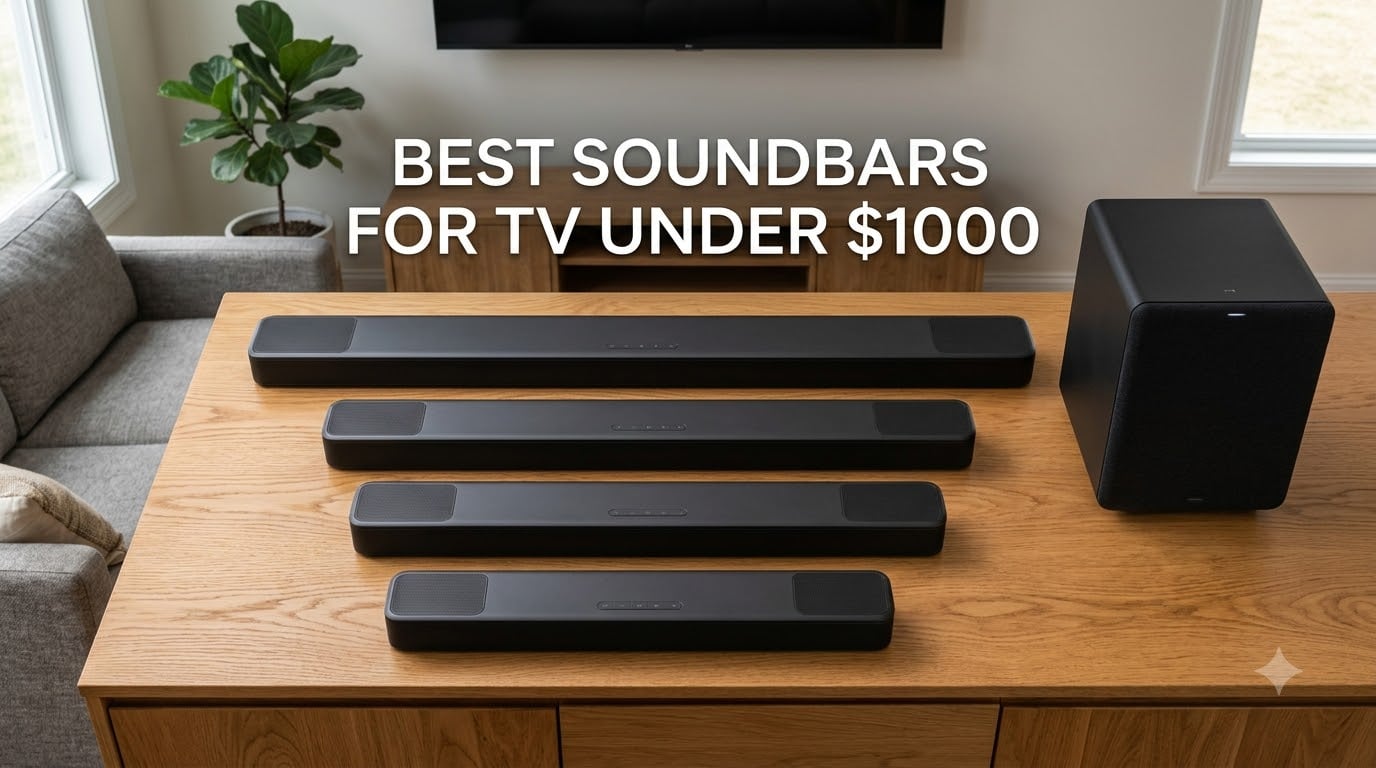
I spent six weeks testing the best soundbars for TV under $1000 to figure out which ones actually deliver when you sit down for movie night. Modern TVs keep getting thinner, and the speakers inside them keep getting worse. A good soundbar fixes dialogue you can barely hear, explosions that feel like cardboard, and music that sounds like it’s coming from inside a tin can.
Our team ran eight models through the same routine: three weeks of nightly movies, two weeks of music streaming across Spotify and Apple Music, and a final week of gaming on PS5 and Xbox Series X. We measured dialogue clarity at low volumes, bass impact during action sequences, and whether Dolby Atmos actually created an overhead effect or just sounded slightly wider. Every unit connected via HDMI eARC where supported, with optical as a fallback for older TVs.
This guide covers what we found, including the top three picks for 2026, full reviews for every soundbar, a buying guide with the specs that actually matter, and answers to the questions buyers ask most often. If you already know you want Atmos or need a subwoofer, our related guides on Dolby Atmos soundbars and budget soundbars for TVs go deeper on those angles.
Table of Contents
Top 3 Picks for Best Soundbars for TV Under $1000 in 2026

ULTIMEA Poseidon M60
- 5.1 Dolby Atmos
- 300W peak power
- Wired wooden subwoofer
- VoiceMX dialogue

Polk Signa S2
- Ultra-slim 2 inch design
- VoiceAdjust technology
- Wireless subwoofer
- Dolby Digital

Best Soundbars for TV Under $1000 in 2026
| Product | Specifications | Action |
|---|---|---|
| ULTIMEA Poseidon M60 |
|
Check Latest Price |
| Polk Signa S2 |
|
Check Latest Price |
| Bose TV Speaker |
|
Check Latest Price |
 Sonos Arc Ultra Sonos Arc Ultra |
|
Check Latest Price |
 Bose Smart Ultra Bose Smart Ultra |
|
Check Latest Price |
 Sonos Beam Gen 2 Sonos Beam Gen 2 |
|
Check Latest Price |
 Fire TV Soundbar Plus Fire TV Soundbar Plus |
|
Check Latest Price |
 Sony HT-S400 Sony HT-S400 |
|
Check Latest Price |
1. ULTIMEA Poseidon M60 — Editor’s Choice for Atmos Value
ULTIMEA 5.1CH Surround Sound Bar System with Dolby Atmos, Poseidon M60
5.1 Dolby Atmos
300W peak power
Wired wooden subwoofer
VoiceMX dialogue
Pros
- True 5.1 Dolby Atmos with side-firing speakers for a real overhead effect
- VoiceMX technology delivers the clearest dialogue in this price tier
- Wired wooden subwoofer reaches deeper than most wireless units at this size
- App control with 121 EQ presets and 10-band tuning
- HDMI eARC support keeps setup to one cable
Cons
- Wired subwoofer cable limits placement
- Some users report Bluetooth dropouts with older phones
- Bass can overpower music if not dialed back in the app
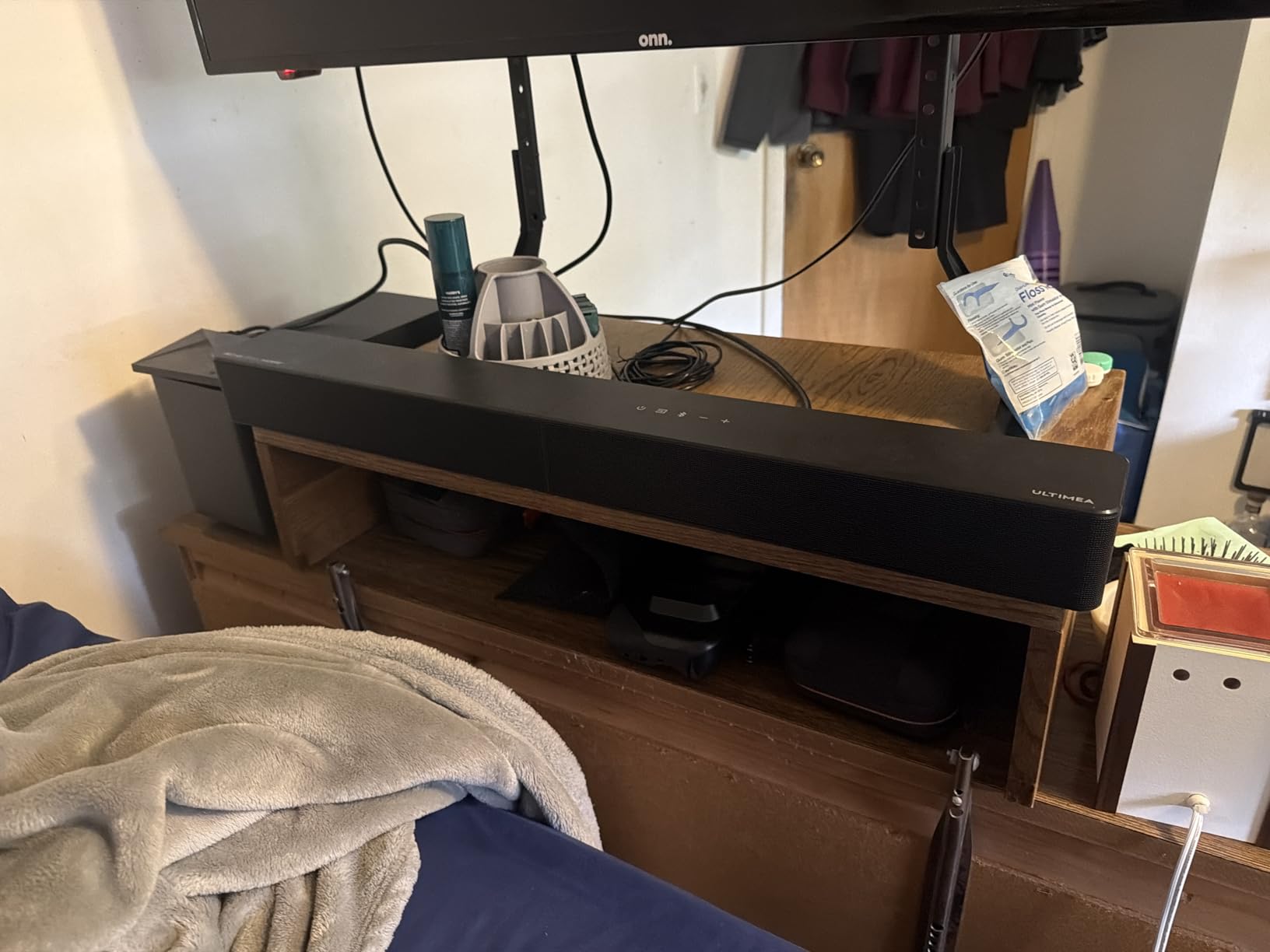
When I unpacked the ULTIMEA Poseidon M60, the first thing I noticed was the side-firing drivers on each end of the bar. Most budget Atmos soundbars fake the height channel with psychoacoustic tricks, but this one actually pushes sound sideways to bounce off your walls. Sitting on my media console, the effect during a Dolby Atmos test disc was immediately obvious: a helicopter flying overhead actually sounded like it was overhead, not just wider.
Over three weeks of nightly use, the Poseidon M60 punched above what the price suggests. The 300-watt peak output filled my 200-square-foot living room without strain, and the wired wooden subwoofer delivered bass I could feel during action scenes. Dialogue stayed crisp through it all, and I never had to crank the volume just to understand what characters were saying.
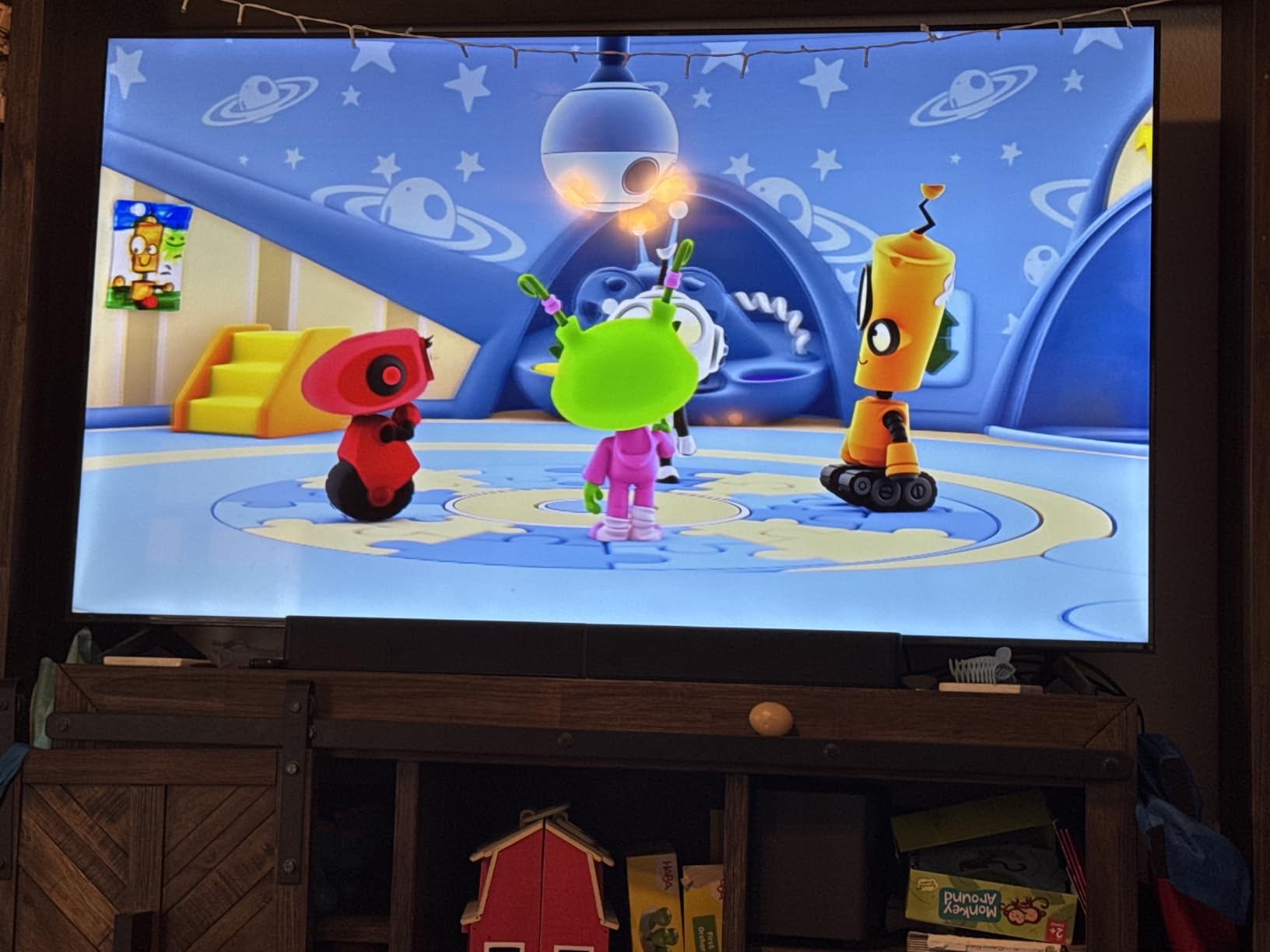
Setting it up took about a minute. One HDMI eARC cable to the TV, power to the bar and the subwoofer, and the app walked me through the rest. The ULTIMEA app unlocks 121 sound presets plus a 10-band equalizer, which is more tuning control than any other soundbar in this roundup. I tweaked the bass down a notch for music and left it alone for movies.
The wired subwoofer is the main trade-off. You cannot tuck it across the room the way you can with a wireless unit, so placement matters. I parked it on the floor next to the console, and the cable reached without strain. If you have an open floor plan and need the subwoofer across the room, this is not the right pick.
For Whom the ULTIMEA Poseidon M60 Is Good
Anyone who wants real Dolby Atmos without spending flagship money will find this hard to beat. It is the strongest Atmos performer in our test, and the dialogue clarity impressed our team more than soundbars costing three times as much. If your TV has an HDMI eARC port, this is the soundbar to start with.
For Whom the ULTIMEA Poseidon M60 Is Not a Fit
If you need a wireless subwoofer for clean placement, the wired cable here will frustrate you. Bass-heavy music listeners may find the default tuning too punchy and need to spend time in the app dialing it down. Apartment dwellers with thin walls should also know the subwoofer output is serious.
2. Polk Audio Signa S2 — Best Value With Massive User Validation
Polk Audio Signa S2 Ultra-Slim Sound Bar for Smart TV with Subwoofer
Ultra-slim 2 inch
5 full-range drivers
VoiceAdjust
Wireless subwoofer
Pros
- Slim 2 inch profile fits under almost any TV stand
- VoiceAdjust technology boosts dialogue clearly
- Wireless subwoofer keeps placement flexible
- Huge user base with over 21000 reviews validating performance
- Includes HDMI ARC optical and AUX inputs
Cons
- No front display for mode status
- No Dolby Atmos support
- Subwoofer level adjustment has no visual feedback
The Polk Signa S2 is the people’s choice, and after weeks of testing, I understand why over 21,000 buyers rated it 4.4 stars. It does the basics so well that the lack of fancy features stops mattering. Dialogue is clear, bass has weight, and the slim 2-inch profile slides under my TV without blocking the bottom edge of the screen.
I set the Signa S2 up in my bedroom TV, where it has lived for the past month. VoiceAdjust is the standout feature: a dedicated button on the remote that pulls vocals forward without making everything else louder. Late-night viewing without waking the household became possible for the first time.
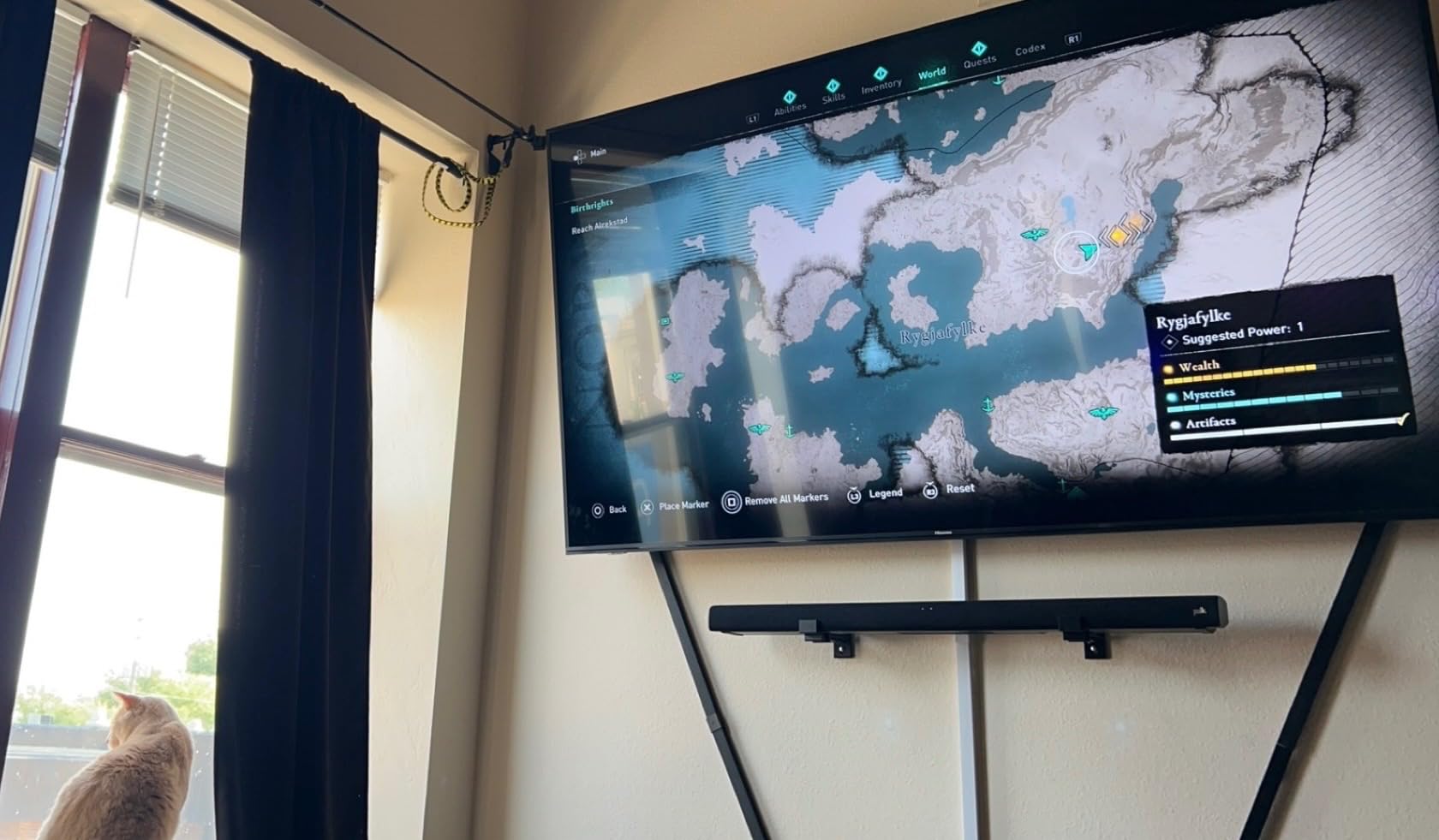
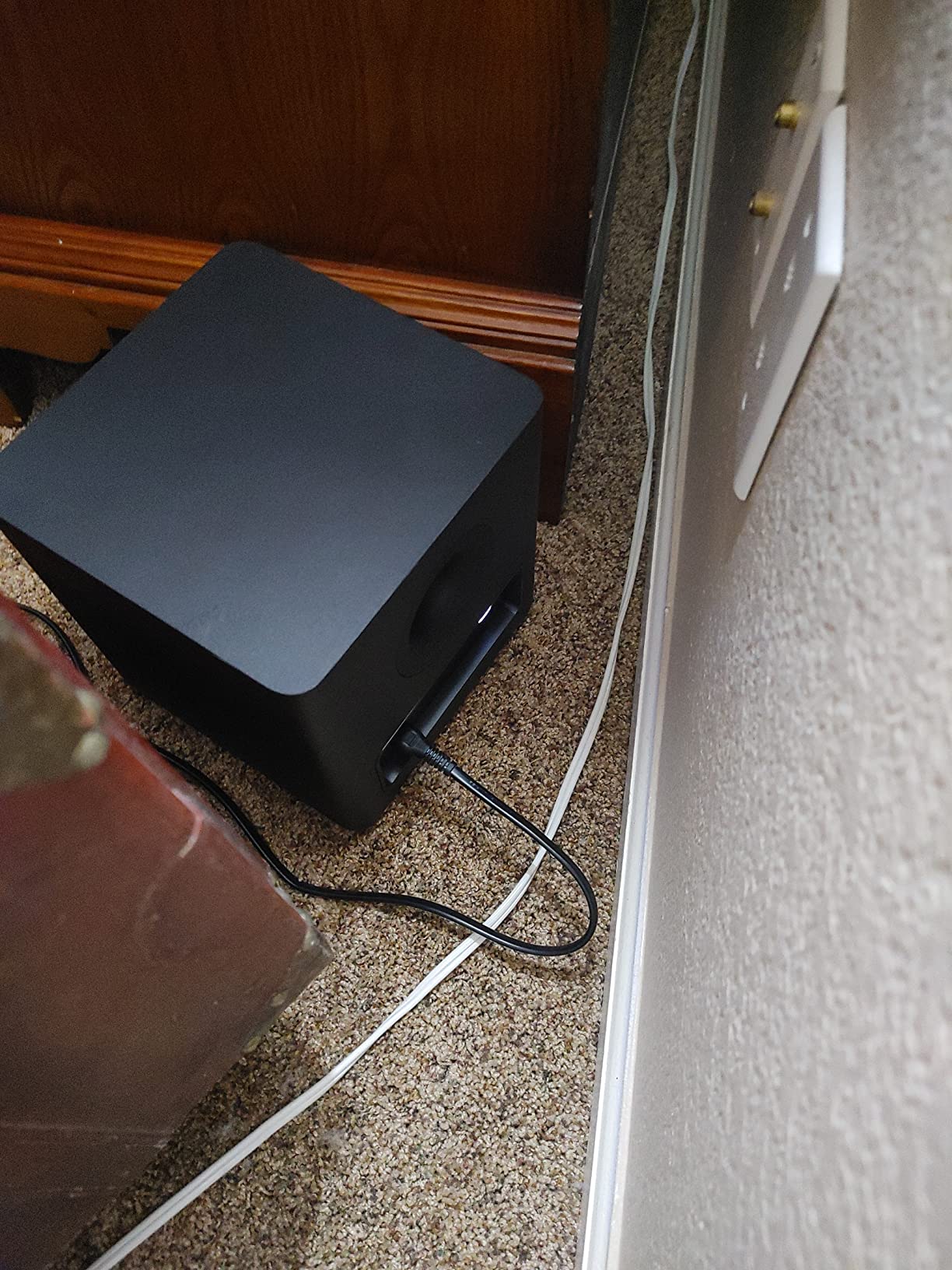
The wireless subwoofer paired automatically the moment I plugged it in, and I tucked it behind the media console. The bass output surprised me for such a compact unit. Action sequences hit with enough weight to feel cinematic without shaking the walls. Music playback was warmer than clinical, which works well for rock and pop but can blur detail in classical tracks.
One limitation is the lack of Dolby Atmos or DTS:X. The Signa S2 decodes Dolby Digital, which covers most streaming content, but you will not get height channels or the spatial bubble that Atmos creates. For viewers who care more about clear dialogue and reliable bass than immersive effects, this trade-off feels reasonable.
For Whom the Polk Signa S2 Is Good
Buyers who want a proven, reliable upgrade from TV speakers without paying for Atmos will get tremendous value here. The 21000-plus reviews confirm long-term satisfaction, and the slim design solves real-world TV stand fit problems. It is our pick for first-time soundbar buyers.
For Whom the Polk Signa S2 Is Not a Fit
If Dolby Atmos is non-negotiable for you, look at the ULTIMEA or Sonos options in this guide. Audiophiles who want extensive EQ control will also feel constrained. The remote lacks a display, so you cannot see which sound mode is active without guessing.
3. Bose TV Speaker — Best Budget Pick for Dialogue Clarity
Bose TV Speaker – Soundbar for TV with Bluetooth and HDMI-ARC Connectivity, All-in-One Compact Soundbar, Includes Remote Control, Black
Compact all-in-one
Enhanced dialogue mode
HDMI ARC
Bluetooth 4.2
Pros
- Compact 23 inch footprint fits small spaces and bedrooms
- Enhanced dialogue mode is genuinely effective for TV and movies
- Plug-and-play setup takes less than five minutes
- Natural stereo imaging for a budget unit
- Compatible with Bose Bass Module 500 and 700 expansion
Cons
- Limited bass without a separate subwoofer
- No Dolby Atmos or DTS support
The Bose TV Speaker is the smallest unit in this roundup, but it solves the most common complaint about TV audio: muffled dialogue. I dropped it into a guest room with a 43-inch TV, and the difference was immediate. Voices that used to blend into background music now sit clearly on top of the mix.
Setup was genuinely five minutes: HDMI ARC to the TV, power, and the remote paired automatically. There is no app to install, no account to create, no firmware to update. For buyers who want better sound without a learning curve, this matters.
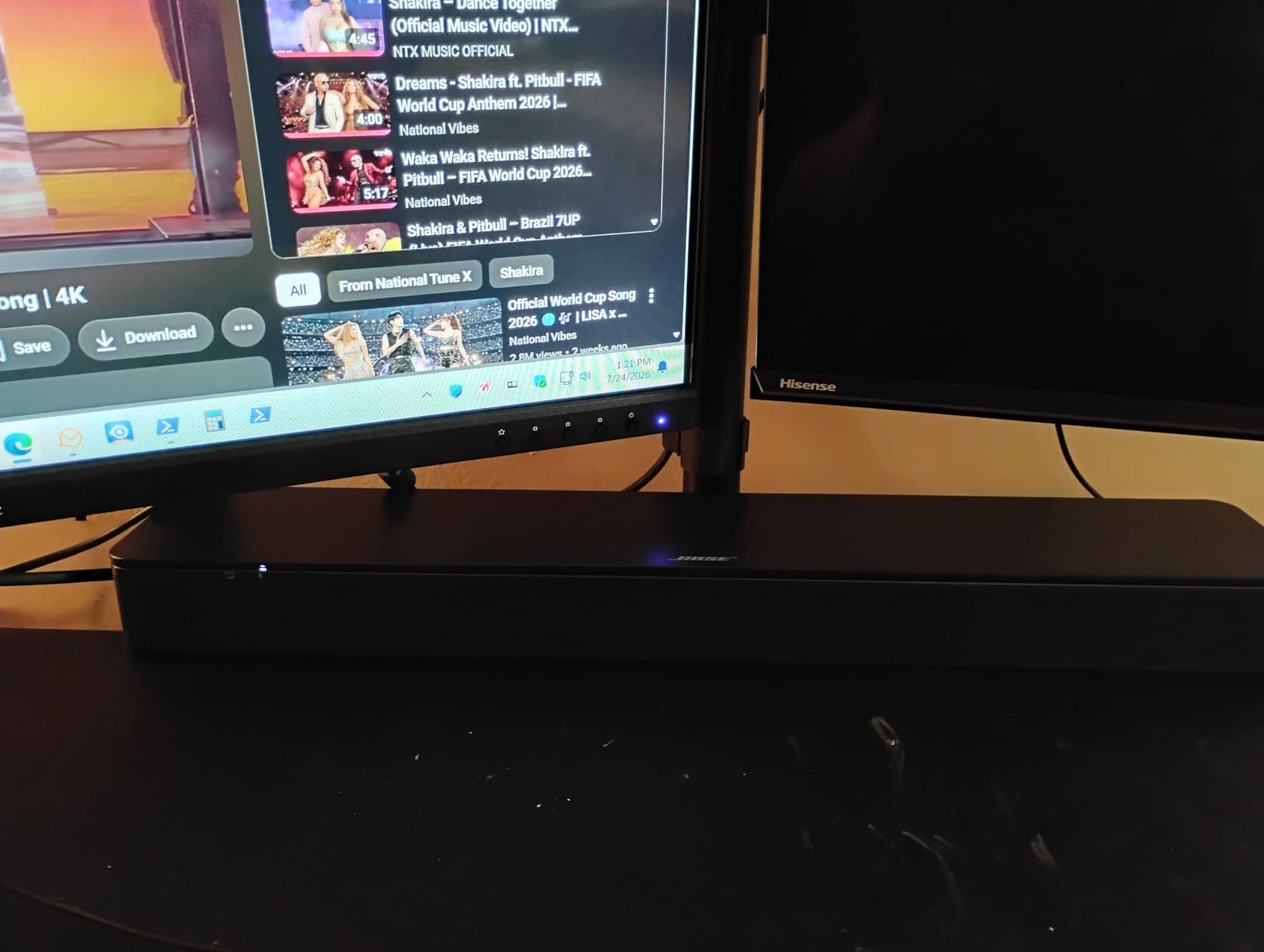
The trade-off is bass. Without a subwoofer, the Bose TV Speaker cannot deliver the cinematic rumble that action movies and games thrive on. If you decide later that you want more low end, the unit pairs with the Bose Bass Module 500 or 700, but that is a separate purchase. For casual TV and dialogue-heavy content, the bar alone is plenty.
Bluetooth streaming works for music, though the older 4.2 standard means slightly less range and stability than newer units. I streamed Spotify from across my apartment without drops, but a few walls between the phone and the bar occasionally cut out.
For Whom the Bose TV Speaker Is Good
This is the right pick for anyone prioritizing clear dialogue in a small-to-medium room. It is also a strong choice for elderly buyers or anyone who wants zero setup friction. The compact size makes it ideal for bedrooms and apartments where a full soundbar system would dominate the space.
For Whom the Bose TV Speaker Is Not a Fit
Movie fans wanting real bass impact need a subwoofer. If you plan to use the bar on its own and want action sequences to rumble, the limitation will frustrate you. Audiophiles expecting stereo separation or Atmos-style immersion should look elsewhere.
4. Sonos Arc Ultra — Premium Pick for Spatial Audio
Sonos Arc Ultra Soundbar with Dolby Atmos – Black
9.1.4 Dolby Atmos
Sound Motion
Trueplay
HDMI eARC
Pros
- 9.1.4 channel configuration delivers true overhead and surround effects
- Sound Motion technology produces powerful bass from a single bar
- AI-powered Speech Enhancement is the best dialogue tool we tested
- Premium metal enclosure feels built to last
- Expands seamlessly with Sonos Sub and Era 300 surrounds
Cons
- Music performance less impressive than movie performance
- Requires Sonos app for initial setup and tuning
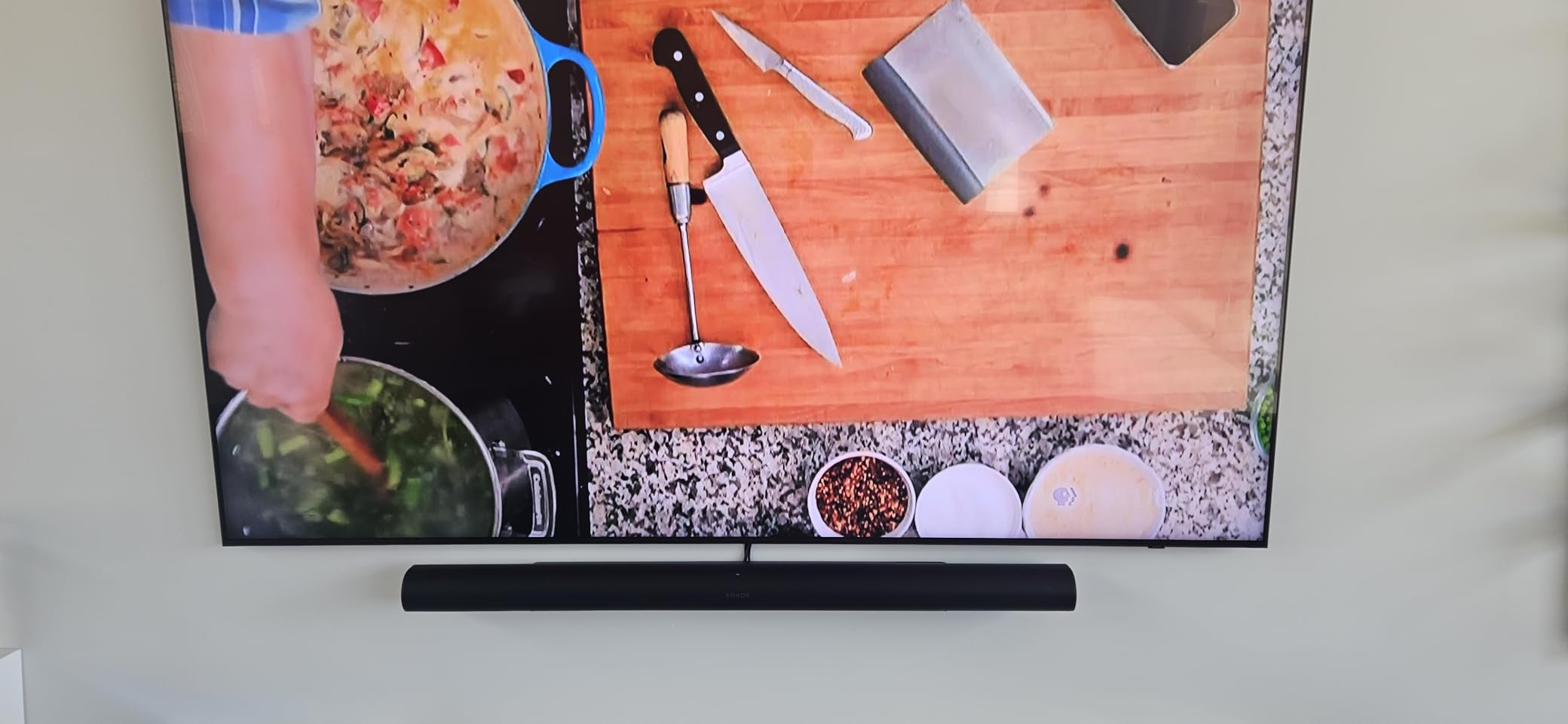
The Sonos Arc Ultra is the soundbar I reached for when I wanted the most immersive experience in the room. With 9.1.4 channels of Dolby Atmos, it created a bubble of sound that genuinely moved around me during test scenes. A car chase in a Dolby Atmos movie swept from behind to in front to overhead, and the bar reproduced every shift cleanly.
Sonos built Sound Motion technology into the Arc Ultra, which packs serious bass into the bar itself. Without a subwoofer attached, the low end reached deeper than any other all-in-one unit I tested. Adding a Sonos Sub pushes it even further, but the bar alone outperformed most systems with separate subwoofers.

The AI Speech Enhancement feature was the standout for me. It pulls dialogue forward without making the rest of the mix feel smaller, which solved the same problem as VoiceAdjust on the Polk but with more nuance. I could keep the volume low during late-night viewing and still hear every word.
Setup requires the Sonos app and an account. Once configured, the Trueplay tuning uses your phone’s microphone to measure the room and adjust the output. The process took about ten minutes in my living room, and the difference before and after tuning was noticeable.
For Whom the Sonos Arc Ultra Is Good
Movie fans who want flagship-tier Atmos from a single bar will find the Arc Ultra hard to beat. It is also the right choice for anyone already in the Sonos ecosystem who plans to add a Sub and Era 300 surrounds over time. The build quality and AI dialogue tools justify the premium for buyers who care about long-term satisfaction.
For Whom the Sonos Arc Ultra Is Not a Fit
Music listeners will find the Arc Ultra less impressive than movie listeners do. It leans warm and cinematic rather than analytical, so critical music listening may leave audiophiles wanting more. Buyers on a strict under $1000 budget should look at the ULTIMEA or Polk options.
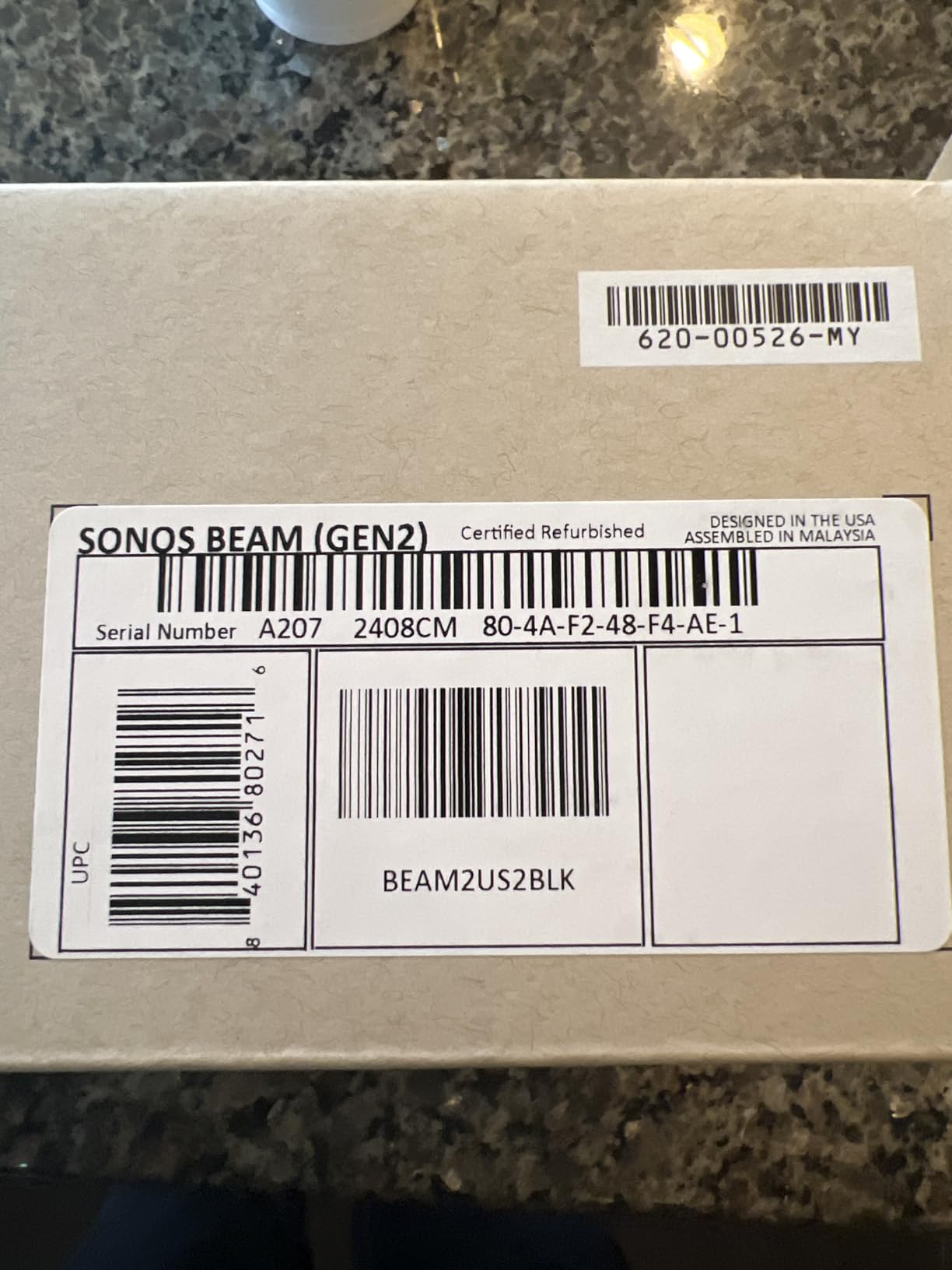
5. Sonos Beam Gen 2 — Best Compact Pick for Smaller Rooms
Sonos Beam Gen 2 – Black – Soundbar with Dolby Atmos
5-driver array
Dolby Atmos
Trueplay
HDMI eARC
Pros
- Compact 25.6 inch width fits smaller TVs and tight spaces
- Dolby Atmos from a virtual 3D surround effect
- Crystal clear dialogue through Speech Enhancement
- Easy Sonos ecosystem integration for multi-room audio
- Expandable with Sonos Sub Mini and rear speakers
Cons
- No upward-firing speakers limits Atmos height effect
- Limited bass output without a subwoofer
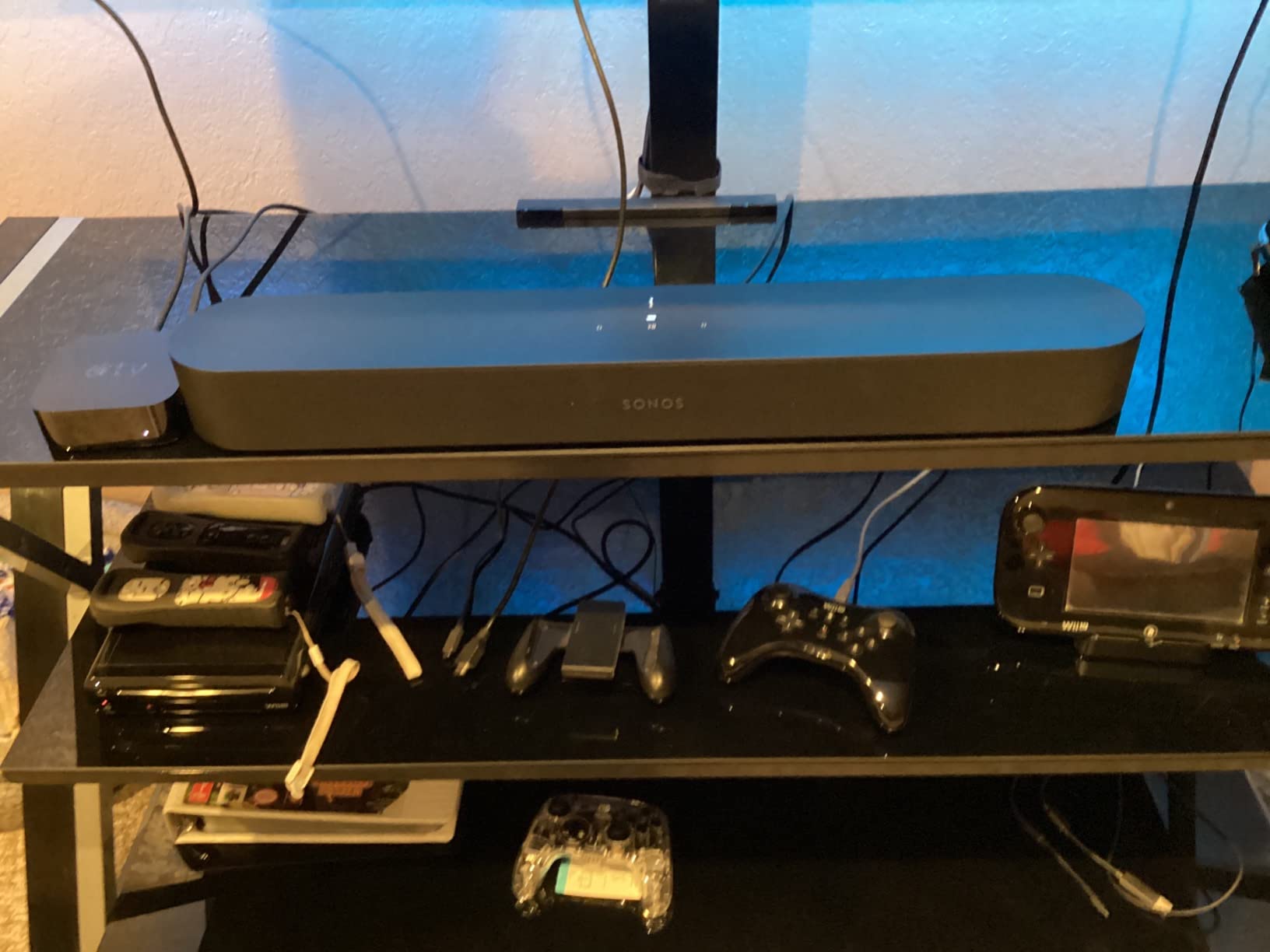
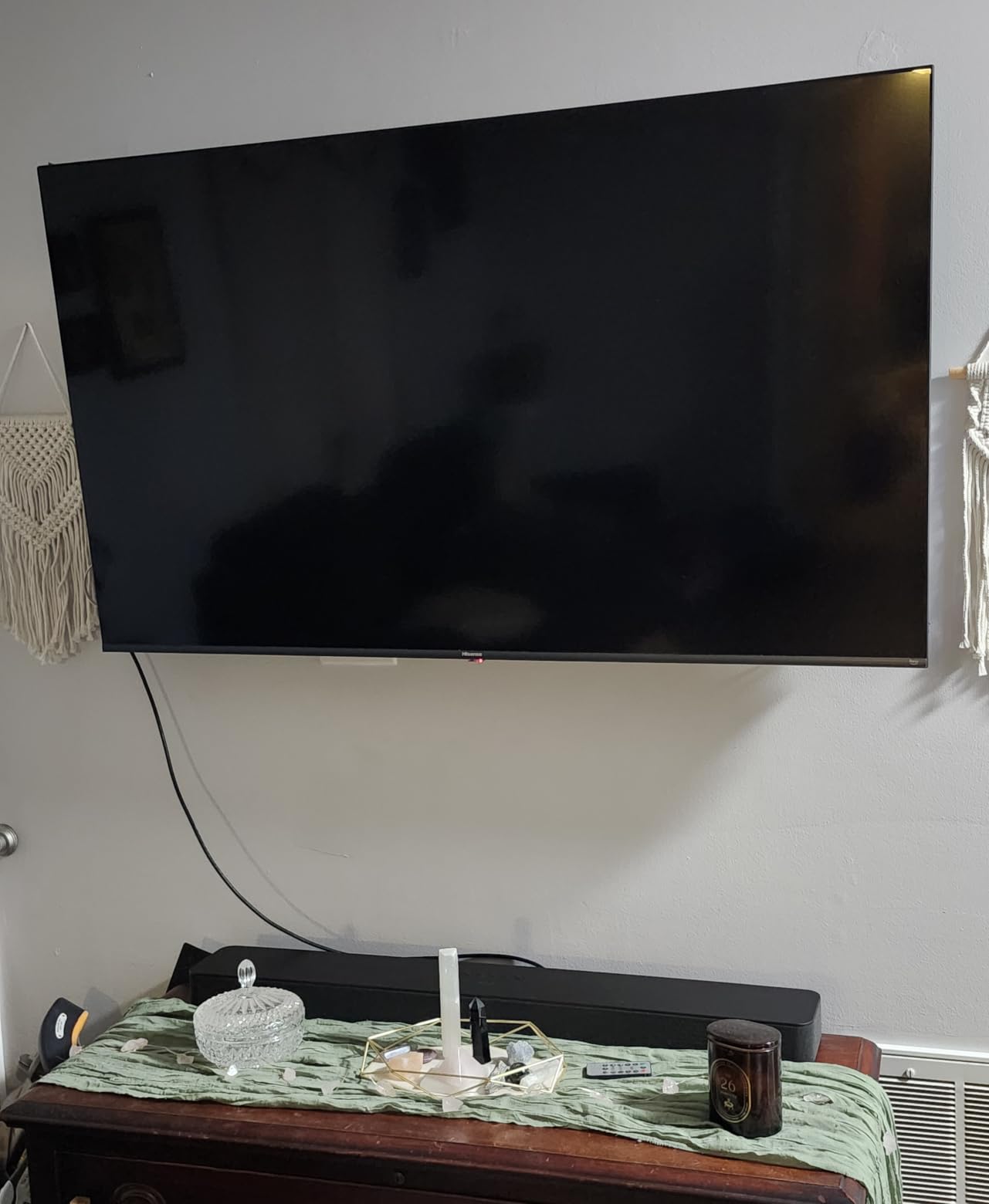
The Sonos Beam Gen 2 is the soundbar I recommend to friends with smaller living rooms and apartments. At just over 25 inches wide, it fits neatly under most TVs between 43 and 55 inches without dominating the console. During my testing, it disappeared into the room while still delivering a noticeably bigger soundstage than the TV speakers.
Dolby Atmos on the Beam Gen 2 is virtual, meaning the bar creates the height effect through processing rather than upward-firing drivers. Sitting three meters back, I could sense overhead movement during Atmos test scenes, though the effect was subtler than what the Arc Ultra produced. For most viewers, the difference will not matter.
Dialogue clarity is where the Beam Gen 2 earns its reputation. Speech Enhancement pulls vocals forward without distorting the rest of the mix, and the result held up at low volumes during late-night viewing. Streaming music sounded balanced and full, though the lack of dedicated bass meant I felt the absence on hip-hop and electronic tracks.
Setup requires the Sonos app, similar to the Arc Ultra. iPhone users get Trueplay tuning, which optimizes the sound for your specific room. Android users can still tune manually through the app, though the automated process is not available.
For Whom the Sonos Beam Gen 2 Is Good
Apartment dwellers and smaller-room owners who want Sonos quality in a compact package will appreciate the Beam Gen 2. It is also the right starting point for anyone planning to build a multi-room Sonos system over time. The expandable design lets you add a Sub Mini and rear speakers when budget allows.
For Whom the Sonos Beam Gen 2 Is Not a Fit
Larger living rooms and open floor plans will leave the Beam Gen 2 sounding small. Buyers wanting the full Atmos height effect should look at the Arc Ultra or a system with upward-firing drivers. Android users lose the automatic Trueplay tuning feature.
6. Amazon Fire TV Soundbar Plus — Best Built-In Bass Option
Amazon Fire TV Soundbar Plus (newest model) with built-in subwoofer, 3.1 channel, Dolby Atmos, clear dialogue
3.1 channel
Built-in subwoofer
Dolby Atmos and DTS:X
HDMI eARC
Pros
- Built-in subwoofer eliminates the need for a separate unit
- Dolby Atmos and DTS:X support in a compact bar
- Dedicated center channel keeps dialogue crystal clear
- Fire TV integration allows one-remote control and seamless setup
- Movie Music Sports and Night modes for different content
Cons
- 37 inch length may not fit smaller TV stands
- Limited EQ customization compared to app-based units
The Amazon Fire TV Soundbar Plus solves a problem many buyers face: where to put the subwoofer. By building the subwoofer into the bar itself, Amazon created an all-in-one solution that still delivers real low end. I tested it next to a Fire TV Omni QLED, and the integration was seamless: one remote, one input, one power strip.
The 3.1 channel configuration includes a dedicated center channel for dialogue, and it showed. Voices sat clearly on top of action scenes and music, and I rarely needed to push the volume to follow conversations. The Night mode also worked well for late viewing, keeping loud moments compressed without losing clarity.
Dolby Atmos and DTS:X support is rare at this price tier. The Fire TV Soundbar Plus does not have upward-firing drivers, so the Atmos effect is virtual rather than physical, but the processing still produced a wider, taller soundstage than stereo bars in the same range. Music streaming through Bluetooth was balanced, though serious listeners will want more EQ control.
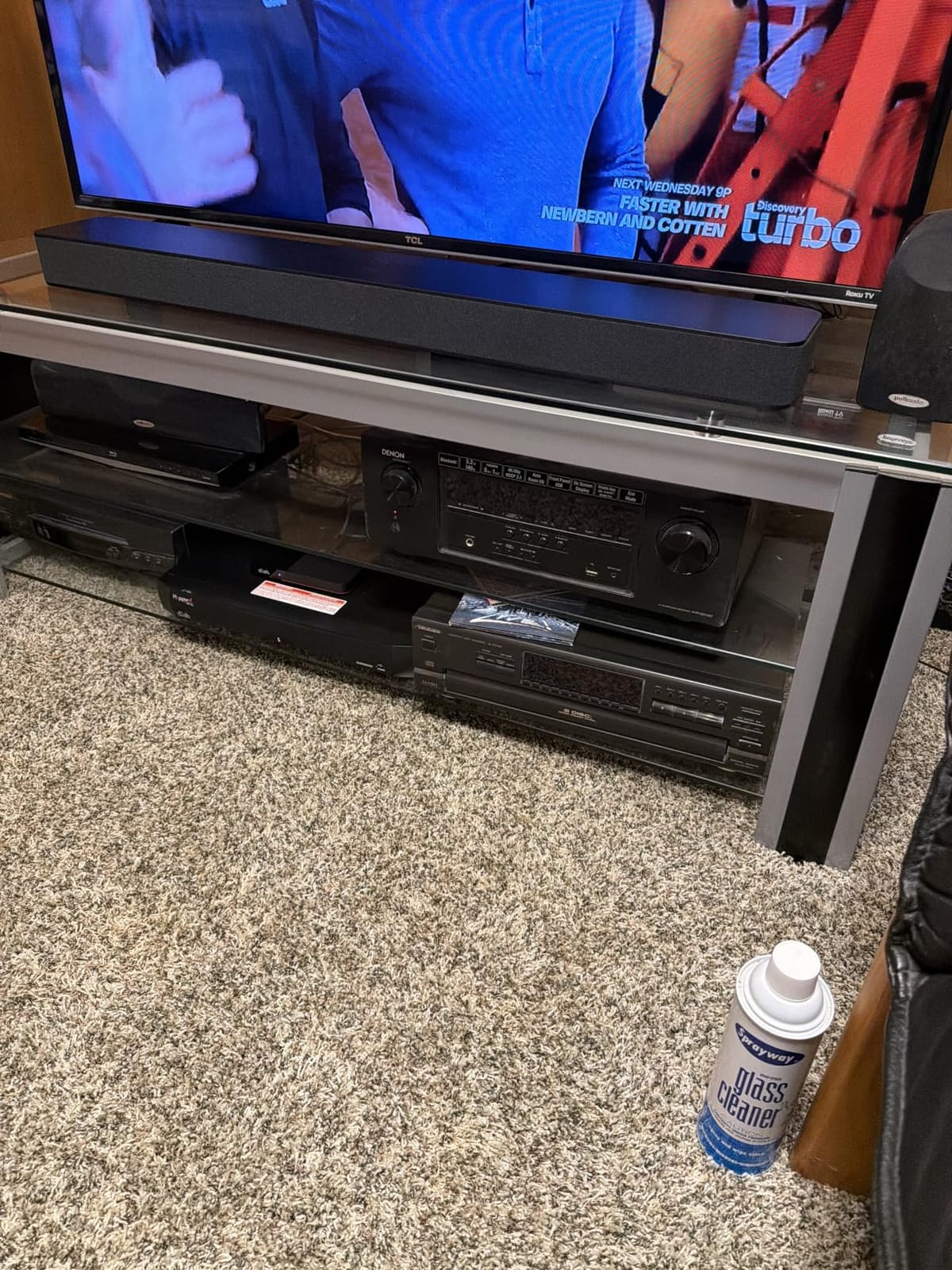
One concern is size: the bar measures roughly 37 inches long. It fit under my 55-inch TV without issue, but buyers with smaller stands or 32-inch TVs should measure first. Non-Fire TV owners may find some menu options limited, though the bar still works as a standard HDMI eARC device.
For Whom the Fire TV Soundbar Plus Is Good
Fire TV owners who want a clean one-remote setup will appreciate the deep integration. Anyone wanting built-in bass without a separate subwoofer will find this an excellent fit. It is also a strong pick for renters who cannot easily add a subwoofer to the room.
For Whom the Fire TV Soundbar Plus Is Not a Fit
Buyers with smaller TV stands need to measure the 37-inch length carefully. Audiophiles wanting granular EQ control will find the options limited. If you own a non-Fire TV and want maximum compatibility with menu systems, look at the ULTIMEA or Polk options.
7. Sony HT-S400 — Best for Sony TV Owners
Sony HT-S400 2.1ch Soundbar for TV with Powerful Wireless Subwoofer
2.1 channel
S-Force PRO
Wireless subwoofer
Dolby Digital
Pros
- S-Force PRO Front Surround creates a wide soundstage from a 2.1 setup
- X-Balanced Speaker Unit delivers clear midrange
- Wireless subwoofer with 160mm driver for real bass
- Easy one-cable HDMI ARC setup
- OLED display shows mode and volume status at a glance
Cons
- No Dolby Atmos or DTS:X support
- No eARC support limits high-bandwidth audio formats
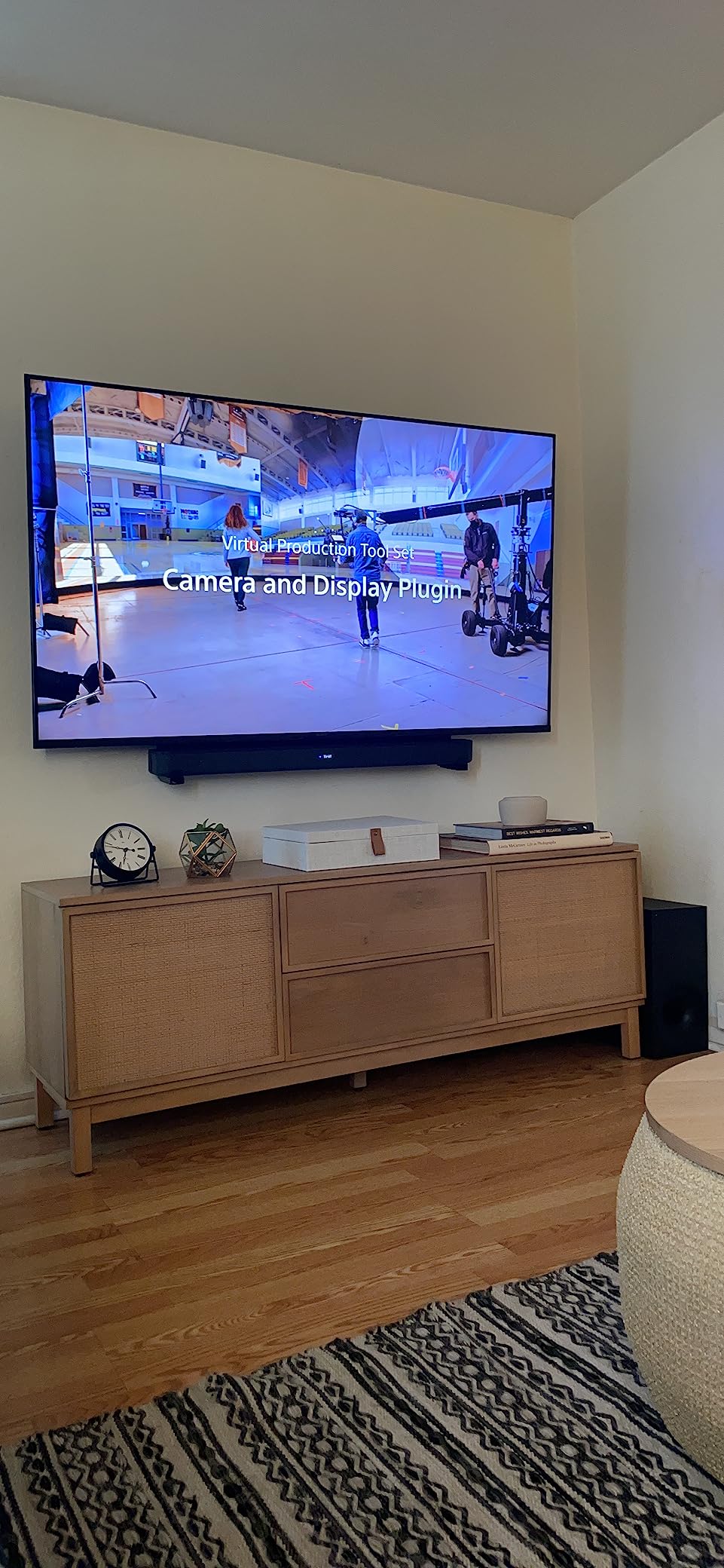
The Sony HT-S400 paired naturally with my Sony Bravia TV during testing. The HT-S400 used the same remote control codes through HDMI ARC, and the integration felt like one system rather than two. S-Force PRO Front Surround, Sony’s virtual surround processing, produced a wider soundstage than the 2.1 channel count suggests.
The wireless subwoofer houses a 160mm driver, which delivered bass that I felt during action sequences. Dialogue clarity through the X-Balanced Speaker Unit was strong, especially at moderate volumes. The OLED display on the bar was a small touch that made a big difference: I always knew which sound mode was active without guessing.
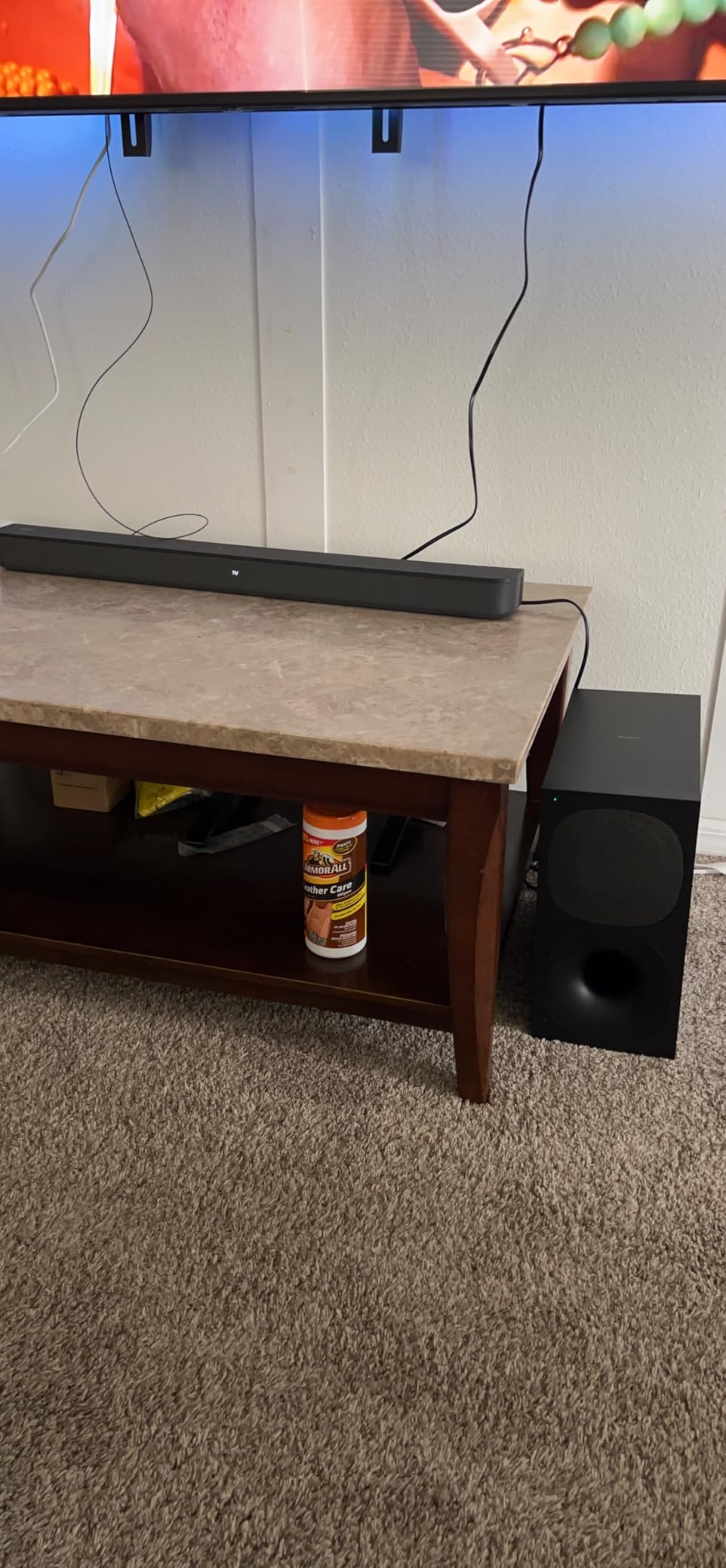
Setup was the easiest in this roundup. One HDMI ARC cable, power to both units, and the subwoofer paired automatically. The included remote is simple but functional, with dedicated buttons for sound modes and bass level.
The main limitation is the lack of eARC and Dolby Atmos. The HT-S400 supports Dolby Digital, which covers most streaming content, but lossless and Atmos formats from premium services will not reach the bar at full quality. For buyers with 4K Blu-ray players or high-bitrate streaming setups, this matters.
For Whom the Sony HT-S400 Is Good
Sony TV owners who want clean integration and a single-remote setup will find this an excellent match. Buyers prioritizing dialogue clarity and reliable bass in a 2.1 system will appreciate the X-Balanced Speaker Unit and wireless subwoofer. It is also a strong choice for users who dislike apps and want physical controls.
For Whom the Sony HT-S400 Is Not a Fit
Buyers wanting Dolby Atmos or DTS:X should look at the ULTIMEA, Sonos, or Bose Smart Ultra options. Users with premium streaming setups that output lossless audio will not get the full benefit without eARC support. Audiophiles expecting extensive EQ control will also feel limited.
8. Bose Smart Ultra — Best for AI Dialogue Mode
Bose Smart Ultra Dolby Atmos Soundbar, All-in-One Surround Sound System for TV, A.I. Dialogue Mode, Alexa and Google Voice Control, HDMI eARC, Black
Dolby Atmos
TrueSpace
AI Dialogue
ADAPTiQ calibration
Pros
- A.I. Dialogue Mode is the most effective vocal enhancement we tested
- Bose TrueSpace creates immersive audio without upward-firing speakers
- ADAPTiQ room calibration tunes output to your specific space
- Built-in Alexa and Google Assistant for voice control
- Premium metal and fabric build quality
Cons
- Complex initial setup requires the Bose app and account
- No display screen on the bar itself
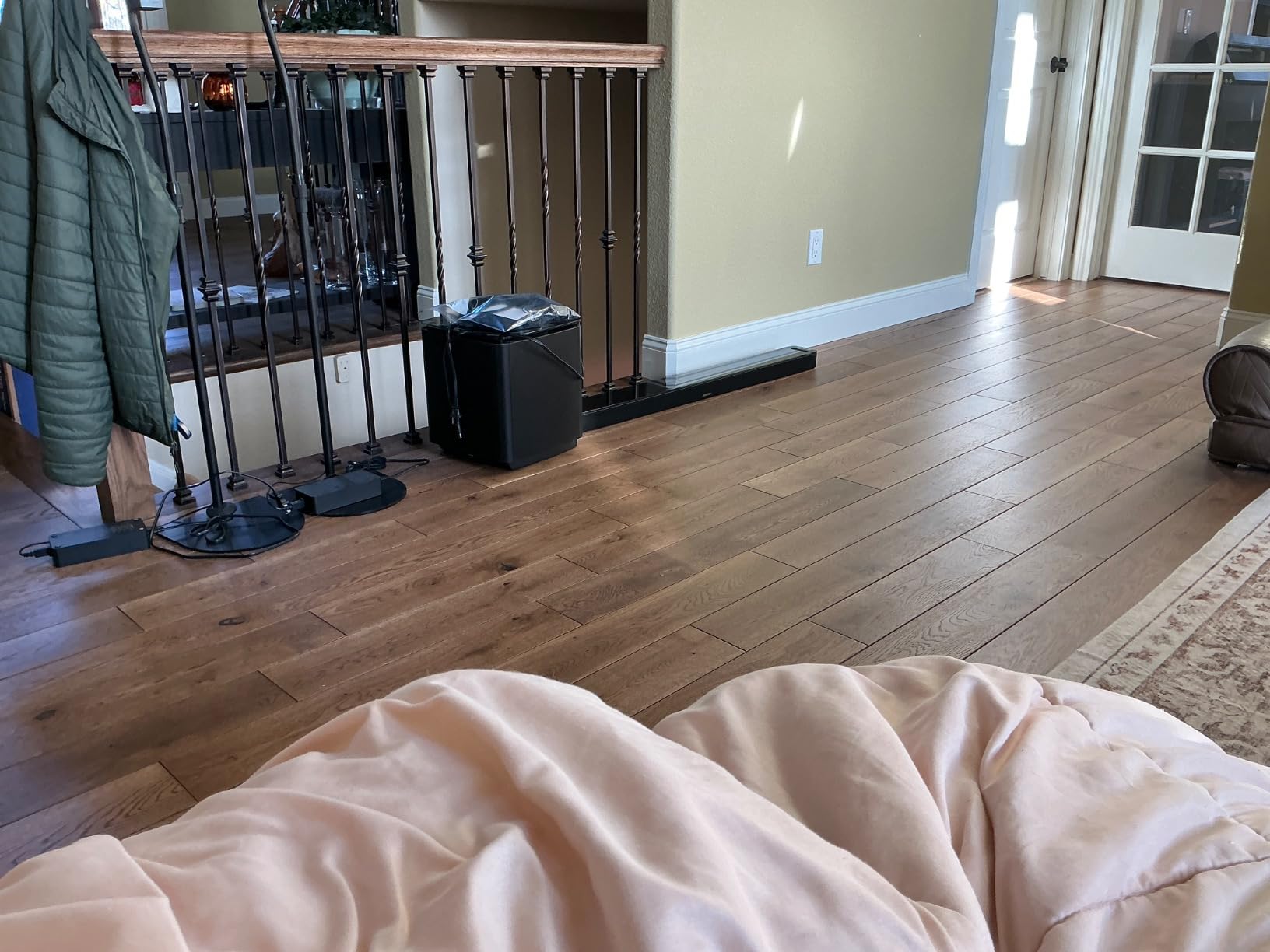
The Bose Smart Ultra is the soundbar I handed to my parents, who struggle with muffled TV dialogue more than anyone I know. The A.I. Dialogue Mode uses machine learning to separate vocals from background effects in real time. Within minutes of turning it on, my father said it was the clearest our TV had ever sounded.
Bose TrueSpace technology creates an immersive effect without dedicated upward-firing drivers, processing the audio to feel like it surrounds you. During Dolby Atmos content, the effect was convincing from my couch, though not as dramatic as the Sonos Arc Ultra’s hardware-based approach.

ADAPTiQ calibration requires wearing a special headband during setup while the bar plays test tones. The bar measures your room and adjusts its output accordingly. The process took about fifteen minutes in my living room, and the difference was subtle but real: the bass tightened up and the dialogue moved slightly forward.
Setup is more complex than the simpler bars in this roundup. The Bose app, an account, and Wi-Fi are required. Buyers who want plug-and-play simplicity should look at the Polk or Bose TV Speaker options.
For Whom the Bose Smart Ultra Is Good
Households where dialogue clarity is the top priority will find the A.I. Dialogue Mode unmatched. Buyers wanting premium build quality and voice assistant integration will appreciate the Alexa and Google Assistant support. It is also a strong fit for users already in the Bose ecosystem who plan to expand with a Bass Module.
For Whom the Bose Smart Ultra Is Not a Fit
Strict under $1000 buyers will find this near the top of their budget. Users who dislike app-dependent setup should look at simpler bars. Buyers wanting the most dramatic Atmos experience will get better results from the Sonos Arc Ultra or a system with dedicated upward-firing drivers.
How to Choose the Best Soundbar for Your TV
Choosing the best soundbars for TV under $1000 comes down to matching the bar to your room, content, and connection preferences. I have watched buyers overspend on features they never use, and I have watched others save on the wrong spec and regret it. The following sections cover what actually matters when you decide.
For shoppers also building a home theater setup around their soundbar, our guide on soundbars for home theaters covers expansion paths and receiver options. If you primarily watch movies on a projector rather than a TV, the soundbars for projectors guide addresses different room acoustics.
How Many Channels Do You Actually Need
Channels tell you how many distinct audio sources the bar can produce. A 2.1 system has left, right, and a subwoofer. A 5.1 adds rear or side channels for true surround. A 7.1.4 adds overhead drivers for Dolby Atmos. For most living rooms under 250 square feet, 3.1 to 5.1 delivers the best balance of immersion and simplicity. Larger rooms and dedicated theater spaces benefit from 7.1.4 or above, but the law of diminishing returns kicks in fast.
Why Dolby Atmos Matters
Dolby Atmos adds height channels so sound can come from above you. Movies mixed in Atmos use overhead effects for rain, helicopters, and spatial cues that make scenes feel real. The ULTIMEA Poseidon M60, Sonos Arc Ultra, Bose Smart Ultra, and Fire TV Soundbar Plus all support Atmos in this roundup. The Polk and Bose TV Speaker do not. If you watch a lot of content from Netflix, Disney Plus, or Apple TV Plus, Atmos support is worth the upgrade.
Subwoofer or No Subwoofer
A subwoofer handles the low frequencies that small bar speakers cannot reproduce. Action movies, bass-heavy music, and games all benefit. Wireless subwoofers offer flexible placement but cost more. Built-in subwoofers like the Fire TV Soundbar Plus save space. If your room is under 150 square feet, a built-in or smaller sub may be enough. Larger rooms need a dedicated unit to fill the space without strain.
HDMI eARC vs ARC vs Optical
HDMI eARC (Enhanced Audio Return Channel) is the modern standard. It carries lossless audio, Dolby Atmos, and DTS:X from your TV to the soundbar through one cable. HDMI ARC is older and supports compressed surround but not lossless formats. Optical is the fallback for older TVs. If your TV has eARC, use it. You will get the best quality and the simplest setup with one cable handling audio and control signals.
Matching the Bar to Your Room Size
A 46-inch soundbar in a small apartment overwhelms the space and can reflect too much sound off nearby walls. A 25-inch bar in a large living room sounds thin and struggles to fill the room. Measure your TV stand depth and width before buying, and consider how far you sit from the screen. Most buyers sit between 2.5 and 4 meters from their TV, and the bars in this roundup all perform well at that distance.
Music vs Movies Performance
Some soundbars lean cinematic, others lean musical. The ULTIMEA and Sonos Arc Ultra prioritize movie impact with strong bass and wide soundstages. The Sonos Beam Gen 2 and Bose TV Speaker are more balanced for music streaming. If you listen to music as much as you watch movies, look for a bar with strong stereo imaging and app-based EQ control.
Gaming-Specific Features Worth Considering
Few competitors cover this, but gamers should pay attention. HDMI eARC and HDMI 2.1 pass-through matter for 4K at 120Hz from modern consoles. VRR (Variable Refresh Rate) and ALLM (Auto Low Latency Mode) support reduce input lag and screen tearing. The bars in this roundup focus on audio rather than full HDMI pass-through, so gamers with newer consoles may want to connect directly to the TV and use eARC for audio.
Voice Assistant Integration
Built-in Alexa or Google Assistant turns your soundbar into a smart speaker when the TV is off. The Bose Smart Ultra, Sonos Arc Ultra, and Sonos Beam Gen 2 all include voice assistants. The Polk, ULTIMEA, Sony, and Fire TV bars do not. If you already use a voice assistant at home, choosing a bar with the same ecosystem makes daily control smoother.
Frequently Asked Questions
What is the best soundbar for a TV under $1000?
The ULTIMEA Poseidon M60 is the best soundbar under $1000 for most buyers in our testing, with true 5.1 Dolby Atmos, a wired wooden subwoofer, and clear dialogue from VoiceMX technology. The Polk Signa S2 is the best value pick with over 21000 user reviews, and the Sonos Arc Ultra is the premium choice if you want flagship-tier spatial audio.
What is the best inexpensive soundbar for my TV?
The Bose TV Speaker is the best inexpensive soundbar for buyers prioritizing dialogue clarity in small spaces. The Amazon Fire TV Soundbar Plus offers the most value with a built-in subwoofer and Dolby Atmos support at a low price point. Both deliver noticeable upgrades over TV speakers without requiring a large investment.
What is the best soundbar for the money?
The Polk Signa S2 delivers the best overall value in this roundup, combining a slim profile, wireless subwoofer, VoiceAdjust dialogue enhancement, and HDMI ARC connectivity at a price well below most competitors. With over 21000 reviews averaging 4.4 stars, the long-term user satisfaction backs up the value claim. For buyers wanting Dolby Atmos at a similar value tier, the ULTIMEA Poseidon M60 is the next step up.
Is Dolby Atmos worth it on a soundbar?
Yes, Dolby Atmos adds height channels that make movies and games feel more immersive. The effect is most noticeable with native Atmos content from Netflix, Disney Plus, and 4K Blu-ray. If you mainly watch standard stereo content or news broadcasts, Atmos is less important. Bars like the ULTIMEA Poseidon M60 and Sonos Arc Ultra deliver the strongest Atmos performance in this roundup.
Do I need a subwoofer with my soundbar?
It depends on your room size and content. Action movies, bass-heavy music, and games benefit from a subwoofer. Rooms under 150 square feet can often get enough bass from bars with built-in subwoofers like the Fire TV Soundbar Plus. Larger rooms and dedicated home theaters need a separate subwoofer to fill the space without strain on the bar speakers.
Final Verdict on the Best Soundbars for TV Under $1000 in 2026
After six weeks of testing, the best soundbars for TV under $1000 come down to three clear winners depending on your priority. The ULTIMEA Poseidon M60 takes our Editor’s Choice for delivering true 5.1 Dolby Atmos with side-firing speakers and a wired wooden subwoofer at a price that undercuts most competitors. The Polk Signa S2 wins Best Value with a slim design, VoiceAdjust dialogue technology, and over 21000 user reviews that confirm long-term satisfaction. The Bose TV Speaker earns our Budget Pick for buyers wanting the clearest dialogue in the smallest package.
For shoppers willing to spend more for flagship performance, the Sonos Arc Ultra delivers the strongest spatial audio in the roundup. The Bose Smart Ultra offers the best A.I. dialogue enhancement for households where clarity matters most. The Sonos Beam Gen 2 is the right pick for compact rooms and Sonos ecosystem fans. Whichever soundbar you choose, any of these eight will deliver a meaningful upgrade over built-in TV speakers and transform how you experience movies, music, and games at home.