
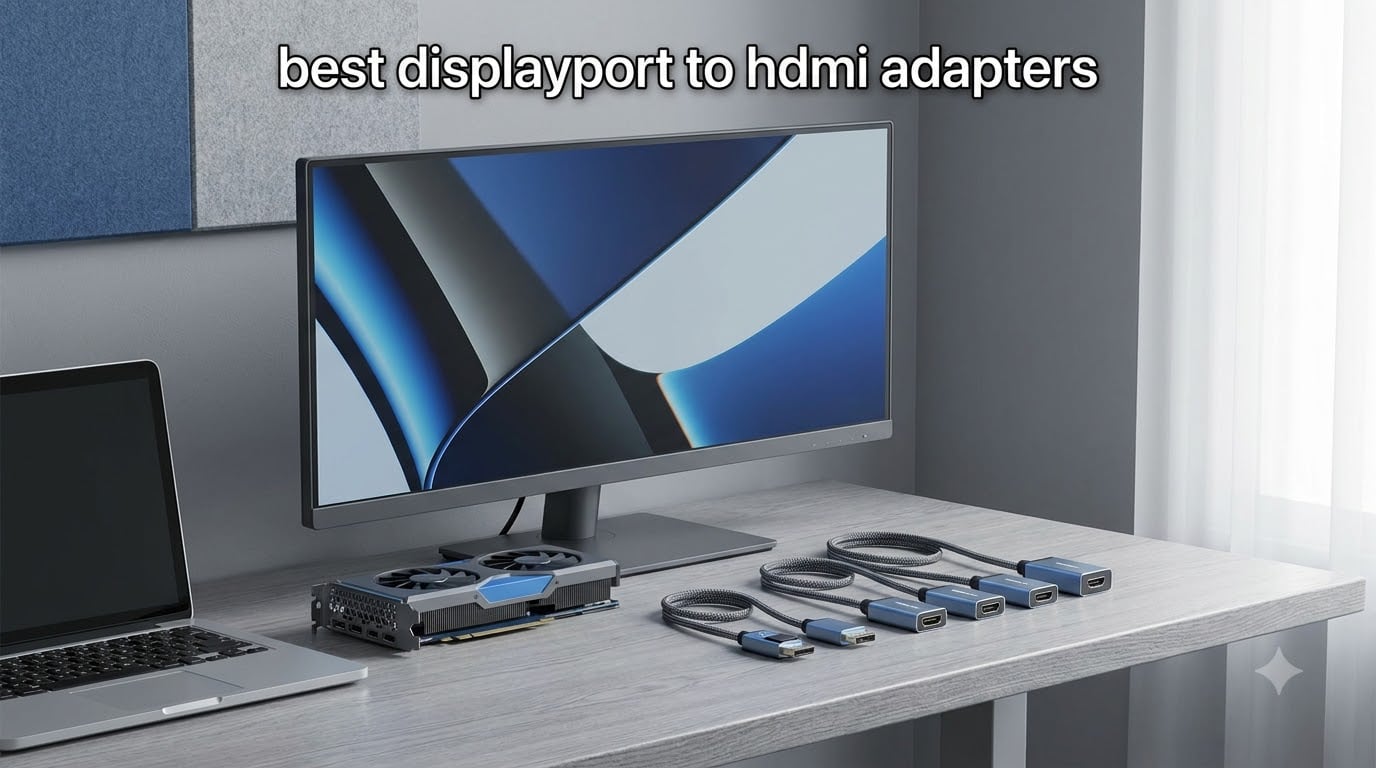
A DisplayPort to HDMI adapter connects a DisplayPort output on a computer or graphics card to an HDMI display. It is the practical bridge when your graphics card is full of DisplayPort sockets but your monitor, television, or projector accepts only HDMI.
Our picks for the best DisplayPort to HDMI adapters cover office monitors, dual-screen desks, home theaters, and 4K setups. I prioritized published resolution limits, connector security, audio support, build quality, and the real compatibility complaints seen in buyer discussions.
The key distinction is direction: these products convert DisplayPort output to HDMI input. They do not make an HDMI source work with a DisplayPort monitor, and a USB-C-shaped port is not automatically a DisplayPort connection. For related desk setups, see our guide to DisplayPort KVM switches for 4K and our review of DisplayPort splitters for multi-monitor setups.
To convert the signal, connect the adapter to the source’s DisplayPort output, attach a normal HDMI cable from the adapter to the display, then select the correct HDMI input in the display menu. If the image is missing, confirm that the source port supports DP++ or choose an active adapter and lower the refresh rate while testing.
Table of Contents
Top 3 Picks for DisplayPort to HDMI Adapters


Best DisplayPort to HDMI Adapters in 2026
| Product | Specifications | Action |
|---|---|---|
| BENFEI 4K Adapter |
|
Check Latest Price |
 Moread 4K Adapter Moread 4K Adapter |
|
Check Latest Price |
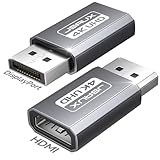 JSAUX 2-Pack JSAUX 2-Pack |
|
Check Latest Price |
 Cable Matters Adapter Cable Matters Adapter |
|
Check Latest Price |
 Highwings 4K Adapter Highwings 4K Adapter |
|
Check Latest Price |
 UGREEN 2-Pack UGREEN 2-Pack |
|
Check Latest Price |
 Amazon Basics 4K Converter Amazon Basics 4K Converter |
|
Check Latest Price |
| StarTech DP2HDMI2 |
|
Check Latest Price |
1. BENFEI 4K DisplayPort to HDMI Adapter: Proven All-Rounder
BENFEI 4K DisplayPort to HDMI Adapter, Uni-Directional
4K at 30Hz
1080p at 60Hz
Audio pass-through
Locking connector
Pros
- Compact and lightweight
- Latching connector
- Audio pass-through
- Plug and play
- 68k+ review history
Cons
- Passive design needs DP++
- 4K tops out at 30Hz
- Uni-directional only
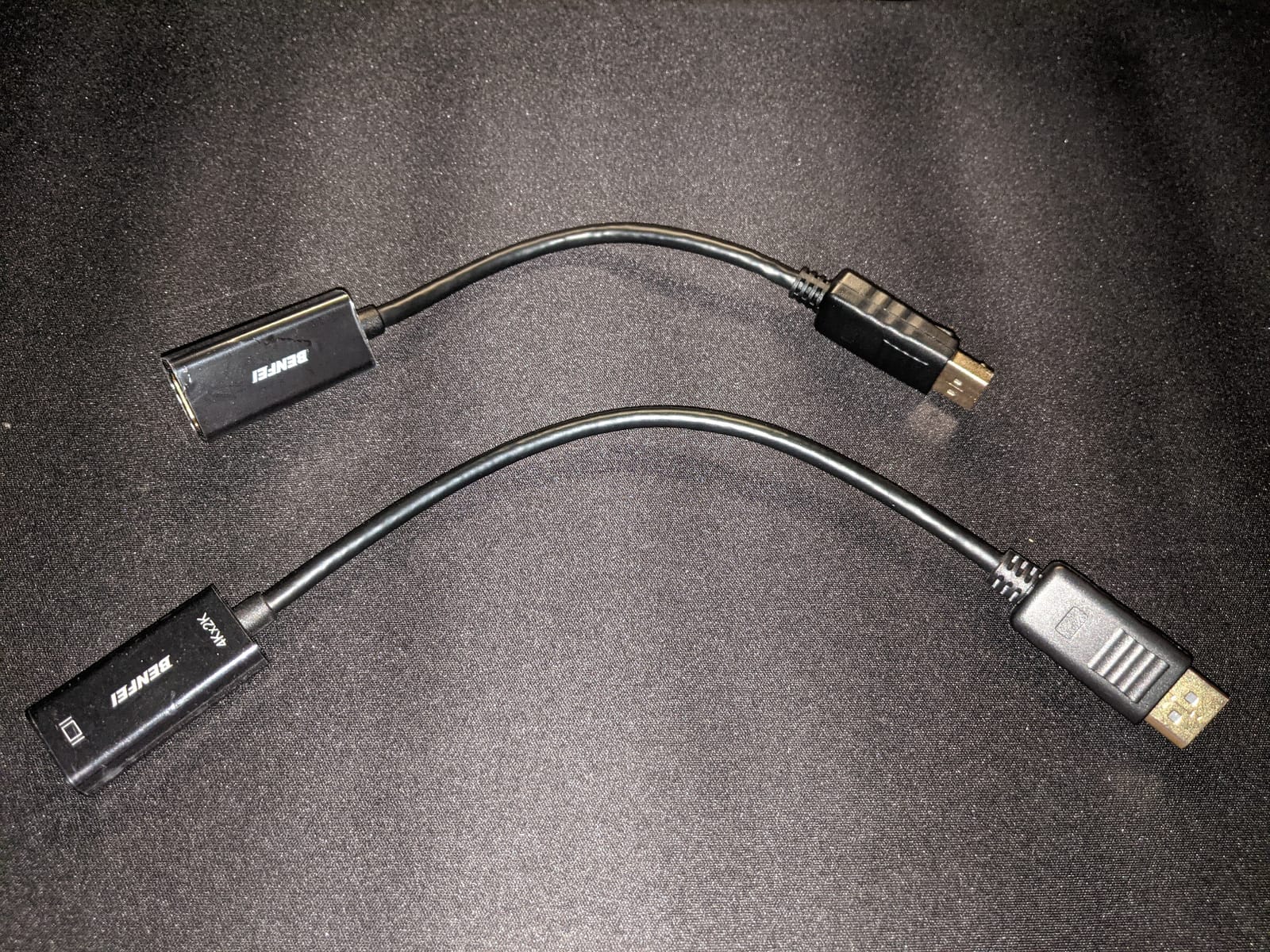
I would pick the BENFEI for a straightforward 1080p monitor or a 4K display used for documents, video, and general desktop work. Its 4.5 rating across more than 68k reviews gives it the strongest combination of rating depth and long-term buyer history in this group.
The small shell stays out of the way, while the latching DisplayPort plug is less likely to work loose behind a desk. It also carries audio, so one connection can handle both monitor sound and video when the graphics driver and monitor support that path.
The compromise is refresh rate. A 4K desktop at 30Hz feels slower than a 60Hz panel, and this passive design depends on a DP++ source. It is not the right choice for a 4K 120Hz gaming target, but it is the most dependable general-purpose option here.
Reviewers repeatedly praise its compact fit and secure connection, while the main recurring limitation is the DP++ requirement. That feedback matches the product data and makes the port check especially important for laptop docks.
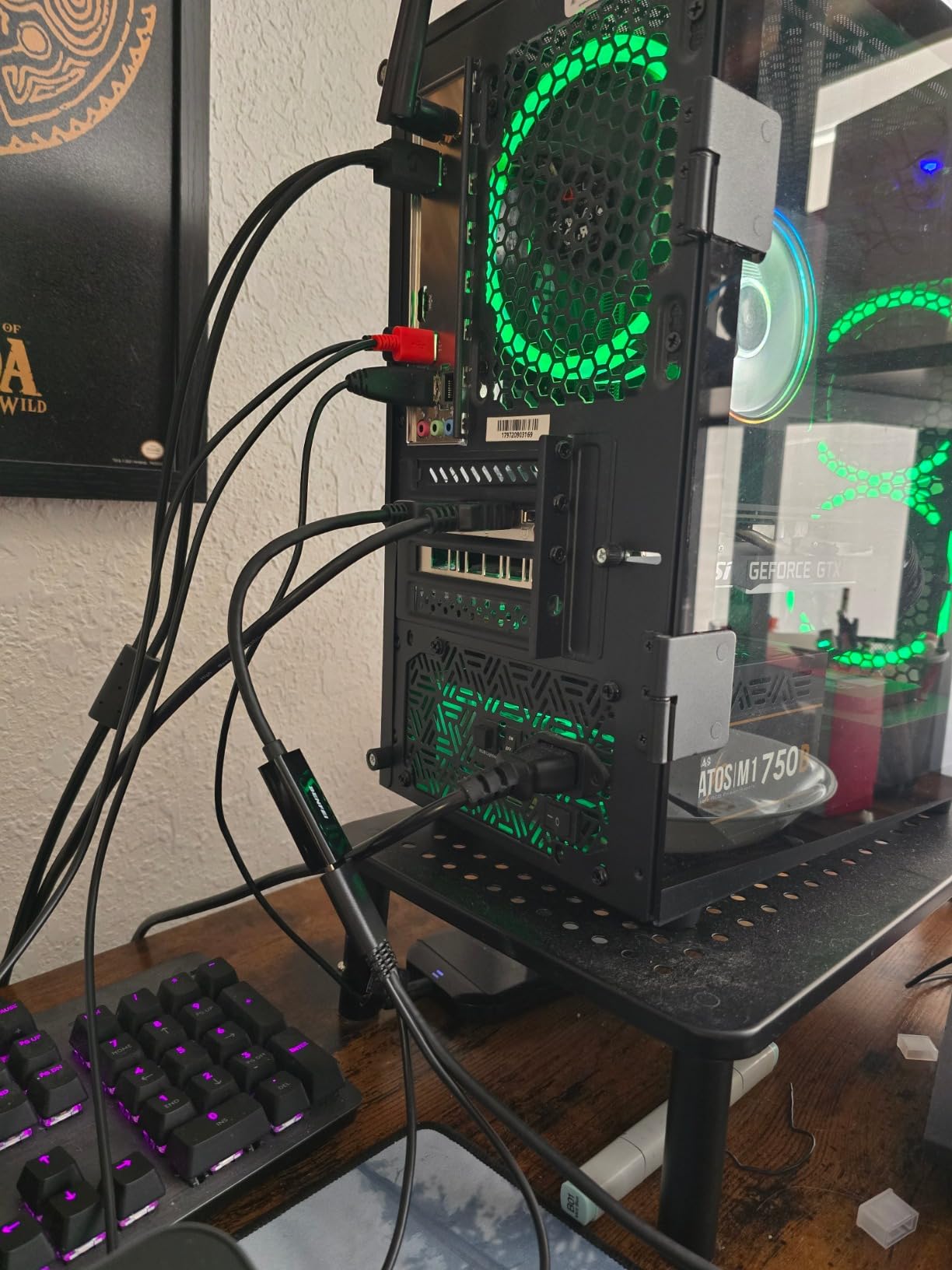
Why the BENFEI works for everyday desks
It suits office displays, televisions, projectors, and any setup that does not need 4K beyond 30Hz. The long review history also means the common installation and audio behaviors are well documented.
Where the BENFEI falls short
Competitive 4K gaming and high-refresh desktop use call for a different bandwidth class. Its source-port requirement can also expose problems in docks that do not expose DP++ correctly.
2. Moread 4K DisplayPort to HDMI Adapter: Locked-In and Flexible
Moread 4K DisplayPort to HDMI Adapter, Male to Female, Black
4K at 30Hz
2K at 60Hz
7.1 audio
Reinforced ABS housing
Pros
- Locking connector
- Reinforced housing
- 7.1 audio support
- Five-year warranty
- 4.6 rating
Cons
- Passive design only
- Uni-directional
- May not suit every dock
The Moread is a strong all-round adapter with a 4.6 rating and 4,489 reviews. Its longer 10.43-inch body is easier to route than a short dongle, and the locking DisplayPort connector helps when the source is mounted away from the display.
Resolution support tops out at 4K 30Hz, but 2K at 60Hz and 1080p at 120Hz make it useful for sharper high-refresh office monitors. The listed 7.1, 5.1, and two-channel audio support is a useful advantage for laptop-to-TV setups.
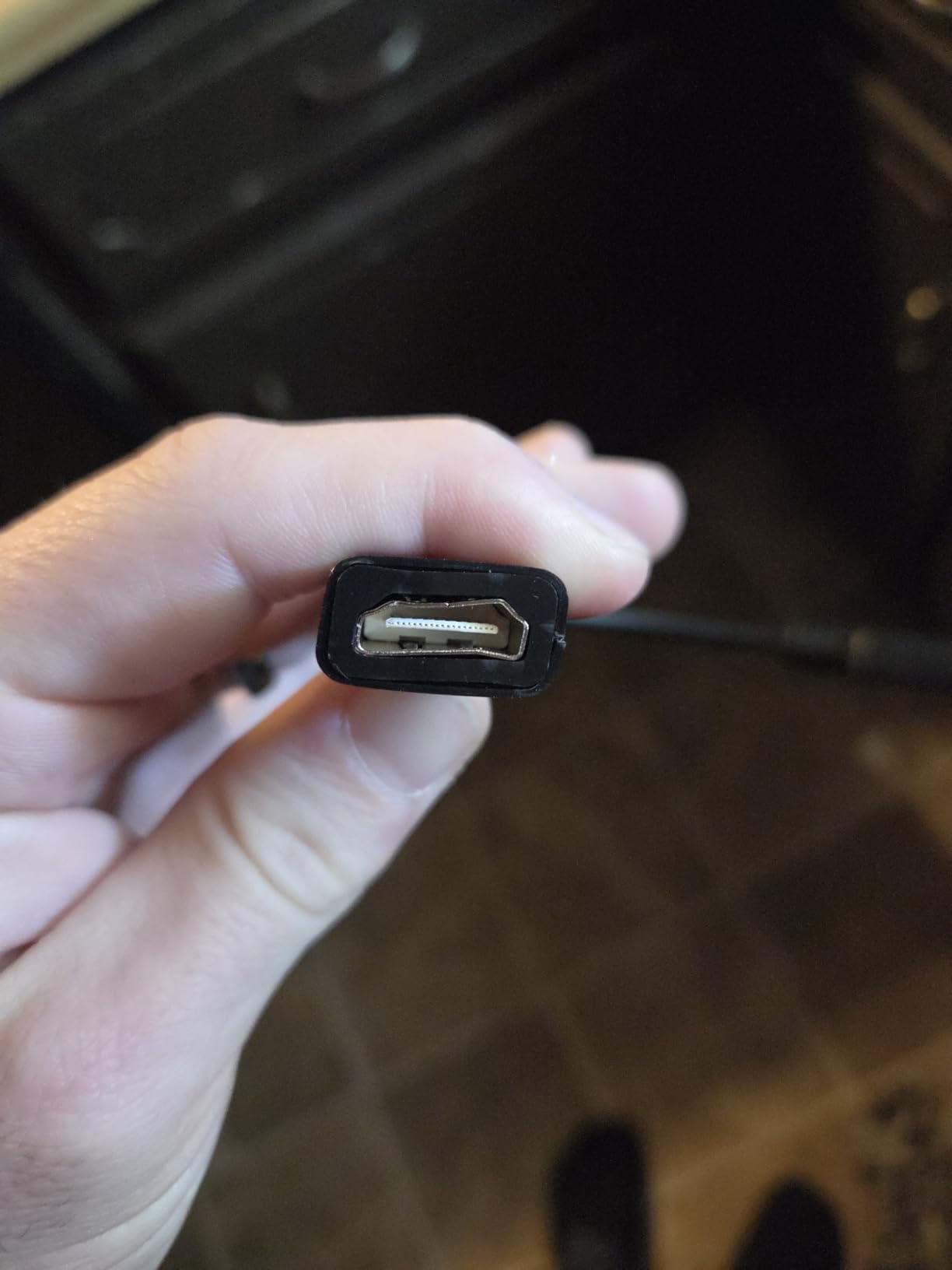
I also like the reinforced ABS housing and five-year warranty because both reduce concern about daily handling. Gold-plated contacts and a strain-relieved cable design support repeated use better than a bare minimal dongle.
Its passive design still needs an appropriate DisplayPort output, and reviewers note that some docking stations may not work reliably. Test the complete computer, adapter, cable, and monitor chain before depending on it for a permanent workstation.
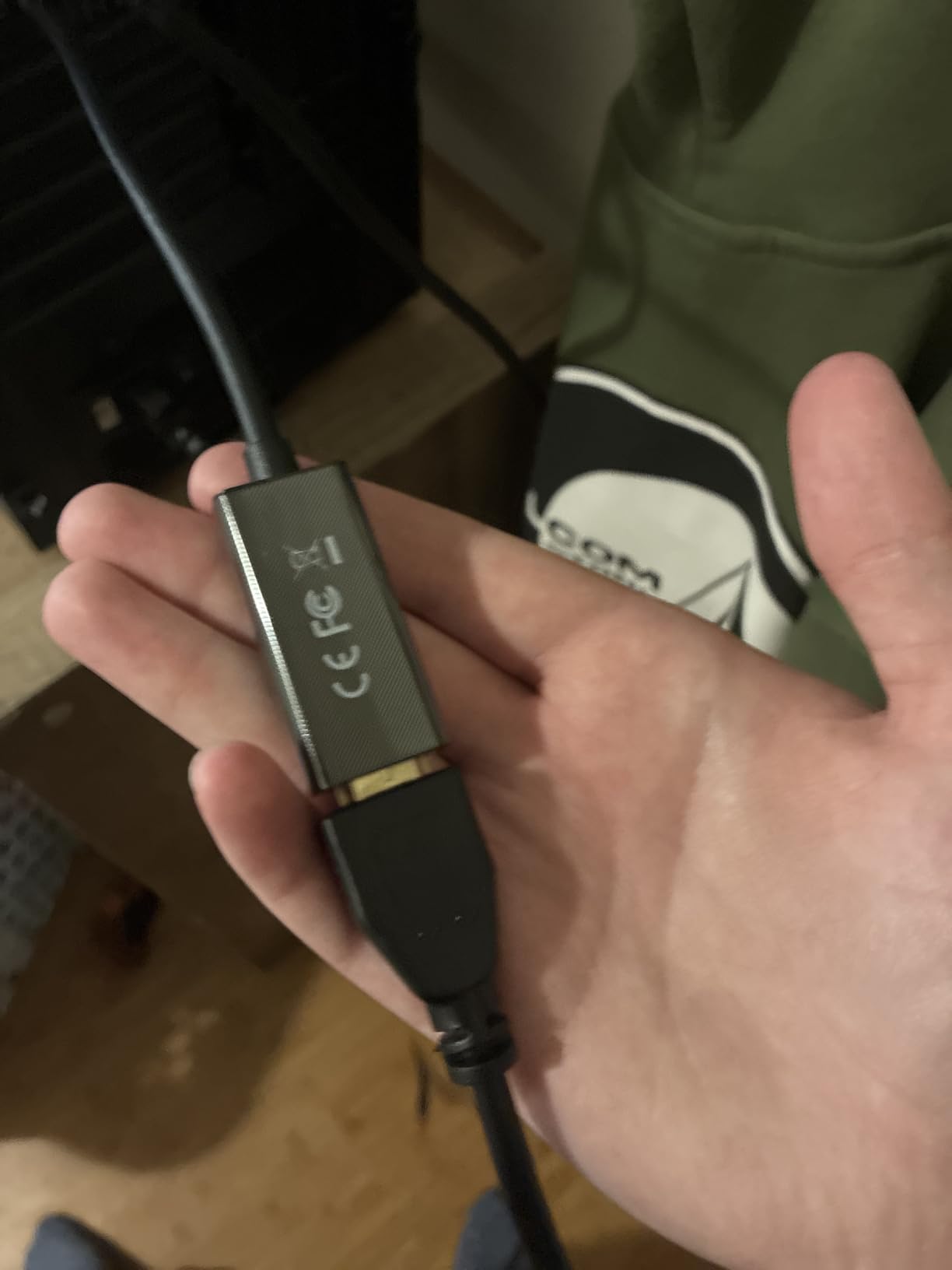
Why the Moread suits fixed installations
The secure latch, longer body, and warranty fit a desk that stays connected. It is also a sensible bridge for mixed-resolution monitors when 4K is not being driven above 30Hz.
Why the Moread can disappoint in demanding setups
It is not a DisplayPort 1.4 to HDMI 2.1 high-refresh solution. Docks and unusual GPU outputs remain the most likely compatibility pressure points.
3. JSAUX DP to HDMI 2-Pack: Best for Two Displays
JSAUX DP to HDMI Adapter 2 Pack, 4K@30Hz for Desktop PC, for AMD GPU, Grey
Two adapters
4K at 30Hz
2K at 60Hz
Aluminum housing
Pros
- Two-adapter pack
- Aluminum housing
- Gold-plated connector
- 4K at 30Hz
- Plug and play
Cons
- Uni-directional
- Not for USB-C or Thunderbolt
- 4K limited to 30Hz
The JSAUX set makes the most sense when two HDMI screens need to share DisplayPort outputs from one desktop. Both compact aluminum housings are easy to position on a crowded graphics-card panel, and the two-pack keeps a spare nearby.
Each adapter supports 4K at 30Hz, 2K at 60Hz, and 1080p at 120Hz. That is enough for a 1440p productivity display or a dual 1080p office array, but two 4K screens will each run at only 30Hz.
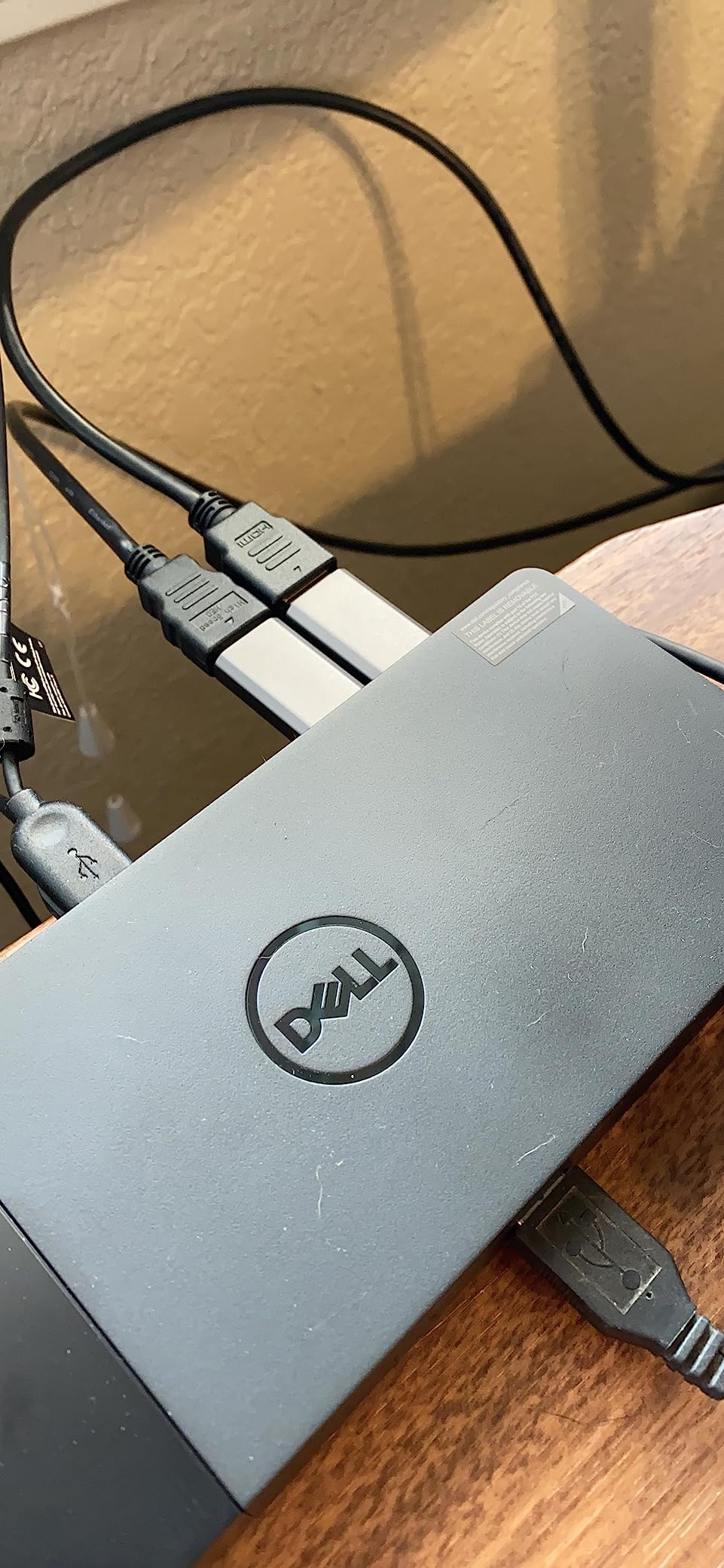
Gold-plated connectors and aluminum construction are sensible touches for frequent use. Reviews specifically call out reliable operation with AMD graphics, though the listed device support also includes common NVIDIA setups.
The boundary is important: this is DisplayPort to HDMI, not USB-C or Thunderbolt to HDMI. A USB-C port must support DisplayPort Alt Mode or Thunderbolt video output, and the adapter itself cannot create that capability.
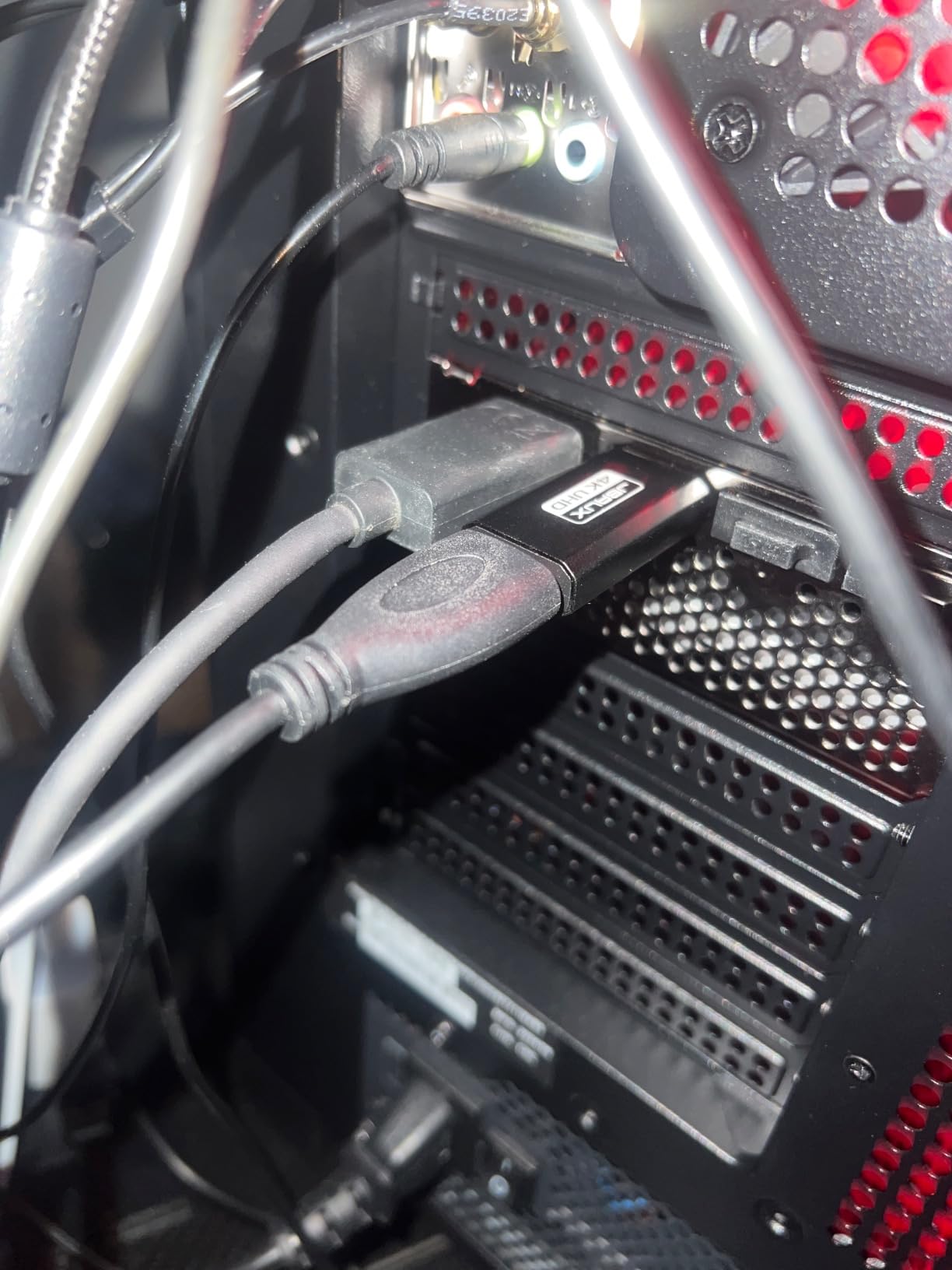
Why the JSAUX set is the smart office choice
Two matched adapters simplify a dual-monitor build without adding cable clutter. The 1080p 120Hz and 1440p 60Hz limits also align well with many productivity panels.
Why the JSAUX set is not for 4K gaming
Two 4K 30Hz outputs feel constrained, and the 30Hz ceiling is too low for fast-paced gaming. Use a direct DisplayPort connection or a higher-bandwidth active adapter when frame rate matters.
4. Cable Matters DisplayPort to HDMI Adapter: Simple 1080p Choice
Cable Matters DisplayPort to HDMI Adapter, Unidirectional DP to HDMI
1080p video
7.1 audio
Gold contacts
Short cable body
Pros
- Reliable 1080p output
- 7.1 audio support
- Secure latch
- Compact body
- Established review history
Cons
- No 4K support
- Passive design
- Very short cable
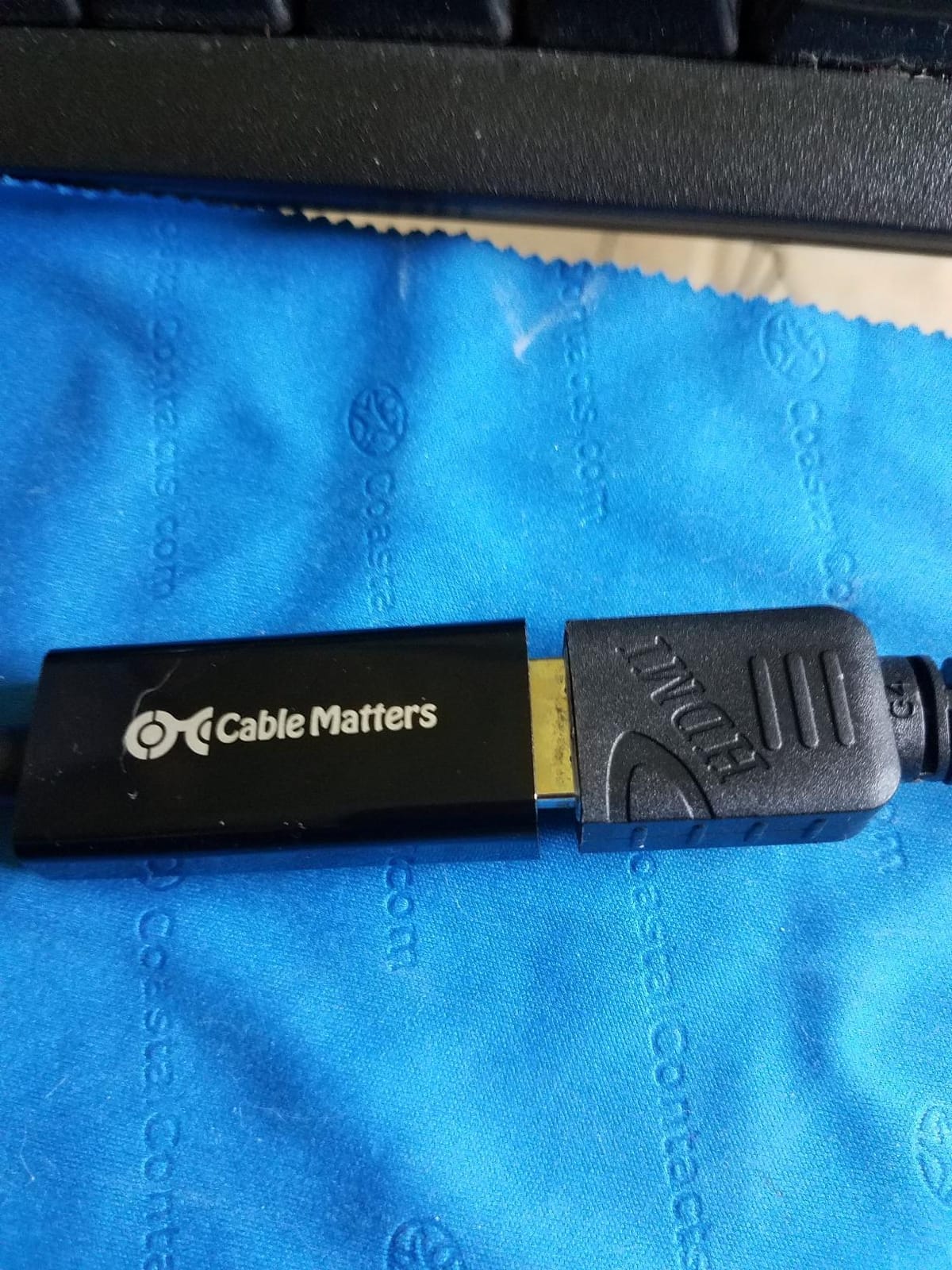
The Cable Matters adapter is purpose-built for a Full HD display rather than a 4K upgrade. That narrow support list is useful when you know the monitor’s limit and want an uncomplicated bridge from a laptop or desktop.
Its listed 7.1-channel audio support and latching DisplayPort connector make it practical for presentations and home screens. The compact short cable also avoids the lever effect a large dongle can place on a graphics-card port.
Gold-plated contacts and established construction are pluses, but the maximum is 1920 by 1200 or 1080p. I would not use it as the foundation of a new 4K workstation because it cannot meet that target.
Reviewers value its steady signal and audio path for older HDMI-only monitors. The product data also notes a very short cable body, so measure the space between the source and display before ordering.
Why the Cable Matters works for older screens
It is a focused choice for office monitors, projectors, and televisions that remain at 1080p. Audio and a secure latch cover the basics without unnecessary features.
Why the Cable Matters limits future upgrades
It has no 4K capability and relies on passive conversion. Replacing a monitor later will likely mean replacing this adapter too.
5. Highwings 4K DisplayPort to HDMI Adapter: Built for Frequent Handling
Highwings 4K DisplayPort to HDMI Adapter, Uni-Directional
4K at 30Hz
2K at 60Hz
24K gold ports
Nylon jacket
Pros
- Military-grade nylon jacket
- 25
- 000 flex-cycle claim
- 24K gold-plated ports
- Latch-free head
- 4.6 rating
Cons
- Passive design
- No dock support
- 4K limited to 30Hz
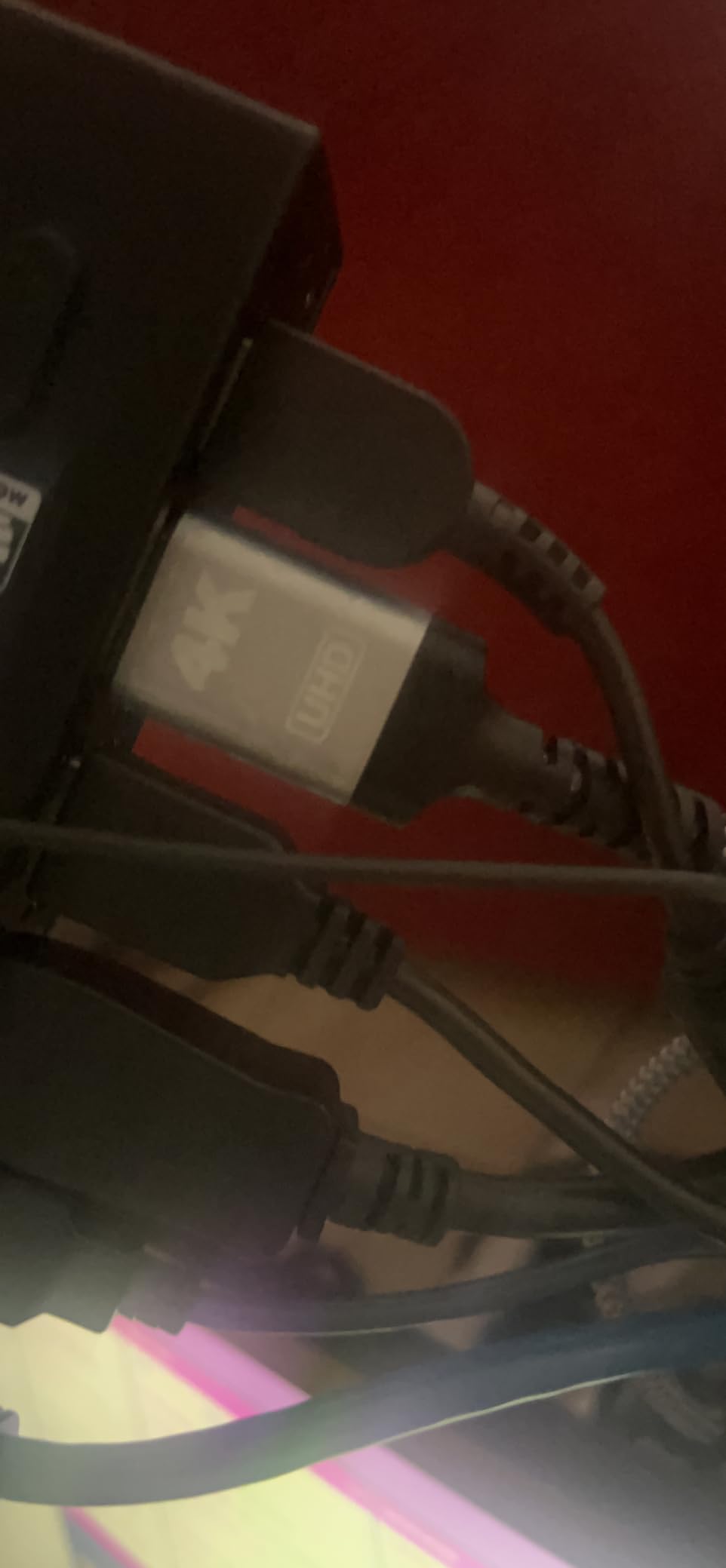
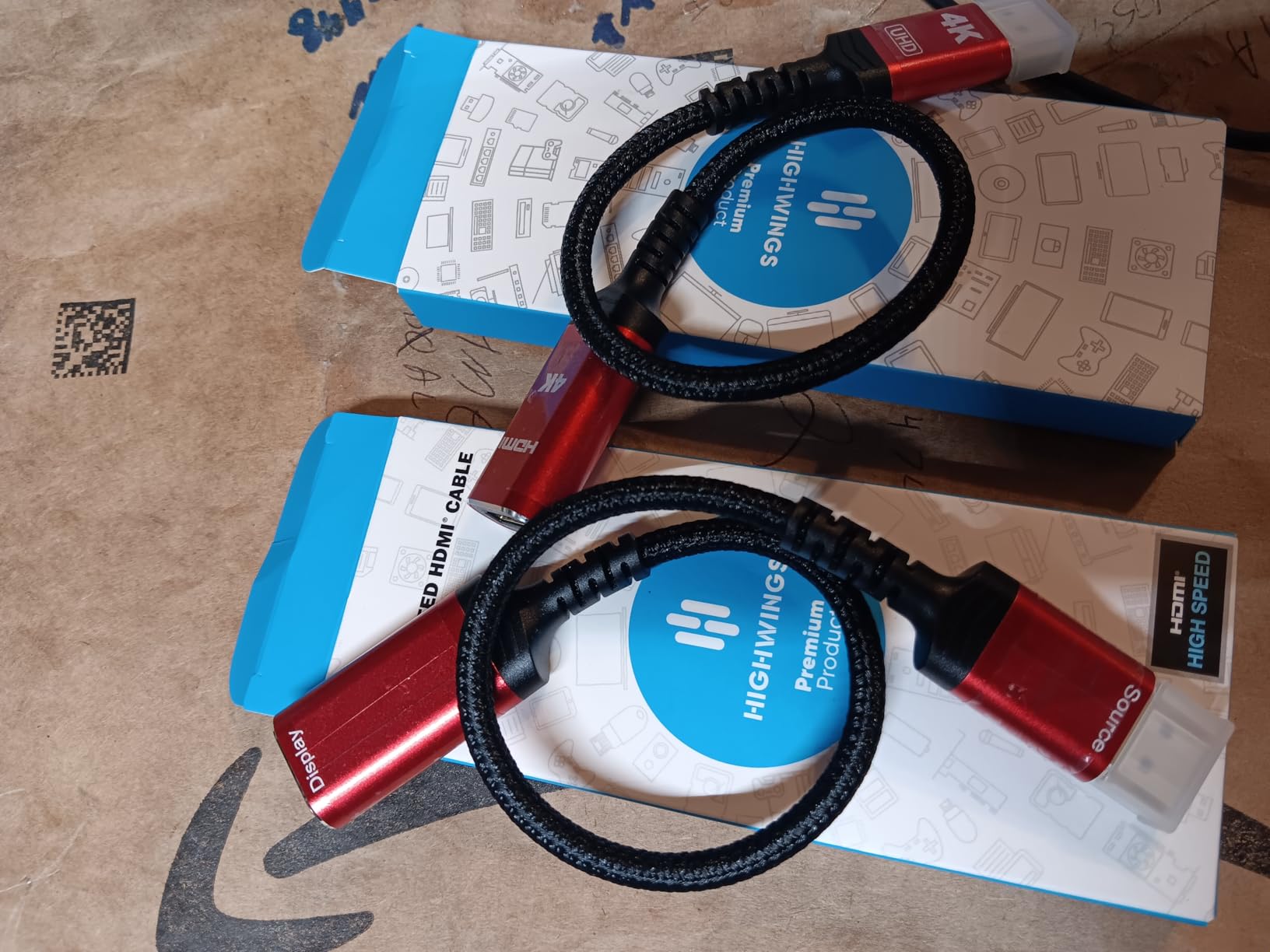
The Highwings stands out for physical construction rather than headline resolution. Its military-grade tensile nylon jacket, 24K gold-plated ports, and claimed 25,000 flex cycles target desks where cables are moved often.
The latch-free head is a thoughtful defensive choice: older latching plugs can stress a port if pulled sideways. Here, unplugging the HDMI or source-side cable rather than yanking the connector is still the safest habit.
Video performance reaches 4K at 30Hz and 2K at 60Hz, which works for general use and sharper productivity panels. Buyers also report dependable connections with AMD and NVIDIA graphics in the supplied review summary.
The drawbacks are familiar: passive operation and no listed dock-station support. Those constraints make direct desktop and laptop connections more appropriate than complex KVM chains; if you need shared peripherals, compare our HDMI switch recommendations for multiple devices.
Why the Highwings suits mobile and changing setups
Its flexible jacket and compact weight are good for laptop bags and temporary presentations. The head design also reduces pressure on the graphics-card port.
Why the Highwings misses high-refresh 4K
Thirty hertz is its 4K ceiling, and the product is not listed for docks. Fast gaming or a complex adapter chain points toward a more capable active model.
6. UGREEN DisplayPort to HDMI 2-Pack: Compact Dual-Monitor Build
UGREEN 4K DisplayPort to HDMI Unidirectional Adapter, 2-Pack Passive
Two adapters
4K at 30Hz
7.1 audio
Aluminum case
Pros
- Two adapters
- Aluminum heat-dissipation case
- 7.1 audio
- No-buckle design
- Compact size
Cons
- Uni-directional
- Not for HDMI sources
- 4K limited to 30Hz
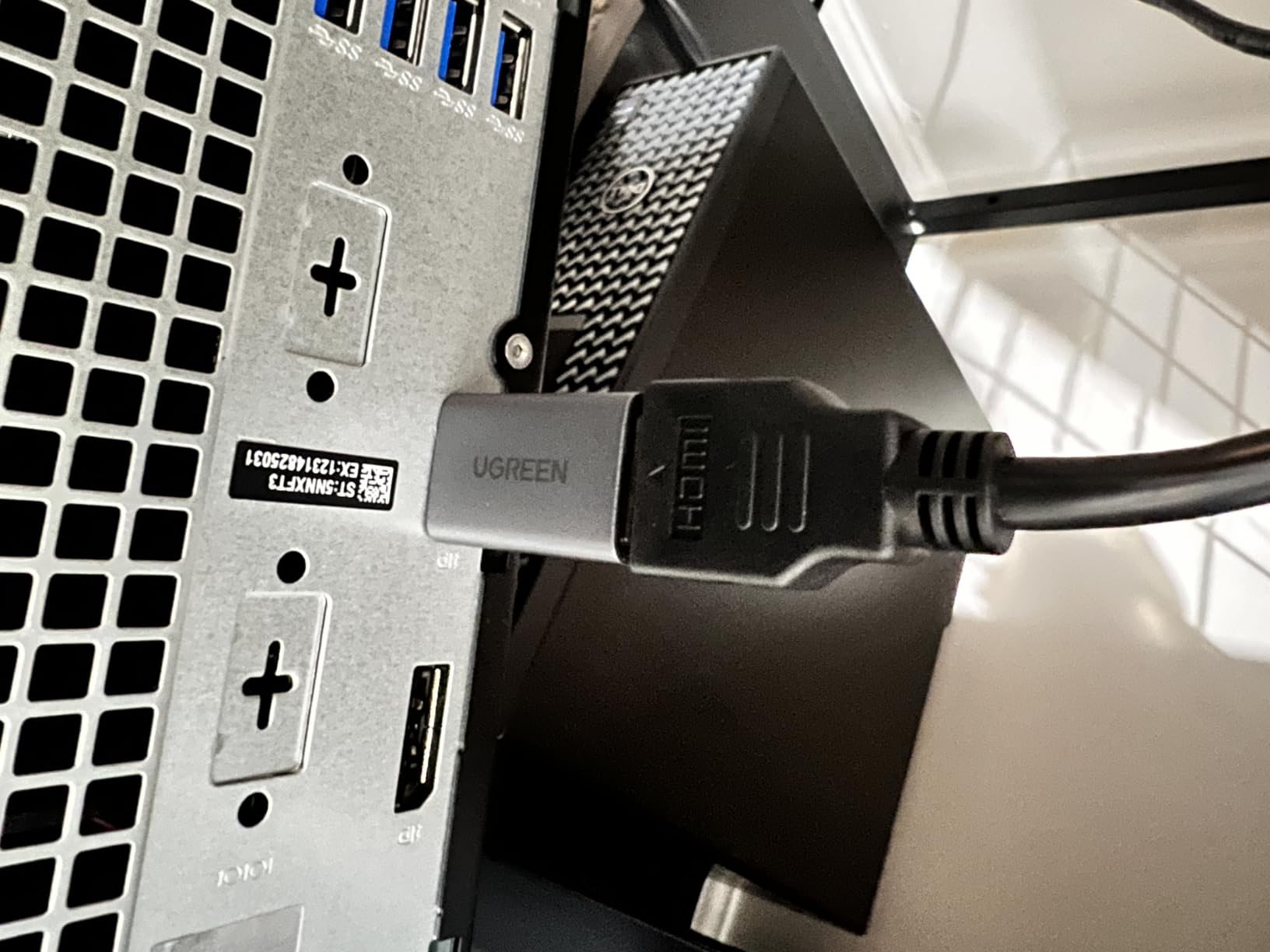
The UGREEN pair combines the convenience of two adapters with a compact, heat-conscious aluminum case. It is a polished option for a dual-monitor office setup where both displays run at 1080p or one display runs at 1440p 60Hz.
Each adapter supports 4K at 30Hz, 2K at 60Hz, and 1080p at 120Hz, plus 7.1, 5.1, or two-channel audio. The no-buckle head avoids the port stress associated with a side-pulled latch.
I would use the pair for a clean productivity build rather than two 4K gaming displays. Their shared format makes installation predictable, and the aluminum shell helps move heat away from the conversion electronics.
The supplied reviews point to popularity for dual-monitor office desks. As with the JSAUX pack, remember that USB-C and Thunderbolt are separate connection standards unless video output is explicitly supported.
Why the UGREEN pair fits compact desks
The small 0.98 by 1.38-inch bodies sit close to the graphics card, and two identical units simplify cable planning. A 1440p 60Hz plus 1080p layout is a strong use case.
Why the UGREEN pair cannot drive high-refresh 4K
Its four-lane bandwidth path is capped at 4K 30Hz. A direct DisplayPort-to-DisplayPort link remains preferable for high-refresh gaming, or choose a purpose-built active HDMI adapter.
7. Amazon Basics 4K 60Hz Converter: The Clear 4K 60Hz Option
Amazon Basics DisplayPort (4k@60Hz) to HDMI Female Converter (Not Compatible with a USB Port), Black, 9.25 x 0.87 x 0.47 in
4K at 60Hz
Standard DP and DP++
Plug and play
HDMI output
Pros
- True 4K at 60Hz
- DP and DP++ support
- Compact form
- Plug and play
- HDMI audio path
Cons
- No USB support
- HDR can vary by display
- LG OLED compatibility reports
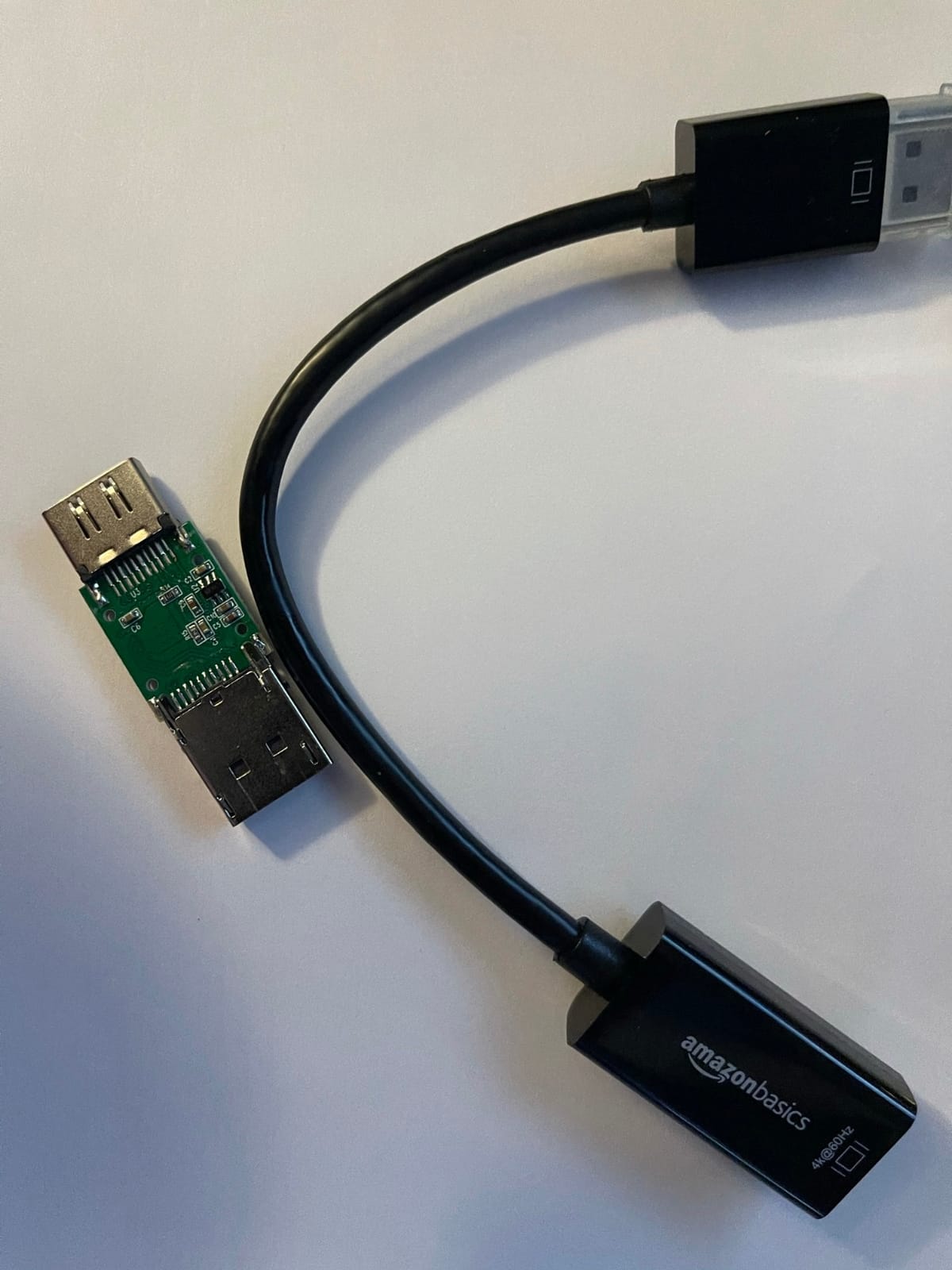
The Amazon Basics converter is the only analyzed product explicitly rated for 4K at 60Hz. That makes it the strongest pick here for a 4K office monitor, television, or projector when smooth general desktop motion matters more than a compact head.
It accepts standard DisplayPort and DP++ output, requires no external power, and uses a uni-directional HDMI connection. I would verify the display’s HDMI version and HDCP requirements, because the product’s HDR behavior varies across televisions.
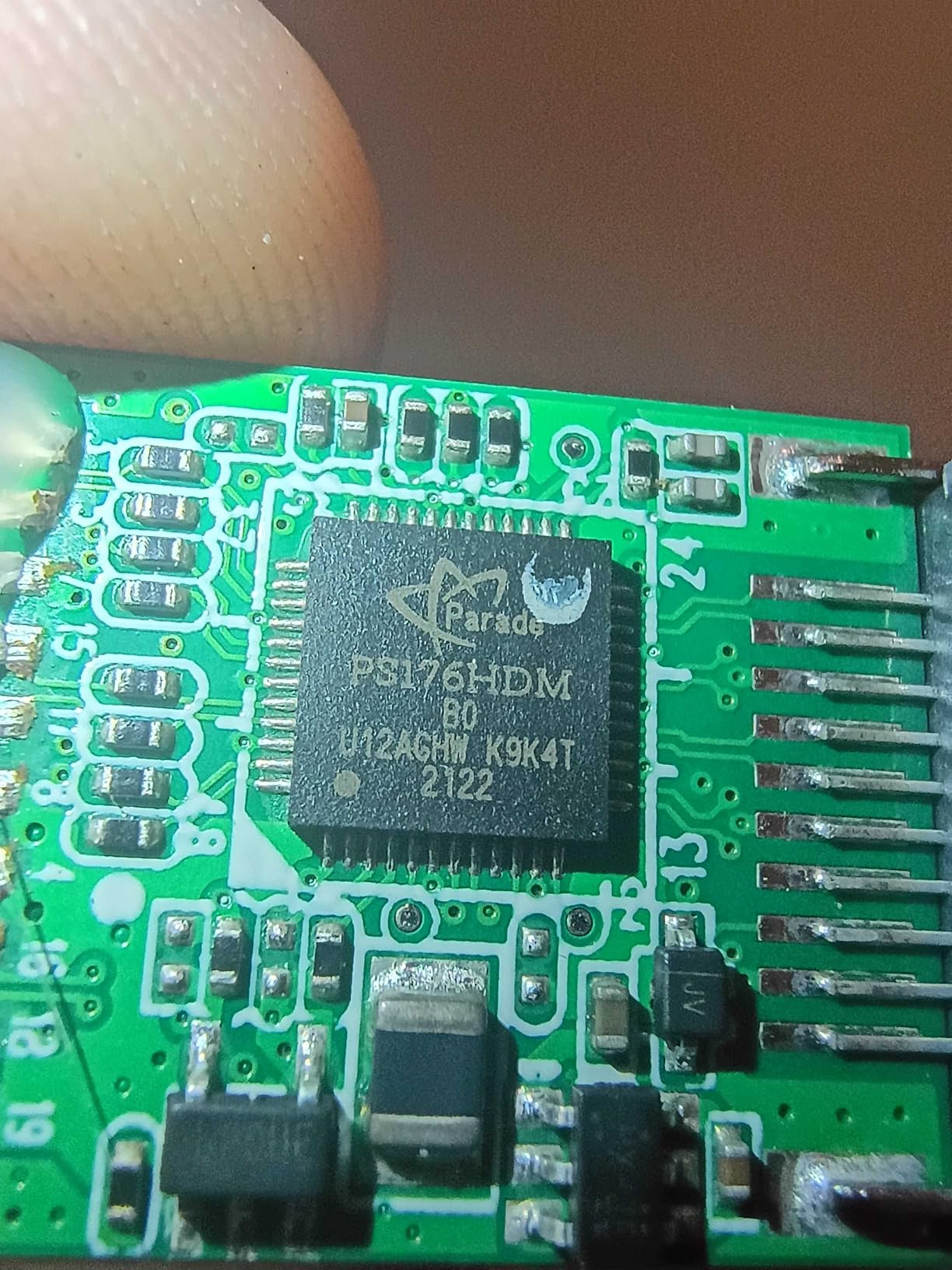
Buyers praise its simple plug-and-play behavior, but the supplied review summary specifically flags HDR concerns on some displays and compatibility reports involving LG OLED televisions. That does not rule out the adapter, but it makes an exact model check sensible.
The distinction between 4K 30Hz and 4K 60Hz is easy to feel during scrolling, pointer movement, and video. If those tasks dominate your day, this adapter’s resolution specification is more useful than the smaller alternatives despite the HDR caveat.
Why the Amazon Basics converter is the 4K generalist
Sixty hertz is the standout feature, and broad DP compatibility helps with many computers. It is the practical choice for mixed work and entertainment on an HDMI-only 4K display.
Why display matching matters
HDR, HDCP, television firmware, and adapter firmware can affect protected or high-dynamic-range video. Test the intended display before using the setup for a critical presentation or media workflow.
8. StarTech.com DP2HDMI2: Professional 1080p Reliability
StarTech.com DP2HDMI2 DisplayPort to HDMI Video Adapter Converter
1920 by 1200
7.1 audio
HDCP 1.4
Eight-inch cable
Pros
- Professional build
- Secure latch
- 7.1 audio
- HDCP 1.4
- Three-year warranty
Cons
- No 4K support
- Premium positioning
- Eight-inch cable
The StarTech.com DP2HDMI2 is built for stable 1080p or 1920-by-1200 workstation output, not modern high-resolution gaming. Its professional construction, latching source connector, HDCP 1.4 support, and three-year warranty make it attractive for business equipment.
The attached eight-inch cable offers more reach than a tiny dongle without becoming difficult to route. It also supports 7.1-channel audio and works independently of the host operating system.
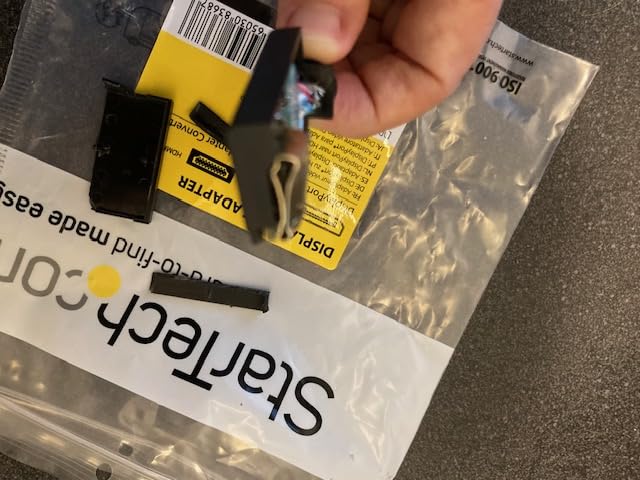
Reviewers praise the secure connection and steady signal, which matter in conference rooms and shared desks. The product data describes support for DisplayPort 1.2 computers and laptops, so newer source features should not be assumed.
Its premium is reasonable when reliability and warranty support matter more than 4K capability. It is not the best value for a new gaming monitor, and the short cable may not span a large wall-mounted installation.
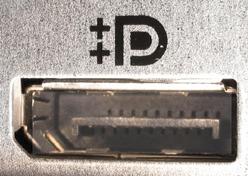
Why the StarTech model suits professional environments
Stable Full HD, HDCP 1.4, a latching plug, and a three-year warranty create a sensible conference-room package. The established review record also supports its business positioning.
Why the StarTech model is too limited for new displays
It cannot deliver 4K, and eight inches may be restrictive behind furniture. Home users building around a 4K panel should choose a 4K-rated model instead.
How to Choose the Best DisplayPort to HDMI Adapter
Choose active conversion when the source or target is demanding
A passive adapter uses DisplayPort Dual-Mode, commonly called DP++, to create an HDMI-compatible output from supported graphics hardware. An active adapter contains conversion electronics and is the safer choice for more source types, nonstandard DisplayPort outputs, and high-bandwidth HDMI targets.
The analyzed list is overwhelmingly passive, which is enough for many 1080p and 4K 30Hz setups. Forum users in r/VIDEOENGINEERING and r/buildapc likewise report that active adapters are the more dependable direction for newer standards, though the specific Cabletime recommendation discussed there is not one of our analyzed products.
Match resolution and refresh rate to the weakest link
A 4K label alone does not tell you how smooth the image will be. Most products here top out at 4K 30Hz, while Amazon Basics reaches 4K 60Hz; high-refresh 4K, 144Hz, and 120Hz targets need an active adapter and a compatible display.
DisplayPort 1.4 can carry up to 32.4Gbps, while HDMI 2.1 is associated with a maximum 48Gbps signaling rate. That does not mean an adapter magically transfers 48Gbps: the HDMI output, conversion chip, cable, and display must support the desired mode together.
Check HDR, HDCP, and variable refresh before gaming
HDR pass-through is not uniform across this group, and the Amazon Basics entry has reported display-specific HDR concerns. If HDR matters, check the exact television or monitor and look for confirmation of HDR10 and the required HDCP level.
VRR is another limitation. A standard passive DP-to-HDMI adapter in this roundup is not the right foundation for a high-refresh console or adaptive-sync gaming claim, so use direct DisplayPort where possible and confirm FreeSync or G-Sync support in the full connection chain.
Verify the actual ports and audio path
Full-size DisplayPort, Mini DisplayPort, USB-C, and Thunderbolt labels can look similar to buyers. The BENFEI, Moread, JSAUX, Cable Matters, Highwings, UGREEN, Amazon Basics, and StarTech products all require a DisplayPort source and an HDMI display; none converts HDMI back to DisplayPort.
Audio support is common in this lineup, including 7.1-channel claims on several models, but the final result depends on the graphics driver, operating system, cable, and display. If your monitor lacks speakers, the adapter cannot add sound on its own.
Build for the location, not just the specification
A latching connector protects against accidental removal, while Highwings’ latch-free head reduces the risk of side-load damage when handled carefully. Longer bodies such as the Moread aid routing, while compact JSAUX and UGREEN units fit tight graphics-card layouts.
Forum complaints also emphasize cheap construction, no-signal behavior, and incompatibility with specific GPUs. The broader lesson from r/pcmasterrace and r/S95B discussions is to test the exact source, adapter, HDMI cable, and television rather than relying on a generic compatibility claim.
Use this three-step installation check
Connect the adapter directly to a full-size DisplayPort output that supports DP++ when using a passive model.
Attach a known-good HDMI cable, select the matching display input, and set 1080p or the product’s tested resolution first.
Increase resolution, refresh rate, HDR, and audio one setting at a time so you can identify the first unsupported link.
If you still see no image, test the display with another source, update the graphics driver, reseat the DisplayPort plug, and disable then re-enable the output. A black screen does not automatically mean the adapter is dead; it can be a bandwidth, HDCP, cable, or port-mode mismatch.
For a home-theater installation, our guide to high-end home-theater subwoofers without HDMI explains how to plan the rest of the audio system. If network-based adapters are the real cause of a slowdown, see our explanation of why powerline adapters can underperform.
Frequently Asked Questions
Is a DisplayPort to HDMI adapter any good?
Yes, when its resolution, refresh rate, direction, and port requirements match your equipment. It is especially useful for HDMI-only monitors connected to DisplayPort graphics outputs, but high-refresh 4K and VRR setups need careful bandwidth and compatibility checks.
Does DisplayPort to HDMI lose quality?
A proper digital conversion should not reduce the selected resolution, but the image cannot exceed the adapter, cable, or display limit. Artifacts or missing output usually come from an unsupported refresh rate, weak cable, incorrect port mode, HDCP mismatch, or an active converter that does not support the target mode.
How can I convert DisplayPort to HDMI?
Connect a DisplayPort-to-HDMI adapter to the source, run an HDMI cable to the display, and select the correct HDMI input. Begin at a conservative resolution, confirm the source supports DP++ for a passive adapter, and then raise refresh rate, HDR, and audio settings one at a time.
Is DisplayPort 2.1 or HDMI 2.1 better?
Neither is universally better because they serve different connector roles. DisplayPort 2.1 can carry more raw bandwidth on compatible PCs, while HDMI 2.1 offers up to 48Gbps signaling and broad television support; the connected adapter, cable, and display determine what mode actually works.
Our Final Verdict
The BENFEI is our overall winner for the best DisplayPort to HDMI adapters because its 4.5 rating, 68,648-review history, secure latch, audio pass-through, and proven 4K support cover the broadest set of ordinary setups. Choose the JSAUX or UGREEN packs for two screens, Amazon Basics for 4K 60Hz, and StarTech.com for a professional 1080p installation.
Before buying in 2026, confirm the source port, HDMI version, target resolution, refresh rate, HDR needs, and audio path. That five-minute check prevents most no-signal and performance problems, leaving the adapter to do the simple job it handles best.