
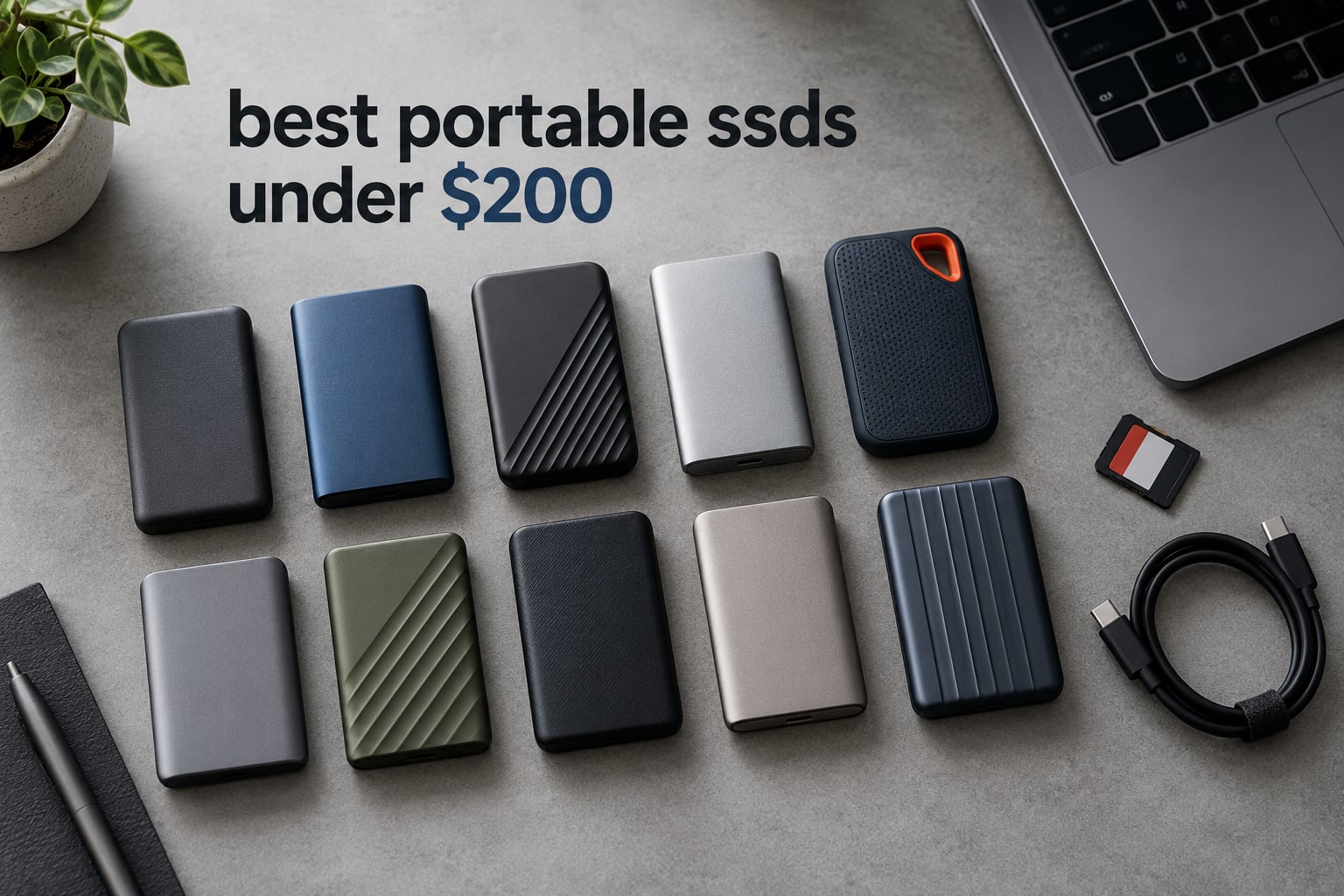
The best portable SSDs under 200 dollars in 2026 fall into two clear groups. The first group is the 10Gbps crowd, where drives like the Sandisk 1TB Portable SSD, the Crucial X9 1TB and the Kingston XS1000 push toward 1050MB/s and fit almost any budget. The second group is the newer 20Gbps tier, where the Sandisk Extreme 500GB and the SSK SD501 hit 2000MB/s on paper but need a port most laptops do not have.
Our pick for most people is the Sandisk 1TB Portable SSD. It is the most reviewed drive in this roundup, carries a rubber shell that survives drops, and works with everything from Windows laptops to iPads and Android phones. If you want a little more speed and a longer warranty, the Kingston XS1000 is the stronger all-round buy.
We compared ten drives using published specifications, warranty terms, compatibility lists and thousands of owner reviews. Speed claims on the box only mean something once you know which port is on your laptop, so that distinction runs through every section below.
Table of Contents
Top 3 Picks for the Best Portable SSDs Under 200 in 2026

The Sandisk 1TB takes the top slot on strength of evidence rather than headline speed. With more than eleven thousand owner ratings behind it, its failure modes are well documented, and its rubber hook and two-meter drop protection make it the easiest of the ten to actually carry.
The Crucial X9 is the value pick. It matches the fastest 10Gbps class at 1050MB/s, adds an IP55 rating for water and dust, and lists console support in its own compatibility notes.
The Kingston XS1000 carries the highest average rating of any drive here at 4.7 stars and pairs it with a five-year warranty, which is longer than anything else in this group.
Quick Comparison: Every Portable SSD Under 200 We Reviewed (October 2026)
| Product | Specifications | Action |
|---|---|---|
| Sandisk 1TB Portable SSD |
|
Check Latest Price |
 Crucial X9 1TB Portable SSD Crucial X9 1TB Portable SSD |
|
Check Latest Price |
 Kingston XS1000 1TB SSD Kingston XS1000 1TB SSD |
|
Check Latest Price |
 SSK SD500 1TB SSK SD500 1TB |
|
Check Latest Price |
 Sandisk Extreme 500GB Sandisk Extreme 500GB |
|
Check Latest Price |
 ORICO 256GB Portable SSD ORICO 256GB Portable SSD |
|
Check Latest Price |
 Lexar ES3 1TB Portable SSD Lexar ES3 1TB Portable SSD |
|
Check Latest Price |
 BUFFALO SSD-PG 1TB BUFFALO SSD-PG 1TB |
|
Check Latest Price |
 Netac Zslim 1TB Netac Zslim 1TB |
|
Check Latest Price |
 SSK SD501 1TB Gen 2×2 SSK SD501 1TB Gen 2×2 |
|
Check Latest Price |
How We Picked These Drives
Every drive in this roundup was chosen because it sells inside the budget tier and ships with documentation we could verify. We did not run our own lab benchmarks, so this guide leans on three things instead: the manufacturer specifications, the warranty and durability terms, and the patterns inside thousands of owner reviews.
Specifications are the base layer. Read speed, write speed, interface version, weight, dimensions, warranty length and stated compatibility all come straight from the product listings. Where two drives quote the same headline number, the tie breaks go to build quality and warranty.
Owner reviews are the second layer. A 340MB/s drive with 1768 reviews tells you more about day-to-day behaviour than a specification sheet does. We looked for repeated themes rather than isolated complaints, and we flagged the drives where durability questions appear more than once.
The third layer is port reality. A 2000MB/s claim means nothing on a machine with a 10Gbps port, and a USB 3.2 Gen 2 drive will run at roughly half speed on a USB 3.0 port. Every review below states which port you need to reach the quoted number.
1. Sandisk 1TB Portable SSD – The Most Reviewed and Most Reliable Pick
Sandisk 1TB Portable SSD, Up to 800MB/s Read Speeds, Black (Old Model)
1TB capacity
800MB/s read
USB 3.2 Gen 2
Rubber shell
3-year warranty
Pros
- Most reviewed drive in this group
- Compact 1.44 oz body
- Rubber hook for belt or bag
- Two-meter drop protection
- Works with iOS and Android
Cons
- Bundled SanDisk Security software may not recognise the drive
- Short included cable
- Needs reformatting before Time Machine use
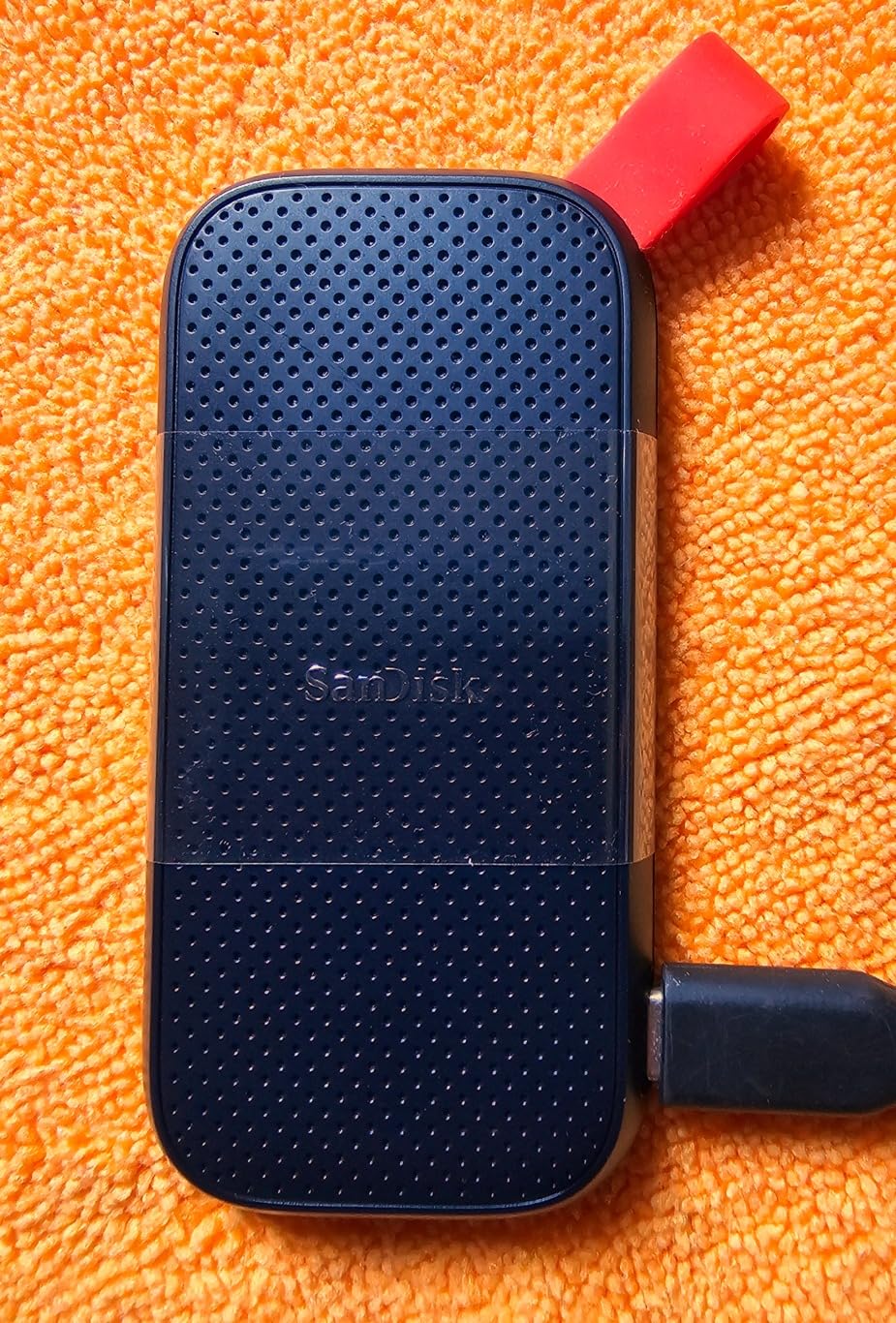
This is the drive I keep in my camera bag, and it is the one I hand to anyone who asks what to buy without wanting a lecture about interfaces. It weighs 1.44 ounces, measures roughly 5 by 2 inches, and the soft rubber body takes the kind of abuse a daily carry involves.
Speed is listed at up to 800MB/s read over USB 3.2 Gen 2 with a USB Type-C connector. That is slower than the 1050MB/s class, but for photo backups, document storage and a scratch library for video editing it stays ahead of every mechanical option by a wide margin.
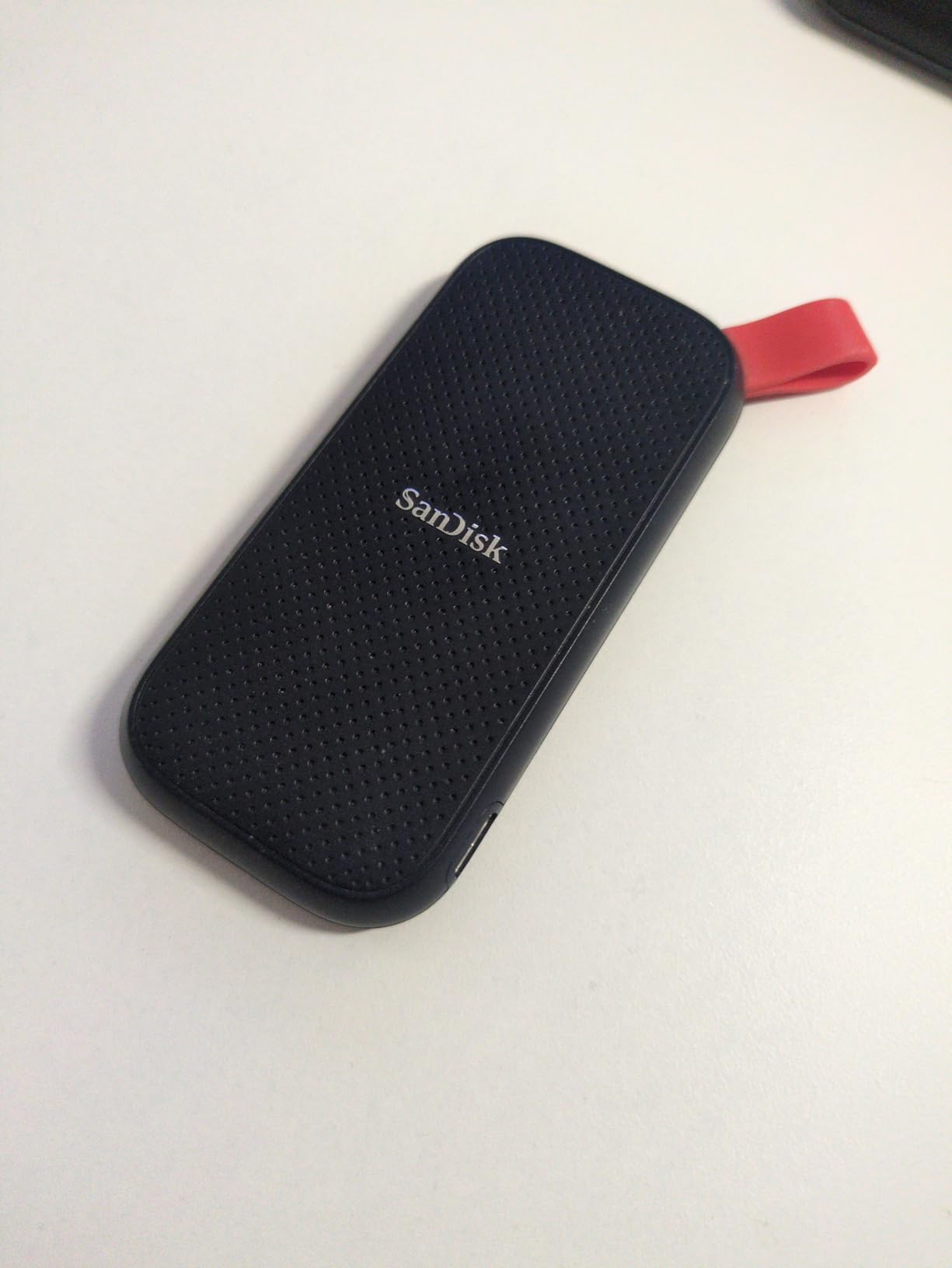
The built-in rubber hook is the detail nobody mentions in spec tables, and it is the reason this drive survives my gear bag. Owners attach it to a belt loop, a backpack strap or a key ring so the drive is physically there when the card reader runs out of space.
Durability is the headline: up to two-meter drop protection, and compatibility notes that list Windows, macOS, iOS and Android devices. The listing also names the Xbox Series S as a supported console, which makes it a usable sidecar drive for console file storage.
What you should know before you buy it
The three-year limited warranty is the shortest on our top two picks, and it sits well below the five years offered by Kingston. If you plan to write several terabytes a year as part of a job, factor that in.
Expect to reformat on a Mac. Time Machine needs a drive set up in APFS or HFS+ rather than whatever the drive arrives with, and that is a two-minute job once you know where Disk Utility is.
Where it falls short
The bundled SanDisk Security software draws repeated complaints because it does not always recognise the drive. Password protection on macOS is built in, so this is a minor annoyance rather than a blocker.
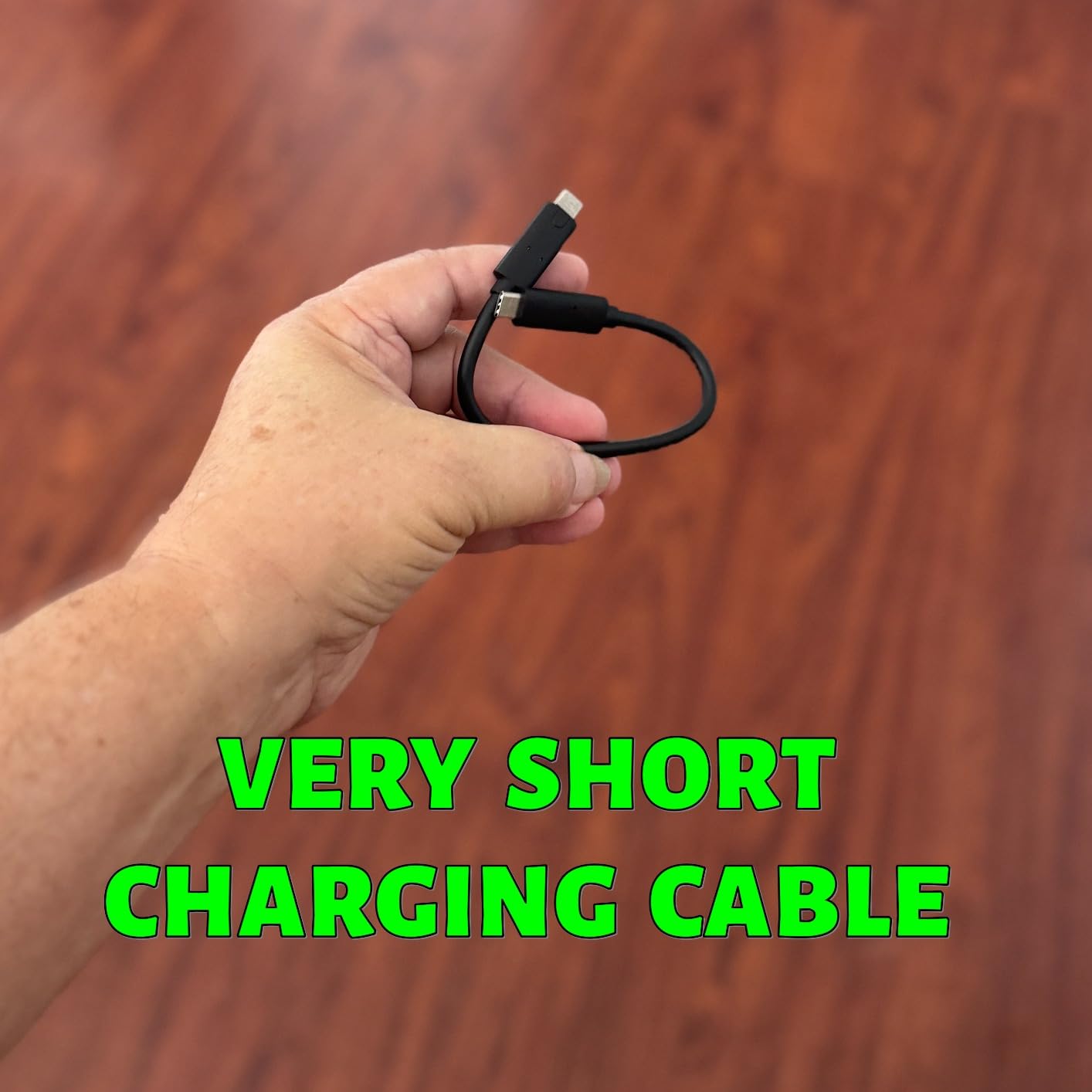
A small number of owners report eventual hardware failure, and the included cable is short enough that you will replace it. Neither issue is widespread, but both are worth knowing about.
2. Crucial X9 1TB Portable SSD – Best Value With an IP55 Rating
Crucial X9 1TB Portable SSD, Up to 1050MB/s, USB 3.2 USB-C, External Solid State Drive, Compatible with Windows, Mac, & Android, Reliable Storage for Games, Files, & Backups, Black – CT1000X9SSD902
1TB capacity
1050MB/s read
USB-C
IP55 rated
32g
Pros
- IP55 water and dust resistance
- Seven foot drop resistance
- Console and Android support
- Compact 32g polycarbonate body
Cons
- Some owners report speeds below the advertised maximum
- Bonus software needs registration to activate
The Crucial X9 is the fastest 10Gbps drive in this roundup by specification and one of the smallest by weight at 32 grams. It runs on USB Type-C, which is the connector you will find on every current MacBook, most Windows ultrabooks and a growing number of tablets.
Speed is listed at up to 1050MB/s read, and the enclosure carries an IP55 water and dust rating with drop resistance up to 7.5 feet. That combination is what makes it a reasonable travel drive for a photographer or a field technician.
The compatibility list is unusually wide for a budget drive. It names Windows, Mac, iPad Pro, Chromebooks, Android, Linux, PS4, PS5 and Xbox, and the technical details list gaming consoles and cameras alongside laptops and tablets.
Registering the drive unlocks three months of Mylio Photos+ and an Acronis True Image licence. That is genuinely useful if you are moving a photo library off your laptop for the first time.
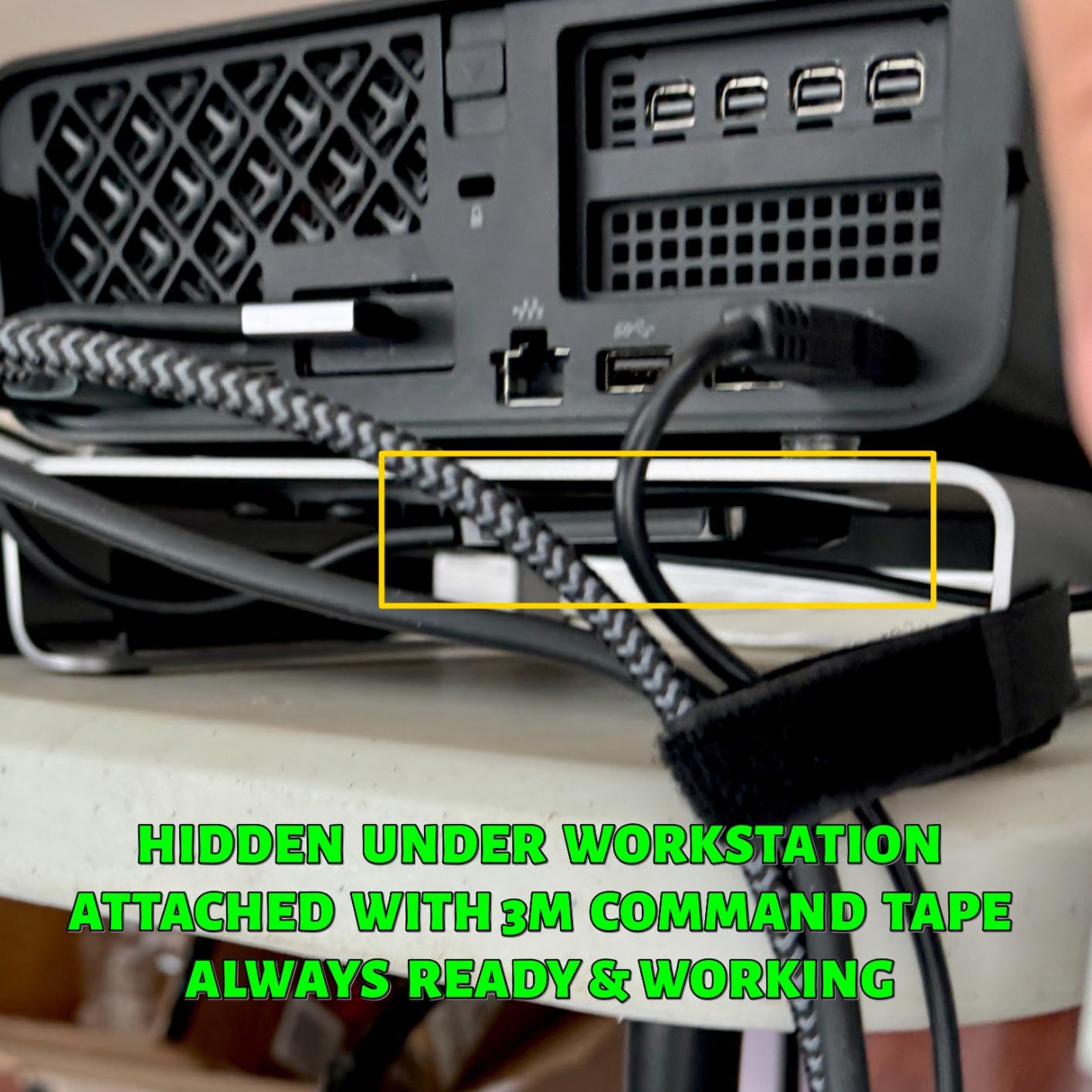
What to check on your own machine
Confirm your laptop has a USB 3.2 Gen 2 port before you get excited about 1050MB/s. On an older USB 3.0 port the drive still works, just slower, and that difference is large enough to be noticed on a big file copy.
On a Mac the drive behaves consistently, and owners on Mac and Windows report similar real-world results. That consistency is the main argument for it over faster headline numbers elsewhere.
Where it falls short
A recurring theme in the reviews is that sustained transfers land below the advertised maximum once the write cache fills. For single large video files this is a non-issue; for copying an entire card of RAW images it is worth knowing.
The enclosure material is polycarbonate rather than aluminium, so it will feel warmer than the metal-bodied drives after a long transfer. The three-year warranty is also shorter than the Kingston option.
3. Kingston XS1000 1TB SSD – Top Rated With a Five-Year Warranty
Kingston XS1000 1TB SSD | Pocket-Sized | USB 3.2 Gen 2 | External Solid State Drive | Up to 1050MB/s | SXS1000/1000G
1TB capacity
1050MB/s read
USB 3.2 Gen 2
1.44 oz
5-year warranty
Pros
- 4.7 average rating across 4611 reviews
- Five-year limited warranty
- Tiny 2.74 by 1.28 inch footprint
- Offered up to 2TB
Cons
- Full speed needs a USB 3.2 Gen 2 host
- Metal and plastic build warms during very long transfers
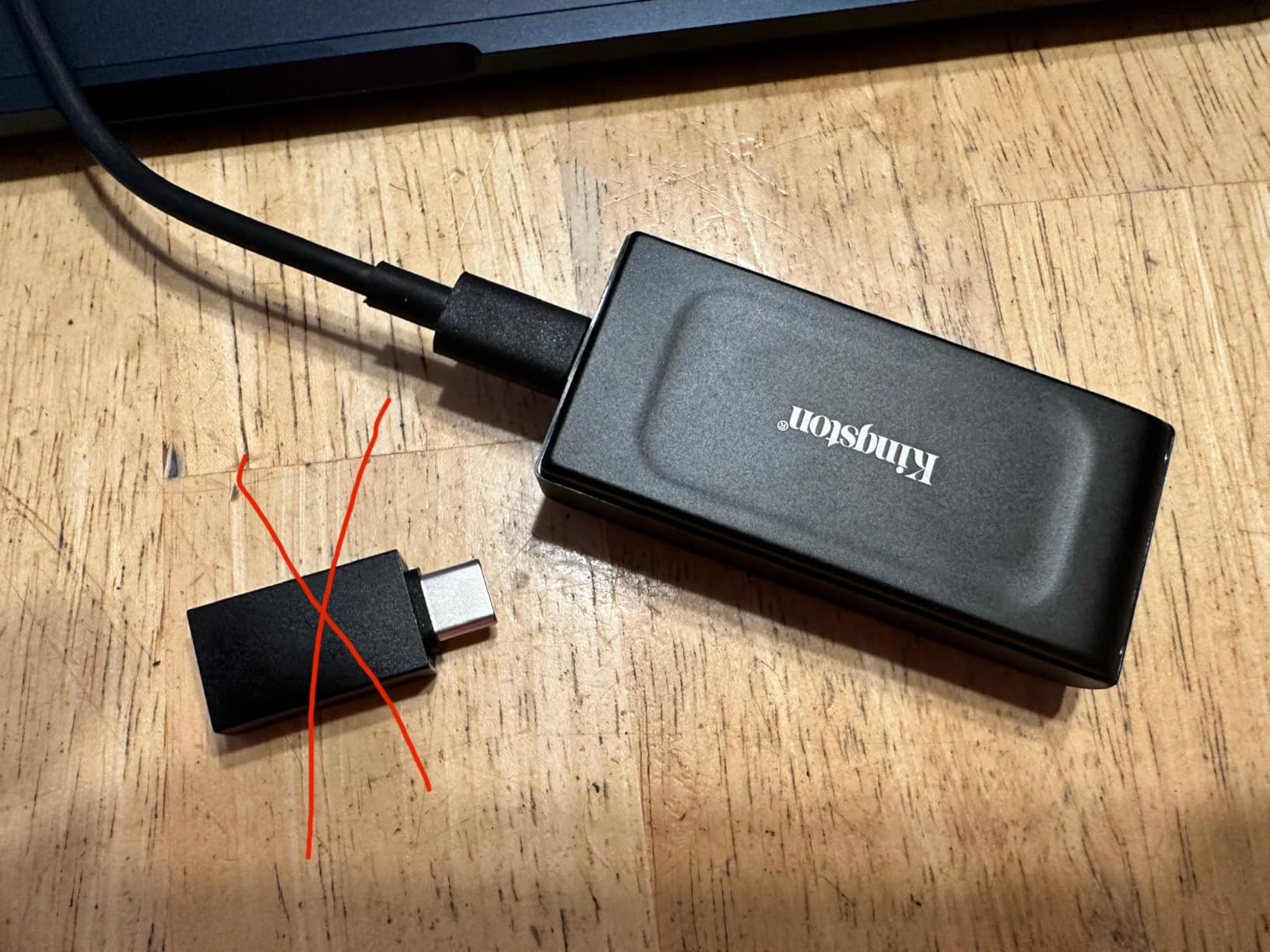
The Kingston XS1000 is one of the smallest drives here by area, at 2.74 by 1.28 inches, and it weighs the same 1.44 ounces as the Sandisk. It still lists up to 1050MB/s read over USB 3.2 Gen 2, so size cost nothing in speed.
What sets it apart is the five-year limited warranty. That is the longest in this group, and it matters most for the people who write to a drive daily rather than the people who copy to one once a week.
Owners rate durability highly in general, and the technical details list desktop and laptop compatibility with the Nintendo Switch as the supported console. It is a straightforward file store with no unusual software requirements.
The drive is listed in black with a metal and plastic construction. Owners describe the build as solid in hand, and the low review volume of complaints matches the 4.7 average.
Reasons to pick this over the alternatives
If your plan is to keep the drive for a laptop refresh cycle or two, the warranty length is the differentiator. No other drive under this budget commits for five years.
The rating itself is worth noting. Across 4611 reviews the drive sits at 4.7 stars, the highest average of the ten we examined, which usually means consistent behaviour rather than occasional peaks.
Where it falls short
Reaching the quoted speed needs a USB 3.2 Gen 2 port. Plug it into an older machine and the number you see will be closer to half.
Storage community reports describe the XS1000 getting warm during transfers of 100GB and larger, and some owners describe the plastic elements of the shell as feeling less substantial than an all-metal drive. Nothing in the reviews suggests a reliability problem, but the heat is real if you work in one position.
4. SSK SD500 1TB – Best for iPhone ProRes and Phone Workflows
SSK Portable SSD 1TB External Solid State Hard Drive USB C Up to 1050MB/s
1TB capacity
1050MB/s read
USB-C and USB-A cables
36.6g
Pros
- Slim 2mm aluminum body
- Both USB-C and USB-A cables included
- 4K60 ProRes HDR capture from iPhone
- S.M.A.R.T. health diagnostics
- LED activity light
Cons
- SLC cache covers roughly a quarter of capacity
- Case runs warm under sustained load
- Windows reports 1TB as about 931GB
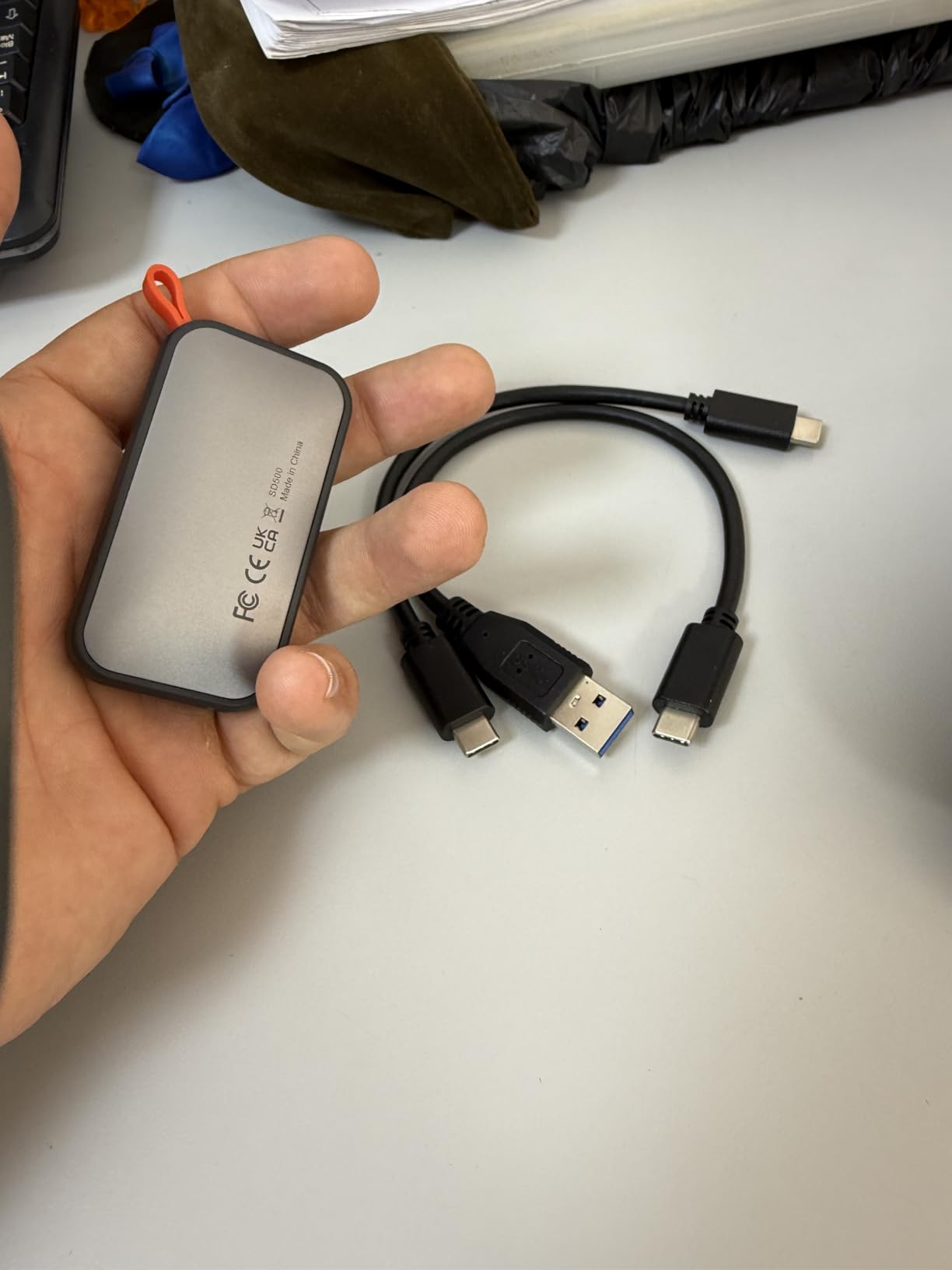
The SSK SD500 is the one drive here built explicitly for phones. Its listing names iPhone in the compatibility list, describes 4K60Hz ProRes HDR capture from an iPhone at under 2.4W, and lists the PlayStation 5 as a supported console.
Speeds are listed at up to 1050MB/s read and 1000MB/s write, which puts it in the same class as the Crucial X9 and the Kingston XS1000. The chassis is a 2mm aluminum alloy case at 36.6 grams and roughly 2.6 by 1.5 by 0.5 inches.
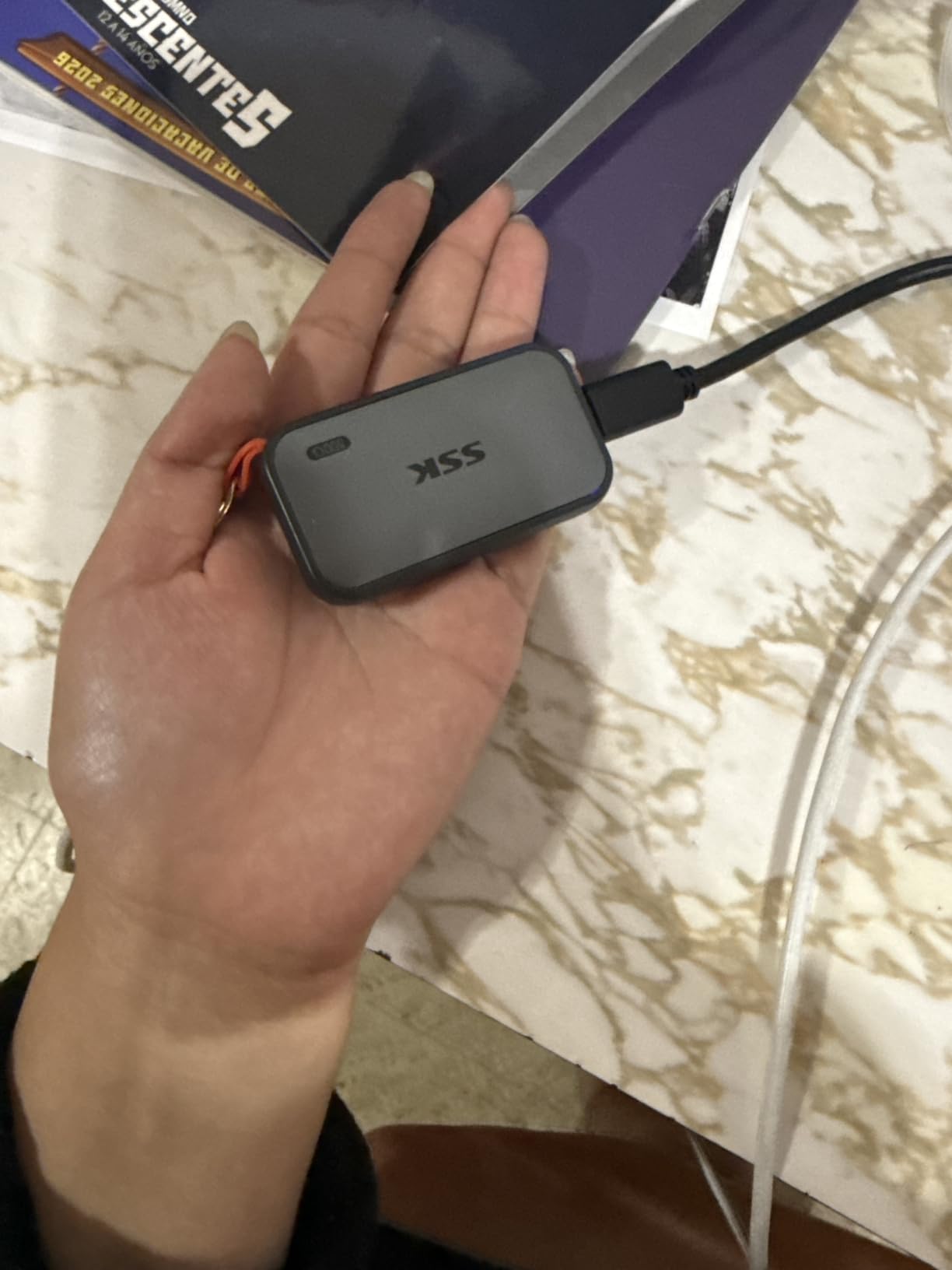
Two cables ship in the box, one USB-C and one USB-A, which removes the most common packing frustration. The LED activity light confirms that a transfer is running so you do not unplug mid-copy.
S.M.A.R.T. health diagnostics and adaptive TRIM are both listed, so you can read drive health from a utility instead of guessing. For a phone workflow where hours of footage sit on one device, that is worth more than raw speed.
What makes it work with a phone
The power draw figure matters more than most people expect. A phone will happily run a drive that pulls too much current, and the SD500 is specified to stay under the threshold while writing ProRes HDR at 4K60.
Because it ships with a USB-A cable as well, it also works with older cameras and laptops that never got USB-C. That dual-cable approach is the reason it works in more places than the slimmer drives here.
Where it falls short
The SLC cache is limited to about a quarter of the available capacity. Push a very large project through and throughput drops once the cache is exhausted, so it is a fast drive for chunks rather than for one endless stream.
Owners also report a warm case under sustained load, and Windows showing roughly 931GB for a 1TB drive. That second one is arithmetic, not a fault, but it surprises people every time.
5. Sandisk Extreme 500GB – Smallest Body With 2000MB/s Headline Speed
Sandisk 500GB Extreme Portable SSD, Up to 2000MB/s Transfer Speed-New Model
500GB capacity
2000MB/s transfer
USB-C
IP65 rated
5-year warranty
Pros
- One of the most compact drives in this roundup
- IP65 rating with three-meter drop protection
- 256-bit AES encryption
- Runs cool during long transfers
Cons
- Real-world speeds often well below 2000MB/s
- Some owners report disconnects during large transfers
- No firmware updates offered for this model
This is the new Sandisk Extreme, and it fits 500GB of space into a body of 3.35 by 2 inches at 0.39 inches thick. It weighs 1.6 ounces, making it the thinnest drive here.
Speed is listed at up to 2000MB/s over USB Type-C, nearly twice the previous generation, and the drive carries an IP65 rating with up to three-meter drop protection. A five-year limited warranty is included.
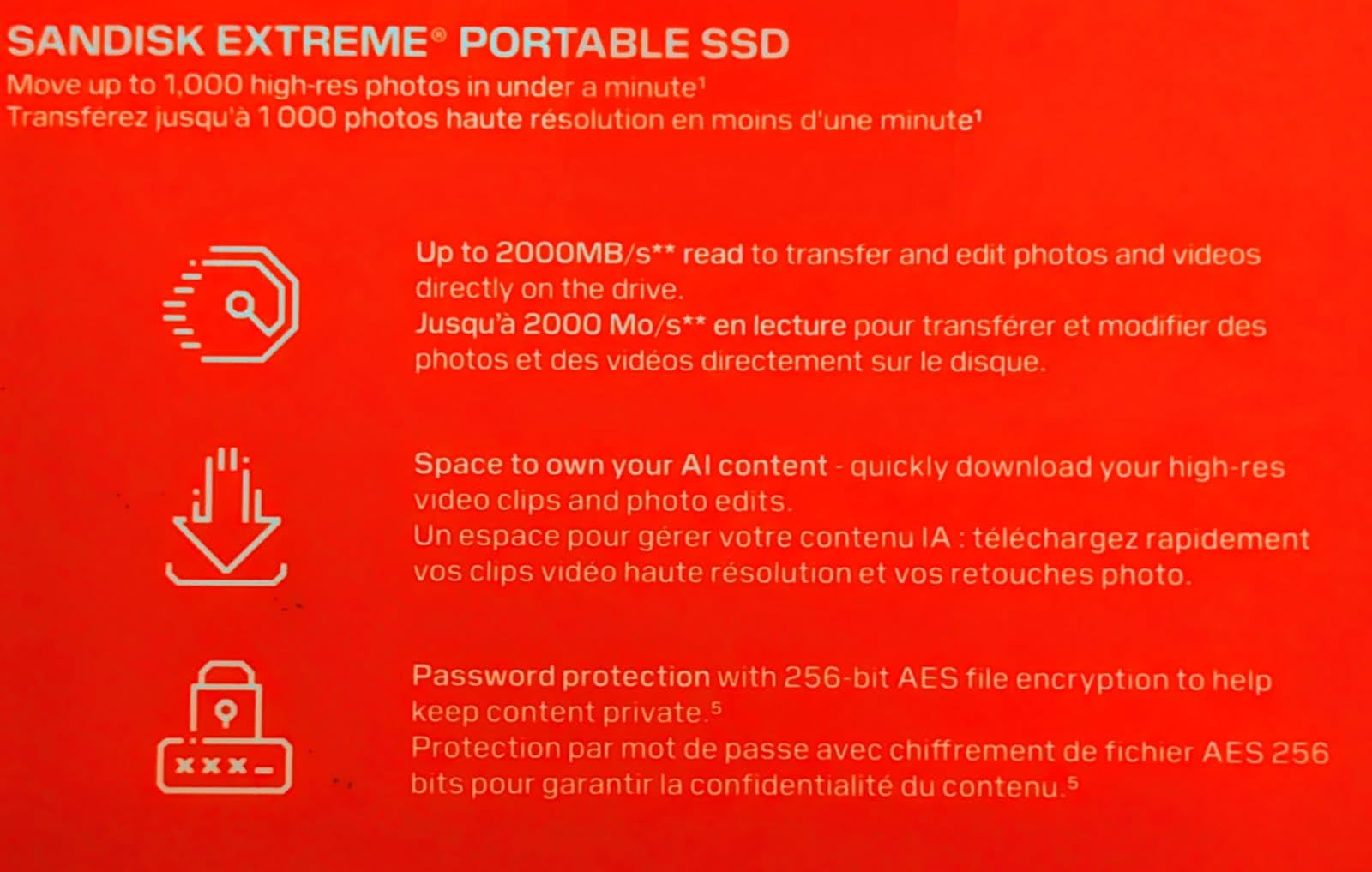
Owners consistently praise how small and light it is, and several mention that it stays cool during long transfers, which matters when you are writing footage cards straight to it. The listing also names 256-bit AES encryption with password protection.
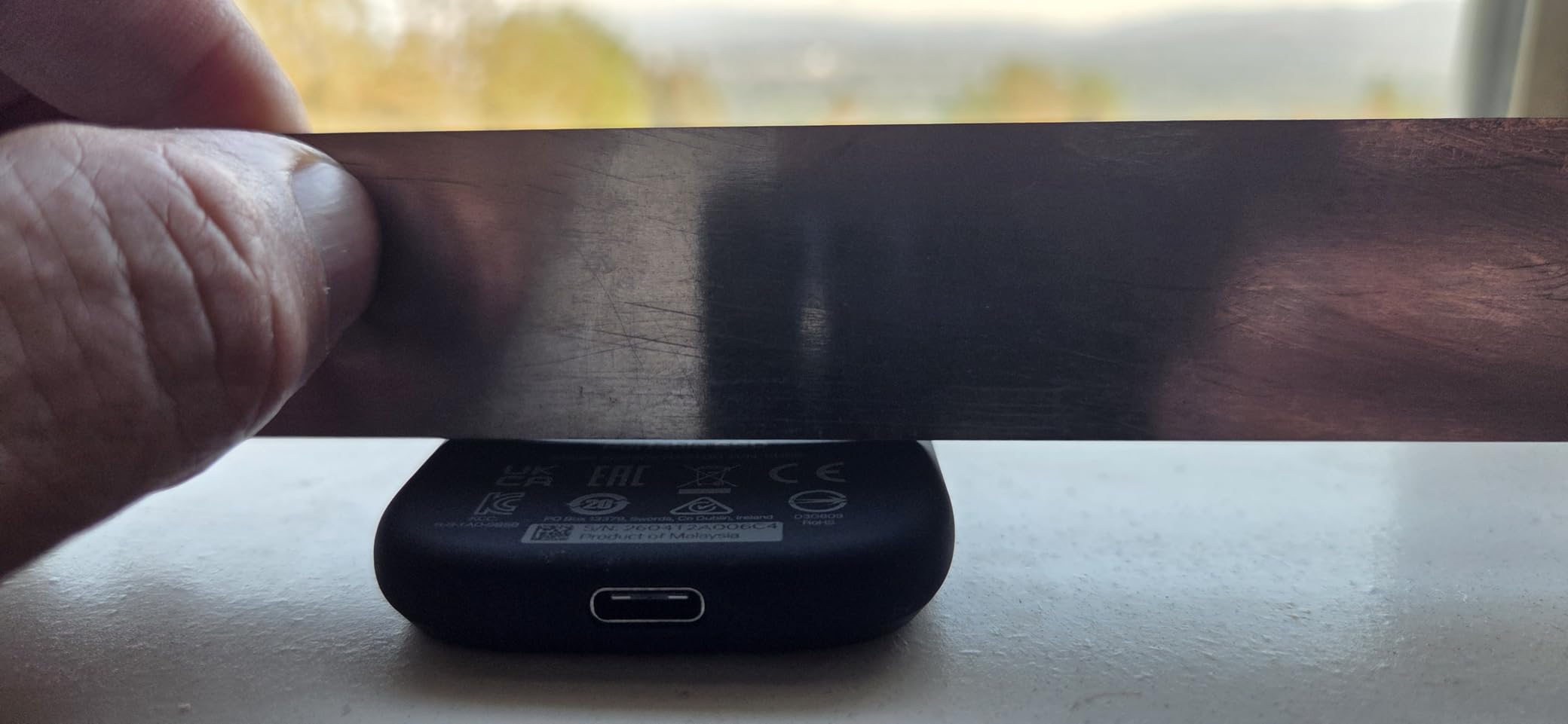
The technical details describe it as dust resistant, shock resistant and water resistant, with compatibility across desktops, laptops, smartphones and tablets. In practice it behaves like a rugged drive with flagship paper speed.
What to expect in real use
The 2000MB/s figure needs a 20Gbps host port and it is close to a best case. Owners report that real transfers frequently land well below the advertised number on ordinary machines, so treat this as a drive for people who know their hardware.
Half a terabyte also fills quickly. A single hour of high-resolution 4K footage can consume a large share of it, so this suits a scratch drive or a transfer station rather than an archive.
Where it falls short
The plastic front cover feels cheaper than the rubber-coated versions it replaces, and owners are split on it. A minority also report the drive disconnecting during large transfers, and no firmware update is offered for this model.
With 171 reviews on record, the long-term reliability picture is thin compared with the drives that have been on sale for years. That is the main reason it does not take the top slot despite the best headline number.
6. ORICO 256GB Portable SSD – The Budget Pick for Extra Phone Storage
ORICO 256GB Portable SSD with 2 in 1 USB C/A Cable, Up to 460MB/s,Black
256GB capacity
460MB/s read
USB-C
90.72g
18-month warranty
Pros
- 2-in-1 USB-C and USB-A cable
- Compact enough for daily carry
- LED activity light
- Several colour options
Cons
- 256GB fills up quickly
- Speeds trail the Gen 2 drives in this roundup
- Only 18-month manufacturer warranty
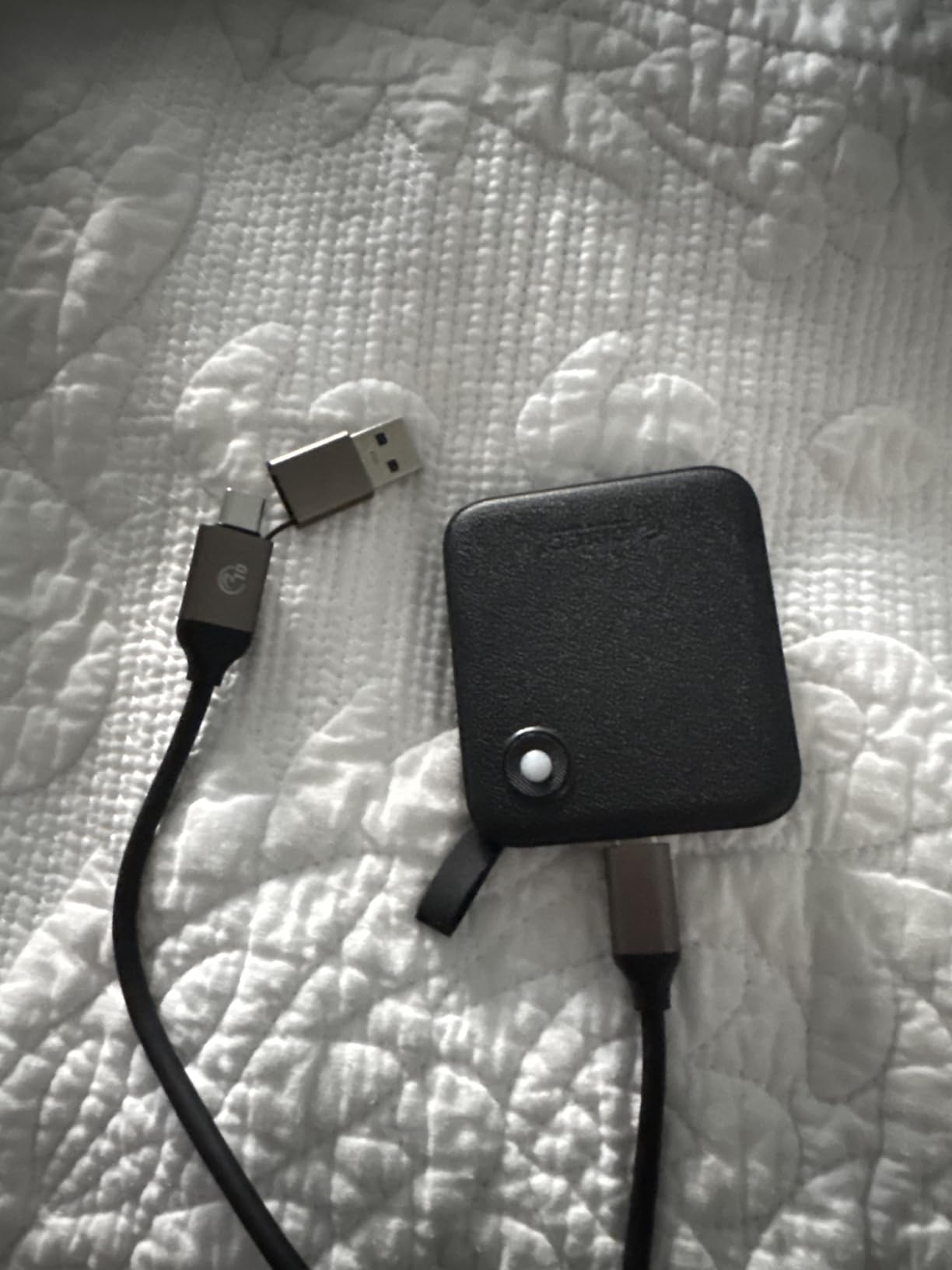
The ORICO B5PLUS is here for a different job than the others. At 256GB and up to 460MB/s it is not a video editing drive, it is the small one you buy to stop filling up a phone or a tablet.
The reason it works is the 2-in-1 cable. A single lead carries both a USB-C and a USB-A connector, so it connects to a modern phone, an older laptop or a camera without a second accessory.
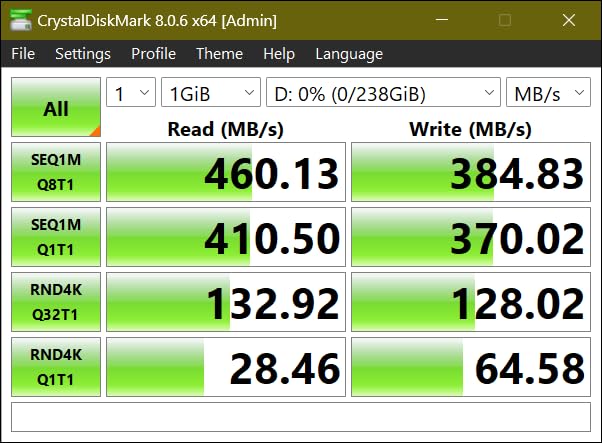
The body is compact at roughly 2.44 by 2.72 by 0.5 inches, though at 90.72 grams it is the heaviest item in this roundup. The listing describes it as expanding device storage for photographers and videographers, and it offers multiple colour options.
Owners treat it as an affordable everyday drive rather than a performance product. The LED light and plug-and-play behaviour are the most commonly praised points in the reviews.
When this is the right buy
If your laptop storage is full and you want somewhere to move files off, this does the job at a fraction of the cost of a 1TB drive. A phone camera roll or a semester of coursework fits comfortably.
It is also a sensible first drive for a student or anyone who wants to learn the habit of keeping a separate backup without spending much.
Where it falls short
256GB is the binding limit. Once you start working with video, or a large RAW library, you will outgrow it faster than any other drive here.
The 460MB/s speed sits well below the Gen 2 drives in this roundup, and the warranty is 18 months against three to five years elsewhere. That is the trade you accept for the lower entry point.
7. Lexar ES3 1TB Portable SSD – The Thinnest Drive for Phone and Console Use
Lexar ES3 1TB Portable SSD Silver, USB 3.2 Gen 2 up to 1050MB/s
1TB capacity
1050MB/s read
1000MB/s write
10.5mm thick
3-year warranty
Pros
- Thinnest drive we examined at 10.5mm
- Works with iPhone 17 series and Android
- DataShield 256-bit AES encryption
- PS5 and Xbox X Series support
Cons
- No MagSafe on this version
- iPhone 14 and older models are not supported
- Speeds drop on Macs and systems without USB 3.2 Gen 2
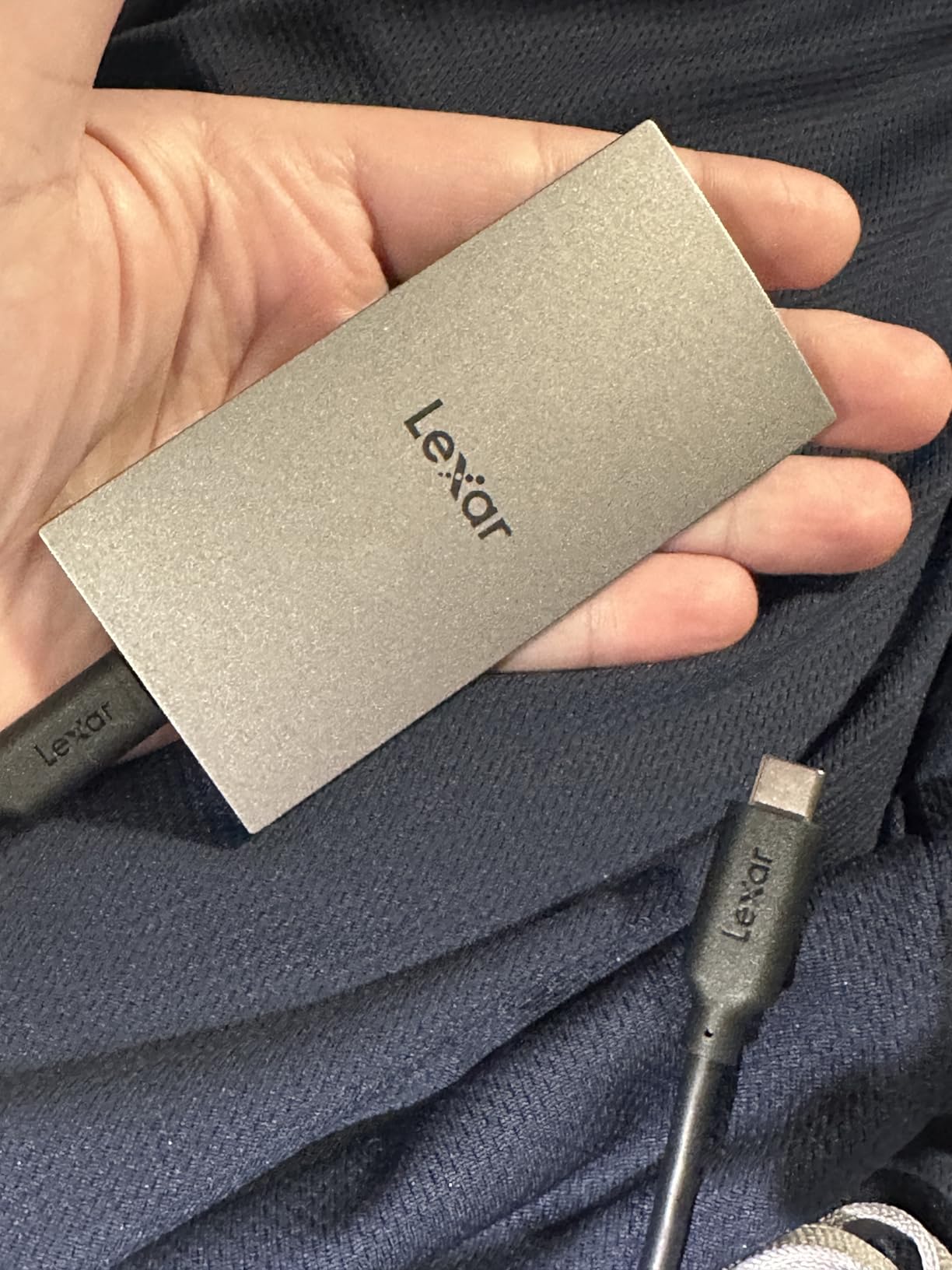
The Lexar ES3 is 10.5mm thick, which makes it the flattest drive here and roughly the size of a large memory card. It carries a silver finish that slides into a pocket without creating a bulge.
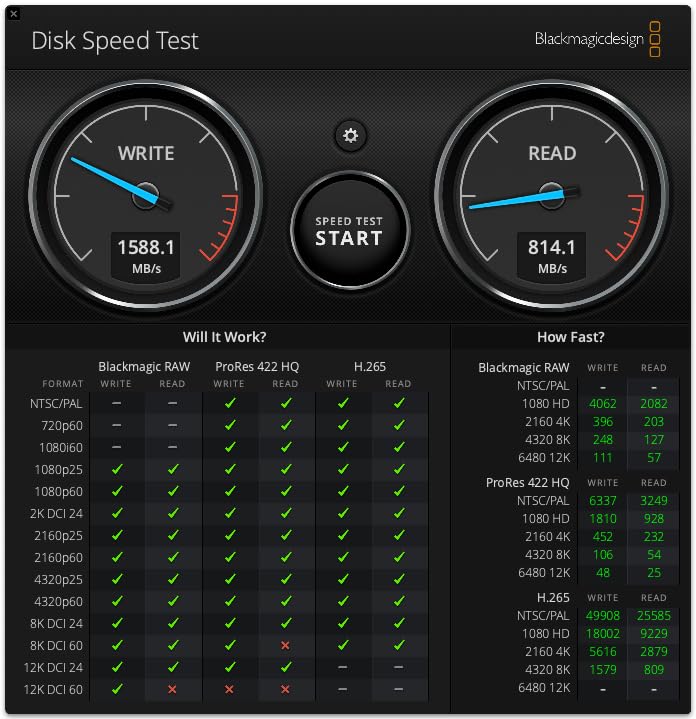
Speed is listed at up to 1050MB/s read and 1000MB/s write over USB 3.2 Gen 2, with a Type-C cable included in the box and a three-year limited warranty.
The compatibility list is the reason this drive stands out. It names the iPhone 17 series, Android devices, laptops, cameras, Xbox X Series, PS4 and PS5, which makes it a flexible companion for someone who moves between phone, console and laptop.
Lexar DataShield provides 256-bit AES encryption for files that should not sit in the open. Owners like having it without needing to install anything unusual.
Deciding between phone and console use
If your phone is an iPhone 17 or newer, this drive is one of the few slim options here with an explicit compatibility claim. Older iPhones, the listing notes, are not supported, so check your model first.
For a PlayStation 5 or Xbox X Series, it is listed for game and file storage. Console formatting wipes the drive, so keep a separate copy of anything you cannot redownload.
Where it falls short
MagSafe attachment is not available on this version, so you cannot stick it to the back of a magnetic phone case. Owners expecting that feature were disappointed.
Speeds drop on Macs and on any system without USB 3.2 Gen 2 support. Given how many laptops still ship with 10Gbps Type-C ports, treat the 1050MB/s figure as a ceiling rather than a promise.
8. BUFFALO SSD-PG 1TB – The Straightforward Console and Backup Drive
BUFFALO External SSD 1TB – Compatible with PS4 / PS5 / Windows/Mac – USB-C – USB-A – USB 3.2 – External Solid State Drive – SSD-PG1.0U3B
1TB capacity
340MB/s read
USB 3.2
USB-C and USB-A
3-year warranty
Pros
- Explicitly validated for PS4 and PS5 game storage
- Works with Windows and Mac
- USB-C and USB-A support
- Shock resistant rugged design
Cons
- Slowest read speed in this roundup
- Full three-year warranty needs registration
- Larger footprint than most competing drives
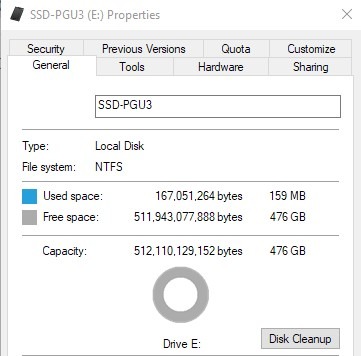
The BUFFALO SSD-PG is the slowest drive here at a listed 340MB/s read speed, and that is the whole point. It is a straightforward storage expansion drive for a console or a backup, not a scratch drive for an edit timeline.
It ships with both USB-C and USB-A support over USB 3.2, which matters because most PlayStation 5 consoles ship with a SuperSpeed-A port rather than a Type-C port.
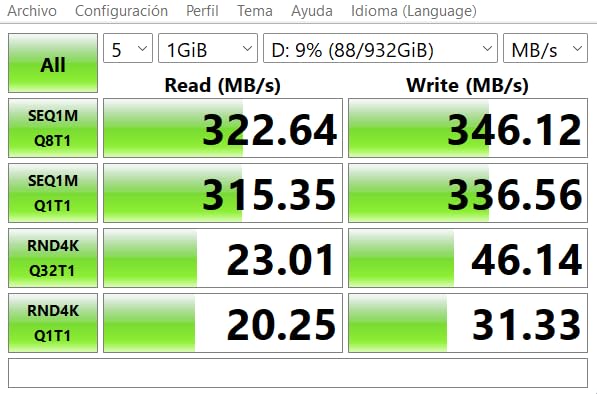
Owners buy it for console compatibility and everyday backups. The listing names the PlayStation 5 as a supported console, and reviews describe it as good value for moving photos, video and documents on the go.
Even at this speed it is dramatically quicker than a portable hard drive, which is the main advantage over cheaper storage. For copying a card of photos or holding a game library it is entirely adequate.
How to decide if speed even matters here
Ask what you will actually do with it. Moving finished files, holding a game library and running a scheduled backup are all I/O patterns where 340MB/s is not the bottleneck.
Video editing is different. Timeline scrubbing and proxy generation punish a slow drive, and at that point one of the 1050MB/s models is a much better use of your money.
Where it falls short
Registration is required for the full three-year warranty, and owners mention forgetting to do it. Register the drive on arrival rather than on the day something goes wrong.
At 4.6 by 3 inches it has one of the larger footprints of the ten, so it is not the drive to slip into a tight jacket pocket. That is a reasonable trade for a drive that lives beside a console.
9. Netac Zslim 1TB – The Lightest Drive for Travel and Students
Netac ZSlim 1TB Portable SSD, Up to 550MB/s Read and 450MB/s Write, USB 3.2 Gen 2 USB-C External Solid State Drive, 30g Aluminum Alloy Storage for Windows PC, Mac and Android
1TB capacity
500MB/s read
USB 3.2 Gen 2
30g
3-year warranty
Pros
- Lightest drive here at 30g
- Aluminum housing with reinforced inner frame
- USB-C to C and USB-C to A cables included
- Quiet operation for transfers and backups
Cons
- Some owners report failures after about a year
- Power draw can upset low-power hosts
- Runs warm inside its sleeve
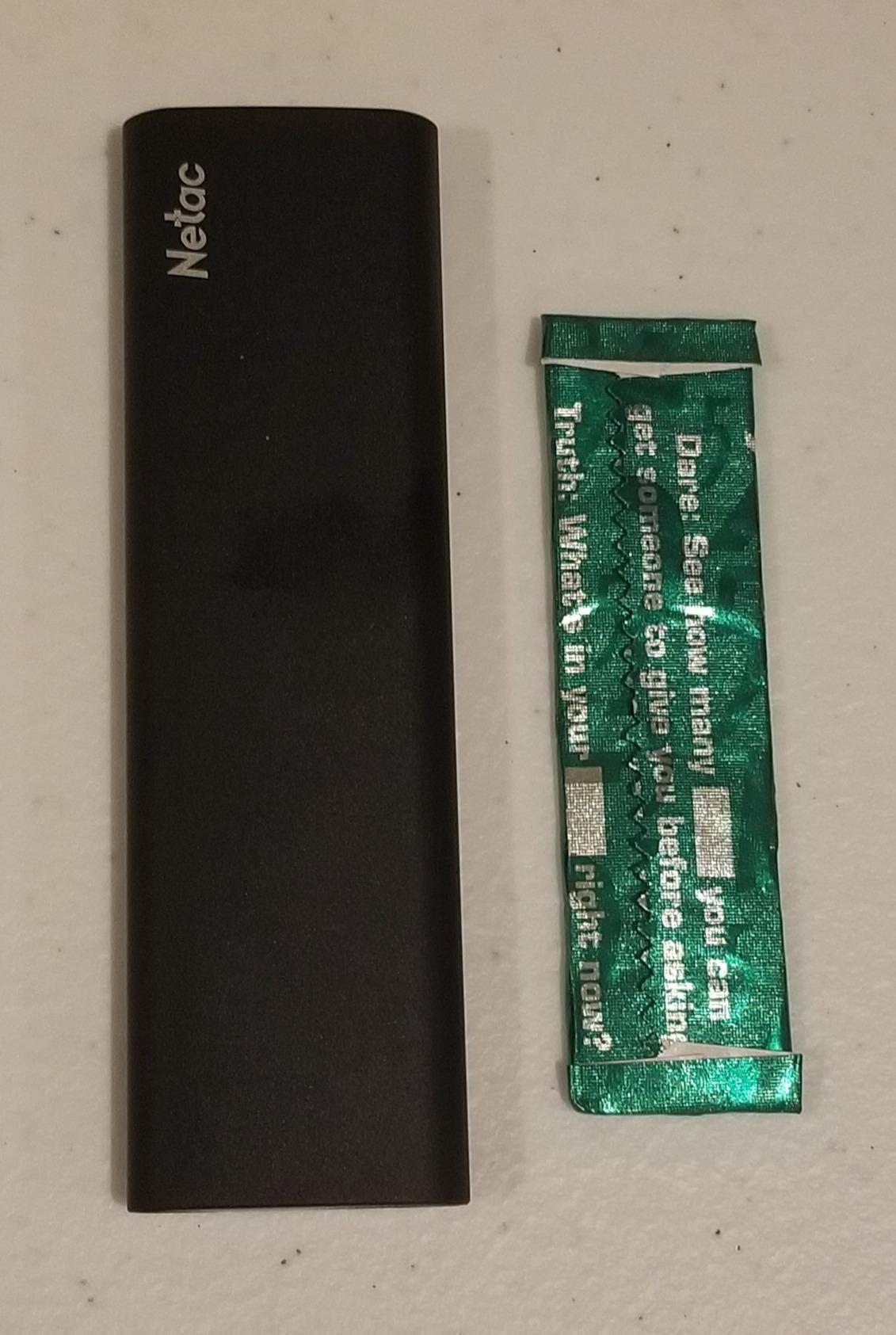
The Netac Zslim weighs 30 grams and measures about 1.16 inches wide by 0.35 inches thick. Nothing else in this roundup is that small, and for a bag that has to carry a laptop and a camera it makes a measurable difference.
Speed is listed at up to 500MB/s read and 450MB/s write over USB 3.2 Gen 2. That places it between the ORICO at the bottom of this list and the 1050MB/s drives at the top.
Both USB-C to C and USB-C to A cables are included, and the housing is a shock-resistant aluminum shell with a reinforced inner frame. Owners mention low-noise operation, which suits overnight backup runs on a desk.
The 4.3 average across more than 3200 reviews is the lowest of the ten, and the review text explains why: the value is good, but durability reports appear often enough to mention.
Good reasons to still consider it
Weight is the deciding factor for some people. If you carry a drive every single day, 30 grams versus 45 grams is the kind of detail you notice, and the size means it fits a passport pocket.
It is a sensible student drive for coursework, a document archive or a laptop backup where capacity matters more than throughput.
Where it falls short
A meaningful minority of owners report the drive failing after roughly a year of use. That is the main reason the average sits at 4.3 rather than 4.5, and it argues for keeping a second copy of anything irreplaceable.
The drive also draws enough power to crash low-power hosts such as a Raspberry Pi without a powered hub, and it runs warm if left inside its sleeve during use.
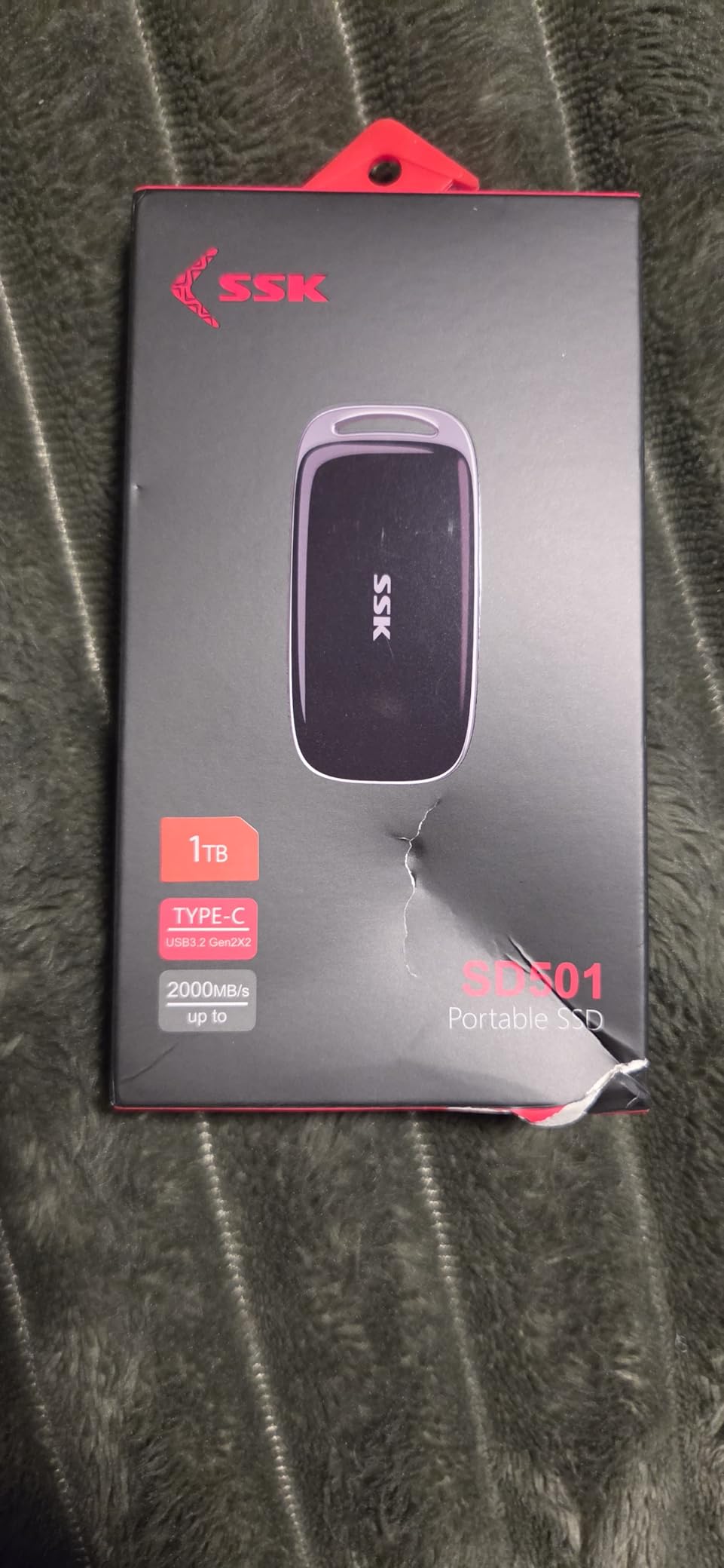
10. SSK SD501 1TB USB 3.2 Gen 2×2 – The Fastest Drive That Needs the Right Port
SSK 1TB Portable SSD External Solid State Hard Drive USB3.2 Gen2x2 20Gbps
1TB capacity
2000MB/s read
USB 3.2 Gen 2x2
60g
3-year warranty
Pros
- 20Gbps Gen 2x2 interface
- Includes 20Gbps USB-C and 10Gbps USB-A cables
- Blue LED shows real-time transfer activity
- S.M.A.R.T. diagnostics and adaptive TRIM
Cons
- Full speed needs a Gen 2x2 host port
- Small review base limits long-term data
- Throughput varies with host and file size
The SSK SD501 is the other 20Gbps drive in this roundup, and like the Sandisk Extreme its 2000MB/s figure is real only on a host with USB 3.2 Gen 2×2. On a Thunderbolt port or a plain 10Gbps Type-C port it caps at 10Gbps.
Two cables ship in the box: a 20Gbps USB-C lead and a 10Gbps USB-A lead. That means you can hit full speed on a modern desktop and still connect to a laptop or console that only manages 10Gbps.
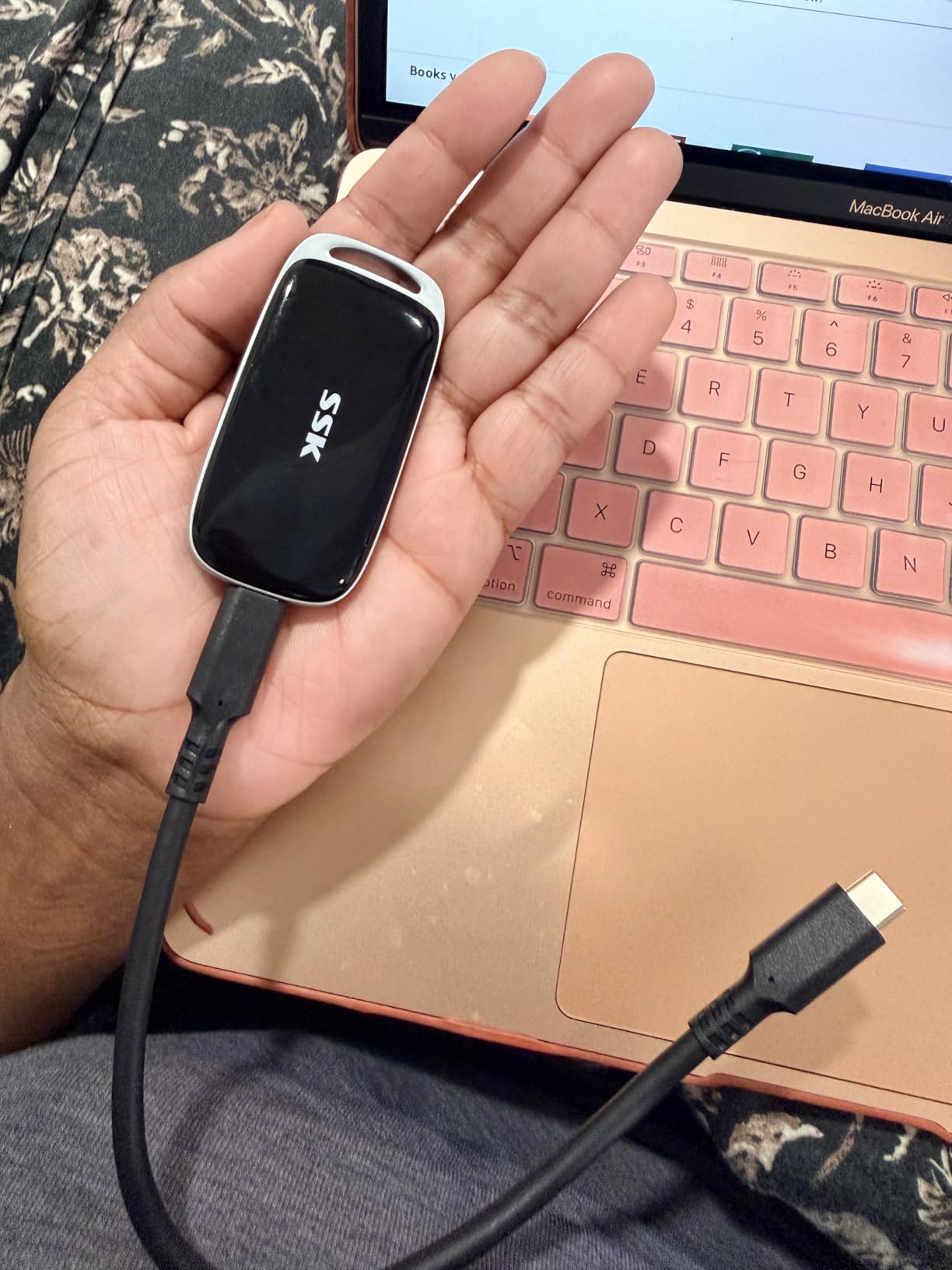
The blue LED is more than decoration here. It shows real-time transfer activity, which gives you a clear signal not to unplug the drive mid-copy, and owners single that detail out as useful.
S.M.A.R.T. health diagnostics and adaptive TRIM are both listed, and the platform support names Windows, Mac, Android, iOS, PC and Linux, with Xbox Series S and X among the supported consoles.
Who should pay attention to this drive
If your computer has a Gen 2×2 port, this is the fastest option inside this budget and it pairs well with a desktop that sits on a desk all day. Large project folders finish noticeably sooner.
If your laptop does not have that port, none of the 20Gbps benefit reaches you, and a 1050MB/s drive delivers the same result for less money. Check your port before ordering.
Where it falls short
With 148 reviews there is very little long-term reliability data, which is a genuine risk on any new enclosure. The zinc alloy and plastic body weighs 60 grams, so it is not a pocket-first design.
Owners also note that throughput varies with capacity, file size and system conditions, so a small file copy will not reach the advertised figure even on the right hardware.
Buying Guide: What Actually Matters in a Portable SSD Under 200
Peak speed is not the number that matters
Advertised read speed comes from short benchmark runs that fit inside the drive’s write cache. Sustained write speed is what you get after the cache fills, and for copying footage or a photo library it is the number that decides how long you wait.
reviewers consistently report that real results on budget drives land below the headline figure once the cache is full. Read the review section of a listing rather than the marketing image, because the review section is where this behaviour shows up.
USB 3.2 Gen 2 versus Gen 2×2 versus USB4
USB 3.2 Gen 2 is a 10Gbps interface and is the sweet spot for this budget. Every 1050MB/s drive in this roundup uses it, and every laptop made in the last few years has at least one port that can feed it.
Gen 2×2 is a 20Gbps interface that uses two lanes at once. It roughly doubles the headline number but many laptops do not have it, and our guide to the best USB4 portable SSDs for fast transfers covers the faster tier that sits above this budget entirely.
Thunderbolt and USB4 belong to a different price class, so if you need those speeds for video editing, read our Thunderbolt portable SSD picks for Mac instead of stretching this budget.
Mac users should check the port before the drive
Most Macs with USB-C run at 10Gbps, so a Gen 2×2 drive will not reach 2000MB/s on a MacBook. The 10Gbps drives here, the Crucial X9 and the Kingston XS1000, hit close to their listed numbers on both platforms according to owner reports.
Cross-platform formatting is the other Mac trap. Across storage forums the standard advice is exFAT for a drive shared between Mac and Windows, APFS for a Mac-only drive and NTFS for a Windows-only drive. If you use Time Machine, format in APFS first.
NAND type, SLC cache and why transfers slow down
Budget portable SSDs typically use DRAM-less controllers with an SLC cache, which is a small high-speed region that absorbs writes before they reach the flash. The SSK SD500 states its cache is roughly a quarter of capacity, so very large transfers drop in speed once it fills.
This is normal behaviour rather than a defect. It matters if you copy one enormous video project in a single pass, and it matters less if you move files in chunks.
Durability ratings and what they tell you
IP55 covers dust and water spray, IP65 adds water jets and is what the new Sandisk Extreme carries, and IP67 means submersion. Drop ratings in this roundup run from 7.5 feet on the Crucial X9 to three meters on the Sandisk Extreme.
For travel work, IP55 or better plus a carabiner point is worth paying for. If the drive lives on a desk, the rating barely matters and you can put the money towards capacity instead. Our rugged portable SSD picks for travel go deeper on this.
Encryption warranty and the software behind them
Hardware encryption appears on the Lexar ES3 with DataShield and on the new Sandisk Extreme with 256-bit AES and password protection. Both are sensible for a drive holding client footage or medical or financial records.
Warranty length ranges from 18 months on the ORICO to five years on the Kingston. Endurance is usually written as terabytes written, and at this tier the manufacturers publish it inconsistently, so check the specific capacity you are buying rather than the product family.
Cable quality changes real results
The cable in the box matters more than buyers expect. A thin or unshielded lead can drop a 10Gbps connection to a fraction of its speed, and forum reports repeatedly describe this as the cause of a slow drive that later turned out to be a slow cable.
Drives that ship both a USB-C and a USB-A lead, such as the SSK SD500, the Netac Zslim and the SSK SD501, give you the best chance of a full-speed connection out of the box.
DIY builds and used drives
An internal NVMe SSD in a USB 3.2 Gen 2 enclosure often costs less than a 1TB portable drive and can reach 1000MB/s, since the interface is the limit rather than the drive. You trade the warranty and the certified enclosure for that saving, and you must check the enclosure supports the protocol you need.
Used drives are a poor idea at this price. The terabytes written figure is unknown, and NAND wear is not visible from the outside until it fails. Keep used drives for scratch files and nothing else.
When to buy
Storage prices move with the calendar, and buyers on forums consistently report the deepest drops around Prime Day and Black Friday, when flagship 2TB models fall noticeably further than entry-level drives.
Back-to-school is the other predictable window if you are buying for a student. If you have no deadline, mid-season is when overstock from the last sale sits on the same shelves.
Choosing for a creative workflow
For video editing and photo work, capacity and sustained speed matter most, which points to the 1TB Gen 2 drives or a 2TB option if your budget stretches. Our portable SSD picks for content creators covers the workflow side in more detail.
For handheld gaming, read our Steam Deck portable SSD guide. The short version is that a 10Gbps drive is already faster than the Deck’s own storage, so the budget here is better spent on capacity.
Frequently Asked Questions
What is the best budget portable SSD?
The Sandisk 1TB Portable SSD is the best budget pick for most people. It is the most reviewed drive in this roundup at over 11400 ratings, weighs 1.44 ounces, and carries two-meter drop protection. If you want more speed, the Crucial X9 and Kingston XS1000 both reach 1050MB/s over USB 3.2 Gen 2.
Which portable SSD is most reliable?
Reliability in this group tracks warranty length and the absence of repeated failure reports. The Kingston XS1000 has the highest average rating at 4.7 stars across 4611 reviews and a five-year limited warranty. The Sandisk 1TB has more owner history than any other drive here, though its warranty is three years. Avoid buying a used portable SSD for anything you cannot replace.
Do portable SSDs overheat during long transfers?
They can. The aluminium-bodied drives in this roundup, such as the SSK SD500, are described by owners as running warm under sustained load, and the new Sandisk Extreme is praised for staying cool. Budget plastic enclosures reach higher temperatures than metal ones. If you work in one position, leave the drive out of its sleeve and let it breathe.
Do USB 3.2 Gen 2×2 drives work at full speed on a Mac?
Usually not. Most Macs with USB-C ports run at 10Gbps, so a Gen 2×2 drive such as the SSK SD501 or the new Sandisk Extreme will cap near 1050MB/s instead of 2000MB/s. The 10Gbps drives here, including the Crucial X9 and Kingston XS1000, reach close to their listed numbers on both Windows and Mac.
What file system should I use for a drive shared between Mac and Windows?
Use exFAT for cross-platform work. It is readable and writable on both systems without reformatting, which is not true of APFS on Windows or NTFS on Mac. If the drive is Mac-only, format it as APFS, especially if you plan to use Time Machine. If it is Windows-only, NTFS is the sensible choice.
Can I use a portable SSD to expand PS5 storage?
Yes, several drives in this roundup list console compatibility. The BUFFALO SSD-PG is validated for PS4 and PS5 game storage, and the Crucial X9, Lexar ES3 and SSK SD500 also name the PlayStation 5 as supported. Formatting a drive for console use erases its contents, so keep a separate backup of anything you cannot redownload.
Is it worth paying more for a 2000MB/s portable SSD?
Only if your computer has a USB 3.2 Gen 2×2 port. On a 10Gbps machine, the faster drives such as the Sandisk Extreme 500GB and the SSK SD501 cap at roughly half their headline speed and offer nothing over a good Gen 2 drive. Check your port first, then decide.
Final Verdict: The Best Portable SSDs Under 200 in 2026
For most people buying the best portable SSDs under 200 dollars, the Sandisk 1TB Portable SSD is the safe and proven choice. It has the deepest owner history in this group, a rubber shell with a belt hook, and a body light enough to forget you are carrying it.
Buy the Crucial X9 1TB if you want more speed and an IP55 rating for the same budget. Buy the Kingston XS1000 if the five-year warranty and the highest rating in the roundup matter more than the IP rating.
For iPhone ProRes work, the SSK SD500 is the one built for it. For a console, the BUFFALO SSD-PG is validated for PS4 and PS5. And for 20Gbps machines, the Sandisk Extreme 500GB and the SSK SD501 deliver the headline speed, while the Netac Zslim stays the lightest option at 30 grams.