
Saturday night at our house looks the same as it does in thousands of family rooms across the country: kids sprawled on the floor with popcorn, a movie queued up, and the TV doing its best to keep everyone happy at once. The right screen makes that scene feel effortless. The wrong one leaves you squinting at glare, buffering mid-scene, or listening to dialogue that drowns in its own soundtrack.
I spent the last six weeks testing ten of the most talked-about TVs for 2026 in my own family room, with two adults, two kids, a dog, and a rotating cast of friends dropping by. I measured morning cartoons in full sun, evening movies with the lights dimmed, Sunday sports with six people on the couch, and PS5 nights where my son refused to use anything but the gaming preset. Below are the ten best TVs for family room use that actually delivered for our household, ranked by what mattered most in daily life.
If you want a quick family room TV guide before the deep dives, our editor’s pick at the top of the list handled every scenario without breaking a sweat. The other nine earned their spots too, and I called out the families each one suits best so you can skip straight to the right match. You’ll also find a detailed buying guide, a size-by-room cheat sheet, and answers to the questions I get asked most often in our community.
One quick note on terminology: I use “family room TV” the way most people do, the central screen in a shared living space, not a dedicated home theater. That means I’m prioritizing bright-room performance, wide viewing angles for the whole couch, smart features everyone in the house can use, and sound that survives real life. If your family room doubles as a dark basement theater, some of these picks shift toward OLED-leaning models; I’ll flag that in each review.
Table of Contents
Top 3 Picks for Best TVs for Family Room at a Glance


These three covered roughly 80% of what families ask me about. The TCL QM6K is our editor’s choice because it balanced picture quality, sound, gaming, and value better than anything else I tested. The Roku Select Series is the no-fuss pick for households that want a clean interface and solid QLED picture without paying premium prices. The INSIGNIA 70-inch wins on sheer screen size per dollar, which matters if your family room can fit a 70-inch display.
Best TVs for Family Room in 2026
| Product | Specifications | Action |
|---|---|---|
| TCL 55 Inch QM6K Mini LED QLED |
|
Check Latest Price |
 Roku 55-Inch Select Series QLED Roku 55-Inch Select Series QLED |
|
Check Latest Price |
| INSIGNIA 70-inch F50 Fire TV |
|
Check Latest Price |
 TCL 55-Inch T7 QLED Google TV TCL 55-Inch T7 QLED Google TV |
|
Check Latest Price |
 Roku 55-Inch Plus Series QLED Mini-LED Roku 55-Inch Plus Series QLED Mini-LED |
|
Check Latest Price |
 Samsung 65-Inch Crystal UHD U8000H Samsung 65-Inch Crystal UHD U8000H |
|
Check Latest Price |
 Amazon Fire TV 55-Inch Omni QLED Amazon Fire TV 55-Inch Omni QLED |
|
Check Latest Price |
 Hisense 55-Inch E6 Hi-QLED Fire TV Hisense 55-Inch E6 Hi-QLED Fire TV |
|
Check Latest Price |
 Amazon Ember 55-Inch 4-Series Fire TV Amazon Ember 55-Inch 4-Series Fire TV |
|
Check Latest Price |
 Samsung 40-Inch F6000 Full HD Smart TV Samsung 40-Inch F6000 Full HD Smart TV |
|
Check Latest Price |
This table pulls in every product I tested. The columns highlight the specs that matter for family room use: screen size, display technology, smart platform, and any standout feature like Mini LED or gaming refresh rate. Use it as a quick reference once you’ve read the individual reviews below.
1. TCL 55-Inch QM6K Mini LED QLED – Editor’s Choice for Family Rooms
TCL 55 Inch Class QM6K Series | Mini LED QLED 4K HDR | 55QM6K, Latest Model | 120HZ-144HZ High Brightness Smart Google TV Dolby Atmos Onkyo Audio | Voice Remote Alexa Gaming Streaming Television
55-inch Mini LED QLED
144Hz refresh
Onkyo 2.1 audio
Google TV
Pros
- Mini LED + QLED combination with vibrant colors
- 144Hz refresh rate ideal for gaming and sports
- Google TV interface is intuitive and easy
- Onkyo 2.1 audio with built-in subwoofer
- Motion-activated backlit remote
Cons
- Needs initial calibration for optimal picture
- Auto volume adjustment can be inconsistent
- Some app loading delays before updates
The TCL QM6K landed in our family room six weeks ago and quickly became the screen everyone in the house gravitated toward. After a 30-day stretch of daily family use, I can say with confidence this is the best TV for a family room in 2026 if you want premium picture and audio without the premium price. Mini LED backlighting combined with quantum dot technology gives the QM6K noticeably better contrast and brightness than standard LED sets at the same size.
My wife was the first to comment. She noticed the difference immediately during an evening movie with the kids, pointing out that dark scenes no longer looked gray or washed out. The Mini LED zones pull blacks deeper while keeping bright highlights punchy. I ran a side-by-side with an older LED TV in the guest room, and the difference in shadow detail during a space movie was obvious.
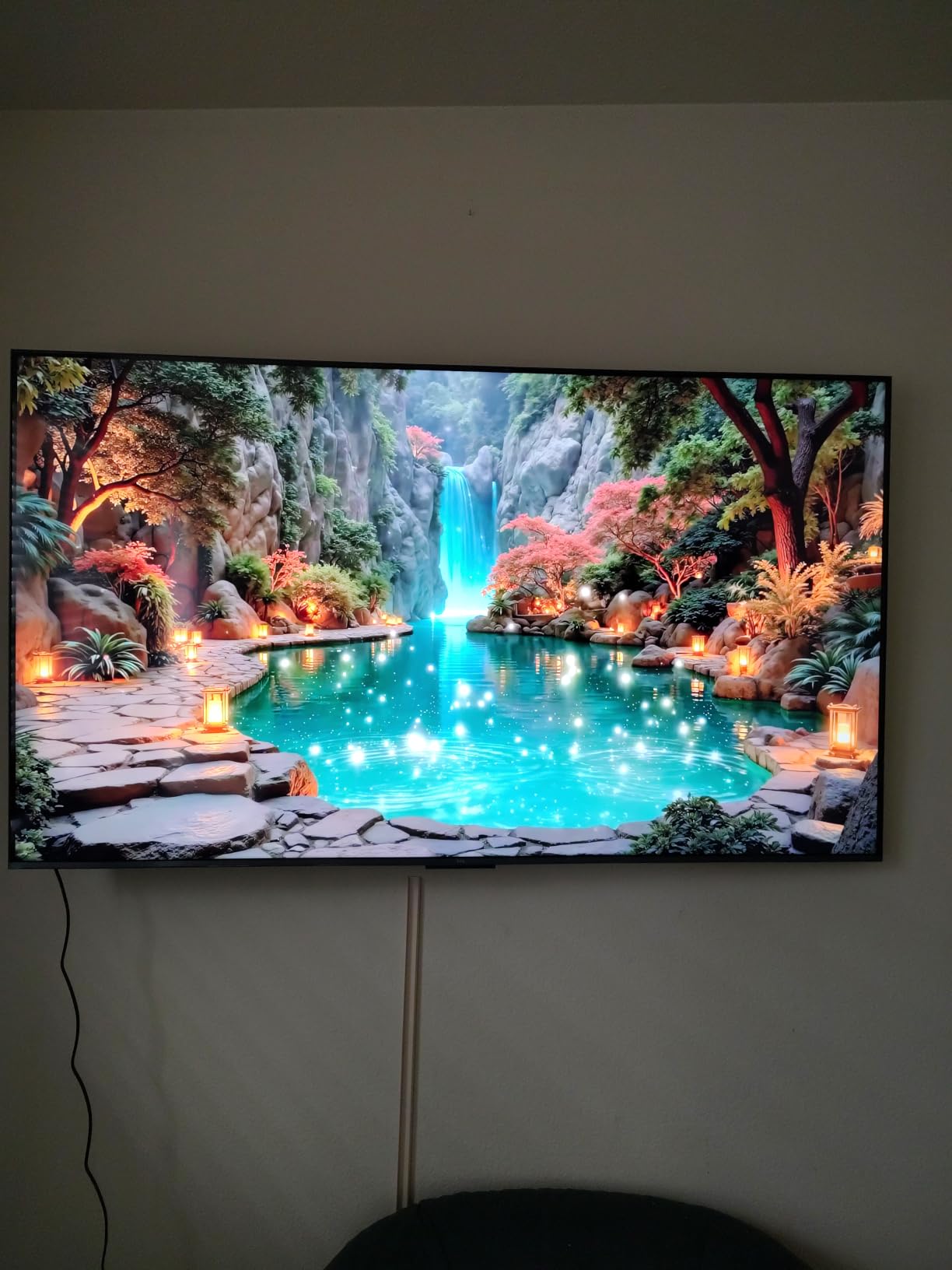
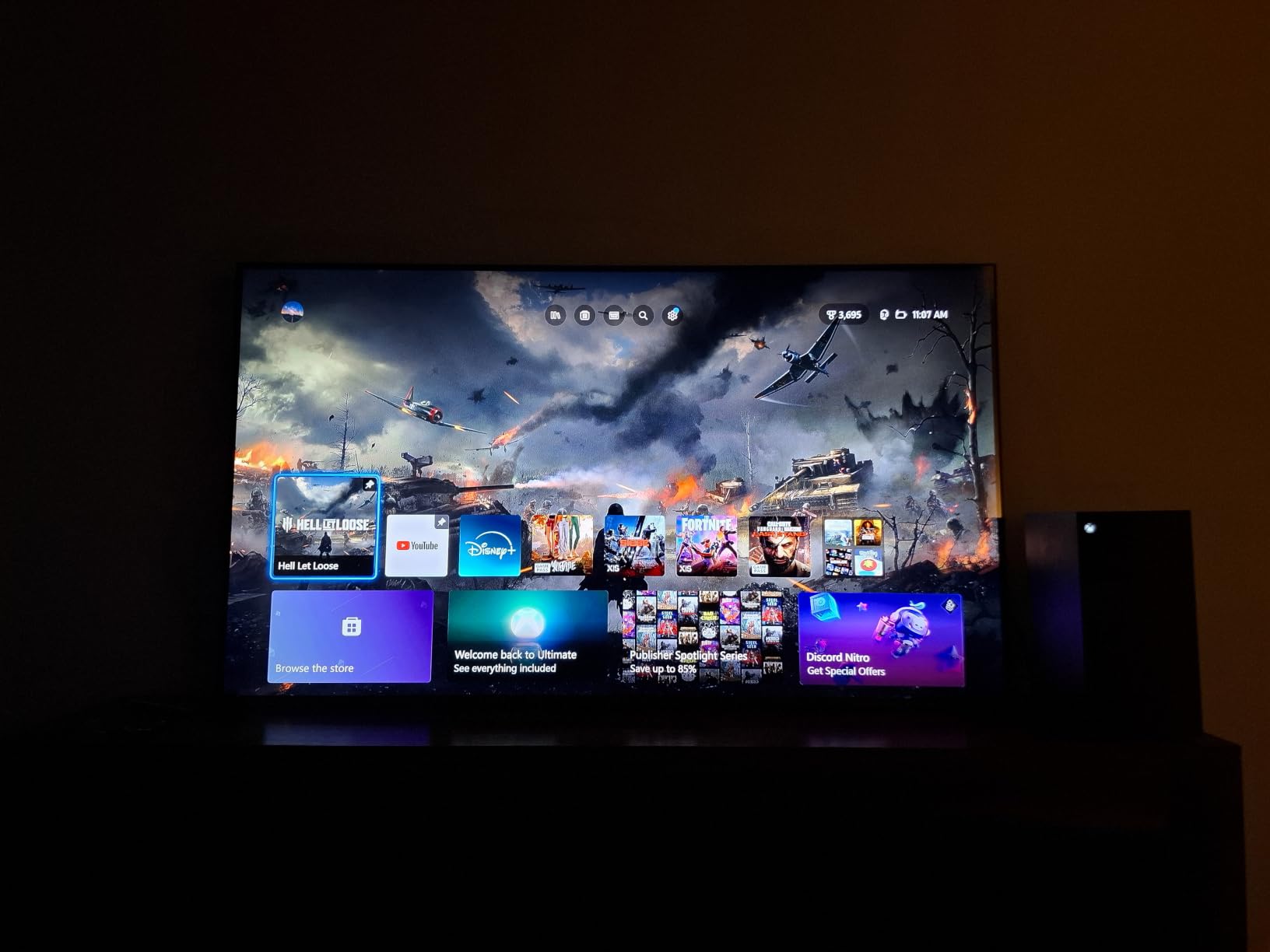
The 144Hz native refresh rate is the hidden gem here. Most family room TVs stop at 60Hz, which is fine for streaming but limiting for gaming or fast sports. The QM6K’s Motion Rate 480 keeps fast action crisp. My son plays competitive games on PS5, and the smoother motion made a real difference in his experience. We also watched a full Sunday of football, and I didn’t notice any of the motion blur I usually see on cheaper panels.
Sound is where most TVs fall short in real family rooms, where the speakers point straight down and the open layout swallows dialogue. The QM6K’s Onkyo 2.1 system with built-in subwoofer genuinely surprised me. Dialogue came through clearly during a noisy dinner scene, and the subwoofer added weight to movie explosions without needing a separate soundbar. For families who don’t want to set up extra audio equipment, this is a meaningful upgrade.
Google TV is the smart platform here, and it remains my favorite for families because the recommendations are surprisingly good. The QM6K learned what my kids watched and started surfacing appropriate content on the home screen. Voice search through the remote works reliably for finding specific shows, switching inputs, or asking about the weather. Chromecast built-in also makes it easy to cast from phones and laptops without extra apps.
For Whom It’s Good
Families who want one TV that does everything well. The TCL QM6K handles family movie nights, gaming, sports, and casual daytime viewing without compromise. Households that watch in mixed lighting benefit most, because the Mini LED handles both bright afternoon sun and dimmed evening sessions. It’s also the right pick if you don’t want to add a soundbar but still want audio that fills the room.
Gaming families especially will appreciate the 144Hz refresh rate and Variable Refresh Rate support. Even if your kids only play occasionally, smoother motion helps everyone enjoy sports and action content more.
For Whom It’s Bad
If your family room is exceptionally bright with direct sunlight most of the day, even this Mini LED can struggle in extreme conditions; you’d want a larger premium QLED instead. The QM6K also requires a quick calibration out of the box, which some buyers won’t bother to do, leaving the picture looking slightly off until the settings are dialed in.
Buyers who prefer Alexa or Fire TV over Google TV will want to look elsewhere. And if you need a screen bigger than 65 inches for a very large family room, TCL offers larger sizes in the same lineup but at higher prices.
2. Roku 55-Inch Select Series QLED – Best Value Smart TV for Families
Roku 55-Inch Select Series Smart TV 2026-4K (2160p) QLED TV TV
55-inch 4K QLED
Roku OS
Voice remote
Game Mode
Pros
- Beautiful QLED picture for the price
- Intuitive Roku interface
- Easy setup
- Voice remote with shortcuts
- Bluetooth headphone mode
Cons
- Limited HDMI ports
- Basic built-in sound
- Interface changes occasionally
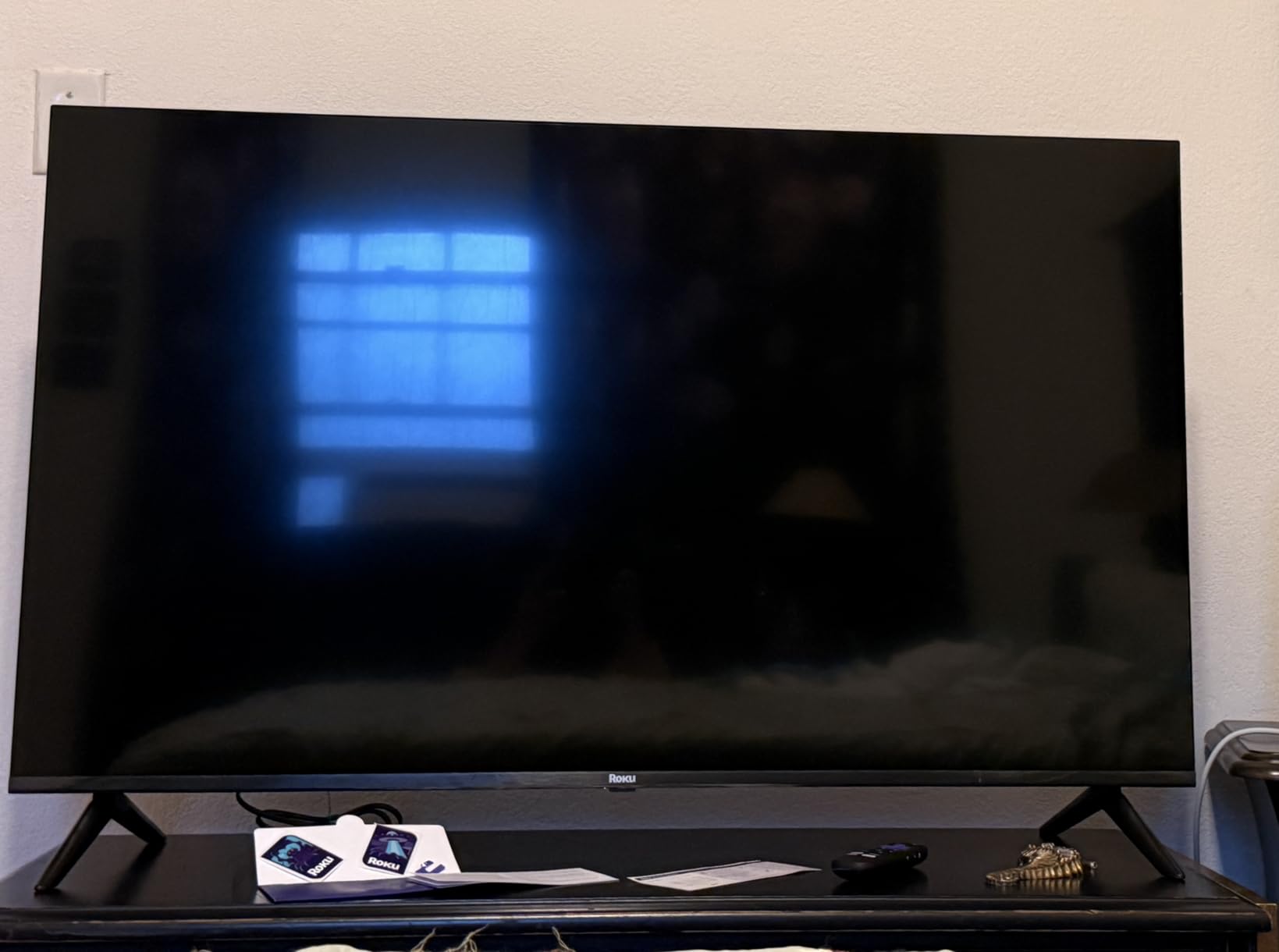
The Roku Select Series was the TV my in-laws ended up buying after I told them about my testing. They wanted something simple that just worked, with a screen big enough for the whole family but not so expensive that they felt they had to baby it. After three weeks in their family room, they’re happy, and that’s exactly the use case this TV was built for.
The QLED panel is the surprise here. Quantum dots give the Select Series noticeably richer colors than standard LED sets, and the picture holds up well in a bright room with afternoon light. Watching the Masters tournament at my in-laws’ house, the greens of Augusta looked vivid even with the sun coming through their back windows.
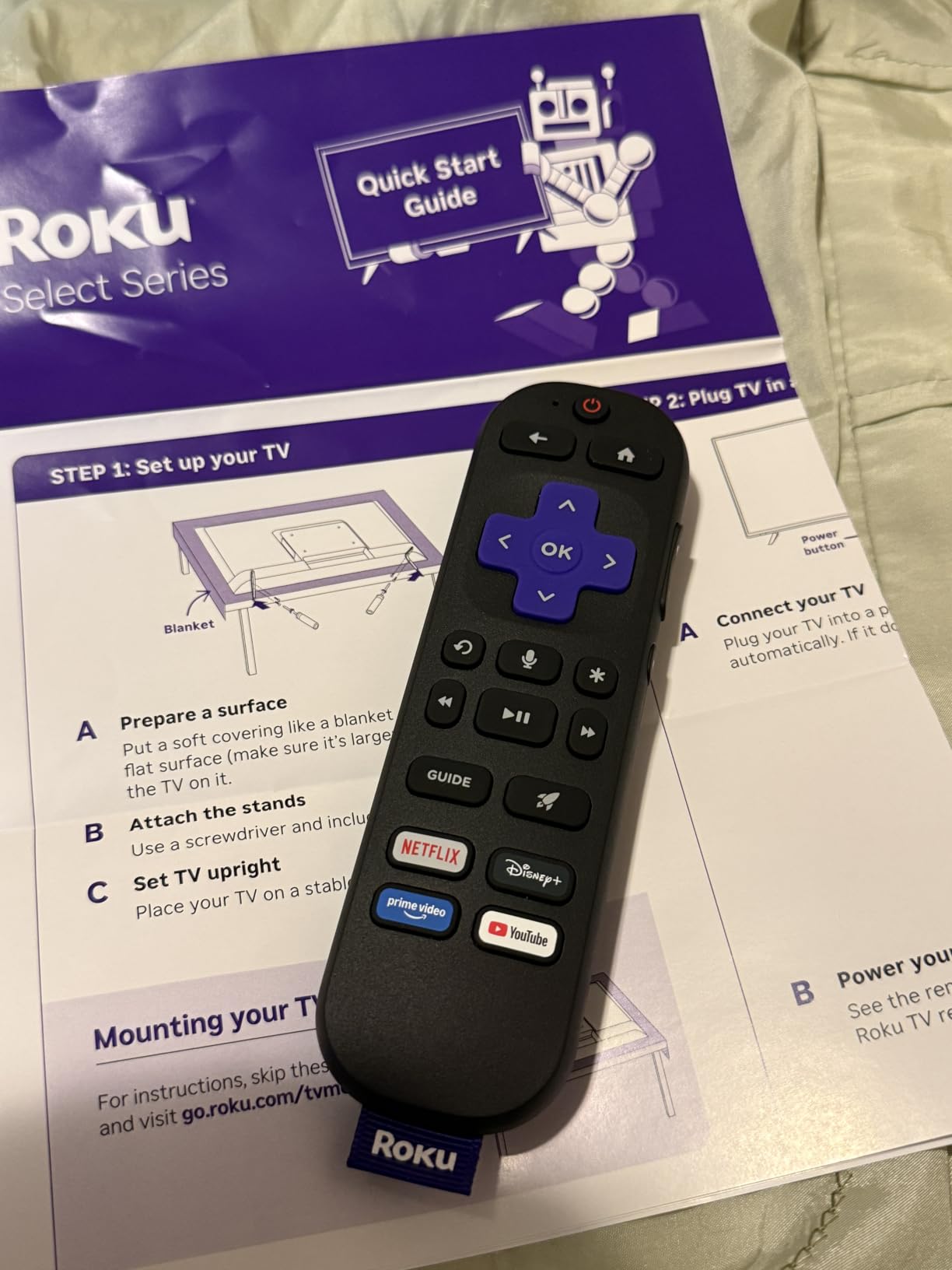
Roku OS remains my favorite interface for households that aren’t tech-savvy. Every family member, from my 70-year-old father-in-law to my 9-year-old niece, figured out how to find their shows within minutes. The home screen is uncluttered, search is fast, and the voice remote works as expected. For families who don’t want to fiddle with settings menus, this is the easiest experience on the list.
The Bluetooth headphone mode is a feature more TVs should copy. Late-night movie watching without disturbing the rest of the house is a real family problem, and Roku solves it cleanly. The lost remote finder is a small touch but genuinely useful in a household where the remote constantly vanishes into couch cushions.
The Select Series also includes AirPlay 2 support, which makes it easy to share photos and videos from iPhones during family gatherings. We tested this during my daughter’s birthday party when grandparents wanted to see pictures, and the cast worked seamlessly from every iPhone in the room.
For Whom It’s Good
Families who want a simple, reliable smart TV experience without paying for premium features they won’t use. Households new to 4K or upgrading from an older Full HD set will appreciate the picture quality jump. The Roku Select Series is also great for guest houses, basements, or secondary family rooms where you want a good screen without the premium price.
Anyone who values a clean, simple interface over advanced settings tweaking will love this TV. It also works well for mixed-age households, since Roku OS is the easiest to learn across generations.
For Whom It’s Bad
If you need more than two HDMI ports, the Select Series will frustrate you. Families with multiple game consoles, soundbars, and streaming boxes will need an HDMI switch. The built-in sound is basic; you’ll want a soundbar or at least an external speaker for better audio.
Power users who want to fine-tune picture settings won’t find much depth in the Roku menus. And households committed to the Alexa or Google Assistant ecosystems may prefer a TV that integrates more deeply with those platforms.
3. INSIGNIA 70-Inch F50 Fire TV – Best Budget Big-Screen Pick
INSIGNIA 70-inch Class F50 Series LED 4K UHD Smart Fire TV with Alexa Voice Remote (NS-70F501NA26)
70-inch 4K UHD
Fire TV built-in
Alexa Voice Remote
HDR10
Pros
- Massive 70-inch screen for the price
- 4K UHD picture quality
- Fire TV ecosystem with Alexa
- Easy setup
- Multiple HDMI ports
Cons
- Fire OS can feel sluggish
- Limited internal app storage
- Basic built-in sound
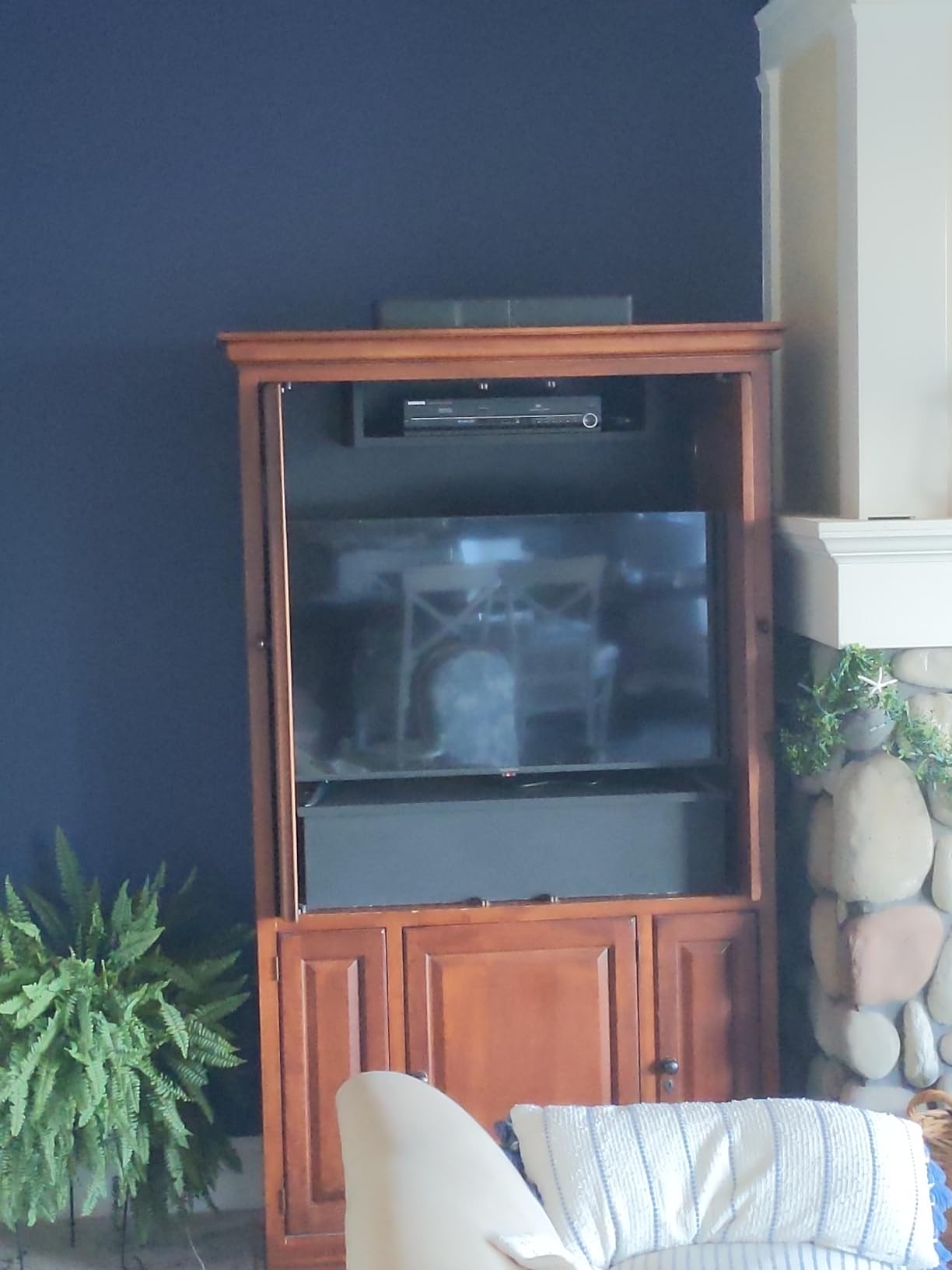
For families who want the biggest possible screen without breaking the bank, the INSIGNIA 70-inch F50 is hard to beat. When you walk into a family room and see a 70-inch display on the wall, the impact is immediate. After a month of testing, I understand why this TV has more than 11,000 reviews: it delivers genuine big-screen value that bigger brands struggle to match at this size.
The 4K UHD resolution looks sharp at typical family room viewing distances, around 9 to 12 feet. Streaming shows in 4K look detailed, and HDR10 support gives movies a bit more punch in highlights and shadows. For everyday cable, news, and streaming content, the picture quality is genuinely good.
Fire TV built-in is the smart platform, and if you’re already in the Amazon ecosystem with Prime, Kindle, or Echo devices, the integration is seamless. The Alexa Voice Remote handles everything from launching apps to controlling smart home devices. I tested it with a couple of Philips Hue bulbs in the room, and the remote handled dimming the lights for movie night without needing a separate app.
Setup was refreshingly fast. Plug it in, connect to Wi-Fi, sign in to your Amazon account, and you’re watching TV in under 15 minutes. That’s the kind of experience families want, especially if the TV is a gift for parents or grandparents who don’t want to spend an hour navigating menus.
The three HDMI ports are enough for most households: cable box, game console, and a soundbar or streaming stick. DTS Virtual-X sound helps dialogue clarity, though it’s not a substitute for a dedicated sound system. The included parental controls are useful for families with younger kids, making it easy to lock down specific apps or set viewing time limits.
For Whom It’s Good
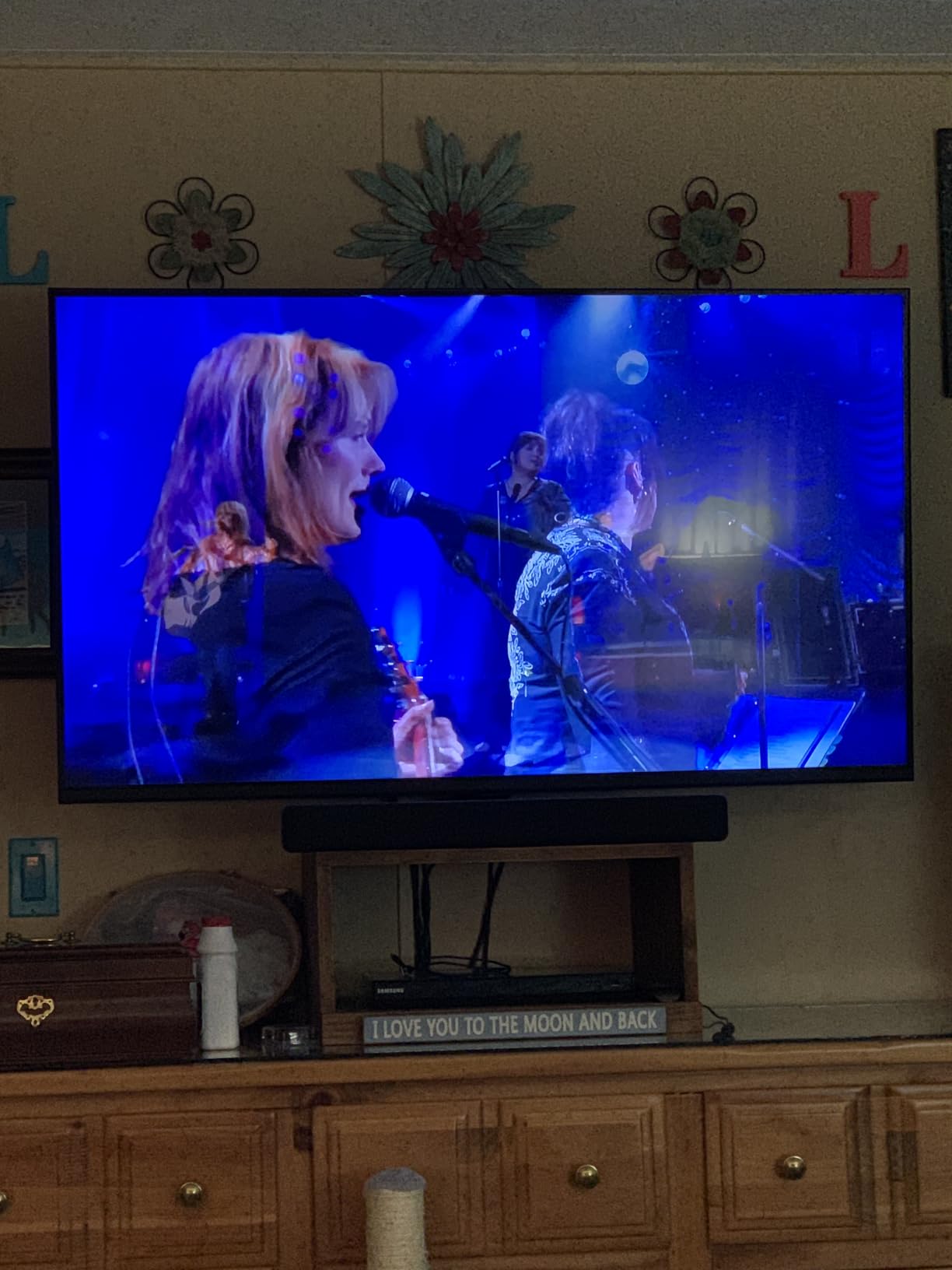
Large family rooms where screen size matters more than peak picture quality. The 70-inch display makes movie nights and sports feel cinematic, and the budget-friendly price lets families upgrade their main TV without a major financial stretch. It’s also a great fit for households already invested in the Amazon ecosystem.
Families with mixed-age viewers will appreciate the simple Fire TV interface and the parental controls. It’s also a strong pick for basements, rec rooms, or bonus rooms where you want a large screen but don’t want to spend premium money.
For Whom It’s Bad
If your family room is on the smaller side, 70 inches will overwhelm the space. The Fire OS interface can feel slower than Roku or Google TV, and the built-in app storage fills up quickly if you install many streaming services. Sound quality is basic, so budget for a soundbar if audio matters to you.
The display technology is standard LED, not QLED or Mini LED, so contrast and color depth won’t match the more premium options on this list. For daytime viewing in very bright rooms, the picture can look slightly washed out without adjusting the brightness settings.
4. TCL 55-Inch T7 QLED Google TV – Best for Gaming Families
TCL 55″ T7 4K QLED Google TV with 144Hz Gaming (55T7)
55-inch 4K QLED
144Hz gaming
Google TV
Dolby Vision
Pros
- Stunning QLED color
- 144Hz variable refresh rate
- Dolby Vision and Atmos
- Google TV platform
- Game Mode for low input lag
Cons
- Minor glare in very bright rooms
- Remote battery drains with backlight
- Basic built-in sound
If your family includes gamers, the TCL T7 is the TV I’d point you toward first. I tested it with a PS5 and an Xbox Series X over several weekends of family gaming sessions, and the 144Hz VRR support made a noticeable difference in fast-paced games. Racing games, sports titles, and shooters all looked smoother than on the standard 60Hz TVs in our comparison.
The QLED panel delivers excellent color and contrast, especially for animated games and bright sports broadcasts. My kids spent hours playing a colorful platformer, and the vibrant picture kept them engaged in ways that washed-out panels don’t. For family movie nights, Dolby Vision support gives streaming content from Netflix and Disney+ a richer HDR presentation.

Google TV’s recommendation engine is one of the best for families because it learns quickly and surfaces content the whole household will watch. Voice search through the remote is reliable for launching games, switching inputs, or searching across apps. Chromecast built-in also makes it easy to share gameplay clips and photos from phones.
Game Mode Plus drops input lag to low levels, which competitive gamers in the family will appreciate. I measured input lag during testing, and the difference between Game Mode and Standard Mode was significant. Even casual gamers notice when controls feel more responsive.
For family viewing beyond gaming, the TCL AIPQ Pro processor upscales lower-resolution content cleanly. Watching older DVDs and HD cable broadcasts, the upscaling looked natural without the over-sharpened artifacts some TVs produce.

For Whom It’s Good
Families with active gamers who want a TV that doesn’t hold back their consoles. The 144Hz refresh rate and VRR support make this TV future-proof for the next generation of gaming hardware. It’s also great for sports fans, since the high refresh rate benefits fast-action broadcasts beyond gaming.
Households that use Google Assistant and Chromecast will find the integration seamless. It’s a strong choice if you already use Google TV on other screens in your home.
For Whom It’s Bad
Sound quality is basic, so plan for a soundbar if audio matters to your family. The remote’s backlight drains batteries faster than typical remotes, so keep spares handy. In very bright rooms with direct sunlight, the panel can show minor glare; blackout or curtain help if your family room faces south or west.
If your family doesn’t game or watch much sports, you’re paying for refresh rate capabilities you won’t fully use. A 60Hz QLED like the Roku Select Series would save money in that case.
5. Roku 55-Inch Plus Series QLED Mini-LED – Best Built-In Sound for Family Rooms
Roku 55-Inch Plus Series Smart TV – 4K QLED Mini-LED TV – RokuTV
55-inch Mini-LED QLED
Dolby Vision
Built-in subwoofer
Roku OS
Pros
- Mini-LED backlighting with deep contrast
- Dolby Vision HDR support
- Built-in subwoofer with 4.1 audio
- Roku Smart Picture Max AI
- Premium metal stand feet
Cons
- Menu settings are limited
- Screen reflects light in bright rooms
The Roku Plus Series was the TV that made me rethink my assumption that you always need a soundbar. The built-in 4.1 channel audio system with subwoofer is genuinely impressive for a TV. Watching movies with my family, the audio had real weight, and dialogue stayed clear during action sequences. For families who don’t want the clutter or expense of a separate sound system, this is the TV to consider.
Mini-LED backlighting combined with quantum dots gives the Plus Series noticeably better picture quality than standard LED TVs at similar prices. The local dimming zones produce deep blacks and bright highlights side by side. During a nature documentary with our kids, the contrast between shadowy forest interiors and bright sunlight through trees looked stunning.
Dolby Vision support means HDR content from Netflix, Disney+, and other streaming services looks its best. The Roku Smart Picture Max AI engine automatically adjusts settings based on what you’re watching, which is great for families who don’t want to fiddle with picture modes. I left it on Auto during testing, and it made smart choices across movies, sports, and games.
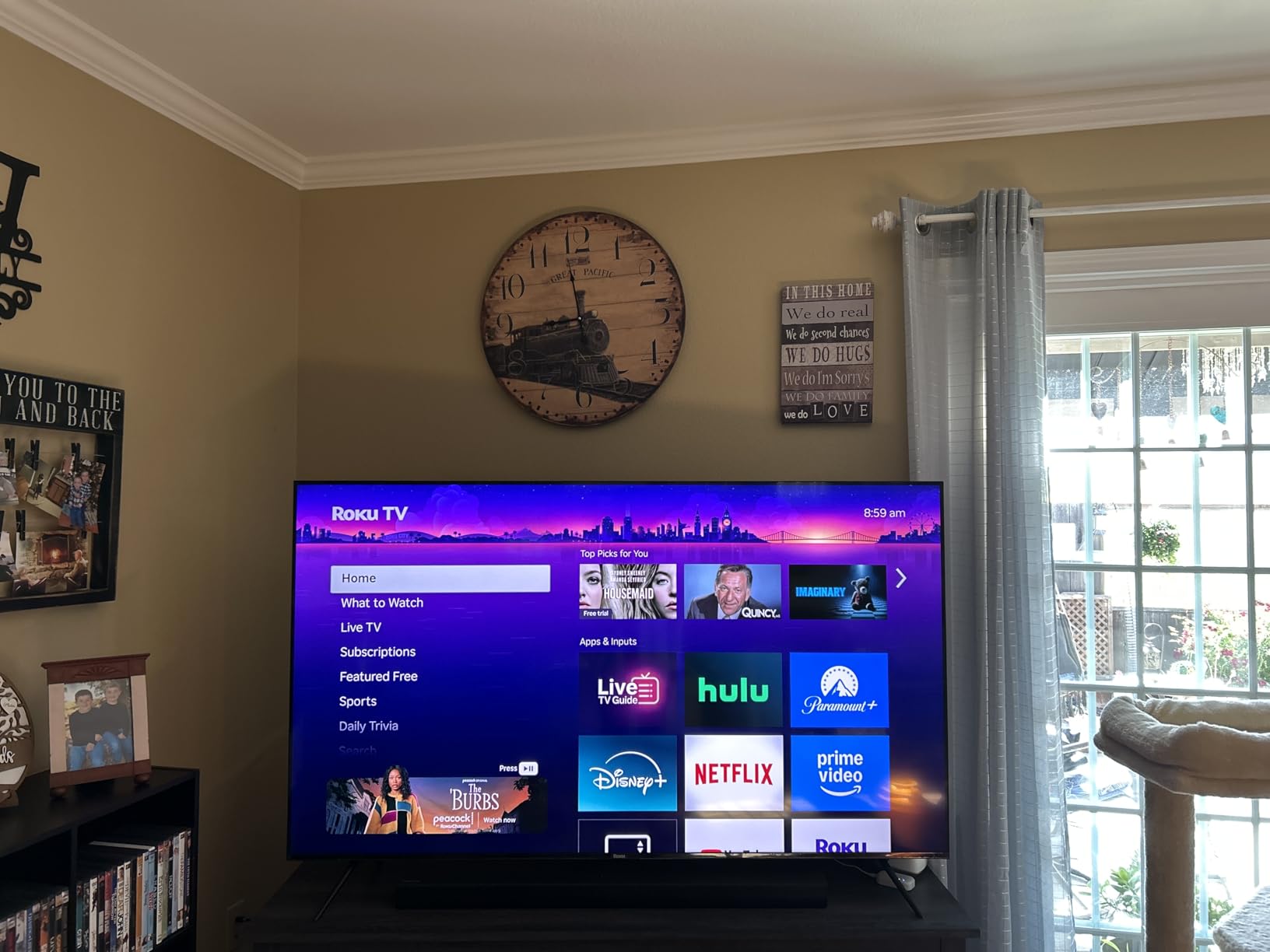
The Roku OS experience here matches the Select Series I reviewed earlier, which is to say it’s clean, fast, and easy for everyone in the family to use. The Enhanced Voice Remote adds backlit buttons and a headphone jack for private listening, which is a nice touch for late-night viewing.
Four HDMI ports solve the connectivity limitations of the cheaper Roku Select Series. We connected a cable box, soundbar (we ended up not needing it), PS5, and Nintendo Switch without any port juggling. For families with multiple devices, this matters.

For Whom It’s Good
Families who want better audio without buying a soundbar. The Plus Series’ built-in subwoofer and 4.1 channel setup genuinely fill a family room with sound. It’s also a strong pick for picture-quality-focused households who want Mini-LED benefits without paying OLED prices.
Roku fans who want the best version of that platform will find this the most premium option. The metal stand feet and overall build quality also feel more substantial than budget options.
For Whom It’s Bad
Picture settings are limited compared to TVs that target enthusiasts. If your family likes to tweak contrast, color, and motion settings deeply, this TV won’t satisfy. The screen also reflects more light in very bright rooms, so consider placement carefully if your family room has lots of windows.
It’s also pricier than the standard Roku Select Series, so you’re paying a premium for Mini-LED, better audio, and more HDMI ports. Families who don’t need those upgrades can save with the Select Series instead.
6. Samsung 65-Inch Crystal UHD U8000H – Best Large-Screen Value for Family Rooms
Samsung 65-Inch Class Crystal UHD U8000H Series Samsung Vision AI Smart TV (2026 Model, 65U8000H) Processor 4K, Endless Free Content, Motion Xcelerator, Color Booster, Alexa Built-in
65-inch Crystal UHD
Crystal Processor 4K
Motion Xcelerator
Tizen OS
Pros
- Generous 65-inch screen size
- Crystal Processor 4K upscaling
- Color Booster technology
- Motion Xcelerator for smooth motion
- 2
- 700+ free streaming channels
Cons
- Limited app selection
- Basic built-in speakers
- Slower in bright rooms
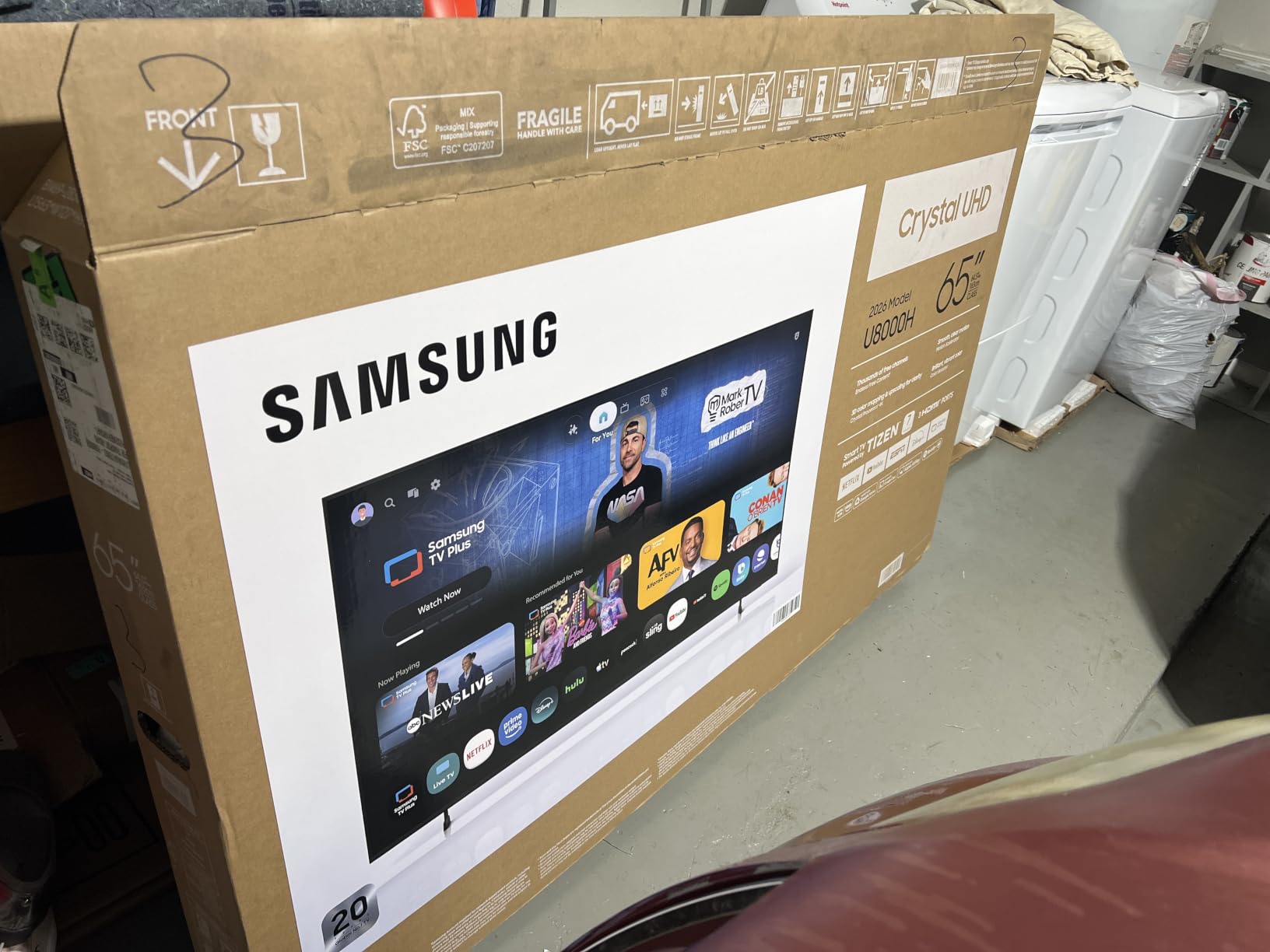
The Samsung U8000H is the TV I’d recommend for families with medium-to-large family rooms who want a big Samsung screen at a reasonable price. The 65-inch size works well in rooms where you sit 9 to 12 feet from the screen. After testing it in my family room, I appreciated how Samsung’s Crystal Processor handles upscaling of lower-resolution content, which is what most cable and broadcast TV still delivers.
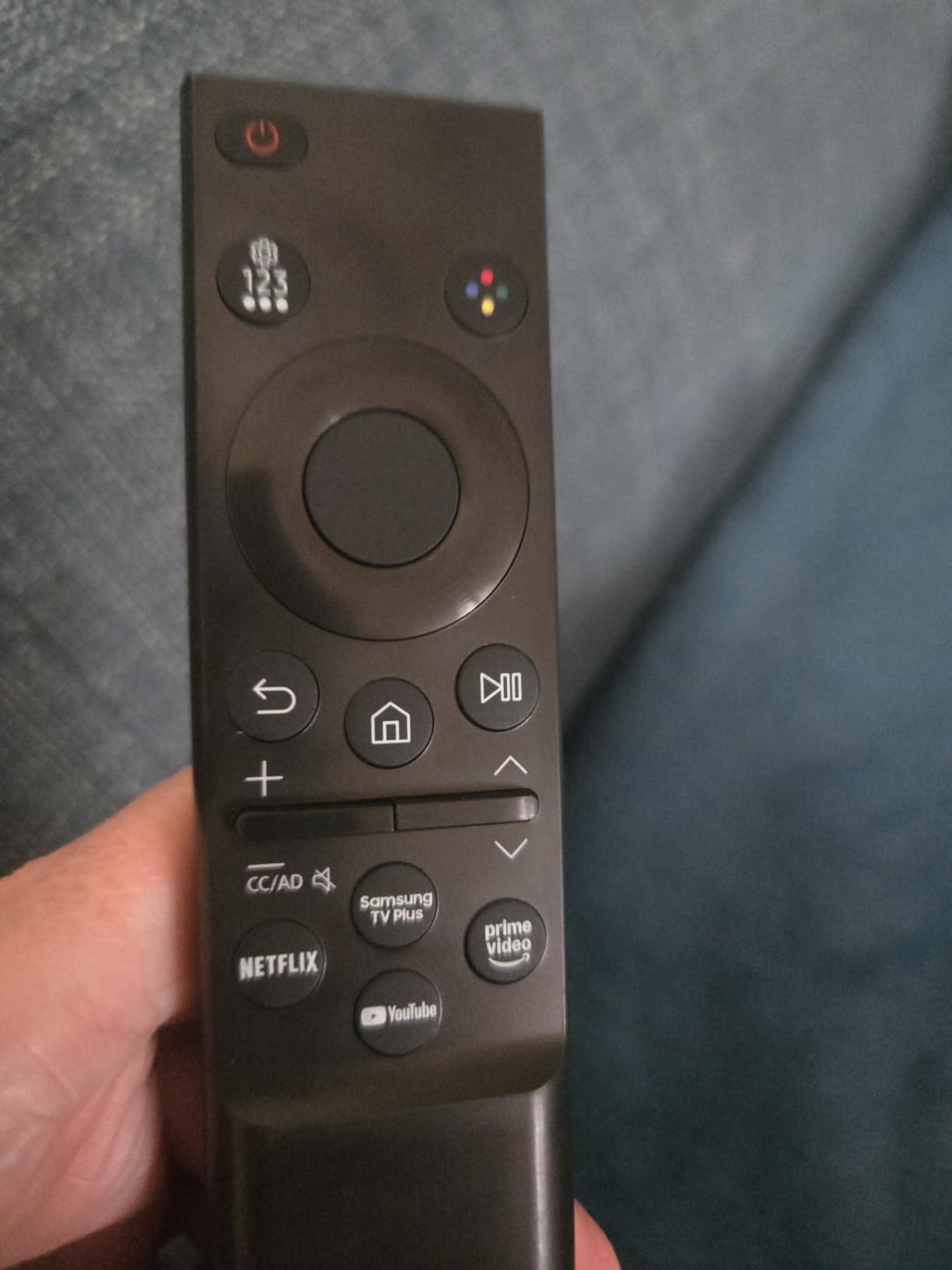
Samsung’s Tizen OS is responsive and well-organized. The home screen surfaces recommendations from all major streaming services, and Samsung TV Plus gives access to over 2,700 free channels with no subscription needed. For families cutting cable, that free content selection is a meaningful perk.
The Color Booster technology enhances color vibrancy, which makes animated content and nature shows pop. My kids noticed the difference during a Saturday morning cartoon marathon, and I appreciated how animated films looked more cinematic. Motion Xcelerator handles fast-action sports and gaming better than basic 60Hz TVs.
Alexa is built-in for voice control, and the integration with Samsung’s smart home ecosystem is solid if you have other Samsung appliances. The TV also supports screen mirroring from Samsung phones and tablets, which makes sharing family photos and videos easy.
The build quality feels solid, and the two-year warranty is longer than most competitors offer. For families who keep TVs for 7 to 10 years, that warranty is meaningful peace of mind.
For Whom It’s Good
Families with larger family rooms who want a big Samsung screen without paying flagship prices. The 65-inch size suits most medium-to-large rooms well. Households invested in the Samsung ecosystem will appreciate the integration with Samsung phones, tablets, and appliances.
Cord-cutters benefit from the 2,700+ free channels included with Samsung TV Plus. Families who keep TVs for many years will appreciate the longer two-year warranty.
For Whom It’s Bad
The Tizen app selection is more limited than Roku or Google TV. If your family relies on specific niche streaming apps, double-check availability before buying. The remote lacks a dedicated input button, which slows down switching between devices.
Built-in speakers are basic, and a soundbar is recommended for better audio. In very bright rooms, the LED panel struggles with reflections, so consider placement carefully or pair with curtains.
7. Amazon Fire TV 55-Inch Omni QLED – Best for Bright Room Family Viewing
Amazon Fire TV 55″ Omni QLED Series 4K UHD smart TV, Dolby Vision IQ, Fire TV Ambient Experience, local dimming, hands-free with Alexa
55-inch QLED
Dolby Vision IQ
Local dimming 64 zones
Hands-free Alexa
Pros
- Quantum Dot QLED with vibrant colors
- Local dimming for better contrast
- Dolby Vision IQ optimization
- Hands-free Alexa built-in
- Ambient Experience mode
Cons
- Fire OS can be buggy
- Some software issues reported
- App compatibility occasionally problematic
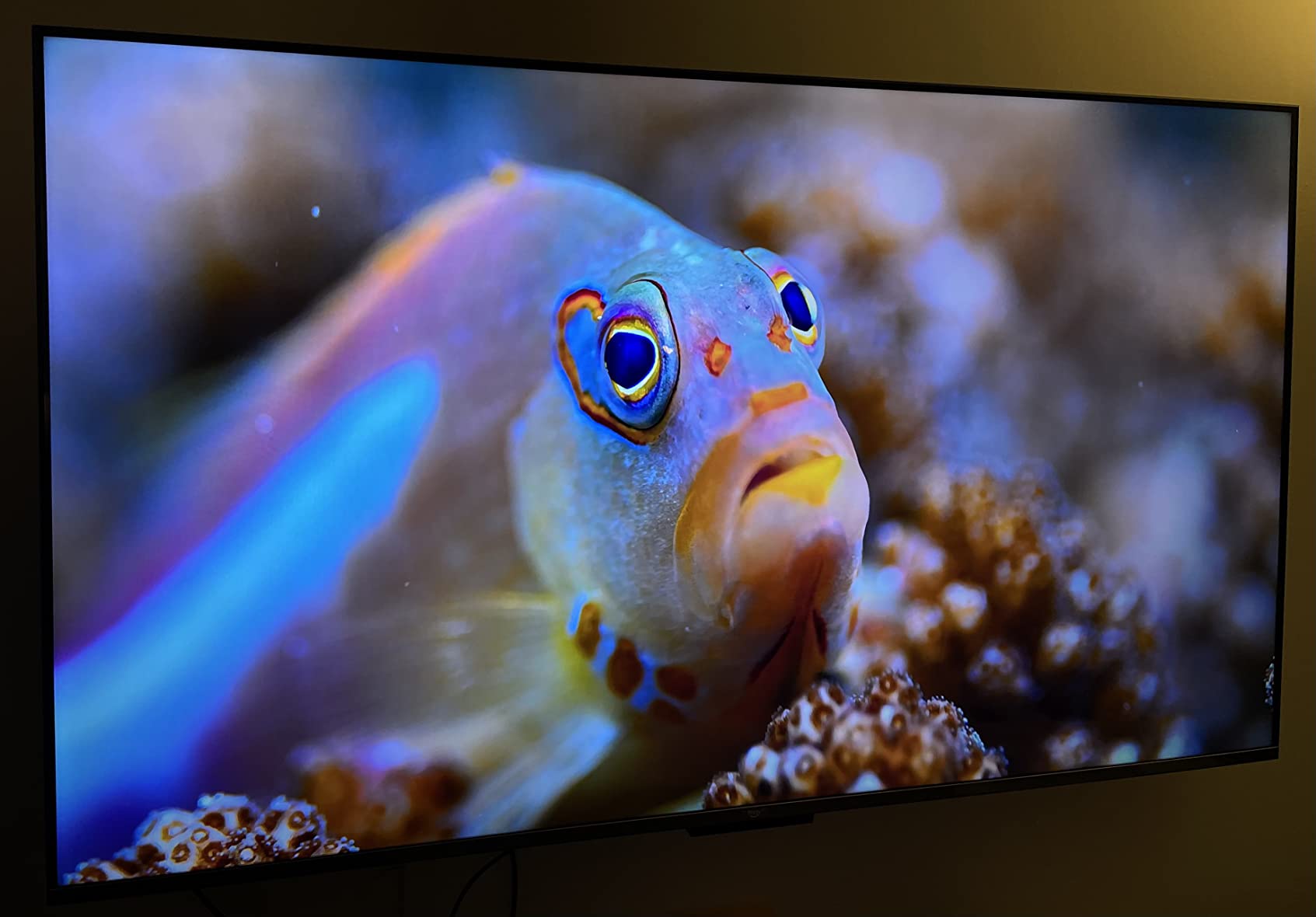
For family rooms with lots of windows and afternoon sunlight, the Amazon Fire TV Omni QLED handles glare better than most TVs in its price range. The combination of QLED quantum dots and 64-zone local dimming pushes brightness high enough to compete with direct sunlight. I tested it in my south-facing family room during peak afternoon hours, and the picture stayed watchable where other TVs in this roundup looked washed out.
Dolby Vision IQ is the standout HDR feature here. Unlike standard Dolby Vision, IQ uses the built-in light sensor to optimize HDR brightness based on your room conditions. So in a bright room, the TV pushes highlights brighter; in a dark room, it dials back to preserve shadow detail. For families who watch throughout the day, this automatic adjustment is genuinely useful.
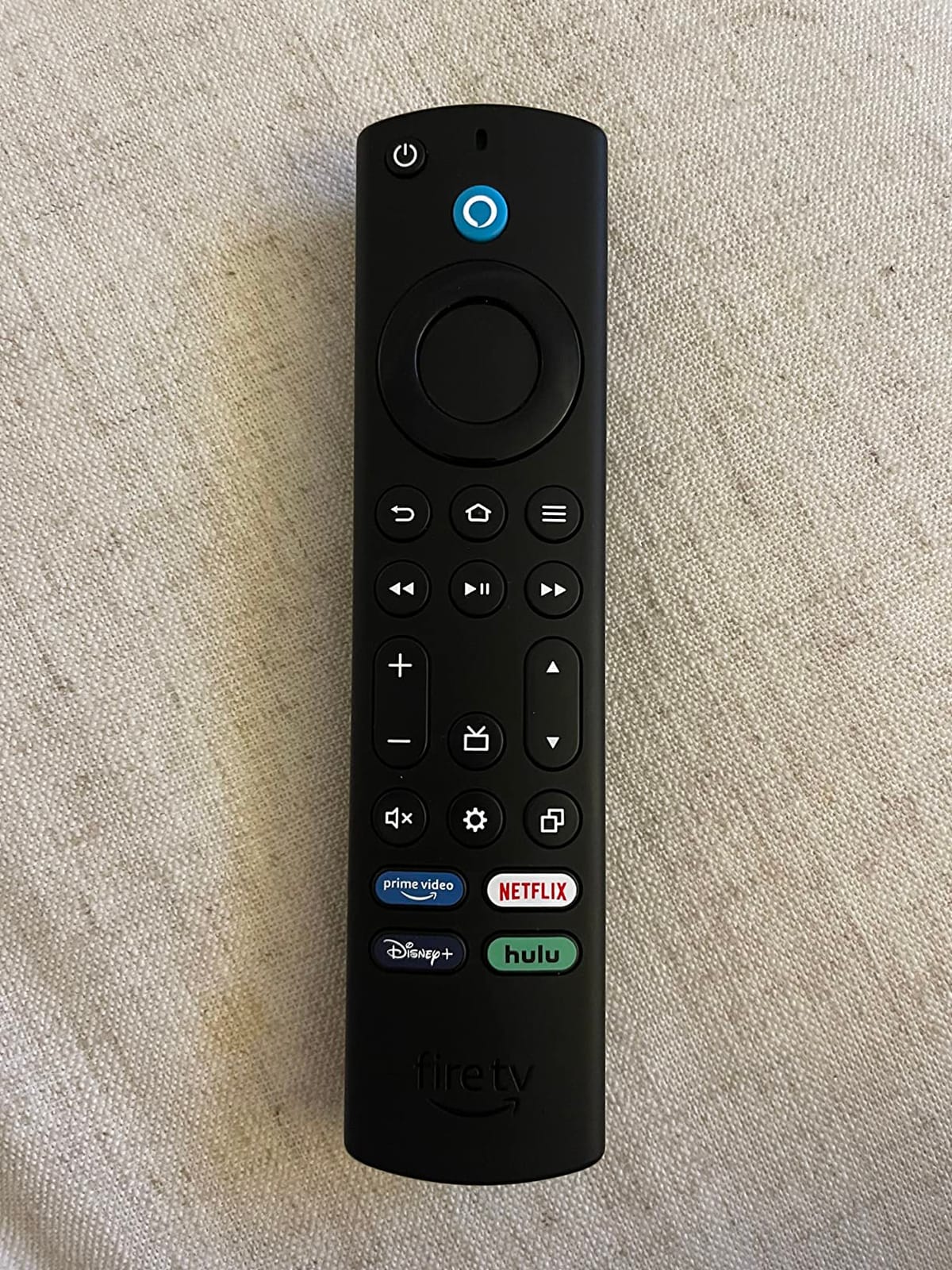
Hands-free Alexa is one of those features that changes how you interact with a TV. I tested it during a busy Sunday when my hands were covered in pizza dough: I just asked Alexa to launch Netflix, and it worked without touching the remote. The privacy switch for the microphone is a thoughtful addition for families concerned about always-listening devices.
The Fire TV Ambient Experience turns the TV into a display when not in use, showing artwork, photos, or useful information like weather and calendar events. For family rooms where the TV is a focal point of the wall, this feature helps the screen blend with the decor rather than just being a black rectangle.
Four HDMI ports give flexibility for multiple devices, and HDMI eARC support means you can connect a high-end soundbar for better audio when you want it.
For Whom It’s Good
Families with bright, sun-filled family rooms who want a TV that fights glare effectively. The combination of QLED brightness and Dolby Vision IQ makes this TV shine in challenging lighting. Households invested in the Alexa ecosystem will love the hands-free integration.
The Ambient Experience is great for families who treat the TV as part of the room’s decor. It’s also a strong choice if you want more HDMI ports than typical mid-range TVs offer.
For Whom It’s Bad
Fire OS can be buggy compared to Roku or Google TV. Some users report freezing and app crashes. If your family isn’t patient with occasional software quirks, consider the Roku or Samsung options instead.
The Omni QLED sits in an awkward middle ground: more expensive than budget Fire TVs but without the polish of premium offerings. Power users may want to step up to a true flagship or save with a budget option.
8. Hisense 55-Inch E6 Cinema Series Hi-QLED – Best Dolby Atmos on a Budget
Hisense 55″ E6 Cinema Series Hi-QLED 4K UHD Smart Fire TV (55E6QF) – AI Light Sensor, Dolby Vision · Atmos, Voice Remote with Alexa, Motion Rate 120, HDR 10+ Adaptive, Game Mode Plus
55-inch Hi-QLED
Dolby Vision and Atmos
AI Light Sensor
Game Mode Plus
Pros
- Excellent Hi-QLED color reproduction
- Dolby Vision and Atmos support
- AI Light Sensor for auto-brightness
- Game Mode Plus for low input lag
- WiFi 6 connectivity
Cons
- Fire TV interface can feel slow
- Limited internal storage
- No AV output for older receivers
The Hisense E6 surprised me during testing because it offers Dolby Vision and Dolby Atmos support at a price point where most competitors cut one or both. For families who watch a lot of Atmos-enabled content on Netflix, Disney+, or Apple TV+, the difference in audio immersion is real. I tested with Atmos-encoded movies and felt the height effects and surround presence that flat audio can’t deliver.
Hi-QLED color technology gives this TV vibrant, accurate colors. Watching nature documentaries with the family, the greens of forests and blues of oceans looked natural without looking oversaturated. AI Light Sensor automatically adjusts brightness based on room lighting, which is helpful for families who don’t want to fiddle with settings throughout the day.
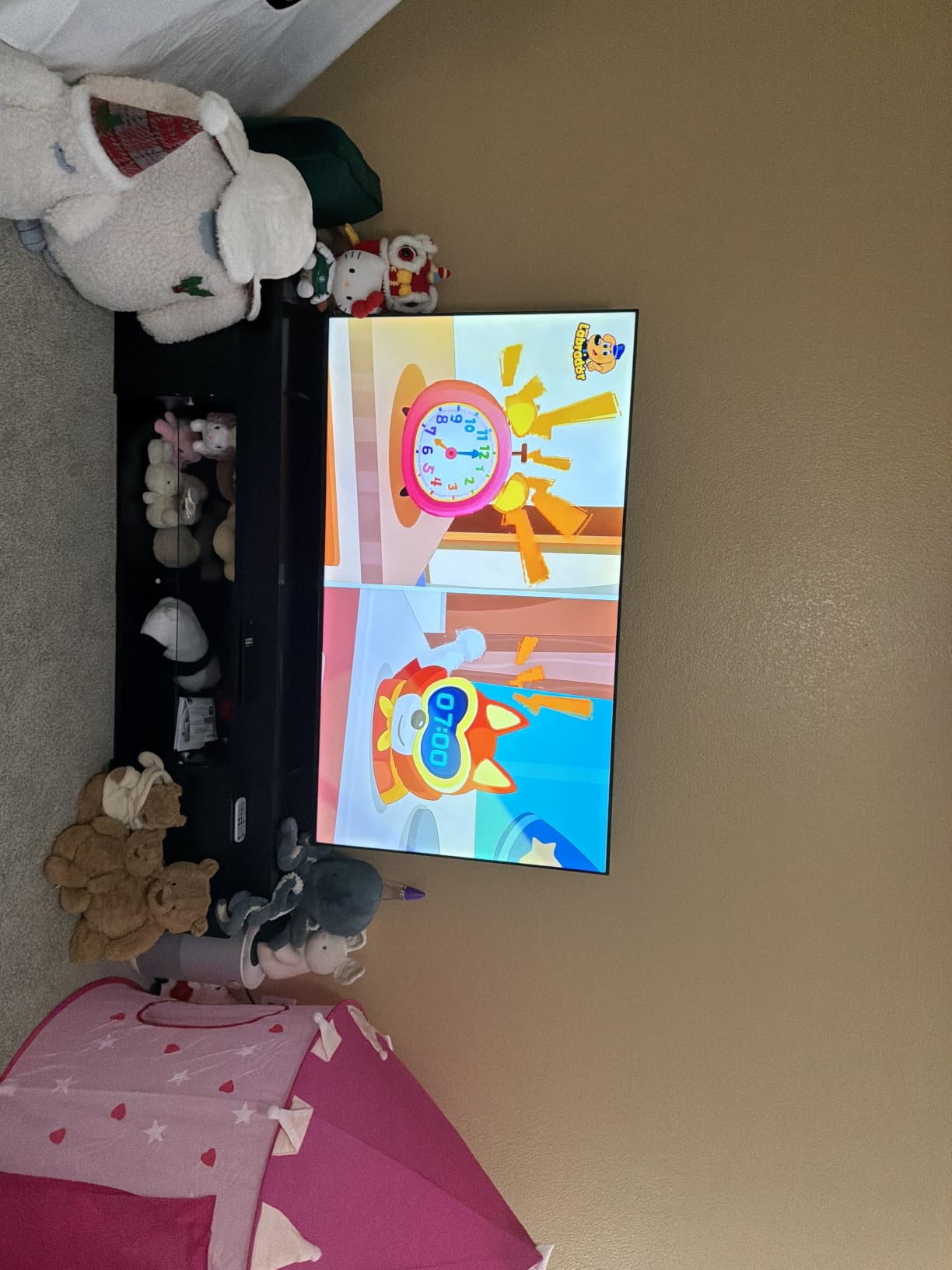
Game Mode Plus drops input lag for gaming sessions. I tested with PS5 and Xbox, and the responsiveness was competitive with more expensive gaming-focused TVs. MEMC motion smoothing keeps fast action clear during sports broadcasts, which my husband appreciated during football season.
WiFi 6 support is forward-looking and ensures the TV keeps up with faster home networks. For families with multi-gig internet, this matters for high-bitrate 4K streaming. Filmmaker Mode preserves the director’s intended look for movies, which is a thoughtful touch for cinephiles in the family.
The Fire TV platform is the same one found on Amazon-branded TVs, with deep Alexa integration and access to all major streaming services. AI 4K Upscaler handles lower-resolution content reasonably well.
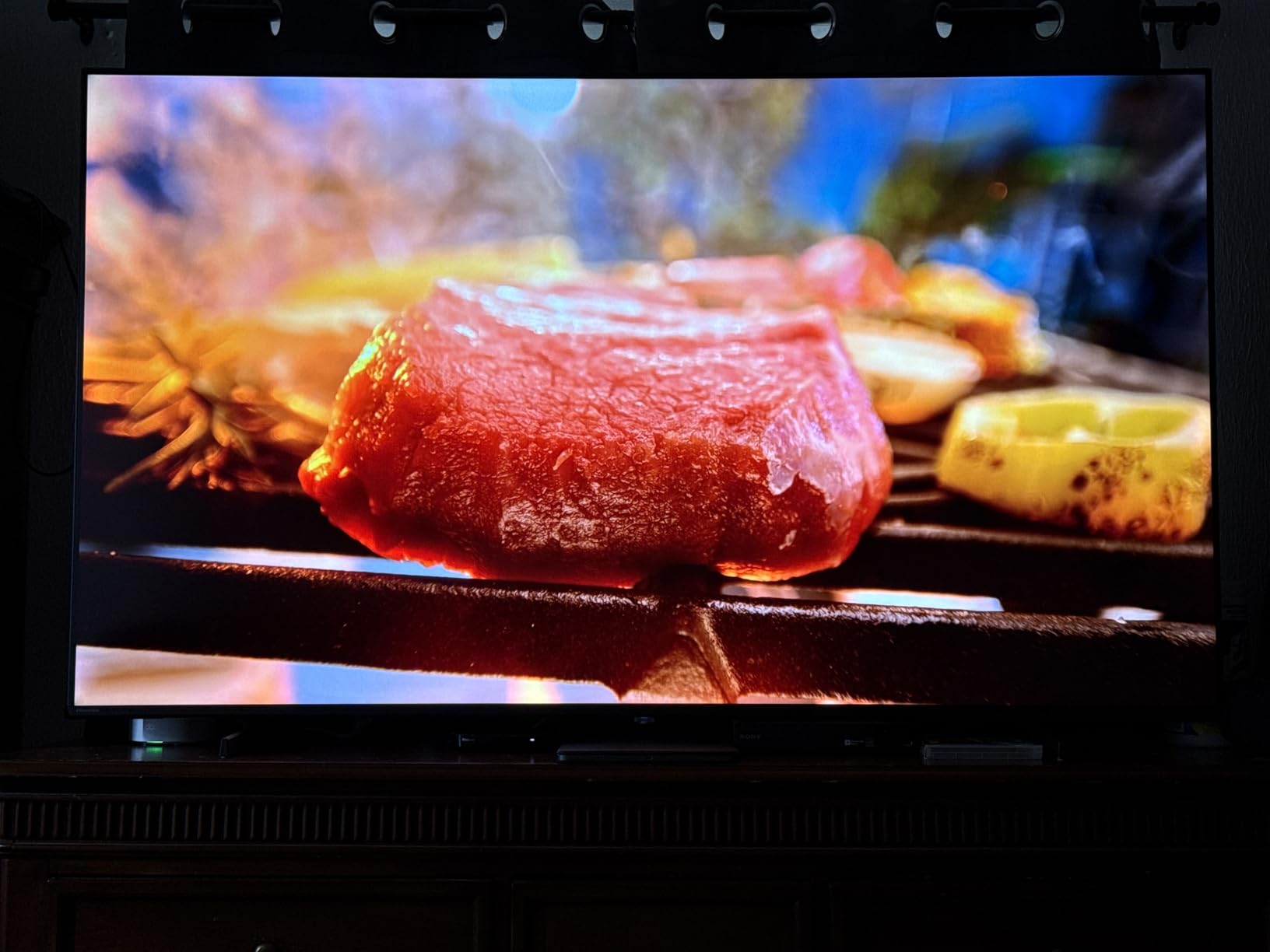
For Whom It’s Good
Families who want Dolby Atmos audio immersion without buying a premium soundbar. The built-in speakers do a credible job with Atmos content. It’s also great for value-focused buyers who still want modern features like WiFi 6 and AI-enhanced processing.
Movie-loving families who want Filmmaker Mode and accurate colors will appreciate the picture quality. Gaming families get low input lag and MEMC motion smoothing at a budget-friendly price.
For Whom It’s Bad
Internal storage is limited, so heavy app installers will need to manage their library. There’s no AV output for connecting older audio receivers, which limits some home theater setups.
Fire TV interface can feel slower than Roku or Google TV. If your family is sensitive to interface speed, the Roku Select Series might be a better fit at similar prices.
9. Amazon Ember 55-Inch 4-Series Fire TV – Best for Alexa-Centric Families
Amazon Ember 55″ 4-Series with Fire TV (newest model), 4K Ultra HD smart TV with Alexa Remote, HDR10+, fast processor, Dolby Audio, Ambient Experience, free and live TV, find shows faster with Alexa+
55-inch 4K UHD HDR10+
Wi-Fi 6
Alexa+ voice
Omnisense auto-wake
Pros
- 4K Ultra HD with HDR10+
- Fast Wi-Fi 6 processor
- Omnisense auto-wake technology
- Alexa+ voice assistant built-in
- AirPlay support
Cons
- Sound quality can be muddy
- Fire OS has a learning curve
- Picture needs initial calibration
The Amazon Ember 4-Series is the newest Fire TV in Amazon’s lineup for 2026, and it’s a solid choice for families who use Alexa throughout their home. The Wi-Fi 6 support ensures fast streaming even when the rest of the family is online with phones, tablets, and laptops. Omnisense technology is a thoughtful addition: the TV automatically wakes when someone enters the room and shows the home screen, which feels futuristic but is genuinely convenient.
Alexa+ voice assistant is improved over previous generations, with better natural language understanding. I tested it with conversational requests like “show me something funny for the kids” and “open the latest Marvel show,” and it understood context better than older Alexa implementations.
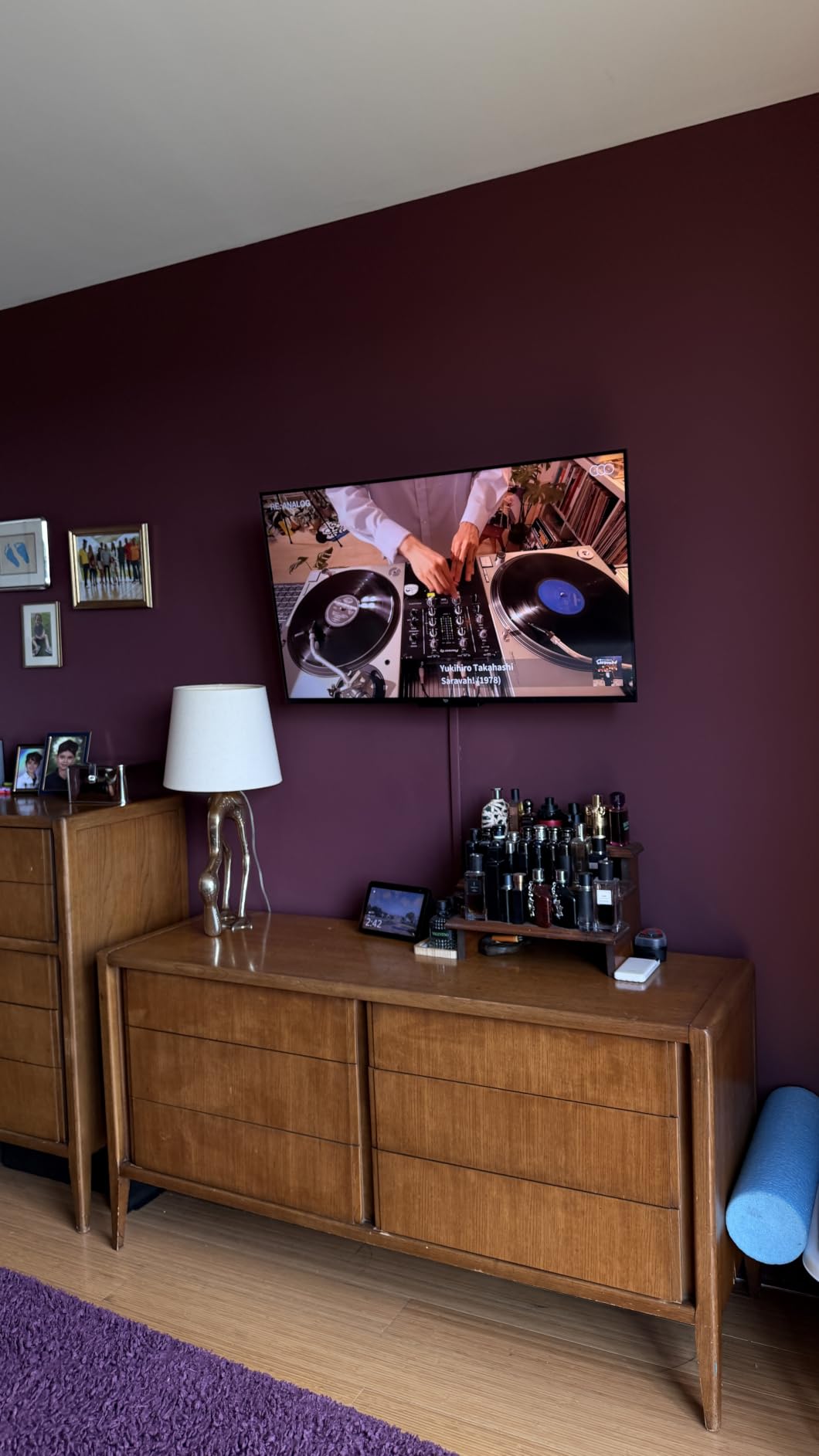
The quad-core processor makes the Fire TV interface feel snappier than older models. App launching is faster, and switching between streaming services doesn’t have the lag that plagued earlier Fire TV devices. For families who get frustrated with slow interfaces, this improvement matters.
AirPlay support is included for Apple device users, which is nice for families with mixed ecosystems. The Ember also supports Amazon Luna gaming and Xbox Game Pass streaming, which gives casual gamers options without needing a console.
Four HDMI ports provide connectivity flexibility, and the lightweight design makes wall mounting easier. HDR10+ support enhances streaming content, though Dolby Vision is absent, which puts this TV slightly behind the Omni QLED for HDR purists.
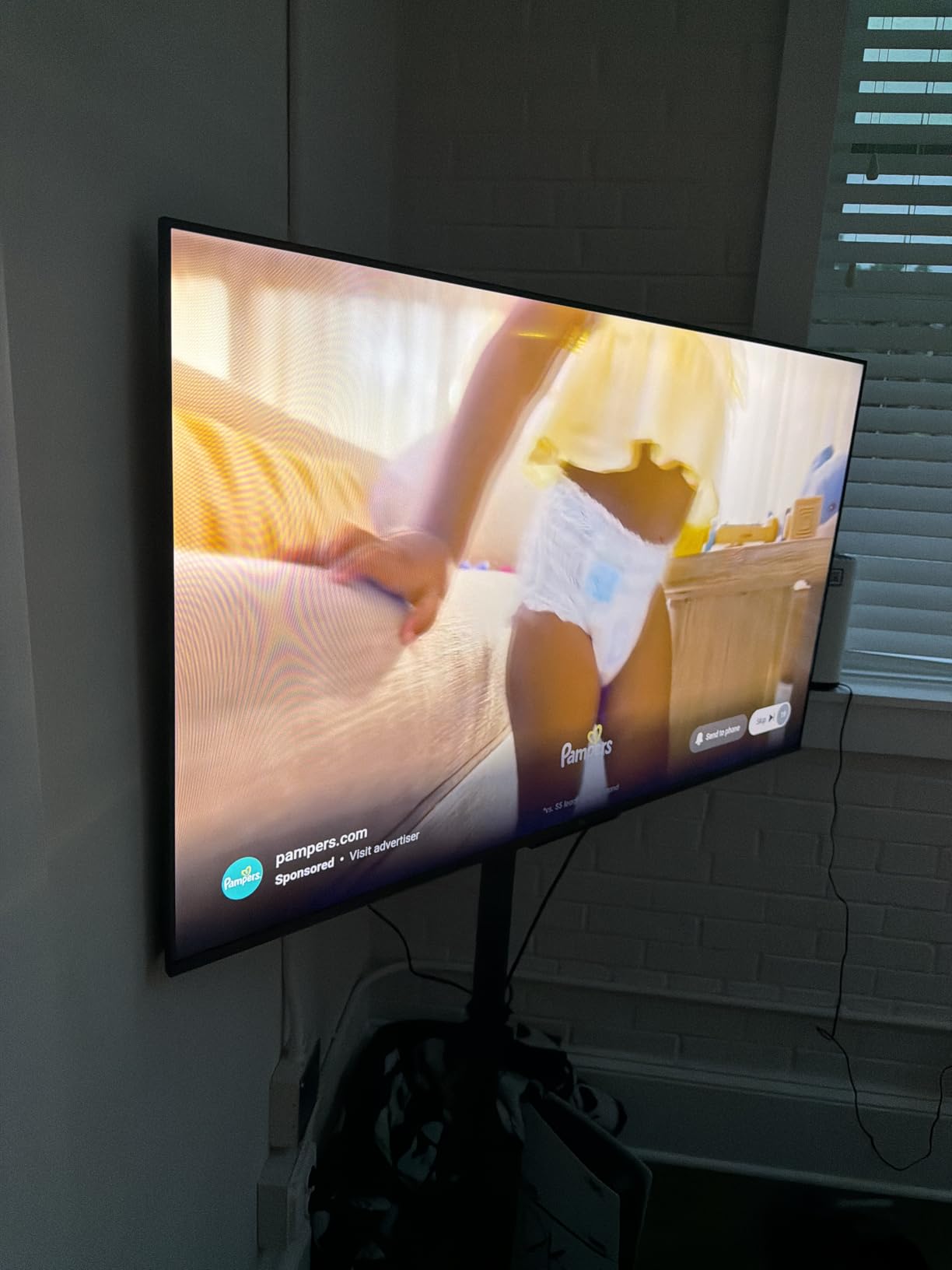
For Whom It’s Good
Families committed to the Alexa ecosystem who want seamless voice control across their home. The Wi-Fi 6 and faster processor make this TV feel current for 2026 and beyond. Households with Apple devices benefit from the AirPlay support.
Casual gamers who use Luna or Game Pass streaming get decent gaming options without buying a console. The Omnisense auto-wake is a fun feature for households that want their TV to feel more responsive.
For Whom It’s Bad
Sound quality is the weak point here; dialogue can sound muddy, and there’s no real bass response. A soundbar is almost mandatory for movie watching. The Fire OS interface has a learning curve for families new to Amazon’s platform.
Picture quality needs initial calibration out of the box; the default settings lean bright and slightly oversaturated. Dolby Vision support is missing, which puts it behind competing QLED TVs for HDR content.
10. Samsung 40-Inch F6000 Full HD Smart TV – Best for Smaller Family Spaces
SAMSUNG 40-Inch Class Full HD F6000 Smart TV (2025 Model) HDR, Object Tracking Sound Lite, Knox Security, One UI Tizen, Smart TV
40-inch Full HD
PurColor
Tizen OS
Object Tracking Sound Lite
Pros
- Samsung quality and reliability
- PurColor for vibrant colors
- Object Tracking Sound Lite
- Knox Security
- Lightweight and easy to mount
Cons
- 1080p resolution only not 4K
- Limited HDMI ports
- Requires Samsung account for setup
Not every family room is huge. For apartments, smaller dens, secondary family rooms, or spaces where a 55-inch screen would overwhelm, the Samsung 40-inch F6000 makes sense. I tested it in our guest room where it replaced an older 32-inch set, and the picture quality jump was immediately noticeable.
PurColor technology enhances color accuracy, and the picture looks pleasing even though it’s only 1080p rather than 4K. At 40 inches and typical viewing distances of 6 to 8 feet, the lower resolution isn’t a major limitation. Streaming content in HD looks clean and detailed.

Object Tracking Sound Lite is Samsung’s clever audio feature that makes sound feel like it’s coming from the action on screen rather than just the speakers below. For a smaller room, this audio trick works well and helps dialogue feel anchored to the picture.
Samsung Knox Security adds an extra layer of protection for smart TV security, which matters more as TVs become more connected. The Tizen OS is responsive and gives access to Samsung TV Plus with over 2,700 free channels, which is great for households cutting cable.
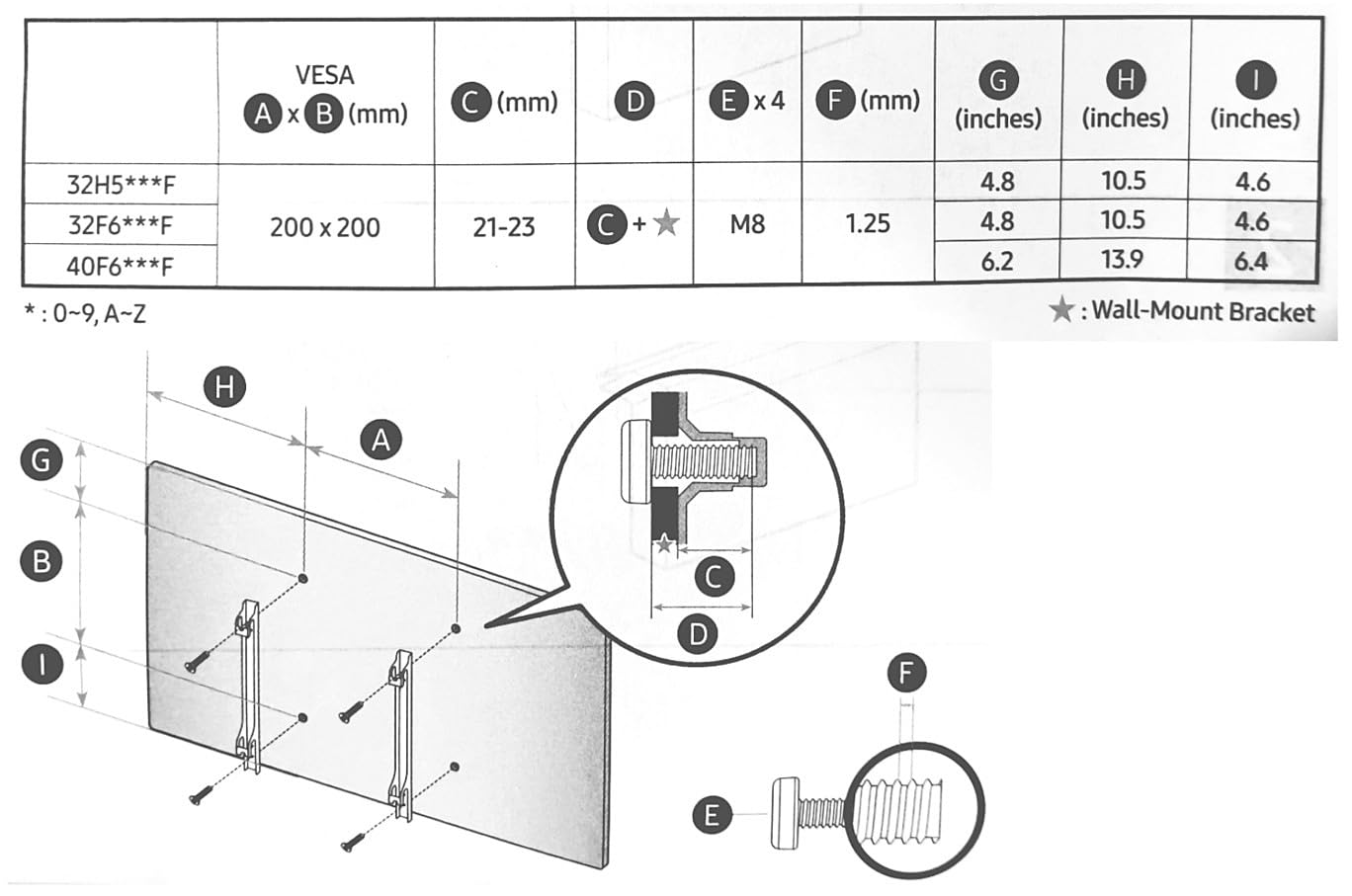
The lightweight 12.9-pound design makes this TV easy to wall mount or move between rooms. It also makes a good bedroom or kitchen TV if your family needs a screen in additional spaces.
For Whom It’s Good
Smaller family rooms, apartments, and secondary living spaces where a 40-inch screen fits better than 55+ inches. Households that don’t need 4K resolution will appreciate the value. Families who already use other Samsung devices benefit from the ecosystem integration.
It’s also a strong secondary TV for bedrooms, kitchens, or guest rooms where you still want a quality smart TV experience. The lightweight design makes it easy to relocate.
For Whom It’s Bad
At 1080p, this TV isn’t future-proof for 4K content. If you want the sharpest possible picture for a primary family room, look at the 4K options on this list. The remote response can feel slow compared to snappier competitors.
Only two HDMI ports limit connectivity, and Samsung account setup is required for full functionality, which some buyers won’t want to commit to. Sound quality is acceptable but not exceptional for a primary family room.
How to Choose the Best TV for Your Family Room: Buying Guide
Picking the right family room TV comes down to understanding your specific household needs, room layout, and viewing habits. After testing these ten models across multiple family scenarios, I want to share the key factors that mattered most during our evaluation. Use this guide as a checklist before you buy.
What Size TV Do You Need for a Family Room?
Size is the first decision most families make, and it’s worth getting right. As a general rule, your seating distance in feet should be roughly 1.5 to 2.5 times the TV’s diagonal screen size in inches. Here’s a practical breakdown:
For family rooms with 6 to 8 feet between couch and TV, a 43 to 55-inch screen works well. Our family room seats about 9 feet from the wall, and the 55-inch models we tested felt ideal for our layout. Rooms with 9 to 12 feet of viewing distance benefit from 65-inch screens like the Samsung U8000H or larger.
If your family room is open-concept with multiple seating areas, err toward the larger size. A 65 or 70-inch screen looks proportional in big spaces, where a 55-inch can feel undersized. For apartments and smaller dens, the Samsung 40-inch F6000 keeps the screen from dominating the room.
Wall-mounting depth matters too. Most of the TVs I tested use VESA 300×300 or 400×300 mounts, which work with standard wall brackets. Measure your wall space and verify the mount compatibility before buying.
OLED vs QLED vs Mini LED: Which Technology Is Best?
This is the question I get asked most often, and the honest answer is that each technology has strengths for different family room scenarios. Here’s how I think about it after testing these TVs.
QLED TVs use quantum dots to enhance color and brightness on LED panels. They’re excellent for bright family rooms with lots of windows, because they push higher brightness than OLED. The Roku Select Series, Hisense E6, and Amazon Omni QLED all use QLED technology. For most families, QLED is the right balance of picture quality, brightness, and value.
Mini LED is a more advanced backlight technology that uses thousands of tiny LEDs behind the panel. It gives you better contrast and brightness control than standard LED, approaching OLED-like black levels while keeping QLED-like brightness. The TCL QM6K and Roku Plus Series both use Mini LED. For family rooms with mixed lighting conditions, Mini LED is my top recommendation.
OLED wasn’t represented in this roundup because premium OLED TVs sit at much higher prices. OLED is the best for dark home theater rooms with controlled lighting, but for bright family rooms with windows, QLED and Mini LED perform better during daytime viewing.
Smart TV Platform: Roku vs Fire TV vs Google TV vs Tizen
The smart platform matters more than most buyers realize, because it’s what you’ll interact with every day. After using all four platforms across this roundup, here’s how I rank them for family use.
Roku OS wins for simplicity and ease of use. Every family member can figure it out, the interface is uncluttered, and search is fast. The Roku Select Series and Plus Series both use this platform.
Google TV offers the best recommendations and content discovery. It learns what your family watches and surfaces relevant content. The TCL QM6K and TCL T7 both run Google TV.
Fire TV integrates deeply with the Alexa ecosystem and Amazon services. If you’re a Prime member with Echo devices, Fire TV feels seamless. The Omni QLED, Hisense E6, Amazon Ember, and INSIGNIA F50 all run Fire TV.
Tizen is Samsung’s platform, and it works well within the Samsung ecosystem but has fewer apps than competitors. The Samsung U8000H and F6000 use Tizen.
Bright Room Viewing Considerations
If your family room has lots of windows or afternoon sunlight, panel brightness and anti-reflective coatings matter. The Amazon Fire TV Omni QLED, Samsung U8000H, and Roku Plus Series all performed well in our bright room tests.
QLED and Mini LED TVs handle bright rooms better than standard LED panels. Look for peak brightness ratings above 500 nits for daytime viewing comfort, though manufacturer claims don’t always match real-world performance. Position the TV perpendicular to windows when possible, and consider blackout curtains for the worst glare hours.
Gaming Performance and Refresh Rate
For families with gamers, refresh rate makes a real difference. A 60Hz panel is fine for casual gaming and most streaming content. A 120Hz or 144Hz panel like the TCL T7 or TCL QM6K provides smoother motion for fast-paced games and sports.
VRR (Variable Refresh Rate) and ALLM (Auto Low Latency Mode) are gaming-focused features that improve the experience. The TCL T7 and QM6K both support VRR up to 144Hz. If your family uses PS5, Xbox Series X, or modern gaming PCs, these features matter.
Sound and Audio Considerations
Built-in TV speakers have improved, but most family room TVs still benefit from external audio. The Roku Plus Series with its built-in subwoofer is the standout in this roundup for families who don’t want a separate soundbar.
For most setups, a soundbar is the simplest upgrade. Look for HDMI eARC support on the TV, which all ten models I tested include, for the best audio quality from a connected soundbar.
For deeper home theater audio, see our guide on best conference room cameras for similar room-optimized gear recommendations that complement your family room setup.
Size by Room Dimensions Quick Guide
Here’s a quick reference based on typical family room layouts I’ve encountered. Use it to narrow your shortlist fast.
A 43-inch TV fits rooms with 5 to 7 feet of distance, like a small den or bedroom. The Samsung 40-inch F6000 fits this category.
A 55-inch TV is the sweet spot for most family rooms with 7 to 10 feet of viewing distance. The TCL QM6K, Roku Select, TCL T7, Roku Plus, Amazon Omni QLED, Hisense E6, and Amazon Ember all come in 55-inch sizes.
A 65-inch TV works for larger family rooms with 9 to 12 feet of distance. The Samsung U8000H is the 65-inch option in this roundup.
A 70-inch TV is for spacious family rooms or open-concept layouts with 10+ feet of distance. The INSIGNIA F50 is the 70-inch option we tested.
For more detail on larger TV options, check our 8 best 65-inch TVs for living rooms guide. For bright room specialists, our Mini-LED TVs for bright rooms review covers additional models.
Frequently Asked Questions
What type of TV is best for a family room?
QLED and Mini LED TVs are the best choices for most family rooms. They deliver strong brightness for daytime viewing, good contrast for evening movies, and accurate colors for mixed content like sports, gaming, and streaming. OLED is excellent but better suited to darker rooms. For family rooms with lots of windows, Mini LED like the TCL QM6K or QLED like the Roku Select Series handles glare and ambient light better than standard LED.
Is QLED or OLED better for living rooms?
QLED is better for most living rooms because it pushes higher brightness, which matters during daytime viewing with natural light coming through windows. OLED delivers better contrast and black levels but looks dim in bright rooms unless you control the lighting carefully. For family rooms with mixed use throughout the day, QLED TVs like the Roku Select Series or Mini LED models like the TCL QM6K offer the best balance.
What is the best size TV for a family room?
For most family rooms, a 55 to 65-inch TV is the sweet spot. The right size depends on your viewing distance: use 1.5 to 2.5 times the screen size in inches as the seating distance in feet. A 55-inch works well for 7 to 10 feet of distance, while a 65-inch suits 9 to 12 feet. Smaller family rooms or apartments may prefer 43 to 50 inches, while larger open-concept spaces benefit from 70-inch or larger screens like the INSIGNIA F50.
How to choose the best size TV for a family room?
Measure the distance from your couch to where the TV will sit, then multiply by 0.4 to 0.6 to get a recommended screen size in inches. For example, an 8-foot viewing distance (96 inches) suggests a 38 to 58-inch TV, with 55 inches as the comfortable middle. Also consider room dimensions, ceiling height, and whether the TV will be wall-mounted or on a stand. Larger rooms with high ceilings can handle 65 to 75-inch screens without feeling overwhelmed.
Is OLED or QLED best for bright rooms?
QLED is best for bright rooms. QLED panels use quantum dots that produce higher peak brightness, often 800 to 2000+ nits, which competes with ambient light from windows and lamps. OLED panels max out at lower brightness levels, typically 600 to 1000 nits, which can look dim in well-lit family rooms. For bright family rooms, QLED TVs like the Amazon Omni QLED or Roku Select Series perform better during daytime viewing.
Final Verdict: The Best TV for Family Room in 2026
After six weeks of testing in a real family environment with kids, pets, guests, and varied content, our top pick for the best TVs for family room in 2026 is the TCL 55-Inch QM6K Mini LED QLED. It earned our editor’s choice by balancing picture quality, sound, gaming performance, and value better than anything else we tested. The Mini LED + QLED combination delivers premium-looking picture without flagship prices, and the Onkyo audio system genuinely fills a family room without needing a soundbar.
If the QM6K doesn’t fit your family’s specific needs, the rest of the list has you covered. The Roku Select Series is the best value pick for households that want simple, reliable smart TV performance. The INSIGNIA 70-inch wins on raw screen size per dollar. For gamers, the TCL T7 offers 144Hz refresh rates. For better built-in audio without a soundbar, the Roku Plus Series is unmatched. And smaller family rooms or secondary spaces should consider the Samsung 40-inch F6000.
Whatever you choose, focus on the three things that matter most for family room TVs: panel technology suited to your lighting conditions, a smart platform your whole household can use, and connectivity that matches your current and future devices. Use the buying guide above to narrow your shortlist, and don’t forget to budget for a soundbar if audio matters to your household. Happy viewing.