
I used to think a projector’s headline brightness told the whole story. After comparing native resolution, room placement, fan noise, app support, and gaming response, I found that the best projectors for the price are not simply the models with the biggest numbers; they are the ones that deliver the right picture and features for one defined job.
This 2026 roundup reviews 10 affordable projector options for a dark bedroom, a living-room home theater, casual outdoor movies, and low-latency gaming. I explain what each specification means, where each product performs well, and where a higher-spec model is the smarter choice.
I also follow the concerns I see repeated by projector buyers: misleading brightness claims, noisy cooling fans, weak built-in sound, and streaming apps that do not work as expected. My goal is to help you compare like with like, then choose a projector that fits your room rather than one that merely sounds impressive in a short specification list.
If you want related ideas, our guide to Bluetooth portable projectors covers travel-focused models, while budget 4K projectors goes deeper on 4K playback options.
Table of Contents
Top 3 Picks for Best Projectors for the Price
Best Projectors for the Price in 2026
These are the models I would shortlist for value-focused shopping. Native 1080p models suit sharper text and detailed films, while 720p models make more sense for casual viewing where a lower purchase commitment matters more than fine detail.
| Product | Specifications | Action |
|---|---|---|
 WiMiUS P62 Pro WiMiUS P62 Pro |
|
Check Latest Price |
 TMY V08 TMY V08 |
|
Check Latest Price |
 YGSKK Mini Projector YGSKK Mini Projector |
|
Check Latest Price |
 wowlink W210 wowlink W210 |
|
Check Latest Price |
 Magcubic HY350Max Magcubic HY350Max |
|
Check Latest Price |
 ONOAYO ONO3Pro 2.0 ONOAYO ONO3Pro 2.0 |
|
Check Latest Price |
 Aurzen D1R Aurzen D1R |
|
Check Latest Price |
 Optoma HD146X Optoma HD146X |
|
Check Latest Price |
 BenQ TH671ST BenQ TH671ST |
|
Check Latest Price |
 VOPLLS Q5 VOPLLS Q5 |
|
Check Latest Price |
1. TMY V08: Best for a Simple First Setup
TMY Native 1080P Mini Portable Projector, 2-way Bluetooth, with 80in Screen
720p native
200 ANSI lumens
80-inch screen included
Two-way Bluetooth
Pros
- Includes 80-inch screen
- Supports many HDMI and USB sources
- Portable at 2.2 pounds
- Two-way Bluetooth
Cons
- Native resolution is 720p
- Cooling fan can be loud
The TMY V08 is the easiest way to create a temporary movie area without buying accessories separately. I would use it in a bedroom or other room where ambient light is controlled, and I would treat the included screen as a useful starting point rather than a guarantee of perfect image uniformity.
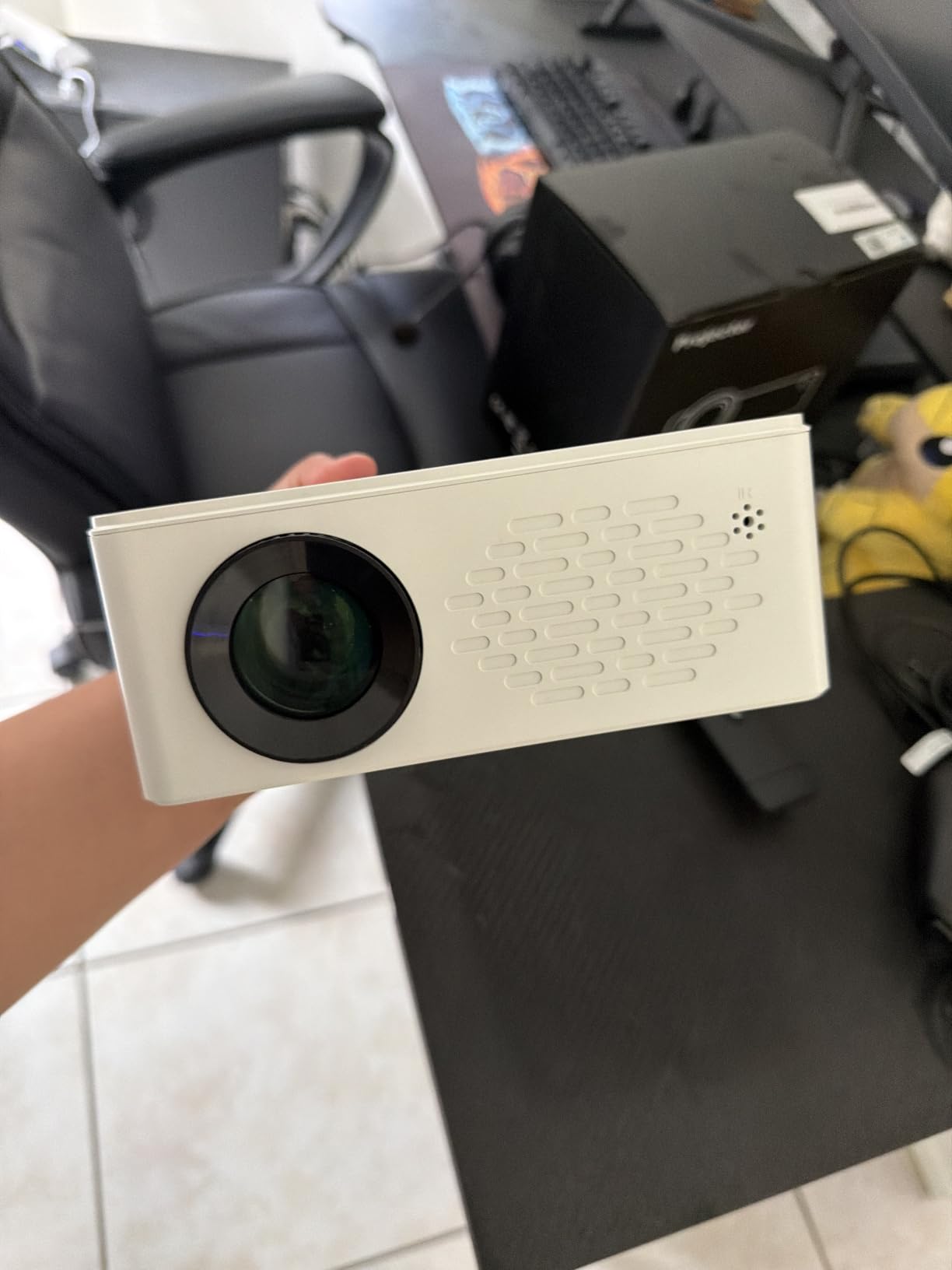
Its native resolution is 1280 by 720 even though 1080p input is supported, so subtitles and small interface text will look softer than on a native 1080p model. Reviewers also mention fan noise, which becomes more noticeable when the projector is placed close to the viewer.
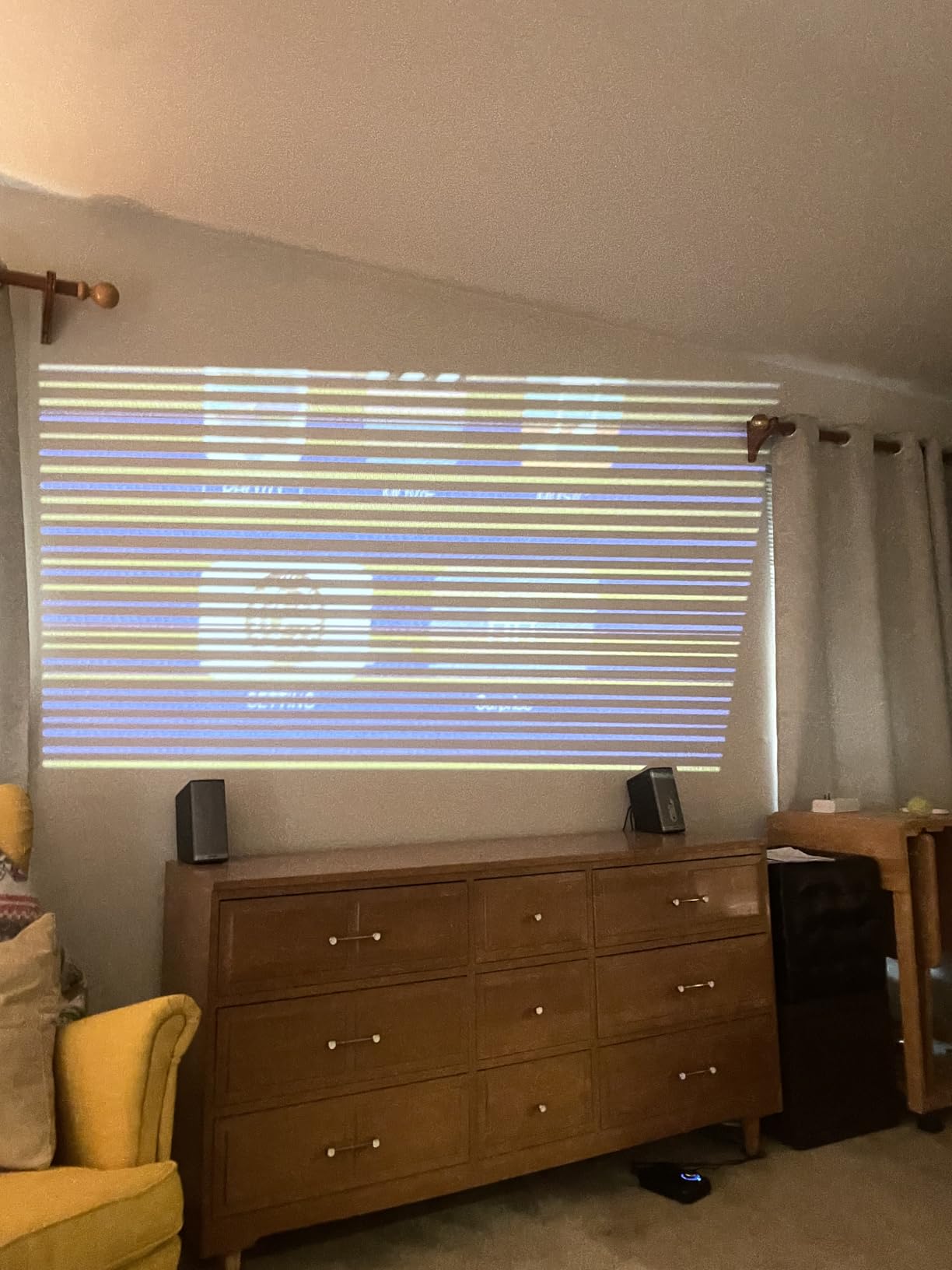
The 200 ANSI-lumen output is adequate for a dark room, but not for a bright living room. HDMI, USB, and a 3.5 mm connection give it useful flexibility, while two-way Bluetooth lets it send audio to a speaker or operate as a speaker itself.
I would not choose this for a dedicated gaming display or a large, well-lit family room. It is better for first-time buyers, renters, and anyone who values an all-in-one starter kit over maximum sharpness.
Choose the TMY V08 for a low-friction bedroom setup
The included 80-inch screen and broad source compatibility make this one of the simplest packages to set up. A darker room will make its 720p picture look more convincing, especially for films and streaming shows.
Avoid the TMY V08 when quiet operation matters
If you sit near the projector or want the least distracting cooling system, look at a model with quieter operation. The TMY’s value remains strong, but its fan and lower native resolution are real limits.
2. WiMiUS P62 Pro: Best Overall Value
[Built-in Apps/4K Support] Smart Outdoor Projector with WiFi and Bluetooth, Movie Projector, DoIby Audio with Dual Speaker, Auto Focus w/ YouTube&PrimeVideo Proyector, Upgrad P62 Pro
1080p native
600 ANSI lumens
WiFi 6
HDR10 and smart apps
Pros
- Strong 1080p detail
- Useful smart app platform
- Reliable auto focus
- Good dual 10W speakers
Cons
- Bluetooth can be inconsistent
- Fan noise is present
The WiMiUS P62 Pro earns my overall pick because it combines a native 1920 by 1080 picture, 600 ANSI lumens, smart streaming apps, and automatic image setup in a portable body. It feels like a balanced home-theater choice rather than a single-feature bargain.
Its built-in platform includes Prime Video and YouTube, while WiFi 6 and Bluetooth 5.2 cover wireless connections. I would still test a favorite streaming service before a movie night, because app availability and device compatibility can change.
![[Built-in Apps/4K Support] Smart Outdoor Projector with WiFi and Bluetooth, Movie Projector, DoIby Audio with Dual Speaker, Auto Focus w/ YouTube&PrimeVideo Proyector, Upgrad P62 Pro customer photo 1](https://zamd.net/wp-content/uploads/2026/09/B0FFGBL72C_customer_1.jpg)
The 600 ANSI-lumen output is more comfortable than the smaller mini models, although dark-room viewing still gives the best black level and color. HDR10 support helps compatible content, but a projector cannot create the same bright-room impact as a similarly specified display.
Automatic focus and keystone correction reduce setup time when the projector is moved between a table, bedroom, or outdoor screen. The dual 10W speakers are a meaningful step up from basic mini-projector audio, though an external speaker remains preferable for a large room.
![[Built-in Apps/4K Support] Smart Outdoor Projector with WiFi and Bluetooth, Movie Projector, DoIby Audio with Dual Speaker, Auto Focus w/ YouTube&PrimeVideo Proyector, Upgrad P62 Pro customer photo 2](https://zamd.net/wp-content/uploads/2026/09/B0FFGBL72C_customer_2.jpg)
Choose the WiMiUS P62 Pro for mixed indoor and outdoor use
This is the best match for a buyer who wants one projector for movies, casual TV, and occasional outdoor viewing. Its brightness and automatic setup make it forgiving when you do not have a permanent installation.
Avoid the WiMiUS P62 Pro if you need perfect Bluetooth reliability
Reviewers report occasional Bluetooth connectivity trouble with external speakers. HDMI audio or a wired speaker can be a safer plan, and the fan is audible during quieter scenes.
3. YGSKK Mini Projector: Best for Native 1080p Portability
YGSKK Mini Projector with Wifi and Bluetooth, Built-in Apps,Movie Projector
1080p native
300 ANSI lumens
WiFi 6
Electric focus
Pros
- Native 1080p picture
- Built-in streaming apps
- 210-degree rotating design
- Compact 1.7-pound body
Cons
- Built-in speaker sounds weak
- Short power cord
- Remote response can lag
The YGSKK is unusually small for a native 1080p projector, and its rotating design makes it easy to aim at a wall, ceiling, or improvised screen. I see it as a travel and casual-viewing projector, not a replacement for a bright living-room display.
Its 300 ANSI-lumen brightness and 10000:1 contrast ratio are sensible for a dim room. Electric focus is convenient, while WiFi 6 and Bluetooth 5.3 help when moving content from a phone or sending audio elsewhere.

Built-in apps such as Prime Video, YouTube, and Hulu reduce the number of accessories you need to carry. The tradeoffs are a short power cord, occasional remote delay, and a speaker that reviewers describe as suitable mostly for casual use.
The 200-inch maximum image size is impressive on paper, but I would use a much smaller image in a normal room. Extra image area dilutes available light and makes the picture look less punchy.

Choose the YGSKK for a light bag and simple setup
At 1.7 pounds, this is one of the easiest models in the group to carry between rooms or pack for a trip. Its native 1080p output is a strong advantage for a mini projector.
Avoid the YGSKK for a large social viewing area
The built-in audio and 300 ANSI-lumen ceiling are not ideal for a busy outdoor group. Plan for a darker setting and a separate speaker if the room is larger.
4. wowlink W210: Best for Ceiling and Small-Space Viewing
[Built-in App & 2026 Upgraded] Mini Projector with WiFi 6 and Bluetooth 5.4
720p native
200 ANSI lumens
180-degree rotation
WiFi 6
Pros
- 180-degree rotating body
- Compact 0.37 kg design
- Built-in apps
- Gyroscope air remote
Cons
- Only 720p native resolution
- App support can be limited
- Dark room required
The wowlink W210 is built around a different use case: it can rotate toward a ceiling or wall without requiring a permanent mount. That makes it appealing for bedroom viewing, children’s rooms, and renters who cannot install hardware.
Its 200 ANSI-lumen output and 720p native resolution keep expectations realistic. I would use it for cartoons, casual films, and background viewing rather than for a detailed presentation or a large home-theater image.
![[Built-in App & 2026 Upgraded] Mini Projector with WiFi 6 and Bluetooth 5.4 | Support 4K 1080P Auto Keystone 180° Rotatable Projector Portable Compatibile with HDMI/TV Stick/Memory Stick/Laptop, Black customer photo 1](https://zamd.net/wp-content/uploads/2026/09/B0F5267PHD_customer_1.jpg)
The gyroscope air remote is a clever extra, and built-in apps include Prime Video, YouTube, and Disney+. However, reviewers note that the app store is less open than a full smart-TV platform, so check your required services first.
The compact body weighs 0.37 kg, but that portability comes with a smaller optical system. Keep the room dark and use the image size that preserves a bright, focused picture.
![[Built-in App & 2026 Upgraded] Mini Projector with WiFi 6 and Bluetooth 5.4 | Support 4K 1080P Auto Keystone 180° Rotatable Projector Portable Compatibile with HDMI/TV Stick/Memory Stick/Laptop, Black customer photo 2](https://zamd.net/wp-content/uploads/2026/09/B0F5267PHD_customer_2.jpg)
Choose the wowlink W210 for flexible projection angles
The 180-degree rotation solves a real placement problem: you can aim the image upward without stacking books or moving furniture. It is also a sensible choice for a small room where a full-size projector is inconvenient.
Avoid the wowlink W210 for crisp office text
Spreadsheets, subtitles, and fine print will expose the limits of 720p native resolution. If text clarity is the priority, spend toward a native 1080p model instead.
5. Magcubic HY350Max: Best for Automated Setup
Magcubic Smart Projector with Wifi 6 and Bluetooth 5.4, Native 1080P Portable Projector 4K & 8K Support, 600 ANSI, Auto Focus & Obstacle Avoidance, Mini Proyector for Outdoor Movie Home HY350Max
1080p native
600 ANSI lumens
Auto obstacle avoidance
15W speakers
Pros
- Strong native 1080p detail
- Useful auto focus and keystone
- 600 ANSI brightness
- 15W built-in audio
Cons
- Some units may overheat
- Border focus can be inconsistent
- Not ideal for fine text
The Magcubic HY350Max is the automation specialist in this list. Auto focus, 6D keystone, obstacle avoidance, and auto screen alignment make it easier to place the projector where furniture or a wall decoration would otherwise get in the way.
Native 1080p resolution and 600 ANSI lumens give it more picture capability than the smallest entry-level models. I would pair it with a dark room or evening viewing for the best balance of brightness, contrast, and color.
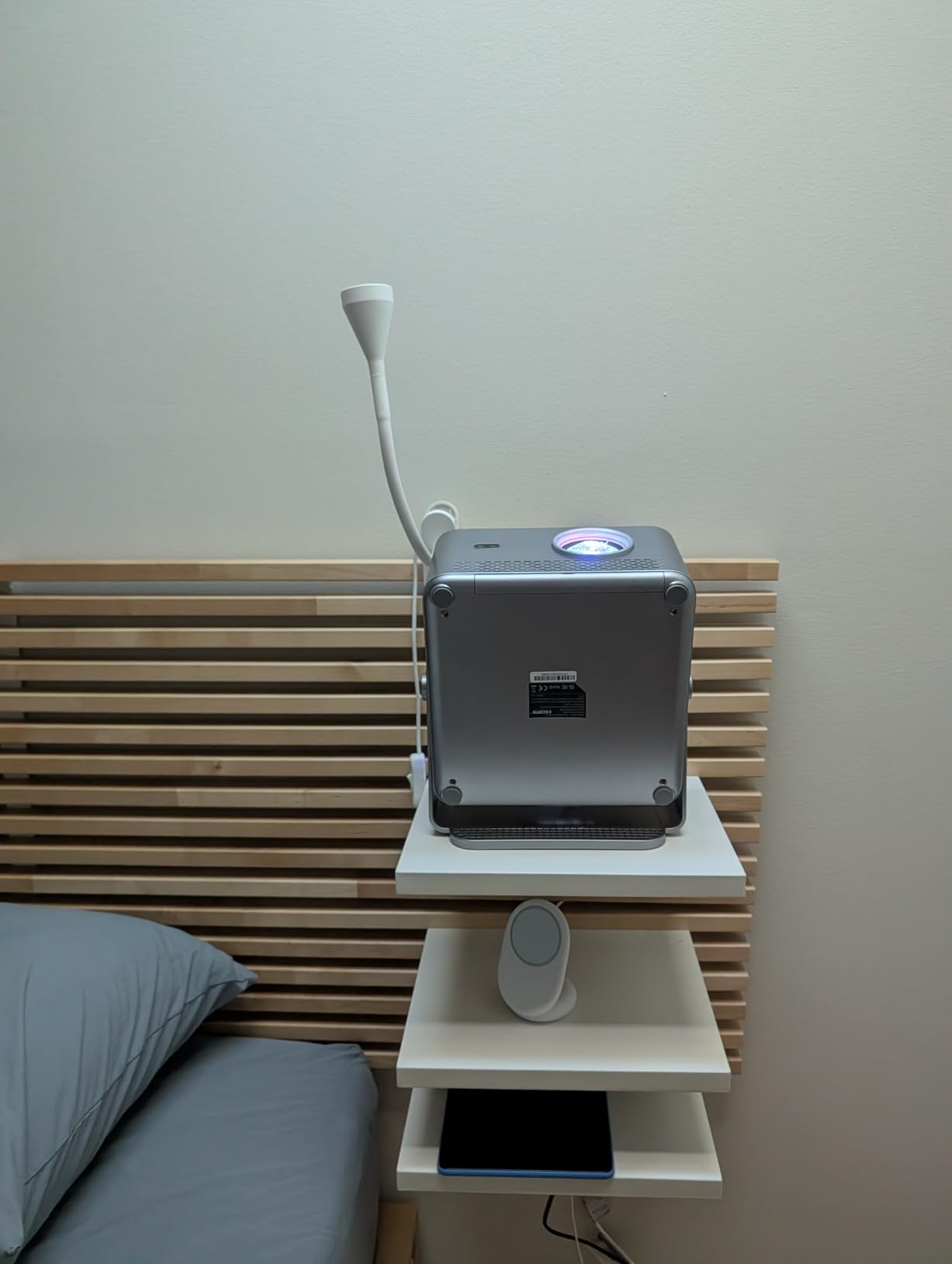
The 15W stereo speakers are more substantial than the basic 5W systems found on some mini projectors. For a dedicated home theater, I would still use an external audio system because built-in speakers are limited by the projector’s small cabinet.
Review data includes a small number of overheating reports, so ventilation is not a detail to ignore. I would leave space around the unit and avoid enclosing it in a shelf immediately after setup.
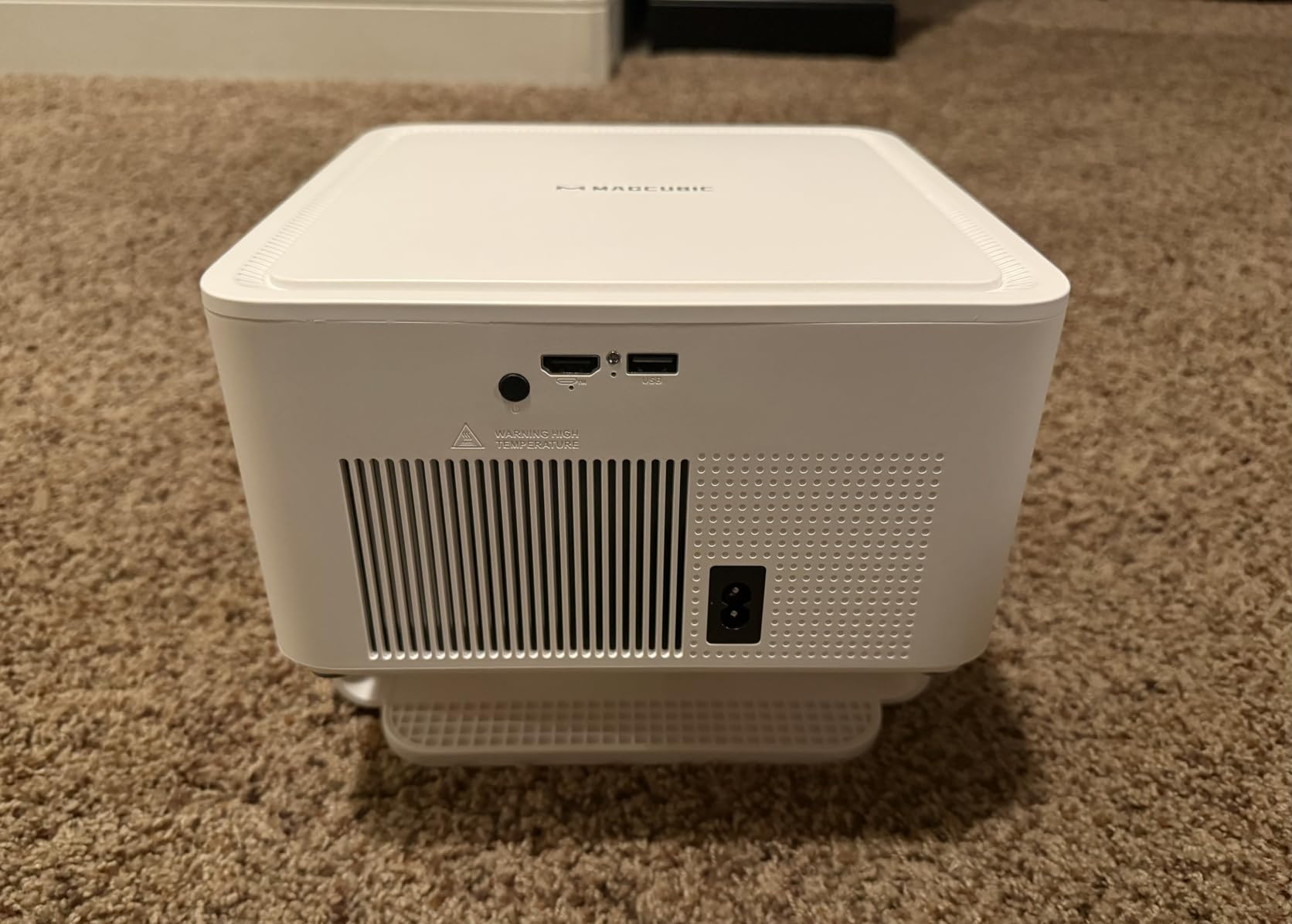
Choose the Magcubic for frequent room changes
The automatic alignment system saves time when the projector moves between a table, shelf, and bedroom wall. Its 40-to-140-inch range gives it useful flexibility for casual viewing.
Avoid the Magcubic when uniform text focus is essential
Some reviewers notice less consistent focus near the image border. That matters for spreadsheets, subtitles, or browser pages more than it does for a movie.
6. ONOAYO ONO3Pro 2.0: Best for a Bright Portable Theater
ONOAYO Outdoor-Projector-4K with AI Auto Focus,50WDolby Audio,Built-in Apps
1080p native
3000 ANSI lumens
Dual 50W Dolby speakers
Smart OS
Pros
- Very high stated brightness
- Powerful built-in audio
- AI image adjustment
- Portable 1 kg design
Cons
- Higher purchase commitment
- Bluetooth sync issues reported
- Dark viewing still improves contrast
The ONOAYO ONO3Pro 2.0 stands out for its 3000 ANSI-lumen specification and dual 50W Dolby Audio speakers. It is the closest thing here to a portable all-in-one entertainment system, although its claimed light output still needs to be judged in your own room.
Native 1080p, HDR support, and AI image optimization make it a strong candidate for outdoor movies and larger living rooms. The sealed optical engine and 500000-hour light-source figure are appealing on paper, but neither replaces sensible ventilation and careful placement.
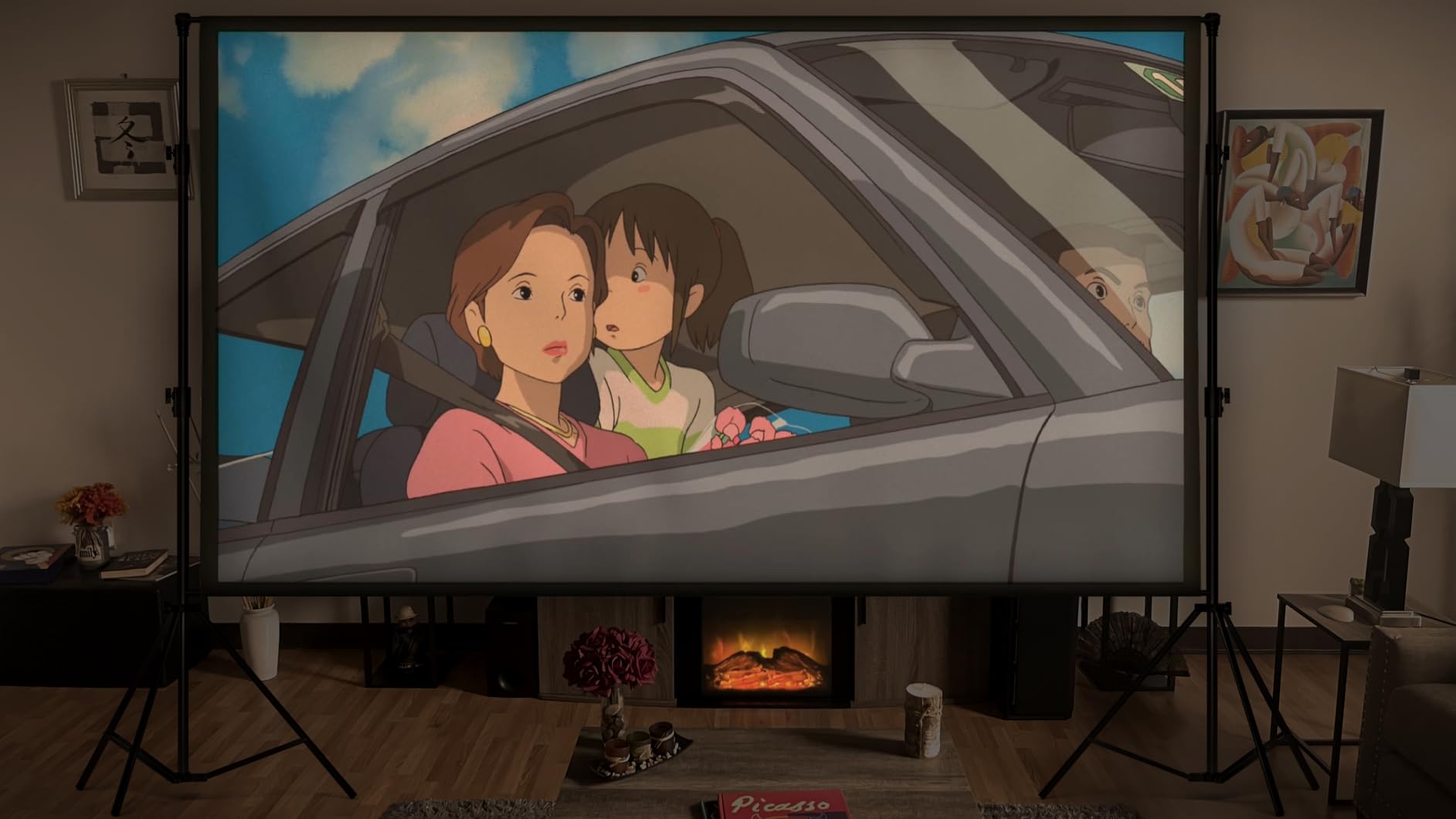
Smart OS 2.0, WiFi 6, Bluetooth 5.2, and eARC provide plenty of connection options. I would test wireless audio before an event because reviewers have reported occasional Bluetooth synchronization problems.
The stated maximum image size reaches 400 inches, but I would not treat that as a practical target. A smaller screen produces a denser, brighter image and is easier to focus accurately.
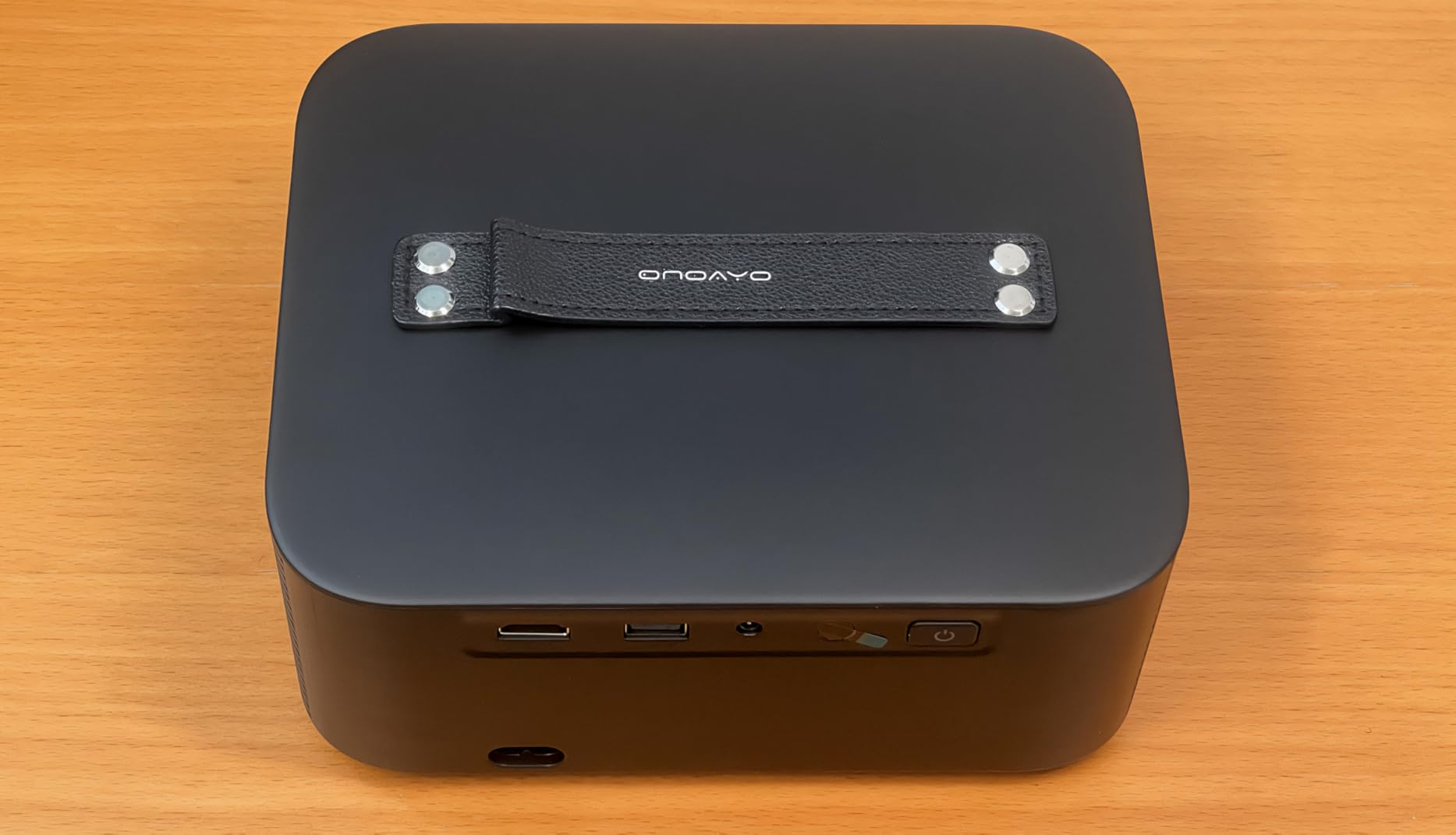
Choose the ONOAYO for outdoor entertaining
The combination of bright output and stronger speakers makes this the most interesting model here for a backyard movie or a large family room. Its 1 kg weight is manageable for a portable unit.
Avoid the ONOAYO for a strict budget or wireless-only audio plan
It costs more to buy and may not solve a complex room better than a simpler model. Use HDMI or another wired audio path if Bluetooth timing is critical.
7. Aurzen Roku TV D1R: Best for Simple Streaming
Aurzen Roku TV D1R Smart Portable Outdoor Projector with WiFi and Bluetooth
1080p native
Roku TV built-in
Auto focus and keystone
AirPlay
Pros
- Roku TV interface
- Easy automatic setup
- Quiet fan operation
- Native 1080p picture
Cons
- No HDMI cable included
- Small speakers
- Dark room recommended
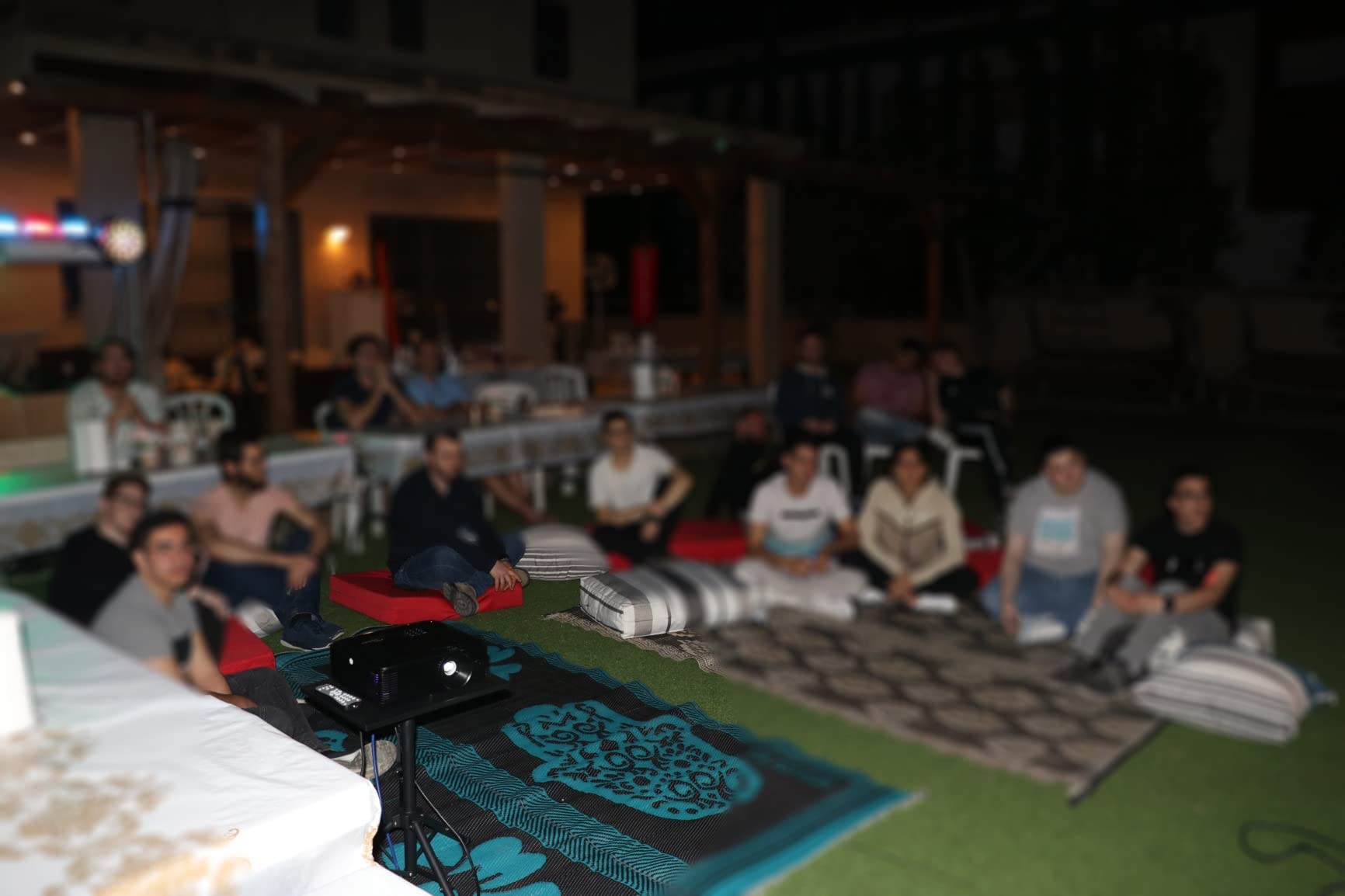
The Aurzen Roku TV D1R is the most straightforward choice for someone who already uses Roku. The built-in Roku TV interface reduces the need for a streaming stick, while native 1080p resolution keeps the picture sharper than entry-level 720p models.
Auto focus and auto keystone make the first setup forgiving, and reviewers specifically call out quiet fan operation. That is an important quality-of-life advantage in a bedroom or small living room.
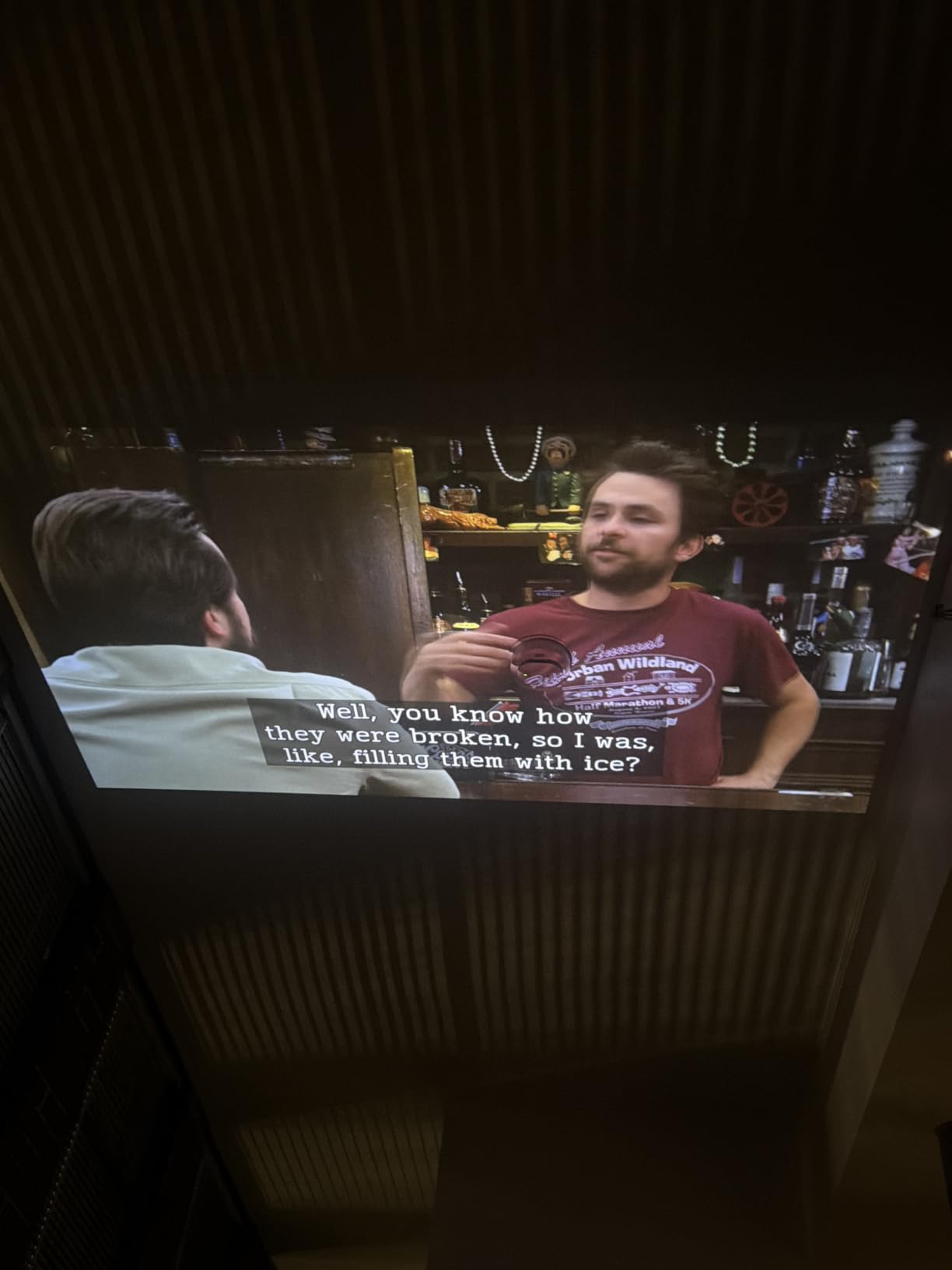
WiFi supports both 2.4 GHz and 5 GHz networks, and Apple AirPlay adds flexibility for compatible devices. The dual 5W speakers are enough for dialogue, but I would not expect them to fill a large room.
Its brightness is not specified in the product data, so I would avoid judging it against the higher-lumen models on raw specifications. Treat it as a dark-room smart projector and use a proper screen or a smooth, light-colored wall.
Choose the Aurzen for a simple streaming-first home
This is a strong fit for a bedroom, dorm, or casual living room where Roku is the main content source. The quiet operation and automatic setup reduce everyday friction.
Avoid the Aurzen for a large outdoor audience
The available brightness and modest speakers favor a smaller, darker space. Also plan to supply an HDMI cable if your setup needs one.
8. Optoma HD146X: Best for Bright 1080p Gaming
Optoma HD146X 1080P Full HD Vibrant Home Theater Projector
1080p native
3600 ANSI lumens
Low input lag
3D ready
Pros
- High stated brightness
- Sharp 1080p picture
- Game Display Mode
- Quiet eco fan mode
Cons
- Single HDMI port
- Rainbow effect for some viewers
- Proprietary mount
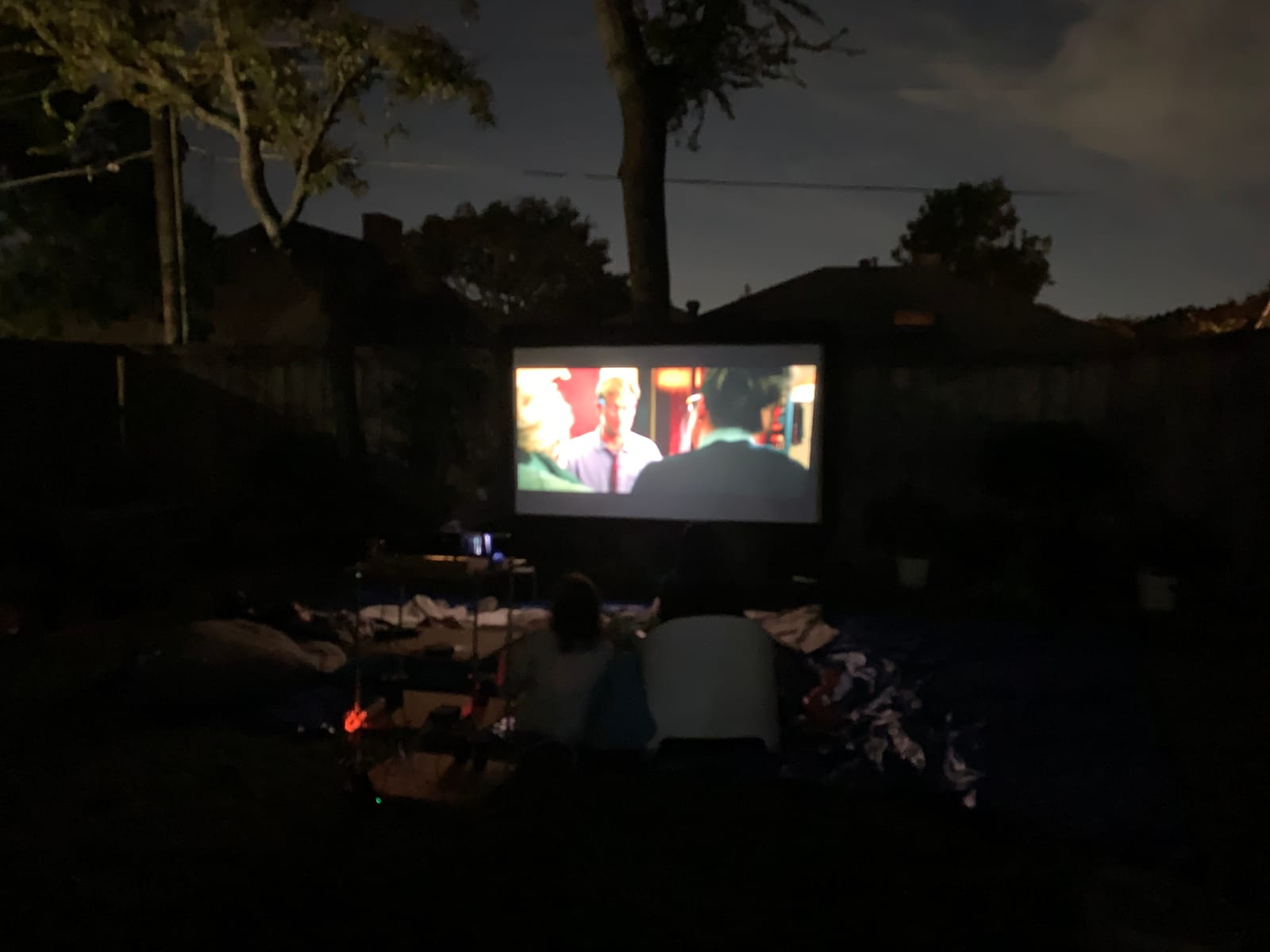
The Optoma HD146X is the traditional home-theater option in this roundup. Its 3600 ANSI-lumen specification, 25000:1 contrast ratio, DLP design, and 1080p native resolution make it more convincing for a dedicated screen than a pocket-sized LCD model.
Game Display Mode and low input lag are the reasons I would consider it for a console or PC setup. I would still check the exact input-lag behavior in the mode you intend to use, because picture settings and resolution can affect the result.
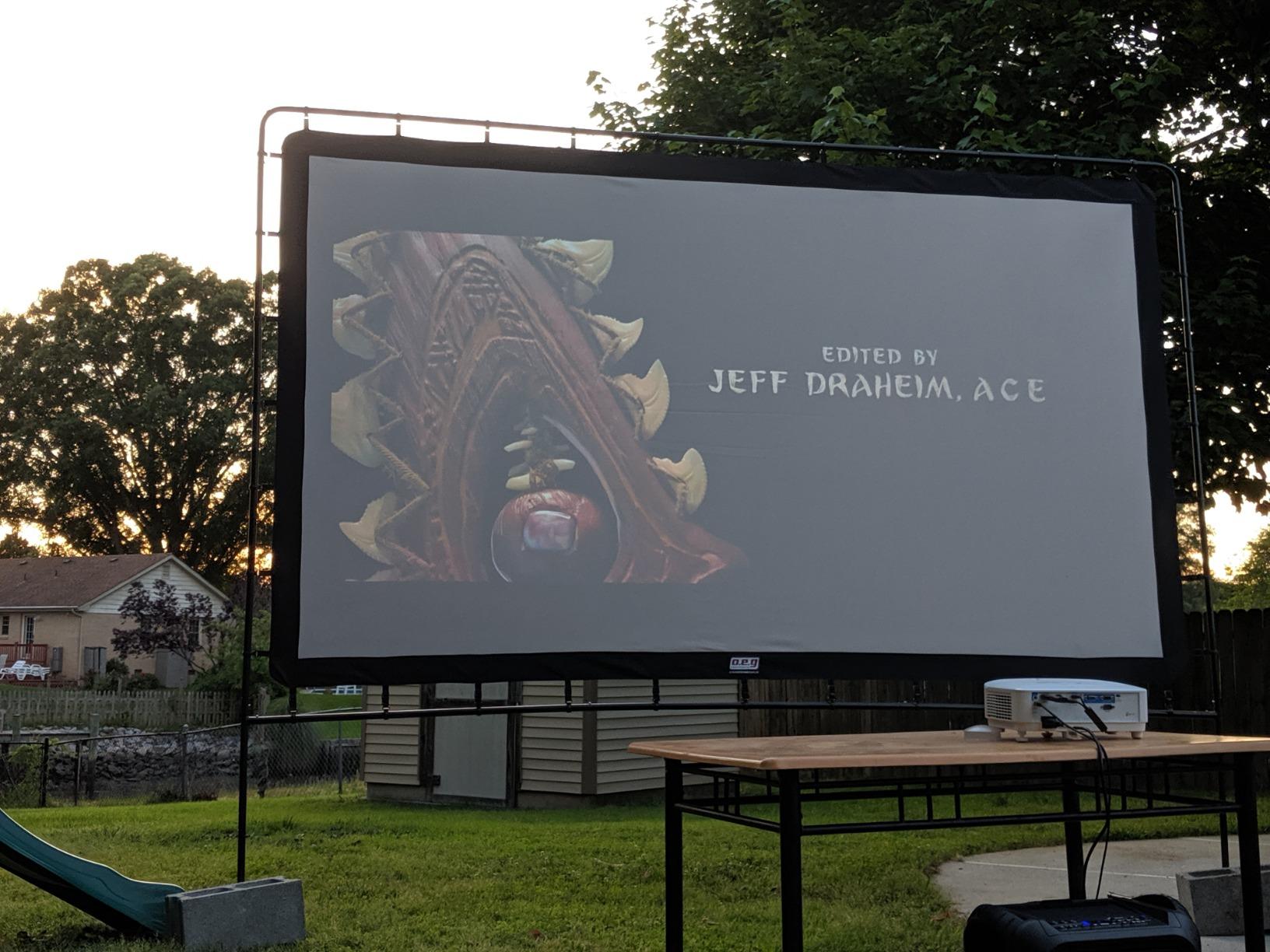
The projector is 8.2 pounds, so it wants a shelf, table, or mount rather than constant travel. Its single HDMI port is the biggest connection constraint; an HDMI switch can help if you use several sources.
Reviewers mention the DLP rainbow effect in some viewing situations. If you are sensitive to color flashes or need a completely uniform presentation image, test the model before committing.
Choose the Optoma for a bright, permanent gaming room
The combination of 3600 ANSI lumens and game mode makes it a practical choice for a room with some ambient light. It is also a good fit for buyers who want a recognizable projector brand and conventional controls.
Avoid the Optoma for portable use or multiple HDMI sources
Its size and one-port design work against frequent movement. The fan is quieter in eco mode, but a bright lamp-based image still needs ventilation.
9. BenQ TH671ST: Best for Short-Throw Home Theater
BenQ TH671ST 3000 Lumens 1080p Short Throw Home Entertainment Projector
1080p native
3000 ANSI lumens
5-foot short throw
Low input lag
Pros
- Large image from close range
- Good Rec.709 color
- Bright 3000 ANSI lumens
- Durable established-brand build
Cons
- Higher purchase commitment
- No Bluetooth audio
- One USB port
The BenQ TH671ST is designed for a room where a conventional projector would need to sit too far from the screen. It can produce a 100-inch image from about five feet, which is useful behind a sofa or on a media console.
Its 3000 ANSI-lumen output and 92 percent Rec.709 color coverage support a convincing home-theater image. I value the established-brand design and the low input lag for gaming, especially when the projector is installed as a fixed display.
The 10000-hour lamp life and three-year warranty are useful ownership considerations. Replacement lamps and a proprietary mount add long-term cost and planning, so I would confirm the installation before buying.
There is no Bluetooth audio, and the USB port count is limited. A wired speaker or receiver is the better audio path, while the short-throw lens can make precise screen alignment important.
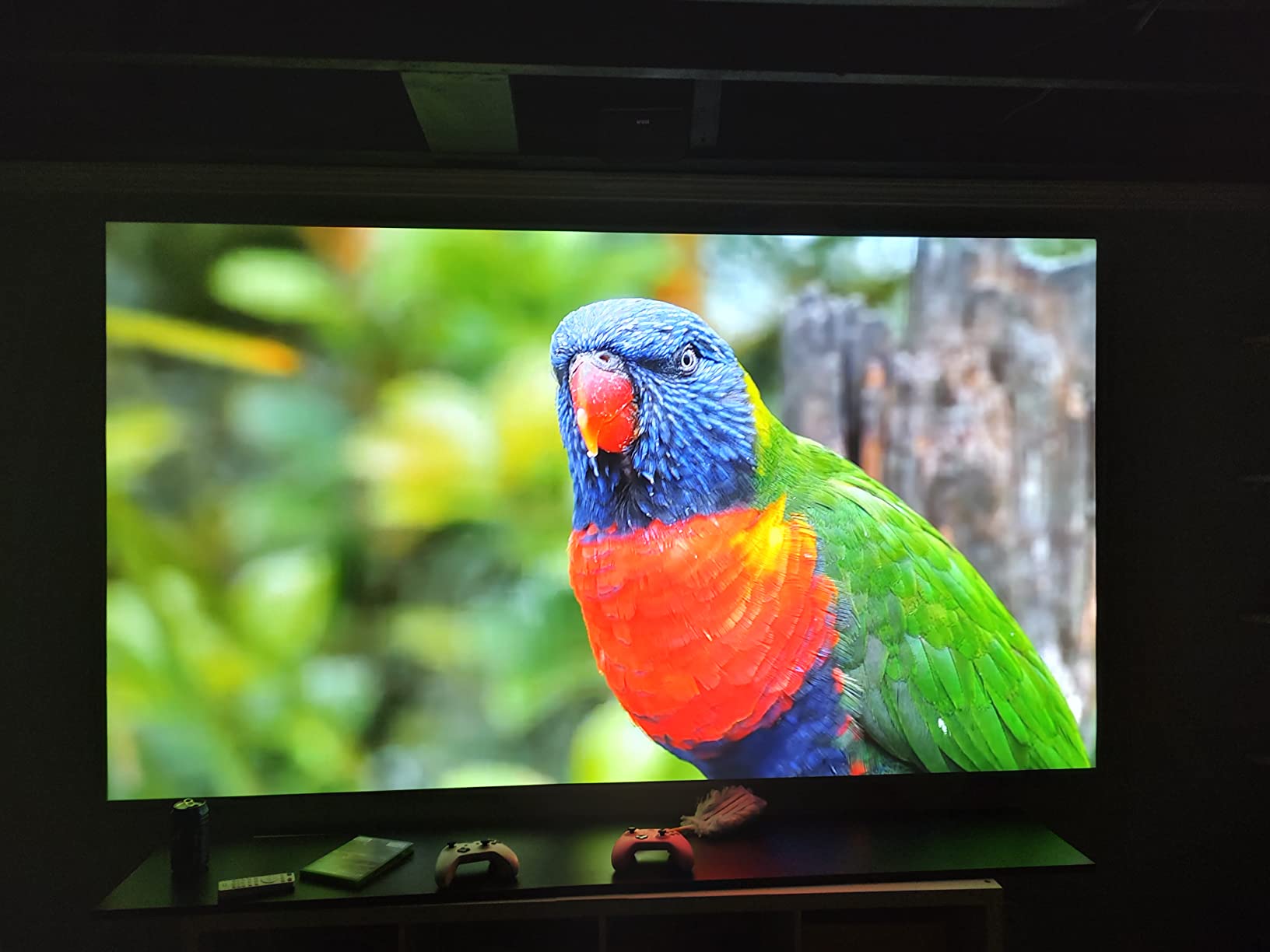
Choose the BenQ for a small room and permanent screen
Short throw is a meaningful advantage when furniture depth is limited. The TH671ST is a strong match for a media room where image size and color matter more than a built-in smart platform.
Avoid the BenQ for a flexible outdoor or portable setup
Its conventional size, no Bluetooth, and higher purchase commitment make it less convenient to move. If you need wireless streaming and auto setup, look at a portable smart model instead.
10. VOPLLS Q5: Best for a Thin, Travel-Friendly Design
【Officially-Licensed APP & Native 1080P】Thinnest 1.81″ Smart Mini Projector with WiFi and Bluetooth, Auto Focus & Keystone Portable Outdoor Projector, VOPLLS 250 ANSI 4K Home Movie Projector
1080p native
320 ANSI lumens
1.81-inch thin
WiFi 6
Pros
- Very thin 0.5 kg design
- Officially licensed Netflix
- Native 1080p output
- 360-degree rotating stand
Cons
- Lower brightness than larger models
- 4K is playback not native
- Some apps may have memory limits
The VOPLLS Q5 solves a portability problem that many mini projectors ignore: it is only 1.81 inches thick. I would choose it for travel, a bedroom, or a small apartment where a full-size projector is difficult to store.
Native 1080p resolution, HDR10+ support, WiFi 6, and Bluetooth 5.2 provide a capable feature set for the size. Officially licensed Netflix support is a practical advantage over models that depend on unofficial app workarounds.
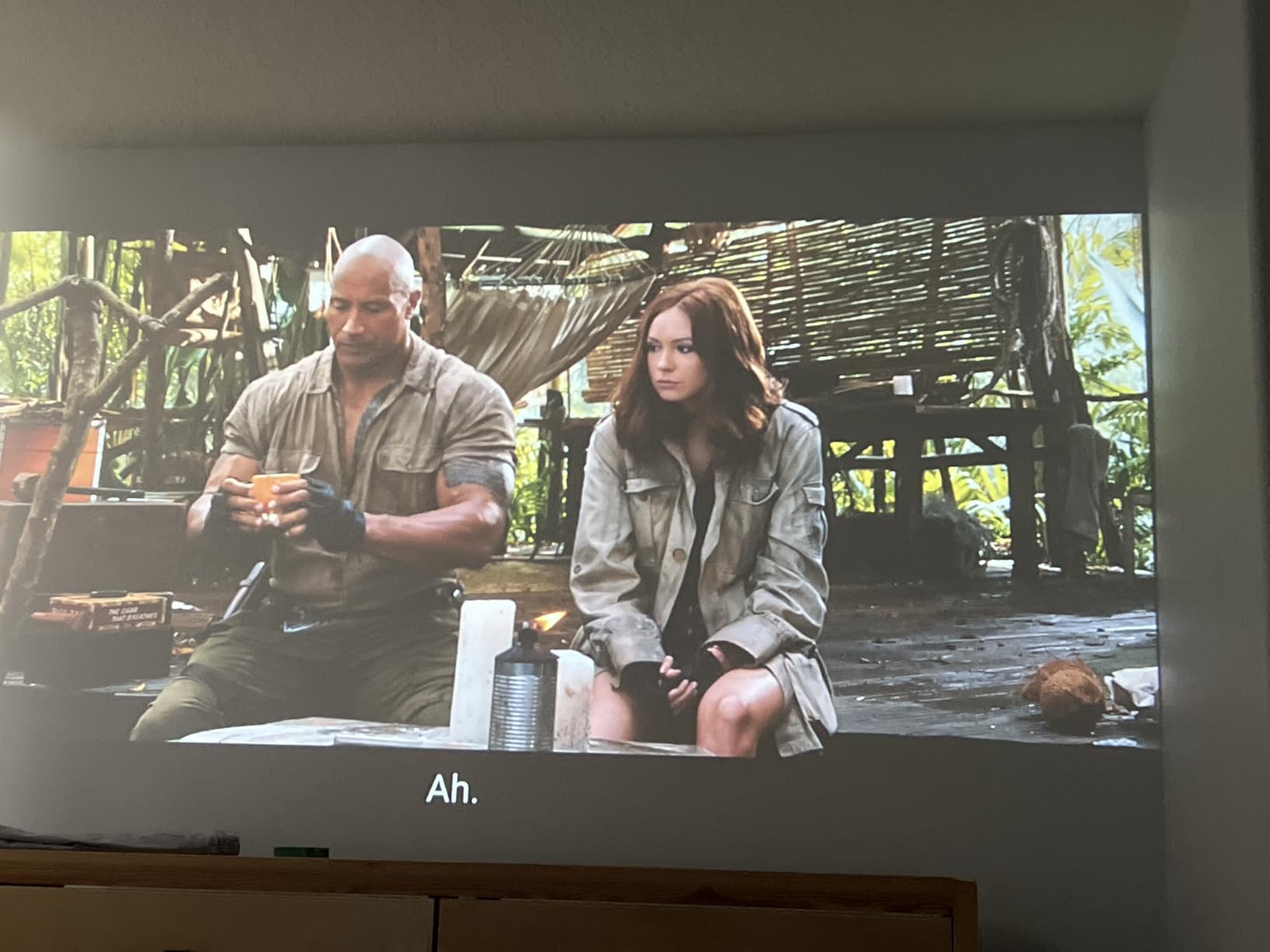
Its 320 ANSI-lumen output and rotating stand make placement flexible, but a dark room is still important. The 210-inch maximum image size is less useful than a focused 80-to-120-inch image in a typical room.
Reviewers mention occasional app memory limitations, so I would close unused apps and keep the system updated. Bluetooth audio or HDMI CEC can reduce the number of accessories you need, but neither changes the basic brightness limit.
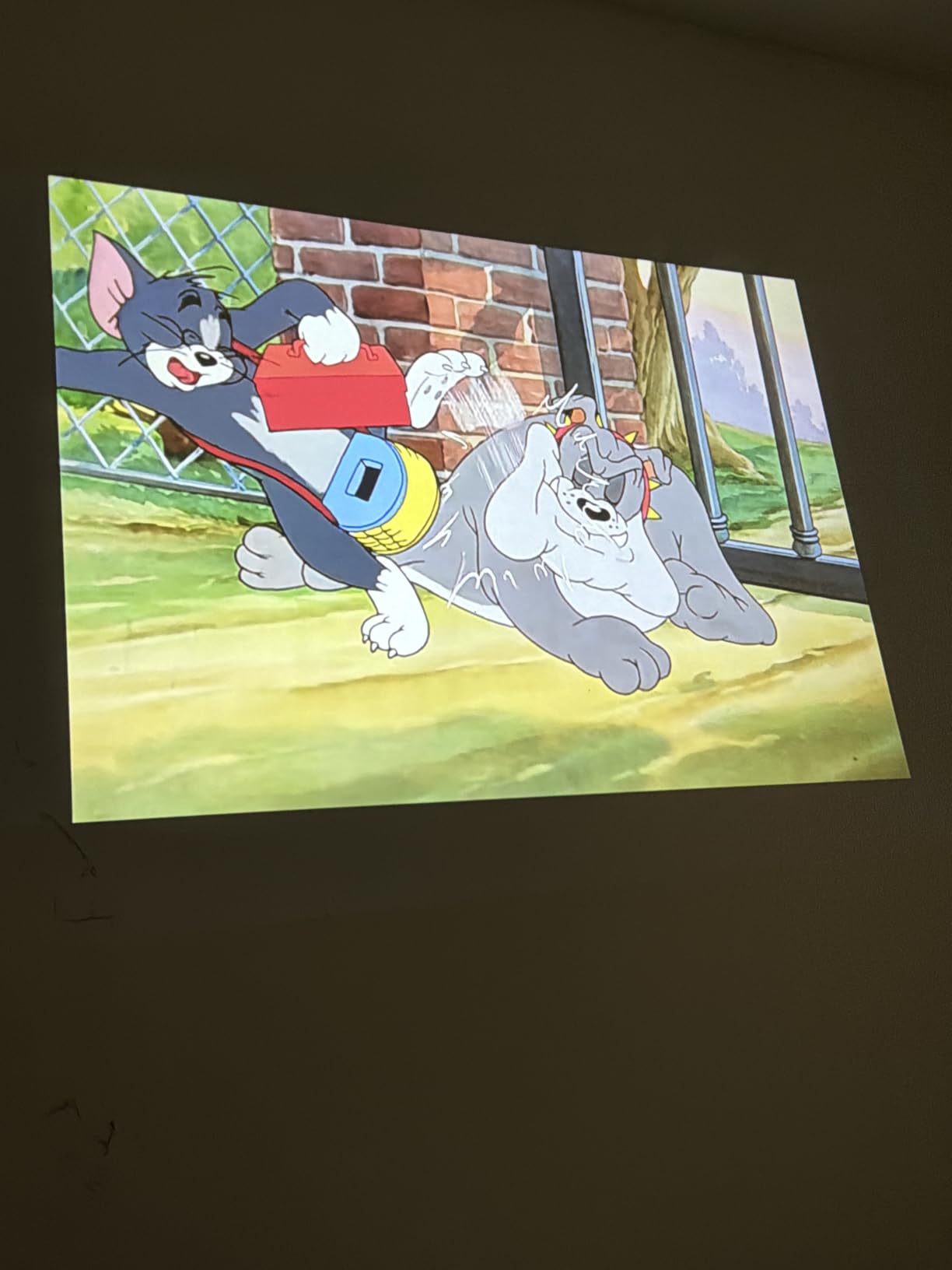
Choose the VOPLLS for travel and Netflix viewing
The combination of official app support, native 1080p, and a thin body is unusually practical. It fits naturally into a bedroom or travel bag without giving up automatic focus and keystone.
Avoid the VOPLLS for bright-room or large-screen use
It cannot match the light output of the Optoma, BenQ, or ONOAYO. I would also avoid calling it a native 4K projector: 4K is supported for playback, while its imaging panel is native 1080p.
How to Choose the Best Projector for Your Room
The right projector depends more on your room than on a single headline number. I use a short checklist before recommending a model, and I would start with native resolution and brightness because they set the baseline for a usable image.
Choose native resolution before treating 4K support as a feature
Native resolution is the number of pixels the imaging system actually creates. A projector that accepts or decodes 4K video may still have a 720p or 1080p panel, so read both terms carefully before comparing it with a native 4K model.
For a bedroom screen of roughly 80 to 100 inches, native 1080p is my default for films, subtitles, and presentations. The TMY and wowlink remain sensible for casual viewing, but their 720p detail is easier to see when text is large on screen.
Use ANSI lumens as a room signal, not a promise of perfect brightness
ANSI lumens describe light output under a defined measurement method, but screen gain, throw distance, wall color, and ambient light still change the result. A 3000-ANSI-lumen model can be a better fit for a family room than a 600-ANSI-lumen model, although the data does not guarantee identical real-world performance.
I would use a dark room for the mini and portable models, even when their published lumens sound competitive. If daytime viewing is essential, prioritize a brighter DLP or LCD design, a suitable screen, and light control rather than relying on keystone correction to solve placement.
Match throw distance to your furniture
A standard-throw projector needs more distance to make a large image, while the BenQ TH671ST creates a 100-inch image from about five feet. Short throw can help in a small room, but it reduces the flexibility to move the image around a wall or screen.
Check the lens-to-screen distance before you order. A projector that sounds perfect on paper can be frustrating if it cannot sit on your shelf without blocking furniture or forcing a tiny image.
Prioritize low input lag for games, not just Game labels
Input lag is the delay between your controller input and the image response. The Optoma and BenQ both advertise gaming-oriented behavior, while the mini models may feel less immediate even when they have a Game mode.
For competitive or fast-paced games, connect with HDMI, disable processing features, and test the resolution and mode you plan to use. A bright picture is less useful when controls feel detached from the action.
Check sound, smart apps, and the accessories you will actually use
Built-in speakers are convenient, but a projector’s small cabinet limits bass and volume. The ONOAYO’s 50W system is the most ambitious here, while the Aurzen’s 5W speakers are better suited to dialogue in a small room; a soundbar or portable speaker can improve either setup.
Smart platforms are useful when the required services are officially supported. The Aurzen’s Roku TV and VOPLLS’s licensed Netflix support are easier to trust than an app store that may be missing a service, and our projector soundbar guide can help with a more immersive audio setup.
Plan for ownership, mounting, and durability
Lamp-based models such as the Optoma and BenQ offer long service figures, but replacement lamps, mounts, and fan noise belong in the ownership calculation. LED and laser designs avoid some lamp maintenance, yet they still need airflow and realistic expectations about claimed light-source life.
Long-term durability is a common projector concern on Reddit forums, where buyers value measured performance and established brands. I would not judge a product only by its maximum image-size claim; look at warranty terms, ventilation, port layout, and whether a repair or replacement would be practical.
For a meeting-room or office environment, our meeting-room projector guide focuses on the different needs of presentations. A home buyer can also compare the value equation against a large TV, but the right answer depends on screen size, room darkness, and the experience you want.
Frequently Asked Questions
What is the best brand for an affordable projector?
There is no single winner for every room, but established brands such as Optoma and BenQ offer strong long-term value in traditional home-theater designs. WiMiUS, Aurzen, YGSKK, Magcubic, and VOPLLS provide feature-rich alternatives when smart apps, portability, and automatic setup matter most.
What is the best projector to buy for home use?
For most buyers, the WiMiUS P62 Pro is the best overall balance of native 1080p resolution, 600 ANSI lumens, smart apps, auto adjustment, and built-in audio. Choose a brighter DLP model for a room with more ambient light or a short-throw BenQ when placement distance is limited.
How much does a really good projector cost?
A genuinely good home projector is usually a mid-range purchase, and the right budget depends on resolution, brightness, and room conditions. Entry-level models can handle a dark bedroom, while brighter 1080p home-theater and gaming projectors generally cost more but deliver stronger long-term picture and connection performance.
What is the best value-for-money home theater projector?
The WiMiUS P62 Pro is my value pick for a flexible home theater because it combines native 1080p, HDR10, 600 ANSI lumens, streaming apps, and auto focus at a practical mid-range commitment. The BenQ TH671ST is a better fit for a permanent short-throw installation, while the Optoma HD146X suits buyers who prioritize brightness and gaming.
Conclusion
The WiMiUS P62 Pro is my overall winner for the best projectors for the price because it gives most buyers the features that matter: native 1080p, useful brightness, automatic setup, streaming support, and stronger audio than basic mini models.
Choose the Aurzen Roku TV D1R if streaming simplicity is your priority, the YGSKK if portability is essential, the ONOAYO for a brighter portable setup, the Optoma for gaming, the BenQ for short throw, and the VOPLLS for a thin travel design. Measure your room, check the required apps, and buy the model whose limits you can live with after the movie starts.