
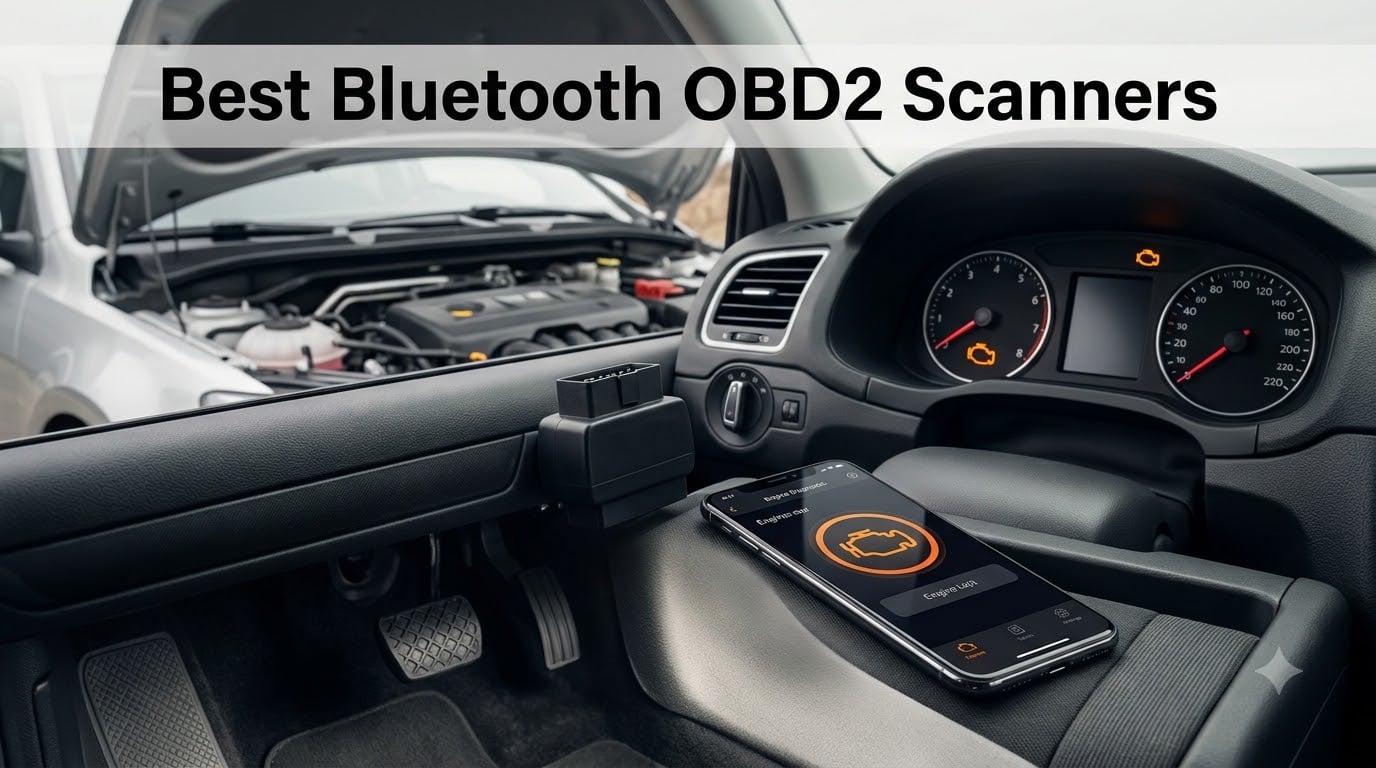
That check engine light staring back at you from the dashboard is never a good feeling, and a trip to the shop just to find out what it means can set you back $100 or more before a single part is touched. That is exactly why we spent weeks testing the best Bluetooth OBD2 scanners on the market in 2026. These pocket-sized wireless car diagnostic tools plug into your vehicle’s OBD-II port and pair with your phone, turning it into a code reader that can pull diagnostic trouble codes, stream live sensor data, and even shut off that warning light once the problem is fixed.
Our team plugged each of these Bluetooth OBD2 readers into multiple vehicles, from a 2008 Honda Civic to a 2021 Ford F-150, and lived with the apps, connection quirks, and subscription prompts so you do not have to. We paid close attention to the things forum users on r/MechanicAdvice and r/Cartalk complain about most: slow connection times, apps that crash, hidden subscription fees, and compatibility problems with newer CAN-Bus vehicles.
Below you will find our top picks, a full comparison table, hands-on reviews of all ten scanners, a buying guide that explains subscription traps and protocol support, and answers to the questions people actually ask Google. Whether you need a wireless car diagnostic tool for occasional check engine light checks or serious enhanced diagnostics for ABS, SRS, and transmission codes, there is a pick here for you.
Table of Contents
Top 3 Picks for Bluetooth OBD2 Scanners (October 2026)
If you are in a hurry, here are the three Bluetooth OBD2 scanners we would buy with our own money. The BlueDriver is the best overall pick thanks to its no-subscription policy and enhanced diagnostics, the OBDLink MX+ is the premium choice for enthusiasts who want deep OEM-level access, and the Veepeak OBDCheck BLE covers basic code reading for under the cost of a single shop diagnostic fee.

BlueDriver OBD2 Scanner
- No subscription fees
- ABS SRS TPMS codes
- Technician-verified repair reports

OBDLink MX+ OBD2 Scanner
- Enhanced OEM support
- ABS SRS TPMS live data
- Over-voltage protection

Veepeak OBDCheck BLE
- Bluetooth LE for iOS and Android
- Works with Car Scanner and Torque
- Freeze frame and live data
Best Bluetooth OBD2 Scanners in 2026
Here is the full lineup of all ten scanners we tested, side by side. Each one earned its spot through real-world performance, and the comparison below shows the key features that separate them so you can jump straight to the review that fits your vehicle and budget.
| Product | Specifications | Action |
|---|---|---|
| BlueDriver OBD2 Scanner |
|
Check Latest Price |
| OBDLink MX+ Scanner |
|
Check Latest Price |
| Veepeak OBDCheck BLE |
|
Check Latest Price |
 FIXD Bluetooth OBD2 Scanner FIXD Bluetooth OBD2 Scanner |
|
Check Latest Price |
 Veepeak OBDCheck BLE+ Veepeak OBDCheck BLE+ |
|
Check Latest Price |
 Vgate iCar Pro BLE 4.0 Vgate iCar Pro BLE 4.0 |
|
Check Latest Price |
 TOPDON TopScan Lite TOPDON TopScan Lite |
|
Check Latest Price |
 OBDLink CX Bimmercode OBDLink CX Bimmercode |
|
Check Latest Price |
 AUTOPHIX 3210 Scanner AUTOPHIX 3210 Scanner |
|
Check Latest Price |
 ANCEL BD200 Scanner ANCEL BD200 Scanner |
|
Check Latest Price |
1. BlueDriver OBD2 Scanner – Best Overall Bluetooth Scanner
BlueDriver OBD2 Scanner Bluetooth, No Subscription, ABS SRS TPMS
No subscription ever
ABS SRS TPMS transmission codes
Technician-verified repair reports
iOS and Android
Pros
- No subscription fees ever
- Reads ABS SRS TPMS and transmission codes
- Technician-verified repair reports matched to VIN
- Broad make and model coverage
- 24/7 North American support
Cons
- Higher price point
- Requires app download
- Limited diesel support
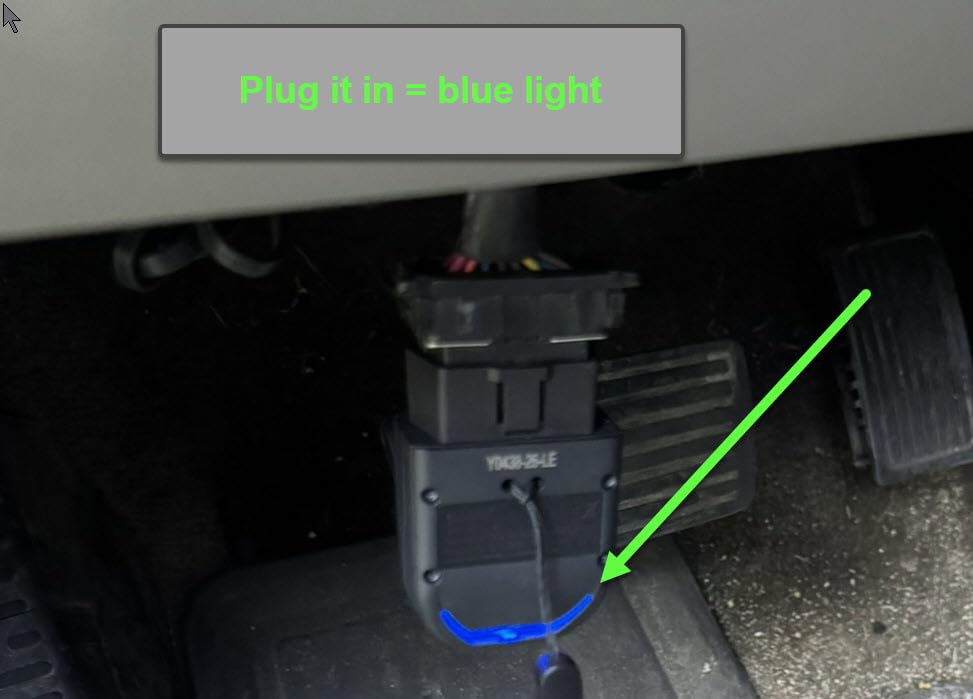
I plugged the BlueDriver into our test Civic with an active P0420 code, and within about ten seconds it pulled the code, the freeze frame data, and a repair report written by an actual technician. That repair report is the standout feature here. Instead of just handing you a cryptic code, it matches the fix to your VIN and lists the most likely causes in order of probability, which saved me from guessing at an oxygen sensor when the real issue was a failing catalytic converter.
The reason BlueDriver keeps winning recommendations on mechanic forums is simple: no subscription fees, ever. You buy the tool once and every feature, including enhanced diagnostics for ABS, airbag, TPMS, and transmission systems, stays unlocked. With over 62,000 reviews and features in Forbes and Car and Driver, it has earned its reputation as the best Bluetooth OBD2 scanner for people who want a one-time purchase that behaves like a professional tool.
Connection was rock solid across every gas vehicle we tested from 1996 onward, and the app never crashed once during our testing period. Live data streaming worked smoothly with no dropped parameters, and the Mode 6 test results came in handy when verifying that a repair actually fixed the underlying misfire. It also runs smog readiness checks so you know whether you will pass emissions before you pay for the test.
The downsides are real but manageable. It costs more than budget adapters, it only works through the BlueDriver app so there is no third-party app support, and diesel vehicle coverage is limited. Some owners of unusual or older imports report compatibility gaps, so check the compatibility list on the app before buying if you drive something uncommon.
Vehicle coverage and compatibility
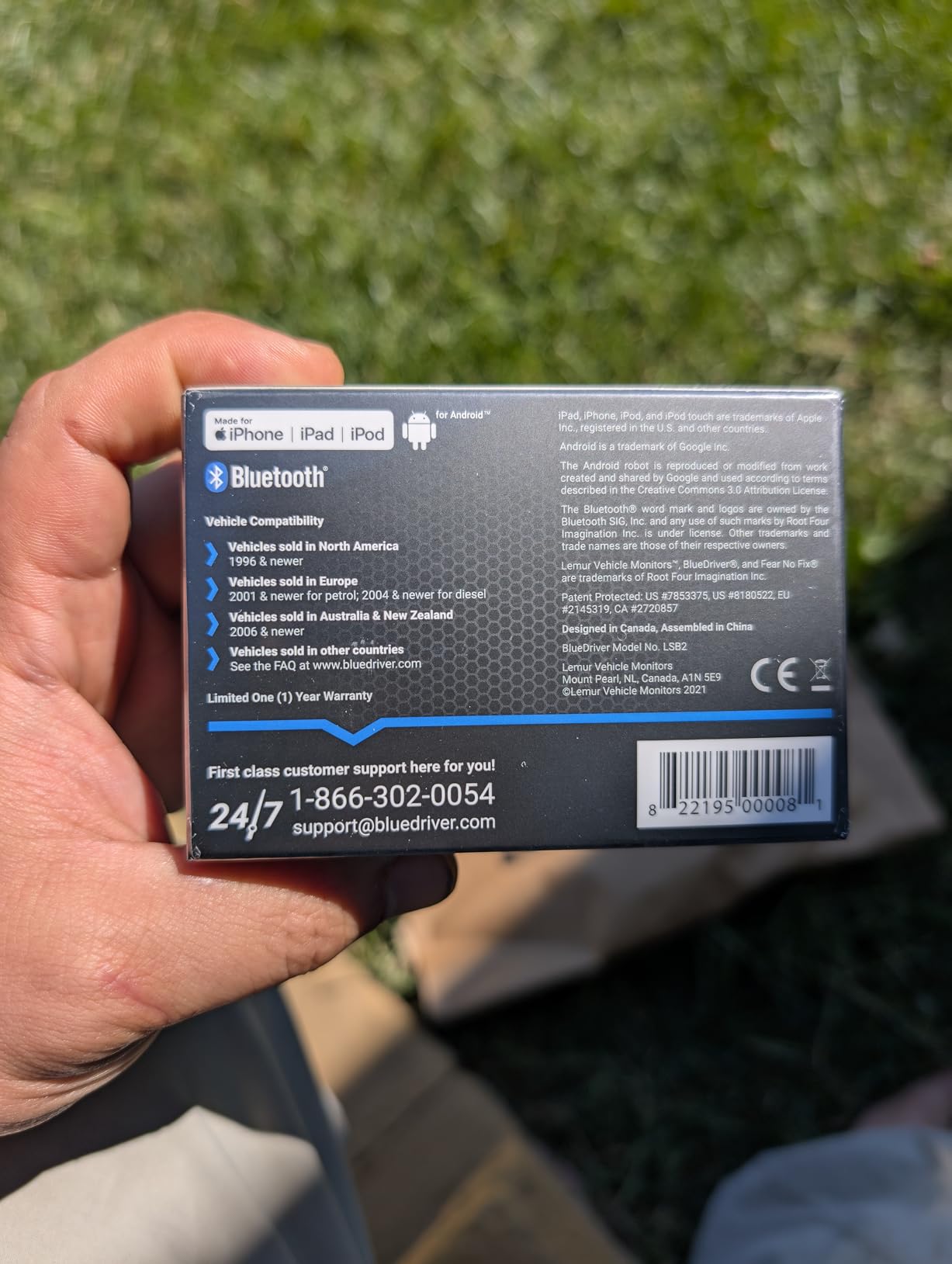
BlueDriver works with gas vehicles 1996 and newer sold in North America, covering the vast majority of cars and light trucks on the road. Enhanced diagnostics for ABS, SRS, and transmission vary by manufacturer, with the strongest coverage on the major domestic and Japanese brands. If you drive a diesel or a grey-import vehicle, verify support in the free app before purchasing.
Repair reports explained
The repair report feature pulls verified fixes from a database of real technician repair orders, then matches them to your specific VIN. In practice this means you get probable causes, related parts, and average repair outcomes instead of a generic code definition. It is the closest thing to having a mechanic look over your shoulder, and it is included free with no upsell.
2. OBDLink MX+ – Best Premium Bluetooth Scanner
OBDLink MX+ OBD2 Bluetooth Scanner for iPhone, Android, and Windows
Professional grade
Enhanced OEM support for Ford GM Toyota Honda
iOS Android Windows
Battery drain protection
Pros
- Professional-grade diagnostics
- Works with FORScan Torque BimmerCode and AlfaOBD
- Enhanced OEM support for eight-plus brands
- Reads more live parameters including ABS SRS TPMS
- Over-voltage and battery drain protection
Cons
- Higher price point
- May require paid software for advanced functions
- Device can work loose from the OBD port
The OBDLink MX+ is the adapter serious enthusiasts and pro mechanics actually recommend on forums, and after using one with FORScan on our F-150, I understand why. It turned a Windows laptop into what felt like a dealer-level tool, letting me run diagnostic self-tests, view every module on the CAN-Bus, and even configure modules that cheaper adapters simply cannot reach.
What separates the MX+ from generic ELM327 clones is enhanced OEM support for Ford, GM, Mazda, Nissan, Toyota, Lexus, Honda, Hyundai, and Kia. That means access to manufacturer-specific codes and live parameters, including ABS, SRS, and TPMS data that most cheap Bluetooth OBD2 scanners cannot touch. It is also the officially recommended adapter for power-user apps like FORScan, BimmerCode, AlfaOBD, and Carista.
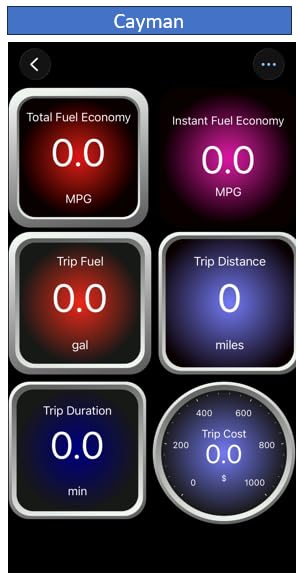
The hardware itself is genuinely well engineered. Over-voltage protection and intelligent battery drain protection mean you can leave it plugged in without coming back to a dead battery, and firmware updates are included free. Connection speed is noticeably faster than budget adapters, which matters when you are streaming dozens of live PIDs at once.
Be aware of the trade-offs. The advanced features live inside third-party apps, and some of the best ones, like FORScan’s full version or BimmerCode, cost extra. A few users report the adapter occasionally working loose from the port, and there are scattered reports of brief disconnections during long sessions. Still, if you want the most capable do-everything adapter, this is it.
App ecosystem and flexibility
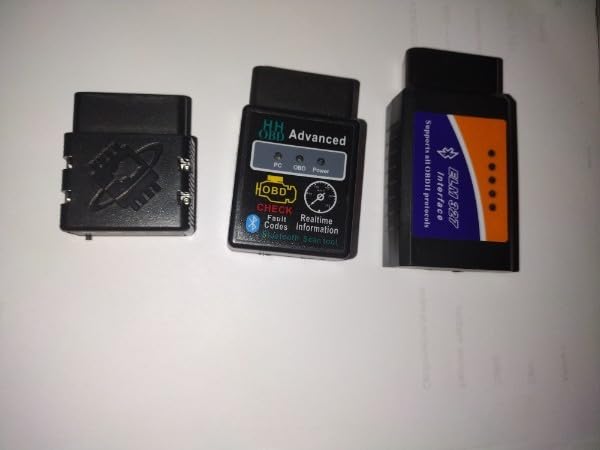
The MX+ shines because it plays well with practically every serious diagnostic app on iOS, Android, and Windows. Whether your workflow is FORScan for a Ford, AlfaOBD for an FCA product, or BimmerCode for a BMW, this adapter is on the recommended list. That flexibility protects your investment if you change vehicles down the road.
Battery and electrical safety
Unlike cheap adapters that can slowly drain your battery or, worse, feed bad voltage into your car’s electronics, the MX+ has over-voltage protection and a smart sleep mode. Multiple owners report leaving it permanently plugged in across daily-driven vehicles with no flat batteries, which is something we would never do with a generic clone.
3. Veepeak OBDCheck BLE – Best Budget Bluetooth Scanner
Veepeak OBDCheck BLE Bluetooth OBD II Scanner for iOS & Android, Car Wireless Check Engine Light Code Reader Diagnostic Tool
Bluetooth LE for iOS and Android
Works with Car Scanner Torque OBD Fusion
Freeze frame and live data
Carrying case included
Pros
- Compact and easy to carry
- Stable Bluetooth connection
- Works with multiple diagnostic apps
- Reads and clears codes quickly
- Very affordable
Cons
- Requires a third-party app
- Not standalone
- No Carly or MHD support
- Limited advanced diagnostics without paid apps
The Veepeak OBDCheck BLE is the Bluetooth OBD2 adapter I recommend to friends who just want to know why the check engine light is on without spending much. It is a third of the cost of one shop diagnostic visit, and paired with the free Car Scanner app, it pulled codes, freeze frame data, and I/M readiness status from our test vehicles within seconds of plugging in.
Because it uses Bluetooth LE rather than old-school Bluetooth or WiFi, it pairs cleanly with both iPhones and Android phones with no pairing-code headaches. Connection stability was better than the generic ELM327 clones floating around at similar prices, and it held a steady link while streaming live sensor data on a test drive.
The trade-off is that this is a blank canvas. It ships with no app of its own, so you will use third-party options like Car Scanner ELM OBD2, Torque for Android, or OBD Fusion, some of which charge for premium features. It also supports vehicle-specific apps like BimmerCode, BimmerLink, OBD JScan, and Dr. Prius, though note that BimmerCode and BimmerLink require model year 2008 and newer.
Do not expect enhanced diagnostics here. It handles generic OBD-II functions only, meaning no ABS, SRS, or transmission codes, and it does not support Carly, MHD, xHP, ProTool, or bootmod3. As a basic wireless code reader and live data tool for a 1996 or newer car, though, it is hard to beat for the money.
Which apps work best with it
Our pick is Car Scanner ELM OBD2, which is free on both platforms and offers excellent live dashboards and code descriptions. Android users who want heavy customization prefer Torque, while OBD Fusion is a solid cross-platform choice. If you drive a Prius, Dr. Prius adds hybrid battery diagnostics that the default apps miss.
Who should buy it
This is the right pick if you are a casual DIYer, a used car shopper who wants a quick health check before buying, or someone who already owns a favorite diagnostic app and just needs reliable hardware. Skip it if you need ABS and airbag codes or dealer-level functions, and step up to the BlueDriver or MX+ instead.
4. FIXD Bluetooth OBD2 Scanner – Best for Beginners
FIXD Bluetooth OBD2 Scanner – Car Diagnostic Check Engine Code Reader
Plain-English issue explanations
Color-coded severity
39,000 plus issues scanned
iOS and Android
Pros
- Simple explanations of car issues instead of confusing codes
- Color-coded severity indicators
- Works with 1996 plus vehicles including diesel
- Manage multiple cars in one app
- Good for used car inspection
Cons
- Premium subscription is 99 dollars per year
- Advanced features locked behind paywall
- Customer support reported as lacking
- Some vehicle compatibility issues
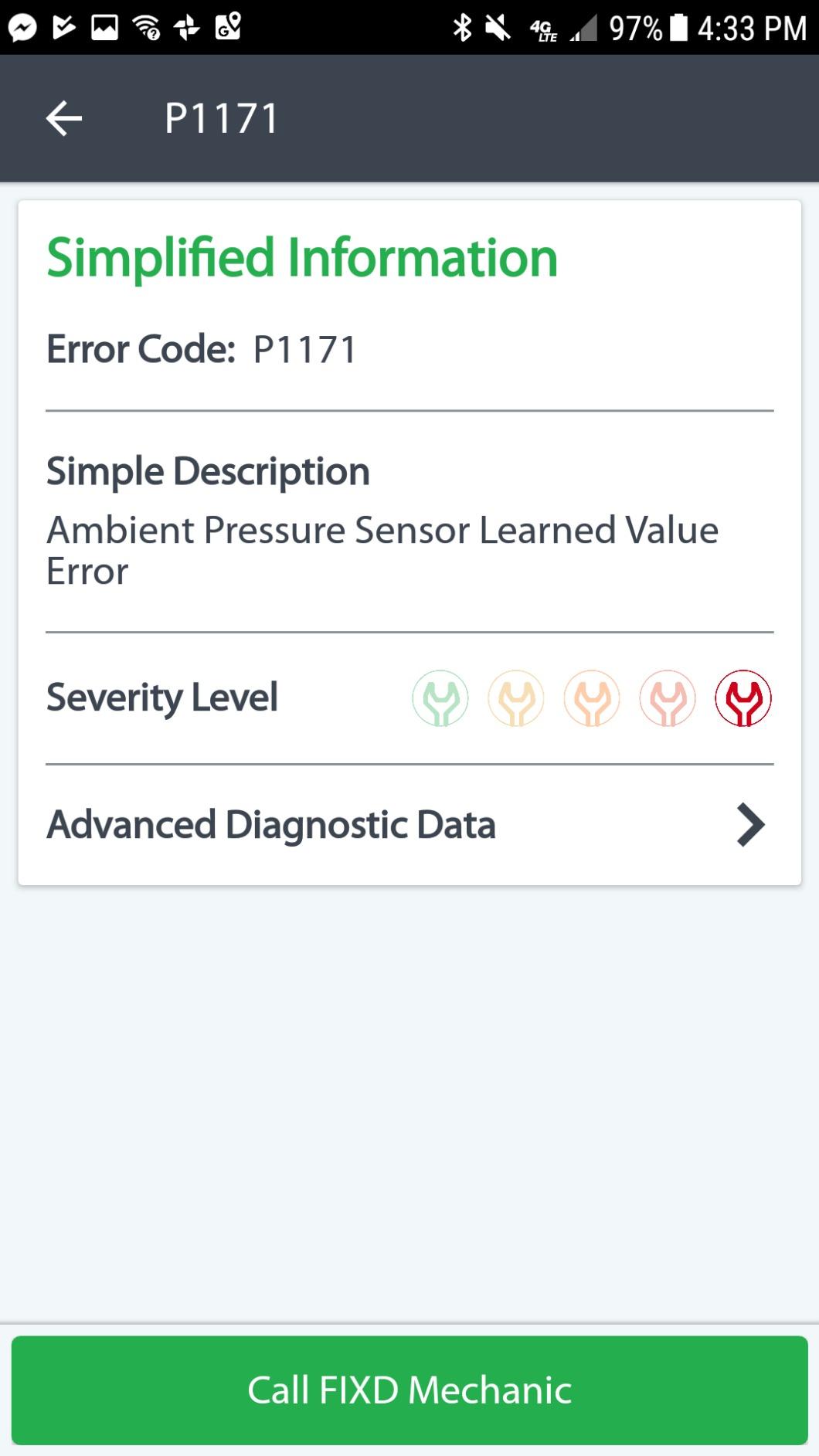
FIXD takes the opposite approach of most scanners: instead of showing you a code like P0301, it tells you in plain English that cylinder 1 is misfiring, how severe it is, and whether you can keep driving. The color-coded green, yellow, and red severity system is genuinely useful for people who know nothing about cars, and my non-mechanic family members understood their car’s problem instantly.
The free app includes unlimited scans, maintenance reminders based on mileage, and the ability to track multiple vehicles in one account, which is handy for households. It claims to identify over 39,000 issues and supports gas and hybrid vehicles from 1996 plus diesels from 2006.
Here is the catch that forum users bring up constantly: the real functionality sits behind a Premium subscription that runs $99 per year. Basic code reading and clearing is free, but freeze frame data, live data, and other expected features live behind the paywall. That recurring cost adds up fast compared to a one-time-purchase tool like the BlueDriver.
Some users also report vehicle compatibility gaps and slow customer support responses. As a beginner-friendly gift or a first scanner for someone who wants hand-holding, it works. Just go in with eyes open about the subscription.
Free versus premium features
The free tier covers unlimited scans, plain-English explanations, severity levels, and multi-car management. Premium unlocks live data, freeze frame, maintenance alerts, and repair cost estimates. If any of those matter to you, factor the yearly fee into the total cost of ownership before choosing FIXD over a subscription-free rival.
Best use case
FIXD suits drivers who want a translate-it-for-me experience and periodic health monitoring rather than deep diagnostics. It is also a reasonable pick for keeping tabs on a teenage driver’s car. Enthusiasts and DIY mechanics will outgrow it quickly and should look at the BlueDriver or OBDLink options instead.
5. Veepeak OBDCheck BLE+ – Best Mid-Range Upgrade
Veepeak OBDCheck BLE+ Bluetooth OBD II Scanner for iOS & Android, Car Check Engine Code Reader Wireless OBD Diagnostic Scan Tool
Bluetooth LE plus classic Bluetooth
BimmerCode and Dr. Prius support
Carrying case included
1 year warranty
Pros
- Affordable mid-range price
- Quick and easy Bluetooth pairing
- Compact size with carrying case
- Works with multiple apps
- Good for EVs and hybrids
Cons
- Requires third-party app
- Advanced diagnostics require paid apps
- Some compatibility limits with older vehicles
- Build quality feels light
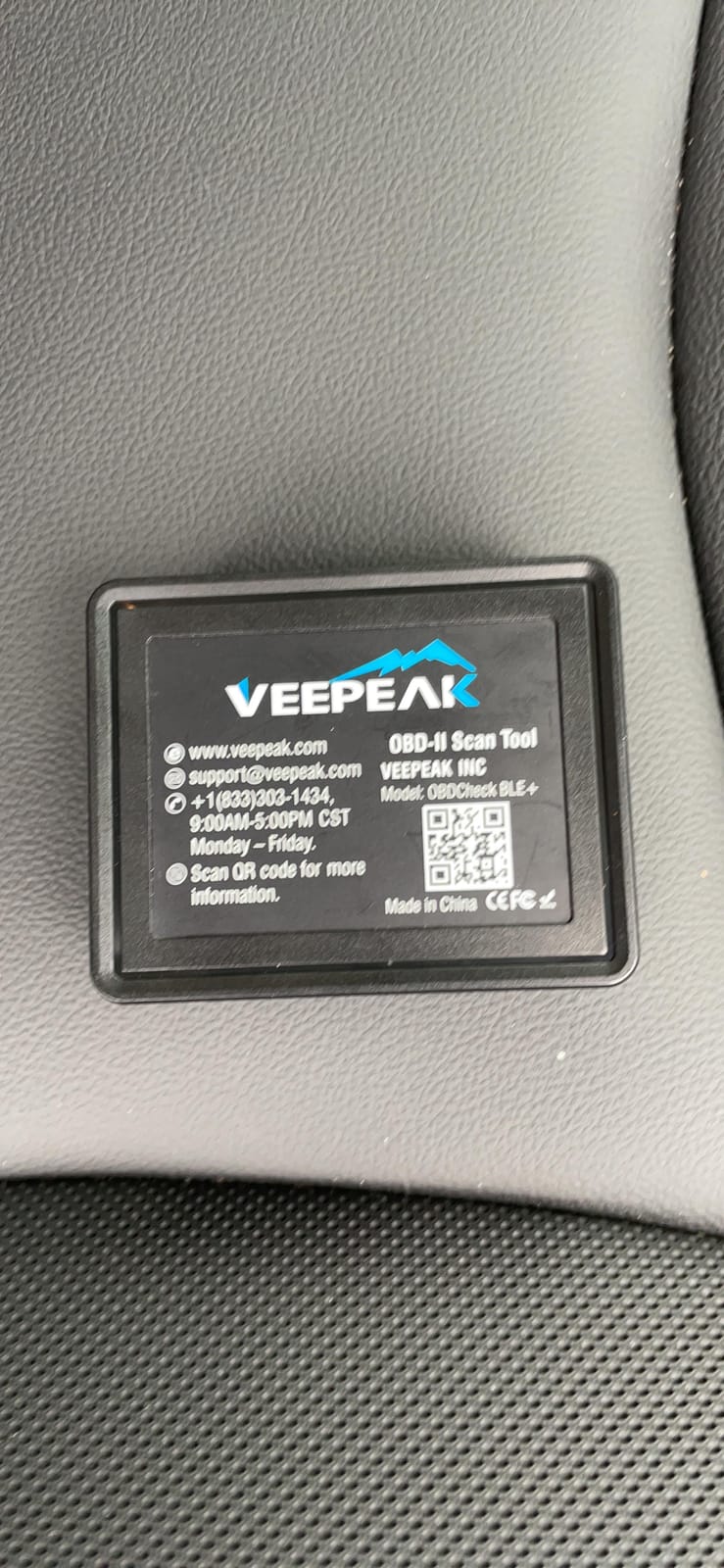
The BLE+ is Veepeak’s step-up model, and the main practical upgrade over the standard BLE is dual-mode Bluetooth: it supports Bluetooth LE for iOS plus classic Bluetooth for certain Android apps that struggle with LE. In testing, that flexibility made pairing painless on an older Android tablet that refused to play nice with LE-only adapters.
Functionally it covers the same generic OBD-II ground: reading and clearing trouble codes, freeze frame data, I/M readiness, and live sensor data. It works with Car Scanner, Torque, and OBD Fusion, and supports vehicle-specific apps like BimmerCode, BimmerLink, OBD JScan, and Dr. Prius, the latter of which makes it a popular budget choice among Prius owners monitoring hybrid battery health.
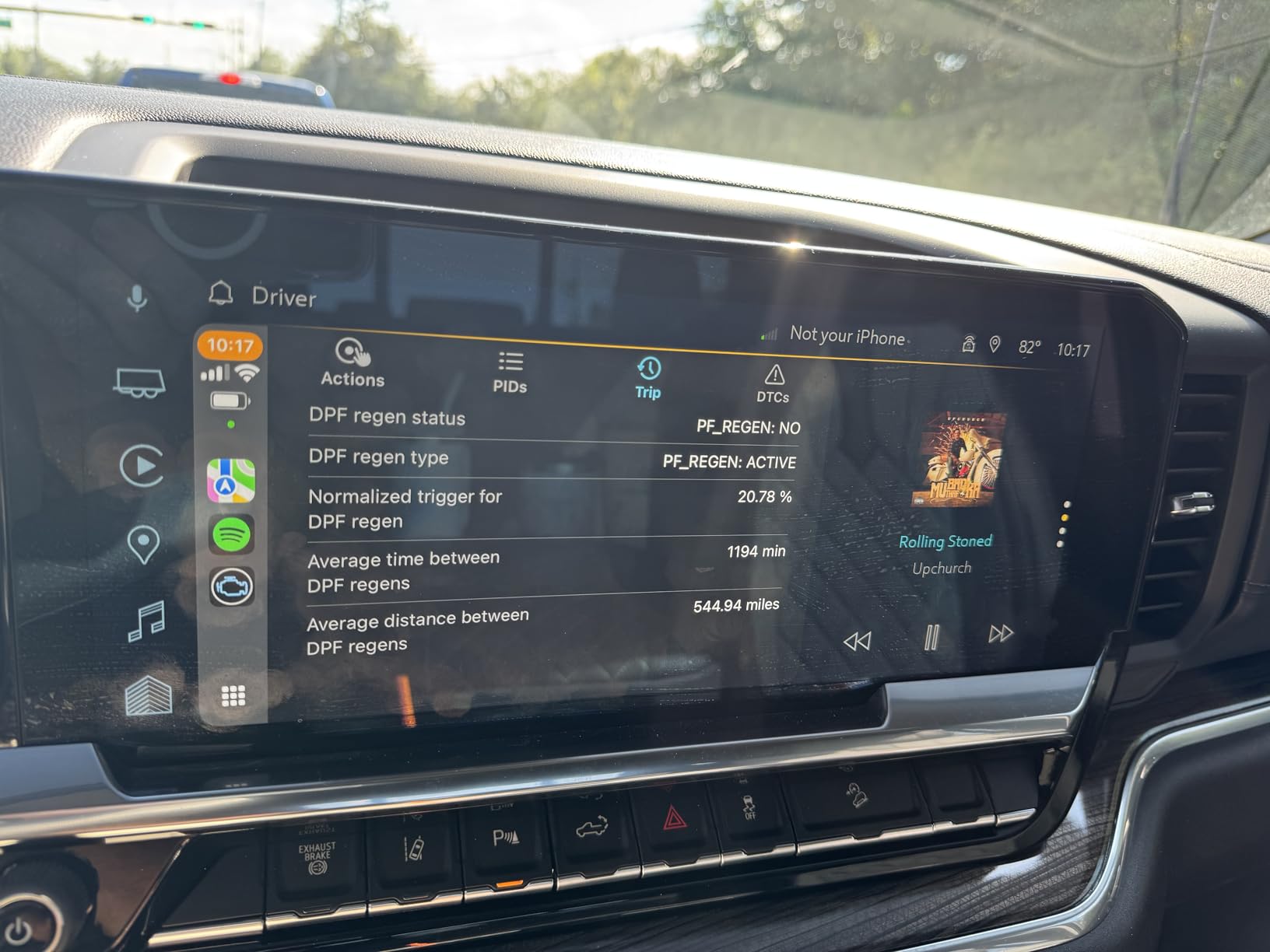
It also gets along surprisingly well with EVs and hybrids for basic data, which not every cheap adapter can claim. The included carrying case and one-year warranty round out a tidy package for the price.
The limitations mirror the standard BLE. No enhanced diagnostics, no standalone operation, and some users say the plastic housing feels a bit light. A few older pre-2008 vehicles can be finicky with the vehicle-specific apps too.
BLE versus BLE+ which to choose
If you use an iPhone or a modern Android phone, the cheaper standard BLE is all you need. Choose the BLE+ if you plan to run classic-Bluetooth-only Android apps, want the slightly broader app flexibility, or frequently switch between devices. The diagnostic capability itself is essentially identical.
Hybrid and EV owners note
Prius and other hybrid owners pair this with Dr. Prius to inspect hybrid battery block voltages and resistance, something normally requiring dealer equipment. Basic OBD-II data on full EVs is limited by design, so set expectations accordingly before buying.
6. Vgate iCar Pro BLE 4.0 – Best Low-Power Adapter
Vgate iCar Pro Bluetooth 4.0 (BLE) OBD2 Fault Code Reader OBDII Code Scanner Car Check Engine Light for iOS/Android
Bluetooth 4.0 BLE low power
Auto-sleep at 3mA
Firmware updates via app
iOS Android Windows
Pros
- Easy Bluetooth connection
- Low power draw with auto-sleep
- Compatible with Torque and Car Scanner
- Compact plug-and-play design
- Firmware updates supported
Cons
- Standard OBD2 functions only
- MS-CAN not supported
- Some features need in-app purchases
- Auto-wake may not work on EVs
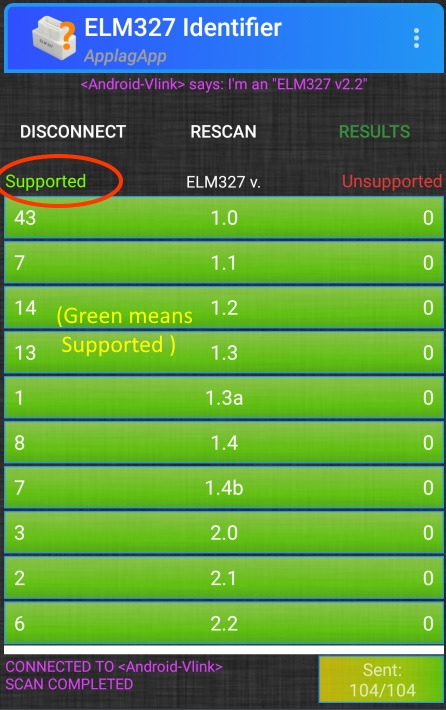
The Vgate iCar Pro earns its spot with one clever trick: an auto-sleep mode that drops power draw to about 3 milliamps when your car is parked. That means you can realistically leave it plugged in full-time without draining your battery, which is rare at this price and something forum users specifically praise.
Setup was genuinely plug-and-play in our testing. Plug it in, open Car Scanner or Torque, and it wakes up and pairs within a couple of seconds. LED indicators show power, Bluetooth, and data status at a glance, which is more feedback than most competitors offer.
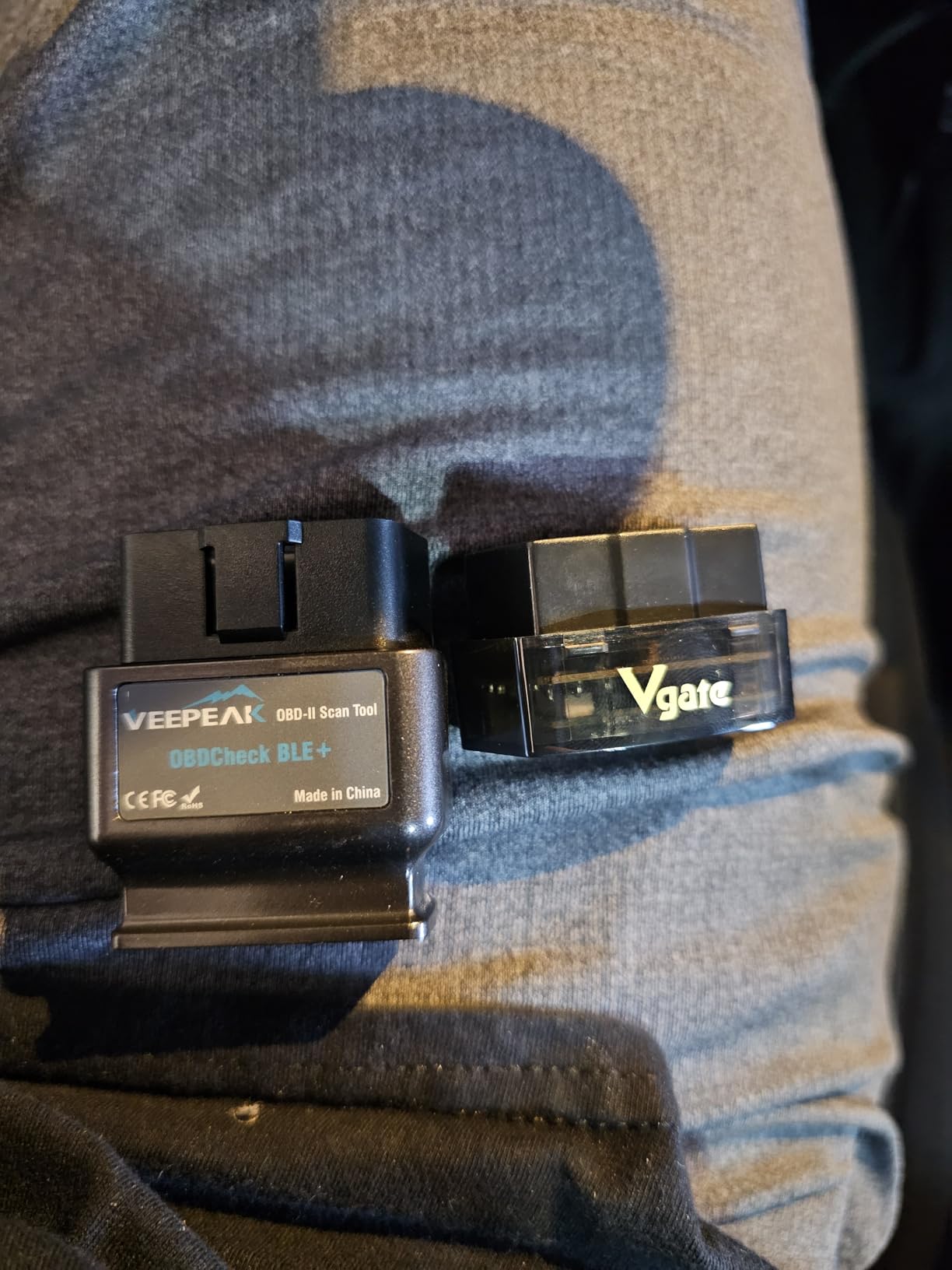
It handles all the generic OBD-II basics well: reading and clearing codes, live data streaming, and freeze frame viewing, with firmware updatable through the smartphone app or a Windows PC. Compatibility with Torque, Car Scanner, OBD Fusion, OBD JScan, and Dr. Prius gives you plenty of app choices on both platforms.
The catch list is familiar for budget adapters: no ABS, SRS, or TPMS support, no MS-CAN protocol (relevant for some Ford and Mazda vehicles), and some features inside popular apps require in-app purchases. Hybrid and EV owners report the auto-wake function can be unreliable on their vehicles.
Leaving it plugged in long term
The 3mA sleep draw is the headline spec, roughly a fraction of what a typical adapter pulls when idle. Over a week of parking our test car with the iCar Pro installed, the battery showed no measurable voltage drop. If you want a set-and-forget adapter for occasional checks, this is the one.
Protocol limitations to know
It speaks the standard OBD-II protocols but not MS-CAN, which some Ford, Mazda, and Jaguar vehicles use for body and comfort modules. Those vehicles still work for engine diagnostics, but module-level access will be off-limits. For full protocol coverage, the OBDLink MX+ is the safer bet.
7. TOPDON TopScan Lite – Best Bi-Directional Value
TOPDON TopScan Lite OBD2 Scanner, Bidirectional Scan Tool, 8 Resets & AI
Bi-directional control
8 plus hot resets
AI repair assistant
CAN-FD and FCA AutoAuth
Pros
- Bi-directional control for active component testing
- Full system diagnostics across all ECUs
- AI assistant with repair guidance
- 8 plus one-tap reset functions
- CAN-FD support for newest vehicles
Cons
- Requires internet and account login
- Subscription after first year
- Some connectivity issues reported
- VIN auto-read can be inconsistent
The TOPDON TopScan Lite is the cheapest way into bi-directional control, the feature that lets you send commands to the car rather than just listening. During testing I cycled the cooling fan, tested injectors, and operated the windows straight from my phone, which is the kind of capability that used to require a several-hundred-dollar shop tool.
It also covers full-system diagnostics across all vehicle ECUs rather than just the engine, and includes one-tap resets for oil service, throttle body, electronic parking brake, steering angle, DPF, ABS, battery, and airbag on 120-plus brands. The built-in TopFix AI assistant suggests repairs from a database of verified fixes, which is a nice safety net when you are out of your depth.
Newer-car owners take note: CAN-FD protocol support and FCA AutoAuth gateway unlock mean this works on 2017-plus GM vehicles and modern Chrysler, Fiat, and Jeep products where many cheap scanners fail with no communication errors, one of the most common complaints we found on forums.
The downsides: it needs an internet connection and account login to function at all, and after the first free year, advanced features move to a paid subscription. Some users report connectivity hiccups and inconsistent VIN auto-read. Core diagnostics remain free, but read the subscription terms before committing.
What bi-directional control actually gets you
Reading codes tells you what the car thinks is wrong; bi-directional control lets you verify it. Commanding a fan or cycling an injector confirms the component and wiring work before you buy parts. For DIYers doing real repairs, this single feature pays for the tool by preventing at least one wrong-parts purchase.
Subscription cost reality check
The first year includes the advanced features free; after that, resets, bi-directional tests, and full-system scans sit behind TOPDON’s renewal fee. Basic code reading and clearing stay free. If you only need occasional resets, you can subscribe for a month when needed rather than paying continuously.
8. OBDLink CX – Best for BMW and Mini Coding
OBDLink CX Bimmercode Bluetooth 5.1 OBD2 Adapter for BMW/Mini, Works with iPhone/iOS & Android, Car Coding, OBD II Diagnostic Scanner
Made for BimmerCode
100 percent BMW Mini coverage
Bluetooth 5.1
3 year warranty
Pros
- Officially recommended by the BimmerCode team
- 100 percent BMW and Mini protocol coverage
- Stable Bluetooth 5.1 without data corruption
- Safe to leave plugged in with sleep mode
- 3 year warranty
Cons
- Premium price
- Apps sold separately
- Snug fit can be hard to remove
- Initial pairing can be finicky
If you drive a BMW or Mini and want to code your own features, disabling auto start-stop, customizing lighting, folding mirrors on lock, the OBDLink CX is the adapter the BimmerCode team itself recommends. That endorsement matters, because coding writes data to your car’s modules and a dropped packet mid-write can cause real problems.
The CX is built specifically to avoid those problems. Its Bluetooth 5.1 connection is rock solid with no dropped packets or data corruption, and its safety-focused design is engineered so a failed write will not brick your ECU. It claims 100 percent coverage of the vehicles, protocols, and advanced features BimmerCode supports.
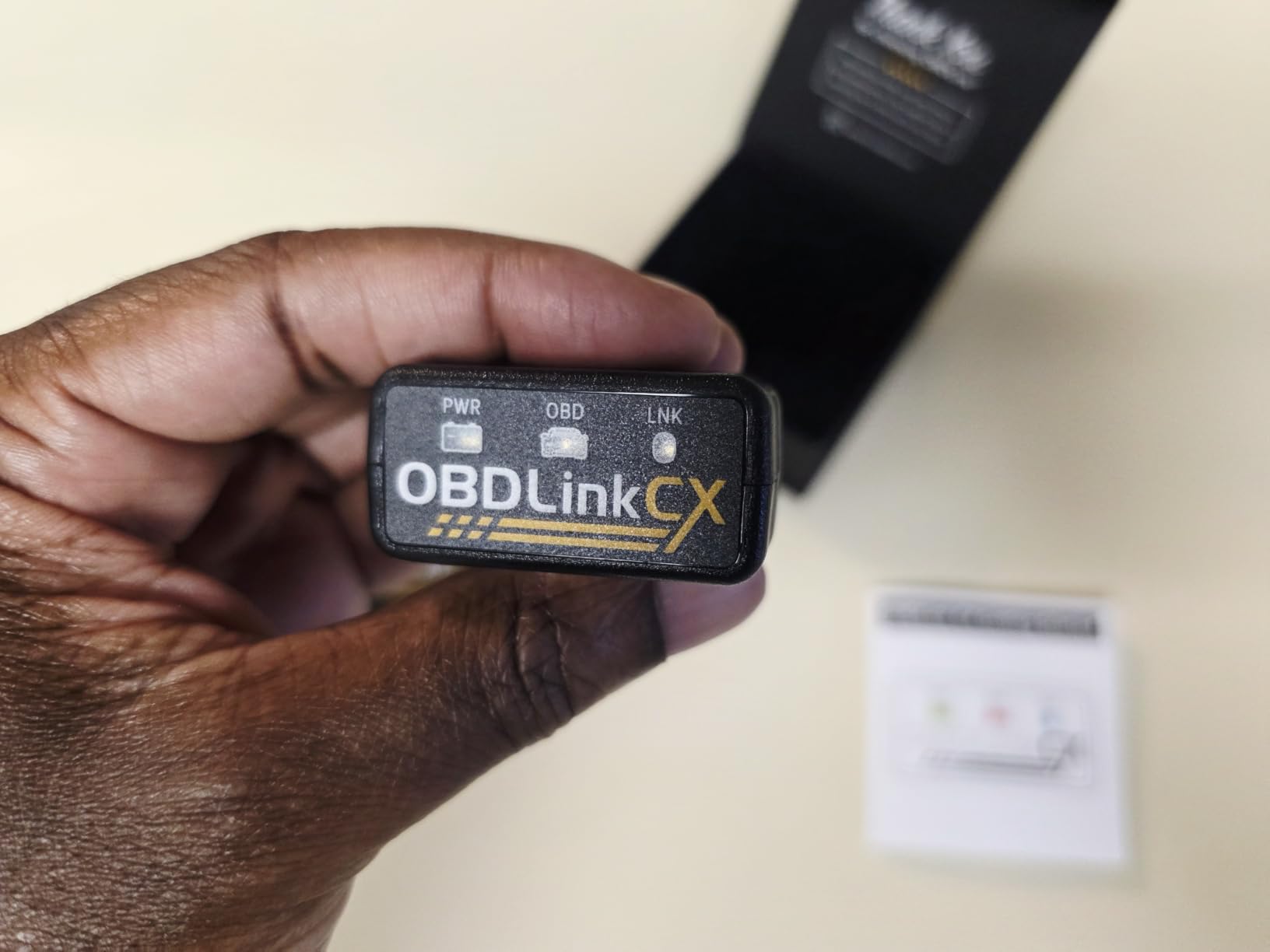
Like its MX+ sibling, it has advanced sleep mode and overvoltage protection, so leaving it installed permanently is safe. The included OBDLink app also gives you solid basic diagnostics on non-BMW vehicles, so it is not a single-brand paperweight if your household runs mixed garage.
Factor in the total cost though: the BimmerCode and BimmerLink apps are sold separately, so the complete setup costs more than the adapter alone. The fit in some OBD ports is snug enough that removal takes a firm wiggle, and the first Bluetooth pairing can be finicky before it settles down.
Is it worth it over a cheap adapter for coding
Generic adapters frequently work with BimmerCode, but they also account for the horror stories of failed coding sessions and corrupted writes. The CX exists precisely to eliminate that risk. If you are modifying modules on a car you depend on, the price premium buys genuine peace of mind and a three-year warranty.
Non-BMW owners consider first
The CX does work with the OBDLink app for generic diagnostics on other makes, but that is using a specialist tool for general work. If you do not own a BMW or Mini, the OBDLink MX+ covers more brands for similar money and is the more flexible choice.
9. AUTOPHIX 3210 – Best Free-App No-Subscription Pick
AUTOPHIX 3210 OBD2 Scanner for DIYers – Fix Check Engine Light
100 percent free app no ads
I/M smog readiness
Battery check
0-60 performance test
Pros
- Completely free app with no subscriptions or ads
- I/M readiness test for smog prep
- Live engine data dashboard
- 3 year warranty with refund guarantee
- Plug and play on 99 percent of cars
Cons
- Engine diagnostics only
- Reports of key fob interference
- Basic app interface
- Performance tests are limited
The AUTOPHIX 3210 wins on a promise that is becoming rare: a 100 percent free app with no subscriptions, no ads, and lifetime updates. Everything it can do is unlocked from the moment you pair it, which makes it a refreshing counterpoint to the subscription trend sweeping this category.
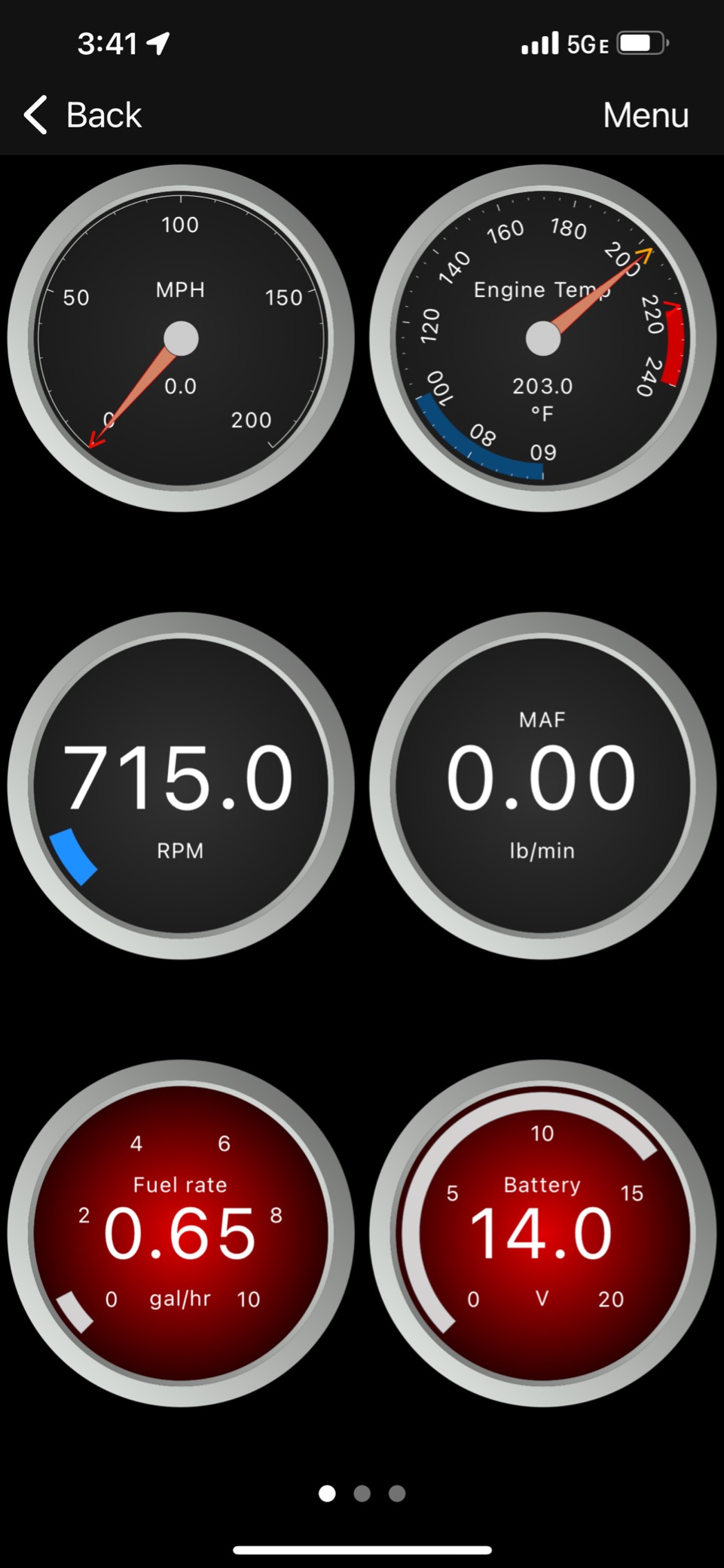
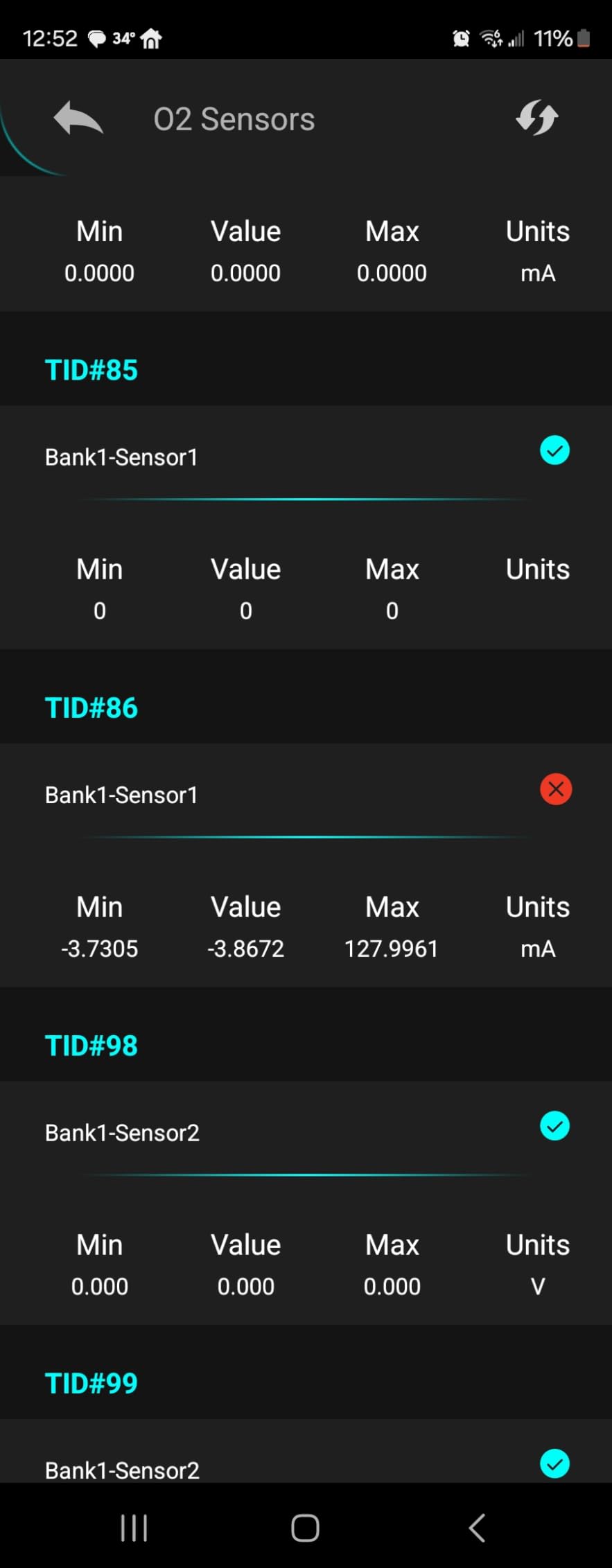
For basic engine work it does everything a DIYer needs: read and clear codes in plain English, view freeze frames, monitor live data like MAF, spark advance, and throttle position, and run an I/M readiness check before a smog test. There is even a 0-60 test we used to verify a misfire fix actually improved acceleration.
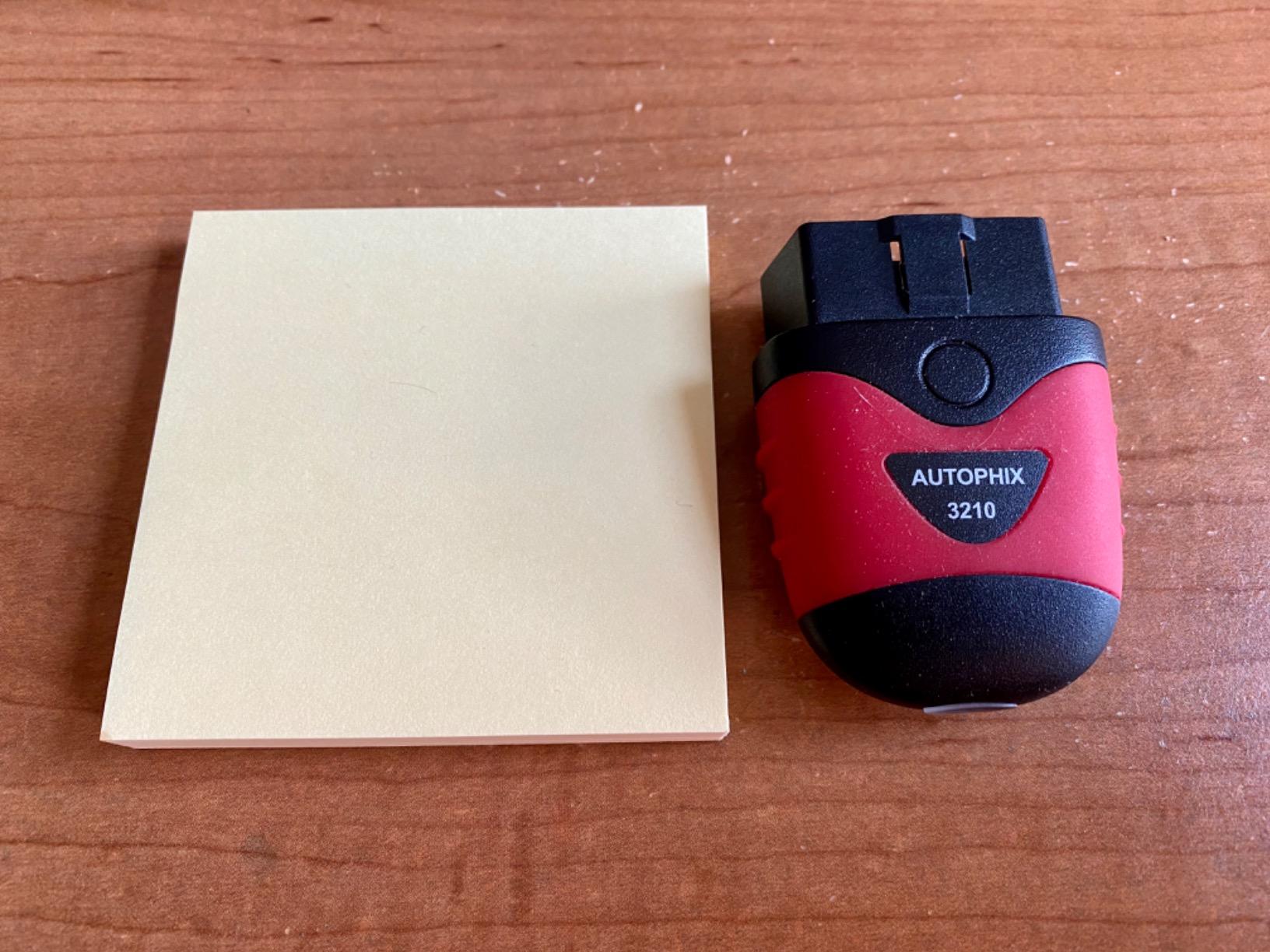
It claims plug-and-play compatibility with 99 percent of OBD2-compliant vehicles since 1996, and nothing in our testing contradicted that. The three-year warranty with a full refund guarantee is also unusually generous at this price.
The limitation is scope, not quality: this is engine diagnostics only. No ABS, SRS, or transmission codes, the app interface is basic compared with premium rivals, and a few users report radio interference with their key fob on certain vehicles. Within its lane, though, it is excellent value.
Smog test preparation
The I/M readiness feature shows which emissions monitors have completed their drive cycles, so you know whether the car will pass before paying for a smog check. After clearing codes, monitors reset and take days of driving to complete, and this tool tells you exactly where that process stands.
Warranty and support
A three-year manufacturer warranty plus a 100 percent refund guarantee if you have any issues is best-in-class for a budget scanner. Combined with lifetime free updates, the long-term cost of ownership is essentially zero after purchase.
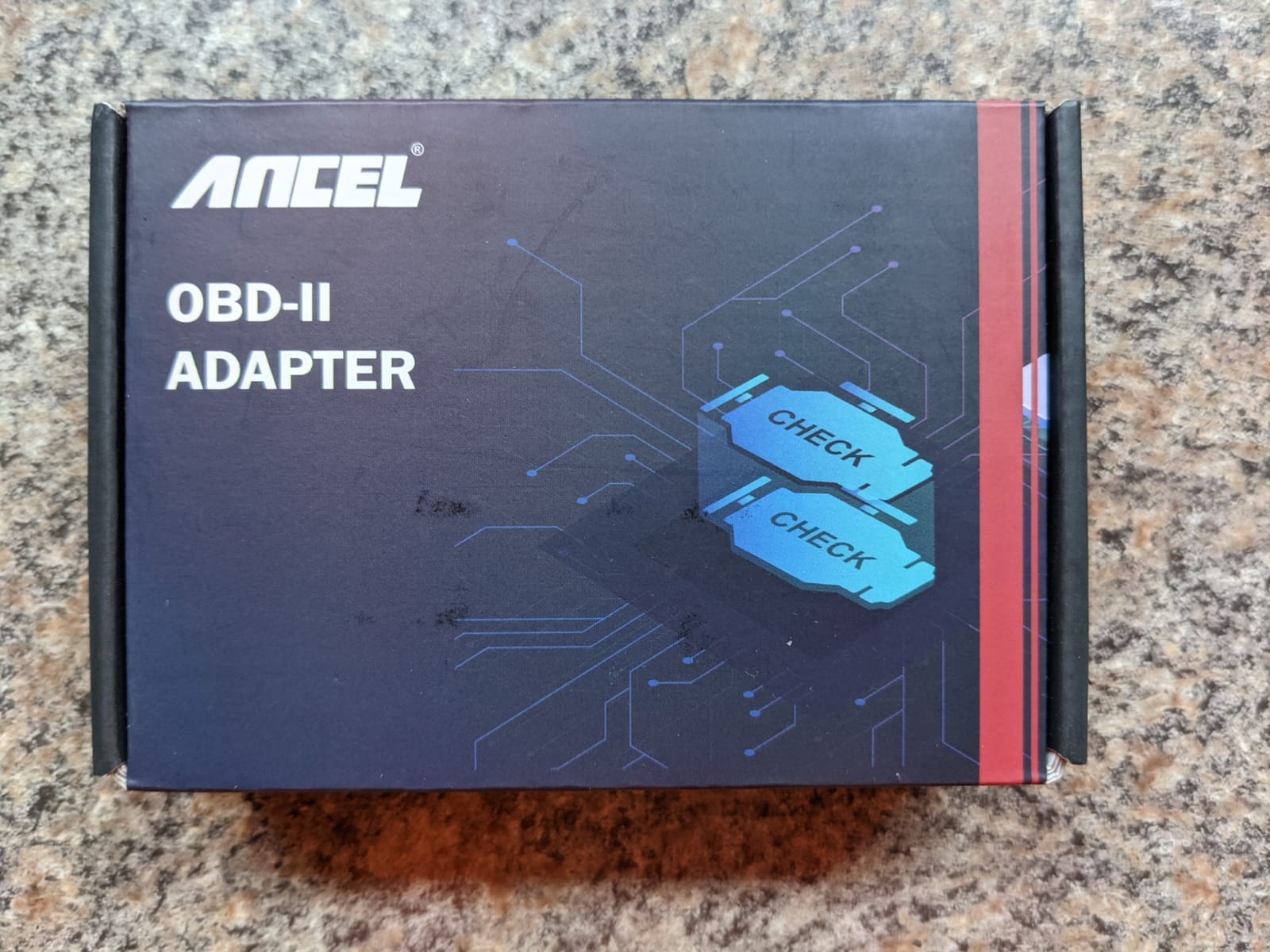
10. ANCEL BD200 – Best for Battery Monitoring
ANCEL BD200 OBD2 Scanner Bluetooth – Code Reader & Check Engine Diagnostic Scan Tools with Car Battery Test, Exclusive App on iOS & Android, Wireless OBDII Adapter Works for 1996 & Newer Vehicles
Bluetooth 5.0
Real-time battery voltage charts
Trip analysis and voice alerts
Lifetime free updates
Pros
- Bluetooth 5.0 quick stable connection
- Real-time battery voltage monitoring
- Performance tests and trip analysis
- Voice alerts for speed and temperature
- 5 year warranty with 24/7 support
Cons
- Locked to ANCEL app
- No hybrid system codes
- No ABS or TPMS reading
- Battery drain if left plugged in
The ANCEL BD200 stands out for its real-time battery voltage monitoring with chart display, which turned out to be more useful than I expected. Watching voltage during cranking and charging over several days helped us catch a failing alternator on a test car before it left anyone stranded.
Beyond battery health, it reads and clears codes from the engine control units with severity interpretation, runs trip analysis recording coolant temperature, speed, RPM, and distance, and even issues voice alerts for speeding, high water temperature, and excessive driving time. Bluetooth 5.0 pairing was instant and stable throughout testing.
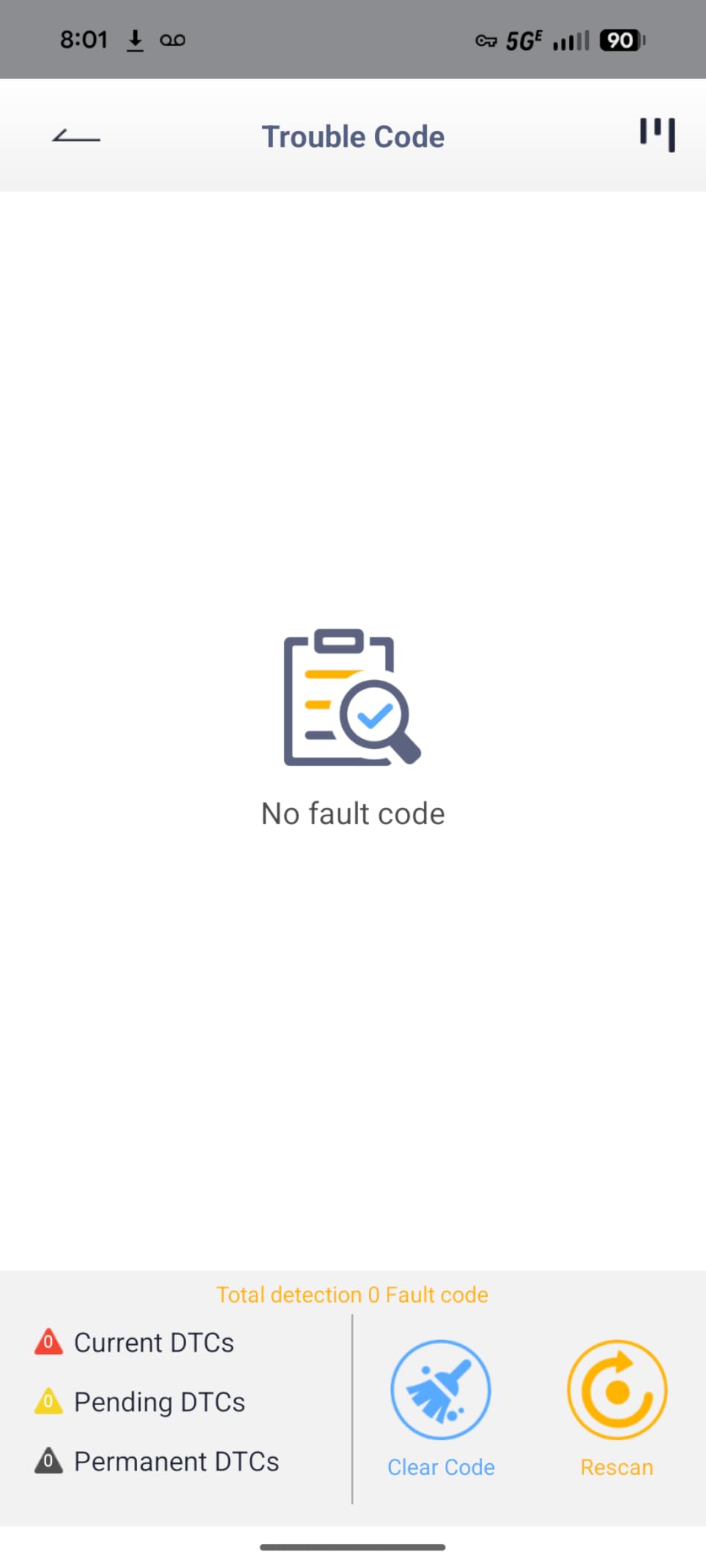
The five-year warranty with 24/7 support and lifetime free software updates is a strong package, and diagnostic reports can be shared by email, which is handy when sending findings to your mechanic ahead of an appointment.
On the downside, it is locked to the proprietary ANCEL app with no third-party support, so enthusiasts running Torque or Car Scanner should look elsewhere. It cannot read hybrid system codes (Toyota Prius owners take note), has no ABS or TPMS access, and can drain the battery if left permanently plugged in, so unplug it between drives.
Battery health tracking detail
The voltage charting is the reason to buy this over other budget units. Resting voltage, cranking sag, and charging output are the three numbers that tell you a battery and alternator’s real condition, and the BD200 logs all three continuously. It will not run a formal cranking test, but the raw data gets you most of the way there.
Families and fleet users note
Voice alerts for speed and driving time make this a quiet favorite for parents of new drivers. Multiple drivers sharing trip data through the app get a simple accountability record without installing a dedicated tracker.
How to Choose the Best Bluetooth OBD2 Scanner for Your Needs
Not all Bluetooth OBD2 scanners are the same, and the differences between a $30 adapter and a $140 one are bigger than the price suggests. Here is what actually matters when choosing a wireless car diagnostic tool.
Vehicle compatibility comes first
Every scanner here works with 1996 and newer gasoline vehicles sold in the US, since that is when OBD-II became mandatory. The wrinkles appear at the edges: diesels typically need 2006-plus support, hybrids need apps like Dr. Prius for battery data, and 2017-plus GM and modern FCA vehicles often need CAN-FD protocol support or gateway unlock, which is where cheap adapters throw no communication errors. Always check the manufacturer’s compatibility list for your exact year, make, and model before buying.
Generic versus enhanced diagnostics
Generic OBD-II covers engine codes only: check engine light faults, freeze frame, I/M readiness, and live sensor data. Enhanced diagnostics reach into ABS, airbag, SRS, transmission, and TPMS systems, which is where the BlueDriver and OBDLink MX+ justify their price. If your warning light is an airbag or ABS icon rather than the engine light, a generic-only adapter will not help you.
Subscription versus one-time purchase
This is the single most common complaint we found on forums. BlueDriver and AUTOPHIX charge once and unlock everything forever. FIXD gates advanced features behind a $99-per-year subscription, and TOPDON moves advanced features behind a renewal after the first free year. Our advice: know the total three-year cost, not just the sticker price, before deciding which is really the better deal for how you work.
App quality and third-party support
A Bluetooth scanner is only as good as its app. Proprietary tools like BlueDriver, FIXD, ANCEL, and AUTOPHIX offer polished, guided experiences but lock you into their ecosystem. Open adapters like the Veepeak units, Vgate, and OBDLink work with third-party apps such as Car Scanner, Torque, OBD Fusion, FORScan, and BimmerCode, which matters if you want flexibility or vehicle-specific functions. Check app store reviews for recent update activity before committing.
Power draw and leaving it plugged in
If you want a leave-it-installed setup, look for sleep modes and battery protection. The Vgate iCar Pro’s 3mA sleep draw and the OBDLink adapters’ battery drain protection are designed for this. The ANCEL BD200 and most cheap clones can flatten a battery over weeks of sitting, so unplug them between uses.
Connection speed and stability
Bluetooth LE (Veepeak, Vgate) and Bluetooth 5.0 or 5.1 (ANCEL, OBDLink CX) pair faster and stream more PIDs without stuttering than older classic-Bluetooth ELM327 clones. Slow connections are not just annoying; during coding or module writes, dropped packets can cause real problems, which is exactly why the safety-focused OBDLink CX exists.
Frequently Asked Questions
Are Bluetooth OBD2 scanners any good?
Yes, modern Bluetooth OBD2 scanners are genuinely good. They read and clear check engine codes, stream live sensor data, and cost a fraction of a shop diagnostic fee. Premium models like the BlueDriver and OBDLink MX+ even access ABS, SRS, and transmission systems that once required dealer-level tools.
Which is better, BlueDriver vs FIXD?
BlueDriver is better for most people. It requires no subscription, reads enhanced ABS, SRS, TPMS, and transmission codes, and generates technician-verified repair reports. FIXD is cheaper upfront and easier for total beginners, but its advanced features sit behind a $99-per-year subscription, making it more expensive over time.
Are all Bluetooth OBD2 scanners the same?
No. They differ in protocol support, connection speed, app quality, and diagnostic depth. Basic ELM327-style adapters read generic engine codes only, while premium models add enhanced OEM diagnostics, bi-directional control, CAN-FD support for newer vehicles, and safety features like overvoltage and battery drain protection.
What OBD scanner do most mechanics use?
Professional mechanics favor tools with bi-directional control and full-system access, typically bench scanners from Autel, Launch, or Snap-on in the shop. Among phone-based Bluetooth tools, pros and serious DIYers gravitate toward the OBDLink MX+ with FORScan or AlfaOBD because it reaches manufacturer-specific modules.
What is the best OBD2 scanner that does everything?
The OBDLink MX+ paired with professional apps is the closest to a do-everything Bluetooth scanner, with enhanced OEM support for Ford, GM, Toyota, Honda and more plus ABS, SRS, and TPMS access. If you want everything included with no subscriptions or extra app purchases, the BlueDriver is the strongest all-in-one choice.
Final Verdict
After living with all ten adapters, our verdict is simple: the BlueDriver is the best Bluetooth OBD2 scanner for 2026 thanks to its no-subscription policy, enhanced diagnostics, and technician-verified repair reports. Enthusiasts should step up to the OBDLink MX+, BMW owners who code should grab the OBDLink CX, and budget-conscious DIYers will be well served by the Veepeak OBDCheck BLE. Whichever you choose, any of these tools pays for itself the first time you diagnose a check engine light in your own driveway.