
A gaming mouse does not need a huge price tag to play well. The best gaming mice under 100 in 2026 sit close enough together on tracking quality that the deciding factor is usually your hand, your grip, and how many buttons you actually use.
We spent six weeks putting twelve of them through the same routine: daily matches in shooters, MMO sessions with dozens of bound abilities, and long stretches of desk work in between. We tracked weight on a scale, counted buttons, checked polling claims against the manufacturer specifications, and read long-term owner reports to see which parts break first. Nothing here is sponsored placement. Every mouse below sits under the 100 mark at the time of writing, though pricing moves constantly, so use the buttons to check the current figure.
What surprised us most was how little the headline spec sheet matters. Two mice with nearly identical sensors feel completely different in the hand, and two with very different sensors perform the same once you sit at the same DPI. Our picks reflect that: one for palm grip and MMO play, one lightweight claw-grip shell for competitive shooters, one wireless for people who move between devices, and one that simply never gives out. If you want a wider look at the category first, our guides to the best wireless gaming mice and the best gaming mice for FPS games cover other budget brackets in more depth.
Table of Contents
Top 3 Picks for the Best Gaming Mice Under 100 (October 2026)


Razer DeathAdder Essential
- Proven ergonomic shape
- 6400 DPI optical sensor
- Switches rated to 10 million clicks

Razer Basilisk V3
- 26000 DPI Focus Plus sensor
- Hyperscroll tilt wheel
- Gen-2 optical switches
If you only buy one, the G502 Hero is the pick. It has the widest button count, the only real weight adjustment system in this group, and the deepest owner feedback base of any mouse we tested.
The Best Gaming Mice Under 100 at a Glance
| Product | Specifications | Action |
|---|---|---|
| Logitech G502 Hero |
|
Check Latest Price |
 Logitech G305 Lightspeed Logitech G305 Lightspeed |
|
Check Latest Price |
| Razer DeathAdder Essential |
|
Check Latest Price |
 Redragon M908 Redragon M908 |
|
Check Latest Price |
 Redragon M612 Redragon M612 |
|
Check Latest Price |
| Razer Basilisk V3 |
|
Check Latest Price |
 Redragon M810 PRO Redragon M810 PRO |
|
Check Latest Price |
 Razer DeathAdder V3 Pro Razer DeathAdder V3 Pro |
|
Check Latest Price |
 Razer Cobra Razer Cobra |
|
Check Latest Price |
 ASUS ROG Harpe Ace Aim Lab ASUS ROG Harpe Ace Aim Lab |
|
Check Latest Price |
 SteelSeries Aerox 5 SteelSeries Aerox 5 |
|
Check Latest Price |
 SteelSeries Prime SteelSeries Prime |
|
Check Latest Price |
1. Logitech G502 Hero: The Most Versatile Mouse We Tested
Logitech G502 Hero Wired Gaming Mouse – Black
25600 DPI HERO sensor
11 programmable buttons
Adjustable weights
1 year hardware warranty
Pros
- HERO sensor tracks to 25600 DPI with no smoothing or acceleration
- 11 programmable buttons plus dual-mode scroll wheel
- Adjustable weights with up to five 3.6 g pieces
- Metal pivot hinges give a crisp mechanical click
- LIGHTSYNC RGB lighting
Cons
- Wired only so there is no wireless freedom at this tier
- Large body suits medium to large hands more than small ones
The G502 has been the default recommendation in this category for years, and after six weeks of daily use I understand why. It weighs 4.32 ounces on our scale, which sounds heavy until you notice that five optional weights let you dial the feel down or up. Most competitors in this bracket offer nothing comparable.
Tracking is excellent. The HERO sensor reads up to 25600 DPI with no smoothing, filtering, or acceleration, so what you set is what you get across the whole range. At 400 DPI in a shooter it tracked straights and micro-corrections without a single skip on any pad we tried it on.
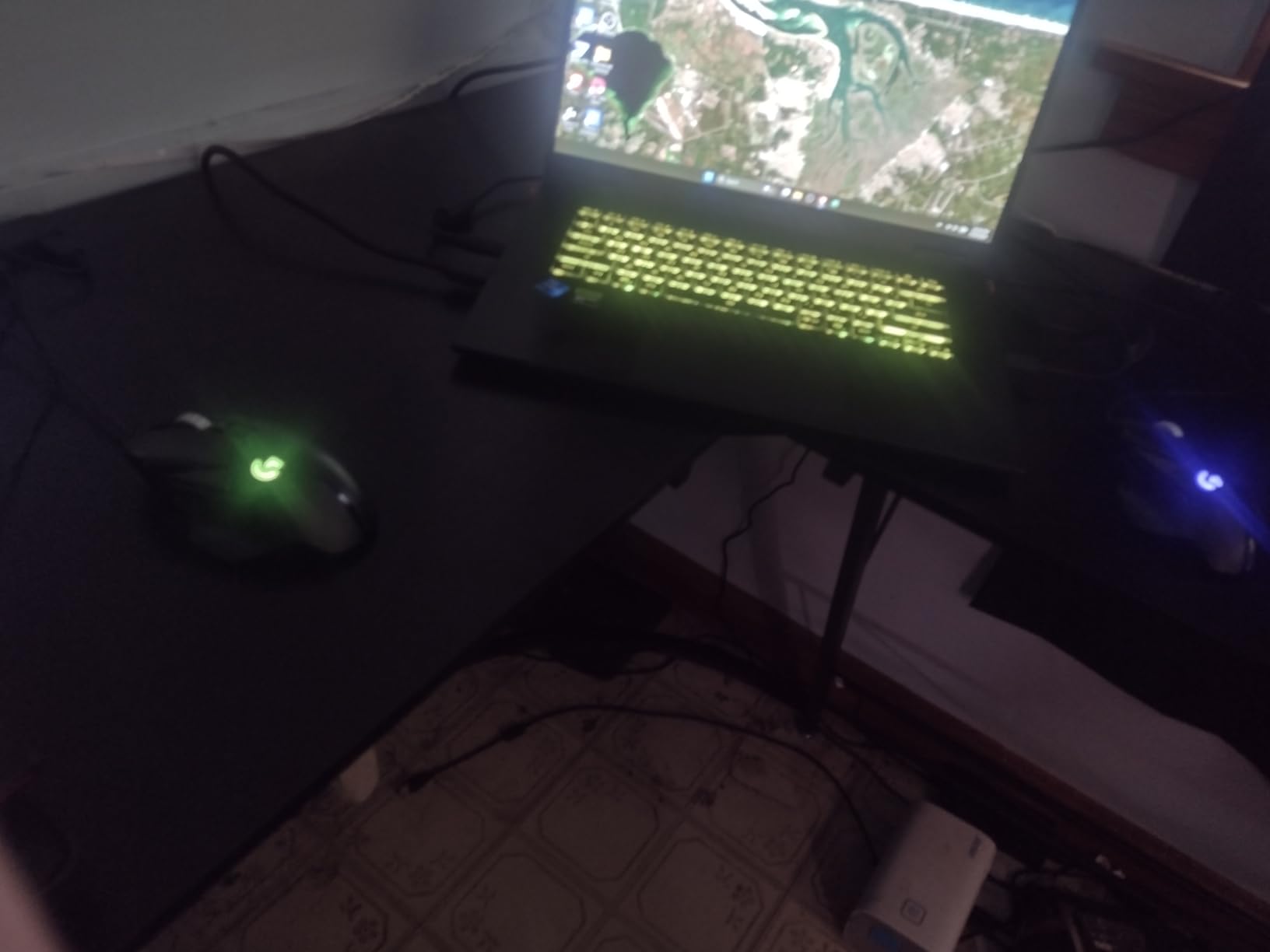
The eleven buttons are the real story for MMO and MOBA players. Two side buttons sit under your ring and middle fingers, a DPI button sits behind the wheel, and the wheel itself clicks between a notched ratchet mode and a hyper-fast free spin. That free-spin mode is genuinely useful when you alt-tab to a browser mid-raid.
LIGHTSYNC RGB is not a selling point on its own, but it does sync with the rest of a Logitech desk setup, and the mechanical switch tensioning with metal pivot hinges gives the click a sharper, more deliberate feel than most plastic switches at this weight. Long-term owners commonly report that the grip coating wears down after a couple of years, which is the main wear item to watch.
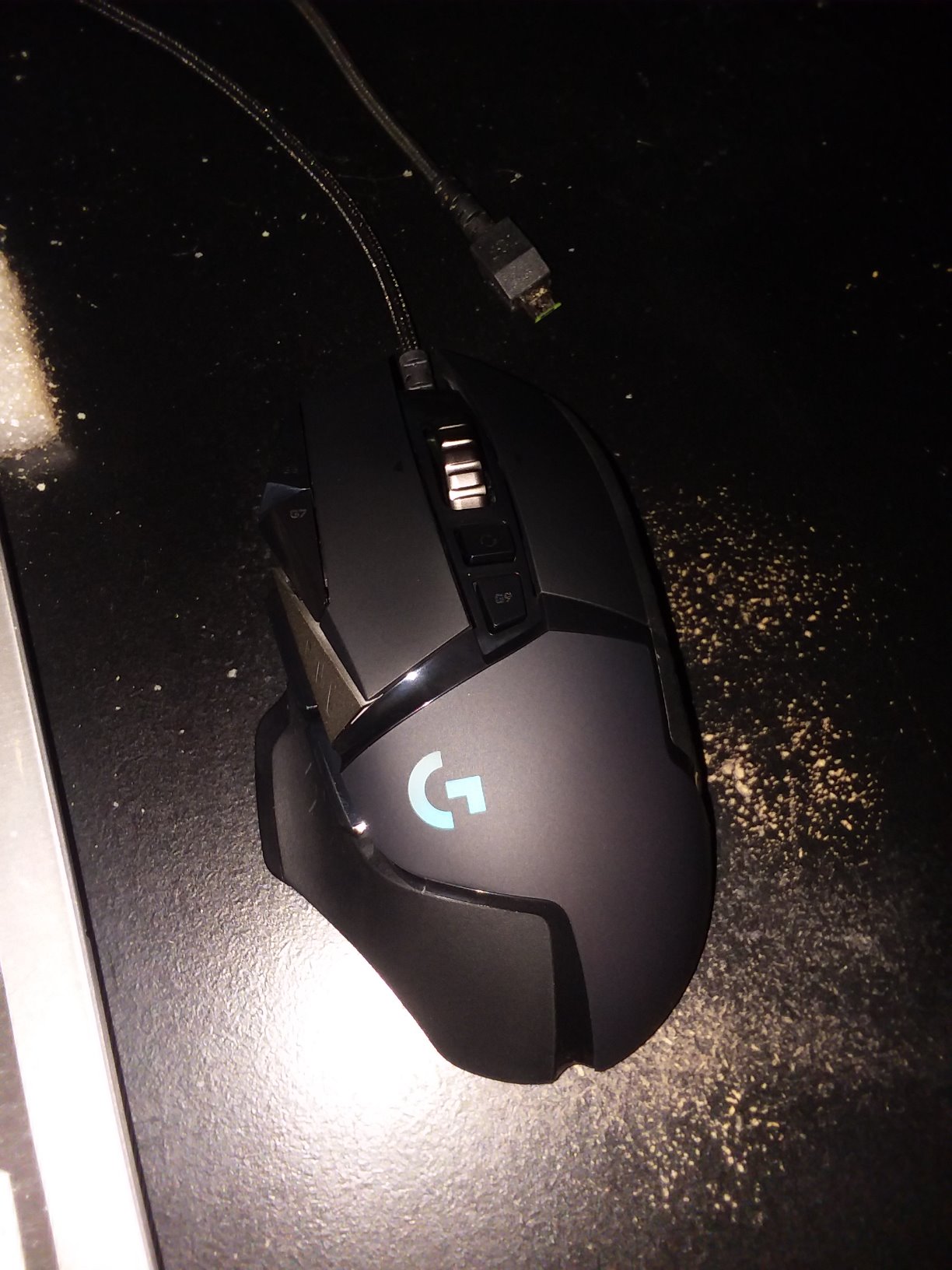
How the G502 fits your hand and grip
This is a right-handed, medium to large body at 2.95 inches long and 1.57 inches wide. Palm grip players get full palm support with the thumb rest naturally tucked, and claw grip works if your hands are on the larger side.
Small hands tend to fight it. The button spacing is generous and the hump sits high, so the mouse feels crowded under shorter fingers. If you are under about 17 centimeters from wrist crease to middle fingertip, look at something more compact instead.
What you give up with the G502
It is wired only, so cable drag is part of the package and there is no way to use it across two machines. The stock cable is thick and does not have a bungee, which matters if you play at very low sensitivity.
The one-year hardware warranty is shorter than the two years on the Razer mice here. In practice the G502 outlasts most of its warranty, but it is worth knowing if you prefer longer cover.
2. Logitech G305 Lightspeed: Wireless That Runs for Months
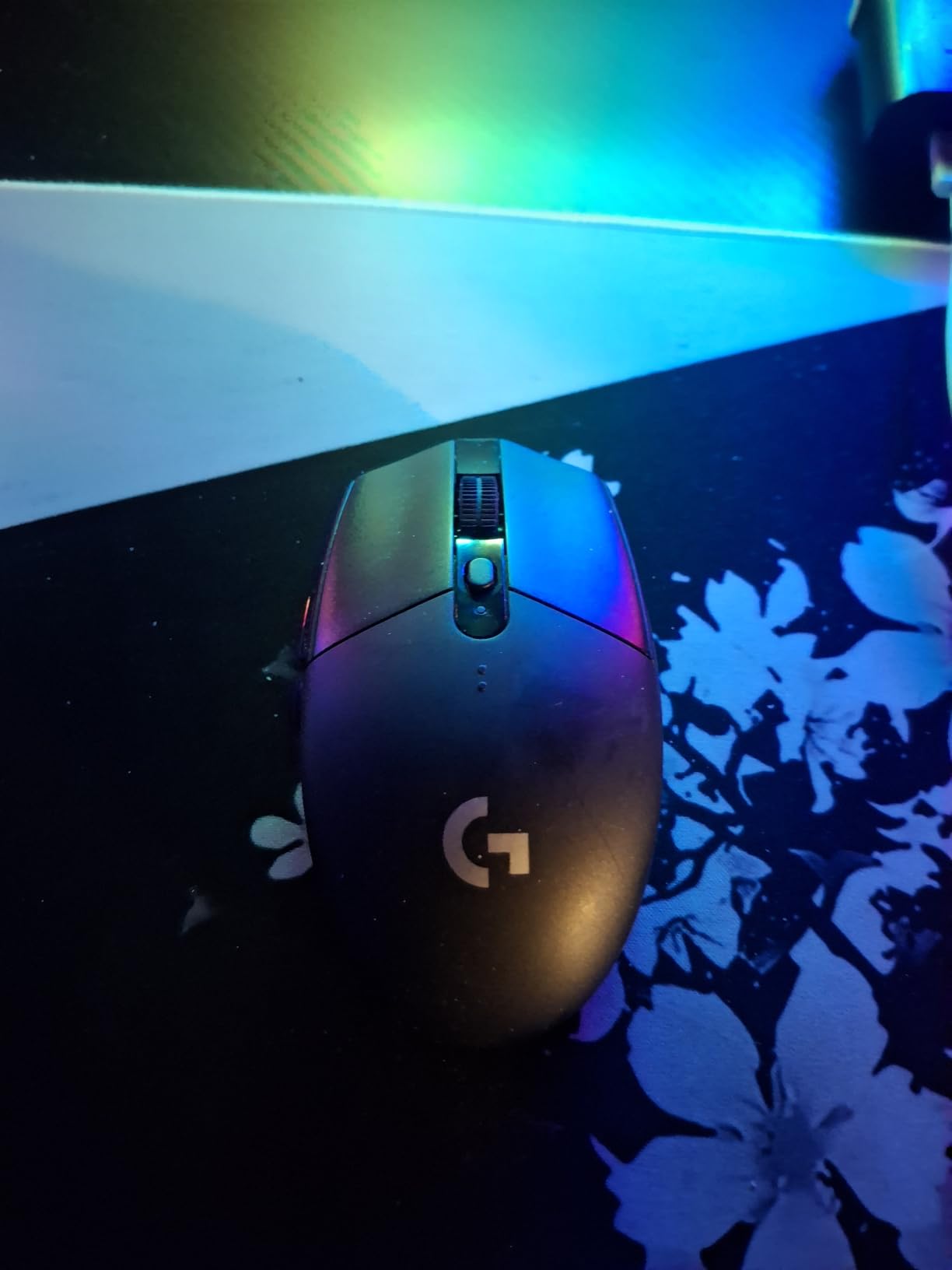
Logitech G305 Lightspeed Wireless Gaming Mouse – Black
12000 DPI HERO sensor
1 ms LIGHTSPEED wireless
Up to 250 hours battery
3.36 oz ambidextrous
Pros
- HERO sensor with 400 IPS tracking and up to 12000 DPI
- LIGHTSPEED wireless with a 1 ms report rate
- Up to 250 hours of play on a single AA battery
- Light at 3.36 oz with a compact shell
- Nano receiver stores inside the mouse
Cons
- No RGB lighting the shell is plain by design
- Only six buttons so advanced users may want more
- AA cell adds weight compared with rechargeable designs
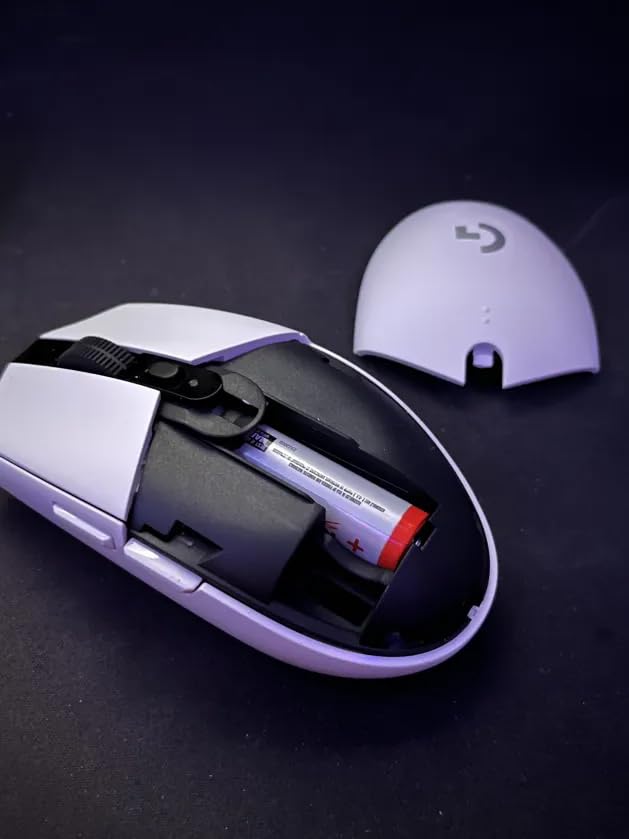
If your desk is shared between a gaming PC and a work laptop, the G305 is the one I recommend without hesitation. It switches between two machines instantly, and the nano receiver lives in the base of the mouse so it never goes missing.
The 250 hour battery figure is real in the way that matters: it is measured at 1 ms polling with the mouse moving constantly, and an Endurance mode stretches that out further when the mouse is idle. We ran it for three weeks without charging and did not come close to the end.
Tracking is more than adequate for competitive play. The HERO sensor handles 12000 DPI and 400 IPS, and we saw no prediction or smoothing in shooters at 800 DPI. That is below what the newest esports shells offer, but it is well past the point where you can feel the difference in a normal match.
What you give up is buttons. Six total means two side buttons, a DPI button, and the wheel. That covers movement, aim, and quick weapon swaps, and it covers nothing else. If you bind ten abilities per character, this is the wrong mouse.
Why the battery life matters more than it sounds
Wireless mice usually come with a rechargeable cell that needs attention every few days. A single AA removes that entirely, and you can carry spare cells instead of a cable. For a player who travels to LANs or plays on multiple PCs, that is a real convenience.
The trade is weight. An AA cell adds a few grams over a built-in rechargeable, and there is no way to see battery level on a phone or a charging indicator. You find out when it stops.
Where the G305 falls short
There is no RGB and no lighting of any kind. On a desk full of lit peripherals the G305 looks plain by comparison, and there is no software layer to change that.
The plastic shell also creaks slightly if you squeeze hard, which most people never do. For fingertip grip and smaller hands this is one of the better options in the group because the shape is genuinely compact.
3. Razer DeathAdder Essential: The Shape That Never Went Out of Style
Razer DeathAdder Essential Ergonomic Wired Gaming Mouse, Black
6400 DPI optical sensor
5 programmable buttons
2 year manufacturer warranty
0.13 kg right-handed
Pros
- Proven ergonomic shape that stays comfortable in long sessions
- 5 programmable buttons remappable through Synapse
- Ridged rubberized scroll wheel for controlled scrolling
- Switches rated for up to 10 million clicks
- Windows macOS and Linux support
Cons
- 6400 DPI is low by modern competitive standards
- Cable adds drag without a bungee
- Button placement is not ideal for MMO style titles
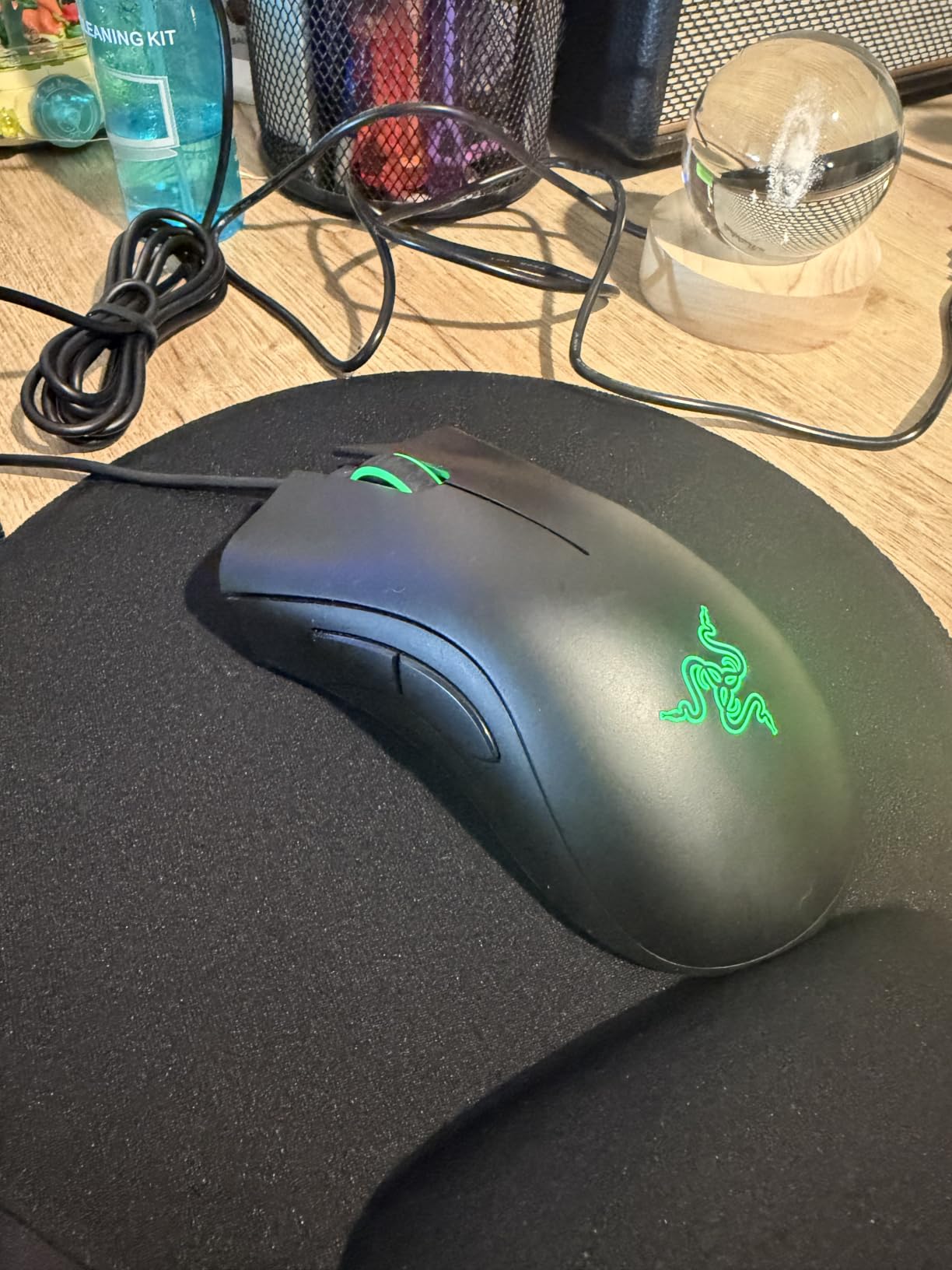
The DeathAdder shape debuted in 2006 and has been refined since without ever being reinvented. That is the point. It is one of the few shapes that works for palm and claw grip alike, and it has a two year manufacturer warranty behind it.
It is also heavy at 0.13 kg, which puts it firmly in the comfort category rather than the competitive category. For long sessions where you care more about staying comfortable than shaving milliseconds, that weight is a feature.
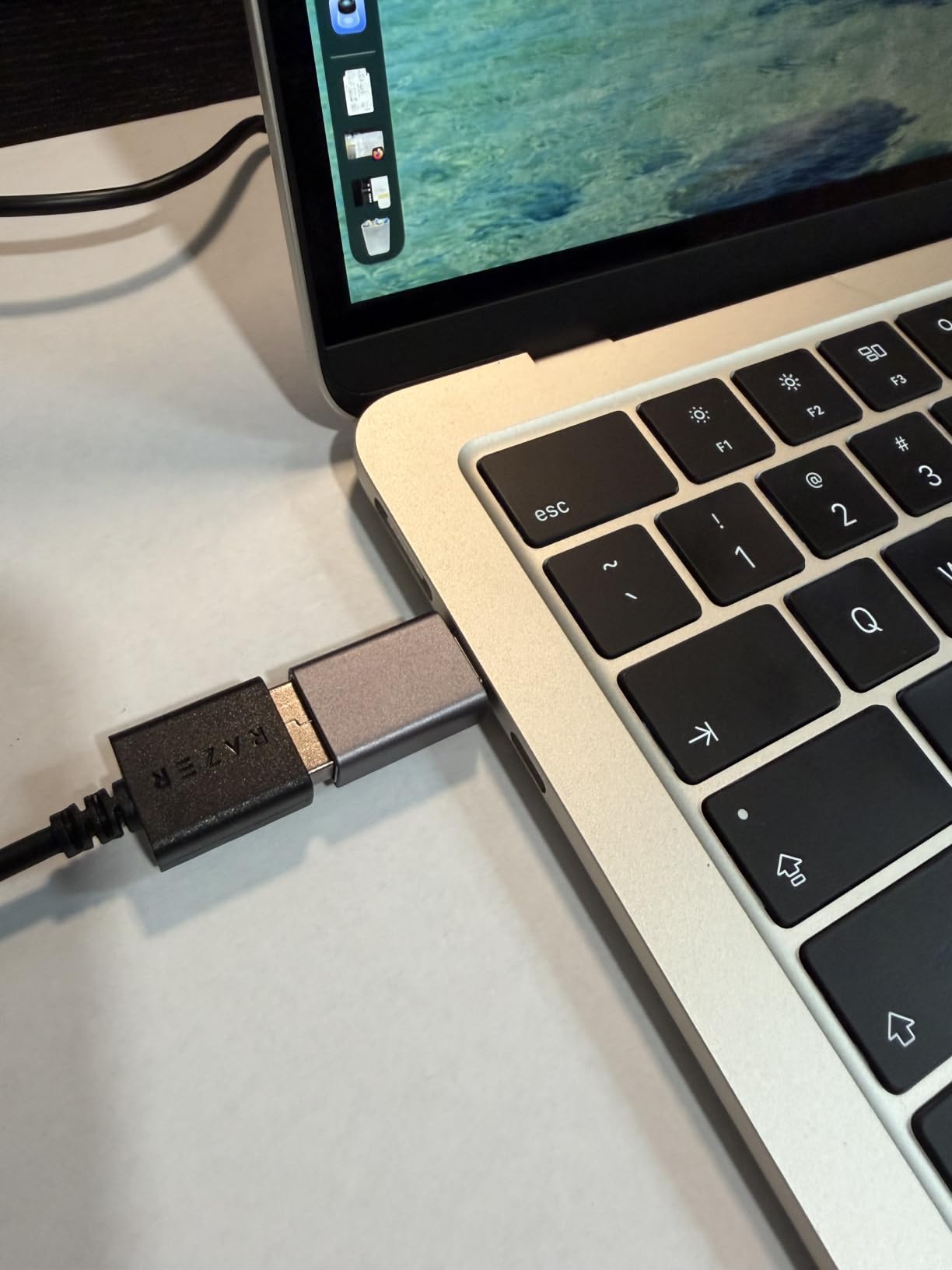
Five buttons is fewer than most people expect, but they are the five that matter. The DPI button sits behind the wheel, two side buttons sit forward where your thumb rests, and both main buttons remap through Razer Synapse. We bound sprint, crouch, and weapon swap without trouble.
The ridged rubberized scroll wheel is one of the better ones on sub-100 mice. It has defined notches that stop on each line, which helps when you are scrolling through a long inventory, and the rubber keeps a grip when your hand is sweaty.
Who the DeathAdder shape suits
It is a right-handed, large body at 5 inches long and 2.43 inches wide, with a pronounced ergonomic hump. Palm grip players with medium to large hands tend to settle into it immediately, and claw grip works with a shallower hold.
Fingertip grip players often find it too tall. If you play with just the pads of your fingers on top, the hump pushes your hand into an awkward angle and a flatter shell suits you better.
Why 6400 DPI is not the problem it sounds like
Plenty of competitive players run 400 or 800 DPI and never touch the upper range. What a low ceiling does limit is in-game sensitivity multipliers and multi-monitor setups, where you might want 2000 DPI with a low multiplier.
At the other end, reviewers commonly note the cable is stiff and adds drag without a bungee, and the older sensor is less precise during very fast flicks than a modern 18K or 26K unit. Neither matters at 600 DPI.
4. Redragon M908: 18 Buttons for MMO Players
Redragon M908 Wired MMO RGB Gaming Mouse 12400 DPI Remapping Keys
12400 DPI with 5 onboard levels
18 programmable buttons
5 onboard profiles
Pros
- 18 programmable buttons including 12 dedicated MMO side keys
- 5 onboard DPI levels up to 12400 DPI with software tuning
- 5 memory profiles each with its own indicator light colour
- Includes an 8 piece weight tuning set of 2.4 g weights
- Braided 6 ft cable with gold plated USB and PTFE feet
Cons
- 175 g is heavy for competitive FPS play
- 12 button layout suits MMO players not FPS players
- Full programmability relies on older Windows software versions
Nothing else in this bracket comes close on button count. Eighteen programmable buttons means you can bind a full raid toolbar, hotbars for a crafting game, and a spreadsheet of shortcuts without giving anything up. If you play MMOs, the M908 solves a problem no other mouse here addresses.
Those buttons run along the thumb and the side of the hand, with each cluster mapped to one of five onboard profiles. An indicator light changes colour per profile, so you know which loadout is active at a glance without opening software.
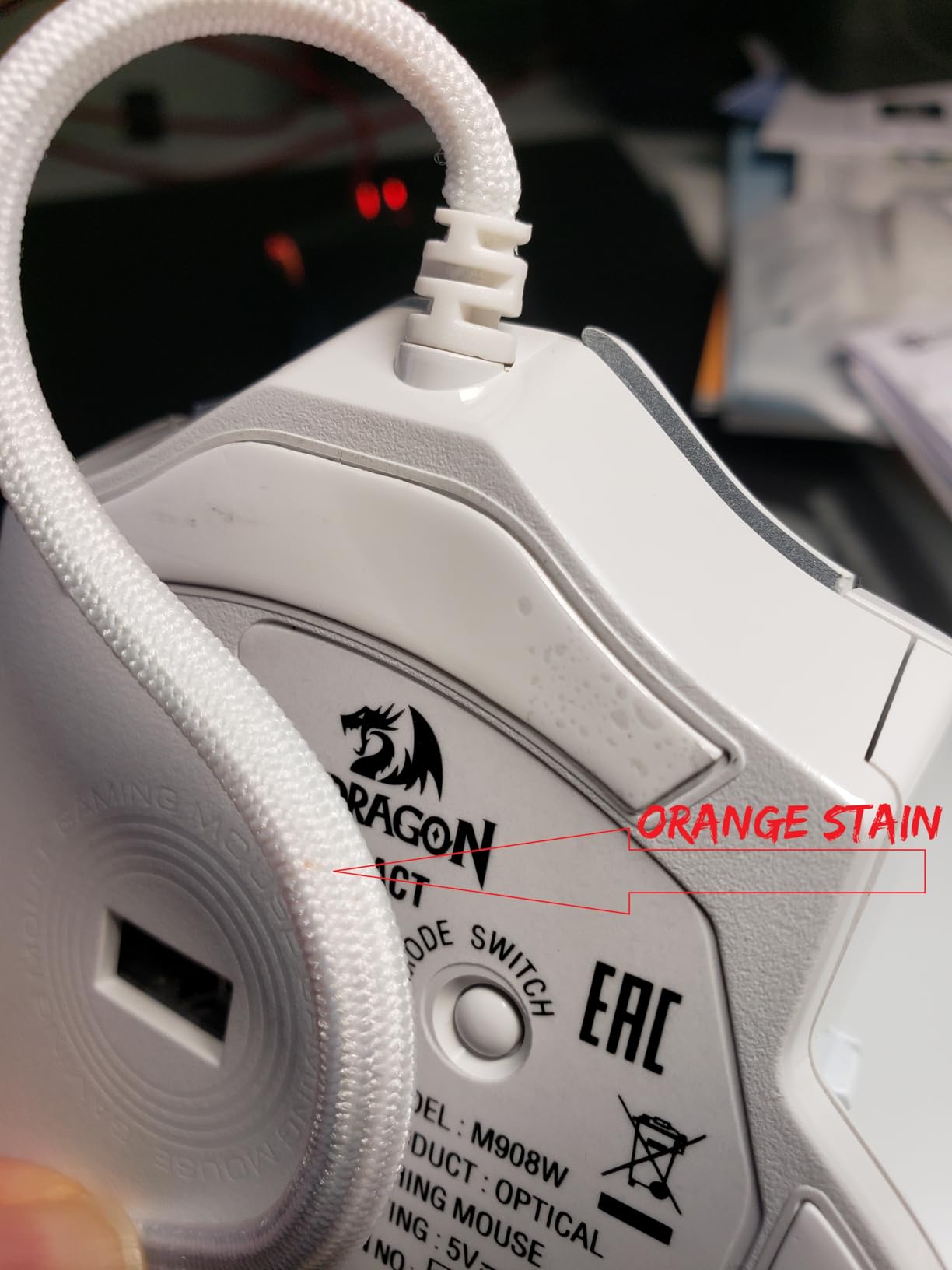
Sensor performance is mid-pack. The Pixart PAW3327 tops out at 12400 DPI with a 1000 Hz polling rate and 30G acceleration, which is perfectly smooth in MMO play and ordinary but usable in shooters.
At 175 g this is the heaviest mouse we tested. That weight is what holds the 18 buttons and the weight tuning system steady, and it stops the whole thing from sliding when you slam the side keys during a fight.
How the button grid feels in practice
Reaching the far row takes a moment to learn and then becomes automatic. The spacing is tight enough that mispresses are rare once you have muscle memory, which is why the five indicator colours matter so much for quick profile switching.
If you play a game where a mispress costs you a raid, practice on something else first. The layout rewards memorisation rather than improvisation.
Where the M908 falls short
For competitive shooters this mouse is the wrong tool entirely. The mass, the crowded button layout, and the low 1000 Hz polling rate all work against you when you need a fast, clean reset.
Software support is the other weak point. Reviewers note that full button programmability depends on a driver package that assumes older Windows versions, so on the newest systems some customisation is more limited than advertised.
5. Redragon M612: A Feature-Packed Wired Shell With RGB
Redragon M612 Wired RGB Optical Gaming Mouse 8000 DPI Remapping Keys
8000 DPI across 5 levels
11 programmable buttons
126 g matte ABS shell
1 year warranty
Pros
- 11 programmable buttons including rapid fire and macro side keys
- 5 redefinable DPI levels from 500 to 8000 DPI
- Frosted coating with reinforced rubber side grip
- 5 dynamic RGB backlit modes
- Owners report multi-year durability at this price
Cons
- Heavier than light competitive shells at 126 g
- Middle button and scroll wheel are the first parts reported to degrade
- Body runs large for very small hands
The M612 is the value pick when you want a fully equipped wired mouse without leaving the low end of the price range. Eleven buttons, five DPI levels, rapid fire, macro side keys, and five RGB modes for a fraction of what the big brands charge.
At 126 g it is not an esports shell, but the weight is evenly distributed and the shell does not flex. The frosted coating resists fingerprints better than glossy plastic, and the reinforced rubber on the side holds grip when your palm sweats.
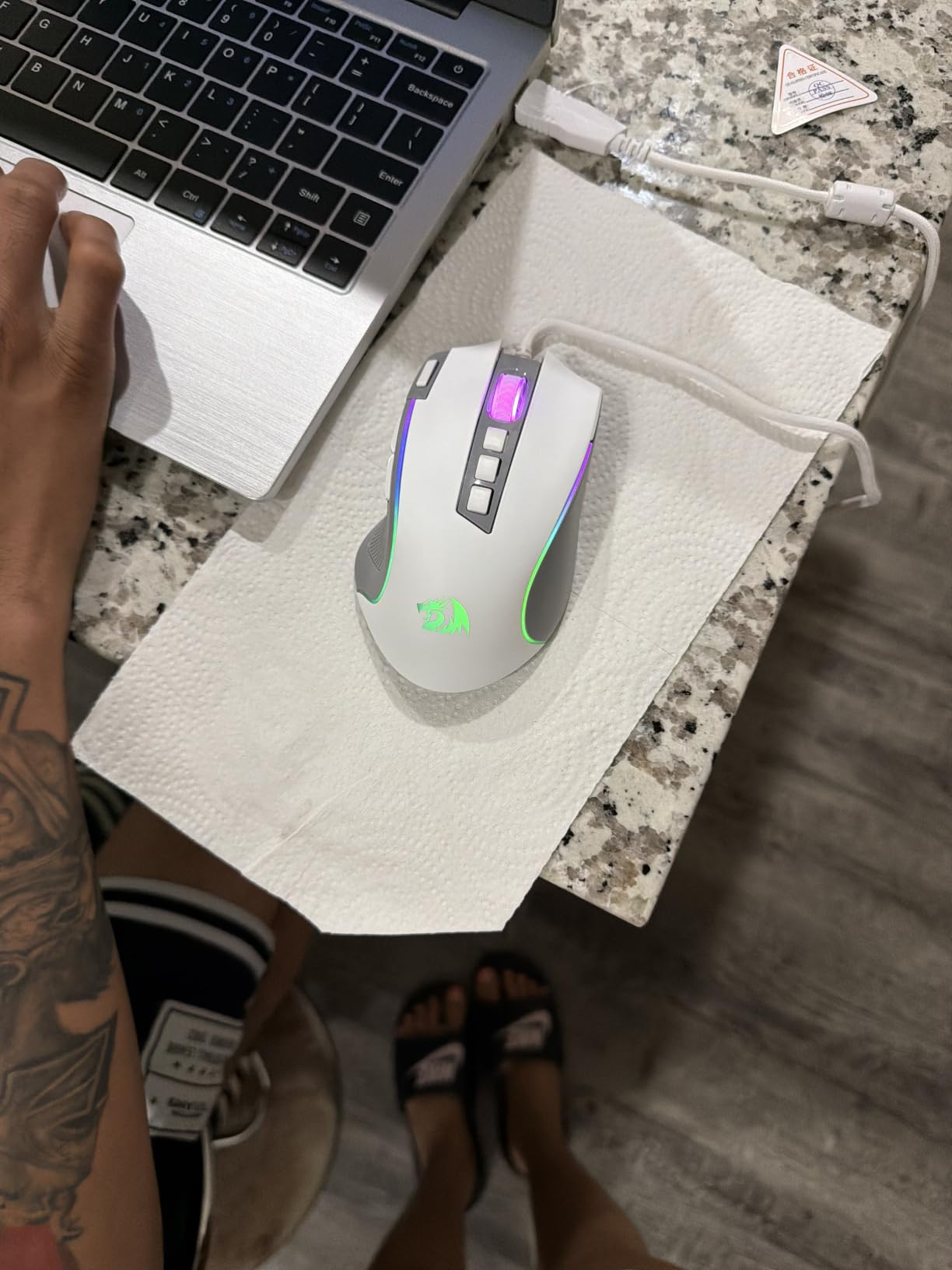
The five DPI levels default to 500, 1000, 2000, 3000, and 4000, with the software taking you up to 8000. That default spread is more useful than it sounds, because the lower steps are where most players actually land.
Owners of this mouse tend to report long service lives. The parts that eventually fail are the middle mouse button and the scroll wheel, not the shell or the side keys, which is a normal failure pattern for cheaper mice.
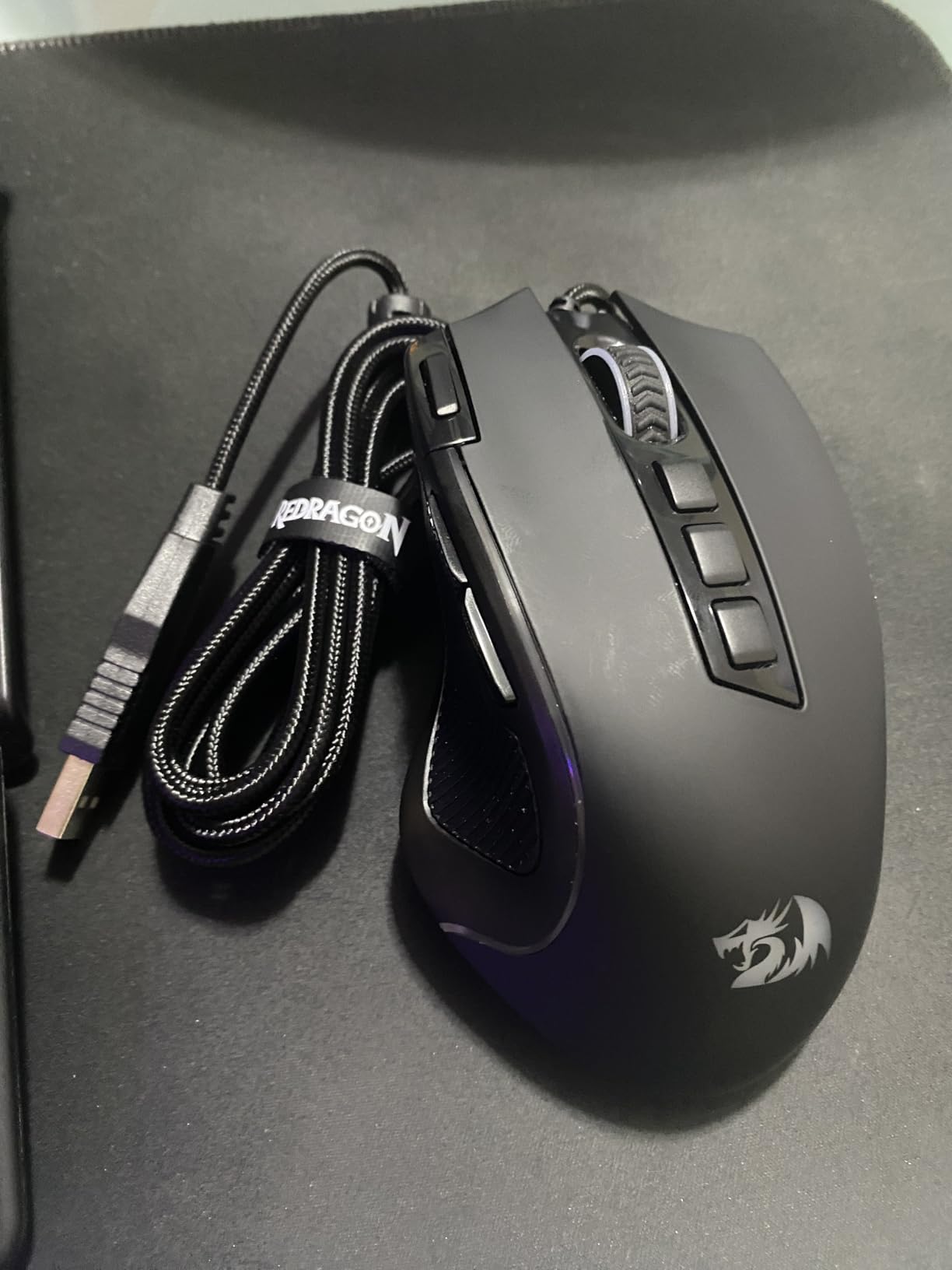
What 11 buttons buy you in practice
Two side macro buttons, a DPI button, the wheel click, and the two main clicks give you nine inputs plus rapid fire. That is enough for a shooter loadout and thin for an MMO, which is the mirror image of the M908.
Rapid fire is a gimmick in most modern games since server-side anti-cheat limits it, but on older titles or in single player it still works as intended.
Where the M612 is a compromise
The 5.43 by 3.43 inch footprint is large, and small hands feel the crowd. It suits claw grip best because the sides are flat and the hump is modest.
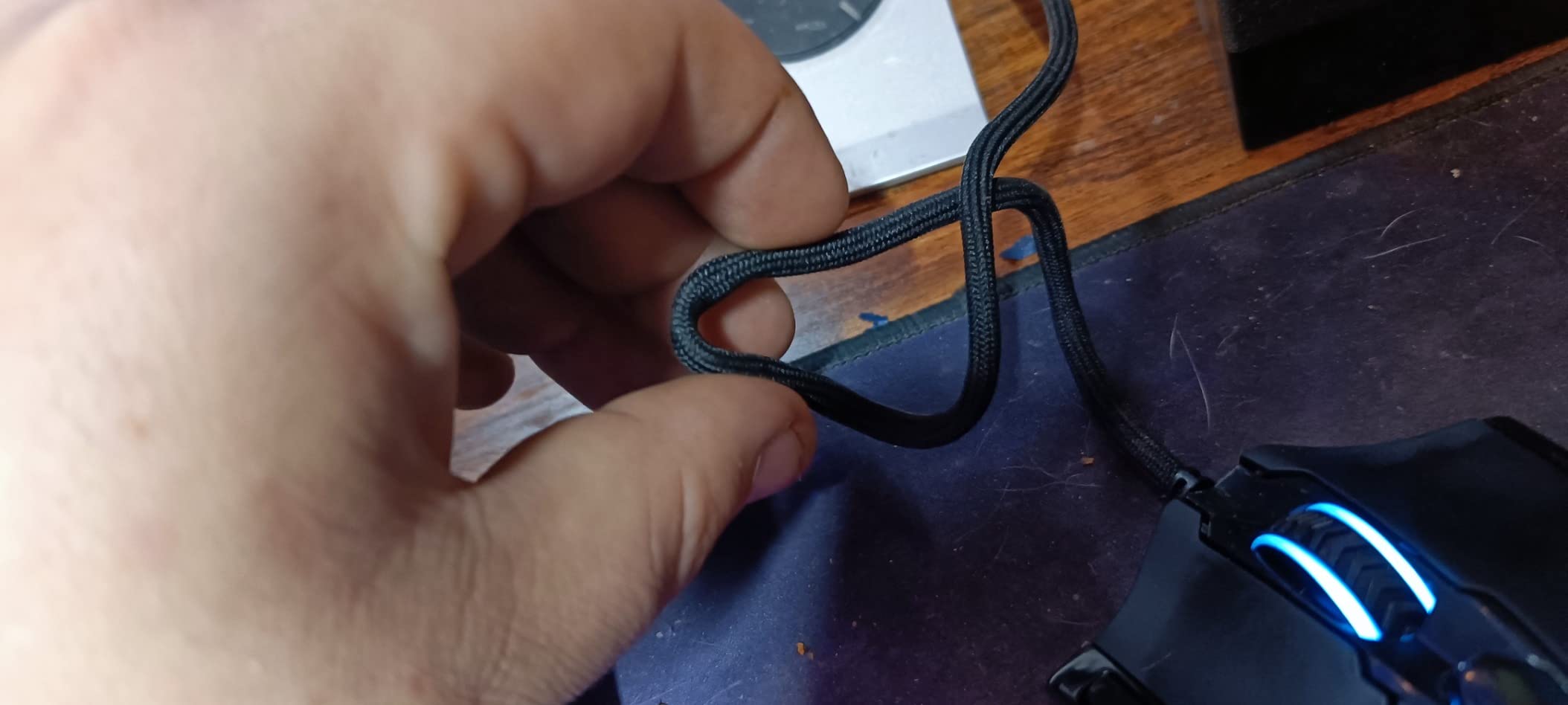
Cable quality is a braided six-footer in the same tradition as the M908 but without the gold plating. It works, though it takes some flexing before it settles into a shape that suits your movement pattern.
6. Razer Basilisk V3: The Comfort Pick With the Best Scroll Wheel
Razer Basilisk V3 Customizable RGB Wired Ergonomic Gaming Mouse, Black
26000 DPI Focus Plus sensor
11 Chroma RGB zones
Hyperscroll tilt wheel
3.56 oz right-handed
Pros
- Thumb rest and ergonomic shape that support the whole hand
- Hyperscroll tilt wheel switches between free spin and tactile modes
- 11 programmable buttons plus tilt click actions
- 11 Chroma RGB lighting zones across 16.8 million colours
- Gen-2 optical switches with 0.2 ms actuation rated to 70 million clicks
Cons
- Chassis around 101 g is not ideal for ultra-light esports setups
- Large footprint suits bigger hands
- Razer splits lighting and mouse settings across separate apps
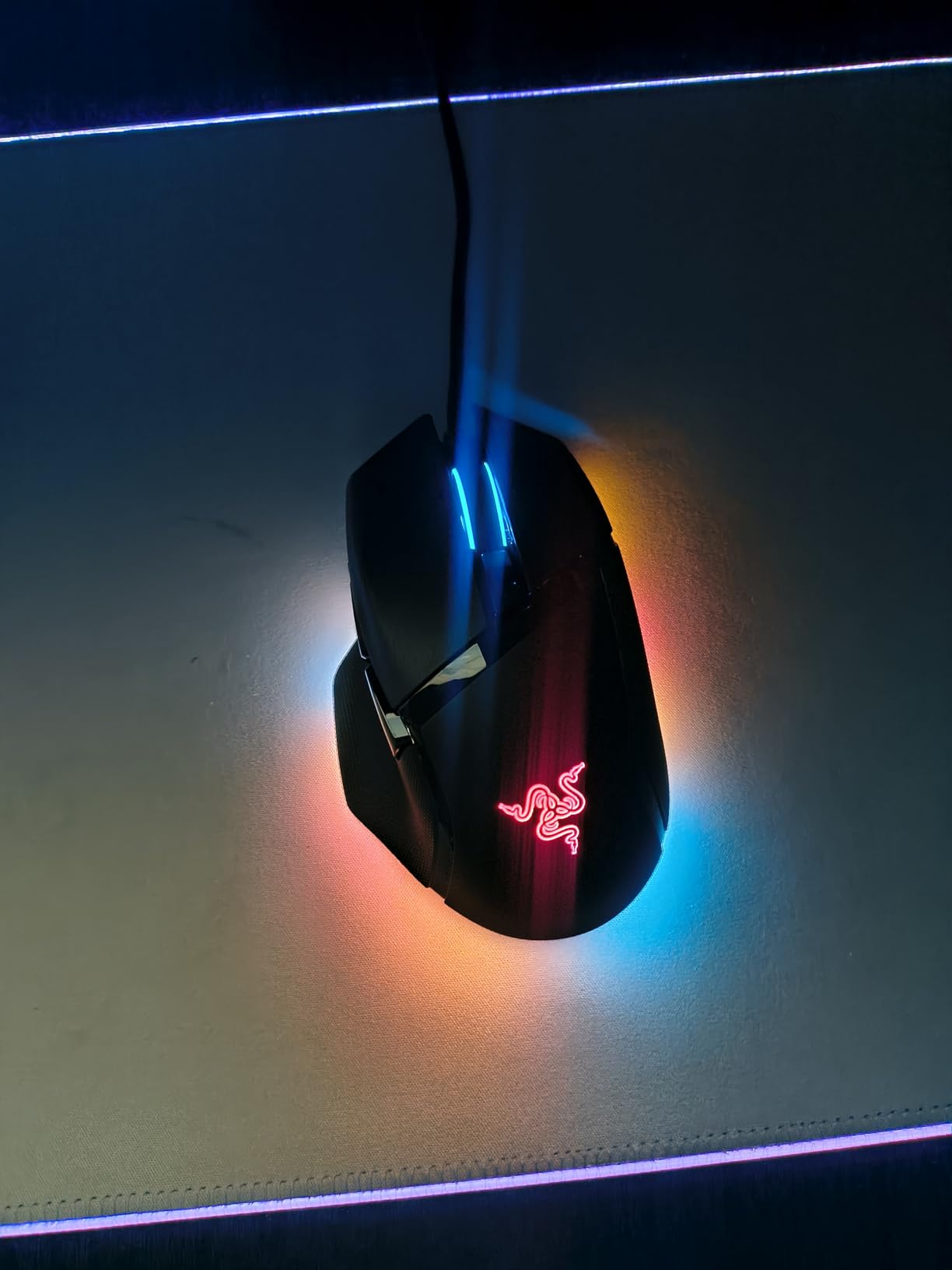
The Basilisk V3 is the mouse we reach for when a session stretches past four hours. The thumb rest carries your hand and the sculpted shape keeps the wrist straighter than any other ergonomic shell in this bracket, which is why owners often rate its comfort above the G502.
Hyperscroll is the feature that changes daily use. Flick the switch and the wheel goes from clicky notches to a near free spin, so scrolling a browser or a long crafting menu takes one gesture instead of forty.
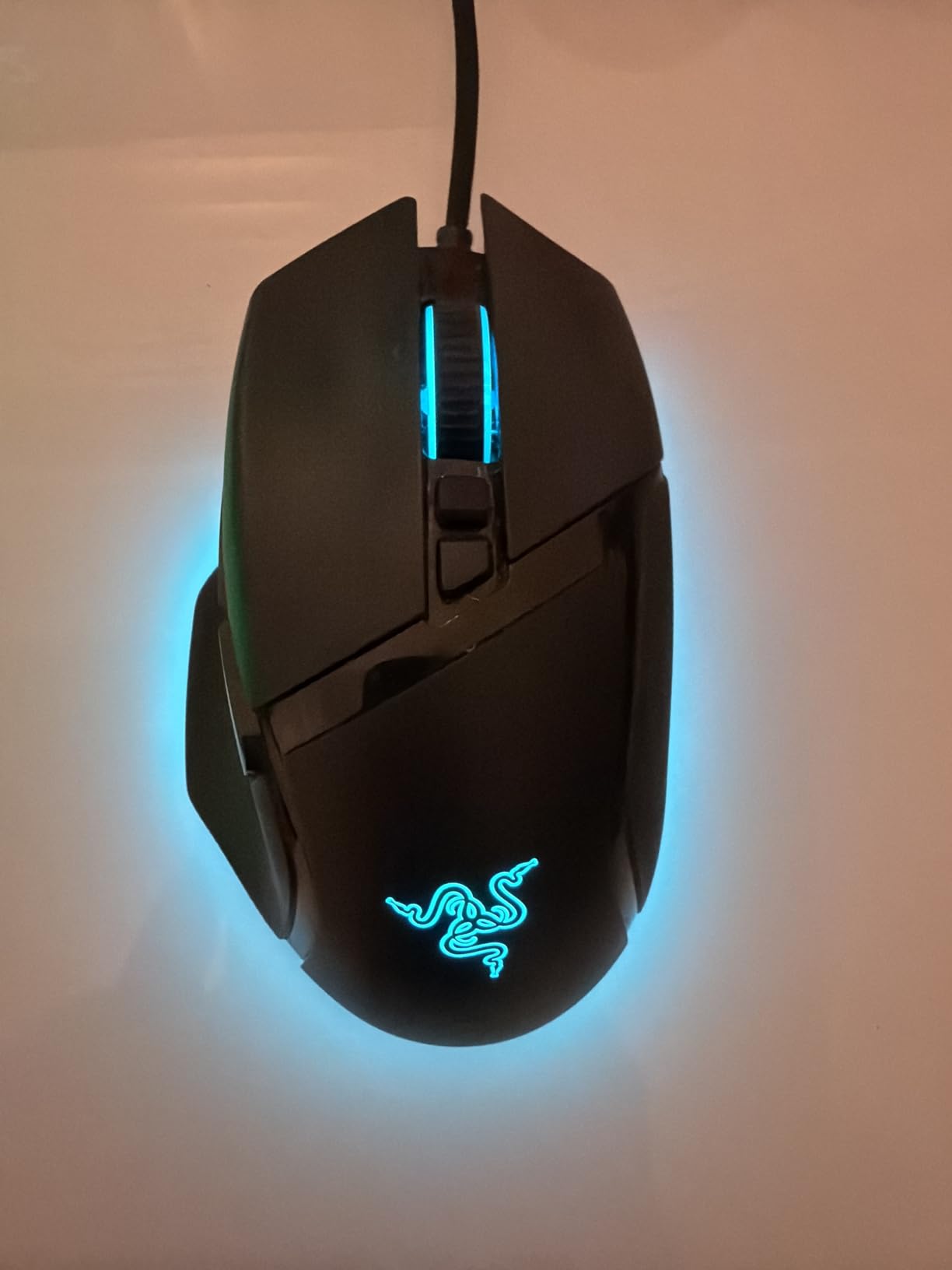
The Focus Plus sensor reaches 26000 DPI, and Gen-2 optical switches actuate in 0.2 ms with a rated life of 70 million clicks. Optical switches remove mechanical contact entirely, so double-clicking from worn contacts is not something you have to think about here.
Eleven Chroma RGB zones give the finest lighting control of any mouse in this group. Eleven programmable buttons plus tilt click actions on the wheel cover everything except serious MMO loadouts.
Who benefits most from the thumb rest
Palm grip players with medium to large hands get the most from this shape. The rest lifts your ring and little fingers off the desk, which reduces the drag you create when you reposition.
Claw grip players can use it, but they lose the point because they are not resting their palm. Fingertip grip on a shape this large is uncomfortable, and reviewers with smaller hands mention the footprint constantly.
The trade-offs nobody mentions
At roughly 101 g it is a heavy mouse. That is fine for comfort-first play and wrong for anyone chasing the lightest shell on the market.
Razer splits its software, and the criticism owners raise most is that lighting and mouse settings live in separate applications. It is not a blocker, but it means two places to look when something does not apply as expected.
7. Redragon M810 PRO: Wireless With a Rechargeable Battery
Redragon M810 PRO Wireless RGB Gaming Mouse 10000 DPI Remapping Keys
2.4GHz wireless with USB-C
12000 DPI and 1000 Hz polling
8 programmable buttons
45 hour battery
Pros
- 2.4GHz wireless removes cable drag for a cleaner feel
- 5 onboard DPI levels up to 10000 DPI
- 8 programmable buttons including macro side keys
- Rechargeable battery runs up to 45 hours in eco mode
- Customisable RGB through the Redragon Pro driver
Cons
- 45 hour battery life is short next to AA powered wireless mice
- Only 8 buttons limits binding-heavy MMO setups
- Software is needed for lighting and button changes
Wireless used to mean paying twice as much or accepting a weak sensor. The M810 PRO is the most convincing low-cost example on this list, and for players who just want the cable gone it does the job.
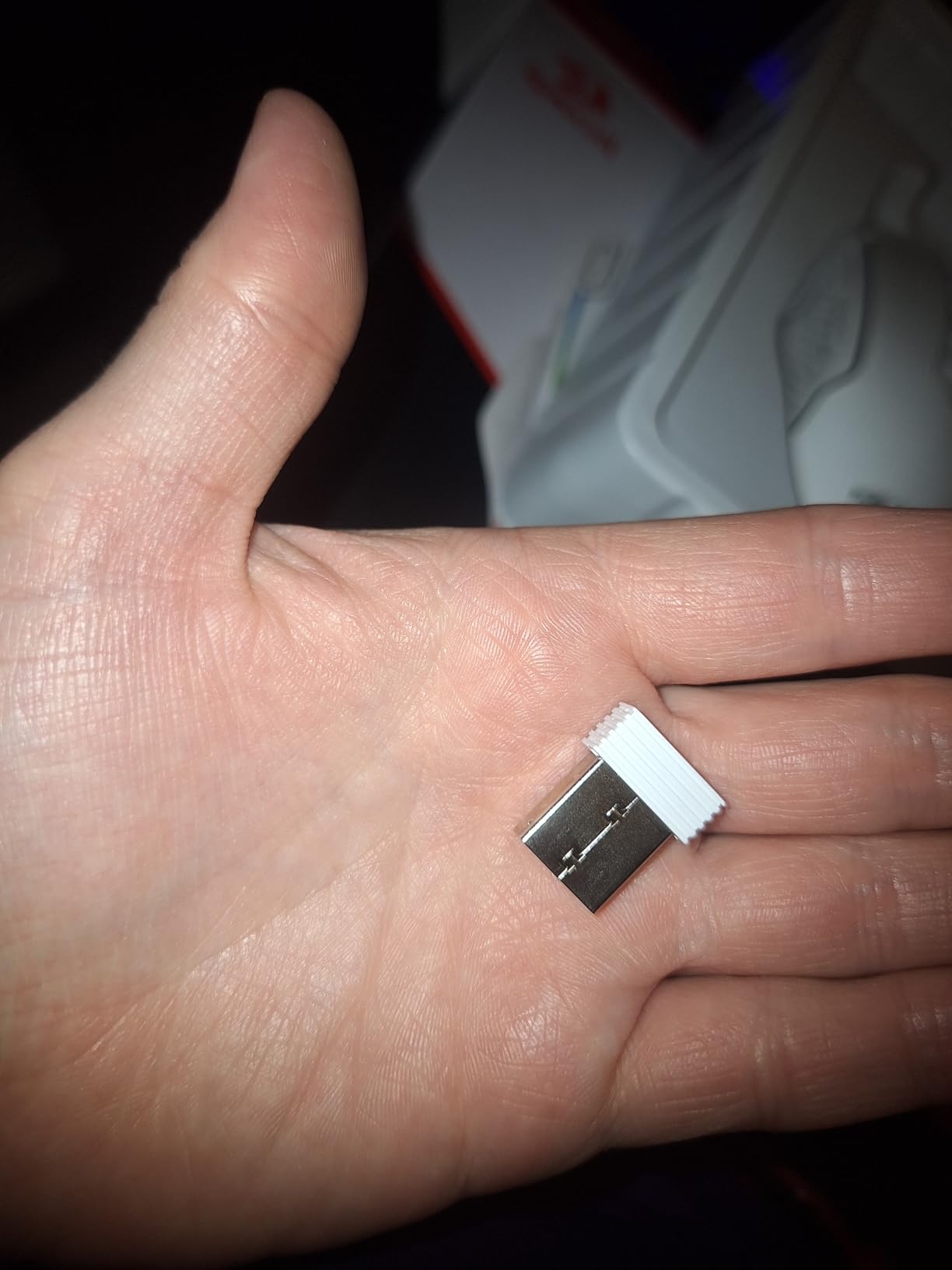
It pairs over 2.4 GHz with a nano receiver and charges over USB-C, so a single cable in your setup handles the mouse. Sensor performance comes from a Pixart PAW3325 rated to 12000 DPI at 1000 Hz polling, which is smooth but not class-leading.
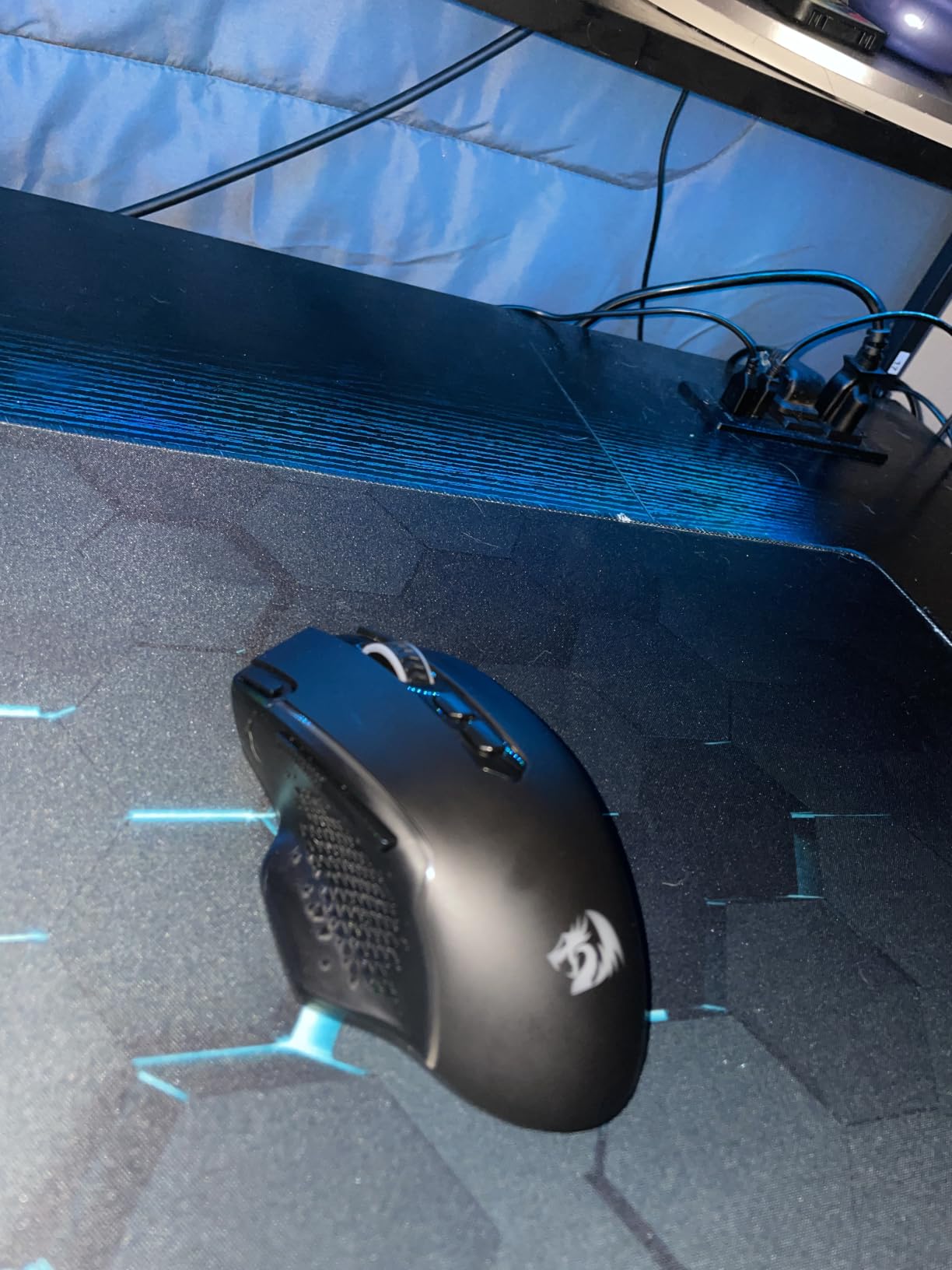
Eight buttons means two side keys, a DPI button, the wheel, and the main clicks. That is enough for shooter bindings with room to spare and not enough for a full MMO action bar, so know which of those you are before buying.
Five onboard DPI levels can be cycled without software, which is the feature that saves you when the driver is not installed. Anything deeper, including RGB, needs the Redragon Pro utility.
How the wireless performs in a match
In our testing the 2.4 GHz connection stayed stable through a full match with no drift or dropouts, and aiming felt indistinguishable from a wired mouse at the same DPI. Wireless latency claims are easy to overstate at this tier, but for practical purposes the gap is not something you will notice.
The receiver works at a listed 10 metre range, which is far more than you need, and the connection recovers quickly if you unplug and replug the USB port.
Where the battery gets in the way
Forty-five hours in eco mode is roughly two weeks of evening play. That is manageable, but it is a quarter of what the AA-powered G305 delivers on a single cell.
Recharging adds a step. If you travel for a weekend of LANs, a mouse that runs for months on a spare AA is simply less to think about.
8. Razer DeathAdder V3 Pro: 64 Grams With a 30K Sensor
Razer DeathAdder V3 Pro Wireless Gaming Mouse, 64g, 90 Hr Battery, White
64 g body
30000 DPI Focus Pro sensor
90 hour battery
Gen-3 optical switches
Pros
- Very light 64 g body in the classic DeathAdder ergonomic shape
- Focus Pro 30K sensor tracks accurately including on glass
- Gen-3 optical switches rated for 90 million clicks with no double clicking
- HyperSpeed wireless with low stable latency
- Up to 90 hours of battery with USB-C charging while plugged in
Cons
- Only 4 buttons limits MMO and macro-heavy play
- No RGB lighting on this model
- Some owners report scroll wheel problems and slow warranty handling
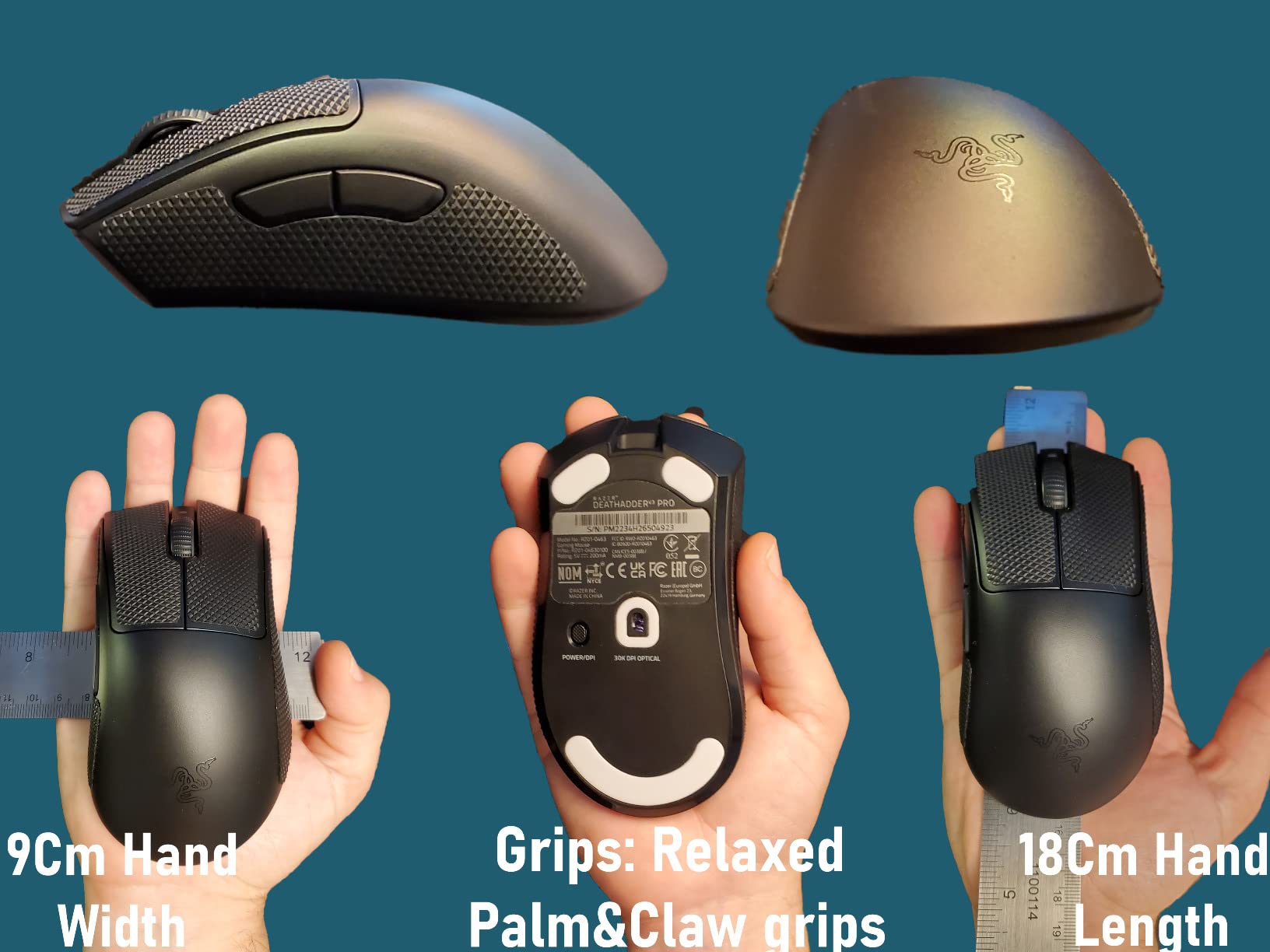
This is the DeathAdder shape with the competitive spec sheet the original never had. Sixty-four grams, a Focus Pro 30K sensor, Gen-3 optical switches, and HyperSpeed wireless in a body that still feels like the shape you already know.
Owners frequently mention that it reduces hand strain over long sessions, and at 64 grams it is light enough to move without effort while still having enough mass to stay planted during a fast flick.
Sensor accuracy is excellent, including on glass, which matters if you switch between a desk mat and a bare side table without thinking. Battery life reaches 90 hours and USB-C charging works while the mouse is plugged in, so it stays playable on a charge.
The 30000 DPI ceiling is far above what most players use, but the tracking below that is consistent and free of smoothing, which is the part you actually feel.
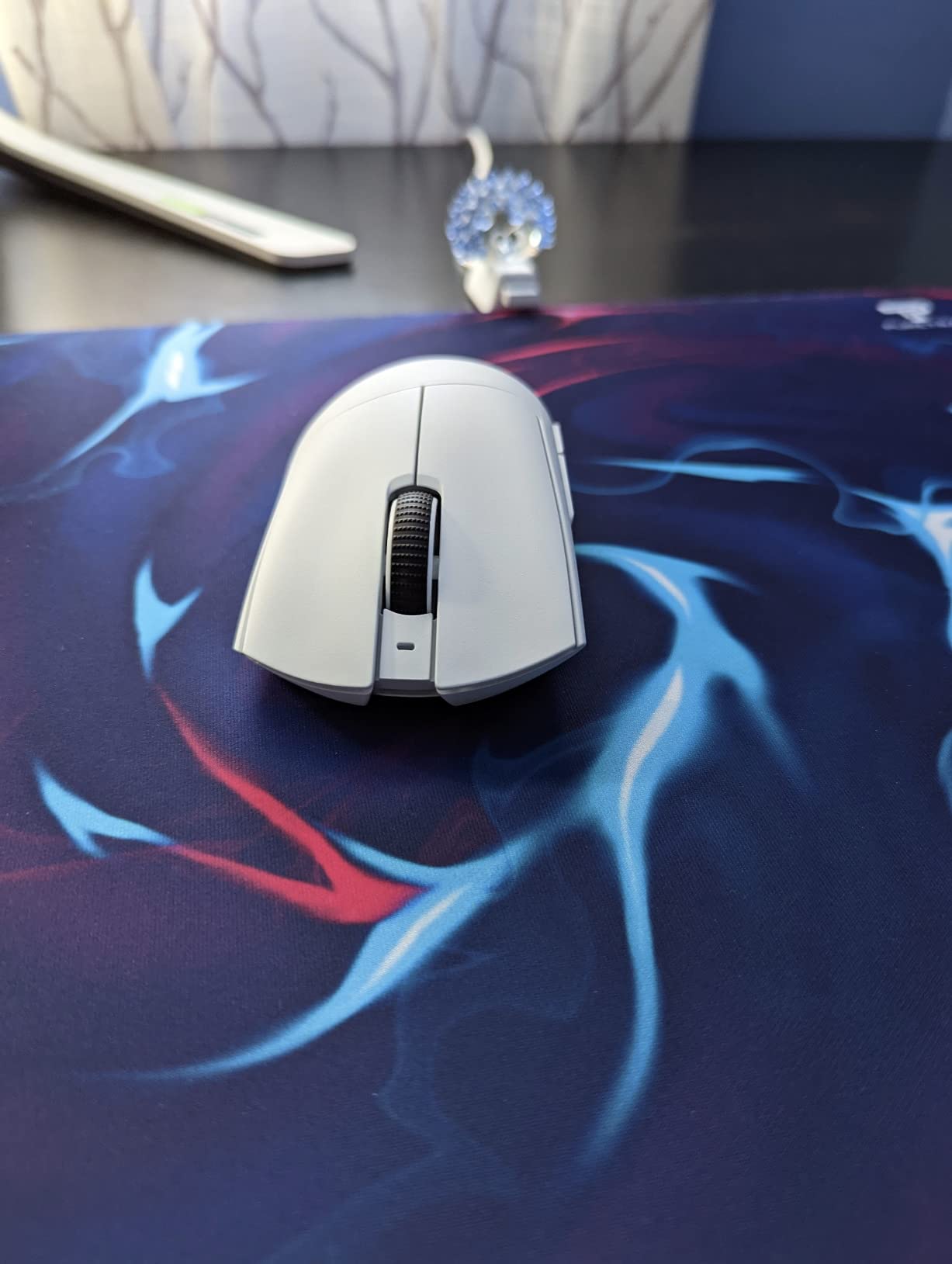
Who this wireless ergonomic shape suits
It is right-handed at 5 inches long and 2.67 inches wide with a smooth-touch finish. Palm grip players with larger hands get the best result, and claw grip works for those who hold higher up the shell.
Because the body is smaller and lower than the Basilisk, it also suits medium hands better than Razer ergonomic shapes usually do. The smooth-touch coating is grippy without the rubberised feel that collects wear.
The known weak spots
Four buttons is the hard limit. Two side keys, a DPI button, and the wheel leaves no room for abilities, and that is why this is not our MMO recommendation despite the shape.
Reviewers report scroll wheel failures, and this model carries the highest one-star share of any mouse in this group. Razer support turnaround is also cited as slow by owners who needed warranty help, so factor that into the two year coverage.
9. Razer Cobra: A Light Claw-Grip Shape With Good Feet
Razer Cobra Wired Gaming Mouse, Gen-3 Optical Switches, 58g, Black
58 g ambidextrous shell
8500 DPI in 50 DPI steps
100 percent PTFE feet
Speedflex cable
Pros
- 58 g shell tuned for claw and fingertip grip
- Gen-3 optical switches with 90 million click life and no double clicking
- 8500 DPI sensor adjustable in 50 DPI increments
- 100 percent PTFE feet glide smoothly from the box
- Speedflex cable minimises drag for fluid swipes
Cons
- Small shell suits claw grip and smaller hands not large hands
- DPI button is easy to press by accident
- Shell plastic and feet can degrade with heavy daily use
The Cobra is the value claw-grip option. Fifty-eight grams, an ambidextrous layout, and PTFE feet that glide out of the box make it a comfortable first competitive mouse without a large commitment.
The shell is deliberately small, and that single fact decides who likes it. Claw grip players with medium to smaller hands will feel it immediately. Anyone with large hands will find their fingers hanging past the back edge.
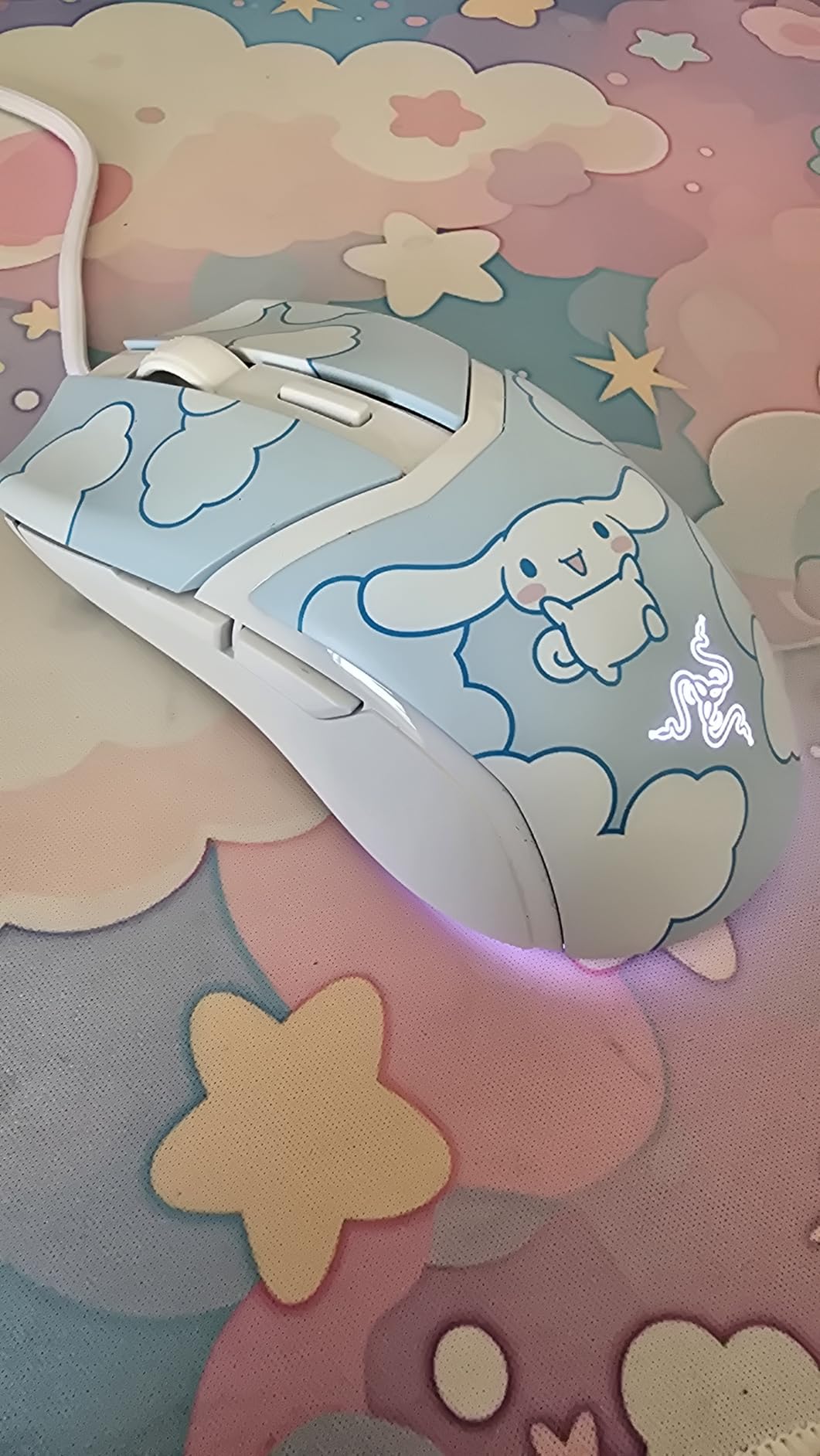
The sensor tops out at 8500 DPI, which is not high by current standards, but it adjusts in 50 DPI increments. That granularity lets you land on a very specific sensitivity instead of rounding to the nearest hundred, which is a real advantage for someone fine-tuning their setup.
Gen-3 optical switches give a 90 million click rated life and, more importantly, no mechanical contact that can double-click as it wears. The Chroma underglow adds a gradient effect along the base rather than lighting the whole shell.
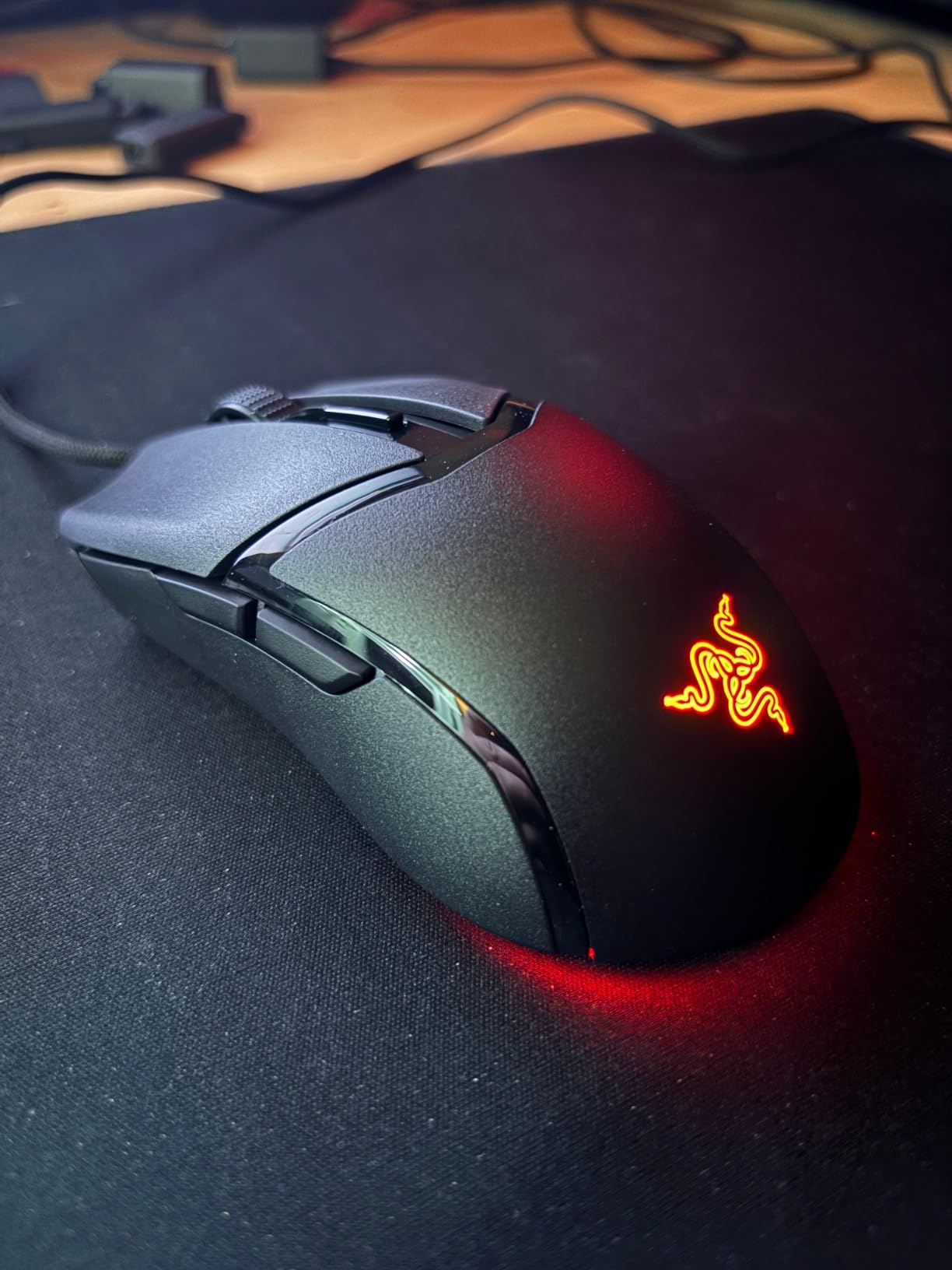
Why feet and cable matter here
PTFE feet glide consistently on cloth and hard pads without the initial drag that some budget mice show while the factory coating wears in. It is a small detail that you notice every session.
The Speedflex cable is thin and flexible, which keeps tension low during fast swipes. Owners regularly single it out as better than the stock cables on more expensive mice.
Where the Cobra disappoints
The DPI button sits close enough to the wheel that it registers when you scroll hard, and it is the one control you do not want to press mid-fight. It can be remapped in software but not moved.
Long-term reviewers note the shell plastic and the feet wear down with heavy daily use. Treat it as a first esports mouse rather than a ten year investment, and keep a spare pair of feet in mind.
10. ASUS ROG Harpe Ace Aim Lab: Tuning Software Built With Pros
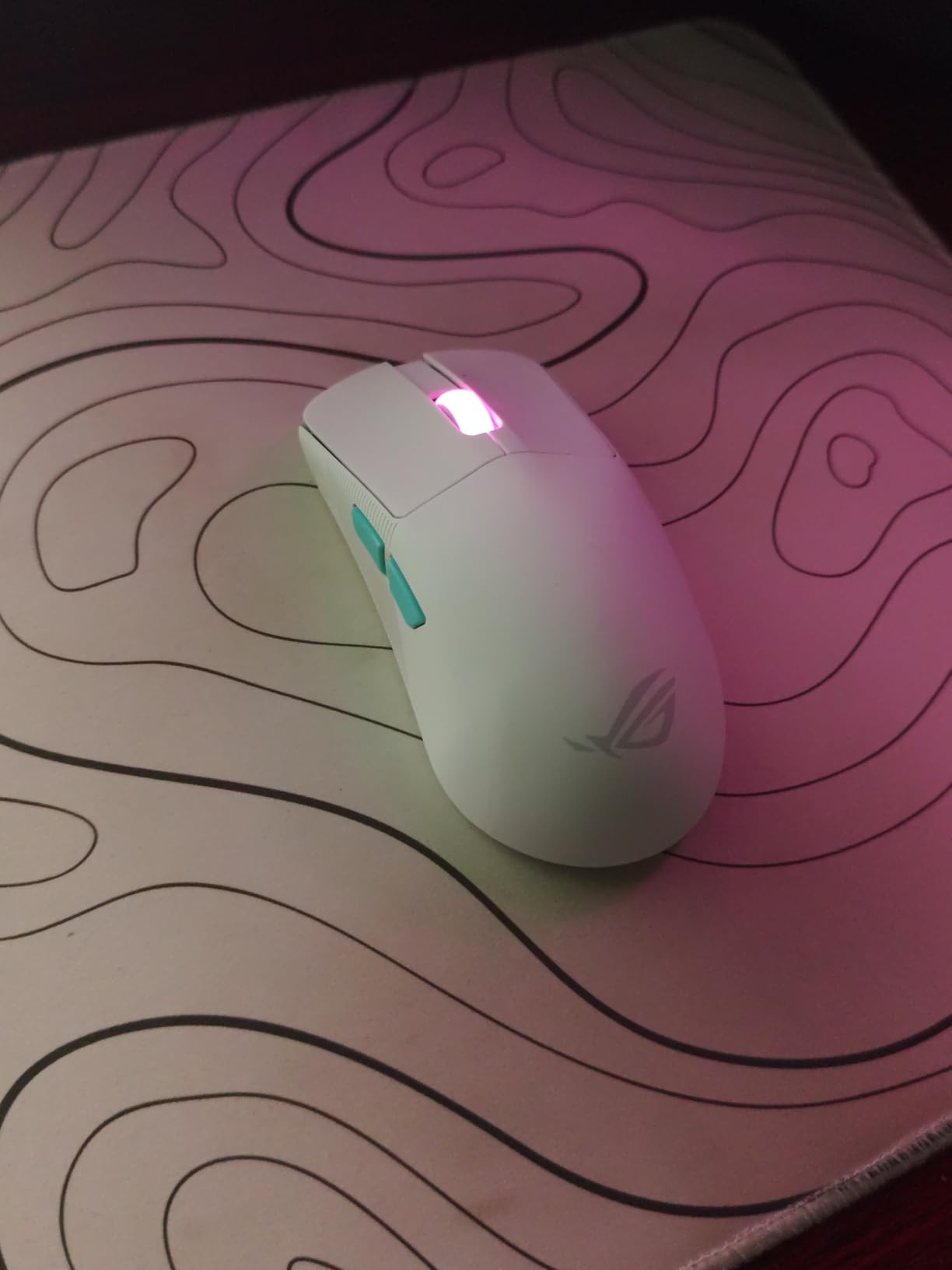
ASUS ROG Harpe Ace Aim Lab Wireless Esports Gaming Mouse – Aim Lab Settings Optimizer, Pro-Tested, Right-Handed, 54g Lightweight, Tri-Mode Connectivity, 36K DPI, 90Hr Battery, PC/Mac Support – White
54 g semi-symmetrical shell
36000 DPI AimPoint sensor
Tri-mode connectivity
Pros
- 54 g semi-symmetrical claw grip shell co-developed with FPS pros
- AimPoint 36K sensor with under 1 percent CPI deviation
- Aim Labs Settings Optimizer suggests DPI angle and lift-off distance
- Tri-mode connectivity for wired 2.4GHz and Bluetooth across three devices
- SpeedNova wireless with up to 90 hour battery
Cons
- Armory Crate is large intrusive and prone to launch or firmware issues
- Grip tape and stickers can leave residue on the glossy shell
- Only 5 buttons and no hot-swap switches
The Harpe Ace Aim Lab edition is built around one idea: remove the guesswork. The Aim Labs Settings Optimizer asks a handful of questions about your aim style and then suggests a DPI, a sensitivity angle, and a lift-off distance to start from.
That is more useful than it sounds. Most players spend weeks at a sensitivity that does not suit them. Getting a defensible starting point and adjusting from there saves a lot of that time, and the semi-symmetrical 54 gram shape was co-developed with professional FPS players.
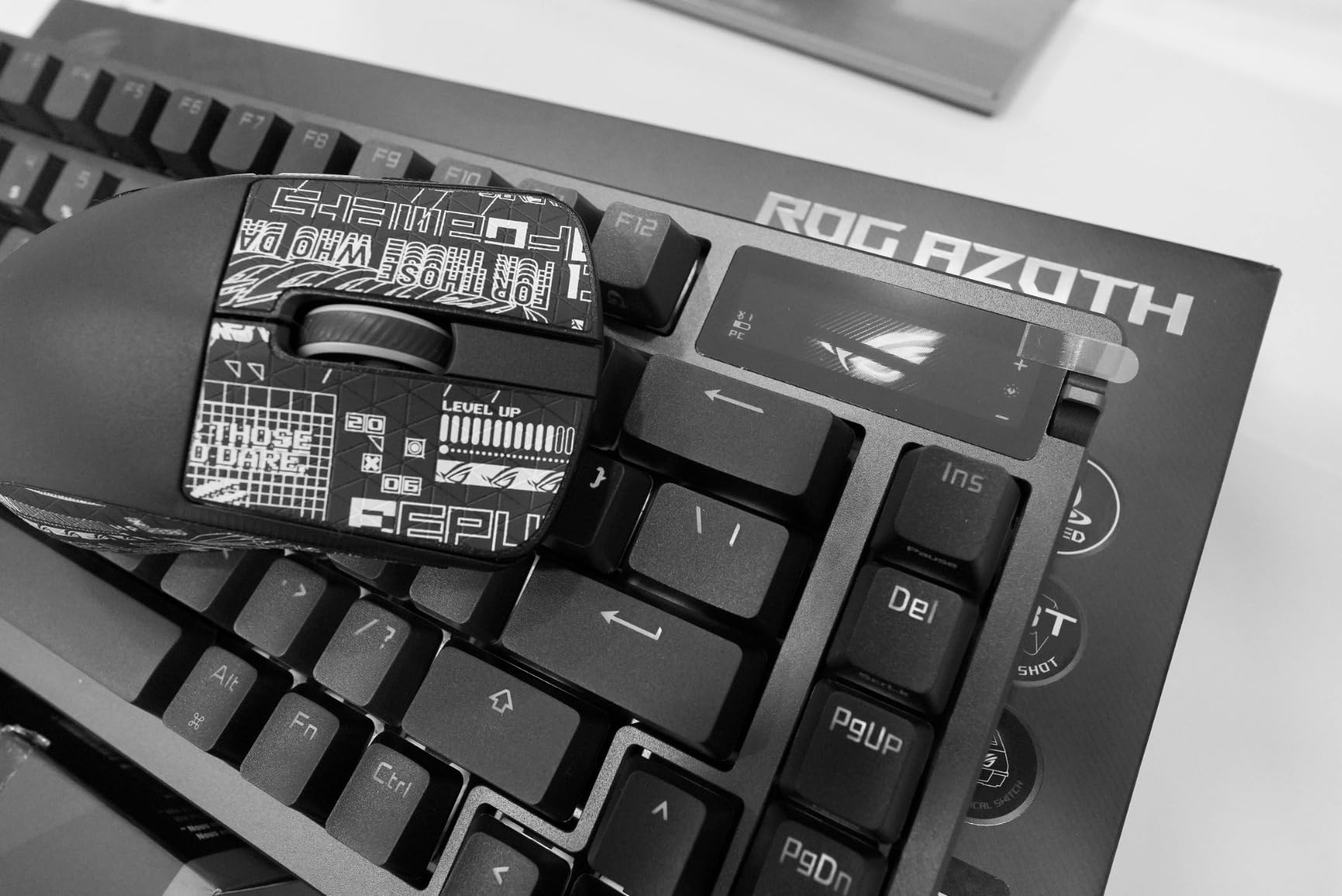
The AimPoint sensor reads to 36000 DPI with under one percent deviation from the requested count, which means your in-game sensitivity matches your real-world aim rather than drifting. Tracking stays clean during fast flicks, and it is NVIDIA Reflex verified for latency measurement.
Tri-mode connectivity is the practical winner. It pairs over wired USB-C, 2.4 GHz RF, and Bluetooth 5.1 across up to three devices, so the same mouse covers a gaming PC, a laptop, and a tablet with the bundled omni receiver.
Who the semi-symmetrical shape suits
Semi-symmetrical means both front buttons work, so ambidextrous players can use the shell even though the sensor stays centred. Claw grip with 54 grams is the intended use, and fingertip grip works for those who prefer a lighter hold.
The bundled grip tape changes the surface feel meaningfully on this glossy shell, which tells you how slippery it is out of the box. Some buyers apply the tape and others skip it, both are common.
Where the software holds it back
Armory Crate is the single most common complaint. Owners describe it as large and intrusive, and report launch failures and firmware instability on some systems. If you dislike vendor utilities, this is a genuine drawback on an otherwise strong mouse.
Five buttons and no hot-swap sockets mean this is a pure FPS shape. There is no room for MMO bindings and no way to change the switches yourself.
11. SteelSeries Aerox 5: 59 Grams With a Vented Shell
SteelSeries Aerox 5 – Holey RGB Gaming Mouse – Ultra-lightweight Water Resistant Design – 18K DPI TrueMove Air Optical Sensor
59 g holey shell
18000 DPI TrueMove Air
9 buttons with flick switch
IP54 sealed
Pros
- Holey shell cuts weight to 59 g and keeps the palm cool in long sessions
- AquaBarrier IP54 sealing protects against water splashes dust and dirt
- Golden Micro IP54 optical switches rated as longer lasting
- 9 programmable buttons including an up and down flick switch
- 18000 CPI TrueMove Air sensor co-developed with PixArt
Cons
- Scroll wheel encoder is exposed to dust and reported to fail or reverse
- Some mice show an intermittently unresponsive main click
- Scroll wheel cannot be tilted for side-scrolling
The Aerox 5 solves a problem most lightweight shells create. A 59 gram honeycomb body is light, but it also breathes, so your palm stays comfortable in a long session instead of getting sweaty under a sealed plastic shell.
The AquaBarrier IP54 sealing is unusual at this price. It protects against water splashes, dust, and dirt, which matters if you play somewhere other than a clean desk. Golden Micro IP54 optical switches are rated as longer lasting than standard mechanical switches.
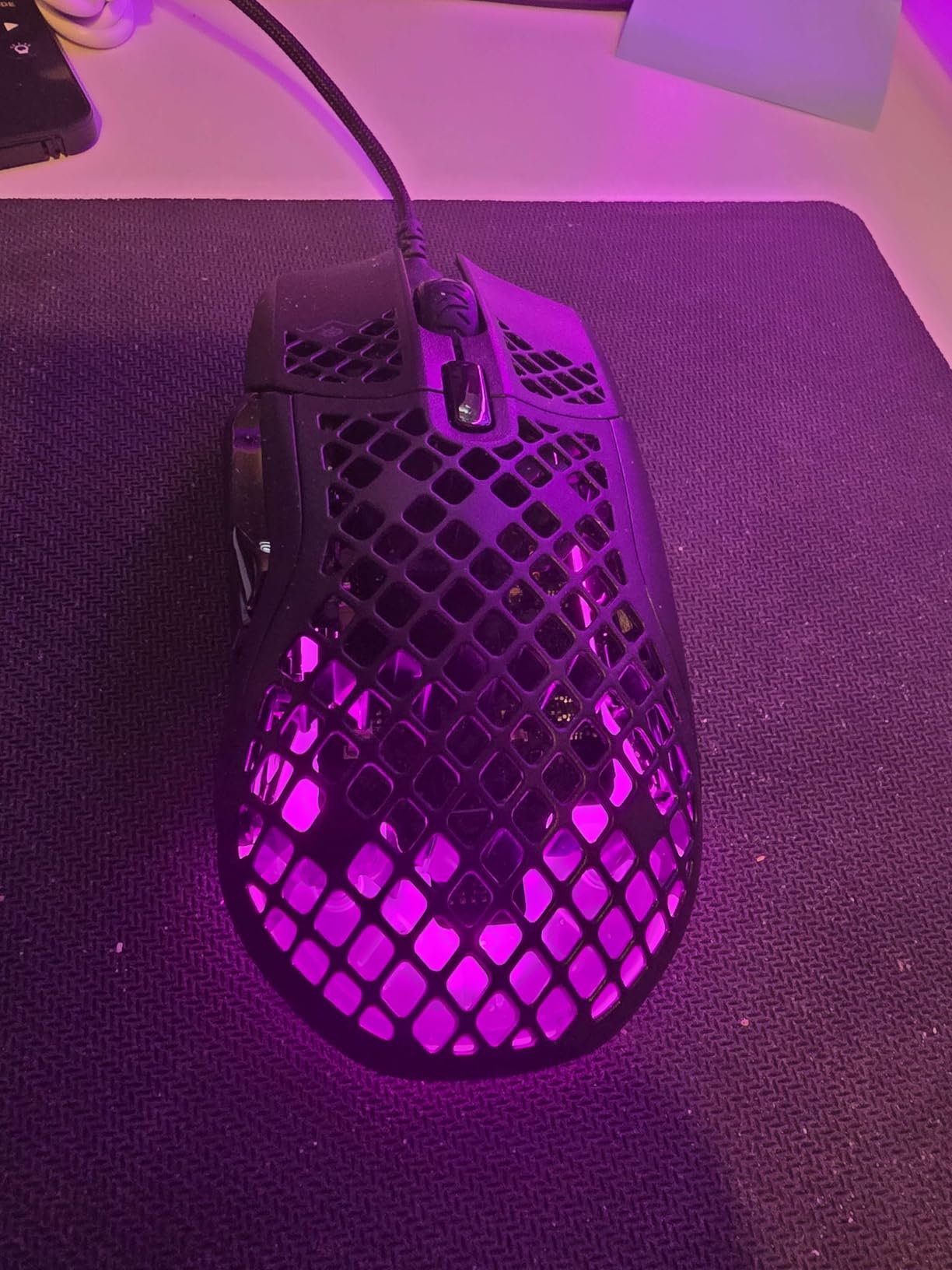
Nine buttons is a useful middle ground: two side keys, two thumb buttons, a DPI switch, the wheel, and the main clicks. The up and down flick switch between the main buttons is a nice touch for scrolling or leaning without lifting your index finger.
The TrueMove Air sensor was co-developed with PixArt and reaches 18000 CPI, which is plenty for any sensitivity you would realistically run. Three PrismSync RGB zones give moderate customisation without going overboard.
How the honeycomb shell feels in hand
At 59 grams and 5.07 inches long, this is a right-handed claw grip shape with a moderate hump. It suits medium hands especially well, and small hands will find it tighter than they want.
The holes do not feel sharp in the hand, which was our main concern with honeycomb designs. The flip side is that debris can collect inside the shell, and cleaning takes a brush rather than a wipe.
The durability question nobody skips
The scroll wheel encoder is the recurring problem in owner reports. It is exposed to dust from the hollow shell, and owners describe it failing or reversing direction within roughly one to two years of use.
Some mice also show a main click that becomes intermittently unresponsive, and the wheel does not tilt for side-scrolling. Budget accordingly: this is a mouse to enjoy now rather than to hand down in ten years.
12. SteelSeries Prime: An Esports Shape With Magnetic Switches
SteelSeries Esports FPS Gaming Mouse – Ultra Lightweight 69g – Prime Edition – 5 Programmable Buttons – 18K CPI TrueMove Pro Sensor – Magnetic Optical Switches – Customization – RGB Lighting – PC/Mac
69 g esports shell
18000 CPI TrueMove Pro sensor
Optical magnetic switches
Pros
- 69 g lightweight esports shell tuned for FPS agility
- Optical magnetic switches rated for 100 million clicks
- TrueMove Pro sensor with true 1 to 1 lift and tilt tracking at 450 IPS and 50G
- Shape developed with over 100 pros supporting fingertip palm and claw grips
- RGB lighting with customisation software
Cons
- Only 5 programmable buttons limits binding-heavy play
- No wireless option on this wired version
- 18K sensor resolution is lower than current 26K to 36K rivals
The Prime is the quiet sleeper in this group. A pro-developed shape, a 69 gram weight, and optical magnetic switches rated for 100 million clicks sit well below where comparable esports shells usually start.
The TrueMove Pro sensor is the interesting part. It does true one to one tracking on lift and tilt, meaning the pointer stops exactly where you stop rather than drifting when you pick the mouse up. At 18000 CPI with 450 IPS and 50G, it holds up during fast flicks.
Why switch longevity matters more than it sounds
Optical magnetic switches have no mechanical contact, so there is nothing to wear out and no double-clicking to worry about. A 100 million click rating is roughly ten times what most players will reach in a decade of heavy use.
The click feel is firmer and slightly sharper than a mechanical switch, which some players love and others find harsh. It is worth trying before committing if you are sensitive to click pressure.
Where the Prime stops short
Five buttons is the limit: two side keys, a DPI button, the wheel, and the main clicks. That is a clean shooter layout with nothing spare for MMO bindings or productivity shortcuts.
At 18000 CPI the sensor sits below the 26K and 36K sensors on the newer competitors here, though very few players run sensitivities high enough to reach the ceiling. This is the wired version, so you are paying for an esports shape without wireless freedom.
How to Choose a Gaming Mouse Under 100
Sensor and DPI: what actually matters
DPI measures how far the pointer moves per inch of hand movement. What you need is far below the headline number. Almost every competitive player runs 400 to 1600 DPI with an in-game multiplier doing the rest, so a 6400 DPI ceiling is limiting in theory and irrelevant in practice.
The specification that matters more is tracking quality. A sensor with no smoothing, no acceleration, and low CPI deviation makes your movements land where you intend. The 36000 DPI sensor on the Harpe Ace lists under one percent deviation, which is the kind of measurement that produces consistent muscle memory.
Watch IPS for fast swipes and G-force for hard clicks. At 400 IPS and 50G you are covered for essentially any game, so treat anything beyond that as reassurance rather than requirement.
Polling rate: where the numbers stop being useful
Polling rate is how often the mouse reports its position to your computer. 1000 Hz means eight reports per millisecond, 8000 Hz means one every 0.125 ms.
Here is the honest version: the difference between 1000 Hz and 8000 Hz is measurable in a lab and almost impossible to feel in a match. What you might notice is a more consistent cursor, especially in menus and at high sensitivity. If you are buying on polling rate alone you are leaving shape, weight, and switch durability on the table. Set your Windows pointer speed to 6 and turn off pointer acceleration instead, because those two settings cause more missed shots than any polling jump.
Switch technology: mechanical, optical, and hybrid
Mechanical switches use a metal contact that physically closes. They feel consistent and are cheap, but those contacts wear, which is what causes the double-click failure owners describe after years of use.
Optical switches break the circuit with light instead. There is no contact to wear, so double-clicking essentially stops being a problem, and actuation can drop to 0.2 ms. The Razer Basilisk V3, DeathAdder V3 Pro, Cobra, SteelSeries Prime, and the Aerox 5 all use optical switches rated between 70 and 100 million clicks.
Hybrid switches use an optical beam with a mechanical feel, which some players find too light. Whichever type you choose, the failure point to research is the scroll wheel encoder rather than the switches themselves, because the wheel is what dies first on nearly every model here.
Grip style and hand size
Grip style changes which shape works for you. Palm grip rests the whole hand on the shell and suits larger ergonomic bodies like the Basilisk V3 and the DeathAdder. Claw grip arches the fingers and suits smaller shapes like the Cobra and the SteelSeries Prime. Fingertip grip uses only the finger pads and suits flat symmetric shells.
Measure from your wrist crease to the tip of your middle finger. Under about 17 cm points to the compact shells, such as the G305 or the Cobra. Over 19 cm points to the large ergonomic bodies, and the G502 or DeathAdder shapes sit in that range comfortably.
Southpaw players should know the category is still thin. Among these twelve, the ambidextrous shapes are the Logitech G305, the Razer Cobra, and the semi-symmetrical Harpe Ace Aim Lab. If you play southpaw and need many buttons, the choice is genuinely limited, and we would rather say so than pretend otherwise.
Wired versus wireless in this bracket
Wireless under 100 used to mean a compromise on sensor quality. That is no longer true. The Razer DeathAdder V3 Pro pairs a 30000 DPI sensor with HyperSpeed wireless, and the Harpe Ace Aim Lab does the same with tri-mode connectivity. The G305 proves the same point with a lighter battery-based approach.
The remaining wired advantages are battery anxiety and price. The G305 runs for months on one AA cell, while the rechargeable wireless models here need attention every few weeks. Wired mice also never fail to connect. If you play at very low sensitivity, note that a thin flexible cable matters more than the wireless decision, which is why the Cobra and the M908 use Speedflex and braided cables rather than a thick factory cord.
Software ecosystems and the annoyance factor
Every mouse here needs software for button remapping, DPI profiles, or lighting, and the quality varies more than the hardware does.
Logitech G Hub and Razer Synapse are the two most complete, with working cloud profiles and per-game settings. The complaint we see most is that Razer splits lighting and mouse settings across separate applications. ASUS Armory Crate is the weakest: owners of the Harpe Ace report launch failures and firmware instability. Redragon Pro covers the basics but full programmability on the M908 depends on older Windows driver assumptions.
Onboard profiles matter more than people expect. If you play on a tournament machine or a borrowed PC, a mouse with onboard DPI levels and memory profiles keeps working without any software at all.
Mouse feet, glide, and what actually wears out
Feet are the cheapest upgrade on any mouse. PTFE, which several models here ship with including the Cobra and the M612, glides smoothly from the box and skates well on both cloth and hard surfaces. Stock rubber feet glide fine and wear out in a year.
Across owner reports the common failure points are predictable. Scroll wheel encoders fail first, particularly on hollow-shell mice where dust reaches the mechanism. After that come middle mouse buttons and, on wireless models, battery-related complaints. Grip coatings on the G502 and the DeathAdder tend to wear before the electronics do. Budget for a replacement set of feet and treat the wheel as the part most likely to need attention.
Matching a mouse to your game
For competitive shooters, weight and switch feel dominate. The Cobra at 58 grams and the Harpe Ace Aim Lab at 54 grams suit claw grip players chasing fast resets. The SteelSeries Prime suits fingertip grip at 69 grams, and its magnetic switches are the most durable in the group.
For MMOs and MOBA games, button count decides it. Nothing else on this list competes with the Redragon M908 at 18 programmable buttons and five onboard profiles. The G502 with eleven buttons is the second best option and adds a weight system you can fine-tune.
For mixed gaming and work, the G502 and the Basilisk V3 both work all day. The G305 and the Harpe Ace add multi-device connectivity if you switch between a gaming PC and a laptop. If you are moving from a productivity mouse such as the Logitech MX Master, our wireless productivity mice guide covers that transition separately.
Frequently Asked Questions
What is the best gaming mouse under 100?
The Logitech G502 Hero is our top pick in this bracket because it combines an adjustable weight system, eleven programmable buttons, a dual-mode scroll wheel, and a 25600 DPI sensor with no smoothing. For claw grip and competitive shooters at low weight, the Razer Cobra or the ASUS ROG Harpe Ace Aim Lab fit better. For MMOs, the Redragon M908 wins on button count.
Are lightweight gaming mice better?
Lighter mice are easier to move quickly, which helps in shooters where you make large corrections. They are not automatically better. A heavier shell with an adjustable weight system lets you tune the feel yourself, and some players find a heavier mouse more comfortable for long sessions because it resists sliding. Choose based on your grip and session length rather than chasing the lowest number.
What polling rate do I need for gaming?
1000 Hz is enough for almost every player, and the difference to 4000 Hz or 8000 Hz is difficult to detect in a real match. Set your Windows pointer speed to 6 and disable pointer acceleration first, because software-level settings cause more missed shots than any polling upgrade.
What DPI do I need for gaming?
Most competitive players run between 400 and 1600 DPI and use an in-game sensitivity multiplier to reach the speed they want. The sensor ceiling matters far less than whether the sensor tracks without smoothing or acceleration. Change DPI one step at a time and give each setting a few days before judging it.
Is a wired or wireless gaming mouse better?
Modern wireless mice under 100, such as the Razer DeathAdder V3 Pro and the ASUS ROG Harpe Ace Aim Lab, track as accurately as wired models and remove cable drag entirely. Wired mice still win on battery life and reliability, and an AA-powered wireless mouse like the Logitech G305 can run for months. Choose wireless for freedom and wired for zero charging.
What are optical switches and do I need them?
Optical switches break the circuit with light instead of a metal contact, so they cannot double-click from wear and can actuate in about 0.2 ms. They last far longer than mechanical switches. You do not need them, but if you play heavy and have had double-click problems before, an optical mouse such as the Razer Cobra or the SteelSeries Prime solves that permanently.
Final Verdict
The best gaming mice under 100 in 2026 do not split into one winner and a pile of compromises. They split by job. The Logitech G502 Hero is the one to buy if you want a single mouse that handles shooters, MMOs, and desk work without changing anything, and its adjustable weight system is the feature none of its rivals at this level offer.
Take the Razer Cobra for lightweight claw grip, the ASUS ROG Harpe Ace Aim Lab if you want tri-mode connectivity and tuning guidance, the Redragon M908 if button count is your priority, and the Razer Basilisk V3 if long sessions and a good scroll wheel matter more than grams.
Check the current price on each one before you commit, then set your pointer speed to 6 and turn acceleration off. That last step will improve your aim more than any upgrade inside this bracket.