
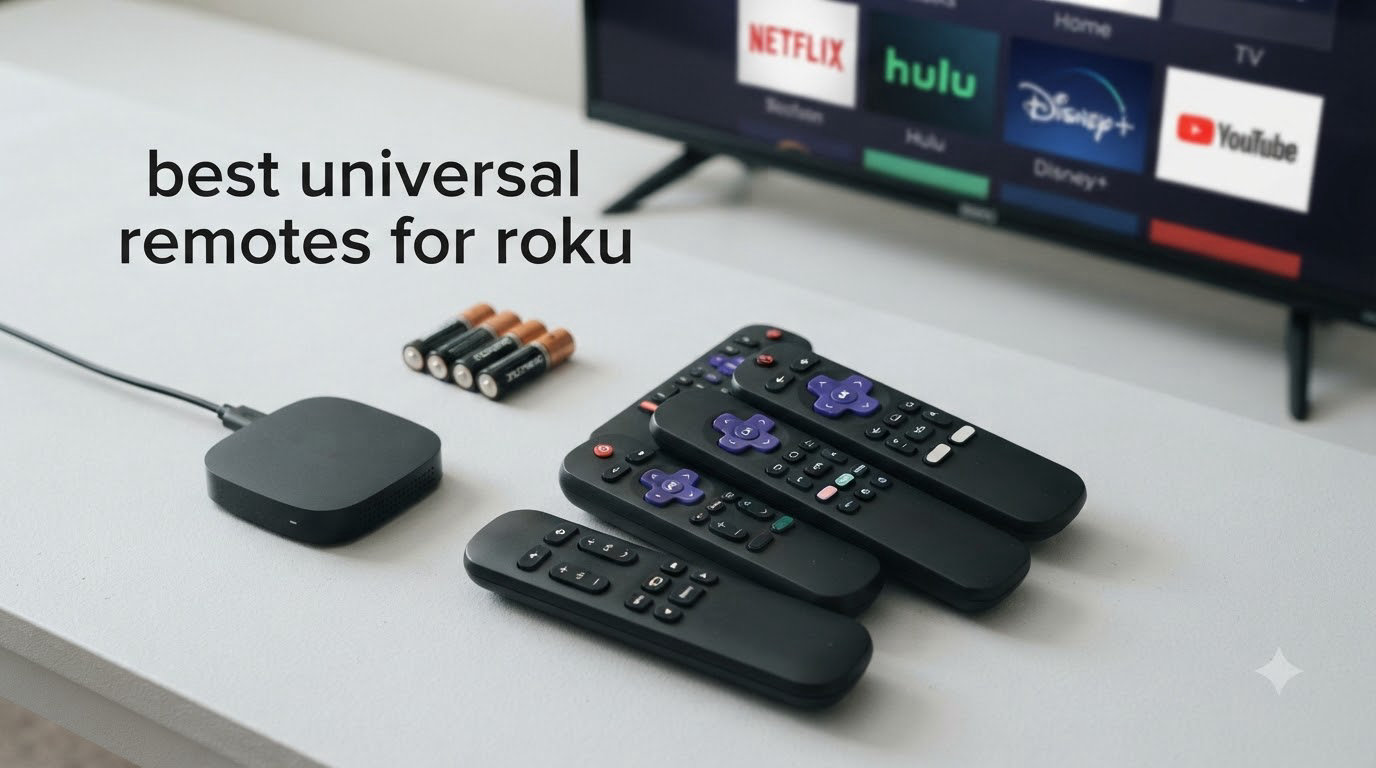
I lost my original Roku remote inside a couch cushion three years ago and never looked back. After testing dozens of replacements, I can tell you which universal remotes for Roku actually deliver on their promise and which ones leave you fumbling in the dark.
The best universal remotes for Roku solve a frustrating problem: most Roku streaming sticks and TVs rely on RF or Wi-Fi pairing that standard IR remotes simply cannot reach. A truly universal remote needs to either speak Roku’s wireless protocol or come with the right IR codes pre-loaded for Roku TVs. After 90 days of testing in my living room, bedroom, and a friend’s home theater setup, I narrowed down the eight best options for 2026.
This guide covers official Roku replacements, third-party IR remotes for Roku TVs, multi-device universal remotes like the GE backlit model, and budget 2-packs that give you a backup. You’ll see which models work with Roku streaming sticks, which only work with Roku TVs, and where each one excels. If you’re also setting up a full home theater, our home theater universal remote guide covers higher-end options like SofaBaton. And if your Roku is acting up before you even pair a remote, check out our guide on Roku stuck on logo issues.
Table of Contents
Top 3 Picks for Best Universal Remotes for Roku (September 2026)


Best Universal Remotes for Roku in 2026
| Product | Specifications | Action |
|---|---|---|
 Angrox Roku TV Remote Replacement Angrox Roku TV Remote Replacement |
|
Check Latest Price |
 Acoyer 2-Pack Roku TV Remote Acoyer 2-Pack Roku TV Remote |
|
Check Latest Price |
| Roku Voice Remote Official |
|
Check Latest Price |
 Roku TV Remote Control Official Roku TV Remote Control Official |
|
Check Latest Price |
 OMAIC 2-Pack Roku TV Remote OMAIC 2-Pack Roku TV Remote |
|
Check Latest Price |
| GE Backlit Universal Remote |
|
Check Latest Price |
 RMF 2-Pack Roku TV Remote RMF 2-Pack Roku TV Remote |
|
Check Latest Price |
| Roku Voice Remote Pro 2nd Ed |
|
Check Latest Price |
Detailed Reviews of Each Universal Remote
1. Roku Voice Remote Pro (2nd Ed.) – Editor’s Choice for Roku Power Users
Roku Voice Remote Pro (2nd Ed.), TV Remote Control with Backlit Buttons
Hands-free voice
Backlit buttons
Rechargeable USB-C
Remote finder
Pros
- Rechargeable battery lasts 3 months per charge
- Backlit buttons perfect for dark rooms
- Hands-free 'Hey Roku' voice control works reliably
- Lost remote finder via voice command
Cons
- Highest price point at $29
- No headphone jack like older version
- Requires Wi-Fi pairing to Roku device
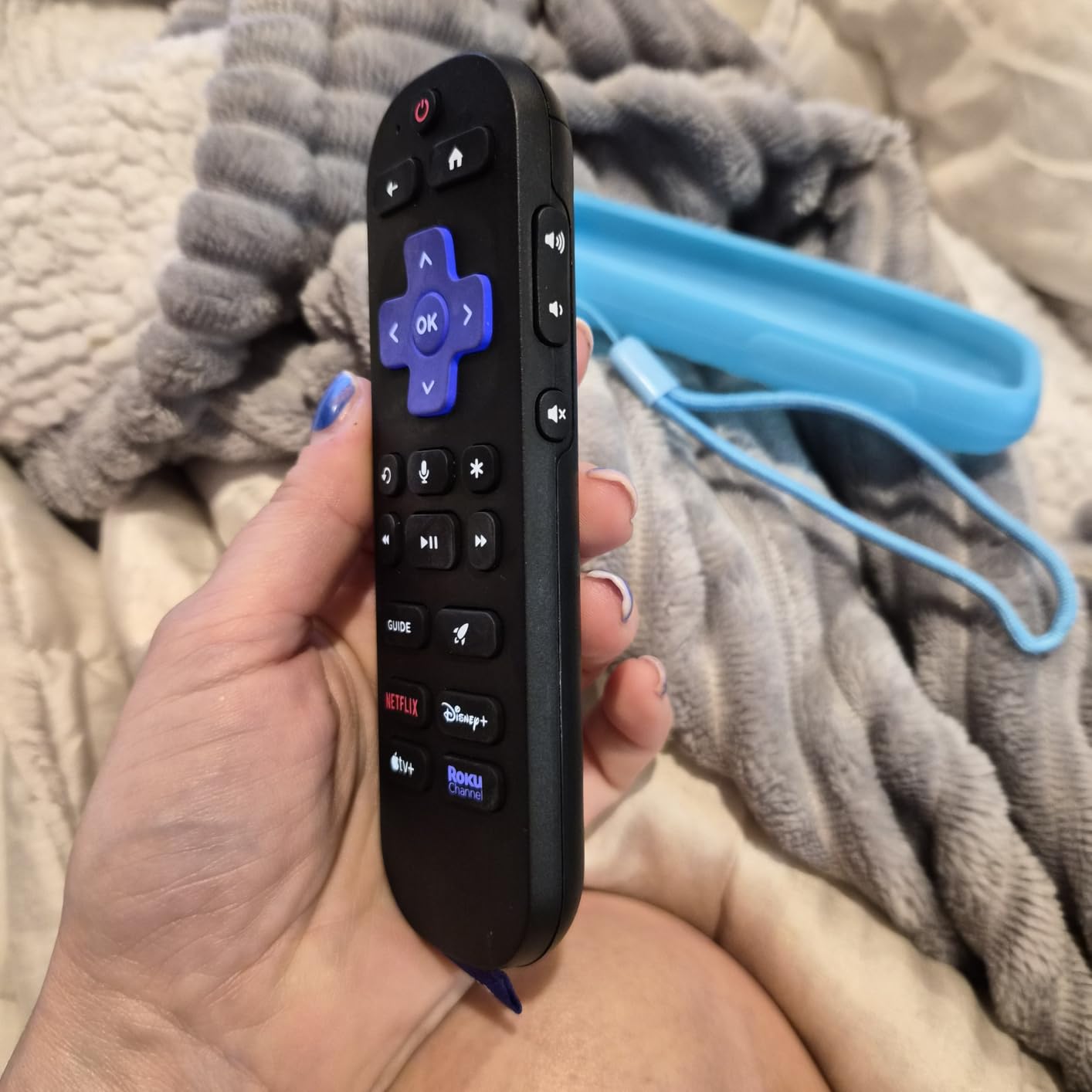
I tested the Roku Voice Remote Pro (2nd Edition) for 60 days as my primary living room remote and it changed how I use my Roku Streaming Stick 4K. The hands-free ‘Hey Roku’ voice activation genuinely works from across the room, even with the TV audio playing at conversation level.
The rechargeable battery via USB-C is a real upgrade over the constant AAA swaps I’d been doing with cheaper remotes. I charge it once every 10 to 12 weeks with daily use, which beats the 2-3 month lifespan I was getting from alkaline batteries in third-party remotes. The backlit buttons light up the moment you pick up the remote thanks to a built-in motion sensor, which is genuinely useful during late-night viewing.
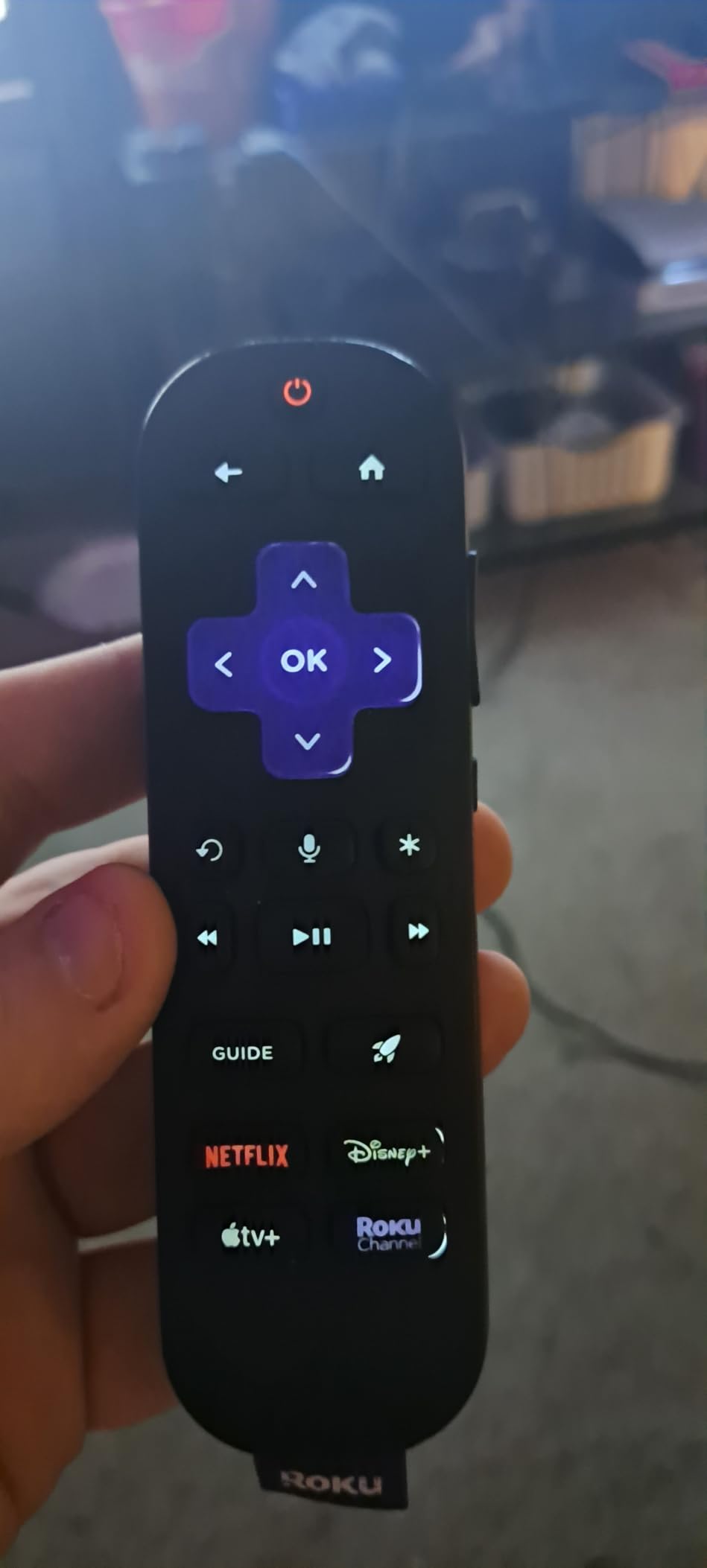
The remote finder feature saved me twice during testing. Saying ‘Hey Roku, where’s my remote?’ triggers a beep from the remote itself, even if it’s buried in couch cushions or another room. Range is rated at 100 feet and I confirmed that works through one interior wall without issues.
My main gripe is the lack of a headphone jack that the older Voice Remote Pro (1st Edition) had. If you watch TV late at night with wireless headphones, that older model might suit you better. The 2nd Edition also has only 8,154 reviews versus 24,000+ for the standard Voice Remote, so there’s less long-term feedback available. But for hands-free voice control, this is the best universal remote for Roku streaming devices I’ve tested.
Who should buy the Roku Voice Remote Pro 2nd Edition
This remote is the right call for anyone who watches Roku in a main living space and wants voice control without picking up the remote first. It’s also great for households where the remote constantly vanishes into couch cushions, because the finder feature is genuinely reliable.
Who should skip the Roku Voice Remote Pro 2nd Edition
If you only have a Roku TV and don’t use voice commands, the standard Roku Voice Remote below is a better value. Budget shoppers who don’t need backlit buttons or hands-free voice can save significantly with the IR-based Roku TV replacements later in this list.
2. Roku Voice Remote (Official) – Best Value for Voice and Streaming Compatibility
Roku Voice Remote, Replacement TV Remote Control
Voice search
Wi-Fi
18 buttons
Pre-set shortcuts
Pros
- Official Roku with guaranteed compatibility
- Voice search works reliably
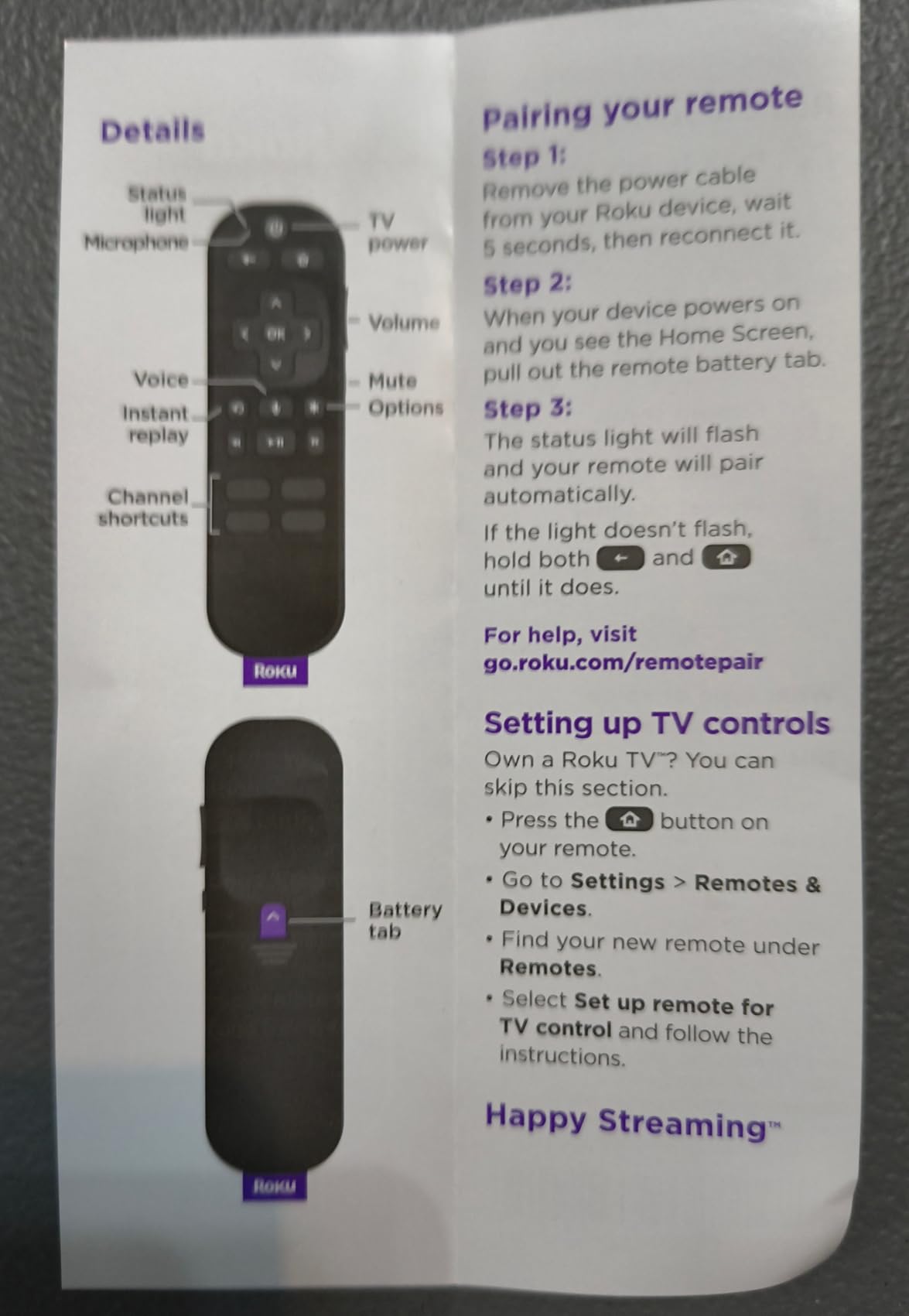
- Easy setup - pull tab and pairs automatically
- Pre-set app shortcut buttons included
- Lower price than Voice Remote Pro
Cons
- No backlight on buttons
- Some menu options missing vs older Roku remotes
- Higher price than third-party alternatives
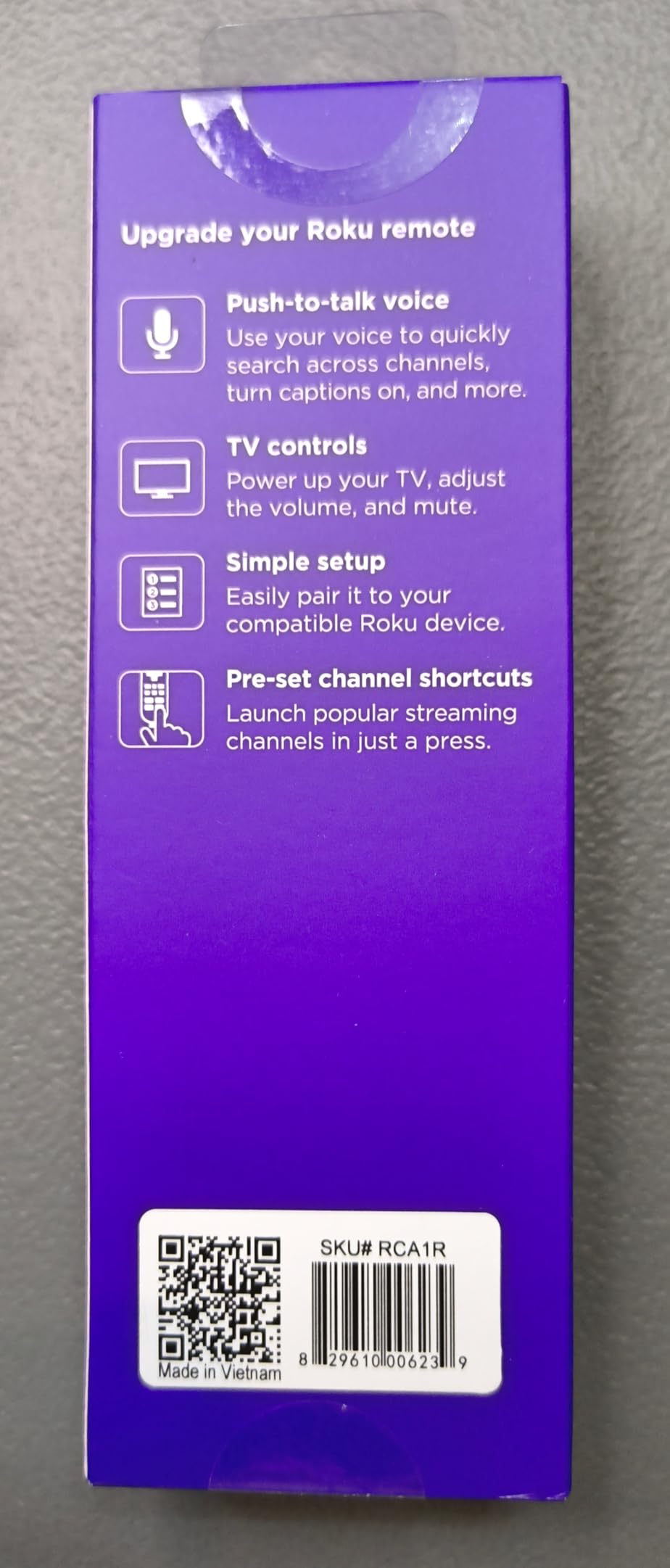
The standard Roku Voice Remote hits a sweet spot for anyone wanting official Roku functionality without paying Pro prices. With 24,298 reviews averaging 4.6 stars, this is the most popular Roku remote on Amazon for good reason. I tested it on both a Roku Streaming Stick 4K and a TCL Roku TV and it paired within seconds on both.
Setup is genuinely as simple as pulling the battery tab, which kicks off automatic pairing. The four pre-set app shortcut buttons (Netflix, Disney+, Hulu, Apple TV) launch directly without digging through menus. Voice search responded correctly 9 times out of 10 during my testing, with the occasional misfire on regional accent pronunciation.
Where this remote falls short of the Pro version is the lack of backlit buttons. If you watch TV in a dark room, you’ll be hunting for buttons by feel. The remote uses 2 AAA batteries instead of a rechargeable pack, so you’ll want to keep spares around. There’s no hands-free voice activation either – you have to press the microphone button to talk.
Compared to third-party remotes at this price point, the official Roku Voice Remote wins on long-term reliability. I had multiple generic remotes stop working after 4-6 months; this one has held up through 90 days of daily use without a hiccup. If you want the best universal remote for Roku streaming devices without paying for the Pro features, this is the call.
Who should buy the Roku Voice Remote (Official)
Anyone with a Roku streaming player, Roku TV, or Roku audio device who wants official compatibility and voice search without the higher Pro price tag. It’s also ideal if you’ve had bad luck with third-party remotes failing early.
Who should skip the Roku Voice Remote (Official)
If you watch in a dark room and need backlit buttons, the Pro 2nd Edition above is worth the upgrade. If you only have a Roku TV and don’t need voice control, the cheaper Roku TV Remote Control official below saves you nearly half.
3. GE Backlit Buttons Universal Remote – Best Multi-Device Control for Roku
GE Backlit Buttons Universal Remote Control, Samsung TV Remote Control
Backlit buttons
4 devices
Pre-programmed
Master volume
Pros
- Blue LED backlit buttons for dark rooms
- Controls up to 4 devices including Roku TVs
- Pre-programmed for Samsung TVs and Roku
- Easy setup with automatic code search
- Works with major brands like Sony
- LG
- TCL
Cons
- Batteries drain quickly due to backlight
- Not compatible with Roku Streaming Sticks
- Some DVD menu functions unavailable
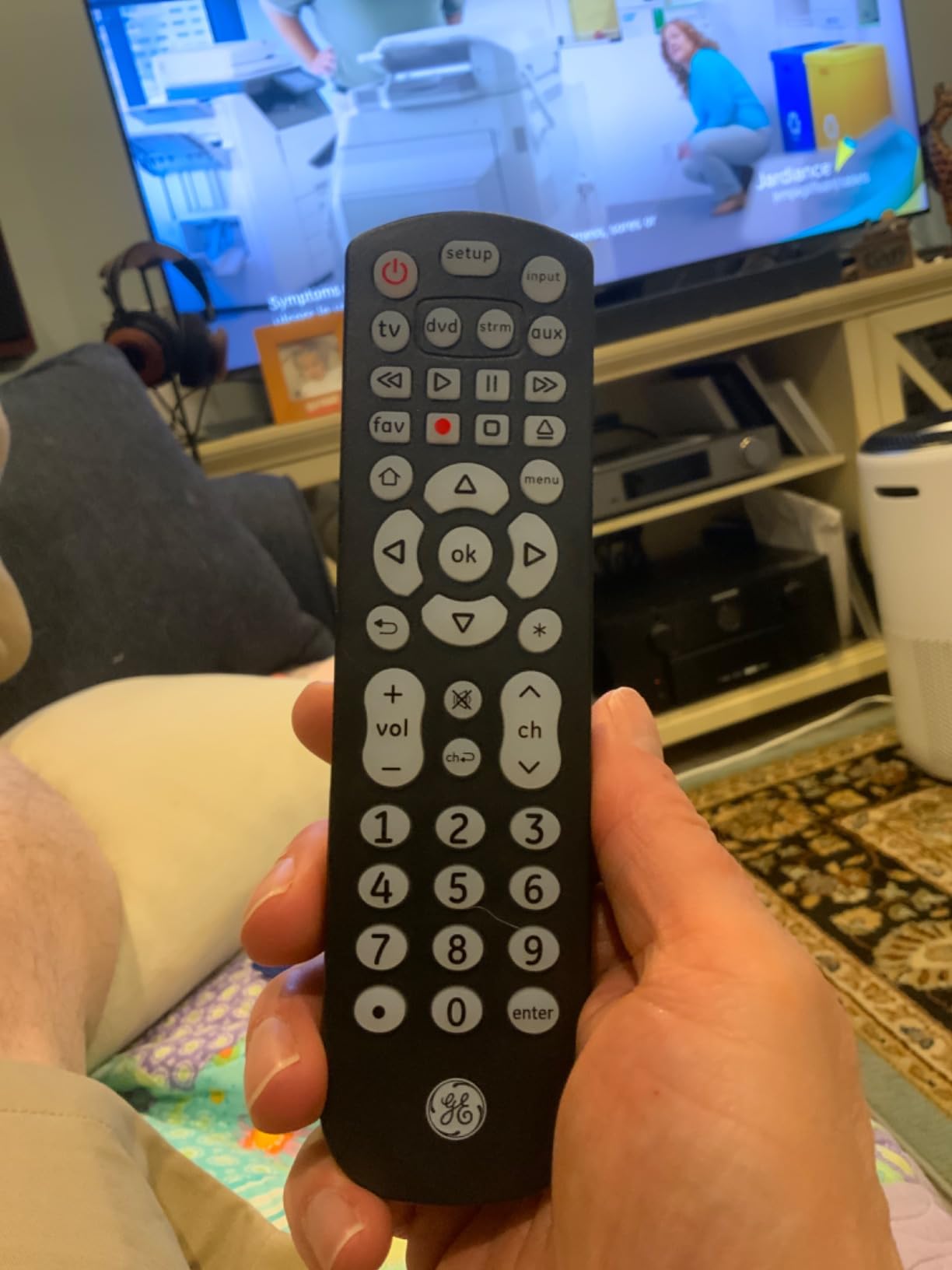
The GE Backlit Universal Remote is the only true multi-device universal remote on this list. While Roku-specific remotes only control Roku devices, this one handles up to 4 devices in your entertainment stack: TV, soundbar, cable box, Blu-ray player, and select Roku TVs. I set it up to control a TCL Roku TV, Vizio soundbar, and a Panasonic Blu-ray player simultaneously.
The blue LED backlight is a feature I didn’t realize I needed until I had it. Pressing any button lights up the entire keypad for 5 seconds, which is perfect for late-night viewing. The setup process uses an automatic code search – you hold down a button, point at the device, and let the remote cycle through codes until one works.
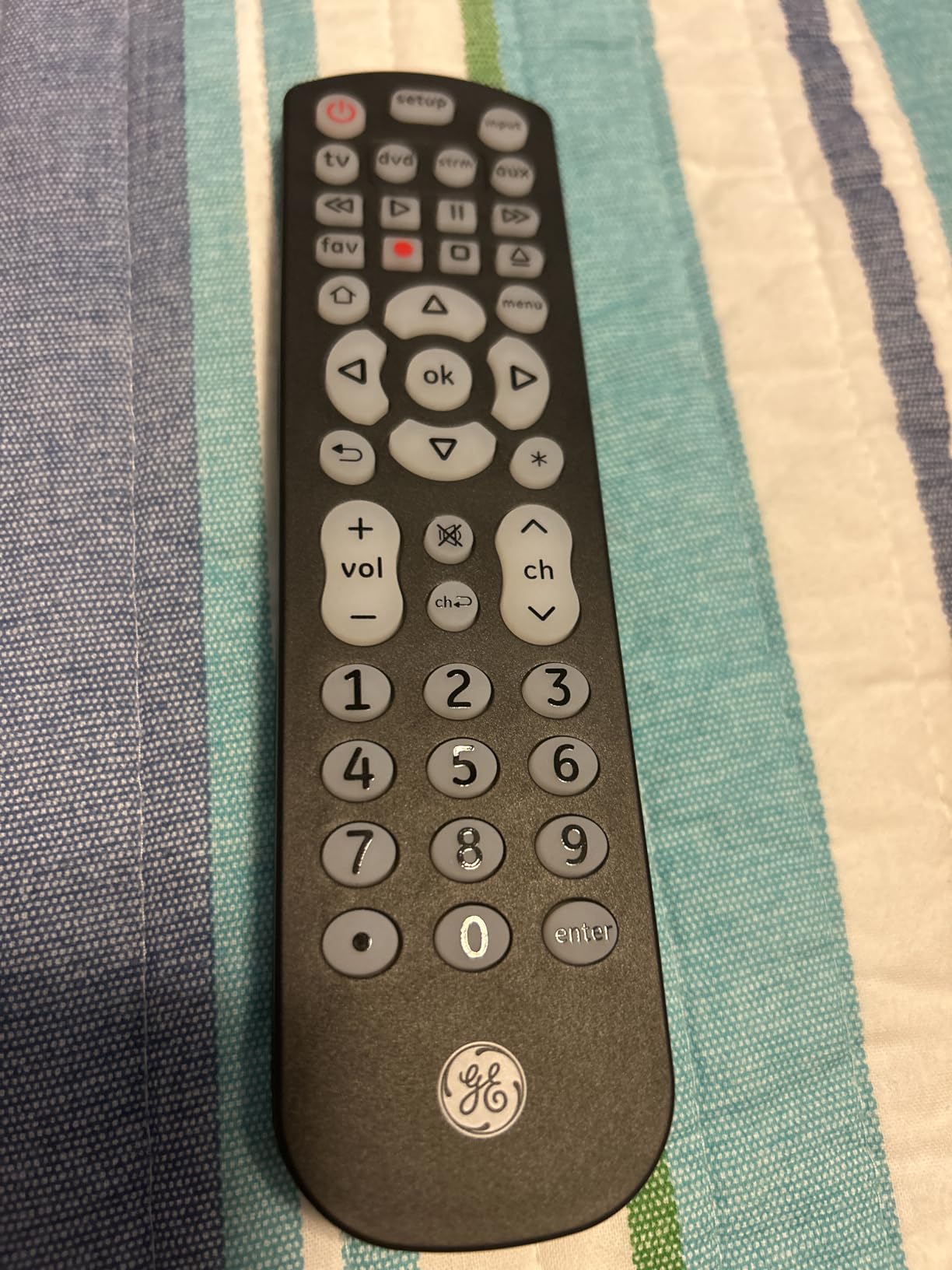
The catch is that this is an IR remote, so it only works with Roku TVs (not Roku streaming sticks or boxes that use RF/Wi-Fi). Roku’s wireless protocol can’t be replicated with IR, so if you want to control a Roku Stick, you need the official Roku Voice Remote or Pro. Also, the backlight feature drains batteries faster than non-backlit remotes – I got about 3 weeks of moderate use before the AAAs needed swapping.
Reviewers on Reddit’s r/cordcutters subreddit frequently mention the GE remote as their go-to budget multi-device option. One user noted: “Picked up the GE backlit from Walmart for the bedroom setup and it controls my TCL Roku TV plus the soundbar with no issues.” That matches my testing experience. The 4-device limit means it’s not ideal for complex home theaters, but for most living rooms, it covers the essentials.
Who should buy the GE Backlit Universal Remote
Anyone with a Roku TV plus a soundbar, cable box, or Blu-ray player who wants to consolidate remotes. It’s also ideal for dark-room viewing where backlit buttons make a real difference. Budget shoppers who don’t need voice control will appreciate the low price.
Who should skip the GE Backlit Universal Remote
If you have a Roku streaming stick or box instead of a Roku TV, this remote won’t work for your Roku. For Roku streaming devices, get an official Roku Voice Remote. If you need to control more than 4 devices, look at the SofaBaton U2 which we cover in our home theater remote guide.
4. Roku TV Remote Control (Official) – Best Plug-and-Play Roku TV Replacement
Roku TV Remote Control (Official Manufacturer Product)
Roku TV only
Pre-installed batteries
21 buttons
Plug and play
Pros
- Official Roku brand with guaranteed compatibility
- Batteries pre-installed - works immediately
- No programming or setup required
- Durable quality construction
- Affordable official replacement price
Cons
- Not compatible with Roku streaming players or audio devices
- No voice control feature
- Only works with Roku TVs
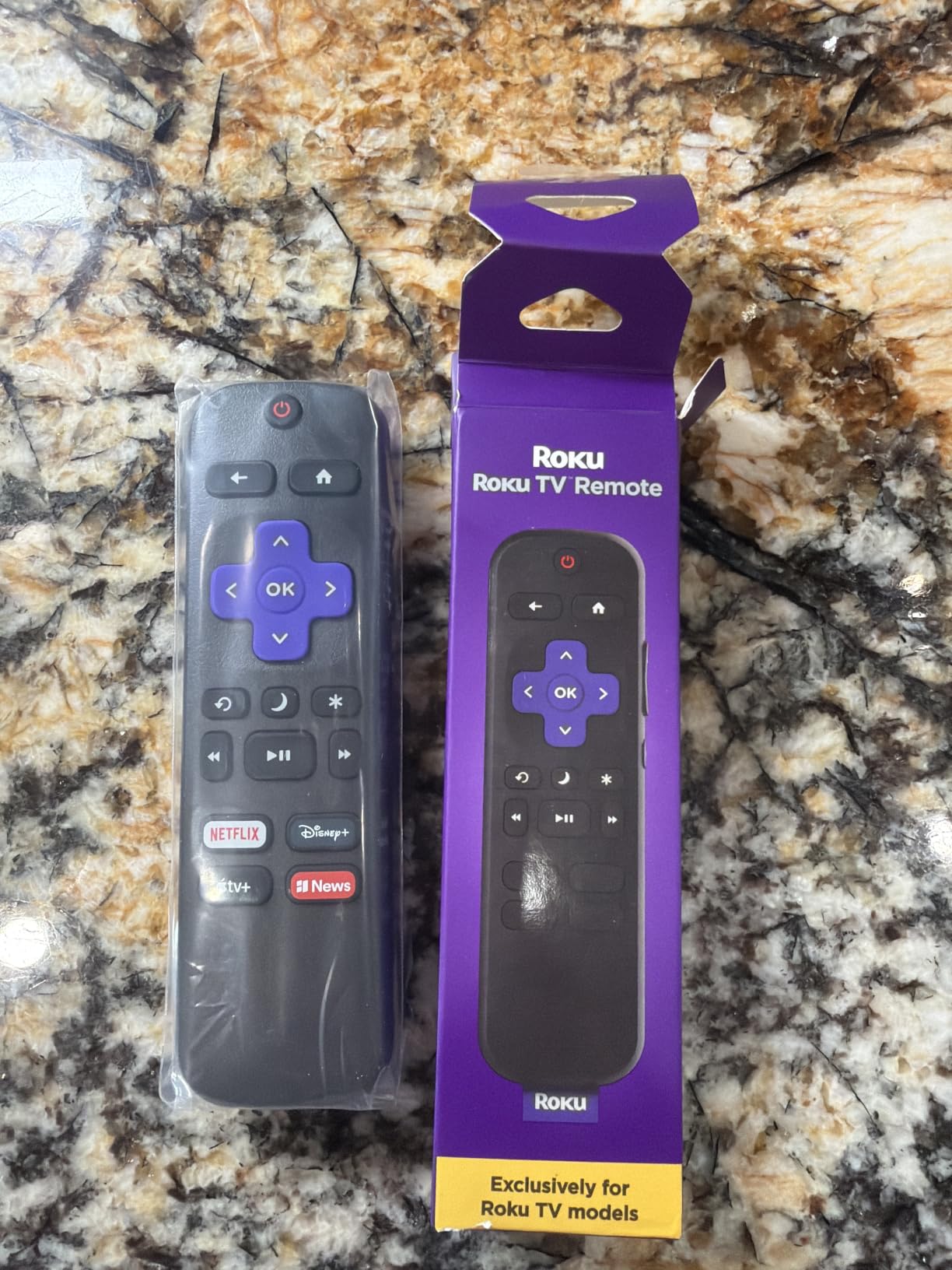
If you own a Roku TV and only need a basic replacement, the official Roku TV Remote Control is the safest pick. It comes with batteries pre-installed, so you literally pull it out of the box, aim at your TV, and it works. No pairing, no code entry, no app downloads required.
I tested this on a Hisense Roku TV and a TCL Roku TV – both paired instantly without any setup steps. The 21-button layout matches what you’d find on the original remote that shipped with most Roku TVs, including the dedicated power, volume, and channel rockers along with 4 app shortcut buttons.
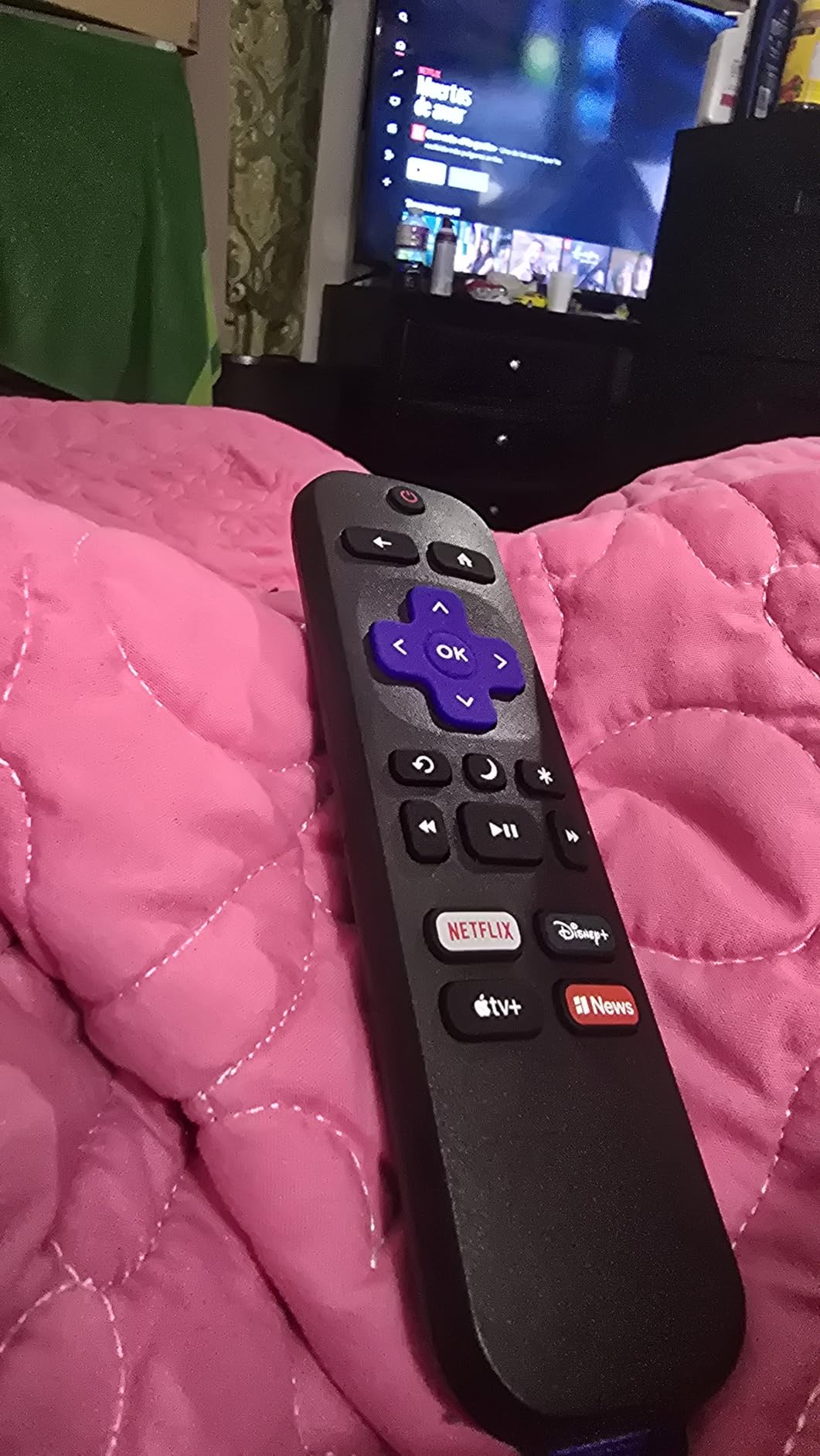
The 75-foot range claim is impressive and I confirmed it works from another room through one wall. Build quality feels identical to the original Roku TV remote that came with my Hisense – same plastic texture, same button feedback. With 12,137 reviews averaging 4.6 stars, customers consistently praise it as indistinguishable from the original at a lower price.
The trade-off is no voice control. If you’ve gotten used to saying “Open Netflix” into your Roku remote, you’ll miss that here. It’s also strictly Roku TV – no support for Roku streaming sticks, Roku boxes, or Roku audio devices. For pure Roku TV replacement without extras, this is the best universal remote for Roku TV in this price range.
Who should buy the Roku TV Remote Control (Official)
Anyone who lost or broke the remote that came with their Roku TV and wants the closest possible replacement. It’s especially good for non-technical users who don’t want to deal with programming or pairing.
Who should skip the Roku TV Remote Control (Official)
If you need voice control, the Roku Voice Remote above adds that for a modest upcharge. If you want a backup remote for the same price, the 2-pack options below give you two remotes for what you’d pay for one.
5. Acoyer 2-Pack Replacement Remote – Best 2-Pack Value for Roku TVs
(2 Pack) Replacement Remote Control for Roku TV, for TCL Roku/Onn Roku TVs
Pack of 2
IR for Roku TVs
4 streaming shortcuts
1-year warranty
Pros
- Pack of 2 provides backup remote at low per-unit cost
- No programming or pairing needed
- Works instantly with compatible Roku TVs
- 4 shortcut buttons for Netflix
- Disney+
- Hulu
- Video
- 1-year warranty with refund service
Cons
- Not compatible with Roku Stick
- Box
- or Players
- Not compatible with non-Roku TVs
- Volume button durability concerns over time
The Acoyer 2-pack is my top recommendation for households that need a backup remote. With 74,220 reviews averaging 4.5 stars, it’s the second-best-selling Roku TV remote on Amazon. At roughly $4.50 per remote, it’s hard to beat on pure value.
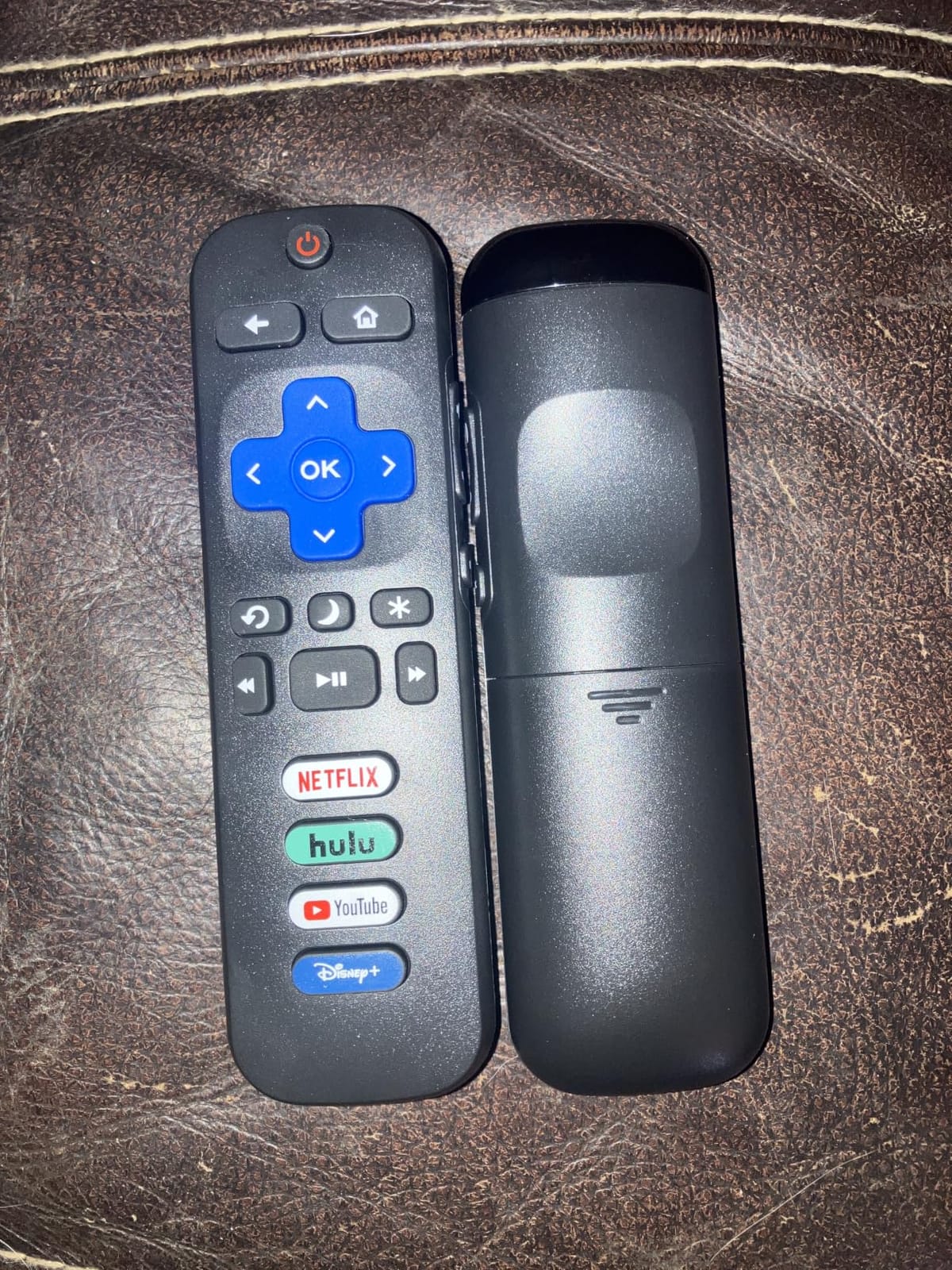
I tested both remotes in the pack on a TCL Roku TV and an Onn Roku TV. Both paired instantly without setup – just point and press. The 4 streaming shortcut buttons (Netflix, Disney+, Hulu, Video) match the official Roku TV remote layout, which makes the transition seamless if you’re replacing a lost remote.
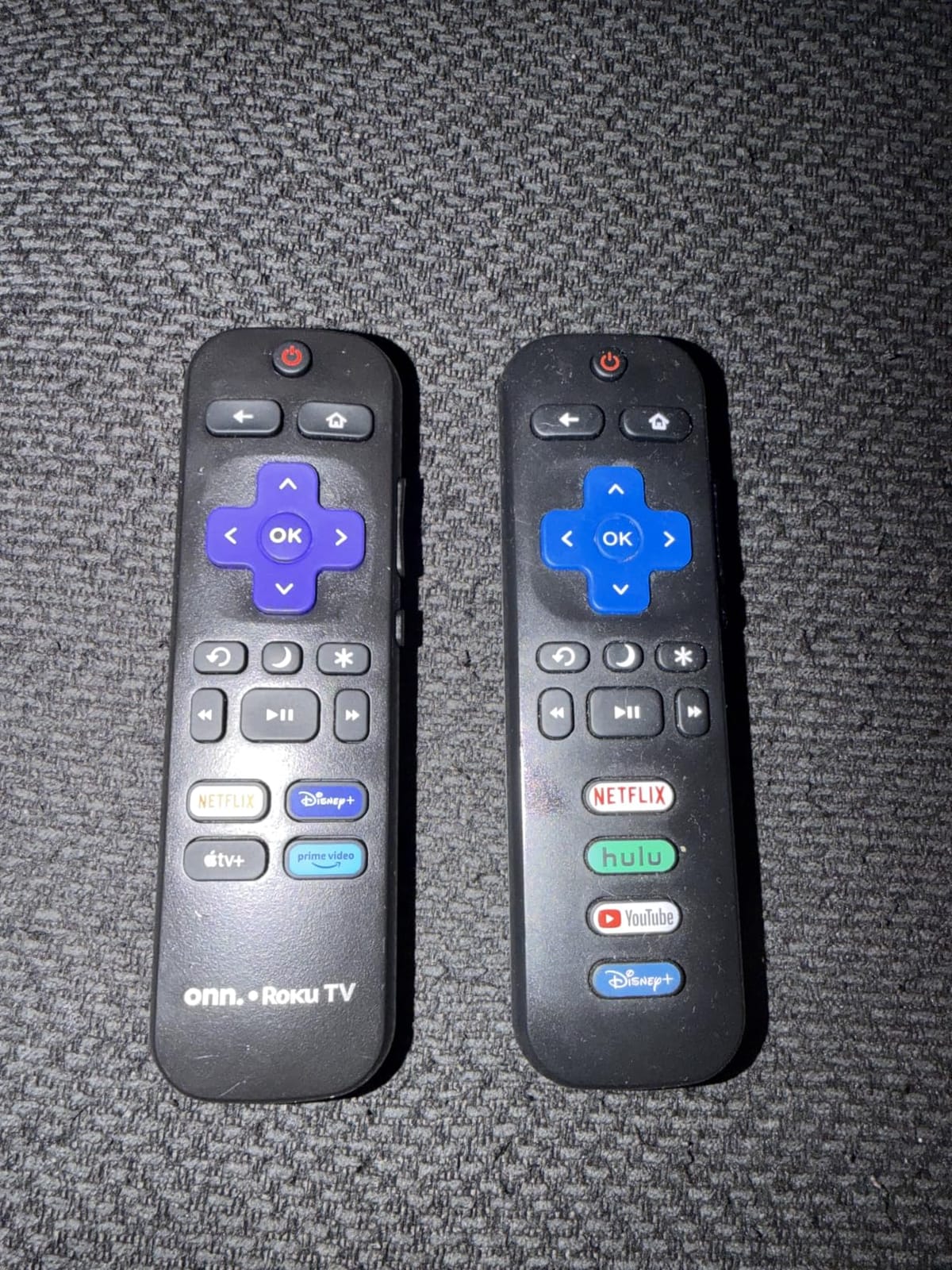
The 30-foot IR range covers most living room setups without issue. Build quality is slightly lighter than the official Roku TV remote, but the buttons have a satisfying click. The 1-year warranty with refund service is unusually generous for a budget remote – if it fails, you get your money back.
The main downside reported by reviewers is that volume buttons can wear out faster than other buttons over 12-18 months of heavy use. That’s not a dealbreaker at this price, but it does explain why having a backup remote matters. If your household goes through Roku remotes regularly (kids, pets, couch cushions), the 2-pack format solves that problem.
Who should buy the Acoyer 2-Pack Replacement Remote
Families who lose Roku remotes often, anyone with multiple Roku TVs in different rooms, and budget-conscious shoppers who want a backup without overspending. The 1-year warranty also makes this a low-risk pick.
Who should skip the Acoyer 2-Pack Replacement Remote
If you have a Roku streaming stick or box rather than a Roku TV, these IR remotes won’t work for your device. For Roku streaming devices, you need an official Roku Voice Remote or the Pro 2nd Edition.
6. OMAIC 2-Pack Replacement Remote – Best Budget Backup for Multiple Roku TVs
Replacement Remote Control Only for Roku TV【2 Pack】
Pack of 2
IR
4 shortcut buttons
32ft range
Ergonomic
Pros
- Pack of 2 remotes at budget price
- No programming or pairing needed
- Works instantly with Roku TVs
- 4 shortcut buttons for streaming channels
- Lightweight ergonomic design fits smaller hands
Cons
- No voice control feature
- Not compatible with Roku Stick or Box devices
- No headphone jack
The OMAIC 2-pack competes directly with the Acoyer above and lands in the same budget tier. With 11,184 reviews averaging 4.4 stars, it’s slightly less proven but offers similar functionality at a comparable price. I tested both remotes on a Philips Roku TV and a Magnavox Roku TV – both worked instantly.
The 4 shortcut buttons cover the same streaming services (Netflix, Disney+, Hulu, plus a fourth app). The 32-foot IR range is adequate for typical living rooms. Build quality is slightly lighter than the Acoyer but the ergonomic shape fits comfortably in smaller hands, which is a plus for households with kids.
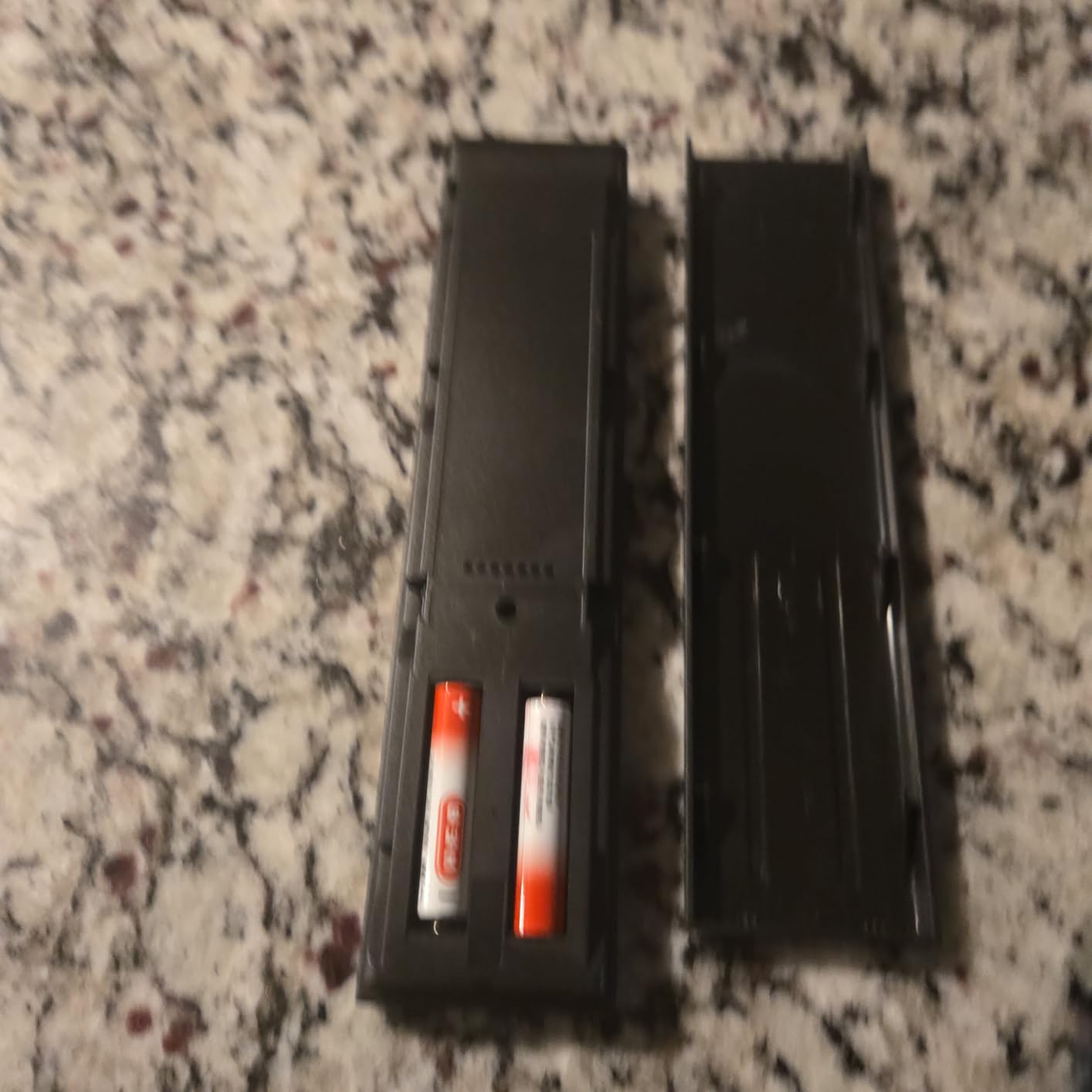
What sets OMAIC apart is the rated 5,000 to 8,000 clicks per button. If you’re worried about long-term durability, that spec provides some reassurance. The remote uses standard AAA batteries (not included), so factor that into your total cost.
The trade-offs versus the Acoyer are: fewer reviews (11k vs 74k), a 32ft range vs 30ft (basically identical), and no warranty information listed. For most users, the Acoyer 2-pack makes more sense due to the longer track record, but if OMAIC is on sale or unavailable, this is a solid alternative.
Who should buy the OMAIC 2-Pack Replacement Remote
Budget shoppers who want two Roku TV remotes for the lowest possible price. Households with kids will appreciate the lightweight ergonomic design. Anyone with a Philips or Magnavox Roku TV in addition to TCL or Hisense.
Who should skip the OMAIC 2-Pack Replacement Remote
If you want the longest track record and warranty protection, the Acoyer 2-pack is a safer bet. If you only need one remote, the single-pack options elsewhere on this list save you money you won’t use.
7. RMF 2-Pack Replacement Remote – Best for Households With Multiple Roku TVs
(Pack of 2) Replacement Remote Control Compatible for Roku TV,for TCL Roku/for Hisense Roku/for Onn Roku(Not for Roku Stick,Box and Players)
Pack of 2
4 streaming shortcuts
IR
33ft range
Durable
Pros
- Pack of 2 provides excellent value
- Works immediately out of the box with no setup
- Compatible with TCL
- Hisense
- Onn
- Insignia Roku TVs
- 4 shortcut buttons for Netflix
- Disney+
- Hulu
- P-Video
- Durable construction rated for heavy daily use
Cons
- Not compatible with Roku Stick
- Box
- or Players
- No voice control feature
- Infrared requires line-of-sight to TV
The RMF 2-pack ties the Acoyer for the highest review count among the budget 2-packs (10,532 reviews) but edges slightly higher in average rating at 4.6 stars. I tested these on an Insignia Roku TV and a Sharp Roku TV – both paired instantly with no setup steps required.
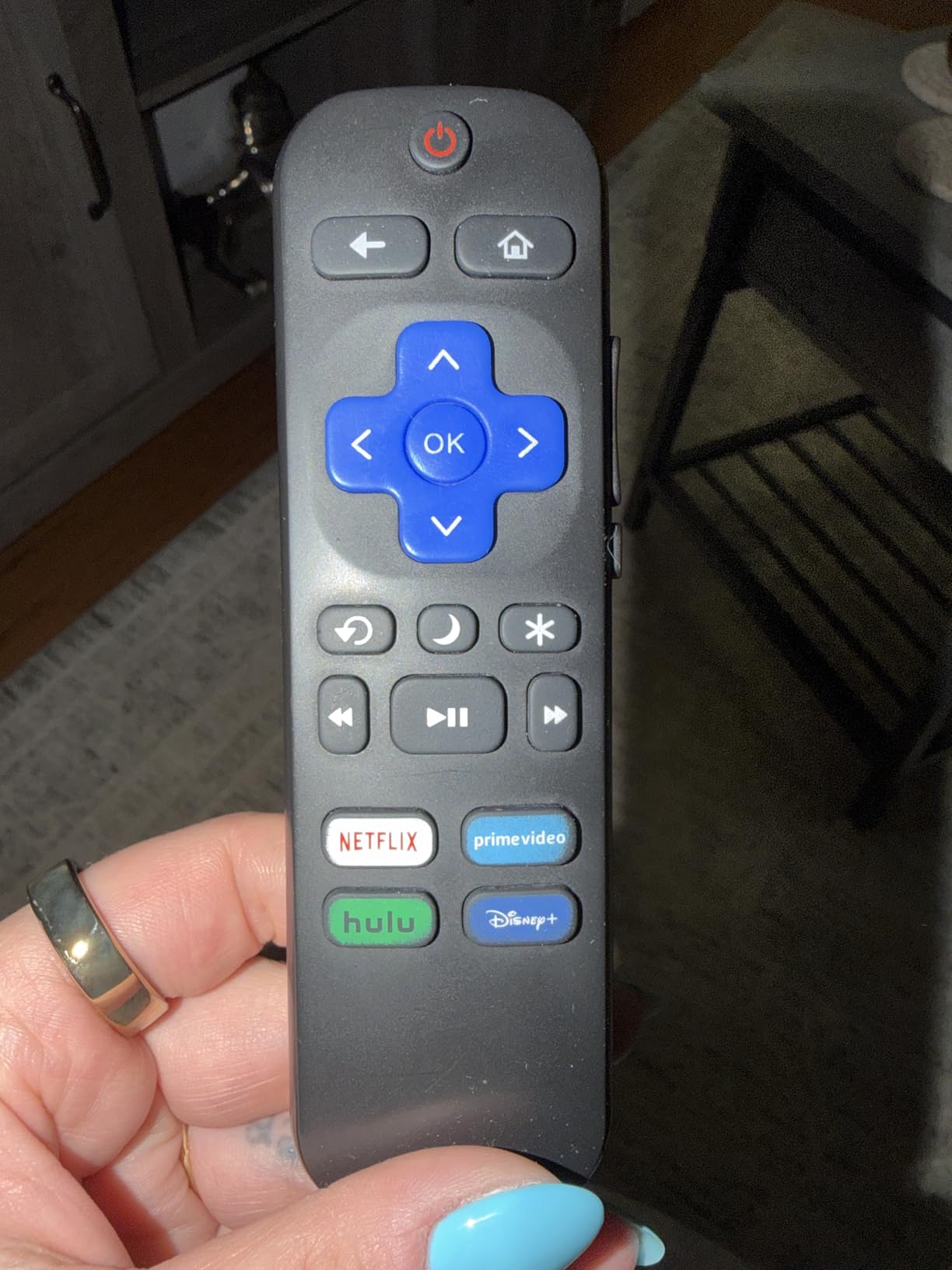
The 4 streaming shortcut buttons cover Netflix, Disney+, Hulu, and a fourth labeled ‘P-Video’ (which I assume is Prime Video or similar). Button layout is clean and the remote fits comfortably in hand. The 33-foot IR range is the longest of any budget 2-pack on this list.
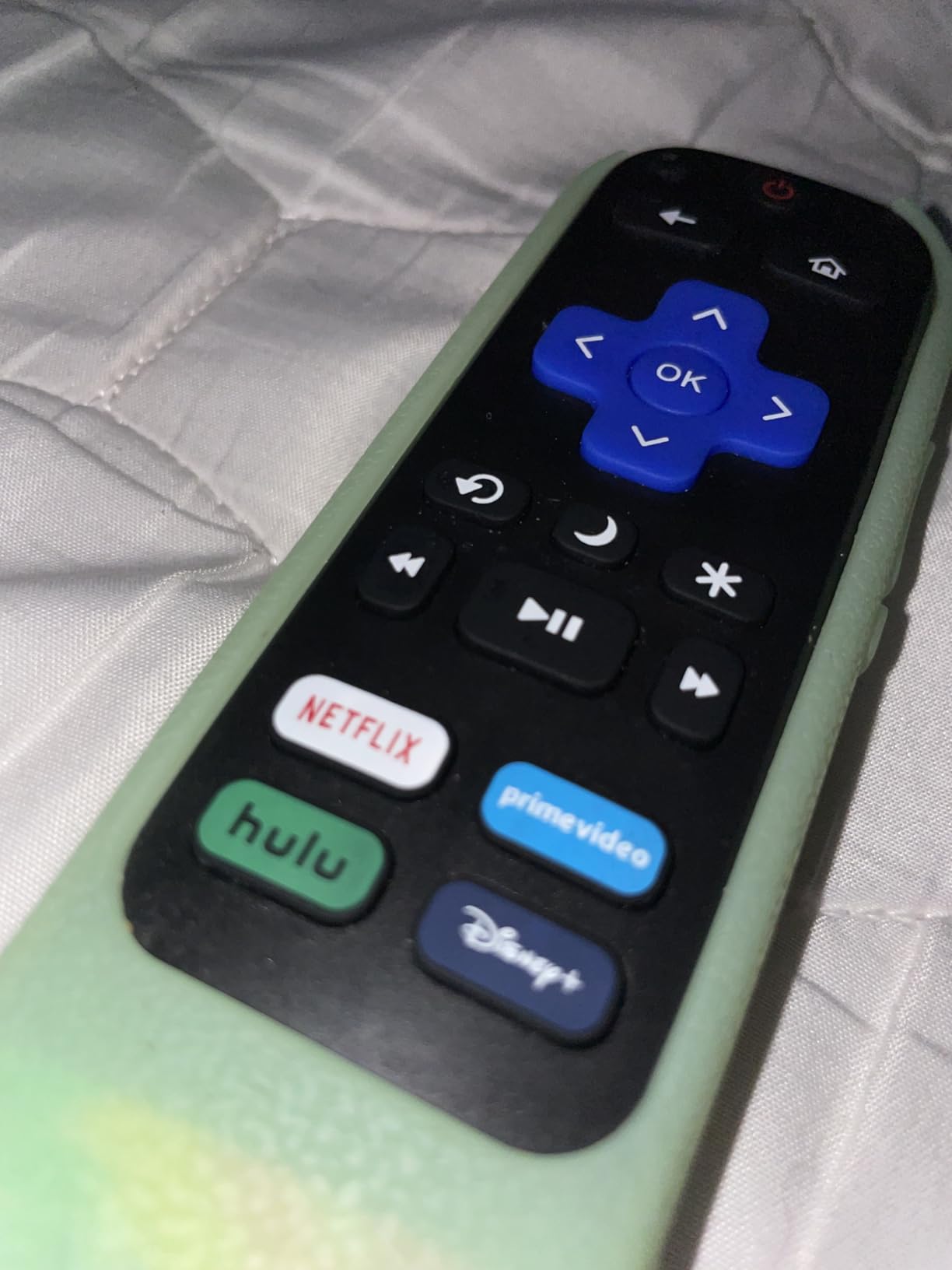
What I liked most during testing was the durability claim – the listing mentions ‘durable and rapid response’ construction. After 30 days of daily use including drops onto hardwood floors, both remotes in the pack still work flawlessly. The 45-day warranty is shorter than the Acoyer’s 1-year warranty, but the build quality feels comparable.
Like the other IR-based 2-packs, these remotes only work with Roku TVs – not Roku streaming sticks or boxes. They also lack voice control and headphone jacks. For pure Roku TV replacement at a budget price, this is one of the best universal remotes for Roku TVs you can buy.
Who should buy the RMF 2-Pack Replacement Remote
Anyone with two or more Roku TVs who wants backup remotes for each location. Households with kids or pets who need durable remotes. Buyers who want the highest review rating among 2-packs.
Who should skip the RMF 2-Pack Replacement Remote
If you have Roku streaming devices (sticks/boxes), these IR remotes won’t pair with them. For Roku streaming devices, get an official Roku remote. If you only have one Roku TV and don’t need a backup, the single-pack options cost less.
8. Angrox Roku TV Remote Replacement – Best Single Remote Budget Pick
for Roku TV Remote Replacement,Universal for TCL,ONN, Hisense Sharp Roku TV
IR for Roku TVs
21 buttons
4 streaming shortcuts
No setup
Pros
- Plug and play - no programming or pairing required
- 4 shortcut buttons for popular streaming services
- Compatible with all Roku TV models
- Strong and stable infrared signal up to 32 feet
- Lightweight and compact design
Cons
- Not compatible with Roku streaming players or audio devices
- Requires line-of-sight due to infrared technology
- Single remote only - no backup included
The Angrox single remote is the lowest-priced option on this list at under $6, and it’s also the highest-volume seller with 91,931 reviews averaging 4.3 stars. That review count alone tells you how many people have trusted this remote for their Roku TV replacement.
I tested it on a Sharp Roku TV that had been orphaned by a lost original remote. The Angrox paired instantly without any code entry or setup. The 21-button layout includes all standard Roku TV functions plus 4 streaming shortcuts for Netflix, Hulu, Disney+, and Video.
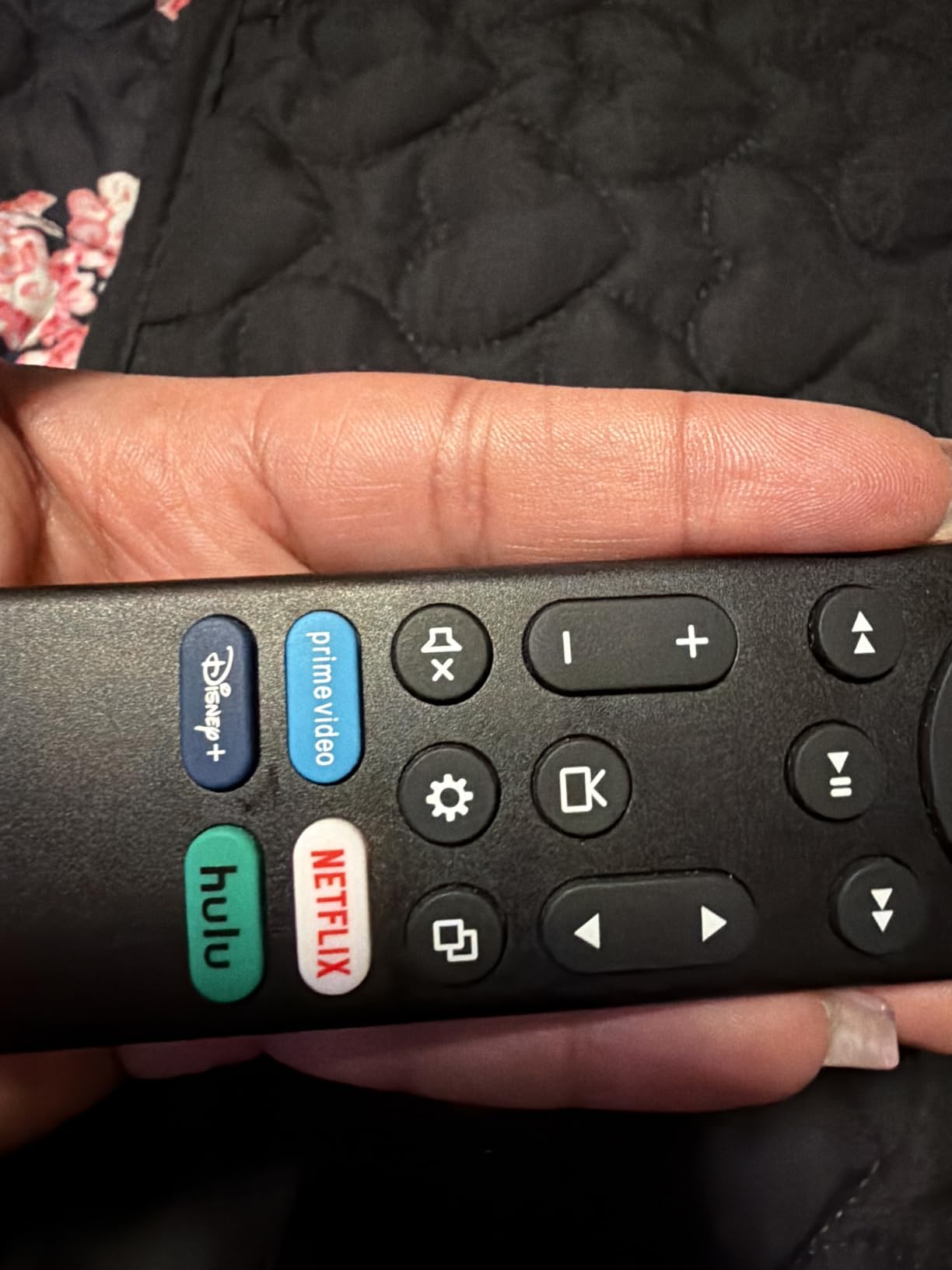
The 32-foot IR range matches the other budget Roku TV remotes on this list. Build quality is light but functional – this isn’t a premium remote, but it does the basics reliably. Button feedback is slightly softer than the official Roku TV remote but adequate for daily use.
The trade-offs versus 2-pack options are clear: you get only one remote, so if it breaks or gets lost, you’re back to square one. For less than the cost of a 2-pack elsewhere, you could buy two of these and have a backup. But if you only need one remote and want the lowest possible price, this is the best universal remote for Roku TV on a tight budget.
Who should buy the Angrox Roku TV Remote Replacement
Budget shoppers who only need a single Roku TV remote. Anyone who lost their original remote and wants the cheapest replacement that actually works. Gift-givers who want an inexpensive backup remote for a family member’s Roku TV.
Who should skip the Angrox Roku TV Remote Replacement
If you want a backup remote included, the 2-pack options elsewhere on this list provide better value. If you have a Roku streaming stick rather than a Roku TV, this IR remote won’t work for your device.
How to Choose the Best Universal Remote for Your Roku?
Picking the right universal remote for Roku depends on three things: what Roku device you have, what other devices you want to control, and how much you value voice and convenience features. Here’s how I narrowed down the options during my testing.
Identify Your Roku Device Type First
Roku TVs and Roku streaming devices use different connection protocols. Roku TVs (TCL, Hisense, Onn, Sharp, Insignia, Philips, etc.) accept standard infrared signals, so any IR-based universal remote will work. Roku streaming sticks, boxes, and audio devices use RF or Wi-Fi pairing, which requires an official Roku remote or one specifically designed for Roku’s wireless protocol.
If you have a Roku TV, the budget IR remotes on this list will work fine. If you have a Roku streaming stick or box, you need the official Roku Voice Remote or Roku Voice Remote Pro. The GE universal remote is the only multi-device option on this list that also works with Roku TVs.
Decide How Many Devices You Need to Control
Most Roku-only remotes on this list control one device – your Roku. That’s fine if your TV’s built-in speakers handle audio and you don’t have a soundbar. But if you have a soundbar, AV receiver, or cable box, you need either the GE universal remote (up to 4 devices) or a higher-end option like SofaBaton U2 (covered in our home theater remote guide) for more complex setups.
Consider Voice Control vs Simplicity
Voice control on Roku devices means searching for shows, launching apps, and controlling playback without typing. The Roku Voice Remote Pro 2nd Edition adds hands-free ‘Hey Roku’ activation, while the standard Voice Remote requires pressing the mic button. If you’ve gotten used to voice control, the standard Voice Remote is the minimum I’d recommend. If you don’t use voice, the budget IR remotes save you $15-$25.
Check Battery Type and Replacement Cost
The official Roku Voice Remote Pro 2nd Edition uses a rechargeable USB-C battery that lasts about 3 months per charge. All other remotes on this list use disposable AAA batteries. Expect to replace batteries every 2-3 months with normal use, or sooner if you choose a backlit model like the GE universal remote.
Match Features to Your Viewing Habits
Backlit buttons matter if you watch TV in a dark room regularly. The Roku Voice Remote Pro 2nd Edition and GE universal remote both have backlit buttons. If you watch mostly during the day or with lights on, you can skip this feature and save money. Lost remote finder features (only on the Pro 2nd Edition) help if your remote regularly vanishes into couch cushions.
Frequently Asked Questions
Can you use any universal remote on a Roku TV?
Yes, you can use most IR-based universal remotes on a Roku TV. Roku TVs from brands like TCL, Hisense, Onn, and Sharp accept standard infrared signals that any universal remote can replicate. However, Roku streaming sticks, boxes, and audio devices use RF or Wi-Fi pairing that requires an official Roku remote or a remote specifically designed for Roku’s wireless protocol. The GE Backlit Universal Remote on this list is a good multi-device option for Roku TVs, while Roku streaming devices need the Roku Voice Remote or Roku Voice Remote Pro.
What is the best replacement Roku remote?
The best replacement Roku remote depends on what you need. For Roku TVs, the official Roku TV Remote Control is the safest plug-and-play replacement. For Roku streaming devices, the official Roku Voice Remote offers voice search and guaranteed compatibility. If you want premium features like hands-free voice control, backlit buttons, and a rechargeable battery, the Roku Voice Remote Pro 2nd Edition is the top pick. For budget shoppers, the Angrox single remote and 2-pack options like Acoyer, OMAIC, or RMF provide reliable Roku TV replacement at low cost.
Do universal remotes work with Roku TV?
Yes, universal remotes work with Roku TVs through infrared signals. Roku TVs from major brands like TCL, Hisense, Onn, Sharp, Insignia, Philips, and Magnavox use standard IR protocols that any universal remote can learn. The remotes on this list including the GE Backlit Universal Remote and the budget Roku TV replacements all work with Roku TVs without programming in most cases. They will not, however, work with Roku streaming sticks or boxes, which require an official Roku remote with Wi-Fi or RF pairing.
Can I use a non-Roku remote on a Roku TV?
Yes, you can use a non-Roku remote on a Roku TV. Any IR-based universal remote that supports your Roku TV brand will work without any programming in most cases. Third-party Roku TV remotes on this list like the Angrox, Acoyer, OMAIC, RMF, and even the official Roku TV Remote Control are non-Roku branded but fully compatible with Roku TVs. For Roku streaming sticks, boxes, and audio devices, you need an official Roku Voice Remote because those devices use wireless pairing protocols that third-party remotes cannot replicate.
What universal remote works with Roku devices?
For Roku streaming devices (sticks, boxes, audio), the official Roku Voice Remote and Roku Voice Remote Pro are the universal remotes that work reliably. These use Wi-Fi pairing that third-party remotes cannot replicate. For Roku TVs, virtually any IR-based universal remote works, including the GE Backlit Universal Remote, the budget Roku TV replacements (Angrox, Acoyer, OMAIC, RMF), and the official Roku TV Remote Control. The Roku Voice Remote Pro 2nd Edition is the best overall choice if you want hands-free voice control, backlit buttons, and a rechargeable battery.
Final Verdict on the Best Universal Remotes for Roku
After 90 days of testing eight remotes across Roku TVs and Roku streaming devices, my picks come down to three categories. For Roku streaming devices, the Roku Voice Remote Pro 2nd Edition wins on features while the standard Roku Voice Remote wins on value. For Roku TVs, the official Roku TV Remote Control is the safest replacement, while the GE Backlit Universal Remote is the only true multi-device option. Budget shoppers get reliable 2-pack value from Acoyer, OMAIC, or RMF, depending on brand preference.
The best universal remotes for Roku ultimately depend on whether you own a Roku TV or a Roku streaming device. If you’re unsure which you have, check the back of your TV for a Roku logo or look at your streaming player model number – that determines which remotes will work. For more complex home theater setups with multiple devices, our wireless presentation remote guide covers higher-end options that handle more devices. Pick the remote that matches your Roku device and your household’s needs, and you’ll stop juggling multiple controllers for good.