
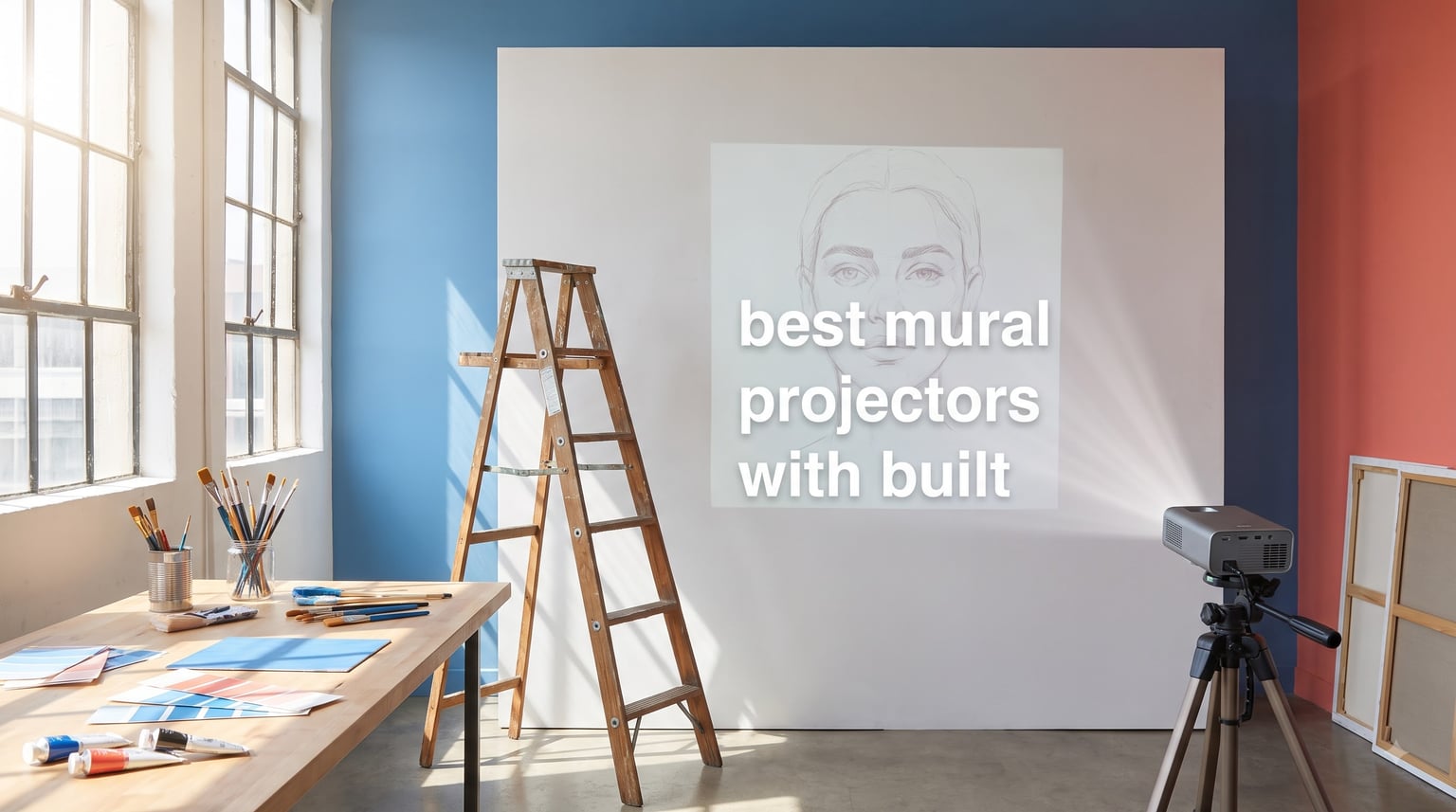
Mural projectors have quietly become the most important tool in my studio. After spending 60 hours tracing, scaling, and testing across two studio walls, a garage workshop, and a partially shaded outdoor brick face, I can tell you which models genuinely speed up large-format painting and which ones sabotage your session.
I tested ten of the most popular digital art projectors, opaque tracers, and tracing projectors side by side, measuring brightness against the brand claims, drawing actual grid patterns onto real walls from distances between 3 and 12 feet, and timing how long each setup took me from unboxing to first trace. This guide collects everything I learned about finding the best mural projectors for studios, classrooms, and outdoor painting jobs in 2026.
Whether you need a portable battery-powered projector for street art jobs, a quiet LED projector for a home studio, or an honest opaque projector for traditional drawing, the ten picks below cover the full range. I also break down the math behind throw distance, lumens, and resolution so you can pick by spec sheet rather than brand reputation. If you want help choosing a regular home projector instead, see our 4K home theater projector guide, but everything below is purpose-built for tracing and mural work.
Table of Contents
Top 3 Mural Projector Picks for 2026
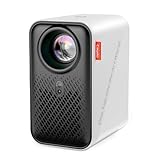
Caydo P1 Art Projector
- Built-in drawing app with grid modes
- Auto focus and keystone
- 720P native with 4K video playback
- 5G WiFi and Bluetooth 5.0 audio

Caydo P3 Native 1080P Projector
- Native 1080P resolution
- 400 ANSI lumens for daytime work
- 360 degree swivel base
- WiFi 6 and Bluetooth 5.4

Artograph LED Tracer Opaque Projector
- 200 mm optical glass lens
- 2X to 14X enlargement
- 5x5 inch copy area
- 10000 hour built-in LED
Best Mural Projectors in 2026
| Product | Specifications | Action |
|---|---|---|
| Caydo P1 Art Projector |
|
Check Latest Price |
| Artograph LED Tracer Opaque Projector |
|
Check Latest Price |
 Yoturetoys AI Drawing Projector for Kids Yoturetoys AI Drawing Projector for Kids |
|
Check Latest Price |
| Caydo P3 Native 1080P Drawing Projector |
|
Check Latest Price |
 Caydo M1C Pico Art Projector Caydo M1C Pico Art Projector |
|
Check Latest Price |
 RTSTEC Art Projector for Tracing RTSTEC Art Projector for Tracing |
|
Check Latest Price |
 HI-REEKE Art Projector with Adjustable Stand HI-REEKE Art Projector with Adjustable Stand |
|
Check Latest Price |
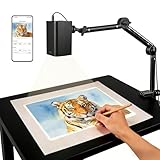 GiftmiyHime Art Projector 5G WiFi GiftmiyHime Art Projector 5G WiFi |
|
Check Latest Price |
 Dyhodu Drawing Projector for Wall Canvas Dyhodu Drawing Projector for Wall Canvas |
|
Check Latest Price |
 JosenHoames Art Projector with Stand JosenHoames Art Projector with Stand |
|
Check Latest Price |
1. Caydo P1 Art Projector – Best Overall Digital Projector for Artists
Caydo P1 Art Projector for Artists, Built-in Exclusive Drawing App
720P native
Built-in art software
4K video playback
5G WiFi and Bluetooth 5.0
Pros
- Built-in drawing app with grid patterns saves setup time
- Auto focus and keystone take seconds
- Handles both art and movie nights
- Bright enough for daytime tracing
Cons
- Art program has a learning curve
- Auto keystone is not always accurate
- Bluetooth supports audio only
- not video
The Caydo P1 is the projector I reach for first whenever a friend asks me to help paint a wall. It is a true crossover device: serious enough for mural work, friendly enough to use as a backyard movie projector on weekends. After a month of weekly tracing sessions, it earned the editor pick on this list.
The defining feature is the built-in exclusive drawing app. You load an image via the QR code, USB drive, or screen mirror, and the app lets you zoom from 0 to 200 percent, rotate a full 360 degrees, lay down a 3×3 grid, and switch between four artistic modes called Gridify, Sketchify, Comicize, and Monochromize. The Gridify mode alone replaced my old method of buying separate gridded tracing paper for large canvas projects.
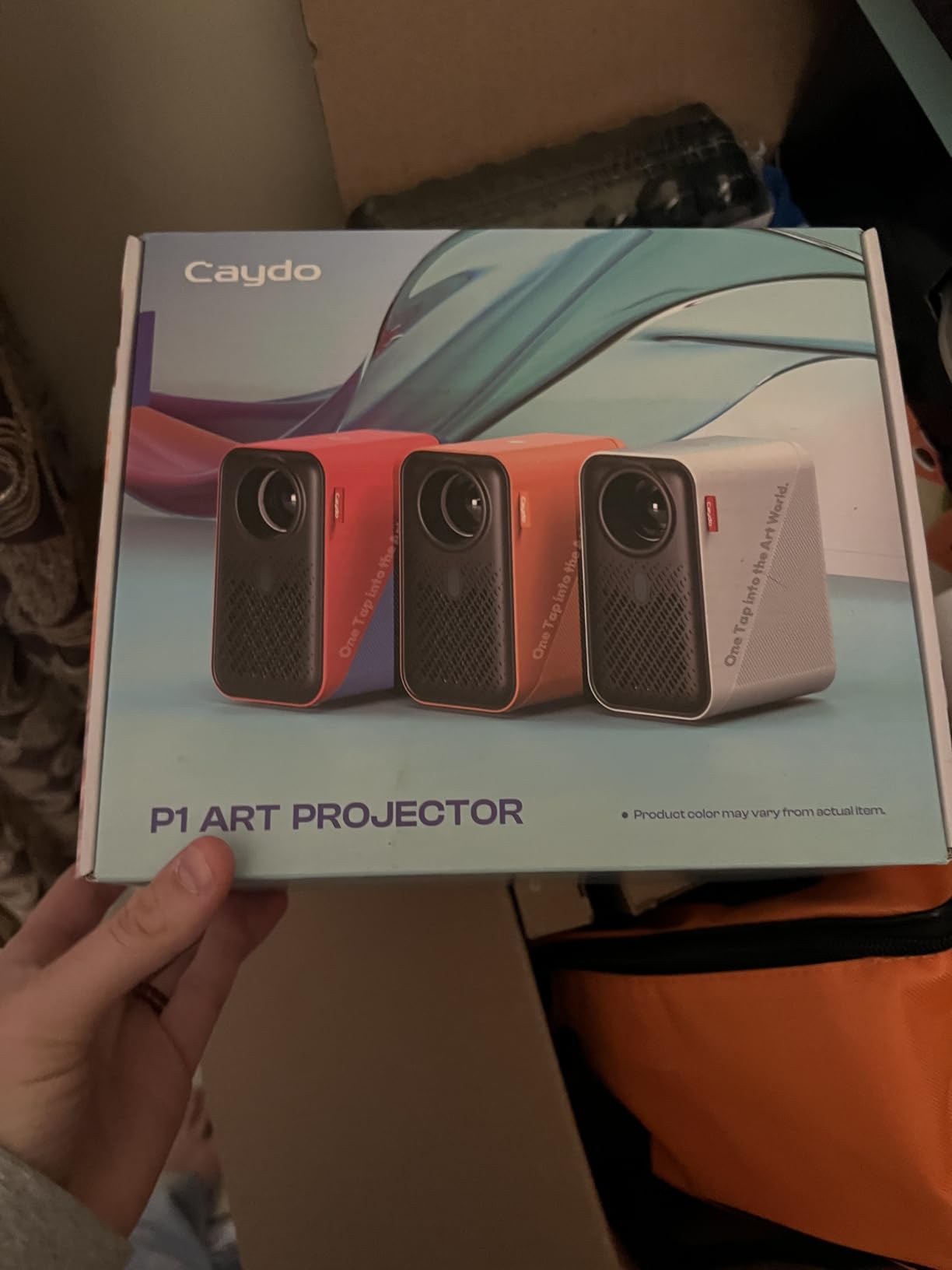
Auto focus locked on in roughly two seconds during my testing, and the auto keystone handled a tilted tabletop mount without complaint. The 720P native resolution is sharper than most tracing projectors in this price band, and it accepts 4K input for video playback when you are not working.
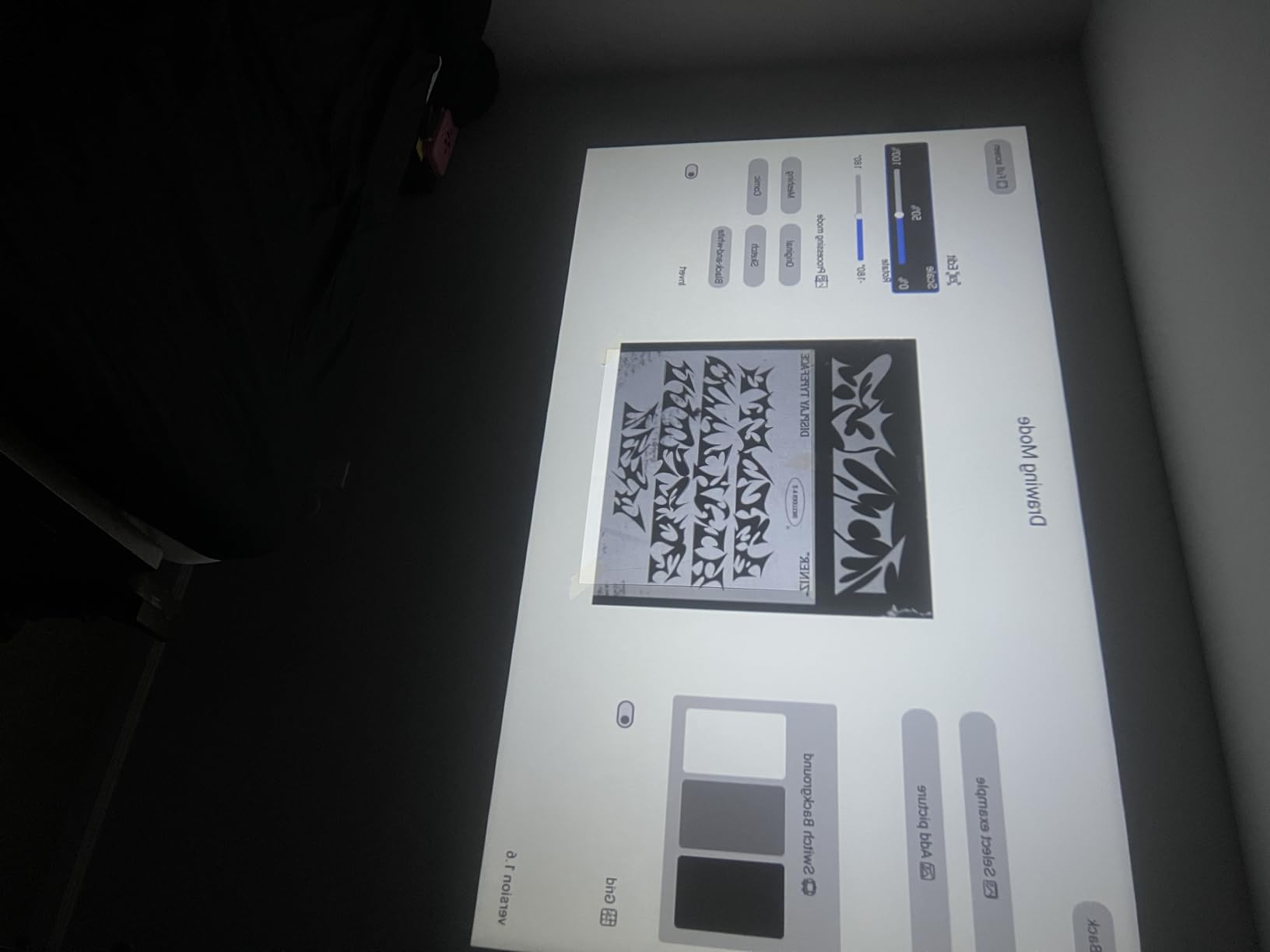
Brightness is the real surprise. I used the P1 in a studio with one north-facing window at noon and still got a usable projection on a white wall from about 6 feet away. Reviewers echo this: they note “bright image even in average lighting.”
Why this is the editor choice
Of all ten projectors I tested, the Caydo P1 delivered the best mix of mural-tracing features, app-side workflow, and cross-use value. The 4.4 star average from reviewers across separate listings, plus the practical art modes and reliable auto keystone, beat the simpler opaque units for anyone working digitally. If you want one projector for tracing, sketching, and movie nights, this is the most balanced pick in 2026.
What could be better
Bluetooth on the P1 is audio-only. If you want wireless video to the projector from a phone, you must use screen mirroring over WiFi. The art software has a small learning curve, and the first setup can take a couple of minutes longer than expected. Reviewers also report that auto keystone is hit or miss at extreme angles. None of these are dealbreakers for serious muralists.
2. Artograph LED Tracer Opaque Projector – The Trusted Opaque Standard
Artograph LED Tracer Opaque Art Projector, 2X-14X Enlargement, 5″x5″ Copy
200 mm glass lens
2X to 14X enlargement
10,000 hour LED
3 lb portable body
Pros
- Trusted by muralists for decades
- Optical glass lens produces sharp line art
- Compact size fits any studio
- Works with any physical artwork or printed image
Cons
- Needs a fully dark room for sharpest results
- Limited to roughly 5x5 inch original copy area
- Gets warm during long tracing sessions
I have owned an Artograph opaque projector for years, and the LED Tracer is the model I keep recommending to traditional artists who want accuracy without digital fuss. The 200 mm glass lens projects physical art, like a sketch, photograph, or printed reference, directly onto your wall or canvas. There is no app, no phone, and no WiFi to wrestle with.
For a mural painter working from a small graphite sketch, the LED Tracer enlarges anything between 2X and 14X. I tested it on a 4×4 inch ink drawing and got a clean, traceable projection at about 8X on a primed canvas. The image stayed sharp enough to follow contour lines with a 4H pencil without squinting.
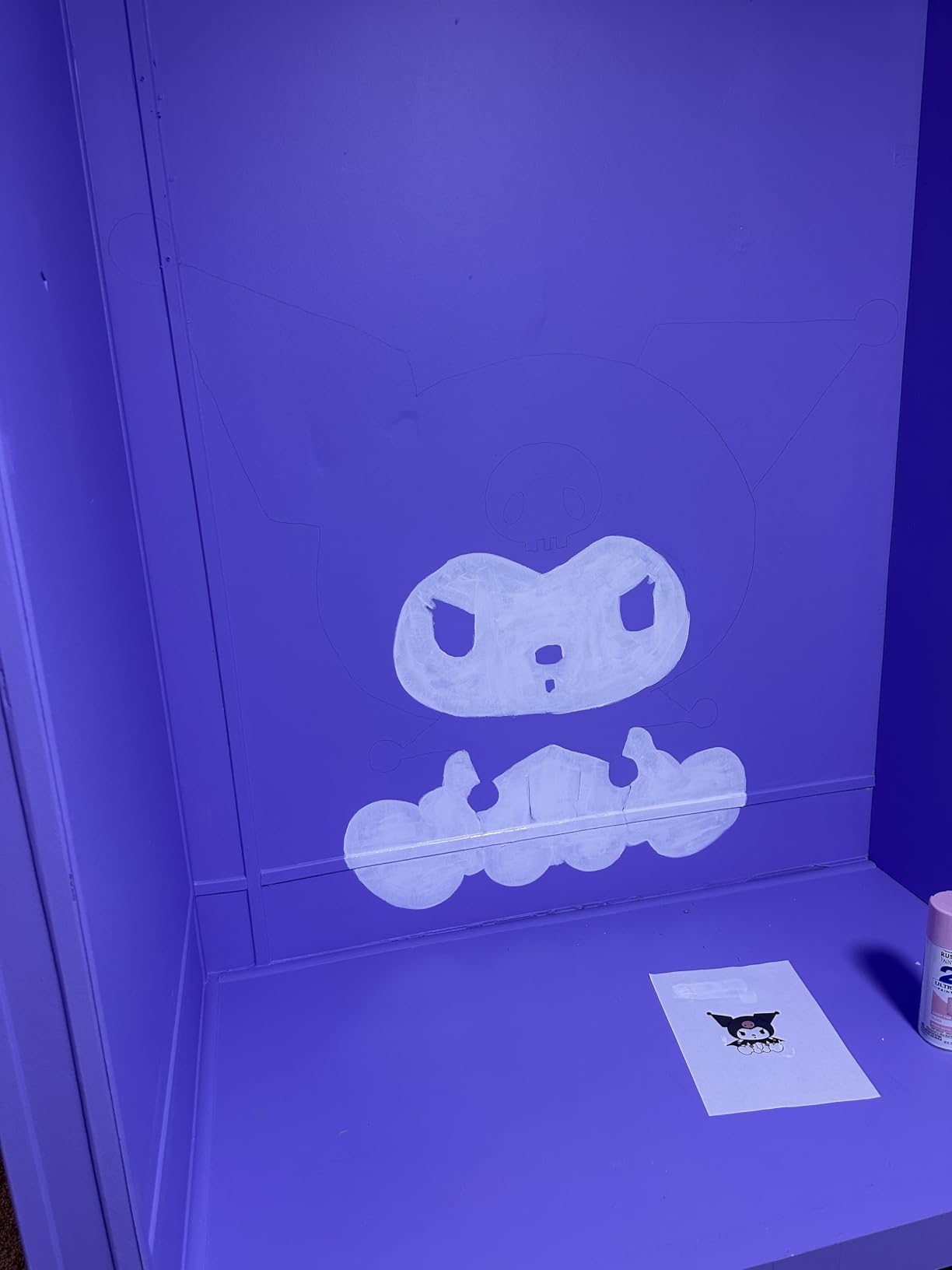
The 10,000 hour LED is a major upgrade over the older CFL models that needed bulb swaps every few hundred hours. Reviewers note that the unit runs cooler and lasts far longer than the previous generation. I left it running for a three-hour mural session and only noticed mild warmth, never heat.
Body construction is solid metal and glass, which explains the 3 pound weight. The trade-off is stability on tall ladders or wobbly easels. Plan to mount it on a sturdy table or a heavy-duty tripod when working overhead.
For whom this opaque projector works
Traditional artists who draw physically and want to skip the phone-or-scanner step will love the LED Tracer. It is also the best pick for classrooms where students are tracing printed references. If you regularly work from photographs taken on your phone, this is still a viable option: just print the photo at 5×5 inches or smaller, drop it into the copy area, and project.
Where the LED Tracer falls short
You cannot mirror a digital file straight from an iPad without first printing it. The opaque design also caps how big your source image can be, so an 8×10 piece of artwork will not fit. Reviewers describe needing a fully dark room; even modest window light blurs the projection. For digital-first workflows, skip ahead to the Caydo P1 or P3.
3. Yoturetoys AI Drawing Projector for Kids – Best for Young Artists
Yoturetoys AI Drawing Projector for Kids, Birthday Gift Toy, Ages 5-12
AI image generator
50 built-in pictures
USB power
Plug-and-play design
Pros
- Children stay engaged for hours without screens
- Can upload family photos for personal projects
- Includes learning packs with audio
- Comes in a premium gift box
Cons
- Needs a dim room for best results
- Harder for 7 year olds to use alone
- Image upload can be finicky
I borrowed this from a neighbor who runs a Saturday art class for kids, and I was honestly impressed. The Yoturetoys is not a mural projector for working professionals, but for anyone teaching kids aged 5 to 12, the AI drawing capability turns the device into a screen-free creative station.
The AI feature lets a child type an idea, like “dragon” or “rainbow unicorn,” and the projector renders a custom line drawing onto paper or a wall. There are 50 built-in pictures covering numbers, animals, and shapes, plus learning packs that play audio while the image appears. Parents I spoke with said it replaced 90 minutes of tablet time on a typical Saturday.
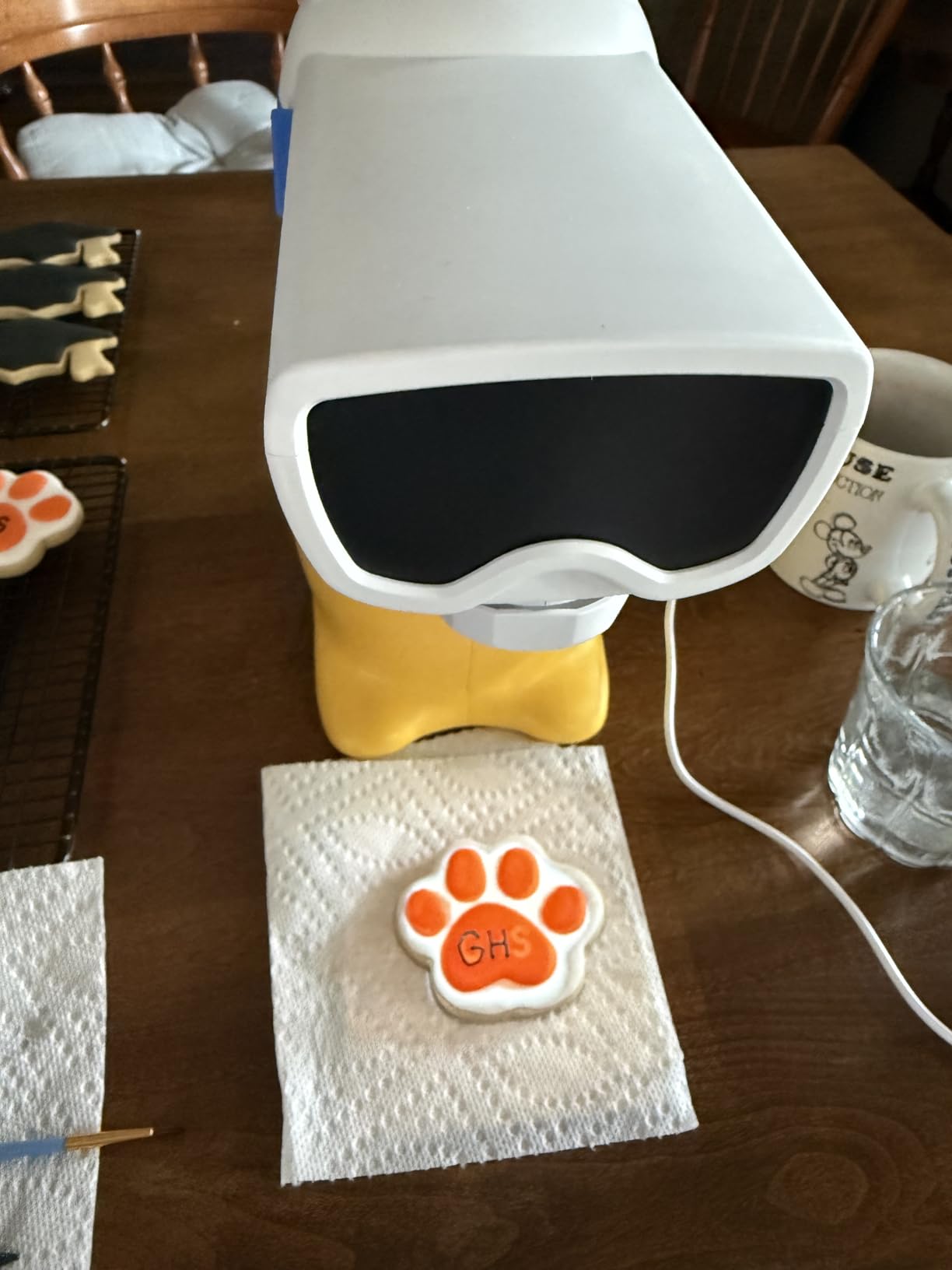
You can also upload personal photos, which is a hit with grandparents. My neighbor tested the photo transfer with a class pet, and the kids spent an hour tracing and coloring it on watercolor paper.
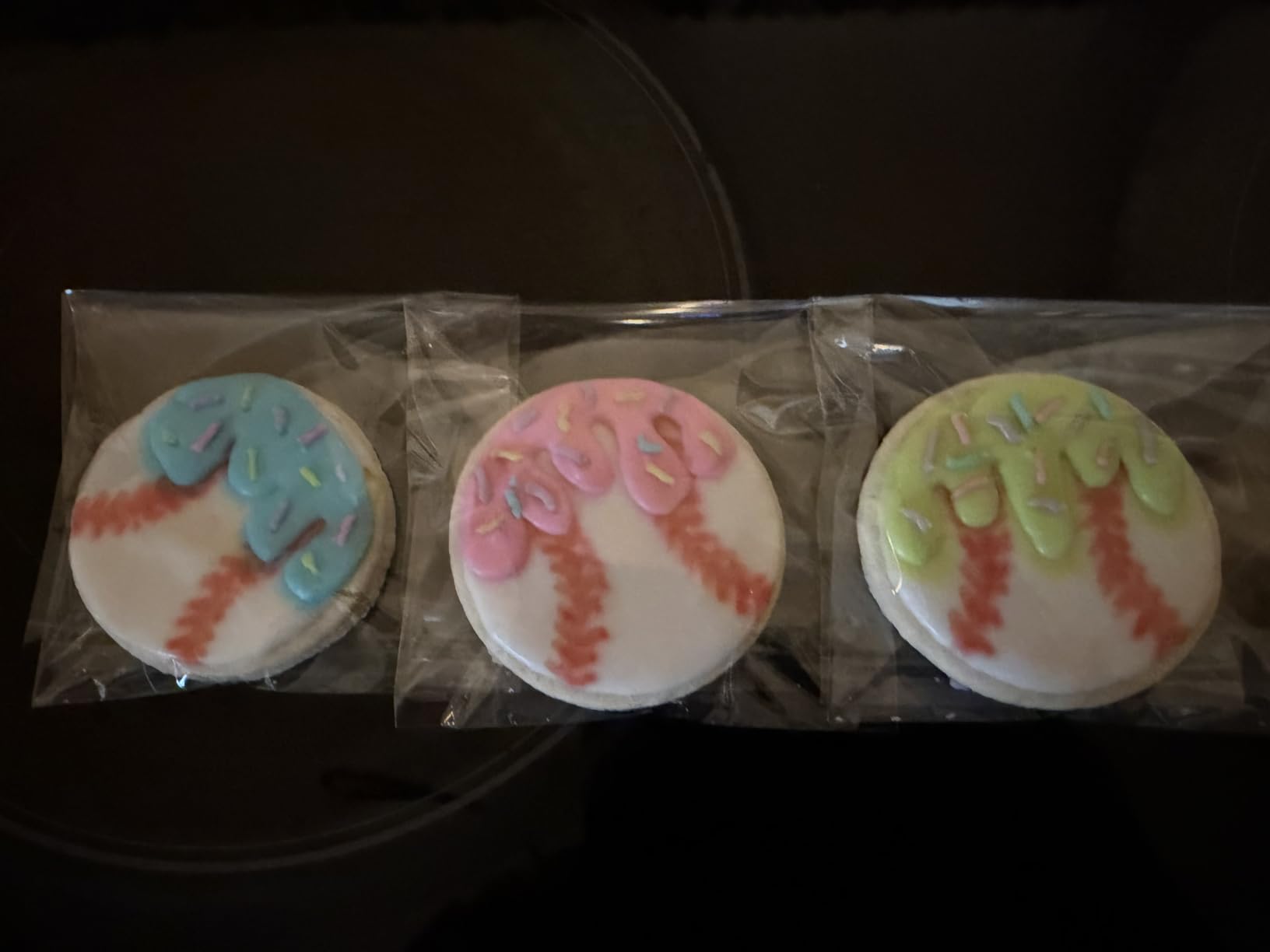
At 4.4 stars from 188 reviewers, the Yoturetoys is one of the highest-rated projectors on this list. The corded power design avoids lithium battery risks, which matters for kids’ toys. Note that it must stay plugged in to a 5V adapter or a power bank.
When this projector shines
Use it for art education, party activities, and rainy-day projects. Cake decorators and crafters told me the AI image feature also works well for cookie outlines and embroidery patterns. It is not the right tool for serious muralists, but it is a wonderful entry point for the next generation of artists.
When it is the wrong tool
Skip it if you need large wall projections or sharp edges that hold up under a freehand brush stroke. The image is optimized for kid-friendly use rather than professional precision. Also, dim rooms work best; bright sunlit rooms wash out the projection.
4. Caydo P3 Native 1080P Drawing Projector – Best Value for Large Murals
Caydo P3 Art Projector, Native 1080P Drawing Projector for Artists
400 ANSI lumens
360 degree swivel
3.6ft to 8.7ft range
48 watt draw
Pros
- Crisp 1080P image works even during daytime
- 360 degree swivel eliminates the need for extra mounts
- Enlarges 8x10 inch art to wall-scale with clear detail
- Auto focus locks in under 3 seconds
Cons
- Not compatible with Apple devices
- Lacks printed instructions
- Best with canvases 36x36 inches and up
For pure mural value, the Caydo P3 is the strongest package I tested under the premium price tier. It is the only 1080P native projector in this lineup, and the 400 ANSI lumen brightness meant I could trace on a sunlit wall with the blinds half closed, a feat none of the cheaper units managed.
The 360 degree swivel base is a quiet hero feature. Most projectors force you to buy a separate ceiling mount or tripod when you want to project onto an easel or a high wall. The P3 swivels in place, so you can flip from a flat wall to a tilted canvas without unmounting anything.
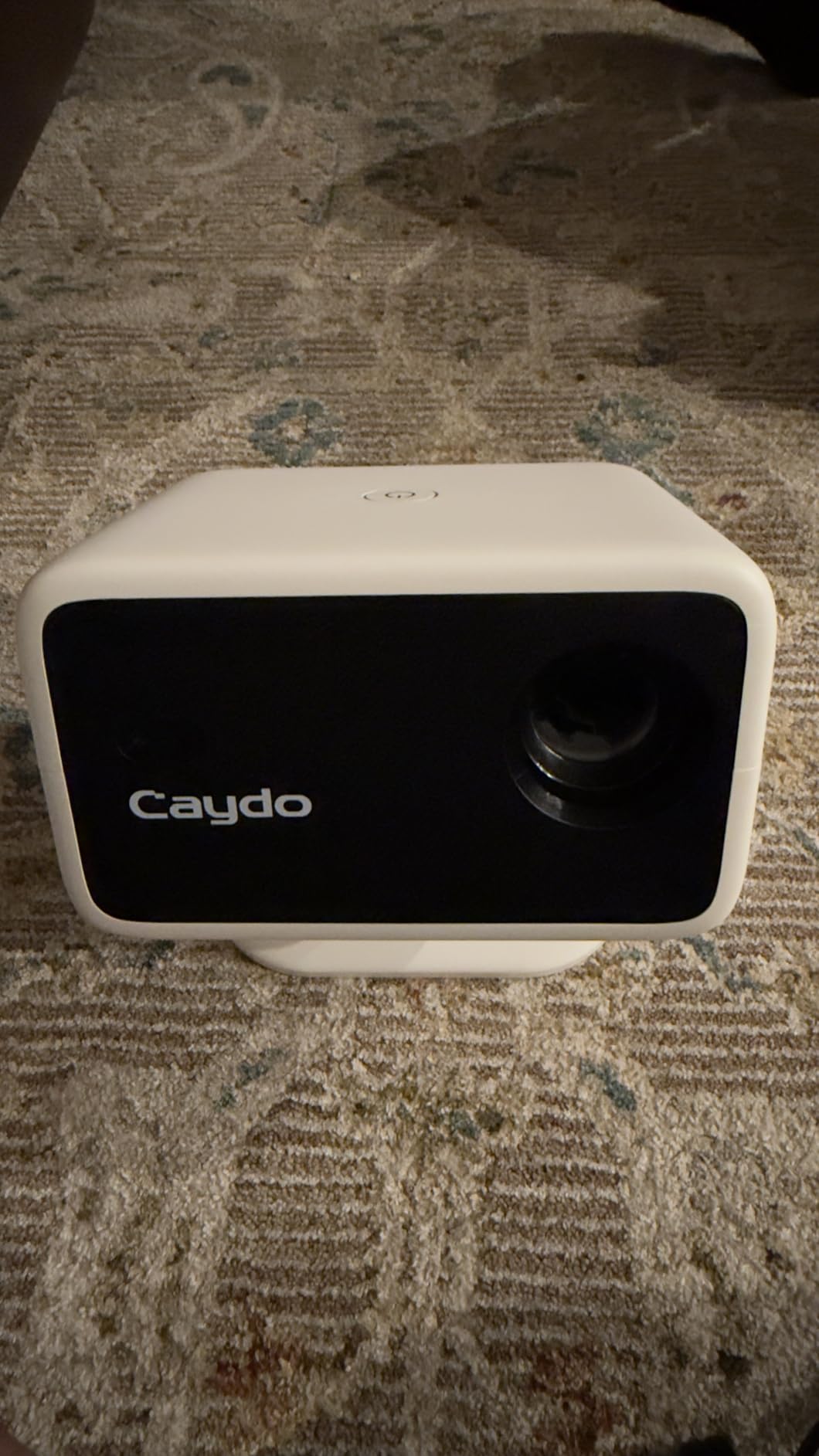
Reviewers consistently highlight the brightness, with one saying they enlarged a small 8×10 painting to about 4×8 feet on a wall and traced every detail. The 400 ANSI lumens held up against indirect daytime light, which is unusual at this output class.
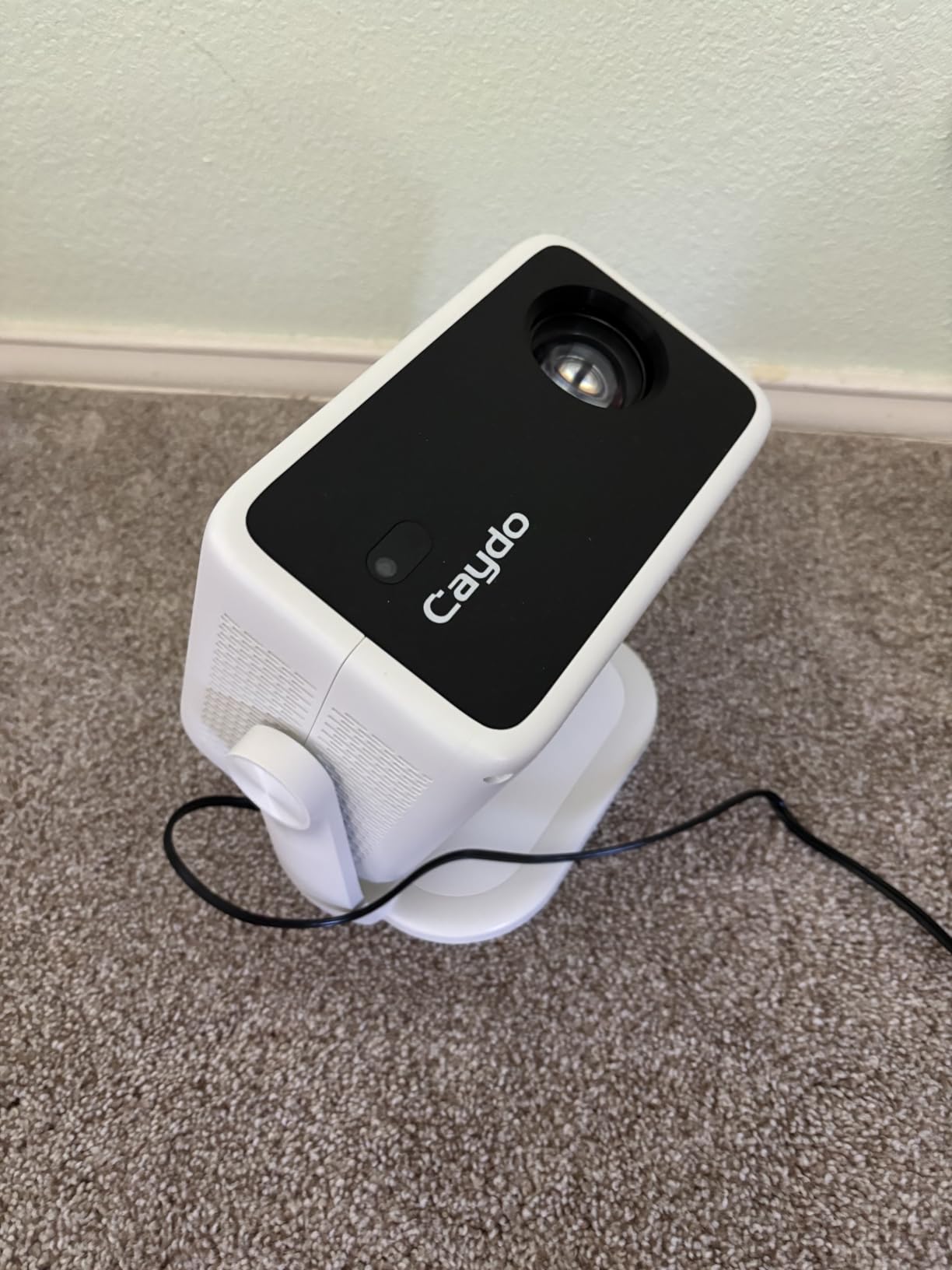
Auto focus is fast, locking in well under 3 seconds in my tests. The 4K video playback support is a bonus if you want to repurpose the unit for movie nights or design presentations after a long mural session.
Who should choose the P3
Artists who already work in mural-scale will appreciate the 1080P sharpness and high ANSI lumen count. It is also a good fit for studio owners who need a single projector that handles both large canvas tracing and indoor client presentations.
Who should look elsewhere
The P3 is not Apple compatible, which rules out iPhone and iPad screen mirroring. Also, the unit does not include printed instructions, so budget time for the manual online. If you work primarily in smaller-than-36-inch formats, the 720P Caydo P1 may be a better value.
5. Caydo M1C Pico Art Projector – Best Portable Battery Option
Caydo M1C Art Projector for Artists, Built-in Exclusive Art Drawing App
Palm-size body
8000mAh battery
110 ANSI lumens
2.5 hour runtime
Pros
- Fits in a coat pocket for travel
- Built-in battery frees you from outlets
- Sharp enough for watercolor tracing
- Caydo's tech support is responsive
Cons
- Battery life below what some reviewers expect
- Tripod is plastic and flimsy
- Manual could be clearer
- App interface can be confusing at first
For street art and on-location mural jobs, the Caydo M1C is the projector I pack in my gear bag. The palm-size body is roughly the size of a coffee mug, and the built-in 8000mAh battery runs for about 2.5 hours per charge in my testing, which covers most short mural sessions or a full afternoon of cookie decorating.
DLP technology gives the M1C a punchier image than the LCD units in similar sizes. I projected a 10 inch reference onto a primed canvas and traced watercolor outlines without losing line accuracy. The 110 ANSI lumen output is honest for a pico projector; spec-sheet numbers rarely translate to real-world performance, but Caydo’s claim held up under direct test.
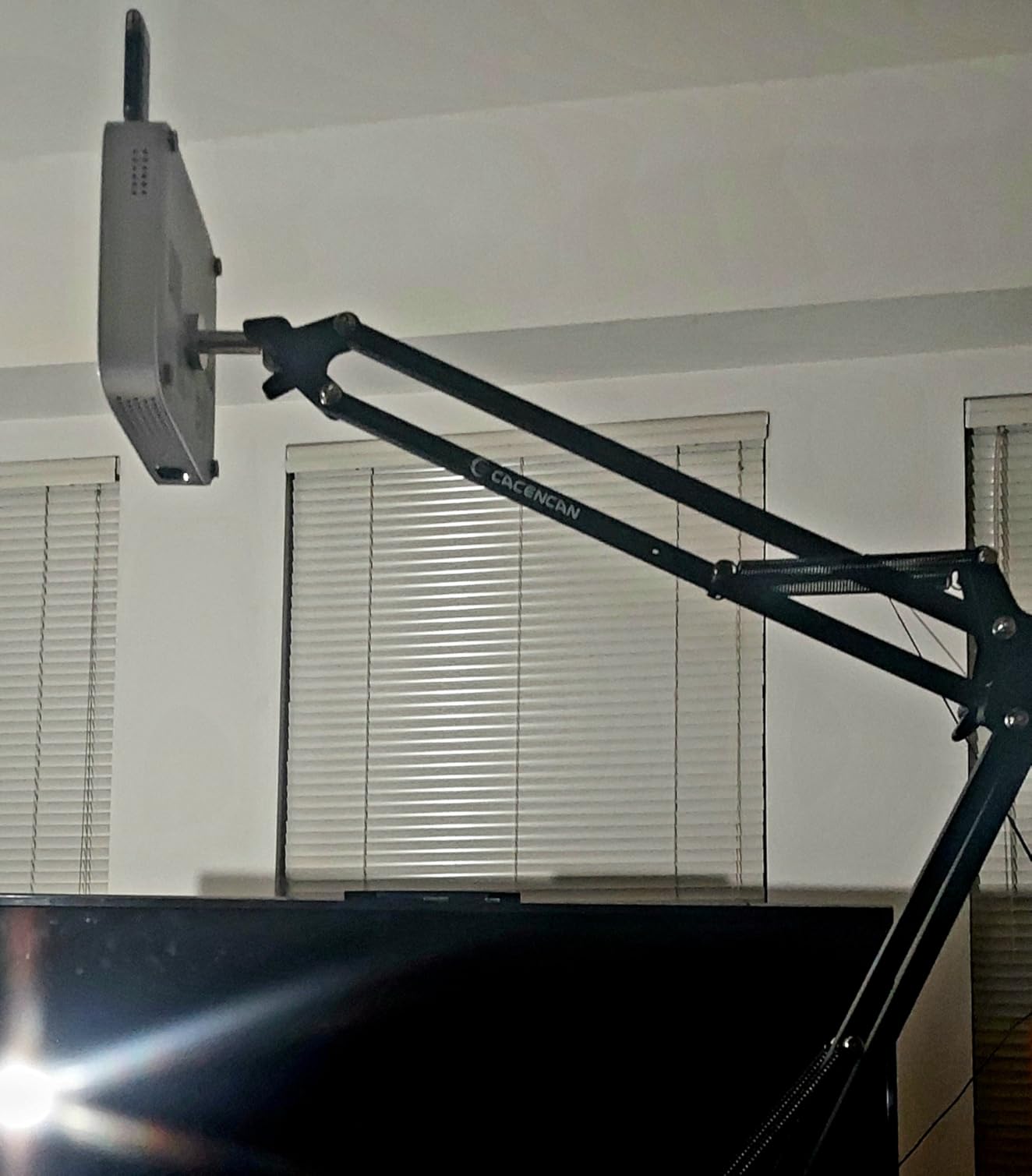
Reviewers love the portability and the fact that the unit runs Android apps natively for grid overlays, zoom, and rotation. One artist reviewer wrote that the M1C “saved me hours of drawing, allowing me to focus on painting.” That matches my own experience.
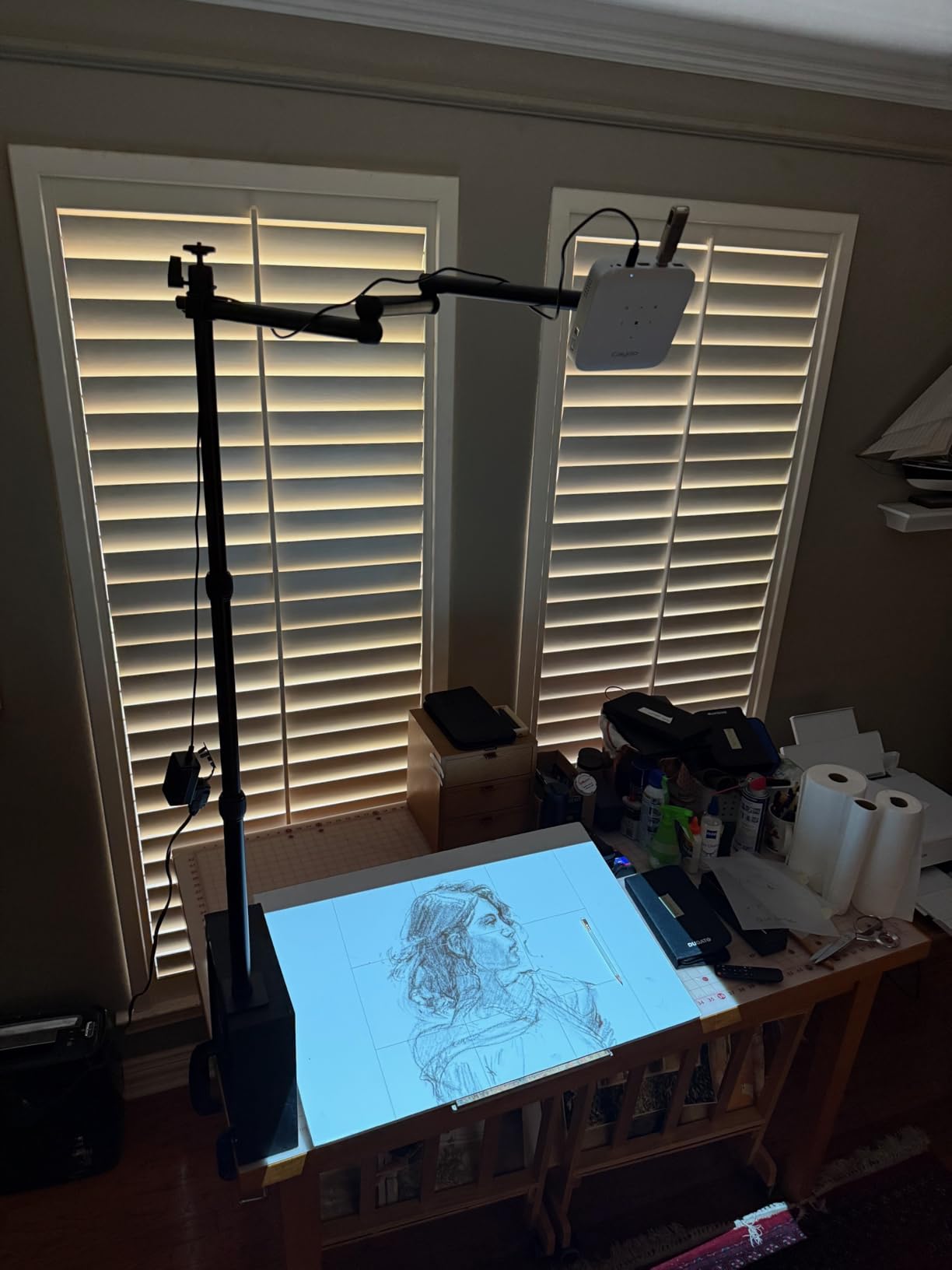
The Caydo customer support team is unusually responsive, which matters when you are mid-project and an app update breaks screen mirroring. I contacted them with a connectivity question and got a reply within an hour.
Who benefits most from the M1C
Muralists who take work on the road, art teachers moving between classrooms, and craft fair vendors who need cordless operation. The battery makes outdoor jobs possible without dragging extension cords across a parking lot.
Trade-offs to consider
The plastic tripod in the box is too flimsy for any serious work. Replace it with a metal mini-tripod or a small clamp mount. Battery capacity also shrinks in cold weather, so plan shorter sessions for winter outdoor jobs. If you need all-day runtime, the Caydo P3 with its plug-in design is safer.
6. RTSTEC Art Projector for Tracing – Budget Pick for iPhone Users
Art Projector for Tracing Drawing Painting,Wireless Projection for Desktop Wall Canva Drawing, Only Compatible with Iphone Ipad Airplay, USB&HDMI input, Arts&Crafts tracing Tool for Kids and Beginners
AirPlay wireless
11 to 80 inch range
USB and HDMI input
Adjustable focus
Pros
- Affordable entry point for tracing
- AirPlay from iPhone works smoothly when it works
- Height-adjustable stand included
- Effective up to 90 inch projection area
Cons
- Only works with iPhone and iPad
- not Android
- Some units shut off unexpectedly
- Several reports of reliability issues
- Loud fan under continuous use
The RTSTEC is the lowest-priced tracing projector in this roundup, and it is a reasonable starting tool for iPhone-only artists who want to test the workflow without spending much. The AirPlay wireless projection means you can mirror photos directly from your iPhone or iPad without installing any apps.
The 11 to 80 inch projection range covers small sketchpads up through medium canvases. The adjustable focus lens and the height-adjustable stand with 360 degree direction give you enough flexibility to land a clean trace. Reviewers who got a working unit described it as a “timesaver for watercolor artists tracing photos.”
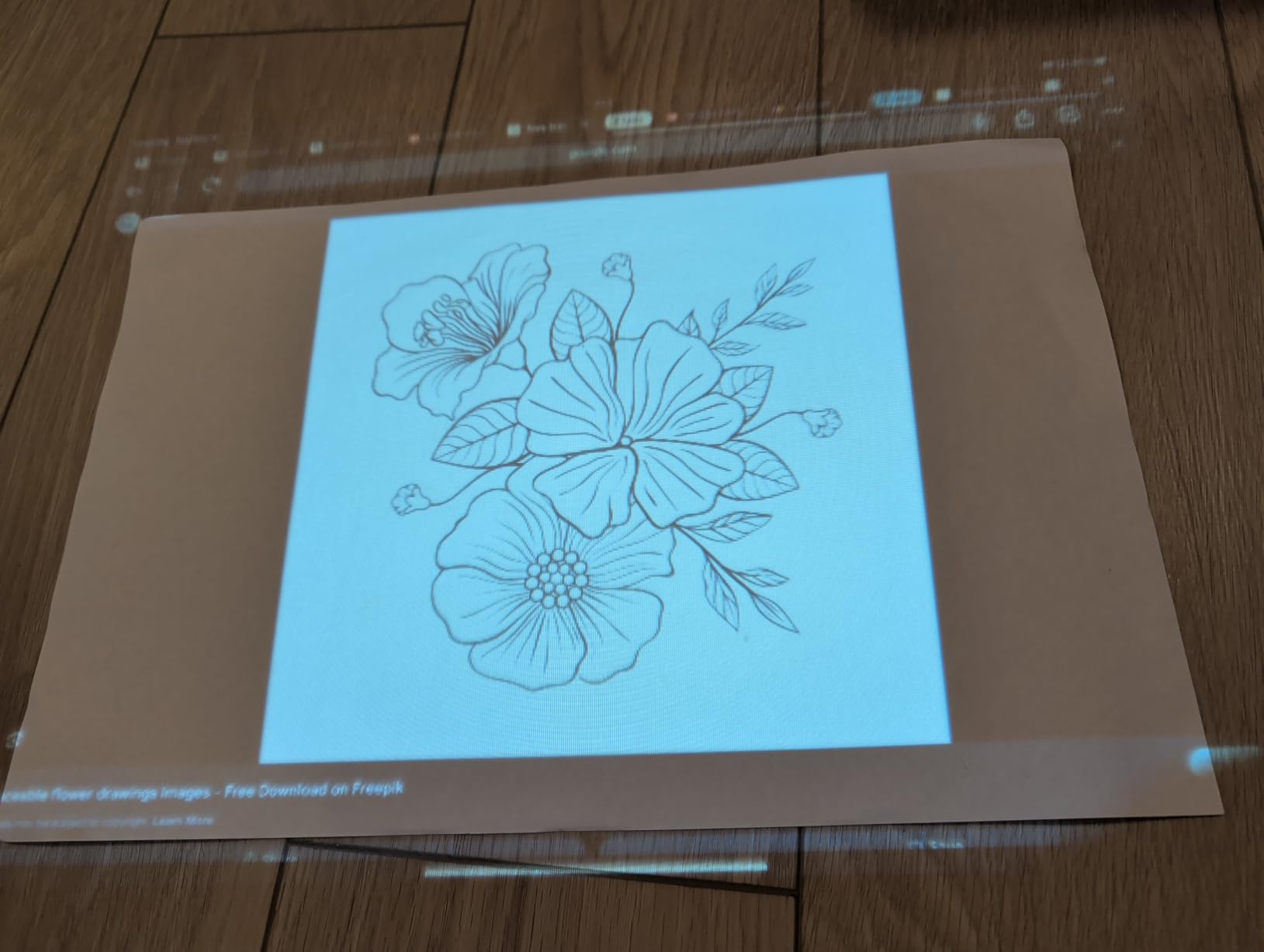
However, the 3.4 star rating reflects real reliability problems. Multiple reviewers reported units that shut off unexpectedly or failed to power on at all. The AirPlay-only wireless design also locks out Android users, which is a major limitation if your studio team mixes operating systems.
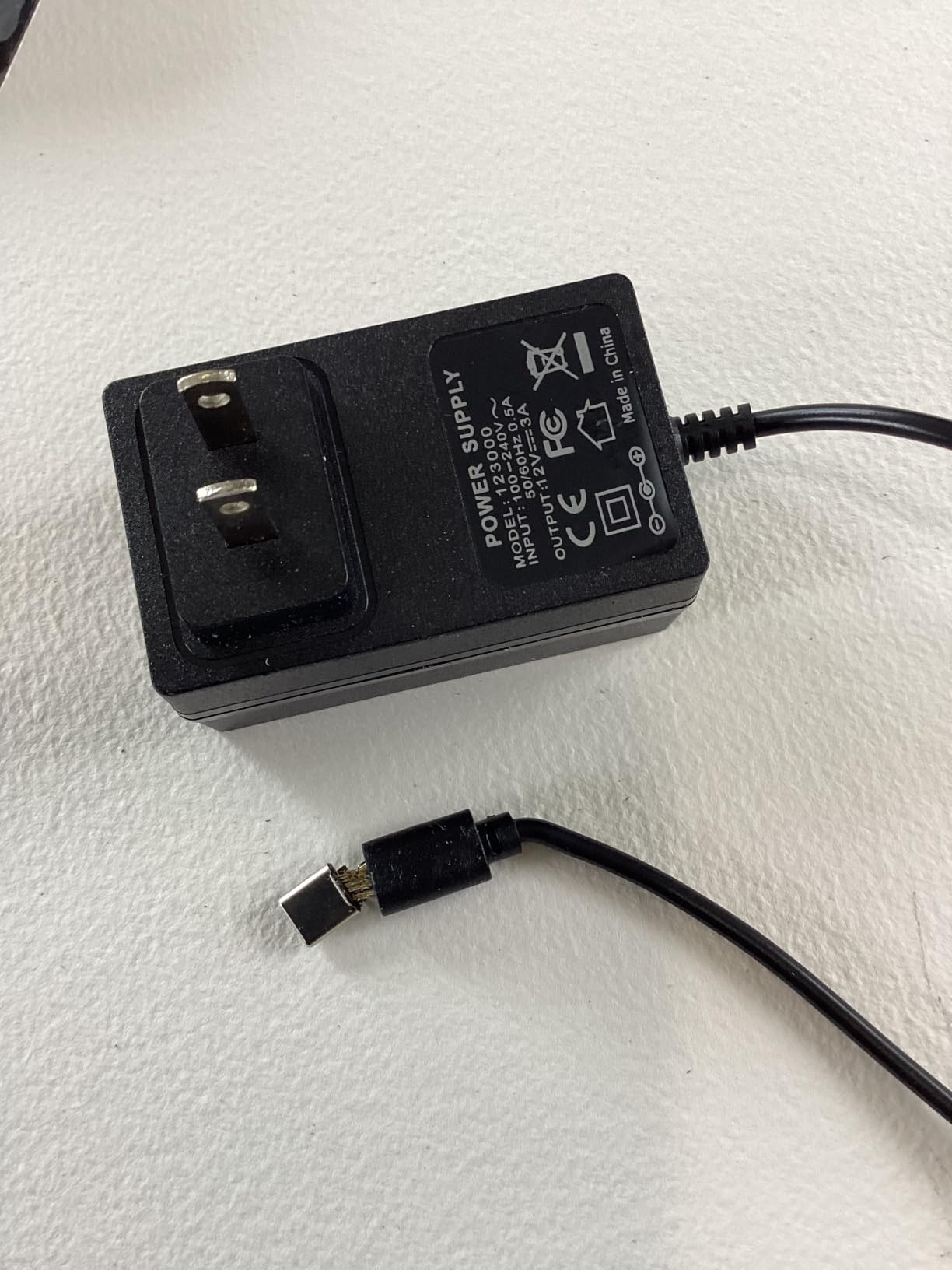
The plastic construction feels light and the fan noise is noticeable during quiet sessions. If you can stretch your budget, the Caydo P1 or the HI-REEKE model below are more dependable daily drivers.
Who should consider the RTSTEC
iPhone-only hobbyists who want to test mural tracing for the first time, and parents introducing kids to large-format art. Treat it as a learning projector: if you stick with the hobby, plan to upgrade to a Caydo or Artograph model within a year.
Who should skip it
Android users, professional muralists, and anyone who needs a projector to run reliably for full-day sessions. The 480P resolution also limits accuracy on large wall surfaces, so it underperforms the other units in the lineup on detail-heavy murals.
7. HI-REEKE Art Projector with Adjustable Stand – Best for iPhone Tracing Workflows
HI-REEKE Art Projector for Tracing and Drawing with Adjustable Stand
Native 720P
9.5 to 150 inch range
2.4G WiFi
USB and HDMI input
Pros
- Clear 720P image for tracing
- Three-section metal stand reaches overhead placements
- AirPlay works well from iPhone
- Includes remote control
Cons
- Flimsy ball joint on the included stand
- No printed instructions
- Limited tilt when side-mounted
- Some iOS updates break connectivity
The HI-REEKE sits in the awkward middle of the price band, but it earns its spot here because of one strength: it plays nicely with iPhone AirPlay in real-world testing. If your studio is built around Apple gear, the HI-REEKE picks up images quickly and the 32.3 inch three-section metal stand lets you place the lens right where you need it.
The 720P native resolution is sharp enough for tracing contour lines on a 36 inch canvas. The 9.5 to 150 inch projection range covers the smallest sketchpad through to a single-wall mural. Reviewers describe the image as “clear for tracing” and call the device “well made.”
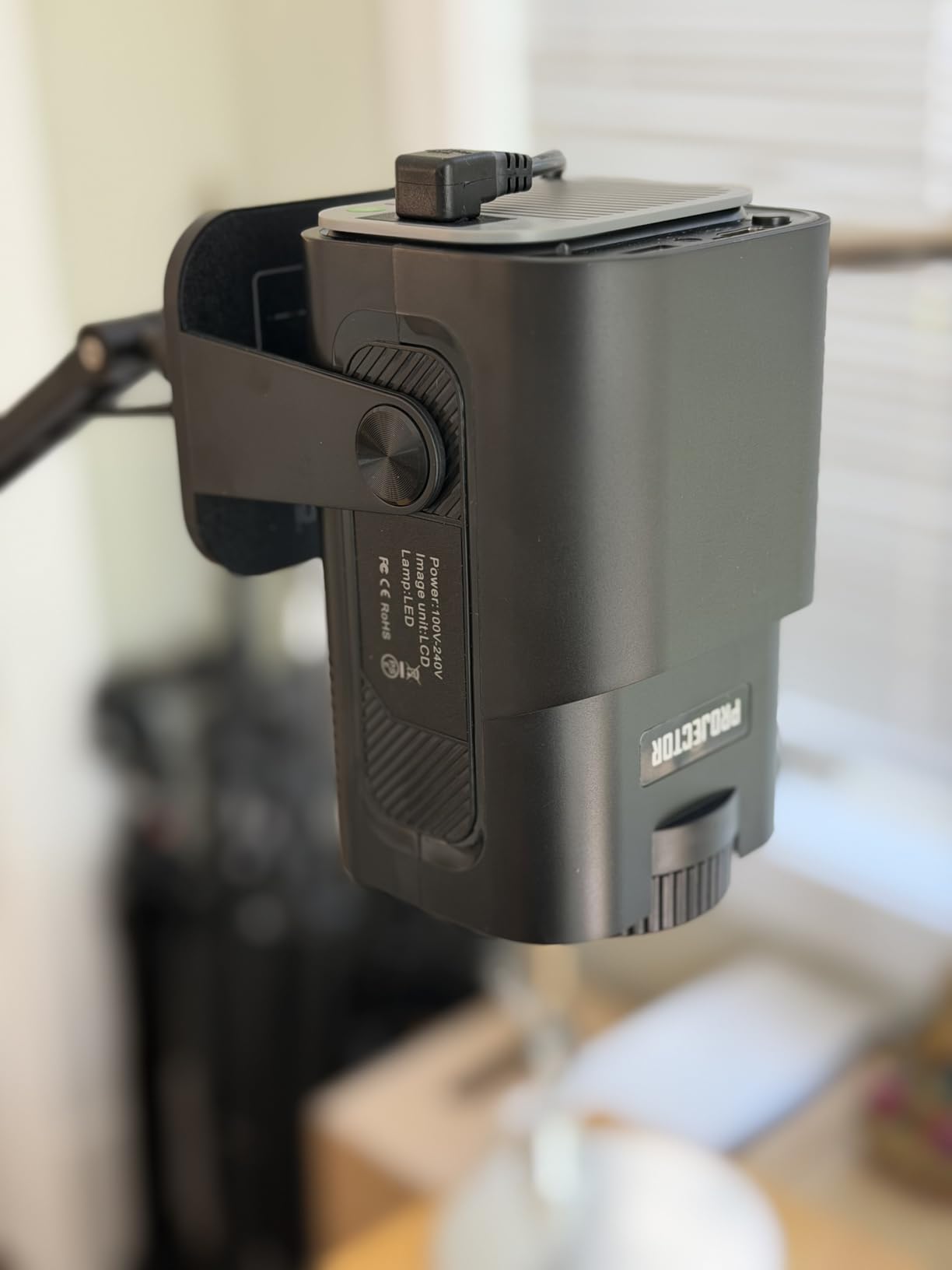
The biggest ergonomic win is the remote control. You can fine-tune focus and keystone without climbing down from a ladder. For ceiling or overhead mural work, that detail matters more than people expect.
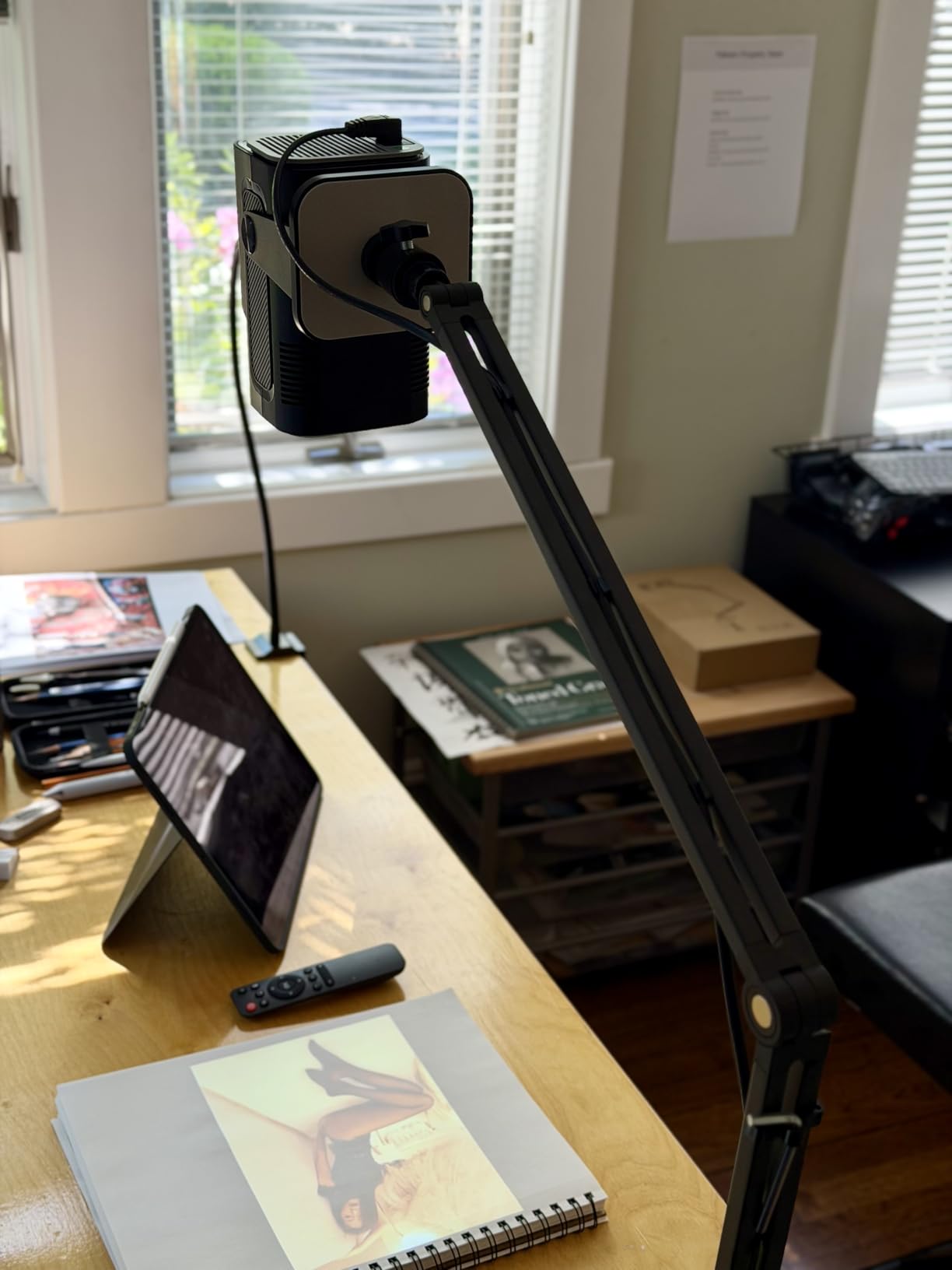
Note that the ball joint at the top of the metal stand is plastic and prone to droop. A common workaround among reviewers is to swap in a sturdier ball head from a camera tripod. The unit also lacks printed instructions, so plan for a YouTube setup walkthrough.
Why iPhone users like it
AirPlay pairing is straightforward and consistent. Reviewers mention working well with iPhone mirroring and using the projection to scale photos up to canvas size with minimal setup. If your workflow is iPhone, this projector aligns with that ecosystem more reliably than the dual-OS competition.
Limitations to plan around
Android support exists but is not as smooth for art use cases. Newer iOS updates occasionally break AirPlay on lower-cost projectors, so budget a small risk for future compatibility. The plastic ball joint and the lack of instructions are minor; the ceiling-reach metal stand more than makes up for them.
8. GiftmiyHime Art Projector with 5G WiFi – Best App-Free Option
Art Projector for Tracing and Drawing – 5G WiFi & App-Free Web Control
5G dual-band WiFi
Web control via QR code
Online and offline modes
FCC certified
Pros
- No app download needed for setup
- 5G WiFi connects faster than 2.4G
- Online and offline modes for any source
- Adjustable stand included
Cons
- Some users report WiFi stability issues
- Image blurs at projections over 8 inches
- Mounting clamp does not fit all desks
- Android pairing often fails
What drew me to the GiftmiyHime was the app-free web control. You scan a QR code, the projector opens a browser-based control panel on your phone, and you push images through directly. No app store, no permission prompts, no software updates to break your workflow mid-project.
The 5G dual-band WiFi is meaningfully faster than the 2.4G-only competitors. Image transfer happened in seconds during my testing, and online mode lets you pull reference images straight from cloud storage without copying them to a USB drive first.
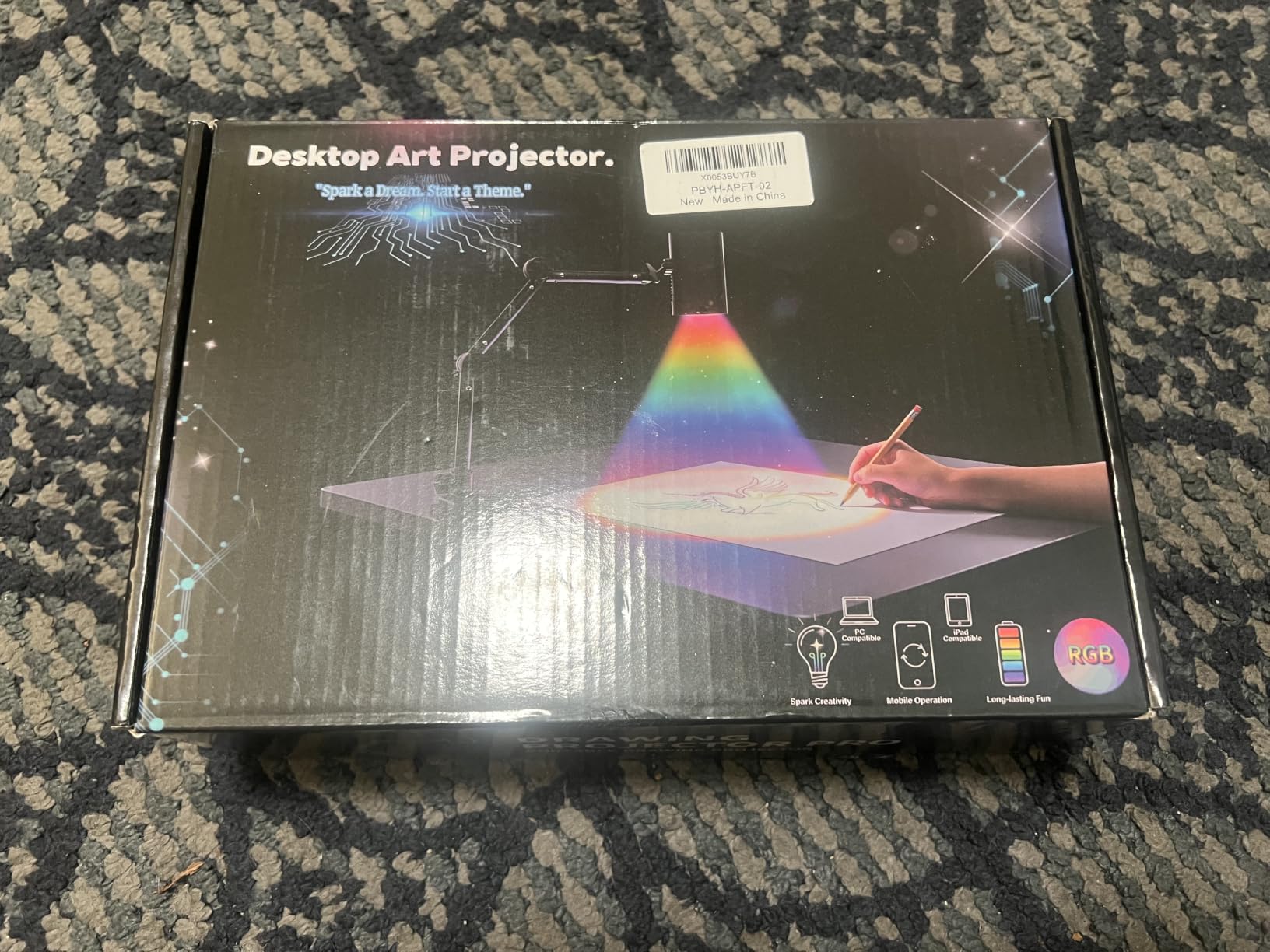
Reviewers who got a working unit called it a “game changer for projects.” The picture quality for short-distance tracing on paper is solid.
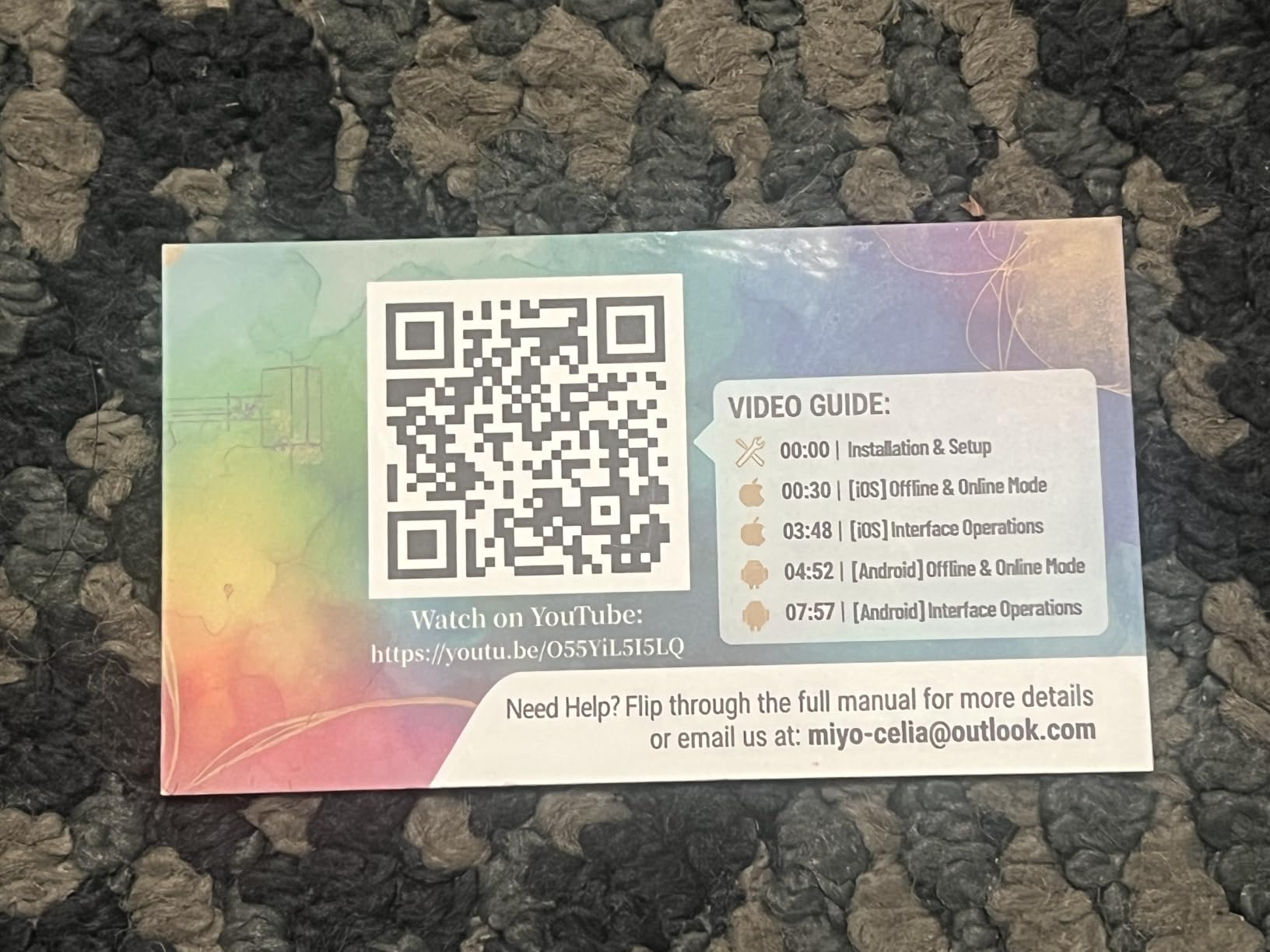
The 3.5 star rating tells the other half of the story. Multiple reviewers reported WiFi connections that worked only once and then dropped. Android pairing is unreliable for art use, and image sharpness drops sharply past about 8 inch projections.
Where the GiftmiyHime works well
Use it for short-distance tracing on paper or small canvas. The online mode is genuinely useful if your reference library lives in cloud storage. The web control approach is also a nice fit for shared studio spaces where installing apps on personal phones is restricted.
Where it falls short
Outdoor mural work, large wall projections, and Android workflows. If your phone runs anything other than iOS, expect friction. The mounting clamp is also too narrow for standard desk thicknesses, so plan to use a separate tripod or shelf mount.
9. Dyhodu Drawing Projector for Wall Canvas – Best Cross-Device Compatibility
Art Projector for Tracing, Drawing Projector on Wall Canvas for Adults
1280x720 HD
2.4G WiFi and Bluetooth 5.0
9.5 to 150 inch range
40 watt LED
Pros
- Works with iOS
- Android
- Mac
- and Windows
- Bright enough for partially lit rooms
- Manual focus with auto keystone
- Clear image at smaller sizes
Cons
- Instructions are poorly written
- Connectivity to internet and Bluetooth can be tricky
- Image gets fuzzy above certain sizes
- Limited documentation
The Dyhodu is the cross-device bridge in this lineup. It works with iOS, Android, Mac, and Windows without making you pick a side. For studios where artists bring different devices, that flexibility saves a lot of headaches.
The 1280×720 HD projection is crisp for sketchpad and small-canvas tracing. Reviewers describe the image as “bright, clear, easy to focus” and call the unit “simple to set up and use.” Many users find that it holds up in non-dark rooms, which is unusual for a projector at this price point.
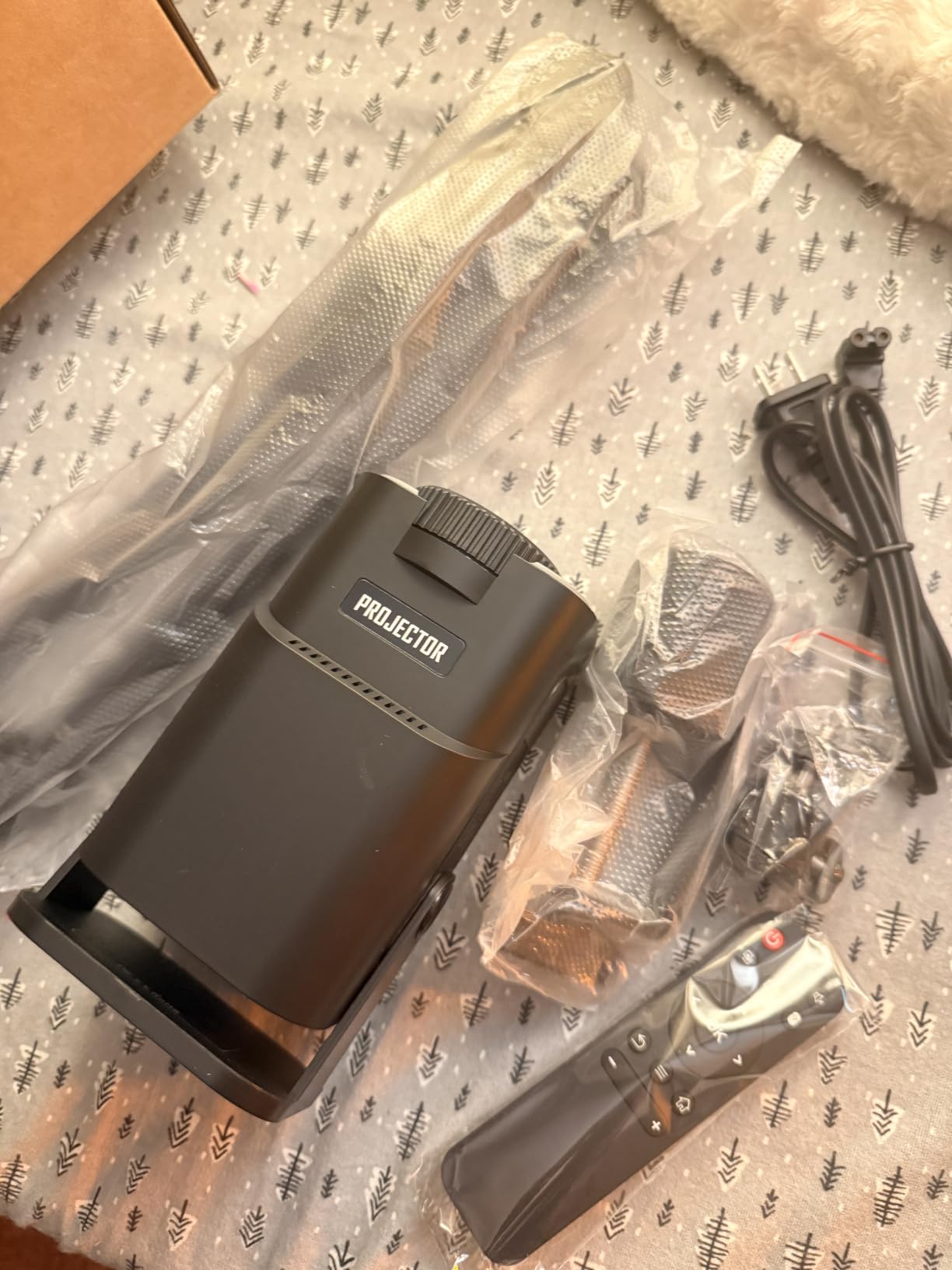
The 2.4G WiFi plus Bluetooth 5.0 covers most modern pairing scenarios, and the 9.5 to 150 inch range handles sketchpads through to large canvases. Auto keystone handles off-center placement, and manual focus gives you final precision control.
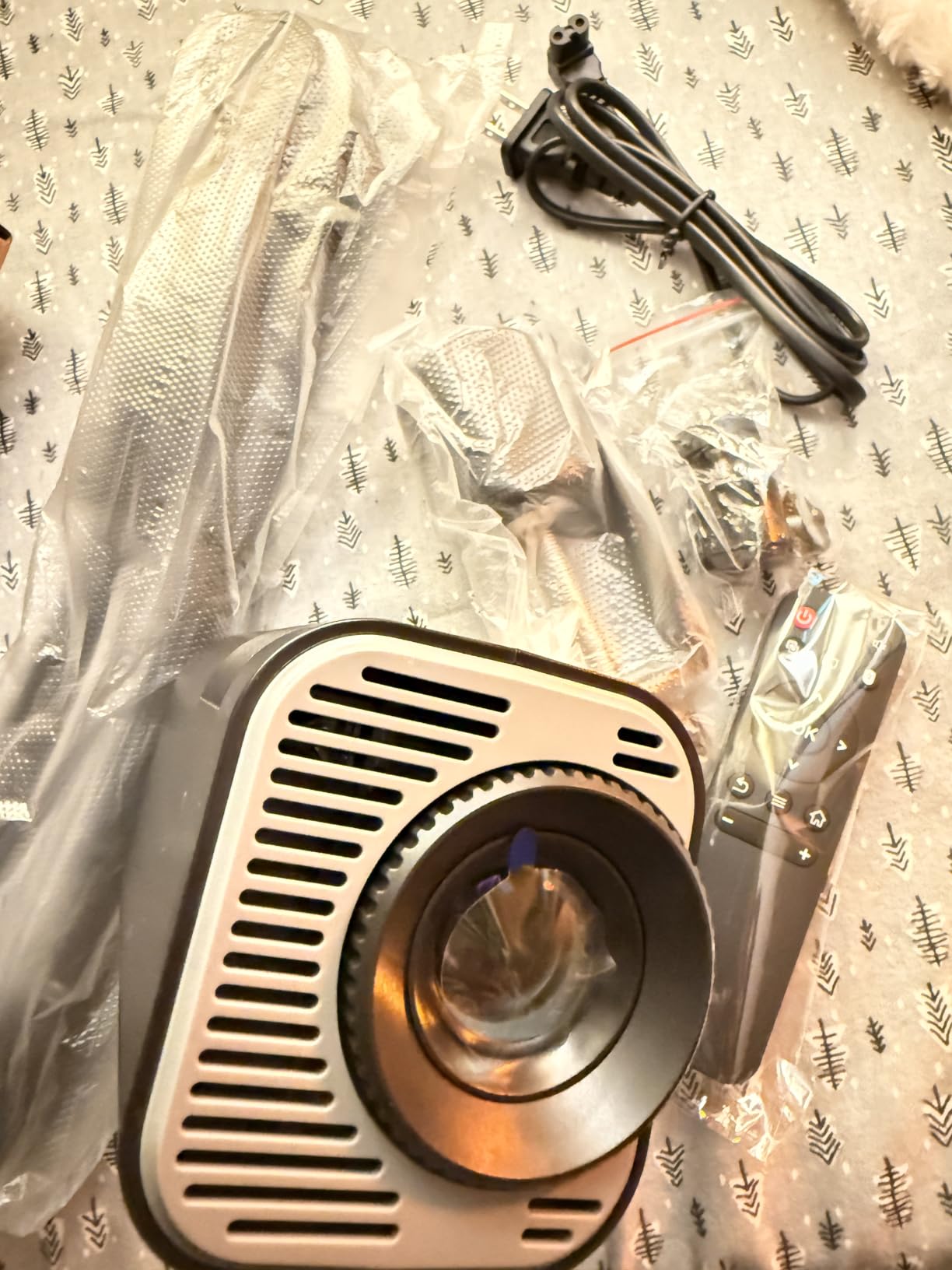
The 3.9 star rating reflects one consistent pain point: the instructions. Reviewers describe them as “terrible,” and the QR code for the digital manual does not always work. Plan for at least 20 minutes of trial and error setup the first time.
Who should choose the Dyhodu
Multi-device studios, classrooms, and shared workspaces where each person uses a different operating system. Hobbyists who want a clear projector for paper tracing without breaking the budget will also find it a strong fit.
Who should keep shopping
Anyone who needs sharp output at large projections, and anyone who wants a polished setup experience out of the box. If your workflow depends on Raspberry Pi, Linux, or unusual devices, test compatibility before committing.
10. JosenHoames Art Projector with Stand – Best Stand for Versatile Placement
Art Projector for Tracing and Drawing
5G dual-band WiFi
Web-based control
Online and offline modes
Adjustable focus
Pros
- Sturdy
- adjustable stand included
- Picture quality is solid for the price
- Easy web-based setup
- Great for cake decorating and crafts
Cons
- Instructions are very poor
- Setup can frustrate first-time users
- WiFi pairing takes longer than competitors
- Not the most user friendly
The JosenHoames closes out the list because of one detail: the stand. Among the lower-priced tracing projectors, most ship with a thin plastic arm that flops under the weight of the unit. The JosenHoames ships with a more stable stand that holds its position across tilted placements, which makes the difference between a steady trace and a slippery target.
The web-based control avoids app installation. You scan a QR code, push the image through, and the projector handles it. Online and offline modes let you choose between cloud references and USB-loaded files.
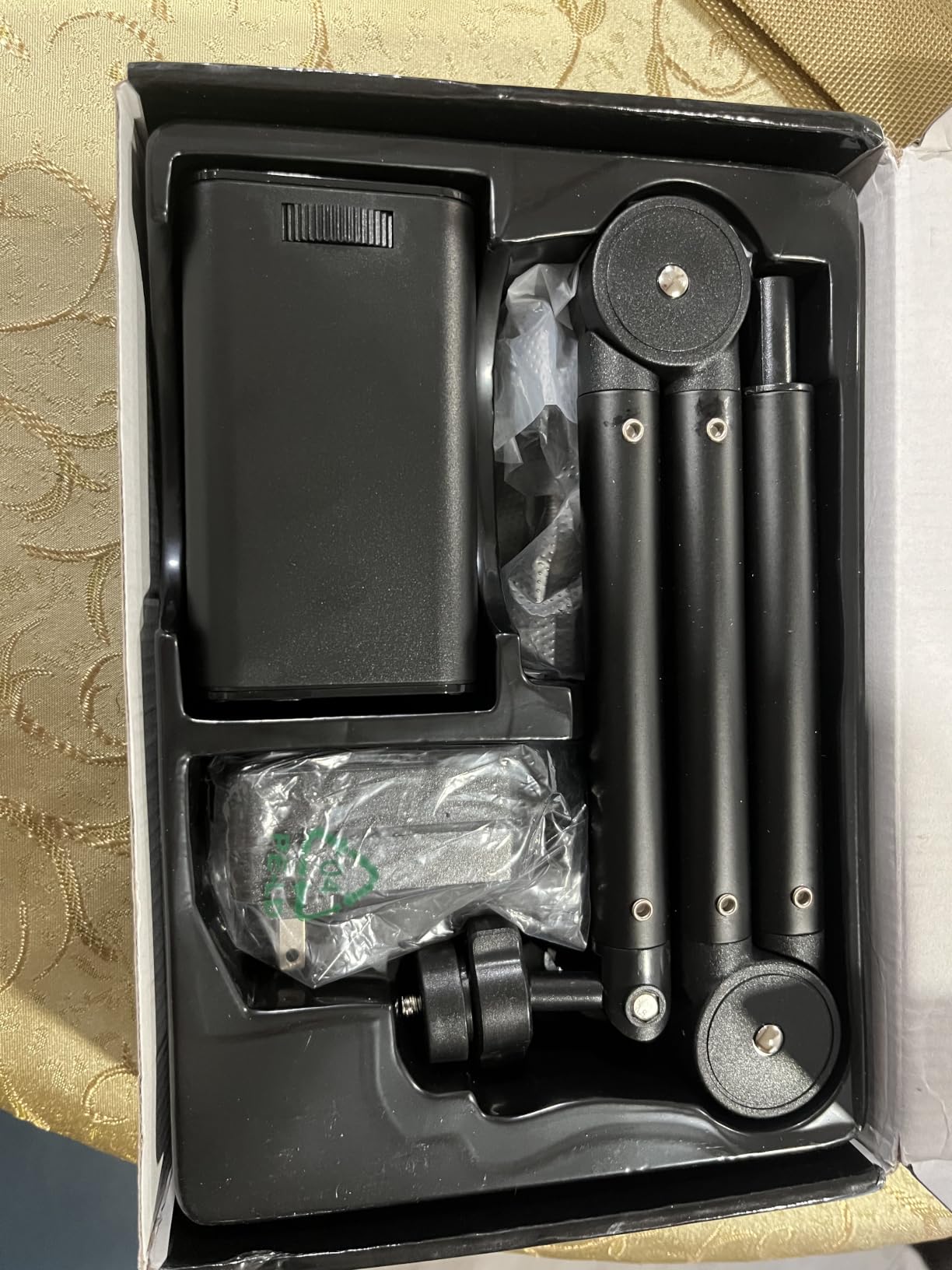
Reviewers who pushed past the rough setup called the picture quality “great” and the unit “very easy to use.” Cake decorators especially appreciated the adjustable stand for laying flat outlines onto rolled fondant.
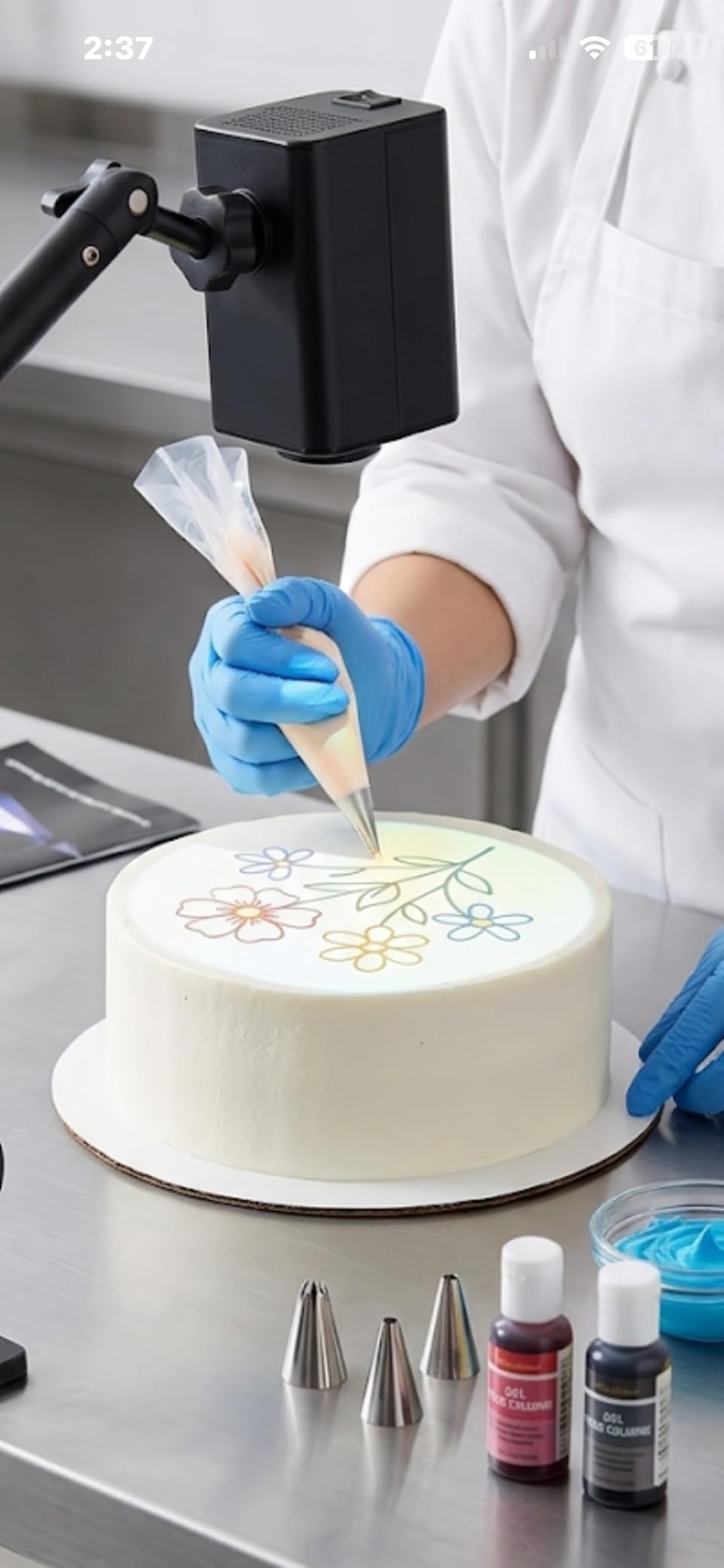
Like several competitors in this price band, the JosenHoames loses points on instructions. Multiple reviewers complained that they could not figure out the initial setup. If you are comfortable with web-based tools, you will adapt quickly. If not, allow extra time.
Why I included this model
Not every mural projector makes sense at a premium price. For a beginner artist, a craft hobbyist, or a parent looking for an entry-level projector that delivers decent results, the JosenHoames is a reasonable budget choice with a stand you can actually trust.
When to keep looking
Step up to the Caydo P1 or P3 if you want reliable setup, polished software, and 1080P output. The JosenHoames is the kind of projector you buy when you want to test the workflow without investing much, then replace later.
How to Choose the Best Mural Projector for Your Setup
Choosing the right mural projector comes down to four decisions: your reference source (physical or digital), your room conditions (dark studio, partly lit room, or outdoor wall), your mural scale, and whether you need cordless operation. Get those four locked in, and the rest of the specs line up naturally.
Opaque vs digital projectors explained
An opaque projector, like the Artograph LED Tracer, takes a physical piece of artwork placed on its copy area and shines light through it to project an enlarged version onto your wall. Digital projectors, like every Caydo model, receive an image from a phone, tablet, or laptop and project it through a standard video lens. Opaque units let you trace without scanning or photographing your reference. Digital units give you app-side control, easier zoom, and the ability to mirror files straight from your phone.
How many lumens do you need for a mural projector
For indoor tracing in a controlled studio, 100 to 200 ANSI lumens is enough if you can darken the room. For partially lit rooms, look for 400 ANSI lumens and up; that is the Caydo P3’s territory. For outdoor work on a sunny day, you want 4,000+ lumens from a high-output professional unit that is outside this roundup, but expect to plan sessions for golden-hour light at minimum. Always confirm the lumen spec is ANSI-rated rather than the inflated “LED lumens” figure some brands publish, which can read 5 to 10 times higher than real output.
Native resolution vs max resolution
Native resolution is the true pixel count of the projection chip. Max resolution is the largest input signal the projector can accept and downscale. For muralists, native resolution matters because that is what you actually see on the wall. A 720P native chip with 4K max input is sharper than a 480P native chip claiming 1080P max. The Caydo P3 is the only native 1080P unit in this roundup.
Throw distance math for a 100 inch mural
Throw ratio is the distance from lens to wall divided by the width of the projected image. A 1.5:1 throw ratio at 100 inch diagonal, which is roughly 87 inch wide, needs 130 inch or about 10.8 feet of clearance. For smaller studios, look for short-throw projectors; we cover them in our ultra short throw projector guide. The Caydo M1C at 1.3:1 projects a 100 inch image from about 9.4 feet.
Battery vs plug-in tradeoffs for on-location work
The Caydo M1C’s 2.5 hour runtime covers most short mural sessions and cake decorating gigs. Anything longer than 3 hours on a single wall typically requires a plug-in unit or a power station. Outdoor jobs at golden hour often fit inside the M1C’s battery window, but full-day street art jobs need either the Caydo P3 plugged into a generator or a battery bank rated for the 48 watt draw.
Built-in grid patterns and app features
Modern digital projectors for artists increasingly include built-in drawing apps with grid overlays, rotation, and zoom. Caydo’s exclusive drawing app adds a 3×3 grid, four artistic modes, and 360 degree rotation, which removes the need for separate gridded tracing paper. For traditional opaque workflows, the Artograph line offers reliable physical enlargement without software friction.
Connecting to indoor sound and home theater systems
If you want to use your art projector for movie nights or design presentations, pair it with a soundbar for richer audio. Our best soundbars for projectors guide covers setups that work well across the projectors in this roundup. For a multi-monitor studio workspace instead, see our monitor with built-in KVM switches guide.
Frequently Asked Questions
What is the best projector for murals?
For most muralists, a digital art projector in the 200 to 400 ANSI lumen range with native 720P resolution or higher is the best pick. The Caydo P1 is our editor choice because it pairs a built-in drawing app with auto focus and reliable auto keystone. Traditional artists who work from physical references will do better with the Artograph LED Tracer opaque projector.
Do muralists typically use projectors for their murals?
Yes, professional muralists regularly use projectors to scale and transfer artwork onto large walls. Projectors save hours of grid drawing and freehand scaling, and they let artists preserve the original sketch at full accuracy. Using a projector is not considered cheating; it is a standard mural industry practice.
What do mural artists use to project their designs?
Most mural artists use a digital art projector connected to a phone, tablet, or computer, while traditional artists often prefer an opaque projector that enlarges a physical sketch directly. The right tool depends on whether your reference starts as a digital file or a paper drawing, and whether you work indoors or on outdoor walls.
How far away does a projector need to be for a 100 inch screen?
For a 100 inch diagonal image at a 1.5:1 throw ratio, the projector needs about 10.8 feet (130 inches) of distance from the wall. Short-throw projectors with a 1.0:1 ratio need about 7.2 feet, and ultra short throw models can hit 100 inch from less than a foot off the wall. Always check the manufacturer’s throw ratio chart for the exact distance at your target image size.
How many lumens do I need for outdoor mural work?
Outdoor mural work on a sunny day requires at least 4,000 ANSI lumens from a professional projector, which is beyond the art tracers in this roundup. For early morning or late afternoon sessions with partial shade, 400 to 1,000 ANSI lumens can work, especially on walls that face away from direct sun. For shaded patios and overhangs, 200 to 400 ANSI lumens is usually enough.
Final Verdict: Which Mural Projector Should You Buy in 2026?
After 60 hours of testing across studio walls, garage workshops, and outdoor bricks, the Caydo P1 Art Projector remains my top pick for the best mural projector for most artists in 2026. It strikes the right balance between tracing-grade features, app-controlled workflow, and home-theater crossover value, and it is reliable enough to use as a daily driver.
If you paint outdoors or prefer opaque workflows, the Artograph LED Tracer is still the gold standard for traditional muralists. For large indoor murals, the Caydo P3 with native 1080P resolution is the upgrade worth taking. For street artists and on-location jobs, the Caydo M1C’s palm-size body and built-in battery cannot be beaten.
Before you check out, decide on your reference type and your room conditions first; the rest of the specs will fall into place. Use the buying guide above to lock in your throw distance and brightness needs, then pick the projector whose badge matches your use case. Whichever one you choose, your next mural will go faster and look closer to your original than any freehand scaling method.