
Print a single 32mm miniature on a well-tuned plastic printer and you will get a usable figure with layer lines you can feel with a thumbnail. Print the same sculpt on a mono-screen resin machine and the surface comes off smooth, the cape edges stay sharp, and the primer actually grips. That gap is the entire reason resin exists in the miniature hobby, and it is why the search for the best resin 3D printers for tabletop miniatures keeps coming back to the same short list of brands.
I have printed and painted resin minis for years and I have watched new buyers stall on the same question: is resin actually worth it? The honest answer sits somewhere in the middle. A well-calibrated FDM machine with a 0.2 nozzle can produce a decent figure, as people in r/3dprinter keep pointing out. It will not, however, give you the surface finish and paint adhesion that make a miniature feel like a store-bought figure.
Below I break down eight current-generation resin machines, from a compact desk unit to a large-format printer that swallows a whole terrain tile. Every one has a real number of owner reviews behind it, and I have included the failure modes that sellers rarely mention. I have kept the scope strictly resin, because the biggest roundups in this niche still dilute their lists with plastic printers and recommend hardware that has been superseded.
Table of Contents
Top 3 Best Resin 3D Printers for Tabletop Miniatures (October 2026)

Anycubic Photon Mono 4
- 10K mono LCD
- 17x17 micron XY
- Compact 7 inch build volume
- Laser-engraved platform 2.0

Anycubic Photon Mono M7 Pro
- 14K mono LCD
- 16.8x24.8 micron XY
- 170 mm/h with high-speed resin
- 0.3 mm minimum aperture

Elegoo Mars 5 Ultra
- 9K mono LCD
- 18 micron XY
- Tilt release up to 150 mm/h
- Self-leveling build plate
All Eight Resin Printers at a Glance in 2026
| Product | Specifications | Action |
|---|---|---|
| Anycubic Photon Mono 4 |
|
Check Latest Price |
| Elegoo Mars 5 Ultra |
|
Check Latest Price |
 Elegoo Saturn 4 Ultra 16K Elegoo Saturn 4 Ultra 16K |
|
Check Latest Price |
| Anycubic Photon Mono M7 Pro |
|
Check Latest Price |
 Phrozen Sonic Mini 8K S Phrozen Sonic Mini 8K S |
|
Check Latest Price |
 Elegoo Jupiter 2 Elegoo Jupiter 2 |
|
Check Latest Price |
 Anycubic Photon P1 14K Anycubic Photon P1 14K |
|
Check Latest Price |
 Phrozen Sonic Mega 8K S Phrozen Sonic Mega 8K S |
|
Check Latest Price |
1. Anycubic Photon Mono 4 – Best Overall Resin Printer for Miniatures
ANYCUBIC Photon Mono 4, Resin 3D Printer with 7” 10K Mono LCD Screen
10K mono LCD,17x17 micron XY
7 inch build volume
Laser-engraved platform 2.0
Pros
- Detail quality rivals machines twice its class
- Prints within 30 minutes of unboxing
- Laser-engraved platform grips strongly
- Quiet and compact for a desk
- Power-restore resume works reliably
Cons
- Default exposure profiles need tuning
- Resin vats and LCD have an early-failure reputation
- Build volume smaller than buyers expect
- Photon Workshop software is only adequate
The Photon Mono 4 is the machine I recommend to almost anyone starting out. Its 7-inch 10K monochrome LCD resolves to 17 by 17 micron pixels, and that is enough that layer lines on a face or a hooded cloak stop being something you notice. Owners consistently report virtually invisible layer lines at that resolution, and the 4.4 star average across 667 ratings backs that up.
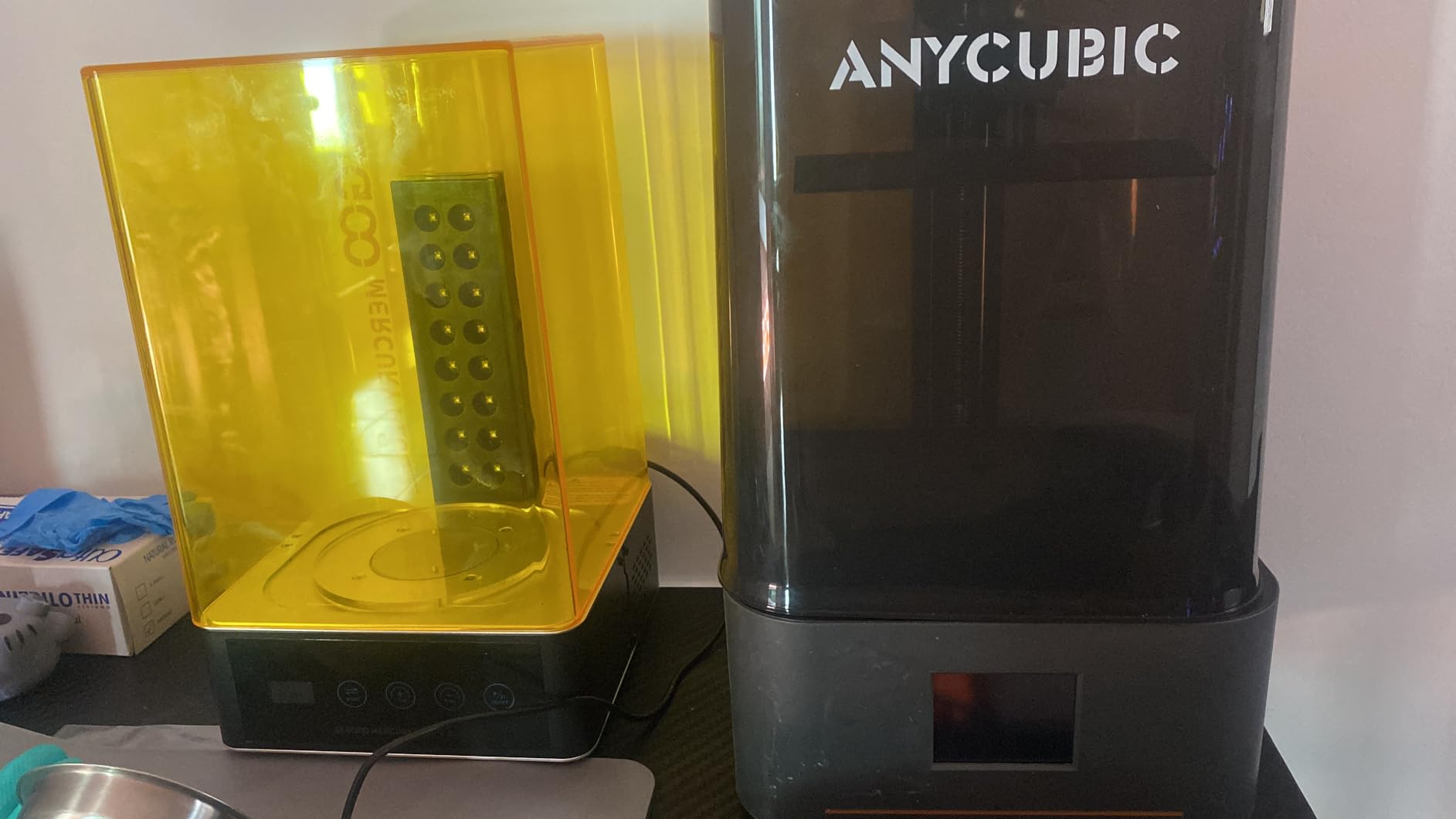
Setup took me under half an hour from box to first plate, and the four-point leveling meant I was not chasing the first layer with paper and feeler gauges. The laser-engraved Print Platform 2.0 grips resin prints firmly enough that a 32mm figure on a raft will not pop off during the lift, which is where cheaper machines most often lose a print.
What you give up is room. The build volume is 153.4 by 87 by 165 mm, which suits 28mm and 32mm figures, tokens, and small weapon props comfortably but turns a full terrain tile into a multi-plate job. The machine itself is compact at 10 by 10 by 15 inches and weighs 7.7 pounds, so it moves between a shelf and a desk without drama.
What the 10K screen means for a painted miniature
Screen resolution and miniature quality are not the same thing, but on this machine they line up unusually well. Seventeen micron pixels sit comfortably inside the 25 to 35 micron layer height range that miniature painters use, so you are not upscaling beyond what the panel can physically draw. Faces, chainmail texture and engraved runes all survive the print intact.
When the Mono 4 will frustrate you
Two things trip people up. First, the default profiles need exposure time and lift speed adjustment for any resin that is not the one it shipped with, and skipping that step is the number one cause of mushy prints on entry machines. Second, reviewers report a recurring minority of LCD and touchscreen failures alongside fragile resin vats, so keep spare film and a screen on your mental shopping list.
2. Elegoo Mars 5 Ultra – Best Resin Printer for Beginners
ELEGOO Mars 5 Ultra Resin 3D Printer
9K mono LCD,18 micron XY
Tilt release at 150 mm/h
Self-leveling plate,AI camera
Pros
- Roughly half the print time of earlier Mars models
- Self-leveling removes manual plate setup
- 9K detail holds up on small faces
- Camera gives time-lapse and remote monitoring
- Intuitive slicer for first-timers
Cons
- Lid has no hinges and must be removed
- Camera blocked by tall prints
- Small build plate by current standards
- Occasional first-layer adhesion failures
The Mars 5 Ultra is the pick for someone who wants almost nothing to go wrong on day one. The self-leveling build plate zeroes itself, the tilt release mechanism lifts the plate away from the vat rather than dragging it, and the mechanical sensor flags residue, resin shortage and leveling errors before they waste a night of printing. It arrived in May 2024 and already carries 384 ratings at 4.3 stars.
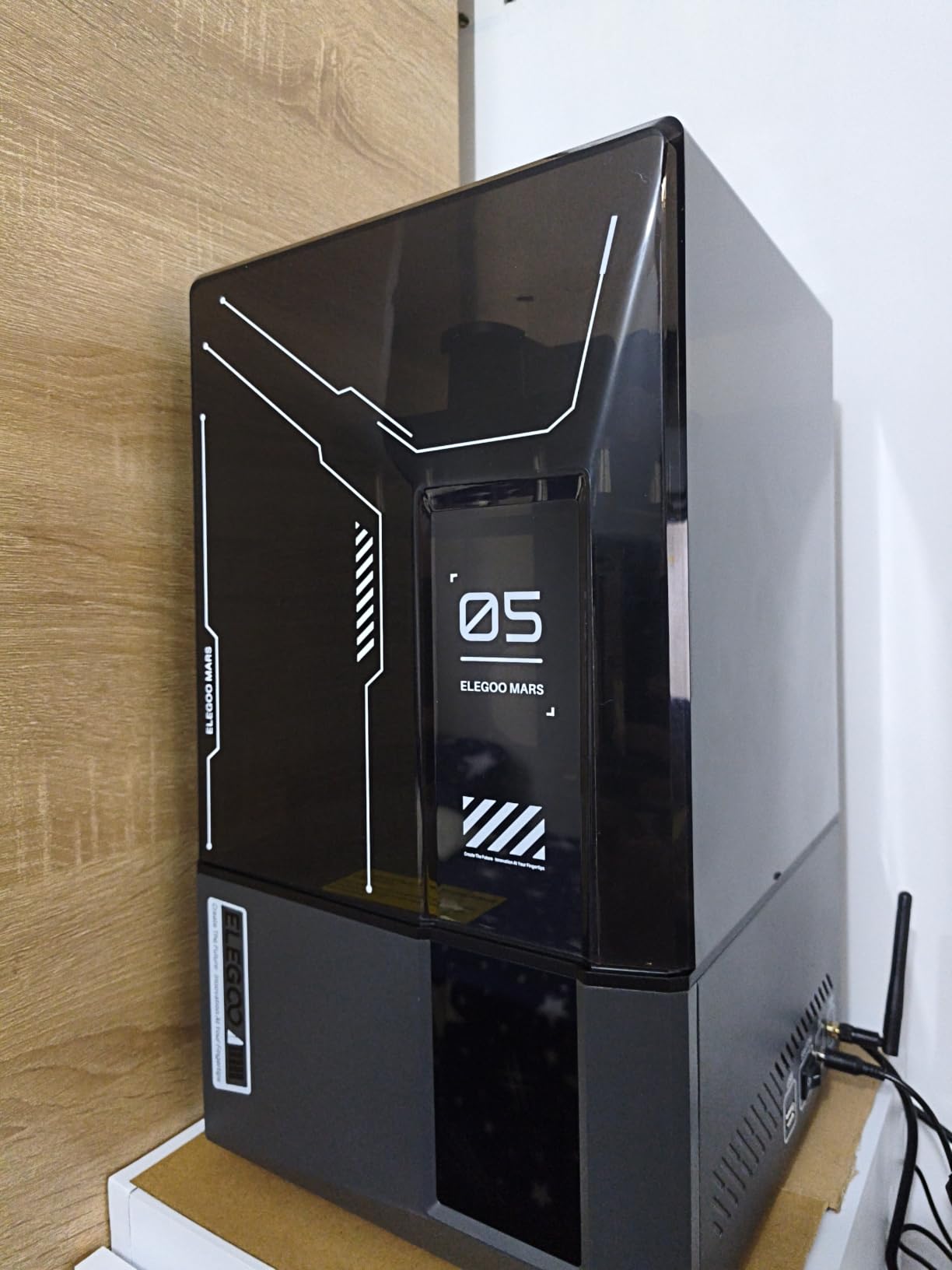
Speed is the headline. Owners describe prints at roughly half the time of earlier Mars models, with tilt release pushing up to 150 mm/h in fast mode. For a 32mm figure that difference is the gap between finishing an evening session and finishing a whole encounter’s worth of monsters.
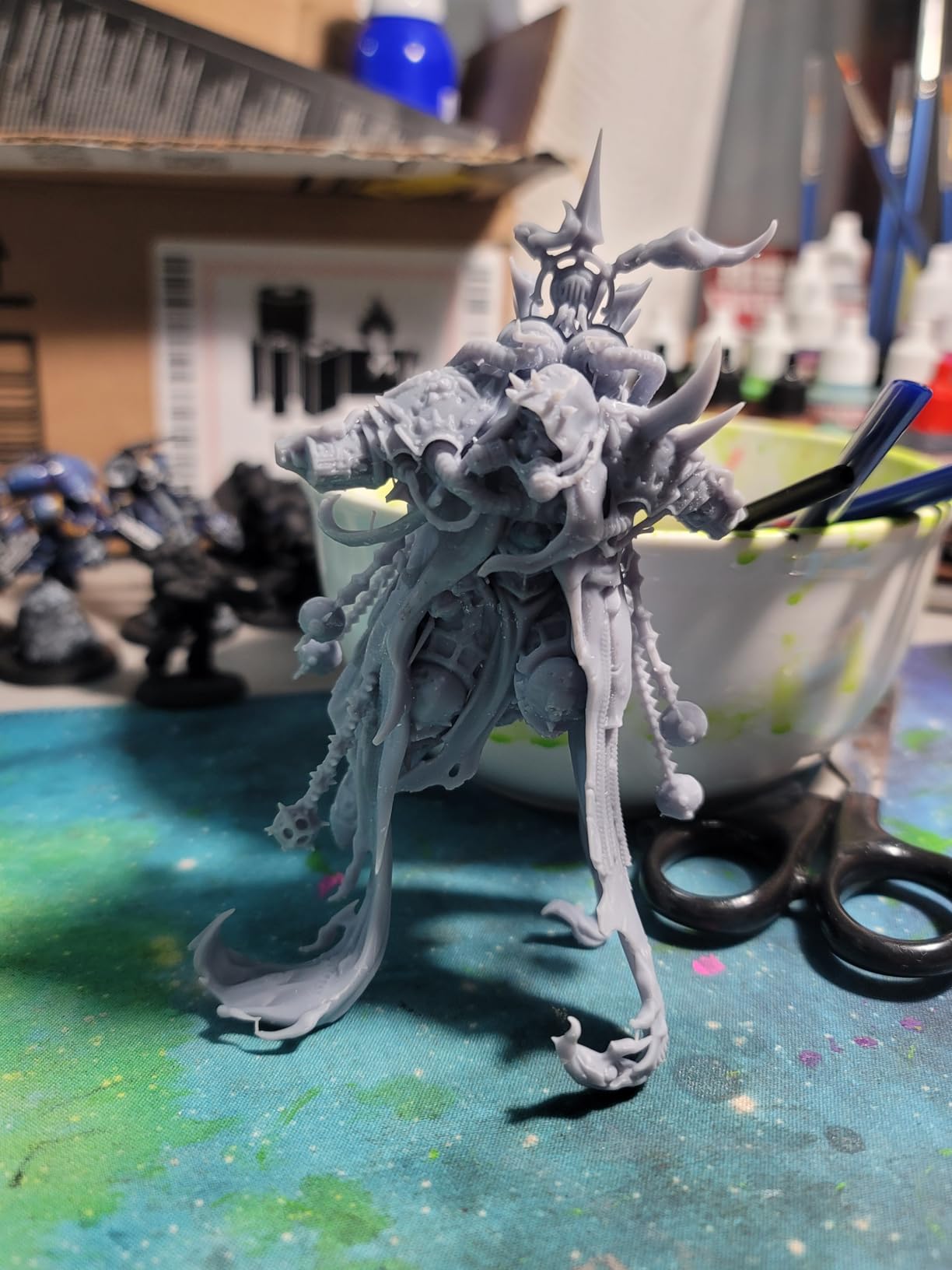
A member of a 3D-printing Facebook group described using a Mars 5 Ultra for 1:64 scale diorama figures, mixing supported and unsupported prints on the same plate. That flexibility is real on this machine, though the 9K panel at 18 micron pixels is a step back from the 16.8 to 17 micron figures the newer panels reach.
Which features actually earn their place
The built-in AI camera with real-time error detection and time-lapse capture is genuinely useful for long unattended batches, and the Wi-Fi cluster printing lets you run more than one machine in a room. The camera is low resolution and tall prints block its view, so treat the time-lapse as a bonus rather than a diagnostic tool. If you never use the app, you will not miss it.
Where the design annoys you daily
The lid has no hinges and has to be fully removed to open, which is mildly ridiculous on a machine of this class. The rounded resin spout makes pouring less tidy than a squared-off vat, and the build plate is small by modern standards, so large terrain pieces go elsewhere. A few owners also report first-layer adhesion failures that need a re-level.
3. Elegoo Saturn 4 Ultra 16K – Most Versatile for Maximum Detail
ELEGOO Saturn 4 Ultra 16K Resin 3D Printer
16K mono LCD
Heated vat at 30 degrees C
AI camera and chamber light
Pros
- 16K panel gives very fine detail and smooth surfaces
- Heated tank cuts bubbles and layer separation
- Automatic leveling with no manual adjustment
- Tilt release at up to 150 mm/h
- Chamber light makes the camera genuinely useful
Cons
- Large footprint at 24 x 17 x 15 inches
- Weighs 35.5 pounds
- Camera detection accuracy varies by setup
- Fine detail still needs exposure tuning
When detail is the only thing that matters, the Saturn 4 Ultra 16K is the machine to look at. Its 16K monochrome panel is the sharpest in this group, and owners report surfaces smooth enough that priming and dry-brushing behave the way they do on injection-moulded figures. It launched in January 2025 and sits at 4.2 stars from 366 ratings.
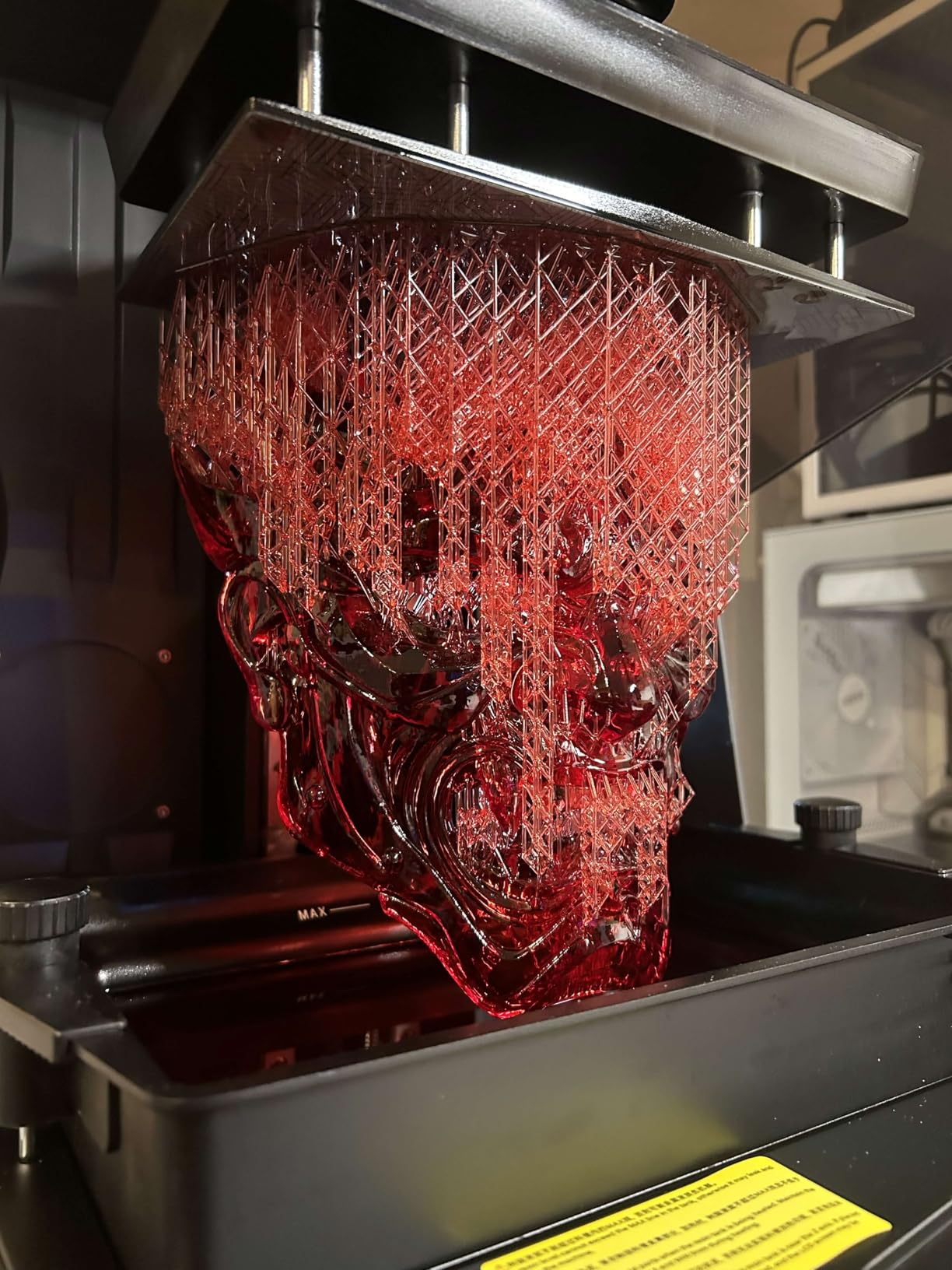
The intelligent tank heating is the quiet hero. Holding resin at 30 degrees C drops viscosity, which reduces bubbles trapped between layers and improves layer separation on tall prints. For a wargaming army, where you run many identical prints back to back, that reliability compounds faster than raw resolution does.
A commenter in r/3dprinter put it plainly when discussing this machine: elegoo seems to be one of the best in the consumer game and the saturn 4 or saturn 4 ultra has a lot of ease of use features. That is a fair summary. Automatic leveling, tilt release at up to 150 mm/h and a smart mechanical sensor with residue detection mean very little manual intervention between plates.
Whether 16K is worth the footprint
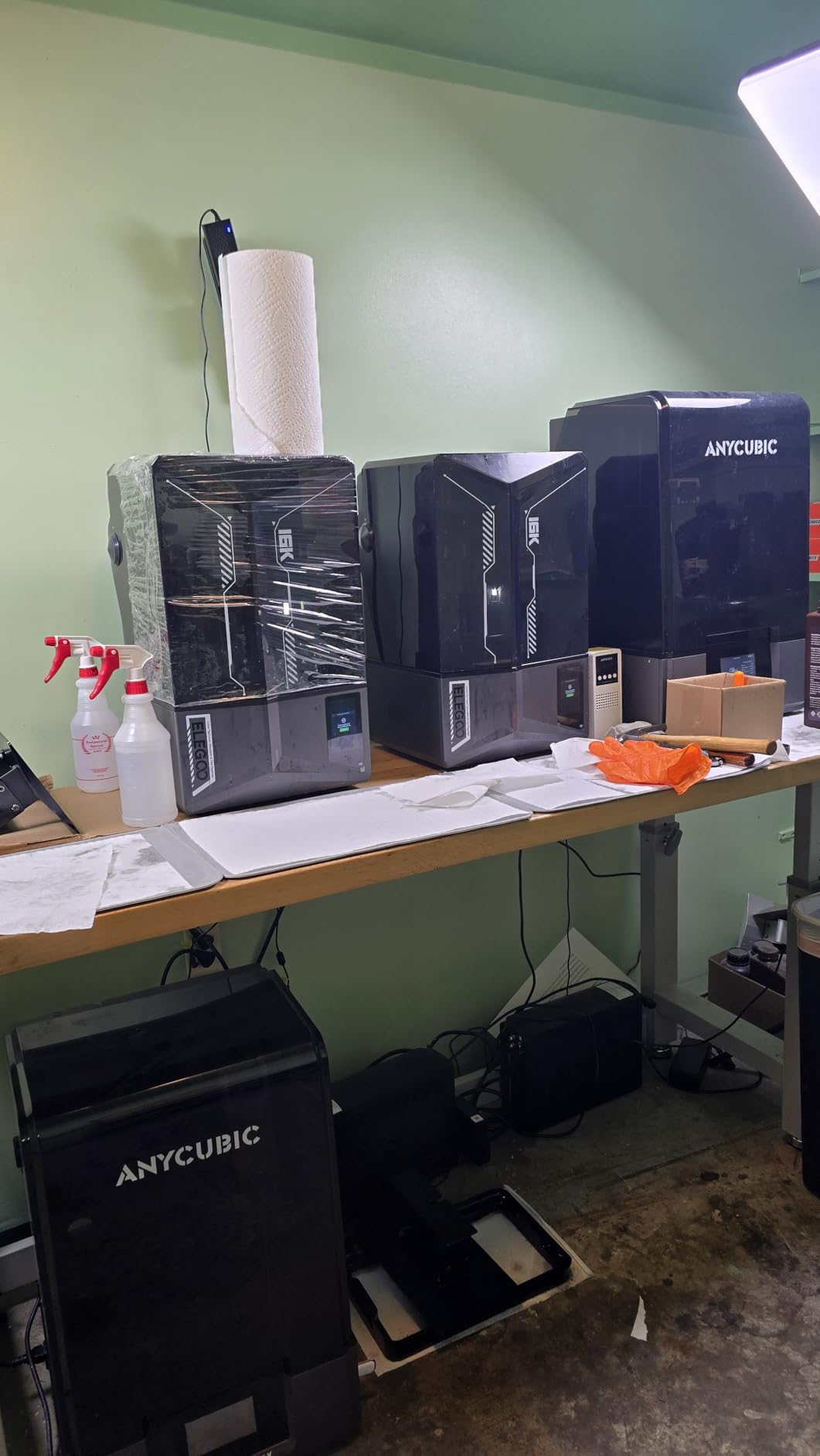
Physically this is a big machine: 24 by 17 by 15 inches and 35.5 pounds, so it claims a dedicated corner rather than a desk shelf. If your output is 28mm ranks and busts, the resolution headroom shows on faces and on the sharp edges of cloaks and blades. If your output is terrain tiles, you are paying for detail the models cannot use.
The reliability caveat nobody prints on the box
This machine carries one of the larger shares of one-star feedback in the category, and reviewers report that the AI camera detection results vary depending on environment, model and resin. Treat the camera as a helpful pair of eyes rather than an alarm system you can trust blind. Details beyond the price point also still require exposure tuning, so budget an afternoon with test prints before a batch.
4. Anycubic Photon Mono M7 Pro – Best for Batch Printing an Army
ANYCUBIC Photon Mono M7 Pro 14K Resin 3D Printer, 170mm/h Fast Printing
14K mono LCD,16.8x24.8 micron XY
170 mm/h high-speed mode
0.3 mm minimum aperture
Pros
- Full-size figures in roughly an hour
- 14K detail and strong dimensional accuracy
- Dual linear bearings and a metal vat feel rigid
- Heated vat stabilises resin temperature
- Easy build plate alignment and support removal
Cons
- Bundled slicer is unfinished
- ACF release film is fragile and tears
- Auto resin refill is locked to branded bottles
- False residue and disconnection errors reported
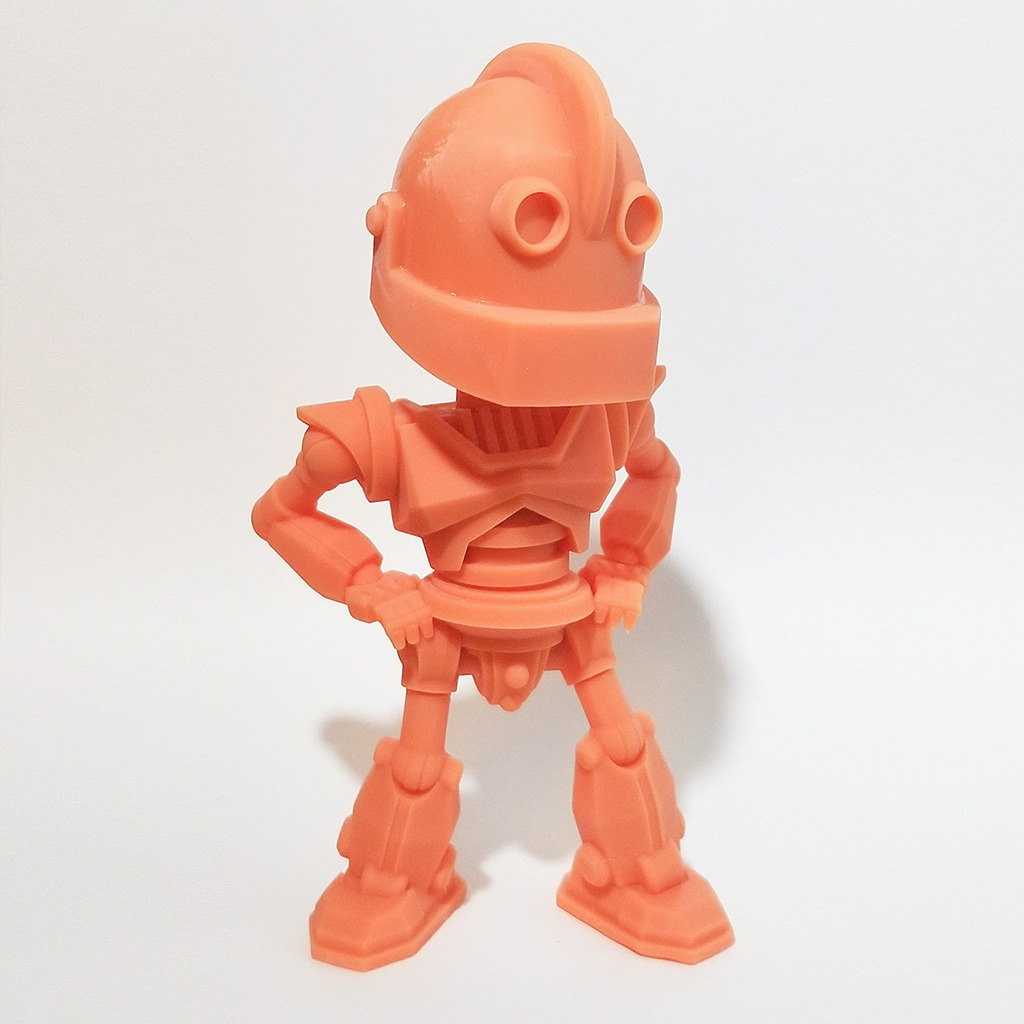
With 2066 ratings at 4.3 stars, the Photon Mono M7 Pro is the most proven machine here by a wide margin, and for anyone printing an entire army it is the one I would buy twice over. Speed is the headline figure: up to 170 mm/h with high-speed resin, or 130 mm/h with standard resin. Owners report full-size figures in roughly an hour, which changes what a weekend of hobby time looks like.
The 14K monochrome panel resolves to 16.8 by 24.8 micron pixels and the minimum printable aperture is 0.3 mm, so the thinnest usable detail on the machine is genuinely small. Sturdiness matters more than most spec sheets admit for batch work, and the dual linear bearings with a metal vat feel rigid in a way that lighter machines do not.
The dynamic temperature-controlled vat and auto-fill are what make unattended runs possible. The machine handles a plate of dozens of miniatures while you sleep, and the smart detection suite includes release film lifespan management, which is a genuinely useful warning for anyone printing thousands of pieces a year.
What it costs you in friction
The bundled slicing software is unfinished and third-party slicers often work better in practice. The ACF release film is fragile and tears easily, so a damaged film mid-batch means a cleanup stop. The auto resin refill only accepts branded bottles and needs cleaning, and some owners report persistent false residue messages and disconnection errors, so the automation needs supervising.
Who should skip it
If you print a handful of 28mm figures a month, this machine is overbuilt for you and a Mars 5 Ultra will keep you just as happy. The M7 Pro earns its size when you are committing to volume: an army of 50 models, a campaign of encounter set pieces, or a run of terrain that would otherwise take a month of evenings.
5. Phrozen Sonic Mini 8K S – Best Compact Resin Printer for a Small Desk
phrozen Sonic Mini 8K S LCD Resin 3D Printer, 7.1″ Monochrome LCD, Tabletop 3D Resin Printer with 22µm XY Resolution, 6.5 * 2.8 * 6.7 Inch Printing Volume for Models, Miniatures and Action Figures
8K mono LCD,22 micron XY
16.5 x 7.2 x 17 cm build volume
Factory Z-axis calibration
Pros
- Sharp 22 micron detail suited to miniatures
- Compact 11.4 x 11.4 x 16.9 inch footprint
- Works with Lychee
- Chitubox and Tango
- Factory calibration cuts setup effort
Cons
- Narrow build plate limits larger pieces
- Entry-level feature set against newer rivals
- 22 micron is coarse for the smallest details
- No camera or Wi-Fi
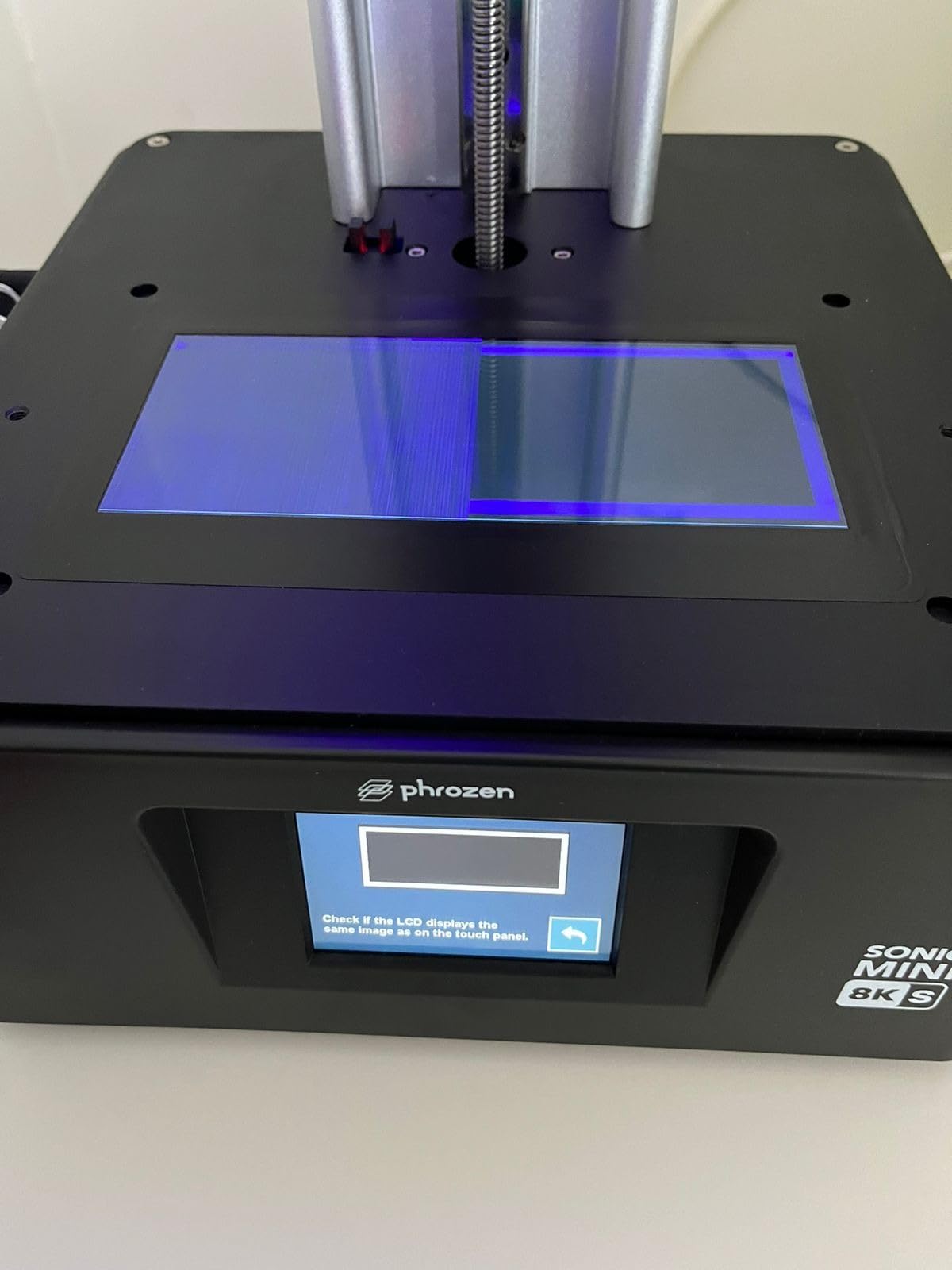
The Sonic Mini 8K S is the smallest-footprint machine in this roundup and the only one that takes a vertical workspace seriously. At 11.4 by 11.4 by 16.9 inches it fits where a Saturn-class printer simply will not, and the 7.1-inch 8K monochrome LCD resolves to 22 micron XY, which is still comfortably inside the range that gives clean miniature detail.
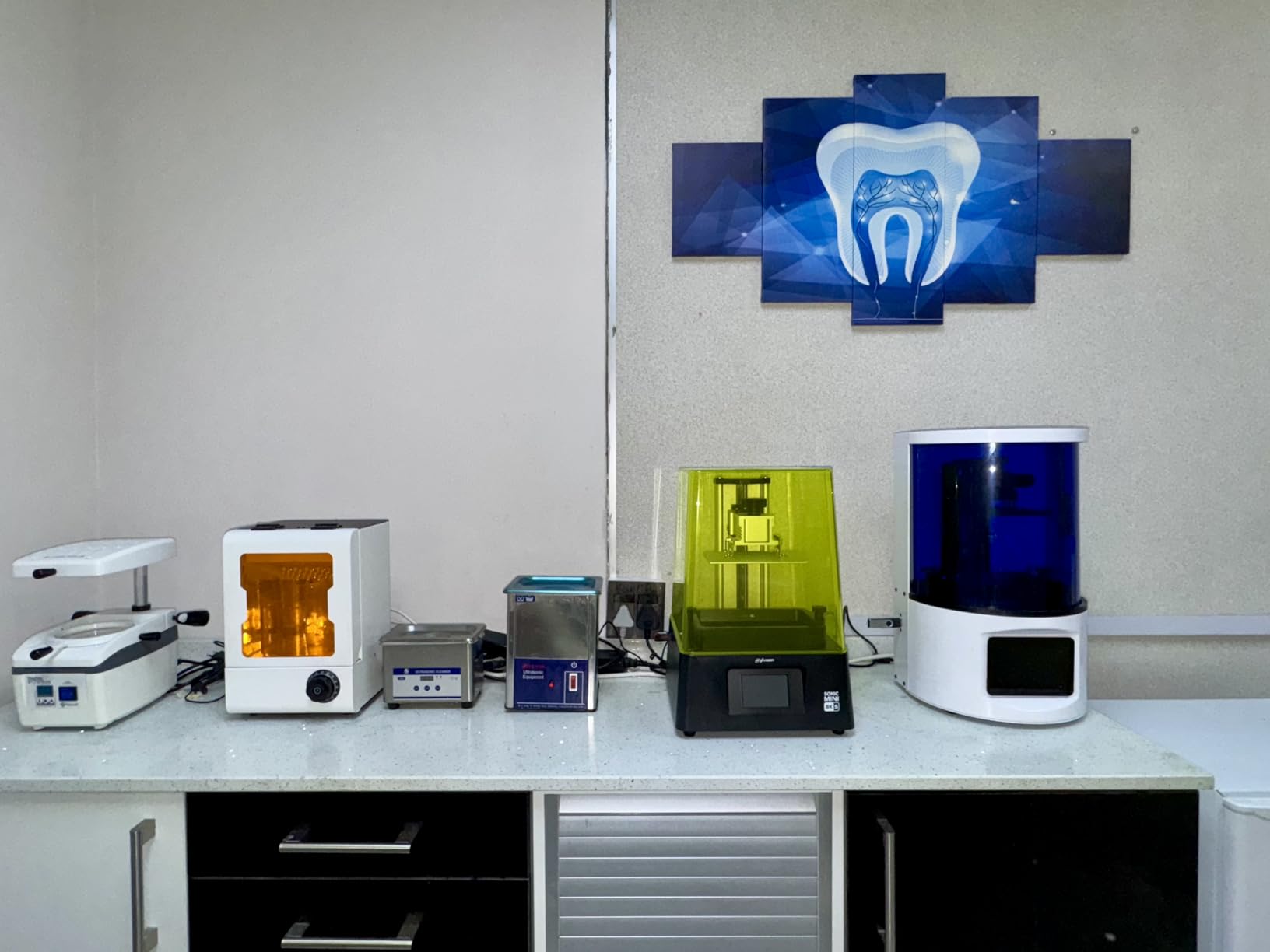
It arrived in May 2023 and holds 4.4 stars from 157 ratings, with roughly 79% of those reviews at five stars. Factory Z-axis calibration means you are not doing the manual dance before your first plate, and the build plate handles up to 22 pounds, which is more than enough for a full rank of 28mm figures.
Open-source slicer support is the sleeper feature. Lychee, Chitubox and Tango all work, so you are not locked into one vendor’s software, and hobbyists who switch between slicers tend to care about this far more than the marketing suggests.
Where a narrow plate bites
The build volume is 16.5 by 7.2 by 17 cm, and that 7.2 cm width is the limitation. Characters holding a large shield, a mounted rider, or anything with a wide base either get angled across the plate or do not fit at all. It is a printer built for figures, tokens and small props rather than for terrain or dioramas.
How it compares on detail
Twenty-two microns is the coarsest figure in the main group, and on very small features you will see the difference against a 16.8 to 18 micron panel. In practice the gap shows most on engraved text, chainmail and faces at extreme close range. If your painting style leans on washes and dry-brushing rather than crisp edge highlights, the difference largely disappears under paint.
6. Elegoo Jupiter 2 – Best for Oversized Models and Big Terrain
ELEGOO Jupiter 2 Large 16K Resin 3D Printer
302.4 x 161.98 x 300 mm build volume
16K mono LCD,20x26 micron XY
PFA release film
Pros
- Vast build volume for big jobs or batches
- 16K detail once dialed in
- PFA film with affordable consumables
- Sturdy chassis runs long hours reliably
- Owners report minimal odor
- Dual doors and a window aid monitoring
Cons
- Rating sits at 3.6 with heavy one-star feedback
- Reports of LCD and ribbon cable failures
- Auto leveling reports success yet prints still detach
- Auto resin feed and level detection unreliable
- Slicer software is underdeveloped
The Jupiter 2 exists for one reason: volume. Its build area of 302.4 by 161.98 by 300 mm is roughly two and a half times the Saturn 4, which means a full terrain tile, a modular dungeon room or an entire encounter’s worth of scenery can go down in one run instead of four. The 16K monochrome panel at 20 by 26 micron keeps the detail respectable for pieces that size. It launched in February 2026.
There are real engineering wins. It uses PFA release film rather than the cheaper ACF, and the consumables are affordable, which matters enormously at this build size. The dual-door design and transparent window make monitoring a long batch easy, and multiple owners report minimal odor, which is refreshing in a category where smell is the top complaint. The HDR camera with time-lapse and dual-band Wi-Fi cluster management round out a well-equipped package.
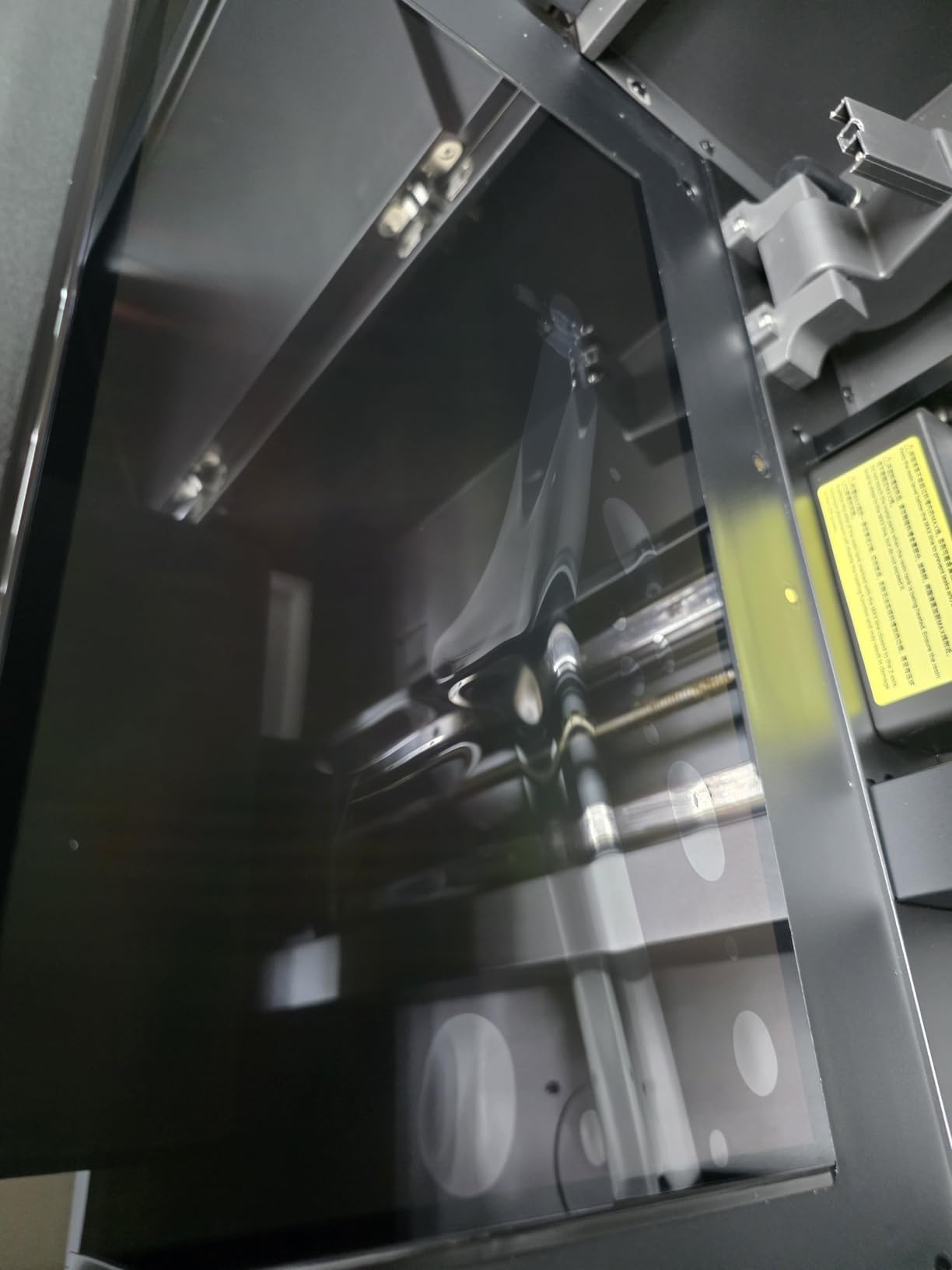
This is also the machine with the most divided reviews in the group. The 3.6 star average comes with 27% one-star feedback, and that figure deserves a straight answer rather than a footnote.
The failure modes to know about
Owners report LCD and ribbon cable failures along with weak quality control, and a number describe the auto-leveling reporting success while prints still fail to adhere. The automatic resin feeding system and resin level detection are also called unreliable, and the bundled slicer is underdeveloped. At 63.8 pounds and 27.95 by 20.08 by 19.29 inches, it is bulky and needs its own wash and cure station alongside it.
Who should buy it anyway
If your work is large-format scenery, the alternatives are far more expensive and this is where the PFA film and the consumable cost start to pay back. If your work is 28mm figures, do not buy this printer: a smaller machine will produce sharper results and cost a fraction of the desk space.
7. Anycubic Photon P1 14K – Best for Build Stability
ANYCUBIC Photon P1 14K Resin 3D Printer with Auto-Leveling
10.1 inch 14K mono LCD
16.8x24.8 micron XY pixels
Ball screw Z-axis with guide rails
Pros
- Ball screw and guide rail Z-axis resists wobble
- Wave Release cuts release force and failure rate
- Factory-calibrated leveling with pressure feedback
- AI monitoring catches setup errors early
- Ready to print with pre-configured resin profiles
Cons
- Newer model with a small review base
- Long-term reliability still unproven
- Handles very viscous resins that need slower settings
- Only 58 ratings to judge it by
The Photon P1 takes a different route to reliability. Instead of the dual linear rails that carry most high-speed resin machines, it uses a ball screw paired with a precision guide rail on the Z-axis, which resists wobble over long lifts. For a 32mm figure on a tall support tree, that mechanical steadiness shows up as a cleaner base and fewer snapped parts. It arrived in January 2026 and holds 4.4 stars from 58 ratings.
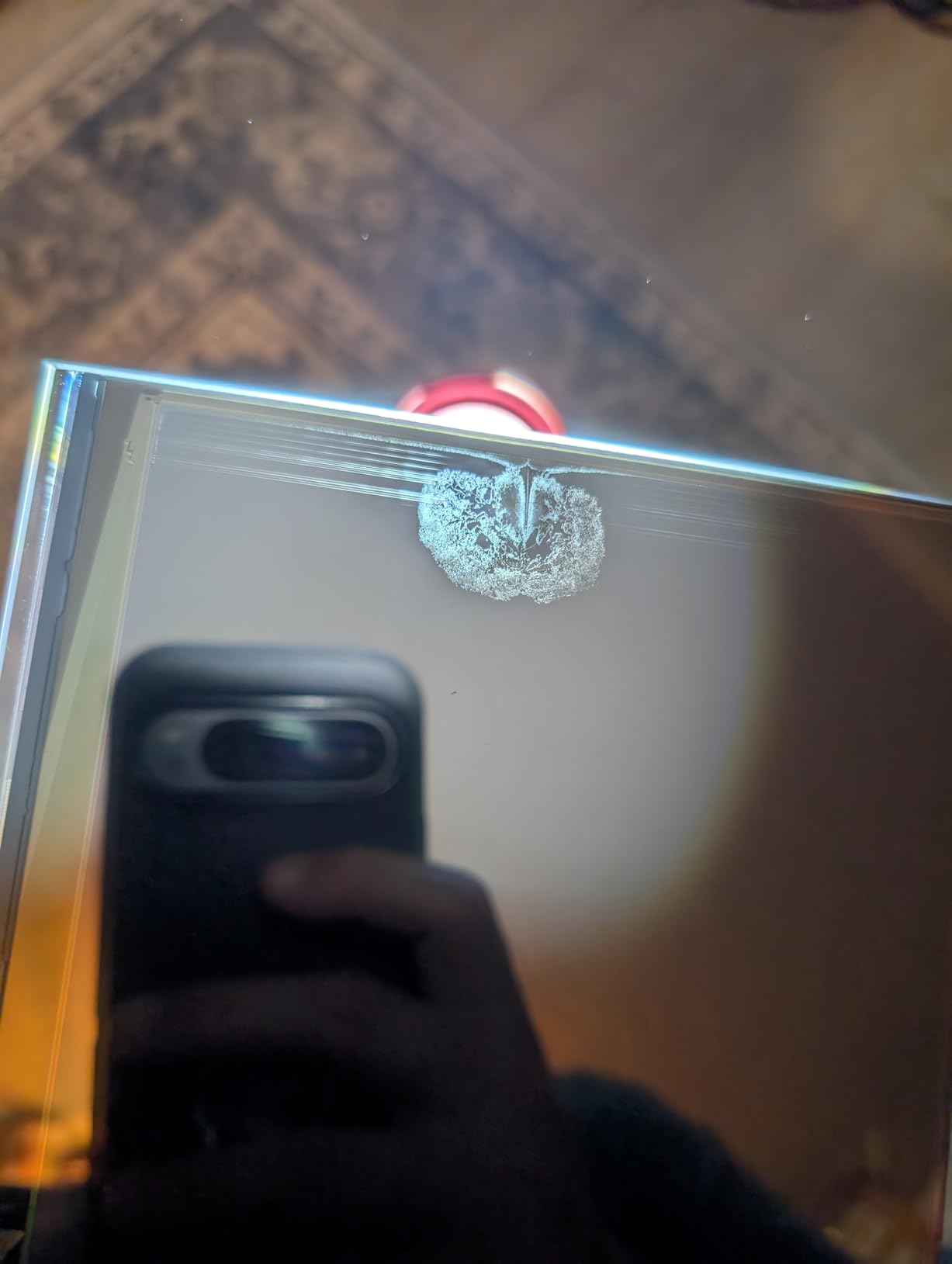
Wave Release Technology is the other headline, reducing release force by 60% and cutting the failure rate that comes from tearing a print off the plate. Smart Leveling 3.0 is factory-calibrated with four-corner pressure feedback, and the AI monitoring covers build plate installation, bottom layer separation, resin level and residue detection.
The 10.1-inch 14K monochrome panel gives 16.8 by 24.8 micron pixels with a 0.3 mm minimum aperture, matching the sharpest resolution here. It also ships pre-configured profiles for resins up to 8,000 cps viscosity, which is a nice quality-of-life touch for anyone who already owns thick formulations.
The risk of buying an early production model
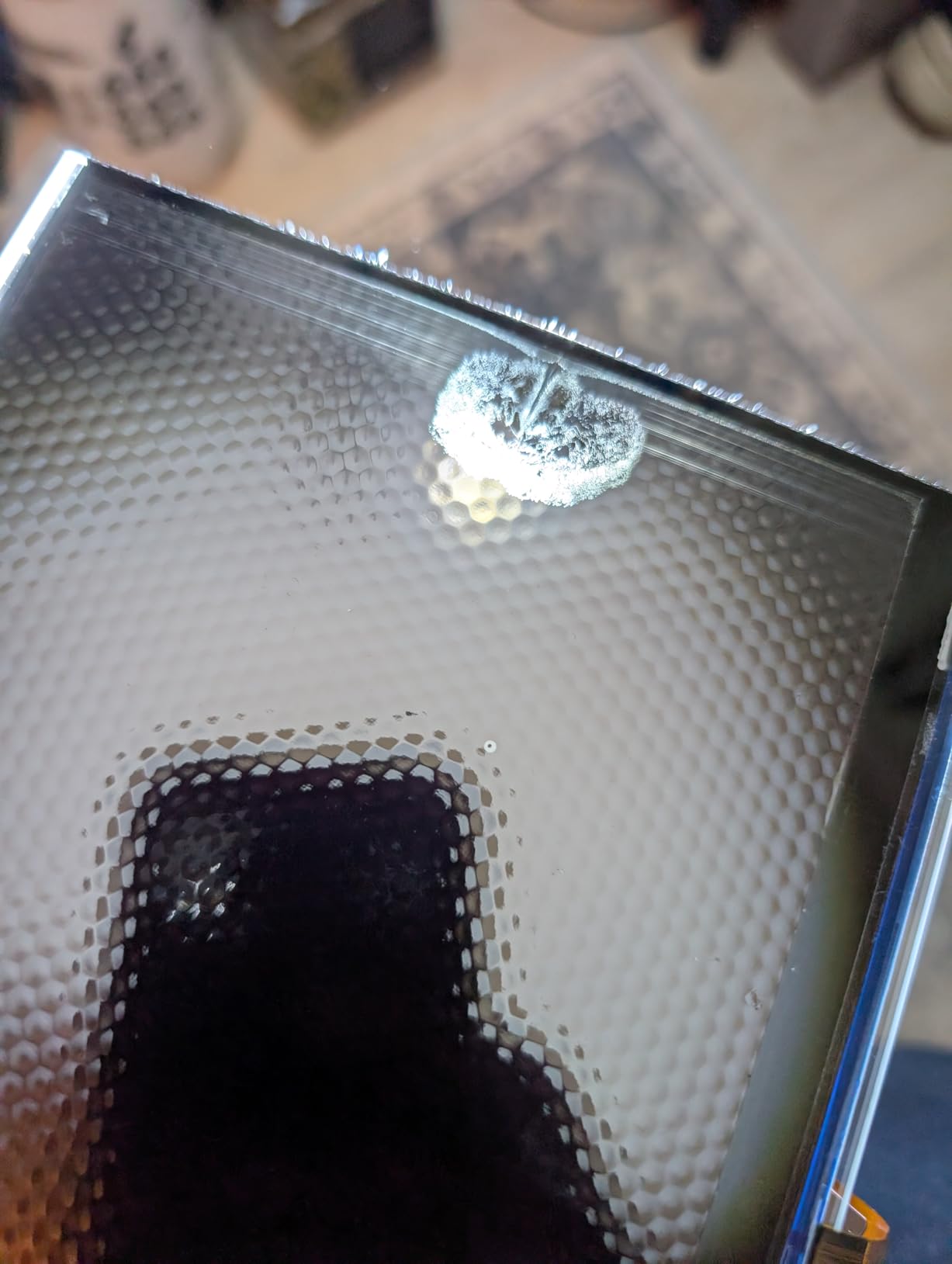
Fifty-eight ratings is a thin sample. The 79% five-star share is encouraging, but a machine released in the last year has an untested long-term record, and long-term reliability is exactly what matters when you own the printer. Some owners also find that handling very viscous resins requires slower settings than the stock profiles assume.
Who this suits
If your previous resin machines failed on adhesion rather than resolution, this is the machine that addresses that specific problem rather than adding resolution to the spec sheet. If you want a proven long-term record instead, the M7 Pro has 2066 ratings behind it and is the safer bet for volume work.
8. Phrozen Sonic Mega 8K S – Best for Batch Runs and Set Pieces
phrozen Sonic Mega 8K S LCD/MSLA Resin 3D Printer, 43 µm High Resolution, 15 inch Mono LCD Screen, Fast Production Accurate Details, Large Printing Size L12.99xW7.28xH11.81 Printing Volume
33 x 18.5 x 30 cm build volume
15 inch 8K mono LCD,43 micron XY
Up to 80 1/32 scale minis in 90 minutes
Pros
- Huge build plate for batch production
- Lift-up lid suits tight workspaces
- Metal drip hanger simplifies resin recovery
- No-frills design that does what it claims
Cons
- 43 micron is coarse for fine miniature detail
- No Wi-Fi
- camera or auto-leveling
- Self-fill and perforated plate design are awkward
- Slow in practice versus the marketing
- Power supply
- board and LCD failures reported
The Sonic Mega 8K S is a production machine in the literal sense. Phrozen claims up to 80 1/32 scale miniatures in under 90 minutes, using ACF film with TR300 high-speed resin, and the 33 by 18.5 by 30 cm build volume is what makes that number possible. It is not a precision machine: the 15-inch 8K monochrome LCD resolves to 43 micron XY, the coarsest figure in this roundup.
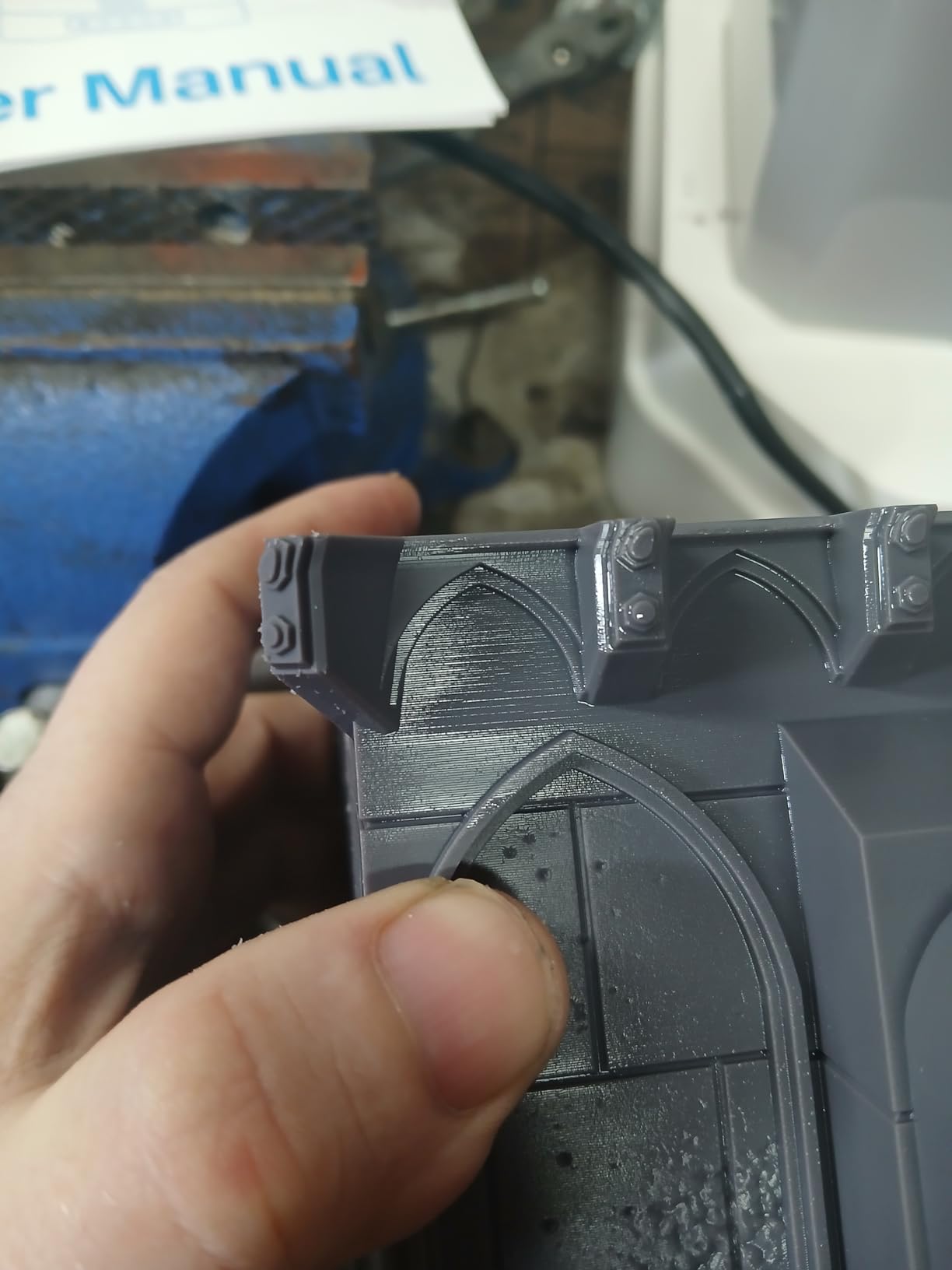
What it does have is thoughtful physical design. The lift-up lid gives a tight footprint for a machine this size, and the built-in metal drip hanger means resin drains back into the vat instead of pooling at the bottom of the build chamber. That single feature removes the most tedious part of cleaning a large-format resin machine, and owners consistently single it out as a reason to keep the printer.
It launched in November 2023 and holds 4.0 stars from 49 ratings, with 65% at five stars and 21% at one. That split is instructive: people who know what they are doing value it purely for volume and straightforward operation, and the complaints cluster on the dated feature set rather than on build quality.
Why 43 microns is a real limit
Forty-three micron pixels are visible on a 28mm figure’s face at painting distance, and on anything smaller than about 40mm the stair-stepping starts to show in raking light. This machine makes sense for 1/32 scale ranks, tokens, and terrain, and it makes very little sense for hero-scale busts. Judge the file size before you judge the printer.
What the missing features cost you
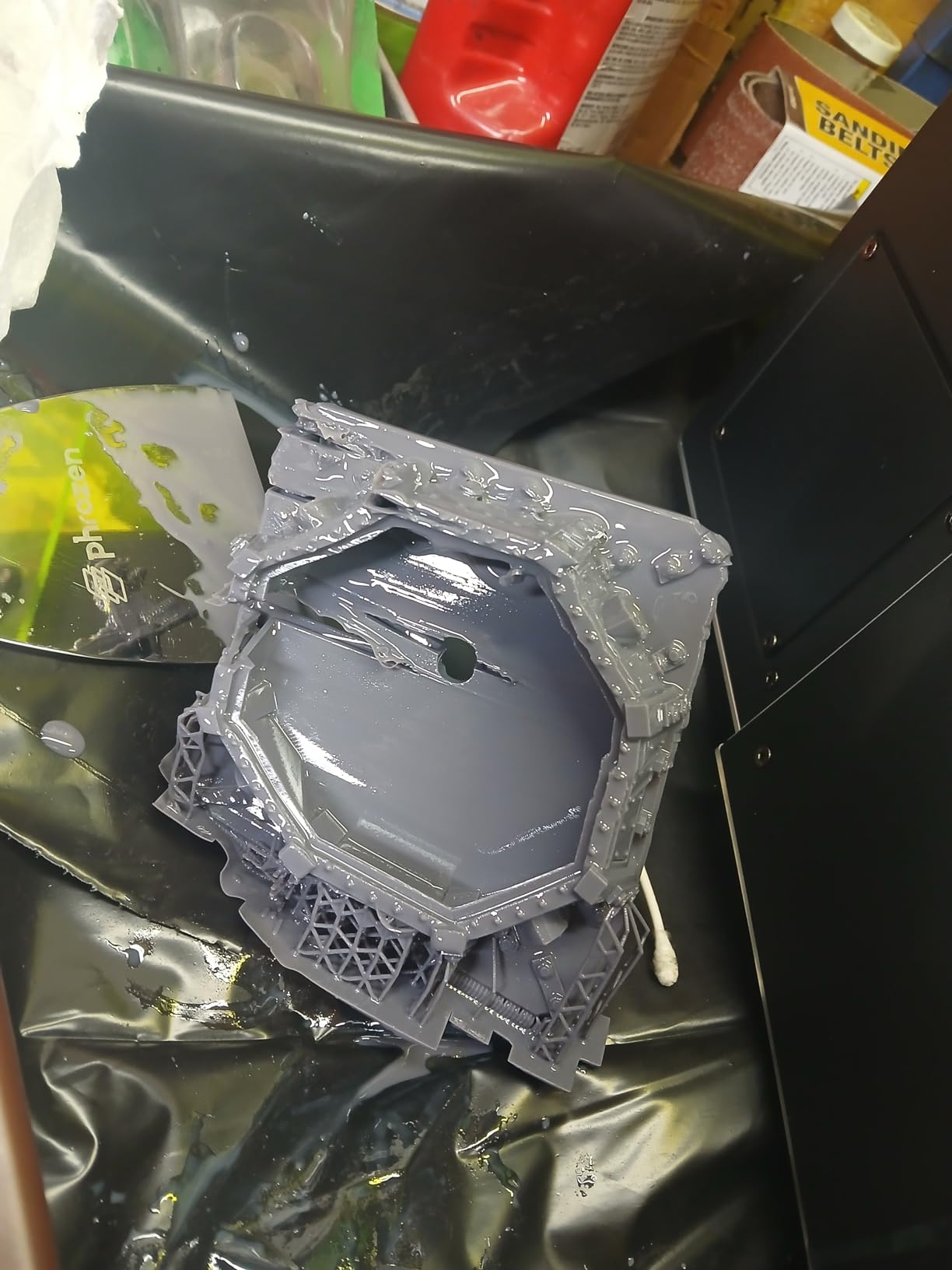
There is no Wi-Fi, no camera and no auto-leveling, so every plate is a manual levelling job. The self-fill mechanism and the perforated build plate design are reported as awkward, and owners note that the machine is slower in practice than the advertised high-speed claims suggest. Reports of power supply, main board and LCD failures after moving it add a caution flag for anyone planning a dedicated workshop corner.
Resin vs FDM: Which Is Actually Better for Tabletop Miniatures?
FDM printers are good for miniatures in the sense that a 0.2 nozzle machine can produce a figure you can put on a table. What resin adds is surface quality, not the ability to print. Resin cures liquid photopolymer in layers between 20 and 35 microns thick with no layer-line texture, which is what makes primer sit flat and highlights read cleanly on a face.
The real resin wins are narrower than the hobby forums suggest. Thin features survive: swords, antennae, cloak edges and outstretched fingers that an FDM nozzle drags and strings are solid on a 0.3 mm minimum aperture machine. Paint adhesion improves because there is no plastic texture to hold air pockets. And for batch work, a resin plate prints the same eight models in the same time as one, while an FDM plate takes eight times as long as a single figure.
FDM wins the categories resin is bad at. Terrain tiles, buildings, vehicles and anything with a large flat footprint belong on a plastic printer, where the build volume and material cost are unbeatable. FDM is also quieter, cleaner and completely fume-free, which matters enormously in shared accommodation. If you want both, run a resin machine for characters and a plastic machine for scenery rather than forcing one to do both jobs.
Readers weighing a broader machine list can start with our beginner 3D printer guide, and anyone building big dioramas should read up on large-format printing before committing to one resin machine for everything.
How We Chose These Resin Printers
Selection started with a filter rather than a wish list. We kept only mono-screen resin machines with at least 30 owner ratings, which removed several well-known models that current buyers can no longer find new, and it removed the same-family duplicates that clutter other roundups. That is why you will see two Elegoo Mars/Saturn-family machines, two Phrozen machines and three Anycubic machines here rather than a dozen near-identical listings.
Every printer in this list was then judged on the same four things: XY pixel size, build volume mapped to real miniature scales, the hardware that reduces failed prints (auto leveling, tilt release, smart sensors), and the volume of documented failure modes in owner reviews. Review counts and star ratings are reproduced exactly as buyers see them, because a 4.4 from 667 ratings and a 4.4 from 58 ratings are very different claims.
What I have deliberately left out is a lab measurement I did not run. Rather than publish print times or dimensional accuracy figures I cannot stand behind, I have stuck to manufacturer specifications and to what owners report about their experience, and I have flagged where the two disagree.
What to Look for When Buying a Resin Printer for Miniatures
XY resolution is the number that decides whether a miniature is worth painting. The confusing part is that screen resolution and XY pixel size are different measurements, and so is layer height. A 16K label describes the panel’s pixel count, not its physical pixel pitch, so always look for the micron figure. For miniatures, 35 microns is the practical sweet spot and anything below 28 microns is diminishing returns that you will not see through primer and paint.
Build volume decides what fits, and the width matters more than the depth. A 153 by 87 by 165 mm plate fits plenty of 28mm and 32mm figures, tokens and small props. Busts, mounted characters and diorama bases need real width. Large terrain needs a machine like the Jupiter 2, and if terrain is a major part of your output, a separate plastic printer is usually the cheaper answer. If you are still choosing between entry-level machines, our beginner printer roundup covers the trade-offs.
Print speed is about throughput, not quality. The tilt release mechanisms in this group reach 150 mm/h, and the M7 Pro claims 170 mm/h with high-speed resin. Tilt release matters most on supported prints where the plate would otherwise pull the model sideways. Note that speed claims assume fast resin and a tuned profile; on standard resin those numbers drop considerably.
Auto leveling and sensors reduce waste more than resolution increases quality. First-layer adhesion failures are the most common cause of a lost night of printing, and a self-leveling plate with residue and resin-shortage alarms removes most of them. Feature fatigue is real though: forum users repeatedly regret paying premiums for Wi-Fi and app control they never open. Buy the automation that prevents failures, ignore the automation that sends you notifications.
Screen and release film lifespan is the hidden running cost. Mono LCD screens are consumables with a rated lifespan measured in hours, while DLP projectors last far longer. Release film matters as much: ACF films are cheaper but fragile and tear, while PFA film is more durable. Build a spare-parts habit early, and check that third-party resin works on the machine before you fall in love with a brand-locked auto-fill system.
Layer height for miniatures is a support decision as much as a detail decision. Twenty-five to 35 microns suits 28mm and 32mm figures. Busts and display models can justify 20 to 25 microns, but print time climbs and the risk of layer separation rises. Anything thicker than 40 microns will show as visible stepping on a face, no matter how good the panel is.
Owners in r/PrintedMinis reach for the Elegoo Mars and Anycubic Photon families as the entry-level standard for good reason: replacement parts are cheap, the community is enormous, and profiles are widely shared. Whichever ecosystem you enter, you will spend more time tuning exposure settings than you expect. That is normal, and it is the real learning curve of the format.
Setting Up Resin Printing Safely in an Apartment
Resin fumes are the single biggest reason people do not start, and they are a solvable problem rather than a reason to give up. Uncured resin gives off volatile compounds that irritate eyes and airways, and the smell that carries across a room is the part you notice first. A workable home setup looks like this:
1. Pick a room with a door you can close and a window you can open, ideally with a measurable air change. A bedroom you share is a poor choice; a spare room, garage or workshop is a good one.
2. Add activated carbon filtration, either a purpose-built unit on the printer or an inline carbon can on an extraction fan. Carbon handles the organic vapour that activated air filters miss.
3. Extract air at the printer rather than letting it diffuse into the room. A small inline fan ducting out of a window or through a wall vent is the cheapest effective upgrade.
4. Wear nitrile gloves for every pour, level change and vat clean, and handle cured parts with bare hands once they are fully washed and post-cured.
5. Keep isopropyl alcohol in a closed container away from food areas, and wash cured parts over a sink you can splash, or in a dedicated wash station.
6. Dispose of cured waste and rinse liquids through the correct local chemical route, not down the drain.
Note the feature differences here. The Jupiter 2 is the only machine in this group whose owners report minimal odor, and that is a genuine reason to prefer it in a small flat. A printer sold with a carbon filter is not a substitute for a ventilated room; it is a second layer. Readers short on space can see how the trade-offs differ in our home use printer guide.
What Else You Need Beyond the Printer
A wash and cure station is not optional if you plan to print more than a handful of miniatures. Unwashed resin stays tacky, ruins fine detail and will never cure properly, and IPA cleanup after every print is part of the workflow rather than a failure. Budget for a station up front rather than discovering the need at 2am after a finished plate.
Beyond that, the real list is shorter than people expect: a roll of FEP or PFA release film plus a spare, a metal spatula for lifting prints, an airbrush or a cheap wash station for rinsing, nitrile gloves, and a large bottle of isopropyl alcohol. Slicer software is free for all of these machines, with Chitubox and Lychee the two most common choices, and the Sonic Mini 8K S officially supports both along with Tango.
Resin is where the ongoing spend lives. A litre covers a surprising number of miniatures when you orient them properly, hollow large pieces and reuse leftover resin, but the cost is continuous rather than one-off. If your interest is colourful terrain rather than single-colour characters, our multicolor printing guide covers the machines that do that job properly.
Frequently Asked Questions
Are FDM printers good for miniatures?
Yes, a well-calibrated FDM machine with a 0.2 nozzle can print a usable figure, but visible layer lines and post-processing make it harder to paint to a display standard. Resin wins on surface finish, paint adhesion and thin features, while FDM wins on terrain, cost, noise and safety.
What XY resolution do I need for printing miniatures?
35 microns is the practical sweet spot for 28mm and 32mm figures, and anything at or below 28 microns is diminishing returns once primer and paint are on. Below about 40 microns, layer height matters more than the screen resolution label.
What is the smallest resin 3D printer available?
Among the machines in this roundup, the Phrozen Sonic Mini 8K S is the most compact at 11.4 by 11.4 by 16.9 inches, with a 16.5 by 7.2 by 17 cm build volume. Its 22 micron resolution still produces paint-ready figures, though the narrow width limits larger pieces.
Do I need a wash and cure station?
If you plan to print more than a handful of miniatures, yes. Unwashed resin stays tacky, blocks fine detail and will not cure properly, and the IPA cleanup after every plate is unavoidable. A station is a core cost of the format, not an accessory.
Are resin printers safe to use in an apartment?
They can be, with setup. Use a dedicated room with a closable door, add activated carbon filtration, extract air at the printer through a window or wall vent, wear nitrile gloves for handling, and store and dispose of IPA and rinse liquids properly. Smell alone is a sign the extraction is inadequate.
How many miniatures can I print at once?
It depends entirely on build plate size. A compact plate around 153 by 87 mm holds a rank of 28mm figures, while the Phrozen Sonic Mega 8K S claims up to 80 1/32 scale miniatures per run and the Elegoo Jupiter 2 covers large terrain tiles. Check the plate width before buying for volume.
Is it legal to 3D print and sell tabletop miniatures?
Printing models for your own use is fine, and original sculpts can generally be sold. Reproducing copyrighted designs from other companies and selling those copies is a different matter. This is general information rather than legal advice, so check the licence terms of any file you print from.
Our Top Resin Printer Picks for 2026
The Anycubic Photon Mono 4 is our pick for the best resin 3D printers for tabletop miniatures overall, because a 17 by 17 micron panel, four-point leveling and a laser-engraved platform deliver paint-ready figures without the learning cliff that bigger machines create. It is compact, quiet and proven across 667 ratings.
If your priority is volume, the Photon Mono M7 Pro prints full-size figures in about an hour and has 2066 ratings behind it. If you want automation that prevents failed prints rather than notifications you will ignore, the Elegoo Mars 5 Ultra is the beginner pick. The Saturn 4 Ultra 16K is worth the footprint when sharpness is the goal, the Phrozen Sonic Mini 8K S fits desks nothing else will, and the Jupiter 2 and Sonic Mega 8K S cover the large-format and batch end of the market.
Whichever one you choose, budget for a wash and cure station and a ventilation plan before the printer arrives. Those two costs decide whether resin printing stays a hobby or becomes a resentment.