
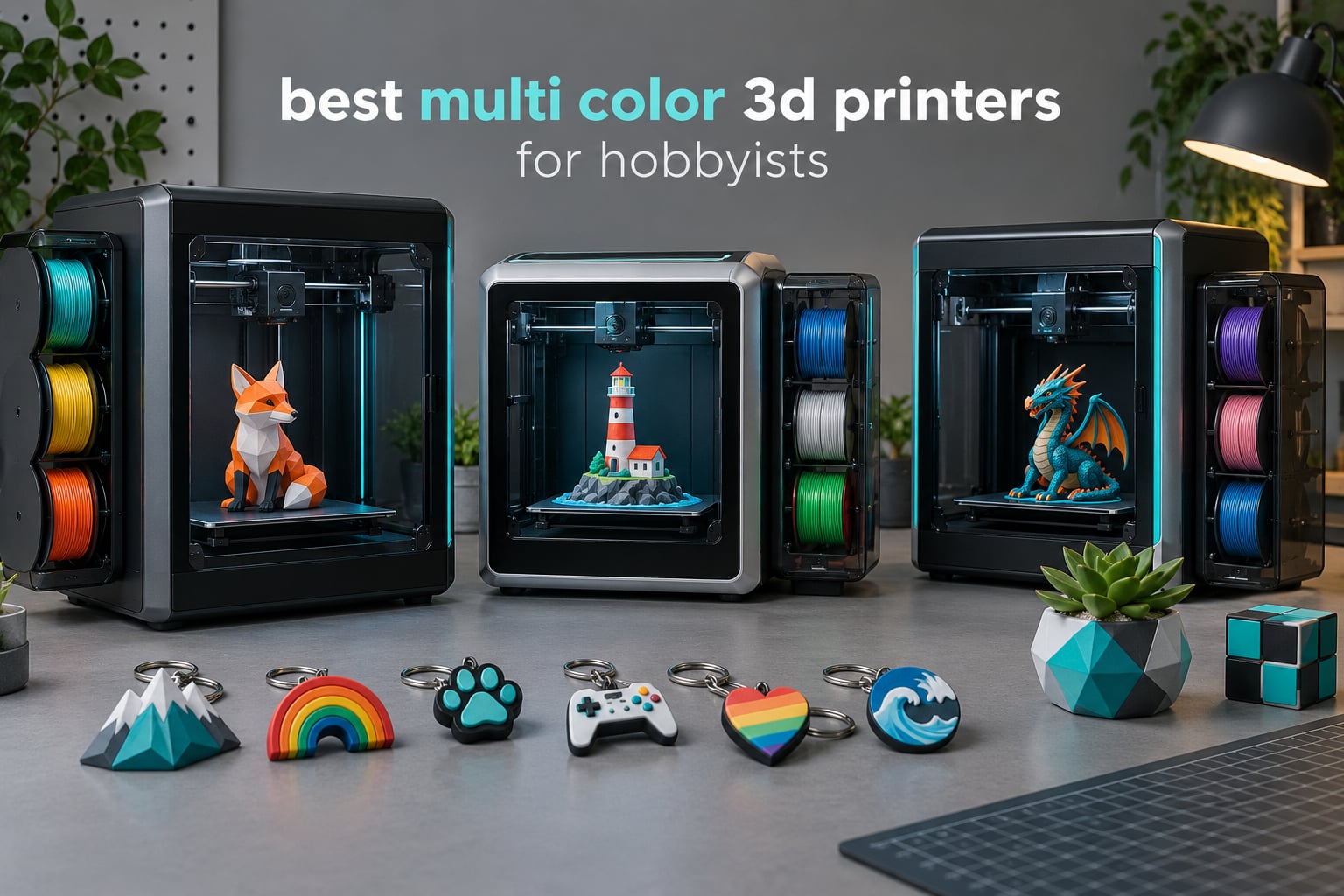
Quick answer: The Creality K2 Combo is the best multi color 3D printer for most hobbyists in 2026. It prints up to 16 colors through a stackable CFS, runs a 10.24 inch build cube at 600mm/s, and has the deepest owner review base of any machine here. Quieter and tidier alternatives: the Anycubic Kobra X and the ELEGOO Centauri 2 Combo.
Six months ago I started printing things I was actually giving away: name tags for a school fundraiser, articulated dragons for my kids, a batch of holiday ornaments in four colors each. The moment color landed in the same print as the part, the hours of masking, priming and hand-painting disappeared. That is the whole pitch of a multi color 3D printer, and it is why this list is written for hobbyists rather than for a workshop floor.
I have owned and swapped between four-color machines over that stretch, printed the same calibration cube on each, and kept notes on noise, desk footprint and how much filament ended up in the bin rather than on the part. This roundup covers the ten multi color 3D printers that make sense for a hobby budget, ranked on print quality first, then reliability over months of use, then the cost of the filament you throw away.
One note before we start, because it catches almost everyone. Not every four-color machine expands. Stackable material systems can chain several boxes together for 8 or 16 colors, while compact built-in systems stop at four with no upgrade path. That difference decides whether you are buying a hobby tool or a two-year commitment, so it is called out for every printer below. Our broader multicolor 3D printer roundup covers the wider market if you are still narrowing down.
Table of Contents
Top 3 Picks for Best Multi Color 3D Printers for Hobbyists (October 2026)

Creality K2 Combo
- 16 colors via stackable CFS
- 10.24 inch build cube
- 600mm/s CoreXY motion
- Chamber AI camera for failure detection

ELEGOO Centauri 2 Combo
- CANVAS 4-color with RFID recognition
- Enclosed CoreXY at 500mm/s
- 22 sensors with full auto calibration

Bambu Lab P1S Combo
- Up to 16 colors through the AMS
- Enclosed body for ABS and ASA
- Setup in about 15 minutes
All 10 Multi-Color 3D Printers at a Glance in 2026
| Product | Specifications | Action |
|---|---|---|
| Creality K2 Combo |
|
Check Latest Price |
 Snapmaker U1 4-Toolhead Snapmaker U1 4-Toolhead |
|
Check Latest Price |
 FLASHFORGE AD5X FLASHFORGE AD5X |
|
Check Latest Price |
 Creality SPARKX i7 Combo Creality SPARKX i7 Combo |
|
Check Latest Price |
 Creality K2 SE 4C Creality K2 SE 4C |
|
Check Latest Price |
| ELEGOO Centauri 2 Combo |
|
Check Latest Price |
 Creality K2 Plus Combo Creality K2 Plus Combo |
|
Check Latest Price |
| Bambu Lab P1S Combo |
|
Check Latest Price |
 Bambu Lab A1 Combo LED Kit Bambu Lab A1 Combo LED Kit |
|
Check Latest Price |
 Anycubic Kobra X Anycubic Kobra X |
|
Check Latest Price |
How multi-color printing works, and why it wastes filament
Every multi color 3D printer on this list falls into one of three architectures, and knowing which one you are buying tells you almost everything about the finished part.
A swapper is what Bambu calls the AMS and AMS lite, what Creality calls the CFS, what Anycubic calls ACE, and what ELEGOO calls CANVAS. One nozzle, one hotend, and a box of spools parked beside the machine. When the slicer calls for a new color the printer retracts the old filament, pushes the new one in, and ejects whatever is left in the nozzle through a wipe tower or purge chute. Simple, cheap, and the reason nearly every machine here ships with it.
A toolchanger assigns a complete printhead to each material and physically swaps them. The Snapmaker U1 does this in about five seconds, which means the old nozzle is never contaminated and there is far less purge waste. It is a mechanically more complex answer to a problem the swapper solves cheaply.
A multi-nozzle head parks two or more extruders in the same gantry so two colors can genuinely be deposited in the same layer with no changeover at all. Nothing on this list uses one, and that is the main reason two-nozzle machines still sit above the hobbyist price band.
The waste comes from that purge step, and it is not small. Plan for roughly 15 to 25 percent extra filament on a color model with many changes, which on a four-color name tag or ornament can outweigh the part itself. Slicer settings do more for your filament bill than the machine does. We have covered the whole beginner setup in our beginner 3D printer guide if you are starting from zero.
1. Creality K2 Combo — Best Overall Multi-Color 3D Printer
Official Creality K2 Combo 3D Printer Multicolor 3D Printers with CFS
10.24 inch build cube
600mm/s motion
16 colors through CFS
Pros
- Up to 16 colors through a stackable CFS
- Large 10.24 inch cube build volume
- 600mm/s with hardened steel gears and nozzle
- Chamber AI camera catches spaghetti and idling
- Fast and responsive Creality support
Cons
- Initial calibration needs manual work and patience
- Documentation and sample files on the device are thin
- Bundled test print is long and eats a lot of filament
The K2 Combo is the one I recommend without conditions. It pairs a 10.24 inch build cube with a CFS material system that stacks to 16 colors, and it does it on a machine rated at 4.4 stars across nearly four thousand owner reviews. That review volume matters: this is the only product here where the long-run reliability picture is genuinely well documented rather than inferred.
Motion is genuinely fast. Three step-servo motors drive the extruder and the X and Y axes at up to 600mm/s with 20000mm/s2 acceleration, and the die-cast aluminum frame keeps that speed from turning into ringing. The 40mm3/s hotend with an 80W heater runs a hardened steel nozzle tip to 300C, which covers PLA, PETG, TPU and most of what a hobbyist reaches for.
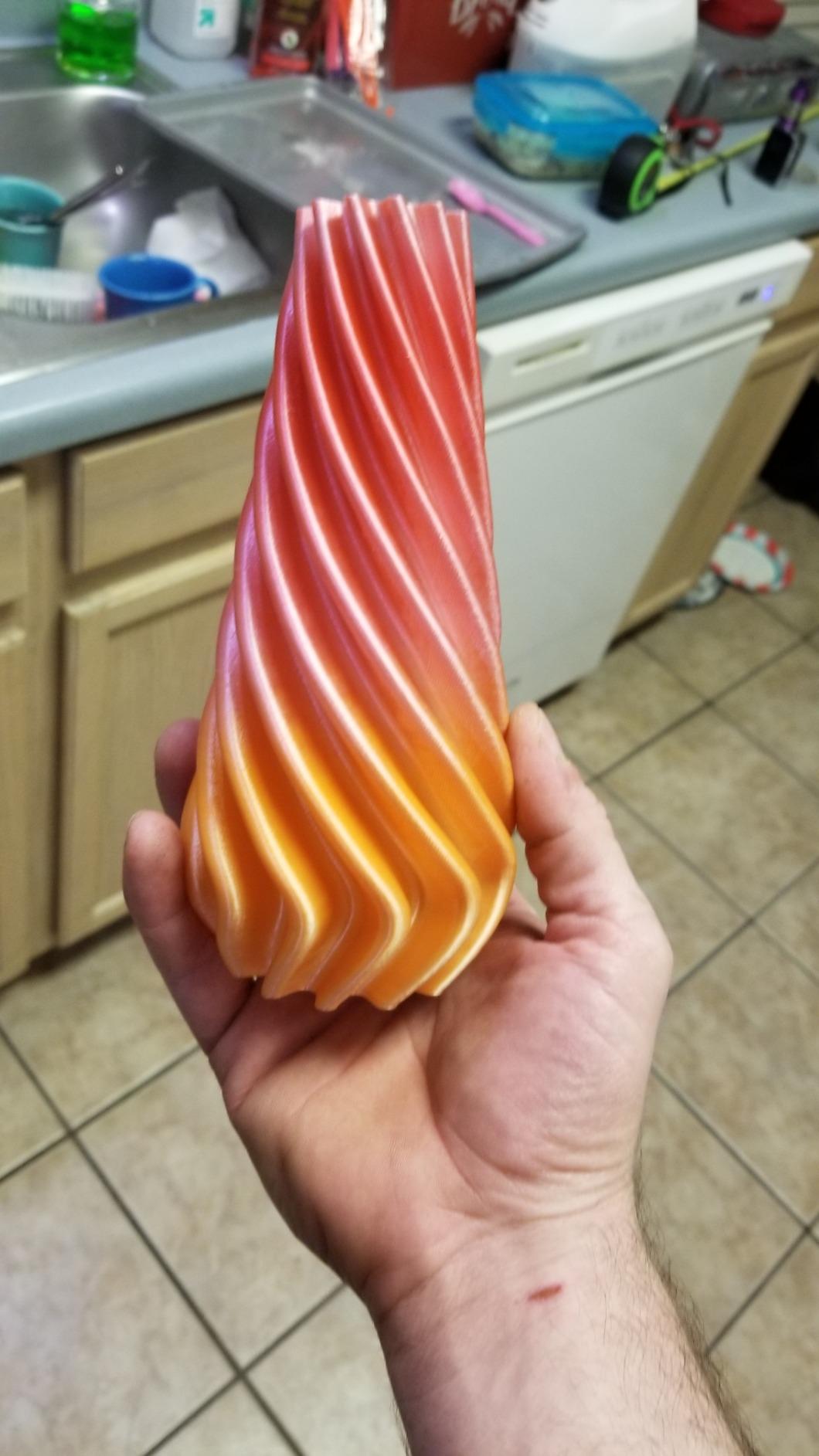
Owners consistently single out bed adhesion on the magnetic build surface and the fact that the machine feels solid rather than tinny. Support response shows up often in the reviews as fast and effective when hardware issues turn up, which is more than several competitors in this list manage.
The honest weaknesses are all front-of-machine problems. Calibration out of the box wants tinkering, the on-device documentation is incomplete, and the included test print is long enough that a good share of the supplied filament disappears before your first real job. Budget an afternoon for setup and do your first print from the slicer rather than the bundled file.
What the K2 Combo handles that cheaper four-color machines cannot
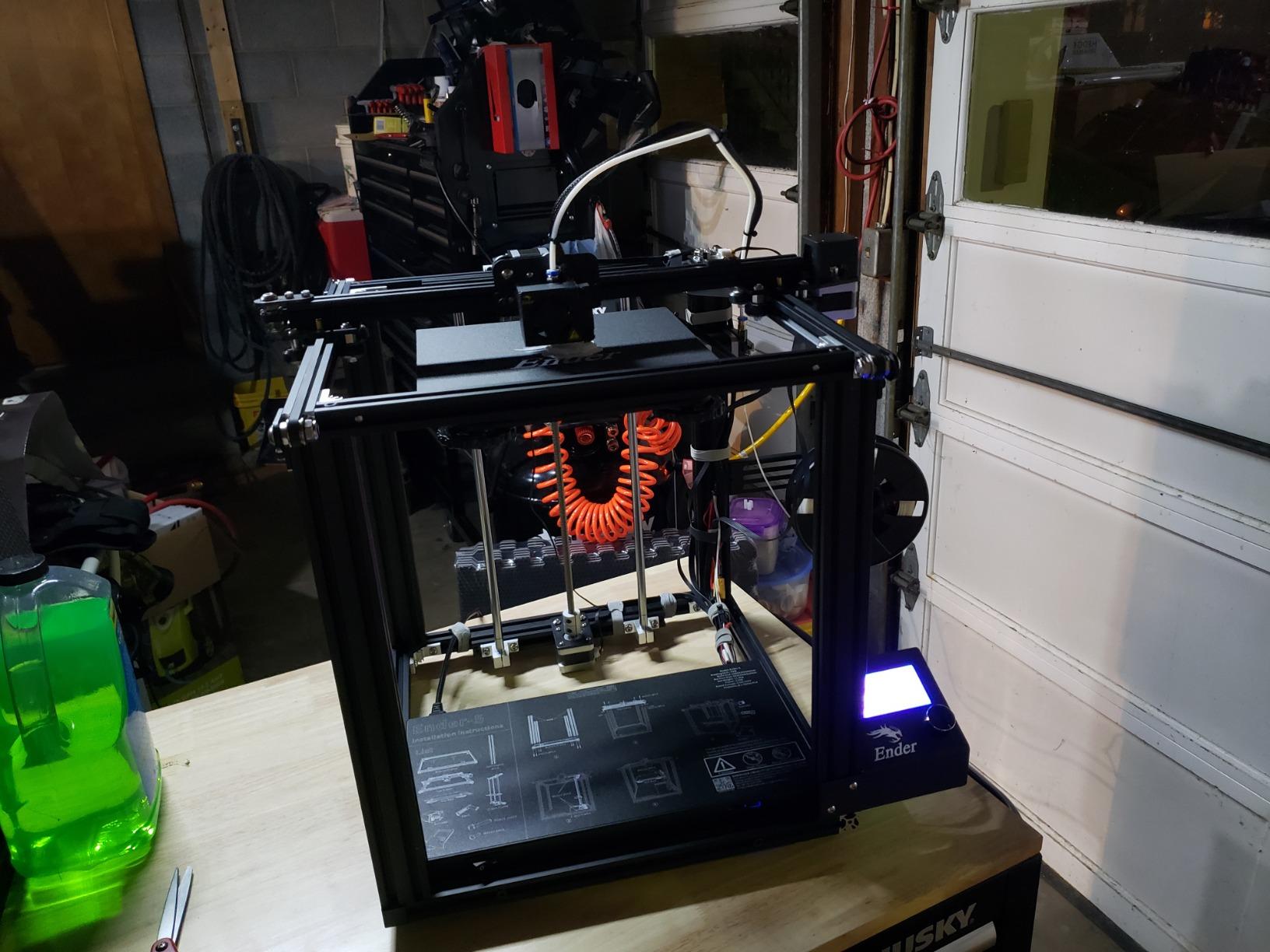
The 10.24 inch cube is the practical headline. A four-color model that fits on a 220mm bed has to be split into segments or scaled down, and every split adds seams or waste. On the K2 I printed a full set of four-color desk organizers and four personalized name plates in a single job with no scaling.
The chamber AI camera is a real quality-of-life addition rather than a gimmick. It watches for spaghetti, foreign objects and idling, and it warns you when the heatbed is empty, which saves a long print from finishing into thin air.
Where the K2 Combo disappoints
Buyers expecting a phone-and-forget experience should know the first week is not hands-off. Owners regularly report needing manual leveling adjustments and a couple of firmware or accessory fixes early on, and a small share needed parts replaced before the machine settled into a routine.
At 39.7 pounds and 17.24 x 18.58 x 16.7 inches, plus a CFS that lives beside it, this is not a small desk machine. If your workspace is a dorm room shelf, look at the ELEGOO Centauri 2 or the Creality K2 SE 4C instead.
2. Snapmaker U1 — Best Toolchanger for the Least Purge Waste
Snapmaker U1 3D Printer,4-Toolhead with 5s Toolchanger,Multi-Color Printing
Four preloaded toolheads
5 second tool change
270mm cube build volume
Pros
- Four toolheads mean almost no purge waste
- Genuine mixed rigid and flexible printing in one job
- Setup often under 20 minutes from unboxing
- Carbon fiber rails and CoreXY at 500mm/s
- Includes a one-year warranty
Cons
- Less polished software ecosystem than Bambu
- Open top needs a lid for some materials
- A few early motherboard failures reported
The Snapmaker U1 takes a completely different route to color. Instead of one nozzle and a purge tower, it carries four independent toolheads that arrive preloaded and preheated, and swaps them in about five seconds. Snapmaker validates that swap over a million cycles. The result is the least filament waste of any machine in this roundup by a wide margin, which is exactly the tradeoff a swapper design cannot make.
At 4.5 stars this is the highest-rated product here, though its review base of 146 is the thinnest. Read that as a newer machine with a strong early record rather than a proven long-term one. Hobbyist forum threads do single out the U1 as the pick for color work specifically, and the four-toolhead architecture is the reason.
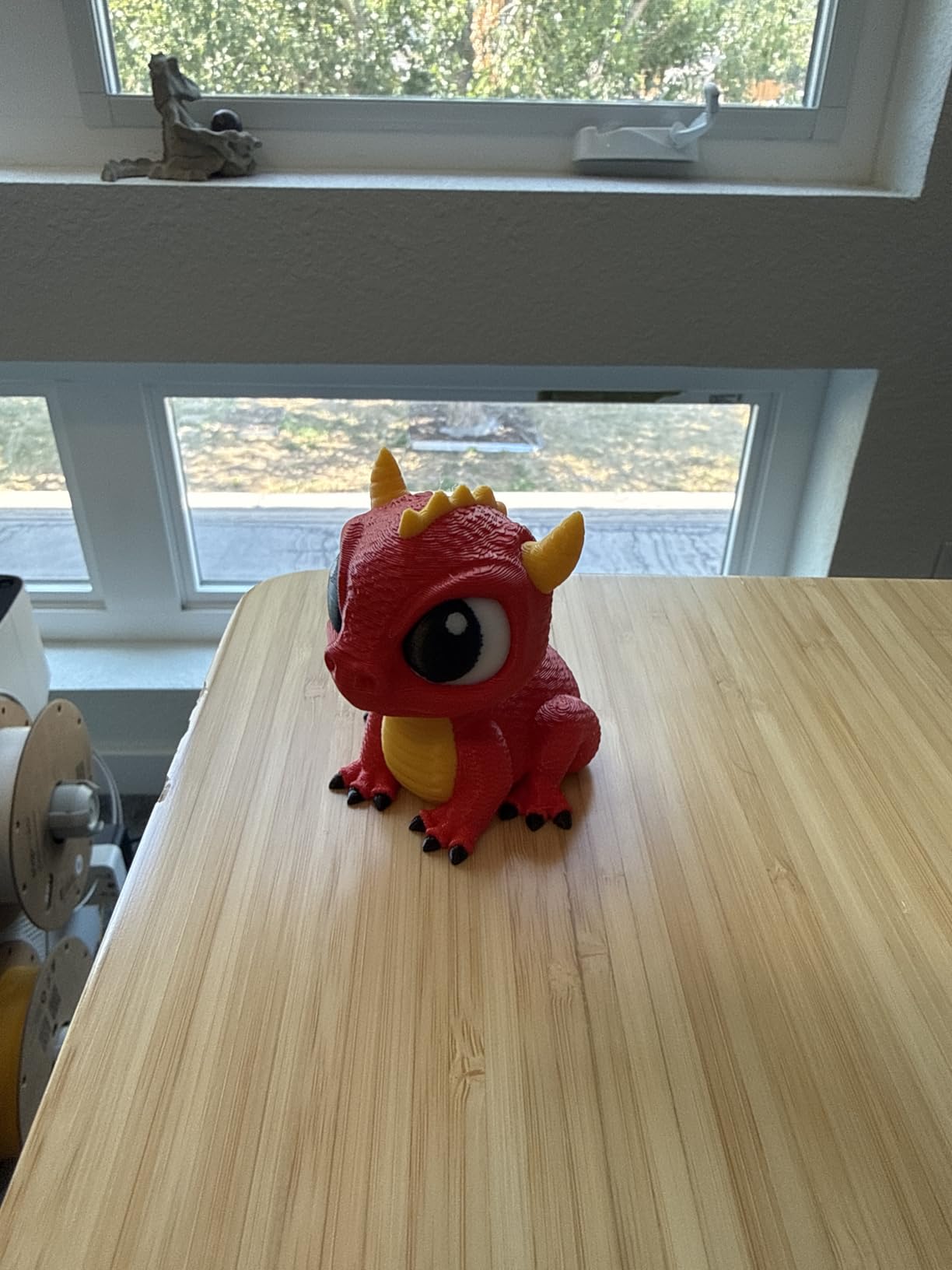
Material range is where the toolchanger design really earns its keep. It handles PLA, PVA, TPU, PETG, PCTG, ABS, ASA, PA and PC, and it can mix rigid and flexible filament in a single job, which a one-nozzle swapper handles poorly. The 270mm cube build volume is modest, and at 59 pounds it is the heaviest machine in the list apart from the K2 Plus.
Calibration is handled for you: automatic toolhead offset calibration, vibration compensation and first-layer calibration all run at startup. CoreXY motion on carbon fiber rails reaches 500mm/s, and there is a 3.5-inch touchscreen, a built-in camera, AI print monitoring and app control.
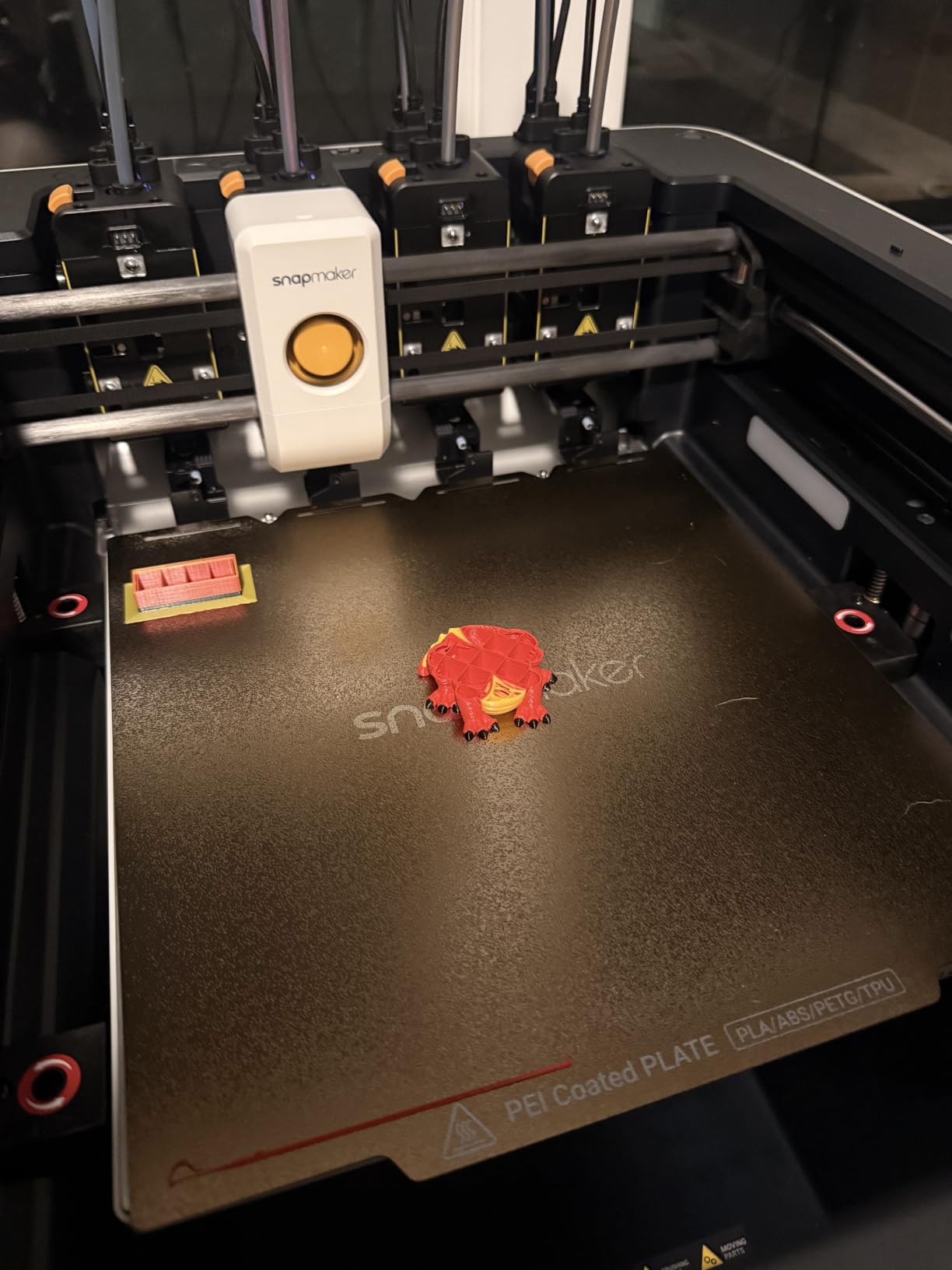
Who should buy the Snapmaker U1
If purge waste bothers you more than anything else, or if your models need two materials at once, this is the machine. A rigid body with a flexible grip, or a part with soluble PVA supports, comes out in one job with almost nothing wasted, and owners report setup going from box to first print in under 20 minutes.
It also suits anyone who wants the mechanical confidence of independent hotends without the noise and footprint of four separate printers. The four toolheads mean a bad clog is isolated to one lane instead of ending a print.
Where the Snapmaker U1 disappoints
The software is the weak point. Owners compare the workflow unfavorably to Bambu ecosystems where you pick a model and print from a phone, and the file-to-gcode conversion path is less clearly documented than the hardware setup. If a phone-first experience is non-negotiable, this is the wrong tool.
The frame top is open, so a lid or enclosure is needed for ABS and ASA. There are also a few reports of stringy first layers until nozzle settings were tuned, and a small number of units with motherboards failing within days. At 22.6 x 13 x 14.2 inches it fits a normal desk, but the four-head gantry is busy.
3. ELEGOO Centauri 2 Combo — Budget Pick Enclosed Multi-Color Printer
ELEGOO Centauri 2 Combo 3D Printer, Beginner-Friendly Multicolor Printing
CANVAS 4-color with RFID
Enclosed CoreXY at 500mm/s
22 smart sensors
Pros
- Print quality and adhesion well above the price band
- Enclosed CoreXY frame handles ABS and ASA
- Printing often within an hour of unboxing
- Instant color switching with RFID recognition
- Many owners rate it their most reliable of several printers
Cons
- Vibrates noticeably and the fans are loud
- Camera and time-lapse quality are poor
- Wi-Fi connection is inconsistent
The Centauri 2 Combo is the value pick, and with 2,572 owner reviews behind it, the value case is not speculative. Owners repeatedly describe print quality and bed adhesion as on par with machines costing far more, and many report it as the most reliable of the printers they own. For an enclosed four-color machine, that combination is hard to argue with.
Color handling runs through CANVAS, a four-color system with independent feed motors, instant switching, RFID filament recognition and auto refill. RFID recognition is worth calling out because it means the machine knows what material is loaded without you telling it, which removes a whole class of failed print on a first run.
The frame is a rigid aluminum CoreXY with precision linear guides running to 500mm/s at 20000mm/s2 acceleration, and full auto calibration is handled by 22 intelligent sensors. There is a 5-inch touchscreen, a magnetic printhead cover, a semi-automatic belt tensioner and a nozzle wiper, plus the Nexprint model library, ELEGOO Slicer and the ELEGOO Matrix app.
Enclosure is the quiet hero here. Because it is a closed chamber, ABS and ASA behave, which an open-frame hobby machine simply cannot promise. If your color plans ever include engineering filament, that changes the calculation more than any speed number.
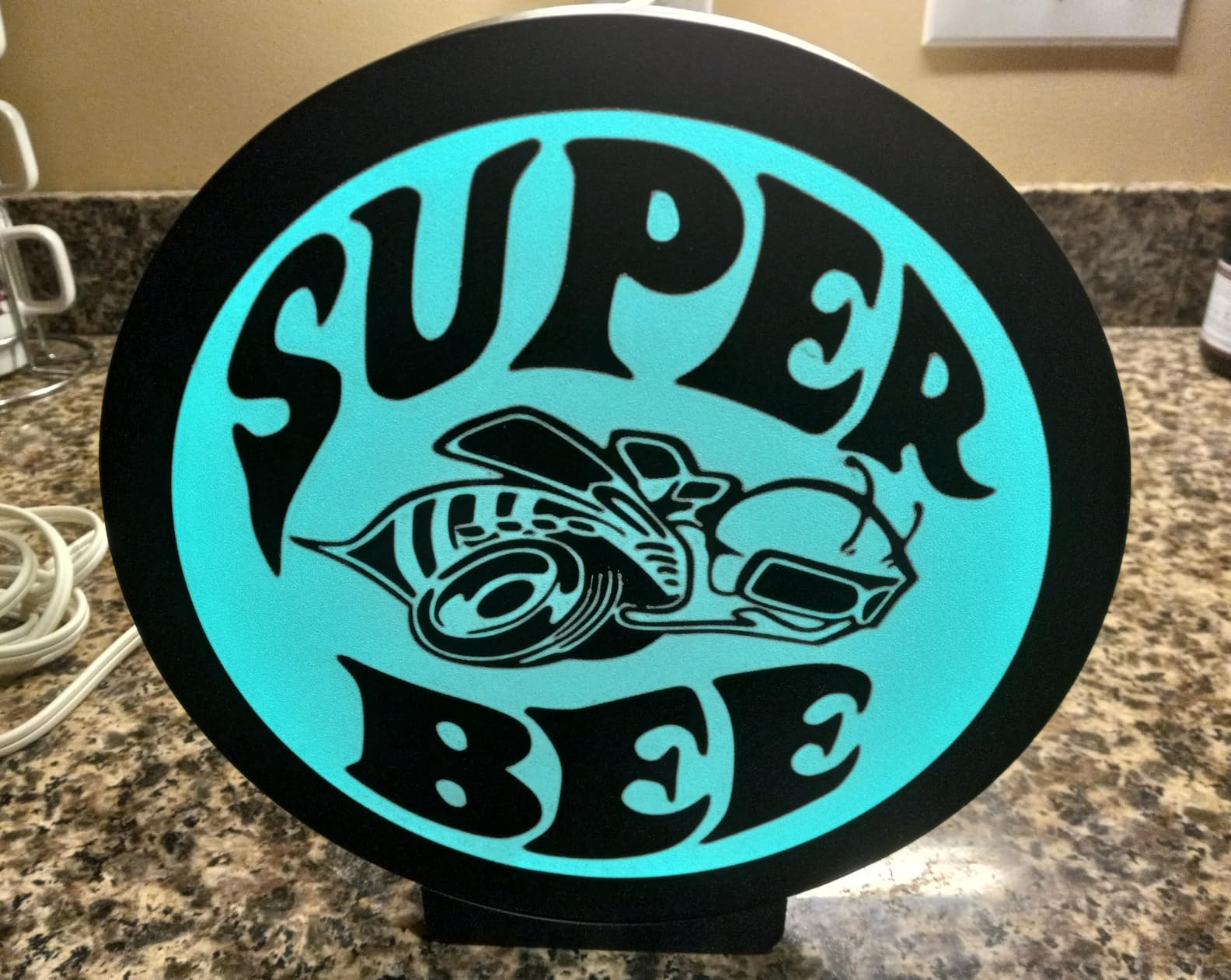
Why hobbyists keep recommending the Centauri 2 Combo
Setup speed and adhesion. Owners report printing within an hour of unboxing, and the auto calibration plus vibration compensation means you are not chasing first layers at midnight. For someone making gifts and ornaments on a weeknight, that reliability is worth more than headline speed.
The 4.0 rating across more than two and a half thousand reviews also means problems get found and fixed publicly, so the knowledge base is deep. If you are the type who tunes profiles and prints from the app, this machine rewards that habit.
Where the Centauri 2 Combo disappoints
It is loud and it vibrates. Owners are blunt that it belongs in a workshop, a garage or a spare room rather than a bedroom or a shared wall, and the fan noise is the first thing you notice in a home office.
The built-in camera is low quality and the time-lapse cannot be disabled easily, the Wi-Fi connection is inconsistent and the printer can show as offline, and multi-color prints run noticeably slower because of the prime tower and spool switching. Filament can also shake loose from the CANVAS chutes, and the top lid can conflict with the filament tube. At 19.69 x 18.9 x 23.23 inches and 33 pounds, it is also a tall machine.
4. FLASHFORGE AD5X — Best Budget Multi-Color Printer with an Enclosed Frame
FLASHFORGE AD5X Multi-Color & Material 3D Printer with IFS, 220x220x220mm
IFS 4-color with auto refill
600mm/s travel
220mm cube build volume
Pros
- Very fast out of the box with quick test prints
- Enclosed design reduces warping and supports ABS
- Effective vibration compensation on an unstable surface
- Wireless printing with an intuitive app
- Fast replacement part support
Cons
- Rear fan is noticeably loud when powered
- Filament feed at the rear makes threading awkward
- Feed tube can rub the top cover on early prints
The AD5X is one of the more affordable enclosed multi-color machines on this list and it does not feel like a compromise on paper. All-metal CoreXY, 600mm/s travel speed at 20m/s2 acceleration, a 300C nozzle with a 32mm3/s large flow hotend, and a 4.3-inch color touchscreen with one-click auto leveling.
Color comes from the Intelligent Filament System, which handles four spools with automatic loading and unloading and a 4kg auto refill function, meaning the unit can feed large external spools rather than being limited to what sits inside. That is a genuine convenience for anyone who prints in batches rather than one model at a time.
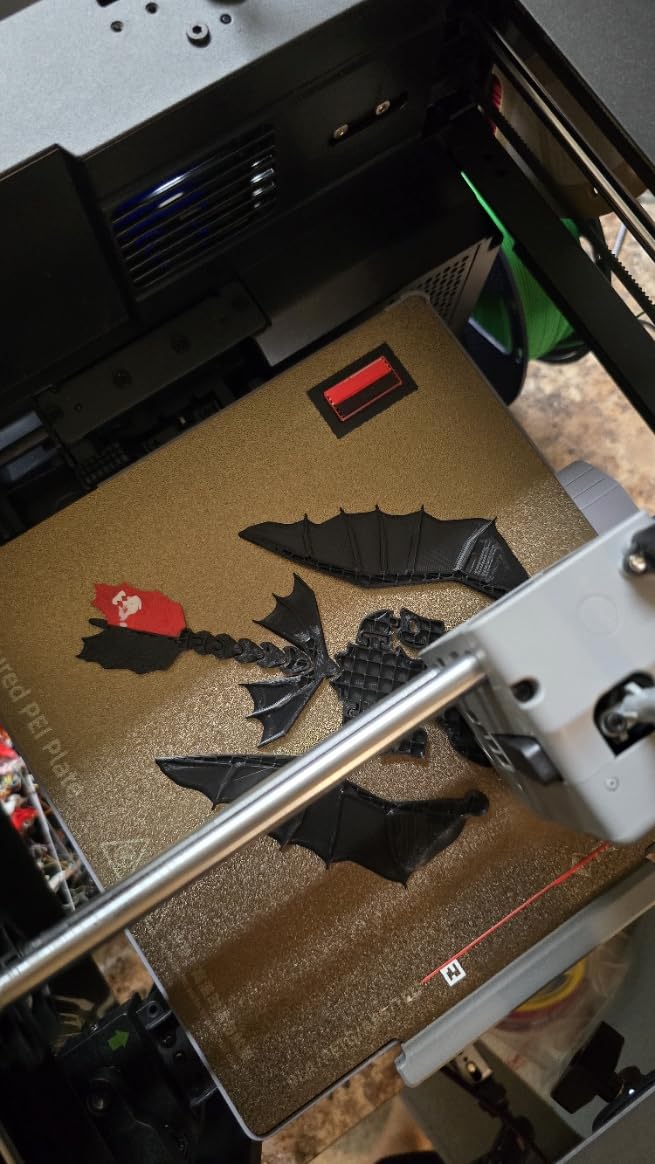
At 24.2 pounds and 14.29 x 14.8 x 16.26 inches it is the most compact enclosed option here, and the 220mm cube is standard hobby territory. Print management runs through Flash Maker and the Orca-Flashforge slicer, and resume printing plus filament detection are both built in.
Reviewers repeatedly praise the combination of speed, enclosure and value, and Flashforge’s support for replacement parts is called out as responsive. PLA, PETG, flexible TPU and carbon fiber filament are all supported through the 300C nozzle.
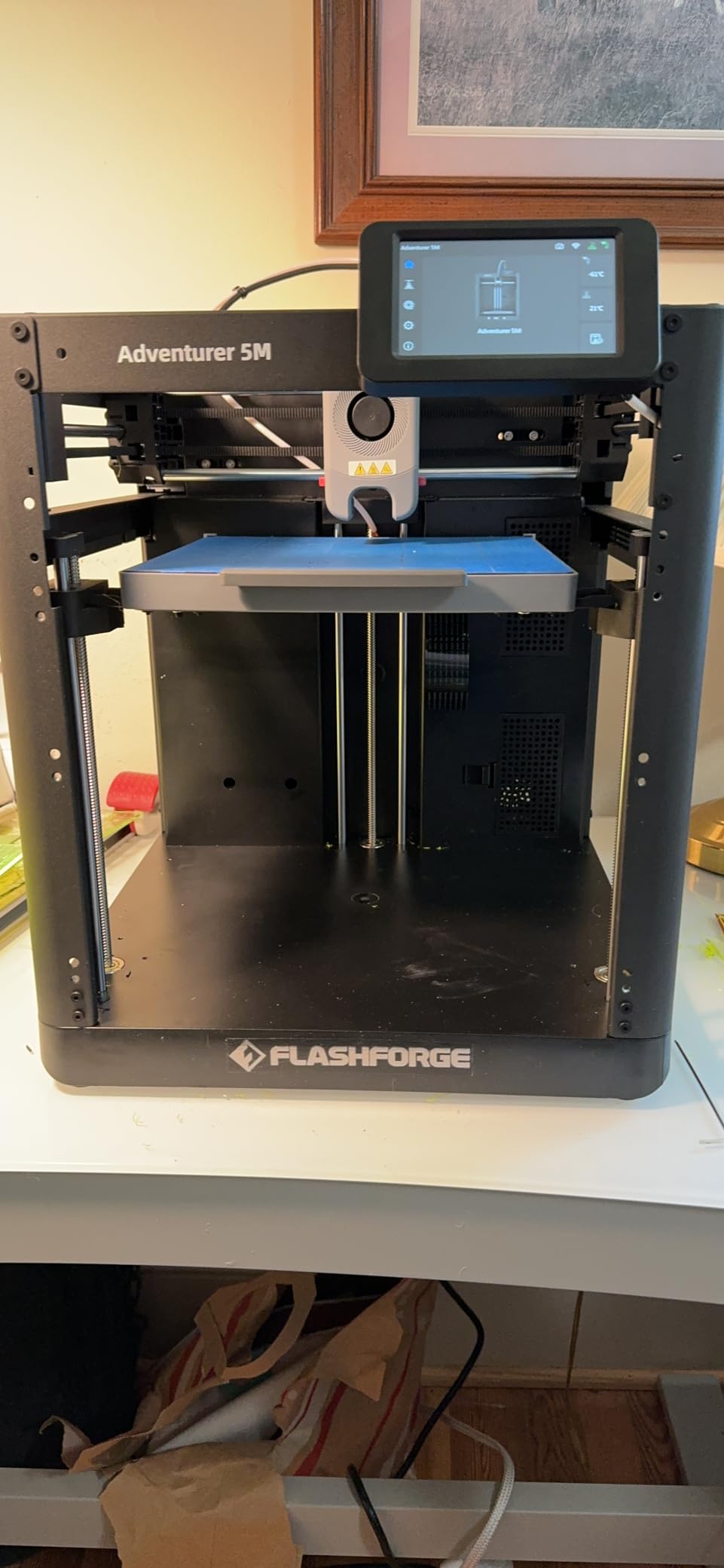
What makes the AD5X work in a small space
The footprint is the practical story. An enclosed four-color machine that fits beside a monitor at 14.29 inches wide changes where you can put it, and the all-metal frame keeps that small footprint stable at speed. Vibration compensation works well enough that owners report good results even on a desk that is not perfectly level.
For a hobbyist printing keychains, board game tokens or small articulated toys, the 220mm cube is the right size. Test prints finish in minutes, which matters when you are iterating on a design rather than producing a final part.
Where the AD5X disappoints
Noise is the top complaint, specifically the rear fan that runs whenever the power switch is on. That is a real problem in an apartment or a shared office, and it is the reason this sits below the quieter Kobra X despite the lower cost.
The rear-mounted filament feed limits where you can place the machine and makes threading awkward, the feed tube can rub against the top cover on early prints and need trimming, and adhesion is sensitive to speed settings so you will want generous build plate adhesive. There is no camera or built-in lighting, and purge amounts during color changes are still being refined by the manufacturer.
5. Anycubic Kobra X — Best for Quiet Homes and Apartments
Anycubic Kobra X Multicolor 3D Printer, Easy Setup, Native 4-Color
4-color expandable to 19
600mm/s motion
260mm cube build volume
Pros
- Unusually quiet for a machine in this class
- Reliable with no adhesion or clogging over hundreds of hours
- Color changes are quick with the Gen 2 ACE system
- Open ecosystem across slicer
- app and cloud library
- Best-in-class touchscreen responsiveness
Cons
- ACE 2 Pro and ACE Pro units are not interchangeable
- Filament is not included
- TPU printing produces heavy stringing
- A minority report printhead and Z-axis faults
The Kobra X is the machine I would put in a room with other people in it. Owners consistently describe it as very quiet for a printer of this class, and they pair that with genuine speed: a Benchy in 14 minutes at up to 600mm/s with a hardened steel nozzle and vibration compensation.
Color starts native at four and expands to 19 colors with four ACE 2 Pro units, which is one of the widest expansion paths at this price. Anycubic claims the shortened filament and travel path cuts 81.25 percent, roughly doubling multi-color print speed, and owners do report fast, easy color changes on the Gen 2 ACE system.
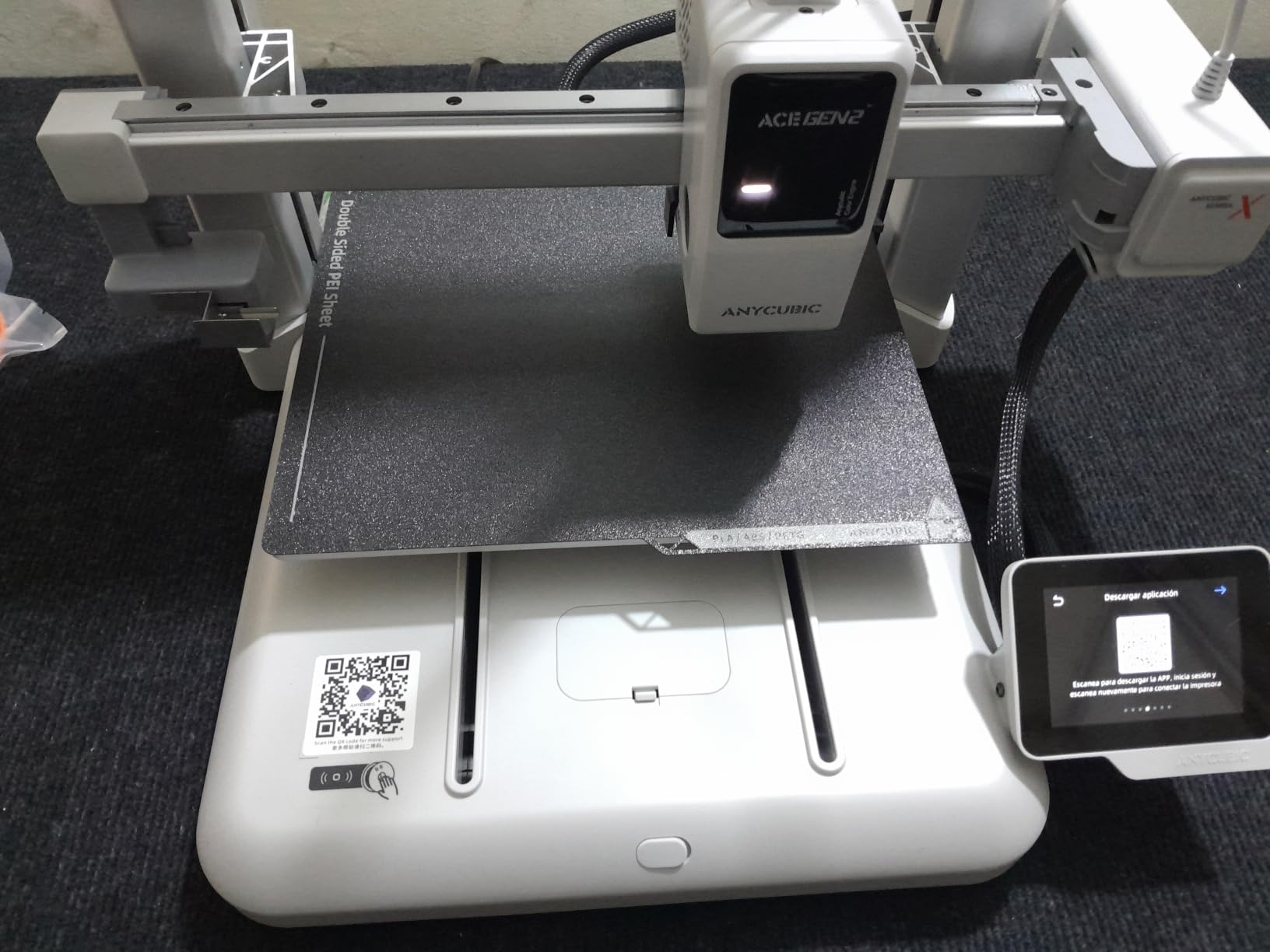
The build volume is a 260mm cube with a top-mount spool holder, materials cover PLA, PETG, TPU, PVA and ASA up to 300C, and connectivity is dual-band 2.4G and 5G Wi-Fi plus LAN. LeviQ 3.0 runs a 49-point bed leveling calibration, and there is AI monitoring for spaghetti and foreign objects with app remote control.
What stands out in the reviews is reliability. Owners report hundreds of print hours with no adhesion failures, no clogs and no spaghetti, and many say they rate it above costlier Bambu models. The cloud model library exceeds 100,000 designs.
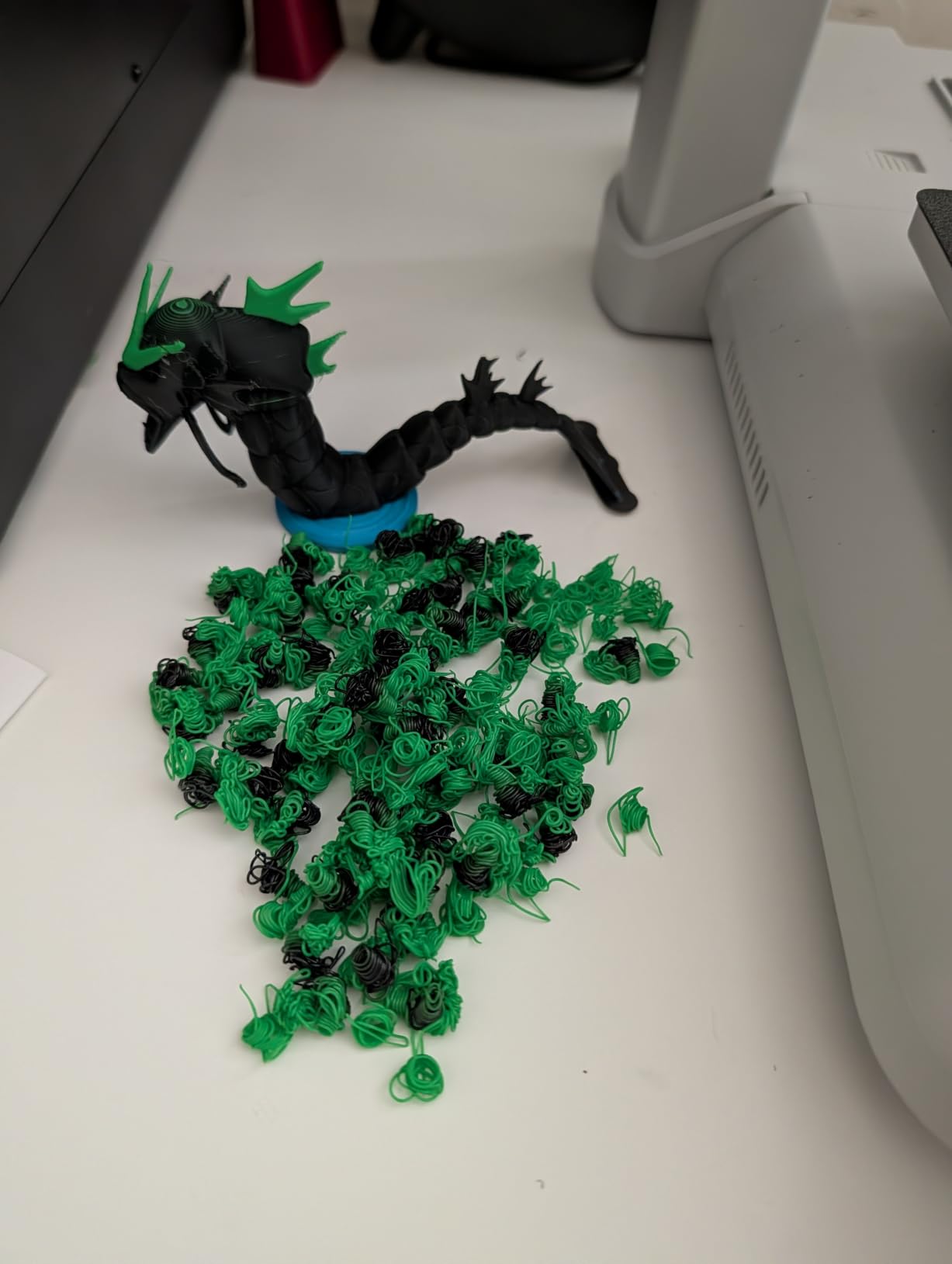
Why the Kobra X suits shared spaces
Quiet running plus a 260mm cube plus fast color changes is the combination home and apartment hobbyists care about most. The top-mount spool holder keeps filament overhead rather than stretched across a second box, and the touchscreen is the most responsive in this roundup, which makes a 20-minute print easy to babysit.
The open ecosystem matters if you like tinkering. Desktop slicer, app and cloud library talk to each other without a closed account system, and more than one owner says the openness is why they preferred it over a more established brand.
Where the Kobra X disappoints
Expansion is a trap for the unwary. ACE 2 Pro and ACE Pro units are not interchangeable, so you must know which generation you are buying before you plan an upgrade. Filament is not included, which means your first job needs a purchase first.
TPU is a weak spot, with owners reporting heavy stringing and webs. There are also a minority reports of printheads needing replacement and Z-axis faults including a Z axis that would not descend, and support response quality draws criticism from some reviewers. At 20.9 pounds and 23 x 13 x 22 inches it is light but tall.
6. Bambu Lab P1S Combo — Best Enclosed Multi-Color for Beginners
Bambu Lab P1S Combo, P1S 3D Printer and AMS, Multi-Color 3D Printing
Up to 16 colors via the AMS
Enclosed body with automatic bed leveling
500mm/s and 20000mm/s2 acceleration
Setup in approximately 15 minutes
Pros
- Up to 16 colors through a stackable AMS
- Enclosed and solidly built with auto bed leveling
- Excellent print quality and speed for the money
- Bambu Studio and MakerWorld make models easy to send
- Accurate tolerances on functional parts
Cons
- On-device screen is low resolution and dated
- Default SD card files do not work with the AMS
- Filament waste needs a purge chute model
- Does not ship with full filament spools
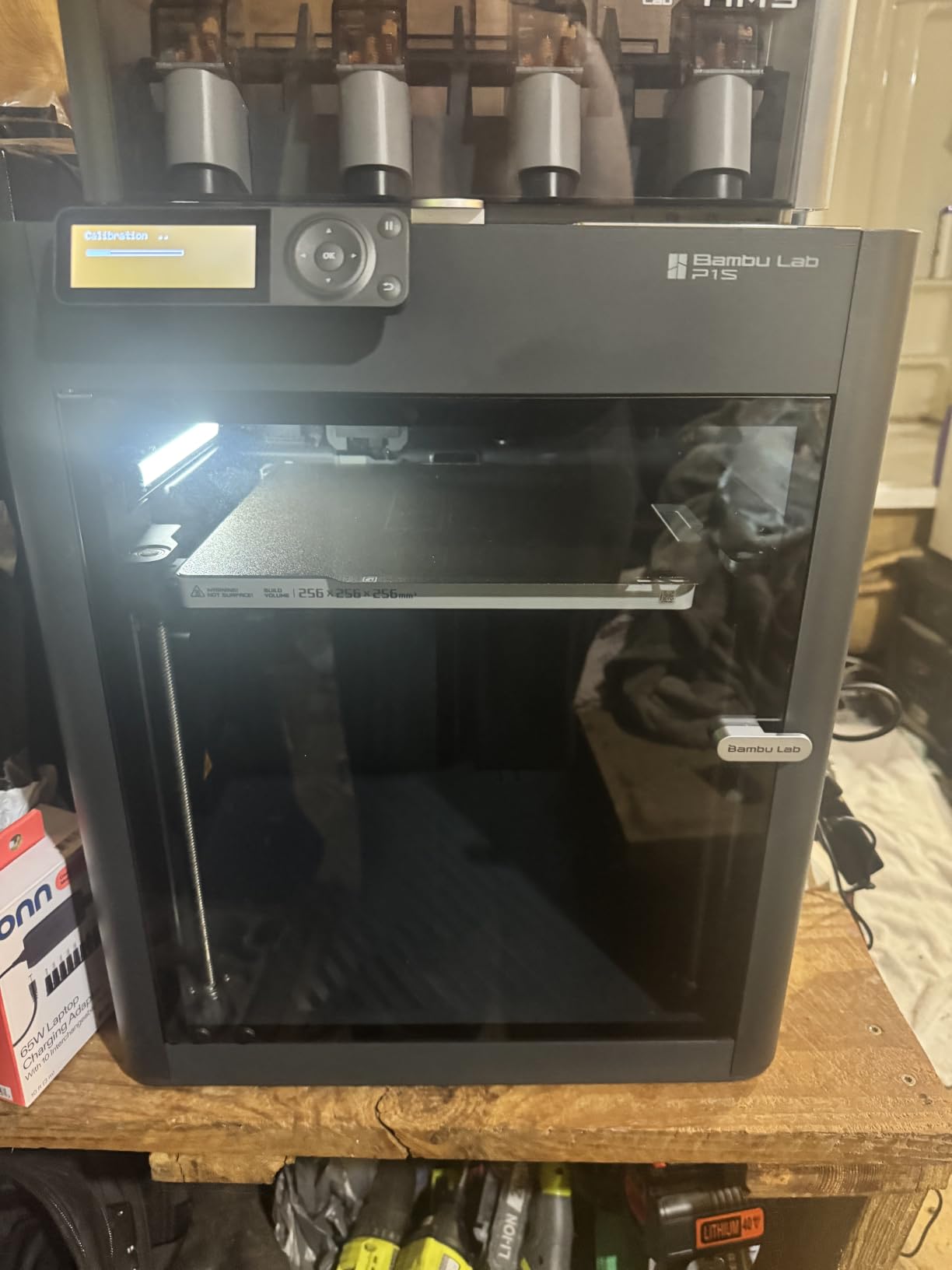
The P1S Combo is the answer when a hobbyist wants four colors today and the option of sixteen later. The AMS holds four spools and stacks, so the color ceiling is genuinely open rather than fixed. It also ranks number one in 3D Printers in its category, which tells you how established the platform is.
It prints at 500mm/s with 20000mm/s2 acceleration inside a fully enclosed body with automatic bed leveling, and Bambu quotes roughly fifteen minutes to set up. Ideal materials are PLA, PETG, TPU, PVA, PET ABS and ASA, with PA and PC listed as capable. Carbon or glass fiber reinforced polymer is not recommended.
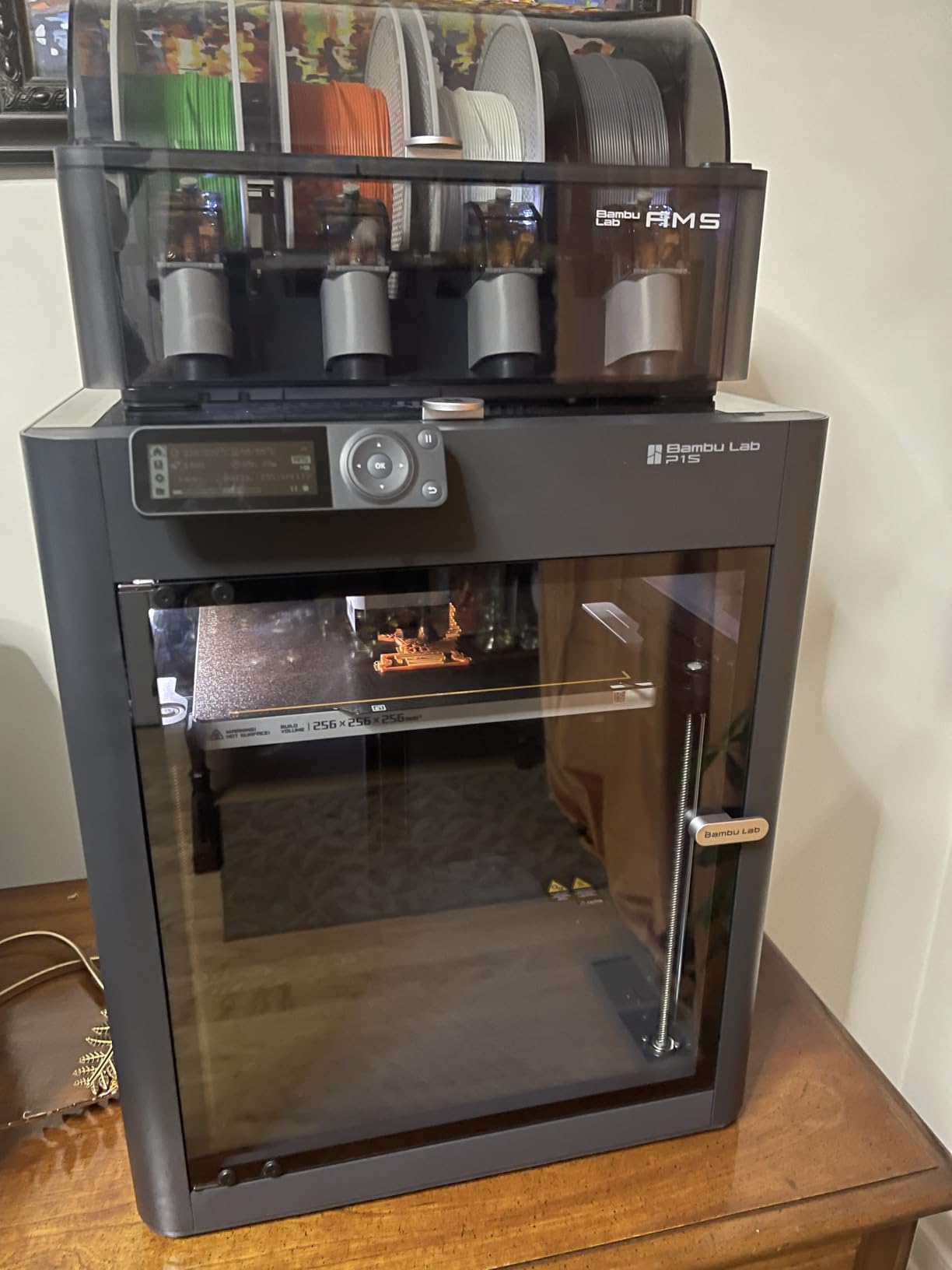
Owners are broadly enthusiastic about print quality, speed and the app ecosystem, and many cite it as their first successful 3D printer. Tolerances on functional parts hold up on real assemblies, which is what you want if your hobby turns into making replacement brackets or adapters.
Community owners report long daily runs with zero failures on Bambu AMS setups, which is the kind of reliability that comes from a mature, heavily owned platform. That community and slicer support is itself a real asset for a hobbyist.
Why the AMS beats a built-in four-color system
Stackability is the headline. Four spools now, up to 16 with extra AMS boxes later, means a hobbyist can start with the colors they actually use and add more when a project calls for it, rather than being locked into a fixed four-color ceiling on day one.
The enclosure is the second reason. ABS and ASA behave inside a closed chamber, and TPU plus PVA soluble support work in the same box. For cosplay props and helmets, our cosplay printer guide covers where the P1S sits in that workflow.
Where the P1S Combo disappoints
The screen is the most-cited complaint: low resolution and dated on an otherwise advanced machine. Bambu Studio also has a learning curve for newcomers, and the binding process takes time to get comfortable.
A practical trap catches almost everyone at least once: default SD card print files do not work with the AMS and must be sent from the app. Filament waste during color changes also needs a purge chute model to contain, and the combo does not ship with full filament spools. At 47.5 pounds and 15.31 x 18.03 x 15.31 inches it needs a solid surface.
7. Creality K2 Plus Combo — Best for Large Formats and 16 Colors
Creality K2 Plus Combo 3D Printer, Multi Color Printing with New CFS 600mm/s High-Speed Full Auto-Leveling Dual Al Camera Next-Gen Direct Drive Extruder Large Build Volume 13.78×13.78×13.78inch
Four linked CFS units for 16 colors
350 x 350 x 350mm build volume
Active chamber heating to 60C
Hardened nozzle rated to 350C
Pros
- 16-color printing through four linked CFS units
- Class-leading 350mm cube build volume
- 600mm/s with FOC step-servo motors
- Active 60C chamber and 350C nozzle handle ASA and PPA
- Dual AI cameras and 18 sensors reduce failed prints
Cons
- Large and heavy
- needing a sturdy surface and room
- Multiple CFS add footprint and complexity
- Premium configuration sits above hobbyist budgets
- Aimed at advanced users wanting automation
The K2 Plus is the ceiling of this roundup for a reason: a 350mm cube build volume and four linked CFS units giving 16 colors, with RFID filament reading and automatic relay to a similar filament when a spool runs out. If you want one machine to cover cosplay helmets, large display pieces and full color counts, nothing else here does that.
Speed and materials are the other headline claims. FOC step-servo motors drive 600mm/s at 30000mm/s2 acceleration through a 40mm3/s high-flow extruder, and active chamber heating holds up to 60C with a hardened steel nozzle rated to 350C, which is what makes ASA and PPA viable rather than theoretical.
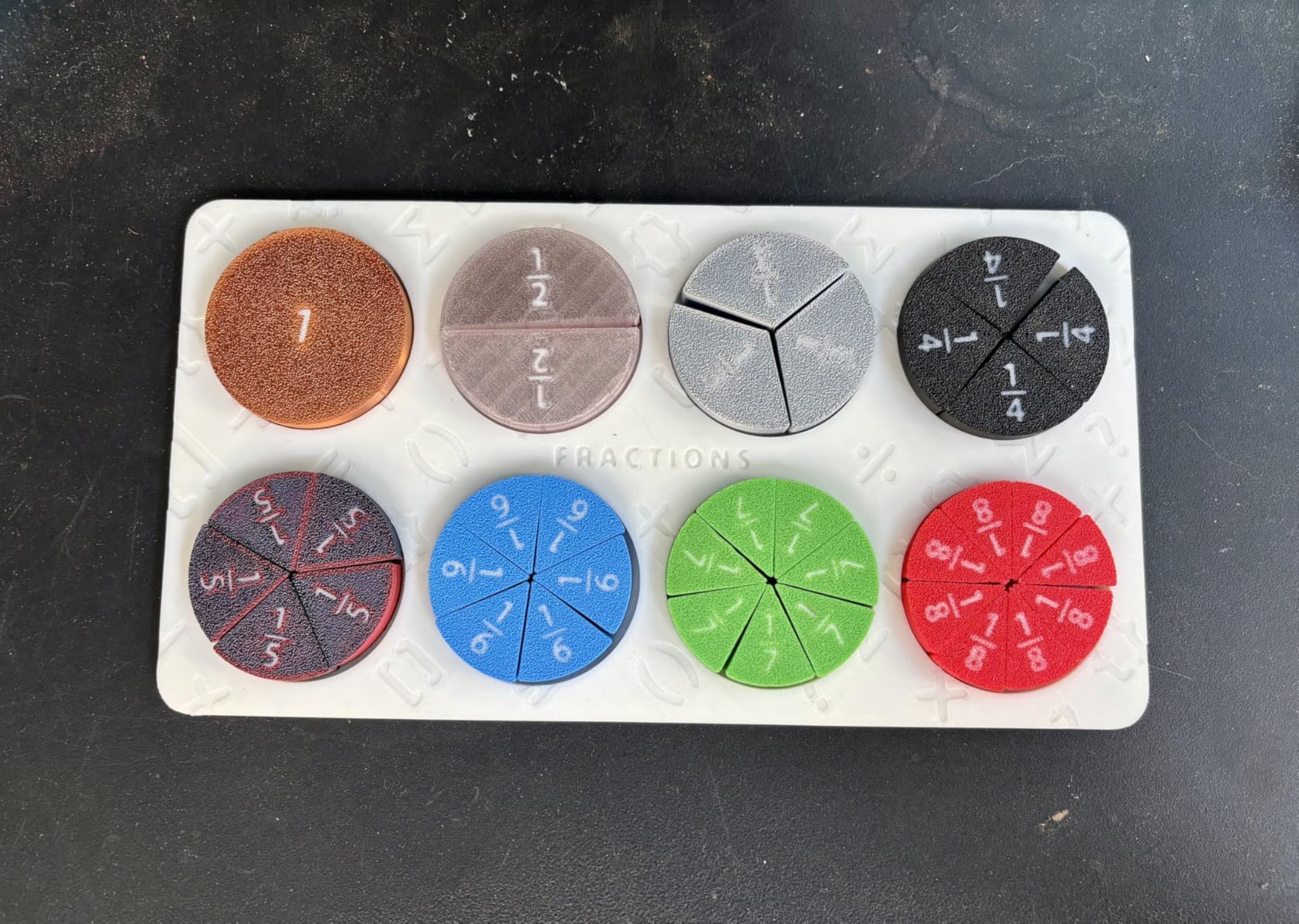
Automation is thorough. Dual AI cameras watch the chamber for spaghetti and idling and the toolhead for flow rate optimization, 18 smart sensors cover under- and over-feeding, and dual independently motorized Z axes handle auto tilt and leveling. The aerospace-grade die-cast aluminum Matrix frame runs on four linear rods.
Owners treat this as a premium multi-color flagship and describe the CFS chain, build volume, speed and material capability as the reasons. Our large-format 3D printer guide covers where this sits among other big machines.
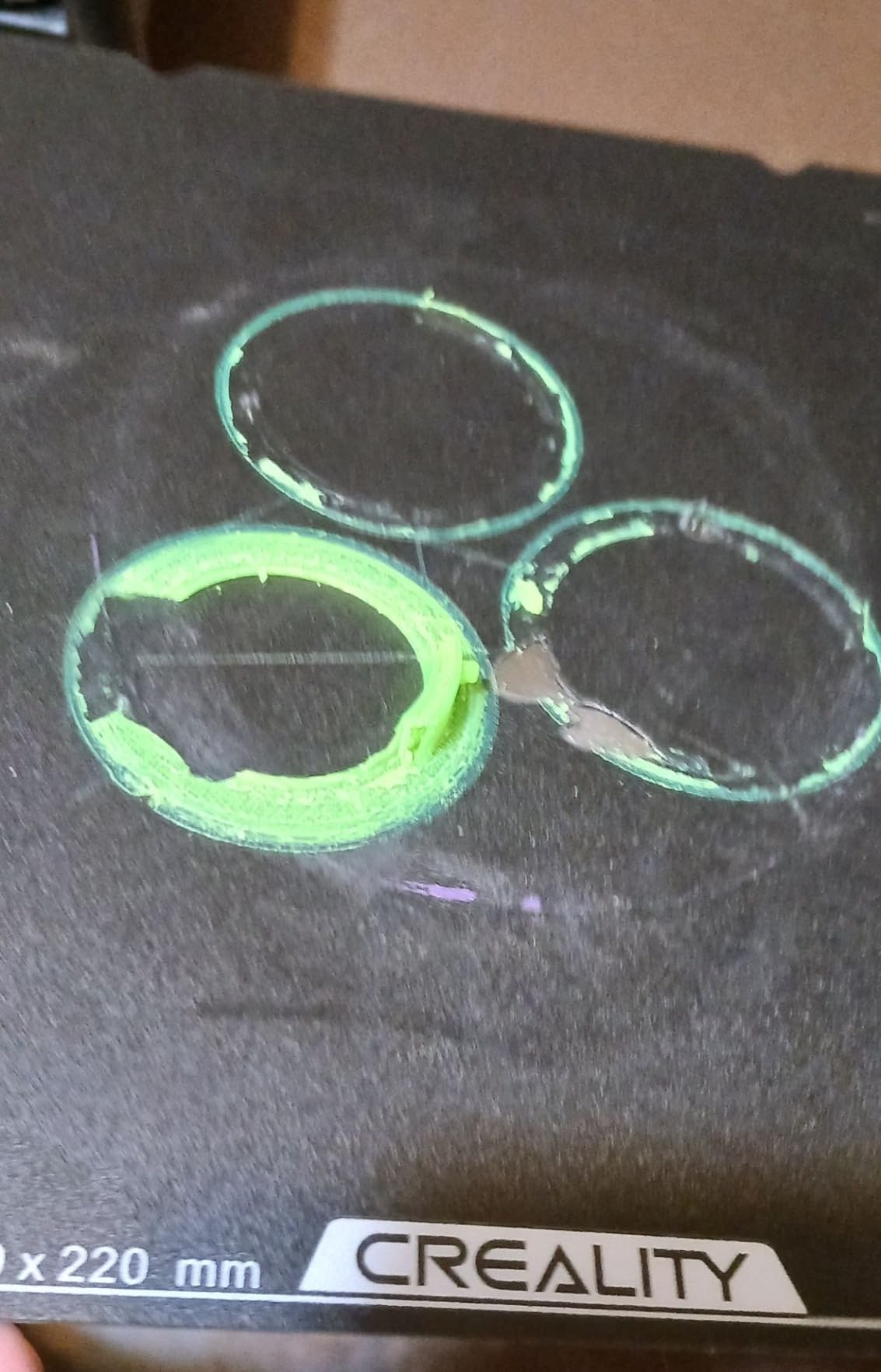
Who the 350mm cube and 16 colors are for
If your hobby has outgrown a 220 to 260mm bed, the jump is dramatic. A single-piece cosplay helmet, a full set of gaming miniatures on a base, or a batch of organizers all become one-job prints instead of assembly projects. Four linked CFS with automatic relay also means a 16-color model does not stop dead when a spool empties.
The 60C active chamber is the quiet advantage. Warping on ASA and PPA is largely a temperature problem, and holding the chamber warm solves more of it than any slicer trick. Pair that with a 350C nozzle and you have genuine engineering-material capability on a machine that also does color.
Where the K2 Plus disappoints
It is 70.4 pounds and 16.1 x 15.4 x 18.7 inches before you add four CFS boxes, and owners mention the practical costs plainly: it needs a sturdy surface, room to operate, and footprint for filament management.
The premium configuration sits above most hobbyist budgets, and the complexity of four material units is real for a beginner. The review data also describes it as a machine aimed at advanced users who want automation, which is a fair warning if you are buying your first printer.
8. Creality SPARKX i7 Combo — Best for a Set-and-Forget First Print
Creality SPARKX i7 Combo Multi-Color 3D Printer, Auto Filament Management
CFS Lite holds 4 full-size filaments
260 x 260 x 255mm build volume
Tool-free 5-second quick-swap hotend
Built-in AI camera with failure detection
Pros
- Ships pre-assembled so setup is unbox and connect
- Solid print speed around 300mm/s
- Large build plate for the class
- Automatic filament management simplifies color changes
- Reliable on long daily runs once tuned
Cons
- Noticeably loud during operation
- QR code in the box points to a page that does not work for US buyers
- Filament slack builds up in the CFS with frequent switching
- Multi-color prints can run into the teens in hours
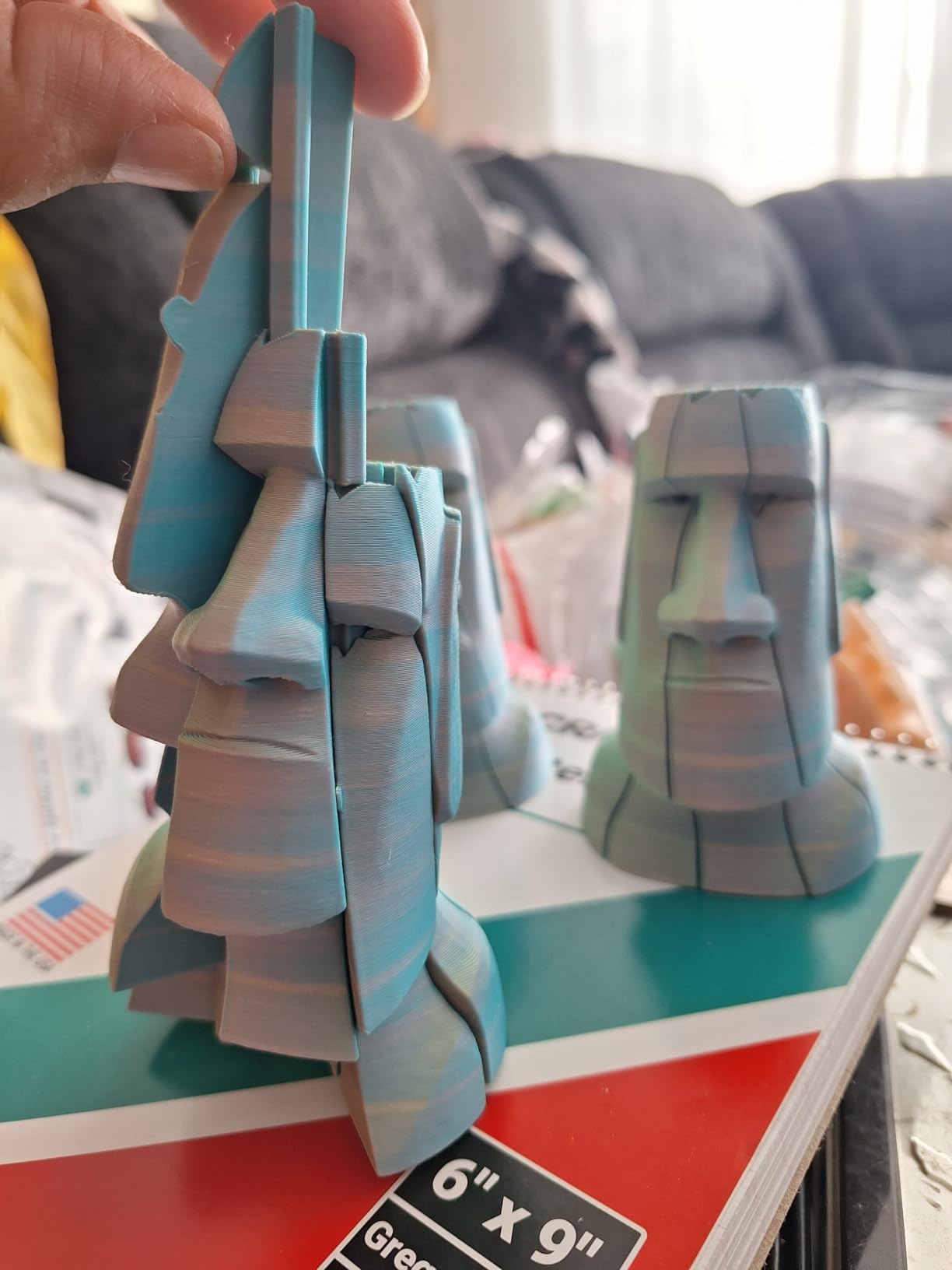
The SPARKX i7 Combo is the machine to buy if the phrase that scares you most is assembly. Owners describe it as pre-assembled, where setup means connecting the tubes and printing. Several report buying a second one, which tells you how the set-and-forget experience lands.
The color system is a CFS Lite that holds up to four full-size filaments, which is a genuine improvement over units sized for smaller spools. Automatic filament management handles the switching, and the direct drive extruder with an optimized motion system holds good speed around 300mm/s.
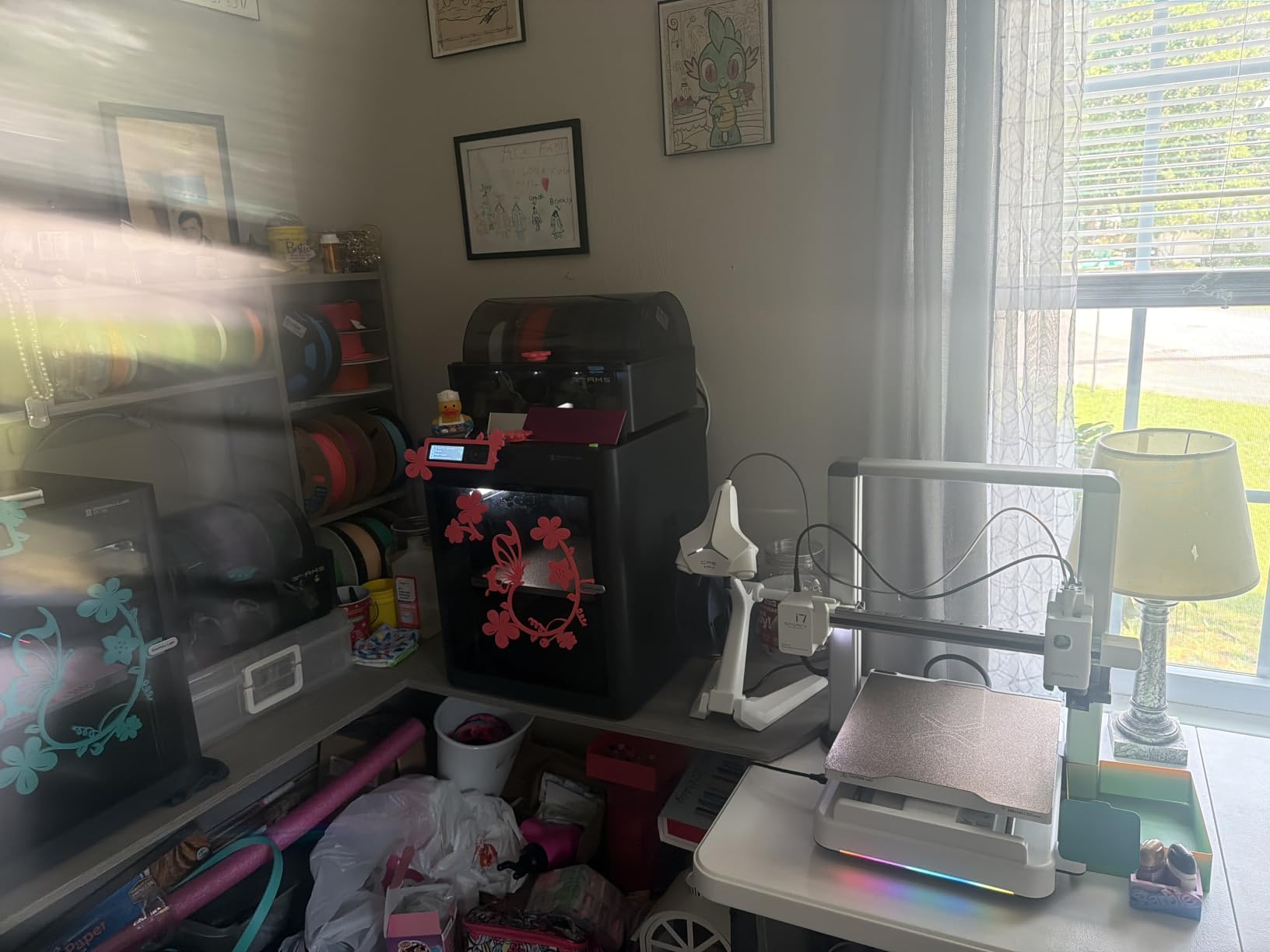
Build volume is 260 x 260 x 255mm on a flexible PEI build plate, and there is a built-in AI camera for remote viewing, time-lapse and failure detection. The tool-free 5-second quick-swap hotend means maintenance does not require tools, and automatic bed leveling with smart calibration handles setup.
Stock Creality app profiles work well out of the box across filament brands, which removes the usual first-week tuning. Reliable long daily runs are reported once settings are dialed in, and at 40.7 pounds it is a solidly built machine.
Who the SPARKX i7 Combo suits
Anyone who wants color without a project. If your hobby is gifts, ornaments, name tags and board game tokens produced in small batches, the appeal is that the machine is ready and the app profiles just work. Automatic filament management keeps the four-spool workflow from becoming an evening chore.
The flexible PEI plate needs no glue for most PLA and PETG, which pairs well with the pre-assembled design. A built-in camera with failure detection also means you can start a long job from another room rather than watching it.
Where the SPARKX i7 Combo disappoints
It is noticeably loud, which puts it in the same category as the Centauri 2 and the K2 SE 4C for home-office planning. Owners also report that the QR code in the box points to an overseas page that does not work for US buyers, so set your expectations for a manual app setup.
Filament slack builds up in the CFS when you switch colors frequently, and the instructions could be clearer on some assembly steps despite the pre-built chassis. Most importantly for hobby planning, multi-color prints can run into the teens in hours depending on how many colors you use, which is a real cost in electricity and filament.
9. Creality K2 SE 4C — Best Multi-Color Printer for a Small Footprint
Creality K2 SE 4C 3D Printer, Multi-Color 3D Printer, 500mm/s Fast Printing
Native 4-color out of the box
37 percent less space than traditional multi-color
500mm/s CoreXY at 20000mm/s2 acceleration
Intelligent auto bed leveling
Pros
- Four colors available immediately with no upgrade
- 37 percent smaller footprint for a multi-color machine
- CoreXY frame delivers fast stable motion
- Auto bed leveling removes manual levelling
- Runout
- tangle and power loss recovery protect prints
Cons
- Entry-level experience with a higher share of one-star reviews
- Screen and interface are basic against competitors
- No built-in camera on a brand that offers one elsewhere
- Advanced tuning needs root access or third-party firmware
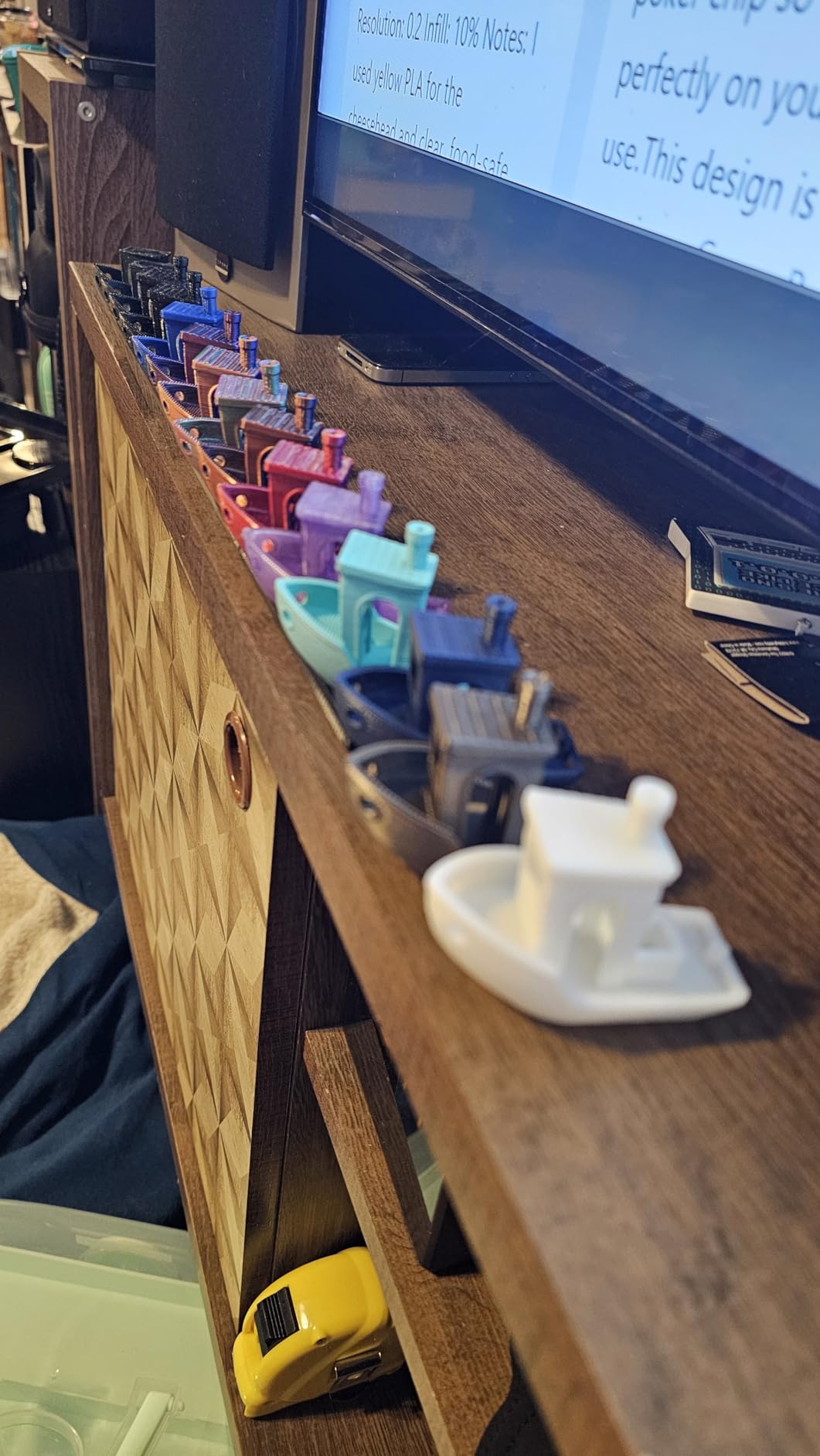
The K2 SE 4C solves a specific problem well: four colors in the smallest footprint of any multi-color machine here. Creality states the compact design occupies 37 percent less space than traditional multi-color systems, and at 14.46 x 14.46 x 18.96 inches you can feel the difference next to an enclosed unit with separate spool boxes.
There is no assembly step for color. Four colors are available out of the box, which removes both the upgrade cost and the upgrade decision. Motion is CoreXY at up to 500mm/s with 20000mm/s2 acceleration on a rigid all-metal frame, and intelligent auto bed leveling probes only the active print area to save time.
Protection features are unusually good for an entry machine: a filament runout sensor, filament tangle detection, power loss recovery and skip partial failure all work together to reduce finished jobs lost to an avoidable fault. Creality OS with Fluidd UI, root access and offline USB printing are included.
Material support covers PLA and PETG plus dual-material breakaway supports, which is narrower than some rivals. Review data shows buyers like the immediate four-color capability, compact design and auto leveling, while noting a clearly entry-level experience.
Where the compact footprint actually matters
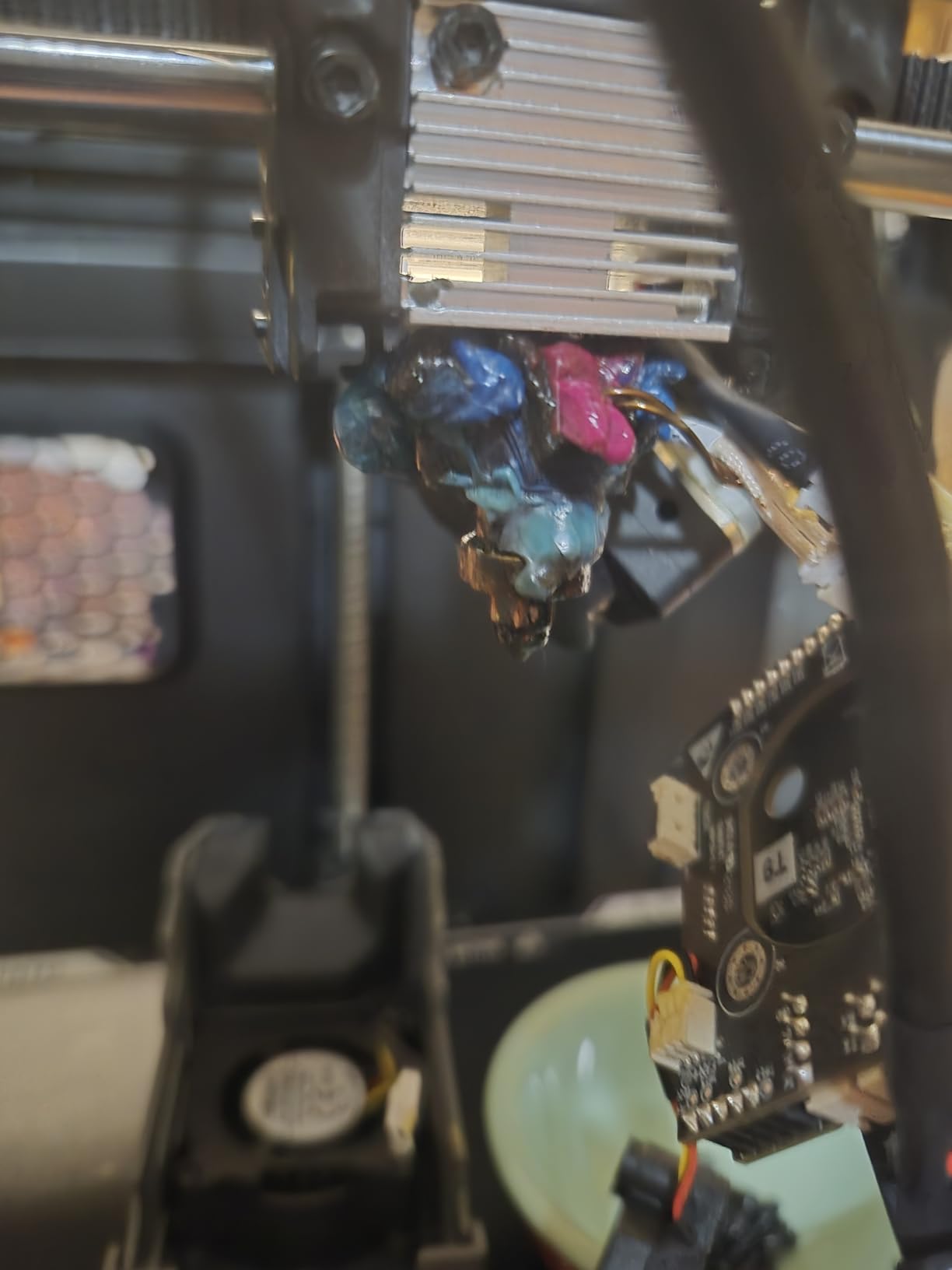
Classrooms, small home offices and shared apartments. At 35.5 pounds and a near-square footprint, it sits in a corner rather than claiming a shelf, and owners call out the suitability for classrooms and small workspaces specifically. For a hobbyist with limited desk space, that is often the deciding factor over color count.
The CoreXY frame keeps motion stable at speed despite the compact chassis, and automatic bed leveling plus the sensor suite means a beginner is not doing manual setup. If you want four colors and nothing else, this delivers exactly that with no future upgrade to think about.
Where the K2 SE 4C disappoints
The interface is basic, with a screen and menu system that trail the touchscreen on the Kobra X and the Centauri 2. There is no built-in camera, which is notable for a brand whose premium models include one, so long prints are app-only.
Buyers also see a higher share of one-star reviews than the premium models, with early hardware problems reported by a noticeable minority, and advanced customization needs root access or third-party firmware work. At 4.0 stars across 559 reviews, treat it as capable but entry-level.
10. Bambu Lab A1 Combo with LED Kit — Best for Illuminated Color Prints
Bambu Lab A1 Combo + LED Lamp Kit, Multi-Color 3D Printing (with AMS lite)
AMS lite with 4 filament slots
Acceleration up to 10000mm/s2
Full-auto calibration with Z-offset
LED lamp kit for compatible models
Pros
- AMS lite makes reliable multi-color accessible
- Full-auto calibration removes nearly all manual setup
- Active flow rate compensation improves consistency
- Quiet running with active motor noise canceling
- Bundled LED kit adds a creative project option
Cons
- Open frame rules out ABS
- ASA and other enclosure materials
- AMS lite supports fewer filament types and no PVA
- Four-spool capacity is the hard limit with no expansion path
- Bambu software ecosystem is more closed than alternatives
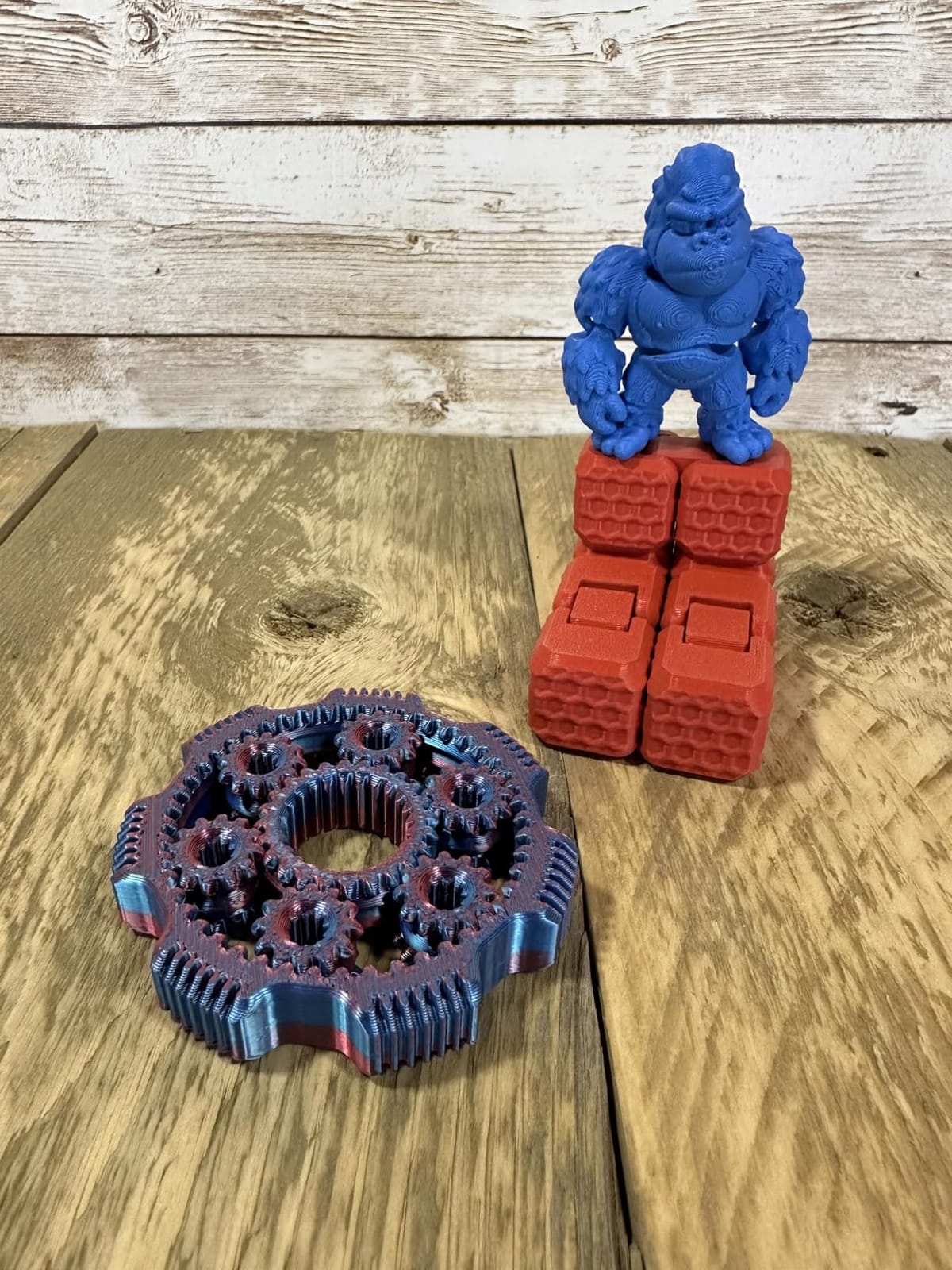
The A1 Combo is the accessible way into Bambu multi-color printing, and this bundle adds an LED lamp kit for printing compatible illuminated models such as lithophane-style lamps. That bundled light kit is a genuinely creative hook rather than filler, and it makes the machine a better gift than a bare printer.
Multi-color runs through AMS lite with four filament slots, and full-auto calibration handles Z-offset, bed leveling and the rest, so setup is close to zero. Acceleration reaches 10000mm/s2, and an active flow rate compensation algorithm adjusts extrusion from readings, which improves consistency across different filament brands.
Quiet operation comes from active motor noise canceling, which makes this the second-quietest machine on this list after the Kobra X. There is also a simplified touchscreen and a 1-Clip quick swap nozzle for tool-light maintenance, and the footprint is compact for a four-color setup at 23.01 x 21.06 x 16.77 inches and 28.5 pounds.
Owners highlight reliable AMS lite color changes alongside the auto calibration and quiet running, which is the combination that makes a machine pleasant to use in the evening after work.
Who the A1 Combo with LED kit works for
Hobbyists making display pieces: lithophane lamps, illuminated ornaments, name tags and small decorative models where the finished object matters more than function. The kit turns a printer into a project machine with an obvious first weekend activity, which helps a lot with the motivation question new owners face.
For PLA, PETG and TPU work in a quiet room, the auto calibration and motor noise canceling mean you can run a long print while working nearby. Reliable AMS lite color changes are the most common owner praise point.
Where the A1 Combo with LED kit disappoints
The open frame is the hard limit. ABS, ASA and other enclosure-dependent materials are out, which rules out a good share of multi-color projects. AMS lite also supports fewer filament types than the full AMS, notably no PVA for soluble supports, and the four-spool capacity is fixed with no expansion path.
That is the accuracy point worth internalising: an AMS lite machine caps at four colors permanently, while a full AMS stacks toward 16. Owners also note the Bambu software ecosystem is more closed than open alternatives and the bundled filament is minimal, so budget for your first spools.
How to choose a multi-color 3D printer as a hobbyist
Start with color count, because it is the one decision you cannot reverse cheaply. Most hobby projects use two to four colors and community consensus is that four is plenty for daily work, so a fixed four-color machine is genuinely sufficient. The question is whether you want the option of more later, and only stackable systems like the AMS or CFS give you that. Our wider multi-color roundup compares the systems side by side.
Second is enclosure. An open frame handles PLA, PETG and TPU well and prints faster and cheaper to run. A closed chamber is what makes ABS, ASA and PC viable, and it reduces warping on large PLA parts too. If any part of your hobby involves functional engineering filament, enclosure should outrank color count in your priorities.
Third is build volume, and it is the most common upgrade regret. A 220mm cube forces multi-color models to be split or scaled, and splits mean seams. A 260mm cube handles almost every hobby model in one piece, and 350mm covers large props and batch work. Our large-format guide goes deeper on the top end.
Fourth is noise and footprint, which almost nobody ranks and every apartment hobbyist notices. Three machines here are singled out as loud by owners: the ELEGOO Centauri 2 for vibration and fans, the FLASHFORGE AD5X for the rear fan, and the Creality SPARKX i7 for general operating noise. If you work from home or share a wall, the Anycubic Kobra X is the quiet standout.
Fifth is filament handling. Swapper systems feed a single PTFE-lined tube, which is why TPU jams more often than you would like. Toolchanger and dual-nozzle designs isolate materials completely. Also check drying: PVA and PETG in particular behave better from a dry spool, and a unit with active humidity control saves you the standalone dryer.
Sixth is slicer choice, which matters more than brand loyalty suggests. Bambu Studio and Orca Slicer handle multi-color setups smoothly, and community sentiment on Creality machines increasingly points owners toward Orca Slicer rather than the stock Creality software. An open ecosystem gives you more room to tune purge settings later.
Five steps to cut purge waste on any multi-color printer
1. Print into a wipe tower rather than a purge block. A tall thin tower in the corner of the plate purges a long thin line of filament instead of a wide blob, and you can delete it with one click afterward. 2. Lower the flush volume in your slicer in small increments until you see the last trace of the old color, then stop. 3. Reduce the wipe tower layer height if you do not need a smooth finish. 4. Order your colors so adjacent parts reuse the same filament. 5. Use dissolvable PVA supports where your material unit supports PVA, so support removal stops being an afternoon of scraping.
Track the grams, not the prints. Weigh your filament before and after a color job for a month and you will find your real waste figure, which is usually lower than people fear and always higher than a single-color print.
Your first multi-color print: a short checklist
Dry your filament first. Wet PLA stringing looks exactly like a purge problem, and it sends beginners chasing slicer settings when the real cause is the spool. Load each spool and confirm the printer recognises it, which is automatic on RFID-equipped machines like the Centauri 2 and the K2 Plus and manual elsewhere.
Run a single-color test print before your first color job. Then print a small two-color model, check the transition line quality, and only then scale up. Bed adhesion is the other common first-print failure, so clean the plate and set adhesion before adding color complexity.
If you own a machine with a purge chute or tower, print the chute model the manufacturer provides. On the Bambu AMS ecosystem, owners specifically note that color-change waste needs a purge chute model to contain, and skipping it puts filament on the floor of your enclosure.
Frequently Asked Questions
Is it worth buying a multi-color 3D printer?
It is worth it if you print display pieces, miniatures, ornaments, name tags or cosplay props and currently paint them by hand. Multi-color removes the single largest post-processing step in hobby printing and unlocks dissolvable PVA supports and mixed rigid and flexible parts. It is not worth it if you print single-color utility parts, brackets or adapters, where a standard printer gives better value. Expect 15 to 25 percent extra filament on color-heavy models.
How does multi-color 3D printing work?
Most hobby multi-color printers use a swapper system such as Bambu’s AMS and AMS lite, Creality’s CFS, Anycubic’s ACE or ELEGOO’s CANVAS. One nozzle feeds from a box of four spools, and at each color change the printer retracts the old filament, loads the new one and purges the residue through a wipe tower. Toolchanger designs such as the Snapmaker U1 swap entire printheads instead, which cuts purge waste dramatically and allows mixed rigid and flexible materials in one job.
How many colors do I need for hobby projects?
Most hobbyists are well served by four colors. Two to four covers multi-color name tags, keychains, articulated toys, ornaments, board game tokens and most miniature bases. Only consider 8 or 16 colors if you print cosplay props, layered display pieces or color-critical models, and check expandability before buying, because compact built-in systems such as AMS lite cap permanently at four spools while stackable AMS and CFS boxes extend toward 16.
Do I need an AMS or CFS unit, or can I upgrade later?
It depends on the machine. Most multi-color printers in this roundup ship with a four-spool material unit included and cannot be expanded beyond four colors. Others, like the Bambu Lab P1S Combo, ship with a stackable AMS that grows toward 16 colors. If you plan to print with more than four colors, buy the stackable version now. Owners also note that mixing ACE Pro and ACE 2 Pro units is not supported, so confirm the generation before planning an expansion.
Is Bambu or Prusa better for multi-color printing?
Bambu is stronger for most hobbyists because the AMS ecosystem, Bambu Studio and MakerWorld make multi-color printing approachable, and AMS units stack toward 16 colors. Prusa’s strength is open-source firmware and long-term serviceability rather than the color experience. If you value a phone-first workflow and model library, choose Bambu. If you value root access, repairability and running your own firmware, a Prusa or other open platform suits you better. Compare both in our u003ca href=u0022https://zamd.net/best-3d-printers-for-home-use/u0022u003ehome 3D printer guideu003c/au003e.
Final verdict for hobbyist multi-color printing in 2026
The best multi color 3D printer for hobbyists in 2026 is still the Creality K2 Combo, because 16 colors and a 10.24 inch build cube on a machine with the deepest owner record in the category is a combination nothing else here matches. If your workspace is quiet-sensitive, the Anycubic Kobra X is the one I would choose instead.
Pick an enclosed machine if ABS or ASA is on your list, a stackable material unit if you might want more than four colors, and budget an afternoon for setup whichever you choose. Print a small two-color test before your first real project, and our beginner printer guide covers the calibration basics.