
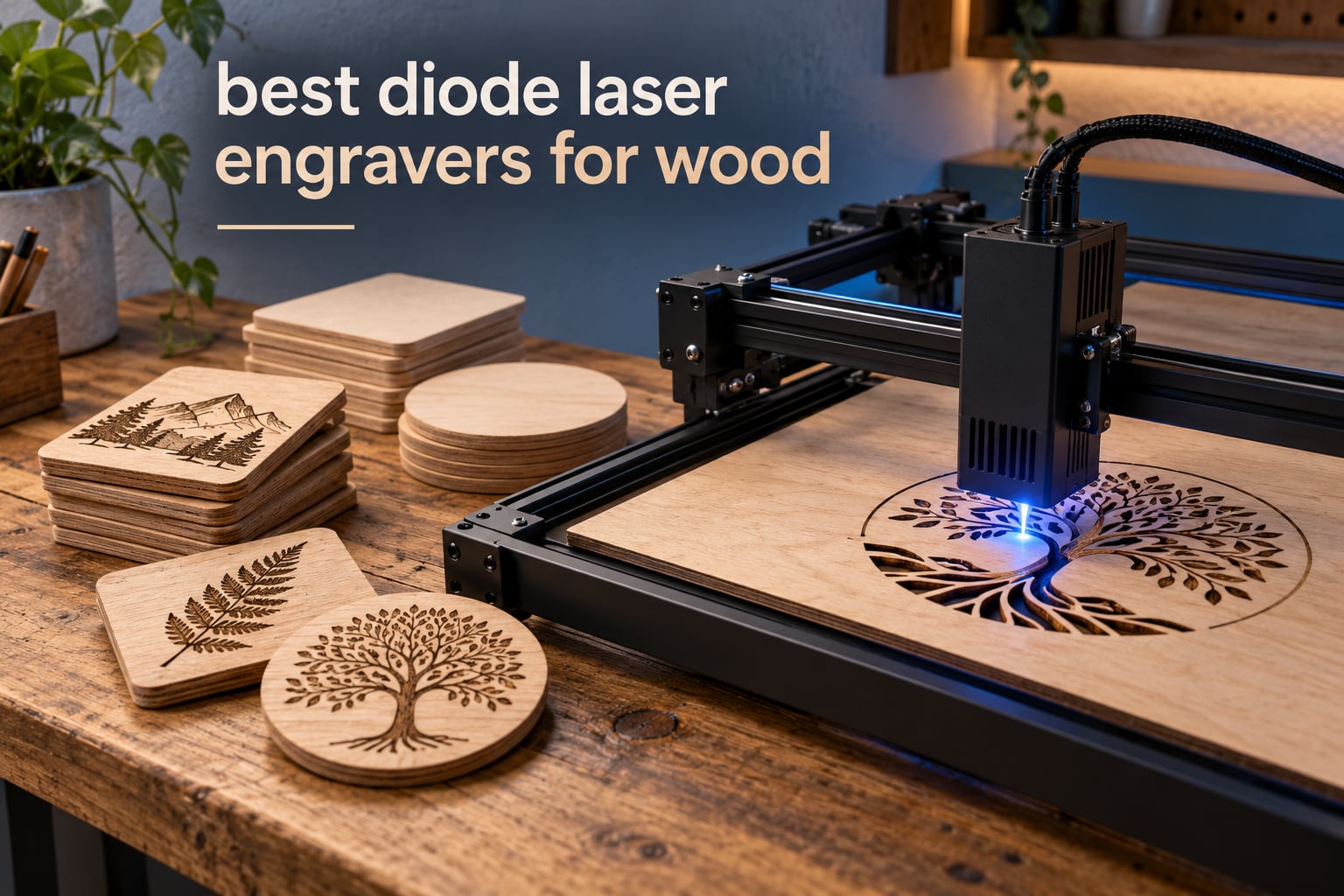
The first thing I tell anyone asking about a laser for wood is that the machine name matters far less than the beam spec. A diode laser engraver burns a 445nm blue line into the surface layer, and everything else is engineering around that one number: how many milliwatts actually leave the lens, how small the spot is, and whether air is blowing across the cut when it happens.
I have spent the last few months working through the current crop of diode machines with cedar fence boards, birch plywood, walnut offcuts and stacks of basswood, and the difference between a good one and a frustrating one shows up in the first ten minutes. A 10W unit with a tight spot will engrave a name on a cutting board beautifully and struggle to cut through it. A 40W enclosed unit will slice 18mm cherry in a single pass and keep the smoke in the box while it does it.
This guide covers the best diode laser engravers for wood in 2026, and only diode lasers. Most competing roundups mix in CO2 and fiber machines, which muddies the comparison because a CO2 tube and a diode module behave very differently on wood. Here, every machine below is a 445nm or 455nm blue diode, so the power numbers, cut depths and software notes are directly comparable.
If you are still deciding whether a laser is the right tool for your shop, our guide to laser engravers for hobbyists covers the wider range of laser types first. This article goes straight into the wood specifics.
Table of Contents
Top 3 Best Diode Laser Engravers for Wood in 2026
The Ortur Laser Master 2 takes the top slot because it carries the deepest review base in this group and pairs a true 10000mW module with a metal frame that does not flex. The Longer RAY5 is the value pick, with a fast engraving head and a bed that extends. The xTool S1 is the premium pick, and the only enclosed 40W unit in the lineup.



Best Diode Laser Engravers for Wood at a Glance (October 2026)
Ten machines, ten different answers to the same question. Here is the short version so you can narrow the field before reading the full write-ups. One comes with a dedicated air assist pump, two are fully enclosed, and two sit in the 20W class that can cut genuine sheet goods.
| Product | Specifications | Action |
|---|---|---|
| Ortur Laser Master 2 |
|
Check Latest Price |
 Twotrees TTS-10 Pro Twotrees TTS-10 Pro |
|
Check Latest Price |
| Longer RAY5 |
|
Check Latest Price |
 ACMER S2 20W ACMER S2 20W |
|
Check Latest Price |
| xTool S1 40W |
|
Check Latest Price |
 Creality Falcon 10W Creality Falcon 10W |
|
Check Latest Price |
 Creality Falcon A1 10W Creality Falcon A1 10W |
|
Check Latest Price |
 ATOMSTACK A20 Pro V2 ATOMSTACK A20 Pro V2 |
|
Check Latest Price |
 KENTOKTOOL LE400PRO KENTOKTOOL LE400PRO |
|
Check Latest Price |
 Carverall K15 Pro Carverall K15 Pro |
|
Check Latest Price |
1. Ortur Laser Master 2 – Best Overall Diode Laser for Wood
ORTUR Laser Master 2 S2 LU2-10A Laser Engraver Laser, 10000mW Engraving Cutting Machine, Class 4 High Accuracy Laser Cutter, DIY Laser Marking for Metal
10000mW optical
0.05 x 0.1mm spot
390 x 410mm area
Cuts 20mm wood
Pros
- True 10000mW module cuts 20mm wood
- Full metal frame stays rigid
- Assembles in 10-15 minutes
- LaserGRBL and LightBurn support
Cons
- Class 4 laser needs safety glasses and ventilation
- Ground wire in the box is for lower watt modules
- LightBurn licensing has a learning curve
This is the machine I keep coming back to. The Laser Master 2 ships with a 10000mW module weighing 235g with dual fan cooling, and that module is the reason the cuts go through cleanly instead of scorching halfway down. Reviewers consistently report it cutting 20mm wood and 30mm acrylic, which puts real cutting ability beyond what the 10W machines in this roundup deliver.
The frame is where it separates from cheaper builds. A full metal industrial-grade structure at 22.44 x 21.65 x 6.9 inches and 9.03 pounds does not flex when the gantry loads up, and the modular assembly takes about 10-15 minutes to put together. The compressed spot of 0.05mm x 0.1mm is tight enough that small lettering on a coaster stays legible.
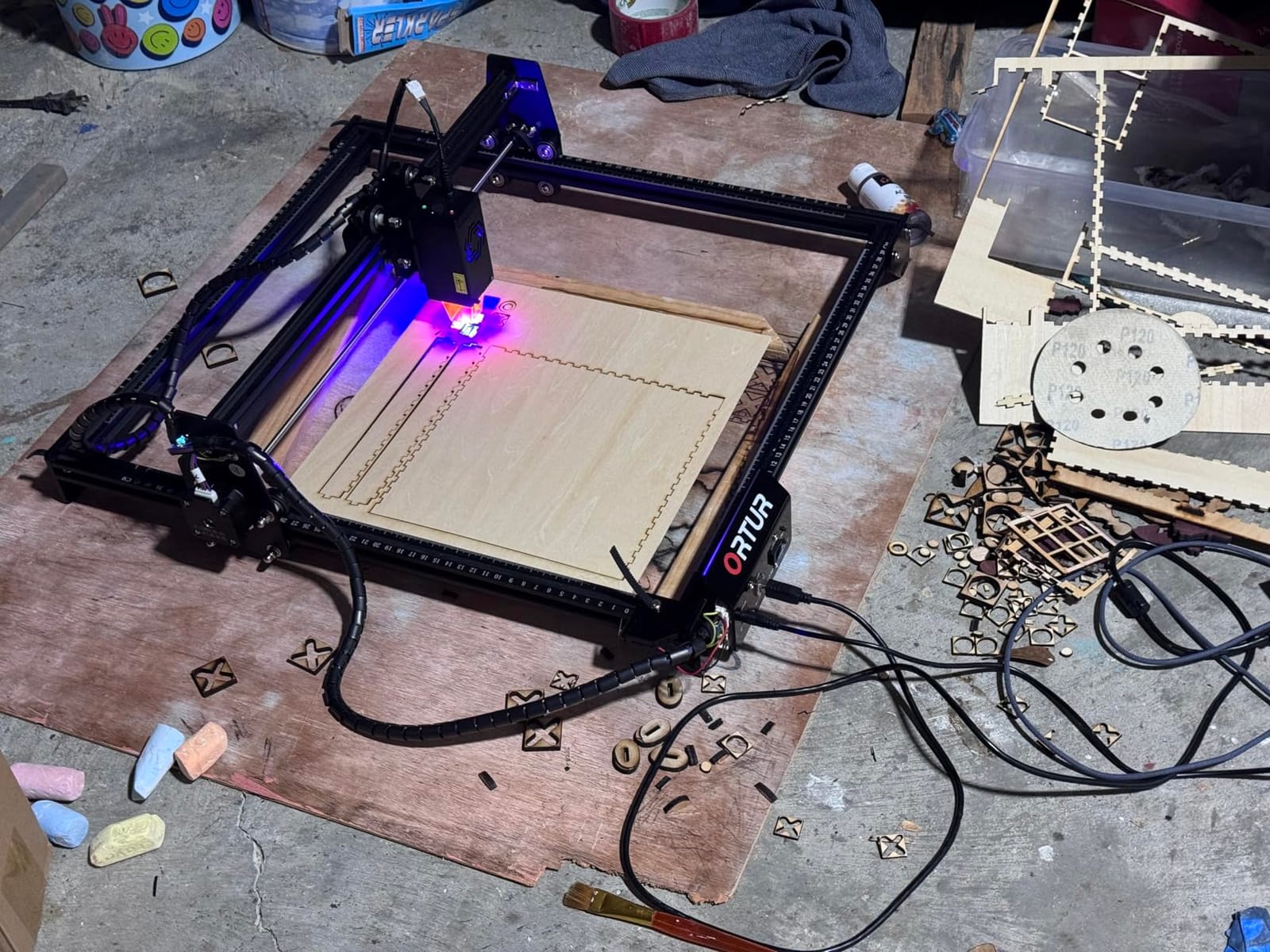
The safety picture is the part to plan for. This is a Class 4 laser, and the protective cover filters 98% of UV light while safety goggles are included, but the machine still expects a ventilated workspace. A G-sensor, motion stop and auto laser-off protection cover the common accidents, not the plume of smoke that a long plywood cut produces.
Software runs on LaserGRBL and LightBurn across Windows and Mac, and it accepts SVG, DXF, JPG, PNG, BMP, TIF and CR2 files. My one caution is the ground wire in the box, which is sized for 2.1W and 5W modules and serves no purpose here. Ignore it, and give yourself an afternoon with LightBurn before the first real job.
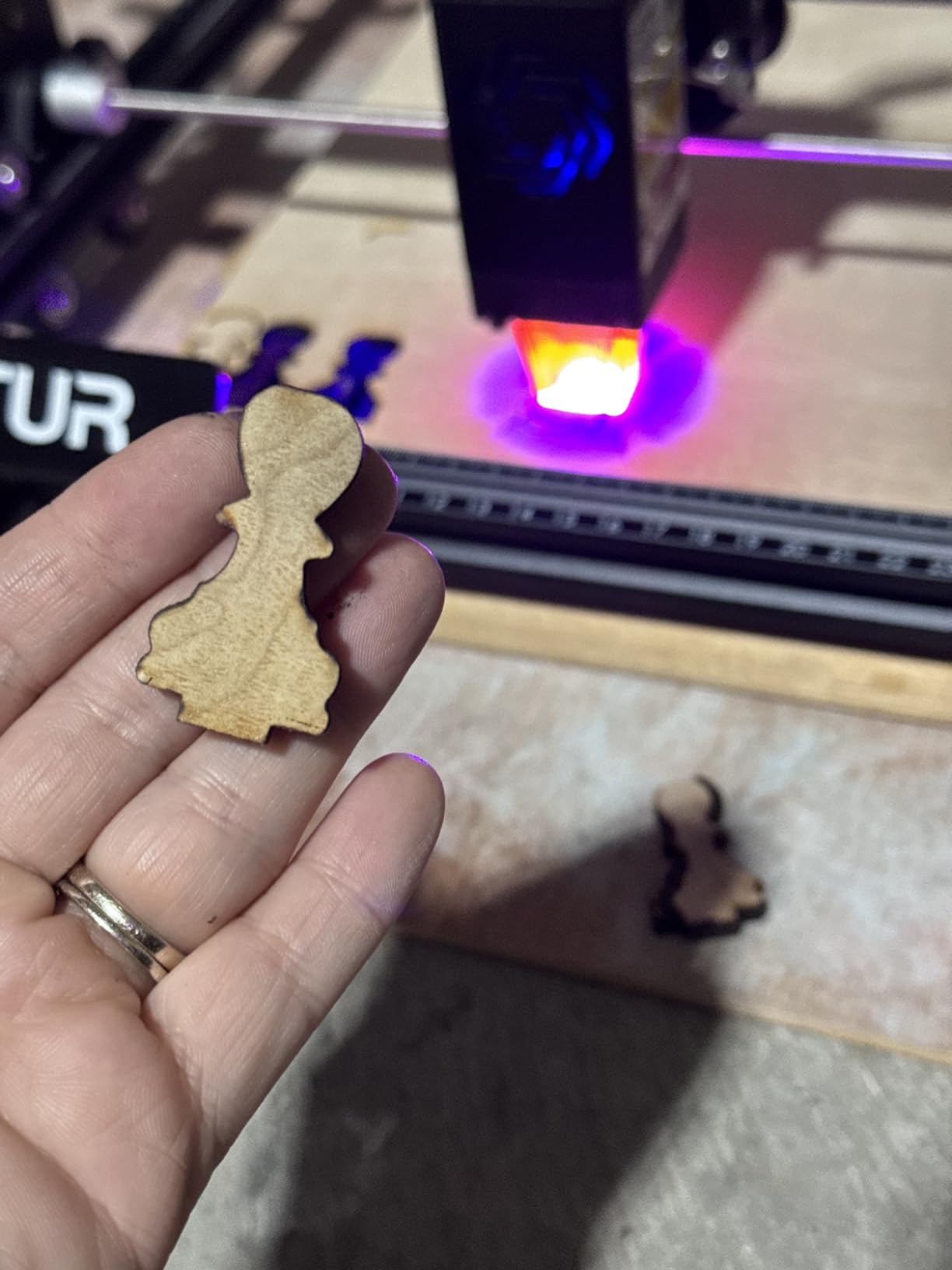
What the Ortur Laser Master 2 does well on wood
The 20mm wood cut claim is the number that matters for anyone making layered pieces, and it holds up across the review base. At 10W-class competitors, that same job means two or three passes and a lot more charring on the edge.
The 390 x 410mm engraving area covers a good cutting board blank, and the metal frame keeps registration tight on repeat jobs, which is what you need when you are cutting a set of identical tags.
Where it will disappoint you
There is no enclosure and no camera, so every job placement is a manual set and every cut happens in whatever room you are sitting in. That is fine in a garage with an extractor and a problem in a small apartment.
Expect to buy fume extraction separately and to treat the first few sessions as a software lesson. None of that is unusual at this price, but it is work the marketing does not mention.
2. Twotrees TTS-10 Pro – Best Diode Laser for First-Time Buyers
Twotrees TTS-10 Pro Laser Engraver,10000mW High Precision Laser Engraving
10000mW at 450nm
300 x 300mm bed
32-bit dual-core board
TF card offline work
Pros
- Engraves deep and fast on wood and bamboo
- 32-bit dual-core board is quick
- TF card works without a PC
- CE FCC ROHS FDA and UL62368 certified
Cons
- 300 x 300mm bed limits large sheet goods
- Not for bare stainless steel without marking spray
- Assembly is tricky for beginners
The TTS-10 Pro is the first machine I hand to someone who has never run a laser. A 450nm blue diode at 10000mW does not cut thick stock, but the burn is deep and consistent, which is what matters when you are engraving names onto bamboo cutting boards or leather coasters in your first month.
It also comes with the certification list you rarely see at this level: CE, FCC, ROHS, FDA and UL62368, plus a one-year warranty and 30-day returns. That matters more than it sounds when you are setting up a home workspace and trying to work out what safety rules apply to you.
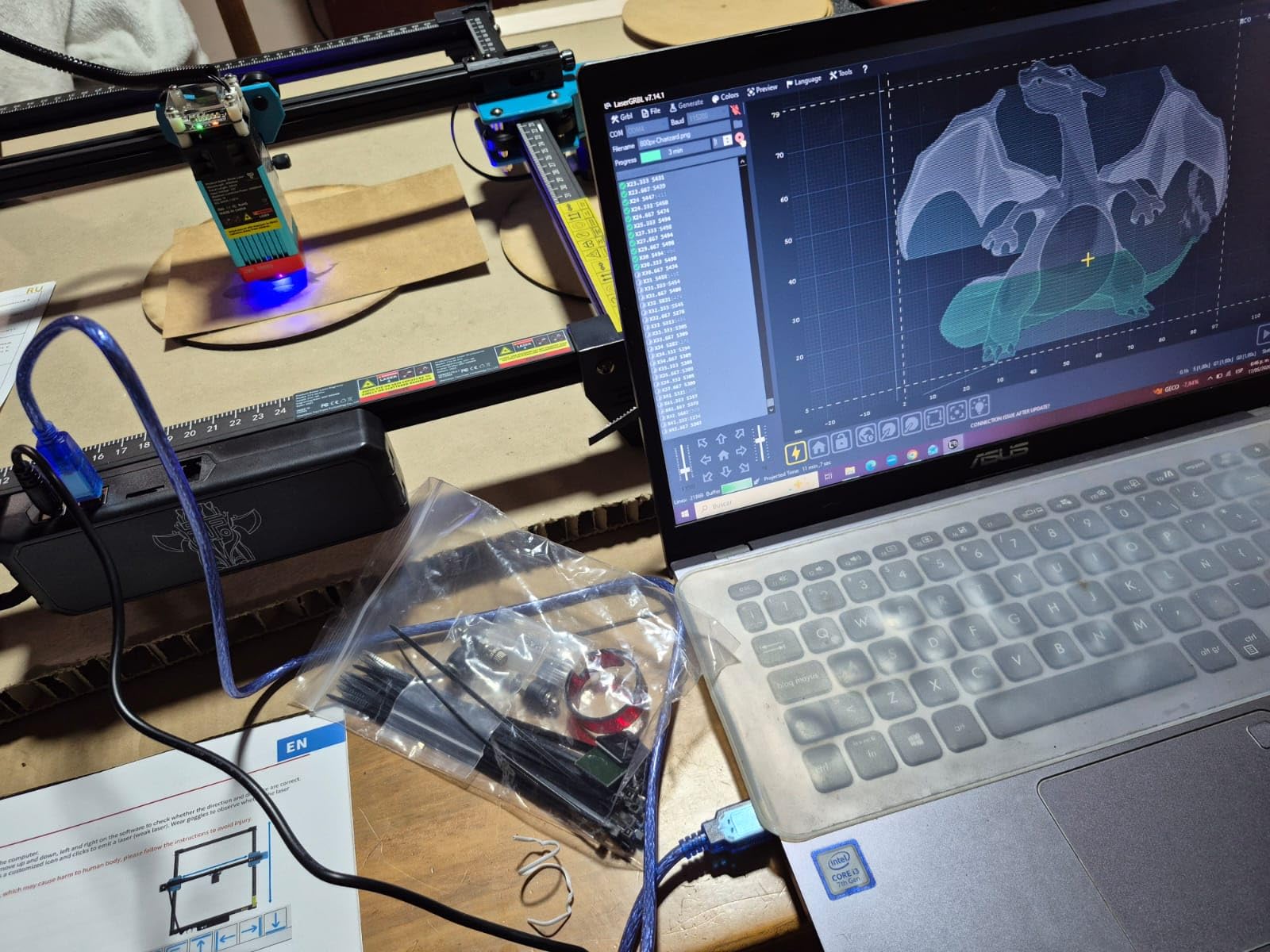
The control board is a 32-bit dual-core MCU, which handles vector-heavy artwork without the stutter you get on older boards. The aluminium alloy frame uses dual Y-axis 42 stepper motors with GT2-6mm synchronous belts, and it is a solid build for a machine this size.
Offline operation via TF card is the sleeper feature. If your computer is busy with something else, or the Wi-Fi drops mid-job, the machine keeps working from the card. LightBurn and LaserGRBL are both supported through .lbrn or .nc files, and every machine is tested before it leaves the factory.
Where the TTS-10 Pro earns its place
Engraving is where a 10W class machine wins, and this one is tuned for it. Photographs of dark, even burns on wood come up repeatedly in owner reviews, and the small spot keeps fine print readable on small items like jewellery tags and coasters.
The 300 x 300mm area, roughly 11.8 x 11.8 inch, fits a coaster set or a batch of small blanks in one pass. That is the right size for a first machine in my view, because you learn the settings on material you can afford to waste.
What to watch out for
That 300 x 300mm bed is the hard limit. A sign blank wider than 11.8 inch has to be split, printed in sections, or engraved twice with realignment, and plywood cutting stops at thin stock.
Assembly is the other friction point. Several owners describe it as difficult for first-time users, and a few report intermittent freezes mid-job in LightBurn. Plan an hour for setup and keep your LightBurn version current.
3. Longer RAY5 – Best Value Diode Laser for Wood
Longer New Upgrade RAY5 Laser Engraver Cutter,Working Area 15.75″×15.76″
Up to 24,000 mm/min
400 x 400mm bed, extends to 850 mm
20mm wood and 30mm acrylic
3.5 inch touchscreen
Pros
- High engraving travel speed of 24000 mm/min
- Cuts 20mm wood and 30mm acrylic
- Extendable bed doubles your width
- 32-bit core motherboard
Cons
- High travel speed is wasted on a small bed
- Extendable bed requires the separate kit
- Support replies can take a day
The RAY5 is the one I recommend when someone wants to cut wood rather than only mark it, without stepping up to an enclosed 40W machine. Dual-beam technology drives engraving speeds up to 24,000 mm/min, and reviewers report clean cuts through 20mm wood and 30mm acrylic.
It weighs 8.2 pounds and measures 23.07 x 22.95 inches, and the working area is 400 x 400mm. The bigger story is the extension kit, which takes the bed to 850 x 400mm, effectively doubling your width for long signs or a row of door hangers in a single pass.
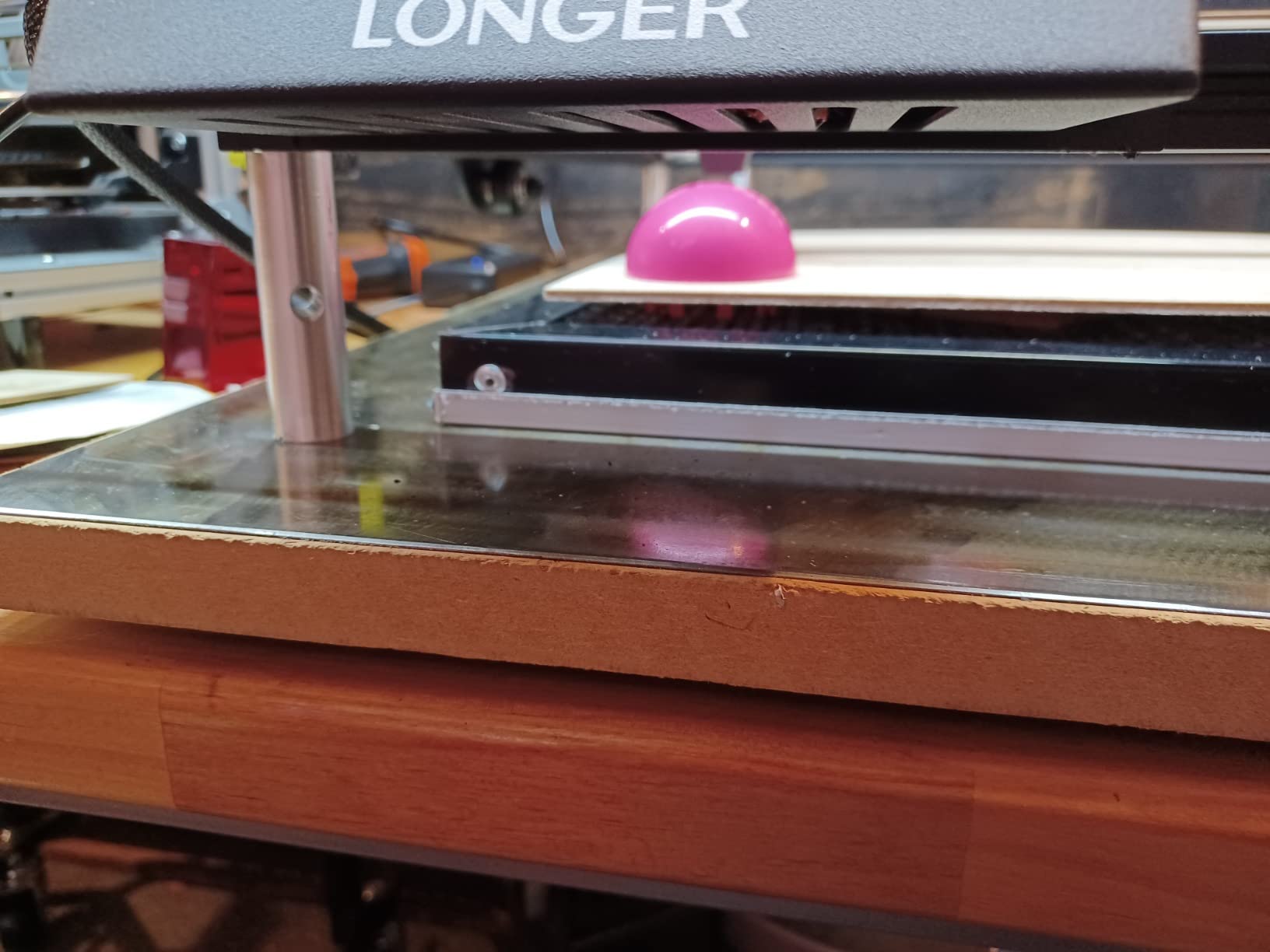
The 3.5-inch touchscreen handles Wi-Fi, USB, app and TF card transfers without a computer, and the 32-bit core motherboard keeps the motion system steady during long jobs. Offline operation through the touchscreen is convenient when you are batching a run of identical pieces.
Protective cover and glasses are included, and an abnormal shaking auto-stop program halts the job if the machine is moved mid-cut. That single feature has saved more of my test jobs than the manual did.
Why the RAY5 works for wood projects
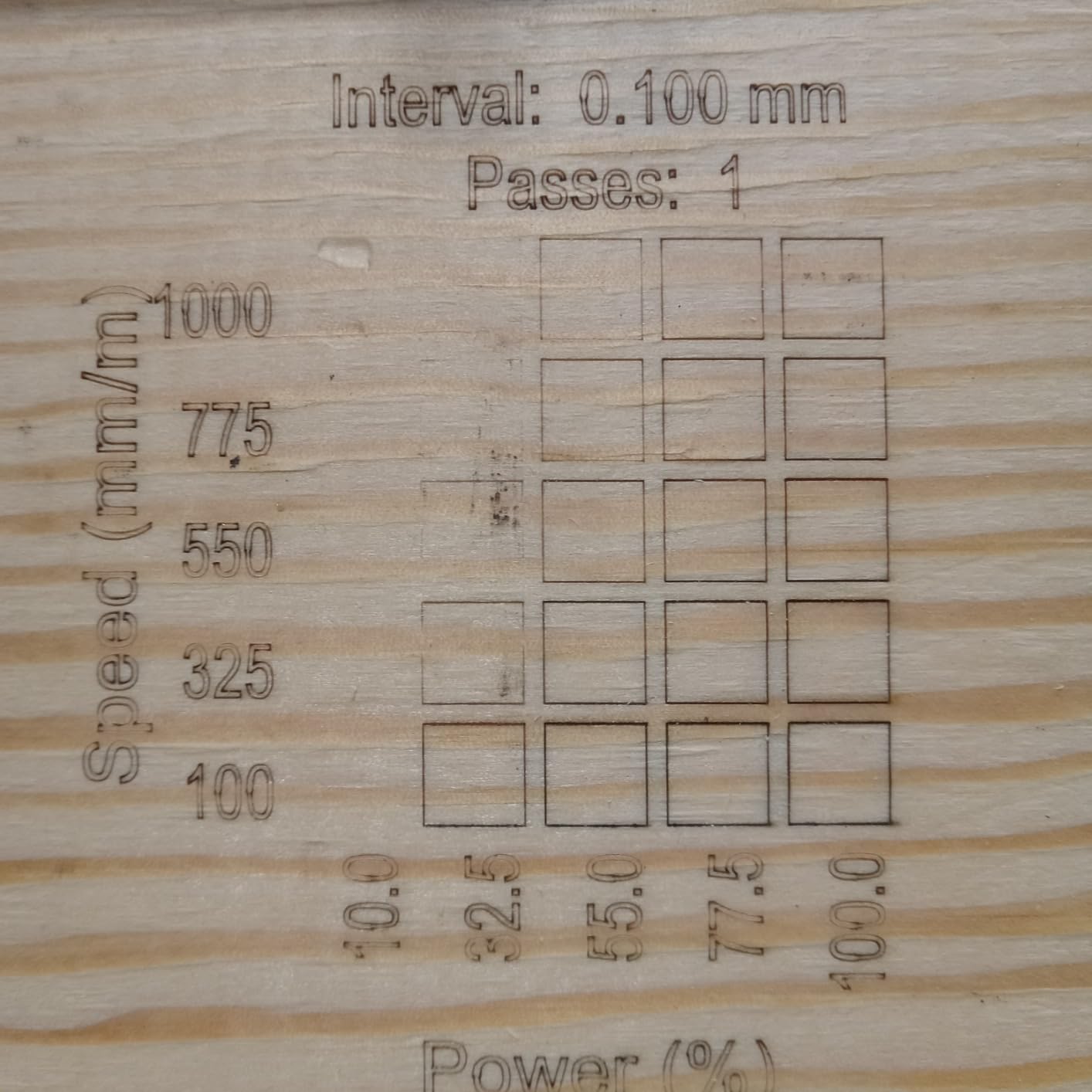
A 20mm single-pass wood cut from a machine at this level changes what you make. Layered stack puzzles, thick sign blanks and plywood box corners all become single-pass jobs instead of multi-pass projects that drift out of alignment.
The extendable bed is the reason I keep coming back. Buy the extension kit now and the same machine covers a workshop bench; skip it and you are doing long pieces in two runs with a re-registration step that slowly ruins the edges.
What you have to work around
The documentation is the weak point. Written instructions are thin, and several owners rely on video walkthroughs to assemble and frame the machine. Budget time for that, or you will spend the afternoon hunting for a manual that does not cover your variant.
Support is China-based and can take a day to reply, and some buyers report file upload failures with Windows-only firmware updates. Frame the laser head manually in LightBurn the first time or expect an out-of-bounds error on your first run.
4. ACMER S2 20W – Best 20W Diode with Air Assist Included
Acmer S2 20W Laser Engraver, Diode Lazer Machine with 25L Air Assist
20W diode at 455nm
0.09 x 0.1mm spot
300 x 285mm area
25L/min air assist pump
Pros
- 20W module with 25L/min air assist pump included
- 0.09 x 0.1mm spot for sharp detail
- Free proprietary software ready to use
- Limit switches protect the laser head
Cons
- 300 x 285mm area is modest
- Acmer Studio limits workflow flexibility
- Pump adds noise and needs venting
Air assist is the single biggest factor in cut quality, and the ACMER S2 is one of very few machines where it arrives in the box. The 25L/min pump pushes air across the beam so the kerf stays clean and the edge chars less. Reviewers consistently credit a proper compressor over a built-in mini pump for the difference in finished edges.
The module is a 20W (20000mW) diode at 455±5nm with a 0.09 x 0.1mm compressed spot and accuracy up to 0.01mm. Speed reaches 10,000mm/min with 300mm/s² acceleration, and NC, DXF, BMP, JPG and PNG files are all supported.
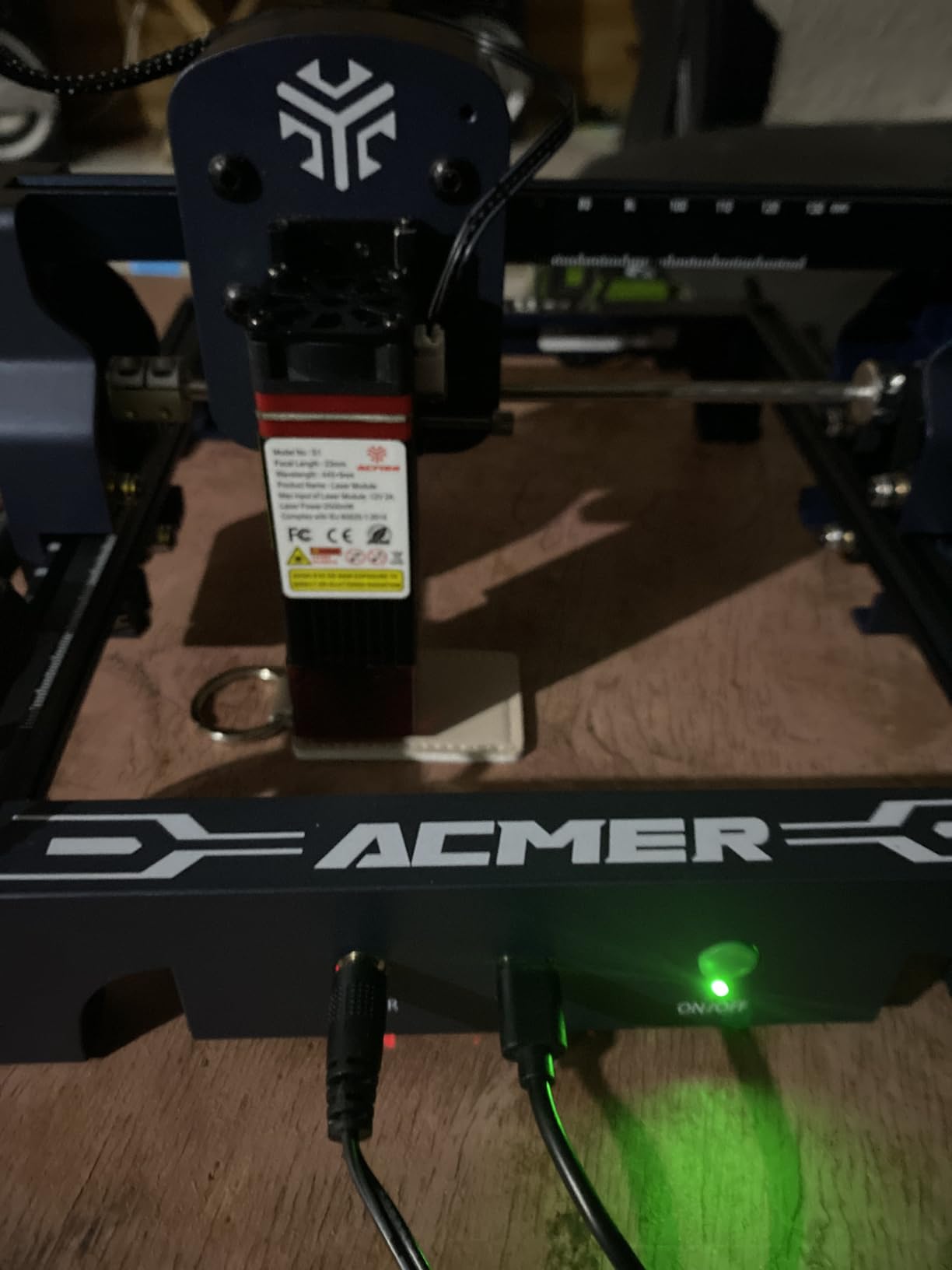
It runs on Windows, macOS and Linux, which is rarer than it should be at this level, and Acmer Studio is free rather than a subscription. Built-in limit switches stop the head before it can strike the frame, a real time-saver during fast positioning moves.
The portable DIY assembly design keeps the machine at 11.81 x 11.22 inches, so it moves between the workshop and a kitchen table when you are batching gifts.
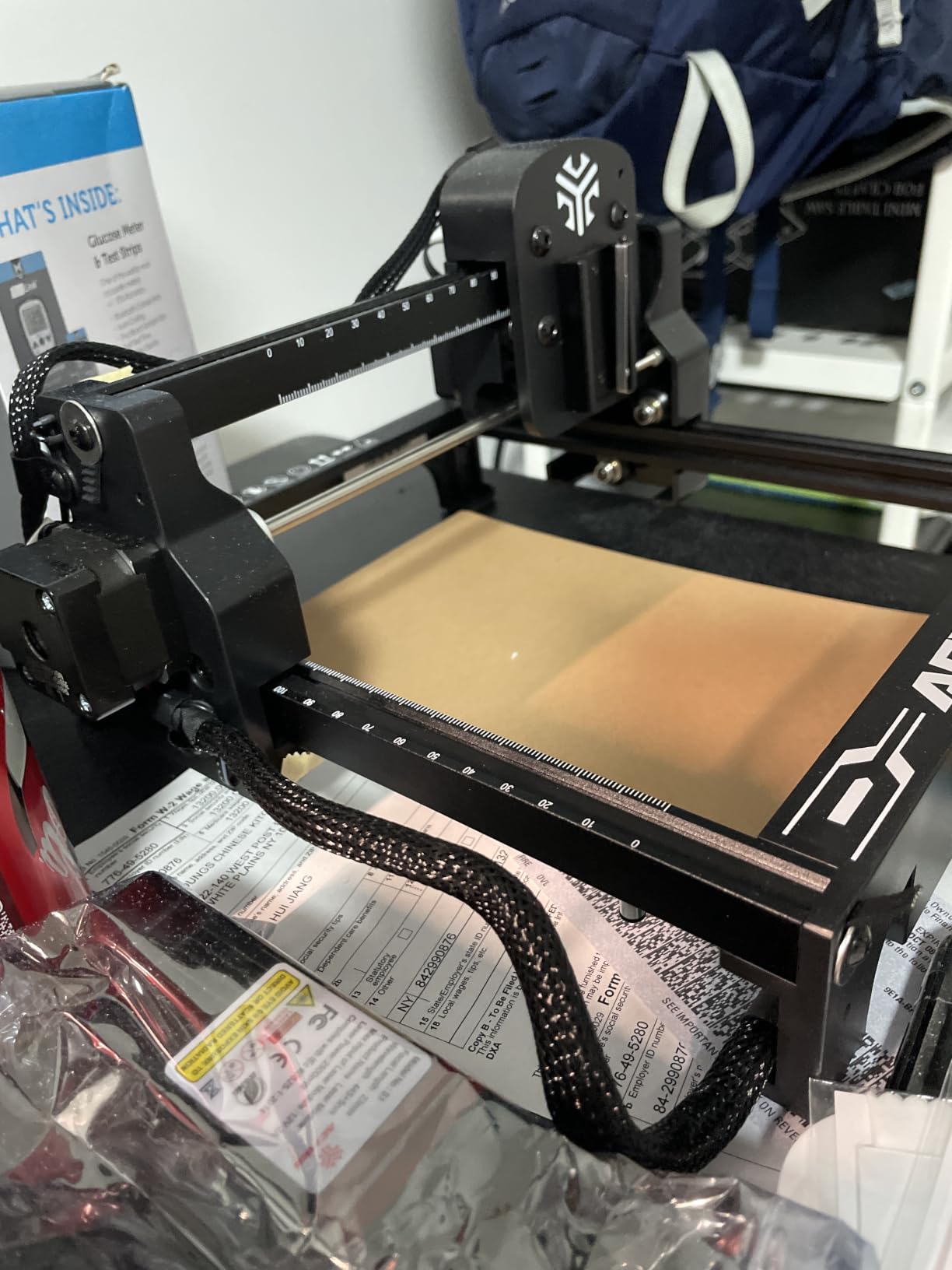
What ACMER gets right for wood
Twenty watts with real air assist is the combination that produces a clean edge through plywood. The pump is doing more work here than the extra wattage would have done alone, because moving air removes the smoke that causes the burn ring on the top face of the cut.
Gradient engraving on wood also benefits from the tight spot. The 0.09 x 0.1mm compressed point holds a line narrow enough for photographic shading rather than the chunky burns you get from a wider beam.
Where the trade-offs sit
The working area of 300 x 285mm is small next to the enclosed machines in this roundup. It handles coasters and jewellery blanks well, but a 12-inch sign needs to be engraved in sections.
Acmer Studio is fine for a start and limiting after that. Experienced users tend to migrate to LightBurn or LaserGRBL for nested layouts, and the pump adds both noise and another exhaust path to manage indoors.
5. xTool S1 40W – Best Enclosed Diode Laser for Wood
xTool S1 40W Laser Cutter and Laser Engraver for Tumblers, 23.93″ x 15.16″ Bed Size, 600mm/s Speed, Laser Engraving Machine, Laser Engraver for Wood and Metal, Acrylic, Big Project – Rotary Bundle
40W optical output
23.93 x 15.16 inch bed
600mm/s speed
18mm cherry in one pass
Pros
- 40W cuts 18mm cherry wood in a single pass
- Enclosed Class 1 design filters 99% of laser light
- Auto-focus and ready out of the box
- Rotary bundle plus Pin-point Positioning
Cons
- Weighs 86.8 pounds and needs dedicated space
- Z probe can be dented by the work surface
- AutoPassthrough needs a separate feeder
The S1 is the reason an indoor studio is possible at all. Its enclosed Class 1 body filters 99% of the laser light, and five flame sensors stop the job if a cut smoulders. Reviewers describe that enclosure as the point where they could finally stop moving the machine out to the garage.
Forty watts at optical output cuts 18mm cherry wood in a single pass, and the 23.93 x 15.16 inch bed runs at up to 600mm/s, up to 119 dog tags in one placement. That speed-to-bed ratio is what makes it a production machine rather than a weekend one.
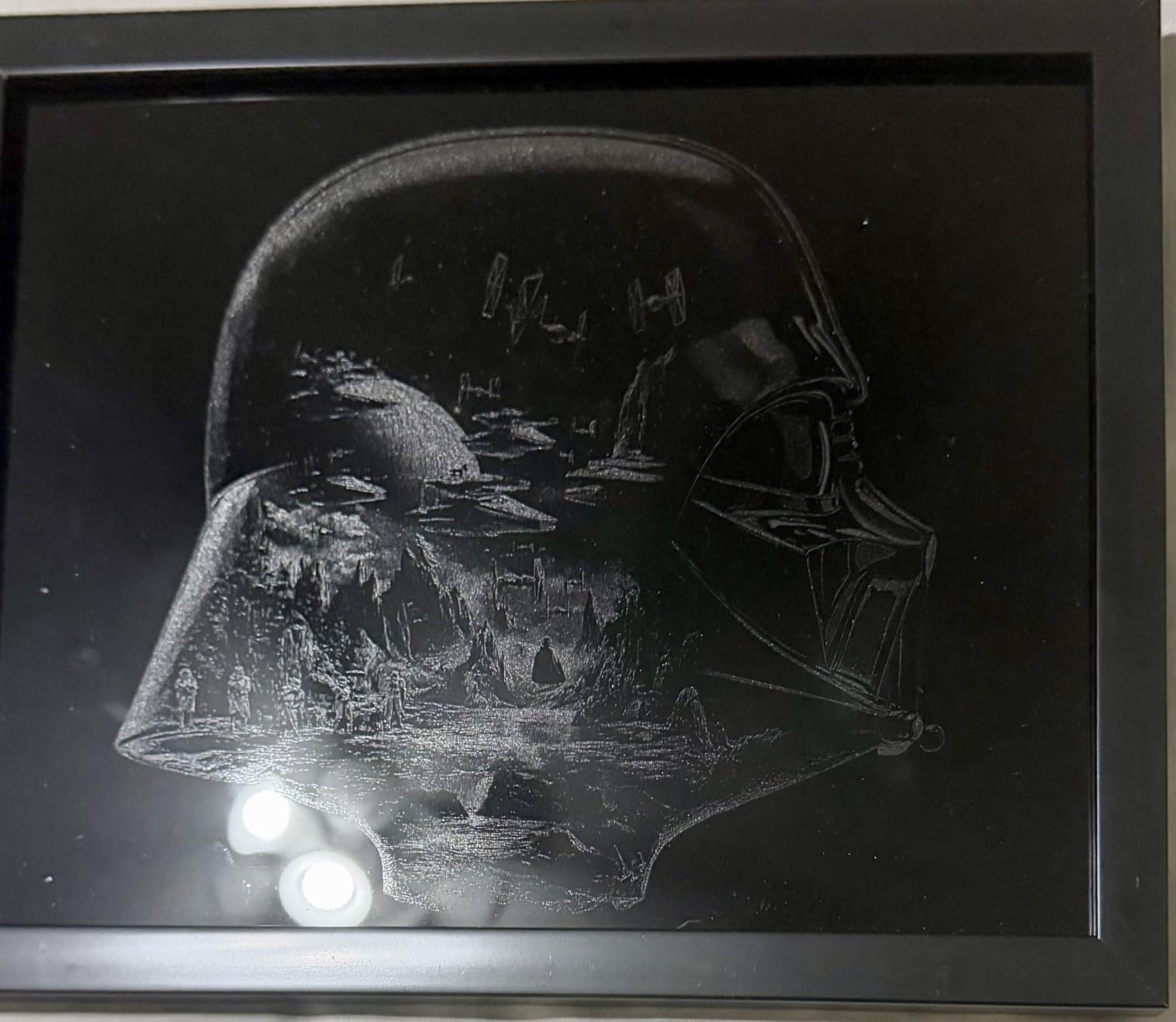
Auto-focus removes the mistake beginners hit most often, and xTool Creative Space generates designs and walks you through material profiles, with over 400 pre-tested settings. Pin-point Positioning handles 3D curved-surface engraving, and this bundle includes the rotary attachment for cups and turned items.
For long work there is AutoPassthrough, which handles projects up to 118 inches with a separate feeder unit. The 3mm aerospace-grade aluminium frame and seven pre-shipment inspections show where the money went.
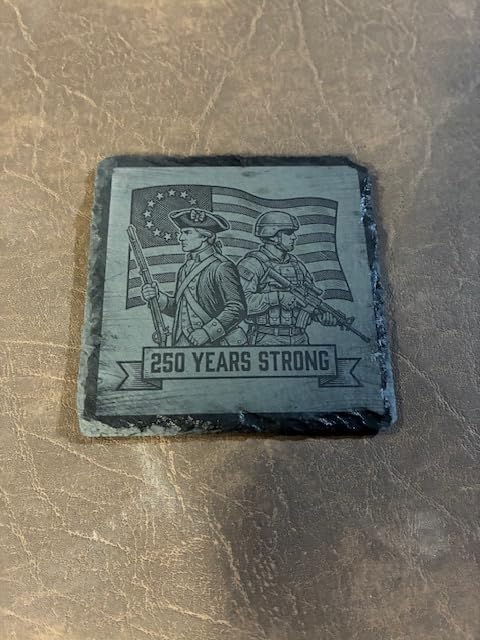
Why the S1 handles wood so well
Eighteen millimetres of cherry in one pass is dense hardwood that will dull weaker modules, and cherry gives a darker burn than most pale woods. Engrave maple with it and the mark comes out clean, which is the usual test cut on any serious machine.
An enclosure changes the workflow rather than the numbers. Burn marks stay inside the box, the door-open stop means you can walk away from a batch safely, and the machine works in a room where an open frame simply could not.
What gives reviewers pause
It weighs 86.8 pounds and the body measures 19.6 x 19.6 inches, so it needs a dedicated bench and ventilation, not a shelf. Smoke still has to leave the enclosure, and that means a duct or an extractor somewhere near the machine.
The spring-loaded Z probe can be dented by a work piece and then return false focus readings. There is no motor braking, so the head can be nudged out of position by hand. AutoPassthrough and the feeder are sold separately.
6. Creality Falcon 10W – Best for Thin Sheet Goods and Small Batches
Creality Laser Engraver Machine 10W Output Power, 72W DIY Laser Engraving Machine 0.06mm High Precision Laser Cutter and Engraver for Wood and Metal, Paper, Acrylic, Glass, Leather etc, 17″ x 16″
10W output from 72W
0.06 x 0.06mm spot
Cuts 5mm basswood in one pass
10,000mm/min
Pros
- Clean single-pass cuts on 5mm basswood and 3mm acrylic
- 0.06 x 0.06mm spot with belt tension adjustment
- Aluminium frame with steel shaft wheel rails
- Tool-free focus plate on the laser head
Cons
- 10W is thin for thicker hardwoods
- LightBurn and LaserGRBL both have learning curves
- Documentation stops at the quick-start guide
Here is the wattage trap in its clearest form. The listing headline talks about 72W, which is total machine power drawn from the wall, while the optical output is 10W. That optical figure is the only number that describes cut performance, and reading it before you buy is how you avoid a machine that cannot do what the ad implied.
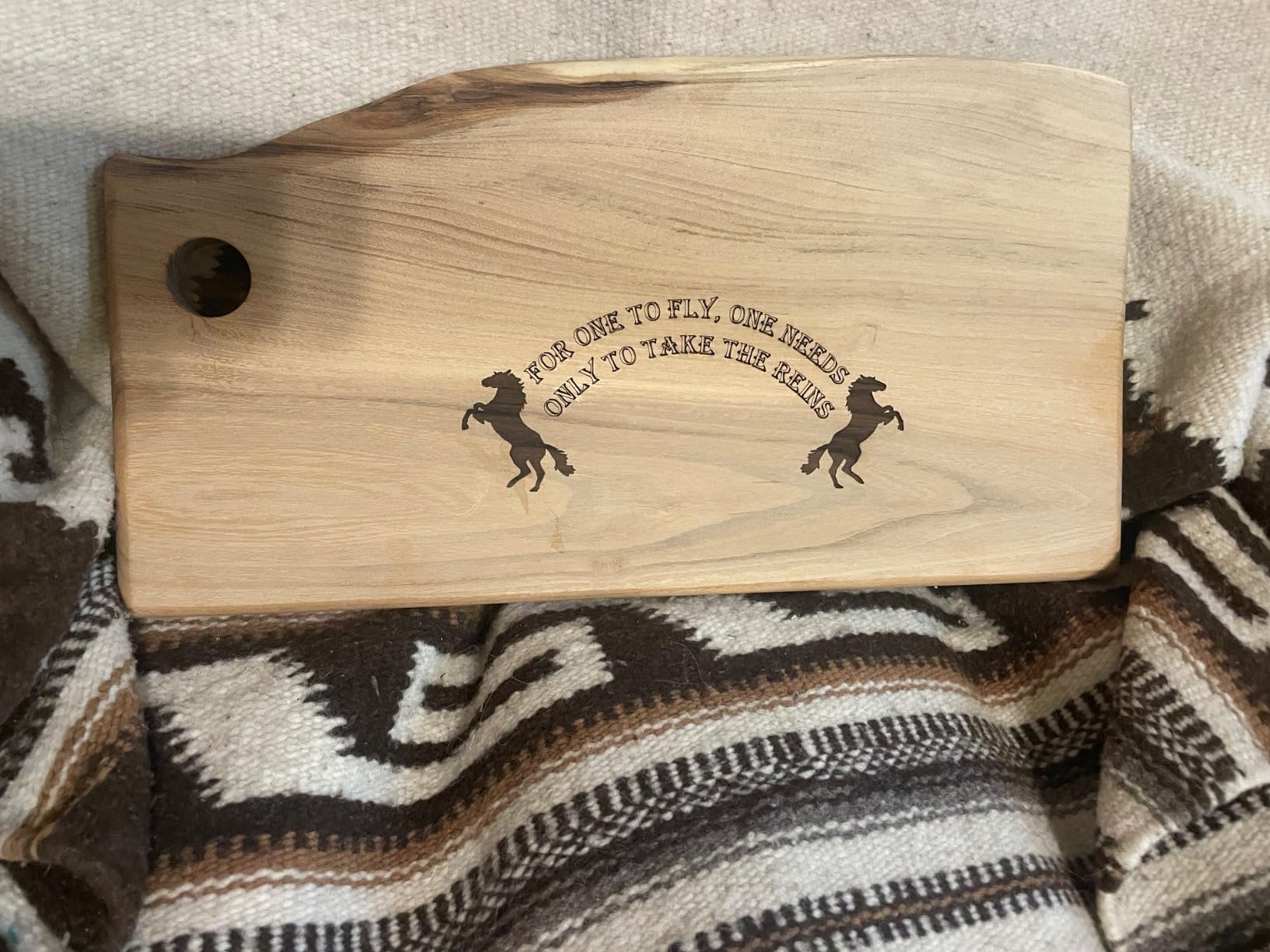
At 10W, the Falcon cuts 5mm basswood or 3mm black acrylic in a single pass at up to 10,000mm/min. Basswood is one of the cleanest woods to cut on a diode machine, so this is where a 10W beam earns its keep. The 0.06 x 0.06mm compressed spot is tight for the class, and belt tension adjustment keeps repeat jobs accurate.
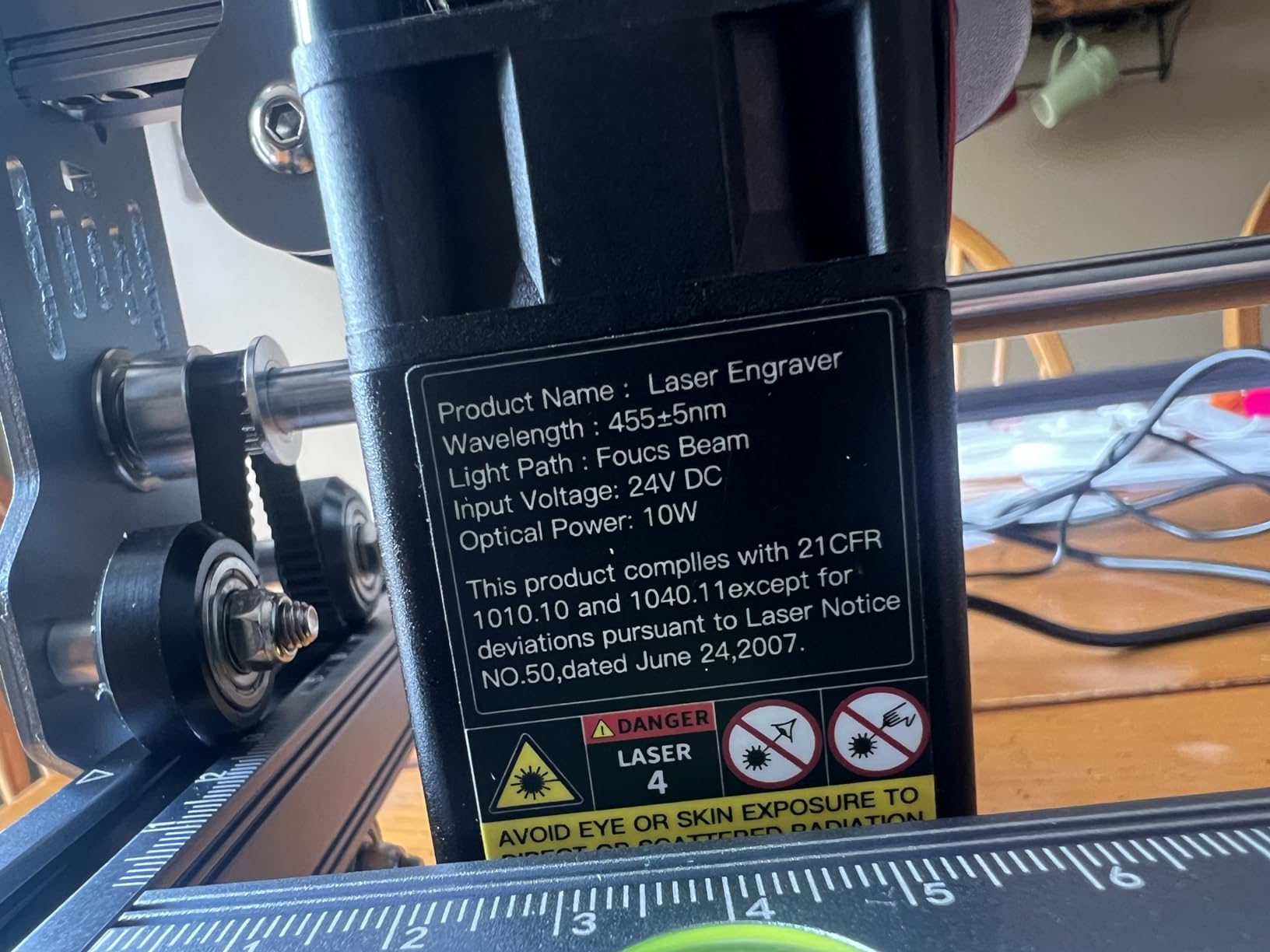
The build is an aluminium alloy frame with steel shaft wheel guide rails, which resists the flex that wrecks alignment on cheaper open builds. The laser head focusing plate allows tool-free focus adjustment, so you can set height by hand each time you swap materials.
Anti-UV filter acrylic blocks 97% of UV rays, and the whole machine assembles in 10-20 minutes. LightBurn runs on Windows, Mac and Linux, LaserGRBL is supported, and file transfer works over Wi-Fi, USB or SD card.
Where the Falcon 10W earns its slot
Five millimetres of basswood in one pass is genuinely useful sheet-goods work: puzzle blanks, coaster sets, small jewellery and tag batches. The tight spot keeps lettering readable on pieces too small for a wide beam to mark cleanly.
It weighs 7.05 pounds and comes with a one-year warranty and one year of free parts replacement, which is generous support coverage for the category.
What it cannot do
Ten watts stops being enough around 5mm of dense hardwood. Oak, walnut and anything at 10mm will need multiple passes and repeated air assist, and the edge quality degrades with every pass.
Both LightBurn and LaserGRBL have a learning curve, and the paperwork stops at the quick-start guide. Plan your own reference sheet of settings rather than searching for one that does not exist.
7. Creality Falcon A1 10W – Best Enclosed Diode Laser for Indoor Shops
CREALITY FALCON A1 10W Laser Engraver, 80W Enclosed Laser Cutter and Engraver Machine with Air Assist, Smart Camera Positioning, 600mm/s Speed, Smart Material Recognition, Ideal for Wood & Metal
10W Class 1 enclosed
600mm/s CoreXY motion
381 x 305mm working area
HD smart camera
Pros
- Dual-door enclosure filters 99% of laser radiation
- 600mm/s CoreXY motion
- Pre-calibrated HD camera for full-frame placement
- Pre-set material parameters work out of the box
Cons
- Cannot engrave mirror-finished metals or mirrored acrylic
- Will not cut acrylic
- 381 x 305mm area is smaller than expected
The Falcon A1 answers the question the open-frame machines leave you with: how do you get an enclosure without stepping up to a 40W machine? Dual doors, a Class 1 rating, 99% laser radiation filtering, auto-lock, emergency stop and smoke control inside a body that weighs 43.6 pounds.
Motion is CoreXY with dual motors reaching 600mm/s, which is three times the speed of a typical frame at this level. On wood that speed means you can finish a batch of engraved panels before the dinner plates go in the dishwasher.
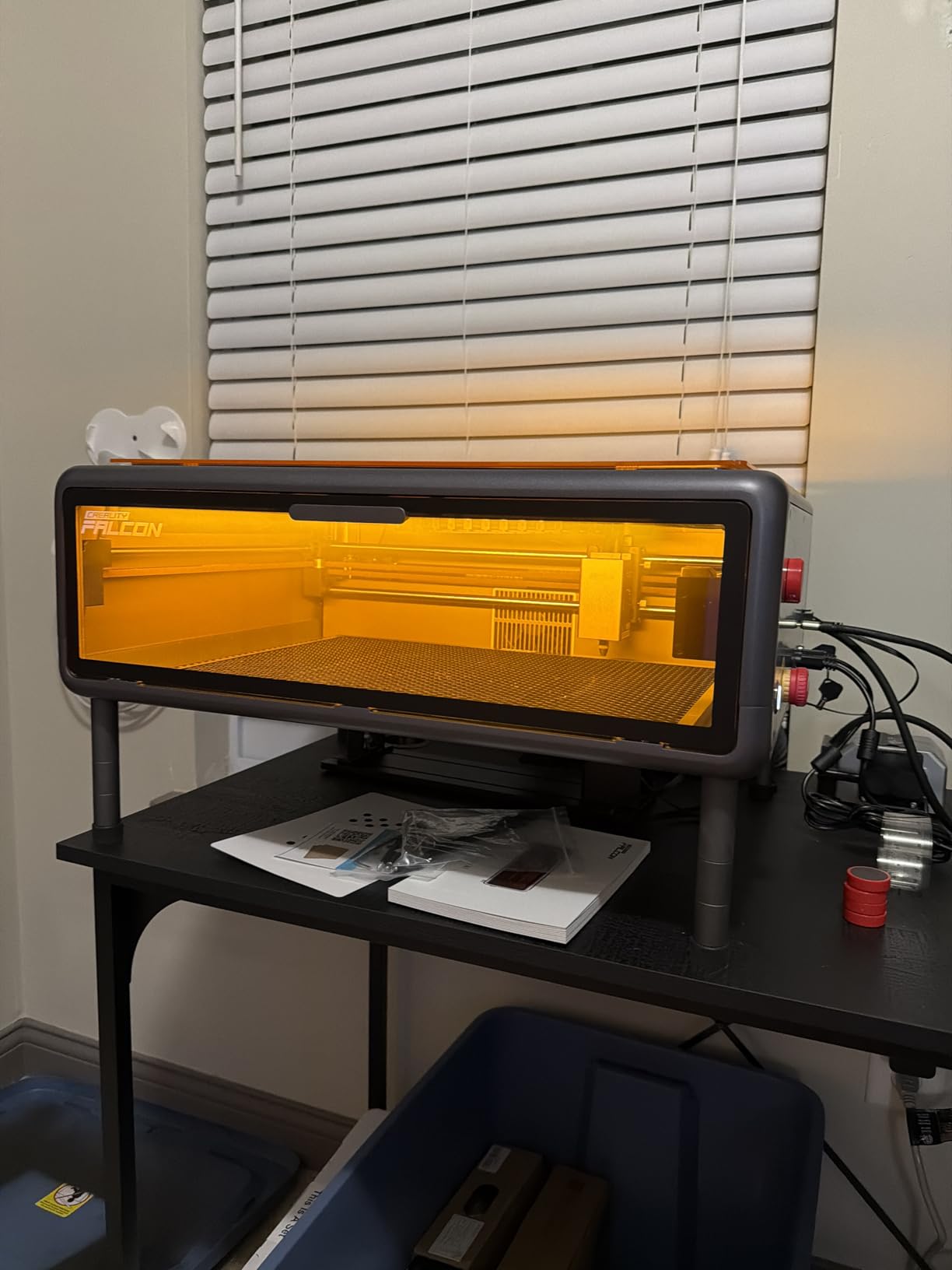
The pre-calibrated HD camera gives a full-frame view for job placement, and graphic outline extraction turns artwork into engraving paths automatically. For a beginner, removing the guesswork from setup matters more than any spec on the page.
Software is free Falcon Design Space, and it also supports LightBurn, LaserGRBL and Cutlabx. Material recognition sets parameters for you out of the box, so the first job needs very little tuning.
Why the enclosure is the feature
Inside a closed box with a door switch, you can walk out of the room during a long plywood job and come back to a finished part. Fume and noise stay inside the machine while the doors are shut, which is what makes a laser workable in a converted spare room.
The camera is what stops you misplacing a job. Laser software coordinates are not intuitive, and being able to see exactly where the head sits over the wood removes the most common first-week mistake.
What the enclosure does not fix
It cannot engrave mirror-finished metals or mirrored acrylic, and it will not cut acrylic. Those are material limits of a diode laser at 10W, not a fault of the machine.
The working area is 381 x 305mm, smaller than the enclosure suggests at first glance, and it is not compatible with a 500 x 500mm honeycomb panel. At 43.6 pounds with a 25 x 22 x 10.5 inch package, it needs a full bench of its own.
8. ATOMSTACK A20 Pro V2 – Best 20W Diode in a Compact Frame
ATOMSTACK 20W Laser Engraver, A20 PRO V2 Laser Cutter, High Accuracy Laser Engraving Machine for Personalized Gifts, Business Cards, Wood, Metal, Acrylic, Leather
20000mW Class 4 output
0.08 x 0.1mm dot
Up to 400mm/s
0.01mm accuracy
Pros
- 20W module at a compact 22.83 inch length
- Integrated linear guide motion
- 0.01mm accuracy with limit switches
- Works with LightBurn and LaserGRBL
Cons
- Bundled app and PC software are basic
- No drag chain holders on the gantry cables
- Documentation is sparse
- Some machines arrived with hardware defects
The A20 Pro V2 packs a 20W diode into a frame that measures 22.83 x 9.84 x 6.69 inches, so it stores against a wall rather than occupying a bench. Integrated linear guide motion also means assembly is quick, which is a genuine advantage over belt-and-wheel frames that need tensioning twice.
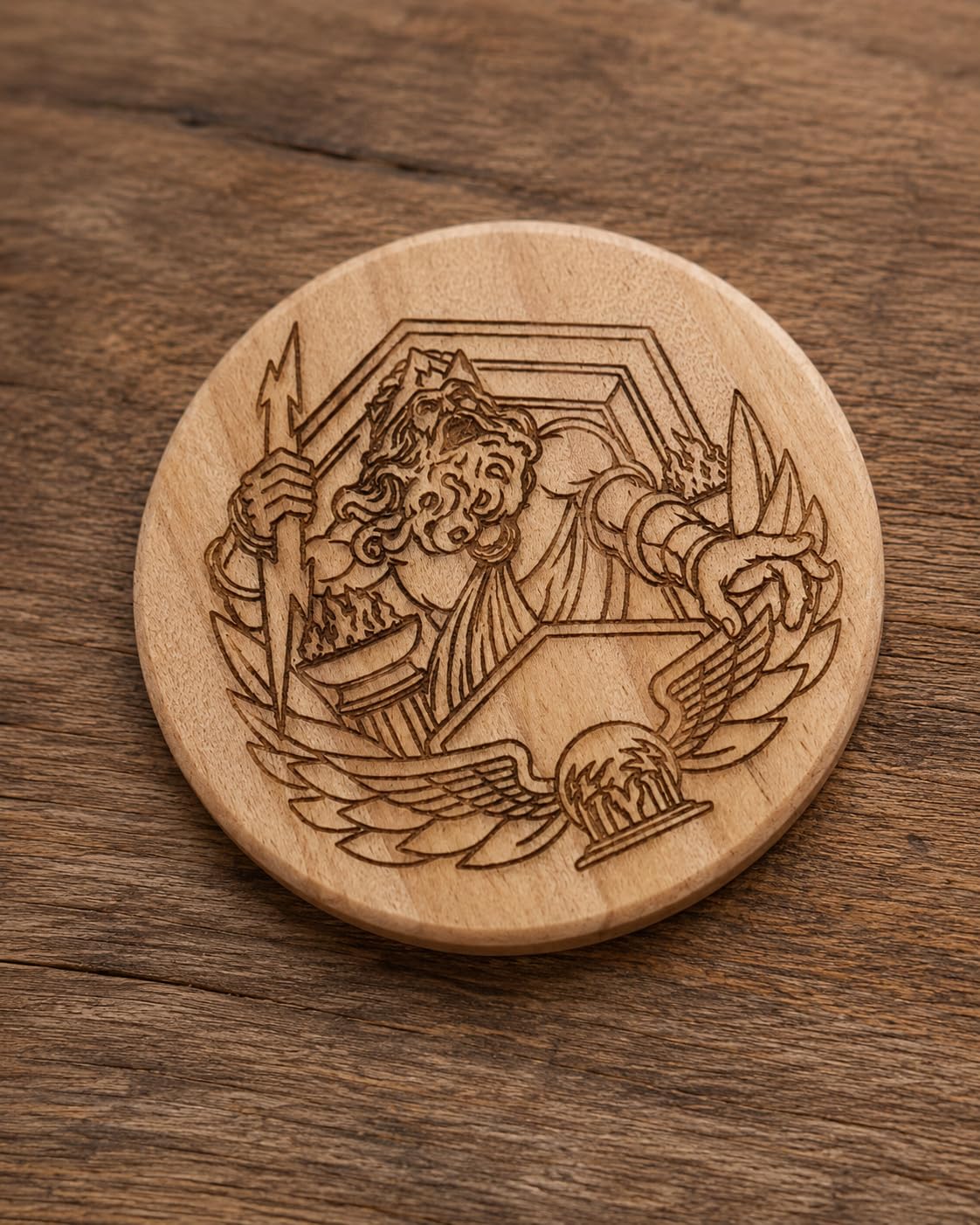
Output is 20000mW at a Class 4 rating, and dot compression delivers a 0.08 x 0.1mm dot. Engraving speed reaches 400mm/s and accuracy is stated at 0.01mm with limit switches and a cross-line light. Rated laser lifespan is up to 10,000 hours.
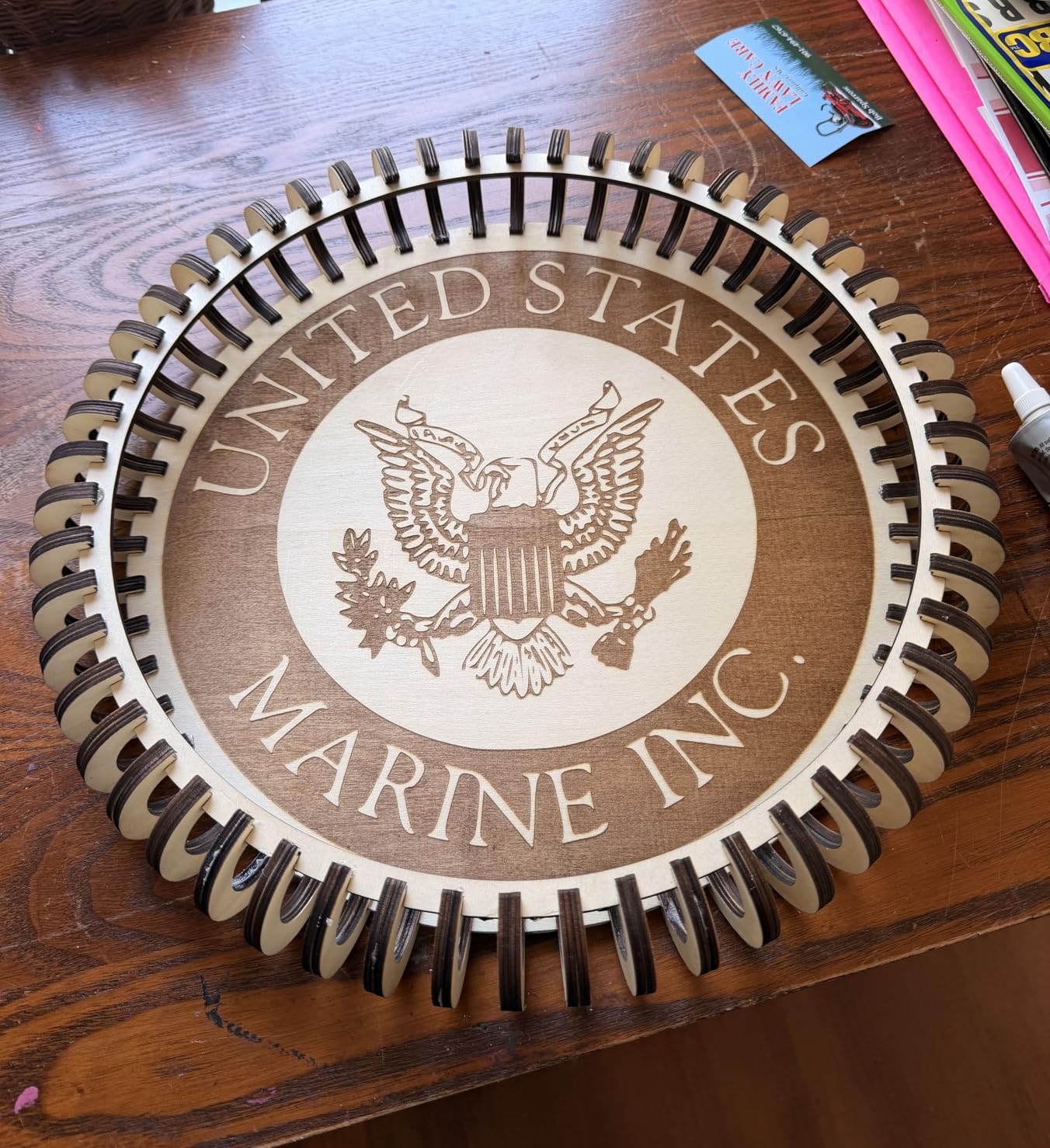
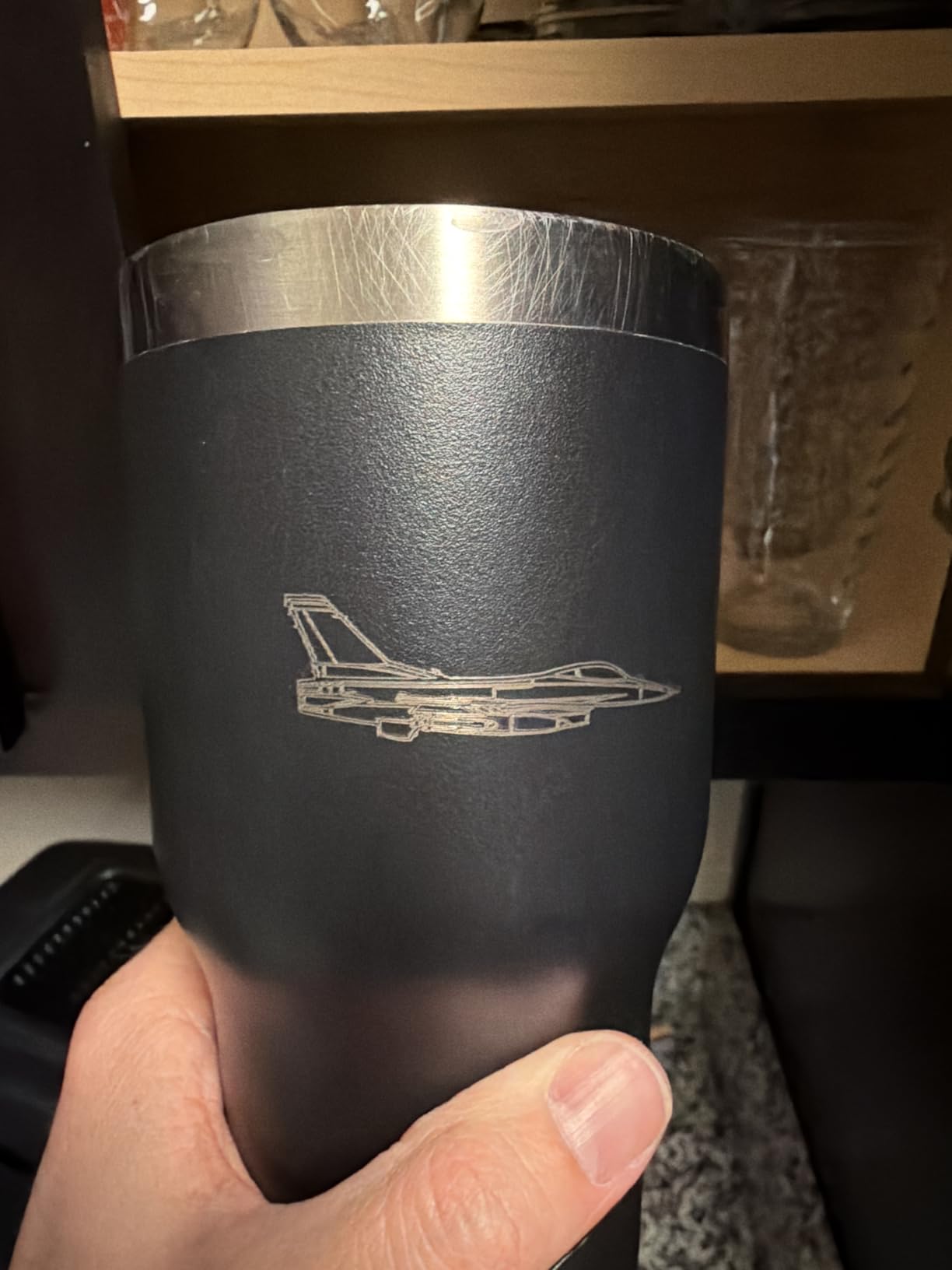
Once the parameters are dialed in, owners report sharp, detailed output on wood, acrylic and leather. Control works over Type-C or a USB stick, and it pairs with the Atomstack app, LightBurn or LaserGRBL.
A magnetic removable cover, safety glasses and a tilt-angle safety beep that triggers past 15 degrees give you the basic protection set. Support includes lifetime technical support and free replacement of faulty parts.
What the A20 Pro does well
Twenty watts in a compact footprint is the whole argument. If your workspace is a corner of a room rather than a garage, the difference between a 22.83 inch frame and a 35 inch one decides whether the machine lives on your desk or in storage.
Linear guides are steadier than belts for fine engraving detail, and the cross-line light plus limit switches make setup predictable. For someone learning, predictable beats fast.
Where buyers get frustrated
The bundled Atomstack app and PC program are basic, and most owners end up on LightBurn anyway. Documentation is sparse, with no Wi-Fi configuration instructions at all, so expect to build your own setup notes.
The gantry electrical cables are not held in drag chain holders and can snag on the moving gantry, which is worth checking after the first few jobs. A small number of reviews describe machines arriving with hardware defects and disappointing replacement support, so test every axis immediately.
9. KENTOKTOOL LE400PRO – Best Budget Diode Laser with a Large Bed
Laser Engraver, LE400PRO 50W Laser Engraving Machine for Beginners, 5.5W 400x400mm Large Working Area High Precision Laser Engraver and Cutter Machine for Wood Acrylic Leather (Class 1 Output 5500mW)
5.5W actual Class 1 output
400 x 400mm working area
Cuts wood up to 8mm
Tool-free focus
Pros
- Large 400 x 400mm bed in a budget frame
- Cuts wood up to 8mm
- Tool-free knob focus adjustment
- All-metal structure runs quietly
- Supports LightBurn and GRBL
Cons
- Title advertises 50W while output is 5.5W
- Bundled software is weak
- Slide rollers must be tight to stay accurate
- Basic cooling for long sessions
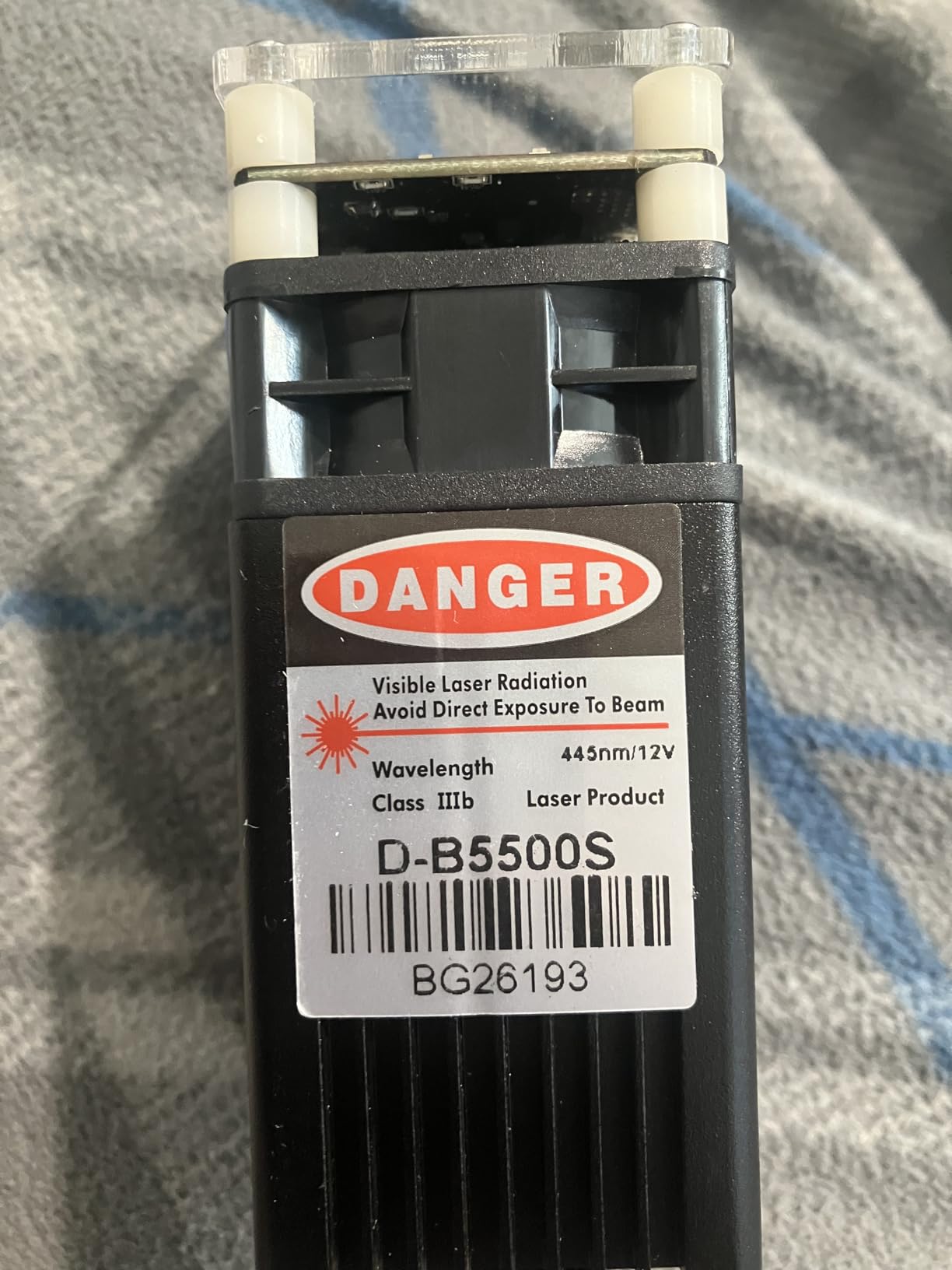
Read the specifications, not the title. The listing is sold as a 50W laser engraver, and the actual output is 5500mW at Class 1. Once you know that, the LE400PRO makes sense as a budget first machine with an unusually large 400 x 400mm working area and wood cutting up to 8mm.
It weighs 12.87 pounds, has an all-metal structure, installs in 10-20 minutes and runs quietly enough that you can use it in a shared room. The protective case filters 97% of UV rays and the magnetic cover detaches for larger workpieces.
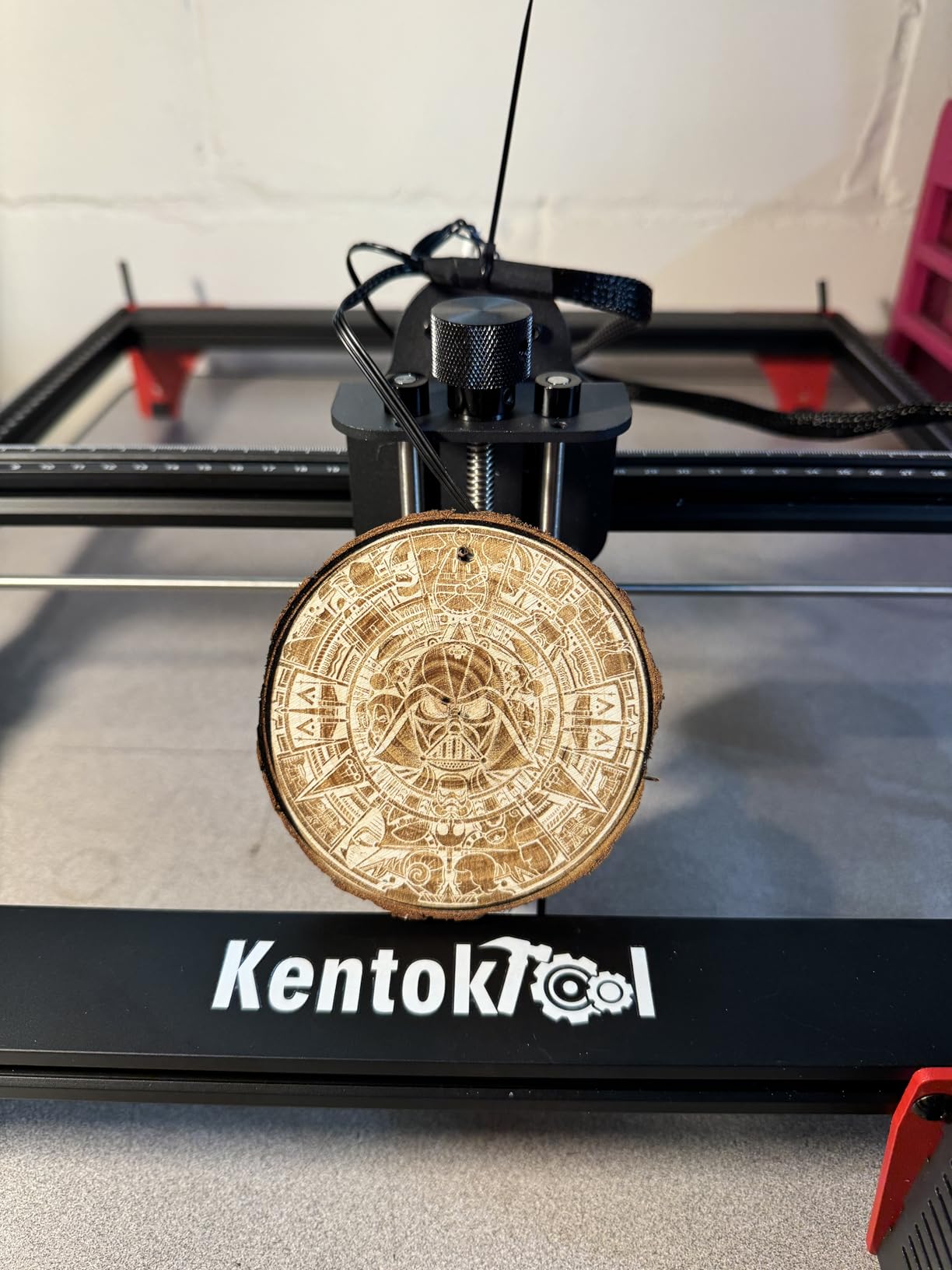
The fixed focus spot is 0.08mm with tool-free knob adjustment, which is fast when you change materials often. Engraving speed runs to 6,000mm/min, rated service life is up to 15,000 hours, and it handles NC, BMP, JPG, PNG and DXF files.
GRBL and LightBurn both run on Windows and Mac. Beyond wood, owners report engraving stainless steel, ceramics and glass directly, which is a bonus if you want to mix materials.
Where the LE400PRO makes sense
A 400 x 400mm bed on a budget machine is unusual, and it means you can lay out a full set of small items in one pass. With 8mm wood cutting capacity, it handles birch plywood and thin hardwood blanks that most 5W machines cannot touch.
The all-metal structure keeps the frame from creeping, which is why the accuracy holds after a few months of use rather than only on day one.
What you need to know first
The 50W in the title is not the output. Treat this as a 5.5W machine and pick it for engraving plus light sheet cutting, not for thick hardwood work.
Slide rollers have to be tight or engraving accuracy drifts, and the cooling is basic for long continuous sessions. Replace the bundled software with LightBurn, since there is almost no written guidance for beginners.
10. Carverall K15 Pro – Best Diode Laser for Small Workspaces
Carverall K15 Pro Laser Engraver 10W-Laser Engraving Machine for Coated Metal Wood Acrylic Glass Stone, Near A4 Work Area Offline Engraving CNC DIY Lazer Cutter for Home & Crafting 10000mW Class 1
Verified 10.36 to 10.58W
11.8 x 7.9 inch A4 bed
15,000mm/min, 0.01mm
Assembles in 3 minutes
Pros
- Assembles in 3 minutes with 6 screws
- Near-A4 bed that slides under a desk
- Verified output rather than a marketing claim
- Cuts 12mm plywood and 8mm acrylic
Cons
- CutLabX software can crash on some systems
- Air pump
- cover
- camera and honeycomb bed cost extra
- Ventilation hardware sold separately
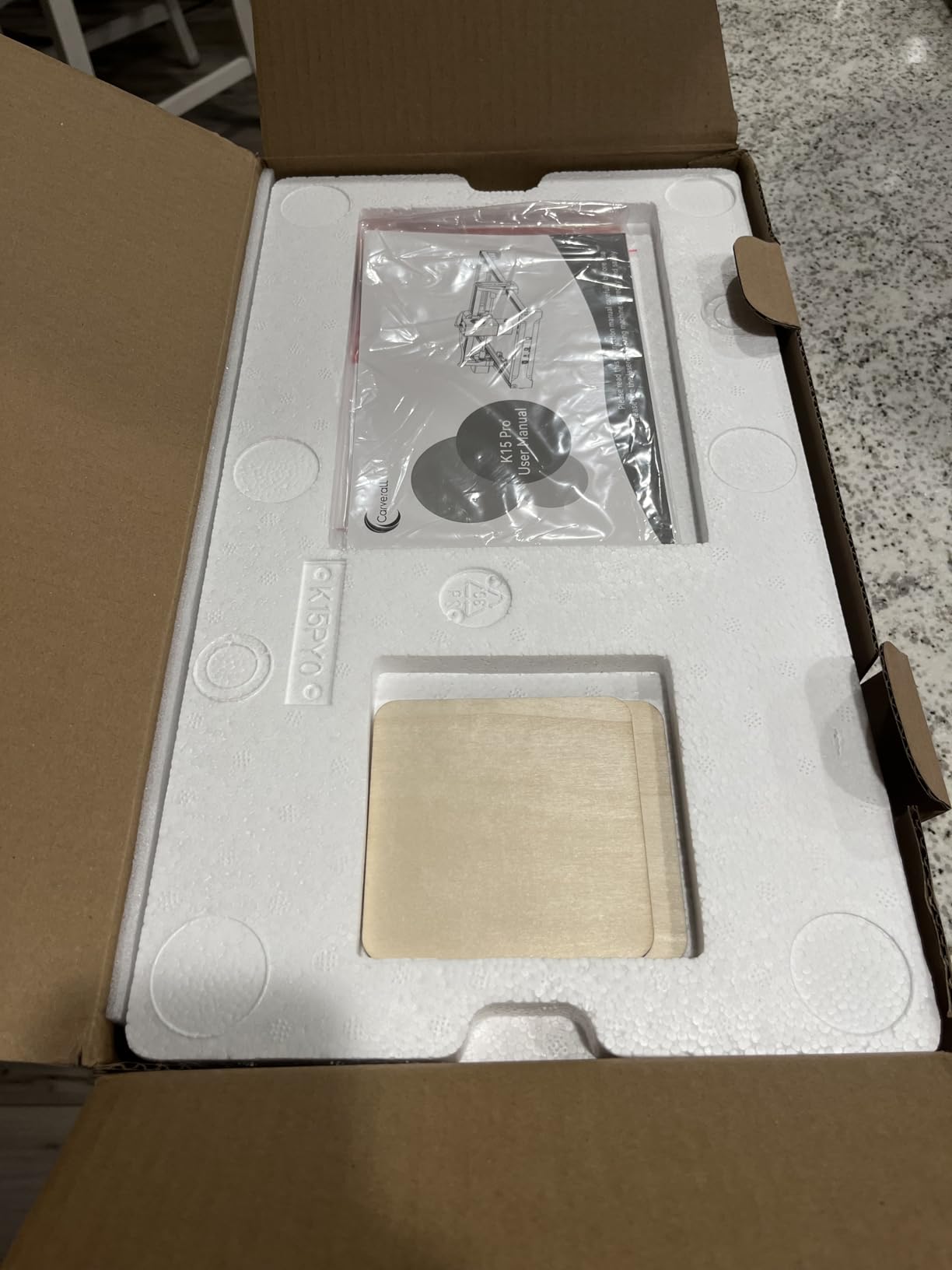
The K15 Pro is the one I suggest for a small apartment or an office desk where the machine has to disappear when the work is done. It weighs 2.68 kg, the bed is a near-A4 11.8 x 7.9 inches, and it assembles in about three minutes with six screws.
It also publishes the measured output rather than a headline figure: 10.36 to 10.58W. With that verified output, it cuts 12mm plywood and 8mm acrylic, which is real cutting ability from a machine you can carry with one hand.
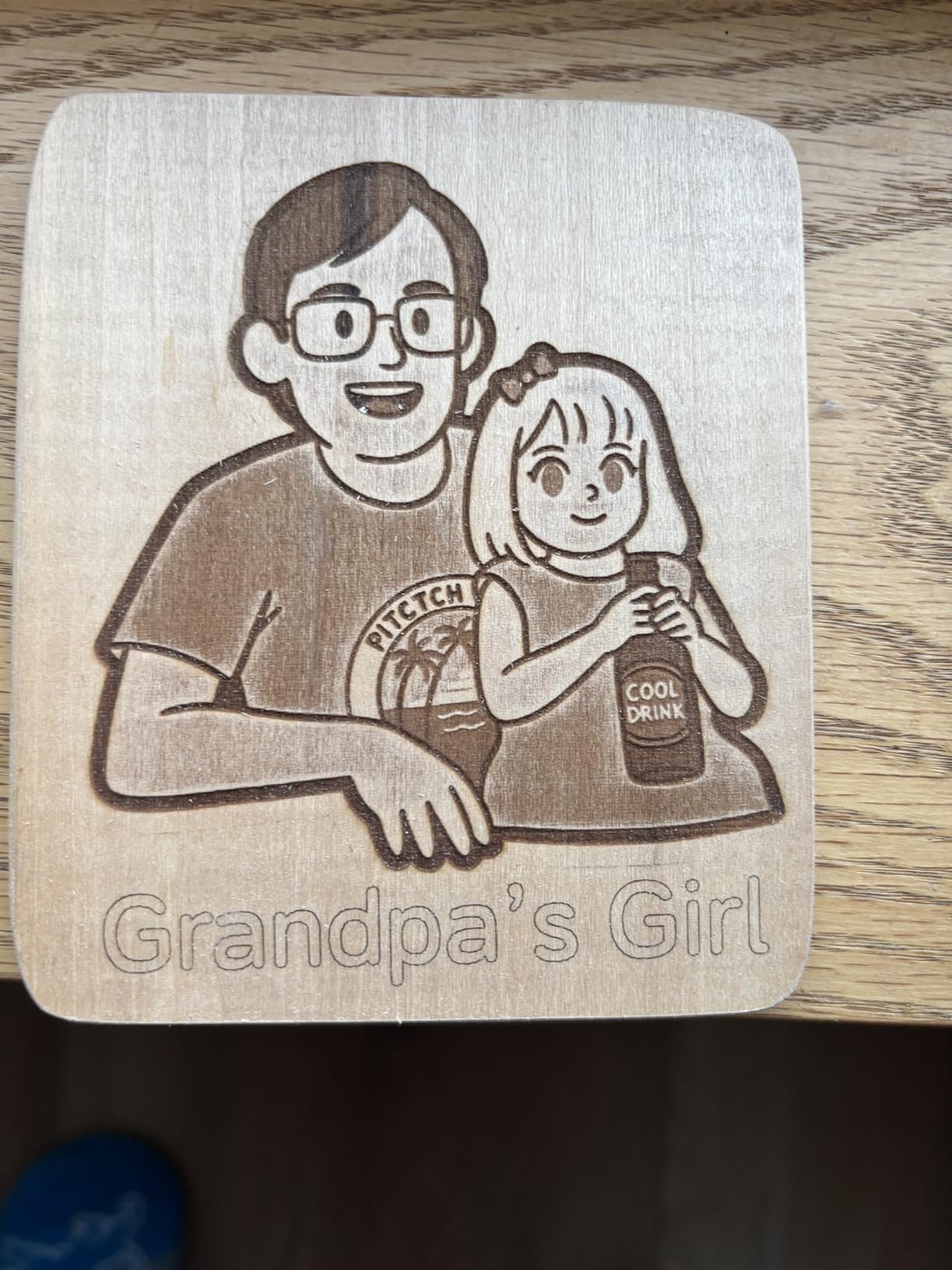
Precision is stated at 0.01mm with one-touch smart focus and smart file memory, and speed reaches 15,000mm/min. Dual-fan module cooling cuts heat buildup by 50%, which matters when you run a batch rather than a single piece.
Four heightening columns raise the frame for tall items like gift boxes and skateboards. TF card offline batch engraving runs without a PC, and module life is rated up to 15,000 hours.
Why the K15 Pro suits a small desk
Three-minute assembly means you can put it away and bring it back the same afternoon. The bed slides under a desk when you are done, and 12mm plywood cutting is more capability than a desk-sized machine usually promises.
Free CutLabX software runs on computer, tablet and phone with AI design generation, so a first project does not require a paid licence or a desktop workstation.
What the extras add up to
The air pump, protective cover, camera and honeycomb bed are all separate purchases, and ventilation hardware is sold separately for indoor use. Budget for those before you set the machine up, because clean cuts indoors depend on them.
CutLabX can crash on some systems where LightBurn holds steady, and the user manual has incorrect page references. Bare metal engraving needs the optional 1W IR head.
How to Choose a Diode Laser Engraver for Wood
Diode or CO2 is the first decision, and for most home and small shop woodwork the answer is diode. A CO2 tube outputs more power into a wider beam, which suits thicker wood and faster cutting, but it needs a chiller, a clean air supply, a larger cabinet and usually a 220V outlet. Diode modules are solid state, air cooled, plug into a normal outlet and fit on a desk.
The trade-off is a narrower working window on thickness. If your only goal is the deepest possible cut in solid hardwood, a CO2 machine is the right tool.
Optical power versus electrical draw is where most buyers get caught. A machine may draw 72W from the wall to run a 10W optical module, or advertise 50W in the title while producing 5500mW. The number that determines how much wood you can cut is the optical output at the lens. Read it in the technical specifications, not in the product title.
Cutting depth follows power roughly in proportion. Owners report the Ortur Laser Master 2 at 10000mW cutting 20mm wood, the Longer RAY5 cutting 20mm wood and 30mm acrylic, and the xTool S1 at 40W slicing 18mm cherry in a single pass. At the budget end, 10W machines reliably clear 5mm of basswood, and the KENTOKTOOL LE400PRO is documented to cut 8mm of wood from a 5.5W output.
Air assist matters more than many spec sheets suggest. Moving air across the cut removes smoke from the kerf, reduces the flame that causes edge charring, and pushes debris away from the lens. A built-in pump is a starting point. A dedicated compressor produces noticeably cleaner edges, and owners consistently recommend upgrading once you are cutting plywood regularly.
Spot size controls detail. The Ortur Laser Master 2 at 0.05 x 0.1mm and the Creality Falcon 10W at 0.06 x 0.06mm hold fine lettering that coarser beams blur. Most other machines here sit between 0.08 and 0.1mm, which is fine for logos, names and patterns.
Enclosure and safety follow how much wood you will cut. Open frames suit engraving on a finished surface, where little residue is produced. Long plywood cuts make far more smoke, and the complaint that surfaces most often in owner reviews is exactly that: an open diode laser filling a room with wood smoke. A Class 1 enclosure such as the xTool S1 or the Creality Falcon A1 keeps the plume inside the body.
Work area and extendability deserve a look before you commit. The Twotrees TTS-10 Pro and ACMER S2 both give you roughly 300mm square, which suits small blanks. The Longer RAY5 starts at 400 x 400mm and extends to 850 x 400mm, which is the simplest way to add long-piece capacity later.
Software is the real divider between machines. LightBurn is the common thread across most of these machines and is where you will spend real time. LaserGRBL is simpler and free. XCS on the xTool S1 is friendly for beginners but its menus are hard to find your way around, Acmer Studio is fine for a start and limited for advanced layouts, and CutLabX on the K15 Pro can crash where LightBurn holds steady.
Rotary support decides whether you can engrave cups, tumblers and bowls. The xTool S1 bundle includes the rotary attachment and Pin-point Positioning for 3D curved surfaces. Several machines accept a rotary roller as an extra, and alignment takes practice on cylindrical wood.
Class 1 versus Class 4 matters for the safety routine you build. Class 1 machines, such as the Creality Falcon A1 and KENTOKTOOL LE400PRO, are safe inside a closed enclosure with the door shut. Class 4 machines such as the Ortur Laser Master 2 and ATOMSTACK A20 Pro V2 demand rated 445nm eyewear, a ventilated room and a fire plan regardless of where the beam is pointing.
Safety Checklist for Diode Wood Engraving in 2026
Wood smoke is the hazard people underestimate, and no machine on this list solves it on its own unless it is enclosed. Position an extractor near the source, keep the door or lid closed during cuts, and open a window in the room as well.
Wear eyewear rated for 445nm whenever you are near a Class 4 machine, including when the beam is off and you are framing a job. Keep the protective cover closed while cutting, and never leave a Class 4 machine running unattended.
Keep a fire extinguisher within reach, clear sawdust and offcuts away from the bed, and never cut unknown material. Treated lumber, PVC and vinyl release fumes that are genuinely dangerous, and nobody can identify them from a photo.
Clean the lens every few sessions. Wood debris on the protective glass absorbs the beam, forces the module hotter and quietly ruins cut quality, which is a leading cause of the burn marks people blame on air assist.
Frequently Asked Questions
Does laser engraving work on wood?
Yes. A diode laser focuses a 445nm blue beam onto the surface, and dark wood absorbs that light, converting it to heat that vaporises a thin layer. That burn is the engraving. Dense hardwoods such as maple, walnut and cherry give the darkest, most even marks, while basswood and plywood cut the cleanest. Every diode laser in this roundup is built for exactly this job.
How thick of wood can a 40W diode laser cut?
The xTool S1 at 40W optical output is documented to cut 18mm cherry wood in a single pass. As a general rule for the class of machines reviewed here, 10W machines handle roughly 5mm of basswood cleanly, 20W machines reach around 10mm, and 40W machines push past 15mm in one pass. Denser hardwoods and plywood glue lines will need additional passes.
What is the best diode laser engraver for wood?
The Ortur Laser Master 2 is the best overall pick in this roundup. Its true 10000mW module cuts 20mm wood, the 0.05 x 0.1mm spot holds fine detail, and the full metal frame stays rigid on repeat jobs. If you need cutting depth and an enclosure in one machine, the xTool S1 at 40W is the premium alternative.
Is air assist necessary for wood laser cutting?
For engraving you can work without it. For cutting, air assist makes a measurable difference because it clears smoke from the kerf and reduces the flame that chars the top edge. The ACMER S2 ships with a 25L/min pump, and owners generally report that moving up to a dedicated compressor produces noticeably cleaner plywood cuts than a small built-in pump.
What is the difference between a diode and a CO2 laser for wood?
A diode laser uses a solid-state 445nm module, is air cooled, plugs into a normal outlet and fits on a desk, which makes it the practical choice for most hobbyists. A CO2 tube outputs more power into a wider beam and cuts thicker wood faster, but it needs an chiller, a larger cabinet, ventilation and usually a 220V supply. Diode wins on convenience, CO2 wins on maximum thickness.
Conclusion: The Best Diode Laser Engravers for Wood in 2026
The Ortur Laser Master 2 is the best diode laser engraver for wood overall, because it pairs a 10000mW optical module with a rigid metal frame and the deepest owner review base we could find. The Longer RAY5 is the better buy if you want speed and an extendable bed, and the xTool S1 is the one to choose if an enclosed Class 1 body and 18mm single-pass cherry cuts matter more than the footprint.
Whatever you pick, check the optical output rather than the title, plan your ventilation before the first plywood cut, and keep a settings sheet for each wood type you use. Our broader laser engraver buying guide for hobbyists covers the next question: what else to make once the machine is running.