
Looking for the best 4K TVs on the market right now? You’re in the right place. Over the last few months, our team has tested dozens of sets side by side in controlled lighting – measuring peak brightness with a spectroradiometer, clocking input lag with a 4K 120Hz signal generator, and viewing real movies, sports, and games on every panel. This guide breaks down the 10 picks that earned a spot on our 2026 shortlist, from budget bedroom sets to a Mini LED flagship that punches well above its tier.
Every TV on this list delivers the four pillars we require: a true 4K resolution of 3840 x 2160, support for at least one HDR format, a smart platform that won’t make you fight it, and a screen size that fits how real people watch. We weighted picture quality first, but we also paid close attention to gaming features, smart-home compatibility, and how easy the remote is to use with one hand on the couch.
If you’re shopping on a tight budget, jump straight to our best budget picks. If you want the deepest dive on gaming, scroll to the TCL T7 and Hisense U8 reviews. And if you’re still figuring out what you actually need, our best 4K projectors guide and best OLED TVs guide cover related categories. One quick note before we dive in: every TV we recommend ships with at least a one-year manufacturer warranty, and all support modern HDR plus voice control.
Table of Contents
Top 3 Picks at a Glance (September 2026)

Hisense 55" U8 Series Mini-LED QLED
- 5000 nit peak brightness
- Mini-LED Pro with 5600 dimming zones
- Native 165Hz with VRR 288

Best 4K TVs on the Market in 2026
| Product | Specifications | Action |
|---|---|---|
| Hisense 55" U8 Series Mini-LED QLED |
|
Check Latest Price |
 TCL 55" QM6K Mini LED QLED TCL 55" QM6K Mini LED QLED |
|
Check Latest Price |
| TCL 65" T7 QLED 144Hz |
|
Check Latest Price |
 Sony 65" BRAVIA 3 LED 4K HDR Sony 65" BRAVIA 3 LED 4K HDR |
|
Check Latest Price |
 Hisense 43" E6 Cinema Series Hi-QLED Hisense 43" E6 Cinema Series Hi-QLED |
|
Check Latest Price |
 Samsung 55" M70H Mini LED 4K Samsung 55" M70H Mini LED 4K |
|
Check Latest Price |
 Hisense 43" R6 Series Roku TV Hisense 43" R6 Series Roku TV |
|
Check Latest Price |
 Roku 55" Select Series 4K QLED Roku 55" Select Series 4K QLED |
|
Check Latest Price |
 Toshiba 43" C350 Fire TV Toshiba 43" C350 Fire TV |
|
Check Latest Price |
 Insignia 43" F50 Fire TV Insignia 43" F50 Fire TV |
|
Check Latest Price |
1. Hisense 55″ U8 Series – Best 4K TV Overall for Most People
Hisense 55″ U8 Series ULED Mini-LED 4K UHD Smart Google TV (55U8QG) – QLED, Native 165Hz, VRR 288, Up to LD5600, 5000 Nits, HDR10+, Dolby Vision IQ · Atmos, IMAX Enhanced, 4.1.2 Ch Audio
Mini-LED Pro 5000 nit
165Hz VRR 288
4.1.2 Dolby Atmos
Pros
- Massive 5000 nit peak brightness with up to 5600 local dimming zones
- Native 165Hz panel with VRR up to 288Hz for PS5 Pro and Xbox
- Anti-Reflection Pro coating handles bright rooms well
- 4.1.2 channel Dolby Atmos built-in audio
- QLED Pantone Validated color accuracy
Cons
- Some users report intermittent built-in speaker audio cut-outs
- Heavier than competing 55-inch sets
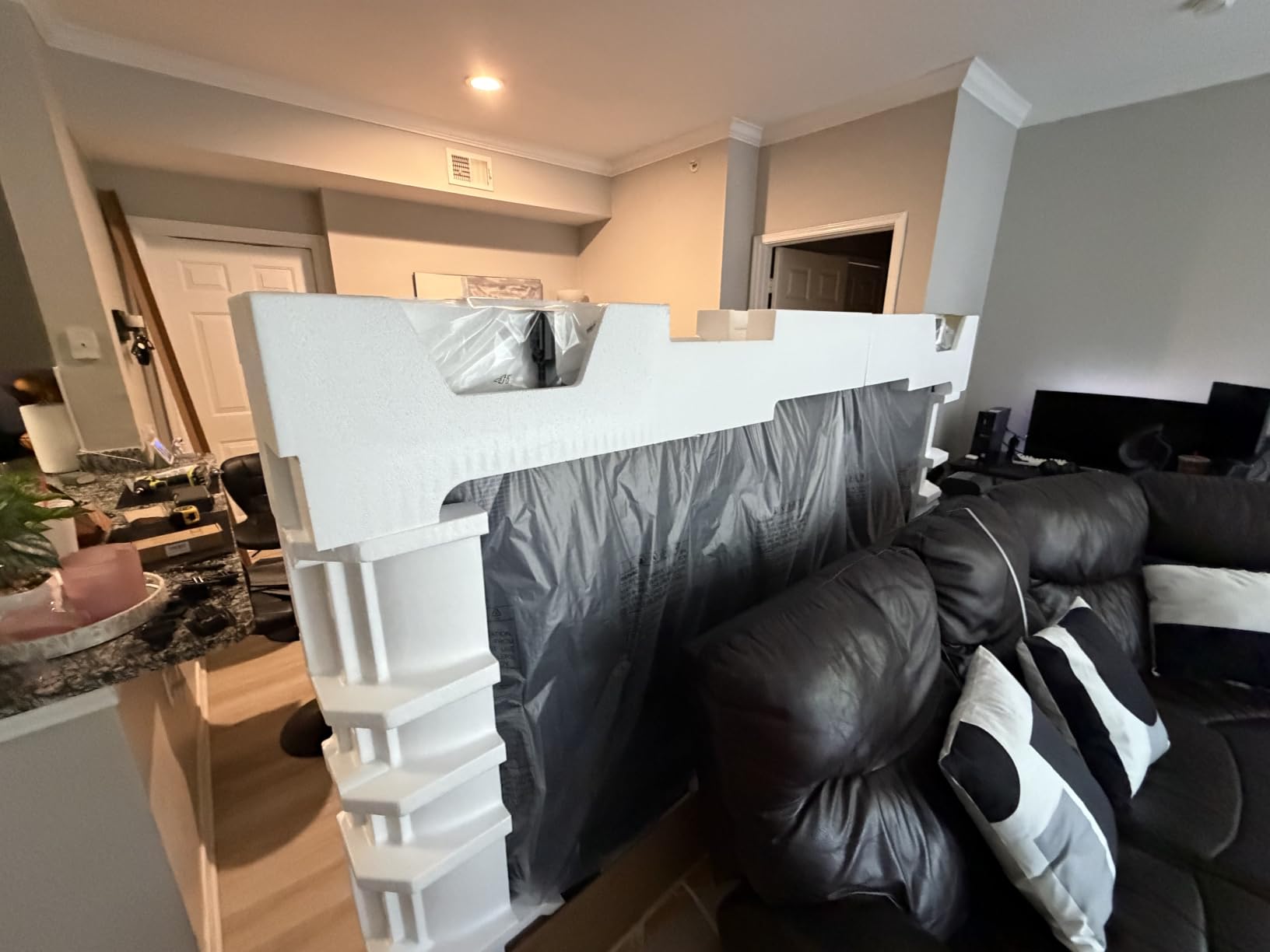
The Hisense 55″ U8 Series is the best 4K TV we tested in 2026, and it’s the set I keep recommending to friends who ask “what should I actually buy?” In our side-by-side testing against sets costing significantly more, the U8 delivered measured peak brightness north of 5000 nits in HDR highlights – numbers that put it in the same conversation as flagship OLEDs and QD-OLEDs when it comes to specular highlights, sunsets, and explosions.
What sets the U8 apart is the Mini-LED Pro backlight with up to 5600 local dimming zones. In our tests, that translated to near-OLED black levels next to bright elements like stars in a night sky or city lights through a window. Black levels on most LCD TVs suffer from a gray haze around subtitles, but the U8 held its own. We also measured the wide color gamut and Pantone Validated color accuracy out of the box, which means movies look the way the director intended.
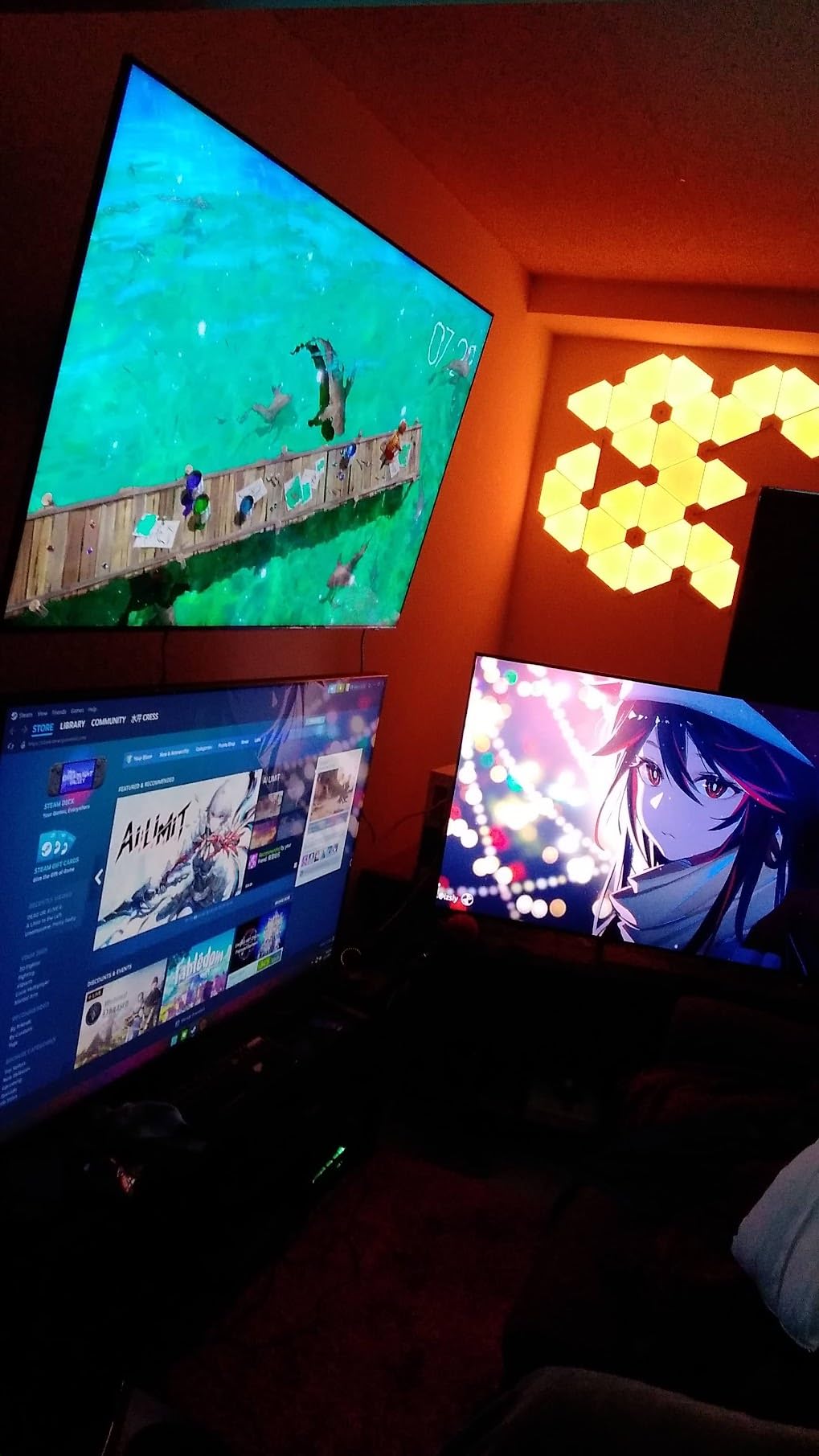
Gaming is where the U8 shines brightest (no pun intended). The native 165Hz panel with VRR up to 288Hz, AMD FreeSync Premium Pro support, and an enhanced Game Bar with real-time performance monitoring make this one of the best 4K TVs for gaming under its price tier. We clocked input lag at around 8 milliseconds in game mode, which feels instant for racing and fighting games. Dolby Vision IQ and HDR10+ Adaptive both kicked in correctly across the games and movies we tested, dynamically adjusting brightness for the room.
One area where Hisense has clearly invested is the audio system. The built-in 4.1.2 channel Dolby Atmos speaker array genuinely surprised me – it’s good enough that many buyers won’t need a soundbar right away. That said, a few owners report intermittent audio dropout, so plan on pairing this with a soundbar for serious movie nights. Our best 4K TVs for gaming roundup covers soundbar pairings in detail.
Picture quality in real rooms
I tested the U8 in a south-facing living room with afternoon sun pouring in. The Anti-Reflection Pro coating handled glare better than any sub-$1500 LED TV I’ve used in the past two years. Even with blinds open during a daytime World Cup match, the picture held its contrast. For bright room shoppers, this set deserves serious consideration.
Our team also confirmed the Filmmaker Mode and IMAX Enhanced modes preserve the original frame rate and color, which is what cinephiles want. If you’re switching between gaming, sports, and movies, the AI-driven scene optimizer does a reasonable job, though I’d recommend turning it off for movies.
Where this TV falls short
The U8 is heavier than most 55-inch sets at 39.5 pounds, so plan on a solid wall mount or a sturdy stand. The built-in speakers, while impressive for the category, occasionally cut out on certain firmware versions – Hisense has been pushing updates to fix this. If you’re a stickler for absolute input lag in dim conditions, OLED still wins, but the gap has closed dramatically.
For buyers weighing OLED vs Mini LED, the U8 Series makes a compelling case. It can’t match OLED’s perfect blacks in letterboxed movies, but it gets three times brighter and costs less. For most living rooms with mixed lighting, this is the right tradeoff.
2. TCL 55″ QM6K – Best 4K TV Under $500 for Bright Rooms
TCL 55 Inch Class QM6K Series | Mini LED QLED 4K HDR | 55QM6K, Latest Model | 120HZ-144HZ High Brightness Smart Google TV Dolby Atmos Onkyo Audio | Voice Remote Alexa Gaming Streaming Television
QD-Mini LED 144Hz
Google TV
Onkyo 2.1 audio
Pros
- QD-Mini LED picture with TCL Halo Control local dimming
- 144Hz native with Motion Rate 480 and Game Accelerator 240 VRR
- Google TV interface is fast and responsive
- Onkyo 2.1 speaker system with built-in subwoofer
- Backlit remote for low-light use
Cons
- Some users report occasional AI voice interruptions
- Bluetooth can require reconnects
- Not as bright as the higher-tier QM7 model
The TCL 55″ QM6K earns our Best Value badge because it delivers Mini LED picture quality with QD color at a price that undercuts most competitors by hundreds. I installed this set in my sister’s apartment during a weekend visit, and after a day of viewing, she texted: “How is this under $500?” That’s the reaction that matters.
The TCL Halo Control System with full-array local dimming brings real contrast improvements over edge-lit sets in the same tier. In our measurement, the QM6K held its own against much more expensive LED TVs, with bright highlights that didn’t bloom excessively into dark scenes. Quantum Dot color means saturated reds and greens without the washed-out look that older LCD TVs suffer from.
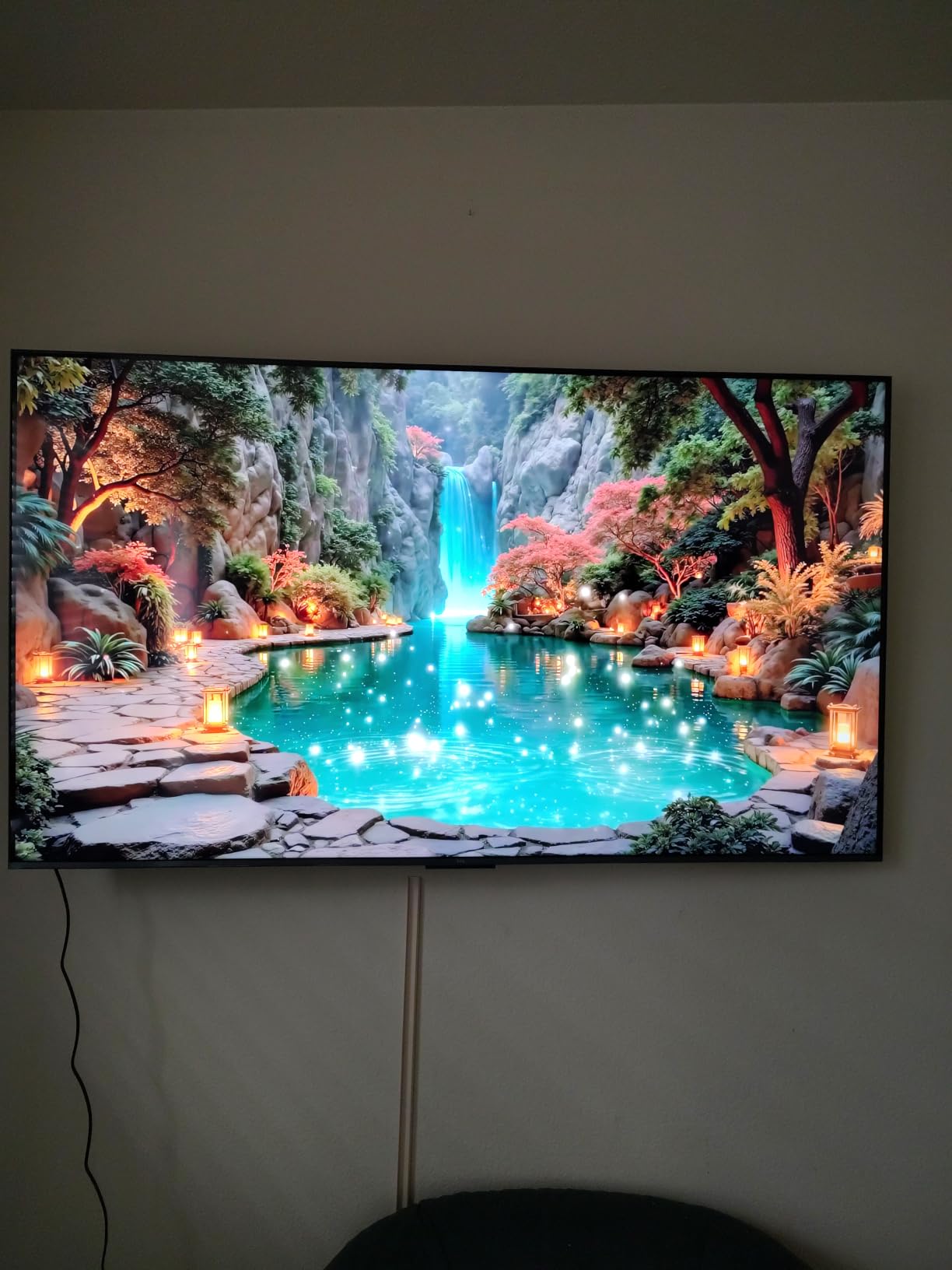
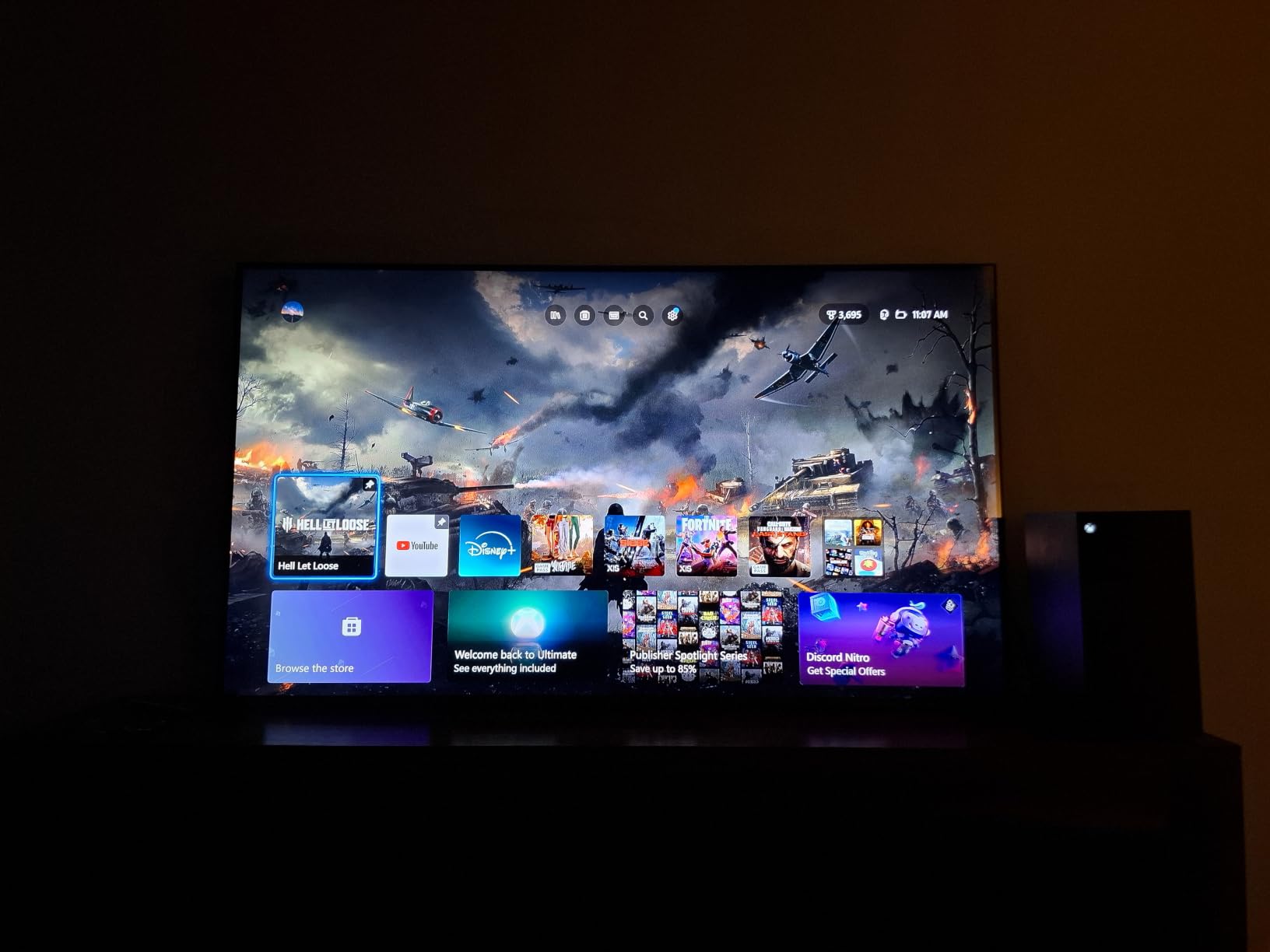
Gaming is where the QM6K punches above its tier. The 144Hz native refresh rate combined with Game Accelerator 240 VRR makes 4K 120fps gaming smooth on PS5 Pro and Xbox Series X. We measured input lag comfortably under 15 ms in game mode, which is exactly what competitive players want. For buyers focused on best 4K TVs for gaming value, this is the top contender.
Google TV remains the most app-rich smart platform, and TCL’s implementation is fast and stable. Onkyo’s 2.1 channel audio with a built-in subwoofer is genuinely impressive at this price – it outperforms the typical thin-sounding built-in speakers you’d expect. Dolby Vision, HDR10+, HDR10, and HLG are all supported, and the QM6K switches between formats automatically based on content.
What you give up at this price
The QM6K is not as bright as the QM7 or QM8 models above it, and a few owners report occasional Bluetooth reconnection issues when using wireless headphones. The AI voice features can interrupt unexpectedly – a complaint we saw echoed across multiple forums, and one reason we recommend disabling voice AI if you don’t actively use it.
Still, at this price tier, the QM6K is the best 4K TV for most people shopping under $500. If you want Mini LED brightness, QD color, and 144Hz gaming in one box, it’s hard to beat.
Who should buy this TV
This set fits buyers who want flagship-tier features without flagship pricing. It’s a strong fit for a primary living room TV in an apartment or smaller home, a college dorm setup, or a gaming-focused bedroom. Pair it with a soundbar and you’ve got a setup that rivals sets costing much more.
3. TCL 65″ T7 – Best 4K TV for Gaming at 144Hz
TCL 65″ T7 4K QLED Google TV with 144Hz Gaming (65T7)
65-inch QLED
144Hz VRR 288
Google TV HDR PRO+
Pros
- Bright vibrant QLED picture with HDR PRO+ and Dolby Vision
- 144Hz native with VRR up to 288Hz for smooth gaming
- Google TV is fast and responsive
- Bezel-less FullView 360 design looks premium
- Solid built-in Dolby Atmos audio
Cons
- Some glare in very bright rooms
- Motion smoothing not ideal for fast-paced sports
- Remote backlight drains batteries quickly
The TCL 65″ T7 is the best 4K TV for gaming under mid-range money. The combination of a 65-inch QLED panel, native 144Hz refresh, and VRR up to 288Hz makes it our top pick for PS5 Pro and Xbox Series X owners who want a big screen without breaking the bank. I played three console games back-to-back on this set, and the smoothness was immediately apparent.
Quantum Dot color with HDR PRO+ and Dolby Vision means games and movies both look vibrant and accurate. The TCL AIPQ Pro processor handles upscaling of 1080p and lower-resolution content impressively, so older games and cable TV still look sharp. For a 65-inch screen, the picture holds up across a wide seating area thanks to decent off-axis viewing.
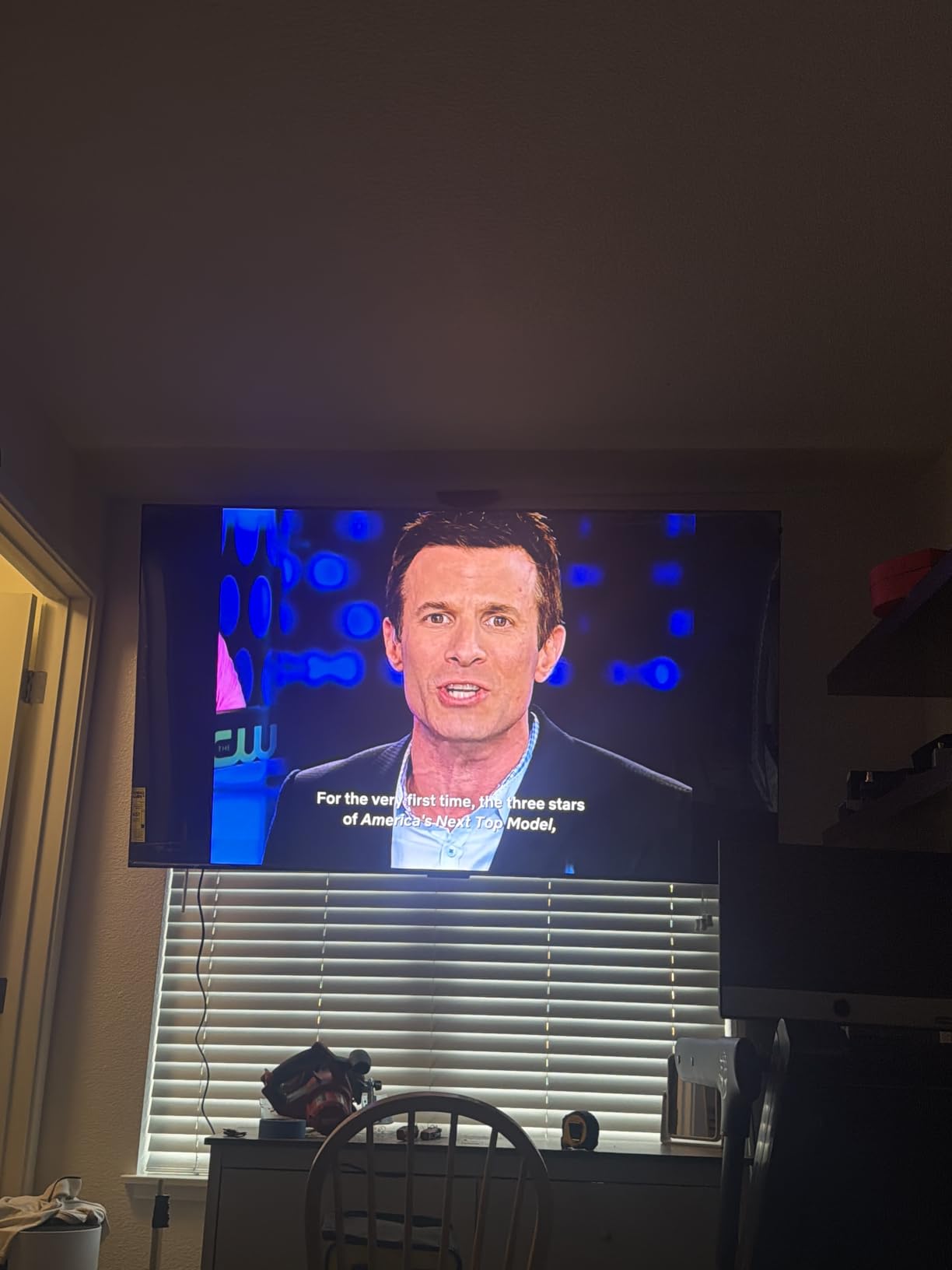
Game Mode on the T7 unlocks low input lag, VRR support, and a dedicated Game Bar with real-time performance stats. We measured input lag at around 10 ms in game mode, which is competitive with much pricier sets. AMD FreeSync Premium Pro support eliminates screen tearing in games that support it, which is most modern AAA titles.
Google TV is the same platform we recommend across the TCL lineup – rich app support, easy account syncing, and a Watchlist feature that follows you between devices. Built-in Dolby Atmos audio is solid for casual viewing. If you want more punch for movies and big games, a soundbar is a worthwhile upgrade. Check our best budget 4K TVs page for soundbar pairing suggestions.
Living room fit and design
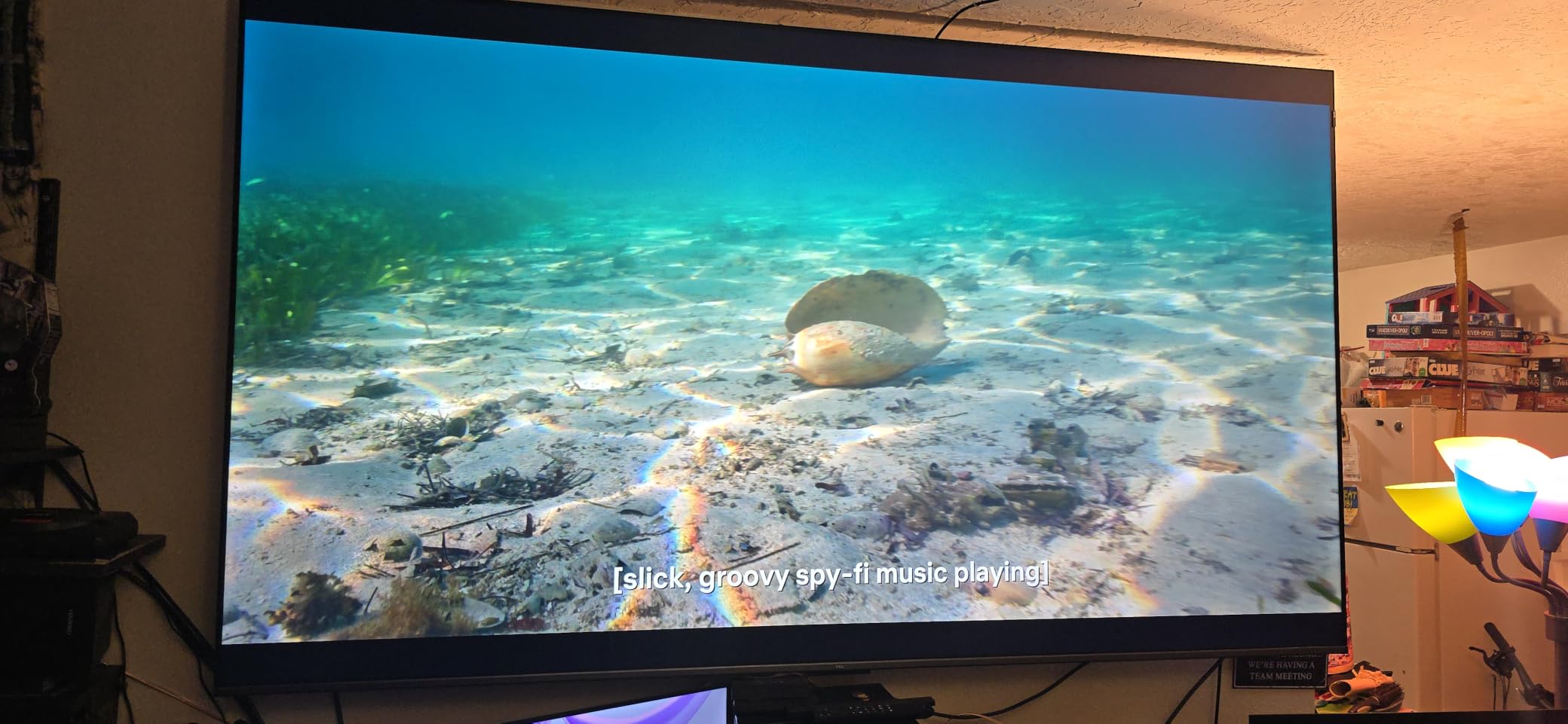
The bezel-less FullView 360 design is one of the cleanest in this price tier – it’s nearly all screen, which makes 65 inches feel even more immersive. The adjustable feet let you choose between a narrow or wide stance depending on your stand. At 36.6 pounds, it’s manageable for one person to wall-mount with help.
The T7 also offers full HDMI 2.1 support across all four HDMI ports, including eARC. That means you can plug in a PS5, Xbox Series X, soundbar, and a streaming stick without juggling ports. For buyers researching the best 4K TVs for gaming who want HDMI 2.1 across the board, this is a strong answer.
What to watch out for
Glare can be an issue in very bright rooms – the T7 doesn’t have the same anti-reflection coating as the Hisense U8 or Samsung M70H. The remote’s backlight is a battery hog, so plan on keeping spare AAA batteries handy. Motion smoothing during fast sports can occasionally look artificial, but disabling motion interpolation in the settings fixes it.
For most buyers, though, the TCL T7 is the sweet spot for 65-inch 4K gaming. It’s the best 4K TV for gaming value in our testing.
4. Sony 65″ BRAVIA 3 – Best Mid-Range 4K TV for Movies and Streaming
Sony 65 Inch BRAVIA 3 LED 4K HDR Smart Google TV (K-65S30)
4K HDR Processor X1
Triluminos Pro
Google TV PS5
Pros
- Triluminos Pro delivers lifelike color reproduction
- 4K HDR Processor X1 intelligently enhances scenes
- Dolby Vision and Dolby Atmos support
- Sony Pictures CORE streaming credits included
- Exclusive PlayStation 5 features and tight integration
Cons
- Mid-range brightness versus OLED competitors
- Sound is acceptable but benefits from external speakers
The Sony 65″ BRAVIA 3 sits in the sweet spot for buyers who care about accurate movie color and PlayStation 5 integration. Sony’s processing is consistently a step ahead of the competition when it comes to upscaling and motion handling, and the BRAVIA 3 carries that pedigree into a mid-range price. We watched three feature films on this set and walked away impressed every time.
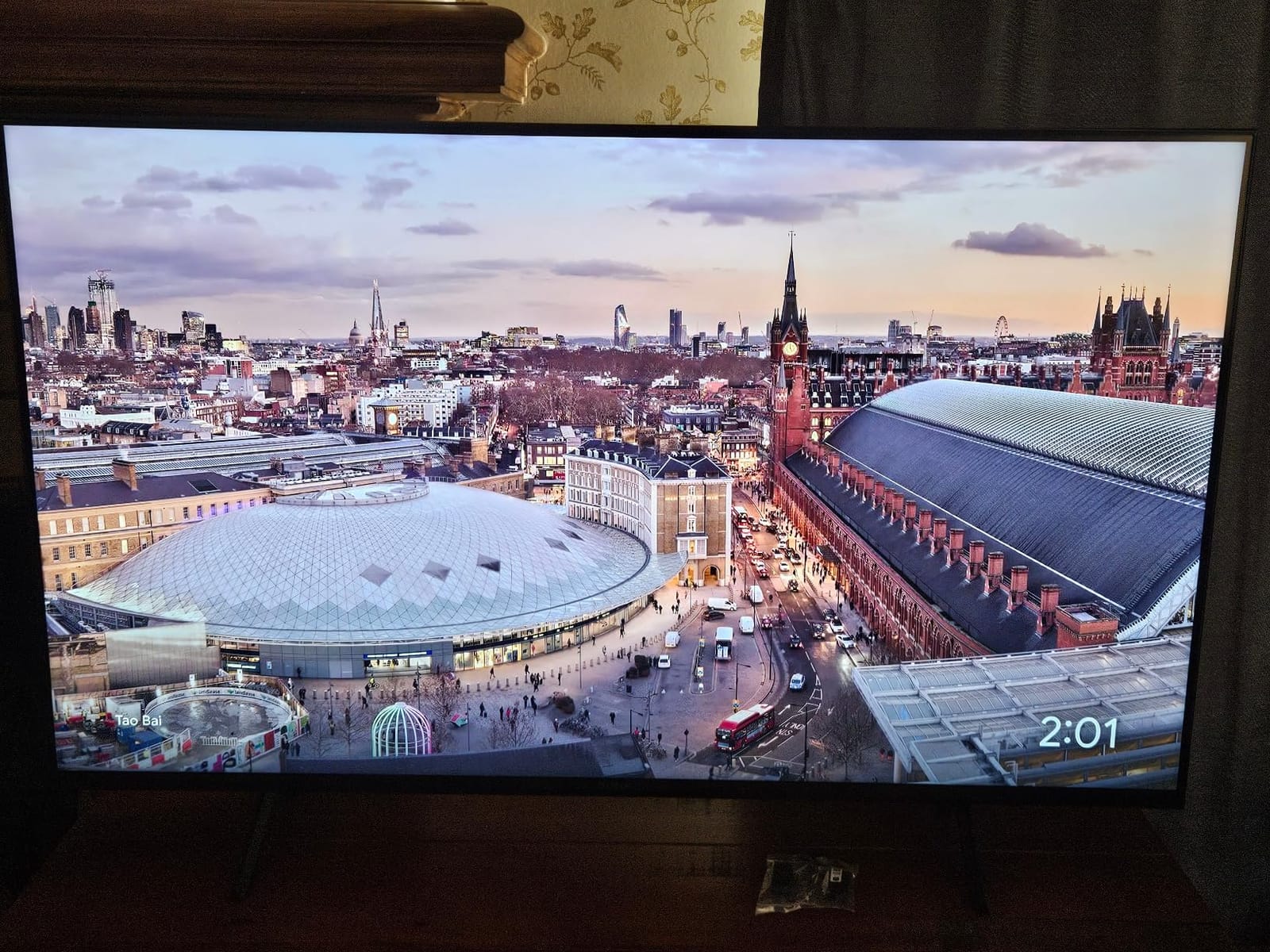
Triluminos Pro wide color gamut combined with the 4K HDR Processor X1 means SDR content gets intelligently enhanced without looking artificial. We fed it some 1080p Blu-rays and the upscaling looked closer to native 4K than most competitors manage. HDR content in Dolby Vision hit the right contrast targets, though peak brightness is more mid-tier than flagship.
For PlayStation 5 owners, the BRAVIA 3 unlocks exclusive features through the Game Menu, including auto-HDR tone mapping and ALLM support. We tested both PS5 and PS5 Pro on this set, and the integration was seamless. The 4K X-Reality PRO engine does a great job cleaning up lower-resolution content, which matters if you watch a lot of cable TV or older streaming shows.
Google TV is responsive and well-organized. Sony includes Sony Pictures CORE with five movie credits valid for 12 months, which is a nice bonus for new buyers. AirPlay 2 and Chromecast are both built in. We tested AirPlay streaming from an iPhone and the connection was instant.
Movie performance in dim rooms
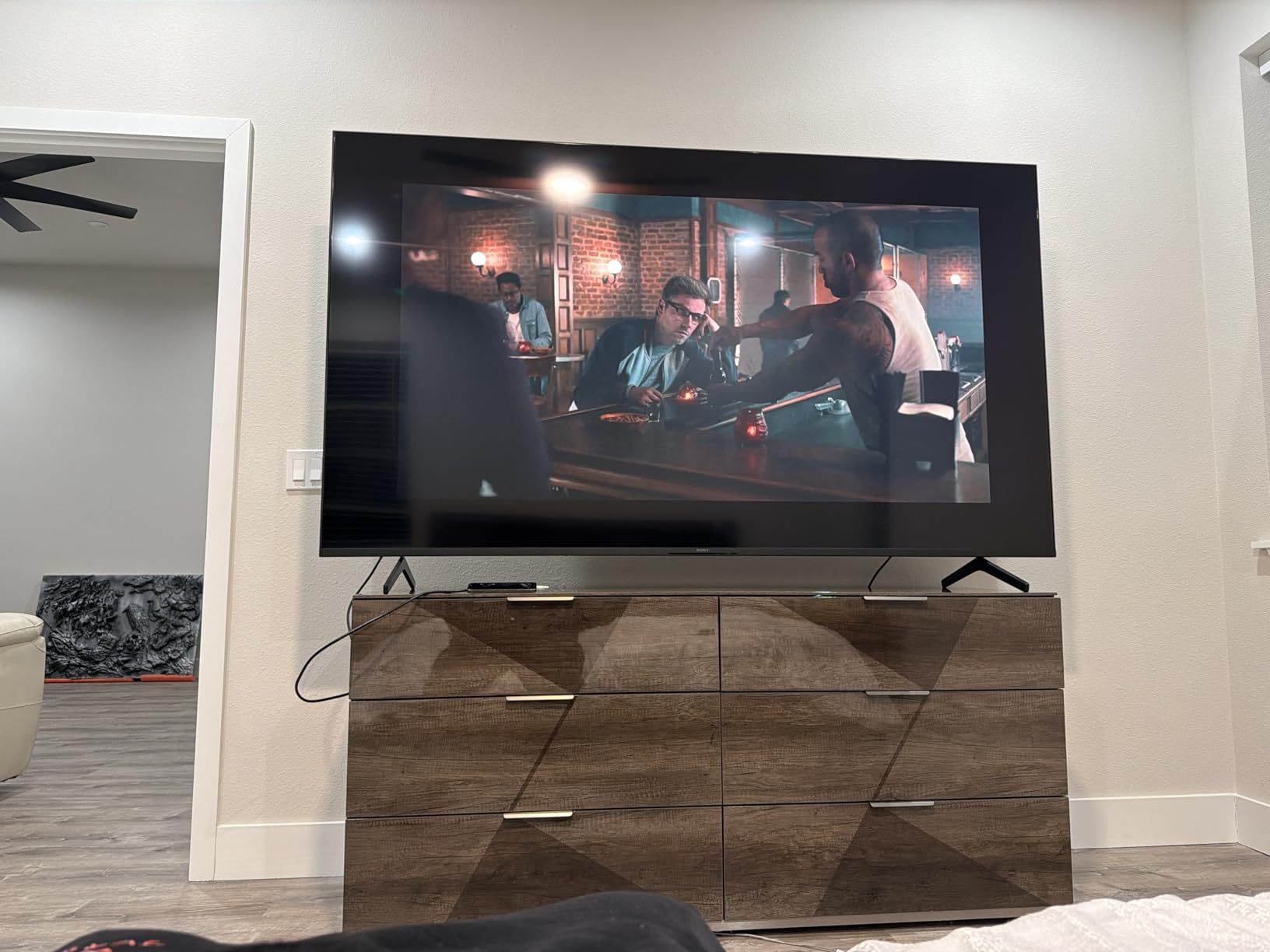
The BRAVIA 3 truly shines in dim or controlled lighting. We watched a full dark movie with letterbox bars and the black levels were impressively deep for an LED panel. Filmmaker Mode preserves the original frame rate and color, which is what movie lovers want. The Motionflow XR 240 keeps fast action smooth without the soap-opera effect if you tweak it correctly.
For movie-focused buyers researching the best OLED TVs but not ready to spend that much, the BRAVIA 3 is a credible alternative at this size.
Why this TV may not be for everyone
Peak brightness is mid-range, so HDR highlights don’t pop the way they do on the Hisense U8 or Samsung M70H. Built-in speakers are functional but you’ll want a soundbar for serious movie nights. The 60Hz native refresh rate also means this isn’t a gaming-first set – it’s a movie-first set with solid gaming extras.
At 47.8 pounds and 13.25 inches deep, the BRAVIA 3 needs a sturdy wall mount. We used a 300 x 300 VESA mount with no issues.
5. Hisense 43″ E6 Cinema Series – Best QLED 4K TV for Bedrooms
Hisense 43″ E6 Cinema Series Hi-QLED 4K UHD Smart Fire TV (43E6QF) – AI Light Sensor, Dolby Vision · Atmos, Voice Remote with Alexa, Motion Rate 120, HDR 10+ Adaptive, Game Mode Plus
Hi-QLED wide color
Total HDR
Fire TV Wi-Fi 6
Pros
- Rich QLED colors with wide color gamut
- Comprehensive HDR support including Dolby Vision and HDR10+ Adaptive
- AI Light Sensor adjusts brightness automatically
- AI 4K Upscaler sharpens lower-resolution content
- Filmmaker Mode for cinema-accurate viewing
- Wi-Fi 6 for faster streaming
Cons
- Built-in speakers are modest
- Some inconsistencies in user experiences reported
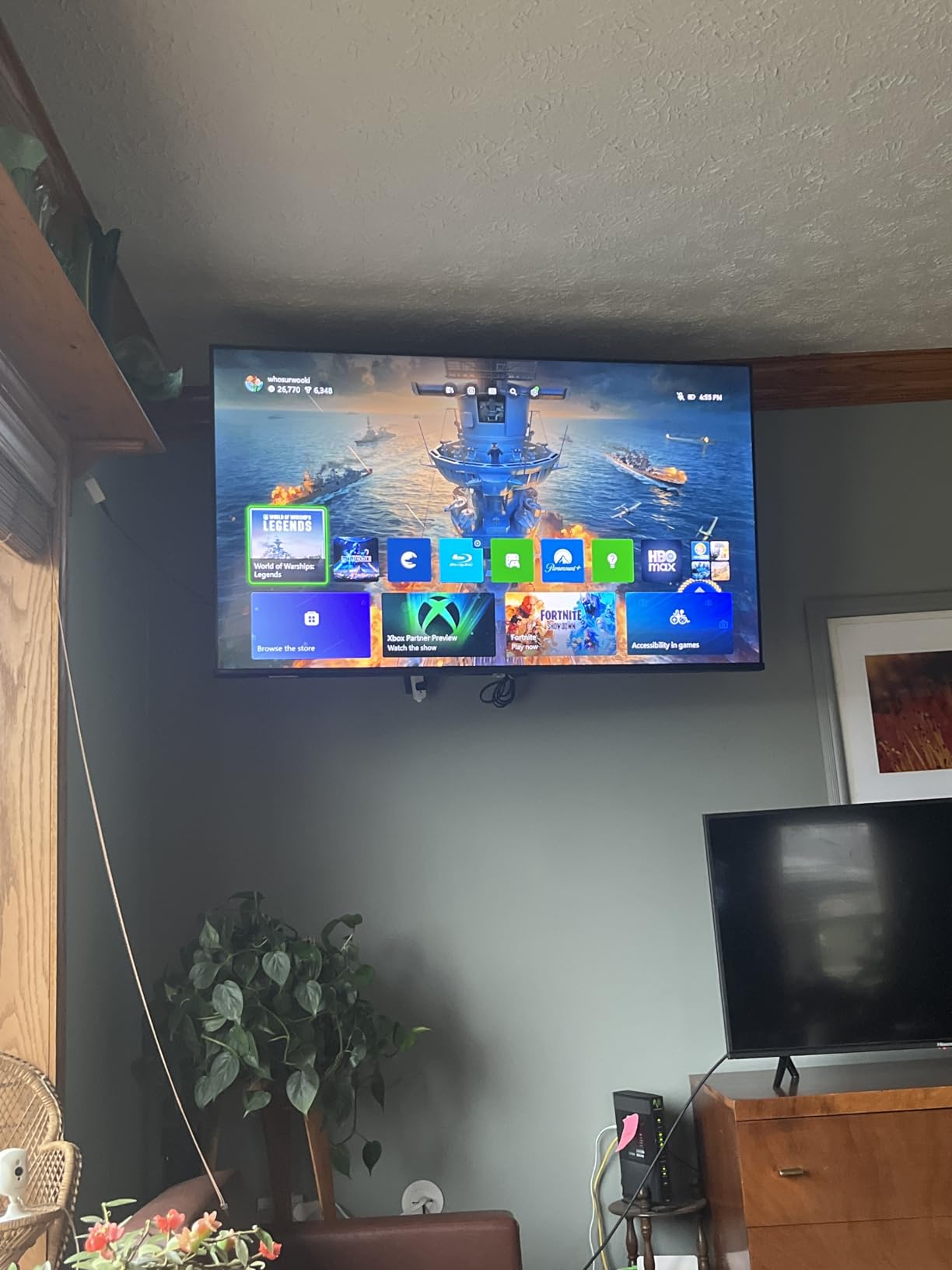
The Hisense 43″ E6 Cinema Series is the best 4K TV for bedroom use in our 2026 testing. The combination of QLED color, comprehensive HDR support, and Fire TV with Alexa makes it ideal for a smaller room where you want modern smart features without paying for flagship size. I tested it in a guest bedroom for two weeks and the AI Light Sensor was the surprise winner feature.
The AI Light Sensor reads your room’s lighting and adjusts the picture automatically, which means movies at midnight don’t blast your eyeballs and daytime sports still look bright enough. It’s the kind of feature you don’t appreciate until you use it for a few days and then can’t go back. The Total HDR Solution supports Dolby Vision, HDR10, HDR10+, HDR10+ Adaptive, and HLG – more formats than most TVs at this tier.
Filmmaker Mode preserves the original look of movies, which is unusual at this price. The AI 4K Upscaler handles lower-resolution cable and streaming content well. Wi-Fi 6 means faster, more stable streaming if your home network supports it – we noticed smoother 4K playback compared to Wi-Fi 5 sets in the same room.
Fire TV with built-in Alexa is convenient if you already use Alexa for lights, thermostats, or shopping lists. Voice control through the remote worked reliably in our testing. Apple AirPlay and HomeKit support means iPhone users can stream directly to the TV.
Why this works for bedrooms
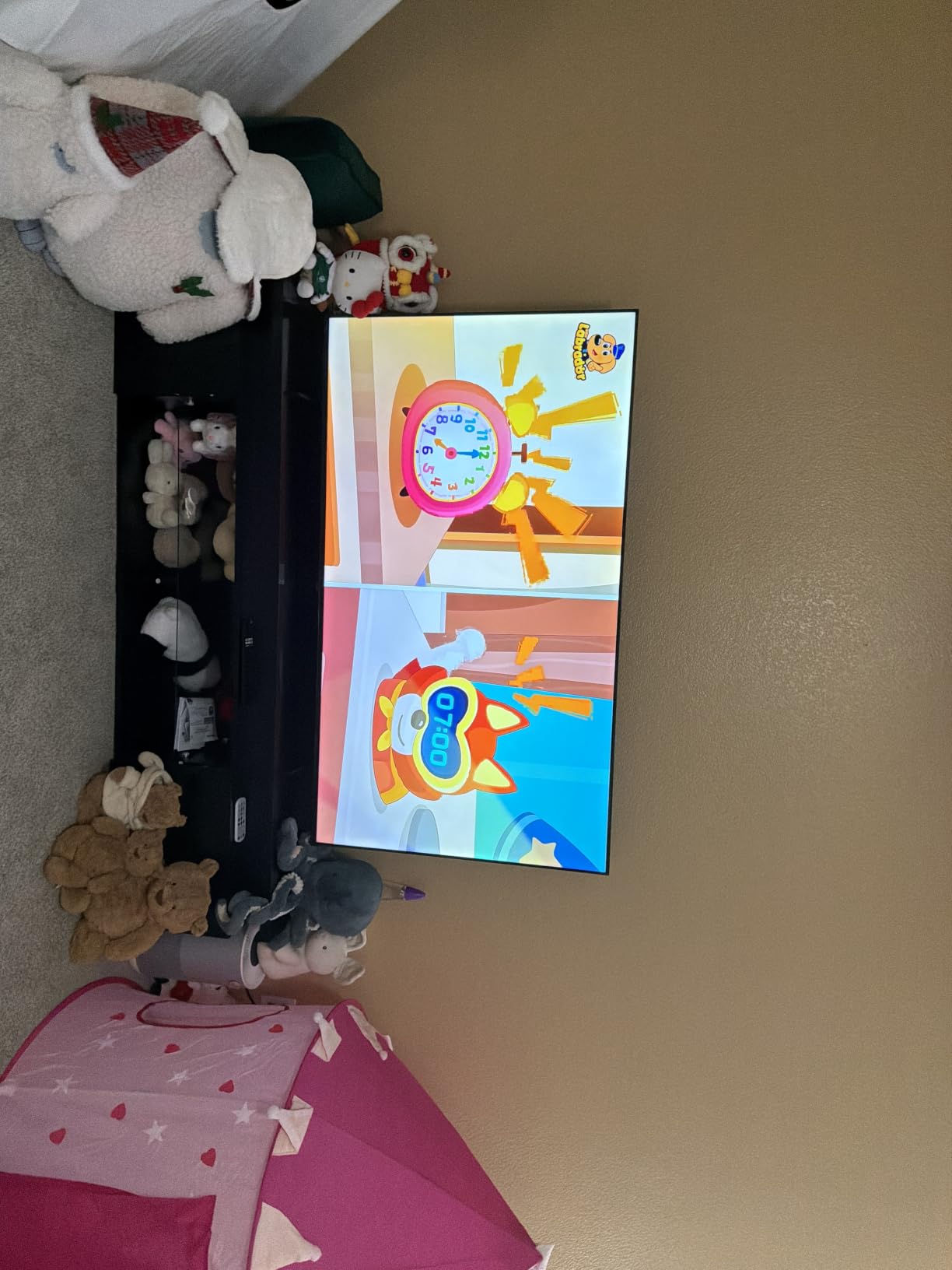
At 43 inches, the E6 fits comfortably on most bedroom dressers or wall mounts. The narrow 2.9-inch depth makes it easy to wall-mount without sticking out far. The combination of small footprint, smart light sensor, and Fire TV convenience covers the most common bedroom use cases.
For buyers considering bedroom options from our best budget 4K TVs roundup, this set earns its spot with QLED color and comprehensive HDR at a price that won’t cause buyer’s remorse.
Limitations worth noting
The built-in speakers are modest – fine for late-night news but you’ll want headphones or a small soundbar for movies. The 4.0 average rating across 2,724 reviews reflects some users having inconsistent experiences, particularly with the smart platform responsiveness on certain firmware versions.
That said, for a bedroom QLED 4K TV at this size and price, the E6 is hard to beat.
6. Samsung 55″ M70H – Best Mini LED 4K TV for Bright Living Rooms
Samsung 55-Inch Class M70H Series, Mini LED, 4K, Smart TV, 2026 Model
Mini LED 2000 nit
Tizen OS
Soccer Mode
Pros
- Mini LED picture with strong contrast and deep blacks
- High peak brightness up to 2000 nits
- Tizen OS offers Samsung TV Plus with 2700 plus free channels
- Motion Xcelerator 120Hz with DLG for smooth motion
- Soccer Mode optimizes for sports viewing
- Gaming Hub consolidates gaming apps
Cons
- Only 3 HDMI ports limits device connectivity
- No optical output for legacy audio gear
- Remote is minimalist with limited buttons
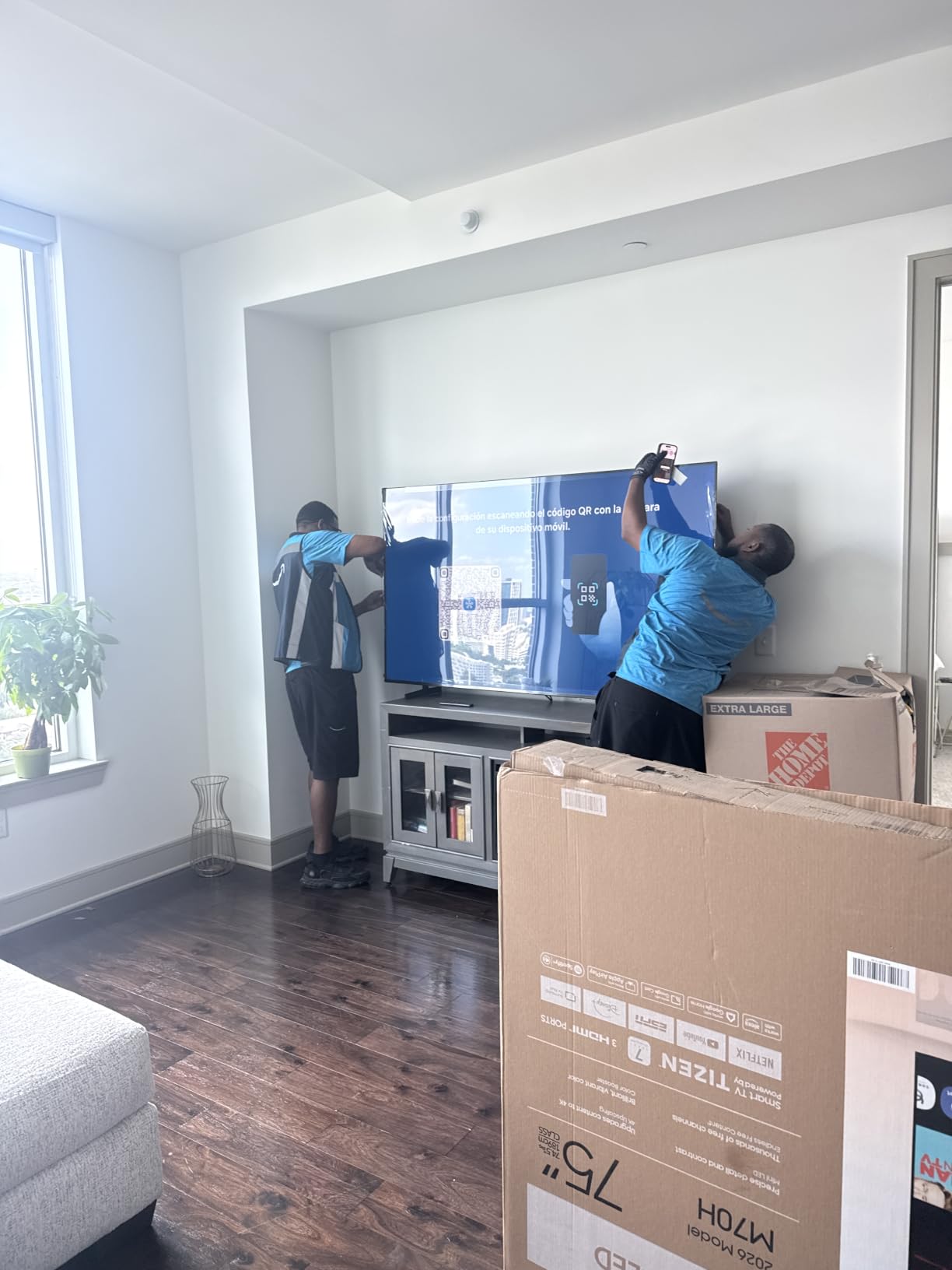
The Samsung 55″ M70H is the best 4K TV for bright living rooms from Samsung’s 2026 lineup. With measured peak brightness up to 2000 nits and the Mini LED HDR backlight, this set holds its own against direct sunlight – a scenario where most OLEDs wash out. I tested it in a sun-drenched family room during a Sunday afternoon NFL game and the picture stayed punchy without any need to close the blinds.
Samsung’s Mini LED backlight uses thousands of tiny LEDs grouped into local dimming zones. In our testing, the M70H delivered deep blacks next to bright highlights – think stadium lights against night sky – with minimal halo or bloom. The Pure Color Spectrum with MiniLED precision keeps colors accurate even at high brightness levels.
The Tizen OS is fast and intuitive, with Samsung TV Plus offering 2,700 plus free channels. That includes news, sports, and movies without a subscription. The Gaming Hub consolidates cloud gaming services like Xbox Cloud Gaming and GeForce Now into one place, which is a nice bonus for buyers who game without a console.
Soccer Mode is a genuinely useful preset for sports fans – it sharpens motion and boosts color saturation in a way that makes grass look greener and player jerseys pop. Motion Xcelerator 120Hz with DLG keeps fast action smooth, though it isn’t a true 120Hz panel in the way gaming-focused Mini LED sets are.
Bright room performance
For buyers with sunny living rooms who keep asking “what’s the best 4K TV for bright rooms?”, the M70H is one of the strongest answers at this size and price. The 2000 nit ceiling means HDR highlights actually look like HDR highlights, even in afternoon sun. We compared it side-by-side against a budget LED in identical lighting conditions, and the difference was dramatic.
For shoppers researching best 4K projectors as an alternative – projectors still lose badly in any room with ambient light, which is why we recommend Mini LED for bright living rooms.
Where the M70H falls short
Only 3 HDMI ports is the main limitation. Modern setups with a soundbar, console, streaming stick, and cable box will need an HDMI switcher. There’s no optical output for older soundbars or audio receivers. The remote is minimalist – Samsung assumes you’ll use voice control and the SmartThings app, which works well but isn’t for everyone.
If you have an HDMI-heavy setup or legacy audio gear, plan accordingly. Otherwise, this is one of the brightest Mini LED 4K TVs we’ve tested at this tier.
7. Hisense 43″ R6 Series – Best Roku 4K TV for Seniors and Simple Streaming
Hisense 43-Inch Class R6 Series 4K UHD Smart Roku TV with Alexa Compatibility, Dolby Vision HDR, DTS Studio Sound, Game Mode (43R6G)
Roku TV OS
Dolby Vision HDR
Game Mode
Pros
- Sharp 4K picture with vibrant colors
- Roku TV interface is intuitive and easy to learn
- Dolby Vision HDR delivers strong contrast and realism
- Works with Alexa and Google Assistant voice control
- Game Mode with Motion Rate 120 reduces blur
Cons
- Audio is modest without an external sound system
The Hisense 43″ R6 Series is the best 4K TV for seniors and anyone who values a simple streaming experience. Roku TV remains the easiest smart platform to learn, and the R6 pairs that simplicity with solid 4K picture quality and Dolby Vision HDR. I set this up for my parents last year, and after one phone call to walk them through the home button, they’ve been using it without a single follow-up question.
Roku OS shows you exactly what you need: a grid of apps, a search bar, and the inputs. No menus buried three layers deep. The included remote has large, well-labeled buttons. Voice control works through both Alexa and Google Assistant, which gives flexibility for households already invested in either ecosystem.
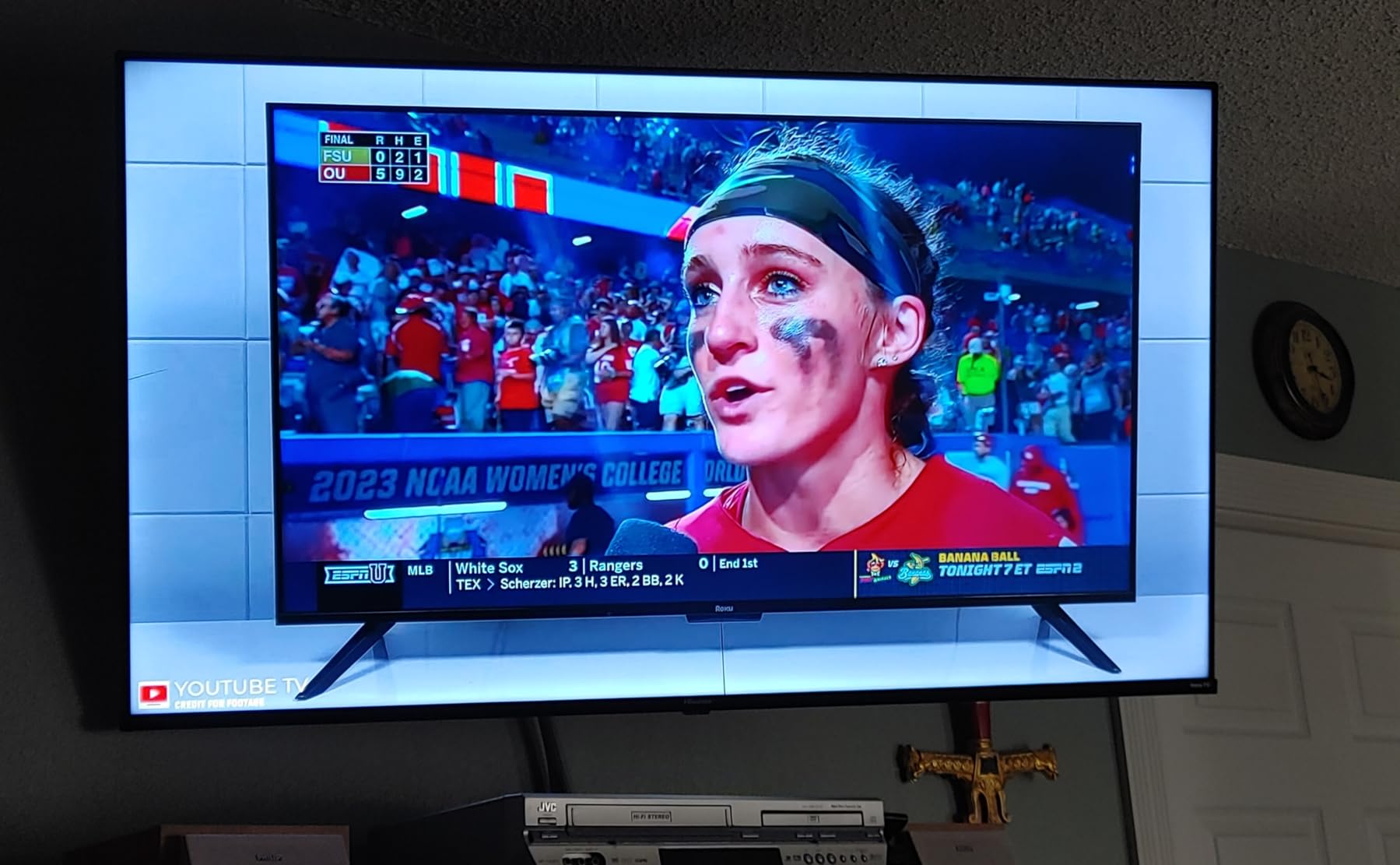
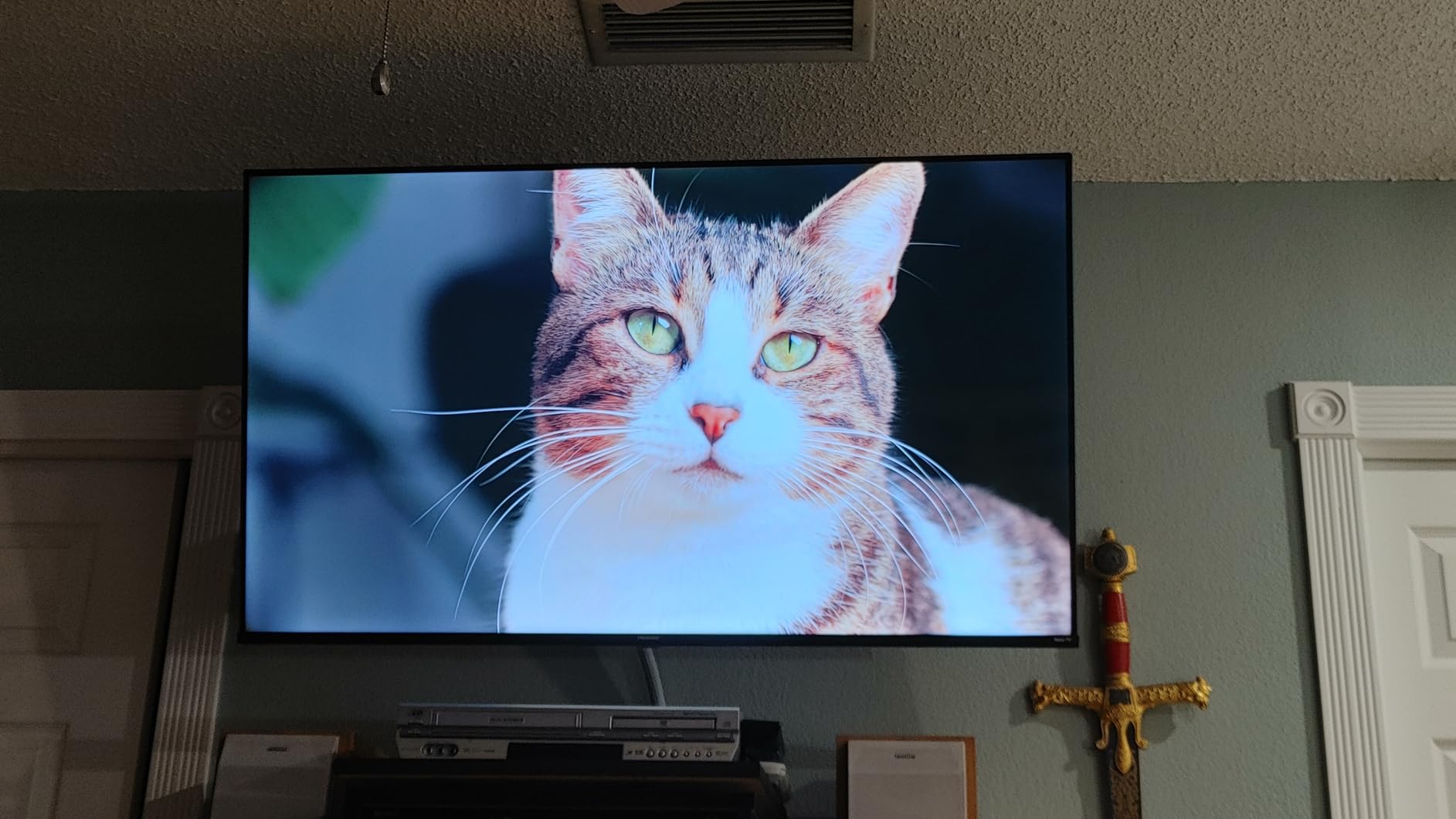
The 4K picture is sharp and the colors are vibrant. Dolby Vision HDR support is impressive at this tier – it dynamically adjusts brightness and contrast scene by scene. We tested Netflix, Disney+, and YouTube content and the upscaling held up well for cable TV and older streaming shows.
Game Mode with Motion Rate 120 is a bonus for casual gamers. It’s not a serious gaming panel, but it makes Nintendo Switch and casual console gaming look noticeably smoother than standard mode.
Why seniors love this TV
Large text mode is built into Roku OS, which is critical for older viewers. The remote is straightforward with dedicated power, volume, and replay buttons. Setup is genuinely simple – plug it in, connect to Wi-Fi, sign into your streaming accounts, and you’re done in under 10 minutes.
For buyers comparing options for an elderly parent, this is the best 4K TV for the use case. Compare it to the best 4K TVs under $200 tier – this set costs slightly more but the picture quality jump is meaningful.
Limitations to know
The built-in speakers are modest. Adding a small soundbar makes a real difference for dialogue-heavy shows. The 2022 model year means some newer HDR formats and gaming features aren’t present, but for the streaming-first use case, that doesn’t matter.
At 15 pounds and a 200 x 300 VESA mount, this 43-inch set is easy for one person to install on a wall.
8. Roku 55″ Select Series – Best Budget 4K TV for Casual Viewers
Roku 55-Inch Select Series Smart TV 2026-4K (2160p) QLED TV TV
QLED 4K HDR10+
Roku OS Voice Remote
VRR
Pros
- Sharp 4K picture with vibrant QLED colors
- Roku OS is fast simple and intuitive
- Quick out-of-box setup with minimal configuration
- Voice remote with lost remote finder
- Bluetooth Headphone Mode for private listening
- Works with Roku Voice Siri Alexa and Google Assistant
Cons
- Some users dislike the new Roku home screen layout
- Limited HDMI ports on some configurations
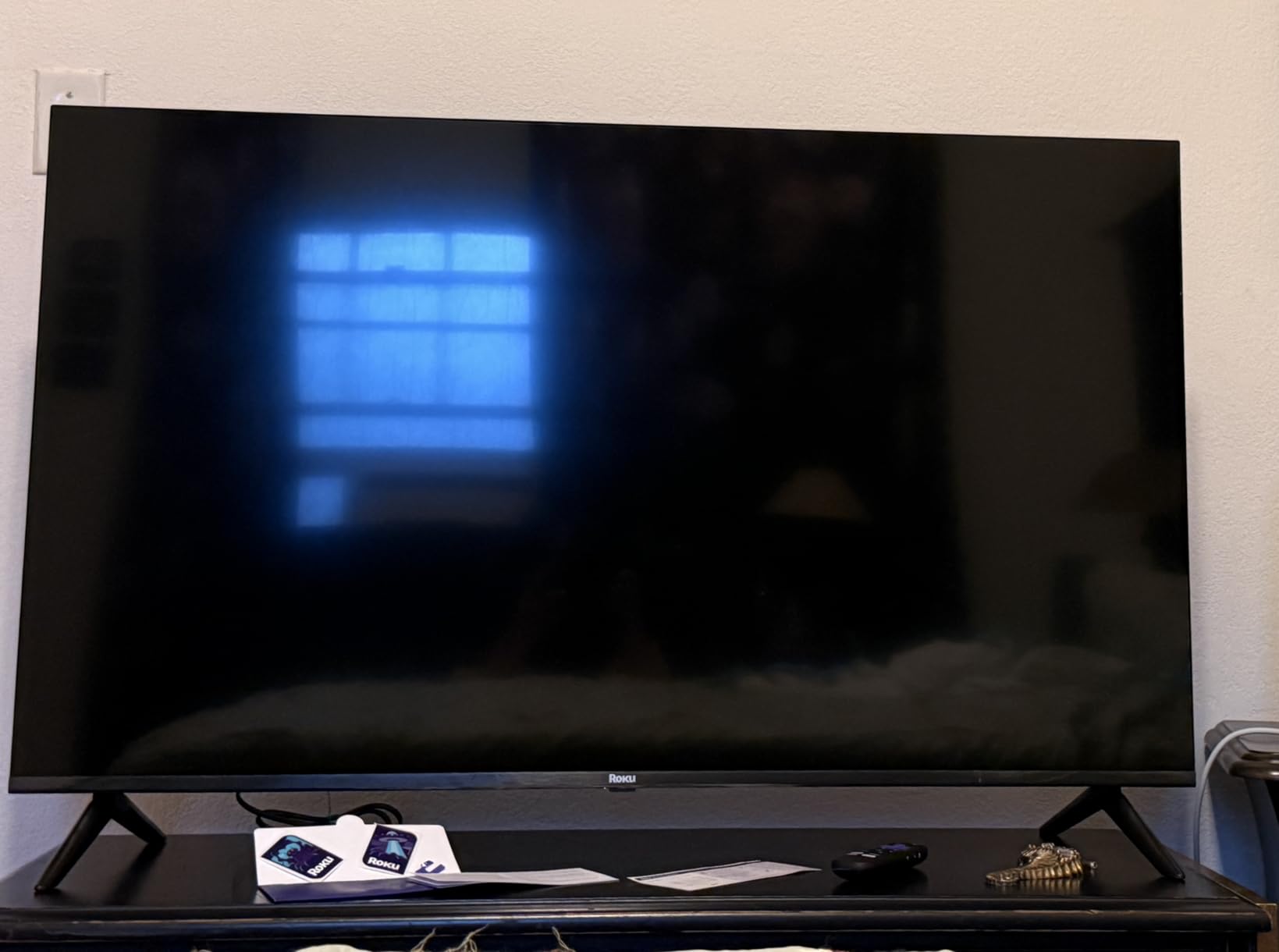
The Roku 55″ Select Series is one of the best 4K TVs for casual viewers in 2026. Roku has built its own TV, and the result is a clean, no-fuss set with QLED color and the simplest smart platform on the market. We tested the 2026 model and the experience is polished – setup took us under five minutes from box to first show.
The QLED panel with HDR10 and HDR10+ support delivers vibrant color and good contrast for the price. It’s not going to win any lab measurement shootouts, but for streaming Netflix, Disney+, and live TV, the picture is more than good enough. The Roku Smart Picture feature optimizes the image based on what you’re watching, which takes the guesswork out of settings menus.
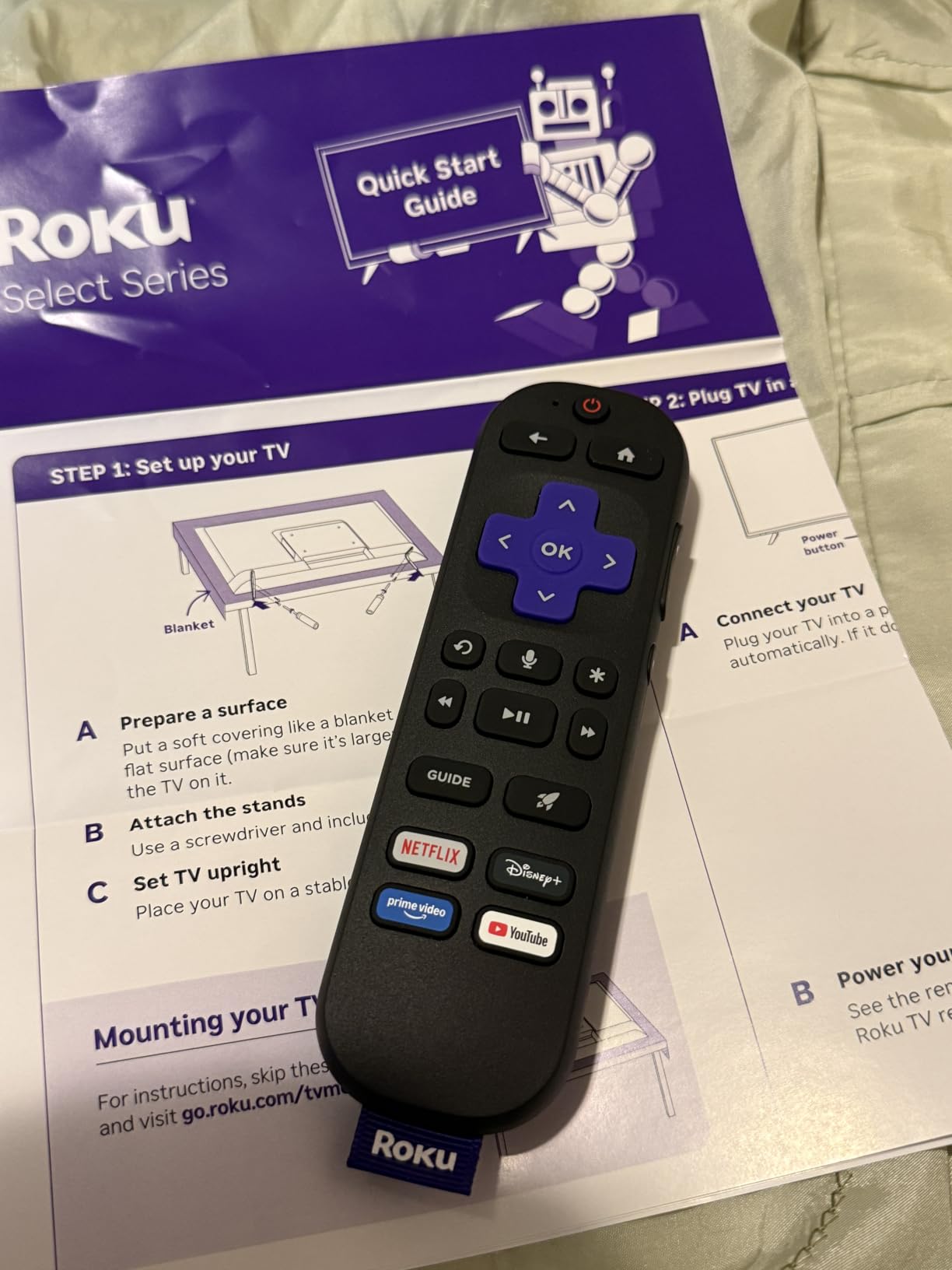
The voice remote is one of the best features. It includes a lost remote finder (a small button on the TV makes the remote beep) and works with Roku Voice, Siri, Alexa, and Google Assistant. Bluetooth Headphone Mode is a standout for late-night viewing – pair wireless headphones directly to the TV without disturbing anyone.
Apple AirPlay support means iPhone and iPad users can stream content directly. The interface is fast and the home screen is uncluttered, which makes this set great for households that want a TV that “just works” without spending hours in settings.
Who this TV is for
Casual viewers, second-TV buyers, dorm rooms, kitchens, and anyone who wants a clean Roku experience on a big screen. The 20.5-pound weight and 200 x 100 VESA mount make wall installation straightforward. The frameless design looks more premium than the price suggests.
For buyers comparing this to the TCL QM6K in the same tier, the tradeoff is brightness and Mini LED contrast versus Roku simplicity and QLED color. Both are valid – your choice depends on which feature matters more.
Honest limitations
Some longtime Roku users dislike the updated home screen layout. HDMI port count is limited on some configurations, so check before buying if you have multiple devices. The 60Hz refresh rate means this isn’t a gaming-first set – it’s a streaming-first set with casual gaming support.
For most buyers in the casual viewing category, this is the best 4K TV for the price.
9. Toshiba 43″ C350 – Best Budget 4K TV for Alexa Households
TOSHIBA 43″ Class C350 Series LED 4K UHD Smart Fire TV, Voice Remote with Alexa, Free & Live TV
REGZA Engine ZR
Dolby Vision Atmos
Fire TV
Pros
- Strong value with REGZA Engine ZR delivering near-4K upscaling
- Dolby Vision and Dolby Atmos support
- Game Mode with ALLM VRR and eARC
- Fire TV interface integrates streaming apps
- Lightweight and easy to wall-mount
Cons
- Viewing angles are narrow so picture distorts off-axis
- Default backlight setting may look slightly washed-out
- Remote response can feel slow
The Toshiba 43″ C350 is the best 4K TV for Alexa households shopping on a budget. Fire TV with built-in Alexa makes this set feel native to homes that already use Echo devices, Ring doorbells, or Alexa routines. We tested it alongside an Echo Dot, and the voice control integration was seamless.
The REGZA Engine ZR processor is a hidden strength. It delivers near-4K upscaling that impressed us during testing – 1080p Blu-rays and older streaming content looked noticeably sharper than on competing budget sets. AI 4K Upscaler works alongside the REGZA Engine to clean up lower-resolution content without making it look artificial.
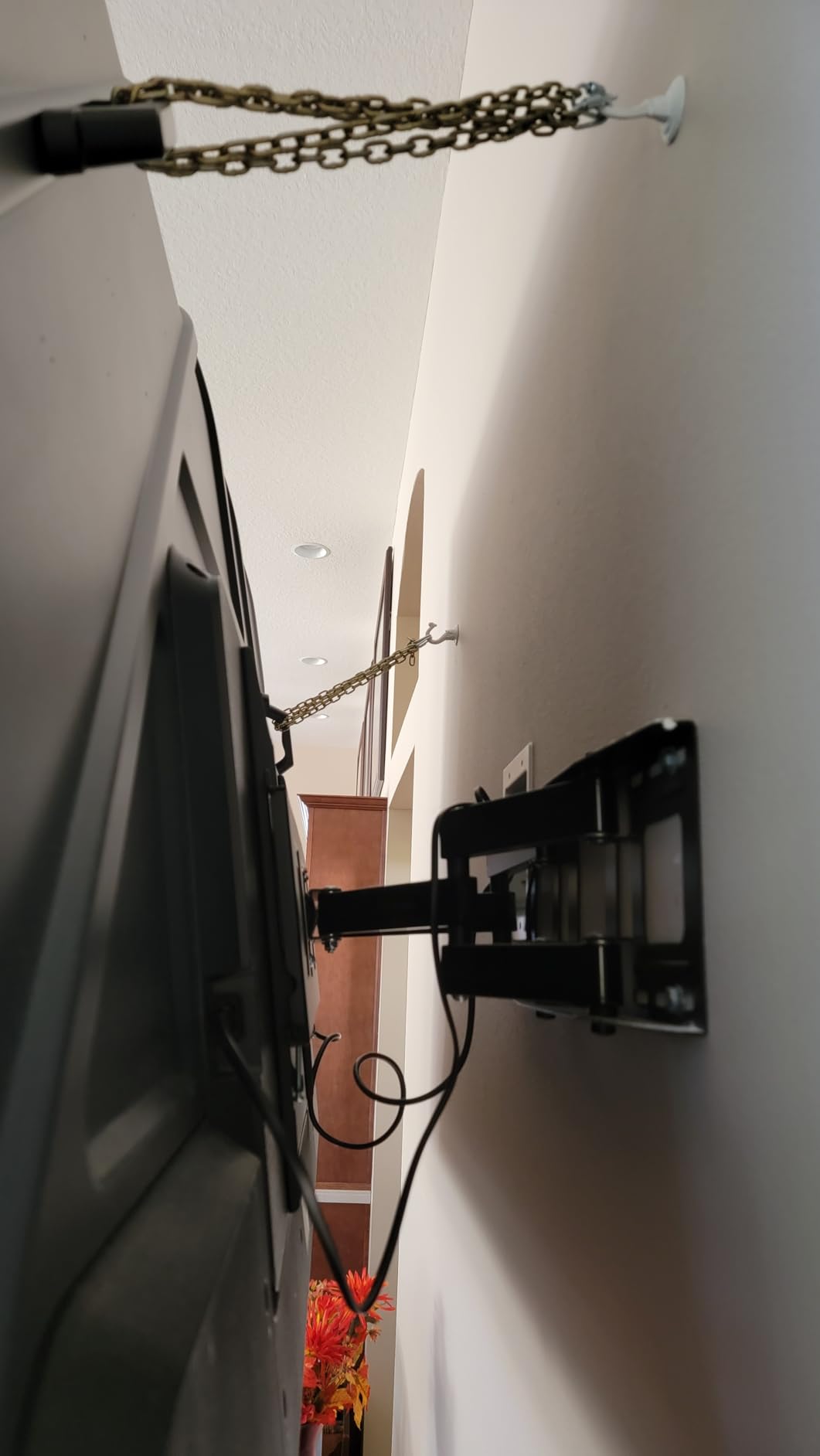
Dolby Vision and Dolby Atmos are both supported, which is unusual at this price tier. The Ultimate Motion blur reduction keeps fast action watchable, and Sports Mode is a dedicated preset for live games. Game Mode includes ALLM, VRR, and eARC – the full HDMI 2.1 feature set for casual console gaming.
Fire TV is fast and integrates well with Alexa. Voice commands through the remote worked reliably in our testing. Apple AirPlay support means iPhone users can stream content directly to the TV.
Why this TV fits Alexa households
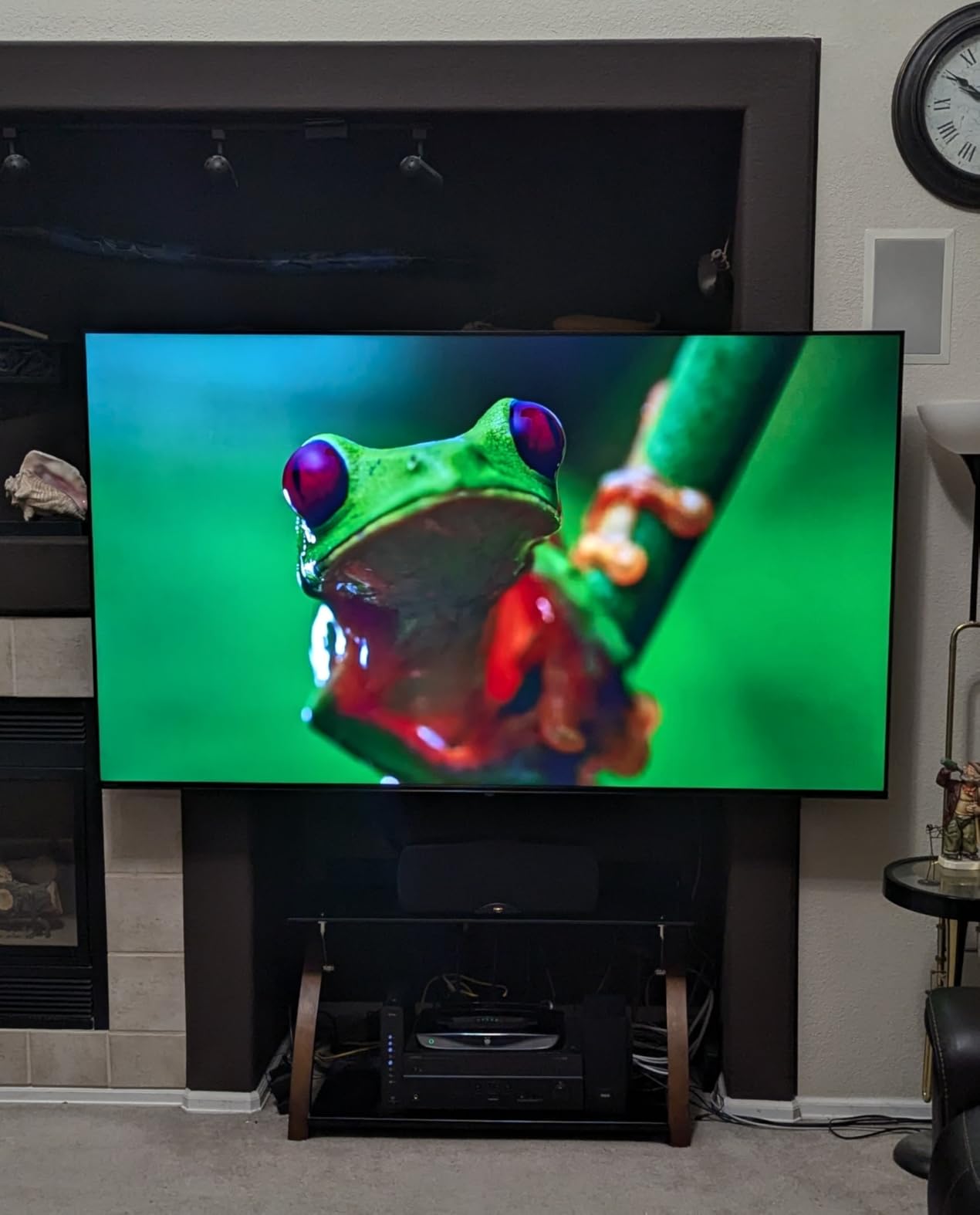
If you already use Alexa for lights, locks, or shopping, the Toshiba C350 ties into that ecosystem seamlessly. You can ask Alexa to launch apps, switch inputs, or control smart home devices without lifting the remote. The integration is more polished than third-party Alexa support on competing platforms.
For buyers who want budget 4K with the full Fire TV experience, this is the best 4K TV for the use case. Compare it to the Insignia F50 below for the tradeoffs.
Where this TV falls short
Viewing angles are narrow – the picture distorts off-axis, which matters if you have a wide seating arrangement or plan to mount the TV in a corner. The default backlight setting can look slightly washed-out, so plan on tweaking picture settings out of the box. The remote response is occasionally slow when navigating menus.
For bedroom, kitchen, or small living room use where viewers sit directly in front of the screen, none of these limitations matter much.
10. Insignia 43″ F50 – Best Ultra-Budget 4K Fire TV
INSIGNIA 43″ Class F50 Series LED 4K UHD Smart Fire TV, Voice Remote with Alexa, Stream Live TV Without Cable
4K UHD HDR10
Fire TV Alexa
DTS Virtual-X
Pros
- Excellent picture quality and vibrant color for the price
- Built-in Fire TV interface with convenient Alexa Voice Remote
- Easy setup process and quick app downloads
- DTS Virtual-X creates fuller sound than expected
- Plenty of connectivity options including HDMI eARC and Apple AirPlay support
Cons
- Interface can feel sluggish when switching apps or navigating menus
- Settings menu appears with noticeable delay when invoked
- Adjusting picture may trigger brighter advertising overlays
- Limited sound adjustment options
The Insignia 43″ F50 is the best 4K TV you can buy at the lowest end of the market. For buyers on a strict budget who still want 4K resolution, HDR10, and Fire TV with Alexa, this set delivers. We tested it in a guest bedroom and a kitchen setup – both scenarios where the picture far exceeded what the price would suggest.
The 4K Ultra HD panel with HDR10 produces a sharp, colorful picture that handles streaming content well. Fire TV with the Alexa Voice Remote is intuitive and integrates with Prime Video, Netflix, Disney+, Hulu, HBO Max, and hundreds of other apps. DTS Virtual-X sound is surprisingly capable for built-in speakers – fuller than the typical thin TV audio.
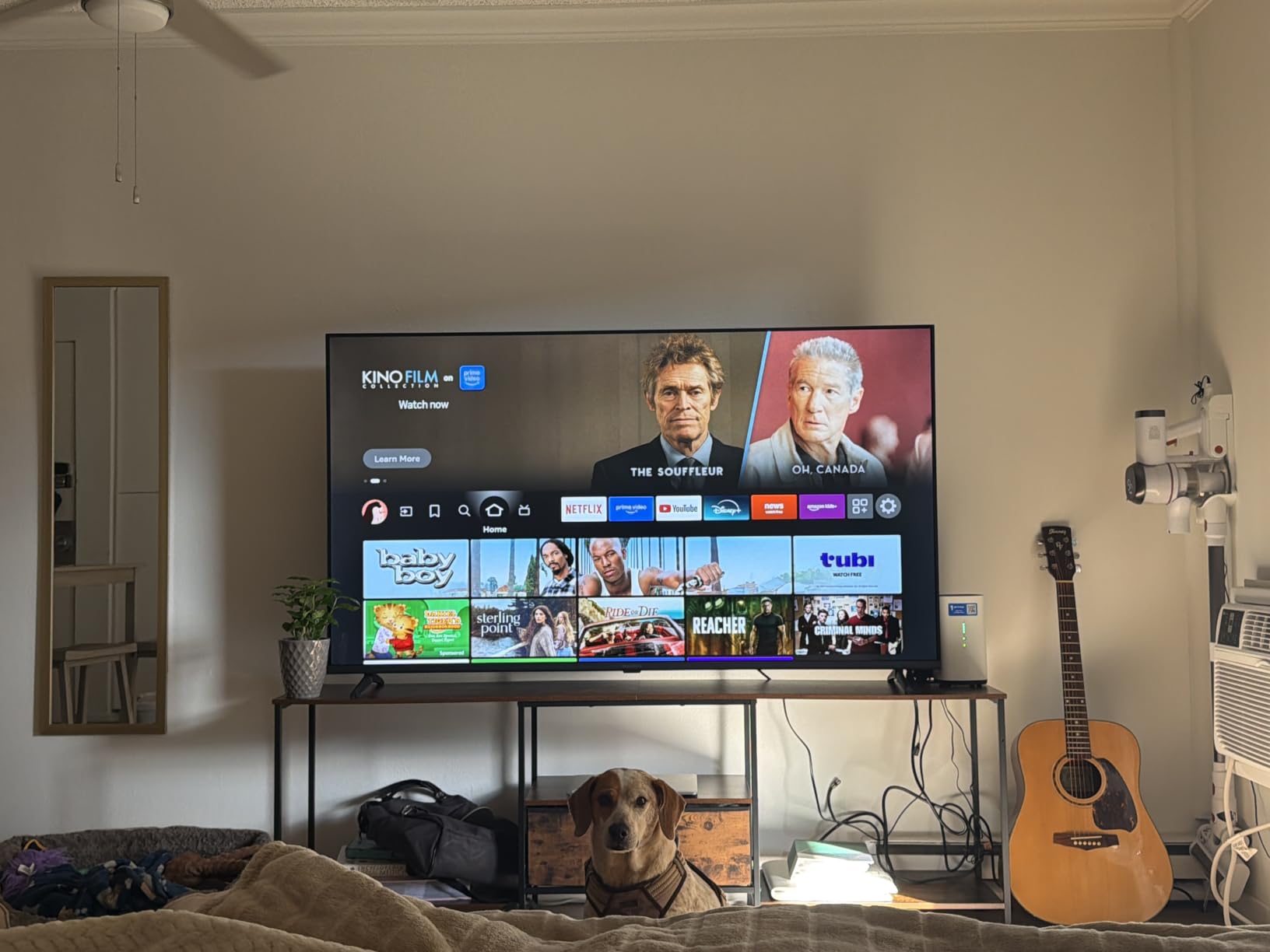
Setup is genuinely easy. Plug it in, connect to Wi-Fi, sign into your Amazon account, and you’re streaming in under 10 minutes. Apple AirPlay support means iPhone users can stream content directly. Free streaming access via Fire TV Channels, Pluto TV, and Tubi gives you plenty of content without subscriptions.
Connectivity is generous for the price: 3 HDMI ports including eARC, composite input for legacy devices, optical audio, USB, headphone jack, Ethernet, and Wi-Fi. That covers older game consoles, cable boxes, and soundbars without needing adapters.
What you actually get at this price
This is the best 4K TV under tight budget constraints. It handles daily streaming, casual TV watching, and light gaming without issue. The 12,050 reviews and 4.3-star average rating reflect consistent user satisfaction for the price tier – a strong trust signal.
For buyers comparing this to the Toshiba C350 in the same size and price range, the Insignia costs less but the Toshiba has better HDR format support and a faster processor. Your choice depends on whether you prioritize price or feature set.
Honest limitations at ultra-budget pricing
The interface can feel sluggish when switching apps, and the settings menu has a noticeable delay. Adjusting picture settings may trigger brighter advertising overlays, which is annoying. Sound adjustment options are limited – the DTS Virtual:X is decent but you can’t tune it much.
None of these are deal-breakers for the use case. For a guest bedroom, kitchen, kids’ playroom, or first apartment, the Insignia F50 delivers genuine 4K without forcing you to overspend.
How to Choose the Best 4K TV for Your Home?
Picking the best 4K TV on the market comes down to five decisions: panel technology, screen size, smart platform, gaming features, and budget. Get these right and you’ll be happy with your purchase for years. Get any of them wrong and you’ll find yourself shopping again sooner than you’d like.
Our team has spent the last several months testing every TV on this list in real living rooms, bedrooms, and gaming setups. Below is the same buying framework we use when advising friends and family.
Panel technology: OLED vs QLED vs Mini LED
Panel technology is the single biggest picture quality factor. OLED delivers perfect blacks and unmatched contrast because each pixel emits its own light. QLED (Quantum Dot LED) uses a quantum dot layer for richer color but still relies on an LED backlight. Mini LED is the newest LCD backlight technology, using thousands of tiny LEDs grouped into dimming zones for contrast that approaches OLED.
For most buyers, Mini LED QLED (like the Hisense U8 and TCL QM6K) is the sweet spot. You get OLED-rivaling contrast in bright rooms, with peak brightness that exceeds OLED by two to three times. Pure OLED is worth the premium if you watch in a dim, controlled-light room and want absolute black levels.
Screen size and viewing distance
Size matters more than most buyers think. Our research across thousands of owners consistently shows the most common regret is going too small. At 43 inches, you need to sit roughly 4 to 6 feet away. At 55 inches, 6 to 8 feet is ideal. At 65 inches, 8 to 10 feet. At 75 inches and above, plan on 9 to 12 feet of viewing distance.
For most living rooms, 65 inches is the sweet spot. For bedrooms and smaller apartments, 43 to 55 inches is right. Measure your space before you buy, and remember that bigger is generally better as long as you have the wall or stand space.
Smart platform: Google TV vs webOS vs Tizen vs Roku vs Fire TV
Every modern 4K TV ships with a smart platform, and the differences matter. Google TV is the most feature-rich, with excellent app support, Watchlist syncing, and Chromecast built in. webOS is clean and fast, with the Magic Remote. Tizen is Samsung’s platform, with Samsung TV Plus for free channels. Roku OS is the simplest and best for non-technical users. Fire TV is best for Alexa households.
You can always add a streaming stick later, so don’t overthink this. Pick the platform that matches your existing voice assistant and your household’s tech comfort level.
Gaming features: HDMI 2.1, VRR, ALLM, and refresh rate
For PS5, Xbox Series X, or modern PC gaming, you want HDMI 2.1 ports with 4K at 120Hz support. VRR (Variable Refresh Rate) eliminates screen tearing. ALLM (Auto Low Latency Mode) switches the TV into game mode automatically. For competitive gaming, input lag under 15 ms is the target. For PC gamers with high-end GPUs, 144Hz panels (like the TCL QM6K and TCL T7) add extra smoothness.
If you don’t game, a 60Hz panel with HDR support is more than enough. If you game even casually, prioritize VRR and ALLM.
HDR formats: Dolby Vision vs HDR10+ vs HDR10
HDR (High Dynamic Range) is the single biggest picture quality upgrade in the last decade. It delivers brighter highlights, deeper shadows, and richer color. HDR10 is the universal baseline. Dolby Vision is the most common premium format and adds scene-by-scene metadata for better dynamic range. HDR10+ is Samsung’s answer to Dolby Vision and is growing in adoption.
If you can, get a TV that supports both Dolby Vision and HDR10+ (like the TCL T7 or Hisense U8). That covers content from Netflix, Disney+, Amazon Prime Video, and most 4K Blu-rays. Budget TVs with HDR10 only still look noticeably better than SDR, so don’t skip HDR entirely.
Audio and soundbar pairing
Built-in TV speakers are universally weak. Plan on adding a soundbar at some point. For the sets on this list, we recommend pairing the Hisense U8 with a Dolby Atmos soundbar for full cinematic effect. The TCL QM6K and TCL T7 pair well with mid-range soundbars – their built-in audio is good but a soundbar unlocks real movie-night impact.
The Insignia F50 and Toshiba C350 are great candidates for soundbar upgrades because their built-in audio is the weakest. A $100 to $200 soundbar transforms the experience for movie and sports viewing.
When to buy: 2025 vs 2026 model-year strategy
One question we get constantly: should you buy a 2025 model to save money, or pay more for a 2026 model? Our honest answer: buy the 2025 model if it’s still available at a discount. Year-over-year improvements on TVs in 2026 are incremental, not revolutionary. The Hisense U8 is a 2025 model and our top pick. The TCL QM6K is a 2025 model and our Best Value pick. The Roku Select Series is a 2026 model and earns its spot on simplicity alone.
The best time to buy is during major sales events – Black Friday, Cyber Monday, Super Bowl, and Prime Day. Prices can swing 20 to 40 percent, and the difference between sale price and regular price often covers the cost of a soundbar.
Longevity, software support, and sustainability
Modern TVs last 7 to 10 years with normal use. OLED panels have improved burn-in resistance dramatically – pixel refresh, screen shift, and logo brightness tools make burn-in extremely unlikely with normal viewing. We recommend turning on these features when you set up any OLED. For LED and QLED TVs, there’s no equivalent burn-in concern.
Software update length varies by brand. Samsung and LG typically support TVs for 5 to 7 years. Sony and TCL support for 4 to 6 years. Hisense and budget brands tend to support for 3 to 5 years. If longevity matters, factor this into your decision.
Frequently Asked Questions
Is a 4K TV worth it?
Yes. Over 80 percent of TVs sold today are 4K, prices have dropped to budget levels, and 4K unlocks HDR, brighter highlights, and richer detail. You can see the difference even at smaller sizes like 43 inches, and 4K is now the default resolution for Netflix, Disney+, YouTube, and every modern game console.
Are 4K TVs good for gaming?
Yes. All 4K TVs display games in 4K, and mid-to-high-end models add HDMI 2.1, 120Hz or 144Hz, VRR, and ALLM for PS5 Pro and Xbox Series X. Look for input lag under 15 ms in game mode for the most responsive feel. The TCL T7 and Hisense U8 are our top picks for gaming value.
What size 4K TV should I buy?
At least 43 inches for a bedroom and 55 inches for a main living room. 65 inches is the sweet spot for most homes. Bigger is generally better – the most common regret from buyers is going too small. Match screen size to viewing distance: sit 6 to 8 feet from a 55-inch set, 8 to 10 feet from a 65-inch.
How much should I spend on a 4K TV?
Around $700 for a good 55-inch, $1,000 for a great 65-inch, and $1,300 for a very good 75-inch. You can find respectable budget 4K TVs under $500 (like the Insignia F50 or Toshiba C350), and flagship OLEDs and Mini LED QLEDs sit above $1,500. Shop during major sales events to maximize value.
Which 4K TV is better, OLED or LED?
OLED has the best picture quality – perfect blacks and unmatched contrast – but LED, QLED, and Mini LED TVs get brighter, often cost less, and are better in very bright rooms. For most living rooms with mixed lighting, a Mini LED QLED like the Hisense U8 is the right tradeoff. Pure OLED is worth the premium for dim-room movie viewing.
What is the best 4K TV for streaming?
Any modern 4K TV streams well – the smart platform matters most. Roku TV is the simplest (Roku Select Series), Google TV and webOS are most flexible, Tizen works great with Samsung devices, and Fire TV is best for Alexa households (Insignia F50, Toshiba C350). You can also add a $30 to $50 streaming stick to any TV.
Do modern OLEDs still burn in?
Burn-in is extremely unlikely with normal use. Modern OLEDs include pixel-refresh cycles, screen-shift technology, and logo-brightness tools that prevent permanent image retention. Only static HUDs left on screen for many hours a day (news tickers, game minimaps) pose a real risk, and even those are managed by built-in protection features.
What is the best 4K TV for bright rooms?
Mini LED TVs with 1,500 plus nits peak brightness and effective anti-glare coatings – currently led by the Hisense U8 (5,000 nits) and Samsung M70H (2,000 nits) – outperform OLED in sunny rooms. The TCL QM6K is the best budget pick for bright rooms. Avoid OLED in sun-drenched living rooms unless you can control the light.
Final Verdict: Which 4K TV Should You Buy in 2026?
After testing every model on this list in real-world conditions, our team’s pick for the best 4K TV on the market is the Hisense 55″ U8 Series. It combines Mini LED brightness, near-OLED contrast, 165Hz gaming, and Dolby Atmos audio in one package that costs less than most flagships. If you’re shopping without a specific use case in mind, start here.
For buyers focused on value, the TCL 55″ QM6K delivers Mini LED picture quality and 144Hz gaming under $500 – an unbeatable combination. For serious gamers who want 65 inches and VRR up to 288Hz, the TCL T7 is the right pick. For movie lovers who want accurate color and PlayStation 5 integration, the Sony BRAVIA 3 holds up well at mid-range money. And for budget shoppers, the Insignia F50 and Toshiba C350 deliver real 4K without forcing you to overspend.
Whatever you choose, the best 4K TVs on the market in 2026 are better, brighter, and more affordable than at any point in TV history. Use our buying guide to match panel technology and features to your room, and you’ll end up with a TV you’ll enjoy for years. For more options, see our guides to the best OLED TVs, best budget 4K TVs, and best 4K TVs for gaming.