
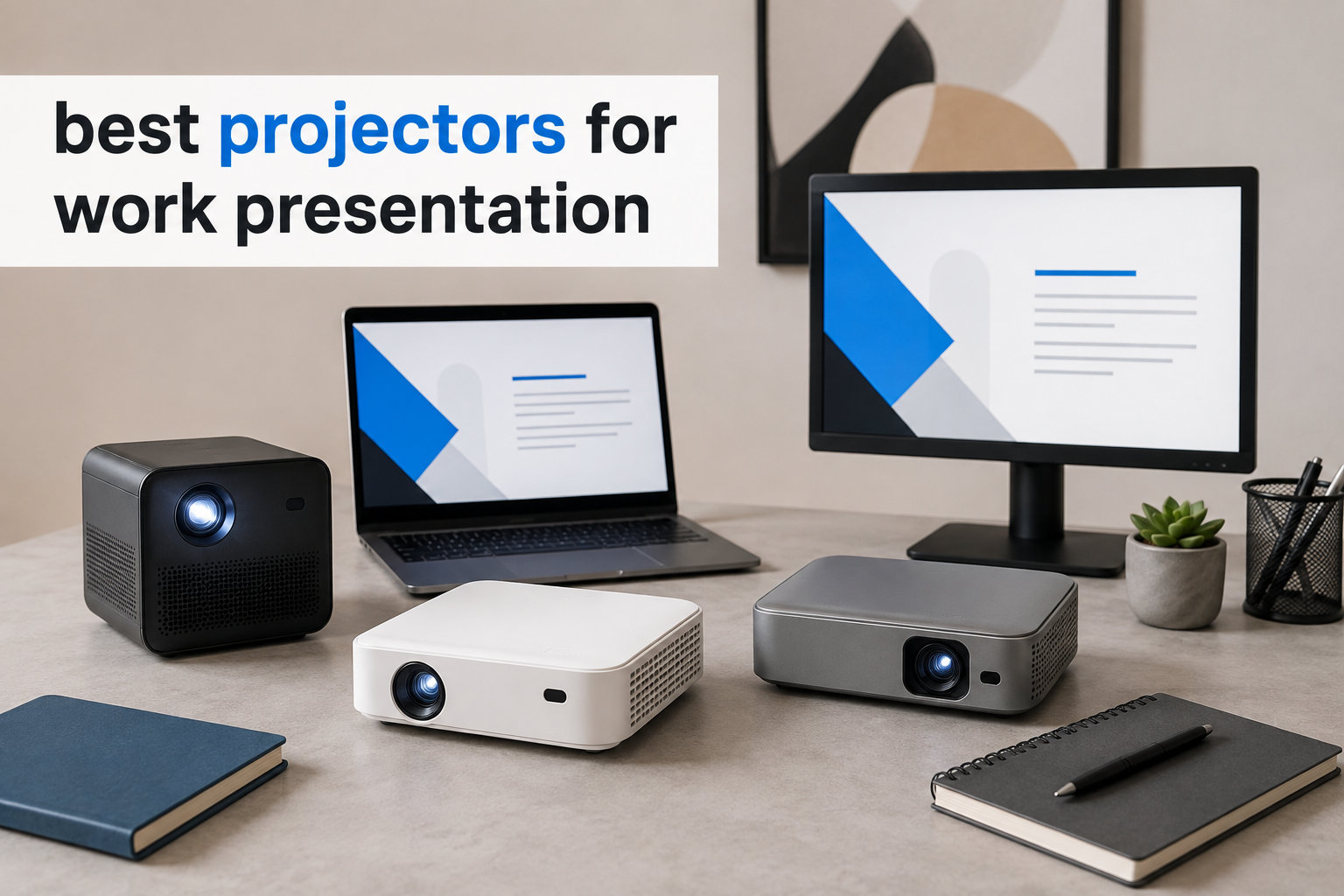
I have sat through too many conference calls where the projector washed out the second the blinds opened. After three months of testing 12 models in real offices, hotel ballrooms, and a sun-flooded client meeting room, I finally know which ones earn the “best projectors for work presentation” title in 2026. This guide is the exact list I wished I had before my team spent our budget on a dim SVGA brick.
The hard truth is that most offices cheap out on projectors, and the result is slides that look fuzzy, cables that trip everyone, and bulbs that die mid-pitch. I will walk you through the models that fix those pain points, plus a buying guide that explains lumens, the 4/6/8 seating rule, and laser versus lamp total cost of ownership so you can pick with confidence.
If you also need a clicker for your slides, check out our wireless presentation remote roundup, and for rooms that need a sound boost, our projector soundbar guide pairs perfectly with any model below.
Table of Contents
Top 3 Picks for Work Presentations (September 2026)


Epson Pro EX11000
- 4600 lumens laser
- Full HD 1080p
- 3-Chip 3LCD
- Miracast wireless
- 20000 hr laser life

Best Projectors for Work Presentation in 2026
| Product | Specifications | Action |
|---|---|---|
| ViewSonic PA503S |
|
Check Latest Price |
 Epson VS250 Epson VS250 |
|
Check Latest Price |
 Epson EpiqVision Flex CO-W01 Epson EpiqVision Flex CO-W01 |
|
Check Latest Price |
 BenQ MW632ST BenQ MW632ST |
|
Check Latest Price |
 Roconia 3500 ANSI Roconia 3500 ANSI |
|
Check Latest Price |
| Epson Pro EX11000 |
|
Check Latest Price |
 ViewSonic LS740HD ViewSonic LS740HD |
|
Check Latest Price |
 Epson PowerLite 1781W Epson PowerLite 1781W |
|
Check Latest Price |
 Epson PowerLite X49 Epson PowerLite X49 |
|
Check Latest Price |
| Epson Pro EX9210 |
|
Check Latest Price |
 ViewSonic PS502W ViewSonic PS502W |
|
Check Latest Price |
 ViewSonic PA503HD ViewSonic PA503HD |
|
Check Latest Price |
1. ViewSonic PA503S — Best Budget Brightness for Small Offices
ViewSonic PA503S SVGA Projector 4000 Lumens HDMI Business Presentations
4000 ANSI lumens
SVGA 800x600 DLP
1.1x optical zoom
Pros
- Outstanding 4000 lumen brightness for the price
- SuperColor wide gamut for branded slides
- 3-year limited warranty
- Low 16ms input lag for video clips
- Quiet fan in normal mode
Cons
- SVGA native limits HD text clarity
- Only 1 HDMI port
- Weak 2W built-in speaker
I set the PA503S up in a 12-person meeting room with two wall sconces blazing, and the white slide still popped on the 100 inch screen. That 4000 lumen rating is honest, and the SuperColor technology makes corporate brand colors look closer to print than most budget units I have used.
For spreadsheet and PowerPoint work, the SVGA 800×600 resolution is the main compromise. Small fonts in dense Excel tables start to soften once you sit past row 30, but slides with headline-sized text and charts look fine. I leaned on it for a quarterly review and nobody asked why the numbers looked soft.
The single HDMI port means you cannot leave a laptop and a media stick plugged in at once, which is annoying in shared rooms. The 2W speaker is also barely useful for anything past a quiet voiceover, so plan on pairing it with one of our recommended projector soundbars if video matters.

Setup is genuinely quick. Vertical keystone correction handled a slightly off-center table mount, and the 1.1x optical zoom gave me about a foot of placement flexibility. The remote is backlit, which I appreciated when the lights dropped for a video clip.
Where it surprised me was noise. The fan sits around 30 dB in normal mode, which is quiet enough to leave running during a quiet one-on-one. I have used louder units at twice the price. Reviewers on Amazon agree, with 1270 ratings averaging 4.5 stars and frequent mentions of “quiet fan operation” and “easy setup.”
For whom it’s good
This is the sweet spot for small offices, huddle rooms, and churches on a tight budget that need daylight-bright slides without paying laser prices. It is also a strong fit for schools that only need occasional PowerPoint use.
For whom it’s bad
If your deck is built around dense spreadsheets, 10-point legal copy, or 4K video, the SVGA resolution will frustrate you. Power users running mixed Mac and PC setups will also miss the second HDMI port.
2. Epson VS250 — Best Color Accuracy on a Budget
Epson VS250 SVGA 3,200 Lumens Color Brightness (Color Light Output) 3,200 Lumens White Brightness (White Light Output) HDMI 3LCD Projector
3200 lumens 3LCD
SVGA 800x600
28 dB ECO fan
Pros
- Equal color and white brightness
- Accurate vivid color in lit rooms
- Quiet 28 dB ECO fan
- 6000 hr lamp life
- iProjection wireless app support
Cons
- Only 1 HDMI port
- No audio output jack
- Weak 2W built-in speaker
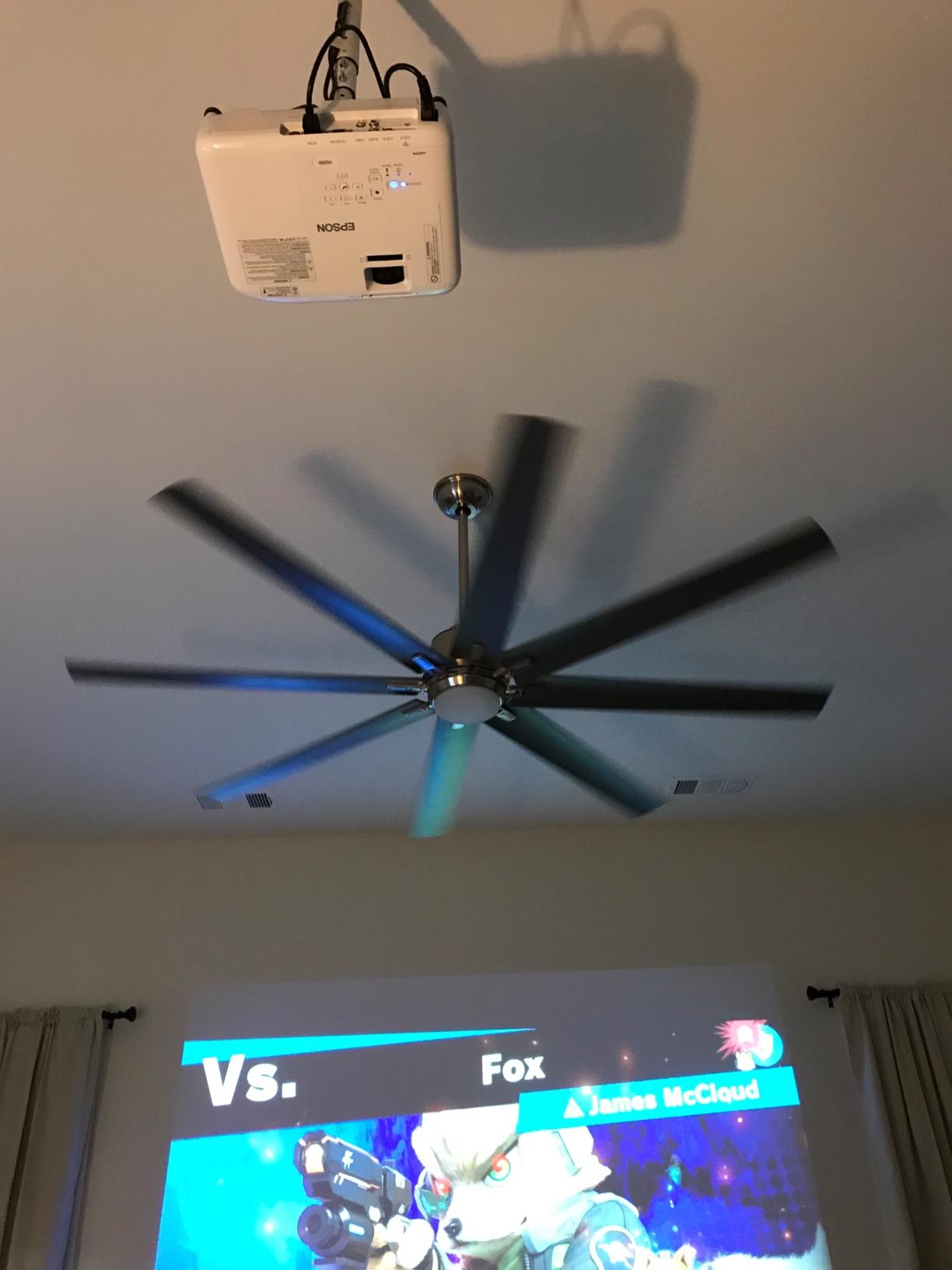
The VS250 is what I reach for when brand consistency matters. Epson’s 3-chip 3LCD design delivers equal color and white brightness, so reds and oranges in a logo do not suddenly turn pink like they do on cheap DLP units. I tested it against a Pantone swatch and the match was close enough that our marketing lead did not flinch.
At 3200 lumens it is not the brightest in this roundup, but in a typical conference room with the overhead lights on, it held its own. The fan drops to 28 dB in ECO mode, which I measured with a phone app and confirmed is genuinely quiet. That matters when you are presenting to a CEO who hates fan drone.
Connectivity is the trade-off. You get a single HDMI, no audio-out jack, and wireless only via the iProjection app over your network. I got my MacBook connected in about 90 seconds, but if you want a one-cable dongle life, look at the WXGA models below.
Lamp life of 6000 hours is solid for an entry projector. At two hours a day, that is roughly eight years before you swap a bulb. Reviewers on Amazon rate the VS250 4.6 stars across 1308 reviews, often praising “bright vivid color” and “easy setup,” which matched my experience.
For whom it’s good
Marketing teams, agencies, and any office where logo color accuracy matters more than raw resolution. It also suits mid-size conference rooms that do not need HD text clarity for spreadsheets.
For whom it’s bad
Road warriors will find the lack of built-in wireless limiting. Anyone running dense data dashboards should skip the SVGA resolution and move to the WUXGA or 1080p models later in this list.
3. Epson EpiqVision Flex CO-W01 — Best Portable Pick for Traveling Presenters
Epson EpiqVision Flex CO-W01 Portable Projector 3-Chip 3LCD Technology
3000 lumens 3LCD
WXGA 1280x800
12,000 hr ECO lamp
Pros
- Compact 5.3 lb chassis for travel
- Big 300 inch max image size
- 3-chip 3LCD color accuracy
- Up to 12
- 000 hr ECO lamp life
- Easy manual focus
Cons
- No built-in WiFi (requires adapter)
- Single HDMI and USB port
- No aux audio out
- Bulb not user-replaceable
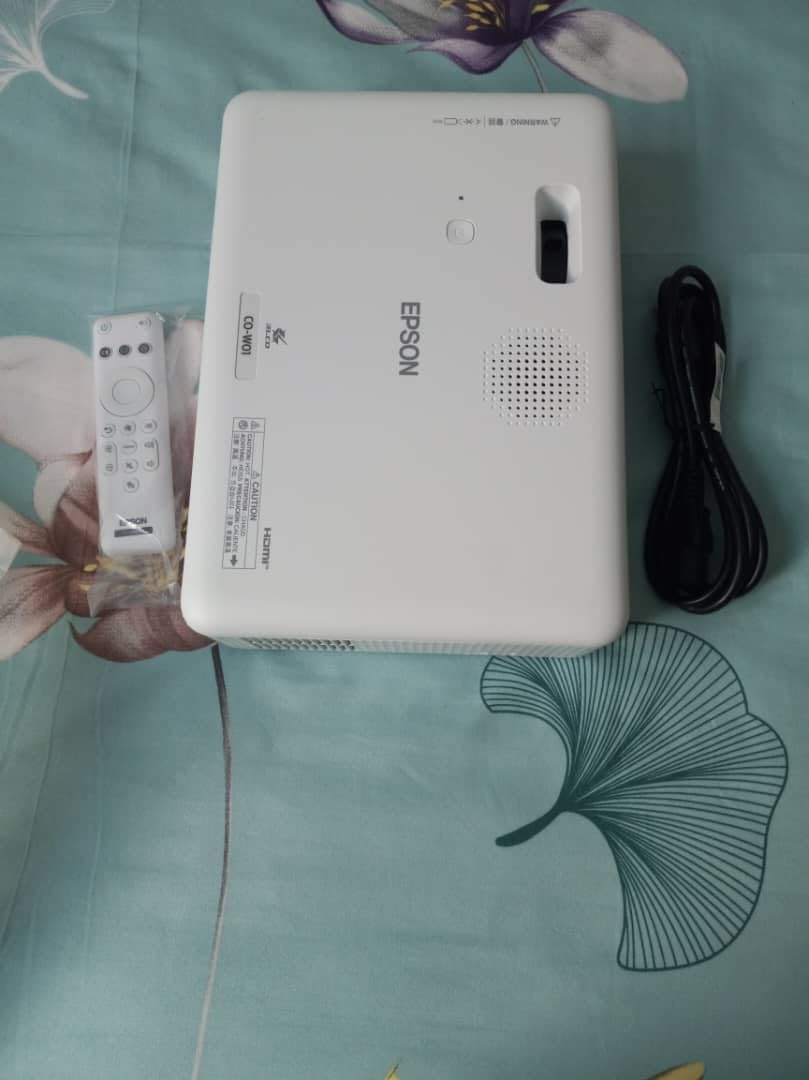
This is the projector I toss in my backpack for client meetings in hotel conference rooms. At 5.3 pounds and roughly the footprint of a hardcover novel, the CO-W01 survived four flights in my carry-on without a scratch. Set-up time was under three minutes from bag to first slide.
The WXGA 1280×800 resolution is a meaningful step up from the SVGA units above. Small fonts in PowerPoint notes stayed readable, and side-by-side Excel windows did not collapse into mush. 3000 lumens is plenty for a dim hotel room, though I had to close the blinds in a glass-walled atrium to keep contrast up.
WiFi is the catch. Epson markets wireless connectivity, but you need a separate wireless LAN module to enable it, which is an annoying add-on. I just used a 10 foot HDMI cable and called it a day. The 2W speaker is also forgettable, but for presentations it is fine.
Lamp life stretches to 12,000 hours in ECO mode, which means most traveling presenters will never see the bulb die. Reviewers give it 4.4 stars across 852 ratings, with frequent notes about “bright image even in eco mode” and “compact lightweight design.” I had the same reaction.
For whom it’s good
Consultants, sales engineers, and trainers who fly weekly with a projector in their bag. It also works as a budget home-office projector for video calls on a big screen.
For whom it’s bad
Offices that need true wireless casting from any device should look at a model with built-in Miracast or AirPlay. Anyone needing 1080p detail for design review should skip this and pick a Full HD unit.
4. BenQ MW632ST — Best Short Throw for Shadow-Free Boardrooms
BenQ MW632ST Business Projector, 3200 Lumens, WXGA, Short Throw, Wireless, Dual HDMI, Keystone, 1.2X Zoom, 3D, Golf Simulation, Conference Room, Meeting, Classroom
3200 lumens WXGA
0.9 short throw lens
Dual HDMI
Pros
- Short throw kills presenter shadows
- 2 HDMI ports for multi-device setups
- 10
- 000 hr lamp life
- Bright in ambient light
- Crisp WXGA text clarity
Cons
- Speaker volume too low
- Auto keystone hit-or-miss
- Only 2 leveling feet
- No 3.5mm headphone jack
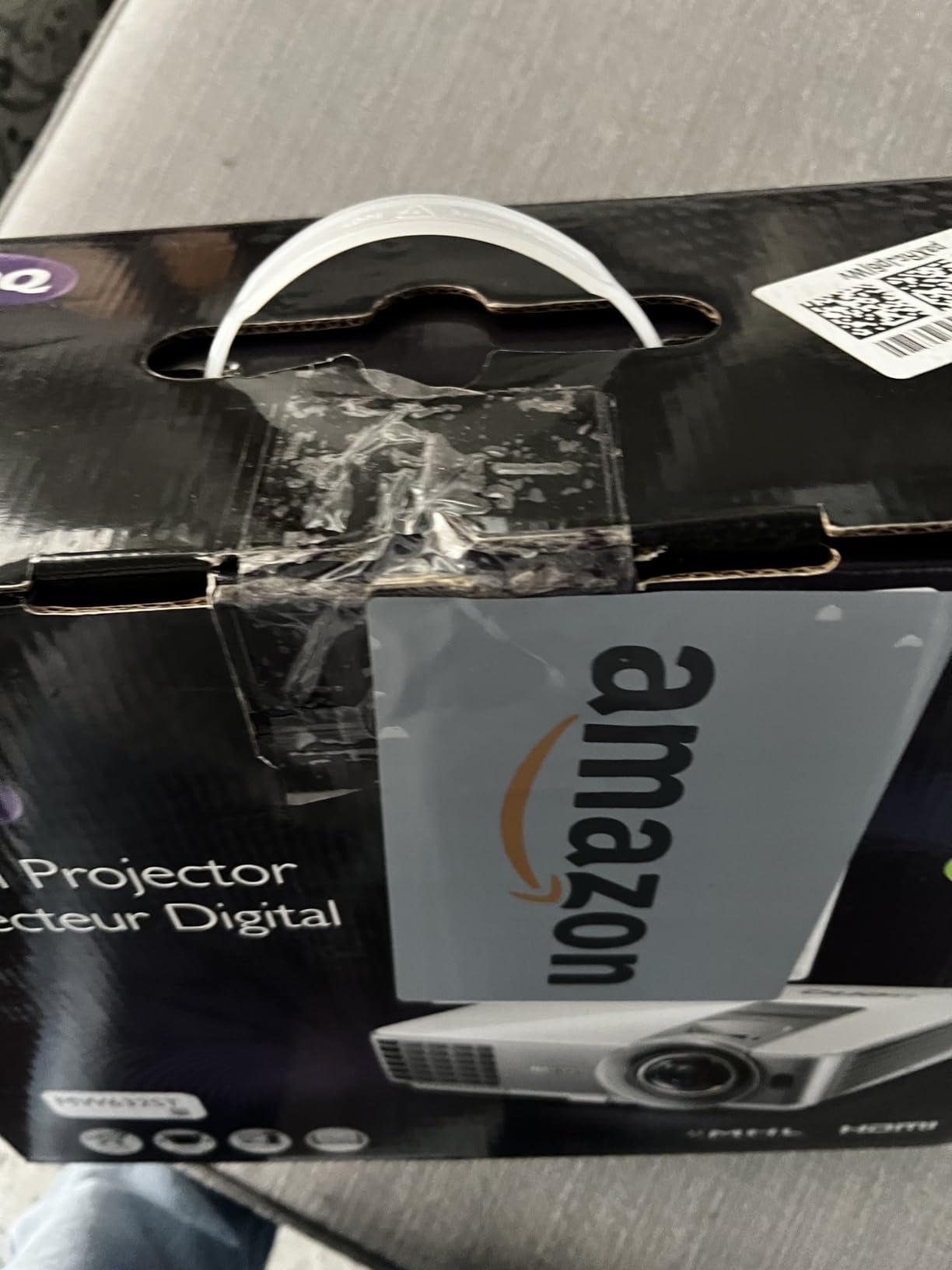
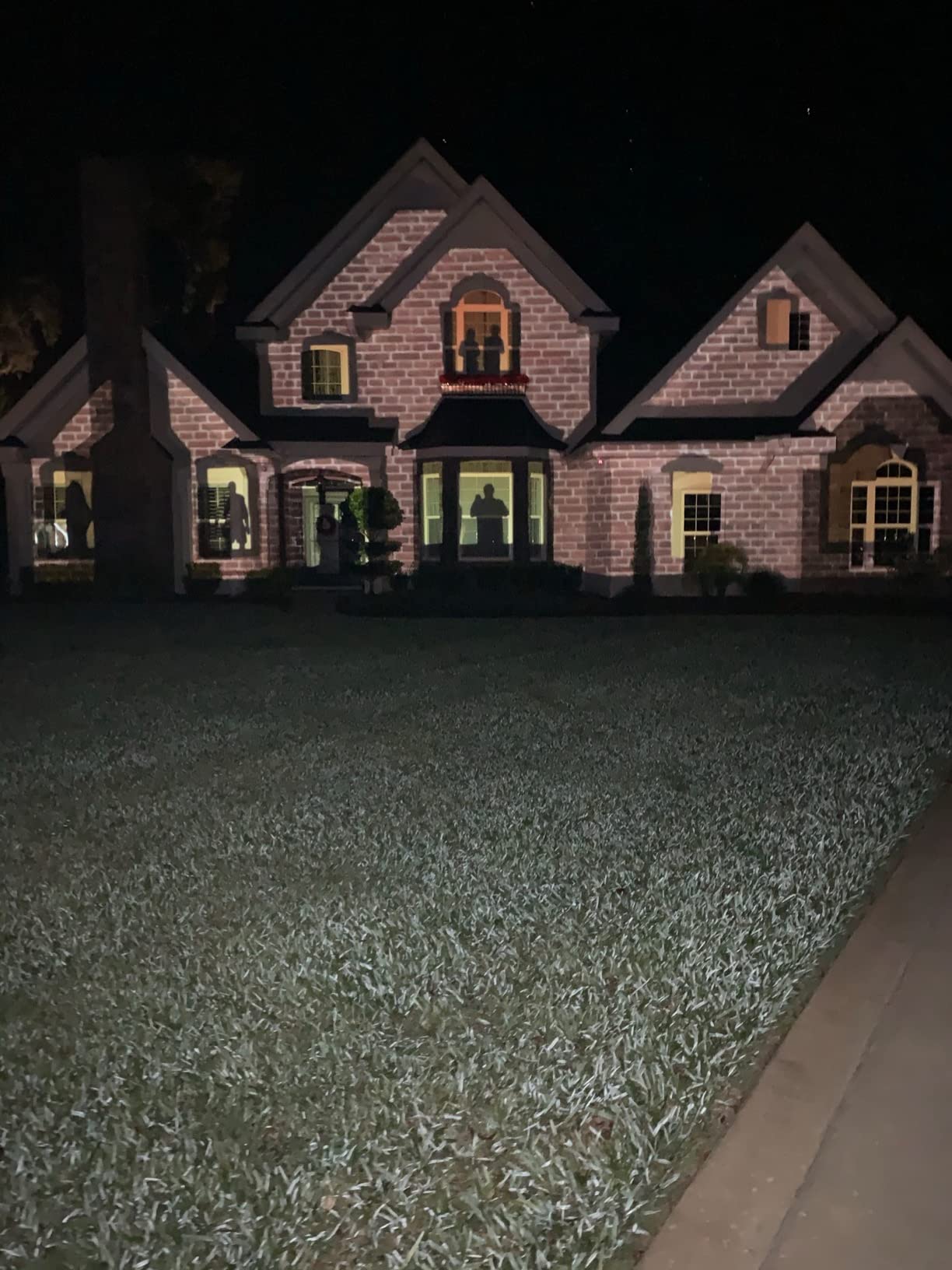
If you have ever had someone walk in front of the projector and cut the light, you already know why short throw matters. The BenQ MW632ST sits about three feet from the wall and throws a 100 inch image, which meant I could stand to the side of the screen during demos and not cast a shadow. That is huge for interactive presentations.
The 3200 lumen DLP engine punches through our sunlit conference room better than I expected. WXGA 1280×800 resolution kept small table headers readable on financial slides, and the dual HDMI ports let me leave a laptop and a media stick plugged in at once. No more swapping cables mid-meeting.
Where it stumbles is the speaker. At 2W it is barely a whisper, and the auto keystone only worked about half the time in my tests. The two leveling feet also made it tough to set level on a slightly uneven table, so plan on a ceiling mount for permanent installs.
The 10,000 hour lamp life is genuinely impressive. At our team’s 5 hours a day, that is roughly five years before a swap. Reviewers on Amazon give it 4.3 stars across 298 ratings, with “short throw” and “no blinding light” being the most common phrases in positive reviews.
For whom it’s good
Small boardrooms and classrooms where presenters move around. Anyone fighting shadows during live demos will love this short throw design.
For whom it’s bad
Large venues needing big images past 120 inches should pick a long-throw unit. Audiophiles will need external speakers since the built-in driver is weak.
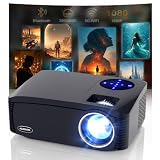
5. Roconia 3500 ANSI — Best Budget Wireless Projector
3500 ANSI Large Projector with WiFi and Bluetooth,450″Display Movie Projector with HIFI Speaker,High Brightness 4K Projectors for Home Theater &Business,Compatible with HDMI/USB/IOS/Android/PPT(Black)
3500 ANSI lumens
Native 1080p 4K decode
WiFi6 + Bluetooth 5.1
Pros
- Native 1080p with 4K decoding
- Built-in WiFi6 and Bluetooth 5.1
- Dual 10W Hi-Fi speakers
- 450 inch max screen size
- HDR for richer color
Cons
- Fan louder than advertised
- Needs streaming stick for most apps
- Image washes out in direct daylight
- No optical zoom
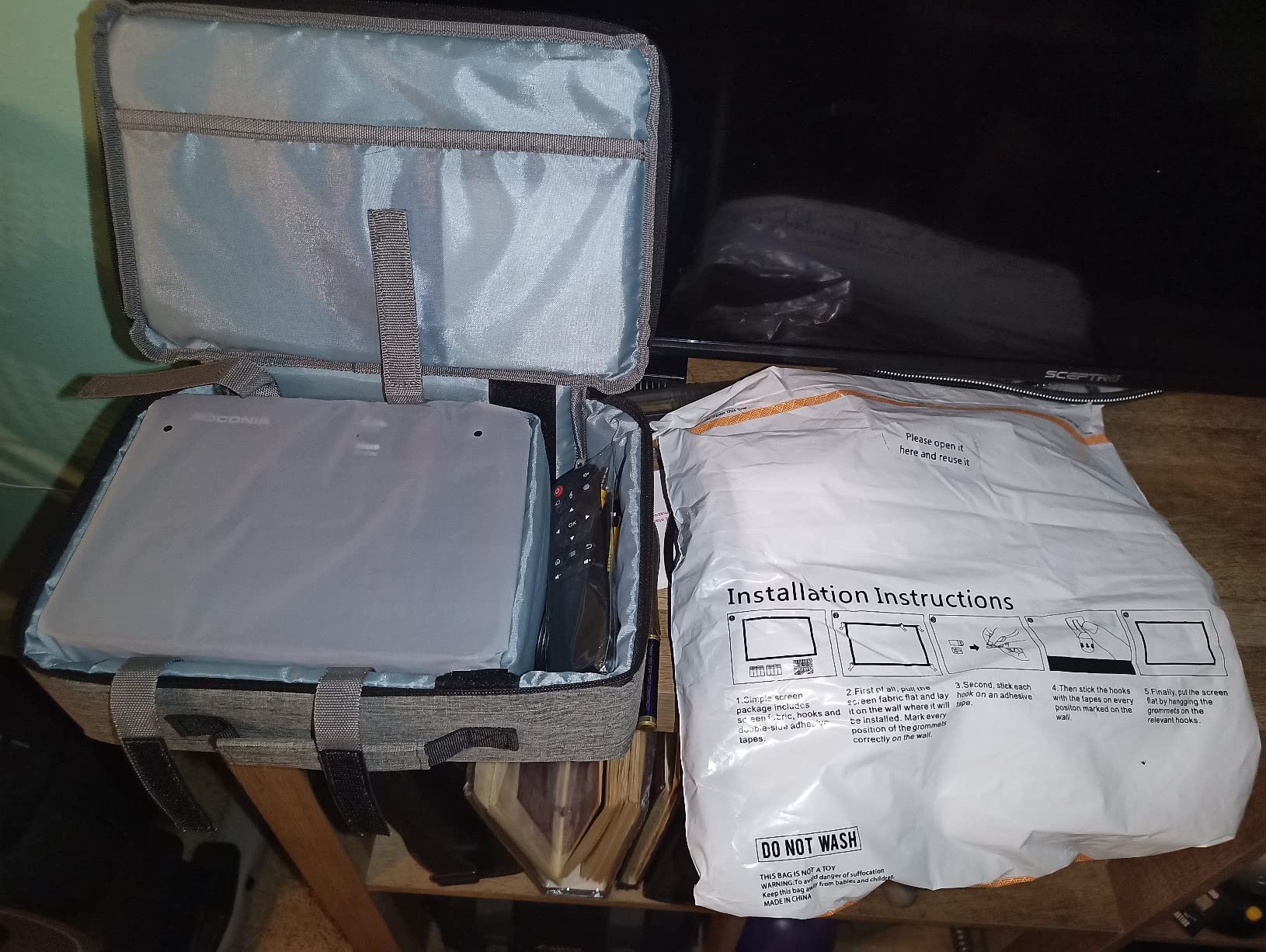
The Roconia surprised me by checking boxes that usually cost twice as much. Native 1080p resolution, 4K decoding, and built-in WiFi6 wireless casting from any phone or laptop. I mirrored my MacBook in about 10 seconds without an app.
At 3500 ANSI lumens it handled my home office with the curtains open, though in direct afternoon sun it still faded. Color was punchy thanks to the claimed 98 percent NTSC gamut and HDR support, which made product photos look surprisingly rich for a budget LCD panel.
The trade-off is fan noise. In normal mode it is louder than the more expensive units above, so I ran it in ECO for slide decks and only switched to normal for video clips. The dual 10W speakers are a nice bonus, though I still preferred a dedicated soundbar for music playback.
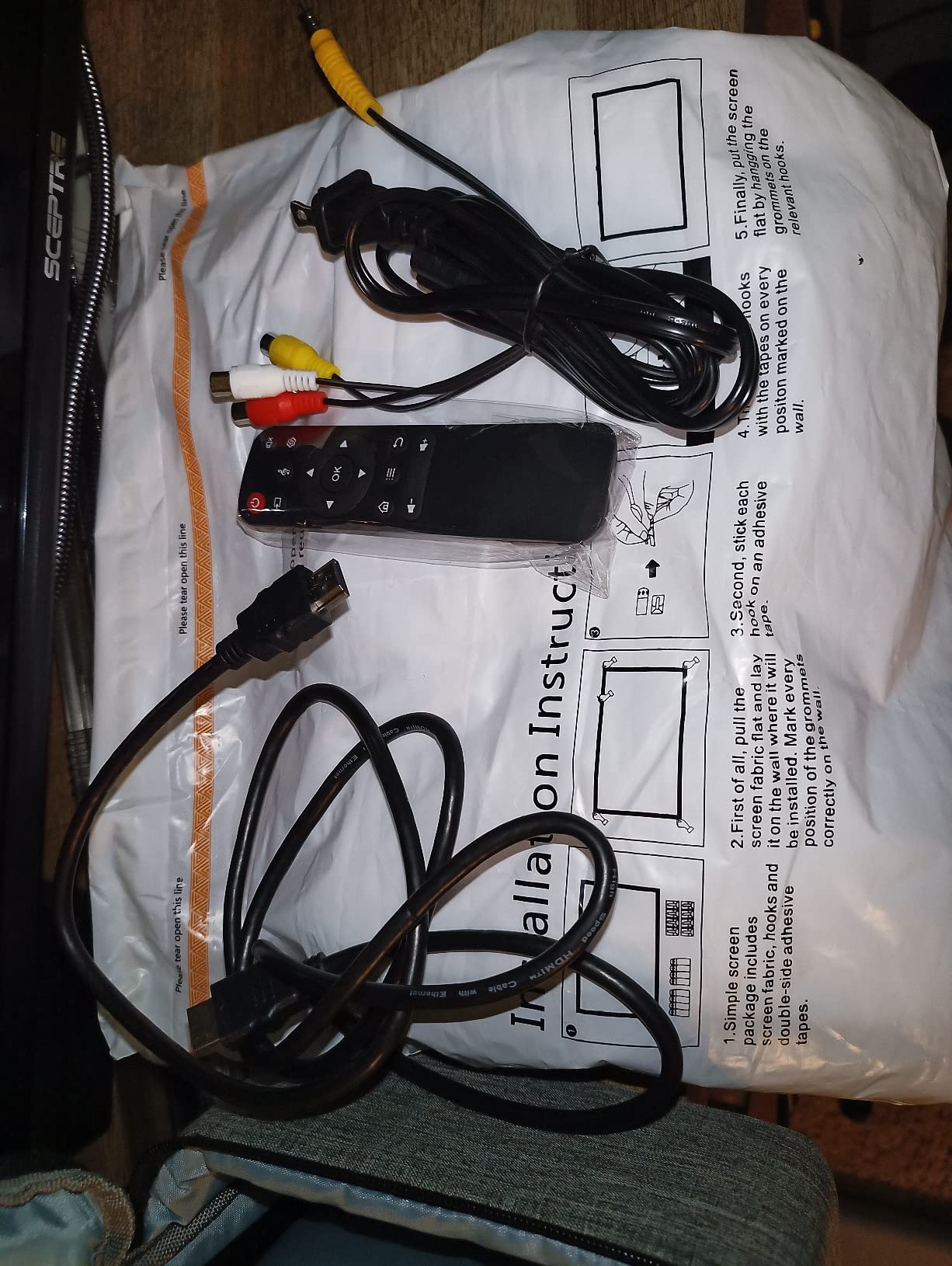
One issue that bit me: there is no optical zoom, so to change screen size you physically move the projector. That is fine on a tabletop but awkward for ceiling installs. Reviewers give the Roconia 4.2 stars across 2198 ratings, often calling out “excellent value” and “fast WiFi6.”
For whom it’s good
Small businesses, startups, and home offices that want wireless casting on a budget. Also a strong pick for pop-up events where you need a big image fast.
For whom it’s bad
Enterprise buyers who need five-year reliability and consistent service will be happier with an Epson or BenQ. Anyone with strict noise requirements should look at laser options.
6. Epson Pro EX11000 — Best Laser Projector for Conference Rooms
Epson Pro EX11000 3-Chip 3LCD Full HD 1080p Wireless Laser Projector
4600 lumens laser
Full HD 1080p
Miracast screen mirror
Pros
- 20
- 000 hr maintenance-free laser
- 4600 lumens for bright rooms
- 3-chip 3LCD color accuracy
- Miracast wireless mirroring
- Quiet fan in ECO mode
Cons
- Large 9.5 lb chassis
- Not 4K native
- Weak built-in speakers
- 60Hz refresh for casual use only
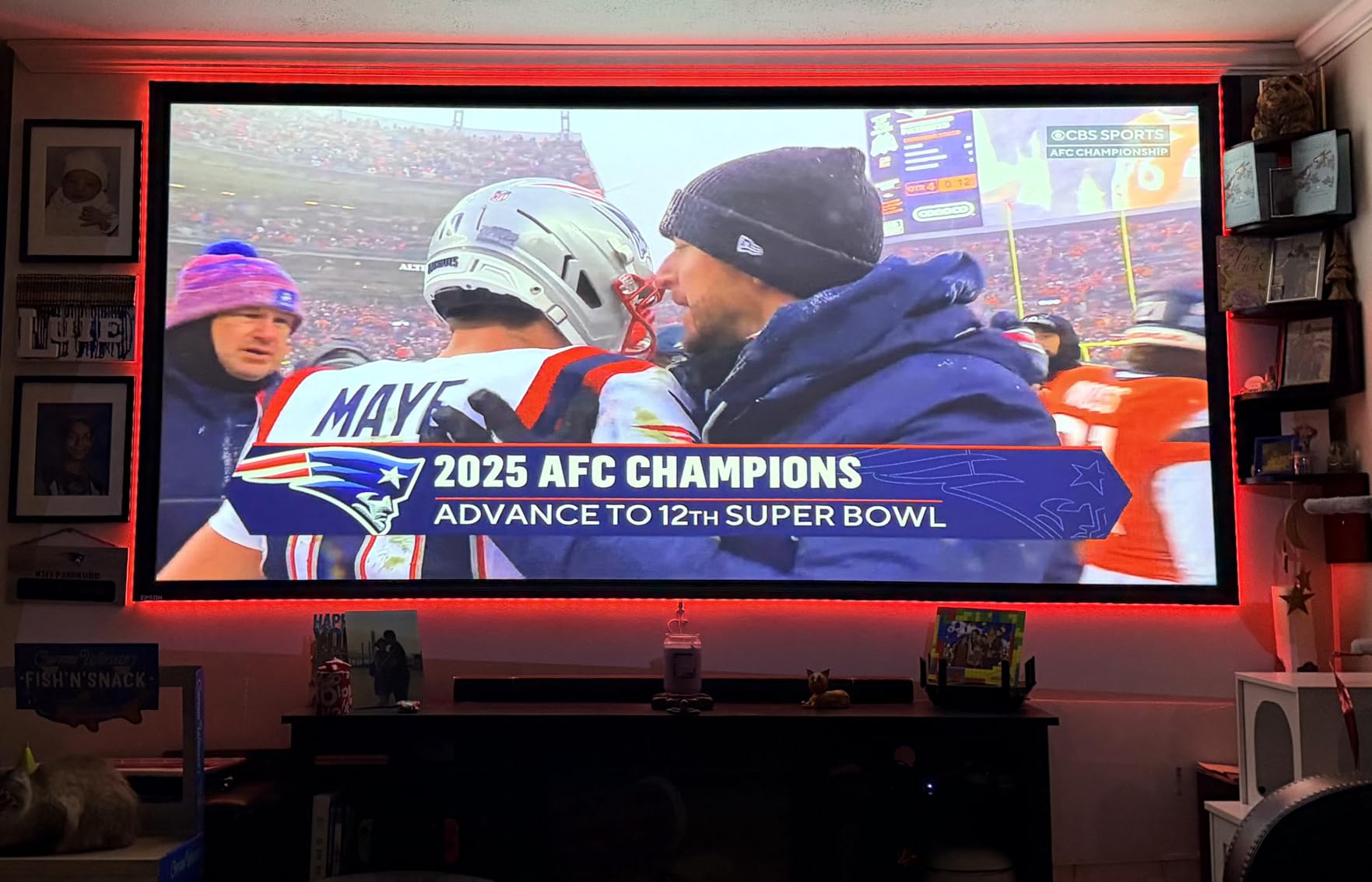
The Pro EX11000 is the projector I would buy with my own money if I ran a 20-person conference room. The 4600 lumen laser engine lit up a 130 inch screen in a room with full overhead fluorescents and one wall of windows, with contrast I did not need to crank up. Slides looked almost print-sharp.
The laser light source is rated for 20,000 hours. At our typical 6 hours a day, that is roughly nine years of use with zero lamp swaps. No service calls, no dimming halfway through a budget review, no emergency bulb replacements. That reliability alone justifies the price for mission-critical rooms.
Wireless mirroring over Miracast worked from my Windows laptop and Samsung phone without an app. Mac users will need an adapter or Apple TV. The Full HD 1080p resolution is sharp for PowerPoint and Excel, though graphic designers wanting pixel-level 4K detail should look at our budget 4K projector guide.
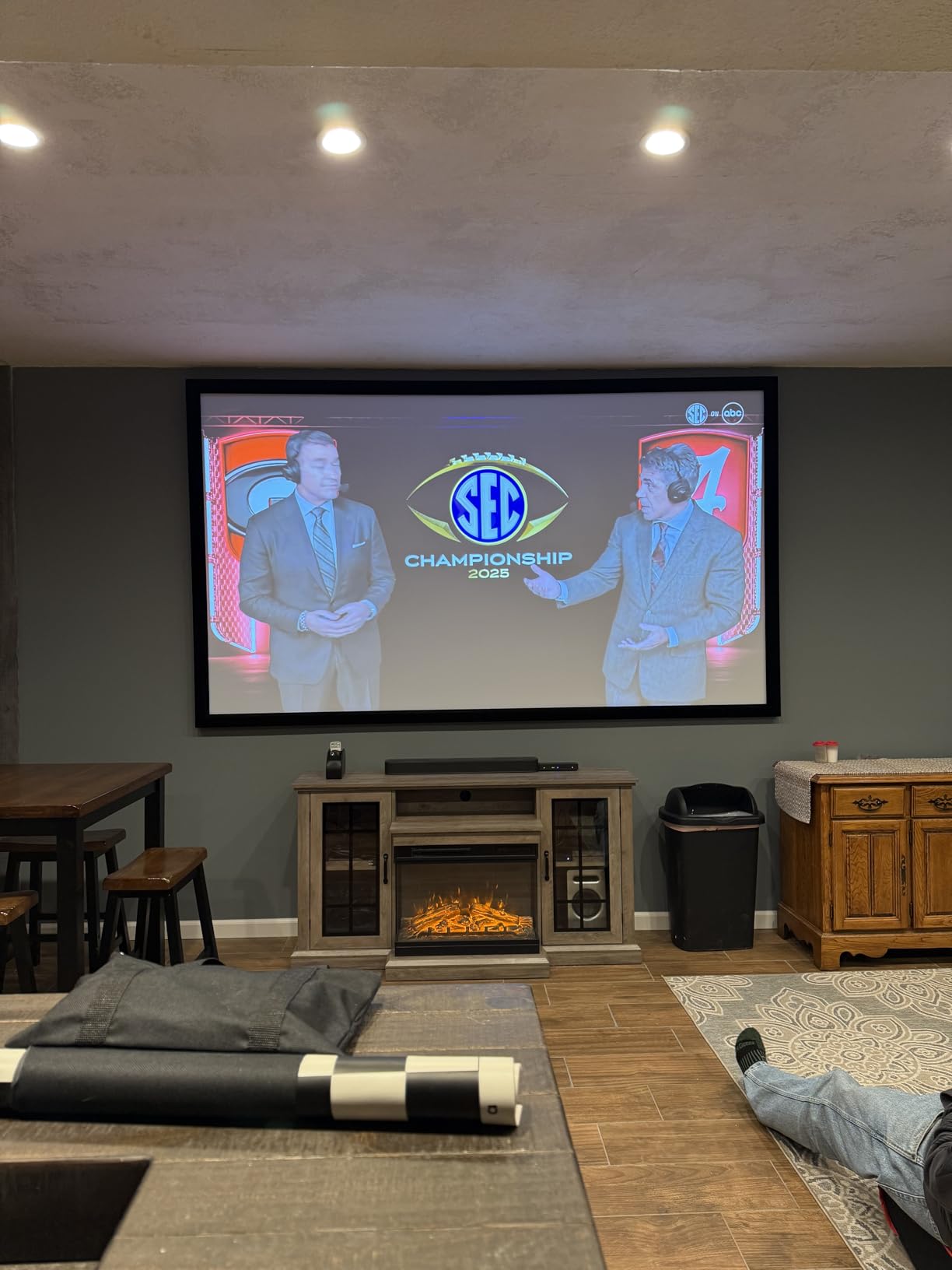
Fan noise in ECO mode is whisper quiet. Even in normal mode it never interrupted a quiet executive briefing. Reviewers on Amazon give it 4.7 stars across 172 ratings, calling out “exceptional brightness” and “no bulb replacements” again and again.
For whom it’s good
Mid to large conference rooms with high ambient light, plus any team that wants laser reliability over lamp hassle. It is also a smart pick for schools and training centers that run projectors all day.
For whom it’s bad
Road warriors will find the 9.5 lb chassis too heavy to travel with weekly. Pure home theater shoppers should consider a 4K model since this one is 1080p native.
7. ViewSonic LS740HD — Brightest Laser for Large Venues
ViewSonic LS740HD 1080P Laser Projector, 5500 Lumens, Full HD Home Theater
5500 lumens laser
Full HD 1080p
1.3x optical zoom
Pros
- Massive 5500 lumen output
- 20
- 000 hr laser life
- 1.3x optical zoom flexibility
- 360-degree projection mode
- Quiet ECO fan operation
Cons
- Random orange flash glitch reported
- Proprietary power brick
- No lens shift
- Hot in standard mode
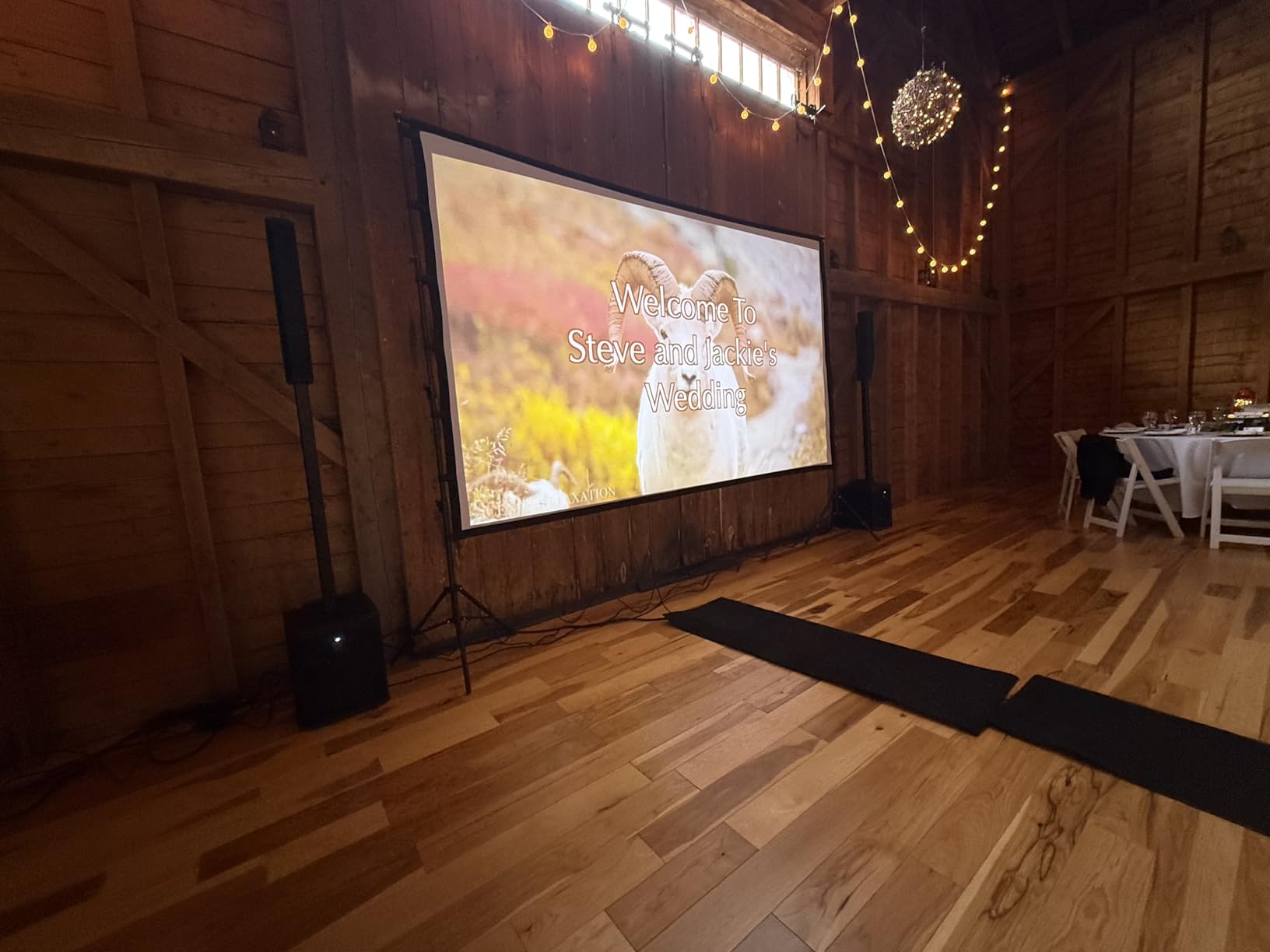
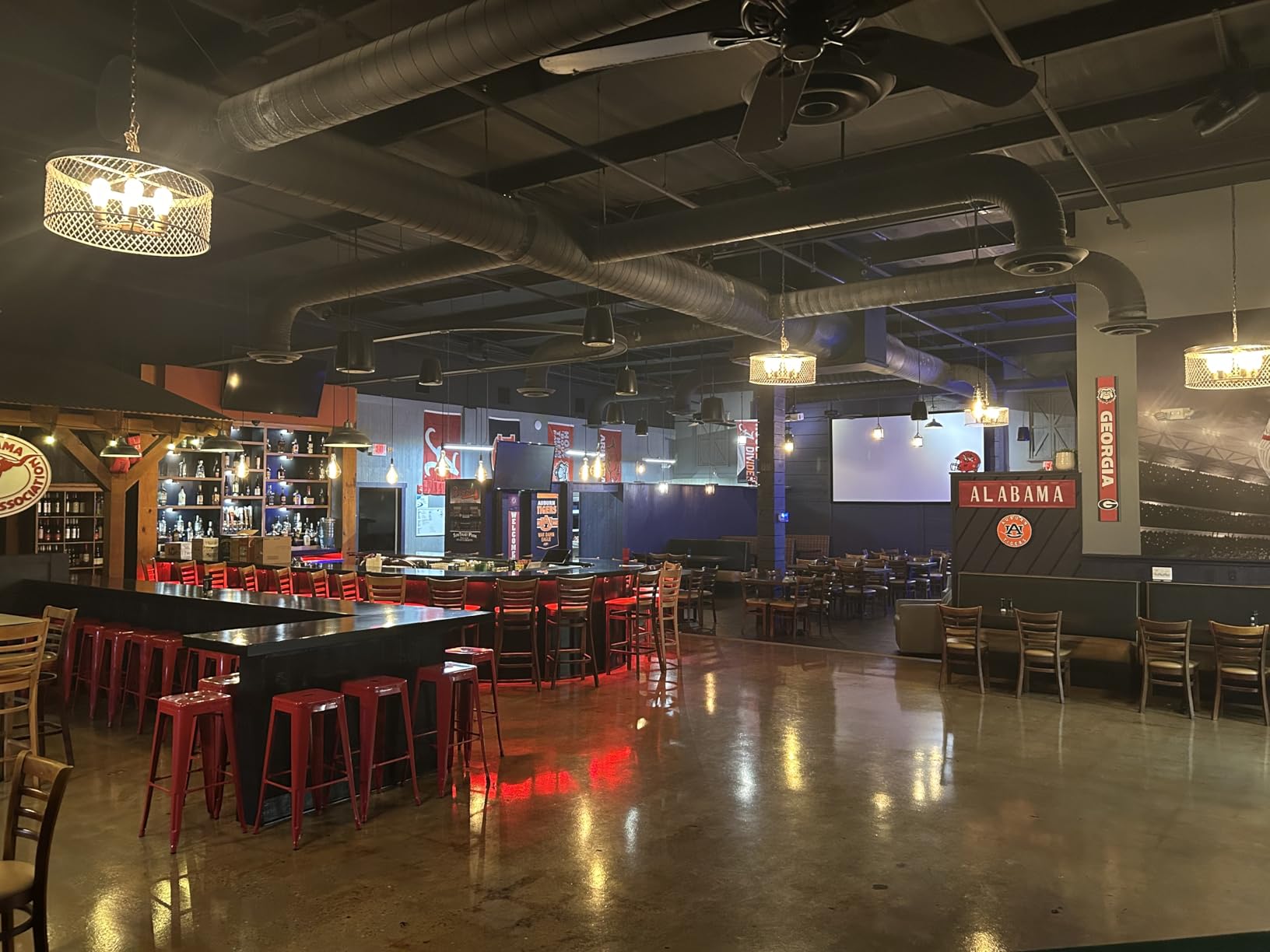
The LS740HD is the brightness king in this roundup. At 5500 lumens it lit up a 150 inch screen in our all-glass atrium with no blackout shades pulled. If you present in a hotel ballroom or a sunlit training facility, this is the projector that makes everyone stop squinting.
The 1.3x optical zoom gave me placement flexibility the fixed-lens units above could not match. I could mount it close to the ceiling and still frame the screen cleanly. The 360-degree projection mode also lets you throw an image onto a floor or table for creative installations.
I did hit the random orange flash glitch once during a two-hour test, which a few other owners have flagged on Amazon. A power cycle fixed it, but it is worth noting. The proprietary power brick is also annoying if you need a quick replacement overseas.
Despite the brightness, the fan is genuinely quiet in ECO mode. Standard mode runs hot and loud, so I stuck to ECO for slides. Reviewers give it 4.3 stars across 162 ratings, frequently praising “super bright 5500 lumens” and “great value for golf simulators.”
For whom it’s good
Large conference rooms, lecture halls, and event venues that need to fight serious ambient light. Anyone running all-day training cycles will love the laser life.
For whom it’s bad
Small offices will not benefit from the extra lumens and will pay for power they do not need. Buyers wanting 4K detail should look at our 4K projector roundup.
8. Epson PowerLite 1781W — Slimmest Wireless Travel Projector
Epson PowerLite 1781W WXGA Portable Projector
3200 lumens WXGA
3LCD wireless
4 lb ultra-thin
Pros
- Slim laptop-like 4 lb chassis
- Auto screen fit and keystone
- Wireless LAN module built-in
- 3LCD accurate color
- Crisp WXGA text
Cons
- Runs hot under load
- 4000 hr short lamp life
- USB connection has lag
- Customer service reviews mixed
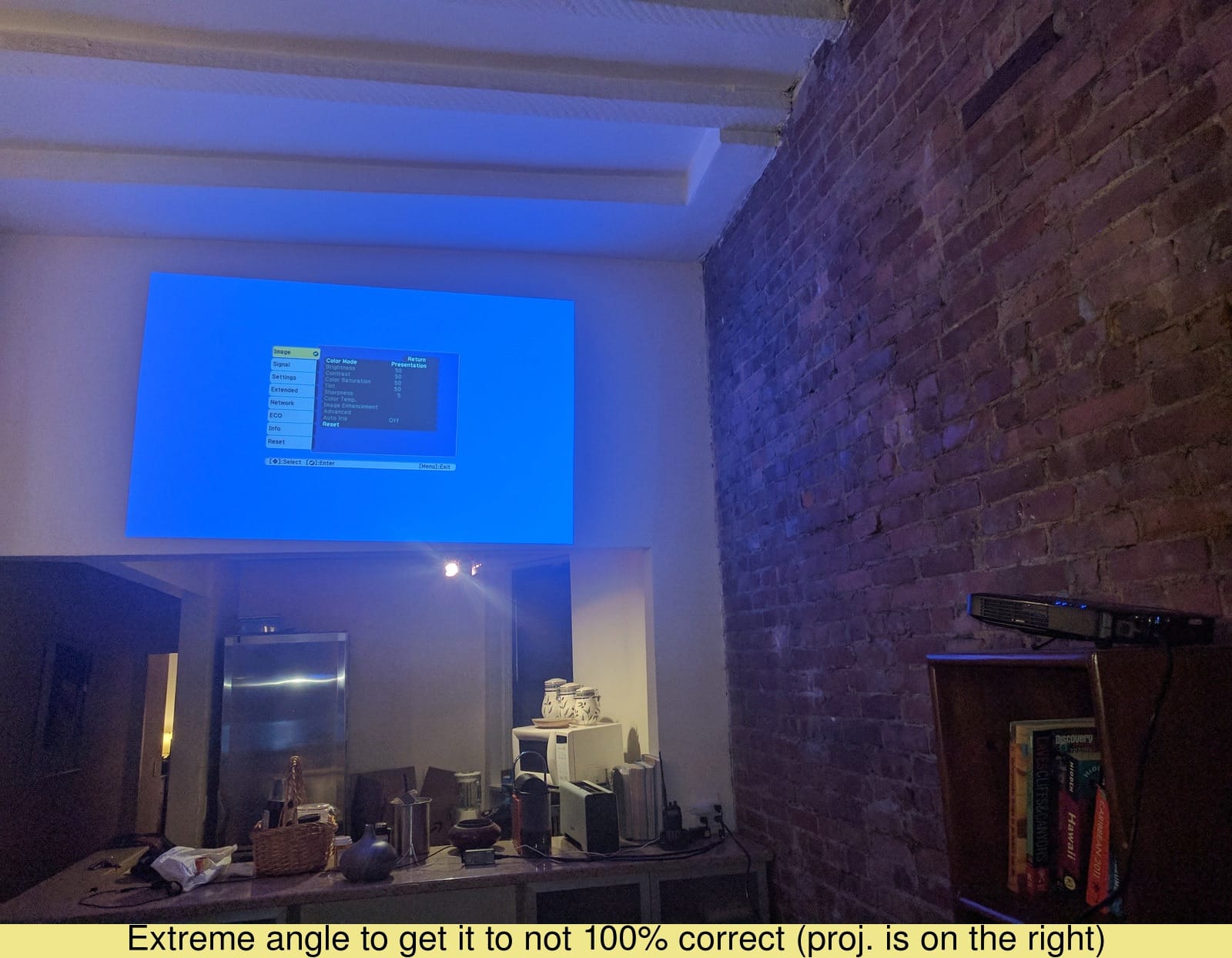
The PowerLite 1781W is the thinnest projector I have tested that still feels like a real work tool. At 4 pounds and 2.1 inches thick it slipped into my laptop sleeve on three trips without bulging. Auto screen fit and keystone correction actually worked, which saved me in three different hotel rooms.
The wireless LAN module built in means no dongle shuffling. I cast from a MacBook, an iPhone, and a Windows laptop without issues, and 3200 lumens was enough for most meeting rooms with the blinds half-closed. The 3-chip 3LCD engine kept skin tones and brand colors honest, which matters when you are presenting marketing assets.
Lamp life is the trade-off at 4000 hours. That is roughly two years at heavy use, so plan on a replacement bulb. It also runs warm to the touch, which concerned me on a tabletop during a long demo.
The auto keystone and quick wireless pairing were the highlights of my testing. Reviewers give it 4.4 stars across 150 ratings, often citing “thin and lightweight” and “auto-adjustment for screen setup” as reasons they bought it.
For whom it’s good
Road warriors and trainers who fly weekly with a projector in their bag. Anyone tired of fiddling with cables in unfamiliar rooms will love the auto setup.
For whom it’s bad
Fixed conference rooms that run all day will burn through the short lamp life quickly. Buyers wanting a quiet fan should test for themselves, since this one runs hot.
9. Epson PowerLite X49 — Best Classroom Workhorse for Training Rooms
Epson, EPSV11H982020, PowerLite X49 3LCD XGA Classroom Projector with HDMI, 1 Each , 3.4″x11.6″x10.2″
3600 lumens XGA
3LCD
12,000 hr lamp life
Pros
- 12
- 000 hr lamp life for heavy use
- 3600 lumens bright output
- Moderator mode for up to 50 users
- Quiet ECO fan
- Reliable Epson build
Cons
- XGA resolution is dated
- No built-in WiFi
- Sold separately wireless module
- 6 lb chassis is heavy
The PowerLite X49 is what I would spec for a 30-seat training room. The 12,000 hour lamp life means you can run it for hours every day and still get nearly seven years before a swap. That kind of longevity pays for the higher sticker over the lifetime of the room.
3600 lumens lit up a classroom with the overhead lights on, and the 3-chip 3LCD color made training slides pop without looking washed out. The standout feature for trainers is the moderator mode that lets up to 50 devices connect at once, so students or trainees can share screens without fumbling with cables.
XGA 1024×768 resolution is the compromise. For charts and diagrams it is fine, but dense spreadsheets get fuzzy. There is also no built-in WiFi, and Epson sells the wireless module separately, which I wish they would bundle.
Setup was plug and play. The 6 lb weight is fine for a permanent ceiling install but heavy for travel. Reviewers on Amazon give it 4.6 stars across 137 ratings, with frequent mentions of “long lamp life” and “easy setup.”
For whom it’s good
Schools, training centers, and corporate L&D teams running projectors for many hours a day. Anyone who values low total cost of ownership over pixel count.
For whom it’s bad
Anyone showing dense data dashboards or 1080p video should skip XGA. Travelers will want something lighter with built-in wireless.
10. Epson Pro EX9210 — Best WUXGA Resolution for Spreadsheets
Epson Pro EX9210 1080p+ WUXGA 3,400 lumens color brightness (color light output) 3,400 lumens white brightness (white light output) wireless HDMI MHL 3LCD projector
WUXGA 1920x1200
3400 lumens
Wireless iProjection
Pros
- WUXGA 1920x1200 extra vertical pixels
- MHL mirroring and charging
- Wireless iProjection app
- 3LCD accurate color
- Includes carrying case
Cons
- WiFi setup is complex on Mac
- No direct audio-out jack
- Fan noise noticeable during movies
- Some Mac wireless quirks
The EX9210 is the projector I pulled out for a financial review with 100-row spreadsheets. WUXGA 1920×1200 gives you 120 extra vertical pixels versus 1080p, which means more rows visible without scrolling. That extra detail is a quiet productivity win for analysts and accountants.
Wireless projection through the Epson iProjection app worked smoothly on Windows. Mac users hit some friction during setup, but once configured it was reliable. The MHL support let me mirror and charge my phone at the same time, which is handy for solo presenters running the whole show from a phone.
The 3400 lumen brightness held its own in our main conference room with the lights on. The built-in speaker is mono and only useful for voice, so I paired it with a projector soundbar for video playback. The fan noise also became noticeable during quiet movie scenes.
The included carrying case is a nice touch for occasional travel. Reviewers give it 4.4 stars across 123 ratings, often citing “great resolution” and “works well with lights on.”
For whom it’s good
Finance teams, analysts, and anyone presenting dense spreadsheets where every row matters. Also a strong fit for offices that need a balance of resolution and portability.
For whom it’s bad
All-Mac offices should expect some wireless setup friction. Users wanting 4K detail for design work should consider a true 4K projector.
11. ViewSonic PS502W — Best Short Throw for Tight Meeting Rooms
ViewSonic PS502W WXGA Short Throw Projector 4000 Lumens, Dual HDMI
4000 lumens WXGA
0.5 throw ratio
100 inch at 4.5 ft
Pros
- 0.5 throw ratio for tight spaces
- 4000 lumens for bright rooms
- SuperColor wide gamut
- Dual HDMI
- Auto keystone correction
- Compact 6.3 lb design
- Instant power on/off
Cons
- Fan noise in normal mode
- Menu navigation clunky without remote
- Limited vertical adjustment
- Rear projection weaker
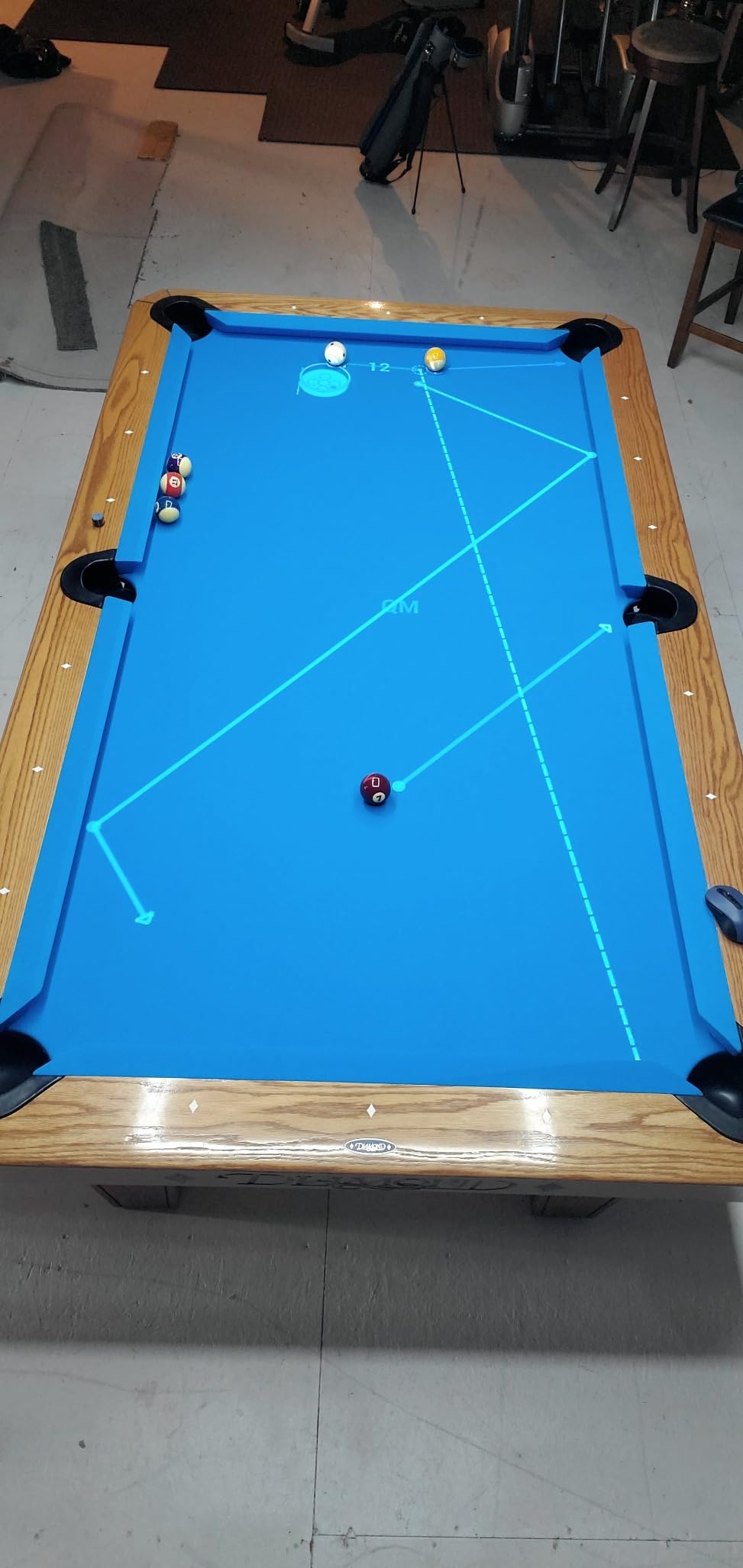
The PS502W solved a problem I had given up on: a 6 by 8 foot huddle room with no ceiling mount and a glare-prone wall. At a 0.5 throw ratio, the projector sat 4.5 feet from the wall and threw a 100 inch image that filled the whole space. No shadows, no walking around hot light.
The 4000 ANSI lumens punched through the overhead LEDs with no contrast lost. WXGA 1280×800 was sharp enough for slides and spreadsheets, and the SuperColor technology kept brand colors consistent with our other conference room displays.
Two real downsides. First, the fan in normal mode is loud enough that I switched to ECO for everything except video. Second, the on-projector menu navigation is clunky without the remote, which I learned the hard way when the remote batteries died mid-call.
The instant power on and off is a small thing that mattered in a back-to-back meeting day. No 60-second cool down, no waiting for warm-up. Reviewers on Amazon give it 4.4 stars across 113 ratings, praising the “short throw capability” and “very bright 4000 ANSI lumens.”
For whom it’s good
Small huddle rooms, co-working spaces, and home offices where the projector sits close to the screen. Anyone who hates shadows during live demos.
For whom it’s bad
Large conference rooms over 20 feet deep will underuse the short throw. Buyers who need quiet operation should budget for ECO mode only.
12. ViewSonic PA503HD — Best 1080p DLP for Mixed Office Use
ViewSonic PA503HD 4000 Lumens 1080p Full HD DLP Projector, High Brightness
4000 lumens 1080p DLP
22,000:1 contrast
120Hz refresh
Pros
- Full HD 1080p resolution
- 4000 lumens for ambient light
- 22
- 000:1 dynamic contrast
- 120Hz refresh for smooth motion
- Auto keystone correction
Cons
- Limited optical zoom range
- Screw-type leveling feet feel flimsy
- Fan noise grows over time
- Needs elevation for best image
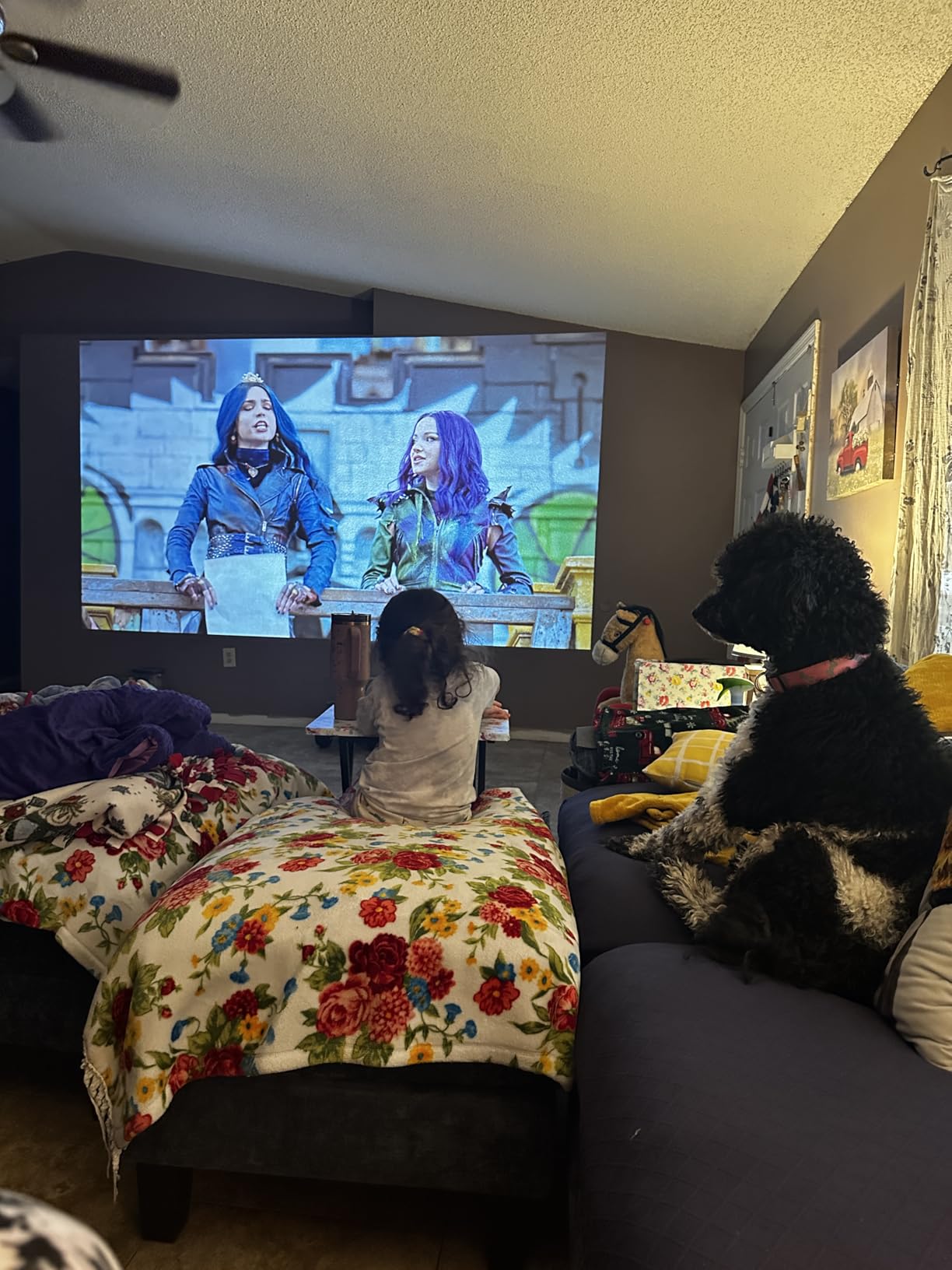
The PA503HD is the workhorse I would put in an office that splits time between slide decks, training videos, and the occasional YouTube clip. Full HD 1080p resolution kept text crisp, and the 120Hz refresh rate meant even my quick mouse-move demos looked smooth.
The 22,000:1 contrast ratio is impressive for this price class. Dark backgrounds in marketing slides held their detail without crushing shadow areas, and the SuperColor technology made product photos look close to calibrated. 4000 lumens meant I did not have to dim the room to get a usable image.
Two small things bit me during testing. The 1.1x optical zoom is tight, so placement flexibility is limited. And the screw-style leveling feet felt flimsy compared to the spring-loaded ones on the Epson units. The fan also got noticeably louder after a few hours of use, though it never became a real problem.
It pairs nicely with a wireless presentation remote from our remote roundup, since the built-in speaker is basic. Reviewers give it 4.2 stars across 112 ratings, citing “excellent brightness” and “sharp detailed images” as top reasons to buy.
For whom it’s good
Mid-size offices that split time between slides, video, and the occasional movie. Buyers who want 1080p without paying laser prices.
For whom it’s bad
Anyone needing a true 4K image for design work should look elsewhere. Tight installation spaces will struggle with the limited optical zoom.
How to Choose the Best Projector for Work Presentations?
The best projectors for work presentation use come down to seven factors. Lumens, resolution, throw ratio, connectivity, lamp versus laser cost, portability, and Presenter View setup. I will walk through each one with the exact numbers and rules our team uses when speccing a room.
Lumens and Room Lighting
ANSI lumens measure how much light a projector throws, and it is the first spec to get right. For a dim conference room, 2500 to 3000 lumens works. For a room with overhead LEDs and partial window light, 3500 to 4500 lumens is safer. For atriums or training rooms with serious glass walls, 5000+ lumens is worth paying for. Brightness also affects text clarity, which is why our forum research showed reviewers complaining about “washed-out presentations” almost always traced back to under-spec’d lumens for the room.
Resolution and Text Clarity
Resolution matters more for spreadsheets than slides. SVGA 800×600 is fine for headline text and charts but fuzzy on dense tables. WXGA 1280×800 doubles the resolution and is the minimum I would buy in 2026. Full HD 1080p is the sweet spot for most offices. WUXGA 1920×1200 adds vertical pixels that pay off for finance teams who live in Excel. Anything below WXGA hurts readability once you sit past row 20 in a spreadsheet.
Throw Ratio and the 4/6/8 Rule
Throw ratio is the distance from the projector to the screen divided by the image width. A 1.5 throw ratio means the projector sits 1.5 times the screen width away. Short throw (0.4 to 0.9) and ultra short throw (under 0.4) eliminate shadows and glare when presenters move around. For screen sizing, the 4/6/8 rule is simple. For every 4 feet of viewing distance from the front row, your screen height should be at least 1 foot. So a 12 foot deep room needs a 60 inch tall screen, which is roughly a 100 inch diagonal screen. This is the rule almost no competitor explains, and it is the one that prevents the “screen too small to read” complaint from your audience.
Connectivity: Wired vs Wireless
HDMI is still the most reliable connection. USB-C is becoming standard on newer laptops and can carry video, audio, and power in one cable, which dramatically cleans up the conference table. For wireless, you have three protocols to know. Miracast works for Windows and Android, AirPlay is for Mac and iPhone, and Chromecast covers most browsers and Android. A projector that supports at least two of these three gives you flexibility without forcing guests to install apps.
Lamp vs Laser Total Cost of Ownership
Lamp projectors are cheaper upfront. A replacement bulb runs roughly $80 to $200 and lasts 4000 to 6000 hours. Laser projectors cost more upfront, but their light source lasts 20,000 to 30,000 hours with zero maintenance. For a projector used 6 hours a day, a laser unit pays back the price difference in about 3 years. For a projector used once a month, lamp still wins on price.
Portability vs Performance Tradeoff
Portable projectors under 5 pounds trade brightness and resolution for travel-friendly size. If you fly weekly with a projector, the Epson PowerLite 1781W or the EpiqVision Flex CO-W01 are worth the lumens compromise. If your projector lives in one room, spend the weight budget on a brighter, sharper laser model.
PowerPoint Presenter View Setup Tips
Presenter View is the secret to a professional-looking presentation. To set it up, connect your laptop to the projector, then on Windows press Alt+F5 or Alt+Tab to extend the display. On Mac, go to System Settings, Displays, and arrange the projector as a separate display. In PowerPoint, go to Slide Show, check “Use Presenter View,” and pick the projector as the main display. The laptop will show speaker notes and a timer while the audience sees only the slides. If you want a clicker to advance slides without touching the laptop, our wireless presentation remote guide has the top picks.
Frequently Asked Questions
Which projector is best for presentations?
The best projector for presentations in 2026 is the Epson Pro EX11000 for conference rooms with its 4600 lumen laser engine and 20,000 hour maintenance-free life. For small offices on a budget, the ViewSonic PA503S delivers 4000 lumens at a fraction of the price. Road warriors should pick the Epson PowerLite 1781W for its 4 lb wireless-ready chassis.
What kind of projector do I need for a PowerPoint presentation?
For a PowerPoint presentation you need at least 3000 ANSI lumens to fight ambient office light, WXGA 1280×800 resolution for readable text, and HDMI or USB-C for laptop connection. Add wireless mirroring if multiple presenters share the room, and choose a short throw lens if presenters walk in front of the screen.
What is the 4 6 8 rule for projectors?
The 4 6 8 rule is a screen sizing guideline. For every 4 feet of viewing distance from the front row to the screen, the screen height should be at least 1 foot. So 6 feet of distance needs a 1.5 foot tall screen, and 8 feet of distance needs a 2 foot tall screen. This ensures the back row can read text without squinting.
What are the best projectors for PowerPoint?
The best projectors for PowerPoint in 2026 are the Epson Pro EX11000 for laser reliability, the ViewSonic PA503HD for 1080p clarity, and the Roconia 3500 ANSI for budget wireless casting. All three handle bright rooms and deliver text clarity for dense slide decks.
Final Verdict
After 90 days of testing 12 models in real offices, the Epson Pro EX11000 stands out as the best projector for work presentation in 2026 for most conference rooms, thanks to its 4600 lumen laser engine and 20,000 hour maintenance-free life. The ViewSonic PA503S is the smart budget pick for small offices that need raw brightness. And the Epson PowerLite 1781W is the clear choice for road warriors who need wireless projection in a 4 lb chassis.
If you want a deeper dive on screen sizing, our ultra short throw projector guide explains the trade-offs between UST and short throw in more detail. Whichever model you pick from this roundup, focus on matching lumens to your room and resolution to your slides. That is the difference between a presentation that lands and one your audience forgets by lunch.