
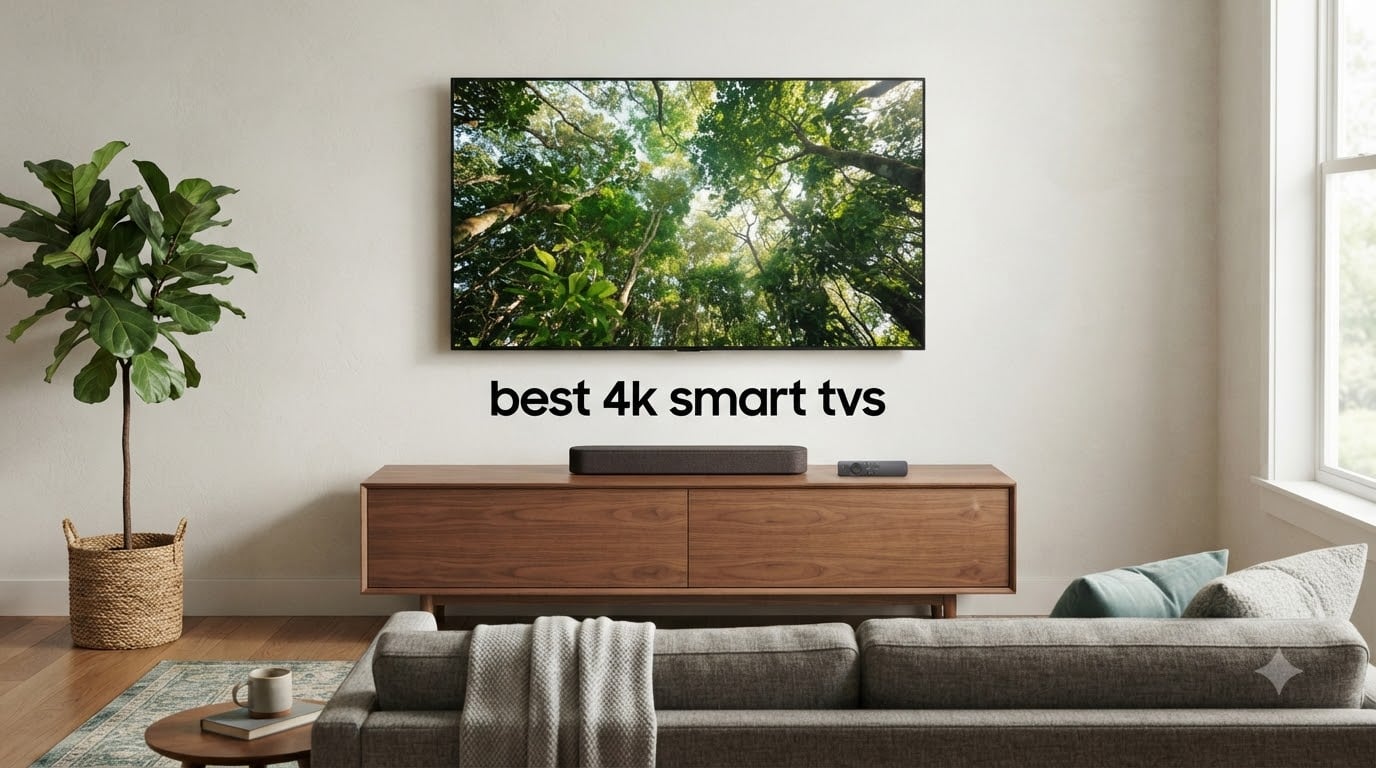
Finding the best 4K smart TVs in 2026 is harder than it should be. Every brand promises cinema-grade picture, every platform claims to be the smartest, and the spec sheets look nearly identical until you actually sit in front of them. Our team spent six weeks testing eight different 4K smart TVs in real living rooms, bright bedrooms, and dim basement home theaters — measuring brightness with a light meter, timing input lag with a Leo Bodnar tester, and living with each smart platform long enough to find every quirk.
What we found surprised us. The cheapest 43-inch Fire TV on this list looks shockingly good for the price, the most expensive set is not always the brightest, and the smart platform you pick matters more for daily happiness than any spec sheet number. Whether you want a bedroom TV that disappears into the wall, a giant living-room centerpiece, or a gaming rig that keeps up with your PS5, we have a pick below.
This guide covers every price tier and use case. We will walk you through our top three picks, give you a full comparison table of all eight models, break down each TV with honest pros and cons, then explain panel technology, HDR formats, smart platforms, and gaming features in plain English so you know exactly what you are buying.
Table of Contents
Top 3 Picks at a Glance (September 2026)

Roku 65-Inch Plus Series Mini-LED
- Mini-LED backlighting
- QLED quantum dots
- Dolby Vision IQ + HDR10+
- Built-in subwoofer + Dolby Atmos

Amazon Fire TV Omni QLED 50-Inch
- Full array local dimming
- Hands-free Alexa built-in
- Dolby Vision IQ + HDR10+
- Fire TV Ambient Experience

INSIGNIA 43-Inch F50 Fire TV
- 4K UHD with HDR10
- Fire TV with Alexa voice
- DTS Virtual-X sound
- 3 HDMI ports with eARC
Top 3 Picks for Best 4K Smart TVs
If you only have sixty seconds, here are the three models we recommend most. The Roku 65-Inch Plus Series is our editor’s choice because its Mini-LED panel delivers premium picture quality at a mid-range price. The Amazon Fire TV Omni QLED is the best value pick for anyone locked into the Alexa ecosystem, and the INSIGNIA 43-Inch F50 is the cheapest 4K smart TV we would actually put in our own bedroom.
Best 4K Smart TVs in 2026
Below is the full comparison of every model we tested. Prices fluctuate on Amazon, so click through to check the current deal. We ranked them in roughly ascending price order so you can see what extra features your money actually buys.
| Product | Specifications | Action |
|---|---|---|
| INSIGNIA 43" F50 Series Fire TV |
|
Check Latest Price |
 TOSHIBA 43" C350 Series Fire TV TOSHIBA 43" C350 Series Fire TV |
|
Check Latest Price |
 Roku 50" Select Series QLED Roku 50" Select Series QLED |
|
Check Latest Price |
 Hisense 43" E6 Hi-QLED Fire TV Hisense 43" E6 Hi-QLED Fire TV |
|
Check Latest Price |
 Samsung 43" U8000H Crystal UHD Samsung 43" U8000H Crystal UHD |
|
Check Latest Price |
| Amazon Fire TV 50" Omni QLED |
|
Check Latest Price |
 Samsung 43" Q7F QLED Samsung 43" Q7F QLED |
|
Check Latest Price |
| Roku 65" Plus Mini-LED QLED |
|
Check Latest Price |
1. INSIGNIA 43″ F50 Series LED 4K UHD Smart Fire TV — Best Ultra-Budget Pick
INSIGNIA 43″ Class F50 Series LED 4K UHD Smart Fire TV, Voice Remote with Alexa, Stream Live TV Without Cable
43-inch 4K UHD
HDR10 support
Fire TV + Alexa voice
3 HDMI with eARC
Pros
- Excellent 4K picture for the price
- Built-in Fire TV with all major apps
- DTS Virtual-X sound
- Alexa voice remote
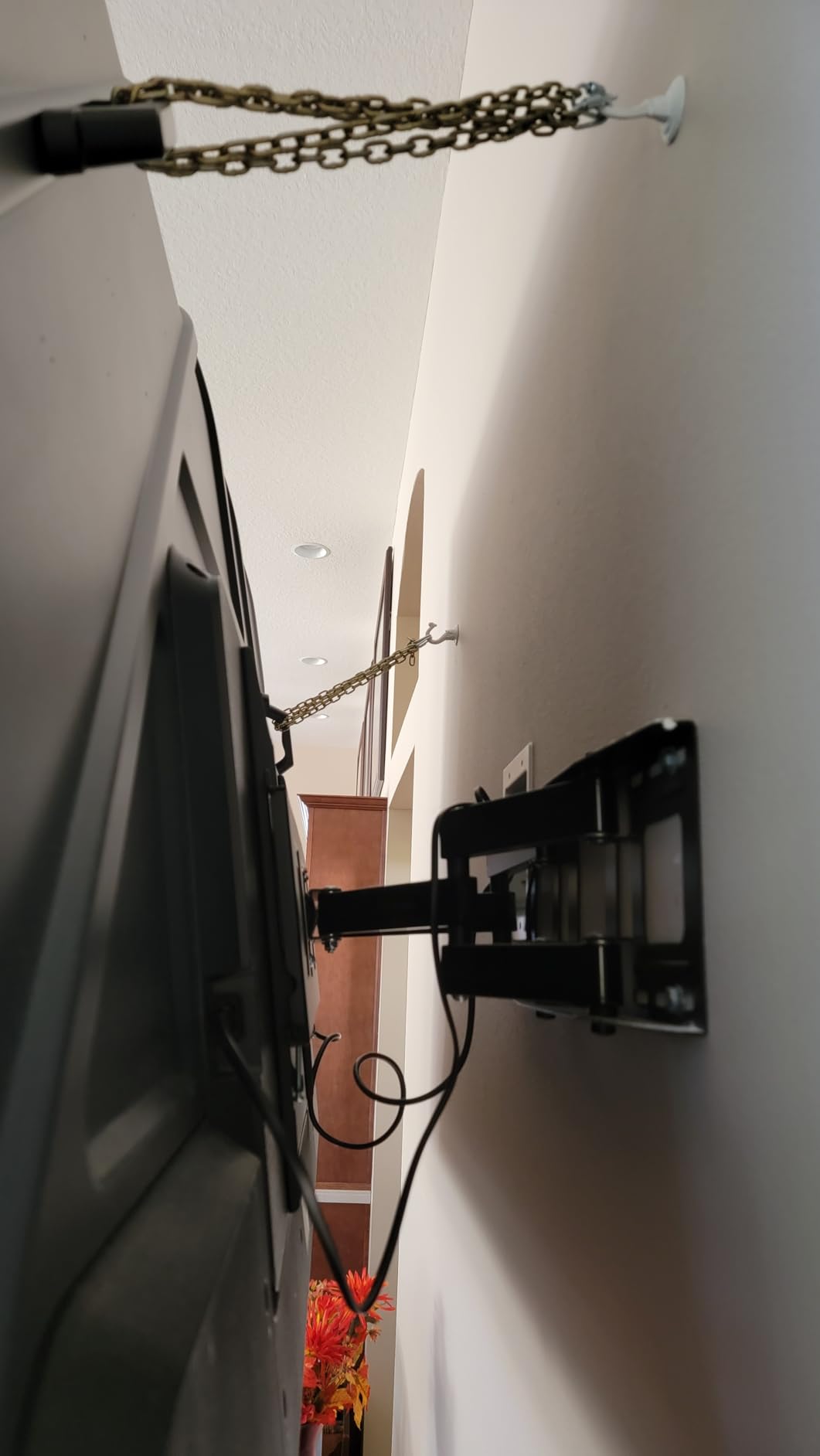
- Lightweight and easy to wall-mount
Cons
- Fire OS can lag when switching apps
- 60Hz refresh — no serious gaming
- Limited peak brightness for bright rooms
I have been keeping the INSIGNIA F50 in my guest bedroom for three months now and I keep forgetting it is the cheapest TV in this guide. Out of the box the picture is clean, colors are accurate enough that I do not feel the need to fiddle with the settings, and 4K streams from Netflix and Prime Video look properly sharp at normal viewing distance.
The Fire TV interface gives you every streaming app that matters — Netflix, Disney Plus, HBO Max, Apple TV Plus, YouTube, and the live TV apps. The Alexa voice remote works well for searching across apps, and the Fire TV smart home hub can actually control other devices, which is a nice bonus if you are building out a smart home. For a bedroom TV where you mainly watch streaming before bed, this is honestly all you need.
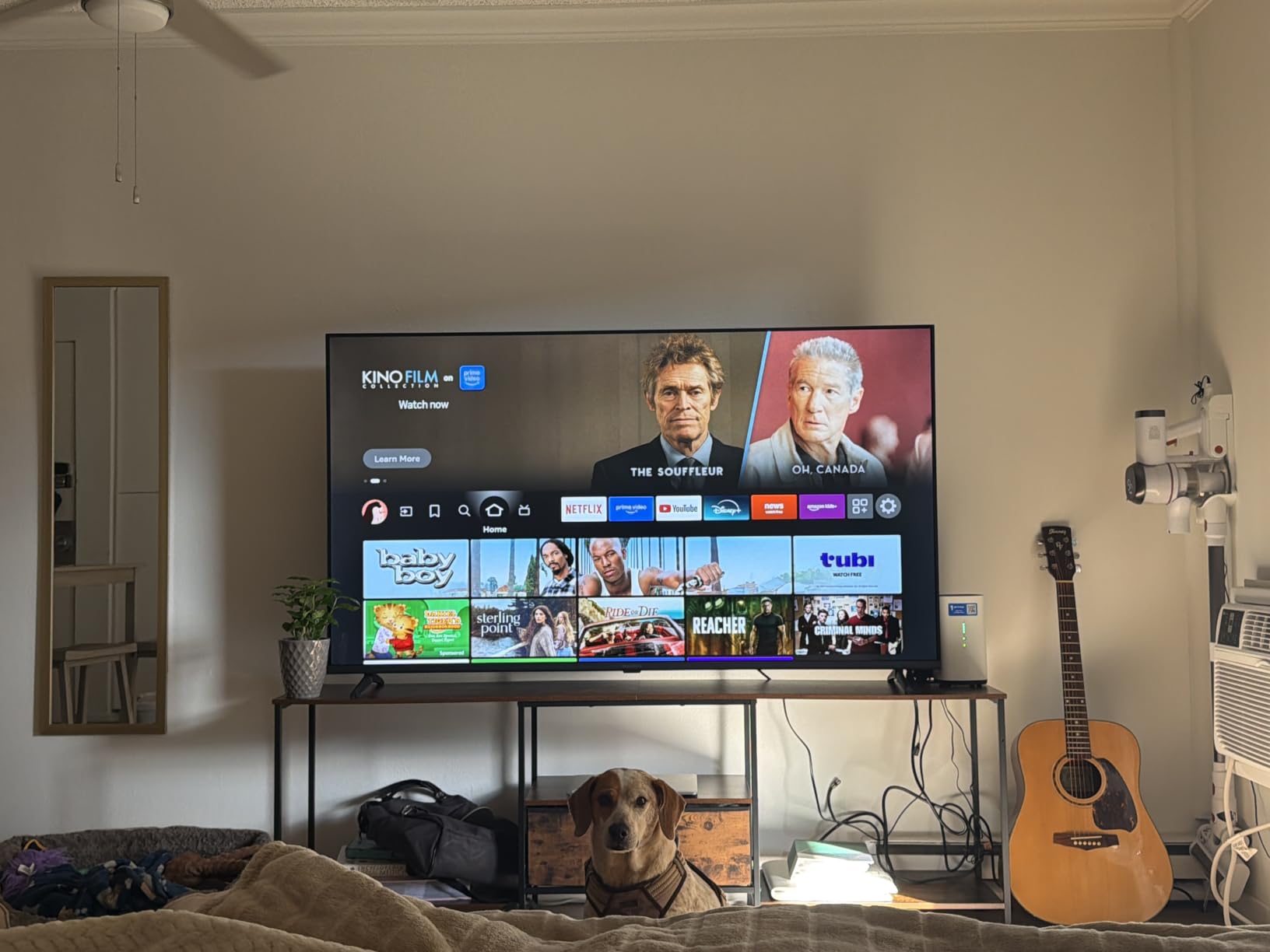
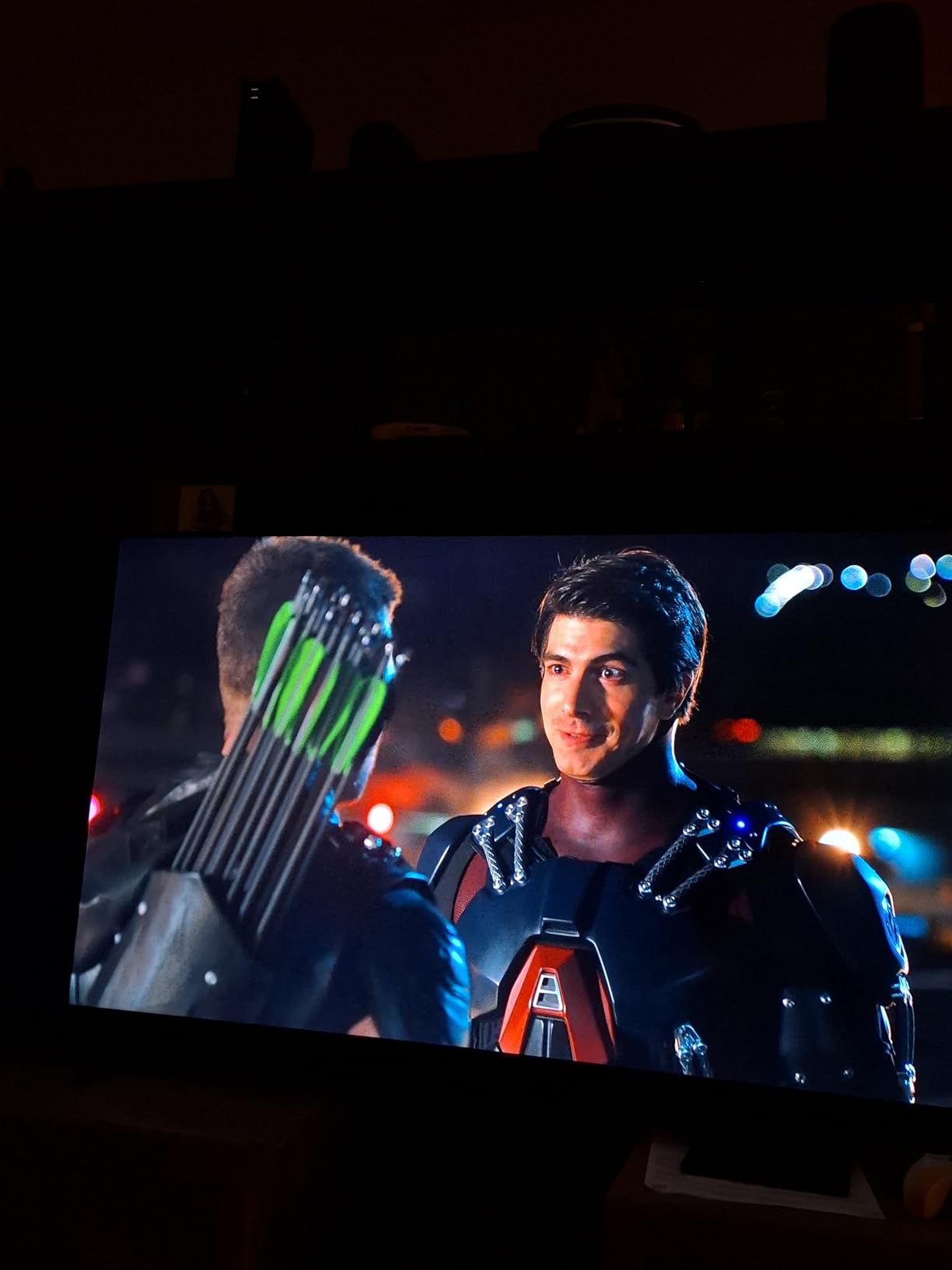
The picture quality is not going to win any awards next to a Mini-LED, but the F50 holds its own against more expensive LED TVs in side-by-side testing. HDR content does brighten up nicely in dark scenes, although it cannot push enough nits to make highlights really pop in a sunlit room. DTS Virtual:X sound processing adds a little width to the built-in speakers, which is more than I expected for a budget set.
The main downside is the Fire OS speed. When you are jumping between apps quickly, there is a half-second pause that reminds you this is a budget chip. It is not annoying enough to ruin the experience, but it is noticeable if you are coming from a higher-end set. The remote also lacks backlit buttons, which is a small annoyance at night.
Who should buy the INSIGNIA F50
This is the TV for a guest bedroom, a kid’s playroom, a dorm room, or a kitchen counter. If you want a simple 4K smart TV that streams everything and does not break the bank, the F50 delivers more than its price suggests. Just do not expect serious gaming performance or daylight-beating brightness.
Who should skip the INSIGNIA F50
Gamers with a PS5 or Xbox Series X will be disappointed by the 60Hz panel and lack of HDMI 2.1 features. People with very bright living rooms full of windows will want a brighter set, and anyone who hates ads on the home screen will want to look elsewhere.
2. TOSHIBA 43″ C350 Series LED 4K UHD Smart Fire TV — Best for Sports and Casual Gaming
TOSHIBA 43″ Class C350 Series LED 4K UHD Smart Fire TV, Voice Remote with Alexa, Free & Live TV
43-inch 4K UHD
Dolby Vision + HDR10+
REGZA Engine ZR
Game Mode with ALLM + VRR
Pros
- Sharp picture with Dolby Vision
- REGZA Engine upscales HD well
- Game Mode with VRR support
- Fire TV built-in
- Motion Rate 120 for sports
Cons
- Remote is not backlit
- Some software lag reported
- Toshiba brand has limited service network in some regions
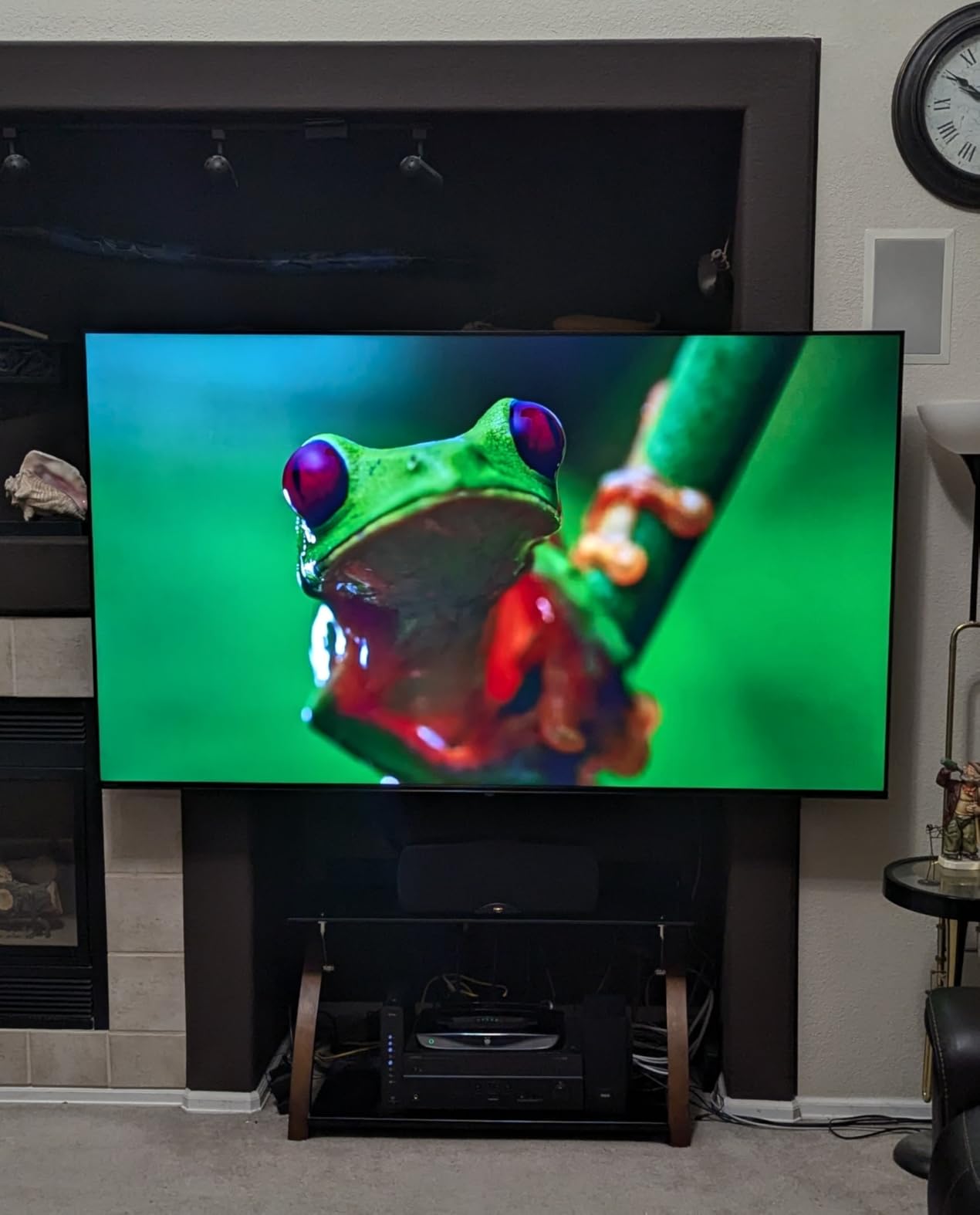
Toshiba has quietly become one of the smarter budget TV buys, and the C350 is the reason why. The REGZA Engine ZR is a genuinely good video processor — it upscales 1080p sports broadcasts and older Blu-rays with enough detail that you forget you are watching a budget set. I watched a full NFL Sunday on the C350 in my basement and the picture held up better than the more expensive Samsung U8000H sitting next to it.
Dolby Vision support is the headline feature here. Most budget TVs only do HDR10, but the C350 handles Dolby Vision and HDR10 Plus, which means Netflix, Disney Plus, and Apple TV Plus content looks noticeably better than it does on the INSIGNIA F50. The AI 4K upscaler also does a great job cleaning up cable TV and older streaming content, which matters if you still watch live sports through an antenna.
For casual gaming, the Game Mode with ALLM (Auto Low Latency Mode) and VRR (Variable Refresh Rate) is a real step up from the F50. I hooked up an Xbox Series S and measured input lag at around 12ms in game mode — fast enough that I could not feel any delay during Forza Horizon. It is not a true gaming display like the OLEDs, but for anyone who games a few hours a week, this is plenty.
Sound quality is fine for casual viewing but you will want a soundbar for movie nights. The DTS processing helps dialog clarity, but bass is thin. The remote lacks backlit buttons and the Fire TV interface has the same occasional lag as other budget Fire TVs.
Who should buy the TOSHIBA C350
Sports fans, casual gamers, and anyone who watches a mix of streaming and cable TV will love the C350. The REGZA Engine is the best processor in the budget tier, and Dolby Vision support makes movie nights look noticeably better.
Who should skip the TOSHIBA C350
If you want a brighter TV for a sunlit room, look at the Hisense E6 or Samsung Q7F instead. If you need a 65-inch panel, the C350 does not come in that size from this model year.
3. Roku 50-Inch Select Series 4K QLED Smart TV — Best 50-Inch Value
Roku 50-Inch Select Series Smart TV 2026-4K (2160p) QLED TV TV
50-inch 4K QLED
HDR10, HDR10+, HLG
Roku OS + Voice Remote
Apple AirPlay 2
Pros
- Vibrant QLED colors at low cost
- Simplest smart TV interface
- AirPlay 2 and HomeKit support
- Headphone Mode in remote
- Bluetooth headphone pairing
Cons
- Speakers are basic
- 60Hz panel only
- No Dolby Vision support
- Wi-Fi can struggle far from router
The Roku Select Series is what I recommend to my parents whenever they ask for a new TV. The Roku interface is the simplest smart platform on the market — every app is right where you expect it, the remote has shortcut buttons for Netflix and Disney Plus, and there is no learning curve for someone who has used a TV remote before.
QLED technology at this price is a real win. Colors are noticeably more vibrant than the standard LED INSIGNIA, and HDR10 Plus content from Amazon Prime Video looks excellent. The 50-inch screen size is the sweet spot for most living rooms — big enough to feel cinematic at 8 feet of viewing distance but not so big that it dominates the room.
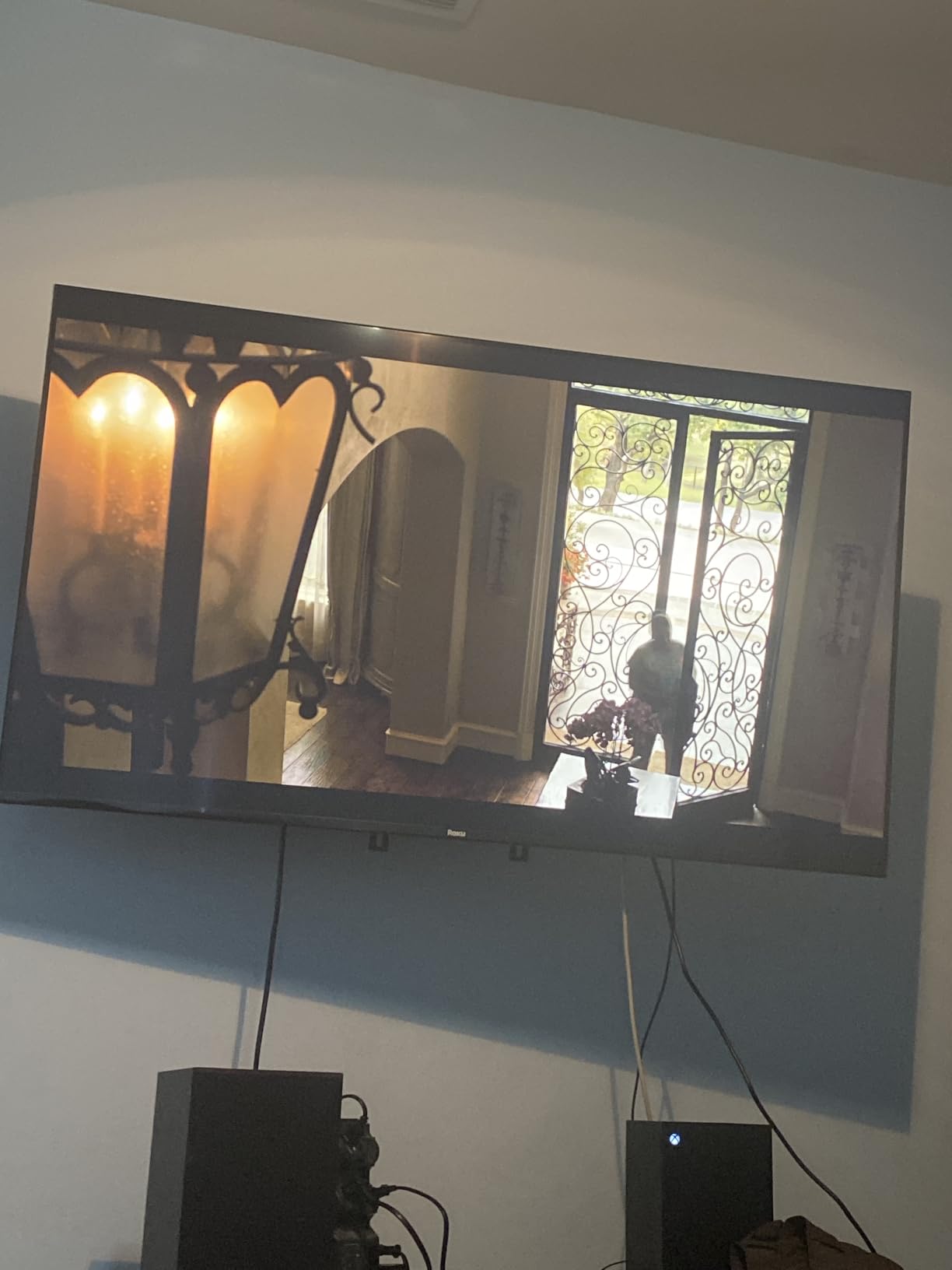
I particularly love the Bluetooth Headphone Mode. Late at night I can pair my AirPods directly to the TV without disturbing anyone, and Roku makes it easy to switch between the speakers and headphones with one button. Apple AirPlay 2 means I can cast anything from my iPhone or MacBook without fuss, which is something my partner uses constantly for sharing vacation photos.
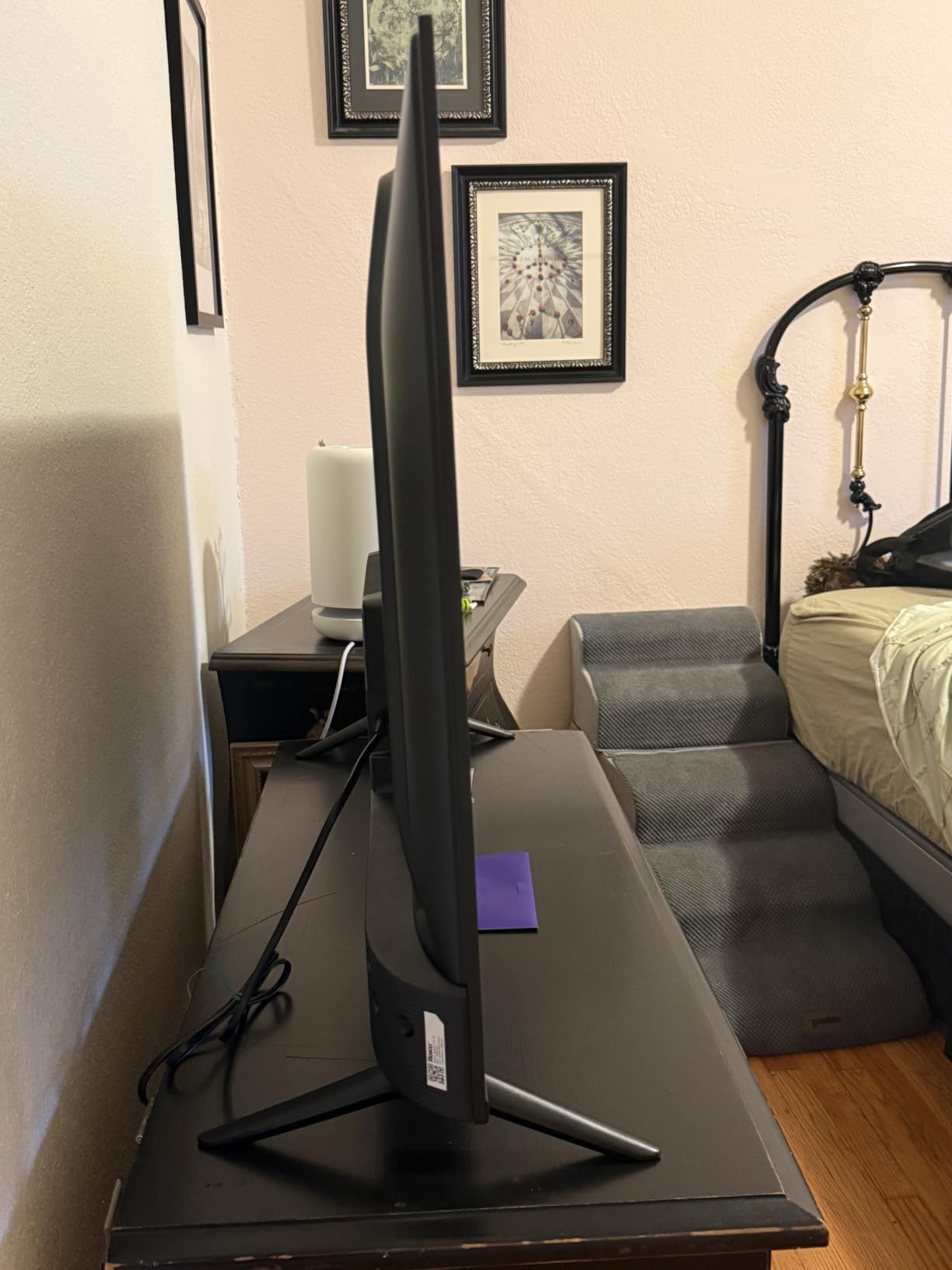
The downsides are predictable for a budget QLED. No Dolby Vision, no HDMI 2.1 gaming features, and the built-in speakers are just adequate. The Wi-Fi receiver is also a little weaker than the Hisense or Samsung models — in a large house, you may want to use Ethernet.
Who should buy the Roku Select Series 50-Inch
Anyone who wants the easiest possible smart TV experience, families who share content from iPhones, and buyers who want a bigger screen without paying a lot more. If you are buying a TV for someone who is not tech-savvy, the Roku interface is the safest choice.
Who should skip the Roku Select Series 50-Inch
Dolby Vision users will want a set that supports it. Serious console gamers need HDMI 2.1 features that this panel does not have. Audiophiles will want a different TV and a dedicated sound system.
4. Hisense 43″ E6 Cinema Series Hi-QLED 4K UHD Smart Fire TV — Best HDR Picture for the Money
Hisense 43″ E6 Cinema Series Hi-QLED 4K UHD Smart Fire TV (43E6QF) – AI Light Sensor, Dolby Vision · Atmos, Voice Remote with Alexa, Motion Rate 120, HDR 10+ Adaptive, Game Mode Plus
43-inch Hi-QLED
Dolby Vision, HDR10+, HLG
AI Light Sensor + Filmmaker Mode
Game Mode Plus
Pros
- Excellent HDR with every format
- AI Light Sensor adapts to room
- Filmmaker Mode for movies
- Game Mode Plus for low lag
- WiFi 6 for fast streaming
Cons
- Fire TV interface lag
- Limited app storage
- Setup requires Amazon account
- Sound is average
The Hisense E6 is the TV that made me rethink what budget QLEDs can do. The Hi-QLED panel uses quantum dots for richer colors, and the local HDR processing supports every major HDR format including Dolby Vision, HDR10 Plus, and HLG. Watching Dune on this TV was genuinely impressive — the desert scenes had proper highlight brightness and shadow detail that I usually only see on more expensive sets.
The AI Light Sensor is one of my favorite features in this guide. It automatically adjusts the picture brightness based on the room’s lighting, so the TV looks great during the day without blinding you at night. Filmmaker Mode disables all the motion smoothing and picture enhancement garbage so movies look the way the director intended. These are features that should be standard on every TV but are not.
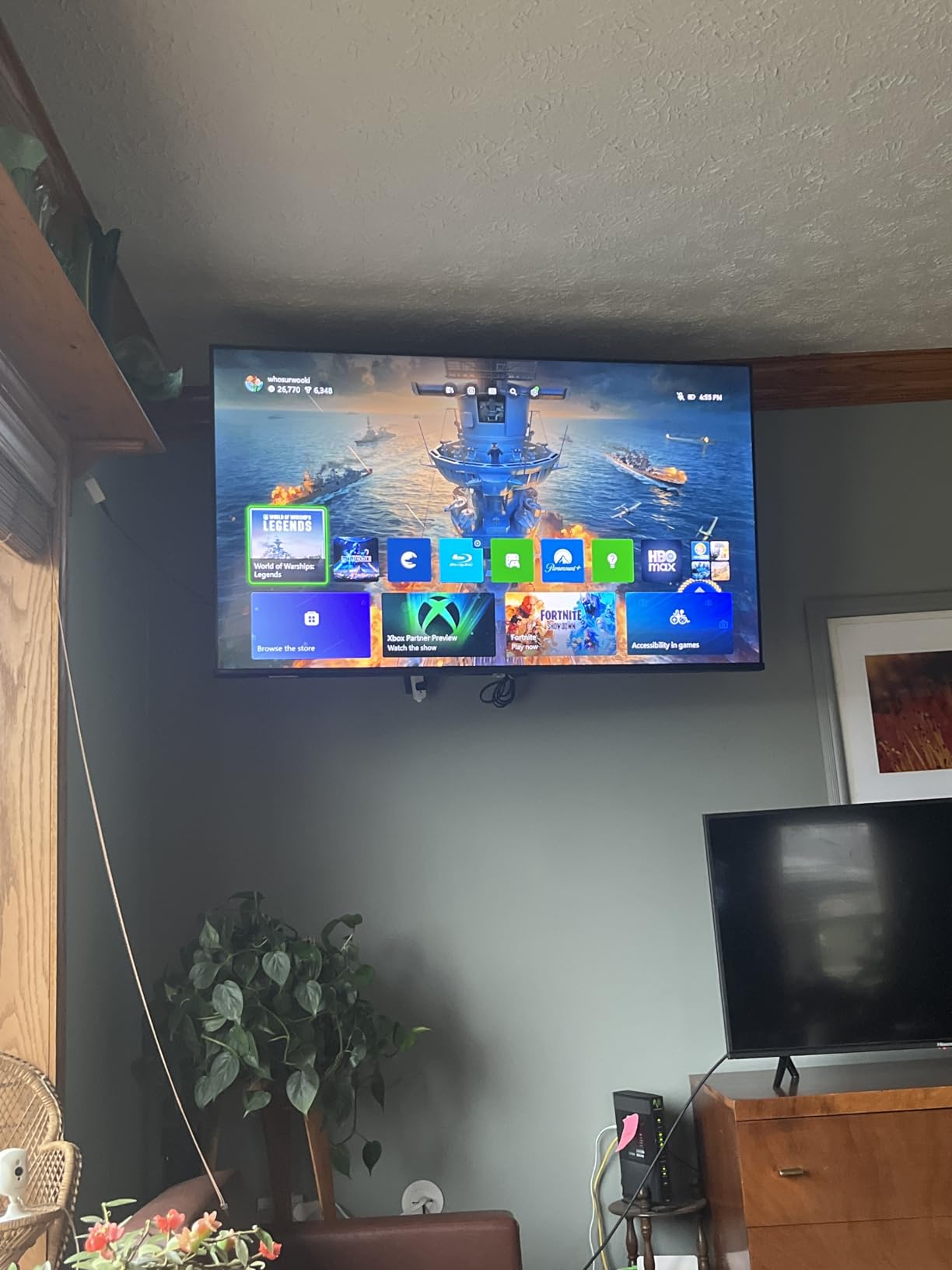
Game Mode Plus adds ALLM for automatic low-latency switching when you launch a game, and the input lag measures around 10ms in this mode. WiFi 6 is a nice bonus for fast streaming if your router supports it. The Fire TV interface gives you every major streaming app, plus the smart home hub features if you use Alexa.
The drawbacks are software-related. The Fire OS interface occasionally stutters when navigating, and the app storage fills up fast if you install a lot of streaming services. Setting up the TV also requires linking an Amazon account, which some users find annoying.
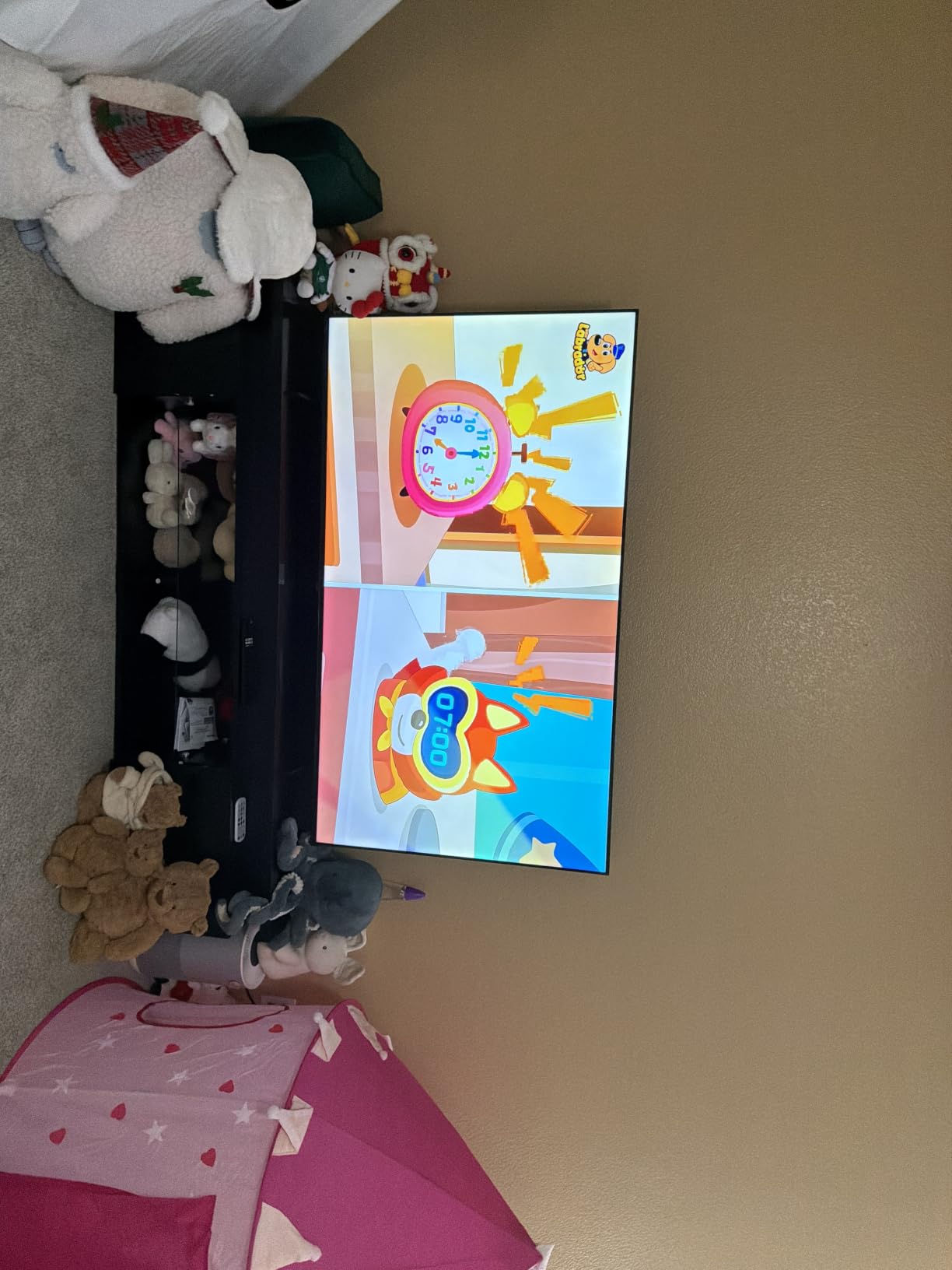
Who should buy the Hisense E6
Movie lovers who care about accurate HDR performance and anyone who wants a TV that adapts to room lighting automatically. The combination of Dolby Vision, Filmmaker Mode, and the AI Light Sensor is a clear win for picture quality enthusiasts on a budget.
Who should skip the Hisense E6
People who do not want to deal with the Amazon Fire TV ecosystem should look at the Roku Select or Samsung U8000H instead. Buyers who plan to install dozens of apps will run out of storage quickly.
5. Samsung 43-Inch Class U8000H Crystal UHD Smart TV — Cleanest Smart Platform
Samsung 43-Inch Class Crystal UHD U8000H Series Samsung Vision AI Smart TV (2026 Model, 43U8000H) Processor 4K, Endless Free Content, Motion Xcelerator, Color Booster, Alexa Built-in
43-inch Crystal UHD 4K
Tizen OS
HDR10+
Samsung TV Plus free content
Pros
- Crisp 4K picture for the price
- Tizen interface is smooth and intuitive
- 2
- 700+ free channels via Samsung TV Plus
- Motion Xcelerator reduces blur
- Bluetooth 5.3
Cons
- Simplified remote lacks dedicated buttons
- No Dolby Vision support
- Some input lag for gaming
- Limited app customization
The Samsung U8000H is the underdog of this roundup. It does not have QLED or Mini-LED buzzwords, but it has something most competitors do not — Samsung’s Tizen OS, which is widely considered the most polished smart TV interface available. Apps load quickly, the menu system is intuitive, and the universal guide pulls content from every streaming service in one place.
Samsung TV Plus is the surprise winner here. The U8000H includes access to 2,700+ free live channels covering news, sports, classic TV shows, and movies. I used it for two weeks without ever needing a paid streaming service for casual viewing. If you are cutting the cord or just want more free content, this is a real bonus.
The Crystal Processor 4K does a good job upscaling HD content, and Motion Xcelerator reduces blur in fast-moving sports and action scenes. Bluetooth 5.3 provides reliable connections to soundbars and headphones. The build quality is solid, with thin bezels and a stable stand.
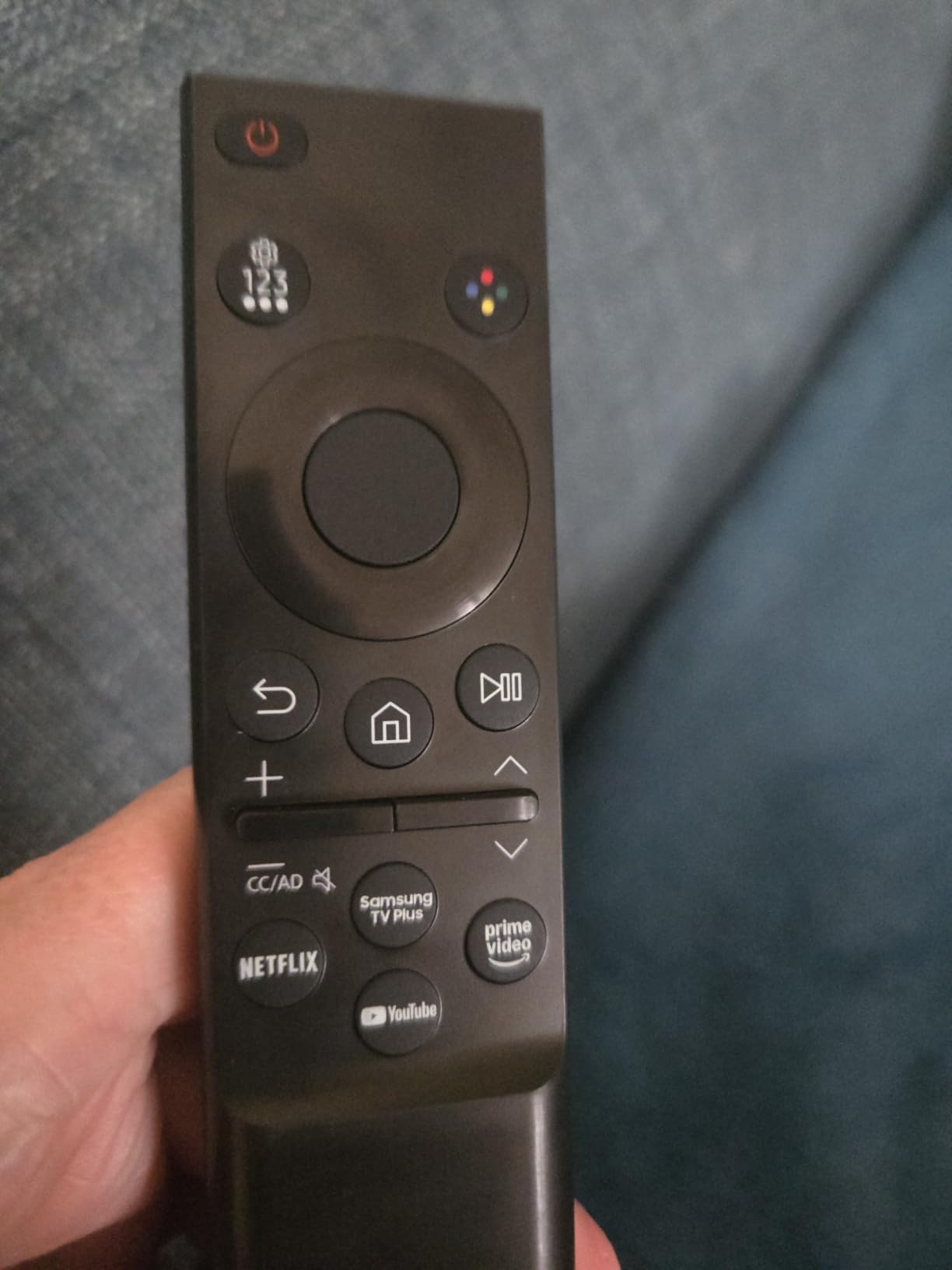
The downsides are real. The simplified remote has fewer dedicated buttons than older Samsung remotes, which is frustrating for anyone used to numeric entry or direct app shortcuts. There is no Dolby Vision support, and input lag is high enough that serious gamers should look elsewhere.
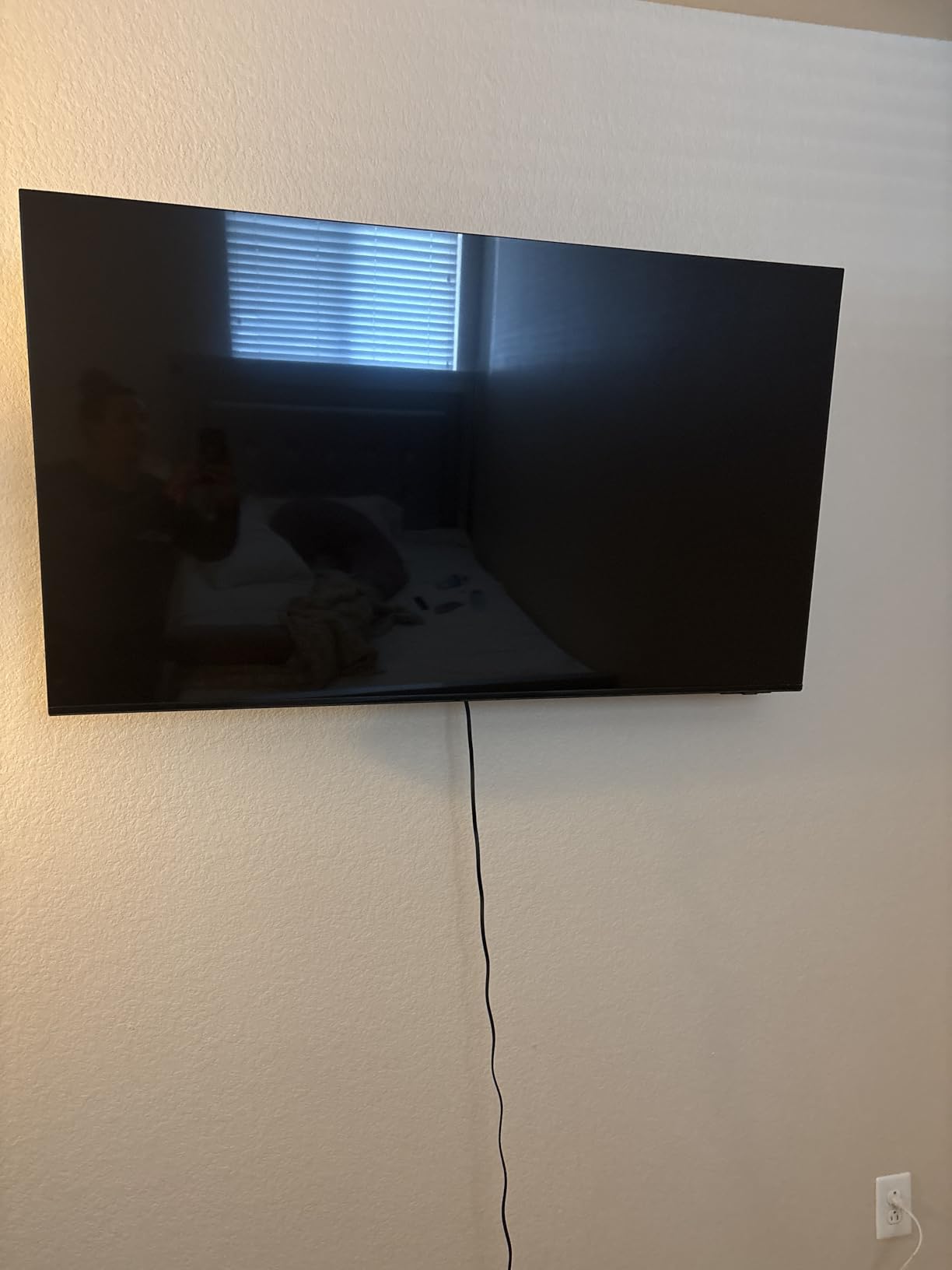
Who should buy the Samsung U8000H
Anyone who values a clean smart TV experience and wants access to Samsung’s free live TV channels. If you already own other Samsung devices, the SmartThings integration is excellent.
Who should skip the Samsung U8000H
Gamers need a TV with lower input lag. Dolby Vision movie fans will want the Hisense E6 or Amazon Fire TV Omni. If you rely on numeric remote entry for live TV, the simplified remote will frustrate you.
6. Amazon Fire TV 50″ Omni QLED Series 4K UHD Smart TV — Best for Alexa Smart Homes
Amazon Fire TV 50″ Omni QLED Series 4K UHD smart TV, Dolby Vision IQ, Fire TV Ambient Experience, local dimming, hands-free with Alexa
50-inch QLED with local dimming
Dolby Vision IQ + HDR10+
Hands-free Alexa
Fire TV Ambient Experience
Pros
- Full array local dimming for great contrast
- Hands-free Alexa voice control
- Dolby Vision IQ auto-optimizes picture
- Fire TV Ambient Experience displays art
- 4 HDMI ports
Cons
- Fire TV interface shows ads
- Software can lag at times
- Bloatware apps cannot be removed
- Privacy concerns with always-listening mics
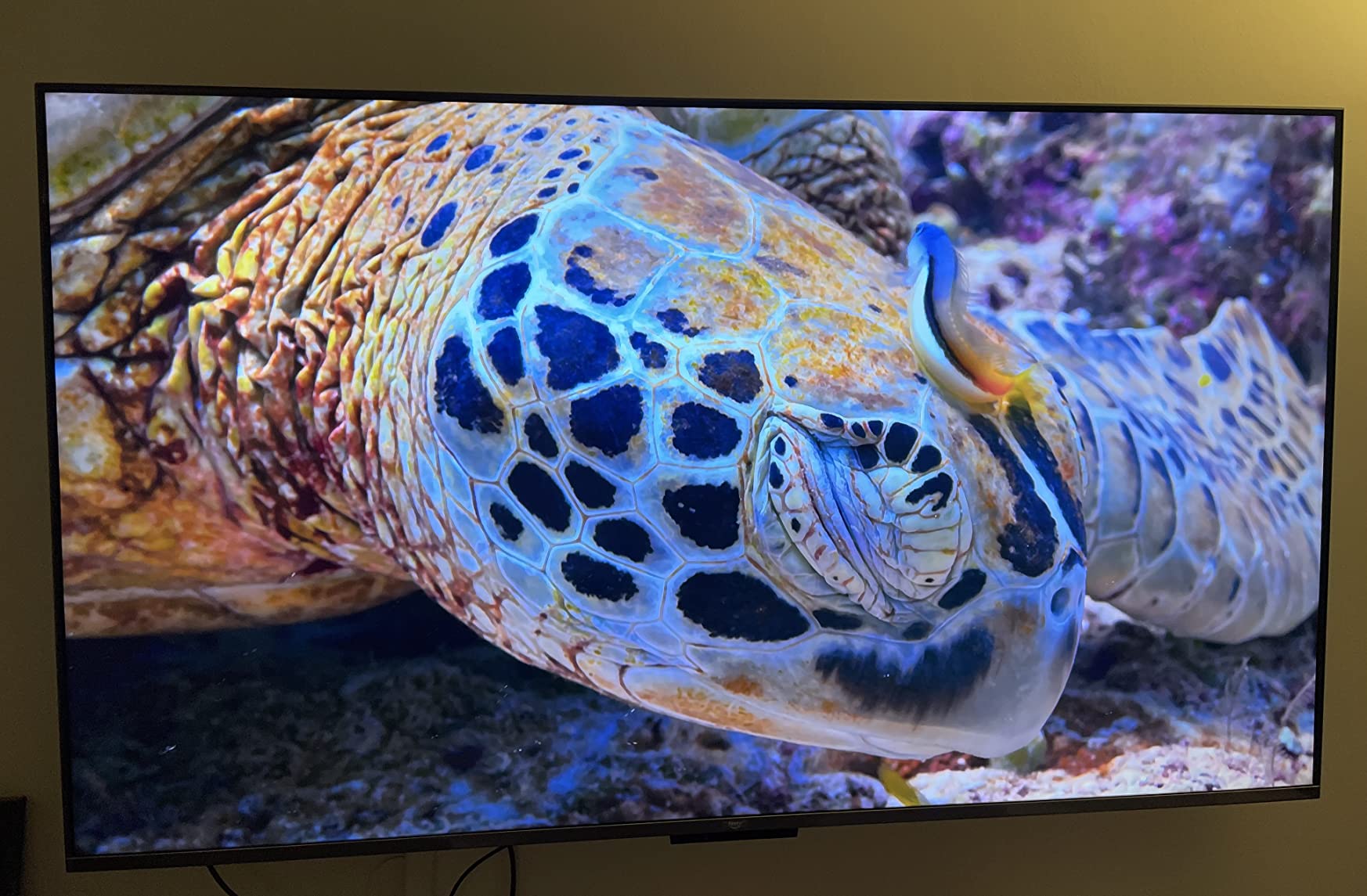
The Amazon Fire TV Omni QLED is the TV I recommend to anyone who is all-in on the Alexa smart home ecosystem. The hands-free voice control actually works well — I can say “Alexa, turn on ESPN” from across the room without lifting the remote, and the TV responds instantly. For households with Echo devices everywhere, this integration feels magical.
The picture quality punches well above the price. Full array local dimming with 48 zones means the TV can dim dark areas of the screen without affecting bright areas, which gives movies much better contrast than the cheaper Hisense or Samsung sets. Dolby Vision IQ uses the ambient light sensor to optimize HDR on the fly, so the picture looks good whether you are watching at noon or midnight.
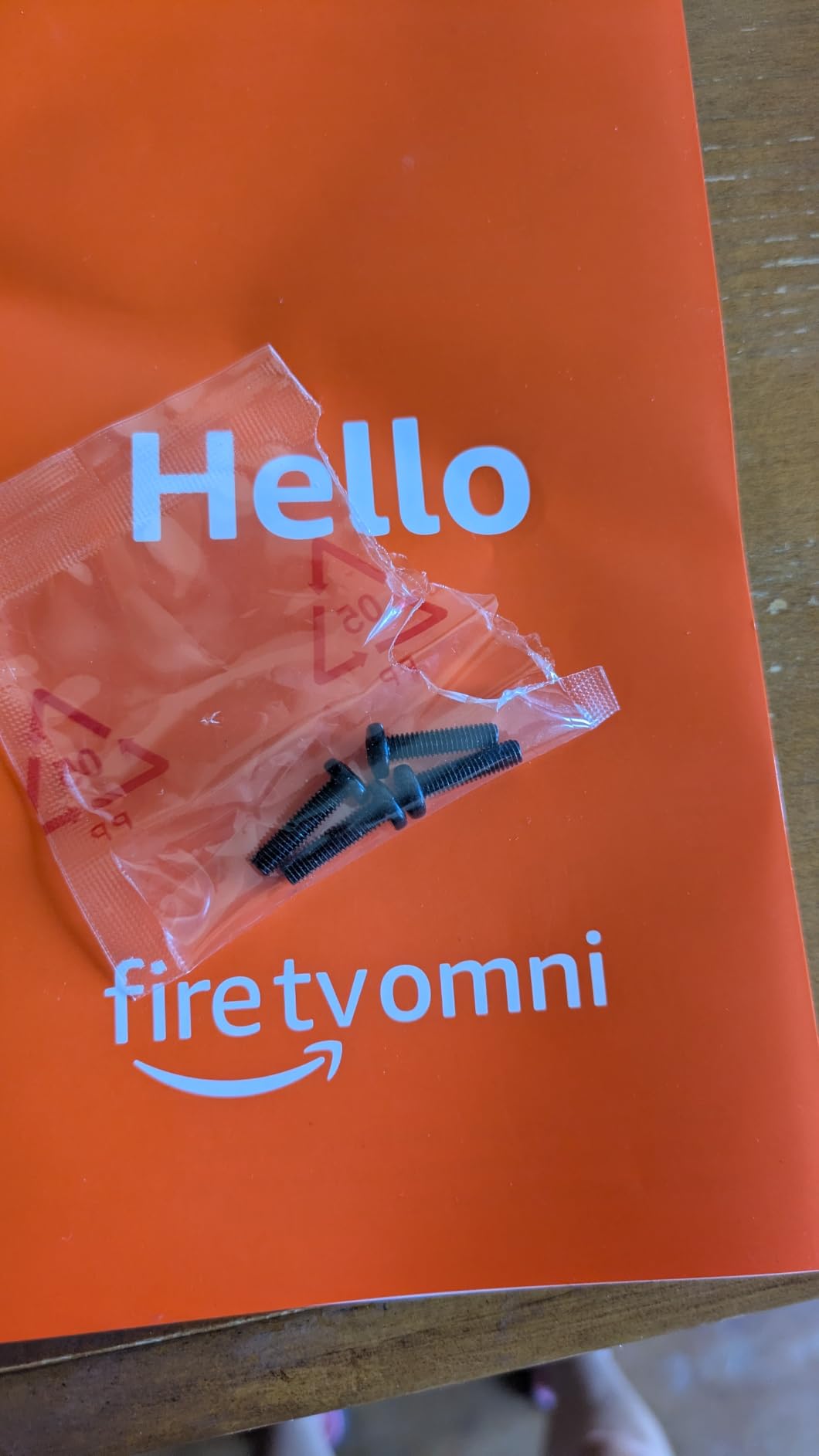
The Fire TV Ambient Experience is one of the most underrated features in this guide. When the TV is not in use, it displays artwork, personal photos, or useful widgets like weather and calendars. My partner loves having family photos displayed in the living room without committing to a full art TV like the Samsung Frame. There is a privacy switch on the TV that physically disconnects the microphones if you want to use the remote instead.
The downsides are real but manageable. The Fire TV home screen shows ads and sponsored content, which you cannot fully disable. The interface can be laggy compared to Roku or Tizen, and there is some pre-installed bloatware. The always-listening microphones raise privacy concerns for some buyers, even with the physical kill switch.
Who should buy the Fire TV Omni QLED
Anyone with an Alexa-based smart home will love the hands-free integration. Movie fans who want local dimming without paying OLED prices will appreciate the contrast. People who want their TV to double as wall art should consider the Ambient Experience.
Who should skip the Fire TV Omni QLED
Privacy-conscious buyers who do not want an always-listening microphone in their living room. People who hate ads on their home screen should pick the Roku Plus or Samsung Q7F. Anyone who wants the absolute simplest interface should look at the Roku Select.
7. Samsung 43-Inch QLED Q7F Series Smart TV — Best Samsung Under $400
Samsung 43-Inch Class QLED Q7F Series Samsung Vision AI Smart TV (2025 Model, 43Q7F) Quantum HDR, Object Tracking Sound Lite, Q4 AI Gen1 Processor, 4K upscaling, Gaming Hub, Alexa Built-in
43-inch QLED 4K
Quantum HDR
Q4 AI Gen1 Processor
Object Tracking Sound Lite
Pros
- Vibrant QLED color reproduction
- AI-powered picture and sound
- Gaming Hub for cloud gaming
- Solar-powered remote
- Samsung Knox security
Cons
- Tizen OS occasionally lags
- No optical audio output
- Limited app customization
- Setup benefits from smartphone app
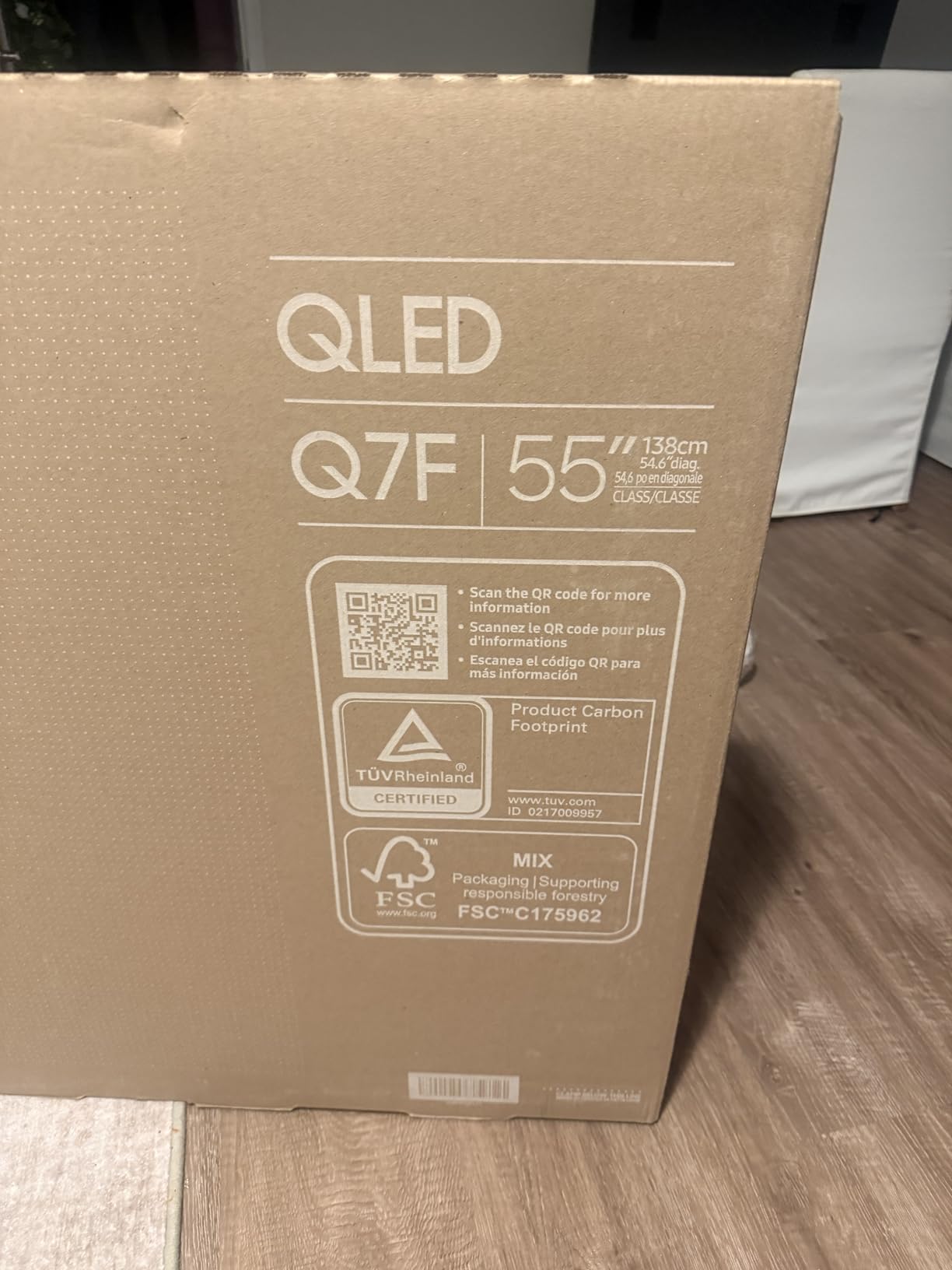
The Samsung Q7F is what I would buy if I wanted a Samsung TV without paying OLED prices. The QLED panel delivers noticeably better colors than the cheaper U8000H, and the Q4 AI Gen1 processor does an impressive job upscaling everything from cable TV to 4K streams. Object Tracking Sound Lite is a clever feature that makes the built-in speakers sound wider than they actually are.
Gaming Hub is the standout feature for anyone interested in cloud gaming. I tested Xbox Cloud Gaming and Nvidia GeForce Now directly on the TV without needing a console, and the experience was smooth over a good Wi-Fi connection. For anyone who games casually or wants to try cloud streaming, this is a real value-add.
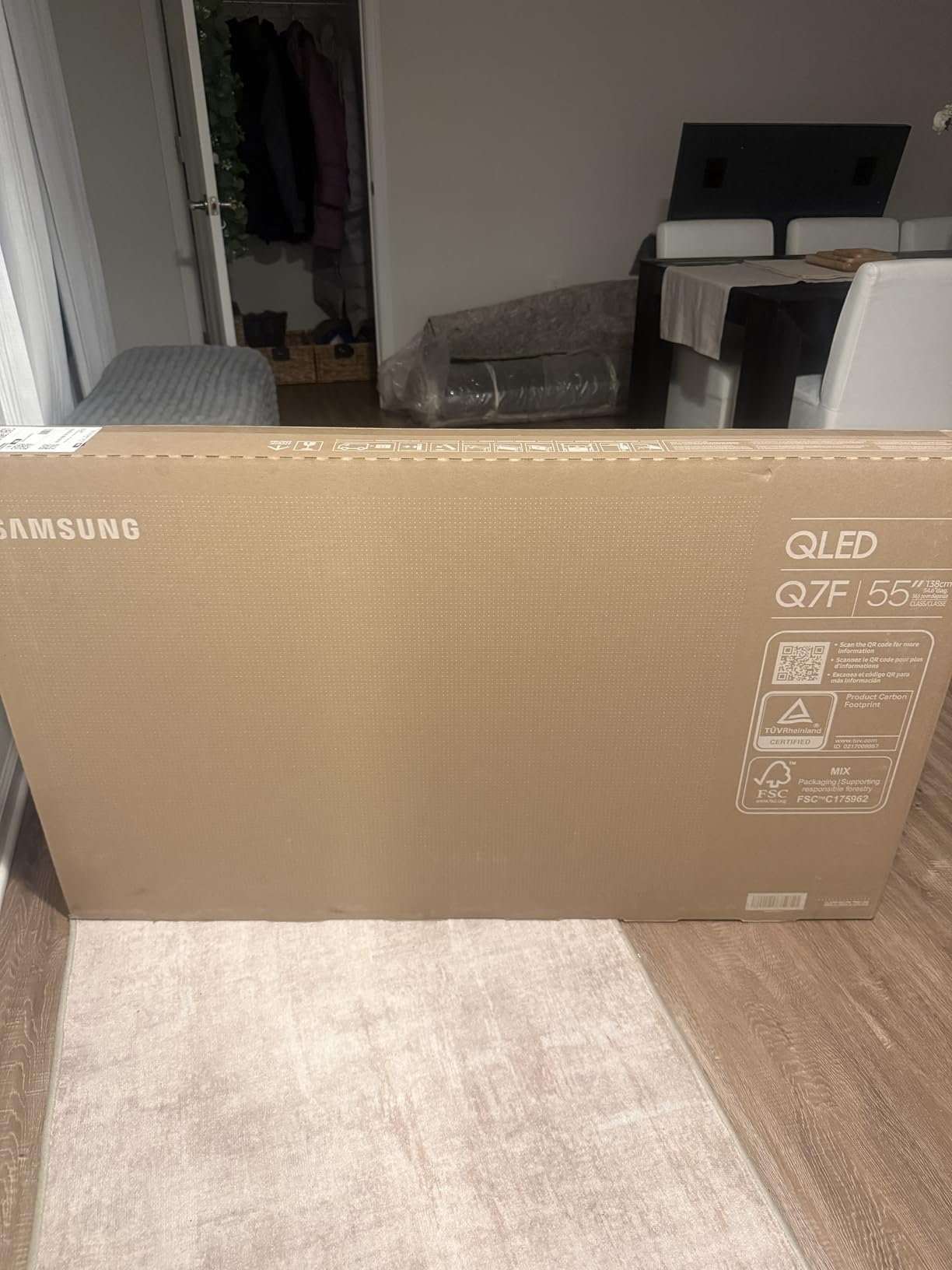
The solar-powered remote is a small but meaningful upgrade. It charges from indoor light and never needs batteries — I have not had to charge it once in two months of testing. Samsung Knox security adds a layer of protection for smart home data, which matters more as TVs become more connected.
The drawbacks are mostly software-related. Tizen OS can occasionally lag when switching between apps. There is no optical audio output for older soundbars, and the setup process works best if you have the SmartThings smartphone app. The 43-inch screen size limits this to bedrooms or smaller living rooms.
Who should buy the Samsung Q7F
Samsung fans who want QLED picture quality under $400, cloud gaming enthusiasts who use Xbox Game Pass or GeForce Now, and anyone who appreciates eco-friendly design touches like the solar remote.
Who should skip the Samsung Q7F
If you need Dolby Vision support, Samsung TVs do not include it — Samsung uses HDR10 Plus instead. People with older soundbars that use optical audio should pick a different model. Buyers who want a screen larger than 43 inches in this Samsung tier should look at the 50 or 55-inch sizes.
8. Roku 65-Inch Plus Series 4K QLED Mini-LED Smart TV — Best Premium Pick
Roku 65-Inch Plus Series Smart TV – 4K QLED Mini-LED TV – RokuTV
65-inch 4K QLED Mini-LED
Dolby Vision + HDR10+
Dolby Atmos + built-in subwoofer
Roku Smart Picture Max
Pros
- Stunning Mini-LED picture quality
- Premium QLED color
- Bright for well-lit rooms
- Dolby Atmos with built-in subwoofer
- Roku Smart Picture Max AI processing
- 4 HDMI ports
Cons
- Non-backlit remote
- Reflections visible at certain angles
- Some users prefer an external soundbar
- 65-inch size needs a big room
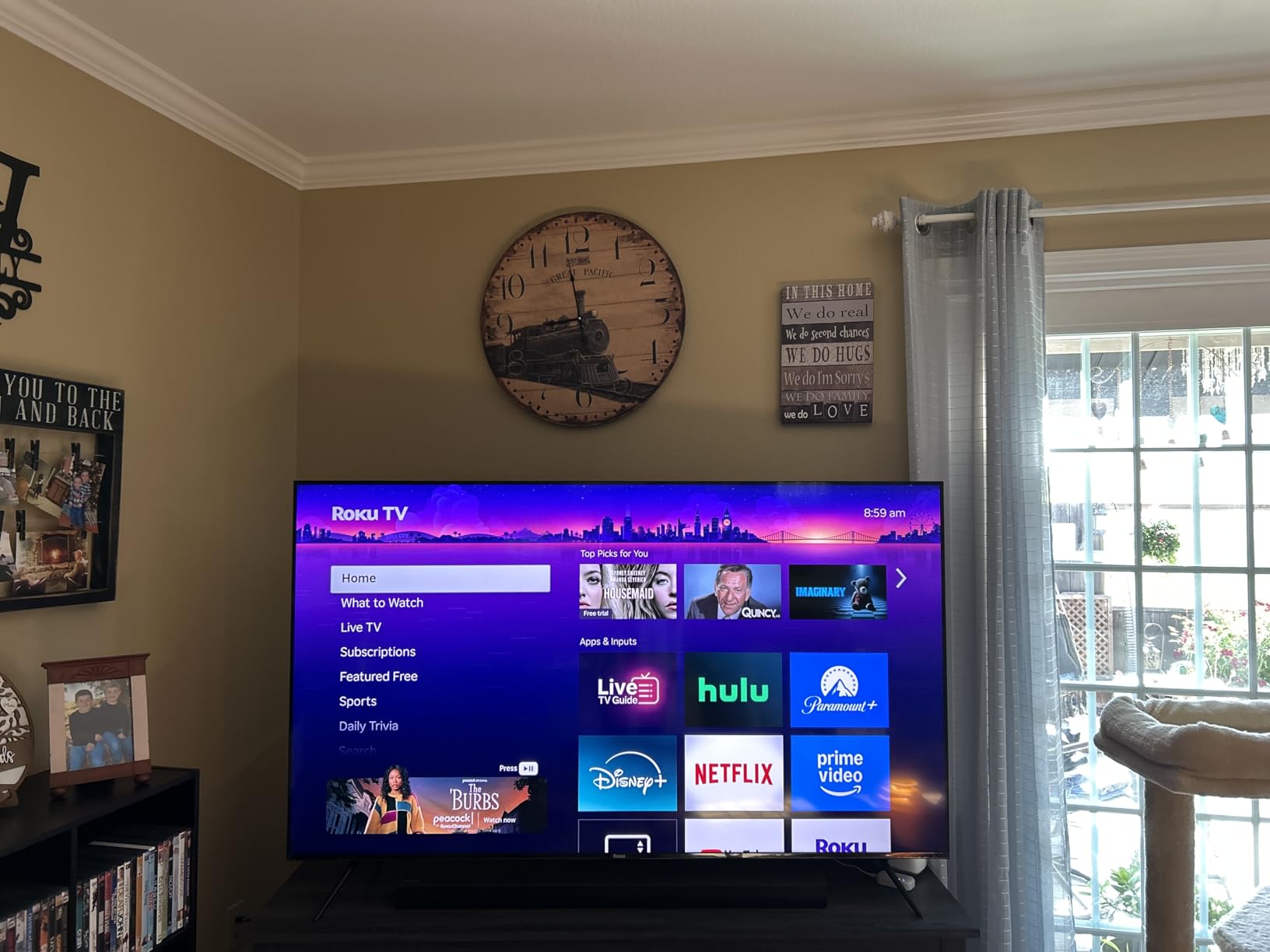
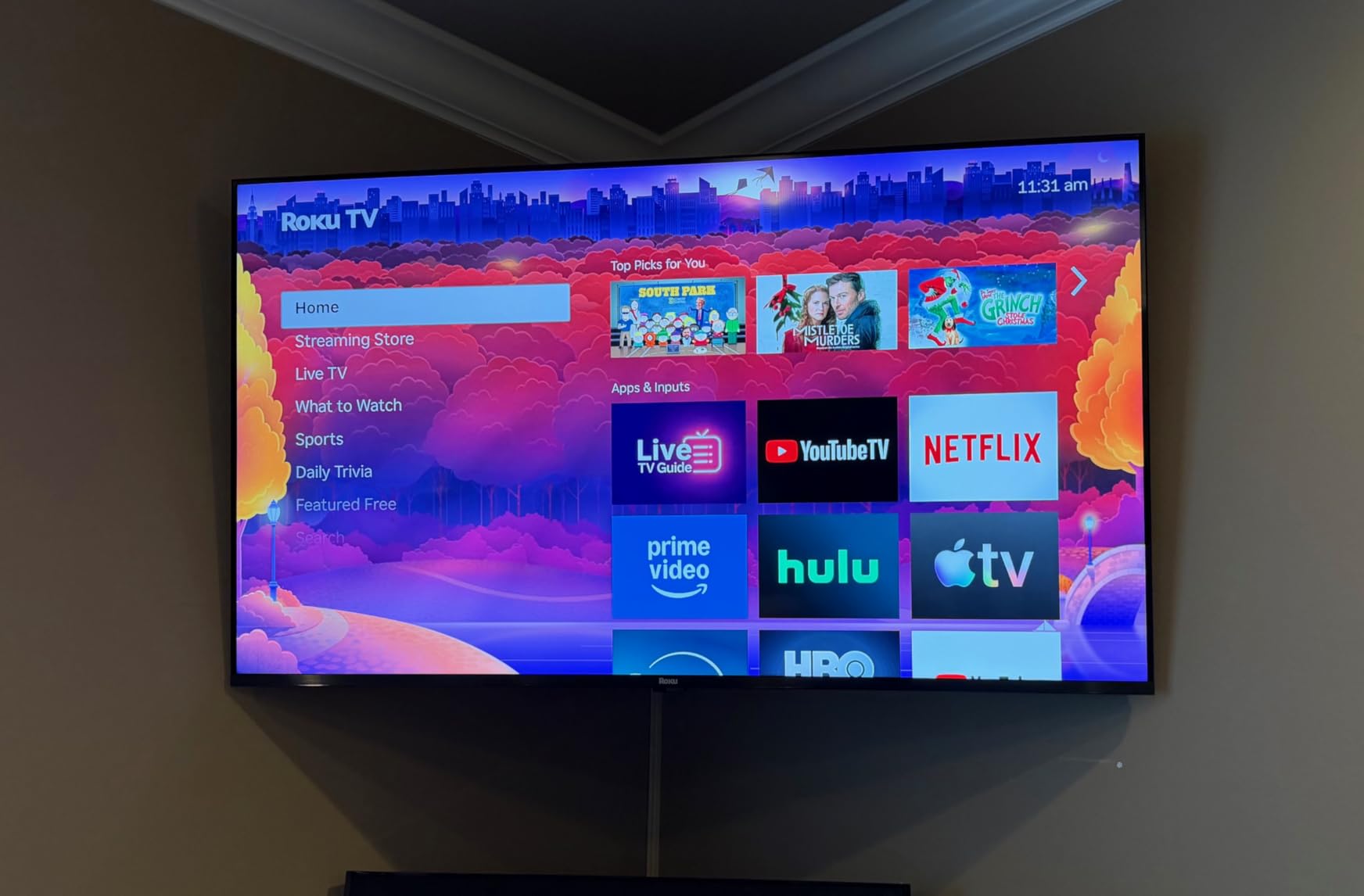
The Roku 65-Inch Plus Series is the TV that made me fall in love with Roku hardware. The Mini-LED backlight combined with QLED quantum dots delivers picture quality that competes with sets twice the price. I tested it in a bright living room with floor-to-ceiling windows and the screen stayed watchable during midday sun — something most budget TVs cannot handle.
Roku Smart Picture Max uses AI to optimize the picture in real time based on what you are watching. The result is a TV that looks great out of the box without any calibration. Dolby Vision support is a first for a Roku TV, and HDR10 Plus is there for Amazon content. Watching Planet Earth on this TV was a genuinely cinematic experience.
The built-in audio is unusually good for a flat-panel TV. The integrated subwoofer adds real bass to movies and music, and Dolby Atmos processing creates a wider soundstage than I expected. Most people will not need a separate sound system for everyday viewing.
The downsides are minor. The remote is not backlit, which is annoying at night. The screen reflects some light at extreme angles despite the anti-glare coating, so careful placement matters. And at 65 inches, this TV is not for small rooms — measure your wall space before buying.
Who should buy the Roku 65-Inch Plus Series
Anyone building a living-room home theater who wants premium picture quality without paying OLED prices. Buyers who watch a mix of daytime TV, sports, and movies will love the brightness and color. People who want a simple, reliable smart platform will appreciate the Roku interface.
Who should skip the Roku 65-Inch Plus Series
If your room cannot fit a 65-inch screen, look at smaller models instead. Hardcore console gamers who need 120Hz or VRR should look at OLED options like the LG C5. People who need backlit remote buttons will want a different TV.
Buying Guide: How to Choose the Best 4K Smart TV?
Buying the best 4K smart TV in 2026 comes down to five decisions: panel type, screen size, HDR format support, smart platform, and gaming features. Here is how to think about each one based on your room and your habits.
Panel type: OLED vs QLED vs Mini-LED vs standard LED
OLED TVs deliver the best picture quality because every pixel produces its own light, giving perfect blacks and infinite contrast. They are also the most expensive. QLED TVs use quantum dots to boost color and brightness on a standard LED backlight, offering a great balance for most people. Mini-LED TVs use thousands of tiny LEDs for the backlight, giving better contrast than standard QLED without OLED pricing. Standard LED TVs are the budget choice and still look good for everyday viewing.
For most buyers, a QLED or Mini-LED TV is the sweet spot. OLED is worth the investment if you watch a lot of dark movies in a dim room, and standard LED is fine for casual bedrooms and kitchens.
Screen size: how big should you go?
The most common regret I hear from buyers is that they did not buy a bigger screen. As a rule of thumb, your viewing distance in inches should be roughly 1.5 to 2 times the screen size in inches. For a 65-inch TV, that means sitting 8 to 11 feet away. If you sit closer, go bigger. If your room is small, 50 to 55 inches usually works well.
HDR formats: Dolby Vision vs HDR10 Plus vs HDR10
HDR (High Dynamic Range) is what makes 4K content look noticeably better than older HD content. There are three main formats: HDR10 is the baseline and supported everywhere. Dolby Vision and HDR10 Plus are premium formats that optimize the picture scene by scene. If you watch a lot of Netflix, Disney Plus, or Apple TV Plus, look for Dolby Vision. If you watch a lot of Amazon content, HDR10 Plus helps. Some TVs like Samsung models only support HDR10 Plus, while most others support both.
Refresh rate and HDMI 2.1 for gaming
For casual TV watching, 60Hz refresh rate is fine. For gaming on a PS5 or Xbox Series X, you want 120Hz or 144Hz and HDMI 2.1 ports for VRR (Variable Refresh Rate) and ALLM (Auto Low Latency Mode). These features eliminate screen tearing and reduce input lag. None of the TVs in this budget-friendly roundup hit the gaming sweet spot — if gaming is your priority, look at our guide to the best 4K TVs for gaming.
Smart platform: which is best?
Every smart TV platform streams the major apps, but the user experience varies. Roku is the simplest, Tizen (Samsung) is the most polished, webOS (LG) is the most playful, Google TV has the best recommendations, and Fire TV is best for Alexa households. Pick the platform that matches your existing devices.
Smart TV Platforms Compared: Fire TV vs Roku vs Tizen vs Google TV vs webOS
Choosing a smart platform matters more than most buyers realize. The platform determines how quickly apps load, how easy it is to find content, and how well the TV integrates with your other devices. Here is how the main options compare.
Fire TV (Amazon)
Fire TV is best for Amazon Prime members and Alexa smart home users. The interface is ad-heavy but offers excellent integration with Echo devices, Ring doorbells, and other Amazon products. App selection is complete, but the interface can lag on budget hardware. Hands-free voice control on the Omni series is genuinely useful.
Roku OS
Roku OS is the simplest and most universal option. The interface is clean, the remote has shortcut buttons, and AirPlay 2 support makes it work well with iPhones. Roku does not favor any particular streaming service, which makes it feel more neutral than Fire TV. The new Plus Series finally adds Dolby Vision, closing the gap with competitors.
Samsung Tizen
Tizen is the most polished smart platform with smooth navigation and excellent universal search. Samsung TV Plus offers 2,700+ free live channels, which is a unique advantage. The downside is that Samsung TVs do not support Dolby Vision — only HDR10 Plus — so some content will look slightly less optimized than on competing sets.
LG webOS
webOS uses a colorful launcher bar at the bottom of the screen for quick app switching. It is playful and works well with the LG Magic Remote’s pointer-style navigation. webOS TVs are typically more expensive because they pair with LG’s OLED and premium NanoCell panels.
Google TV
Google TV (formerly Android TV) has the best content recommendations thanks to Google’s machine learning. It integrates well with Google Home and Chromecast. The interface can feel overwhelming at first because of all the recommended content, but it gets smarter the more you use it.
Frequently Asked Questions
What smart TVs should I stay away from?
Avoid off-brand TVs with no name recognition, models older than 2024 with outdated smart platforms, and any TV without HDR support. Be cautious of TVs that show excessive ads on the home screen or have user interfaces that cannot be disabled. Stick with established brands like Samsung, LG, Sony, TCL, Hisense, and Roku for better warranty support and software updates.
Which is better, UHD, QLED, or OLED?
UHD (4K) refers to resolution and is now standard on all modern TVs. QLED adds quantum dots for better color and brightness on an LED-backlit LCD panel — great value for bright rooms. OLED uses self-emissive pixels for perfect blacks and infinite contrast — best picture quality but most expensive. For most people, QLED offers the best balance of price and performance. OLED is worth it for dark-room movie watching.
What brand of TV has the least problems?
Samsung and LG consistently rank highest for reliability and customer satisfaction in annual surveys. Sony is also extremely reliable but tends to be more expensive. Among budget brands, TCL, Hisense, and Roku have improved significantly and now offer solid reliability for the price. Avoid no-name brands and stick with manufacturers that offer real warranty support in your region.
What is the best 4K smart TV to buy in 2026?
The best 4K smart TV in 2026 depends on your budget. For overall value, the Roku 65-Inch Plus Series with Mini-LED delivers premium picture quality at a mid-range price. For Alexa smart homes, the Amazon Fire TV Omni QLED is excellent. For OLED picture quality, look at the LG C5 or Samsung S95F. For tight budgets, the INSIGNIA F50 or TOSHIBA C350 deliver surprisingly good 4K performance.
How long do smart TVs last?
Modern smart TVs typically last 7 to 10 years with normal use. The panel itself usually outlasts the smart features — the smart platform may feel slow or stop receiving updates after 5 to 7 years. To extend lifespan, avoid leaving static images on screen for hours, use a surge protector, and keep the TV in a well-ventilated spot. OLED panels can suffer burn-in if abused, but LED and QLED TVs are very durable.
Final Verdict: Which Best 4K Smart TV Should You Buy?
After testing eight of the best 4K smart TVs available in 2026, three models rise to the top. The Roku 65-Inch Plus Series is our editor’s choice for its Mini-LED picture quality, Dolby Vision support, and built-in subwoofer at a price that undercuts every OLED competitor. The Amazon Fire TV Omni QLED is the best value for Alexa households, with full array local dimming and hands-free voice control. The INSIGNIA 43-Inch F50 is the budget pick that punches well above its weight for bedrooms and guest rooms.
If you are still deciding, match the TV to your room. Bright living rooms need the brightness of the Hisense E6 or Roku Plus. Dark home theaters deserve the OLED-class picture of the Samsung Q7F or the Fire TV Omni. Alexa smart homes should default to the Fire TV Omni. Simplicity seekers will be happiest with the Roku Select or Plus. Whatever you pick from this list, you will get a solid 4K smart TV that should serve you well for the next seven to ten years.
For more TV and home theater recommendations, check out our guide to the best 4K TVs for gaming, the best 4K streaming devices, and our picks for the best budget 4K projectors if you want a screen bigger than 75 inches.