
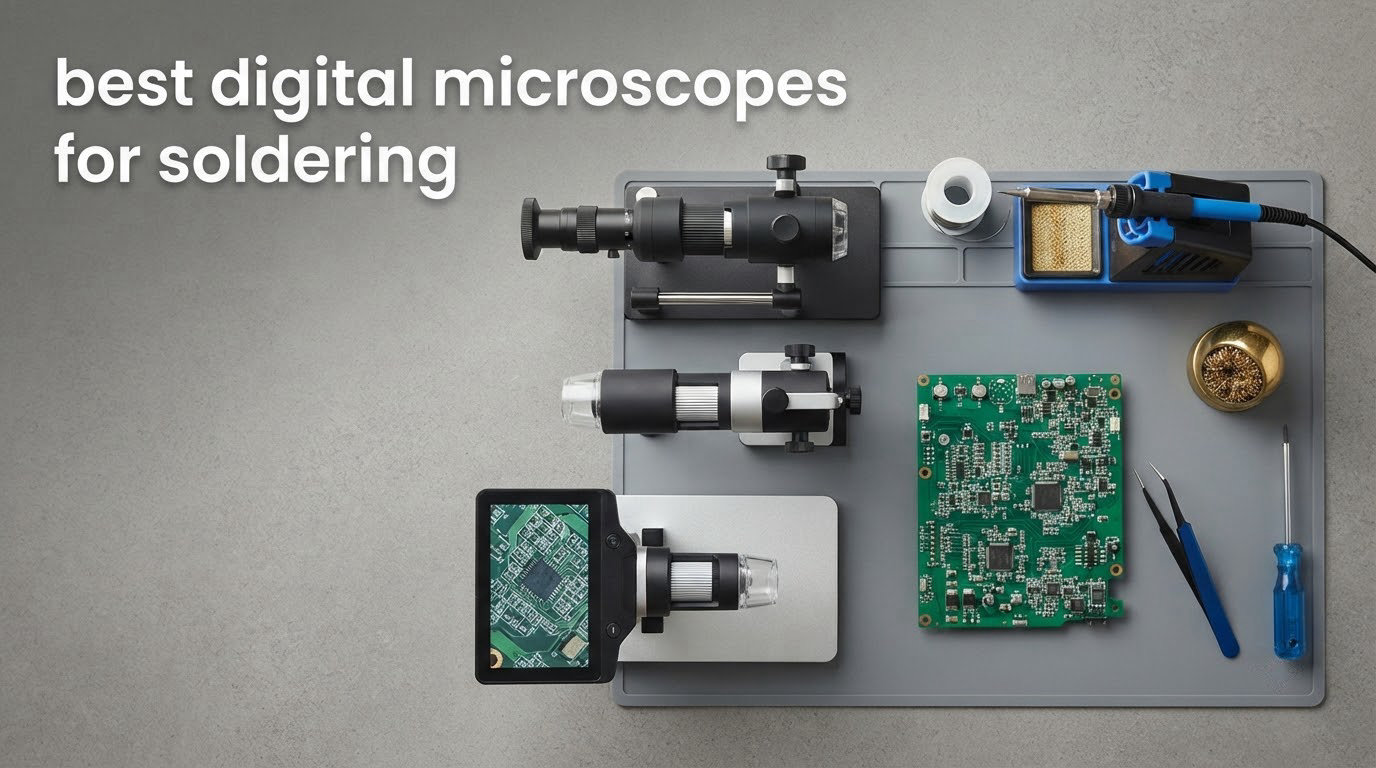
Soldering without magnification means working blind on parts smaller than a grain of rice. You learn to feel for a bridge, guess whether a fillet is concave or convex, and find out ten minutes later that the joint was cold all along. A bench microscope removes that guesswork, and the best digital microscopes for soldering turn a laptop-side hobby into something close to professional rework.
Here is the direct answer first, because it is the question most people arrive with: roughly 10x to 45x is the useful range for soldering. Anything above that is mostly digital zoom that softens the image rather than resolving more detail. The headlines that read 1000x, 2000x or 260x are marketing totals, not usable optical magnification, and owners who measure their scopes keep finding this out.
We spent weeks putting ten of the most-reviewed digital microscopes through PCB repair work, from 0201 passives to QFN rework, and looked at what each one does well at the bench. We covered the hardware angle already in our general digital microscope roundup, and we dig into the bare USB options in our USB microscope guide. This list is narrower: scopes you can actually solder with, judged on working distance, lighting, stand rigidity and how well they hold focus with a hot iron in your hand.
The short version of our findings: the metal boom arm matters more than the magnification number, the screen size matters more than the pixel count, and the cheapest scope in the group is not the one we would put next to a hot iron. Updated for 2026.
Table of Contents
Top 3 Picks for Soldering in 2026
Our three standouts below are the ones we would put on a bench first. Each earned its place on real repair work, not on spec sheets.

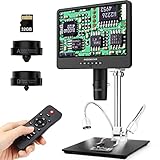
Andonstar AD246S-M
- Three lenses including a long-working-distance soldering lens
- 2160P UHD video with HDMI output
- Metal boom arm stand rated for hot-iron environments
Andonstar AD249S-M
- 10.1-inch LCD showing the whole work area
- Three-lens system with long-distance repair lens
- Dual dimmable spotlights for shadow control

Elikliv EDM4
- 4.3-inch 720P LCD with 8 adjustable LED fill lights
- Over 10800 reviews backing it
- Windows and Mac connectivity for larger viewing
All 10 Best Digital Microscopes Compared (October 2026)
Every scope below is a real option for PCB work. The table gives you the core hardware differences at a glance before the detailed reviews.
| Product | Specifications | Action |
|---|---|---|
| Andonstar AD246S-M 3 Lens 2160P HDMI |
|
Check Latest Price |
| Andonstar AD249S-M 3 Lens 10.1 Inch |
|
Check Latest Price |
 TOMLOV DM9 Max 20MP 10.1 Inch TOMLOV DM9 Max 20MP 10.1 Inch |
|
Check Latest Price |
 TOMLOV TM4K-AF Flex Arm 4K TOMLOV TM4K-AF Flex Arm 4K |
|
Check Latest Price |
 TOMLOV TM3K-3D 3D Soldering Scope TOMLOV TM3K-3D 3D Soldering Scope |
|
Check Latest Price |
 Andonstar AD210 10.1 Inch LCD Andonstar AD210 10.1 Inch LCD |
|
Check Latest Price |
 Elikliv EM4K-AF Autofocus 4K Elikliv EM4K-AF Autofocus 4K |
|
Check Latest Price |
| Elikliv EDM4 4.3 Inch LCD |
|
Check Latest Price |
 Aikokkl 5 Inch C-Clamp Microscope Aikokkl 5 Inch C-Clamp Microscope |
|
Check Latest Price |
 Plugable USB Digital 250x Plugable USB Digital 250x |
|
Check Latest Price |
1. Andonstar AD246S-M 3-Lens HDMI Microscope – The Best Digital Microscope for Soldering Overall
Andonstar AD246S-M 3 Lens 2160P HDMI Digital Microscope 2000x for Adults
Three lenses
2160P UHD HDMI video
Metal boom arm stand
2040x effective magnification
Pros
- Dedicated long-working-distance lens for solder joints
- Sturdy metal boom arm adjustable in every direction
- 2160P output mirrors to a larger monitor
- Windows measurement software for length and area
- Wireless remote for shake-free capture
Cons
- Switching lenses means unscrewing hardware mid-task
- 7-inch screen is small next to 10.1-inch rivals
- Achromatic lenses and some plastic boom parts feel basic
We used the AD246S-M more than any other scope in this test and it is the one we would put on a bench tomorrow. The reason is unglamorous: the stand is metal, it does not droop, and the long-working-distance lens sits high enough that an iron never comes near the housing. That combination is what makes a microscope usable rather than a novelty.
The three-lens turret is the real feature here. Lens L is built for circuit boards and phone repair, giving the working distance you need to bring a tip in without touching the lens barrel. Lens A covers whole objects like a watch movement or a coin, and Lens D handles prepared slides if you ever branch out. Buyers consistently single out that repair lens as the one that earns the scope its place.
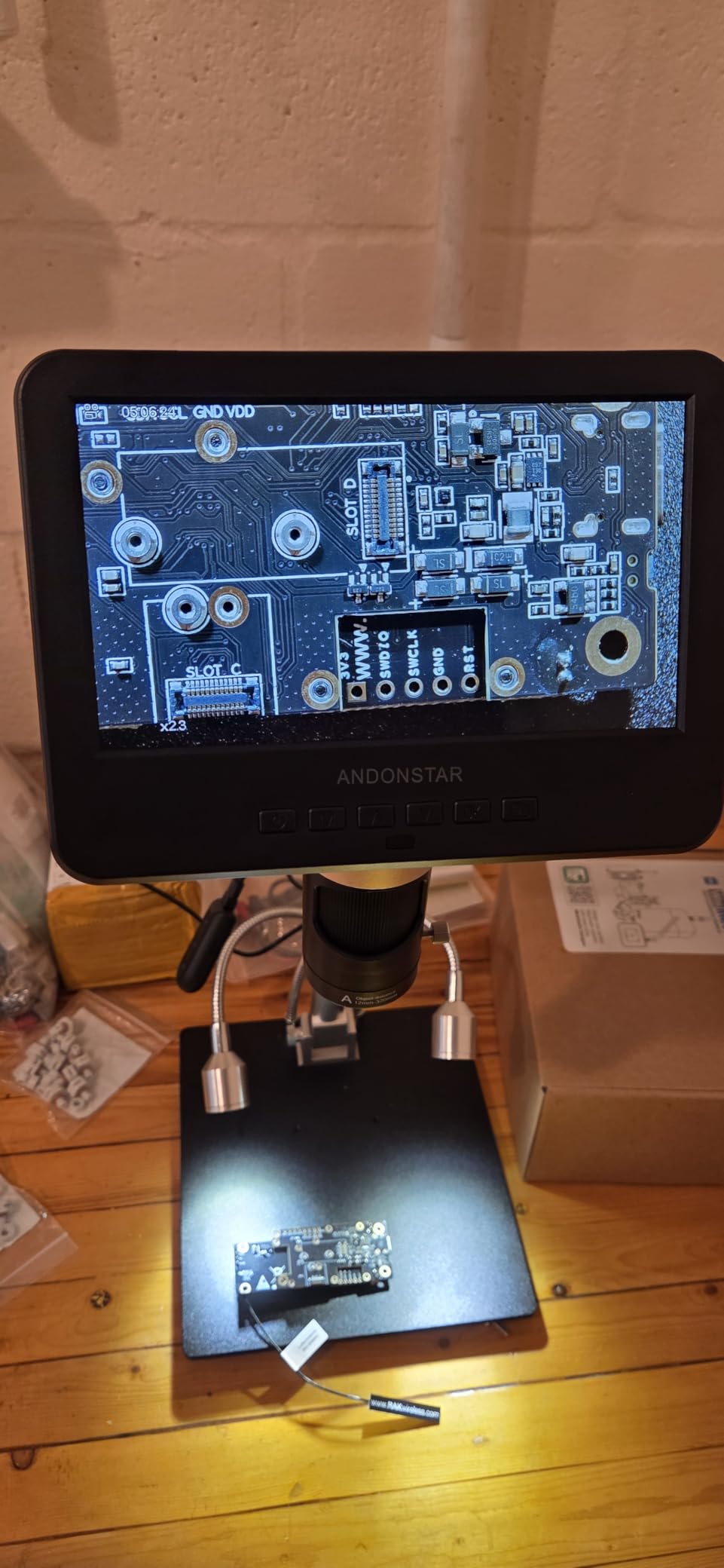
Image output is 2160P UHD over HDMI, and you can mirror it to a TV or a big monitor. That matters more than the headline magnification because the built-in screen is only 7 inches. When we were soldering 0402 passives, running the feed to a 28-inch display made a measurable difference in how quickly we could place the tip. The included Windows software handles length and area measurement, which is genuinely useful for checking pad spacing before you commit.
Frame behaviour is the reason this is the editor’s choice. HDMI means no computer in the loop and no compression lag, so the movement of the tip on screen matches the movement of your hand. If you have tried soldering while watching a compressed USB feed, that gap is the whole difference. Our wider comparison of the hardware is in the microscope buying guide.
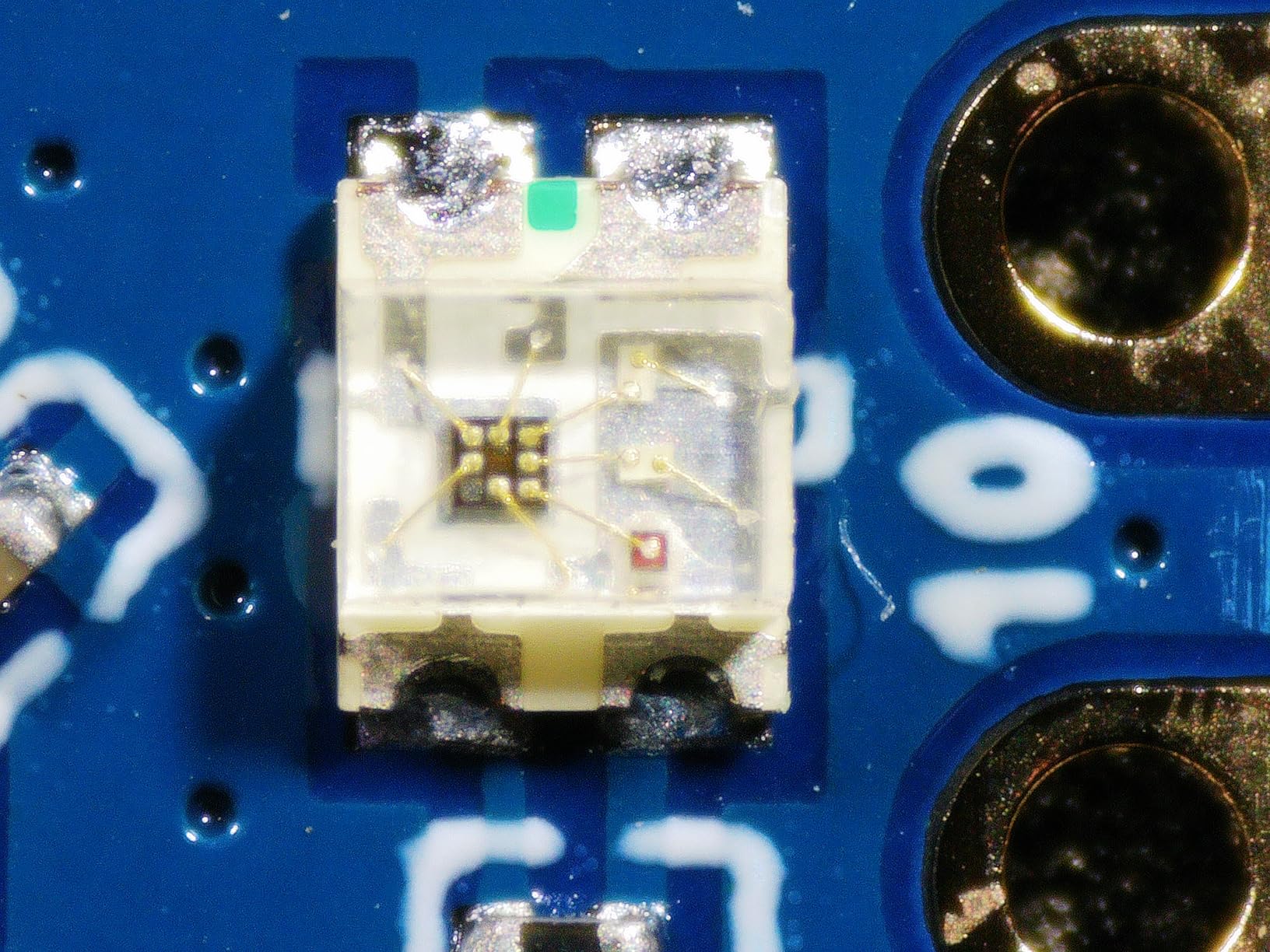
How it handles a hot iron on the bench
The boom arm is described by the manufacturer as heat resistant for soldering, and in practice the metal construction is what saves it. We ran hot-iron rework on a scrap board for extended sessions and the arm held its position without creeping, which is more than we can say for several flex-arm designs in this roundup. The base weighs in at 2.25 kg, and that mass does real work when you knock the bench with a coil of solder.
Keep the iron in the stand cradle or on a mat, and treat the arm itself as something to avoid leaning on. Metal does not droop, but the cable ties running down it can melt if you drape a hot iron over the joint, so route your leads away from the arm before you start.
When to pick something else instead
If you work on large boards and need to orient yourself quickly, the 7-inch screen is a real constraint and the 10.1-inch AD249S-M covers more of the bench at a glance. The lens changes also interrupt flow: unscrewing and re-screwing a barrel is not something you want to do five times in an hour, so commit to the repair lens for a soldering session.
And if your work is mostly inspection rather than active work under the tip, the achromatic lens set here will not resolve fine hairline cracks the way a stereo head or a higher-class optical setup would. For joint-level inspection where you need true depth perception, our stereo microscope picks are the better tool.
2. Andonstar AD249S-M 10.1-Inch 3-Lens Microscope – Best for Orientation on Large Boards
Andonstar AD249S-M 3 Lens 2160P 10.1 Inch HDMI Digital Microscope 2000x
10.1-inch LCD
Three lenses
2160P HDMI video
Dual dimmable spotlights
Pros
- Highest average rating in this group at 4.6 stars
- 10.1-inch display shows the whole work area
- Solid all-metal base and boom arm that survives knocks
- Dual spotlights can be aimed to kill shadow
- HDMI mirroring useful for teaching and demos
Cons
- Base work surface smaller than the photos suggest
- Stand shifts if bumped
- Unscrewing lenses to change magnification range
- Some units need post levelling at the base
This is the AD246S-M’s bigger sibling, and at 4.6 stars it carries the highest average rating of any scope we tested. The difference that matters on the bench is the 10.1-inch display. When you are working on a laptop mainboard or a multi-panel control board, being able to see the surrounding components without panning changes how you think about a repair.
Everything that made the AD246S-M work carries over: the three-lens turret with a long-distance repair lens, 2160P UHD recording, HDMI output to a larger screen, and a metal boom arm rated for hot-iron environments. The added part is lighting. Two dimmable spotlights with adjustable position and intensity let you kill the shadow a single overhead source casts across a raised component, which is exactly the situation you hit on a board with tall electrolytics.
On our board of 0201 passives, the difference between the two Andonstar three-lens units was the difference between a careful placement and a fast one. The extra screen real estate also helps during inspection passes, where you are scanning for bridges and lifted pads rather than placing a tip.
Documentation is a strength here. A 32GB microSD card and remote are included, HDMI mirroring makes it easy to put a bench view on a wall display for teaching, and the bundled Windows measurement software handles length and area if you need to check a pad pattern. If you like to keep a record of before and after images on every board, that is built in rather than something you add later.
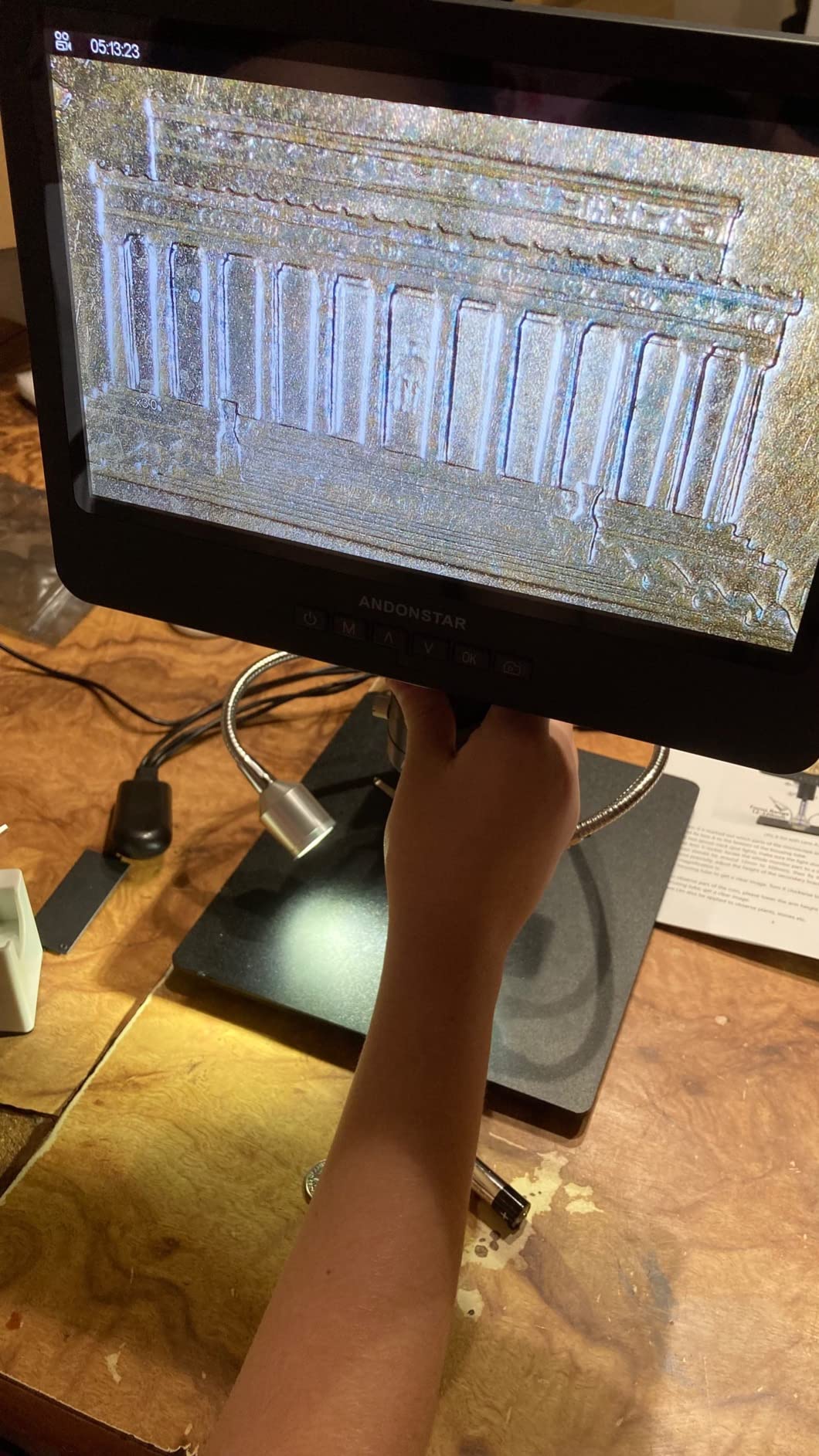
Whether the all-metal base holds up to daily use
The stand is all metal and takes knocks well, and reviewers consistently praise it for absorbing the abuse of a working bench. Our one reservation is the base footprint. At 7.8 by 7 inches, the work surface is smaller than product photos imply, so larger boards overhang. Mounting it to a fixed surface helps, and it also stops the whole assembly creeping when you brush past it.
A few owners report the vertical post arriving slightly out of level, which is corrected with a wrench at the base. It is a two-minute fix, but check it before you start a delicate job rather than discovering a canted image mid-rework.
Where the price-to-performance math breaks down
If your work is on small boards, the larger display is a genuine luxury rather than a necessity, and the AD246S-M covers the same core job with a smaller footprint. The other place this model is not ideal is fine detail: like the AD246S-M, it uses achromatic optics, so it is a tool for working on and inspecting joints, not for resolving hairline fractures in a large die.
The lens-swapping routine is the other friction point. Commit to the repair lens for a session rather than swapping back and forth. If you need a permanently wide view instead of a working close-up, our general digital microscope comparison covers models built for that.
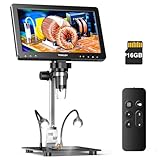
3. TOMLOV DM9 Max 10.1-Inch 20MP Scope – Best for Lighting Control
TOMLOV DM9 Max Digital Microscope: 20MP 10.1″ 1500X HD IPS Coin Microscope Magnifier for Error Coins with Screen, LCD Soldering Microscopes for Adults, 10 LED Lights, PC/TV Compatible, 16GB
10.1-inch IPS screen
Twin goosenecks plus 8 ring LEDs
20MP stills
12.6-inch stand
Pros
- Twin gooseneck side lights plus dimmable ring LEDs give real glare control
- Large bright IPS panel is easy on the eyes in long sessions
- Noise-reduction chip and microphone capture clear audio on video
- Tall 12.6-inch stand with a large base leaves room for hands-in work
Cons
- Stated 1500x is digital zoom; one reviewer measured about 45x real
- Base LED unit has failed for some owners after a few weeks
- Screen mount can wobble and the power button needs a long press
- Short USB cables and no charging block included
Shiny solder is one of the harder things to light well. A wet fillet is a curved mirror, and a single ring or overhead source produces a blown-out highlight right where you are trying to judge the joint. The DM9 Max is the scope in this test with the most usable lighting control, because it combines eight dimmable ring LEDs around the lens with two independent gooseneck side lights you can position by hand.
Side lighting at an angle is what lets you read the profile of a fillet. We used the goosenecks at roughly 45 degrees to the board to put a highlight on the edge of the joint rather than dead centre, and that is how you spot a concave joint or a wicking failure. The ring handles general illumination for orientation. Splitting the two roles like this is simply better than cranking one source brighter.
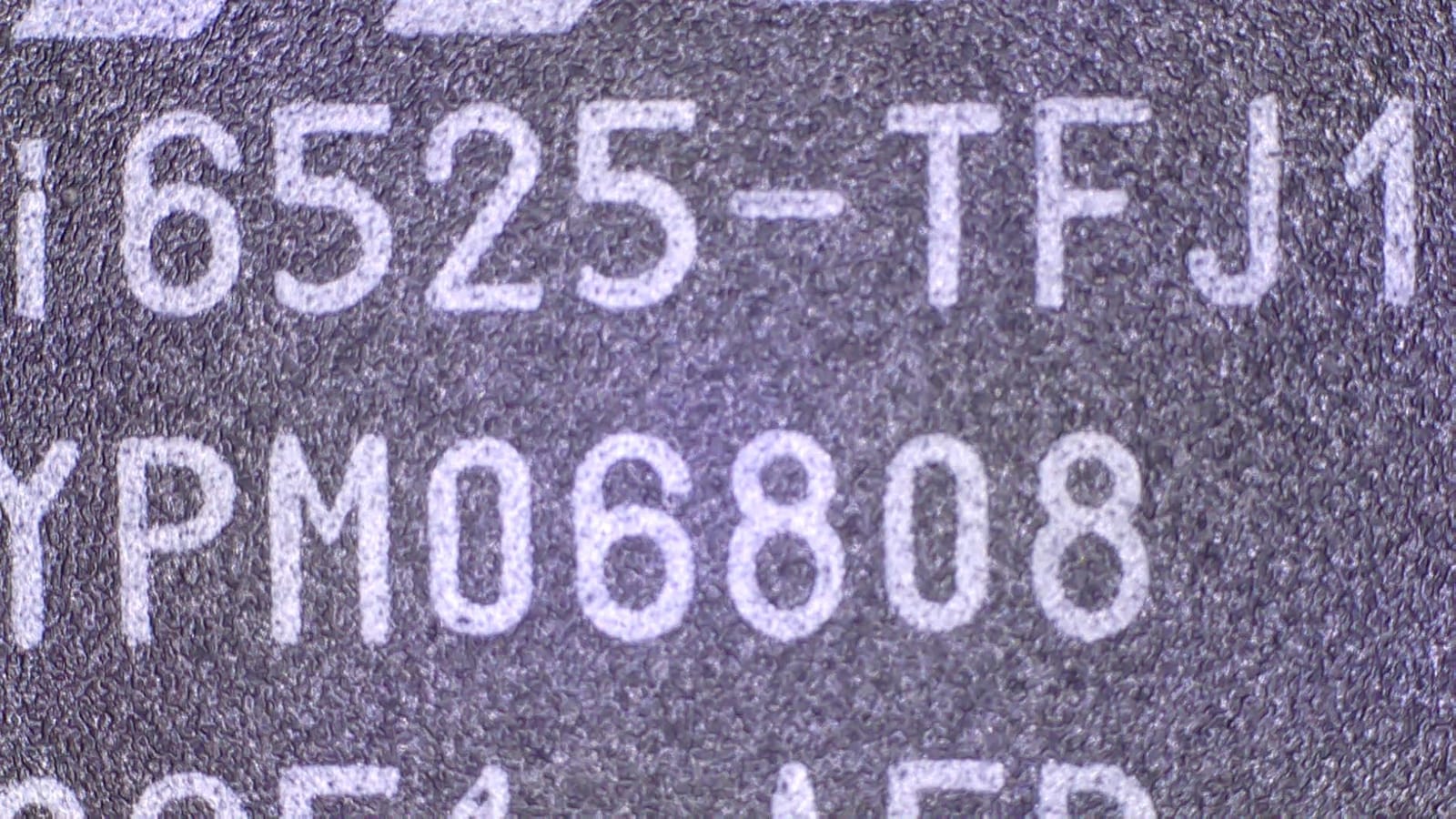
The screen is a large 10.1-inch IPS panel with a 178-degree viewing angle, which matters when you are leaning over a board at an angle rather than sitting square to it. Still photos go up to 20MP and video to 1080P, recorded to the included 16GB card. A noise-reduction chip and built-in microphone mean the audio on a recorded repair is usable without a separate mic.
Set-up is a metal-leaning build with a 12.6-inch stand on a 7 by 8-inch base, and the tall stand gives you a real working gap to slide a board and both hands underneath. A wireless remote handles zoom, capture and colour adjustment, so you are not touching the unit and shaking the image every time you take a photo.
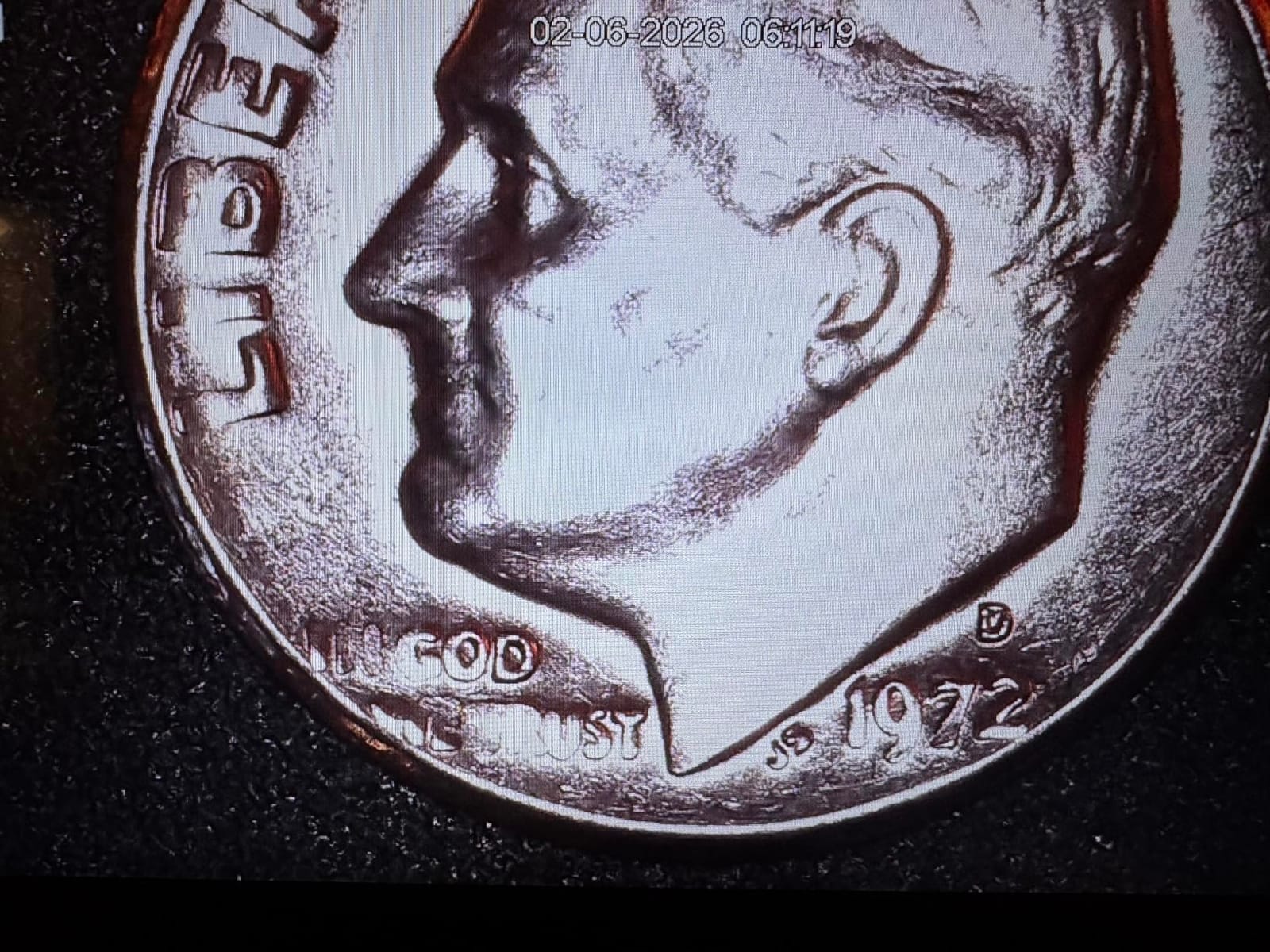
Reading the magnification number honestly
The 1500x figure on the box is not what you get. An experienced microscopist in the reviews measured real magnification of roughly 45x on the built-in screen, and that is the number to plan around. Everything above about 45x on this unit is digital zoom, which enlarges the image while adding no new detail and softening the edges of a joint.
This is normal for the category and not a defect, but it does mean the scope is best used between roughly 10x and 45x. Push past that and the picture gets bigger, not sharper. Our USB microscope guide covers the same marketing issue in more detail for cheaper units.
Which problems show up after a few months
Two durability themes run through the reviews. The first is the base lighting unit, which some owners report failing within weeks of regular use. The second is mechanical: the screen mount can wobble on the stand, and the power button requires a long press rather than a tap. Neither is a dealbreaker, but both are worth checking during the first week so you are not troubleshooting mid-job.
The supplied USB cables are also short, and no charging block is included, so plan on buying a longer cable before you set the scope up permanently. The user manual is thin on first-time setup, which takes a few minutes of trial and error.
4. TOMLOV TM4K-AF Flex Arm 4K Scope – Best for Autofocus at the Bench
TOMLOV Autofocus 4K Digital Microscope, 8″ TM4K-AF Flex Arm for Soldering
TOF sensor autofocus
4K video and 52MP stills
8-inch 1280x800 IPS
360-degree flex arm
Pros
- Autofocus locks on quickly and stays put
- Preset focus points jump between two working heights
- 4K clarity and accurate color on the built-in screen
- Fine-adjustment rail on the scope body aids positioning
Cons
- Arm and base mount lack positive locking and drift
- HDMI output is 1080 only despite the 4K claim
- Manual focus wheel shakes the image
- Menus and recording disabled in PC mode
Focusing is the task that eats your time on a manual digital scope. You push the arm, turn a wheel, watch the image swim, and repeat with a hot tool in your other hand. The TM4K-AF attacks that directly with a time-of-flight autofocus sensor, and the difference in workflow is immediate. We could move the camera toward a board and it would settle on the component in about the time it takes you to lift the iron.
The preset focus points are the sleeper feature. P1 and P2 remember two working heights, so if you are working across an uneven board you can jump between a raised connector and a flat section of ground plane without re-focusing by hand. For microsoldering across mixed-height assemblies, that saves more time than the autofocus does.
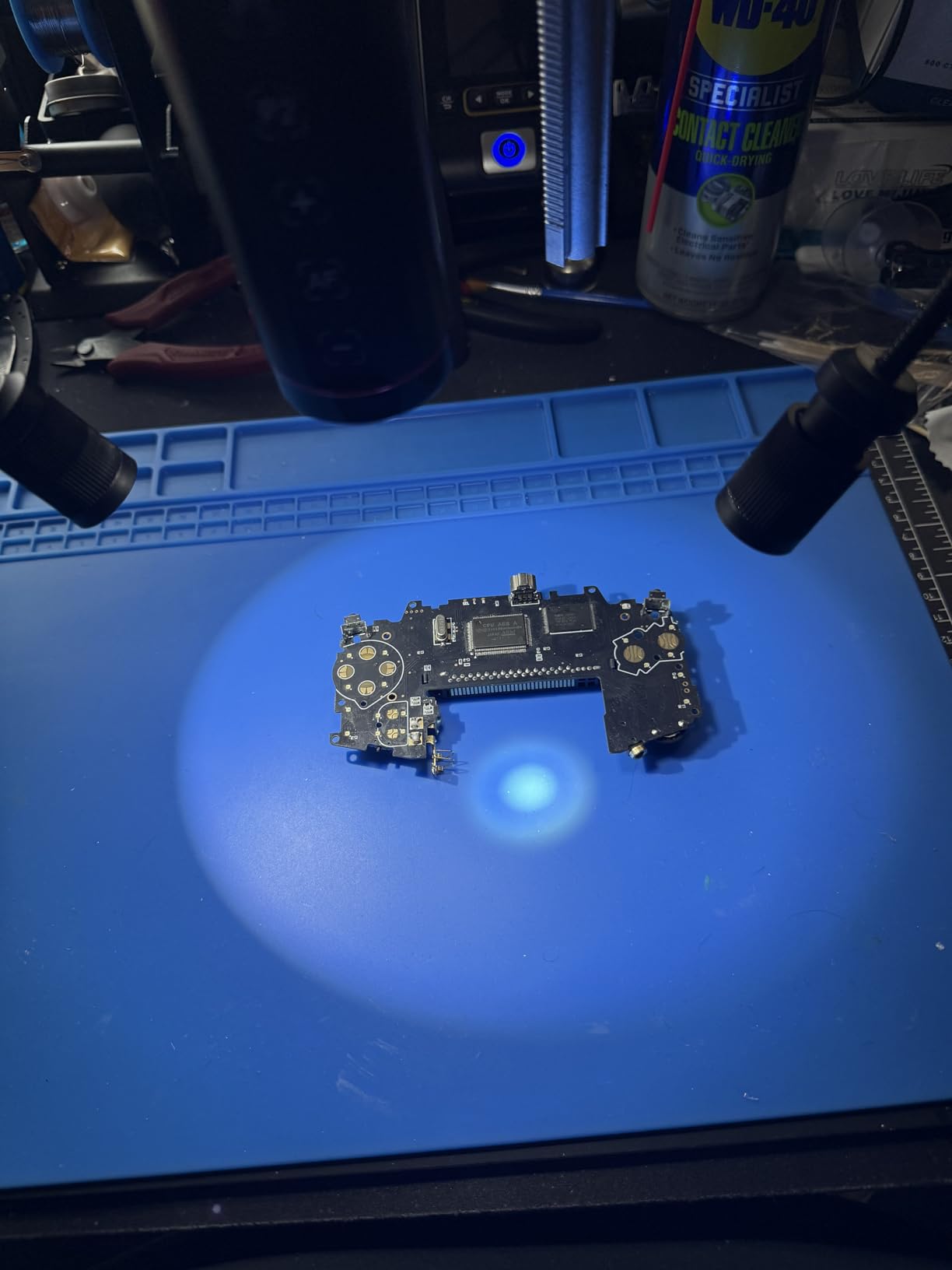
Image quality is genuinely strong. The 8-inch IPS panel at 1280 by 800 covers 100% sRGB and 99% NTSC, which is closer to accurate colour than most scopes in this range manage. That matters when you are judging a cold joint, because a colour cast pushes a dull grey joint toward a plausible-looking brown and you misjudge it. 4K UHD video and 52MP stills record to the included card, and a soldering mat and light barrier ship in the box.
The 360-degree articulating flex arm gives a lot of reach over a bench, and a fine-adjustment rail on the scope body handles the last few millimetres of positioning where a bare arm is too coarse. Ring light plus two adjustable goosenecks cover the glare problem, and HDMI and USB outputs let you move to a larger monitor when you need more detail than the 8-inch panel gives.
Why the rating is the lowest in this roundup
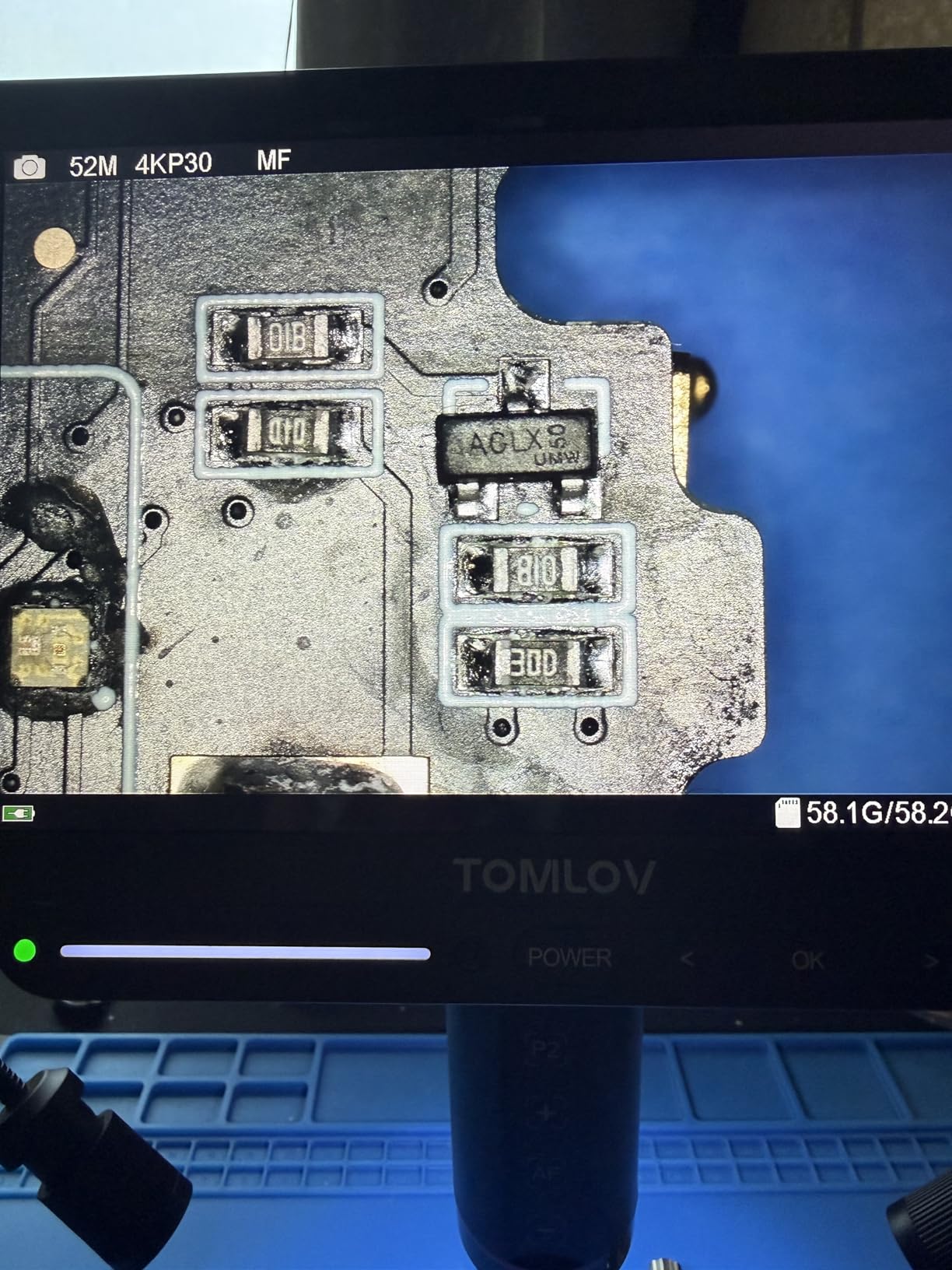
At 4.2 stars this is the lowest-rated scope we tested, and the reason is mechanical rather than optical. Several reviewers report that the flex arm and base mount lack positive locking, so the scope creeps or vibrates and the image drifts out of focus mid-solder. That is a serious complaint for a bench tool, because an autofocus that keeps re-acquiring a moving target is worse than manual focus that holds still.
Test the arm under load before you rely on it. Push the scope toward a component the way you would with a real board and watch whether the image stays put. If it creeps, tighten every joint and consider mounting the base to the bench.
Output limitations you should know before buying
The 4K claim applies to the built-in screen and recorded files. Over HDMI the output is 1080 only, so if you planned to run this to a large external monitor for detail, you will not get the resolution the marketing implies. The viewing area is also narrow, with no wide-angle lens option, so framing a whole coin needs a different tool.
Manual focusing shakes the image, and the focus toggle sits in the menu rather than on the remote, so switching modes mid-task costs you time. In PC-connected mode the menus, recording and zoom are unavailable, which limits it as an analysis tool. We cover the trade-offs against simpler HDMI designs in the main digital microscope roundup.
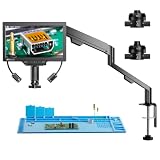
5. TOMLOV TM3K-3D 3D Soldering Microscope – Best for 3D Board Inspection
TOMLOV 3D Digital Soldering Microscope TM3K-3D, 7″ Magnetic Dual Lens Scope
3D side-view with 360-degree rotation
Magnetic dual lenses
7-inch 3K IPS
Gooseneck spotlight
Pros
- 3D side viewing genuinely helps read part markings on crowded boards
- Magnetic lenses swap without tools between soldering and wide views
- Gooseneck spotlight moves with the arm to cut glare and shadow
- Long arm clamps down so the board can move freely underneath
Cons
- 3D mode takes real practice to use well
- Spring-loaded arm can drift upward and pull focus
- Light control sits in the base and is awkward to reach
- Some units shipped with dead microSD readers
A flat top-down image of a densely populated board flattens the one thing you most need: which component is taller than its neighbour. The TM3K-3D addresses that with 3D side viewing that rotates through 360 degrees, and several electronics hobbyists in the reviews say it genuinely helps when reading markings on parts packed shoulder to shoulder.
That is the honest version of the claim. Rotating the view is not the same as true stereoscopic depth, and experienced users treat it as a way to check height and occlusion rather than a full 3D work environment. It needs practice before it stops feeling like a gimmick, but once you are used to it, checking whether a pad is hidden under a neighbouring part takes a second.

The magnetic dual-lens system is a clever fix for a common annoyance. Most turret scopes need tools to change lenses, which mid-task is unacceptable. Here the L long-distance lens for soldering and the W wide-angle lens for full objects swap by hand in a couple of seconds, so you can pull back to see a whole board and drop straight into a joint again without a screwdriver.
Lighting is handled by a gooseneck LED spotlight that moves with the arm rather than sitting fixed around the lens. Because you reposition it by moving the camera, the highlight follows the area you are working on, which reduces both shadow and glare in a way a fixed ring cannot. Output covers HDMI, USB and the built-in 7-inch 3K IPS screen, with photo, video and webcam modes recording to microSD, and a soldering mat included.

How the arm behaves when the board is bulky
The long articulating arm clamps to the bench so the board can be moved freely underneath, and that is a real advantage for rework on tall assemblies where you want to rotate the workpiece rather than the camera. The concern is the spring-loaded joint. Reviewers report the arm drifting upward and knocking the image out of focus during micro-soldering, which is the same failure mode we saw on the TM4K-AF.
Check the joint tension early and tighten it down before fine work. Andonstar’s fixed metal boom arm designs, covered in picks one and two of this list, simply do not have this problem, which is why they rank where they do for sustained soldering.
Which parts of the design need work
The light control lives in the stand base, which means reaching down and away from the work to dim a lamp mid-task. That is a small thing until you are mid-joint. Some buyers also received units with non-working microSD readers, which blocks photo and video capture entirely, so test the card slot before you rely on documentation.
Magnification also tops out lower than many buyers would like for very fine work, and the 7-inch screen is on the small side for orientation. If your priority is steady close-up work rather than board-level inspection, the fixed-arm scopes suit you better.
6. Andonstar AD210 10.1-Inch LCD Microscope – Best All-Round Starter
Andonstar AD210 10.1 Inch LCD Digital Microscope for Soldering, Coin
10.1-inch Super IPS screen
1080P video and 12MP photos
Three-way LED lighting
1cm to 26cm working distance
Pros
- Large 10.1-inch Super IPS display with 178-degree viewing angle
- Tall upgraded metal stand gives a genuine hands-in working gap
- Three-way LED lighting covers top
- side and bottom illumination
- 32GB card and remote included as standard
Cons
- Digital magnification is modest against higher-resolution rivals
- Some smaller stand components feel less substantial
- Bundled light stage and slide kit add bulk you may not use
The AD210 is the model we would hand someone starting out, and the reason is the stand rather than the optics. It adjusts across a 1cm to 26cm working distance and stands up to 12.6 inches tall, which means you can set a real gap between the lens and the board and slide both hands underneath. On a rigid metal post with a large base, that gap does not close when you reach across the bench.
Three-way LED illumination is unusual at this level. Most budget scopes offer a ring light and nothing else, but the AD210 gives you top, side and bottom lighting with variable brightness. Bottom illumination shines up through the platform, which is how you check a solder joint from underneath a board, and side lighting handles the shadow problem on tall components.
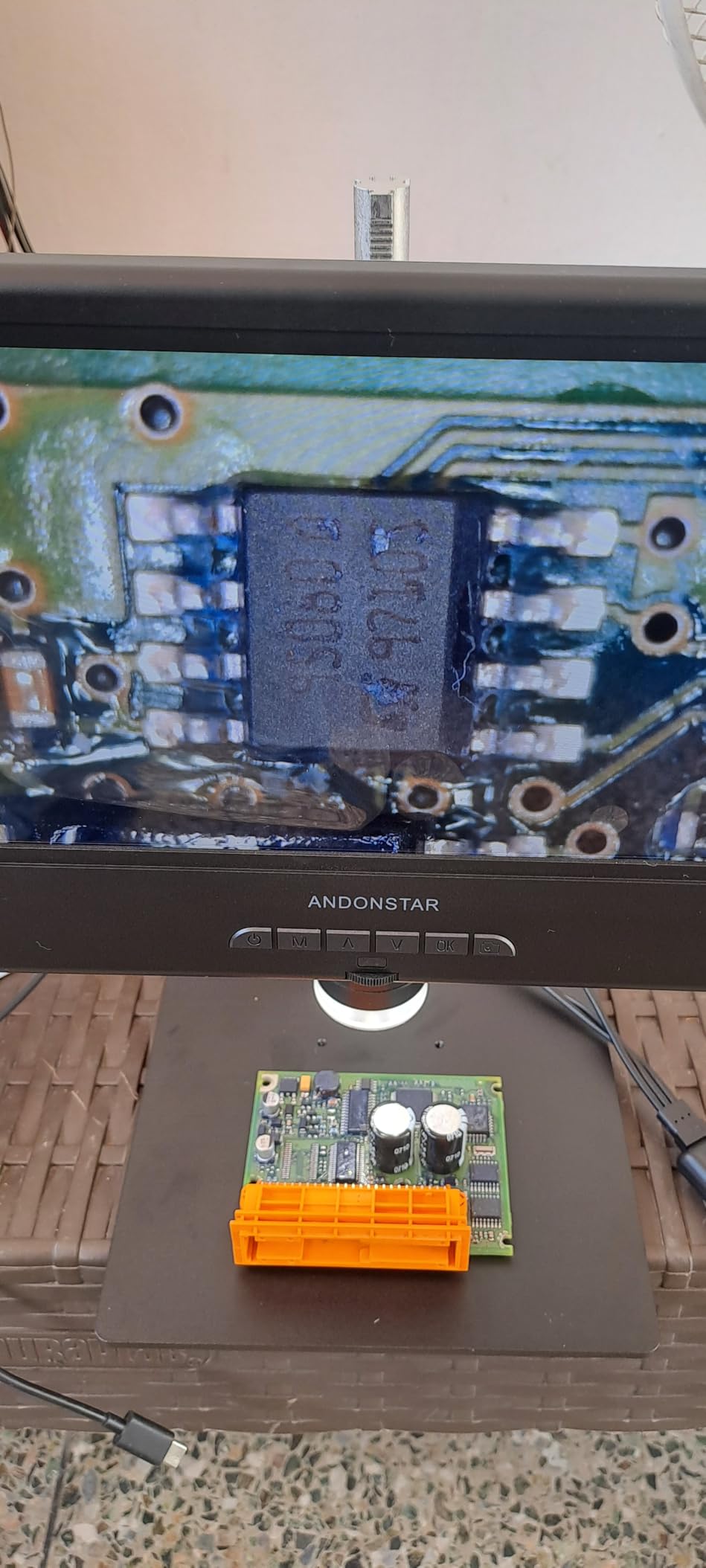
Video records at 1080P and stills at 12MP, written to the included 32GB card through the supplied reader, and a remote handles photo, video, digital zoom and colour adjustment. The 10.1-inch Super IPS panel has a 178-degree viewing angle, so you can work at an angle to the board without washing the image out. It also runs at 240 volts with a corded power supply, so there is no battery to manage on a long session.
With 761 reviews averaging 4.5 stars, the feedback pattern is consistent: owners like the bright screen, the stable tall stand and the flexible lighting, and they use it for PCB repair, watch work and coin inspection alike. The 75% five-star share suggests the compromise here lands well with the buyers who understood it going in.
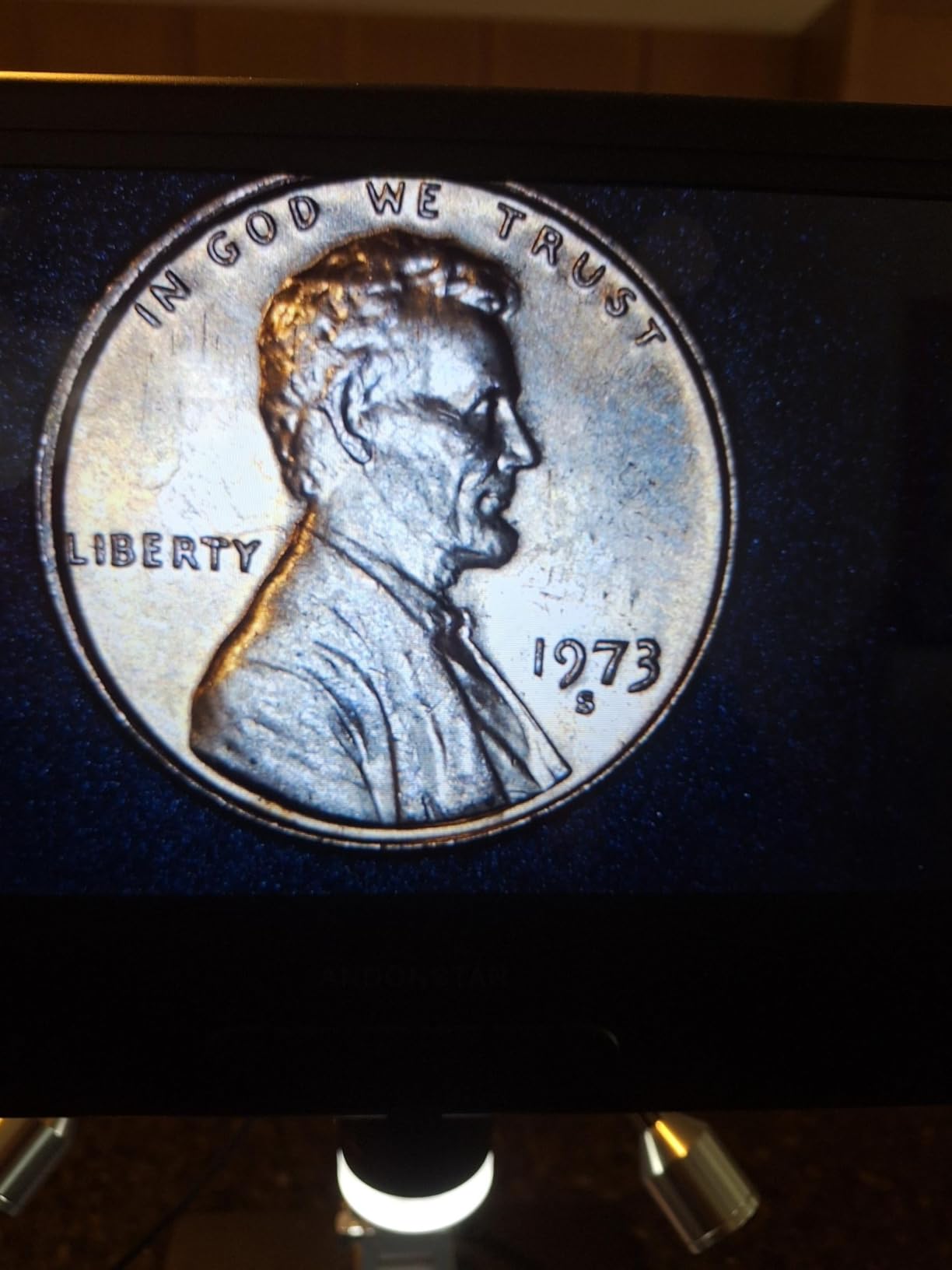
How much detail can you actually resolve
Maximum stated magnification is 260, and the real number is lower still because the extra range is digital. For a hobbyist doing 0603 and 0805 work, inspecting joints and checking a board for bridges, that is genuinely enough. If you need to resolve the gap between two pads on a fine-pitch QFN, this is not the tool, and the 4K-sensor scopes in this list give you more usable detail.
Colour is another limitation. A 1080P sensor is adequate for spotting a dull or dull-joint and far less good for fine colour discrimination. If judging a cold joint is the core of your inspection routine, prioritise sensor resolution over screen size.
What is in the box, and what you will ignore
The box includes a bottom light stage, a prepared biological slide kit, a 32GB card, a reader and a remote. For a soldering bench, the slide kit and the light stage are dead weight and the unit weighs 1.92 kg, which is a lot of desk to give up for accessories you may never use. The metal clips for hands-free work are the part you will genuinely use.
If you want a leaner package for electronics only, the two three-lens Andonstar models skip the coin and slide accessories and spend the money on the boom arm instead.
7. Elikliv EM4K-AF Autofocus 4K Microscope – Best for Portable Bench Work
Elikliv Autofocus 4K Digital Microscope EM4K-AF, 8″ Soldering Microscopes
AI autofocus with TOF sensor
4K video and 52MP stills
8-inch 1280x800 IPS
Built-in rechargeable battery
Pros
- TOF autofocus refocuses in about two seconds and holds on moving subjects
- 4K video and 52MP stills on a 1280x800 IPS panel
- Freeze frame and split-screen modes for comparing two samples
- Rechargeable battery removes the tether for field inspection
Cons
- 8-inch screen is smaller than 10.1-inch rivals
- Stand extends to 6.3 inches which is tight for bulky assemblies
- Autofocus settles slowly on low-contrast or bare reflective metal
The EM4K-AF is the pick for anyone who does not solder at one fixed desk. It runs off a built-in rechargeable battery, so you can carry it to a customer site, a classroom bench or a shared lab table and work without hunting for a socket. Most competitors in this list are corded or need a USB cable to run at all.
Autofocus is handled by a TOF sensor that refocuses in roughly two seconds, and it holds onto a subject that is not perfectly still. In practice that meant it kept a joint framed while our hand moved, which is the case that defeats many manual scopes. The controller in your hand handles photo, video and zoom, so you are not reaching to the screen and shaking the view.
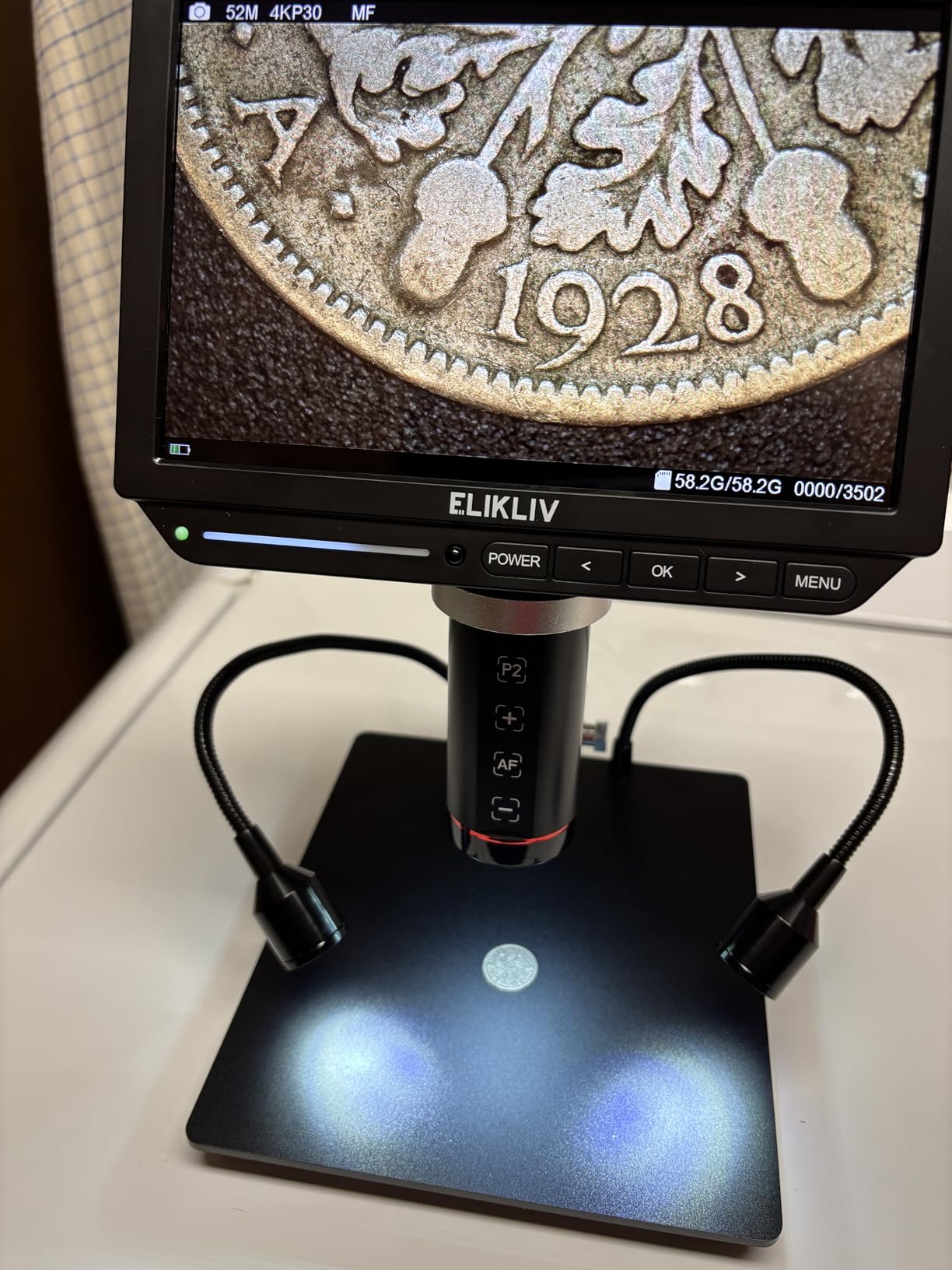
Sensor output is 4K UHD at 3840 by 2160 for video and 52MP stills, shown on an 8-inch IPS panel at 1280 by 800 with a 178-degree viewing angle. Freeze frame locks an image so you can lean in and study a fillet without losing it, and split-screen compares two samples side by side, which is useful when judging a before-and-after reball. A 16GB card and light barrier are included.
Two extra modes that sound minor are not: the 10-inch stand has a broad metal base that covers a whole coin and leaves room for a soldering iron, and HDMI plus USB output lets you move to a larger external view when you need more resolution than the 8-inch panel provides. Ratings sit at 4.4 across 157 reviews, with a small minority of lower scores.
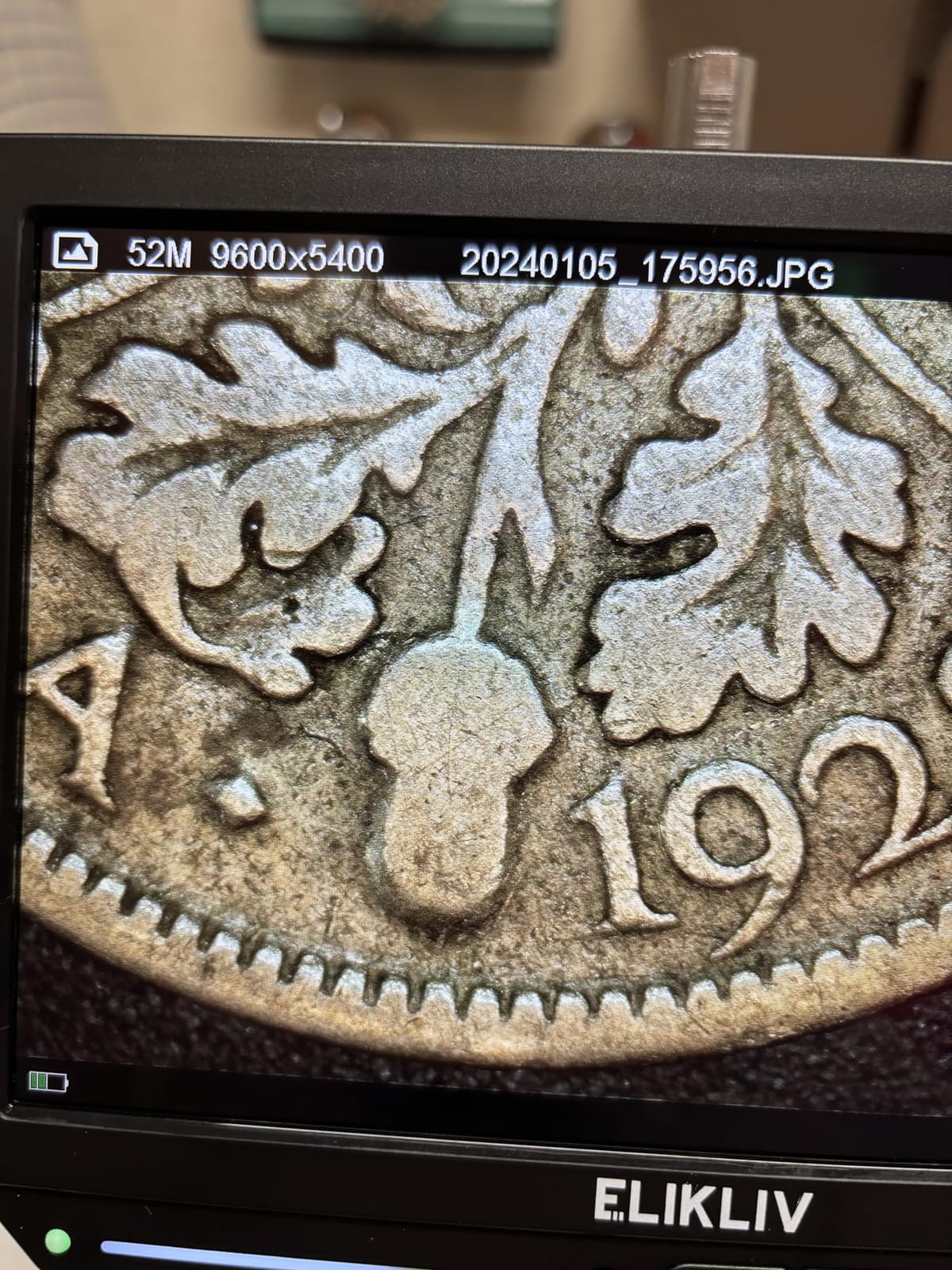
What the battery adds and what it does not
The battery is the reason to buy this scope, and it is worth being clear about its limits. It removes the cable, not the stand. The 10-inch stand extends to about 6.3 inches, which covers most PCBs and hand-sized assemblies comfortably but runs out quickly on a tall assembly or a large panel. If your work is mostly flat boards and small modules, that is not a limitation.
Because you carry it, the 3-pound weight is worth noting as well. It is fine in a bag for field work and less pleasant to shift between positions all day at a single crowded bench.
Where autofocus struggles on a PCB
Autofocus is fastest on high-contrast subjects. On bare metal shielding, a shiny pad, or a dark solder-mask surface with little texture, the scope takes noticeably longer to settle and can hunt before it locks. That is exactly the surface you find on exposed ground planes and connector shells, so learn the manual fallback for those.
The 8-inch screen is also smaller than the 10.1-inch panels here, which costs you orientation on a large board. If you work mostly at one desk on big boards, our general microscope guide covers larger-screen options worth comparing.
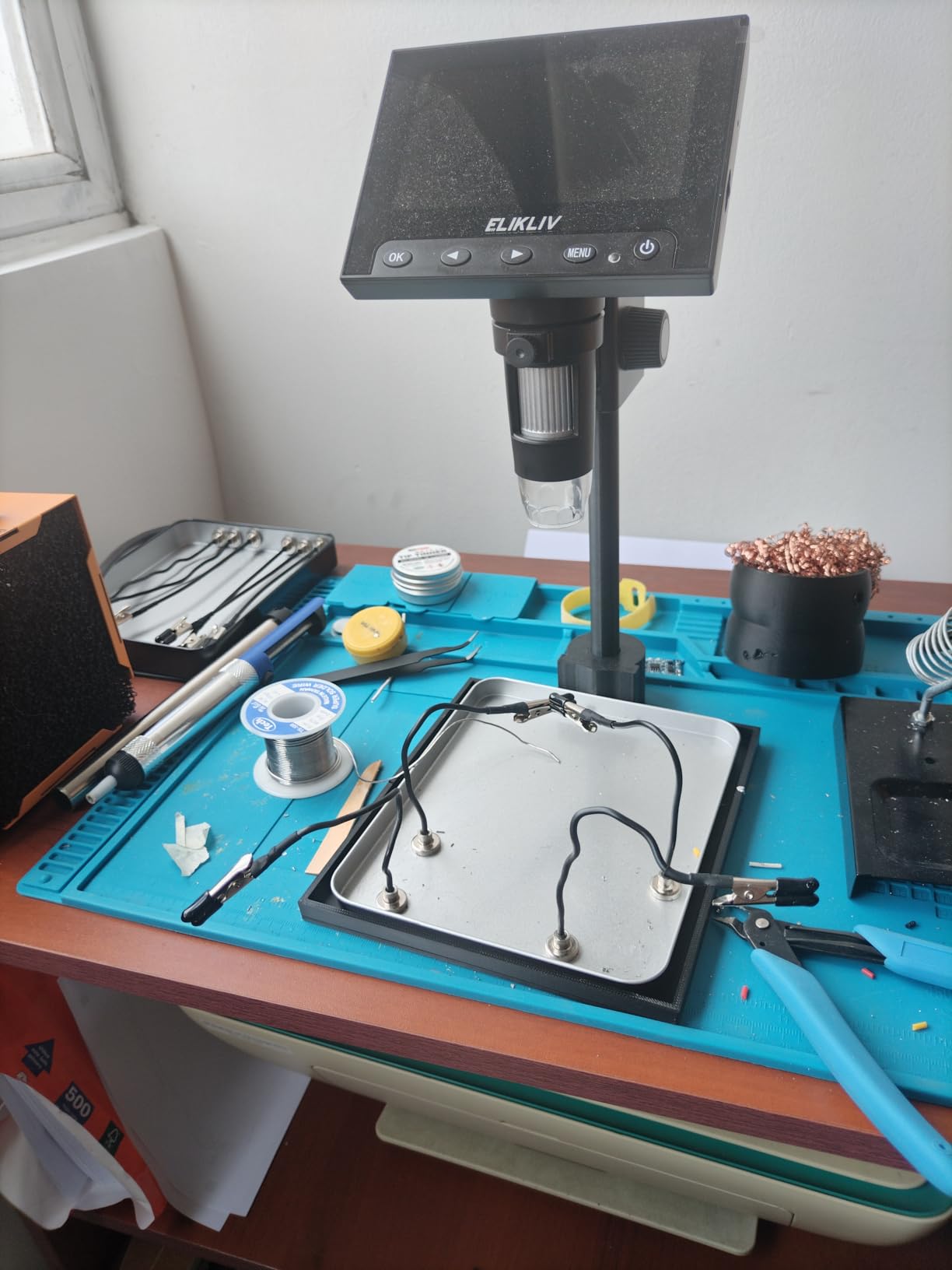
8. Elikliv EDM4 4.3-Inch LCD Microscope – Best Budget Pick
Elikliv Microscope, LCD Digital Coin Microscope 1000x, Coin Magnifier with 8 Adjustable LED Lights, PC View Compatible with Windows/MacBook, EDM4, 4.3-Inch
4.3-inch 720P LCD
8 adjustable LED lights
1000x stated magnification
About 3 hours cordless
Pros
- Lowest cost in the roundup with more than 10800 reviews behind it
- Eight adjustable LED fill lights give even illumination
- Connects to Windows or MacBook for a much larger view
- Rechargeable battery gives about 3 hours of cordless use
Cons
- 4.3-inch screen is small and the 16-degree field of view is tight
- Effective magnification depends on distance rather than a fixed optical value
- Plastic base and bracket feel basic beside metal-stand models
- MicroSD card not included
Few purchases in electronics carry as much evidence as 10851 reviews, and the EDM4 is the safest entry point on this list if you are unsure whether a microscope will earn its bench space. The 4.5-star average is not a rounding artefact, and reviewers describe it as good enough for solder joint and board inspection at a very low cost.
Eight adjustable LED fill lights are the feature that surprises people. On a matte solder-mask surface, even lighting from several angles is enough to read a fillet profile without the hard specular highlight a single source produces. They are dimmable, so you can drop the level when a bright solder surface starts to bloom out.

Screen size is the honest weakness at 4.3 inches on a 720P panel, and the 16-degree field of view is tight. On a small module you can orient yourself without trouble. On a laptop mainboard, you are panning constantly to find where you are, and the limits of a screen this small show up fast. Connecting it to a Windows PC or MacBook fixes that entirely, and owners routinely use it that way for larger work.
The height-adjustable stand makes finding focus simple, since you move the camera rather than hunt with a focus ring, and the built-in rechargeable battery gives about three hours of cordless use. Photo and video capture work, but the microSD card is not included, so buy one before you plan to document anything.
What you give up compared with a metal-stand scope
The base and bracket are plastic, and that is the difference you feel at the bench. On a bench that gets bumped, a plastic post transmits movement straight into the image, and a manual-only focus means you correct by hand each time. On a dedicated, stable desk it is a non-issue, which is why this scope suits students, hobbyists and inspection work as much as it does soldering.
Effective magnification also depends on your screen size and working distance rather than a fixed optical value. That is why the stated 1000x figure is not comparable with the 2000x claims on HDMI scopes; the real usable range is far narrower than the packaging suggests.
When this is the right amount of microscope
Buy this one if you solder through-hole parts, build hobby kits, inspect boards for bridges and cold joints, or teach. At this cost, adding one costs you less than a single replacement board, and the 3-hour battery means it works anywhere. You can read our soldering station guide to match it with the right iron and fume extraction.
Step up when you start working on 0201 passives, phone boards or fine-pitch QFN parts, where a wider field of view, a metal arm and real optical magnification start to matter more than the price.
9. Aikokkl 5-Inch C-Clamp Microscope – Best for Tight Benches
Aikokkl 5″ LCD Digital Soldering Microscope for PCB Repair with C-Clamp
C-clamp mount
5-inch IPS display
Flexible multi-angle goose-neck
Plug-and-play PC camera
Pros
- C-clamp mount frees both hands for soldering
- 5-inch IPS display reduces neck and eye strain in long sessions
- Multi-angle goose-neck adapts to cramped benches and odd shapes
- Plug-and-play PC camera mode needs no drivers
Cons
- Manual focus only
- so magnification comes from moving the arm
- MicroSD card not included for saving photos or video
- Built for micro detail rather than full-screen views of large parts
Most scopes grip a heavy base that demands desk space. The Aikokkl clamps to the edge of your bench instead, which is the whole idea. On a small bench with a monitor already taking up the back edge, that clamp is the difference between the microscope fitting and not fitting. It is also what keeps the PCB free to be positioned while your hands stay on the iron and tweezers.
Focus is manual, and reviewers treat that as the trade-off rather than a flaw. You move the multi-angle goose-neck and turn the focus wheel until the joint is sharp. It is slower than autofocus, but there is no hunting and no mode switch, and on a small board the whole thing is arm movement you would be doing anyway.
The 5-inch IPS display is small but well chosen for the job. A larger screen on a clamped arm sits further from your eye position and forces you to crane your neck, and the IPS panel at this size keeps text edges clean when you are inspecting a joint. Some buyers find it cramped for orientation work, which is fair.
It also runs as a plug-and-play PC camera through the built-in Windows Camera app or Mac Photo Booth, so no drivers or extra software are needed when you want a much bigger image. That makes it a two-purpose tool: a standalone bench scope with its own screen, and a high-magnification camera for a laptop. Reviewers credit the 24/7 support and direct technical help for early issues as a genuine plus at this tier.
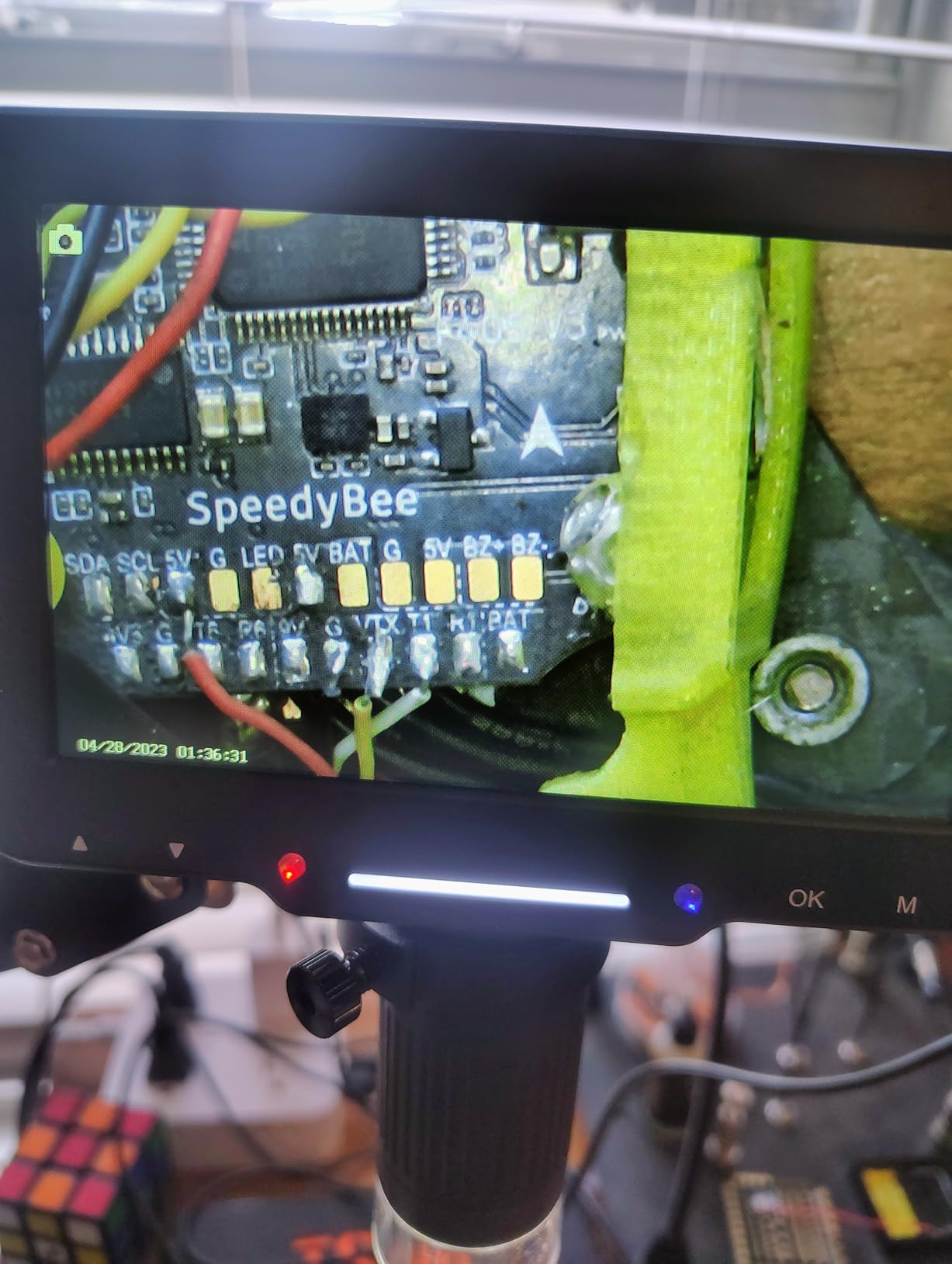
Where the manual focus actually costs you
Manual focus is fine when you are inspecting a single joint and the board can sit still. It becomes friction the moment you are working across a board with varying component heights, because each new area needs the arm repositioned and the wheel turned again. A rigid vertical stand with a longer throw is quicker in that situation, because you sweep the camera rather than rebuild the gap.
The stated 1000x is achieved by physical distance and the focus wheel, not optics, so plan around roughly 10x to 45x of useful magnification. It is built for micro detail such as solder joints and coin errors, not for framing a large assembly.
What to buy alongside it
Add a microSD card before you expect to save anything. Photo and 1080P video capture are supported up to 32GB, but no card is included, and the card reader is the one thing that will not work on day one without an extra purchase. At 1.2 pounds, the whole assembly is light enough to move between projects without any real effort.
If your bench is roomy and you want a bigger screen, our full digital microscope roundup covers larger-display HDMI units with integrated stands.
10. Plugable USB Digital Microscope 250x – Best for Laptop Work and Travel
Plugable USB Digital Microscope 250x, 2MP Micro Camera, Flexible Arm Stand
2.0 megapixel sensor
60x to 250x magnification
LED halo light
Flexible arm and observation pad
Pros
- No drivers
- software or screen needed and appears as a standard webcam
- Only 2.9 ounces so it moves easily between a laptop and a desktop
- Works on Windows
- macOS
- ChromeOS
- Linux
- Android and iPad
- Lifetime support and a 2-year parts warranty
Cons
- 250x maximum is the lowest here and not enough for fine board work
- No built-in display means leaning over a laptop for the whole repair
- 45-degree field of view is narrower than most
- Plastic housing and stand feel loose under magnification
The Plugable is not a soldering microscope, and we include it because it solves a real problem for a specific group. If you work on a laptop, on the move, or at a bench where there is no room for a stand and no monitor to spare, this is the most practical tool in the roundup. It weighs 2.9 ounces, it needs no power beyond USB, and it needs no software at all.
It appears to your computer as a standard webcam. That means it opens in the camera app you already use, it works on Windows, macOS, ChromeOS, Linux, Android and iPad, and you can plug it into whatever machine is in front of you. The flexible arm and observation pad let you use it on a stand or straight in your hand for a quick joint check, which is the fastest way to confirm a repair is sound before you call it done.
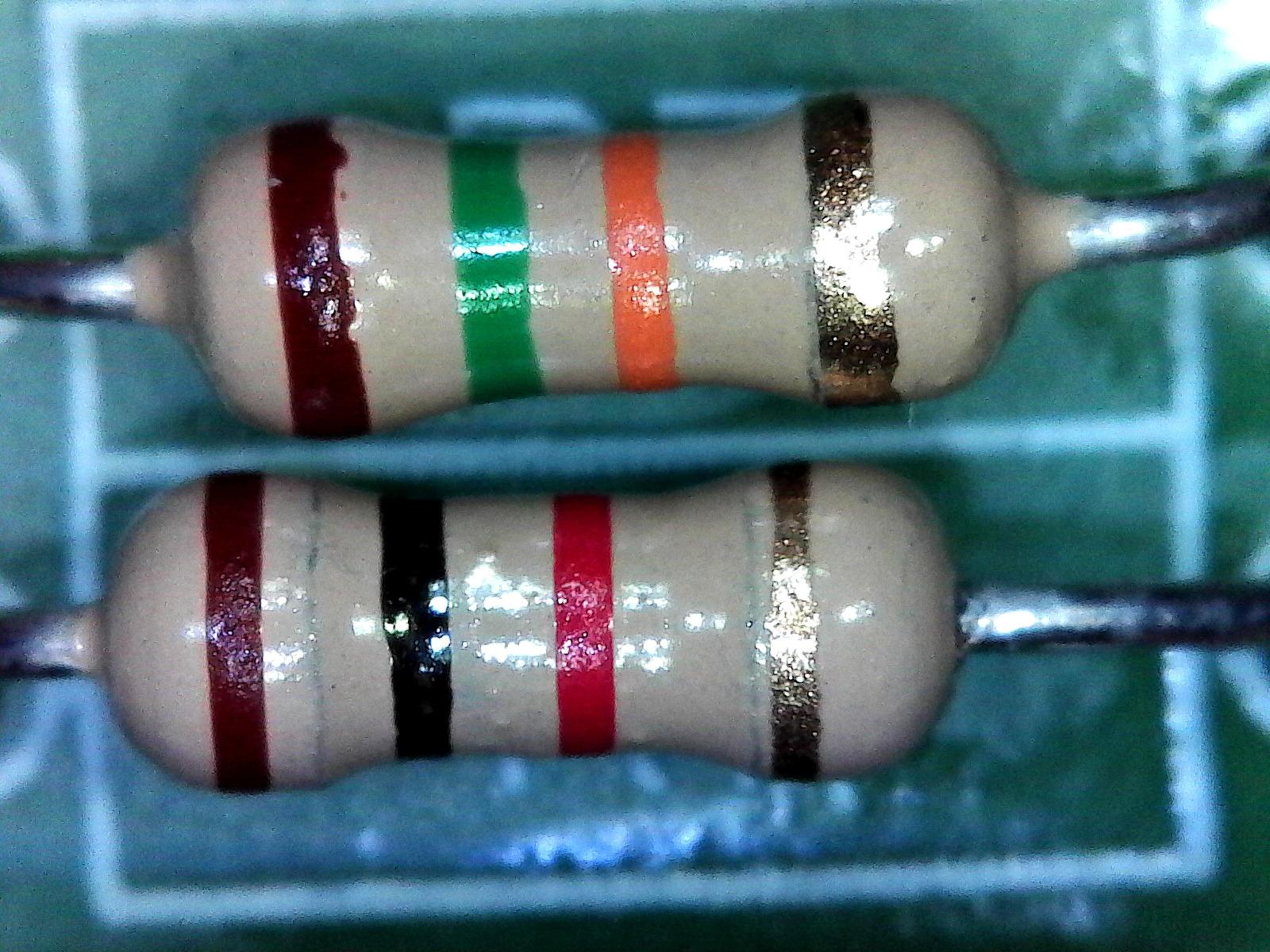
Optically it is the weakest scope here and reviewers are clear about that. A 2.0 megapixel sensor and 60x to 250x magnification put it far below the 4K and 20MP models, and the 45-degree field of view is narrower than most. It is enough to see whether a joint is shiny and domed, and not enough for fine-pitch work. The LED halo has brightness control at a 7000K colour temperature, which is adequate for basic inspection on a matte board.
With 6579 reviews at 4.2 stars, the value proposition is clear and the complaint is consistent: there is no built-in screen, so you spend the entire repair bent over a laptop. Many buyers cite that posture as tiring over a long session, and it is the honest reason to move up to a scope with its own display once you solder regularly.
Why USB microscopes feel laggy while you solder
This is the most common complaint across cheap USB scopes, and the Plugable is no exception. The camera is compressed and passed through the operating system, so a few frames of delay sit between your hand and the image. The effect is small for inspection and significant for live work, because the tip on screen no longer leads the tip in your hand. A dedicated HDMI scope sends video straight to a screen with no computer and no compression step, which is why the two Andonstar three-lens models rank at the top of this list.
Latency also depends on what you are plugged into and how busy the machine is, so results vary. We cover the technical detail in our USB microscope guide.
When the trade-off is worth it
Choose the Plugable for travel, field service, teaching a class full of students, or as a second opinion scope you pass around the bench. Zero setup, universal compatibility and a two-year warranty from a North American support team are real advantages, and the 63% five-star share reflects a product people are comfortable with for what it is.
Do not choose it if fine-pitch work or long sessions are the goal. The plastic housing feels loose under magnification, and there is no way to add a screen to it later. In that case, an HDMI scope with a metal boom arm will serve you far better every time.
How to Choose a Digital Microscope for Soldering in 2026
After working through ten scopes, the same handful of decisions came up every time. Ignore the magnification headline and work through these instead.
How much magnification do you actually need?
For most soldering work, 10x to 45x is the entire useful range. Below 10x you are orienting; between 15x and 45x you are placing a tip; above 45x you are looking at pixels rather than detail. Every number above roughly 50x on a consumer digital microscope is digital zoom, which enlarges the image without resolving anything new.
Match the magnification to the smallest part you intend to work on. Through-hole joints and 0805 passives are comfortable at the lower end. 0402 parts want the middle. 0201 components, fine-pitch QFN and phone board work push you to the top of the range, and beyond that you need better optics rather than more zoom.
Working distance is the number that decides whether you can solder
Working distance is the gap between the front of the lens and the board. Get it wrong and you cannot work: the iron either blocks the view or comes too close to the housing. Look for scopes that quote a range rather than a figure, because you will want to set the gap for the workpiece rather than for the spec sheet.
The scopes that adjust across roughly 1cm to 26cm give you a genuinely usable working gap, and the tall metal stands are what hold that gap open while your hands are underneath. Flex-arm designs with short reach tend to crowd the board. A working distance of 4 to 6 inches is the zone most people settle into for hands-in soldering.
Ring light, gooseneck or coaxial: what actually works on solder
A single ring light is the most common solution and the least good one for shiny solder. A wet or freshly reflowed fillet is a curved mirror, and light from directly above bounces straight back into the sensor as a blown-out white blob that hides the joint profile.
Two independent gooseneck side lights are the better arrangement, because you can place the highlight on the edge of the fillet instead of the centre. A spotlight that moves with the arm, as on the TOMLOV TM3K-3D, offers the same benefit with less repositioning. Dimming matters as much as placement, since a bright ring on a reflective pad is still unreadable. Whichever scope you pick, make sure the light output is adjustable rather than fixed.
HDMI for soldering, USB for inspection
This is the single clearest dividing line in the category. HDMI scopes send video directly to a screen, so there is no computer, no driver and no compression step between your hand and the image. The delay stays low enough to work under a moving tip, which is what you need for live soldering.
USB-C scopes need a computer and pass the image through the operating system, which adds frames of delay and compression artefacts. That delay is fine for inspecting a finished board and frustrating for working under one. Cheap webcam-class units are worse still. If you intend to solder rather than only inspect, put HDMI near the top of your list.
Stand rigidity decides whether focus holds
A metal boom arm with a positive lock is worth more than any specification on the box. Plastic posts and spring-loaded flex arms transmit every knock on the bench straight into the image, and a scope that drifts out of focus mid-joint wastes more time than a mediocre image ever does.
When you test a scope in person, push the camera toward a board the way you would with a real workpiece and watch whether the image stays put. If it creeps, walk away. Screen size comes next: 10.1 inches or more helps for orientation on a large board, while 4 to 5 inches is workable for small modules and a benefit if a bigger panel would sit awkwardly far from your eye position.
Keeping a 350C iron away from the scope
This is where most guides go quiet, and it matters. A soldering iron tip sits at 350C or higher, and that heat will deform a plastic arm or a plastic base given enough time. Metal stands are not a formality.
Three habits handle it. Rest the iron in a stand or a heat-resistant mat rather than on the microscope base, and never drape a hot iron across a microscope arm. Route your cables and the iron’s silicone cord away from the arm joint, since the cord sleeve is what actually melts. Check clearance before each session by moving your hand through the space where the iron will travel, exactly as you would with the board in place. The scopes with metal boom arms described as heat resistant are designed for this proximity; the plastic-body units are not.
Digital or stereo microscope for PCB work?
Honest answer: a true stereo microscope with binocular optics gives you depth perception that no digital screen can reproduce, and a fixed optical stand holds focus permanently with both hands free. Experienced bench technicians regularly say they cannot go back once they have worked under a stereo head. Our stereo microscope picks cover that category properly.
Digital scopes win on everything else. They cost less, they record and stream, they share easily, they show a top-down or angled view that is far better for documentation, and they do not force you to keep both eyes at an eyepiece for hours. For phone repair, board-level inspection, teaching and anything you want to film, the digital approach is usually the right one. If you spend your day placing single joints on dense boards and nothing else, read the stereo guide before you spend.
Frequently Asked Questions
What magnification is good for soldering?
Roughly 10x to 45x covers almost all soldering work. Below 10x you are orienting, 15x to 45x is where you place a tip, and anything past 45x on a consumer digital microscope is digital zoom that enlarges the image without resolving more detail. Match the top of the range to your smallest part: 0805 and through-hole joints are comfortable at the lower end, 0402 sits in the middle, and 0201 or fine-pitch QFN work needs the top of the range.
What digital microscope is best for electronic repair?
For most benches the Andonstar AD246S-M is the best digital microscope for electronic repair, because it combines a dedicated long-working-distance lens with a metal boom arm and 2160P HDMI output that keeps latency low enough to solder under. If you need to see a large board at once, the Andonstar AD249S-M adds a 10.1-inch display and aimable spotlights.
What is a stereo soldering microscope?
A stereo soldering microscope uses binocular optics instead of a camera and screen, so you look through two eyepieces and see a three-dimensional image with true depth perception. It also holds focus permanently and keeps both hands free, which is why experienced technicians favour it. The trade-off is cost, no recording or sharing, and a much less comfortable viewing posture over a long session.
Is Swift or AmScope better?
Between the two traditional optics brands, AmScope is the name most often recommended in electronics forums as a solid budget or mid-range choice, with binocular stereo models in particular getting consistent recommendations for board work. Neither brand appears in this roundup, because the ten scopes we tested are digital models with built-in screens. If you are weighing traditional optical brands, the deciding factor is whether you need depth perception and permanent focus, or documentation and sharing.
Why does my USB microscope look laggy while soldering?
USB scopes send the image through the operating system, so a few frames of delay and compression artefacts sit between your hand and the picture. On webcam-class units the gap is large enough that the tip on screen no longer leads the tip in your hand, which makes live work frustrating even though inspection is still fine. A dedicated HDMI scope bypasses the computer entirely and keeps latency low enough to solder under, which is the main reason the two three-lens Andonstar models lead this list.
Verdict: The Best Digital Microscopes for Soldering in 2026
After weeks of PCB work, the Andonstar AD246S-M is our pick for the best digital microscopes for soldering because the stand holds still, the long-working-distance lens keeps the iron away from the housing, and HDMI output keeps the image honest while you work. The AD249S-M takes the honours when a larger screen and aimable spotlights matter more than footprint.
For most hobbyists, the Andonstar AD210 is the sensible first purchase and the Elikliv EDM4 the cheapest way to find out whether a microscope belongs on your bench. Whatever you choose, prioritise a metal arm, an adjustable working gap and lighting you can dim. Pair it with the right iron and extraction from our soldering station guide, and you will stop soldering blind.