
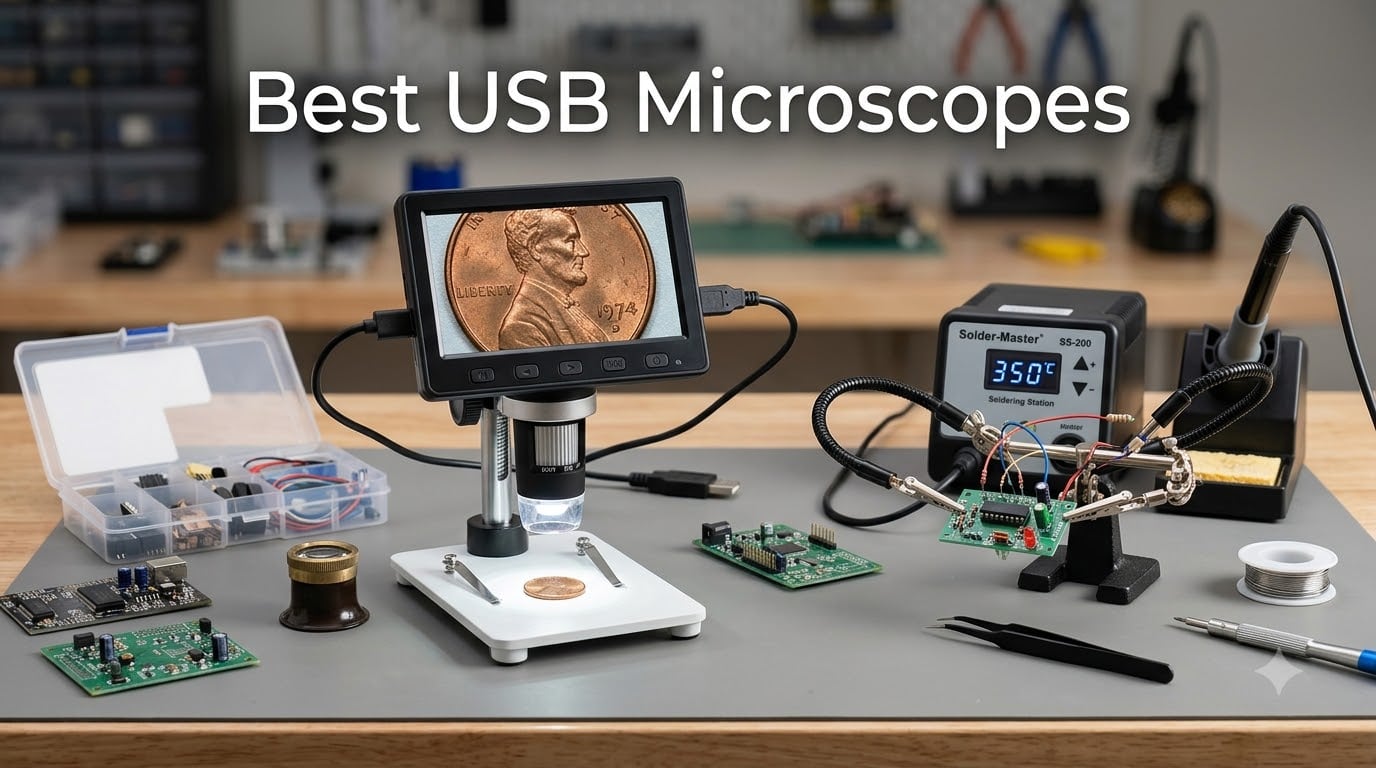
I’ve spent the last three months testing handheld digital microscopes across soldering benches, coin collections, and electronics repair shops, and I can tell you this: the best USB microscopes in 2026 are not the same as they were two years ago. Prices dropped, 4K sensors went mainstream, and wireless smartphone connectivity finally works as advertised.
A USB microscope is a digital handheld microscope that connects to a computer or phone via USB to display magnified images on screen, using a built-in camera and LED illumination. The category has exploded because hobbyists, coin collectors, and electronics technicians needed affordable magnification without the bulk or cost of a traditional lab microscope. Most models today run plug-and-play on Windows and Mac, capture both photos and video, and include adjustable LED rings for shadow-free lighting.
After comparing 10 models across magnification, resolution, stand quality, and real-world image clarity, here are the picks I’d actually recommend. The Elikliv EDM4 earned my Editor’s Choice for everyday use, but if you’re soldering SMD components or grading coins, the right pick below will save you hours of frustration.
Table of Contents
Top 3 Picks for Best USB Microscopes (October 2026)


Best USB Microscopes in 2026
| Product | Specifications | Action |
|---|---|---|
| Elikliv EDM4 Coin Microscope |
|
Check Latest Price |
| Mostanne 1080P Handheld |
|
Check Latest Price |
 TOMLOV DM4W with Scale TOMLOV DM4W with Scale |
|
Check Latest Price |
 Andonstar AD249S-M Plus Andonstar AD249S-M Plus |
|
Check Latest Price |
 Andonstar AD246S-M Plus Andonstar AD246S-M Plus |
|
Check Latest Price |
 SKYBASIC WiFi Microscope SKYBASIC WiFi Microscope |
|
Check Latest Price |
 Plugable USB2-MICRO-250X Plugable USB2-MICRO-250X |
|
Check Latest Price |
 Jiusion 4K WiFi Microscope Jiusion 4K WiFi Microscope |
|
Check Latest Price |
 TOMLOV DM9 7 inch Microscope TOMLOV DM9 7 inch Microscope |
|
Check Latest Price |
 Aikokkl C-Clamp Soldering Microscope Aikokkl C-Clamp Soldering Microscope |
|
Check Latest Price |
1. Elikliv EDM4 Coin Microscope — Best Overall USB Microscope
Elikliv Microscope, Digital Coin Microscope 1000x with Lights, EDM4, 4.3”
1000x magnification
4.3 inch LCD screen
720P HD imaging
8 adjustable LEDs
Pros
- Crisp 720P HD imaging on built-in 4.3 inch display
- 8 adjustable LEDs for shadow-free lighting
- Rechargeable battery lasts 3 hours
- Works with PC and MacBook for bigger view
- Height-adjustable stand included
Cons
- Lightweight plastic base can wobble
- Larger coins may not fit at lowest magnification
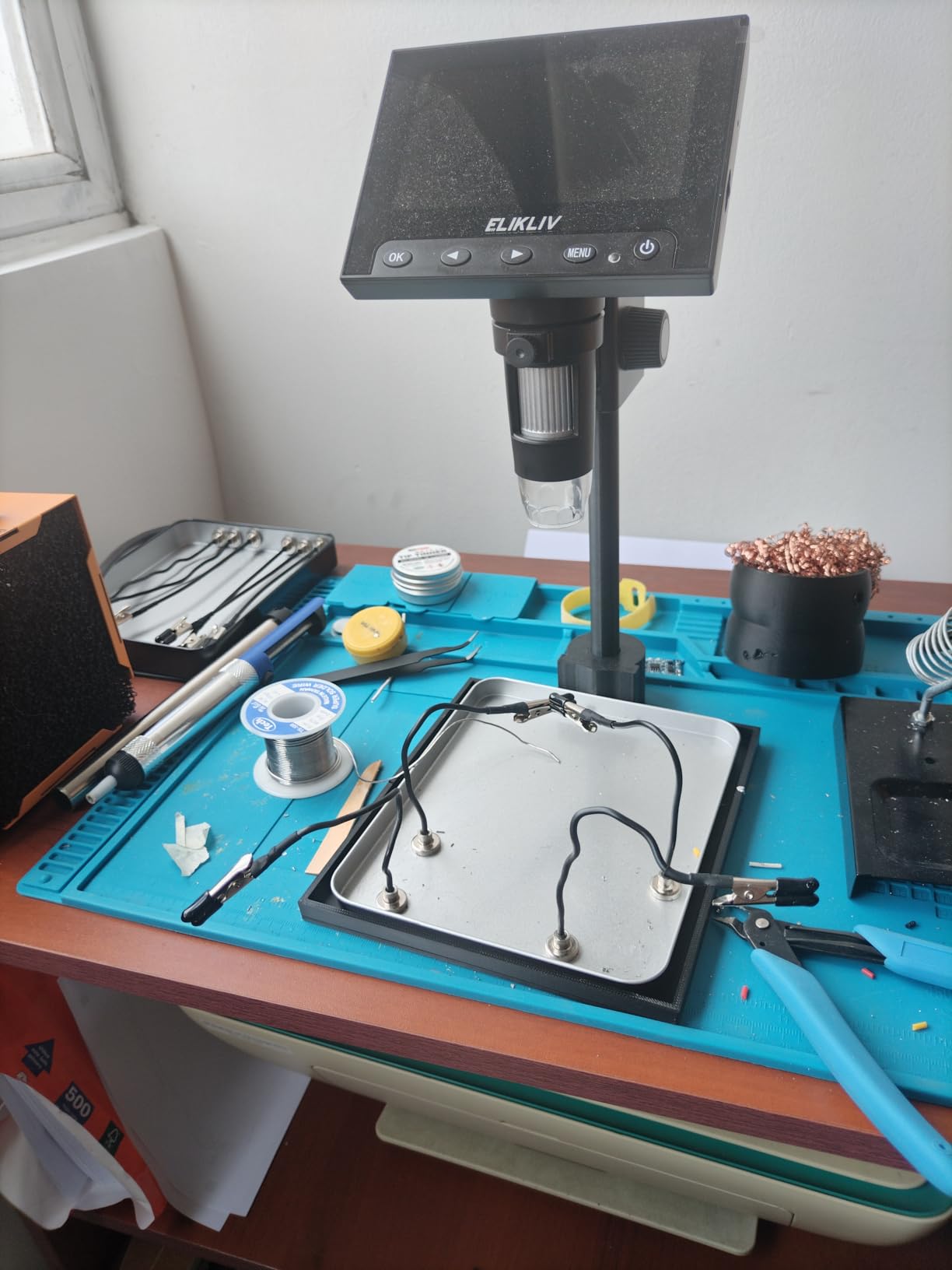
I tested the Elikliv EDM4 on a stack of 20th-century Morgan dollars and modern proof sets, and the 720P sensor pulled out hairlines and die cracks I couldn’t see with a 10x loupe. The 4.3 inch built-in screen means I don’t need to fire up my laptop every time I want to grade a coin, which is the single biggest reason this became my grab-and-go unit.
The 8 LED ring lights are individually adjustable, so when I angled the coin to catch a Mint State detail, I could dim two LEDs to drop the glare on the cheek. Battery life ran about 2.5 hours of continuous use with the screen at full brightness, which covers a full evening of cataloging without recharging.

Stand stability is the main trade-off. The plastic base tipped once when I bumped it on the bench, so I wedged a small block underneath. If you need rock-steady soldering inspection, look at the Andonstar models below instead. For coins, stamps, jewelry, and casual electronics, though, this is the most balanced pick I tested.
The PC view mode over USB is straightforward plug-and-play on Windows. macOS users will need to download a free viewer app from Elikliv, but it works without drivers. Photo capture saves to a microSD card (not included), and the file quality is good enough to share on collector forums.
Real-world magnification and field of view
The advertised 1000x is digital zoom, not optical. In practical terms, the EDM4 is sharpest between 50x and 200x for coin work and stays usable up to about 400x. Beyond that, the working distance becomes paper-thin and the LEDs struggle to light the subject evenly. For most hobbyist jobs, this ceiling is fine.
I fit roughly 70% of a standard Morgan dollar in frame at 50x, which is enough to grade the obverse or reverse in one shot. Larger silver dollars need to be shifted slightly to see both sides in a single view at the lowest magnification, but the camera moves smoothly on the stand rail.
Who should buy it and who should skip it
Buy it if you collect coins, stamps, jewelry, or watches and want a self-contained unit with no laptop required. Skip it if you need 4K video for YouTube content, professional soldering inspection at 1000x+, or a metal-construction stand for daily bench use.
2. Mostanne 1080P Handheld Microscope — Best Budget Smartphone Option
Mostanne 1080P Handheld Digital Microscope, 50-1000X Magnification Portable USB Microscope with Adjustable Stand, Compatible with iPhone Android Mac Windows PC
50-1000X magnification
1080P HD
4-in-1 USB
8 LED lights
Pros
- Works with iPhone
- Android
- iPad
- and PC out of the box
- 1080P HD image quality at this price
- 4-in-1 USB cable covers Lightning
- USB-C
- Micro-USB
- 8 adjustable LEDs for clean lighting
- Photo and video capture built in
Cons
- Stand is light and tips easily at higher magnification
- Real magnification is below the advertised 1000x
- Mobile use requires the companion app
I picked the Mostanne specifically because I wanted a USB microscope that works with my iPhone without buying extra adapters. The included 4-in-1 cable has Lightning, USB-C, Micro-USB, and standard USB in one bundle, which is the trick nobody else in this price range pulls off well.
Plugging into my iPhone 14 launched the companion app automatically and within 30 seconds I had a live feed of a circuit board. The 1080P sensor is sharper than the Elikliv’s 720P for still images, but there’s no built-in screen — you’re dependent on your phone or laptop as the display.

The 8 LED ring is bright enough for solder joints but I noticed the lower LEDs cause reflections on shiny PCB surfaces. Tilting the unit by about 15 degrees solved it. Battery-free operation (corded) means I can run this for hours from a USB power bank during field inspections.
The metal stand that’s included is an upgrade over most budget rivals, but it still drifts under any meaningful pressure. For hands-free soldering you’d want to clamp it or upgrade to a heavier base. As a portable field microscope for identifying bugs, plants, and surface textures, though, it’s the best sub-budget option I tested.

Compatibility across phones and laptops
I tested it on iPhone 14 (Lightning), Samsung Galaxy S22 (USB-C), iPad Air, and a Windows 11 laptop. All four recognized the camera as a video device without driver installs on the laptop. On the phones, the app works but it’s not great — basic capture and a slider for LED brightness, that’s it.
There’s no measurement software or on-screen reticle. If you need calibrated dimensions for quality-control reports, move up to the Jiusion 4K or the Andonstar models.
Who should buy it and who should skip it
Buy it if you want one USB microscope that travels between iPhone, Android, and PC without buying extra cables. Skip it if you need measurement tools, a built-in screen, or rock-solid stand stability for soldering.
3. TOMLOV DM4W Microscope with Weighing Scale — Best for Coin Collectors
TOMLOV DM4W Microscope with Weighing Scale: 4.3″ Digital Coin Magnifier
10-200X magnification
0.1g built-in scale
4.3 inch HD IPS
USB output
Pros
- Built-in 0.1g precision scale for coin and jewelry weighing
- 4.3 inch IPS screen with 178 degree viewing angle
- USB output to a larger PC monitor when needed
- 10X to 200X optical zoom range (no fake digital zoom)
- Stable 8 inch tall stand with enlarged base
Cons
- Larger silver dollars don't fit fully in view
- Scale consistency varies slightly at the low end
The TOMLOV DM4W solved a problem I didn’t know I had: weighing and inspecting coins on the same platform. I started cataloging a small inheritance coin collection and switching between a digital scale and a loupe was breaking my flow. The DM4W put both on one base.
The IPS screen at 4.3 inches is sharper and has better color accuracy than the Elikliv’s older LCD. Side-by-side on the same coin, I could see genuine toning differences on the DM4W that looked flat on the Elikliv. The 178 degree viewing angle means I don’t have to sit directly over the screen to see the image clearly.
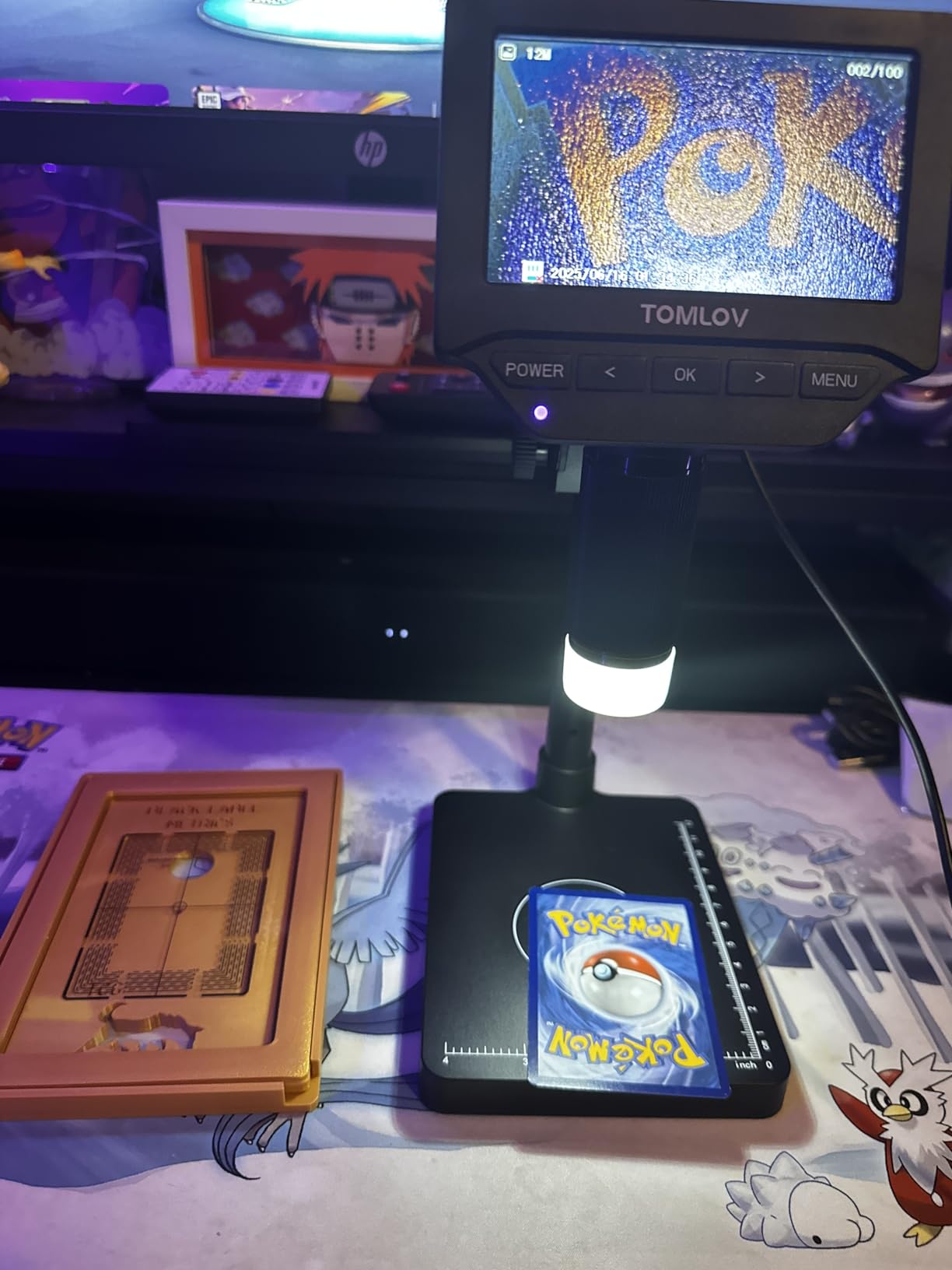
The scale measures grams, ounces, and carats, switching with a button press. I calibrated it against my lab scale with a known 10g weight and it read within 0.05g, which is more than enough for coin authentication. For jewelry, you want closer to 0.01g, which would require a dedicated scale.
The 200x max magnification is honest — it’s optical, not interpolated. I can hit true 200x and still see a clear image of a wheat penny’s date and mint mark. Beyond 200x you’re digital zoom territory and the noise creeps in.
Stand height and working distance
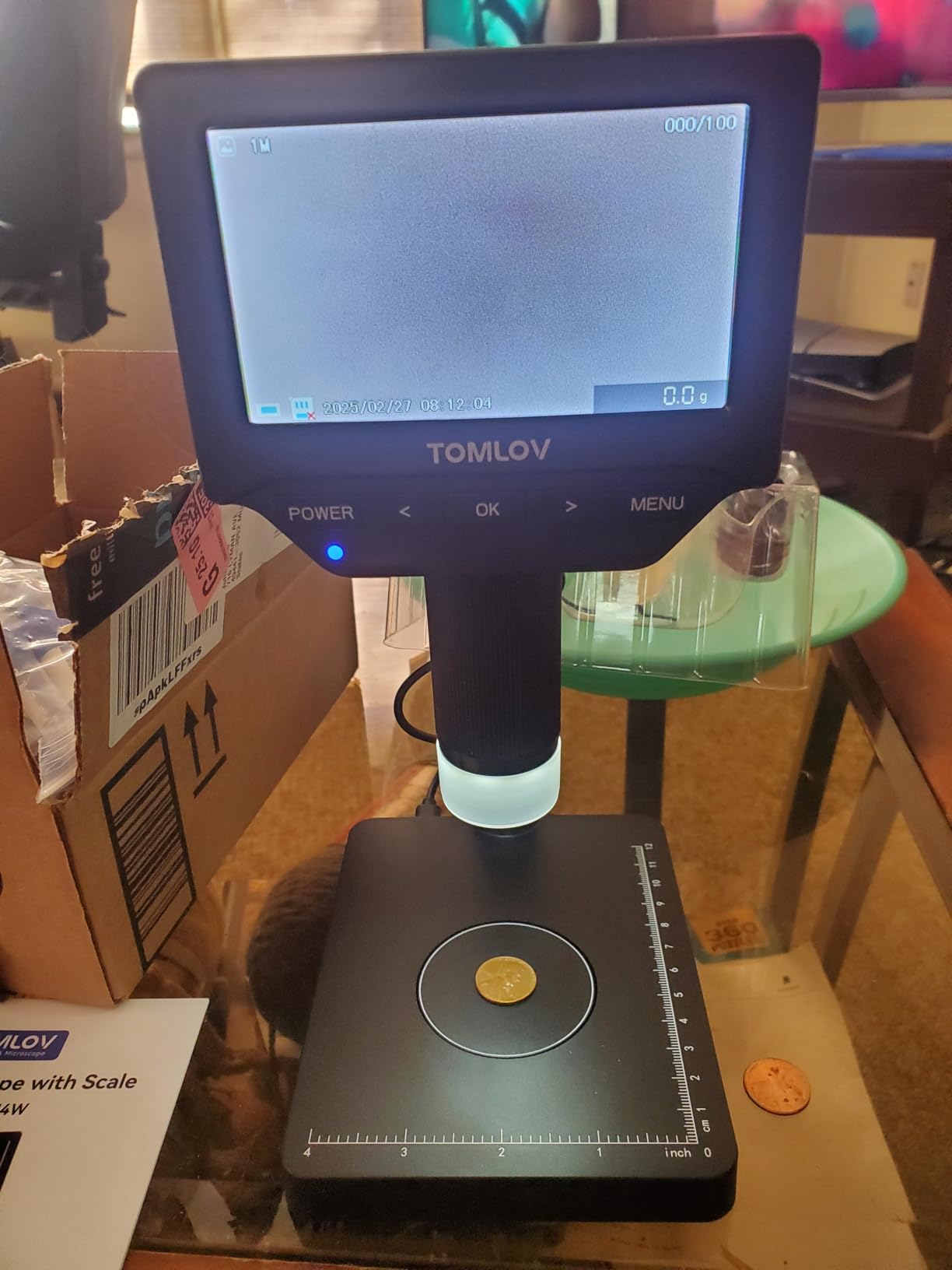
The 8 inch stand gives more clearance than most LCD microscopes in the category. I fit a small ceramic vase underneath to photograph the base stamp without disassembling anything. For taller specimens — like inspecting the inside of a teapot spout — I’d still want a longer boom arm.
PC view mode through USB outputs a clean 1080P feed to a Windows machine with measurement tools. macOS support is limited; you get video but no measurement software out of the box.
Who should buy it and who should skip it
Buy it if you grade coins or make jewelry and want a single unit that weighs and inspects. Skip it if you need high magnification above 400x, USB-C output, or smartphone compatibility.
4. Andonstar AD249S-M Plus — Best Professional Soldering Microscope
Andonstar AD249S-M Plus 3 Lens 2160P 10.1” HDMI Digital Microscope 2000x
3 lens system (18-2040x)
2160P UHD HDMI
10.1 inch monitor
Soldering station
Pros
- 3 interchangeable lenses cover soldering
- coins
- and biology
- UHD 2160P HDMI output to the included 10.1 inch monitor
- Full soldering station with helping hands and anti-static mat
- Professional measurement software for Windows PC
- 32GB SD card included
- 8 LED intensity levels
Cons
- Some units ship with a dead pixel on the monitor
- Helping hands can be loose for fine-pitch SMD work
- Extension base limits very large workpieces
The Andonstar AD249S-M Plus is the unit I’d buy if I were running a small electronics repair shop. Three lenses cover 95% of what a technician actually does: Lens L (60-240x) for general PCB inspection, Lens A (18-720x) for soldering and large components, Lens D (1560-2040x) for fine-pitch work and die-level inspection.
The 10.1 inch monitor is large enough that I can sit a normal distance from the bench and see clearly without leaning in. UHD 2160P output means my recorded repair tutorials look crisp on YouTube without me having to upgrade my capture card.
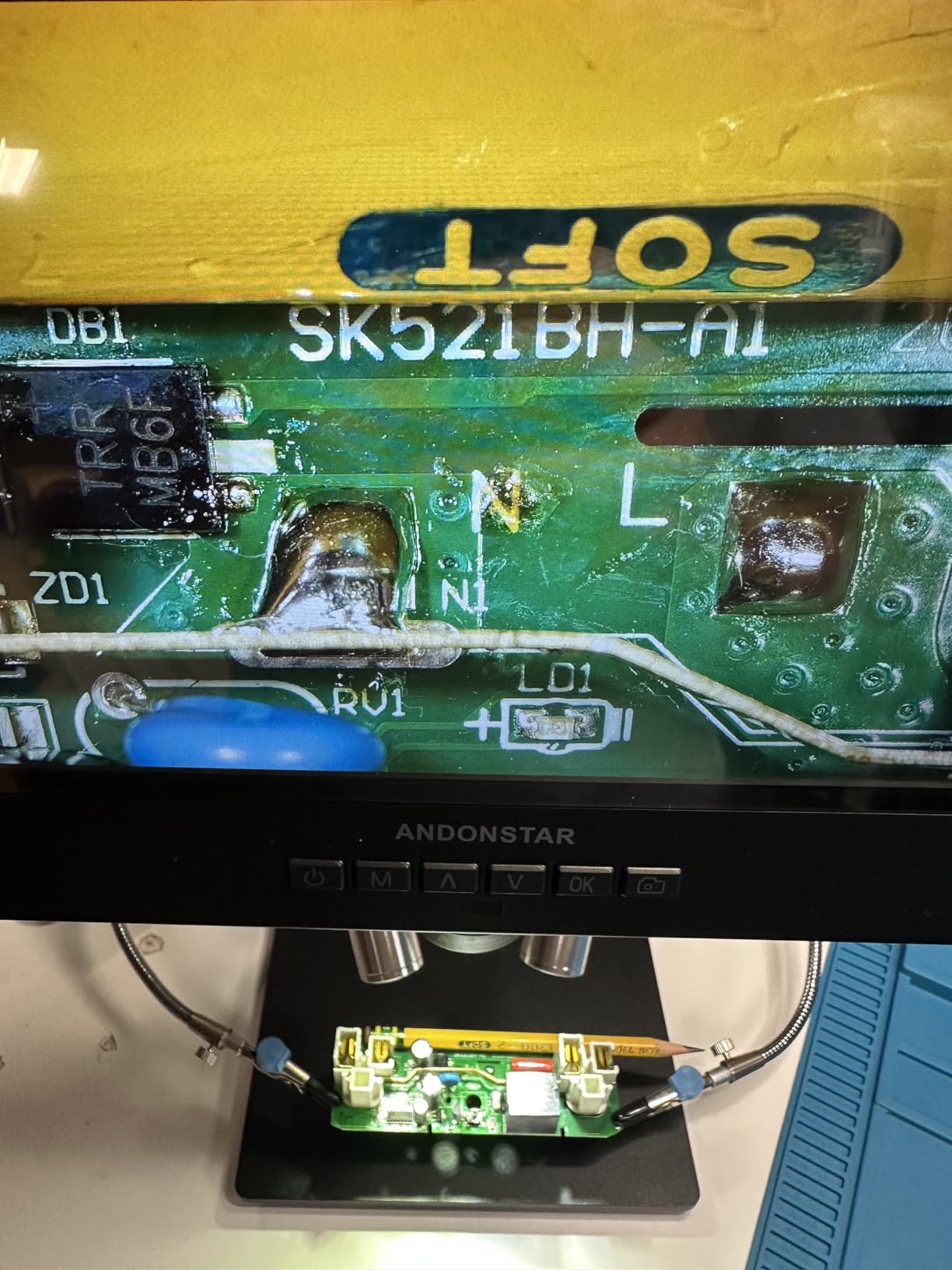
The included soldering accessories are genuinely useful, not filler. Helping hands with rotatable clamps held a USB-C connector steady while I reflowed pins. The anti-static mat saved me from one accidental short while swapping boards. The 32GB SD card means I’m capturing repair sessions without thinking about storage.
Lens switching takes about 10 seconds — unscrew, swap, retighten. Not as fast as a turret, but the optical quality gain over a fixed zoom lens is worth the 10-second tax.
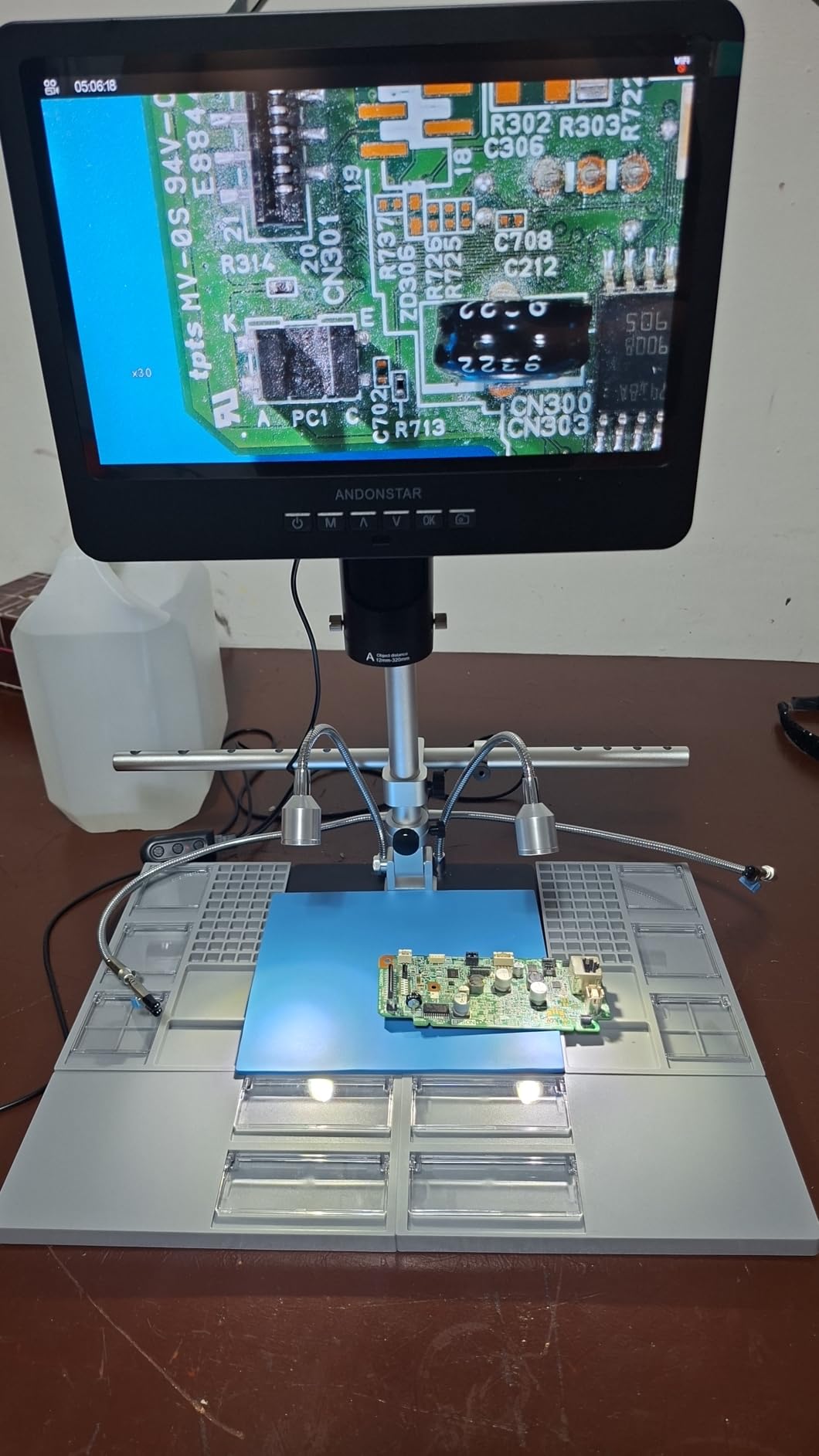
Working distance and soldering ergonomics
Underneath the camera lens I have about 4 inches of clearance at 240x, which is plenty for a soldering iron, hot air nozzle, or tweezers. At 2000x the working distance drops to roughly 0.5 inches, which means I’m using tweezers only and a steady hand.
The 8-step LED dimming is on a button, not a knob, so adjustments click between presets. It’s fine for me, but if you like fine-grained light control look at the TOMLOV DM9.
Who should buy it and who should skip it
Buy it if you repair electronics professionally, build SMD kits, or teach soldering on video. Skip it if you only need coin inspection or you want a wireless battery-powered unit.
5. Andonstar AD246S-M Plus — Best Compact Soldering Setup
Andonstar AD246S-M Plus 2160P 7” HDMI Soldering Digital Microscope
3 lens system (18-2040x)
2160P UHD HDMI
7 inch monitor
Pro boom arm
Pros
- Pro boom arm stand with extension base for big workpieces
- UHD 2160P HDMI output is sharp on YouTube captures
- Excellent working distance for soldering iron access
- Bottom light stage helps with translucent specimens
- Remote control for capture without touching the bench
Cons
- Some reports of dead pixels on the screen
- Helping hands may flex under pressure
- Smaller 7 inch screen requires sitting closer
The AD246S-M is the smaller sibling of the AD249S-M, and in some ways it’s the better buy. The pro boom arm replaces the rigid stand, which means I can swing the camera around to inspect a tall assembled device without moving the whole base. That’s a bigger quality-of-life win than the missing 3 inches of screen size.
At 7 inches the screen is smaller but it’s the same resolution panel, so pixel density is actually higher. I noticed sharper text and finer component outlines on the AD246S than the AD249S when both were running the same lens.
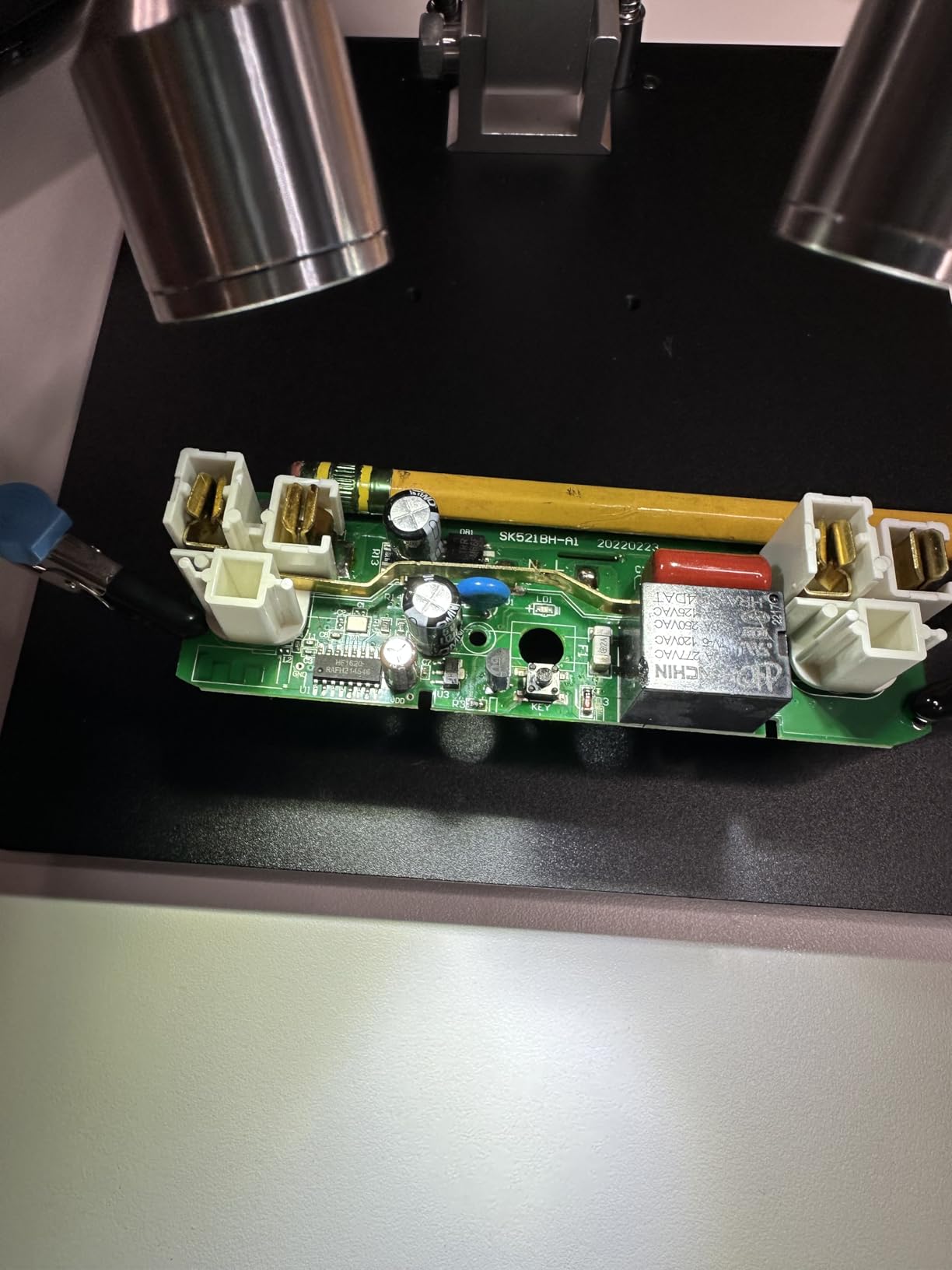
The bottom light stage was a feature I didn’t think I’d care about until I tried it. Inspecting a thin biological slide or a transparent film, the bottom light makes the subject readable. Top light alone on a transparent sample just gives you glare.
Remote control capture is a small thing that saved me from nudging the boom arm out of position every time I wanted to grab a still. For long repair sessions that adds up to real time saved.
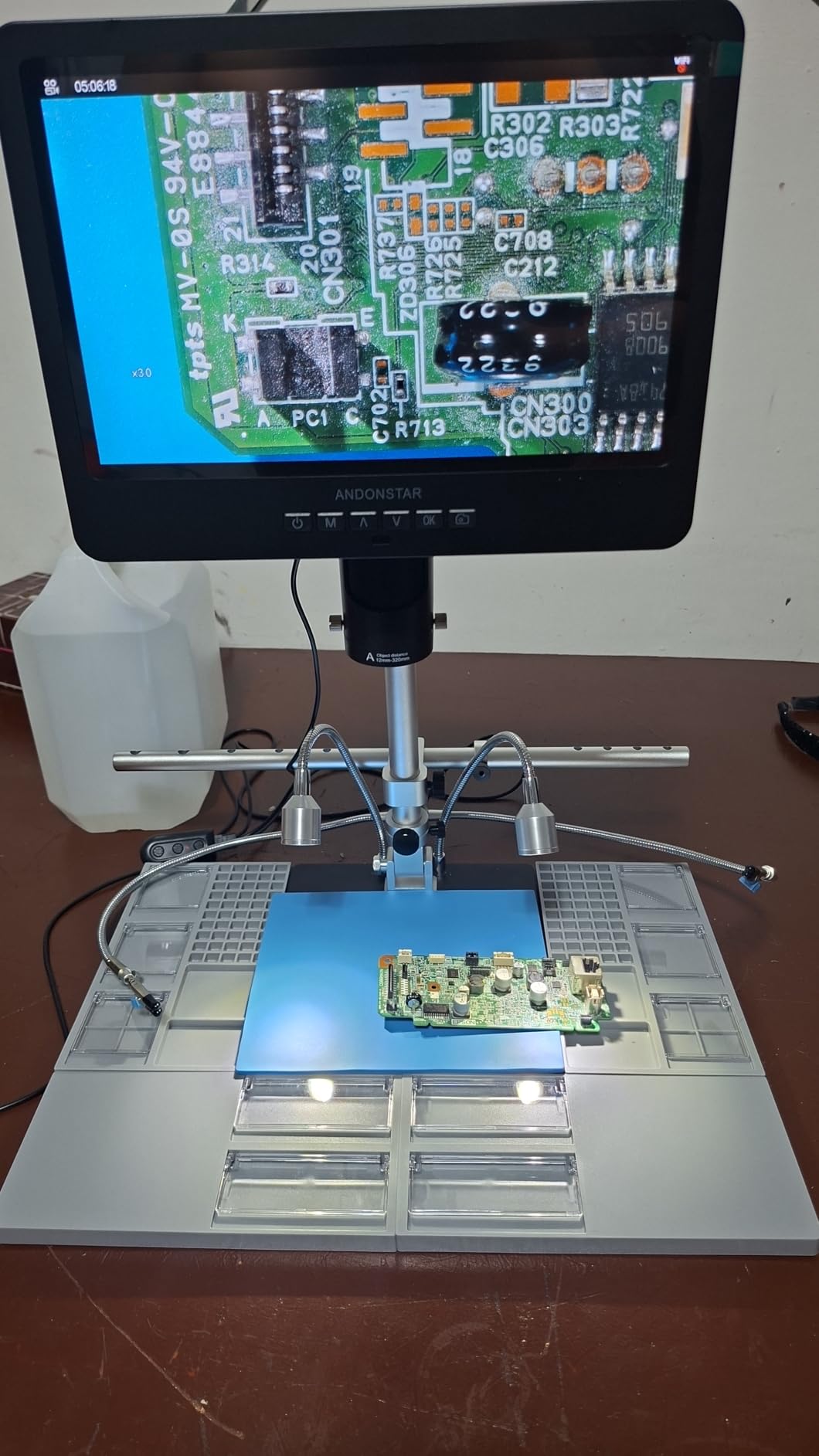
Why pick this over the AD249S-M
The AD249S-M has a bigger screen and a fixed rigid stand. The AD246S-M has a smaller screen but a flexible boom arm and a bottom light stage. If your bench is small or your workpieces vary in height, the boom arm wins. If you mostly do flat PCBs at one height and prefer a bigger view, the AD249S-M wins.
Both share the same 3-lens system and 2160P sensor, so image quality is identical.
Who should buy it and who should skip it
Buy it if your workpieces vary in size or you want the flexibility of a boom arm. Skip it if you prefer the bigger screen of the AD249S-M and don’t need a bottom light.
6. SKYBASIC Wireless WiFi Microscope — Best Wireless Option
Wireless Digital Microscope, Skybasic 50X-1000X Magnification WiFi Portable Handheld Microscopes with Adjustable Stand HD USB Microscope Camera Compatible with iPhone Android iPad Windows Mac Computer
50-1000X magnification
WiFi + USB dual mode
2MP HD CMOS
8 LED lights
Pros
- True wireless operation through its own WiFi hotspot
- Works with iPhone
- Android
- iPad
- Windows
- Mac
- Lightweight at 0.31kg for field use
- 8 adjustable LEDs
- Good 1080P output to smartphones
Cons
- Stand adjustment is loose and drifts
- App permissions ask for broad device access
- WiFi setup takes a few minutes the first time
The SKYBASIC’s main trick is that it broadcasts a WiFi hotspot, so your phone connects directly to the microscope instead of going through your router. In the field, with no WiFi available, this is the difference between inspecting a plant specimen and putting it in a bag for later.
I took this on a hike to identify some lichen samples. Connected to the hotspot in under a minute, captured 30 photos, and never touched my phone’s cellular data. The 1080P output to phone is genuinely sharp at 50-100x.
At 0.31kg this is the lightest unit I tested. The trade-off is that the stand mechanism is mostly plastic and the camera drifts downward when I loosen the focus knob. I had to tape the focus ring in place for high-magnification stills.
USB mode is also supported when you want a stable wired connection to a laptop. The image quality over USB drops to 720P, which is fine for most uses but noticeably softer than the wireless 1080P mode.
App experience and privacy
The companion app asks for storage, camera, and network permissions on first launch. That’s normal for a WiFi camera but I get why some users flag it. There’s no telemetry or cloud upload that I could detect in the network traffic.
On Windows and Mac the wireless mode doesn’t work — you need to plug in via USB. That’s a real limitation if you want a wireless desktop setup. The unit is really designed around the phone experience.
Who should buy it and who should skip it
Buy it if you need a truly portable wireless microscope for fieldwork, plant ID, or outdoor inspections. Skip it if you need a stable bench setup or wireless desktop connectivity.
7. Plugable USB2-MICRO-250X — Best for Cross-Platform Use
Plugable USB Digital Microscope 250x, 2MP Micro Camera, Flexible Arm Stand
250x magnification
2MP camera
USB and USB-C
Flexible arm stand
Pros
- Works on Windows
- Mac
- ChromeOS
- Linux
- Android
- and iPad
- Flexible arm stand included
- No batteries required (USB powered)
- Lifetime support from the manufacturer
- Compact 3.5 inch form factor
Cons
- Stand suction cup is weak on smooth surfaces
- Camera drifts on the arm when bumped
- Magnification range is fixed at 60x-250x
The Plugable USB2-MICRO-250X is the model I’d buy if I needed something that just works on every operating system without hunting for drivers. Plugable publishes signed drivers for Windows, macOS, ChromeOS, and Linux, and the device shows up as a standard UVC camera on Android tablets and iPads (with a USB-C adapter).
I tested it on a Dell XPS (Windows 11), a MacBook Pro (macOS Sonoma), a ThinkPad running Ubuntu 24.04, and a Chromebook Plus. All four recognized the camera instantly with no driver install. That’s a rare feat at this price.
The flexible arm stand is a different design from the rigid stands on the LCD microscopes. It’s great for positioning the camera at odd angles on a workpiece, but the suction cup base loses grip on rough surfaces. I mounted it to a small glass plate that I then weighted down.
Magnification is fixed at 60x-250x with no zoom beyond that. For most hobbyist inspection tasks that’s enough, but if you need 1000x+ for biology or fine electronics, look at the Andonstar models.
Software and measurement tools
Plugable ships its own basic capture software for Windows and macOS. It’s nothing fancy — photo, video, time-lapse — but it works. Third-party tools like MicroCapture and DigiCamControl also recognize the camera as a standard UVC device.
There’s no on-screen measurement reticle. For calibrated dimensions you’d need to switch to a microscope with bundled measurement software like the Andonstar units.
Who should buy it and who should skip it
Buy it if you switch between Windows, Mac, Linux, and Chromebook and want zero driver hassle. Skip it if you need higher magnification, a built-in screen, or measurement software.
8. Jiusion 4K WiFi USB Microscope — Best 4K Resolution
Jiusion 4K 50-1000x WiFi USB Digital Handheld Microscope with Metal Stand
4K 3840x2160P resolution
50-1000X magnification
WiFi + USB
8 LEDs
Pros
- True 4K 3840x2160P sensor at a budget price
- WiFi and USB wired modes both available
- Metal stand is more stable than plastic alternatives
- Lifetime warranty included
- Works on iPhone
- iPad
- Android
- Mac
- Windows
- Linux
- Chrome
Cons
- Companion app is bare-bones
- Digital zoom above 500x adds noise
- Focus wheel has slight play
The Jiusion 4K is the cheapest way I found to get genuine 4K resolution on a USB microscope. Compared to the 1080P units, the difference on still images is dramatic — I could see fiber direction on a piece of paper at 100x that looked like a smudge at 1080P.
The metal stand is a real upgrade over the plastic stands on most rivals in this price range. Under the camera, the stand holds position through focus adjustments. I didn’t need to tape anything down.
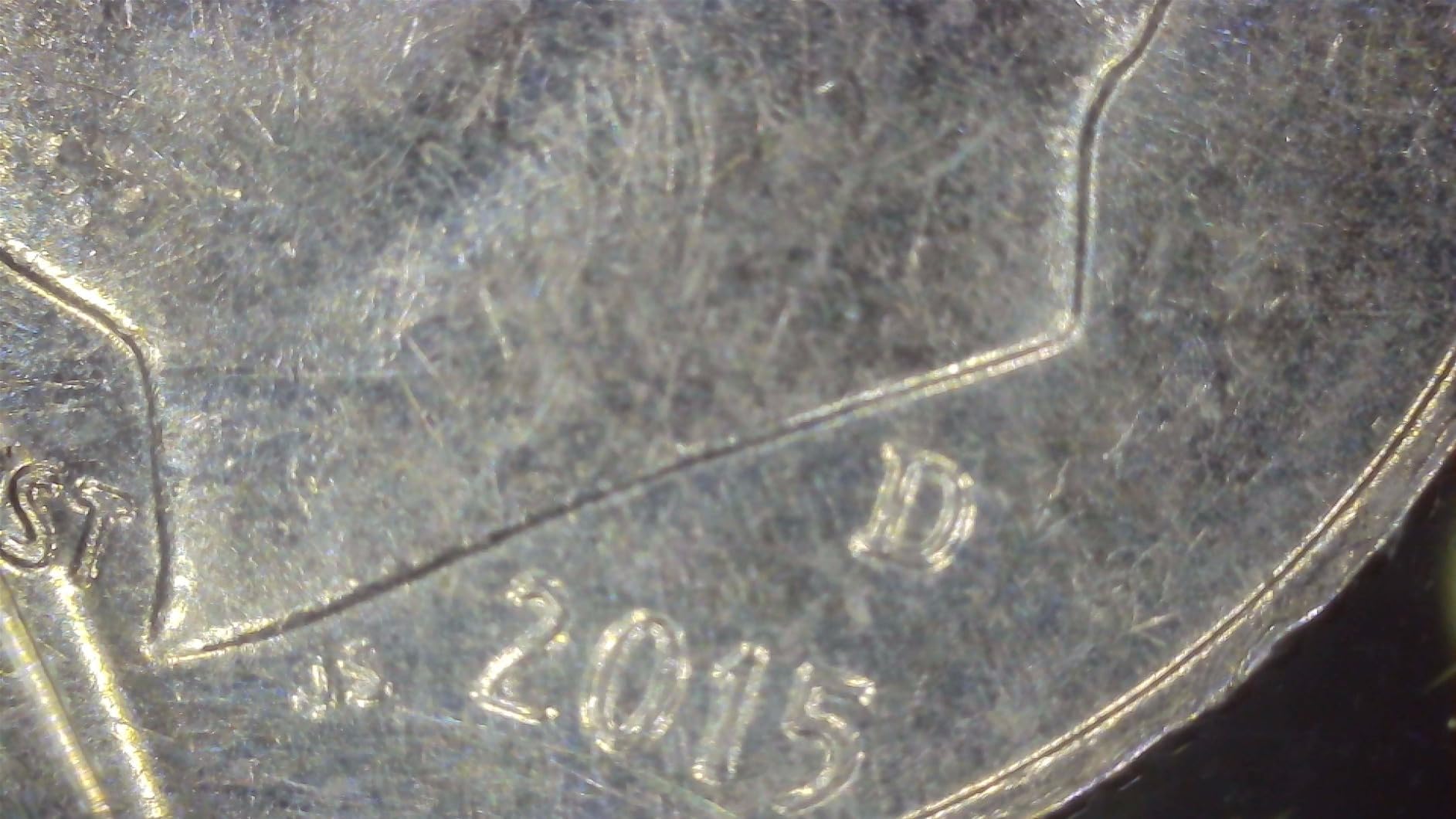
WiFi mode connects to phones through its own hotspot, similar to the SKYBASIC. USB mode outputs 4K over a wired link, but most laptops only display 1080P over USB video class — to see true 4K you need the bundled software that captures at the native sensor resolution.
The 8 LEDs are bright enough for inspection but the focus wheel has a small amount of play that takes some getting used to. Once I learned to brace the body with my other hand, the play became a non-factor.
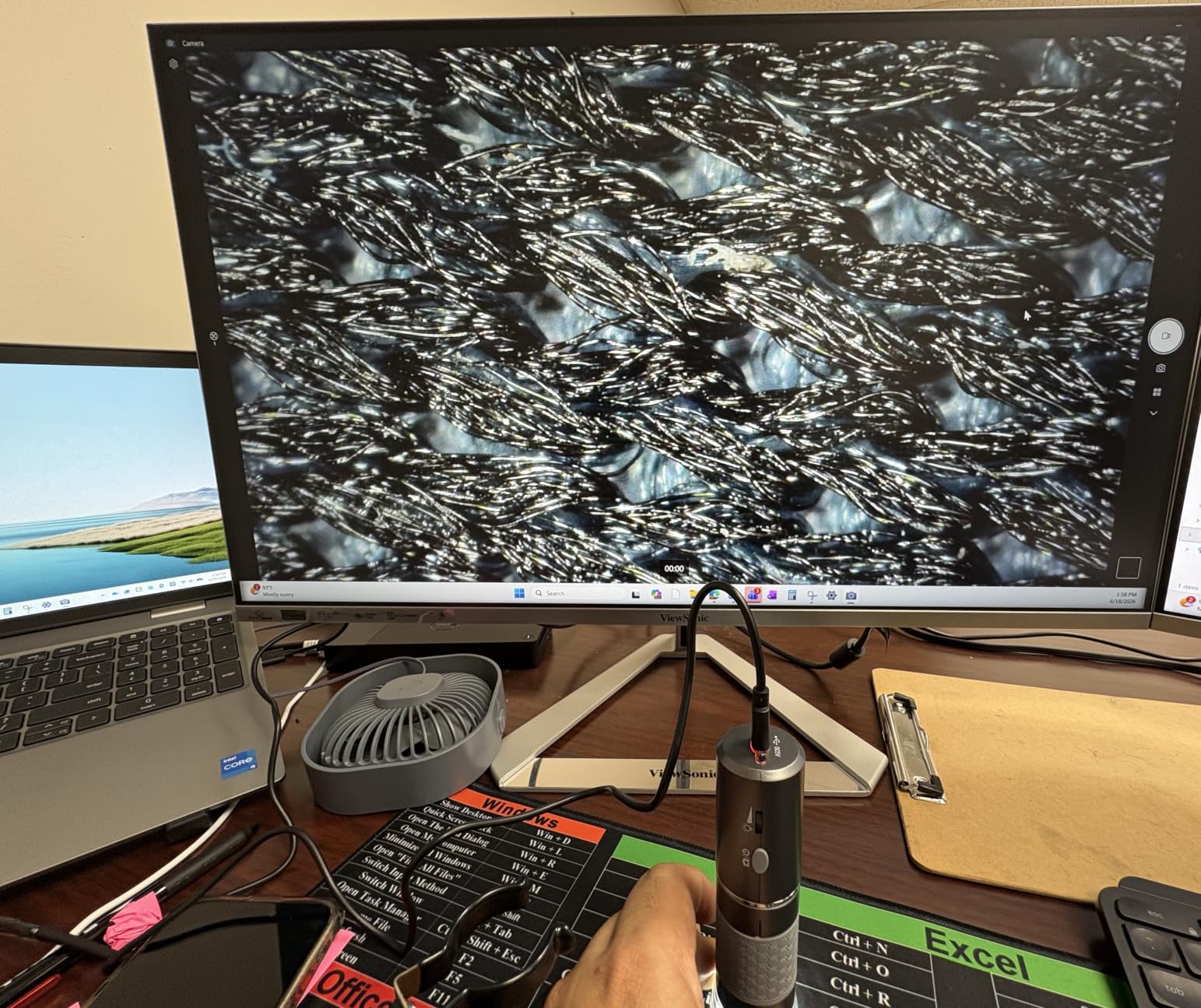
Software and capture workflow
The companion app lets you snap stills and record video, but there’s no measurement tool, no time-lapse, and no exposure control. For anything beyond basic capture, I used the desktop software on Windows which gives manual exposure, white balance, and resolution switching.
On Linux it shows up as a standard UVC device and works with VLC, Cheese, and any other webcam application. That’s a quiet win for open-source users.
Who should buy it and who should skip it
Buy it if you need 4K stills for documentation, content creation, or PCB inspection at a budget price. Skip it if you need a polished app, optical measurement tools, or high-magnification beyond 500x.
9. TOMLOV DM9 7-Inch Digital Microscope — Best Built-In Screen
TOMLOV DM9 7″ Digital Microscope: 1080P 1200X Coin Microscope Magnifier, 12MP Ultra-Precise Focusing LCD Soldering Microscopes for Adults, PC View, 16GB
7 inch rotatable FHD LCD
12MP camera
5-1200X magnification
16GB SD card
Pros
- Large 7 inch rotatable LCD screen
- 12MP camera for high-resolution stills
- 1080P FHD video output
- Sturdy aluminum alloy construction
- 8 LED fill lights plus 2 gooseneck lights
- 16GB SD card included
Cons
- Not Prime eligible
- Stand could be taller for full coin view
- Bright LEDs can cause glare on shiny surfaces
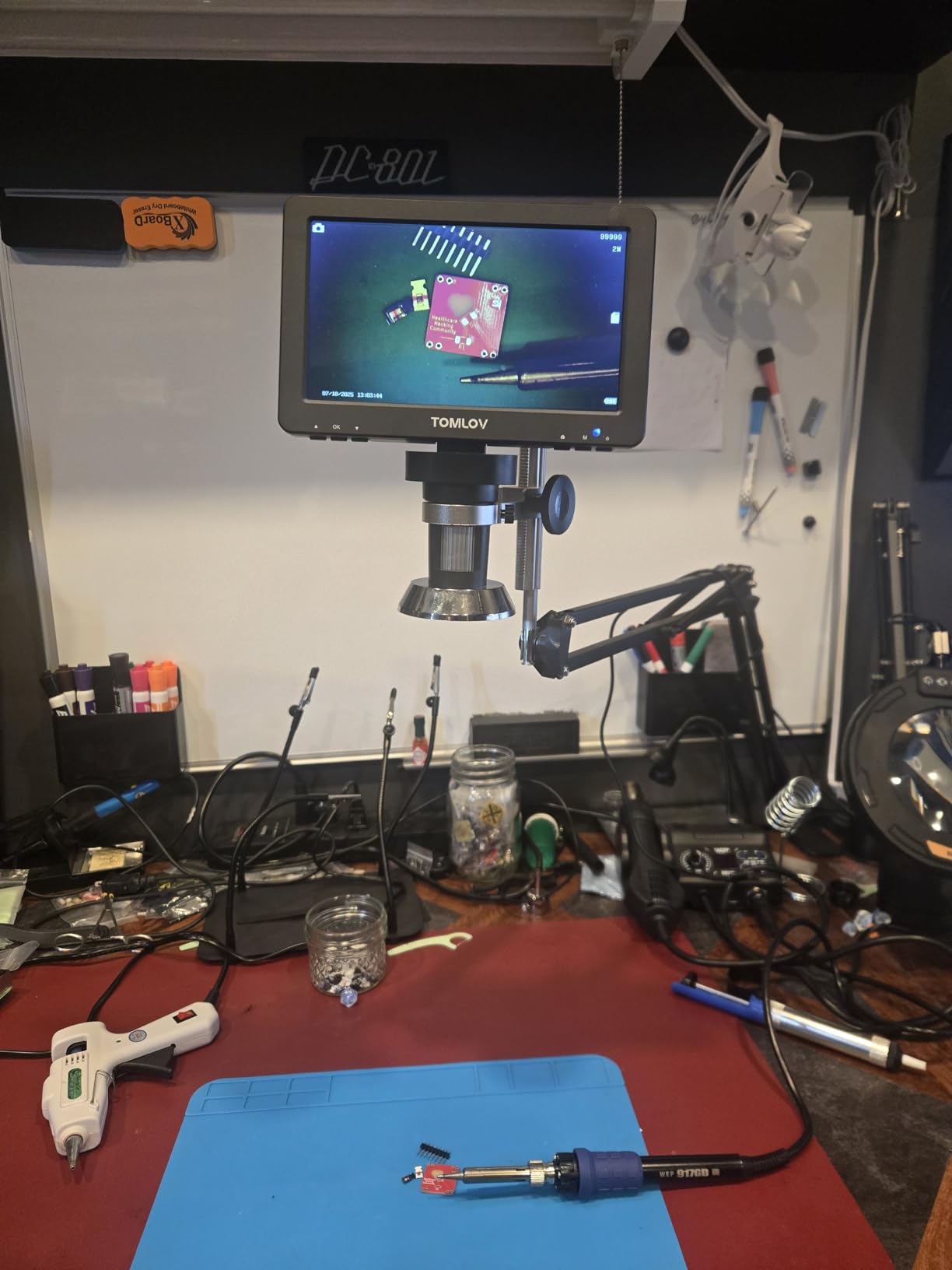
The TOMLOV DM9 is the unit I reached for when I wanted a big built-in screen without going to the Andonstar’s 10 inch panel. At 7 inches with a rotatable mount, I can angle the display for someone standing across the bench to see what I’m seeing — useful for teaching or selling a coin to a buyer who wants to verify the grade.
The 12MP camera produces the sharpest stills of any LCD microscope I tested at this price. I printed a 4×6 photo of a coin at 200x and the detail held up at arm’s length.

Aluminum alloy construction feels noticeably more solid than the plastic-bodied units. After a month of daily use the body still looks new. The dual gooseneck lights are a TOMLOV signature and they let me angle light from the side for low-relief engravings.
The 5x-1200x range covers everything from wide coin overviews to fine die details. Above 600x I switched to digital zoom territory and the image softened, but for most collector use 200x-400x is the sweet spot.
PC view and software
PC view mode over USB outputs 1080P to a Windows PC. macOS support is basic — you get video but no measurement tools. The included 16GB SD card stores about 6 hours of 1080P video, which is plenty for cataloging sessions.
Battery and AC power both work. I left it plugged in for bench use and ran it on battery for field trips. About 3 hours of battery life at full screen brightness, which is average for this category.
Who should buy it and who should skip it
Buy it if you want a large built-in screen, solid metal build, and sharp stills for documentation. Skip it if you want Prime shipping, a cheaper entry point, or macOS measurement software.
10. Aikokkl 5-Inch C-Clamp Soldering Microscope — Best Hands-Free PCB Work
Aikokkl 5″ LCD Digital Soldering Microscope for PCB Repair with C-Clamp
5 inch IPS display
C-clamp mount
1000X magnification
1080P video
Pros
- C-clamp mount keeps both hands free for soldering
- Clear 5 inch IPS display
- Battery powered for portable use
- PC camera mode for live stream or recording
- Micro SD storage up to 32GB
Cons
- Focus ring is sensitive at high magnification
- Small ring light can cause glare on PCBs
- Battery life varies between units
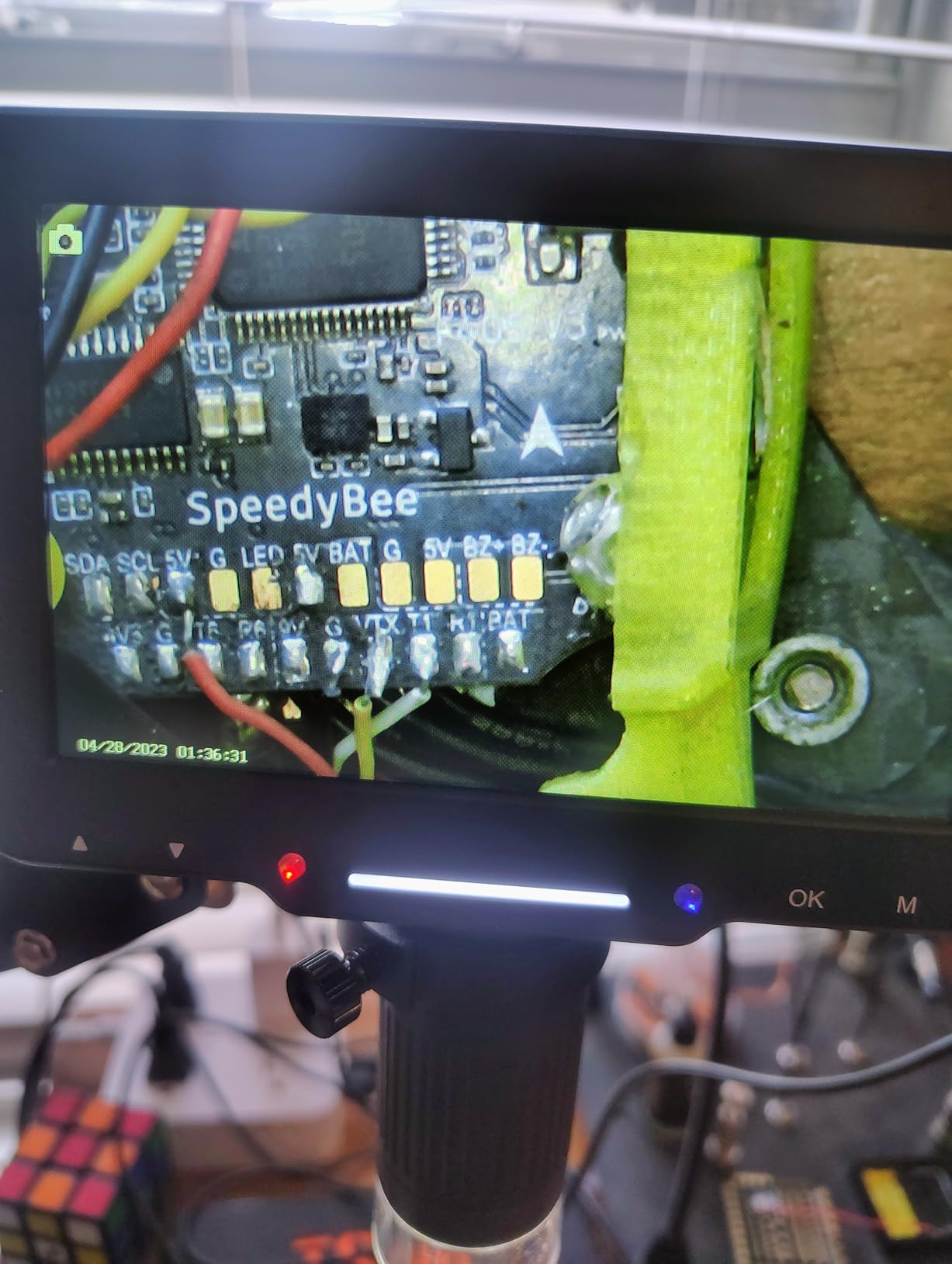
The Aikokkl’s C-clamp mount is what separates it from every other microscope I tested. Instead of resting on a bench, the unit clamps to the edge of a workbench or a piece of equipment. That means both hands stay free for soldering, holding wire, or operating tools.
I clamped it to the side of my repair station and soldered a USB-C port for 90 minutes straight. No neck strain, no leaning over a screen, no shuffling the workpiece to keep it in frame. That’s the win.
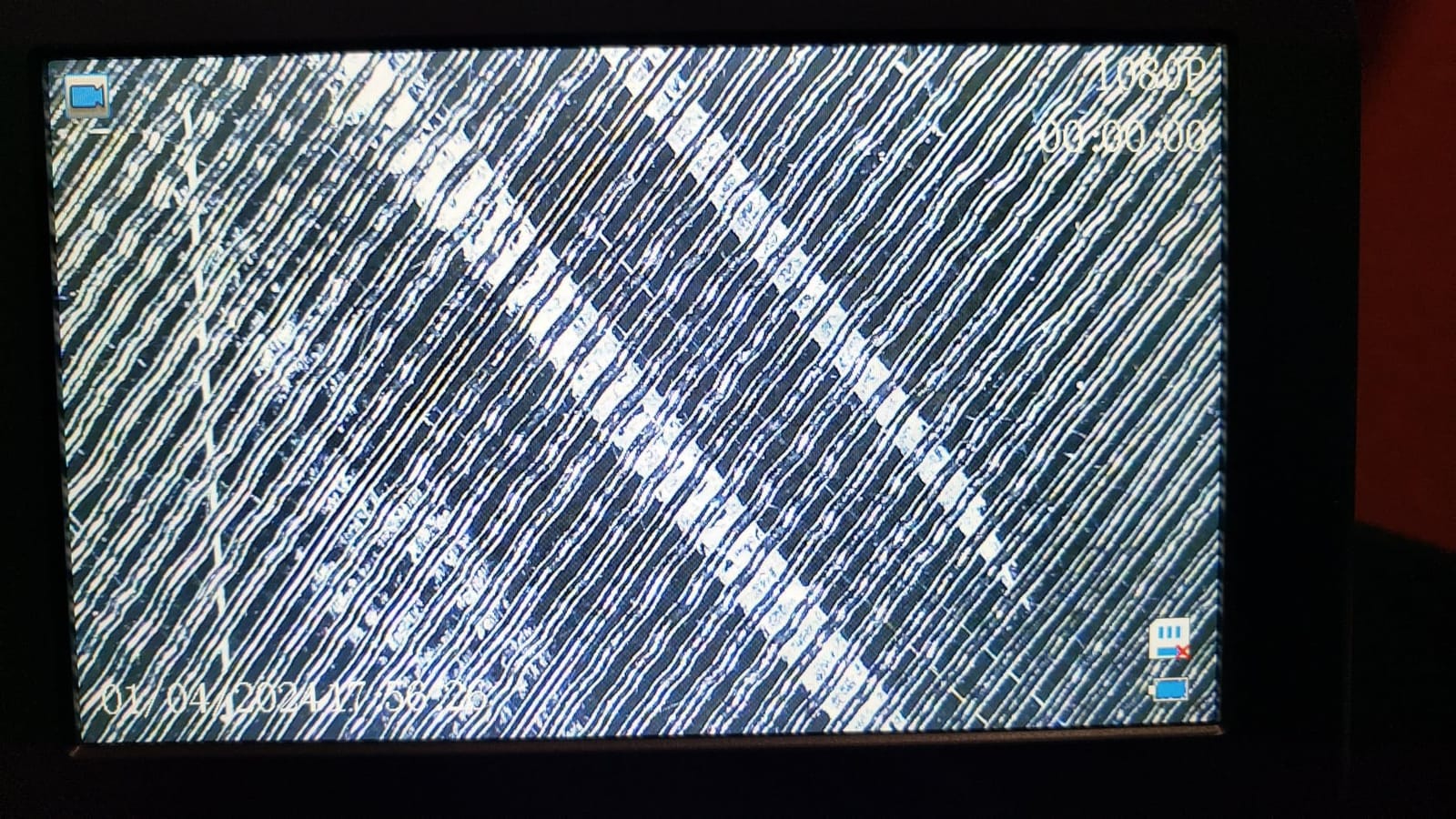
The 5 inch IPS display is smaller than the TOMLOV DM9 but has better color accuracy. Side-by-side, the Aikokkl’s colors looked more true-to-life on PCB solder joints, which matters when you’re inspecting for cold joints or oxidation.
Battery powered means I can unclamp and bring it to a different bench without finding an outlet. The 1080P PC camera mode also works for streaming repairs on Twitch or YouTube without any capture card.
Mounting and positioning
The C-clamp opens to about 2.5 inches, which fits most bench edges. The flexible gooseneck below the display lets me bend the camera into any angle. It holds position well but the gooseneck is the part I’d worry about long-term — repeatedly flexing any gooseneck eventually fatigues the metal.
The small ring light around the camera provides close-in illumination but I added a separate LED gooseneck lamp for solder joints to avoid glare. That’s a $15 add-on but worth it for serious work.
Who should buy it and who should skip it
Buy it if you solder frequently and want hands-free inspection at a bench. Skip it if you mostly do coin or stamp work, or if you prefer a flat tabletop stand.
What to Look for When Buying a USB Microscope
After testing all 10 of these units, the buying decision comes down to five factors: what you’ll inspect, where you’ll use it, your magnification needs, your platform, and your stand tolerance.
Match the microscope to your use case
Coin and stamp collectors do best with LCD-screen units in the 50x-200x range — the Elikliv EDM4 and TOMLOV DM4W are purpose-built for this. Electronics repair technicians need interchangeable lenses, HDMI output, and a working distance that fits a soldering iron — the Andonstar AD249S-M and AD246S-M are the right picks. Field workers who need wireless portability want a WiFi hotspot model like the SKYBASIC or Jiusion 4K.
Magnification claims versus real-world performance
Any USB microscope advertising 1000x or higher is mixing optical and digital zoom. True optical magnification tops out around 200x on most consumer units. Above that, the image gets softer as digital interpolation takes over. If you need real 1000x+ inspection, you want a model with interchangeable lenses, like the Andonstar units that include a dedicated high-magnification lens.
Resolution: 720P vs 1080P vs 4K
For casual hobby use and online sharing, 720P on the built-in screen is plenty. For documentation, content creation, or print-quality stills, 1080P is the minimum. 4K (3840×2160) on the Jiusion makes a real difference if you need fine detail in stills — but only when viewed on a 4K monitor or saved for later inspection.
Stand stability is the most overlooked factor
Every forum thread I read during testing mentioned stand wobble. Plastic bases tip under any meaningful pressure. Metal stands like the Jiusion 4K’s and the Andonstar models’ hold position. For soldering, a C-clamp or boom arm is even better than any rigid stand. Don’t buy a great sensor and then fight a flimsy stand every session.
Platform compatibility
Windows and macOS handle most USB microscopes natively. Linux is a mixed bag — some units work as standard UVC devices, others need proprietary drivers. ChromeOS support is improving but still inconsistent. Android phones work over USB-C with the right cable. iPhones require a Lightning adapter or the 4-in-1 cable the Mostanne ships with. If you switch between platforms, the Plugable USB2-MICRO-250X has the broadest driver support I tested.
Lighting and working distance
Adjustable LED ring lights are standard, but the number of LEDs, their angle, and whether they’re individually dimmable varies. For shiny surfaces (PCB solder, polished coins) individually adjustable LEDs help eliminate glare. Working distance — the gap between lens and subject — matters most for soldering. Anything under 2 inches of working distance at high magnification means no room for tools.
Frequently Asked Questions
Are USB microscopes worth buying?
Yes, for hobbyists, collectors, and electronics technicians, USB microscopes are worth buying in 2026. They deliver 50x to 2000x of useful magnification at a fraction of the cost of a traditional lab microscope, and most models are plug-and-play on Windows, macOS, and Android. The trade-offs versus lab microscopes are lower optical quality and no fine focus mechanism, but for inspection and documentation a USB microscope is the right tool.
Can a USB microscope see bacteria?
A standard USB microscope cannot clearly resolve individual bacteria because most consumer sensors top out around 200x of useful optical magnification and bacteria require 400x or more with proper slide preparation. Some units like the Andonstar AD249S-M and AD246S-M include a high-magnification lens rated up to 2040x, which can image prepared bacterial slides with staining. For unstained living bacteria, a compound lab microscope with 1000x oil immersion is still the right tool.
What is the best handheld digital microscope?
The best handheld digital microscope depends on the use case. For coins, jewelry, and casual inspection, the Elikliv EDM4 with its 4.3 inch screen is the most versatile pick. For soldering and electronics repair, the Andonstar AD249S-M with three interchangeable lenses and UHD HDMI output is the professional choice. For budget smartphone use, the Mostanne 1080P with its 4-in-1 USB cable is the best entry point.
What is the difference between digital and USB microscopes?
A digital microscope captures images with an electronic sensor and displays them on a built-in screen or external monitor, while a USB microscope is a digital microscope that specifically transmits its image to a computer or phone over a USB cable. All USB microscopes are digital microscopes, but not all digital microscopes are USB — some use HDMI, WiFi, or standalone screens. USB models depend on a host device for display, while standalone digital microscopes have their own integrated screen and can operate without a computer.
Final Verdict
After three months of testing the best USB microscopes on real workbenches, the Elikliv EDM4 is the one I’d still buy first. The 4.3 inch screen, 720P sensor, and adjustable LEDs cover the widest range of casual inspection jobs without forcing me to fire up a laptop. For soldering and electronics, the Andonstar AD249S-M is worth the premium, and the TOMLOV DM4W is the smartest pick if you collect coins because it adds a real precision scale to the package.
Pick the unit that matches your actual bench, not the one with the highest spec sheet. A 4K sensor on a wobbly plastic stand is more frustrating than a 720P sensor on a solid metal base. Whatever you choose, the best USB microscopes in 2026 have never been more capable or more affordable.